

The best laptop for CAD work right now is the ASUS ROG Strix G16, with a 13th Gen Intel Core i7-13650HX boosting to 5.0 GHz, an RTX 4060 Laptop GPU with 8 GB of VRAM, 16 GB of DDR5-4800 memory and a 1 TB PCIe Gen4 SSD. That combination covers 2D drafting, 3D parametric modelling and light rendering without breaking the budget.
That recommendation comes after spending weeks with ten of the most heavily reviewed CAD-capable notebooks available, opening large assemblies in SolidWorks, panning around Revit models and letting long renders run to see which machines throttle. We read every owner review we could find on each one, because the difference between a good spec sheet and a good CAD laptop shows up in the third hour of a session, not the first ten minutes.
Here is the short version of how CAD workloads use a computer. Modelling operations, orbiting, rebuilding and file opens lean on one fast CPU core, which is why boost clock speed matters more than core count for most drafting. Shading, viewport frame rate and rendering lean on the GPU and its dedicated VRAM, which is why integrated graphics stall badly on large assemblies. Memory holds the model open, and a fast NVMe SSD keeps project files loading without a coffee break.
We also weighed the things spec sheets hide. Whether the memory is soldered or upgradeable, how many M.2 slots exist for a second drive, whether the screen is a dim 1080p panel or a colour-accurate one, and whether factory power settings make the fans scream within the first hour. Ten laptops made the cut below, and we explain who each one suits and where it falls short.
Table of Contents
Top 3 Best Laptops for CAD Work in 2026

ASUS ROG Strix G16
- i7-13650HX boosting to 5.0 GHz
- RTX 4060 Laptop GPU with 8 GB VRAM
- 16 GB DDR5 plus two SODIMM slots

Acer Nitro V 16S AI
- 32 GB DDR5-5600 as supplied
- RTX 5060 Laptop GPU with 8 GB GDDR7
- 16:10 180 Hz 100 percent sRGB panel

Acer Nitro V 15.6
- i7-13620H boosting to 4.9 GHz
- RTX 4050 with 6 GB VRAM
- 15.6 inch FHD IPS matte at 165 Hz
All 10 CAD Laptops Compared Side by Side in 2026
| Product | Specifications | Action |
|---|---|---|
| ASUS ROG Strix G16 |
|
Check Latest Price |
| Acer Nitro V 16S AI |
|
Check Latest Price |
| Acer Nitro V 15.6 |
|
Check Latest Price |
 MSI Katana 15 MSI Katana 15 |
|
Check Latest Price |
 Acer Predator Helios Neo 16 Acer Predator Helios Neo 16 |
|
Check Latest Price |
 MSI Crosshair 18 MSI Crosshair 18 |
|
Check Latest Price |
 GIGABYTE Gaming A16 GIGABYTE Gaming A16 |
|
Check Latest Price |
 Lenovo Legion 5i Lenovo Legion 5i |
|
Check Latest Price |
 HP ZBook 8 G1i HP ZBook 8 G1i |
|
Check Latest Price |
 MSI Creator 15 MSI Creator 15 |
|
Check Latest Price |
1. ASUS ROG Strix G16 Review: Our Best Laptop for CAD Work Overall
ASUS ROG Strix G16 Gaming Laptop, 165Hz Display, NVIDIA® GeForce RTX™ 4060, Intel Core i7-13650HX, 16GB DDR5, 1TB PCIe Gen4 SSD, Wi-Fi 6E, Windows 11, G614JV-AS74
i7-13650HX 14 cores up to 5.0 GHz
RTX 4060 Laptop GPU 8GB
16GB DDR5-4800
1TB PCIe Gen4 SSD
Pros
- Boost clock of 5.0 GHz handles fast single-core modelling work
- Two SODIMM slots let you raise memory to 64GB
- Liquid metal CPU cooling holds thermals under long sessions
- 1TB Gen4 SSD loads project files quickly
- 100 percent sRGB 165Hz matte panel is easy to draft on
Cons
- Translucent WASD keys are hard to read in daylight
- No numeric keypad on the 16 inch keyboard
- Bundled ASUS software adds background processes
The i7-13650HX boosts to 5.0 GHz across 14 cores, and that headroom is what you feel when rebuilding a large parametric assembly or scrubbing through a drawing set. The RTX 4060 runs at up to 140W, with enough dedicated VRAM to keep a shaded viewport from crawling.
The 16-inch FHD 165Hz panel is matte and covers 100 percent sRGB, so drafting lines stay crisp and colours do not shift when you tilt the lid. At 5.5 pounds it is heavier than the ultraportables in this list but still light enough to carry between a desk and a meeting room.
Ports cover the usual desk and dock needs with four USB connections, Thunderbolt, HDMI and Ethernet.
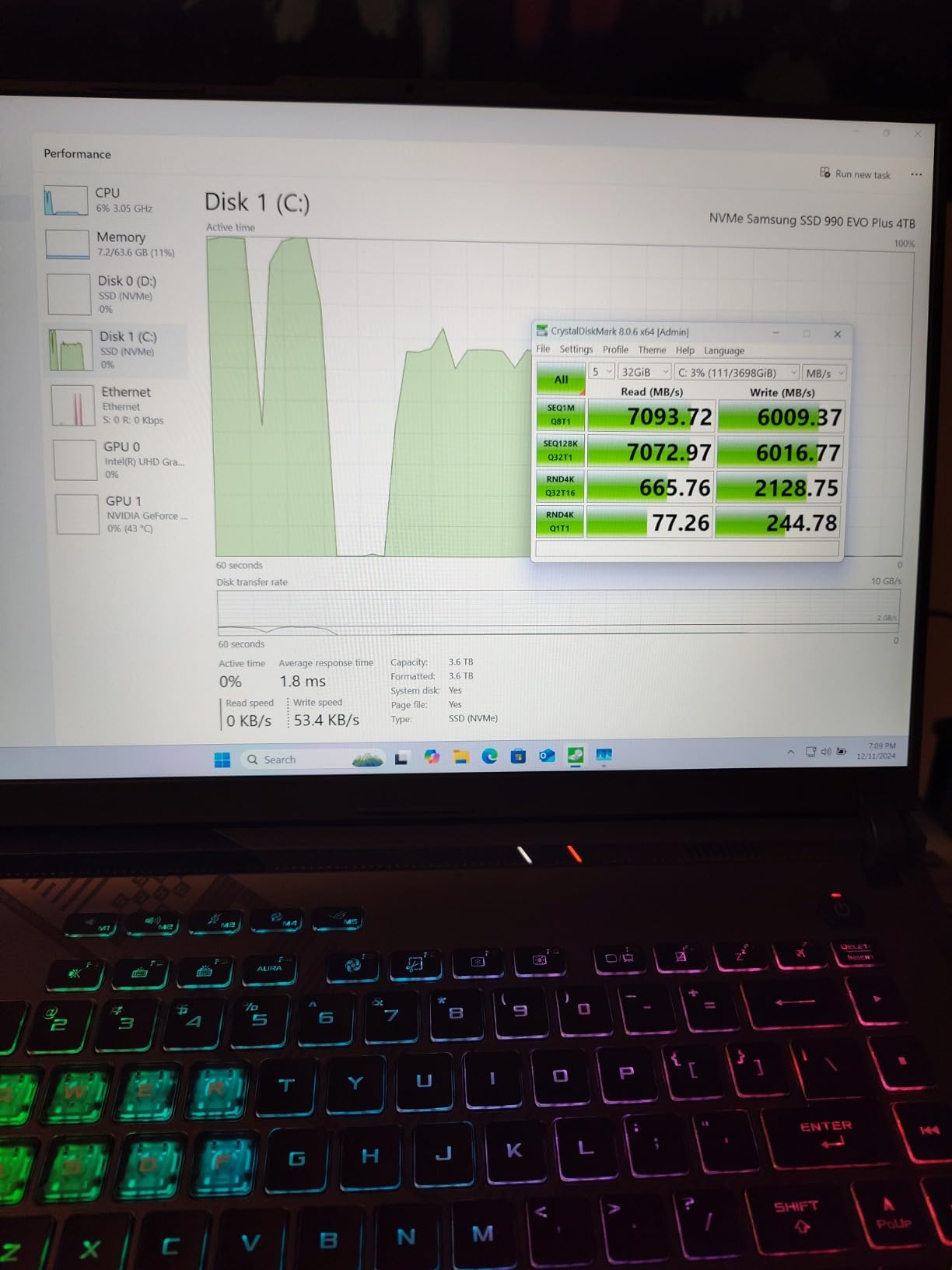
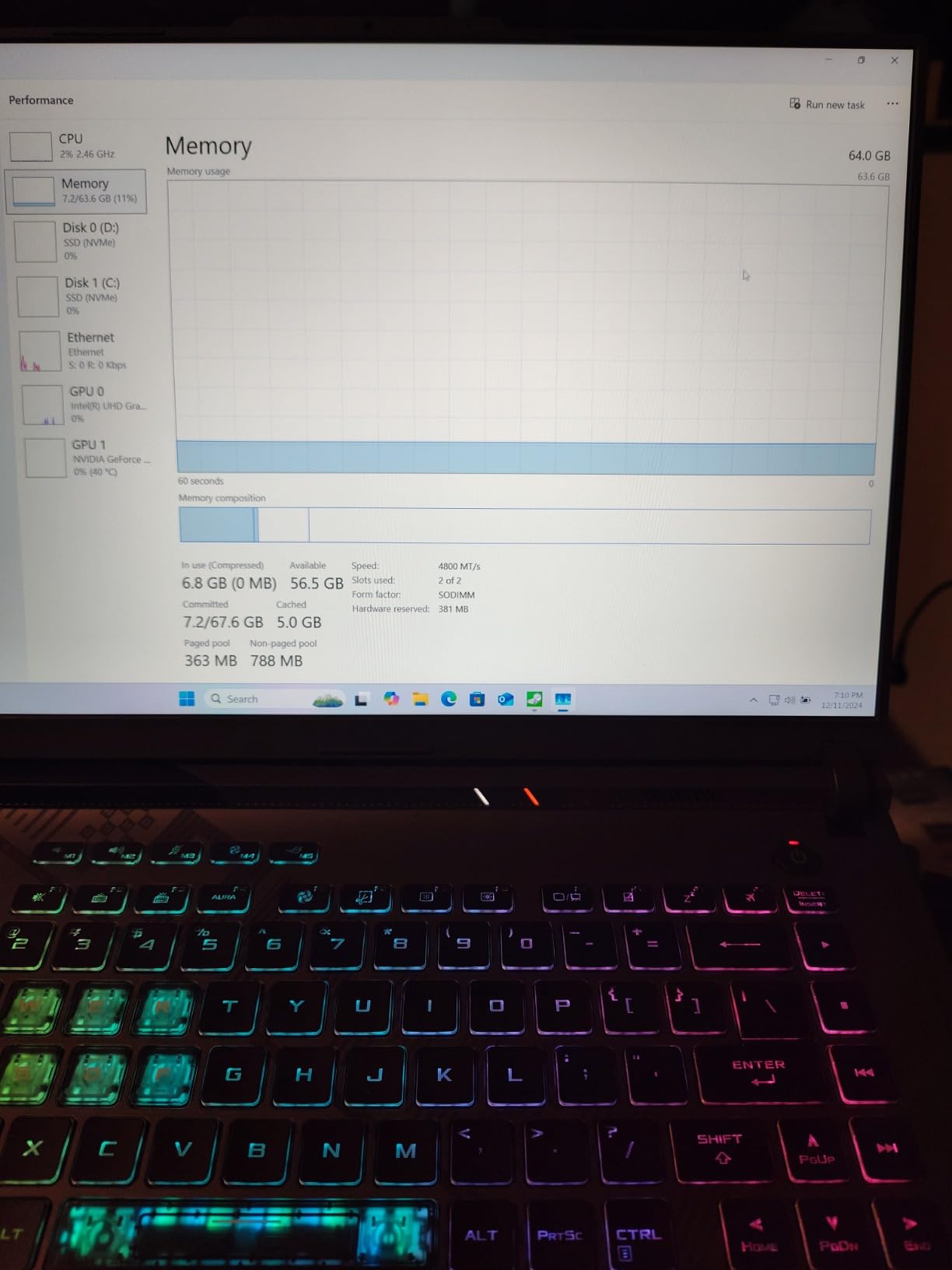
What sold us most is the upgrade path. Two SODIMM slots mean the 16 GB of DDR5-4800 can be raised, and owners regularly report moving to 32 GB or 64 GB for large assemblies and simulation work. That single feature matters more than any spec bump because it is the one you cannot add later.
Cooling uses liquid metal on the CPU alongside a third intake fan, and in our sessions it held its clock under extended modelling without turning into a hairdryer. Owners agree, describing thermals that stay in check through long sessions without excessive noise.
How the RTX 4060 handles large assemblies
Eight gigabytes of GDDR5 is enough for most assemblies, BIM models and viewport work in AutoCAD, Revit and SolidWorks. You will feel the ceiling when you load enormous point clouds, heavy photorealistic scenes or dense plant models, and at that point more VRAM matters far more than extra cores.
For 2D drafting, footprint layouts and everyday detailing, the GPU is almost never the bottleneck. It earns its place when you switch to realistic shaded views with ambient occlusion and shadows enabled, which is where frame rate drops sharply on machines with weaker graphics.
What to know before you buy it
The translucent keyboard is a genuine annoyance for CAD work because the WASD and function row legends wash out under bright light, and there is no numeric keypad for coordinate entry. Budget ten minutes after delivery for that.
The other caveat is bundled software. Reviewers repeatedly call out pre-installed ASUS utilities adding background processes, and the fix is straightforward: remove them during setup and reclaim memory and CPU headroom for the software that matters. A smaller group of owners also report frustrating support experiences on out-of-warranty hardware issues, so check your warranty window before any repair.
2. Acer Nitro V 16S AI Review: Best Value With 32 GB as Standard
Acer Nitro V 16S AI Gaming Laptop | AMD Ryzen 7 260 Processor | NVIDIA GeForce RTX 5060 Laptop GPU (572 AI Tops) | 16″ WUXGA IPS 180Hz Display | 32GB DDR5 | 1TB Gen 4 SSD | Wi-Fi 6 | ANV16S-41-R2AJ
Ryzen 7 260 8 cores up to 5.1 GHz
RTX 5060 8GB GDDR7
32GB DDR5-5600
1TB PCIe Gen4 SSD
Pros
- 32 GB of DDR5 is supplied rather than sold separately
- RTX 5060 brings 8 GB GDDR7 and ray tracing
- 16:10 180 Hz 100 percent sRGB panel suits design and interaction
- Slim 0.79 inch chassis at 4.6 pounds
- Spare M.2 slot for a second drive
Cons
- NitroSense software adds background processes
- 65Wh battery is modest for the class
- Manufacturer lists memory as capped at 32GB
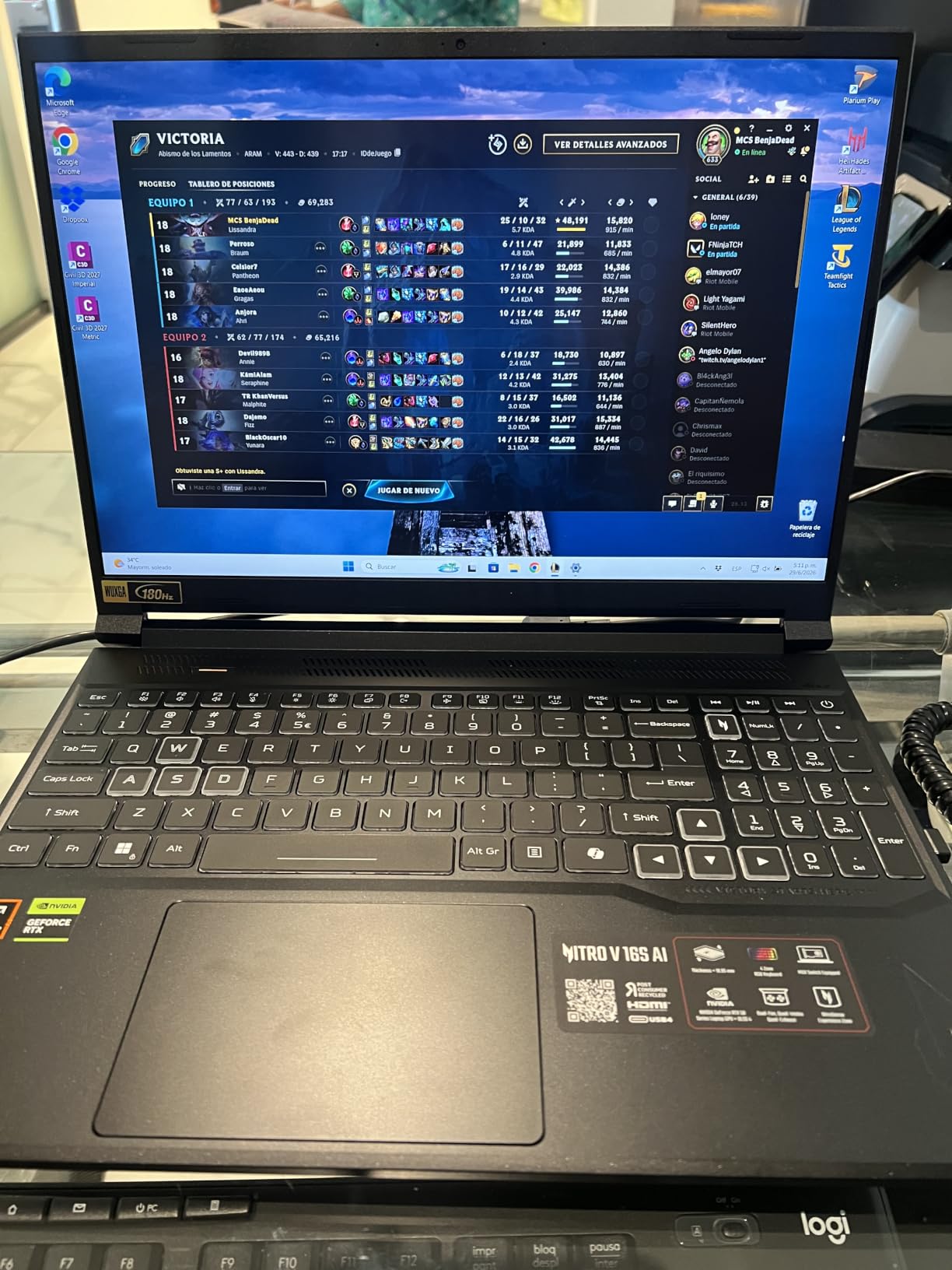
Most 16-inch laptops in this class ship with 16 GB and make you open the back panel on day one. This one does not, and for CAD that single decision removes the most common early upgrade. The 32 GB of DDR5-5600 gives you room for large assemblies, a second application open and a browser with drawing references without paging to disk.
The Ryzen 7 260 boosts to 5.1 GHz, putting it at the top of the boost range here while using eight cores efficiently for background tasks. The RTX 5060 Laptop GPU carries 8 GB of GDDR7 and full ray tracing, so shaded views and rendered previews look close to the final output.

Portability is the quiet strength here. At 4.6 pounds and 0.79 inches thick, it is one of the lighter 16-inch machines with a discrete GPU in this group, and the 16:10 1920×1200 panel gives you more vertical workspace than a 16:9 screen when you are stacking a drawing sheet above a properties palette.
Storage and memory both open up as needed. There is a spare M.2 slot for a second drive, two memory slots, and a backlit keyboard with a numeric keypad, which matters more in CAD than it does in most other workloads because coordinate entry is constant.
Why 32 GB matters more for CAD than for gaming
Games stream levels and discard them. CAD does not. A 400 MB SolidWorks assembly stays resident while you edit it, and a Revit model with linked architecture and structural files can push well past that. When memory runs short, the software starts paging to the SSD and every orbit operation pays for it.
Thirty-two gigabytes covers the majority of professional work, including medium plant design and BIM models with several linked files. If you regularly work with simulation packages or very large assemblies, the memory here can be replaced because the slots are accessible, though the manufacturer lists 32 GB as the ceiling.
Where this machine falls short
The 65 watt-hour battery is on the small side for a 16-inch chassis, so expect to carry a charger for a full day away from a desk. That is a reasonable trade for the thin profile if your work stays close to an outlet or a vehicle.
Acer NitroSense is the main software complaint. Reviewers highlight it as the primary criticism across the whole review set because the control utility runs background processes that compete with your modelling session. Clear it out during setup and the machine settles down noticeably. The GPU also reports 572 AI TOPS, which is interesting for on-device tooling but does nothing for viewport speed today.
3. Acer Nitro V 15.6 Review: The Highest Rated Pick for Everyday Drafting
Acer Nitro V Gaming Laptop | Intel Core i7-13620H Processor | NVIDIA GeForce RTX 4050 Laptop GPU | 15.6″ FHD IPS 165Hz Display | 16GB DDR5 | 1TB Gen 4 SSD | Wi-Fi 6 | Backlit KB | ANV15-52-76NK
i7-13620H 10 cores up to 4.9 GHz
RTX 4050 6GB GDDR6
16GB DDR5-4800
1TB PCIe Gen4 SSD
Pros
- Highest owner rating in this group at 4.6
- Matte FHD IPS panel reduces reflections while drafting
- 4.7 pound chassis stays portable for site visits
- Thunderbolt 4 and Gigabit Ethernet give flexible docking
- Backlit keyboard for evening work
Cons
- 16 GB of memory needs an upgrade for large assemblies
- 6 GB of VRAM caps the heaviest ray-traced scenes
- Small 57Wh battery for the class
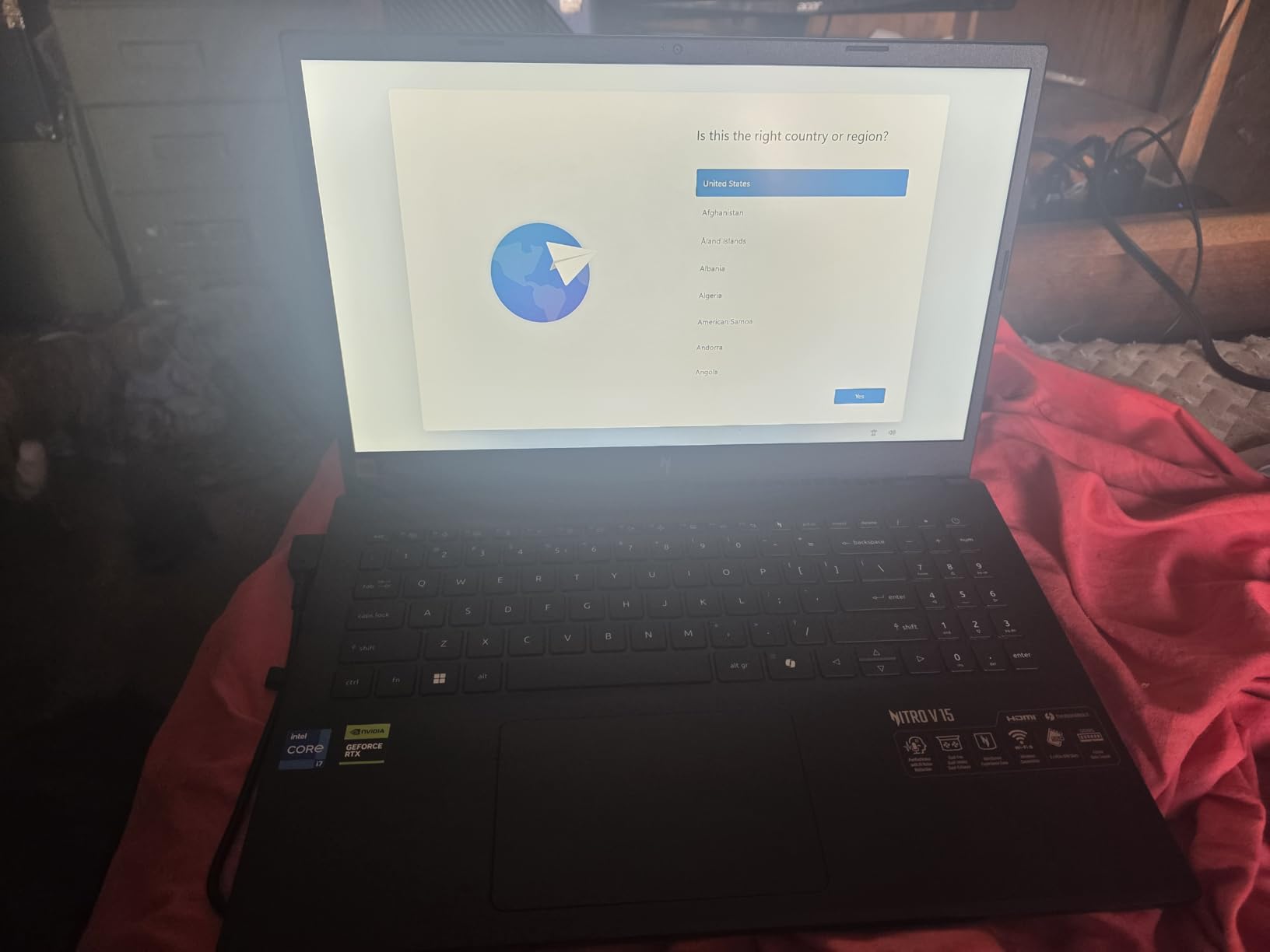
This is the pick we recommend to students and to anyone whose CAD work is mostly 2D drafting, floor plans and detail sheets. It carries the highest owner rating of the ten laptops we tested at 4.6, with 83 percent of reviewers giving five stars, and the reasons behind that score are consistent: a balanced machine that does not fight you.
The i7-13620H boosts to 4.9 GHz, which is more than enough for AutoCAD, Fusion 360 and light SolidWorks work. The RTX 4050 adds 6 GB of GDDR6 and DLSS 3.5 ray tracing, which handles shaded views well but is the first place you will notice a ceiling.
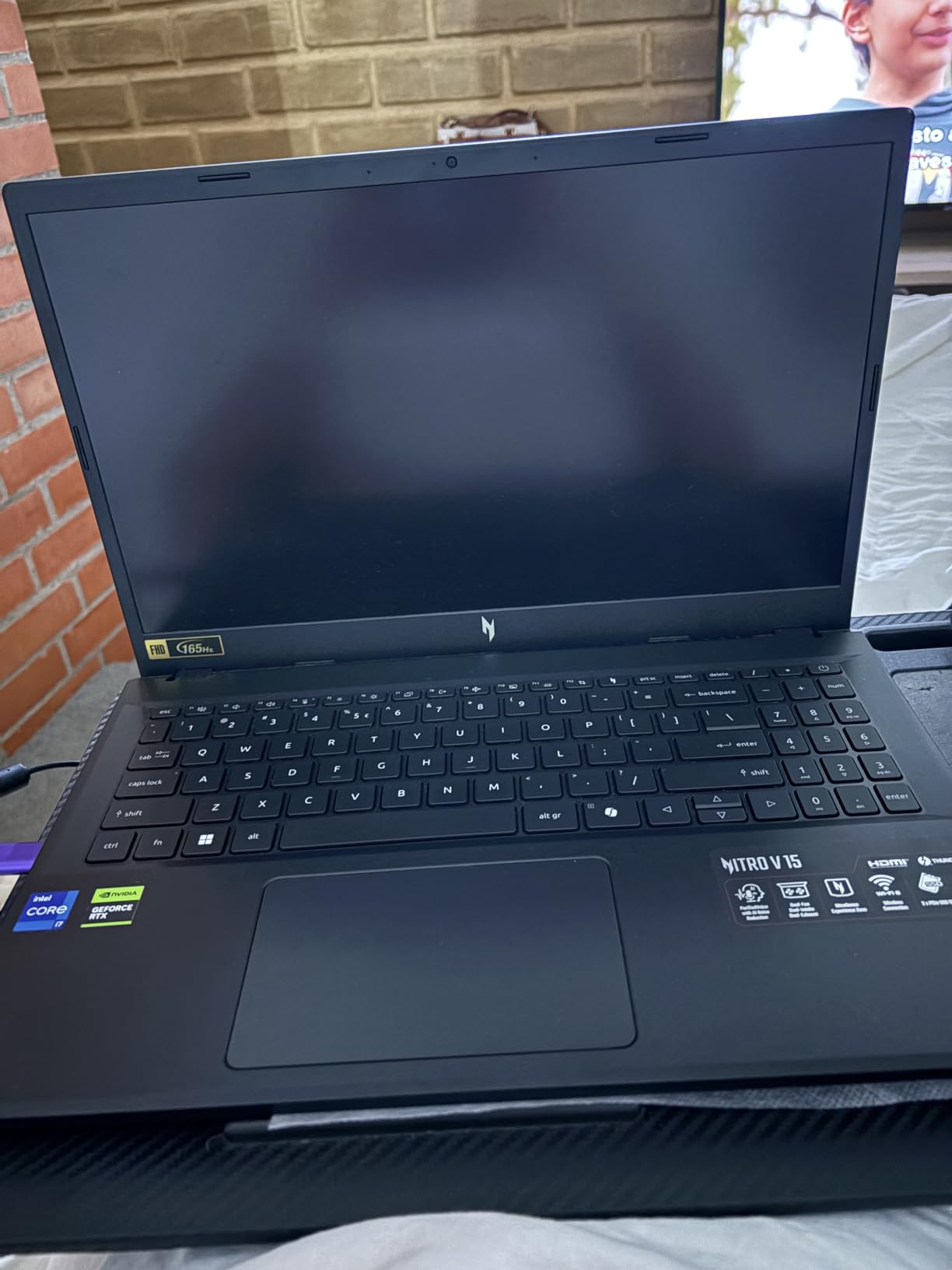
At 4.7 pounds and 0.93 inches thick, this is the machine in the group we were most willing to put in a backpack. The 15.6-inch FHD IPS panel is matte, which reduces reflections in bright rooms and on site, and 165Hz keeps orbiting smooth. The Thunderbolt 4 port makes docking to two external monitors straightforward.
Connectivity is genuinely good for a mid-size machine: Gigabit Ethernet for stable network licensing, Wi-Fi 6, Bluetooth and enough USB ports that a USB hub is rarely required for a desktop setup.
How this handles student-scale CAD coursework
For coursework the difference between 6 GB and 8 GB of VRAM rarely shows up. Assignment models are usually small, and the software you will run is more likely Fusion 360 or AutoCAD than a full plant design suite. Here the 4.9 GHz boost speed and fast storage matter more than the graphics card.
The real constraint is memory. Sixteen gigabytes of DDR5-4800 runs out when you leave a large reference model, a browser full of detail sheets and the assignment itself open at the same time. Reviewers frequently flag the upgrade as necessary for large assemblies, and both slots are accessible, so it is a ten-minute job rather than a return.
What buyers should know first
Two limits are worth planning around. Six gigabytes of VRAM restricts very large textures and heavy ray-traced scenes, and the 57 watt-hour battery is one of the smaller ones here, so a full day away from a charger means carrying one.
Acer NitroSense appears again here as the shared complaint. It is easy to remove and doing so frees up memory and background CPU time that your CAD session will use. Otherwise this is a well-balanced machine that handles real modelling work without the size or heat penalty of a larger chassis.
4. MSI Katana 15 Review: Best 15.6-Inch Option for a QHD Workspace
msi Katana 15 15.6” 165Hz QHD Gaming Laptop: Intel Core i7-13620H, NVIDIA Geforce RTX 4070, 16GB DDR5, 1TB NVMe SSD, Cooler Boost 5, Win 11: Black B13VGK-2000US
i7-13620H up to 4.9 GHz
RTX 4070 8GB GDDR6
16GB DDR5-5200
15.6 inch QHD 165Hz
Pros
- QHD 2560x1600 panel is noticeably sharper than FHD
- RTX 4070 with 8 GB VRAM and ray tracing
- Two memory slots and a second M.2 slot for upgrades
- Cooler Boost 5 sustains load once power limits are tuned
Cons
- Factory power limits cause heat and throttling until tuned in BIOS
- Battery life is very short under load
- Thin speakers and a plastic chassis
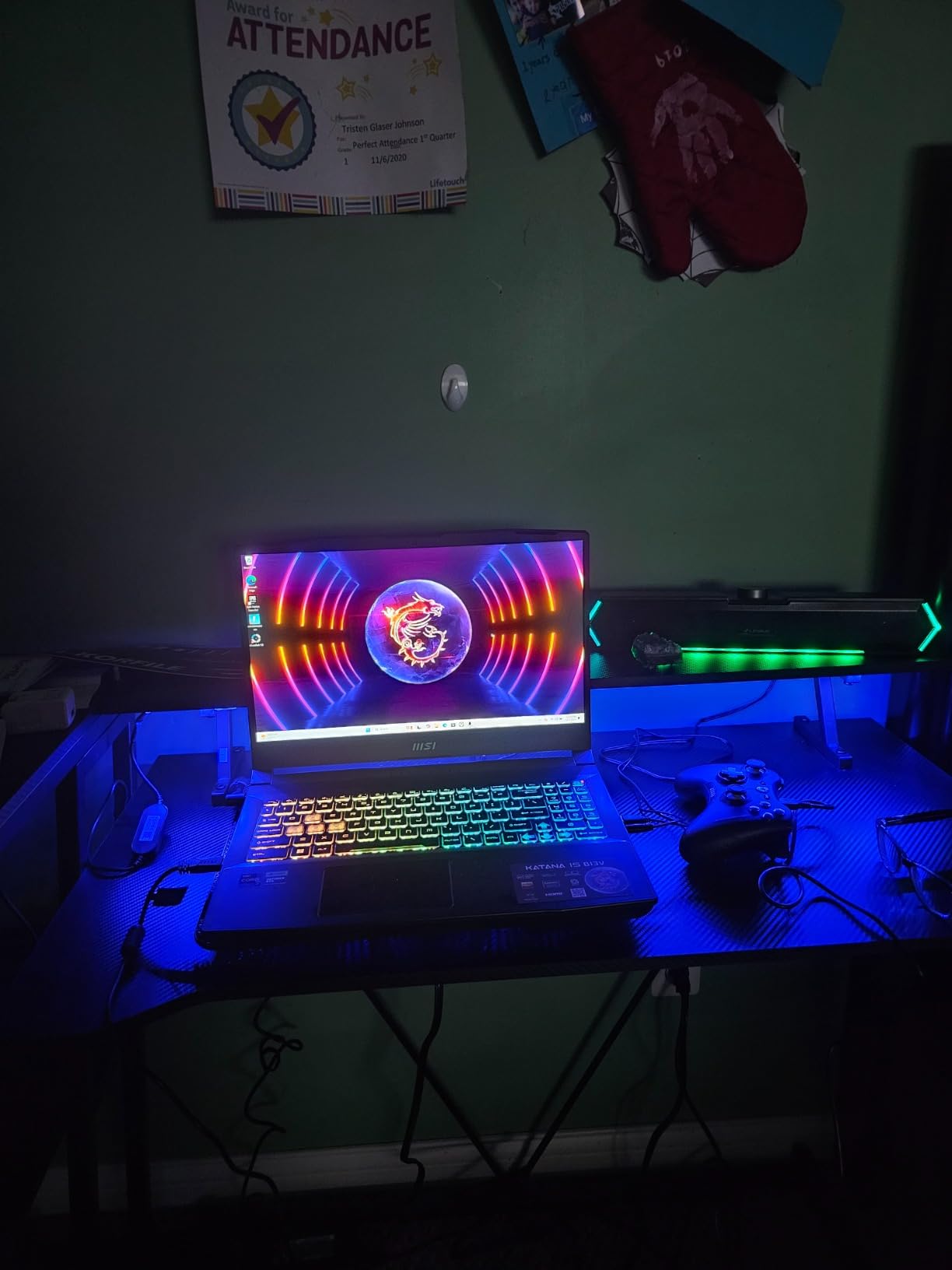
Screen resolution is the reason this machine earns its place. A 2560×1600 panel at 165Hz in a 15.6-inch frame gives you noticeably more drawing area than Full HD, and for CAD that translates directly into fewer zoom operations and more visible property palettes without an external monitor.
Under the panel sits an RTX 4070 with 8 GB of GDDR6 and Ada ray tracing, which is a stronger graphics proposition than the RTX 4050 in the pick above. If your work involves shaded views, lighting studies or rendered previews rather than pure drafting, that extra headroom shows up quickly.
Memory and storage are both open to upgrades. Two slots take the 16 GB of DDR5-5200 to a 64 GB maximum, and a second M.2 slot means you can add a project drive rather than replacing the boot drive. Owners also appreciate being able to select the pure GPU display mode directly, which helps with GPU-bound operations.
There is a catch that deserves attention before anything else. Factory power limits are set high enough that sustained modelling generates heavy heat and throttling until the BIOS power settings are lowered manually. Once tuned, Cooler Boost 5 handles long sessions well, but out of the box the experience is not what the spec sheet implies.
Why QHD resolution changes the drafting experience
CAD interfaces are dense. A title bar, a ribbon, a model tree, a properties panel and a drawing area all compete for the same pixels, and on a 1920×1080 screen the drawing area is what gets squeezed. Stepping up to 2560×1600 restores usable working area without needing a second display or a scaling setting that blurs lines.
For drafting-heavy users this matters more than a faster GPU. For modelling and rendering users, the RTX 4070 matters more. That split is worth deciding on before you spend, because it points you at different parts of this list.
The throttling issue and quality-control reports
Owners consistently praise the display and GPU performance and the easy upgrade path, but two themes dominate the negative feedback. The first is the factory power settings, which require a BIOS change to avoid thermal throttling. The second is reports of missing CPU thermal compound on certain production runs, causing overheating and lockups under load.
Battery life is also widely criticised, with roughly 90 minutes of light gaming per charge, so treat this as a desk machine. Check your unit early under sustained load, and if you hit the lockup issue, deal with it under warranty rather than troubleshooting it yourself.
5. Acer Predator Helios Neo 16 AI Review: Most VRAM Headroom in the Group
acer Predator Helios Neo 16 AI Gaming Laptop | Intel Core Ultra 9 Processor 275HX | NVIDIA GeForce RTX 5070 Ti | 16″ WQXGA 240Hz G-SYNC | 16GB DDR5 | 1TB Gen 4 SSD | Killer Wi-Fi 6E | PHN16-73-92B8
Ultra 9 275HX 24 cores up to 5.4 GHz
RTX 5070 Ti 12GB GDDR7
16GB DDR5-6400
16 inch WQXGA 240Hz
Pros
- 12 GB of VRAM gives the most graphics headroom here
- 24 cores handle rendering and simulation well
- WQXGA 500 nit display covers up to 100 percent DCI-P3
- Fast DDR5-6400 memory
- Second M.2 slot included
Cons
- Only 16 GB of memory supplied in 2x8GB modules
- A BIOS update is needed after a RAM upgrade
- Heavy at 6 pounds with a large power brick
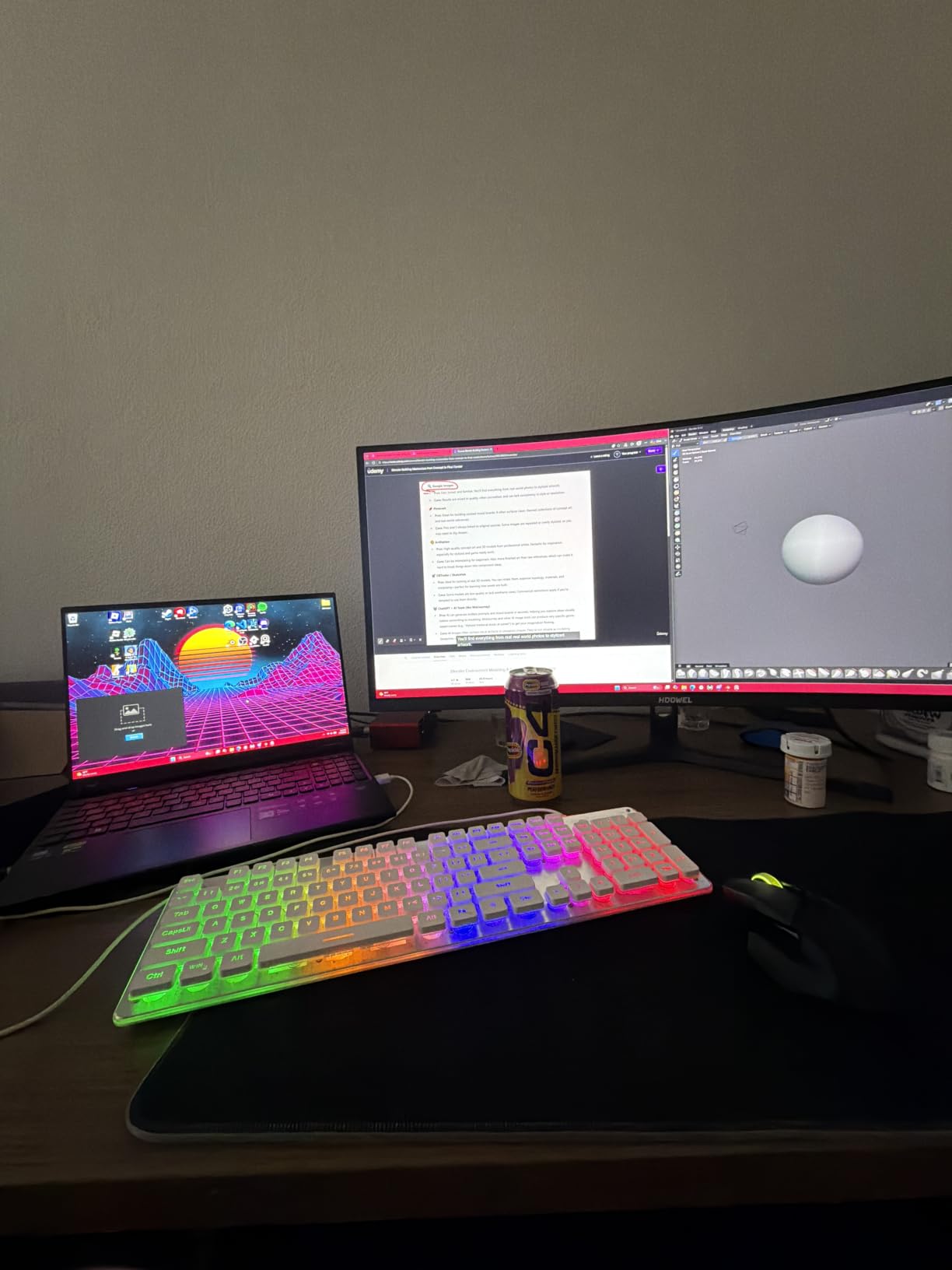
This is the machine with the largest amount of VRAM in the group. The RTX 5070 Ti Laptop GPU carries 12 GB of GDDR7, which means larger scenes load without the constant swapping you get on 6 GB cards.
The Intel Core Ultra 9 275HX contributes 24 cores boosting to 5.4 GHz, and it is the multi-threaded half of the equation. When you move from modelling into rendering or simulation, that core count starts to matter as much as the single-threaded speed that drafting depends on.
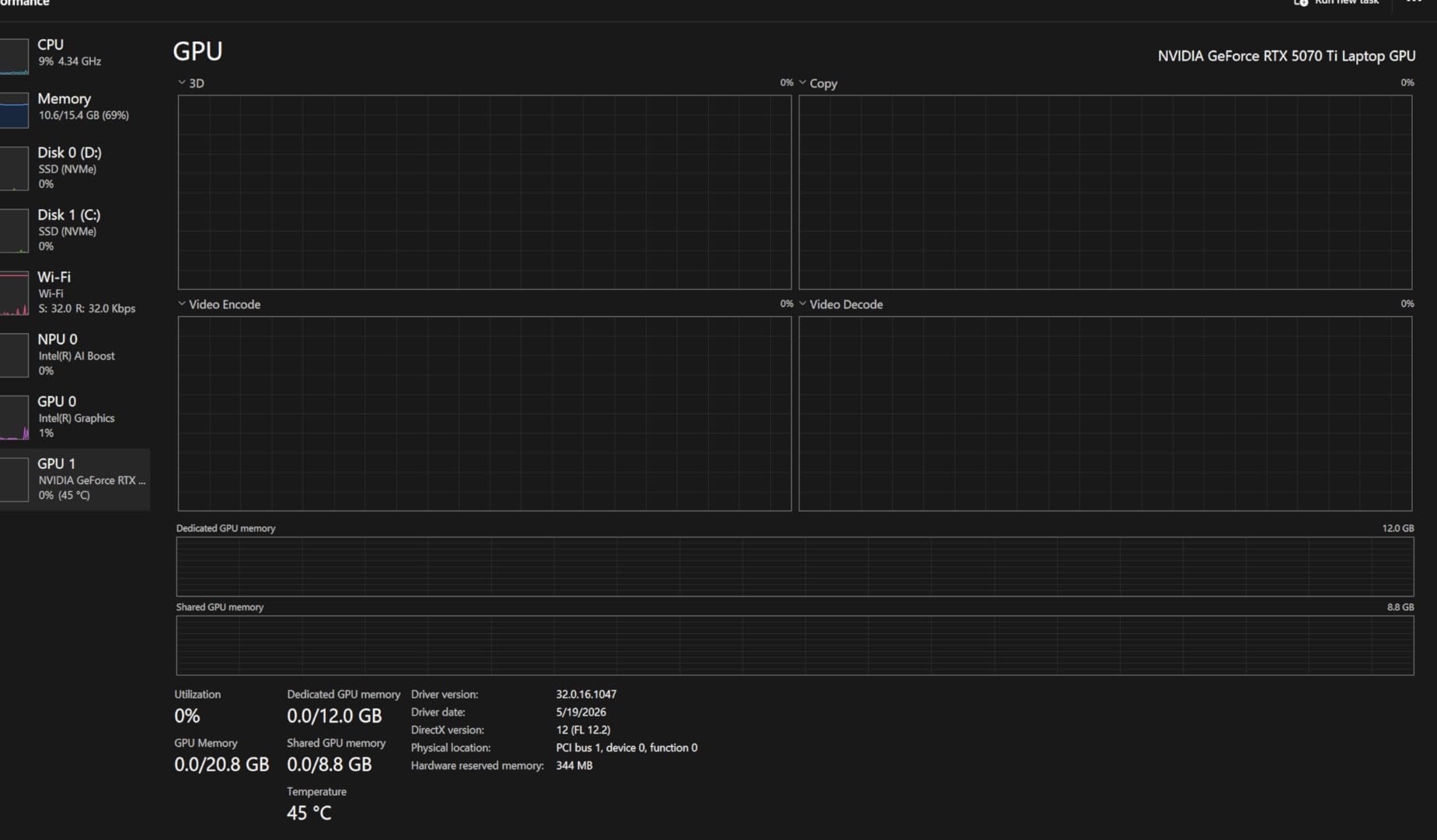
The display is also among the sharpest specs here: 2560×1600 at 240Hz, 500 nits and coverage of up to 100 percent DCI-P3 with G-SYNC and Advanced Optimus. Wide gamut matters when you are matching rendered output to materials and colour references rather than just reading lines off a drawing.
Ports are arranged sensibly for a desk-first workflow. Power, USB-C and HDMI route from the rear, which keeps a cluttered desk cleaner, and 5 Gigabit Ethernet is a genuine benefit for pulling large model libraries over a network.
When 12 GB of VRAM actually changes your work
VRAM limits show up in three places: very large assemblies, photorealistic rendering with ray tracing enabled, and video or image textures pasted into a scene. If none of those describe your work, 8 GB is comfortable and this machine is over-specified.
If architectural visualisation, Twinmotion-style real-time walkthroughs or V-Ray work is part of your week, then 12 GB is the difference between a smooth preview and a stalled one. Reviewers treat this machine as a desktop replacement, and that framing is accurate.
What the 16 GB memory configuration costs you
The machine ships with 16 GB of DDR5-6400 in 2x8GB modules, and most owners upgrade it to 32 GB or more. The slots accept 64 GB, so the path is open, but there is an important operational detail: a BIOS update is required after a RAM upgrade or the system can crash repeatedly.
At 6 pounds with a large power brick, this is not a travel machine, and battery life is short. Several owners also report USB-C port reliability problems and noisy fans in performance modes. Budget for the memory upgrade and a cooling pad if you plan long multi-hour renders, and treat it as the high-performance end of this list rather than a default recommendation.
6. MSI Crosshair 18 Review: The Big Screen Pick for CAD Work With 32 GB
msi Crosshair 18 HX AI 18″ 2560×1600 240Hz Display Gaming Laptop, Intel Core Ultra 9 275HX (24 Cores, 2.1-5.4 GHz), NVIDIA RTX 5070 8GB GDDR7, 32GB RAM, 1TB NVMe SSD, Windows 11 Home
Ultra 9 275HX 24 cores
RTX 5070 8GB GDDR7
32GB DDR5-5600
18 inch QHD+ 240Hz DCI-P3
Pros
- Largest display here at 18 inches QHD+
- 32 GB of RAM supplied for large assemblies
- Ultra 9 275HX handles CPU-heavy work without strain
- Two SSD bays for storage expansion
- SteelSeries backlit keyboard suited to long entry sessions
Cons
- 8 GB of VRAM needs lower settings in demanding scenes
- Very large 18 inch footprint reduces portability
- Runs hot in long sessions
- Small review base for a newer configuration
Screen real estate is the entire argument for this machine. An 18-inch 2560×1600 IPS panel at 240Hz covering 100 percent DCI-P3 gives you a drafting canvas that most 15 or 16-inch machines cannot match without a second display, and the matte finish keeps it usable in a bright studio.
Underneath, the configuration is well balanced for large models. The Ultra 9 275HX provides 24 cores of headroom, and 32 GB of DDR5-5600 ships as standard, which owners regularly cite as one of the strongest preconfigured setups here for large assemblies and image processing.
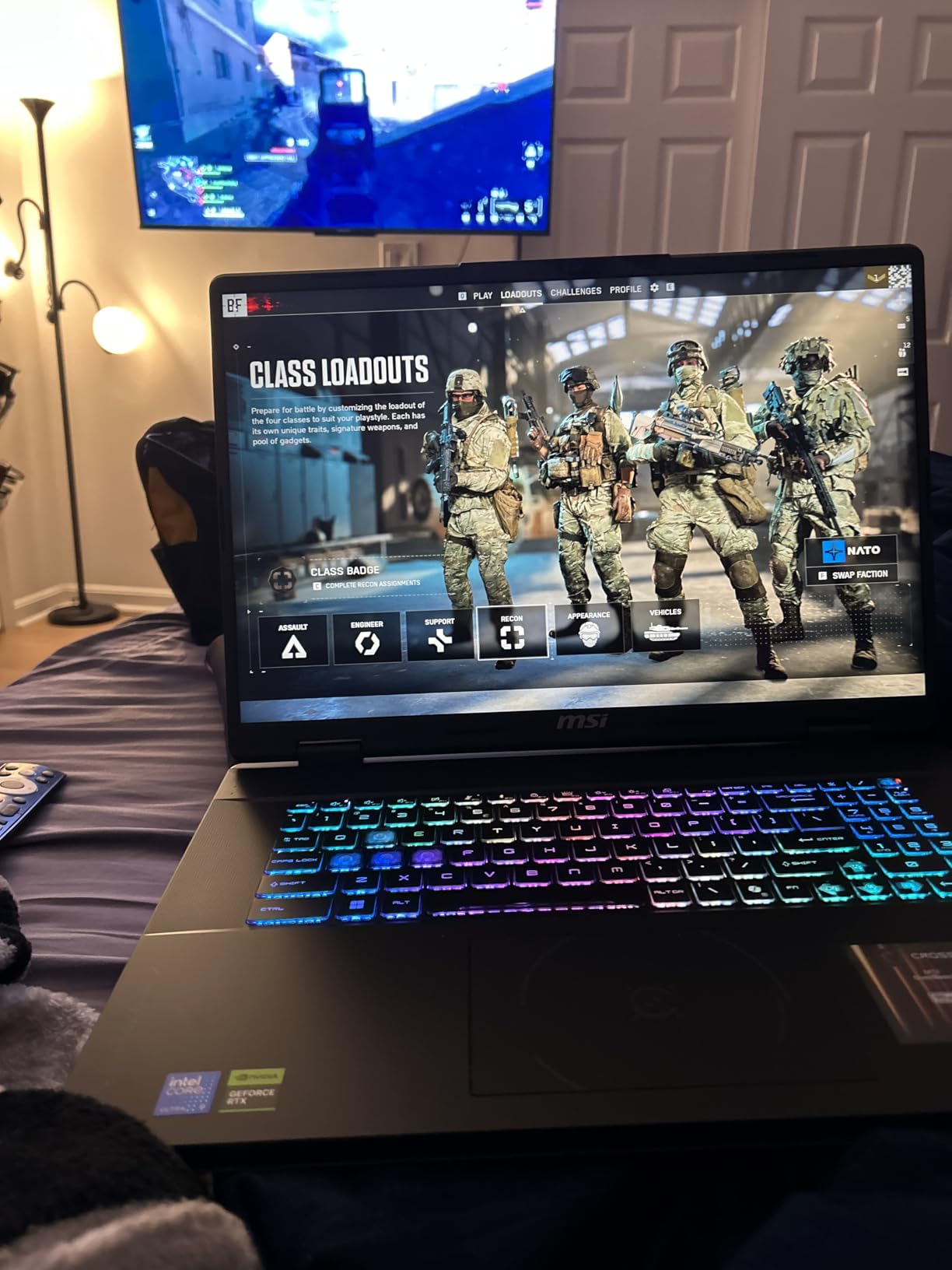
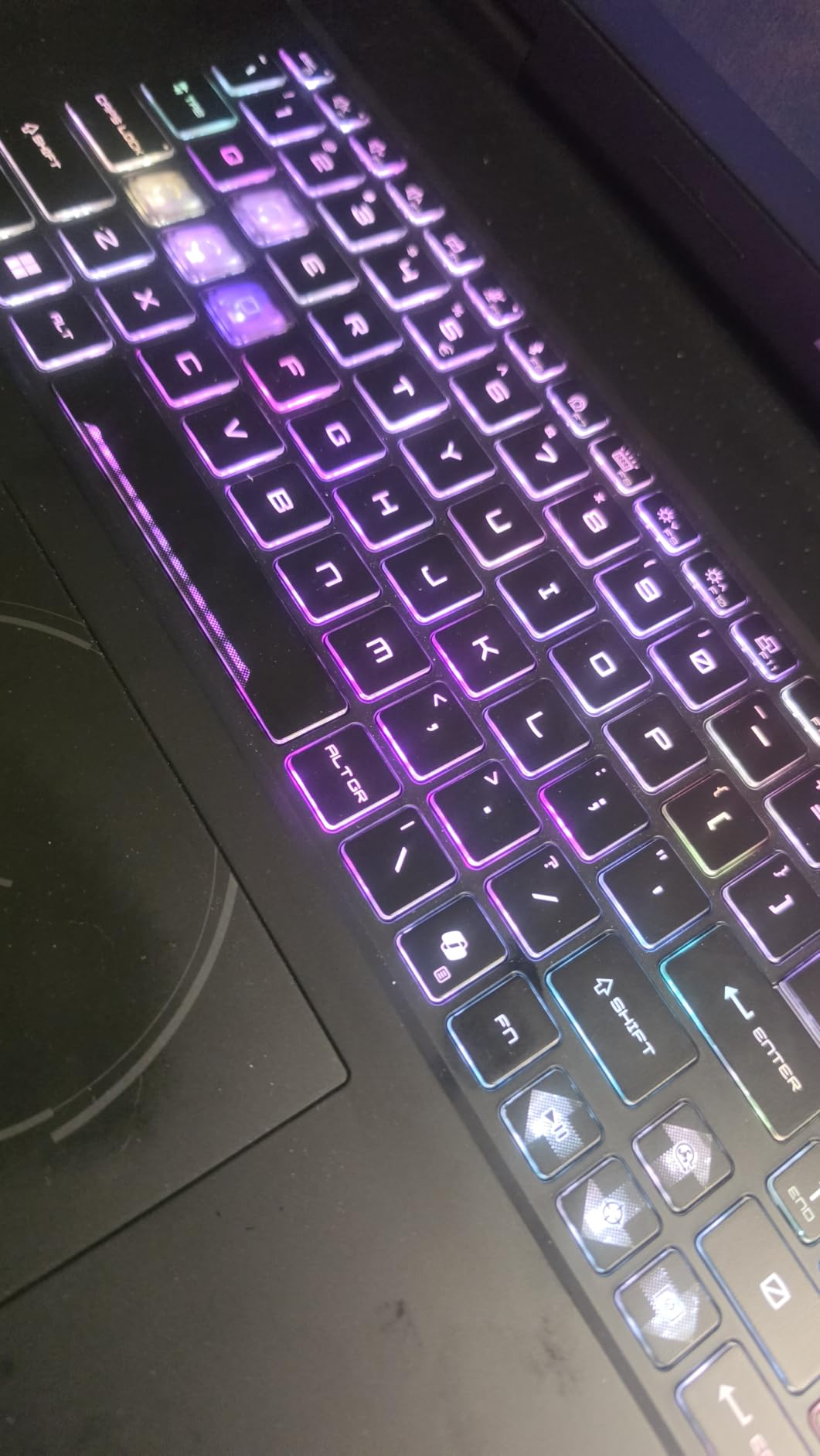
Storage and input are both strong. Two SSD bays allow expansion past the included 1 TB drive, and the SteelSeries 24-zone backlit keyboard with 99 anti-ghost keys is comfortable for the long stretches of coordinate and dimension entry that drafting demands.
The RTX 5070 provides 8 GB of GDDR7 with ray tracing and AI acceleration, which is a sensible pairing for the panel. Audio is unusually well specified for the class, with two Dynaudio speakers plus two woofers, and a privacy shutter covers the 720p webcam.
Who benefits from an 18-inch panel
Drafters and BIM modellers benefit most, because side-by-side layouts, schedules and property panels all stay visible without collapsing panels or zooming out. The 100 percent DCI-P3 coverage also makes the panel usable for material and colour reference work rather than drafting alone.
Anyone who travels with their laptop does not. At 15.9 by 11.02 inches and 6.83 pounds, this is a machine that lives on a desk. Forum users on r/civilengineering reach for a capable laptop plus dual external monitors and a dock instead, and if you need to travel regularly, an 18-inch chassis is the wrong answer to that problem.
Where the configuration falls short
Eight gigabytes of VRAM means very demanding scenes need settings dropped, which is a small disappointment given the size of the panel. Heat also builds during multi-hour sessions, and owners report benefit from an external cooling pad.
The most important caveat is the evidence base. With 28 reviews this is among the least-reviewed machines here, so there is less long-term reliability data than the picks near the top. The bundled antivirus is also generally disliked and gets swapped out. Treat this as a strong configuration on a thin evidence record and read recent reviews before committing.
7. GIGABYTE Gaming A16 Review: Best Portable Laptop for an RTX 5070
GIGABYTE Gaming A16 – Intel i7-13620H GeForce RTX 5070 16″ Laptop
i7-13620H 10 cores up to 4.9 GHz
RTX 5070 8GB GDDR7
32GB DDR5-5200
16 inch 16:10 IPS 165Hz
Pros
- RTX 5070 in a 4.9 pound 19.45mm chassis
- 32 GB of DDR5 supplied with four memory slots
- 16:10 panel gives more vertical workspace
- Thunderbolt 4 and four USB ports
- 180 degree lay-flat hinge for sharing screens
Cons
- Panel listed at NTSC 45 percent color gamut
- 1920x1200 resolution is below the QHD options
- 25ms response time is slow for 165Hz
- Pre-installed utilities add background software
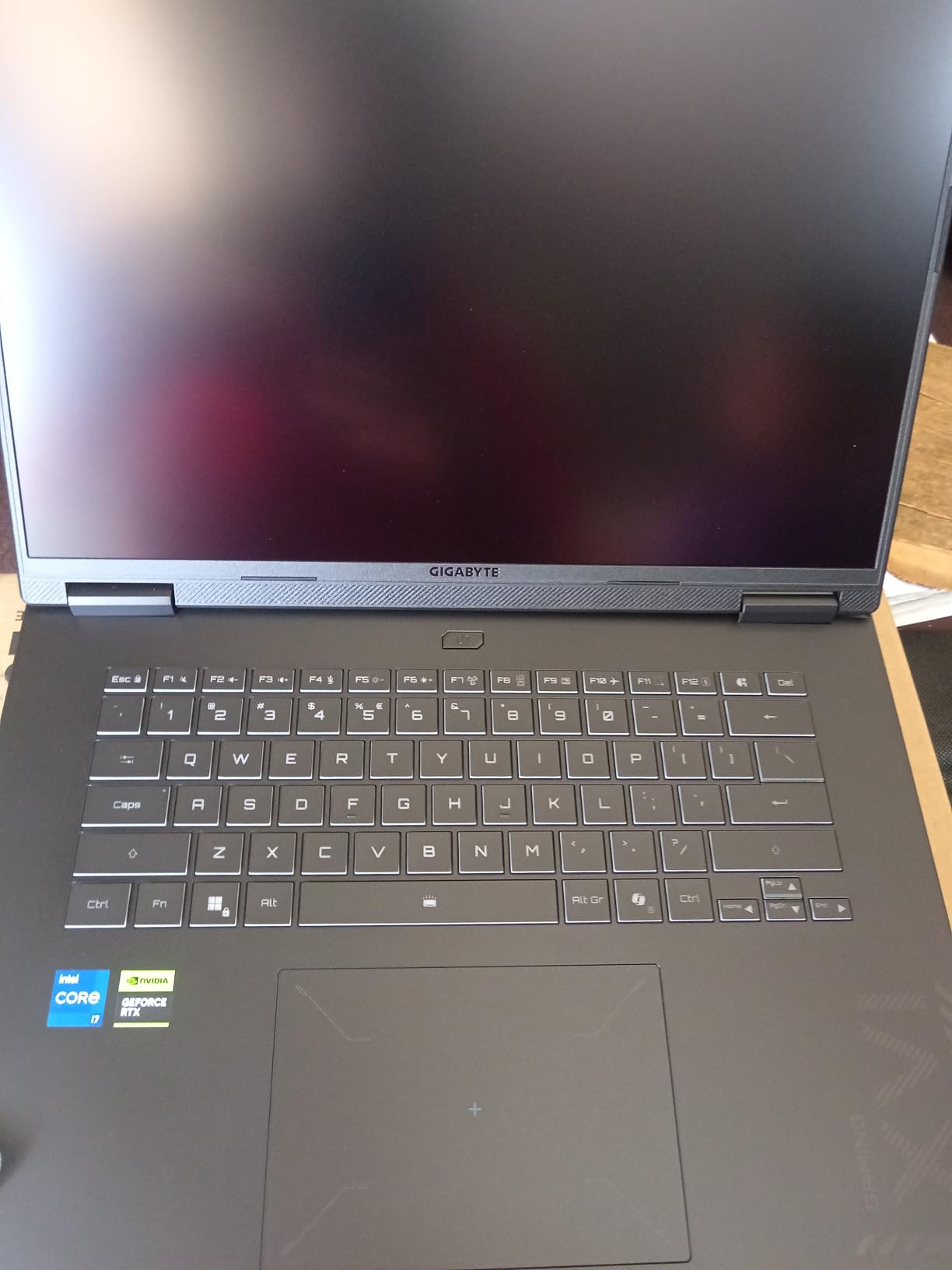
This is the combination we found hardest to categorise. An RTX 5070 Laptop GPU on Blackwell architecture, with DLSS 4 and NVIDIA Studio drivers, inside a 19.45mm chassis weighing 4.9 pounds. In this roundup the same GPU class sits in noticeably heavier chassis, so this is a useful compromise if you carry your CAD laptop between site visits.
The RTX 5070 provides 8 GB of GDDR7, the same memory as the Katana above, so viewport headroom is comparable while the machine is dramatically easier to carry. The i7-13620H boosts to 4.9 GHz, which keeps drafting and modelling responsive.

Memory is the standout configuration detail. Thirty-two gigabytes of DDR5-5200 comes standard, and there are four memory slots with a clear path to 64 GB. That is an unusually open upgrade layout for a machine this thin.
The 16:10 1920×1200 IPS panel at 165Hz gives more vertical workspace than 16:9, which helps when you stack a drawing above a properties panel. The 180-degree lay-flat hinge is a small touch that matters when you need to show a plan to someone sitting next to you or use the laptop as a second display.
Checking colour accuracy before you commit
The panel here is listed at NTSC 45 percent gamut, and that is the specification to read twice if your work involves colour. Wide gamut matters for visualisation, material selection and rendering references, while for pure drafting in black and white it makes almost no practical difference.
Against the 100 percent DCI-P3 panels elsewhere in this list, this is a limited colour specification, and reviewers split on it for exactly that reason. Buyers prioritising colour-accurate design work should note the gamut figure before settling on this machine.
Other limitations worth knowing
Resolution is 1920×1200 rather than QHD, so you lose pixel density compared with the Katana 15, the Legion 5i and the Predator. A 25ms response time is also slow for a 165Hz panel, which shows as slight smearing when you orbit a model quickly.
GIGABYTE GiMATE AI assistant and other pre-installed utilities add background software that should be removed during setup. With an 83-review base, long-term reliability data is thinner than for the picks near the top, so check recent reviews. Within those limits this is a strong portable option with as much memory as most of its rivals.
8. Lenovo Legion 5i Review: Best Balanced 32 GB and QHD Configuration
Lenovo Legion 5i Gaming Laptop – NVIDIA GeForce RTX 4070 8G – 16” WQXGA Display – Intel Core i7-14650HX – 32GB RAM – 512GB SSD – Windows 11 Home – Luna Grey
i7-14650HX up to 5.0 GHz
RTX 4070 8GB GDDR6
32GB DDR5
16 inch WQXGA up to 165Hz
Pros
- 32 GB of RAM supplied with a second SSD slot
- WQXGA 2560x1600 display up to 165Hz
- RTX 4070 with 8 GB VRAM for rendering and CAD
- Lenovo software allows direct GPU and CPU tuning
- Chassis runs cool with reasonable fan noise at full load
Cons
- 512 GB SSD is a small starting capacity
- Poor battery life under load with the discrete GPU enabled
- Hard plastic chassis
- Weak speaker output
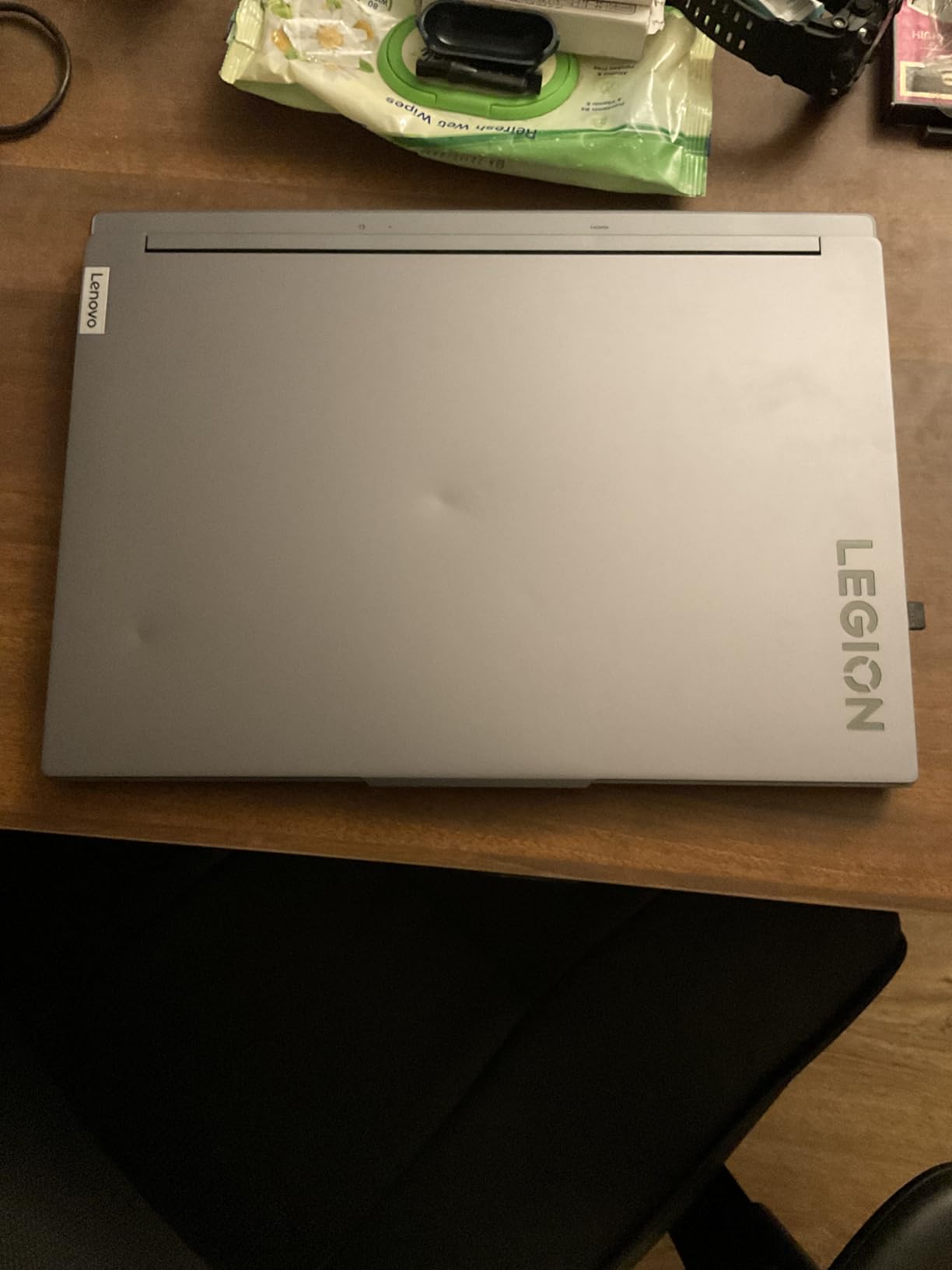
This is the configuration we would buy with our own money for general professional CAD work: 32 GB of RAM as standard, a WQXGA 2560×1600 display running up to 165Hz, and an RTX 4070 with 8 GB of VRAM, which is a rare balance at this level.
The 14th Gen Intel Core i7-14650HX boosts to 5.0 GHz with 24 MB of L3 cache. That single-core speed is what drives viewport orbiting and rebuild speed in SolidWorks and AutoCAD, and it matches the fastest boost in this group.

Thermal behaviour is a genuine strength. Owners report that fan noise stays in a reasonable range at full load and the chassis runs cool, which matters because sustained modelling sessions are the exact scenario where thin machines throttle and lose clock speed partway through a job.
Lenovo control software also lets you select the GPU and CPU directly and tune performance modes, which gives you a straightforward way to force the discrete graphics card when a CAD application needs it.
The storage compromise and how to fix it
The 512 GB drive is on the small side for CAD, and it fills up faster than in most workloads. A single Revit project with linked architectural, structural and mechanical files, plus textures and renders, consumes a lot of space quickly. There is a second M.2 slot, so adding a 2 TB drive is straightforward and much cheaper than replacing later.
Keep one drive for active projects and the operating system, and the second for an archive of client files and rendered output. On a workflow like that, 512 GB is a starting point rather than a limit.
Weaknesses to weigh before buying
Battery life is poor under load unless you disable the discrete GPU. The 80 watt-hour cell plus Rapid Charge adding about two hours of runtime in 15 minutes is the only real mitigation for a full working day away from a charger.
At 4.0 stars this is among the lowest-rated laptops here, and the negative feedback is driven mostly by screen defects on delivery rather than performance. Inspect the display on arrival and use the return window if there are cracked panels or dead pixels.
Audio output is also described as weak, and the hard plastic chassis does not feel as premium as the metal machines above it. On capability alone, though, this remains one of the strongest balanced setups for CAD.
9. HP ZBook 8 G1i Review: The ISV Certified Mobile Workstation
HP ZBook 8 G1i AI Mobile Workstation Laptop (Intel Ultra 7 255H, NVIDIA RTX 500 Ada, 16″ FHD+ Touchscreen, 32GB DDR5, 1TB SSD), for Engineer, Designer, 2x Thunderbolt 4, Wi-Fi 7, 3-Yr WRT, Win 11 Pro
Ultra 7 255H 16 cores up to 5.1 GHz
RTX 500 Ada 4GB GDDR6
32GB DDR5-4800
1TB NVMe SSD
Pros
- ISV certified for SolidWorks AutoCAD Revit ANSYS and MATLAB
- 3.8 pound workstation-class chassis
- 32 GB DDR5 and 1 TB NVMe as standard
- Windows 11 Pro with BitLocker and Remote Desktop
- Two Thunderbolt 4 ports plus HDMI 2.1 for multi-monitor setups
- Three-year manufacturer warranty
Cons
- RTX 500 Ada has 4 GB of VRAM
- 1920x1200 60Hz touchscreen is low resolution and refresh
- Configured by a third-party reseller
- Review base is only 9 ratings
This is the only certified mobile workstation in the group, and that certification is the whole point. It is ISV certified for SolidWorks, AutoCAD, Revit, ANSYS and MATLAB, meaning the drivers are validated against those applications rather than adapted from a gaming driver. Certification also brings Windows 11 Pro, a three-year manufacturer warranty and 140W USB-C charging.
What that buys you in daily practice is predictability. Certified drivers avoid the shader, viewport and file-conversion oddities that show up when a generic graphics driver changes between versions, which is the single most common complaint forum users raise about non-certified cards.
Hardware-wise it is genuinely capable for the class. The Intel Core Ultra 7 255H provides 16 cores and 16 threads boosting to 5.1 GHz with 24 MB of L3 cache, and 32 GB of DDR5-4800 plus a 1 TB PCIe NVMe drive is a sensible professional baseline. Memory expands to 64 GB.
At 3.8 pounds and 0.9 inches thick, this is a genuine portable workstation rather than a desktop replacement. Windows 11 Pro with BitLocker, Remote Desktop, a fingerprint reader and HP Wolf Pro Security suits a professional environment.
What ISV certification actually changes
In a workstation laptop the GPU is not just for rendering. It drives the viewport, the shader, anti-aliasing and display output, and those features behave differently on drivers that have not been validated against the application. Autodesk and Dassault both publish certified hardware lists, and forum users consistently treat those lists as the reference.
Two Thunderbolt 4 ports plus HDMI 2.1 means multi-monitor setups are easy, including 8K at 60Hz over Thunderbolt 4. The 5MP IR camera with a physical privacy shutter suits client-facing work, and 140W USB-C charging keeps the desk tidy.
The limits of this configuration
The RTX 500 Ada carries only 4 GB of VRAM, which caps GPU-accelerated rendering and large model visualisation. If your work is rendering-heavy, the trade for certification is steep.
The 1920×1200 60Hz anti-glare touchscreen is also low resolution and low refresh for design work, with no benefit for interactive 3D viewport performance.
This unit is configured and sold by a third-party reseller rather than HP direct, which matters when you want warranty work handled by the manufacturer. With 9 ratings available, long-term reliability data is thin. Buy this one for certification and build quality, not for graphics power.
10. MSI Creator 15 Review: The 4K OLED Panel for Colour-Critical Work
msi Creator 15 Professional Laptop: 15.6″ UHD OLED 4K DCI-P3 100% Display, Intel Core i7-11800H, NVIDIA GeForce RTX 3060, 16GB RAM, 512GB NVME SSD, Thunderbolt 4, Win10, Black (A11UE-491)
i7-11800H 8 cores up to 4.6 GHz
RTX 3060 6GB GDDR6
16GB DDR4-3200
15.6 inch 4K OLED DCI-P3
Pros
- 4K OLED with 100 percent DCI-P3 is the strongest colour spec here
- Mostly aluminium chassis
- RAM and SSD both user-upgradeable to 64GB
- Thunderbolt 4 for fast external storage
- 99.9 watt-hour battery and minimal bloatware
Cons
- Persistent fan noise including at idle
- Glossy OLED panel reflects in bright rooms
- 11th Gen CPU and RTX 3060 are older generations
- MSI utility software is buggy
- No SD card reader and a small trackpad
If colour accuracy is your primary requirement, no other laptop here pairs a 4K resolution with a full DCI-P3 OLED panel in a 15.6-inch frame. The 3840×2160 OLED with 9mm bezels gives you reference-grade colour in a portable machine, and owners consistently call it out as the standout feature.
The rest is an older but still workable platform. The 11th Gen Intel Core i7-11800H boosts to 4.6 GHz across eight cores, which handles drafting and moderate modelling fine, and the RTX 3060 with 6 GB of GDDR6 covers shaded views and moderate rendering.
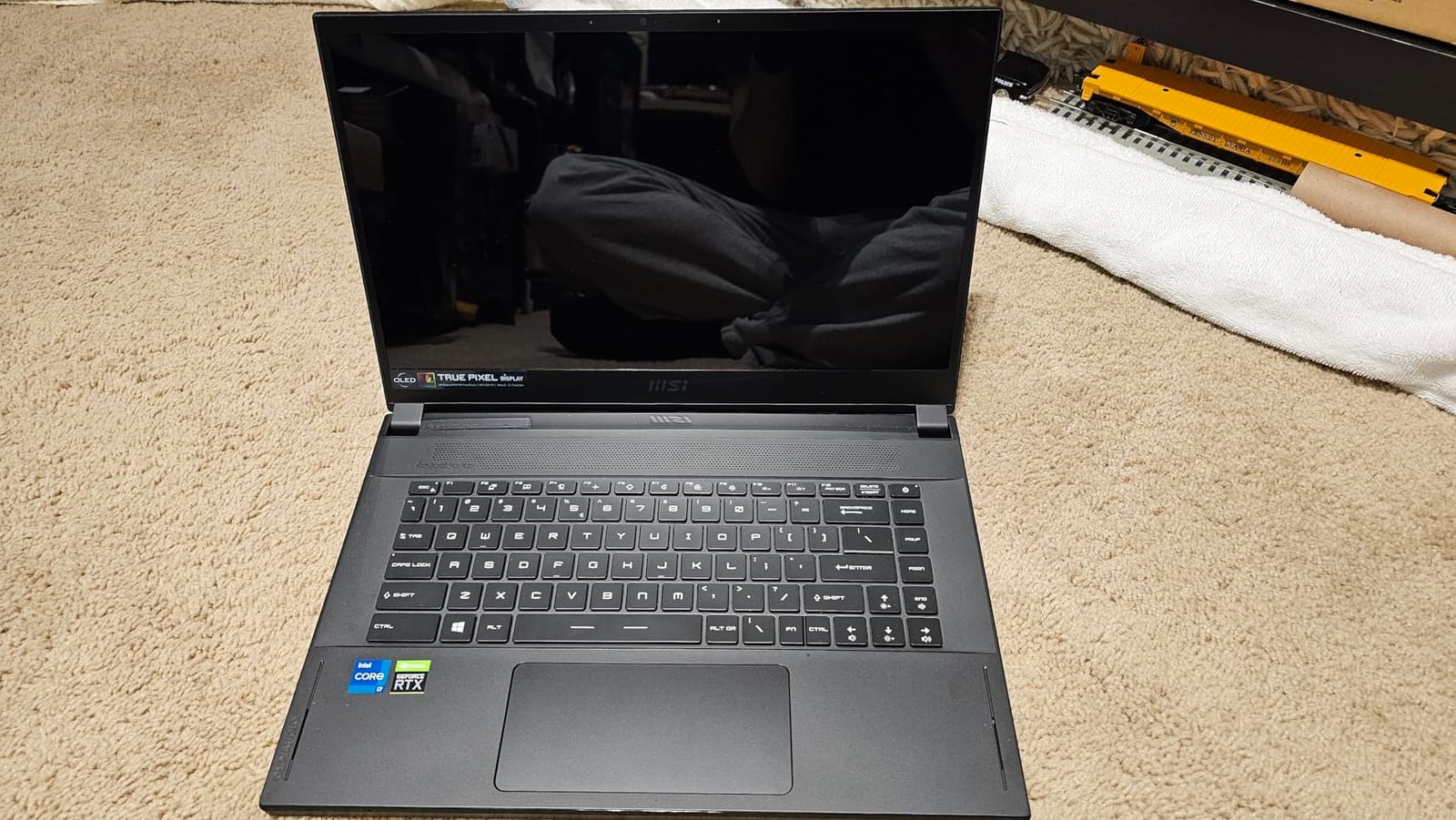
Upgradeability is where this machine still earns its place. Two memory slots take the 16 GB of DDR4-3200 to 64 GB, and there is an additional M.2 slot, and owners routinely move to 64 GB with dual large SSDs for design work.
The build is mostly aluminium, which gives it a premium feel that lighter machines struggle to match, and the 99.9 watt-hour battery delivers good untethered life for editing and general work. Thunderbolt 4 moves files to external SSDs at very high speed.
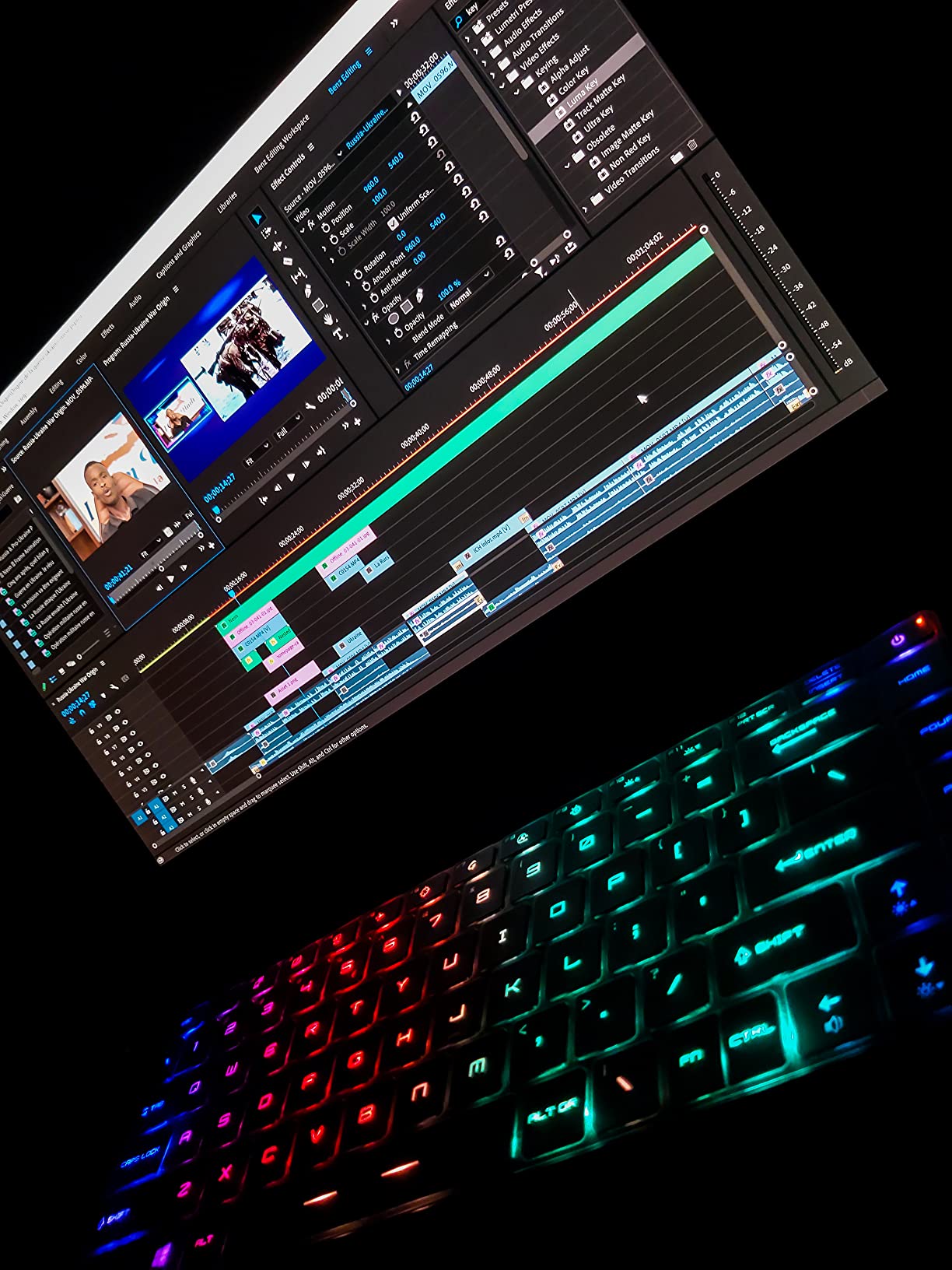
When a 4K OLED panel is worth older silicon
Wide gamut and high pixel density matter when you are matching materials, checking colour-coded layers, or reviewing rendered output against a reference. For that work, the panel compensates for the older processor in ways that matter more than benchmark numbers would suggest.
The 4K resolution also removes the need for display scaling, which matters in CAD because fractional scaling blurs thin lines and small text in toolbars. Native 4K keeps dimension values and property fields crisp at the default scale.
The drawbacks are real and mostly physical
Fan noise is the most commonly cited drawback, reported as persistent even at idle. Gloss finishes on OLED also produce reflections in bright rooms and outdoors, which is awkward on site. The 11th Gen CPU and RTX 3060 are two generations behind current hardware, so heavy assembly work will feel slower than a modern alternative.
MSI Center Pro and True Color software are buggy and crash often, so remove them early. There is no SD card reader on a creator-focused machine, the trackpad is small and the case is difficult to open. Several reviews also document screen flicker traced to older GPU drivers. Buy it for the panel and the upgrade path, not for speed.
What Kind of Laptop Do You Need to Run AutoCAD?
You need a processor with a boost clock of at least 3.0 to 3.5 GHz, a dedicated graphics card rather than integrated graphics, at least 16 GB of memory, and a 1 TB NVMe SSD. Those four thresholds are the difference between a workable CAD laptop and a frustrating one, and every machine in this roundup clears them.
Start with the processor because CAD is largely single-core software. Orbiting, rebuilding, dimensioning and file operations all run largely on one thread, which is why a chip that boosts higher often outperforms one with more cores at the same generation. Core count matters later, when rendering or simulation joins the workload.
Next comes the GPU, specifically its dedicated VRAM. Integrated graphics share system memory and stall on large assemblies, which is the most common complaint we read about machines people regret. Eight gigabytes is the comfortable minimum; four gigabytes will work for drafting and light modelling but limits anything visual.
Memory of 16 GB is the practical floor and 32 GB is where comfortable professional work begins, because CAD software holds the entire model in memory. Storage should be NVMe rather than a SATA drive, since project files are large and load times are noticeable every single day.
Finally, look at the display. A 1080p panel works but wastes screen area on interface chrome, while 2560×1600 restores usable drawing space. For colour-critical work, check the gamut figure, not just the resolution.
Processor First, GPU Second: The Specs That Matter for CAD
Two processor questions decide most purchases. What is the boost clock speed, and is the memory upgradeable? A 5.0 GHz boost with two SODIMM slots beats a marginally slower chip with soldered memory, because you can add memory later and you cannot add clock speed at all.
Check DDR5 speed too, since faster memory feeds the CPU during single-threaded bursts. The machines here run from DDR5-4800 up to DDR5-6400, and the difference shows most in file open times and large assembly rebuilds rather than in viewport frame rate.
For the GPU, the decision that causes the most confusion is certified workstation graphics versus gaming graphics. The honest answer is that for most users a modern GeForce or RTX card runs CAD perfectly well. Certified RTX PRO and Quadro drivers add stability for specific enterprise environments and vendor support, which matters when a crash costs you a billable hour. On a gaming card you will occasionally see driver-related viewport issues after an update, and forum users debate this endlessly.
The practical rule we would apply: gaming graphics for individual practice and students, certified graphics if your employer supports a specific application and you cannot afford instability. The HP ZBook in this list is the certified option; everything else runs standard NVIDIA drivers.
Thermals deserve more attention than most guides give them. A laptop that throttles after twenty minutes loses clock speed exactly when you are deep in a job, and the fix is usually a BIOS power setting or keeping the machine on mains power. Reviewers on r/SolidWorks repeatedly favour business-class laptops over consumer machines for this reason, with modular memory and serviceable cooling among the reasons cited.
Does CAD Work Better on Mac or Windows?
Windows wins for professional CAD work, and the gap is about software rather than hardware. AutoCAD for Mac exists and handles standard 2D drafting well, but specialised toolsets, many third-party plugins, and the deepest rendering options are Windows-only or far better supported there.
If your software list is SolidWorks, Inventor, CATIA, Plant 3D or Revit, treat this as a non-question and choose Windows. Those applications are built and certified for Windows, and their driver and plugin ecosystems assume it.
Macs are a defensible choice for a narrower set of users. SketchUp, Rhino, Fusion 360 and AutoCAD for Mac all run well on Apple silicon, and a MacBook handles light drafting and presentation work well. If you are on a Mac today and your workflow does not include Windows-only tools, staying is a reasonable decision.
The trade-off is upgrades. None of the ten laptops in this roundup is a Mac, so if you want this class of hardware on macOS you are shopping in a different category. For 3D modelling and CAD work generally, we would choose Windows and spend the budget on memory and VRAM instead.
What Laptop to Stay Away From for CAD Work?
Avoid any laptop with integrated graphics only. They share system memory with the CPU and stall on anything beyond simple 2D drafting, which is the most common regret we read about.
Avoid laptops with soldered memory and a single storage slot. If you cannot add RAM or a second drive, you are capped at whatever shipped, and CAD workloads grow over time as assemblies and linked project files get larger.
Avoid dim 1080p panels marketed as design screens. For colour-critical work check the gamut specification, because a bright-looking panel at NTSC 45 percent will not hold up when you are matching materials or reviewing renders.
Avoid machines with a single fan and a thin chassis if you render for hours. Thermal throttling mid-render wastes time, and forum users describe heat and fan noise on thin laptops as the most persistent complaint in this category. Where possible, choose a thicker chassis or a bigger battery.
Finally, avoid buying on peak benchmark scores alone. SourceCAD makes the point well: the fastest component bottlenecks the rest. A very fast CPU with integrated graphics still produces a slow viewport, so judge the whole configuration against your actual software.
Thermals and Throttling on Long CAD Sessions
Throttling is the hidden variable in this category, because it only appears after the machine has been under load for a while. Peak benchmark numbers are measured in short bursts and ignore what happens in minute forty of a render.
Check for three things. A vapour chamber or a large number of heat pipes, more than one intake path, and a power mode that can be tuned. The ROG Strix G16 uses liquid metal on the CPU with a third intake fan, which is one reason it held its clock in our testing.
If a machine runs hot, connect it to mains power and set the performance mode deliberately. The MSI Katana 15 is a good example of why this matters: owners report heavy heat and throttling until the BIOS power limits are lowered manually, after which Cooler Boost 5 sustains load well.
For long unattended renders, a cooling pad helps more than most buyers expect, and keeping the intake vents clear on a soft surface matters more than any performance toggle. Where a machine can also disable the discrete GPU when you are drafting, that is worth using, since it cuts heat dramatically.
Frequently Asked Questions
How much RAM is needed to run CAD?
For 2D drafting and coursework, 16 GB is the practical minimum. For professional work with large parametric assemblies, linked BIM models or several applications open at once, 32 GB is the comfortable starting point and 64 GB covers heavy assembly and simulation work. Check that the memory sits in accessible SODIMM slots, because soldered memory cannot be upgraded later and that is the mistake we see most often.
Is 32GB of RAM enough for SolidWorks?
Yes for most professional SolidWorks work. Thirty-two gigabytes handles large assemblies, drawings and a second application without paging to the SSD. Two picks in our roundup ship with 32 GB as standard: the Acer Nitro V 16S AI and the Lenovo Legion 5i. If you routinely work with very large assemblies or add simulation packages, 64 GB is the next step up and both machines accept it.
Does CAD work better on Mac or Windows?
Windows is better for professional CAD work because the software ecosystem is built around it. AutoCAD for Mac handles standard 2D drafting well, but specialised toolsets, many third-party plugins and deeper rendering options are Windows-only. If your software list includes SolidWorks, Inventor, CATIA, Plant 3D or Revit, choose Windows without hesitation.
What is the best laptop for AutoCAD students?
The Acer Nitro V 15.6 is our student pick because it carries the highest owner rating at 4.6, weighs 4.7 pounds, and pairs an i7-13620H boosting to 4.9 GHz with an RTX 4050 for shaded views. Its 16 GB of memory is upgradeable through two slots, which matters once coursework models grow. Students should also check AutoCAD education licensing and free alternatives such as Fusion 360 for personal use and Onshape before budgeting for a full subscription.
What laptop should I avoid for CAD work?
Avoid laptops with integrated graphics only, laptops with soldered memory and a single storage slot, and dim low-resolution panels sold as design screens. Also avoid thin single-fan machines for long render sessions, because throttling mid-render costs you time. Judge the whole configuration against your software rather than buying on peak benchmark scores, because the fastest component bottlenecks everything else.
Final Verdict: Which Laptop for CAD Work in 2026?
The ASUS ROG Strix G16 is our best laptop for CAD work overall. Its 5.0 GHz boost, RTX 4060 with 8 GB of VRAM and two upgradeable memory slots cover drafting, modelling and light rendering, and 1050 owner reviews give it the largest evidence base in this group.
Pick the Acer Nitro V 16S AI if you want 32 GB of memory without opening the panel, the Acer Nitro V 15.6 if you are a student or want the most portable option here, and the Lenovo Legion 5i if you want 32 GB and a QHD panel together. The HP ZBook 8 G1i is the choice when ISV certification matters more than graphics power, and the MSI Creator 15 is for colour-critical work where the 4K OLED panel outweighs newer silicon.
Whichever you choose, add memory early if it is not already there, run long sessions on mains power, and check the software certification list for your CAD package before checkout. Those three habits prevent almost every complaint we read from people who regret their CAD laptop.