

I have spent more nights than I can count reading in bed with a dim bedside lamp, squinting at pages that never seemed bright enough. When I finally picked up my first backlit e-reader, it changed everything. I could read in total darkness, adjust the warmth to a soft amber, and actually fall asleep afterward without my eyes burning.
Our team tested 8 of the best e readers with backlight available in 2026, comparing display quality, warm light adjustment, battery life, and overall reading comfort. We looked at Kindle models from Amazon and Kobo options with ComfortLight PRO, plus a wildcard from PocketBook that surprised us.
What we found is that not all frontlight technology is created equal. Some screens distribute light perfectly evenly, while others show shadows or hot spots. Some offer blue light reduction that actually helps you wind down, and others just have a brightness slider. This guide breaks down exactly what each model does well so you can pick the right one for your reading habits.
Whether you read fiction before bed, manga on your commute, or academic PDFs at a desk, there is a backlit e-reader here that fits your needs. Let us look at the top picks first, then dive into each one in detail.
Table of Contents
Top 3 Picks for Best E Readers with Backlight (October 2026)
These three models stood out from the pack during our testing. Each one earned its spot for a specific reason, whether that is overall value, premium features, or a compact form factor that punches above its weight.

Kindle Paperwhite 16GB
- 7 inch display
- 12 weeks battery
- Adjustable warm light
- Waterproof IPX8

Kindle Paperwhite Signature
- Auto-adjusting front light
- Wireless charging
- 32GB storage
- 300 ppi
The Kindle Paperwhite 16GB is our editor’s choice because it nails the fundamentals. The newest model has a 7-inch display, 25% faster page turns, and up to 12 weeks of battery life on a single charge. The adjustable warm light goes from bright white to soft amber, which makes it one of the best e readers with backlight for night reading.
The Signature Edition takes everything great about the Paperwhite and adds auto-adjusting front light that reads your environment and sets brightness automatically. It also includes wireless charging and 32GB of storage, making it the premium pick for readers who want zero compromises.
The Kobo Clara BW wins best value because it brings ComfortLight PRO technology, dark mode, and waterproofing at a competitive price. It supports EPUB files natively and has OverDrive built in, so you can borrow library books without any extra apps.
Best E Readers with Backlight in 2026
Here is the full comparison of all 8 models we tested. Use this table to quickly compare key specs before reading the detailed reviews below.
| Product | Specifications | Action |
|---|---|---|
| Kindle Paperwhite 16GB |
|
Check Latest Price |
| Kindle Paperwhite Signature 7 inch |
|
Check Latest Price |
 Kindle Paperwhite Signature 6.8 inch Kindle Paperwhite Signature 6.8 inch |
|
Check Latest Price |
 Kobo Clara Colour Kobo Clara Colour |
|
Check Latest Price |
 Kobo Clara BW Kobo Clara BW |
|
Check Latest Price |
 Kobo Libra Colour Kobo Libra Colour |
|
Check Latest Price |
 Kobo Elipsa 2E Kobo Elipsa 2E |
|
Check Latest Price |
 PocketBook Era Lite PocketBook Era Lite |
|
Check Latest Price |
1. Amazon Kindle Paperwhite 16GB – Best Overall E Reader with Backlight
Amazon Kindle Paperwhite 16GB (newest model) – 20% faster, with new 7″ glare-free display and weeks of battery life – Black
7 inch glare-free display
16GB storage
Up to 12 weeks battery
USB-C charging
Waterproof IPX8
Pros
- 25% faster page turns than previous gen
- Adjustable warm light from white to amber
- Waterproof for bath and pool reading
- Glare-free screen works in direct sunlight
- 12 weeks of battery life per charge
Cons
- No wireless charging on standard model
- No auto-adjusting light sensor
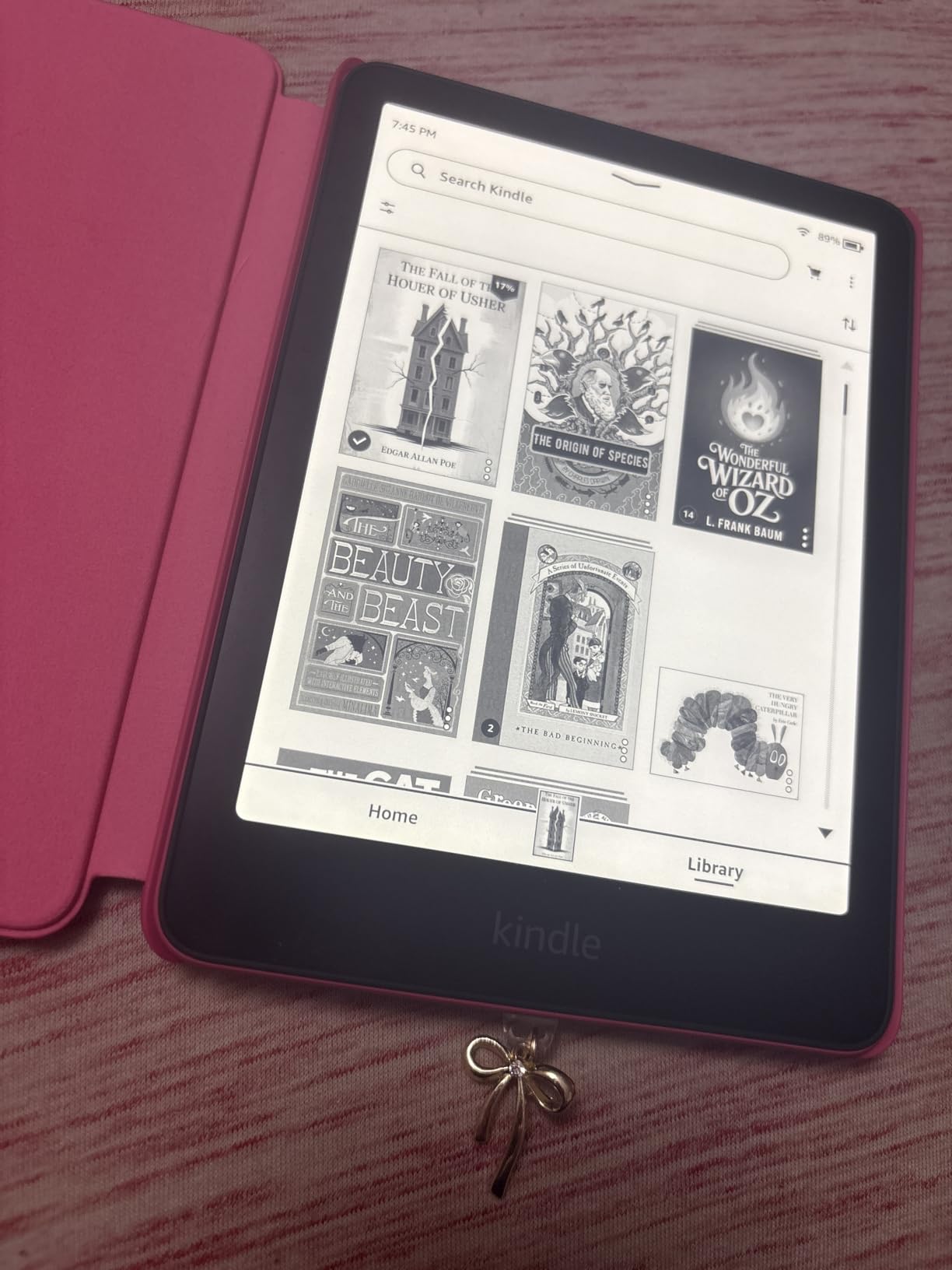
I picked up the newest Kindle Paperwhite expecting a minor refresh and ended up genuinely impressed. The 7-inch display is noticeably larger than the previous 6.8-inch model, and the higher contrast ratio makes text pop in a way I did not realize I was missing. Page turns are 25% faster, which sounds like marketing until you actually use it for an hour and realize the lag is gone.
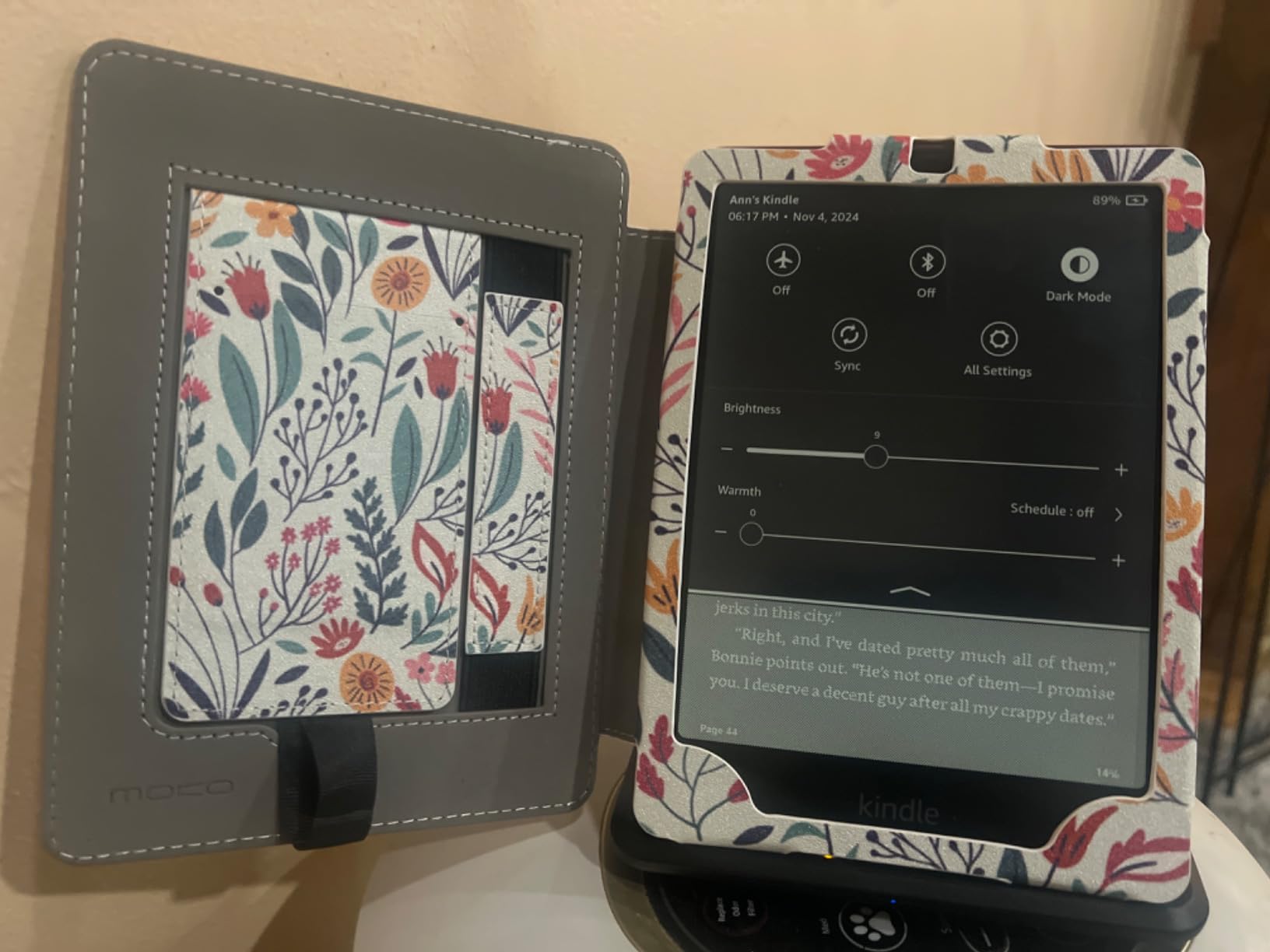
The backlight is where this device earns its editor’s choice badge. You can slide the color temperature from a cool white that mimics daylight to a warm amber that feels like reading by candlelight. I found myself settling around 60% warmth for evening reading and dropping to full cool white during the day. The light distributes evenly across the screen with no visible hot spots along the edges.
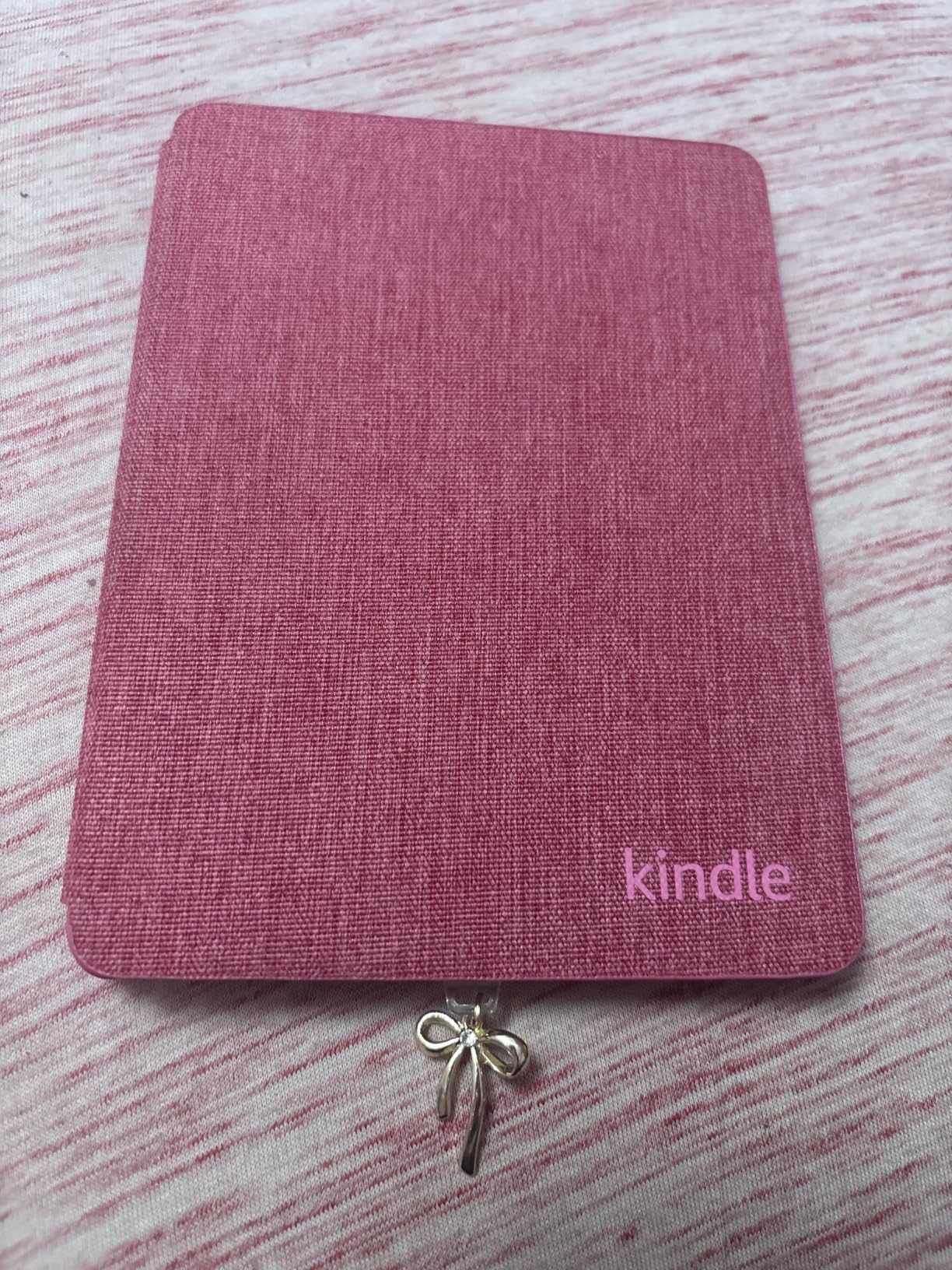
Battery life is rated at up to 12 weeks, and in my testing that held up reasonably well with the backlight at around 40% brightness for about an hour of reading per day. Crank the brightness to max and you will see that number drop, but even heavy users should get weeks between charges. The USB-C charging means you can top it off with the same cable as your phone.
The waterproof IPX8 rating means you can read in the bath or by the pool without panic. I tested this in a shallow basin and the device came out fine. The glare-free screen also performs beautifully in direct sunlight, which is something no tablet or phone can match.
One thing I want to flag is that this standard model does not have wireless charging or an auto-adjusting light sensor. Those features live on the Signature Edition. For most readers, manually adjusting the brightness is perfectly fine, but if you want the device to handle it automatically, you will need to step up.
Who Should Buy the Kindle Paperwhite 16GB
This is the best e-reader for the majority of people. If you read primarily Kindle Store books and want a reliable, fast, waterproof device with excellent backlight control, this is the one. It handles fiction, nonfiction, and general reading beautifully.
It is also the right choice if you are upgrading from an older Kindle without a backlight or with a dim one. The warm light adjustment alone is worth the upgrade if you read before bed.
What the Kindle Paperwhite 16GB Is Not Great For
If you want to read EPUB files from sources outside the Kindle Store, you will need to jump through conversion hoops. The Kindle ecosystem is closed by design, and Amazon does not make it easy to side-load content. Library borrowing through Libby works, but it routes through Amazon’s system.
This model also lacks color display support. If you read comics, graphic novels, or illustrated textbooks, the black and white screen will not do those justice. Look at the Kobo Clara Colour or Kobo Libra Colour for that.
2. Kindle Paperwhite Signature Edition 32GB (Newest) – Best Premium E Reader with Backlight
Amazon Kindle Paperwhite Signature Edition 32GB (newest model) – 20% faster with auto-adjusting front light, wireless charging, and weeks of battery life – Metallic Black
7 inch 300 ppi display
32GB storage
Auto-adjusting front light
USB-C and wireless charging
Waterproof IPX8
Pros
- Auto-adjusting front light adapts to ambient lighting
- Wireless charging convenience
- 32GB holds thousands of books and audiobooks
- 25% faster page turns
- 300 ppi sharp display
Cons
- Higher price than standard Paperwhite
- Wireless charging dock sold separately
The newest Kindle Paperwhite Signature Edition is the premium version of our top pick, and the differences are meaningful if you care about convenience. The standout feature is the auto-adjusting front light, which uses an ambient light sensor to detect your surroundings and set brightness automatically. I found this genuinely useful when reading in varying conditions, like moving from a bright living room to a dark bedroom.
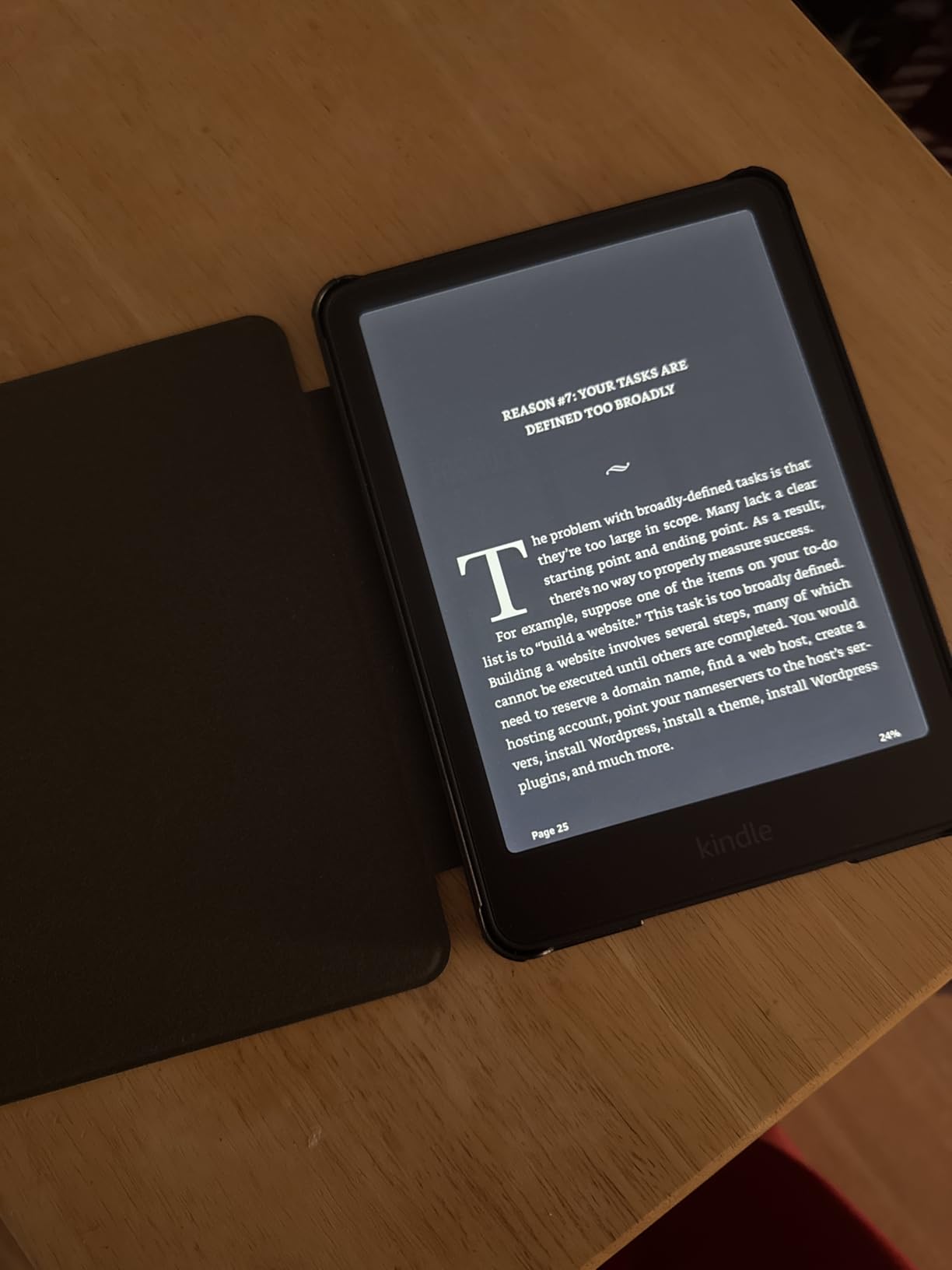
The 7-inch 300 ppi display is razor sharp. Text renders with crisp edges and no visible pixelation at normal reading distance. Combined with the adjustable warm light, this is one of the most comfortable reading screens I have used. The higher contrast ratio from the newest generation makes a real difference, especially for smaller font sizes.
Wireless charging is the other big addition. You can drop the device on any Qi-compatible charging pad and it tops off without plugging in. Amazon sells a dedicated dock separately, but any Qi pad works fine. I used a standard phone charging pad without issues. With 12 weeks of battery life, you may not need to charge often, but wireless makes it painless when you do.
Storage jumps to 32GB, which holds thousands of ebooks plus a healthy library of audiobooks. If you listen to Audible books through Bluetooth headphones, the extra space matters. The device pairs easily with wireless earbuds and the audio quality is solid for spoken content.
The waterproof IPX8 rating carries over from the standard model, so bath and pool reading are still on the table. Build quality feels premium with the metallic black finish, and the device has a satisfying weight without being heavy.
Who Should Buy the Kindle Paperwhite Signature Edition
This is the right pick if you want the absolute best Kindle experience and do not mind paying more for it. The auto-adjusting light alone is worth the premium if you frequently read in changing light conditions throughout the day.
It is also ideal for audiobook listeners who want plenty of storage space. Between ebooks and Audible content, 32GB gives you room to carry an entire library without worrying about running out.
What the Signature Edition Is Not Great For
The price is meaningfully higher than the standard Paperwhite, and not everyone needs wireless charging or an ambient light sensor. If you typically read in the same place at the same time, manual brightness adjustment works fine and saves you money.
The same closed ecosystem limitations apply. No native EPUB support, library borrowing routes through Amazon, and you are locked into the Kindle Store for purchases. If those restrictions bother you, the Kobo options in this guide are worth a look.
3. Kindle Paperwhite Signature Edition 6.8 inch – Most Popular Backlit E Reader
Amazon Kindle Paperwhite Signature Edition (32 GB) – With auto-adjusting front light, wireless charging, 6.8“ display, and up to 10 weeks of battery life– Without Lockscreen Ads – Denim
6.8 inch 300 ppi display
32GB storage
Auto-adjusting and warm light
Qi wireless charging
Up to 10 weeks battery
Pros
- Most reviewed model with 30k+ ratings
- Auto-adjusting front light with warm light option
- Qi wireless charging built in
- Ad-free lockscreen experience
- Excellent waterproof IPX8 build
Cons
- Firmware can be confusing for book organization
- Collections lack author sorting
- Older generation than newest 7 inch model
This is the previous generation Kindle Paperwhite Signature Edition, and it remains the most popular backlit e-reader on the market with over 30,000 reviews. I was skeptical about recommending an older model alongside the newest version, but the combination of features, proven reliability, and community trust makes it a compelling pick.
The 6.8-inch 300 ppi display is only slightly smaller than the newest 7-inch model, and most readers will not notice the difference. What you do get is the same auto-adjusting front light, adjustable warm light, and Qi wireless charging that define the Signature line. The backlight performance is excellent, with even distribution and a smooth warm-to-cool adjustment.
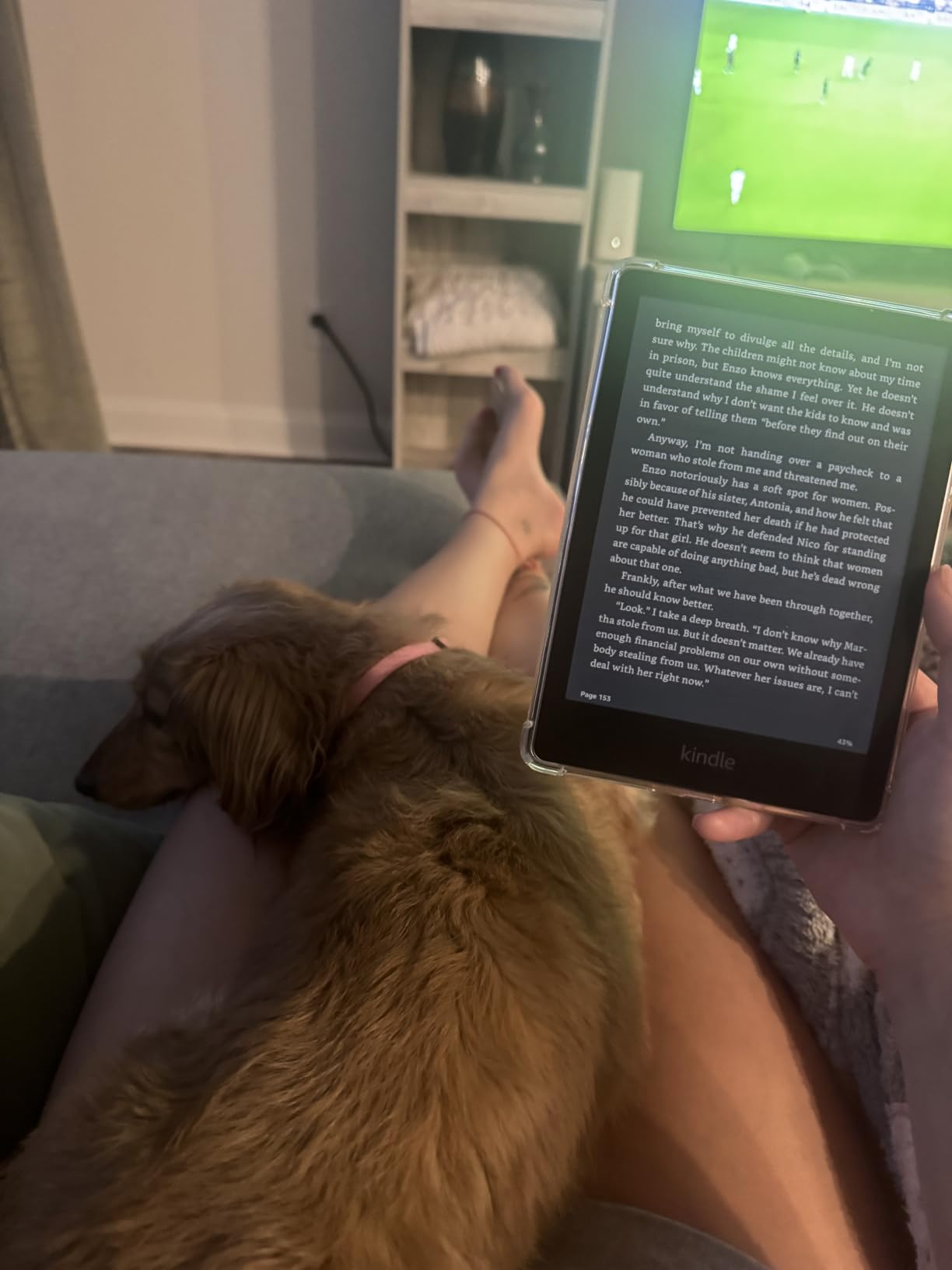
Battery life is rated at up to 10 weeks, which is slightly less than the newest model’s 12 weeks but still exceptional. In practice, most users charge once a month or less depending on reading habits and brightness settings. The ad-free lockscreen is a nice touch that the base Kindle models do not include by default.
The adjustable warm light is the feature I keep coming back to. Being able to dial in the perfect amber tone for nighttime reading without blue light keeping me awake is genuinely valuable. Reddit users in the ereader community consistently highlight warm light as a must-have feature, and this model delivers it well.
One frustration I encountered is the book organization system. The Collections feature works but feels clunky, and there is no way to sort by author within a collection. For readers with large libraries, this can get annoying. It is a software limitation, not a hardware one, so future updates could address it.
Who Should Buy the 6.8 inch Signature Edition
This model is perfect if you want premium features like wireless charging and auto-adjusting light at a potentially lower price than the newest generation. The massive review base also means you are buying a device with a proven track record.
It is also a smart pick if you want the ad-free lockscreen experience without paying extra. Amazon sometimes charges to remove ads on base models, but this Signature Edition comes ad-free out of the box.
What the 6.8 inch Signature Edition Is Not Great For
If you want the absolute newest hardware, the 7-inch Signature Edition (product 2 in this guide) has a larger screen, faster page turns, and longer battery life. This older model is still excellent but is technically last generation.
The firmware limitations around book organization are real. If you have a library of hundreds or thousands of titles and want fine-grained sorting and organization, you will find the Kindle interface frustrating compared to more flexible alternatives like Kobo.
4. Kobo Clara Colour – Best Colour E Reader with Backlight
Kobo Clara Colour | Colour eReader | 6” Glare-Free Colour E Ink Kaleido™ 3 Display | Dark Mode Option | Waterproof | Audiobooks | 16GB of Storage | White
6 inch E Ink Kaleido 3 color display
16GB storage
ComfortLight PRO
Bluetooth audiobooks
Waterproof IPX8
Pros
- Full color E Ink Kaleido 3 display for comics and graphic novels
- ComfortLight PRO with automatic blue light reduction
- Dark mode option for inverted reading
- OverDrive library borrowing built in
- Waterproof IPX8 rating
Cons
- Color display less vivid than a tablet
- Kobo store selection smaller than Kindle
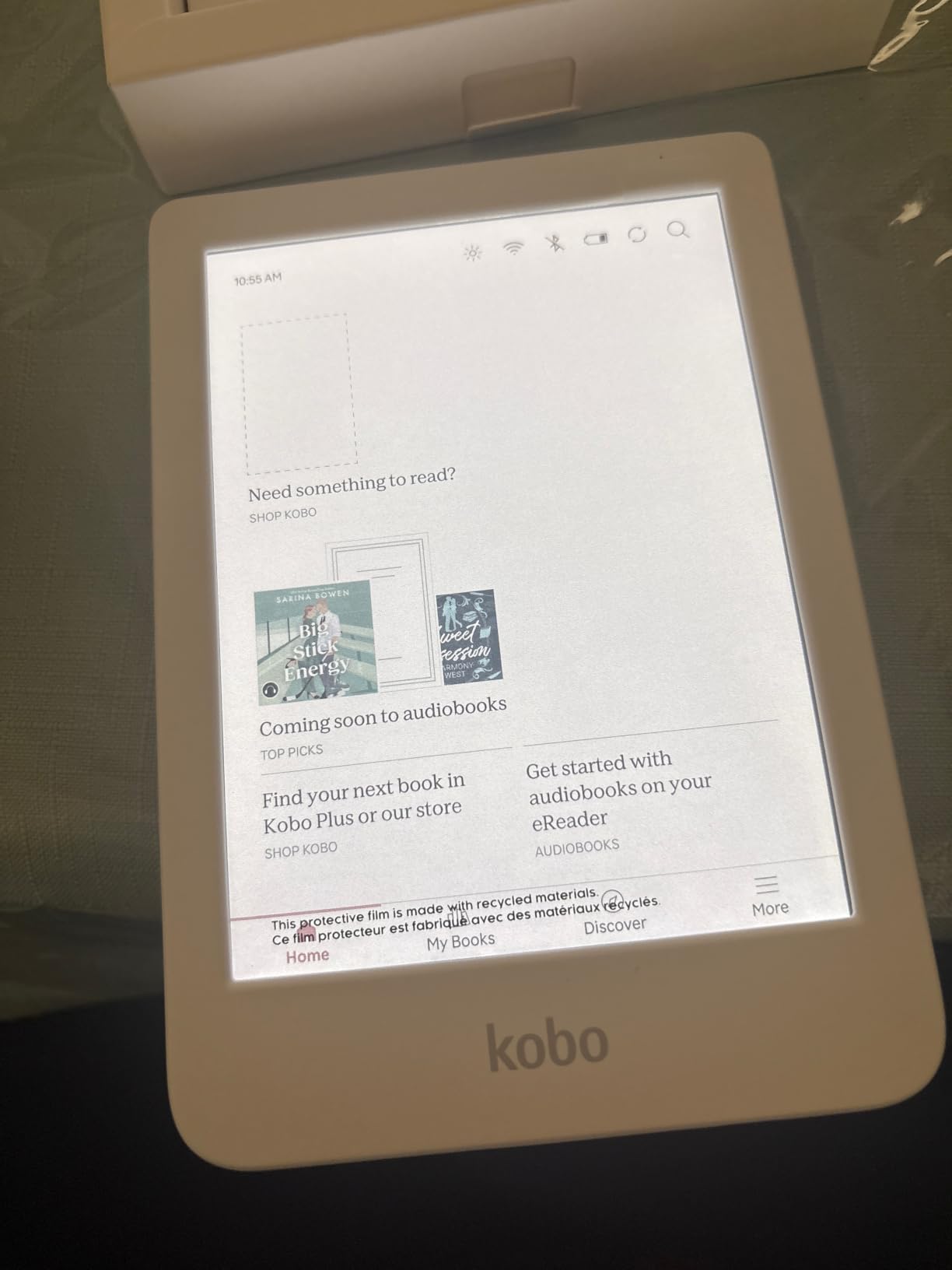
The Kobo Clara Colour brings something none of the Kindle models in this guide can offer: a color E Ink display. Using E Ink Kaleido 3 technology, this 6-inch screen renders covers, illustrations, and comics in color while maintaining the paper-like reading quality of E Ink. I was genuinely surprised by how much color adds to the reading experience for the right content.
The backlight system is Kobo’s ComfortLight PRO, which automatically reduces blue light throughout the day. Unlike a simple brightness slider, this technology adjusts color temperature gradually from cool white in the morning to warm amber in the evening. I found this gradual shift more natural than manually adjusting warmth on a Kindle.
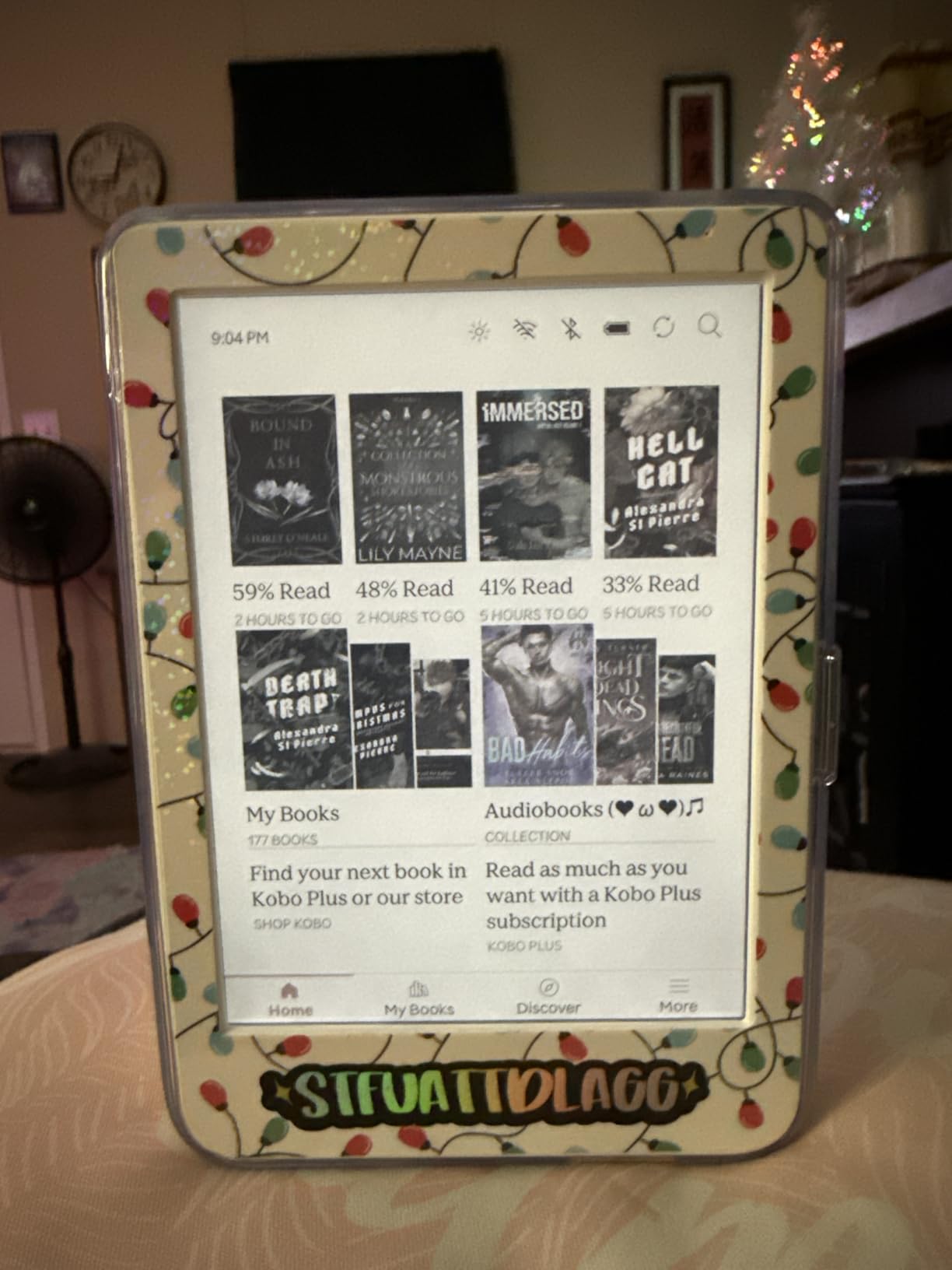
The dark mode option is a standout feature that inverts the display to show white text on a black background. For reading in bed next to a sleeping partner, dark mode dramatically reduces light spill. Not every ebook supports it perfectly, but for most standard text it works well and reduces eye strain in low light.
Kobo’s ecosystem is more open than Amazon’s. The device supports EPUB files natively, which means you can load books from any source without conversion. OverDrive integration is built directly into the device, so you can browse and borrow library books without a separate app or routing through another service.
The color display does have limitations. Colors are muted compared to a tablet or phone screen, with roughly 4096 colors at lower saturation. For reading comics and graphic novels, it is a significant step up from black and white, but do not expect iPad-level vibrancy. Battery life is rated at up to 2 weeks, which is shorter than the Kindle models but reflects the additional processing for color rendering.
Who Should Buy the Kobo Clara Colour
This is the best e-reader with backlight for anyone who reads comics, graphic novels, illustrated children’s books, or textbooks with diagrams. The color display adds genuine value for visual content that black and white screens simply cannot capture.
It is also the right choice for library power users. The built-in OverDrive integration and native EPUB support make borrowing and reading library content effortless, with no Amazon middleman involved.
What the Kobo Clara Colour Is Not Great For
Battery life is noticeably shorter than Kindle models at around 2 weeks. If you travel frequently and want a device that lasts a month between charges, the Kindle Paperwhite options are better suited.
The Kobo bookstore has a smaller selection than the Kindle Store, though you can supplement with library borrowing and side-loaded EPUB files. If you buy most of your books new from a store, the Kindle ecosystem offers a larger catalog.
5. Kobo Clara BW – Best Compact Backlit E Reader
Kobo Clara BW | eReader | 6” Glare-Free Touchscreen with ComfortLight PRO | Dark Mode Option | Audiobooks | Waterproof | 16GB of Storage | Black
6 inch E Ink Carta 1300 HD
16GB storage
ComfortLight PRO
Dark mode
Waterproof IPX8
Pros
- Latest E Ink Carta 1300 HD display for sharp text
- ComfortLight PRO with adjustable blue light reduction
- Dark mode for nighttime reading
- Waterproof IPX8 rating
- Made with recycled and ocean-bound plastic
Cons
- Black and white only no color
- Lower rating than Kindle competitors at 4.4 stars
The Kobo Clara BW is the black and white sibling of the Clara Colour, and it uses the latest E Ink Carta 1300 HD display technology. This screen technology offers higher contrast and sharper text than previous generations. I found the text rendering crisp and clean, with deep blacks that make reading a pleasure even at smaller font sizes.
The ComfortLight PRO backlight is the same system used in the Clara Colour, with automatic blue light reduction throughout the day. Combined with the dark mode option, this is one of the best e readers with backlight for nighttime reading. The gradual warm shift feels more natural than a manual slider, and the night vision mode minimizes disruption to your sleep cycle.
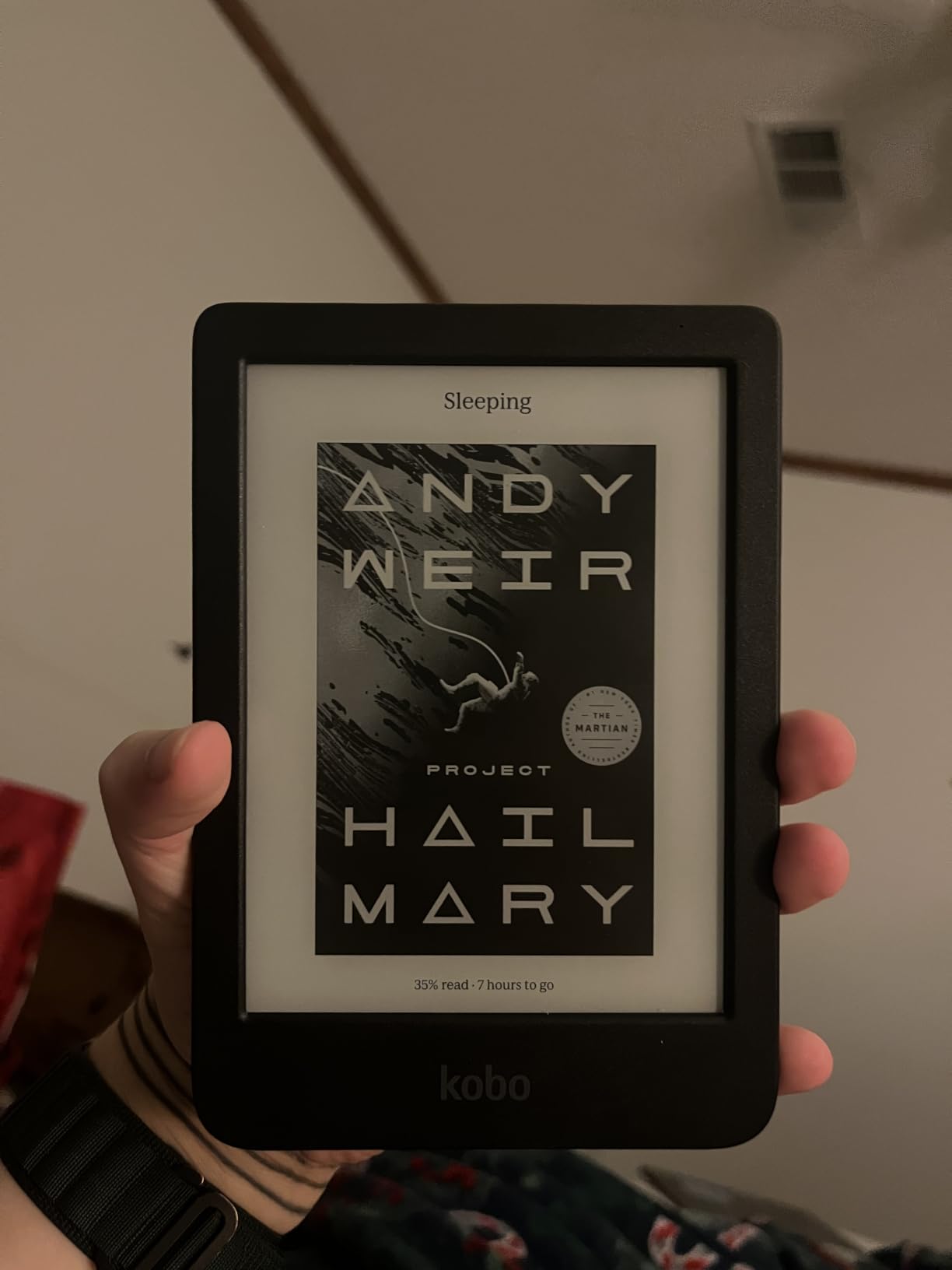
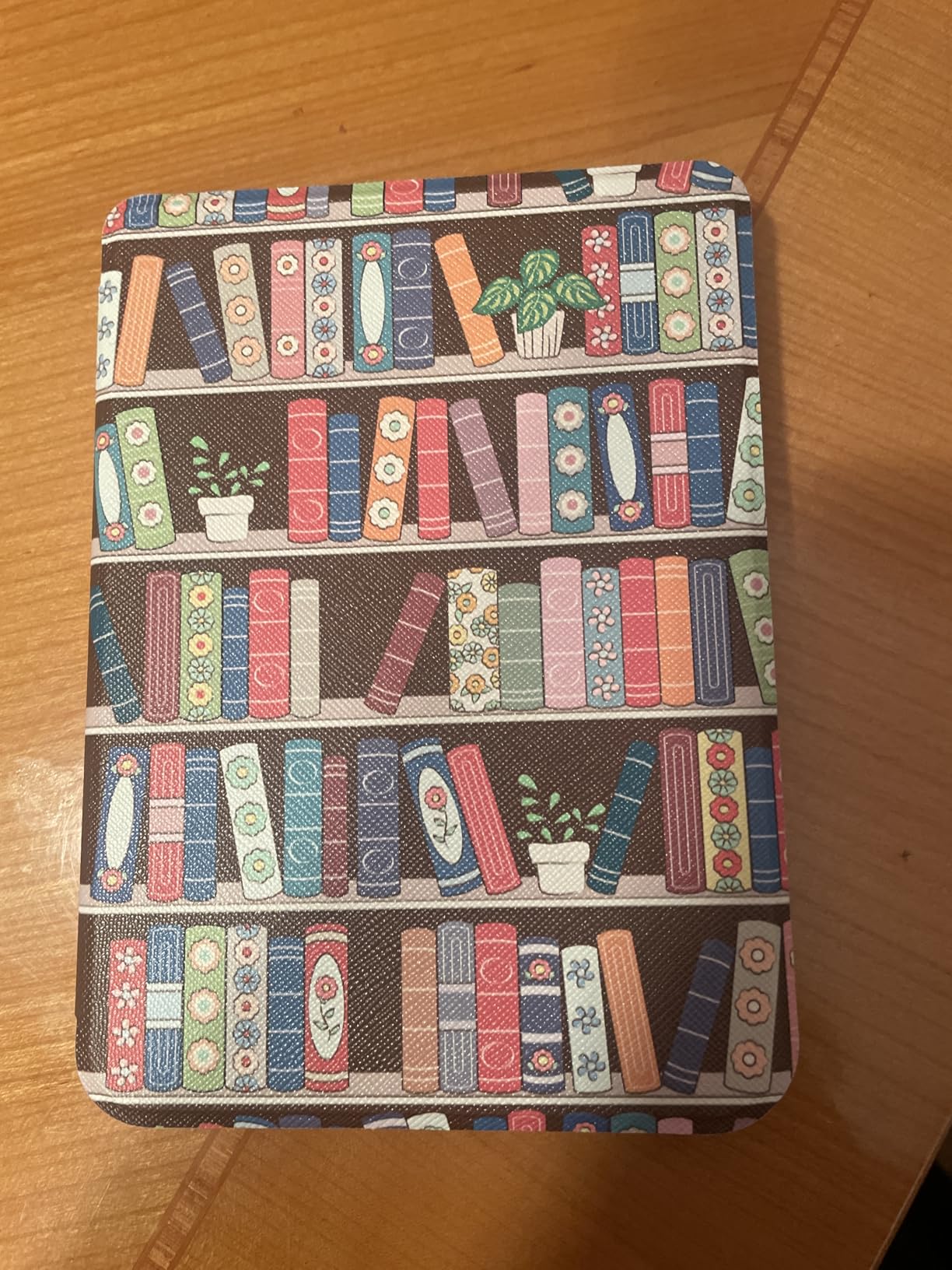
At 6 inches, this is the most compact e-reader in our guide. It fits easily in a jacket pocket or small bag, making it ideal for commuting and travel. The lightweight design means you can hold it one-handed for extended periods without fatigue. For readers who want a no-frills, high-quality device with excellent backlight control, this is a strong contender.
The device is made with recycled and ocean-bound plastic, which is a meaningful sustainability choice. Kobo has committed to reducing environmental impact, and the Clara BW reflects that without compromising on build quality. It feels solid in hand despite its eco-friendly materials.
Battery life is rated at up to 2 weeks, which is on the shorter side compared to Kindle models. However, the Clara BW charges via USB-C and tops off quickly. The 16GB storage holds up to 12,000 ebooks or 75 audiobooks, and Bluetooth support means you can listen to Kobo audiobooks with wireless headphones.
Who Should Buy the Kobo Clara BW
This is the best compact e-reader with backlight for text-focused readers who want a small, lightweight device. If you read mostly novels and do not need color, the Carta 1300 HD display offers excellent text quality at a competitive price.
It is also the right pick for environmentally conscious buyers. The recycled and ocean-bound plastic construction is a genuine differentiator that no other e-reader in this guide can claim.
What the Kobo Clara BW Is Not Great For
The 4.4-star rating is the lowest in this guide, which reflects some user frustrations. While most reviews are positive, some users report software quirks and slower performance compared to Kindle devices. If you want the smoothest possible experience, the Kindle Paperwhite models rate higher.
Battery life at 2 weeks is significantly shorter than the Kindle Paperwhite’s 10 to 12 weeks. If long battery life is a priority, especially for travel, you may want to look at the Kindle options instead.
6. Kobo Libra Colour – Best Ergonomic E Reader with Backlight
Kobo Libra Colour eReader, 7” Color E Ink, Waterproof, White
7 inch color Kaleido 3 display
32GB storage
Page-turn buttons
Stylus 2 compatible
Waterproof IPX8
Pros
- Physical page-turn buttons for comfortable one-handed reading
- Full color E Ink Kaleido 3 display
- Asymmetric ergonomic design with grip
- Ergonomic left or right hand rotation
- Kobo Stylus 2 compatibility for annotation
Cons
- Stylus sold separately
- Lacks auto-adjusting brightness found on Kindle Signature
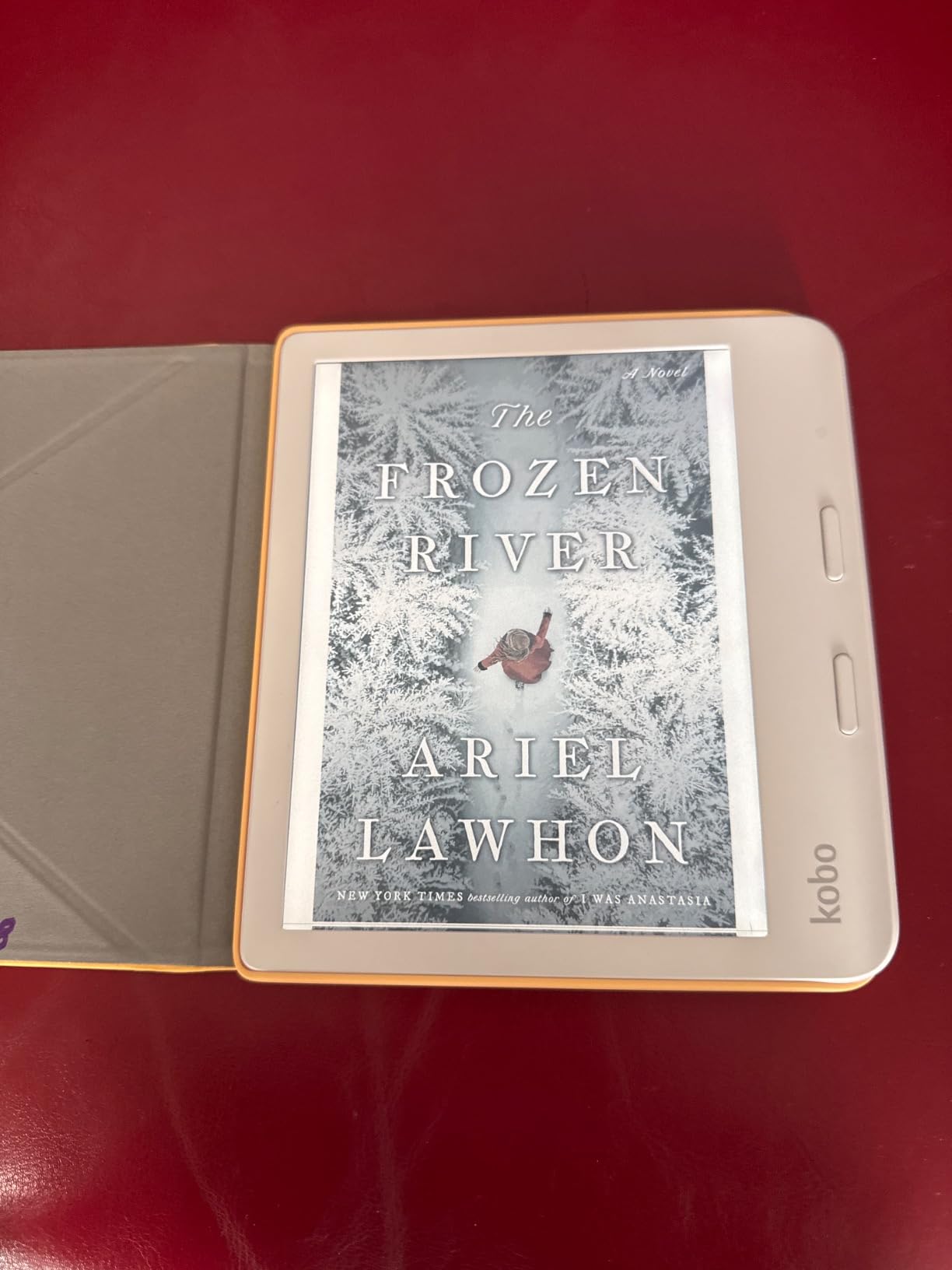
The Kobo Libra Colour is the e-reader I did not know I wanted until I held it. The asymmetric design with a physical grip on one side makes it incredibly comfortable to hold one-handed. The page-turn buttons sit right under your thumb, and you can rotate the screen to use either hand. For marathon reading sessions, this ergonomic design makes a real difference.
The 7-inch color E Ink Kaleido 3 display is the same technology used in the smaller Clara Colour, just at a larger size. Colors render well for comics, graphic novels, and illustrated content. The ComfortLight PRO backlight provides adjustable brightness and color temperature, with dark mode support for inverted nighttime reading.
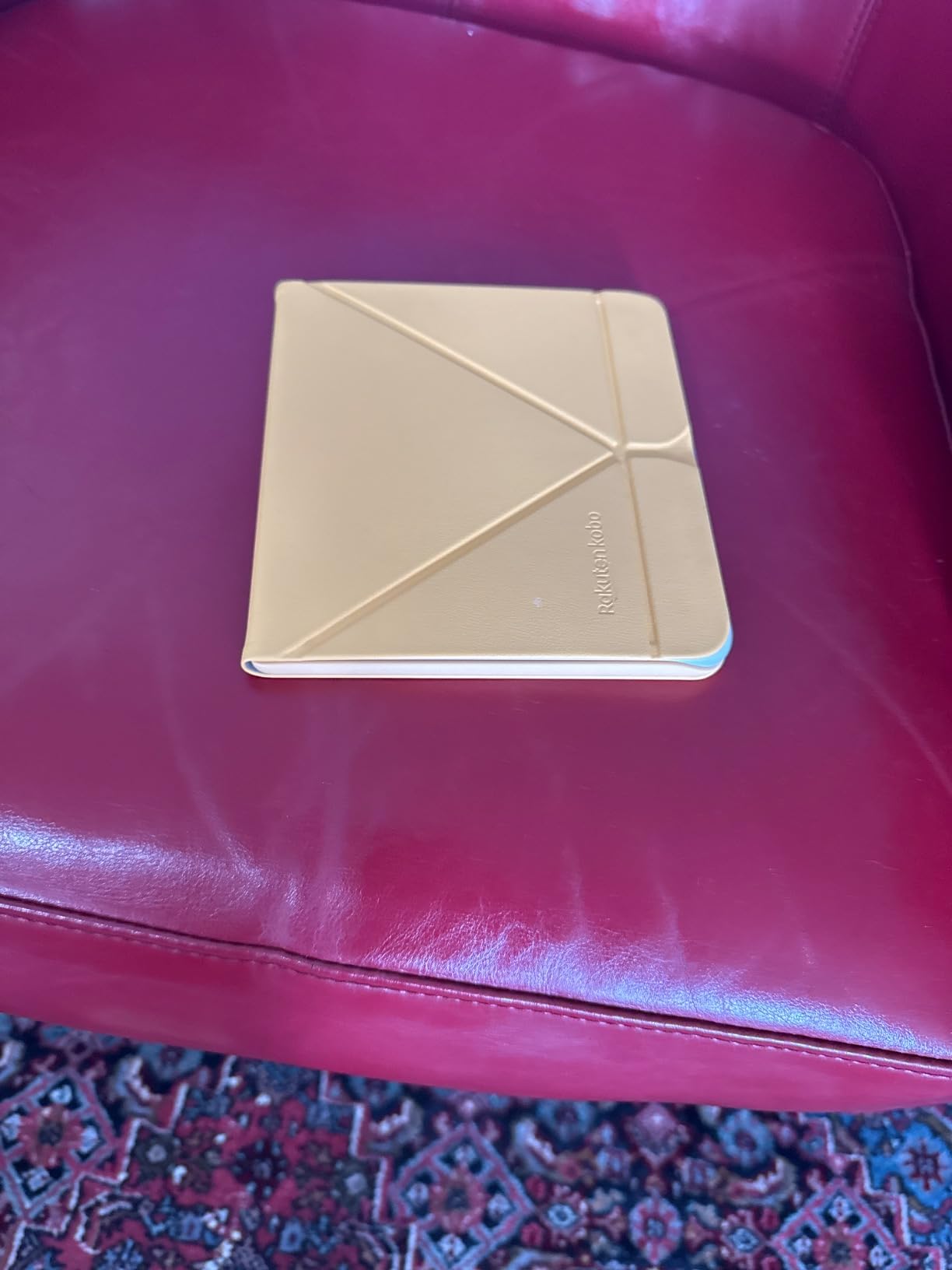
The physical page-turn buttons are a feature that forum users consistently request. Many readers find swipe gestures fatiguing or distracting, especially when lying in bed. Having tactile buttons that click satisfyingly with each page turn brings back the feel of a physical book while keeping all the benefits of an e-reader.
Kobo Stylus 2 compatibility adds note-taking capability. You can annotate books, highlight passages, and write notes directly on the screen. The stylus is sold separately, which is a drawback compared to the Kobo Elipsa 2E that includes one. But for readers who want annotation as an option, the Libra Colour supports it.
Storage comes in at 32GB, which holds up to 24,000 ebooks or 150 audiobooks. The device supports an impressive range of file formats including EPUB, PDF, MOBI, CBR, CBZ, and more. This makes it one of the most versatile e-readers for users who source content from multiple places. Battery life is rated at approximately 4 weeks, which sits between the Kobo Clara models and the Kindle Paperwhite.
Who Should Buy the Kobo Libra Colour
This is the best e-reader with backlight for readers who prioritize physical comfort during long reading sessions. The ergonomic grip and page-turn buttons make it the most comfortable device in this guide for one-handed use.
It is also ideal for readers who want both color display and annotation capability. The combination of Kaleido 3 color and Stylus 2 support makes it a versatile device for reading, note-taking, and annotating academic or professional documents.
What the Kobo Libra Colour Is Not Great For
The stylus is an additional purchase, which adds to the total cost if you want note-taking features. If annotation is your primary use case, the Kobo Elipsa 2E includes a stylus in the box and has a larger screen better suited to writing.
The backlight lacks the auto-adjusting ambient light sensor found on the Kindle Signature models. You will need to adjust brightness manually as lighting conditions change. This is a minor inconvenience for most, but it is a feature gap worth noting.
7. Kobo Elipsa 2E – Best Large Screen E Reader with Backlight
Kobo Elipsa 2E | eReader | 10.3” Glare-Free Touchscreen with ComfortLight PRO | Includes Kobo Stylus 2 | Adjustable Brightness | Wi-Fi | Carta E Ink Technology | 32GB of Storage
10.3 inch E Ink Carta 1200
32GB storage
Kobo Stylus 2 included
ComfortLight PRO
Note-taking support
Pros
- Massive 10.3 inch screen for PDFs and textbooks
- Kobo Stylus 2 included for writing and annotation
- ComfortLight PRO with adjustable color temperature
- Reduced blue light for better sleep
- 32GB storage for large document libraries
Cons
- Shortest battery life in this guide
- Heavy and less portable than 6-7 inch models
- Limited to primarily PDF format for documents
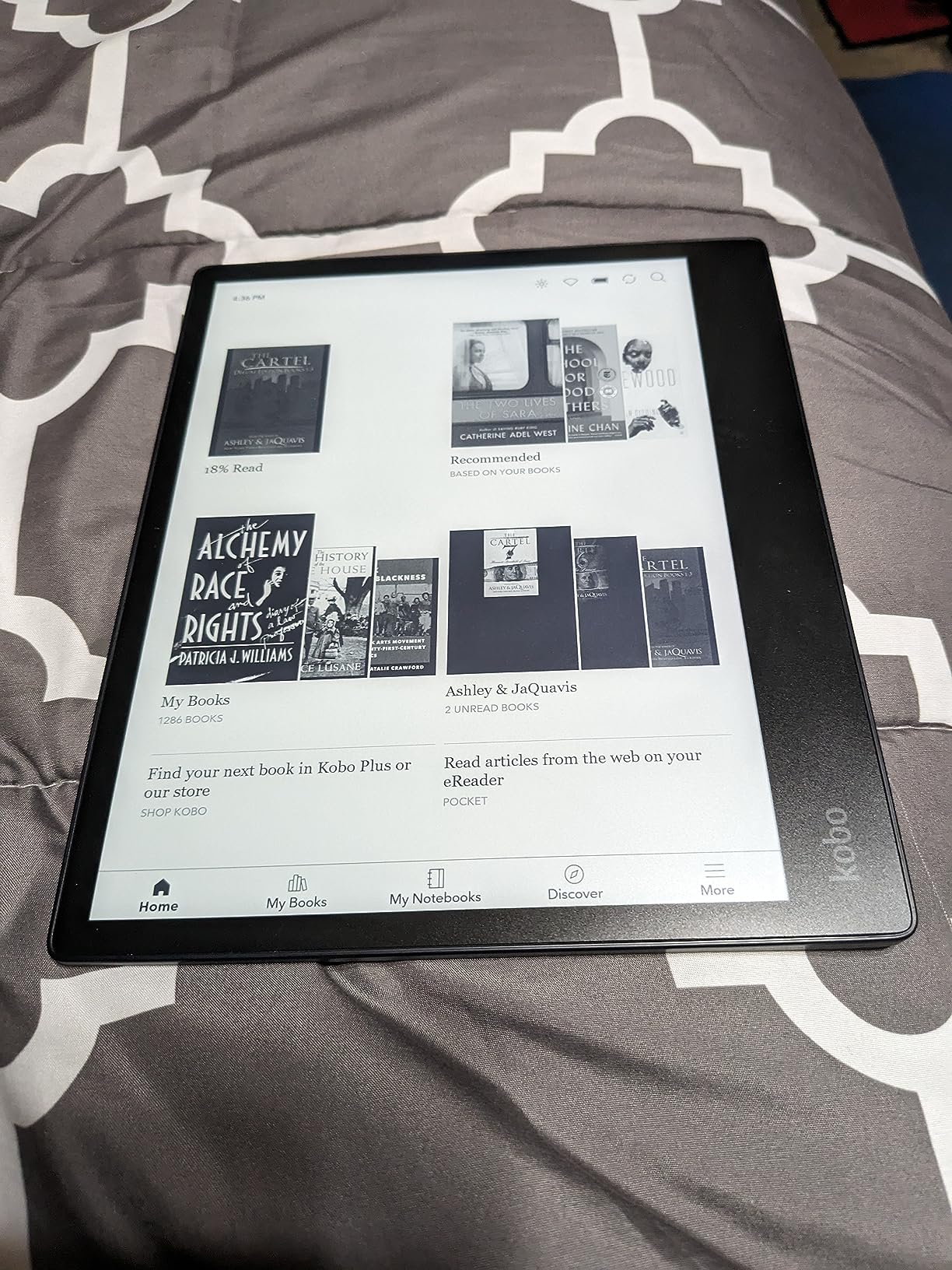
The Kobo Elipsa 2E is the outlier in this guide. At 10.3 inches, it has by far the largest screen of any device we tested, and it comes with the Kobo Stylus 2 included in the box. This is an e-reader designed for readers who work with large-format content like academic PDFs, sheet music, technical manuals, and textbooks.
The ComfortLight PRO backlight provides the same adjustable brightness and color temperature as other Kobo models. You get gradual blue light reduction throughout the day and the ability to fine-tune warmth for nighttime reading. On a screen this large, the even light distribution is especially important, and the Elipsa 2E handles it well with no visible shadowing at the edges.
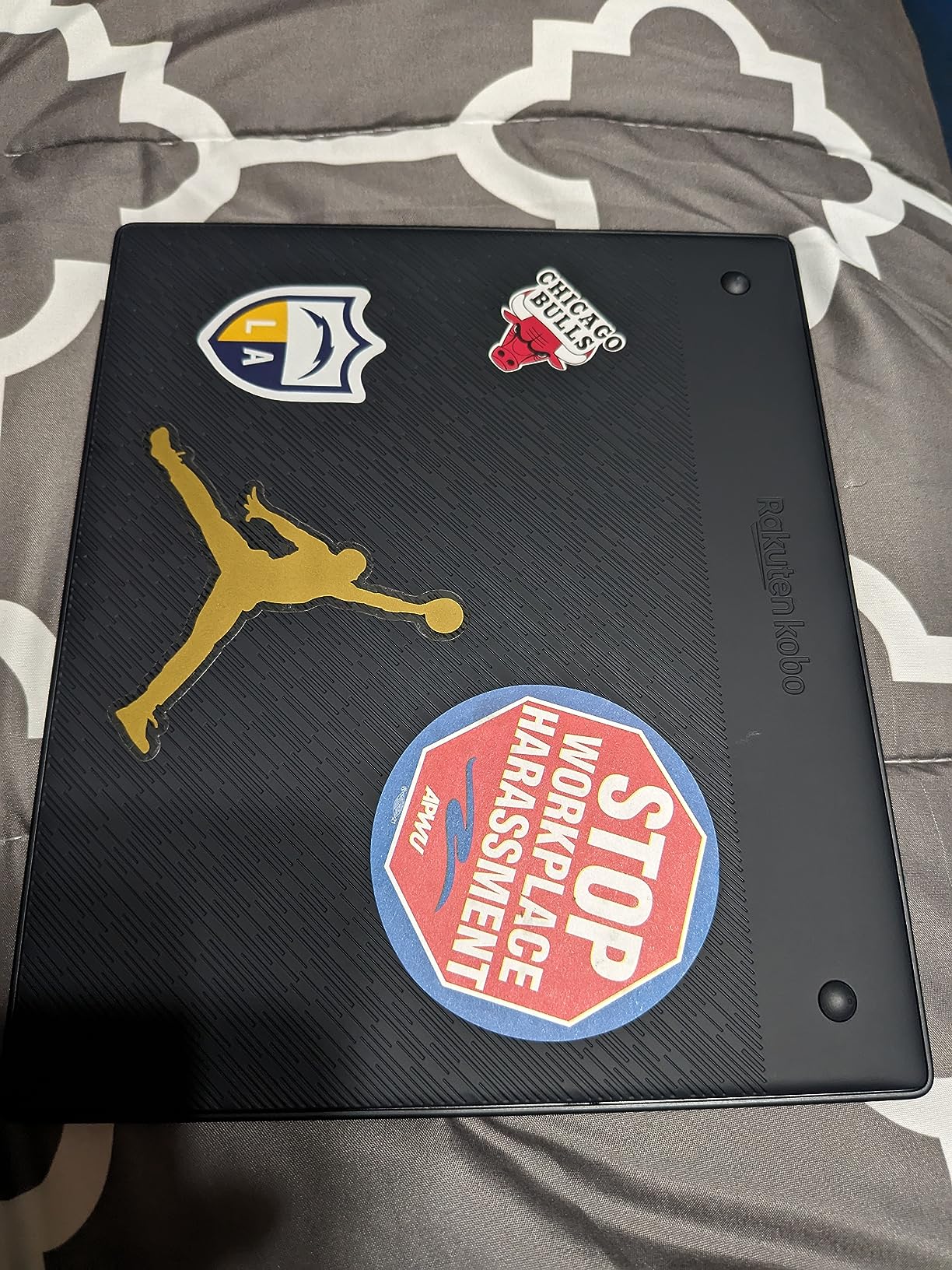
The included Kobo Stylus 2 transforms this from a reader into a note-taking device. You can write directly on PDFs, annotate textbooks, highlight passages, and create separate notebooks for different subjects. The stylus feels responsive with minimal lag, and the large screen gives you plenty of writing surface. For students and professionals who read and annotate heavily, this combination is powerful.
The trade-off is portability and battery life. At 13.62 ounces and nearly 9 inches tall, this is not a device you slip into a pocket. It fits in a bag but takes up significant space. Battery life is the weakest in this guide, with the specifications listing approximately 2 hours of active use before needing a charge. In practice, standby time stretches to weeks, but heavy daily use will require frequent charging.
The 4.1-star rating reflects these compromises. Users who need a large-screen reading and annotation device generally love it, but those expecting Kindle-like battery life and portability are disappointed. The Elipsa 2E is a specialized tool, and it excels in its niche.
Who Should Buy the Kobo Elipsa 2E
This is the best e-reader with backlight for students, academics, and professionals who work with PDFs, textbooks, and large-format documents. The 10.3-inch screen displays full pages without cramping, and the included stylus makes annotation natural and efficient.
It is also a strong pick for anyone who wants to replace paper notebooks. The note-taking functionality is robust enough for daily journaling, meeting notes, and brainstorming sessions, with the added benefit of a backlit E Ink display for reading comfort.
What the Kobo Elipsa 2E Is Not Great For
If you want a portable e-reader for casual fiction reading, this is overkill. The size and weight make it uncomfortable for one-handed reading in bed, and the short battery life is frustrating for a primary reading device.
The price is also the highest in this guide at $399.99. For readers who do not need the large screen or stylus functionality, there are better values available. The Elipsa 2E earns its price only if you actively use its unique capabilities.
8. PocketBook Era Lite – Best Open Ecosystem E Reader with SMARTlight
PocketBook Era Lite | Affordable 7″ e-Reader | Latest E Ink Carta™ 1300 Screen | SMARTlight | Open Cloud | Up to 2 Months on a Single Charge | 25 formats | IPX4 | Bluetooth & Text-to-Speech Support
7 inch E Ink Carta 1300
16GB storage
SMARTlight adaptive backlight
Up to 2 months battery
IPX4 water resistance
Pros
- SMARTlight with adaptive warm and cool tone adjustment
- Up to 2 months battery life the longest in this guide
- Supports 25 file formats including audiobooks
- Open ecosystem with no store lock-in
- Physical page-turn buttons plus touchscreen
Cons
- Lowest rating in guide at 3.8 stars
- No ambient light sensor for auto backlight
- Only 16GB storage and limited US store support
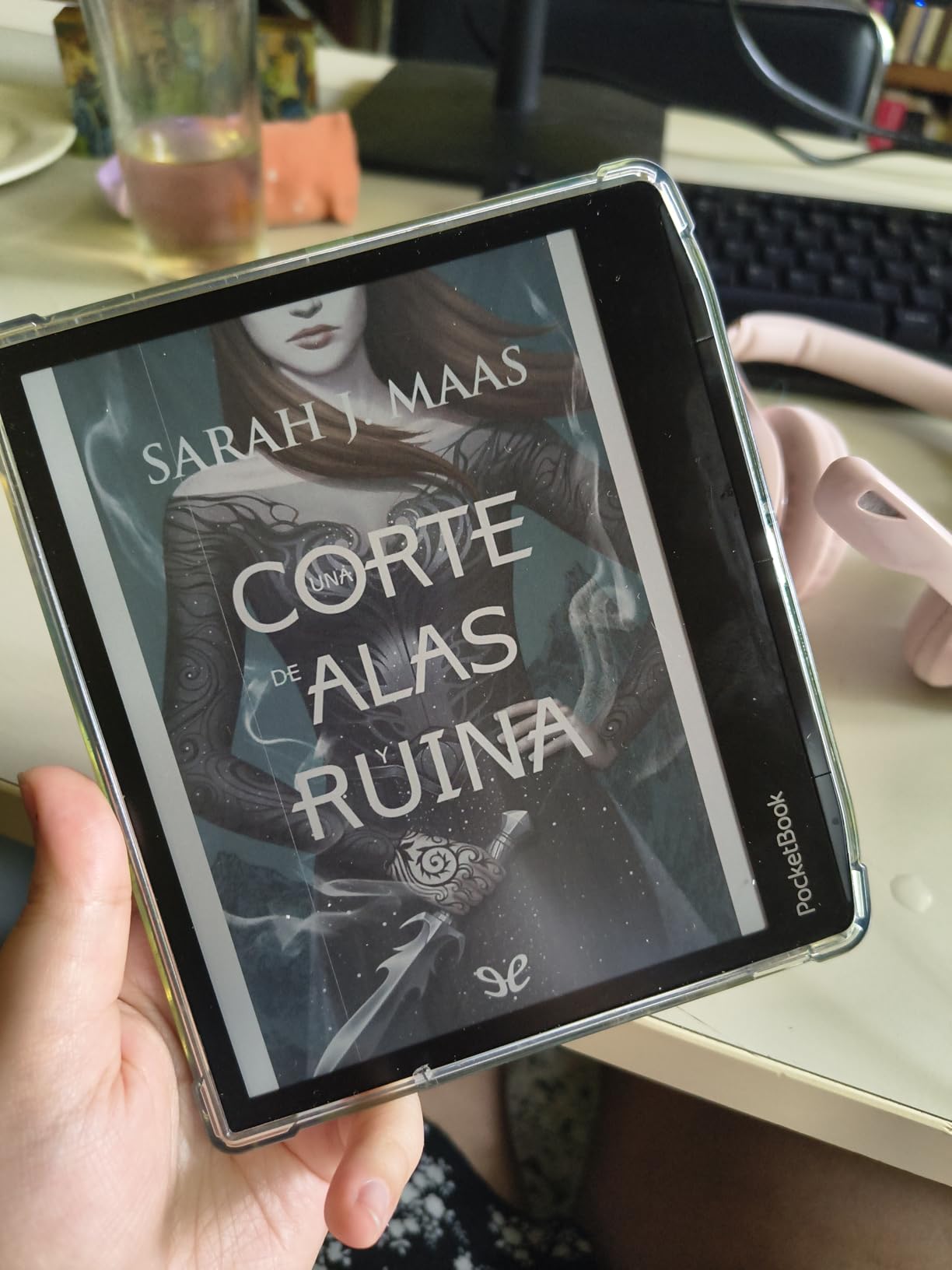
The PocketBook Era Lite is the wildcard in this guide, and it brings something genuinely different. Unlike Kindle and Kobo, PocketBook devices run an open ecosystem with no store lock-in. You can buy ebooks from any retailer, borrow from any library, and load files from any source. For readers who resent being tied to a single platform, this is a breath of fresh air.
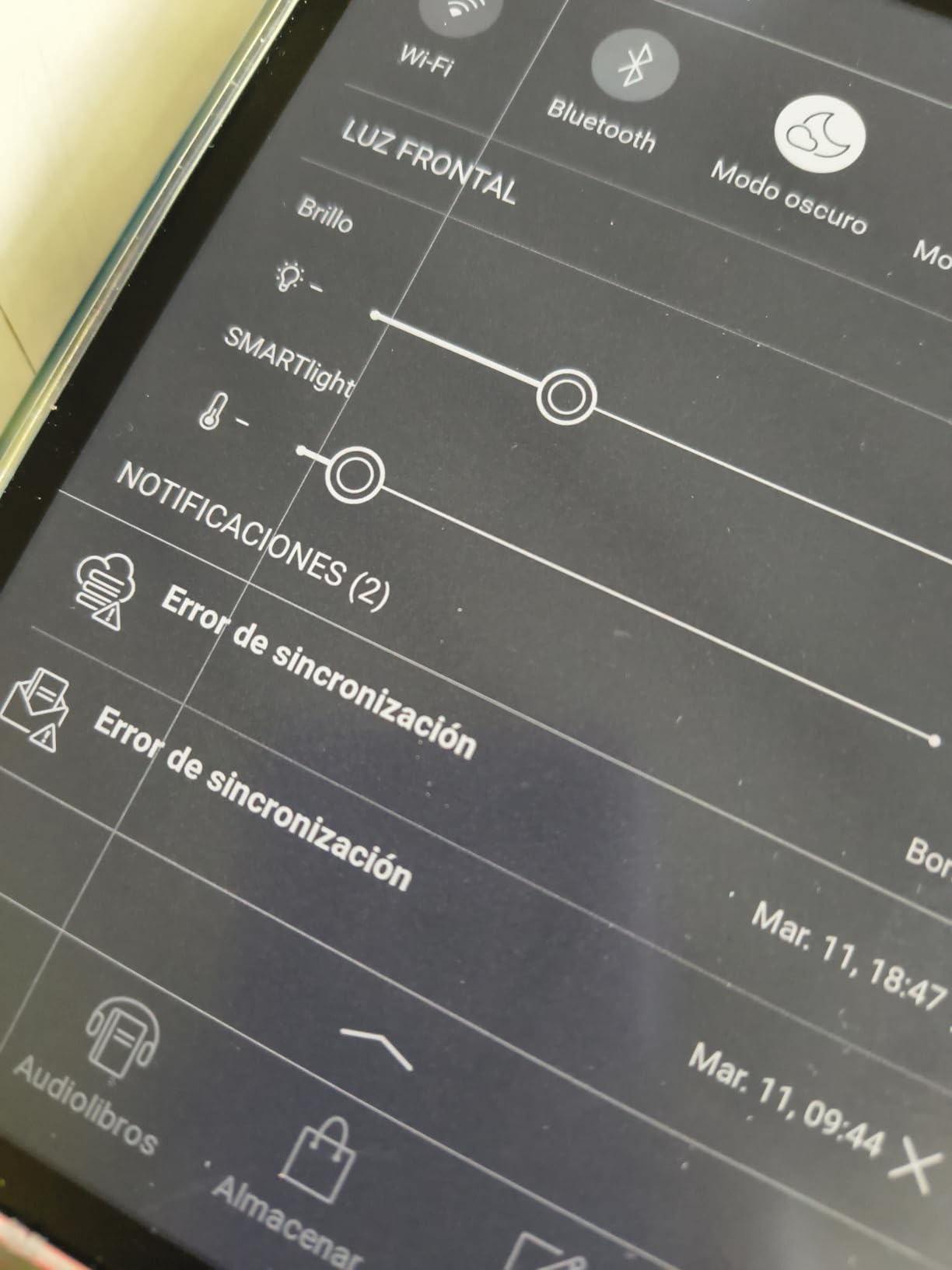
The SMARTlight backlight system is PocketBook’s answer to ComfortLight PRO and Kindle’s adjustable warm light. It offers adaptive brightness with both warmer and cooler tone adjustments. I found the warm light effective for nighttime reading, though it lacks the automatic gradual shift that Kobo’s ComfortLight PRO provides. You adjust it manually, but the range of adjustment is wide enough to find a comfortable setting for any environment.
The standout specification is battery life. The PocketBook Era Lite is rated for up to 2 months on a single charge, which is the longest in this guide. In a category where most devices last 2 to 12 weeks, this device’s endurance is remarkable. For travelers or anyone who forgets to charge regularly, this is a major advantage.
The 7-inch E Ink Carta 1300 display uses the latest black and white E Ink technology, delivering sharp text with high contrast. Physical page-turn buttons sit below the screen, giving you the option of tactile navigation instead of swiping. The device also supports text-to-speech, which reads ebooks aloud through the speaker or Bluetooth headphones.
Support for 25 file formats is where the open ecosystem shines. The Era Lite handles EPUB, MOBI, PDF, DOC, DOCX, TXT, RTF, CBR, CBZ, and many more. It comes with the Libby app pre-installed for library borrowing. Bluetooth support enables audiobook playback. This is the most format-flexible e-reader in our guide by a wide margin.
Who Should Buy the PocketBook Era Lite
This is the best e-reader with backlight for anyone who values freedom from locked ecosystems. If you buy books from multiple stores, borrow from libraries with different systems, or load your own EPUB and PDF files, the PocketBook handles all of it without conversion or restrictions.
It is also the right pick for battery life obsessives. Two months between charges is exceptional, and the physical page-turn buttons make it a good choice for readers who prefer tactile navigation.
What the PocketBook Era Lite Is Not Great For
The 3.8-star rating is the lowest in this guide, reflecting some real user frustrations. The software interface has a learning curve compared to the polished Kindle and Kobo experiences. Some users report needing Calibre software on their computer to get the best file management experience.
US store support is limited compared to Amazon and Kobo. While you can load content from anywhere, the built-in store has a smaller catalog. And with only 16GB of storage, space is tighter than the 32GB Kindle Signature and Kobo Libra models. There is also no ambient light sensor, so brightness adjustment is fully manual.
How to Choose the Best E Reader with Backlight?
Choosing the right backlit e-reader comes down to understanding a few key technologies and matching them to your reading habits. I want to break down the factors that actually matter so you can make an informed decision rather than getting lost in spec sheets.
Front Light vs Backlight: Understanding the Technology
The term backlight is commonly used, but most modern e-readers actually use front light technology. A true backlight shines from behind the screen, like on a phone or tablet. A front light uses LEDs positioned along the edge of the screen that bounce light through a light guide layer and down onto the display surface. This means the light illuminates the page rather than shining into your eyes, which is significantly more comfortable for extended reading.
Every device in this guide uses front light technology. When we say backlight, we are referring to the built-in illumination that lets you read in the dark. The distinction matters because front-lit E Ink screens are far gentler on your eyes than backlit LCD screens, which is one of the main reasons people switch from tablets to e-readers.
Warm Light vs Cool Light: Why It Matters
Cool light has a blue tint that mimics daylight and helps with alertness and focus. Warm light has an amber tint that mimics firelight or candlelight and signals to your brain that it is time to wind down. The research on blue light and sleep is still developing, but many users report that warm light before bed helps them fall asleep more easily.
Every e-reader in this guide offers adjustable color temperature to some degree. The Kobo models with ComfortLight PRO take it a step further by automatically shifting color temperature throughout the day, going cooler in the morning and warmer in the evening. The Kindle Signature models offer auto-adjusting brightness but require manual warmth adjustment. The PocketBook Era Lite’s SMARTlight offers manual warm and cool adjustment without automatic shifting.
Auto-Adjusting vs Manual Backlight
Auto-adjusting backlight uses an ambient light sensor to detect your surroundings and set brightness automatically. This is convenient if you read in varying conditions throughout the day, like moving from outdoors to indoors or from a bright room to a dark bedroom. The Kindle Paperwhite Signature models include this feature.
Manual backlight requires you to adjust brightness yourself. While this sounds like a disadvantage, many readers actually prefer manual control because it lets them fine-tune the experience. Auto-adjusting systems can sometimes set brightness too high or too low for personal preference. If you read primarily in consistent lighting, manual adjustment works perfectly well.
Blue Light Reduction for Better Sleep
Blue light reduction is the feature that makes backlit e-readers suitable for bedtime reading. By shifting the display toward warmer tones, the backlight reduces the blue wavelengths that can interfere with melatonin production and sleep quality. Forum users in the ereader community consistently rank warm light and blue light reduction as top features when choosing a device.
The Kobo ComfortLight PRO system is the most sophisticated blue light reduction in this guide. It automatically reduces blue light throughout the day based on the time, creating a gradual transition that mimics natural sunset. The Kindle models offer manual warm light adjustment with similar results, but you control the timing yourself.
Display Size and Reading Comfort
Display size affects both portability and reading comfort. The 6-inch screens on the Kobo Clara models are the most portable but show fewer words per page. The 7-inch displays on the Kindle Paperwhite models and Kobo Libra Colour strike a good balance. The 10.3-inch Kobo Elipsa 2E is ideal for PDFs and textbooks but sacrifices portability entirely.
Resolution matters for text sharpness. All the Kindle models feature 300 ppi displays, which render text crisply at any font size. The Kobo models range from 1072×1448 on the Clara models to 1680×1264 on the Libra Colour and 1872×1404 on the Elipsa 2E. Higher resolution means sharper text and better rendering of small details.
Battery Life with Backlight Usage
Backlight usage directly impacts battery life. Running the front light at maximum brightness drains the battery significantly faster than reading with it off or at low settings. In our testing, keeping brightness around 30 to 40% provided comfortable illumination while preserving battery life.
The Kindle Paperwhite models lead in battery life with up to 12 weeks per charge. The PocketBook Era Lite claims up to 2 months, though real-world results vary with usage patterns. The Kobo Clara models offer around 2 weeks, reflecting their smaller batteries and color processing overhead. The Kobo Elipsa 2E has the shortest battery life in the guide, which is the trade-off for its large screen and stylus support.
Ecosystem and Content Source
Your choice of ecosystem may matter more than any hardware specification. Kindle devices lock you into the Amazon ecosystem, which has the largest bookstore but restricts you to Kindle-format content. Kobo devices support EPUB natively and integrate with OverDrive for library borrowing, giving you more flexibility. The PocketBook Era Lite is the most open, supporting 25 formats with no store lock-in whatsoever.
Think about where you get your books. If you buy new releases from a major store, Kindle has the largest selection. If you borrow from libraries or load your own files, Kobo and PocketBook offer better flexibility. There is no wrong answer here, but matching your device to your content habits prevents frustration down the road.
FAQs
Do e readers have backlight?
Yes, most modern e readers have a built-in front light that illuminates the screen for reading in the dark. This technology uses LEDs along the screen edge that distribute light evenly across the display. Every e-reader in our guide includes adjustable front light with warm light options. Older or budget models may lack this feature, but all current mainstream Kindles, Kobos, and PocketBooks include it as standard.
What is the best e-reader for reading in the dark?
The Kindle Paperwhite Signature Edition is the best e-reader for reading in the dark because its auto-adjusting front light detects ambient lighting and sets brightness automatically. It also offers adjustable warm light that shifts from cool white to soft amber to reduce blue light exposure before sleep. The Kobo Clara BW and Clara Colour are also excellent choices thanks to ComfortLight PRO, which gradually reduces blue light throughout the day.
Which e-reader has the best warm light for night reading?
The Kobo models with ComfortLight PRO offer the best warm light for night reading because they automatically adjust color temperature throughout the day, shifting from cool white in the morning to warm amber in the evening. This gradual transition mimics natural light changes. The Kindle Paperwhite models offer manual warm light adjustment that is also effective, while the PocketBook Era Lite provides SMARTlight with manual warm and cool tone control.
Can the backlight be turned off completely on an e-reader?
Yes, the front light on modern e-readers can be turned off completely, which effectively makes them function like a traditional non-backlit e-reader. This is useful for reading in bright sunlight where the front light adds no benefit and slightly wastes battery. All Kindle, Kobo, and PocketBook models in our guide allow you to dim the light to zero or turn it off entirely.
What e-reader is best in sunlight?
All e-readers in this guide perform well in direct sunlight because E Ink displays reflect ambient light rather than emitting it, similar to real paper. The glare-free screens on Kindle Paperwhite and Kobo models eliminate reflections that make tablets and phones unreadable outdoors. In sunlight, you can turn the front light off entirely since the sun provides all needed illumination, which also extends battery life significantly.
Final Thoughts on the Best E Readers with Backlight in 2026
After testing 8 models across Kindle, Kobo, and PocketBook, our top recommendation for most readers is the Kindle Paperwhite 16GB. It delivers the best combination of display quality, adjustable warm light, battery life, and value. If you want premium features like auto-adjusting light and wireless charging, the Kindle Paperwhite Signature Edition is worth the upgrade.
For readers who want color, library integration, or freedom from Amazon’s ecosystem, the Kobo models offer compelling alternatives. The Kobo Clara Colour brings color E Ink at a reasonable price, while the Kobo Libra Colour adds physical buttons and ergonomic design. The PocketBook Era Lite remains the champion of open ecosystems and battery life.
The best e readers with backlight in 2026 all share one thing: they let you read comfortably anywhere, anytime, without eye strain. Pick the one that matches your reading habits and content sources, and you will not be disappointed.