

The Amazon Fire HD 10 is the tablet worth watching most closely during Amazon’s October sale, because it does the handful of jobs most households actually buy a tablet for: streaming, reading, video calls and a sturdy screen that takes a knock. Its 10.1-inch 1080p panel, 13-hour battery and 44k owner reviews give it more proven staying power than anything else at this end of the market.
Two alternatives serve different readers. The Apple iPad 11-inch is the pick for anyone who needs the full app catalog, a stylus or a keyboard for school and work, while the Amazon Fire 7 Kids is the sensible entry point for a child aged three to seven. Prime Big Deal Days runs October 6-7, 2026, and deal quality changes through the event, so the button on each section is where the current price lives.
Table of Contents
Our Top 3 Picks for Best Amazon Prime Big Deal Days Tablet Deals in 2026

Amazon Fire HD 10
- 10.1-inch 1080p Full HD screen
- Octa-core processor and 4GB RAM
- Up to 13 hours of battery
- Expandable to 1TB via microSD

Apple iPad 11-inch
- A16 chip
- 11-inch Liquid Retina display with True Tone
- 128GB storage and Wi-Fi 6
- Touch ID and Apple Pencil support

Amazon Fire 7 Kids
- 7-inch display sized for ages 3-7
- 1 year of Amazon Kids+ included
- Kid-proof case in the box
- Up to 10 hours of battery
Number one is the Fire HD 10 for anyone who wants one tablet to cover the whole family. Number two, the iPad 11-inch, earns its place for students and anyone who already lives in the Apple ecosystem. Number three, the Fire 7 Kids, is the answer when the tablet is going straight into small hands.
Best Amazon Prime Big Deal Days Tablet Deals Compared
| Product | Specifications | Action |
|---|---|---|
| Amazon Fire HD 10 |
|
Check Deal Price |
| Apple iPad 11-inch |
|
Check Deal Price |
| Amazon Fire 7 Kids |
|
Check Deal Price |
 Amazon Fire HD 8 Amazon Fire HD 8 |
|
Check Deal Price |
 Fire HD 8 Kids Pro Fire HD 8 Kids Pro |
|
Check Deal Price |
 Apple iPad 10.2-inch Renewed Apple iPad 10.2-inch Renewed |
|
Check Deal Price |
 Samsung Galaxy Tab A11+ Samsung Galaxy Tab A11+ |
|
Check Deal Price |
 Fire HD 8 Kids Fire HD 8 Kids |
|
Check Deal Price |
 Lenovo Tab M9 Lenovo Tab M9 |
|
Check Deal Price |
 Galaxy Tab S10 Lite Galaxy Tab S10 Lite |
|
Check Deal Price |
How We Chose
Every tablet here was picked on the specifications that decide a purchase for this product type: screen size and resolution, battery claim, memory and storage, stylus and keyboard support, and the length of software support. We weighted the ratings and owner reviews left on Amazon listings, then checked each model against its known configuration. Data was checked on October 2026, and prices move during the sale, so the buttons show the current figure.
1. Amazon Fire HD 10: Editor’s Choice for Family Value
Amazon Fire HD 10 tablet, built for relaxation, 10.1″ vibrant Full HD screen, octa-core processor, 4 GB RAM, 32 GB, Black
Screen: 10.1 inch 1080p
Storage: 32GB
Standout: 13-hour battery
Pros
- Bright 1080p screen at a size adults and kids share
- Octa-core chip rated 25 percent faster than the previous generation
- Strengthened glass rated 2.7x tougher in tumble testing
- Works with older Fire keyboard cases and the Made for Amazon Stylus Pen
Cons
- Fire OS has no official Google Play Store
- Pre-installed apps and lockscreen ads
- Some owners report faster battery drain over time
The one tablet that covers the widest spread of ages in a single household. Owners use this one for streaming, reading, gaming and as the family tablet, and the 44k reviews behind a 4.5 rating make it the most proven choice on this list.
The 10.1-inch 1080p Full HD screen is the reason it works as a shared device. It is big enough for a child to watch a film and small enough to pass to a parent reading the news, and the listing claims up to 13 hours of battery for streaming, browsing and video.
The octa-core processor is listed as 25 percent faster than the last generation, and storage expands by microSD to 1TB, so the 32GB base does not have to be the ceiling. Owners report that it still works with keyboard cases made for earlier Fire models, which quietly extends the life of accessories you may already own.
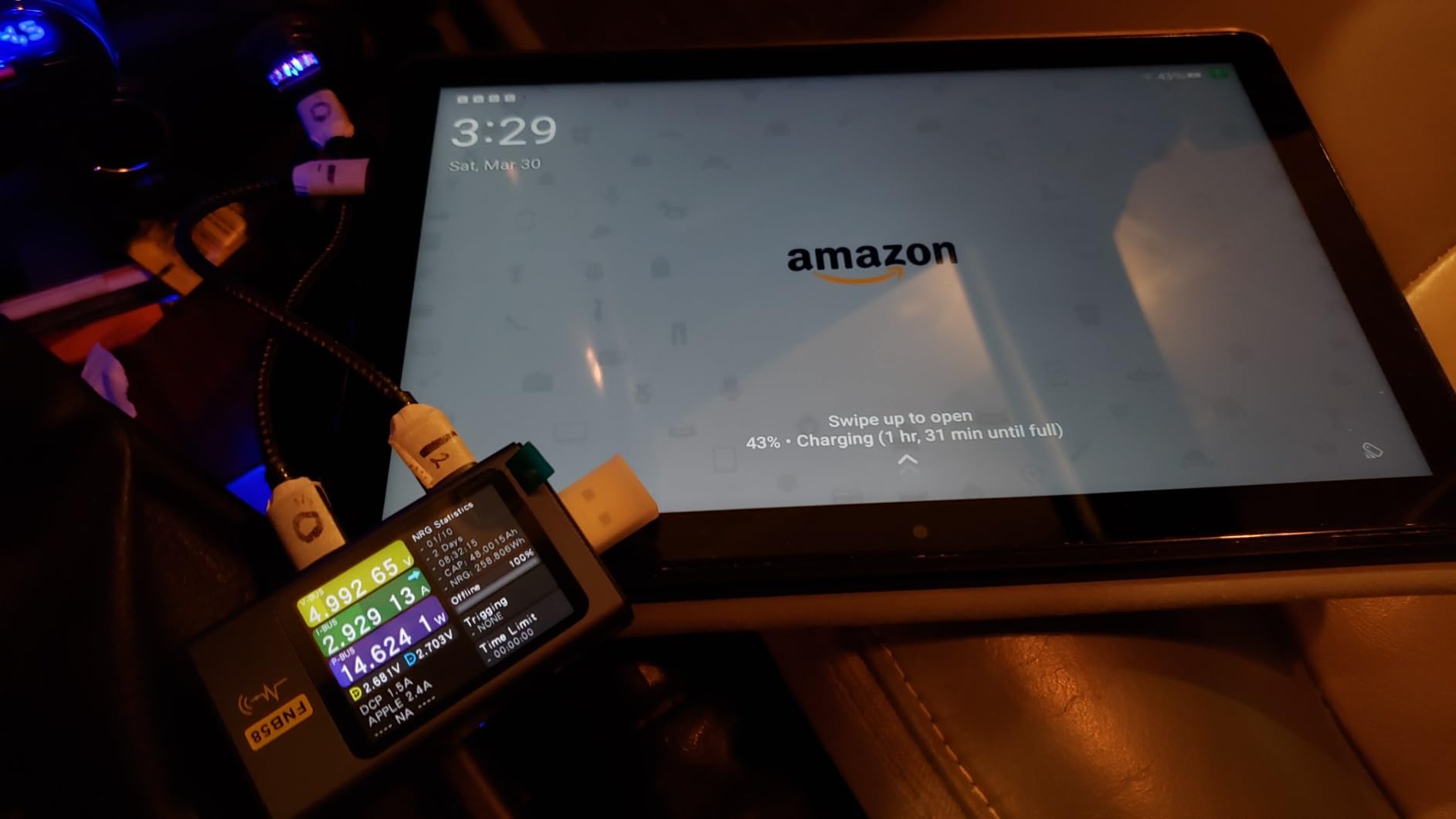
The trade-off is the same one every Fire tablet carries: no official Google Play Store and a thinner app catalog than a standard Android tablet, plus pre-installed software and lockscreen ads. A few owners also report the battery draining faster after months of use.
Compare it with the Fire HD 8, which is lighter to carry but has a lower-resolution panel, or with the iPad 11-inch, which costs considerably more and opens up every app. If your household wants one screen that everyone can use, buy the Fire HD 10.
2. Apple iPad 11-inch: Premium Pick for School and the Full App Catalog
Apple iPad 11-inch: A16 chip, 11-inch Model, Liquid Retina Display, 128GB, Wi-Fi 6, 12MP Front/12MP Back Camera, Touch ID, All-Day Battery Life — Silver
Screen: 11 inch Liquid Retina
Storage: 128GB
Standout: A16 chip
Pros
- A16 chip keeps multitasking and heavy apps smooth
- Liquid Retina display with True Tone shifts to ambient light
- All-day battery in a 1.05-pound body
- Works with Apple Pencil and Magic Keyboard Folio
- 128GB and Wi-Fi 6 as standard
Cons
- No Apple Pencil or keyboard included
- Maximum brightness is lower than some phones and computers
- Costs more than most Android tablets
Best when the tablet has to do schoolwork, not just streaming. The 11-inch Liquid Retina display adjusts its color temperature to ambient light with True Tone, and the A16 chip is the reason owners rarely mention lag.
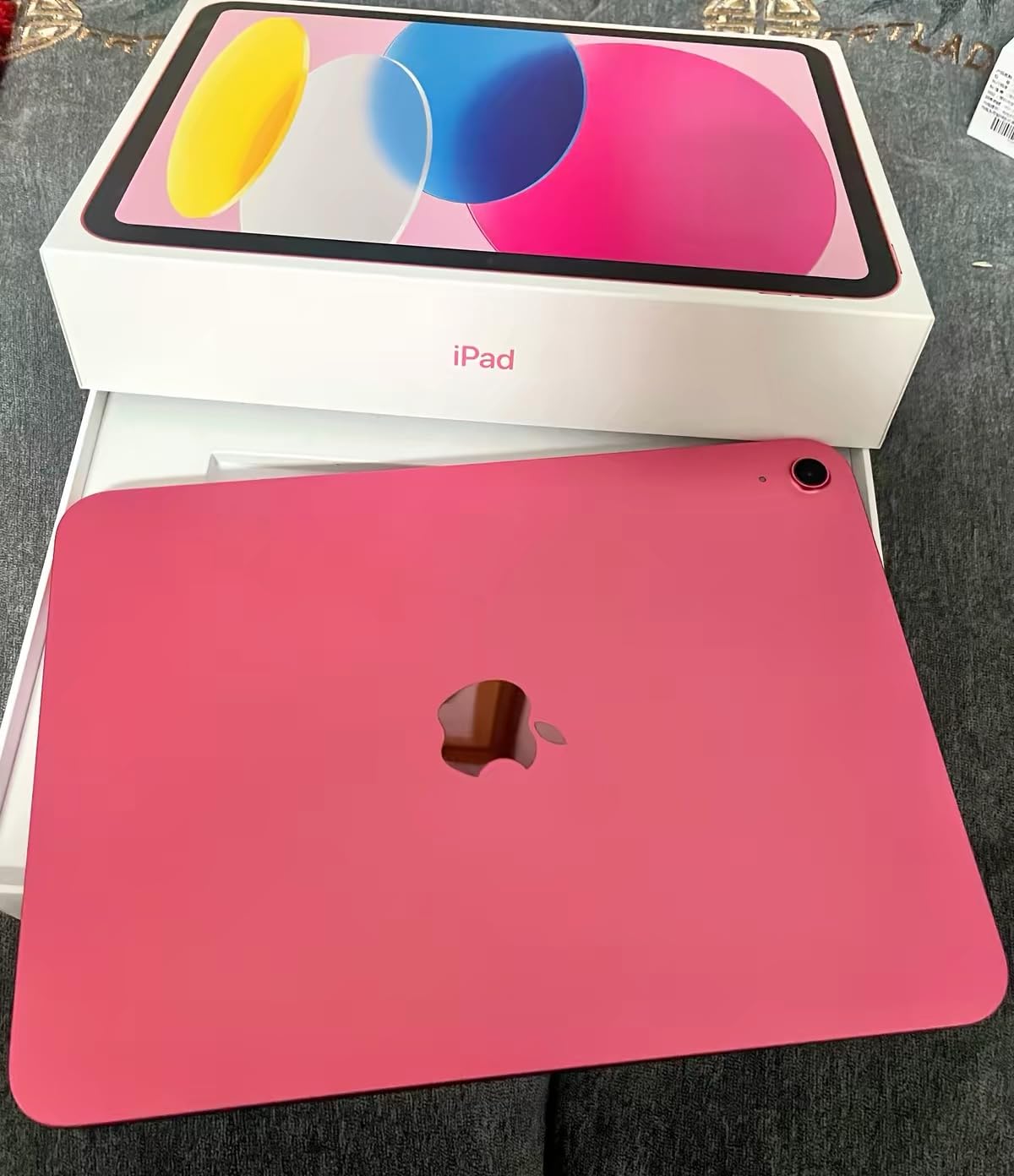
Owners buy this for college study, everyday productivity and drawing apps, and they consistently name two things: it is fast, and it weighs 1.05 pounds. The 12MP Center Stage front camera handles video calls, and the rear 12MP Wide shoots 4K. Touch ID sits in the top button and works with Apple Pay.
Connectivity is Wi-Fi 6 with a USB-C port, and 128GB is the standard configuration, expandable to 512GB at higher tiers. The tablet supports the USB-C Apple Pencil, the first-generation Pencil and the Magic Keyboard Folio, which matters because those accessories are where most of the real cost sits.
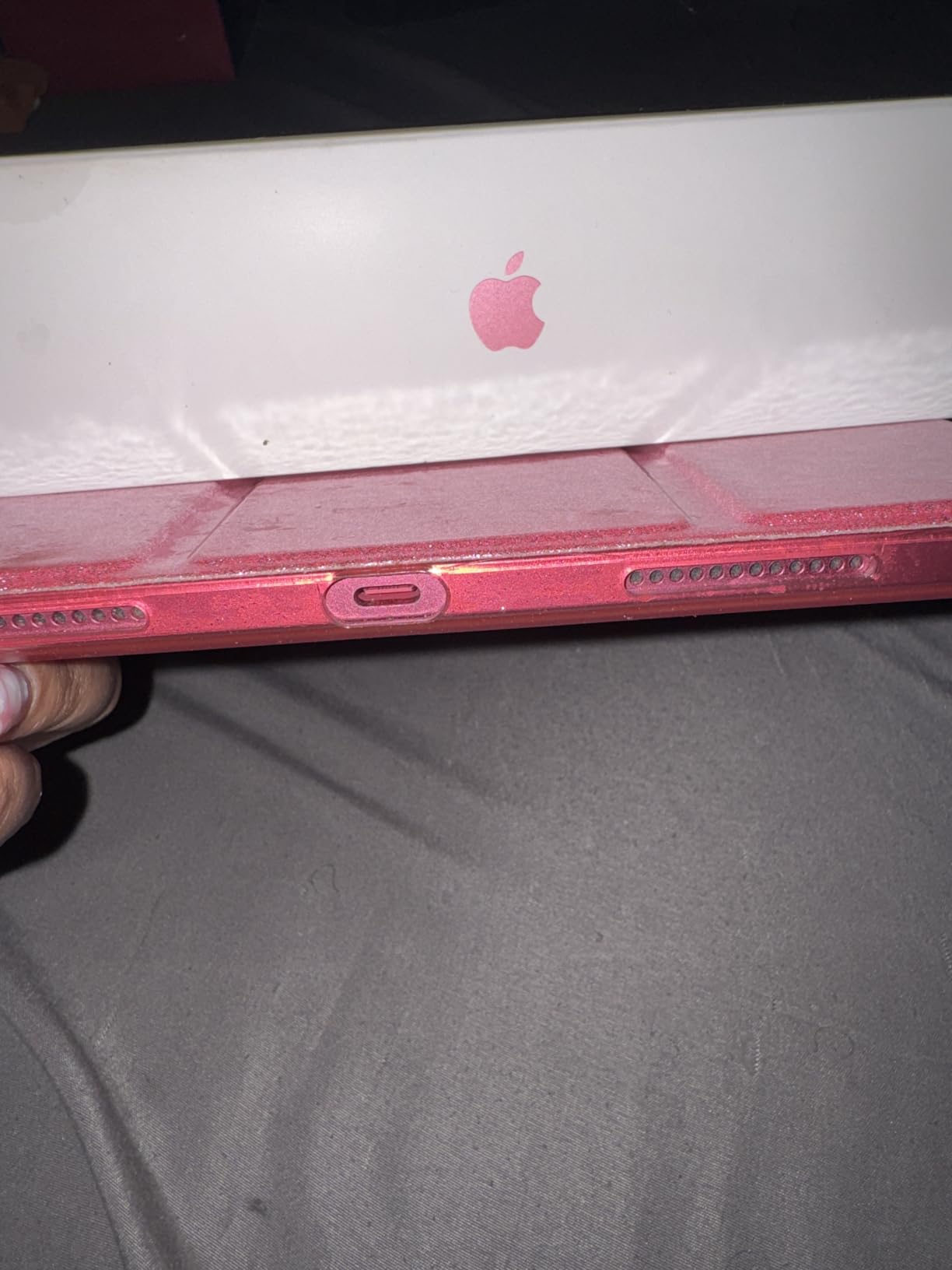
The main complaints are practical. Nothing is included in the box beyond the tablet and cable, so a Pencil and keyboard are extra purchases. Maximum brightness is lower than some phones and computers, which shows up outdoors, and the asking price sits well above every Android tablet here.
Compared with the Fire HD 10, the difference is the app catalog and update support rather than raw speed. If you already own an iPhone or need apps that only exist on iPadOS, this is the buy; if the tablet is for films and games, the Fire HD 10 costs far less.
3. Amazon Fire 7 Kids: Budget Pick for Ages 3 to 7
Amazon Fire 7 Kids tablet, ages 3-7. Top-selling 7″ kids tablet on Amazon. Includes ad-free and exclusive content, easy parental controls, 10-hr battery, 16 GB, Blue
Screen: 7 inch
Storage: 16GB
Standout: kid-proof case included
Pros
- Right size and weight for small hands
- Kid-proof case absorbs drops and bumps
- One year of ad-free Amazon Kids+ included
- Parent Dashboard sets age filters and time limits
- Two-year worry-free guarantee with free replacement
Cons
- Usable storage is well below the advertised 16GB
- Kids+ subscription auto-renews after the first year
- Locked app ecosystem limits choice
Buy this one for a preschooler and skip it for anyone else. The 7-inch body, the included kid-proof case and one year of ad-free Amazon Kids+ content cover the three things that actually decide a first tablet.
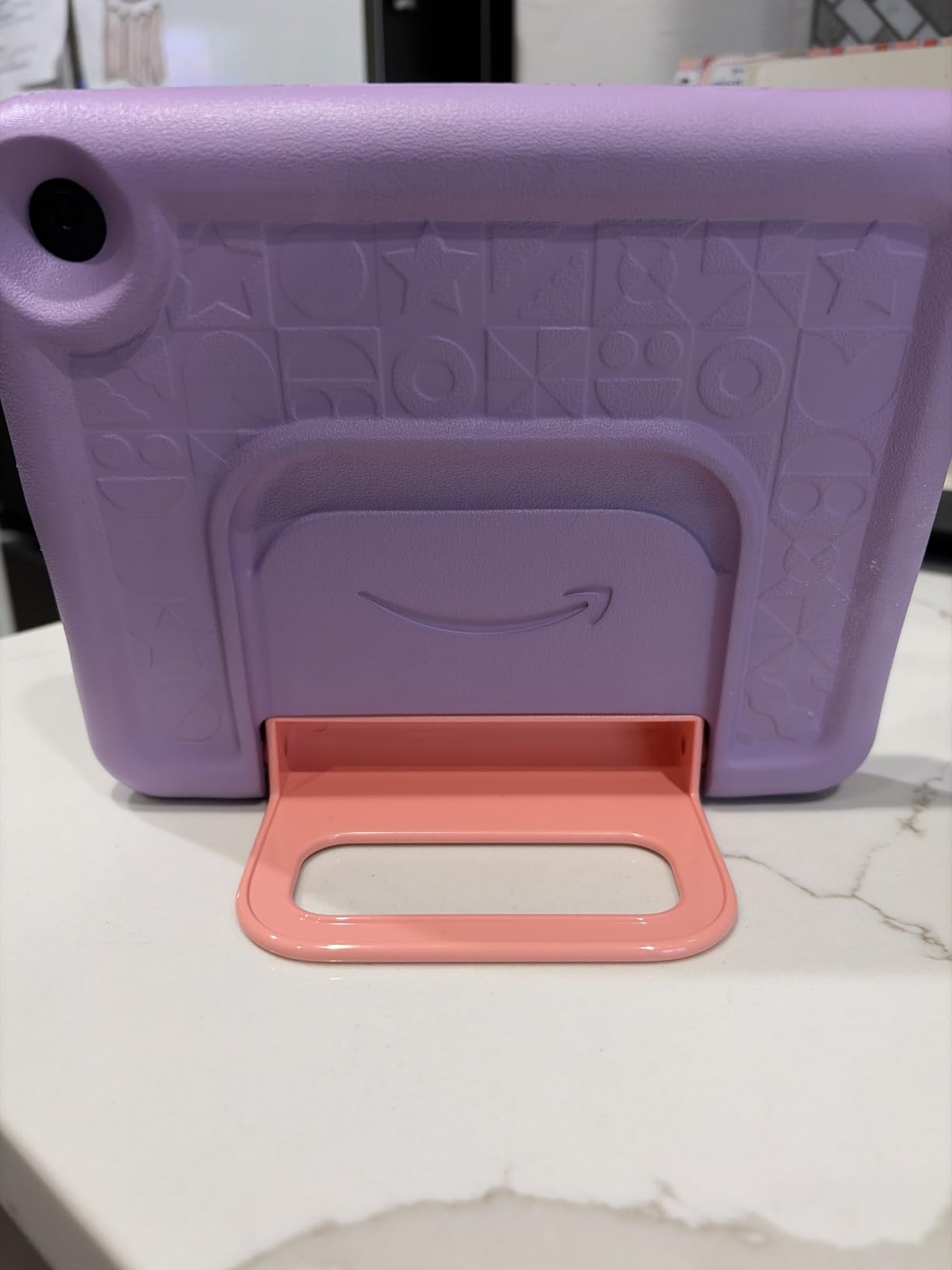
Battery life of up to 10 hours lines up with car trips and long flights, and the Parent Dashboard handles age filtering, educational goals and time limits from a phone. Storage expands through microSD, and a two-year worry-free guarantee replaces damaged units, which is the detail parents mention most.
The honest catch is storage. Owners repeatedly report that the 16GB figure means far less in practice once the operating system is counted, so a microSD card is close to essential rather than optional on this model. The Kids+ subscription also auto-renews after the included year, which needs a reminder if you do not want it.
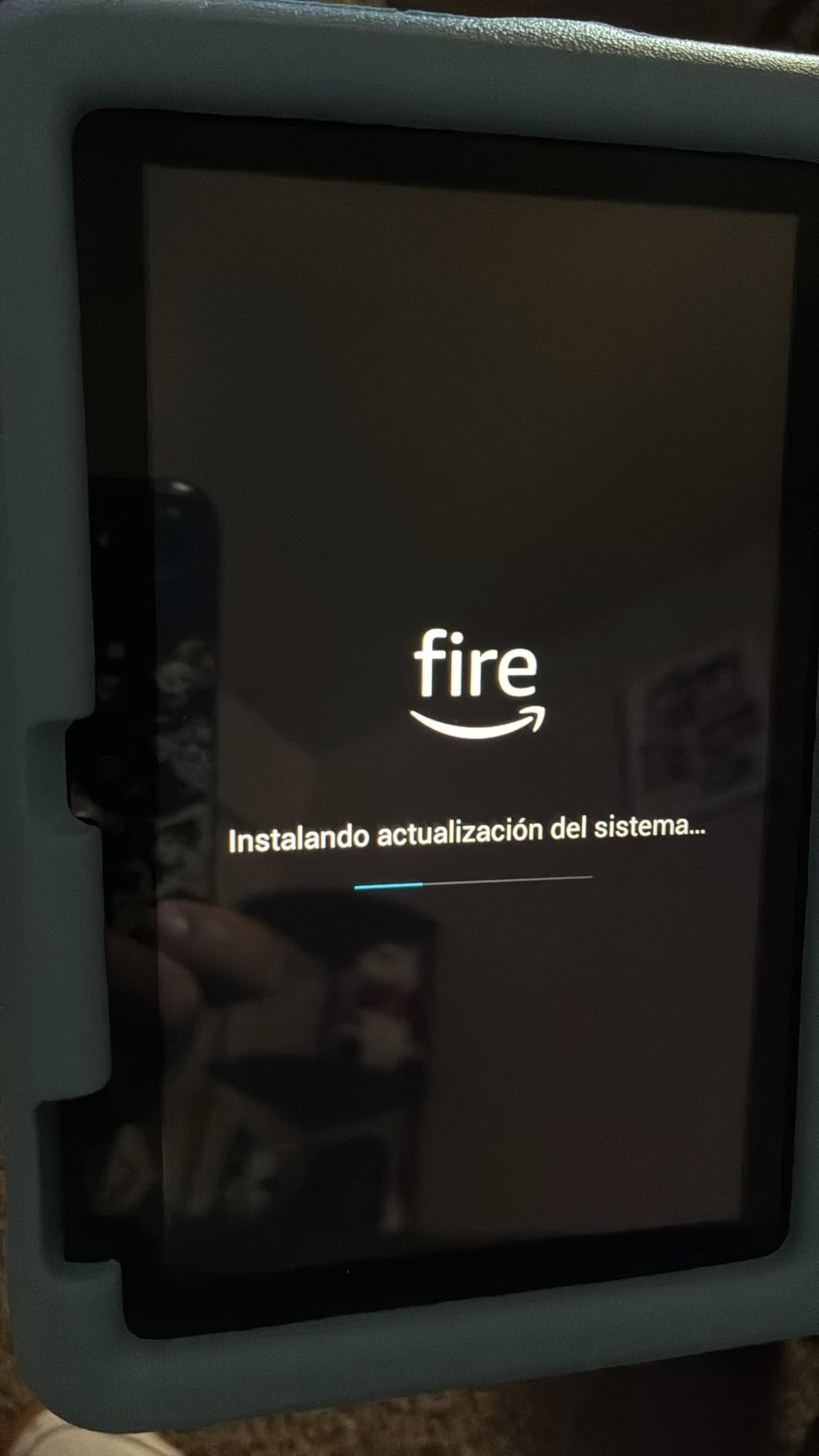
Owners also flag that the dashboard takes time to learn and that some content pre-loads unexpectedly. Against the Fire 7’s older sibling, the 8-inch Fire HD 8 Kids is the step up for a child who reads and does schoolwork; this 7-inch version is for small hands and lighter use.
4. Amazon Fire HD 8: Best for Travel and Reading
Amazon Fire HD 8 tablet (newest model), 8” HD Display, 4GB memory, 64GB, responsive and vibrant, designed for portable entertainment, Black
Screen: 8 inch HD
Storage: 64GB
Standout: 13-hour battery
Pros
- Compact 8-inch body that fits in a carry-on
- 4GB RAM is twice the memory of the 2022 model
- 64GB storage plus microSD expansion
- Up to 13 hours of mixed use
- Alexa handles video calls
Cons
- HD panel is lower resolution than the Fire HD 10
- No Google Play and a limited Appstore selection
- Lockscreen ads on the base model
The pick for anyone who reads and watches on planes, trains and in bed. An 8-inch HD panel in a thin body, with 4GB of memory and 64GB of storage, is a lot of tablet for a bag that has to stay small.

This newest Fire HD 8 carries twice the RAM of the 2022 release, so owners report noticeably smoother scrolling between apps than on the model it replaces. The 64GB base storage is generous for streaming, and microSD expansion adds up to 1TB if you want to keep a library locally. Alexa handles video calls through apps such as Zoom.
The screen is the compromise. HD resolution on 8 inches is fine for reading and video, but text looks softer than on the Fire HD 10’s 1080p panel, and owners mention lockscreen ads on the base configuration as a regular irritation.
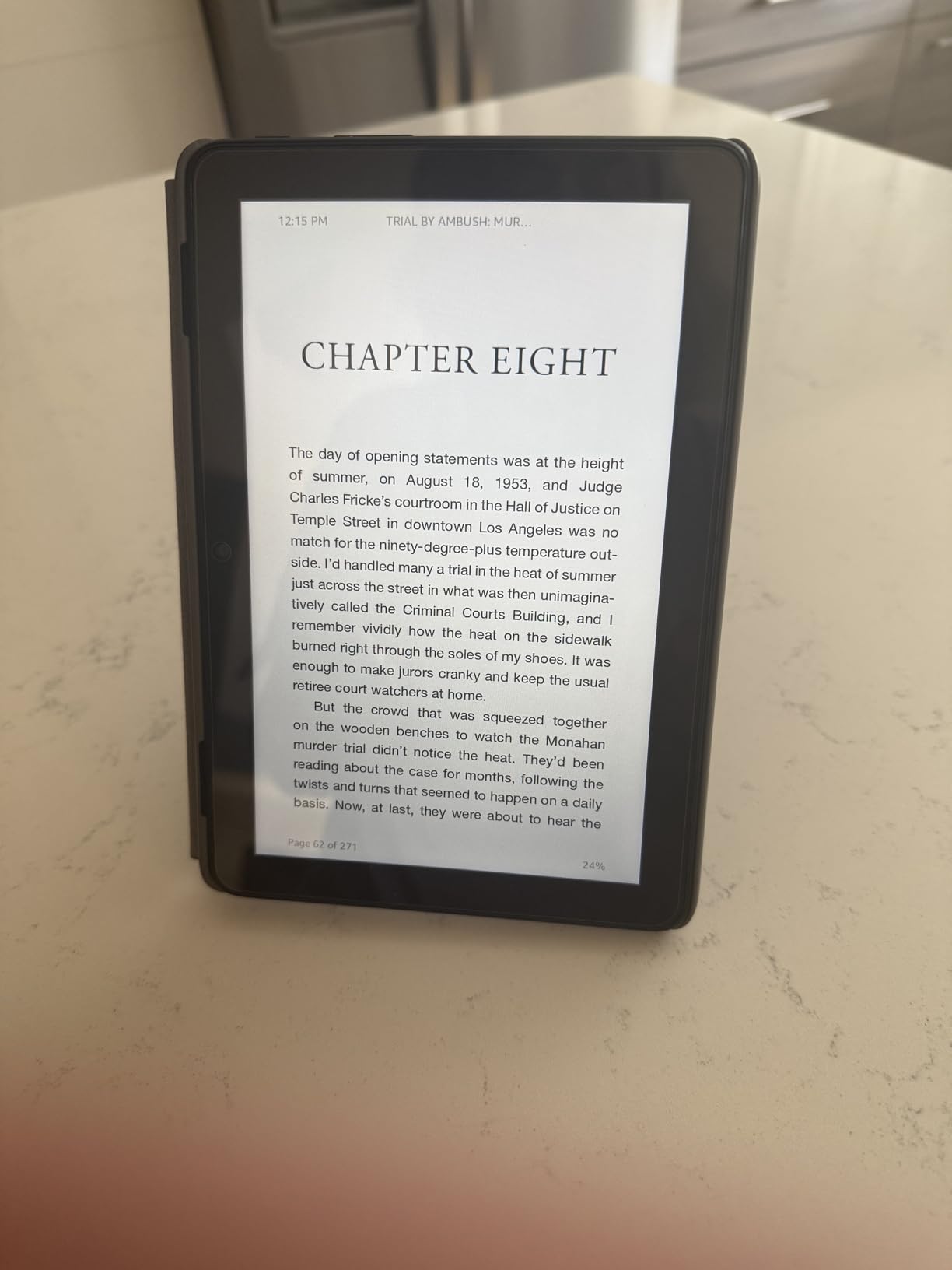
Where the Fire HD 10 wins is screen quality and raw speed. Where this one wins is size, weight and the doubled memory. If the tablet lives in a backpack and gets used in short bursts, the Fire HD 8 is the more sensible pick.
5. Fire HD 8 Kids Pro: Best for Ages 6 to 12
Amazon Fire HD 8 Kids Pro tablet, ages 6-12. Bright 8″ HD screen, includes ad-free content, parental controls, 13-hr battery, slim case for older kids, 64GB, Hello Teal, (2024 release)
Screen: 8 inch HD
Storage: 64GB
Standout: remote parental approvals
Pros
- Brighter screen than older Fire models
- Remote review of purchases and downloads
- Hexa-core chip with up to 4GB RAM
- 13-hour battery handles a full school day
- Slim case survives drops
Cons
- YouTube Kids is not available on the tablet
- No Google Play support
- Amazon Kids+ auto-renews after six months
Six to twelve is the age gap where a 7-inch tablet starts to feel small, and this 8-inch model fills it. Parents cite the parental dashboard and the battery life as the reasons this one gets recommended most for a school-age child.
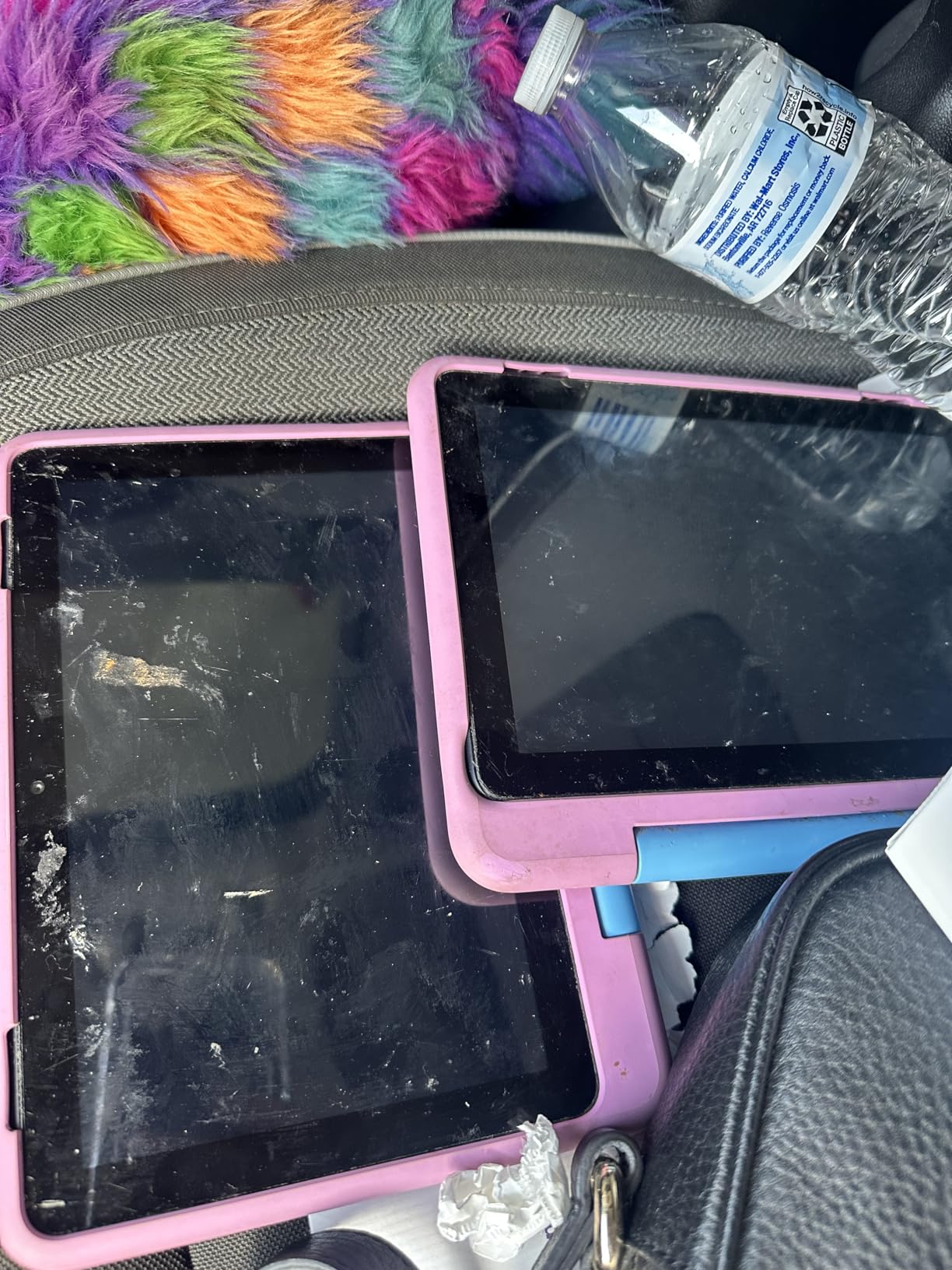
The hexa-core processor with up to 4GB of RAM keeps games and school apps moving, and 64GB of storage means apps do not immediately crowd it out. The slim kid-friendly case is built for drops and throws, and up to 13 hours of battery covers a day of homework without a charger.
Controls go further here than on the younger model: parents can approve purchases and downloads remotely, review activity, and block sites in the filtered web browser. Calls work over Wi-Fi to approved contacts.
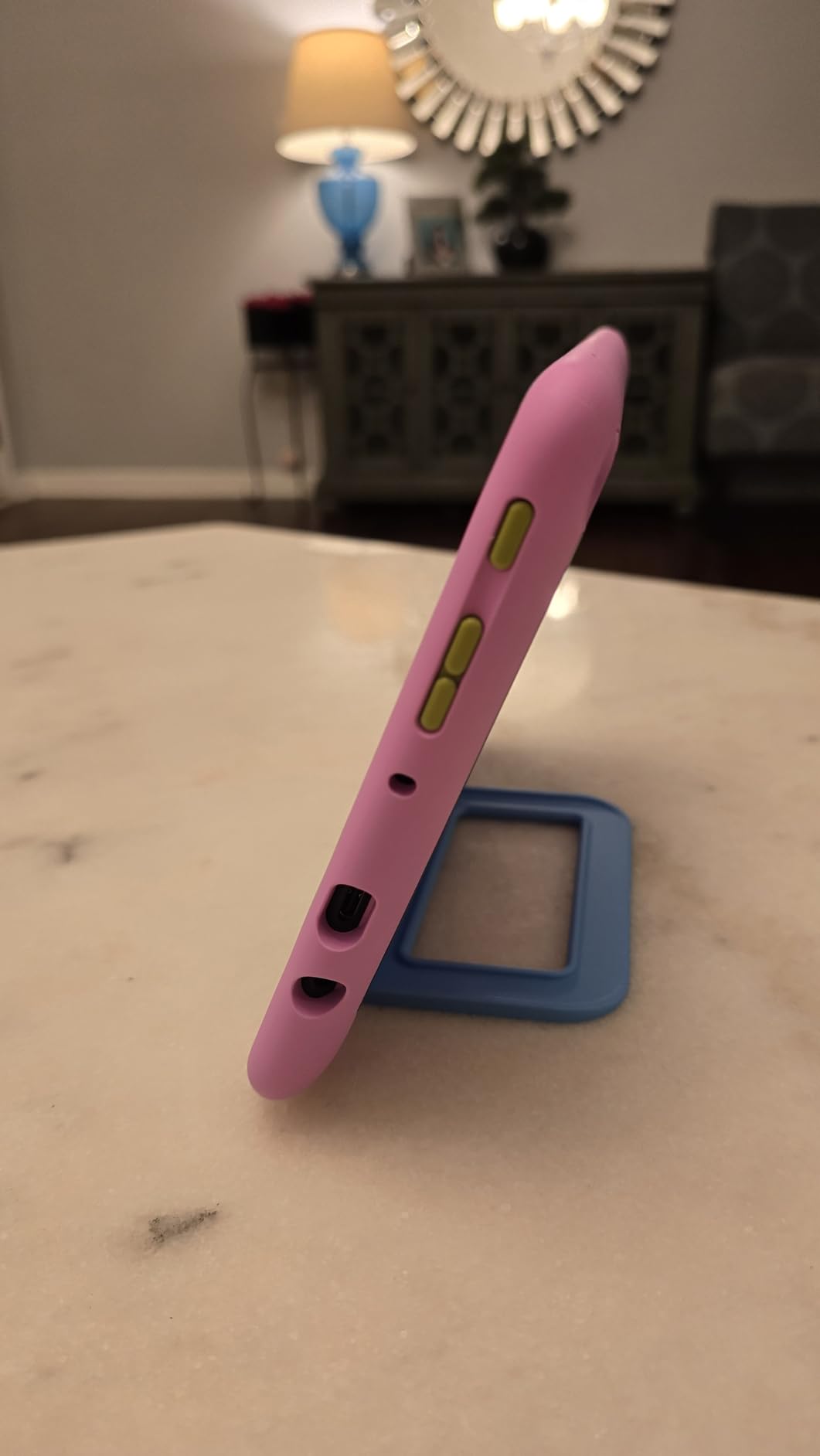
Two limits stand out. YouTube Kids is not available on the tablet, which surprises people, and there is no Google Play catalog. Kids+ includes six months and then renews at the standard monthly rate. Compared with the Fire 8 Kids for ages three to seven, this is the version for a child who reads.
6. Apple iPad 10.2-inch Renewed: The Full iPad Experience for Less
Apple iPad 2021 (10.2-inch, Wi-Fi, 64GB) – Space Gray (Renewed)
Screen: 10.2 inch Retina
Storage: 64GB
Standout: renewed with 90-day warranty
Pros
- Full iPad app ecosystem at a far lower outlay
- Sharp 10.2-inch Retina LED display
- Stereo speakers and solid everyday performance
- Wi-Fi and Bluetooth
- Covered by a 90-day warranty
Cons
- Renewed units carry visible wear and battery uncertainty
- Older A13 chip and a Lightning port
- 64GB is tight once apps are installed
The way to get iPad apps without paying new-iPad money. Owners of this renewed 10.2-inch model mostly say the same thing: the screen and the app library are worth far more than the condition of the chassis.
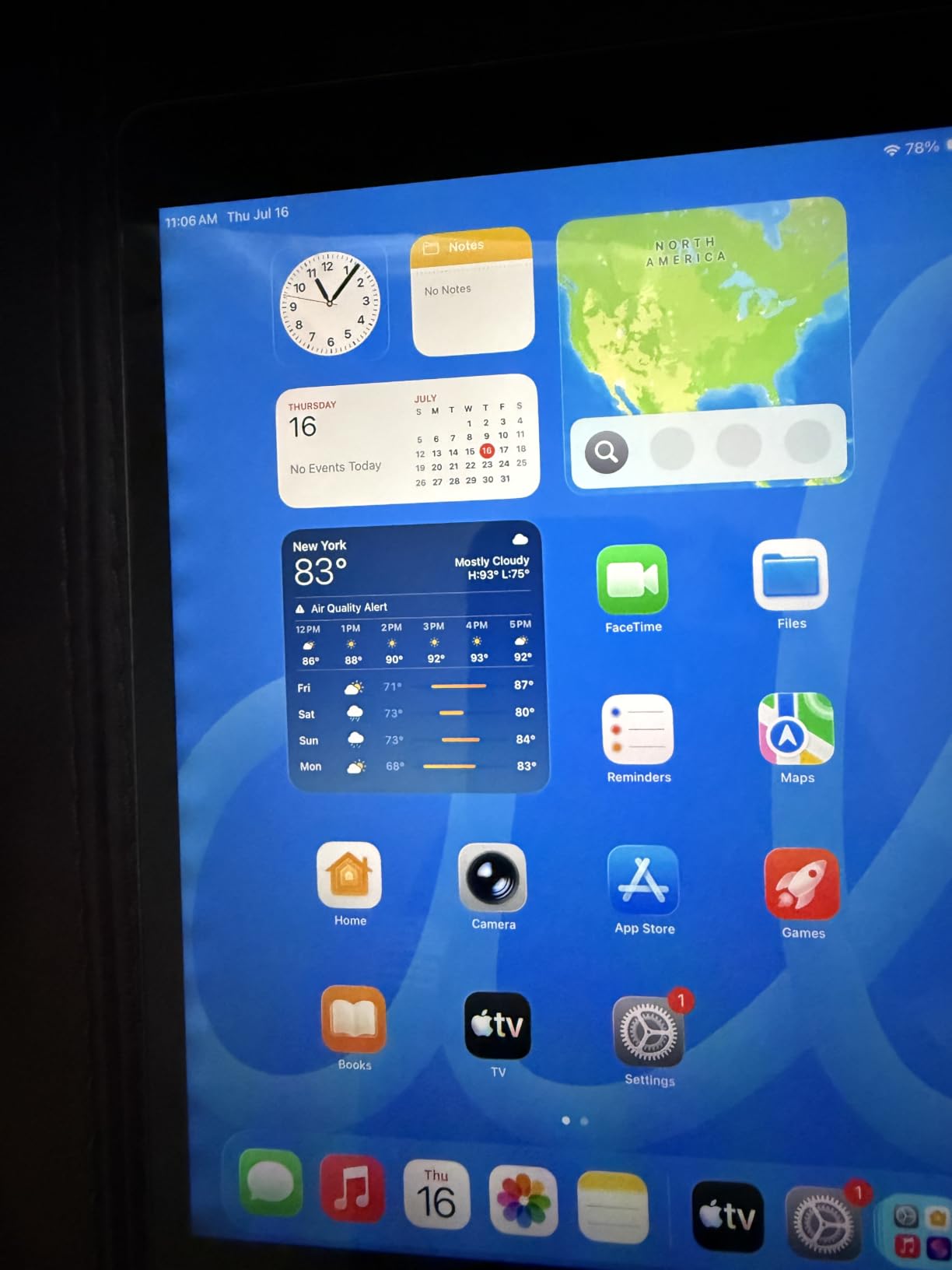
It is a 10.2-inch Retina LED display at 2160 by 1620 with an A13 Bionic chip, 3GB of RAM and 64GB of storage, plus built-in stereo speakers and a 3.5mm-era feel thanks to the Lightning port. The 8,557 mAh battery is rated at up to 10 hours of average use, and a 12MP Center Stage camera sits on the front for calls.
The catch is that this is a renewed unit. Owners accept some cosmetic wear, and a higher share of one-star reviews comes with that; battery health is the other unknown, since nobody documents the cycle count for you. A 90-day warranty covers the early period.
Set against the iPad 11-inch, you give up the A16 chip, USB-C and years of support, and you take on the possibility of a worn device. Buyers who want the newest hardware and a longer runway should pay up; buyers who want iPadOS for reading, notes and everyday apps will be happy here.
7. Samsung Galaxy Tab A11+: Best for a Big Screen With Full Android
Samsung Galaxy Tab A11+ 6GB RAM, 128GB Storage, Expandable Storage, Gray
Screen: 11 inch LCD 90Hz
Storage: 128GB
Standout: quad Dolby Atmos speakers
Pros
- Large 11-inch screen running at up to 90Hz
- Quad speakers with Dolby Atmos
- 6GB RAM and 128GB storage handle multitasking
- Light at 1.1 pounds with a 26.34 Wh battery
- Two-year manufacturer warranty
Cons
- LCD is less vivid than an AMOLED panel
- Modest by 2026 standards inside
- Only a data cable is included
The strongest pick here for anyone who wants a large screen and the real Google Play catalog without moving up a tier. An 11-inch panel at 1920 by 1200 with up to 90Hz refresh handles scrolling and streaming more smoothly than most Fire models.
Memory is where this tablet separates itself: 6GB of RAM and 128GB of storage in the base configuration, with a MediaTek octa-core chip on Android 16. Owners highlight the quad Dolby Atmos speakers as unusually strong for the money, and the 26.34 Wh battery with fast charging holds up for mixed days.
It weighs 1.1 pounds, which is lighter than the iPad 11-inch despite the bigger footprint, and a two-year manufacturer warranty is included. Gemini and Circle to Search handle voice queries and visual lookups, and the 5MP front camera handles calls.
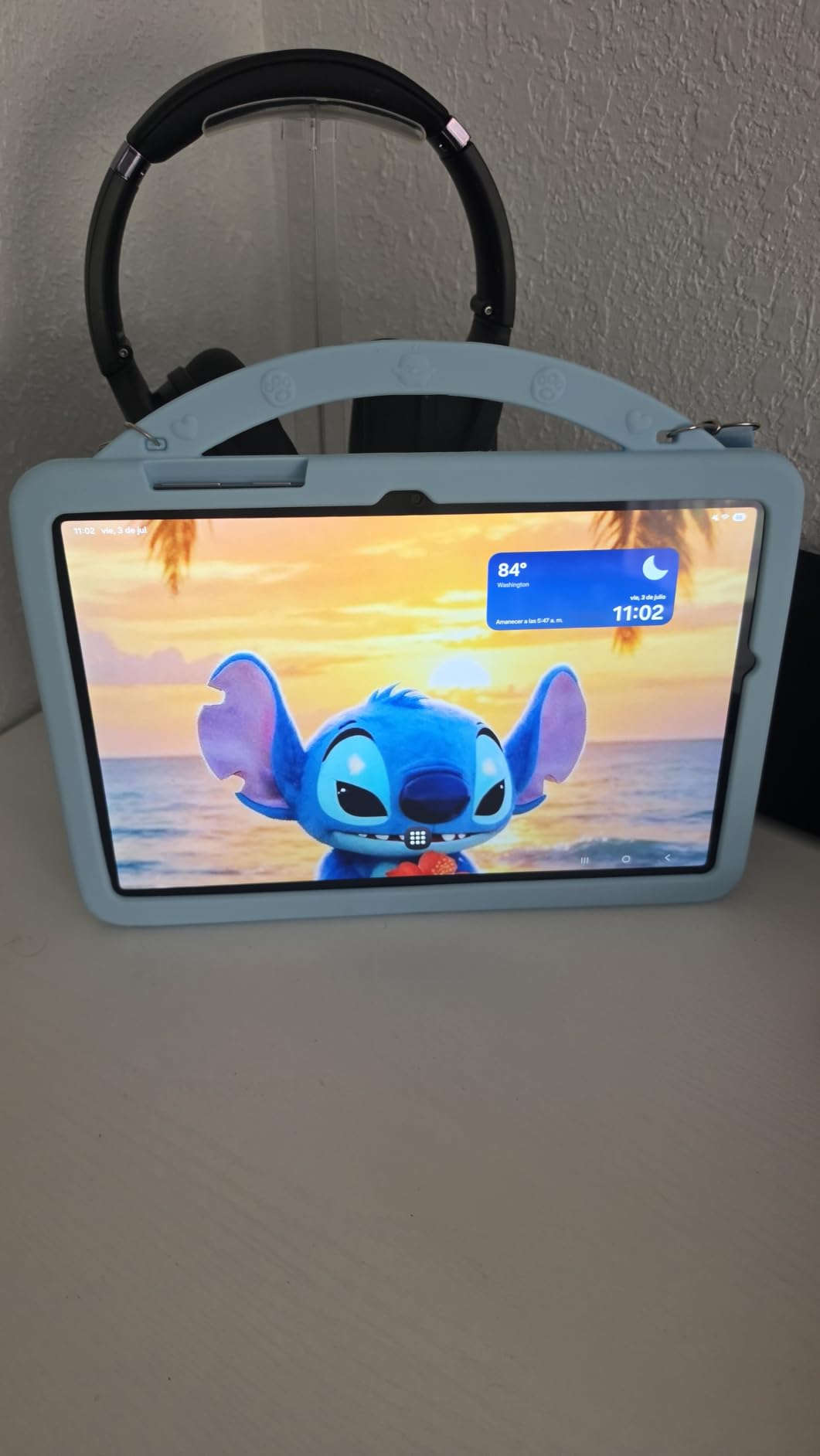
The trade-offs are honest ones. It is an LCD, so colours are less vivid than AMOLED, and owners note that base specifications are modest by 2026 standards. Only a data cable and quick start guide are in the box. Against the iPad 11-inch it wins on RAM, audio and price; against the Fire HD 10 it wins on apps, and loses on polish.
8. Fire HD 8 Kids: Best for Toddlers Who Grip It
Amazon Fire HD 8 Kids tablet, ages 3-7 | 4GB memory, includes ad-free and exclusive content, parental controls and 13-hr battery, 64GB, Blue, (2024 release)
Screen: 8 inch HD
Storage: 64GB
Standout: case with built-in handle
Pros
- Built-in handle gives small hands something to grip
- Light enough to carry one-handed
- 4GB RAM and 64GB storage at this age bracket
- Up to 13 hours of battery
- Remote parental controls with time limits
Cons
- No Google Play support
- Parental controls take time to learn
- Battery drains faster after several months for some owners
- Kids+ auto-renews after the included period
The difference between this and the 7-inch Fire 7 Kids is the handle. Owners of this 2024 model say the built-in grip on the kid-proof case is what stops a toddler dropping it on the face, which is the single most common failure in this age group.
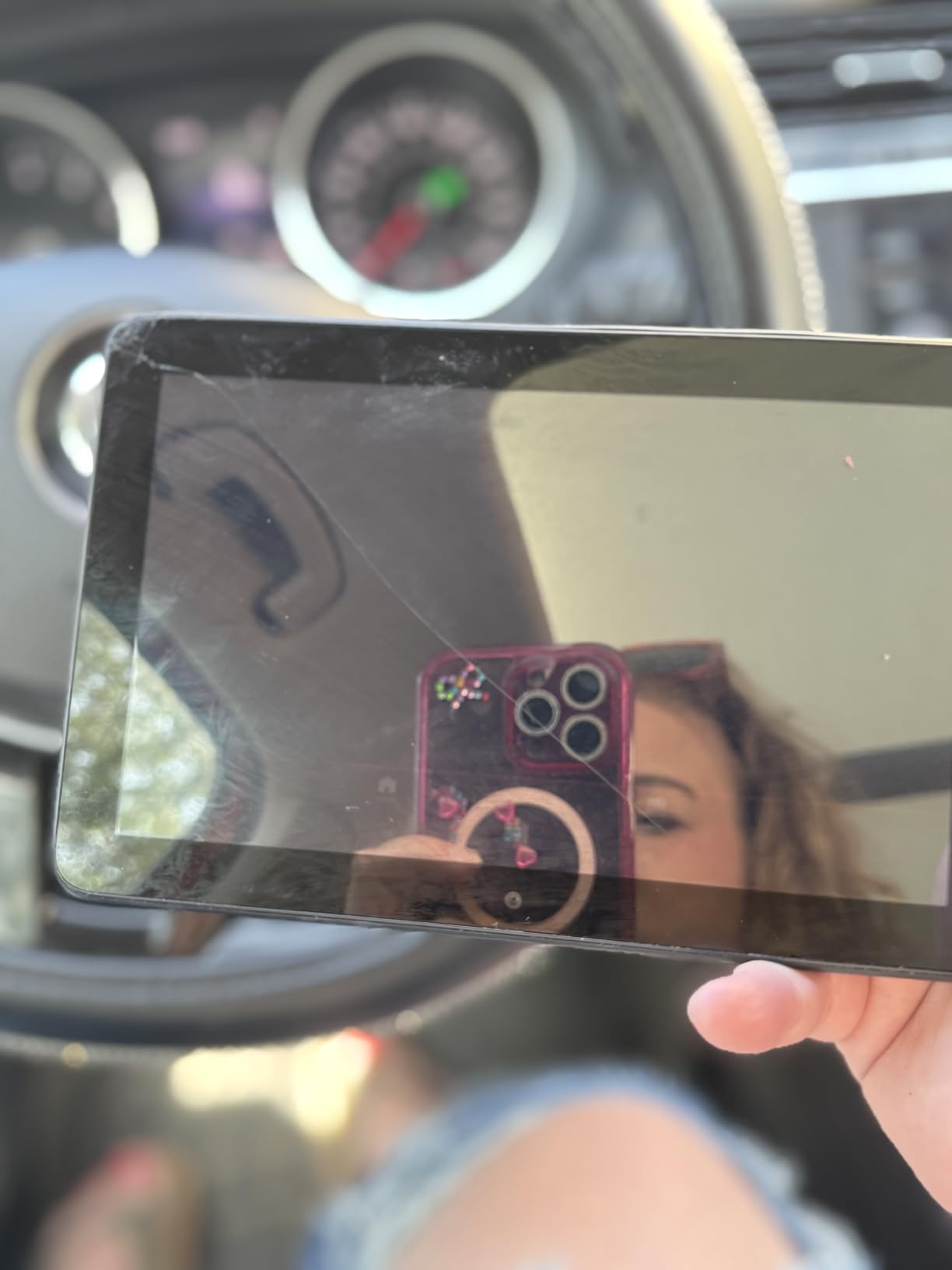
It also upgrades the internals: 4GB of RAM, twice what the 2022 generation had, 64GB of storage expandable to 1TB by microSD, a hexa-core chip and up to 13 hours of battery. USB-C charging means one cable for the whole house. Content from Disney, Nickelodeon and PBS Kids arrives ad-free and ready out of the box.
Parents control it from a phone, with activity review and time limits, and the two-year worry-free guarantee replaces damaged units. Owners report real-world battery of roughly eight to ten hours on a full charge.
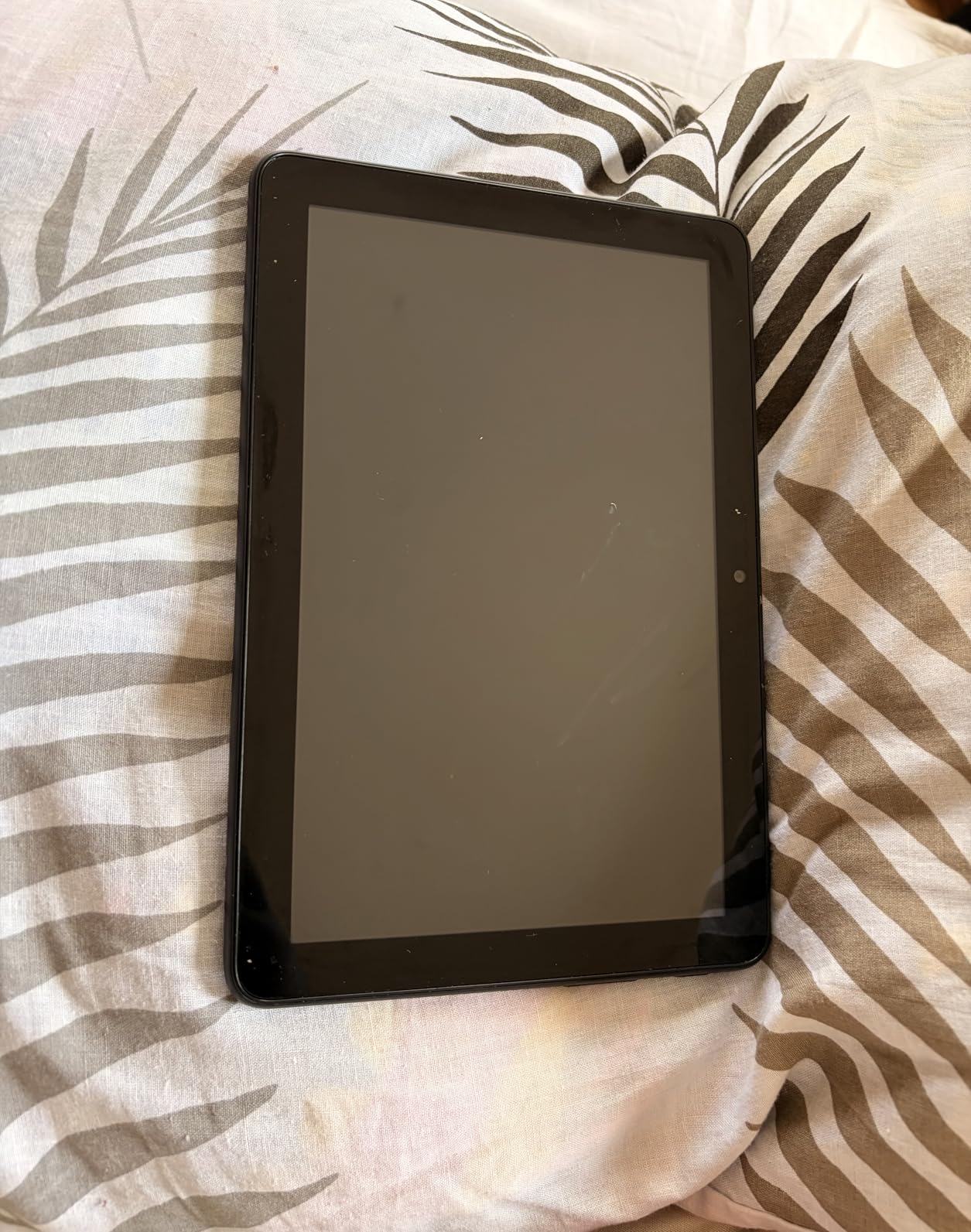
Keep an eye on two things. There is still no Google Play, and a handful of owners report battery life declining after several months of use. For a three-year-old who mostly watches and plays, this is the better tool than the Fire 7 Kids; for a six-year-old doing schoolwork, move up to the 8-inch Kids Pro.
9. Lenovo Tab M9: Best for Battery Life
Lenovo Tab M9-2023 – Tablet – Long Battery Life – 9″ HD – Front 2MP & Rear 8MP Camera – 3GB Memory – 32GB Storage – Android 12 or Later – Folio Case Included,Gray
Screen: 9 inch HD
Storage: 32GB
Standout: 13 hours of video
Pros
- 5100 mAh battery rated up to 13 hours of video
- Metal and glass body that feels more premium than the price
- Folio case and screen protector included
- 3.5mm headphone jack and microSD expansion
- 13.44 ounces makes it pocketable
Cons
- 3GB RAM struggles with modern apps and can crash
- Only 32GB storage and the system takes about half
- Bloatware needs deleting after setup
- Mediocre 2MP front camera for calls
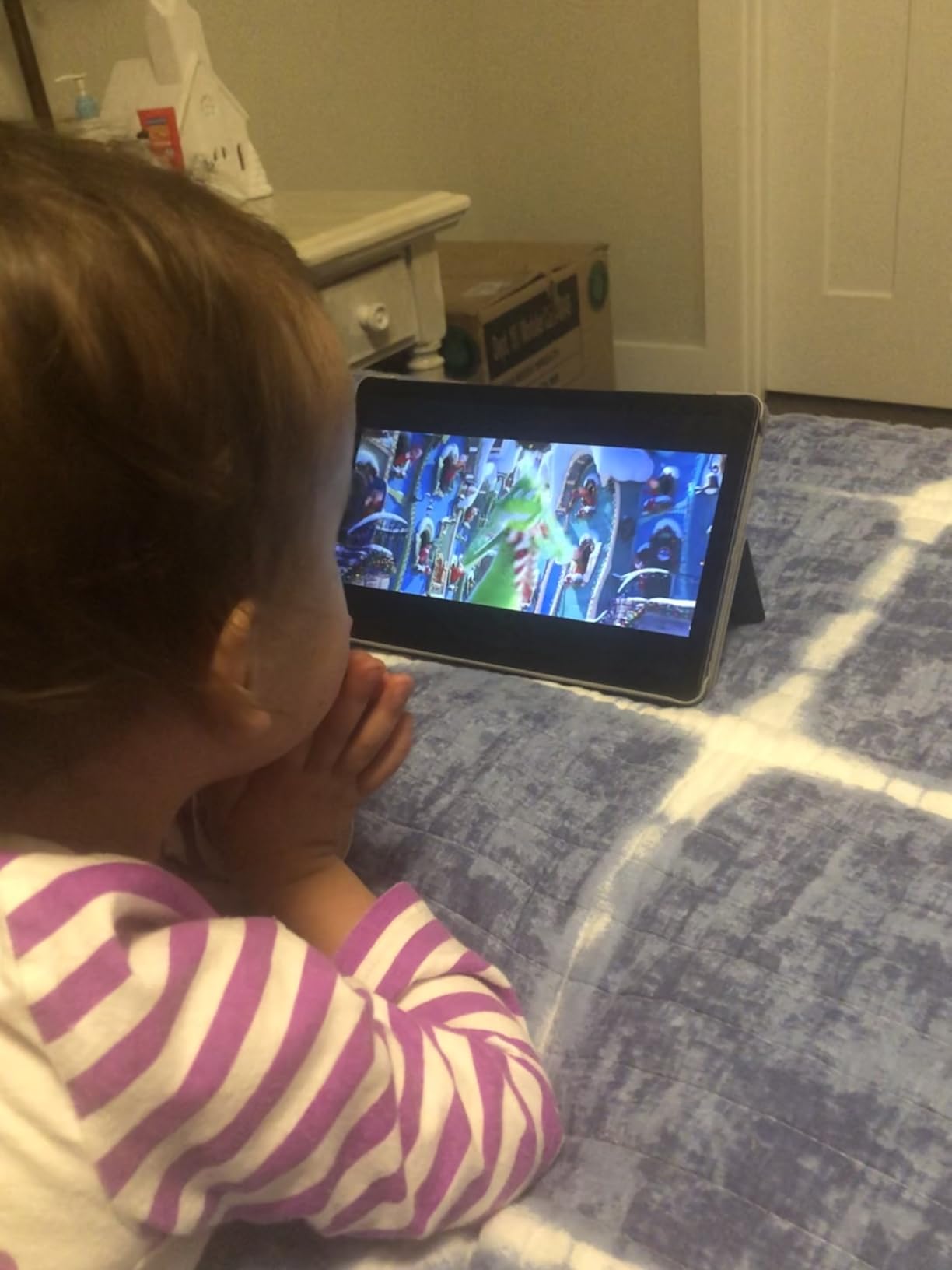
A 9-inch tablet that runs for days. The 5,100 mAh battery is rated at up to 13 hours of video playback, and owners who temper their expectations say the charge genuinely lasts across several days of light reading and streaming.
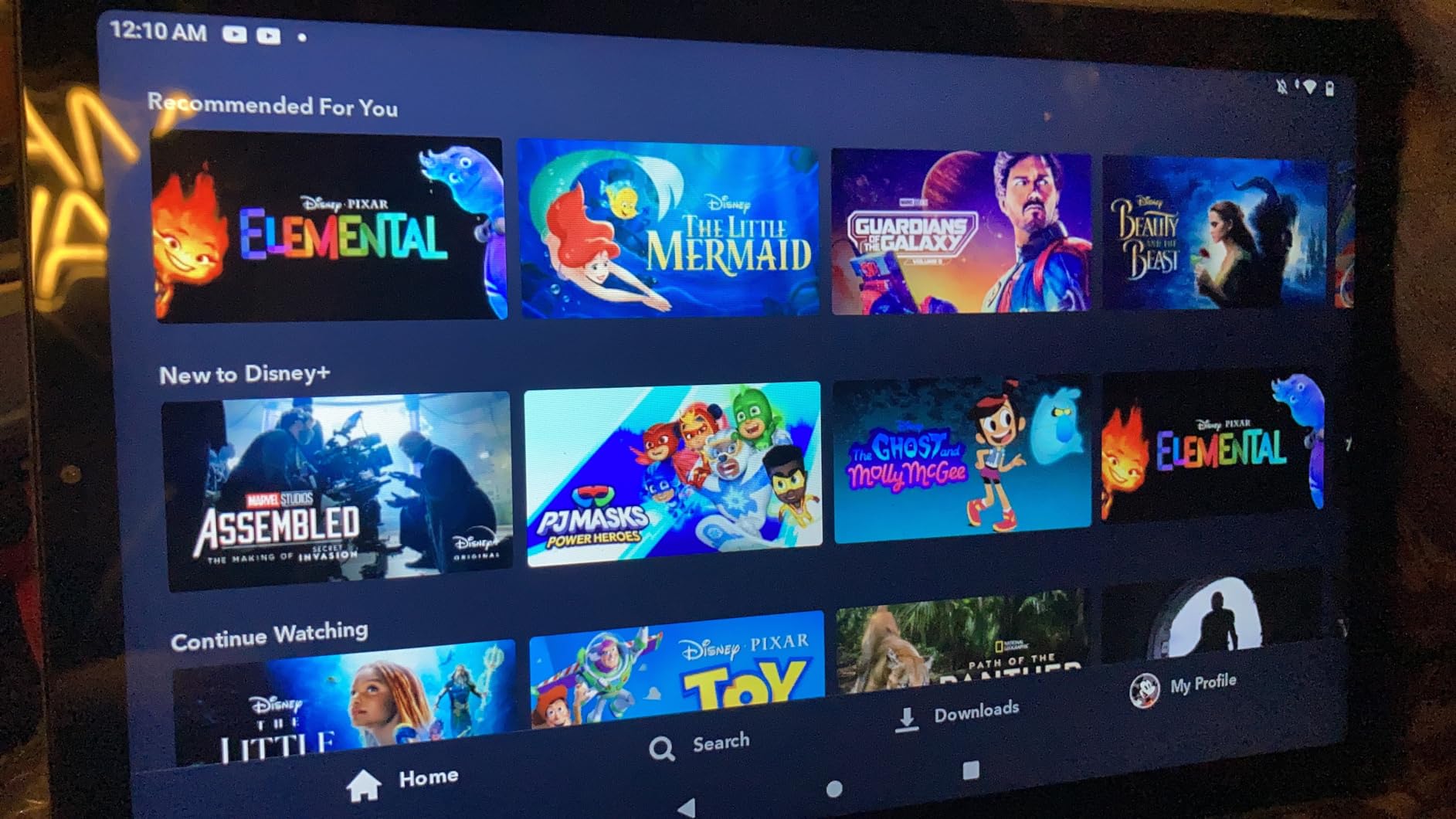
The 1340 by 800 display at 60Hz is decent for the size, and Google Lens handles translation, homework help and product search. A 3.5mm headphone jack is still there, alongside microSD expansion, dual speakers and USB Type-C. The folio case and screen protector are already in the box, which removes the accessory step most buyers forget.
What holds it back is memory. With 3GB of RAM and 32GB of storage, owners report crashes, apps being killed in the background and slowdowns after software updates, and the system takes roughly half the storage before you install anything. Bloatware needs clearing out after setup.
If long battery life matters more than app speed, this is the pick. It is also a calm choice for anyone who wants a large-screen tablet with few settings to argue with, and our notes on tablets for seniors cover the same low-friction, long-endurance thinking. Against the Galaxy Tab A11+, the Samsung is faster with far more memory; the Lenovo simply lasts longer and ships with a case.
10. Galaxy Tab S10 Lite: Best for Stylus Note-Taking
Samsung Galaxy Tab S10 Lite, 6GB RAM, 128GB, 2TB Expand, 10.9” LCD, Gray
Screen: 10.9 inch LCD 90Hz
Storage: 128GB
Standout: S Pen included
Pros
- S Pen ships in the box and needs no charging
- 10.9-inch 2112 by 1320 panel running at 90Hz
- 8000 mAh battery rated up to 16 hours
- Full charge in about two hours with Super Fast Charging
- 6GB RAM with storage expandable to 2TB
Cons
- LCD rather than AMOLED
- Sole 8MP rear camera
- Exynos 1380 is not a flagship chip
The only tablet here that hands you a stylus in the box. If writing notes, solving equations or sketching matters, the included S Pen removes the accessory bill that Apple users pay after buying an iPad.
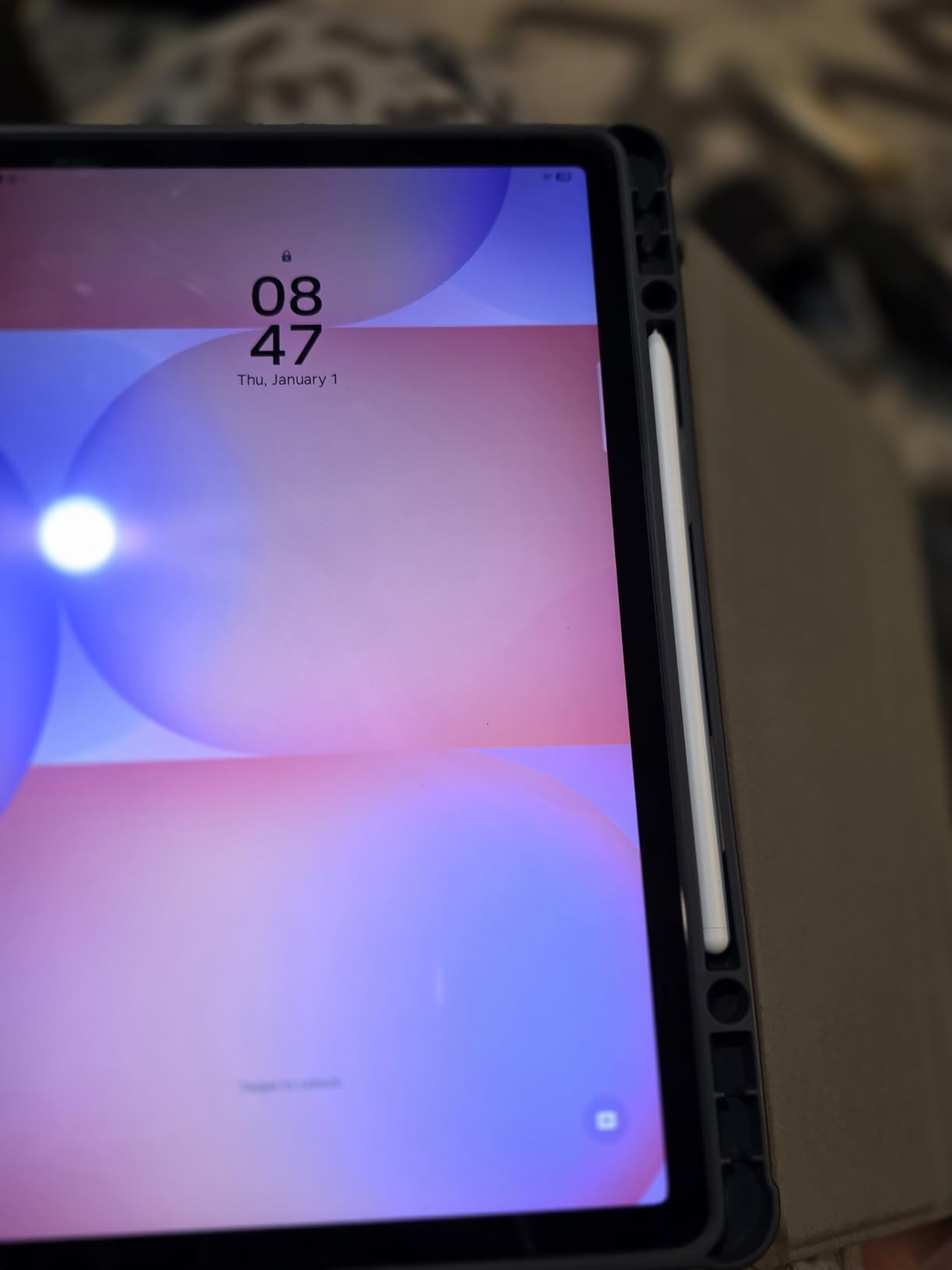
Owners report minimal pen lag and smooth handwriting recognition, which is what separates a note-taking tablet from a tablet with touch. The 10.9-inch 2112 by 1320 LCD runs at 90Hz, Circle to Search and an AI Hot Key handle lookups, and the 8,000 mAh battery is rated at up to 16 hours with a full charge in roughly two hours.
Storage is 128GB with microSD expansion up to 2TB, memory is 6GB, and the body weighs 1.2 pounds. A two-year manufacturer warranty comes with it, and the screen’s Vision Booster adjusts brightness for bright rooms. Our guide to tablets for drawing goes deeper on pen feel if you are still deciding.

The compromises are modest ones: an LCD instead of AMOLED, a single 8MP rear camera, and an Exynos 1380 that is not a flagship chip. Owners also warn against paying for the optional Samsung Care add-on. Compared with the iPad 11-inch, this gives you a pen in the box and faster charging, while Apple gives you a longer support runway.
How to Choose Tablets During Prime Big Deal Days
Performance and Software Support
Judge a tablet by what it will still do in four years, not on launch day. The A13 in the renewed iPad and the octa-core chip in the Fire HD 10 are enough for reading and streaming; 6GB of RAM, as in the Galaxy Tab A11+ and Tab S10 Lite, is the threshold for smooth multitasking across several apps.
Software support matters as much as the chip, since a tablet that stops receiving updates becomes a media player. Android tablets from Samsung and Lenovo offer the full Google Play catalog, while Fire OS tablets are locked to the Amazon Appstore. Our picks for Android tablets under 300 dollars cover the budget end of that market.
Display Size and Quality
Seven inches suits a three-year-old’s hands; eight to nine inches is the sweet spot for reading and travel; eleven inches works best on a sofa or desk. Resolution matters more as the screen grows, so an 11-inch panel earns 1080p or better while an 8-inch HD screen is fine at arm’s length.
For long film sessions, panel quality and speakers decide whether you want a second screen at all. See our tablets for watching movies picks before settling on a streaming-only device.
Battery Life and Charging
Advertised battery figures are measured-use claims, so treat them as a ceiling rather than a promise. Fire tablets list up to 13 hours, the Tab S10 Lite claims up to 16 hours and the Lenovo Tab M9 is rated at 13 hours of video, while the iPad 11-inch is described as all-day.
Charging speed separates the picks here: the Galaxy Tab S10 Lite reaches a full charge in about two hours, the Galaxy Tab A11+ supports fast charging, and the Fire tablets charge over USB-C at a more ordinary pace. Add a case with a kickstand if you plan to watch on a bed or a plane tray.
Accessories and Connectivity
Decide about styluses and keyboards before you buy, because they often cost as much as a small tablet. The Galaxy Tab S10 Lite includes an S Pen; the iPad 11-inch supports Apple Pencil and Magic Keyboard Folio but includes neither; the Fire HD 10 works with the Made for Amazon Stylus Pen and older Fire keyboard cases.
Connectivity is mostly Wi-Fi 6 or Wi-Fi 5 on these models, with Bluetooth throughout. Only add a cellular model if you need data away from Wi-Fi, since it raises both the cost and the ongoing carrier line.
How to Shop Tablet Deals During the Sale
Check the exact configuration in the listing before you commit: model year, screen size, storage, colour and whether the unit is new or renewed. Renewed iPads carry a shorter warranty than new ones, and the kids bundles here list specific included months of Kids+ alongside the case, so confirm what is in the box rather than assuming. Most offers on Prime Big Deal Days require a Prime membership, and prices shift through the event, so use the buttons here to see the current figure.
- Confirm the screen size and storage variant before buying.
- Read what is in the box, especially cases and subscription months.
- Check the warranty length, which differs for renewed units.
- Check who sells the listing and who handles fulfilment.
- Confirm whether a Prime membership is needed to access the offer.
- Look at owner reviews for the specific model year, not the line in general.
Frequently Asked Questions
When does Amazon Prime Big Deal Days run in 2026?
Amazon Prime Big Deal Days runs October 6-7, 2026, a two-day window of time-limited offers across categories. Early discounts often appear before the main event, and prices can shift during both days, so check the listings early and again on each day.
Do you need a Prime membership to shop the sale?
You do not need Prime to shop, but most offers during the event are Prime-exclusive, so membership is usually required to see them. A free 30-day trial counts if you have not had one recently. Non-members can still buy, but they see a narrower set of deals.
Should I buy a tablet with more storage or a faster processor?
For most readers, storage matters more in the first two years and speed more in years three and four. Buy at least 64GB so apps and updates have room, and prioritize a processor with 6GB of RAM or more if you plan to keep the tablet past four years.
Is a more recent tablet generation always the better choice?
No. A renewed older iPad gives you the same iPad app catalog as a current model, and Fire tablets improve mainly through memory rather than screen quality. Choose a current generation when battery health, support years or stylus support matter; a renewed unit works well for reading and everyday apps.
How do I tell whether a tablet deal includes a keyboard or stylus?
Look at the bullet points and the bundle contents in the listing. The Galaxy Tab S10 Lite includes an S Pen and the kids tablets include a case, while the iPad 11-inch supports Apple Pencil and Magic Keyboard Folio without including them. If a teleprompter-style rig is your goal, our picks for u003ca href=u0022https://www.pwice.com/best-tablet-teleprompters-for-solo-creators/u0022u003etablet teleprompters for creatorsu003c/au003e explain what to mount.
Which Amazon Prime Big Deal Days tablet deals tend to go deepest?
The changes are usually widest on Fire tablets, kids bundles and renewed models, where the line already sits lower. Premium tablets such as the Galaxy Tab S10 Lite and the iPad 11-inch tend to move less, so judge those on the current price rather than the event. Confirm the exact model, storage and bundle contents on the listing before you commit.
Final Verdict: Best Amazon Prime Big Deal Days Tablet Deals
Buy the Amazon Fire HD 10 if one tablet has to serve the whole house, and watch it closely through the sale since it is the most proven pick here. Buy the Apple iPad 11-inch if the tablet does school or work and the app catalog is not optional. Buy the Fire 7 Kids for a preschooler, or step up to the Fire HD 8 Kids for a toddler who grips it and the 8-inch Kids Pro for a six-to-twelve-year-old.
Buy the Galaxy Tab A11+ for full Android on a large screen, the Galaxy Tab S10 Lite when you want a stylus in the box, the renewed iPad 10.2-inch when iPadOS matters more than new hardware, the Fire HD 8 for travel and reading, and the Lenovo Tab M9 when battery life outranks app speed. Compare the current figures on each button before you commit, then check the exact model and bundle contents on the listing.