

Amazon’s Prime Big Deal Days runs October 6-7, 2026, and monitors are one of the categories worth watching. The Sceptre C275W leads this list because it pairs a 1500R curved 27-inch panel with 99% sRGB color and a 4.6 rating across roughly 14,600 owner reviews. Shoppers who want more screen per cable should look at the SANSUI ES-G34C5 ultrawide, and anyone working on a small desk will find the Philips 221V8LB easier to place.
Table of Contents
Our Top 3 Picks for Best Amazon Prime Big Deal Days Monitor Deals (October 2026)

Sceptre C275W
- 1500R curved 27-inch panel
- 99% sRGB color coverage
- Two HDMI ports plus VGA
- Built-in speakers

SANSUI ES-G34C5
- 3440 x 1440 ultrawide
- 200Hz refresh rate
- 1ms OD response
- DisplayPort 1.4 and HDMI 2.1

Philips 221V8LB
- 21.5-inch VA panel
- 100Hz with Adaptive-Sync
- Flicker-Free eye care
- Four-year warranty
Best Amazon Prime Big Deal Days Monitor Deals Compared
| Product | Specifications | Action |
|---|---|---|
| Sceptre C275W |
|
Check Deal Price |
| SANSUI ES-G34C5 |
|
Check Deal Price |
| Philips 221V8LB |
|
Check Deal Price |
 Samsung Essential S3 Samsung Essential S3 |
|
Check Deal Price |
 Acer KB272 G0bi Acer KB272 G0bi |
|
Check Deal Price |
 Samsung Odyssey G55C Samsung Odyssey G55C |
|
Check Deal Price |
 Alienware AW3425DWM Alienware AW3425DWM |
|
Check Deal Price |
 Dell S2725QS Dell S2725QS |
|
Check Deal Price |
 Samsung ViewFinity S50GC Samsung ViewFinity S50GC |
|
Check Deal Price |
 Amazon Basics 27E2UA Amazon Basics 27E2UA |
|
Check Deal Price |
How We Chose
Every monitor here was compared on the specs that decide a purchase: panel size and resolution, refresh rate, response time, color coverage, port selection and stand adjustment. We weighted owner ratings and review volume heavily, since a long review history exposes panel inconsistencies a spec sheet never mentions. Data was checked in October 2026, and offer details shift through the event, so treat prices as something to confirm on the listing.
1. Sceptre C275W: Editor’s Choice for Budget Curved Desktops
Sceptre C275W
Size: 27 inch
Resolution: 1920x1080
Refresh: 75Hz
Warranty: 1 year
Pros
- 1500R curve gives a genuinely wrapped field of view
- 99% sRGB color is unusually wide for the money
- Two HDMI ports plus VGA covers old and new hardware
- Built-in speakers remove a desk accessory
Cons
- 75Hz refresh rate is modest beside the 120Hz and 165Hz panels here
- 8ms response time is slow for competitive shooters
- Stand offers tilt adjustment only
The pick that most people should look at first this sale. The C275W does something a lot of screens at this level skip: it curves. A 1500R panel pulls the edges of the image toward you, which matters during a long film or a marathon session where a flat panel starts to feel like a window rather than a screen.
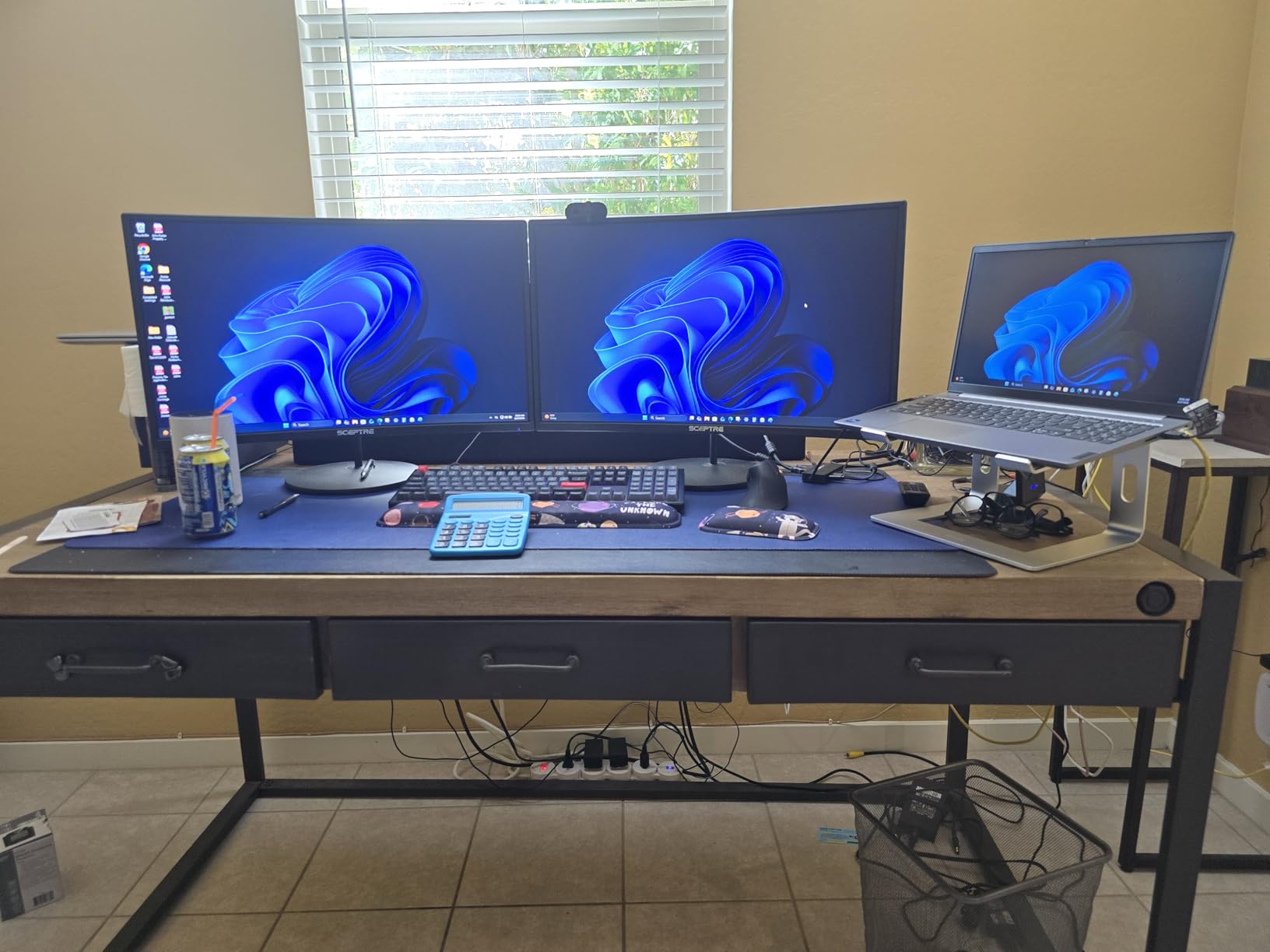
Color is the quiet strength. Owners repeatedly single out the 99% sRGB coverage, which is the same standard most people picture when they think of a normal monitor, so web pages, documents and photos all land close to how they look on a laptop screen. The two HDMI ports and one VGA input mean you can keep an older machine connected without an adapter.
What you give up is speed. The 75Hz ceiling and 8ms response time are fine for a PS5 or Xbox Series X at their 60Hz and 120Hz output targets, but they will not satisfy anyone chasing competitive shooters. The stand tilts and nothing else, so budget for an arm if your desk needs height. Our gaming monitors for PS5 guide covers what console play actually demands from a panel.
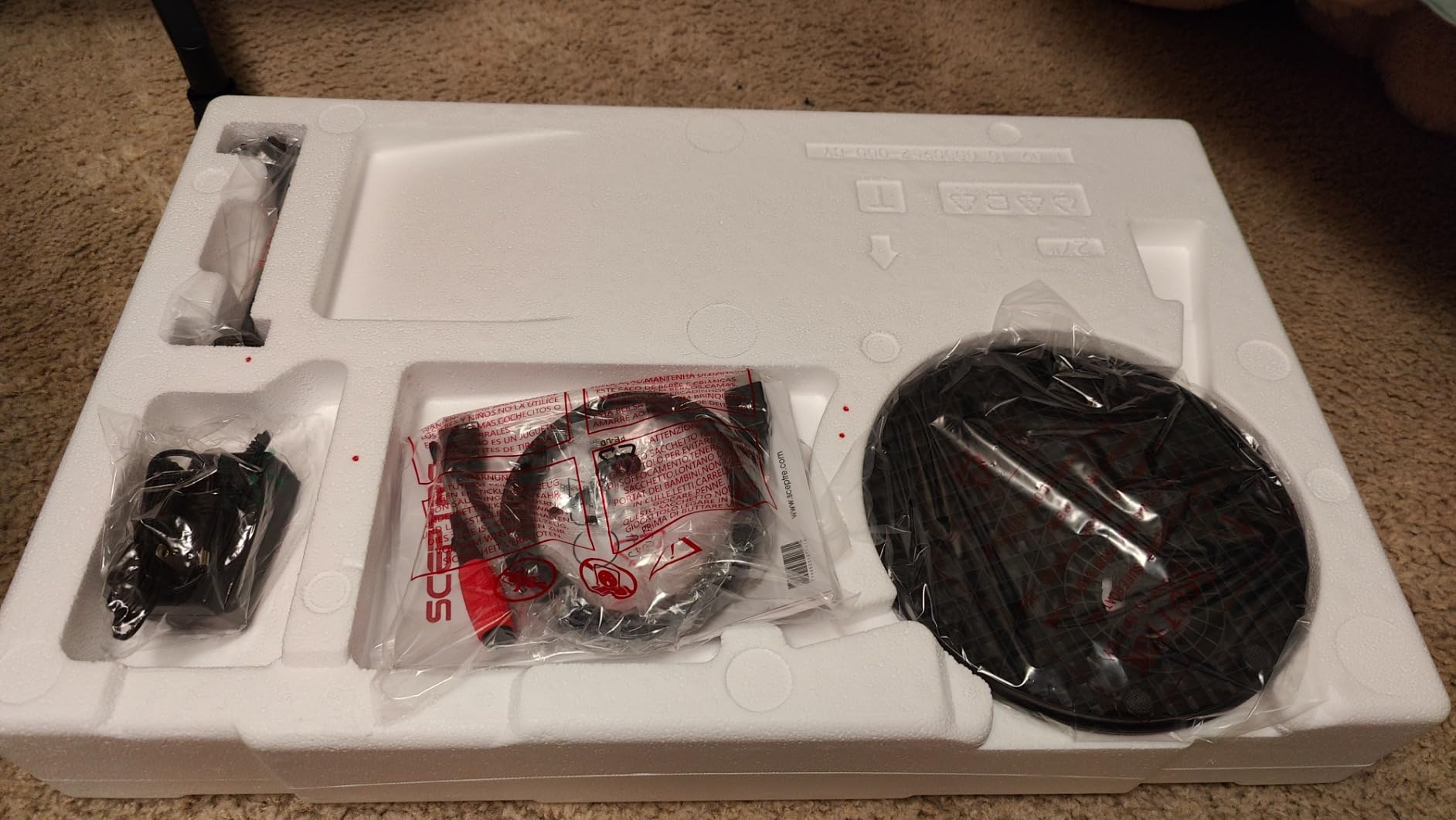
At 5.5 pounds it is light enough to reposition with one hand, and it is wall mountable for anyone who would rather reclaim desk depth.
2. SANSUI ES-G34C5: Best Value for Ultrawide Gaming
SANSUI ES-G34C5
Size: 34 inch
Resolution: 3440x1440
Refresh: 200Hz
Warranty: 30-day returns
Pros
- 3440 x 1440 ultrawide fits two windows or a wide game at once
- 200Hz with 1ms OD response is fast on paper and in motion
- DisplayPort 1.4 plus dual HDMI 2.1 covers PC and console
- AI crosshair and sniper scope tools are genuinely useful
Cons
- Stand is tilt-only with no height adjustment
- HDMI inputs cap around 100Hz so DisplayPort is required for 200Hz
- No built-in speakers
Owners report this is the one that surprises people. A 34-inch 3440 x 1440 panel running at 200Hz is a spec sheet that would have been expensive two years ago, and here it is the second pick on the list rather than the last. For a racing game, a flight sim or anything with a wide field of view, the extra width removes the black bars you would otherwise live with.
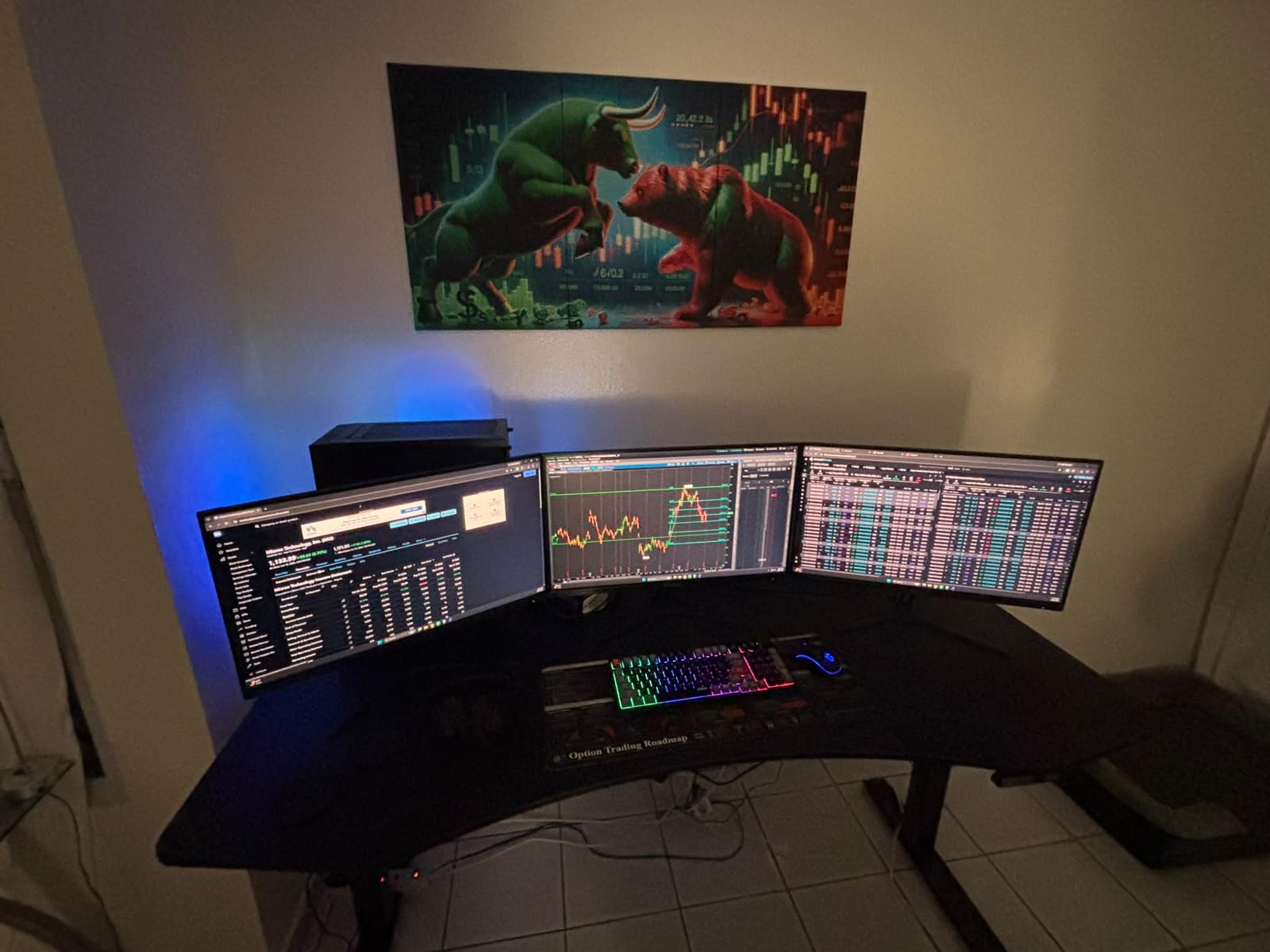
Two details matter before you commit. The full 200Hz only arrives over DisplayPort; the HDMI 2.1 inputs top out near 100Hz, so a console on HDMI runs at half the panel’s capability. And the fast VA panel shows darker edges at sharp off-axis angles, which is a common trait of VA and worth adjusting for if you sit to one side.
Compared with the Samsung Odyssey G55C further down, this is wider and faster; the Odyssey is sharper per inch and curves more tightly. Neither stand does more than tilt, so treat a monitor arm as part of the plan rather than an upgrade.
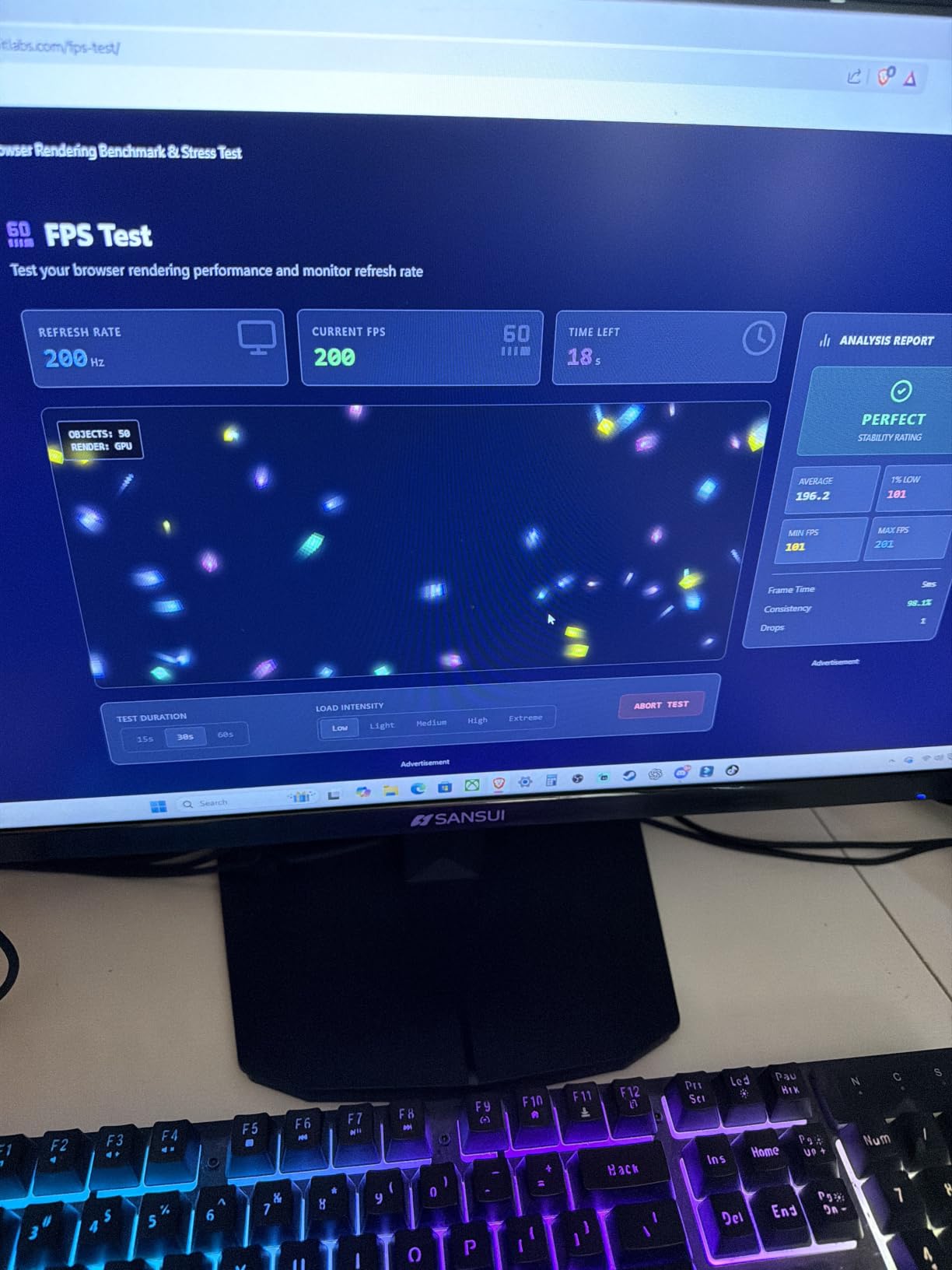
Setup note: VESA 100 x 100mm mounting is supported and a Kensington lock slot is included, which is rarer than it should be on a screen this wide.
3. Philips 221V8LB: Budget Pick for Small Desks
Philips 221V8LB
Size: 21.5 inch
Resolution: 1920x1080
Refresh: 100Hz
Warranty: 4 years
Pros
- 100Hz VA panel with Adaptive-Sync at a budget price point
- 3000:1 contrast gives genuinely dark blacks
- Four-year parts and labor warranty is the longest here
- Flicker-Free eye care with a blue light filter
Cons
- 21.5 inches is small for side-by-side multitasking
- Only one HDMI port alongside VGA
- Limited ergonomic adjustment
Not every desk can hold a 27-inch panel, and that is the whole argument for this one. At 21.5 inches it fits a dorm room, a shared office or a small home nook, and it still runs at 100Hz with Adaptive-Sync, which is faster than most screens its size.
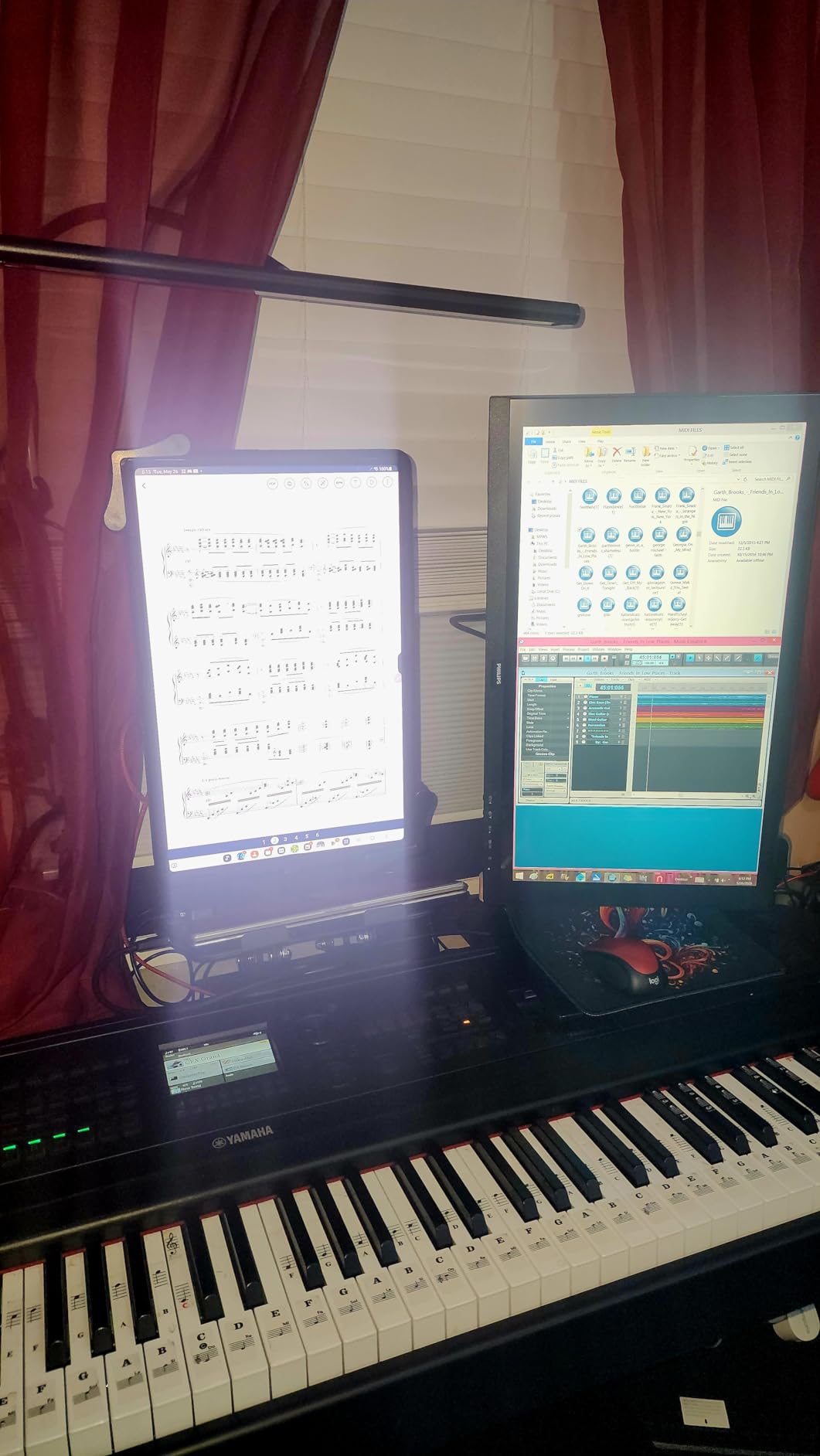
The VA panel is the reason this monitor keeps a 4.6 rating. A 3000:1 contrast ratio is a real step above the washed-out gray most budget LCDs show in a dark room, and the 178-degree viewing angles mean the picture holds up when you glance sideways. The four-year parts and labor warranty is the longest in this group by a wide margin.
Owners are candid about the rest: one HDMI port, no speakers, and a panel that is simply too small for two documents side by side. If your work involves comparing layouts all day, step up to the Dell S2725QS instead, which buys back the desktop space in pixels.
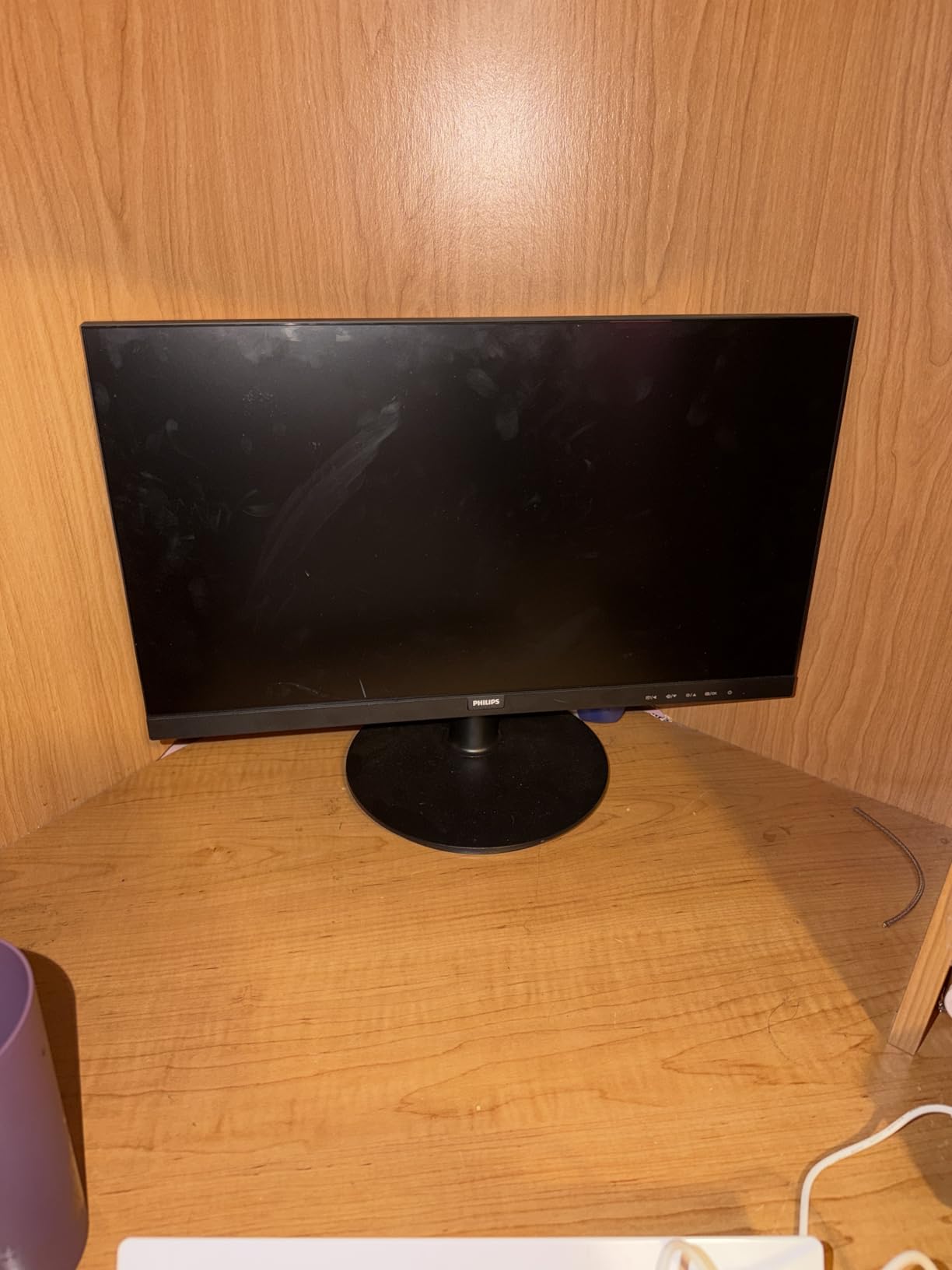
Setup is painless: an HDMI cable comes in the box, so you are not hunting for one on day one, and the panel is VESA mountable if you want the desk back later.
4. Samsung Essential S3: Best for Eye Comfort
Samsung Essential S3
Size: 27 inch
Resolution: 1920x1080
Refresh: 100Hz
Warranty: 1 year
Pros
- TUV-certified eye comfort tech cuts blue light and flicker
- 1800R curve is the gentlest here and easy on peripheral vision
- Game Mode raises contrast to reveal dark detail
- Ultra-slim bezel keeps a single-monitor desk tidy
Cons
- Full HD on 27 inches is modest for detailed work
- Stand has no height adjustment
- Single HDMI port limits a multi-device setup
Nine hours of spreadsheets is exactly the situation the Essential S3 was built for. The TUV certification covers both blue light reduction and flicker-free operation, and owners who switched from a flickering panel tend to mention the difference in the first week rather than the first year.
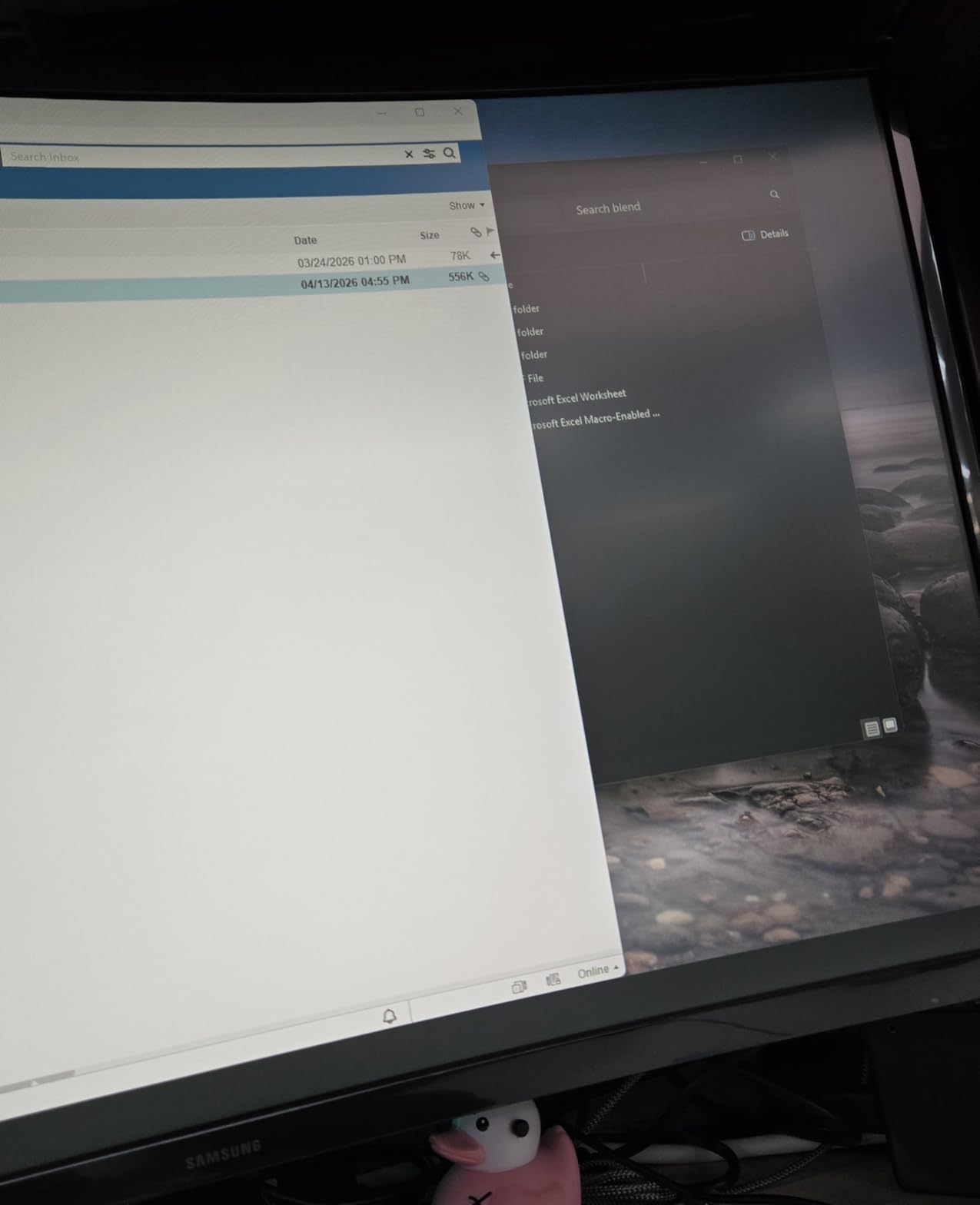
The 1800R curve is the subtlest in this list. It wraps without pulling at your vision, which makes it a safer curve for people who spend all day reading text. Game Mode and the contrast controls are a nice bonus for dark games, where the VA panel’s 3000:1 ratio reveals detail that flat budget panels swallow.
Our roundup of curved monitors for office work goes deeper on why a gentler radius tends to age better in a work setting. For pure sharpness on a desk, though, this screen stops at 1920×1080, and a 27-inch panel at that resolution shows more pixel structure than most people expect.
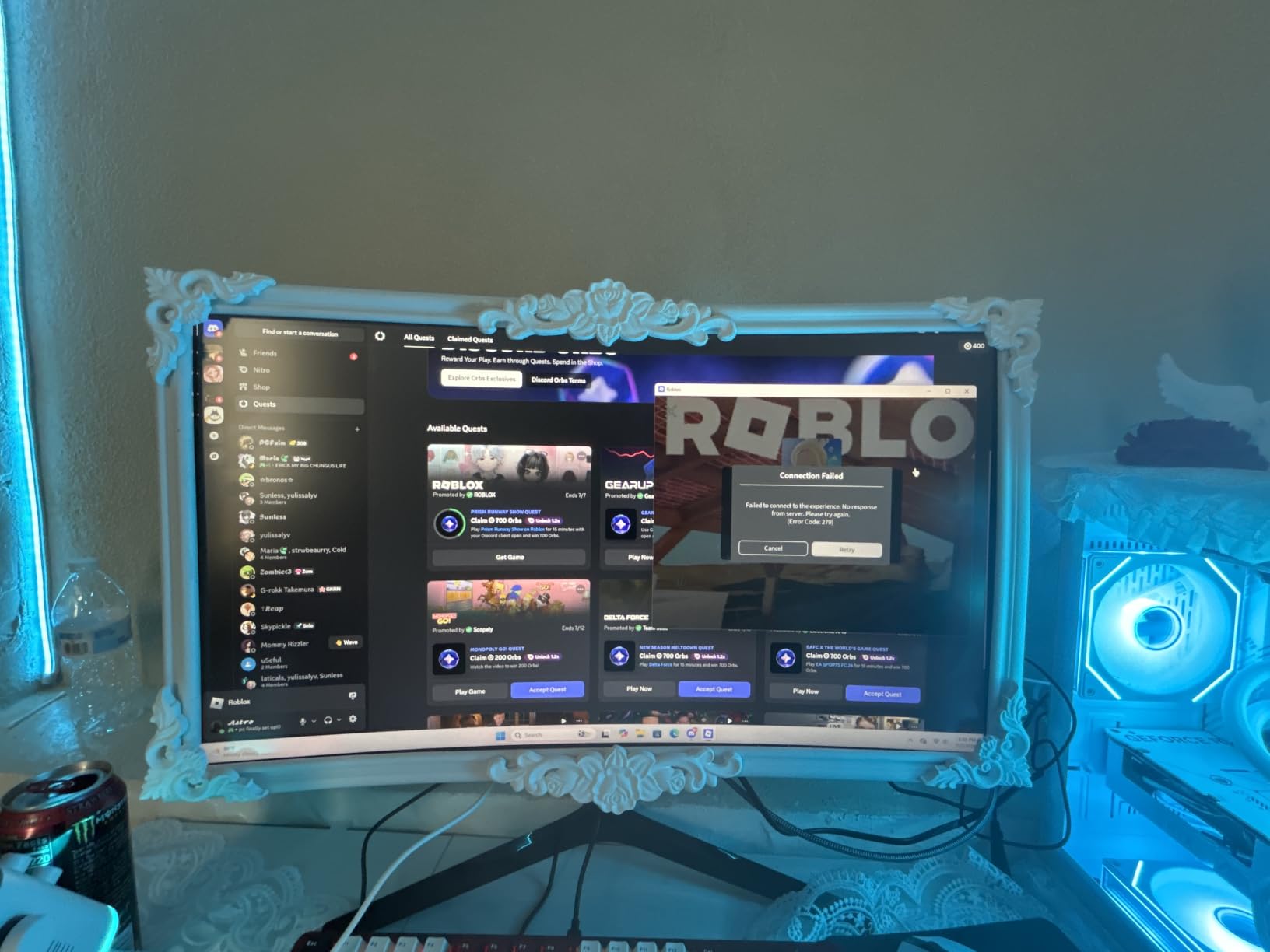
Plan the stand before the box is open, since the height here is fixed and the panel sits fairly high out of the box.
5. Acer KB272 G0bi: Best for Budget 120Hz Gaming
Acer KB272 G0bi
Size: 27 inch
Resolution: 1920x1080
Refresh: 120Hz
Warranty: 3 years
Pros
- 120Hz IPS panel at a budget-tier price point
- IPS color accuracy beats the VA panels here for text and desktop work
- FreeSync compatibility keeps fast scenes tear-free
- Low 18-watt power draw and a three-year warranty
Cons
- 250-nit brightness is dim in a bright room
- Basic tilt-only stand
- Single HDMI port plus VGA
Most of the monitors in this price conversation are VA, which is cheaper but softer around text. The KB272 G0bi is IPS, and that single word explains why owners call the picture accurate and why it holds up in a bright office where a dim panel would not.
You also get 120Hz, a figure that normally costs more at this size. Scrolling a browser at 120Hz looks different from 75Hz, and pairing that with FreeSync support covers most of what a fast competitive game needs without the price of a 165Hz panel.
Where it falls short is brightness, at 250 nits. If your desk faces a window all afternoon, turn it down to read in the evening and expect a slight washout in direct light. Compared with the Sceptre C275W, the Acer gives up the curve and the built-in speakers but gains a faster refresh and a better panel for documents.
A word on that headline figure: 1ms here is a VRB rating rather than a true gray-to-gray measurement, so read it as marketing, not a promise about motion clarity.
6. Samsung Odyssey G55C: Best for Immersive QHD Play
Samsung Odyssey G55C
Size: 32 inch
Resolution: 2560x1440
Refresh: 165Hz
Warranty: 1 year
Pros
- 1000R is the tightest curve in this list and pulls the image around you
- 2560x1440 gives 1.7x the pixel density of Full HD
- 165Hz with 1ms MPRT keeps motion crisp
- HDR10 adds punch to games and video
Cons
- Some owners report backlight bleed or uneven dark areas
- Glossy finish picks up reflections in a bright room
- Stand is tilt-only with no swivel or height
The 1000R figure is the number to notice here. It is a noticeably tighter curve than the 1500R and 1800R designs elsewhere in this roundup, and on a 32-inch panel that curvature fills peripheral vision in a way the gentler curves do not. Drivers and first-person games are where buyers notice first.
Resolution matters as much as curve. Moving from 1920×1080 to 2560×1440 on a larger panel is the single most visible upgrade on this list for anything but fast-paced shooters, and 165Hz with 1ms MPRT handles motion cleanly when you want it.
Owners are split on the finish. Some report backlight bleed or uneven dark corners on the VA panel, and the glossy surface throws reflections in a sunlit room, so this suits a dimmer desk better than a bright one. The tilt-only stand is the most common complaint across this whole list, and the Odyssey is no exception.
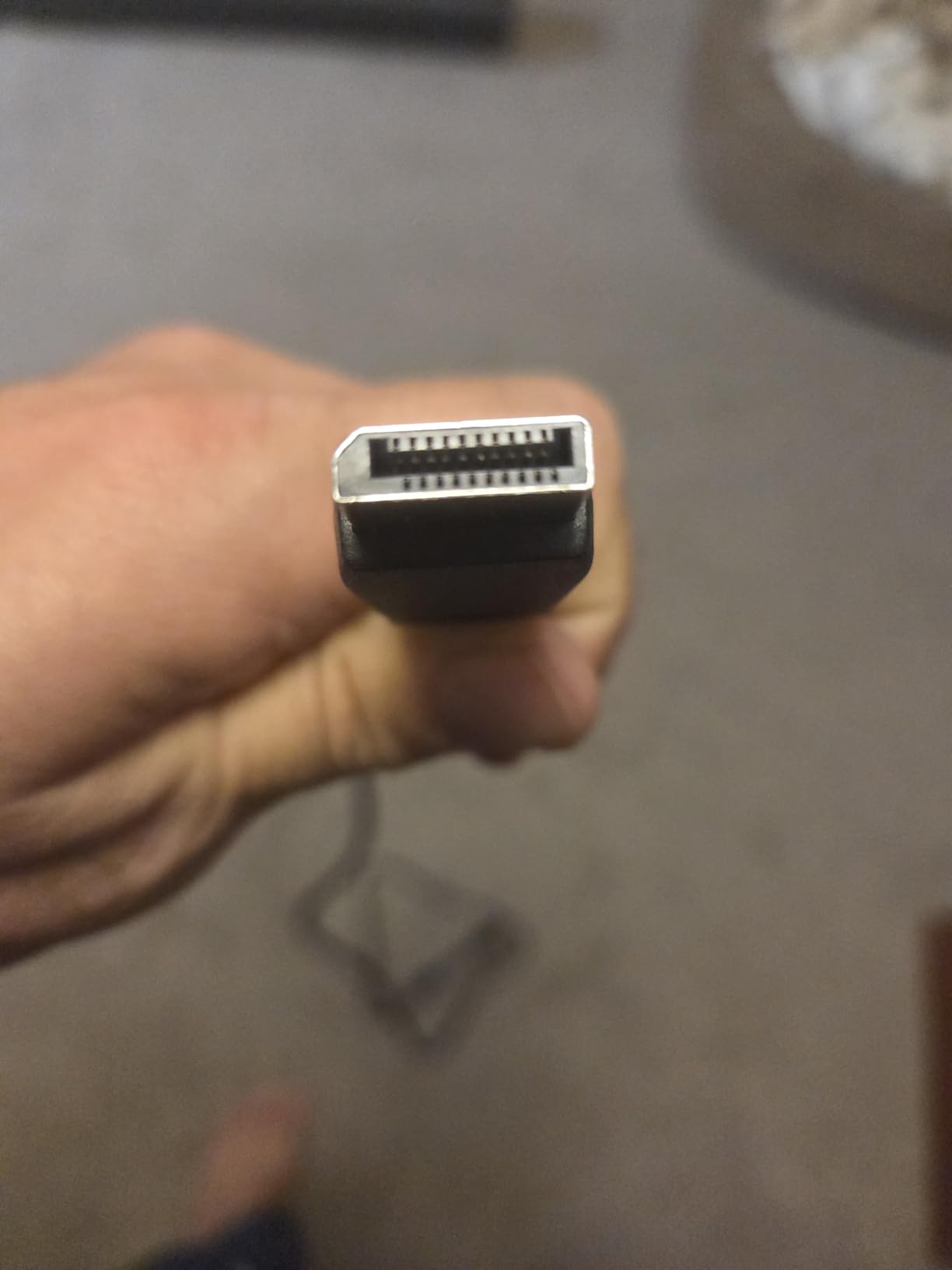
Owners also note that AMD Radeon FreeSync and Eye Saver Mode are both enabled out of the box, and a DisplayPort cable sits in the carton rather than just a power lead.
7. Alienware AW3425DWM: Best for Big Desks
Alienware AW3425DWM
Size: 34 inch
Resolution: 3440x1440
Refresh: 180Hz
Warranty: 3 years
Pros
- 34-inch WQHD canvas with 180Hz and 1ms gray-to-gray response
- DCI-P3 95% coverage with DisplayHDR 400
- Height and tilt adjustment plus a console mode
- Three-year warranty
Cons
- 21-pound chassis and wide base need real desk depth
- Draws 85 watts in use
- No built-in speakers
Measure your desk before you fall for this one. At 21 pounds with a wide base, the AW3425DWM is the heaviest screen on the list, and owners who love it tend to be the ones with a deep desk and a proper chair behind it. A curved ultrawide also pulls the edges closer, so the footprint matters more than the diagonal suggests.
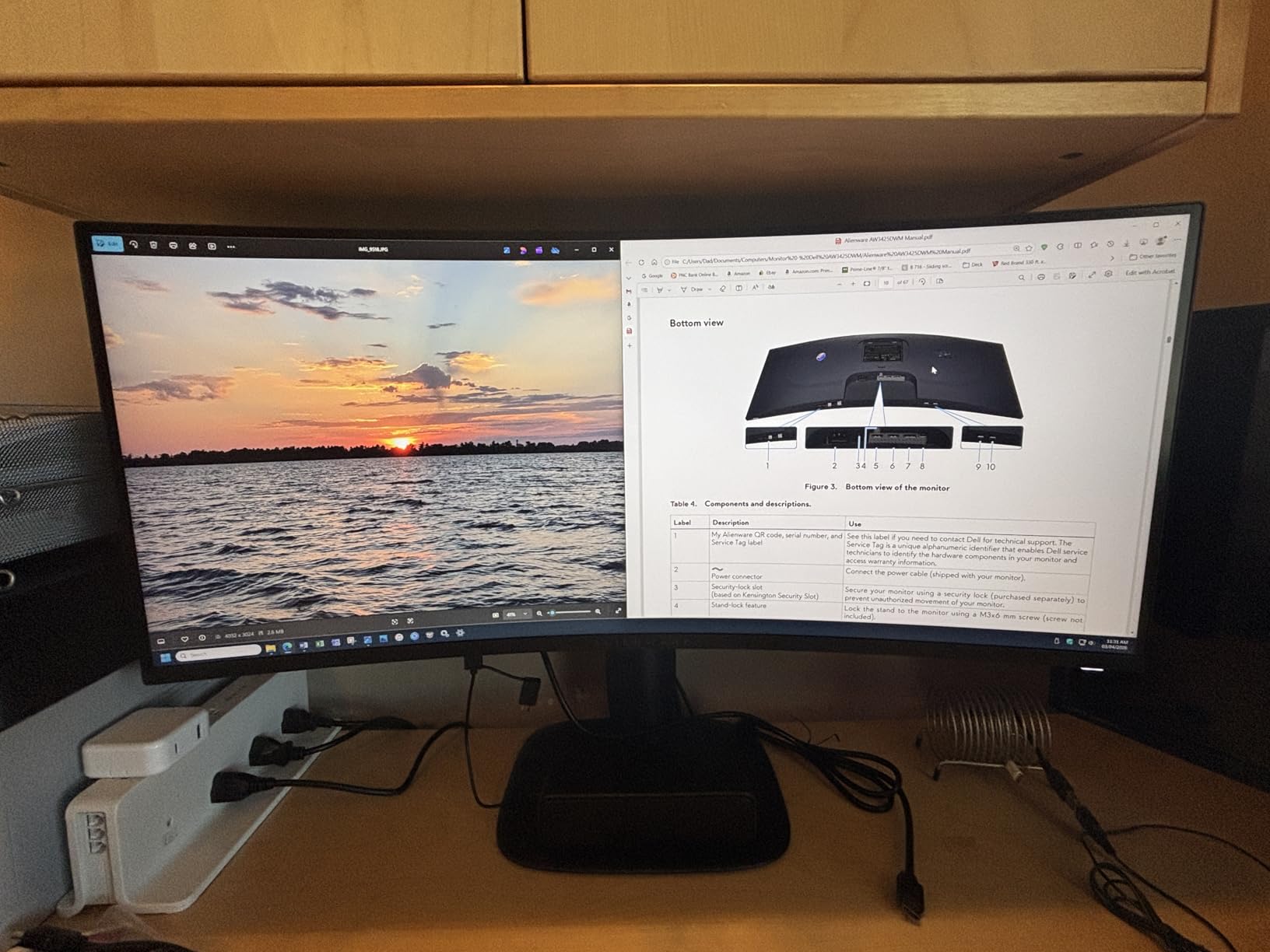
What you get for the bulk is a well-balanced panel. 180Hz with 1ms gray-to-gray handles motion, DCI-P3 95% coverage covers most creative work, and DisplayHDR 400 adds a genuine HDR layer rather than the token version. Height and tilt adjustment solves the desk-height problem that limits several cheaper picks here, and a console mode helps when a PS5 or Xbox is the source.
The 700-review history is shorter than the rest of this list, so treat the owner picture as thinner evidence. Against the SANSUI ES-G34C5, the Alienware is heavier, brighter at 400 cd/m2, and the only one here with a stand that actually raises.
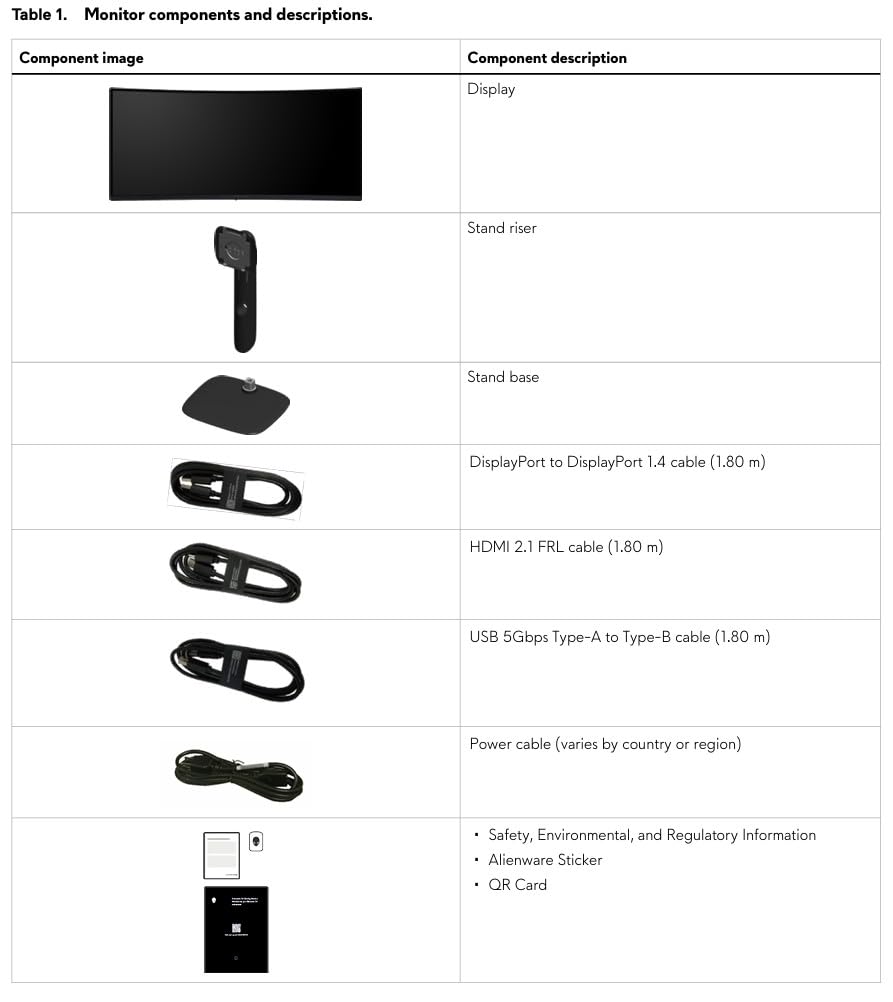
It is VESA Adaptive Sync compatible and the box includes a stand riser, so the final height can be set before the base is mounted.
8. Dell S2725QS: Best for Productivity
Dell S2725QS
Size: 27 inch
Resolution: 3840x2160
Refresh: 120Hz
Warranty: 1 year
Pros
- 4K UHD on 27 inches makes text and small UI elements crisp
- 120Hz smooths the desktop noticeably over 60Hz
- Height swivel pivot and tilt adjustment in the stand
- ComfortView Plus cuts blue light to 35% or less
Cons
- 4-8ms gray-to-gray response ghosts in competitive shooters
- No USB-C and no 3.5mm audio out on this HDMI variant
- HDR performance is basic
This is the only 4K panel in the group, and for anyone reading long documents, editing a spreadsheet or working in design software, that pixel density is worth more than any refresh rate on this page. Owners describe the text rendering as the reason they kept it.
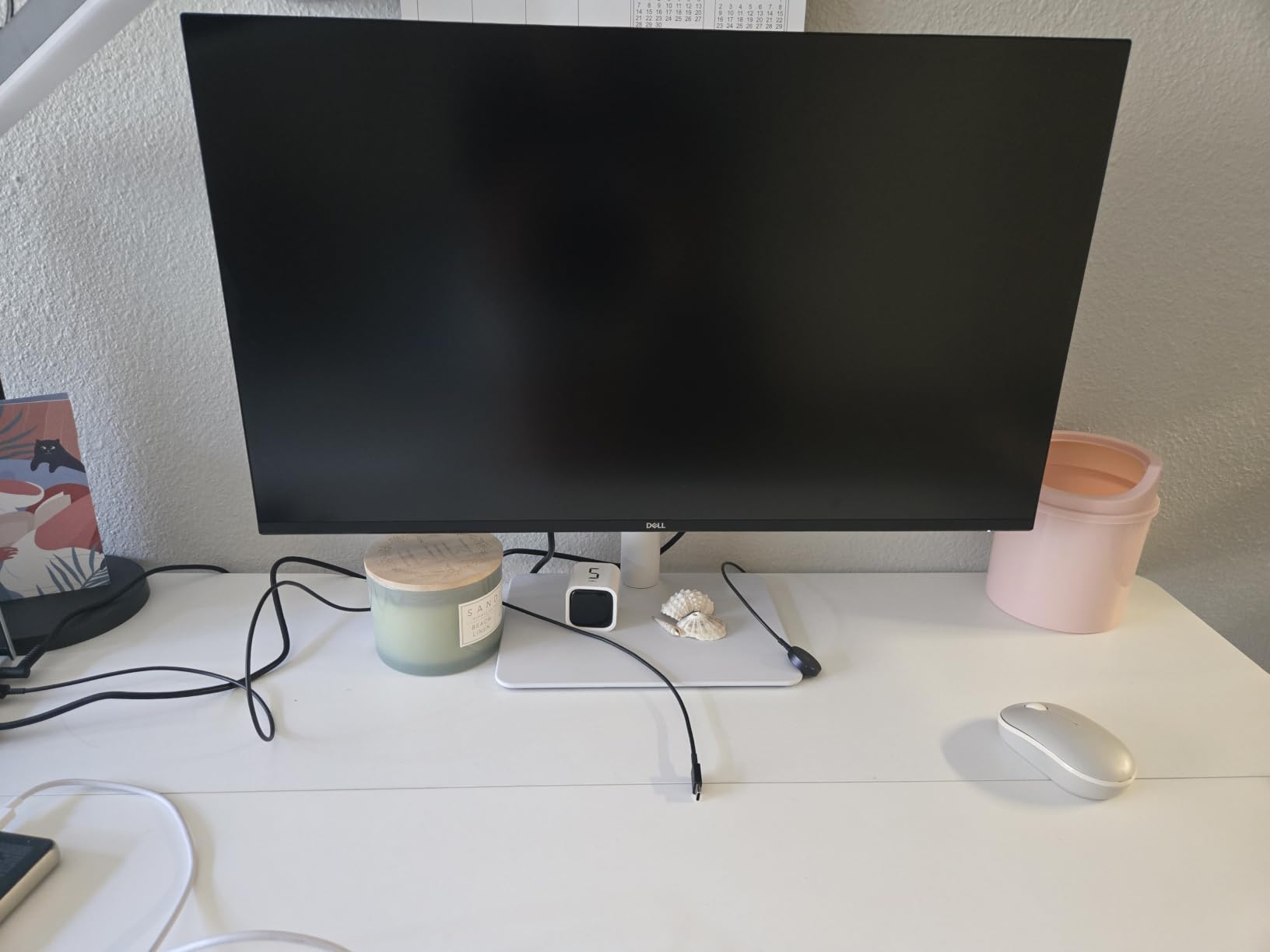
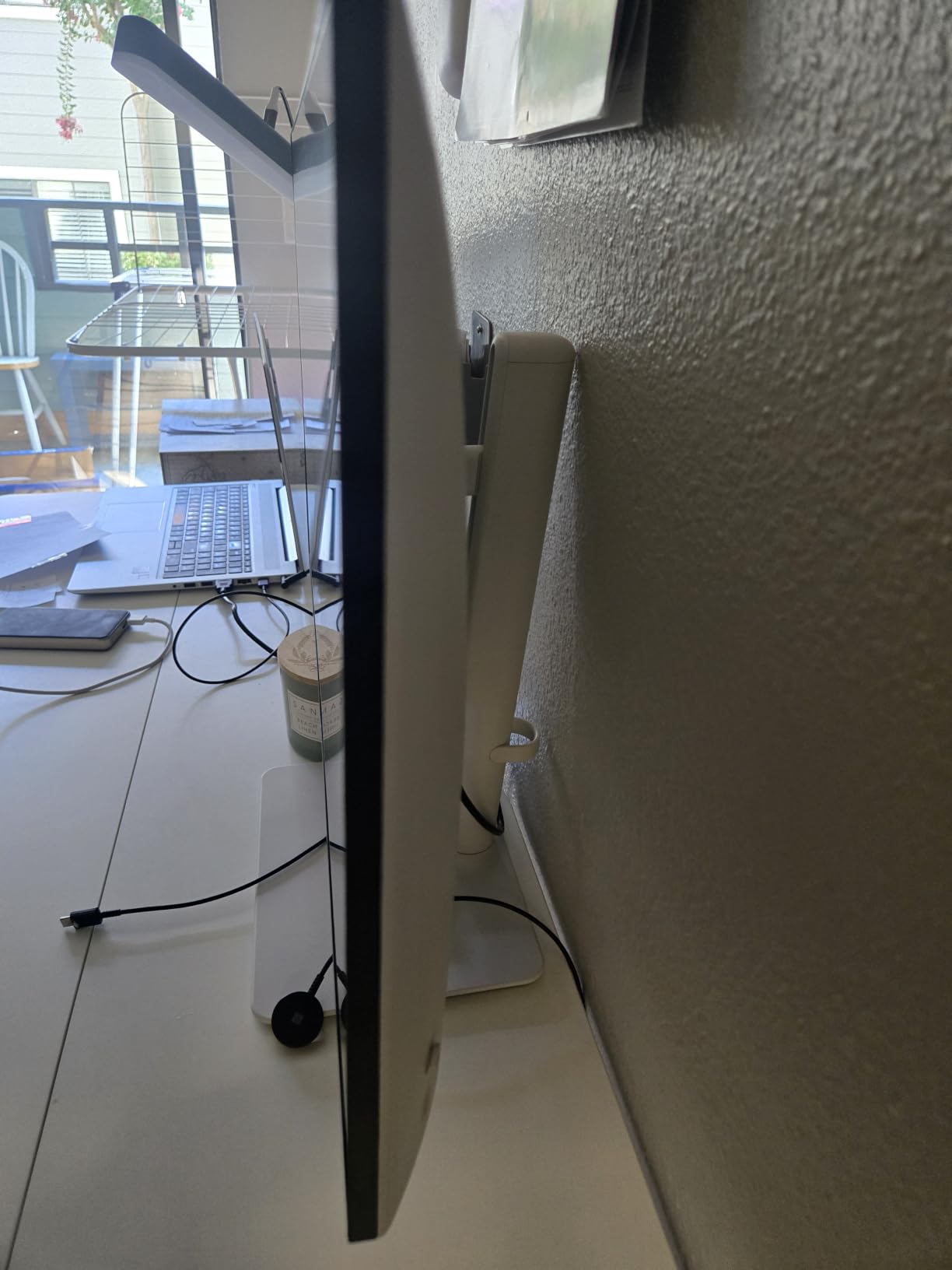
It is also a genuinely ergonomic stand, which no other budget monitor here manages. Height, swivel, pivot and tilt mean you can set the top of the panel at eye level and angle it away from a window, and the re-engineered built-in speakers cover a meeting without extra hardware. ComfortView Plus handles long sessions; our notes on monitors designed to reduce eye strain cover the setup side of that.
The trade-off is gaming. A 4-8ms gray-to-gray response ghosts visibly in competitive shooters, and the lack of USB-C means a laptop user needs a dock or adapter. If you want one screen that does both well, the Sceptre C275W is the opposite bet: slower picture, far less text detail.
Color coverage sits at 99% sRGB with 1500:1 contrast, which suits general office and light creative work rather than color-critical grading.
9. Samsung ViewFinity S50GC: Best for Multitasking
Samsung ViewFinity S50GC
Size: 34 inch
Resolution: 3440x1440
Refresh: 100Hz
Warranty: 1 year
Pros
- 3440 x 1440 canvas replaces a dual-monitor setup on one cable
- PBP shows two sources side by side at native resolution
- Ambient light sensor adjusts brightness automatically
- HDR10 and Eye Saver Mode for long sessions
Cons
- VA colors shift at sharp off-axis angles
- Fixed-height stand can sit too high for typing
- 100Hz is modest for competitive gaming
People arrive at a 34-inch ultrawide for one reason: it replaces the two-monitor rig. With PBP, two sources display side by side at native resolution, so a laptop and a desktop each keep their own workspace without a second panel, a second stand or a second cable to a port you do not have.
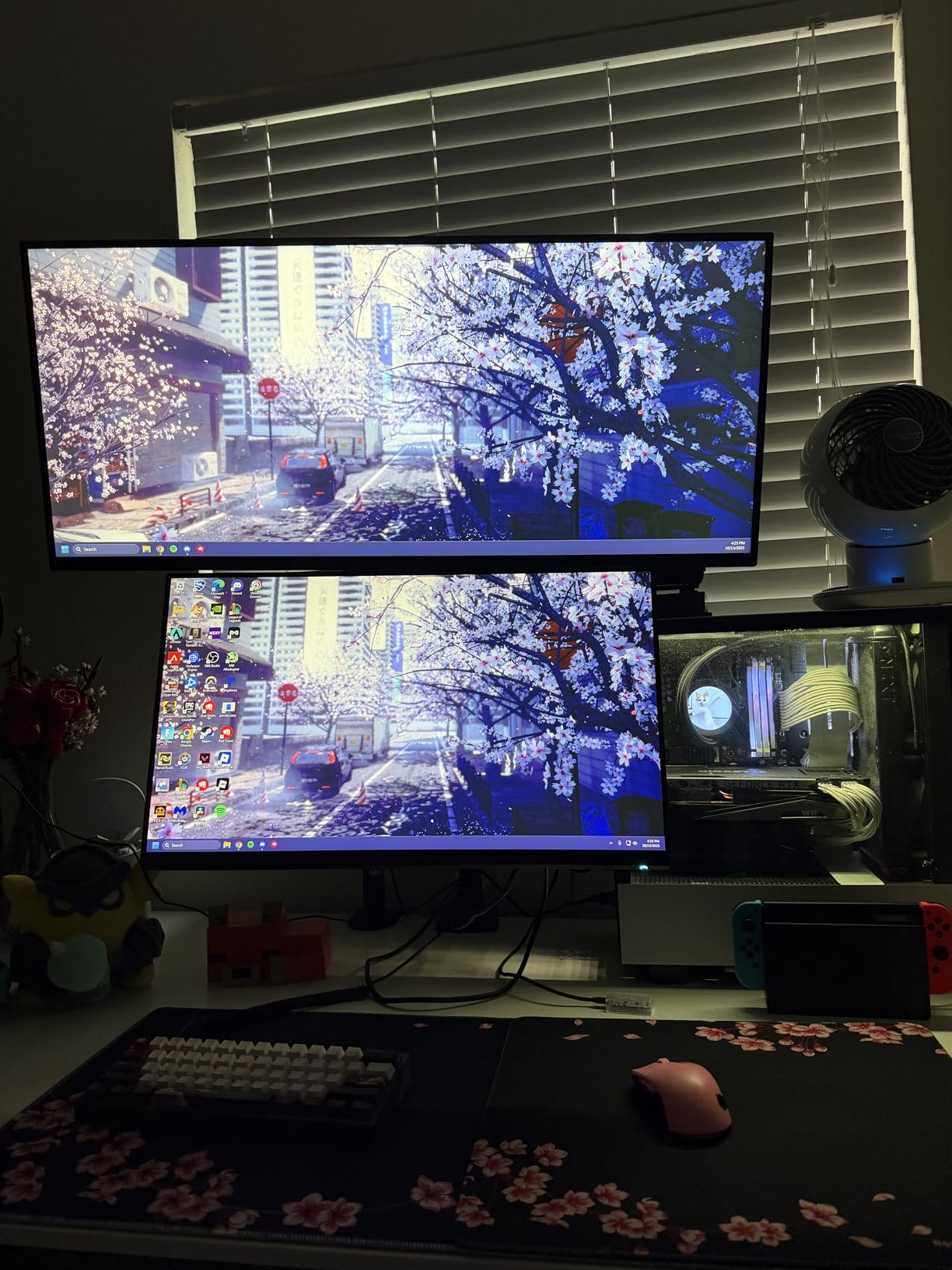
The flat panel is the quiet decision here. Both 34-inch curved picks in this roundup wrap the image toward you, which is right for games and wrong for reading a wide spreadsheet at an angle. This one keeps edges straight and pairs an ambient light sensor with Eye Saver Mode and flicker-free operation, so it manages itself across a long day.
Owners report two consistent limits. The VA panel shifts color when viewed sharply off-axis, so sit centered, and the stand has no height adjustment, which puts the panel high if your desk is standard height. Source switching through the control toggle is also slow with several inputs attached.
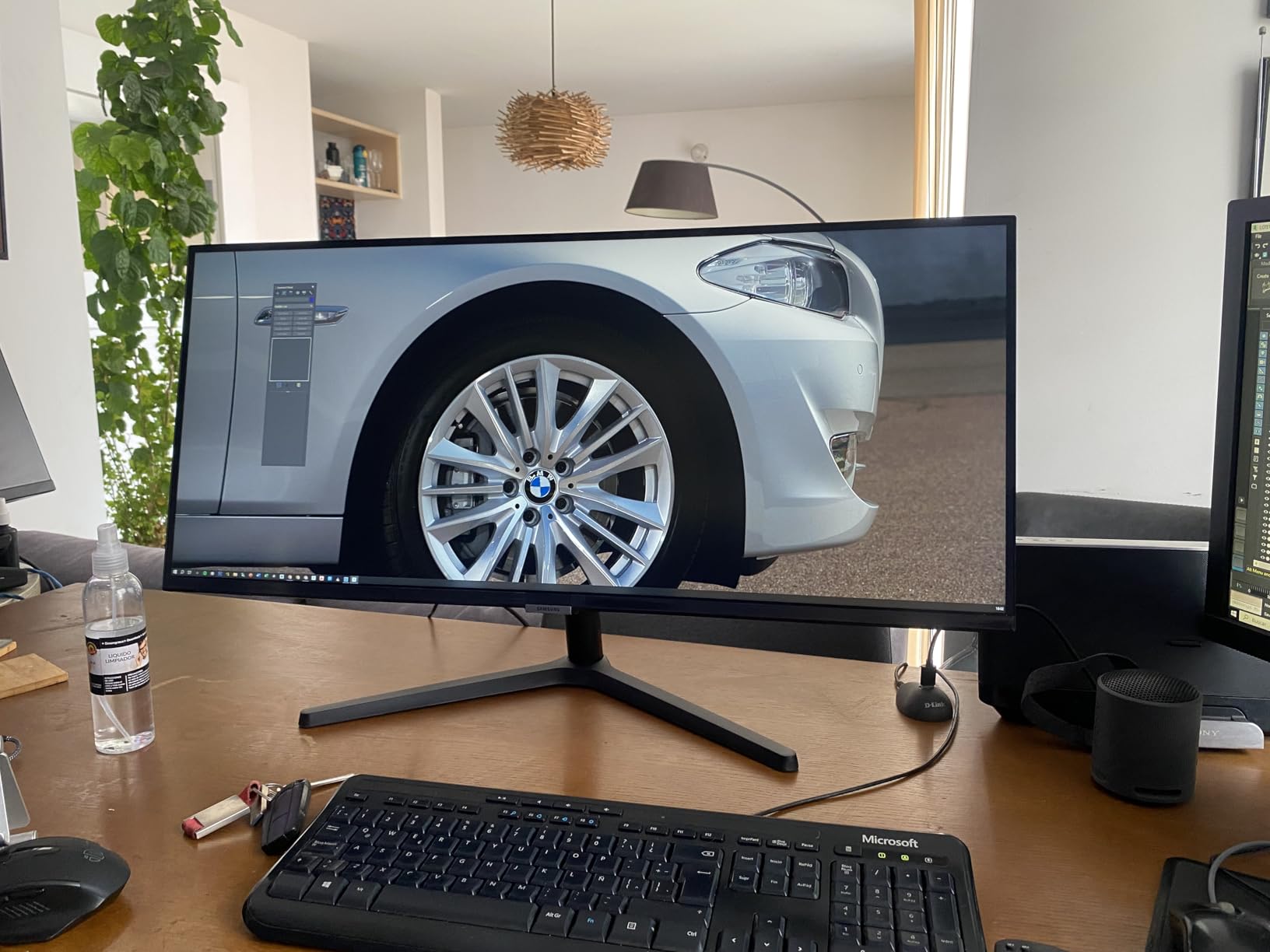
Two HDMI ports and DisplayPort 1.2 arrive with cables in the box, and the three-sided bezel-free frame looks tidy beside a second panel.
10. Amazon Basics 27E2UA: Best for USB Connectivity
Amazon Basics 27E2UA
Size: 27 inch
Resolution: 1920x1080
Refresh: 75Hz
Warranty: 1 year
Pros
- Four USB 3.2 ports plus a USB-B hub at a budget price
- HDMI DisplayPort and VGA inputs for mixed hardware
- IPS panel with good color and wide viewing angles
- Built-in speakers with audio in and 3.5mm out
Cons
- 75Hz refresh rate is low by modern standards
- Built-in speakers are tinny with little bass
- Stand is not height adjustable
Most monitors this cheap include two video inputs and nothing else. This one adds four USB 3.2 ports and a USB-B upstream connection, so a keyboard, mouse, webcam and drive can run straight into the display with one cable to the PC. That hub is the reason to pick it over a cheaper 27-inch screen.
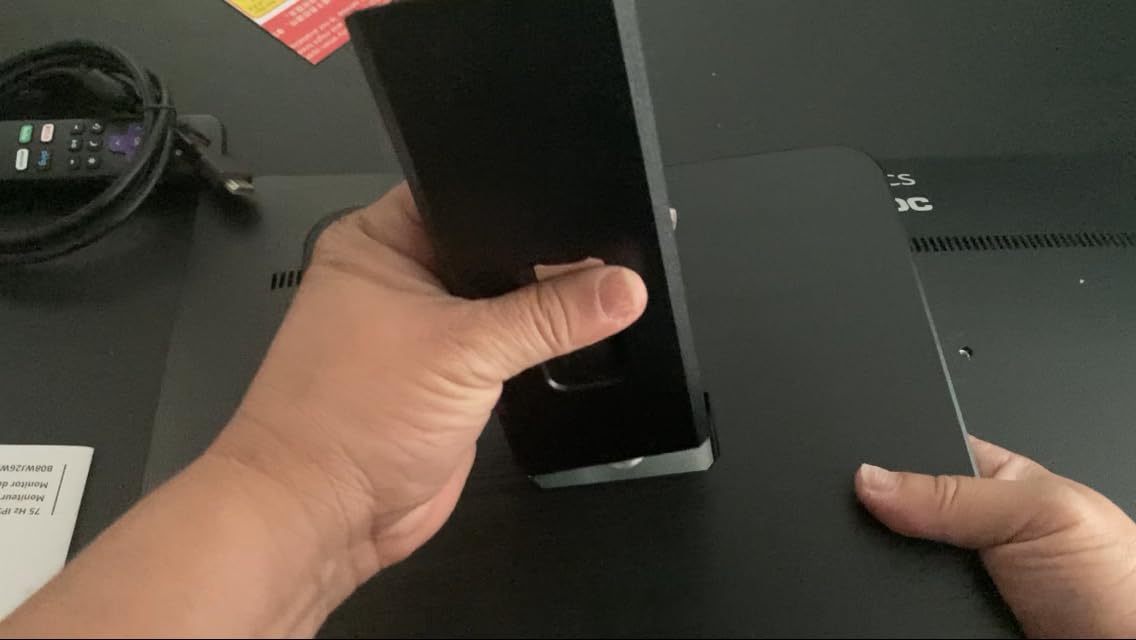
The IPS panel is the other draw. At 1920×1080 on 27 inches it is not the sharpest option here, and 75Hz is well below what the Acer KB272 G0bi delivers, but color accuracy and viewing angles hold up well in a bright room, and Energy Star certification keeps the power draw modest.
Set expectations on the audio. Owners describe the built-in speakers as fine for system beeps and casual video but tinny with almost no bass, and the plastic case feels utilitarian. Because the stand only tilts between minus 5 and 20 degrees, a higher display riser is worth adding if you work at a fixed eye level.
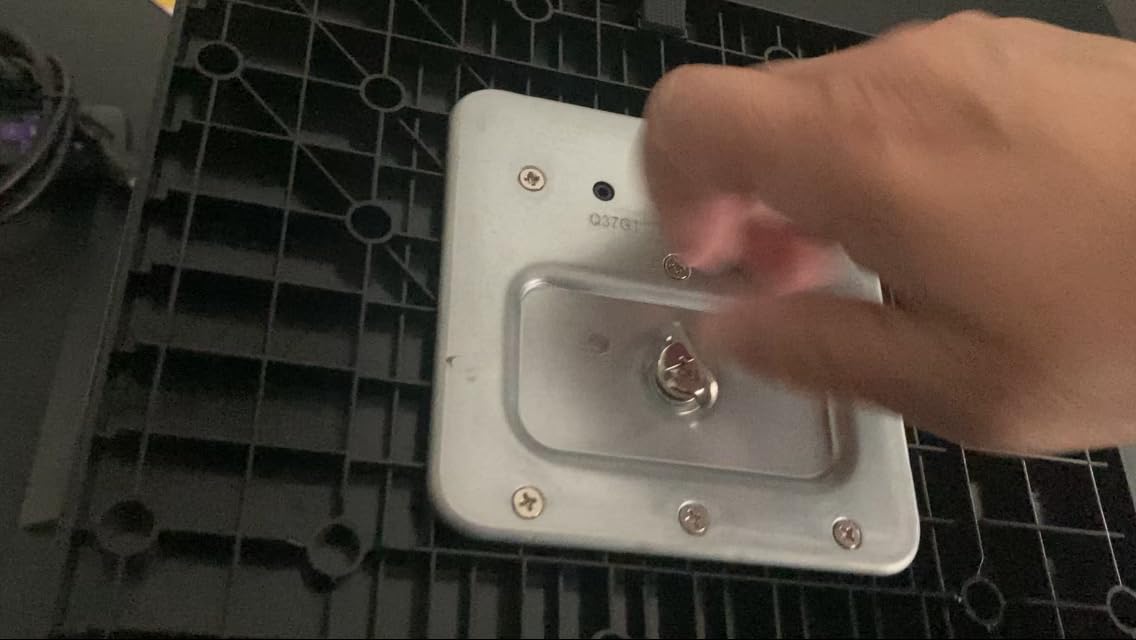
It is VESA 100x100mm wall mount compatible, so the desk space can be reclaimed once the panel is on the wall.
How to Choose Monitors During Prime Big Deal Days
A sale changes the price, not the decision. Work through these five factors in order and the right model tends to identify itself before you start comparing offers.
Resolution and Screen Size
Match pixel count to physical size, not to a spec list. Full HD at 21.5 inches looks sharp; the same 1920×1080 across 27 inches starts to show pixel structure. 2560×1440 is the sweet spot for 27 to 32 inches, 3440×1440 needs a desk at least 28 inches deep, and 4K earns its keep on 27 inches for text-heavy work.
Panel Type, Refresh Rate and Response
IPS gives accurate color and wide viewing angles for text and desktops. VA delivers far higher contrast, usually at 3000:1, with darker blacks but color that shifts off-axis. 120Hz is the practical floor in 2026 for anything that scrolls or moves, and anything faster mostly benefits competitive shooters. Treat advertised response times carefully: a 1ms VRB figure is not the same measurement as a 1ms gray-to-gray rating.
Color Accuracy and Brightness
For general work, 99% sRGB coverage covers the sRGB gamut and is what most of this list offers. Photo and video work needs more, which is why the Alienware AW3425DWM’s DCI-P3 95% coverage is worth noting. Brightness is the spec buyers skip and then regret: a 250-nit panel such as the Acer KB272 G0bi is fine indoors but washed out near a window.
Connectivity and Desk Fit
Count the ports you actually have, not the ports you might need. A USB hub on the monitor, an audio-out jack and a stand that raises and swivels save desk space and daily friction; several picks here tilt only, which makes desk height a real constraint. If that matters to your setup, our picks for monitor stands for better ergonomics are a reasonable second purchase. Ultrawides are the biggest trap here, so check the base width before ordering a 34-inch model.
How to Shop Monitor Deals During the Sale
Monitor listings look nearly identical until you read the model number. Check that the code in the listing matches the panel you researched, confirm the diagonal size and resolution rather than trusting the title alone, and look at what arrives in the box, since some bundles add a cable and some do not. Note who sells the unit and which company handles delivery, and treat Renewed or marketplace offers as a separate decision with a different warranty path. Most offers during Prime Big Deal Days require a Prime membership, and a free trial counts. Prices and offers change through the event, so confirm everything on the listing on the day you buy.
A short checklist before you commit:
- Confirm the exact model number in the listing matches the one you compared
- Check the panel diagonal, resolution and refresh rate together, not one at a time
- Decide between IPS for text and VA for contrast before falling for a curve
- Verify stand adjustment and desk depth for anything 32 inches or wider
- Read which ports you need, including audio out and any USB hub
- Recheck the current price on the listing, since event offers change quickly
Frequently Asked Questions
When do Amazon Prime Big Deal Days monitor deals start?
Amazon Prime Big Deal Days runs October 6-7, 2026, and monitor offers sit inside that two-day window. Some markdowns appear a few days before the event opens, and the offers tied to the badge usually end when the event closes rather than lasting the rest of the month. Most offers need an active Prime membership, and a free trial counts.
Does a higher refresh rate always make a monitor better for gaming?
No. Refresh rate above 120Hz mainly helps competitive shooters, where frame times matter, and it is close to invisible in single-player games and everyday desktop work. A 75Hz panel like the Sceptre C275W or Amazon Basics 27E2UA feels perfectly smooth for the web and video, while 165Hz and 200Hz panels only pay off when the game and the GPU can feed them.
Is a 4K monitor necessary for an office or dual-screen setup?
A 4K panel like the Dell S2725QS is not necessary, but it is the fastest way to gain usable screen area for text-heavy work. For replacing two smaller monitors, a 3440×1440 ultrawide such as the Samsung ViewFinity S50GC gives comparable width at a lower pixel count. Most people gain more from a 27-inch 2560×1440 panel than from 4K at a smaller size.
What should I check to make sure a monitor deal is the model I expected?
Match the model number in the listing against the one you researched, then verify the size, resolution, refresh rate and stand adjustment on the detail page rather than in the title. Confirm the panel type too, since several monitors in the 27-inch Full HD range ship as both IPS and VA variants under similar names. Check the box contents, the seller and which company handles delivery before paying.
Are the best Amazon Prime Big Deal Days monitor deals worth waiting for?
For most people, yes, because panel features that cost a premium a few years ago now appear on mid-range models and event pricing is one of the few reliable windows to buy a monitor. If you already know the exact model and specification you want, an early offer can be worth taking, since popular sizes tend to move quickly once the event opens. Check the listing on the day rather than trusting a preview.
Final Verdict: Best Amazon Prime Big Deal Days Monitor Deals
Buy the Sceptre C275W if you want one screen that does the everyday job well and adds a curve and built-in speakers at the low end. For a wide desk and a fast GPU, the SANSUI ES-G34C5 is the value pick of this list, while the Philips 221V8LB is the budget option when desk depth is the real constraint. Gamers who want a tight curve and sharp QHD detail should take the Samsung Odyssey G55C, and the Acer KB272 G0bi covers anyone who wants 120Hz and an accurate IPS panel without spending much. Work setups belong on the Dell S2725QS for 4K text or the Samsung ViewFinity S50GC for replacing two monitors, and the Alienware AW3425DWM earns its bulk with brightness, color and a stand that actually raises. The Samsung Essential S3 fits long working days and the Amazon Basics 27E2UA fits desks crowded with USB devices.
Whichever you land on, confirm the model number and current price on the listing before you order, since offers during the sale change through the day.