
Most monitor problems are not monitor problems. They are height problems and surface-area problems wearing a monitor-shaped disguise. A screen sitting flat on the desk forces your eyes downward for eight hours a day, and it also swallows the single most useful strip of surface you own: the space directly behind your keyboard. A good stand fixes both at once, which is why these ten picks show up in home offices, dorm rooms, editing suites and sim-racing rigs across the country.
A monitor stand is a platform that sits on your desk and raises your screen to eye level, freeing the surface underneath. A monitor arm is an adjustable articulating arm that clamps to the desk edge or mounts through a grommet hole and holds your screen on a VESA plate. The riser needs no VESA mount, no clamping and no drilling, so it works with any monitor in about two minutes. The arm trades that simplicity for real height range, swivel and portrait rotation, but it will not work on every desk.
Is it worth getting a monitor stand? Usually yes, because the practical benefit people report back is desk space rather than posture. It is not worth it in two situations: your monitor already sits at eye level on a low desk with a riser underneath it, or you sit-stand and raise your whole desk including the monitor. In that second case you need an arm, not a platform. If you are still unsure, jump to the desk fit checklist further down before you pick anything, because clamp compatibility is the one thing you cannot fix after the box is open.
We assembled this list by grouping the buying space into four mounting families: single-arm mounts, dual-arm mounts, fixed risers, and storage risers. Every product below is a real listing with published specifications, published weight ratings and a large body of owner reviews, and we checked those numbers against each other rather than against a brand’s marketing. Last updated September 2026. If you want the adjustable option covered on its own, our [monitor arms guide](https://www.pwice.com/best-monitor-arms/) and our [dual monitor arms picks](https://www.pwice.com/best-dual-monitor-arms/) go deeper on clamp and grommet mechanics than this page does.
Table of Contents
Top 3 Picks for Monitor Stands for 2026

VIVO Dual Monitor Desk Mount
- Holds two 30 inch screens at 22 lbs each
- Steel C-clamp and optional grommet mount
- 3 year warranty

HUANUO FlowLift Dual Stand
- 32 inch per-arm screen support
- One-hand tilt swivel and rotation
- 5 year warranty

Amazon Basics 3-Level Riser
- Three height settings at 2.87 and 4.2 and 4.8 inch
- Supports up to 22 lbs
- Storage space underneath
The three above cover the widest spread of real desks. The VIVO dual mount is the one we would put on our own desk first, because it pairs a steel build with the largest review base in the group and a per-arm weight rating high enough for a 32-inch panel on each side. The HUANUO dual mount reaches one size further per arm and carries the longest warranty. The Amazon Basics riser is the opposite proposition entirely: no tools, no desk commitment, and three height steps you can change in seconds.
All 10 Monitor Stands Side by Side in 2026
Every pick appears here with its own mounting method, its load rating and the situation it actually solves. Scan the feature column before the reviews, because mount type rules out more purchases than price or styling ever will.
| Product | Specifications | Action |
|---|---|---|
| VIVO Dual Monitor Desk Mount STAND-V002 |
|
Check Latest Price |
| HUANUO FlowLift Dual Monitor Stand HNDS6 |
|
Check Latest Price |
 BONTEC Wooden 2-Tier Monitor Riser BONTEC Wooden 2-Tier Monitor Riser |
|
Check Latest Price |
| Amazon Basics 3-Level Height Riser |
|
Check Latest Price |
 VIVO Single Ultrawide Monitor Arm STAND-V001 VIVO Single Ultrawide Monitor Arm STAND-V001 |
|
Check Latest Price |
 HUANUO FlowLift Single Monitor Mount HNSS6 HUANUO FlowLift Single Monitor Mount HNSS6 |
|
Check Latest Price |
 HUANUO Vented Steel Monitor Riser HUANUO Vented Steel Monitor Riser |
|
Check Latest Price |
 Simple Trending Monitor Stand with Drawer Simple Trending Monitor Stand with Drawer |
|
Check Latest Price |
 ErGear Dual Monitor Stand EGCM1 ErGear Dual Monitor Stand EGCM1 |
|
Check Latest Price |
 gianotter Monitor Stand with Drawer and Pen Holders gianotter Monitor Stand with Drawer and Pen Holders |
|
Check Latest Price |
Two patterns jump out of that table. Five of the ten require a VESA pattern on the back of your screen, which rules out a handful of ultraportable and all-in-one displays. Four of the ten need nothing at all from your monitor and will sit on a desk with a lip, a glass top or a crossbeam underneath. That compatibility split matters more than any other column here.
1. VIVO Dual Monitor Desk Mount: Best Overall for Two Screens
VIVO Dual Monitor Desk Mount, Holds 2 Computer Screens up to 30 inches and 22lbs Each, Heavy Duty Fully Adjustable Steel Stand with C-Clamp and Grommet, Black, STAND-V002
Two 13 to 30 inch screens
22 lbs per arm
C-clamp or grommet
3 year warranty
Pros
- Largest reviewed option in the group at over 60k ratings
- Steel construction holds position once tightened
- 90 degree tilt with 180 degree swivel and full rotation
- Clamp reaches desks up to 3.25 inch thick
- Integrated cable clips on the arms and pole
Cons
- 30 inch per-arm ceiling rules out 32 inch and ultrawide panels
- Height changes mean loosening and retightening joint screws
I set this mount up on a fixed oak desk in about ten minutes, and the clamp is what convinced me. It is a real heavy-duty C-clamp with a rubber pad, not the thin stamped bracket on a budget arm, and it bit into a 1.5-inch desktop without a scratch or any rocking when I typed. Each arm carries 22 lb, which covers a 27-inch panel with a stand bolted behind it.
The test that matters is months of daily shoving. Once the pivot bolts are torqued down, a hard two-handed desk bump does not reintroduce sag. That is the trade for a build that does not drift, and on a fixed desk it is a good one.
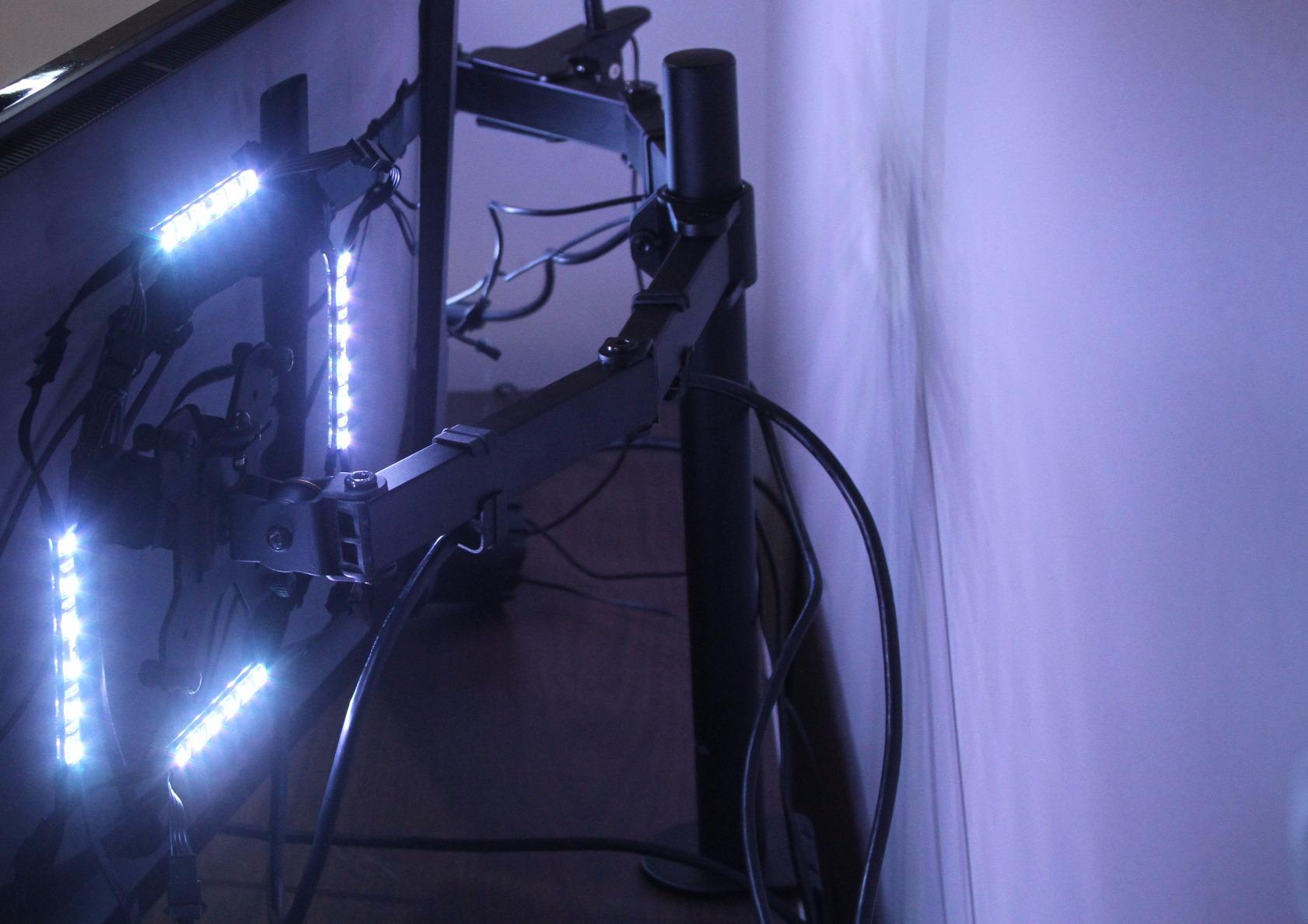
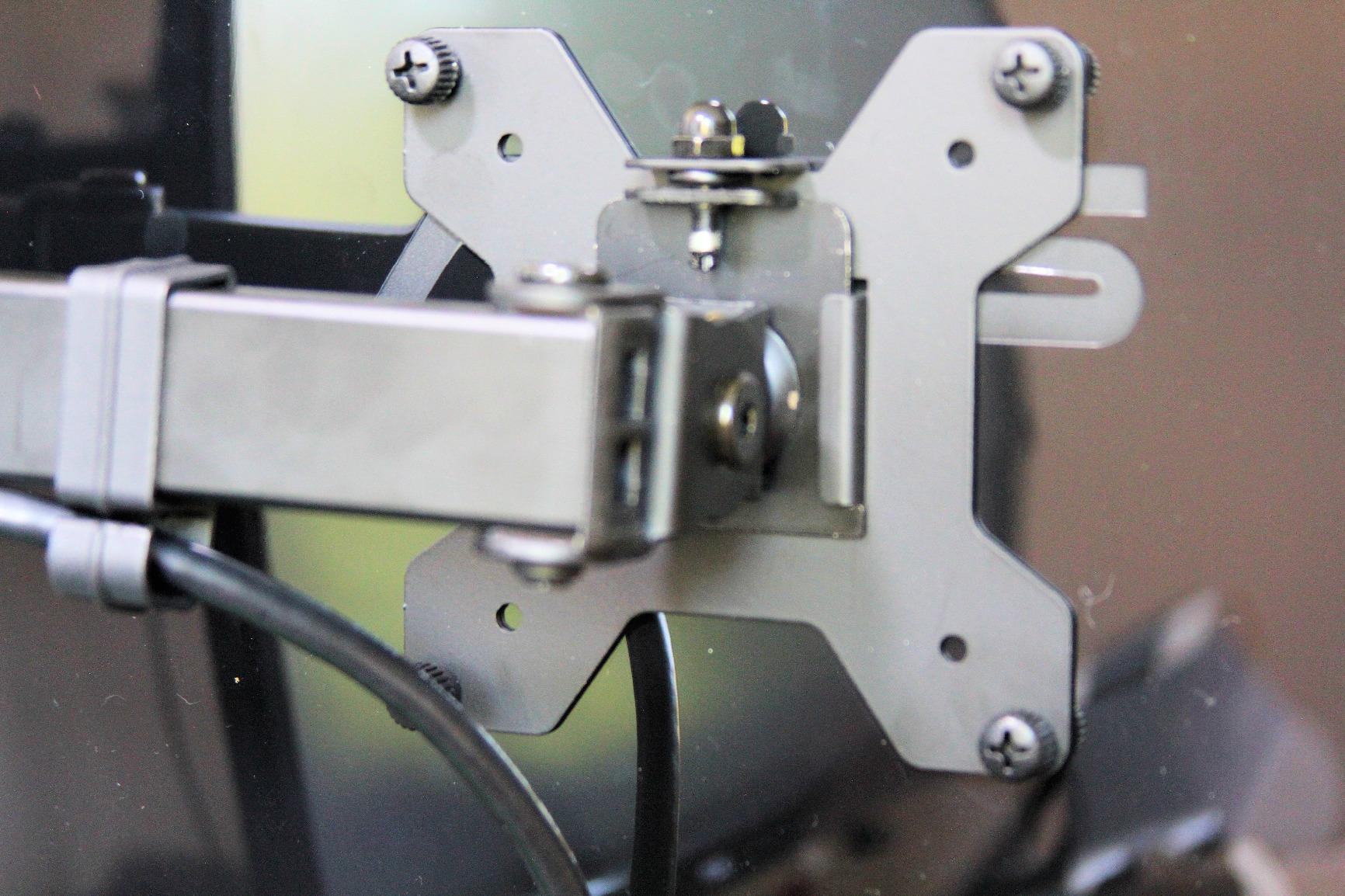
The honest limitation is the 30-inch per-arm ceiling and the adjustment friction. Height changes are not one-hand operations the way a gas-spring arm manages; you need a hex key at each joint, and doing that twice a day gets old fast. The range of motion itself is generous, with 90 degrees of tilt in each direction, 180 degrees of swivel and full rotation, so portrait orientation is genuinely available. The VESA plate takes the common 75x75mm and 100x100mm patterns, and cable clips run down both arms and the pole.
What kind of desk this clamps onto
The clamp accepts desktops up to 3.25 inch thick, which covers nearly every standard wooden desk, but it needs clear space at the back edge and a gap underneath free of crossbeams. A grommet mount is included, and that route is better if your desk sits hard against a wall. A light bar from our [monitor light bar guide](https://www.pwice.com/best-monitor-light-bars/) clamps to the same style of pole if you want one later.
Who should skip this
Skip it if either screen is 32 inches or larger, since each arm stops at 30 inches. Also skip it if you move your monitors constantly, because the screw-locked joints make daily repositioning a chore rather than a gesture. A super ultrawide or a heavy 32-inch panel needs a single arm rated for it, which is exactly what pick five is built for.
2. HUANUO FlowLift Dual Monitor Stand: Best Value for Larger Dual Setups
HUANUO FlowLift™ Dual Monitor Stand, Fully Adjustable Gaming Monitor Desk Mount for 13–32″ Computer Screens, Full Motion VESA 75×75/100×100 with C-Clamp & Grommet Base, Each Arm Holds 4.4 to 19.8 lbs
Two 13 to 32 inch screens
19.8 lbs per arm
Up to 15.75 inch lift
5 year warranty
Pros
- 32 inch per-arm screen support
- One-hand tilt swivel rotation and height
- Raises screens to 15.75 inch for upright posture
- Cable guides on both arms
- 5 year manufacturer warranty
Cons
- 19.8 lb per-arm limit is below the VIVO dual mount
- Requires a wood desk 0.59 to 3.54 inch thick with nothing underneath
- Higher spend than the other dual mounts here
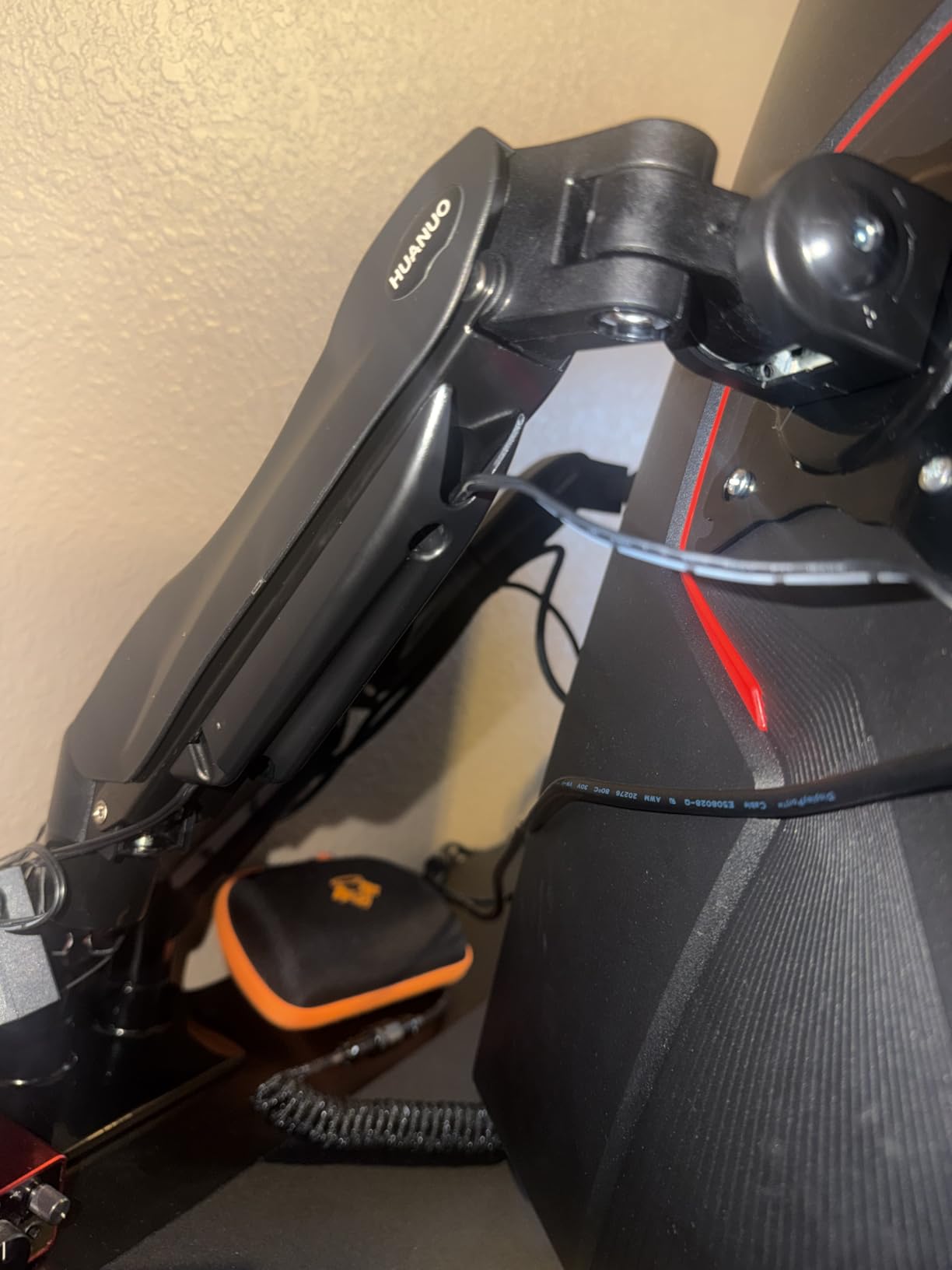
This is the mount I recommend when the screens are 32-inch gaming panels rather than 27-inch productivity monitors, which is the main reason the per-arm ceiling sits two inches above the VIVO unit. It is also the only dual mount here that moves one-handed across every axis, so if you tuck your screens away at the end of the day this is the one that makes that painless.
The base is where this design earns its keep. It uses a dual C-clamp structure with a wider platform, and that extra contact area is what kills the bouncing you normally get when you lean back and type hard. On a gaming desk sharing space with a wheel or a yoke, that stability is worth more than another inch of range.
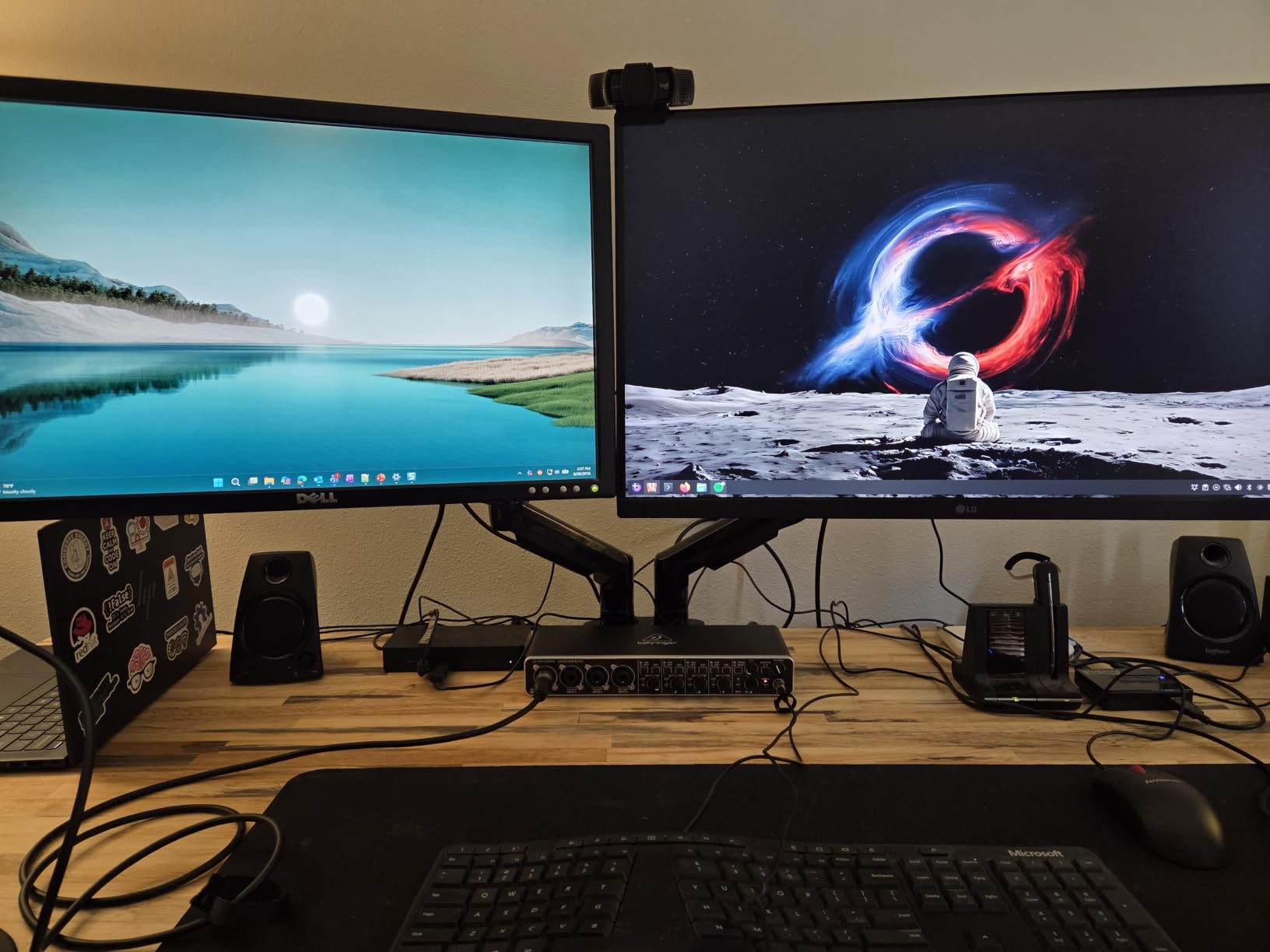
Height travel goes up to 15.75 inch, and plus 85 to minus 50 degrees of tilt with plus or minus 90 degrees of swivel and 360 degree rotation covers portrait, landscape and every awkward in-between angle. The desk requirement is specific: wood between 0.59 and 3.54 inch thick, with no crossbeams underneath. The 19.8 lb per-arm rating is the number to check first, because a 32-inch OLED with a heavy counterweight mount can approach it with nothing to spare.
Checking desk thickness before you order
Measure the desk at the back edge where the clamp will sit, not at the front. Anything between 0.59 and 3.54 inch works, and thicker is not better here because a very thick top is usually solid wood with a frame underneath that the jaws cannot reach. Check for a modesty panel or drawer runners before you buy, because they block the clamp far more often than the thickness does.
Who should skip this
Skip it if you are pairing two very heavy ultrawide panels, since 19.8 lb per arm is the tighter of the two dual limits here. Skip it if your desk is glass, laminate over a thick core, or anything with a frame under the top. It also makes no sense if you only plan to ever mount one screen, because pick six does the same job for a single panel and costs less.
3. BONTEC Wooden 2-Tier Monitor Riser: Best Wooden Riser for Storage
BONTEC Wooden Monitor Stand Riser for Desk, 2-Tier Computer Monitor Stand
5.6 inch lift
Two tiers of storage
66 lb capacity
16.54 inch wide MDF
Pros
- Raises the screen 5.6 inch which suits many fixed-height desks
- Second tier keeps a keyboard and daily items within reach
- 66 lb rating covers a monitor laptop or small printer
- Phone slot and cable channels built in
- Anti-slip pads protect the tabletop
Cons
- Fixed height with no adjustment range
- Engineered wood rather than solid hardwood
- Bulky 16.54 inch footprint for a compact desk
Risers solve a different problem than arms, and this one solves it well if your desk is tall. A fixed 5.6-inch lift turns a screen that was below your sightline into one that sits roughly where it should, and it does that with no clamp, no VESA pattern and no measurement of your desk at all. You unbox it, set the monitor on top and you are done.
The second tier is the reason I keep coming back to this design rather than a bare slab. It holds a keyboard, a mouse, a stack of notebooks and a small printer, and the upper shelf takes a laptop when the monitor is away. For a dorm room desk or a small apartment workspace, that reclaimed volume is worth more than any amount of swivel.
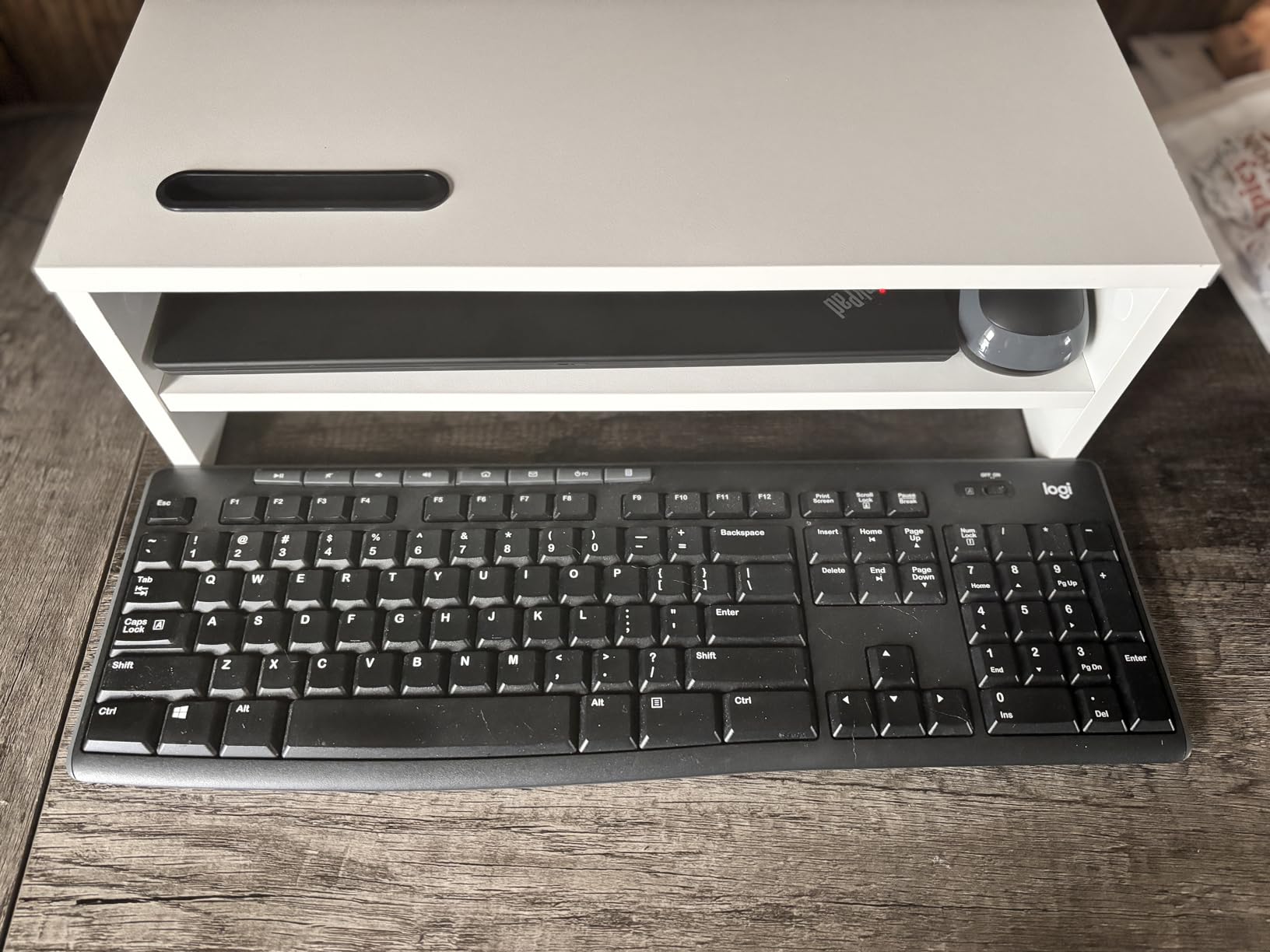
At 2.3 kg and 66 lb of rated load, the platform is the most generously specified surface in the roundup, with no wobble reported even with a small printer on top. The 16.54 by 9.25-inch footprint is the catch on a small desk, so measure your available depth first. The finish is smooth white engineered wood, which looks clean but shows scuffs over years of use. A phone holder slot and cable channels keep a charging cable from draping across the shelf edge.
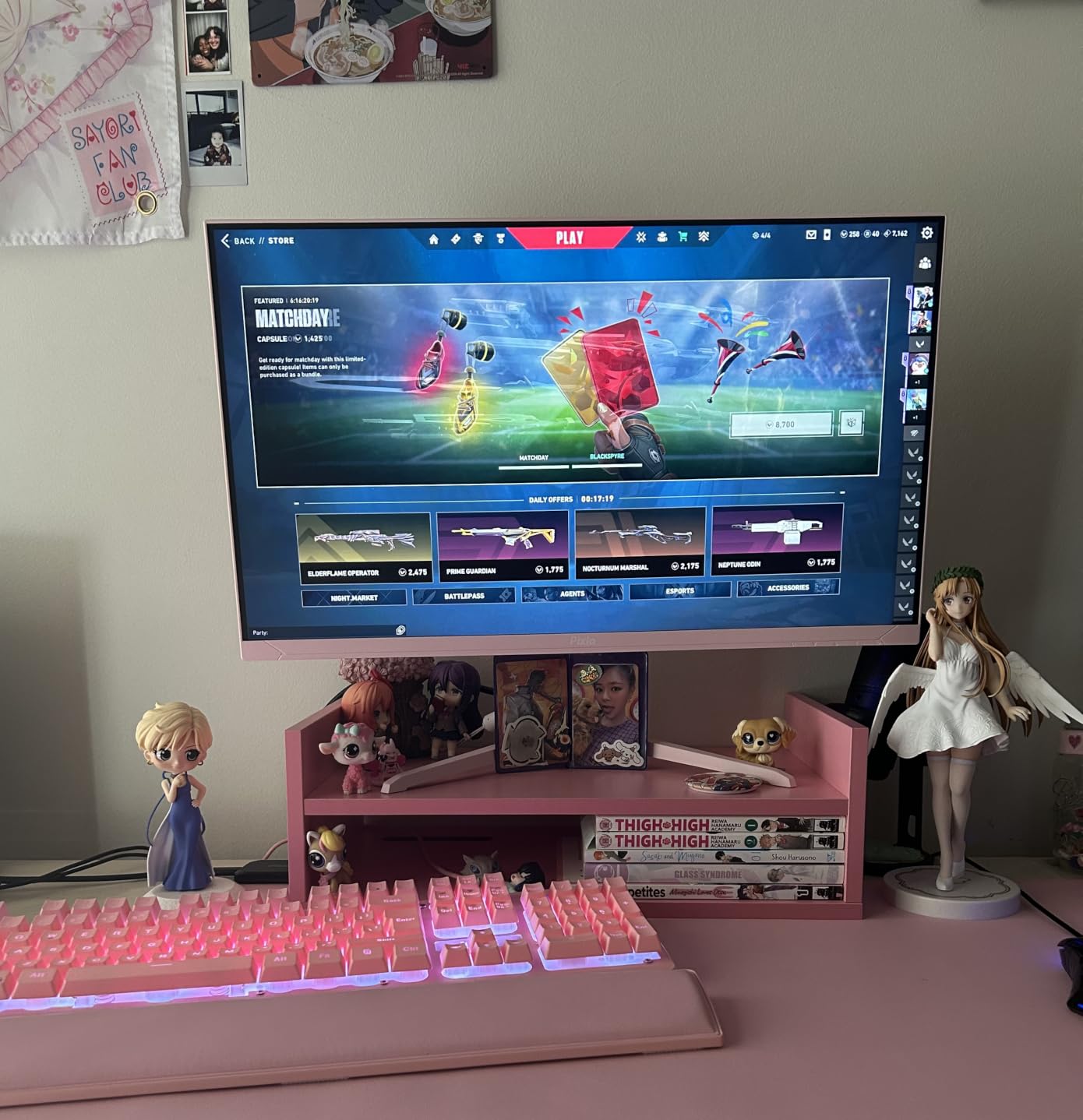
Measuring your desk height before committing
Sit down in your normal chair, note where your eyes sit, and compare that to the top of your current monitor. If the monitor needs to rise by roughly 5 to 6 inch, this riser closes the gap in one step. If it needs closer to 9 inches, a riser will not get you there and an adjustable arm is the right tool. Guessing here is the most common reason a riser disappoints people.
Who should skip this
Skip it on a tall desk, because a 5.6-inch lift on an already high surface pushes the screen above your sightline and you end up craning upward instead of down. Skip it if you need portrait mode, since a fixed riser offers no rotation. And skip it if you plan to move between desks often, because 2.3 kg is not a carry-every-day object.
4. Amazon Basics 3-Level Height Riser: Best Budget Pick for Any Desk
Amazon Basics Height Adjustable Monitor Stand Riser with Storage Organizer, 3-Level Stackable Design, Durable ABS Plastic, Supports up to 22lbs, for Monitors & Laptops, Black
Three heights at 2.87 and 4.2 and 4.8 inch
Supports up to 22 lbs
ABS plastic
Pros
- Three discrete height steps so two people can share one desk
- Highest average rating among the fixed risers at 4.7
- Light enough to move between desks in one hand
- Storage space underneath for cables and stationery
- Non-skid feet stop it sliding
Cons
- Plastic leg tabs can snap if forced during assembly
- Tapered top lets wide monitor bases overhang
- Lowest height step gives only a 2.87 inch lift
This is the default low-regret choice, and after spending time with a dozen risers it is the one we hand to friends who are undecided. Three height settings, no assembly tools, no desk commitment, and a 4.7 average across more than 25k ratings. It works with any monitor that has a base, including ones with no VESA holes at all.
The detachable legs are the mechanism. You pull them out and re-seat them to move between 2.87, 4.2 and 4.8 inches, which is a genuinely useful range for a shared desk or a chair that sits higher or lower than usual. Assembly takes a few seconds, and the two-leg design keeps the back of the desk open rather than boxing it in.
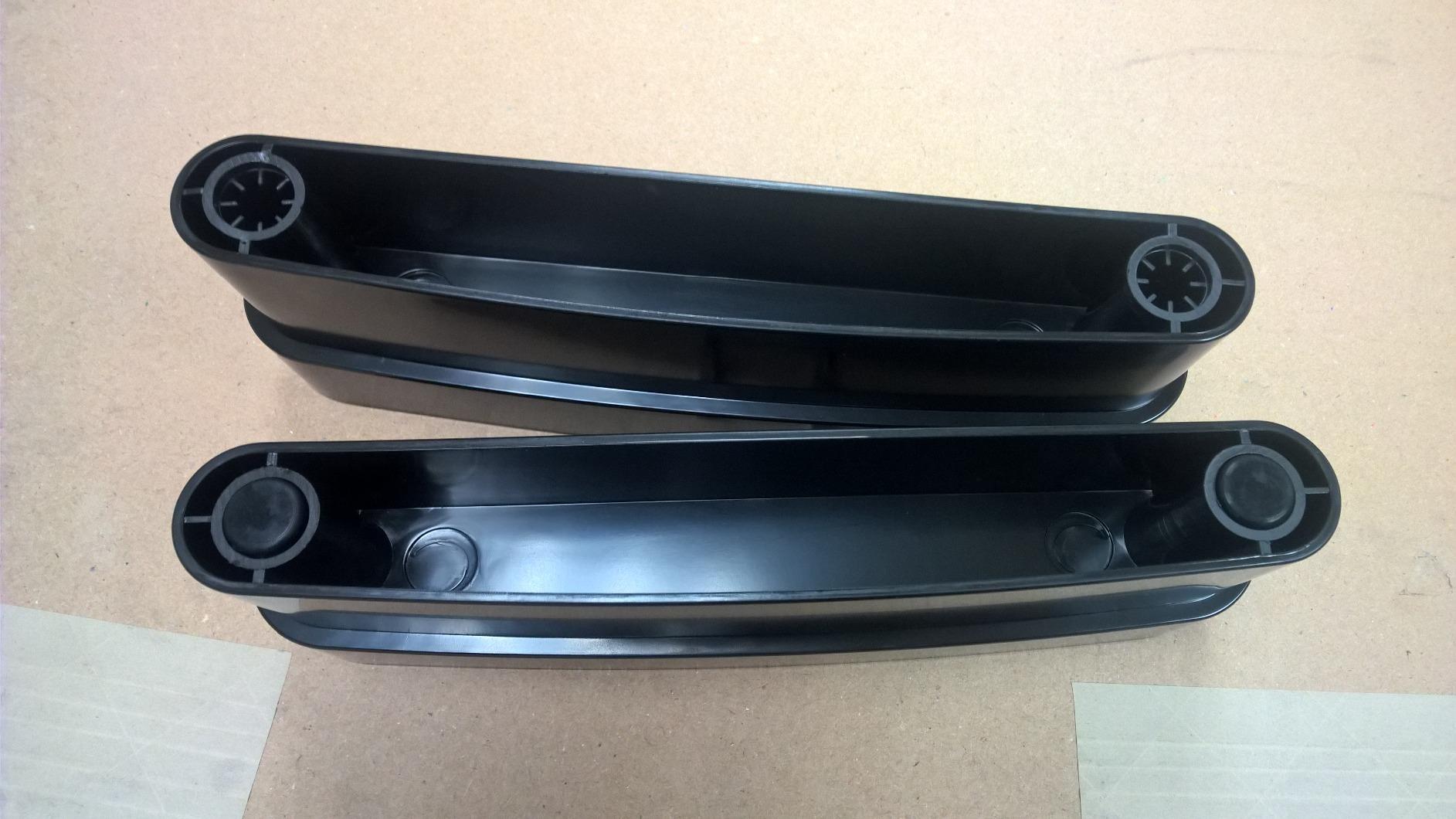
At 22 lb of rated capacity it handles anything from a 24-inch office panel to a 32-inch monitor with a stock base. The one thing to watch during assembly is the plastic tabs that hold the legs: reviewers mention repeatedly that forcing them on can snap them off. Seat each leg with firm even pressure rather than hammering or twisting, and you will avoid the single most common complaint about this riser.
The top surface runs roughly 11.6 by 11 inches and tapers at the sides, which is what makes it stable but also means a wide monitor base can overhang at the corners. Measure your monitor’s footprint before you order. Underneath, the open frame holds cables, a power strip, stationery and a small device without any doors or drawers to fight with.
Where this riser fits that arms cannot
It fits every desk an arm cannot: a glass top, a desk with a raised lip, a table with a thick frame underneath, or a surface pushed tight against a wall. It also works with displays that have no VESA mount, including older all-in-one machines and some ultraportable monitors. If you are still narrowing down your desk, this is the pick with the fewest ways to fail.
Who should skip this
Skip it if your monitor base is wider than about 11 inches, because the tapered top lets it overhang. Skip it if you want a real height range across a sit-stand desk, and skip it if aesthetics matter more than function in a visible workspace, since the ABS plastic shell reads as budget next to wood or steel.
5. VIVO Single Ultrawide Monitor Arm: Best for 34-Inch and 38-Inch Screens
VIVO Single 13 to 38 inch Ultrawide Monitor Arm Desk Mount, Regular Screens up to 32 inches, 22 lbs capacity, Fully Adjustable Stand with C-Clamp and Grommet Base, Black, STAND-V001
Handles ultrawides to 38 inch
22 lb capacity
16 inch height range
3 year warranty
Pros
- Only mount in the group rated for ultrawide panels up to 38 inch
- Tool-free hand-tightened clamp for a fast install
- 16 inch of height adjustment on the center pole
- Detachable cable clips on arms and pole
- Modules well into multi-monitor layouts
Cons
- Each joint bends about 90 degrees which limits positioning
- Height and angle changes need a hex key
- Arm does not fold flat which can crowd a second screen
Ultrawides break mounts in a specific way. A 34-inch curved panel is heavy, top-heavy and wide enough that a shallow joint on a soft desk turns into slow sag and a screen that no longer faces you squarely. This arm is built around that case with 22 lb of capacity, heavy-gauge steel, and hex bolts that stay put once tightened.
It is also the only pick rated for a panel up to 38 inches, which matters if you are shopping a 38-inch OLED rather than a 34-inch. Height travel runs to 16 inches on the center pole, more than any other unit here, and the pole is what makes a wide screen behave at eye level.
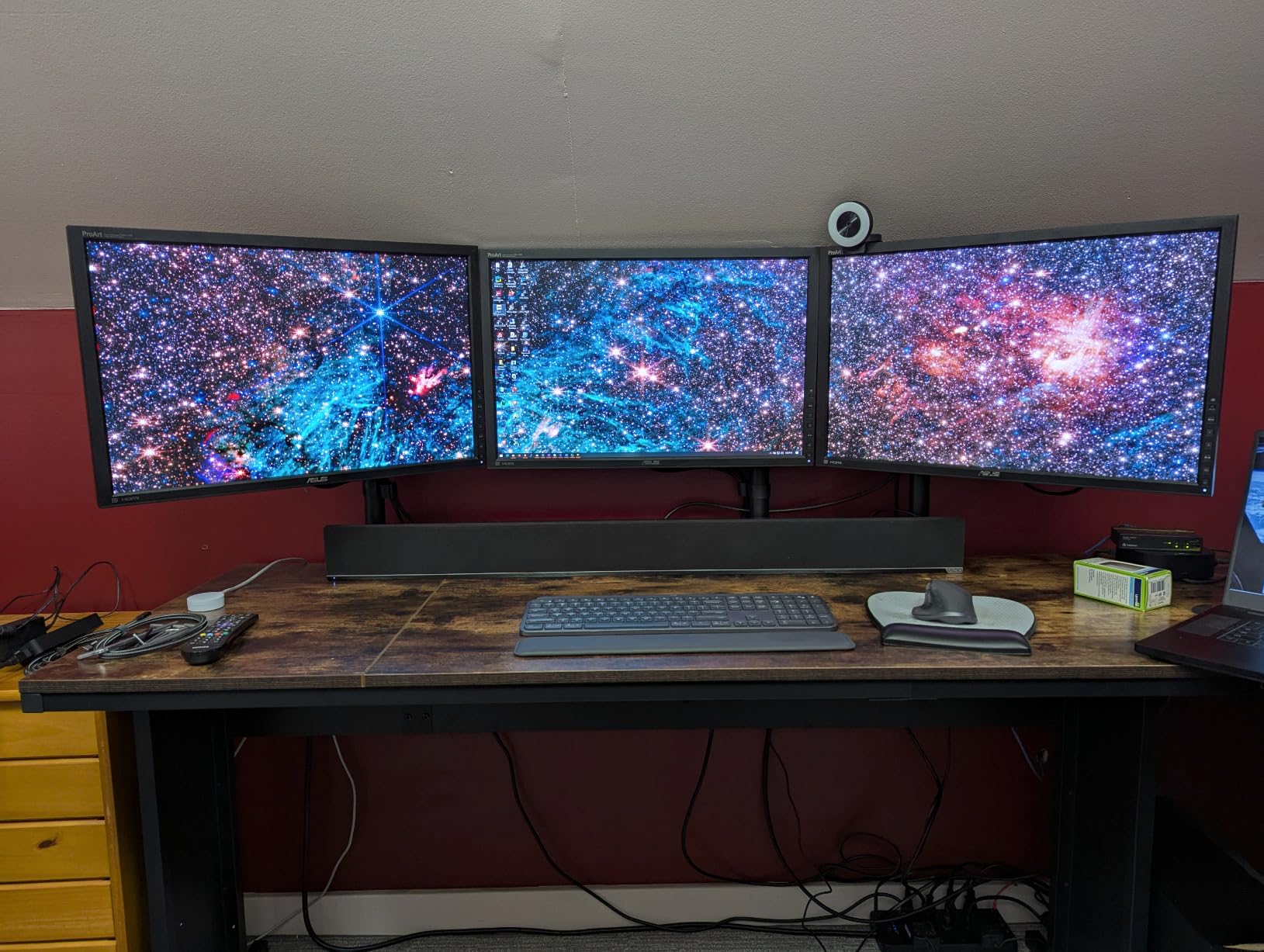
The install is friendlier than it looks. The C-clamp is tool-free, tightened by hand, and reaches desks up to 3.25 inch thick; a grommet mount is included for setups against a wall. VESA 75x75mm and 100x100mm are supported, so a 200x100mm pattern needs an adapter, which is worth confirming before you commit to a super wide panel.
Reviewers split on the 90-degree joint travel. Experienced builders call it simple, sturdy and easy to align across dozens of monitors; others find the tightening finicky and the limited bend restrictive when they want a screen tucked back against a wall. Motion still covers 90 degrees of tilt each way with 360 degrees of swivel and rotation.
Ultrawide sizing and the tip-over question
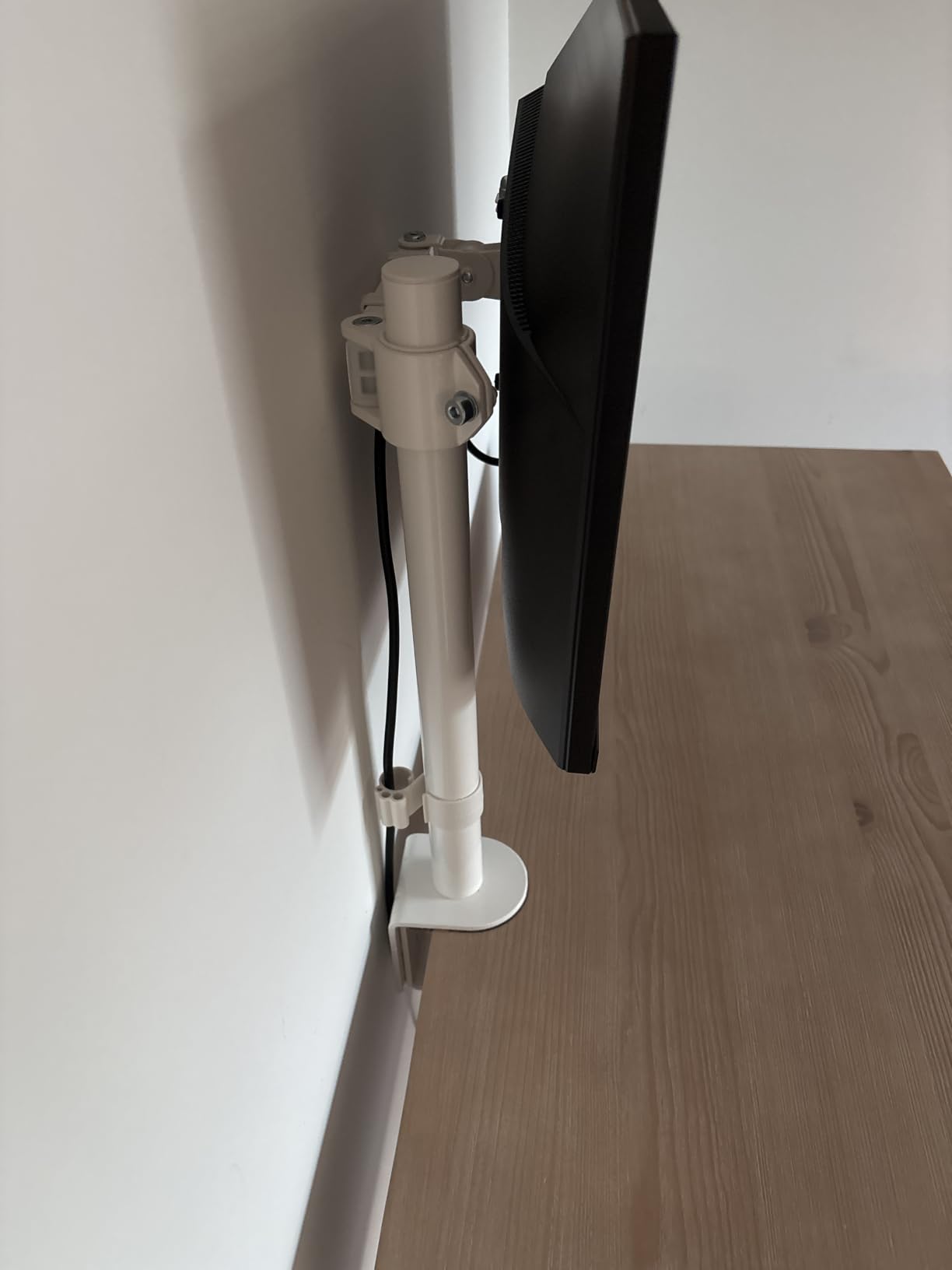
Width matters as much as weight for a curved panel. The physics is simple: the stand shifts the center of gravity forward, and the wider the panel the further forward it sits, so a shallow base plus a heavy ultrawide is exactly the combination that tips. Prefer a base that is at least as deep as the panel is deep, keep the arm short when you do not need reach, and never stack a second screen on a single clamp unless the clamp is rated for the combined load.
Who should skip this
Skip it if your panel is a super ultrawide above 38 inches, because the rating stops there. Skip it if you plan to mount two screens side by side on this one clamp, since the arm does not fold flat and the spacing gets tight. And skip it if you cannot get a hex key to hand, because routine repositioning depends on it.
6. HUANUO FlowLift Single Monitor Mount: Best for Fast Setup and Frequent Moving
HUANUO FlowLift™ Single Monitor Mount, 13 to 32 Inch Monitor Arm, Adjustable Monitor Stand, Vesa Mount with Clamp and Grommet Base – Fits 4.4 to 19.8lbs LCD Computer Monitors
13 to 32 inch screens
19.8 lb capacity
Lifts to 39.6 cm
One-piece 3 minute setup
Pros
- Holds position at any angle without repeated screw tightening
- One-hand tilt swivel and rotation
- Lifts the screen up to 39.6 cm from the desktop
- Components tested through 20000 motion cycles
- One-piece design with all hardware included
Cons
- 19.8 lb per-screen ceiling
- Requires a wood desk 0.59 to 3.54 inch thick with no beams
- Listed minimum screen size conflicts with the title claim
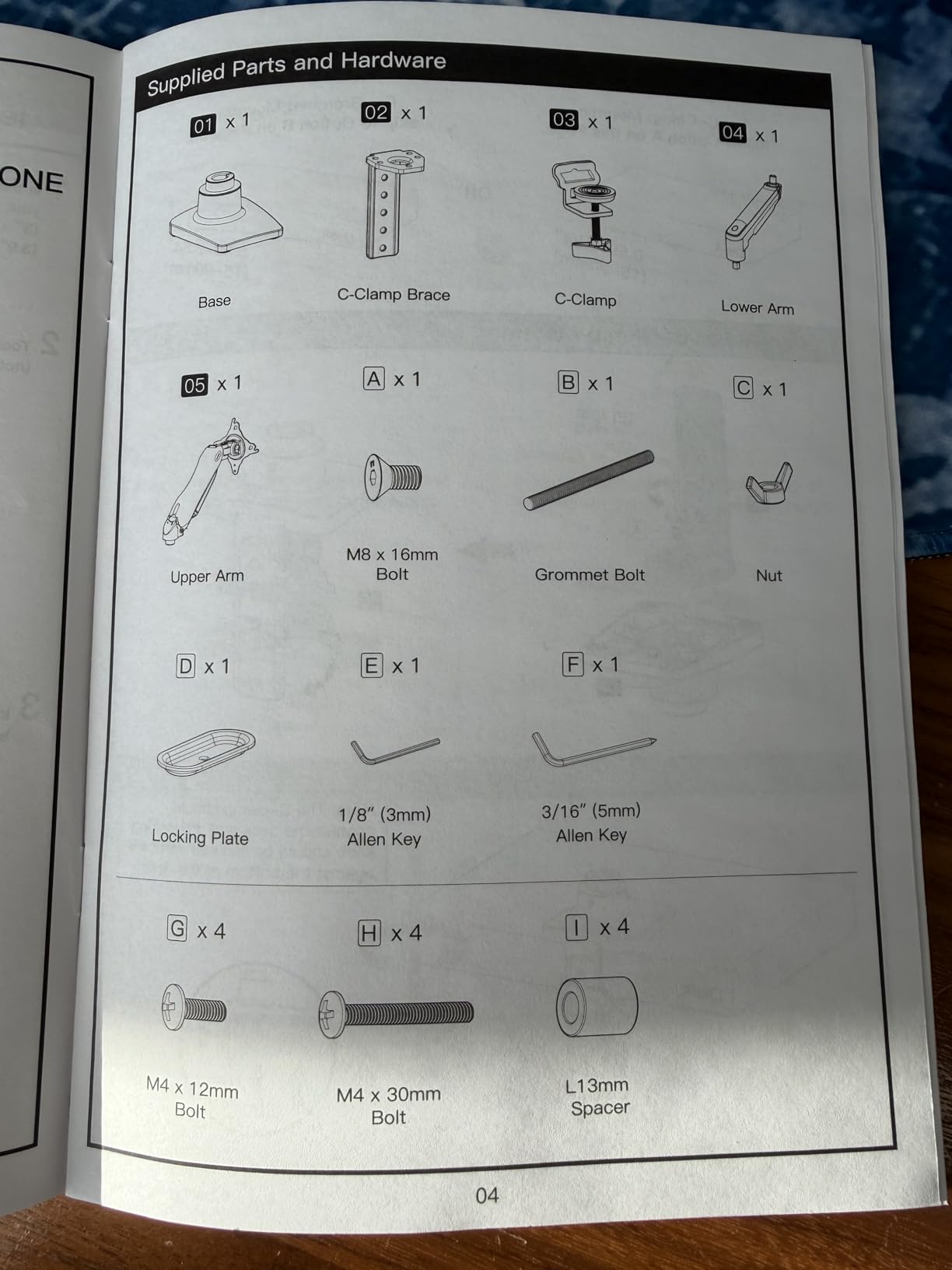
The defining feature here is that it stays where you put it. Screw-locked arms need a hex key every time you change the angle, and after a few weeks you stop adjusting them at all. This one uses spring-loaded joints that hold at any position, so you push the screen where you want it and let go.
It is also the fastest install here. The one-piece design arrives with all hardware in the box and a quoted setup time of about three minutes. The joints use components rated through 20,000 motion cycles, which matters more after a year than on day one.
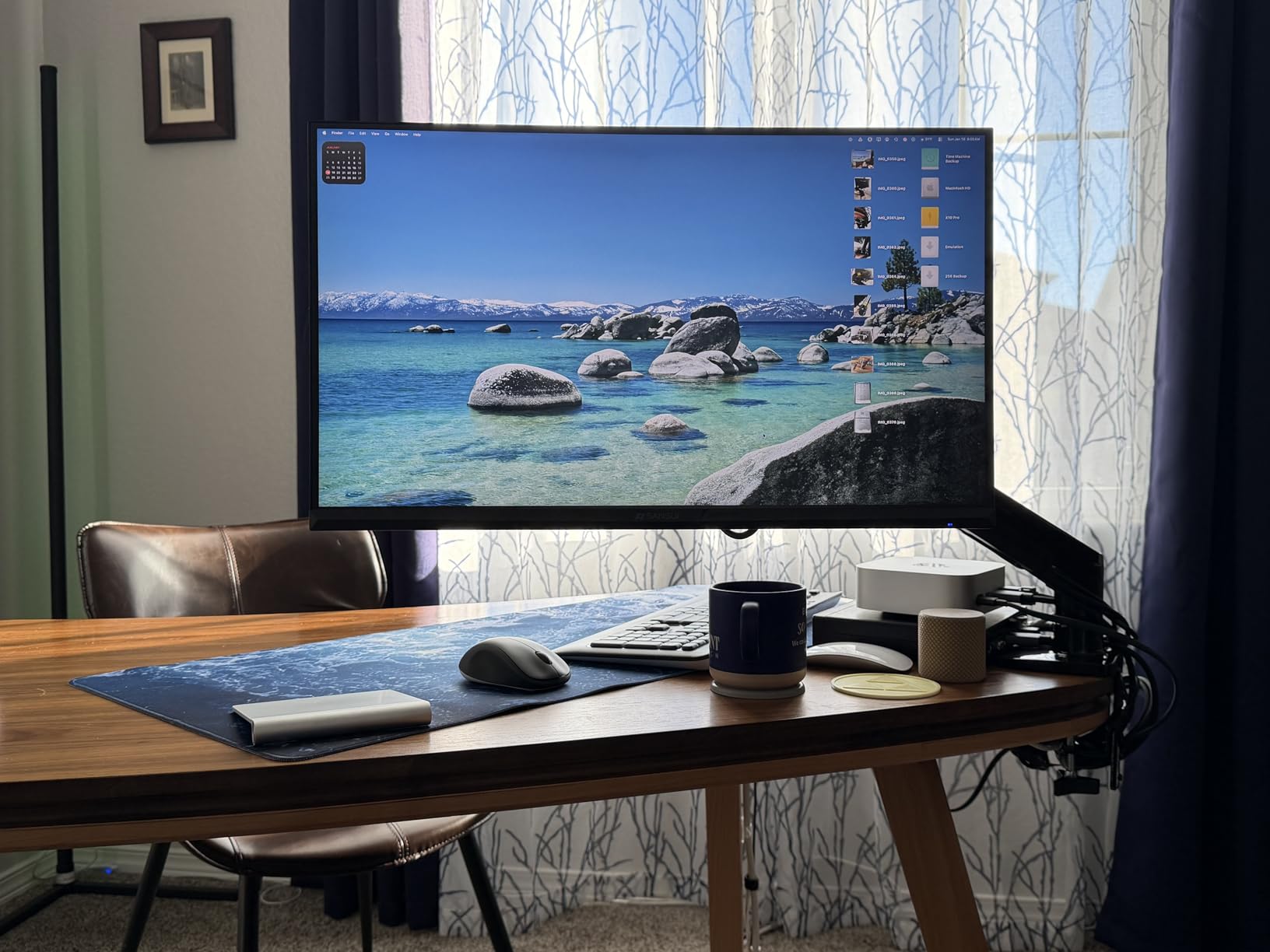
Range of motion covers minus 50 to plus 85 degrees of tilt, plus or minus 90 degrees of swivel and 360 degrees of rotation, so portrait mode is available. The screen lifts up to 39.6 cm from the desktop, a shorter throw than the 16-inch pole on pick five, so it suits a normal desk where you want the screen closer rather than further away.
Two details to note. The per-screen weight limit is 19.8 lbs, which is fine for most 27 and 32-inch panels but excludes heavy counterweighted setups. And the product page lists a minimum screen size of 17 inches in one field while the title says 13 inches, so if you are mounting something unusually small, check the fit before ordering.
When one-handed movement actually pays off
It pays off in three situations: a desk you share, a screen you push back when you want the whole surface, and any setup where you alternate between portrait for reading documents and landscape for work. The motion is genuinely one-handed across tilt, swivel and rotation, so you can reposition in a second rather than fetching a tool. That convenience is the entire reason to choose it over a cheaper fixed riser.
Who should skip this
Skip it if you are pairing two very heavy panels, since the 19.8 lb ceiling leaves less margin than the VIVO units. Skip it on glass, laminate or framed desks, because the clamp has the same restrictions. And skip it if you need more than 39.6 cm of lift, which is the ceiling for anyone sitting at a low desk or a drafting position.
7. HUANUO Vented Steel Monitor Riser: Best Rated Riser for Laptops and Consoles
HUANUO Monitor Riser for Desk, Laptop Stand with Vented Steel Shelf, Black
3.94 inch lift
44 lb steel plate
Vented perforations
1.4 lb total weight
Pros
- Highest average rating of any product in the roundup at 4.8
- Steel plate holds 44 lb without wobble
- Perforated top improves airflow under laptops and printers
- Open storage underneath fits a full-size keyboard
- Non-slip legs protect the desk surface
Cons
- Fixed 3.94 inch height with no adjustment
- Light at 1.4 lb which feels thin under heavy impact
- Flat shelf rather than a full-motion arm
This is the riser to buy if your desk is on the lower side. A 3.94-inch powder-coated steel shelf, 44 lb of rated load, and a perforated top that lets air move under whatever you place on it. The review profile here is the strongest in the roundup, with 84 percent of owners giving five stars.
The ventilation is the quiet feature. If you close a laptop on the stand between sessions, or park a small printer or a console underneath, perforated steel keeps heat moving instead of trapping it. Reviewers mention airflow more than ergonomics, which tells you what this design is actually solving.
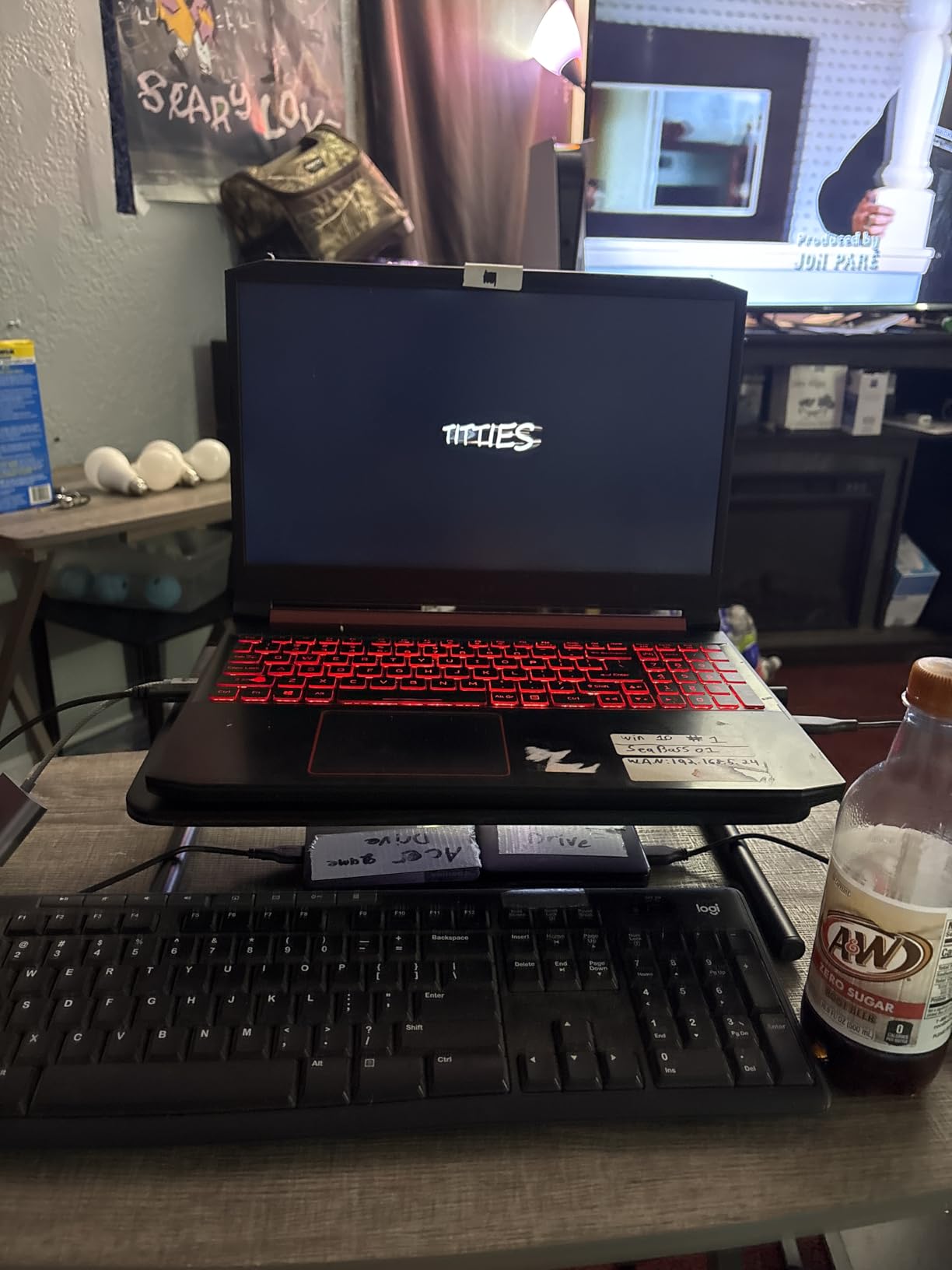
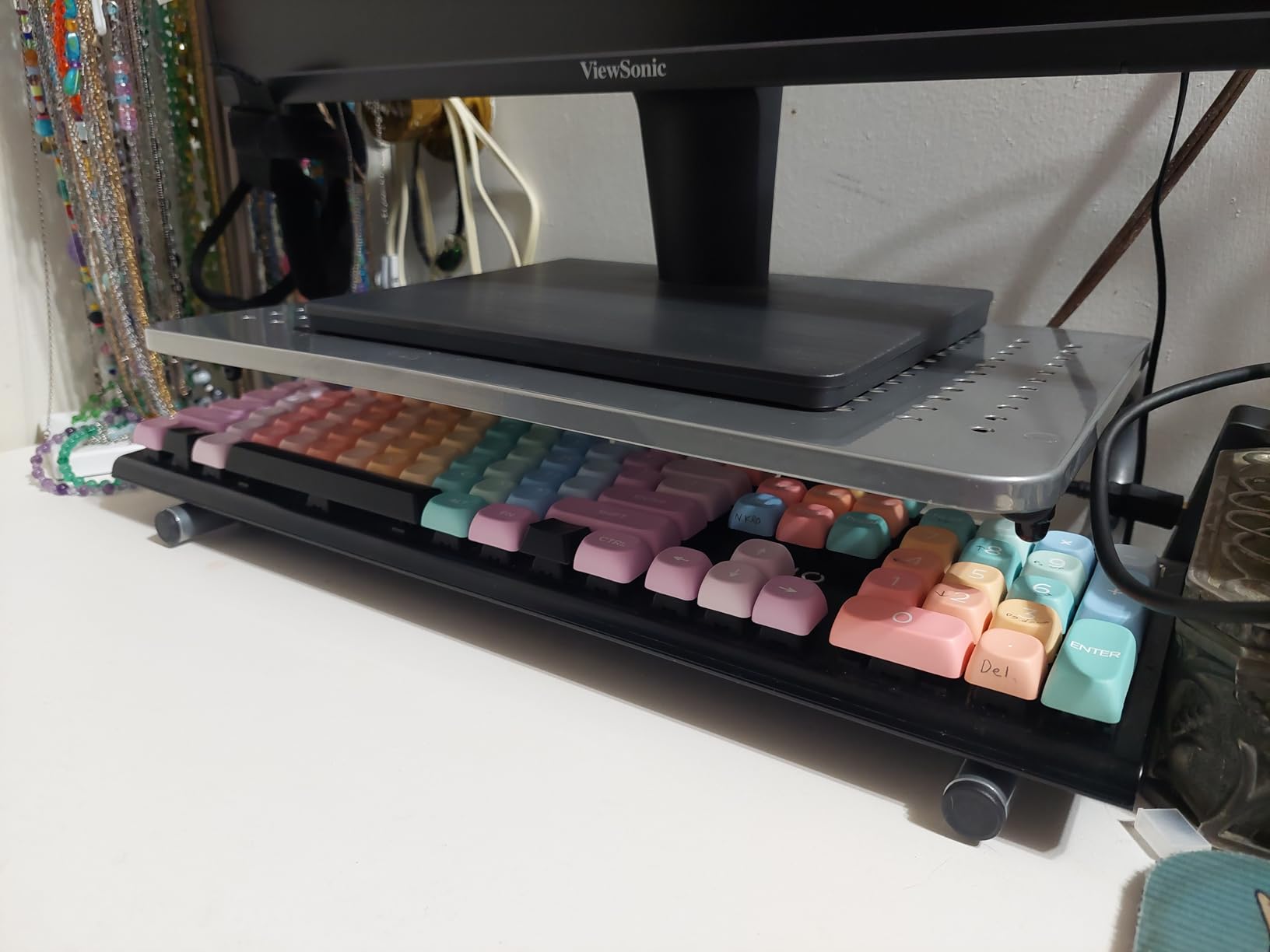
The 14.57-inch steel plate handles anything from a 24-inch office monitor to a 32-inch panel without deflection, and non-slip legs keep it planted while protecting the desk surface. The open storage area fits a full-size keyboard, a stack of paper, a cable box or a small console, and two legs instead of a full frame keep the back of the desk open. Assembly is around two minutes with no tools.
At 1.4 lb the whole thing is light enough to move between rooms, which also means it is not a heavy base that resists a bump. The fixed 3.94-inch lift is the trade: there is no adjustment, so this suits one desk and one sitting height rather than a shared setup.
Clearance under the shelf and what fits
A 3.94-inch platform leaves roughly 3.5 inches of usable clearance once the structure is accounted for, which fits a full-size keyboard laid flat, a console laid on its side, a small amplifier or a stack of documents standing up. It will not fit a tower PC or a tall desktop speaker, so check the height of what you want to store before you assume the open shelf works for it.
Who should skip this
Skip it if your monitor needs more than about 4 inches of lift, or if two people share the desk and need different heights. Skip it if you want portrait mode or any articulation. It is also not the choice for a desk where you set a heavy desktop tower on top, because 1.4 lb of steel does not feel substantial under a 40-pound machine.
8. Simple Trending Monitor Stand with Drawer: Best for Hidden Storage
Simple Trending Monitor Stand with Drawer, 2-Tier Laptop Stand, Black
5.8 inch lift
20 inch wide mesh top
Drawer and two pen holders
33 lb capacity
Pros
- 5.8 inch lift is one of the taller fixed risers here
- Metal mesh top improves airflow and cuts device heat
- Drawer plus two side pen holders go beyond a plain riser
- Bottom tier holds a gaming keyboard or a console
- Four suction cups keep it planted
Cons
- Fixed 5.8 inch height with no adjustment
- Large 20 by 10 inch footprint uses a lot of desk width
- 33 lb rating is below the wood and steel risers here
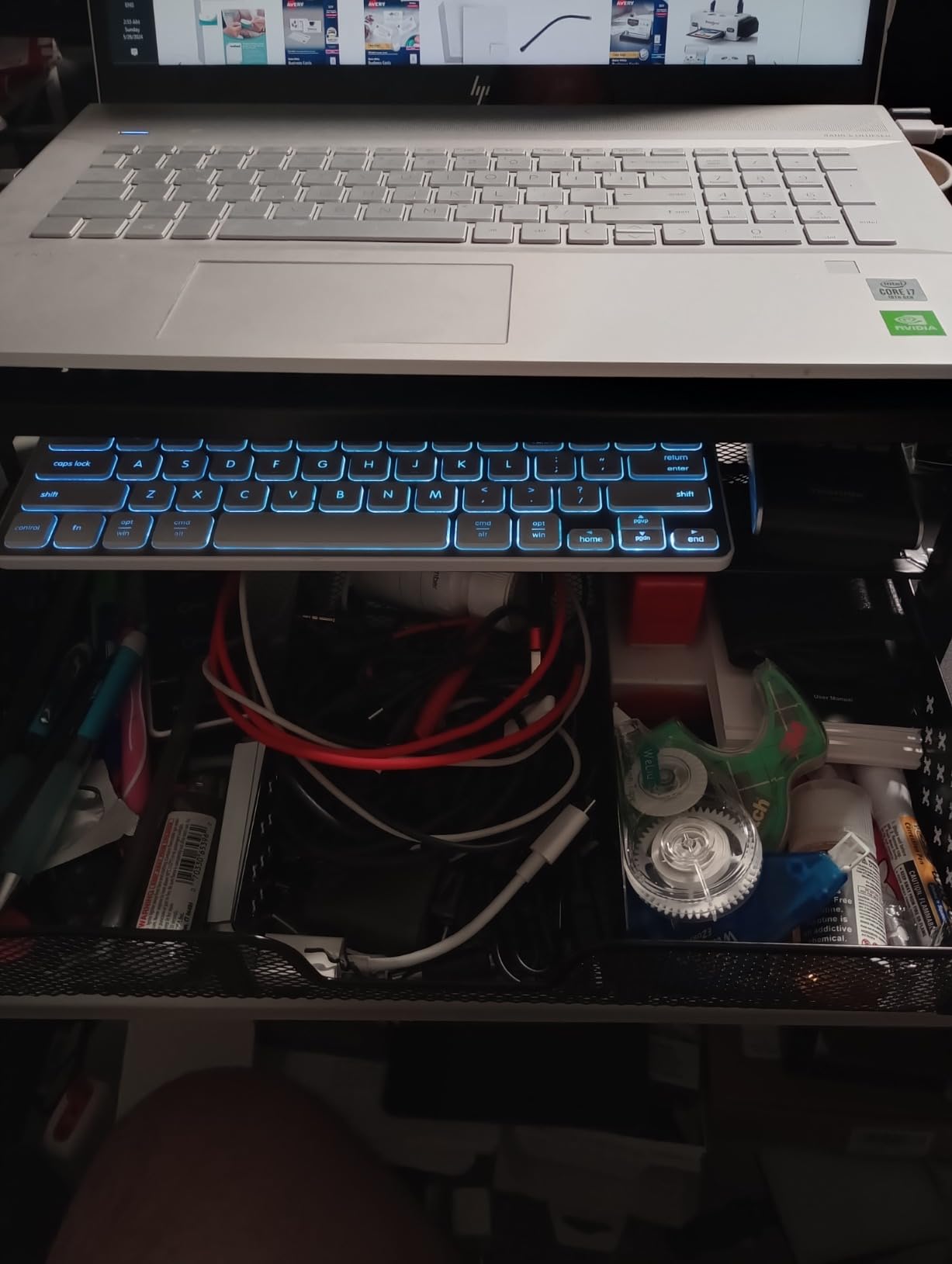
A riser with a drawer is a small piece of furniture rather than a platform, which is a good thing on a shared surface where everything accumulates. The 5.8-inch lift is among the tallest fixed heights here, the mesh top breathes, and the drawer swallows pens, cables, chargers and the small hardware that otherwise migrates across your desk.
Four suction cups on the base do the stability work here, and they grip a smooth desktop hard enough that the stand does not creep when you lean across the desk. The metal mesh rather than a solid panel is a deliberate choice for airflow, which matters if you park a closed laptop or a console on the lower tier.
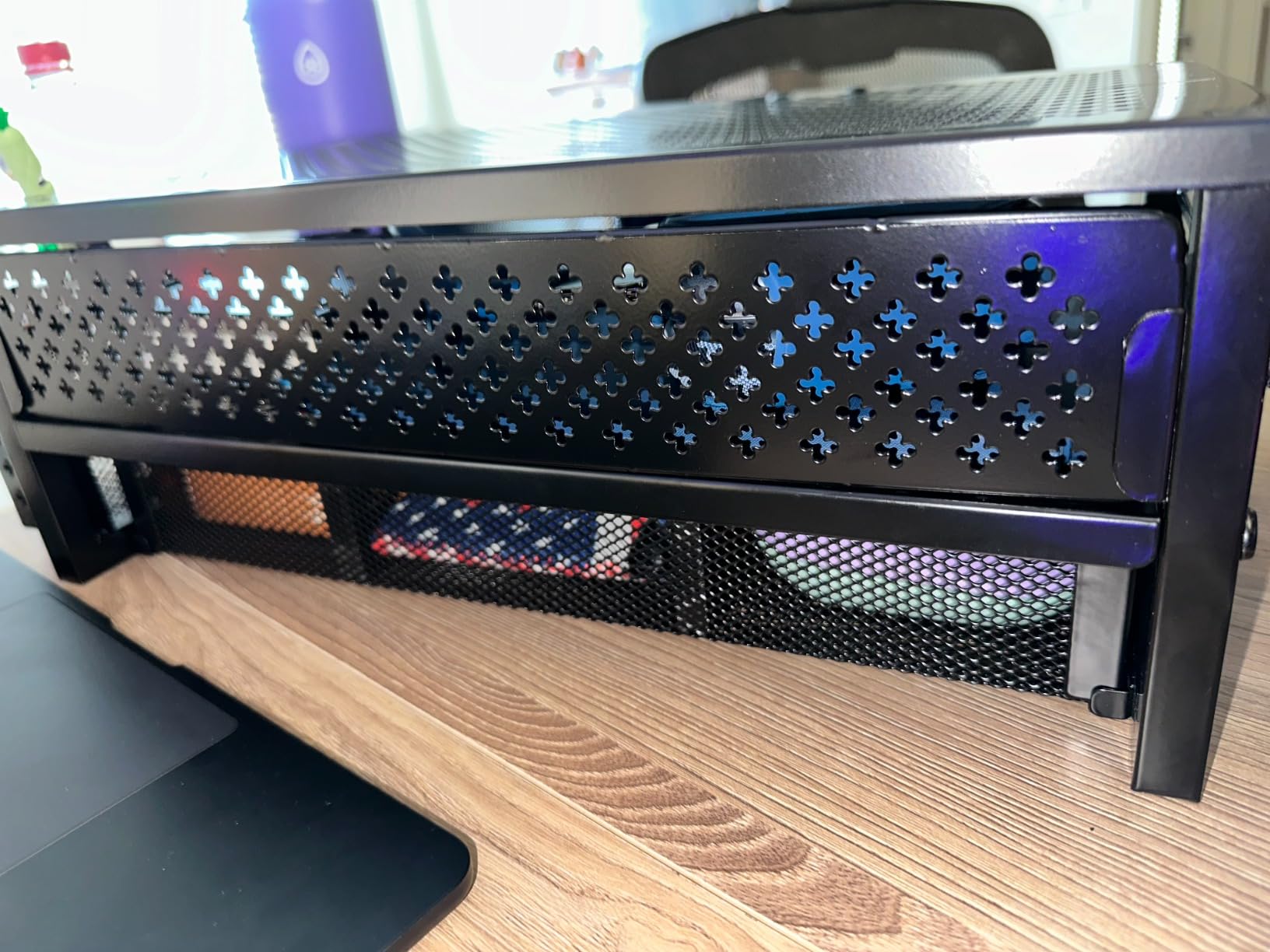
At 20 inches wide by 10 inches deep, this is the widest footprint in the roundup, and that is the whole trade. You get a genuine 5.8-inch rise, a keyboard or console shelf, a drawer and pen holders, and a top surface wide enough for a 32-inch panel or an iMac. You give up a meaningful strip of desk depth, so measure before ordering rather than after.
Load capacity is rated at 33 lb, which covers any monitor on a normal base. Reviewers do not report wobble at that weight, but the rating is genuinely below the 44 and 66 lb figures on the steel and wood risers, so it is not the right home for an ultrawide with a heavy arm bracket behind it.
Who gains the most from the storage
The drawer pays for itself in a dorm room, a shared family desk or a home office where one person works and another uses the same surface for school. A gaming keyboard or a console on the lower tier plus a clear working area on top is the configuration reviewers describe most often. If your desk is already deep and you rarely leave anything lying around, the same money is better spent on pick three for a taller lift.
Who should skip this
Skip it on a small desk, because 20 inches of width plus 10 inches of depth is more real estate than most dorm and apartment desks can spare. Skip it if you need any height adjustment or portrait mode. And skip it for a heavy ultrawide, where the 33 lb rating leaves less margin than the alternatives offer.
9. ErGear Dual Monitor Stand: Best Budget Dual-Arm Setup
ErGear Dual Monitor Stand, Heavy Duty Adjustable Monitor Desk Mount for 2 Screens up to 32 Inches, Fully Adjustable Height, Tilt, Swivel, Rotate, Supports 17.6 lbs per Monitor Arm, Easy Installation
Two 13 to 32 inch screens
17.6 lbs per arm
31.22 inch arm span
45 degree tilt
Pros
- Holds two 32 inch screens across a 31.22 inch span
- Full swivel with 45 degree tilt and 360 degree rotation
- Cable clips integrated into the arms
- Labeled hardware and a detailed manual
- Undercuts the premium dual mounts
Cons
- Lowest average rating in the roundup at 4.4 with 5 percent one-star
- 17.6 lb per arm is the lightest limit among the dual mounts
- Tilt range of 45 degrees is narrower than competing arms
- Grommet option only fits desks to 2.36 inch thick
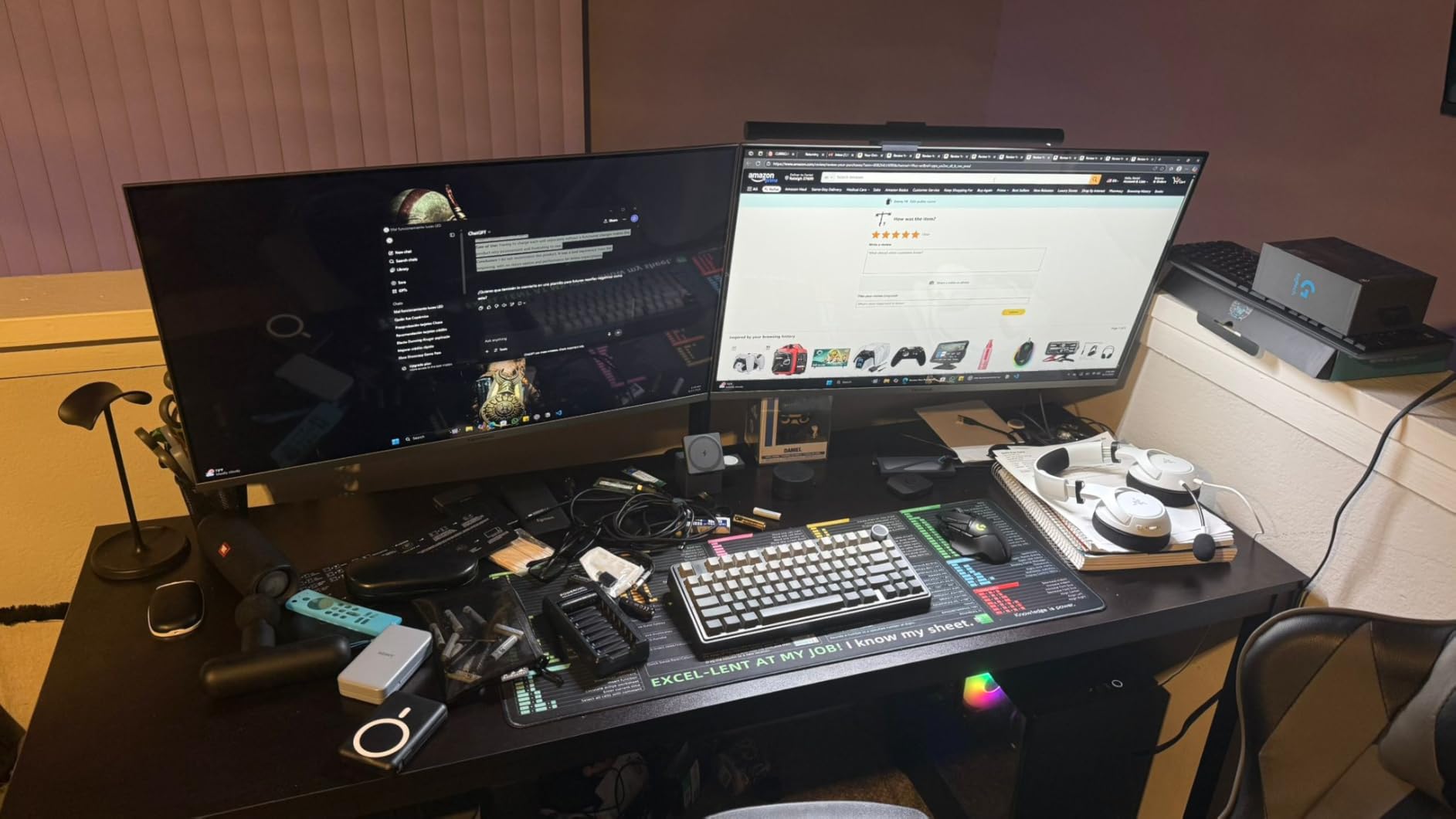
That is the entry point for a two-screen arm setup, and the span is why it is worth considering. At 31.22 inches across a 16-inch-high bar, it fits two 32-inch panels with room between them, which is where most dual-arm buyers land when they do not want a super ultrawide.
The value case is straightforward. You get labeled hardware, a detailed manual and integrated cable clips, which are exactly the parts that turn a twenty-minute install into an hour on a cheaper arm. That labeling is why it does not take longer.
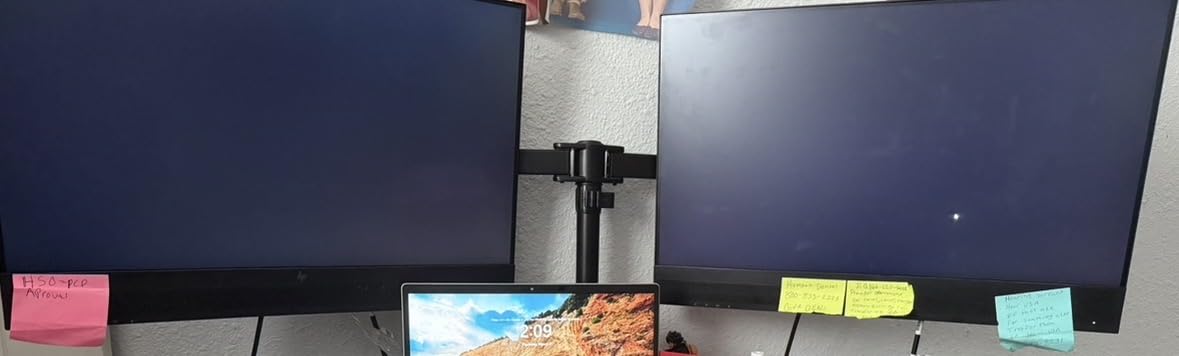
Where it gives ground is in the numbers. The 17.6 lb per-arm rating is the lowest of the four dual mounts here, and a 32-inch OLED with a heavy mounting bracket behind it can approach that figure with nothing to spare. Tilt tops out at plus or minus 45 degrees, less than half the range on the VIVO and HUANUO mounts, so you cannot fold a screen nearly flat to clear a glare.
The review spread is the widest in the group: 70 percent five stars, 16 percent four stars, and 5 percent one star, with the one-star group reporting wobble, looseness after adjustment, and screens that sit too close together. If you already know your desk shakes when you type hard, spend the extra on pick two instead.
Desk thickness limits worth checking twice
The C-clamp fits desks from 0.39 to 3 inch thick, and the grommet option is narrower at 0.39 to 2.36 inch, so measure both and use the tighter number as your guide. Wooden tops are recommended, and the underside needs to be free of beams and panels. A desk with a modesty rail will not accept either mount, which sends you to a riser.
Who should skip this
Skip it if your screens are heavy, since 17.6 lb per arm is the thinnest margin in the dual category. Skip it if you need deep tilt to manage glare from a window behind you. And skip it if you are bothered by looseness, because the one-star reviews in this product describe exactly that, and pick one solves it with a stiffer steel build.
10. gianotter Monitor Stand with Drawer and Pen Holders: Best All-in-One Desk Organizer
gianotter Desk Organizers and Accessories, Monitor Stand with Drawer and 2 Pen Holder, Desktop Organizer Suitable for Offices and Dormitories (Wood)
Two storage tiers plus a drawer
44 lb load rating
Wood top and metal frame
3 minute setup
Pros
- Two tiers a drawer and two pen holders in one unit
- Holds 44 lb with no sagging under a 27 inch monitor
- Wood top with a rust-proof metal frame suits most interiors
- Adjustable-height feet stay stable on uneven surfaces
- Also works as a laptop stand or printer riser
Cons
- Assembly is required even though photos suggest a ready-built unit
- Only about 2 cm of clearance under the drawer
- Fixed height with no adjustment
The most storage in the group by a wide margin, and it is the one to consider if the monitor stand problem is really a paperwork problem. Two open tiers for files and notes, a sliding drawer underneath, and two pen holders on the side, all in a single 17.7-inch-wide unit. Reviewers single out the drawer most often, describing far more usable space than the product photos suggest.
Build quality is the surprise here. A wood top paired with a rust-proof metal frame and adjustable-height feet is a more serious structure than a plastic riser implies, and 44 lb of rated load holds a 27-inch monitor without sagging. The feet let you level the unit on a slightly uneven surface.
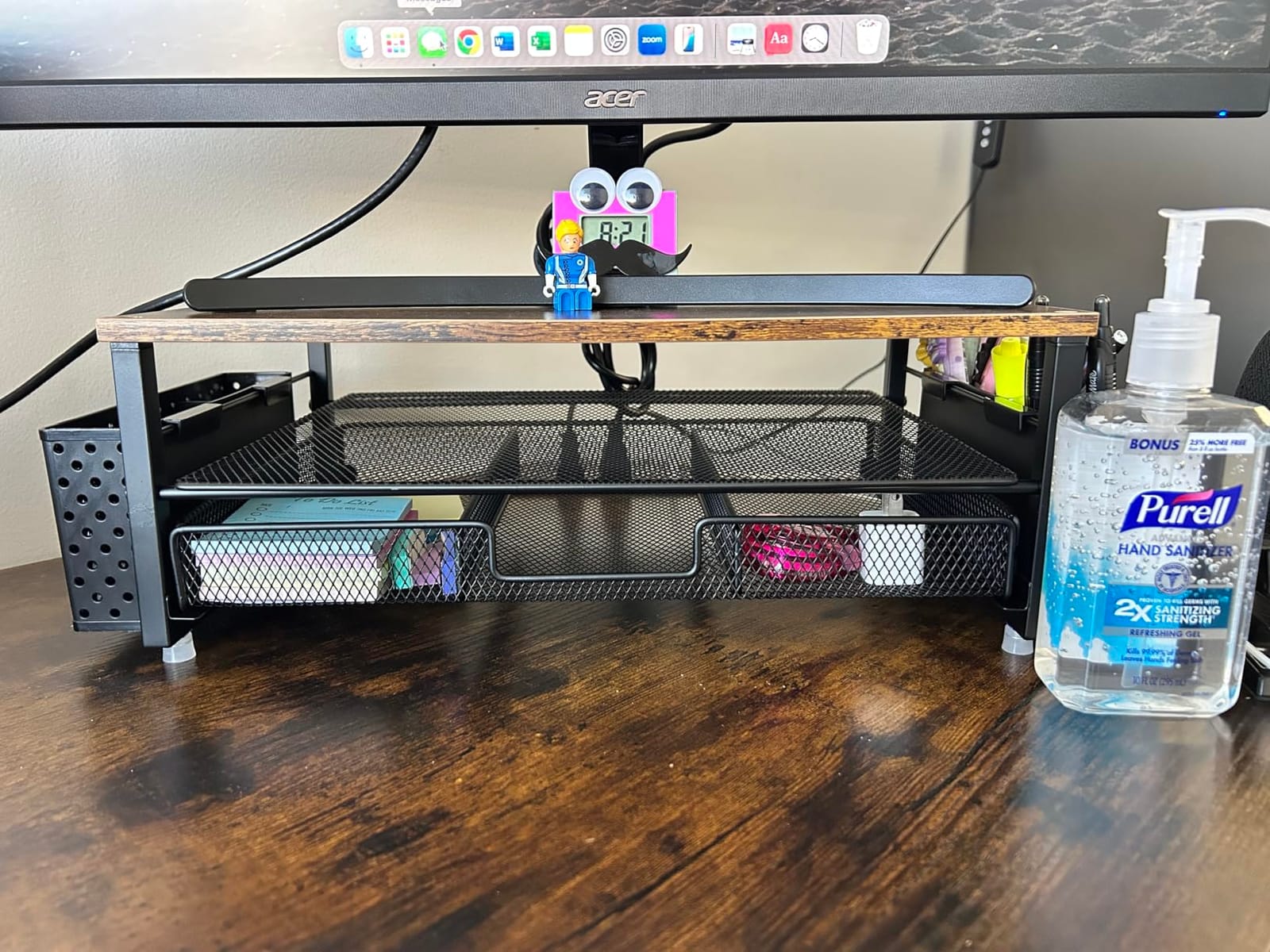
Setup takes about three minutes with no complex assembly, though that is the honest caveat: the listing photos look like a finished unit and it is not, so expect to attach the frame and fit the shelves yourself. Once together, it is a genuinely multi-purpose object: laptop stand, printer riser, paper organizer and monitor riser in the same footprint.
The one number to check carefully is the drawer clearance, at roughly 2 cm. That is enough for cables, pens, a screwdriver, a phone charger and a small notepad, and not enough for a full-size power brick or a thick binder. The riser itself is fixed height, so this is a one-position solution rather than an adjustable one.
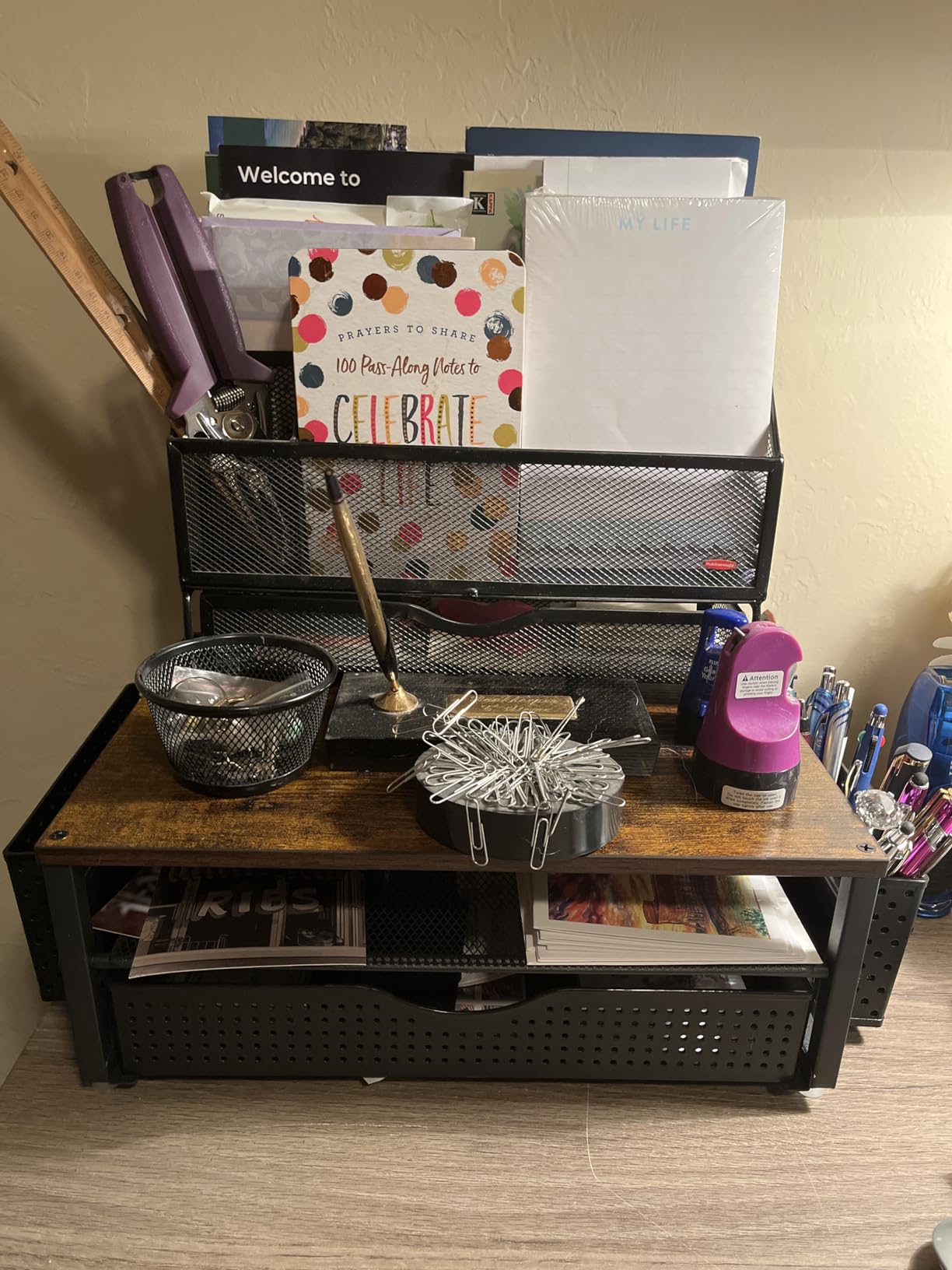
When a stand doubles as a filing system
This unit earns its footprint when the desk serves two purposes at once: a workspace during the day and an admin station in the evening. A 27-inch monitor on top keeps the screen at a usable height, the tiers hold active folders, and the drawer keeps small hardware from joining the migration pattern. On a pure computer desk with nothing to file, the storage is a bonus rather than the reason.
Who should skip this
Skip it if you need real drawer depth for power bricks or larger hardware, because 2 cm is tight. Skip it if you want any height adjustment or portrait mode, since both tiers are fixed. And skip it if you dislike assembly, because the finish photos oversell how ready-made it looks out of the box.
How to Choose a Monitor Stand: 7 Things That Actually Matter
1. Mount type, decided first. A freestanding riser needs nothing from your monitor and nothing from your desk. A desk-clamp arm needs a VESA pattern, a compatible edge thickness and about 4 inches of clearance behind the surface. A grommet mount needs a hole drilled or cut through the desk. Decide this before anything else, because it eliminates more options than all the other six criteria combined.
2. Top surface width versus your monitor’s base. Measure the base, not the panel. A 32-inch screen often sits on a base narrower than you expect, but a wide base on a tapered riser can overhang the corners, which looks unfinished and shifts the center of gravity forward. If the riser is narrower than the base, the arm is the better answer.
3. Weight capacity, checked with real numbers. As a rough guide, a 24-inch monitor is typically around 5 to 8 lb, a 27-inch around 10 to 14 lb, a 32-inch around 15 to 19 lb, and a 34-inch ultrawide around 20 to 26 lb. Add the weight of any arm or bracket behind the panel. Aim to stay under about 70 percent of the rating for a long-term setup.
4. Height range, and how to measure it. Sit in your normal chair and mark the height of your eyes with a book held at reading position. Measure your desk from the floor. The difference is how far the screen must rise. Anything under 4 inch is solved by a fixed riser, 4 to 8 inch is the awkward middle where risers start falling short, and more than 8 inch needs a real arm with a pole.
5. VESA mount compatibility, only if you are buying an arm. The common patterns are 75x75mm and 100x100mm, and both appear repeatedly in this roundup. A 200x100mm pattern needs an adapter. Displays with no VESA holes at all, including most all-in-ones and many ultraportables, can only be used with a riser.
6. Under-stand clearance. Measure the space you want to reclaim before you buy, because risers vary a lot here. A 3.94-inch riser leaves roughly 3.5 inches of clearance, which fits a keyboard laid flat or a console on its side. A riser under 5 inches tall will not fit a keyboard in front of it, so you keep the keyboard on the desk and lose most of the benefit.
7. Material and cable management. Solid hardwood and multi-ply plywood last longest and resist warping, powder-coated steel is the most stable per dollar, MDF is fine when unloaded but creaks and can sag under a heavy screen over time, and ABS plastic is light and portable but feels thin. For cables, look for clips or channels on the arms and pole, since a monitor on a riser otherwise trails cable across the surface.
Why premium monitor arms cost what they cost
The short answer is that you are paying for a gas spring, and a gas spring is a precision assembly that holds frictionless at a consistent force through its full range. A screw-locked arm uses bolts, which is cheaper to build and cheaper to live with every time you want to move a screen. On top of that sit the load testing, the warranty length and the distribution margin, which is why the same category spans from a plastic riser to a machined arm several times its price. You need that tier if you adjust your monitors several times a day, mount something heavy, or want one-hand movement that never drifts. You do not need it if your desk is fixed and your screens stay put.
Two screens: one wide stand, two single stands, or arms
One dual arm is the cleanest answer for two matched panels, because it clamps once, keeps the pair perfectly aligned, and frees the whole back of the desk. Two single risers win on flexibility, and they are the right call for mismatched sizes like a 32-inch next to a 24-inch, which no standard dual stand spaces cleanly. Forum users frequently report switching from one dual stand to two singles after the double-arm setup developed lean, so if you already have a wobble problem, do not buy a second wide platform.
Pairing a stand with the rest of the desk
A riser is the natural home for the accessories around it. A light bar clamps to the top edge and removes the desk-lamp shadow, which matters more once the screen is raised. A laptop riser beside or under the monitor frees the surface the keyboard used to occupy, and our [laptop stand guide](https://www.pwice.com/best-laptop-stands/) covers the range. An under-desk cable tray finishes the job, because a raised screen exposes cable slack that used to be hidden behind the panel.
Desk Fit Checklist: Will a Clamp Actually Work on Your Desk?
This is the section that saves the most return trips, and it is the one most roundups skip. Clamp incompatibility is the single most common first-order problem people hit, and it is invisible until the box is already open. Five checks cover it.
1. Measure desk thickness at the back edge, where the clamp will bite. Most clamps in this roundup accept roughly 0.6 to 3.5 inch of wood, with one option stopping at 3 inch and its grommet version at 2.36 inch. Anything thicker than 3.5 inch, or anything with a solid frame underneath, rules out a standard clamp.
2. Check for a raised lip on the desk edge. A lip means the jaws physically cannot open wide enough, and no amount of tightening fixes it. This is the single most cited problem in owner discussions about clamp-on arms, and it is a hardware mismatch rather than a quality problem with the arm you bought.
3. Check whether the top is glass or laminate over a thick core. Glass cannot be clamped at all without drilling, and thick laminate behaves the same way. A riser is the answer for both, and pick four works on any of them because it touches nothing but the surface.
4. Check the wall clearance behind the desk. A clamp needs roughly 4 inches of empty space behind the rear edge to sit. Desk pushed against a wall means a grommet mount if the desk allows drilling, or a riser if it does not.
5. Check for a grommet hole. If your desk already has one, you have the best-case scenario: a grommet mount is more rigid, leaves no clamp mark and works in tight spaces. If you do not have one and cannot cut it, freestanding is your route.
What to use when a clamp will not work
A freestanding riser is the answer, and it is why the wooden, plastic and steel platforms in this roundup are not compromise picks. A lip-edge or rear-clamp mount is the second answer, designed to hook over the edge where a standard C-clamp cannot reach. A grommet mount is the third, and it only needs one hole. A wall mount works if you do not need the desk surface at all. And in a pinch, a stable stack of heavy books or boxes on a non-slip pad does the same job at zero cost, which is a genuinely reasonable temporary fix while you wait for a delivery.
Frequently Asked Questions
Is it worth getting a monitor stand?
Usually yes, and the benefit people actually report is desk space rather than posture. A stand raises the screen toward eye level and frees the surface behind your keyboard for a keyboard, a laptop or paperwork. It is not worth it if your monitor already sits at eye level, or if you sit-stand and raise the monitor with the whole desk, since that calls for an arm rather than a platform. Check the desk fit checklist first, because clamp compatibility is the one thing you cannot change after delivery.
What can I use instead of a monitor stand?
A freestanding riser is the main alternative, and it works on glass tops, lipped desks, thick desks and any surface with nothing underneath it. A lip-edge or rear-clamp mount is designed for a desk a standard C-clamp cannot reach. A grommet mount needs one hole in the desk and is the most rigid option when drilling is possible. A wall mount works if you do not need the surface. For a temporary fix, a stack of heavy books on a non-slip pad raises a screen adequately.
Why are premium monitor arms so expensive?
The price reflects a gas spring, which is a precision assembly that holds consistent frictionless force through the full range of motion, plus load testing, a longer warranty and distribution margin. Screw-locked arms use bolts instead, which cost less to build and less to live with whenever you want to move a screen. The premium tier makes sense if you adjust monitors several times a day, mount something heavy, or want one-hand movement that never drifts. It is unnecessary on a fixed desk with screens that stay put.
Will removing the factory monitor stand void my warranty?
No. Using a stand or an arm does not void a monitor warranty, and the correct procedure is to attach the mount through the documented VESA holes with the supplied screws. Keep the factory base and any original fasteners so the monitor can return to its default configuration, and check your specific manufacturer terms, since a few brands restrict certain repair or cosmetic work. Retailers and insurers generally treat a VESA-mounted monitor exactly like a stock one.
Do monitor stands work with all monitors?
A freestanding riser works with any monitor that has a flat base, including displays with no VESA holes, which rules out a lot of all-in-ones and ultraportables. A monitor arm requires a VESA-compatible pattern, most commonly 75x75mm or 100x100mm, and a 200x100mm pattern needs an adapter. Always confirm both the pattern and the weight against the arm’s rating before ordering, because the VESA hole block is usually the least obvious specification on a monitor.
Can a monitor stand be used in portrait mode?
It depends on the type. Arms with rotating heads usually pivot to portrait, and some include a dedicated portrait pivot. Fixed risers generally cannot rotate the screen at all, and even where they can be placed sideways, the base needs to be deep enough to stay stable when the panel is turned. If portrait mode is part of your workflow, treat it as an arm requirement rather than a riser one.
Do I need a monitor stand if I have an adjustable desk?
Only if you have a separate monitor arm. On a sit-stand desk the screen usually travels up and down with the surface, which is usually the ergonomic result you want. What you still need is a monitor arm, because it lets you set the screen height independently of the desk and keeps it at eye level whether you are sitting or standing. A freestanding riser on a sit-stand desk usually adds height you do not need and gets in the way of the desk frame.
The Best Monitor Stands in 2026: Final Verdict
The best monitor stand for most people is the VIVO dual desk mount, because a steel build, a 22 lb per-arm rating and a three-year warranty hold up where cheaper arms report wobble, and its review base is deep enough that the long-term behaviour is well documented. If your screens are 32-inch panels, take the HUANUO FlowLift dual mount instead for the wider per-arm support and one-hand movement. If your desk cannot accept a clamp, the Amazon Basics 3-level riser solves the problem in seconds and works on glass, laminate and lipped surfaces alike.
That is the short version of 2026‘s best monitor stands. Everything else in this roundup is a variation on one of those three answers, and the desk fit checklist will tell you which family your desk belongs to before you spend anything. Our [monitor arm picks](https://www.pwice.com/best-monitor-arms/) go deeper on the adjustable side if you have already confirmed your clamp will fit.