
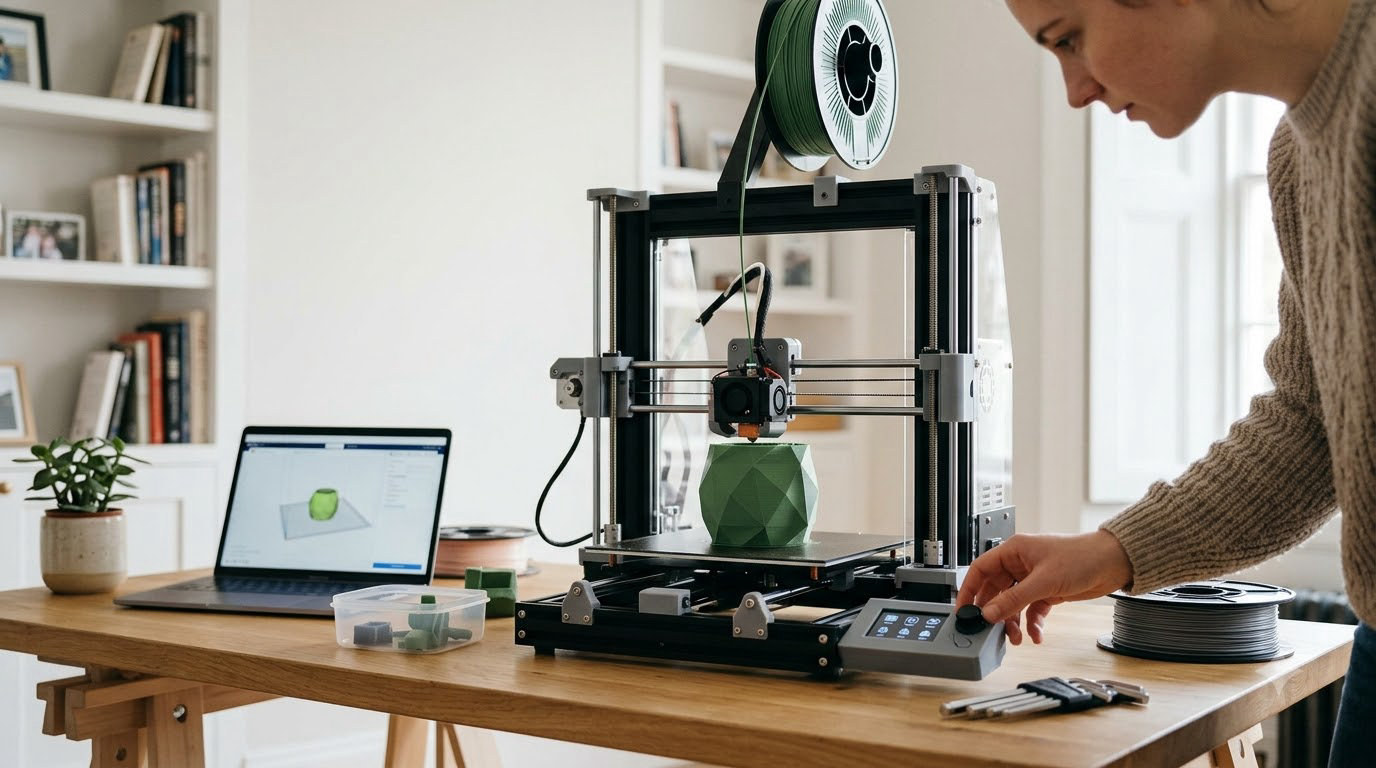
The ELEGOO Centauri Carbon 2 is the printer to watch during Amazon’s Prime Big Deal Days, because it puts a fully enclosed CoreXY chamber and four-color printing in the same box at a mid-range price, and its 2572 ratings are the deepest owner history in this group. The Flashforge Adventurer 5M Pro serves anyone who wants a quiet, filtered chamber with a short setup, while the Creality K2 Combo covers the buyer who plans to grow filament colors over time. Prime Big Deal Days runs October 6-7, 2026, and most offers need a Prime membership.
Everything below compares the ten printers on the specs that actually decide a purchase, then points you at the current listing so you can check the live price and seller yourself. Deal pricing moves through the event, so treat these as the machines worth a look rather than confirmed reductions.
Table of Contents
Our Top 3 Picks for Best Amazon Prime Big Deal Days 3D Printer Deals

ELEGOO Centauri Carbon 2
- Four-color CANVAS system
- Fully enclosed CoreXY chamber
- 500 mm/s speed
- 256 mm build volume

Flashforge Adventurer 5M Pro
- Enclosed with dual filtration
- Under 50dB operation
- 600 mm/s speed
- Tool-free nozzle swap

Creality K2 Combo
- CFS multicolor included
- Expandable to 16 colors
- 600 mm/s speed
- AI chamber camera
Slot one is the strongest all-round pick here: the Centauri Carbon 2 handles four colors and an enclosed chamber, and the review volume behind it makes its owner feedback the most useful in the set. Slot two is the sensible buy for anyone who cares more about noise and setup than color count. Slot three is the one to consider if you know multicolor is coming, because the filament unit is already in the box and expands.
Best Amazon Prime Big Deal Days 3D Printer Deals Compared (October 2026)
| Product | Specifications | Action |
|---|---|---|
| ELEGOO Centauri Carbon 2 |
|
Check Deal Price |
| Flashforge Adventurer 5M Pro |
|
Check Deal Price |
| Creality K2 Combo |
|
Check Deal Price |
 Bambu Lab P1S Combo Bambu Lab P1S Combo |
|
Check Deal Price |
 Creality Ender 3 V3 SE Creality Ender 3 V3 SE |
|
Check Deal Price |
 Bambu Lab A1 Bambu Lab A1 |
|
Check Deal Price |
 Flashforge Adventurer 5M Flashforge Adventurer 5M |
|
Check Deal Price |
 Creality SPARKX i7 Creality SPARKX i7 |
|
Check Deal Price |
 Anycubic Photon Mono 4 Anycubic Photon Mono 4 |
|
Check Deal Price |
 ELEGOO Mars 5 Ultra ELEGOO Mars 5 Ultra |
|
Check Deal Price |
Two patterns stand out in that table. First, the enclosed machines cluster at 42 to 55 pounds because of the chamber walls and heated hardware, while the resin printers stay light. Second, multicolor is now a mid-range feature rather than a premium one, which changes what a first machine can do.
How We Chose
We compared the specifications that decide a printer purchase: build volume, motion system, print speed, chamber enclosure, filament handling, calibration and connectivity. Ratings and owner review counts came from the Amazon listing, and all data was checked in October 2026. The scoring favored machines with strong owner consensus and a clear use case.
1. ELEGOO Centauri Carbon 2: Best Overall Pick for Enclosed Four-Color Work
ELEGOO Centauri Carbon 2
Type: FDM enclosed
Colors: 4
Weight: 42.6 lb
Rating: 4.0 of 5
Pros
- Four-color CANVAS system with auto refill and tangle detection
- Fast at 500 mm/s on a rigid CoreXY frame
- Enclosed chamber with active vibration compensation
- Bed adhesion holds on the textured plate with default settings
- Handles engineering-grade filament
Cons
- Noticeable noise and vibration on fast prints
- Multicolor needs a prime tower that eats build area
- WiFi connection reported as inconsistent
Verdict: the most capable all-round machine in this list, with a caveat about volume.
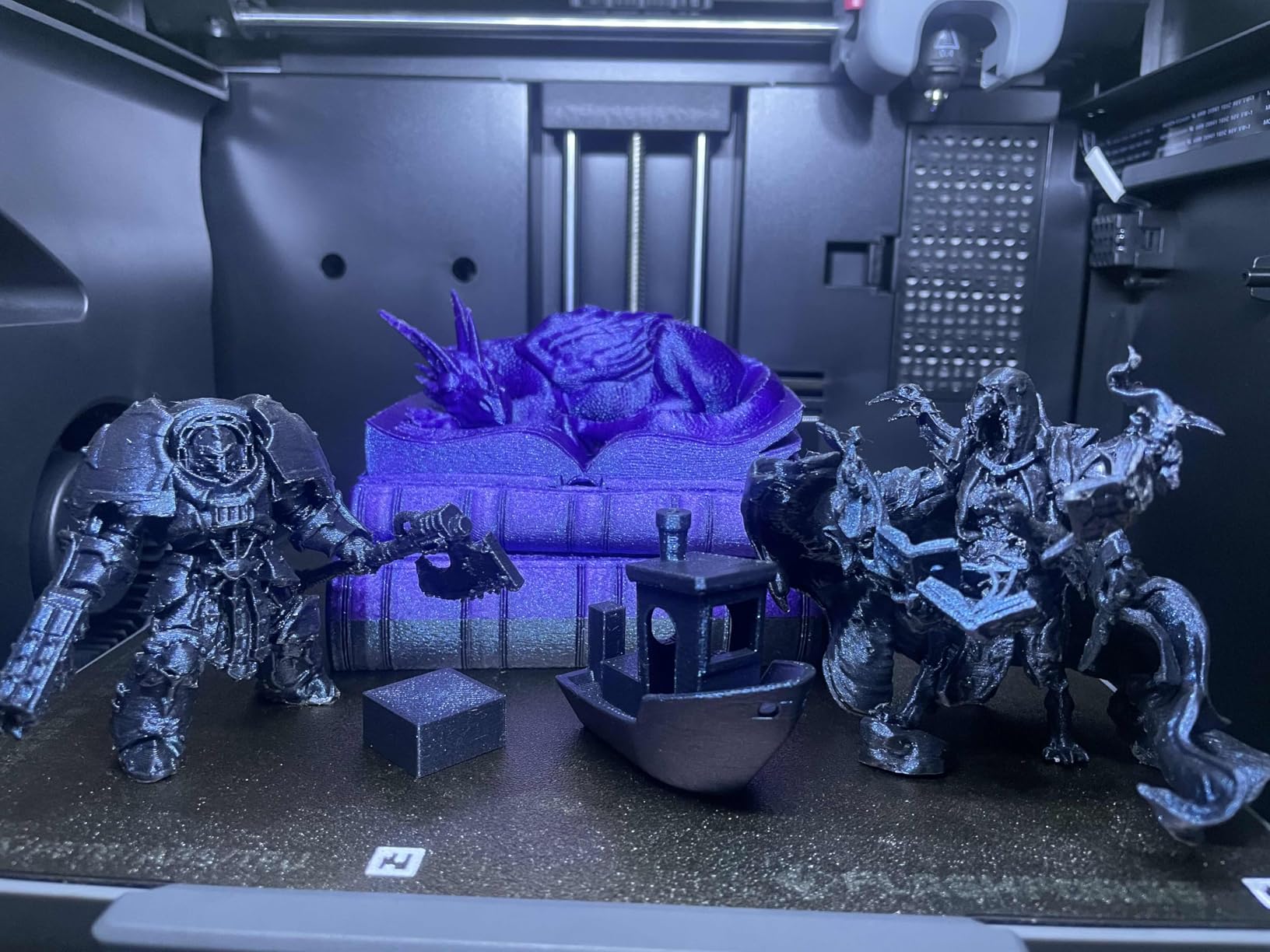
The number that sells this one is the CANVAS system. Four filament slots sit behind the machine and swap colors during the print, so a single model can come out in layers of different colors without you babysitting a swap mid-job.
Speed is the second story. The CoreXY frame on a rigid aluminum chassis runs up to 500 mm/s with 20000 mm/s² of acceleration, and owners report an identical job that took over an hour on an older machine finishing in 36 minutes.
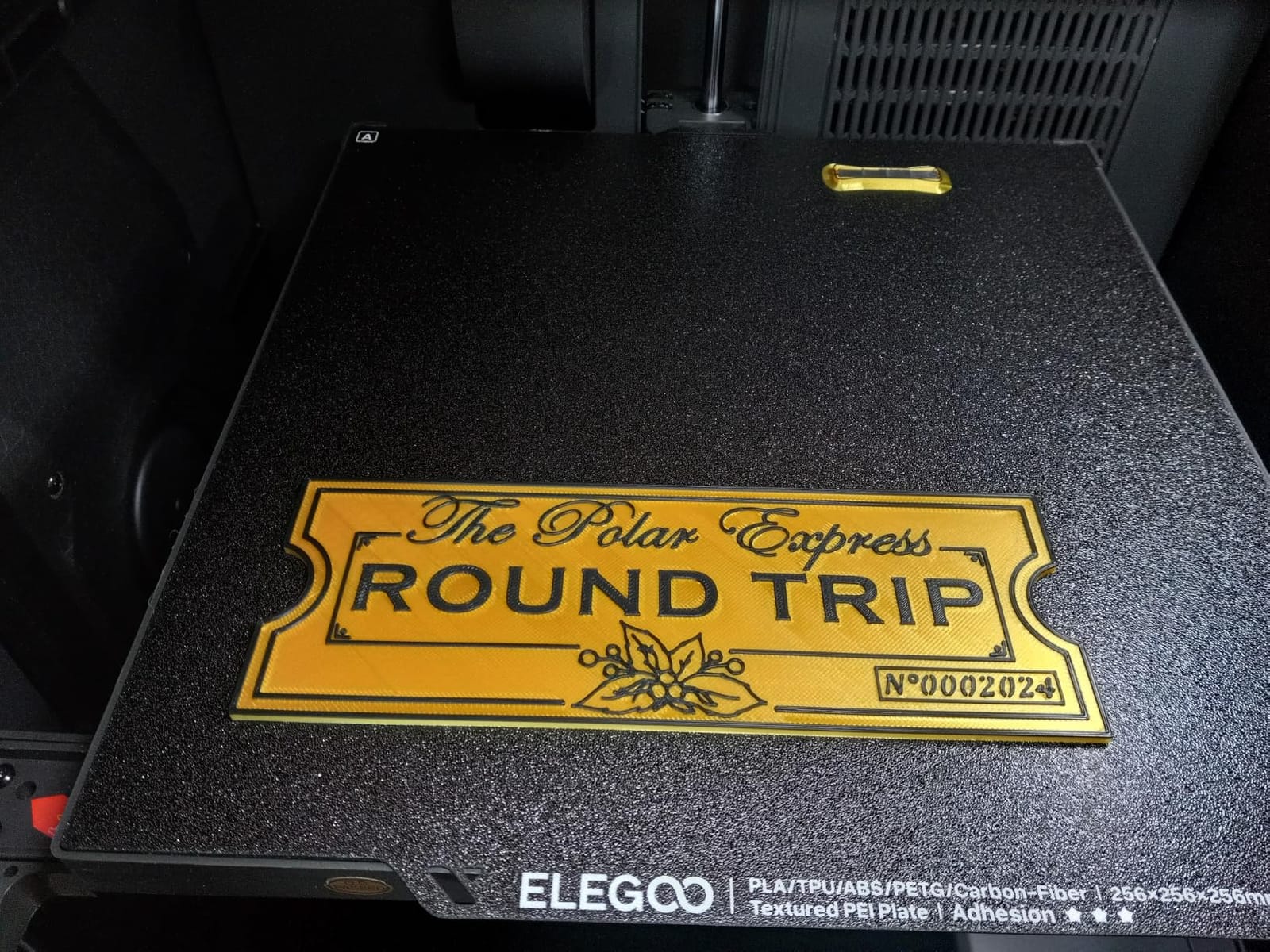
Build volume is 256 x 256 x 256 mm, so it is not the biggest cube here, but the enclosure means ABS and engineering-grade filament behave far better than on the open-frame machines lower down this list.
Owners report the trade-off honestly: fast prints bring fan noise and vibration, and multicolor work needs a prime tower, which reduces how much of the plate is usable. Four slots is also a hard ceiling with no expansion path.
Compared with the Flashforge Adventurer 5M Pro, you give up the quieter chamber and gain color. Compared with the Creality K2 Combo, you give up twelve more colors and the expansion path.
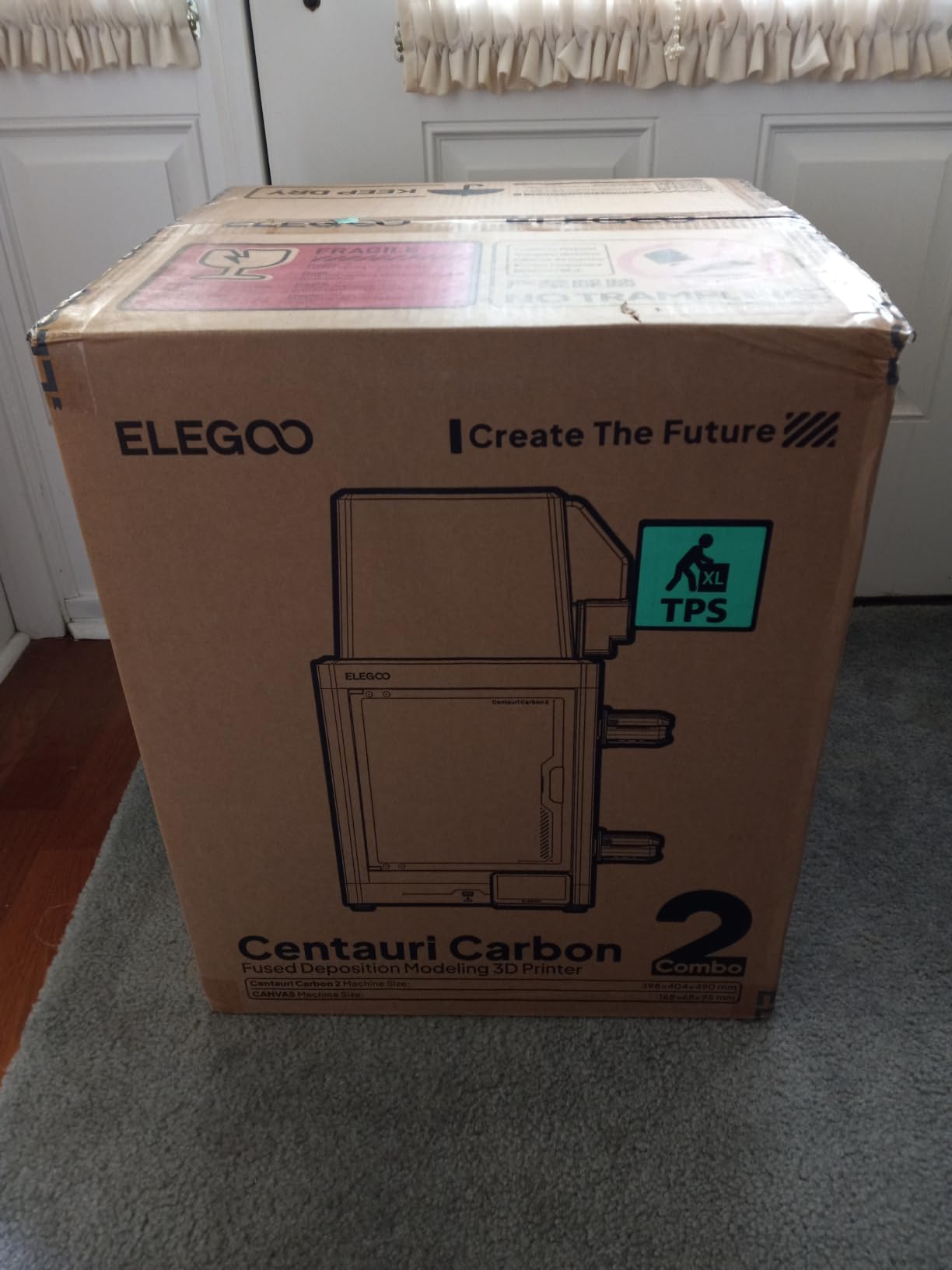
One practical detail before you commit: it weighs 42.6 pounds, so this is a two-person lift and the shelf needs to hold it.
2. Flashforge Adventurer 5M Pro: Best Value for a Quiet Enclosed Chamber
Flashforge Adventurer 5M Pro
Type: FDM enclosed
Colors: 1
Weight: 22 lb
Rating: 4.0 of 5
Pros
- Fully enclosed and ventilated with dual filtration
- Under 50dB in an enclosed machine
- Setup takes roughly 10 to 15 minutes
- Handles ABS and ASA as well as PLA and PETG
- Filament and two nozzles included in the box
Cons
- Build volume of 220 mm a side is modest
- Some buyers needed print head or feeder replacements
- Included slicer installer may not support the newest macOS
This is the one to pick if the printer lives in a room you use for other things. The chamber is fully enclosed with dual filtration and rated under 50dB, which owners single out as unusually quiet for a fully enclosed machine.
Setup is the other draw. The one-click auto bed leveling and on-screen guidance get owners printing in roughly 10 to 15 minutes, and the box includes filament, two nozzles and a tool kit, which is generous for a first machine.
Owners also like the tool-free three-second nozzle swap across 0.25, 0.4, 0.6 and 0.8 millimeter diameters, and a 280°C hotend with a 110°C heated bed for engineering materials.
The trade-off is build volume at 220 x 220 x 220 mm, smaller than the Creality SPARKX i7 in this list, plus the main complaint in reviews: a smaller group reports early hardware problems, damaged or jammed machines and print head replacements. A few buyers also hit slicer installer friction on recent macOS versions.
If you want color, step up to the ELEGOO Centauri Carbon 2. If you want quiet and simple, stay here.
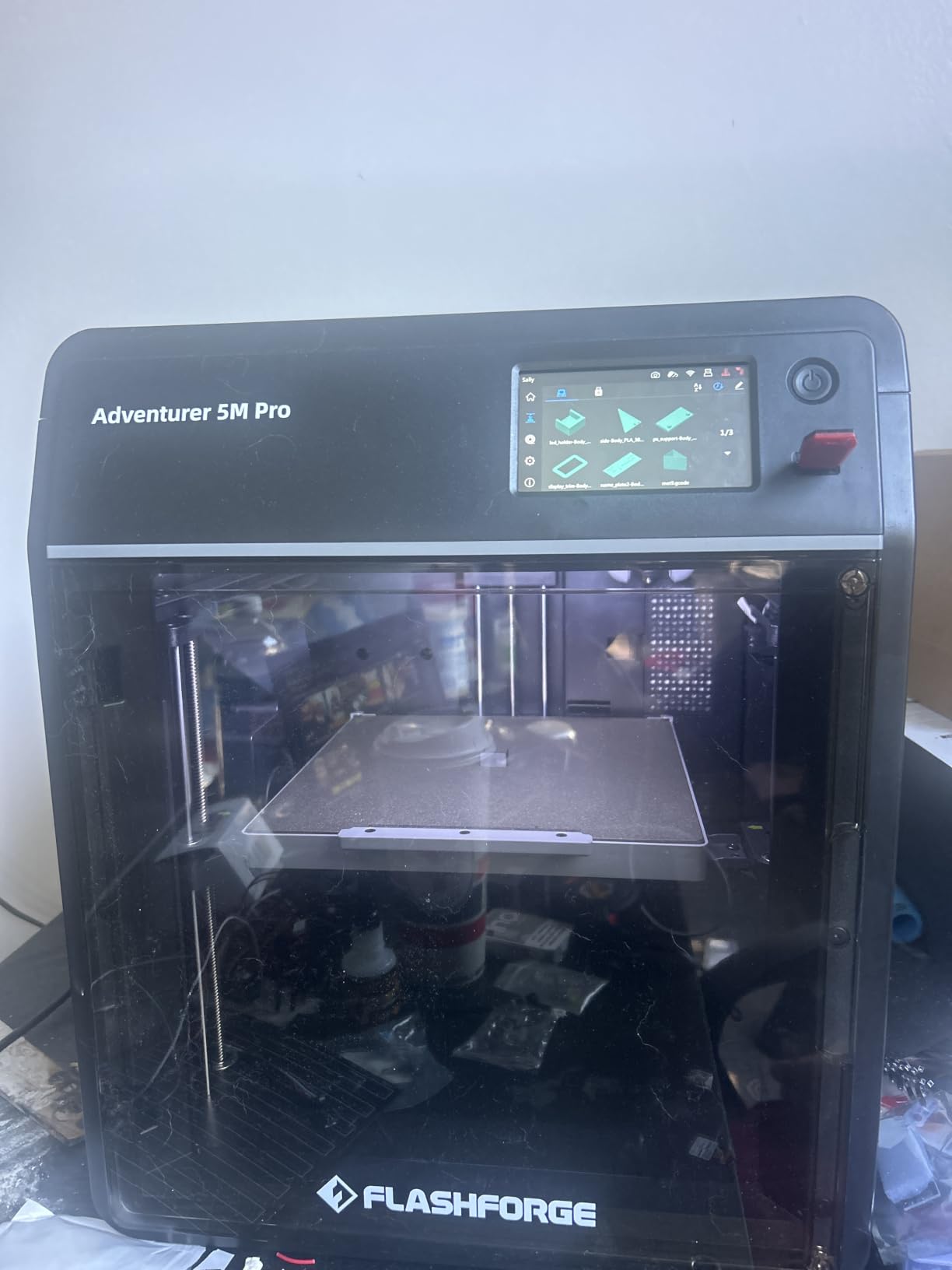
Good to know: the bundled slicer install on the USB drive can be dated, so check the manufacturer’s current software before your first print.
3. Creality K2 Combo: Premium Pick for Expanding Multicolor
Creality K2 Combo
Type: FDM enclosed
Colors: 16
Weight: 55 lb
Rating: 4.0 of 5
Pros
- One CFS unit included and expandable to four
- RFID filament ID with auto relay and dry storage
- 600 mm/s on a rigid aluminum frame with steel X rail
- AI chamber camera with failure detection
- Direct drive hotend rated to 300°C
Cons
- Heaviest machine here at 55 pounds
- Category best-seller rank trails established rivals
- Multicolor adds purge waste and print time
The CFS is the reason to look here. One unit ships in the box, and the system expands to four of them for up to 16 colors, so the color capacity grows with you instead of stopping at four slots.
Filament handling is unusually mature for a machine at this level. RFID tags identify each spool, the unit relays automatically, and storage is moisture-proof, which matters more than most buyers expect once ABS and PETG enter the mix.
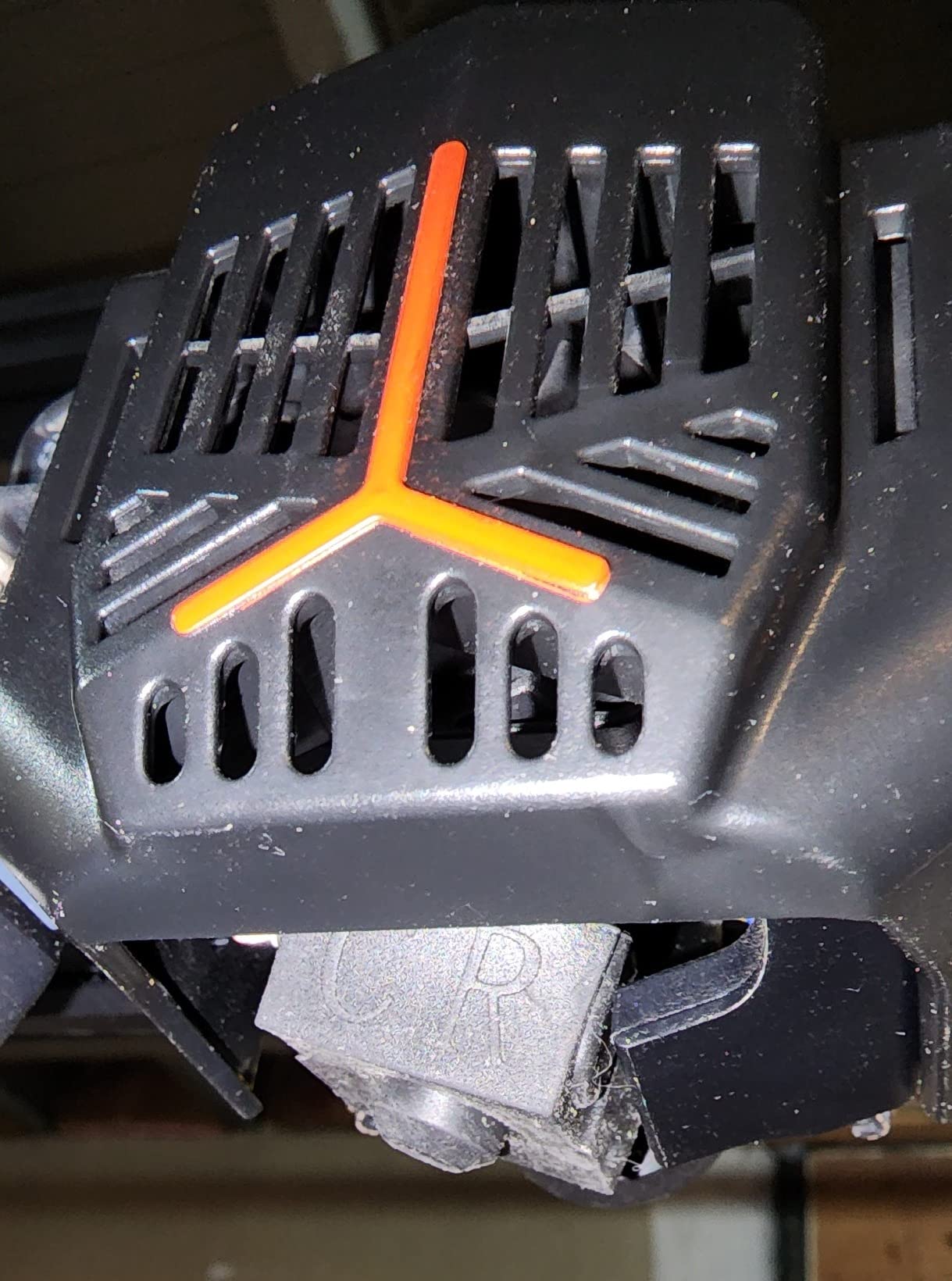
Motion is a 600 mm/s ceiling with 20000 mm/s² acceleration, held steady by an aerospace-grade aluminum frame, a steel X-axis rail and dual Z-axis. A silent mode and dynamically balanced fans are built in, and an AI chamber camera does failure detection and time-lapse.
The honest drawback is size and mass. At 55 pounds and 21 x 25 x 20 inches this is the heaviest and most footprint-hungry printer here, and its best-seller rank trails the more established enclosed options. Multicolor jobs also carry purge waste and extra time.
Against the ELEGOO Centauri Carbon 2, the K2 buys headroom rather than immediacy. If four colors will do, the Centauri sits in a smaller footprint with a lighter frame.
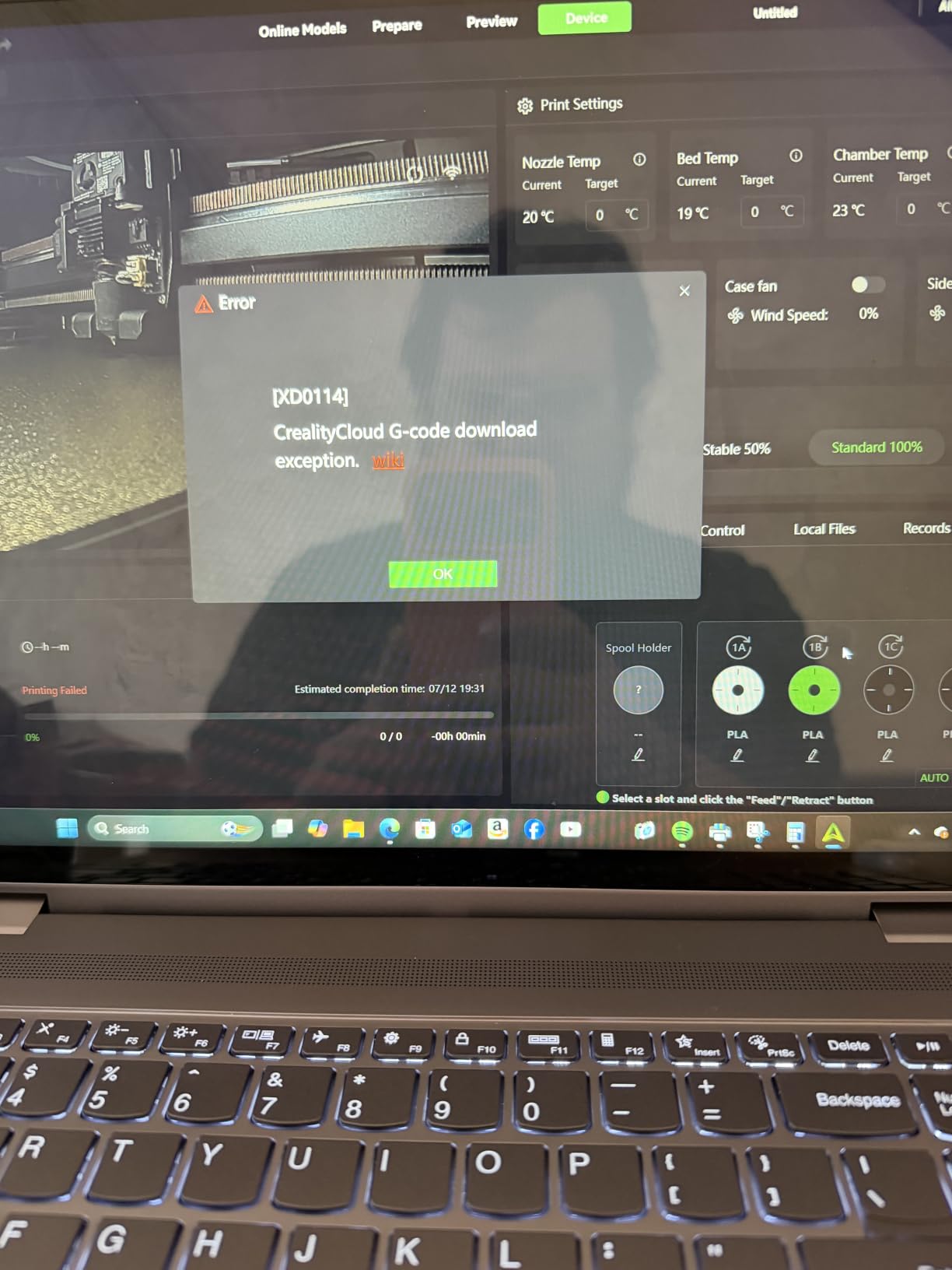
An eight gigabyte local storage slot and Wi-Fi let you run a print without a computer attached, which matters if you want the machine unattended overnight.
4. Bambu Lab P1S Combo: Best for Multicolor Beginners
Bambu Lab P1S Combo
Type: FDM enclosed
Colors: 16
Weight: 47.5 lb
Rating: 4.2 of 5
Pros
- AMS multi-material unit included with up to 16 colors
- Printing within 1 to 2 hours of unpacking
- Automatic bed leveling plus a per-print level check
- Supports PLA and PETG through ABS and ASA
- P1S and P1S Combo variants on the same listing
Cons
- Touchscreen is low-resolution and awkward to scroll
- Software setup can be confusing for first-time users
- AMS benefits from extra desiccant in humid rooms
This is the multicolor bundle that most first-time buyers end up wanting. The AMS is included rather than sold separately, and it handles up to 16 colors, so there is no second purchase to make before you can print in color.
Owners consistently describe it as the easiest upgrade from a hobbyist machine, with printing underway within an hour or two of unpacking. Automatic bed leveling plus a level check at the start of each print is what makes long jobs dependable.
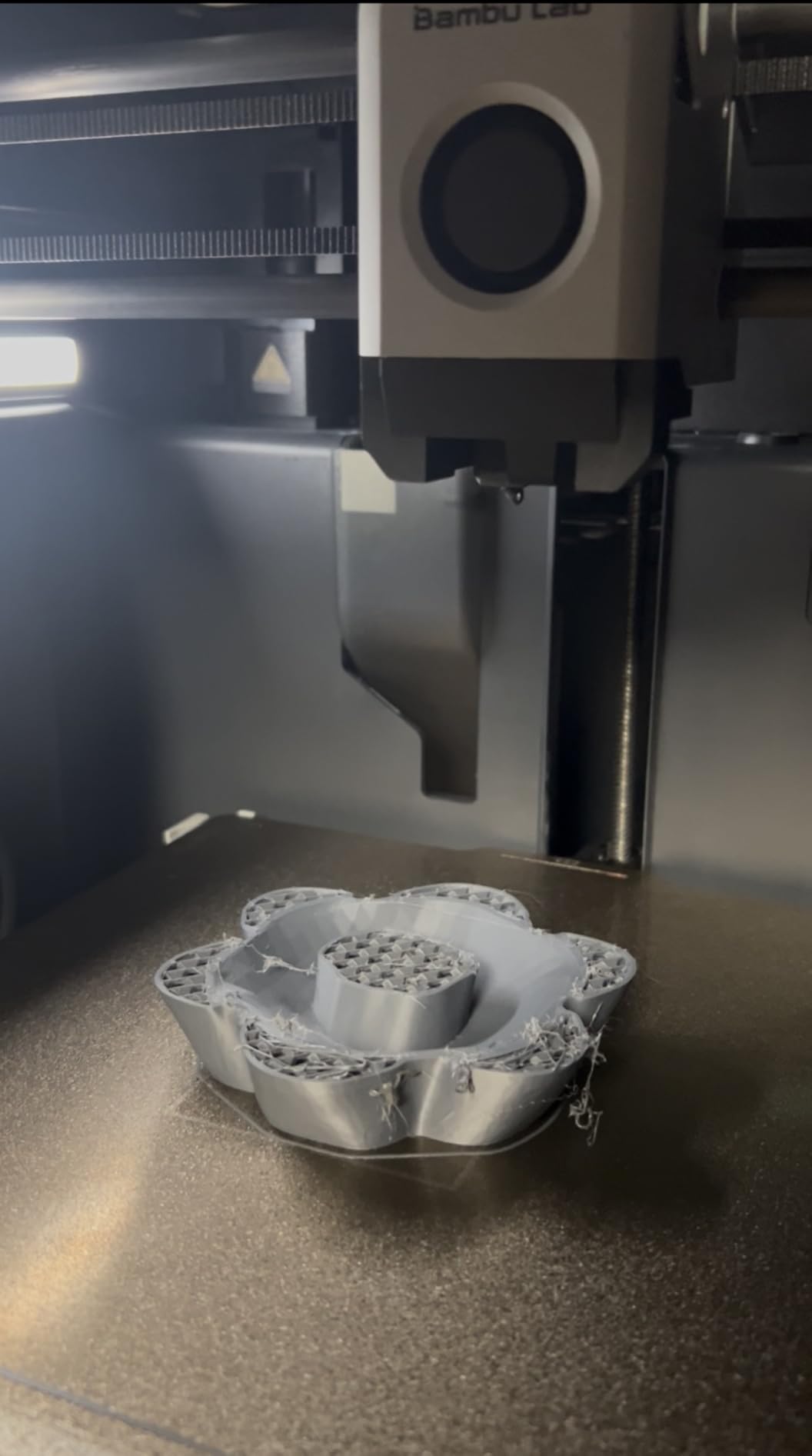
The filament range is broad: PLA, PETG, TPU, PVA, PET, ABS and ASA as standard, with PA and PC capable. Speed is 500 mm/s with 20000 mm/s² acceleration inside a fully enclosed chamber.
The criticism is not about print quality, which owners rate highly, but about the interface. The built-in touchscreen is low-resolution and clumsy to scroll, and the slicing software binding can take an afternoon to understand. Models on a bundled SD card do not work with the AMS and have to print from the app.
Compared with the Creality K2 Combo, the P1S is lighter and its color capacity tops out at a single AMS unit. Check the listing carefully: this ASIN is the Combo, and a non-AMS P1S variant sits on the same page.
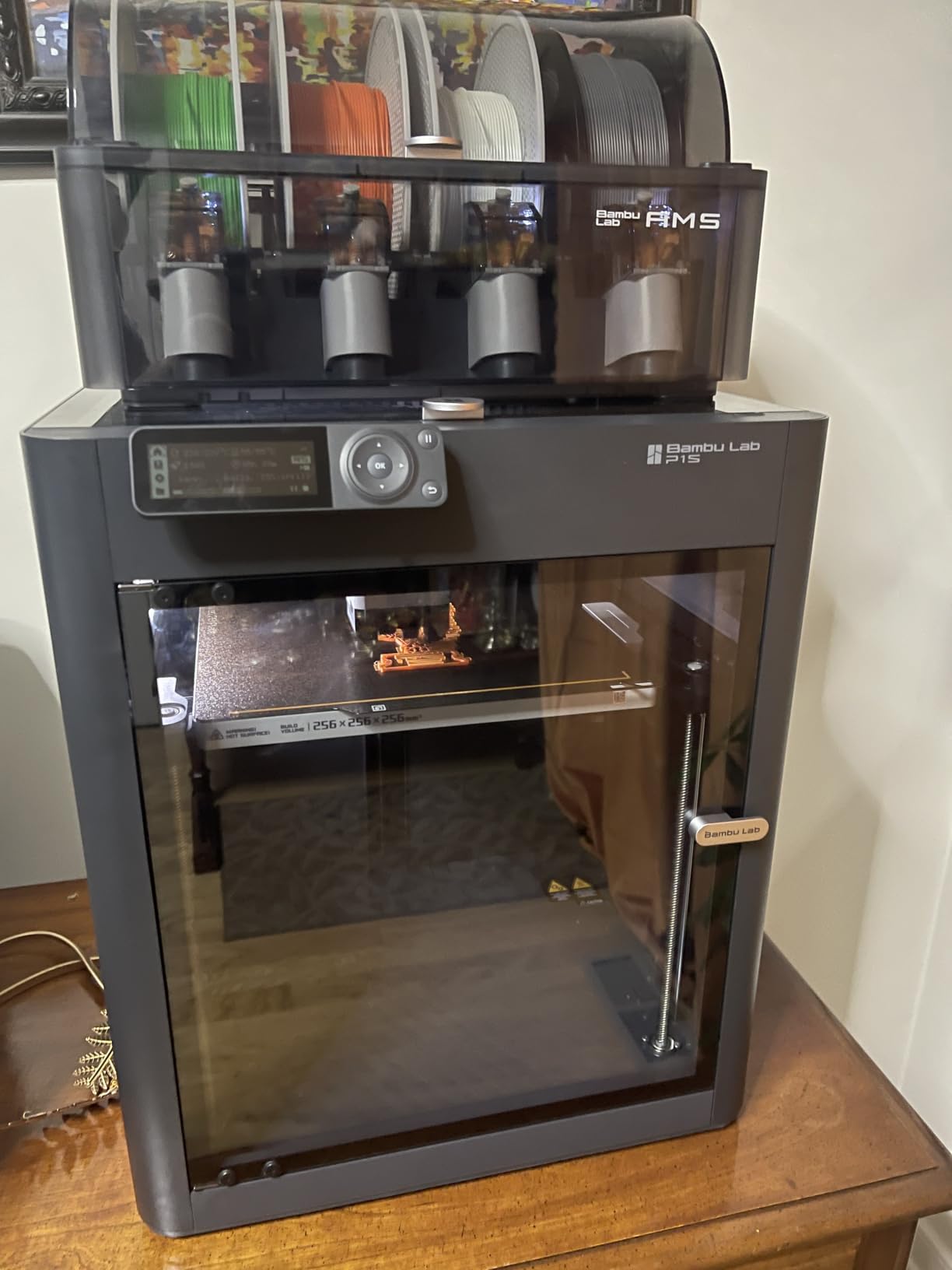
Two things to verify before the first print. The bundled slicer installer on the USB drive can predate the newest macOS releases, and some units reported a fan left disconnected after delivery.
5. Creality Ender 3 V3 SE: Budget Pick for the Lowest Entry Cost
Creality Ender 3 V3 SE
Type: FDM open frame
Colors: 1
Weight: 19.8 lb
Rating: 4.1 of 5
Pros
- Lowest entry cost in this roundup
- About 20 minutes of assembly with an Allen key
- CR Touch auto leveling with automatic Z-offset
- Sprite direct drive handles PLA and PETG and TPU
- 32-bit mainboard keeps running noise low
Cons
- Rear power selector ships set to 220V and must be switched for US outlets
- Some units develop fan or Y-axis noise within weeks
- Open frame rules out ABS and ASA without an enclosure
This is the entry point. It is the least expensive machine here and the only one that asks you to do any assembly at all, roughly 20 minutes with an Allen key if you are comfortable with it.
What you get over a bare kit is CR Touch auto leveling with automatic Z-offset, dual synchronized Z-axis lead screws with precision Y shafts, and a Sprite direct drive extruder that handles PLA, PETG and TPU, plus wood-filled and nylon-infused filament.
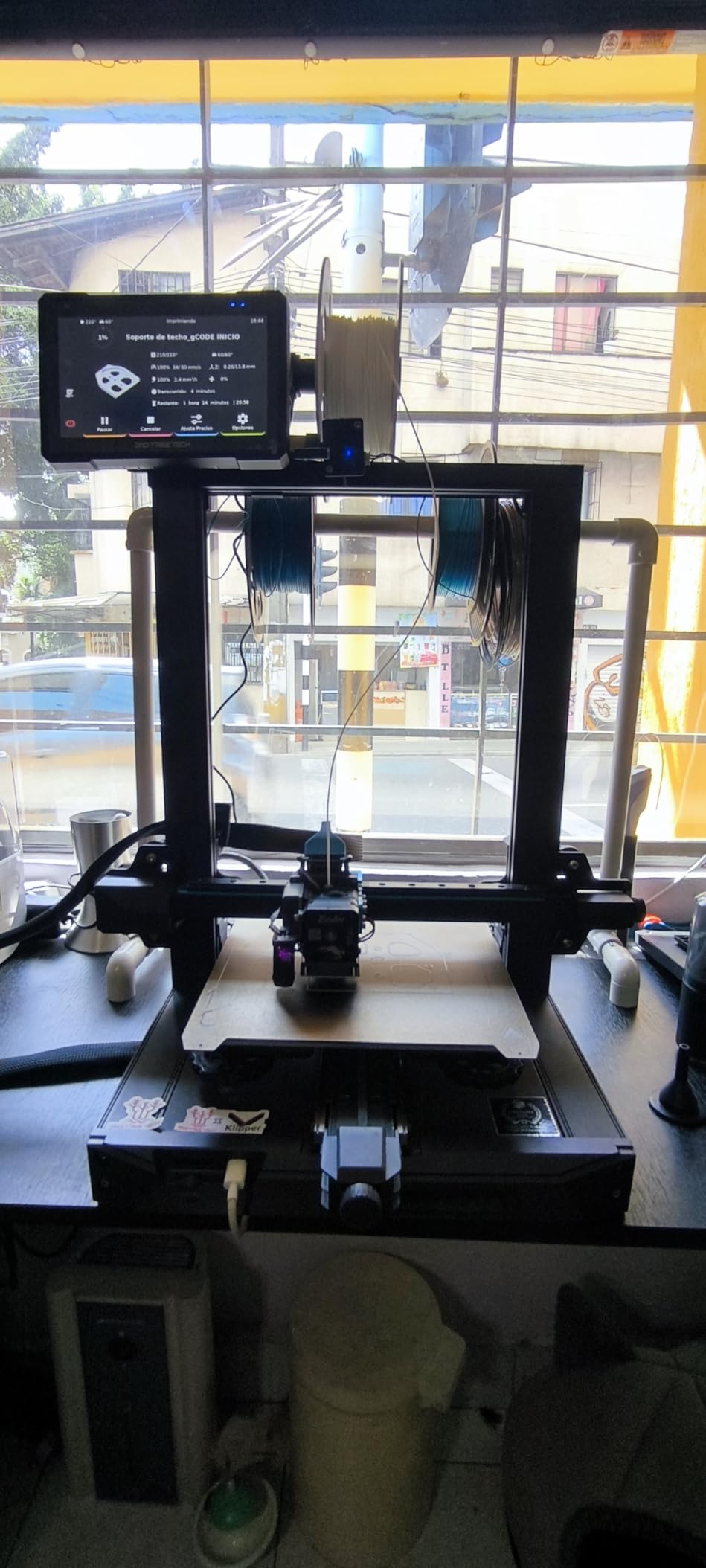
Owners who came from more feature-rich machines describe it as reliable and easy to maintain, which is a compliment at this level. The 32-bit silent mainboard keeps noise down for a bedroom or shared office.
Read one warning before you order. The rear power selector ships set to 220V, and if you do not switch it to 125V for a US outlet the screen stays dark, which owners report as the single most common first-day frustration.
Skip it if you plan to print ABS or ASA, since the open frame gives you no chamber. For PLA and PETG work on a budget, the Adventurer 5M is a faster and quieter alternative that needs no assembly.
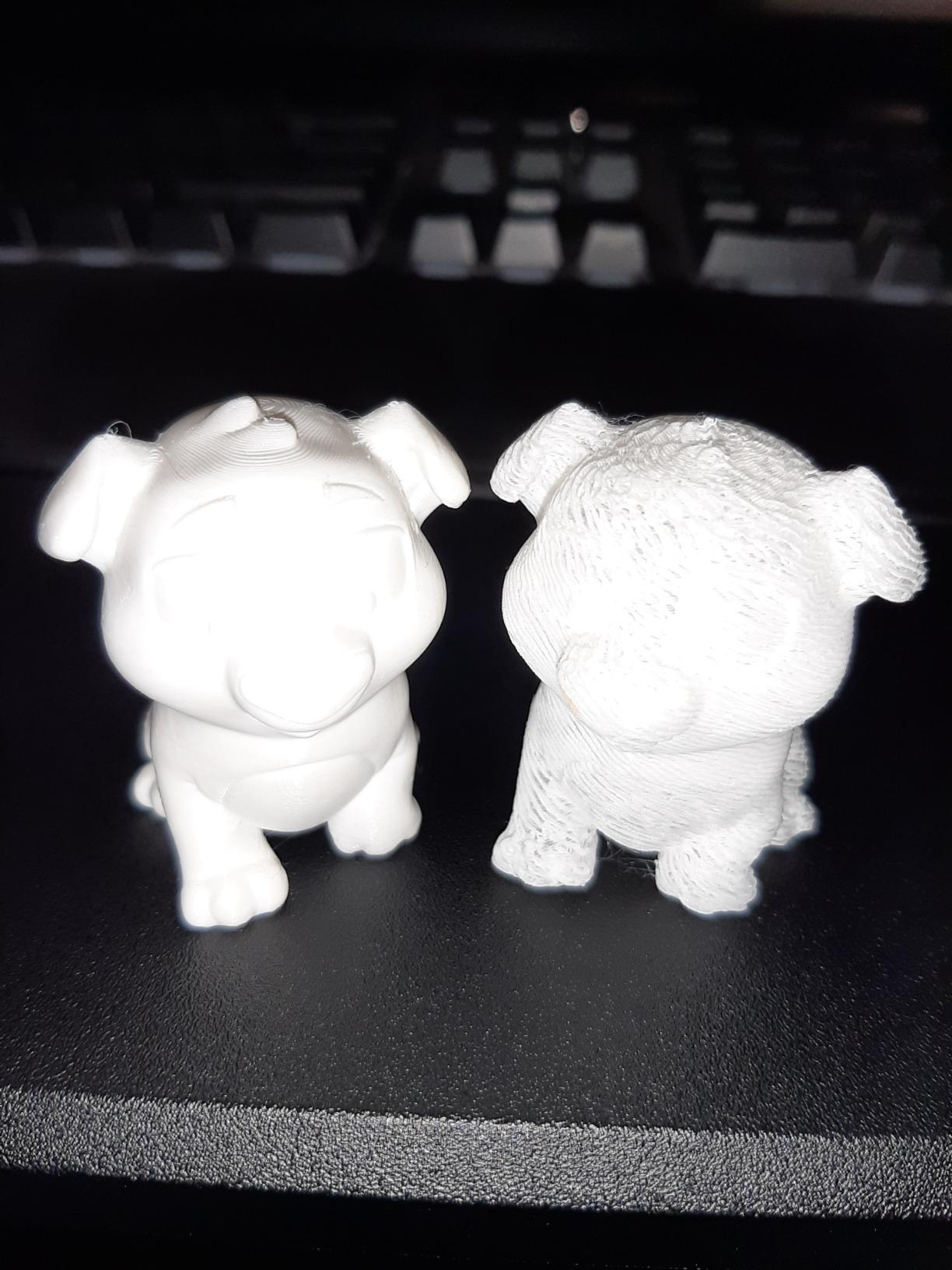
Check the rear panel before the first print. Owners report the power selector arriving set to 220V, and the screen stays dark until it is turned to 125V for a US outlet.
6. Bambu Lab A1: Best for a First Printer
Bambu Lab A1
Type: FDM open frame
Colors: 1
Weight: 22 lb
Rating: 4.7 of 5
Pros
- Highest average rating here with an 87 percent five-star share
- Works out of the box with no manual adjustment
- Full-auto calibration covers Z-offset and bed leveling
- Active motor noise cancellation for quiet running
- Run-out and tangle detection pause and resume prints
Cons
- AMS lite is not included so color needs a separate buy
- Open frame means no ABS or ASA
- Closed-source software draws criticism from some buyers
The A1 carries the strongest owner consensus in this group at a 4.7 average, and the most common thread across reviews is that people with prior printers found it dramatically less fussy than what they owned before.
Calibration is the reason. It handles Z-offset and bed leveling automatically, adds active flow rate compensation for consistent extrusion, and a one-clip quick-swap nozzle, so the first print is close to a plug-and-print experience.
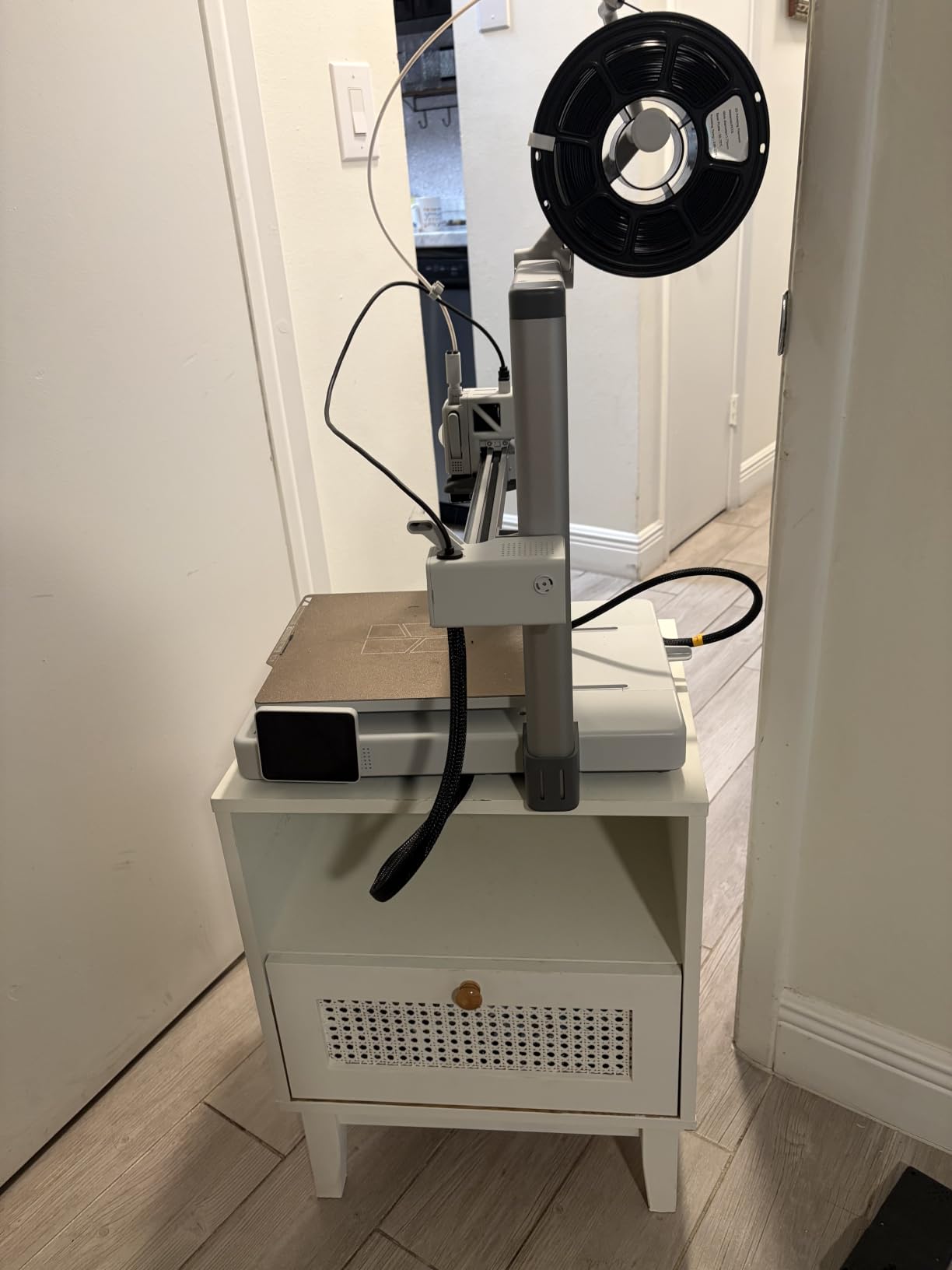
It is also quiet, with active motor noise cancellation, which matters if the printer is not in a garage. Filament run-out and tangle detection pause and resume the job, so a bad feed wastes material instead of a whole print.
Two things to weigh. The base A1 is an open frame, so ABS and ASA need an enclosure, and the AMS lite for color is sold separately, which is the regret owners mention most often.
If color matters more than price, the P1S Combo bundles the multi-material unit. If you want more speed in a smaller footprint, the Adventurer 5M reaches 600 mm/s where the A1 works at 10000 mm/s² acceleration.
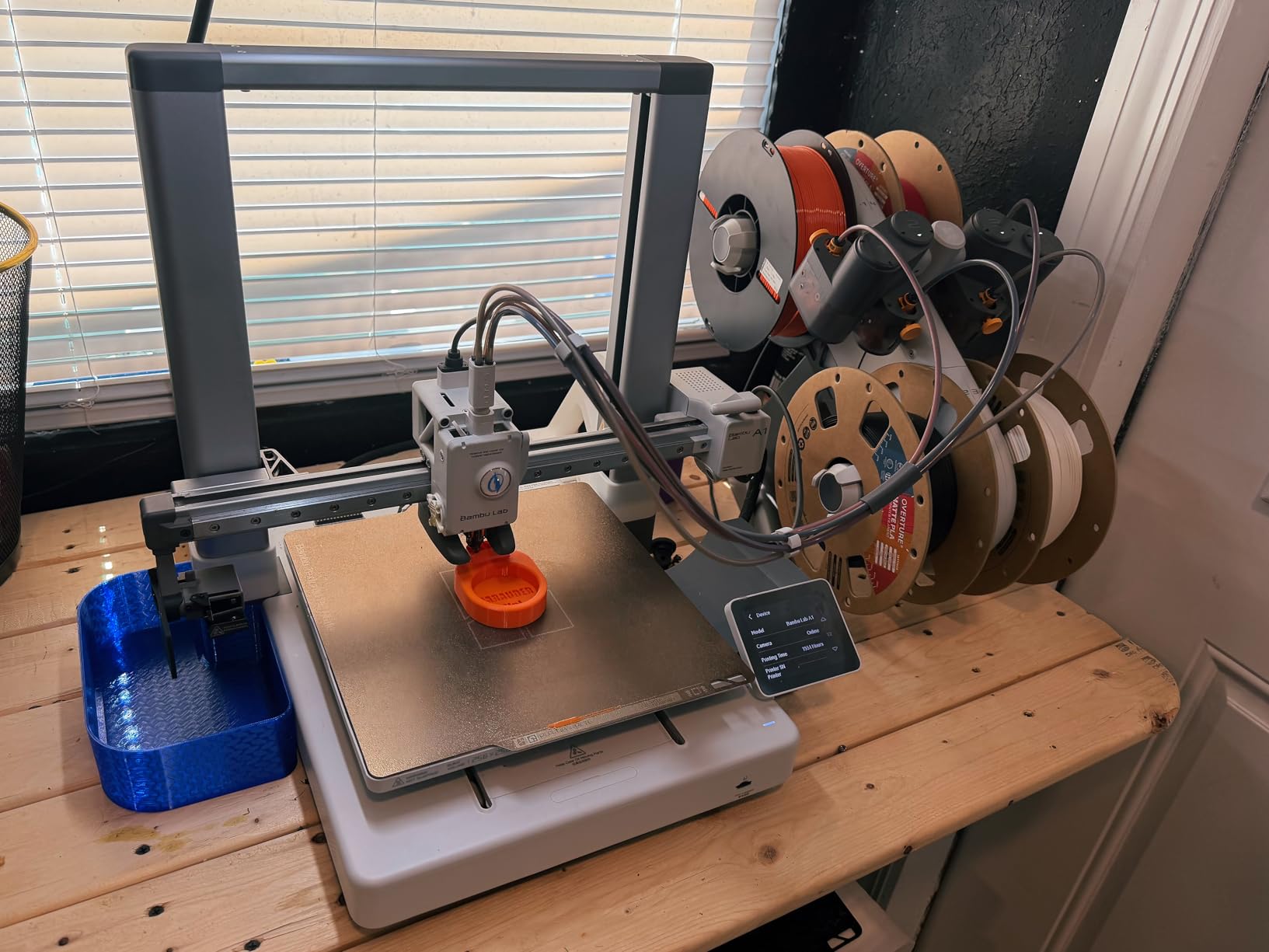
This listing carries both a bare A1 and an A1 Combo with the color unit, so confirm which one you are looking at before you buy. Owners who regret something on this printer regret not starting with the Combo.
7. Flashforge Adventurer 5M: Best for Compact Desks
Flashforge Adventurer 5M
Type: FDM open frame
Colors: 1
Weight: 23.8 lb
Rating: 4.3 of 5
Pros
- Printing roughly 10 minutes out of the box
- CoreXY stability holds quality at 300 to 600 mm/s
- Input shaping cuts ringing at speed
- Small footprint suits a desk or hobby room
- Dual-sided removable PEI steel plate
Cons
- Single color only
- 220 mm cube limits larger models
- Networking can be hit and miss and limits slicer choice
The Adventurer 5M is the speed pick for a small space. CoreXY motion reaches 600 mm/s with 20000 mm/s² acceleration and hits full speed in 0.025 seconds, and input shaping keeps ringing under control at those rates.
Owners running it long term treat it as a workhorse, and bed adhesion holds up better than many budget open-frame machines on both PLA and PETG. At 14.29 x 15.83 x 17.64 inches it fits a desk without dominating it.
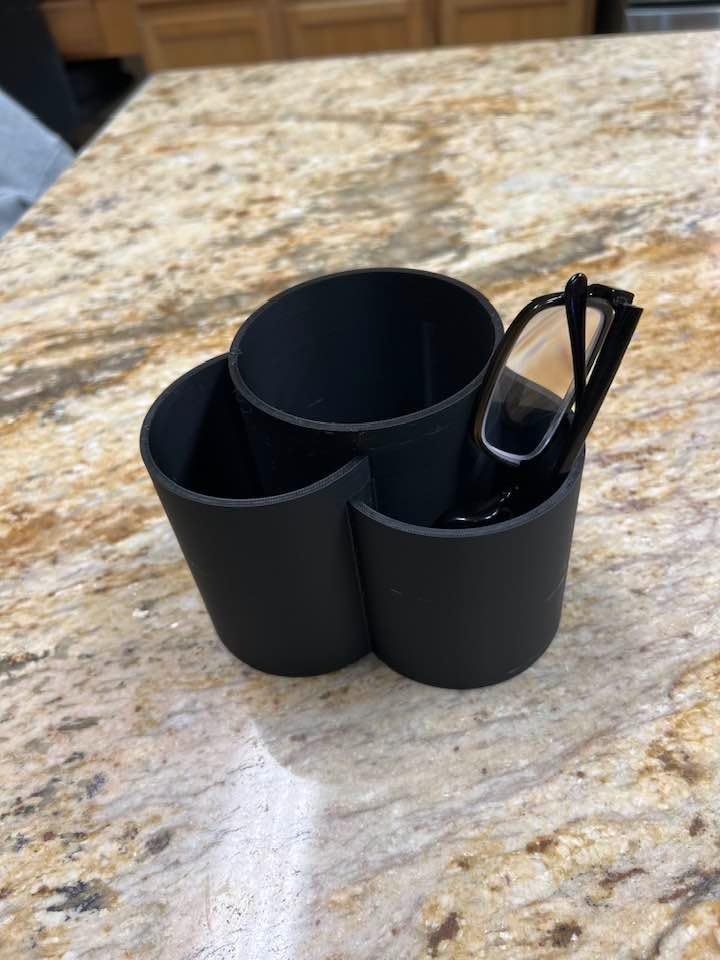
The direct extruder has a quick-detachable 280°C nozzle with a 32 mm³/s flow, reaching 200°C in 35 seconds. A dual-sided flexible removable PEI steel plate handles both smooth and textured sides, and run-out detection with power loss recovery is included.
Owners cite three limits: it is single color, the 220 x 220 x 220 mm cube is small for bigger models, and networking is inconsistent, so some rely on Ethernet or a FAT32 USB drive. The proprietary network interface also narrows slicer choice, though Orca works and Klipper can be installed. The filament sensor detects an empty tube but not a tangled spool.
Compared with the Bambu Lab A1, you trade reliability consensus for raw speed. Compared with the 5M Pro, you give up the chamber and filtration.
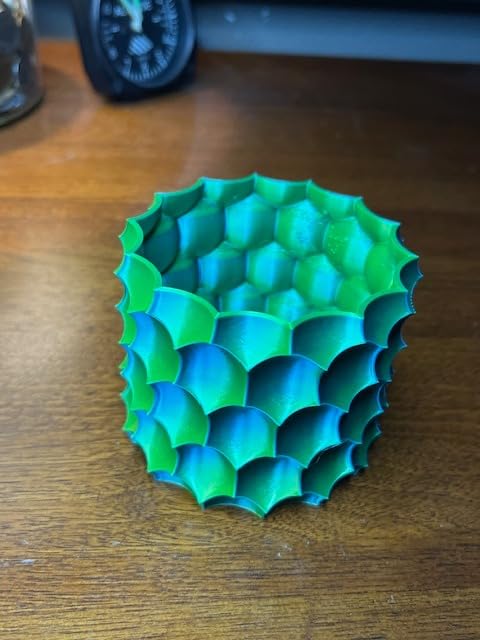
There is no work-area light, so a cheap clip lamp pays for itself on dark print surfaces. Owners also keep a spare FAT32 USB drive close, since networking here is less reliable than the speed figures suggest.
8. Creality SPARKX i7: Best for Larger Single-Part Models
Creality SPARKX i7
Type: FDM open frame
Colors: 1
Weight: 29.7 lb
Rating: 4.0 of 5
Pros
- Largest build volume among the open-frame picks
- Prebuilt so setup is just bracket removal and filament tubes
- AI camera for remote viewing and status detection
- WiFi control from a phone or PC
- Stock app settings work with common filaments
Cons
- Louder than several competitors
- CFS Lite sold separately so color is an add-on
- Box QR code points to an overseas setup flow
Build volume is the pitch. At 260 x 260 x 255 mm on a flexible PEI plate, this is roughly 10 x 10 x 10 inches and the largest build volume among the open-frame machines here, which means fewer splits when you are printing a full-body piece or a large enclosure.
It arrives prebuilt, so setup is removing brackets and connecting filament tubes rather than assembling a frame. The stock app settings work with common filaments out of the box, and the AI camera handles remote viewing, time-lapse and print status detection.
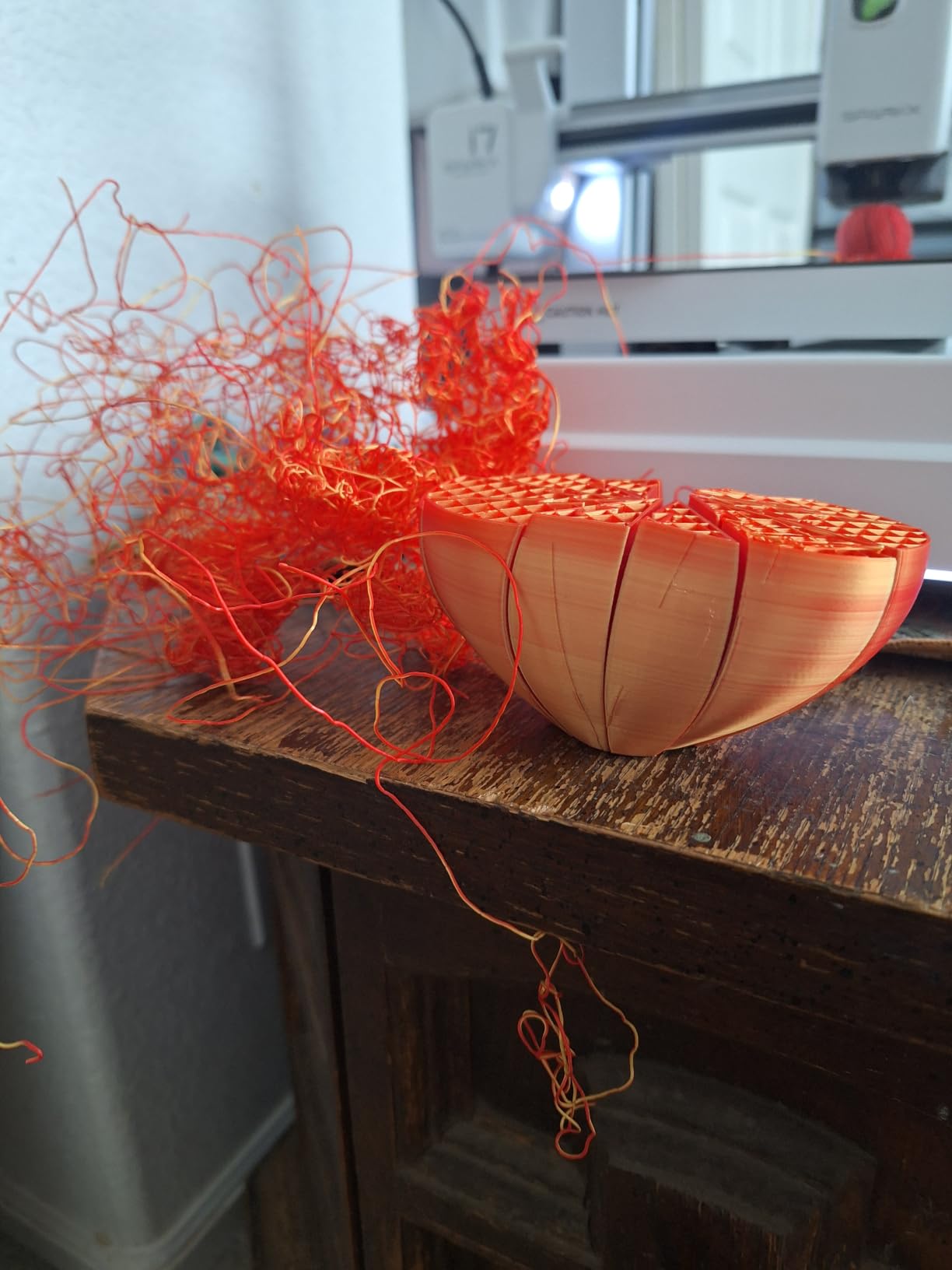
Coloring is possible but additive: a CFS Lite attaches later for four-spool multicolor. The hotend swaps tool-free in five seconds, and the direct drive extruder is straightforward to maintain.
Owners are less enthusiastic about two things. Several wish it were quieter, and the networking deserves a note, since the QR code in the box points at an overseas setup flow that does not work for US buyers. A minority also report filament clogs or jams in the first few weeks.
There is no enclosure, so owners planning ABS or ASA add one for chamber temperature and dust control. If you want that built in, the enclosed machines higher up the list are quieter to run.
The QR code printed in the box points at an overseas setup flow that does not complete for US buyers, so set the machine up from the manufacturer’s own app or site instead.
9. Anycubic Photon Mono 4: Best for Fine Miniatures
Anycubic Photon Mono 4
Type: MSLA resin
Colors: single
Weight: 7.7 lb
Rating: 4.4 of 5
Pros
- 7 inch 10K mono LCD at 9024 x 5120 with 17 micron pixels
- Layer lines nearly invisible at recommended settings
- Printing within about 30 minutes of setup
- Compact and quiet for a resin machine
- Laser-engraved platform cuts lifting and warping
Cons
- Build volume is small at 153 x 87 x 165 mm
- Resin needs gloves and real ventilation
- Default exposure profiles need tuning
Detail is why this one is on the list. The 7 inch 10K monochrome LCD runs at 9024 x 5120 with 17 x 17 micron pixels, a 105 percent precision increase over the Mono 2, and owners report layer lines that are effectively invisible at recommended settings.
That resolution is the whole argument for resin over filament. If you print tabletop miniatures, jewelry, or fine detail, no FDM machine in this list gets close at any speed.
It is also the lightest machine here at 7.7 pounds and takes up 10 x 10 x 15 inches, which suits a home workspace. The Anycubic LighTurbo matrix light source spreads illumination evenly, and four-point leveling means you level once and tighten four screws.
Owners are clear about the overhead. Resin printing means gloves and real ventilation, the build volume of 153.4 x 87 x 165 mm means larger models need resizing or splitting, and default profiles need exposure and lift-speed tuning. The mobile app is unreliable, so you need a computer running Photon Workshop.
Versus the ELEGOO Mars 5 Ultra, the Mono 4 prints faster from cold and needs less tuning, while the Mars 5 handles its own leveling and peeling for you.
Budget for maintenance rather than treating this as a sealed unit. Vats and LCD screens can need replacing, and some owners had screens fail early.
10. ELEGOO Mars 5 Ultra: Best for Faster Resin Throughput
ELEGOO Mars 5 Ultra
Type: MSLA resin
Colors: single
Weight: 19.36 lb
Rating: 4.3 of 5
Pros
- 7 inch 9K mono LCD at 18 micron XY resolution
- Tilt release roughly halves print times versus older models
- Self-leveling plate removes manual bed leveling
- AI camera and residue sensor catch failures early
- Beginner printing within an hour
Cons
- Camera view is easily blocked by large prints
- Lid has no hinges and must be removed fully
- Rounded resin spout makes neat pouring harder
The tilt release vat is the upgrade that changes a resin workflow. Instead of lifting the whole plate and peeling, the build tilts, and owners put the time saving at roughly half the print duration against earlier ELEGOO machines, with speeds up to 150 mm/h.
Auto leveling is the second win. A self-zeroing build plate removes the single most common beginner frustration, and one owner set up and printed within an hour of arrival.
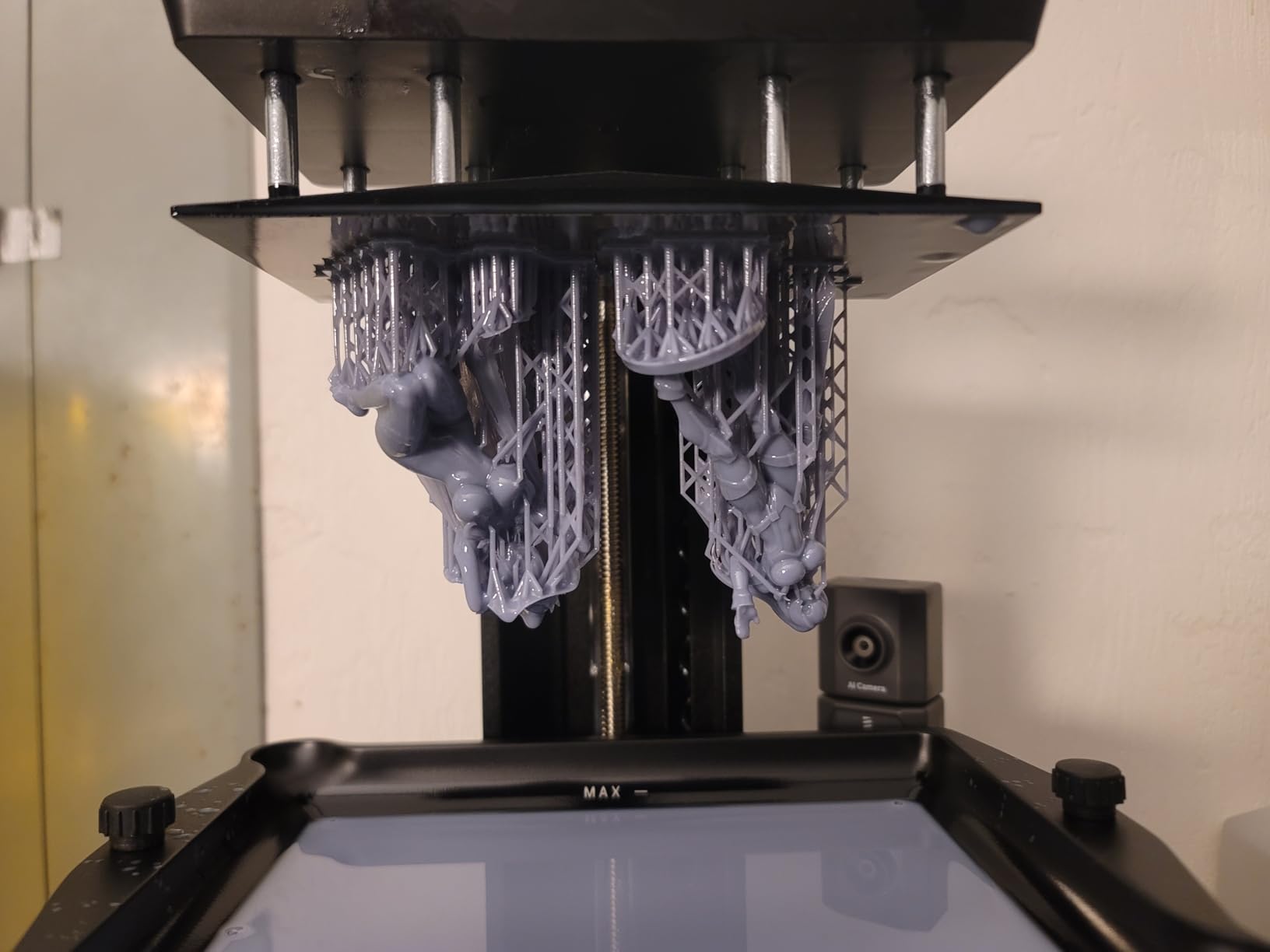
Monitoring is unusually serious for the class. An AI camera with real-time error detection, a mechanical residue sensor that protects the LCD, and alarms for resin shortage and leveling failure mean failures get caught before resin and time are gone. Wi-Fi cluster printing lets you run several together, and a three-month Chitubox Pro subscription is included.
The complaints are practical rather than quality. The camera view is easily blocked by tall prints and the feed is low-resolution, the lid has no hinges so it comes off entirely, and the rounded resin spout is awkward to pour from cleanly.
Against the Anycubic Photon Mono 4, the Mars 5 does more for you automatically. Against the Photon, the Mono 4 wins on pixel size and print speed from cold.
First-layer adhesion problems do appear in reviews, and they almost always trace back to slicing and support settings rather than the machine itself. Expect to spend an evening on profiles before a long print.
How to Choose 3D Printers During Prime Big Deal Days
Printer Type and Technology
FDM machines melt filament and are the right default for most people: cheap to run, low odor, safe indoors, and forgiving of a bad first layer. Resin machines cure liquid resin under a masked LCD and deliver detail no filament printer here can match, at the cost of gloves, ventilation and post-processing. All of the FDM picks here use CoreXY or Sprite-style motion, and if your household needs a printer that doubles as a general-purpose office machine, our guide to all-in-one printers for families covers a different category entirely.
Build Volume and Practical Size
Build volume is the single largest print, and it caps the size of anything you make. Below 200 mm a side suits miniatures and small parts; around 220 to 260 mm covers cosplay props, enclosures and functional parts; anything larger means splitting prints. Watch the Z height specifically, because it is the dimension that catches people. Also check the machine’s footprint against your shelf, since the enclosed models here run 42 to 55 pounds. If you ever need output larger than a desktop machine, our picks for wide-format printers cover the print shop end of the market.
Print Quality and Speed
Speed numbers are marketing until you know the motion system behind them. CoreXY frames with input shaping, like the Flashforge machines and the ELEGOO Centauri Carbon 2, hold quality at 300 to 600 mm/s because the mass moves differently. Acceleration matters as much as top speed, and so does how much of the advertised speed you actually run in real profiles. For fine photographic output on paper, our guide to inkjet printers for photos is a separate comparison worth reading.
Materials and Filament Compatibility
PLA and PETG work on every machine on this list. ABS and ASA need a heated bed and a closed chamber, which rules out the open-frame Ender 3 V3 SE, the Bambu Lab A1, the Adventurer 5M and the SPARKX i7 unless you add an enclosure. Flexible TPU wants a direct drive, and engineering filaments need a 280°C hotend or better. Check the filament diameter and whether the spool fits your extruder before ordering, and note which multicolor units are bundled versus sold separately.
Ease of Use, Software and Maintenance
Automatic bed leveling is now the baseline and every pick here has it, but calibration depth varies. The Centauri Carbon 2 and Bambu Lab A1 run full-auto calibration including Z-offset, while the Mars 5 Ultra self-levels its plate. For networking, an AI camera and time-lapse, compare the Creality K2 Combo, the SPARKX i7 and the ELEGOO Centauri Carbon 2, since owners of the Adventurer 5M report uneven Wi-Fi. Budget for consumables: nozzles, PEI plates, build plates and resin vats all wear.
How to Shop 3D Printer Deals During the Sale
Check the model code on the listing before you commit, because the same printer often appears in several versions. The Bambu Lab P1S page carries both a bare printer and a Combo with the multi-material unit, the A1 appears with and without the color unit, and the ELEGOO Mars 5 listing groups three generations. Read the bundle contents carefully, check whether the manufacturer or the seller handles fulfilment and warranty for the machine, and confirm the item is new rather than renewed. Most offers on this event need a Prime membership, and every price changes through the two days.
- Match the chamber to your material: enclosed for ABS and ASA, open frame for PLA and PETG
- Decide on color before you buy, since multi-material units are often the expensive add-on
- Confirm build volume against your largest planned model, especially the Z height
- Check the model code and bundle contents so you get the variant you meant to buy
- Read who the seller is and whether the manufacturer warrants the unit
- Plan the running costs: filament, wash and cure gear for resin, and ventilation
Frequently Asked Questions
When does Amazon Prime Big Deal Days run in 2026?
Amazon Prime Big Deal Days runs October 6-7, 2026. It is Amazon’s second Prime sale of the year, and offers typically appear as deal badges and Lightning Deals with countdown timers that change through the two days.
Do you need Prime membership to buy 3D printers during Amazon’s Prime Big Deal Days?
Most offers during Prime Big Deal Days require a Prime membership, and a free trial counts. Some regular listings stay available to everyone, but the event pricing on 3D printers is largely tied to Prime accounts.
Should beginners buy an FDM or resin 3D printer?
Start with FDM. It is safer indoors, cheaper to run and far more forgiving of a bad first layer. Choose resin only if your project needs fine detail such as miniatures or jewelry, and only if you can ventilate a room and handle washing and curing.
What does build volume mean when comparing 3D printers?
Build volume is the largest object the printer can produce, given as width by depth by height. Anything bigger must be split into sections. Check the Z height in particular, because short vertical travel is the limit that surprises first-time buyers most.
Are Amazon Prime Big Deal Days 3D Printer Deals worth waiting for?
They are worth watching, not worth waiting on. 3D printers are a category where event pricing often lands below the everyday price, but offers can change hourly and sell through, so check the listing and seller details before deciding rather than assuming a discount is waiting.
What should I check before buying a 3D printer during the sale?
Check the model code and bundle contents, since several printers are listed in bare and multi-color versions on the same page. Then confirm who the seller is, whether the unit is new, whether the manufacturer warrants it, and whether the offer needs a Prime membership.
Final Verdict: Best Amazon Prime Big Deal Days 3D Printer Deals
Buy the ELEGOO Centauri Carbon 2 if you want the most capable machine in one box: an enclosed CoreXY chamber, four colors and 500 mm/s, backed by the deepest owner history in this roundup. Buy the Creality Ender 3 V3 SE if your budget is the deciding factor and you plan to stay with PLA and PETG. Buy the Flashforge Adventurer 5M Pro if quiet operation and a ten-minute setup matter most in your room. Choose the Bambu Lab P1S Combo for the most straightforward path to multicolor, the Creality K2 Combo if you expect to grow to 16 colors, the Bambu Lab A1 for the highest-rated first machine, the Creality SPARKX i7 for the biggest build volume among the open-frame machines, the Flashforge Adventurer 5M for a compact desk, the Anycubic Photon Mono 4 for miniatures and the ELEGOO Mars 5 Ultra for faster resin work. Open the current listing, confirm the variant and seller details, and check the live price for yourself.