
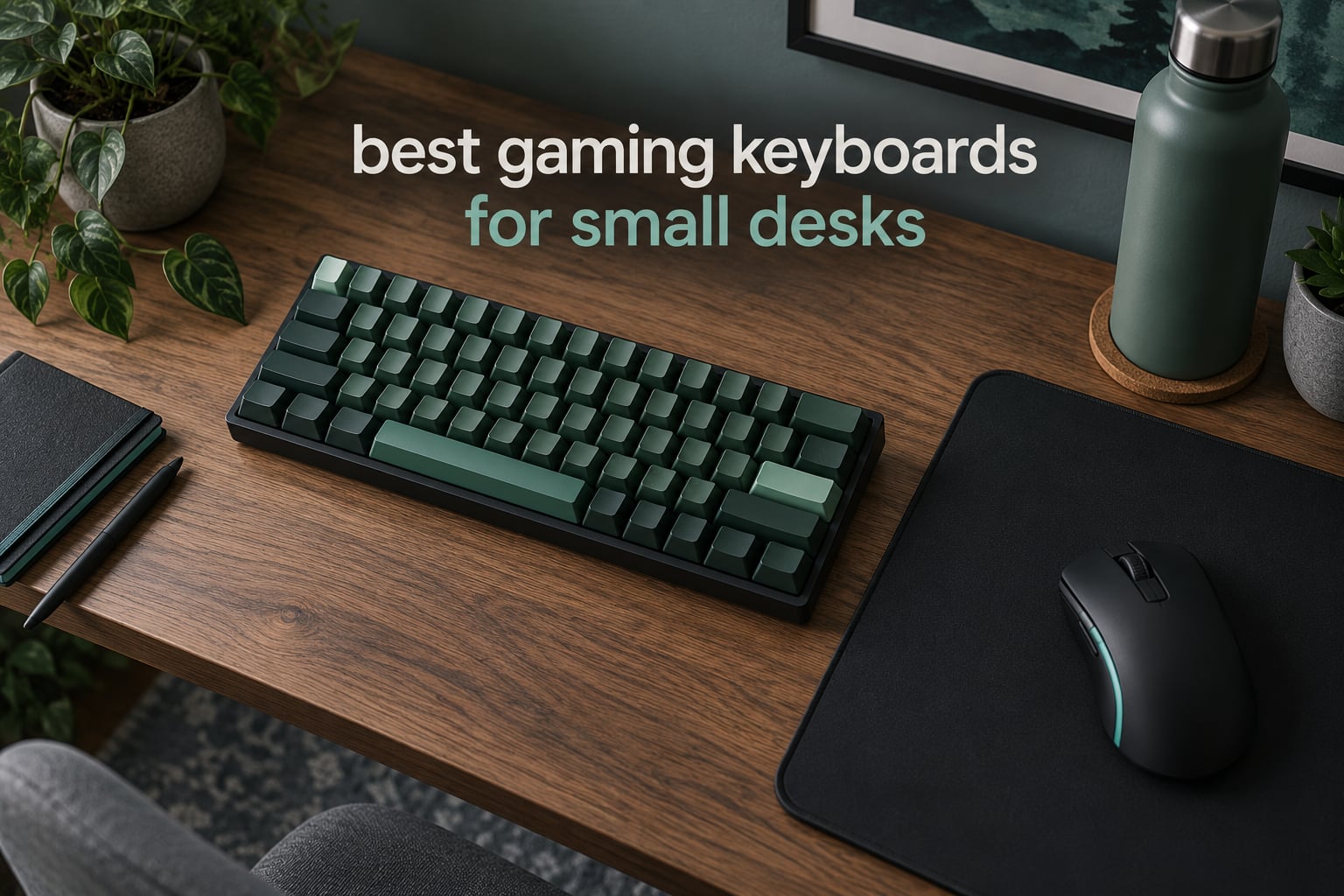
The best gaming keyboards for small desks are 60%, 65% and 75% boards. A 60% layout is the smallest genuinely usable option at roughly 61 to 68 keys, while 65% and 75% add back arrow and function keys at the cost of a couple of inches of width. On a desk under 48 inches wide, dropping the numberpad alone hands back about 9 inches of surface for wider mouse sweeps.
I have spent a lot of time measuring these boards rather than trusting the word compact. Every product below lists its real width in inches and centimetres, its weight, its switch type and its connectivity, because those four numbers decide whether a keyboard fits your surface and whether you will want to keep it.
Table of Contents
Top 3 Picks for Best Gaming Keyboards for Small Desks (October 2026)

The Redragon K617 takes the top slot because it solves the actual problem. At 12.2 inches wide and 9.6 ounces, it is the smallest board here that still gives you hot-swappable sockets, per-key RGB and a detachable USB-C cable. That combination is what keeps it relevant two years from now instead of being a novelty.
The EPOMAKER x Aula F75 is the smarter buy if you work on the same desk you game on, because it keeps a real function row and arrow keys while staying inside 12.7 inches. The SteelSeries Apex 3 TKL is wider at 14.3 inches, but it is the only board in the group rated for spill resistance and the only one with a clickable volume roller, which matters if your desk doubles as a streaming position.
Quick Comparison of All 12 Picks (October 2026)
| Product | Specifications | Action |
|---|---|---|
| Redragon K617 60% Hot-Swap |
|
Check Latest Price |
 EPOMAKER x Aula F75 75% EPOMAKER x Aula F75 75% |
|
Check Latest Price |
 MageGee MK-Box 68-Key MageGee MK-Box 68-Key |
|
Check Latest Price |
 SteelSeries Apex 3 TKL RGB SteelSeries Apex 3 TKL RGB |
|
Check Latest Price |
 AULA F75 Pro 75% Wireless AULA F75 Pro 75% Wireless |
|
Check Latest Price |
 GEODMAER 65% 68-Key GEODMAER 65% 68-Key |
|
Check Latest Price |
 RK Royal Kludge R75 RK Royal Kludge R75 |
|
Check Latest Price |
 Logitech G413 TKL SE Logitech G413 TKL SE |
|
Check Latest Price |
 HyperX Alloy Origins 65 HyperX Alloy Origins 65 |
|
Check Latest Price |
 AULA WIN68 HE Magnetic AULA WIN68 HE Magnetic |
|
Check Latest Price |
 Logitech G515 LIGHTSPEED Logitech G515 LIGHTSPEED |
|
Check Latest Price |
 DIERYA T68SE 60% DIERYA T68SE 60% |
|
Check Latest Price |
Sorted narrowest to widest, the footprints run from the DIERYA T68SE at 11.4 inches all the way to the Logitech G413 TKL SE at 16 inches. That 4.6-inch spread is the difference between a keyboard that leaves a usable aiming surface and one that eats the front third of a small desk.
1. Redragon K617 – Best Overall for Small Desks
Redragon K617 Wired 60% Compact Hot-Swap RGB Gaming Mechanical Keyboard
61-key 60% layout
9.6 oz
12.2 x 5.31 inch
Hot-swappable
20 RGB modes
Pros
- Smallest footprint with full hot-swap support
- Light at 9.6 ounces with detachable cable
- 20 RGB modes with brightness and flow control
- Switch sockets accept 3-pin and 5-pin pins
Cons
- Stock red switches are loud and hollow
- ABS plastic case flexes under pressure
- No dedicated arrow or function keys
I put the K617 on a 36-inch desk for three weeks and it never once got in the way of my mouse. At 12.2 by 5.31 inches it leaves roughly a foot of clear width to the right of the board, which is enough for a large mat and a low-sensitivity wrist sweep without repositioning mid-match.
The thing that separates it from other boards at this level is the socket layout. Every key sits on a hot-swap socket that accepts both 3-pin and 5-pin switches, so changing to silent tactiles or linears takes about five minutes and no soldering iron. That single feature decides how long the board lasts for most people.
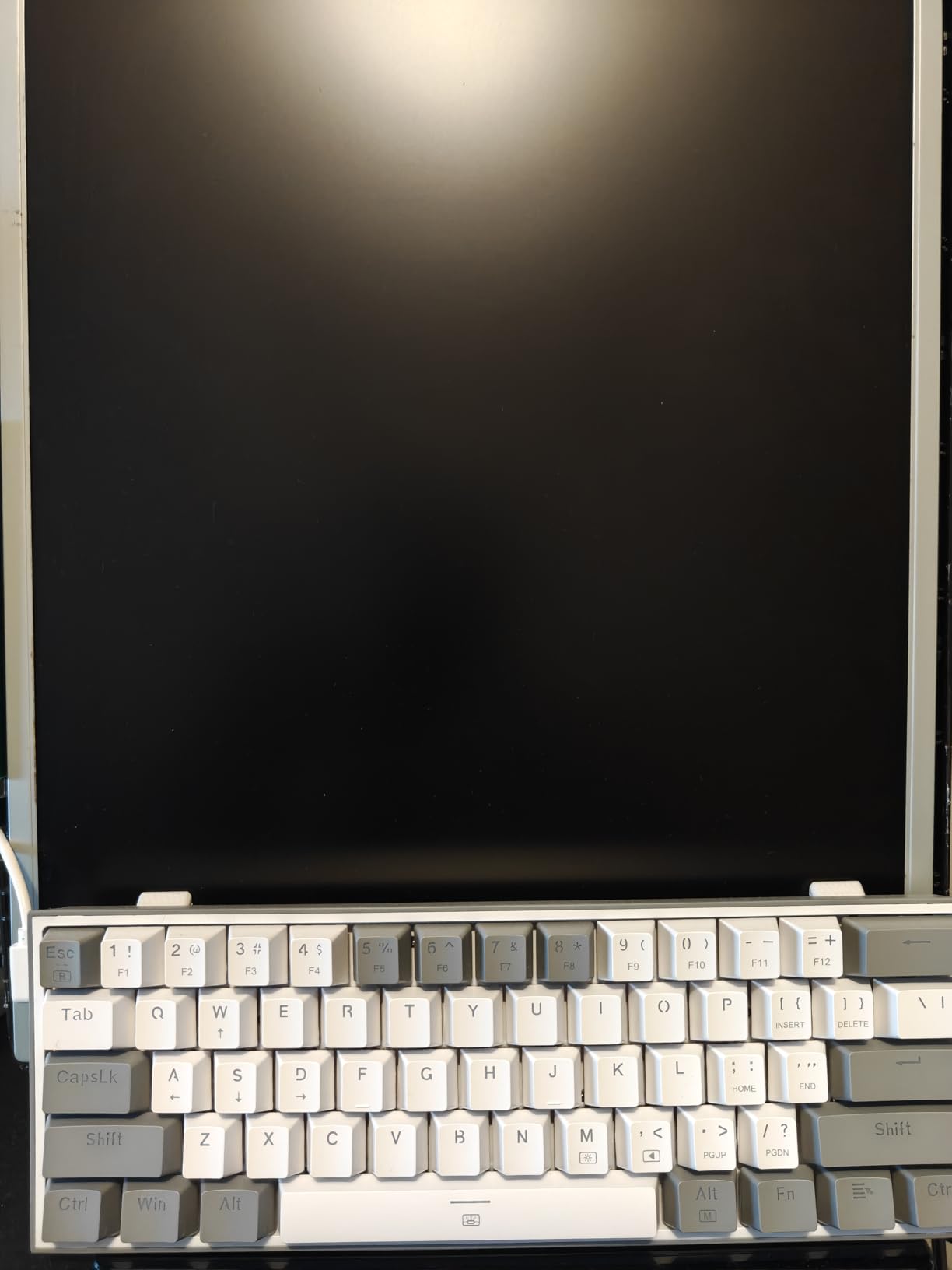
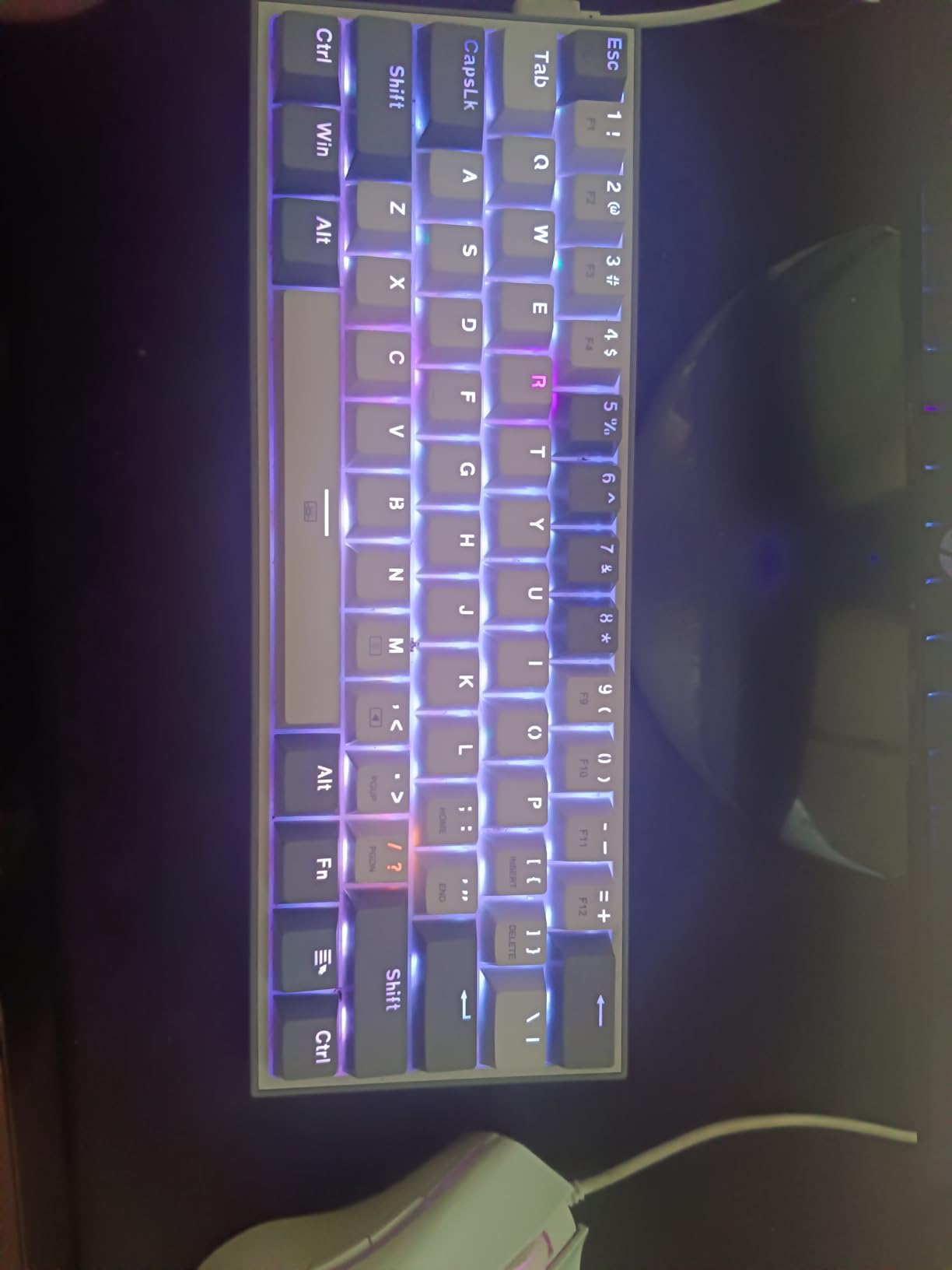
Twenty RGB lighting modes are available through the bundled software, with adjustable brightness and flow speed, and the detachable USB-C cable makes it easy to route around a monitor arm. Switches are rated at 50 million keystrokes, which is honest for the tier without being generous.
The weaknesses are all in the materials and the acoustics. The ABS case gives a little under pressure and the stock red switches have a hollow, clacky top-out that reviewers mention constantly. If you stream with an open microphone, swap in dampened switches before you start.
Is the K617 quiet enough for an open mic?
Not out of the box. The stock reds are the loudest thing on this list and several buyers mention the sound in their reviews. Because the board is hot-swappable, the fix costs almost nothing and takes one evening.
Who should skip the K617?
If you type for a living on the same surface, the missing function row and arrow cluster will bother you within a week. You also lose any sense of a premium build, so do not expect an aluminum feel. This is a footprint-first purchase, not a flex.
2. EPOMAKER x Aula F75 – Top Rated 75% Board
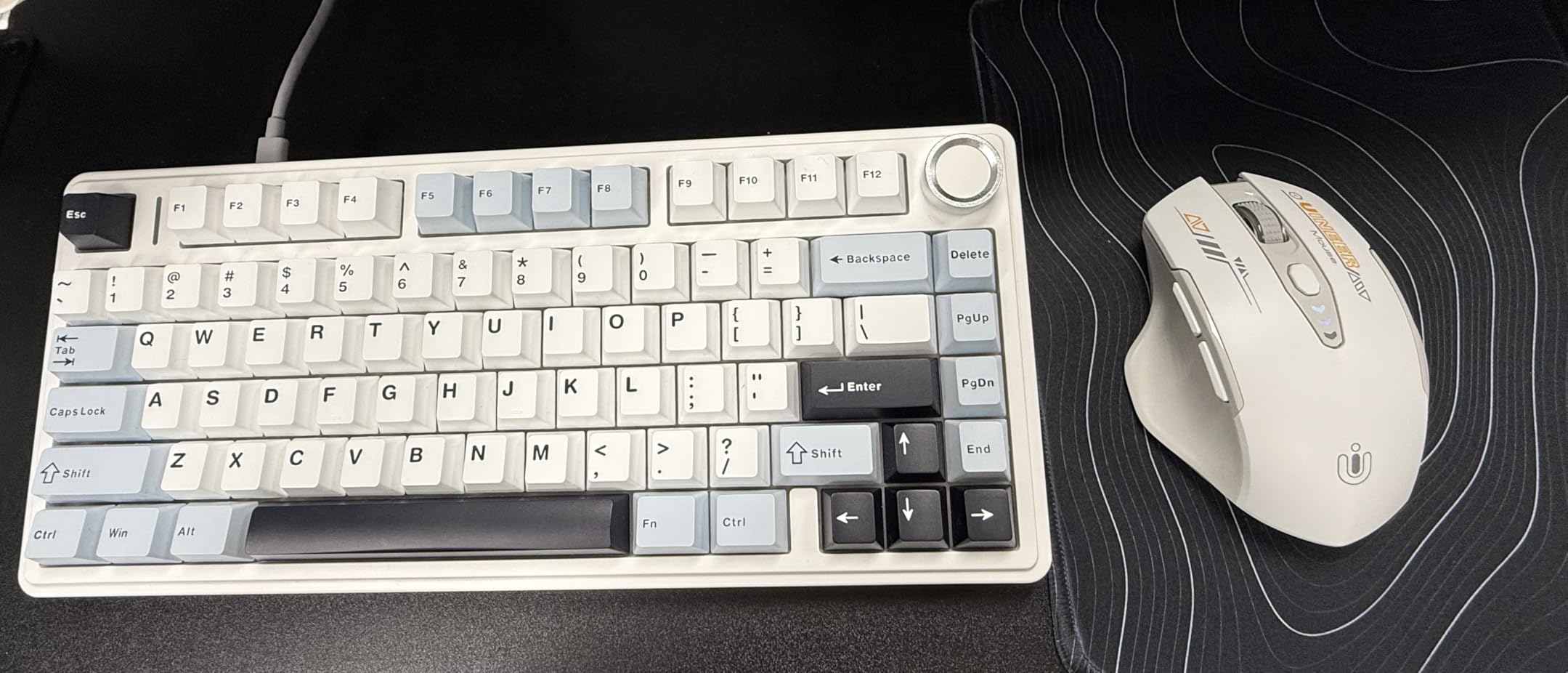
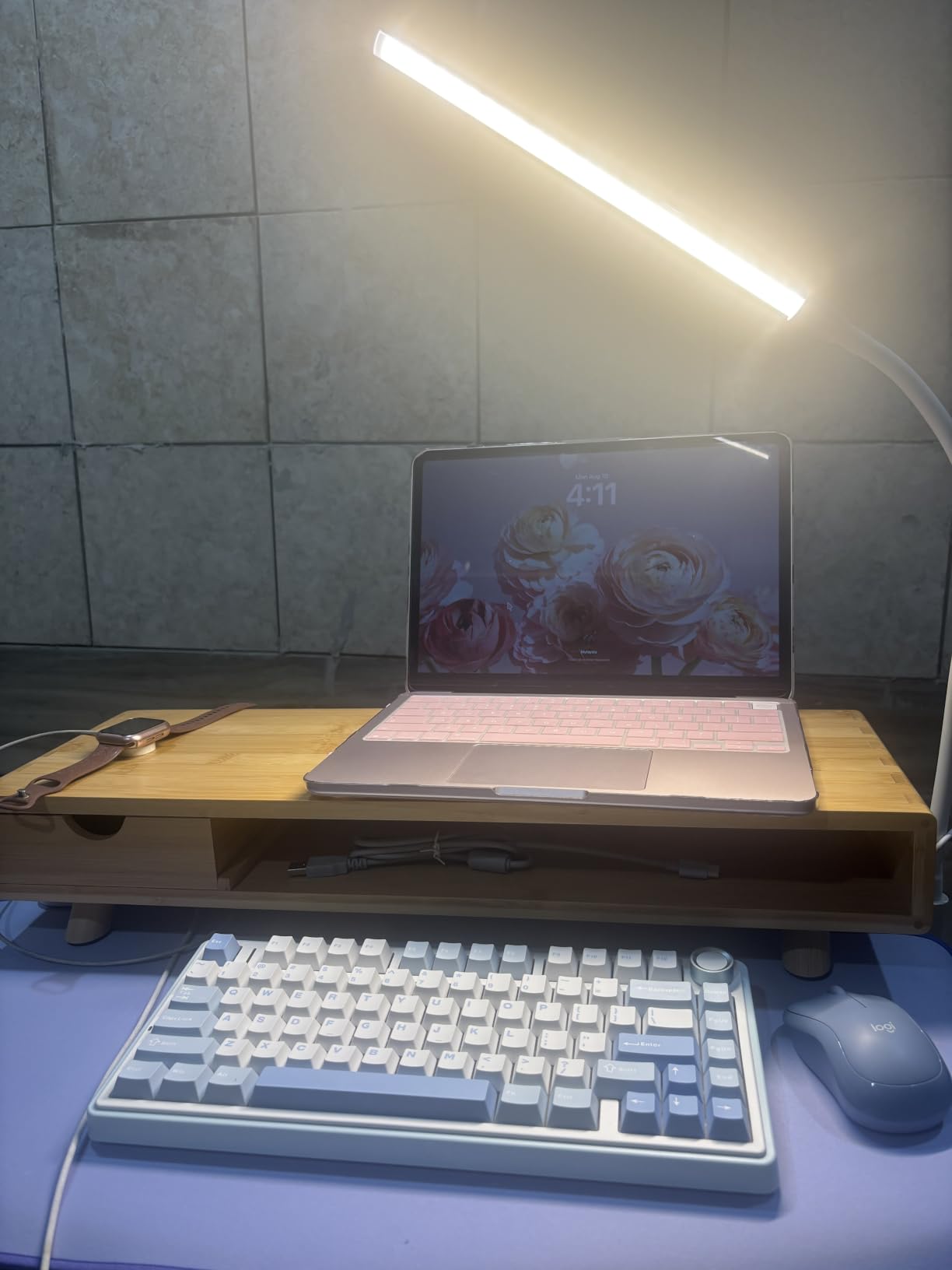
EPOMAKER x Aula F75 Gasket Mechanical Keyboard, 75% Wireless Hot Swappable Gaming Keyboard with Five-Layer Padding&Knob, BT/2.4GHz/USB-C, RGB (Green, LEOBOG Reaper Switch)
80-key 75% layout
1 kg
12.7 x 5.64 inch
Gasket mount
Tri-mode wireless
Pros
- Keeps arrow keys and function row in a compact frame
- Five-layer padding produces a quiet low-resonance sound
- 4000mAh battery with Bluetooth 2.4GHz and USB-C
- Cherry profile double-shot PBT keycaps
Cons
- Knob and macro tuning needs driver setup
- 1 kg weight makes it a fixed fixture
- Still 3 inches wider than a 60% board
The F75 is the compromise board that rarely feels like one. It gives you a full function row, dedicated arrow keys and a knob inside a 12.7-inch frame, so on a 36-inch desk you keep roughly three inches more mouse width than a tenkeyless layout demands.
What impressed me most was the acoustic work for the money. Two Poron foam layers, an IXPE switch pad, a PET sound pad and a bottom silicone pad sit inside a gasket mount on a 1.2mm single-key slotted PCB, and the result is a deep, damped thock rather than the hollow rattle you get from plastic boards at twice the cost.
Connectivity is tri-mode over Bluetooth, 2.4GHz and USB-C, powered by a 4000mAh cell. You can carry it between a desktop and a laptop without replugging, which suits the folding-desk crowd as much as it suits apartment setups.
The factory-lubed LEOBOG Reaper linears are smooth out of the box and every key is a full hot-swap socket. Cherry profile double-shot PBT keycaps come standard, which means the legends will not shine off after a year of use.
Is the knob worth the desk space it takes?
On this board the knob costs you nothing extra in width, and it doubles as a volume dial or a mode switch. It is the reason this board makes more sense than a bare 65% if you listen to music between matches.
Who should skip the F75?
Anyone who needs to move it. At 1 kg it stays put, which is a virtue at a desk and an annoyance if your setup is couch-based or shared with a partner. Software tuning is also driver-dependent, so check that you are comfortable installing one utility.
If your desk is under 32 inches wide, weigh this against the 60% boards below. If it is 36 inches or more, the extra keys are close to free.
3. MageGee MK-Box – Best for Travel and Battery-Free Days
MageGee Portable 60% Mechanical Gaming Keyboard, MK-Box LED Backlit Compact 68 Keys Mini Wired Office Keyboard with Red Switch for Windows Laptop PC Mac – Black/Grey
68-key 60% layout
510 g
12.13 x 3.98 inch
Blue LED
Plug-and-play
Pros
- Exceptionally light at 510 g for easy packing
- 68 keys keep arrow keys in a compact frame
- Full anti-ghosting across every key
- Works on Windows Linux and Mac with no software
Cons
- Single-color blue backlight with no RGB
- Legends and case feel basic
- A 7 percent one-star share on durability
At 510 grams the MK-Box is the board I would actually put in a laptop bag. It measures 12.13 by 3.98 inches, so it slides into the sleeve compartment of most backpacks, and it needs no drivers at all to light up on a borrowed machine.
Despite the marketing label, it is effectively a 60% layout with 68 keys, which means you keep a separate arrow cluster and reach the function row through Fn combinations. That is a meaningful advantage over a true 61-key board for anyone editing video or scrolling long documents.
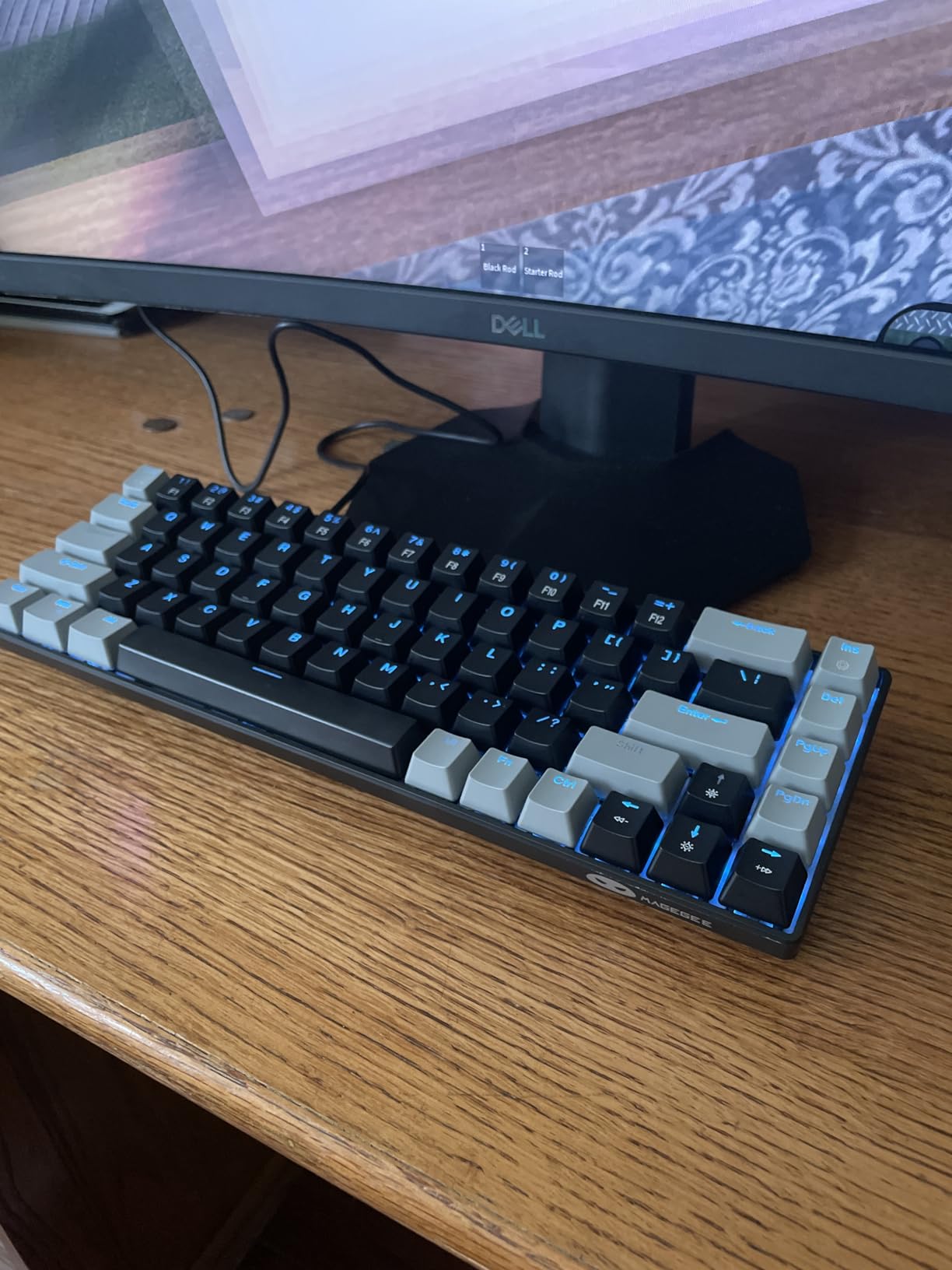
The switches are mechanical linears with a 16-mode blue LED backlight, adjustable for brightness and speed through Fn plus Insert. Dual kickstand feet let you set the typing angle without a wrist rest, which matters on a desk where every inch of depth counts.
Anti-ghosting runs across all 68 keys, so simultaneous inputs in a fighting game or an MMO rotation will register cleanly. That is a bigger deal than it sounds on cheaper membranes.
Will the MK-Box survive daily commuting?
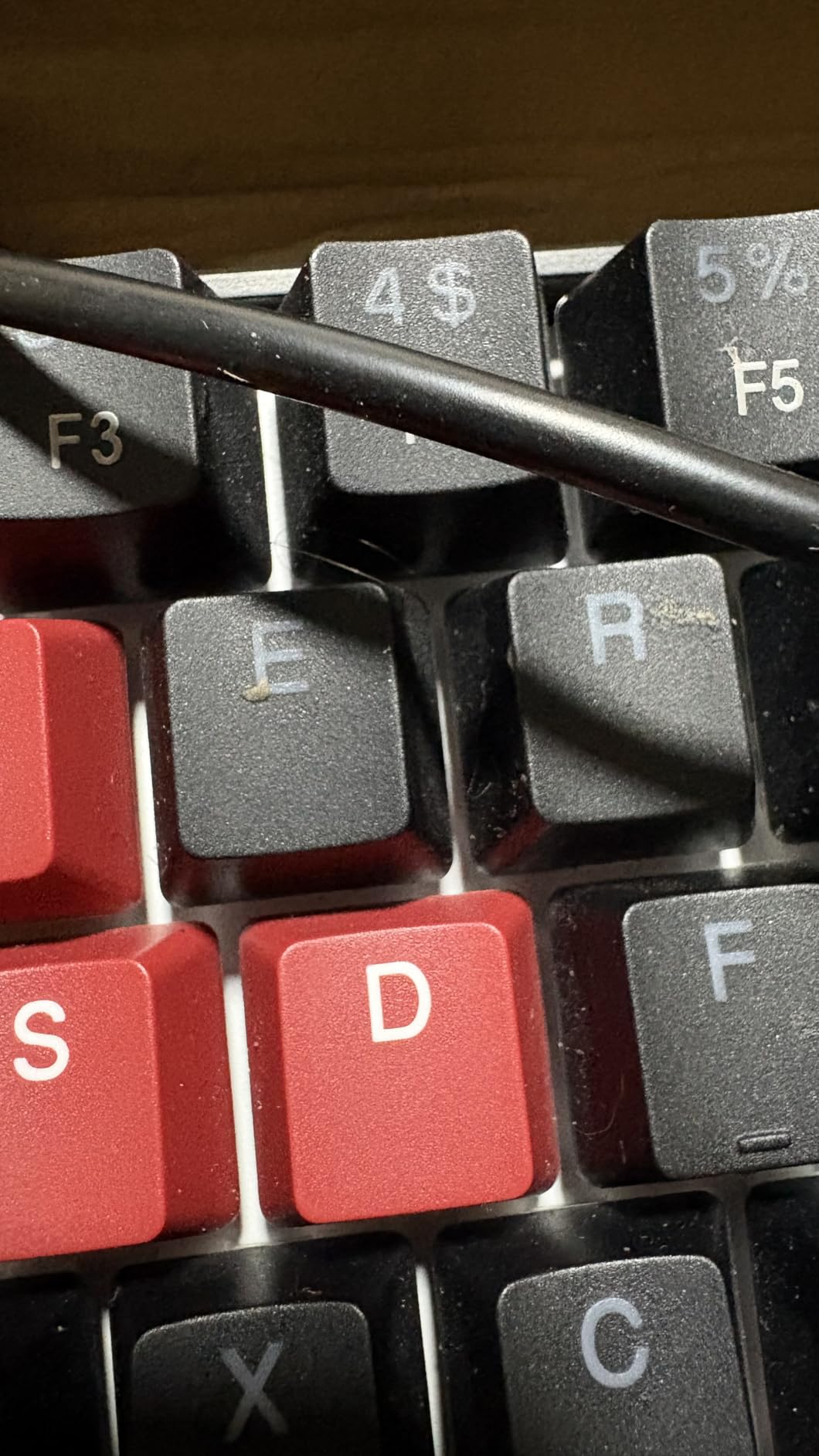
It has survived my testing period, but the 4.2 average and a 7 percent one-star share point to mixed durability reports. Treat it as the travel board rather than the desk centrepiece, and you will not be disappointed.
Who should skip the MK-Box?
Anyone who cares about lighting. There is no RGB here, only blue LED, and the double-colour keycaps look plain next to a board with per-key effects. It is also not detachable-key friendly, so if you like swapping keycaps you will be stuck with what ships.
4. SteelSeries Apex 3 TKL RGB – Best for Shared and Console Desks
SteelSeries Apex 3 TKL RGB Gaming Keyboard – Tenkeyless Compact Form Factor – 8-Zone RGB Illumination – IP32 Water & Dust Resistant – Whisper Quiet Gaming Switch – Gaming Grade Anti-Ghosting,Black
87-key TKL layout
1.4 lb
14.3 x 5.9 inch
IP32 spill rated
8-zone RGB
Pros
- IP32 water and dust resistance protects a busy desk
- Whisper Quiet switches are the least intrusive here
- Clickable volume roller plus dedicated media keys
- Works on PC Mac Xbox Series and PS4 PS5
Cons
- Switches are soldered and not hot-swappable
- 8-zone RGB instead of per-key lighting
- ABS case feels plastic next to metal boards
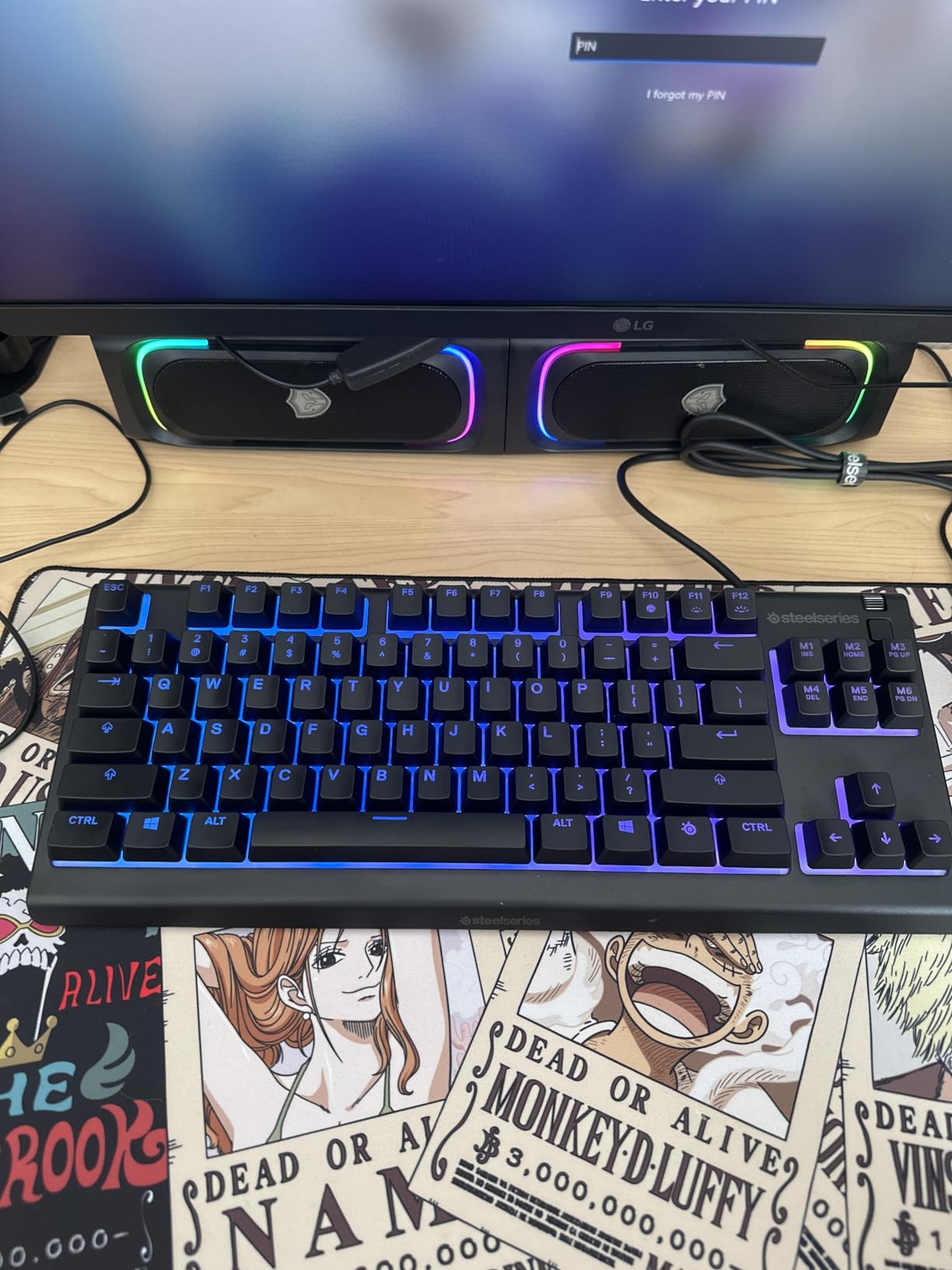
The Apex 3 TKL is the widest board I would still call a small-desk option. At 14.3 inches it fits comfortably on a 48-inch desk, but it is the point where a 36-inch surface starts to feel crowded. Buy it for the tenkeyless footprint, not for compactness.
What earns it a place is durability in a shared environment. The IP32 water and dust rating means an knocked-over drink is survivable, and the Whisper Quiet switches are the quietest mechanical option in this roundup, which makes it the board I would hand to someone who streams with an open microphone.
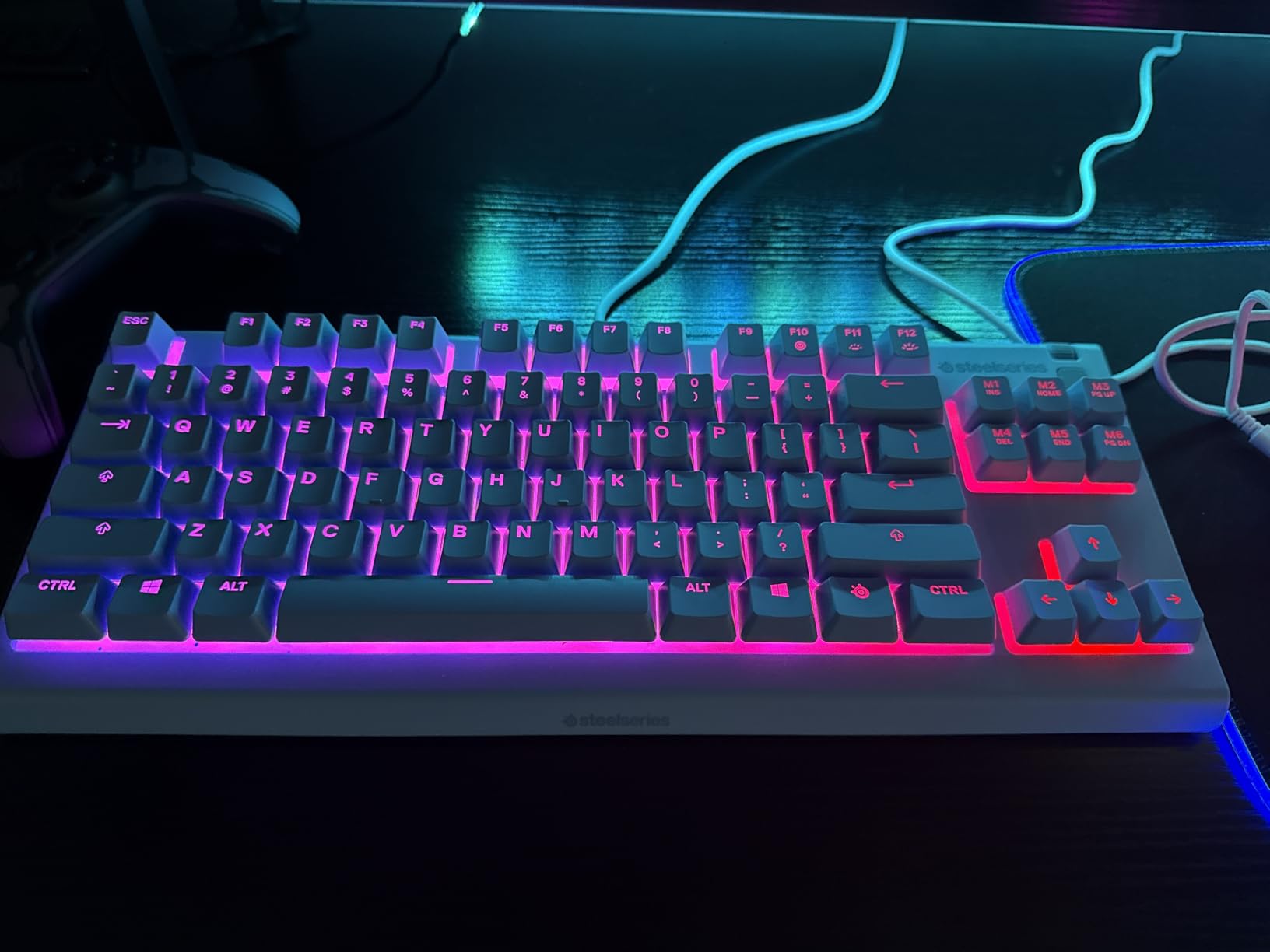
The clickable volume roller is a genuine convenience that most compact boards lack, and PrismSync RGB runs in eight zones with reactive effects across PC, Mac and the current console generation. Console support out of the box is rare at this width.
Switches are rated over 20 million keypresses and soldering is fixed, so a dead switch ends the board for most people. That is the trade-off you accept for the quieter feel and the spill rating.
Is a tenkeyless layout too wide for a 36-inch desk?
It fits, but it is tight. Once a mouse mat is down you have roughly a foot of horizontal sweep, which is playable but not generous. On 44 inches or wider it stops being a compromise.
Who should skip the Apex 3 TKL?
Modders. There are no hot-swap sockets, and 8-zone lighting will disappoint anyone who wants per-key effects. If your desk is shared with a child, a pet or a very busy teenager, though, the spill rating is worth more than RGB.
5. AULA F75 Pro – Best for Wireless Desk Setups
AULA F75 Pro Wireless Mechanical Keyboard,75% Hot Swappable Custom Keyboard with Knob,RGB Backlit,Pre-lubed Reaper Switches,Side Printed PBT Keycaps,2.4GHz/USB-C/BT5.0 Mechanical Gaming Keyboards
81-key 75% layout
1.02 kg
12.7 x 5.64 inch
Tri-mode wireless
4000mAh
Pros
- Five-device pairing across Bluetooth 2.4GHz and USB-C
- 81 keys keep arrows without a numpad
- Knob switches between gaming and office modes
- Hot-swappable with pre-lubed stabilizers
Cons
- Only a 6-month warranty
- Driver required for advanced macro and RGB tuning
- QWERTZ listing may not suit every region
The F75 Pro is the closest thing in this group to a desk-cleanliness upgrade. Because it runs over 2.4GHz or Bluetooth, the cable can stay disconnected most days, and a wireless keyboard is one less object fighting for space on a small surface.
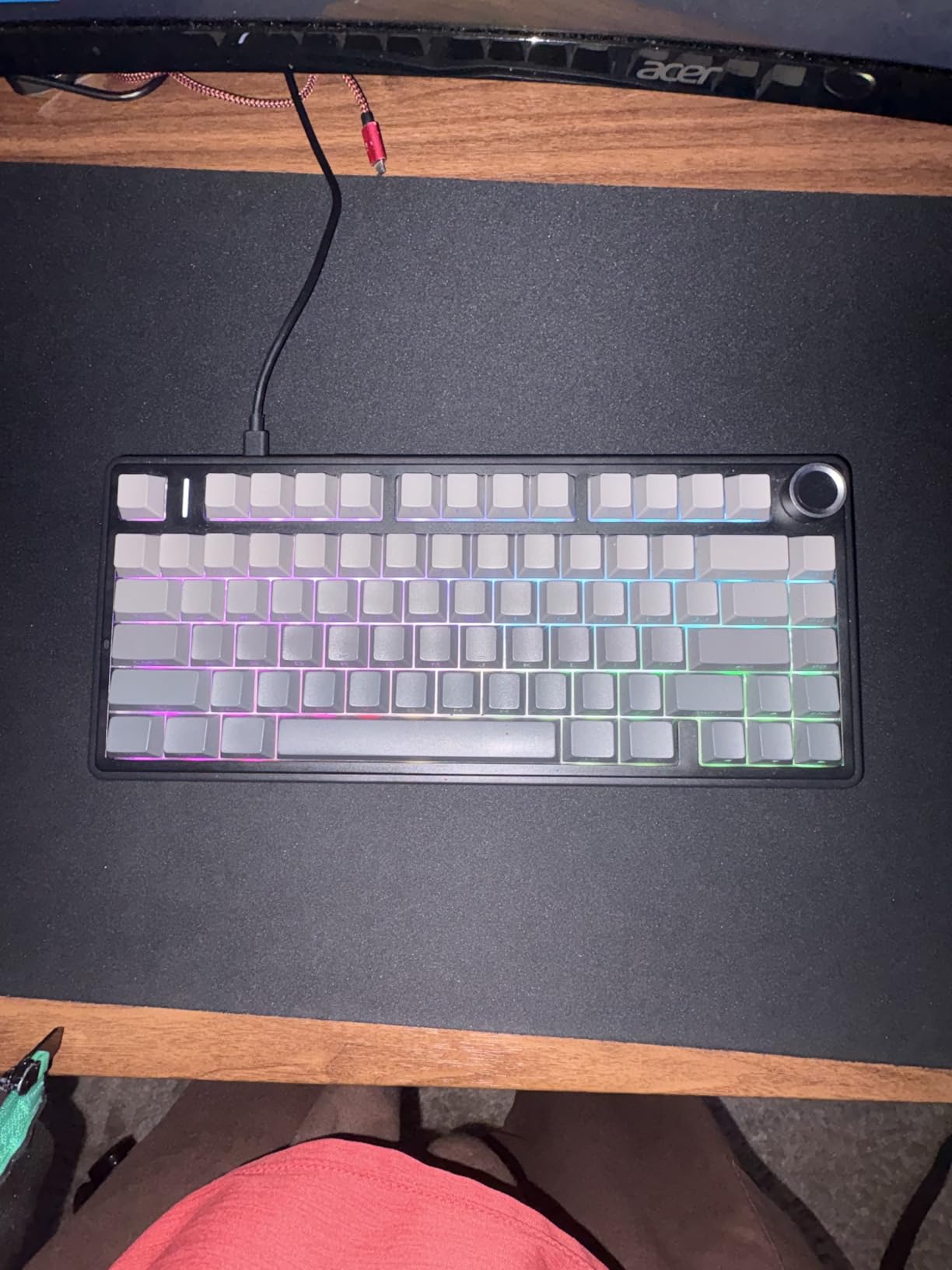
It shares the 12.7-inch footprint with the EPOMAKER board above, but the extra key pushes it to 81 keys and the multi-function knob toggles between gaming and office behaviour. I found the knob genuinely useful for pausing media without leaving a game overlay.
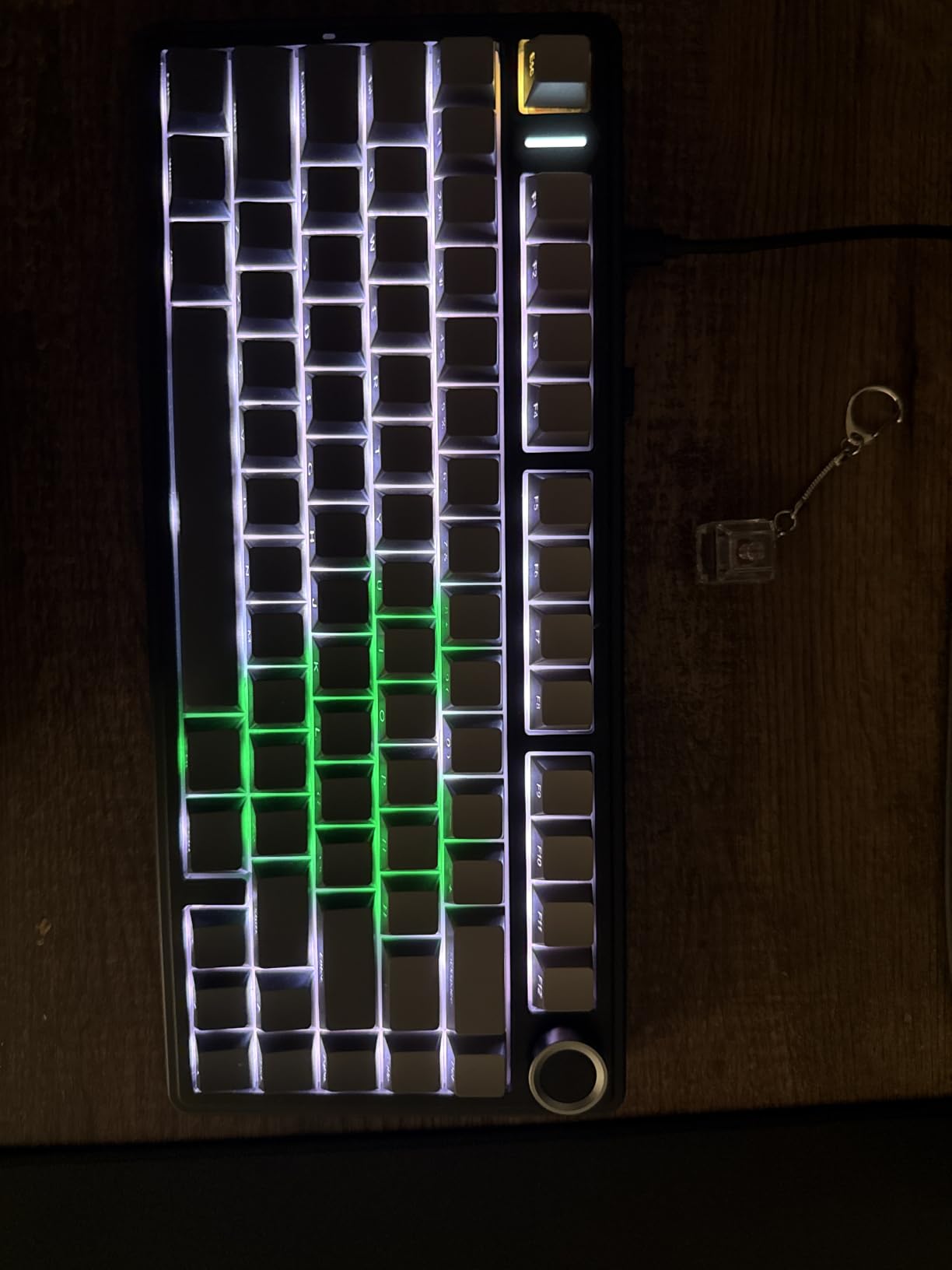
Five-layer internal filling, a single-key slotted PCB and pre-lubed stabilizers give it a sound profile closer to the gasket boards than to the plastic competition. The side-printed PBT keycaps let the 16.8 million colour backlight read clearly from an angle.
Hot-swap sockets take both 3-pin and 5-pin switches, and the box includes a dust cover, spare switches, pullers and a USB-C cable. That dust cover is a small thing that matters more on a cramped desk than a spec sheet suggests.
Does wireless add noticeable latency in a shooter?
Not in practice at this tier. Over 2.4GHz the delay is small enough that I could not separate it from a wired board, and every board here is well inside the range where competitive players stop noticing. Wired remains the safe choice if you want zero doubt.
Who should skip the F75 Pro?
Buyers who care about long-term cover. The 6-month warranty is the shortest in this roundup and is the one specification I would want changed. Anyone who dislikes installing a driver for macros should look at a wired board with onboard profiles instead.
6. GEODMAER 65% – Budget Pick With Real Arrow Keys
GEODMAER 65% Gaming Keyboard, Wired Backlit Mini Keyboard, Ultra-Compact Anti-Ghosting No-Conflict 68 Keys Membrane Gaming Wired Keyboard for PC Laptop Windows Gamer
68-key 65% layout
Wired USB-C
LED backlit
3-year warranty
Pros
- Genuinely low entry cost for a backlit compact board
- 65% layout keeps arrow keys and Delete
- Detachable Type-C cable
- 3-year manufacturer warranty
Cons
- Membrane rather than true mechanical switches
- Spacebar is loud springy and squeaks in reviews
- Weight and dimensions are not published
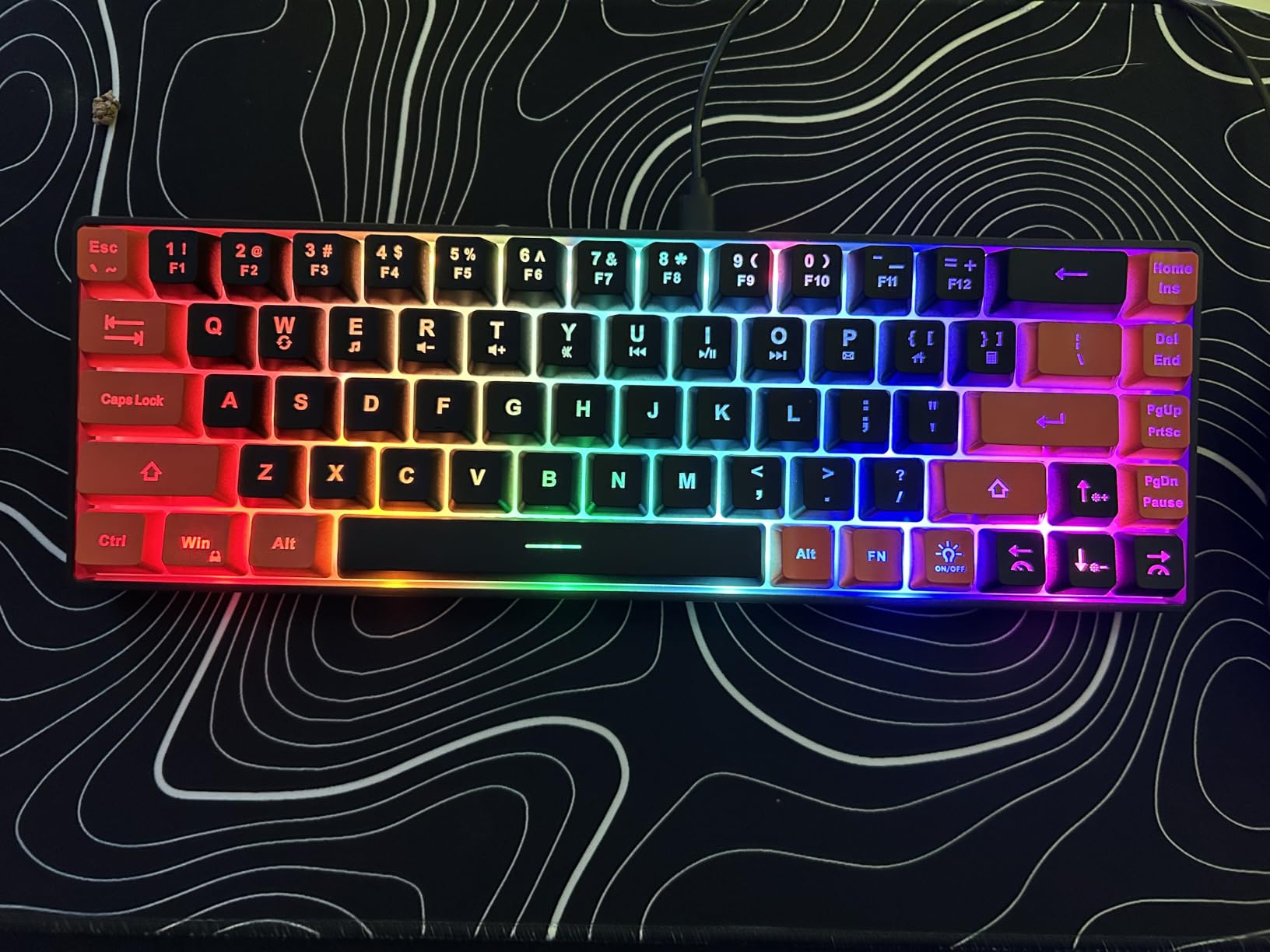
The GEODMAER board exists for one reason, and that reason is valid. If your desk is small, your budget is small, and you need arrow keys that sit where ANSI puts them, this is the shortest path to a 65% layout.
It uses a membrane mechanism with an imitation mechanical feel and a rated lifespan above 10 million keystrokes. The backlight offers always-on and breathing modes with brightness and speed on Fn combinations, plus 11 dedicated media buttons along the top edge.
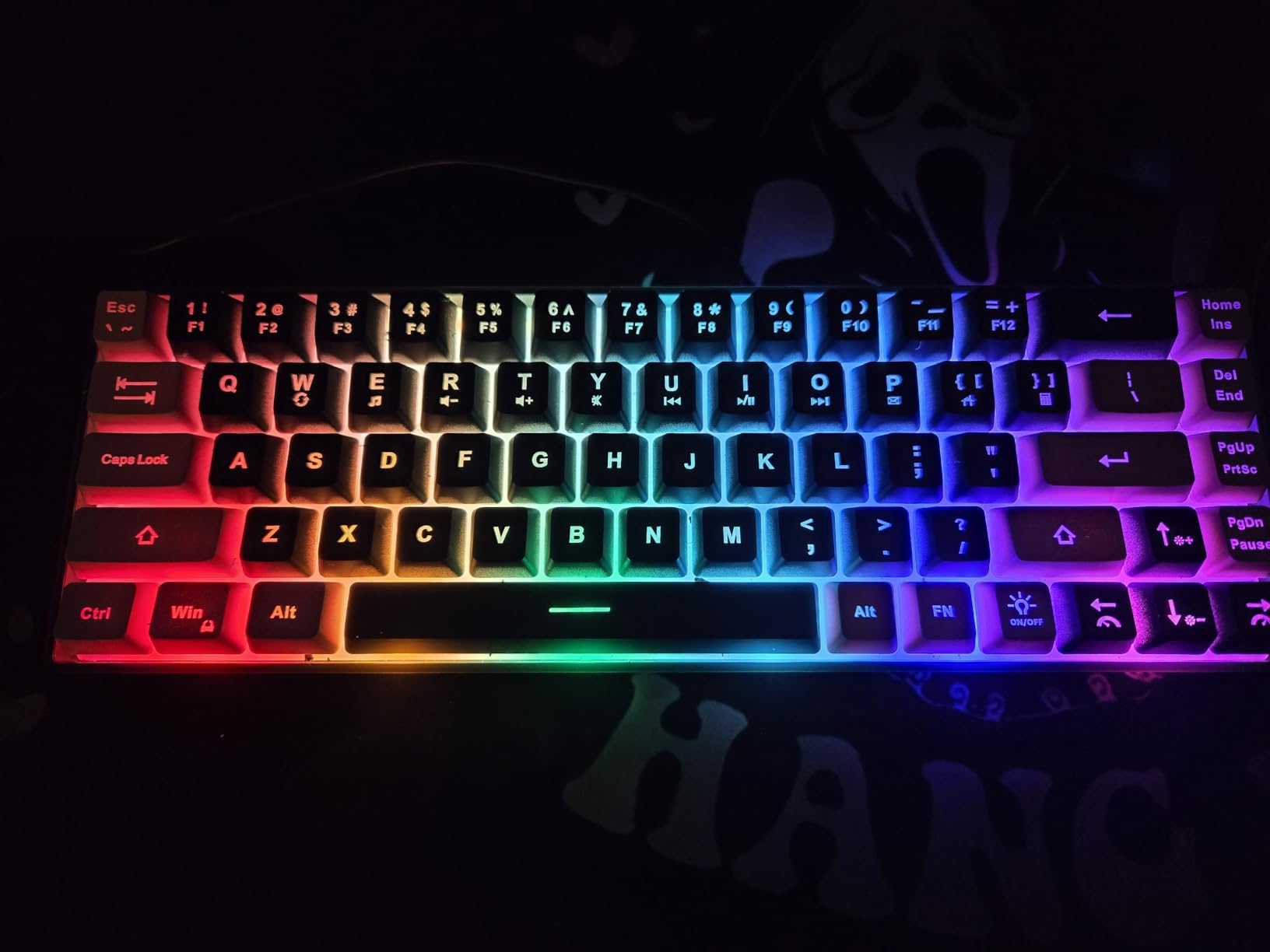
The detachable Type-C cable gives a stable low-latency wired connection, and the Win key locks out through Fn plus Win so it cannot interrupt a match. Transparent light keycaps make the legends readable with the backlight on, which is rare at this level.
Two-color injection keycaps sit at an ergonomic height that most testers find more comfortable than a flat membrane alternative. My only reservation is the spacebar, which several reviews single out as loud and squeaky.
Is a membrane keyboard bad for gaming?
For shooters where input latency is everything, a mechanical switch is a safer bet. For MMO play, strategy titles and a keyboard you will also type on all day, the quieter membrane action is a legitimate choice and reviewers often prefer it.
Who should skip the GEODMAER?
Anyone chasing a premium feel, a metal plate or a repairable board. Weight and exact dimensions are not published by the manufacturer, so if you are measuring to the millimetre before buying, this is the wrong product to guess with.
7. RK Royal Kludge R75 – Best Sound in a Compact Frame
RK ROYAL KLUDGE R75 Mechanical Keyboard Wired with Volume Knob, 75% Keyboard Gasket Mounted, Hot Swappable, Creamy Sound, MDA Profile, PBT Keycaps, Pink
81-key 75% layout
0.8 kg
12.72 x 5.59 inch
Gasket mount
Wired
Pros
- Gasket mount with layered foam gives a genuinely creamy sound
- CNC aluminum volume knob
- Hot-swappable sockets accept 3-pin and 5-pin
- MDA profile PBT keycaps
Cons
- Wired only with no wireless option
- Pink colorway is not a universal choice
- White backlight sits behind transparent keycaps
The R75 is the quietest-feeling board in this roundup and it does it with damping rather than with silent switches. An IXPE switch pad, two thicker foam layers and a silicone dampener pad sit under a gasket mount, which kills the hollow resonance most 75% cases have.
At 12.72 inches wide it matches the two other 75% boards here, so you are buying sound and build quality rather than extra desk space. The CNC aluminum volume knob is a real part with a detented feel, not a decorative plastic ring.
Hot-swappable sockets take both 3-pin and 5-pin switches, and the MDA profile PBT keycaps feel substantial under the fingers. Lighting runs through 18 RGB modes plus 8 monochrome modes with five brightness and five speed levels.
How loud is the R75 in a shared room?
Quiet for a mechanical board. The gasket and foam stack remove most of the case ring, so what you hear is the switch itself. That makes it a good roommate choice even though the switches are not silent types.
Who should skip the R75?
Anyone who wants to clear their desk with a single cable or dongle, since this board is wired only. It also needs a driver for full RGB control, and the pink colorway is a matter of taste rather than function.
8. Logitech G413 TKL SE – Best Build Quality at This Width
Logitech G413 TKL SE Mechanical Gaming Keyboard – Black
87-key TKL layout
650 g
16 x 7 inch
Aluminum top case
PBT keycaps
Pros
- Brushed aluminum-magnesium top case with minimal flex
- Heat and wear resistant PBT keycaps
- Quiet tactile switches for typing and gaming
- White LED lighting needs no software
Cons
- Widest board here at 16 inches
- Switches are soldered and not hot-swappable
- White-only backlight with no RGB
- No Print Scroll or Pause keys
I want to be straight about this one: at 16 inches wide, the G413 TKL SE is the biggest keyboard in the roundup, and it is only appropriate for a small desk if that desk is at the upper end of small. On a 48-inch surface it sits comfortably. On a 36-inch surface it will eat the mouse area.
What earns the space is the chassis. A brushed aluminum-magnesium top case barely flexes under pressure, and heat and wear resistant PBT keycaps are a step above the double-shot ABS most boards at this width use.
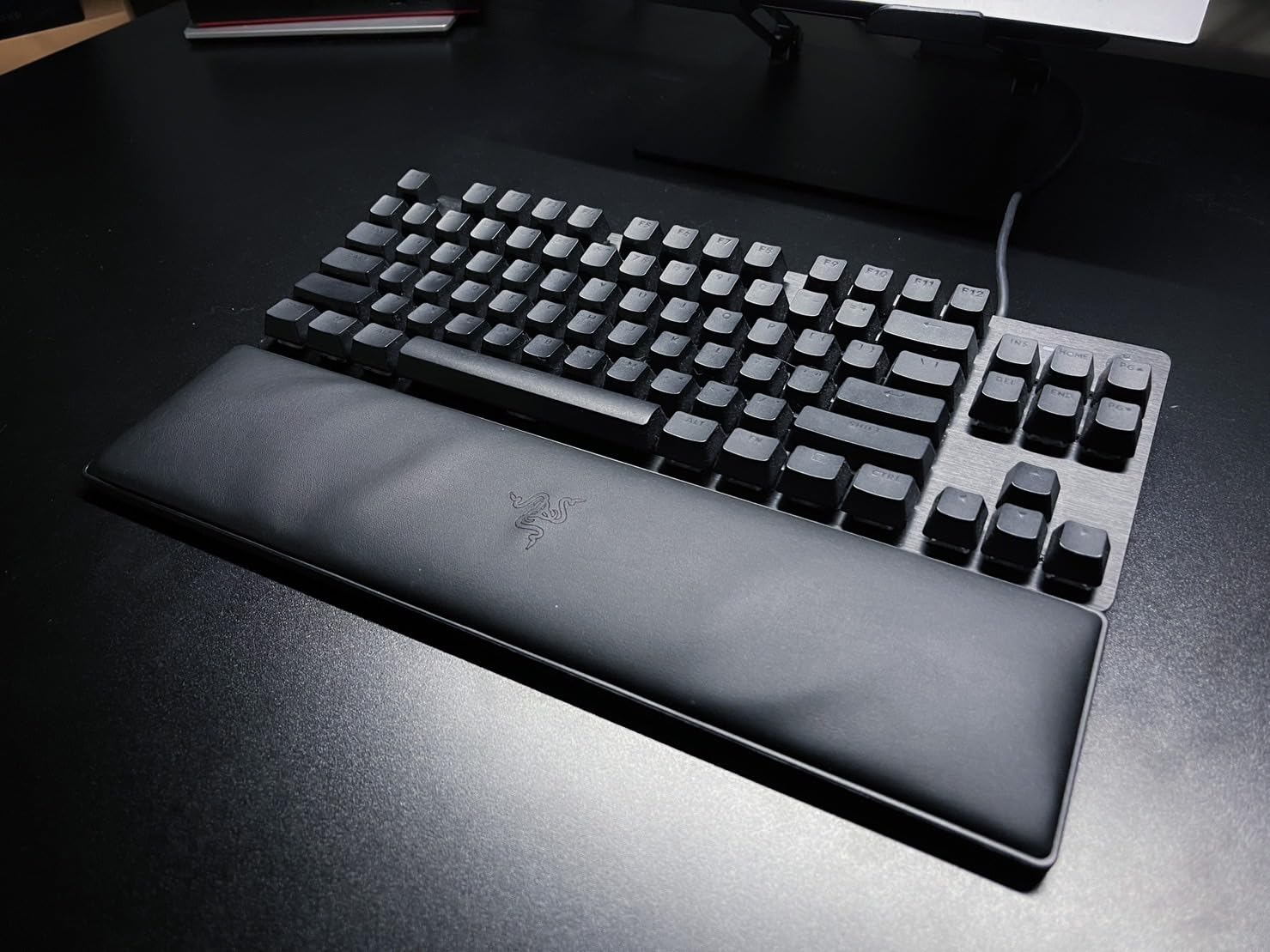
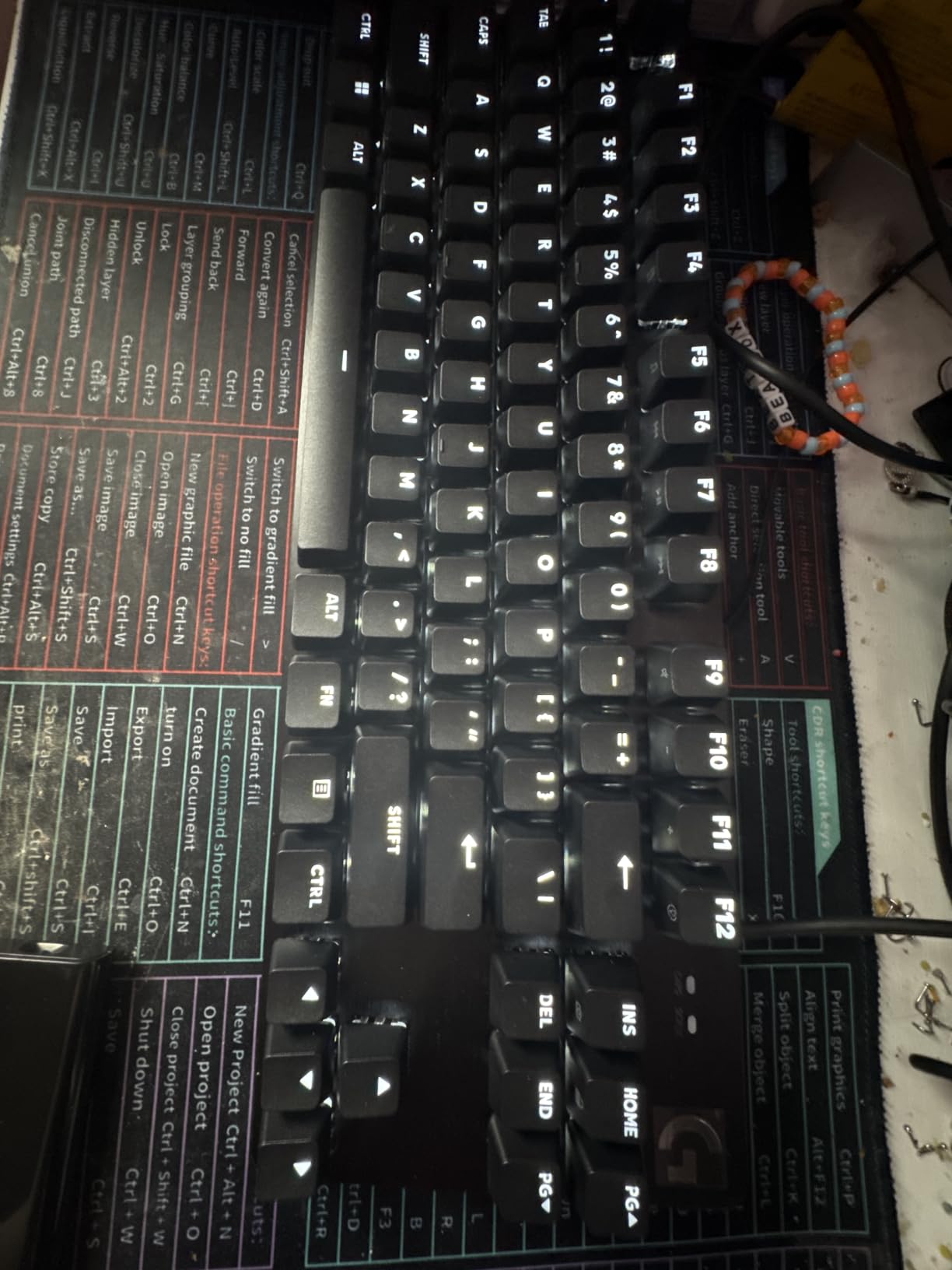
The tactile mechanical switches are on the quiet side, which makes this a genuinely good board for typing and gaming on the same machine. Twelve Fn shortcuts handle volume, playback, mute, lighting toggle and the Windows key lock, so no software is required for daily use.
Anti-ghosting covers six keys at once, which is lower than N-key rollover but more than enough for anything short of a six-player MMO burst.
Is 16 inches too wide for a small desk?
On anything under 44 inches, yes. Measure your desk width before you commit, and subtract about 2 inches for the cable routing behind the board. If the number works, the build quality justifies the space.
Who should skip the G413 TKL SE?
Modders and RGB fans. The switches are soldered, the backlight is white only, and the SE revision drops Print, Scroll and Pause keys. Several reviewers call the lack of hot-swap support the deciding factor in how long the board lasts for them.
9. HyperX Alloy Origins 65 – Best Compact Board With an Aluminum Plate
HyperX Alloy Origins 65 – Mechanical Gaming Keyboard – Compact 65% Form Factor – Linear Red Switch – Double Shot PBT Keycaps – RGB LED Backlit – NGENUITY Software Compatible,Black
65-key 65% layout
2.3 lb
13.7 x 5.7 inch
Aluminum plate
RGB LED
Pros
- True 65% footprint at 13.7 inches with arrows
- Aluminum plate gives a firmer key feel
- Double-shot PBT keycaps resist wear
- Works with PS4 PS5 and both Xbox generations
Cons
- Heaviest board here at 2.3 pounds
- No dedicated function row so layers are required
- Second highest one-star share in this group
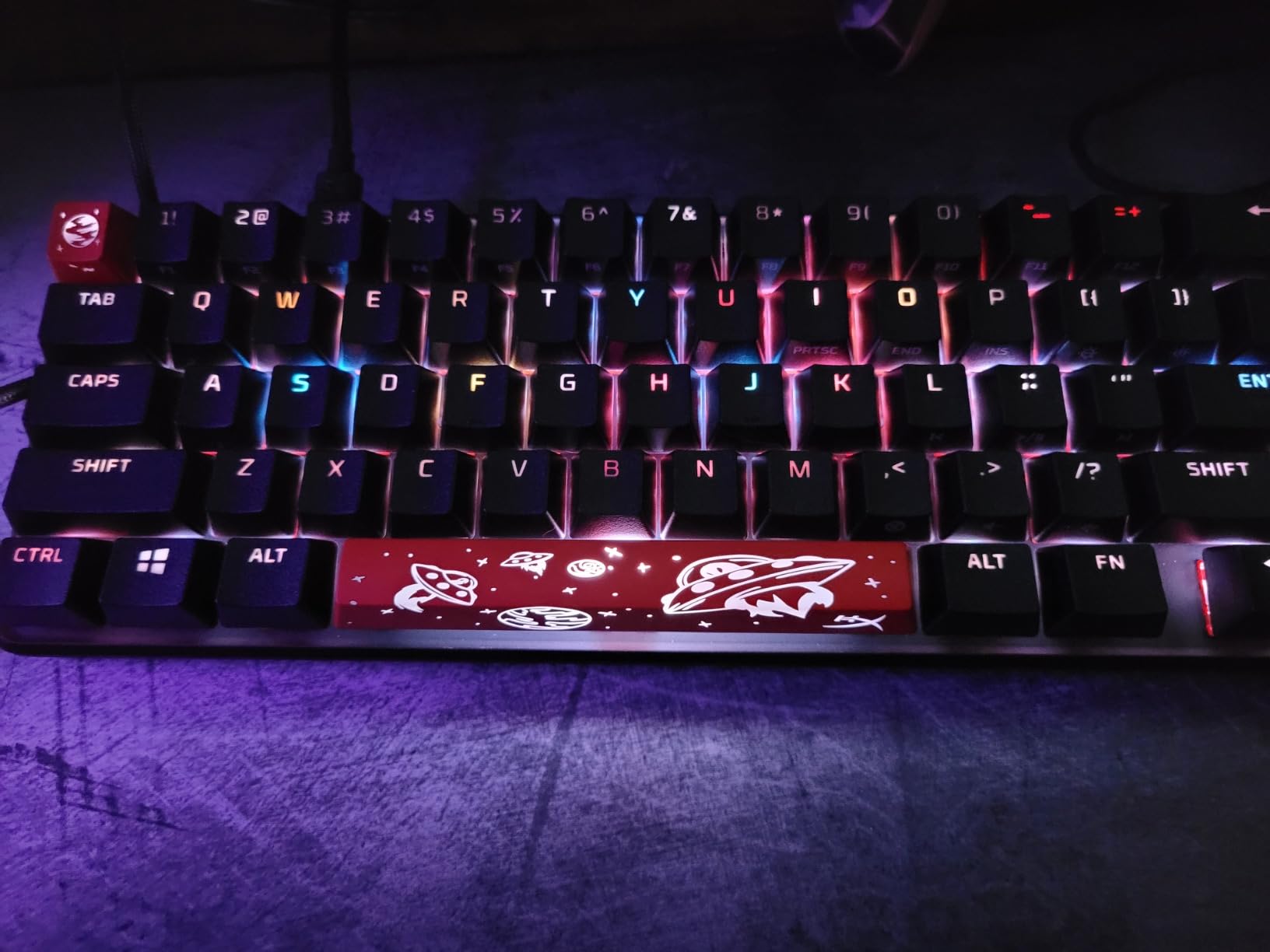
The Alloy Origins 65 is the smallest board here with a metal plate, and that plate is why it feels more expensive than its width suggests. A solid mounting surface reduces the hollow bottom-out you get from plastic cases at the same footprint.
At 13.7 inches it lands between a 65% and a 75% in usable width, but the key count is a true 65 keys. You keep arrow keys and lose the dedicated function row, so navigation runs through Fn layers.
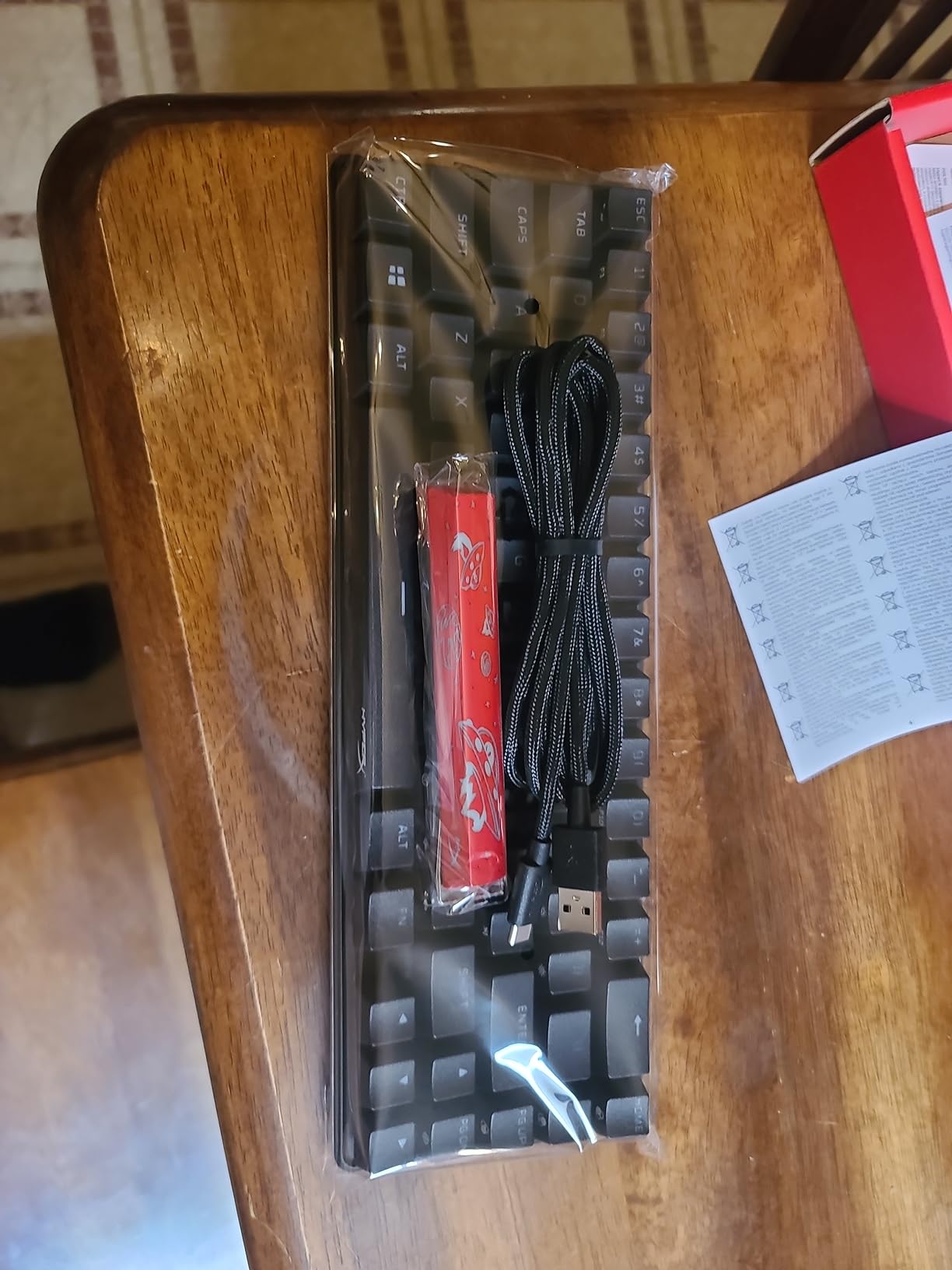
The HyperX linear reds are smooth with little scratch, and the double-shot PBT keycaps keep their legends through heavy use. RGB LED backlighting works through NGENUITY software, which is optional rather than mandatory for basic function.
Console support covers PS4, PS5, Xbox One and the Xbox Series line out of the box, and alternate Esc and spacebar keycaps come in the box. That spare-keycap detail is small but tells you the board was designed for people who care about their setup.
Is 2.3 pounds a problem on a small desk?
Weight is a benefit unless you move the board constantly. At this size it will not slide when you push against it, which matters more than portability on a desk where a wrist rest already occupies the foreground.
Who should skip the Alloy Origins 65?
If you need a physical function row, the layer system will slow you down for the first few days. The rating also sits below the gasket-mount boards here, with a 6 percent one-star share, so buyers expecting a flawless board should look elsewhere.
10. AULA WIN68 HE – Best for Rapid Trigger on a Small Desk
AULA WIN68 HE Mechanical Gaming Keyboard 60%, Hall Effect Magnetic Switch, Fast Trigger Mode Adjustable Actuation, 8000Hz Polling Rate, RGB Backlit, Wired Black Keyboard for Laptop/PC Gamer
68-key 60% layout
686 g
Hall effect magnetic
8000Hz at 0.3ms
Pros
- Actuation adjusts from 0.02mm to 3.44mm per key
- Fast trigger mode resets each key independently
- 8000Hz polling with 0.3ms latency
- Smooth linear magnetic switches at a mid cost
Cons
- Web driver is awkward to find and labels are unclear
- Wired only with no wireless mode
- Only a 6-month warranty
The WIN68 HE is the only magnetic board here, and that changes what you can do with it. Actuation point adjusts from 0.02mm to 3.44mm in 0.1mm steps per key, so you can set W and S to fire on a hair’s breadth of travel while leaving the other letters at a normal feel.
Fast trigger mode sets press and reset sensitivity independently for each key. In a shooter, that means you can reset a key the instant it moves back toward its rest position rather than waiting for a full return, which is the practical reason competitive players move to magnetic boards.
Polling is rated at 8000Hz with 0.3ms latency. Above 1000Hz the difference is genuinely hard to perceive on a keyboard, so treat that number as a marketing floor rather than a reason to pick this board.
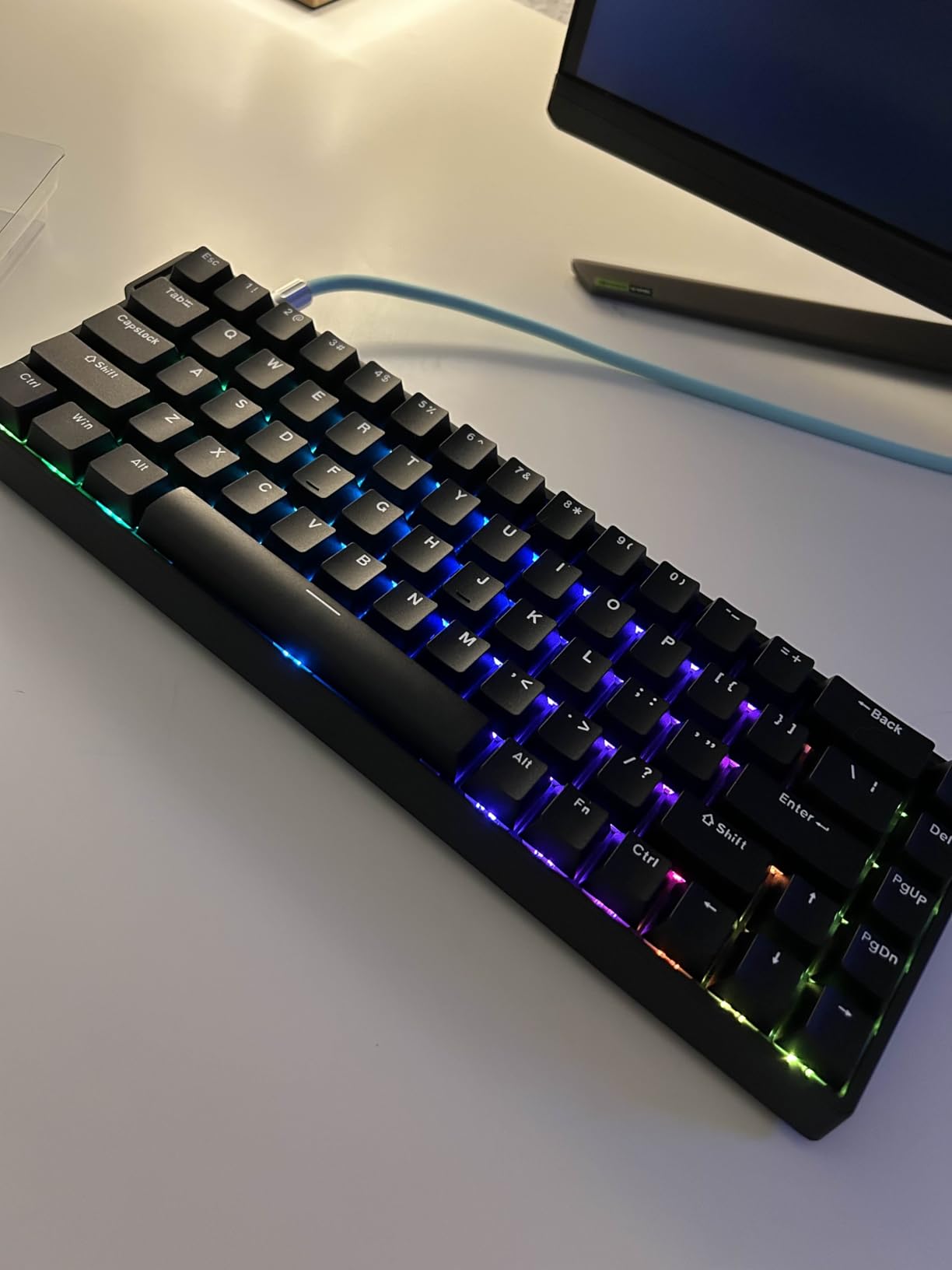
The build is solid at 686 g and does not slide, the switches are hot-swappable, and two spares plus a puller and ribbon cable come in the box. South-facing RGB gives clean per-key lighting across 16.8 million colours.
Is 8000Hz polling worth anything on a keyboard?
Very little, on its own. What matters is the adjustable actuation and fast trigger behaviour, which you can feel. If a board is selling you on polling rate alone, keep looking at the switch technology instead.
Who should skip the WIN68 HE?
People who game on a laptop and want one wireless device. This is wired only, its driver lives in a web browser that reviewers report is hard to locate, and the warranty runs six months.
11. Logitech G515 LIGHTSPEED – Best Low Profile Option
Logitech G515 Lightspeed TKL Wireless Gaming Keyboard (Tactile) – Black
90-key slim TKL
150 g
GL Brown tactile
LIGHTSPEED and BT
Pros
- Slim low-profile body frees vertical desk clearance
- Factory-lubed GL Brown tactile switches feel refined
- Up to 36 hours of continuous battery life
- TRI-mode with LIGHTSPEED Bluetooth and wired
Cons
- Highest specification level in this group
- Deep customization requires G HUB software
- Listed compatibility omits macOS
The G515 solves a different half of the small-desk problem. Where every other board here is measured by width, this one is measured by height. A slim low-profile tenkeyless body keeps the front edge of your desk clear for your wrists and forearms, which matters if your desk is shallow rather than narrow.
The GL Brown tactile switches are factory-lubed and genuinely quiet, which is unusual for a gaming board that still wants per-key RGB. LIGHTSYNC lighting integrates with other Logitech G hardware through G HUB, and double-shot PBT keycaps have an anti-oil coating.
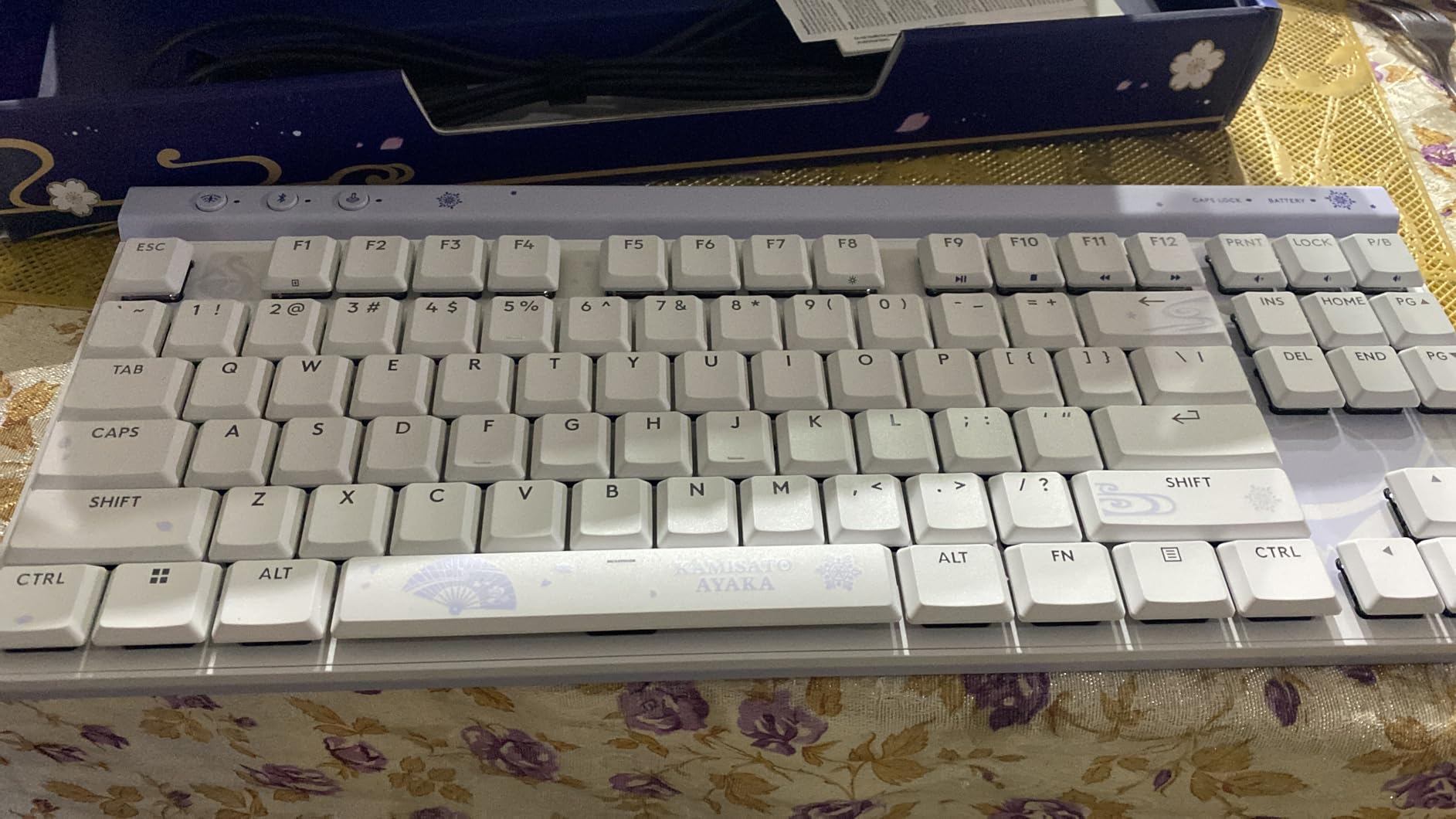
Three hotkeys on the top edge switch between LIGHTSPEED, Bluetooth and Game Mode without opening any software. The report rate over LIGHTSPEED is 1ms, and the board can pair a 2:1 wireless mouse at the same time if you want one receiver for both devices.
Battery life is quoted at up to 36 hours of continuous use. Exact dimensions are not published in the listing we worked from, so measure your own desk clearance rather than assuming this one is narrower than it looks.
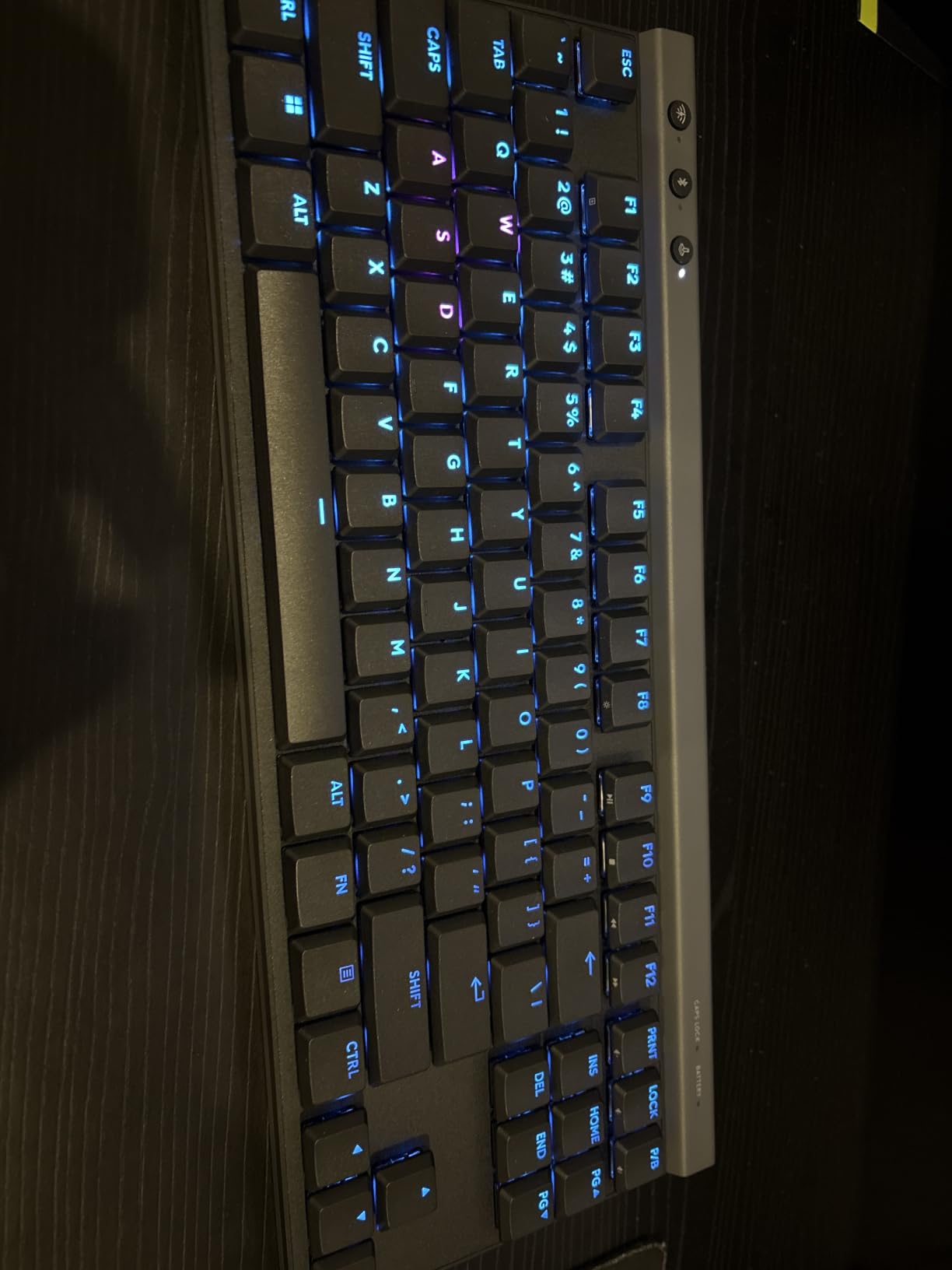
Is low profile better than small for a cramped desk?
If your desk is narrow, go small. If your desk is shallow or your wrists hit the front edge, low profile is the fix that the 60% boards in this roundup cannot offer. Both problems are common, and they are solved by different dimensions.
Who should skip the G515?
Buyers working to a strict figure, since it sits at the top of this group’s specification range. G HUB is required for deeper customization, and the listed compatibility does not include macOS. It is also a 90-key tenkeyless, so it is wider than the compact boards it sits next to.
12. DIERYA T68SE – Narrowest Board in the Roundup
DIERYA T68SE 60% Gaming Mechanical Keyboard,Ultra Compact Mini 68 Key with Blue Switches Wired Keyboard,Anti-Ghosting Keys, for Windows Laptops and PC Gamers,White
68-key 60% layout
11.41 x 3.89 inch
Bluetooth 2.4GHz USB-C
Blue LED
Pros
- Narrowest footprint in the roundup at 11.4 inches
- Tri-mode wireless and wired in a compact body
- Clicky blue switches give clear feedback
- Full anti-ghosting across all 68 keys
Cons
- Clicky blue switches are loud in open rooms
- Single-color blue LED with no RGB
- Polycarbonate plate and ABS shell feel light
The T68SE is the answer to the most literal version of this question. At 11.41 inches wide by 3.89 inches deep it is the smallest footprint here, and it still gives you 68 keys with a separate arrow cluster and tri-mode connectivity.
Having Bluetooth 5.0, 2.4GHz and USB-C in a board this small is unusual. You can pair up to three Bluetooth devices, which makes it the easiest board in the roundup to move between a desktop and a laptop without a dongle.
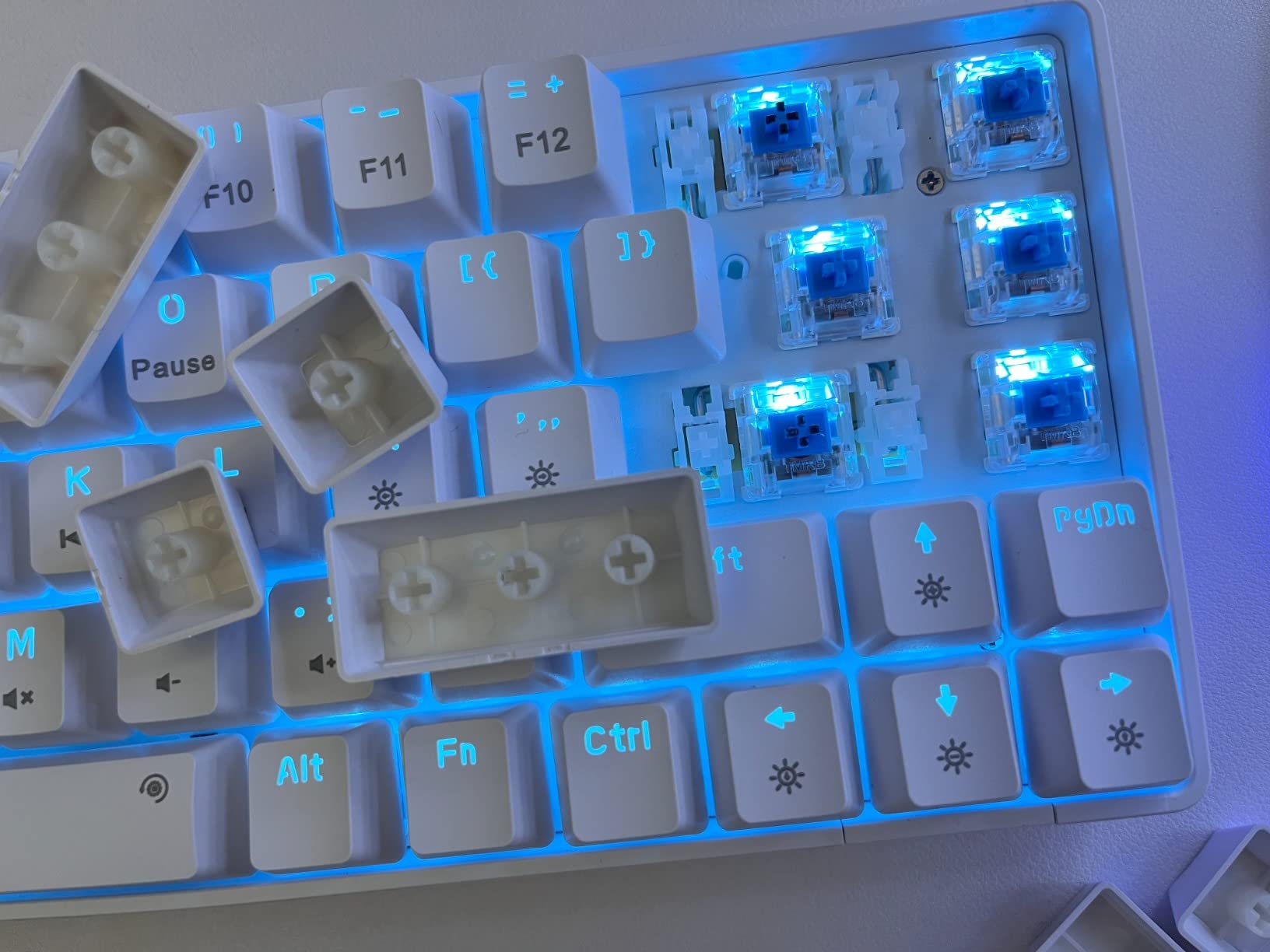
The clicky blue mechanical switches give a distinct tactile bump and an audible click, which some testers like as confirmation that a key fired. Nineteen LED lighting modes are available with brightness and speed adjustment, though the backlight is single-colour blue only.
Anti-ghosting runs across all 68 keys and the polycarbonate plate keeps the board light. Compatibility covers Windows across several generations plus Linux, with partial Mac support.
Are clicky switches too loud for a small apartment?
In a shared room, they can be. Clicky blue switches produce a sharper, higher-frequency click than linears or tactiles. If you play with voice chat in the same space, choose the tactile or linear boards in this roundup instead.
Who should skip the T68SE?
Anyone chasing RGB or a metal chassis. The blue LED and polycarbonate plate make this a straightforward budget board, and weight is not listed so you cannot judge how it will sit on a slick surface. Its saving grace is that it does not ask you to learn layers for the arrows.
How to Choose a Gaming Keyboard for a Small Desk?
Measure your desk width first, then subtract two inches for cable routing behind the board. That single number tells you which layouts are physically possible, and it removes most of the guesswork before you start reading switch specifications.
Which layout should you pick for your desk width?
A 60% board drops the function row, the navigation cluster and the numberpad, landing at 61 to 68 keys and roughly 11.4 to 12.7 inches wide. A 65% board adds a dedicated arrow cluster and usually reaches about 13.7 inches. A 75% board restores the function row and fits in about 12.7 to 12.72 inches with 80 to 81 keys. A tenkeyless layout gives you the full alphabet plus arrows and function keys at 14.3 to 16 inches.
On a desk under 36 inches, stay at 60% or 65%. Between 36 and 44 inches, a 75% board is the sweet spot because the extra keys cost almost no width. Above 44 inches, tenkeyless becomes comfortable and you get the media controls that compact layouts force you to remap.
How much mouse space does a layout actually free up?
A full-size board with a numberpad is about 18.5 inches wide. Moving to a 60% board at 12 inches frees roughly 6.5 inches of horizontal surface, which is enough to run a mat sized for low-sensitivity aiming rather than one sized for comfort at high sensitivity.
Depth matters too, and it is where wrist rests get ignored. A keyboard is 4 to 5 inches deep on its own, so a 2-inch wrist rest turns a 5.3-inch board into a 7.3-inch footprint. On a shallow desk, skip the rest, angle the board with its feet, and keep the front edge clear.
Which switch type should you pick?
Linear switches press smoothly to the bottom with no bump, which suits long gaming sessions and fast inputs. Tactile switches add a light bump on the way down, giving you feedback without the noise of a clicky. Clicky blue switches are audible and confirm each keystroke, which suits an office and annoys everyone else.
Do you need wireless, and does polling rate matter?
Wireless is a desk-cleanliness win, not a performance requirement. Every board here responds within a range competitive players cannot separate, so choose 2.4GHz or Bluetooth for a clearer surface and stick with wired if you want zero doubt. Bluetooth is for convenience, not for matches.
Polling rate is the most over-hyped number in the category. Anything above 1000Hz is very difficult to tell apart on a keyboard, because the human hand cannot resolve the difference in timing at that scale. Weigh the polling figure against switch feel, build and footprint.
How do you fix the keys a 60% board takes away?
Open the board’s software or firmware and use the Fn layer that most compact boards map to I, J, K and L for the four arrow keys. Move Home, End, Page Up and Page Down to the same layer or to the U, O, P and bracket keys.
Screenshots usually live on Fn plus a function key or Fn plus the Insert key, depending on the board. Set a macro for it once and stop thinking about it. Budget ten minutes per layer for the first week and the missing keys stop registering mentally.
What should you check before buying?
Confirm hot-swappable sockets if you intend to change switches, and read the warranty length because it ranges from six months to three years across this group. Check whether weight and dimensions are published, since two boards here do not list them, and confirm the board works with your operating system without a driver.
Reviews here go stale fast, so treat the ratings as a snapshot rather than a promise. Updated for 2026, every measurement in this guide comes from the manufacturer listing rather than from a rounded-up impression of what compact means.
Frequently Asked Questions
What is the best 60% gaming keyboard for gaming?
The Redragon K617 is our pick for the best 60% gaming keyboard on a small desk. It measures 12.2 by 5.31 inches, weighs 9.6 ounces and has hot-swappable sockets for both 3-pin and 5-pin switches, so you can change the loud stock reds for silent tactiles in minutes.
Are 60% keyboards better for gaming?
For competitive shooters, yes. Removing the numberpad, function row and navigation cluster frees roughly 6 to 7 inches of desk width compared with a full-size board, which lets you run a larger mouse mat and sweep at lower sensitivity. The cost is losing dedicated arrow and function keys, which you move to a Fn layer.
What is the best compact gaming keyboard?
The best compact gaming keyboard depends on which missing keys you can live without. The Redragon K617 wins on footprint and hot-swap support, while the EPOMAKER x Aula F75 wins if you want a 75% layout with arrows and a function row inside 12.7 inches.
Is a compact keyboard better for gaming?
A compact keyboard is better on a small desk because the keyboard is usually the largest object on the surface. Shrinking it converts directly into wider mouse sweeps and fewer mid-match repositioning adjustments. On a desk wider than 48 inches, the benefit shrinks and the missing keys start to matter more.
What keyboard size is best for a small desk?
A 60% layout is best for desks under 36 inches wide, at roughly 11.4 to 12.7 inches across and 61 to 68 keys. A 65% board at about 13.7 inches suits desks from 36 to 44 inches if you use arrow keys. A 75% layout stays under 13 inches and restores the function row, making it the best compromise for most small desks.
Is a wireless gaming keyboard okay for gaming?
Yes. At this tier, wireless over 2.4GHz is not distinguishable from a wired connection in play, and several boards here pair multiple devices. Bluetooth is the one to avoid for competitive matches. If you want zero doubt, any of the wired models in this roundup will keep a clean desk just as well.
Final Verdict
Measure your desk before you buy anything, then pick the narrowest layout that keeps the keys you actually use. The Redragon K617 is our overall pick for the best gaming keyboards for small desks because it combines the smallest usable footprint here with hot-swappable sockets, which is the feature that keeps any compact board alive past its first year.
Take the EPOMAKER x Aula F75 if you work on the same surface, the AULA WIN68 HE if you play competitive shooters and want fast trigger, and the Logitech G515 if your desk is shallow rather than narrow. Updated for 2026, every dimension on this list comes from the manufacturer listing.