

If you are shopping an ultraportable this October and want to keep the budget tight, the 13-inch MacBook Air M5 is the one to watch first: it pairs an M5 chip with Neural Accelerators, 16GB of unified memory, a 512GB SSD and a 13.6-inch Liquid Retina display in a 2.71 pound fanless body with up to 18 hours of stated battery life. For a bigger desk, the renewed 15-inch MacBook Air M3 gives you a 2880 x 1864 panel with the same chip family. If the budget is tighter, the renewed 13-inch M3 is the value play, and the M1 13.3-inch model costs the least of any listing here.
Every configuration on this list is the kind of deal worth watching during Amazon’s Prime Big Deal Days, which runs October 6-7, 2026. Prices and configurations move through the event, so treat this list as the picks worth watching rather than a promise of a specific number at checkout.
Table of Contents
Our Top 3 Picks for Best Amazon Prime Big Deal Days MacBook Air Deals Under $1000

MacBook Air M5 13-inch
- M5 chip with Neural Accelerators
- 16GB unified memory
- 512GB SSD
- 13.6-inch Liquid Retina display

MacBook Air M3 15-inch
- M3 8-core CPU
- 8GB unified memory
- 256GB SSD
- 15.3-inch 2880 x 1864 display

MacBook Air M3 13-inch
- M3 8-core CPU and 10-core GPU
- 8GB unified memory
- 256GB SSD
- 13.6-inch Liquid Retina display
Best Amazon Prime Big Deal Days MacBook Air Deals Under $1000 Compared (2026)
| Product | Specifications | Action |
|---|---|---|
| MacBook Air M5 13-inch |
|
Check Deal Price |
| MacBook Air M3 15-inch |
|
Check Deal Price |
| MacBook Air M3 13-inch |
|
Check Deal Price |
 MacBook Air M2 13-inch MacBook Air M2 13-inch |
|
Check Deal Price |
 MacBook Air M2 15-inch MacBook Air M2 15-inch |
|
Check Deal Price |
 MacBook Air M1 13-inch MacBook Air M1 13-inch |
|
Check Deal Price |
How We Chose
We compared the specs that decide a purchase like this: chip generation, unified memory, storage, screen size and resolution, weight, port selection and warranty terms. Ratings and owner review counts came from the Amazon listings, checked October 2026. Every configuration listed here sits at or below the budget this list is built around.
1. MacBook Air M5 13-inch: The Editor’s Choice
MacBook Air M5 13-inch
Chip: Apple M5
Memory: 16GB / 512GB
Display: 13.6-inch
Weight: 2.71 lb
Pros
- Up to 18 hours of stated battery life
- 2.71 lb fanless body under half an inch thick
- 16GB and 512GB handles long multitasking sessions
- Wi-Fi 7 and Bluetooth 6 through the N1 wireless chip
- 91 percent of reviews are five star
Cons
- Only two Thunderbolt 4 ports
- 512GB fills quickly with large media libraries
- Apple-only software limits non-Apple setups
The only new-generation machine on this list, and the safest bet if you want the laptop to age well.
Everything about this configuration is aimed at a laptop you would still be happy with four years from now. The M5 chip carries next-generation GPU cores with Neural Accelerators, which is the part that matters for on-device AI work in macOS, and 16GB of unified memory is not something you can add later. Storage is a roomier 512GB, so a full library of photos or a large Xcode project does not immediately push you toward an external drive.
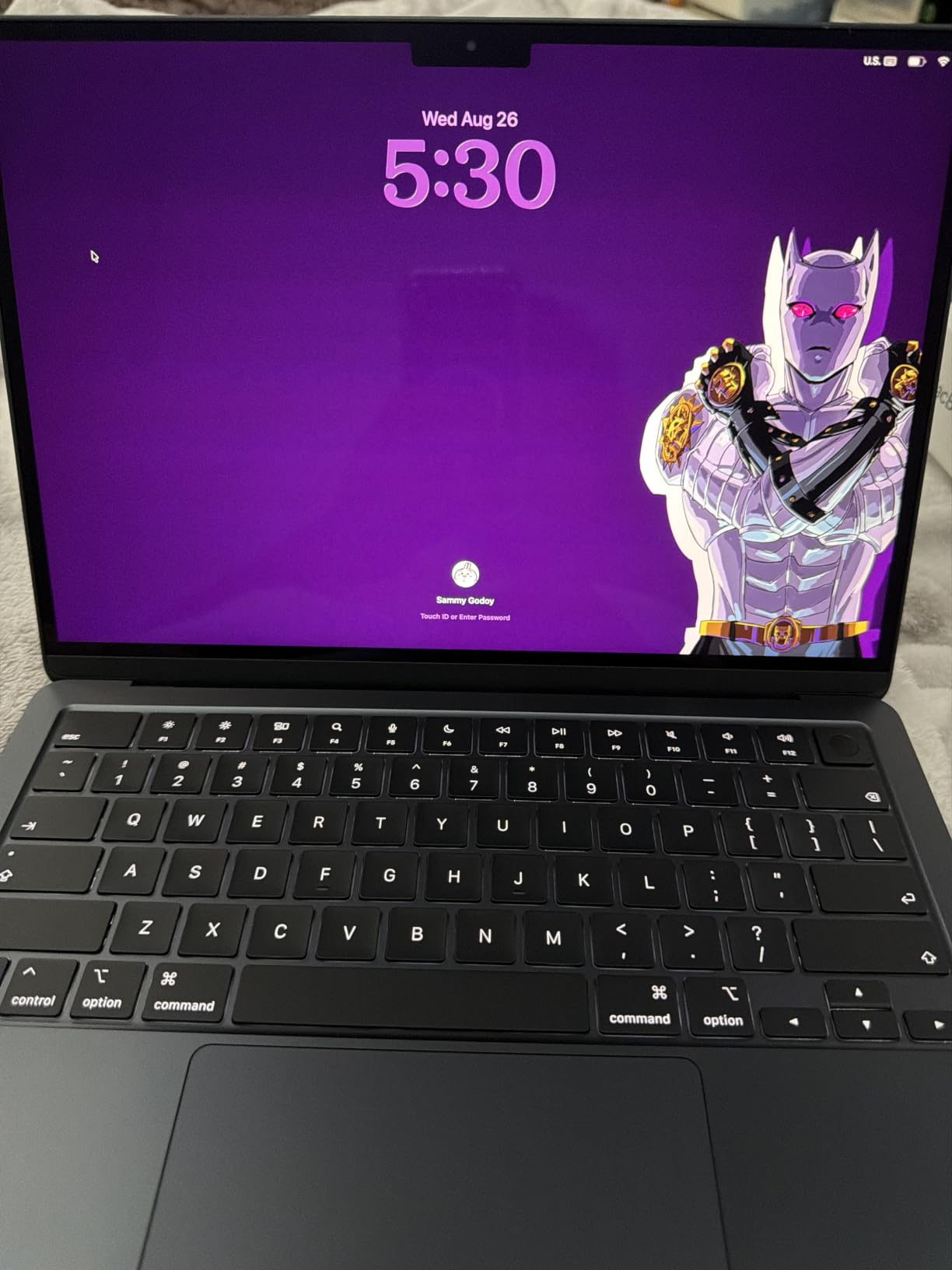
Portability is the real argument. At 2.71 pounds and 0.44 inches thick, it disappears into a tote bag, and the stated battery life of up to 18 hours means a long day of classes or a train ride through several time zones without a charger. The fanless design also means no fan noise, which matters more than people expect on a laptop used for calls.
The 13.6-inch Liquid Retina display supports 1 billion colors, and owners single it out repeatedly in reviews. If you spend hours in a creative app, a desktop you can plug in matters; our picks for monitors for MacBook Pro are worth a look, since two external displays are supported here.
Connectivity is the one place this listing is thin. Two Thunderbolt 4 ports, a MagSafe charging port and a headphone jack is the full complement, so a USB-C hub is close to essential for anyone with peripherals. Battery and memory also hold their value far better than the alternatives below, which is why it takes the top slot here even at the upper end of the budget.
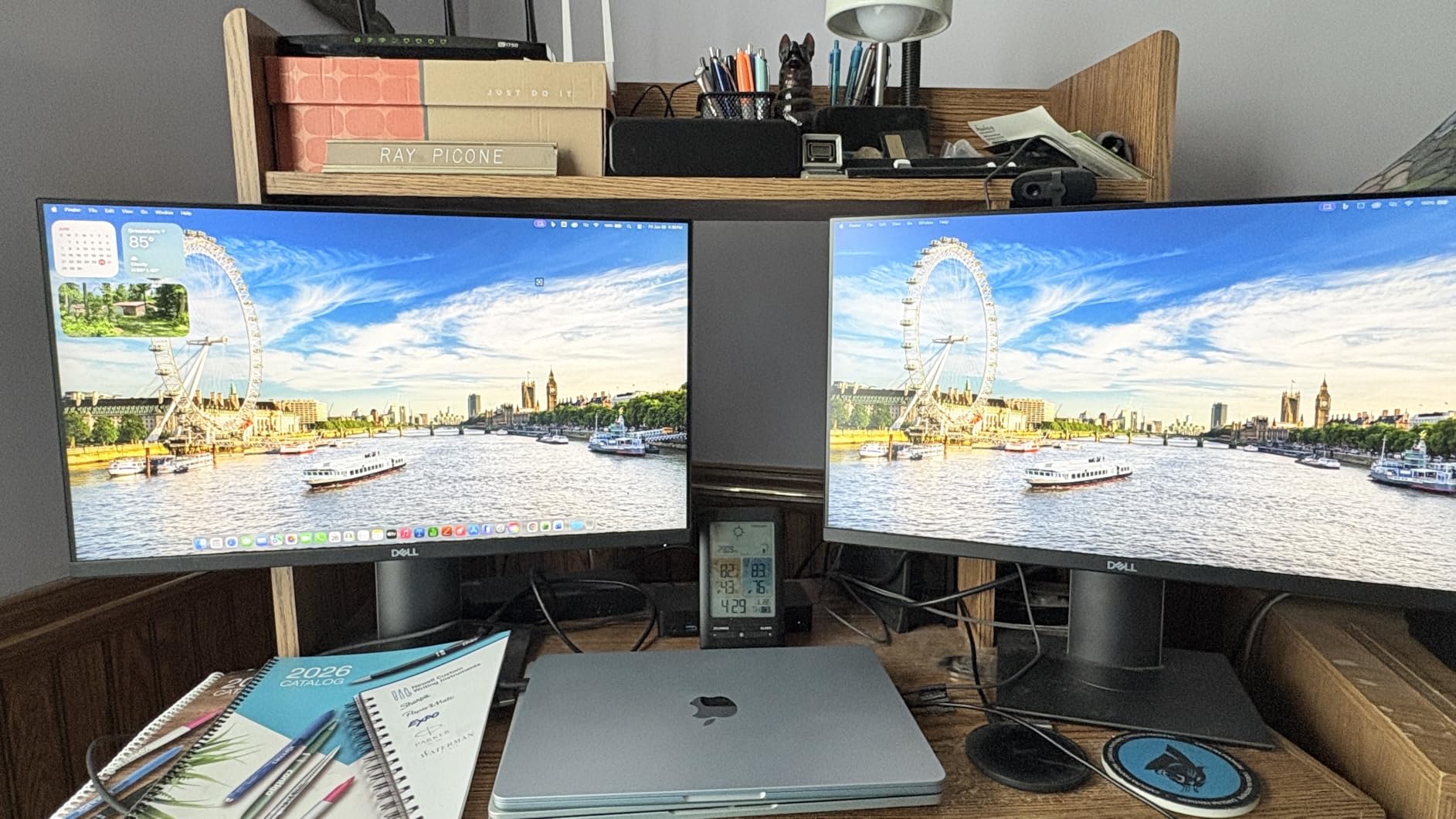
Compared with the MacBook Air M3 13-inch, the difference is generational rather than cosmetic: newer wireless, newer GPU and more headroom in memory. Compared with the M1 13.3-inch, it is the same idea of a laptop for four times the outlay. Buyers who mostly write documents and browse might be happier with the M2 13-inch, which carries 16GB of memory at a much lower cost.
Good to know: the model number on this listing is MDHE4LL/A and it first appeared on March 4, 2026. Check that model number on the listing detail before you order, because similar-sounding M4 configurations float around during Prime events and they are not the same machine.
2. MacBook Air M3 15-inch: The Best for Big Screens
MacBook Air M3 15-inch
Chip: Apple M3
Memory: 8GB / 256GB
Display: 15.3-inch
Weight: 3.32 lb
Pros
- 2880 x 1864 Liquid Retina screen with a 10-core GPU
- Silent fanless M3 performance
- Battery holds up well for long sessions
- Comes with a 35W adapter and MagSafe cable
Cons
- Only 8GB of unified memory
- 256GB storage is modest
- 90-day renewed warranty instead of the full one year
For anyone who spends the day in spreadsheets, a code editor or two windows side by side, the extra 1.7 inches of diagonal is worth more than a newer chip.
This is a renewed 2024 model with the M3 chip’s 8-core CPU, a 10-core GPU and a 16-core Neural Engine. The display is a 15.3-inch Liquid Retina panel at 2880 x 1864, which on a desk at arm’s length gives you room for a browser window beside a document without shrinking either one.

It weighs 3.32 pounds, so it is not a bag-filler the way the 13-inch models are, but it stays under half an inch thick at 0.45 inches. Owners like the silent, fanless behaviour during long document sessions, and the Midnight finish is the one most people picture when they think of an Air.
The trade-off owners report most often is the memory. Eight gigabytes of unified memory is not upgradeable, and it is the configuration that tends to feel tight first when many apps, browser tabs and a video call are running at once. If your day is heavy on multitasking rather than one big window, the 13-inch M2 on this list carries twice the memory at a lower cost.
Storage is 256GB, which is fine for documents and streaming but tight for a large photo library. Because this is an Amazon Renewed unit, the warranty is 90 days rather than the standard year, and it ships with a 35W dual USB-C power adapter and a 2 meter MagSafe cable rather than the newer square brick. Check the condition photos on the listing before you commit.
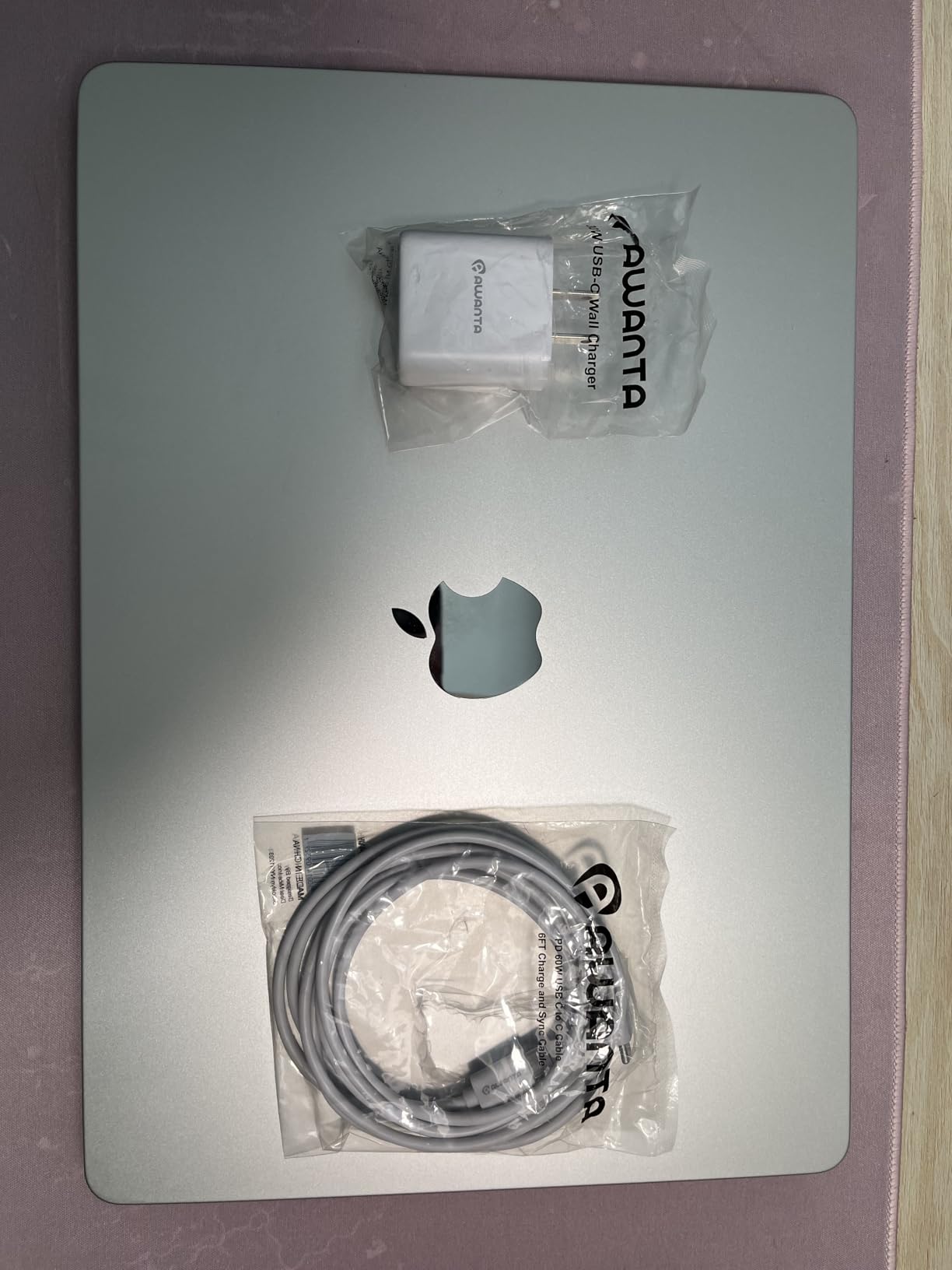
Against the MacBook Air M2 15-inch further down, the M3 panel lists the same resolution but sits on a newer chip, while the M2 listing names 500 nits and P3 wide color outright. If picture quality is your priority on a big screen, weigh those two carefully; if raw speed is, the M3 has the edge.
One detail worth confirming: the listing specifies macOS Sonoma as the operating system, so check what ships in the box and how it updates. The model number is MRYU3LL/A.
3. MacBook Air M3 13-inch: The Best Value
MacBook Air M3 13-inch
Chip: Apple M3
Memory: 8GB / 256GB
Display: 13.6-inch
Weight: 3.4 lb
Pros
- M3 8-core CPU with a 10-core GPU
- 13.6-inch Liquid Retina display
- Up to 18 hours of stated battery life
- Under half an inch thick
Cons
- 8GB of memory and 256GB storage
- Two Thunderbolt ports only
- Renewed warranty limited to 90 days
The configuration most people picture when they say budget MacBook Air: current-ish chip, familiar 13-inch shape, and the lowest outlay of the M3 machines here.
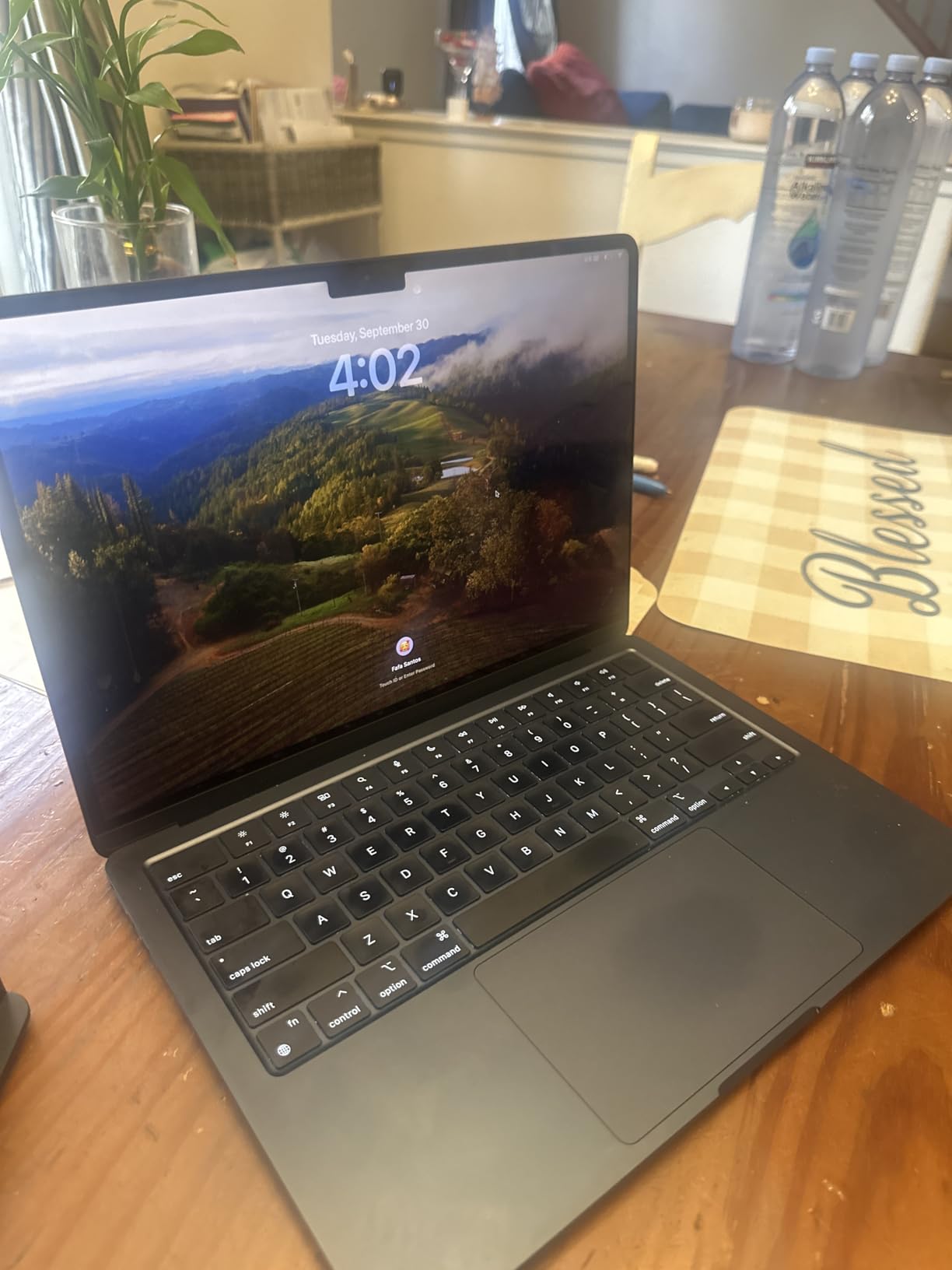
Under the hood it is the M3 with an 8-core CPU and 10-core GPU, which handles browsing, spreadsheets, light photo work and code editing without complaint. The 13.6-inch Liquid Retina display runs at 2560 x 1664, and the backlit Magic Keyboard includes Touch ID and a fingerprint reader.
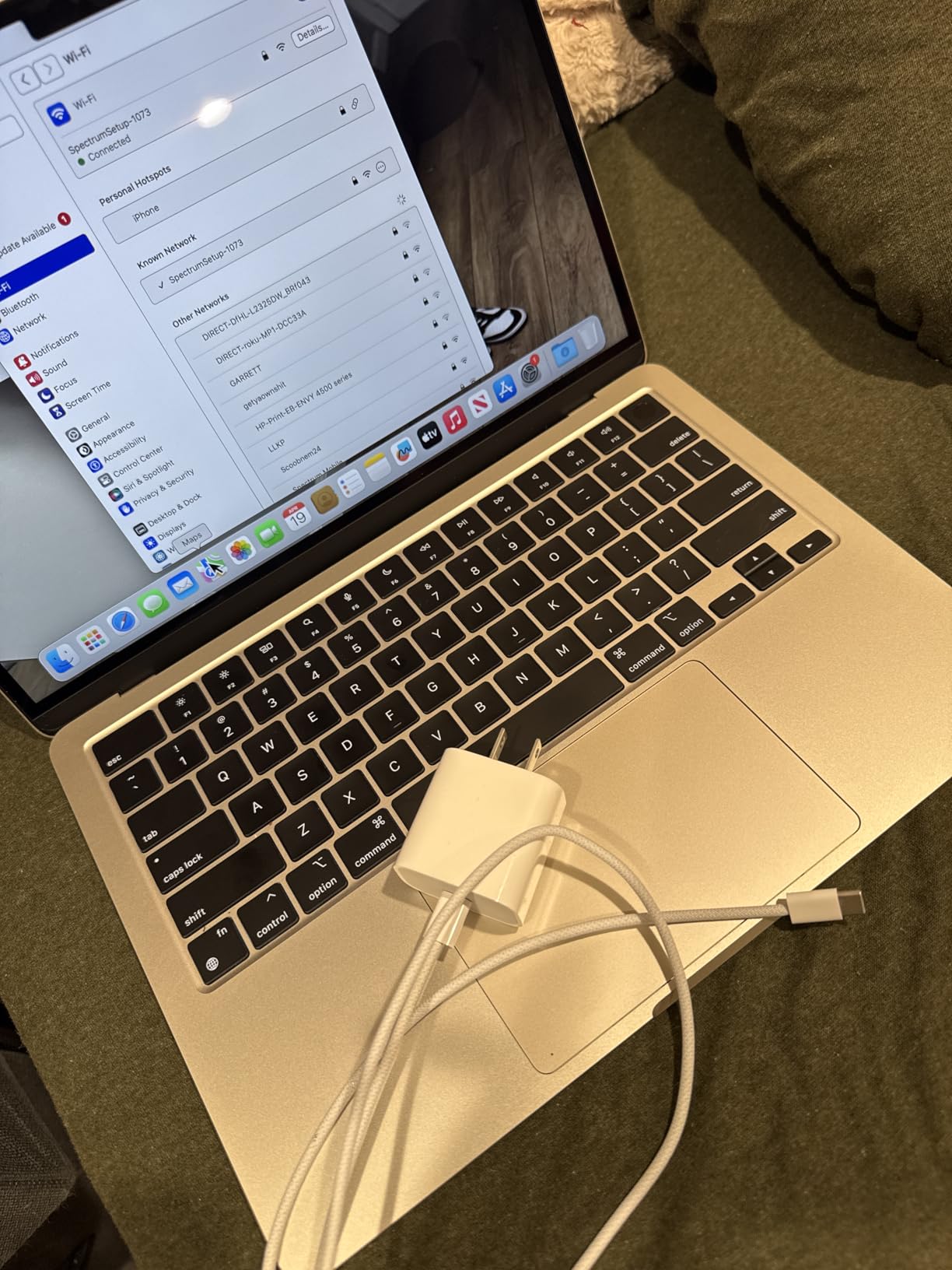
Battery life is stated at up to 18 hours on a 52.6 watt-hour lithium-ion battery, and Wi-Fi 6E with Bluetooth 5.0 covers most homes and offices. Space Gray is the colour on this listing, which is the one most students and office buyers end up with anyway.
What you give up for the lower outlay is memory and storage: 8GB of unified memory and 256GB of SSD. The listing notes the memory can be configured up to 24GB, but only at the factory, so this 8GB version is a fixed choice. Owners report that it stays smooth for school and office work and starts to feel tight only when many heavy apps run at once.
The weight figure of 3.4 pounds on this listing is heavier than the current 13-inch Air, so treat it as a semi-portable rather than an ultraportable. It is 0.44 inches thick and 11.97 by 8.46 inches across, which is the same footprint as the newer machines.
Stepping up from this one to the MacBook Air M5 13-inch keeps the same screen size and chassis feel but moves forward two chip generations, adding Wi-Fi 7, Bluetooth 6 and extra memory headroom. Buyers who plan to keep a laptop past four or five years should lean that way; buyers who just need a dependable machine for coursework will be happy here.
One honest note: this is a renewed unit with a 90-day warranty, and the listing notes an AC adapter plus a 2 meter MagSafe cable in the box. Model number A3113.
4. MacBook Air M2 13-inch: The Memory Pick
MacBook Air M2 13-inch
Chip: Apple M2
Memory: 16GB / 256GB
Display: 13.6-inch
Weight: 2.7 lb
Pros
- 16GB of unified memory at this price
- Silent fanless M2 performance
- 2.7 lb body stays portable
- Large base of owner reviews to judge it by
Cons
- 256GB storage only
- 2022-era wireless and Thunderbolt 3
- Renewed warranty limited to 90 days
If you want 16GB of memory on a laptop you carry every day, this is the only machine on the list that gives it to you without giving up portability.
Unified memory on Apple Silicon cannot be added after purchase, so this is the spec that decides whether a laptop still feels quick three years from now. Sixteen gigabytes means more browser tabs, more apps and a video call without the swap-and-stutter behaviour owners report on 8GB machines. Storage is the weak point at 256GB.
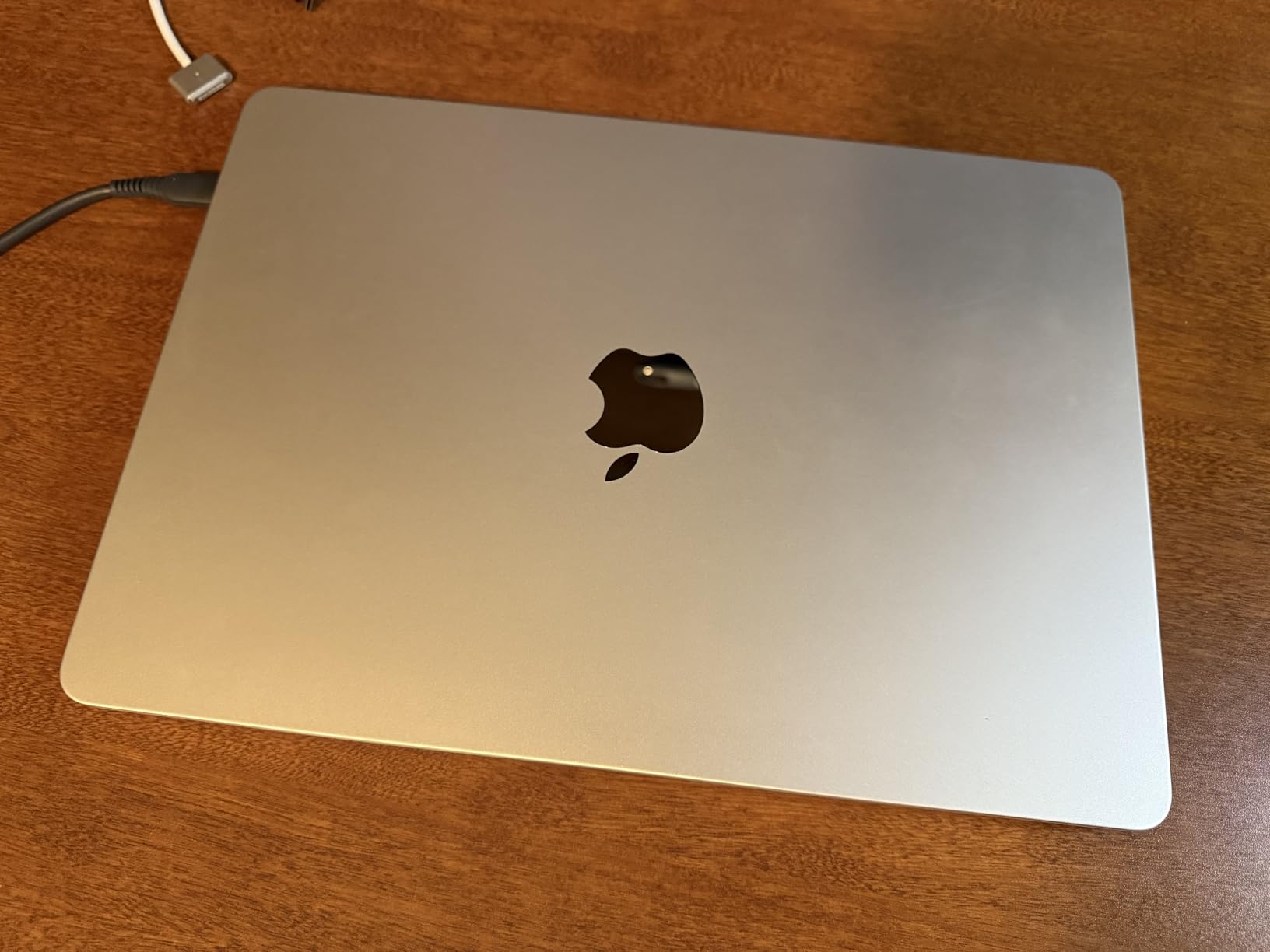
The M2 chip here has an 8-core CPU, an 8-core GPU and a 16-core Neural Engine, and it runs completely silently because there are no fans. At 2.7 pounds and 0.44 inches thick, this is the lightest machine in the group by a small margin, and the 13.6-inch Liquid Retina display at 2560 x 1664 is the familiar one.
The catch is age. This is a 2022 design with Wi-Fi 6, Bluetooth 5.0 and Thunderbolt 3 rather than the newer standards, and its 4.4 rating sits near the bottom of this group. Eleven percent of its reviews are one star, the largest negative share in this lineup, and reviewers point to refurb condition variability as the recurring theme.
What that negative share means in practice: with a 90-day warranty on a renewed unit, inspect the machine as soon as it arrives rather than assuming the box seals guarantee its state. The included power adapter may be original or generic, according to the listing.
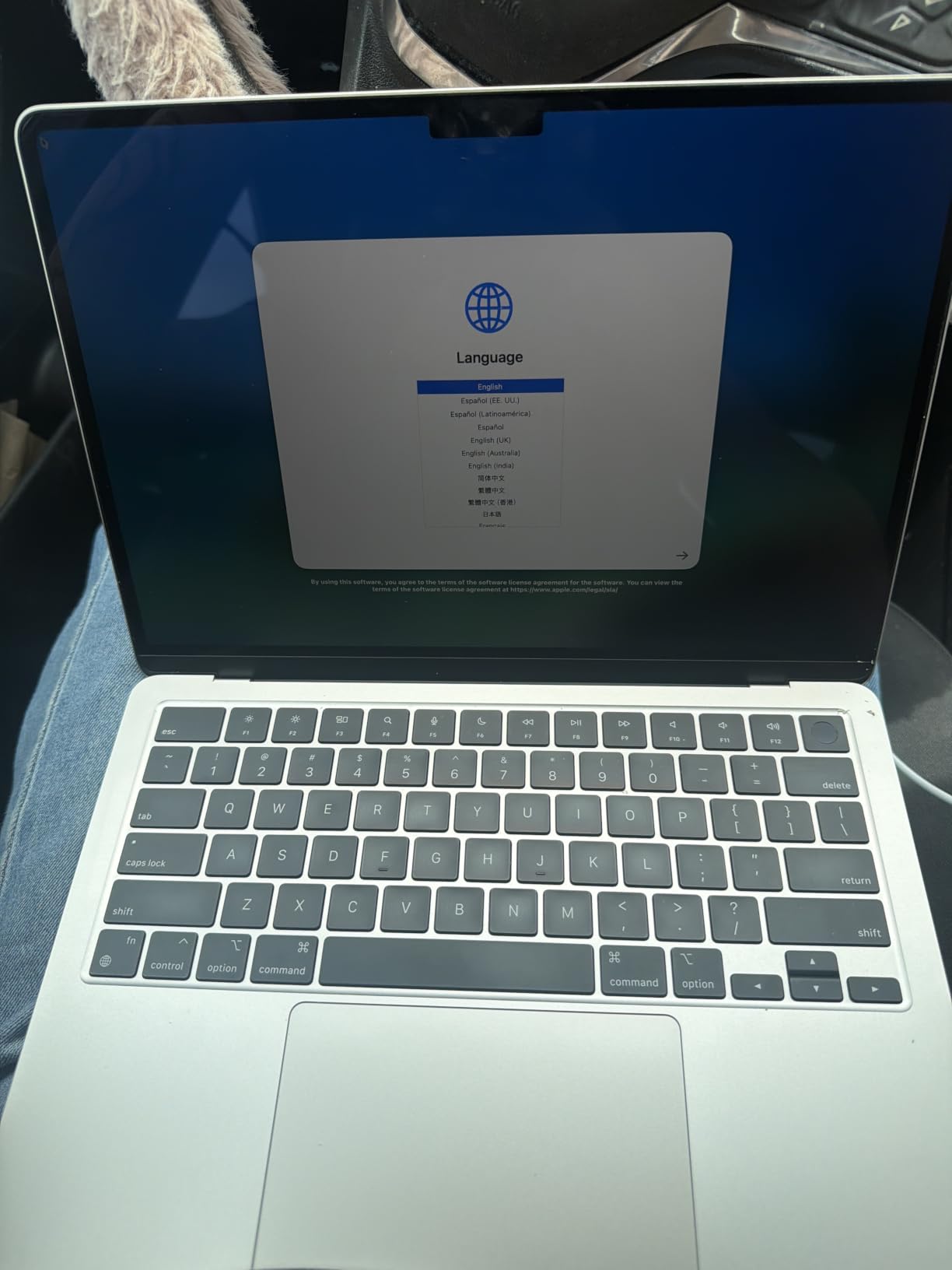
Compared with the MacBook Air M3 13-inch: you trade a newer chip and Wi-Fi 6E for twice the memory at a lower cost, and both machines share the same 256GB storage and 90-day renewed warranty. For a student or a family machine, that trade usually works; for someone buying on wireless standards or macOS support runway, pick the M3 instead.
Model number MLY13LL/A, in Starlight. The display and keyboard are unchanged from newer 13-inch Airs, so if you have used one before, the learning curve is zero.
5. MacBook Air M2 15-inch: The Student and Shared-Machine Pick
MacBook Air M2 15-inch
Chip: Apple M2
Memory: 8GB / 256GB
Display: 15.3-inch
Weight: 3.3 lb
Pros
- 15.3-inch 2880 x 1864 display at 500 nits with P3 wide color
- Fanless and completely silent under load
- Up to 18 hours stated battery on a 66.5 watt-hour battery
- Some units arrive in sealed original packaging
Cons
- Only 8GB of unified memory
- Renewed units can show scratches and screen blemishes
- 90-day warranty only
The biggest screen you can get for the money, with the color specification spelled out better than any other listing in this group.
The display here is described as a 15.3-inch Liquid Retina panel at 2880 x 1864, 500 nits, P3 wide color. That brightness and color figure is a real advantage for photo viewing and for anyone working in a bright room, and it is stated explicitly rather than left for you to infer.
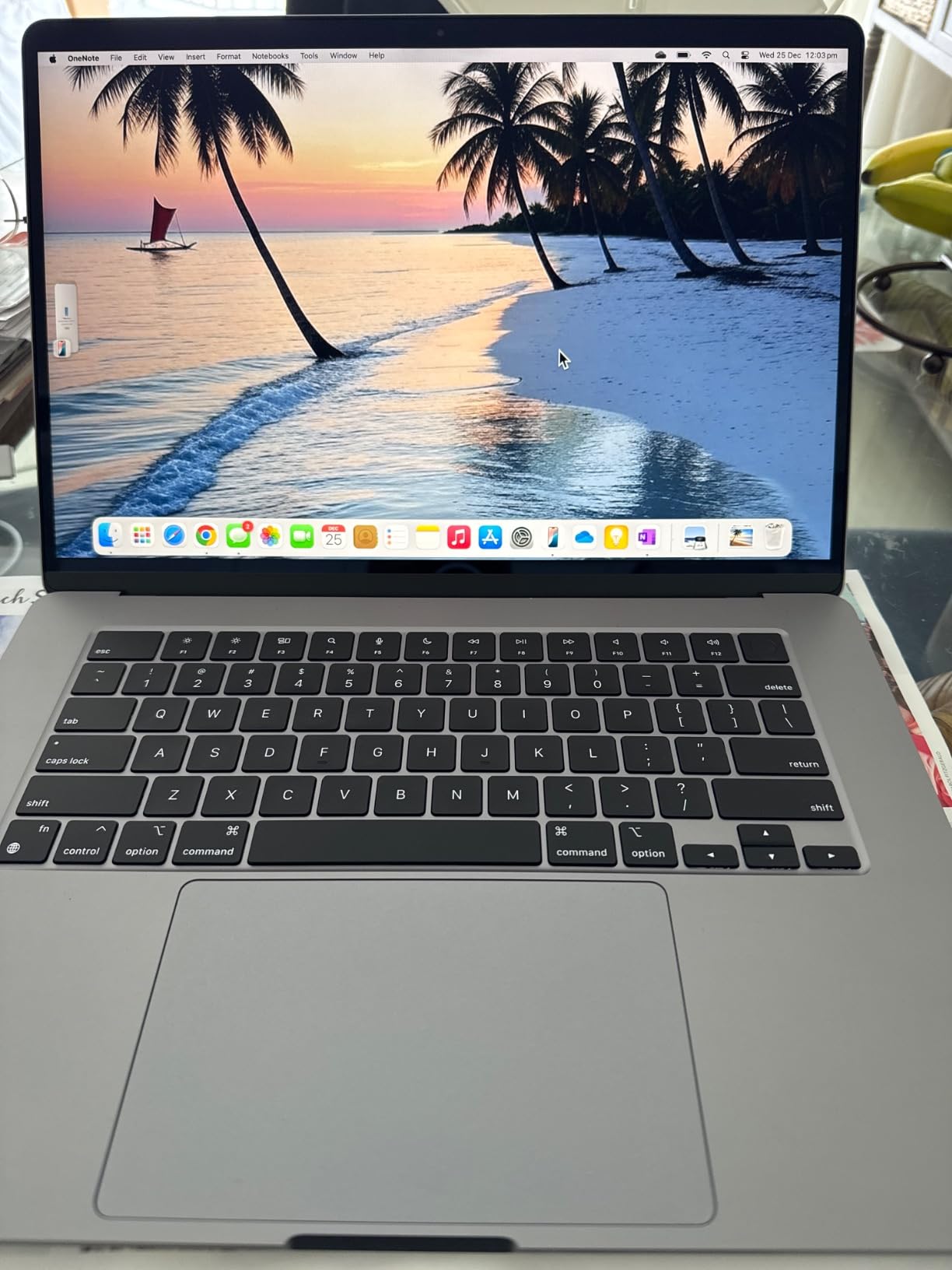
Underneath, the M2 carries an 8-core CPU and 10-core GPU in a fanless recycled aluminum enclosure that runs completely silent. The 66.5 watt-hour battery is larger than the one in either 13-inch model here, and stated battery life is up to 18 hours. At 3.3 pounds and 0.45 inches thick, it is a desk-and-coffee-shop laptop more than a travel one.
This is also one of the more heavily criticized renewed listings here, sitting at 4.3, and the reasons are consistent across reviews: renewed units arrive with scratches, dings or screen blemishes, and a small number have functional defects. Eleven percent of reviews are one star. Buyers who cannot tolerate cosmetic wear should look at a new machine instead.
Against that, several buyers report receiving units that were effectively new and still sealed in original packaging, which is the gamble you take with any renewed laptop. Memory is 8GB and storage 256GB, the same weak configuration as the smaller M3s, and the warranty is 90 days.
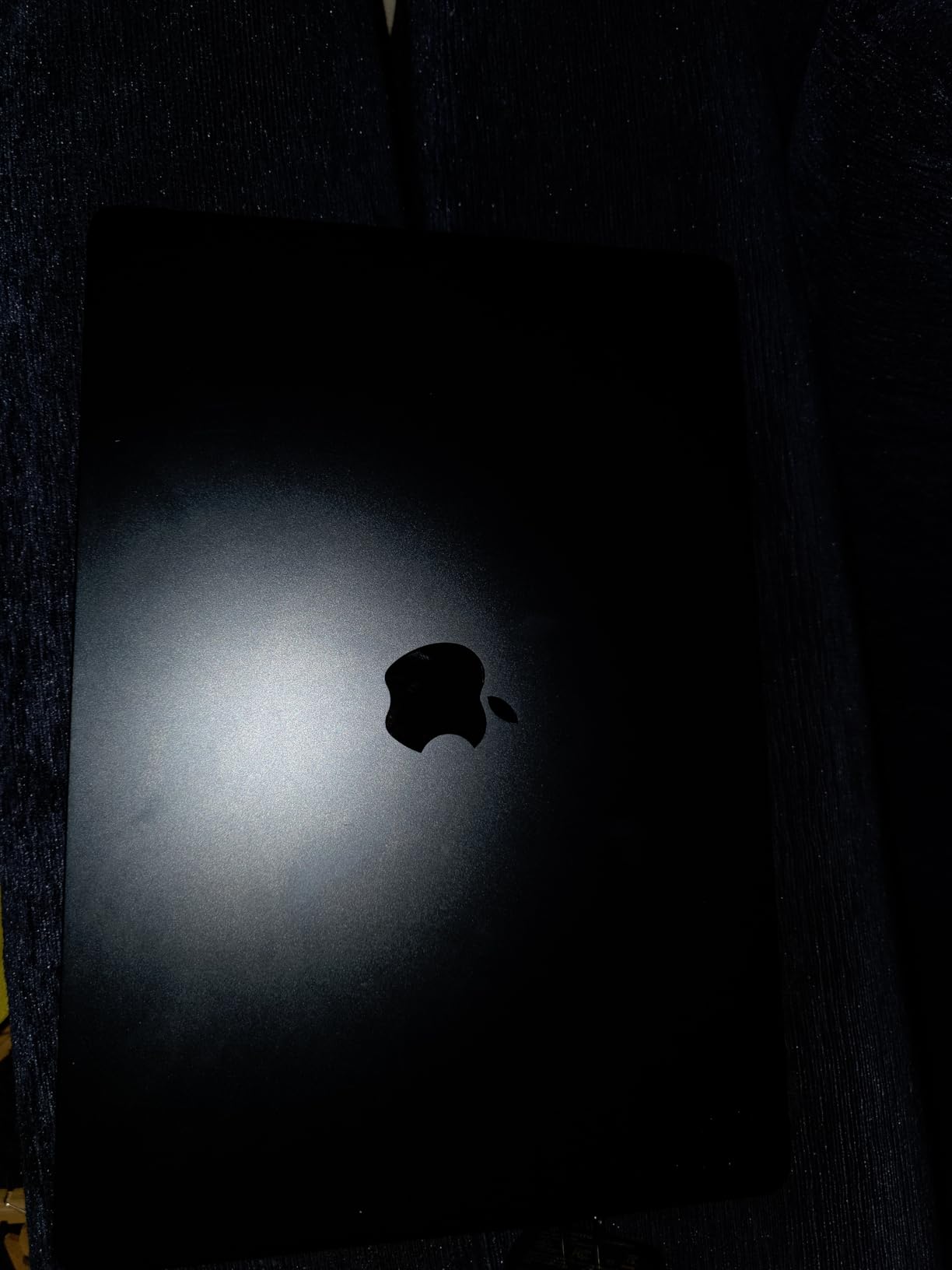
The MacBook Air M3 15-inch sits just above it on the same size screen, with a newer chip and a marginally higher rating, but does not state brightness or color in its spec list. If you will be grading photos or watching a lot of video, the M2’s panel description is the safer one to shop from.
For a school or family machine where a scratch matters more than a chip generation, this is the pick. Model number MQKW3LL/A, Midnight, with a QWERTY English layout.
6. MacBook Air M1 13-inch: The Budget Pick
MacBook Air M1 13-inch
Chip: Apple M1
Memory: 8GB / 256GB
Display: 13.3-inch
Weight: 3.8 lb
Pros
- Lowest cost listing in this group
- M1 chip still handles everyday work well
- Up to 18 hours of stated battery life
- Largest review base here with 2539 ratings
Cons
- 8GB memory and 256GB storage
- Thicker bezels and an older 13.3-inch panel
- 90-day renewed warranty
A first laptop, a backup machine or a gift for someone who mostly browses and writes, at the lowest cost of anything on this list.
The M1 still does the basics well. An 8-core CPU with up to eight GPU cores handles documents, browsing, email and light photo editing without complaint, and the 49.9 watt-hour battery is rated at up to 18 hours. It runs fanless, so it is silent in a shared room.
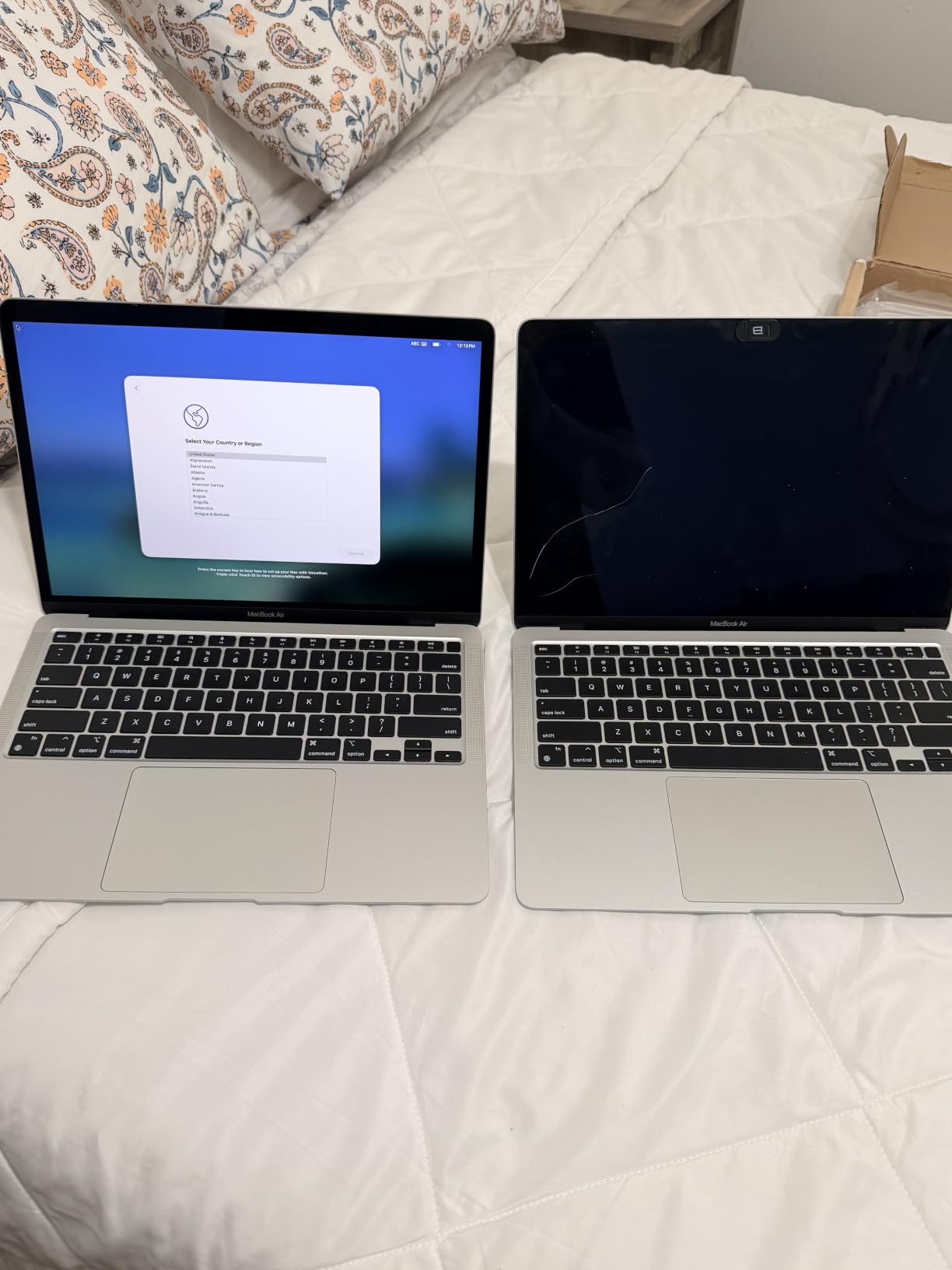
What you accept is a 2020 design. The screen is a 13.3-inch LED LCD at 2560 x 1600 and 60Hz with noticeably thicker bezels than anything newer, the body is 0.63 inches thick rather than 0.44, and weight is listed at 3.8 pounds. Connectivity is Wi-Fi 6, Bluetooth 5 and a single Thunderbolt or USB-C port.
With 2,539 ratings behind it, this is the most thoroughly reviewed listing in the group, which makes the 4.2 score a reliable signal rather than a small sample. Owners treat it as a value-oriented second or student machine. Eleven percent of reviews are one star, tied for the largest negative share here, mostly around refurb condition variability and the basic 8GB and 256GB configuration.
The math matters here. This is the only machine on the list where the price leaves real room in a budget for a monitor, a keyboard or a class of software, which is why it earns the budget slot despite being the least current design.
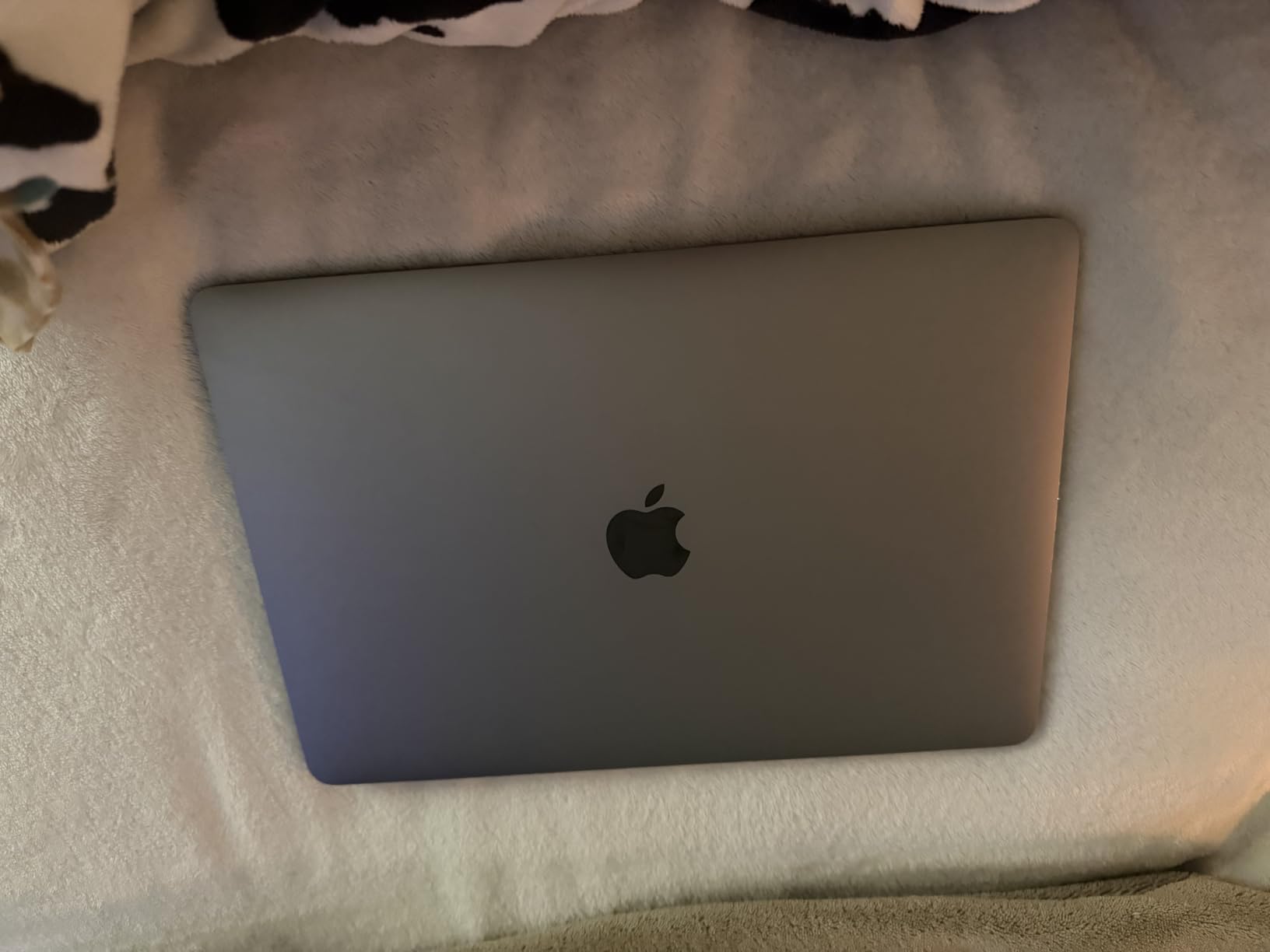
The MacBook Air M2 13-inch is the smarter stopping point if your budget stretches past this machine. It is newer, lighter at 2.7 pounds, and carries the same 8GB and 256GB configuration at a higher cost; this listing remains the cheapest way onto an Apple laptop here.
Good to know: this listing is renewed with a 90-day warranty, and the included power adapter may be original or generic. Check the condition photos before ordering.
How to Choose MacBook Air Laptops During Prime Big Deal Days
Chipset and Everyday Performance
Every MacBook Air is fanless and silent, so chip generation matters more than the number of cores you can count on a spec sheet. The M5 in this list is two generations ahead of the M3 and four ahead of the M1, which shows up in sustained multitasking and in on-device AI features rather than in how fast a single web page loads.
If your work leans toward heavy video editing rather than documents and browsing, the same money usually goes further elsewhere; our picks for laptops for video editing under a thousand dollars are a more honest fit for that workload than any Air.
Memory and Storage Configuration
Unified memory cannot be upgraded after purchase, so treat it as the decision that ages worst. Sixteen gigabytes is the figure to aim for if you keep many apps and browser tabs open; 8GB is workable for coursework and documents but starts to show on heavier days.
Storage is the easier problem because you can add external drives. 256GB is fine for documents and streaming, 512GB is comfortable for a growing photo library. Only one machine here ships with 16GB and more than 256GB.
Battery Life and Portability
Look at weight before anything else. The lightest options here sit at 2.7 and 2.71 pounds with a thickness under half an inch, while the 15-inch models run 3.3 to 3.32 pounds and the 13.3-inch M1 is listed at 3.8. For a daily commute, the sub-3-pound machines win. For a desk at home or office, weight barely matters.
Stated battery life is up to 18 hours across most of this list, so the real differentiator is how the machine is used rather than the number on the listing.
Display Quality and Daily Comfort
Two screen sizes appear here: 13.6-inch and 15.3-inch models at 2880 x 1864, plus the older 13.3-inch M1 panel at 2560 x 1600. If you work with two windows side by side all day, the 15.3-inch options are the more comfortable choice, and the 15-inch M2 listing is the only one that states brightness and color coverage outright.
Portability cuts the other way. A 15-inch machine rarely fits in a small bag, and the heavier body is uncomfortable on a lap for long sessions.
Condition, Seller and Bundle Details
Five of the six listings here are renewed, and that changes what you should check. Renewed units carry a 90-day limited warranty rather than the standard one year, and reviews on the older M1, M2 and 15-inch M2 listings mention scratches, screen blemishes and occasional functional defects arriving.
Check the model number, the colour, the memory and storage figures, and what is actually in the box. Two listings here state an original or generic power adapter, one names a 35W dual USB-C adapter with a 2 meter MagSafe cable, and one battery is listed as 52.6 watt-hours against 66.5 watt-hours for the 15-inch M2.
How to Shop MacBook Air Deals During the Sale
Amazon’s Prime Big Deal Days runs October 6-7, 2026, and MacBook Air offers move through it rather than arriving all at once. Verify the model number against the specification list, confirm whether the unit is new or renewed, read the warranty length, and check who is listed as the seller and shipper before you commit to a configuration. Most offers on this kind of laptop require a Prime membership, and a free trial counts, so prices and configurations change hour by hour through the event.
Before you order, run through this short list:
- Match the model number on the listing to the configuration you actually want, not just the screen size.
- Decide between new and renewed based on warranty length, since renewed units here carry 90 days.
- Treat unified memory as final, since it cannot be added after purchase.
- Confirm storage capacity is enough for your files, or budget for an external drive.
- Check the bundle contents, because adapters and cables differ between listings.
- Look at the condition photos and the share of one-star reviews before buying a renewed machine.
Frequently Asked Questions
When is Prime Big Deal Days, and are MacBook Air deals under a thousand dollars available to nonmembers?
Prime Big Deal Days runs October 6-7, 2026. Most offers on this kind of laptop are limited to Prime members, and a free trial counts toward eligibility. Some listings stay visible to everyone after the event ends, but the member pricing during those two days is the part worth watching.
Does a Prime membership requirement apply to every MacBook Air offer?
No, but most of them do. Laptop pricing during the event is usually gated behind a membership, and a free trial covers the two days. A small number of listings run at their normal price for everyone, so check whether the price you see changes once you sign in before deciding the offer is not for you.
Should buyers choose 8GB or 16GB of unified memory for everyday use?
Choose 16GB if you keep many browser tabs and apps open or run video calls alongside documents, because unified memory cannot be upgraded later. Eight gigabytes is fine for coursework, email and writing. On this list only the MacBook Air M2 13-inch pairs 16GB with a portable body.
How can shoppers tell whether two similar laptop listings use the same model year?
Compare the model number, not the marketing name. Listings here carry identifiers such as MDHE4LL/A for the 2026 M5, MRYU3LL/A for the 15-inch M3 and MLY13LL/A for the 2022 M2, and those codes settle the question faster than the chip name does.
Are renewed laptops worth considering during Amazon’s Prime Big Deal Days?
They can be, if you read the warranty terms first. Renewed units on this list carry 90-day limited warranties, and owner reviews on the older M1 and M2 models mention cosmetic wear and occasional defects. Inspect the machine on arrival rather than relying on the box seals.
If your priority once the laptop is chosen is the screen it drives, our picks for 65-inch TVs under a thousand dollars cover the same budget from a different angle.
Final Verdict: Best Amazon Prime Big Deal Days MacBook Air Deals Under $1000
The MacBook Air M5 13-inch is the pick worth watching most closely during Prime Big Deal Days: it is the only new-generation machine here, and 16GB of memory with a 512GB SSD is the configuration that will still feel right in a few years.
Buy the MacBook Air M3 15-inch if you want the largest screen on the list and your work involves two windows at once. Buy the MacBook Air M3 13-inch as the balanced value pick for students, and buy the MacBook Air M2 13-inch if memory matters more to you than chip generation, since it is the only portable option here with 16GB. For a shared or school machine where a scuffed lid is not a crisis, the MacBook Air M2 15-inch gives you the biggest display with stated brightness and color figures. The MacBook Air M1 13-inch is the budget pick, and the best choice when you would rather spend what is left on a monitor or a class of software.
Check each listing’s model number, condition and warranty terms before you order, and confirm the current price through the buttons above, since configurations and pricing shift through the event.