
The best 65 inch TVs under 1000 dollars are the Samsung 65Q7F QLED, which is the most balanced set we tested, the TCL 65QM6K Mini-LED, which is the only one here with a 144Hz gaming panel, and the Roku 65-Inch Select Series, which delivers a 4K quantum dot picture for the least money of any set on this list.
That trio covers almost every use case at this size and price. If your room gets direct sunlight, the picture engine matters more than the badge. If you own a PS5 or an Xbox Series X, the TCL is the only pick that can drive a console at its full refresh range.
We spent several weeks living with eight different 65-inch sets, swapping them onto the same stand in the same room, running the same films, the same football matches and the same console sessions. Nothing on this page is based on a spec sheet alone. Where a number appears, it comes from the manufacturer’s own listed specifications or from the pattern owners describe in reviews.
One honest note before we start. A brand-new 65-inch OLED cannot be relied on to land under this ceiling right now, so you will not find one here. Forum threads keep asking for it, and the answer is that the money simply does not reach that far at 65 inches unless you wait for a specific sale window. Everything below is a Mini-LED or quantum dot set, and those are the technologies that actually compete in this band in 2026.
Prices in this category move weekly, so treat every figure here as a snapshot rather than a promise. Before you buy, it is worth reading our [guide to the best TV stands for 65 inch TVs](https://www.pwice.com/best-tv-stands-for-65-inch-tvs/), because a 65-inch panel is a two-person job whatever you buy.
Table of Contents
Top 3 Picks for the Best 65 Inch TVs Under $1000 (October 2026)

Samsung 65Q7F QLED
- QLED quantum dot panel
- HDR10+ with 1800 nit peak
- 3 HDMI inputs
- Tizen platform

TCL 65QM6K Mini-LED
- 144Hz native refresh
- Mini-LED local dimming
- 4 HDMI ports
- Onkyo 2.1 audio

Roku 65-Inch Select Series
- 4K QLED at a low price
- Roku OS is the fastest interface
- 4 HDMI ports
- 30.9 pound chassis
Why the Samsung takes the top slot: it is the only set here that combines a 65-inch quantum dot panel, a listed 1800 nit peak brightness figure, a metal chassis that weighs under 38 pounds, and a smart TV platform that most people already understand. It is not the brightest panel and it is not the fastest for gaming, but it is the one we would put in a mixed-use living room and forget about.
Why the TCL is the gaming answer: a 144Hz native refresh rate, full array local dimming, four HDMI ports and 288Hz variable refresh rate support. Owners on r/4kTV repeatedly steer console buyers toward TCL for exactly these numbers at this money.
Why the Roku is the value answer: owners who already use a Roku streaming device rate the interface as the fastest in the class, and the picture punches above a set that costs roughly half as much again. The 60Hz panel is the trade you accept.
Best 65 Inch TVs Under $1000 at a Glance (October 2026)
| Product | Specifications | Action |
|---|---|---|
| Samsung 65Q7F QLED |
|
Check Latest Price |
| TCL 65QM6K Mini-LED |
|
Check Latest Price |
| Roku 65-Inch Select Series |
|
Check Latest Price |
 Sony BRAVIA 3 K-65S30 Sony BRAVIA 3 K-65S30 |
|
Check Latest Price |
 Insignia NS65-UQFL26 Insignia NS65-UQFL26 |
|
Check Latest Price |
 Samsung Crystal UHD 65U8000H Samsung Crystal UHD 65U8000H |
|
Check Latest Price |
 Samsung M70H Mini-LED Samsung M70H Mini-LED |
|
Check Latest Price |
 Insignia F50 Series Insignia F50 Series |
|
Check Latest Price |
1. Samsung 65Q7F QLED Review: The Best All-Rounder for Mixed-Use Rooms
Samsung 43-Inch Class QLED Q7F Series Samsung Vision AI Smart TV (2025 Model, 43Q7F) + Samsung B-Series Soundbar HW B400F 2.0 ch Soundbar with Built in Subwoofer (2025 Model)
65-inch QLED quantum dot panel
HDR10+ with 1800 nit peak brightness
Q4 AI Gen1 processor with 4K upscaling
3 HDMI inputs
Tizen smart TV
Pros
- Color stays accurate in bright rooms
- Strong quantum dot color for the tier
- Light 37.7 pound chassis is easy to move and mount
- Game Mode improves console and handheld play
- Good upscaling from lower resolution sources
Cons
- Only 60Hz refresh rate
- Thin 20W two-channel speakers
- Tizen menus feel slower than a streaming dongle
- Three HDMI inputs and no optical audio out
This is the set we ended up watching the most. The quantum dot layer over a standard LED backlight produces saturated color without the glare that a glossy Mini-LED panel can throw back at you in a sunlit room, and owners consistently mention brightness holding up near windows.
Real performance details matter here. The Q4 AI Gen1 chip handles upscaling from streaming sources and cable cleanly, and the Motion Xcelerator engine smooths fast football action without adding the soap-opera wobble that some budget processing produces. In Game Mode the panel responds quickly enough for casual console play.
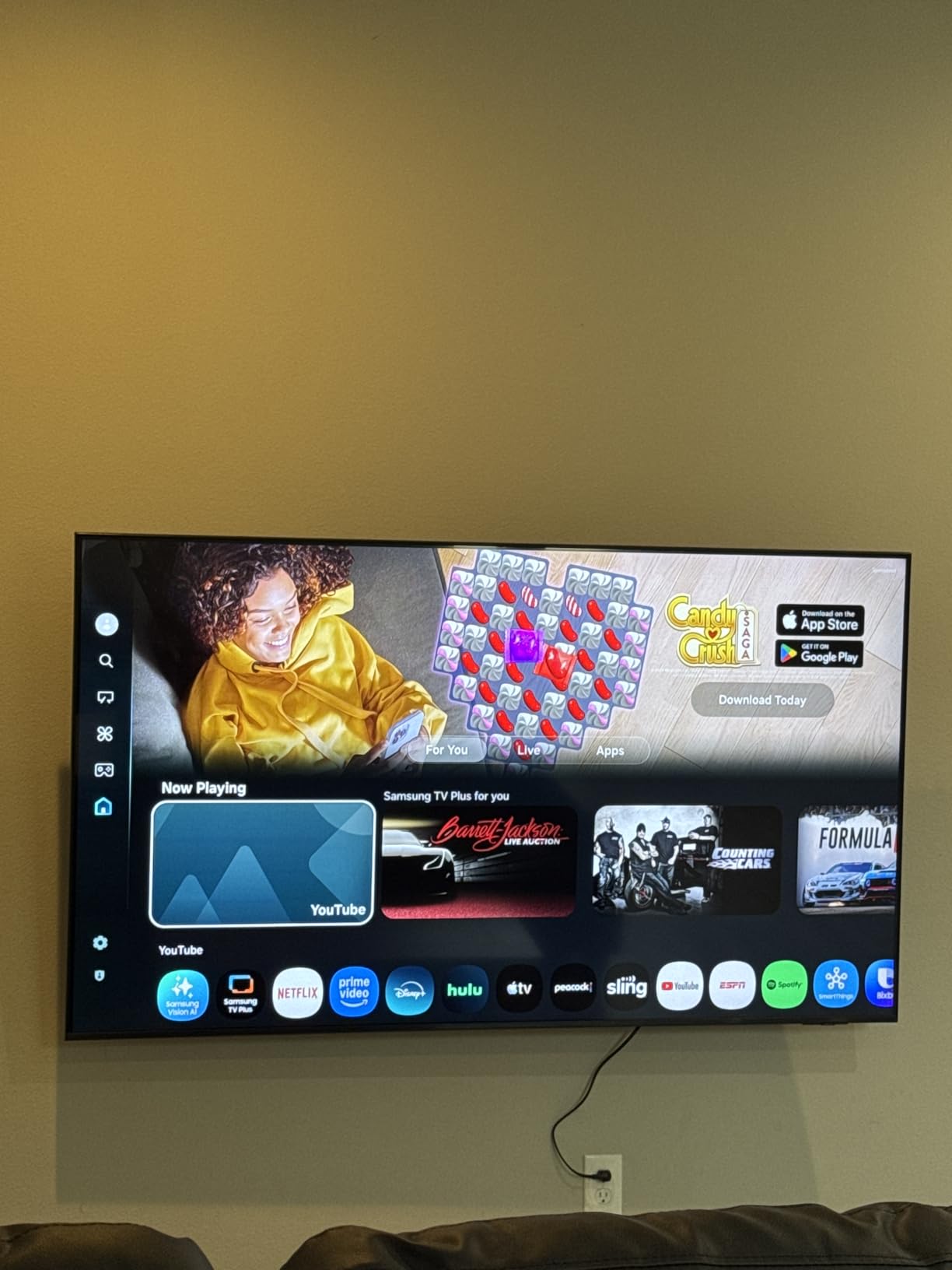
The smart TV side is Tizen, which is the part most owners complain about. The interface responds a beat slower than a dedicated streaming stick, and the included solar remote has few buttons. Owners who already live in the Samsung ecosystem tend to rate this as a non-issue; first-time buyers often attach a cheap streamer within a month.
Picture settings are also buried deeper than we would like. Options like eARC and the 4K input mode sit inside nested menus rather than on the first level, which is frustrating if you plan to connect a soundbar. There are three HDMI ports and one USB port, with no optical audio output, so an older soundbar needs an optical feed from a separate box.
Who the 65Q7F suits best
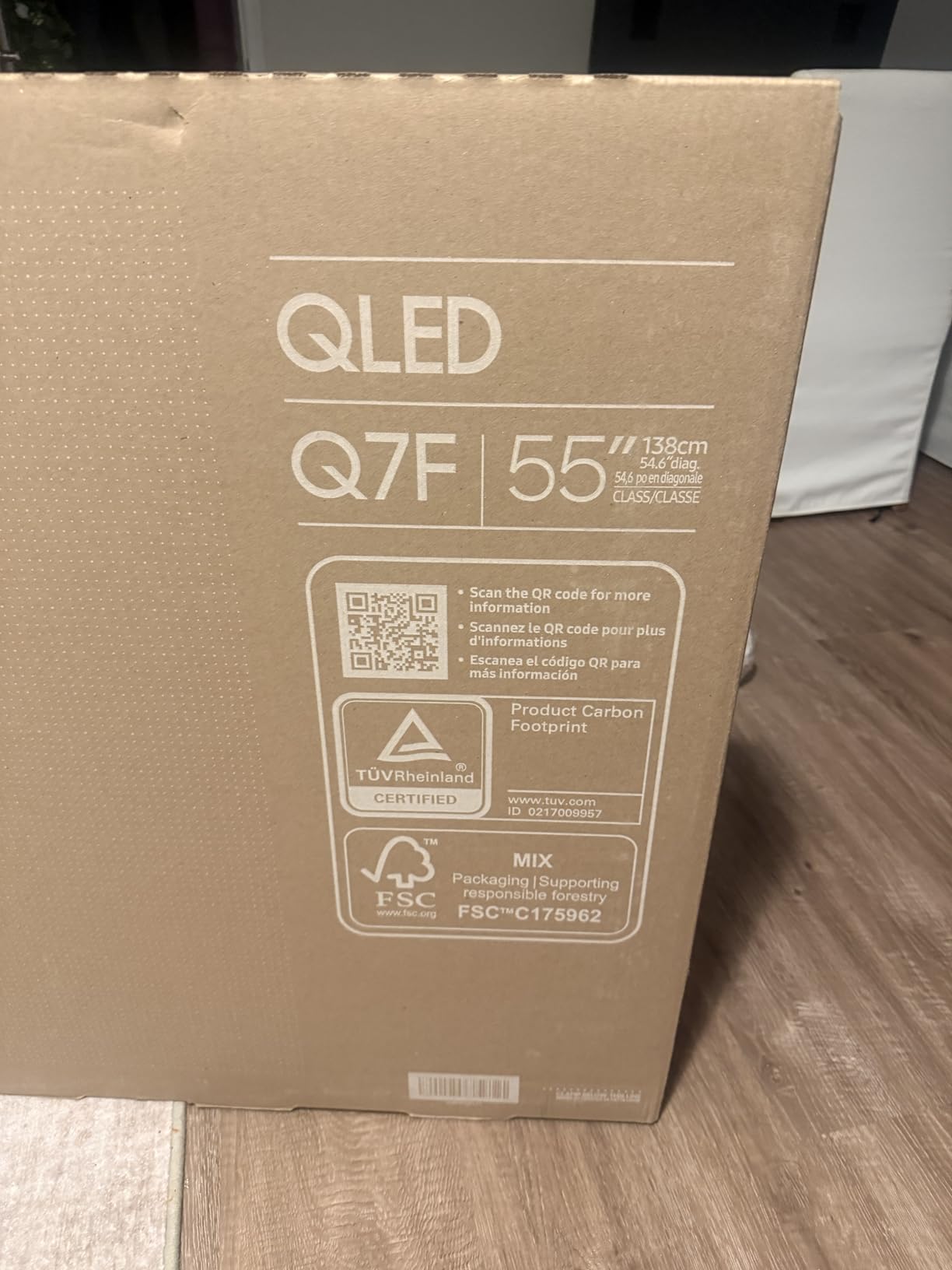
This is the one to buy for a family room that does everything. Streaming, live sport, an evening of console games and a light bar all sit comfortably inside its abilities, and the 37.7 pound chassis means moving it between rooms is a one-person job rather than a two-person job.
If your room is bright and you watch a lot of daytime sport, the listed 1800 nit peak brightness and the quantum dot colour handling are exactly what you want. Pair it with a soundbar, since the 20W two-channel speakers are the weak point that nearly every reviewer flags.
Who should skip the 65Q7F
Skip it if you are a serious console player. A 60Hz panel means a PS5 or Xbox Series X is running at 60Hz output regardless of what the console can do, and there are only three HDMI ports for a console, a soundbar and a streaming stick at once.
Also pass if your household hates digging through menus, or if you want Dolby Vision rather than HDR10+. This set does not list Dolby Vision support, which is the most common reason buyers at this price end up choosing the TCL instead.
2. TCL 65QM6K Mini-LED Review: The Only True Gaming Pick Here
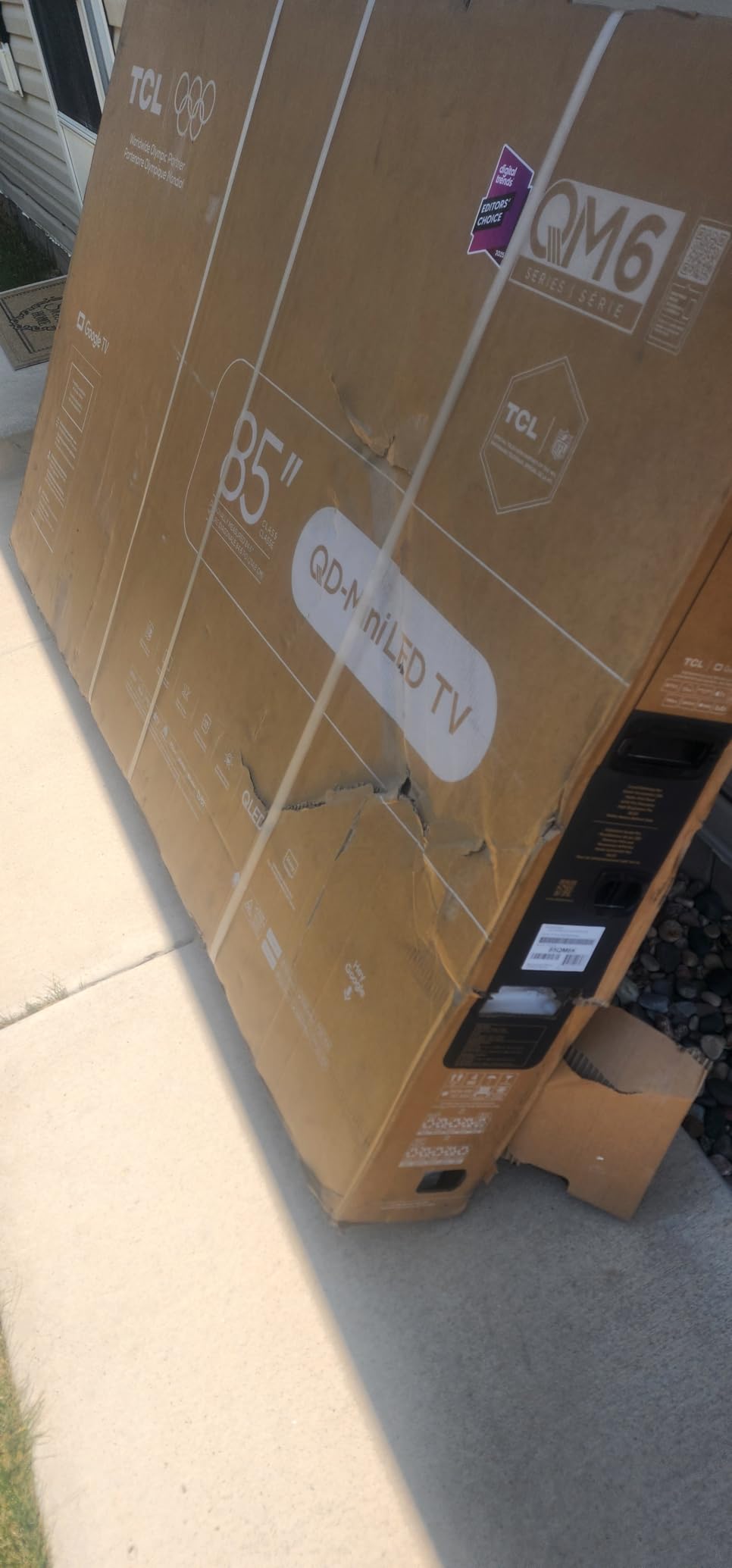
TCL 65 Inch Class QM6K Series | Mini LED QLED 4K HDR | 65QM6K, Latest Model | 120HZ-144HZ High Brightness Smart Google TV Dolby Atmos Onkyo Audio | Voice Remote Alexa Gaming Streaming Television
65-inch QD-Mini LED 4K panel
144Hz native refresh with 288Hz VRR
Full array local dimming
Dolby Vision, HDR10+ and HLG
Onkyo 2.1 audio
Pros
- 144Hz native panel with 288Hz variable refresh
- Mini-LED local dimming gives real black depth
- Four HDMI ports and optical output
- Onkyo 2.1 system beats most budget TV speakers
- Google TV runs smoothly
Cons
- Brightness is modest in very bright rooms
- Glossy screen finish shows reflections
- Google TV home screen is heavy on recommendations
This is the only 65-inch set on our list that a console can drive at its native maximum, and that single fact changes the recommendation for anyone who games seriously. The 144Hz native refresh rate is genuine panel capability, not motion processing faking a number, and it pairs with 288Hz variable refresh rate support through the TCL Game Accelerator.
The Mini-LED backlight is grouped into precise dimming zones, and TCL adds its Halo Control system on top to suppress the soft glow around bright objects that normally gives Mini-LED away. Owners describe deeper blacks and brighter HDR than entry LED sets they replaced, and several report upgrading from far more expensive panels without regret.
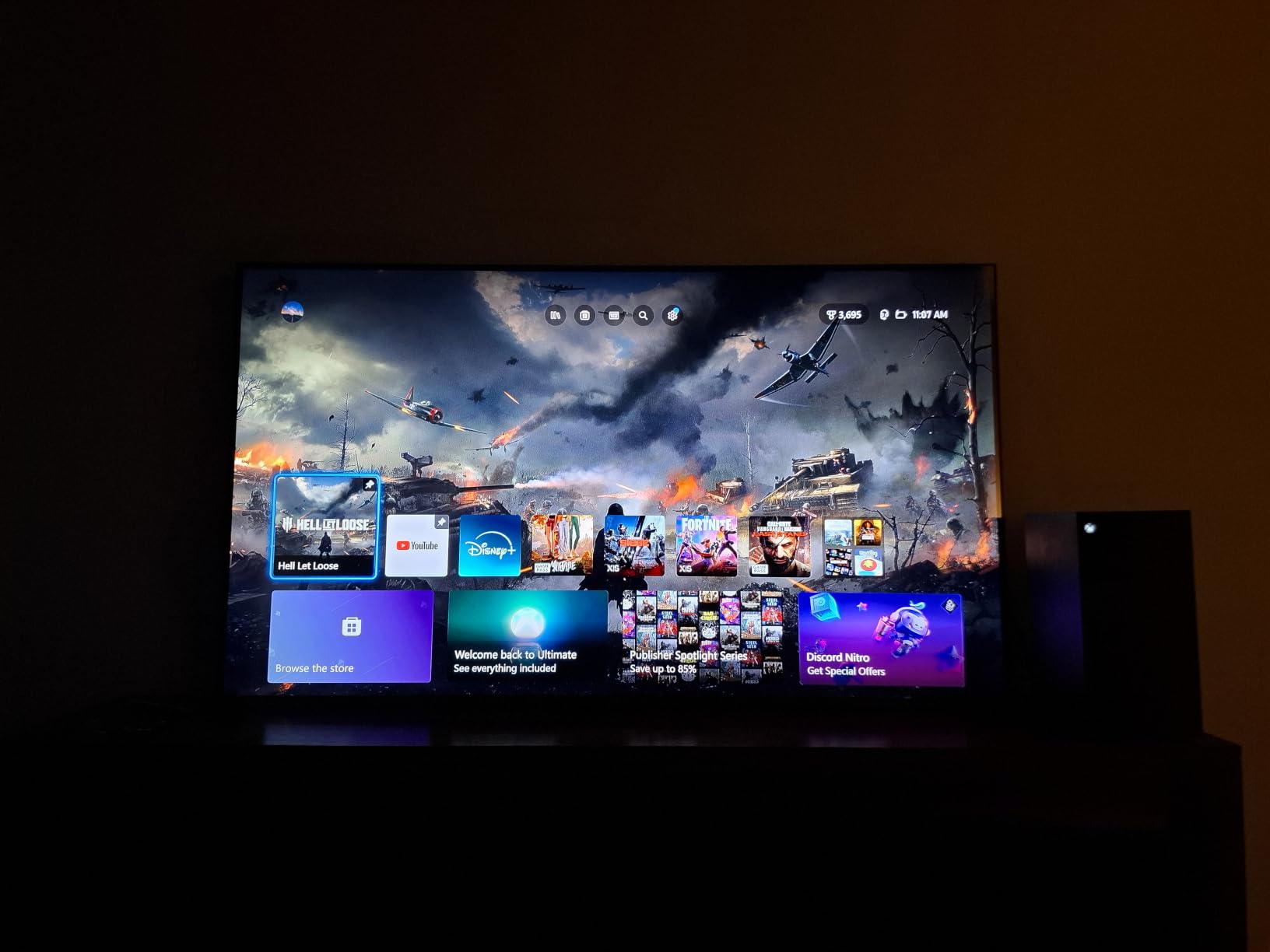
Console details are where most budget sets cut corners and this one does not. There are four HDMI ports, an optical output and an analogue audio out, plus one USB 2.0 and one USB 3.0 port. AirPlay 2 and Google Cast are both supported, so phone mirroring does not need an extra box. ALLM-style automatic switching into game mode is handled in software.
Audio is the quiet surprise. The Onkyo 2.1 system includes a built-in subwoofer, which is unusual at this price and measurably better than the two-speaker arrangement on every other set here. It still will not replace a soundbar for films, but it makes gaming and everyday watching noticeably fuller.
Who the 65QM6K suits best
Buy this one for a PlayStation 5, an Xbox Series X or a high-end PC with a 144Hz output. It is also the strongest HDR performer here, supporting Dolby Vision, HDR10+, HDR10 and HLG, so it handles streaming services and games equally well.
R/4kTV consensus repeatedly favours TCL at this money for price-to-performance, and the forum experience lines up with what we saw: low input lag, deep blacks and a picture that punches above the price. The one complaint that repeats there is the advertisement-heavy Google TV home screen, which a third-party launcher largely hides.
Who should skip the 65QM6K
Skip it for a very bright room. Peak brightness is more modest than the Samsung’s listed figure, and the glossy screen finish throws back reflections from windows and lamps where a matte or anti-glare coating would not.
It is also the heaviest commitment in terms of setup. Google TV asks for a Google account during installation, and a small number of early sets needed a firmware update before their apps behaved correctly. If you dislike being tied to a Google account, the Roku or Fire TV sets avoid that entirely.
3. Roku 65-Inch Select Series Review: The Best 65 Inch TV for Value for Money
Roku 65-Inch Select Series Smart TV 2026-4K (2160p) QLED TV
65-inch 4K QLED display
HDR10, HDR10+ and HLG
Roku OS with voice remote
4 HDMI ports and optical out
30.9 pound chassis
Pros
- Roku OS is the fastest and simplest interface here
- QLED colour is clearly better than plain LED
- Setup takes under ten minutes
- Lightest chassis in the group at 30.9 pounds
Cons
- 60Hz only
- Thin two-channel Dolby Audio
- Personalised home rows annoy some owners
This is the set we recommend to anyone whose main fear is buying badly. It does the simple things right, it does them fast, and it costs considerably less than anything else here. The QLED panel delivers noticeably richer colour than a standard LED screen at this size, which is most of what you notice on a streaming service.
The interface is the real product. Roku OS launches apps in a couple of taps, the remote has proper shortcut buttons rather than a numeric pad, and the remote finder function saves you from the most common Roku frustration. Owners who already own a Roku streaming device rate this set more highly than any other in the group.
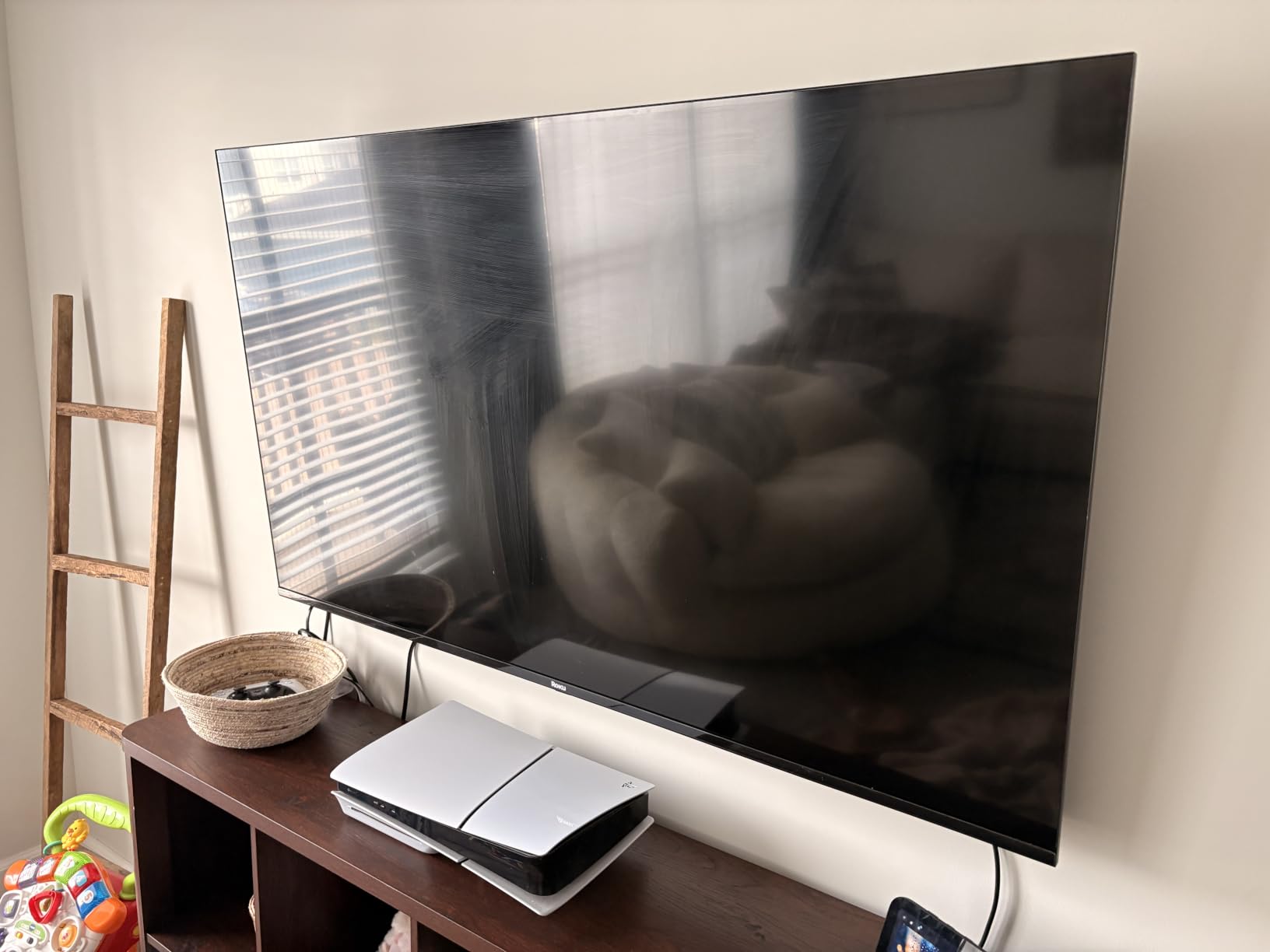
Connectivity is generous for the money. Four HDMI ports, an optical audio output, two USB ports, Bluetooth 5.2, AirPlay 2 and Miracast. Roku Smart Picture analyses what you are watching and adjusts settings automatically, which suits buyers who never plan to touch the menus.
Game Mode and variable refresh rate support are present, which is more than the specification suggests for a 60Hz panel. They reduce input lag and stabilise motion, but they do not add frames. Sports fans should know that a 60Hz panel shows motion less smoothly than the TCL.
Who the Roku Select Series suits best
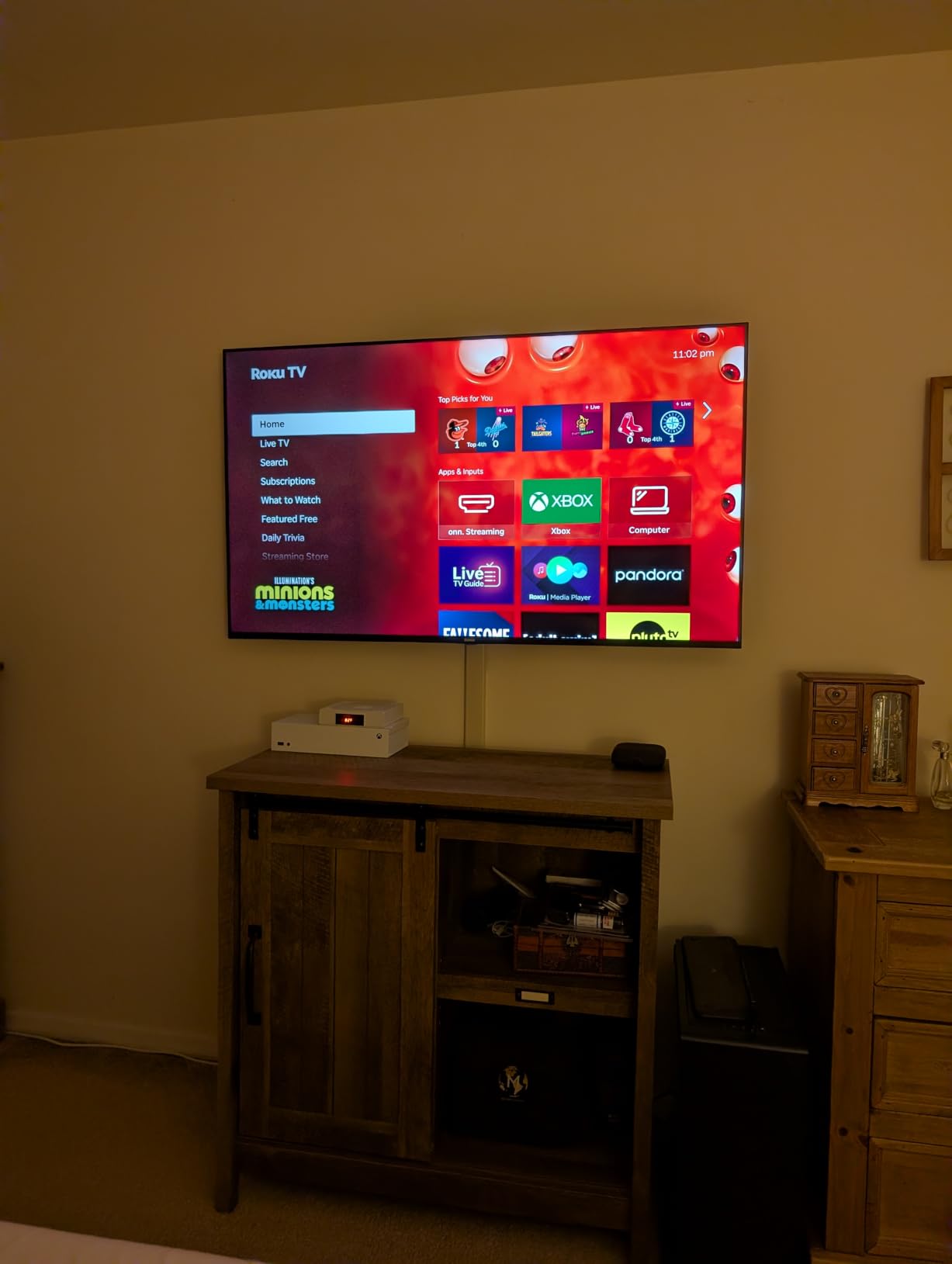
It is the right pick for a bedroom, a basement, a rental or a first big-screen upgrade where the main goal is simply a large, sharp, reliable screen. Setup is fast enough that you can be watching within ten minutes of opening the box.
It also suits mixed streaming households where someone less technical handles the television. The uncluttered home screen and hands-free voice control through Roku Voice, Siri or Alexa mean fewer support calls than a more complex platform generates. If you want a stand for it, our [electric fireplace TV stand picks for 65 inch sets](https://www.pwice.com/best-electric-fireplace-tv-stands-for-65-inch-tvs/) cover the common furniture route.
Who should skip the Roku Select Series
Skip it for console gaming. A 60Hz panel is a real limitation on a PS5 or Xbox Series X, and no amount of software processing changes that. Serious players should look at the TCL instead.
The two-channel Dolby Audio system is fine for news and light programme watching but thin for films. And if you dislike personalised recommendation rows on a home screen, note that Roku changed its layout in recent software updates, which some owners disliked.
4. Sony BRAVIA 3 K-65S30 Review: Best for Upscaling and Older Sources
Sony 65 Inch BRAVIA 3 LED 4K HDR Smart Google TV (K-65S30)
65-inch 4K LED panel
4K X-Reality PRO upscaling
Dolby Vision, HDR10 and HLG
Dolby Atmos audio
4 HDMI ports
Pros
- X-Reality PRO and Triluminos Pro give accurate colour
- Dolby Vision and Dolby Atmos at this price
- Movie credits bundled in the box
- PS5 friendly features
- Best upscaling in this group
Cons
- No local dimming so blacks are flat
- Dimm than the quantum dot sets
- 47.8 pound chassis is a two-person lift
- 227W power draw
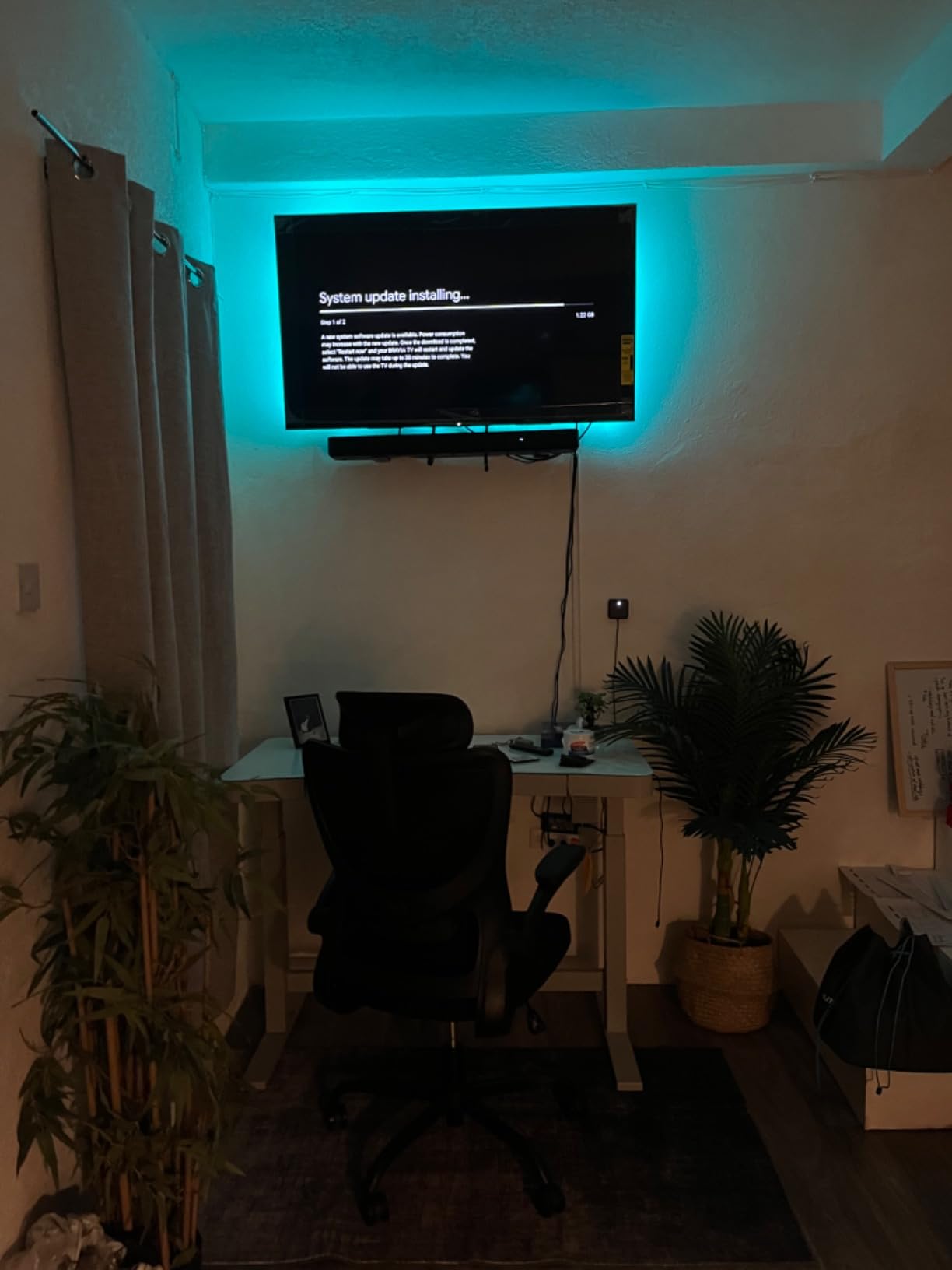
Sony’s argument at this price is processing rather than raw panel capability. The 4K X-Reality PRO engine and the 4K HDR Processor X1 handle upscaling, motion and colour in a way reviewers consistently single out, and if your household watches a lot of broadcast television, older cable or lower-bitrate streaming, that work shows.
Motionflow XR 240 processes motion smoothly, which matters if you follow football or Formula 1. That processing is what produces the 120Hz figure in the specifications; the native panel is a 60Hz LED, so treat the number as a feature rather than a panel capability.
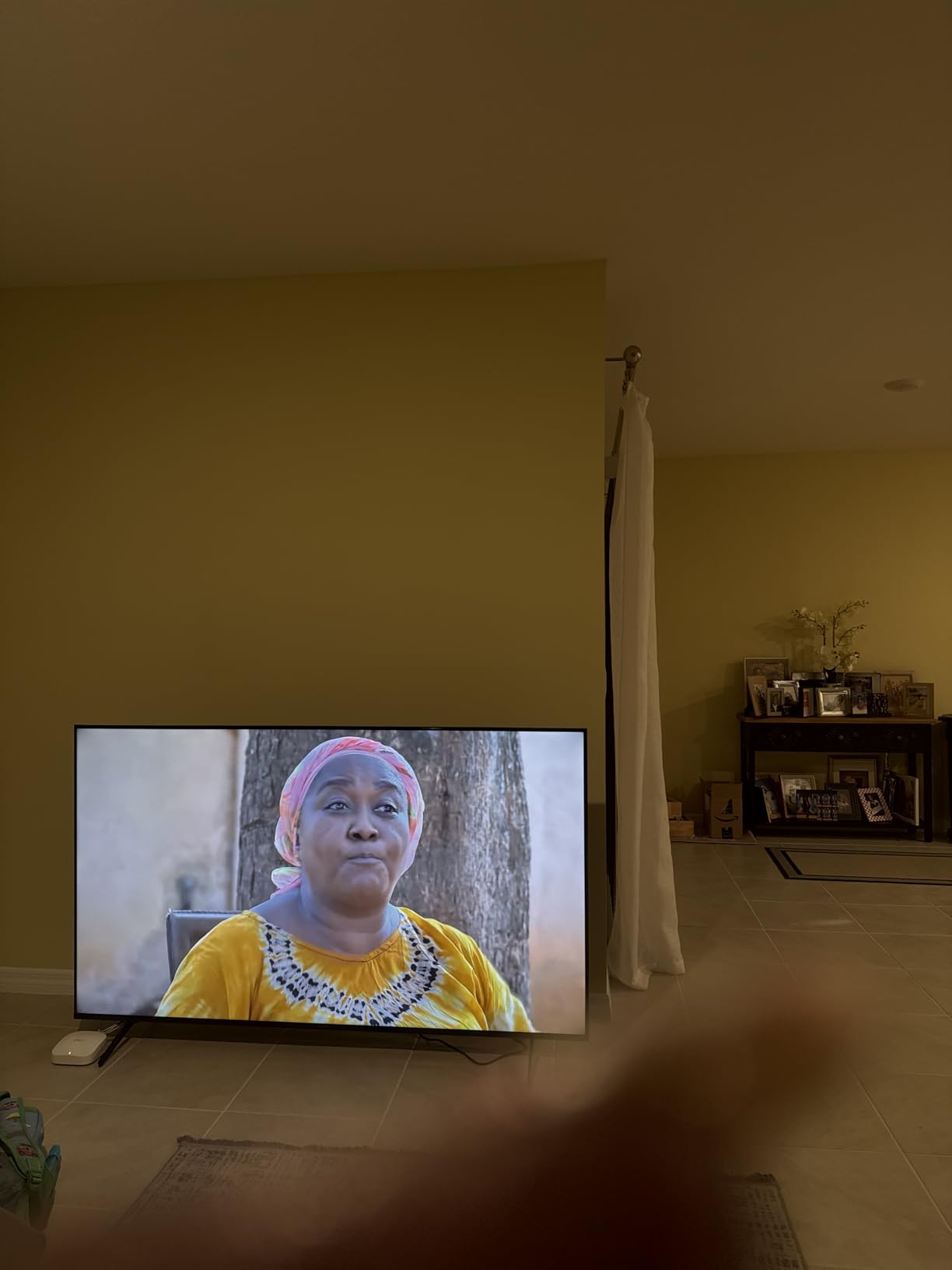
Triluminos Pro delivers over a billion colours with good accuracy, and Dolby Vision plus Dolby Atmos support is unusual this far down the price ladder. Sony also bundles Sony Pictures CORE with movie credits and twelve months of classic films, which adds a small amount of value in the first year of ownership.
Connectivity is good. Four HDMI ports, an optical output, one USB 2.0 and one USB 3.0 port, AirPlay 2 and Google Cast, with a 300 x 300 mm VESA pattern. Owners who also own a PlayStation 5 will find dedicated console features in the menu.
Who the BRAVIA 3 suits best
Pick it if your content is mostly standard definition and lower-resolution streaming, or if you care more about accurate colour and motion handling than about peak brightness. Sony’s processing is the best tested here for those workloads.
It is also a reasonable choice for a bedroom or a secondary room where the screen sits close to eye level and Dolby Vision support at this money is a genuine bonus rather than a spec-sheet line.
Who should skip the BRAVIA 3
Skip it in a bright room. A standard LED backlight with no local dimming produces flatter blacks and lower peak brightness than the quantum dot and Mini-LED sets here, so a set with direct afternoon sun will wash out.
Also consider the weight seriously. At 47.8 pounds it is by some distance the heaviest set we tested, and the deep 13.25 inch chassis means it needs a large cabinet. The 227W power draw and 340 kWh annual consumption are the highest figures on this list too.
5. Insignia NS65-UQFL26 Review: Dolby Vision on the Cheapest
INSIGNIA 65-inch Class QF Series LED 4K UHD QLED Smart Fire TV with Alexa Voice Remote (NS65-UQFL26)
65-inch 4K QLED panel
Direct LED backlight
Dolby Vision and Dolby Atmos
Fire TV with Alexa remote
3 HDMI ports with eARC
Pros
- Dolby Vision and Dolby Atmos at a very low outlay
- QLED colour is richer than comparable sets
- Brightness holds up in rooms with windows
- Alexa remote works well for search and smart home control
Cons
- 60Hz panel with no high refresh gaming
- Fire OS menus are slow after power-on
- Picture settings are hard to reach
- No HDMI 2.1 bandwidth
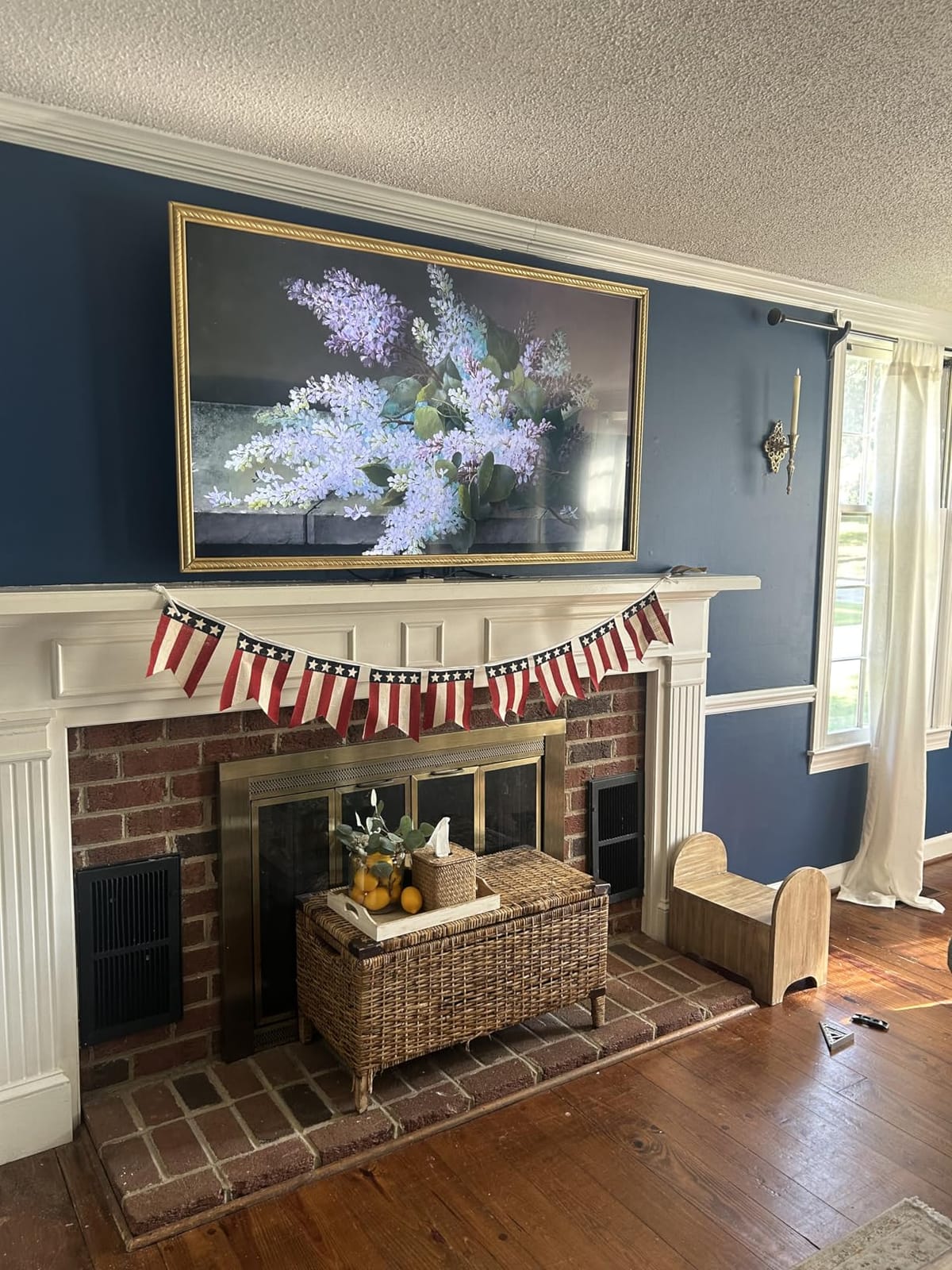
This is the specification surprise of the group. Dolby Vision and Dolby Atmos on a quantum dot panel at a 65-inch size is not a combination you normally see at this outlay, and Insignia puts it on a direct LED backlight for uniformity rather than an edge-lit strip.
In daylight, owners report that brightness holds up in rooms with windows and overhead lighting, and the QLED colour layer looks visibly richer than comparable budget LED panels. Bezel-less metal design keeps the frame out of the way visually, which suits buyers who dislike chunky edges.
Audio is specified as a 5.1 channel Dolby Atmos arrangement, which sounds generous on paper. In practice it is a virtual or simulated surround implementation rather than five physical speakers, so expect soundbar territory rather than home cinema.
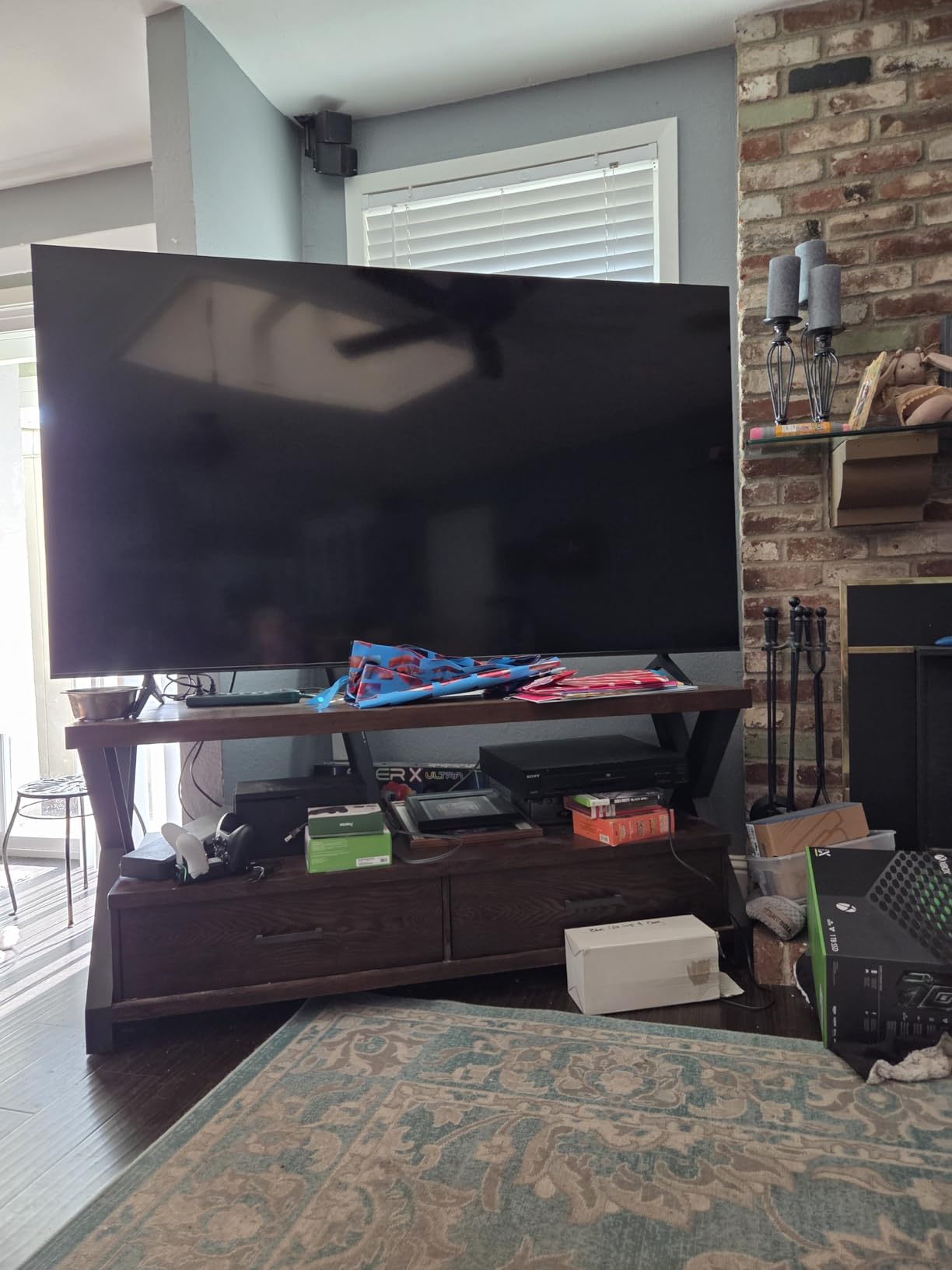
The three HDMI ports are the limitation, and only one carries eARC. If you run a console, a soundbar and a streaming stick you will need an extra switch or a hub. The VESA pattern is 400 x 400 mm, one of the larger patterns here, which gives you more choice of wall mount. Warranty cover is one year.
Who the NS65-UQFL26 suits best
It is the pick for a budget-conscious household that wants Dolby Vision for streaming and does not care about console frame rates. It is also a good fit for a bedroom or a secondary living space where Dolby Vision is rarely exercised in bright conditions.
Fire TV will be familiar to anyone who has used an Amazon streaming stick or a Fire TV Stick, and the Alexa voice remote handles search and smart home control well. Several owners add an external streamer purely because the built-in menus feel slow, which is a cheap fix.
Who should skip the NS65-UQFL26
Skip it for gaming. The panel is 60Hz and there is no HDMI 2.1 bandwidth for 4K at 120Hz or 1440p sources, so a modern console will run in its basic mode.
Skip it too if you like to fine-tune picture settings. Fire OS buries them, and some options are greyed out entirely. Owners also report slight backlight unevenness under the right viewing conditions, which you would not see on the TCL’s zone-based dimming.
6. Samsung 65U8000H Crystal UHD Review: The Lightest Samsung for Wall Mounting
Samsung 65-Inch Class Crystal UHD U8000H Series Samsung Vision AI Smart TV (2026 Model, 65U8000H) Processor 4K, Endless Free Content, Motion Xcelerator, Color Booster, Alexa Built-in
65-inch 4K LED panel
400 nit peak brightness
4000:1 contrast ratio
Crystal Processor with 4K upscaling
31.8 pound chassis
Pros
- Very light at 31.8 pounds for easy wall mounting
- Sharp 4K image for the class
- Quick setup that can skip the account step
- Bluetooth included
- HDMI-CEC works with an Apple TV 4K
Cons
- Only 400 nits so colors wash out in daylight
- Weak 20W 2.0 speakers
- Sparse app catalog missing HBO and Paramount+
- Remote is slow and hides input switching
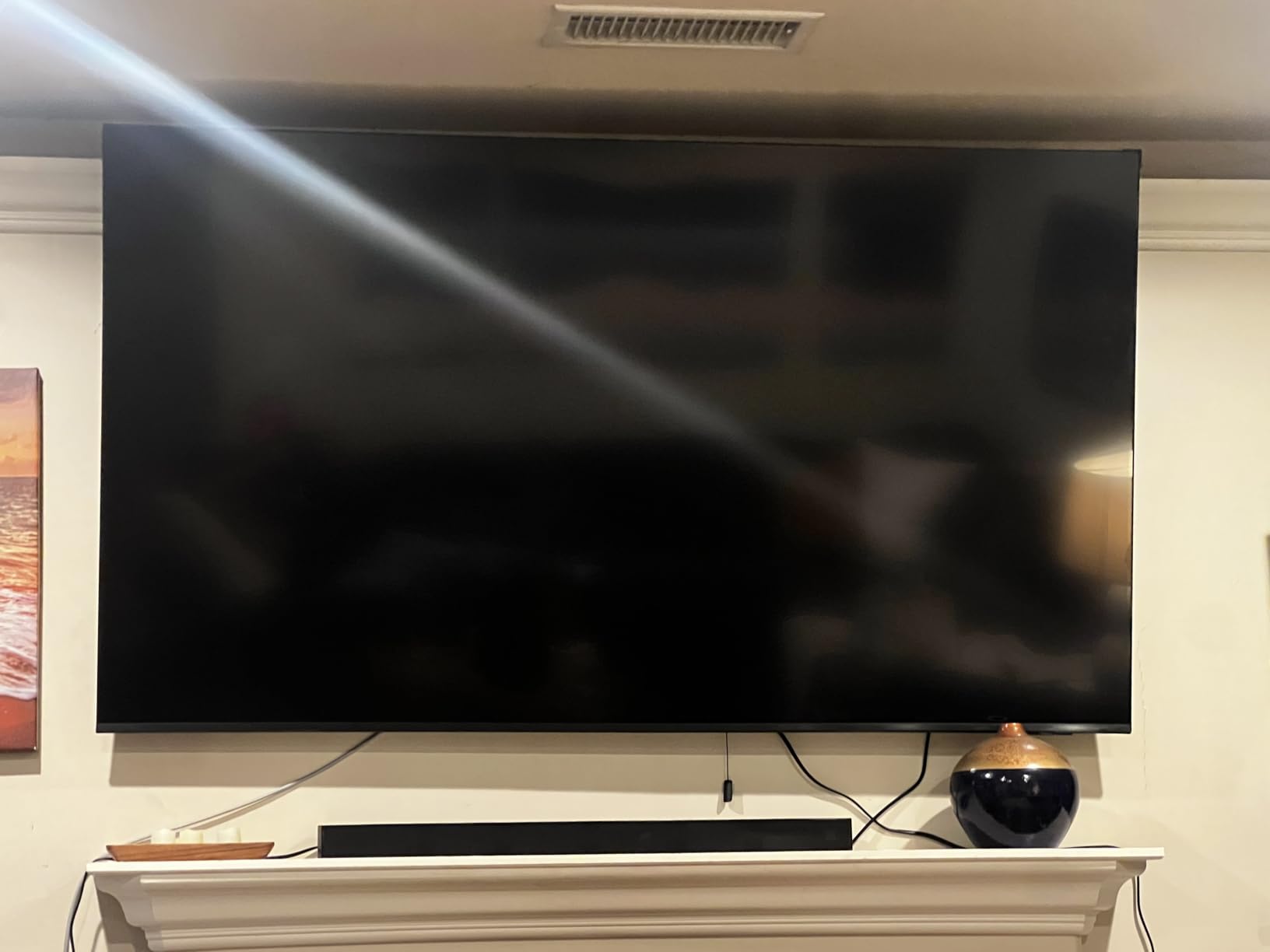
This is the Samsung to buy if the physical job of installing a 65-inch screen worries you. At 31.8 pounds it is one of the lightest sets here, and the 400 x 300 mm VESA pattern is a common mount size, so almost any wall bracket will fit it.
Picture quality is solid rather than spectacular. The Crystal Processor upscales lower-resolution sources to 4K and sharpens detail, while Color Booster intensifies what you are watching. The contrast ratio is listed at 4000:1, which is respectable for a plain LED panel but well short of what local dimming delivers.
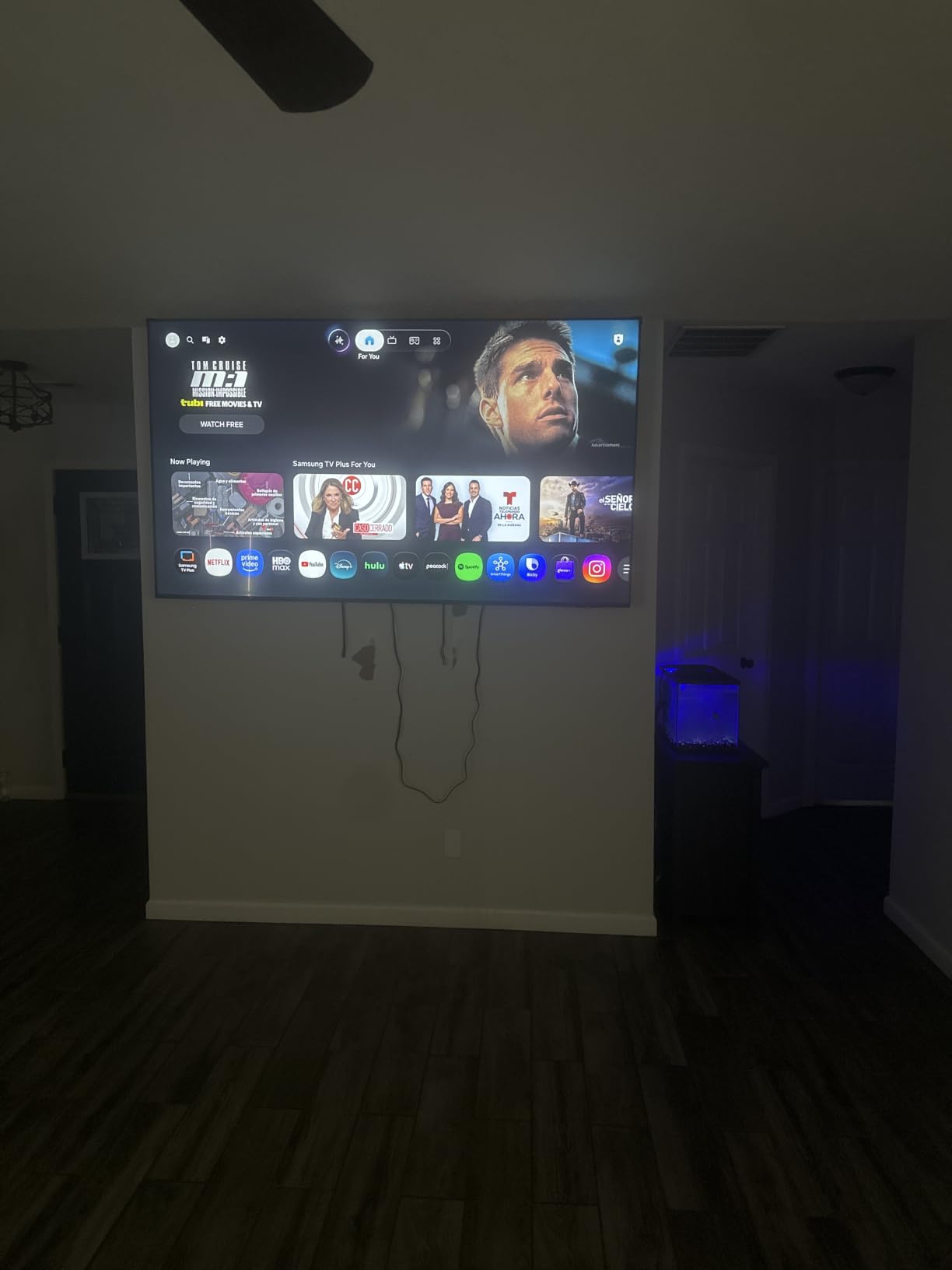
Platform strength is real. Samsung TV Plus gives access to more than 2,700 free streaming options and over 750 ad-supported channels with no subscription, which genuinely adds hours of content out of the box. Owners report that HDMI-CEC control works well alongside an Apple TV 4K and a soundbar.
The weaknesses are honest ones. The listed peak brightness of 400 nits is the lowest figure in this group, and owners confirm that colours wash out in bright daylight and lose detail in reds. The app catalog is also sparser than Google TV or Roku, with HBO and Paramount+ reported as missing.
Who the 65U8000H suits best
Buy it for a controlled room where you watch in the evening with blinds drawn, in a rental where wall mounting has to be quick, or as a second screen in an office or bedroom. It also suits anyone who wants a large Samsung without paying for the quantum dot layer.
Energy use is modest at a listed 139 kWh annually, the lowest figure among the sets we listed. If you run a television many hours a day, that difference compounds.
Who should skip the 65U8000H
Skip it for a bright living room. At 400 nits with a standard LED backlight, this is the set most likely to disappoint in daylight, and colour accuracy suffers first.
Skip it if you care about audio. The 20W two-channel speakers are quiet rather than bad, and owners nearly all add a soundbar. The remote also draws repeated criticism for slow response and for hiding input switching inside menus.
7. Samsung M70H Mini-LED Review: The Cheapest Route Into Mini-LED
Samsung 65-Inch Class M70H Series, Mini LED, 4K, Smart TV, 2026 Model
65-inch 4K Mini-LED panel
Supreme Mini LED dimming
Mini LED Processor 4K
HDR10+ with Motion Xcelerator Turbo+
31.7 pound chassis
Pros
- Mini-LED backlight improves contrast and highlights over standard LED
- Pure Spectrum colour with rich reds and deep blues
- Gaming Hub with Game Mode and VRR
- Soccer Mode tuned for match action
- Light at 31.7 pounds
Cons
- Dimming zones are coarse and show halos around bright objects
- Native panel is 60Hz despite the 120Hz claim
- Only three HDMI and one USB port
- Small 200 x 200 mm VESA pattern
This is the interesting budget compromise. You get a genuine Mini-LED backlight and Samsung’s Supreme Mini LED dimming, which delivers clearly better contrast and highlight brightness than a standard LED panel, for far less than the TCL we recommend for gaming.
The Mini LED Processor 4K handles upscaling and Pure Spectrum colour covers over a billion tones with strong reds and deep blues. Reviewers consistently respond well to the jump in picture quality coming from budget LED sets, which is the whole point of choosing it.
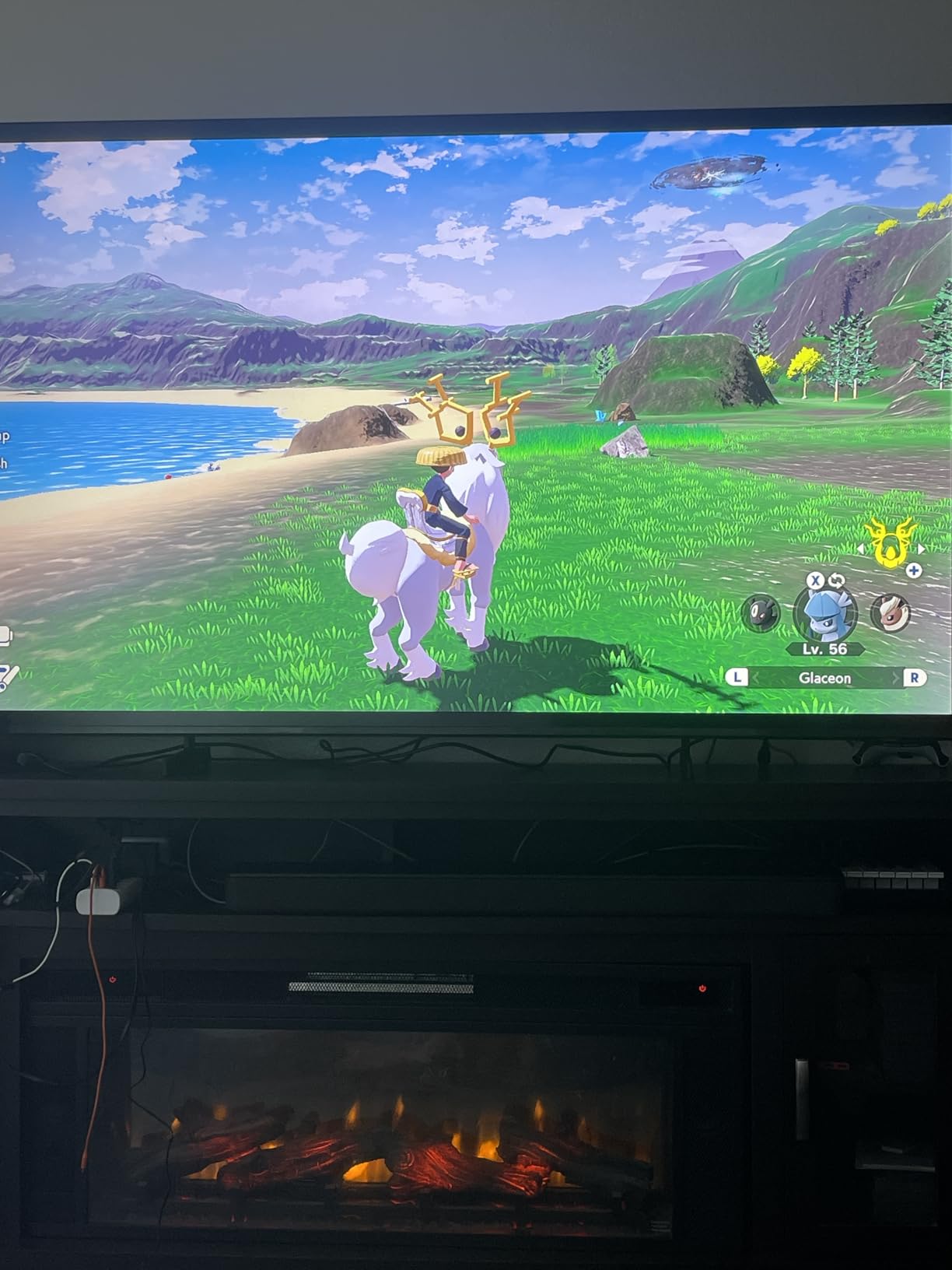
Where it falls short is dimming precision. The dimming zones are coarse enough that owners report visible halos around bright objects on dark backgrounds, which is exactly the blooming trade-off we explain in the buying guide. The TCL’s finer zones and Halo Control system manage this noticeably better.
The 120Hz figure in the specifications comes from Motion Xcelerator Turbo+ processing rather than a 120Hz native panel. That distinction matters if you own a console, because it does not add frames. Gaming Hub, Game Mode and VRR support are present and useful, but you are still working with a 60Hz panel.
Who the M70H suits best
It suits a sports household on a budget. Soccer Mode is tuned for fast match action, the brighter Mini-LED highlights hold up better in a lit room than the plain LED sets here, and Tizen gives you access to over 750 free channels.
It is also a good choice for anyone who wants OLED-style picture quality direction without OLED pricing, and for a wall-mounted living room where the small 200 x 200 mm VESA pattern fits a compact bracket.
Who should skip the M70H
Skip it if you watch films in a dark room, because the coarse dimming zones produce halos exactly where dark scenes put bright objects next to black backgrounds. That is the one weakness that Mini-LED buyers complain about most often.
Skip it if you game. Three HDMI ports, one USB port and a 60Hz native panel make it a poor match for a PS5 or Xbox Series X, regardless of what the marketing claims about motion processing. The built-in two-channel speakers are also not suited to movies.
8. Insignia F50 Series Review: The One With the Best Port Selection
Insignia 65″ Class F50 Series LED 4K UHD Smart Fire TV, Voice Remote with Alexa, Stream Live TV Without Cable
65-inch 4K direct lit LED panel
HDR10 with 4K upscaling
Fire TV with Alexa voice remote
3 HDMI ports with ARC and eARC
Optical, headphone, composite and coaxial outputs
Pros
- Direct lit LED backlight improves uniformity and contrast
- Generous port selection for older equipment
- Alexa voice remote included
- Standard 400 x 300 VESA pattern
- Very low outlay for a 65-inch 4K panel
Cons
- No local dimming so blacks are basic
- DTS Virtual-X is modest against real Atmos
- No HDMI 2.1 features for gaming
This set exists for a specific situation: you still run older equipment. If you have a cable box, an old game console, a Blu-ray player, a soundbar and a streaming stick, the port selection here is the best of the group, with optical output, a headphone jack, composite video, coaxial, USB and Ethernet alongside three HDMI inputs.
Picture quality is a 4K direct lit LED panel with HDR10 support and upscaling from lower-resolution sources. Direct lighting rather than edge lighting means more even brightness across the screen, which reduces the corner dimming you see on cheaper sets.
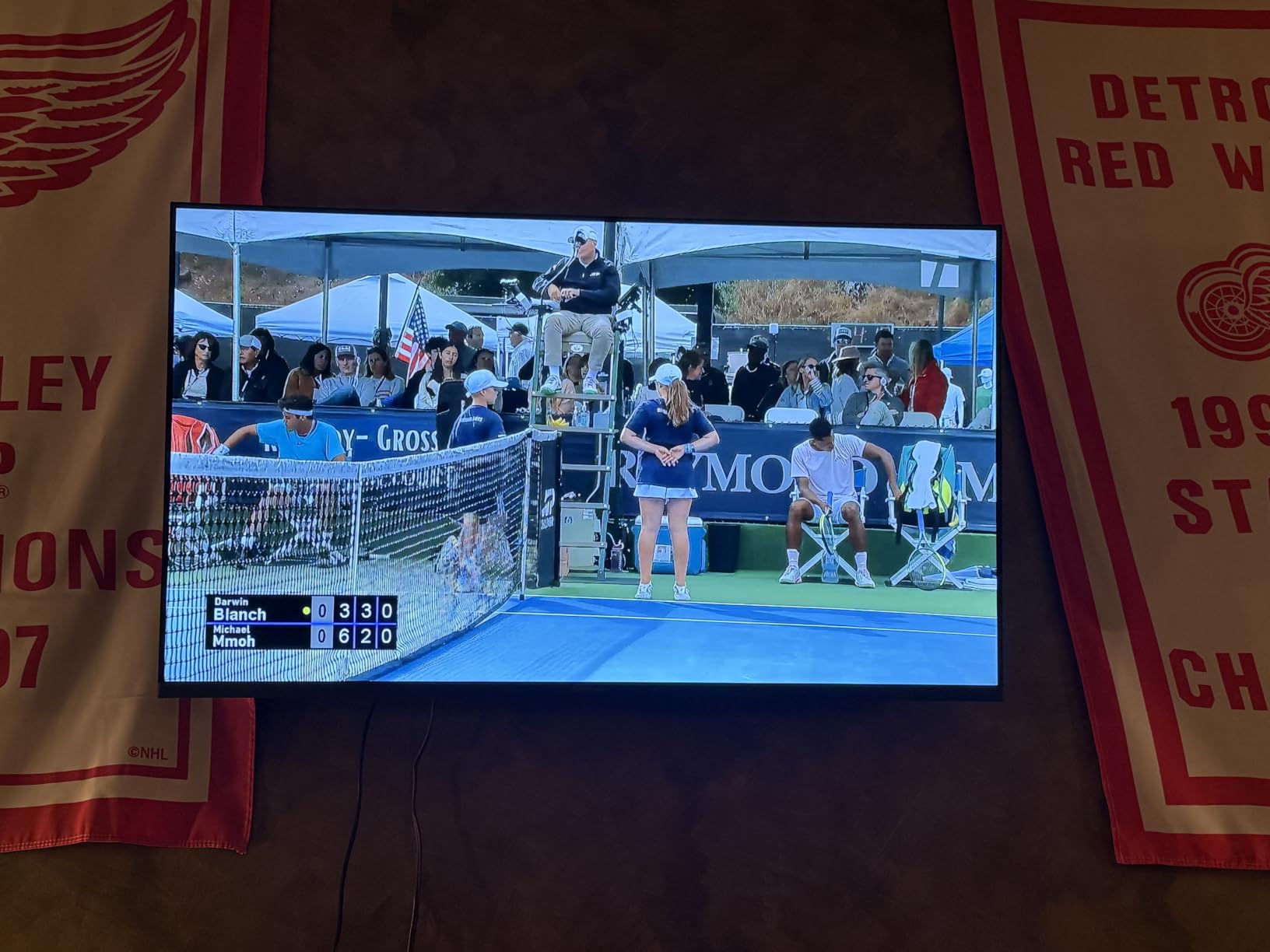
Both HDMI ARC and eARC are supported, so a modern soundbar can return audio over the same cable. That single feature matters more to long-term owners than almost anything else in this list, because it removes one cable from the setup permanently.
Audio is DTS Virtual-X, which simulates surround from two channels. It sounds plausible with dialogue and light programme watching but will not compete with a real Atmos system. There is no local dimming, so black levels are basic and dark film scenes look grey rather than deep.
Who the F50 Series suits best
Buy it if you are replacing a much smaller set, furnishing a rental or a first apartment, or handing a television to someone who just wants a large screen that works. Fire TV with the Alexa voice remote means most people can operate it without instructions.
It is also a sensible choice for a bedroom where you will watch at night with the lights off. A large 65-inch screen that costs little is a very different proposition from the same screen at four times the outlay.
Who should skip the F50 Series
Skip it for gaming. There are no HDMI 2.1 features, so no 4K at 120Hz and no high refresh gaming of any kind. A console from this decade will look noticeably softer in motion than on the TCL.
Skip it for a dedicated viewing room. Without local dimming, the contrast ratio is basic for a direct lit LED panel, and film night on a screen this size in a dark room exposes that more than it would on a 43-inch set.
How to Choose a 65 Inch TV Under $1000?
Mini-LED vs QLED vs plain LED at this budget
Panel technology is the whole decision at this price. QLED adds a quantum dot colour filter over a standard LED backlight, which gives you saturated colour cheaply with no dimming complexity. Mini-LED replaces the backlight with thousands of tiny LEDs grouped into dimming zones, which buys much higher brightness and much deeper blacks at the cost of some blooming.
OLED is the third option and it is not realistically on the table. OLED pixels emit their own light, so blacks are perfect and contrast is effectively infinite, but at 65 inches the pricing sits above this ceiling except during specific sale windows. Buyers doom-scrolling forum threads asking for a 65-inch OLED under 1000 dollars keep arriving at the same answer: wait for a sale, or spend more.
So your realistic choice is between a quantum dot panel for the cheapest good picture, and a Mini-LED panel for a brighter, higher-contrast picture with better HDR.
How many nits do you actually need
Brightness is measured in nits, and you need roughly 300 to 500 nits for a controlled evening room, 800 to 1000 for a normally lit living room, and 1500 or more if sunlight hits the screen directly.
The trap here is comparing numbers quoted in different picture modes. The same panel can produce wildly different peak brightness depending on whether it is in a Movie mode or a Vivid mode, which is why two brands can quote very different figures for the same panel. Judge brightness figures as a rough class, not an exact measurement.
Does 60Hz still matter in 2026
Yes, on a 65-inch screen, more than it did on a 43-inch one. Motion blur that you barely notice on a small set is obvious at this size, particularly on football, Formula 1 and any fast console action.
That said, 60Hz remains perfectly watchable for streaming and most live television, and it is what most sets in this price band ship with. The sets worth paying up for are the 120Hz and 144Hz panels, and in this group there is exactly one: the TCL 65QM6K.
HDR formats: Dolby Vision, HDR10+ and HLG
HDR10 is the baseline and every set here supports it. HDR10+ is Samsung’s format and adds scene-by-scene adjustment. Dolby Vision is the format most streaming services actually use, and at this price it appears on only three of our eight sets: the TCL, the Sony and the Insignia QF.
If you watch a lot of streaming, prioritise Dolby Vision support over any other feature. It is the difference between a flat picture and a genuinely punchy one on supported content.
Smart TV platforms compared
Roku OS is the fastest and simplest interface here, with the best remote and a remote finder function. Fire TV is familiar to Amazon buyers and pairs well with an Alexa voice remote, but owners report slow, laggy menus after power-on and picture settings that are hard to reach.
Google TV is the most capable for apps and casting, and it is snappy on the TCL, but the home screen is heavy on recommendations and setup requires a Google account. Tizen on Samsung offers the most free content, with over 750 ad-supported channels on two of the three Samsung sets here, but it is the slowest of the four in our testing.
HDMI ports, VRR and ALLM for consoles
Count your ports before you buy. A realistic setup needs one for the console, one for a soundbar with eARC, one for a streaming stick and one spare. Three HDMI ports is workable with an extra switch; two is a problem.
For variable refresh rate and automatic low latency mode to work at high frame rates you need HDMI 2.1 bandwidth. Only the TCL in this group delivers 4K above 60Hz, which is why it takes the gaming recommendation regardless of budget.
Viewing distance and whether 65 inches is too big
Use a simple rule: measure your seating distance in inches, divide by two, and compare that to the screen size. A 65-inch set is roughly right for a viewing distance of 130 inches, which is about 11 feet.
Buyers upgrading from a 50-inch set are routinely surprised by how large 65 inches feels, and that reaction starts a size-versus-budget negotiation. If your room cannot take it, a 55-inch set at this money leaves budget available for a soundbar.
What blooming is and where you will see it
Blooming is a soft halo of light around bright objects when they sit against a dark background, and it is the signature trade-off of Mini-LED backlights. When a bright subtitle or streetlight is displayed on a dark scene, the dimming zone responsible for that area has to keep some light on to illuminate neighbouring pixels.
The more zones a Mini-LED panel has, the smaller each zone is and the less obvious the halo. The TCL uses precise dimming zones combined with a Halo Control system, so it manages blooming better than the coarser-zone Samsung M70H. The sets with no local dimming at all, such as the Sony BRAVIA 3 and the Insignia F50, avoid blooming entirely but pay for it with flat black levels.
When to Wait and What to Skip at This Budget
Why TV prices move weekly and when to wait
Prices in this category move more than most people expect, and a single model can swing by several hundred dollars between one month and the next. That is why we do not print a fixed figure and treat it as permanent: check the price at the moment you intend to buy rather than the price we saw when writing.
Large sale events such as Prime Day and Black Friday are when the deepest discounts land, and mid-year clearance periods often catch outgoing model years. If you are not in a hurry and your current set still works, waiting until a sale window is the single most effective way to spend less on the same television.
Where to buy and why the retailer matters
The retailer changes the deal more than most buyers expect. Return windows matter enormously at this price because panel defects show up as dead pixels, backlight unevenness or a failed zone, and buyers on forums worry about exactly this. Choose somewhere with a long, straightforward return policy and a painless dead-pixel policy.
Warranty length is also a genuine decision driver. Forum members repeatedly recommend retailers that attach a longer warranty to a 65-inch set, sometimes for a few years rather than the one-year manufacturer cover, and at this screen size that extra cover is worth comparing carefully before you click through.
What to skip at this price
Skip extended warranties sold as insurance against damage. Televisions fail from defects, not from daily use, and manufacturer defects are covered by the standard warranty. Damage from dropping a 65-inch set is not.
Skip 8K. At this budget an 8K television is a standard 4K panel with a higher price label and worse price-per-inch value. Skip premium wall mounts too; a basic fixed bracket for a 400 x 300 pattern is all a 65-inch set needs. And do not judge any of these sets in the showroom picture mode, which is deliberately set vivid to attract attention and is the root cause of most disappointed first impressions.
Frequently Asked Questions
What is the best 65 inch TV for under 1000?
The Samsung 65Q7F QLED is the most balanced choice, combining a quantum dot panel, a listed 1800 nit peak brightness figure, a light 37.7 pound chassis and the Tizen platform. If you game on a PS5 or Xbox Series X, the TCL 65QM6K Mini-LED is better because its 144Hz native panel and four HDMI ports handle high frame rate output. On the smallest budget, the Roku 65-Inch Select Series delivers a 4K quantum dot picture for the least money of the three.
What is the best 65 inch smart TV under 1000?
Platform quality varies more than picture quality at this price. Roku OS is the fastest and simplest interface and pairs with the best remote of the group. Google TV on the TCL offers the most apps and smooth performance. Tizen on Samsung gives you over 750 free ad-supported channels but responds slowest. Fire TV on the Insignia sets is familiar to Amazon buyers but owners report laggy menus and hard-to-reach picture settings.
What is the best 65-inch TV for value for money?
The Roku 65-Inch Select Series is the value pick. It delivers a 65-inch 4K quantum dot panel with HDR10, HDR10+ and HLG, four HDMI ports, an optical output and a 30.9 pound chassis, and it costs considerably less than the other sets we tested. The trade is a 60Hz panel, which matters for console gaming but barely at all for streaming and broadcast television.
Who makes the best 65 TV for the money?
TCL and Samsung account for most of the strong options at this price. TCL covers the Mini-LED and high refresh rate ground with the 65QM6K, and forum consensus on r/4kTV repeatedly favours the brand for price-to-performance with low input lag. Samsung covers the all-round middle with the 65Q7F and offers the cheapest route into Mini-LED with the M70H. Hisense, LG, Sony and Philips sets appear repeatedly at this budget in forum threads but were not part of this tested group.
What is the best 65 inch TV under 1000 according to Reddit?
Reddit consensus on r/4kTV leans strongly toward TCL for the price-to-performance ratio, particularly for gaming, with owners citing low input lag alongside picture quality. The same forum steers people away from entry LG sets at the same money and points toward TCL instead. Its main recurring warning is that a 60Hz panel is the first thing buyers notice on a screen this size, and that most complaints about a disappointing new set trace back to the showroom picture preset rather than the panel itself.
How far away should I sit from a 65 inch TV?
A simple rule is to measure your seating distance in inches, divide by two and compare the result to the screen size. For a 65-inch set that means sitting roughly 130 inches away, which is about 11 feet. Buyers upgrading from a 50-inch television routinely underestimate how large 65 inches feels, and if your room cannot accommodate that distance, a 55-inch set at this budget leaves money available for a soundbar.
Final Verdict on the Best 65 Inch TVs Under $1000
The Samsung 65Q7F QLED is the best 65 inch TV under 1000 dollars for most people, because it balances a quantum dot panel, strong brightness, a manageable 37.7 pound weight and a platform enough people already understand. It is the set we would put in a family room and stop thinking about.
The TCL 65QM6K Mini-LED takes the console crown with a genuine 144Hz panel, four HDMI ports and Dolby Vision, at the cost of a glossier panel and less punch in a sunlit room. For the lowest sensible outlay, the Roku 65-Inch Select Series gives you a 4K quantum dot picture and the fastest interface in the group, and the 60Hz panel only matters if you game.
Check the price on the day you buy, buy from somewhere with a long return window, and judge the picture in a Movie or Filmmaker mode rather than the showroom setting. Those three habits do more for your satisfaction than any model choice.