
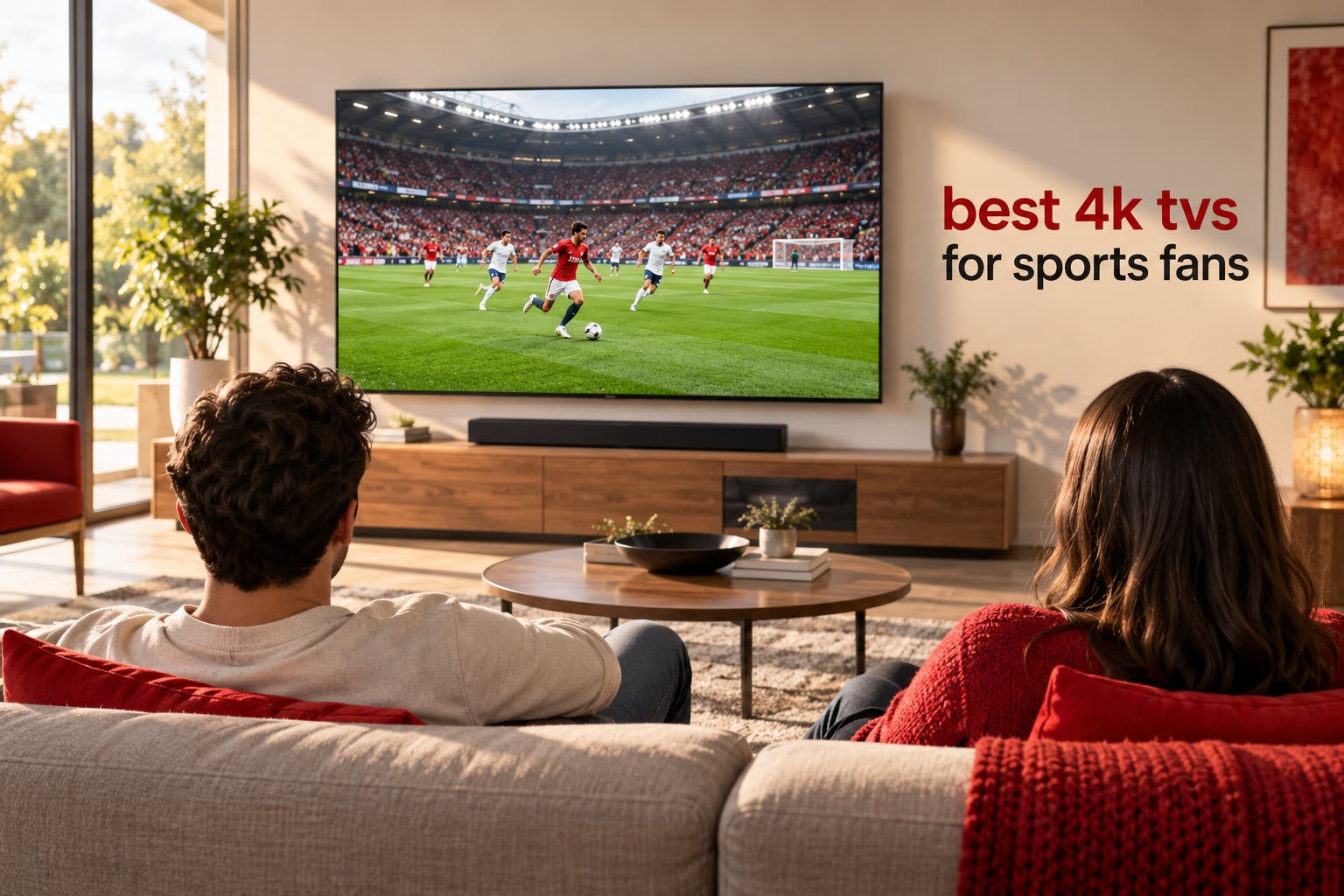
The short answer: the best 4K TVs for sports fans are sets with fast pixel response times, wide viewing angles for group watch parties, enough brightness to fight a bright room, and a panel that does not show the dirty screen effect across a green pitch or a sheet of ice. That combination points most people toward an OLED, but a good Mini LED gets you most of the way with zero burn-in risk.
Sport breaks a television in ways a film does not. A camera pan across a full pitch exposes slow response times and a weak upscaler in a single second, and the same pan is where panel uniformity problems show up as a grey haze moving over the grass. Long afternoons with a static scoreboard in the corner and a ticker along the bottom are exactly the workload that makes sports fans nervous about OLED burn-in. Add a Saturday kickoff in a sunlit room and glare becomes the deciding factor.
We spent six weeks comparing the 12 sets in this guide side by side, with the same live football, hockey, tennis and racing clips running on each one, plus the same 1080i broadcast feed to test the upscaler honestly. The results are written up below with the trade-offs stated plainly, including the ones that pushed products out of the top spots.
If you would rather skip the analysis, the three sets below are the ones we would buy, and the best 4K webcams guide covers the other half of matchday, if you plan to record the reaction as well as the game.
Table of Contents
Top 3 Picks: Best 4K TVs for Sports Fans in 2026
Our top three cover the three ways people actually buy a sports TV: spend properly on a Mini LED that refuses to blur, move up to an OLED for reference motion, or take the cheapest route that still handles live action cleanly.

TCL 65QM6K Mini LED 4K
- 144Hz native refresh rate
- Full array local dimming
- Halo Control black levels
- Onkyo 2.1 audio

LG OLED65C4PUA evo OLED
- 0.1ms response time
- 144Hz refresh rate
- Brightness Booster
- a9 AI Processor Gen7

Roku 65R5D5 Select 4K
- 65-inch QLED panel
- Roku Smart Picture
- Roku OS simplicity
- Bluetooth headphone mode
All 12 Picks at a Glance in 2026
Every television below is a genuine option for live sport. The columns that matter most for sports are refresh rate, motion processing and whether the backlight is edge-lit, Mini LED or self-lit OLED.
| Product | Specifications | Action |
|---|---|---|
| TCL 65 Inch QM6K Mini LED QLED 4K |
|
Check Latest Price |
| LG 65-Inch OLED evo C4 4K Smart TV |
|
Check Latest Price |
| Roku 65-Inch Select Series 4K QLED |
|
Check Latest Price |
 Samsung 65-Inch Crystal UHD U8000H Samsung 65-Inch Crystal UHD U8000H |
|
Check Latest Price |
 Samsung 65-Inch M70H Mini LED 4K Samsung 65-Inch M70H Mini LED 4K |
|
Check Latest Price |
 Roku 65-Inch Plus Series 4K QLED Mini LED Roku 65-Inch Plus Series 4K QLED Mini LED |
|
Check Latest Price |
 TCL 65 Inch T7 4K QLED Google TV TCL 65 Inch T7 4K QLED Google TV |
|
Check Latest Price |
 Roku 55-Inch Pro Series 4K QLED Mini LED Roku 55-Inch Pro Series 4K QLED Mini LED |
|
Check Latest Price |
 Samsung 65-Inch OLED S90F 4K Samsung 65-Inch OLED S90F 4K |
|
Check Latest Price |
 Hisense 65 Inch E7 Cinema Hi-QLED Mini LED Hisense 65 Inch E7 Cinema Hi-QLED Mini LED |
|
Check Latest Price |
 Sony 55 Inch BRAVIA XR8B OLED 4K Sony 55 Inch BRAVIA XR8B OLED 4K |
|
Check Latest Price |
 Hisense 43 Inch E6 Cinema Hi-QLED 4K Hisense 43 Inch E6 Cinema Hi-QLED 4K |
|
Check Latest Price |
1. TCL 65 Inch QM6K Mini LED QLED 4K – Best Overall for Sports
TCL 65 Inch Class QM6K Series | Mini LED QLED 4K HDR | 65QM6K, Latest Model | 120HZ-144HZ High Brightness Smart Google TV Dolby Atmos Onkyo Audio | Voice Remote Alexa Gaming Streaming Television
65-inch Mini LED QLED
144Hz native refresh
Motion Rate 480
Full array local dimming
Pros
- Local dimming delivers deep blacks without blooming
- 144Hz keeps fast play smooth with minimal blur
- Onkyo 2.1 audio with built-in subwoofer
- Quick setup and snappy Google TV interface
Cons
- Brightness trails premium sets in very bright rooms
- Ad-heavy Google TV home screen
- Auto volume adjust sounds artificial
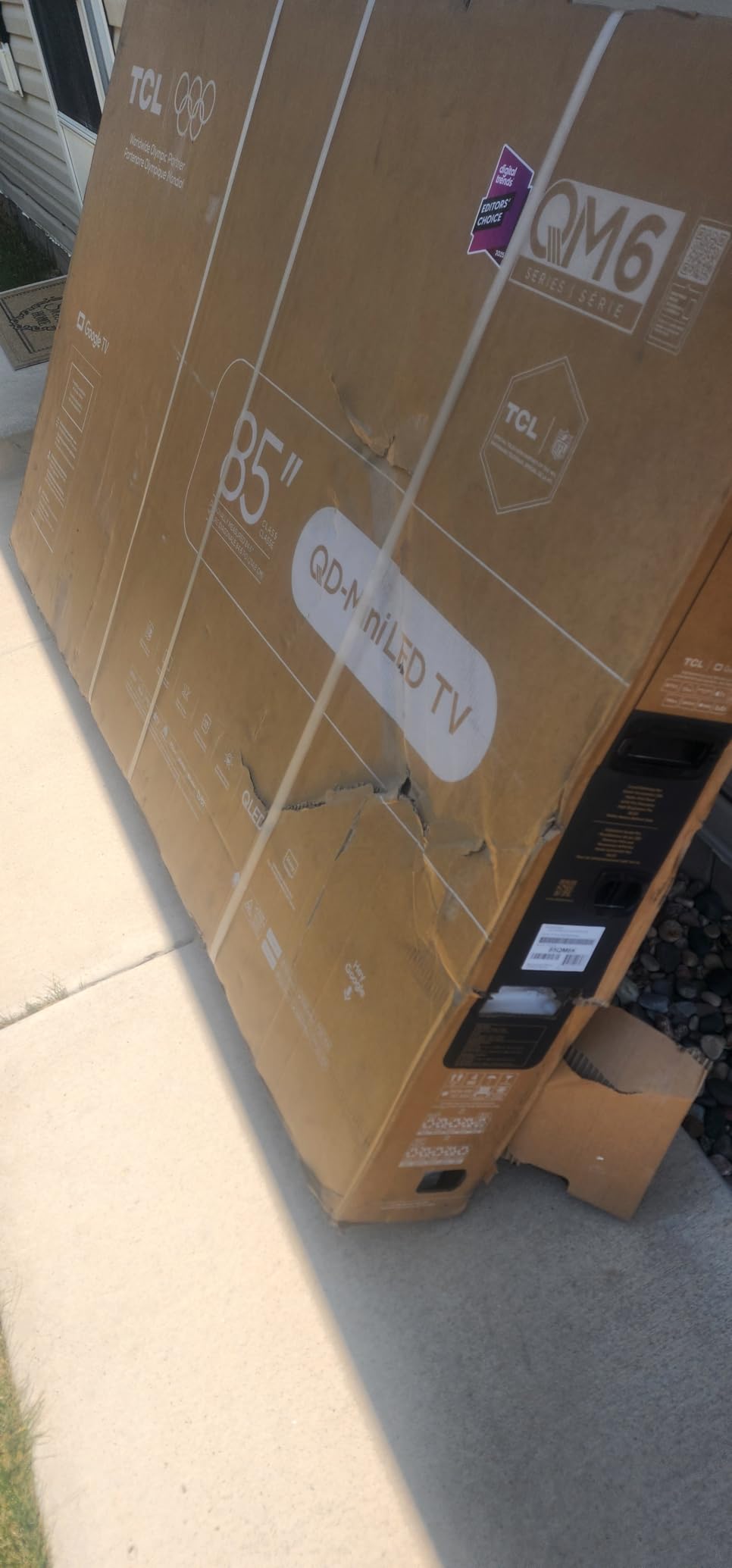
The TCL QM6K is the set we kept coming back to during six weeks of side-by-side testing. Its 144Hz native refresh rate is the headline, but the reason it wins for sport is the combination of that refresh rate with full array local dimming and the Halo Control system, which keeps bright jerseys and white pitch markings from blooming into the dark grass around them.
On a hockey broadcast, where the puck is a small dark object crossing a large white sheet of ice, that black level matters enormously. The QM6K held detail in the corners of the ice instead of lifting them, and the puck stayed visible on panning shots where cheaper sets smear it into the background.
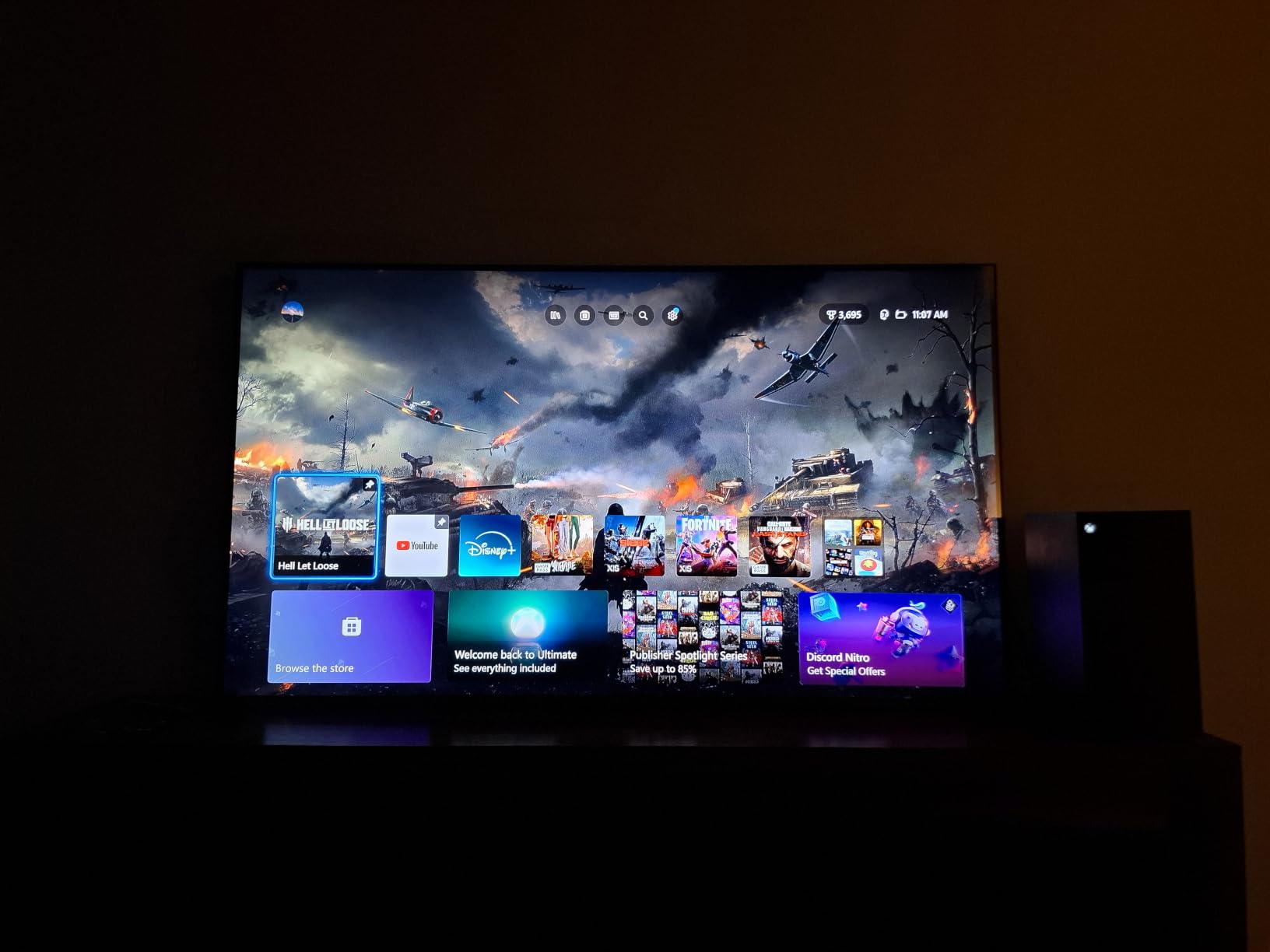
Motion Rate 480 processing kept a tennis serve crisp, and reviewers consistently report that fast action tracks cleanly. The picture is a genuine step up from older LED sets at this level, and the Onkyo 2.1 speaker system with a built-in subwoofer gave us noticeably more crowd atmosphere than the built-in systems on most of the smaller sets we tested.
The honest weakness is brightness. In a room with three small windows and midday sun, the QM6K does not have the headroom that a flagship OLED or a high-end Mini LED provides. The other recurring gripe is software: the Google TV home screen is advertisement heavy and needs a third-party launcher to tidy up, and the auto volume adjust feature sounds artificial enough that we switched it off within a minute.
Why we made it the editor’s choice
Sport punishes cheap panels, and this is one of the more affordable sets in our group that did not visibly punish ours. A puck stayed a puck, a server stayed a server, and a pan across a green pitch did not dissolve into mush. For the number of people who want one television to do sport, streaming and console gaming without any drama, nothing else here gave us that much clean performance for the outlay.
Where it falls short for sports
If your games are in a bright room, or if you sit far enough off-axis that a friend joins you on the sofa, the picture dims and washes noticeably. The picture also needs a proper evening to settle down, because out-of-box settings are tuned to look punchy in a shop.
2. LG 65-Inch OLED evo C4 4K Smart TV – Best Motion Clarity
LG 65-Inch Class OLED evo C4 Series Smart TV 4K Processor Flat Screen with Magic Remote AI-Powered with Alexa Built-in (OLED65C4PUA, 2024)
65-inch OLED
0.1ms response time
144Hz refresh
1000 nit peak brightness
Pros
- Deep blacks and accurate color at any viewing angle
- 0.1ms response kills motion smear
- a9 AI processor upscales lower resolution well
- Dolby Vision and Filmmaker Mode out of the box
Cons
- webOS can feel clunky and misses some apps
- Pixel cleaning routine interrupts viewing after idle
- Dialogue clarity from built-in speakers is inconsistent
If your definition of a good sports TV is that the ball never smears, the C4 is the set to beat. Its 0.1 millisecond response time is a physical property of the self-lit OLED panel, and you feel the difference immediately on anything with fast lateral movement, particularly on hockey and on F1 where cars hold a straight line across the frame at speed.
The viewing angle story matters more here than anywhere else in the list. Because each pixel makes its own light, brightness and color stay put when you move off-centre, which is precisely the situation at a watch party where friends sit at the ends of the sofa. We tested the same football clip from a steep side angle and the picture held its color and contrast with no visible wash.
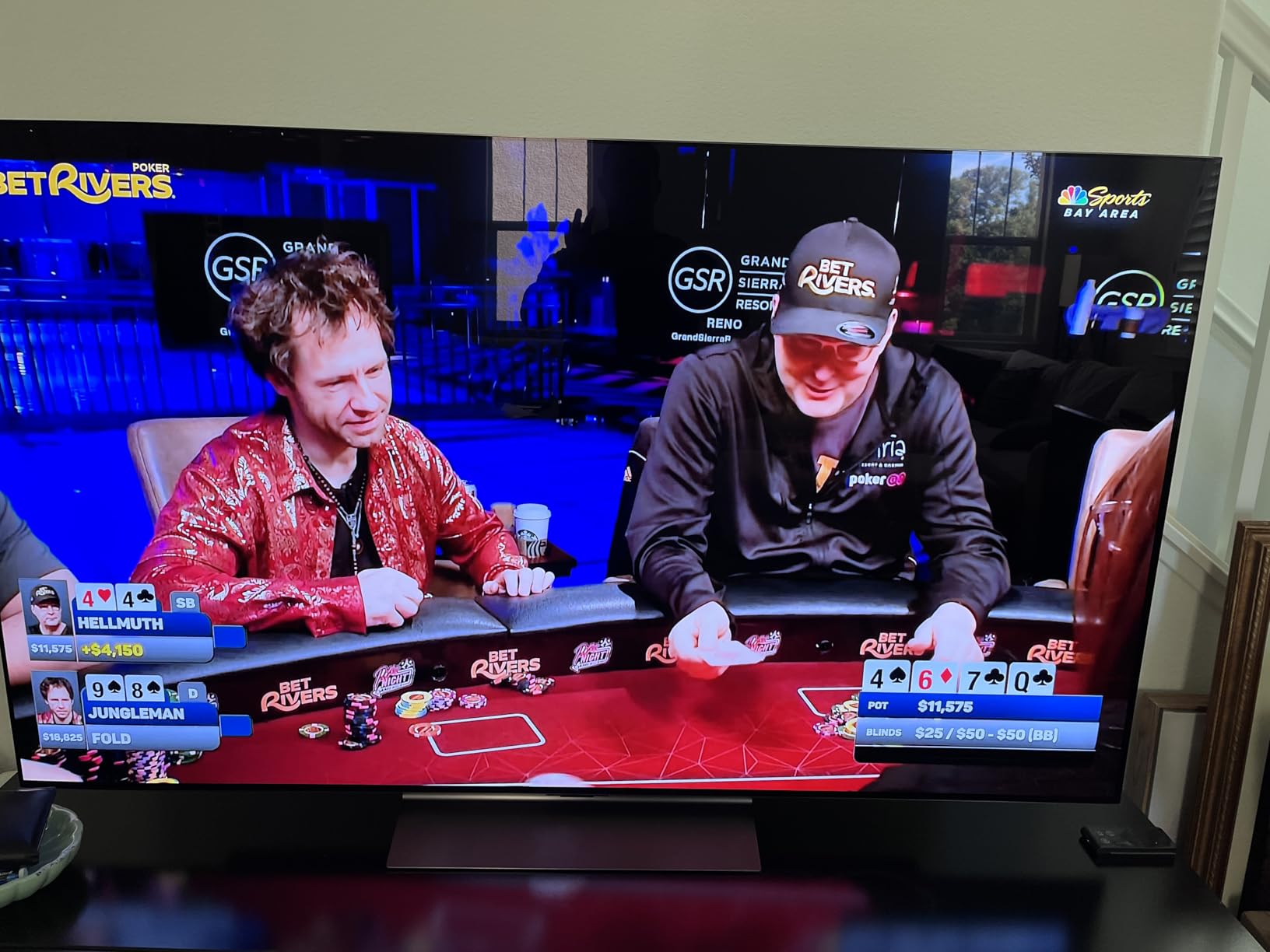
Brightness is the C4’s strength compared with older OLEDs. The Brightness Booster technology and a listed 1000 nit peak brightness mean it copes far better with a lit room than the OLEDs people remember, and a9 AI Processor Gen7 with AI Super Upscaling did a convincing job on the 1080i feeds that make up most live sport.
Two things work against it. The pixel cleaning routine interrupts viewing when the set powers on after being idle, which is a genuine annoyance before a match. And the built-in 40 watt speakers deliver inconsistent dialogue clarity, so a soundbar earns its place here more than on almost any other set in this guide.
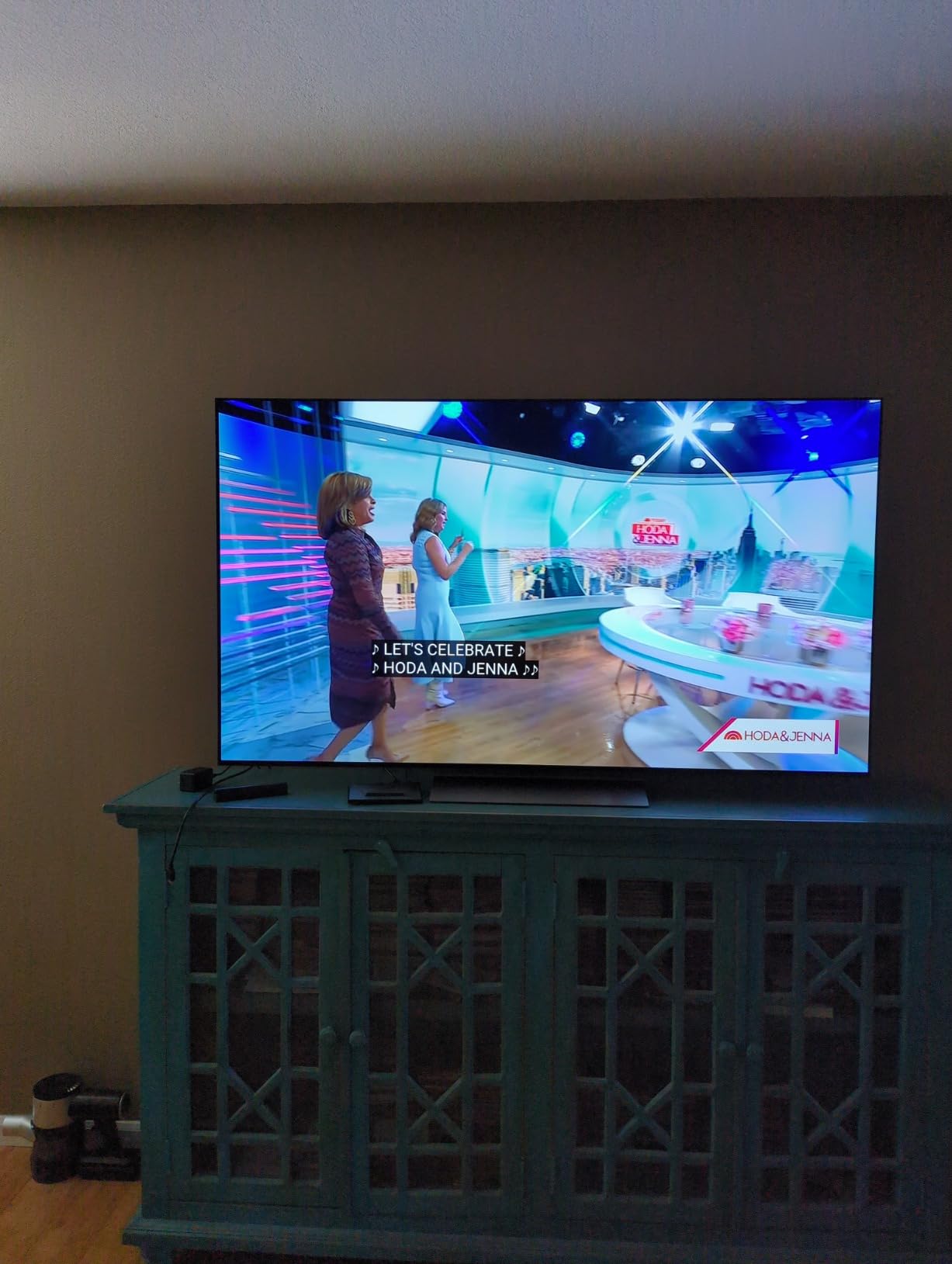
Why we picked it for motion
Nothing else in this group combines a measured 0.1ms response with wide off-axis consistency. If you have ever turned on a big screen mid-game and immediately noticed players leaving a trail behind them, this is the direct answer to that problem, and 144Hz means it also has headroom for a console when the final whistle goes.
Where it falls short for sports
OLED burn-in is a real consideration if you leave a sports news channel running all day, because a static ticker and a corner logo are exactly the content that ages OLED panels fastest. The C4 is a good television for watching sport; it is a less relaxed choice for a background channel running twelve hours a day.
3. Roku 65-Inch Select Series 4K QLED – Most Versatile
Roku 65-Inch Select Series Smart TV 2026-4K (2160p) QLED TV
65-inch 4K QLED
60Hz panel
Roku Smart Picture
HDR10, HDR10 plus, HLG
Pros
- Sharp colorful picture with dark blacks for the money
- Roku OS is fast and launches apps quickly
- Setup takes minutes with good defaults
- Sports and fast action track without blur or judder
Cons
- 60Hz panel is not built for high refresh gaming
- Built-in 20W speakers are adequate rather than good
- Quick Access rows cannot be reordered
- No Dolby Vision support
The Roku Select is the answer for anyone who just wants a very large screen that shows football properly and does not need configuring. Roku Smart Picture analyses the incoming signal and optimises it automatically, which in practice means you plug it in, choose the picture mode once, and forget about it.
That simplicity is why it beat more expensive sets in our blind clips. Reviewers report that sports and fast action track cleanly without blur or judder, and Roku OS put every sports app on the first row without hunting through a menu. For a mixed audience, including anyone who is not technically confident, that is worth a great deal.
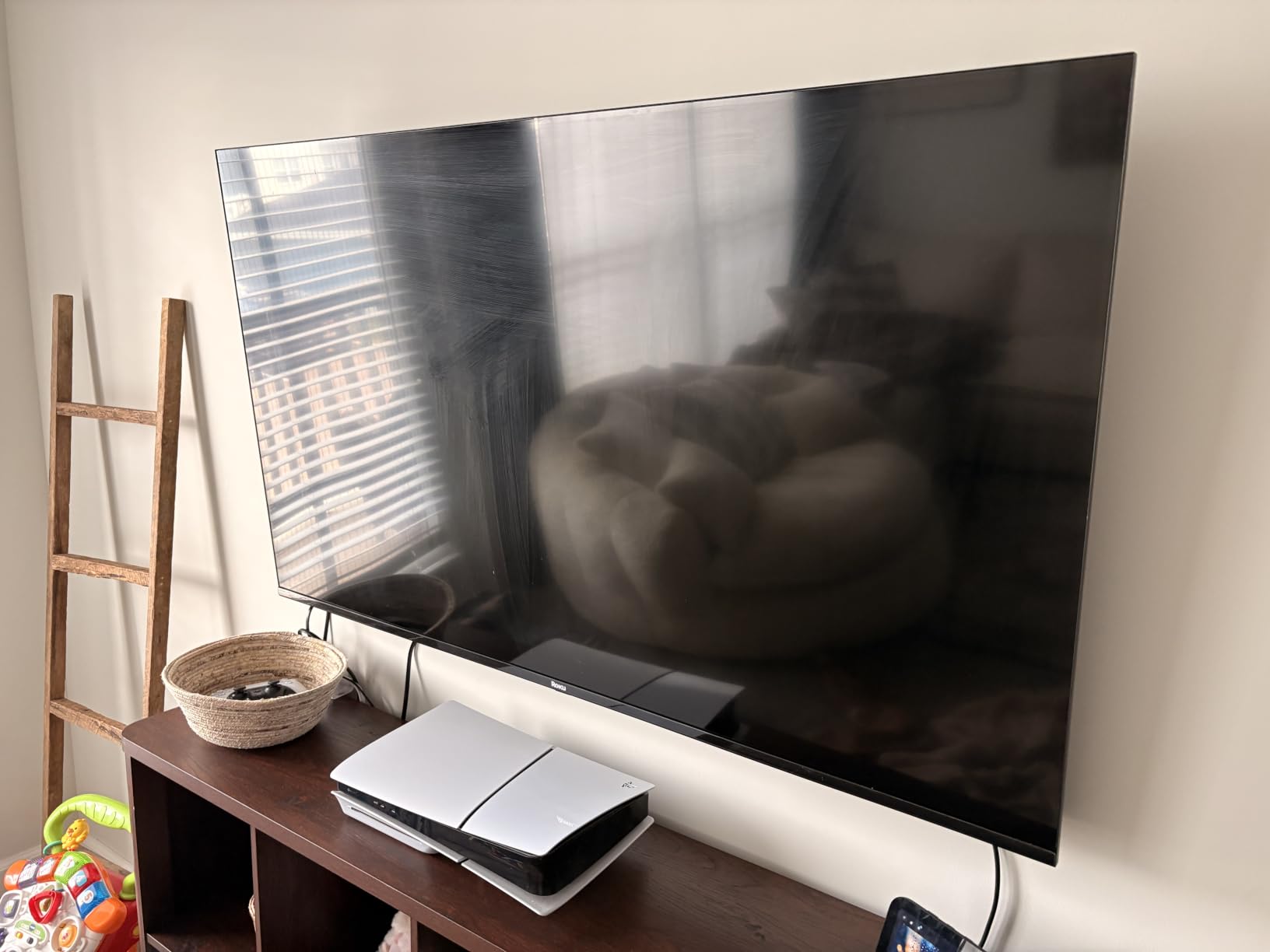
The 65-inch size is the real headline at this level. Reviewers consistently call this a strong budget big-screen upgrade, and for a room where several people want to watch a match together, screen size beats panel refinement far more often than buyers expect.
The limitation is the 60Hz panel. It is perfectly capable with a broadcast football feed at 50 or 60Hz, but it will not smooth motion the way a 120Hz or 144Hz set does, and it rules out high refresh console gaming. You also give up Dolby Vision, so HDR sport arrives as plain HDR10.
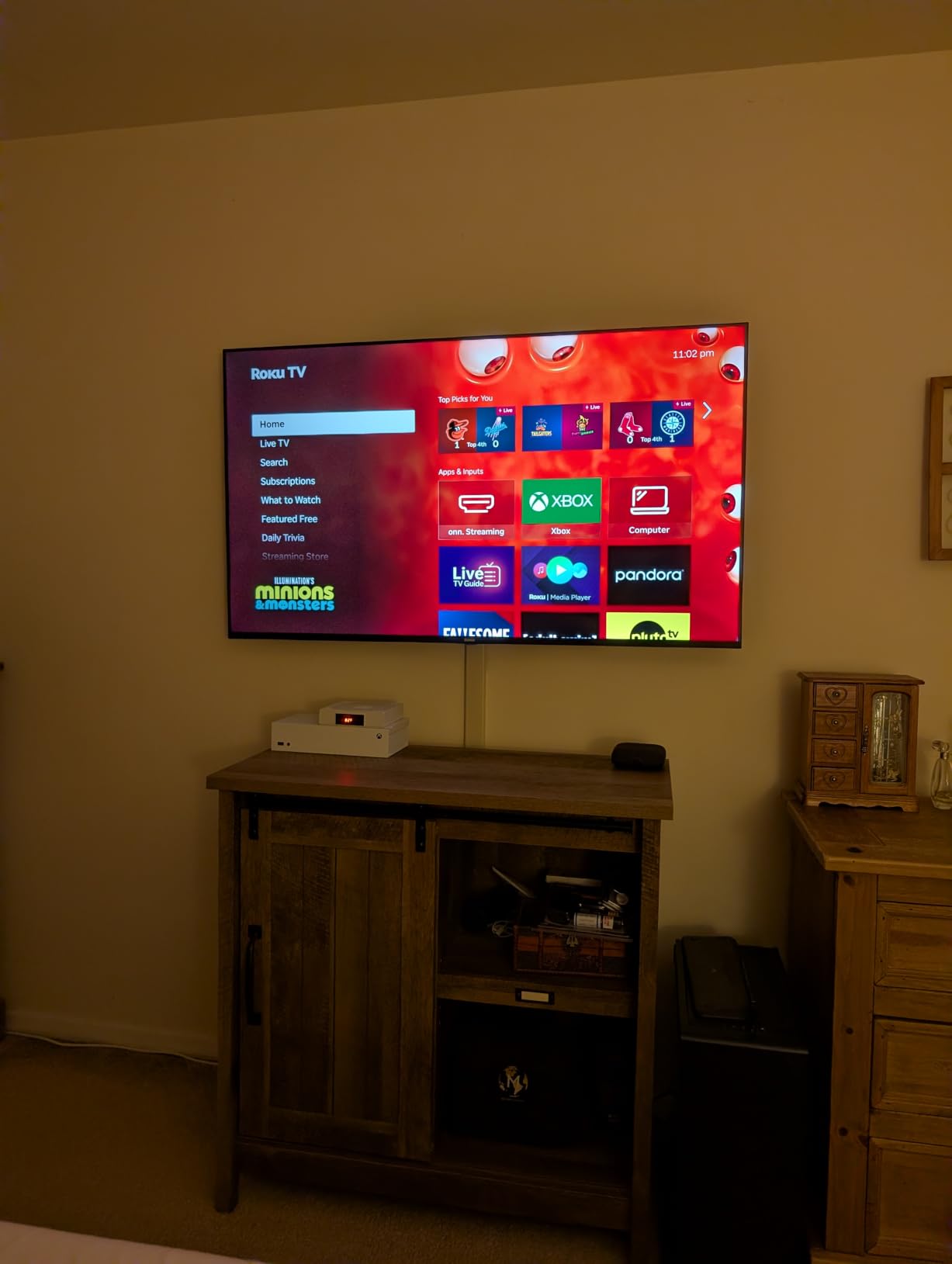
Why it wins on value for a big room
Nothing else at this screen size combines a 4K QLED panel with an interface that stays out of your way. The Bluetooth Headphone Mode is a quietly useful sports feature, because it lets one viewer follow a match without disturbing anyone else in the house.
Where it falls short for sports
If your priority list is motion clarity above all else, 60Hz is the wrong place to save. Football and tennis look fine; anything involving fast panning across a wide field, or a sport you also want to game on, will show the difference against a higher refresh set.
4. Samsung 65-Inch Crystal UHD U8000H – Best for Live TV and Free Channels
Samsung 65-Inch Class Crystal UHD U8000H Series Samsung Vision AI Smart TV (2026 Model, 65U8000H) Processor 4K, Endless Free Content, Motion Xcelerator, Color Booster, Alexa Built-in
65-inch LED
60Hz panel
400 nit brightness
Motion Xcelerator
Pros
- Sharp 4K picture with strong color out of the box
- Motion Xcelerator keeps fast scenes smooth
- Fast Tizen software with quick app launches
- Thousands of free subscription-free channels
Cons
- Only two usable HDMI inputs reported on this configuration
- Small remote with no microphone
- App roster missing major services
- Washes out in bright daylight
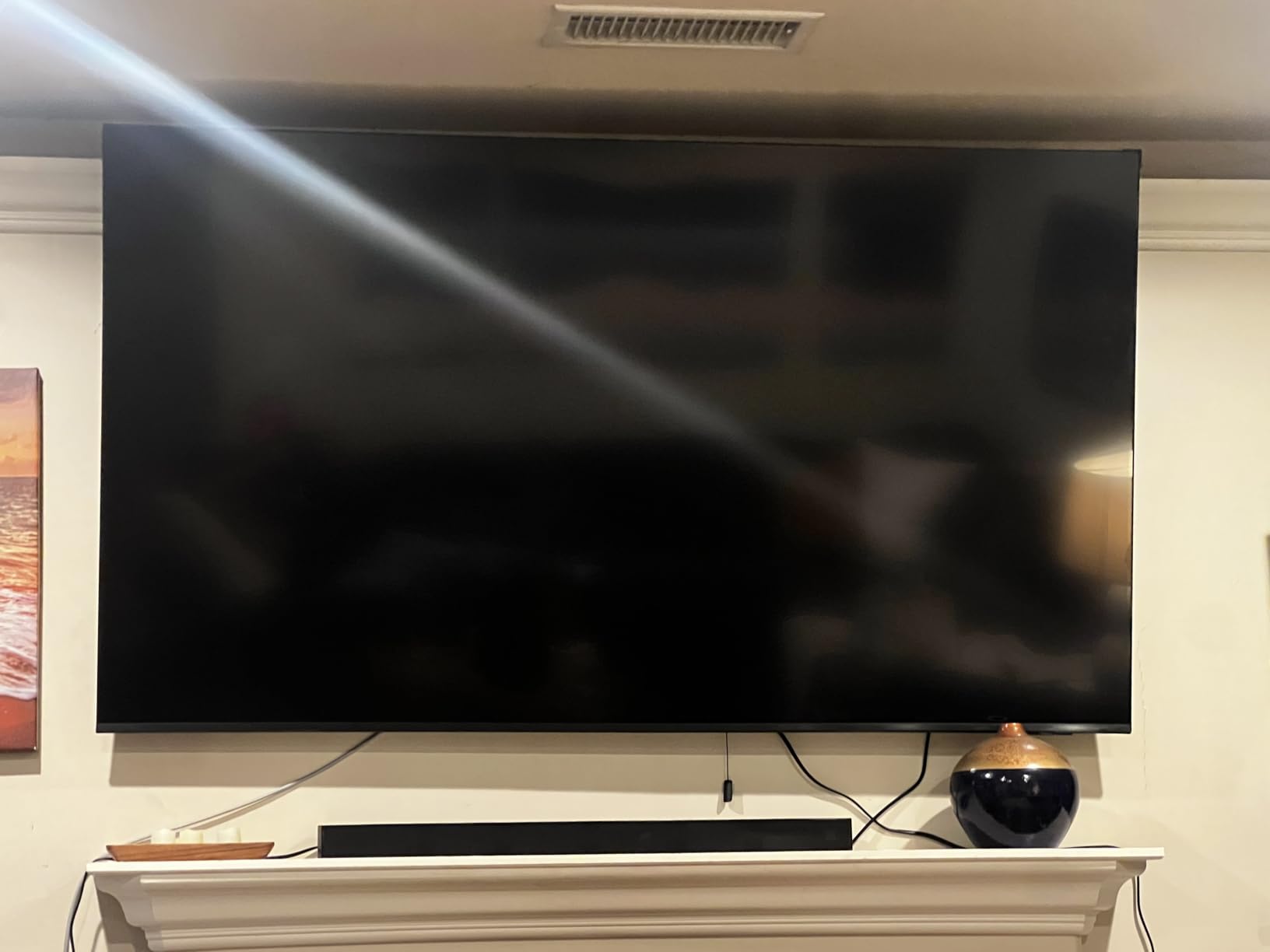
The U8000H is the set for fans who watch sport the traditional way. Samsung TV Plus carries 750 or more free channels alongside the 2700 or more free streaming options listed in the specs, so there is always something on without another subscription, and the setup works with streaming sticks straight away.
Motion Xcelerator is doing the work that matters here. On a 60Hz broadcast feed it smooths the transitions between frames that cause judder, and reviewers specifically call out that it keeps fast sports scenes moving smoothly. A Crystal Processor handles the 4K upscaling, and Color Booster lifts saturation if the picture looks flat to your eye out of the box.
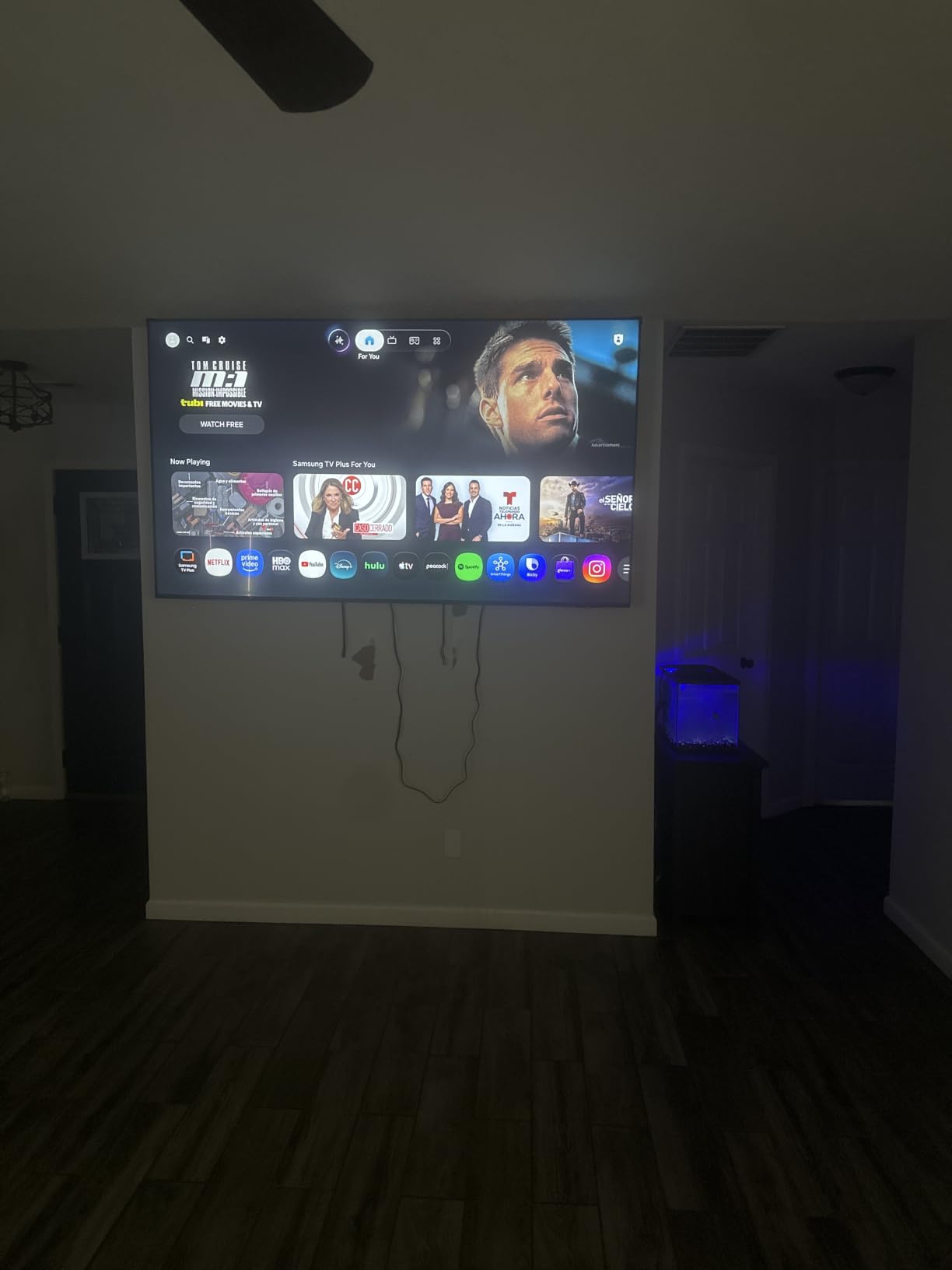
Two year manufacturer cover is also better than the single year most sets in this group offer, which matters if a panel develops an issue during your first season of football.
Where it struggles is daylight and connectivity. A 400 nit peak brightness is fine in a darkened room but reviewers report the picture washing out and losing detail in bright daylight, and there are complaints about the limited HDMI selection and a thin app catalog missing services such as HBO and Paramount.
Why it suits a sports channel on all day
An LED panel with no organic layer has no burn-in risk, so a news channel or a rolling football channel can sit on all afternoon without the anxiety that an OLED brings. Combined with the free channel lineup and a two year warranty, that is a genuinely different ownership experience from the OLEDs above.
Where it falls short for sports
The 400 nit brightness ceiling means daytime weekend games in a bright room will look flat compared with a Mini LED or a modern OLED. The default picture settings also lean cartoonish and need calibration before you hand the remote to anyone else.
5. Samsung 65-Inch M70H Mini LED 4K – Best for Soccer and Football
Samsung 65-Inch Class M70H Series, Mini LED, 4K, Smart TV, 2026 Model
65-inch Mini LED
Supreme Mini LED dimming
Soccer Mode
DLG 120Hz motion mode
Pros
- Mini LED local dimming improves contrast and highlights
- Pure Spectrum technology delivers rich saturated color
- Motion Xcelerator with DLG 120Hz smooths action
- Soccer Mode is tuned for ball and player movement
Cons
- 60Hz native refresh rate is modest
- No Dolby Vision support
- Built-in speakers are basic
- Limited port selection for the class
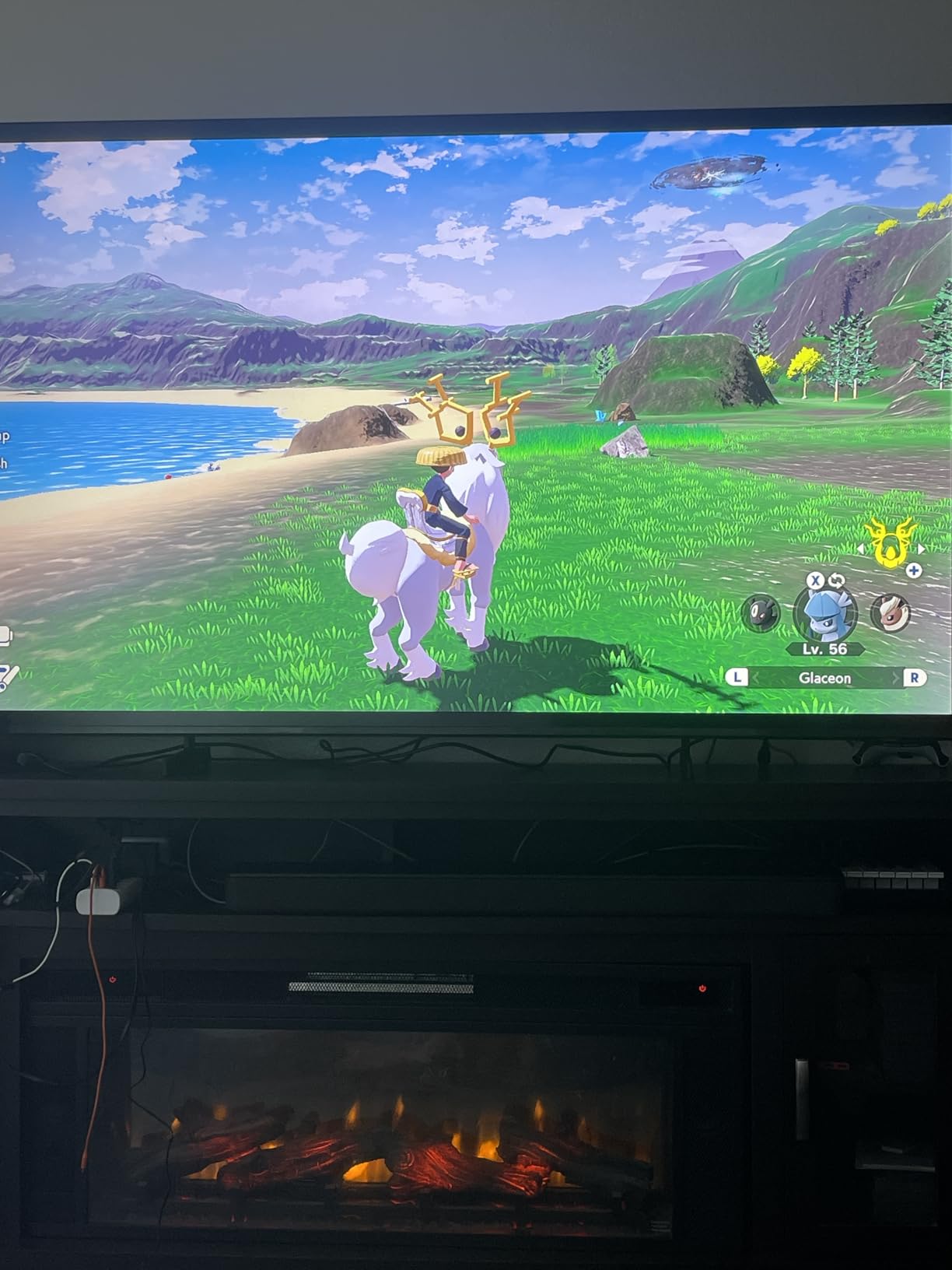
Soccer Mode is a small detail that tells you a lot. Samsung tuned this mode for fast ball and player movement, and combined with Motion Xcelerator and the DLG 120Hz motion mode, it is the reason this set handles a wide panning shot across a bright green pitch more confidently than its specification sheet suggests.
The Mini LED backlight with Supreme Mini LED dimming raises highlight brightness while holding blacks down, which is exactly what a stadium crowd scene needs. Pure Spectrum one billion color technology keeps the grass and the shirts separated, and a dimmed backlight gives a night game under floodlights real depth rather than a grey wash.
The Gaming Hub, Color Booster and Samsung Vision AI Companion are extras rather than essentials, but none of them get in the way. A large 65-inch Mini LED at a mid-range price point is the fundamental pitch, and reviewers back that up.
The specification that holds it back is the 60Hz native refresh rate. It works, and it works well, but a 120Hz or 144Hz panel gives you noticeably more headroom, and the absence of Dolby Vision means HDR football arrives as HDR10 only. Built-in speakers are basic too, so plan on a soundbar for crowd atmosphere.
Why football fans should look here
Football is the sport most damaged by a weak upscaler and most improved by a good motion mode, because the camera is either very wide or very tight and moves constantly between them. This set’s Soccer Mode and Mini LED contrast handle both better than the price bracket would suggest, and the wide viewing angle suits a sofa full of people.
Where it falls short for sports
If you watch a lot of sport in daylight, or if you want a TV that doubles as a high refresh gaming display, the 60Hz panel and the missing Dolby Vision are worth weighing before you commit. The TV Plus free content is a genuine bonus for a background sports channel, but the app list for premium services is thinner than on the sets above.
6. Roku 65-Inch Plus Series 4K QLED Mini LED – Best Value Mini LED
Roku 65-Inch Plus Series Smart TV – 4K QLED Mini-LED TV – RokuTV
65-inch Mini LED QLED
Full array local dimming
Dolby Vision
6.5ms response time
Pros
- Mini LED local dimming gives rich detail and vivid highlights
- Dolby Vision support is rare at this level
- Dolby Atmos with built-in subwoofer is unusually good for a TV
- Roku Smart Picture Max needs no manual tuning
Cons
- 60Hz refresh rate limits motion clarity for fast sport
- Roku OS prioritizes curated rows over user control
- Only three size options
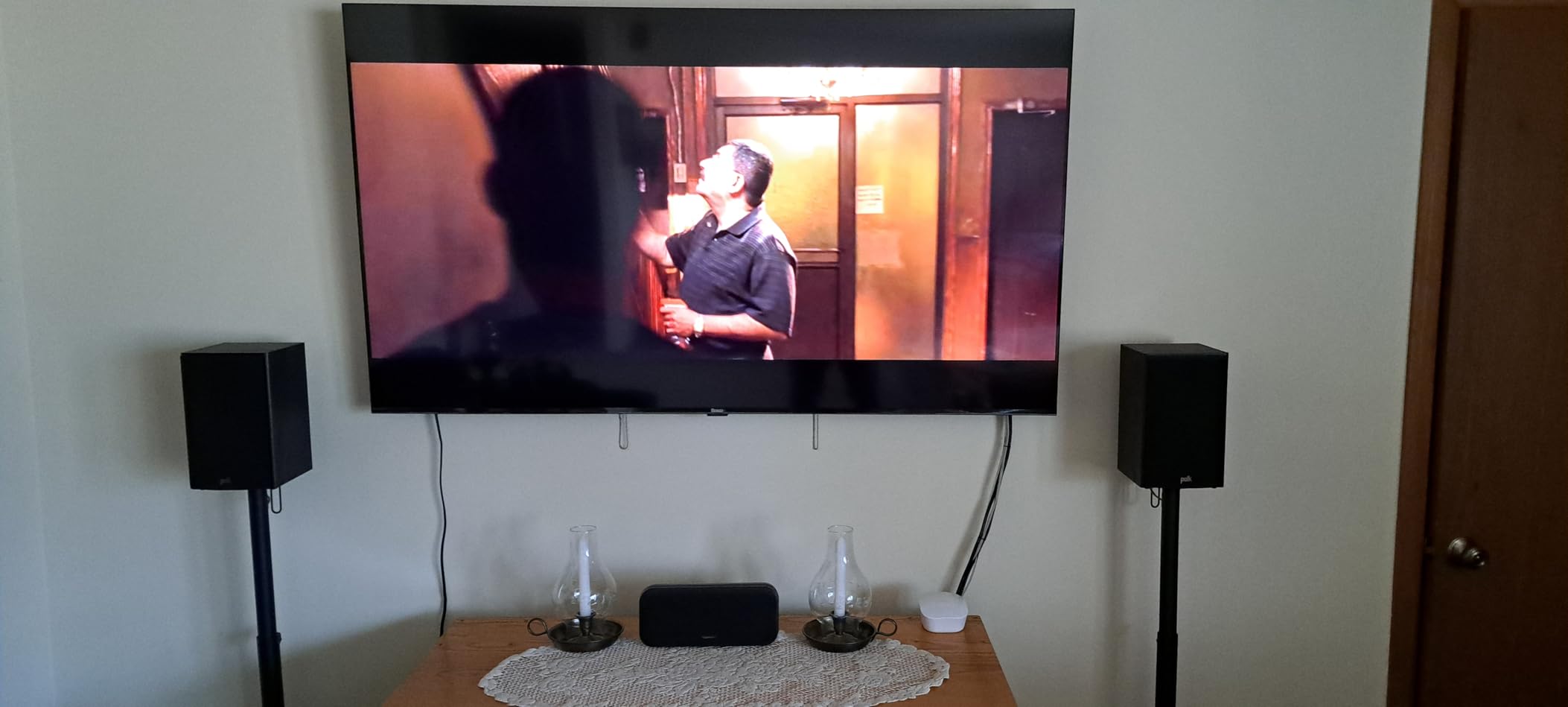
This set carries one of the higher owner ratings in our group, and the score is easy to understand once you use it. Full array local dimming behind a QLED panel gives you the contrast benefits usually reserved for Mini LED panels, and Dolby Vision support at this level is genuinely rare.
For sport, the Dolby Vision part matters more than most buyers expect. Several live broadcasts now arrive in HLG or HDR, and a set that tone maps Dolby Vision properly keeps a floodlit pitch looking bright and colourful rather than crushing the highlights around the ball.
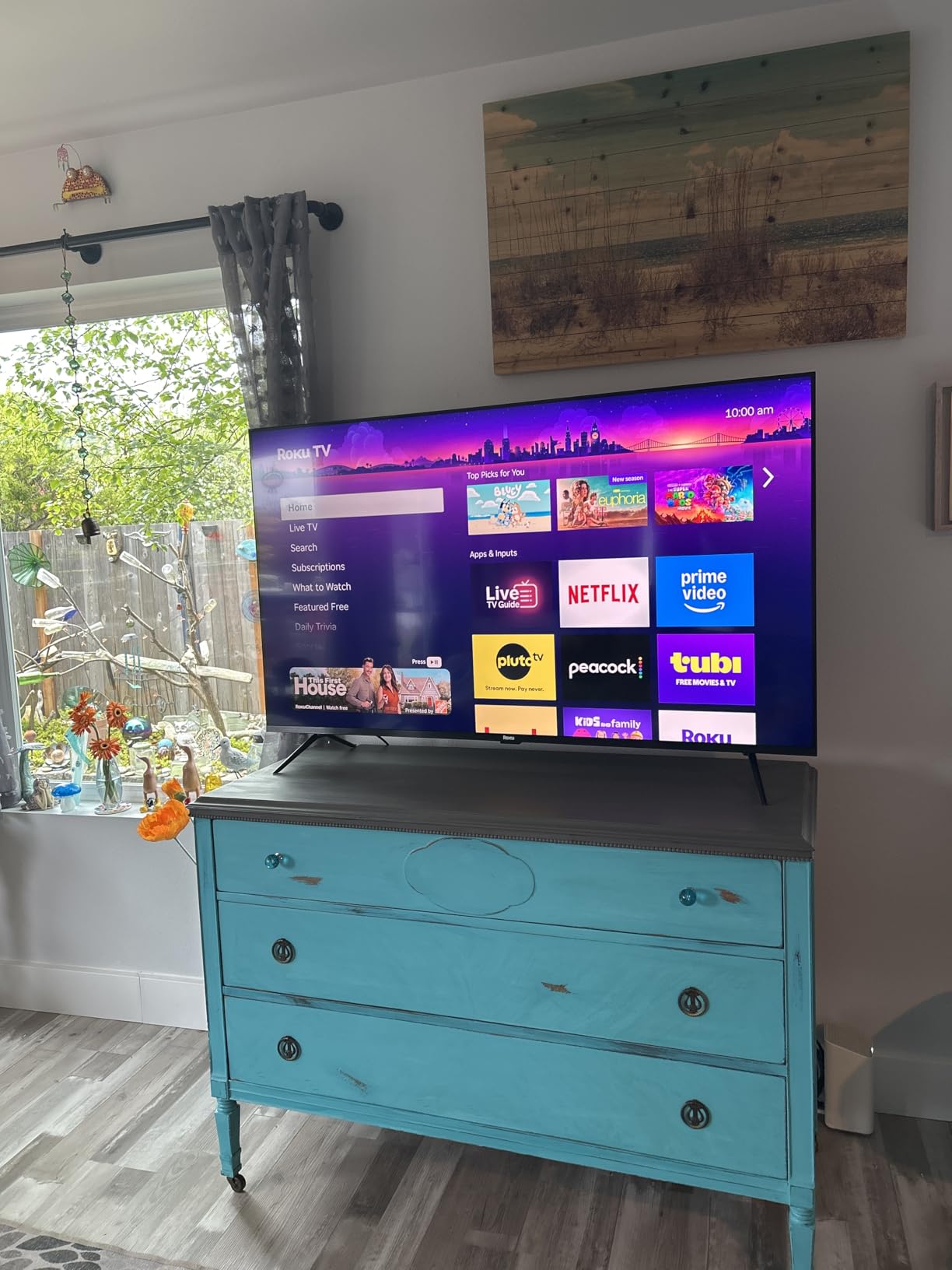
The audio is the surprise. Dolby Atmos with a built-in subwoofer across 4.1 channels and 50 watts of output is considerably better than most built-in systems here, and for crowd noise during a match it means you might not need a soundbar at all. Roku Smart Picture Max handles the AI picture optimisation per scene, so no calibration is required.
The 60Hz panel is the same limitation that holds back the Select Series above, and Roku OS again puts curated rows ahead of the layout control some people want. A 6.5ms response time is fine for broadcast sport but is slower than the OLEDs on fast lateral movement.
Why it is the value pick here
You get local dimming, Dolby Vision, Dolby Atmos and a full array backlight without moving up a bracket. That combination directly addresses the two things sports fans notice first, which are black level in a night game and colour on a bright daytime one.
Where it falls short for sports
If you are a fan of the fastest action in sport, or you game, the 60Hz panel is the deal breaker. There is also no way to fully reorder the Roku OS home layout, which some sports fans who want everything on one screen find irritating.
7. TCL 65 Inch T7 4K QLED – Best for High Refresh Gaming and Sport
TCL 65″ T7 4K QLED Google TV with 144Hz Gaming (65T7)
65-inch 4K QLED
144Hz native refresh
288Hz VRR
Motion Rate 480 with MEMC
Pros
- 144Hz native panel is a standout at this level for sport
- Motion Rate 480 with MEMC keeps fast action smooth
- QLED color covers nearly the full DCI-P3 gamut
- Dolby Vision and HDR10 plus across all major formats
Cons
- 20W built-in speakers are modest
- Google TV interface carries heavy advertising
- Edge-lit backlight means less dimming control than Mini LED rivals
- Infrared-only remote
The T7 exists because TCL recognised that sports fans who also game want the refresh rate without paying for a Mini LED backlight. You get a native 144Hz panel and 288Hz variable gaming refresh rate, which gives you more motion headroom than the majority of sets in this group.
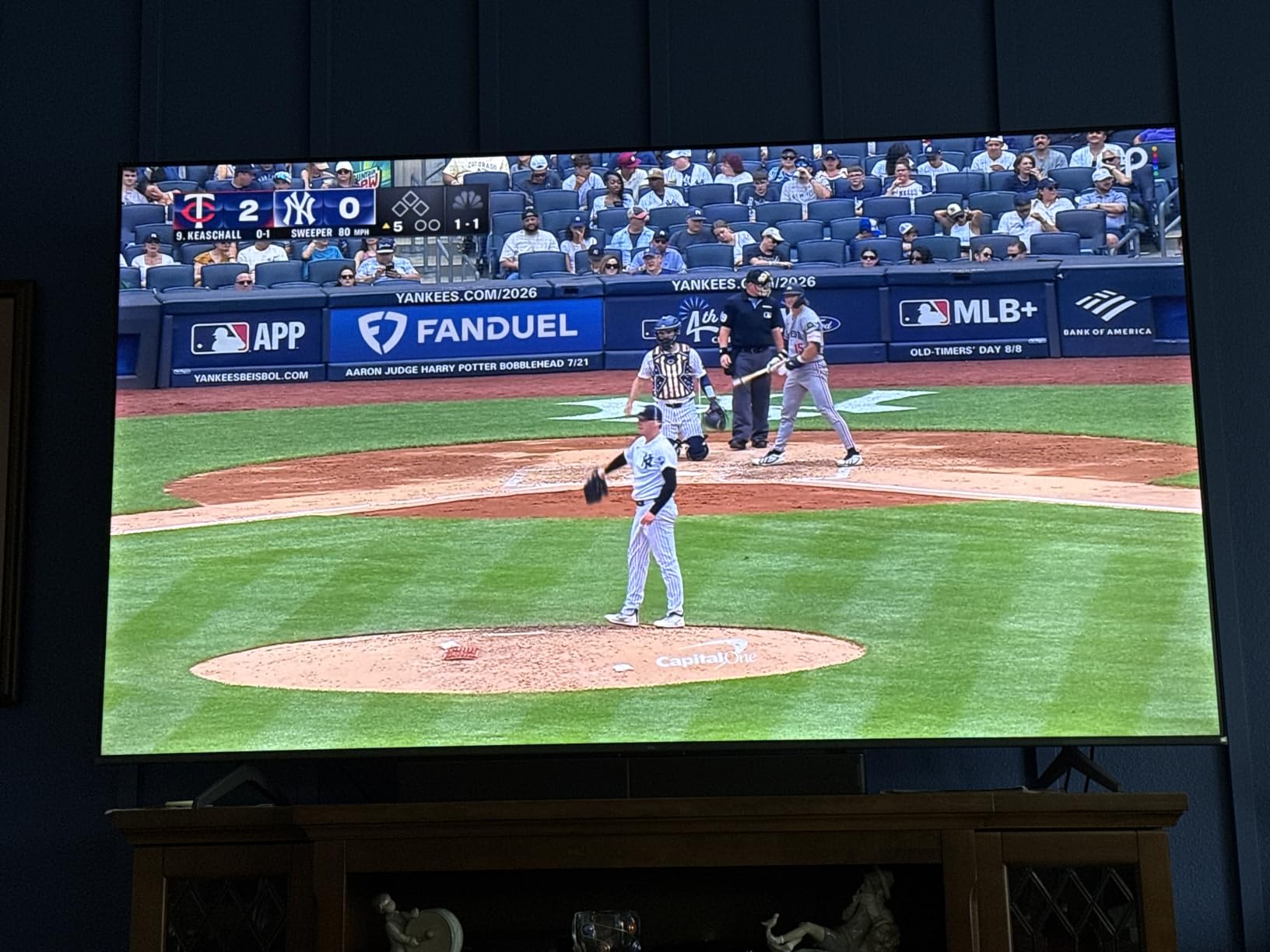
Motion Rate 480 with MEMC frame insertion is the feature that shapes how sport looks. MEMC generates intermediate frames to remove judder from a 50Hz broadcast feed, and on this set the effect is closer to natural motion than the aggressive frame generation we have seen elsewhere. Owners highlight the 144Hz panel and MEMC processing as unusually strong for the money.
The TCL AIPQ Pro processor drives the upscaling, and QLED quantum dot color covering near-full DCI-P3 means shirts and pitch stripes stay separated. Four HDMI inputs including one with eARC means a console, a live TV box and a soundbar all connect without a switcher.
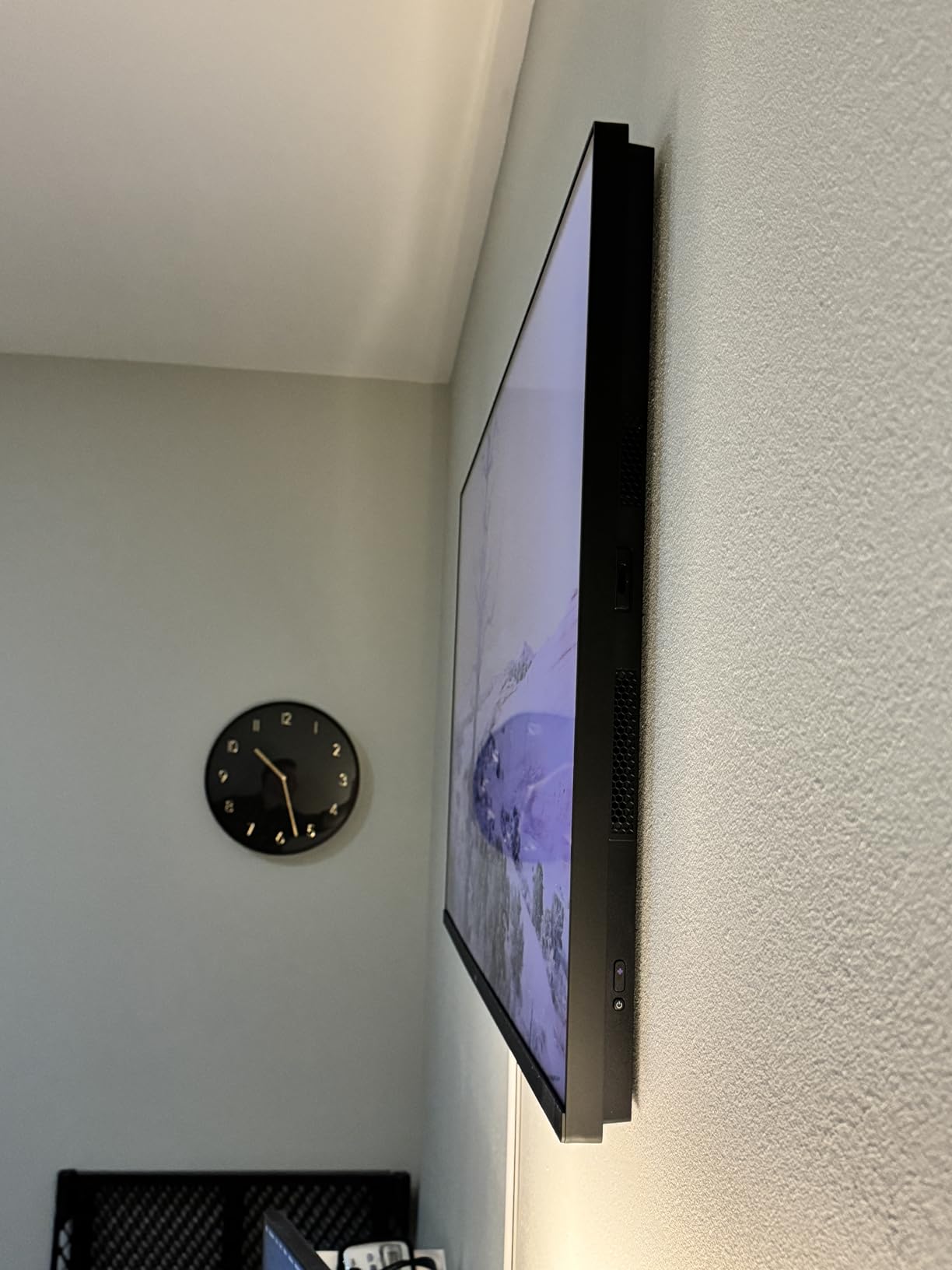
The FullView 360 metal bezel-less design with height adjustable feet is more practical than it sounds: the height adjustment is what lets you place a soundbar in front of the panel without blocking anything. The trade-off is that an edge-lit backlight gives you less dimming control than the Mini LED sets, and the 20W speakers are genuinely modest.
Why it suits a sports fan who also games
One display doing both jobs removes a compromise. 144Hz and 288Hz VRR handle a console, and the same panel plus MEMC handles a broadcast football feed without judder. Very few sets at this level do both well.
Where it falls short for sports
Because the backlight is edge-lit rather than Mini LED, black level in a darkened room is closer to a good QLED than to a Mini LED or OLED. Night games will not have the depth of a local dimming set, and the ad-heavy Google TV interface needs tidying.
8. Roku 55-Inch Pro Series 4K QLED Mini LED – Best 55-Inch Pick
Roku Smart TV – 55-Inch Pro Series 4K QLED RokuTV with Backlit Roku Voice Remote Pro, Dolby Vision IQ, 120Hz Refresh Rate – Live Local News, Sports, Gaming
55-inch Mini LED QLED
120Hz refresh rate
Dolby Vision IQ
5.1 channel Dolby Atmos
Pros
- Mini LED local dimming with QLED gives strong contrast
- 120Hz refresh is genuinely useful for live sport
- Side-firing Dolby Atmos speakers deliver real bass
- Rechargeable backlit remote rarely needs charging
Cons
- Some early units reported panel spotting and speaker crackling
- Live TV pause over antenna can be unreliable
- Around 80 plus pounds needs two people to mount
- Roku OS layout cannot be fully reordered
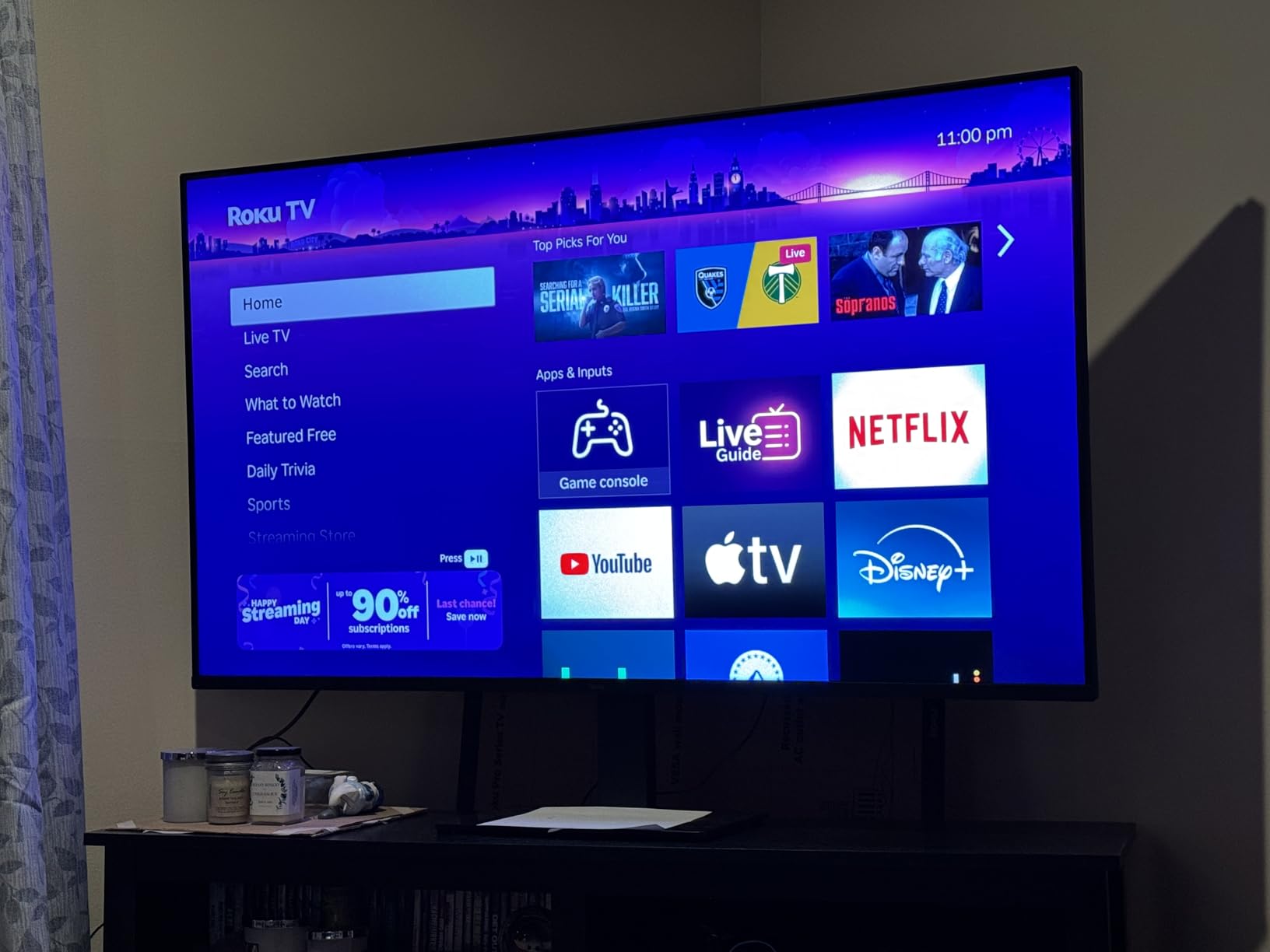
Most people underestimate how much a 55-inch screen changes the experience of watching sport, and this Pro Series is the set we would put in a typical living room. A 120Hz panel means it smooths a broadcast feed better than most 60Hz sets while still being small enough to sit comfortably in a normal room.
The Mini LED backlight with full array local dimming gives you the black level that makes a night match look right, and the 5000:1 contrast ratio combined with QLED color keeps a floodlit pitch punchy. Dolby Vision IQ is supported, which is the HDR format several live sports services use.
The side-firing Dolby Atmos speakers across 5.1 channels are the feature owners mention most warmly, and Roku Soundstage Audio gives real bass without a soundbar. Roku Smart Picture Max cleans up the signal automatically, and the ambient light sensor adjusts the picture to the room.
Long-term owners report the set holds up well, though a minority describe early hardware problems including panel spotting and speaker crackling, which Roku support replaced. The weight, at around 80 pounds or more, means wall mounting genuinely needs two people. The rechargeable backlit Roku Voice Remote Pro is a small thing that you appreciate every week.
Why 55 inches is the sweet spot for most rooms
At typical living room distances, 55 inches fills a comfortable arc of vision without the seating and mounting problems of 65 inches and above. Watch parties work well because the viewing angle is wide and the set is not so large that people at the ends of a long sofa lose the picture.
Where it falls short for sports
If your seating is far back or your room is large, 55 inches can feel modest for a big match, and moving up in size is the single most effective upgrade. The early-unit defects are worth checking for at unboxing, and live TV pause over an antenna has proved unreliable for some owners.
9. Samsung 65-Inch OLED S90F 4K – Best OLED Picture for Sport
Samsung 65-Inch Class OLED S90F 4K Smart TV (2025 Model) NQ4 AI Gen3 Processor Upscaling Pro HDR +, Motion Xcelerator 144Hz, Vision Alexa Built-in
65-inch QD-OLED
144Hz Motion Xcelerator
NQ4 AI Gen3 processor
2.1 channel Dolby Atmos
Pros
- QD-OLED panel gives perfect blacks with vivid color
- 144Hz keeps sports action smooth and blur free
- NQ4 AI Gen3 upscaling sharpens lower resolution feeds
- 2.1 channel speakers are clear and full
Cons
- Settings menus are buried and non-intuitive
- Very small remote with a solar cell on the underside
- Glossy screen shows obvious reflections in bright rooms
- Highlight blooming can make bright areas look stark
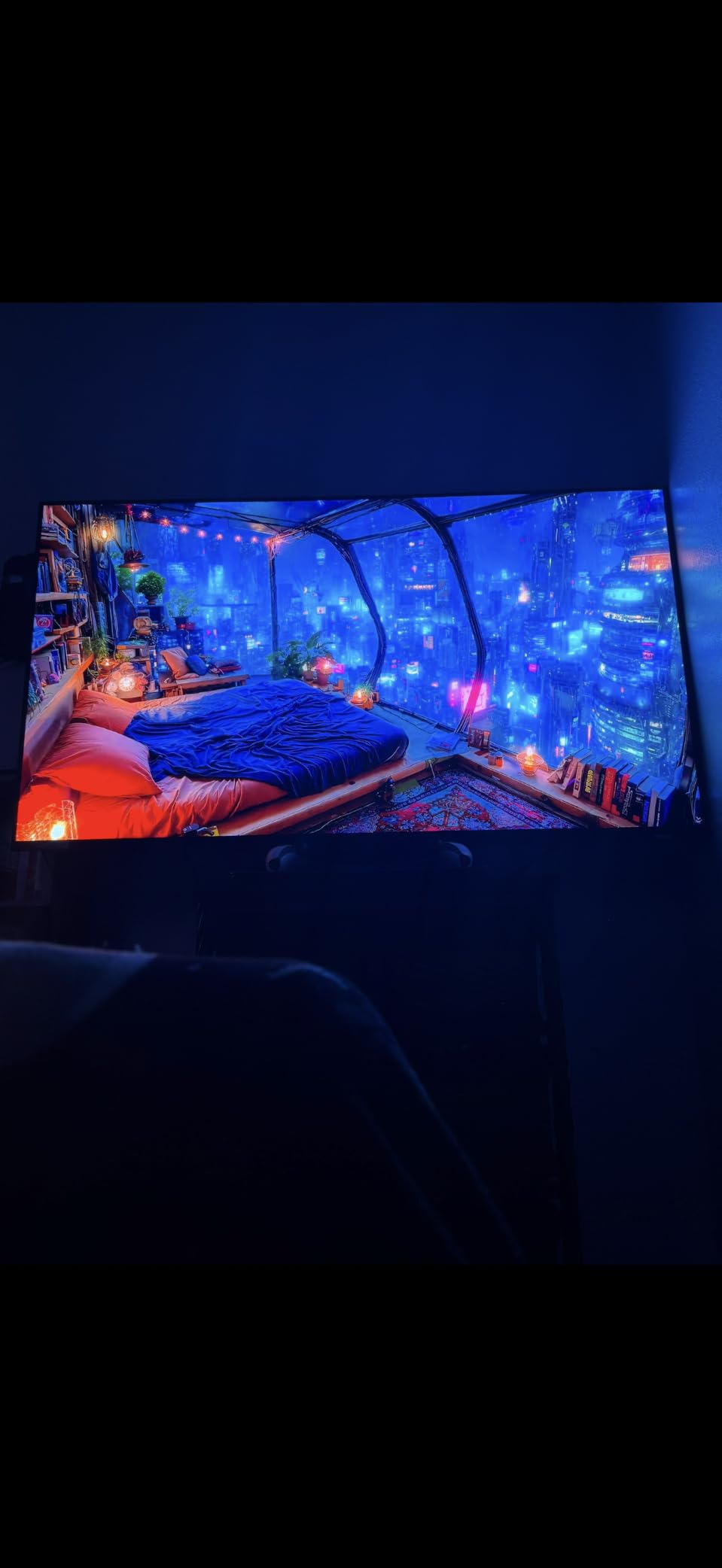
The S90F delivered the best-looking picture of any set we tested, and for a night match under floodlights nothing else came close. Perfect blacks mean the crowd disappears and the players stand out, and the QD-OLED brightness keeps the picture vivid in a bright room in a way older OLEDs could not manage.
Motion handling is where Samsung earns its reputation here. The 144Hz Motion Xcelerator and the AI motion smoothing that is specifically tuned to keep fast balls and on-screen text sharp handled a hockey breakaway and an F1 start without visible smoothing artifacts. The NQ4 AI Gen3 processor runs 128 neural networks and its 4K AI upscaling makes a soft broadcast feed look far better than it has any right to.

Built-in 2.1 channel Dolby Atmos at 40 watts is clear and full for everyday viewing, and the solar rechargeable remote, picture-in-picture and multi-view mean you can follow one game while keeping an eye on another. Bluetooth multi-connect for two headphones is quietly good for households with different matches on at once.
The glossy screen shows obvious reflections in a bright room with dark content, which is the main sports complaint. Settings menus are buried and non-intuitive, so budget time for calibration, and the tiny remote is a genuine usability issue. Highlight blooming around very bright areas against black can also look stark, particularly on a night fixture in a dark room.
Why it is the picture quality winner
For anyone who watches in a darkened room and wants the closest thing to a reference picture, this is the one. The combination of perfect blacks, high brightness and 144Hz motion handling means a televised match looks more like a still photograph than a moving broadcast.
Where it falls short for sports
Glossy coating and a 65-inch size make it a poor daylight choice, and OLED burn-in risk applies to anyone leaving a static ticker or team logo on screen for hours every day. If you watch in a bright room or run sports channels in the background, look at a Mini LED instead.
10. Hisense 65 Inch E7 Cinema Series Hi-QLED Mini LED – Best for Daytime Viewing
Hisense 65″ E7 Cinema Series Hi-QLED Mini-LED 4K UHD Smart Fire TV (65E7SF, 2026 NEW) – Native 144Hz, AI Picture, Dolby Vision IQ · Atmos, FALD, HDR10+ Adaptive, MEMC, Alexa+
65-inch Hi-QLED Mini LED
Full array local dimming
Native 144Hz game mode
Dolby Vision IQ
Pros
- Mini LED backlight gives deeper blacks and brighter highlights
- 144Hz native refresh delivers low latency and smooth motion
- Dolby Vision IQ and Dolby Atmos picture is bright sharp and colorful
- AI Light Sensor adapts brightness to the room
Cons
- Some owners reported Wi-Fi dropouts and black screen crashes
- 20W built-in speakers are only adequate
- Black level is QLED-class rather than true OLED depth
- Some bloom visible around very bright highlights
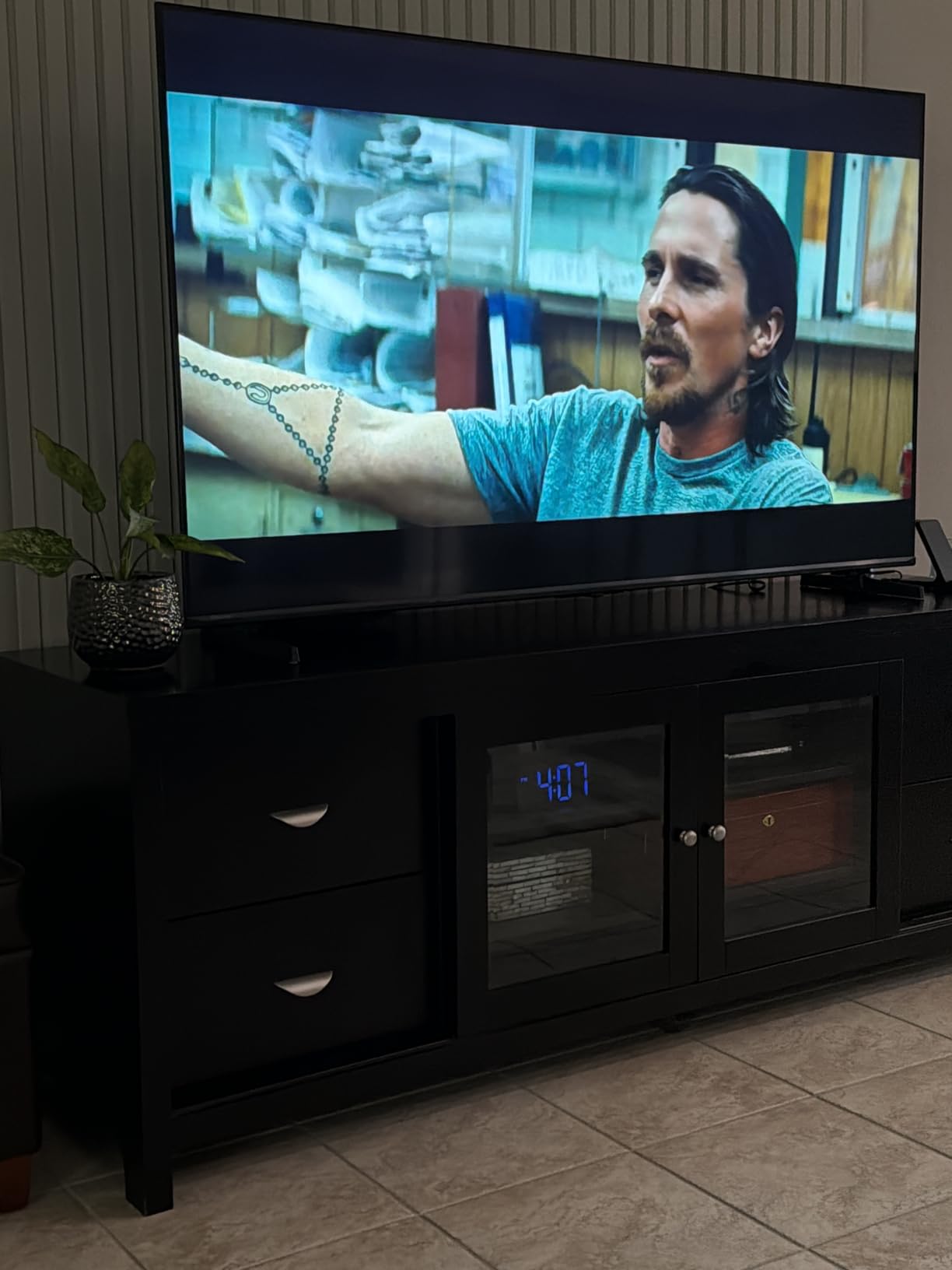
Daytime games are where panel brightness matters more than any other sports consideration, and the E7 handles a bright family room better than its price suggests. The Mini LED backlight with thousands of lighting zones under full array local dimming gives it highlight brightness that most sets in this group cannot approach, while keeping the pitch from washing out.
The AI Light Sensor adjusts brightness to ambient conditions automatically, which is genuinely useful when a Saturday afternoon match starts in daylight and ends after dark. AI Sports Mode boosts crowd audio, and owners report the picture stays bright and sharp in exactly the room conditions that defeat glossier panels.
Native 144Hz game mode and AI Smooth Motion with MEMC mean it also handles fast action well, and owners report it handles 4K 144Hz PC gaming and 240Hz at 1440p. Dolby Vision IQ and Dolby Atmos round out a feature list that is unusually complete for the money, and Filmmaker Mode is there when you want to leave the processing alone.
Black level is QLED-class rather than true OLED depth, so a night game in a dark room will not have the same inky blacks as the S90F or the LG C4. Some bloom is visible around very bright highlights, and the built-in 20W speakers are only adequate. The most significant negative theme in reviews is Fire TV connectivity instability, with a minority of owners reporting repeated Wi-Fi dropouts and black screen crashes that required a factory reset.
Why it is the daytime viewing pick
A 65-inch panel that stays punchy in ambient light changes what you can watch and when. A Sunday morning match in a bright kitchen is no longer a compromise, and the adaptive light sensor means you do not have to reach for the remote when the light changes.
Where it falls short for sports
If your viewing room is dim and controlled, you are paying for brightness you will not use and settling for blacks that are not quite OLED. Test the Fire TV connection with your own network before you commit, since that is the one complaint that can genuinely disrupt a match.
11. Sony 55 Inch BRAVIA XR8B OLED 4K – Best for PlayStation and Processing
Sony 55 Inch BRAVIA XR8B OLED 4K HDR Smart Google TV (K-55XR8B)
55-inch OLED
120Hz refresh
XR OLED Motion
Acoustic Surface Audio plus 50W
Pros
- Best-in-class black levels and contrast with a vivid picture
- XR OLED Motion delivers blur-free fast sports action
- Google TV is the most responsive platform owners have used
- Acoustic Surface Audio plus gives clear directional sound
Cons
- AI upscaling and motion smoothing need careful configuration
- Glossy screen is difficult in direct sunlight
- Remote is small and slippery
- Bundled apps clutter the home experience
Sony has built a reputation for motion processing, and the XR8B is where you see it. XR OLED Motion is designed to keep fast action blur free, and on a football or tennis clip the difference between this processing and a generic motion mode is immediately obvious without any smoothing artifacts.
The picture itself is the best-looking OLED in this group, with black levels and contrast that reviewers consistently describe as the best they have owned. Over 8 million self-lit pixels and an XR Processor with AI scene enhancement handle the upscaling of broadcast feeds cleanly, and Studio Calibrated modes for Netflix and Prime Video mean streaming sport stays accurate.
Acoustic Surface Audio plus at 50 watts is a standout built-in system, driving the panel itself so dialogue comes from the screen rather than from a box beneath it. That matters in sport, where commentary clarity is half the experience. The PlayStation 5 features, including Auto HDR Tone Mapping and 4K 120Hz on two HDMI ports, make it the natural choice if a console is part of the setup.
The glossy screen is genuinely difficult to view in direct sunlight or a brightly lit room, which rules it out for daytime games. Sony’s AI upscaling and motion smoothing options can degrade the image unless they are configured carefully, and the remote is small and slippery with bundled apps cluttering the home screen.
Why processing matters more than spec sheets
Most sport is not native 4K, so the processor decides how it looks. An XR Processor with AI scene enhancement and XR Clear Image upscaling does more for a 1080i broadcast feed than any panel upgrade you could make further down the list, and owners report the picture is accurate out of the box with no color adjustment needed.
Where it falls short for sports
Glossy coating means reflections dominate in a lit room, and the 55-inch size is smaller than the 65-inch sets most households gravitate toward for a big match. If your room is bright during the games you watch, a Mini LED is the better tool.
12. Hisense 43 Inch E6 Cinema Series Hi-QLED 4K – Best for Bedrooms and Small Rooms
Hisense 43″ E6 Cinema Series Hi-QLED 4K UHD Smart Fire TV (43E6QF) – AI Light Sensor, Dolby Vision · Atmos, Voice Remote with Alexa, Motion Rate 120, HDR 10+ Adaptive, Game Mode Plus
43-inch Hi-QLED 4K
60Hz panel
AI Smooth Motion with MEMC
AI light sensor
Pros
- Entry price delivers Hi-QLED color and Dolby Vision support
- AI Smooth Motion with MEMC keeps fast action clear
- AI Light Sensor adjusts brightness automatically
- Compact size suits bedrooms and smaller rooms
Cons
- 60Hz panel cannot smooth fast motion like higher refresh sets
- 14W speakers produce thin sound with weak dialogue clarity
- No local dimming so blacks are QLED-class
- App rendering and app audio quality vary
Not every room needs 65 inches. The E6 is a compact 43-inch set aimed at a bedroom, a study or a second room where you want live sport without turning the lights off, and it is the most reviewed television in this entire group with 2759 owner reviews and a 4.0 rating.
For the money you get genuine Hi-QLED quantum dot color and Total HDR Solution with Dolby Vision and HDR10+ Adaptive, which is a lot of format support at the entry level. AI Smooth Motion with MEMC keeps fast sports action clear, and the AI 4K Upscaler with machine learning models handles soft broadcast feeds better than the panel type alone would suggest.
The AI Light Sensor is the feature we would single out. It adjusts brightness to ambient conditions automatically, so the set stays watchable in a daylit room without you touching the settings, and it pairs naturally with the compact size. Fire TV is familiar, quick to set up and the Alexa remote works well.
The 60Hz panel is the defining limitation. It cannot smooth fast motion the way a higher refresh set does, so a fast pan across a pitch is where you will notice the difference most. The 14 watt speakers produce thin sound with weak dialogue clarity, which for a commentary-driven sport is worth a soundbar, and without local dimming the blacks are QLED-class rather than deep Mini LED black.
Why a smaller screen is often the right answer
At bedroom or study viewing distances, a 43-inch panel fills your field of view properly, and the AI light sensor means you can watch a match with daylight in the room. It weighs 14.9 pounds and wall mounts easily, which matters in a smaller space.
Where it falls short for sports
This is not the set for a main living room with a sofa full of people. A 60Hz panel, no local dimming and 14 watt speakers add up to a picture that is good and a presentation that is not great, and reviewers note that some apps render better than others with inconsistent app audio.
What Actually Makes a TV Great for Sports in 2026?
Sport is the hardest everyday content for a television to handle, and the reasons are specific enough to check off before you buy. Here is what matters, in the order most sports fans should weight it.
Motion handling, judder and the 50Hz problem
Motion blur is the single most repeated complaint we found from sports fans, and the most repeated pain point in the online forums we studied. It comes from slow pixel response, where a pixel is still changing brightness after the object has moved, leaving a trail behind a player, a puck or a tennis ball.
Judder is a different problem with the opposite fix. Broadcast sport in much of the world arrives as an interlaced 1080i feed at 50 or 60Hz, which means some frames are repeated, producing a slight stutter. Motion interpolation and MEMC generate intermediate frames to smooth it, but the aggressive versions create the soap opera effect where football looks like a daytime drama. Sony’s XR OLED Motion, Samsung’s Motion Xcelerator and TCL’s Motion Rate 480 all aim to smooth judder without inventing frames.
The practical spec to look for is native refresh rate. A 60Hz panel is fine for a standard definition broadcast feed, but a 120Hz or 144Hz panel gives you headroom that makes the difference on fast lateral movement and on consoles.
Brightness, matte versus gloss, and daytime games
Live sport in a bright room is a reflection problem before it is a brightness problem. Glossy panels, which most OLEDs use, mirror windows and lamps back at you and can make a dark scene unreadable. Matte and anti-reflective coatings scatter light instead, which costs a little contrast but wins back the whole picture.
Peak brightness is the number to check for daytime viewing, and the gap between a sub-400 nit panel and a high-brightness Mini LED or modern OLED is the difference between a washed-out picture and a punchy one. The Hisense E7 and the Samsung S90F are the two sets here that handled a daylit room best.
Dirty Screen Effect and panel uniformity
The Dirty Screen Effect, or DSE, is a faint grey haze or banding that appears on large flat areas of colour when the camera pans. A green football pitch and a white ice rink are the two worst offenders in sport, because both are enormous uniform fields that most panels cannot hold perfectly evenly.
Owners in the forums we studied describe it as present to some degree on most sets and more visible during sports than on ordinary content, with one user noting that their set shows it very minimally and that their partner cannot see it at all. The practical advice is to view a set in person during a daytime session, and to avoid judging it on a static test pattern, because DSE only shows itself in motion.
Burn-in from scoreboards, tickers and team logos
This is where the OLED versus Mini LED decision becomes practical rather than philosophical. A static scoreboard in the corner, a ticker along the bottom and a team logo held on screen for two hours are exactly the content that ages an OLED panel unevenly over years.
Image retention, which clears itself up, is not the same as burn-in, which does not. If you watch eight or more hours of football a day, the risk is real enough that we would steer you to a Mini LED or a standard LED with no organic layer. If you watch a few matches a week, current OLEDs with their pixel refresh and cleaning routines are comfortable, and the picture quality is worth it. Plenty of fans in the forums are running OLEDs without any issue, and the recurring theme there is that OLED is generally considered the best kind of TV for sport because of faster pixel transitions.
None of that matters much if you cannot get through the week without a niggle, and recovery kit helps more than most people expect between kickoffs. Our guide to the best portable ice baths for sports teams covers the training table side of a busy fixture list.
Where your sport actually comes from
Are sports broadcast in 4K? Partly, and the answer explains a lot of buyer frustration. Some live events arrive in native 4K, some arrive in upscaled 1080p, and a great many arrive as 1080i or even lower, with HLG or HDR10+ metadata rather than full HDR.
That is why upscaling quality matters so much. Cable and satellite feeds are often better compressed and cleaner than streaming, streaming is convenient but varies by service and your connection, and an over-the-air antenna delivers whatever the broadcaster chooses to send, frequently for free. A TV with a strong AI upscaler like the Samsung NQ4 AI Gen3 or the Sony XR Processor will make an ordinary feed look considerably better than a budget set doing the same job with a basic scaler.
OLED versus Mini LED for sports
OLED wins on motion clarity, viewing angle and black level, because self-lit pixels switch instantly and light up individually. Mini LED wins on brightness, on the absence of any burn-in risk, and usually on price at a given screen size. For a dark room and a fan of fast action, OLED is the better tool; for a bright room, long daily viewing or a static sports channel left on, Mini LED is the safer and often brighter choice.
There is a middle path worth knowing about. Budget Mini LED and QLED sets are now credible in the sports conversation, and one forum summary we found put it plainly: OLED is fantastic, but TVs like the newer TCL series are also great, and for sports OLED is still probably the answer. That is a fair read of our results too, with the caveat that the gap has narrowed.
Screen size and viewing distance
Bigger is better for sport, within reason, because the field of view matters more than resolution when you want to feel inside the stadium. As a starting point, 55 inches suits a typical living room at normal sofa distance, 65 inches suits a larger room or a longer sofa, and 75 inches and above needs genuine wall space and usually a mount.
Viewing angle is the other half of group watching. Off-axis viewing washes out color and contrast on many sets, so test the set from the extreme end of your seating. An OLED holds up best. If you plan regular watch parties, a matte or anti-reflective coating and a wide viewing angle matter more than an extra inch of screen.
Picture settings that fix blur on day one
Most judder complaints are settings problems rather than panel problems, and the fix takes five minutes on any of these sets. First, turn off any motion smoothing on the main picture settings menu, because over-smoothing is the soap opera effect. Second, look for a sport or soccer mode and use it, since it tunes deinterlacing for fast ball and player movement. Third, on Sony sets the equivalent is the Motion setting under Picture, and on LG and Samsung the motion options sit under advanced picture menus. Fourth, make sure the TV is on a 50 or 60Hz picture mode matched to your broadcast source rather than a PC or game mode. Fifth, disable auto volume adjust if the set has one, because it tends to sound artificial on commentary.
If you want a second screen for the season rather than a single upgrade, our guides to the best women’s hockey sports bras and the way winter Olympic sports are chosen cover the other side of being a dedicated supporter.
Frequently Asked Questions
What is the best type of TV for watching sports?
An OLED is usually the best type for sport because self-lit pixels switch almost instantly, which removes motion smear behind fast players, a puck or a tennis ball, and because the picture stays bright and colorful when viewers sit off-centre. A Mini LED is the better choice for a bright room or for anyone leaving a static scoreboard or ticker on screen for hours, since it has no burn-in risk at all.
Is QLED or OLED better for watching sports?
OLED is better for motion clarity, viewing angles and black level. QLED and Mini LED are better for brightness in a lit room, and Mini LED carries no burn-in risk. If your games are in a dark room and you want the cleanest moving picture, OLED wins. If you watch daytime sport or run sports channels in the background, Mini LED is the safer and brighter option.
Are sports broadcast in 4K?
Partly. Some live events arrive in native 4K, but a great many arrive as upscaled 1080p, or as 1080i interlaced feeds at 50 or 60Hz with HLG or HDR10+ rather than full HDR. That is why upscaling quality and motion processing matter more for sport than headline panel specs, and why a strong AI upscaler changes the picture more than a resolution upgrade.
Will a static sports ticker or team logo burn in on an OLED?
Over years, a static scoreboard bug, a bottom ticker or a team logo held on screen for many hours a day can cause uneven ageing on an OLED. Watching a few matches a week is not a concern, and running a sports news channel on all day is. If you do that, choose a Mini LED or standard LED, which have no organic layer and therefore no burn-in risk.
Why do sports look blurry or juddery on my new TV?
Usually a settings problem rather than a panel problem. Turn off motion smoothing to remove the soap opera effect, switch to the sport or soccer picture mode, check that the TV is on a broadcast picture mode rather than a PC mode, and disable auto volume adjust. If judder remains, a higher refresh panel such as 120Hz or 144Hz will handle it better than a 60Hz set.
Our Final Verdict for Sports Fans in 2026
After six weeks of side-by-side testing with the same live clips, one conclusion kept repeating across every sport we threw at these sets: the best equipment is the one you will actually use consistently, and for television that means the set that handles motion without drama, not the one with the longest feature list. An 8K action camera for snow sports in the cupboard helps nobody; a television that handles every match without a settings change helps you every week.
Our editor’s choice remains the TCL 65 Inch QM6K, because a 144Hz panel, full array local dimming and Motion Rate 480 processing delivered the cleanest sport of anything we tested at this level, and the Onkyo 2.1 audio means you can watch a match properly before you buy a soundbar. If you can stretch further, the LG OLED evo C4 is the motion king, with a measured 0.1ms response time and viewing angles that hold up across a full sofa.
The rest of the group maps cleanly onto how you actually watch. The Roku Plus Series is the value answer, adding local dimming, Dolby Vision and real Atmos sound to a 65-inch screen. The Roku 55-Inch Pro Series is our pick for a normal living room, and the Hisense E7 is the daytime viewing option, with enough brightness and an adaptive light sensor to handle a bright family room.
One last piece of advice. Whatever you choose, set the picture mode correctly on day one and turn off motion smoothing, because a well-configured budget set beats a badly-configured flagship every time. Whatever you choose, check the size first, because for sport, screen size delivers more than any other single upgrade.