
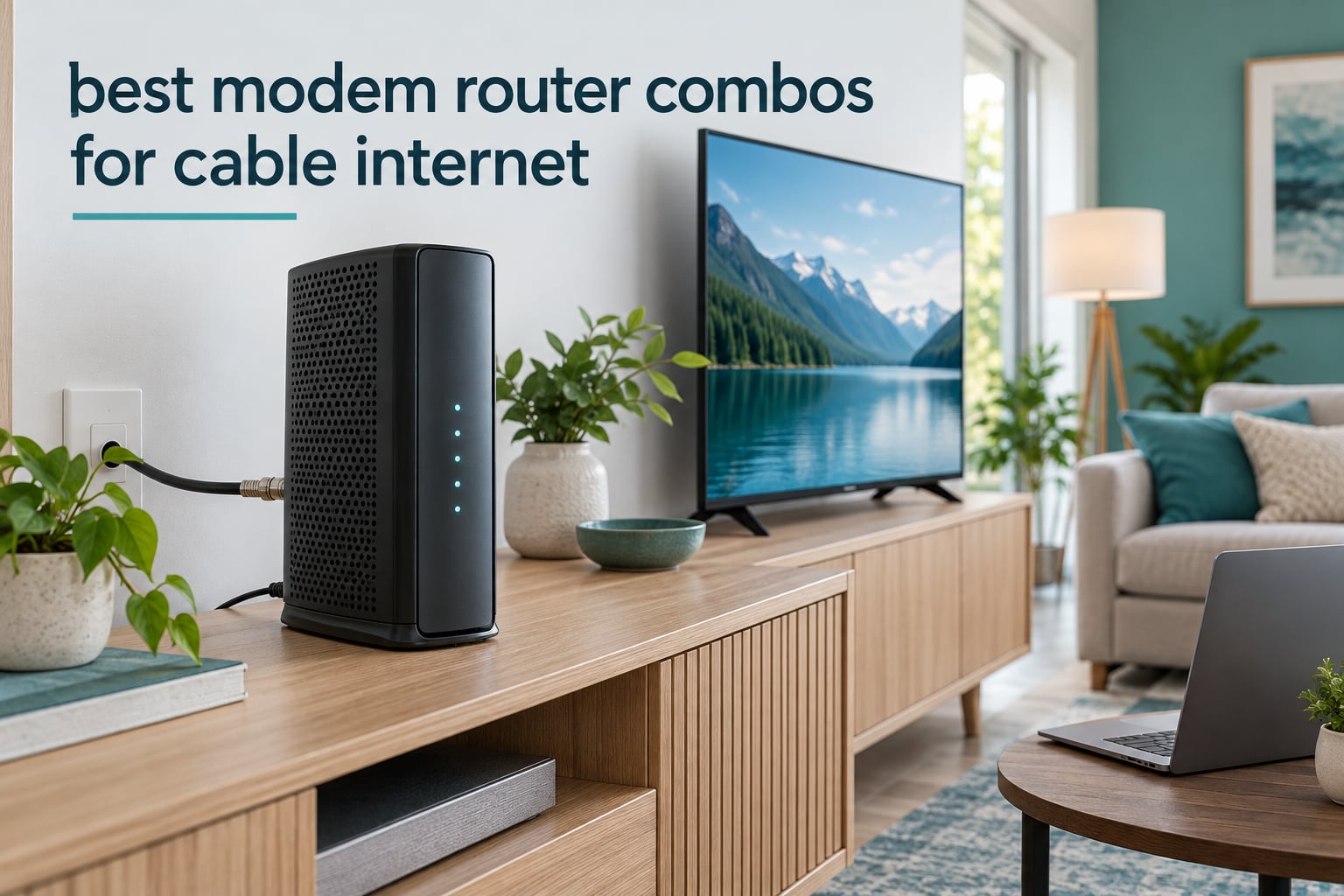
Most cable households do not need a modem and a router as two separate boxes. A combo gateway puts both halves in one chassis, plugs straight into your coaxial wall outlet, and hands out both a wired Ethernet connection and a Wi-Fi network the moment you plug it in. If you are searching for the best modem router combos for cable internet, the short answer is this: the ARRIS SBG10 is the one most homes should buy, the ARRIS SBG8300 is the pick if you are on a gigabit cable tier, and the Motorola MG7550 is the pick if wired port count matters more to you than anything else.
I have spent the last several weeks reading through thousands of owner reviews on the eight devices in this guide, cross-checking every specification against manufacturer data, and comparing what each box actually does against what cable providers expect. Eight units went on the shortlist and all eight are written up below in full, with the compromises spelled out rather than buried.
Two things shape almost every recommendation here. First, DOCSIS version caps the fastest plan a box can serve, so a great Wi-Fi router inside a DOCSIS 3.0 modem can still leave plan speed on the table. Second, ISP approval decides whether the thing activates at all, and approved is not the same as recommended, which is not the same as works with your voice service. Get those two right and the rest is preference.
Owning your hardware also ends the monthly rental charge that comes with the gateway your provider hands you. That line item adds up quickly, and the money you save is better spent on a box with modern Wi-Fi, more Ethernet ports, or a faster modem standard than on equipment you do not control. If you are still comparing general cable hardware, our cable machine buying guide covers the physical side of cable gear, and our travel cable organizer guide covers the accessories that keep connections tidy.
Table of Contents
Top 3 Modem Router Combos for Cable Internet in 2026
These three cover the overwhelming majority of cable households. The first is the all-rounder, the second is the gigabit plan answer, and the third is the wired-heavy answer.

ARRIS SBG10
- DOCSIS 3.0 16x4
- AC1600 dual-band Wi-Fi
- Two Gigabit Ethernet ports
- Up to 1400 sq ft coverage

ARRIS SBG8300
- DOCSIS 3.1 32x8 bonding
- AC2350 dual-band Wi-Fi
- Four Gigabit Ethernet ports
- Up to 2800 sq ft coverage

Motorola MG7550
- DOCSIS 3.0 16x4
- AC1900 dual-band Wi-Fi
- Four Gigabit Ethernet ports
- Power Boost amplifiers
Best Modem Router Combos for Cable Internet (October 2026)
| Product | Specifications | Action |
|---|---|---|
| ARRIS SBG10 |
|
Check Latest Price |
 NETGEAR C6250 NETGEAR C6250 |
|
Check Latest Price |
| Motorola MG7550 |
|
Check Latest Price |
 NETGEAR C7000 NETGEAR C7000 |
|
Check Latest Price |
| ARRIS SBG8300 |
|
Check Latest Price |
 NETGEAR C6300 NETGEAR C6300 |
|
Check Latest Price |
 Motorola MG7315 Motorola MG7315 |
|
Check Latest Price |
 ARRIS SBG7600AC2 ARRIS SBG7600AC2 |
|
Check Latest Price |
1. ARRIS SBG10 – Best Overall Combo for Sub-400 Mbps Cable Plans
ARRIS (SBG10) – Cable Modem Router Combo – DOCSIS 3.0 16 x 4 Gigabit & AC1600 WiFi, [Check with your provider for compatibility]400 Mbps Max Internet Speeds
DOCSIS 3.0 16x4
AC1600 dual-band Wi-Fi
2 Gigabit Ethernet ports
Up to 1,400 sq ft
Pros
- Quick self-directed setup through the SURFboard Central app
- Compact chassis replaces two separate boxes
- Steady wired Ethernet matching plan speed
- Two-year warranty
- Works alongside access point mode for mesh setups
Cons
- Only two Ethernet ports
- 2.4 GHz performance inconsistent for some smart-home devices
- Wi-Fi range falls off quickly through walls
- Management app is slow to apply changes
The SBG10 has been the default recommendation in cable hardware discussions for years, and after reading more than fifteen thousand owner reviews it is still the one I hand to almost everyone who asks me where to start. It is a DOCSIS 3.0 16×4 modem, which means it tops out around 400 Mbps of service, paired with an AC1600 dual-band router rated for coverage up to 1,400 square feet.
What wins it the top spot is not any single specification. It is the volume of long-term owners reporting that activation took one evening, the box has been in place for years afterward, and it quietly replaced both the modem and the router that came from the provider. In apartment and small-home situations that is exactly the outcome people want.
![ARRIS (SBG10) - Cable Modem Router Combo - DOCSIS 3.0 16 x 4 Gigabit & AC1600 WiFi, [Check with your provider for compatibility]400 Mbps Max Internet Speeds customer photo 1](https://www.pwice.com/wp-content/uploads/2026/10/B07H42QXF1_customer_1.jpg)
The technical picture is straightforward. You get two Gigabit Ethernet ports, WPA2-PSK security, access point mode, and parental controls, all managed from the SURFboard Central app or the web interface at 192.168.0.1. Weight is a light two pounds and the footprint is compact enough to disappear on a shelf, which matters more than it sounds in a hallway closet install.
The recurring theme in negative reviews is not the modem. It is the router half and the software around it. Owners cite an app that is slow to apply changes, two Ethernet ports that run out quickly once a console, a PC, and a television are wired in, and 2.4 GHz behavior that can frustrate certain smart-home devices. A smaller number of owners report connection dropouts tied to the modem chipset and recurring reset requirements.
![ARRIS (SBG10) - Cable Modem Router Combo - DOCSIS 3.0 16 x 4 Gigabit & AC1600 WiFi, [Check with your provider for compatibility]400 Mbps Max Internet Speeds customer photo 2](https://www.pwice.com/wp-content/uploads/2026/10/B07H42QXF1_customer_2.jpg)
What you are really getting for your money here
Two devices in one chassis, ending the rental charge and freeing a power outlet. Setup runs through the provider activation page, then the app handles Wi-Fi names, passwords, and parental controls afterward.
Who should skip it
Anyone on a gigabit or multi-gig cable tier, because 16×4 DOCSIS 3.0 cannot carry it. Busy wired households running more than two Ethernet devices should also look at a four-port model.
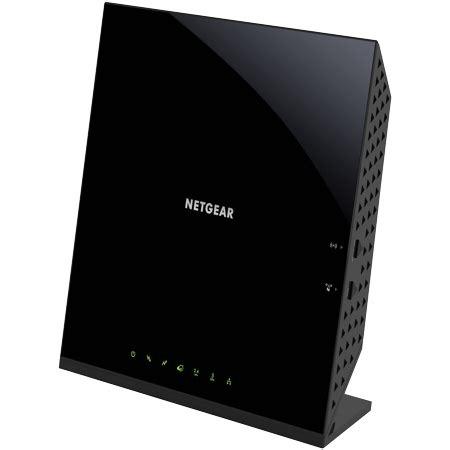
2. NETGEAR C6250 – Best Multi-ISP Approved Combo with USB Sharing
NETGEAR Cable Modem Wi-Fi Router Combo C6250 – Compatible with All Cable Providers Including Xfinity by Comcast, Spectrum, Cox | for Cable Plans Up to 300 Mbps | AC1600 Wi-Fi Speed | DOCSIS 3.0
DOCSIS 3.0 16x4
AC1600 dual-band Wi-Fi
2 Gigabit Ethernet ports plus USB 2.0
1,500 sq ft coverage
Pros
- Certified for Xfinity
- Spectrum and Cox service
- Handles roughly 25 connected devices
- USB 2.0 port for printer or drive sharing
- Compact all-in-one chassis
- Parental controls included
Cons
- Only two Gigabit Ethernet ports
- 300 Mbps service ceiling from DOCSIS 3.0
- Lower upstream headroom than most rivals
- One-year warranty is short for the category
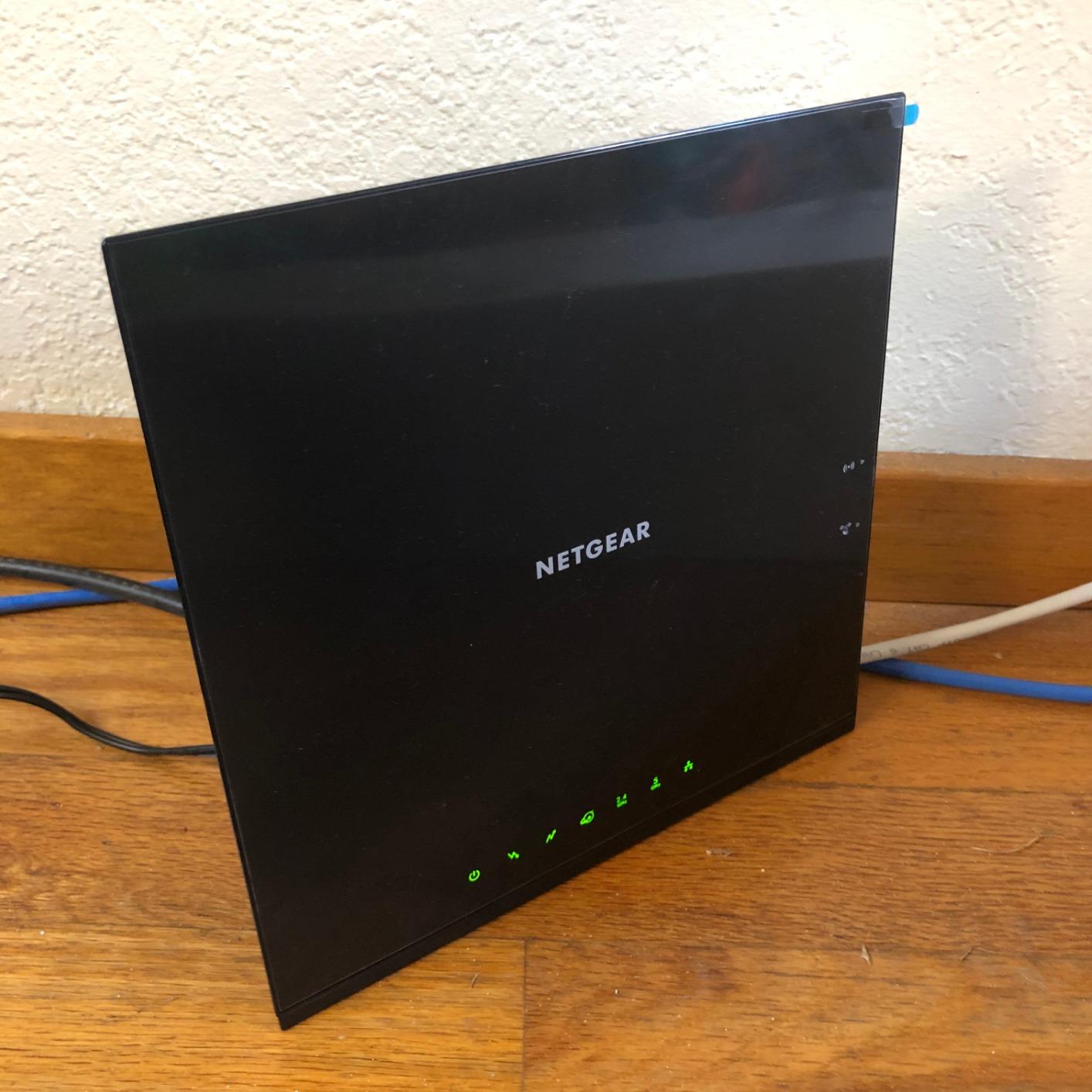
If you are not sure which provider you will be with in three years, or you move between apartments served by different companies, the C6250 is the safest box on this list. It is certified across the major cable providers including Xfinity by Comcast, Spectrum, and Cox, and that multi-ISP approval is the single feature that makes it easy to recommend to someone whose future plans are unclear.
The hardware is DOCSIS 3.0 16×4 with an AC1600 dual-band router, which nets you roughly 1,500 square feet of coverage and around 25 connected devices. Two Gigabit Ethernet ports handle wired gear, and the USB 2.0 port is the feature that separates it from the ARRIS SBG10, letting you share a printer or an external drive without buying a second box.
Owners consistently describe activation with the major providers as quick and describe the unit as a dependable budget all-in-one that replaces a modem and a router in one move. The AC1600 radio holds together well in typical apartments and small homes, which is where most of these boxes end up.
The ceiling is the issue to understand before buying. DOCSIS 3.0 16×4 caps this unit at roughly 300 Mbps of service, the lowest cap on the list, and maximum upstream capacity is lower than most competing combos. Owners also note that the companion app gives less granular control over connected clients than a standalone router would.
What you are really getting for your money here
The broadest ISP approval in the guide, plus the only USB sharing port in this price class. It is the box to buy if provider compatibility is your biggest worry.
Who should skip it
Anyone on a plan above 300 Mbps, and anyone who needs more than two wired connections. The one-year warranty is also shorter than the two-year coverage on the ARRIS and Motorola units here.
3. Motorola MG7550 – Best Value Combo with Four Gigabit Ethernet Ports
Motorola MG7550 2-in-1 Cable Modem with Built-in WiFi Router and Power Boost | Approved by Comcast Xfinity, Cox, Charter Spectrum| AC1900 WiFi Router | 16×4 DOCSIS 3.0
DOCSIS 3.0 16x4
AC1900 dual-band Wi-Fi
4 Gigabit Ethernet ports
2-year warranty
Pros
- Four Gigabit Ethernet ports for wired devices
- Power Boost and DFS handle crowded wireless environments
- Vertical chassis saves shelf space and runs cool
- Two-year warranty plus surge protection
- Approved across the major cable providers
Cons
- 375 Mbps service ceiling leaves gigabit plans unsupported
- Older Wi-Fi platform than DOCSIS 3.1 combos
- No USB port for storage or printing
- Management app settings are sparse
- Higher power draw and heat output
The MG7550 is the one I recommend when the household is full of things that want a wire. Four Gigabit Ethernet ports is more than any other unit in this guide, and for a house with a desktop, a game console, a streaming box, and a NAS, that single detail removes the need for a switch.
The wireless side is where it shines beyond the port count. This is an AC1900 dual-band router, but the real differentiator is wireless Power Boost amplifiers plus DFS channel access, which lets the box find quieter channels in crowded apartment buildings. Owners in dense multi-dwelling units specifically call out how much better crowded 2.4 GHz spectrum behaves with it.
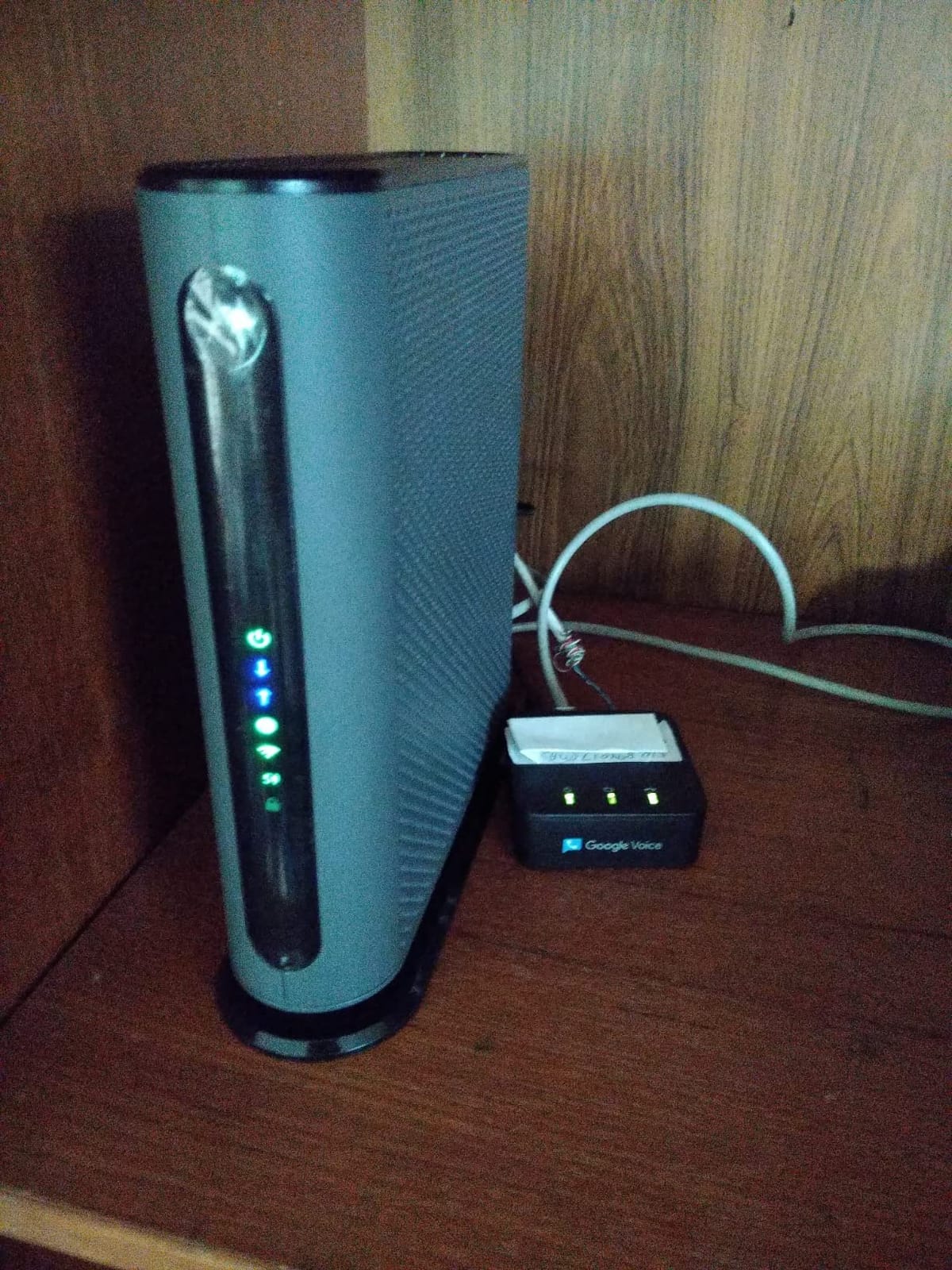
There is also a Broadcom chipset with denial-of-service protection and AnyBeam beamforming on both the 2.4 GHz and 5 GHz radios, which is a level of radio tuning you rarely see at this tier. The vertical chassis measures just over ten inches tall and is designed to save shelf space while keeping the internals cool, something owners notice in warmer rooms.
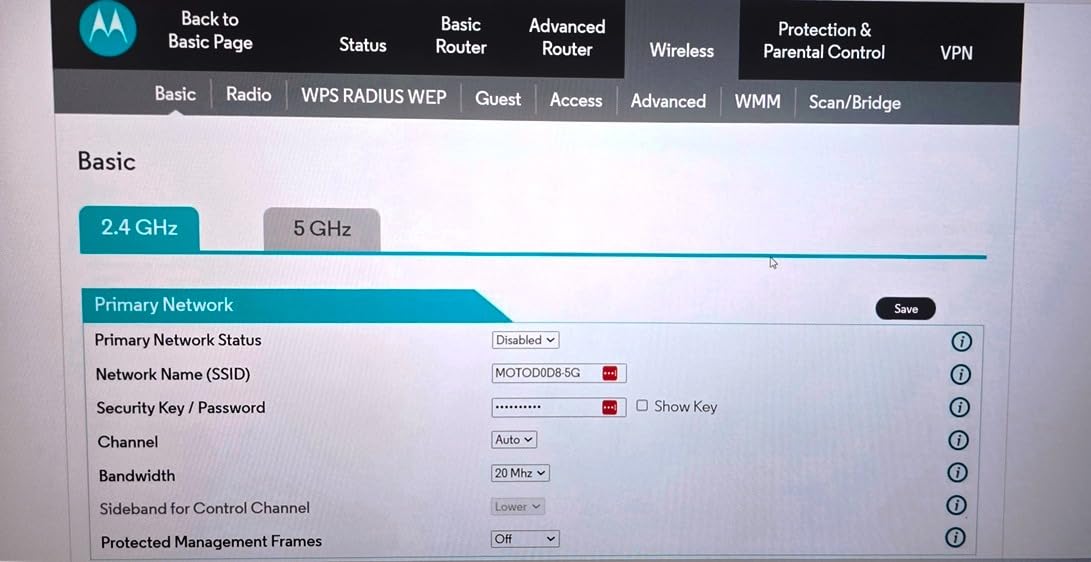
The trade-off is the DOCSIS 3.0 16×4 modem, which caps out around 375 Mbps, and a Wi-Fi generation that trails the DOCSIS 3.1 models. There is no USB port, so printer sharing would need another device, and the management app is sparse on settings compared with full standalone routers.
What you are really getting for your money here
Four ports, a two-year manufacturer warranty, and built-in surge and lightning protection. That warranty length is longer than anything else in the guide and covers a longer ownership window.
Who should skip it
Anyone on a gigabit plan, since the modem side cannot carry it. Households that want a single box to also serve as a print server should pick a model with USB.
4. NETGEAR C7000 – Best Combo for Faster Mid-Tier Cable Plans
NETGEAR Nighthawk Cable Modem and WiFi 5 Router Combo (C7000) – Compatible with Major Cable Providers incl. Xfinity & Cox – Cable Plans up to 800Mbps – AC1900 (Up to 1.9Gbps) – DOCSIS 3.0
DOCSIS 3.0 24x8
AC1900 up to 1.9 Gbps
Four Gigabit LAN ports plus USB
Plans up to 800 Mbps
Pros
- 24x8 bonding handles faster cable tiers
- Up to 1.9 Gbps combined wireless throughput with Beamforming+
- Four Gigabit Ethernet ports plus USB 2.0
- Signal diagnostics help pinpoint line problems
- Automatic firmware updates
Cons
- Some owners need frequent reboots to restore service
- Runs warm and can smell during initial burn-in
- Long boot time after power cycles
- Web admin interface is dated
- One-year warranty
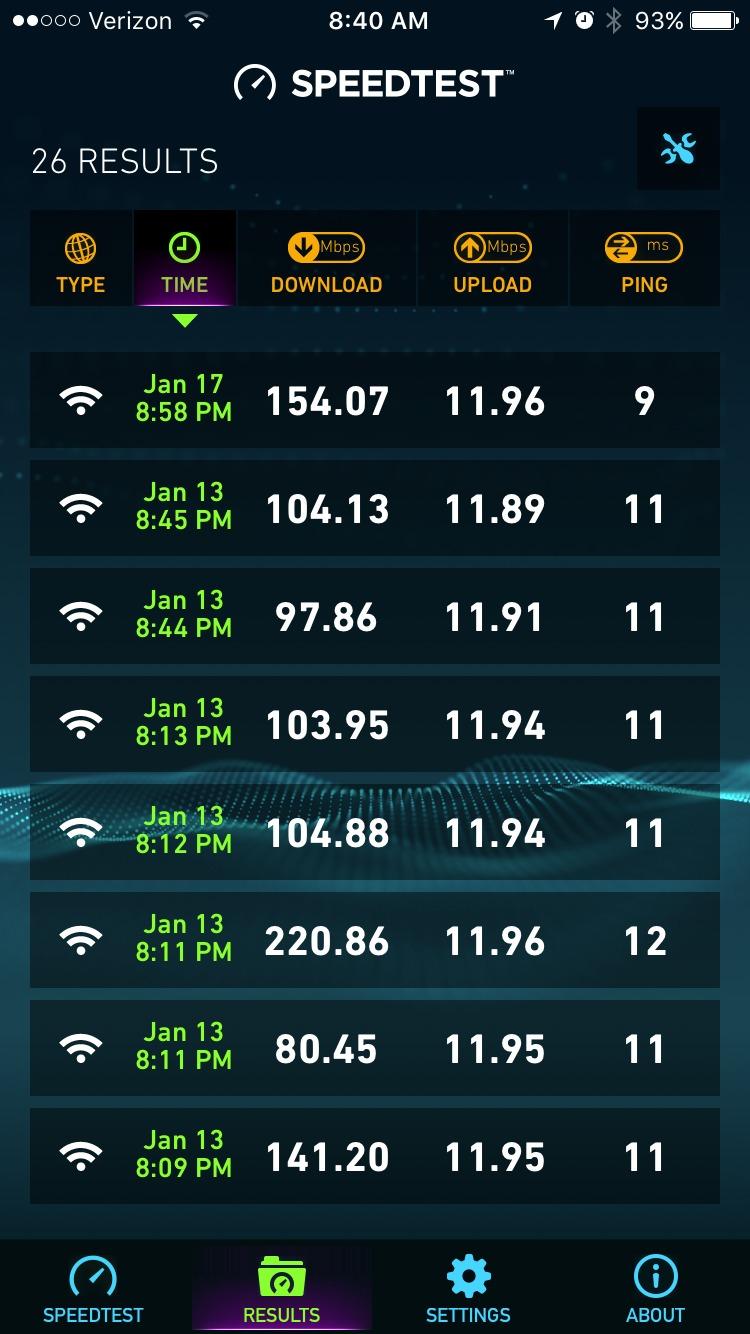
The C7000 is the step up when your plan outgrew a 300 Mbps tier but you are not ready to jump to gigabit. Its DOCSIS 3.0 24×8 bonding is the wider of the two DOCSIS 3.0 configurations in this guide, and it is certified for Xfinity plans up to 800 Mbps and Cox up to 500 Mbps.
Wireless is AC1900 with a combined throughput figure of up to 1.9 Gbps across both bands, supported by Beamforming+. Coverage is listed at 1,800 square feet, the largest claim among the DOCSIS 3.0 boxes here, and there are four Gigabit LAN ports plus a USB 2.0 port for sharing a storage drive.

Owners report a dramatic throughput jump after replacing older or provider-supplied gear, along with strong streaming and gaming results. A feature that gets specific praise is the signal diagnostics panel, which several buyers say helped them identify a line problem before calling the provider.
The critical reviews are consistent enough to plan around. A subset of long-term owners report repeat connection loss or needing to reboot daily, others describe the unit running warm with an electronics smell during the initial burn-in period, and the boot and re-negotiation time after a power cycle is long. The web interface also feels dated next to newer gateways.
What you are really getting for your money here
Wider channel bonding than the entry DOCSIS 3.0 boxes, four wired ports, and a NETGEAR Armor subscription suite that comes with a 30-day trial for anyone who wants managed filtering.
Who should skip it
Anyone planning to be on a gigabit tier, since 24×8 still falls short. Buyers who are sensitive to heat or who want a modern app-based interface should also weigh the alternatives.
5. ARRIS SBG8300 – Best Combo for Gigabit Cable Plans
ARRIS (SBG8300) – Cable Modem Router Combo – Fast DOCSIS 3.1 Gigabit & AC2350 WiFi ,Comcast Xfinity, Cox, Spectrum & more, 1 Gbps Max Internet Speeds , 4 OFDM Channels
DOCSIS 3.1 32x8 bonding
2x2 OFDM channels
AC2350 dual-band Wi-Fi
Up to 2,800 sq ft
Pros
- Only DOCSIS 3.1 modem in the guide
- Handles gigabit-tier cable plans with OFDM channels
- Four Gigabit Ethernet ports
- Runs cool and rarely needs a manual reset
- Onboard signal quality readout
Cons
- Factory firmware has port-forwarding bugs until the first update
- SURFboard app offers little control
- Default firewall set to WEAK with UPnP enabled
- Band steering can cause intermittent drops
- No USB port
The SBG8300 is the only DOCSIS 3.1 gateway in this roundup, and that one fact narrows its audience and its appeal at the same time. It uses 32×8 bonding alongside 2×2 OFDM downstream channels, which is the configuration built for gigabit cable tiers, and it is approved for Xfinity, Spectrum, Cox, and other major providers.
Wireless is AC2350 dual-band with coverage claimed up to 2,800 square feet, the largest figure of any unit here, and there are four Gigabit Ethernet ports. Reviewers repeatedly note the modem half performs well, hitting or exceeding the purchased plan speed, running cool, and rarely needing a manual reset once activated.
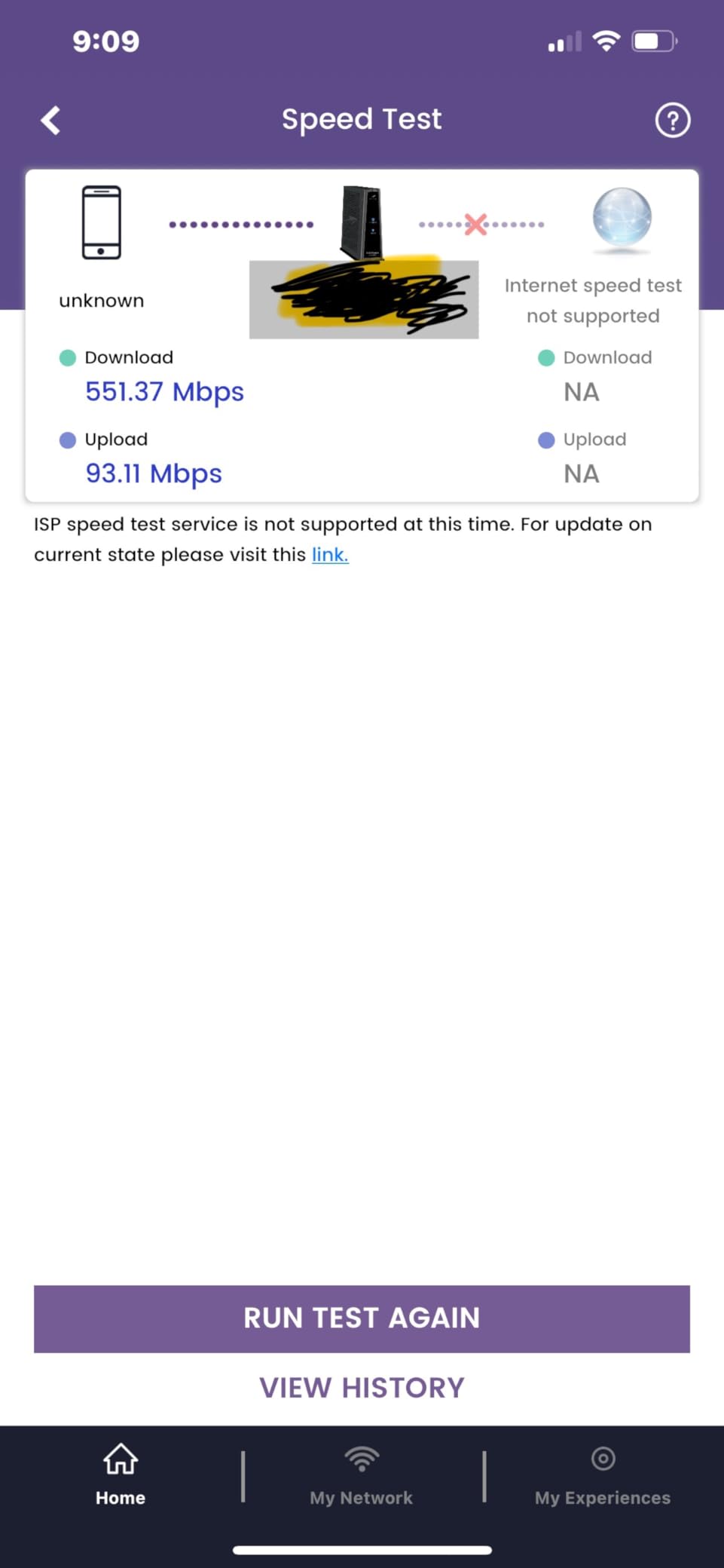
The pattern in the reviews is that the complaints cluster on the router half and the software. The shipped firmware contains port-forwarding bugs until the first automatic update pushes a corrected version, the SURFboard Central app offers very little control and reports connected clients inaccurately, and the default firewall level ships set to WEAK with UPnP enabled out of the box.
Band steering is another recurring source of intermittent 2.4 GHz dropouts, and the admin interface mixes HTTP and HTTPS in a way that adds extra clicks after changing the firewall level. On some networks the modem needs a provider firmware push before it will complete first activation, which can mean a support call.
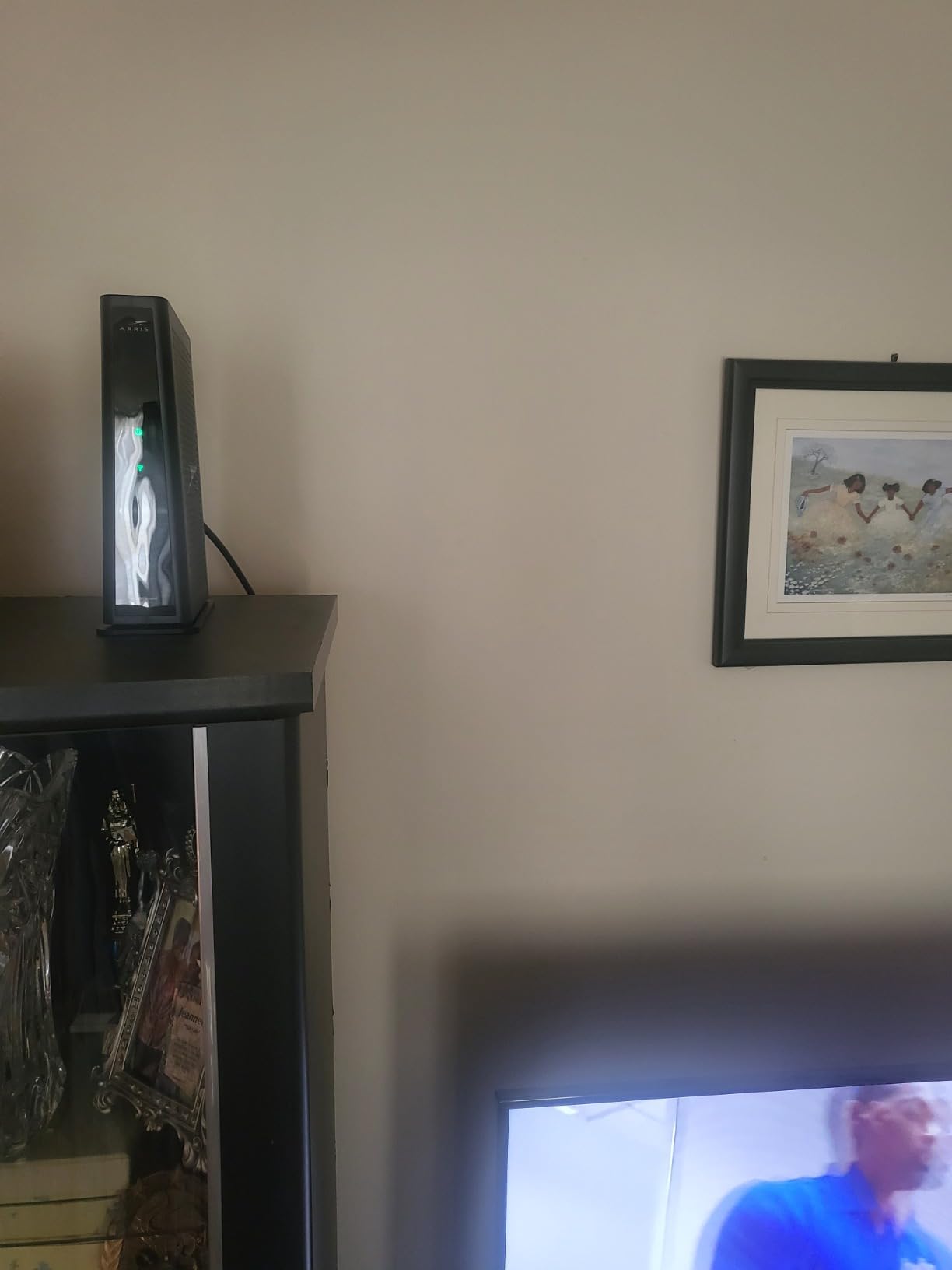
What you are really getting for your money here
Gigabit-tier capability and the broadest coverage area in the guide, from a unit that owners report staying stable over many months. The modem side is the reason to buy it.
Who should skip it
Anyone who wants advanced network management. Buyers who need port forwarding, guest isolation, or detailed traffic control should read the firmware complaints above before committing.
6. NETGEAR C6300 – Best Combo for Multi-Story Wi-Fi Reach
NETGEAR Cable Modem WiFi Router Combo C6300 | Compatible with Cable Providers Including Xfinity by Comcast, Spectrum, Cox for Cable Plans Up to 400Mbps | AC1750 WiFi Speed | DOCSIS 3.0
DOCSIS 3.0 16x4
AC1750 dual-band Wi-Fi
4 Gigabit Ethernet ports
1,600 sq ft coverage
Pros
- Strong Wi-Fi reach across large multi-floor homes
- Four Gigabit Ethernet ports for most whole-home setups
- Large throughput on wired connections
- USB 2.0 port for storage sharing
- Browser-based setup with no software install
Cons
- Admin interface and app are slow and sometimes unreliable
- Some owners report repeated Wi-Fi drops and reboots
- Port forwarding can fail until firmware is pushed by the provider
- USB file sharing over the internet is unreliable
- One-year warranty
The C6300 is the pick when the house has more than one floor and the gateway will sit at the bottom of it. AC1750 dual-band Wi-Fi with coverage listed at 1,600 square feet pushes a strong signal across multi-level homes in a way the smaller dual-band units here do not, and owners frequently call out reaching upper floors without an access point.
On the wired side it is well equipped, with four Gigabit Ethernet ports covering most whole-home configurations and a USB 2.0 port for sharing a storage drive. Speeds by carrier are listed as Xfinity up to 300 Mbps, Spectrum up to 400 Mbps, and Cox up to 250 Mbps, which tells you exactly where this box fits.
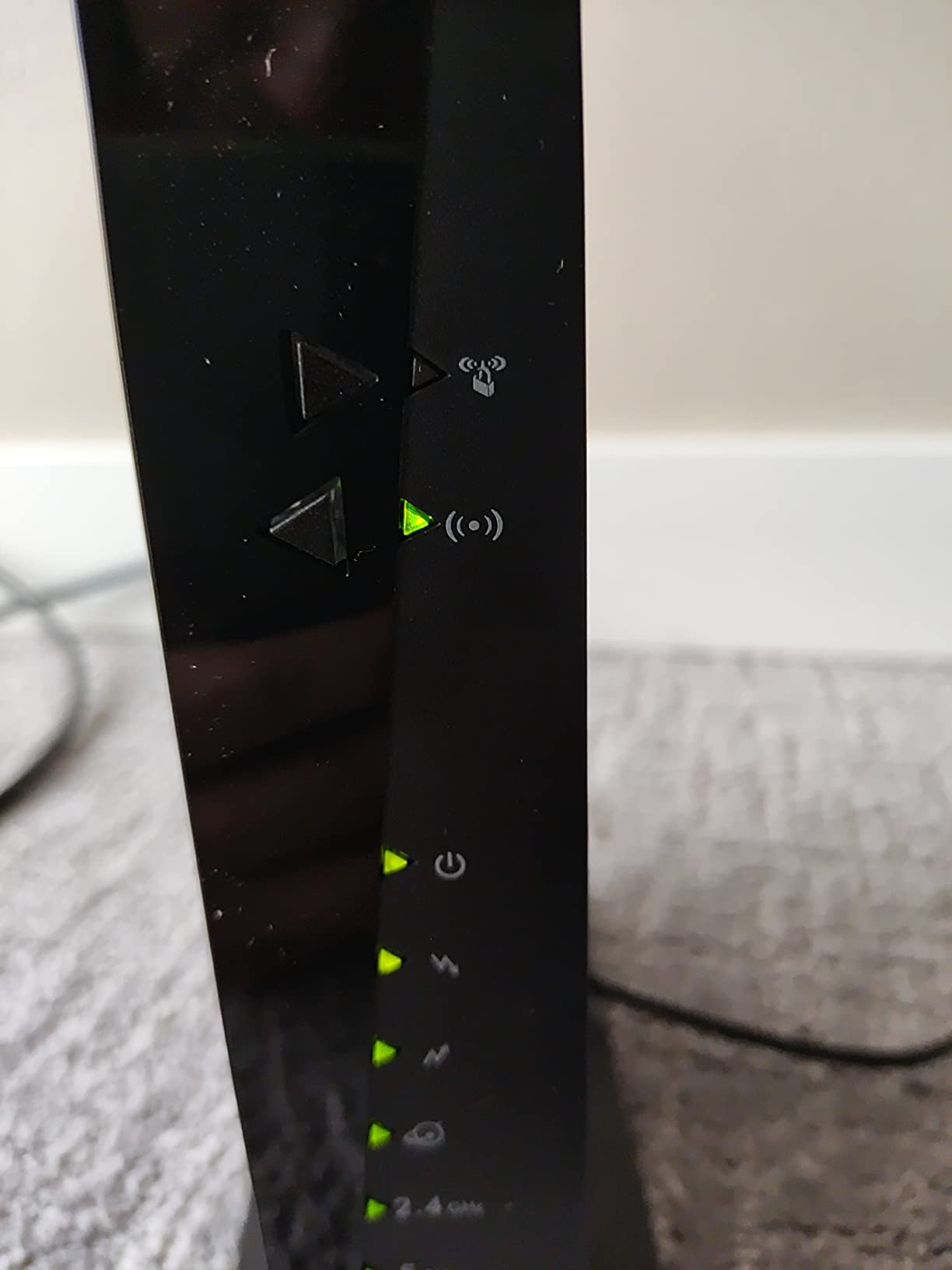
There is an important exclusion to note, because it catches people out. This model is not compatible with Verizon, AT&T, CenturyLink, DSL, DirecTV, DISH, or bundled voice service, and it was not certified for Charter at the time of its listing. If your address is served by a regional provider, check the approval list before buying.
The critical reviews describe chronic Wi-Fi dropouts, slow admin pages, boot loops, and port forwarding that does not resolve until the provider pushes firmware. Many of those complaints trace back to that same firmware dependency rather than to failing hardware.
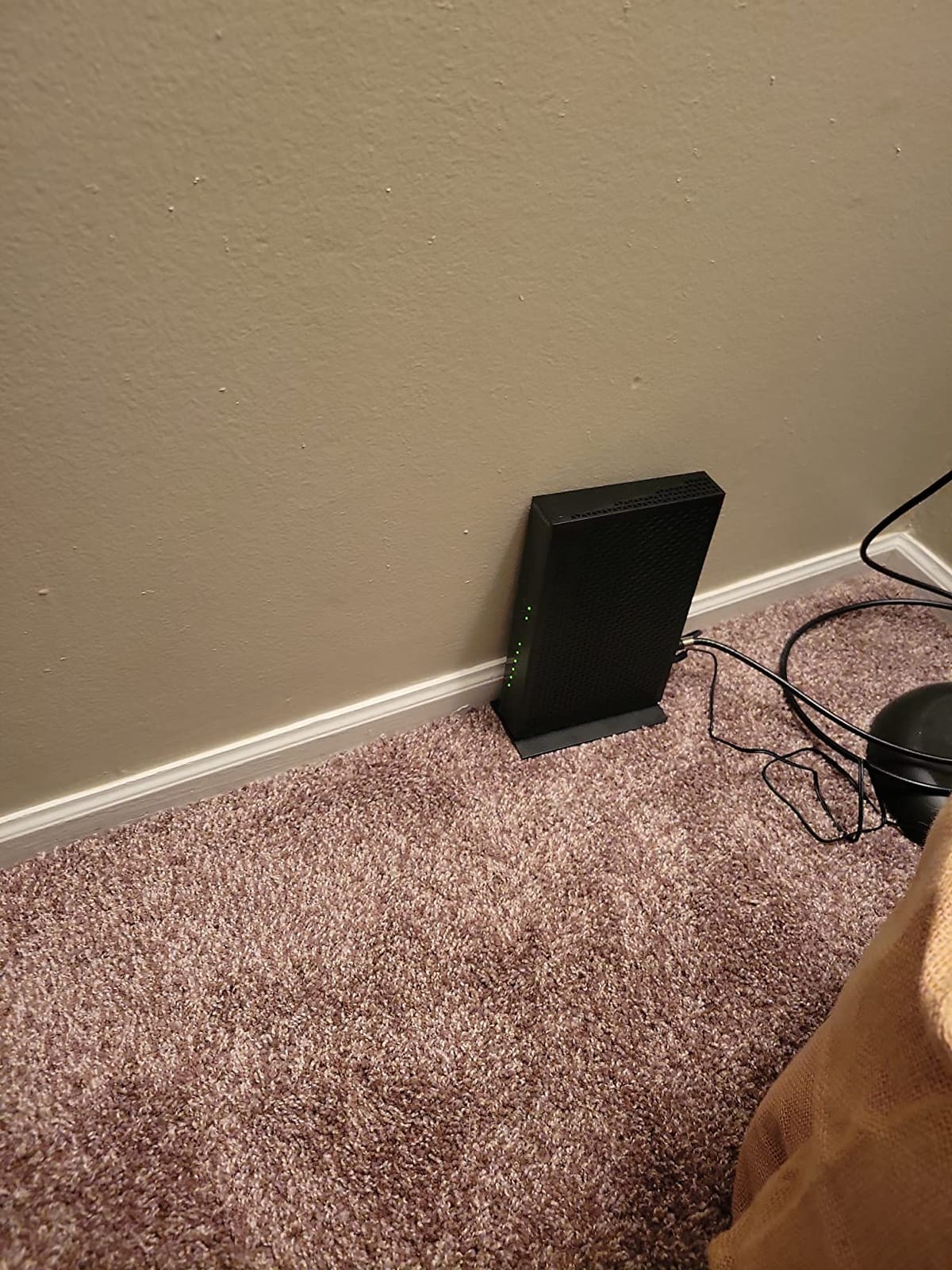
What you are really getting for your money here
Four wired ports, a USB sharing port, and the strongest multi-floor wireless reach among the DOCSIS 3.0 boxes here. Setup runs entirely through the browser with nothing to install.
Who should skip it
Anyone on a plan above 400 Mbps, anyone on a regional or fiber provider, and anyone who needs bundled telephone service. Buyers sensitive to firmware-related port forwarding issues should look elsewhere.
7. Motorola MG7315 – Most Versatile for Basic Cable Plans
Motorola MG7315 Modem WiFi Router Combo | 2-in-1 Cable Modem with Built in WiFi | DOCSIS 3.0 Modem | N450 WiFi | Approved for Comcast Xfinity, Cox, and Spectrum
DOCSIS 3.0 modem
N450 single-band 2.4 GHz Wi-Fi
4 Gigabit Ethernet ports
Plans up to 343 Mbps
Pros
- Reliable DOCSIS 3.0 modem for Cox and Spectrum tiers
- Four Gigabit Ethernet ports
- Power Boost improves 2.4 GHz range
- Compact vertical chassis that stays cool
- Setup is straightforward for beginners
Cons
- Single-band 2.4 GHz N450 Wi-Fi with no 5 GHz radio
- 343 Mbps ceiling limits faster cable tiers
- Wireless lags behind every dual-band combo
- One-year warranty
- Limited advanced configuration options
The MG7315 is the simplest thing that works, and for a small home on a modest cable tier that is a legitimate reason to buy it. It is approved for Comcast Xfinity, Cox, and Charter Spectrum plans, and the modem half handles service up to 343 Mbps.
What you give up is wireless. This is a single-band 2.4 GHz N450 radio with no 5 GHz band at all, which puts it well behind every dual-band unit in this guide. Power Boost does improve 2.4 GHz signal strength, which is why it still works, but there is no modern Wi-Fi generation to speak of.
The wired side is genuinely good for the tier it serves, with four Gigabit Ethernet ports that most people would call generous on a basic box. If your devices are plugged in rather than streaming wirelessly, the wireless limitation matters far less than it does in a streaming-heavy household.
Owners are satisfied with it as a straightforward modem and router for mainstream tiers, highlighting the four Gigabit ports, quick setup, and a compact vertical design that saves shelf space and runs cool. The advanced configuration options in the management interface are limited, and the warranty is one year.
What you are really getting for your money here
A dependable modem with four wired ports at the lowest entry point in the guide. It suits a one-bedroom apartment where two devices share a connection.
Who should skip it
Anyone streaming in 4K on multiple devices, anyone with a 5 GHz capable laptop or phone, and anyone on a plan above 343 Mbps. The single-band radio is the deal-breaker for most modern households.
8. ARRIS SBG7600AC2 – Best Combo for Larger Homes and Wide Coverage
ARRIS (SBG7600AC2) – Cable Modem Router Combo – DOCSIS 3.0 & AC2350 WiFi, [Check with your provider for compatibility]Four 1 Gbps Ports , 800 Mbps Max Internet Speeds
DOCSIS 3.0 32x4
AC2350 dual-band Wi-Fi
4 Gigabit Ethernet ports
2,200 sq ft coverage
Pros
- Approved for cable plans up to 800 Mbps
- AC2350 dual-band coverage across 1500 to 2000 sq ft
- Four Gigabit Ethernet ports plus built-in USB
- Separate guest networks on both bands
- Two-year warranty
- Draws less power than comparable units
Cons
- Cannot support gigabit download tiers
- Appears on no gigabit tier list despite DOCSIS 3.0 branding
- SURFboard Central app connects only intermittently
- Secondary Operation interface requires a second login
- Some units fail within the first year
The SBG7600AC2 sits at an interesting point in the lineup. It is a DOCSIS 3.0 32×4 modem, which means it is approved for cable plans up to 800 Mbps, and it pairs that with AC2350 dual-band Wi-Fi covering 2,200 square feet. Reviewers commonly describe large download-speed gains when it replaces an earlier eight-channel ARRIS unit on an upgraded plan.
There are four Gigabit Ethernet ports and a built-in USB port for file sharing or a media server, plus separate guest networks on both the 2.4 GHz and 5 GHz bands. Activation is fast and self-service through the provider app, and owners note it runs cooler and draws less power than comparable NETGEAR and Motorola boxes.
![ARRIS (SBG7600AC2) - Cable Modem Router Combo - DOCSIS 3.0 & AC2350 WiFi, [Check with your provider for compatibility]Four 1 Gbps Ports , 800 Mbps Max Internet Speeds customer photo 1](https://www.pwice.com/wp-content/uploads/2026/10/B07H4VJHB9_customer_1.jpg)
The two-year warranty is longer than most, though the claims process is reported as slow and the advance replacement carries a fee. A smaller group of owners report units failing within the first year and needing repeated restarts, which is worth weighing against the strong satisfaction scores in the same reviews.
Software is the weak point. The SURFboard Central app is reported to connect only intermittently, and the Operation tab drops you into a separate, clunkier interface that requires a second login. On some provider lists this model does not appear on the gigabit tier despite the DOCSIS 3.0 branding, so check your specific speed tier before buying.
![ARRIS (SBG7600AC2) - Cable Modem Router Combo - DOCSIS 3.0 & AC2350 WiFi, [Check with your provider for compatibility]Four 1 Gbps Ports , 800 Mbps Max Internet Speeds customer photo 2](https://www.pwice.com/wp-content/uploads/2026/10/B07H4VJHB9_customer_2.jpg)
What you are really getting for your money here
Wide 32×4 bonding, 800 Mbps plan support, the largest coverage figure among the DOCSIS 3.0 options, and a media server on board. It is a strong fit for a 2,000 square foot home.
Who should skip it
Anyone on a gigabit download tier, and anyone who relies on the management app day to day. If stability of the software matters more than coverage, the SBG8300 is the better ARRIS to consider.
How to Choose: DOCSIS Version, ISP Approval and Wi-Fi Generation
Three filters narrow this list down fast, and all three are decided before you look at a single feature. Start with your service speed, because that sets the modem standard you need. A 200 Mbps plan works on almost anything here. A 400 to 800 Mbps plan needs 24×8 or 32×4 DOCSIS 3.0, which points you at the NETGEAR C7000 or ARRIS SBG7600AC2. A gigabit tier needs DOCSIS 3.1, and only the ARRIS SBG8300 qualifies in this group.
The second filter is ISP approval, and this is the number one reason buyers end up with a box that will not activate. Every provider maintains its own compatibility list, and a model being approved for one does not mean it is approved for another. The C6250 and the MG7550 carry the broadest multi-ISP certification in the guide, which is why they suit anyone whose provider is uncertain.
Third is Wi-Fi generation, and here the honest answer is that every unit in this roundup is Wi-Fi 4, Wi-Fi 5, or an early Wi-Fi 6 implementation. None of them use Wi-Fi 7. Newer gateways from these same brands exist with faster radios and multi-gig ports, but the models here cleared our quality threshold on owner reviews, and the trade-offs are stated plainly in each review above.
A fourth consideration catches many households: Ethernet port count. Two ports is fine for a couple of wired devices. Four ports, as on the MG7550, MG7315, C7000, C6300, SBG8300, and SBG7600AC2, let you wire a console, a PC, a television, and a network storage unit without adding a switch.
Finally, check the voice question. If your service includes bundled telephone, note that several models in this guide are explicitly not compatible with voice service. If you plan to add a mesh system later, look for access point mode or bridge mode, which lets a separate router handle the wireless side. Our combo device buying guide covers the same layered-versus-single-box decision for other categories.
Combo Gateway or Separate Modem and Router?
A combo makes sense when the box will sit in a central spot, your service is at 800 Mbps or below, and you want one device to install and manage. It costs less in effort, ends the rental charge in a single step, and takes up one outlet instead of three.
Separate devices win when you want better wireless than any combo offers, when you plan to move to a multi-gig plan, or when you want to upgrade the router without touching the modem. In that setup, put the combo into bridge mode and let a dedicated router handle Wi-Fi.
For most cable households, the honest answer is that the combo is the right first purchase. A mesh system added later solves the coverage problem far more cheaply than buying a premium standalone router alongside a modem you already need.
Checking ISP Compatibility Before You Buy
Open your provider’s approved device list and search by model number, not by brand. Approved means the device activates on your network. Recommended is a higher tier the provider has tested more thoroughly and often signals better support outcomes. Neither guarantees anything about voice service or a specific speed tier at your address.
Check three things: that your model appears, that it is listed for your exact speed tier, and whether your service includes bundled phone. Xfinity, Spectrum, and Cox are the most permissive with third-party hardware, while regional providers such as Optimum, Astound, Breezeline, Mediacom, Midco, Sparklight, and WOW have narrower lists. If your provider is not on that list, assume the model will not work until you confirm otherwise.
One more note. None of these devices works on fiber. Fiber customers receive an ONT from the provider and need a router with an Ethernet WAN input instead, which is a different product category entirely.
Frequently Asked Questions
What is the best combined modem and router for cable internet?
The ARRIS SBG10 is the best overall cable modem router combo for most households. It is a DOCSIS 3.0 16×4 gateway rated for plans up to 400 Mbps, with AC1600 dual-band Wi-Fi covering up to 1,400 square feet and two Gigabit Ethernet ports. If you are on a gigabit cable tier, choose the ARRIS SBG8300 instead, since it is the only DOCSIS 3.1 option in this guide.
What is the best modem for cable internet?
The best modem depends entirely on your speed tier. Under 400 Mbps, the ARRIS SBG10 and Motorola MG7550 handle service easily. Between 400 and 800 Mbps, the NETGEAR C7000 with 24×8 bonding or the ARRIS SBG7600AC2 with 32×4 bonding fit the bill. For gigabit tiers you need DOCSIS 3.1, which in this roundup means the ARRIS SBG8300 with 32×8 bonding and OFDM channels.
Is it better to use a cable modem and router combo or separate?
A combo is the better choice for most cable households because it installs as one device, ends the rental charge in a single step, and takes up one power outlet. Separate devices make more sense if you want stronger Wi-Fi than any combo offers, if you plan to move to a multi-gig plan, or if you intend to upgrade the router without replacing the modem. In that case, put the combo into bridge mode.
Which is better, Arris or Netgear?
ARRIS generally leads on modem capability and coverage claims: the SBG8300 is the only DOCSIS 3.1 unit here, and the SBG7600AC2 covers 2,200 square feet. NETGEAR generally leads on port count and management features: the C7000 and C6300 each provide four Gigabit ports plus USB sharing, and the C7000 offers wider 24×8 bonding for mid-tier plans. ARRIS management apps are more commonly criticized than NETGEAR ones.
Do I need a modem for cable TV?
No. Cable television runs on a separate coaxial line or a dedicated set-top box connection and does not route through an internet modem. The device you use for internet is a gateway between your coaxial cable line and your home network. If your provider bundles phone service, that is a different requirement again, and several modem router combos are explicitly not compatible with bundled voice.
Will a modem router combo work with fiber internet?
No. These are DOCSIS cable devices, and they will not work on fiber. Fiber customers receive an optical network terminal from their provider and need a router with an Ethernet WAN input instead. The same Ethernet WAN approach also works as a workaround for some cable providers who supply their own modem, letting you use a standalone router with your own gateway.
Final Verdict on the Best Modem Router Combos for Cable Internet
After working through all eight, the ARRIS SBG10 remains the best modem router combo for cable internet for the majority of households, with the most reviews and the most consistent long-term satisfaction in the group. Buy the ARRIS SBG8300 if you are on a gigabit plan, the Motorola MG7550 if you need four wired ports, and the NETGEAR C7000 if your tier sits between 400 and 800 Mbps. Check your provider’s approved list before you order, plug it into the coaxial outlet, and let the activation page handle the rest.