
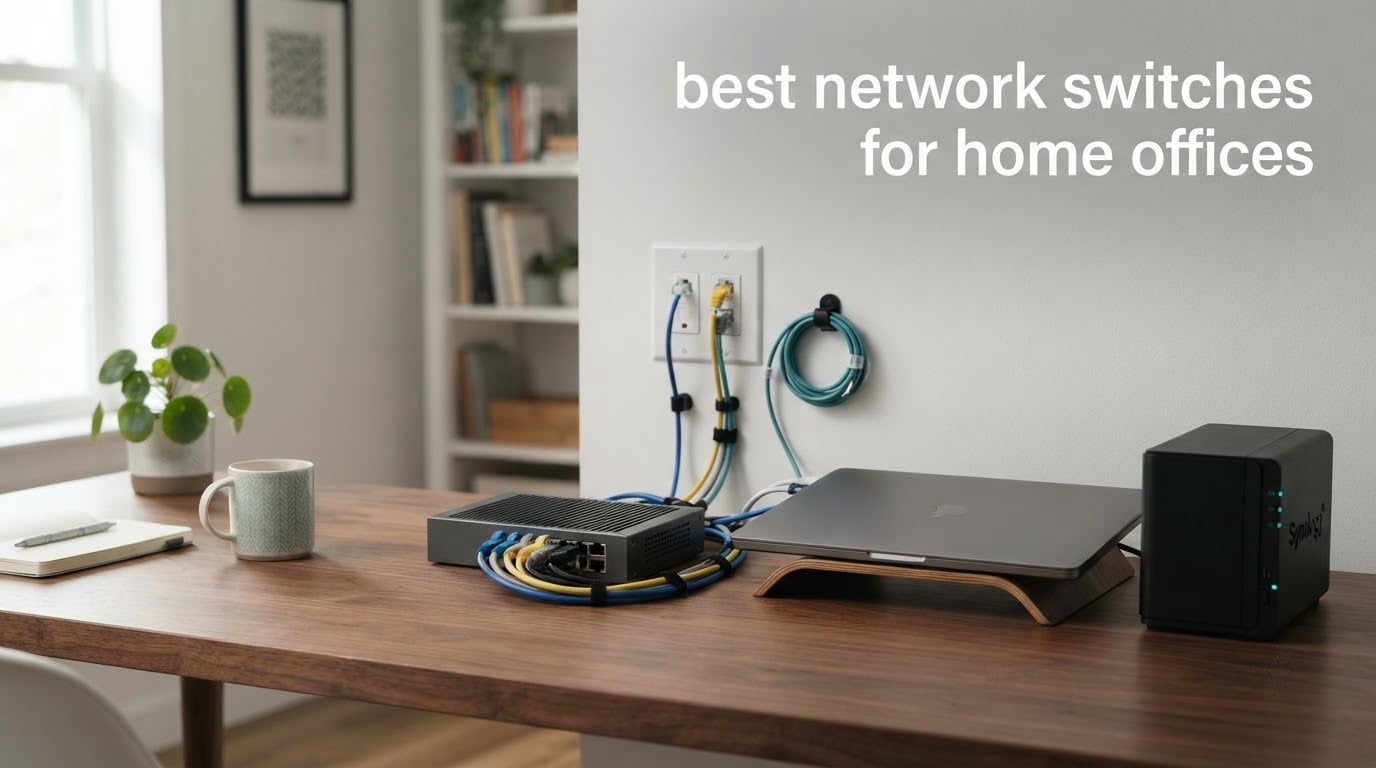
The best network switches for home offices are the small boxes that finally let you plug everything in. Most routers leave you with four LAN ports, one of which usually goes to a Wi-Fi access point, so a desktop, a NAS, a printer, a games console and a second work laptop quickly push you past what the router offers.
A switch does one job: it gives you more wired ports and moves traffic between them without involving the router. That removes wireless variability from the devices that do not need it, which is the real reason office workers and home lab builders keep adding one every few years.
We compared ten of the most-reviewed switches currently on the market, reading the spec sheets, warranty terms and owner feedback for each, and weighting them on the things a home office actually cares about: fanless silence, desk footprint, PoE budget, warranty length and whether your existing cabling supports the speed you need. Our picks below run from a five-port gigabit desk unit to a 2.5GbE box with 10G fiber uplinks.
Table of Contents
Top 3 Picks for Home Office Networks in 2026
Our first choice, the NETGEAR GS308, does nothing clever because nothing clever is needed. It has eight gigabit ports, a metal case and no fan, and owners treat it as gear you install once and stop thinking about.
The TL-SG105 earns the value slot because five gigabit ports in a fanless metal box with a three-year warranty is a combination very few rivals match. The D-Link DGS-1016S covers the opposite problem: not enough ports, with sixteen of them and the longest warranty in the group.
Best Network Switches for Home Offices (October 2026)
| Product | Specifications | Action |
|---|---|---|
 NETGEAR GS308 NETGEAR GS308 |
|
Check Latest Price |
 TP-Link TL-SG105 TP-Link TL-SG105 |
|
Check Latest Price |
 D-Link DGS-1016S D-Link DGS-1016S |
|
Check Latest Price |
 TP-Link TL-SG105E TP-Link TL-SG105E |
|
Check Latest Price |
 Tenda SE105 Tenda SE105 |
|
Check Latest Price |
 NETGEAR GS305E NETGEAR GS305E |
|
Check Latest Price |
 NETGEAR GS308EP NETGEAR GS308EP |
|
Check Latest Price |
 UGREEN 5-Port Gigabit UGREEN 5-Port Gigabit |
|
Check Latest Price |
 TRENDnet TEG-S350 TRENDnet TEG-S350 |
|
Check Latest Price |
 GigaPlus 10-Port 2.5G GigaPlus 10-Port 2.5G |
|
Check Latest Price |
All ten of the switches below are fanless, which is the single most important filter for a desk-adjacent install. Nobody in our list needs a fan to keep it cool, and all of them run on a small external power adapter.
1. NETGEAR GS308 – Best Unmanaged Gigabit Switch for a Home Office
NETGEAR 8-Port Gigabit Ethernet Unmanaged Network Switch (GS308)
8 x Gigabit RJ45 ports
Auto-negotiation, Cat5e or Cat6
Fanless metal desktop box
3 year warranty
Pros
- Highest rated option in our group with roughly 54k reviews
- Eight gigabit ports in a compact metal chassis
- Silent fanless operation
- Works with existing Cat5e or Cat6 cabling
Cons
- Unmanaged only with no VLAN or QoS
- Power supply region-locked to U.S. and Canada
The GS308 is the switch I recommend to anyone who asks me where to start. Eight gigabit ports, a metal chassis, no fan and no software. You plug the router into one port, plug your devices into the rest, and walk away.
That simplicity is the whole selling point. NETGEAR describes it as gear you install once and forget, and the owner feedback follows the same line: people report powering it up, getting a link on every port, and then not touching it again for years.
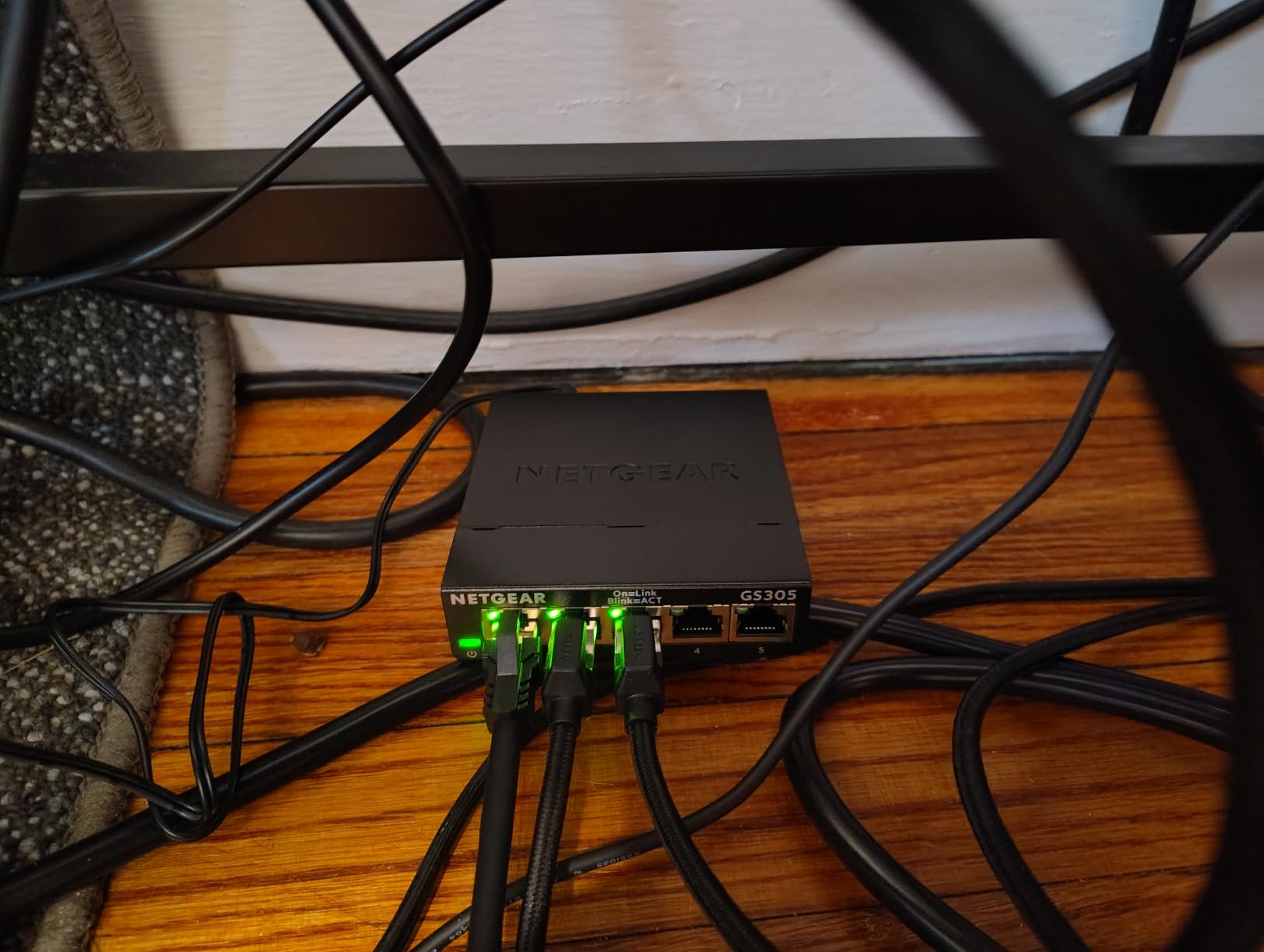
It auto-negotiates link speed on each port, so mixed generations of equipment are fine. A ten-year-old laptop cable, a NAS and a modern desktop can all sit on the same switch without manual configuration, which is exactly the kind of boring reliability a home office needs.
One thing worth knowing before you order: the power supply is region-locked to the U.S. and Canada. If you are outside those markets, check that a region-appropriate adapter is included before you commit to it.
What the GS308 handles well
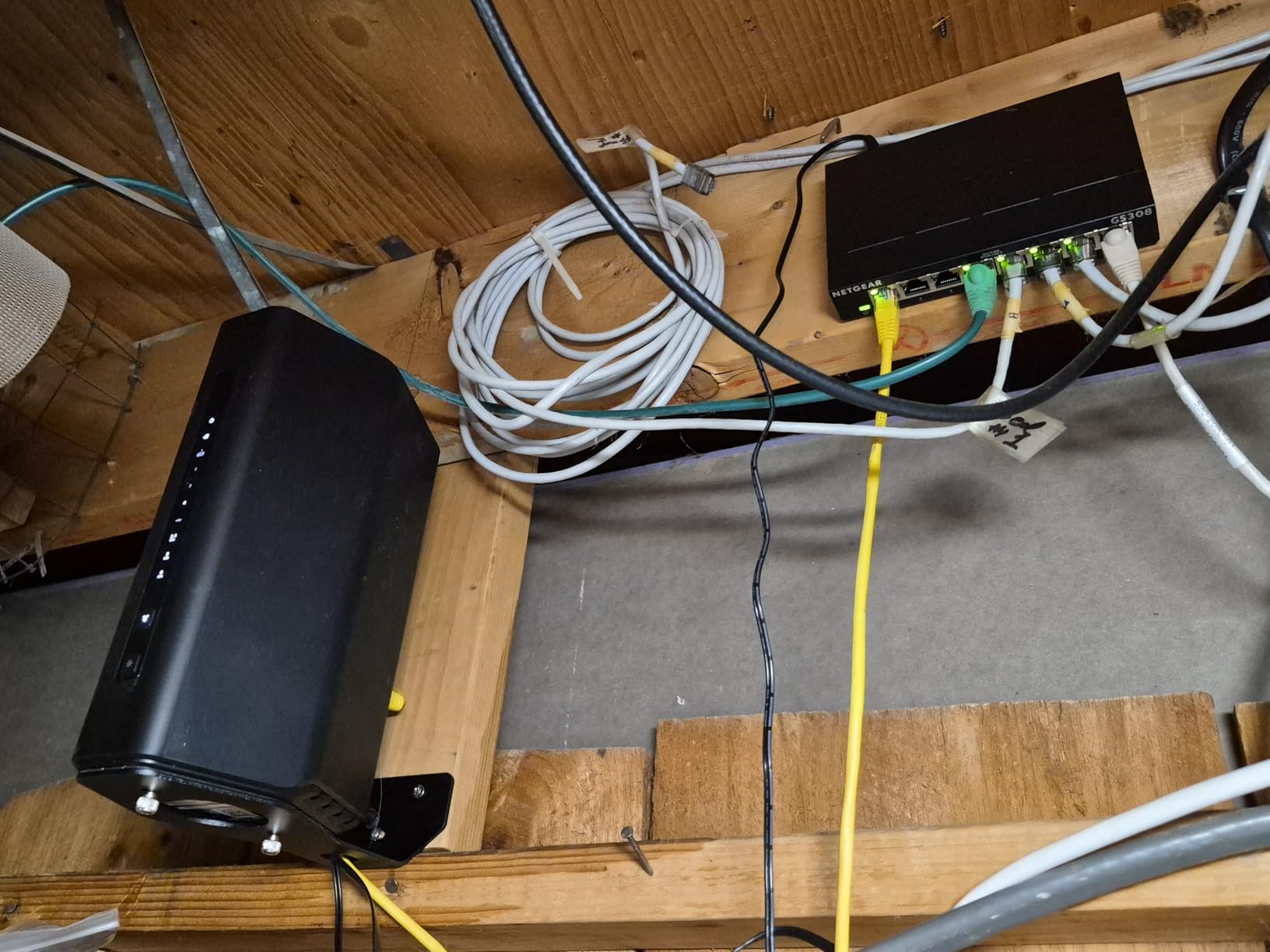
It gives you enough ports to cover a full desk plus room to grow, so you are not immediately back at the same four-port problem in a year. The compact metal body measures just over 6 inches long and mounts flat on a wall or a shelf, which keeps it out of sight in a small office.
Because it is fanless, it makes no sound at all, and Energy Efficient Ethernet means idle ports draw very little. In a shared room where a fan is genuinely distracting, that matters more than most spec-sheet features.
Where it falls short
There is no web interface, no VLAN support and no QoS, so if your plan involves separating work devices from guest devices or prioritising a games console, this is not the box for that. You would move up to the GS305E or the TL-SG105E instead.
Eight ports also means one is spoken for by the router uplink, leaving seven for devices. If you are adding cameras and access points as well, count them before you settle on this model.
2. TP-Link TL-SG105 – Best Value Five-Port Gigabit Switch for Desk Use
TP-Link TL-SG105, 5 Port Gigabit Unmanaged Ethernet Switch, Network Hub, Ethernet Splitter, Plug & Play, Fanless Metal Design, Shielded Ports, Traffic Optimization
5 x 10/100/1000Mbps RJ45 ports
Auto MDI/MDIX
Fanless metal, 3.94 inch square
3 year warranty
Pros
- Genuinely plug-and-play with no configuration
- Metal housing runs cool under load
- Silent fanless operation
- Compact footprint that tucks behind furniture
- Stable full gigabit throughput
Cons
- Uplink consumes one of the five ports
- Fully unmanaged with no VLAN or monitoring
- LEDs can bother people in dark rooms
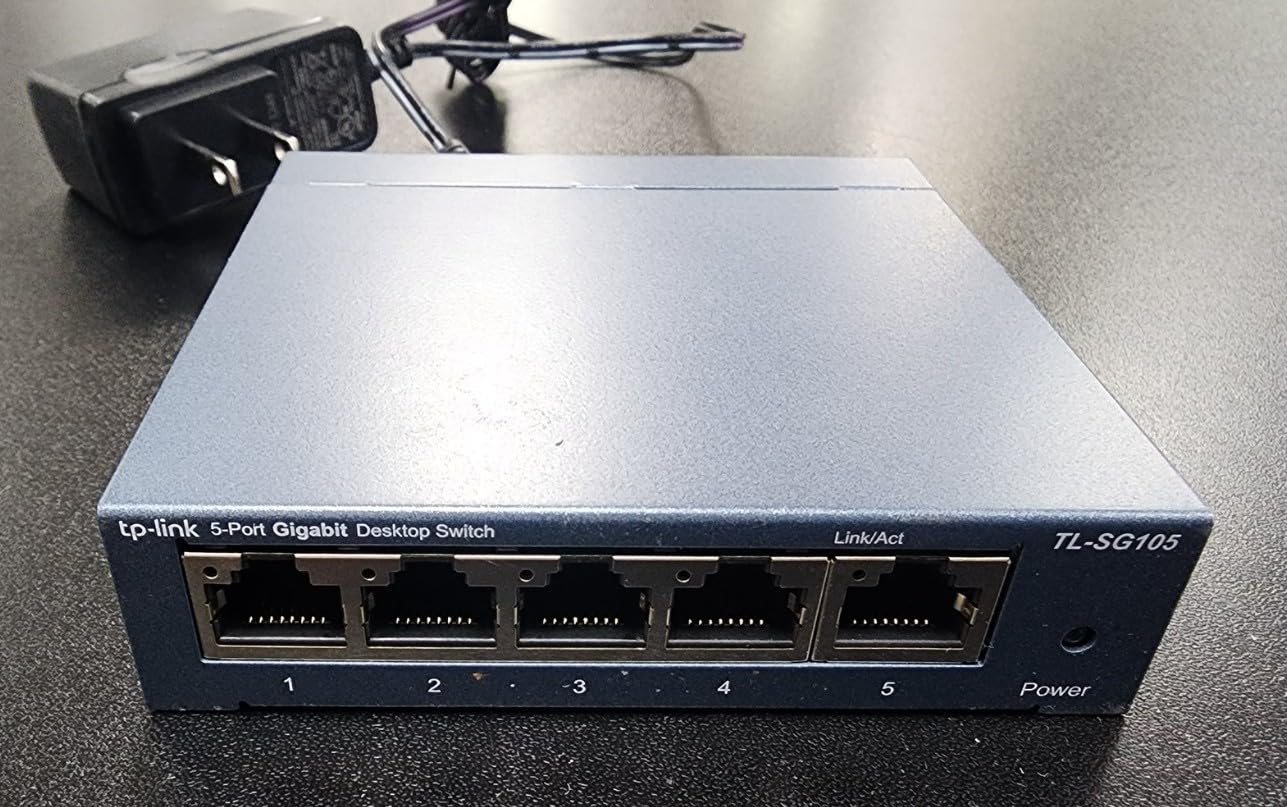
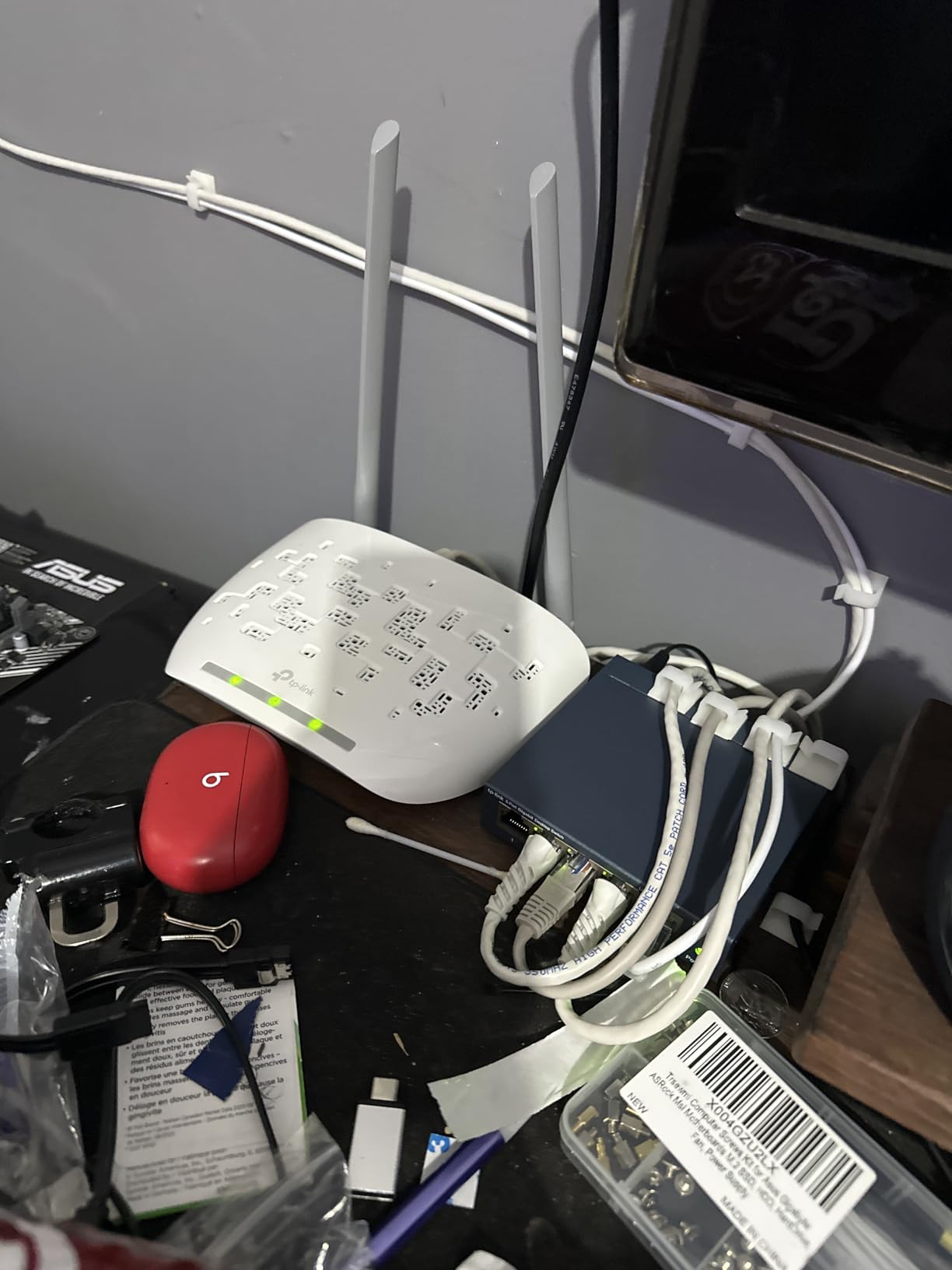
The TL-SG105 is the most-reviewed switch in this entire roundup, with well over 100k ratings, and the reason is simple: it does the minimum job well and it has been doing it for a very long time. TP-Link’s design is a fanless metal box with five gigabit ports and a desktop or wall-mount footprint of under 4 inches square.
For a home office with a desktop, a laptop dock, a printer and a games console, five ports is enough once the router takes one. Reviewers consistently report the same experience: it works immediately, it runs cool, and it fixed wireless connections for their TV and console.
Interestingly, it is not quite as unmanaged as the name suggests. TP-Link includes port-based 802.1p and DSCP QoS and IGMP snooping, which help streaming traffic and multicast video behave better without you touching anything. You get the benefits without the configuration burden.
Green Ethernet is also built in, cutting power draw on idle links, and IEEE 802.3X flow control keeps a busy link from dropping frames. These are the small engineering touches that separate this from a plastic box with the same port count.
Why it earns the value slot
The combination of a metal chassis, silent cooling, a three-year warranty and a genuinely tiny footprint is rare at this level. Home lab builders on forums repeatedly single out metal cases over plastic ones because they dissipate heat better and last longer, and this box has both.
It also has the largest review base of anything we tested, which means the failure modes are well understood. There is no hidden surprise here, which is a fair thing to want from a device that will sit behind a desk untouched.
Where it holds you back
Five ports minus the router uplink leaves four usable connections. If you are running a NAS, two monitors over an adapter, a printer and a console, that adds up quickly and you will outgrow it.
There is also no management layer at all, so no VLANs and no port monitoring. And the status LEDs are bright enough that some reviewers note them as annoying in a dark room, so a tape-over is a reasonable first step if you work at night.
3. D-Link DGS-1016S – Best Switch for Many Wired Devices
D-Link 16-Port Gigabit Ethernet Unmanaged Slim Switch, Traffic Optimization
16 x Gigabit RJ45 ports
QoS for voice and video
Slim fanless metal, 11 inch wide
5 year coverage
Pros
- Sixteen gigabit ports in a slim metal chassis
- Silent fanless operation
- QoS keeps voice and camera traffic smooth
- Energy efficient with cable-length detection
- Five year hardware coverage
Cons
- Unmanaged with no VLAN support
- Front cables can shift a slim desktop unit
- Occasional reports of an ungrounded port shield
When the problem is not speed but sheer port count, the DGS-1016S is the answer. Sixteen gigabit ports in a slim metal chassis, and it is the longest warranty in the group at five years of hardware coverage that includes the internal power supply and fans.
This is the pick for a home office that has grown into a small office. A NAS, several workstations, a printer, a VoIP phone, two access points and a smart TV all fit, and you still have ports spare for the next thing.
QoS traffic prioritisation is the feature to know about here. It keeps voice and surveillance traffic smooth while a bulk NAS transfer is saturating the link, which is the exact scenario a home office with cameras and calls runs into every evening.
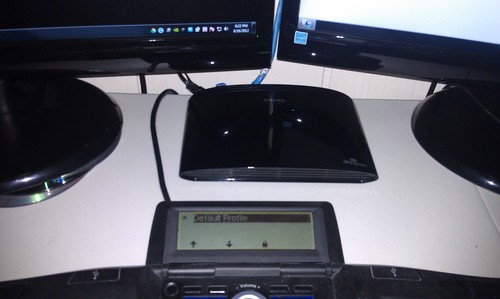
Energy Efficient Ethernet is implemented properly, with automatic power reduction on idle ports and cable-length detection so short runs draw less. The switch is 11 inches long but under 1 inch tall, and it can be wall mounted.
Who should buy sixteen ports
Buy this if you are counting more than eight connected devices today, or if you know you will add IP cameras and access points in the next year. Sixteen ports means you can wire the whole property without going back to the router.
The five-year coverage is the quiet advantage. Switches that live in closets and basements for a decade are rarely replaced, so a long warranty is real insurance rather than a marketing line.
When it is the wrong choice
There is no VLAN support, so you cannot segment work devices from guests or cameras from laptops. If that is part of your plan, a smart-managed model will serve you better despite having fewer ports.
Because the chassis is slim, plugged-in front cables can nudge it across the desk over time. Some owners solve it with wall mounting or a dab of tape. It is a small annoyance, not a fault.
4. TP-Link TL-SG105E – Best Switch for a First VLAN Setup
TP-Link 5-Port Gigabit Ethernet Easy Smart Switch| Plug and Play | Desktop | Sturdy Metal w/Shielded Ports | Limited Lifetime Replacement (TL-SG105E), Black…
5 x 10/100/1000Mbps RJ45 ports
Easy Smart Managed web UI
Shielded alloy steel
Lifetime warranty
Pros
- Works unmanaged out of the box then unlocks VLANs
- Shielded metal casing runs cool
- Compact desktop footprint
- Limited lifetime replacement policy
Cons
- Management features need the web interface and an IP address
- Only five ports and one goes to the uplink
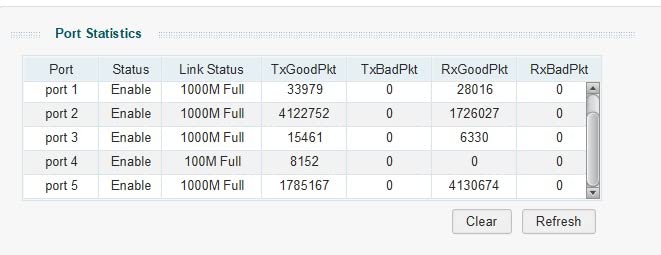
The TL-SG105E sits in the middle ground between a dumb switch and a fully managed one, and that is exactly why it appeals to people building their first segmented network. Out of the box it behaves like a plain unmanaged switch. When you want VLANs, QoS, IGMP snooping or port mirroring, a web interface opens up.
That is a different proposition from the GS308. You are not committing to a controller, an app or a licence, and if you never touch the settings the switch simply works.
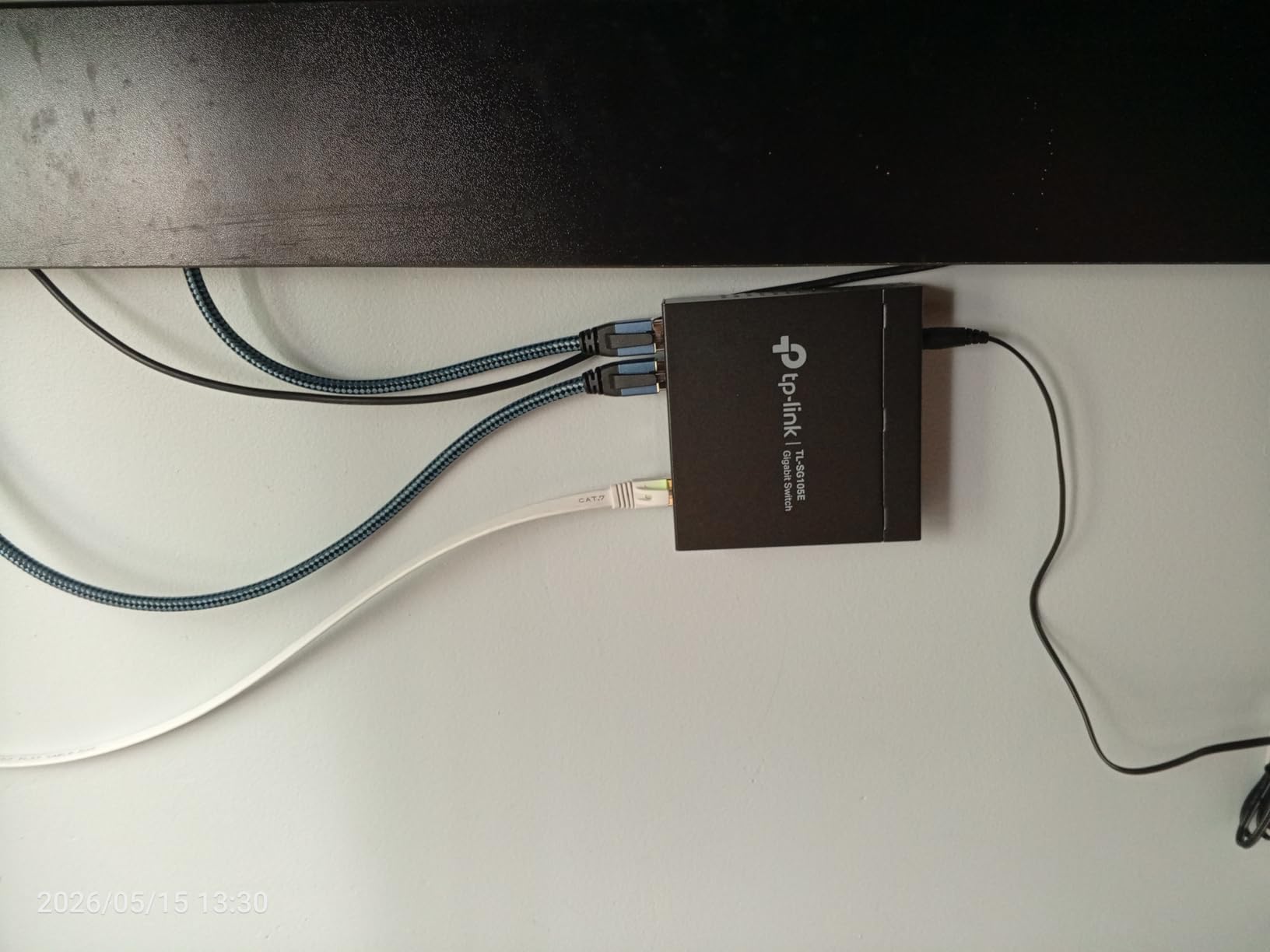
The build is shielded alloy steel rather than thin plastic, and owners consistently point to that as the reason to pick it over cheaper units. Shielded ports help with interference and heat dissipation, and the square 3.9 inch footprint is easy to hide behind a monitor stand.
The warranty is the other headline. TP-Link’s limited lifetime replacement policy is a meaningfully different commitment from the two-year terms common on budget rivals, and it removes the calculation of when a cheap switch needs replacing.
When the easy smart layer is worth it
It is worth it if you want a work VLAN and a guest VLAN without a full managed switch, or if you want port mirroring to see what is happening on a segment. Those are the two features home lab builders reach for most often.
It is also a good first step toward a segmented home network because you can grow into it gradually rather than starting with an ecosystem-locked platform switch.
Where it disappoints
Reaching the management features means finding the switch on your network and giving it an IP address in a browser, which is a short learning curve if you have never done it. Straight out of the box it is plug-and-play, but the extra features are not.
Five ports is also a tight ceiling once one goes to the router, and there is no fanless-metal advantage here that offsets it if you need more connections.
5. Tenda SE105 – Best 2.5GbE Switch on a Budget
Tenda 5 Port 2.5G Ethernet Switch, Multi-Gigabit 2.5Gb Ethernet Splitter
5 x 100/1000/2500 Mbps RJ45 ports
IEEE 802.3bz multi-gig
5W max power, fanless
Wall mountable
Pros
- Five true 2.5GbE ports at a low step-up cost
- Zero configuration with auto-negotiation
- Low 5W draw and fanless
- Compact wall-mountable housing
- 3 year warranty
Cons
- Unmanaged with no VLAN or QoS
- Plastic housing
- One port is used for the uplink
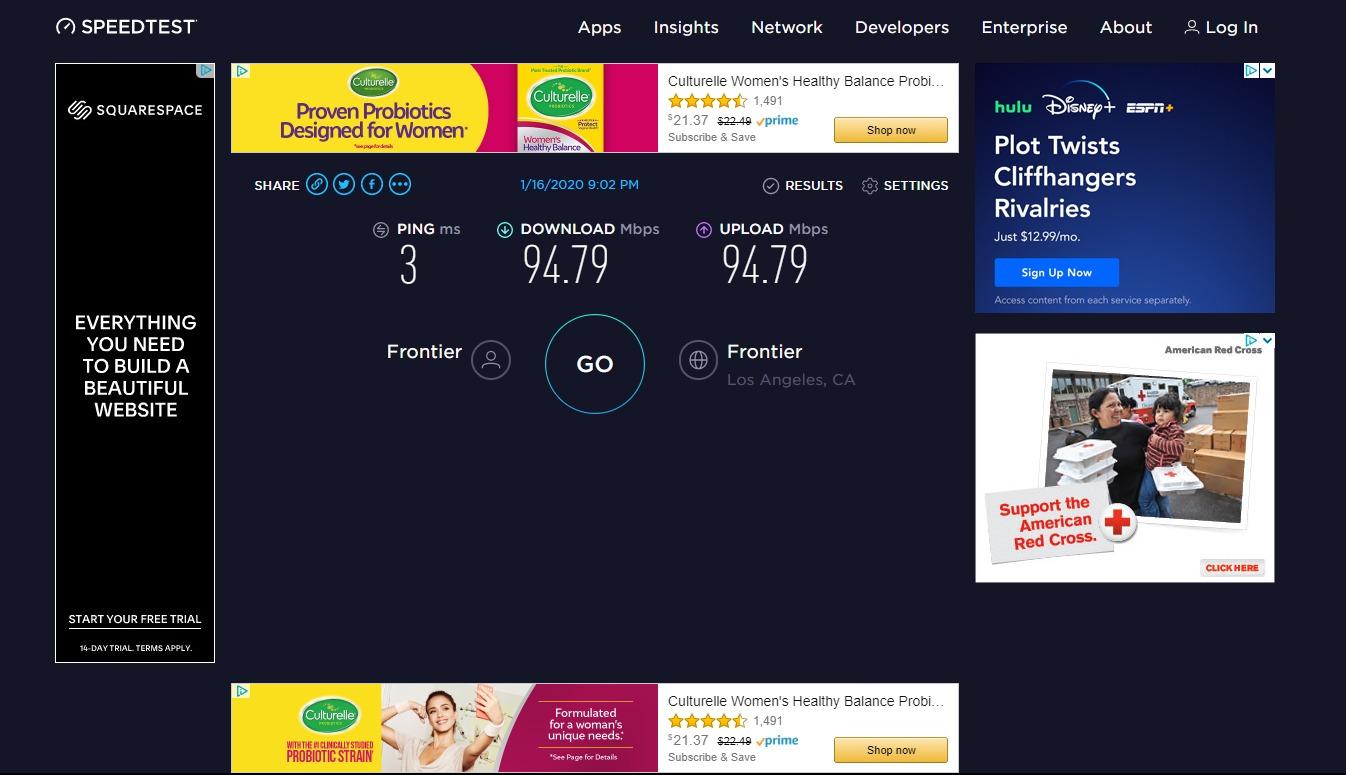
The Tenda SE105 is the most direct route onto 2.5GbE in this group, and 2.5GbE is the speed that actually matters for a home office. Your internet connection is rarely the bottleneck, because the real limit is moving a large file between your NAS and your laptop across a gigabit link.
Every port here auto-negotiates at 100, 1000 or 2500 Mbps, so mixed-generation devices connect at whatever they can do. That backward compatibility is what makes multi-gig an easy upgrade rather than a rebuild.
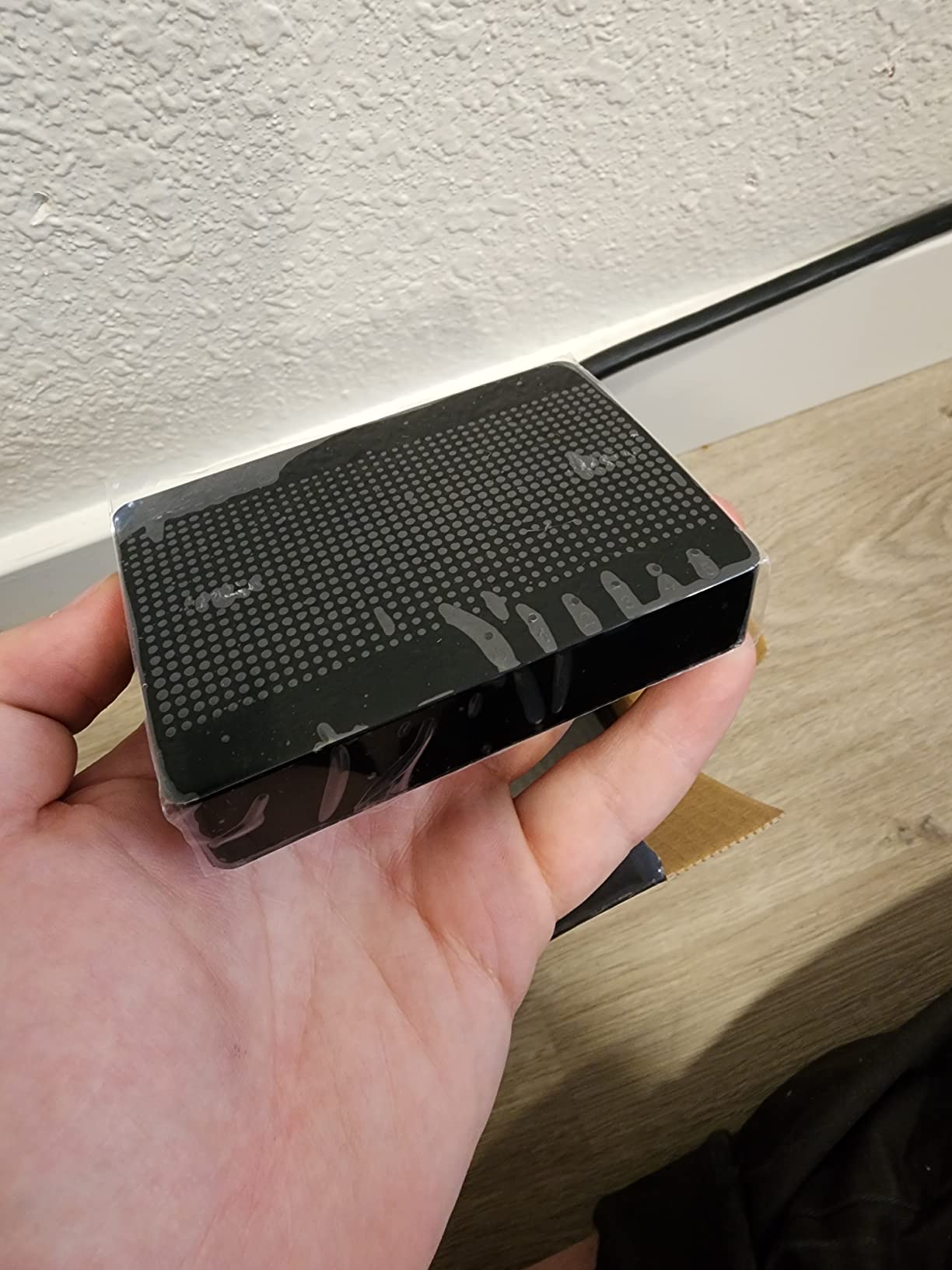
Power draw is a stated maximum of 5W, and the fanless design means it contributes nothing to room noise. It is also wall mountable, which matters if your office desk is where the desk space is scarcest.
The 16K MAC address table auto-learns, so a household with a lot of devices will not run into a capacity wall. It is a simple box, but a simple box that does one thing at high speed.
Why 2.5GbE rather than 10GbE
Most homes have no device that can saturate 10GbE today, so 10G hardware sits idle. 2.5G is the tier that a modern laptop or a fast NAS can actually push, and it does it over the Cat 5e you almost certainly already have in the walls.
If your workload is NAS transfers, Wi-Fi 6 access point backhaul or large file sync, this is the switch that removes the internal bottleneck people notice most.
Where it falls short
The plastic case does not feel or look like the metal options, and it is the first thing reviewers mention. It also has no management layer whatsoever, so no VLANs, no QoS and no port monitoring.
With five ports and the uplink taking one, you have four for devices. Plan your device count before you commit.
6. NETGEAR GS305E – Best Silent VLAN Access Switch
NETGEAR 5-Port Gigabit Ethernet Easy Smart Managed Network Switch (GS305E)
5 x Gigabit RJ45 ports
802.1Q VLAN tagging with PVID
Easy Smart Managed web UI
Fanless metal box
Pros
- Real 802.1Q VLAN tagging with configurable ports and PVID
- Works as a plain unmanaged switch out of the box
- Sturdy metal housing that dissipates heat
- Small enough to tuck under a desk
- Commonly deployed as access switches feeding a core
Cons
- Assigning an IP address is recommended to avoid early lag
- Firmware updates are manual and need a ZIP extracted
- Discovery utility is Windows-only
The GS305E is the version of the GS308 with just enough intelligence added to be useful, and its Easy Smart Managed Essentials layer covers the things home lab builders actually need: 802.1Q VLAN tagging with configurable tagged and untagged ports and a PVID, QoS traffic prioritisation, port monitoring and loop prevention.
Loop prevention deserves a mention of its own. A single looped cable on a cheap unmanaged switch can silently flatten throughput across the whole network, and having the switch detect that is cheap insurance.
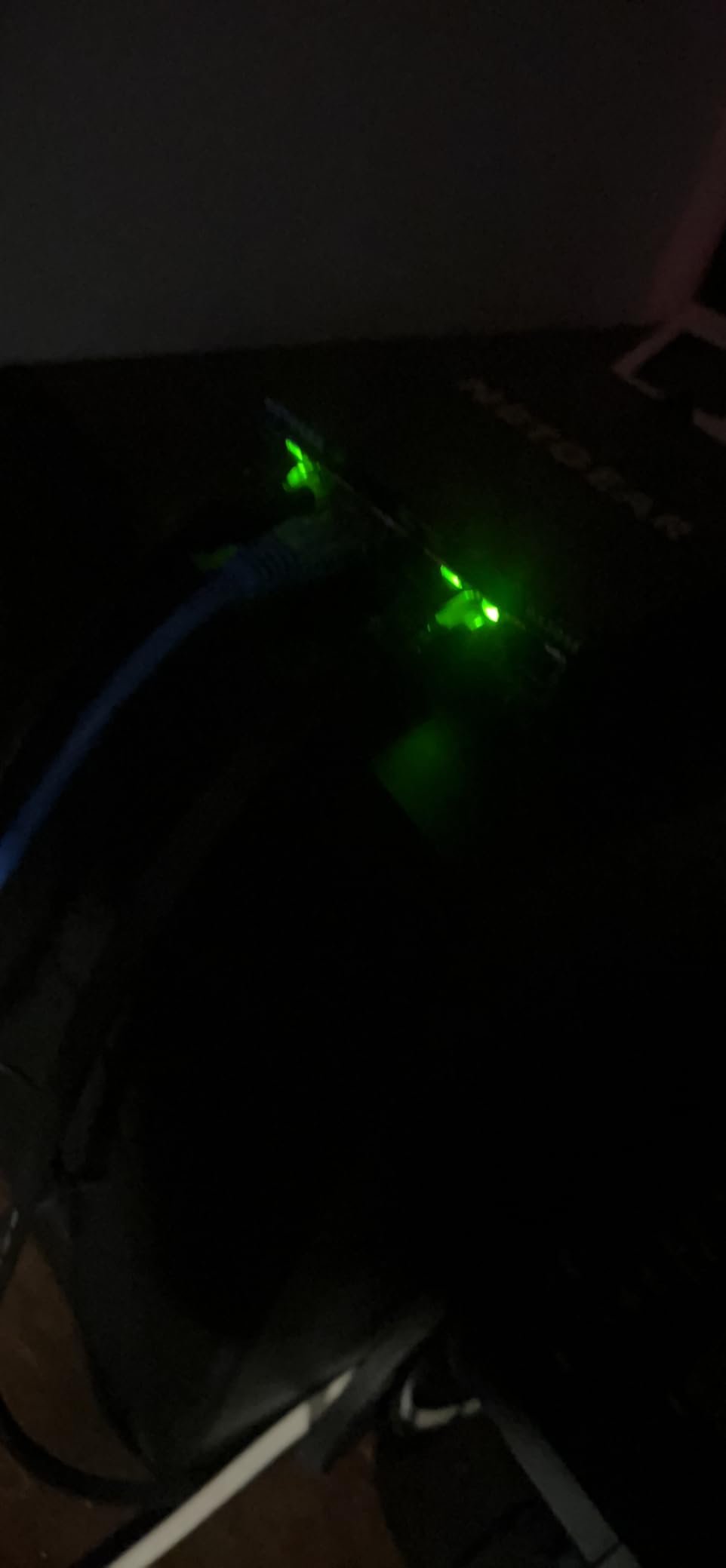
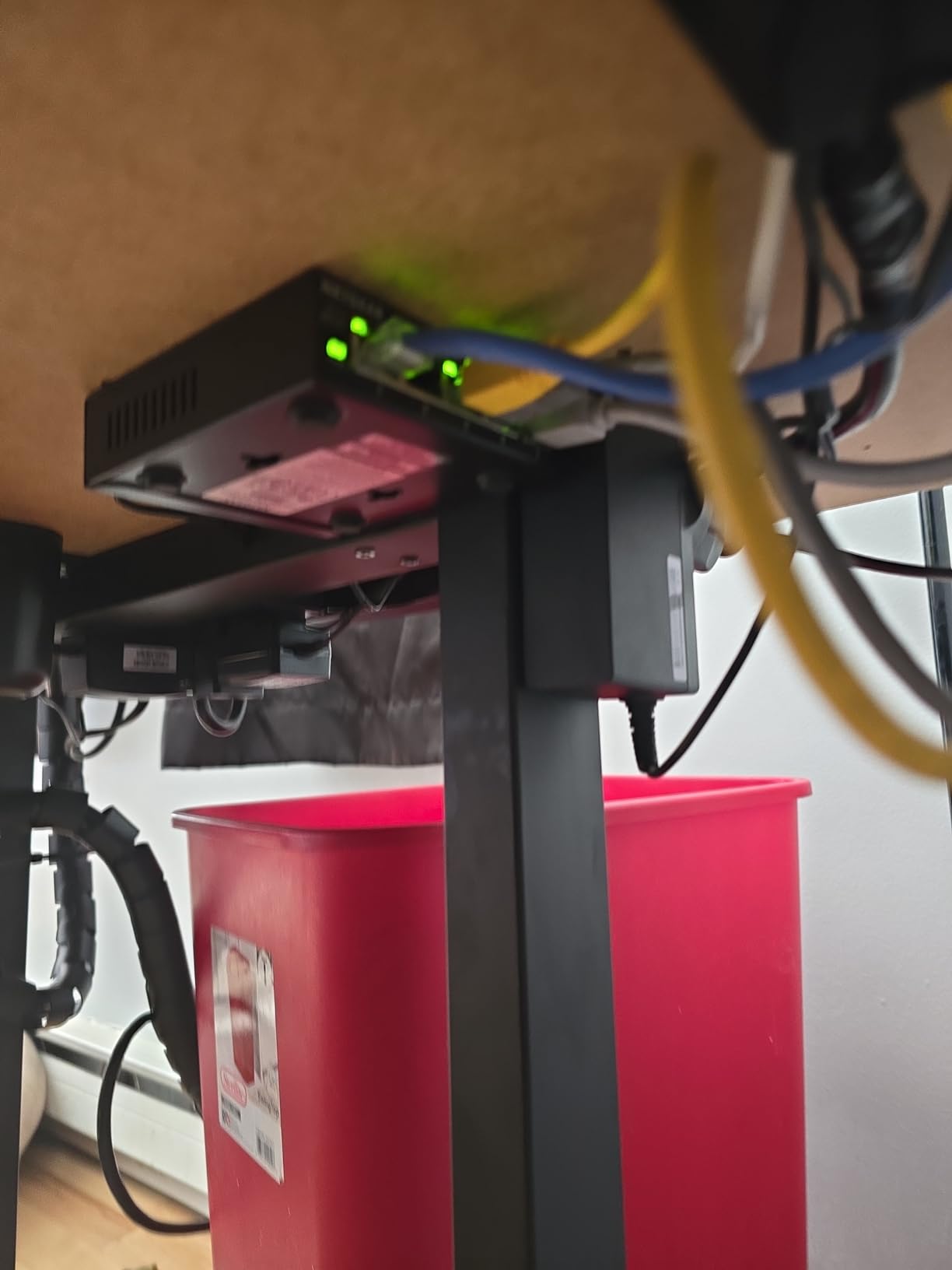
Reviewers running segmented home networks point to this as an inexpensive way to extend VLANs into each room, and several describe deploying a stack of them as access switches feeding one core switch. It is a small, quiet, metal box designed to live out of sight.
Like the TL-SG105E, it works as a plain unmanaged switch the moment you plug it in, so you can adopt it now and configure segmentation later.
What makes it different from the GS308
The GS308 has no software. This one does, and that software is the reason to pay a little more if you are building anything more structured than one flat office network. VLANs, QoS and monitoring are the three that come up most.
It stays silent, with fanless metal construction and Energy Efficient Ethernet, so the added capability does not come at the cost of noise.
Where the setup gets annoying
Assigning an IP address through the web interface is recommended, because the default can feel slow under heavy traffic until you do. Some users had to connect a PC directly to the switch to reach the default address at all.
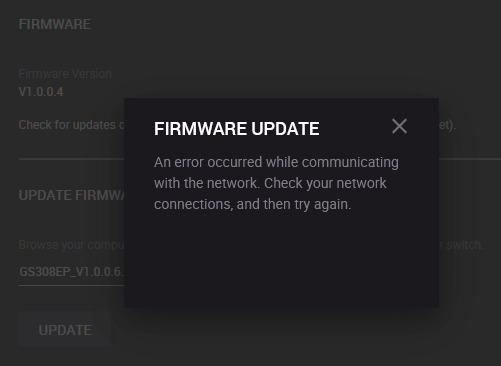
Firmware updates are manual, and the download requires extracting a ZIP file first. The discovery utility is Windows-only, so reaching the interface from a Mac or Linux machine takes a little more work.
7. NETGEAR GS308EP – Best PoE Switch for Cameras and Access Points
NETGEAR 8 Port PoE Gigabit Ethernet Easy Smart Managed Switch (GS308EP)
8 x Gigabit ports, all PoE+
62W total PoE budget
Easy Smart Managed VLANs and QoS
Fanless wall mount
Pros
- 62W PoE+ budget powers cameras
- phones and access points
- Easy Smart Managed VLANs and QoS
- Per-port PoE control trims draw on unused ports
- Silent fanless design
Cons
- Larger and heavier than non-PoE switches of the same size
- 62W is shared across all eight ports
- Region-limited to U.S. and Canada
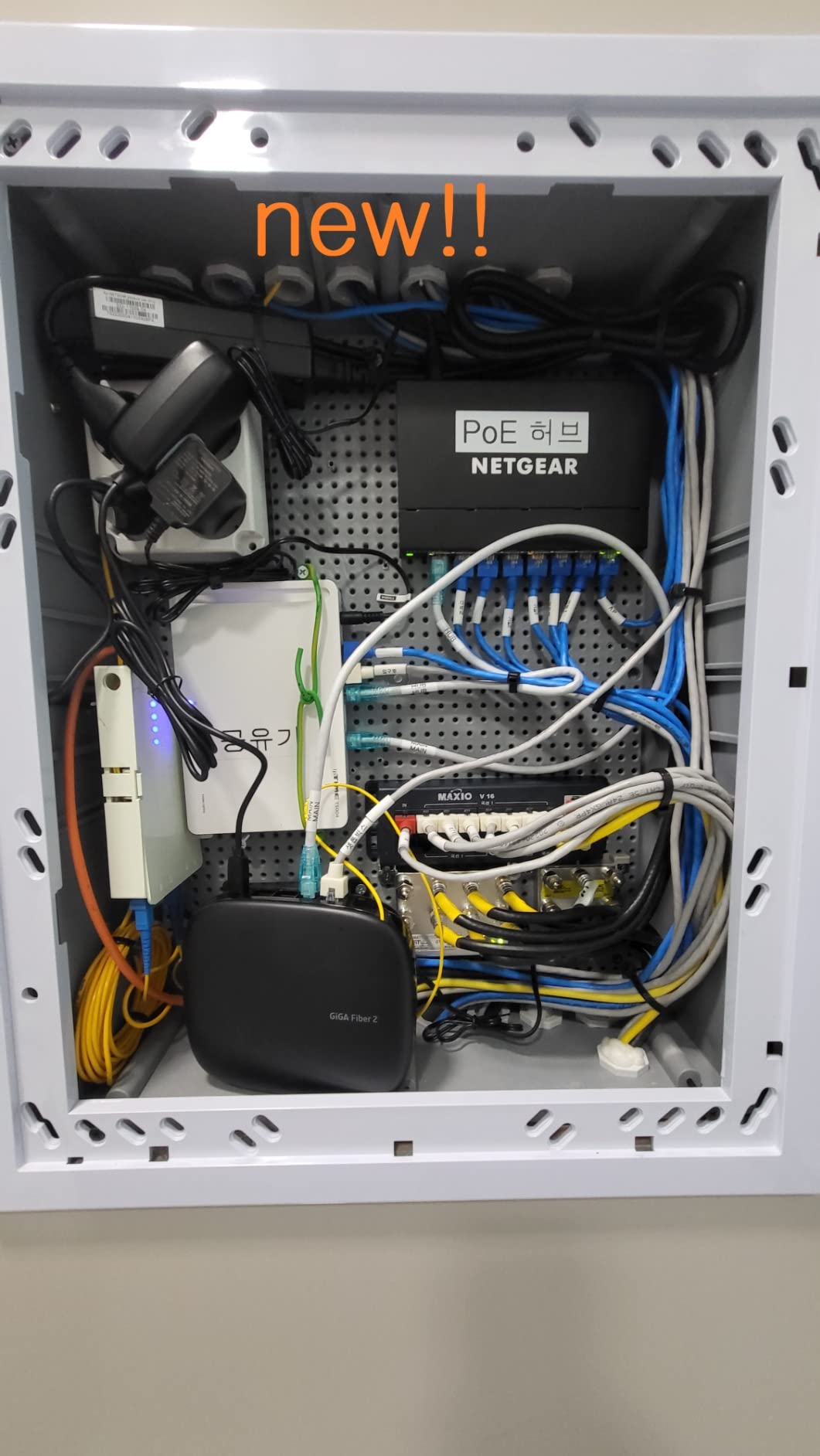
If you are running IP cameras, VoIP phones or wired Wi-Fi access points, PoE removes a power adapter at every device position. The GS308EP has eight gigabit ports, all eight of which are PoE+, with a total budget of 62W and per-port control so you can trim draw from unused ports.
That budget matters more than the headline wattage suggests. A 62W pool across eight ports is not eight times 62W; it is a shared budget you allocate according to what you actually plug in, which is why the spec sheet’s per-port control is the feature to read twice.
You also get the Easy Smart Managed layer, so VLANs and QoS are available for segmenting cameras from work devices and prioritising a call over a background transfer. It is fanless and wall mountable, which makes it easy to place in a closet or a utility room.
At 10.2 inches square and about a kilogram, it is noticeably bigger and heavier than a plain eight-port gigabit switch, so plan where it sits before you order.
Who needs PoE at all
PoE is worth it the moment you have two or more powered-over-cable devices. One camera or one access point is usually fine with an injector, which is cheaper than a PoE switch and does the same job for a single device.
Add a second, third or fourth device and the maths flips. One box, one cable per device, no local power supplies, and no hunting for a socket behind each camera.
Where it holds you back
It is region-limited to the U.S. and Canada for the power supply, so check your location before you commit. The shared 62W budget also means you must work out your total draw across all eight ports in advance, not per port.
If you have no PoE devices planned, this is simply a larger and more expensive version of the GS308.
8. UGREEN 5-Port Gigabit Switch – Best Budget Pick for a Small Office
UGREEN Ethernet Switch, 5 Port Gigabit Plug & Play Ethernet Splitter
5 x RJ45 gigabit ports
Auto 10/100/1000Mbps with MDI/MDIX flip
No drivers needed
Wall mounting holes
Pros
- Lowest cost in the roundup with five full gigabit ports
- Plug-and-play with no drivers
- Works with Windows
- macOS
- Linux
- Android and iOS
- Wall mounting holes hide it out of sight
- Fanless and energy efficient
Cons
- No PoE support at all
- No management features including VLAN or QoS
- One port is used for the uplink
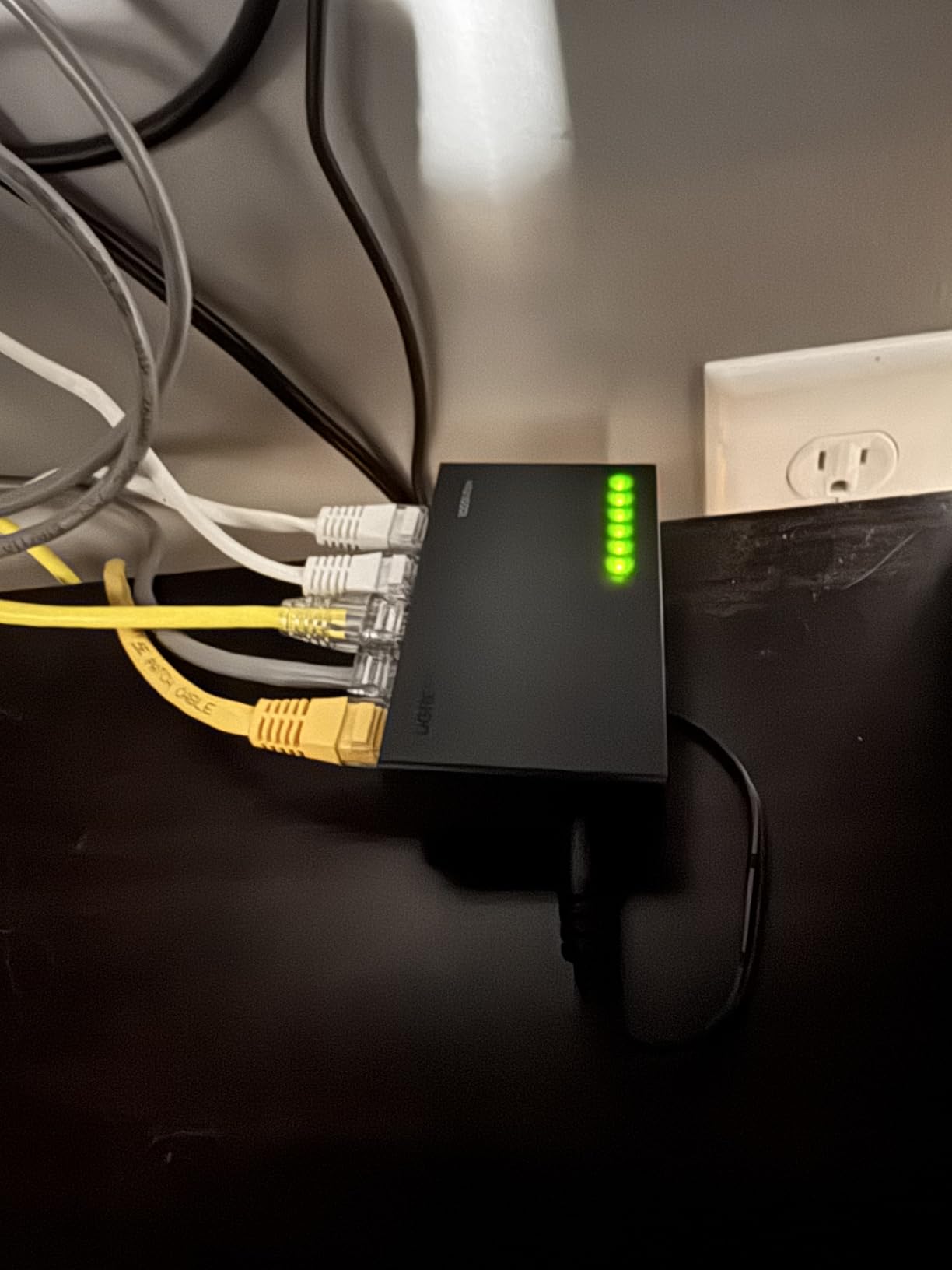
The UGREEN five-port gigabit switch is the entry point. It is the cheapest option here and it does the one job a small office needs: more wired ports, no configuration, no drivers. If you are setting up a second workstation, a dorm room desk or a single-room office, this is enough.
Each port auto-adjusts between 10, 100 and 1000 Mbps, supports full and half duplex, and flips MDI/MDIX automatically, so you never have to think about cable order. It works with Windows, macOS, Linux, Android and iOS, which matters more than it sounds if you switch devices constantly.
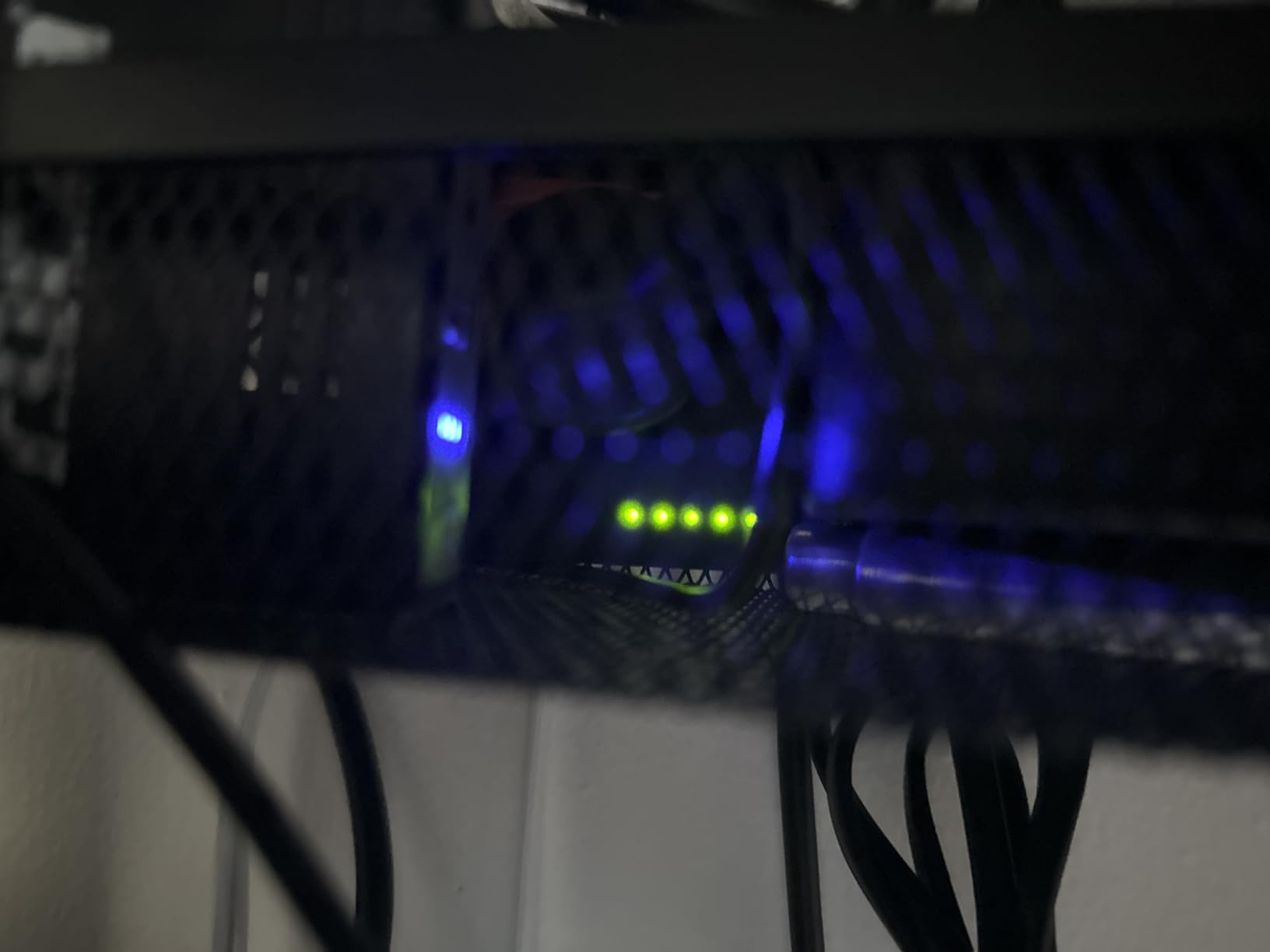
It is fanless, so it makes no noise, and it draws very little power. The wall mounting holes on the back let you put it somewhere that does not take up desk surface, which in a small office is the difference between a workable desk and a cluttered one.
Warranty coverage runs 24 months through UGREEN. That is the shortest meaningful term in the group, which is a fair trade at this level, but worth weighing if you expect the switch to stay installed for a decade.
When this is the right buy
It is right when the requirement is a handful of extra gigabit connections and nothing more. No cameras on cable, no access points, no segmentation, no multi-gig needs. Just more ports for the devices on your desk.
For a second office, a study, or a shared desk in a small firm, that is a genuinely complete solution and it is the least complicated one available.
Where it runs out
No PoE means it cannot power a camera or an access point, so if that is on your plan you will need a different box. There is also no management layer, so VLANs and QoS are not options.
And with five ports, the router uplink takes one, leaving four. It is a small box for a small job.
9. TRENDnet TEG-S350 – Best Wall-Mount 2.5GbE Switch
TRENDnet 5-Port Unmanaged 2.5G Gaming Switch, TEG-S350, Lifetime Protection
5 x 2.5GBASE-T RJ45 ports
25Gbps switching capacity
IEEE 802.3bz over existing Cat5e
Fanless metal, wall mountable
Pros
- Five 2.5GBASE-T ports with 25Gbps switching capacity
- Fanless metal housing that stays quiet and cool
- Backwards compatible with gigabit devices
- Works over existing Cat5e cabling
- Wall-mountable for clean wiring
Cons
- Costs more than comparable five-port 2.5G unmanaged switches
- Unmanaged with no VLAN or QoS
- Lifetime protection limited to U.S. and Canada
The TEG-S350 is the metal-box alternative to the plastic multi-gig options, and it targets gaming and fast NAS work in a small, quiet enclosure. All five ports are 2.5GBASE-T, and the listed switching capacity is 25Gbps, so the backplane is not the limiting factor.
Because it is IEEE 802.3bz compliant, it runs 2.5GbE over the Cat 5e you likely already have. That is the practical reason to choose it: no recabling project, just faster transfers.
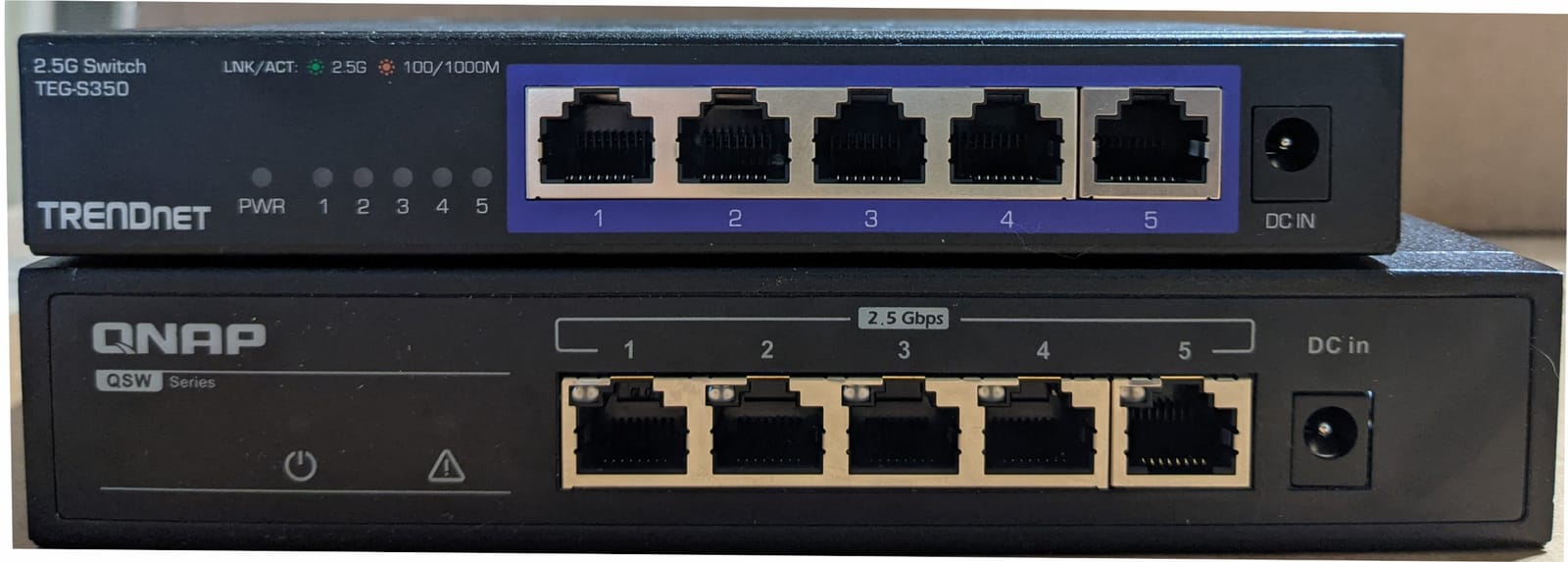
Backwards compatibility with 1000Mbps devices is automatic, so you can mix a gigabit camera and a 2.5G laptop on the same switch. The wall-mountable design is genuinely useful behind a desk or in a small rack, and the metal housing stays cool without a fan.
TRENDnet also lists lifetime manufacturer protection along with NDAA and TAA compliance, though that lifetime term applies to the U.S. and Canada only.
Why pay more than the plastic 2.5G options
You are paying for the metal housing, the wall-mount hardware and the stated 25Gbps switching capacity with a manufacturer that publishes it. If the switch is going to be mounted rather than sat on a desk, that is a fair trade.
It is also NDAA and TAA compliant, which matters if any part of your setup touches public-sector or defence-adjacent procurement, though few home offices need that.
Where it disappoints
It is unmanaged, with no VLAN and no QoS, and it costs noticeably more than other five-port 2.5GbE unmanaged switches in this list. If you only need the speed and not the housing, the cheaper multi-gig option is the rational pick.
Five ports also means four usable after the uplink, and the regional limit on the lifetime protection term is worth checking.
10. GigaPlus 10-Port 2.5G with SFP+ – Best for a 10G Fiber Uplink
10 Port 2.5Gb Unmanaged Ethernet Switch with 8* 2.5G Base-T Ports, 2* 10G SFP+ Ports. GiGaPlus 2.5Gbps Network Switch for 2.5Gbps NAS/PC, WiFi6 Router, Wireless AP. Fanless Design, Plug and Play
8 x 2.5G RJ45 plus 2 x 10G SFP+
80Gbps switching capacity
IEEE 802.3bz with 4KV protection
Fanless metal, 8.5 x 4.3 inch
Pros
- Eight 2.5G copper ports and two 10G SFP+ uplinks in one fanless box
- 80Gbps switching capacity avoids bottlenecking
- Metal chassis stays cool and quiet
- Plug-and-play with automatic MDI/MDIX
- 4KV lightning protection
Cons
- Some buyers report an SFP+ port failing after six to seven months
- Only a one year warranty with thin support
- SFP+ cages can be picky about which modules they accept
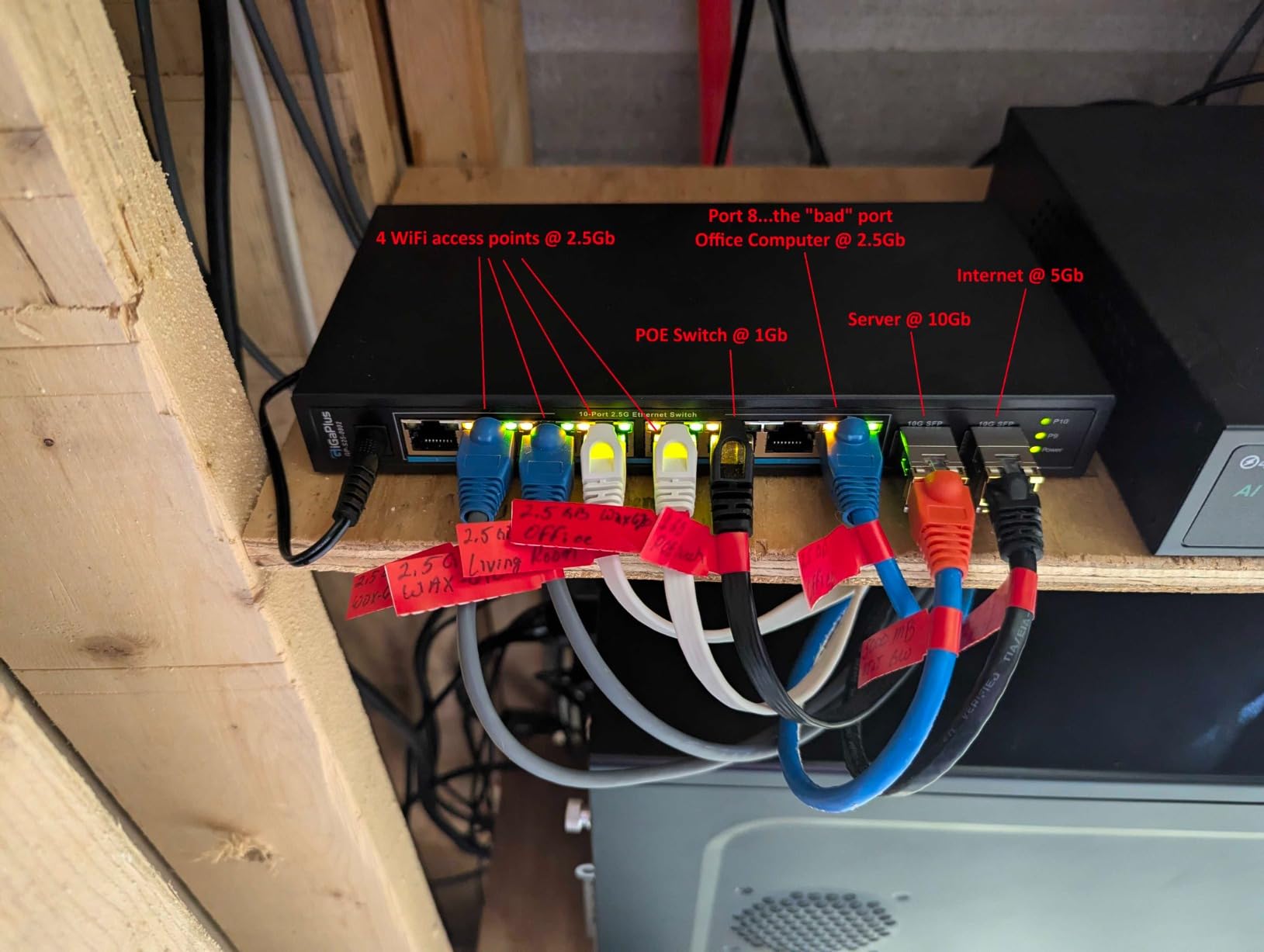
This is the only option in the roundup that combines eight 2.5GbE copper ports with two 10G SFP+ uplinks in a single fanless chassis. If your office is wired back to a rack, a closet or another building, the SFP+ uplinks are what make it interesting: 80Gbps switching capacity with a fiber or DAC path out.
Ports 1 to 8 are 2.5G with auto-adaptation across 10, 100, 1000 and 2500 Mbps, and the whole thing is plug-and-play with automatic MDI/MDIX and non-blocking forwarding. No software, no controller.
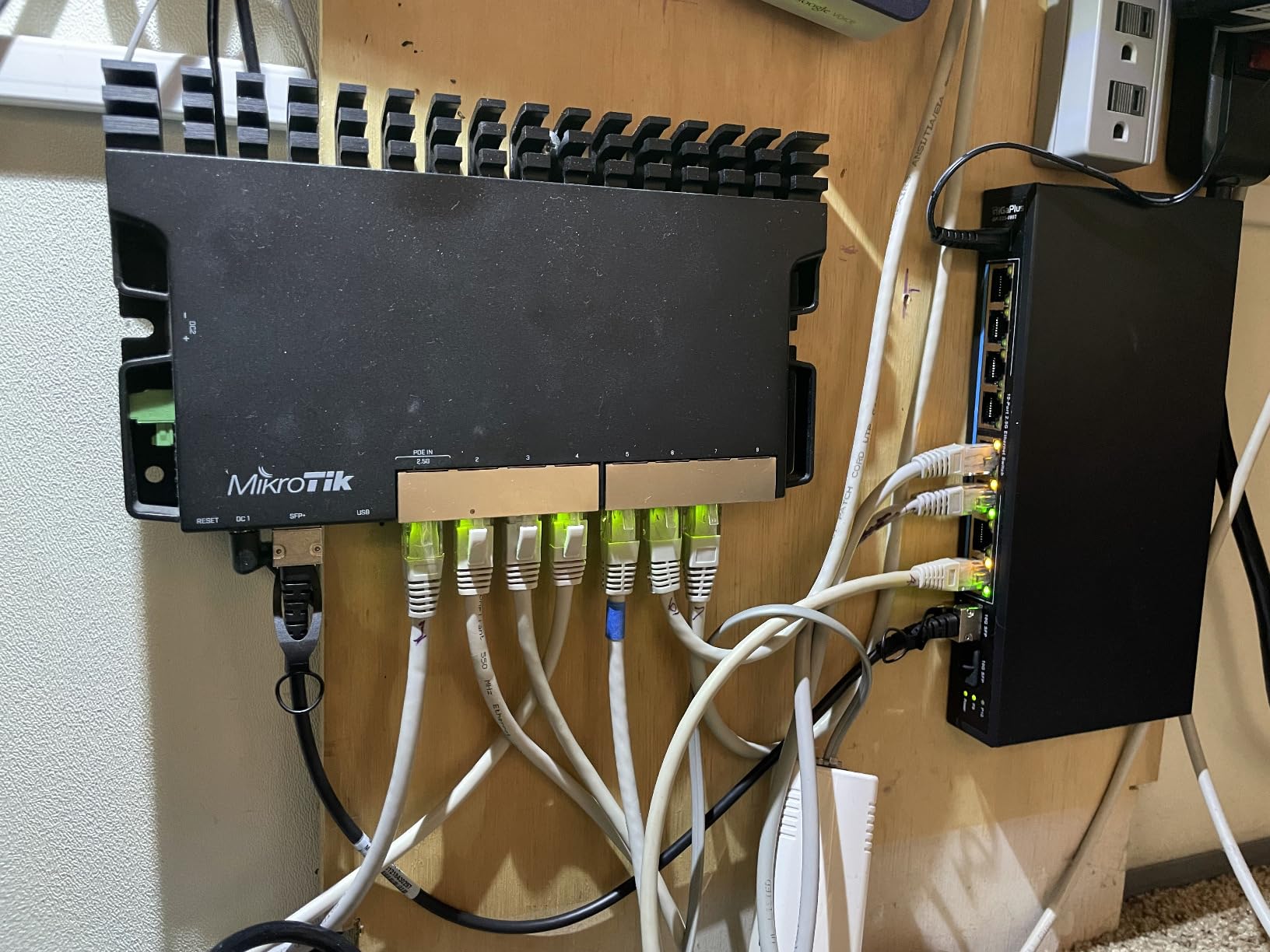
It is aimed squarely at 2.5G NAS, gaming PCs, 2.5G servers and Wi-Fi 6 access points, and the metal housing includes 4KV lightning protection, which is worth having for a fixed installation running through in-wall cable.
It measures 8.5 by 4.3 inches, so it fits a shelf or a wall mount without a rack, and runs fanless.
When the SFP+ uplinks earn their place
They earn their place when you are moving traffic between buildings or between a switch and a server, where a multi-gig copper run is not enough and fiber becomes the sensible next step. A DAC cable over a short rack run is the cheapest way to use them.
It is also a tidy way to give a future NAS room a dedicated high-speed path without replacing the whole switch later.
Why it is last in the ranking
The reliability feedback is the issue. Some buyers report an SFP+ port failing after roughly six to seven months of light use, and that is the kind of failure that is hard to debug in a fixed installation.
The warranty is one year, which is the shortest here, and direct customer support infrastructure is thin. SFP+ cages are also picky about which optics they accept, so budget for that. It is a capable box for the right person, with more risk attached than the rest of the list.
When You Do Not Need a Switch
Some home networks do not need a switch at all, and buying one anyway adds a box, a power adapter and a cable to maintain. If every device is wireless and you are under the port limit, a switch buys you nothing.
A mesh router or a wireless access point setup is the most common case. A router with four LAN ports and no wired devices behind it does not have a port shortage, so a switch solves a problem that does not exist. If you want wired devices in three other rooms, the answer is a switch or a second access point, not a bigger router.
There is one important caveat about managed switches and routers. VLAN segmentation only works end to end if the router also supports VLANs and tagging. Some popular mesh systems handle VLAN tags incorrectly or ignore them, which silently breaks a carefully planned segmented network. Check your router’s documentation before you buy a smart-managed switch on the assumption it will segment your traffic.
You also do not need a switch to fix slow Wi-Fi. A switch adds wired ports and wired speed. If the problem is wireless coverage in a far room, the fix is an access point or better router placement, not a switch.
How to Choose the Right Network Switch: Buying Guide
Here is the order we recommend working through. Count your devices first, then pick a management level, then a speed, then decide whether you need PoE, then check the physical details that matter in a home office.
1. Count the ports you actually need
List every wired device, then add one for the router uplink. A typical home office with a desktop, a laptop dock, a printer and a console needs six, so a five-port switch is one port short and an eight-port switch is the right starting point.
Buy for the count you have plus two. Ports are the cheapest thing about a switch, and an undersized one means buying twice.
2. Choose unmanaged, smart-managed or managed
Unmanaged switches have no settings. They forward traffic and nothing else, which is all most homes need and it means nothing can go wrong in configuration. Smart-managed switches add a web interface with VLANs, QoS, port monitoring and loop prevention, and they still work as plain unmanaged switches out of the box. Fully managed switches expect a controller, an app or a licence.
Forum discussions about this question land in the same place. One commenter argued VLANs are not a necessity for the average household, since the most bandwidth-hungry activity is 4K streaming at roughly 25 Mbps. That is fair for most people, and it is why the smart-managed picks here are the optional tier rather than the default.
3. Pick a speed: 1G, 2.5G or 10G
Gigabit is the right answer for desktops, printers, TVs and access points. 2.5GbE is worth it when you move large files between a NAS and a laptop, or when you have Wi-Fi 6 access points that can exceed a gigabit link, and it runs over existing Cat 5e. 10GbE is a specialist answer for fiber or DAC uplinks to a rack or a server, and it is the one people over-buy.
Is 2.5GbE overkill with a slow internet connection? Often, yes, if every transfer goes out to the internet. It stops being overkill the moment a file moves between two devices inside your house.
4. Decide whether you need PoE
PoE delivers power over the Ethernet cable, removing a power adapter at each device. One access point or one camera can be handled with an injector, which is cheaper. Two or more, and a PoE switch is simpler and tidier. Check the total budget in watts across all ports, not per port, since the budget is shared.
5. Check noise, size and mounting
Every switch in this roundup is fanless, which is the right default for a shared room. Reviewers building home labs treat fanless as a hard requirement, and one switch was ruled out on noise alone despite good specs. Metal cases dissipate heat better than plastic, and both can run warm in an enclosed desk.
Desk footprint is the other one. The smallest options here are under 4 inches square; the largest are around 10 inches. If space is tight, check whether the model wall mounts. For the rest of the room, our picks for the best floor lamps for offices assume the same constraint of a compact, functional workspace.
6. Verify your cabling and your router
Cat 5e handles gigabit and 2.5GbE, so most existing in-wall runs are fine. The 100 metre limit per run is a hard ceiling for copper Ethernet, and PoE runs inherit the same limit. If you are running new cable, Cat 6 gives you headroom and better behaviour next to power runs.
Before you finalise, we recommend testing what is already in the walls rather than pulling it out on a guess. Our guide to the best cable testers for home network wiring covers the cheap tools that tell you which runs are usable.
7. Check the warranty and the support behind it
Warranty length is one of the strongest trust signals buyers mention, and limited lifetime terms clearly beat two-year ones. TP-Link’s limited lifetime replacement and TRENDnet’s lifetime protection sit at the top of this group, NETGEAR offers three years, D-Link five, and the newest brand here one.
A switch is a device you install once and never look at again, so the warranty matters more than it would for a gadget you carry around. Read what it covers, because some terms include the internal power supply and fans while others do not.
Frequently Asked Questions
Should I get a managed or unmanaged switch for my home?
For most home offices, an unmanaged switch is enough. It forwards traffic with no settings, no updates and nothing to misconfigure. Choose a smart-managed switch only if you plan to separate work devices from guests or cameras from laptops using VLANs, or if you want QoS to keep calls smooth during a large file transfer. Fully managed switches add a controller or licence and rarely earn their place in a home.
What is the best managed switch for home use?
The TP-Link TL-SG105E and the NETGEAR GS305E are the two strongest options for a home network that wants segmentation without an ecosystem commitment. Both work as plain unmanaged switches out of the box and unlock 802.1Q VLAN tagging, QoS and port monitoring through a browser-based interface. The TL-SG105E adds a limited lifetime replacement policy; the GS305E adds loop prevention.
Which unmanaged 10GbE switch is the best?
The GigaPlus 10-port model is the only unmanaged 10G option in our roundup, with eight 2.5GbE copper ports and two 10G SFP+ uplinks and 80Gbps switching capacity. It suits a home lab or small office with a rack or server that needs a fiber or DAC uplink. Note that its warranty is one year and some buyers report an SFP+ port failing after several months.
Can managed switch work as unmanaged?
Yes. Smart-managed and managed switches all start life as ordinary plug-and-play switches, forwarding traffic without any configuration. You only connect to the web interface when you want VLANs, QoS or monitoring. That is what makes the TL-SG105E and GS305E sensible first steps: they behave like an unmanaged switch until you ask for more, and nothing is lost by leaving the settings alone.
What is the best 2.5GB switch for a home network?
The Tenda SE105 is the value pick, giving five 2.5GbE ports with auto-negotiation at a modest step up from gigabit. The TRENDnet TEG-S350 is the better-built option, with a fanless metal housing, 25Gbps switching capacity, wall mounting and lifetime manufacturer protection in the U.S. and Canada. Both run 2.5GbE over existing Cat 5e cabling, so no recabling is needed.
Is 2.5 GB Ethernet overkill?
It depends entirely on whether traffic stays inside your house. For streaming and browsing, a gigabit port is already more than enough. For moving large files between a NAS and a laptop, or backhaul to a Wi-Fi 6 access point, 2.5GbE removes a real bottleneck and is worth buying. 10GbE is the tier most home offices over-buy, since few devices can saturate it today.
What is the best unmanaged network switch for home use?
The NETGEAR GS308 is the best all-round unmanaged option, with eight gigabit ports, a fanless metal chassis that mounts on a desk or a wall, and roughly 54k ratings behind it. For the smallest possible desk footprint, the TP-Link TL-SG105 offers five gigabit ports in a box under four inches square. For many devices, the D-Link DGS-1016S provides sixteen ports with a five year warranty.
What is the best switch for a home network?
Start with the NETGEAR GS308 if you simply need more wired ports, the TP-Link TL-SG105E if you want VLANs without a full managed platform, and the NETGEAR GS308EP if you are adding PoE cameras or access points. For a small office, the D-Link DGS-1016S covers sixteen devices with the longest warranty in the group. Pick fanless and metal if the switch will sit near your desk.
Conclusion: The Best Network Switches for Home Offices in 2026
For most people, the best network switch for a home office is the NETGEAR GS308. Eight gigabit ports, a silent fanless metal chassis, wall-mount capability and an install-once-and-forget design, with the strongest rating in this group.
If five ports is genuinely enough, the TP-Link TL-SG105 is the value pick, and if you want your first VLAN without a controller, the TL-SG105E or the NETGEAR GS305E will take you there. Add IP cameras or access points and the GS308EP handles PoE, while the D-Link DGS-1016S covers a small office that has outgrown four ports.
Pick whatever you choose based on the device count, the management level and the cabling you already have, and check the warranty terms before you commit. Use the buttons above to see the current listing details for each model.