
Picking the best routers under 200 is harder than it looks in 2026, because this bracket now stretches from bare-bones Wi-Fi 5 boxes all the way to dual-band Wi-Fi 7 hardware with 2.5G ports. Every brand on the shelf claims multi-gig speed and whole-home coverage, and most spec sheets read almost identically.
We spent weeks reading thousands of verified owner reviews across all ten models in this guide, then sorted them by what actually changes your day-to-day experience: real throughput on a normal internet plan, how many walls the signal survives, whether setup needs a phone call to your ISP, and what the router asks of you six months later. No product here was picked because of a headline number alone.
One note before we start: none of these routers includes a modem. Every model below plugs into a cable, fiber, DSL or satellite modem you already have, or one you rent from your provider. If you travel often and want a box that works off a phone hotspot instead, our travel router guide covers that category separately.
Table of Contents
Top 3 Picks for Best Routers Under $200 (October 2026)
The TP-Link Archer AX21 V5 takes the top slot because it has one of the two deepest review bases in the group, a 4.4 star average across more than 24k owner reviews, and it works with essentially any ISP box you already own. The eero 6 takes mesh coverage because TrueMesh routing and a 1,500 sq. ft. footprint solve dead zones in a way a single router from another brand cannot. The Archer AX55 takes value because AX3000 speeds, VPN server and client support, and a USB 3.0 port usually cost well above this bracket.

TP-Link Archer AX21 V5
- Dual-band Wi-Fi 6
- AX1800 aggregate
- OpenVPN and PPTP server
- WPA3 with four antennas

Amazon eero 6
- Whole-home coverage to 1500 sq. ft.
- Up to 900 Mbps
- TrueMesh routing
- Zigbee smart home hub

TP-Link Archer AX55
- AX3000 dual-band Wi-Fi 6
- VPN server and client
- USB 3.0 sharing
- 512 MB of RAM
Best Routers Under $200 (October 2026)
Every model below sits under the same 200 ceiling, but they are not interchangeable. The table lines up the details that separate them: generation, band count, port speed, coverage claim, and the one feature that decides who should buy it.
| Product | Specifications | Action |
|---|---|---|
| TP-Link Archer AX21 V5 |
|
Check Latest Price |
| Amazon eero 6 |
|
Check Latest Price |
| TP-Link Archer AX55 |
|
Check Latest Price |
 TP-Link Archer AXE75 TP-Link Archer AXE75 |
|
Check Latest Price |
 ASUS RT-AX1800S ASUS RT-AX1800S |
|
Check Latest Price |
 Linksys MR8300 Linksys MR8300 |
|
Check Latest Price |
 ASUS RT-BE82U ASUS RT-BE82U |
|
Check Latest Price |
 NETGEAR R6700AX NETGEAR R6700AX |
|
Check Latest Price |
 NETGEAR RAX36 NETGEAR RAX36 |
|
Check Latest Price |
 NETGEAR RS140 NETGEAR RS140 |
|
Check Latest Price |
1. TP-Link Archer AX21 V5 Review: The Best Router Under 200 Overall
TP-Link AX1800 WiFi 6 Router (Archer AX21 V5)
Wi-Fi 6 dual-band
AX1800: 1200 Mbps + 574 Mbps
Four antennas with beamforming
OpenVPN and PPTP server
Pros
- One of the two largest review bases here
- Works with virtually all major ISPs
- VPN server built in
- Easy Tether app management
- Two-year warranty
Cons
- No 6 GHz band for newer devices
- Requires a separate modem
- Single 1 Gbps WAN port caps multi-gig
The Archer AX21 V5 is the router we recommend to almost everyone in this bracket. It carries a 4.4 star average across more than 24k owner reviews, and that volume of long-term feedback matters more here than any single spec. Owners repeatedly describe it as the box that finally replaced an ISP rental unit without any drama.
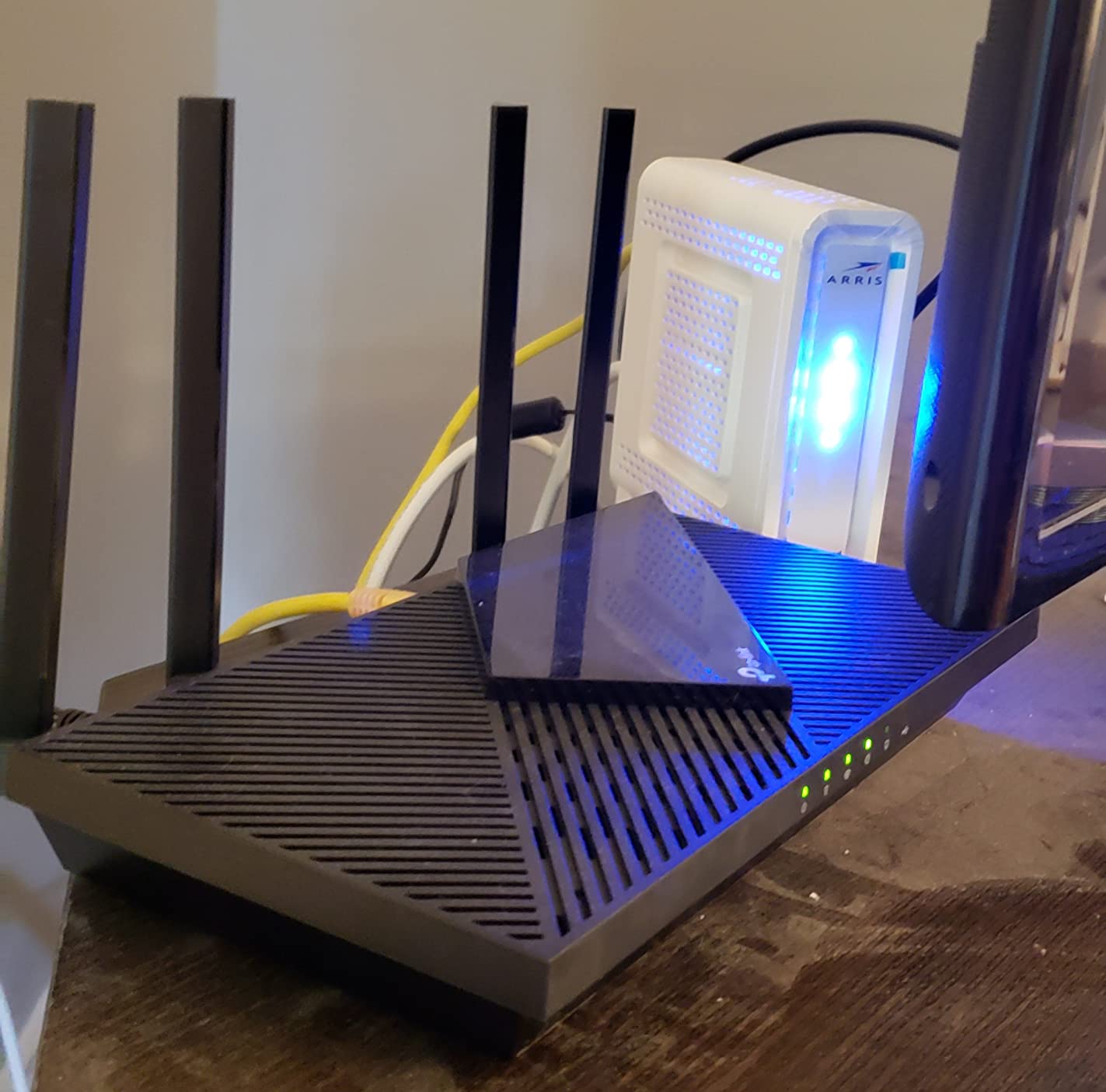
The hardware is deliberately plain. You get dual-band Wi-Fi 6, four high-gain antennas with beamforming, and an advanced FEM chipset that helps the signal hold at the far end of a house. Aggregate throughput is AX1800 class, split into up to 1200 Mbps on the 5 GHz band and 574 Mbps on 2.4 GHz.
The feature that quietly separates it from cheaper rivals is the built-in VPN server. It supports both OpenVPN and PPTP, so you can reach your home network from outside without installing software on every laptop. Owners running work-from-home setups call this the reason they picked it over the bare-bones routers at similar cost.
OFDMA handles simultaneous traffic better than older hardware, which is why a house full of phones, a TV, and a video call often feels more stable here than on the last generation of budget gear. You manage it all through the Tether app, which owners describe as genuinely straightforward even if networking is not your thing.
Best reason to buy the Archer AX21: proven reliability at scale
Most of the 24k reviews are unremarkable, and that is the point. The complaints cluster around the same three things: no 6 GHz band, the need for your own modem, and a single 1 Gbps WAN port. Nobody is describing dropped video calls in month three.
Security is set to WPA3 with WPA2 mixed mode available for older gear, and TP-Link has committed to the CISA Secure-by-Design pledge, which matters for firmware support over the life of the device.
Where the Archer AX21 falls short
If your internet plan is multi-gig, the single gigabit WAN port is a hard ceiling and no amount of Wi-Fi speed changes that. The same applies if you own several Wi-Fi 6E or Wi-Fi 7 phones and want the 6 GHz band.
There is also no USB port here, so no network storage sharing. For most households that is a non-issue, but for anyone running a small home lab it rules the router out.
2. Amazon eero 6 Review: Best for Whole-Home Mesh Coverage
Amazon eero 6 mesh wifi router – Supports internet plans up to 900 Mbps, Coverage up to 1,500 sq. ft., Connect 75+ devices, 1-pack
Wi-Fi 6 mesh
Up to 1,500 sq. ft.
Supports 75+ devices
Built-in Zigbee hub
Pros
- Excellent app-driven setup
- TrueMesh routing fixes dead zones
- Handles 4K streaming and video calls
- Zigbee hub saves a smart home device
Cons
- Only two Ethernet ports
- Limited advanced configuration
- Some owners report streaming dropouts
The eero 6 wins on one specific thing: it fixes coverage problems without asking you to learn anything. Setup runs through the eero app and is typically finished before your coffee gets cold, which makes it the pick for anyone who dreads router configuration.
It covers up to 1,500 square feet, supports 75 or more connected devices, and handles internet plans up to 900 Mbps. TrueMesh technology routes traffic between nodes to reduce drop-offs during 4K streaming, gaming, and video calls.
The built-in Zigbee smart home hub is a quiet bonus. If you already run Alexa-based lights and sensors, one less hub to power and maintain is a real saving, and owners with mixed smart home setups mention it as a reason to pick eero over a similar-cost single router.
Expanding later is painless because the hardware is cross-compatible. Add another eero unit when you need more coverage and it joins the same network with the same app and same network name.
Best reason to buy the eero 6: coverage with almost no effort
Owners consistently report that TrueMesh improved signal in rooms that were previously dead, and that streaming and gaming sessions stopped buffering once it was installed. That is a different outcome from a single router that simply transmits harder.
Remote network management through the app is genuinely useful too. You can check in from your phone while away, see what is connected, and pause a device without walking to the hallway.
Where the eero 6 falls short
Two Ethernet ports is the headline limitation. One is typically consumed by the modem connection, which leaves a single LAN port for a desktop, a game console, or a wired access point. Heavy wired setups should look elsewhere.
Advanced configuration is also thin compared with the TP-Link and ASUS units here. If you want VLANs, VPN servers, or detailed traffic controls, this is not the router for you. A small number of owners also reported streaming dropouts and audio disconnections, and some found first-line support unhelpful when troubleshooting.
3. TP-Link Archer AX55 Review: Best Value for Speed
TP-Link Dual-Band AX3000 Wi-Fi 6 Wireless Gigabit Internet Router for Home
AX3000 dual-band Wi-Fi 6
2402 Mbps on 5 GHz
512 MB RAM
USB 3.0 sharing
Pros
- AX3000 speed class at a mid-range cost
- VPN server and VPN client
- USB 3.0 storage sharing
- Better cooling design
- HomeShield and QoS included
Cons
- 512 MB is modest for the speed class
- Some HomeShield features are paid
- No 6 GHz band
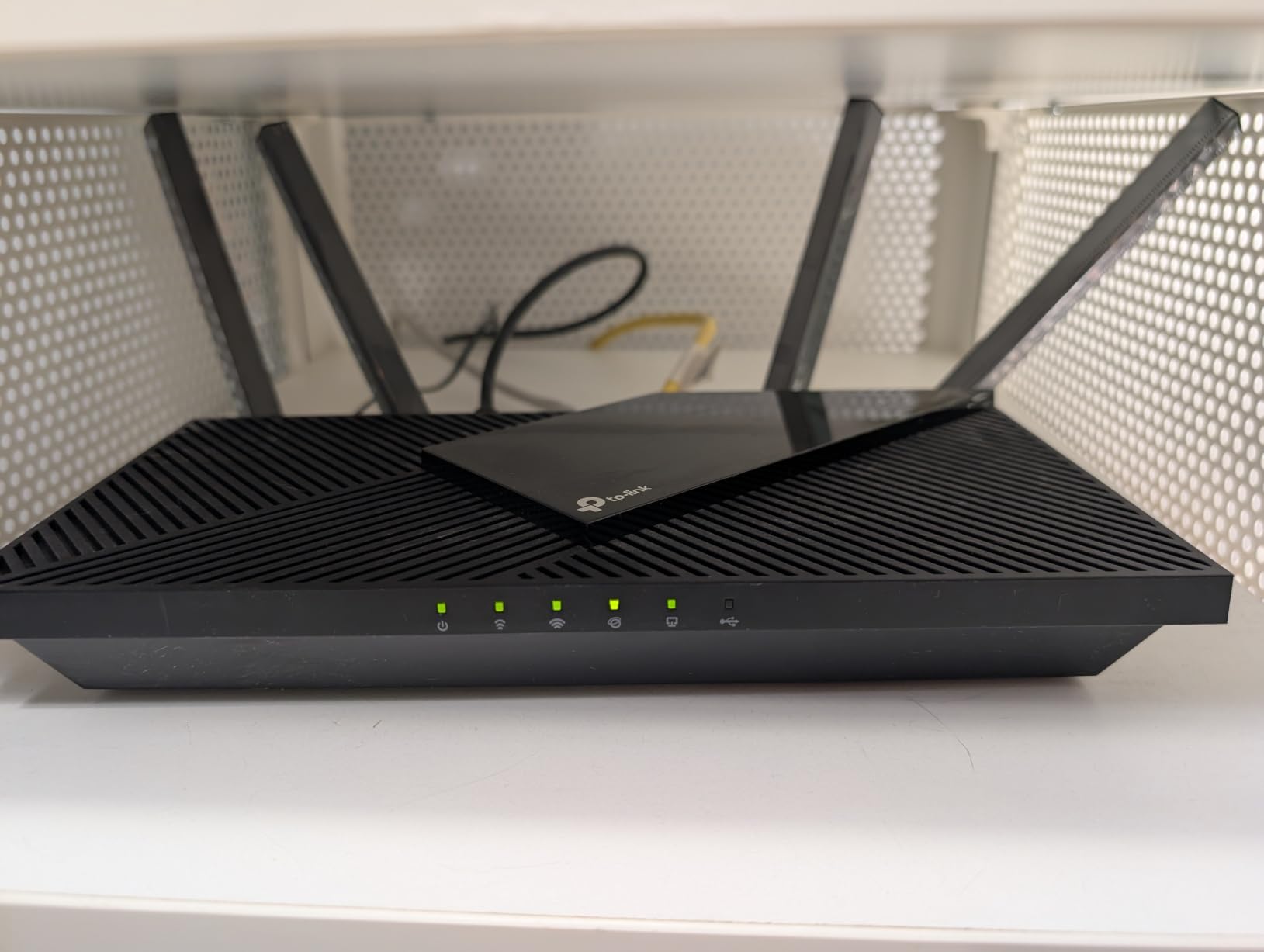
The Archer AX55 is the router you buy when you want noticeably more speed than the entry-level units without stepping up to tri-band hardware. It delivers up to 2402 Mbps on the 5 GHz band and 574 Mbps on 2.4 GHz for an AX3000 aggregate class.
It runs both a VPN server and a VPN client. The client mode is the underrated half: it lets your whole household route traffic through a VPN provider at the router level, which is something the cheaper AX21 cannot do.
A USB 3.0 port adds network storage sharing without needing a separate box. Owners with a spare drive plugged in use it for simple shared media, and the port is faster than the older USB 2.0 approach that was standard in this class years ago.
The hardware revision matters here. A larger heat sink and a redesigned case keep the processor cooler under sustained load, which is exactly where cheaper routers throttle. Owners running the unit continuously report stable throughput over time.
Best reason to buy the Archer AX55: features you would pay more for elsewhere
VPN client support, USB 3.0, and HomeShield with basic parental controls and QoS are features that push higher-priced models on paper. Getting all three inside this ceiling is unusual.
Target Wake Time also improves battery life on compatible phones and laptops, which is a small daily convenience you notice more than you expect.
Where the Archer AX55 falls short
512 MB of RAM is modest for an AX3000-class router handling many simultaneous clients. It is workable but leaves less headroom for heavy VPN use or large device counts than you would like long term.
Some HomeShield parental control features require a paid subscription, which undercuts the value argument if you plan to use them. Owners also mention promotional pop-ups in both the web interface and the Tether app during configuration.
4. TP-Link Archer AXE75 Review: Best Router Under 200 With a 6 GHz Band
TP-Link AXE5400 Tri-Band WiFi 6E Router, 2025 PCMag Editors’ Choice
Tri-band Wi-Fi 6E
6 GHz 2402 Mbps + 5 GHz 2402 Mbps
2.5 Gbps WAN port
512 MB RAM, dual-core 1.0 GHz
Pros
- Only router here with a 6 GHz band
- 2.5 Gbps WAN port supports multi-gig
- EasyMesh expansion supported
- Setup keeps your existing SSID
Cons
- Advanced HomeShield features are paid
- Setup is more involved than rivals
- App client identification can be difficult
The Archer AXE75 is the only router in this guide with a 6 GHz band, and that single fact changes what it can do in a crowded house. Tri-band Wi-Fi 6E pushes up to 5400 Mbps aggregate: 2402 Mbps on 6 GHz, 2402 Mbps on 5 GHz, and 574 Mbps on 2.4 GHz.
That middle band matters because it is wide and almost empty. Neighbouring routers mostly avoid 6 GHz, so in an apartment or a dense terrace the signal gets a clean corridor that 5 GHz simply does not have.
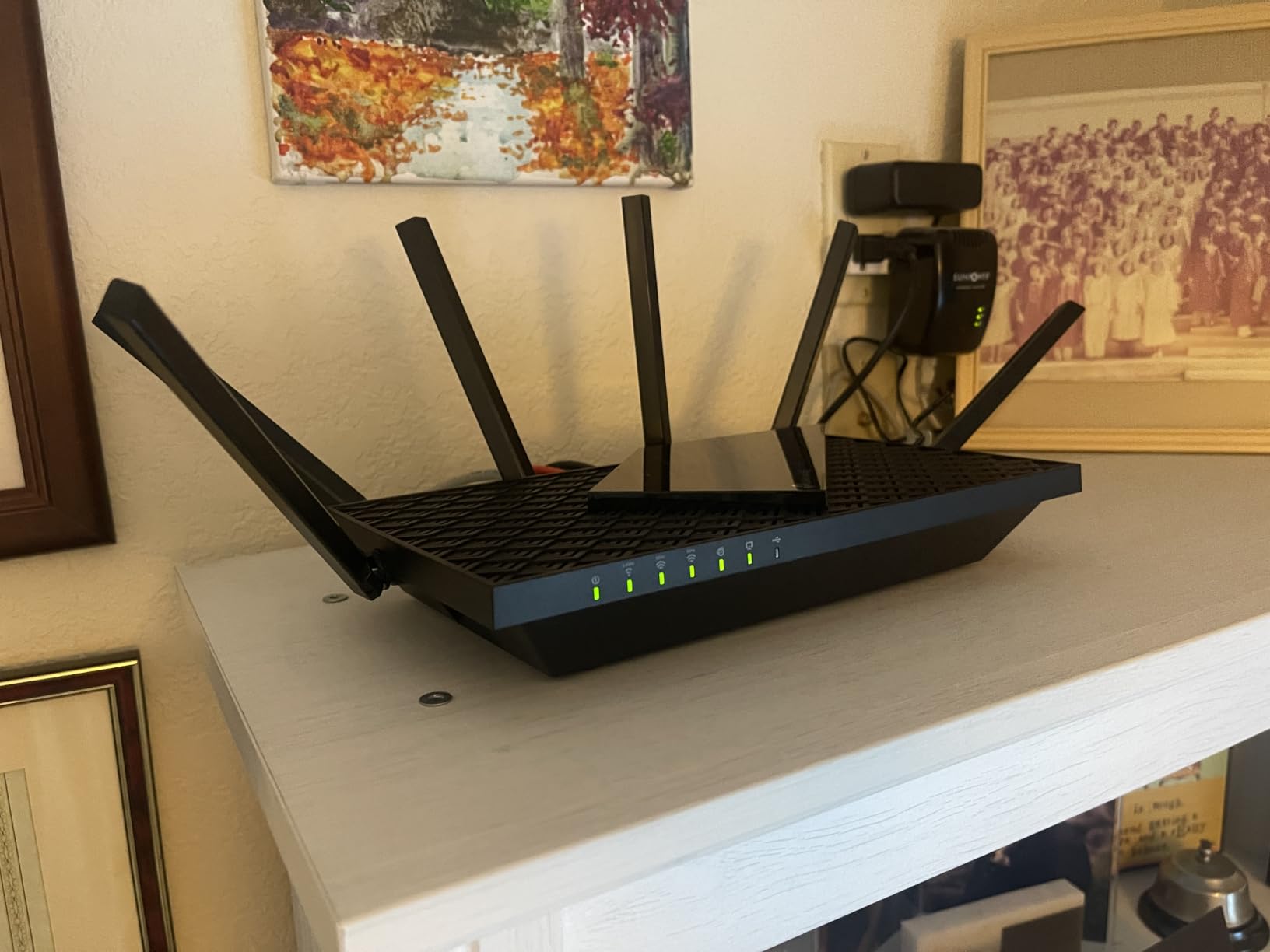
The 2.5 Gbps WAN port removes the multi-gig ceiling that holds back the cheaper models. If your fibre or cable plan exceeds a gigabit, this is the one Wi-Fi 6E unit in the group that stops your router from being the bottleneck.
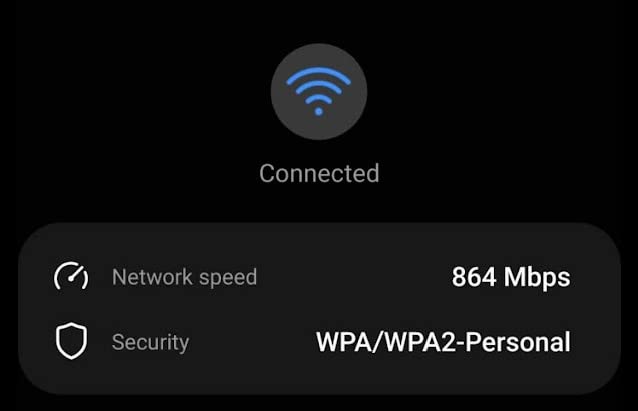
Owners report a marked improvement in range, including coverage reaching into a backyard and a garage. Underneath, a 1.0 GHz dual-core CPU with 512 MB of memory and an optimised housing handles the thermal load better than you would expect at this size.
Best reason to buy the AXE75: clean spectrum and a 2.5G uplink
Reviewers largely treat it as a future-proof upgrade that fixed both dead zones and congestion in their homes. Several describe years of reliable use after buying it, which is unusual praise for a device at this tier.
EasyMesh compatibility means you can expand to whole-home coverage later without being locked into a single-brand ecosystem, and setup is plug-and-play enough that it can keep your existing network name and password.
Where the AXE75 falls short
Setup is more involved than the eero 6 or AX21, and reviewers point out that some security protocols are not enabled by default. Read the quick guide rather than assuming the defaults are right.
Identifying individual clients in the app can be frustrating, especially with Apple devices that use rotating MAC addresses. Advanced HomeShield features are also paid, and the USB drive share naming is not configurable, which conflicts with Windows 11 Pro mounting.
5. ASUS RT-AX1800S Review: Best for Subscription-Free Security
ASUS RT-AX1800S Dual Band WiFi 6 Extendable Router, Subscription-Free Network Security, Parental Control, Built-in VPN, AiMesh Compatible, Gaming & Streaming, Smart Home
Wi-Fi 6 dual-band
1800 Mbps aggregate
AiProtection by Trend Micro
Three-year warranty
Pros
- Security suite included at no cost
- Three-year warranty included
- Highly configurable interface
- AiMesh pairs in about 10 minutes
Cons
- Only 256 MB of RAM
- Parental controls lack per-site blocklists
- A firmware bug can disable the 2.4 GHz radio
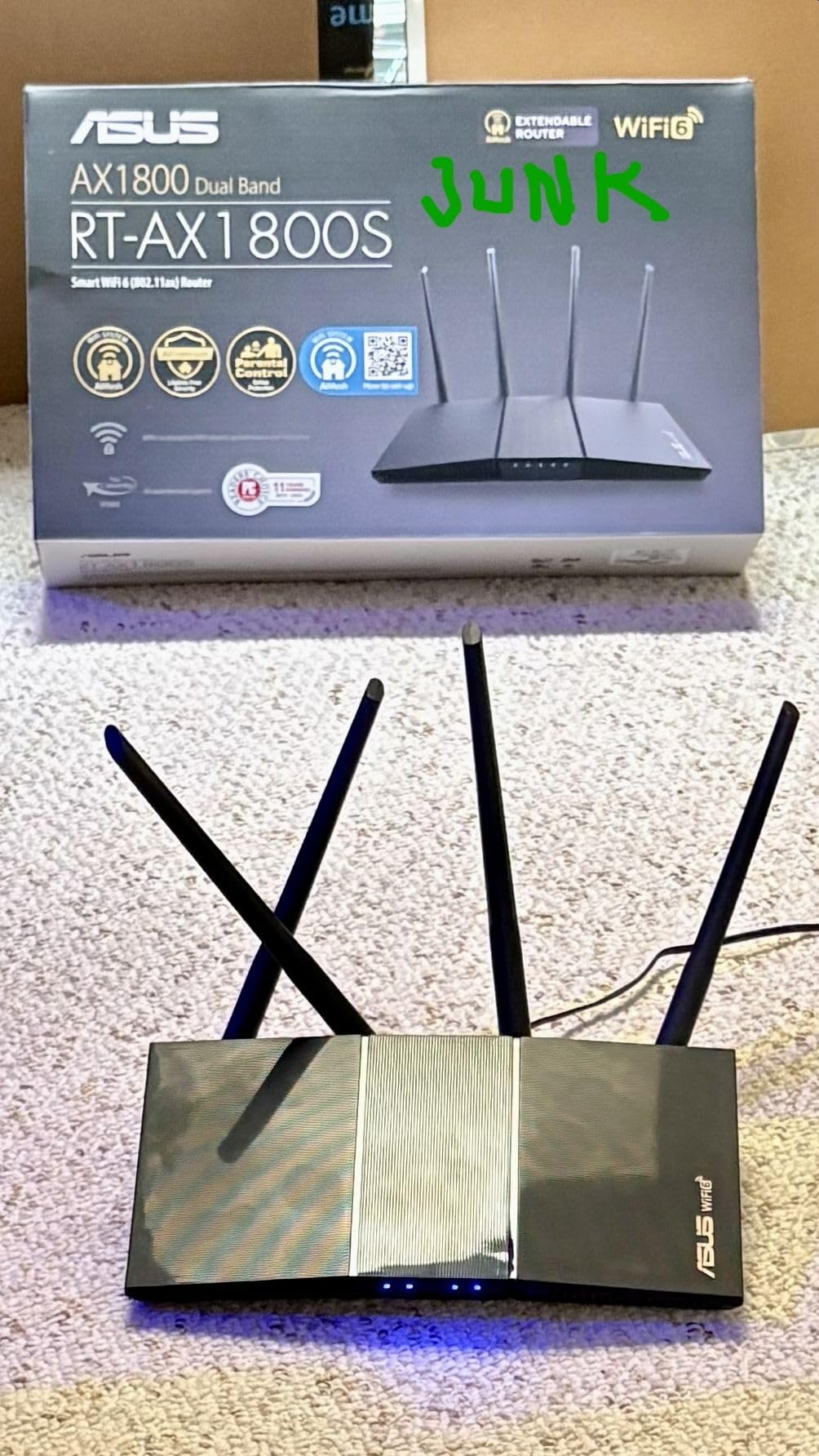
The RT-AX1800S is the router to buy if you are tired of subscription prompts. AiProtection Classic, powered by Trend Micro, is included for the life of the device with no paid tier required for the core security and parental control features.
Wi-Fi 6 on both bands delivers 1800 Mbps aggregate with MU-MIMO and OFDMA for multi-device efficiency, and 1024-QAM modulation on the 5 GHz side speeds up connections on supported clients.
ASUS Instant Guard gives you one-click VPN access to your home network when you are travelling, which is a genuinely useful feature that most routers at this cost leave out entirely.
Warranty length is another quiet win. Three years of coverage outlasts the one-year terms common on cheaper units, and the included AiMesh support means you can add compatible ASUS nodes later rather than replacing the whole system.
Best reason to buy the RT-AX1800S: no recurring fees
The combination of a lifetime security suite, a three-year warranty, and one of the most configurable interfaces in this guide makes it the strongest long-term value once you account for what subscriptions cost over several years.
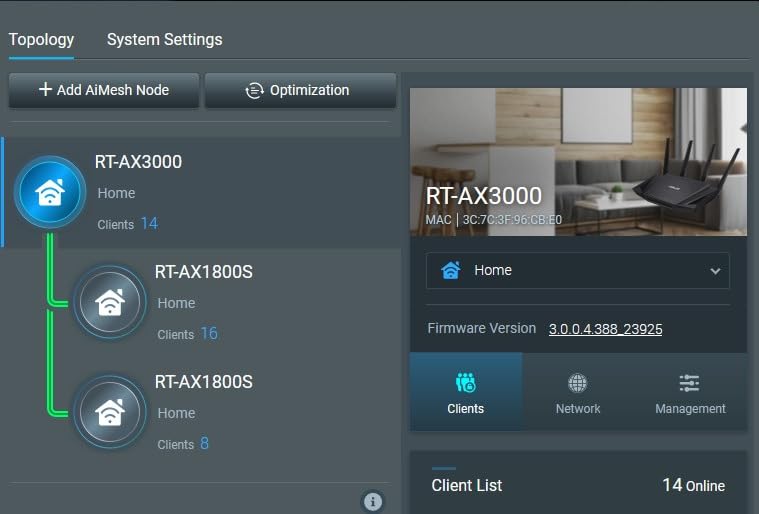
Owners who like to tinker rate the ASUS interface highly. AiMesh pairing with an existing ASUS router took one owner about ten minutes, which is faster than most mesh pairings.
Where the RT-AX1800S falls short
Only 256 MB of RAM is the smallest here, and it shows under heavy load. Parental controls are functional but not granular enough for custom per-site blocklists, which is the feature many parents actually want.
Some owners hit a firmware bug that disables the 2.4 GHz radio when Smart Connect is combined with Wi-Fi 6, and the NordVPN mesh integration does not work for remote access. Check for the latest firmware before you configure anything.
6. Linksys MR8300 Review: Best for Tri-Band on a Budget
Linksys Mesh Wifi 5 Router, Tri-Band, 2,000 Sq. ft Coverage, Supports Guest WiFi, Parent Control, 20+ Devices, Speeds up to (AC2200) 2.2Gbps – MR8300
Tri-band Wi-Fi 5 AC2200
2,000 sq. ft. coverage
20+ devices
18-month warranty
Pros
- 2000 sq. ft. coverage claim
- Extended 18-month warranty
- App includes channel optimizer and speed test
- Velop mesh master node support
Cons
- Wi-Fi 5 only with no 6 GHz
- Advanced settings poorly documented
- Cloud account required for setup
The MR8300 carries the highest average rating of any router in this guide at 4.5 stars, with owners reporting significantly faster speeds than the ISP-supplied units they replaced. That result is mostly about escaping weak rental hardware rather than raw capability.
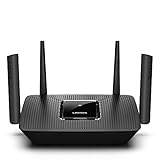
It is tri-band AC2200, split across 400 Mbps and 867 Mbps on two 5 GHz bands plus 867 Mbps on 2.4 GHz. The stated coverage is up to 2,000 square feet for 20 or more wireless devices.

Setup runs through the Linksys app in roughly ten to fifteen minutes for most owners. The app also includes a signal channel optimizer and a built-in speed test, which are more useful diagnostics than most budget routers expose.
It can act as the master node for a Velop mesh system, so if you later need more coverage you can add nodes without starting over. The extended 18-month warranty is longer than the one-year terms on most NETGEAR units here.
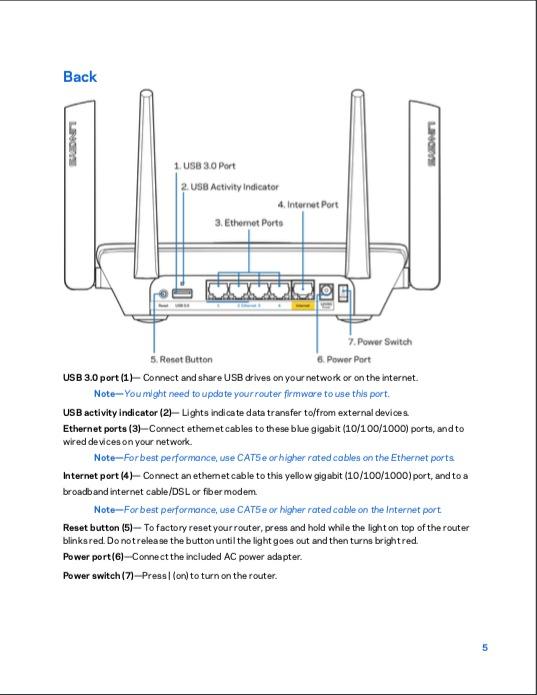
Best reason to buy the MR8300: it covers a lot of floor space
Splitting the 5 GHz band across two radios reduces interference between devices on the same band, which is exactly the problem in a busy house. For a multi-room single-floor home, that arrangement works well.
Guest WiFi and parental controls are included, and it pairs with an existing cable or DSL modem without any coax requirement of its own.
Where the MR8300 falls short
It is Wi-Fi 5 only. There is no OFDMA and no 6 GHz band, so newer devices will connect fine but will not get the efficiency benefits of the Wi-Fi 6 models above.
Advanced configuration is poorly documented and largely buried in the web interface, and setup requires a Linksys cloud account. The advertised USB port does not function for storage without a future firmware update, and there is only a single status LED rather than per-port indicators. Owners in multi-level homes report poor penetration through concrete walls.
7. ASUS RT-BE82U Review: Best Router Under 200 With Multi-Gig Ports
ASUS RT-BE82U WiFi 7 Router – Dual-Band, 6.5 Gbps, Mesh + VPN Compatible
Dual-band Wi-Fi 7
Up to 6500 Mbps with 4096-QAM
Five 2.5GbE Ethernet ports
AiMesh expandable
Pros
- Five 2.5 Gbps ports in this bracket
- Wi-Fi 7 with Multi-Link Operation
- Built-in WireGuard VPN
- AiMesh pair set up in about 15 minutes
Cons
- No wall-mounting holes on the bottom
- No 6 GHz band despite Wi-Fi 7
- Smallest review base here
The RT-BE82U is the odd one out in this list: it is a Wi-Fi 7 router sitting below several of the Wi-Fi 6 models around it. Dual-band Wi-Fi 7 with 4096-QAM delivers up to 6500 Mbps on paper.
The reason it can do that at this price is the ports. Five 2.5GbE Ethernet ports means no single bottleneck anywhere in the wired path, which matters if you are moving toward a multi-gig plan now rather than later.
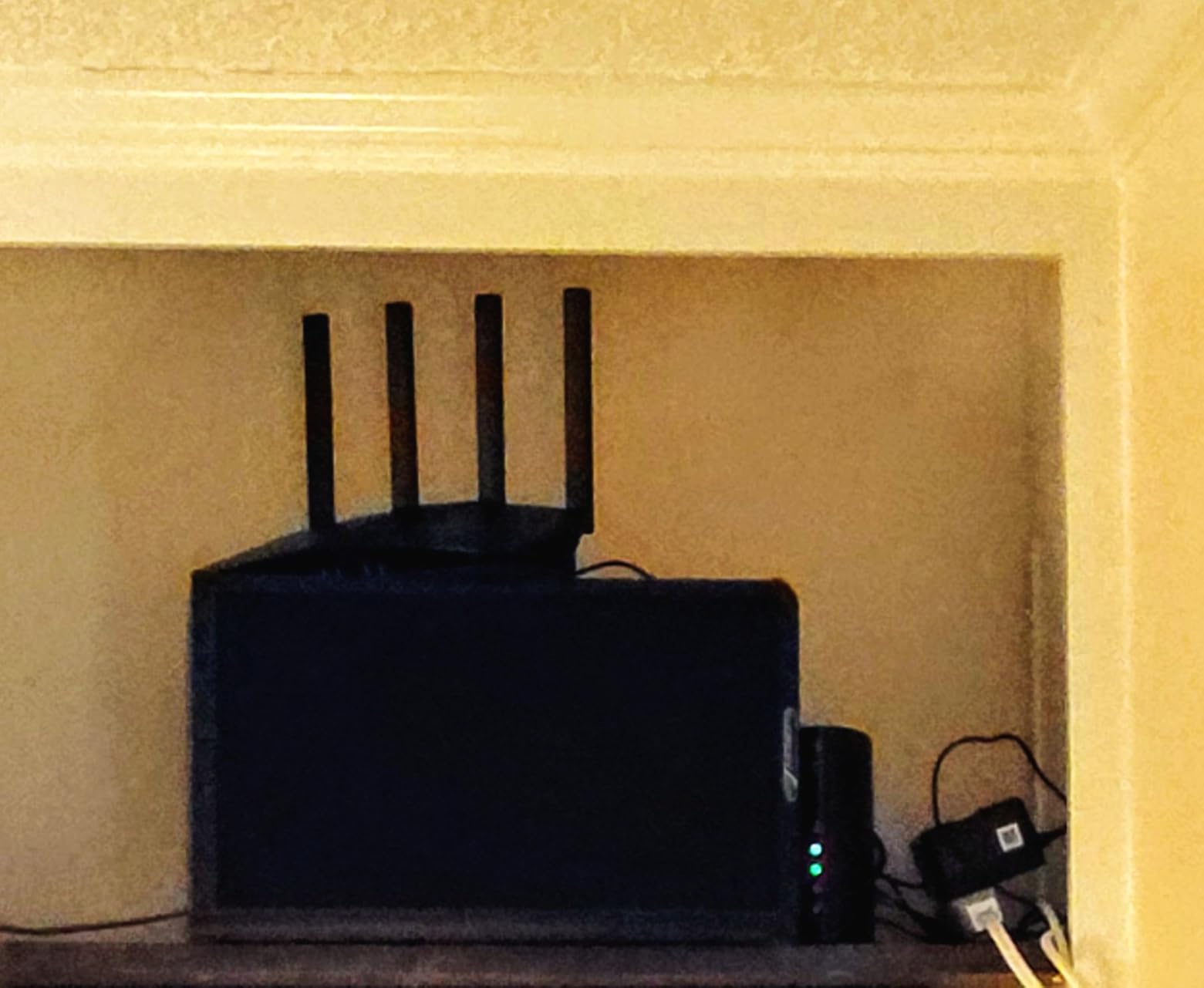
Multi-Link Operation links multiple bands together for stability, and AiMesh support means two units can form a seamless pair. One owner did that in about fifteen minutes, which is a fair benchmark for this class of hardware.
Built-in WireGuard VPN is included alongside AiProtection Pro with one-tap security scan and Safe Browsing. Owners report fast, stable throughput that outpaced an older NETGEAR unit on the same line.
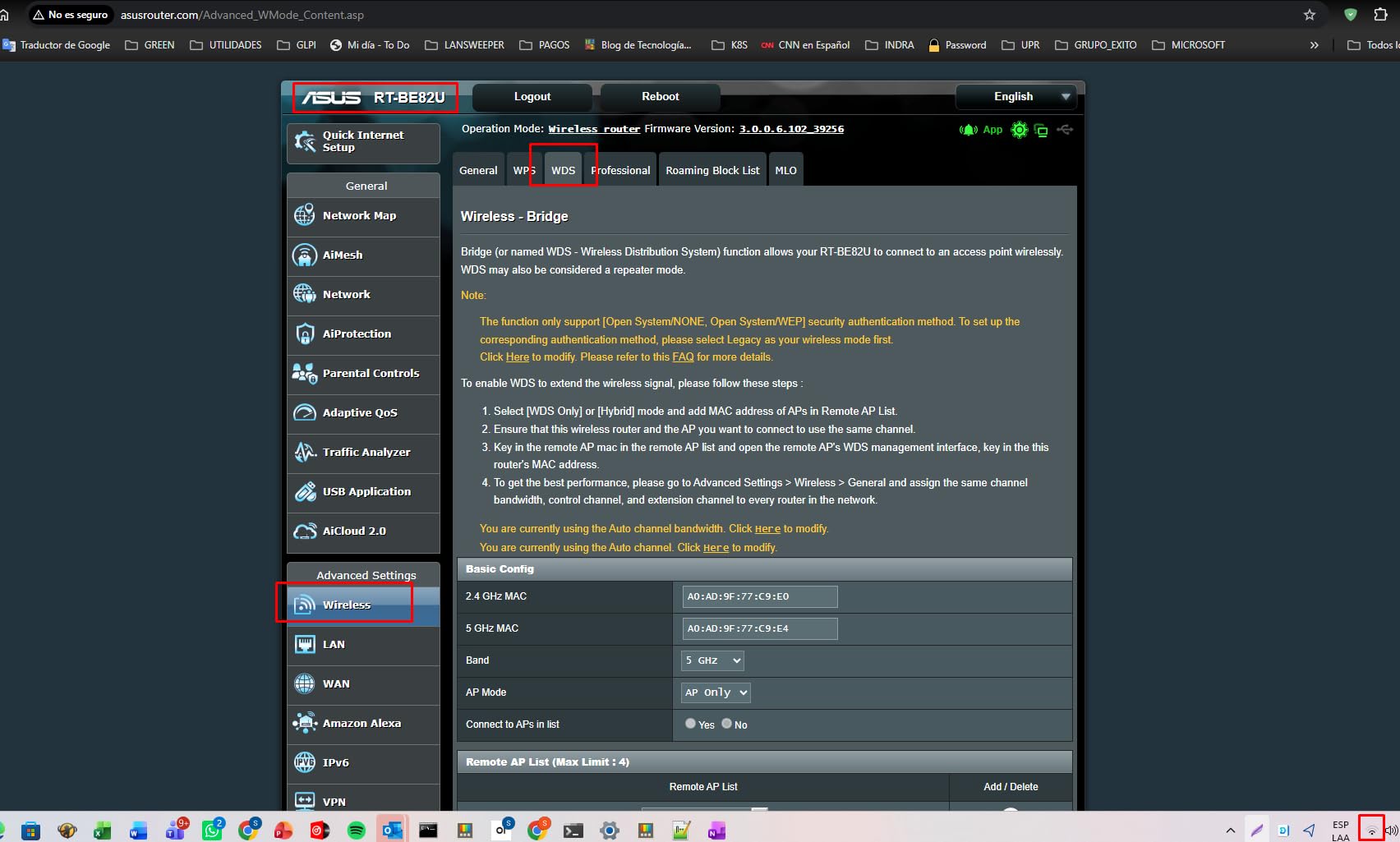
Best reason to buy the RT-BE82U: every port is multi-gig
Most budget routers have one fast port and a handful of slow ones. Five 2.5GbE ports remove that compromise entirely, so a wired NAS, a console, and a desktop can all run at multi-gig without adapters.
Dedicated IoT and guest networks, plus ASUS app and QoS controls, make it a sensible pick for a mixed household where smart devices need separating from everything else.
Where the RT-BE82U falls short
There is no 6 GHz band, so Wi-Fi 7 performance relies on dual-band operation rather than the three-band arrangement that makes the standard shine. That limits how much of the headline speed you will actually see on a single client.
There are no wall-mounting holes on the bottom of the unit, so shelf placement is your only option. Some owners reported devices failing to connect until the router was reset and set up again, and early instability with a failing Ethernet board. The review base of 212 is also the smallest here, which means less long-term reliability data for you to lean on.
8. NETGEAR R6700AX Review: Best Budget Pick
NETGEAR Nighthawk WiFi 6 Router R6700AX, Up to 1,500 sq ft, 1.8 Gbps
AX1800 dual-band Wi-Fi 6
1,800 Mbps aggregate
1,500 sq. ft. for 20 devices
Four 1 Gig LAN ports
Pros
- Good throughput at the low end
- Security features on out of the box
- Compact footprint
Cons
- No way to block a single device
- Paid phone support after three months
- Smallest coverage claim here
The R6700AX is a straightforward way to leave a Wi-Fi 5 router behind. It is dual-band AX1800 Wi-Fi 6, delivering up to 1.8 Gbps across 900 Mbps on each band, and it works with an existing cable, fiber, DSL, or satellite modem over Ethernet.
Four 1 Gig LAN ports plus a separate WAN port is a generous count for the entry level, which means you can wire a console, a streaming box, and a desktop without buying a switch.
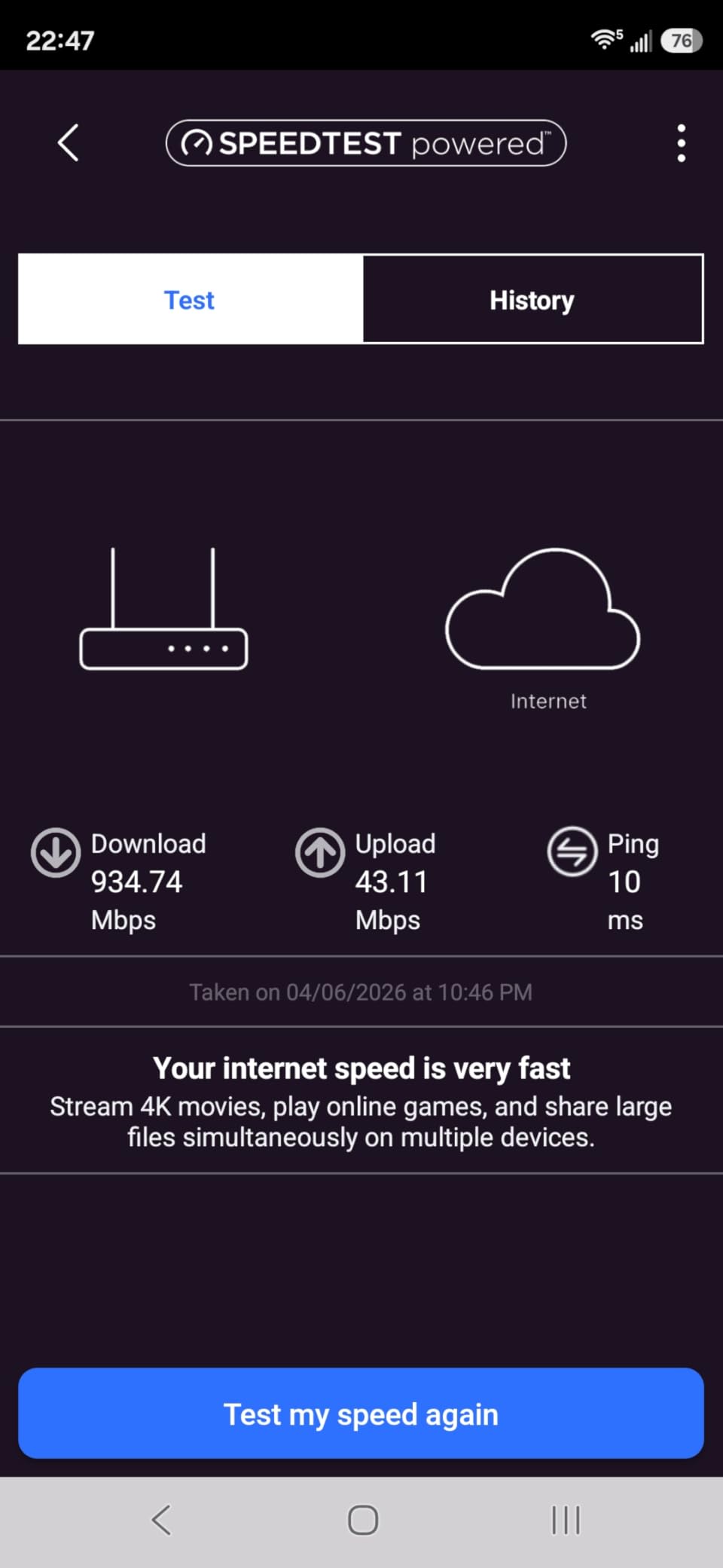
The Nighthawk app handles guided setup, speed tests, device pausing, and guest networks. Owners report it pinpointing exactly which setting was causing a setup failure, which is more helpful guidance than most entry routers provide.
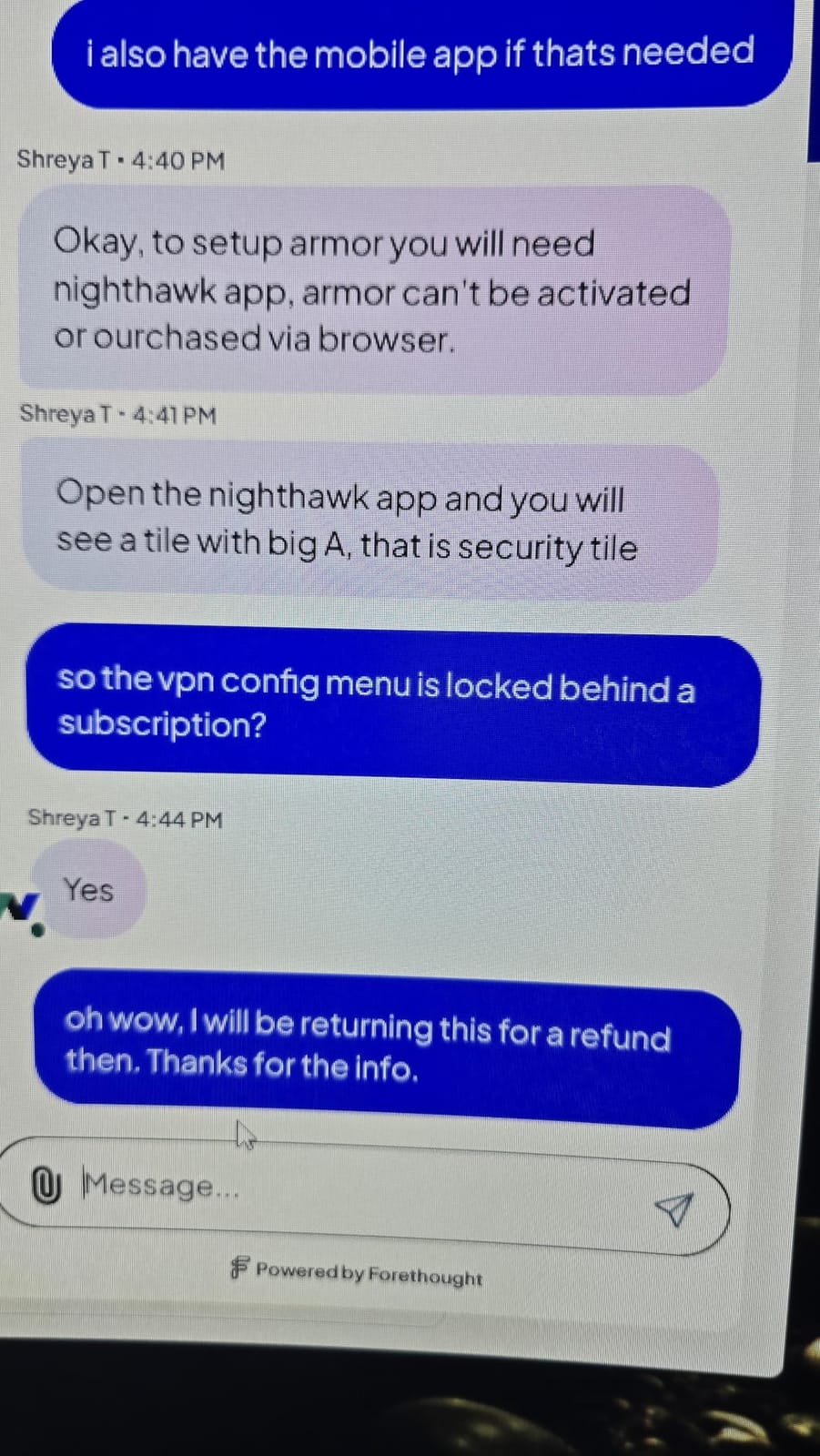
WPA3 encryption and automatic firmware updates are enabled out of the box, and NETGEAR Armor comes with a 30-day trial so you can decide later whether the subscription is worth it.
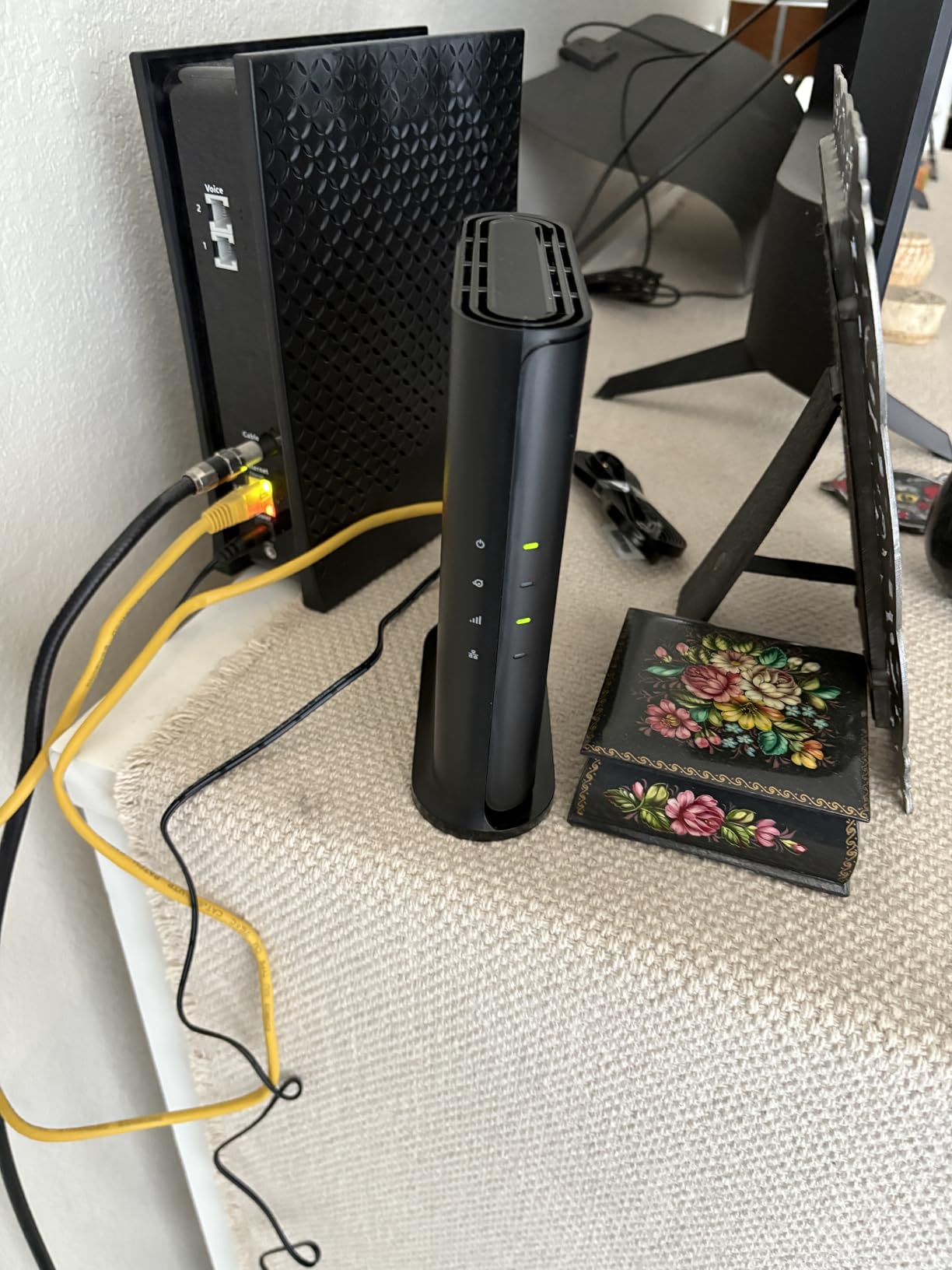
Best reason to buy the R6700AX: enough Wi-Fi 6 for a small home
Owners report strong coverage across a 1,500 square foot single-floor home with more than ten devices, and reliable throughput once configured. For an apartment or a modest house, that is the whole requirement met.
The small footprint fits on a shelf or dresser without looking like networking equipment, which matters in a living space.
Where the R6700AX falls short
Coverage of 1,500 square feet is the smallest claim in this guide, so multi-story homes or larger floors need mesh instead. There is also no way to block an individual device from using the Wi-Fi, which is a common parental control need.
Setup is not as plug-and-play as some competing routers and may require work in your ISP web portal, and phone support is included only for the first three months before requiring a paid plan. Some owners reported unit failure or dropouts after several months of use.
9. NETGEAR RAX36 Review: Best for Wide Coverage
NETGEAR Nighthawk WiFi 6 Router (RAX36) – Router Only, AX3000 3 Gbps Wireless Speed – Dual-Band Gigabit Internet – Covers 2,000 sq. ft., 25 Devices – Built-in VPN, USB 3.0, Gaming
AX3000 dual-band Wi-Fi 6
Up to 3 Gbps
2,000 sq. ft. for 25 devices
Built-in VPN and USB 3.0
Pros
- Broad coverage for the money
- AX3000 throughput class
- Built-in VPN server
- Four 1 Gig LAN ports
Cons
- Router only with no modem included
- Only one 1 Gbps WAN port
- One-year warranty
- Small review base
The RAX36 is built around floor space rather than peak speed, rated for 2,000 square feet and up to 25 connected devices. It is an AX3000-class dual-band Wi-Fi 6 router pushing up to 3 Gbps aggregate.
Like every other unit on this page, it is a router only. It pairs with cable, satellite, fiber, or DSL providers up to 1 Gbps, and you need your own modem to actually get internet.
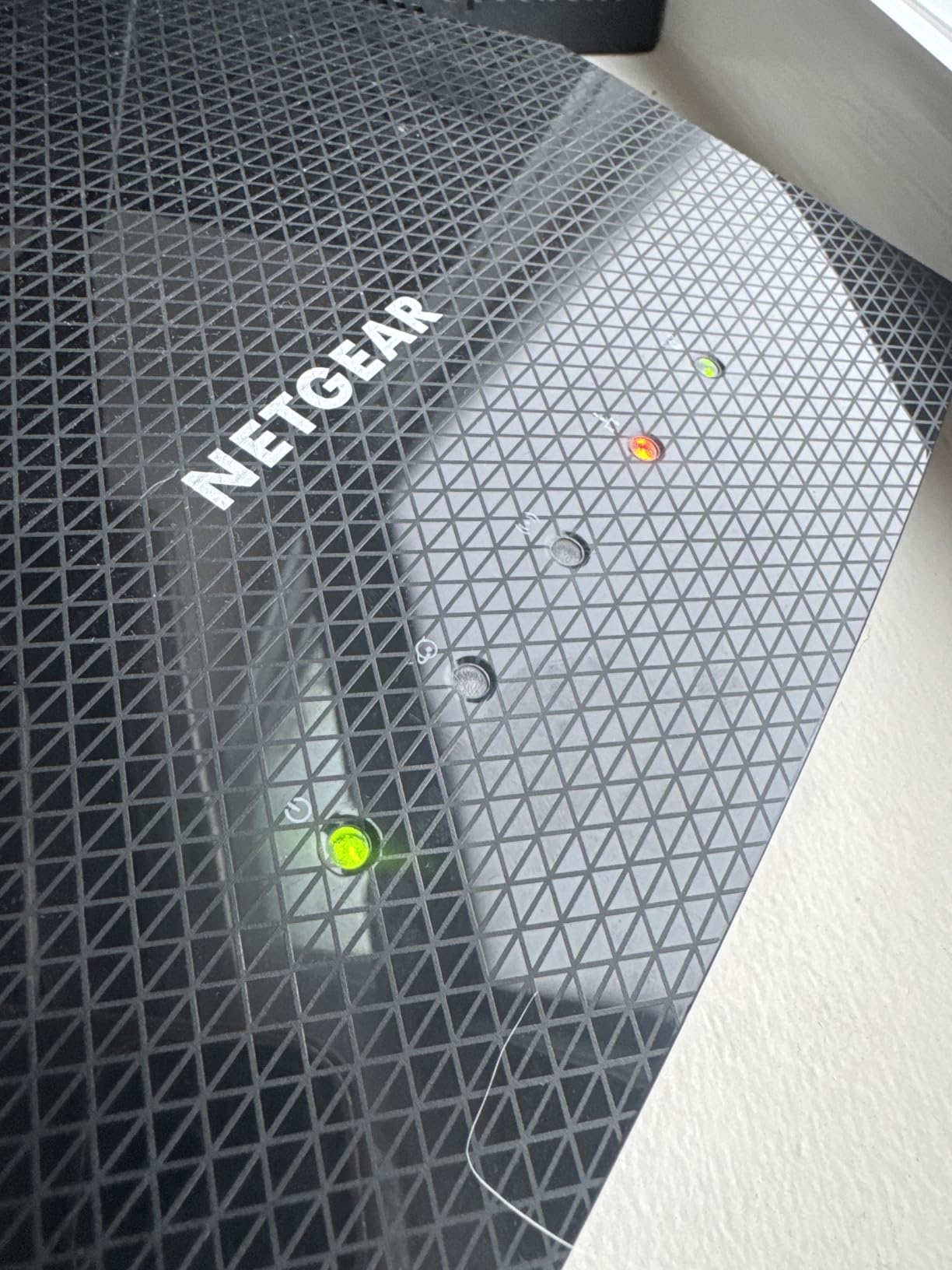
Built-in VPN support covers secure remote access, and the USB 3.0 port supports external storage or ReadyShare features. Four 1 Gig Ethernet ports give you room for consoles, streaming players, and a wired PC.
The gaming positioning is about wired port availability more than any special gaming firmware, and owners confirm that wiring their console to this router produced the throughput improvement they wanted.
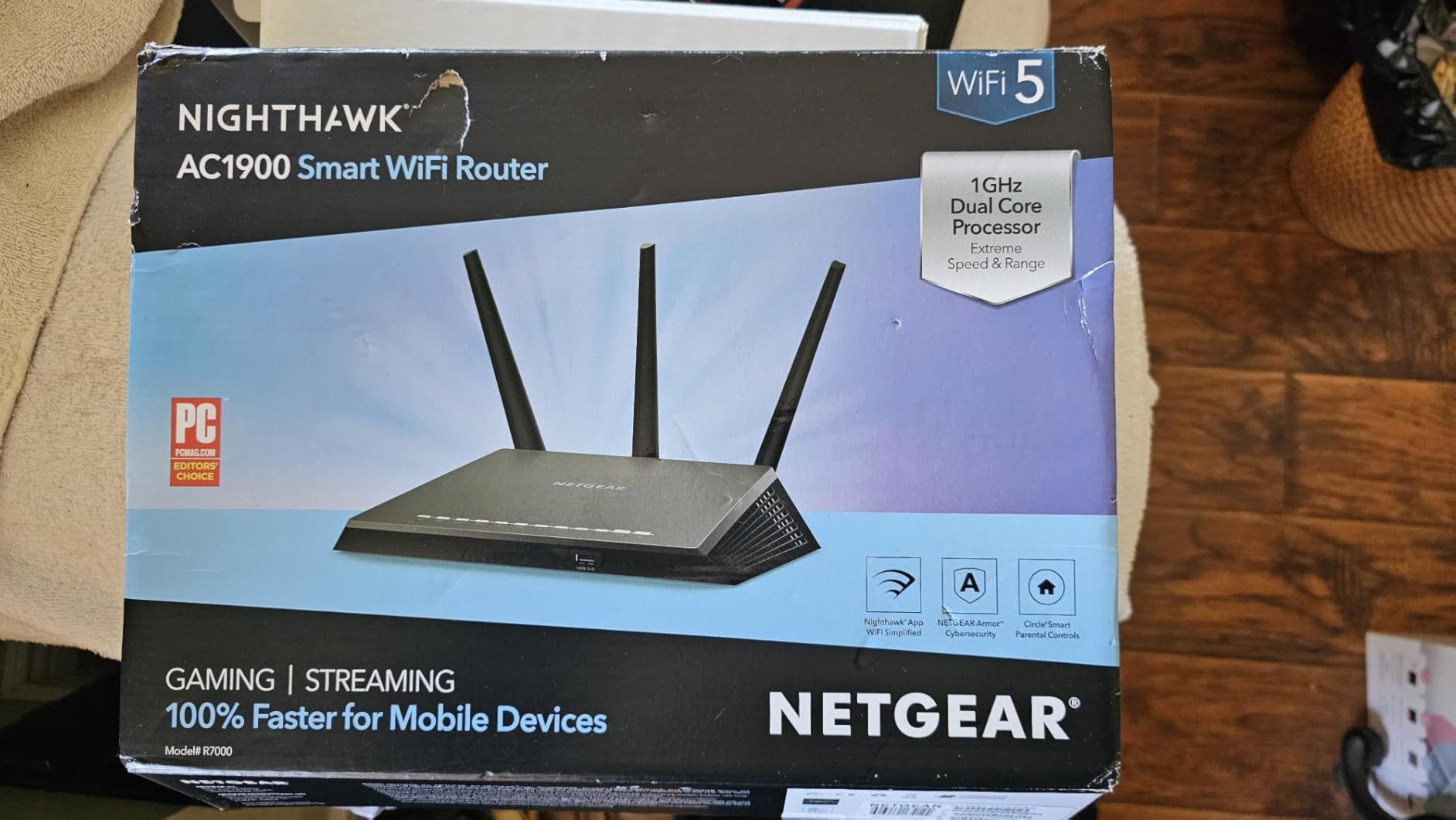
Best reason to buy the RAX36: square footage coverage
If your home is between the 1,500 square foot limit of the cheaper unit and a full mesh system, this fills the gap at a single-router price. The 25-device ceiling covers most family households without strain.
WPA3 security is standard, and the Linux-based platform receives firmware updates alongside NETGEAR’s other Nighthawk hardware.
Where the RAX36 falls short
There is a single 1 Gbps WAN port with no multi-gig option, so faster internet plans will hit a ceiling at the router. The warranty is one year, the shortest in this group, and the review base of 520 is modest, which limits long-term reliability data.
It is also worth noting that this unit arrives without a modem, so budget for that separately if your ISP does not supply one.
10. NETGEAR RS140 Review: Best Wi-Fi 7 Router Under 200
NETGEAR Nighthawk WiFi 7 Router RS140, Up to 2,250 sq ft, 5 Gbps
Dual-band Wi-Fi 7 BE5000
Up to 5 Gbps
2,250 sq. ft. for 80 devices
2.5 Gig WAN port
Pros
- Largest stated coverage in the group at 2250 sq. ft.
- Wi-Fi 7 at the top of this bracket
- 2.5 Gig WAN port ready for multi-gig
- QR-code app setup in about 20 minutes
Cons
- Fewer reviews than most models here
- Some reported unit failures and dropouts
- Unclear compatibility with older mesh extenders
The RS140 is the most recent router in this guide, a dual-band Wi-Fi 7 BE5000 unit rated up to 5 Gbps. NETGEAR describes it as 1.2 times faster than Wi-Fi 6, with MU-MIMO and OFDMA handling simultaneous multi-device transfers.
Coverage is rated at up to 2,250 square feet for as many as 80 connected devices, which is the largest claim on this list and the main reason we picked it as the Wi-Fi 7 option.
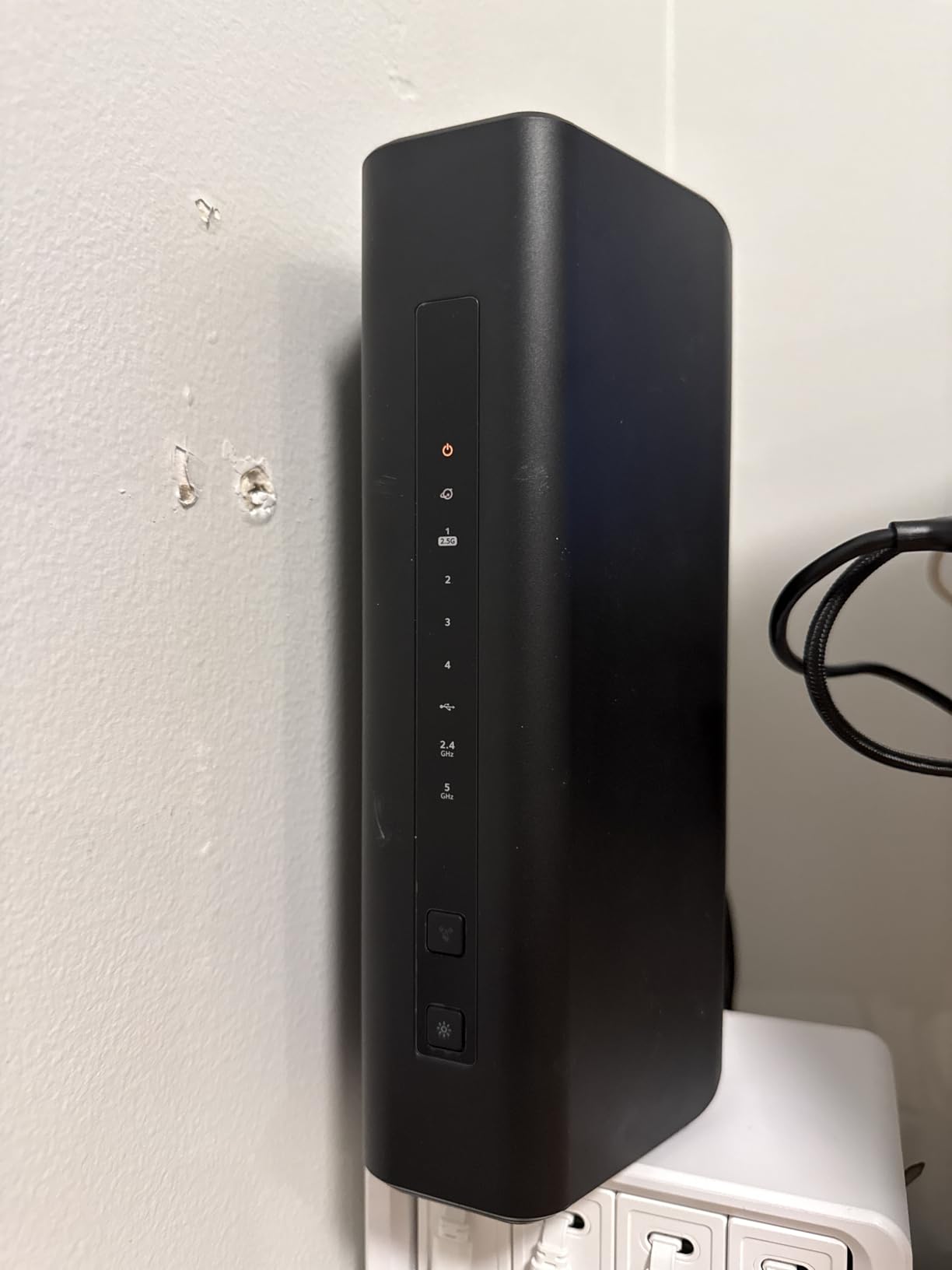
The 2.5 Gig WAN port means it is ready for multi-gig internet plans today rather than after your next upgrade. Three 1 Gig LAN ports handle the rest of the wired devices, and the vertical design saves shelf space.
Setup is QR-code based through the Nighthawk app and one owner finished in about twenty minutes. WPA3, Advanced Router Protection, and automatic firmware updates are all handled by the same app alongside speed tests and guest networks.
Best reason to buy the RS140: multi-gig readiness and device headroom
If you have a multi-gig plan now, or expect one within a few years, the 2.5 Gig WAN port removes the single biggest reason budget routers disappoint. Eighty devices of capacity also future-proofs a growing smart home.
Owners running it in an office setting report high throughput and a large transmission circle, which fits the stated coverage figure better than most.
Where the RS140 falls short
Its 4.2 star average is tempered by a small number of severe reliability complaints. One owner reported a unit dying within a week, and a replacement that dropped signal constantly. Others found speed fluctuation even at close range with clear line of sight.
Compatibility with existing NETGEAR mesh extenders is also unclear, and the router does not connect using the default password printed on the label, so app-based setup is mandatory. With a review base of 416, there is not yet a long track record here.
What to Look for in a Router Under 200
The four specs that matter at this budget are the WAN port speed, the number of bands, the Wi-Fi generation, and how much memory the router carries. Everything else on the spec sheet is closer to a tiebreaker.
Start with the WAN port. A single 1 Gbps port caps your entire home at one gigabit no matter how fast the wireless side is, and every router here except the AXE75, the RT-BE82U, and the RS140 ships with exactly that limit. If your plan is multi-gig, that decision alone narrows your list to three.
Next, count bands. Dual-band routers use 2.4 GHz and 5 GHz. Tri-band routers add a third radio, usually a second 5 GHz band or a 6 GHz band, and they handle more simultaneous high-speed devices without slowing each other down.
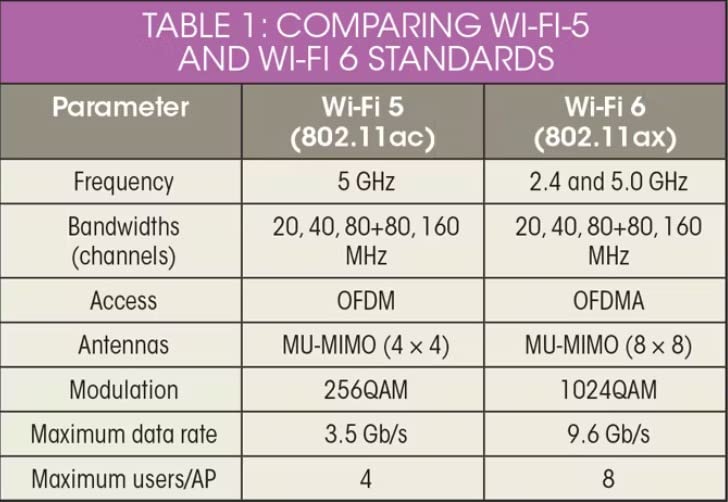
Generation is the third factor. Wi-Fi 6 and Wi-Fi 6E bring OFDMA, MU-MIMO, and wider channels that mostly help when many devices are active. Wi-Fi 7 adds Multi-Link Operation and 4096-QAM, which cut latency and help most on multi-gig connections.
Memory is the fourth, and it is the one shoppers skip. The ASUS RT-AX1800S carries 256 MB, the TP-Link AX55 and AXE75 carry 512 MB. More memory means more headroom when many devices connect at once or when VPN features are running.
Does Wi-Fi 7 penetrate walls? Yes, but the wall decides more than the standard
Newer standards help at the edges, but construction material is the dominant factor. Drywall on wood studs barely slows a signal. Poured concrete, brick, and reinforced floors cut it hard, especially at 6 GHz where the wider channels are more easily absorbed.
For a home with standard drywall construction, any router in this guide will cover you. For concrete or brick, plan on a mesh system with two or three nodes rather than expecting a single unit to reach every floor.
Wi-Fi 7 vs Wi-Fi 6E: is the upgrade worth it now?
The honest answer is that it depends on your client devices and your internet plan. Wi-Fi 7 mainly helps when you have multi-gig service and Wi-Fi 7 hardware on both ends, and it makes a measurable difference in latency on congested networks.
Do not buy Wi-Fi 7 expecting the 6 GHz band, because the RT-BE82U and RS140 are dual-band units without one. If that band is what you are after, the Wi-Fi 6E AXE75 is the pick here and it sits well below the top of the price ceiling.
Router vs modem-router combo: what you actually need
You can use any router here without a modem only if something else is already providing internet. Most homes have a cable, fiber, or DSL modem, either owned or rented from the ISP, and you connect the router to it with an Ethernet cable.
A modem-router combo does both jobs in one box. It saves shelf space and setup steps, but the routing half is usually weaker than a dedicated router at the same total cost, and it locks you to the provider’s hardware for updates.
Subscription features versus the free ones
Free by default: ASUS AiProtection and AiProtection Pro cover the full security suite on both ASUS models here with no ongoing payment. TP-Link HomeShield includes basic parental controls, QoS, and reports on the AX55 and AXE75.
Trial then paid: NETGEAR Armor comes with a 30-day free trial on the R6700AX and RS140, and advanced HomeShield features on TP-Link units also sit behind a subscription. If you only need device pausing and basic filtering, you can run the free tier indefinitely.
Which router matches which home
Apartment under 1,000 square feet with five to fifteen devices: the NETGEAR R6700AX or the eero 6 covers you, and the eero 6 is easier to set up if networking is not your strength.
House or flat of 1,500 to 2,000 square feet with 20 or more devices: the TP-Link Archer AX21 V5 and the NETGEAR RAX36 are the two to compare. The AX21 has the stronger track record, the RAX36 has the higher device ceiling.
Multi-storey home, or any home with brick or concrete: stop looking at single routers. Add a mesh system alongside one of these, and pick whichever unit supports an open standard like EasyMesh so you are not tied to one brand’s ecosystem.
Multi-gig fibre or cable plan: the shortlist is the TP-Link AXE75, the ASUS RT-BE82U, and the NETGEAR RS140. Which one wins depends on whether you want the 6 GHz band, the most multi-gig ports, or the largest device ceiling.
Small home lab or power user: the ASUS RT-AX1800S gives you the most configurable interface with subscription-free security, and the AX55 adds a VPN client and USB 3.0 for storage sharing.
How to set up a new router for speed and security
Update the firmware first, before anything else. Several problems reported in reviews, including a 2.4 GHz radio that stopped broadcasting, were firmware-related and resolved with an update.
Then set the security mode to WPA3 where your devices support it, keeping WPA2/WPA3 mixed mode for older phones and printers. Create a separate IoT network with client isolation so smart devices cannot reach your laptops directly.
Position the router in the open, roughly waist height and away from metal enclosures or microwaves. Turn off UPnP if nothing at home needs it, and use automatic DNS or a filtering resolver if you want fewer ad and tracking requests.
Frequently Asked Questions
What is the best Wi-Fi router for under 200?
The TP-Link Archer AX21 V5 is the best overall router under 200 for most homes. It carries a 4.4 star average across more than 24k owner reviews, supports dual-band Wi-Fi 6, and works with virtually any cable, fiber, or DSL modem you already own.
What is the best, most affordable, and most effective Wi-Fi router?
For pure value, the TP-Link Archer AX55 delivers AX3000 dual-band Wi-Fi 6 speeds with both VPN server and VPN client support plus a USB 3.0 port, all inside the same price ceiling. It is the step-up pick when you want more speed than the entry-level units provide.
What is a good low-budget router?
The NETGEAR R6700AX is the entry-level option here and still delivers AX1800 dual-band Wi-Fi 6 with four 1 Gig LAN ports and WPA3 enabled out of the box. It covers up to 1,500 square feet and is well suited to apartments and single-floor homes.
Does Wi-Fi 7 penetrate walls?
Newer Wi-Fi standards help, but construction material matters far more. Drywall and wood studs pass signal easily, while poured concrete, brick, and reinforced floors cut it hard. In older or solid construction, plan on a mesh system with two or three nodes rather than one router.
Can I use a router without a modem?
Yes, if something else already provides your internet connection. Every router in this guide is a standalone router that connects to an existing cable, fiber, DSL, or satellite modem over Ethernet. A modem-router combo does both jobs but usually has weaker routing features.
Do I need a multi-gig internet plan to use Wi-Fi 7?
No, but Wi-Fi 7 shows its value faster with one. On a gigabit plan the internet connection itself is the limit, so a cheaper Wi-Fi 6 router performs almost identically. The three models here with 2.5 Gbps WAN ports, the TP-Link AXE75, ASUS RT-BE82U, and NETGEAR RS140, are ready when your plan grows.
What is the difference between Wi-Fi 7 and Wi-Fi 6E?
Wi-Fi 7 adds Multi-Link Operation for lower latency across multiple bands, 4096-QAM modulation for higher throughput, and wider channels. Wi-Fi 6E introduced the 6 GHz band. The main practical difference on a budget is that dual-band Wi-Fi 7 routers here, such as the ASUS RT-BE82U, still lack the 6 GHz band that Wi-Fi 6E offers.
Should I buy Wi-Fi 7 now or wait?
Buy Wi-Fi 7 now only if you already have a multi-gig internet plan or Wi-Fi 7 client devices. Otherwise a Wi-Fi 6 or Wi-Fi 6E model such as the Archer AX21 or AXE75 gives you the same experience today and leaves room to upgrade later.
The Verdict on the Best Routers Under 200 in 2026
Ten routers later, the answer for most people is the TP-Link Archer AX21 V5. It has one of the two largest review bases in the group, a 4.4 star average built on more than 24k owner reviews, and it pairs with any modem you already have.
If coverage is the problem rather than speed, the eero 6 is the better answer. If you want more throughput and features at the same spend, the Archer AX55. For a multi-gig plan or a home with concrete and brick walls, look at the TP-Link AXE75 for its 6 GHz band and 2.5 Gbps port, the ASUS RT-BE82U for five multi-gig ports, or the NETGEAR RS140 for Wi-Fi 7 with the largest device count.
Whichever you choose, update the firmware on day one, turn on WPA3, and put your smart devices on their own network. Those three steps fix more problems than any spec on the box.