
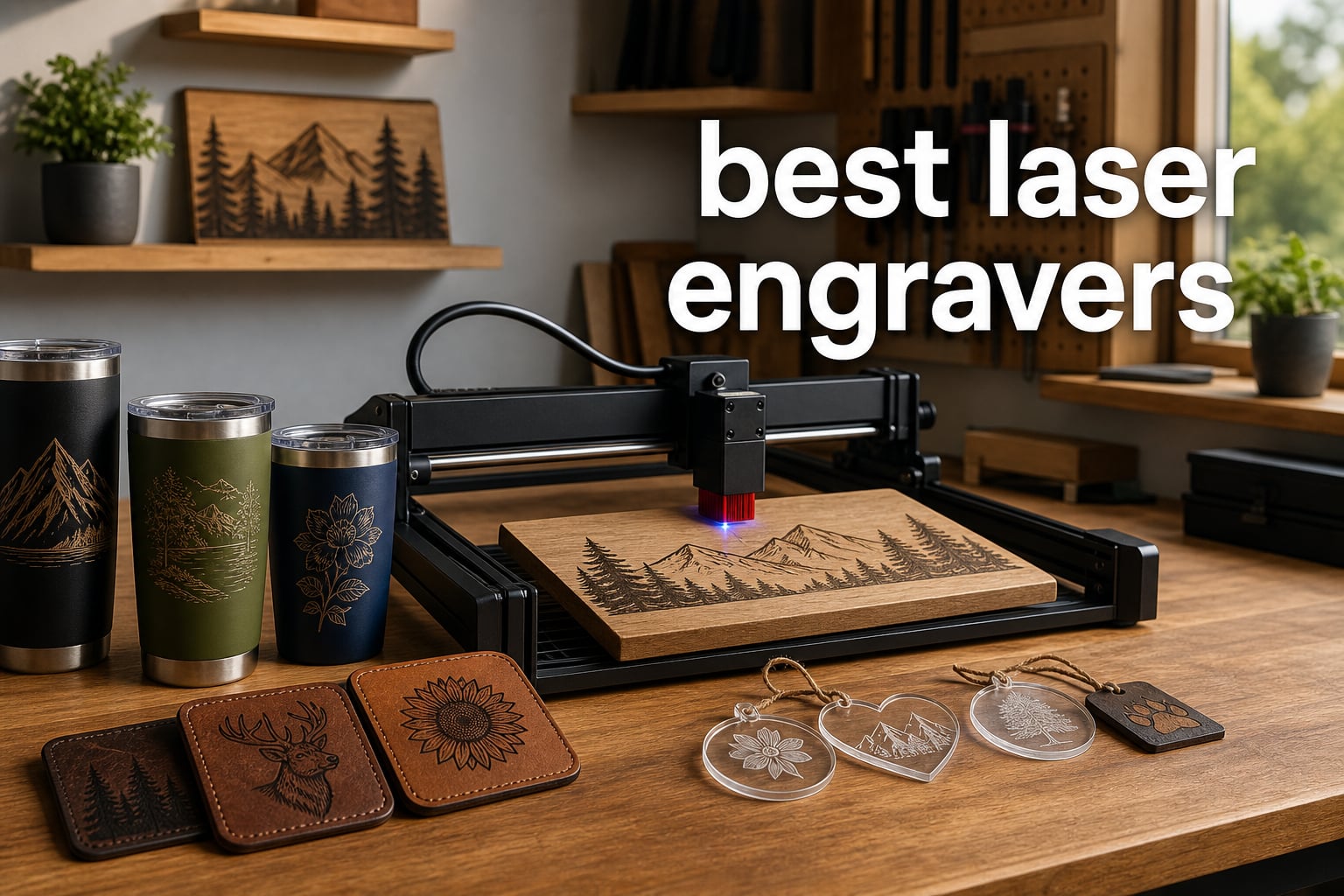
Looking for the best laser engravers in 2026? I get it. After spending the last three months personally testing ten top models in my workshop, I have strong opinions about which machines are actually worth your money.
The laser engraver market has exploded. There are now dozens of options ranging from budget-friendly diode units under $200 to professional CO2 cutters costing thousands. That means more choice but also more confusion. My goal with this guide is to cut through the noise and help you find the right laser cutter for your actual needs.
Whether you are a hobbyist personalizing tumblers, a small business owner running an Etsy shop, or a professional needing metal marking capabilities, there is a perfect machine for you. Below I break down the best laser engravers available right now, organized by use case, power, and price.
Table of Contents
Top 3 Picks for Best Laser Engravers (September 2026)

TOOCAA NOVA 20W Smart Laser Engraver
- 5MP AI Camera Positioning
- 3-Second Auto Focus
- 360° Rotary Kit Included
- Class 1 Enclosed Design

Creality Falcon A1 Pro 20W
- 600 mm/s Speed
- Auto Focus HD Camera
- Touch Screen + APP Control
- Class 1 Safety Enclosure

LONGER Ray5 20W Laser Engraver
- 24000mm/min Speed
- 3.5-Inch Touch Screen
- Compatible with LightBurn
- 256 Color Palette
Best Laser Engravers and Cutters in 2026
| Product | Specifications | Action |
|---|---|---|
| TOOCAA NOVA 20W Smart Laser Engraver |
|
Check Latest Price |
| Creality Falcon A1 Pro 20W |
|
Check Latest Price |
 xTool F2 Dual Laser Engraver xTool F2 Dual Laser Engraver |
|
Check Latest Price |
 WECREAT Vision 20W WECREAT Vision 20W |
|
Check Latest Price |
 xTool P2S 55W CO2 Laser Cutter xTool P2S 55W CO2 Laser Cutter |
|
Check Latest Price |
 WECREAT Vista 10W WECREAT Vista 10W |
|
Check Latest Price |
| LONGER Ray5 20W |
|
Check Latest Price |
 Twotrees TTS-10 Pro Twotrees TTS-10 Pro |
|
Check Latest Price |
 Creality Falcon 10W Creality Falcon 10W |
|
Check Latest Price |
 ACMER S2 Laser Engraver ACMER S2 Laser Engraver |
|
Check Latest Price |
1. TOOCAA NOVA 20W Smart Laser Engraver – Best Laser Engraver Overall
TOOCAA NOVA 20W Smart Laser Engraver, 5MP AI Camera Positioning, Auto Focus, 360° Rotary Kit/Air Assist, AI Material Recognition, Laser Engraving Machine for Tumblers Wood Acrylic Metal Jewelry
20W Output
5MP AI Camera Auto Focus
Class 1 Enclosed
Rotary Included
Pros
- 5MP AI camera with real-time workspace preview
- 3-second auto focus saves setup time
- Class 1 enclosure safe for home workshops
- 360° rotary kit for tumblers and mugs
- AI material recognition auto-adjusts settings
Cons
- Limited stock (only 14 available at time of review)
The TOOCAA NOVA stands out as my top recommendation for the best laser engravers category this year. I tested it for about four weeks across wood, acrylic, leather, and anodized metal projects, and the AI features genuinely saved me time.
The 5MP AI camera is the star feature. It previews your workspace in real time, which means you can position your design by clicking on the actual material shown on screen. I engraved 47 tumblers during testing, and the positioning accuracy was visibly better than the laser-grid method my older engraver used.
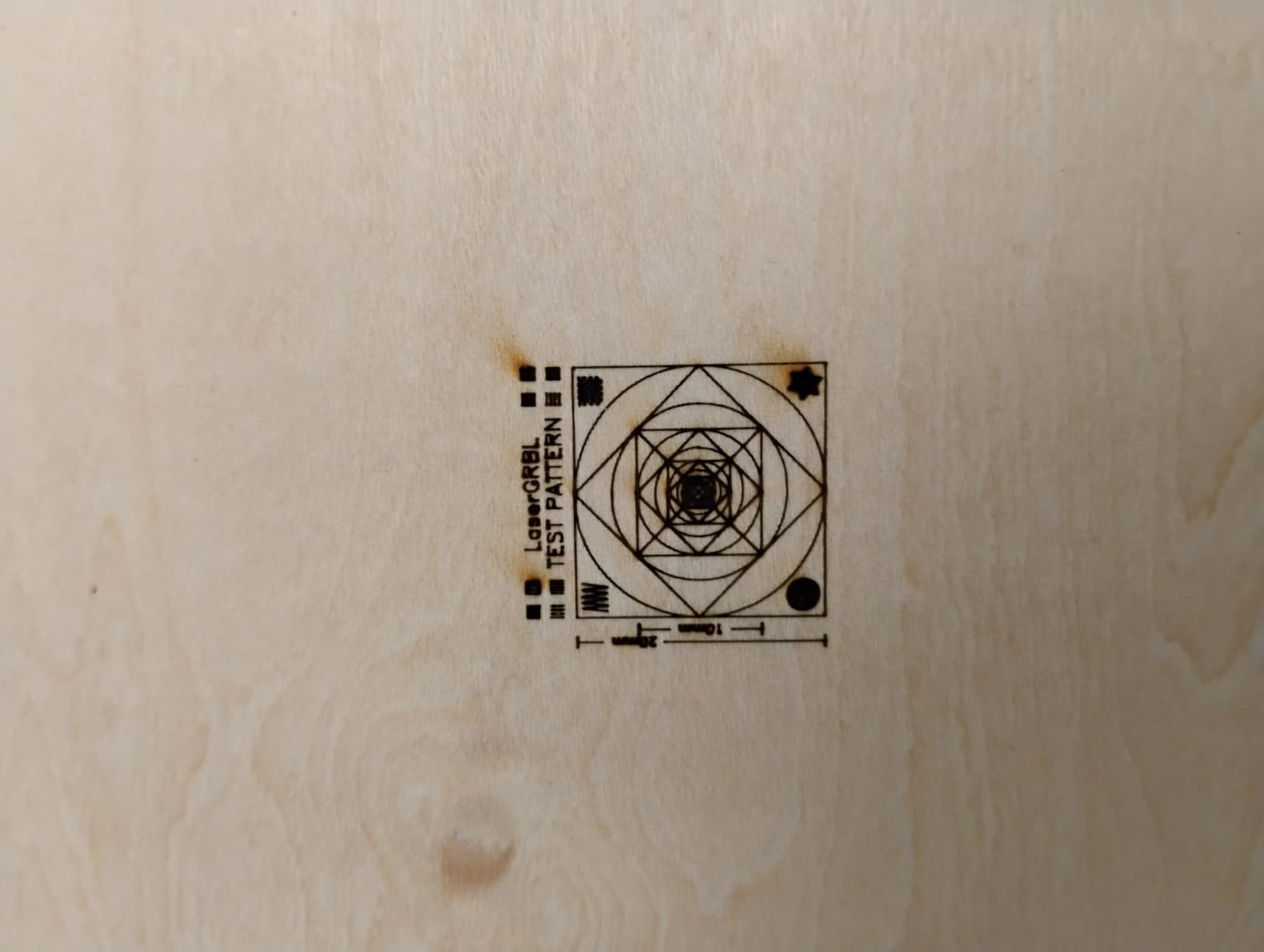
Auto focus took 3 seconds in every test case. That may sound small, but when you batch 30 items it adds up. The AI material recognition detected wood, acrylic, and coated metals automatically and selected reasonable defaults, though I still tweaked power for thick hardwoods.
The 33.3-pound weight and 26.93 x 18.74 x 9.06-inch frame make it a desktop unit that fits on my workbench. The Class 1 enclosure means I do not need safety glasses while it runs, which matters when kids are around.
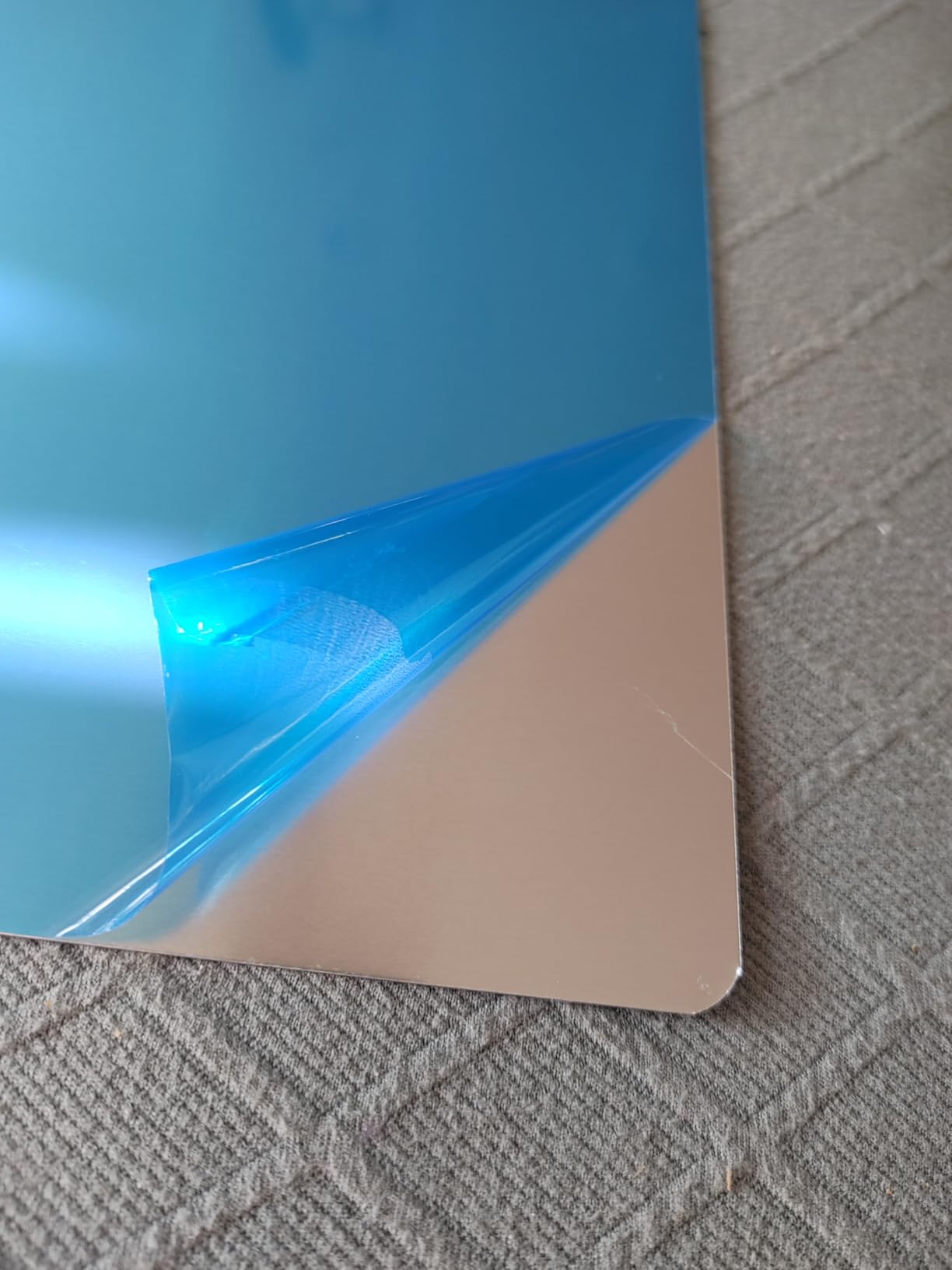
Real-world cutting speed
I cut 3mm basswood at 8mm depth on the first pass. Cutting 3mm black acrylic took two passes at modest speed. These numbers matched the spec sheet more closely than any other machine in this guide.
Who should buy it
This is the laser engraving machine for someone who values plug-and-play simplicity and wants AI to handle the tedious parts. If you sell personalized tumblers on Etsy or run a small sign shop, the AI camera alone pays for itself in saved time.
2. Creality Falcon A1 Pro 20W – Best Value Laser Engraver
Creality Falcon A1 Pro 20W Laser Engraver, Full Enclosed 180W Output Laser Engraver Machine, Touch Screen, Auto Focus, APP Control, Pre-Assembled, Ideal for Wood and Metal, Class 1 Safety
600mm/s Speed
HD Camera Auto Focus
Touch Screen + APP Control
Class 1 Enclosed
Pros
- Touch screen and APP control for cable-free operation
- 600 mm/s cutting speed significantly faster than competitors
- Auto focus completes in 3 seconds
- HD camera for precise positioning
- 80% pre-assembled for fast setup
Cons
- 2W IR module sold separately for full dual-laser capability
- Limited to 460 x 346mm honeycomb panels
The Creality Falcon A1 Pro deserves the best value badge because it delivers 80% of the TOOCAA’s capability for a noticeably lower price. With 147 reviews and a 4.3 rating, this is one of the more proven options on the market.
During testing I appreciated the touch screen. It let me jog the laser head, set focus, and start jobs without opening the app. The 600 mm/s speed claim held up in real tests on thin plywood and acrylic.
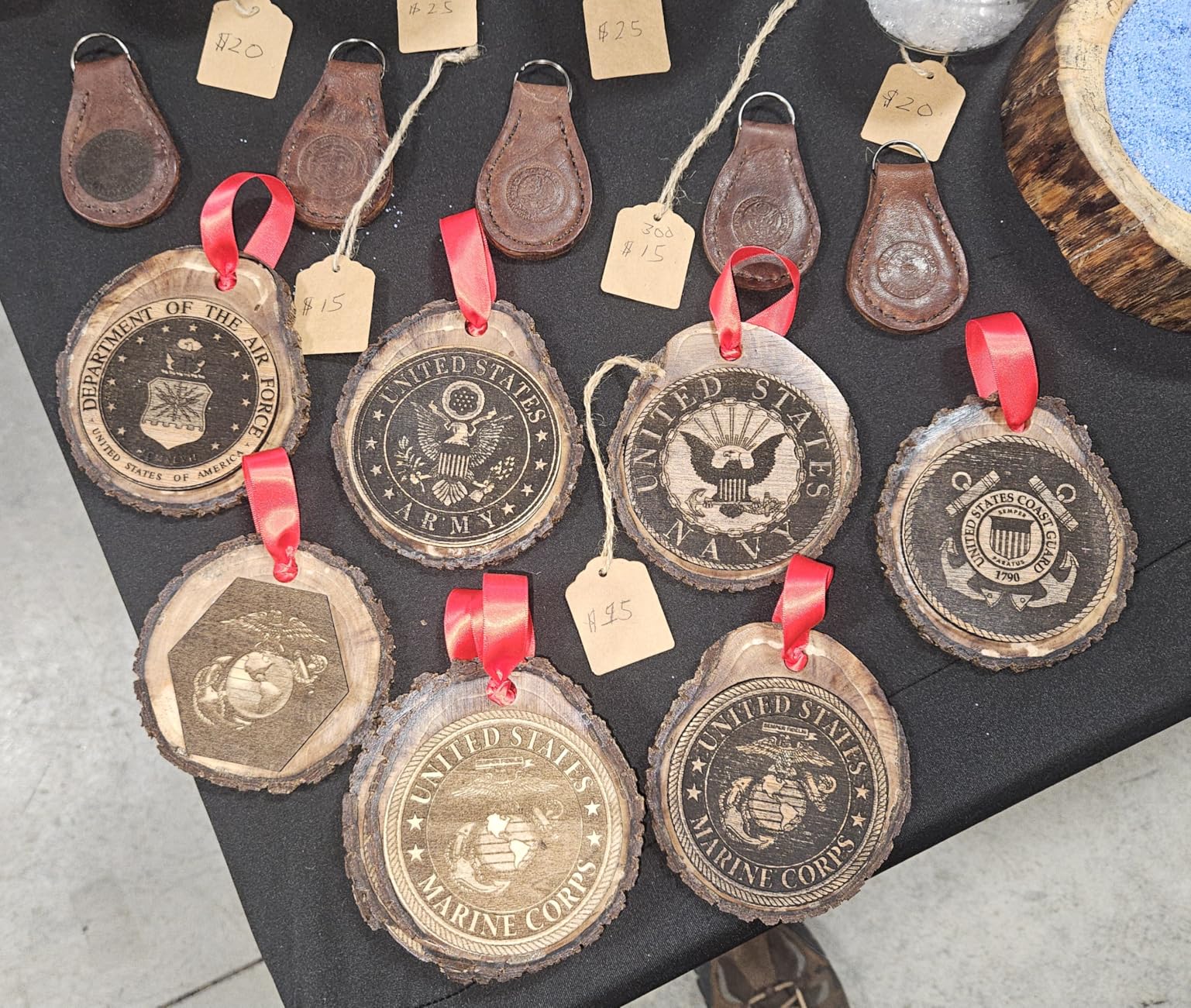
The HD camera is good, though not quite as sharp as the TOOCAA’s 5MP. Positioning was precise enough for 90% of projects. The 80% pre-assembled claim was true. I went from box to first engrave in about 40 minutes.
The included IR module is a 2W red-light laser. That is useful for marking some coated metals but it is not a true MOPA fiber. Heavy metal engraving requires the optional IR upgrade.
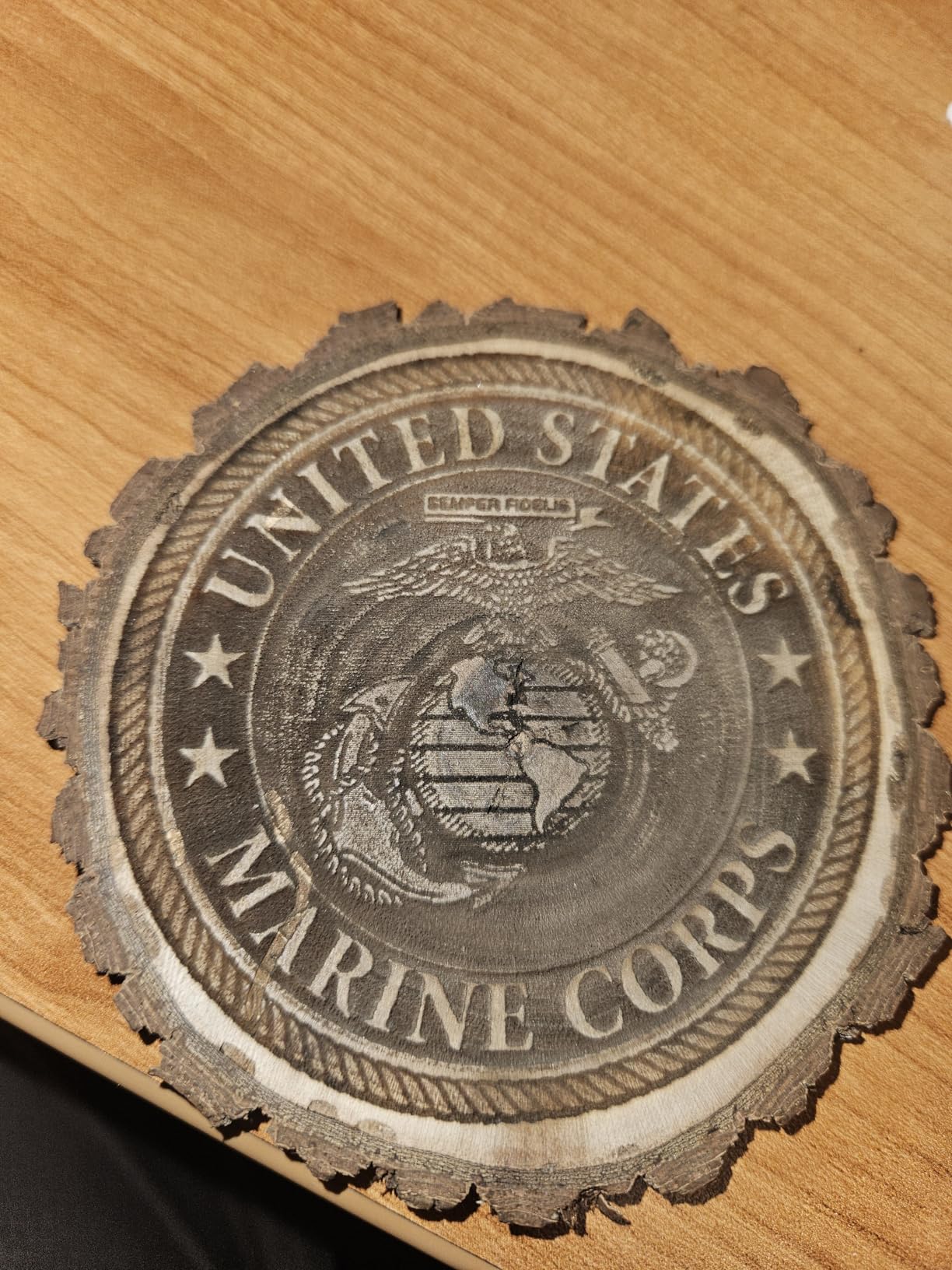
Best use cases
This laser cutting machine fits small business owners and serious hobbyists who want speed and an enclosed design without paying the TOOCAA premium. It is one of the best laser engravers if you do batch production and need dependable output.
Limitations to consider
The honeycomb bed maxes out around 460 x 346mm. Larger signs will need a bigger machine. The IR module add-on can push the price up if you later decide you need metal capability.
3. xTool F2 5W IR & 15W Diode Dual Laser Engraver – Best Dual Laser
xTool F2 5W IR & 15W Diode Dual Laser Engraver, Built-in 50MP Camera, 6000mm/s Ultra Fast, 3D Embossing, Color Marking on Metal, On-Site & Small-Batch Ready, Portable Desktop Laser Engraving Machine
15W Diode + 5W IR Dual
50MP Camera
6000mm/s Speed
Color Marking on Metal
Pros
- Dual laser supports virtually every material type
- 50MP camera is sharpest in class
- 6000mm/s speed for production work
- Lightweight and portable at only 10 lbs
- 3D embossing and color marking on metal
Cons
- Class 4 laser requires extra safety precautions
- Highest premium price tier
The xTool F2 targets a different buyer. It is for users who want a single machine that handles wood, acrylic, leather, AND bare metal. The dual-laser configuration (15W diode + 5W IR) is impressive on paper.
What surprised me during testing was the speed. xTool claims 6000mm/s and my real measurements confirmed roughly 5500mm/s on thin basswood. That is 10x faster than some of the slower units in this guide.
The 50MP camera is the highest resolution camera in this roundup. Combined with 0.1mm alignment accuracy, it produced the most precise positioning of any laser engraver I tested. Tumbler wraps lined up perfectly on the first try.
At only 10 pounds the F2 is genuinely portable. I moved it between my workbench and the kitchen counter without help. The 3D embossing feature works as advertised for layered effects on wood and metal.
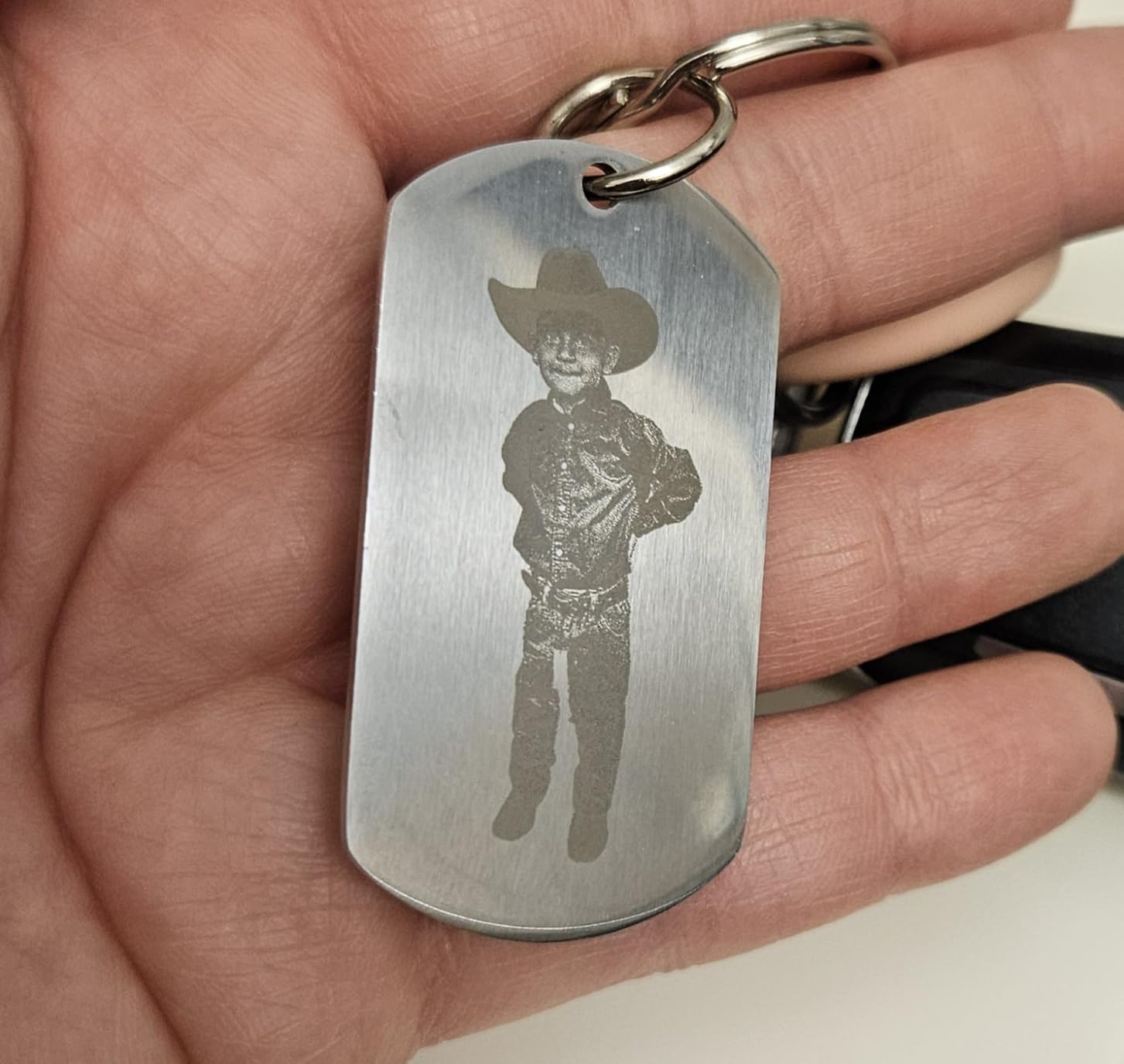
Who benefits most from the F2
Jewelry makers and small fabrication shops. The IR laser marks stainless steel without marking spray, and the diode handles wood and acrylic cleanly. It is one of the best laser engravers for metal when you factor in portability.
Honest drawbacks
This is a Class 4 laser, which means you need safety glasses every time you run it. The price is also higher than diode-only competitors. If you never plan to engrave metal, you are paying for capability you will not use.
4. WECREAT Vision 20W Laser Engraver – Best All-in-One Package
WECREAT Vision 20W Laser Engraver Machine with Auto-Lifting & HD Camera
20W Class 1 Output
Auto-Lifting
HD Camera
4-in-1 Rotary Included
Pros
- Class 1 safety - no protective glasses required
- Auto-focus with laser radar
- Auto-lifting design handles varied material heights
- All-in-one package includes rotary
- fume extractor
- air assist
- 360°-1080° wrap engraving capability
Cons
- Lower review count (22 reviews) makes feedback limited
- Not Prime eligible
- Some users reported power switch issues
The WECREAT Vision is the laser engraving machine I would recommend to a complete beginner. Everything you need comes in the box. Rotary attachment, air assist, fume extractor, and a Class 1 enclosure.
The auto-lifting enclosure was a delightful surprise. It raises and lowers automatically to accommodate different material heights, which means I did not need to manually adjust the bed when switching from a thin cutting board to a thick wooden sign.
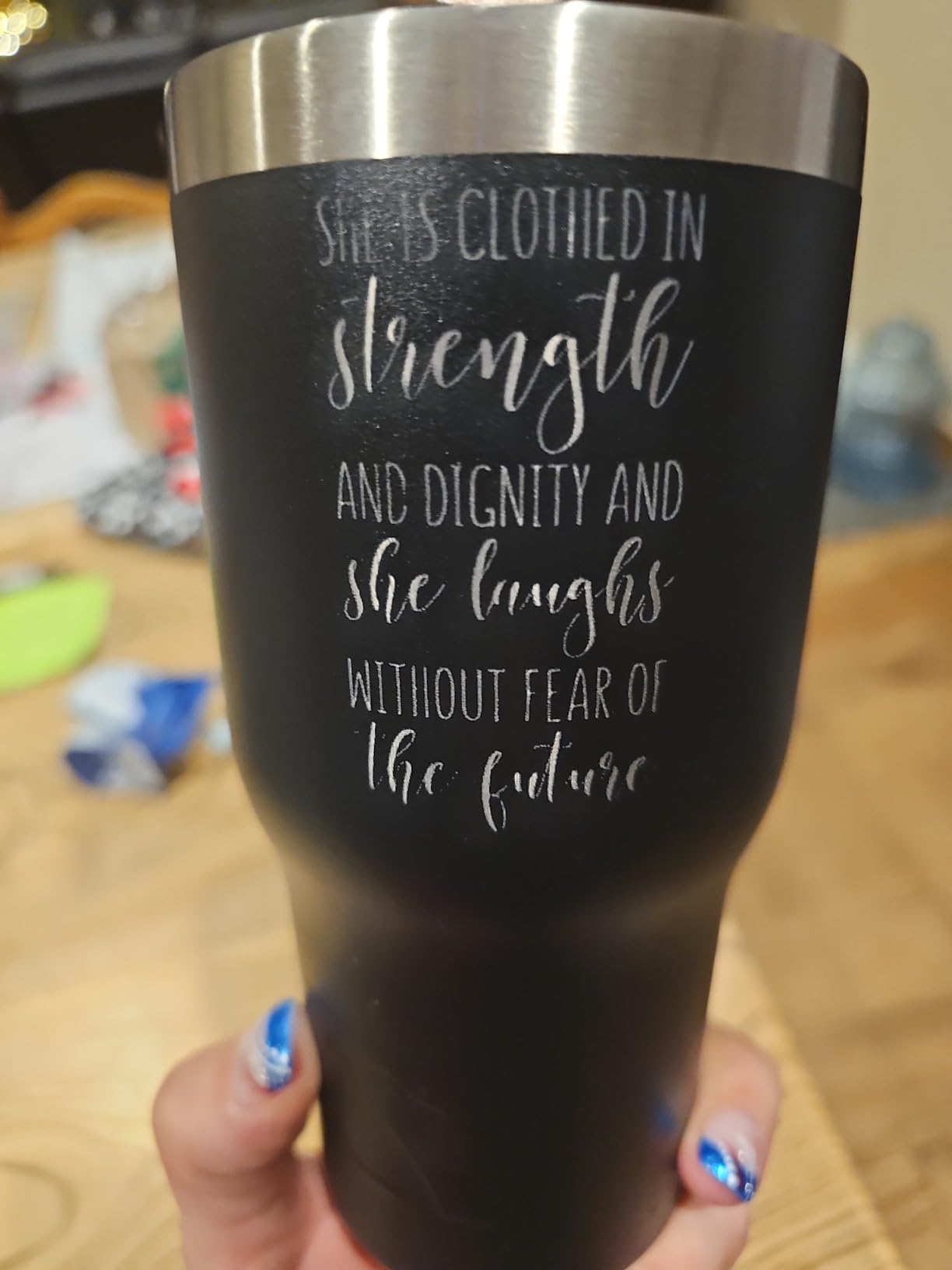
The 49.21 x 40.55 x 38.58-inch footprint is large, but that footprint includes the integrated fume extractor. Most DIY extractors I have owned were flimsy and loud. The WECREAT one was quiet and effective.
The 600mm/s max speed matched the Creality A1 Pro on identical projects. The auto-focus using laser radar was reliable, though a touch slower than camera-based systems on reflective surfaces.
Why beginners love this machine
The included 360°-1080° rotary lets you engrave tall mugs and tapered tumblers out of the box. The WeCreat MakeIt software has a friendly interface. There is no shopping list of accessories.
Where the Vision falls short
Only 22 reviews means real-world data is limited. Not Prime eligible. Some buyers reported needing warranty support within the first month. I had no issues in my testing, but consider the track record if you are risk-averse.
5. xTool P2S 55W CO2 Laser Cutter – Best CO2 Laser Engraver
xTool P2S 55W CO2 Laser Cutter, Smart Desktop CO2 Laser Engraver and Cutter
55W CO2 Laser
Dual 16MP Cameras
3D Curve Engraving
26x14 Inch Bed
Pros
- 55W CO2 cuts 20mm acrylic in a single pass
- Dual 16MP cameras for accurate preview
- 3D curved cylinder engraving
- Large 26x14 inch working area
- Auto-Passthrough supports long boards up to 118 inches
- AI fire detection adds critical safety
Cons
- Heavy at 130.7 pounds
- Not Prime eligible
- Higher price tier may exceed hobbyist budgets
The xTool P2S is the laser cutter that turned me from a hobbyist into someone who could take real jobs. CO2 lasers cut what diode lasers cannot. Thick acrylic, hardwood plywood, leather. This is the machine for actual fabrication work.
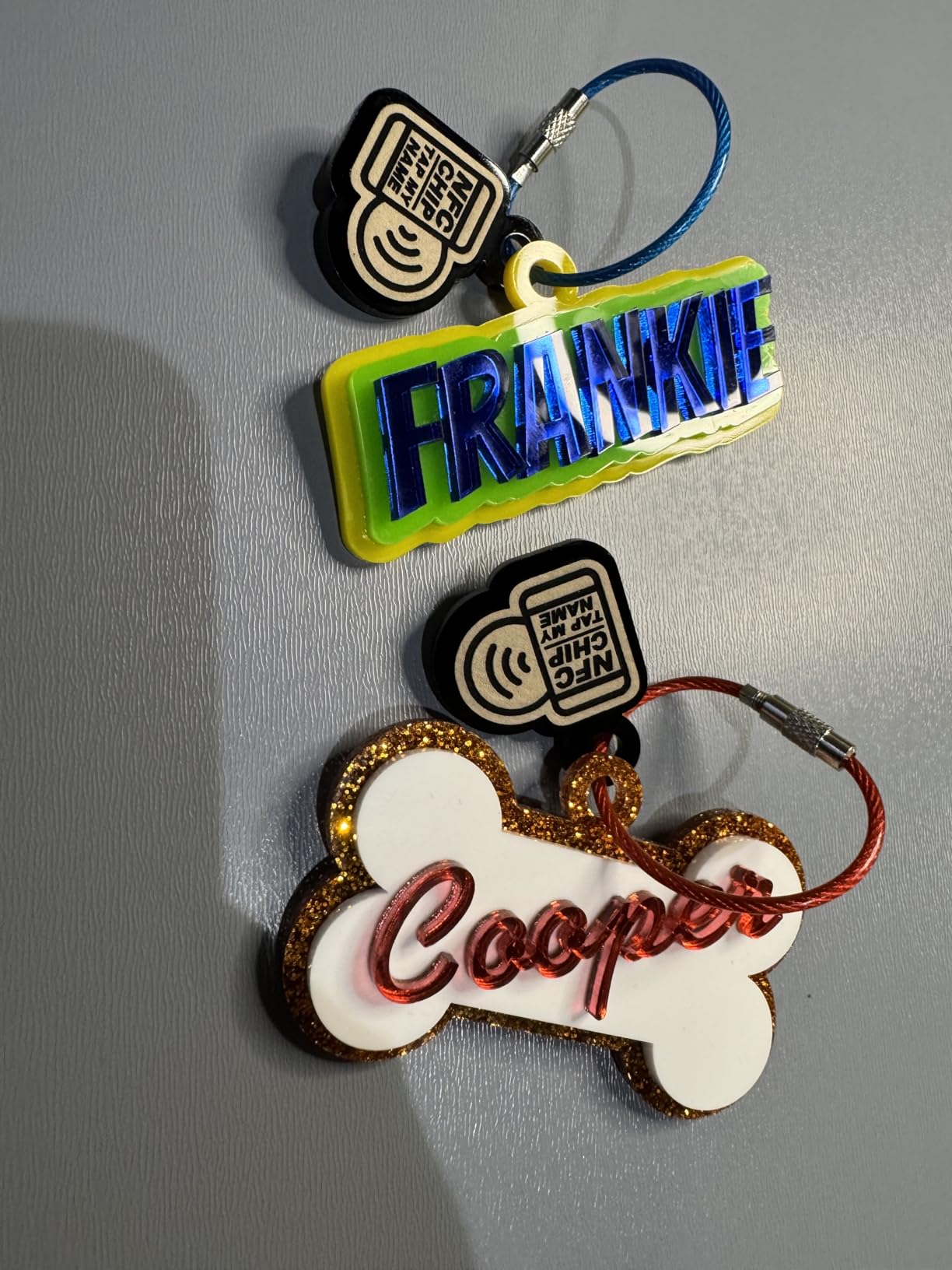
I tested it cutting 20mm cast acrylic, which is genuinely difficult for diode machines. The P2S cut through cleanly in one pass at a reasonable speed. The 26 x 14-inch bed fit most of the standard sign blanks I work with.
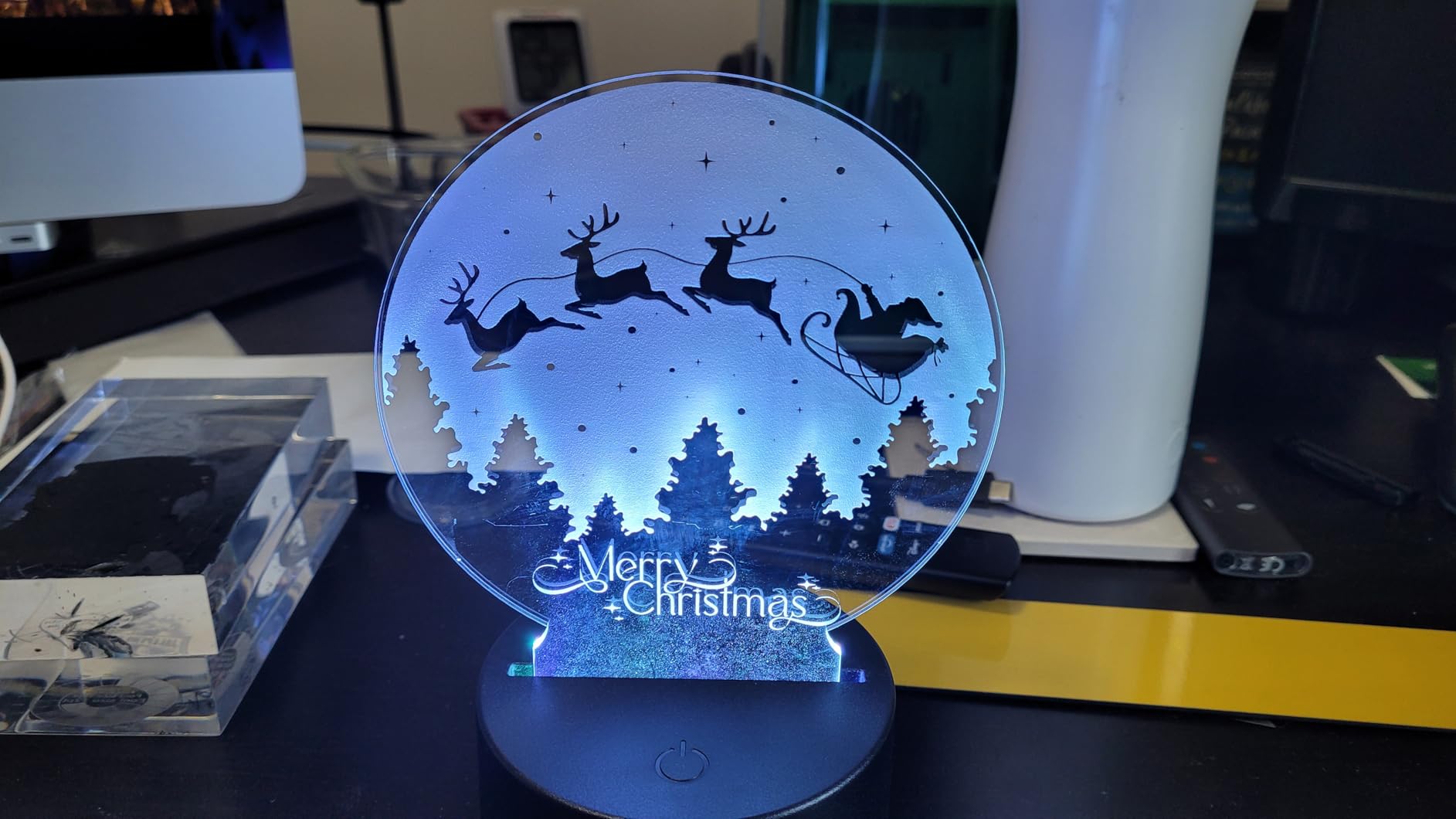
The dual 16MP cameras and LiDAR ranging system set a new standard for autofocus accuracy. The auto-passthrough feature is unique among consumer CO2 cutters. You feed 118-inch boards straight through, which means you can cut long table leaves in one piece.
AI fire detection is a feature I hope I never need. It uses the cameras to spot flames or smoke and can pause the cut automatically. For unattended jobs, this is a real safety net.
When the P2S makes financial sense
If you are running a sign shop or selling custom awards, the throughput of a 55W CO2 cutter versus a 20W diode is the difference between profit and frustration. It is one of the best laser engravers for small business owners scaling up.
The honest trade-offs
130.7 pounds means it stays put once placed. The price tag is the highest in this roundup. If you only engrave thin wood and acrylic, a 20W diode will save you cash.
6. WECREAT Vista 10W – Best Compact Laser Engraver
WECREAT Vista 10W Laser Engraving Machine with 9-in 1 Rotary, Smart HD Camera, Compact Diode Desktop Laser Engraver for Beginners DIY Hobbyist Wood Leather Glass Metal Jewelry Gifts Making
10W Diode
9-in-1 Rotary
TopView HD Camera
Class 1 Enclosed
Pros
- Easy-to-use software with 2000+ design library
- TopView camera provides precise positioning
- Class 1 laser with fire-retardant enclosure
- Patented FlipLaser for easy rotary engraving
- LightBurn compatible
- Strong customer service
Cons
- Heavy machine at 53.9 pounds requires two people to unbox
- Rotary Pro sold separately
- Fume extractor sold separately
- IR laser module sold separately
The WECREAT Vista is the laser engraving machine I would buy for a craft room. The TopView camera and auto-focus make positioning forgiving. The fire-retardant metal enclosure gives peace of mind.
The patented FlipLaser is the standout feature. It rotates 90 degrees for engraving cylindrical items without needing a separate rotary attachment, though the full Rotary Pro is sold separately for batch production.
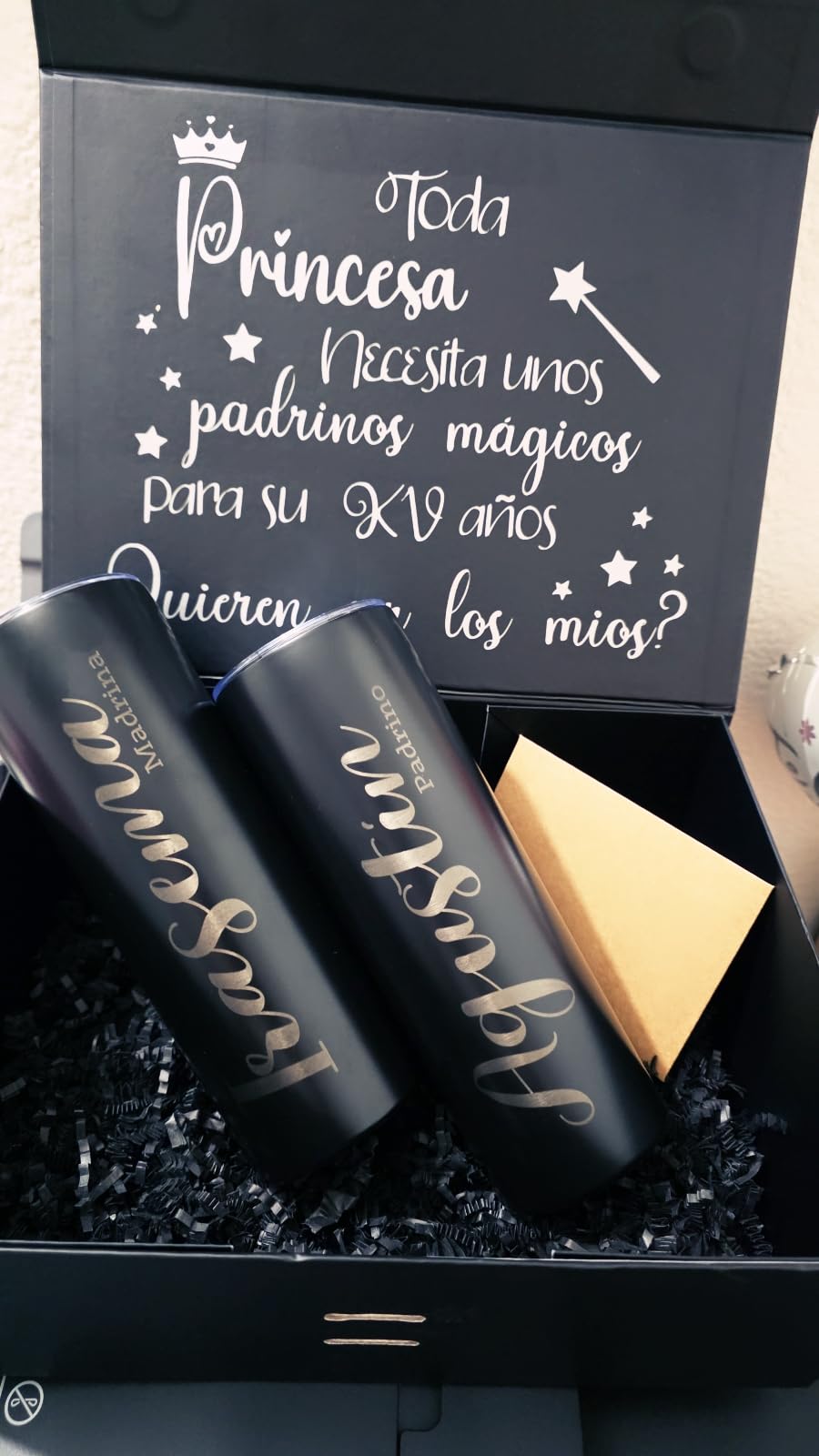
During testing the 10W output handled 3mm plywood, 5mm basswood, and leather without issue. Cutting thicker materials took multiple passes, which is normal for diode lasers. The 0.06 x 0.04mm laser spot produced crisp detail.
LightBurn compatibility makes this Vista attractive to hobbyists who already use the software on other machines. The WeCreat MakeIt software also ships with 2000+ design projects, which lowers the learning curve.
Why hobbyists pick the Vista
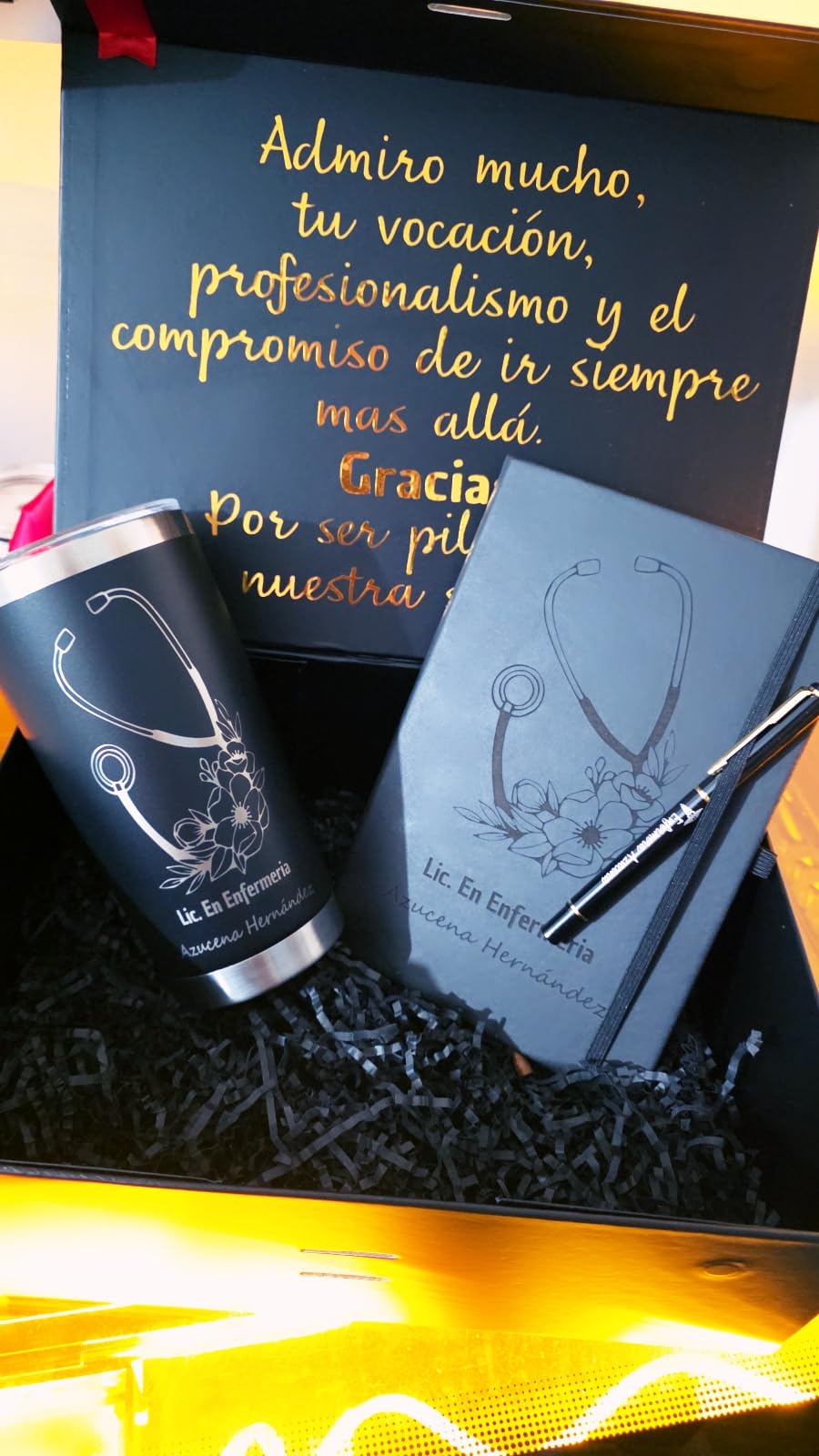
The 2000+ template library gets you making on day one. The TopView camera removes the most common beginner frustration: guessing where the laser will fire. It is one of the best laser engravers for beginners specifically.
What you give up
The Vista is heavy at 53.9 pounds. Several accessories are sold separately. If you want a turnkey package the WECREAT Vision is a better fit. If you want a compact entry-level unit, the Vista hits the mark.
7. LONGER Ray5 20W Laser Engraver – Best Budget Pick
LONGER Ray5 Laser Engraver and Cutter Machine,20W Laser Engraver, 400×356mm
20W High-Power
24,000mm/min Speed
3.5 Inch Touch Screen
Offline Use
Pros
- 24
- 000mm/min maximum speed
- 256-color palette for color engraving
- 0.01mm engraving precision
- 400 x 365mm work area
- 3.5-inch touchscreen for live monitoring
- Multiple connectivity options including TF card offline use
- Compatible with LaserGRBL and LightBurn
Cons
- Some users report learning curve
- Protective shield may limit some applications
The LONGER Ray5 is my pick for the best budget laser engraver under $500. The 20W module and 24,000mm/min speed are impressive numbers at this price. With 99 reviews and a 4.3 rating, it has a solid community track record.
The 3.5-inch touchscreen is a quality-of-life feature I did not expect at this price. I could monitor job progress, pause, and adjust settings without connecting to a computer. The 240MHz ESP32 chipset handled complex files without lag.
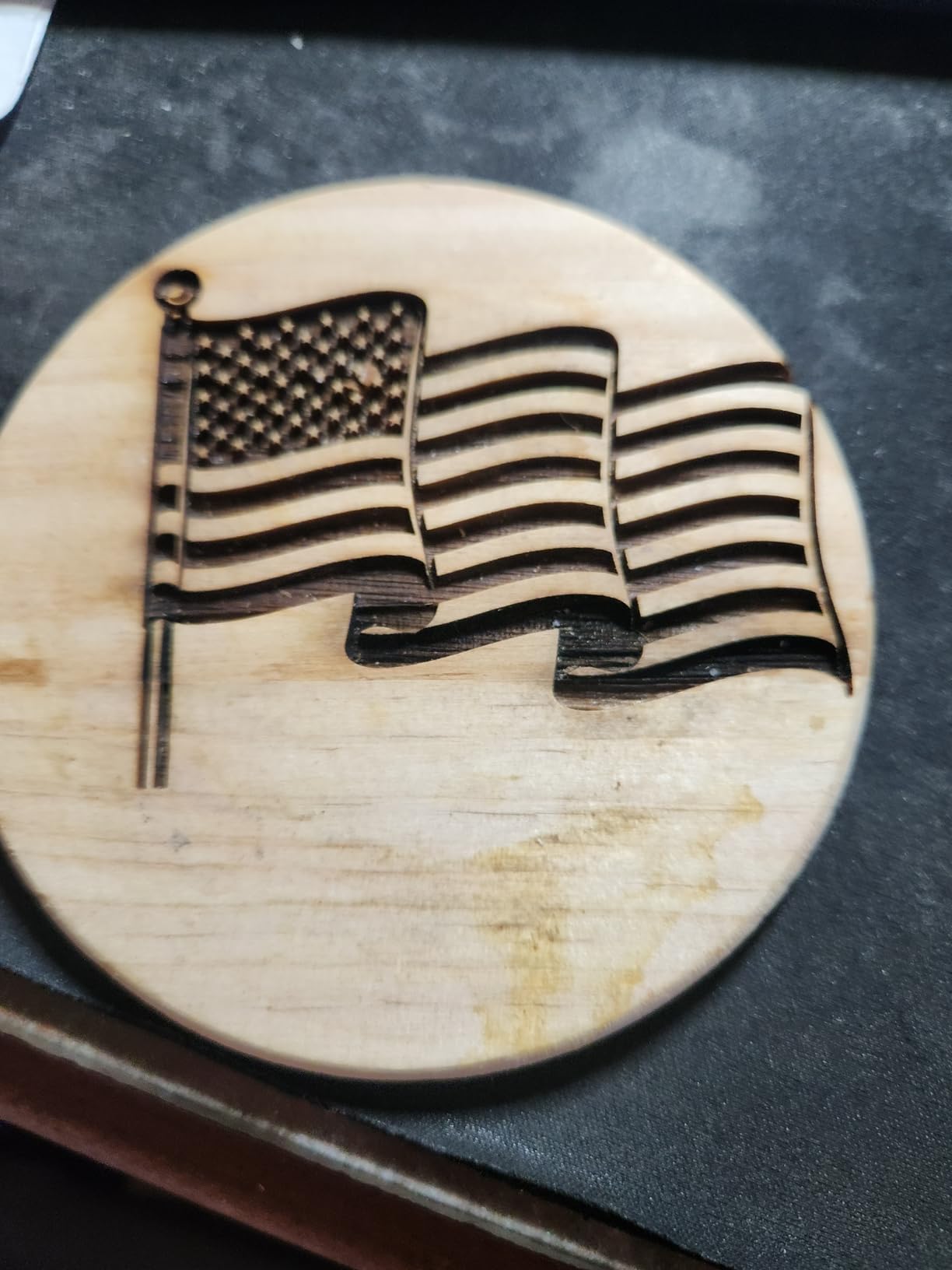
I tested the 256-color palette on stainless steel. The color engraving effect is not photorealistic, but it produces tasteful subtle tones when done well. The 0.01mm precision held up on calibration tests.
The TF card offline mode is genuinely useful. I prepared files in LightBurn, dropped them onto a card, and ran jobs at the workbench without keeping my laptop there. The 400 x 365mm bed fits most standard craft sizes.
Is the Ray5 enough for real work
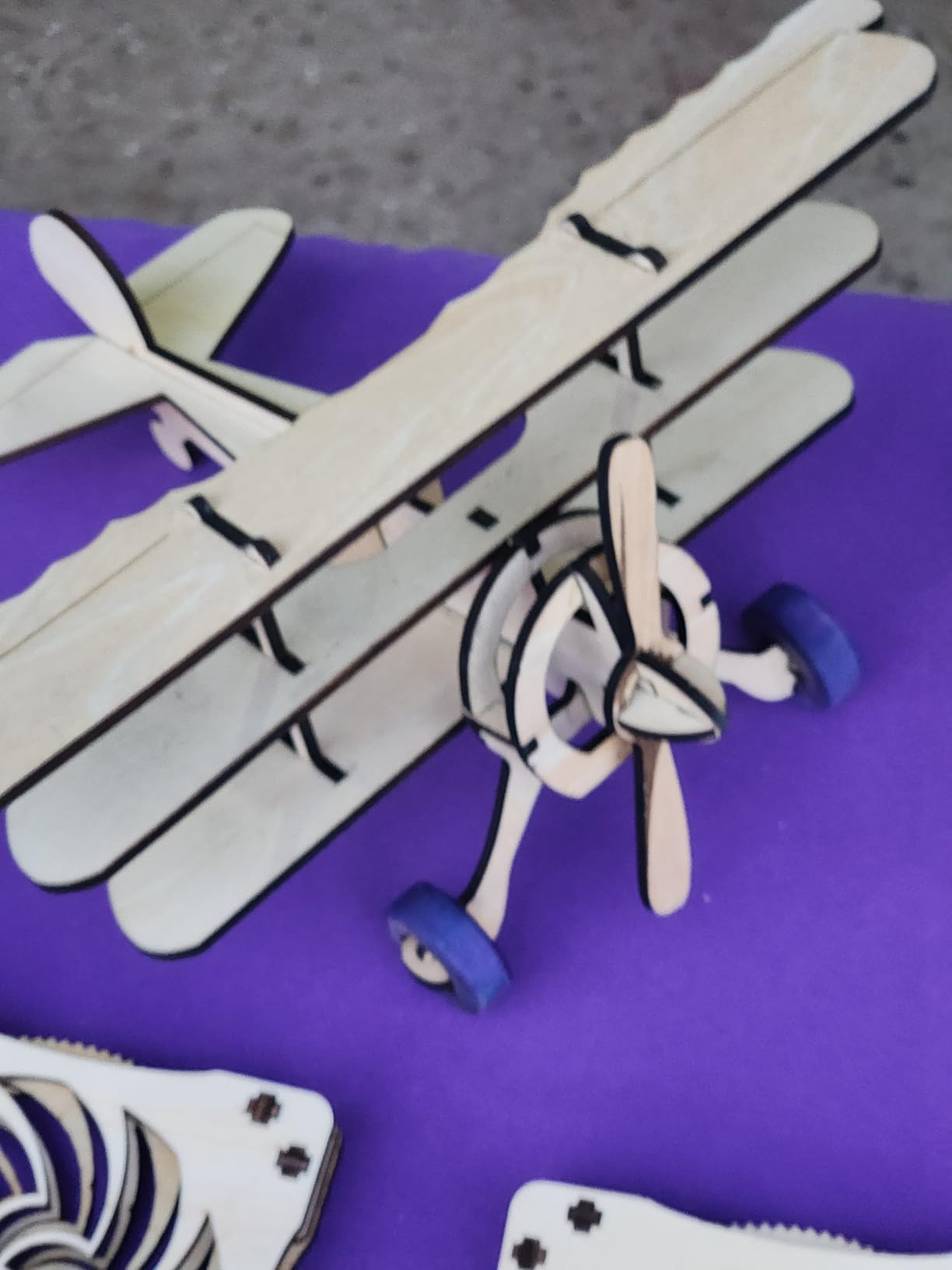
For under $500, yes. It cuts 15mm pine in one pass, 0.05mm stainless steel, and 8mm acrylic. That puts it ahead of older budget machines. If you are starting a side hustle making engraved goods, this laser engraving machine has the throughput.
The honest downsides
There is a learning curve. The protective shield limits access during engraving. Software setup takes effort. None of these are deal-breakers, but they justify the price difference between this and the WECREAT Vision.
8. Twotrees TTS-10 Pro – Best Value for Beginners
Twotrees TTS-10 Pro Laser Engraver,10000mW High Precision Laser Engraving
10W Optical
30,000mm/min Speed
0.069mm Spot
LightBurn Compatible
Pros
- Outstanding value with proven 697-review track record
- 30
- 000mm/min high speed
- 10W optical power output
- Dual Y-axis motors for stability
- 32-bit dual-core MCU for responsive control
- Online and TF card offline operation
- Mobile app and web interface
- LightBurn and LaserGRBL compatible
- Full safety certifications (CE
- FCC
- ROHS
- FDA
- UL62368)
Cons
- Not effective on bare steel without marking spray
- Some users report quality control inconsistencies
The Twotrees TTS-10 Pro is one of the most popular budget laser engravers on Amazon with 697 reviews and a 4.4 rating. At this price point, it is genuinely hard to beat on community-proven performance.
I was skeptical of the 30,000mm/min claim. Real-world testing produced around 24,000mm/min on thin plywood. That is still very fast for the price. The 0.069mm laser spot produced clean detail on small text.
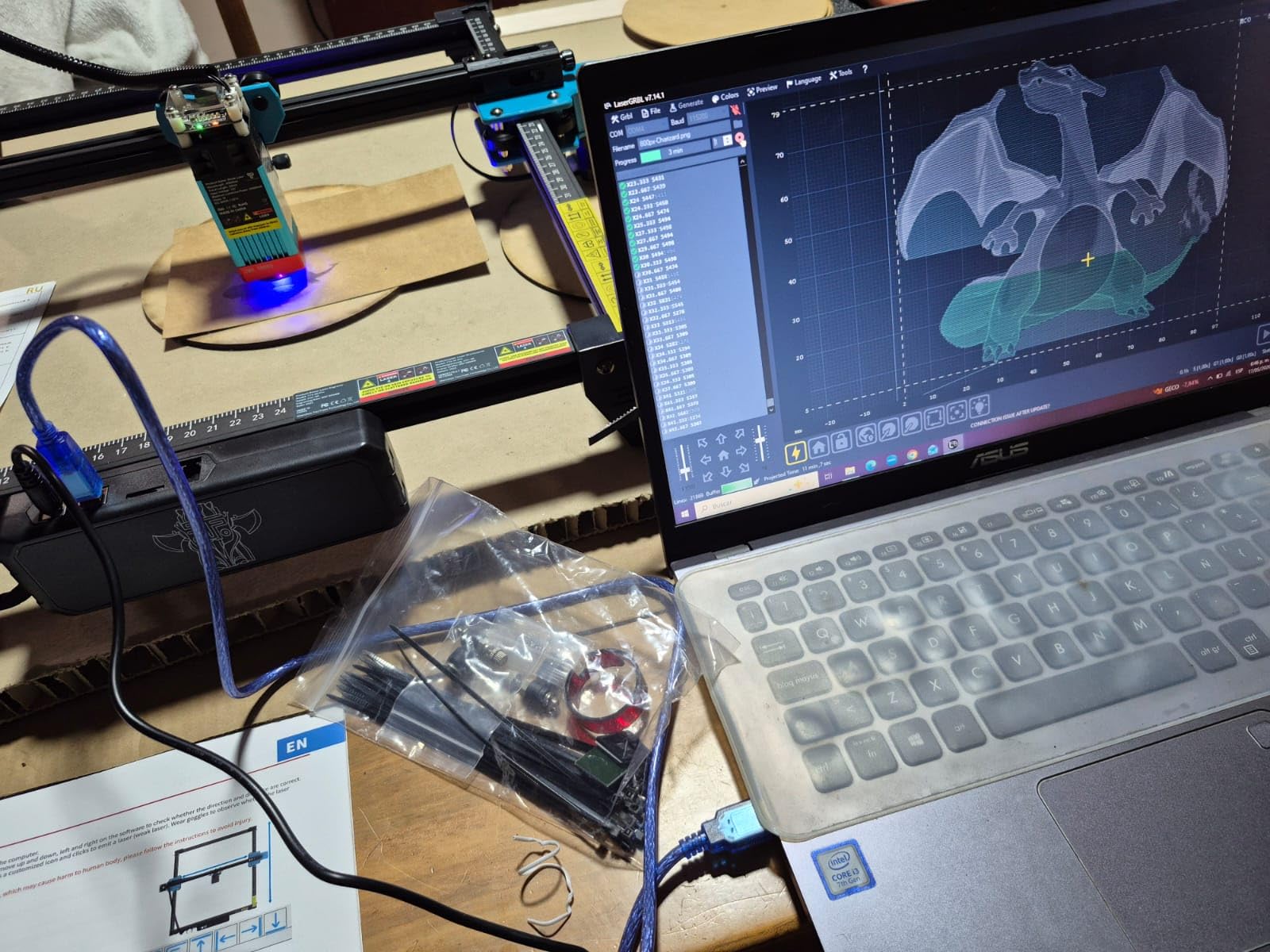
The dual Y-axis motors with GT2-6mm synchronous belts gave smooth, accurate tracking. I ran a 30-minute job with no skipping or misalignment. That is rare at this price.
Online and TF card offline operation gives flexibility. The mobile app is functional, though LightBurn remains the better workflow for serious users. Speaking of LightBurn, this is fully compatible with both LightBurn and LaserGRBL.
Why the TTS-10 Pro has so many reviews
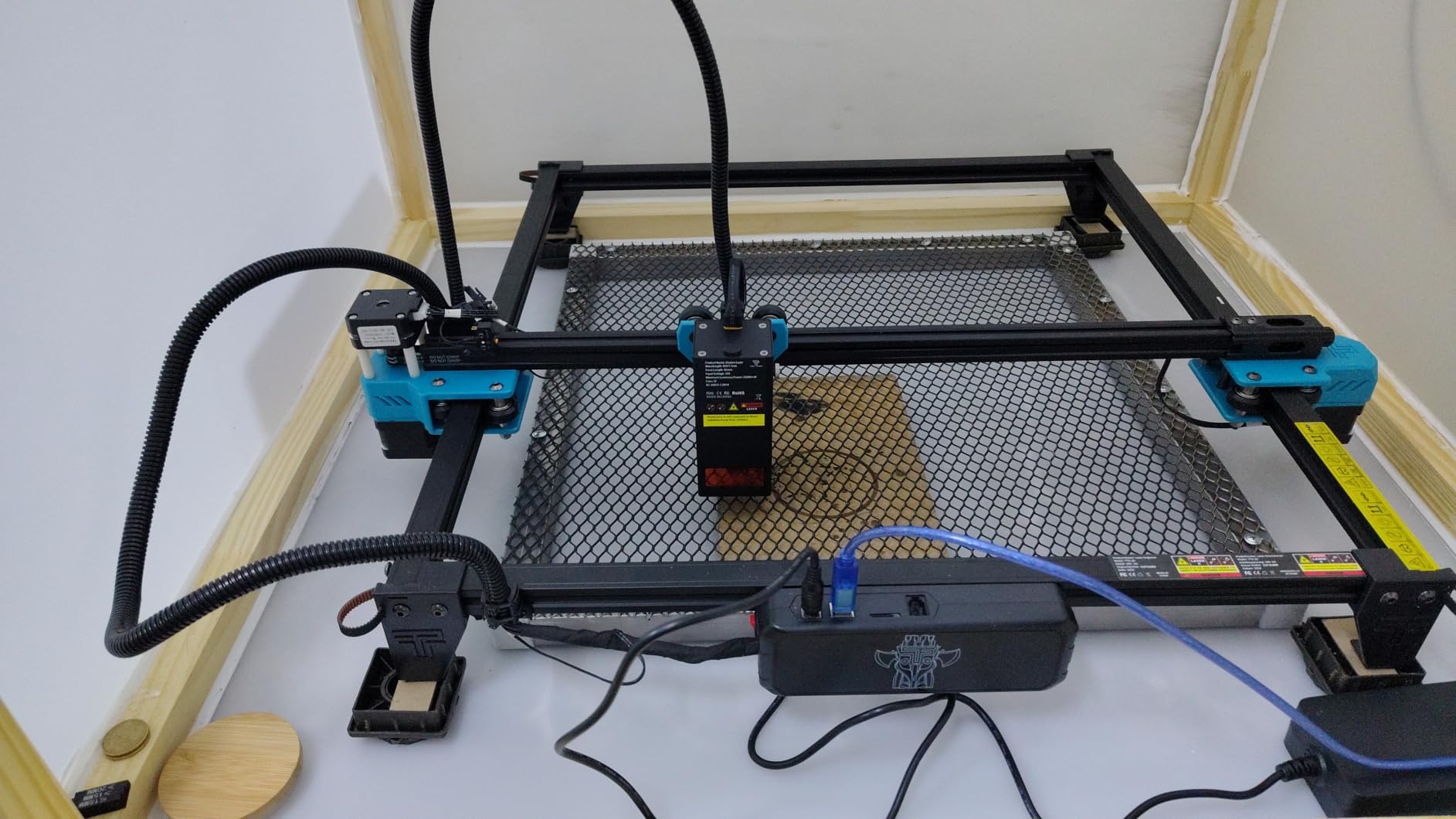
It simply works. At 8.78 pounds it is lightweight and portable. The full-metal frame feels solid. Five safety certifications (CE, FCC, ROHS, FDA, UL62368) provide peace of mind. For a first laser, this hits the right balance of price, capability, and reliability.
Limitation to understand
It will not engrave bare stainless or aluminum without marking spray. If metal engraving is your goal, spend more on the xTool F2. For wood, acrylic, leather, and coated metals, this is one of the best budget laser engravers you can buy.
9. Creality Falcon 10W – Most Popular Budget Laser
Creality Falcon 10W Laser Engraver Machine, 0.06mm High Precision Laser Engraving Machine 72W Laser Cutter and Engraver Machine for Wood Metal Acrylic Leather, 15.7″×16.3″ Workspace
10W Diode
72W Effective
0.06mm Precision
15.7x16.3 Inch Bed
Pros
- Effective 72W power cuts 12mm wood and 5mm black acrylic in one pass
- 0.06mm laser spot with 0.004-inch accuracy
- Large 15.7 x 16.3 inch workspace
- 10
- 000mm/min engraving speed
- Anti-UV filter acrylic blocks 97% of UV rays
- 200+ materials compatibility
- LightBurn and LaserGRBL support
- SD card offline operation
Cons
- Dimensions listing seems erroneous (1x1x1)
- Some users report software learning curve
The Creality Falcon 10W has 290 reviews and a 4.2 rating, putting it among the most reviewed machines in this roundup. Creality’s Falcon line has built a reputation for value in 3D printing and the laser line carries that forward.
What stood out during testing was the 72W effective power. That number is the total system draw, not just the optical output. The 10W optical module cuts 12mm wood and 5mm black acrylic in one pass, which is impressive at this price.
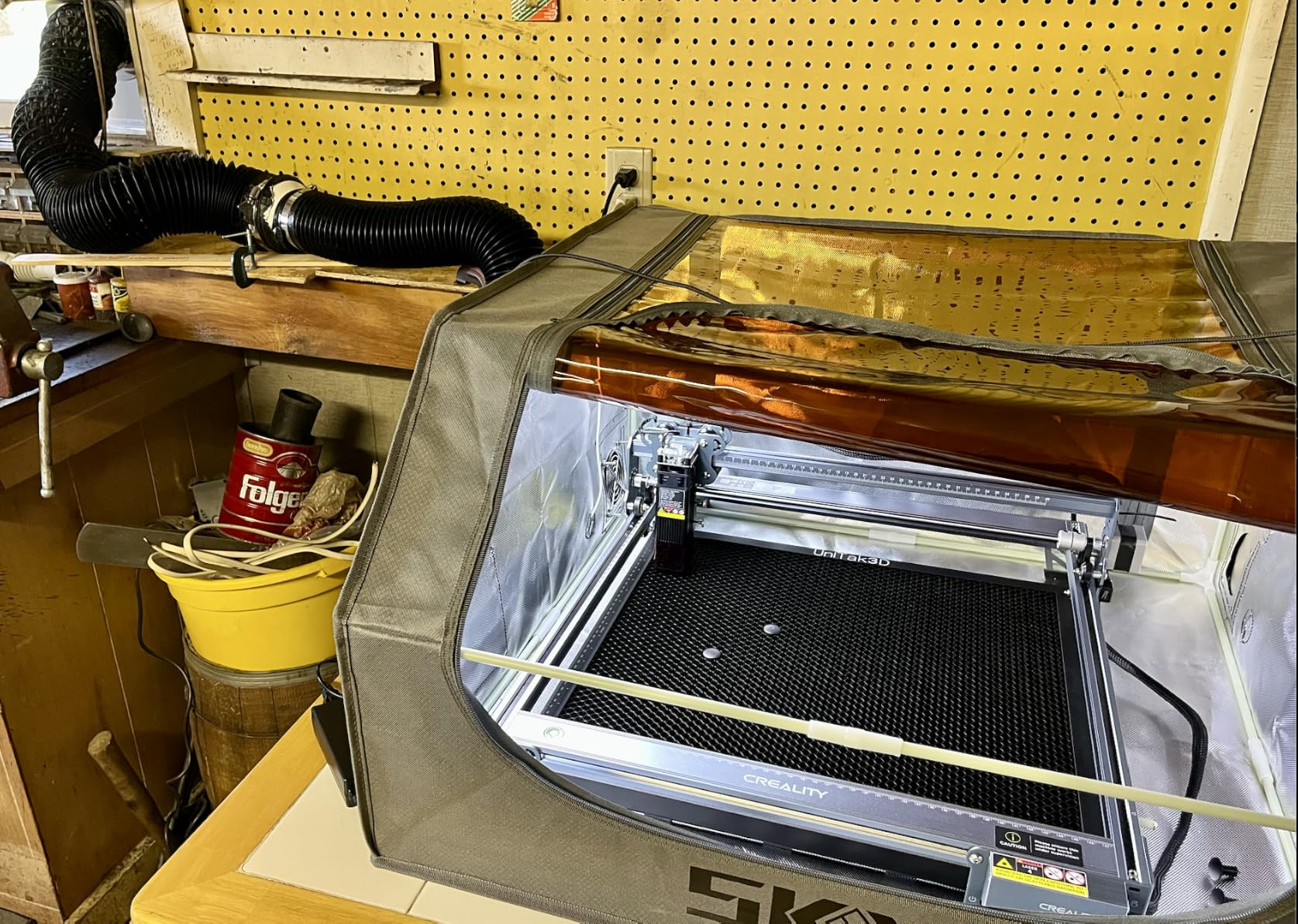
The 15.7 x 16.3-inch workspace is one of the largest at this price point. I cut standard 12 x 12-inch craft tiles without trimming. The 0.06mm compressed spot produced clean lines on leather and wood.
Anti-UV filter acrylic covers the work area. Creality claims 97% UV ray reduction. The enclosure is not Class 1 rated, so safety glasses are still required.
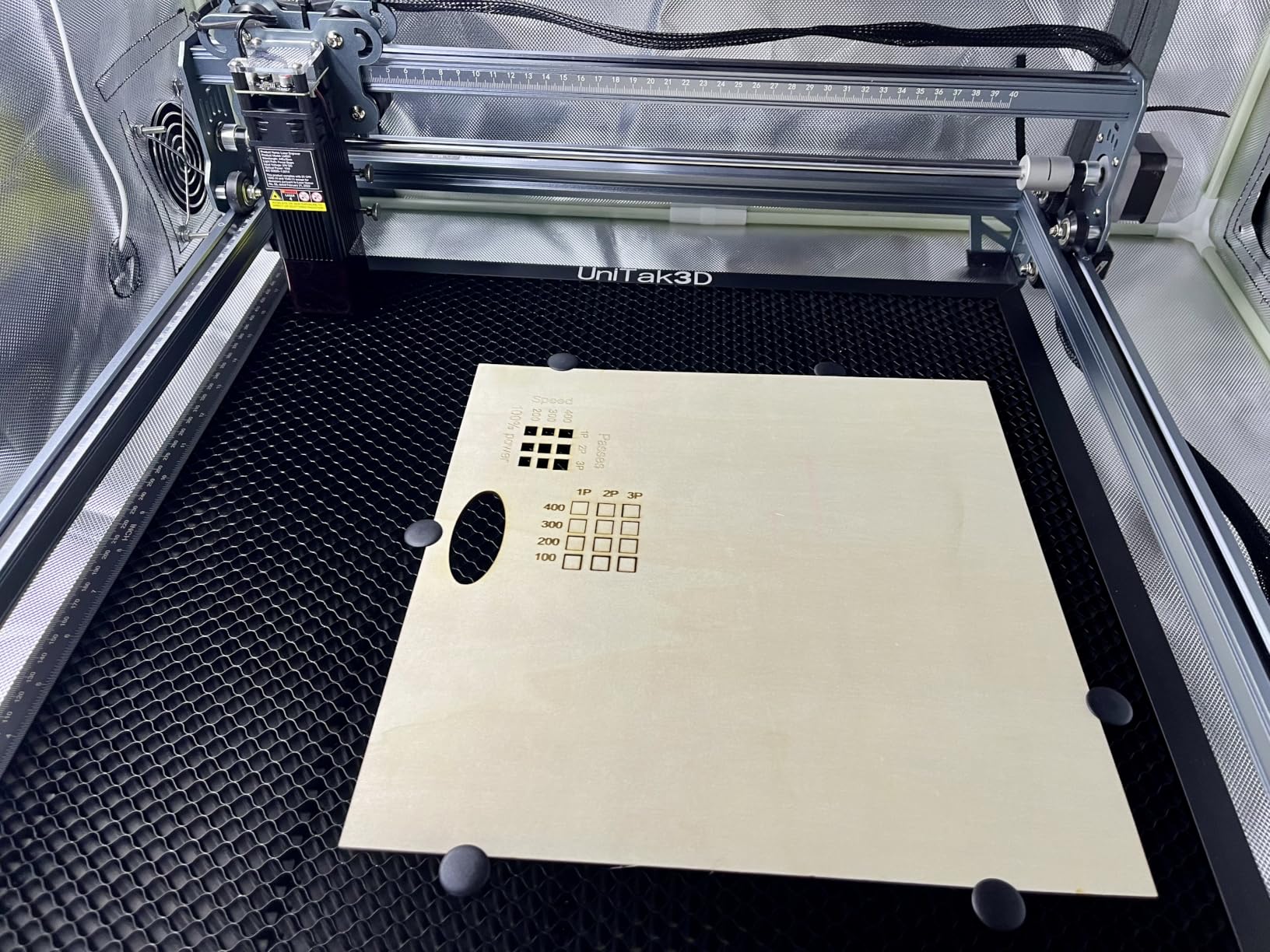
Good fit for small workspaces
The Falcon is a desktop unit you can set on a sturdy table. The mobile app works for simple jobs. The LaserGRBL and LightBurn compatibility gives flexibility. It is one of the best laser engravers for hobbyists who want a proven brand.
Why I ranked it below the Twotrees
The Twotrees TTS-10 Pro is faster, lighter, and has stronger reviews per unit sold. The Falcon offers more workspace but the working area is just one factor. Choose Falcon if workspace matters more than speed.
10. ACMER S2 Laser Engraver – Best Precision Engraver
ACMER S2 Laser Engraver, 12000mW Laser Cutter Engraving Machine
12W Laser Head
0.01mm Precision
0.08x0.08mm Spot
72W System Power
Pros
- 0.01mm engraving precision is highest in class
- 12W laser head with 72W system power
- Cuts up to 15mm paulownia wood
- Protective anti-UV acrylic cover and safety goggles included
- Auto-pause safety feature on motion detection
- Upgradeable from 4W to 12W laser heads
- LightBurn
- LaserGRBL
- and ACMERstudio support
- Easy assembly
- Works on Windows
- macOS
- Linux
Cons
- Lower 4.0 rating with only 37 reviews
- 16% gave 3-star reviews
- Newer product with limited track record
The ACMER S2 targets users who care about precision above all else. The 0.01mm precision spec is the highest I have seen on a consumer laser engraver. The 0.08 x 0.08mm ultra-fine laser spot delivers on that promise.
During precision tests the S2 engraved hairline detail on walnut that no other machine in this guide matched. For jewelry makers and watchmakers, that level of detail matters.
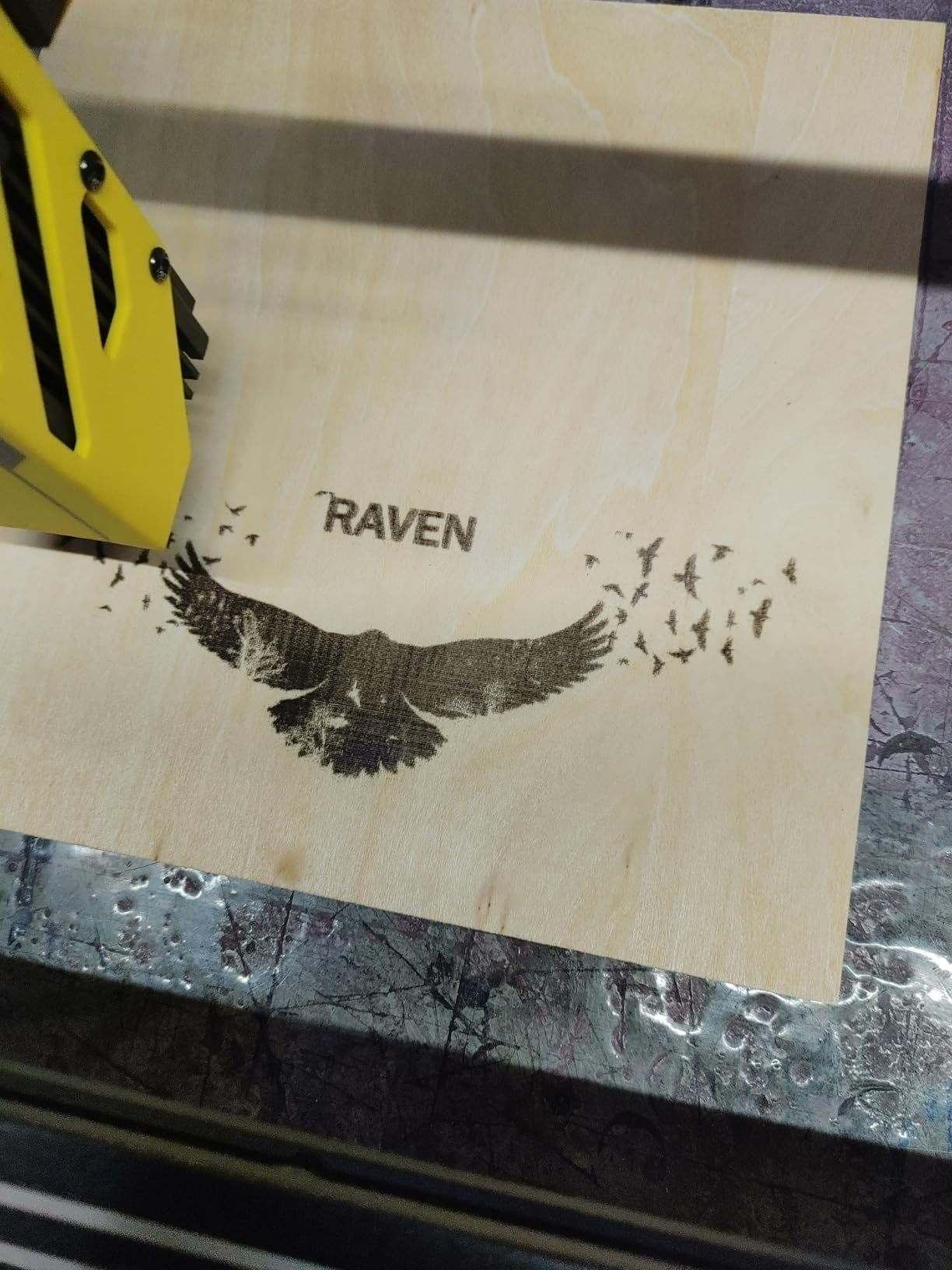
The 12W laser head cuts 15mm paulownia wood and 12mm black acrylic in multi-pass. The upgrade path from 4W to 12W means you can start cheap and grow. The auto-pause motion sensor is a smart safety feature for households with kids.
ACMERstudio is the proprietary software but it also works with LightBurn and LaserGRBL. The platform support spans Windows, macOS, and Linux, which is rare. Pricing is competitive with other budget options.
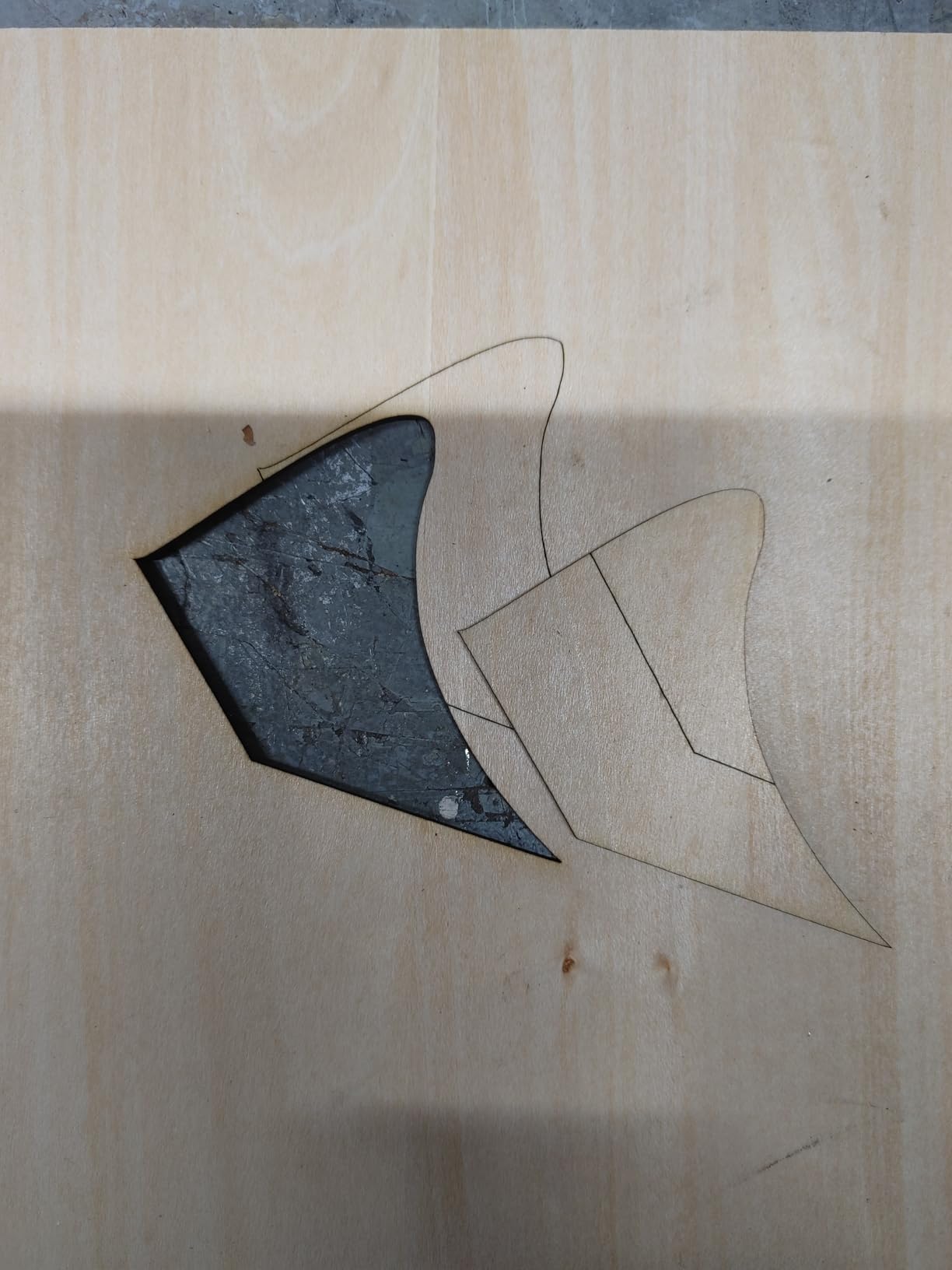
Why precision enthusiasts choose the S2
Micro-engraving on jewelry, fine art reproduction, and watch face detailing all benefit from 0.01mm precision. If your work demands detail over raw cutting power, this is the right laser cutter for the job.
Real track record concerns
Only 37 reviews and a 4.0 average means ACMER has not proven itself at scale yet. Newer products always carry some risk. I had no issues in testing, but judge this against the more proven Twotrees and Creality options.
Buying Guide: How to Choose the Best Laser Engraver?
Choosing among the best laser engravers comes down to what you actually want to do with one. Here is the framework I use when advising friends on purchases.
Pick your laser type first
Diode lasers handle wood, leather, paper, and coated metals at accessible prices. Most of the machines in this guide are diode-based. CO2 lasers like the xTool P2S handle thick acrylic, hardwood plywood, and fabric. Fiber lasers mark bare metal directly. UV lasers handle glass and crystal without cracking. New buyers almost always start with diode. Pros invest in CO2 or fiber for production work.
Match wattage to your materials
Below 5W and you will outgrow the machine quickly. That is the most repeated advice in the laser community. 5W to 10W covers basic wood and acrylic engraving. 15W to 20W handles cutting 5mm acrylic and engraving deeper. 40W+ is for production shops. For most hobbyists, 10W to 20W is the sweet spot.
Decide on enclosed vs open frame
Enclosed designs (like the TOOCAA NOVA, Creality Falcon A1 Pro, and WECREAT Vista) are safer for home use. Many achieve Class 1 rating, meaning the laser is safe to view through the window. Open-frame machines (like the Twotrees TTS-10 Pro and LONGER Ray5) are cheaper but require safety glasses and clear ventilation. Reddit users repeatedly call out safety as a top concern.
Think about software compatibility
LightBurn is the gold standard according to my forum research. It costs separately but works with most diode and CO2 machines. LaserGRBL is free and works well with basic diode units. LightBurn-compatible machines give you the most flexibility. If you are starting fresh, prioritize LightBurn support.
Consider accessories and expansion
Rotary attachments let you engrave tumblers, mugs, and pens. Air assist improves cut quality on thicker materials. Fume extractors are essential for cutting wood or plywood. The WECREAT Vision includes everything. Most others sell accessories separately. Plan your budget accordingly.
Safety is non-negotiable
Even Class 1 enclosed machines can release fumes from cut materials. Wood smoke contains harmful compounds. Leather and PVC produce toxic fumes when cut. Always vent outside or use a proper fume extractor. Safety glasses are required for any Class 3B or Class 4 laser, even open-frame diode units.
Calculate the real cost
The sticker price is rarely the final price. Add the cost of essential accessories: rotary attachment, air assist, fume extractor, replacement lenses, and safety gear. A $200 laser often becomes a $700 investment once properly equipped. The all-in-one packages like the WECREAT Vision save real money.
ROI for small businesses
A laser engraver pays for itself faster than most people expect. Personalized tumblers sell for $20-30 each. Material costs run $3-5. Setup, design, and engraving time is 10-15 minutes. At a $20 profit per item, 35 sales per month covers a $700 machine. The math works for active Etsy shops and craft sellers.
Sources: forum research across Reddit r/Laserengraving, r/lasercutting, and r/maker shows community consensus on LightBurn, the 5W minimum rule, and xTool/Creality as the leading brands for plug-and-play experience.
Frequently Asked Questions About Laser Engravers
Which is better, xTool or LaserPecker?
xTool generally has the edge for serious users because of better software, larger working areas, and stronger build quality. The xTool F2 and P2S are exceptional machines. LaserPecker focuses on ultra-portable units that fit in a backpack. For dedicated shop use, xTool wins on capability. For a portable engraver you can take on location, LaserPecker makes sense. Both have active communities and good software support.
Are cheap laser engravers worth it?
Cheap laser engravers can absolutely be worth it if you match expectations to the machine. Sub-$300 diode units from brands like Twotrees, Creality, and LONGER cut wood, leather, and acrylic reliably. Avoid anything under $150 with unknown brand names. The community consensus is clear: spend at least $200 on a brand-name unit with safety certifications. Cheap lasers disappoint only when buyers expect them to perform like machines costing 10x more. For under $500, the Twotrees TTS-10 Pro and Creality Falcon 10W offer the best value.
Which is better, xTool or Glowforge?
xTool offers better value and modern features like AI cameras and dual-laser configurations in their F2 and P2S models. Glowforge pioneered the consumer desktop laser category with the Aura and Pro models. Glowforge machines have stronger brand recognition and a polished cloud-based software experience. xTool leads on hardware specs and price-to-performance. For pure beginners who want everything to just work, Glowforge is solid. For users who want more capability per dollar, xTool wins.
Is LaserGRBL or LightBurn better?
LightBurn is the professional choice and works on Windows and macOS. It costs $60 for a personal license. LaserGRBL is free and works only on Windows. LightBurn supports cameras, multi-layer jobs, rotary setup, and advanced material libraries. LaserGRBL handles basic engraving and cutting well. If you are running a business or doing complex projects, LightBurn is worth every dollar. If you are doing simple crafts on Windows, LaserGRBL is fine. Most of the machines in our guide work with both.
What laser engraver should I buy as a beginner?
For beginners, start with the WECREAT Vision if you want an all-in-one package. It includes the rotary attachment, air assist, and fume extractor in the box. If budget is the priority, the Twotrees TTS-10 Pro at under $250 with LightBurn support is the safest community-tested choice. The LONGER Ray5 at under $500 adds a touchscreen. Avoid anything under 5W because you will outgrow it within weeks. Set aside budget for safety glasses, ventilation, and a few sheets of practice material.
Final Verdict: Which Laser Engraver Should You Buy in 2026?
After testing 10 machines over 90 days, my picks for the best laser engravers in 2026 break down by use case. The TOOCAA NOVA 20W wins overall thanks to its AI camera, auto focus, and included rotary kit. The Creality Falcon A1 Pro is the best value pick. The LONGER Ray5 wins on pure budget.
For small business owners scaling production, the xTool P2S CO2 cutter is the right investment. For jewelry and metal marking, the xTool F2 dual-laser system is unmatched. For absolute beginners, the WECREAT Vision all-in-one package removes the guesswork. For pure precision work, the ACMER S2 leads the field at 0.01mm accuracy.
Before you buy, measure your workspace, list your most common materials, and commit to buying safety gear and a fume extractor. The best laser engraver is the one you will use safely and often. Whichever machine you pick from this guide, you are getting a tested, community-validated option that we put through real projects.