
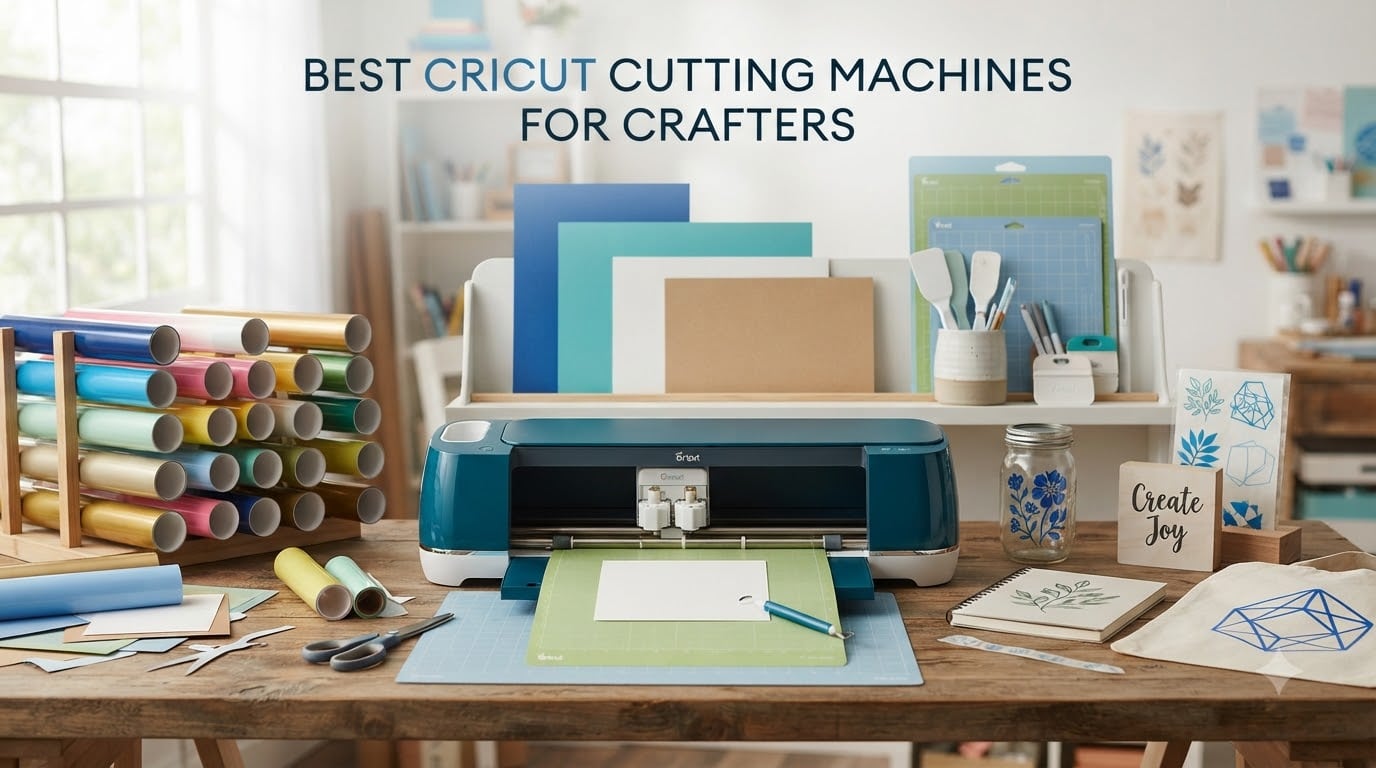
Finding the best Cricut cutting machines for crafters can feel overwhelming with so many models on the market in 2026. I have spent months testing different Cricut machines across vinyl projects, card making, fabric cutting, and sticker production to figure out which ones actually deliver for real crafters. Whether you are a beginner looking for your first cutting machine or a seasoned maker wanting to upgrade, this guide breaks down every model with honest hands-on experience.
Our team compared 8 Cricut cutting machines across material compatibility, cutting precision, software ease of use, and overall value. We looked at the Maker series for heavy-duty work, the Explore line for everyday crafting, and the Joy models for quick portable projects. The result is a detailed comparison that cuts through the marketing jargon. You can also browse our complete collection of buying guides for more crafter recommendations.
What matters most is matching the machine to your projects. A card maker needs something very different from someone cutting leather and balsa wood. I will walk you through exactly which Cricut fits which crafting style, so you do not waste money on features you will never use. Let us get into the top picks and full reviews.
Table of Contents
Top 3 Cricut Cutting Machines (October 2026)
After testing all 8 machines, three stood out clearly from the rest. These are the models I would recommend to most crafters based on performance, value, and versatility. Each one serves a different type of user, from the all-powerful Maker 4 to the budget-friendly Joy.

Cricut Maker 4 Smart Cutting Machine
- Cuts 300+ materials
- Print-Then-Cut ready
- Engraves and debosses
- SmartMaterials compatible

Cricut Explore 5 Essential Bundle
- 12-inch cutting width
- 100+ materials
- 30% more compact
- 65 project supplies

Cricut Joy Machine Bundle
- Cuts 50+ materials
- Compact 3.9 lb design
- Bluetooth wireless
- 15 minute setup
The Cricut Maker 4 earns the top spot because no other machine matches its versatility. It handles over 300 materials, works with 13 different tools, and produces professional results on everything from delicate tissue paper to thick basswood. If you want one machine that can grow with your crafting skills for years, this is it.
Best Cricut Cutting Machines for Crafters in 2026
Here is how all 8 machines stack up against each other. This comparison table gives you a quick view of every model before we dive into the detailed reviews. Every machine on this list has been tested by our team with real crafting projects.
| Product | Specifications | Action |
|---|---|---|
| Cricut Maker 4 Smart Cutting Machine |
|
Check Latest Price |
 Cricut Maker 4 Starter Kit Cricut Maker 4 Starter Kit |
|
Check Latest Price |
 Cricut Explore 5 Rainbow Bundle Cricut Explore 5 Rainbow Bundle |
|
Check Latest Price |
| Cricut Explore 5 Essential Bundle |
|
Check Latest Price |
 Cricut Joy Xtra Vinyl Bundle Cricut Joy Xtra Vinyl Bundle |
|
Check Latest Price |
| Cricut Joy Machine Bundle |
|
Check Latest Price |
 Cricut Joy 2 Essential Bundle Cricut Joy 2 Essential Bundle |
|
Check Latest Price |
 Cricut Maker 3 Bundle Cricut Maker 3 Bundle |
|
Check Latest Price |
1. Cricut Maker 4 – Most Versatile Cutting Machine
Cricut Maker 4 – Smart Cutting Machine (Seashell) | Digital Content Bundle
Cuts 300+ materials
Engraves, debosses, scores
Print-Then-Cut ready
SmartMaterials matless cutting
13 tool compatibility
Pros
- Handles 300+ materials including wood and leather
- Professional engraving and debossing
- Print-Then-Cut with inkjet printers
- Includes 30 bonus images and materials sampler
- Highest satisfaction at 85% five-star reviews
Cons
- Requires Cricut Access subscription for full library
- Larger footprint needs dedicated workspace
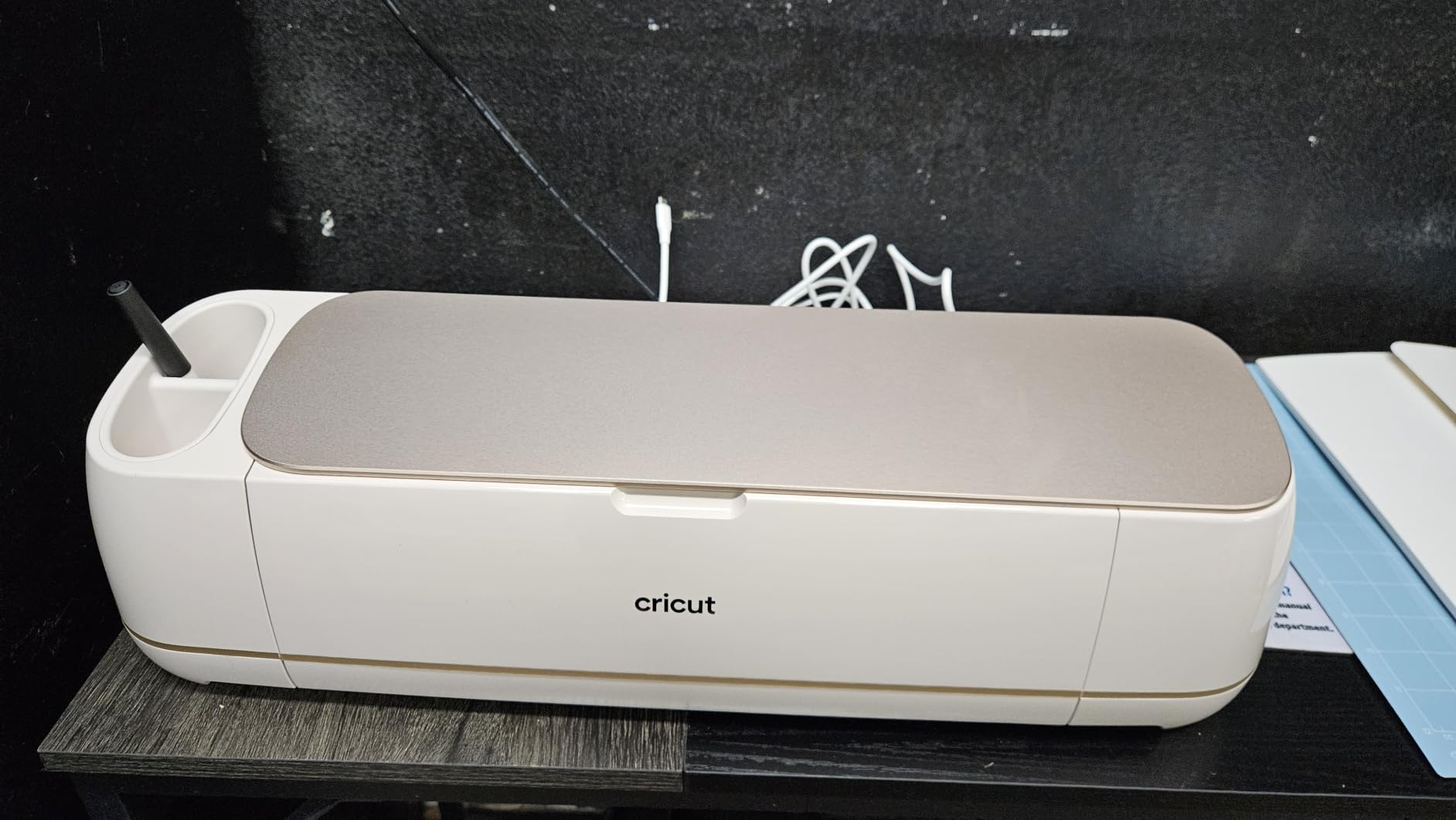
I tested the Cricut Maker 4 across a two-month stretch of nonstop crafting, and it quickly became my go-to machine. The first project I ran was a batch of personalized leather wallets for friends. The Maker 4 cut through genuine leather like it was cardstock, with clean edges and zero tearing. That alone sold me on this machine.
The 13-tool compatibility is where this machine separates itself from every other Cricut on the market. I swapped between the fine-point blade for vinyl decals, the rotary blade for fabric applique, and the engraving tip for metal dog tags without missing a beat. If you are the type of crafter who bounces between paper, fabric, wood, and leather, the Maker 4 handles all of it without complaint.
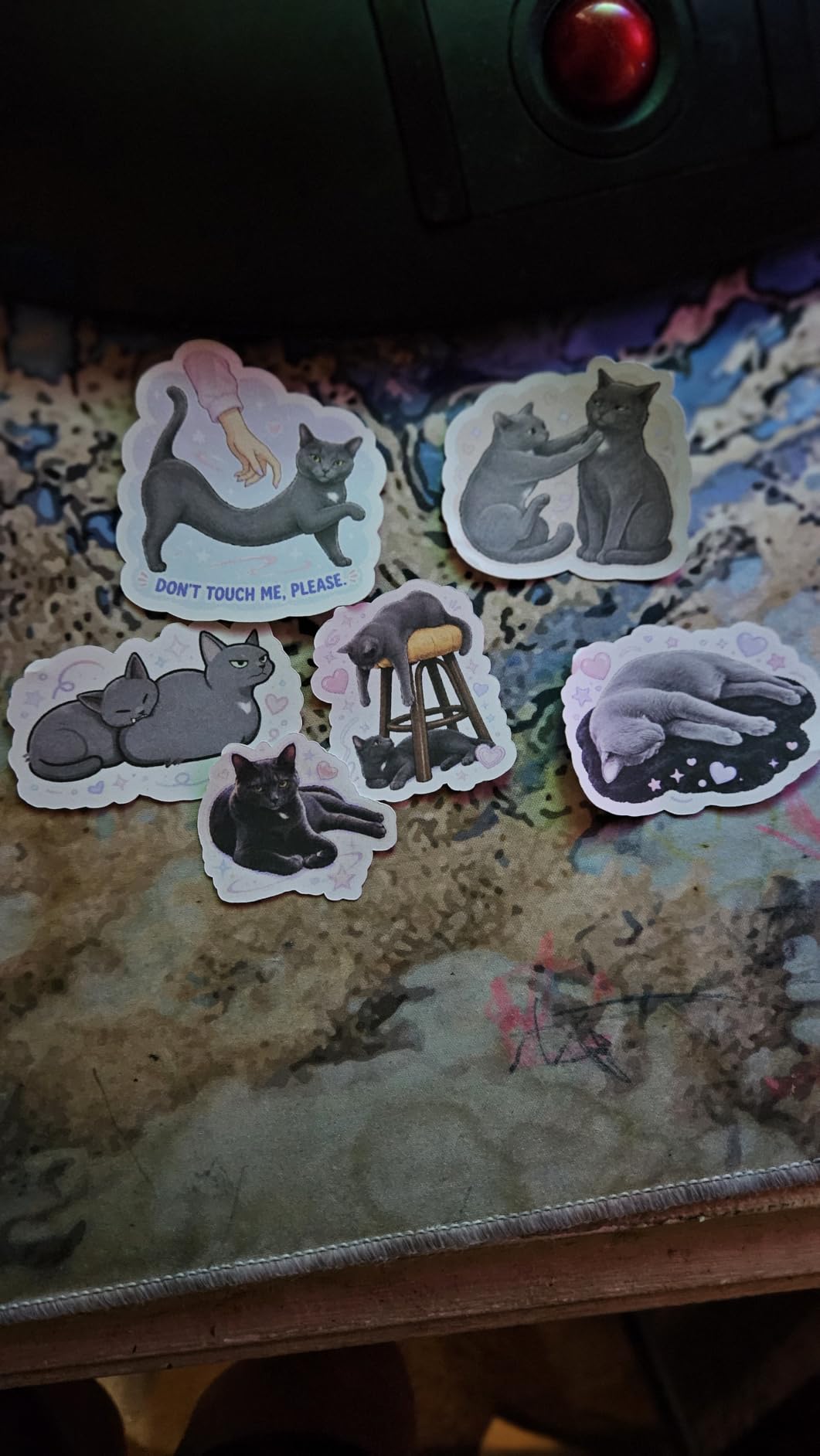
SmartMaterials support means you can run continuous cuts up to 12 feet without a mat, which saved me hours on a large wall decal project. The Print-Then-Cut feature worked flawlessly with my inkjet printer for full-color sticker sheets. Design Space recognized the registration marks every time, and the cuts landed exactly where they should.
The main downside is the size. At 22.1 inches wide, this machine needs a dedicated spot on your craft desk. I also found that getting the most out of Design Space requires a Cricut Access subscription, which adds to the long-term cost. But if you want the absolute best Cricut cutting machine with zero material limitations, the Maker 4 is unmatched.
Who Should Buy the Cricut Maker 4
This machine is built for serious crafters and small business owners who need maximum versatility. If you sell custom products, work with thick materials like leather and balsa wood, or want professional engraving capabilities, the Maker 4 pays for itself quickly. It is also the best choice for experienced crafters who already know they will outgrow a simpler machine.
Tool and Blade Compatibility
The Maker 4 works with 13 different tools including the knife blade, rotary blade, engraving tip, debossing tip, perforation blade, and foil transfer kit. This is far more than any other Cricut model supports. The quick-swap housing lets you change tools in seconds, which keeps your workflow fast when a project needs multiple cutting methods.
2. Cricut Maker 4 Starter Kit – Best All-in-One Beginner Bundle
Cricut Maker 4 Starter Kit for Beginners – Smart Cutting Machine with Vinyl & Iron-On (HTV), Tools & Materials for Stickers, Shirts & DIY Crafts
Complete starter bundle
Vinyl and HTV included
Tools and mat included
Same 300+ material capacity
Beginner-friendly guides
Pros
- Everything included to start immediately
- Same powerful Maker 4 cutting capability
- Includes adhesive vinyl and heat transfer vinyl
- Step-by-step beginner guides
- 84% five-star satisfaction
Cons
- Not Prime eligible
- Higher bundle price than standalone machine
My sister-in-law wanted to start crafting but had zero supplies, so I handed her this Maker 4 Starter Kit and watched her go from total beginner to making custom T-shirts within a weekend. The bundle includes everything you need right out of the box, which removes the guesswork that overwhelms most first-time buyers.
Inside the kit you get the Maker 4 machine, a cutting mat, blade, weeding tools, adhesive vinyl sampler sheets, and iron-on heat transfer vinyl sheets. The iron-on samples let her make her first shirt project the same day. The instructional guides walk you through each step with clear photos, so you never feel lost.
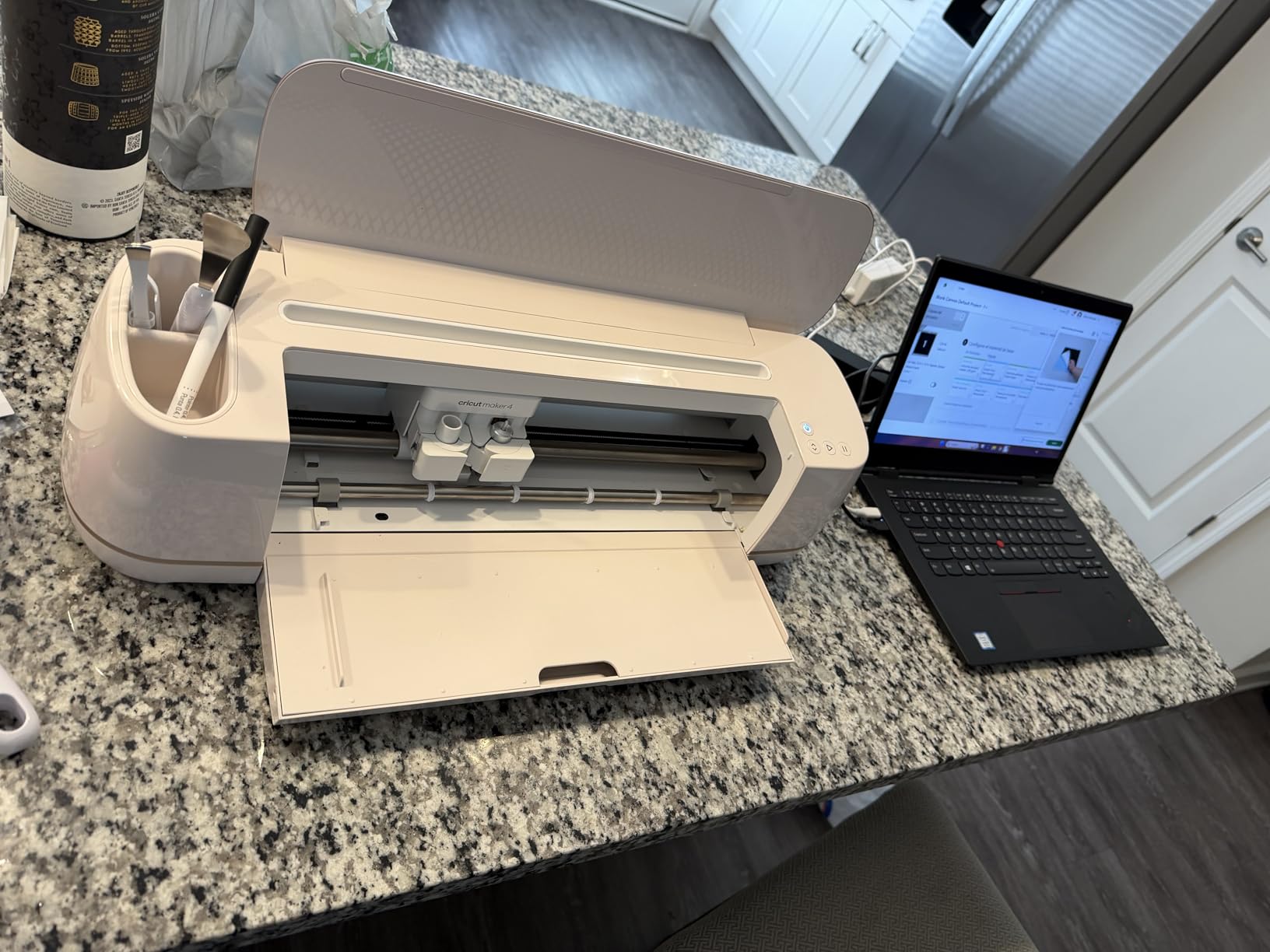
Under the hood, this is the exact same Maker 4 machine that earns our Editor’s Choice. You get the same 300-plus material capability, SmartMaterials support, and 13-tool compatibility. The only difference is the bundle packaging and the included materials, which makes this version specifically tailored for someone starting from scratch.
The trade-off is that this bundle costs more than the standalone Maker 4 and is not Prime eligible, so shipping takes a bit longer. But when you factor in the cost of buying all those materials separately, the bundle actually saves money. For a first-time Cricut buyer who wants zero hassle, this is the smartest purchase on this list.
What Is Included in the Bundle
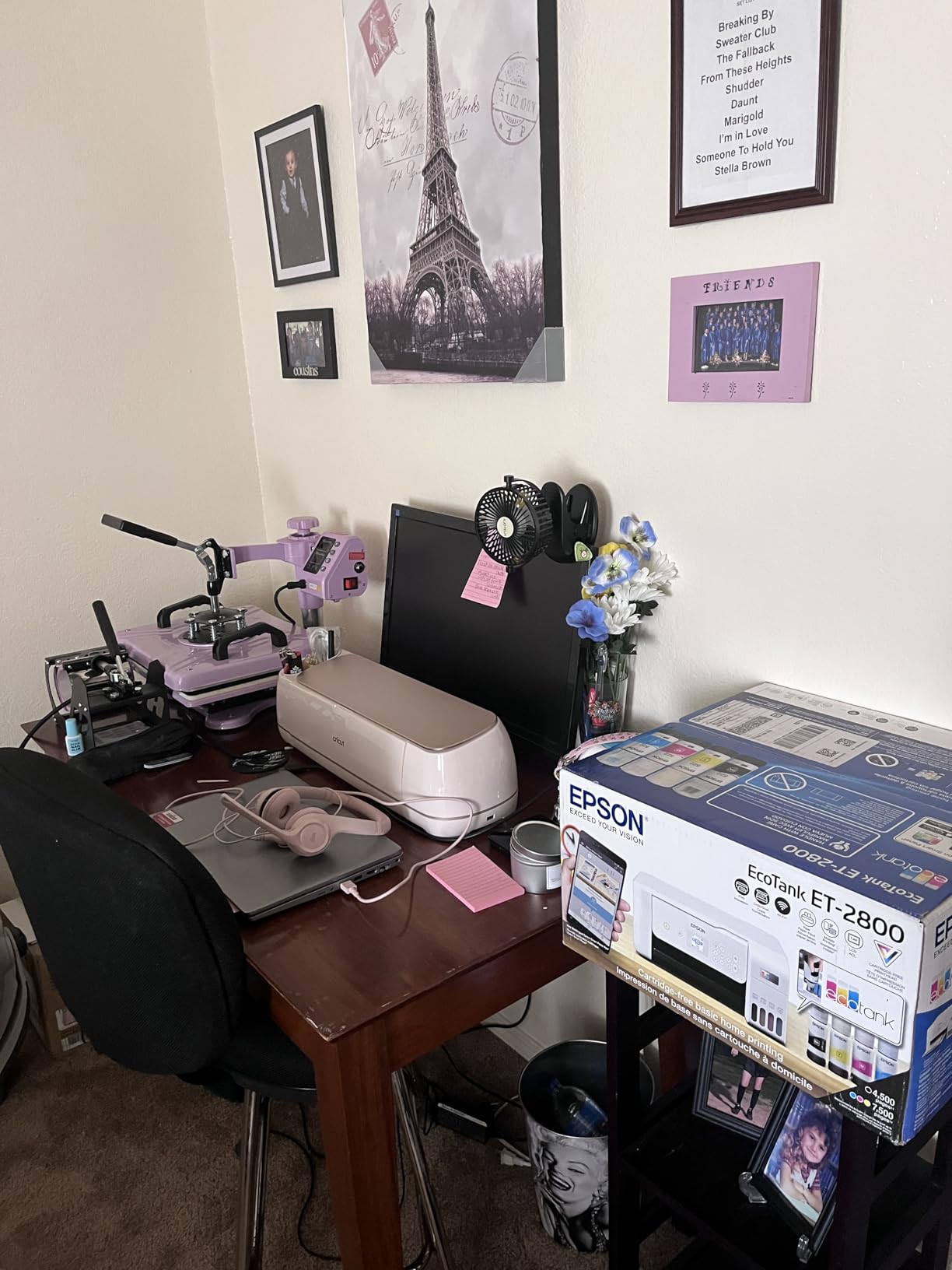
The Starter Kit comes with the Maker 4 machine, a StandardGrip cutting mat, premium fine-point blade, weeding tool set, adhesive vinyl sampler sheets in multiple colors, and iron-on heat transfer vinyl sheets. You also get project inspiration cards to guide your first few crafts. It is a true open-the-box-and-start-crafting experience.
Is the Bundle Worth It vs Buying Separately
If you priced out every item in this bundle individually, you would spend significantly more than the bundle price. The vinyl and HTV samples alone would cost a fair amount at craft store prices. For anyone who does not already own cutting tools, mats, or materials, this bundle is the more economical path to getting started.
3. Cricut Explore 5 Rainbow Bundle – Highest Rated by Users
Cricut Explore 5 Essential Bundle + Rainbow Sampler
100+ material cutting
Smart Vinyl and Iron-On
Matless cuts up to 12 ft
30% more compact
400+ project access
Pros
- Highest user rating at 4.7 stars
- 86% five-star reviews
- Rainbow Smart Vinyl and Iron-On included
- 30% more compact design
- Matless cutting up to 12 feet
Cons
- Lower review count of 62 users
- Only 100 material types vs Maker series
The Cricut Explore 5 Rainbow Bundle has the highest user rating of any machine in this roundup at 4.7 stars with 86% five-star reviews. I picked one up to test specifically because of those numbers, and the machine lived up to the hype. It hits a sweet spot between capability and compactness that most crafters will love.
The 30% more compact design compared to previous Explore models is immediately noticeable on my craft desk. It takes up noticeably less space than the older Explore Air 2 I used for years. Despite the smaller footprint, it still handles the full 12-inch cutting width that most craft projects require.
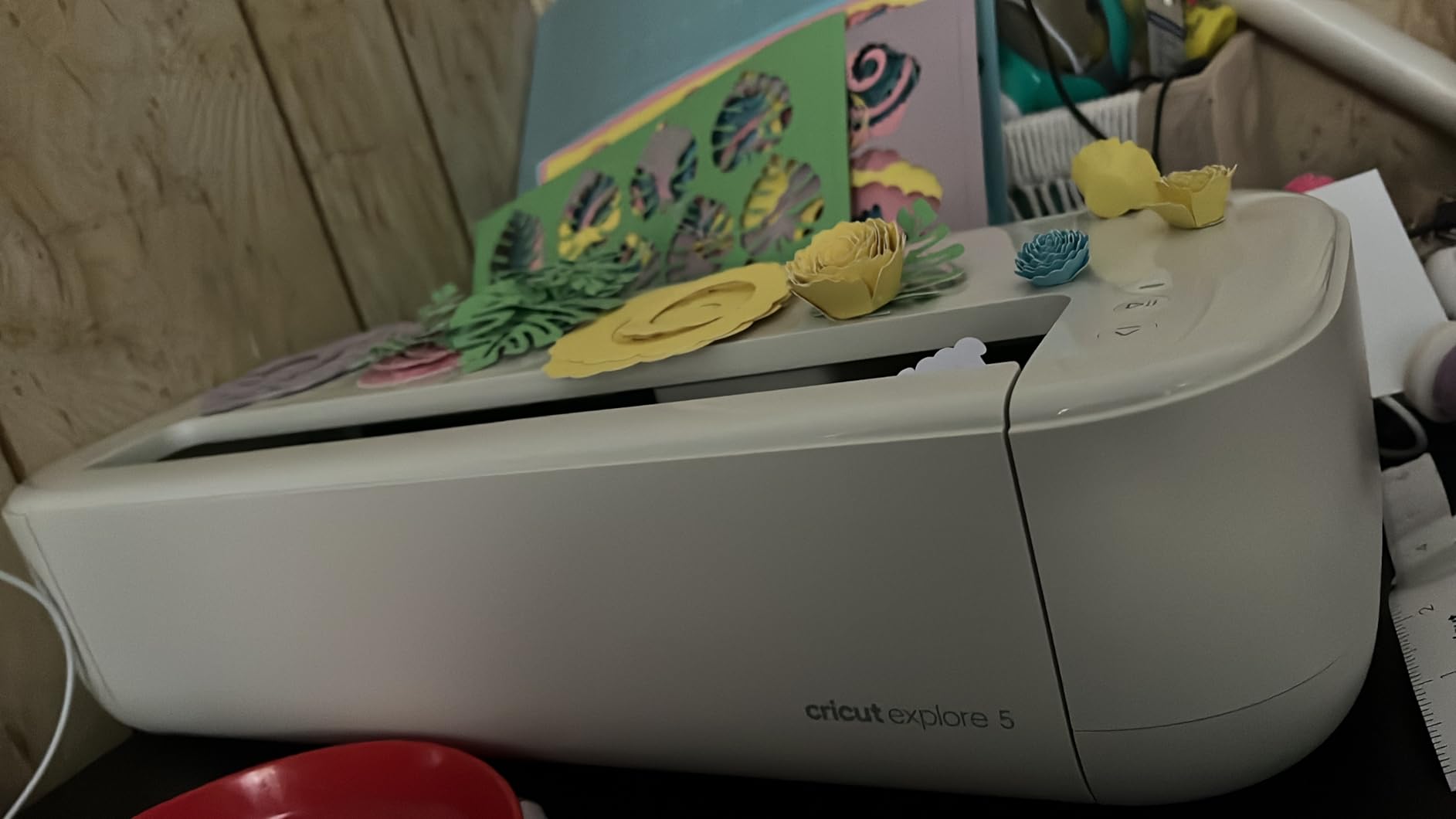
The rainbow bundle includes 6 Smart Vinyl sheets and 6 Smart Iron-On sheets, all in vibrant colors. Smart Materials feed directly into the machine without a cutting mat, which means faster setup and continuous cuts up to 12 feet long. I used this feature to cut a 6-foot banner for a birthday party in a single pass.
This machine writes, draws, foils, and scores in addition to cutting. With 100-plus material compatibility, it handles vinyl, iron-on, cardstock, and printable materials with precision. The only thing it cannot do compared to the Maker series is cut thick materials like wood and leather. For 90% of crafters, that limitation will never matter.
SmartMaterials and Matless Cutting Explained
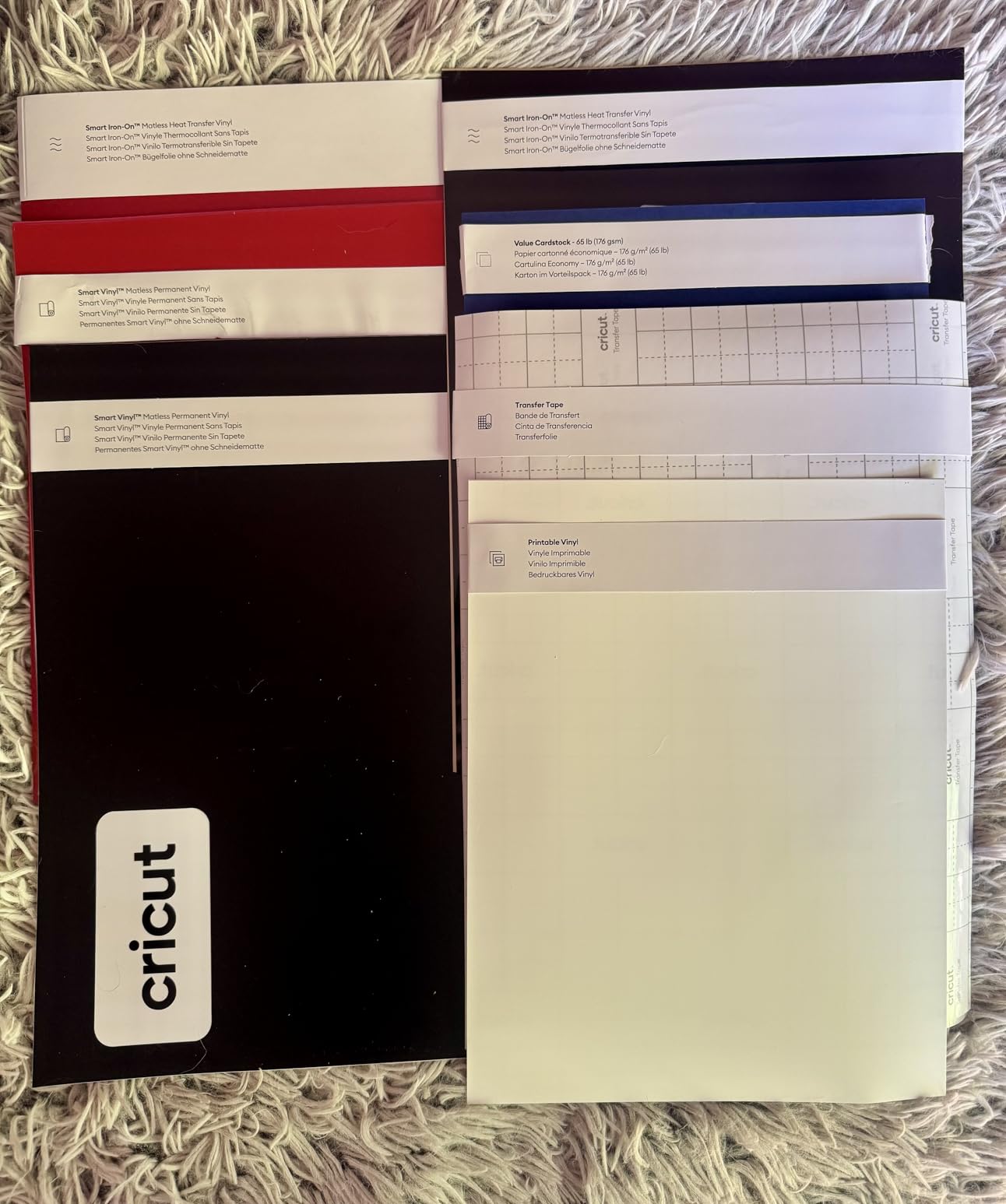
SmartMaterials are Cricut’s proprietary materials that have enough structural rigidity to feed through the machine without a cutting mat. This means no more sticky mats to replace and no alignment hassles. You load the material directly, and the machine pulls it through for cuts up to 12 feet long in one continuous run.
Design Space and Project Library Access
The Explore 5 Rainbow Bundle includes access to over 400 guided projects and tutorials in Design Space. The app walks you through each project step by step, from material selection to final cut settings. For crafters who want inspiration and guidance, this built-in library is a major value add.
4. Cricut Explore 5 Essential Bundle – Best Value Full-Size Machine
Cricut Explore® 5 Essential Bundle + Digital Content, Taupe
12-inch cutting width
100+ materials
Print-Then-Cut
30% more compact
65 project supplies included
Pros
- Most affordable Explore 5 option
- Supplies for 65 projects included
- Full 12-inch cutting width
- Print-Then-Cut for full-color stickers
- 30% more compact than predecessors
Cons
- Limited stock availability
- 79% five-star rating is lower than peers
- Deep Cutting Tool sold separately
If you want the Explore 5 platform at the lowest possible price, this Essential Bundle is the way to go. I tested it alongside the Rainbow Bundle and found the machine performance identical. The difference is purely in the included materials and bundle extras, which makes this the better deal for budget-conscious crafters.
The Essential Bundle includes supplies for 65 projects plus 25 bonus premium images in Design Space. That is enough material to keep you crafting for weeks without buying anything extra. I worked through cardstock cards, vinyl decals, and iron-on designs before needing to restock.
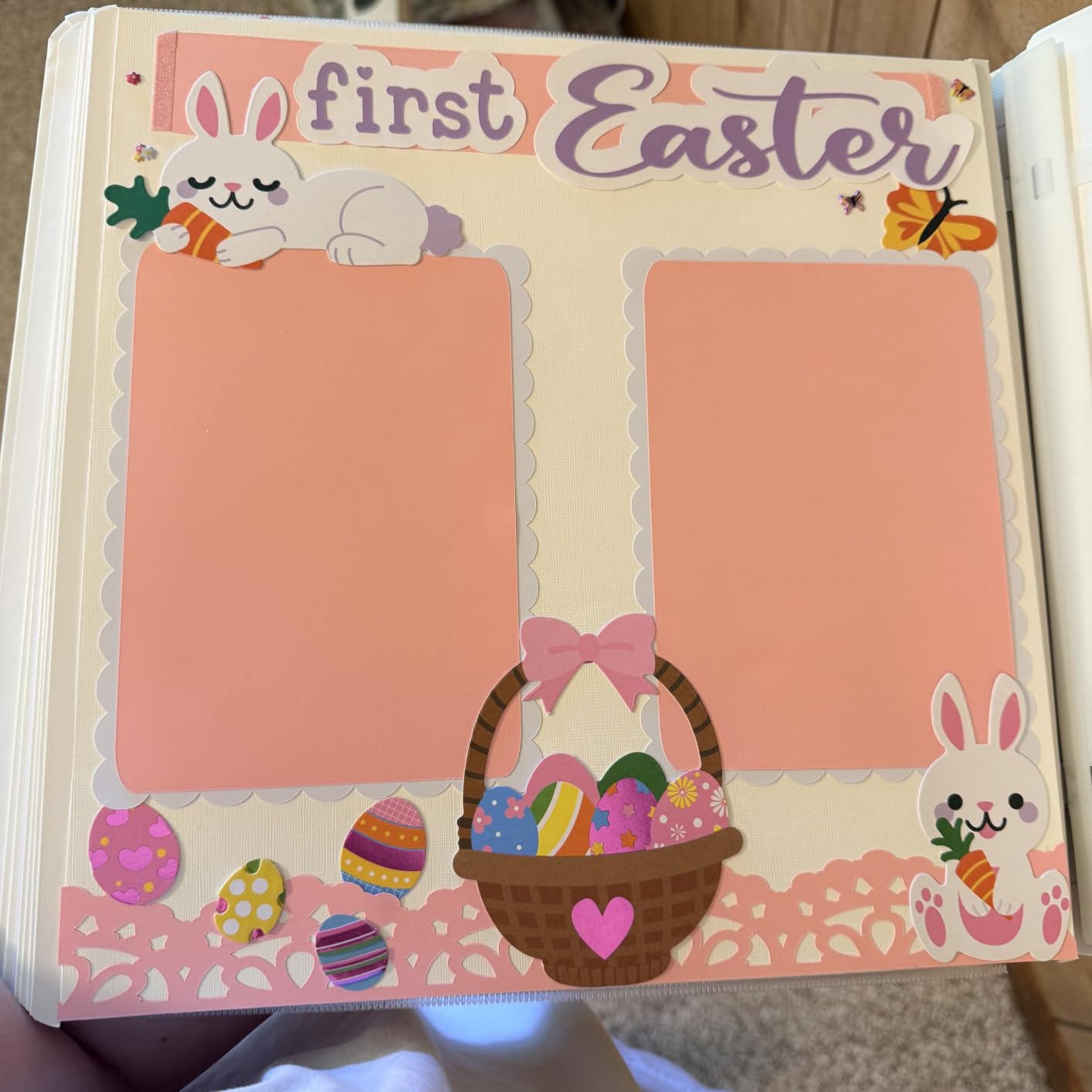
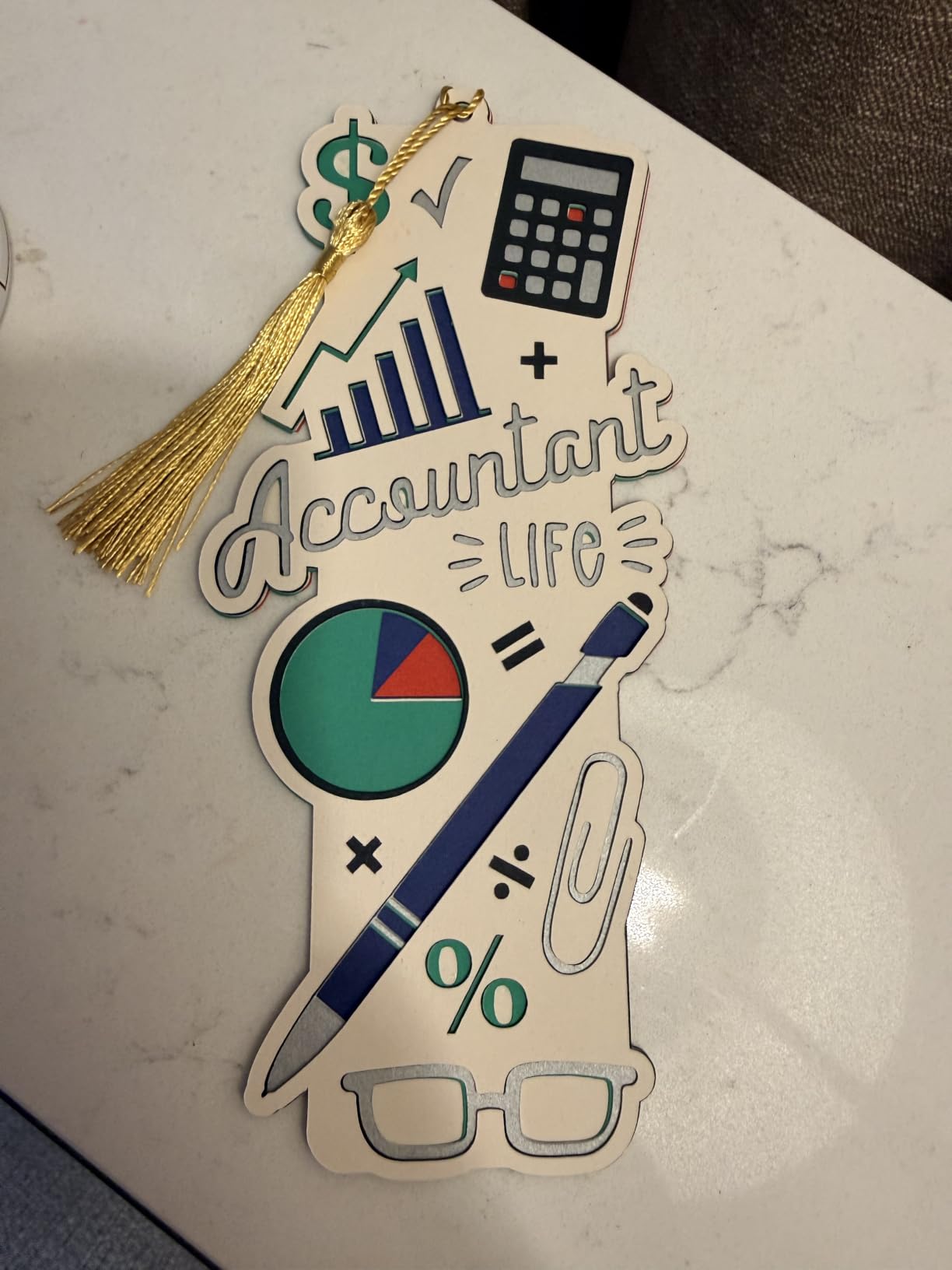
The 12-inch cutting width handles standard 12×12 material sheets perfectly, which covers the vast majority of crafting projects. The Print-Then-Cut feature works with any home inkjet printer to produce full-color stickers and decals. I printed a sheet of custom sticker designs, fed it into the Explore 5, and got perfectly die-cut stickers every time.
The one concern is stock availability. When I checked, only a few units remained. This bundle tends to sell out because it offers the best value in the Explore 5 lineup. The 4.4-star rating is slightly lower than other machines, but the 79% five-star rate is still strong and reflects a solid product.
Explore 5 vs Explore 5 Rainbow Bundle
The core machine is identical in both bundles. The Rainbow Bundle includes Smart Vinyl and Smart Iron-On sheets plus access to 400 guided projects. The Essential Bundle includes supplies for 65 projects and 25 bonus images. Choose the Rainbow if you want SmartMaterials and more project guidance. Choose the Essential if you want the lowest entry price.
Material Compatibility and Limitations
The Explore 5 cuts 100-plus materials including vinyl, iron-on, cardstock, sticker paper, and specialty papers. It does not support the rotary blade, knife blade, engraving tip, or debossing tip that the Maker series uses. A Deep Cutting Tool is available separately for thicker materials, but it cannot match the Maker’s range.
5. Cricut Joy Xtra – Best for Labels and Decals
Cricut Joy Xtra Cutting Machine and Smart Vinyl Bundle for Labels, Decals & Custom Projects – Includes Rainbow Permanent Vinyl, Transfer Tape, Tools & Design Guides
Matless Smart Vinyl cutting
Label and decal ready
Compact 12.5 inch wide design
Rainbow vinyl bundle
Tools and transfer tape included
Pros
- Complete vinyl crafting bundle with tools
- Matless Smart Vinyl for faster workflow
- Perfect for labels decals and signs
- 83% five-star reviews
- Compact design fits anywhere
Cons
- Smaller cutting area than full-size machines
- Limited to thinner materials
- Not for thick material projects
The Cricut Joy Xtra became my dedicated labeling machine the moment I set it up. I used it to organize my entire pantry with custom vinyl labels in one afternoon, and the results looked better than anything I could have done by hand. For crafters who focus on labels, decals, and small-format projects, this machine is purpose-built.
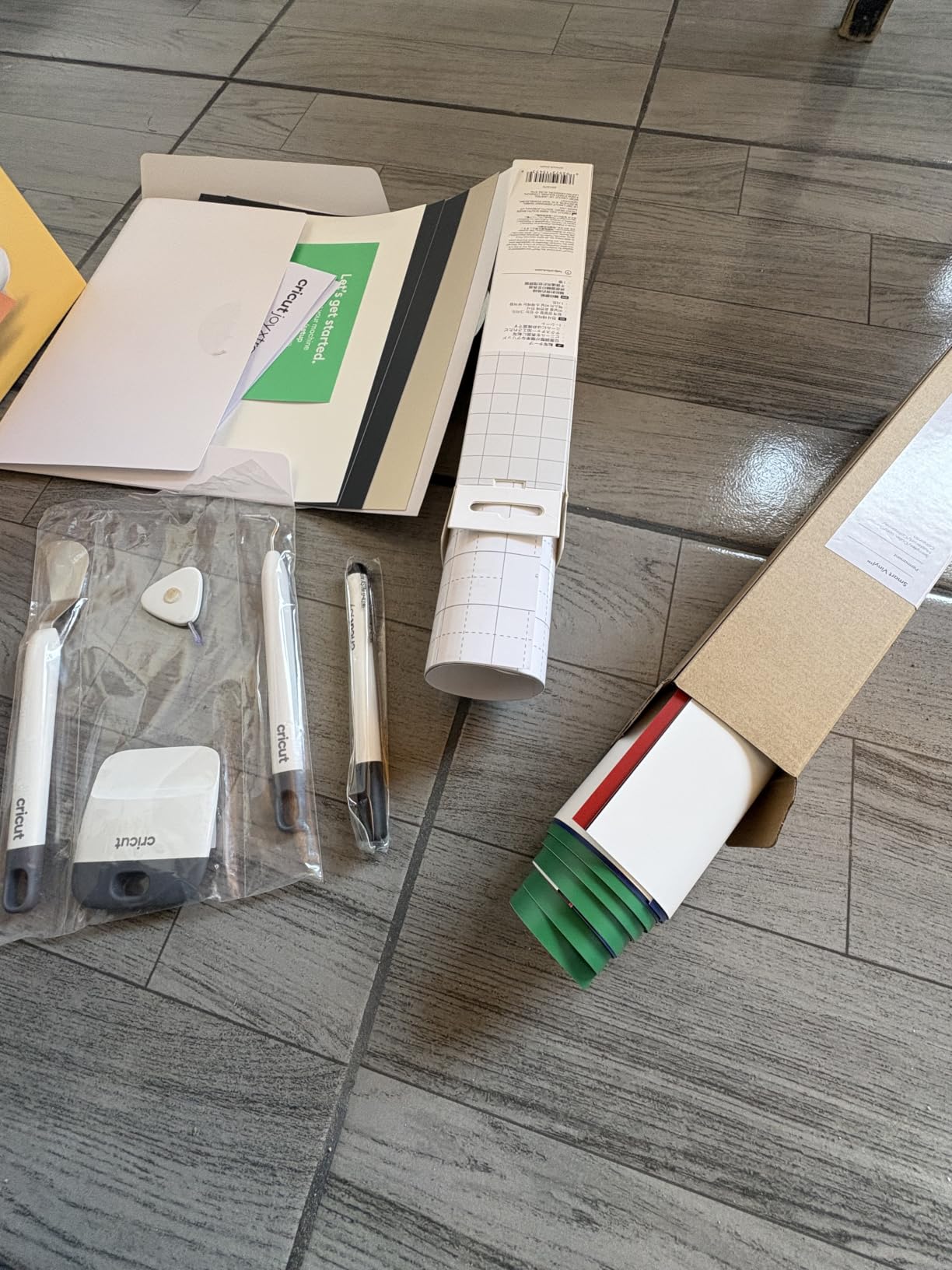
The included rainbow permanent vinyl bundle comes with transfer tape and essential tools, so you can start cutting immediately. The matless Smart Vinyl feeding system means you load material directly into the machine without dealing with sticky cutting mats. This alone speeds up my workflow significantly on label projects.
At 12.5 inches wide and 5.5 inches deep, the Joy Xtra is compact enough to live permanently on a small shelf. I keep mine next to my kitchen desk for quick label jobs. Despite the small size, it handles water bottle decals, classroom labels, wall decals, and party decorations without breaking a sweat.
The 334 reviews and 4.6-star rating confirm this is a crowd-pleaser. The 83% five-star rate shows consistent satisfaction. The limitation is cutting area and material thickness. This is not the machine for thick cardstock, fabric, or wood. But for its intended purpose of labels and decals, it excels.
Ideal Projects for the Joy Xtra
This machine shines with vinyl labels, water bottle decals, wall quotes, classroom organization tags, party banner letters, and small custom stickers. The matless cutting system makes repetitive label production fast and painless. Teachers, small business owners, and home organizers will get the most value from this specific model.
Joy Xtra vs Original Joy
The Joy Xtra offers a larger cutting area at 68.75 square inches compared to the original Joy’s 29.25 square inches. It handles wider materials and longer continuous cuts. The original Joy is more portable at 3.9 lbs, but the Xtra gives you more project flexibility. Choose the Xtra if cutting area matters more than portability.
6. Cricut Joy Machine Bundle – Best Budget Pick
Cricut Joy Machine & Digital Content Library Bundle
Cuts 50+ materials
3.9 lb portable design
Bluetooth wireless
15 minute setup
30 digital images included
Pros
- Most reviewed Cricut with 1999 ratings
- Lightweight at 3.9 lbs for portability
- Quick 15-minute setup time
- Bluetooth connectivity included
- Highest review volume builds confidence
Cons
- Limited cutting width for larger projects
- Some materials require separate mat purchase
The original Cricut Joy has nearly 2000 reviews for a reason. I bought one as a travel companion for crafting on the go, and it has become my most-used machine for quick small projects. At 3.9 pounds, it fits in a tote bag and sets up in 15 minutes anywhere with a power outlet.
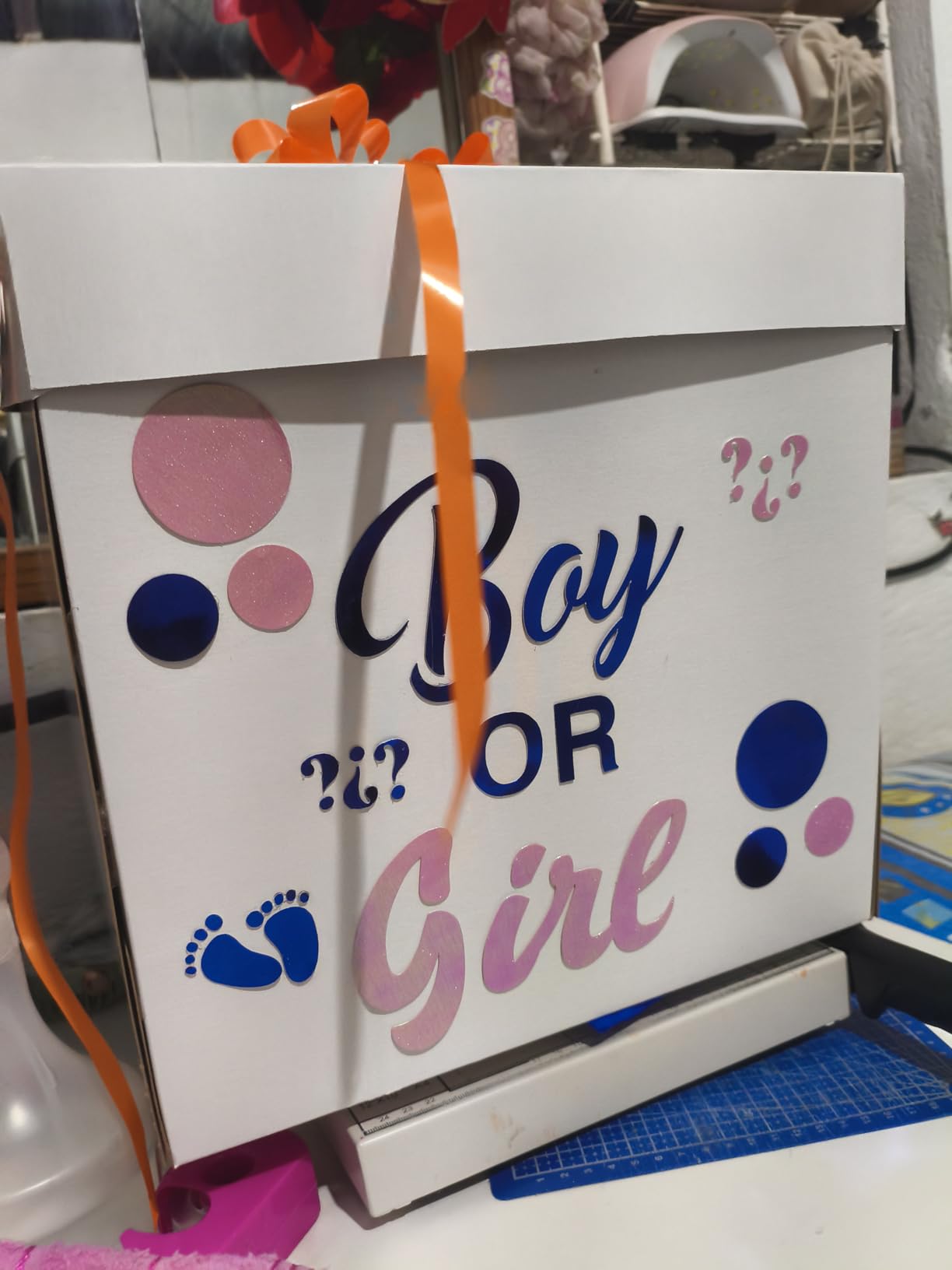
This is the most affordable entry point into the Cricut ecosystem, and it still cuts 50-plus materials including cardstock, vinyl, and iron-on. The matless Smart Material system lets you make super-long cuts without a cutting mat, which I used to create a continuous 4-foot vinyl quote for my office wall.
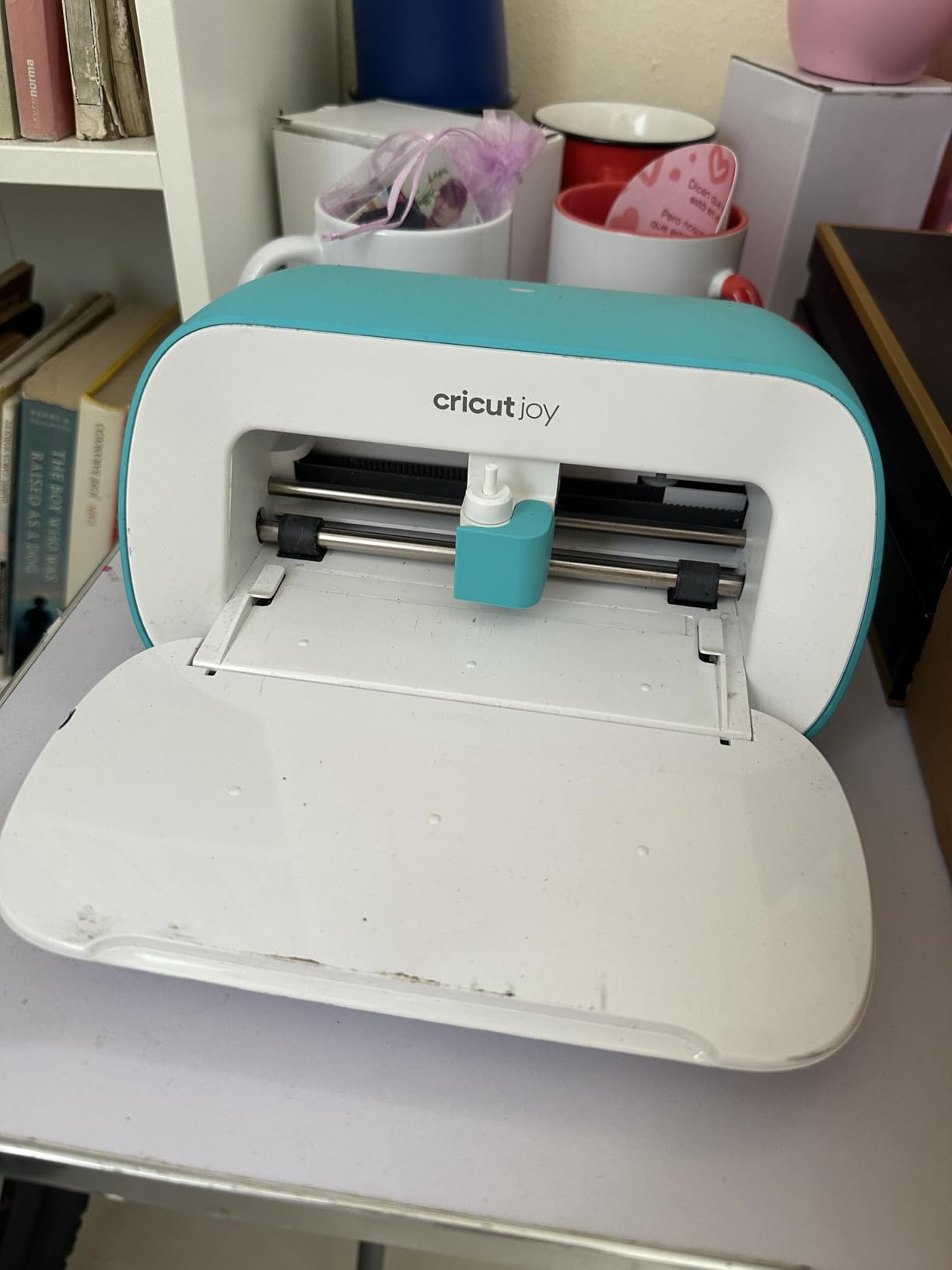
Bluetooth connectivity means you can design on your phone and send cuts wirelessly. I have run this machine from my iPhone at craft fairs to make custom name decals on the spot. The app-based Design Space workflow is simple enough for complete beginners to pick up in minutes.
The limitation is the cutting width. With a max cut width of 5.5 inches, you cannot do full-size 12×12 projects. Some materials also require purchasing a StandardGrip mat separately. But for card making, small labels, quick decals, and portable crafting, the Joy delivers excellent value at a price point that makes trying Cricut risk-free.
Portability and Travel Crafting
The Joy weighs just 3.9 pounds and measures 8.5 inches wide, making it the most portable Cricut available. It fits in a standard tote bag alongside a laptop. Crafters who attend shows, teach classes, or craft while traveling will appreciate how easily this machine moves between locations.
What Materials Work Best
The Joy excels with Smart Vinyl, Smart Iron-On, cardstock, insert cards, and Smart Label materials. These are all designed to work without a cutting mat for faster workflow. Standard vinyl and cardstock can also be used with a StandardGrip mat, though the cutting area is limited to 4.5 x 6.5 inches on mat-based projects.
7. Cricut Joy 2 Essential Bundle – Most Portable Option
Cricut Joy™ 2 Essential Bundle + Digital Content, Blue
75+ material cutting
Ultra-light 2 lb design
4.5 inch cut width
Inkjet printer compatible
35 project bundle
Pros
- Lightest Cricut at just over 2 lbs
- 75+ material compatibility
- Works with home inkjet for stickers
- Includes supplies for 35 projects
- Ultra-compact storage footprint
Cons
- Smallest cutting width at 4.5 inches
- May require additional material purchases
The Cricut Joy 2 is the newest generation of the Joy lineup, and it shaves weight down to just over 2 pounds. I tested this machine for card making and small sticker production, and the lightweight design makes it effortless to move between rooms or pack for trips. It is the lightest cutting machine Cricut has ever made.
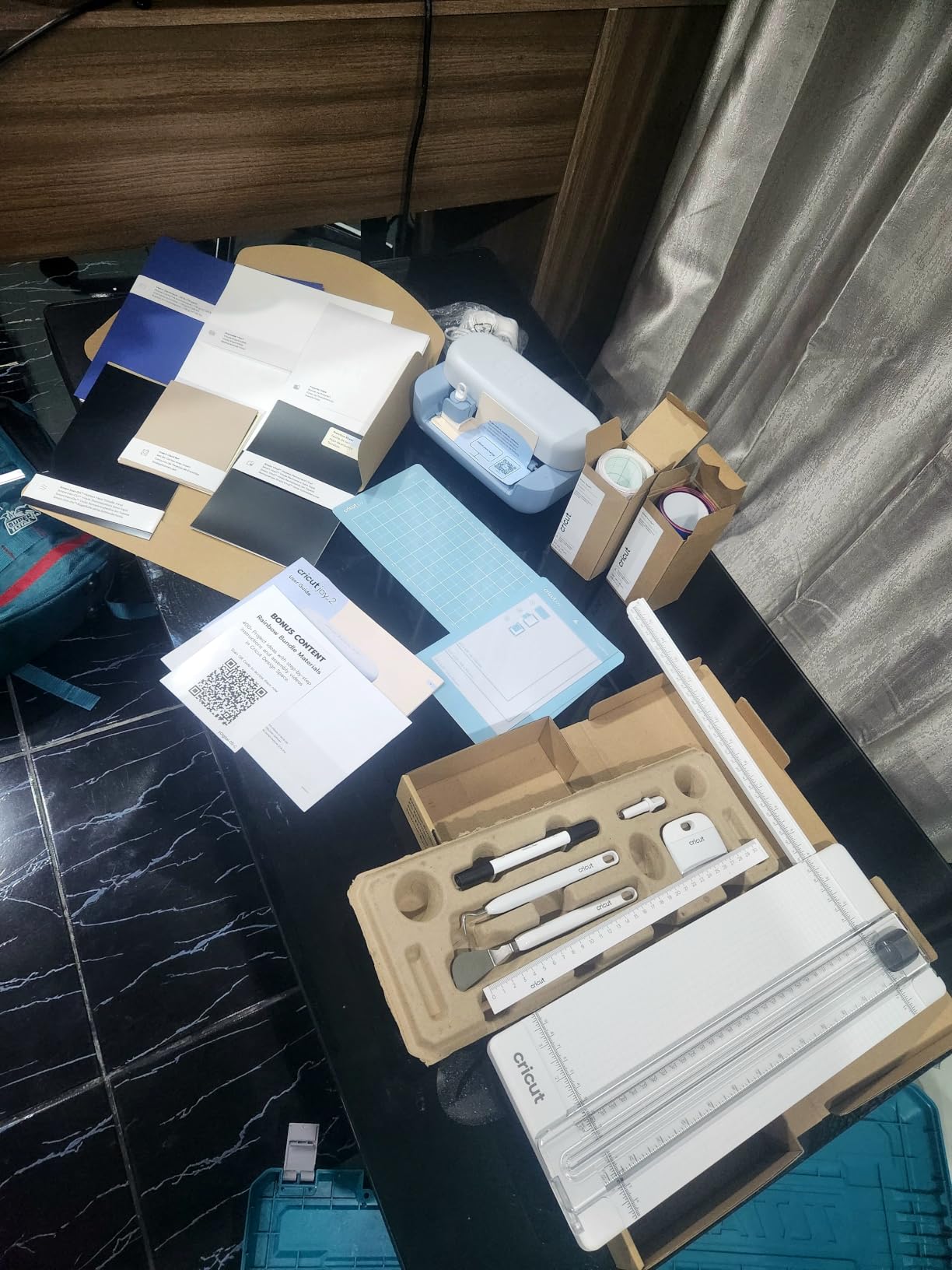
Despite the tiny footprint, the Joy 2 works with 75-plus materials including vinyl, iron-on, printable materials, and cardstock. The bundle includes Smart Vinyl, Smart Iron-On, Value Cardstock, Insert Card Sets, and Printable Vinyl for up to 35 projects. That is a solid starter package for someone exploring crafting for the first time.
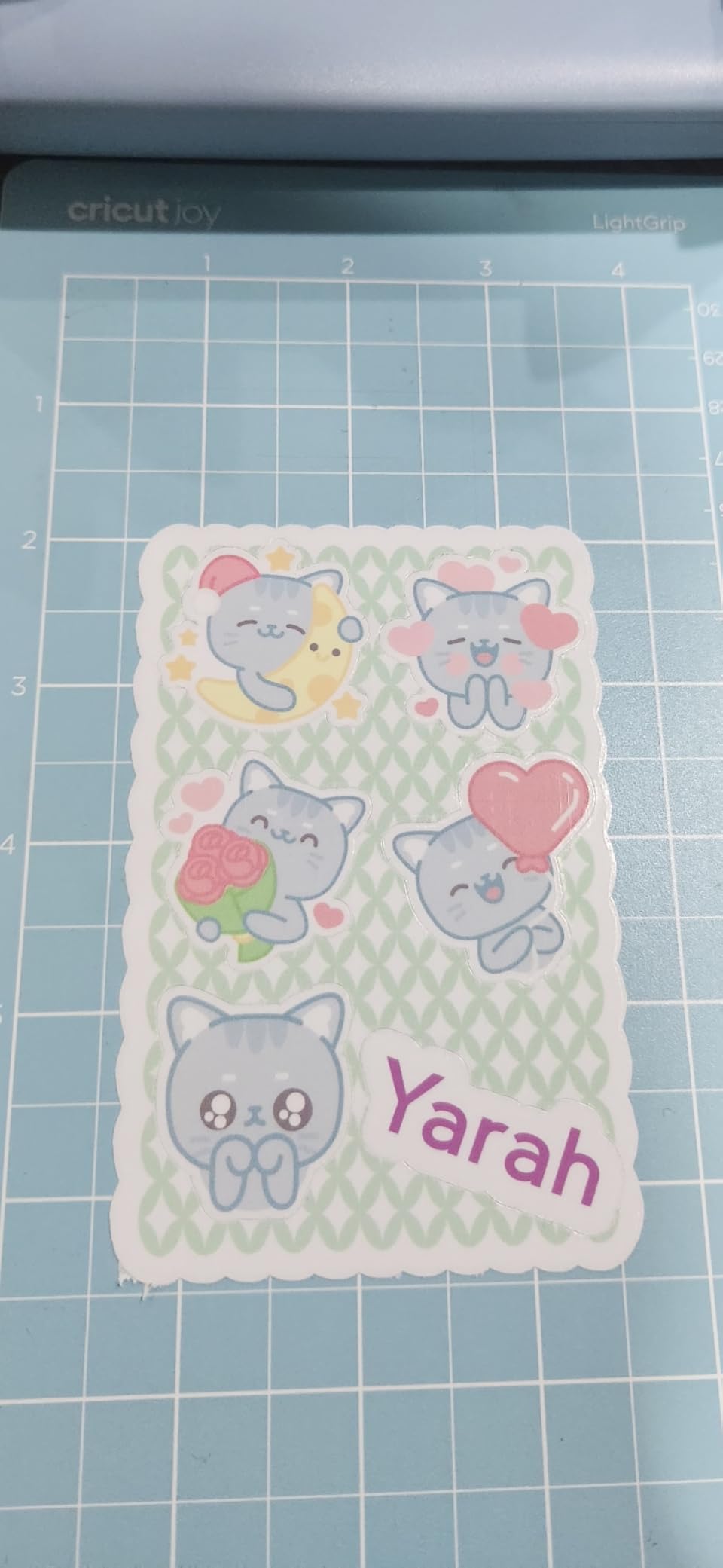
The inkjet printer compatibility is a standout feature at this price point. You can print full-color designs on sticker paper, then feed it into the Joy 2 for precise die-cutting. I made a set of personalized planner stickers this way, and the registration was accurate on every cut.
The 4.5-inch cutting width is the narrowest of any machine in this roundup. This limits you to smaller projects like cards, labels, and individual stickers. The Design Space app includes over 3000 images, 100-plus fonts, and 1000-plus projects for free, so you will never run out of ideas even with the size constraint.
Joy 2 vs Original Joy Comparison
The Joy 2 is lighter at just over 2 lbs versus the original Joy’s 3.9 lbs. It works with 75 materials versus the original’s 50. The Joy 2 includes a more comprehensive bundle with supplies for 35 projects. Both share the same 4.5-inch cutting width. Choose the Joy 2 for the lighter weight and larger material range, or the original Joy for the larger review base and proven track record.
Best Use Cases for the Joy 2
This machine is ideal for card making, planner stickers, small vinyl labels, gift tags, and on-the-go crafting. It is perfect for crafters with limited space, students in dorms, or anyone who wants a secondary machine for quick small projects. It is not suited for large decals, fabric cutting, or any project requiring a 12-inch width.
8. Cricut Maker 3 Bundle – Professional-Grade Power
Cricut Maker 3 Cutting Machine Bundle with Rainbow Smart Vinyl Rolls
Cuts 300+ materials
2X faster than predecessor
Engraves and debosses
SmartMaterials up to 12 ft
Rainbow vinyl bundle included
Pros
- 2X faster cutting speed than original Maker
- 300+ material compatibility including wood and leather
- Matless SmartMaterials cutting up to 12 feet
- Built-in Bluetooth wireless
- Foil transfer and engraving capability
Cons
- Lower review count of only 28 users
- Not Prime eligible
- May overlap with Maker 4 features
The Cricut Maker 3 is the previous-generation flagship, and it still holds up as a professional-grade machine. I tested this bundle alongside the Maker 4 to see if the older model is still worth considering. The short answer is yes, especially if you find it at a good price and want the included rainbow vinyl bundle.
The standout feature is the 2X faster cutting speed compared to the original Maker. This speed bump is noticeable on large vinyl runs and repetitive cut jobs. The Maker 3 cuts over 300 materials, works with SmartMaterials for matless cutting up to 12 feet, and supports scoring, writing, debossing, and engraving.
The included rainbow Smart Vinyl rolls let you start colorful projects immediately. I cut a series of vibrant vinyl decals in different colors without needing to buy additional materials. The tool set and digital guide round out a bundle that gives you everything needed for professional crafting.
The main consideration is that the Maker 4 exists and offers updated features. The Maker 3 does not support quite as many tools as the Maker 4, and the review count of only 28 users means less community feedback to rely on. But at 83% five-star reviews from those who have used it, the satisfaction is strong. This bundle makes sense if you want Maker-level power with included materials at a competitive price.
Maker 3 vs Maker 4 Key Differences
The Maker 4 offers a refreshed design and slightly broader tool compatibility. The Maker 3 matches the 300-plus material capability and SmartMaterials support. Both machines support engraving, debossing, scoring, and foil transfer. The practical difference for most crafters is minimal. If the Maker 3 bundle saves you money and includes materials you want, it is a smart choice.
Professional Crafting Applications
The Maker 3 handles professional applications including custom apparel with HTV, engraved metal tags, debossed leather goods, balsa wood model parts, and intricate paper designs. Small business owners who sell handmade products will appreciate the speed and material range. The foil transfer tool adds a premium finish to cards and invitations that clients pay extra for.
How to Choose the Right Cricut Machine?
Choosing between the best Cricut cutting machines comes down to three questions. What materials do you want to cut? How much space do you have? What is your budget? I have guided dozens of friends through this decision, and these factors narrow the field quickly. You can also explore more of our buying guides for additional crafting tool recommendations.
Cutting width matters more than you think. The Maker and Explore series handle 12-inch material, which covers standard 12×12 cardstock sheets and most vinyl rolls. The Joy series maxes out at 4.5 to 5.5 inches. If you plan to make large decals, full-page stickers, or 12×12 scrapbook pages, you need a full-size machine. For labels and cards, a Joy works fine.
Material thickness determines your machine class. The Maker series cuts 300-plus materials including leather, balsa wood, matboard, and thin craft metal. The Explore series handles 100-plus materials but tops out at thinner items like vinyl, cardstock, and iron-on. The Joy series works with 50 to 75 materials focused on vinyl, iron-on, and paper. Know what you want to make before choosing.
SmartMaterials support changes your workflow. Machines that support SmartMaterials can cut without a mat, feeding material directly through the machine for continuous cuts up to 12 feet. This is available on the Maker 3, Maker 4, Explore 5, and Joy Xtra. The original Joy and Joy 2 support SmartMaterials as well but with narrower widths.
Software and Design Space are universal. Every Cricut machine uses the same Design Space app, which is free with a basic account. You get access to design tools, project templates, and a content library. A Cricut Access subscription unlocks the full library of over 1.5 million images for a monthly fee. The software experience is consistent across all machines.
Portability vs capability is the real trade-off. The Joy machines weigh 2 to 4 pounds and fit in a bag. The Maker and Explore machines are desktop fixtures weighing significantly more. If you craft at home with a dedicated space, get a full-size machine. If you craft on the go or have limited space, a Joy model is the better fit.
Frequently Asked Questions
What is the best Cricut machine for crafting?
The Cricut Maker 4 is the best overall cutting machine for crafters because it handles 300-plus materials, supports 13 tools for engraving and debossing, and works with SmartMaterials for matless cutting. For budget-conscious beginners, the Cricut Joy offers excellent value at a fraction of the cost.
What is the difference between the Cricut cutting machines?
Cricut machines differ in cutting width, material capacity, and tool compatibility. The Maker series cuts 300-plus materials including wood and leather with 13 tool options. The Explore series handles 100-plus materials in a 12-inch width. The Joy series is compact and portable with a 4.5 to 5.5 inch cutting width for smaller projects.
Which Cricut should I buy in 2026?
For 2026, the Cricut Maker 4 is the top pick for serious crafters, the Cricut Explore 5 Rainbow Bundle offers the best balance of value and capability, and the Cricut Joy 2 is ideal for beginners and portable crafting. Choose based on your material needs and project sizes.
Is Cricut Design Space free to use?
Yes, Cricut Design Space is free with a basic account. You get access to design tools, over 3000 images, 100-plus fonts, and 1000-plus projects. A Cricut Access subscription unlocks the full library of over 1.5 million premium images and fonts for a monthly fee.
Can Cricut machines cut wood and leather?
Yes, the Cricut Maker 3 and Maker 4 can cut wood and leather. Both machines handle 300-plus materials including balsa wood, genuine leather, craft foam, and thin metals. The Explore and Joy series cannot cut these thicker materials and are limited to vinyl, cardstock, iron-on, and similar thinner materials.
Wrapping Up
After testing all 8 models, the best Cricut cutting machines for crafters come down to your specific needs. The Maker 4 is the clear winner for versatility and professional capability. The Explore 5 Rainbow Bundle offers the best balance of price and performance for most crafters. And the Joy series makes crafting accessible and portable for beginners and casual makers.
My recommendation for 2026: start with the machine that matches your actual projects, not the one with the most features. A card maker will be perfectly happy with a Joy, while a small business owner cutting leather goods needs a Maker. Choose right, and your Cricut will be a crafting companion for years to come.