

If your machine is out of room and you have been putting off a storage upgrade, the SanDisk Extreme Portable 2TB is the one to watch during Amazon’s October Prime event. It is the most-proven drive in this list by a distance, with more owner reviews than any other drive here by a wide margin, and it suits people who need somewhere to put photos and project files right now rather than a drive they will never touch again.
For a gaming PC that boots and loads faster, the Samsung 990 PRO 1TB runs at the ceiling of the PCIe 4.0 standard. If you just want fast internal storage in a desktop or laptop without paying for the top tier, the Kingston NV3 1TB is the value pick and the most-watched internal option here. Prime Big Deal Days runs October 6-7, 2026, and most offers on these drives need a Prime membership.
Table of Contents
Our Top 3 Picks for Best Amazon Prime Big Deal Days SSD Deals

SanDisk Extreme Portable 2TB
- 2TB portable SSD
- 1050 MB/s read
- IP65 rated
- 5-year warranty

Samsung 990 PRO 1TB
- 7450 MB/s sequential read
- Single-sided M.2 2280
- Samsung Magician
- 5-year warranty
Best Amazon Prime Big Deal Days SSD Deals Compared (2026)
| Product | Specifications | Action |
|---|---|---|
| SanDisk Extreme Portable 2TB |
|
Check Deal Price |
| Samsung 990 PRO 1TB |
|
Check Deal Price |
 Kingston NV3 1TB Kingston NV3 1TB |
|
Check Deal Price |
 Samsung T7 1TB Samsung T7 1TB |
|
Check Deal Price |
 WD_BLACK SN850P 1TB WD_BLACK SN850P 1TB |
|
Check Deal Price |
 Crucial P310 1TB Crucial P310 1TB |
|
Check Deal Price |
 Samsung 990 EVO Plus 2TB Samsung 990 EVO Plus 2TB |
|
Check Deal Price |
 WD_BLACK SN850X 1TB WD_BLACK SN850X 1TB |
|
Check Deal Price |
 Silicon Power A60 1TB Silicon Power A60 1TB |
|
Check Deal Price |
 SSK Portable SSD 1TB SSK Portable SSD 1TB |
|
Check Deal Price |
How We Chose
Every drive here was compared on the same handful of specs: capacity, interface, rated sequential read and write speed, form factor, warranty length and weight. Alongside those, we read the owner reviews on Amazon, because the recurring complaints in long review histories are more useful than a spec sheet.
All figures were checked in October 2026. Ratings and review counts are the ones Amazon shows today and they move constantly, so read the current listing before you commit.
1. SanDisk Extreme Portable 2TB: Best for Media Backup on the Move
Sandisk 2TB Extreme Portable SSD, Up to 1050MB/s, USB-C, USB 3.2 Gen 2, IP65 Water and Dust Resistance, Updated Firmware, External Solid State Drive, SDSSDE61-2T00-G25
Capacity: 2TB
Type: Portable SSD
Read: 1050 MB/s
Weight: 1.76 oz
Pros
- Huge owner review base and steady 4.6 rating
- Rugged IP65 shell rated to 3-meter drops
- Fast enough for RAW photo and video workflows
- Hardware encryption with password protection
- Works with consoles and phones
Cons
- Picky about cables and some units fail to mount on generic ones
- Older firmware caused auto-eject on some MacBooks
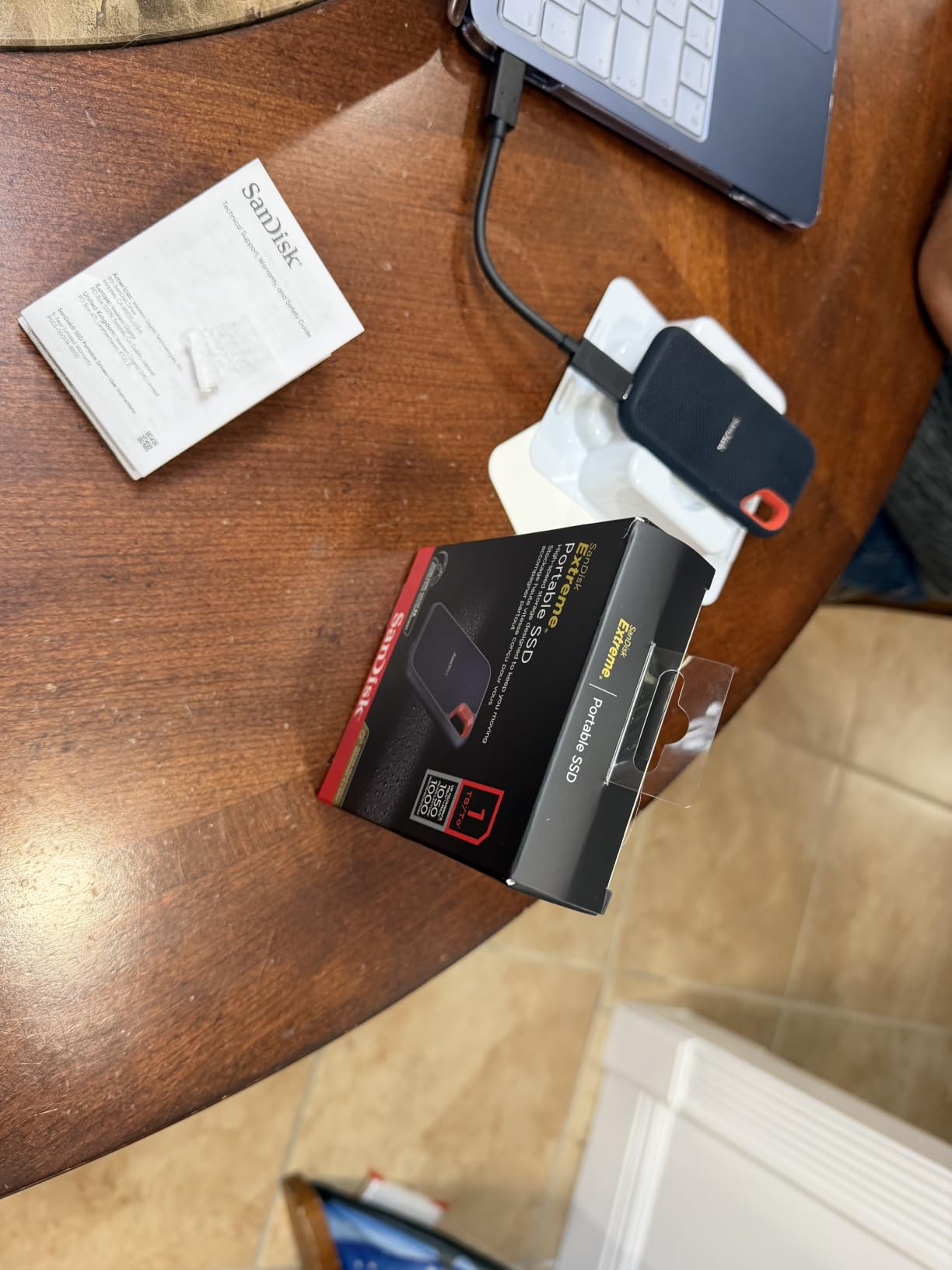
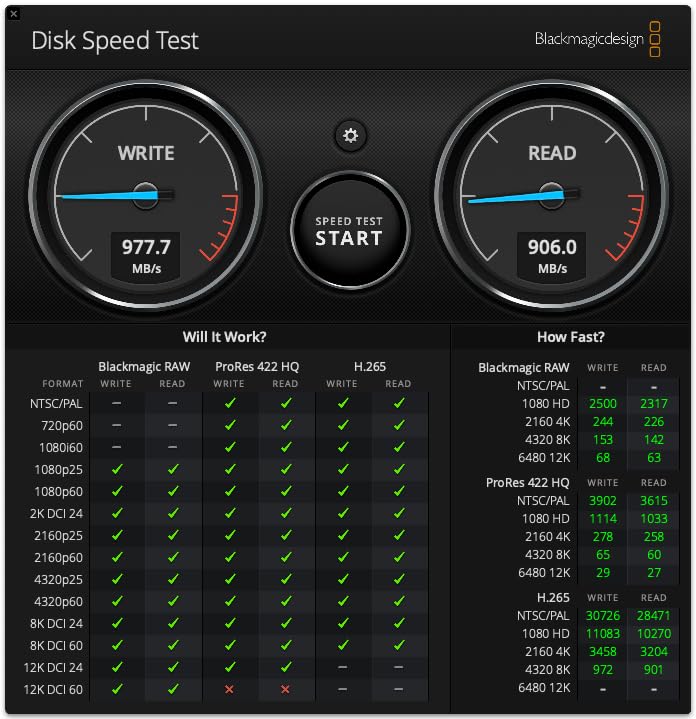
Most people do not need the fastest drive on the shelf. They need one that is still working three years from now, and this one has more owner history behind it than anything else in the list. Reviewers describe measured transfer speeds close to the advertised 1,050 MB/s, with the 2TB capacity giving room for a camera bag’s worth of RAW files plus a backup.
The shell takes 3-meter drops and carries an IP65 rating for dust and water, so a site visit or a beach trip is not a worry. Hardware encryption with a password is built in, which matters if the drive ends up in somebody’s bag on a bus.
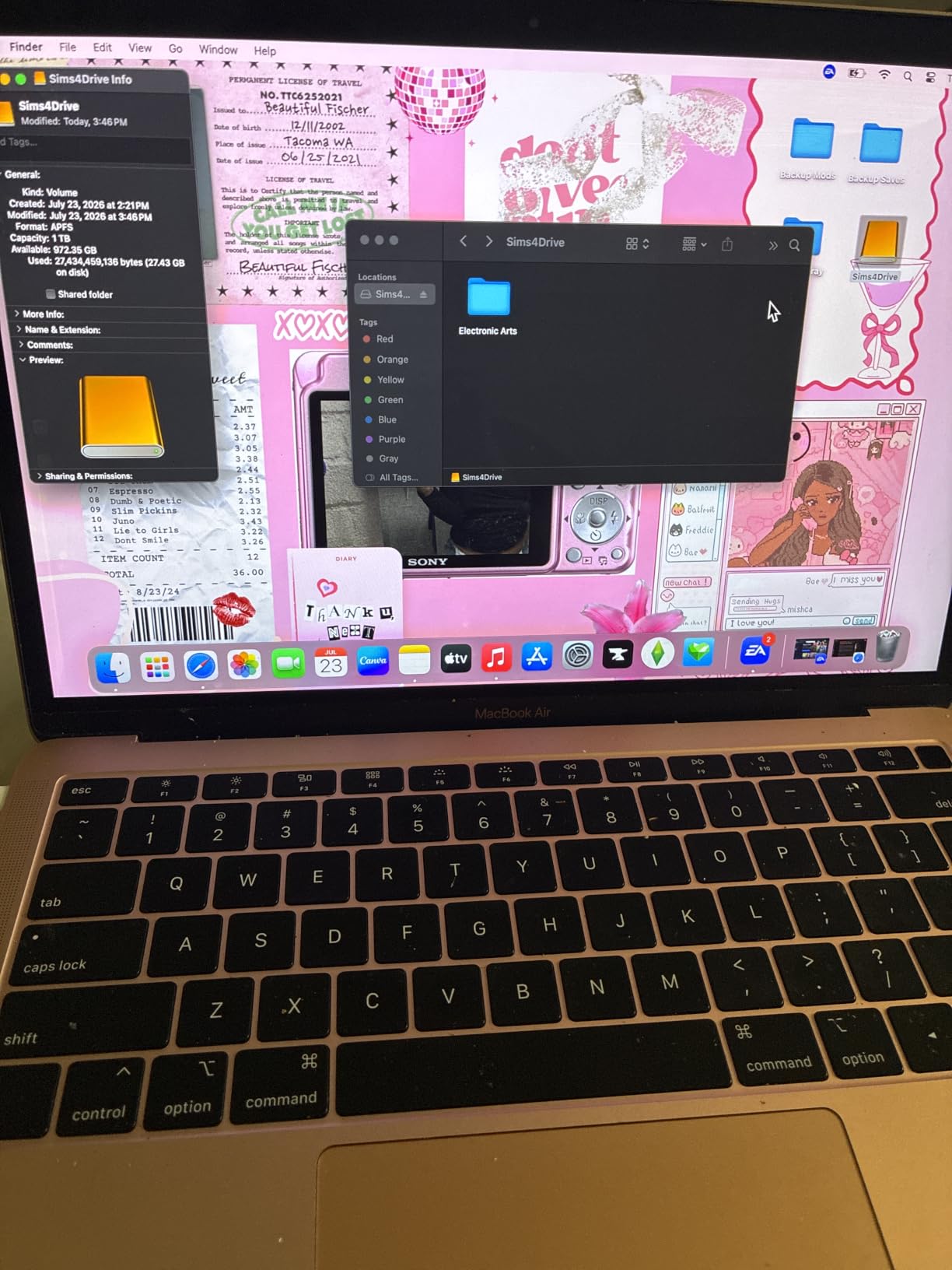
Skip it if your setup is a desktop. A USB connection will never match an M.2 slot on the motherboard, so for a fixed machine the Samsung 990 PRO 1TB is the faster route by a wide margin. The SanDisk is for the drive that lives in your bag.
Good to know: several reviews trace connection problems back to the cable, not the drive. Swap to a high-speed USB-C cable before you write the hardware off. The carabiner loop is also genuinely useful for a belt loop.
Compared with the Samsung T7 1TB further down, both hit the same 1,050 MB/s figure, but this one doubles the capacity and adds the drop and water ratings while dropping to 1.76 ounces.
2. Samsung 990 PRO 1TB: Best for a Gaming PC Boot Drive
Samsung SSD 990 PRO 1TB, PCIe 4.0 M.2 2280, Up to 7,450 MB/s
Capacity: 1TB
Type: M.2 2280
Read: 7450 MB/s
Weight: 9.07 g
Pros
- Runs at the PCIe 4.0 ceiling for sequential reads
- Single-sided board fits tight laptop bays
- Nickel-coated controller stays cool under load
- Samsung Magician handles cloning and firmware
- Five-year manufacturer warranty
Cons
- No heatsink included for console or bare-board installs
- Premium tier price for gains that are subtle day to day
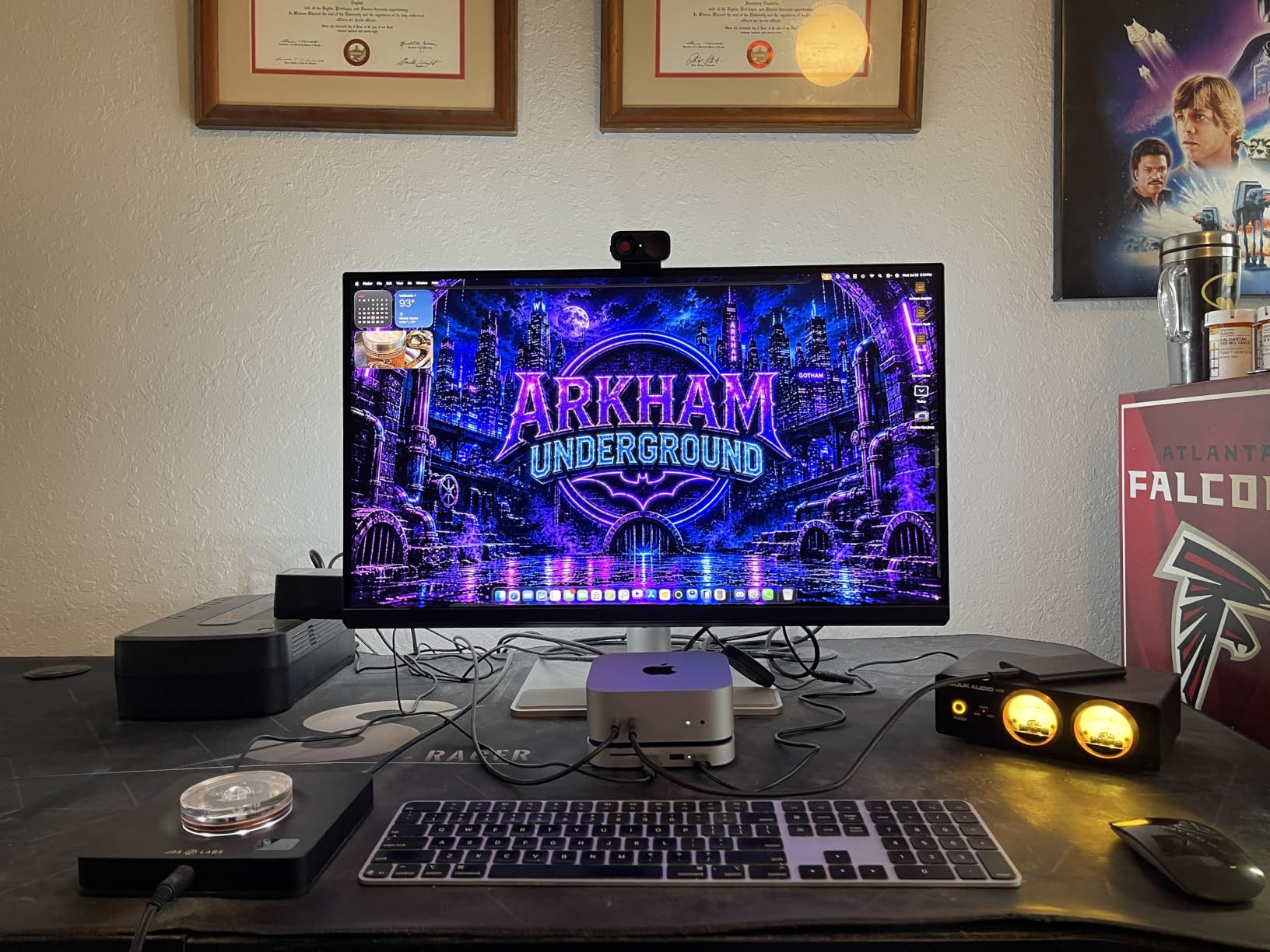
This is the drive to install if the operating system and the games you actually play both live on one piece of silicon. Owners report near-peak throughput, quick boot and load times, and stable temperatures even in laptops with almost no airflow, thanks to the nickel-coated controller.
The random performance improvement over the previous generation is the part that shows up in day-to-day use. Launching apps, loading a save and switching between a browser and a game all benefit, where pure sequential speed alone would not.
Where it falls short is the price tier. The 4.7 rating sits alongside several cheaper drives here, and reviews are blunt that mainstream PCIe 4.0 hardware delivers noticeably similar everyday results. If your board cannot feed it a fast enough slot, you are buying headroom you will not use.
One practical note for console owners: it lists PlayStation 5 as a compatible device but ships without a heatsink, so several PS5 users bought one separately. For a console slot, the WD_BLACK SN850P 1TB already has the right shape.
3. Kingston NV3 1TB: Best Value Internal Upgrade
Kingston NV3 1TB M.2 2280 NVMe SSD | PCIe 4.0 Gen 4×4 | Up to 6000 MB/s | SNV3S/1000G
Capacity: 1TB
Type: M.2 2280
Read: 6000 MB/s
Weight: 4.54 g
Pros
- Close to rated speeds in CrystalDiskMark tests
- Runs cool even under sustained load
- Single-sided design fits narrow laptop slots
- Acronis cloning software included
- Backwards compatible with earlier PCIe generations
Cons
- DRAM-less so random I/O trails premium cached drives
- Lower write endurance than premium drives on repeated big installs
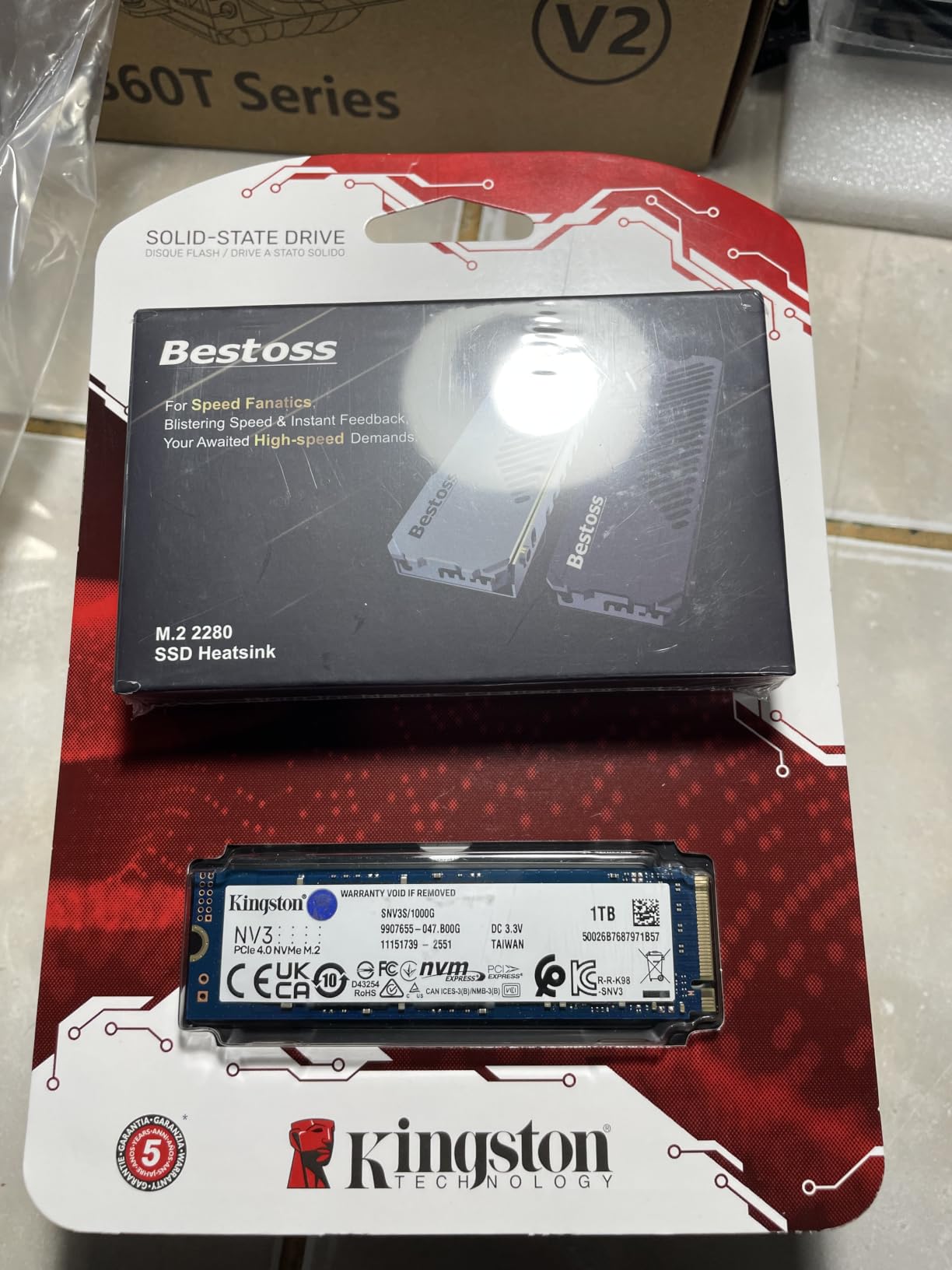
Most people who upgrade a mid-range desktop do not need the flagship. They need a drive that shows up after the first reboot, boots fast and does not make the fans audible. Reviews describe the Kingston NV3 doing exactly that, with near-instant boot times and no stutter during asset-heavy games.
Measured figures land close to the advertised 6,000 MB/s read and 4,000 MB/s write, and long-term owners report no throttling and no reliability trouble even at 70-80 percent full. At 4.54 g it is also the lightest board in this list.
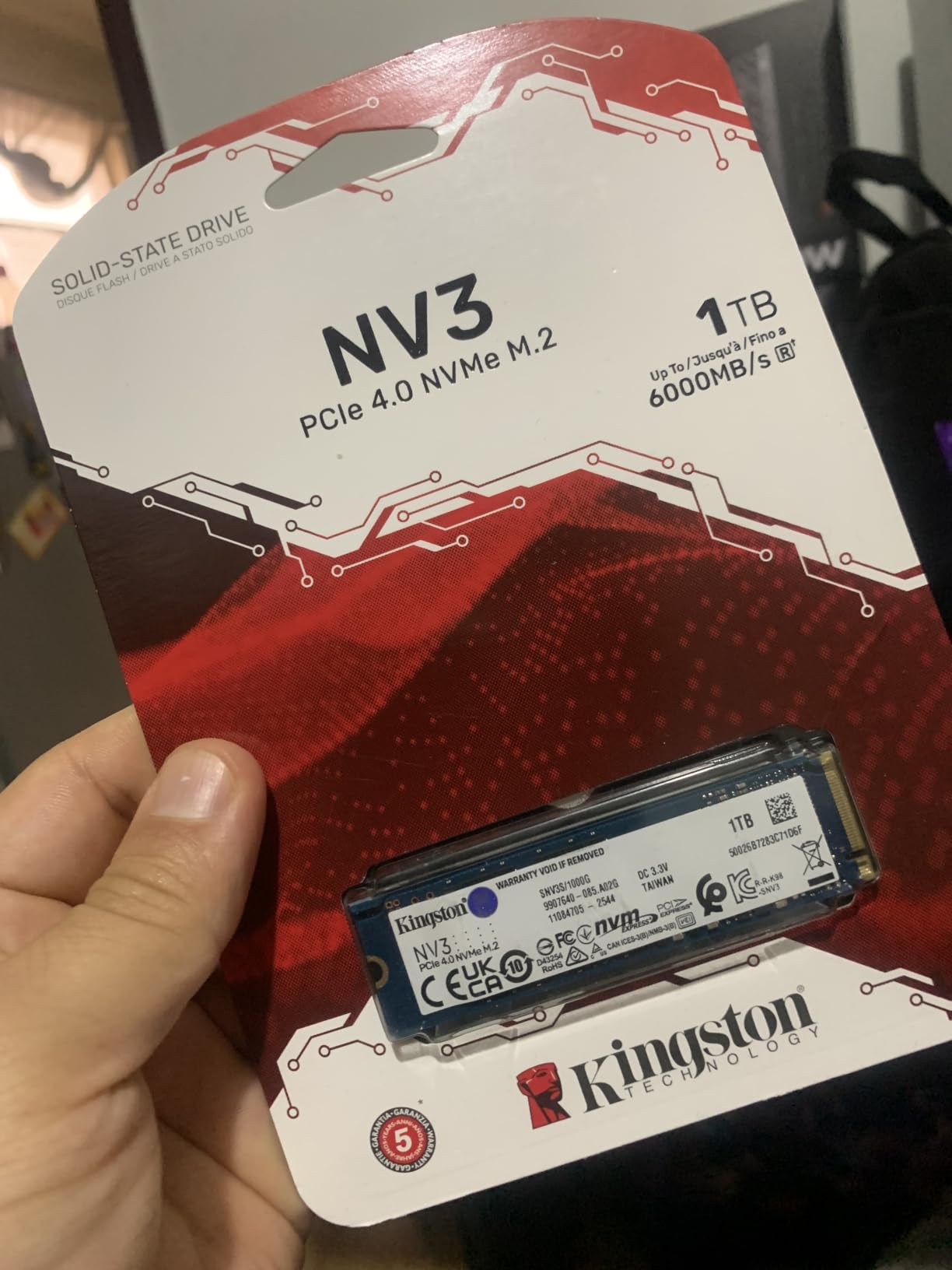
The trade-off is architecture. This is a DRAM-less design using HMB, so random input and output does not match a drive with a real cache, and the endurance rating is lower than the premium models. For a boot drive and a game library that fills gradually, that difference is mostly invisible.
It is also the pick to skip if you shuttle very large project folders onto the drive every day. Once the drive is close to full, reviewers note a small drop in speed on transfers of 50GB or more.
4. Samsung T7 1TB: Best for Consoles, Phones and Tablets
Samsung T7 Portable SSD 1TB Titan Gray, USB 3.2 Gen 2, Up to 1,050MB/s
Capacity: 1TB
Type: Portable SSD
Read: 1050 MB/s
Weight: 2.08 oz
Pros
- Huge owner review base with a 4.7 rating
- Solid aluminium unibody rated for 6-foot falls
- Works with PCs consoles phones and tablets
- Supports direct 4K 60fps recording including ProRes
- 256-bit AES hardware encryption
Cons
- Rated speed only reached with a Gen 2 host and cable
- Results vary widely depending on the setup
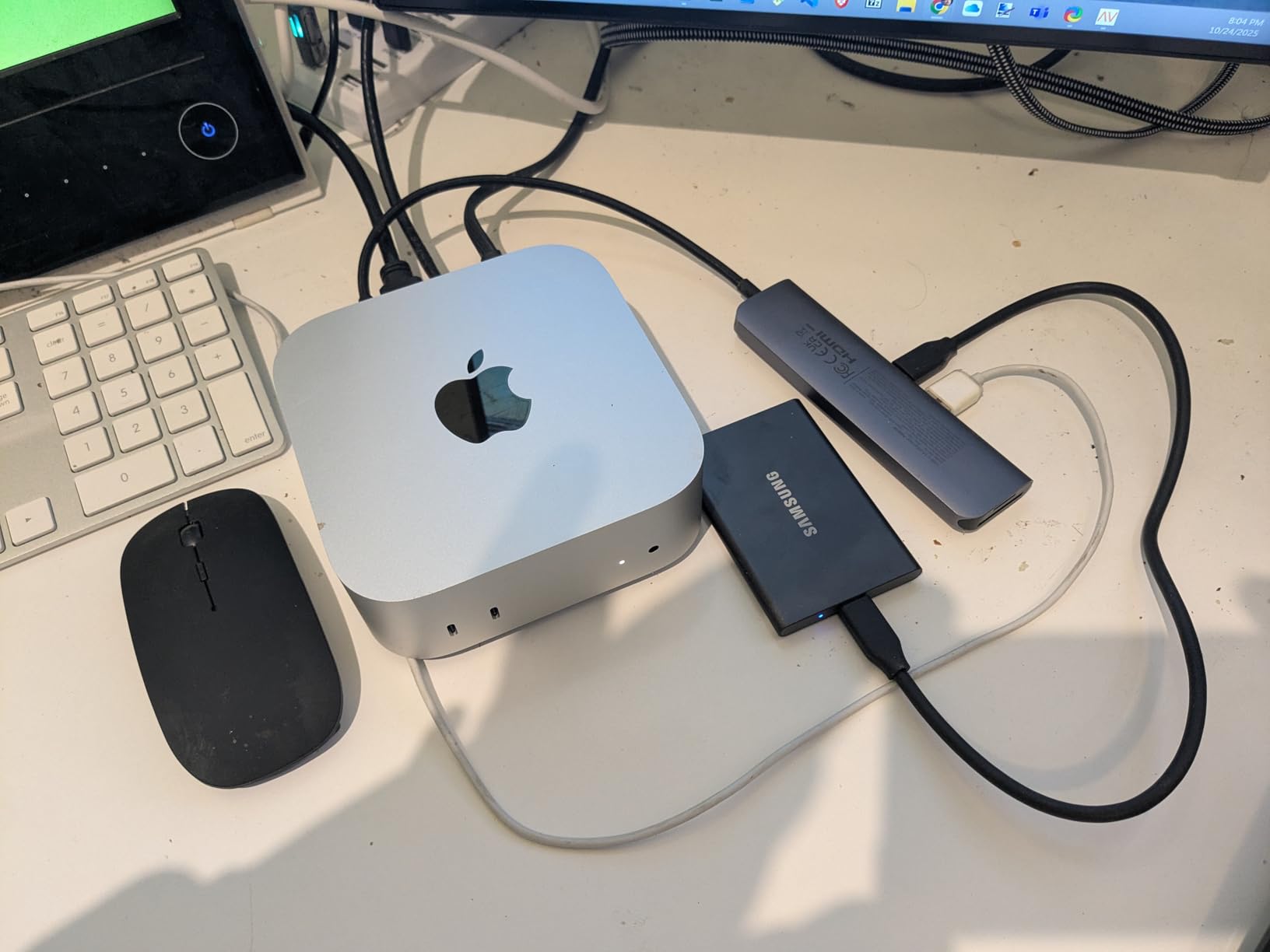
Buy the drive that works everywhere. The T7 lists compatibility across PCs, Mac, smartphones, tablets and both PlayStation generations, and owners use it for everything from console game storage to camera cards pulled in the field. It can record 4K at 60fps straight to the drive, including ProRes from an iPhone 15 Pro.
At 2.08 ounces and roughly the size of a deck of cards, it disappears into a bag. The aluminium unibody survives falls up to 6 feet, which matters more than the rating number once a drive spends its life in transit.
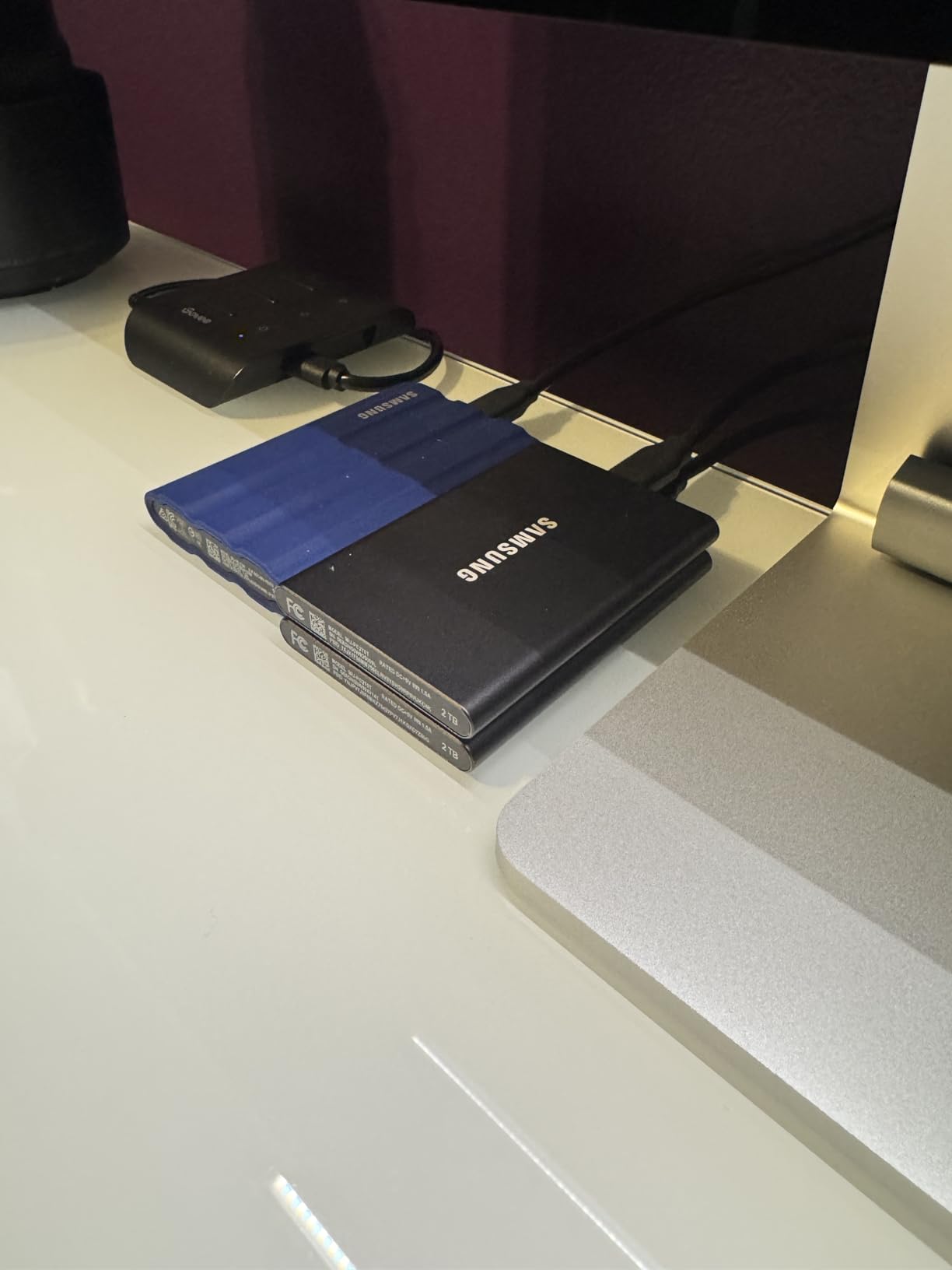
One caveat shows up repeatedly: the 1,050 MB/s figure only appears with a suitable USB 3.2 Gen 2 host and cable. Owners report results ranging from excellent to disappointing based entirely on what they plugged it into, so check the port before you blame the drive.
The warranty here is three years rather than the five on most internal drives in this list, which is the one specification that clearly separates it from the SanDisk Extreme Portable 2TB.
5. WD_BLACK SN850P 1TB: Best for a PS5 Game Library
WD_BLACK 1TB SN850P NVMe M.2 SSD Officially Licensed Storage Expansion for PS5 Consoles, up to 7,300MB/s, with heatsink – WDBBYV0010BNC-WRSN
Capacity: 1TB
Type: M.2 2280
Read: 7300 MB/s
Warranty: 5 years
Pros
- Officially licensed for the PlayStation 5
- Includes a heatsink shaped for the PS5 slot
- Install takes about as long as removing the console cover
- Load times match the console internal drive
- Keeps a large AAA library without deleting games
Cons
- Runs warm inside the console and can raise fan noise
- Bulkier than a bare drive because of the heatsink
This one exists for a specific reason. It is officially licensed storage expansion for the PlayStation 5, and the heatsink is shaped to fit the console’s M.2 slot, so there is no guessing about clearance. Owners describe the install as about as involved as taking the console cover off.
Load times from the expansion drive match the console’s own storage, and games play straight from it without transfers. That solves the problem most PS5 owners hit first, which is deleting finished games to make room for the next one.
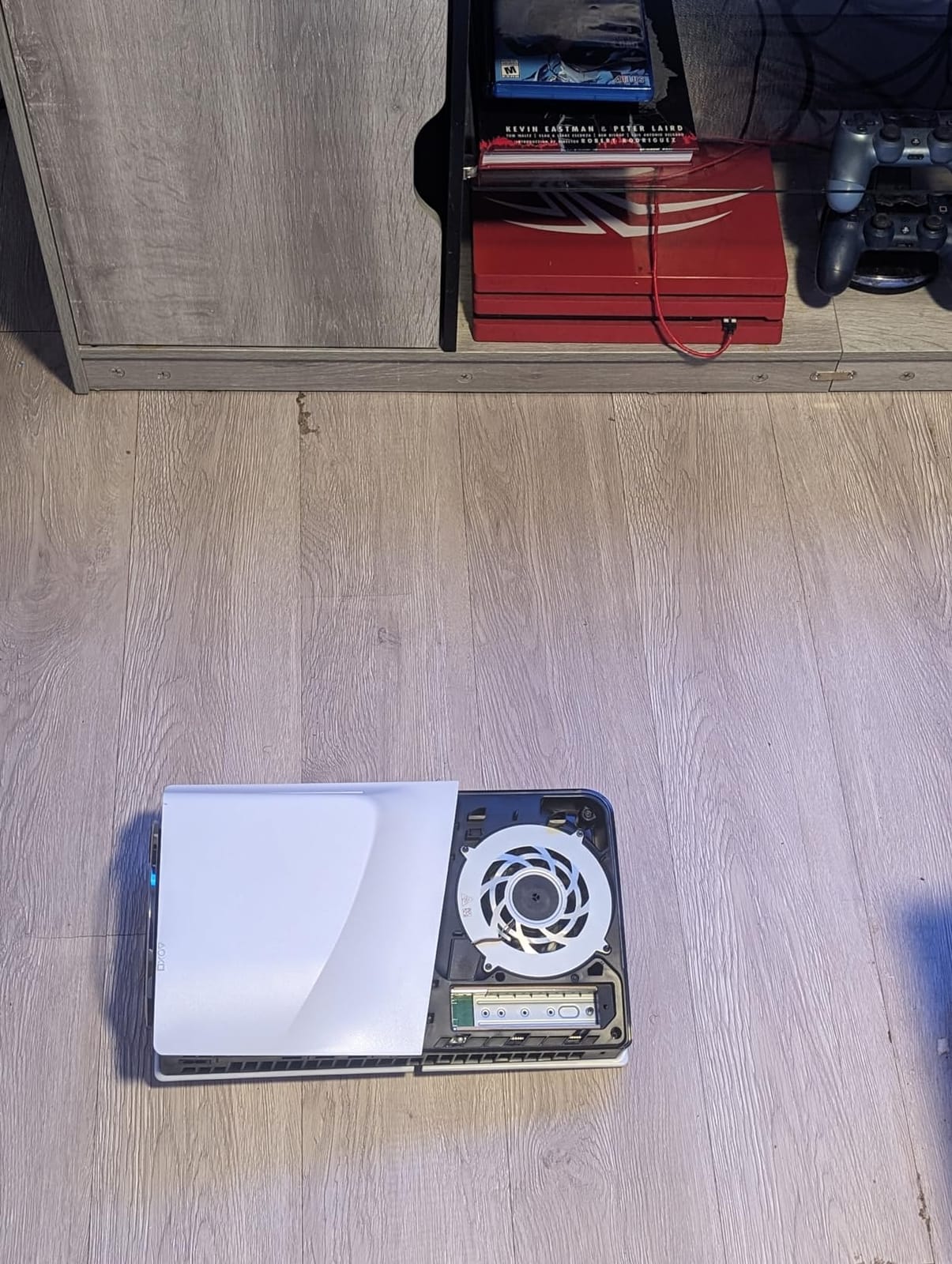
The reported downside is heat. The drive warms quickly inside the console and pushes the fan to spin more often, though owners are clear there is no performance drop from it. If your console sits in a closed cabinet rather than on a stand, expect to hear it.
For a PC builder, note the heatsink makes this drive bulkier than a bare M.2 2280 board, so it can clash with tall motherboard heat spreaders. The WD_BLACK SN850X 1TB has the same problem for a different reason.
6. Crucial P310 1TB: Best for Laptops and Handheld Consoles
Crucial P310 1TB SSD, PCIe Gen4 NVMe M.2 2280, Up to 7,100MB/s, for Laptop, Desktop (PC), & Handheld Gaming Consoles, Includes Acronis Data Recovery Software, Solid State Drive – CT1000P310SSD801
Capacity: 1TB
Type: M.2 2280
Read: 7100 MB/s
Weight: 10 g
Pros
- Up to 7100 MB/s read and 6000 MB/s write
- Recognised immediately with no driver or BIOS changes
- Works in laptops desktops and handheld consoles
- Backwards compatible with PCIe Gen3 systems
- Acronis data recovery software included
Cons
- An external enclosure caps real-world transfer speed
The nicest thing owners mention is that it just works. No driver, no BIOS change, no format step. The drive is recognised on install and stays cool and stable even with a video export, a game and a pile of apps running at once.
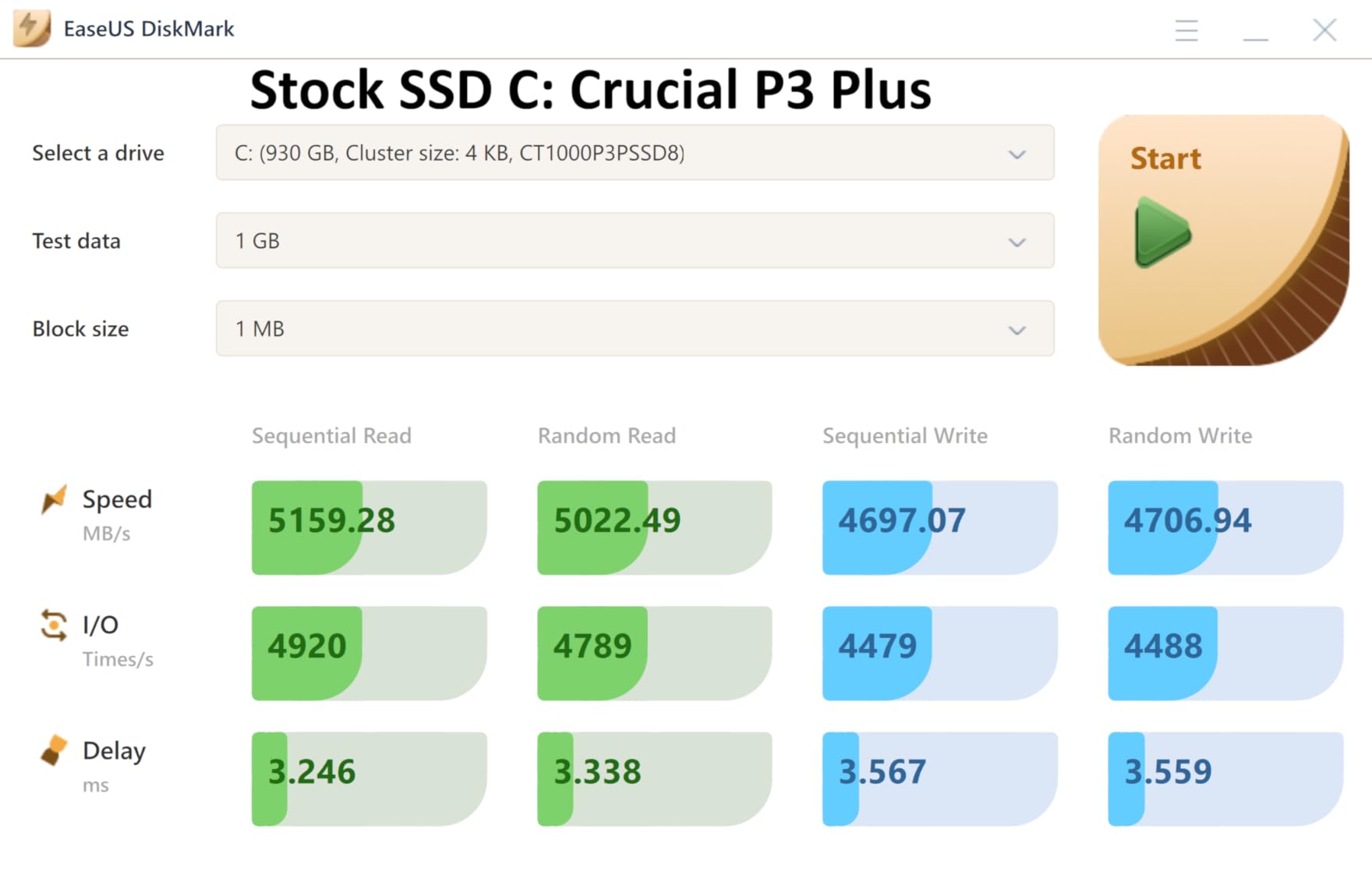
It fits handhelds as well as desktops, and owners running it in a ROG Ally X or a Legion Go report no problems. Backwards compatibility with Gen3 machines is a recurring positive, with older platforms still seeing around 3.1 GB/s.
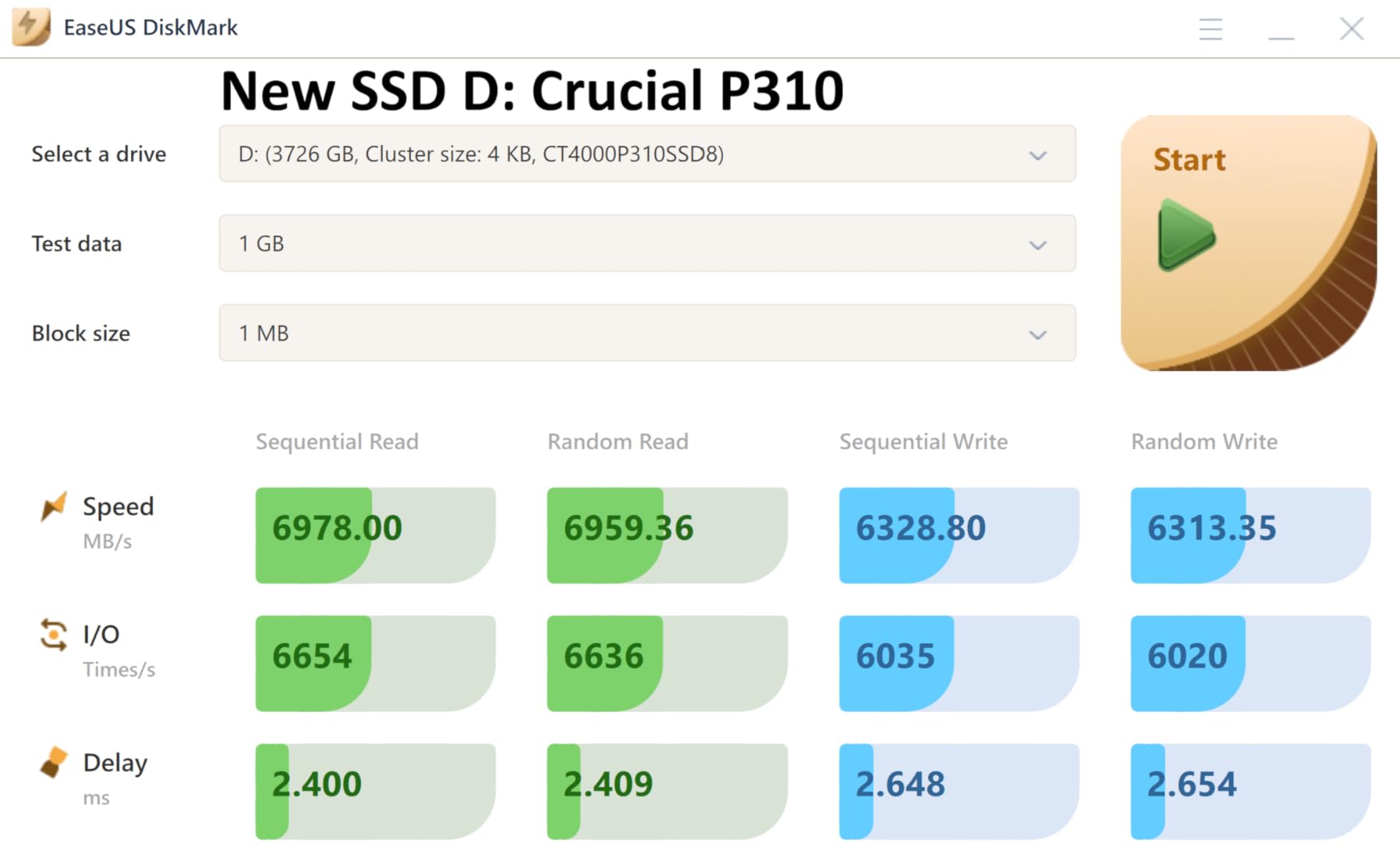
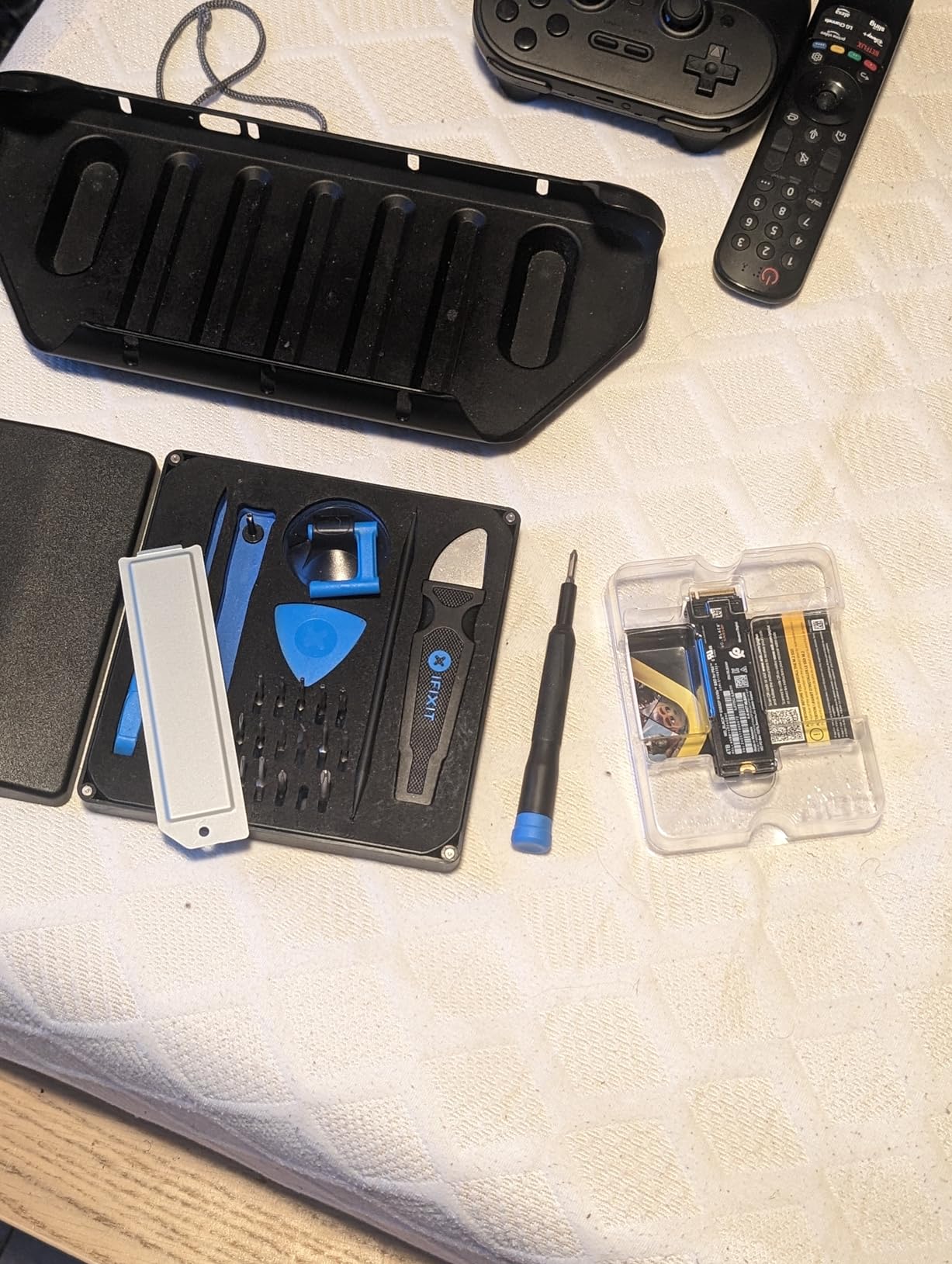
There is a second use that suits this list well. Several owners put this drive in a USB4 NVMe enclosure to turn it into very fast external storage, which is a cheaper route than buying a dedicated portable SSD. The catch is obvious: in a slower enclosure the enclosure sets the ceiling, not the drive.
Against the Kingston NV3 1TB, this one reads faster on paper and includes recovery software, while the Kingston ships with cloning software and a cooler-running reputation under load.
7. Samsung 990 EVO Plus 2TB: Best for One Big Internal Drive
Samsung SSD 990 EVO Plus 2TB, PCIe Gen 4×4 | 5×2 M.2 2280, Up to 7,250 MB/s
Capacity: 2TB
Type: M.2 2280
Read: 7250 MB/s
Weight: 9 g
Pros
- 7250 MB/s read and 6300 MB/s write near the Gen4 limit
- TurboWrite 2.0 holds up on large file transfers
- Runs in both PCIe 4.0 x4 and PCIe 5.0 x2 slots
- Runs cool with no thermal throttling under load
Cons
- DRAM-less design with HMB so random I/O trails cached drives
- No heatsink included for bare boards
This is the only 2TB internal drive in the list, and for most people that is the whole argument. One drive holds a large game library, a creative project and a backup, instead of a 1TB drive you are constantly pruning. Long-term owners report it staying fast and problem-free past a year of heavy use.
The second number worth understanding is endurance, quoted as TBW, which is the total amount you can write before a drive is considered worn out. Check it against the 600 TBW entry-level board in this list if you install large games repeatedly or shuttle project files on and off, because the ceiling matters more on a drive that never gets retired.
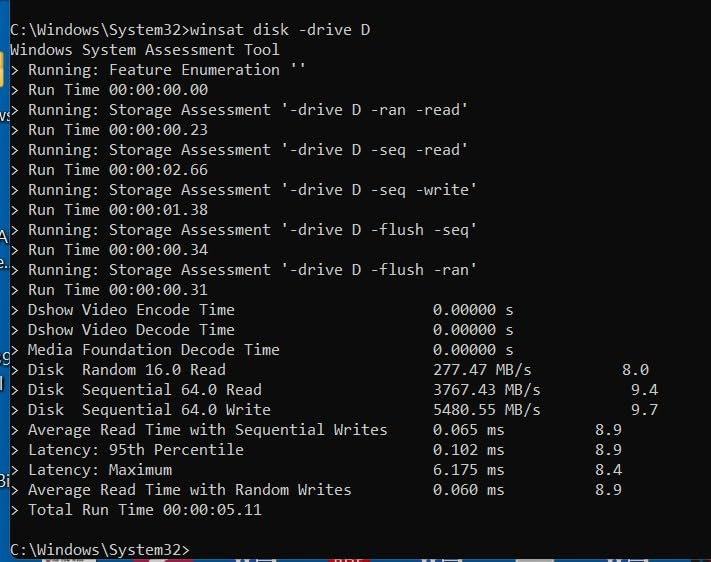
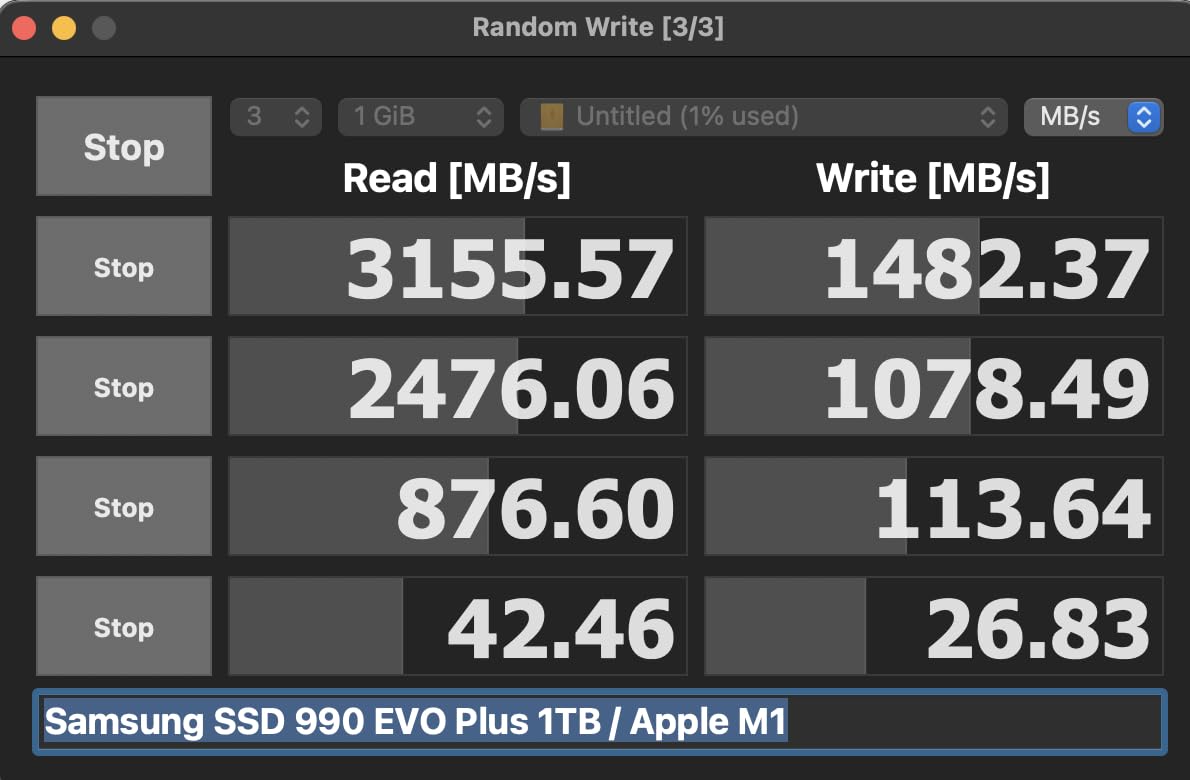
It also runs in PCIe 5.0 x2 slots as well as 4.0 x4, so a board with only the newer two-lane option is not a dead end. Owners highlight low temperatures and the security feature set, with AES-256, SED and TCG Opal 2.0 available through Magician.
Same DRAM-less trade-off as the other mainstream boards in this list, and again no heatsink in the box. If your motherboard has no M.2 thermal solution, plan on adding one.
8. WD_BLACK SN850X 1TB: Top Rated for Gaming and Consoles
WD_BLACK SN850X 1TB NVMe SSD with Heatsink – M.2 2280, Up to 7,300 MB/s Read speeds, Up to 6,300 MB/s write speeds, Gaming Expansion, High Performance Internal Solid State Drive – WDS100T2XHE
Capacity: 1TB
Type: M.2 2280
Read: 7300 MB/s
Warranty: 5 years
Pros
- Measured speeds over 7000 MB/s matching the claim
- Integrated heatsink with no throttling under load
- Plug-and-play in a PS5 with console-matching load times
- Large improvement over any Gen3 drive
- Long reliability record across generations
Cons
- Heatsink may not clear tall motherboard heat spreaders
- Mounting screw is not included in the box
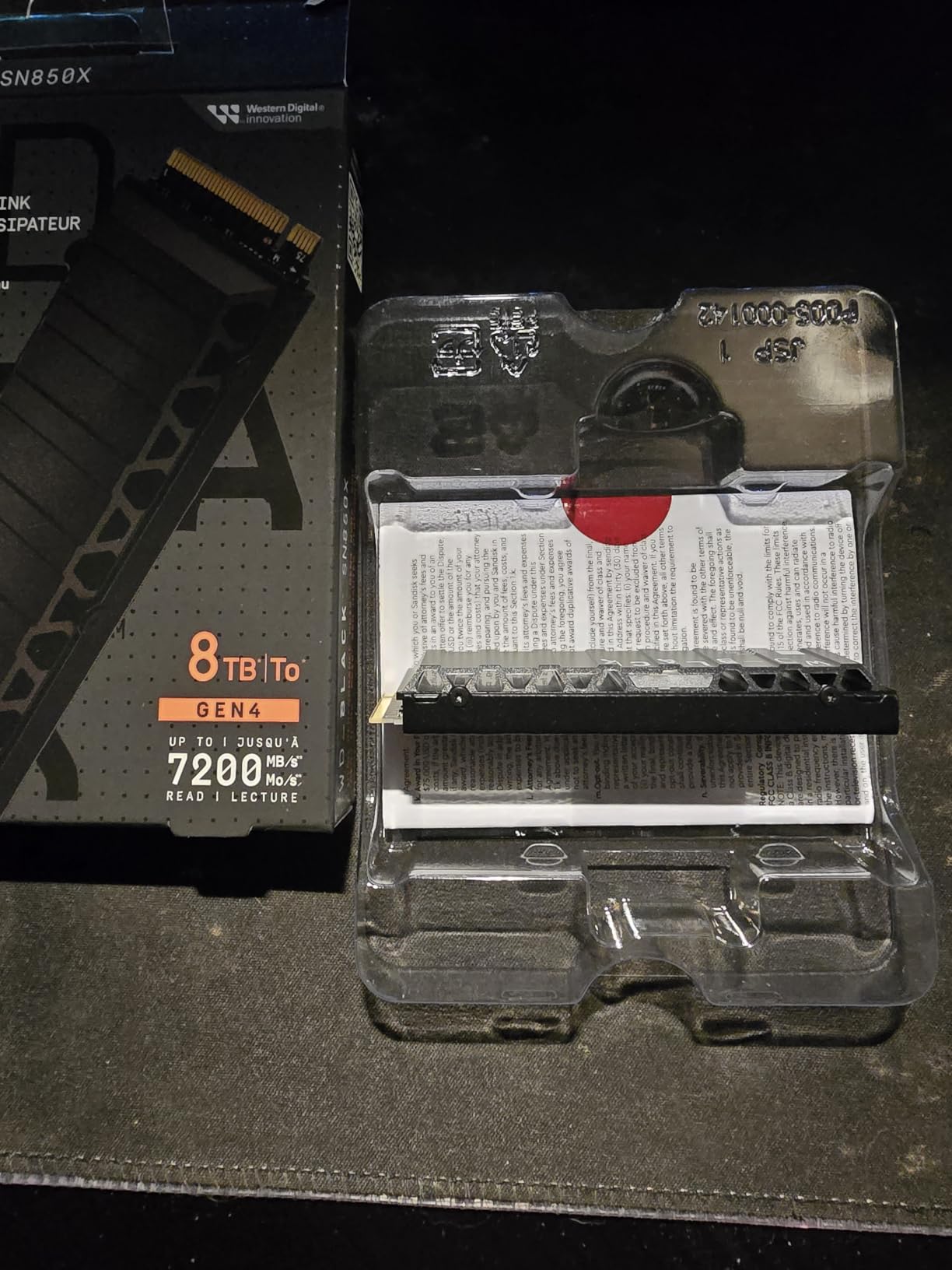
- Manufacturer states this model has been replaced by a newer drive
Among the drives in this list, this one has the combination of rating and owner volume that stands out: 4.8 stars across more than fifteen thousand reviews, most of them from people who have had it for years. Owners describe a dramatic change in boot, game and file load times coming from a Gen3 drive.
The heatsink is the differentiator. Owners credit it with holding thermals steady even in cramped cases and inside the PS5, where several report throughput beyond the officially recommended drive.
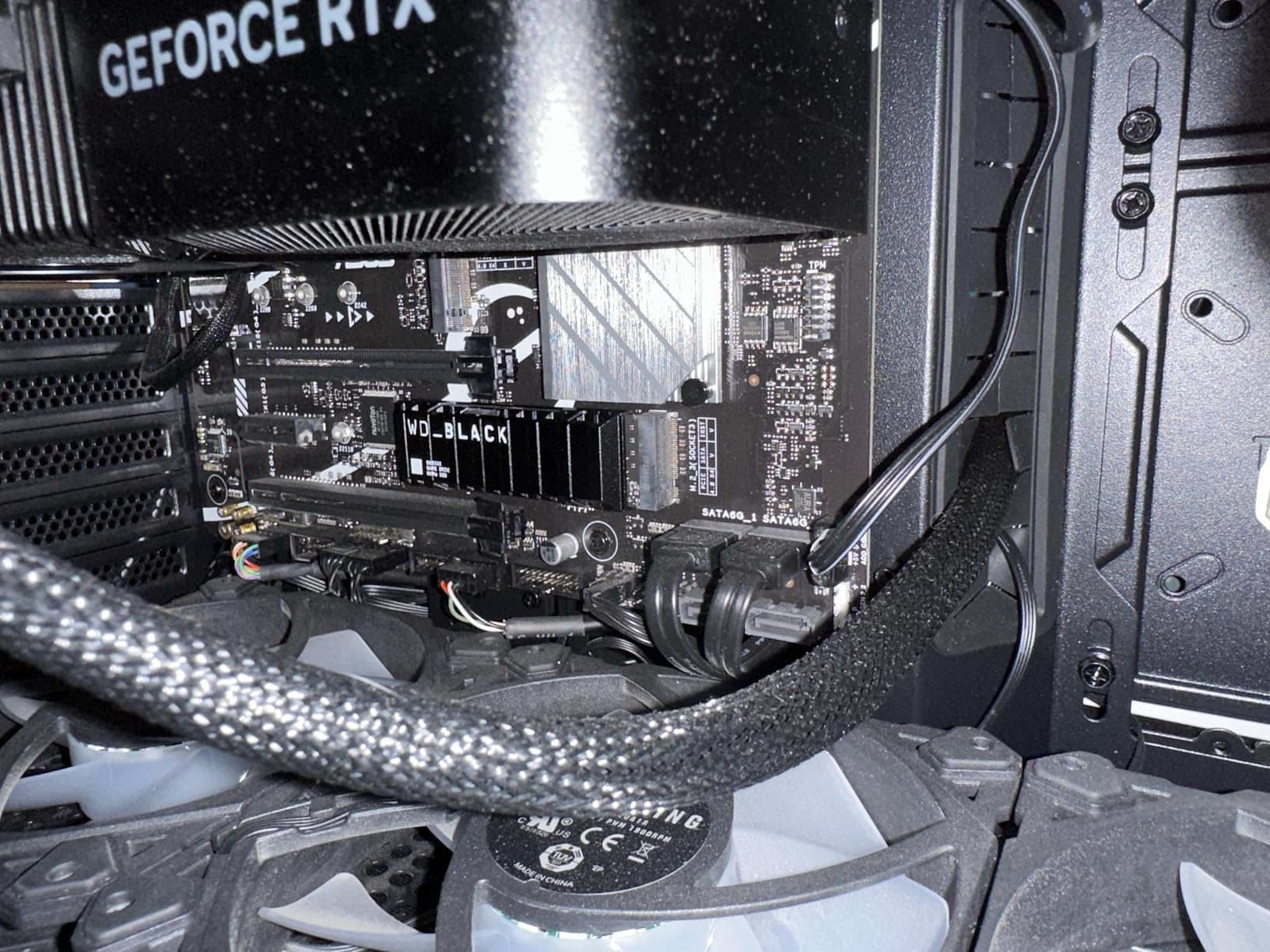
Fitment is where the complaints sit. The heatsink is tall, so some motherboards with built-in M.2 heat spreaders or limited standoff clearance will not take it, and the box does not include a mounting screw. Check your board’s standoff height first.
Also worth knowing: Sandisk states this model has been replaced by a newer generation drive. If a listing for this exact model looks unusual, that is why.
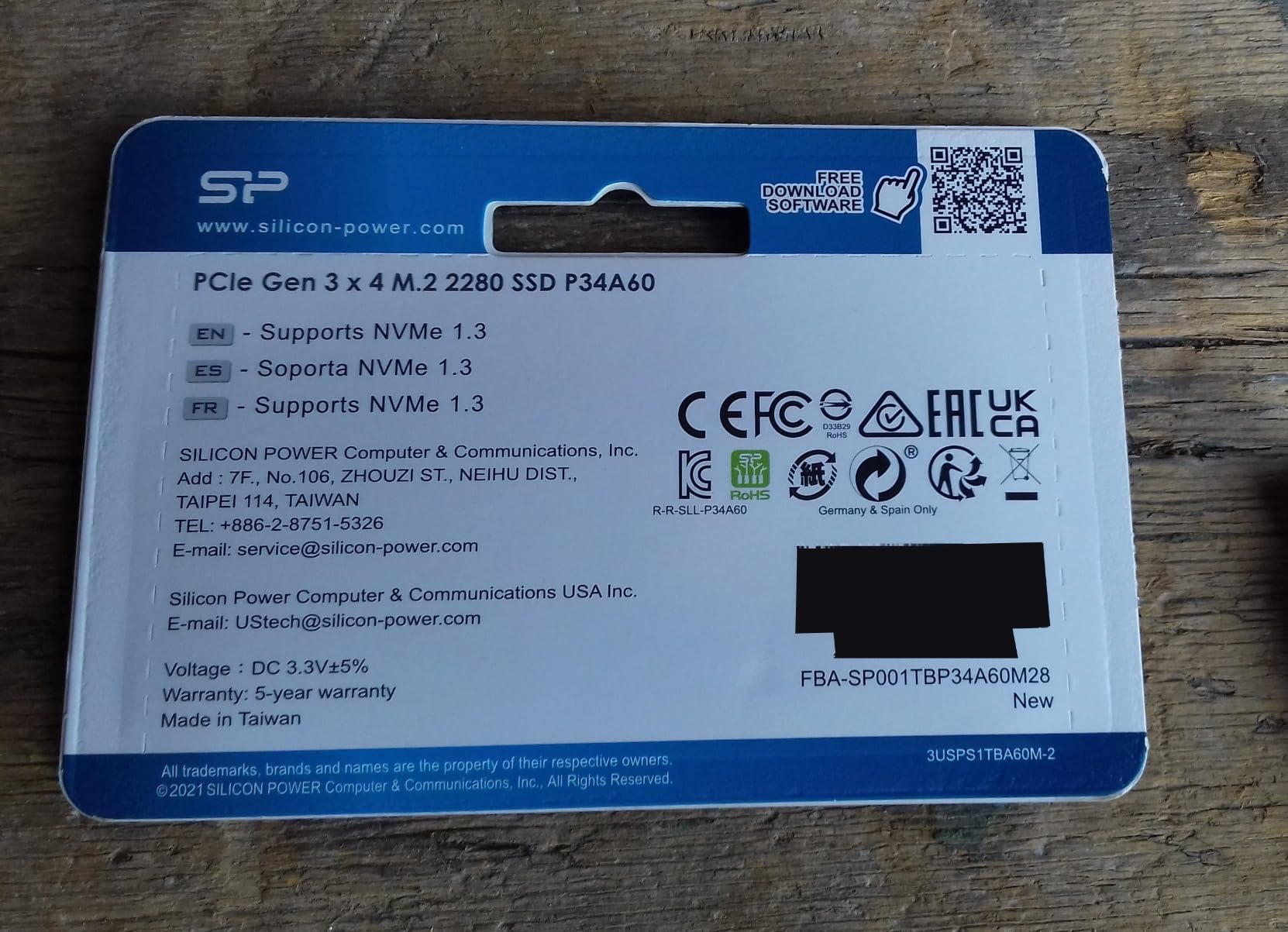
9. Silicon Power A60 1TB: Best for Older Gen3 Machines
Silicon Power 1TB – NVMe M.2 PCIe Gen3x4 2280 SSD (SP001TBP34A60M28)
Capacity: 1TB
Type: M.2 2280
Read: 2200 MB/s
Endurance: 600 TBW
Pros
- Delivers up to 2200 MB/s read and 1600 MB/s write
- Low power draw suits laptops and older desktops
- Generous capacity for an entry-level internal upgrade
- Backward compatible with earlier PCIe versions
Cons
- Noticeably slower than any Gen4 drive in this list
- Warranty ends at 600 TBW or the term whichever comes first
Not every machine with an M.2 slot is a modern one. This drive is the pick when the board is PCIe 3.0, where paying for Gen4 speed buys nothing. It delivers up to 2,200 MB/s read and 1,600 MB/s write, which is still several times what a SATA drive manages.
The low power draw is the quiet advantage in a laptop or a small-form-factor build. Reviewers treat it as a straightforward way to add fast internal storage to an older desktop that has run out of room.
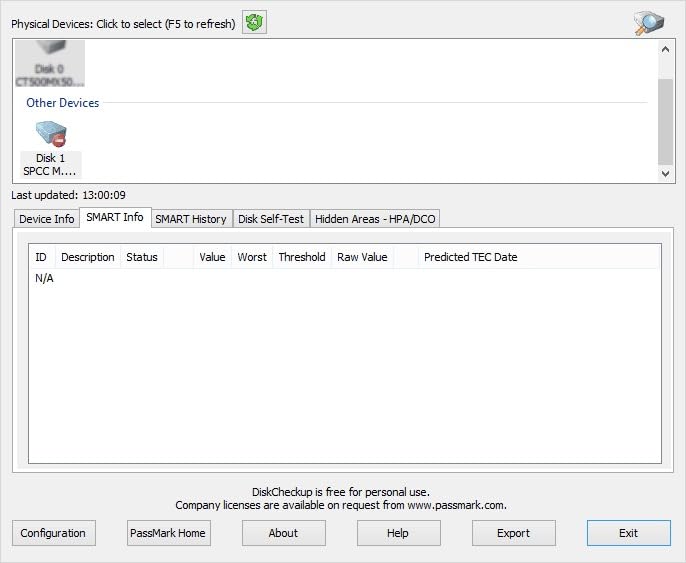
Know what you are accepting. Endurance is rated at 600 TBW and the warranty ends at whichever limit arrives first, the write ceiling or the term. It needs an M-key M.2 connector, will not fit B-key slots, and the mounting screw is not in the box.
Against the Crucial P310 1TB, which also runs on Gen3 platforms but carries a 7,100 MB/s headline figure and a five-year warranty, this is the cheaper route with more limits attached.
10. SSK Portable SSD 1TB: Best for Phone and Tablet Transfers
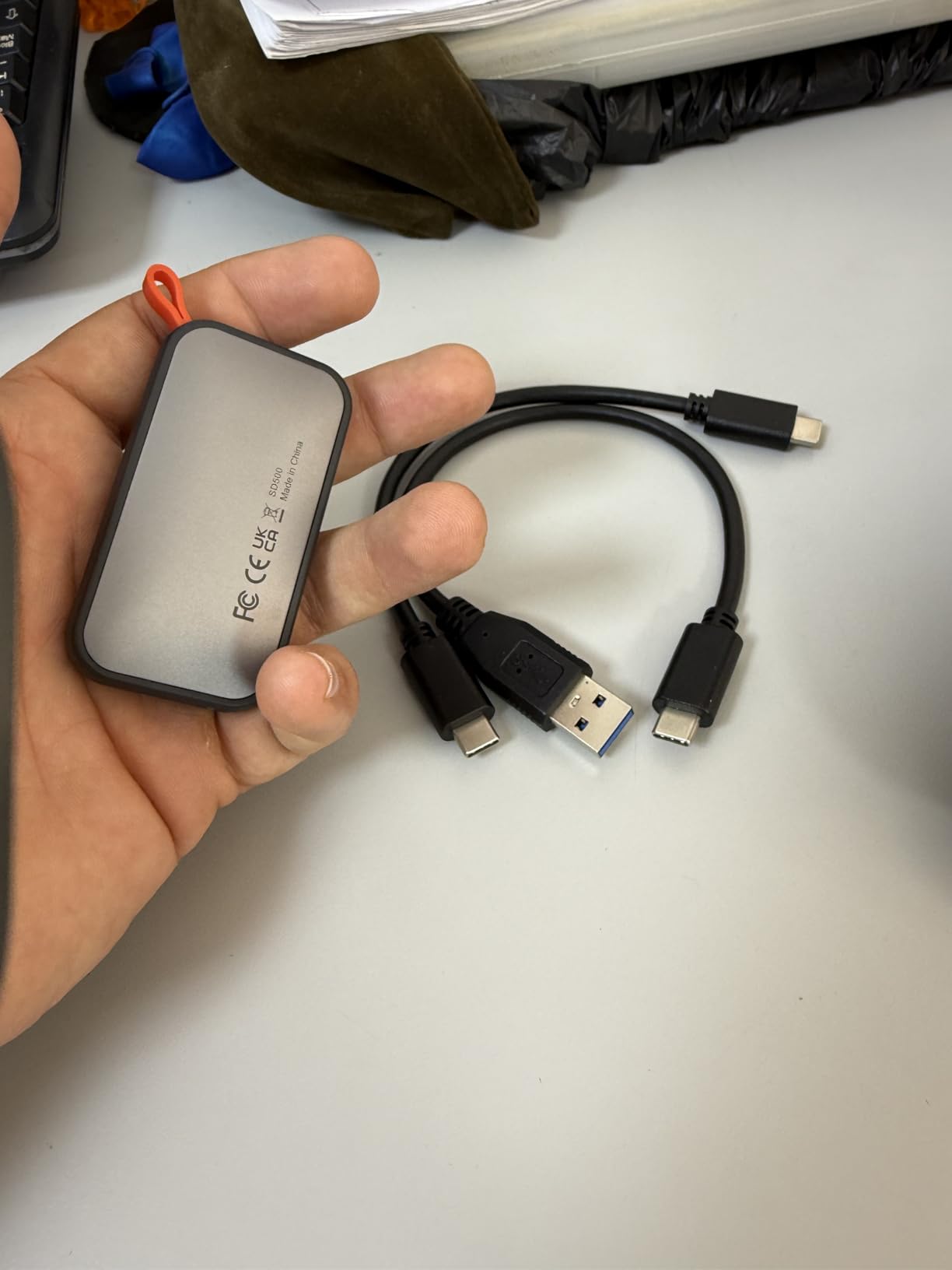
SSK Portable SSD 1TB External Solid State Hard Drive USB C Up to 1050MB/s
Capacity: 1TB
Type: Portable SSD
Read: 1050 MB/s
Weight: 1.29 oz
Pros
- Reads 1050 MB/s and writes 1000 MB/s over 10Gbps USB
- Lightest portable drive here at 36.6g
- Aluminium case peaks around 105F
- USB-C and USB-A cables both included
- Under 2.4W draw works with phones and tablets
Cons
- SLC cache covers only 25% of free capacity so long transfers slow
- Windows reports about 931GB not 1TB
The reason to look at this one is the power budget. At under 2.4 watts, it will run off a phone or tablet, and it supports 4K60 ProRes HDR capture on iPhone. Both USB-C and USB-A cables are in the box, so the adapter hunt never happens.
Heat management is better than the weight suggests. The 2mm aluminium alloy case peaks around 105.58F during transfers, which is why the drive keeps its speed for longer than its rating suggests it should.
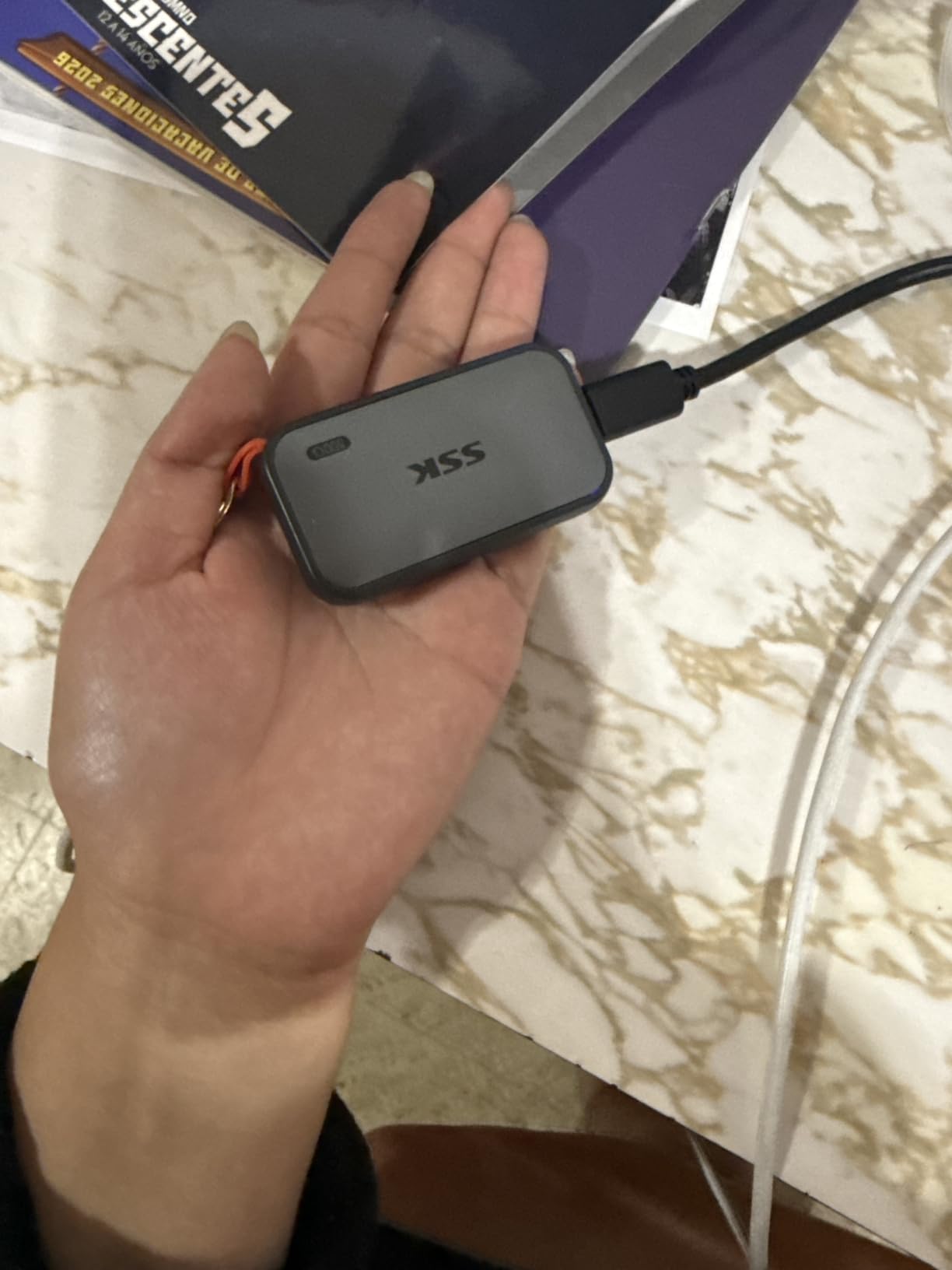
This is the lowest-rated drive in the list at 4.5 stars, and the reason is consistent. The SLC cache uses 25 percent of available capacity, so a very large transfer eventually falls below the rated 1,000 MB/s write. For moving a holiday’s photos it is fine. For shifting a 500GB project folder, expect a wait.
The Windows capacity readout also confuses buyers, showing about 931GB instead of 1TB. That gap is the binary versus decimal difference and affects every drive in the list, not just this one.
How to Choose SSDs During Prime Big Deal Days
Pick the capacity before the speed
Decide how much room you need first, because capacity decides everything else. A 1TB drive holds roughly 30 to 40 modern AAA titles, and 2TB holds that library plus a system drive and a project folder. The external SSDs for video editing roundup covers the capacity maths for scratch and working storage if you shoot video.
The question buyers ask most is whether 1TB or 2TB is the smarter purchase, and the honest answer is that 2TB usually costs less per gigabyte than 1TB. The 2TB internal pick in this list is the Samsung 990 EVO Plus.
Match the interface to the slot you actually have
PCIe 4.0 x4 is the current sweet spot and covers every desktop and laptop built in the last several years. PCIe 3.0 x4 drives still work in those machines, just slower, which is the Silicon Power A60’s whole purpose. Check whether your board has an M-key slot before buying anything, since B-key sockets will not take an M.2 2280 drive.
For a gaming build specifically, our NVMe SSDs for gaming guide breaks down what changes in load times and what does not.
External versus internal, and why the port matters
An external drive will never match an internal one, because the USB bus sets the ceiling. A USB 3.2 Gen 2 port tops out around 1,050 MB/s, which is exactly what the three portable drives here claim. Faster internal drives need the M.2 slot.
If you already own fast M.2 drives, putting one in an enclosure is often the cheapest path to fast external storage, and SSD enclosures for M.2 drives covers the enclosure side. For a lower-cost portable option, our list of affordable portable SSDs is the place to look.
Heatsinks, warranty length and endurance
A heatsink matters more than most buyers expect on a drive that will sit under a GPU or inside a console. Of the internal picks here, the WD_BLACK SN850X and the WD_BLACK SN850P ship with one; the Samsung boards and the Crucial do not.
Endurance is quoted as TBW, the total amount you can write before the drive is considered worn out. Above 1,000 TBW you are unlikely to reach it in normal use. At 600 TBW, as on the Silicon Power A60, the warranty can expire on the write ceiling instead of the term.
How to Shop SSD Deals During the Sale
On any SSD listing, check four things before you commit: the capacity in the title, since the same model appears in 1TB and 2TB versions with very different numbers attached; the model code, which tells you the generation and whether a heatsink is included; who the seller is, since a third-party listing handles warranty claims differently from one fulfilled by Amazon; and whether the drive is new or renewed.
Most offers during Prime Big Deal Days need a Prime membership, and a free trial counts. Pricing moves through the event, so check the listing again before you buy rather than trusting a number you saw earlier.
- Buy the SanDisk Extreme Portable 2TB for backups and media you carry around.
- Buy the Samsung 990 PRO 1TB when boot and load speed on a gaming PC is the goal.
- Buy the Kingston NV3 1TB for a straightforward internal upgrade on a budget.
- Buy the WD_BLACK SN850P 1TB if a PlayStation 5 is filling up with games.
- Buy the Samsung 990 EVO Plus 2TB if you want one drive instead of two.
- Check the seller and the model code on the listing before you pay.
Frequently Asked Questions
When does Amazon Prime Big Deal Days run in 2026?
Amazon Prime Big Deal Days runs October 6-7, 2026. It is Amazon’s October Prime event, separate from the June Prime Day, and it usually opens in the early morning and closes late on the second day. Offers that require a Prime membership are the ones most likely to disappear first.
Is a Prime membership required for Amazon Prime Big Deal Days SSD deals?
Most offers need a Prime membership, and a free trial counts toward that requirement. Some listings run as open-to-everyone deals, so check the Prime badge on the offer rather than assuming. A drive you were watching last week may have moved between those two categories during the event.
Do SSDs usually have their biggest discounts during Prime Big Deal Days?
Storage is one of the categories most often discounted during Prime Big Deal Days, and deals on popular PCIe 4.0 drives tend to change through the event. That said, headline reductions are not proof of a genuine low, so compare the current cost per gigabyte against what the same capacity normally costs before deciding.
How do I know whether an SSD listing is compatible with my computer?
Internal M.2 2280 drives need an M-key slot, which almost every desktop and laptop motherboard from the last several years has. Check the PCIe generation your board supports, since a Gen3 slot will run a Gen4 drive at Gen3 speeds. External drives need a USB 3.2 Gen 2 port to reach their rated speed.
Is a 1TB SSD enough for gaming and everyday use?
A 1TB drive holds roughly 30 to 40 modern AAA titles alongside a system install, which suits most people. It fills up faster than expected once video libraries and photo folders land on it, and 2TB is usually cheaper per gigabyte. Pick 1TB if your library is small, 2TB if you delete games to make room for new ones.
Should I buy an SSD during Prime Big Deal Days or wait for another sale?
Storage deals appear often enough that waiting for a better one is not always worth it, particularly for a capacity you need now. Storage prices move week to week, so compare the current cost per gigabyte with the drive’s recent range rather than reacting to the discount badge. Whichever sale you shop, verify the listing and seller before paying.
Final Verdict: Best Amazon Prime Big Deal Days SSD Deals
Buy the SanDisk Extreme Portable 2TB if you need somewhere to put photos and footage that travels with you. It has the largest owner review base in this list, a 2TB capacity and a shell rated for drops and weather. For a fixed gaming PC, the Samsung 990 PRO 1TB is the faster route, and the Kingston NV3 1TB is the value pick for a straightforward internal upgrade.
Buy the WD_BLACK SN850P 1TB for a PlayStation 5 that has run out of room, the Samsung 990 EVO Plus 2TB if you would rather have one large internal drive than two smaller ones, the Crucial P310 1TB for a laptop or a handheld, the Samsung T7 1TB for a portable drive that has to work with consoles and phones, the WD_BLACK SN850X 1TB if your board has room for a heatsink, the Silicon Power A60 1TB for a PCIe 3.0 machine, and the SSK Portable SSD 1TB for moving files to and from a phone.
Whatever ends up on your shortlist, open the current Amazon listing on the day you plan to buy, check the seller and the model code, and confirm the capacity matches what you need. Storage pricing moves during Prime Big Deal Days, so the listing is the only reliable source for what a drive costs right now.