

The Olialia RTX 3060 Ti Tower leads this roundup of gaming PC deals under $1000 because it pairs a card that still handles 1440p with the highest rating in this set and a tempered-glass case that looks twice the price. The VIPRTECH Ghost 3.0 suits anyone who streams on the side, and the SKYESEV MX350 wins on raw memory. Amazon’s sale runs October 6-7, 2026, and offers change through the event, so check the current button before you commit.
Table of Contents
Our Top 3 Picks for Best Amazon Prime Big Deal Days Gaming PC Deals Under $1000 in 2026

Olialia RTX 3060 Ti Tower
- RTX 3060 Ti 8GB for 1440p play
- Ryzen 5 5500 six-core CPU
- 16GB DDR4 and 512GB SSD
- Dual tempered glass panels

VIPRTECH Ghost 3.0
- Ryzen 7 3700X eight-core CPU
- RTX 4060 8GB graphics
- 16GB DDR4 and 1TB SSD
- 600W gold-rated supply

SKYESEV MX350
- 32GB DDR4-3200 memory
- RTX 3050 6GB graphics
- 1TB NVMe SSD
- Dual HDMI output
Best Amazon Prime Big Deal Days Gaming PC Deals Under $1000 Compared
| Product | Specifications | Action |
|---|---|---|
| Olialia RTX 3060 Ti Tower |
|
Check Deal Price |
| VIPRTECH Ghost 3.0 |
|
Check Deal Price |
| SKYESEV MX350 |
|
Check Deal Price |
 ZYNEEX S5 ZYNEEX S5 |
|
Check Deal Price |
 MXZ Ryzen 5 3600 MXZ Ryzen 5 3600 |
|
Check Deal Price |
 MXZ Core i5-12400F MXZ Core i5-12400F |
|
Check Deal Price |
 YAWYORE MX240 YAWYORE MX240 |
|
Check Deal Price |
 suevery SUV9B1 suevery SUV9B1 |
|
Check Deal Price |
 WIWB R5 4500 WIWB R5 4500 |
|
Check Deal Price |
 LXZ R5 5600GT LXZ R5 5600GT |
|
Check Deal Price |
How We Chose
Every machine here was judged on the specs that actually decide frame rates: the graphics card and its video memory, the processor core count, RAM speed, storage type, power supply wattage and cooling. We also weighed the rating, review count and the recurring themes in owner reviews, since that is where the storage and warranty complaints show up. Specs and review data were checked on October 2026.
1. Olialia RTX 3060 Ti Tower: Editor’s Choice
Olialia Gaming PC Prebuilt, RTX 3060 Ti, AMD Ryzen 5 5500, 16GB RAM
GPU: RTX 3060 Ti 8GB
CPU: Ryzen 5 5500
RAM: 16GB DDR4
Storage: 512GB SSD
Case: dual tempered glass
Pros
- RTX 3060 Ti 8GB holds 1440p settings with DLSS
- Six-core Ryzen 5 5500 boosts to 4.2GHz
- Windows 11 Home pre-installed
- DisplayPort plus HDMI for multi-monitor
Cons
- 512GB SSD fills up fast with modern titles
- 16GB RAM is the bare minimum today
- One HDMI port only
The RTX 3060 Ti is the reason this tower leads. It is the only card here that comfortably drives a 1440p monitor at high settings, and paired with DLSS it still has headroom for the demanding releases. The Ryzen 5 5500 underneath is a 6-core, 12-thread chip that boosts to 4.2GHz, which is enough to keep the GPU fed in most games.
Owners notice the case as much as the internals. Dual tempered glass panels and six adjustable RGB fans with a matching RGB CPU cooler make it look like a system built for twice the money, and the multi-fan layout with dust filters keeps thermals and noise steady over long sessions.

What you give up is storage. 512GB is the smallest sensible SSD and it will need a second drive sooner rather than later, though the case has room to add one. Memory is 16GB of DDR4, upgradable to 64GB, which covers gaming plus a browser full of tabs.
One small thing worth knowing before you plug in a monitor: the listing asks buyers to use the lower GPU ports. If you skip that, you may get no picture and think the machine is faulty.
Compared with the VIPRTECH Ghost 3.0, you get a stronger card and double tempered glass but half the storage. Compared with the SKYESEV MX350, you get far more gaming headroom and less memory. For a console switcher moving up to a bigger screen, this is the one to watch.
2. VIPRTECH Ghost 3.0: Best for Streaming
VIPRTECH Ghost 3.0 GamingPC, Ryzen 7, RTX 4060 8GB, 16GB/1TB SSD Onyx Black
CPU: Ryzen 7 3700X 8-core
GPU: RTX 4060 8GB
RAM: 16GB DDR4
Storage: 1TB SSD
PSU: 600W gold
Pros
- Eight cores give real streaming and editing headroom
- 1TB boot drive plus 16GB of RAM
- Hand-built in the USA and stress-tested
- 120mm RGB liquid cooler included
Cons
- RTX 4060 is entry-level for 4K settings
- DDR4-2400 memory is slow
- 600W supply limits later GPU upgrades
Eight cores is the reason to pick this one. The Ryzen 7 3700X runs 8 cores and 16 threads at 4.4GHz turbo, and when OBS, a browser and a game are all open at once, that extra headroom shows. Nobody else in this list pairs a discrete GPU with an eight-core chip at this budget level.
The storage side is generous too: a 1TB boot SSD alongside 16GB of DDR4 across two slots, expandable to 128GB. Windows 11 Pro comes preinstalled rather than Home, which matters if you plan to connect a second machine or run remote software.
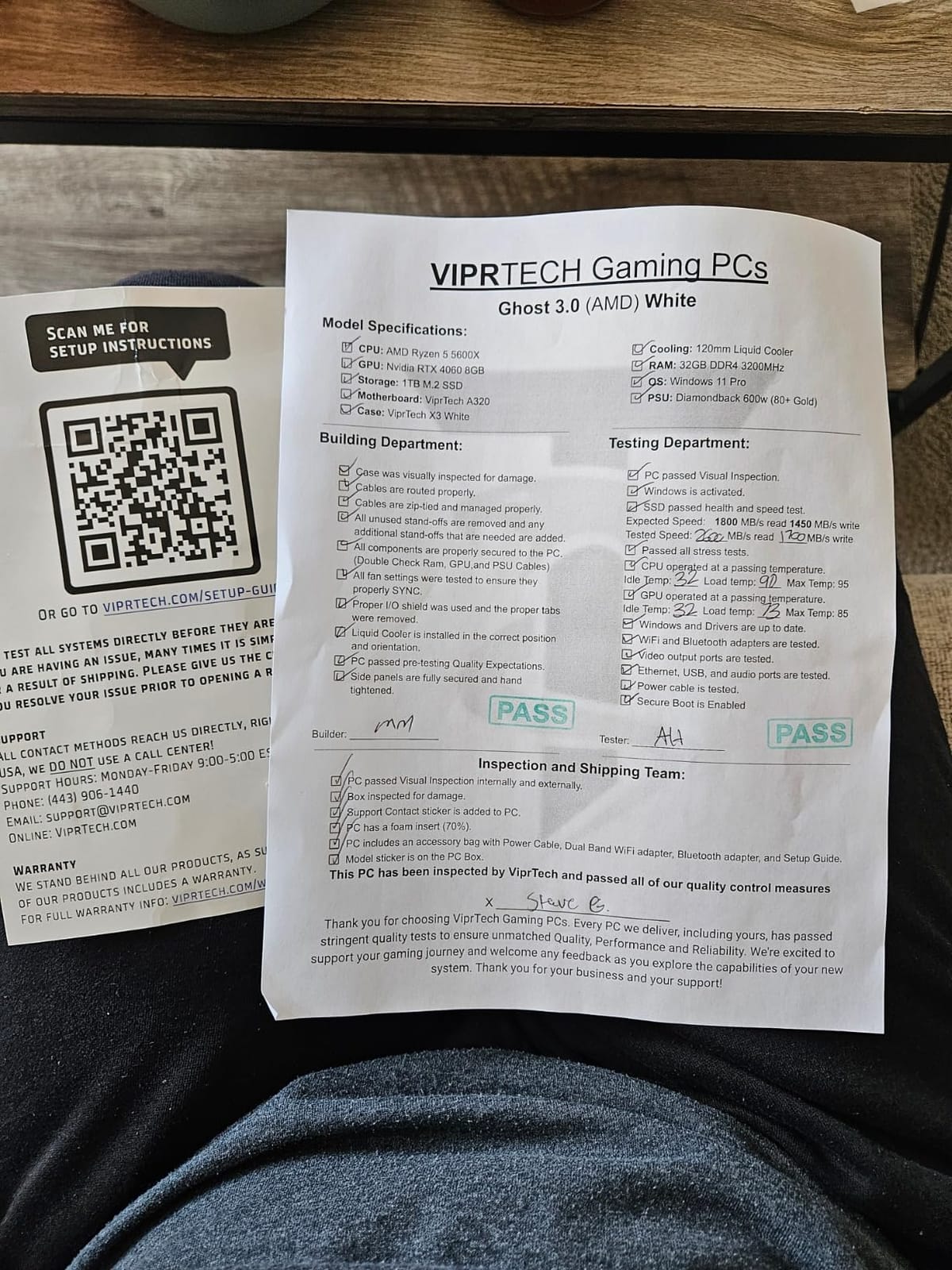
The trade-off is honest and worth stating plainly. Owners report that the RTX 4060 is an entry-level card, so demanding settings at 4K are out of reach, and the DDR4-2400 memory is slower than what most rivals here ship. Its one-star reviews tend to cluster around component longevity rather than performance, so the warranty matters more than usual.
The 600W gold-rated power supply is fine for this card but not for a much larger upgrade later. The 1-year labor warranty is the standard in this group.
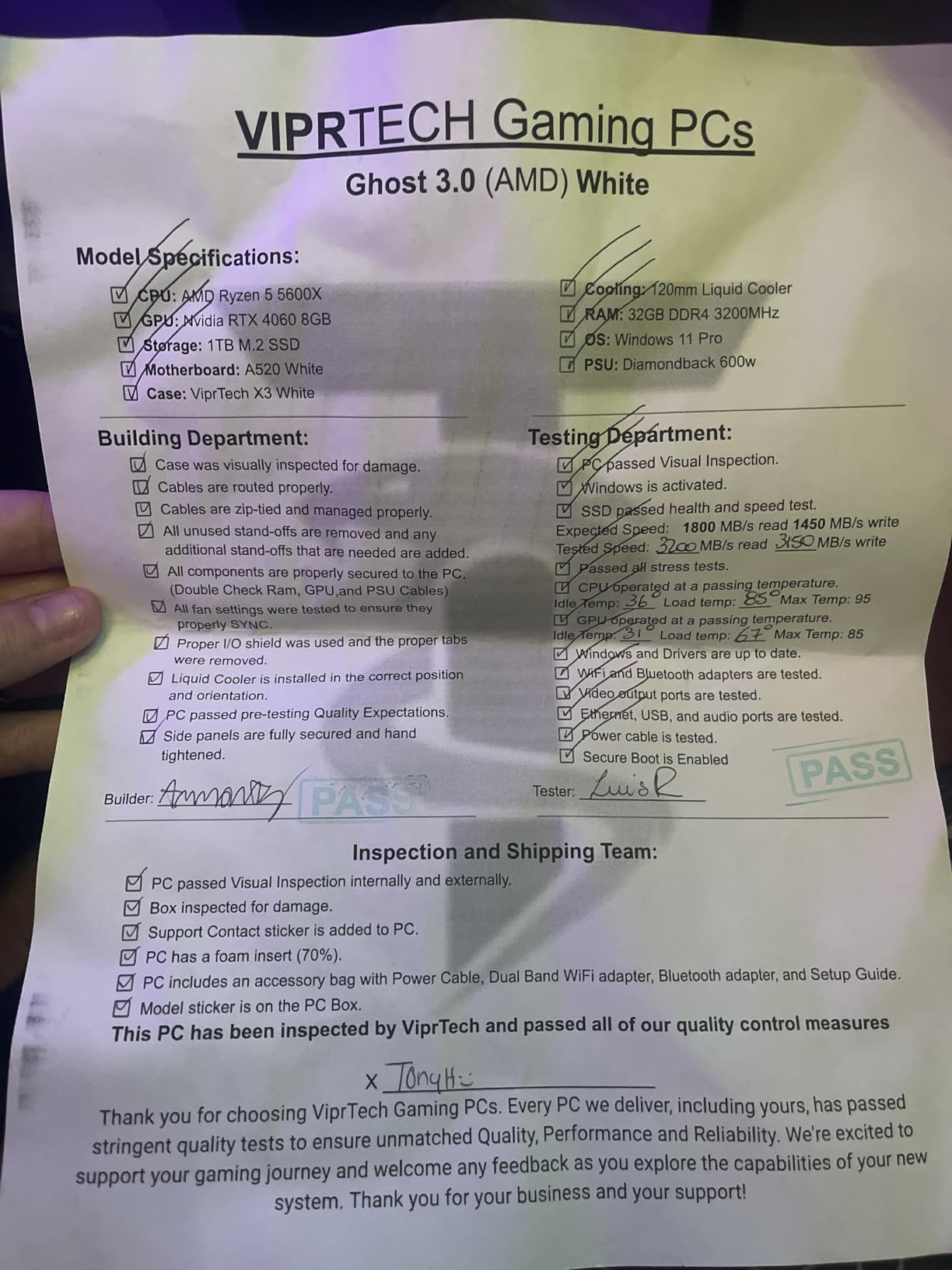
Trade raw gaming speed for cores and storage and you give up little in normal play. The Olialia RTX 3060 Ti Tower runs the faster card, and the MXZ Core i5-12400F has the newer processor but half the core count and half the storage allowance.
3. SKYESEV MX350: Best for Multitasking
SKYESEV Prebuilt Gaming Desktop PC, AMD Ryzen 5 5600, GeForce RTX 3050 6GB,32GB DDR4 3200MHz RAM, 1TB NVMe SSD, ARGB Air Cooling, Wi-Fi,Tower Computer for Gaming, Streaming, Editing
RAM: 32GB DDR4-3200
GPU: RTX 3050 6GB
CPU: Ryzen 5 5600
Storage: 1TB NVMe SSD
Pros
- 32GB of memory doubles what most rivals include
- 1TB NVMe storage
- ARGB fans with a remote control
- Two HDMI ports for flexible setups
Cons
- RTX 3050 6GB is a 1080p card
- Only 1TB for a growing library
- Operating system edition is not specified
Thirty-two gigabytes is the headline here, and it is real: 16GB x 2 running at 3200MHz in matched sticks. That is the largest memory capacity anywhere in this roundup, and it is the spec that keeps a machine comfortable when a game, Discord, a browser and a video editor are all open.
The Ryzen 5 5600 boosts to 4.4GHz and handles mainstream gaming well. Storage is a 1TB NVMe drive, which loads games noticeably faster than the 512GB SATA options further down this list, and the ARGB fans come with a remote so you can change lighting and fan speed from the couch.
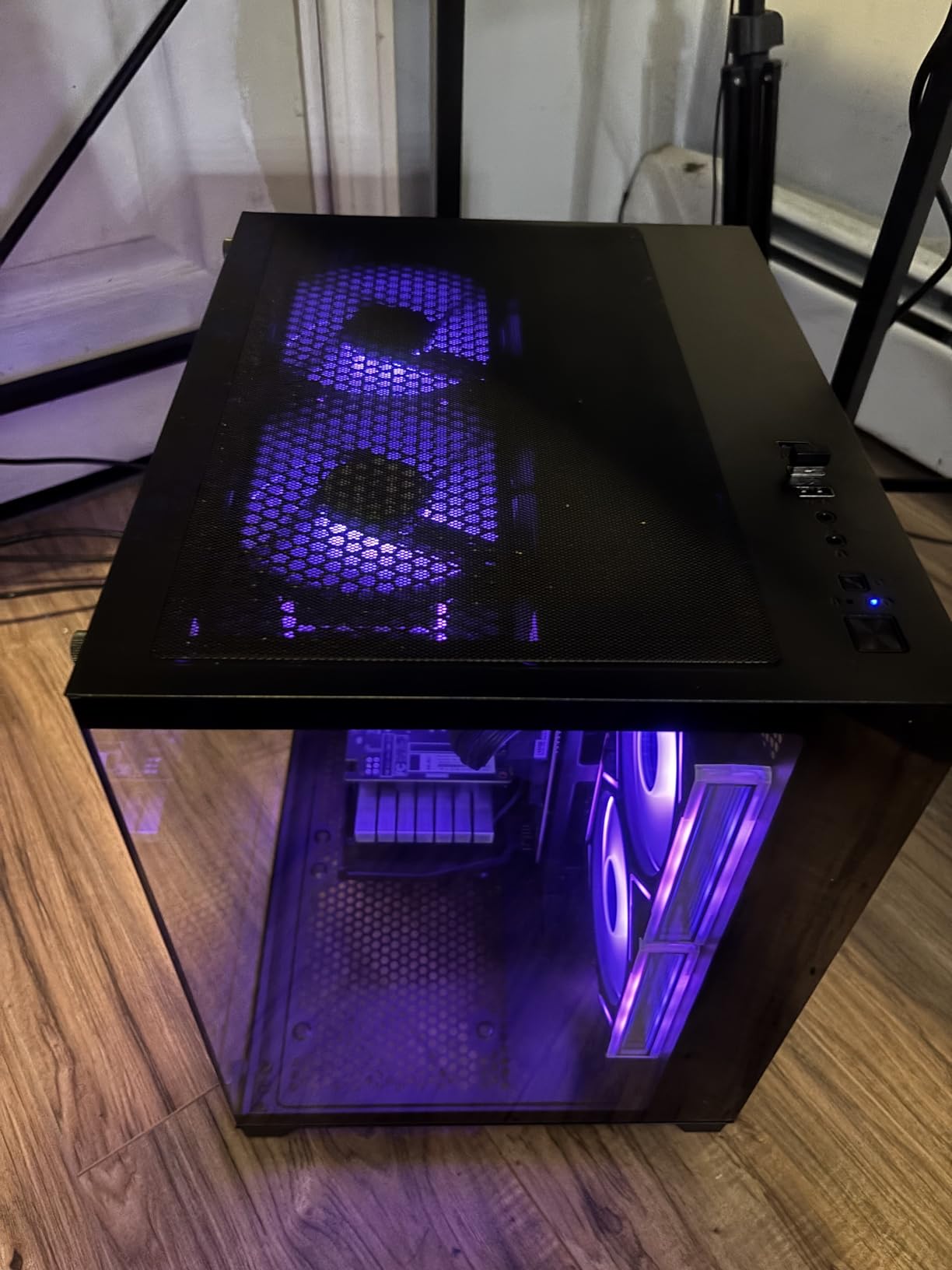
The compromise is the RTX 3050 6GB, an entry-level card limited to 1080p. It is a perfectly good card for esports and older titles, and a weak one for new AAA releases at high settings. The operating system is also listed only as Windows with no edition named, so confirm what you get before ordering.
Two HDMI ports mean you can drive two monitors without adapters, which is rare in this budget range. Expect a 1-year limited warranty.
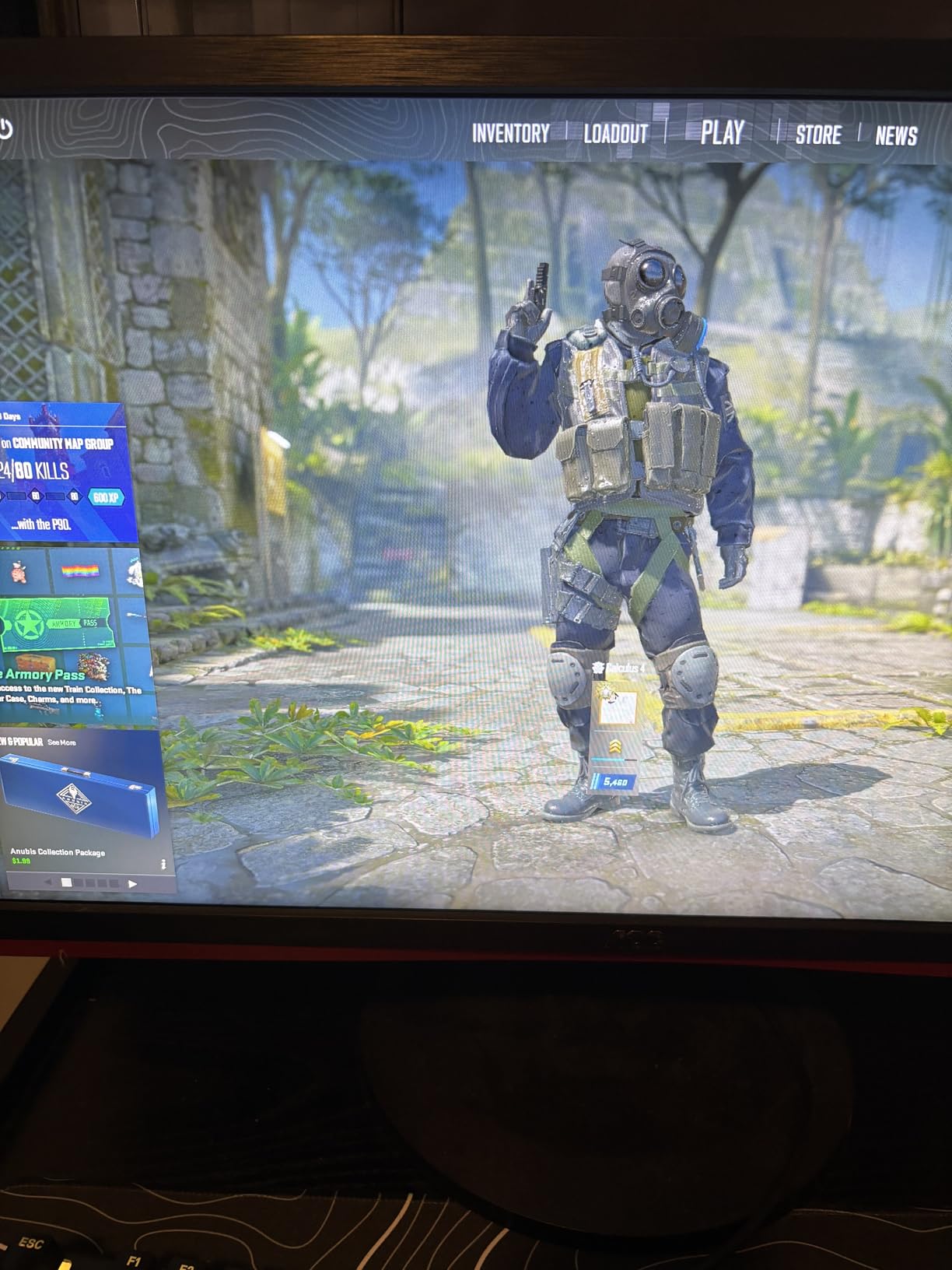
Skip the SKYESEV MX350 if you are here purely for frame rates, since its RTX 3050 6GB gives up ground to every RTX card on the list. Take it instead of the ZYNEEX S5 when memory capacity matters more to you than a faster card.
4. ZYNEEX S5: Best 1080p All-Rounder
ZYNEEX Prebuilt Gaming Desktop PC, AMD Ryzen 5 5500, GeForce RTX 3050 6GB,16GB DDR4 3200MHz RAM, 1TB NVMe SSD, ARGB Air Cooling, Wi-Fi,Tower Computer for Gaming, Streaming, Editing
GPU: RTX 3050 6GB
CPU: Ryzen 5 5500
RAM: 16GB DDR4-3200
Storage: 1TB NVMe SSD
Pros
- Cleanest rating distribution in the set
- DisplayPort HDMI and DVI cover every monitor
- 1TB NVMe with 16GB of 3200MHz memory
- Multi-fan ARGB cooling stays quiet
Cons
- RTX 3050 6GB caps you at 1080p
- Only two expansion slots
- AM4 platform cannot move to newer architectures
Rating distributions tell you more than a single star score, and this one is unusually clean: 88% of reviews are four or five stars with about 1% at one star and no two-star reviews at all. Owners describe a dependable 1080p machine with fast storage and cooling that stays quiet through long sessions.
The port selection is the practical highlight. DisplayPort, HDMI and DVI together mean almost any monitor or TV you already own will plug straight in, which matters for a living-room setup. Wi-Fi and Bluetooth are built in, so there is no dongle to lose.
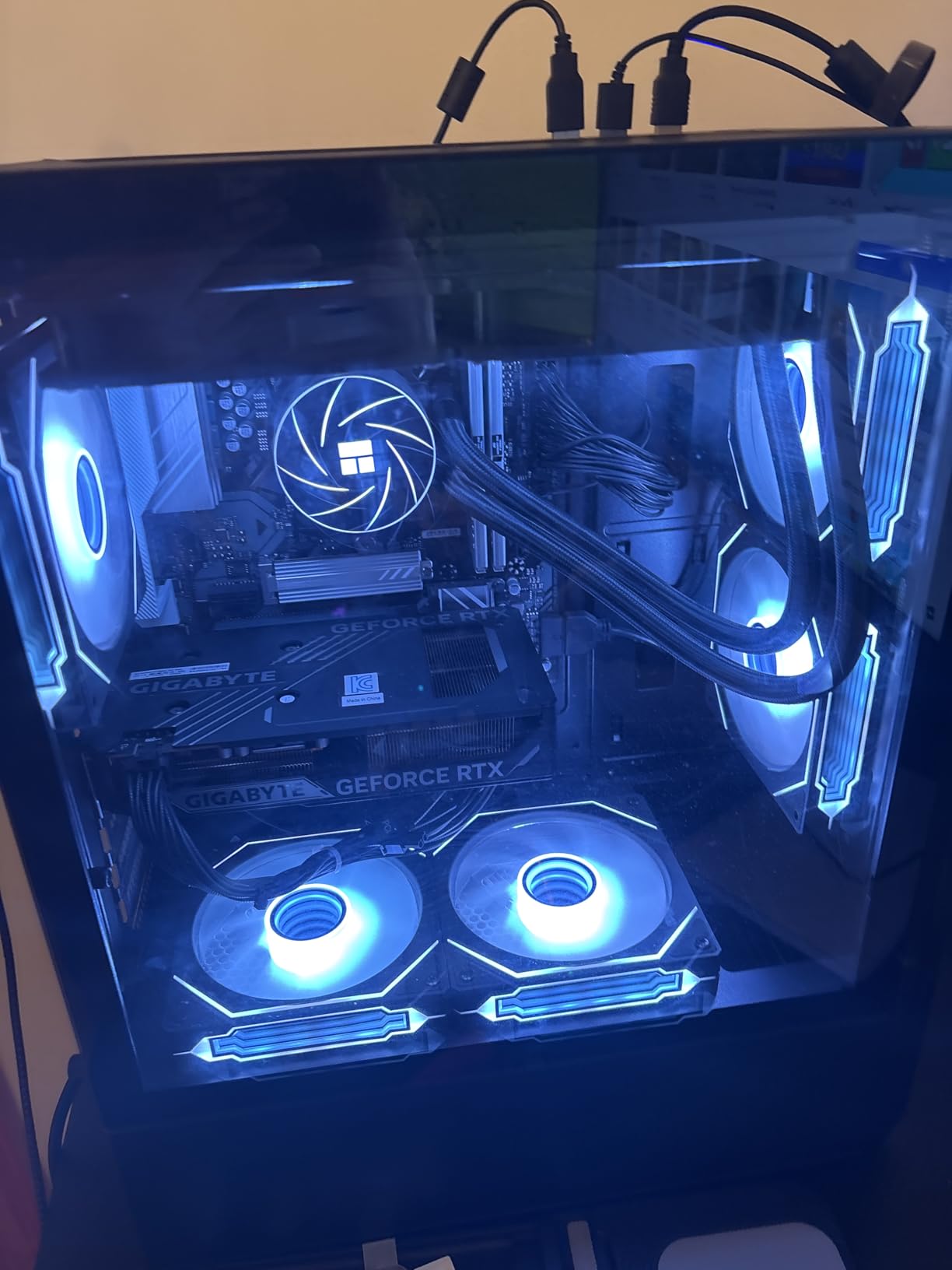
Two constraints to keep in mind. The RTX 3050 6GB is adequate for esports and mainstream titles but not for new AAA releases at high settings, and only two expansion slots limits how much you can add later. The Ryzen 5 5500 sits on AM4, so the CPU path stops there even though the board accepts up to 64GB of memory.
Where it beats rivals: the SKYESEV MX350 has more RAM but a noisier card class, while this one has the cleaner owner record. For a straightforward 1080p all-rounder that just works, it is hard to argue with.
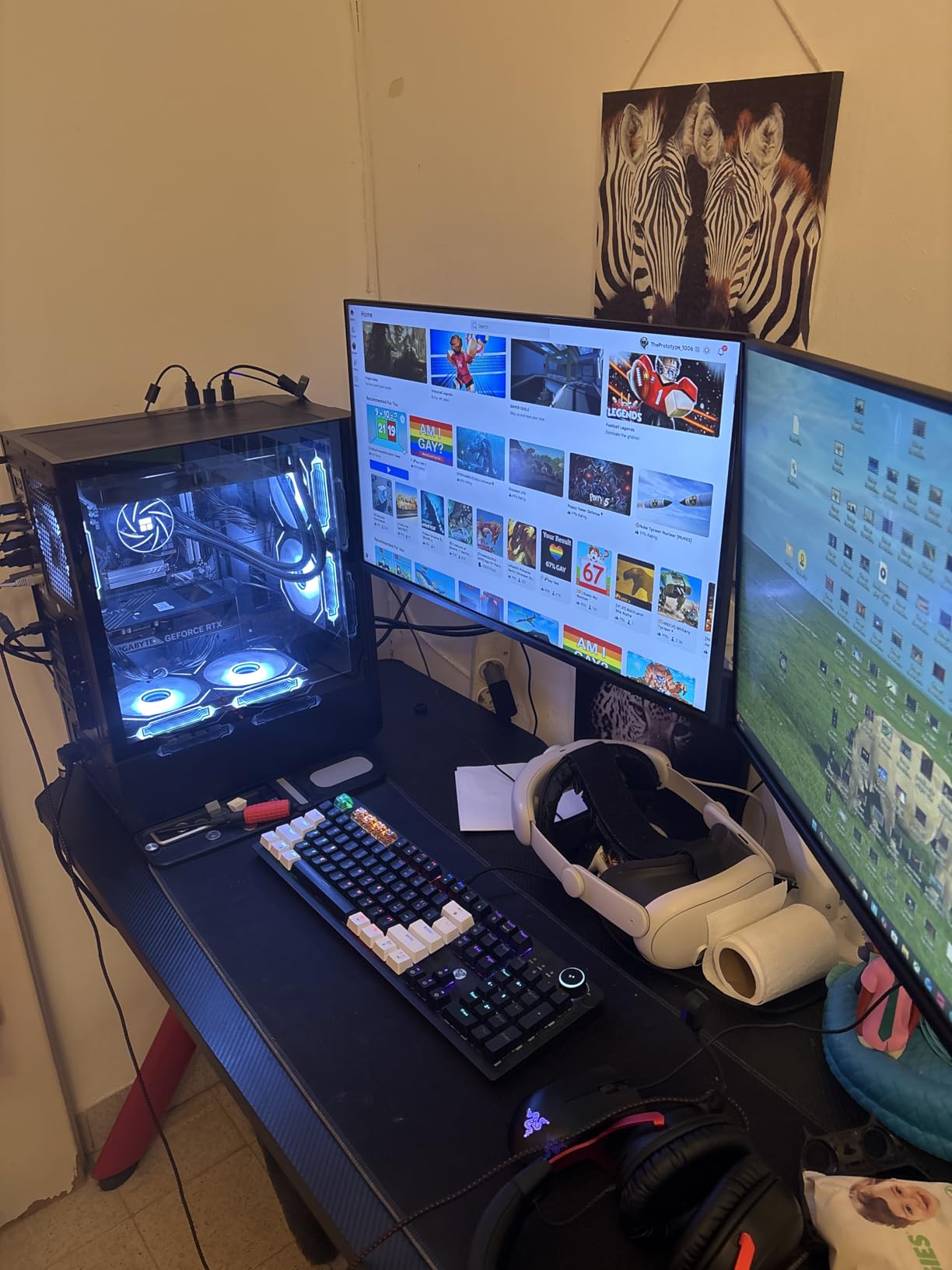
5. MXZ Ryzen 5 3600: Best for First-Timers
MXZ Gaming PC Computer R5 3600, RTX 4060, 16G DDR4, NVME 500G, A520,6RGB Fans,Win 11 Pro Ready to use, Gamer Desktop Computer(R5 3600| RTX 4060)
GPU: RTX 4060
CPU: Ryzen 5 3600
RAM: 16GB DDR4-3200
Storage: 500GB NVMe SSD
PSU: 450W
Pros
- RTX 4060 is the strongest entry card at this level
- Windows 11 Pro already installed
- One year parts and labor plus lifetime tech support
- Six RGB fans and a windowed side panel
Cons
- 500GB is the smallest drive here
- 450W supply limits upgrade headroom
- Sizable share of one-star reviews
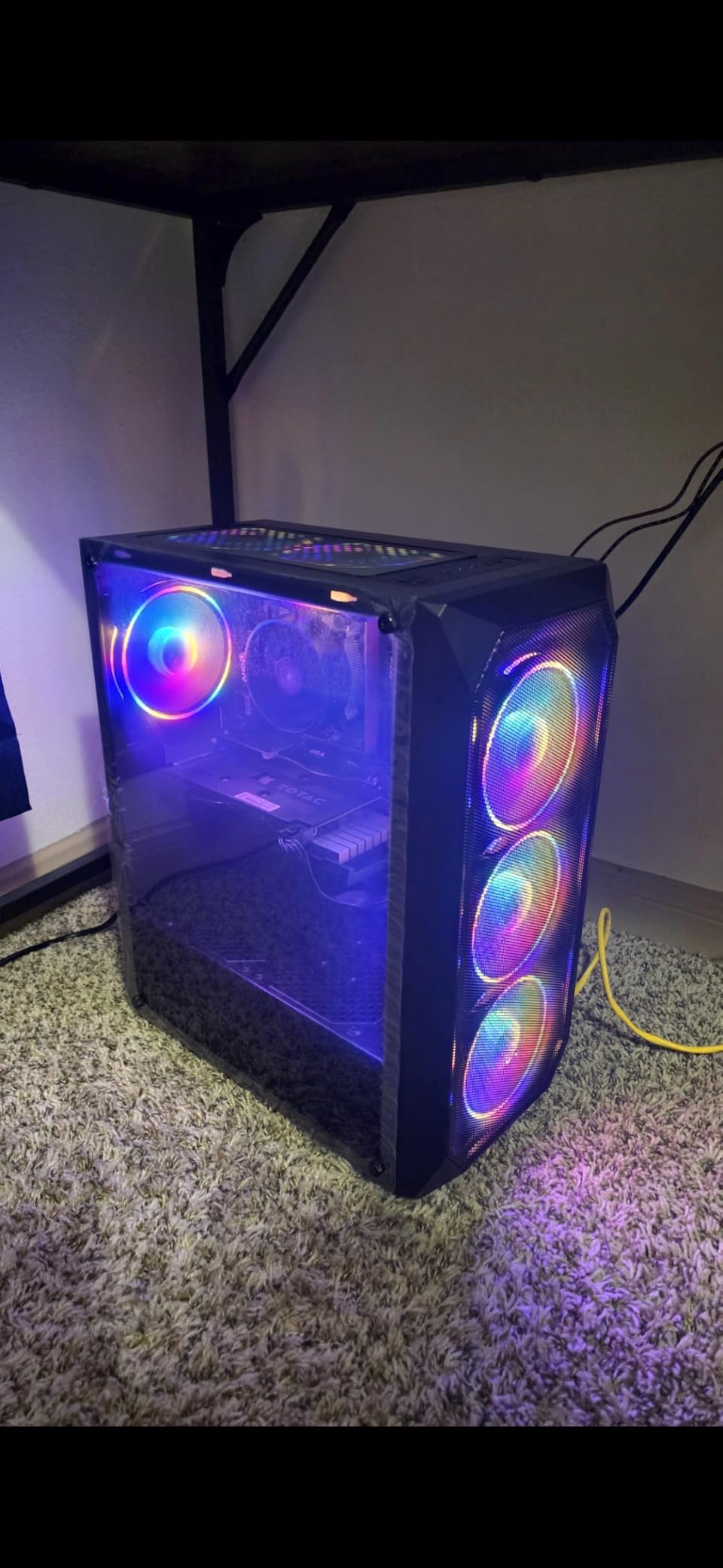
This is the pick for someone switching from a console and wanting no assembly. The RTX 4060 is the strongest graphics card per dollar in this list, Windows 11 Pro arrives preinstalled, and the machine ships with a year of parts and labor coverage plus lifetime tech support, which is a genuinely useful offer for a first build.
Owners acknowledge the card delivers playable 1080p frame rates for what the system costs. Six RGB fans and a windowed side panel mean it looks presentable out of the box, which matters more than it sounds when the machine is the centre of a new gaming setup.
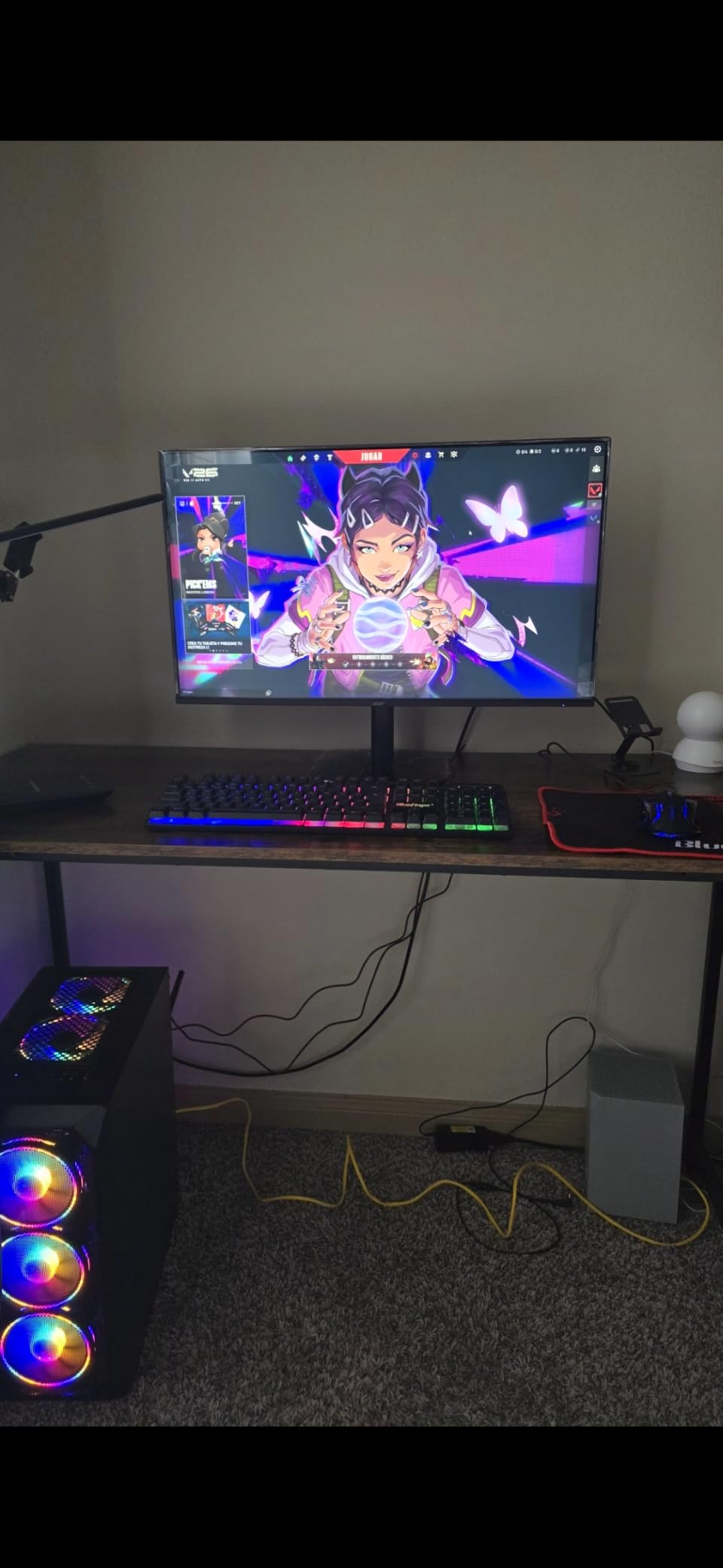
Now the honest part. The 450W 80+ supply is the smallest here and closes off straightforward GPU upgrades later, and 500GB of NVMe storage is the smallest in the roundup. The Ryzen 5 3600 is a 2019-generation six-core part. It also draws a larger than usual share of one-star reviews, with early reliability complaints behind them, so allow time for a return window.
Its sibling the MXZ Core i5-12400F shares the same GPU with a newer processor, more power headroom and a roomier board. The YAWYORE MX240 is the opposite approach: it has no card at all and makes room for you to add one.
6. MXZ Core i5-12400F: Best for Competitive Esports
MXZ Gaming PC Desktop Computer,I5 12400F 4.4GHz,RTX4060,16GB DDR4 3200,NVME 500GB SSD,6RGB Fans,Win 11 Pro Ready(I5 12400F | RTX4060)
CPU: Core i5-12400F 6-core
GPU: RTX 4060 8GB
RAM: 16GB DDR4-3200
Storage: 500GB NVMe SSD
PSU: 550W
Pros
- Newest CPU platform in the roundup with strong single-core speed
- Owners report 180 FPS in Warzone and Fortnite
- RTX 4060 8GB listed explicitly
- Quiet fans and fast boot times
Cons
- Some units ship a single 16GB stick instead of two
- Bundled Wi-Fi adapter is inconsistent
- 500GB SSD is small
If your games are Valorant, Apex Legends or Fortnite, single-core speed matters more than almost anything else on the spec sheet, and the 12th-generation Core i5-12400F is the newest CPU platform here. Owners report frame rates in the 144 to 300 range on a 1080p high-refresh monitor, including 180 FPS in Warzone and 144 FPS in Apex Legends.
The RTX 4060 8GB is stated explicitly in the listing, which is not true of every sibling listing, so there is no ambiguity about what you are getting. Four memory slots, nine USB ports and a 550W supply leave more room than most builds in this bracket.
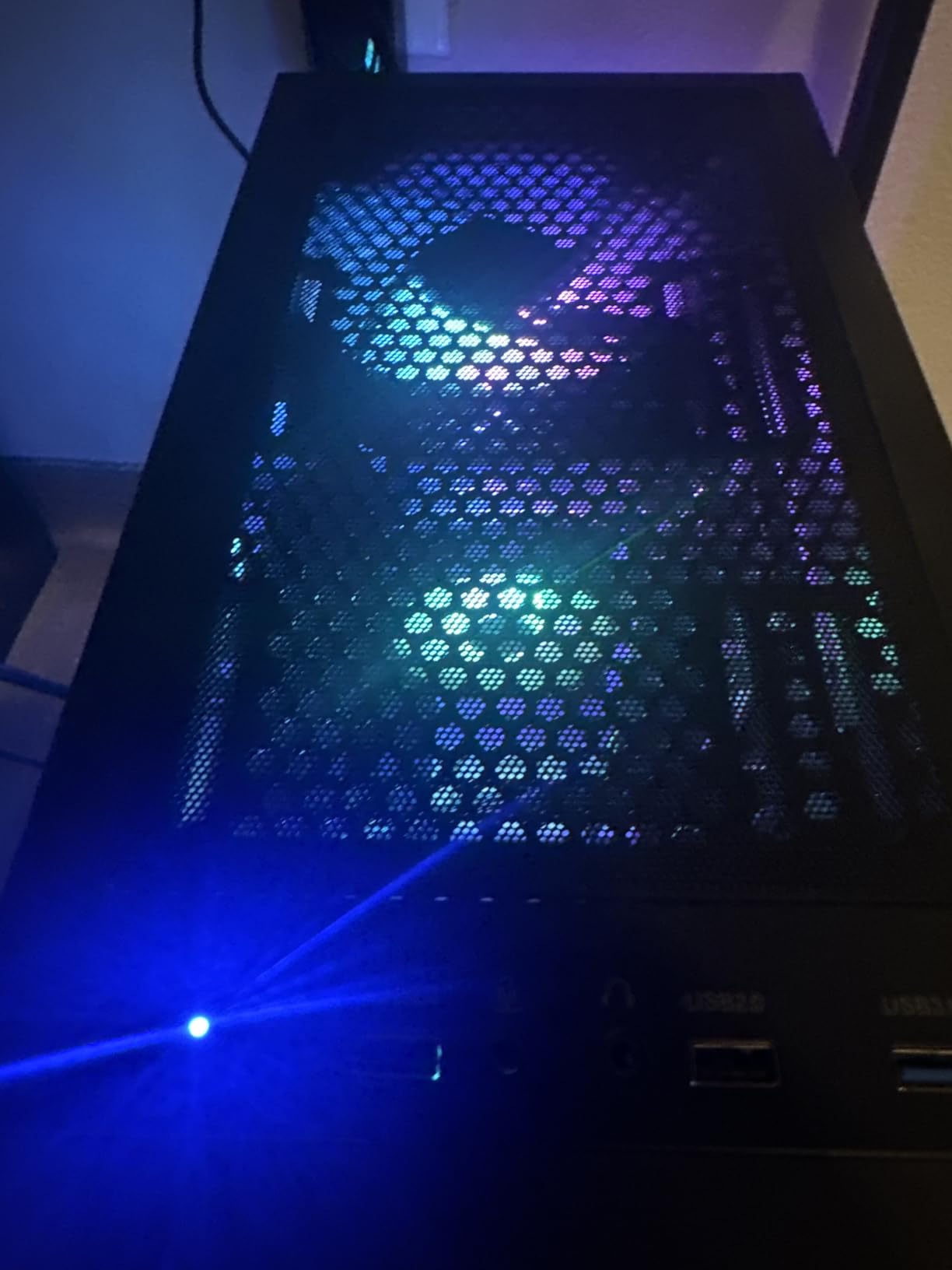
The most common gripes are configuration consistency. Some units arrive with one 16GB stick rather than a matched dual-channel pair, and the bundled Wi-Fi adapter is weak enough that signal drops are a reported problem without an added receiver. Storage is 500GB, and the RGB lighting is fixed rather than customizable.
Good to know: the RGB lighting here is fixed rather than customizable, so if a lighting setup is part of your build plan, the YAWYORE MX240 with remote-controlled lighting is the cheaper way to get it.
7. YAWYORE MX240: Best for Adding a GPU Later
YAWYORE Gaming PC Desktop Computer AMD R5 5600GT 16GB 1TB NVMe Towers WiFi
CPU: Ryzen 5 5600GT 6-core
GPU: Radeon Vega
RAM: 16GB DDR4
Storage: 1TB NVMe
PSU: 550W
Pros
- Most reviews in the set at 219
- One owner fitted a GTX 1070 Ti successfully
- 1TB NVMe and 16GB of DDR4-3200
- 550W bronze supply in a roomy case
Cons
- No dedicated GPU so AAA needs low settings
- Some reports of power supply failure
- Wi-Fi card is a low-cost unit
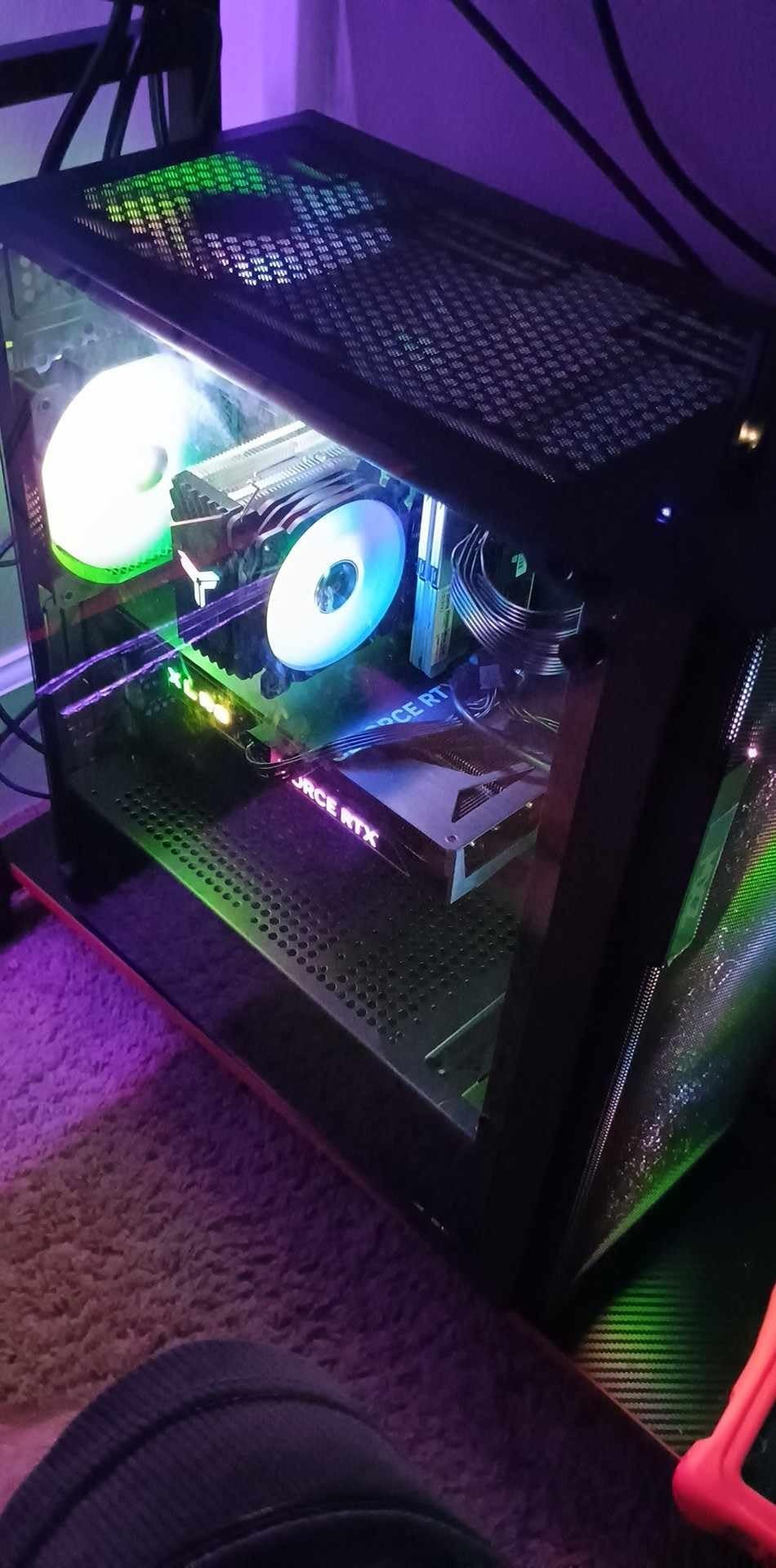
This one has the most owner feedback in the roundup at 219 reviews, which cuts both ways. It means you will find the good and the bad clearly documented, and the good is real: quiet, stable operation reported by long-term owners, and at least one buyer who installed a GeForce GTX 1070 Ti successfully to turn it into a proper gaming machine.
The 550W 80PLUS Bronze supply and MSI A520M-A PRO board leave a workable upgrade path. Storage is a 1TB NVMe drive with 16GB of DDR4-3200, expandable to 32GB, and Windows 11 Home comes preinstalled. The case is larger than expected with room to work inside.
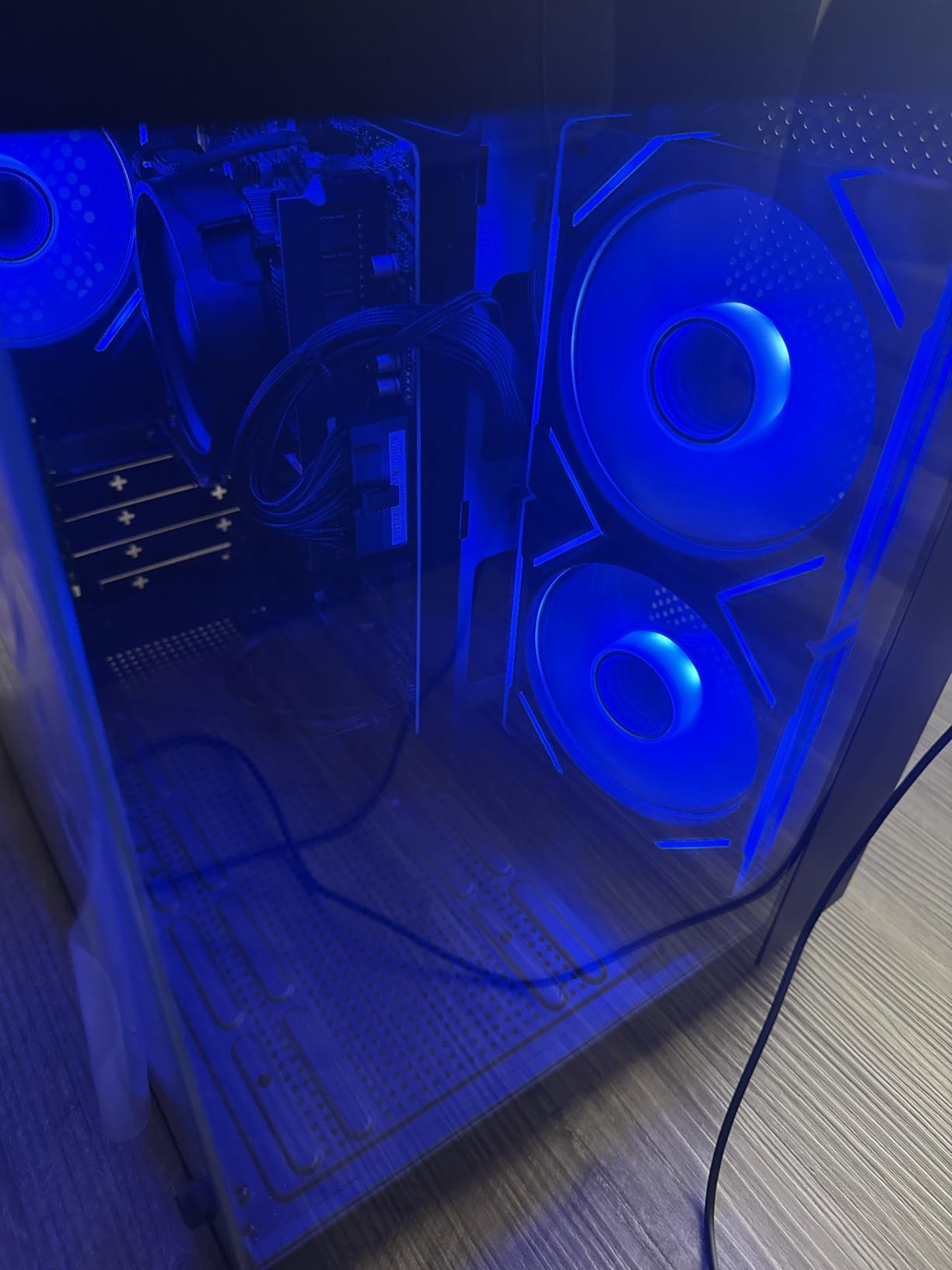
The catch is the integrated Radeon Vega graphics. Out of the box this is a light-gaming and everyday machine, and big AAA titles need low settings. There is also a meaningful minority of durability complaints, including a power supply failing within three months and a unit that crashed after a week and would not restart. The rating distribution is the murkiest here, with a 10% one-star share.
What separates it from the LXZ R5 5600GT is the named MSI board and the documented owner history, which is far larger than any rival here. Against the MXZ Ryzen 5 3600, you would have to source and fit a card yourself before you see comparable performance.
8. suevery SUV9B1: Budget Pick
suevery Black Prebuilt Desktop Computer Gaming PC DDR4 16G 512G SSD
GPU: Radeon RX 560 4GB
CPU: Ryzen 5 6-core
RAM: 16GB DDR4-3200
Storage: 512GB NVMe SSD
Wi-Fi: 6
Pros
- Lowest-cost entry with a real discrete GPU
- Customizable RGB from the power switch
- Built-in Wi-Fi 6 and six USB ports
- Second-highest review count here at 173
Cons
- Operating system is listed as DOS so Windows may be extra
- 512GB storage only
- Only one expansion slot
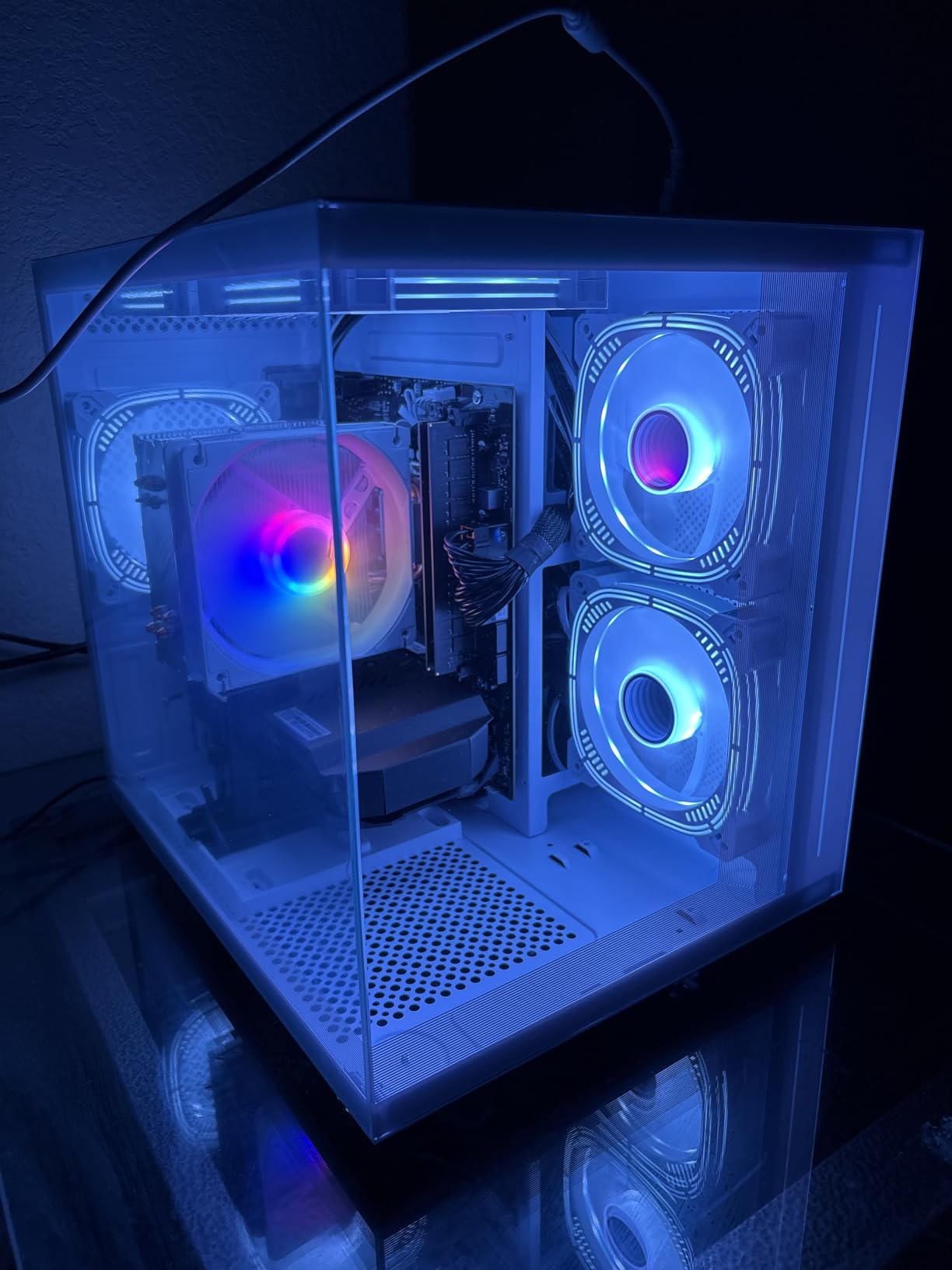
The cheapest way on this list to own a tower with an actual discrete graphics card. The Radeon RX 560 carries 4GB of its own GDDR5 rather than borrowing system memory like the integrated builds, and buyers consistently treat it as the deal floor, with 173 reviews behind it.
Wireless is unusually good for the money: Wi-Fi 6 is built in, and there are six USB ports split between 3.0 and 2.0. The RGB lighting is controllable from the power switch, with a five-second press to disable it, and the transparent side panel keeps it looking sharp.
The thing to check carefully is the operating system. The listing says DOS, which means Windows may need to be added separately, and that cost can outweigh the saving once you factor in a licence and an afternoon. Six cores and six threads is a modest core count if you stream while playing, and one expansion slot closes off upgrades.
The WIWB R5 4500 gives you a newer card and Wi-Fi 6 for a slightly higher entry point. The LXZ R5 5600GT stores twice as much but arrives with integrated graphics, so neither is a substitute if you want to play anything heavy.
9. WIWB R5 4500: Best for Competitive Titles
WIWB Gaming PC Desktop Computer – Ryzen 5 4500, Radeon RX 6500XT 4GB
GPU: Radeon RX 6500XT 4GB
CPU: Ryzen 5 4500
RAM: 16GB DDR4
Storage: 512GB NVMe SSD
Pros
- Cheapest discrete-GPU option in the roundup
- Runs Fortnite Valorant and Roblox at high frame rates
- Wi-Fi 6 for low-latency networks
- NVMe PCIe 3.0 drive loads games fast
Cons
- RX 6500XT 4GB is not for high-settings AAA
- Ryzen 5 4500 is 6 cores and 6 threads
- Only 512GB of storage
Written for one job. Owners report stable high frame rates in Fortnite, Valorant, GTA V, Roblox and Minecraft, which is exactly what these light cards do well when the target is competitive titles rather than cinematic settings. With 32 reviews it is the least-proven pick here, so buy it only if the games you actually play are on that list.
The 16GB of DDR4-3200 handles multitasking, classes and coding without complaint, and the 512GB NVMe PCIe 3.0 drive is many times faster than a hard drive for boot and load times. Wi-Fi 6 helps on crowded networks where older adapters drop out.
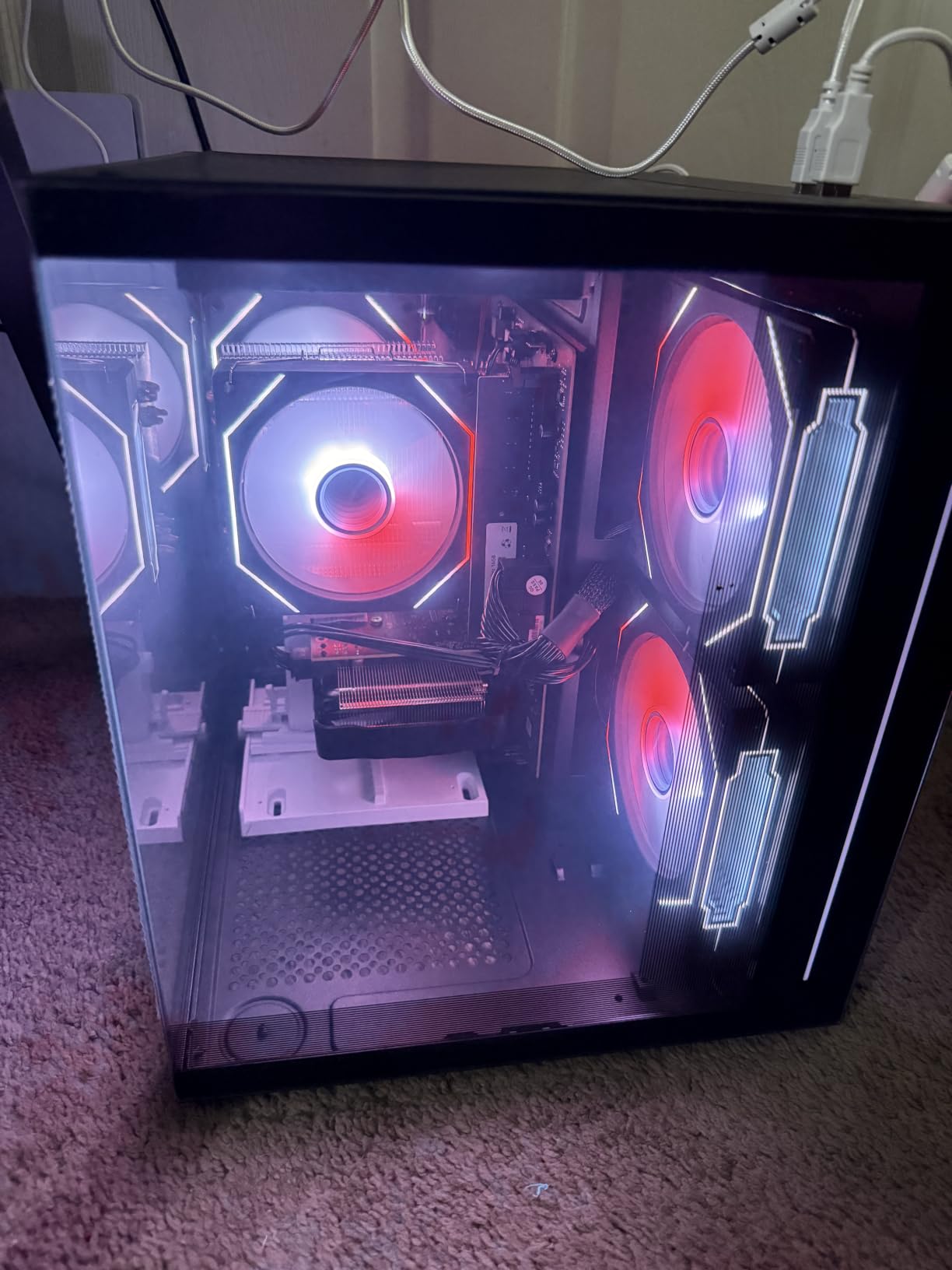
Be clear about the limits. The RX 6500XT 4GB is an entry-level card and not appropriate for modern AAA titles at high settings, and the Ryzen 5 4500 is 6 cores and 6 threads, the weakest multithreading here. Four USB ports is the smallest port count on the list, and the packaging reportedly includes a cable the manufacturer says serves no function.
Hold this one against the MXZ Core i5-12400F when you are choosing: that machine trades a good chunk of competitive frame rate for newer platform support and more upgrade room, so pick it when your library is mixed rather than purely competitive.
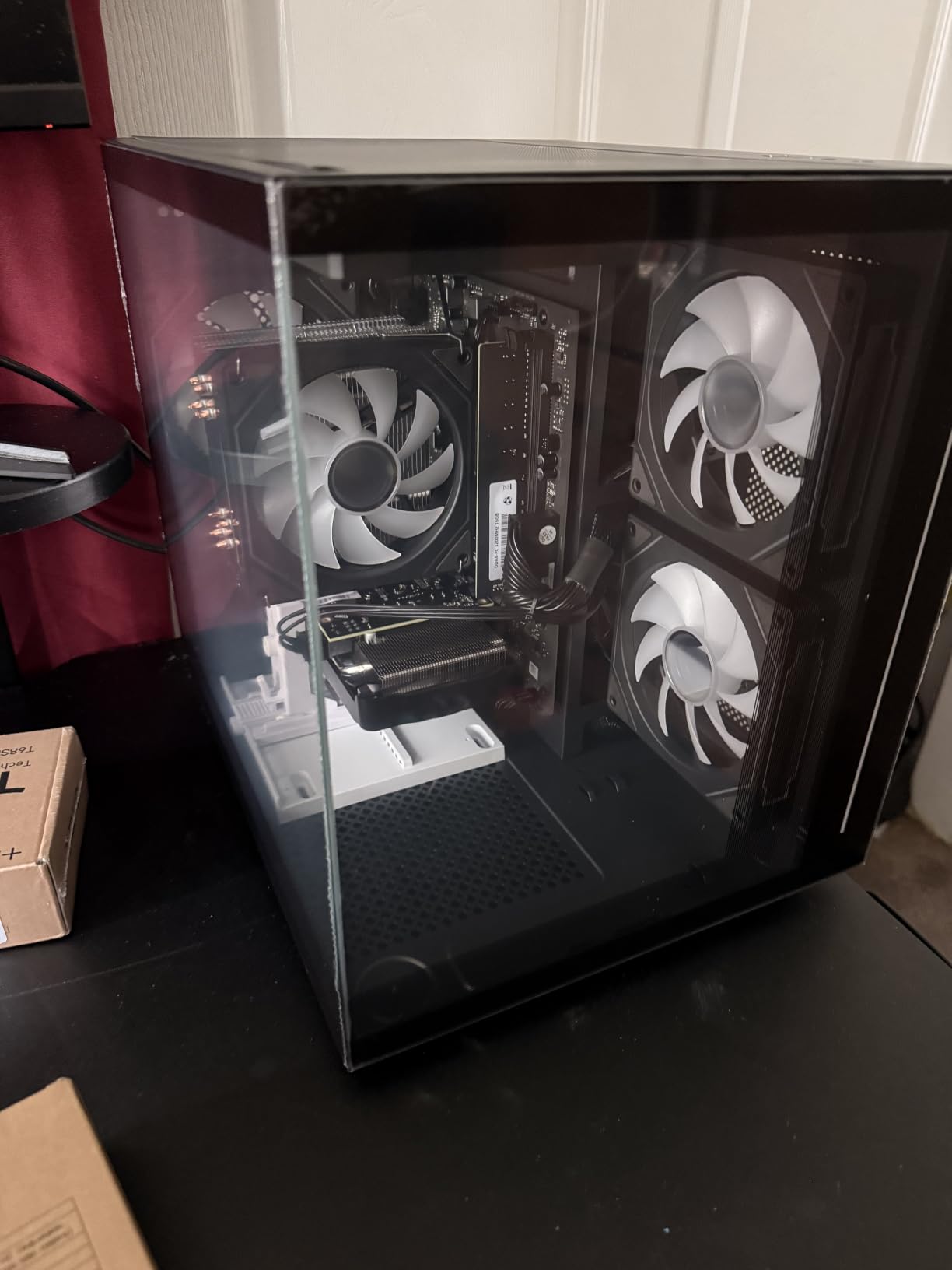
10. LXZ R5 5600GT: Best for Work and Media
LXZ Gaming Desktop PC,Ryzen 5 5600GT 6-Core Processor, 16GB DDR4 RAM,
CPU: Ryzen 5 5600GT 6-core
GPU: Radeon Vega integrated
RAM: 16GB DDR4-3200
Storage: 1TB NVMe SSD
Pros
- 16GB DDR4-3200 is the mainstream gaming baseline
- 1TB NVMe for fast boot and loads
- Three-sided glass chassis with five RGB fans
- Chassis leaves room for a discrete GPU later
Cons
- Integrated Vega graphics limit it to light gaming
- Manufacturer says serious gaming needs a discrete card
- Only four USB ports
Plenty of people buying at this level want a fast office machine that can also play a bit, and this fits. The Ryzen 5 5600GT runs 6 cores and 12 threads up to 4.6GHz with 16GB of DDR4-3200 and a 1TB NVMe drive, so document work, browsing and video calls stay smooth. Its 64 reviews put it in the middle of this list for owner feedback.
The manufacturer is straight about the graphics: extreme gaming effects or professional design work require adding a discrete card. The upside is that the chassis leaves room for one, so the machine is not a dead end.
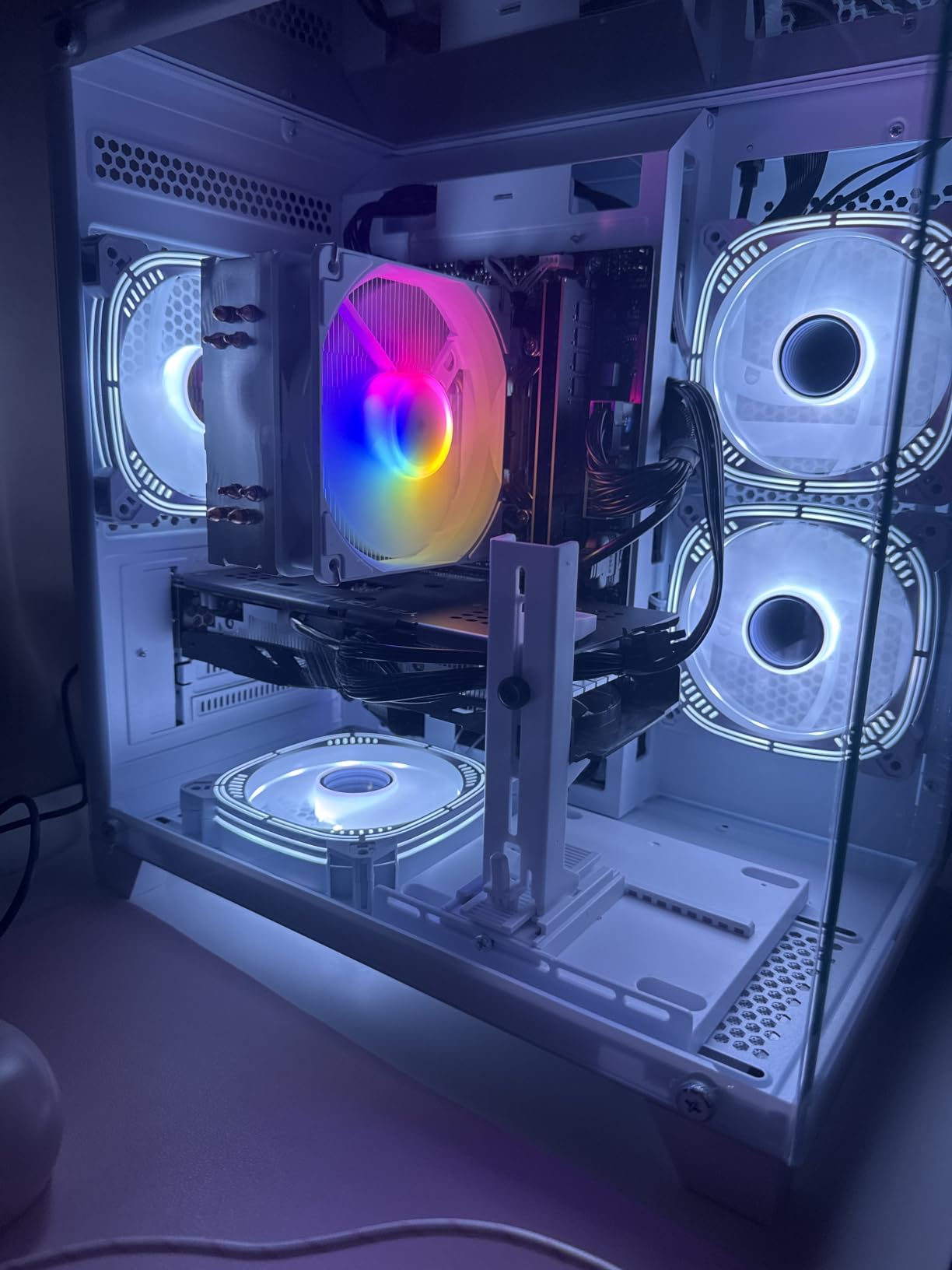
The specification list is not perfectly tidy. Graphics RAM is listed as DDR5 despite the system memory being DDR4, and only four USB ports is the joint-lowest count here. It also carries the thinnest owner record in this group, so expect less feedback from buyers than the picks above.
The YAWYORE MX240 offers similar integrated graphics with a named motherboard and far more documented owner history. The suevery SUV9B1 ships with a discrete card instead, which is the reason to pay a little more there if you want one.
How to Choose Gaming PCs During Prime Big Deal Days
How to Choose a Gaming PC Under $1000 During Prime Big Deal Days
Spend most of your attention on the graphics card, then pick a processor that will not strangle it. Anything from an RTX 3060 Ti down to an RX 6500XT can hold 1080p, but the gap between the RTX 4060 builds and the RX 6500XT one is the difference between settings you can raise and settings you cannot. Pair an RTX 4060 or 3060 Ti with a Ryzen 5 5600-class chip or a Core i5 and you avoid bottlenecking.
Think about the monitor too, because a card you push past what the display can show is wasted money. Our picks for gaming monitors for PS5 cover the refresh rates that suit each tier, and it is worth matching the machine to the screen rather than the other way round.
What to Look for in Gaming PC Memory and Storage
Sixteen gigabytes of DDR4-3200 or faster is the practical floor now, and 32GB is the comfortable number if you stream, edit or keep many apps open. Treat claims of far more as marketing unless the memory is in matched pairs. On storage, insist on an NVMe M.2 drive of at least 500GB; a 1TB drive is better because modern installs eat space quickly.
Check that RAM and storage are both upgradeable before you buy, since the SKYESEV MX350 reaches 64GB and the ZYNEEX S5 reaches 64GB while the entry builds often do not. If you plan to add a drive later, our guide to NVMe SSDs for gaming covers what performs best in a machine like this. Screen sizes matter too, and picking among 32-inch gaming monitors changes how much of that GPU you actually use.
Why Cooling and Power Supply Matter for Budget Gaming PCs
The power supply is where budget builds cut corners, and it is the hardest part to replace later. Look for 450W as an absolute floor for a single modern GPU, 550W as the sensible minimum, and a recognized efficiency rating. The MXZ Ryzen 5 3600 sits at 450W and limits upgrade headroom, while the VIPRTECH Ghost 3.0 has a 600W gold-rated unit that supports a card change better.
Cooling matters less for peak frame rates but far more for noise and longevity. Six-fan airflow with dust filters, as on the Olialia RTX 3060 Ti Tower and the YAWYORE MX240, keeps long sessions quieter and the drives cooler than a single stock cooler will.
How to Check a Gaming PC Deal Listing on Amazon
Confirm the exact model number in the style line, because these builders list several variants of the same tower and the GPU can change between them. Then check whether Windows is actually included. One pick here lists DOS rather than a full Windows install, which is the single most likely reason a bargain machine costs more than it appeared.
Read who sells it and what the warranty covers. Most of these systems come with one year of parts and labor, and only some add free lifetime tech support, so that line is worth reading twice. Finally, compare the listing against another retailer before you commit, since a reference price that looks generous tells you nothing.
How to Shop Gaming PC Deals During the Sale
On a gaming PC listing, look for the model code and the card model in the style line rather than the headline, check whether the bundle includes a keyboard, mouse or monitor, and confirm the condition is new rather than renewed. The seller name and the warranty line tell you how much support you get if a component fails in the first weeks. Most Prime Big Deal Days offers need an active Prime membership, a free trial counts, and prices change through the event, so compare a few listings across the two days. If you are still short a mouse after the tower, our picks for Logitech gaming mice are a sensible next stop.
A Short Checklist Before You Buy
- Graphics card listed explicitly with its video memory in GB
- 16GB of RAM or more, ideally as two matched sticks
- At least 500GB of NVMe M.2 storage
- A power supply of 550W or more with an efficiency rating
- Windows edition confirmed rather than assumed
- Model number, seller and warranty terms read in full
Frequently Asked Questions
When does Prime Big Deal Days run and do I need Prime?
Amazon Prime Big Deal Days runs October 6-7, 2026. Most of the offers on prebuilt gaming PCs need an active Prime membership, and a free trial counts for the length of the sale. Offers change through the event, so the exact deal on a given tower can differ between the morning and the afternoon.
Which pick leads the best Amazon Prime Big Deal Days gaming PC deals under $1000?
The Olialia RTX 3060 Ti Tower leads because its RTX 3060 Ti with 8GB of video memory is the only card here that holds 1440p settings with DLSS, and it carries the highest rating in this set. The VIPRTECH Ghost 3.0 is the streaming pick with eight CPU cores, and the SKYESEV MX350 wins on 32GB of memory.
What specs matter most on a gaming PC at this budget?
The graphics card and its video memory come first, because they set your frame rates. A Ryzen 5 5600-class processor or a Core i5 is enough to avoid bottlenecking one. Sixteen gigabytes of fast RAM and at least 500GB of NVMe storage keep load times and multitasking smooth, and a 550W power supply protects your upgrade options.
Are prebuilt gaming PCs worth buying at the sub-1000 tier?
At this budget a prebuilt is a reasonable choice for a first machine or a console switcher, mainly because it arrives with Windows installed and a warranty attached. Building the same parts yourself usually gives you a better motherboard and memory for the same money, but it also costs an evening and carries the risk of parts arriving dead. Pick a prebuilt when you want it working tonight.
Do these prebuilt gaming PCs include a monitor or keyboard?
None of the towers on this list include a monitor, keyboard or mouse. You are buying a desktop only, so budget separately for a display and peripherals. Plan on a 1080p high-refresh monitor for the RTX 3050 and RX 6500XT builds, and something in the 1440p range if you are pairing with the Olialia RTX 3060 Ti Tower.
Final Verdict: Best Amazon Prime Big Deal Days Gaming PC Deals Under $1000
Buy the Olialia RTX 3060 Ti Tower if your goal is 1440p gaming without waiting for a next-gen card, since its RTX 3060 Ti and 4.6 rating make it the strongest overall pick here. Pick the VIPRTECH Ghost 3.0 if you stream or edit alongside games and need eight CPU cores and 1TB of storage, and the SKYESEV MX350 if memory is your constraint at 32GB.
The budget-friendly alternative to watch during Prime Big Deal Days is the ZYNEEX S5 for dependable 1080p play with a clean owner record, or the suevery SUV9B1 if you want a dedicated card at the lowest entry point and do not mind sourcing Windows yourself. For competitive titles, the MXZ Core i5-12400F leads on single-core speed, while the YAWYORE MX240 and LXZ R5 5600GT make sense as work machines you can grow into later. Compare the current offer with the buttons above before buying, since prices move through the sale.