

If you want one MacBook Pro worth watching during Amazon’s Prime Big Deal Days this 2026, it is the 14.2-inch M5. It pairs a 10-core CPU with a 10-core GPU, an XDR screen that peaks at 1600 nits, a full pro port set and a 4.7 rating across 305 owner reviews. For anyone spending less, the renewed 14-inch M1 Pro is the value play, and the renewed 16-inch M1 Pro is the pick when screen real estate matters more than weight.
Prime Big Deal Days runs October 6-7, 2026, and most of these offers are limited to Prime members. Offers move through the two days, so treat the list below as configurations to watch rather than fixed deals.
Table of Contents
Our Top 3 Picks for Best Amazon Prime Big Deal Days MacBook Pro Deals

MacBook Pro 14 M5
- Best all-round pick
- 10-core CPU and 10-core GPU
- 14.2-inch XDR display
- 16GB memory and 1TB SSD

MacBook Pro 14 M1 Pro
- Lowest-cost pro option
- Renewed 2021 configuration
- 14-core GPU and XDR screen
- Up to 17 hours of battery

MacBook Pro 16 M1 Pro
- 16.2-inch XDR display
- 10-core M1 Pro CPU
- Up to 17 hours of battery
- Heaviest chassis here at 4.6 lb
Best Amazon Prime Big Deal Days MacBook Pro Deals Compared (2026)
| Product | Specifications | Action |
|---|---|---|
| MacBook Pro 14 M5 |
|
Check Deal Price |
| MacBook Pro 14 M1 Pro |
|
Check Deal Price |
| MacBook Pro 16 M1 Pro |
|
Check Deal Price |
 MacBook Pro 13 M2 MacBook Pro 13 M2 |
|
Check Deal Price |
 MacBook Pro 14 M5 Pro MacBook Pro 14 M5 Pro |
|
Check Deal Price |
 MacBook Pro 14 M3 Pro MacBook Pro 14 M3 Pro |
|
Check Deal Price |
How We Chose
We compared the specifications that decide between MacBook Pro configurations: chip generation and core counts, unified memory, storage, display size and resolution, weight, port selection and quoted battery life. Ratings and owner review counts came from the current Amazon listings, checked in October 2026. Renewed and new configurations were ranked on the same fields so the trade-offs stay visible.
1. MacBook Pro 14 M5: Editor’s Choice for Most Buyers
Apple 2025 MacBook Pro Laptop with Apple M5 chip with 10‑core CPU and 10‑core GPU: Built for AI, 14.2-inch Liquid Retina XDR Display, 16GB Unified Memory, 1TB SSD Storage; Space Black
Chip: M5 10-core CPU
Memory: 16GB
Storage: 1TB SSD
Display: 14.2-inch XDR
Weight: 3.41 lb
Pros
- Brightest screen here at 1600 nits peak
- Neural Accelerator in every GPU core
- Full port set with MagSafe 3 and SDXC
- 89 percent of reviews are five star
- 3.41 lb chassis
Cons
- 16GB memory cannot be upgraded later
- Only two external displays supported
This is the configuration most people end up wanting, and the reasons are concrete rather than marketing copy. The 14.2-inch Liquid Retina XDR panel runs at 1600 nits peak and 1000 nits sustained with a 1,000,000:1 contrast ratio, which is the same panel specification as the M5 Pro further down this list.
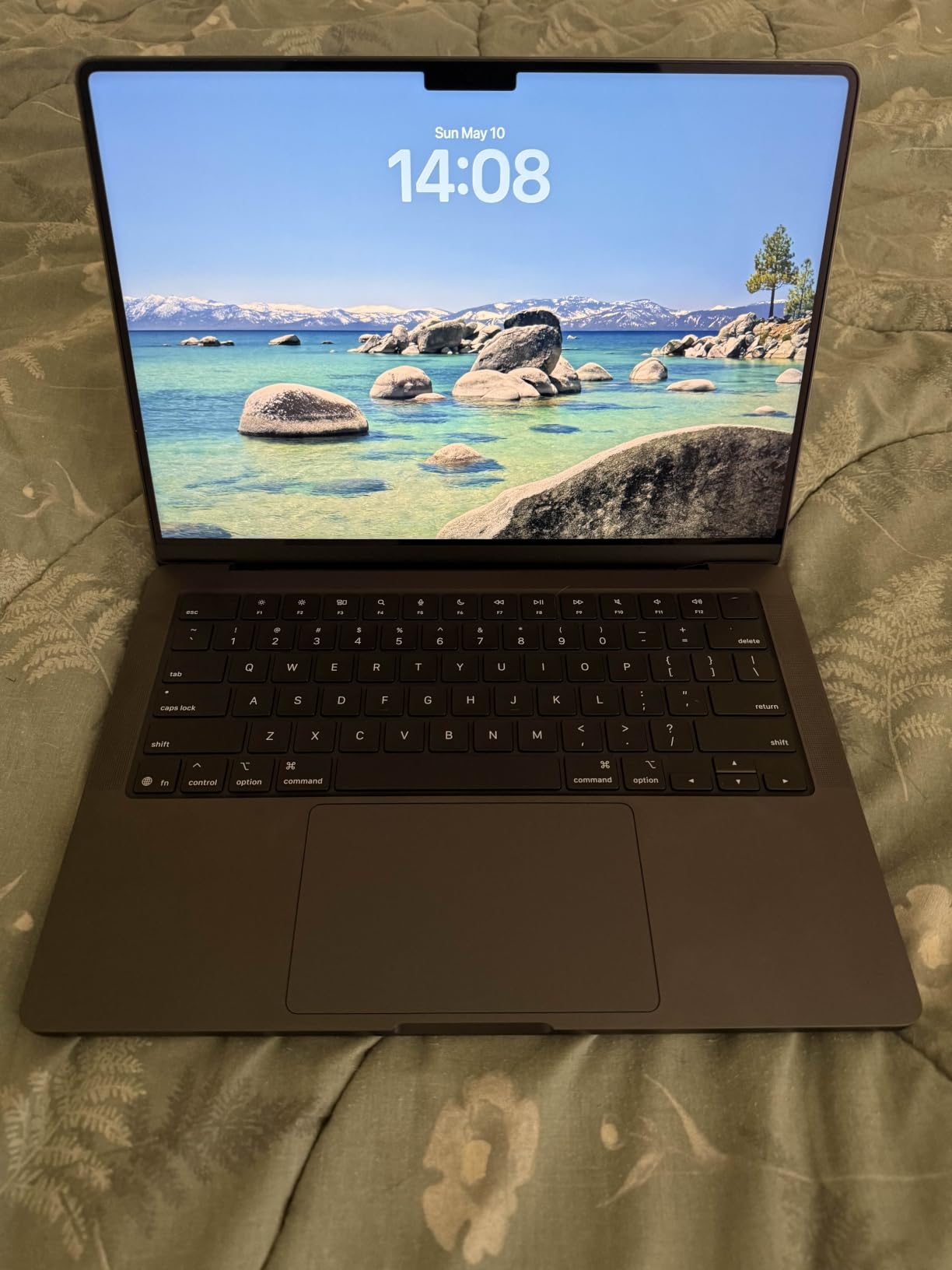
The M5 chip pairs a 10-core CPU with a 10-core GPU, and each GPU core carries a Neural Accelerator for on-device AI work. Owners report that performance stays identical whether the machine is on battery or plugged in, which matters for anyone who works away from a desk for part of the day.
Port selection is the quiet strength. Three Thunderbolt 4 ports, MagSafe 3 charging, an SDXC card slot, HDMI and a headphone jack mean most sessions need no dongle, and the SDXC slot alone still separates it from plenty of slim laptops.
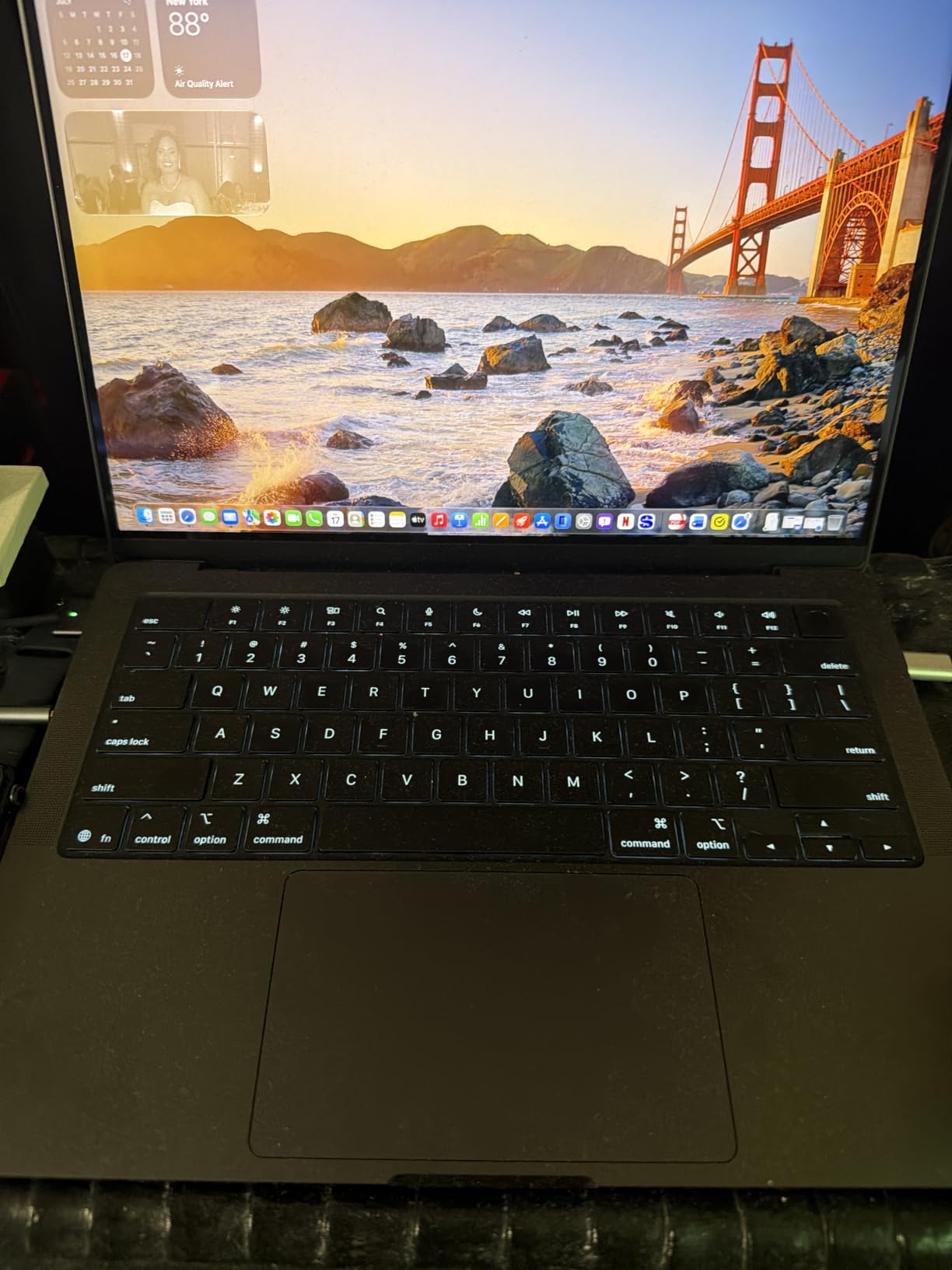
Good to know: this model number is MDE14LL/A and it first appeared on Amazon in October 2025. Unified memory and storage cannot be changed after delivery, which is the single thing to get right before clicking through on a listing.
Compared with the renewed MacBook Pro 14 M3 Pro further down this list, you get newer silicon, Thunderbolt 4 rather than an older port mix, and a 12MP Center Stage camera instead of a 1080p FaceTime HD one. Compared with the 14-inch M1 Pro, you trade a much lower cost for memory you cannot add later.
Owners rate it 4.7 across 305 reviews, with 89 percent at five stars. Skip it in favour of the 14 M5 Pro if your work runs large local models or long video exports, because 24GB of memory and 16 GPU cores change the ceiling rather than the pace.
2. MacBook Pro 14 M1 Pro: Budget Pick for Pro Performance
Apple MacBook Pro 2021 with Apple M1 Pro chip (14-inch, 16GB RAM, 512GB SSD) – Space Gray (Renewed)
Chip: M1 Pro 8-core CPU
Memory: 16GB
Storage: 512GB SSD
Display: 14.2-inch XDR
Weight: 3.5 lb
Pros
- Lowest cost configuration here
- 786 owner reviews to draw on
- ProRes accelerator for video work
- XDR display at 3024 x 1964
- Up to 17 hours of battery
Cons
- 90-day warranty on renewed units
- 512GB storage fills quickly
- Renewed condition varies
The renewed 2021 M1 Pro is the pick for anyone who needs a genuine Pro machine without paying new-mac money. It carries an 8-core CPU and a 14-core GPU, with memory bandwidth of up to 200GB/s and a ProRes accelerator in the media engine for video work.
It is the most reviewed product on this list, with 786 owner ratings, and that depth of feedback matters more than usual on a refurbished item. You can read how a specific condition grade tends to arrive before you pick a unit, which is worth more here than any spec on the listing.
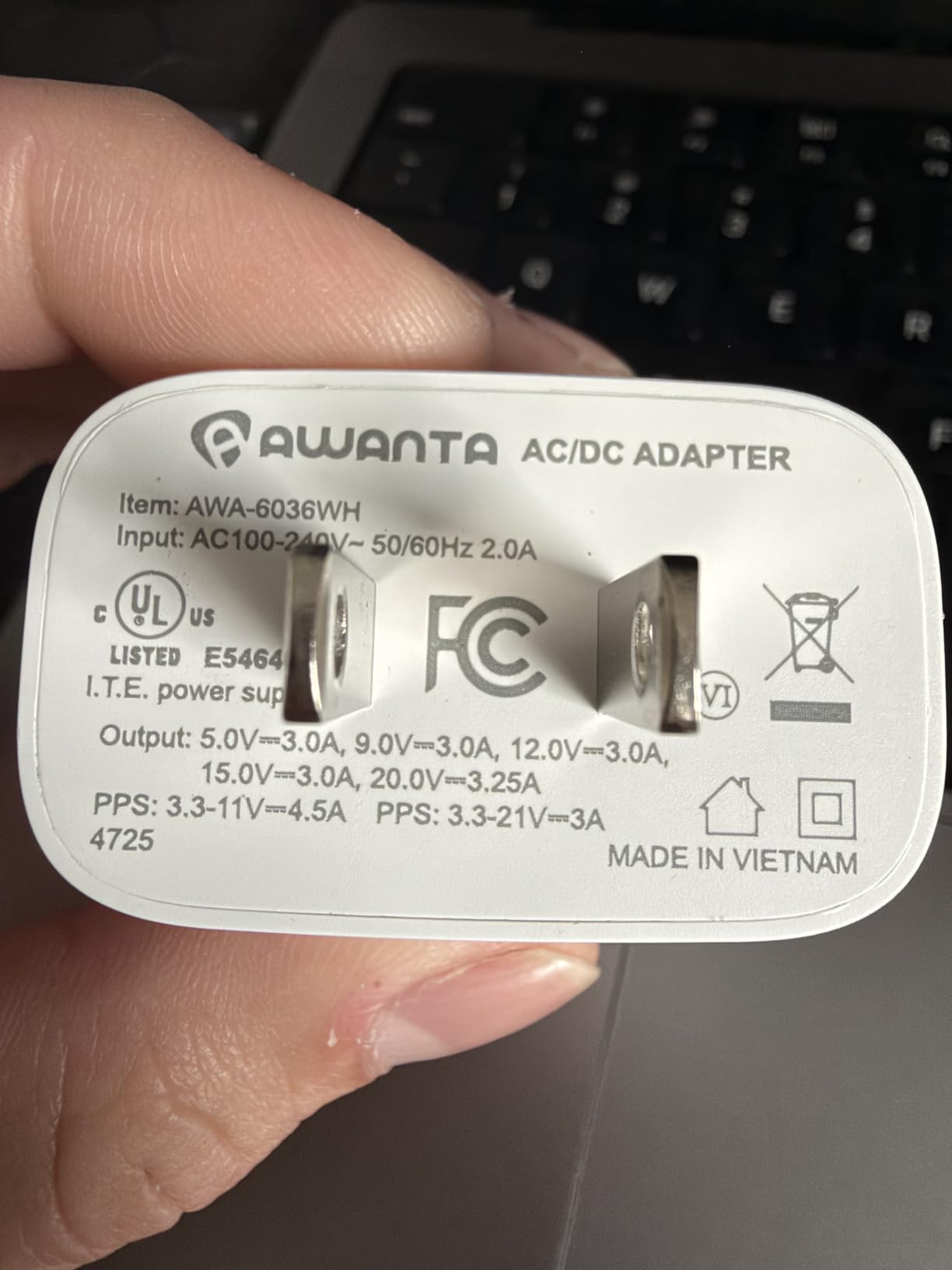
What you give up is warranty length. Renewed units here carry a 90-day limited warranty rather than the year of coverage that comes with a new machine, and the spread across the ratings is the usual one for renewed hardware with cosmetic and functional variation.
Display quality is not where the age shows. The 14.2-inch Liquid Retina XDR panel runs at 3024 x 1964, the same resolution class as newer 14-inch models, and the six-speaker system with spatial audio holds up for calls and media.
Best for: students, writers and developers who want a quiet, cool-running machine with plenty of ports. If your workload is code, documents and photo work, the 8-core CPU has more room than you would think.
Skip it if you edit long 4K timelines, because 512GB of storage and 16GB of unified memory is a tight fit for modern media libraries. For that, the renewed 14 M3 Pro with 18GB of memory or the new 14 M5 Pro makes more sense.
3. MacBook Pro 16 M1 Pro: Best for Big Screens
Apple MacBook Pro Late 2021 with Apple M1 Pro chip (16-inch, 16GB RAM, 512GB SSD) Space Gray (Renewed)
Chip: M1 Pro 10-core CPU
Memory: 16GB
Storage: 512GB SSD
Display: 16.2-inch XDR
Weight: 4.6 lb
Pros
- Largest screen in this lineup
- 3456 x 2234 native resolution
- 10-core CPU and 16-core Neural Engine
- Up to 17 hours on a 100Wh battery
- Anti-glare coating helps in bright rooms
Cons
- Heaviest chassis here at 4.6 lb
- 90-day warranty on renewed units
- 512GB storage fills fast
A 16.2-inch panel at 3456 x 2234 gives you roughly 40 percent more screen area than a 14-inch MacBook Pro, and that is the whole argument. Reviewers pick out the sharp XDR screen and the long battery life as the standouts of this particular renewed 16-inch.
Under the hood it is a 10-core M1 Pro with a 16-core Neural Engine that Apple rates for up to 11x faster machine learning than the previous generation. For spreadsheet work, code review and side-by-side research, the extra width is worth more than any chip step-up.
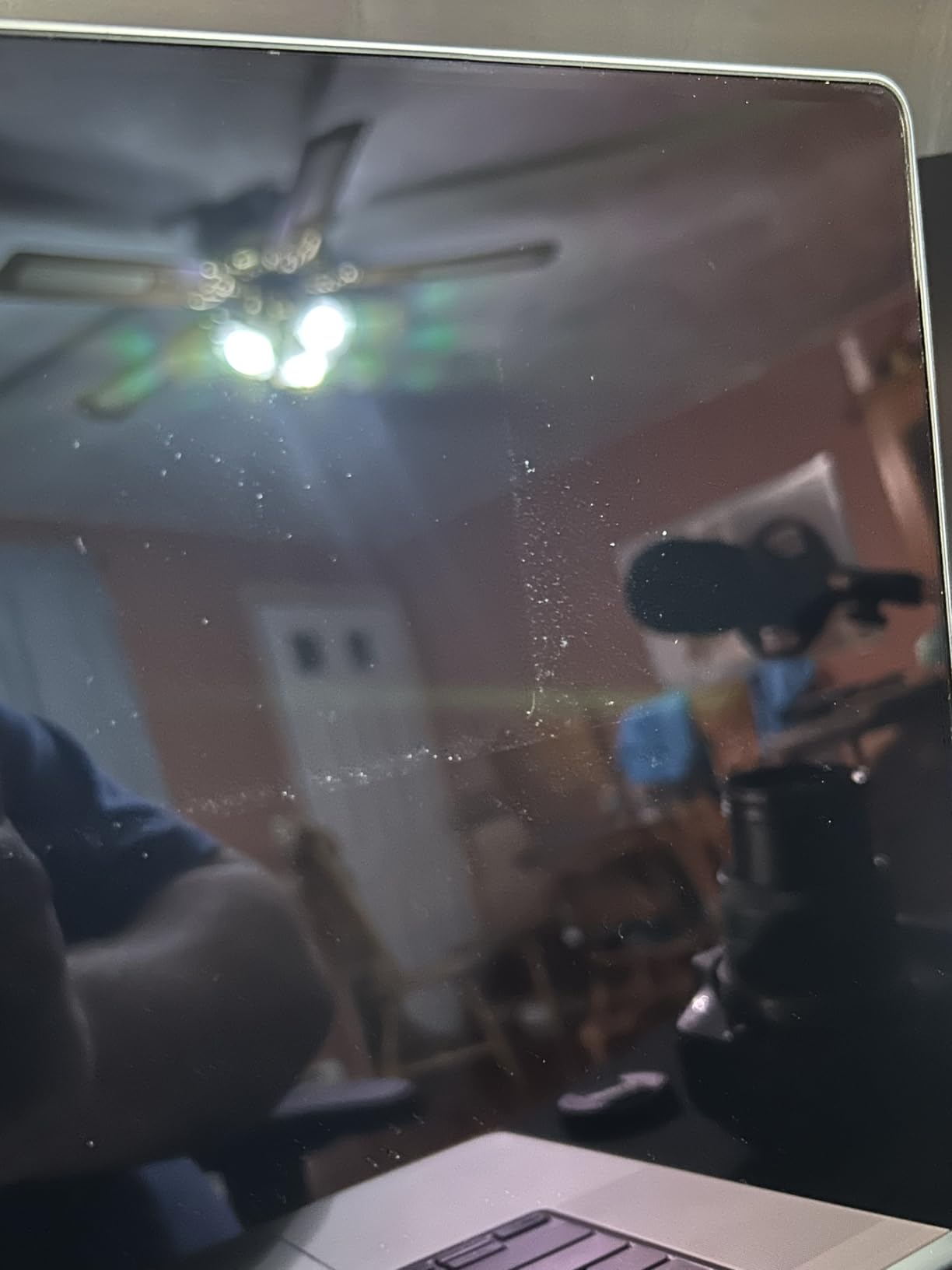
The 100 watt-hour battery is quoted at up to 17 hours, so the size of the machine is less of a problem than the 4.6-pound weight suggests. The anti-glare coating helps in bright rooms, which matters more on a big screen than people expect.
The trade-off is portability. At 4.6 lb this is the heaviest laptop here, and if you move between home and an office daily, the renewed 13-inch M2 at 3 lb is a more comfortable carry for a fraction of the battery claim.
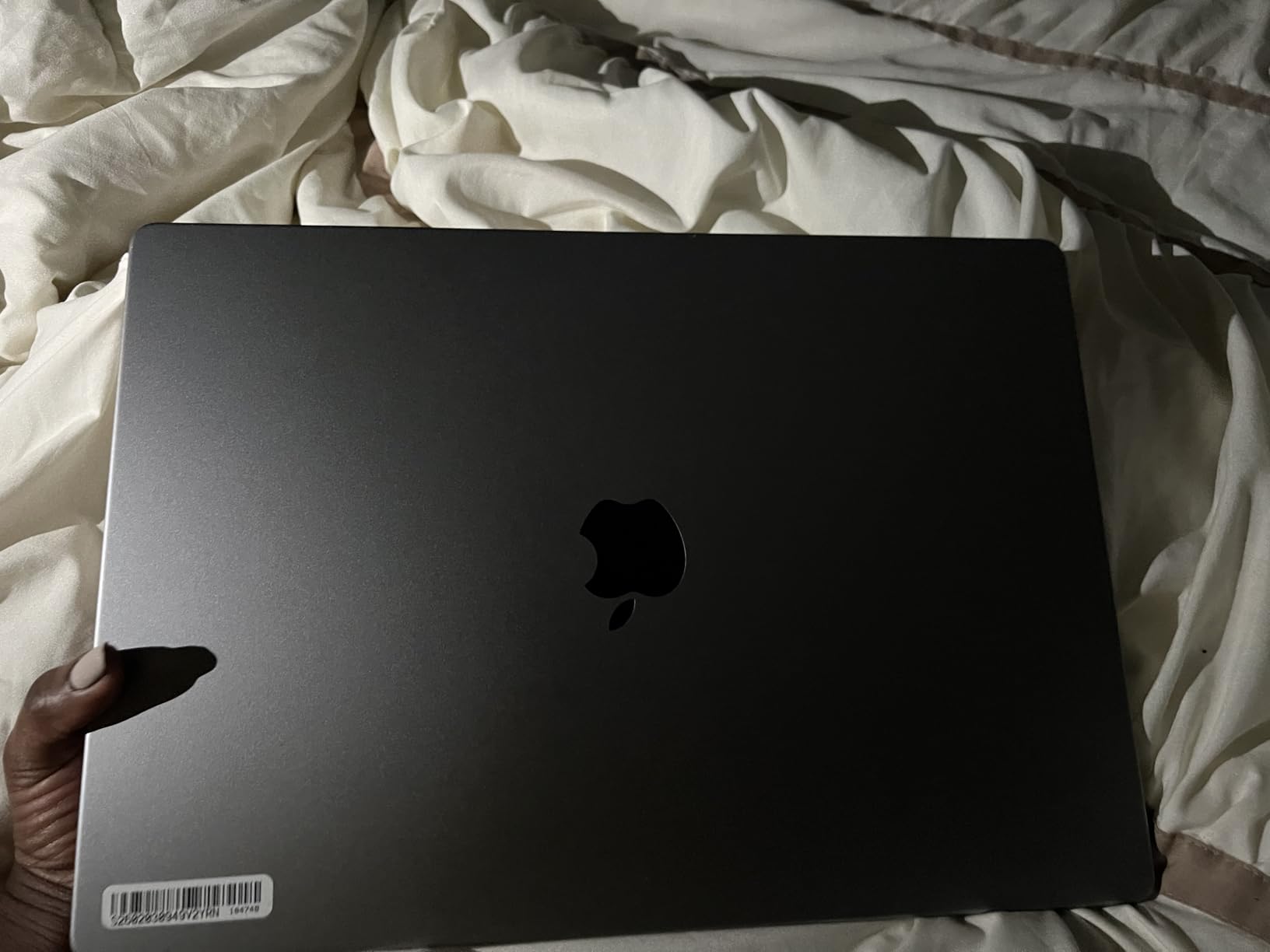
Check the model number before you buy: MK183LL/A, Space Gray, 2021 model year, again on a 90-day limited warranty. It is one of the more reviewed renewed 16-inch listings on the site, so condition grades are documented across more owner feedback than most refurbished configurations.
Unlike the renewed 14 M1 Pro, this one uses the larger 16-inch chassis rather than the compact 14-inch body. Same family of silicon, different job.
4. MacBook Pro 13 M2: Best Value for Everyday Use
2022 Apple MacBook Pro with Apple M2 chip (13-inch, 8GB RAM, 256GB SSD Storage) (QWERTY English) Space Gray (Renewed)
Chip: M2 8-core CPU
Memory: 8GB
Storage: 256GB SSD
Display: 13.3-inch Retina
Weight: 3 lb
Pros
- Lightest chassis in the lineup
- Up to 20 hours of quoted battery
- 80 percent of reviews are five star
- Active cooling sustains heavy work
- Bright 500 nit P3 display
Cons
- 8GB memory and 256GB storage is the smallest here
- 13.3-inch screen is compact
- 90-day warranty
This is the one to watch if your work fits inside a browser, an office suite and a photo editor. The M2 chip has an 8-core CPU and a 10-core GPU, and the active cooling system keeps sustained performance on longer jobs rather than throttling within minutes.
Owners like the combination of a 3-pound chassis and up to 20 hours of quoted battery, the longest figure in this group. It rates 4.5 across 365 reviews with 80 percent at five stars, the strongest renewed showing here.
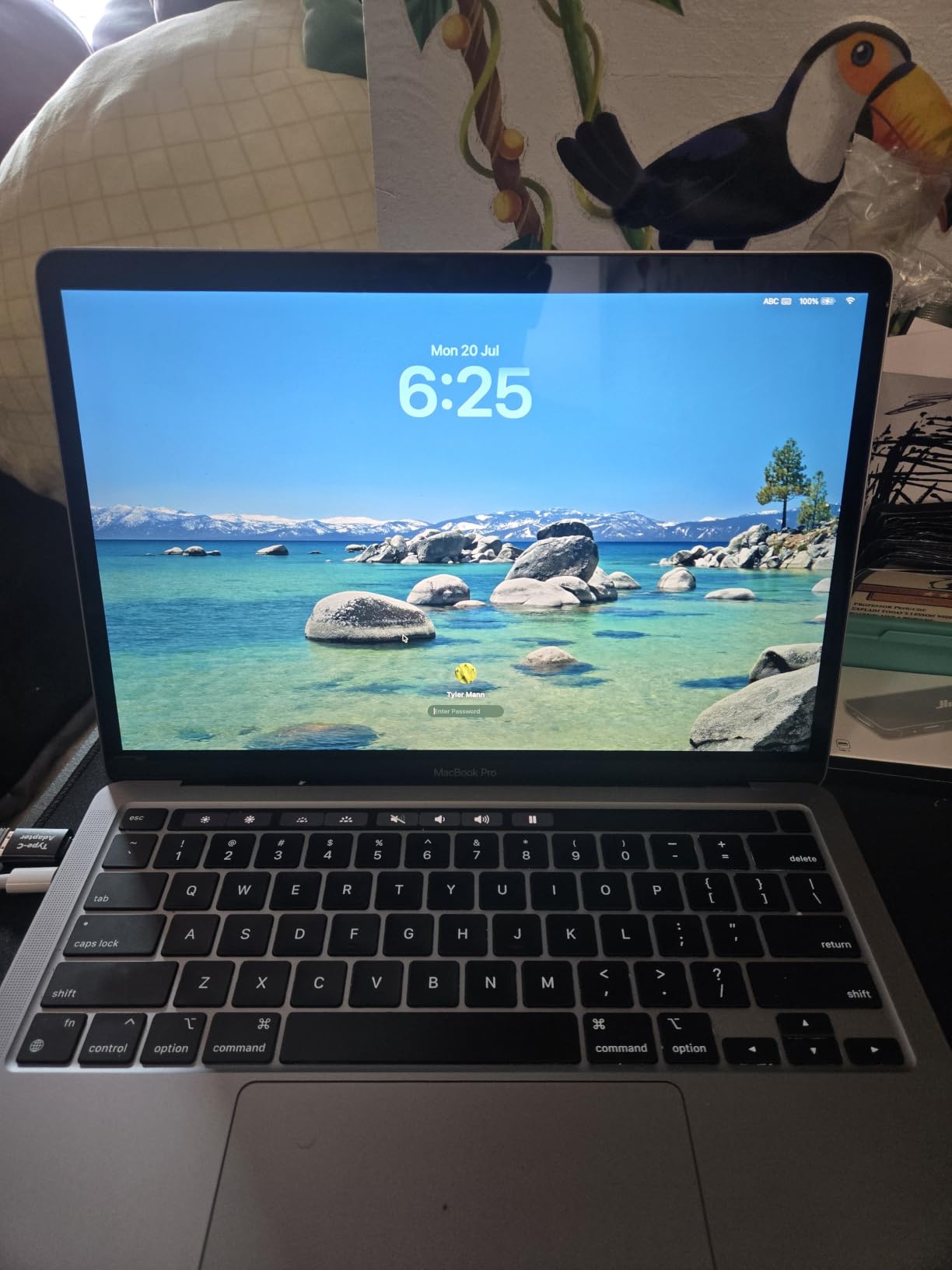
The 13.3-inch Retina display runs at 2560 x 1600 with 500 nits and P3 wide colour. That is a step down from the XDR panels on every other pick in the list, with lower peak brightness and no extreme dynamic range, so colour-critical screen work is not the reason to buy this machine.
The honest limitation is 8GB of unified memory with 256GB of storage. It is the smallest configuration here, it cannot be upgraded later, and app libraries fill 256GB faster than most people expect.
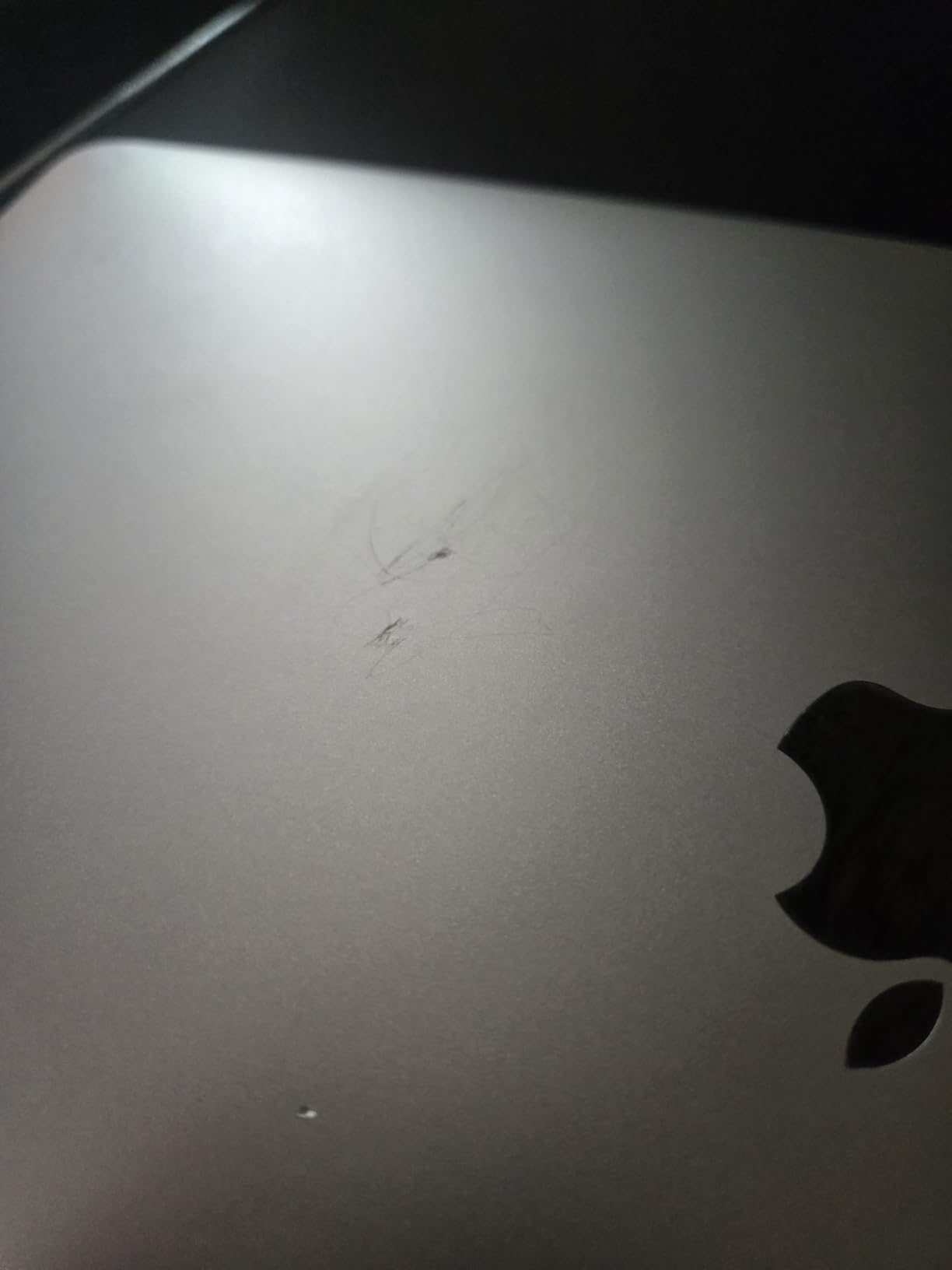
This listing states its box contents: a 67W USB-C power adapter and a 2-metre USB-C cable are included, and the 90-day limited warranty applies as it does on the other renewed units.
If you later outgrow the memory ceiling, moving up to the renewed 14 M3 Pro at 18GB is the natural step rather than buying new silicon you would not use.
5. MacBook Pro 14 M5 Pro: Best for AI Workloads
Apple 2026 MacBook Pro Laptop with Apple M5 Pro chip with 15-core CPU and 16-core GPU: Built for AI, 14.2-inch Liquid Retina XDR Display, 24GB Unified Memory, 1TB SSD, Wi-Fi 7; Space Black
Chip: M5 Pro 15-core CPU
Memory: 24GB
Storage: 1TB SSD
Display: 14.2-inch XDR
Weight: 3.52 lb
Pros
- 15-core CPU with 16-core GPU
- 24GB memory for on-device AI work
- Neural Accelerator in every GPU core
- Thunderbolt 5 and Wi-Fi 7
- 90 percent of reviews are five star
Cons
- 24GB memory is not upgradeable
- Costs more than every other pick here
This configuration exists for people who run models locally or push large exports. A 15-core CPU and 16-core GPU with a Neural Accelerator in every GPU core is what makes on-device inference and training practical rather than theoretical.
Memory is the number to check on the listing: 24GB unified memory with 1TB SSD, and Apple rates the SSD at up to twice the speed of the previous generation. Buyers report wishing they had gone higher on memory, since none of it can be added after delivery.
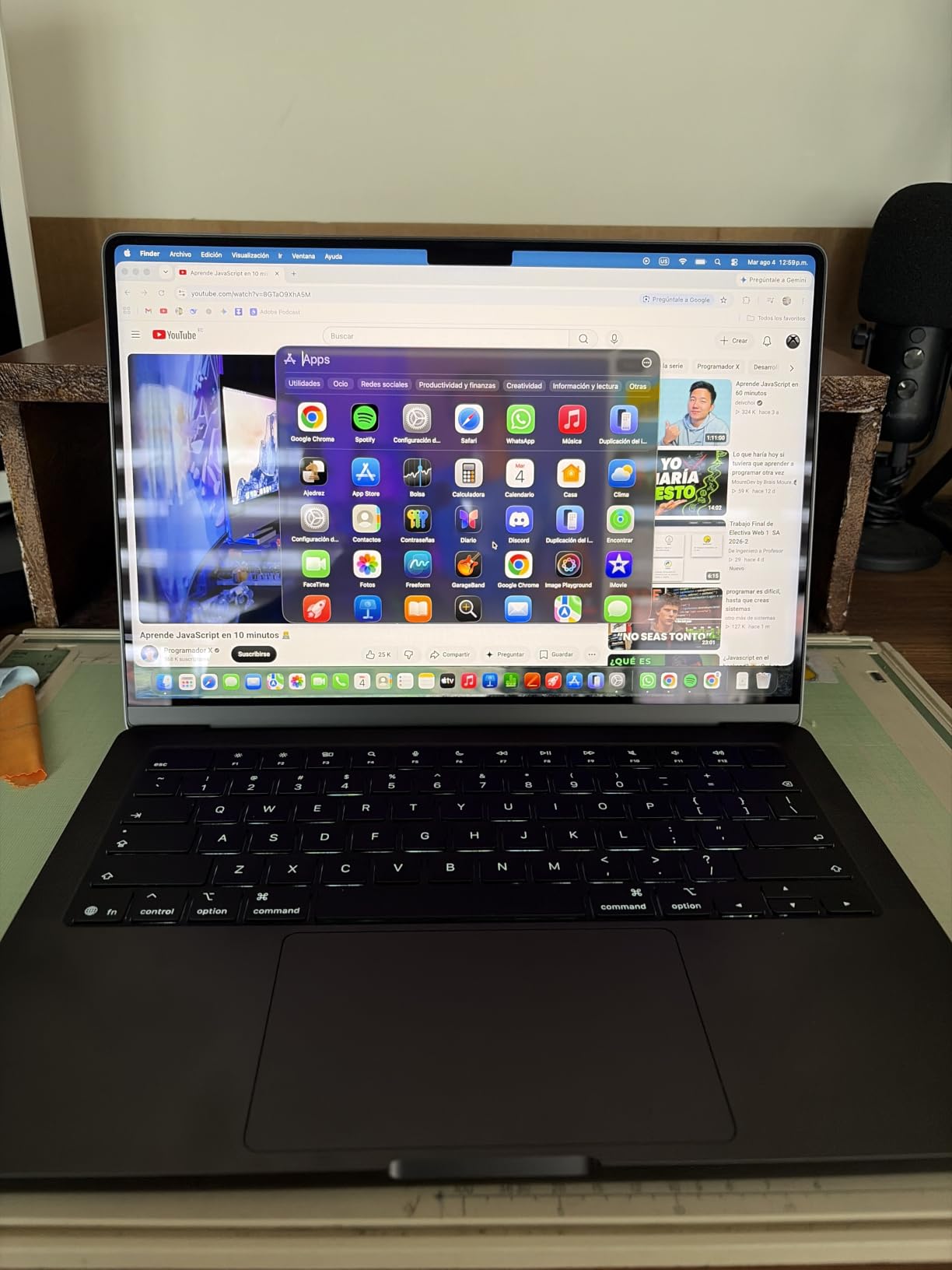
Connectivity is a genuine step up from the base M5. Three Thunderbolt 5 ports replace Thunderbolt 4, and the Apple N1 wireless chip brings Wi-Fi 7 and Bluetooth 6. This model also supports up to three external displays, one more than the base M5.
At 4.7 across 203 reviews with 90 percent at five stars, it holds the highest five-star share in this lineup. The display is the same 14.2-inch XDR panel at 1600 nits peak as the base M5, so the money here buys compute, not screen.
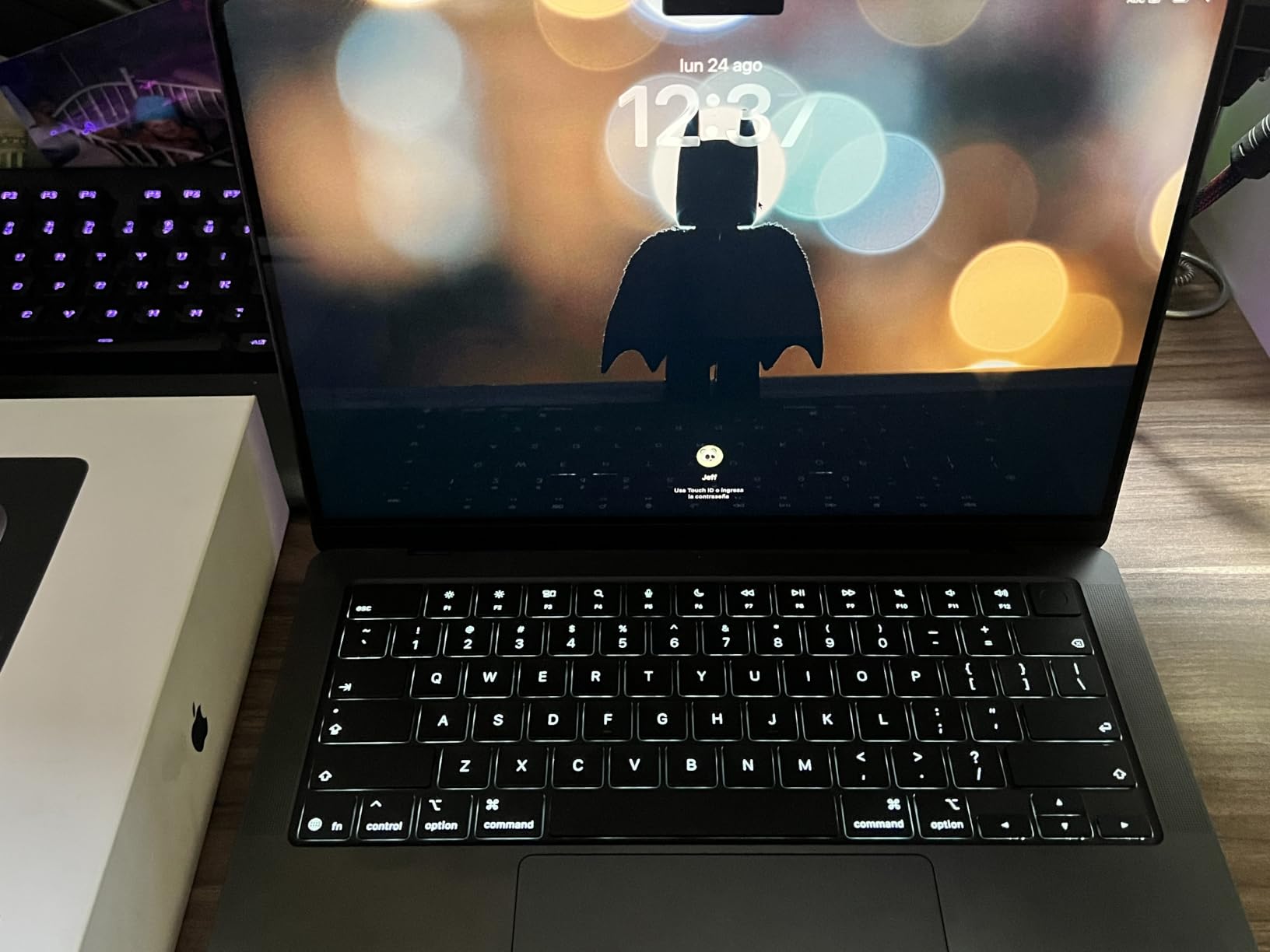
Skip it if your day is documents, browsing and code review. The renewed 14 M3 Pro at 18GB of memory covers most of that work and leaves the newest silicon on the table, which is a reasonable trade for most people.
Model MGDR4LL/A, Space Black, first listed in March 2026, so this is the newest configuration in the group.
6. MacBook Pro 14 M3 Pro: Best for Creative Work
Apple 2023 14-inch MacBook Pro with Apple M3 Pro chip, 18GB RAM, 512GB SSD Storage, Space Black (Renewed)
Chip: M3 Pro 12-core CPU
Memory: 18GB
Storage: 512GB SSD
Display: 14.2-inch XDR
Weight: 3.5 lb
Pros
- 18GB memory suits creative workloads
- Handles 4K editing and many tabs
- 14.2-inch XDR at 3024 x 1964
- Battery health usually arrives at 90-96 percent
Cons
- Condition grading can miss cosmetic wear
- 90-day warranty on renewed units
- Some units arrive with a third-party charger
The M3 Pro 12-core processor running up to 4.05GHz with a 14-core GPU is the configuration reviewers keep calling the sweet spot of the range. Owners report it handling dozens of browser tabs and 4K video editing while background processes continue.
Eighteen gigabytes of memory is the detail that makes it work. It is more headroom than any renewed unit below it and more than the base M5, without the step up in cost that the 14 M5 Pro asks for.
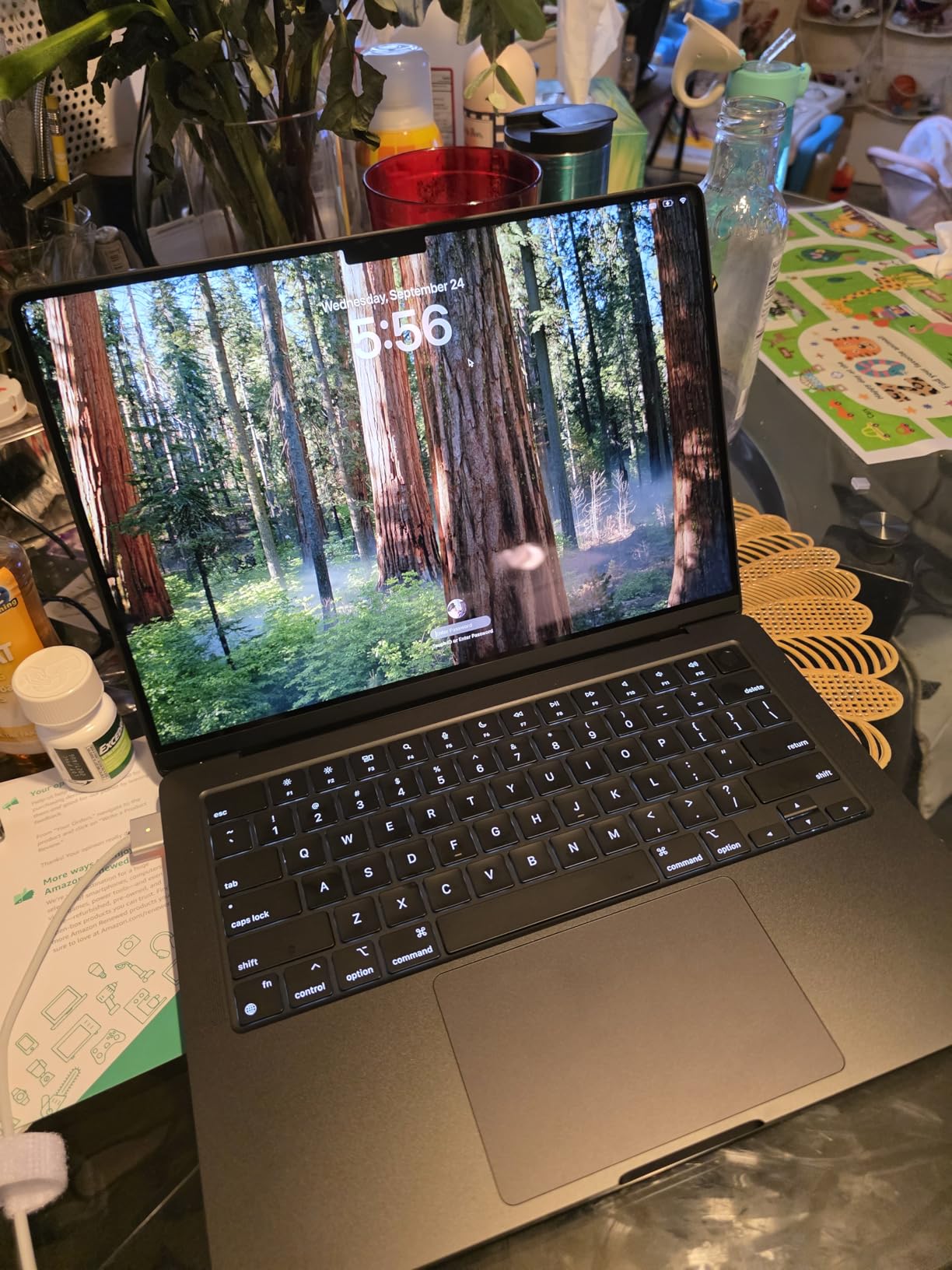
Its 4.2 average across 155 reviews is the lowest here, and the reasons are consistent: some units arrive with cosmetic wear that does not match the advertised grade, and a few reviews mention screen glass knicks or a worn anti-reflective coating.
Positives are just as consistent. Battery health typically arrives at 90-96 percent of maximum capacity, and the 14.2-inch Liquid Retina XDR display at 3024 x 1964 draws steady praise for both work and streaming.
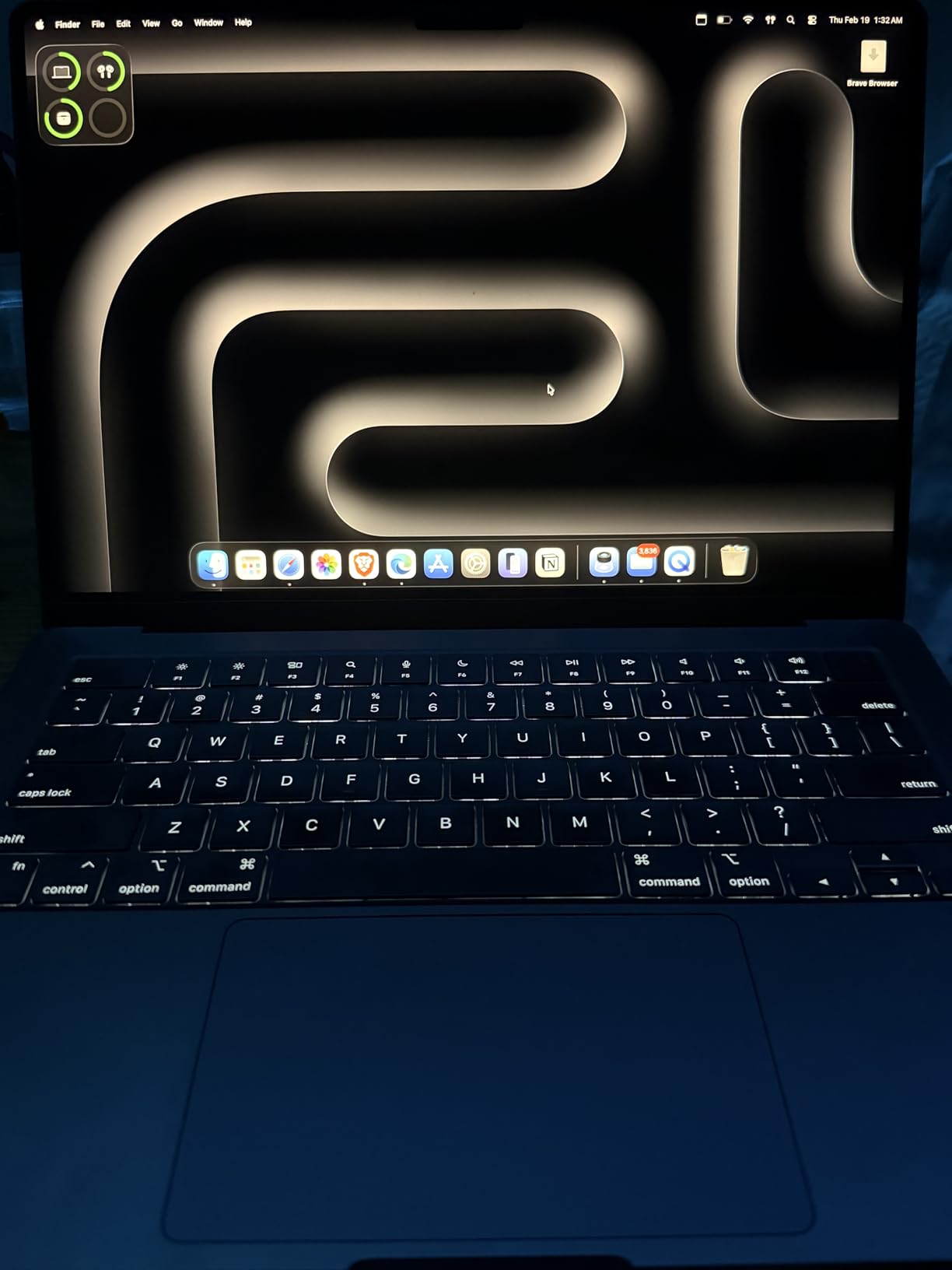
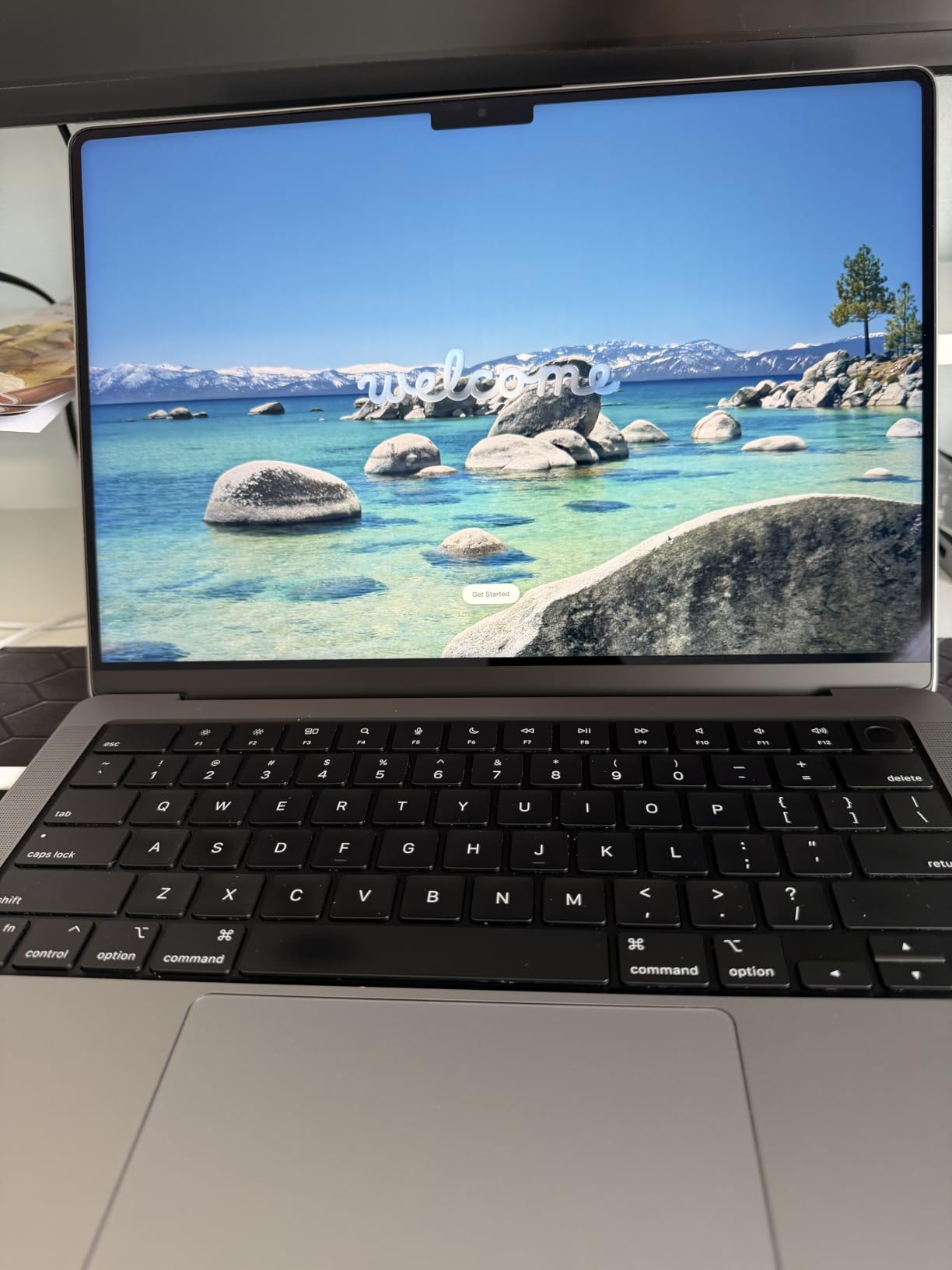
Model A2992, Space Black, 2023 model year, on a 90-day limited warranty. Some shipments include a third-party charger rather than original Apple hardware, which is worth checking in the box contents before you close the return window.
If condition grading worries you more than processing power, the new 14 M5 gives you the same 14.2-inch XDR screen and a newer chip with the standard coverage that comes with a new machine.
How to Choose MacBook Pro Deals During Prime Big Deal Days
Choose the Right Chip Generation
The newest chip is not automatically the right chip. The base M5 with a 10-core CPU handles office work, browsing and code comfortably, and the M1 Pro in the renewed 14-inch and 16-inch picks still runs the same applications quickly. Move up to the M5 Pro only when your workload is sustained and heavy, such as local AI models or long 4K exports, where the 15-core CPU and 16-core GPU change what finishes in a session.
Match Memory and Storage to the Workload
Treat 16GB of unified memory as the practical floor for anything beyond documents and browsing, and 24GB as the point where large creative or machine-learning projects stop fighting the machine. Because memory cannot be upgraded after delivery, buy for the heaviest week you expect rather than the average one. For storage, 512GB suits most people and 256GB is tight the moment a photo or video library arrives.
Balance Display Size and Portability
Weight is the number that decides this, not inches. The 3-pound 13.3-inch M2 is the easiest daily carry, the 14-inch models sit at roughly 3.4 to 3.5 lb, and the 16.2-inch M1 Pro at 4.6 lb is a machine you notice in a bag. Battery figures matter too: the 13-inch claims up to 20 hours while the 16-inch claims up to 17, so a bigger screen does not automatically mean a shorter day.
If you plan to work at a desk with an external screen, our best monitors for MacBook Pro guide covers pairing choices, including which of these models can drive two or three displays at once.
Check Battery Life and Ports
Look for two things on any listing: the quoted battery hours and what is in the box for charging. The renewed 13-inch M2 states a 67W USB-C power adapter and a 2-metre cable, while other listings do not spell out charger contents at all. On ports, the newer 14-inch models give you MagSafe 3, an SDXC card slot and HDMI alongside Thunderbolt, and the base M5 drives two external displays where the M5 Pro drives three.
Verify the Exact Model and Seller
Read the model number before anything else. Model MDE14LL/A is the 2025 14-inch M5, MGDR4LL/A is the 14-inch M5 Pro, MKGP3LL/A is the renewed 14-inch M1 Pro, MK183LL/A the renewed 16-inch M1 Pro, MNEH3LL/A the renewed 13-inch M2 and A2992 the renewed 14-inch M3 Pro. Then read the seller line: units sold directly by Amazon carry different return terms from marketplace listings, and every renewed unit here carries a 90-day limited warranty instead of the year of coverage on a new machine.
How to Shop MacBook Pro Deals During the Sale
Work from the model number and the condition grade rather than the headline discount, because the same machine appears under several configuration codes. Confirm whether the unit is new or renewed, who the seller is, whether a charger is included and what the warranty is before you commit. Most offers during the event need an active Prime membership, with a free trial counting, and they can change from one hour to the next.
- Check the model number and condition grade against what you actually want.
- Read the seller line and the warranty length, especially on renewed units.
- Confirm memory and storage, since neither can be changed after delivery.
- Confirm charger inclusion in the box contents.
- Use the button on each card to see the current price, which changes through the event.
- Have your Prime login and payment method ready before offers refresh.
Frequently Asked Questions
How much unified memory does a MacBook Pro need?
At least 16GB if you want comfortable multitasking, browsers with many tabs and any photo or video work, and 24GB or more if you run local AI models or edit long 4K timelines. Unified memory cannot be upgraded after delivery, so buying for the heaviest week you expect is safer than buying for the average one.
Is a newer MacBook Pro generation always worth choosing?
No. Renewed M1 Pro and M3 Pro models on this list handle everyday work, code and creative projects well, and they cost far less than new. The newest generation is worth the difference mainly for sustained heavy workloads such as local AI models, long video exports and more than two external displays.
Do I need to check whether the MacBook Pro includes a charger?
Yes, because listing details vary. The renewed 13-inch M2 states a 67W USB-C power adapter and a 2-metre USB-C cable in the box, while several other listings leave charger contents unstated and some renewed units arrive with a third-party adapter. Check the box contents before you close the return window.
When do Amazon Prime Big Deal Days MacBook Pro deals take place?
October 6-7, 2026. Amazon confirmed those two days for its October Prime event, which ends well before Black Friday in November. Offers appear in the big deals store when the event goes live and can change during the two days, so confirm the dates on Amazon.com before you set an alert.
Is Prime membership required for MacBook Pro offers during the sale?
Most of them, yes. The large Prime event offers are limited to members, and a free trial counts toward the requirement if you have not joined before. A few general offers stay open to everyone, so read the Prime requirement on each listing rather than assuming every MacBook Pro offer during the sale needs a membership.
How can I tell which MacBook Pro model is on an Amazon listing?
Look at the model number in the technical details. MDE14LL/A is the 14-inch M5, MGDR4LL/A the 14-inch M5 Pro, MKGP3LL/A the renewed 14-inch M1 Pro, MK183LL/A the renewed 16-inch M1 Pro, MNEH3LL/A the renewed 13-inch M2 and A2992 the renewed 14-inch M3 Pro. The model number settles the generation, screen size and year at once.
Final Verdict: Best Amazon Prime Big Deal Days MacBook Pro Deals
Buy the MacBook Pro 14 M5 if you want the configuration most people are actually happy with: 10-core CPU and GPU, a 1600-nit XDR screen, full ports and a 4.7 rating, with no refurb condition to think about.
Buy the MacBook Pro 13 M2 as the budget-friendly alternative if you want the lightest chassis and the longest quoted battery in the group, and your work fits in 8GB and 256GB.
Buy the MacBook Pro 14 M1 Pro for pro-class silicon and an XDR screen at the lowest cost here, and the MacBook Pro 16 M1 Pro when screen area decides everything. Buy the MacBook Pro 14 M3 Pro for 18GB of memory and serious creative work, and the MacBook Pro 14 M5 Pro only if local AI or heavy exports are part of your normal week.
Before you click through on any of them during Prime Big Deal Days, confirm the model number, memory, storage, condition and warranty on the listing, then use the button to see the current price.