

The Dell 15 Laptop is the one most people should be watching in this list. It is the most-reviewed laptop here, it carries a roomy keyboard with a full numeric keypad, and its 120Hz panel and 41 watt-hour battery make it a genuinely comfortable daily machine rather than a bare-bones special.
If your desk needs a second screen instead, the Samsung Essential S3 27 wraps a 100Hz curved panel around your field of view for people who game or watch a lot, and the Dell S2725QS 27 is the pick when text sharpness and colour accuracy matter more than speed. Prime Big Deal Days runs October 6-7, and most of the offers below need a Prime membership, with a free trial counting as one.
Table of Contents
Our Top 3 Picks for Best Amazon Prime Big Deal Days Dell Deals in 2026


Best Amazon Prime Big Deal Days Dell Deals Compared
| Product | Specifications | Action |
|---|---|---|
 Dell 15 Laptop Dell 15 Laptop |
|
Check Deal Price |
| Samsung Essential S3 27 |
|
Check Deal Price |
| Dell S2725QS 27 |
|
Check Deal Price |
 Samsung ViewFinity S50GC 34 Samsung ViewFinity S50GC 34 |
|
Check Deal Price |
 Dell 24 All-in-One Dell 24 All-in-One |
|
Check Deal Price |
 Dell Inspiron 16 5645 Dell Inspiron 16 5645 |
|
Check Deal Price |
 Dell OptiPlex 3060 Dell OptiPlex 3060 |
|
Check Deal Price |
 Dell 24 SE2426H Dell 24 SE2426H |
|
Check Deal Price |
 Dell 27 Plus S2725HSM Dell 27 Plus S2725HSM |
|
Check Deal Price |
 Dell OptiPlex 7070 SFF Dell OptiPlex 7070 SFF |
|
Check Deal Price |
How We Chose
Every machine here was compared on the specifications that actually change daily use: processor, memory, storage, display, weight and warranty. Ratings and owner review themes on Amazon carried as much weight as the spec sheet, and the data was checked in October 2026.
1. Dell 15 Laptop: Best Overall Everyday Pick
Dell 15 Laptop
Type: laptop
Screen: 15.6 in FHD
Weight: 4.2 lb
Warranty: 1 yr onsite
Pros
- Numeric keypad with calculator hotkey
- 120Hz anti-glare IPS panel
- 41 watt-hour battery with Express Charge
- One year onsite service after remote diagnosis
- Wi-Fi 6 and Bluetooth 5.3
Cons
- 8 GB RAM is the weak point
- 250 nit panel is dim
- Single memory slot limits upgrades
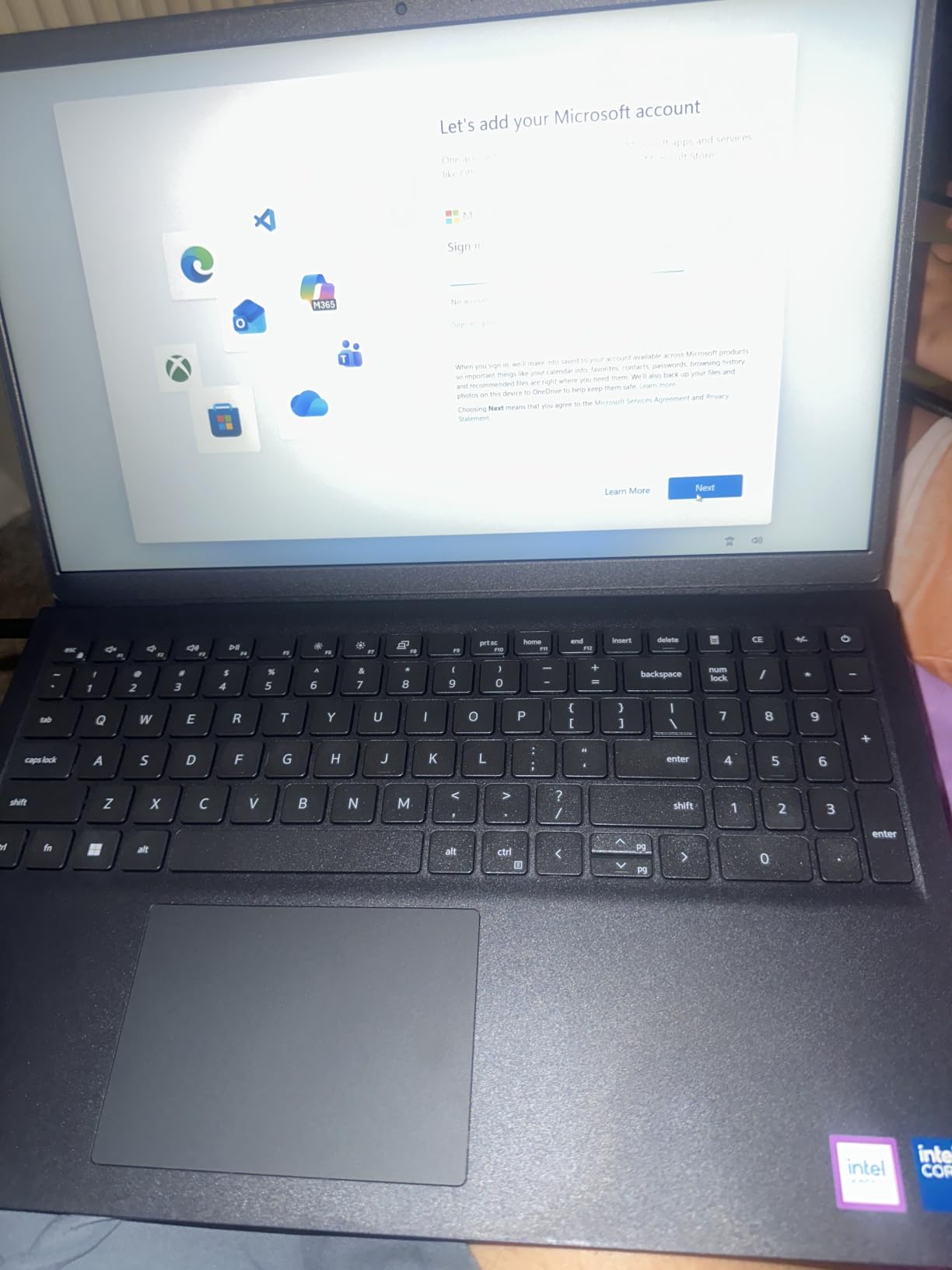
The honest daily driver. Owners consistently single out the keyboard, the numeric keypad and battery life as the reasons this machine holds up over a full workday.
For a student splitting tuition money between a laptop and a monitor, or an admin who lives in spreadsheets all day, the layout matters more than the benchmark charts. A dedicated number pad is genuinely rare at this level, and the lifted hinges give the keyboard a typing angle you would usually pay extra for.
The 41 watt-hour battery is the other quiet win. Several reviews describe a full working day without hunting for a charger, which is not something you can say about every machine in this list.
- 15.6 inch FHD IPS at 120Hz, so scrolling and window drags look smooth
- DDR4 memory with one slot, expandable to 16 GB
- 512 GB SSD as the only storage option
- Three USB ports, one HDMI and a card reader for peripherals
Worth knowing before you commit: 8 GB of RAM is the constraint here, not the processor. Owners who need heavy browser tabs alongside a video call add memory after purchase, which is why the single accessible slot matters. If you want power out of the box rather than an upgrade project later, look at the Dell Inspiron 16 5645 instead, which comes with 16 GB and a Ryzen 7 8840U.
2. Samsung Essential S3 27: Best for Curved Desks
Samsung Essential S3 27
Type: curved monitor
Screen: 27 in FHD
Weight: 8.4 lb
Warranty: 1 yr manufacturer
Pros
- 1800R curve widens the field of view
- 100Hz refresh cuts motion blur
- TUV certified eye comfort
- Game Mode for dark-scene detail
- HDMI and D-Sub inputs
Cons
- 1080p looks soft at 27 inches
- 250 nits is dim for bright rooms
- Tilt-only stand
This is the most heavily reviewed pick in the list, with more than three thousand reviews behind it, and the reason is simple: the curve does something flat 27-inch panels do not.
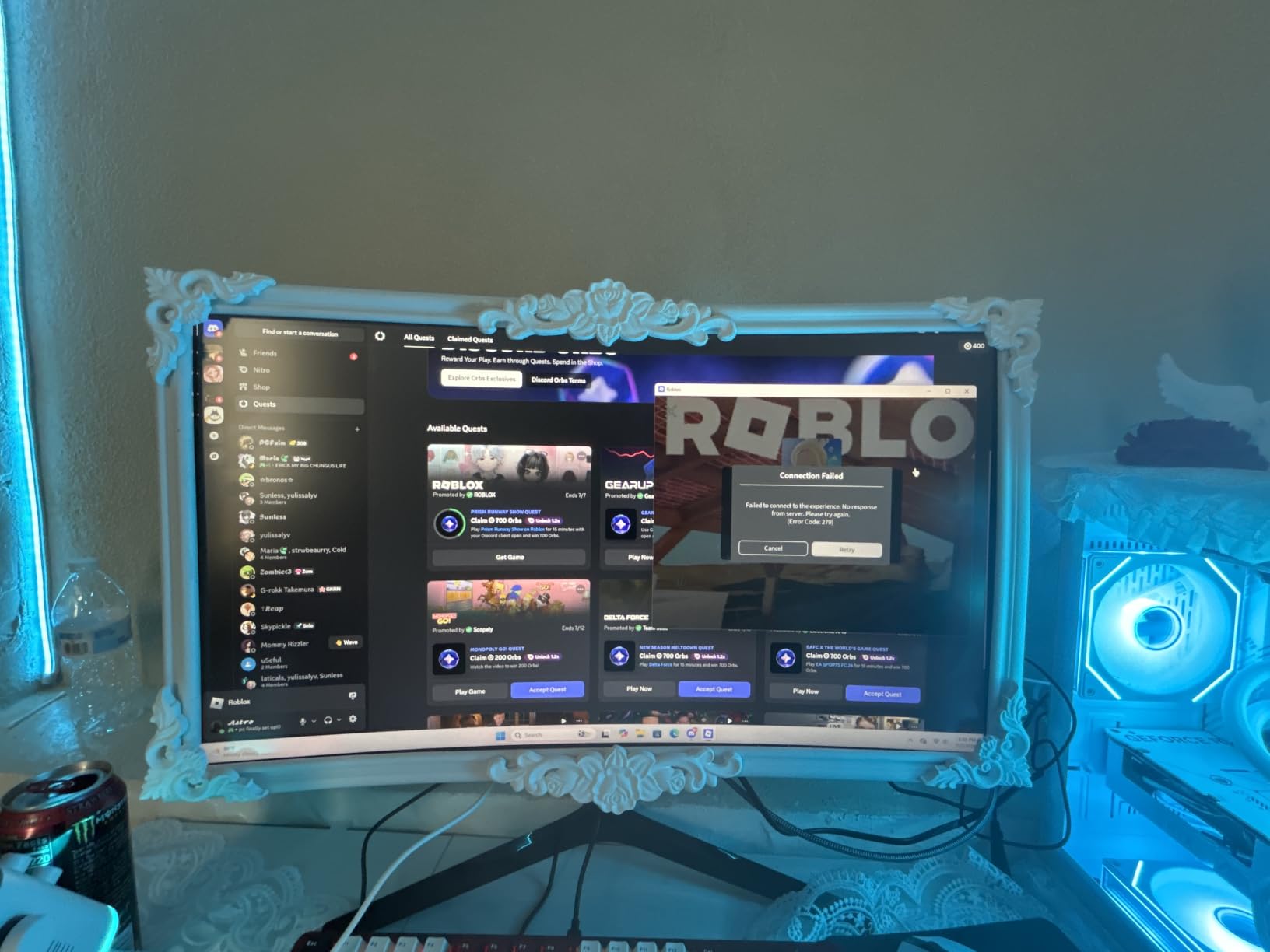
Sit at a desk in a bright room with a racing game or a film on and the wrapped edges pull peripheral detail inward. Reviewers also point to Game Mode as a quick fix for dark scenes, which is where budget panels usually fall apart first.
The trade-off shows up the moment you try to work on fine text. 1080p spread across 27 inches leaves visible softness in small type, and 250 nits means the panel struggles next to a window. For spreadsheets and code, the Dell S2725QS 27 is the more honest choice at four times the pixel count.
- 1800R curved panel with a 100Hz refresh rate
- HDMI and D-Sub, so older office PCs connect without adapters
- HDMI cable and power cable included
- 178 degree viewing angle, which keeps the edges usable off-centre
Good to know: the included stand tilts and nothing else. There is no height or swivel adjustment, so make sure your desk puts the panel at eye level before you start stacking risers. At 8.4 pounds it is light enough to carry between a home desk and an office without drama.
3. Dell S2725QS 27: Best for 4K Detail
Dell S2725QS 27
Type: 4K monitor
Screen: 27 in 4K
Weight: 14.3 lb
Warranty: 1 yr exchange
Pros
- 3840 x 2160 IPS makes text crisp
- 120Hz FreeSync Premium
- 1500:1 contrast beats typical IPS panels
- Fully adjustable stand with VESA 100x100
- Built-in speakers for calls
Cons
- No USB-C or USB hub
- No 3.5mm audio out
- Not built for competitive shooters
If your work involves reading code, long documents or editing photos, resolution wins over refresh rate every time. This panel renders 3840 x 2160 on a 27 inch IPS screen, and owners describe text as crisp enough to retire a secondary screen.
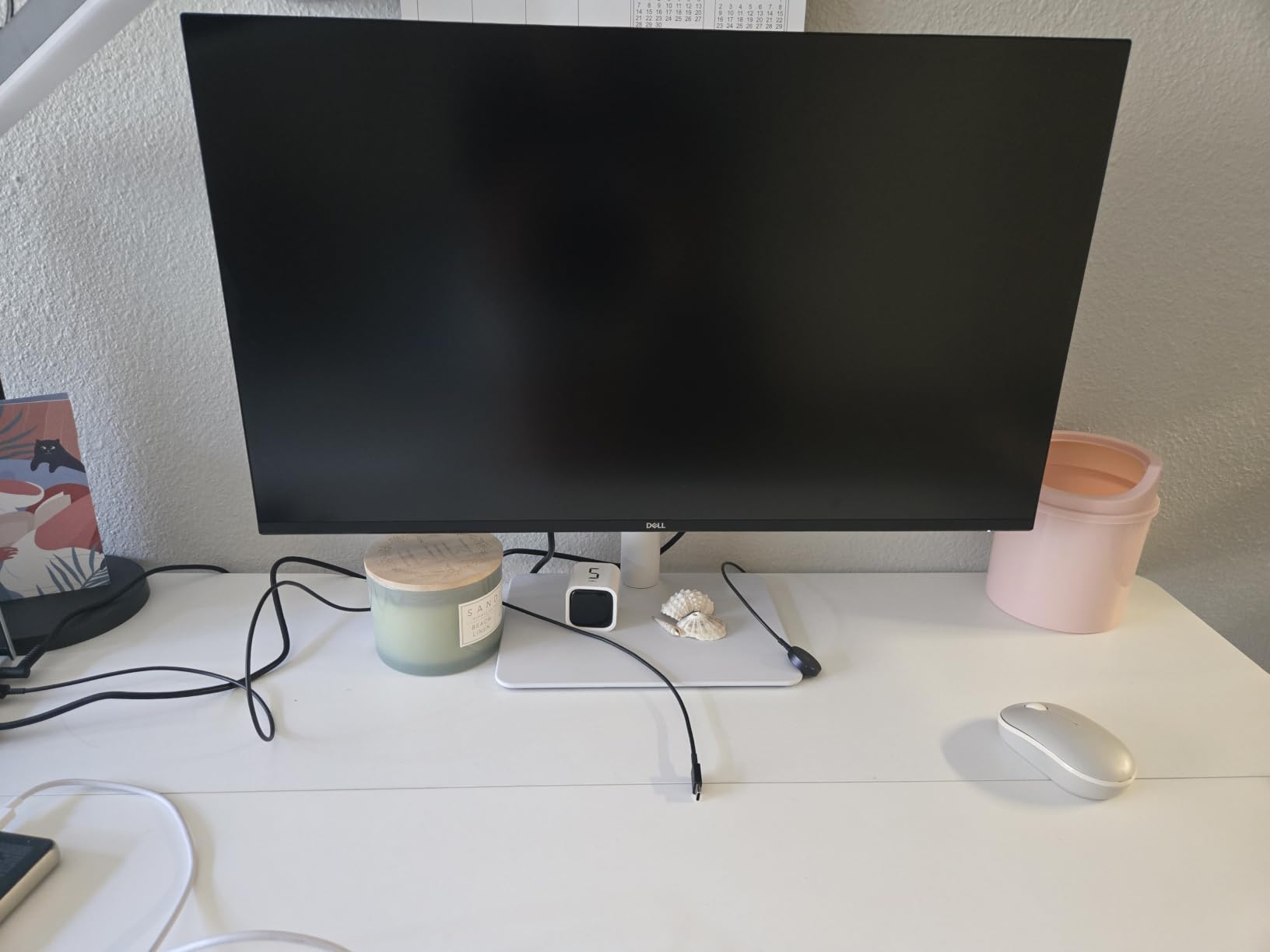
Colour is the quiet strength. 99 percent sRGB coverage and a 1500:1 contrast ratio put it ahead of the typical 1000:1 IPS panel, which means darker greys in an interface and better separation in shadow areas.
Gaming is adequate rather than competitive, and reviewers are honest about it: IPS response times produce noticeable ghosting in fast shooters. If that bothers you, the Dell 24 SE2426H runs at 144Hz with 1ms MPRT for a fraction of the pixel density.
- Height, tilt, swivel and pivot adjustment on the stand
- VESA 100×100 mounting for an arm or wall bracket
- Two HDMI inputs and DisplayPort
- One-year advanced exchange and premium panel exchange
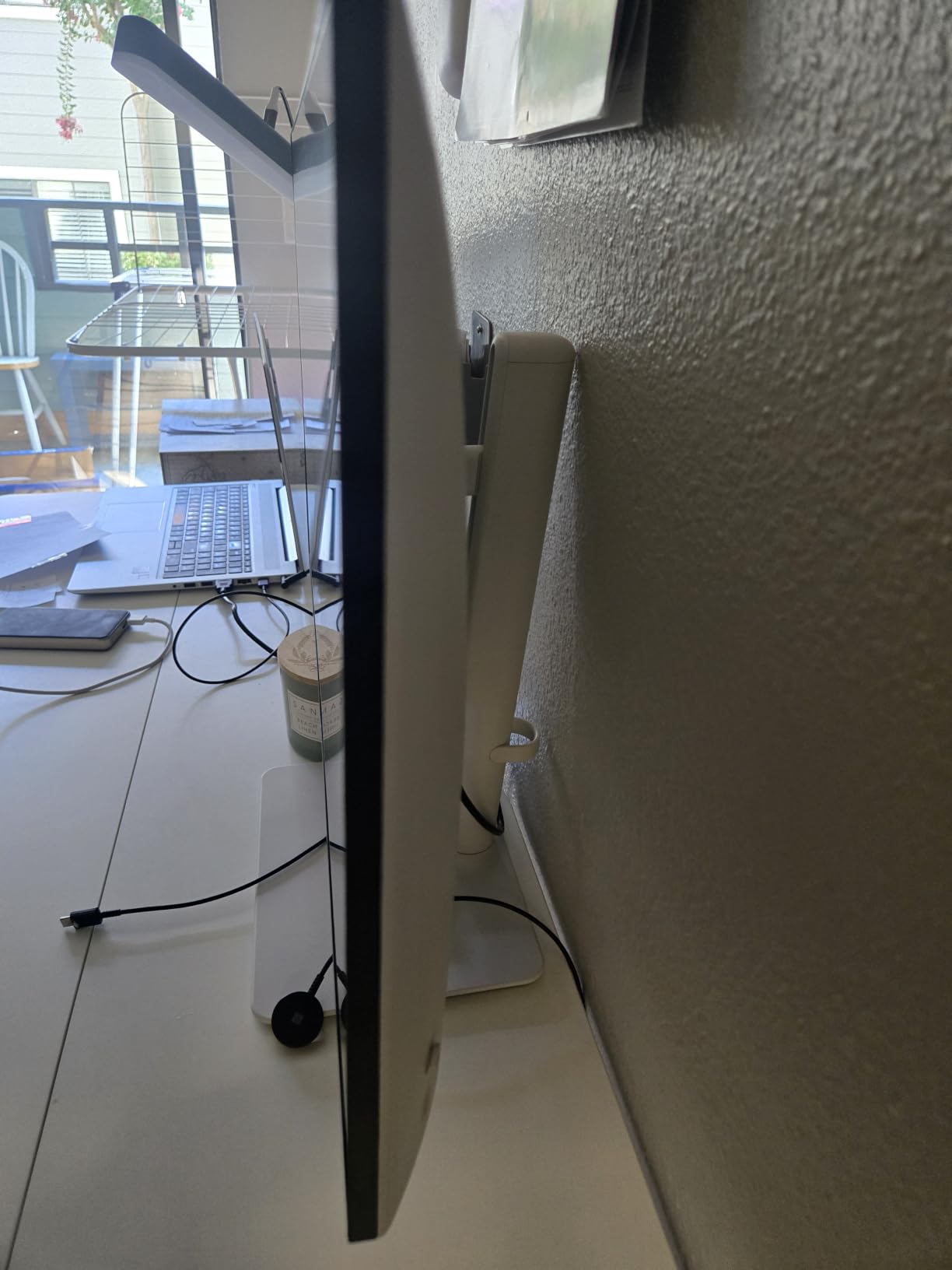
Compared with the Samsung Essential S3 27, this is the opposite bet: flat, dense and adjustable rather than curved and cheap. The 14.3 pound weight is real, so plan for a desk that can take it and a two-person carry if you move offices. One recurring complaint is that the default brightness setting runs high, so expect a ten-minute adjustment on day one.
4. Samsung ViewFinity S50GC 34: Best for Multitasking
Samsung ViewFinity S50GC 34
Type: ultrawide
Screen: 34 in WQHD
Weight: 10.8 lb
Warranty: 1 yr manufacturer
Pros
- 3440 x 1440 fits two windows side by side
- PIP and PBP show two sources at native size
- Ambient light sensor adjusts brightness
- 100Hz with AMD FreeSync
- Bezel-less look for dual-monitor desks
Cons
- Stand has no height adjustment
- VA panel shifts colour off-axis
- Basic HDR
One screen, two full windows. That is the pitch owners give for the ViewFinity S50GC, and it holds up for people who replaced a dual-monitor setup with a single cable.
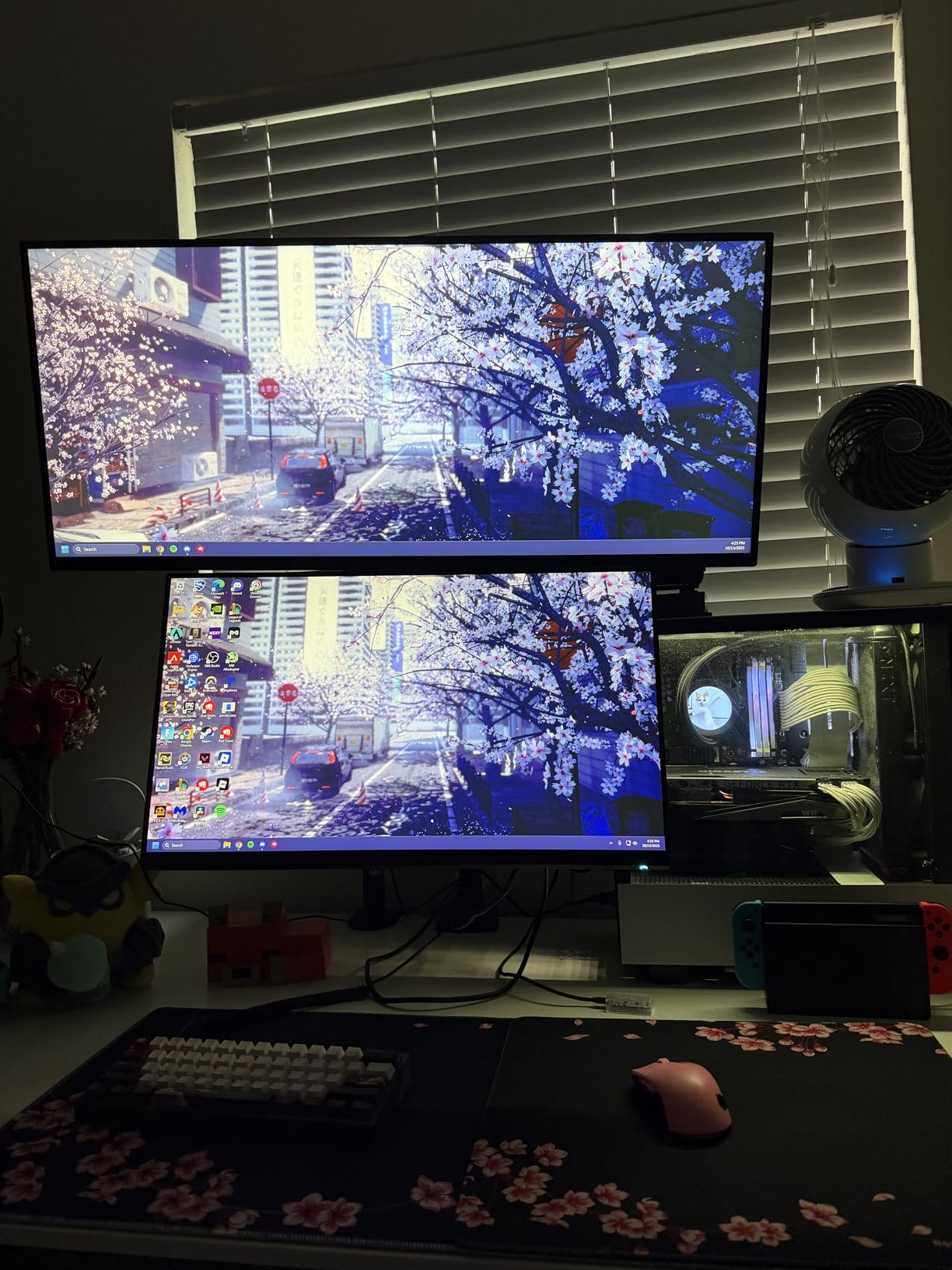
PIP and PBP are the features that quietly separate this from a wide monitor. You can run a spreadsheet beside a video call and still see both at native resolution, which matters when you are reading numbers off one screen while presenting on another.
The ambient light sensor is another reviewer favourite. It shifts brightness through the day without you touching the menu, which pairs well with the Eye Saver mode that cuts blue light.
- 21:9 aspect ratio at 3440 x 1440 and 100Hz
- Two HDMI 2.2 ports and a DisplayPort 1.2
- DisplayPort and HDMI cables included in the box
- HDR10 support for casual HDR content
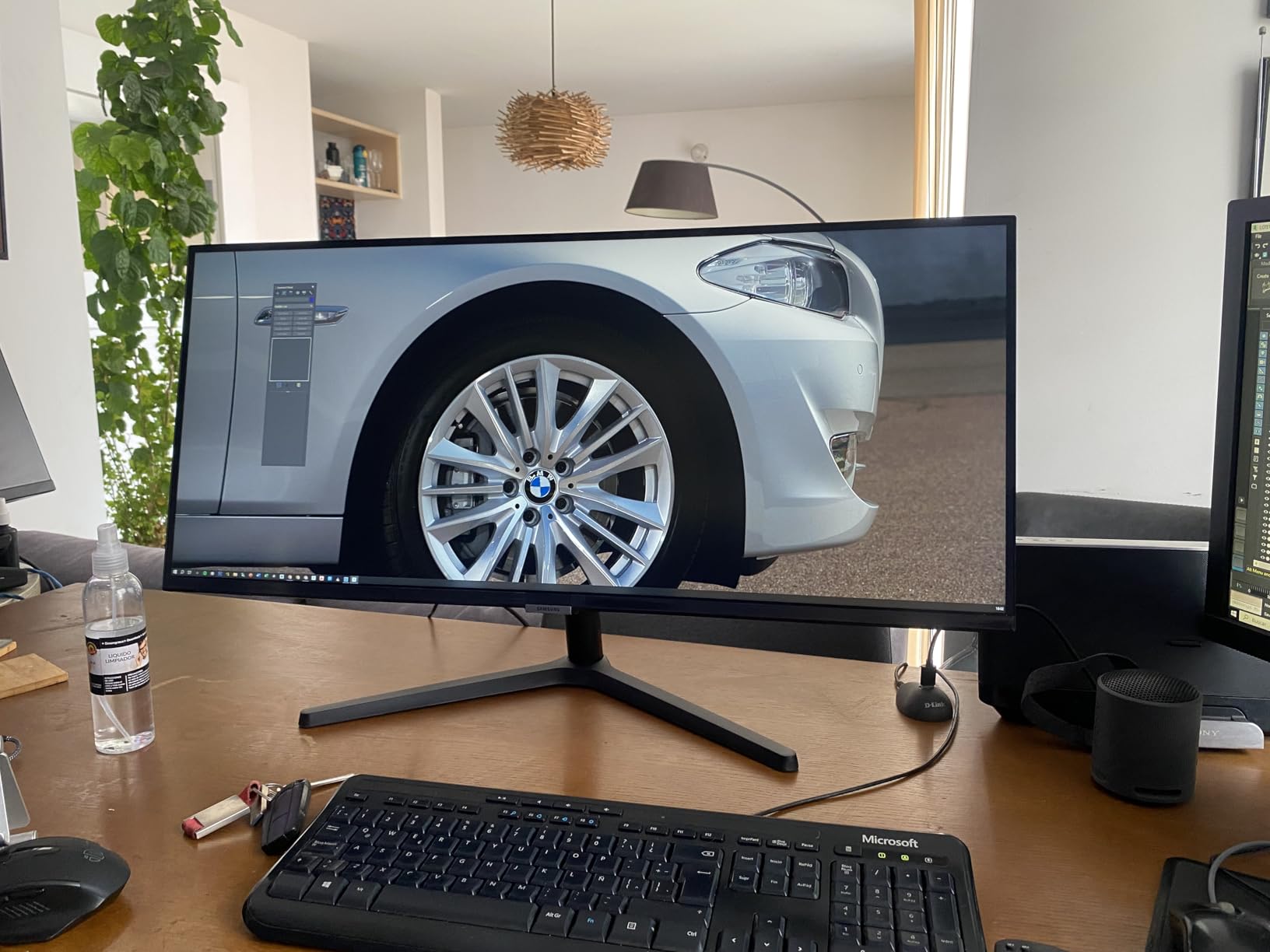
Skip it if you need accurate colour from the side of your desk. This is a VA panel, and owners report visible shifts in colour and contrast off-axis, which is precisely where a curved panel would have helped. The stand also has no height adjustment, so many buyers add a VESA arm. For colour-critical work at a straight-on angle, the Dell S2725QS 27 remains the pick.
5. Dell 24 All-in-One: Best for Small Desks
Dell 24 All-in-One
Type: all-in-one
Screen: 23.8 in FHD
Weight: 12.3 lb
Warranty: 6 mo onsite
Pros
- No separate tower or cable clutter
- 99 percent sRGB FHD IPS with ComfortView Plus
- Wireless keyboard and mouse in the box
- Dolby Atmos speakers with Bluetooth
- Quick simple setup
Cons
- 8 GB RAM is the fixed maximum
- Single memory slot
- Bass-heavy audio with no adjustment
A shared family computer rarely needs a tower under the desk. This 23.8-inch all-in-one puts the whole machine behind the screen, and the wireless keyboard and mouse arrive in the box.
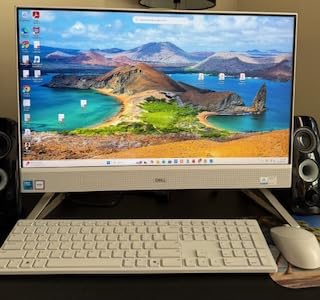
A 4.6 average across 284 reviews is among the highest here, and reviewers tend to describe the same experience: out of the box and working in minutes. For a parent setting up a home study desk, or a couple replacing an ageing laptop, that matters more than upgradeability.
Picture quality is better than the spec list implies. A 99 percent sRGB FHD IPS panel with ComfortView Plus looks crisp for browsing, schoolwork and streaming, and the tilt-adjustable camera can lean between zero and 20 degrees.
- Five USB ports and two HDMI outputs for peripherals
- Dual Bluetooth speakers with Dolby Atmos spatial sound
- Windows 11 Home pre-installed
- Memory card reader and a webcam built in
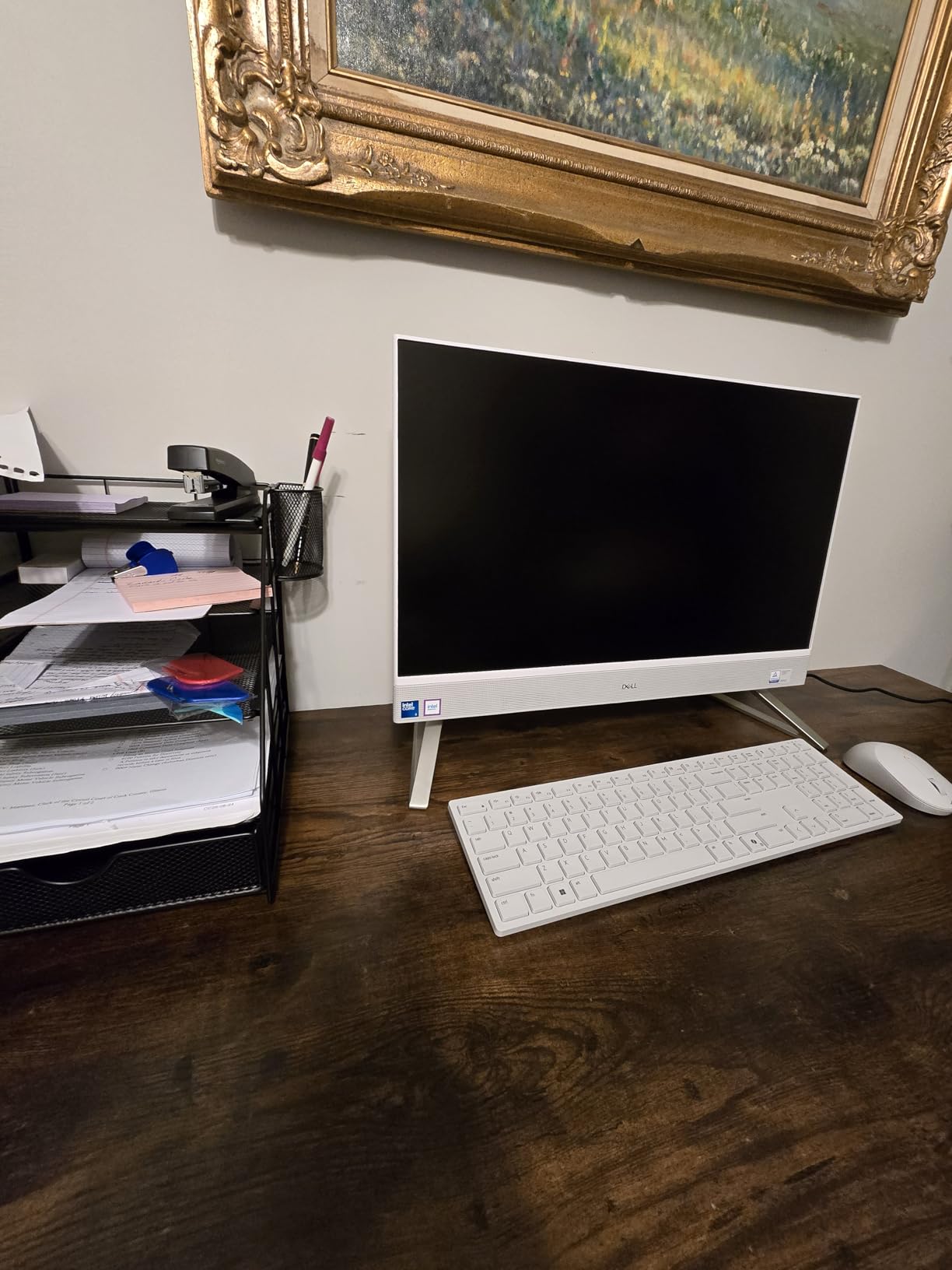
The ceiling is memory, and it is a hard one. Eight gigabytes is the maximum supported with a single slot, so this is not a machine to grow with. Audio is also bass-heavy with no adjustment options. If you want a desktop you can upgrade later, the Dell OptiPlex 3060 gives you four times the memory and a chassis you can open.
6. Dell Inspiron 16 5645: Best for Everyday Power
Dell Inspiron 16 5645
Type: laptop
Screen: 16 in 1920x1200
Weight: 4.7 lb
Warranty: 1 yr onsite
Pros
- Ryzen 7 8840U with 16 GB DDR5
- 1 TB SSD with fast boot
- About five hours of real battery life
- Easy to service with eight bottom screws
- Fingerprint reader and backlit keyboard
Cons
- Only two USB-A ports and one M.2 slot
- 60Hz refresh rate
- Runs warm under load
Where the Dell 15 keeps things simple, the Inspiron 16 5645 hands you more headroom. A Ryzen 7 8840U with eight cores, 16 GB of DDR5 and a 1 TB SSD is a laptop that stays comfortable with a dozen browser tabs and a large photo library open.
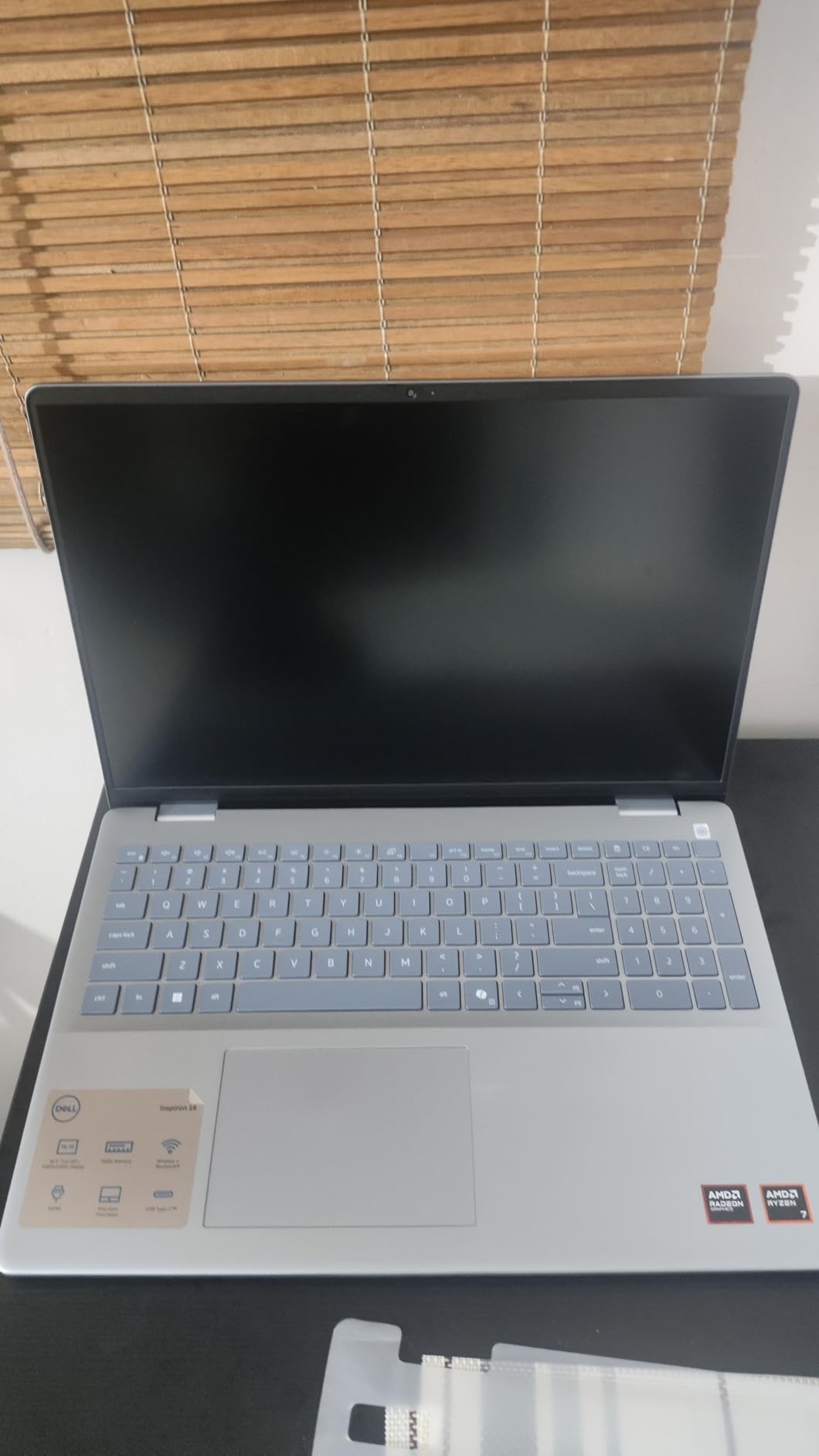
The 16:10 panel at 1920 x 1200 gives more vertical room than the 15.6-inch 16:9 screen in the Dell 15, which shows up immediately in documents and code. Reviewers also like the screen in daylight, reporting it holds up in harsh sunlight.
Battery life is quoted at roughly five hours of real use by owners, a clear step up from older budget machines. Serviceability is unusually good for the class: eight screws on the base, and many owners add memory or a second drive themselves.
- 16 GB DDR5 across two slots, expandable to 32 GB
- 54 watt-hour battery and Wi-Fi 6E
- Fingerprint reader, backlit keyboard and a full number pad
- Mechanical privacy shutter on the webcam
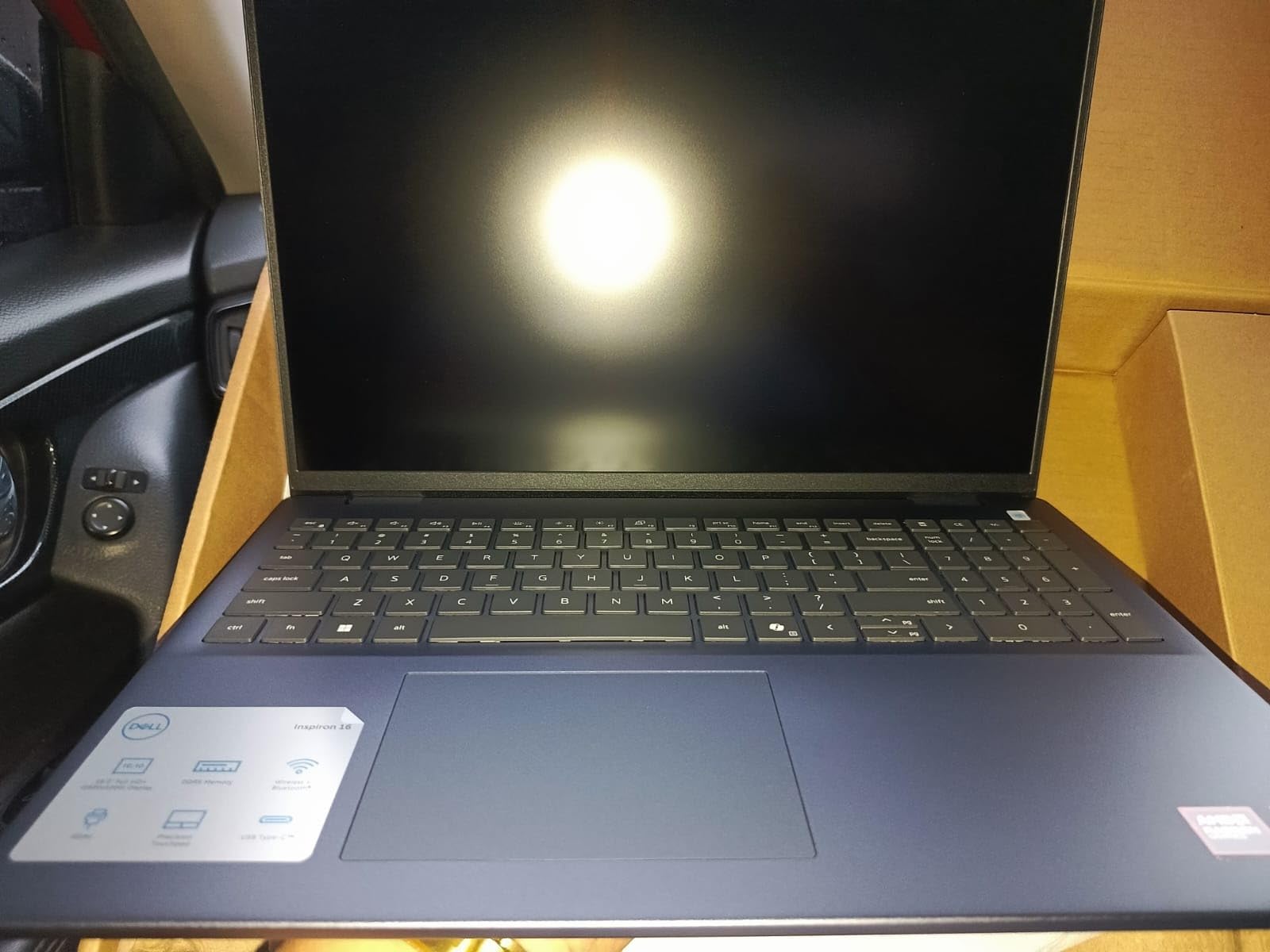
Its 4.1 average is among the lowest here, and the reviews explain why. A cluster of early machines had failed sound cards or a preinstalled system that would not boot, and some had a Realtek Wi-Fi card that throttles throughput. The 60Hz refresh rate is another common note, along with only two USB-A ports. If reliability at that price matters more than raw speed, the Dell 15 is the calmer choice.
7. Dell OptiPlex 3060: Best Value
Dell OptiPlex 3060
Type: small-form tower
Screen: no panel included
Weight: 11.9 lb
Warranty: 90 days renewed
Pros
- 32 GB DDR4 and 1 TB SSD for office workloads
- Windows 11 Pro pre-installed
- DisplayPort plus HDMI for two screens
- USB 3.0 and USB 2.0 in good numbers
- 90-day warranty and tech support
Cons
- 8th gen i5 platform is old
- Renewed examples may show wear and dust
- Basic audio output
With more than 1,250 reviews behind it, the OptiPlex 3060 is the pick that office buyers keep coming back to. Thirty-two gigabytes of DDR4 and a 1 TB SSD is an unusual amount of memory for the money involved.
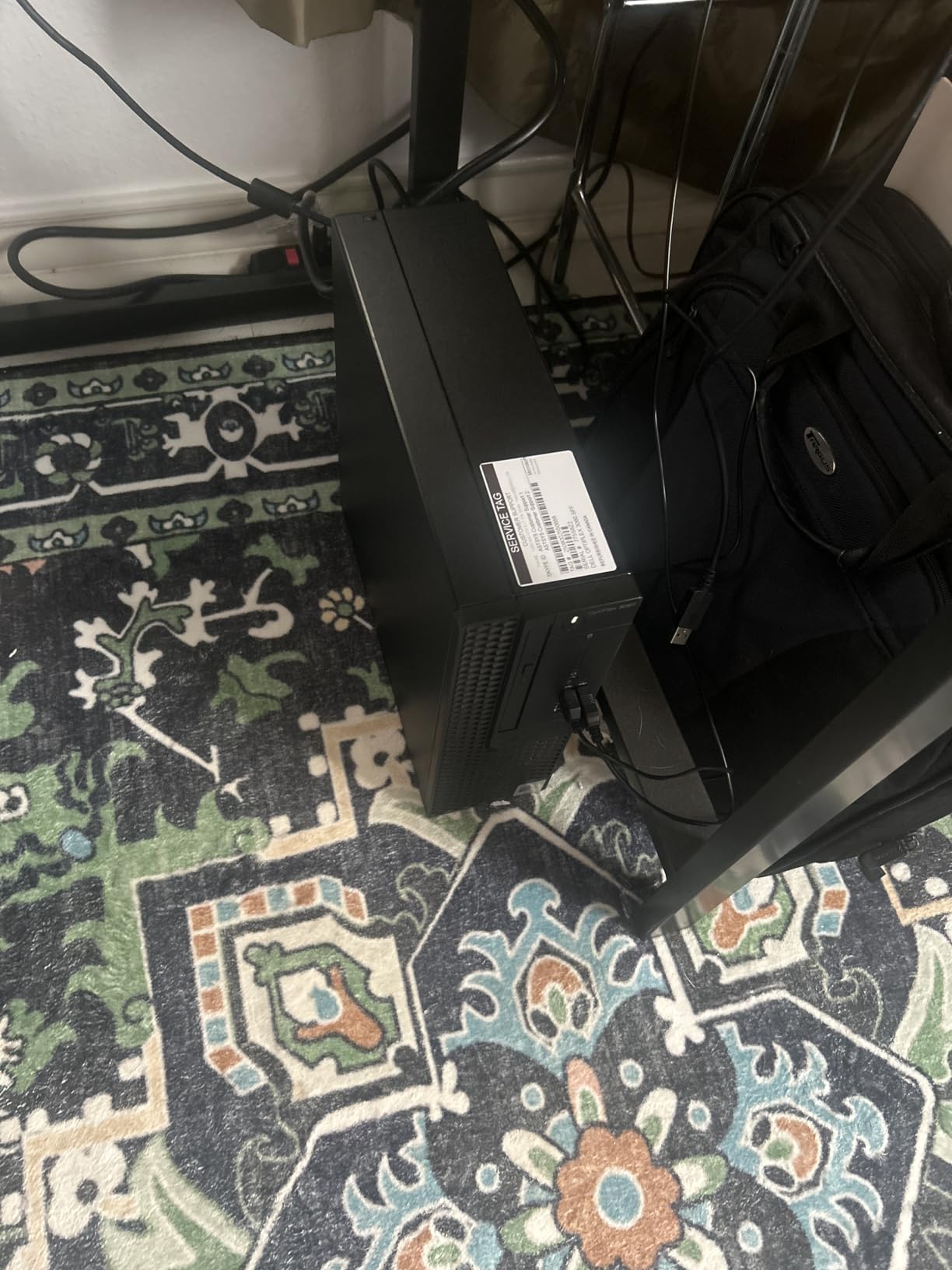
The 8th-generation i5-8500 inside is an older platform, and no amount of memory changes that. But for the work most offices actually do, spreadsheets, email, invoicing and browsing, owners report fast boots and smooth multi-tab behaviour.
Port selection is the other thing reviewers mention. Four USB 3.0 and four USB 2.0 ports plus DisplayPort and HDMI means it drives two displays and still leaves room for a printer, a scanner and a backup drive.
- Compact 13.8 by 10.8 by 6 inch chassis that fits under a desk
- Five expansion slots inside
- Windows 11 Pro ready out of the box
- Renewed through Amazon with a 90-day warranty
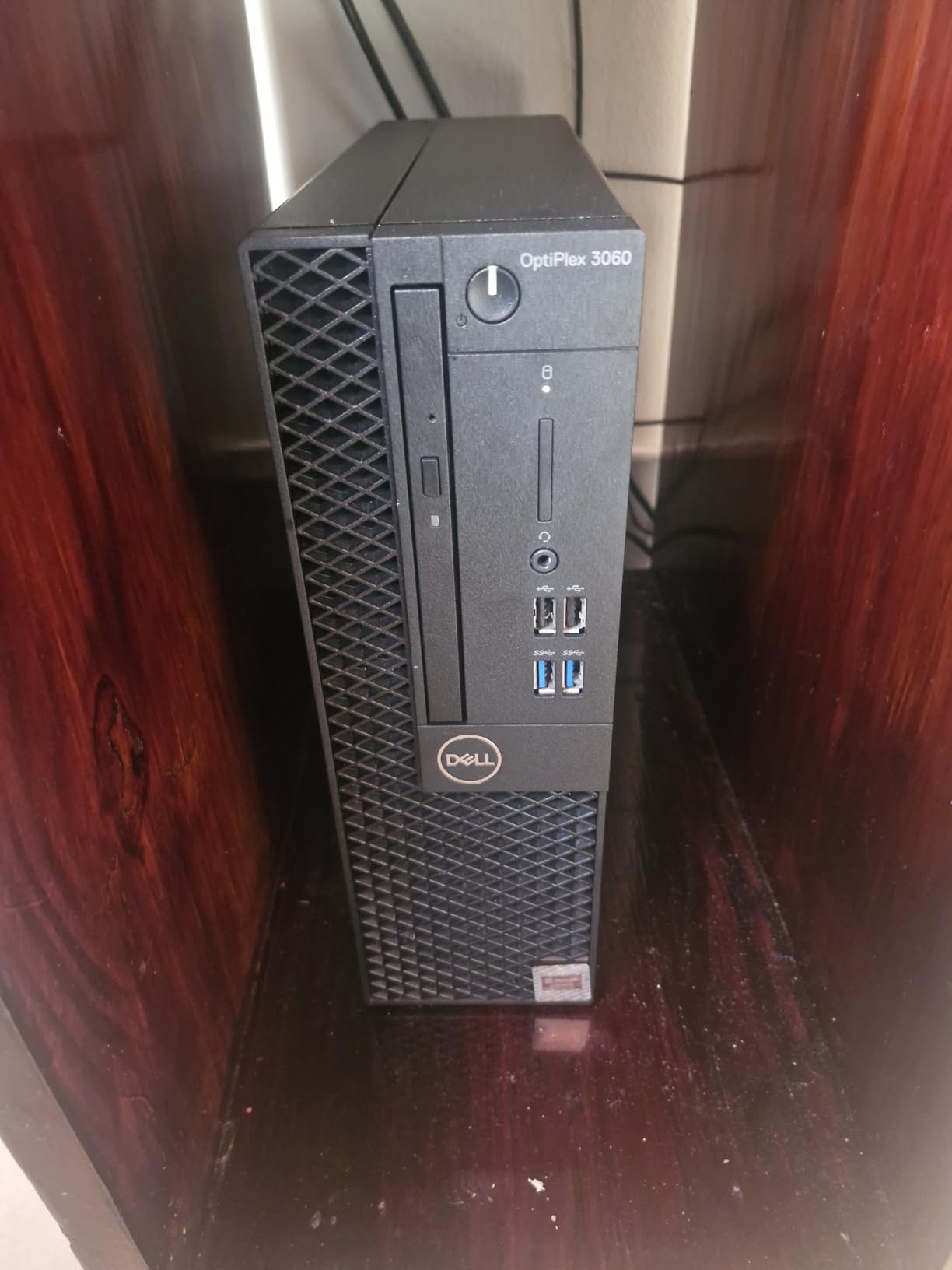
Good to know: this is renewed hardware, so expect light wear, dust or scuffs from a previous office. About 15 percent of reviews sit at one star, and most of them trace back to cosmetic condition rather than failure. If a full-height tower with more headroom suits you better, the OptiPlex 7070 SFF brings a newer processor and four memory slots.
8. Dell 24 SE2426H: Best for High Refresh Rate
Dell 24 SE2426H
Type: monitor
Screen: 24 in FHD
Weight: 7.4 lb
Warranty: 1 yr exchange
Pros
- 144Hz refresh with 1ms MPRT
- IPS panel with wide viewing angles
- TUV 3-star certified eye comfort
- Plug-and-play with an HDMI cable in the box
Cons
- FHD only
- Tilt-only stand adjustment
- 72 percent sRGB is below standard
The highest-rated pick in this list at 4.7, and the reason is that it does the one thing a cheap monitor cannot fake. A 144Hz panel with 1ms MPRT makes cursor movement and scrolling visibly smoother than the 60Hz screens most people are used to.
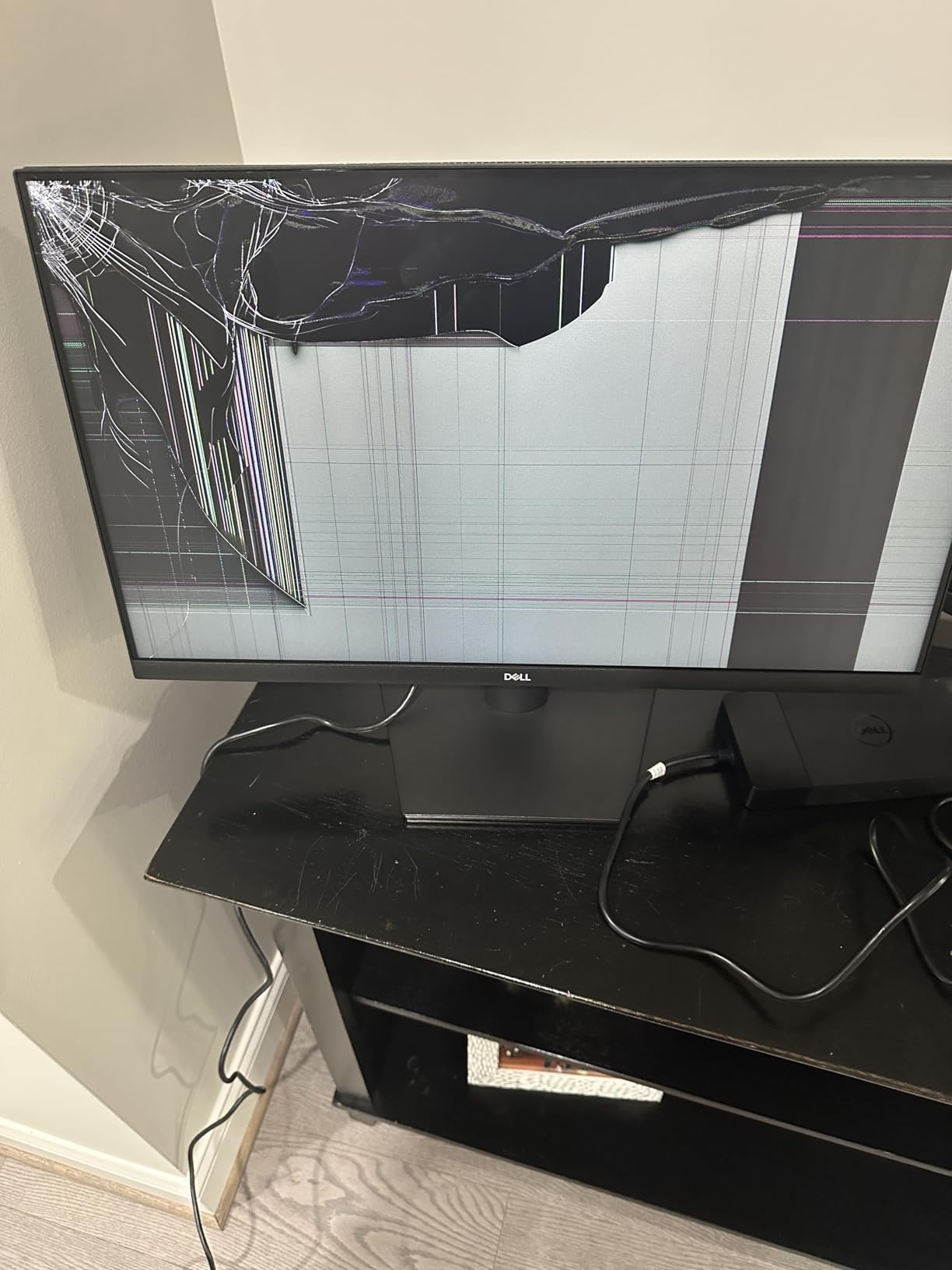
Reviewers describe pairing it with an existing laptop or a family desktop as close to instant: one HDMI cable is in the box, the setup is plug and play, and the thin bezels keep the desk looking tidy.
The IPS panel holds colour consistently across the full 178 degree viewing angle, which matters in a shared room where someone sits off to the side. TUV 3-star eye comfort certification cuts blue light for long sessions.
- 24 inch FHD IPS at 144Hz
- Two HDMI inputs and an included 1.8 metre HDMI cable
- 300 nits brightness for a typical office room
- 13.3 watt power draw, the lowest here alongside the Dell 27 Plus
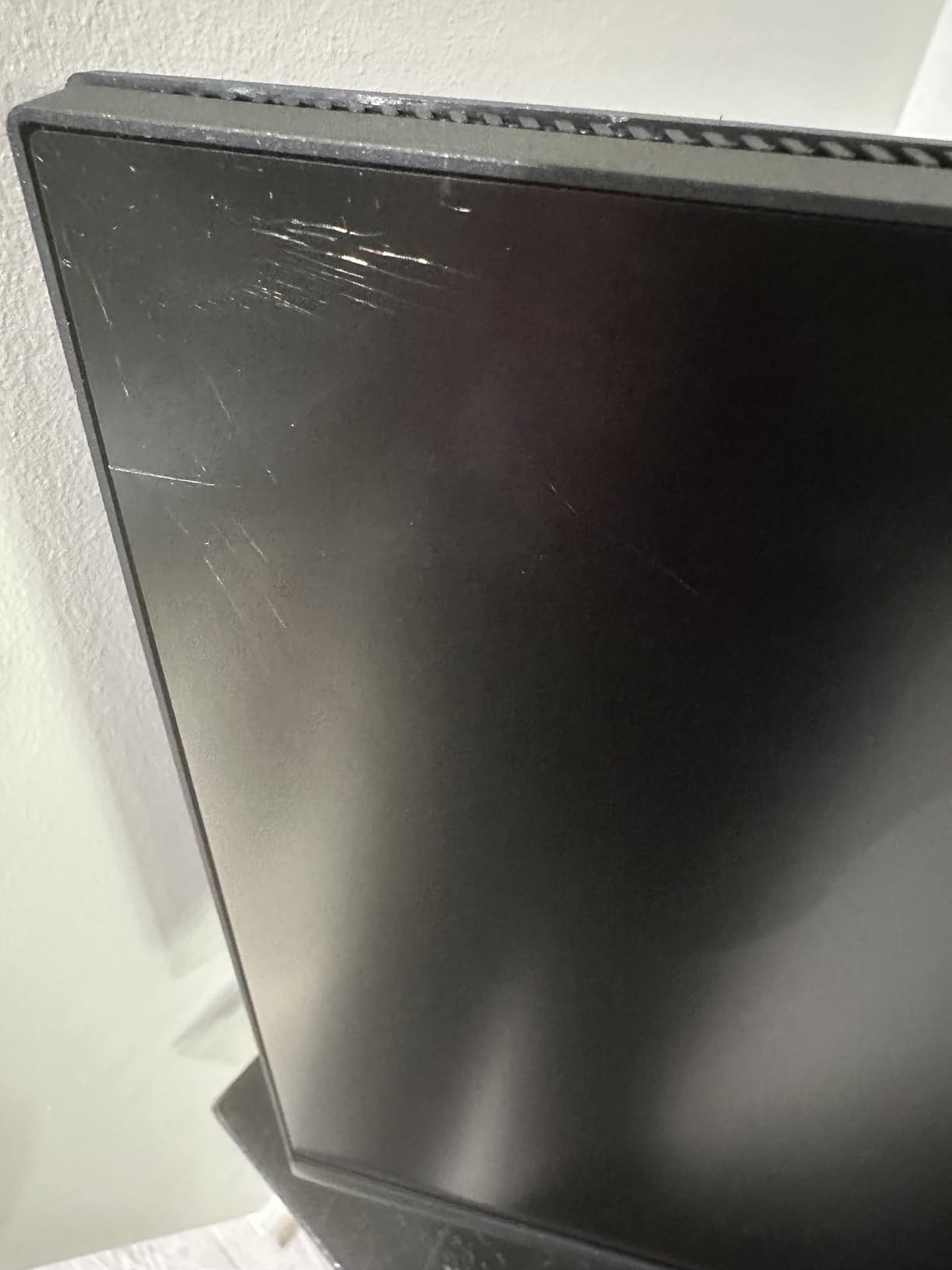
The compromises are stated plainly by reviewers: 1920 x 1080 only, 72 percent sRGB coverage, and a stand that tilts but does not raise. Colour work should go to the Dell 27 Plus S2725HSM, which covers 99 percent sRGB. At 7.4 pounds it is easy to move to a second room when the desk changes.
9. Dell 27 Plus S2725HSM: Best for Colour Accuracy
Dell 27 Plus S2725HSM
Type: monitor
Screen: 27 in FHD
Weight: 12.6 lb
Warranty: 1 yr exchange
Pros
- 99 percent sRGB colour coverage
- 1500:1 contrast for deeper blacks
- 144Hz refresh with 1ms MPRT
- Height tilt pivot and swivel adjustment
- Integrated dual 3W speakers
Cons
- FHD looks soft on a 27 inch panel
- HDMI only with no DisplayPort or USB-C
- Speakers lack bass
A 27-inch panel that runs at 144Hz and still covers 99 percent of the sRGB range is unusual at this level. That combination is why this monitor sits between the basic Dell 24 and the 4K Dell S2725QS.
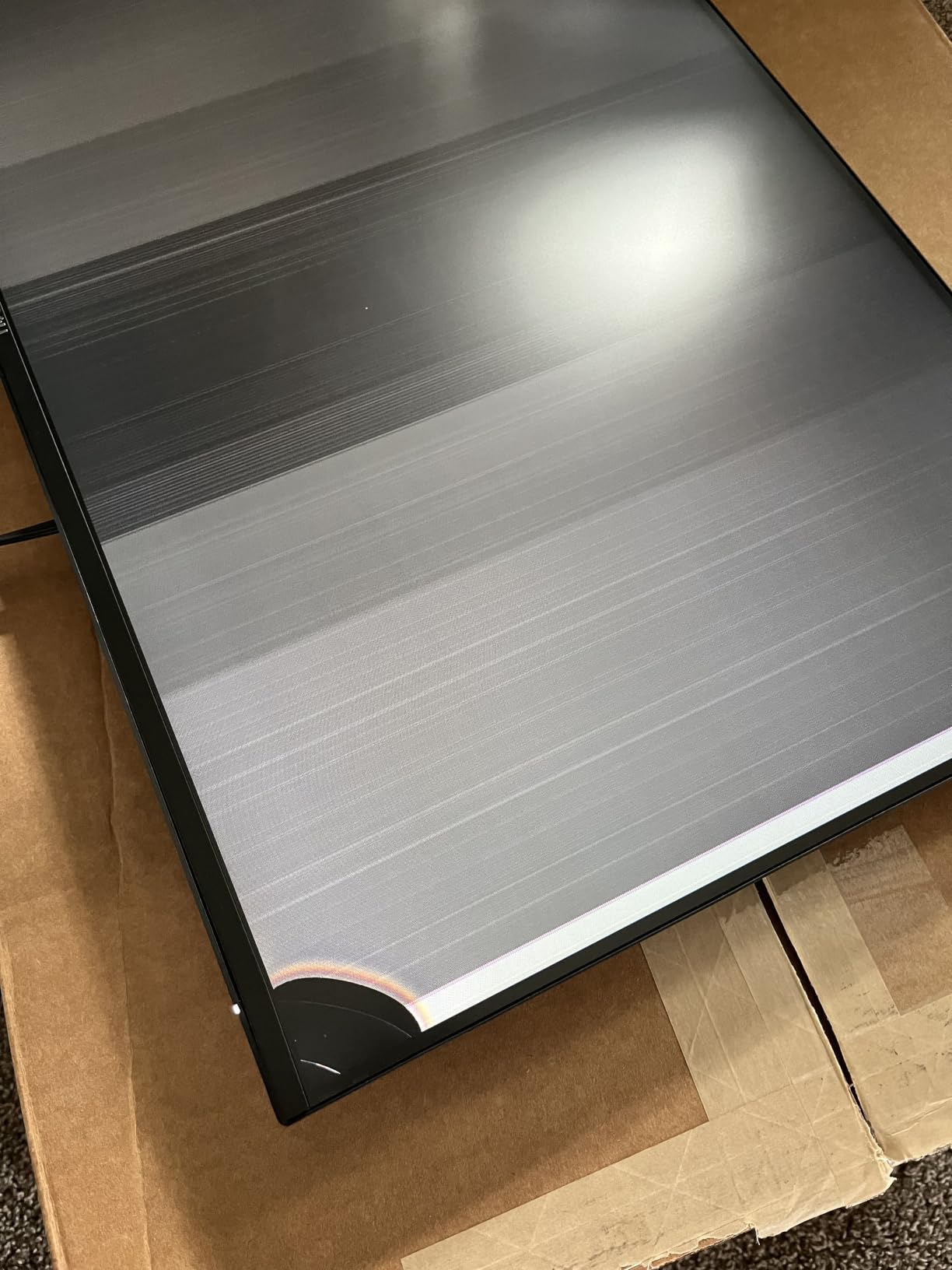
The 1500:1 contrast ratio is the practical win. Photos and video show visibly deeper blacks than a typical 1000:1 panel, and reviewers who edit images mention it as the first thing they noticed after set-up.
Ergonomics are handled properly. Height, tilt, pivot and swivel adjustment let you set the screen properly at a desk, which none of the tilt-only stands in this list manage. The integrated dual 3W speakers cover video calls and casual listening without another device.
- 27 inch FHD at 144Hz with 1ms MPRT
- Two HDMI 1.4 inputs with a cable included
- 300 nits brightness at 17 watts
- One-year advanced exchange and premium panel exchange
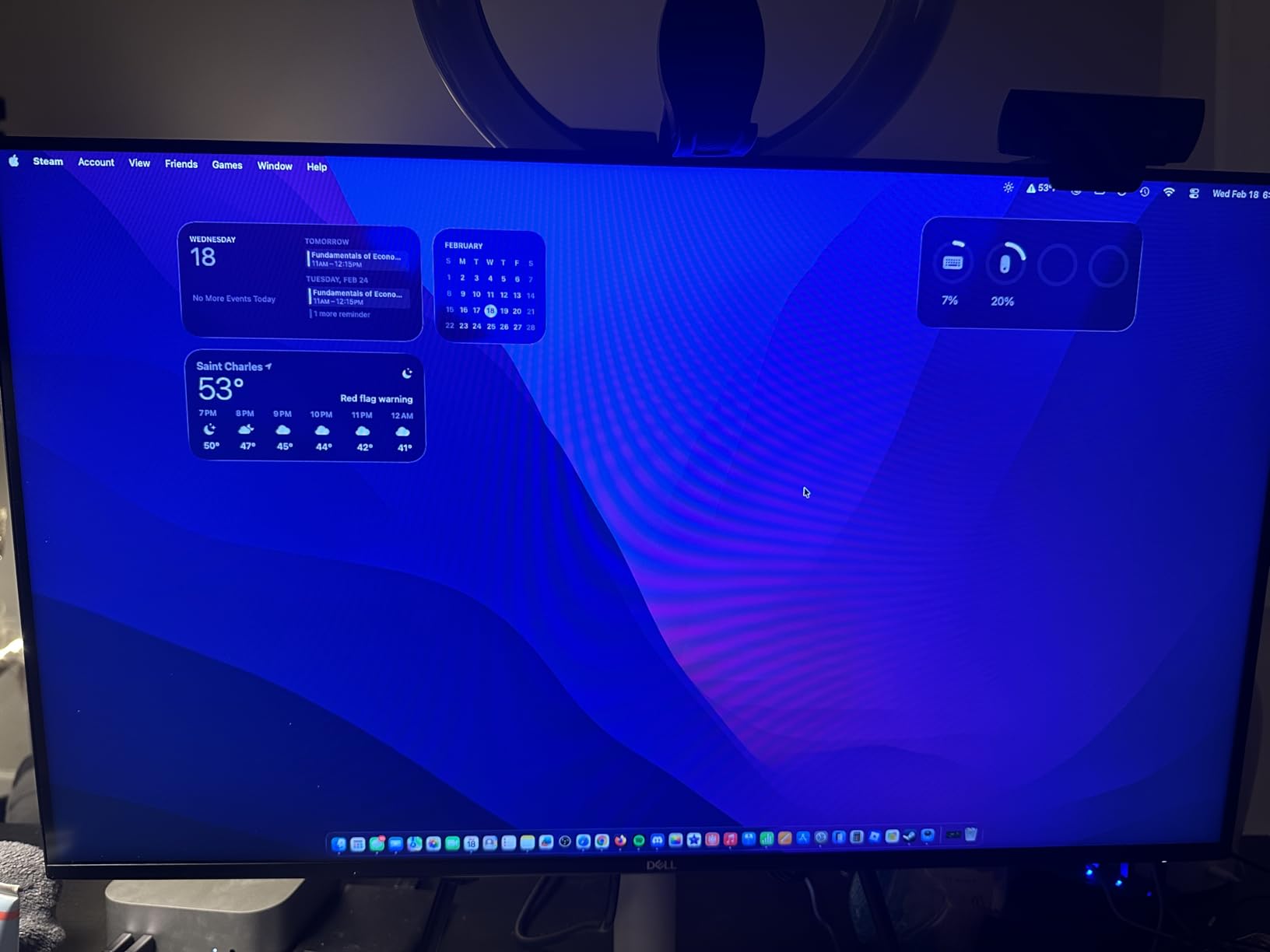
Skip it if fine text is your priority. FHD stretched across 27 inches leaves visible softness, and the Dell S2725QS 27 solves that with a 4K panel at the cost of resolution per pixel. Connectivity is also HDMI-only, so a USB-C laptop means an adapter. The ash white finish is the one reviewers consistently mention as a bonus.
10. Dell OptiPlex 7070 SFF: Best for Office Work
Dell OptiPlex 7070 SFF
Type: small-form tower
Screen: no panel included
Weight: 13 lb
Warranty: 90 days renewed
Pros
- 9th gen i7-9700 with eight cores
- 32 GB DDR4 across four slots up to 64 GB
- New 1 TB NVMe M.2 drive
- Windows 11 Pro with a clean install
- Wireless keyboard mouse and pad included
Cons
- Bundled keyboard and mouse are low quality
- Mouse sleeps after about two minutes
- Small chassis limits graphics upgrades
When a desk needs a machine that stays useful for years, the OptiPlex 7070 SFF is the one in this list with room to grow. Four memory slots and a ninth-generation i7-9700 with eight cores mean it accepts up to 64 GB of DDR4.
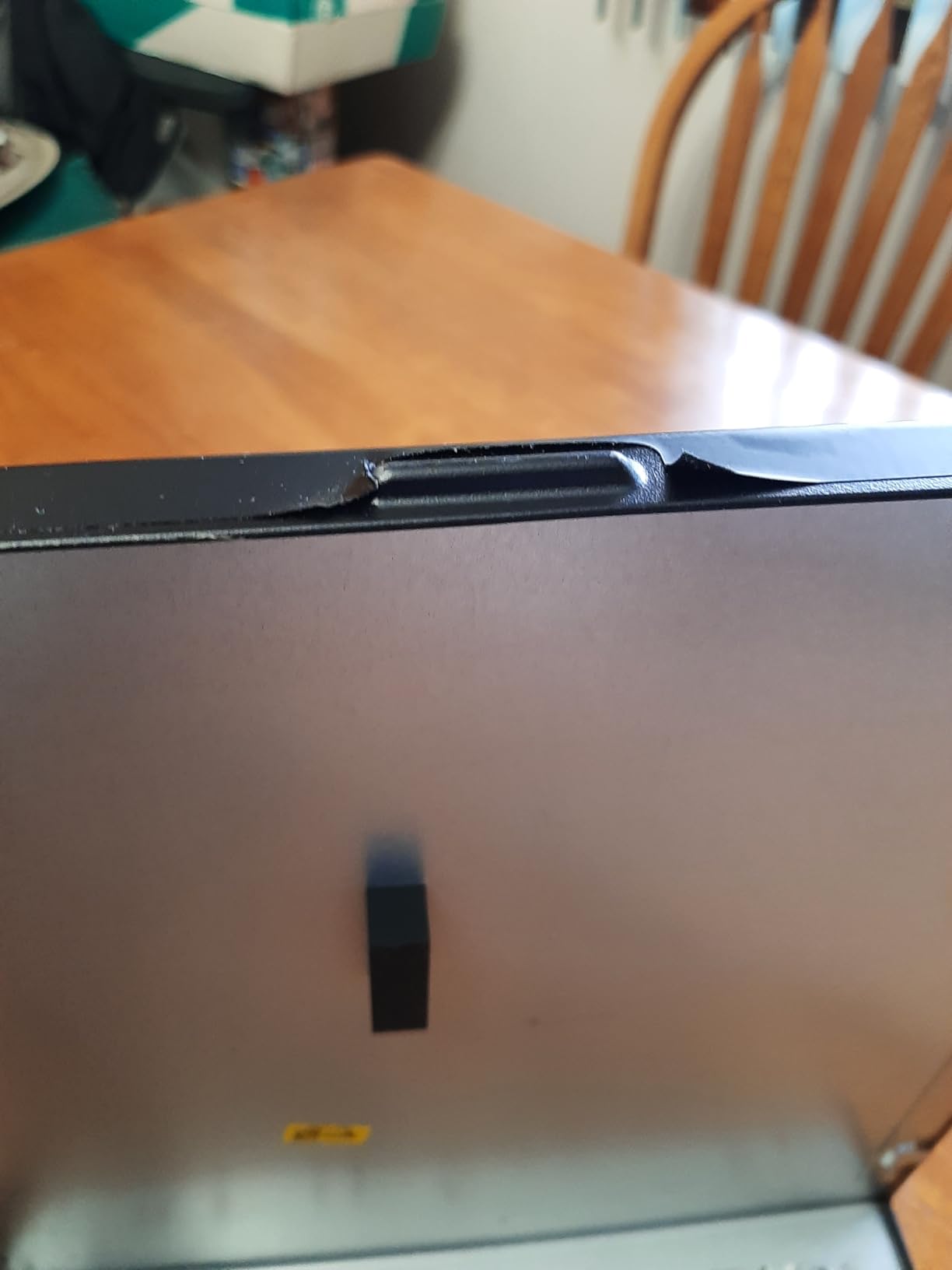
The new 1 TB NVMe drive is what you feel on day one. Owners describe fast boots and a Windows 11 Pro install that arrives clean and free of the trial software that normally clutters a fresh machine.
Port selection suits a two-monitor office setup, with nine USB ports and two display outputs. An 80 Plus Platinum power supply is an efficiency win for machines left on all day.
- Eight cores with boost speeds up to 4.7 GHz
- DVD-RW optical drive and a slim footprint for an office desk
- AX210 Wi-Fi 6E and Bluetooth module fitted
- Wireless keyboard, mouse and mouse pad in the box
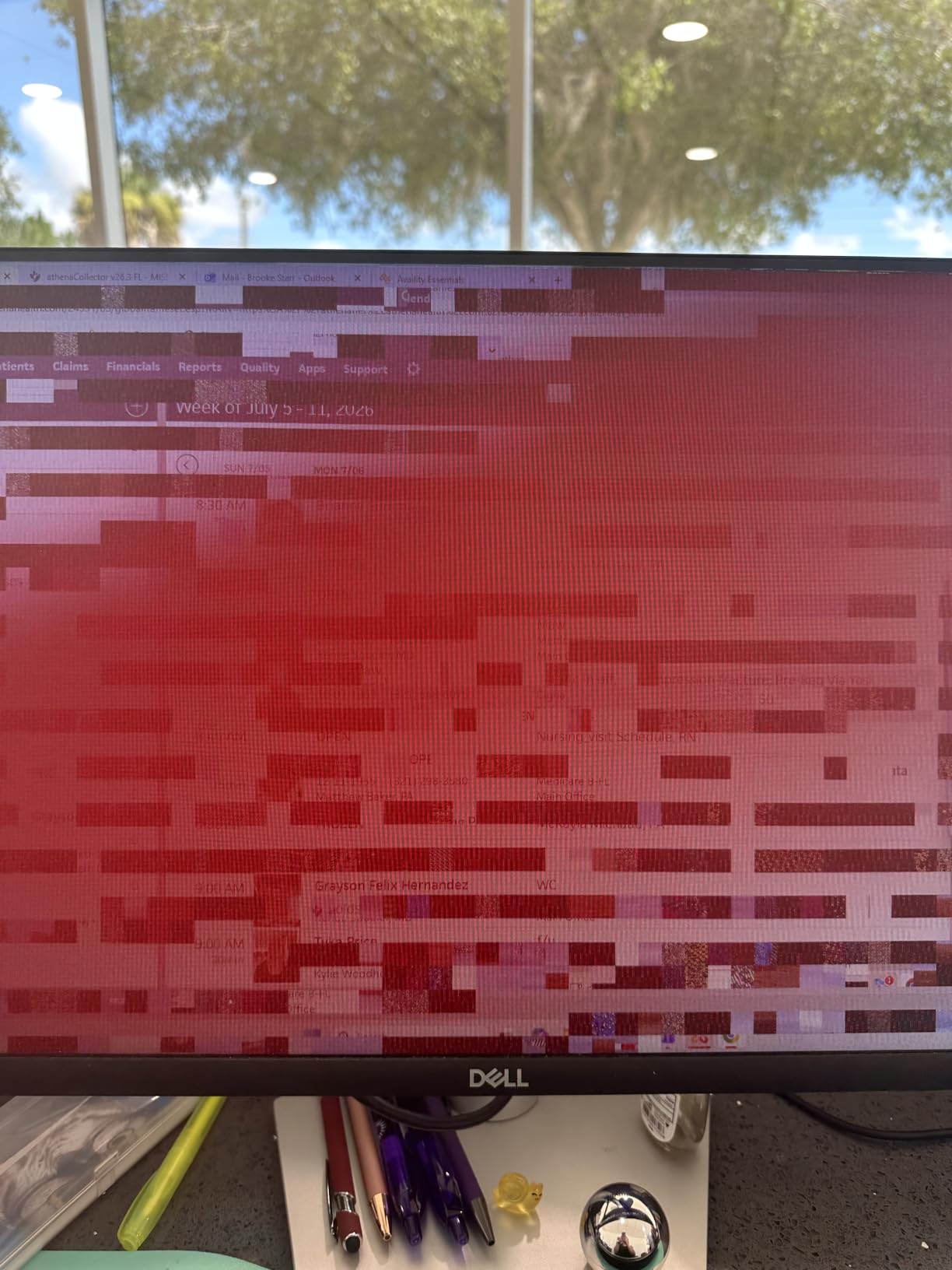
Be honest about the peripherals. Owners repeatedly recommend replacing the bundled keyboard and mouse, and the mouse reportedly sleeps after about two minutes until you click it. Batteries are not included either. The 4.1 average reflects those gripes plus a small number of machines with power button failures. If you want a simpler machine with fewer parts to think about, the OptiPlex 3060 covers the same office work.
How to Choose Dell Computers During Prime Big Deal Days
The machines on this list span laptops, all-in-ones, towers and monitors, so the useful filter is workload first, then screen, then everything else. Here is what actually decides the purchase.
Matching Processor and Memory to Your Workload
Eight gigabytes of memory is the floor for browsing, documents and schoolwork, and the Dell 15 Laptop sits exactly there with one slot to expand. Sixteen gigabytes is the sensible target for heavy tab loads, photo editing or anything running alongside a video call, which is why the Dell Inspiron 16 5645 starts there.
For desktops, 32 GB is where these towers stop feeling dated. The OptiPlex 3060 pairs an older 8th-generation i5 with 32 GB, while the OptiPlex 7070 SFF combines a newer ninth-generation i7 with the same memory and four slots to expand it to 64 GB.
Choosing a Display for Everyday Use
Resolution and size pull in opposite directions at 27 inches. The Samsung Essential S3 27 and the Dell 27 Plus both stretch 1920 x 1080 across a 27-inch panel, and owners of both note softness in fine text.
Read-heavy work wants the Dell S2725QS 27 at 3840 x 2160. Multitasking wants width rather than density, and the Samsung ViewFinity S50GC puts two full windows on a 3440 x 1440 21:9 screen. Below 25 inches, FHD stops being a compromise, which is the argument for the Dell 24 SE2426H.
Keeping a Laptop Portable
Weight is the number that decides a laptop. The Dell 15 Laptop comes in at 4.2 pounds with a 41 watt-hour battery, and the Inspiron 16 5645 is 4.7 pounds with a 54 watt-hour cell and roughly five hours of real use according to owners.
Check connectivity before committing. The Inspiron 16 5645 has three USB ports and Wi-Fi 6E, and the Dell 15 has Wi-Fi 6 with Bluetooth 5.3. The all-in-one stays on your desk, so its 12.3 pounds never becomes a problem.
Storage and Memory Upgrade Paths
The single most useful spec on a deal listing is how many memory slots and drive bays exist, because it decides whether a small machine becomes a large one. The Dell 15 has one slot and no spare drive, so storage cannot grow at all.
The Inspiron 16 5645 has two memory slots and one M.2 slot, and owners open it with eight bottom screws. The OptiPlex 7070 SFF has four memory slots and accepts an additional drive. The Dell 24 All-in-One is the exception worth knowing early: 8 GB is the maximum it supports.
Checking Condition, Seller and Warranty Details
Two picks in this list are renewed: the OptiPlex 3060 and the OptiPlex 7070 SFF. Renewed hardware carries a 90-day warranty instead of the one-year onsite service included with new Dell machines, and both listings mention light wear, dust or scuffs as part of the condition.
Look for the model number in the listing, not just the marketing name, because Dell reuses similar labels across generations. Check whether a keyboard and mouse are included, since the tower desktops bundle them and the all-in-one bundles wireless ones.
How to Shop Dell Deals During the Sale
On a computer listing, the details that decide whether it is the machine you wanted are the model number, the memory and storage figures, whether the configuration is new or renewed, who sells it, and what the warranty covers. Compare those against your shortlist before you look at the price.
Most offers during Prime Big Deal Days need a Prime membership, and a free trial counts, so sign in first. Offers change through the event, and the button on each listing shows the current price.
- Confirm the exact model number, not the family name
- Check whether memory and storage match what you actually need
- Read new versus renewed status before comparing two listings
- Note what is in the box, especially for desktops and all-in-ones
- Check the warranty length, since renewed machines carry less
- Look at the current price only after the configuration matches
Frequently Asked Questions
When do Amazon Prime Big Deal Days Dell deals start?
Prime Big Deal Days runs October 6-7, 2026, starting at 3:01 a.m. ET. Laptop and monitor offers often appear a few days earlier, so the list of options is usually wider at the start of the window than at the end.
Do I need Prime membership to get Dell deals during the sale?
Most offers on laptop, desktop and monitor listings require an active Prime membership, and a free trial counts as one. Sign in and start the trial before the window opens so you are not waiting on account approval while an offer is live.
Are Dell laptop deals common during Prime Big Deal Days?
Yes. Laptops are one of the main categories in the event, and Dell is one of the brands that runs offers across its full range, from everyday laptops to premium models and renewed business desktops. Configuration matters more than the model name when comparing them.
How much RAM should I look for in a Dell laptop?
Eight gigabytes is enough for browsing, documents and schoolwork. Sixteen gigabytes is the better target for heavy tab loads, photo editing and video calls. Whatever you start with, check the number of memory slots, because some laptops have only one.
Should I buy a renewed Dell desktop during the sale?
Renewed desktops suit office work, family machines and media servers where the specifications matter more than the warranty. Both renewed picks here carry a 90-day warranty and may show wear or dust, and new Dell machines in this list include a one-year onsite service instead.
How do I confirm a deal is for the model I want?
Match the model number in the listing against the machine you researched, then verify the memory, storage, screen size and whether the configuration is new or renewed. Dell reuses similar family names across generations, so the marketing name alone is not enough.
Final Verdict: Best Amazon Prime Big Deal Days Dell Deals
Buy the Dell 15 Laptop if you want one machine that handles a normal workday, has a numeric keypad, and is the pick most worth watching in the Dell laptop group during Prime Big Deal Days. Buy the Dell Inspiron 16 5645 instead if you want more power and 16 GB of memory from the start, and accept a warmer chassis and a 60Hz panel.
For a screen, pick the Dell S2725QS 27 for text and colour work, the Dell 24 SE2426H for the smoothest motion at the smallest size, and the Dell 27 Plus S2725HSM for accurate colour on a 27-inch panel. The Samsung ViewFinity S50GC 34 replaces a second monitor, and the Samsung Essential S3 27 wraps the edges around you.
On desktops, the Dell 24 All-in-One suits a shared family desk, while the Dell OptiPlex 3060 is the value pick for office work and the Dell OptiPlex 7070 SFF is the one to buy if you want memory and drive headroom for years. Check the current price on each listing, then compare the configuration details against your shortlist.