

The ASUS ROG Strix G16 leads these Prime Big Deal Days gaming laptop deals because it pairs a 140W GeForce RTX 4060 with liquid-metal cooling and a 165Hz panel, and it carries more owner reviews than anything else on this list. The Acer Nitro V 15 i5 is the cheaper route into 1080p play, while the Acer Nitro V 16S is the one to watch if 32GB of memory matters more than screen resolution.
Amazon’s October Prime event runs October 6-7, 2026, and offers shift by the hour. Treat this as a shortlist worth watching rather than a list of confirmed discounts; the button on each card shows the current price. Every laptop below is a dedicated RTX machine, which rules out a lot of the thin “gaming laptop” listings that turn up in sale searches.
Table of Contents
Our Top 3 Picks for Amazon Prime Big Deal Days Gaming Laptop Deals (October 2026)

ASUS ROG Strix G16
- RTX 4060 at 140W
- 16GB DDR5 and 1TB SSD
- 16in FHD 165Hz 100% sRGB
- Liquid-metal cooling

Acer Nitro V 15 i5
- RTX 4050 with DLSS 3.5
- 8GB DDR5 and 512GB SSD
- 15.6in FHD IPS 165Hz
- 4.7 lb chassis

Acer Nitro V 16S
- RTX 5060 Blackwell
- 32GB DDR5 and 1TB SSD
- 16in WUXGA 180Hz
- 4.6 lb chassis
Amazon Prime Big Deal Days Gaming Laptop Deals Compared
| Product | Specifications | Action |
|---|---|---|
| ASUS ROG Strix G16 |
|
Check Deal Price |
| Acer Nitro V 15 i5 |
|
Check Deal Price |
| Acer Nitro V 16S |
|
Check Deal Price |
 ASUS TUF Gaming F16 ASUS TUF Gaming F16 |
|
Check Deal Price |
 ASUS ROG Strix G16 2025 ASUS ROG Strix G16 2025 |
|
Check Deal Price |
 Alienware 16 Aurora Alienware 16 Aurora |
|
Check Deal Price |
 HP Victus 15 HP Victus 15 |
|
Check Deal Price |
 GIGABYTE Gaming A16 GIGABYTE Gaming A16 |
|
Check Deal Price |
 Acer Nitro V 15 i7 Acer Nitro V 15 i7 |
|
Check Deal Price |
How We Chose
We compared the specifications that decide whether a gaming laptop is worth the money: GPU and its power limit, memory, storage, panel resolution and refresh rate, cooling, battery and weight. Ratings and owner reviews on Amazon were checked in October 2026, and anything with integrated graphics was excluded. Prices change during the sale, so use the buttons rather than any number you remember.
1. ASUS ROG Strix G16: Editor’s Choice
ASUS ROG Strix G16
GPU: RTX 4060 at 140W
Memory: 16GB DDR5
Display: 16in FHD 165Hz
Warranty: 1 year
Pros
- Largest review base in this roundup
- RTX 4060 runs at a full 140W
- Conductonaut Extreme liquid metal on CPU and GPU
- FHD 165Hz panel covers 100% sRGB
- 90Wh battery and four USB ports
Cons
- 16GB of memory is tight for modern AAA titles
- Hot and power-hungry under load
- 1080p panel trails 16:10 rivals
The reason this one leads is not the RTX 4060 on its own. It is what ASUS does around the chip: a 140W power limit, Conductonaut Extreme liquid metal on both the CPU and the GPU, and a third intake fan that keeps a 16-inch chassis from choking during a two-hour raid. With 1048 owner reviews averaging 4.4 stars, this is also the config people have bought, used and complained about most, which makes it a safer first stop.
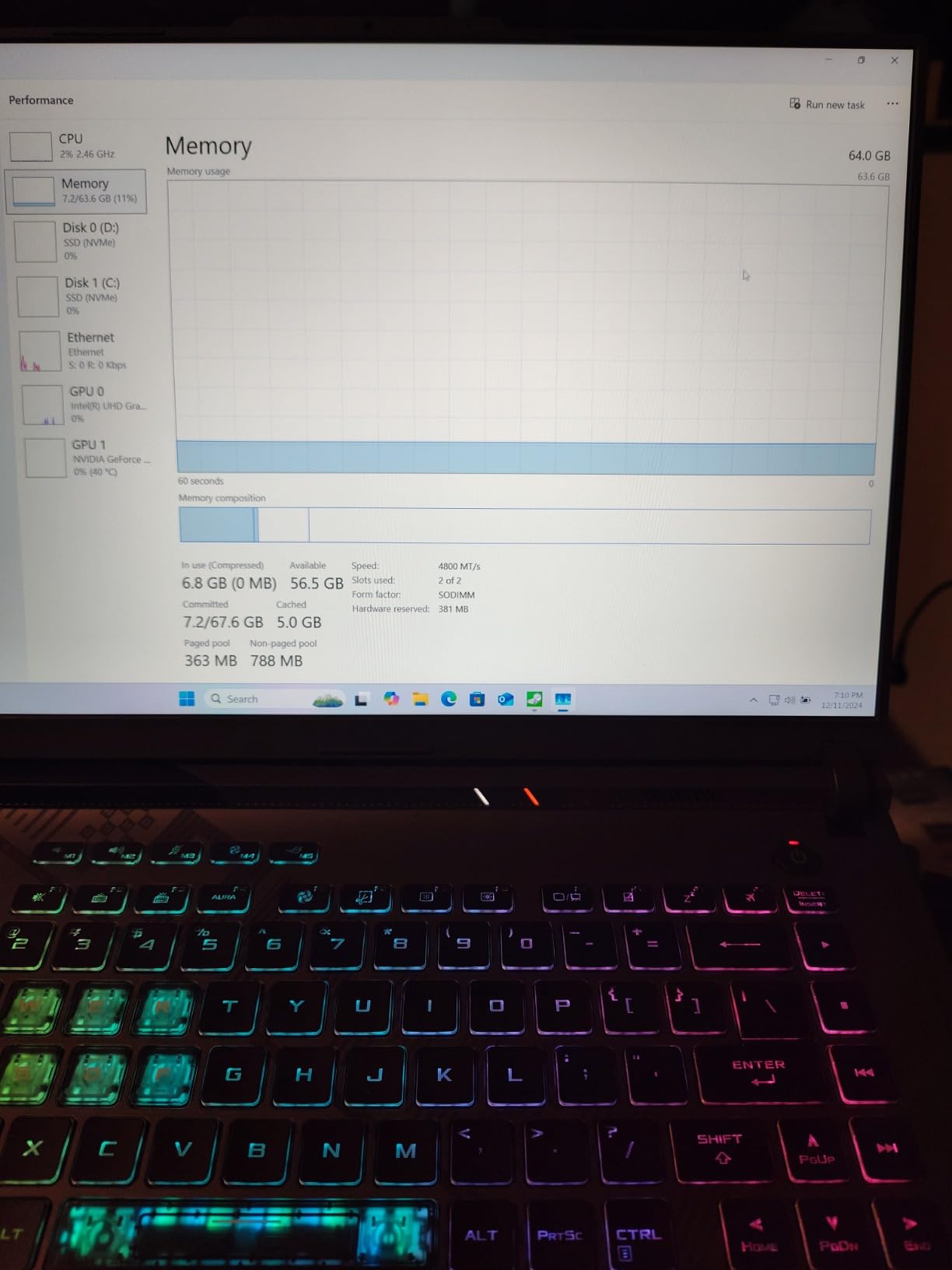
For a buyer picking a laptop to replace a desktop, the trade-off is memory. Sixteen gigabytes of DDR5-4800 is workable today and tight in a couple of years, and several reviews single out the memory ceiling as the recurring gripe, along with fan noise once the fans spin up under sustained load. The 1TB PCIe Gen 4 SSD is generous enough that at least one upgrade is not needed on day one.
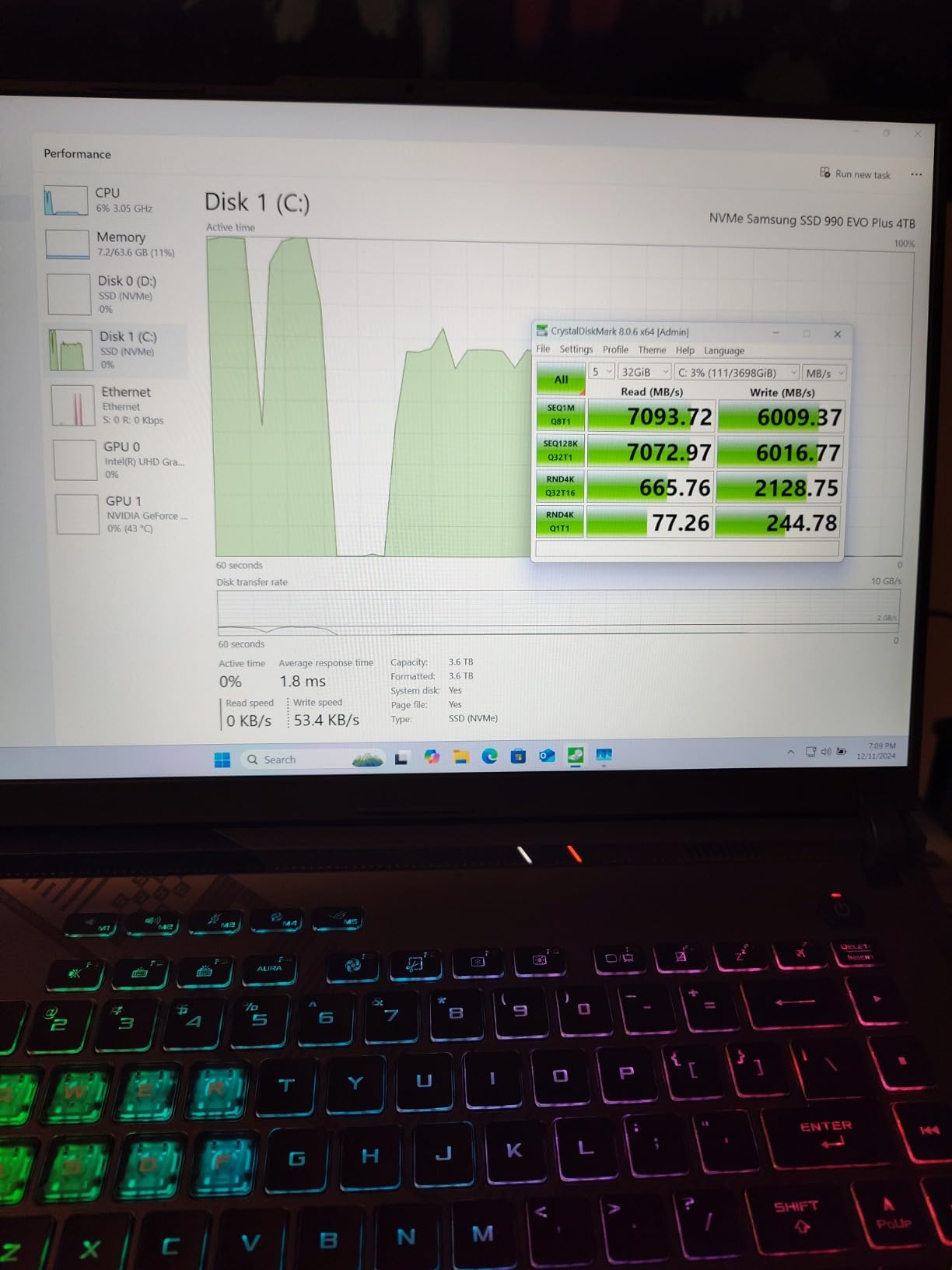
The panel is a 16-inch FHD 165Hz matte unit validated for 100% sRGB and Pantone. It is not the sharpest screen in this list, and buyers who want a taller 16:10 or 2.5K canvas should look at the ASUS TUF Gaming F16 or the Alienware 16 Aurora instead. What the Strix does well is frame timing at 1080p, where 165Hz is more than most competitive titles can push.
Good to know: a 90Wh battery is one of the larger packs in the group, though gaming on it is a different story than browsing on it. Owners also note that a free 90-day Xbox Game Pass is included, which can quietly cover a couple of subscription months.
The cheaper Acer Nitro V 15 i5 further down runs the same resolution on a slower GPU and a smaller battery, while the RTX 5060 machines on this list trade some headroom for newer features like frame generation.
2. Acer Nitro V 15 i5: Best Value
Acer Nitro V 15 i5
GPU: RTX 4050
Memory: 8GB DDR5
Display: 15.6in FHD IPS 165Hz
Warranty: 1 year
Pros
- Entry point to a dedicated RTX 4050 at a low cost
- RTX 4050 with 194 AI TOPS and DLSS 3.5
- Runs cool with the game left open
- Thunderbolt 4 plus Killer E2600 Ethernet
- Backlit keyboard with numeric keypad
Cons
- 8GB of memory out of the box
- Some owners report brief frame drops
- Camera has no physical privacy shutter
Owners treat this machine as a starting point rather than a finished one. That is the honest summary of 4.5 stars across 404 reviews: the RTX 4050 hits 194 AI TOPS with DLSS 3.5 for high-frame-rate 1080p, the 15.6-inch FHD IPS panel at 165Hz shows almost no ghosting, and the chassis stays cool and quiet even with a game running for hours.
The catch is the 8GB of DDR5. Owners almost universally add memory first, and several mention short frame drops or slow multitasking until they do. The good news is that the board has two slots and supports up to 32GB, so the fix is a cheap one that most people can do themselves.
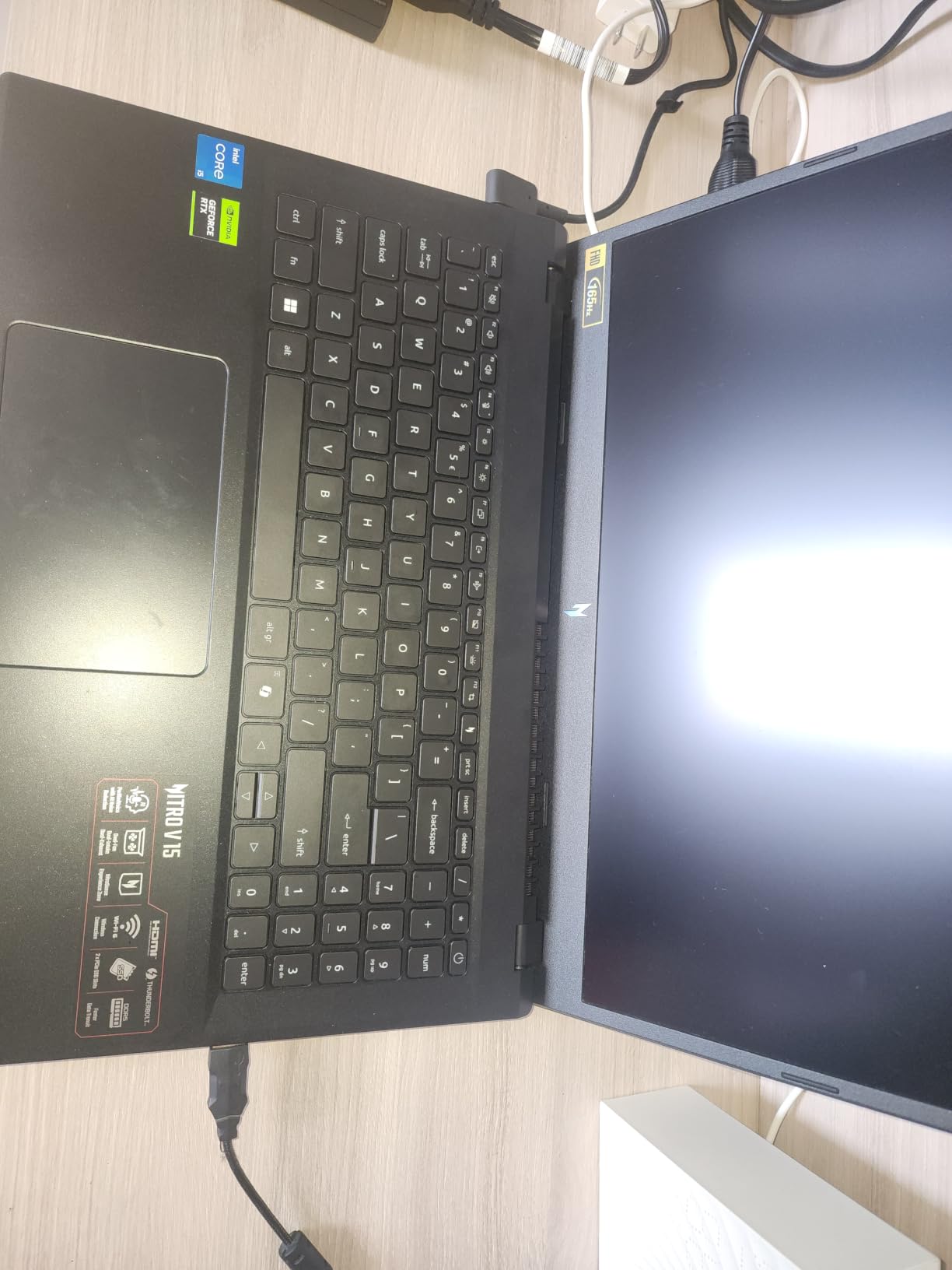
Port selection is better than the spec count suggests: one Thunderbolt 4 port, Killer E2600 Gigabit Ethernet and a backlit keyboard with a numeric keypad. The 300-nit matte panel is unremarkable next to the 500-nit Nebula screen on the flagship ROG, but it is a real IPS panel rather than a washed-out TN.
Best for: a first gaming laptop for someone who mostly plays esports titles and older AAA games at 1080p high settings. If you want 1440p or ray tracing, move up a tier. If you want the cheapest dedicated GPU in the list, the HP Victus 15 is the one to check.
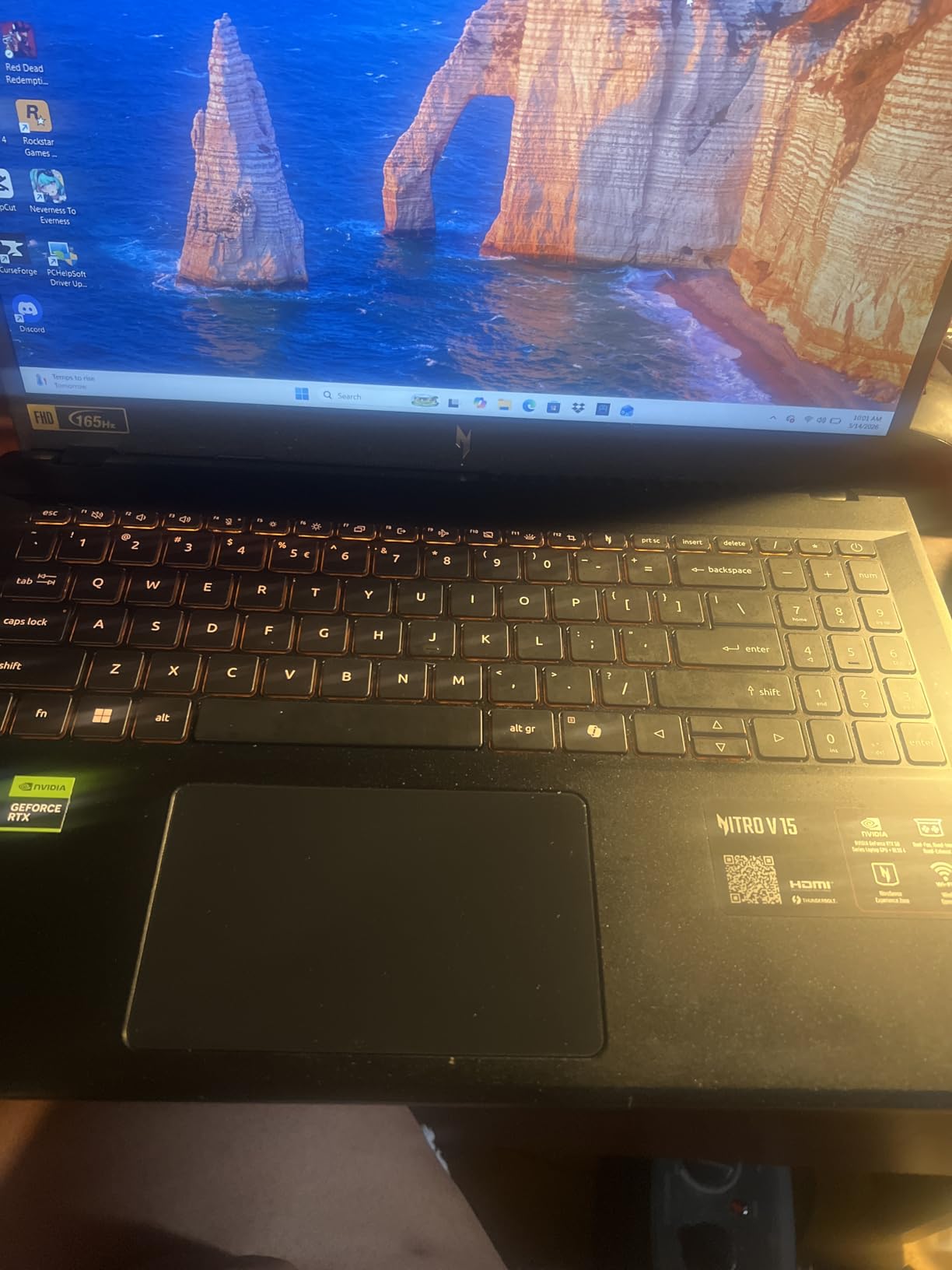
Good to know: the 57Wh battery is modest, and fan noise becomes noticeable in performance mode. The camera has no privacy shutter, which matters more in a dorm room than it does at a desk.
3. Acer Nitro V 16S: Most Versatile
Acer Nitro V 16S
GPU: RTX 5060
Memory: 32GB DDR5
Display: 16in WUXGA 180Hz
Warranty: 1 year
Pros
- 32GB DDR5-5600 is the most memory on any pick here
- RTX 5060 Blackwell with DLSS 4 frame generation
- 180Hz 100% sRGB IPS panel
- Light 4.6 lb body with a second M.2 slot
Cons
- WUXGA resolution is modest beside 2.5K rivals
- 65Wh battery caps untethered sessions
- Only three USB ports listed
This is the pick for anyone who keeps Chrome, Discord, a browser-based game and a video editor open at the same time. The 32GB of DDR5-5600 is the most memory you will find on any pick here, matched only by the flagship ROG, and the second M.2 slot means storage growth is a ten-minute job rather than a purchase.
Graphics come from the GeForce RTX 5060 on Blackwell architecture with 572 AI TOPS and DLSS 4 Multi Frame Generation. In practice that is a comfortable 1080p card that also holds its own at WUXGA resolution, which is exactly what this panel gives you.
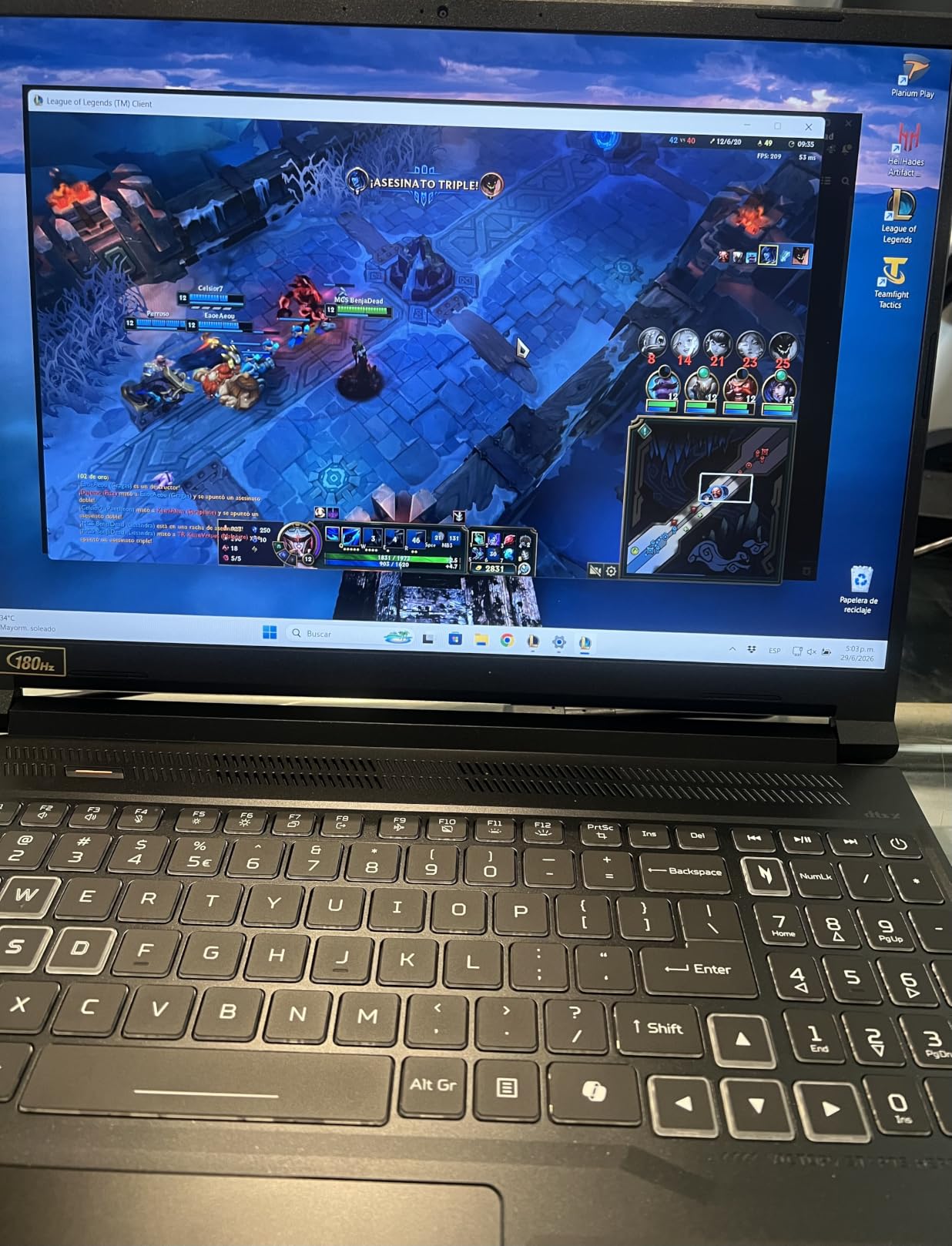
The 16-inch WUXGA IPS screen runs at 180Hz with 100% sRGB coverage, a higher refresh rate than most machines at this size. The resolution is the compromise: 1920×1200 looks crisp enough for play, but it will not satisfy you if you are coming from a 1440p desktop panel or want room for editing timelines.
Who should pick something else: the Alienware 16 Aurora delivers the same RTX 5060 class of graphics on a 2560×1600 panel, and the ROG Strix G16 2025 goes further still. The 65Wh battery is the other limit here, since it caps how long you can game away from a charger.
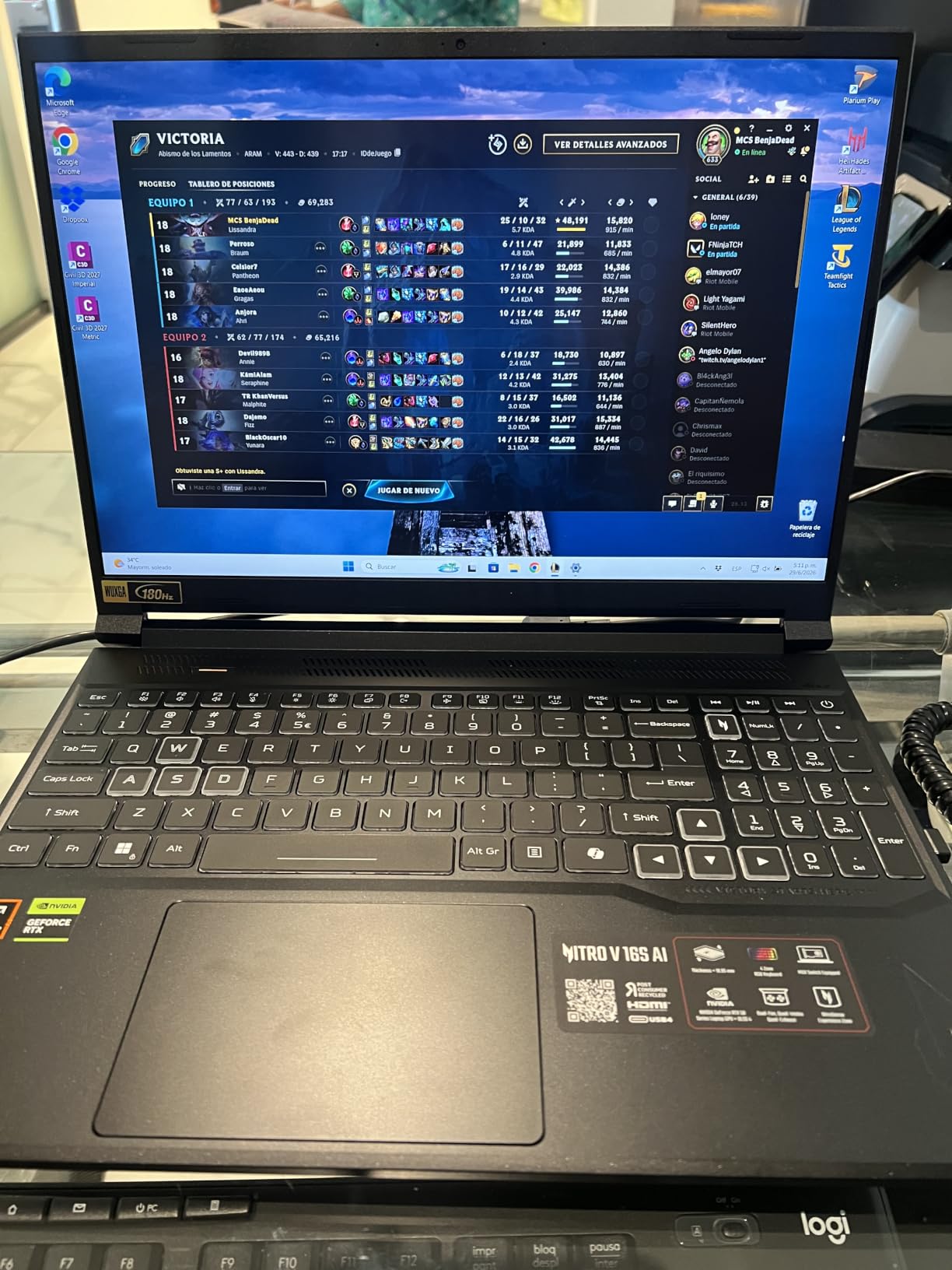
At 4.6 pounds, this is one of the lighter 16-inch gaming laptops around, so it travels better than the 5.5-pound ROG machines. The Ryzen 7 260 boosts to 5.1GHz, which keeps CPU-bound titles from being the bottleneck.
4. ASUS TUF Gaming F16: Best for a Sturdy 16:10 Build
ASUS TUF Gaming F16
GPU: RTX 4050 at 115W
Memory: 16GB DDR5
Display: 16in FHD+ 144Hz
Warranty: 1 year
Pros
- 16:10 FHD+ panel at 144Hz with Adaptive-Sync
- MIL-STD-810H tested chassis
- Arc Flow fans with five heat pipes and an anti-dust filter
- NVIDIA Advanced Optimus switches power automatically
- Subtle military-styled finish with no loud lighting
Cons
- 512GB SSD is small for a modern library
- Sixteen gigabytes is the bare minimum
- Entry-level Core 5 210H limits headroom in CPU-heavy games
The TUF is the pick for a laptop that gets carried around and lived on. It is MIL-STD-810H tested, and owners single out the chassis and the quiet Arc Flow cooling as the reasons it holds up. The anti-dust filter is a small detail that tends to matter more in year two than at purchase.
Its 16:10 FHD+ IPS-level panel at 144Hz with 100% sRGB and Adaptive-Sync is more useful than the headline resolution suggests. The taller 16:10 shape gives you more vertical space in games and in general work, and Adaptive-Sync matters more to feel than most buyers expect.
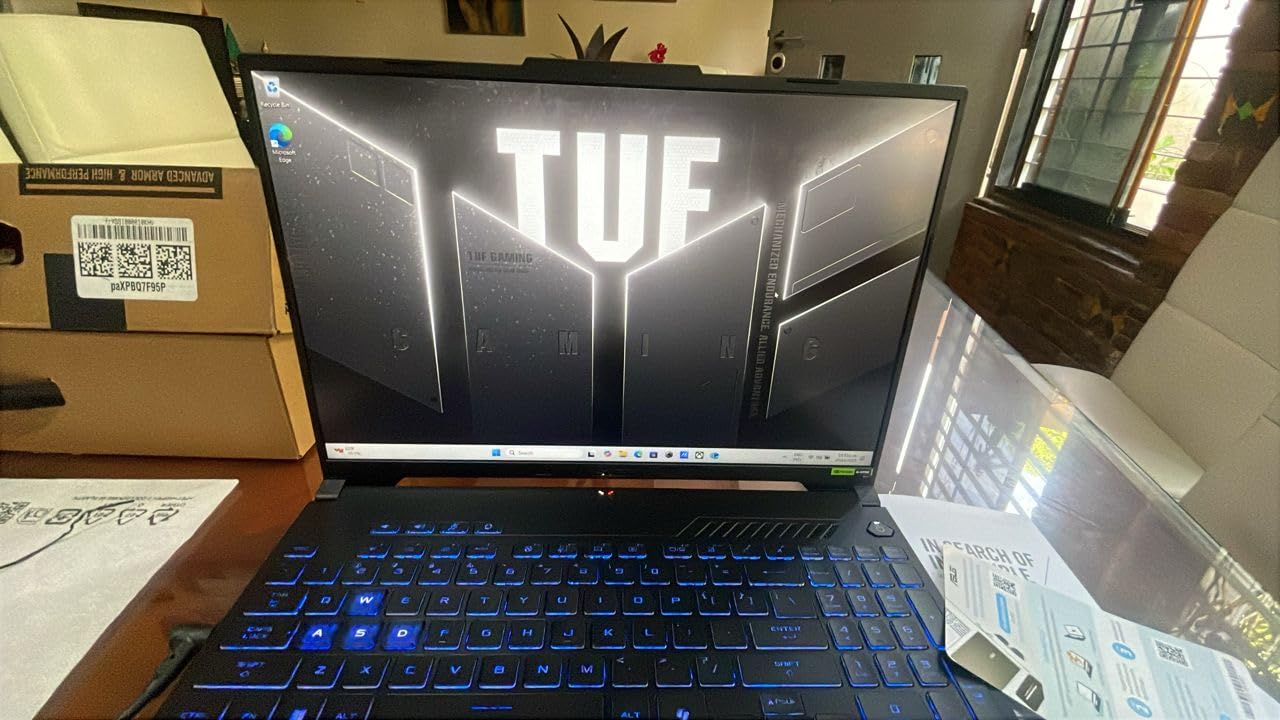
Performance comes from an RTX 4050 running at 115W with NVIDIA Advanced Optimus, which switches between the integrated and discrete GPUs automatically when you are not gaming. That is a quieter laptop on battery than most gaming laptops, though the 56Wh battery still caps a long session.
The reservations are honest ones. A 512GB drive fills up quickly with modern installs, 16GB of memory is the minimum rather than the sweet spot, and the Intel Core 5 210H is an entry part that shows in simulation and strategy games more than in shooters.
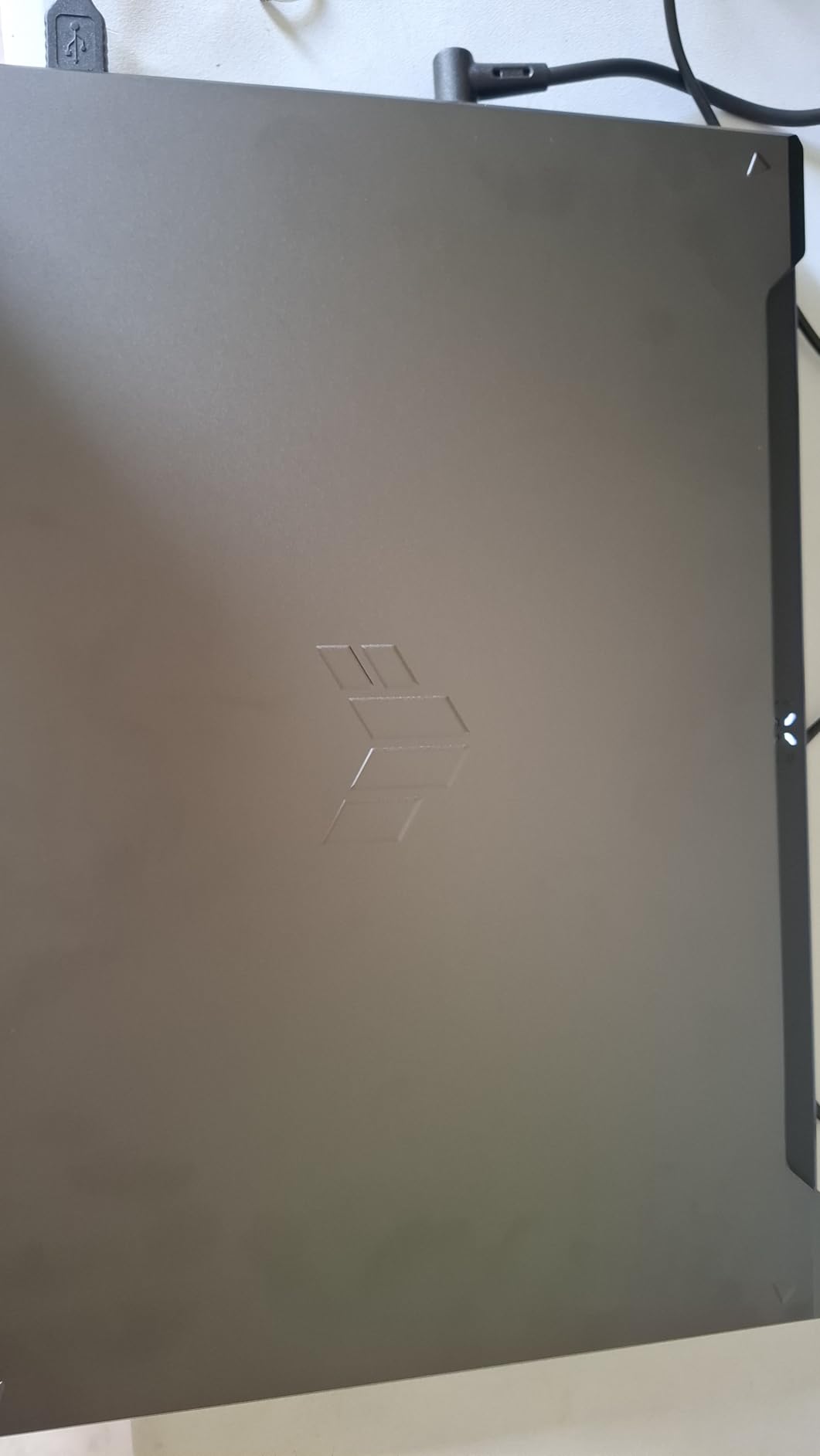
Compared with the Acer Nitro V 15 i7, you trade an i7 for a more capable display and a more rugged body. Compared with the HP Victus 15, you gain the 16:10 shape, Adaptive-Sync and a much stronger GPU for a similar weight class.
5. ASUS ROG Strix G16 2025: Best for 2.5K 240Hz Gaming
ASUS ROG Strix G16 2025
GPU: RTX 5070 Ti
Memory: 32GB DDR5
Display: 16in 2.5K 240Hz
Warranty: 1 year
Pros
- RTX 5070 Ti laptop GPU with DLSS 4 and Max-Q
- ROG Nebula 2.5K 240Hz 3ms panel at 500 nits
- Core Ultra 9 275HX with 24 cores
- End-to-end vapor chamber with tri-fan cooling and liquid metal
- Stealth Mode kills the RGB lightbar
Cons
- 5.8 pounds is heavy to carry
- Only 1TB of storage on a flagship
- Hot and loud under sustained heavy work
Everything here is aimed at one job: high settings at 2.5K. The RTX 5070 Ti Laptop GPU on Blackwell with DLSS 4 and Max-Q pairs with a 16-inch ROG Nebula panel running 2560×1600 at 240Hz and 3ms, rated at 500 nits. That combination is what separates this machine from every other entry here.
The Intel Core Ultra 9 275HX brings 24 cores alongside 32GB of DDR5-5600 memory, so nothing in the system is the weak link. Cooling is a vapor chamber with tri-fan setup and Conductonaut Extreme liquid metal on the chipset, which is what makes sustained performance possible in a 16-inch body.
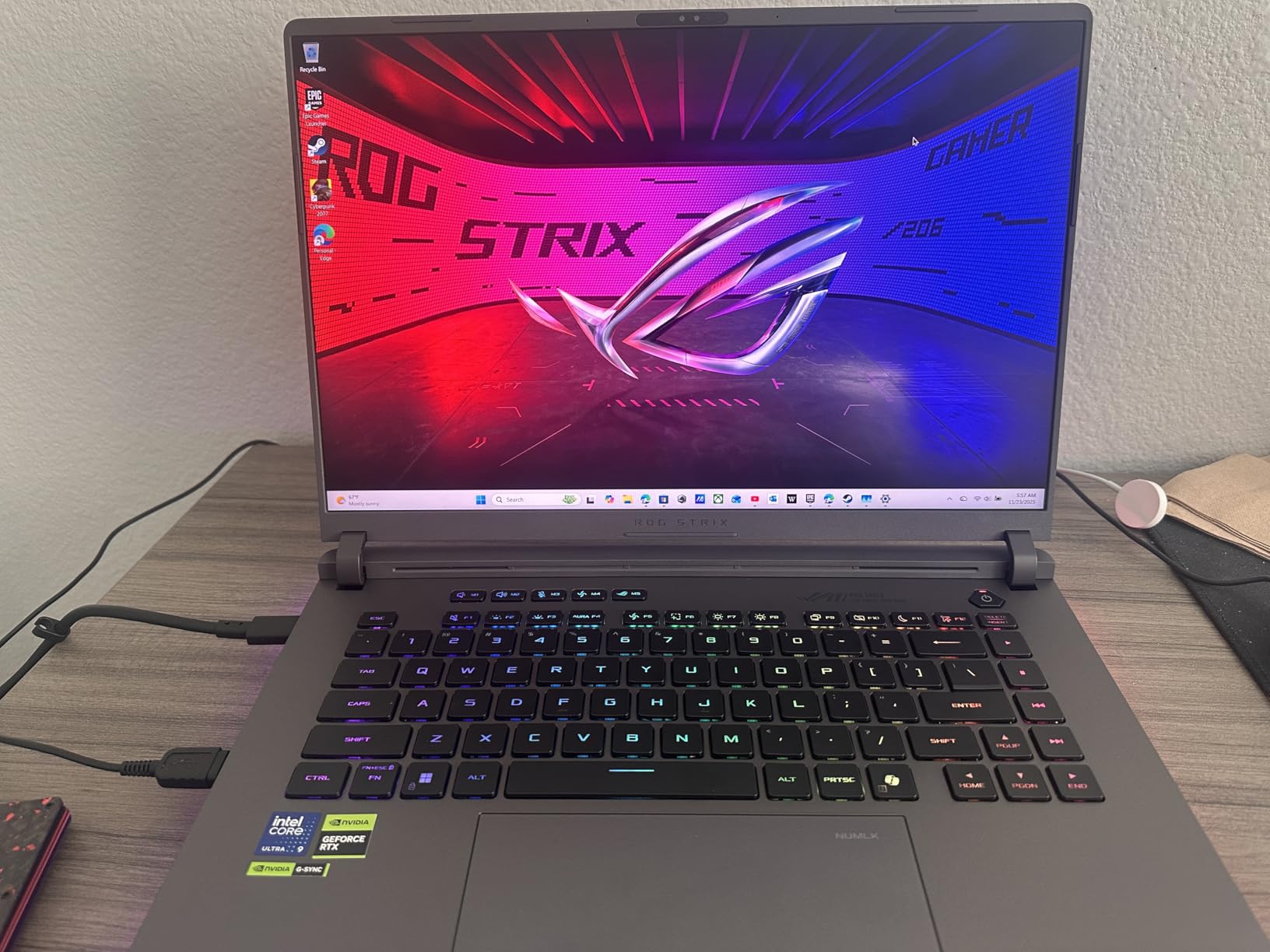
The trade-offs are weight and heat. At 5.8 pounds it is the heaviest of the 16-inch machines here, and it will spend most of its life on a desk. Owners also report it running hot and loud under sustained heavy workloads, and 1TB of storage feels thin on a machine at this level.
Skip it if you play on a sofa or take your laptop to class. The Alienware 16 Aurora gets you a 2560×1600 panel in a similar weight class with an RTX 5060, which is a sensible trade if you do not need 240Hz or ray tracing.
Good to know: the full-surround RGB lightbar has a Stealth Mode that turns it off for a plain-looking machine, which is what you want on a machine this size.
6. Alienware 16 Aurora: Best for 1440p With Onsite Service
Alienware 16 Aurora
GPU: RTX 5060
Memory: 16GB DDR5
Display: 16in WQXGA 2560x1600
Warranty: 1 year
Pros
- 2560x1600 16:10 panel in a mainstream chassis
- RTX 5060 Blackwell with AI upscaling
- Cryo-Chamber cooling without a rear thermal shelf
- One-year onsite service from Dell
- Four USB ports with two memory slots
Cons
- Sixteen gigabytes is the minimum for this class
- 300 nits is dim for a premium panel
- 5.5 pounds limits portability
Most 2560×1600 gaming laptops are large and expensive. This one pairs the sharp panel with an RTX 5060 rather than a flagship chip, which makes it a reasonable middle ground for someone who wants 1440p clarity more than maximum frame rates.
The 16-inch WQXGA LED display is 16:10 at 300 nits. That brightness is the weak point, and reviewers say so directly: it looks dim next to the 500-nit Nebula panel on the ROG. Inside, the Core 7 240H Series 2 brings 10 cores and 16GB of DDR5-5600 across two slots that can take 32GB.

Cooling is handled by the Cryo-Chamber structure, which Alienware says pushes airflow to the core components without a rear thermal shelf, so the back edge stays usable. Dolby Audio speakers and a backlit keyboard with numeric keypad round out a machine that also works as a normal laptop.
Best for: someone with a desk and a monitor who wants a laptop that is not embarrassing to use for work. The one-year onsite service is the quiet advantage here, since Dell sends someone rather than making you mail the machine back.
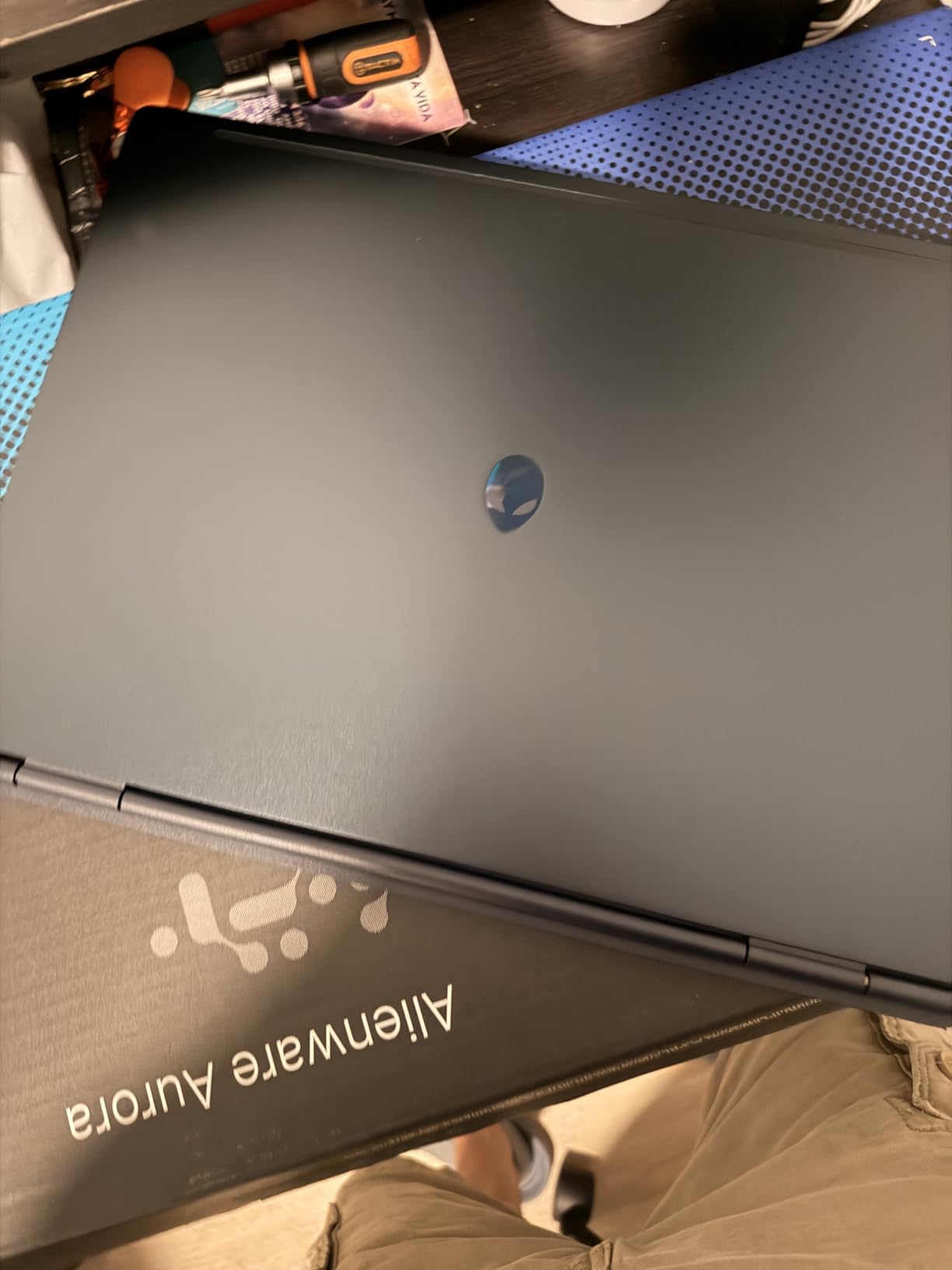
Compared with the Acer Nitro V 16S, the graphics are a similar class while the screen is noticeably sharper, though you give up half the memory. Compared with the ASUS ROG Strix G16 2025, you trade the 5070 Ti and 240Hz for a lower power level and a lighter bill.
7. HP Victus 15: Budget Pick
HP Victus 15
GPU: RTX 3050
Memory: 16GB DDR4
Display: 15.6in FHD IPS 144Hz
Warranty: 1 year
Pros
- Lowest cost dedicated GPU in the roundup
- 16GB RAM upgradeable to 64GB across four slots
- 512GB SSD expandable to 2TB
- Windows 11 Pro with fingerprint reader
- Spill-resistant chassis and anti-glare panel
Cons
- RTX 3050 class performance ages quickly
- Battery life is limited and it throttles on battery
- 250-nit panel is dim
This is the cheapest way to get a discrete NVIDIA GPU into a laptop, and at 4.5 stars from 73 reviews owners mostly describe it the same way: fast enough for everyday work and for 1080p gaming without drama.
Upgradability is the surprise. Four memory slots take the configuration to 64GB of DDR4-3200, and the drive expands to 2TB, so the machine is not a dead end. You also get Windows 11 Pro, a fingerprint reader and a spill-resistant shell.
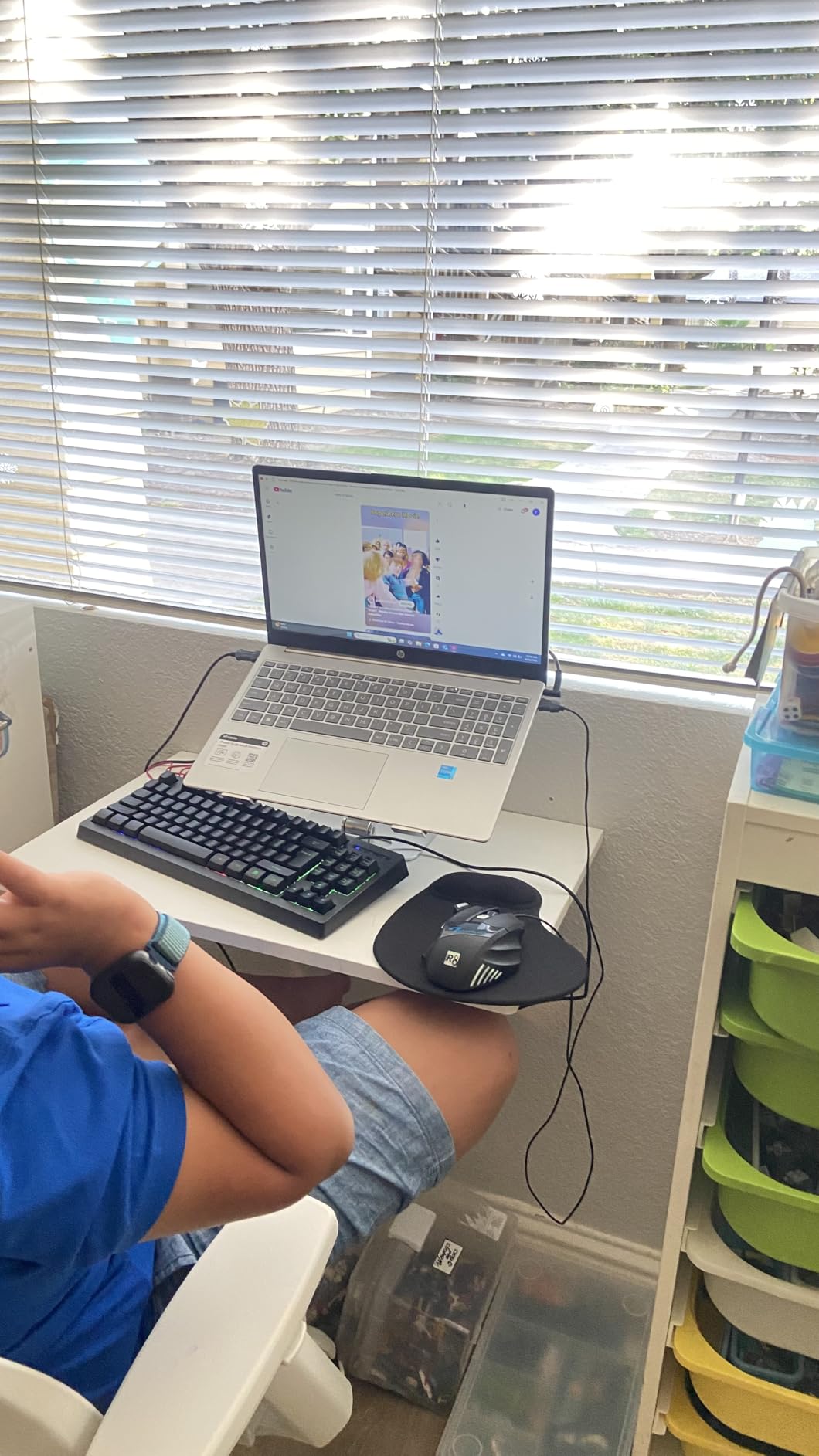
Where it falls behind is the graphics tier. The RTX 3050 and the 12th-generation Core i5 are older parts, and the gap to an RTX 4050 shows in newer titles with ray tracing or heavy texture work. The 250-nit anti-glare display is dim, which matters more than it sounds in a bright room.
Owners also flag a touchpad that can stick intermittently, so an external mouse is a sensible accessory. Battery life is limited and performance drops when you game on battery, so treat this as a plugged-in machine.
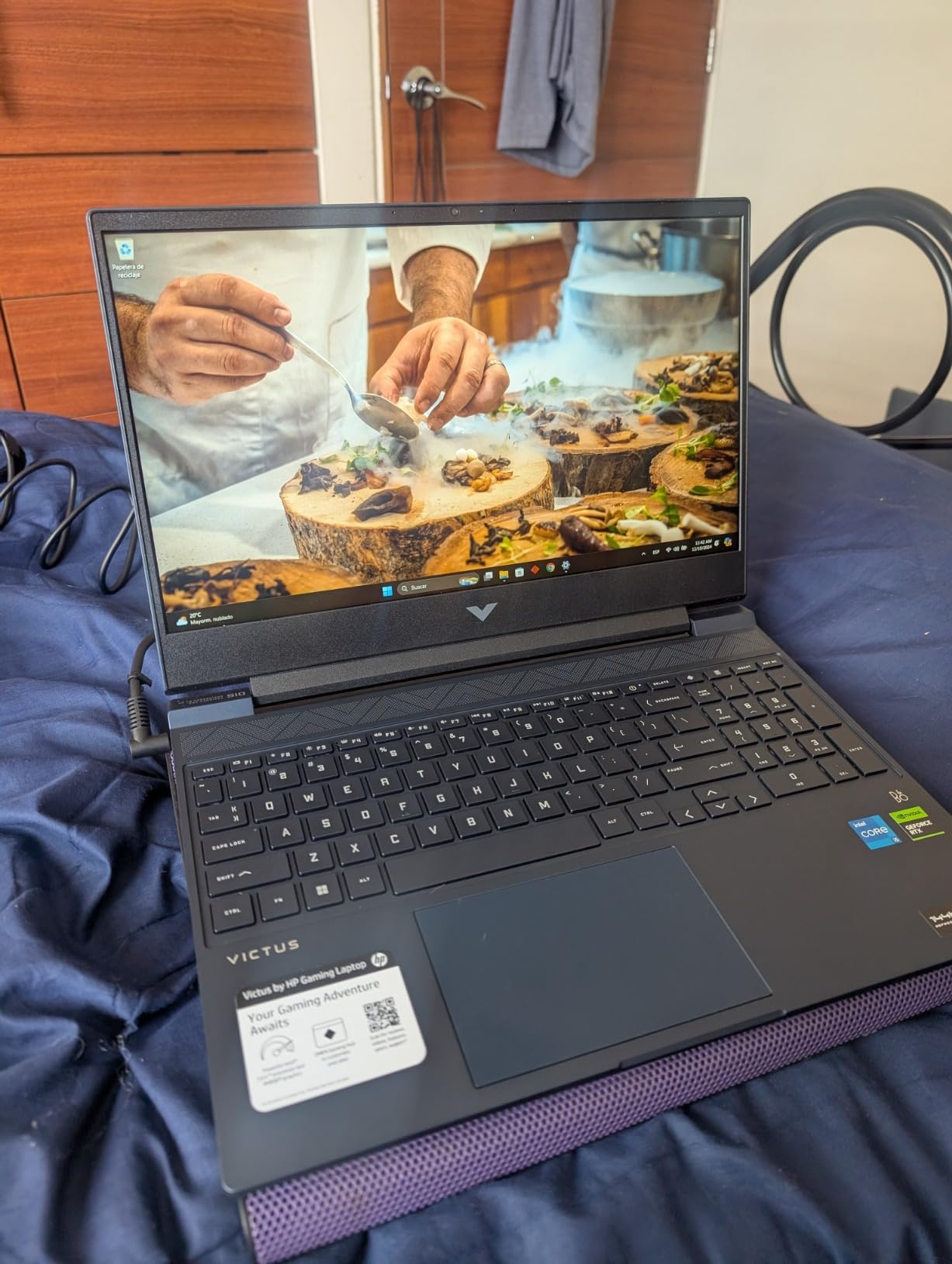
Who should pick something else: if the money is there at all, the Acer Nitro V 15 i5 buys a much faster GPU for not much more. Pick the Victus when the goal is a student laptop that can play games and take a beating.
8. GIGABYTE Gaming A16: Best for Battery Life
GIGABYTE Gaming A16
GPU: RTX 5060
Memory: 16GB DDR5
Display: 16in WUXGA 165Hz
Warranty: 1 year
Pros
- Strong battery results with the dGPU switched off
- RTX 5060 with DLSS 4 and Max-Q
- 165Hz 1920x1200 matte display
- 19.45mm chassis with a 180-degree hinge
- MUX switch and Wi-Fi 7
Cons
- Some owners had to install drivers before the GPU was recognised
- GiMATE control centre is mandatory and pushy
- Fans can be loud while gaming
Battery life is what separates this one. The 76Wh pack and the GiMATE system that disables the discrete GPU when you unplug mean owners report working through a full office day with charge still in the tank, which almost no gaming laptop here can claim.
Under load, the Ryzen 7 260 and RTX 5060 on Blackwell with DLSS 4 and Max-Q run current AAA titles without trouble, and the 16-inch 1920×1200 matte panel at 165Hz draws good reviews for quality. The MUX switch lets you drive the display straight from the GPU when you want the full refresh rate.
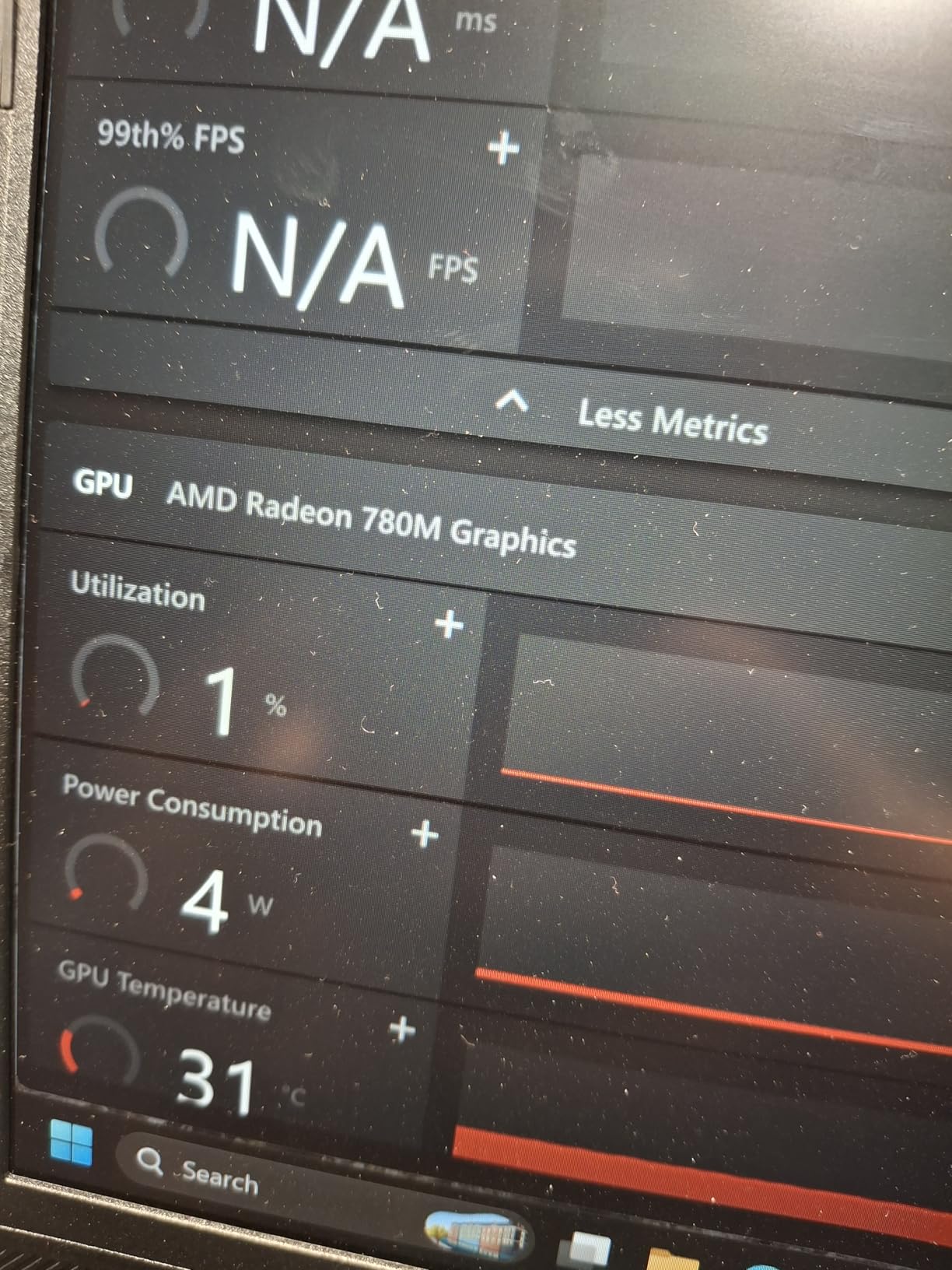
The honest caveat is the review count. Thirty-one reviews makes this the least proven machine on the list, and several of those buyers spent their first evening installing Wi-Fi, chipset, AMD graphics and NVIDIA drivers by hand before the RTX 5060 was recognised.
The GiMATE AI control centre is effectively required for the battery features, and some owners find it overbearing. Fans get loud during gaming, and one buyer reported a keyboard failure and sent the laptop back.
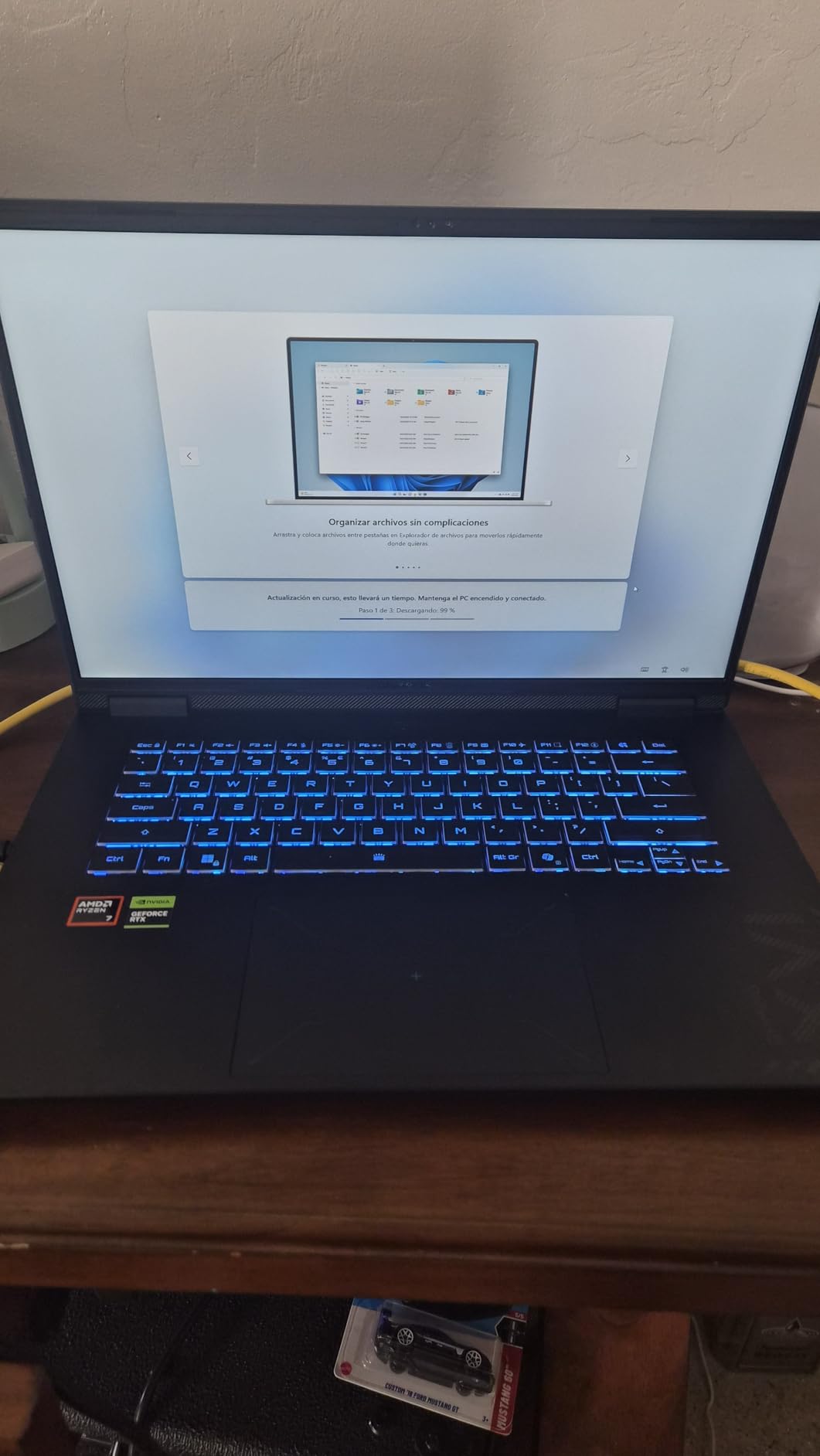
Acer takes the memory advantage with the Nitro V 16S, but the battery and the 180-degree lay-flat hinge make this the better travel machine. If you want more proven ground, the ROG Strix G16 has more than thirty times the review history.
9. Acer Nitro V 15 i7: Top Rated
Acer Nitro V 15 i7
GPU: RTX 4050
Memory: 16GB DDR5
Display: 15.6in FHD IPS 165Hz
Warranty: 1 year
Pros
- Highest-rated pick in the roundup at 4.6 stars
- Core i7-13620H with 10 cores and RTX 4050
- 1TB PCIe Gen 4 drive rather than 512GB
- 300-nit matte 165Hz panel with a numeric keypad
- Thunderbolt 4 and Killer E2600 Gigabit Ethernet
Cons
- Only two USB ports listed
- 6GB VRAM and a 1080p panel are dated
- Five-hour rated battery is short
This configuration carries the highest owner rating here at 4.6 stars across 366 reviews, with 83% of reviews at five stars. That is a level of satisfaction no other pick on this list matches, and it comes from pairing the Core i7-13620H with the RTX 4050 rather than cutting the processor to save money.
Storage is the detail that separates it from the cheaper Nitro V: 1TB of PCIe Gen 4 instead of 512GB. The 15.6-inch FHD IPS matte panel runs at 165Hz and 300 nits with an 82.64% screen-to-body ratio, and the body stays at 4.7 pounds.
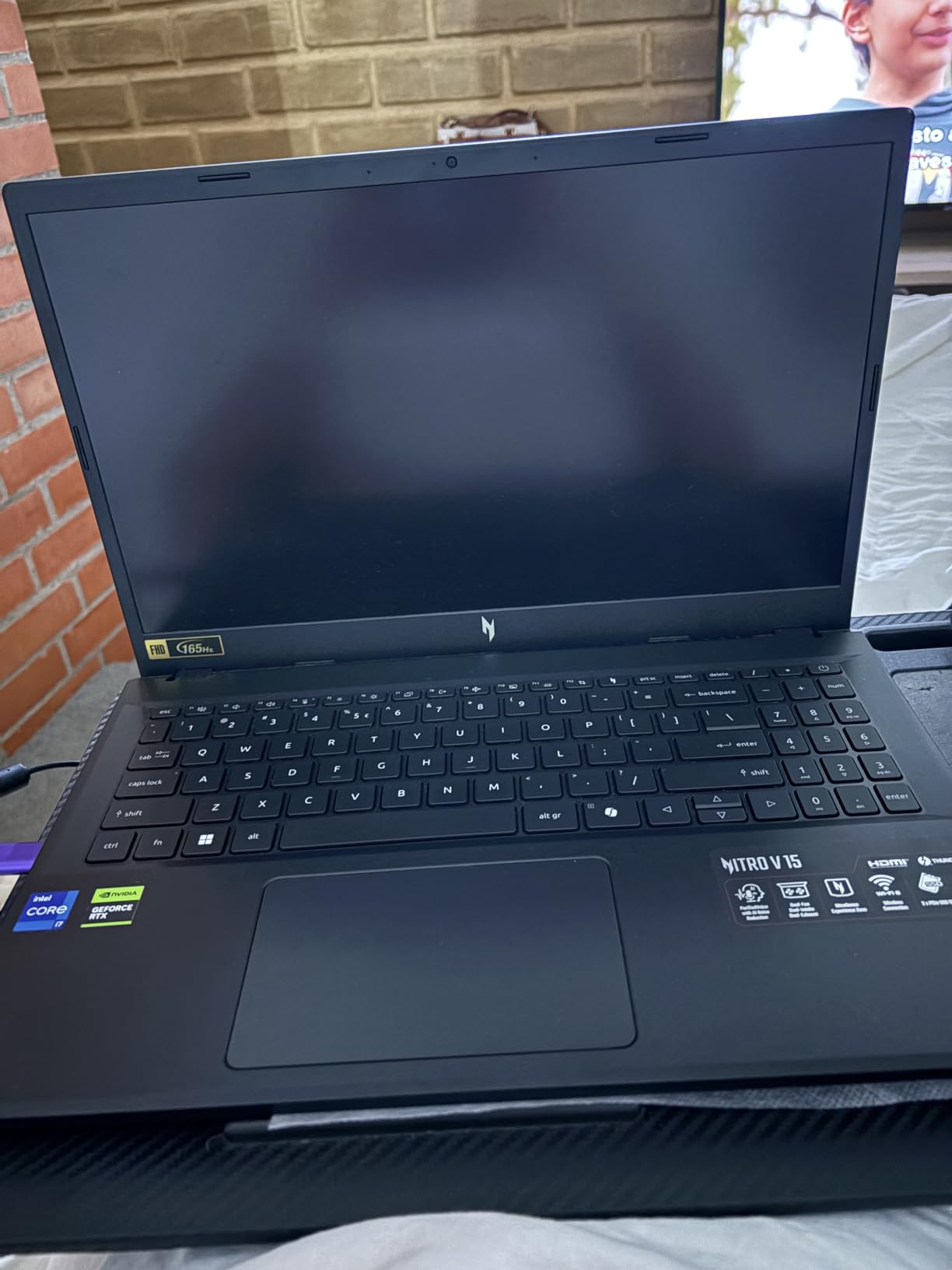
The reservations are about ports and longevity. Only two USB ports are listed in the specification, which is stingy for a machine at this level, and the RTX 4050’s 6GB of VRAM with a 1080p panel will feel dated sooner than the 32GB option on the Nitro V 16S.
Only one Nitro V should leave your shortlist: this i7 configuration, with a stronger CPU and twice the storage than the cheaper model. The ASUS ROG Strix G16 trades GPU headroom and liquid-metal cooling for a lighter body.
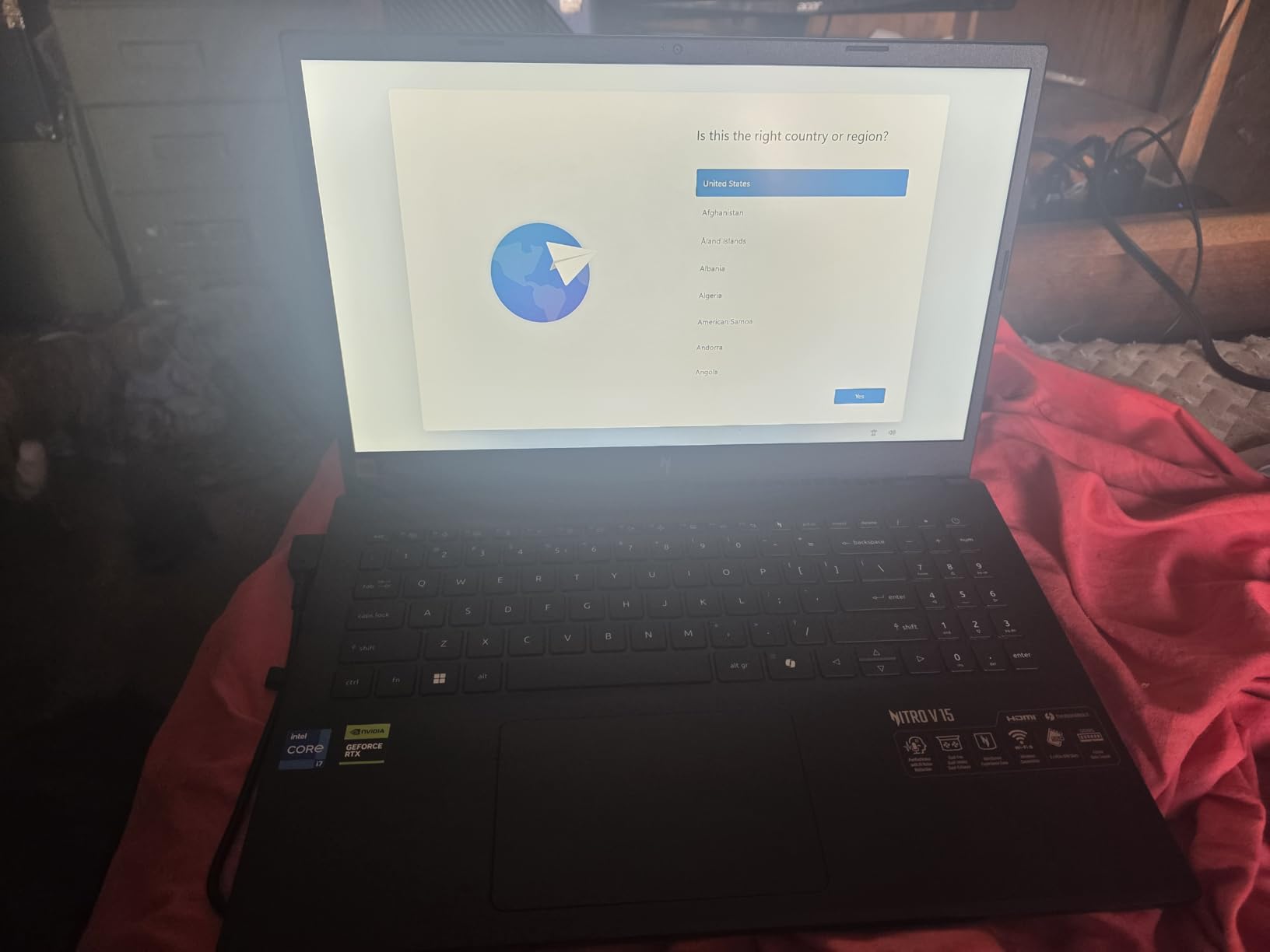
The five-hour rated battery is short, and the numeric keypad plus backlit keyboard make it a sensible all-rounder for coursework. Killer E2600 Gigabit Ethernet and Thunderbolt 4 are both welcome inclusions.
How to Choose Gaming Laptops During Prime Big Deal Days
Choose a Graphics Card for the Games You Play
The GPU decides how long the laptop stays relevant. An RTX 3050 handles esports titles and older games at 1080p; an RTX 4050 runs current AAA releases at 1080p high settings; an RTX 5060 adds comfortable headroom at WUXGA or 1440p; an RTX 5070 Ti is for ray tracing and 2.5K at high refresh.
Watch the VRAM number as closely as the model name. Several cards here sit on 6GB or 8GB, and that ceiling matters in texture-heavy titles. If your laptop will also run a video timeline, the GPU you would want for editing is a useful cross-check, and our picks for laptops for video editing show what that class of hardware looks like.
Check the Processor, Memory, and Storage Balance
Treat 16GB of memory as the floor and 32GB as the comfortable target in 2026, especially if you stream while you play. Storage matters more each year as installs grow, so 1TB is a better starting point than 512GB when two offers land close together.
CPU generation shows up in simulation, strategy and creation tools rather than shooters. If your work leans that way, our list of laptops for programming shows how much memory headroom developers actually end up needing.
Match the Display to Your Gaming Setup
Refresh rate above 165Hz matters mainly in competitive shooters and racing games. For single-player titles, resolution and brightness matter more, and a 250-nit panel will look dim in a bright room no matter how good the specs are elsewhere.
Check for adaptive sync on the panel before you buy, because it removes tearing without adding input lag. If you plan to game on an external monitor, our guide to TVs for gaming covers matching a panel to the machine.
Balance Performance, Thermals, Battery Life, and Portability
The GPU power limit and the cooling design decide whether a laptop holds its frame rate in hour two. Laptops in this roundup run anywhere from 115W to 140W on the same GPU name, and that gap is visible in long sessions.
Battery capacity ranges from 51Wh to 90Wh here, and weight from 4.6 pounds to 5.8. Budget machines such as laptops under $500 will not give you a discrete GPU, so if battery life is the priority, plan to game plugged in or check the machines that disable the GPU when unplugged.
How to Shop Gaming Laptop Deals During the Sale
Read the full model number, not the marketing name. ASUS, Acer, Alienware and HP all reuse family names across years, and the code at the end of the listing (G614JV-AS74, ANV15-52-76NK, LAC16250-7469BLU-PUS) tells you exactly which generation and configuration you are getting.
Then check the panel and GPU variant, the memory and storage figures, whether the unit is new or renewed, what is in the box, who sells it and who fulfills the order. Most offers on an event like this need a Prime membership, and a free trial counts. Offers can change during the event, so check the listing again before you commit.
- Confirm the exact model code matches the specs you are shopping for
- Verify the memory and storage configuration, not just the screen size
- Read owner reviews for the specific configuration, not the product family
- Check whether the offer is Prime-only and whether a trial qualifies
- Note the seller and fulfiller before you place the order
- Compare the current price against the machine’s recent price history
Frequently Asked Questions
When are Best Amazon Prime Big Deal Days Gaming Laptop Deals available, and is Prime required?
Prime Big Deal Days runs October 6-7, 2026, and most gaming laptop offers need an active Prime membership, though a free trial counts. Offers change through the event, so check the listing again on the day you plan to buy.
How long should a gaming laptop battery last during classes or travel?
Expect a few hours of gaming on battery and a full workday of ordinary use on the larger packs. The machines here range from 51Wh to 90Wh, and the ones that disable the discrete GPU when unplugged last longest. Gaming unplugged reduces performance on most models.
Do I need a gaming monitor with adaptive sync for a high-refresh laptop?
No. A high-refresh laptop panel works on its own, and adaptive sync is what stops visible tearing rather than the monitor size. If you already own a display, connect it with the HDMI or DisplayPort over USB-C output and check the laptop supports the panel refresh rate you want.
Is a gaming laptop practical for everyday school and office work?
Yes, especially the 16GB to 32GB memory models, which handle documents, browser tabs and video calls without trouble. Some entries ship with Windows 11 Pro or a backlit keyboard and numeric keypad. Plan to carry a charger, since battery life is the weakest part of any gaming laptop.
What should I verify when two laptop listings use the same product name?
Compare the model code at the end of each listing, then the GPU, memory, storage and panel figures. The same family name covers different years and configurations. Also check the seller, the condition and what is included in the box before deciding between two nearly identical titles.
Final Verdict: Amazon Prime Big Deal Days Gaming Laptop Deals
Watch the ASUS ROG Strix G16 first during the sale. It has the strongest combination of a 140W RTX 4060, serious cooling and the deepest review history on this list, which makes it the safest buy for 1080p gaming.
The budget-friendly alternative is the Acer Nitro V 15 i5, and the HP Victus 15 sits below it for anyone who just needs the cheapest dedicated GPU. For 1440p, the Alienware 16 Aurora pairs a sharp panel with onsite service, and the Acer Nitro V 16S is the one to take when 32GB of memory matters most. Competitive and high-refresh players should look at the ASUS ROG Strix G16 2025, while the GIGABYTE Gaming A16 wins on battery life and the Acer Nitro V 15 i7 carries the highest owner rating. Check each listing on the day, confirm the model code, and buy the one whose configuration matches your games.