
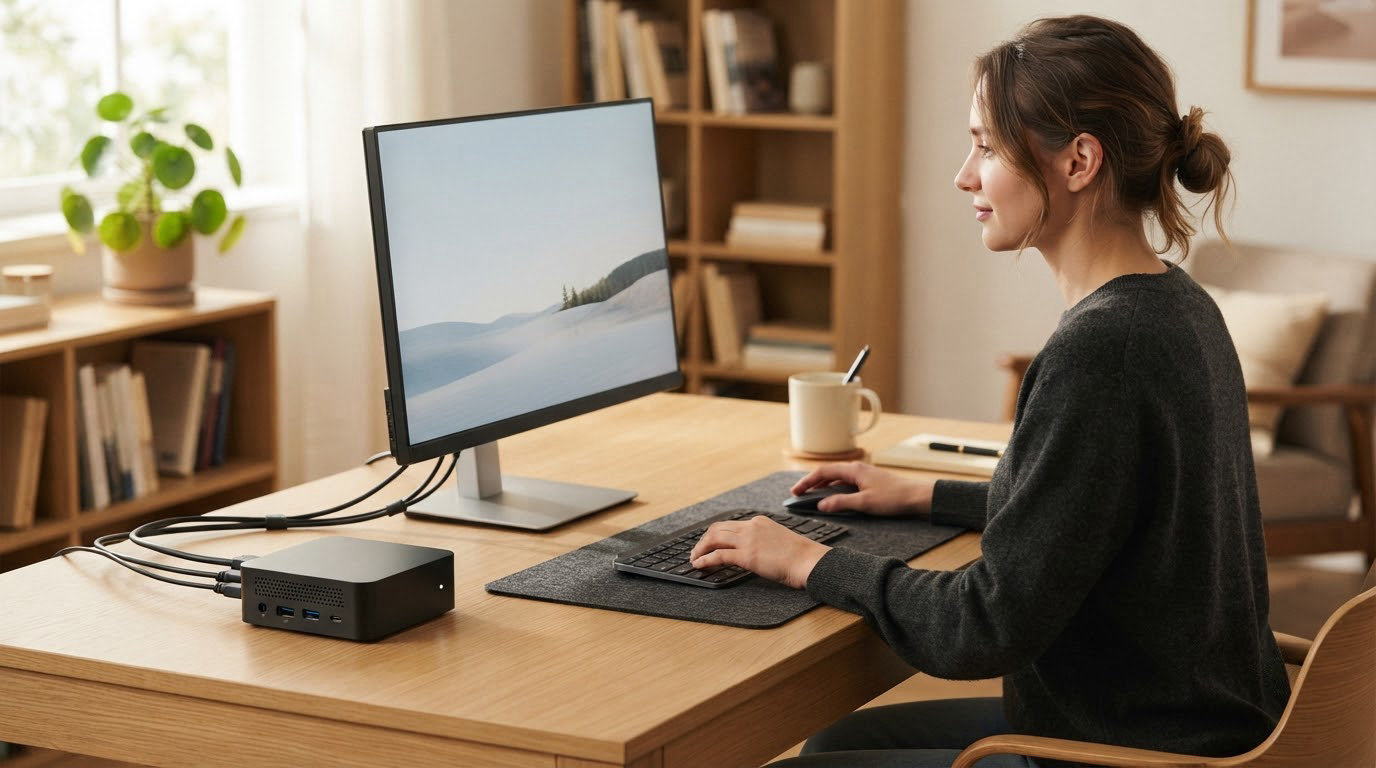
Mini PCs sit at their sharpest during Amazon’s October sale, and the GMKtec G11 is the one to watch this year. It pairs a Ryzen Embedded R2514 quad-core chip with dual 2.5GbE Ethernet, triple 4K output and a Windows 11 Pro licence, all in a 4.48-inch box that runs cool and near-silent. If your desk is tight, the KAMRUI Pinova P2 gives you three 4K outputs from a 5-inch square chassis. If you plan to add memory and drives later, the Beelink SER5 is the one built for it.
Prime Big Deal Days runs October 6-7, 2026, and most offers need a Prime membership, though a free trial counts. Offers change through the event, so the buttons below are the place to see what a given machine is actually going for right now.
Table of Contents
Our Top 3 Picks for Best Amazon Prime Big Deal Days Mini PC Deals in 2026

GMKtec G11
- Ryzen Embedded R2514 quad-core
- Dual 2.5GbE Ethernet
- Triple 4K output
- Windows 11 Pro

KAMRUI Pinova P2
- Ryzen 3 7330U Zen 3
- Triple 4K at 60Hz
- VESA mount included
- Near-silent cooling

Beelink SER5
- Ryzen 5 5500U 6C/12T
- RAM to 64GB and storage to 2TB
- 2.5G LAN
- Three year warranty
Best Amazon Prime Big Deal Days Mini PC Deals Compared
Every machine below runs a desktop-class processor, carries an NVMe drive and stays small enough to sit behind a monitor. The four fields in each row are the ones that decide whether a compact PC fits your desk, your peripherals and your workload.
| Product | Specifications | Action |
|---|---|---|
| GMKtec G11 |
|
Check Deal Price |
| KAMRUI Pinova P2 |
|
Check Deal Price |
| Beelink SER5 |
|
Check Deal Price |
 Beelink SER3 Beelink SER3 |
|
Check Deal Price |
 GEEKOM A9 Max GEEKOM A9 Max |
|
Check Deal Price |
 ACEMAGIC K1 7330U ACEMAGIC K1 7330U |
|
Check Deal Price |
 MINISFORUM AI X1 Pro MINISFORUM AI X1 Pro |
|
Check Deal Price |
 ACEMAGIC K1 i5 ACEMAGIC K1 i5 |
|
Check Deal Price |
 Bmax B3 Pro Bmax B3 Pro |
|
Check Deal Price |
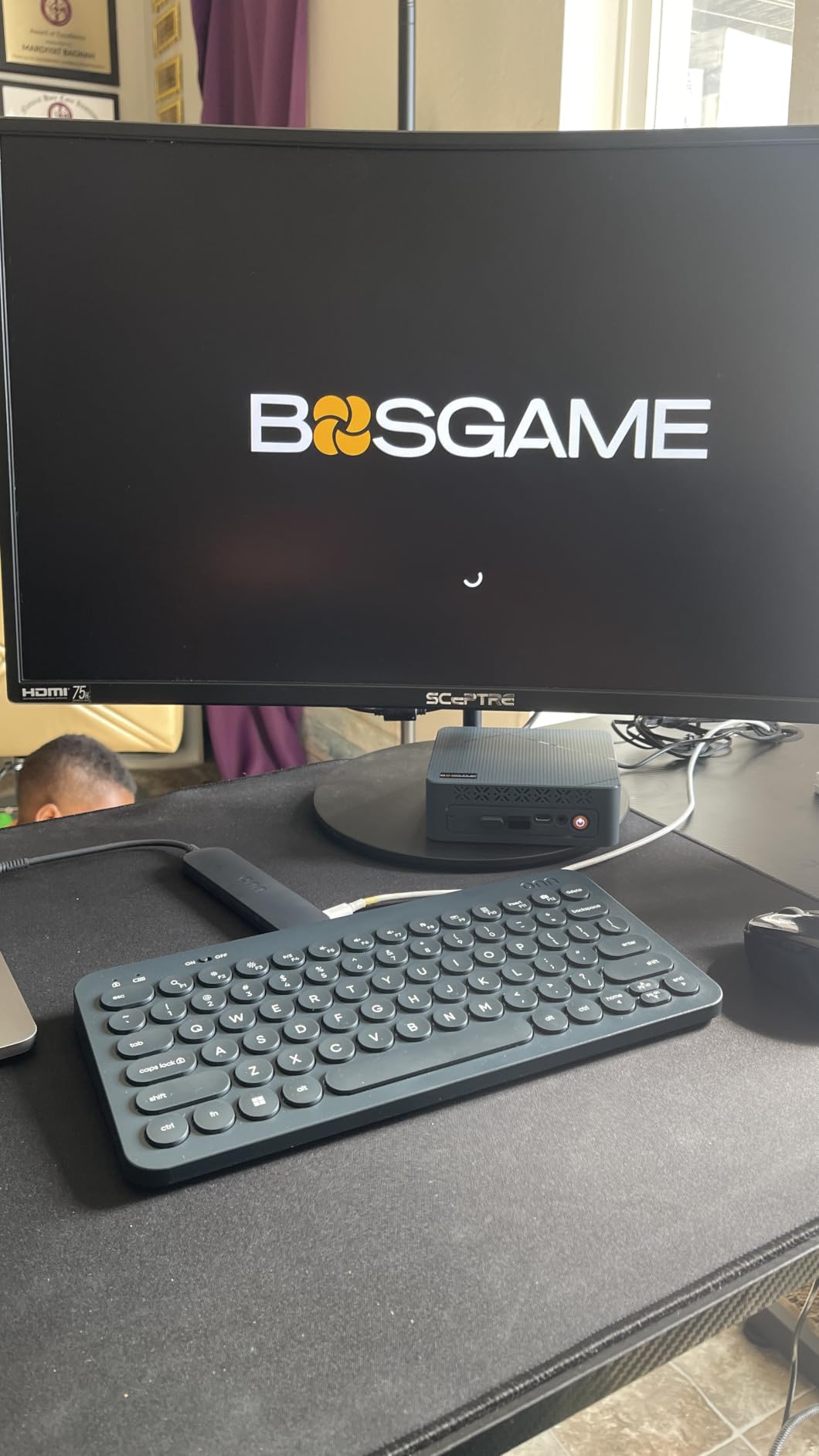
 BOSGAME VTA-439 BOSGAME VTA-439 |
|
Check Deal Price |
How We Chose
We lined up every mini PC on the same set of fields: processor class and core count, memory type and whether it can be upgraded, storage capacity and expansion slots, display outputs, networking and the warranty length. Amazon ratings and owner review themes were read alongside the spec sheets, and the data was checked on October 2026.
1. GMKtec G11: Editor’s Choice for All-Round Work
GMKtec G11
Ryzen Embedded R2514 4C/8T
16GB DDR4 dual-channel
512GB NVMe plus dual M.2
Triple 4K output
Pros
- Windows 11 Pro included
- Dual 2.5GbE ports for NAS and lab use
- Near-silent cooling and a 35W power mode
- Triples 4K output without adapters
- Proactive support resolved issues for owners
Cons
- Weak built-in WiFi 6E antenna
- Some models needed a Windows re-image after updates
- Large proprietary power brick
The G11 is the pick for anyone who wants one compact box to do office work, run a home lab and occasionally serve a NAS. Nothing else in this list gives you two 2.5GbE RJ45 ports, and that single fact changes what you can do with a machine this size.
Under the hood is an AMD Ryzen Embedded R2514, a four-core, eight-thread part rated up to 3.7GHz and built for continuous 24/7 running. The listing claims aggregate performance up to 30 percent above an Intel N150 and a 4300U, which lines up with how owners describe it: quick for browsing, Office, 4K streaming and light server duty.
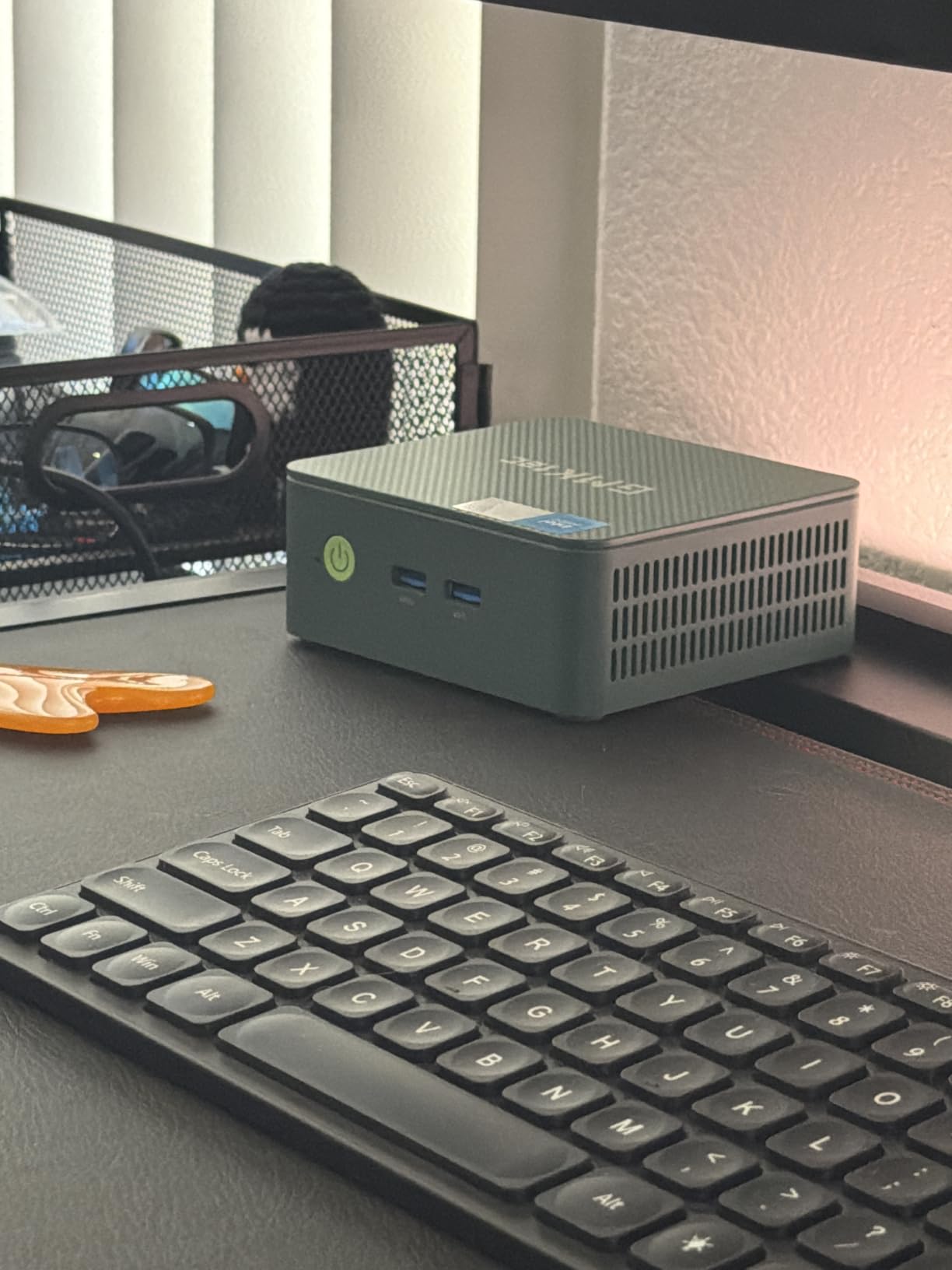
A few details worth knowing before you commit. The memory is dual-channel 16GB DDR4 at 2666MHz and expands to 32GB, which is a modest ceiling compared with the DDR5 boards further down this list. Storage is better served: a 512GB PCIe 3.0 M.2 2280 NVMe drive sits in a chassis with two M.2 slots, so adding capacity later is straightforward.
Owners report the recurring gripe is the wireless radio rather than the hardware. Reviewers describe built-in WiFi 6E throughput landing around 50-70Mbps because of a small internal antenna, so a USB adapter is the practical fix. A few models also needed a full Windows re-image after updates, and one owner reported a stock M.2 drive that failed outright.
Set against the KAMRUI Pinova P2, the G11 trades triple 4K elegance for networking muscle and a 35W power ceiling in raw performance mode. Against the Beelink SER5, it gives up the ability to reach 64GB of RAM but adds a second Ethernet port and a 361g chassis. The GMKtec also carries a one-year limited warranty, which is among the shortest on this list.
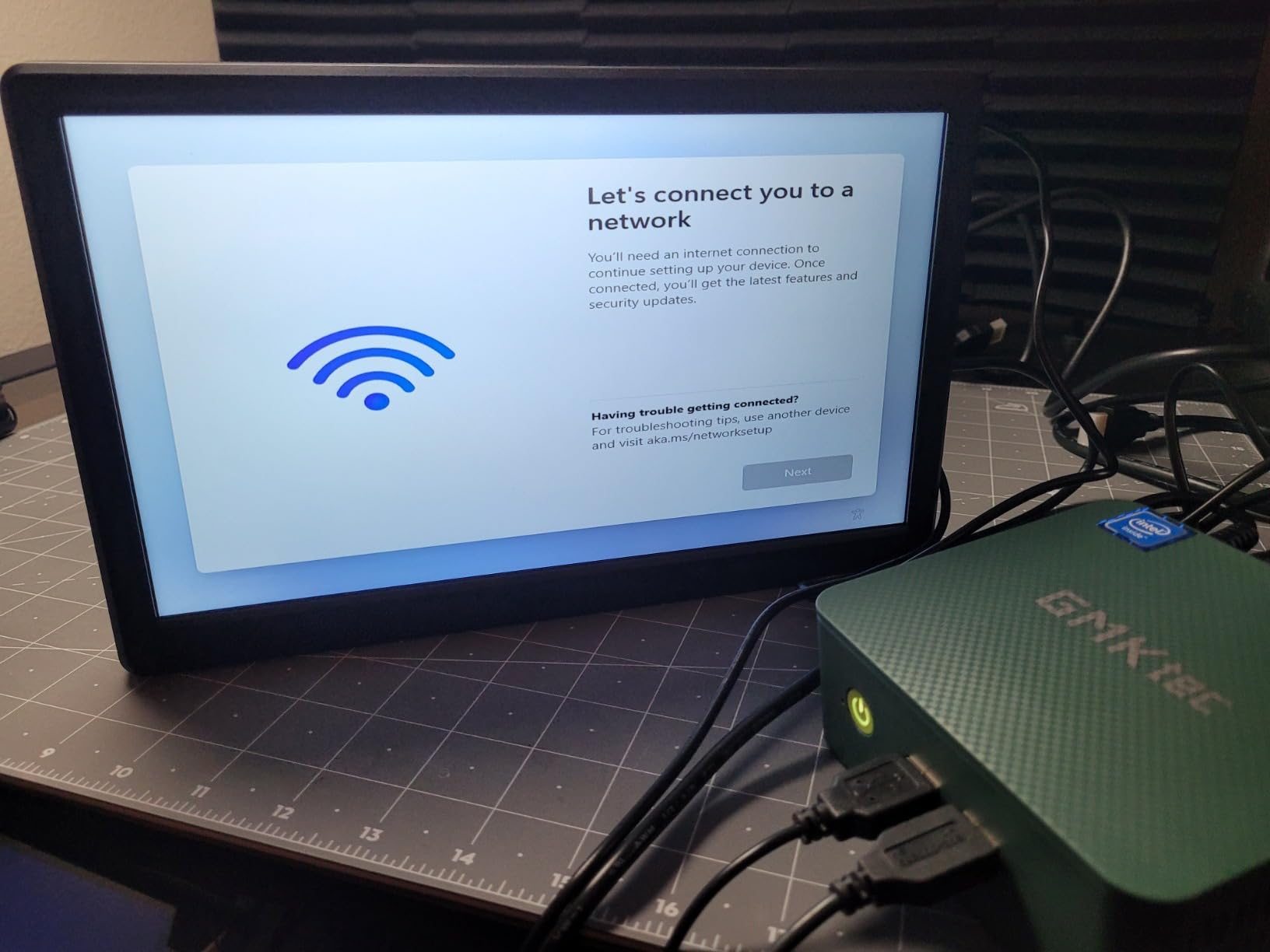
2. KAMRUI Pinova P2: Best Value for a Small Desk
KAMRUI Pinova P2
Ryzen 3 7330U 4C/8T
16GB LPDDR4X soldered
256GB SSD plus two M.2 slots
Triple 4K at 60Hz
Pros
- Zen 3 chip well ahead of Intel N-series rivals
- Triple 4K output at this size
- VESA mount in the box
- Two M.2 slots for storage expansion
- Near-silent under normal load
Cons
- 16GB of LPDDR4X is soldered on
- Only 256GB of storage as shipped
- Single HDMI port limits simpler dual-screen setups
Three independent 4K outputs from a 5-inch square silver chassis is the thing that makes the Pinova P2 stand out, and it does it quietly enough that owners describe the fan as inaudible under normal load. For a cramped home office where a docking station is not an option, that combination is hard to argue with.
The Ryzen 3 7330U is a Zen 3 part with four cores, eight threads, an 8MB L3 cache and boost up to 4.3GHz at a 15W-class power budget. GMKtec’s R2514 covers the same ground, but this chip boosts considerably higher, and the integrated Radeon graphics with six compute units run up to 1.8GHz.
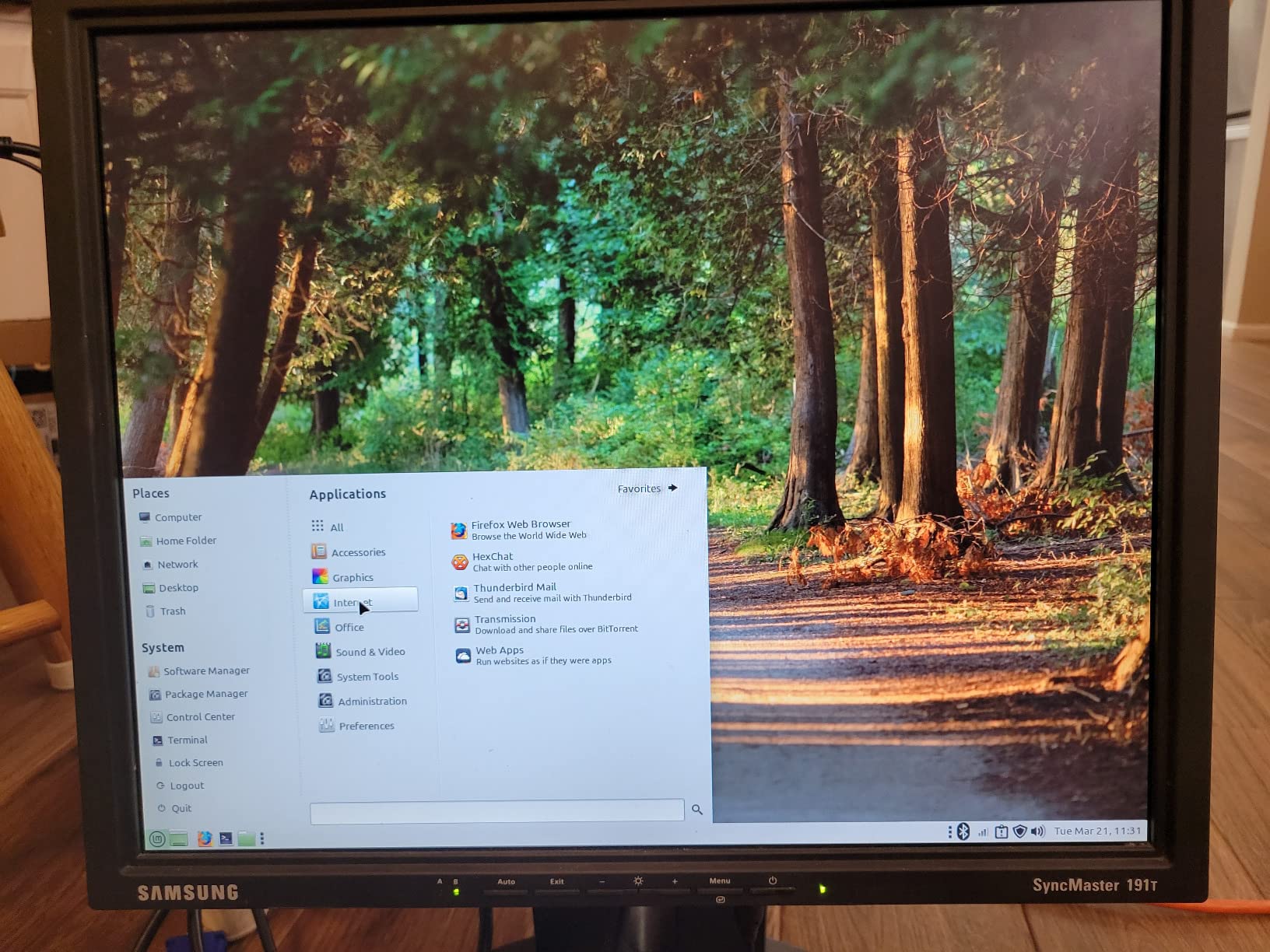
The compromise is memory, and buyers should decide about it before checkout. The 16GB of LPDDR4X at 3200MT/s is soldered to the board, so it stays 16GB forever. Storage is more generous in comparison: beyond the 256GB M.2 drive there are two expansion slots, one PCIe 3.0 and one SATA, taking the total to as much as 4TB.
Connectivity covers the common cases, with Gigabit Ethernet, dual-band WiFi, Bluetooth, two USB 3.2 Gen2 Type-A ports and a USB-C port that also carries DisplayPort Alt Mode. Video output runs through HDMI 2.0, DisplayPort 1.4 and that USB-C, all rated for 4K at 60Hz.
It draws 28W and weighs 573g, so it is easy to move between a desk and a shelf. Compared with the GMKtec G11, you lose the dual 2.5GbE ports and the upgradeable RAM but gain a higher boost clock and a more conventional-looking chassis. If your plan involves a home lab or a NAS, take the G11; if it involves three monitors in a small space, this is the one.
3. Beelink SER5: Best for Memory and Storage Upgrades
Beelink SER5
Ryzen 5 5500U 6C/12T
16GB DDR4 to 64GB
480GB NVMe to 2TB
Triple 4K output
Pros
- RAM expands to 64GB and storage to 2TB
- Six cores and twelve threads at up to 4.0GHz
- Clean Windows install with no bloatware
- 2.5G LAN with WiFi 6
- Three year manufacturer warranty
Cons
- No VGA output so some monitors need replacing
- Supplied power brick reported causing idle shutdowns
- Not suited to heavy AAA gaming
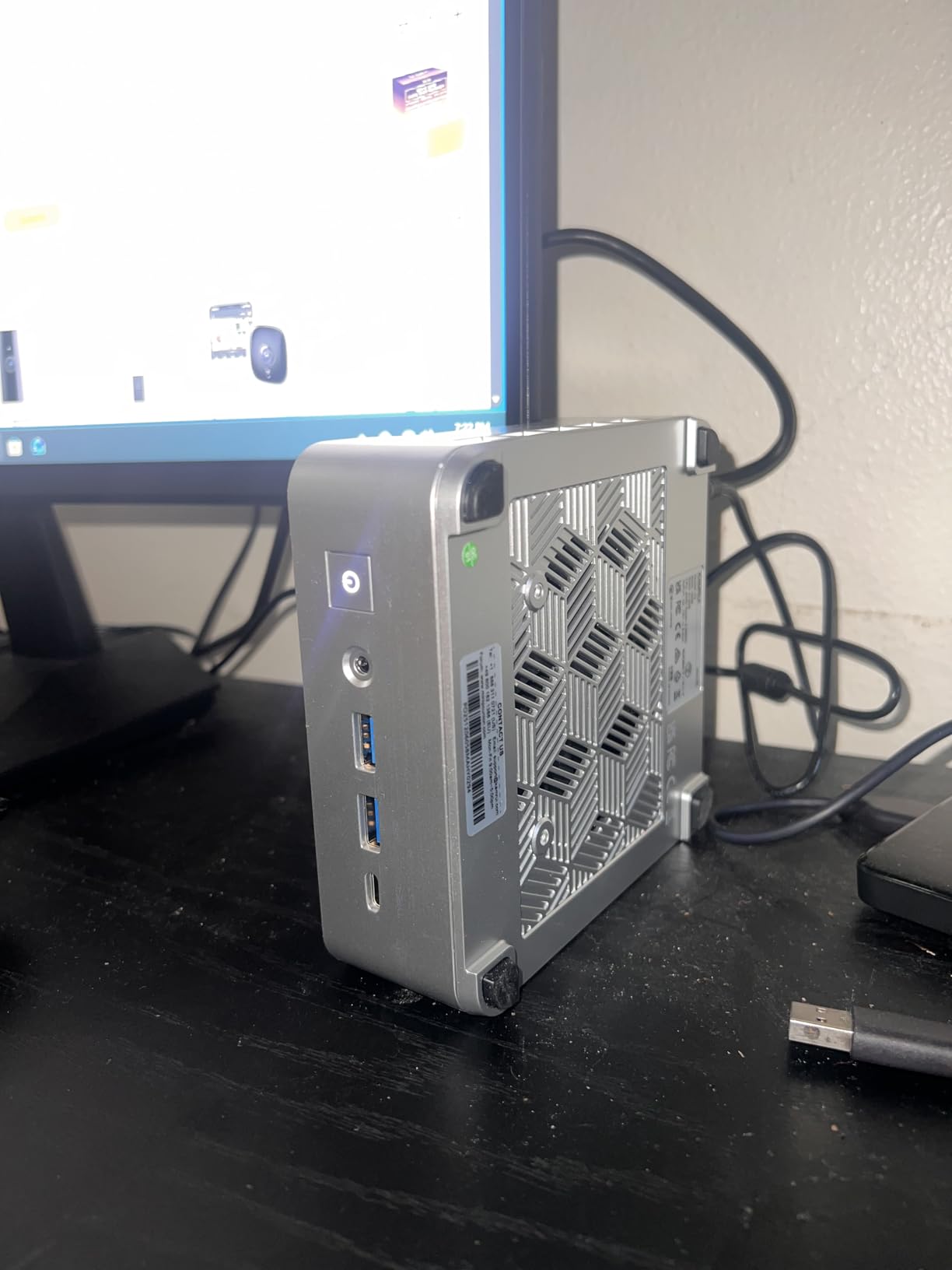
Buy the SER5 if you think you will grow into the machine. Memory runs in two slots and expands to 64GB, and the 480GB PCIe 4.0 NVMe drive sits alongside a 2.5-inch SATA bay, so storage can reach 2TB. Nothing else in the entry group gives you that much room to change your mind.
Performance comes from a Ryzen 5 5500U with six cores and twelve threads, running from 2.1GHz up to 4.0GHz. The Radeon graphics with seven compute units at 1800MHz handle 4K video, photo work and light gaming, and the port selection includes HDMI, DisplayPort and USB-C for triple 4K output alongside 2.5G LAN.
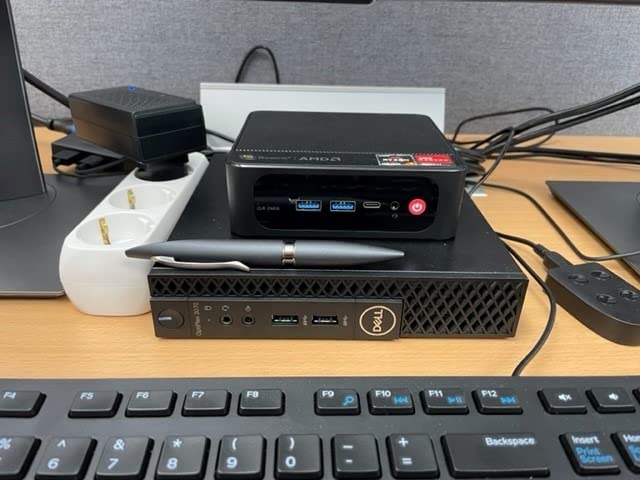
Beelink ships this one with Windows 11 preinstalled and no bloatware, which owners consistently mention as a small daily pleasure, and backs it with a three-year manufacturer warranty plus lifetime technical support. That support picture is the reason the brand keeps showing up as a first choice in buyer conversations.
Owners do report a few hardware-lot problems rather than design faults. The supplied power brick has been reported to trigger hard shutdowns from idle on some models, random crashes turned up on a handful of units, and one arrived with damaged boot files. If you take one, check that the shutdown-from-idle behaviour is not present in the first week, when returns are easy.
The catch is the display side. There is no VGA output, so anyone still on a legacy monitor needs an adapter or a new screen. Against the KAMRUI Pinova P2, this machine trades soldered memory for a much higher upgrade ceiling and an extra two cores. Against the ACEMAGIC K1 i5, it gives up Intel’s 12-core layout but keeps the better graphics and a three-year warranty instead of one.
4. Beelink SER3: Best for a Second Machine or Travel PC
Beelink SER3
Ryzen 3 3200U 2C/4T
16GB DDR4 to 32GB
500GB NVMe SSD
Dual 4K display output
Pros
- Very low power draw for a full desktop
- Clean Windows 11 install
- Four USB 3.2 ports and dual HDMI
- RAM and storage both upgradeable
- Three year warranty with support
Cons
- Two cores and four threads limit heavy multitasking
- Only two display outputs
- Reports of occasional random crashes
A second machine in the house, a travel box, a media player in the living room. The SER3 handles those jobs quietly and cheaply, and its two slots of DDR4 mean you can bump the memory to 32GB later if the first role outgrows the second.
The Ryzen 3 3200U is an older 14nm part with two cores and four threads, running 2.6GHz base and up to 3.5GHz turbo with 8MB of cache. Radeon Vega 3 graphics with three cores at 1200MHz drive two displays at up to 4K 60Hz, which is enough for a document and a second screen but not much more.
Owners like the balance of size and running cost, and the machine weighs under a kilo with a large fan and dual heat conduction tubes doing the cooling. Connectivity is straightforward: four USB 3.2 ports, two HDMI, a 3.5mm audio jack, Gigabit Ethernet and dual-band WiFi with Bluetooth built in.
The honest limitation is the core count. Two cores and four threads is fine for browsing, streaming, Office and light games, and owners confirm that. It is not fine for compiling, heavy multitasking or running a handful of virtual machines, and anyone who expects that should look at the KAMRUI Pinova P2’s four cores or the Beelink SER5’s six.
Storage is a 500GB M.2 PCIe 3.0 x4 drive, which is a sensible size for the role. Buyers also mention occasional random crashes and rare brief black-screen dropouts on a 1440p monitor, plus one model that shipped with damaged boot files. Compared with the Bmax B3 Pro, which shares the two-core reality, this one offers more memory, a bigger drive and a longer warranty.
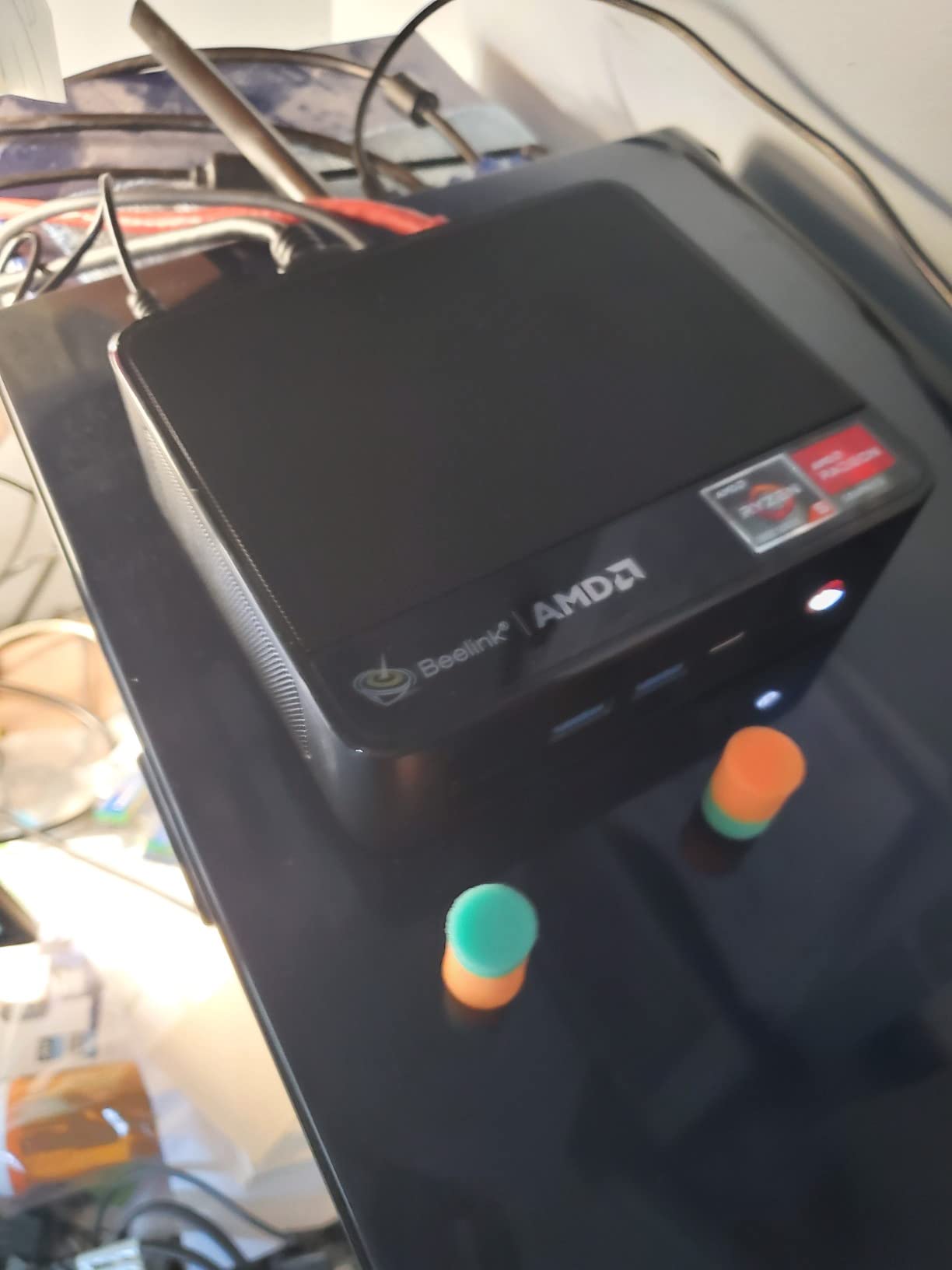
5. GEEKOM A9 Max: Premium Pick for Heavy Workloads
GEEKOM A9 Max
Ryzen AI 9 HX 470 12C/24T
32GB DDR5 to 128GB
2TB across dual Gen4 slots
Four displays with 8K
Pros
- Twelve cores handle virtual machines and local AI
- 32GB DDR5 expandable to 128GB
- Up to four independent displays with 8K output
- All-metal chassis with copper cooling
- Windows 11 with a three year warranty
Cons
- Few USB-A ports so a hub is often needed
- Fan gets loud under sustained load or when laid flat
- 32GB is tight for very large local models
This is the pick when a compact PC has to do real workstation work. The Ryzen AI 9 HX 470 gives twelve cores and twenty-four threads up to 5.2GHz, and owners running Hyper-V, development environments and several apps at once report it never feels like it’s straining.
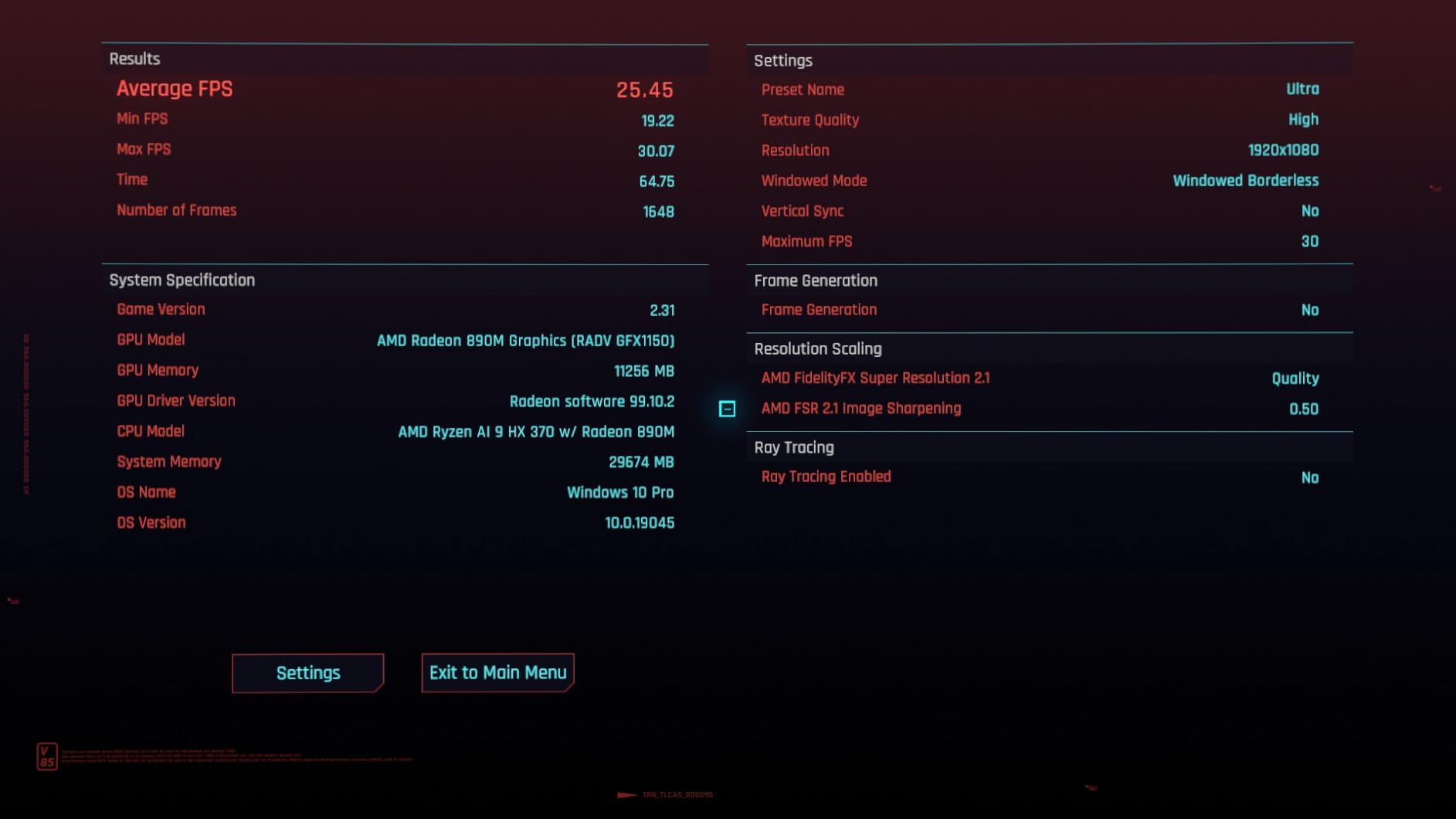
The Radeon 890M integrated GPU is the strongest in this list without a discrete card, and the vendor quotes 90 FPS in Cyberpunk 2077, 99 FPS in Forza Horizon 5 and 130 FPS in F1 24 with optimised settings. You will get your own results, but the gap to the older Vega parts is obvious.
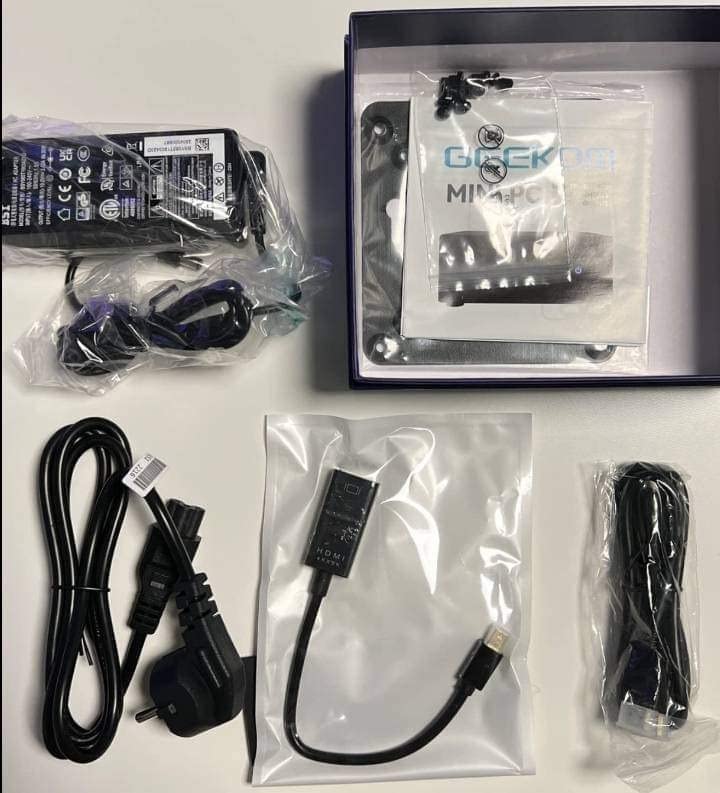
Memory and storage are where the premium goes. You get 32GB of DDR5 at 5600MHz that expands to 128GB, plus 2TB spread across two PCIe Gen4 slots, one M.2 2280 and one M.2 2230, for up to 8TB. On the AI side, the XDNA 2 NPU is rated up to 55 TOPS and 86 TOPS of total acceleration, which is what makes local model work practical.
Good to know: the all-metal chassis with copper heatsink and dual heat pipes runs cool and quiet in normal use, but the fan becomes noticeably loud under sustained heavy load, and noticeably worse if the unit is laid flat rather than stood on its side. Several owners also needed a hub because the USB-A count is modest against the number of USB4 and HDMI 2.1 ports.
Against the BOSGAME VTA-439, which uses the same Ryzen AI 9 HX 470 silicon, this machine gives you more storage out of the box and a lighter chassis, while the BOSGAME adds an Oculink expansion port and a higher refresh ceiling on its display outputs. Against the Beelink SER5, the GEEKOM is several times the machine for a workload that needs the cores, and far more than you need for a spreadsheet.
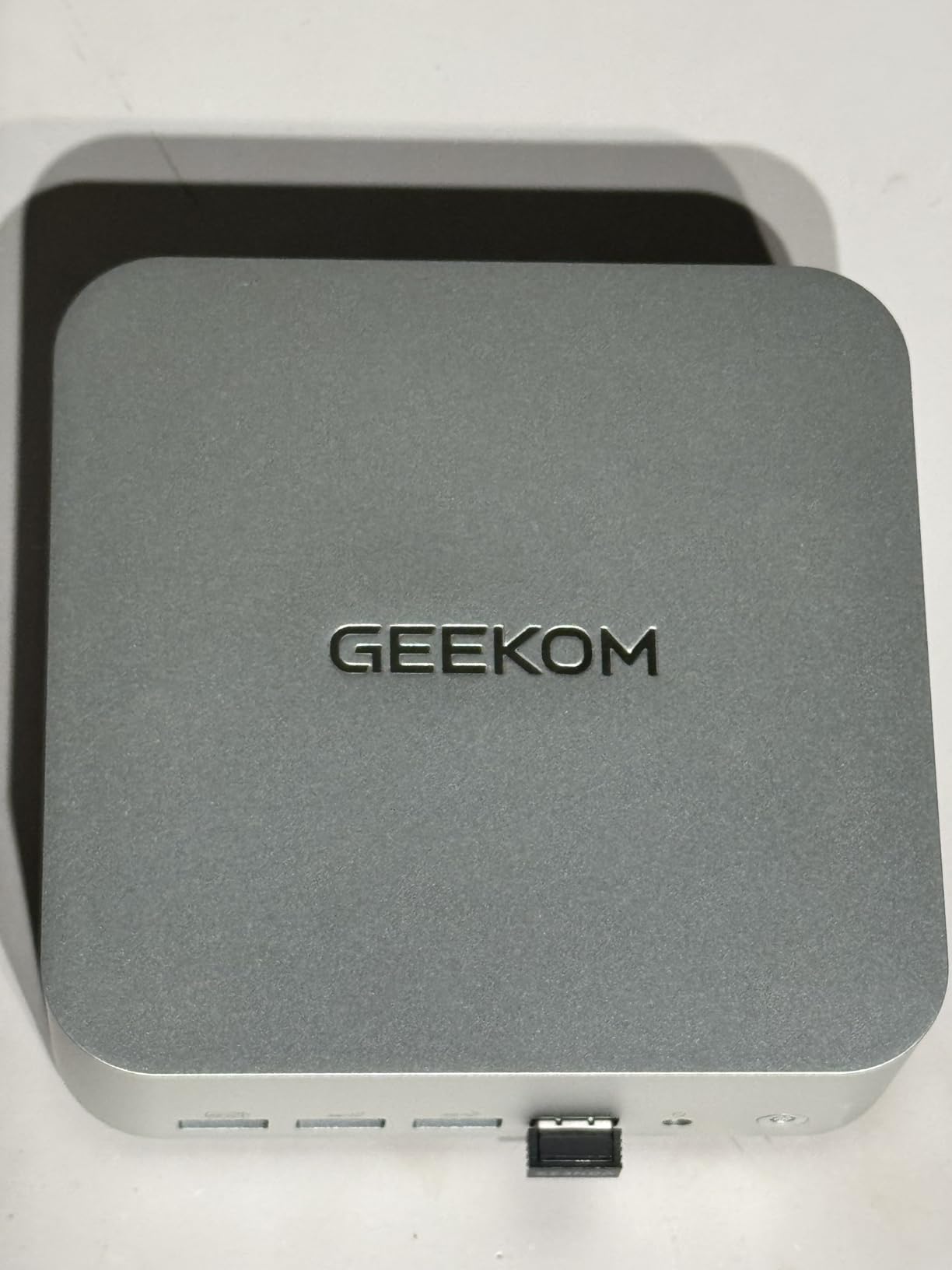
6. ACEMAGIC K1 7330U: Best for a One-Cable Desk
ACEMAGIC K1 7330U
Ryzen 3 7330U 4C/8T
16GB LPDDR4 fixed
256GB SSD to 2TB
Triple 4K output
Pros
- Built-in power supply means one cable to the desk
- Windows 11 Pro preinstalled and ready
- Quiet axial fan at light load
- VESA mount included for behind-monitor fitting
Cons
- 16GB of LPDDR4 is soldered and fixed
- Only 256GB of storage as shipped
- WiFi 5 and Bluetooth 4.2 are dated
Most mini PCs need a power brick on the floor. The ACEMAGIC K1 has its power supply built in, so one cable comes out of the back and that is the whole installation. For a reception desk, a meeting room or a tidy home office, that is a bigger daily quality-of-life difference than the spec sheet suggests.
Inside, the Ryzen 3 7330U is the same four-core Zen 3 chip as the KAMRUI Pinova P2, running 2.3GHz base to 4.3GHz boost at 28W. The vendor claims more than 28 percent higher performance than an Intel N150 and at least 40 percent better CPU performance than N95, N100 and 3300U parts.
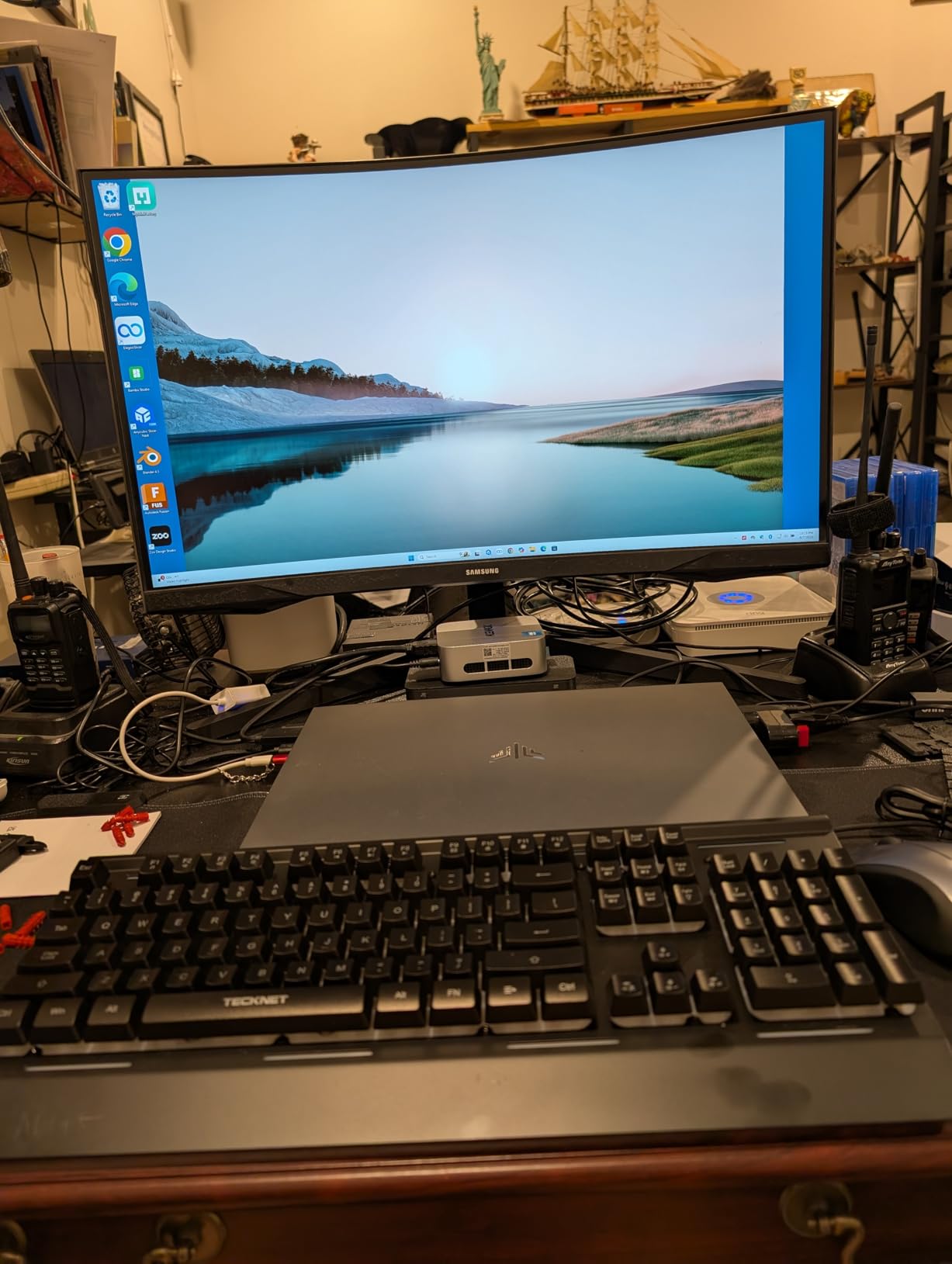
Display handling is a genuine strength. HDMI 2.0, DisplayPort 1.4 and a USB 3.2 Gen2 Type-C port with DisplayPort 1.4 give three simultaneous 4K outputs, and there are six USB 3.2 Type-A ports alongside them, which is more peripheral room than most competitors at this size.
The trade-offs buyers name are consistent. The 16GB of LPDDR4 at 3200MT/s is soldered, so it cannot grow, and the shipped 256GB M.2 2280 drive expands to 2TB with an additional M.2 drive. Wireless is the weak spot: WiFi 5 and Bluetooth 4.2 are a generation behind everything else in this list.
Set against the KAMRUI Pinova P2, which shares the processor, this machine wins on the built-in power supply and port count, and loses on the newer LPDDR4X memory and its VESA-friendly mounting. Against the ACEMAGIC K1 i5, the trade is four modern Zen 3 cores for twelve Intel ones, and modern graphics for old ones. If you compile or run containers, go Intel; if you write documents and run a front desk, this is the quieter answer.
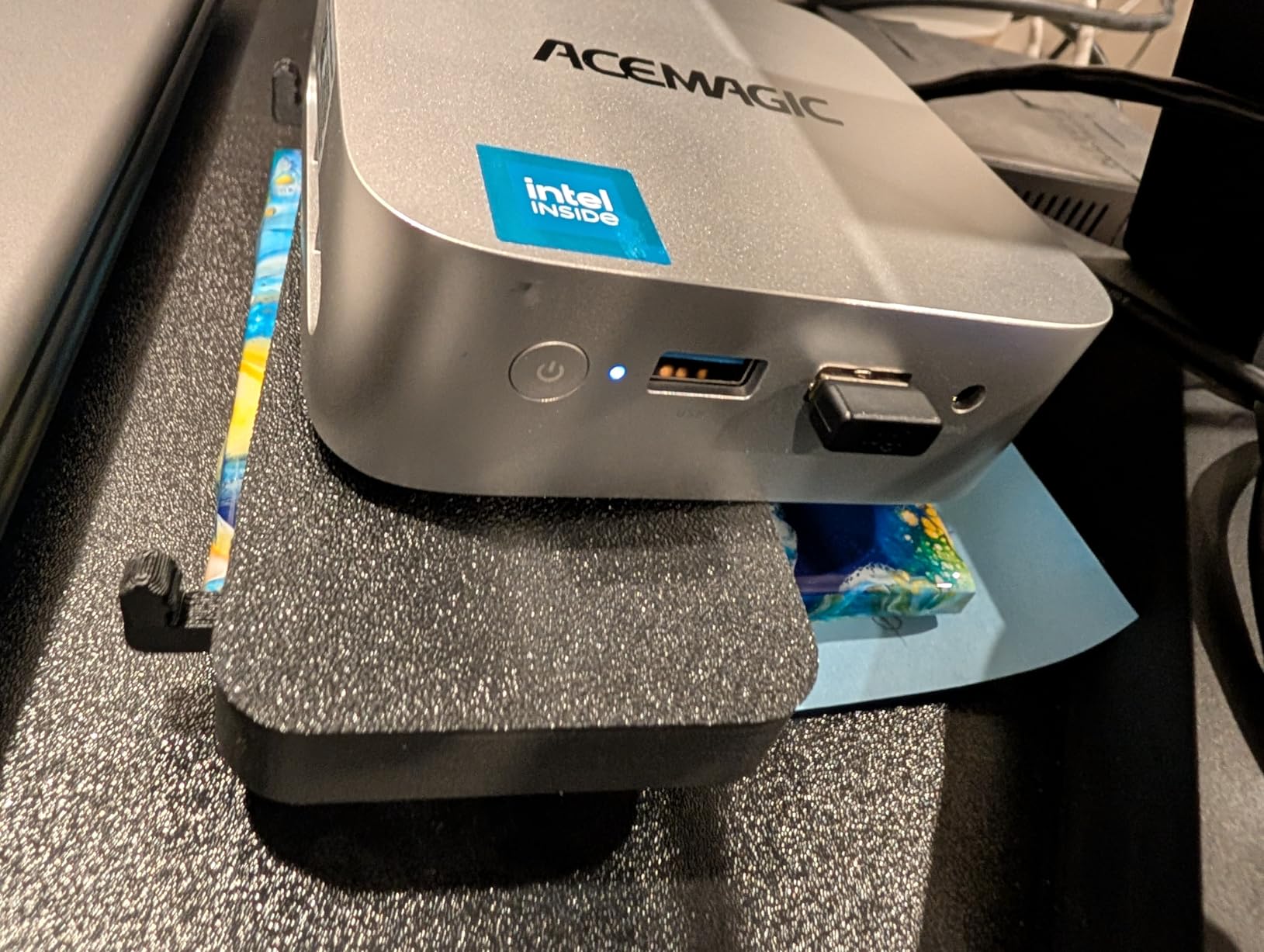
7. MINISFORUM AI X1 Pro: Best for an External GPU Later
MINISFORUM AI X1 Pro
Ryzen AI 9 HX 370 12C/24T
32GB DDR5 to 128GB
1TB across three M.2 slots
Quad 4K output
Pros
- Oculink port opens a real eGPU upgrade path
- Dual 40Gbps USB4 ports
- Removable DDR5 and a replaceable wireless card
- Independent CPU and SSD fans
- Quad 4K display support
Cons
- Oculink adapter occupies an M.2 storage slot
- BIOS omits legacy and PXE boot options
- Sealed screws make the chassis awkward to open
This is the machine to buy if you want to start small and add a real graphics card in two years. The Oculink port runs PCIe 4.0 x4 to an external enclosure, which is the bandwidth you need to make a mid-range desktop GPU feel connected rather than hobbled.
Underneath, the Ryzen AI 9 HX 370 provides twelve cores and twenty-four threads up to 5.1GHz with Radeon 890M graphics, and 32GB of DDR5 at 5600MHz is removable and upgradeable to 128GB. Storage starts at 1TB on PCIe 4.0 across three M.2 slots, and the wireless card is replaceable too.
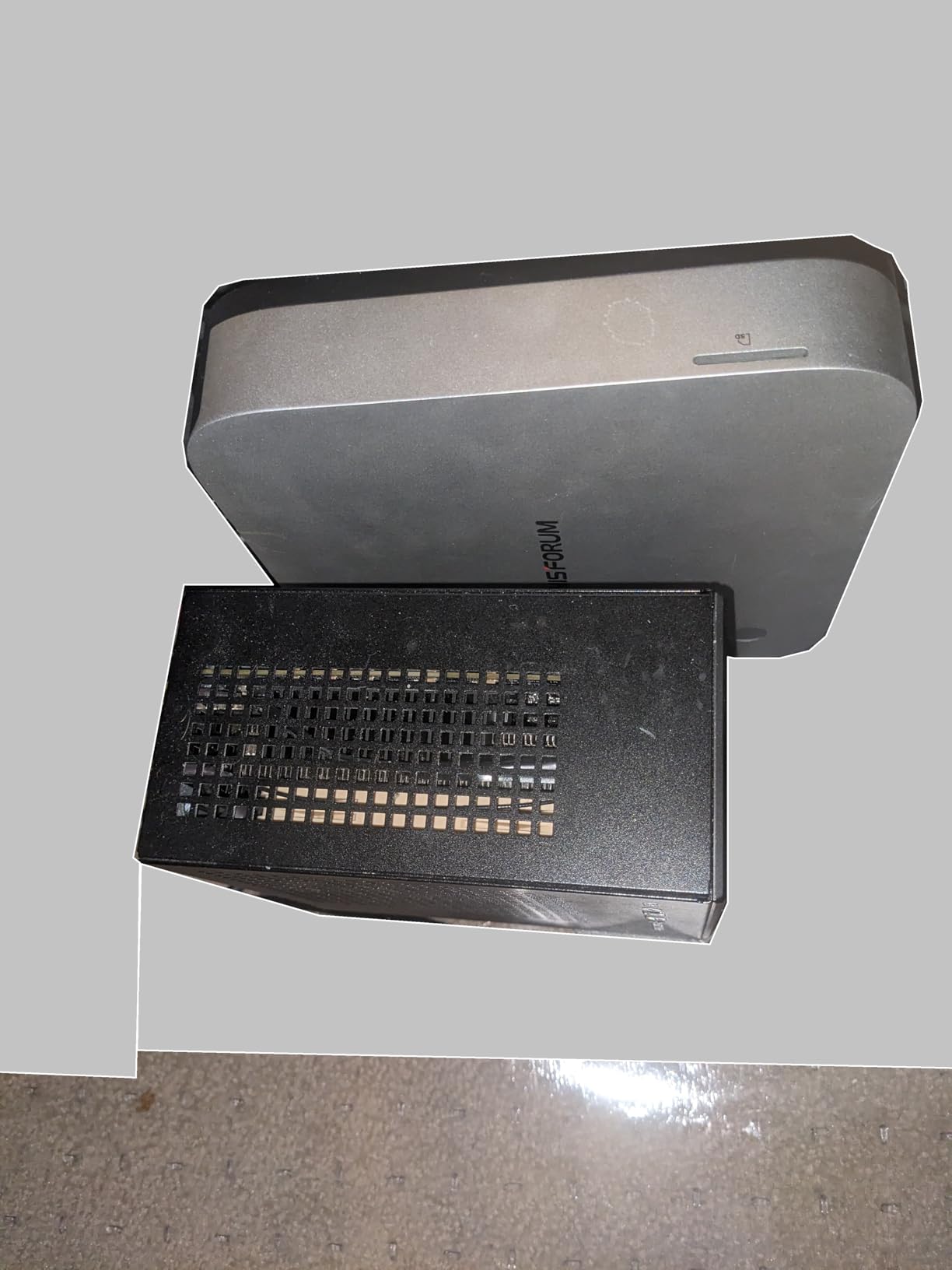
Owners praise the port selection: two USB4 ports at 40Gbps, HDMI 2.1, DisplayPort 2.0, ten USB ports in total, dual 2.5GbE that can be link-aggregated, WiFi 7 and Bluetooth 5.4. There is a fingerprint reader, dual noise-reduction microphones and built-in speakers, which matters more for calls than you would expect.
Now the honest part. Oculink here is an M.2 adapter card, so plugging in an external GPU uses one of the three storage slots, and no retention screw is included. The BIOS reportedly omits legacy boot and PXE boot configuration with no clear update path, documentation is thin, and the screws are sealed shut. Several owners also report fan noise rising within days on some models alongside slow support response.
Against the BOSGAME VTA-439, which offers a native Oculink implementation on PCIe 4.0 x4, this is the same general promise with more friction. Against the GEEKOM A9 Max, you trade the A9’s larger storage and metal chassis for USB4, speakers and a fingerprint reader. If the eGPU is the plan, this is the box to buy; if the built-in Radeon 890M is enough, the A9 Max is the smoother machine.
8. ACEMAGIC K1 i5: Best for Core-Heavy Multitasking
ACEMAGIC K1 i5
Core i5-12600H 12C/16T
16GB DDR4 to 64GB
512GB SSD to 4TB
Triple 4K output
Pros
- Twelve cores and sixteen threads for heavy multitasking
- Both RAM and storage expandable
- Three simultaneous 4K displays
- Windows 11 Pro preinstalled
- Quiet cooling for long sessions
Cons
- Intel UHD Graphics 630 is an older generation
- 1.0Gbps Ethernet is slower than 2.5GbE rivals
- Heavier and higher draw at 45W
When a workload cares about core count rather than graphics, this is the value answer. The Core i5-12600H gives twelve cores and sixteen threads running 2.7GHz base to 4.5GHz turbo with 18MB of cache, and it holds a 4.5 average across owner reviews, the joint highest in this group.
Memory is a step up from the soldered boards: 16GB of dual-channel DDR4 in two slots, expandable to 64GB. Storage is a 512GB PCIe SSD with a 2.5-inch bay that accepts drives up to 4TB, so this machine can carry a serious amount of data without a second box.
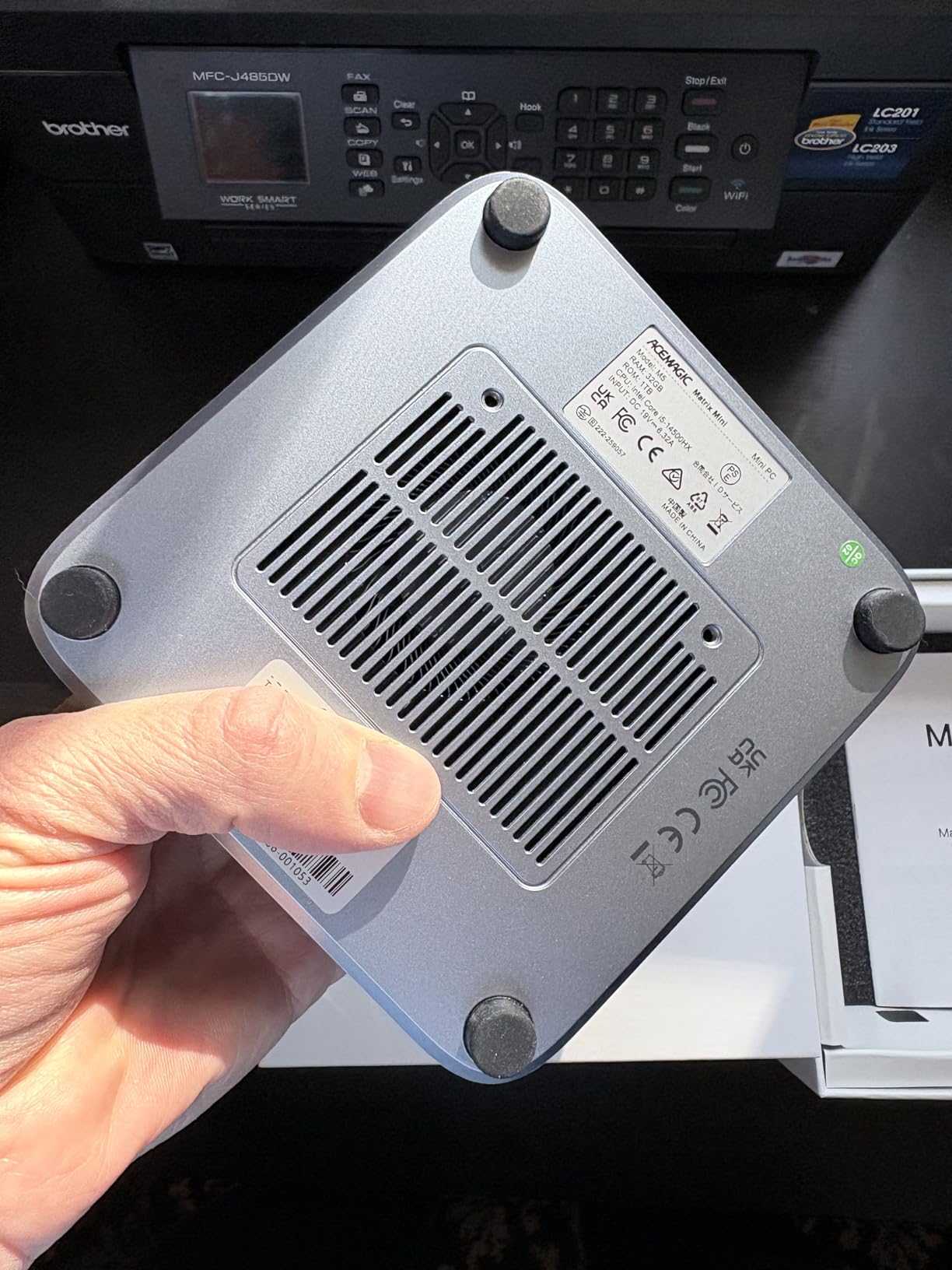
Video output runs three simultaneous 4K screens through HDMI, DisplayPort and USB-C, with six USB ports, Gigabit Ethernet, WiFi 6 and Bluetooth 5.2. Cooling is designed for near-silent running, which owners confirm for long work sessions, and Windows 11 Pro is preinstalled.
Two things hold it back. The graphics are Intel UHD Graphics 630, an older integrated solution that limits gaming and heavier video work compared with any of the Radeon parts here. And the networking is 1.0Gbps Ethernet, half the speed of the 2.5GbE ports on the GMKtec G11, which is a real limit for NAS and network storage work.
At 1kg and 45W, it is also among the heaviest and most power-hungry machines in this group. Compare it with the Beelink SER5, which covers similar ground with better graphics, 2.5G LAN and a three-year warranty, or with the GEEKOM A9 Max if your work involves virtual machines rather than office applications. For a developer who compiles all day, this Intel chip still has the edge on core count at this size.
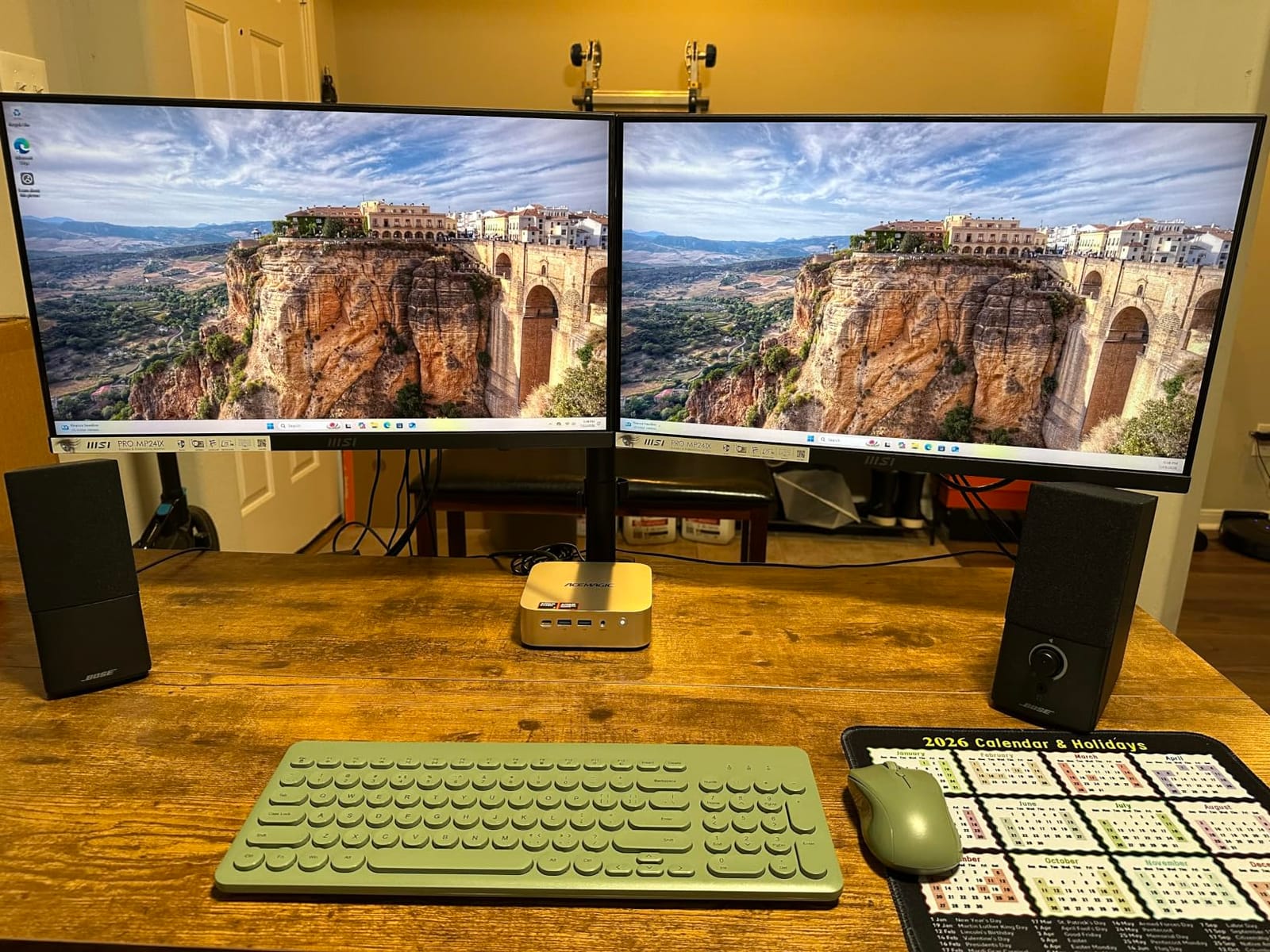
9. Bmax B3 Pro: Budget Pick for Office and Streaming
Bmax B3 Pro
Intel N4500 2C/2T
8GB LPDDR4
256GB SSD with dual M.2
Dual 4K at 60Hz
Pros
- Lowest running cost here at 6W of consumption
- Windows 11 Pro included out of the box
- Two HDMI 2.0 ports drive two 4K screens
- VESA mount included and 680g
- Storage expandable to 4TB
Cons
- Eight gigabytes of memory is a hard limit
- Only WiFi 5 and Bluetooth 5.0
- CPU is slower than every other pick here
The floor of this list. The B3 Pro draws 6W to run, which is the number that matters if you intend to leave it plugged in around the clock as a media server, a print-station companion or a dedicated machine for one app.
The Intel N4500 is a Jasper Lake part with two cores and two threads, 4MB of cache and burst up to 2.8GHz. The vendor quotes up to 36 percent overall improvement over N100, N5105, N5100 and N5095 parts, which is the comparison that matters since the N100 is the usual budget reference.
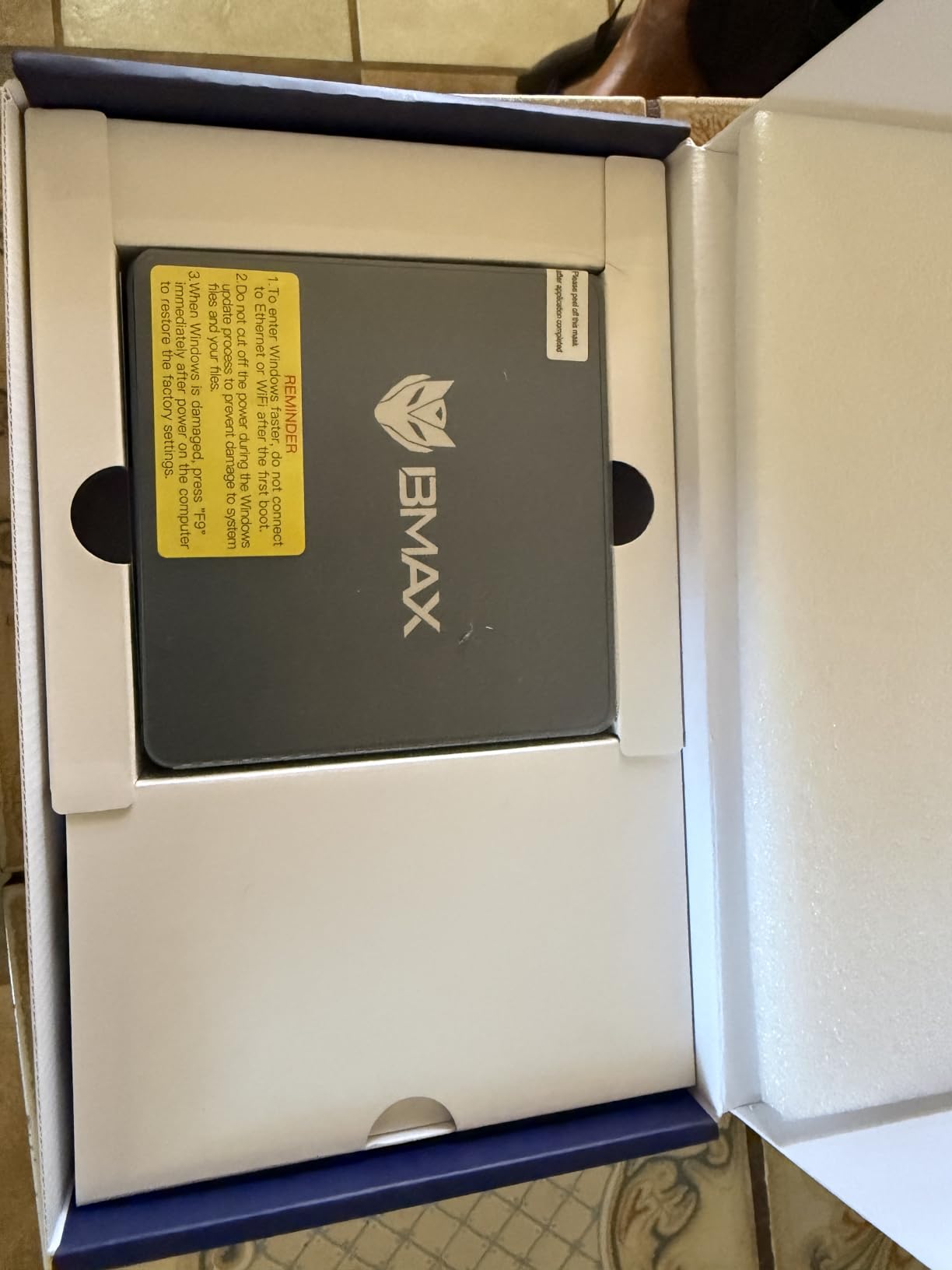
Memory is 8GB of LPDDR4 at 2133MHz and the listing shows it as non-upgradable, so treat 8GB as the ceiling. Storage is better: a 256GB M.2 2280 SSD with a second M.2 slot, one SATA and one NVMe, taking the total to as much as 4TB. The UHD graphics handle 4K playback and include AV1 decoding, which is genuinely useful on a modern streaming setup.
Output is two HDMI 2.0 ports at 4K 60Hz, alongside USB 3.0 at up to 5Gbps, a Type-C port, a 3.5mm jack and a microSD slot. Networking is Gigabit Ethernet with WiFi 5 and Bluetooth 5.0, and there is a microphone, speakers, auto power on and wake on LAN. A VESA mount is in the box.
Be realistic about the class. Owners buy it for browsing, Office, printing and HTPC duty, and the reviews are clear that the two-core chip and 8GB of memory handle only routine tasks. Compared with the Beelink SER3, which costs a little more, you get four threads instead of two, 16GB instead of 8 and a three-year warranty. If the machine will run all day, the running-cost saving still makes this one worth considering.
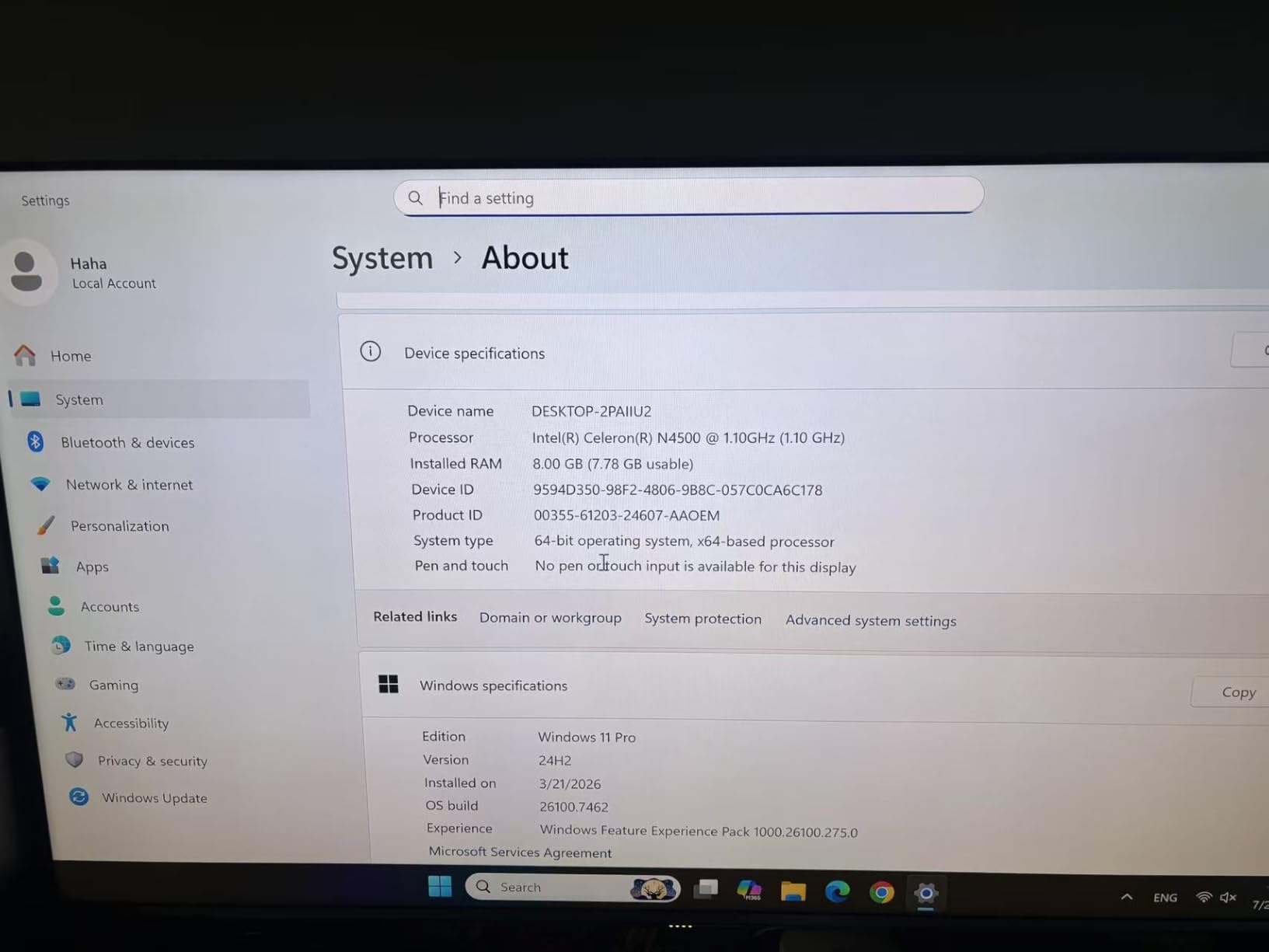
10. BOSGAME VTA-439: Best for High-Refresh 4K Monitors
BOSGAME VTA-439
Ryzen AI 9 HX 470 12C/24T
32GB DDR5 to 256GB
1TB across three Gen4 slots
Quad 4K with 144Hz
Pros
- Four displays with HDMI and DisplayPort at 4K 144Hz
- 32GB DDR5 expandable to 256GB
- Three PCIe Gen4 M.2 slots plus Oculink eGPU
- Windows 11 Pro with no bloatware
- Dual 2.5GbE LAN and WiFi 7
Cons
- Shorter review history than the other picks
- Needs a 120W external power adapter
- No built-in speakers
If you own a 4K monitor that runs at 144Hz, this is the only machine here that can feed it properly. HDMI 2.1 and DisplayPort 1.4 both carry 4K at 144Hz, and USB4 handles 8K at 60Hz, with four independent displays supported in total.
The Ryzen AI 9 HX 470 here is Zen 5 silicon with twelve cores and twenty-four threads from 2.0GHz up to 5.2GHz, paired with Radeon 890M graphics using RDNA 3.5 and sixteen compute units at up to 3100MHz. Total AI performance is quoted at 86 TOPS with a 55 TOPS XDNA 2 NPU.
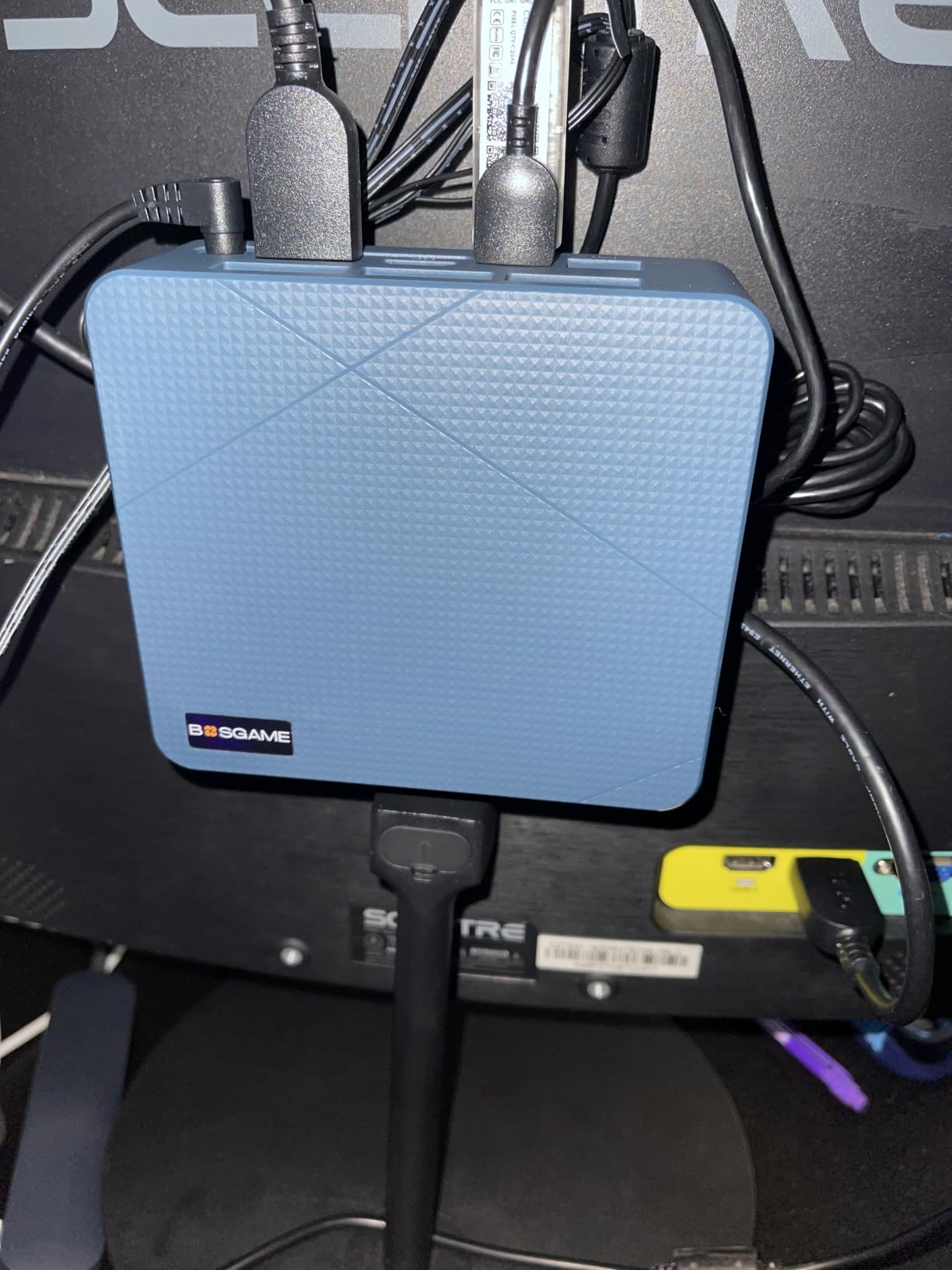
Memory and storage headroom is the strongest specification in the group. The 32GB of DDR5-5600 sits in two slots and expands to 256GB, and there are three PCIe Gen4 M.2 slots holding 1TB as shipped. Oculink on PCIe 4.0 x4 gives you a native external GPU route without sacrificing a storage slot, which is where this beats the MINISFORUM.
Networking is dual 2.5GbE with WiFi 7 and Bluetooth 5.4, six USB ports including a 40Gbps USB4, and Windows 11 Pro preinstalled with no bloatware. The warranty is a one-year machine warranty and a three-year parts warranty, with lifetime technical support listed.
Two things to weigh. The review base is 226, a fraction of the 2,000-plus behind the picks at the top of this list, so the long-term reliability record is less established. And at 765g it is light for the hardware inside, but it needs a 120W external adapter rather than a built-in supply, with no built-in speakers either. Against the GEEKOM A9 Max, which shares the same processor, you get more RAM headroom, a native Oculink port and the 144Hz outputs here, in exchange for less storage out of the box and the shorter warranty.
How to Choose a Mini PC During Prime Big Deal Days
Processor Performance and Workload Capacity
Match the core count to the work, not to the marketing. Two cores such as the N4500 inside the Bmax B3 Pro handles documents, browsing and streaming, while four Zen 3 or eight-thread parts such as the KAMRUI Pinova P2 chip handle heavy multitasking. Six cores covers most office workloads with headroom, and twelve-core parts such as the GEEKOM A9 Max chip are for virtual machines, development builds and video timelines.
Operating System and Software Compatibility
Windows 11 Pro arrives preinstalled on the GMKtec G11, the ACEMAGIC K1s and the Bmax B3 Pro, so nothing needs adding before the first boot. Every pick here runs standard Windows software without modification, and the AMD platforms in the group pair cleanly with Linux if you want to repurpose one as a server. Check the listing wording before checkout, because variants of the same model can ship with different memory and storage descriptions.
Memory and Storage Configuration
Soldered memory is the single most common regret in this category, so check it before you buy. The Beelink SER5 reaches 64GB and the ACEMAGIC K1 i5 reaches 64GB because the memory sits in slots, while the 16GB in the KAMRUI Pinova P2, the ACEMAGIC K1 7330U and the Bmax B3 Pro is fixed. Storage is easier to fix later, since most of these chassis have a second M.2 slot.
Connectivity and Display Support
Count your monitors and ports against the spec sheet. Triple 4K is common on the GMKtec G11, KAMRUI Pinova P2, Beelink SER5 and both ACEMAGIC K1s, the Beelink SER3 stops at two displays, and the GEEKOM A9 Max and BOSGAME VTA-439 go to four. For network storage, dual 2.5GbE on the GMKtec G11, MINISFORUM AI X1 Pro and BOSGAME VTA-439 is the feature that matters; the ACEMAGIC K1 i5 is 1.0Gbps.
Size, Power Use and Everyday Noise
Dimensions range from the GMKtec G11 at 4.48 by 4.17 by 1.67 inches and 361g to the 5-inch-square ACEMAGIC and KAMRUI boxes, and several of these models include a VESA mount in the box so they can sit behind a screen. Power draw runs from 6W on the Bmax B3 Pro to 65W on the MINISFORUM AI X1 Pro, and the loudest fans appear under sustained load rather than at idle.
How to Shop Mini PC Deals During the Sale
Read the model number before the marketing name, because brands reuse series names across years and an older chassis can carry a current listing title. Check what is in the box, particularly whether Windows is included and whether the VESA mount and power adapter ship with the unit. Note whether the seller is the brand itself or a marketplace store, since that changes who handles the warranty. Most offers also require a Prime membership, and deal prices move through the event, so verify the current figure at checkout rather than trusting a cached page.
- Confirm the processor model and the memory type, since soldered and slotted memory look identical in a listing photo.
- Verify how many display outputs you need against the port list before committing to a two-output model.
- Check the number of M.2 slots if you plan to add storage, and whether a second slot is SATA or NVMe.
- Look at the warranty length, which ranges from one year to three years across these picks.
- Read the one-star reviews for the specific model you are buying, not the brand average.
- Confirm the current price at the button, since sale figures change during the event.
Frequently Asked Questions
When do the best Amazon Prime Big Deal Days Mini PC deals start, and is Prime required?
Prime Big Deal Days runs October 6-7, 2026, and most offers require a Prime membership. A free trial counts, so you can join shortly before the event and cancel after. A few offers run without Prime, but the larger reductions are usually tied to membership.
Is a Windows mini PC better than a barebones mini PC for everyday use?
For most people, yes. Every mini PC in this roundup ships with Windows 11 or Windows 11 Pro already installed, so it works out of the box with your usual software. A barebones unit is cheaper but needs an operating system installed before it does anything, which is extra cost and setup for a first-time buyer.
Can these mini PCs handle office work, creative software and development tools?
Yes, on the models with 16GB of memory or more and a quad-core or better processor. Office, browser work and mainstream creative tools run comfortably on the KAMRUI Pinova P2, the Beelink SER5 and the ACEMAGIC K1 models. Heavy timelines, local AI and virtual machines are better served by the 12-core GEEKOM A9 Max, MINISFORUM AI X1 Pro and BOSGAME VTA-439.
How much RAM and storage should I look for in a mini PC?
Look for at least 16GB of memory and 512GB of storage for general office use over a few years. Check whether the memory is soldered, because models like the Bmax B3 Pro with 8GB cannot be upgraded later. A 256GB drive fills quickly, so prefer a chassis with a second M.2 slot if you keep large files.
Are mini PCs suitable for gaming, and what specifications matter?
For light 1080p gaming, the newer Radeon 890M integrated graphics in the GEEKOM A9 Max, BOSGAME VTA-439 and MINISFORUM AI X1 Pro manage playable frame rates at optimised settings. The older Radeon Vega parts and Intel UHD Graphics 630 are fine for streaming and esports titles but not for modern AAA games at high settings.
Can I upgrade the memory and storage in a mini PC?
Storage usually, memory sometimes. Most of these chassis have a second M.2 slot and some add a 2.5-inch bay, so drives are straightforward to add. Memory can only grow where it sits in slots, as on the Beelink SER5, the Beelink SER3 and the ACEMAGIC K1 i5, and is permanently fixed on the KAMRUI Pinova P2, the ACEMAGIC K1 7330U and the Bmax B3 Pro.
Final Verdict: Best Amazon Prime Big Deal Days Mini PC Deals
The GMKtec G11 is the one to watch first during the sale. Dual 2.5GbE ports, triple 4K output, a Windows 11 Pro licence and the longest review history in the group make it the safest all-round buy, and it is our Editor’s Choice for a reason.
If your desk is small and you want three screens without a dock, the KAMRUI Pinova P2 is the value pick, accepting soldered 16GB as the price. If you expect to add memory and drives, the Beelink SER5 is the one built for that, with 64GB of RAM headroom and a three-year warranty.
For a quiet one-cable business desk, the ACEMAGIC K1 7330U. For twelve-core work, virtual machines and local AI, the GEEKOM A9 Max as the premium pick, with the BOSGAME VTA-439 for 4K at 144Hz and native Oculink. For a discrete GPU later, the MINISFORUM AI X1 Pro, knowing the adapter uses a storage slot. For Intel-heavy multitasking, the ACEMAGIC K1 i5. For a second machine or a media box, the Beelink SER3, and at the very bottom, the Bmax B3 Pro as the budget pick at 6W.
Check the current figure at each button, confirm the memory type before you commit, and buy the model that matches your actual monitor count rather than the fastest chip in the list.