

The Kindle Paperwhite 16GB is the e-reader worth watching most closely during Prime Big Deal Days, because it is the one model almost every reader ends up wanting: a 7-inch glare-free display, an adjustable front light that runs from white to amber, and up to 12 weeks of battery on one USB-C charge. Owners rate it 4.6 out of 5 across more than 23,000 reviews, and nothing else in the Kindle range matches that combination of screen quality, endurance and price.
Two alternatives suit different readers. The Paperwhite Signature 32GB adds an auto-adjusting front light, 32GB of storage and wireless charging for anyone who reads in changing light. The base Kindle 16GB is the lighter, smaller option for people who want a pocket-sized reader and will not miss a warm light setting.
Amazon Prime Big Deal Days runs October 6-7, 2026, and most offers need a Prime membership. Kindle prices move through the event, so treat everything below as the models to watch rather than a fixed price list.
Table of Contents
Our Top 3 Picks for Best Amazon Prime Big Deal Days Kindle Deals
Three devices cover most shopping lists this October. The Paperwhite 16GB is the safe buy, the Signature 32GB is the step-up, and the base Kindle 16GB is the small one.

Kindle Paperwhite 16GB
- 7-inch glare-free display
- Up to 12 weeks of battery
- White-to-amber front light
- 16GB storage

Paperwhite Signature 32GB
- Auto-adjusting front light
- 32GB storage
- Wireless charging
- Up to 12 weeks of battery

Kindle 16GB
- 6-inch glare-free display
- Up to 6 weeks of battery
- 16GB storage
- Lightest Kindle
The Paperwhite 16GB wins on the plain evidence: the highest review count in the range, page turns described as 25% faster than the previous generation, and a display most owners say stays readable in direct sun. Pick the Signature if you read in bed and on planes and never want to touch the light again, and pick the base Kindle if your hand closes around something smaller.
Best Amazon Prime Big Deal Days Kindle Deals Compared
Every model below is listed in ranked order, with the same fields for each so the differences are easy to scan.
| Product | Specifications | Action |
|---|---|---|
| Kindle Paperwhite 16GB |
|
Check Deal Price |
| Paperwhite Signature 32GB |
|
Check Deal Price |
| Kindle 16GB |
|
Check Deal Price |
 Kindle Fabric Case Kindle Fabric Case |
|
Check Deal Price |
 Kindle Scribe 64GB Kindle Scribe 64GB |
|
Check Deal Price |
 Kindle Colorsoft 16GB Kindle Colorsoft 16GB |
|
Check Deal Price |
 Colorsoft Signature 32GB Colorsoft Signature 32GB |
|
Check Deal Price |
 Scribe Colorsoft 32GB Scribe Colorsoft 32GB |
|
Check Deal Price |
 Paperwhite Kids 16GB Paperwhite Kids 16GB |
|
Check Deal Price |
 Colorsoft Kids 16GB Colorsoft Kids 16GB |
|
Check Deal Price |
Storage runs from 16GB on the base Kindle to 64GB on the Scribe, and battery claims range from six weeks on the smallest model to twelve on the Paperwhite pair. Only two models in this list are color screens, and one of them is the only accessory.
How We Chose
Every Kindle here was compared on the specs that actually decide a purchase: screen size and type, storage, front light, battery life, format support and what the box includes. Alongside those numbers we read the owner reviews and ratings on Amazon, since the recurring complaints in reviews are more useful than the marketing line. Specs, ratings and review counts were checked in October 2026.
1. Kindle Paperwhite 16GB: The Editor’s Choice
Amazon Kindle Paperwhite 16GB (newest model) – 20% faster, with new 7″ glare-free display and weeks of battery life – Black
Type: E-reader
Standout: 7-inch glare-free display with 12-week battery
Pros
- 25% faster page turns than the previous Paperwhite
- Higher contrast display that reads well in sunlight
- Front light adjusts from white to amber
- Weeks of battery per charge
- Light enough for long sessions
Cons
- No third-party reading apps such as Libby
- Side power button is easy to brush by accident
- Occasional technical glitches reported
This is the Kindle most people should buy, and the one to watch hardest during the sale.
Owners describe the display as the best all-round in the range, with a higher contrast ratio than the model it replaced and no glare when a window is behind you. Page turns are reported as 25% faster, which sounds minor until you have read three chapters in a waiting room.
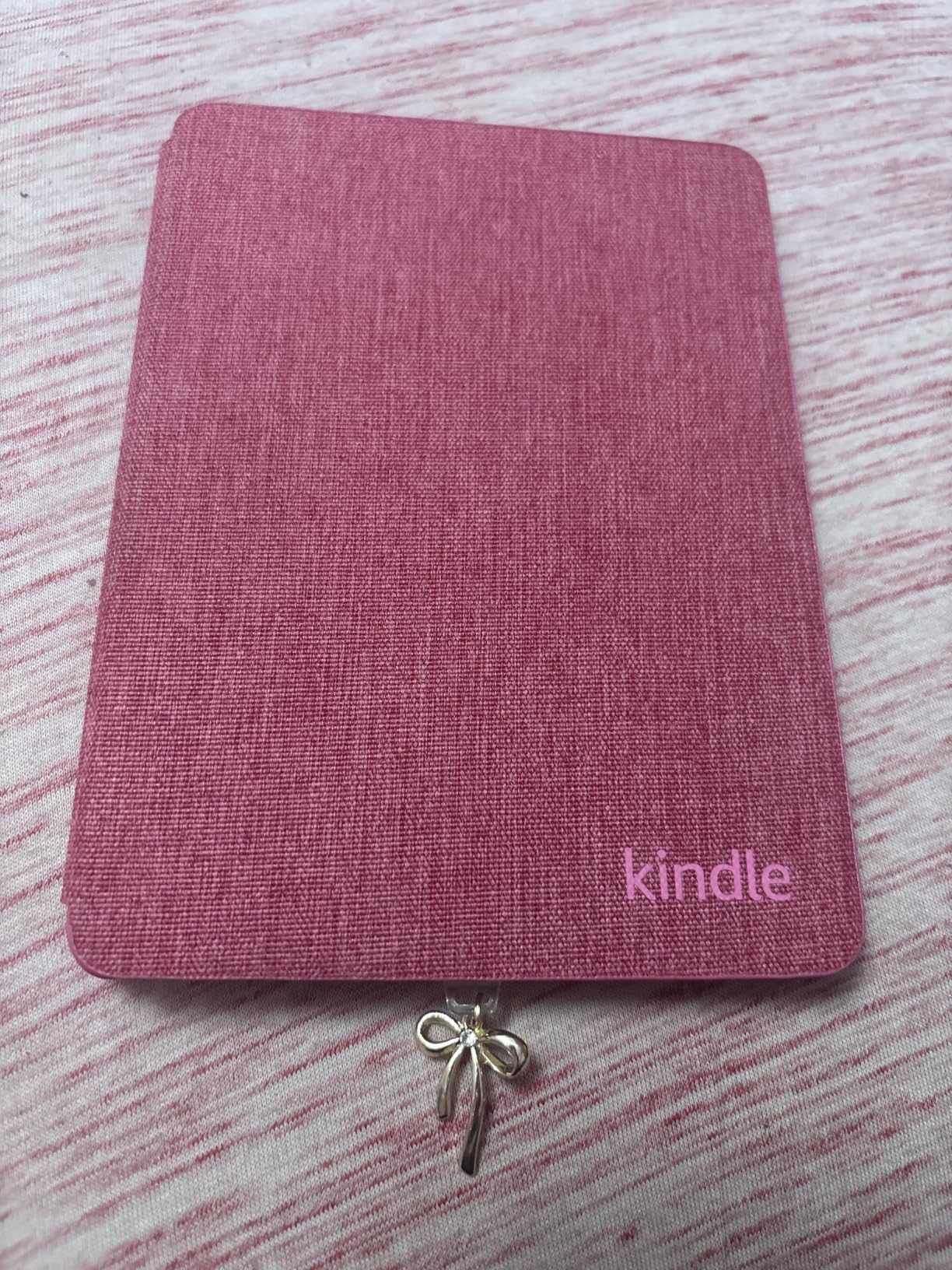
Battery is the quiet advantage. With up to 12 weeks on a single USB-C charge, most people charge it monthly, and a few never think about charging at all. The adjustable front light runs white to amber, which matters more in a bed than any spec sheet suggests.
The trade-offs owners report are small. There is no support for third-party reading apps like Libby directly on the device, and the side-mounted power button gets caught when you shift your grip. A few reviewers also mention rare technical glitches, though the volume is low against 23,000-plus reviews.
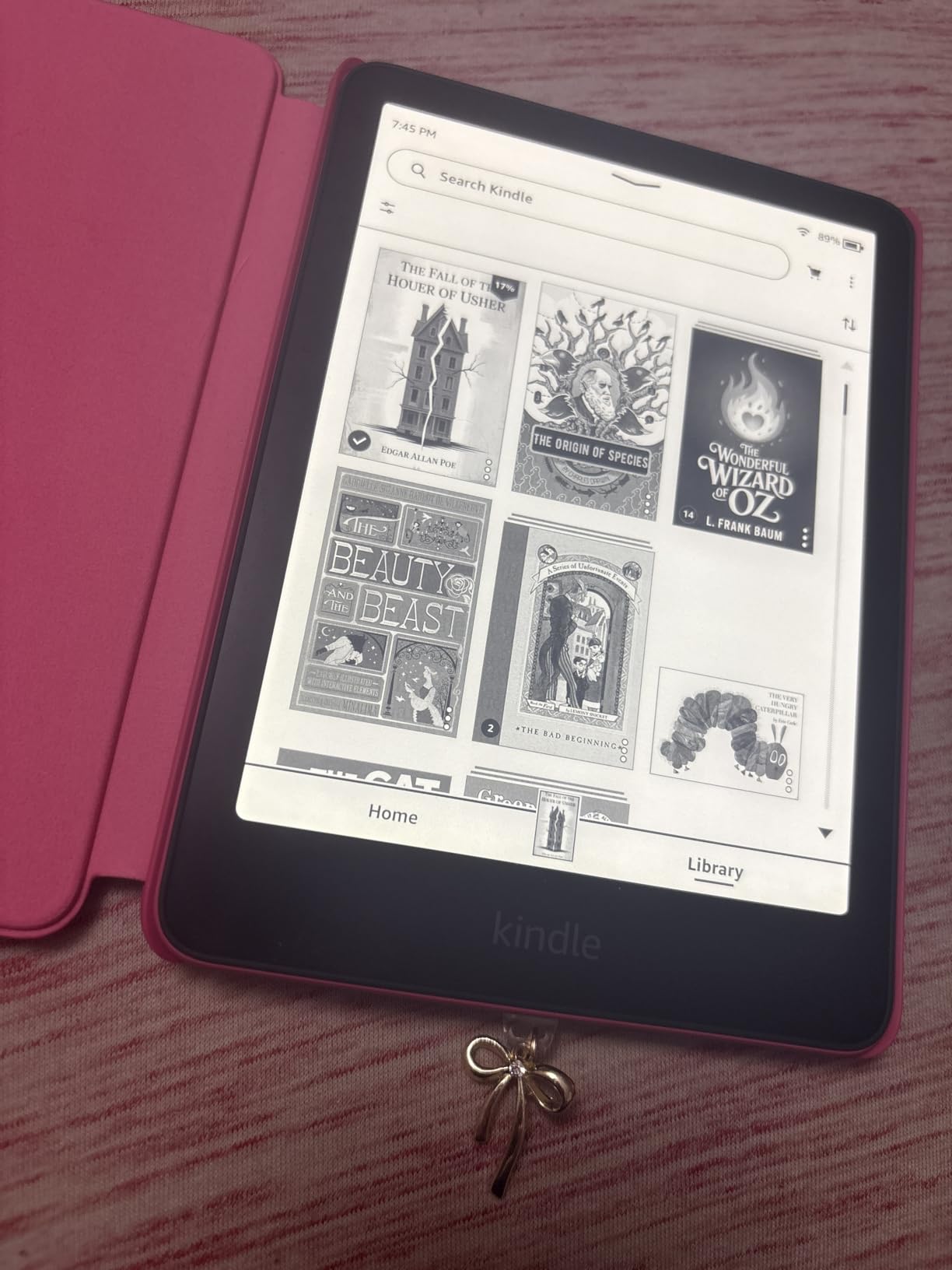
Compared with the Paperwhite Signature 32GB, you give up auto-adjusting light, extra storage and wireless charging. Compared with the base Kindle 16GB, you gain the warm light, waterproofing and a larger screen. That middle position is why it leads this list.
Good to know: this is the 2024 Paperwhite, and the 2024 generation is what the fabric case in section four fits.
2. Paperwhite Signature 32GB: Best for Auto-Adjusting Light
Amazon Kindle Paperwhite Signature Edition 32GB (newest model) – 20% faster with auto-adjusting front light, wireless charging, and weeks of battery life – Metallic Black
Type: E-reader
Standout: Auto-adjusting light with 32GB and wireless charging
Pros
- Front light adjusts automatically and warms for night reading
- Fast page turns with no ghosting or lag
- 32GB holds a very large library
- Wireless charging dock works smoothly
- Metallic finish and light weight
Cons
- No built-in speakers for audiobooks
- Auto brightness still sometimes needs a manual nudge
- Extra storage and charging are not essential for most readers
Best for anyone who reads at more than one time of day and does not want to manage the light themselves.
The Signature tier exists for a short list of reasons and this model delivers all of them: an auto-adjusting front light, 32GB of storage, and support for wireless charging through a dock sold separately. The display itself is the same 7-inch Paperwhite panel, with page turns reported as 20% faster and 25% quicker than the older generation.
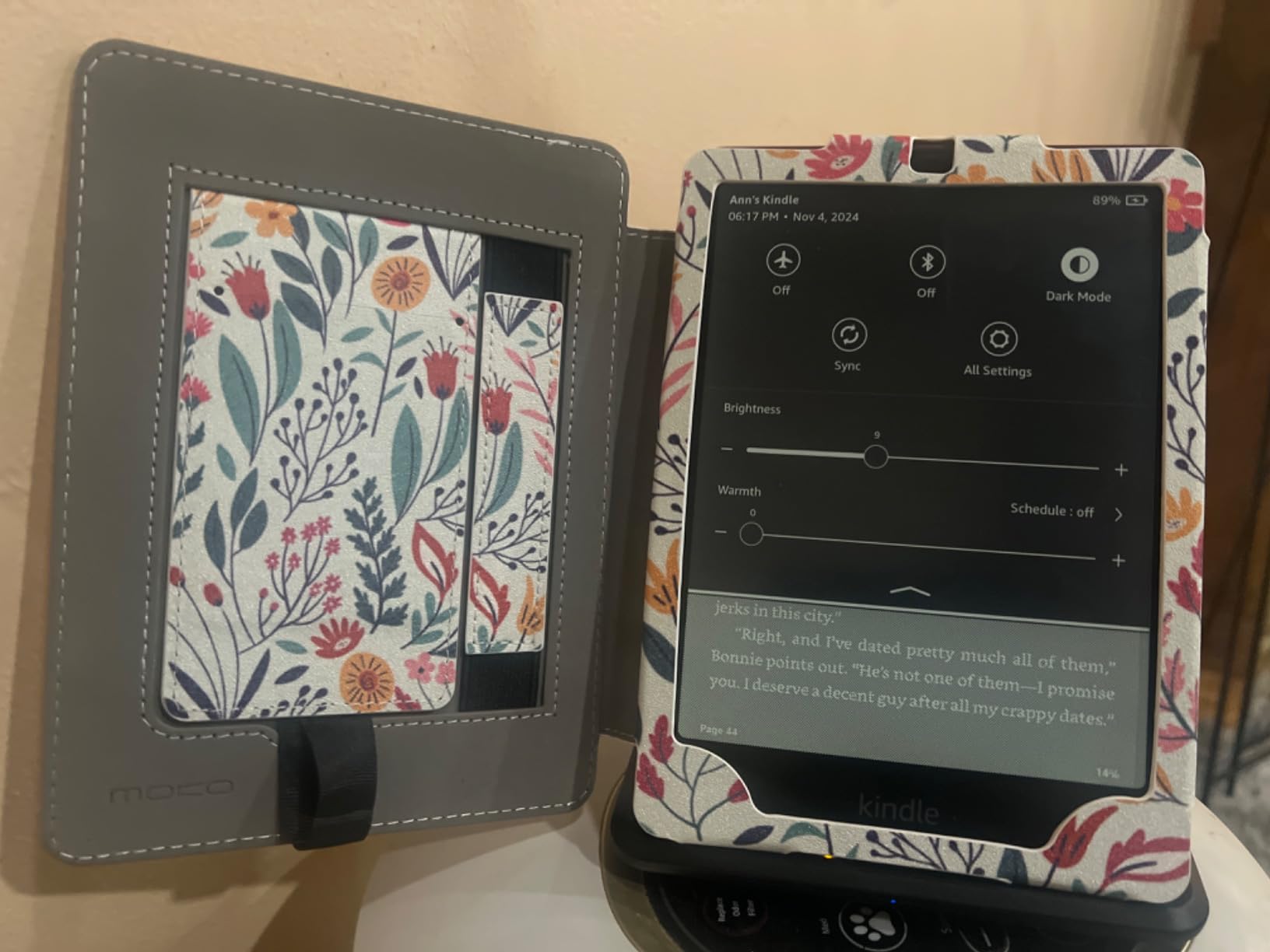
Owners single out the warm tone for bedtime sessions and the auto light for daylight reading without hunting for the brightness slider. Performance is consistently described as responsive, with no lag between a tap and the page change.
The honest criticism from reviews: the auto brightness still asks for a manual adjustment now and then, and there are no built-in speakers if your library is audiobooks. Several owners also say plainly that the extra storage and wireless charging are not essential for everyday reading, which is a fair read if you buy and delete as you go.
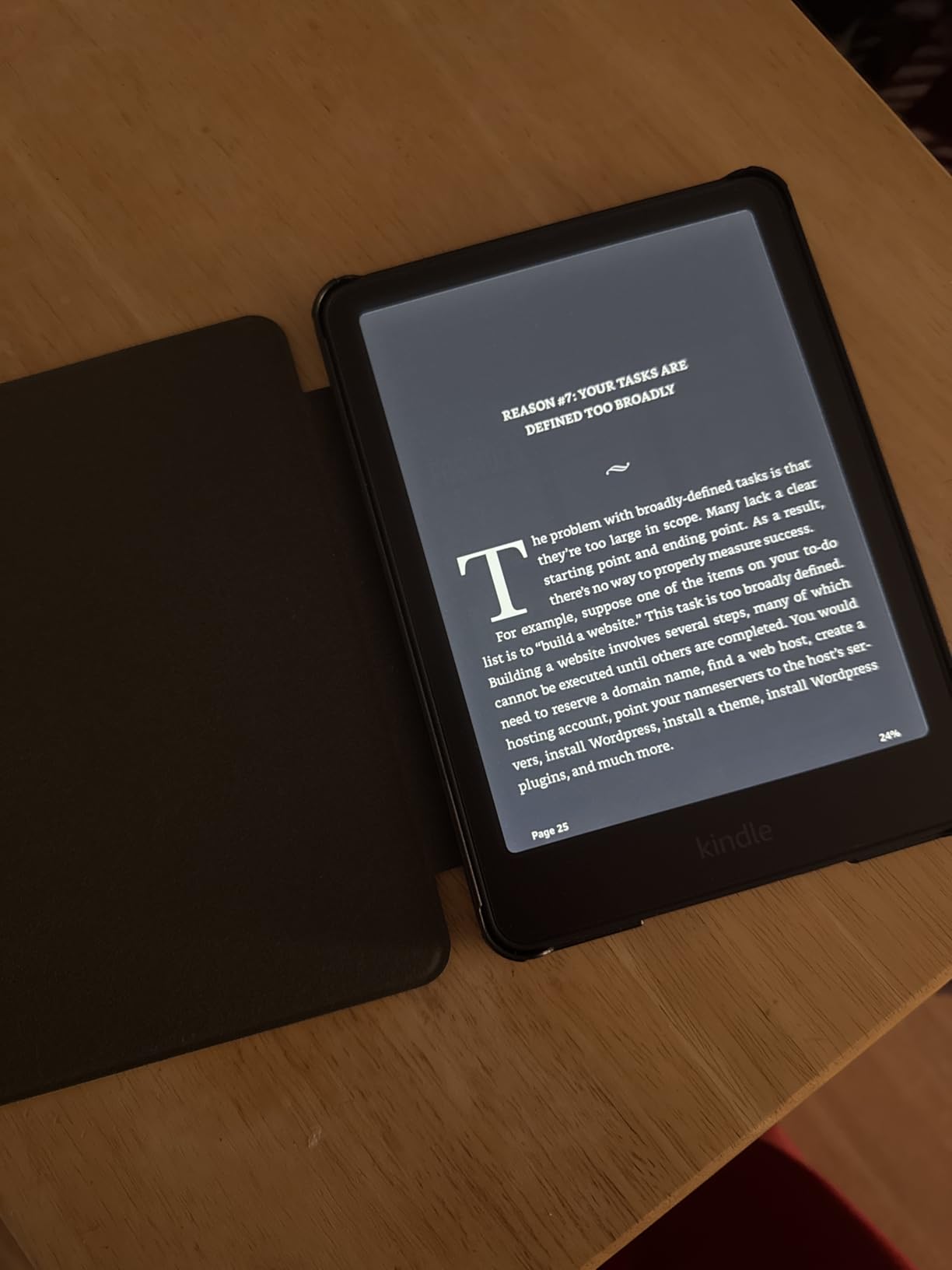
The Paperwhite 16GB does the same job for less money. Choose the Signature when storage fills up, when you read in planes and dim rooms, or when you want a device you can drop on a charging stand without plugging anything in.
3. Kindle 16GB: The Most Versatile
Amazon Kindle 16 GB (newest model) – Lightest and most compact Kindle, now with faster page turns, and higher contrast ratio, for an enhanced reading experience – Black
Type: E-reader
Standout: Lightest and most compact Kindle with a 6-inch display
Pros
- Smallest and lightest Kindle in the range
- Fast page turns for its size
- Up to 6 weeks of battery per charge
- 16GB holds thousands of books
- Matte finish feels more expensive than it is
Cons
- Front light is cool white only with no amber setting
- Not waterproof
- Back plastic scratches without a case
- Touch sensitivity can overshoot pages
The cheapest way into the Kindle range, and the easiest to live with on a commute.
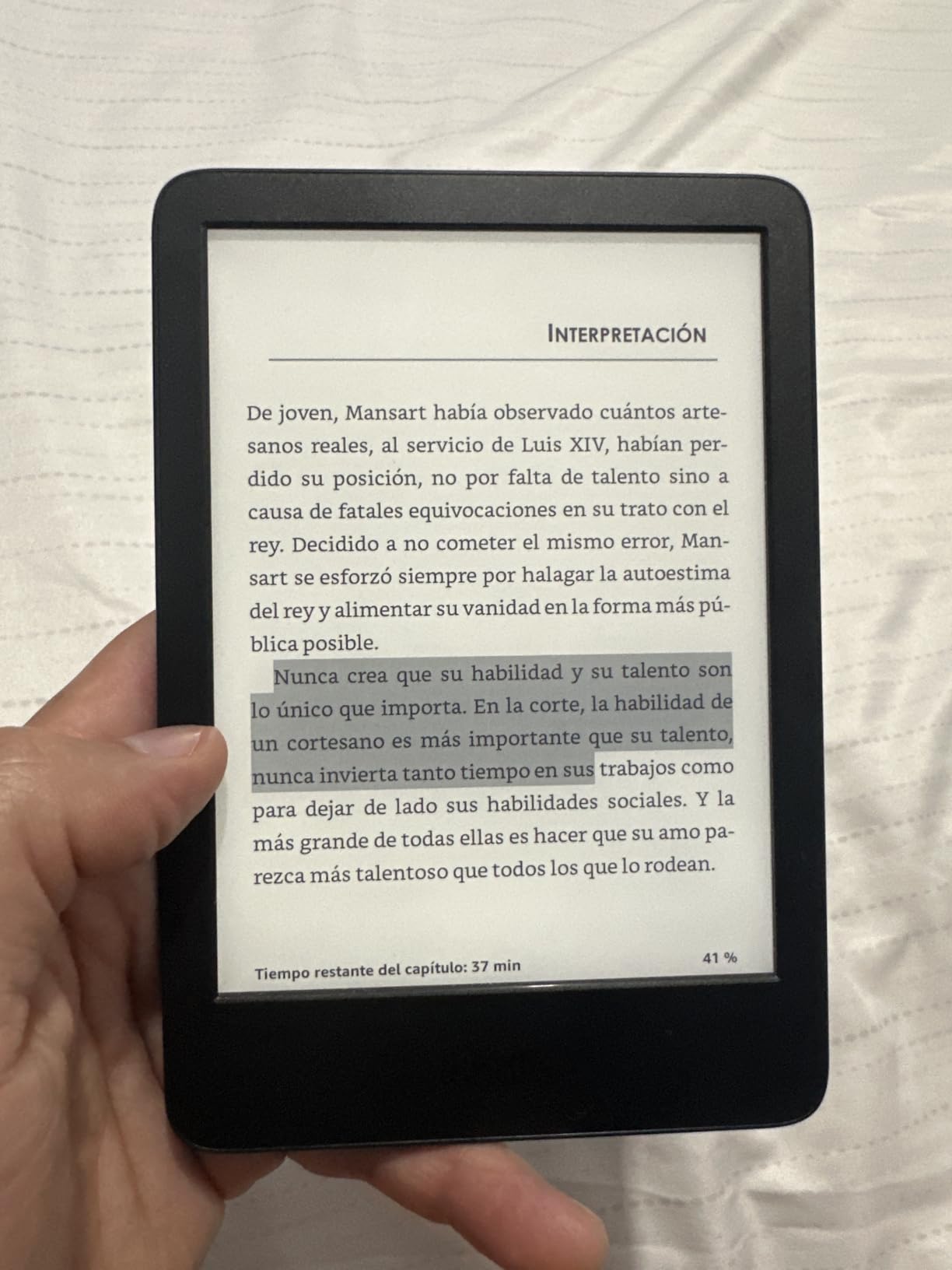
At 6 inches this is the model people slip into a coat pocket or a small bag and forget about. Owners call it the lightest and most compact Kindle, and they note the newer panel brings a brighter front light and a higher contrast ratio than the version it replaced, plus faster page turns.
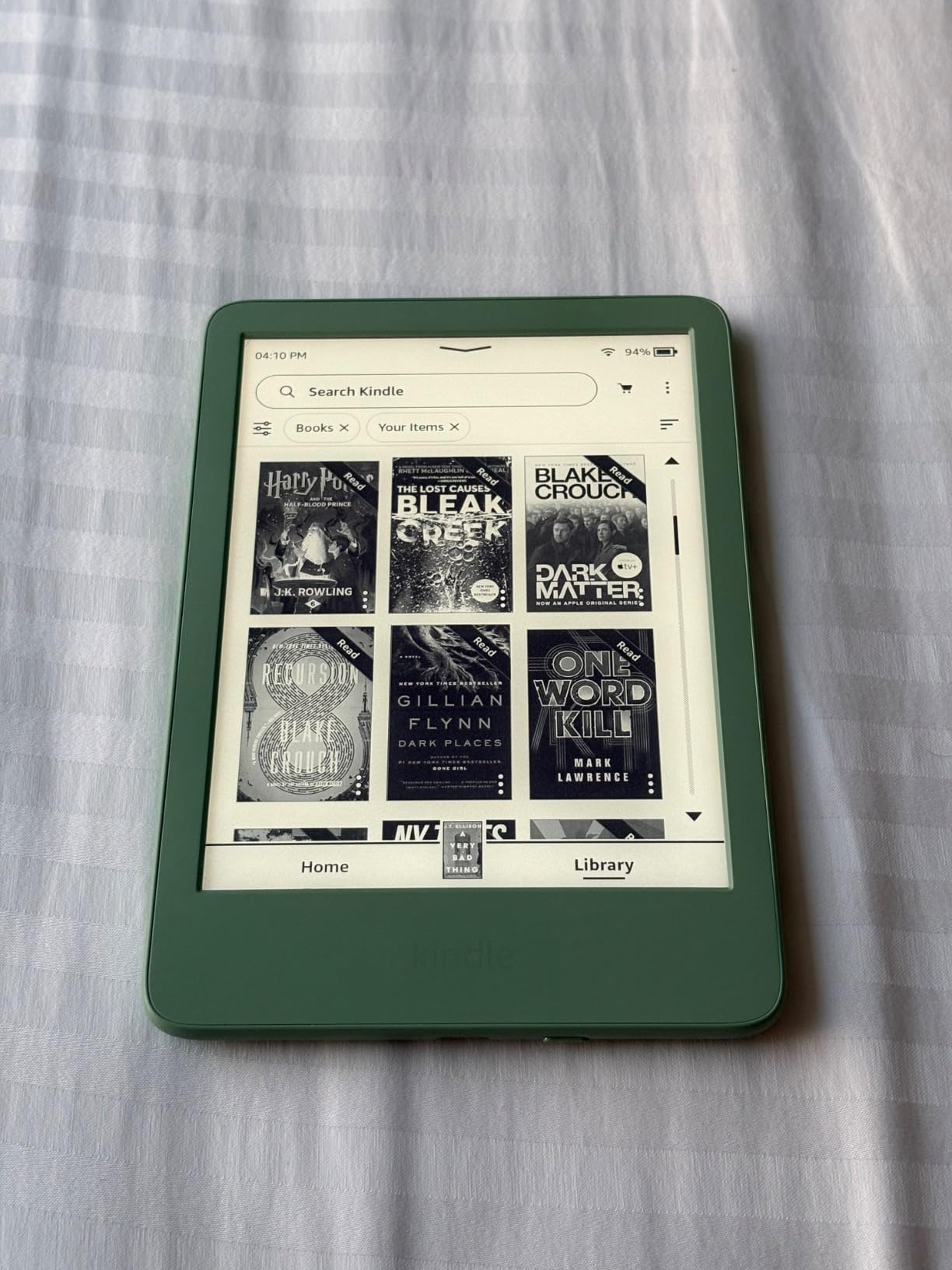
Battery life is quoted at up to 6 weeks per charge, which for a nightly reader means charging it every month or two. Storage of 16GB holds thousands of books, and the device is built with 75% recycled plastics and 90% recycled magnesium, which is worth knowing if recycled materials matter to you.
What you give up is clear. There is no warm front light, only a cool white adjustment, and the device is not waterproof. Reviewers also warn that the back plastic scratches easily without a case, and that the touch layer can overshoot a page turn, which makes library navigation need a firmer press.
If you read in bed, the Paperwhite 16GB is a better target despite the higher ticket. If you read on a train, this one wins on size alone, and a small case like the one in section four keeps the plastic in better shape.
4. Kindle Fabric Case: Best for Protection
Amazon Kindle Paperwhite and Kindle Colorsoft Case, Lightweight and Water-Safe, Foldable Protective Cover – Fabric
Type: Case
Standout: Wake-on-open fabric cover for Paperwhite and Colorsoft
Pros
- Slim and light so it adds no bulk while reading
- Opens and closes like a book to wake and sleep
- Durable water-safe fabric for daily handling
- Folds back for one-handed reading
- Made from 100% recycled polyester
Cons
- Fits only the 2024 Paperwhite and Colorsoft generation
- Magnetic clasp can be finicky for some users
The only accessory on this list, and the cheapest way to stop a new Kindle from getting scuffed.
This is a fold-back fabric cover that attaches magnetically and fits the Kindle Paperwhite, the 2024 Paperwhite Signature Edition, the Colorsoft and the Colorsoft Signature Edition. It weighs 5.29 ounces and measures 8.58 by 5.35 inches, so it adds almost nothing to the device in a bag.
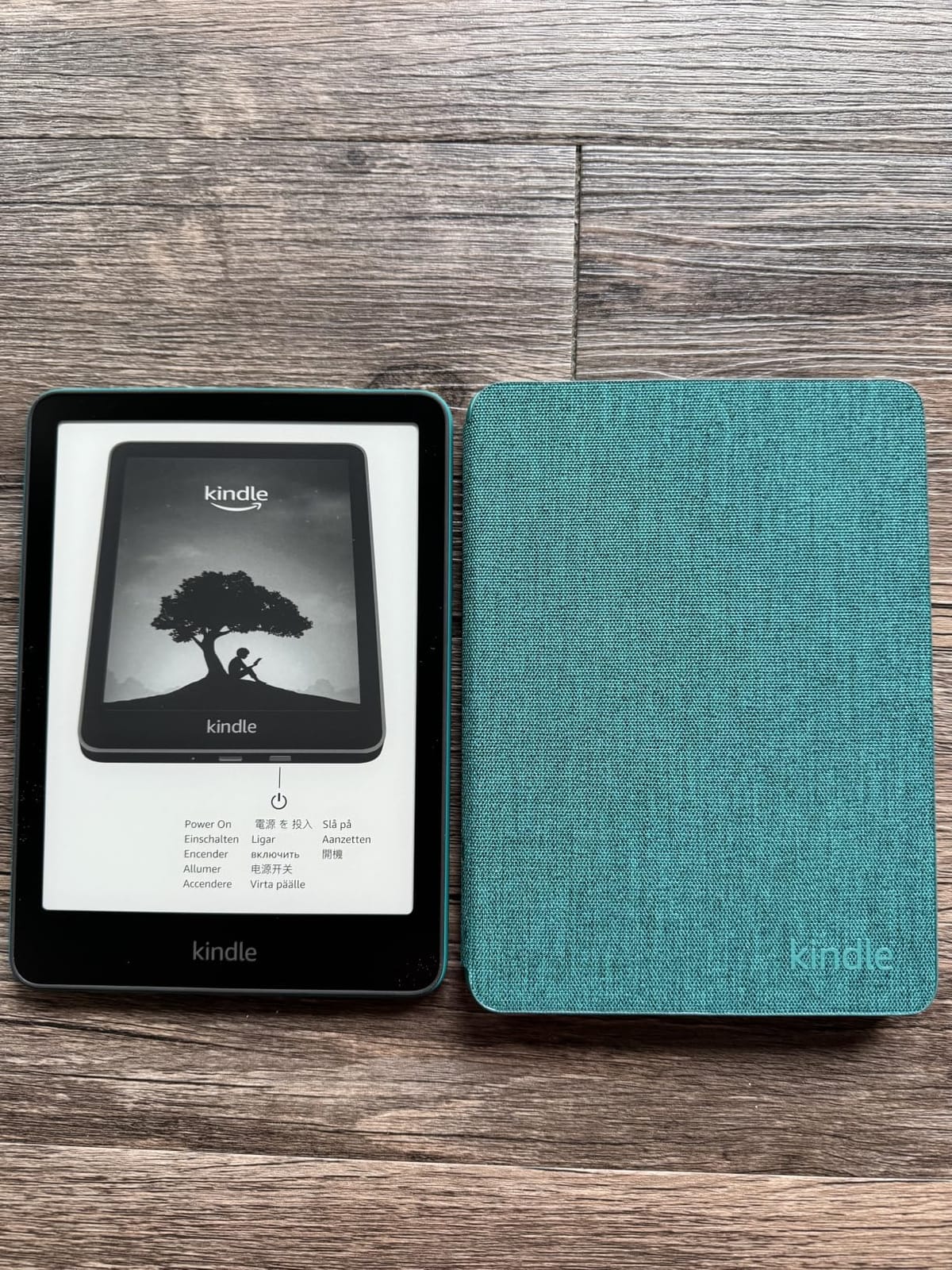
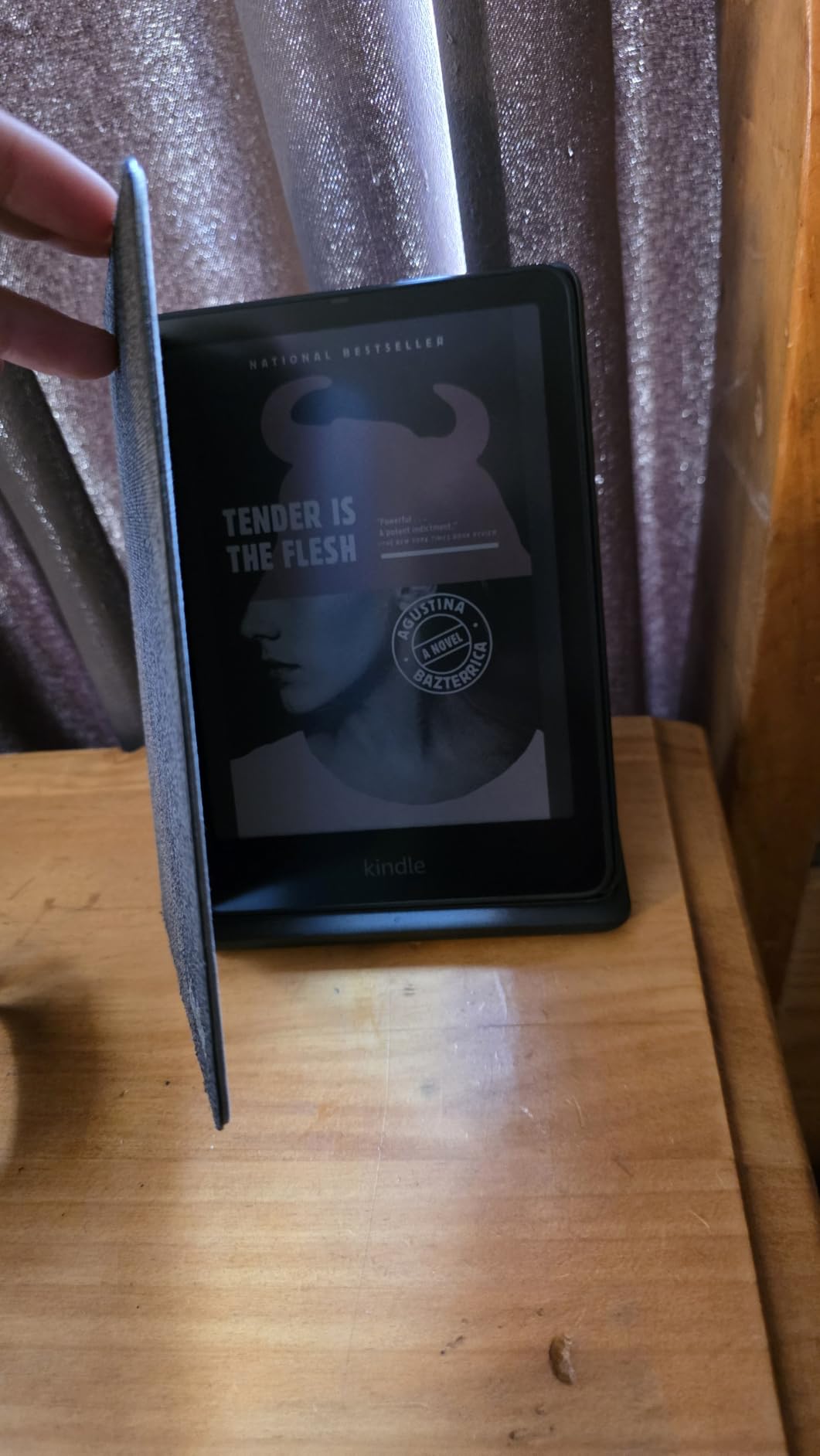
The feature owners mention most is the wake-on-open, sleep-on-close behavior. Your Kindle lights up when you lift the cover and goes to sleep when you fold it shut, which is the closest a Kindle gets to the feel of a physical book. It also stays on while the device charges, so you are not fighting the case to plug in.
Two caveats, both clear from the reviews. It fits only the 2024 generation of these devices, so check which model year you own before buying. And the magnetic clasp is described as finicky by a small number of users, though most say it holds fine in a bag or on a stand.
Buy it alongside the Paperwhite 16GB rather than instead of it. It also pairs with the Colorsoft in section six, so if your reading moves to color later the same cover still does the job.
5. Kindle Scribe 64GB: Best for Note-Taking
Amazon Kindle Scribe (64GB) – Your notes, documents and books, all in one place. With built-in AI notebook summarization. Includes Premium Pen – Metallic Jade
Type: E-reader
Standout: 10.2-inch 300 ppi display with Premium Pen included
Pros
- Premium Pen included with no charging or setup
- 10.2-inch 300 ppi glare-free screen writes well in any light
- AI tools convert handwriting to text and summarize
- Imports and marks up PDFs and documents
- Active Canvas for margin notes
Cons
- Costs far more than a standard e-reader
- AI note tools still need review and cleanup
For people who write as much as they read, and it is the only model in this list that ships with a pen.
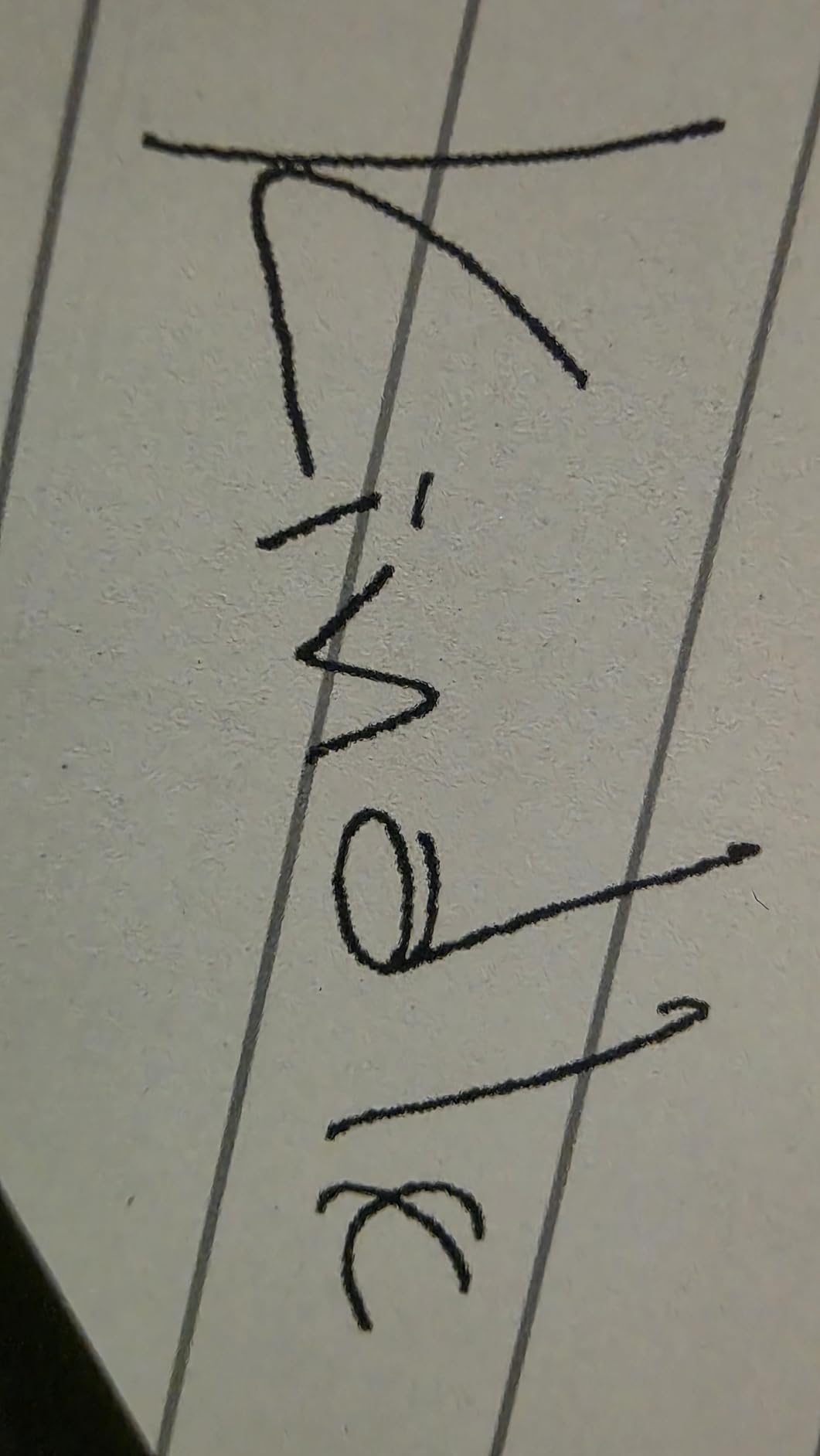
The 10.2-inch 300 ppi display is the difference here. It is large enough to take meeting notes across a full page and sharp enough that the Premium Pen feels like pen on paper. That pen is included, needs no charging and works the moment you switch the device on.
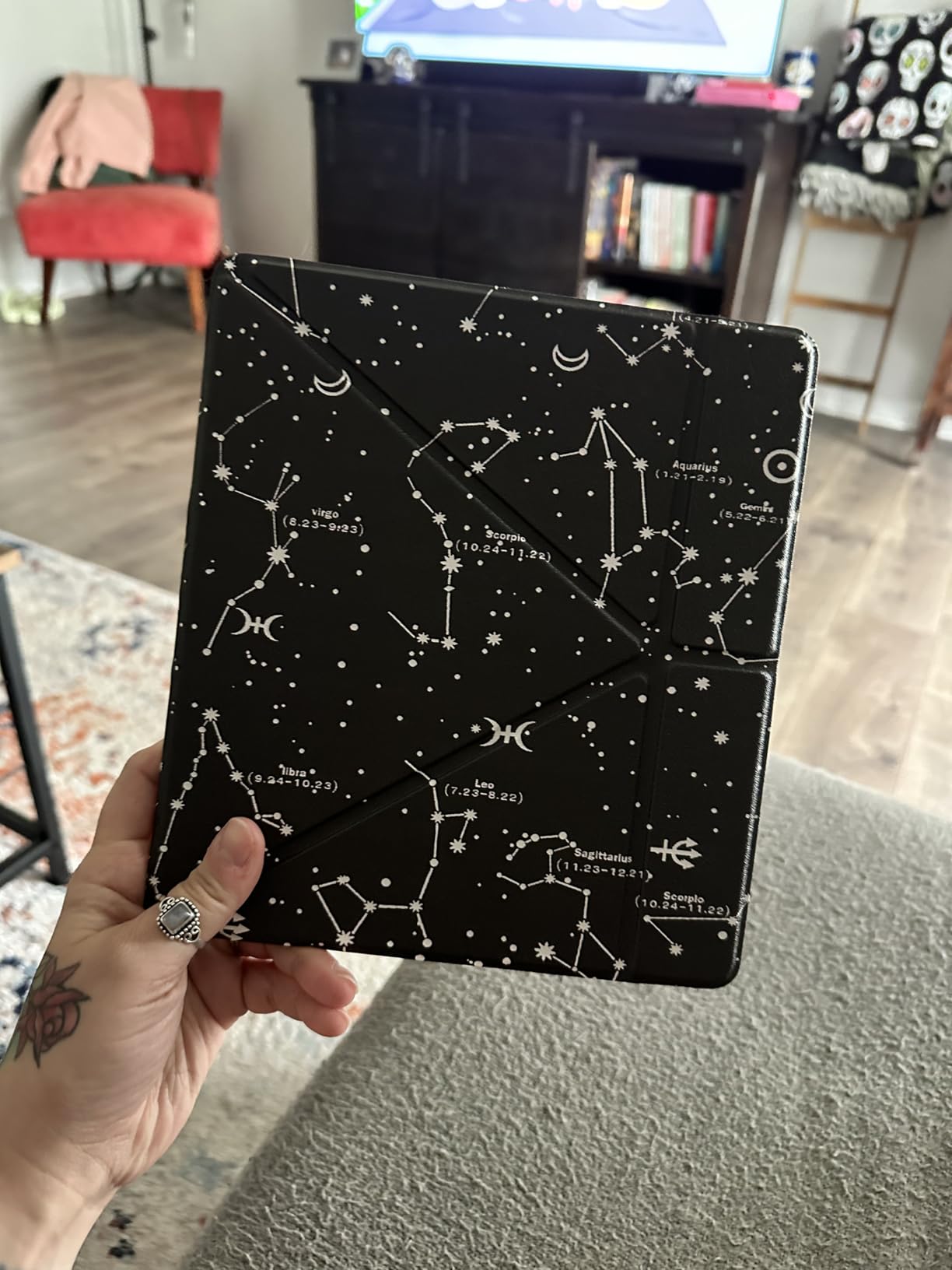
The notebook features are the reason people buy this rather than a bigger Paperwhite. Handwriting converts to text, notes get summarized, documents and PDFs can be imported and marked up, and Active Canvas lets you margin-note inside a book and export the page later. Battery runs for weeks of reading and writing between charges.
Owners are honest about two things. The price sits well above any other e-reader on this list, and the AI note tools still produce output that needs an editing pass rather than something you can paste straight into an email. For readers who never write a line by hand, none of it matters.
Against the Scribe Colorsoft in section eight, the trade is monochrome text and a lower ticket against a color canvas. Against the Paperwhite 16GB, it is a different device entirely rather than a bigger one.
6. Kindle Colorsoft 16GB: Best for Color Highlighting
Amazon Kindle Colorsoft 16 GB (newest model) – With color display that brings covers and content to life, now highlight in color – No Ads – Black
Type: E-reader
Standout: Ad-free 7-inch color display with 8-week battery
Pros
- Calm paper-like color that stays easy on the eyes
- Color highlighting in yellow orange blue and pink
- Up to 8 weeks of battery per charge
- Ad-free with a calm screen saver
- Waterproof and compact for travel
Cons
- Text is slightly less crisp than a mono screen
- Some outdoor glare remains in sunlight
- Colors are muted rather than vivid
- No microSD expansion
The cheapest way into color reading, and the one to watch if highlights are the point of the purchase.
Colorsoft puts a 7-inch color e-ink display on the standard Paperwhite footprint, and it is an ad-free model. Highlighting works in yellow, orange, blue and pink, which turns study notes and shared reading material into something you can actually sort later.

Owners describe the color as paper-like and muted rather than vivid, and most of them like it. Covers, graphic novels and children’s books come out looking like books instead of diagrams. The front light adjusts from white to amber, Dark Mode is supported, and the device is waterproof for poolside or beach reading.
Real-world battery life lands below the advertised eight weeks for some owners, which is normal on a color panel. The other recurring notes: text is a touch less crisp and the page background a little darker than on the Paperwhite, some glare remains outdoors, and there is no microSD slot for more content.

If your reading is mostly black text on white, the Paperwhite 16GB in section one is sharper and lasts longer between charges. Color earns its place when covers and illustrations are part of the experience, and the fabric case in section four fits this model too.
7. Colorsoft Signature 32GB: Best for Color With Auto Light
Amazon Kindle Colorsoft Signature Edition 32GB (2024 model) – With color display, auto-adjusting front light, wireless charging, and long battery life – Metallic Black
Type: E-reader
Standout: Color display with auto light and wireless charging
Pros
- Color e-ink suits covers comics and textbooks
- Color highlighting across four hues
- Auto-adjusting front light
- 32GB storage with fast page turns
- Up to 8 weeks of battery per charge
Cons
- Color layer softens text and page whiteness
- Battery drains faster than a mono Paperwhite
- Some early units showed a yellow band
- 32GB fills quickly with color content
The most capable color reader here, and the one carrying the most owner complaints in this roundup.
You get the 7-inch Colorsoft display, the auto-adjusting front light, 32GB of storage and wireless charging support, with up to 8 weeks of battery claimed per charge. Highlighting works in the same four hues, and the device is waterproof with Dark Mode support.
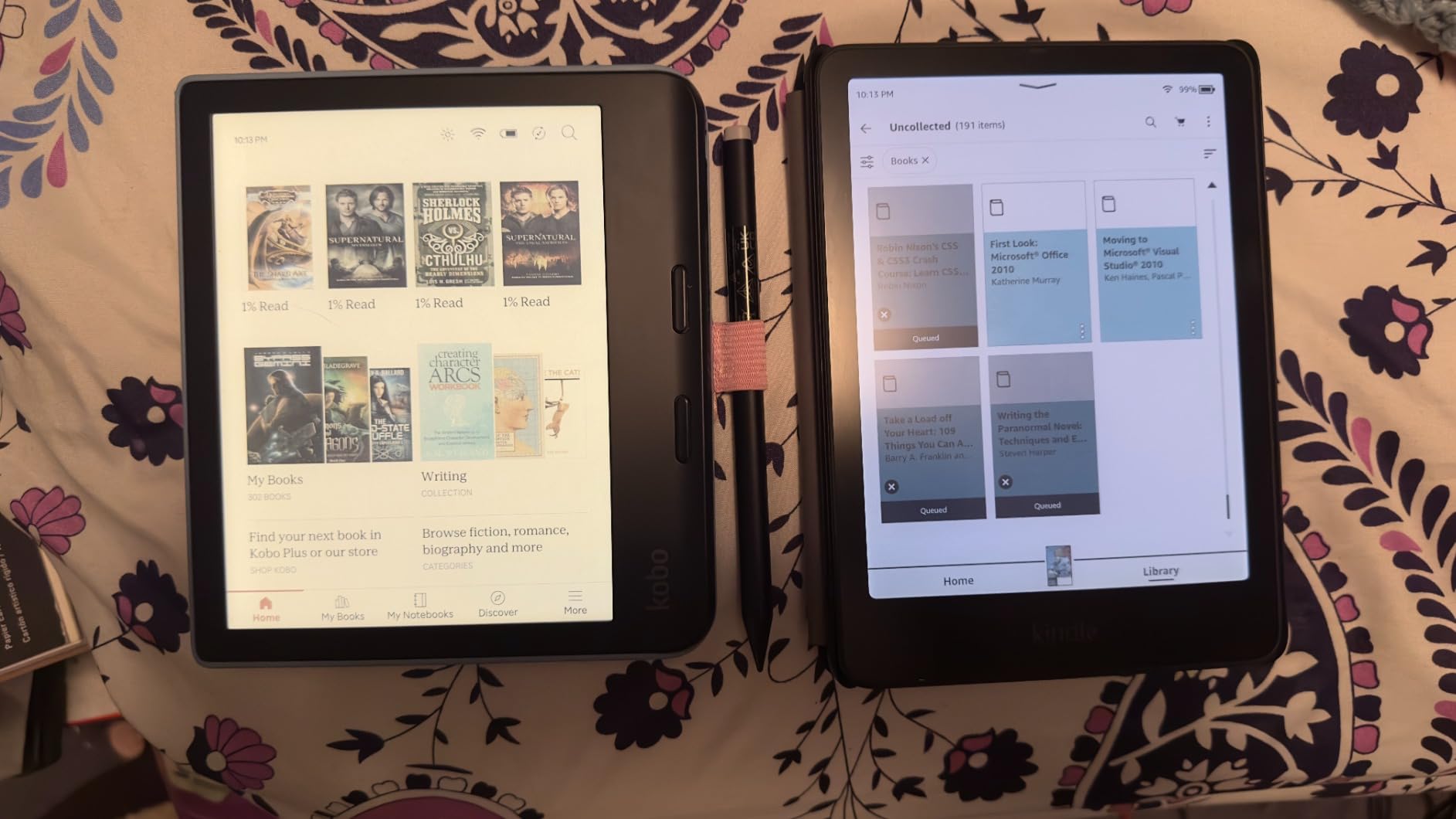
It is also the lowest rated model in this list at 4.2 stars, and the reasons are specific rather than general. A number of owners report a yellow band along the bottom of the display on early units. Others note that Dark Mode at first applied only inside books instead of across the whole interface.
None of that is a deal-breaker, but it is a fair warning that the color layer costs you something: text is slightly softer, the page is less white, and the battery drains faster than a monochrome Paperwhite. There is no 64GB version, and color content eats 32GB quickly.
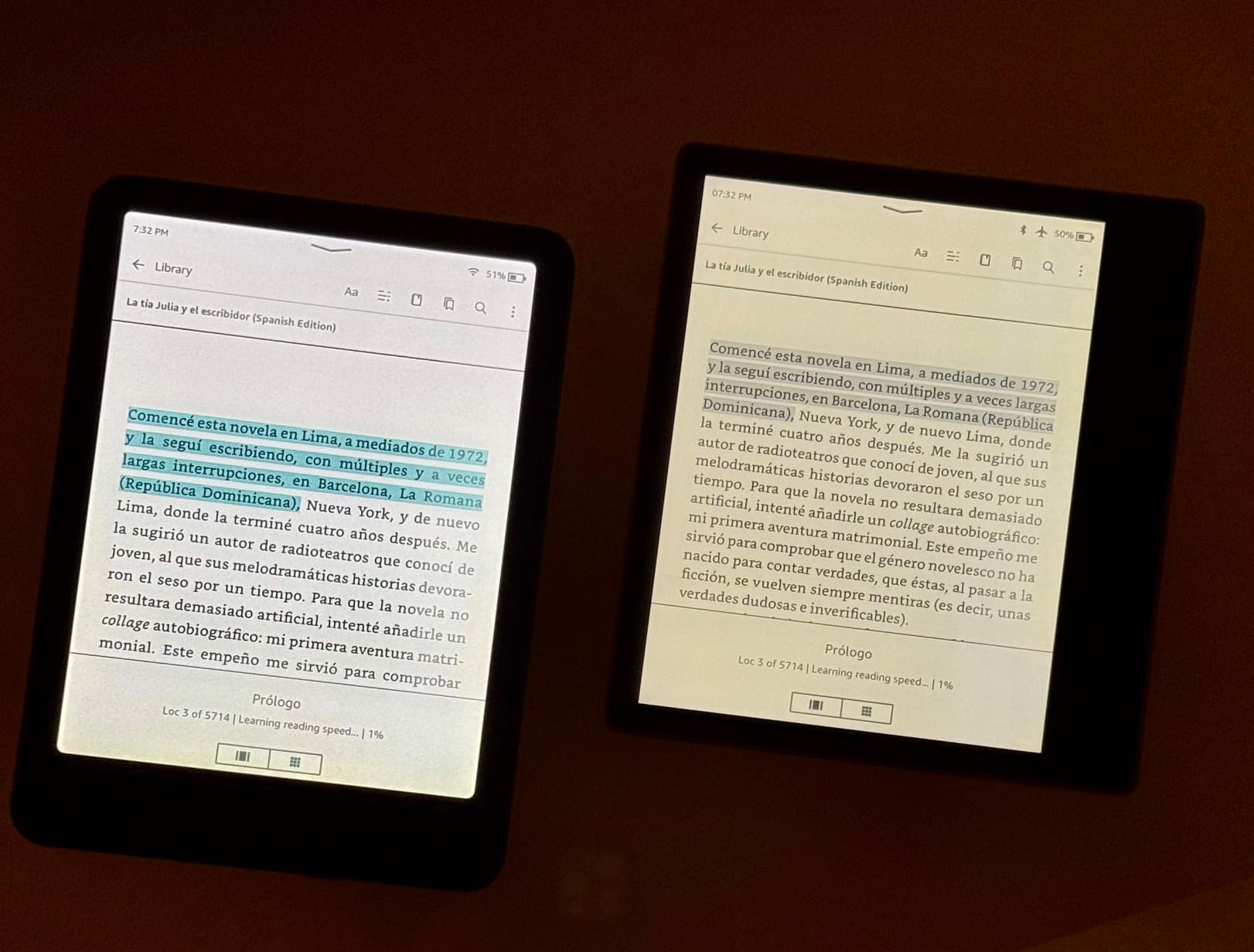
The Colorsoft 16GB in section six gives you the same panel and the same four highlight colors without the auto light, wireless charging or the early-unit complaints. Unless you need the extra storage or the charging stand, that is the smarter color buy.
8. Scribe Colorsoft 32GB: Best for Color Notes
Amazon Kindle Scribe Colorsoft 32GB (newest model) — 11” paper-like color display — Write in notebooks, docs, and books. Read in any light. Pen included – Graphite
Type: E-reader
Standout: 11-inch color canvas with a battery-free pen
Pros
- 11-inch color display for writing and reading
- Textured surface and included pen feel pen-on-paper
- Notebook with AI summaries and handwriting cleanup
- Imports from Google Drive and OneDrive
- Only 5.4mm thin and 400g
Cons
- Highest price in this roundup
- Color layer softens black and white text
The largest canvas on this list, and the only device that writes in color.
An 11-inch Colorsoft display with a front light, a textured writing surface and an included pen with an eraser and a shortcut button. The pen is battery-free, so there is nothing to charge and nothing to pair. Owners consistently describe the writing feel as natural, which is the whole point of a Scribe.
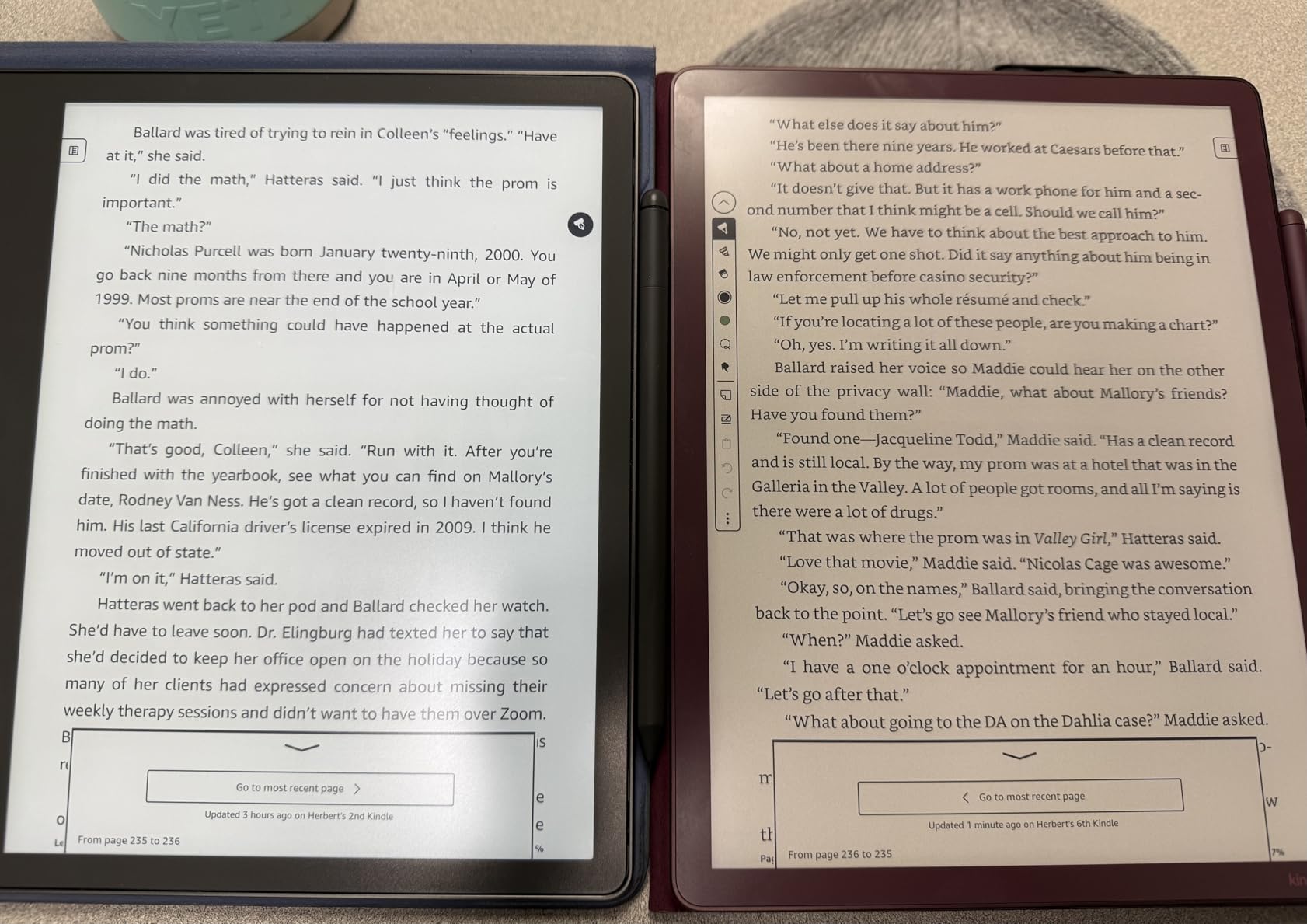
The software side is where this separates from a big Paperwhite. You get a built-in notebook with AI summaries, question tools and handwriting cleanup, plus imports from Google Drive and OneDrive and exports to PDF and OneNote. At 5.4mm thin and 400g it is lighter than most 11-inch tablets.
The reservations in reviews are consistent: it is the most expensive item in this roundup, and the color layer makes monochrome text slightly softer than on a grayscale screen. Study and creative work is where it earns that price. Reading plain novels is where it does not.
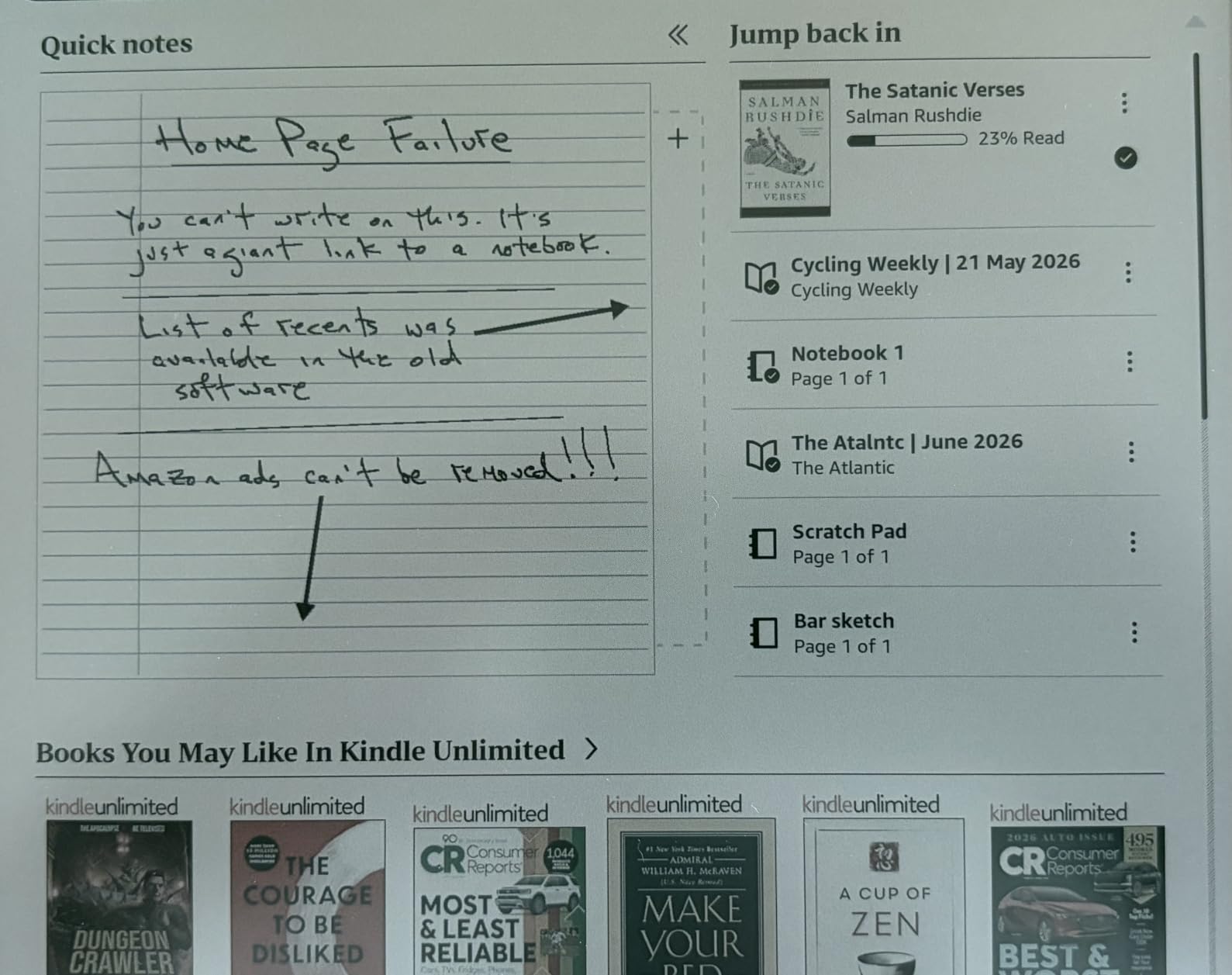
If you do not need color ink, the Scribe 64GB in section five is the cheaper path to the same paper-like writing feel with a sharper monochrome screen. The reverse holds too: if color highlights and color handwriting are essential, nothing else here replaces this one.
9. Paperwhite Kids 16GB: Best for Kids Who Read Books
Amazon Kindle Paperwhite Kids 16GB (2024 model) – large 7″ glare-free display – Kids read an average of 1+ hour per day with Kindle – Cyber City
Type: E-reader
Standout: 7-inch Paperwhite with a cover and Kids+ included
Pros
- Kid-friendly cover and 2-year worry-free guarantee
- Six months of Amazon Kids+ for ages 3-12
- Same fast 7-inch display with 25% faster page turns
- Parent Dashboard for books filters and bedtime
- No apps videos or games to distract
Cons
- Kids+ auto-renews monthly after the included period
- Warm light comfort is less refined for adults
The pick for a parent whose child has a tablet problem and a reading habit to build.
It is a current-generation Paperwhite underneath: a 7-inch glare-free display with 25% faster page turns, an adjustable front light that runs white to amber, and a waterproof build. The differences are the child-sized cover, a two-year worry-free guarantee and six months of Amazon Kids+ for ages three to twelve.
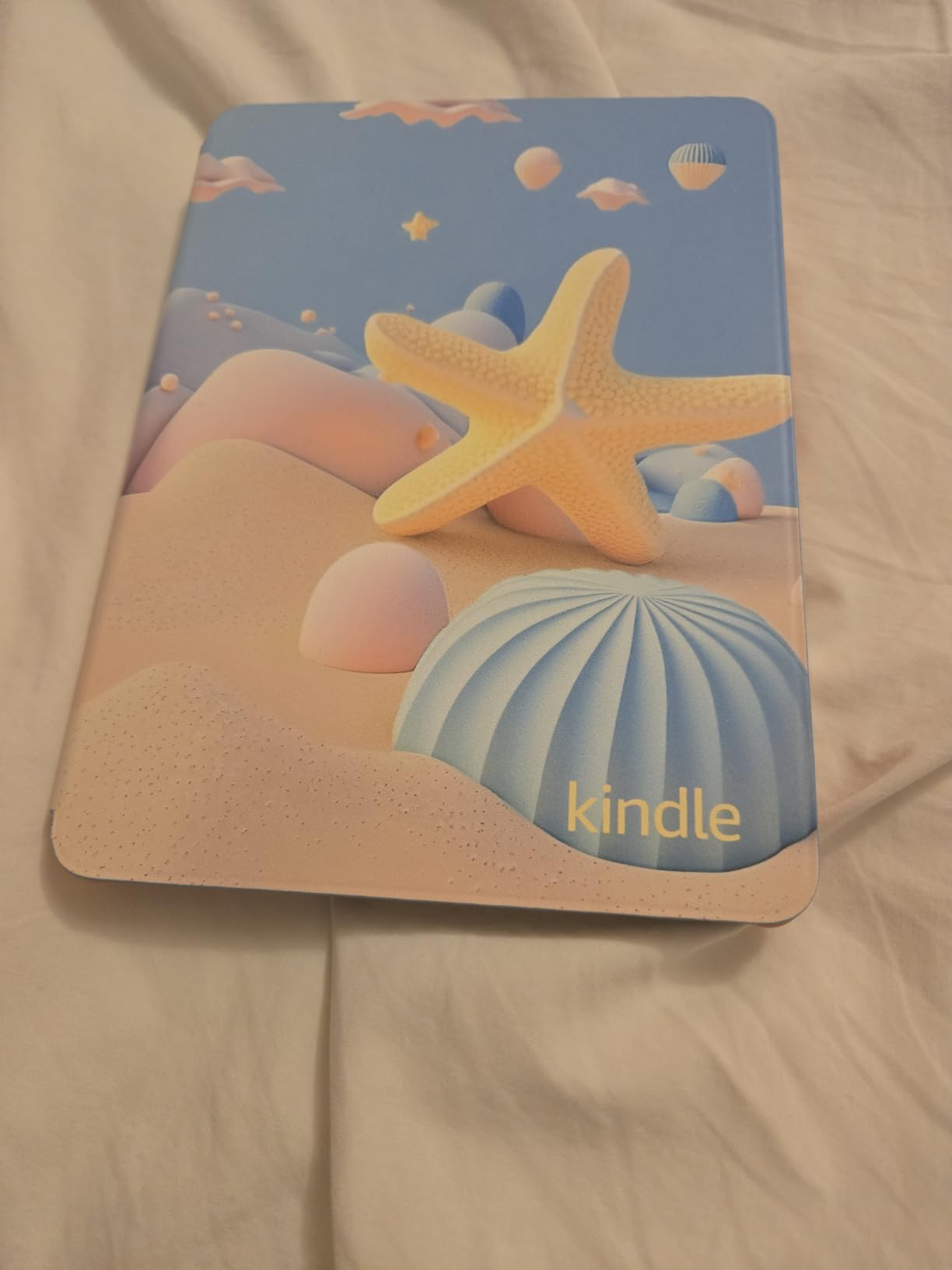
What parents keep mentioning is what is missing. No notifications, no apps, no videos, no games, and a Parent Dashboard for adding books, setting age filters, checking progress and running a bedtime cutoff. Storage is 16GB, the same as the base Kindle.
Read the small print on the subscription. Kids+ auto-renews monthly once the included six months run out, and turning that off is a setting parents have to find. Adults who borrow the device occasionally also note the warm light is there but the overall reading experience is tuned for children rather than adults.
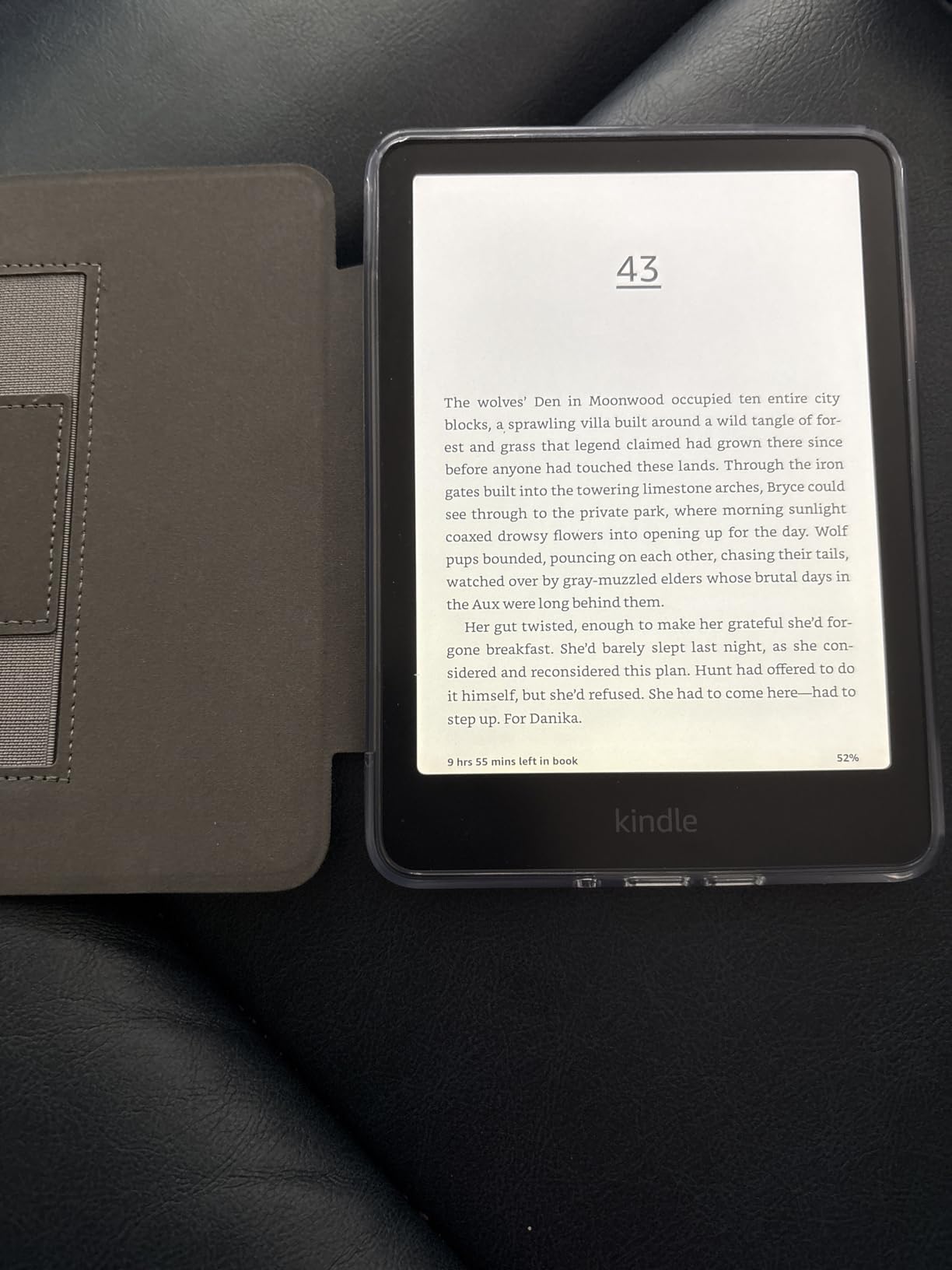
The Colorsoft Kids 16GB in section ten doubles the included subscription to twelve months and adds a color screen, but it costs more and the battery runs shorter. For a first child who reads prose, this one is the better fit.
10. Colorsoft Kids 16GB: Best for Kids Graphic Novels
Amazon Kindle Colorsoft Kids 16 GB (newest model) – Lightweight, compact, and designed for reading—no apps, videos, or games. – with cover, Fantasy River
Type: E-reader
Standout: Color display with 12 months of Kids+ and a cover
Pros
- First Kindle in color aimed at children
- Graphic novels and illustrated books look right
- 12 months of Kids+ plus cover and 2-year guarantee
- Controls are simple for young children
- Lightweight and durable for backpacks
Cons
- Front light cannot be turned fully off
- Some units glitch to a white screen
- Parent approvals for loans can be cumbersome
- Kids+ titles still need requesting
The one to watch if your child reads pictures as much as words.
This is a Colorsoft display aimed squarely at children, and the listing bundles twelve months of Amazon Kids+ for ages three to twelve, a cover and a two-year guarantee. Storage is 16GB, the build is waterproof and the front light adjusts warm, so the same hardware covers bedtime as well as the school run.

Owners and kids alike point to graphic novels and illustrated books as the reason to buy color. The controls are simple enough for young children to navigate without help, and the device is light enough to live in a backpack.
There are four drawbacks in the reviews, and one matters most. The front light cannot be turned fully off, which pulls real battery life down below the quoted figure. Parents also mention occasional white-screen glitches that need a restart, the approval steps for library loans being tedious, and Kids+ titles needing to be requested rather than downloading on tap.
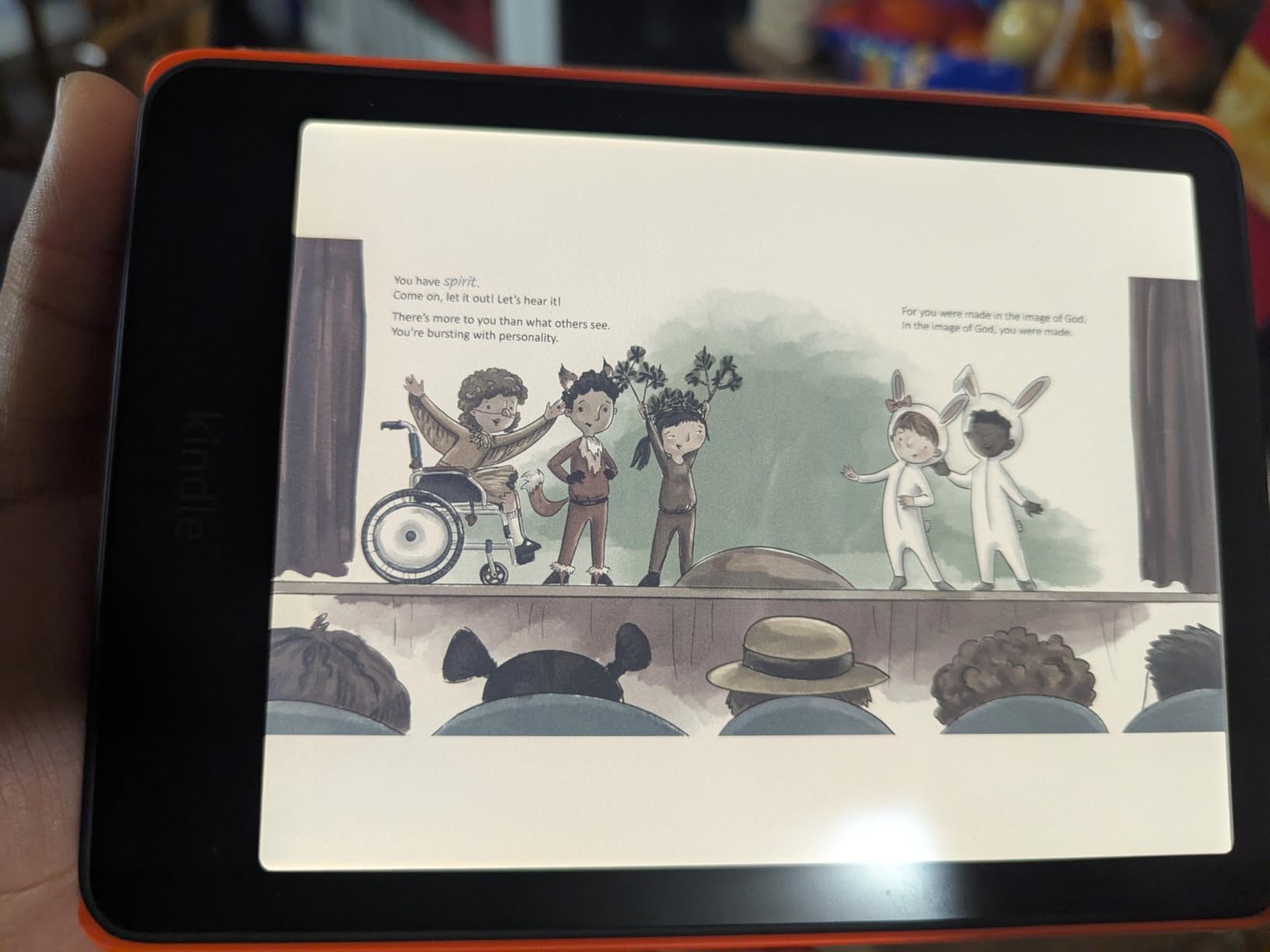
Compare it with the Paperwhite Kids 16GB in section nine: double the included subscription and color, against a higher ticket and shorter battery. If the child is a chapter-book reader, the Paperwhite version is the value pick; if they finish picture books in a day, color earns its keep.
How to Choose E-Readers During Prime Big Deal Days
Screen size decides more than any other spec, so start there and work down the list.
Choose the Right Screen Size
Three sizes cover almost every reader in this roundup. The 6-inch Kindle 16GB is for pockets and short commutes, the 7-inch Paperwhite and Colorsoft models are the standard for novels and travel, and anything from 10.2 inches up is a writing surface rather than a reading one. If you read PDFs, textbooks or documents, jump straight to the Scribe models.
Check Storage and Library Size
16GB is enough for thousands of text-only books, which is why the base Kindle and both Kids editions use it. Storage matters more once you buy color, audiobooks or large PDF files, which is why the Signature models carry 32GB and the Scribe 64GB. If you delete what you finish, you will not fill 16GB in years.
Compare Lighting and Eye Comfort
Any adjustable front light beats a fixed screen, but there are two levels here. The Paperwhite 16GB, Colorsoft 16GB and the Kids models let you slide from white to amber yourself. The two Signature models adjust automatically as the room changes. Warm light at night matters more to many readers than any other display feature.
Assess Battery Life and Charging
Advertised figures run from six weeks on the base Kindle to twelve on the Paperwhite pair, and eight on the color models. In practice, color screens and a front light that cannot be switched off shorten those numbers. Charging is USB-C everywhere; only the two Signature models add wireless charging through a separately sold dock.
Check File Formats and Transfer Options
Kindle formats, MOBI, KFX and PDF open natively, while EPUB needs conversion before it will load. Send to Kindle handles most of this from a phone or browser, and the two Scribe models add document import plus PDF export, which is their main advantage for anyone working with paperwork. Color e-ink shows highlights and images but not video.
How to Shop E-Reader Deals During the Sale
On a Kindle listing, check the model year in the title before anything else, because generations look almost identical and the fabric case in section four only fits the 2024 Paperwhite and Colorsoft. Confirm the storage size and screen size match the row you want in the table above, read the box contents so you know whether a cover or pen is included, and check whether the seller and shipper are Amazon itself. Kindle offers usually require a Prime membership, and prices and configurations change through the event, so compare the listing on the day you buy rather than the day you read this.
Before you check out, run through this short list:
- Confirm the model year and generation, not just the product name
- Check the storage size matches what you actually need for books and audiobooks
- Verify whether a cover, pen or charging dock is in the box
- Look for ad-supported versus ad-free models before you commit
- Set a reminder to turn off any included subscription before it renews
- Compare the listing again on the day of purchase, since configurations change
Frequently Asked Questions
When does Amazon Prime Big Deal Days run in 2026, and do Kindle deals need Prime?
Amazon Prime Big Deal Days runs October 6-7, 2026. Most Kindle offers during the event require an Amazon Prime membership, though a free trial counts. Kindle offers also often appear a few days before the event opens, so it is worth checking the listings early.
What are the best Amazon Prime Big Deal Days Kindle Deals?
The Kindle Paperwhite 16GB leads for most readers because of its glare-free 7-inch display, adjustable warm light and 12-week battery. The Paperwhite Signature 32GB suits readers who want auto light and more storage, the base Kindle 16GB suits people who want the smallest device, and the Colorsoft and Scribe models cover color reading and handwriting.
How much Kindle storage do I need for books and audiobooks?
16GB holds thousands of text-only books, so it suits most readers who delete as they finish. Audiobooks and color content take far more room, and a 32GB device gives you room to keep a large library. Pick 64GB only if you import large documents or keep a lot of comics offline.
Can a Kindle read EPUB books and PDFs?
Kindle opens its own formats and PDFs without any work, but EPUB files need converting before they will load. Send to Kindle handles most transfers from a phone or browser, and the Scribe models add document import and PDF export. Larger PDFs are easier to read on the 10.2-inch and 11-inch screens.
Is a warmer front light better for reading at night?
A warmer amber light is usually easier on the eyes in a dark room, and most readers notice the difference within a few evenings. Every adjustable model here can slide from white to amber, while the two Signature models do it automatically. If you never read at night, the setting matters less than screen size.
Is Prime Big Deal Days the best time to buy a Kindle, or should I wait for Black Friday?
Kindle offers appear across both events, and which one suits you depends on timing rather than on the device. Prime Big Deal Days happens earlier, in October, which suits anyone who wants a reader settled before the holidays or who wants more models to choose from. Offers also show up in the days before either event, so there is no single correct date, and only the current listing shows what a device costs right now.
Final Verdict: Best Amazon Prime Big Deal Days Kindle Deals
Watch the Kindle Paperwhite 16GB first. It leads on the evidence owners give, with a 4.6 rating across more than 23,000 reviews, a glare-free 7-inch display and 12 weeks of battery between charges. For a budget reader, the base Kindle 16GB is the smaller and cheaper way in, and the Kindle Fabric Case costs very little to pair with either.
Step up to the Paperwhite Signature 32GB for auto light, 32GB and wireless charging. Choose the Kindle Colorsoft 16GB for ad-free color with four highlight colors, and skip past the Colorsoft Signature 32GB unless you need the charging dock. For writing, the Scribe 64GB is the monochrome option and the Scribe Colorsoft 32GB is the color one. Parents should look at the Paperwhite Kids 16GB for prose readers and the Colorsoft Kids 16GB for graphic novels, remembering that both subscriptions renew.
Check the current offer on each listing before you buy, and confirm the model year and storage size on the day you order.