

The Apple MacBook Air 13 M5 is the one worth keeping an eye on during this sale, because it pairs the newest chip in the lineup with a 512GB drive and a 2.71-pound body, and it holds a 4.7 rating across more than a thousand owner reviews. Shoppers who want a bigger desk-friendly screen can look at the Apple MacBook Air 15 M5, which matches the highest rating in this group at 4.8 and adds a larger panel with six speakers.
People chasing more memory for editing work should see how the Apple MacBook Air 13 M4 compares, since 24GB of unified memory changes what the machine can hold open at once. Amazon runs Prime Big Deal Days on October 6-7, 2026, and prices shift through the event, so every button below leads to the current listing rather than a fixed figure.
Table of Contents
Our Top 3 Picks for Best Amazon Prime Big Deal Days MacBook Air Deals in 2026

Apple MacBook Air 13 M5
- M5 chip with Neural Accelerators
- 16GB memory and 512GB SSD
- 13.6-inch Liquid Retina
- Up to 18 hours of battery

Apple MacBook Air 15 M5
- M5 chip with Neural Accelerators
- 16GB memory and 512GB SSD
- 15.3-inch Liquid Retina
- Six-speaker audio

Apple MacBook Air 13 M4
- M4 with 10-core CPU and GPU
- 24GB memory and 512GB SSD
- 13.6-inch Liquid Retina
- Up to 18 hours of battery
The order of the table below follows the same ranking, so the top card and the top row always describe the same laptop.
Best Amazon Prime Big Deal Days MacBook Air Deals Compared
| Product | Specifications | Action |
|---|---|---|
| Apple MacBook Air 13 M5 |
|
Check Deal Price |
| Apple MacBook Air 15 M5 |
|
Check Deal Price |
| Apple MacBook Air 13 M4 |
|
Check Deal Price |
 Renewed MacBook Air M4 Renewed MacBook Air M4 |
|
Check Deal Price |
 Renewed MacBook Air M3 Renewed MacBook Air M3 |
|
Check Deal Price |
 Renewed MacBook Air 15 M2 Renewed MacBook Air 15 M2 |
|
Check Deal Price |
 Renewed MacBook Air M1 Renewed MacBook Air M1 |
|
Check Deal Price |
 Renewed MacBook Air M2 16GB Renewed MacBook Air M2 16GB |
|
Check Deal Price |
 Renewed MacBook Air M2 Renewed MacBook Air M2 |
|
Check Deal Price |
How We Chose
We compared the specs that decide between two Airs: chip generation, unified memory, storage, screen size, weight, battery claim and warranty. Ratings and owner-review themes came from the Amazon listings, checked on October 2026. Renewed entries were judged on the condition reports buyers actually describe, not just the specifications table.
1. Apple MacBook Air 13 M5: Best Overall Pick
Apple 2026 MacBook Air 13-inch Laptop with M5 chip: Built for AI, 13.6-inch Liquid Retina Display, 16GB Unified Memory, 512GB SSD, 12MP Center Stage Camera, Touch ID, Wi-Fi 7; Midnight
Chip: M5
Memory: 16GB
Storage: 512GB
Screen: 13.6-inch
Battery: 18 hours
Condition: New
Pros
- Newest M5 chip with Neural Accelerators for AI work
- 512GB drive means fewer external SSDs
- 2.71-pound body and 18-hour battery claim
- Wi-Fi 7 and Bluetooth 6 through the Apple N1 chip
Cons
- Only two Thunderbolt 4 ports
- macOS gaps for Windows-only software and games
- Fanless design slows down under long heavy loads
Buy the MacBook Air 13 M5 if you want one machine that covers writing, spreadsheets, video calls and light photo work without any second thought. The 512GB drive is the quiet hero here. Most 13-inch Air configurations leave you clearing space within a year, and this one does not.
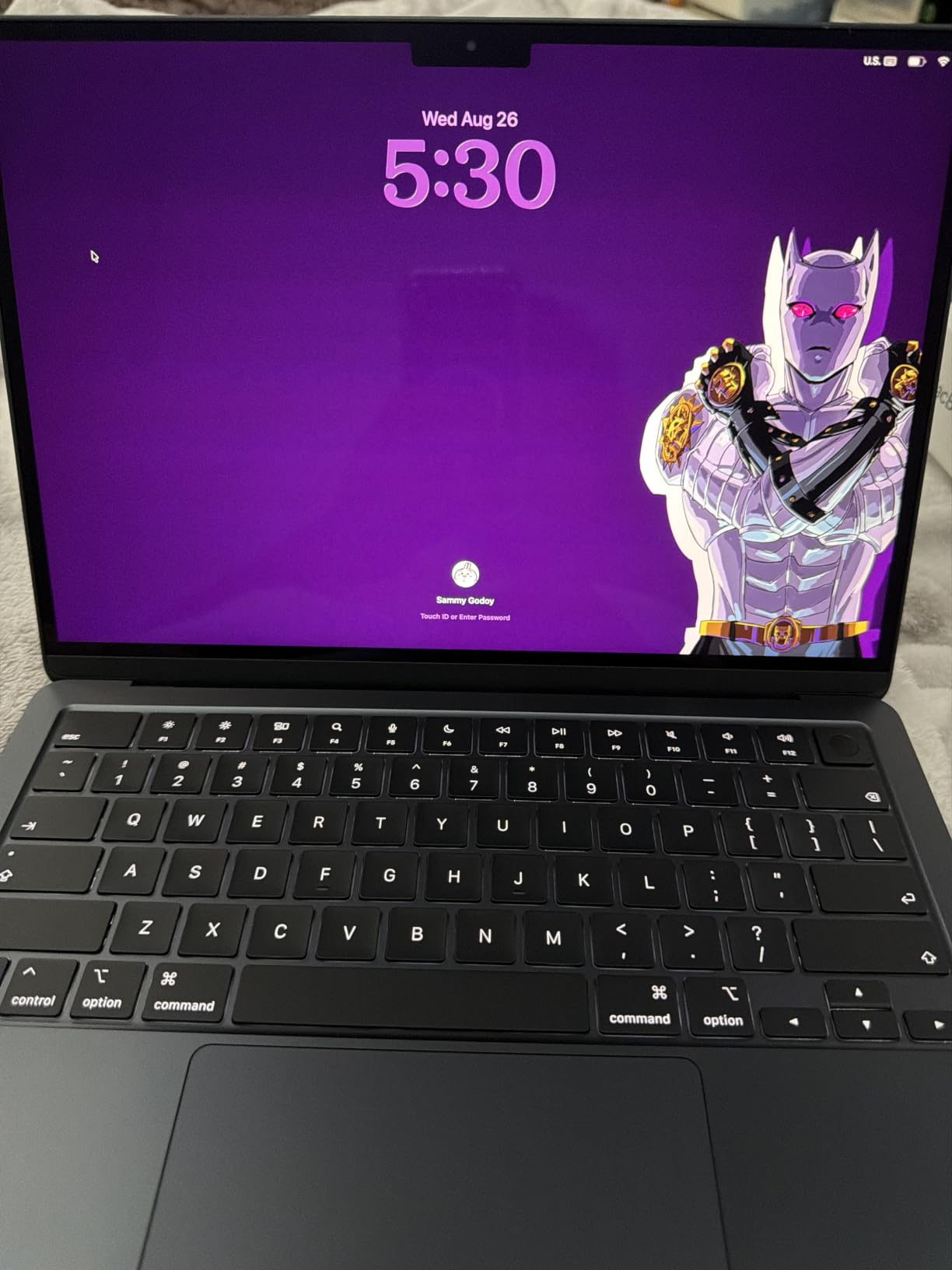
Owners repeatedly single out three things: how fast the M5 chip moves through many open apps, how long the charge lasts, and how little the machine weighs. At 2.71 pounds it disappears into a bag in a way the 15-inch model never will.
- Two Thunderbolt 4 ports, one MagSafe port and a headphone jack
- 12MP Center Stage camera with Desk View for screen sharing
- Supports up to two external displays
- Model number MDHE4LL/A, first available March 4, 2026
Compared with the Apple MacBook Air 15 M5, the only real sacrifices are screen area and speaker count. Compared with the Apple MacBook Air 13 M4, you gain the newest wireless hardware and lose half the memory. If your work keeps more than a dozen tabs plus a video editor open, the 24GB M4 is the better buy; otherwise this is the one.
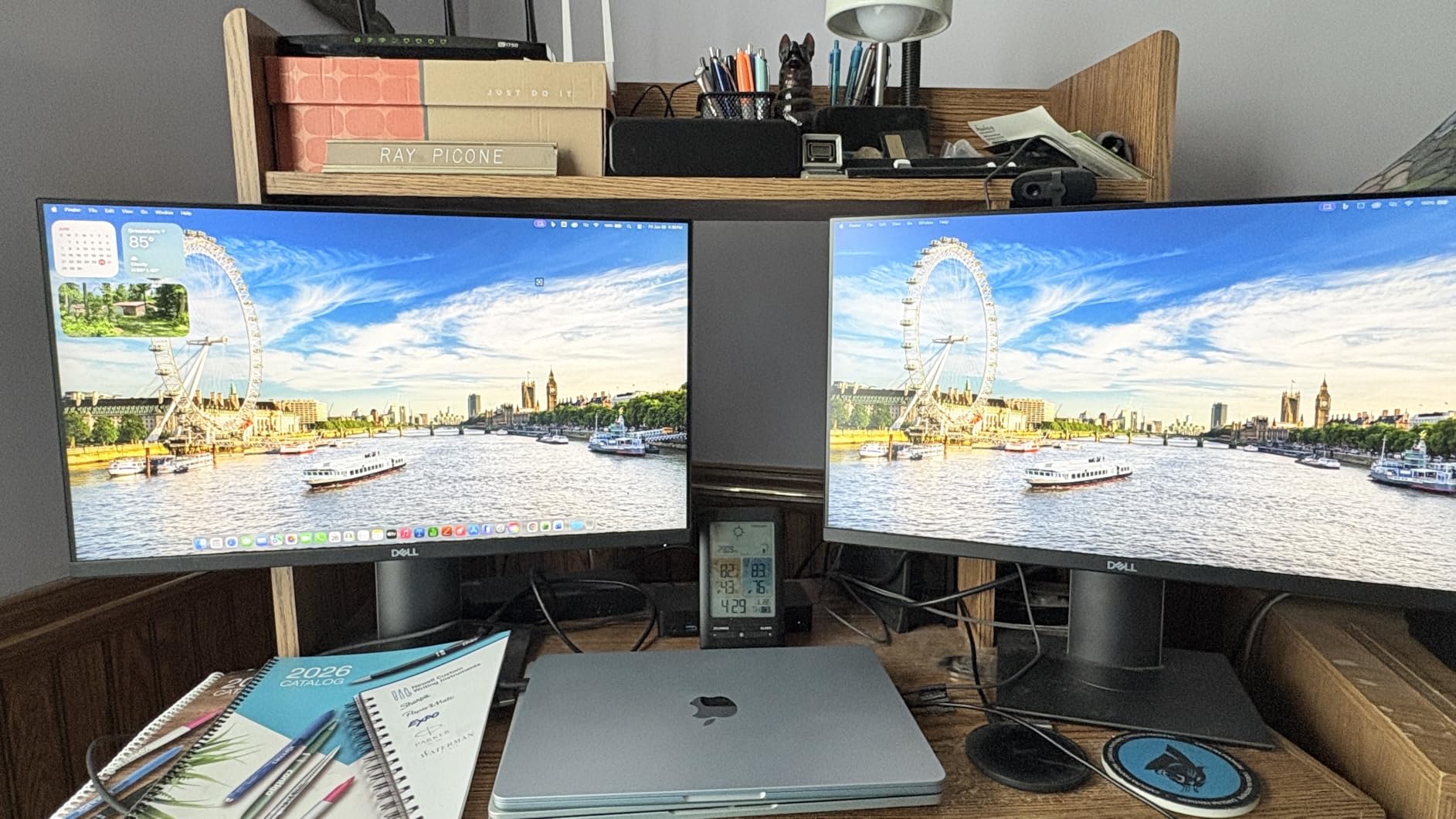
Good to know: several reviews flag the two-port layout as the most repeated limitation, so budget for a small hub if you use wired peripherals.
2. Apple MacBook Air 15 M5: Best for Large-Screen Work
Apple 2026 MacBook Air 15-inch Laptop with M5 chip: Built for AI, 15.3-inch Liquid Retina Display, 16GB Unified Memory, 512GB SSD, 12MP Center Stage Camera, Touch ID, Wi-Fi 7; Silver
Chip: M5
Memory: 16GB
Storage: 512GB
Screen: 15.3-inch
Battery: 18 hours
Condition: New
Pros
- A 4.8 rating across 643 owner reviews
- Roomy 15.3-inch Liquid Retina screen
- Same M5 chip and 512GB storage as the 13-inch
- Six-speaker system with Spatial Audio and Dolby Atmos
Cons
- 3.32-pound body is noticeably heavier to carry
- Two Thunderbolt 4 ports only
- Fanless thermal design throttles under sustained heavy loads
Pick the 15-inch if you spend the day in documents, spreadsheets and long editing timelines and would rather not squint. It carries the same M5 chip and 512GB storage as our top pick, so the decision comes down to screen and weight alone.
That screen is the reason. Owners of this model describe writing sessions and schoolwork that would otherwise mean constant zooming, plus dependable multi-day battery life on a single charge. Model MDV94LL/A, in Silver, though the listing also shows Starlight, Midnight and Sky Blue.
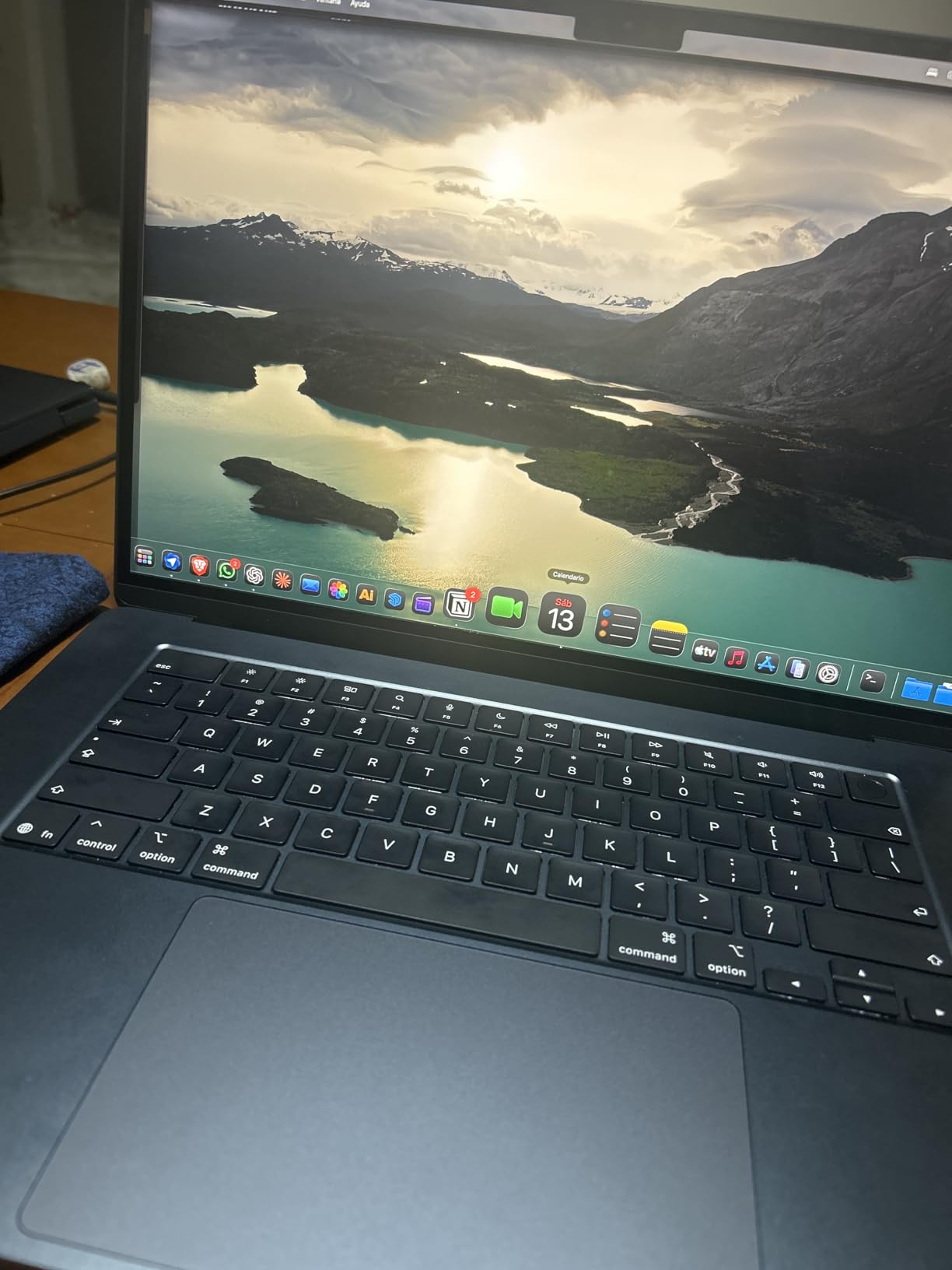
Skip it if you travel every other day. The 3.32-pound chassis is fine on a desk and tiring on a train, and the extra speakers and screen area will not help you if the laptop spends most of its life in a backpack.
- 15.3-inch Liquid Retina display with 1 billion colors
- Six-speaker audio where the 13-inch gets four
- Same two Thunderbolt 4 ports and MagSafe charging
- Up to two external displays supported
Against the Apple MacBook Air 13 M4, this is the more sensible creative machine for anything driven by canvas area, while the M4 wins on memory headroom. Against the Apple MacBook Air 13 M5, it trades portability for workspace, and nothing else.
3. Apple MacBook Air 13 M4: Best for Video Editing
Apple 2025 MacBook Air 13-inch Laptop with M4 chip: Built for Apple Intelligence, 13.6-inch Liquid Retina Display, 24GB Unified Memory, 512GB SSD Storage, 12MP Center Stage Camera, Touch ID; Midnight
Chip: M4
Memory: 24GB
Storage: 512GB
Screen: 13.6-inch
Battery: 18 hours
Condition: New
Pros
- 24GB memory handles heavy multitasking without lag
- M4 chip edits 4K video quickly despite no fan
- Class-leading battery life across a full work day
- Midnight finish with Touch ID and MagSafe
Cons
- Only two USB-C ports for peripherals
- Display brightness criticised at this configuration
- Runs warm and throttles during long intensive sessions
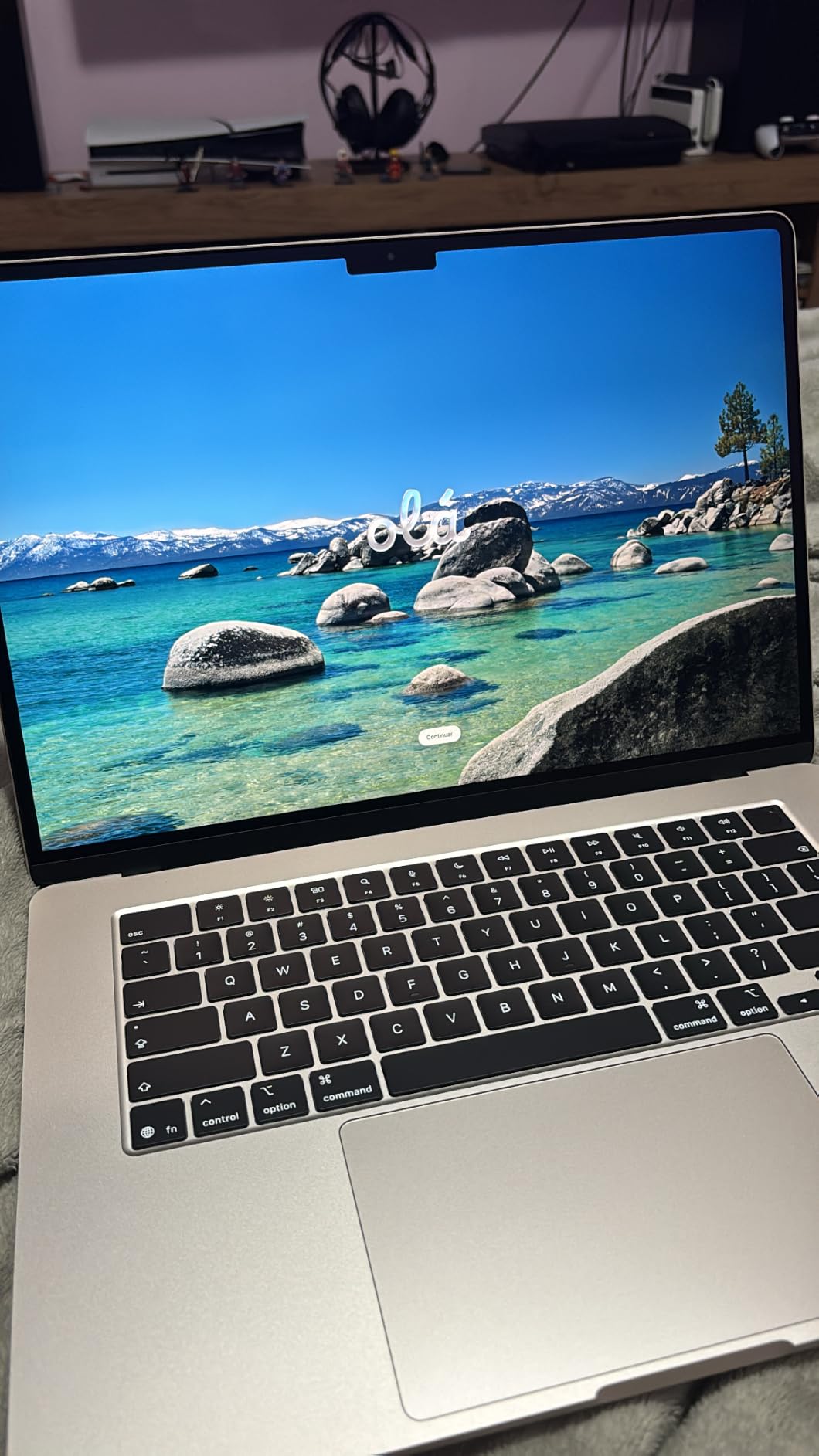
The MacBook Air 13 M4 is the configuration owners most often call the sweet spot of the lineup, and the reason sits in one number: 24GB of unified memory. That is 50 percent more than the current 13-inch M5 base, and it is what keeps large timelines and app libraries from fighting each other.
Note that this listing is not marked Prime-eligible, unlike the current M5 entries. Model MC6C4LL/A, Midnight, first available March 5, 2025.
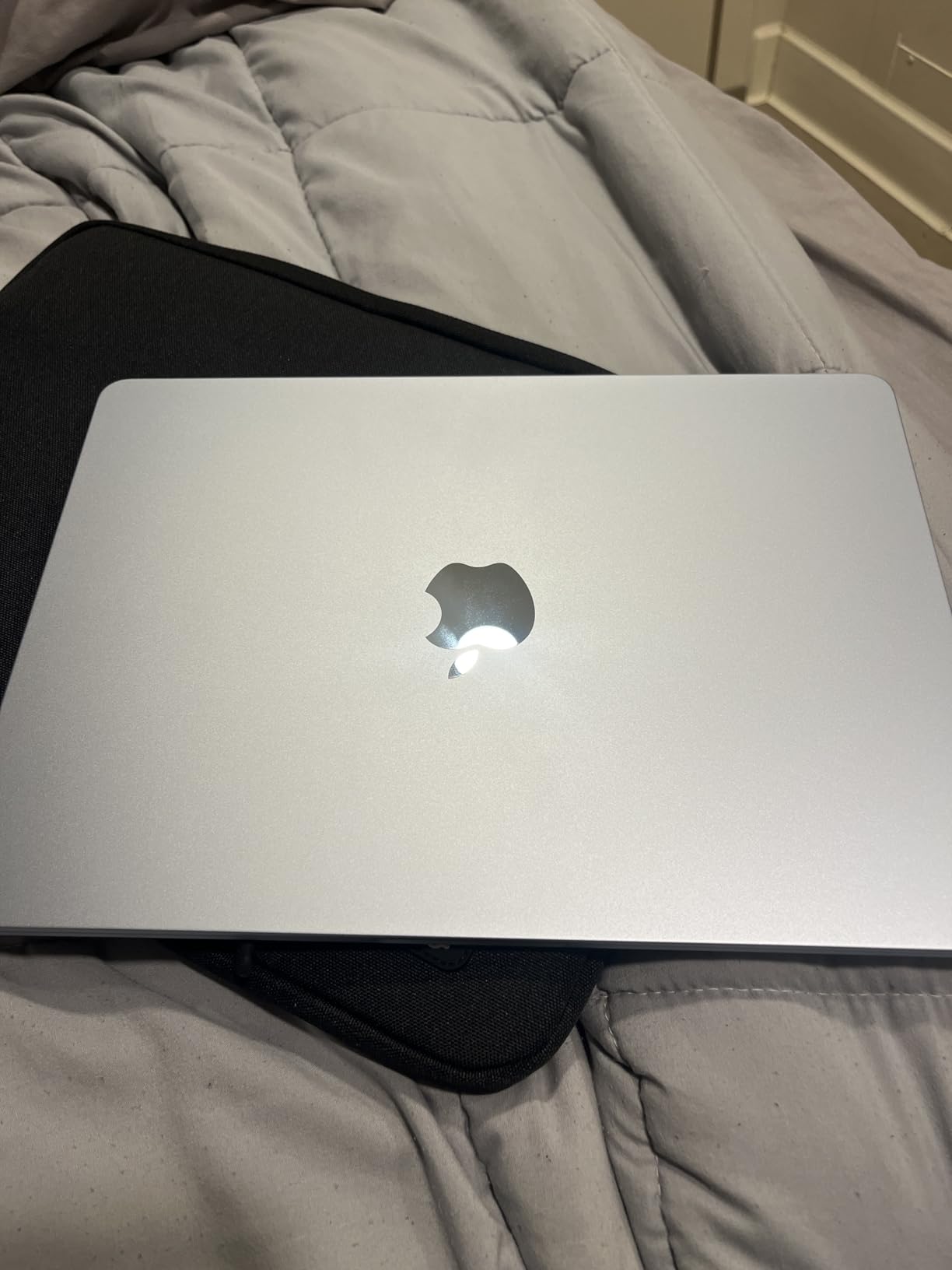
Buyers mention fast 4K editing despite the fanless body, along with build quality and a keyboard they rate highly. The repeats on the other side are consistent: two ports, a screen that could be brighter for the money, and heat during long stretches of heavy work.
Compared with the Apple MacBook Air 13 M5, this machine is one chip generation behind on wireless hardware but far ahead on memory, and for editors that is the trade that matters. If your workload is writing rather than cutting, take the M5 instead.
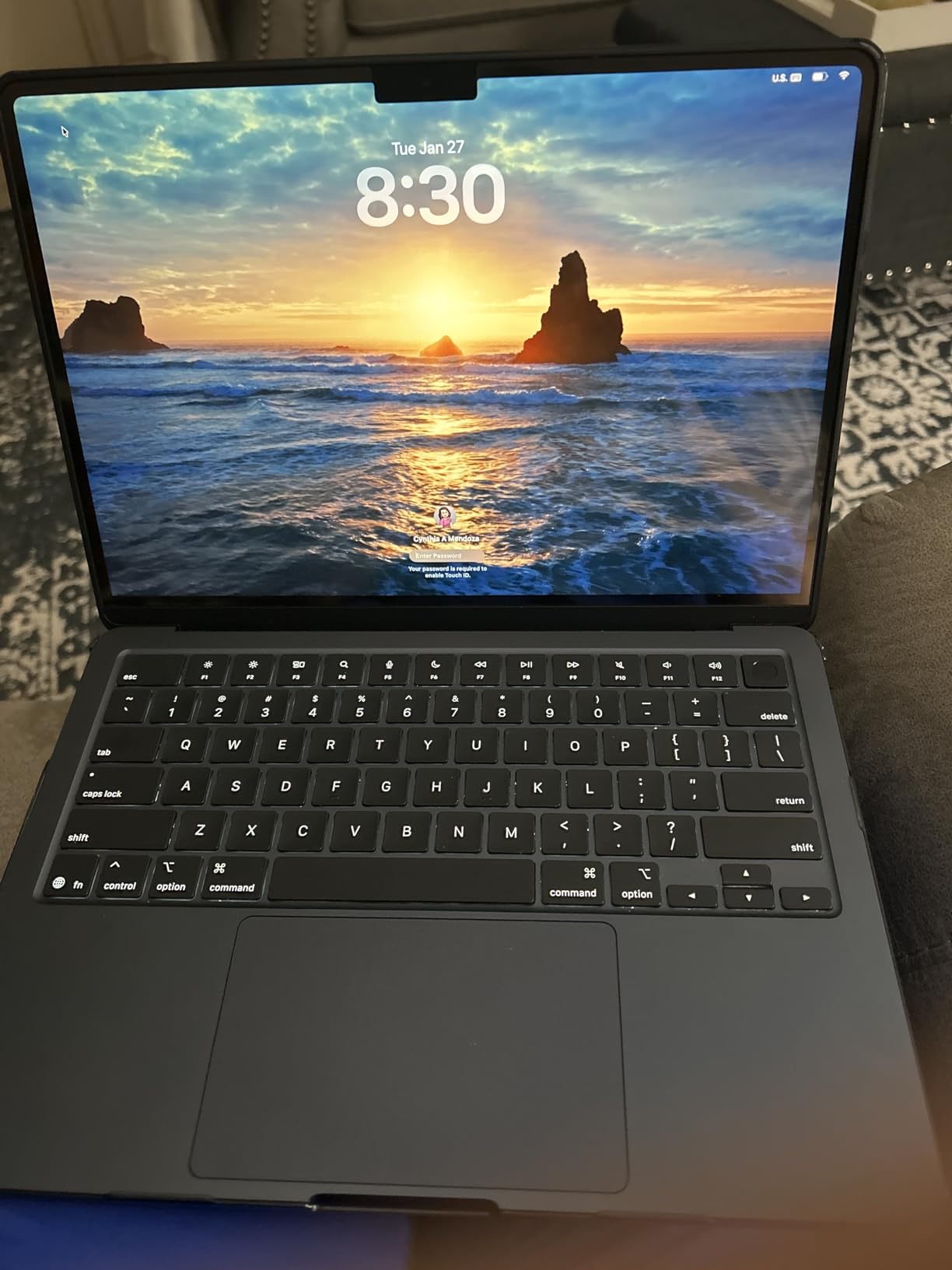
4. Renewed MacBook Air M4: Best for Apple Intelligence on a Budget
2025 Apple MacBook Air with Apple M4 Chip (13-inch, 16GB RAM, 256GB SSD Storage) Silver (Renewed)
Chip: M4
Memory: 16GB
Storage: 256GB
Screen: 13.6-inch
Battery: 18 hours
Condition: Renewed
Pros
- Current-generation chip with Apple Intelligence included
- 16GB memory is comfortable for daily work
- Bright 13.6-inch panel at 2560 x 1664
- Buyers often report machines that arrive scratch-free with full battery health
Cons
- 256GB storage is the limiting factor
- Charger and plug sometimes generic rather than original
- AppleCare eligibility is uncertain for renewed units
This renewed M4 13-inch is a practical way onto Apple Intelligence hardware, and for a student or a first Mac it is a sensible place to start. The M4 chip is the first generation built with Apple Intelligence, so the older machines further down cannot match it on that front.
Buy it for browsing, coursework, Microsoft Office and video calls. Model MW0W3LL/A-cr in Silver, packing a 30W adapter and a USB-C to MagSafe 3 cable into the box.

- 16GB unified memory with a 53.8 watt-hour battery
- Backlit Magic Keyboard and Touch ID
- Reported by buyers to pass Apple Diagnostics before it leaves the seller
- 90-day limited warranty from Amazon Renewed
The friction is real though. Some owners received a generic charger, some found the machine set to a non-English language, and a few had trouble with third-party sellers and missing accessories. Against the Apple MacBook Air 13 M4, you trade half your storage and a year of warranty for a much lower outlay.
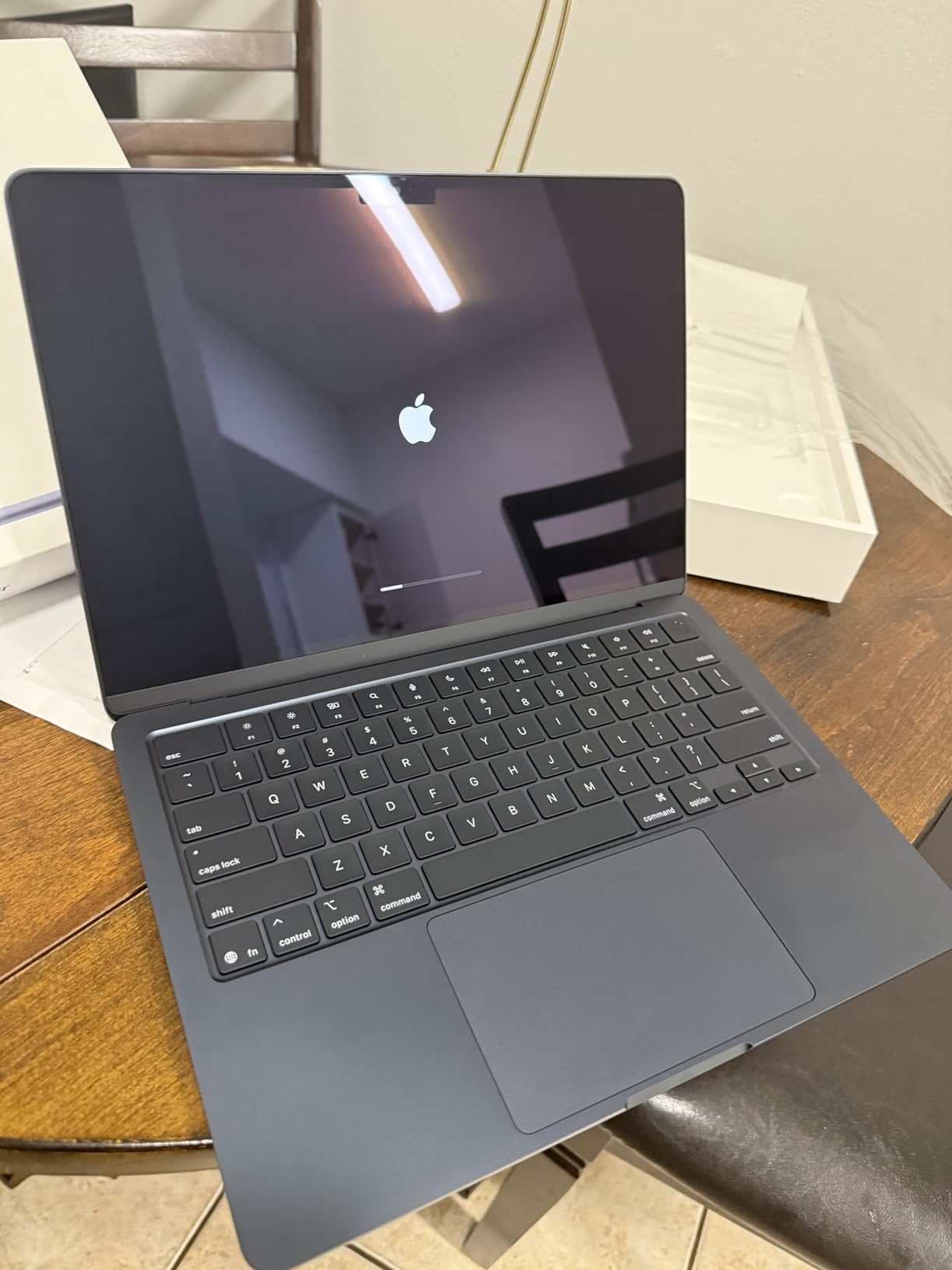
5. Renewed MacBook Air M3: Best for Light Schoolwork
Apple MacBook Air with Apple M3 Chip, 13-inch, 8GB RAM, 256GB SSD Storage, Midnight (Renewed)
Chip: M3
Memory: 8GB
Storage: 256GB
Screen: 13.6-inch
Battery: 18 hours
Condition: Renewed
Pros
- Smooth day-to-day performance for school and media
- Thin and light body that travels well
- Bright sharp 13.6-inch display
- All-day battery life in typical use
Cons
- 8GB memory is tight for heavy multitasking
- 256GB fills quickly with large applications
- Older M3 generation without Apple Intelligence
Owners treat the renewed M3 Air as a dependable everyday machine rather than a capable one. Web, documents, streaming and note-taking all run smoothly, and the 13.6-inch display stays bright and sharp.
The 8GB of unified memory is the number to think hard about before checkout. It is fine for a student with a modest app library and tight for anyone running editing software or many browser tabs at once. Model MRXV3LL/A, a 2024 machine in Midnight with macOS Sonoma.
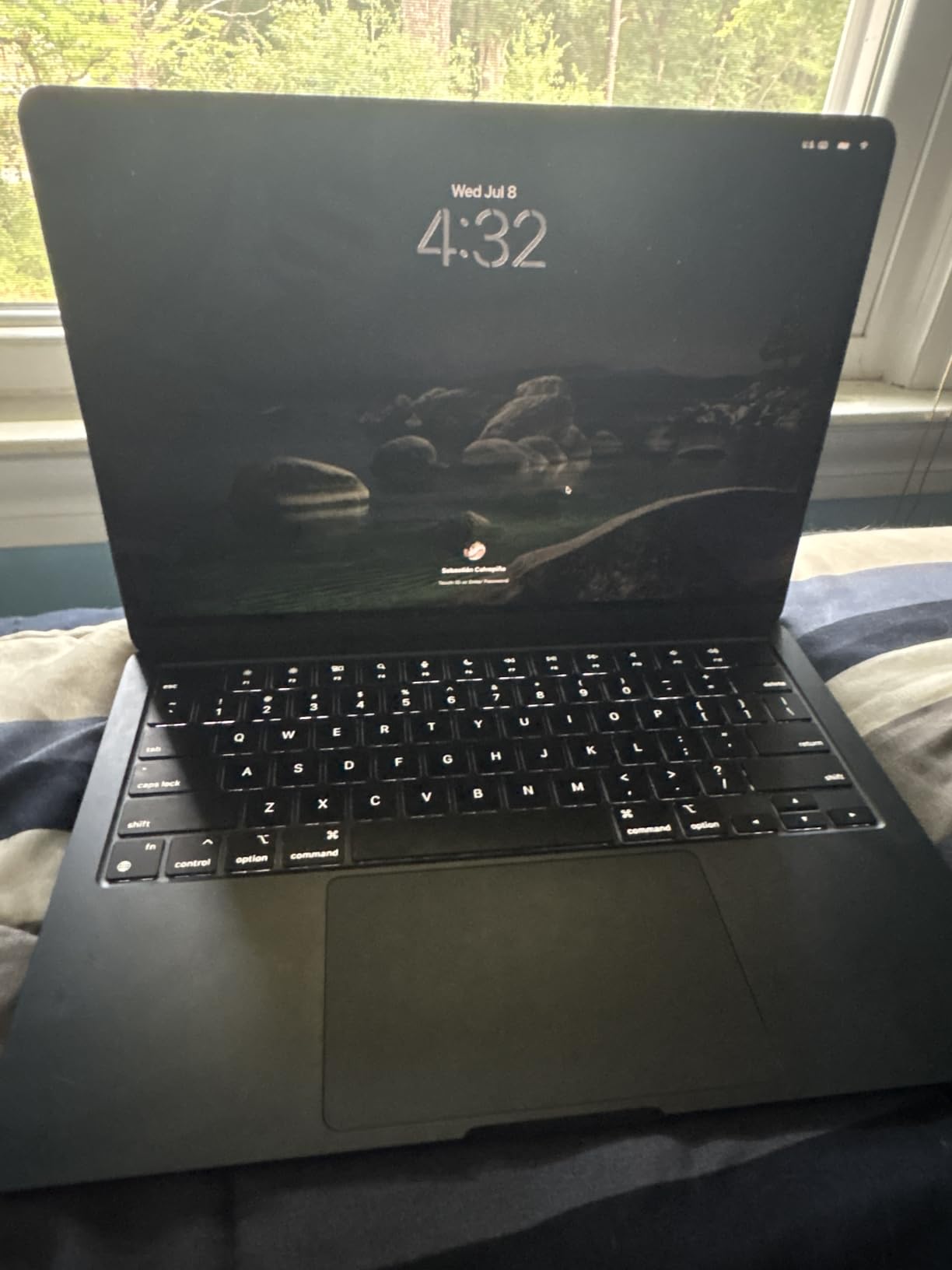
Good to know: the box contents list an AC adapter and a USB-C to MagSafe 3 cable. Confirm what arrives with your specific listing, because renewed packages vary.
Choose the Renewed MacBook Air M2 16GB instead if you want the same screen and a step up in memory, or the Apple MacBook Air 13 M5 if Apple Intelligence and the newest wireless chip are on your list.
6. Renewed MacBook Air 15 M2: Best for Long Writing Sessions
2023 Apple MacBook Air with Apple M2 Chip with 8-Core CPU/10-Core GPU (15-inch, 8GB RAM, 256GB SSD Storage) (QWERTY English) Midnight (Renewed)
Chip: M2
Memory: 8GB
Storage: 256GB
Screen: 15.3-inch
Battery: 18 hours
Condition: Renewed
Pros
- 15.3-inch display suits long writing and editing sessions
- Completely silent fanless operation
- Many units arrive near-new or factory sealed
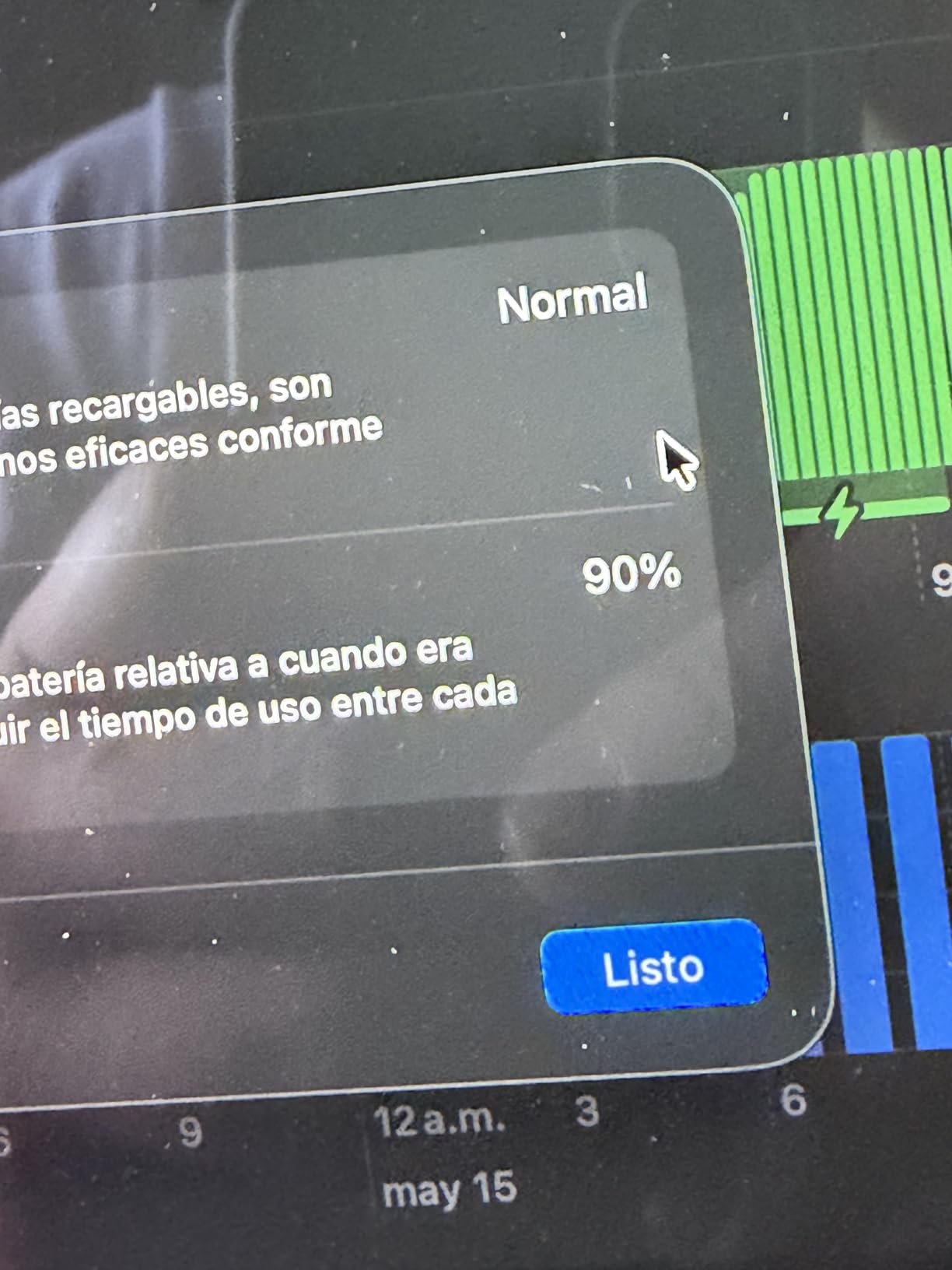
- Battery health commonly reported at 98 to 100 percent
Cons
- 8GB memory limits heavy multitasking
- Condition varies and some units have marks or screen faults
- Original box and chargers not always included
A big screen is the whole pitch here. At 15.3 inches with 500 nits and P3 wide color, this renewed M2 gives writers, students and reviewers a comfortable canvas, and the fanless body stays completely silent while it works.
Model MQKW3LL/A from 2023, Midnight, weighing 3.3 pounds with a 66.5 watt-hour battery. That weight matches the current 15-inch M5 closely, so if you are deciding on screen size alone and not on chip generation, this listing gives you the bigger canvas with an older chip underneath.
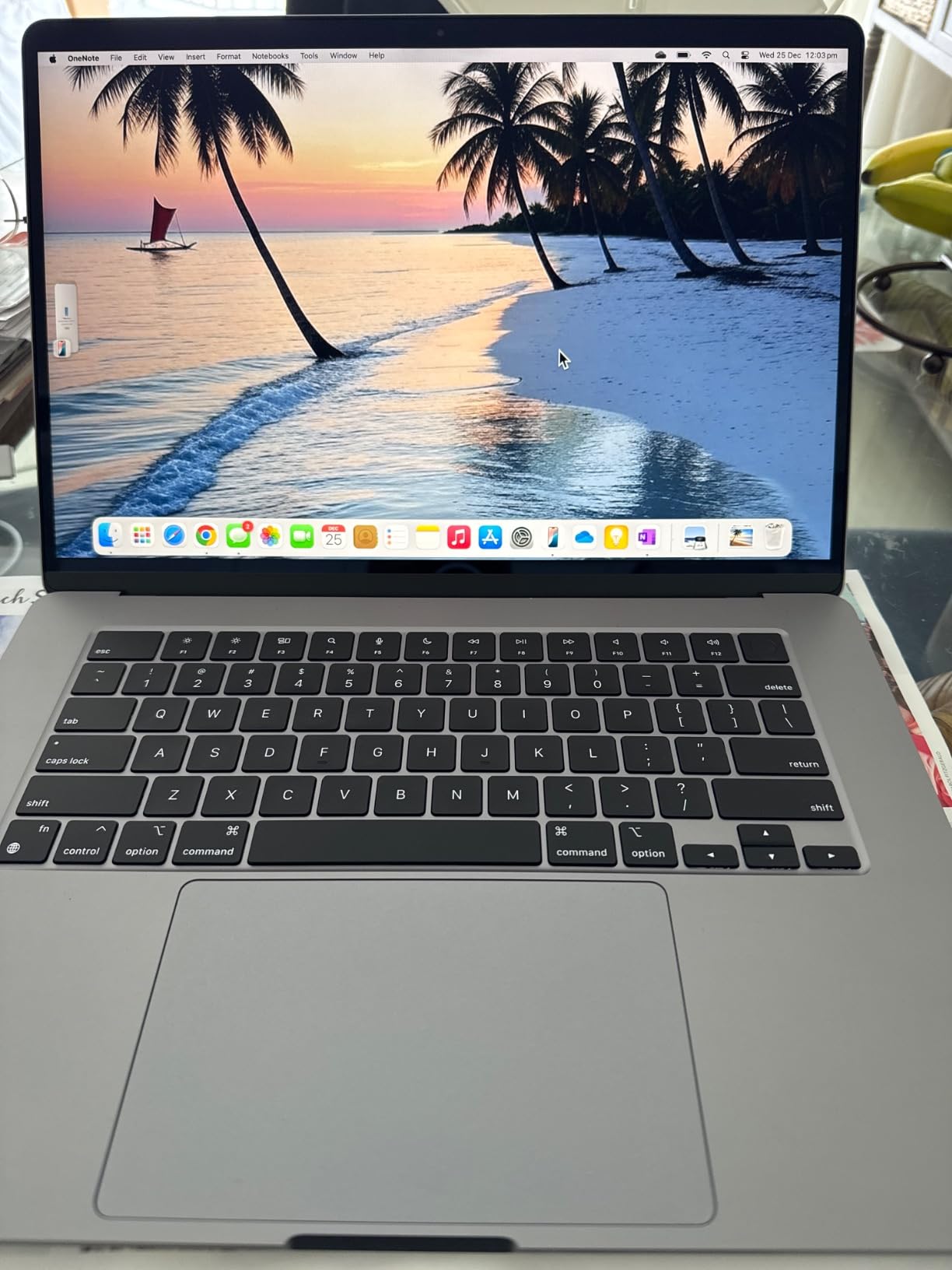
The 4.3 rating is the usual renewed spread: many buyers report sealed or near-new machines with strong battery health, while a minority arrive with cosmetic marks, screen faults or battery problems. Check the condition notes carefully and keep the return window in mind.
Against the Apple MacBook Air 15 M5, you lose the newer chip and gain a lower outlay on the same screen size. Against the Apple MacBook Air 13 M4, you give up real memory headroom, which matters more than most buyers expect three years into ownership.
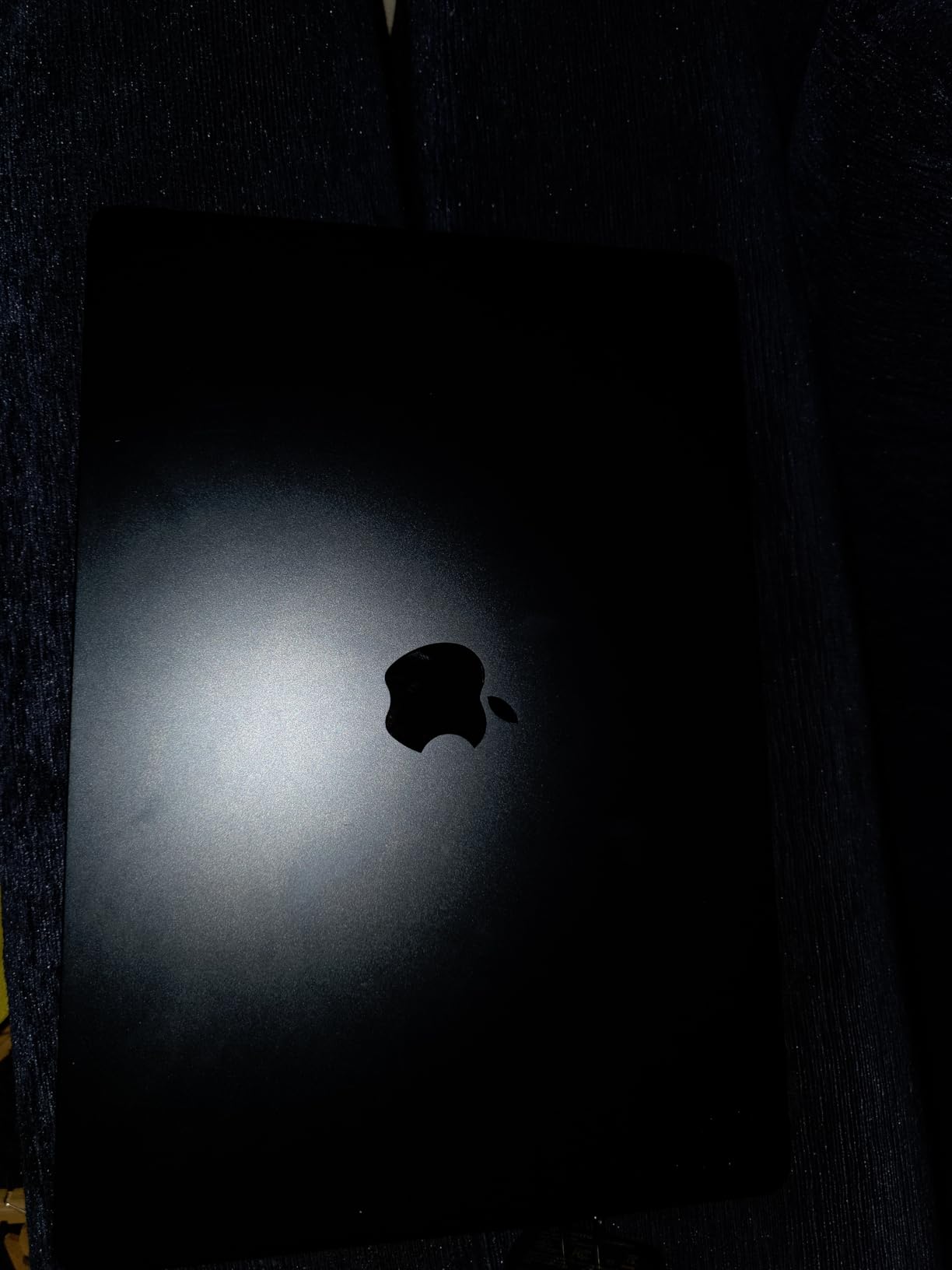
7. Renewed MacBook Air M1: The Lowest Outlay
Apple MacBook Air Late 2020 with Apple M1 Chip (13.3 inch, 8GB RAM, 256GB SSD) Space Gray (Renewed)
Chip: M1
Memory: 8GB
Storage: 256GB
Screen: 13.3-inch
Battery: 15 hours
Condition: Renewed
Pros
- Lowest outlay of any pick in this list
- Largest review base here with more than 2500 ratings
- M1 chip still handles everyday tasks smoothly
- Silent fanless build that feels solid
Cons
- Thicker 2020 chassis at 3.8 pounds and a 60Hz display
- 8GB memory and 256GB storage are minimal today
- Renewed condition varies between listings
The renewed M1 Air is the lowest outlay of any pick in this list, and with more than 2500 owner reviews behind it you are not guessing at an unfamiliar machine. For email, documents, browsing and streaming it still works well.
What you give up is modern in every visible way: a thicker 3.8-pound body, a 13.3-inch 60Hz panel rather than a Liquid Retina display, and 8GB of memory with 256GB of storage. Model MGN63LL/A-cr in Space Gray, with a 49.9 watt-hour battery rated at 15 hours.
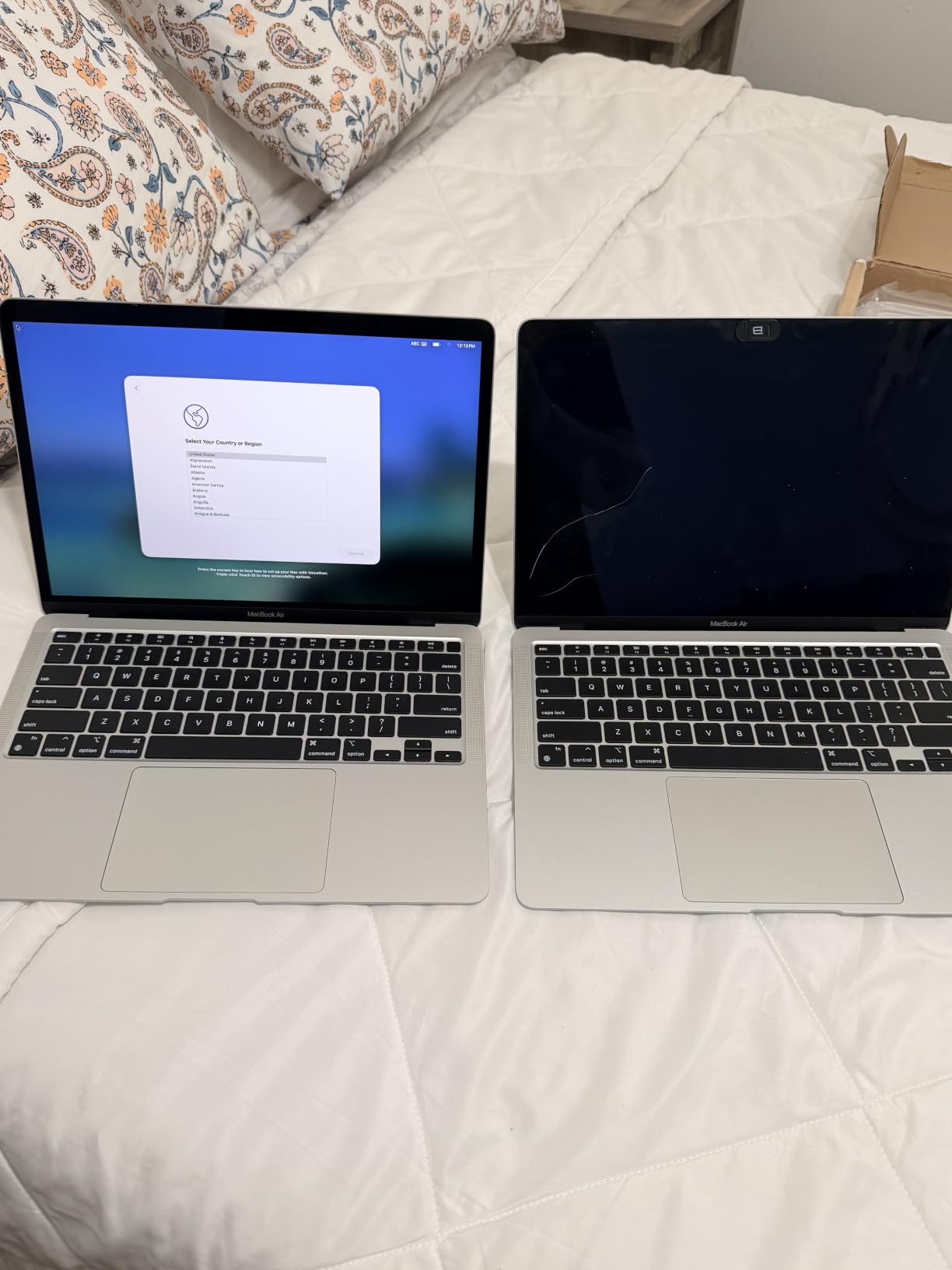
Owners accept the age in exchange for the price-to-performance ratio, the silent running and a battery that still holds up. If you type reports and browse the web, this is plenty. If you edit photos or keep dozens of apps open, it will feel dated quickly.
Because this chassis has only two USB-C ports, anyone adding a display needs a hub and a screen that works over a single cable.
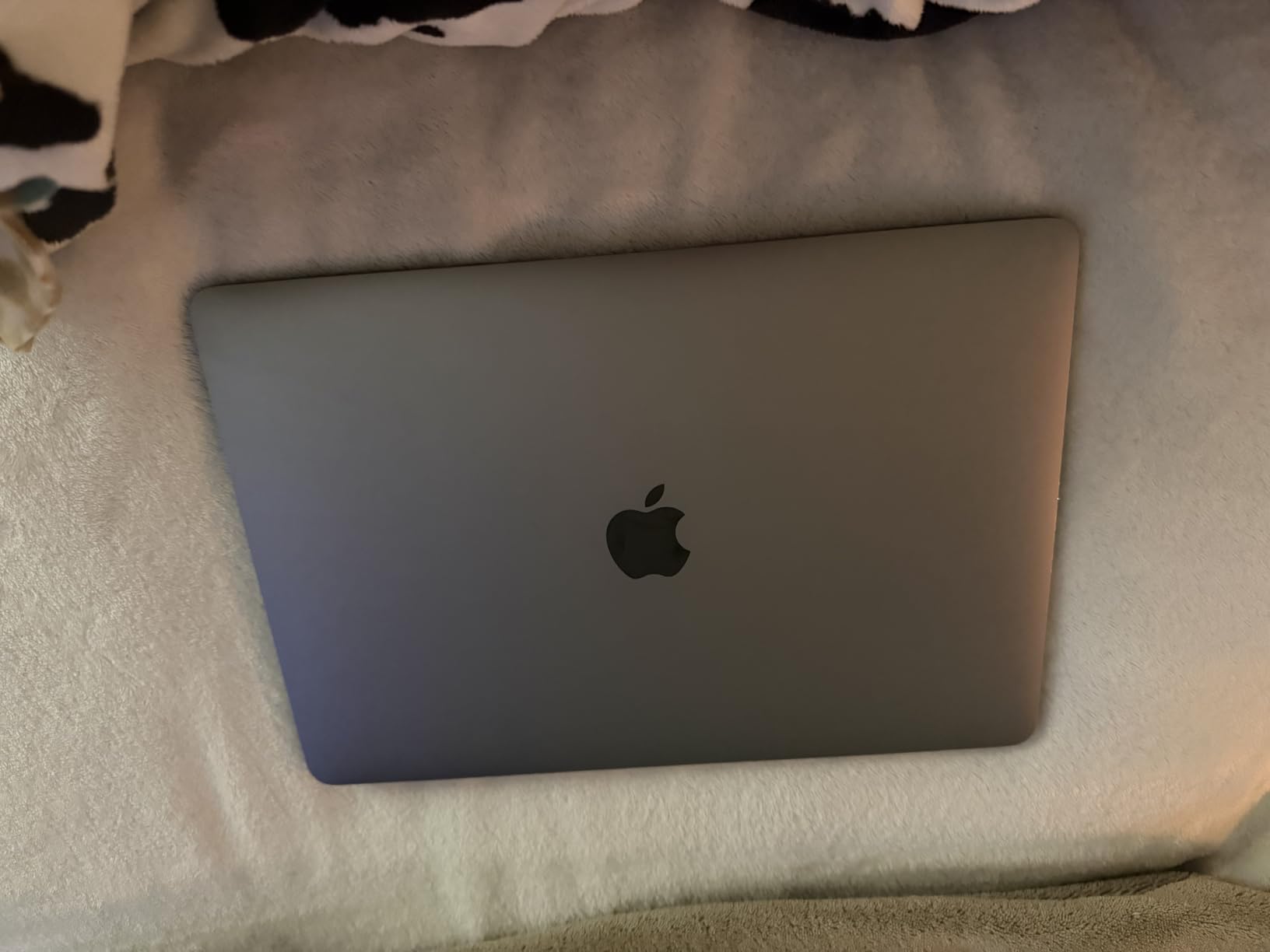
8. Renewed MacBook Air M2 16GB: Best for Multitasking Headroom
Apple 2022 MacBook Air with Apple M2 Chip, 13-inch, 16GB RAM, 256GB SSD Storage – Starlight (Renewed)
Chip: M2
Memory: 16GB
Storage: 256GB
Screen: 13.6-inch
Battery: 18 hours
Condition: Renewed
Pros
- 16GB memory gives comfortable room for many apps
- Light 2.7-pound body with a bright Liquid Retina display
- M2 chip delivers smooth performance and good battery life
- Keeps Touch ID and the Force Touch trackpad
Cons
- 256GB storage is the limiting factor here
- Two Thunderbolt ports plus MagSafe only
- Renewed condition and included accessories vary
What the 16GB actually buys is room. The M2 13-inch with 16GB of unified memory handles multitasking comfortably in a way the base configuration cannot, and with 606 owner reviews behind this listing the pattern is consistent.
Owners like the Starlight finish, the bright 13.6-inch display and the smooth feel of everyday work. Model MLY13LL/A16, a 2.7-pound machine with a 52.6 watt-hour battery and Wi-Fi 6.
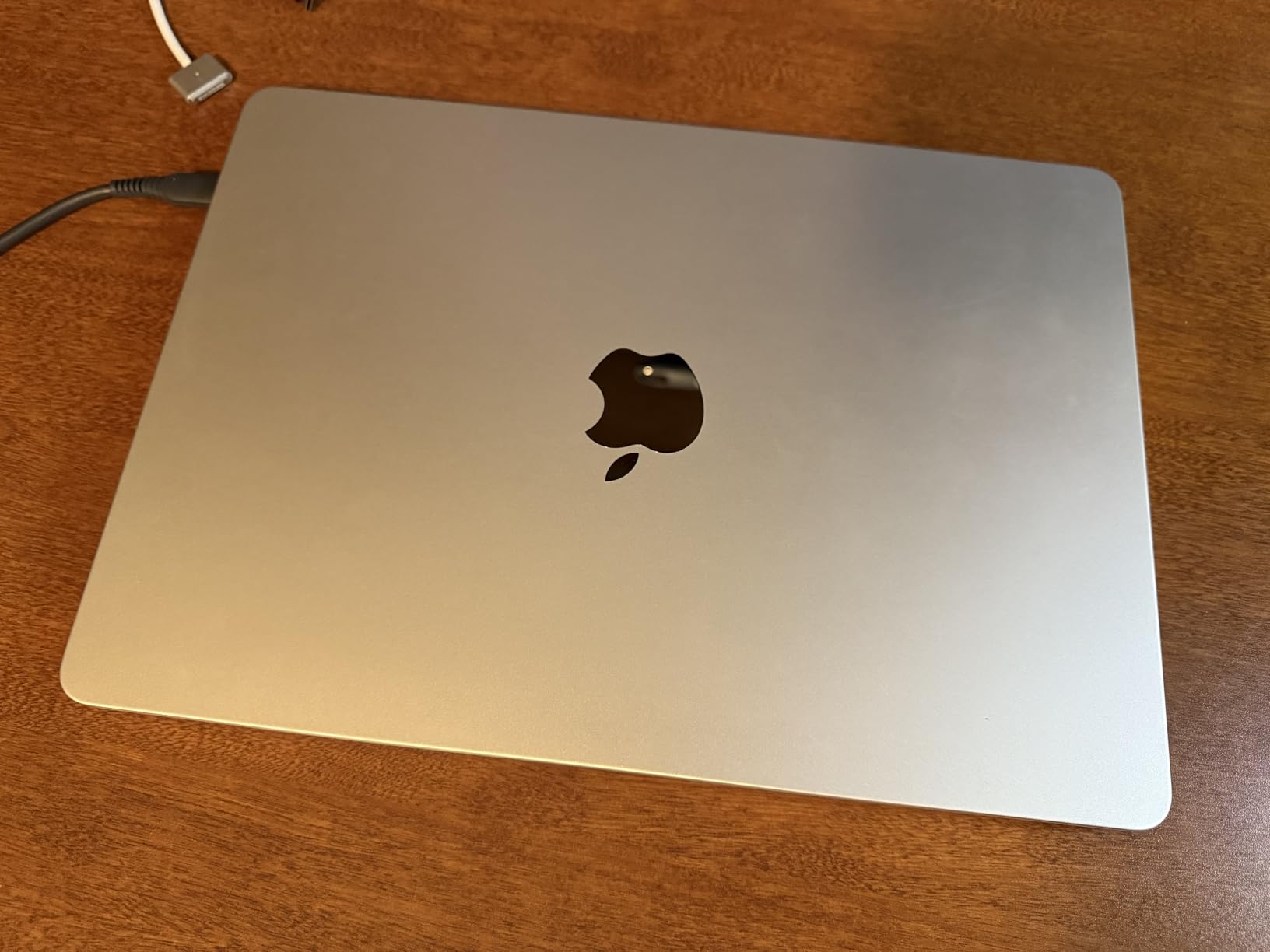
The recurring reservation is storage. At 256GB, a photo or video library will push you toward external drives sooner than most buyers expect, so budget for that if your files are large.
If you want the newer chip instead, move up to the Renewed MacBook Air M4, which pairs Apple Intelligence with 16GB. If screen brightness is what you notice first, the Renewed MacBook Air M2 further down carries a stated 500-nit rating.
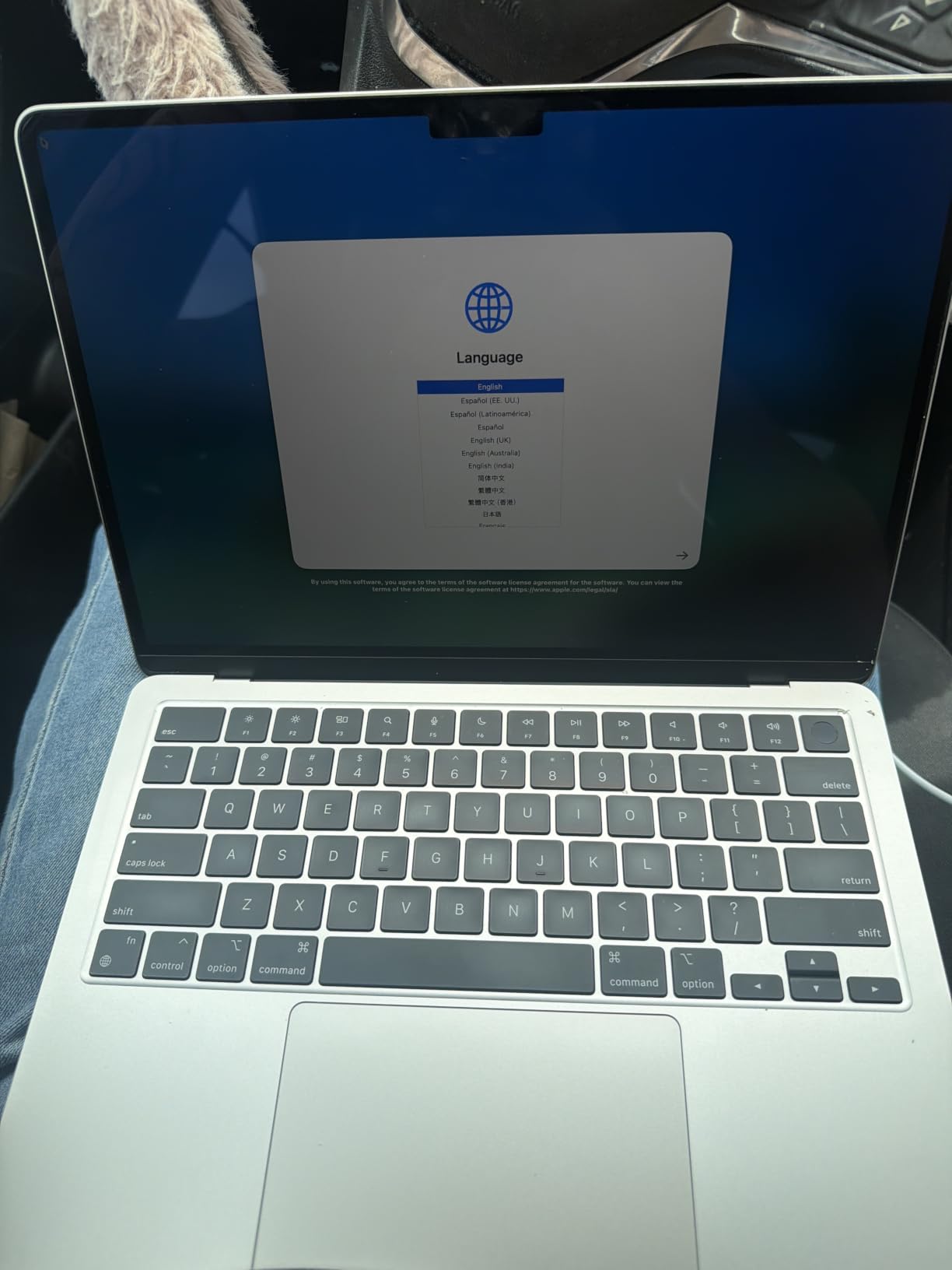
9. Renewed MacBook Air M2: Best for a Bright 500-Nit Screen
Apple 2022 MacBook Air Laptop with M2 chip (13.6-inch, 8GB RAM, 256GB SSD Storage) Starlight (Renewed)
Chip: M2
Memory: 8GB
Storage: 256GB
Screen: 13.6-inch
Battery: 18 hours
Condition: Renewed
Pros
- 835 owner reviews describe the same condition pattern
- 500-nit Liquid Retina display with P3 wide color
- Silent fanless running with all-day battery
- Simple port layout with MagSafe and two Thunderbolt 3 ports
Cons
- 8GB memory is the minimum and limits heavy multitasking
- 256GB storage needs frequent external storage use
- Older M2 generation without Apple Intelligence
This renewed option has 835 owner reviews behind it, so plenty of buyers have already described what tends to arrive. The 500-nit Liquid Retina panel is bright enough for a window seat, and the anti-glare coating helps in rooms with overhead lighting.
Model MLXW3LL/A from 2022 in Starlight, 2.7 pounds, with MagSafe charging, two Thunderbolt 3 ports and a headphone jack. The 52.6 watt-hour battery carries an 18-hour claim.
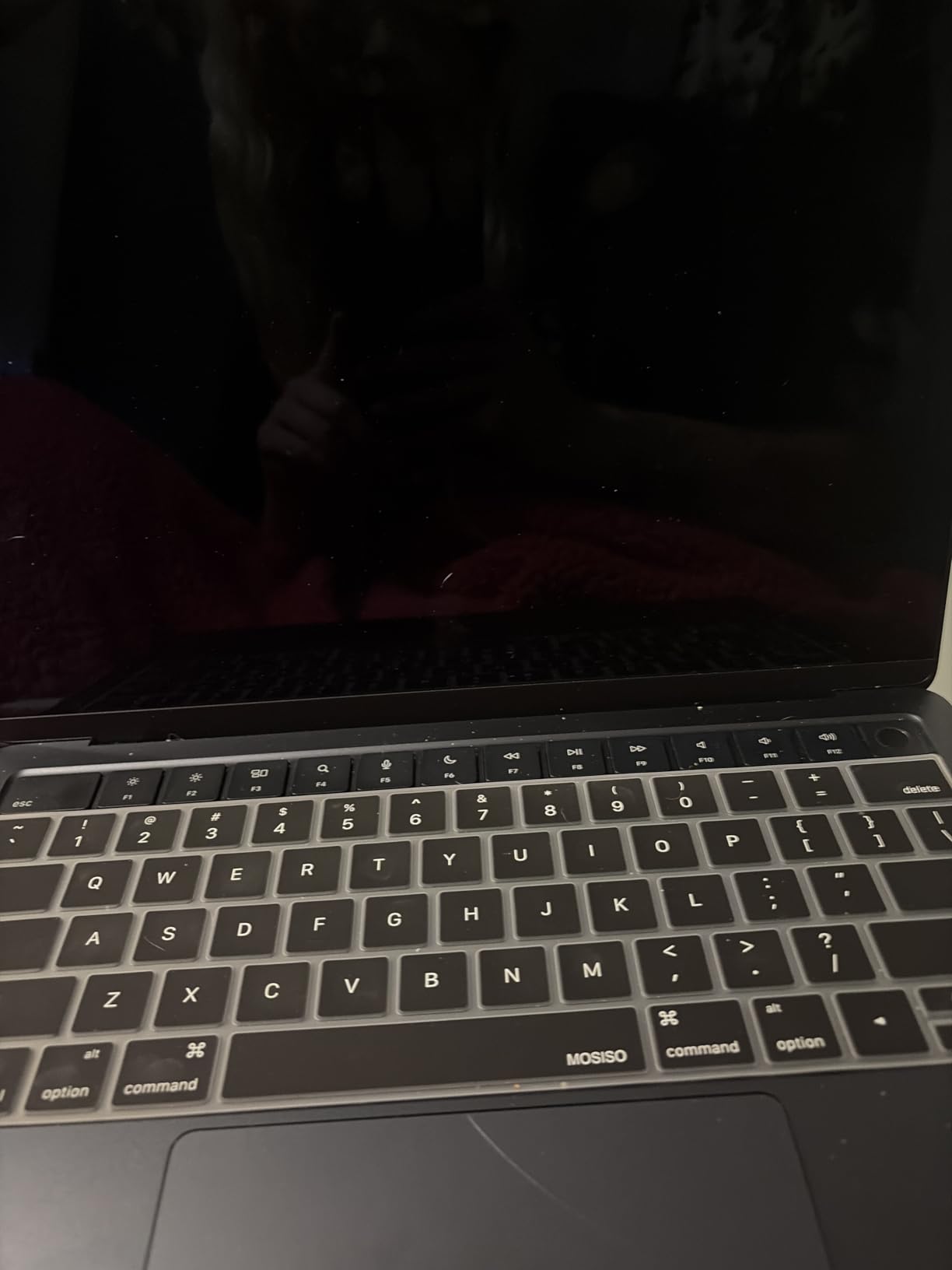
- 8-core CPU with up to a 10-core GPU
- 2560 x 1664 native resolution
- 30W USB-C adapter and USB-C to MagSafe 3 cable listed in the box
- Silent operation with no moving parts
The 8GB of memory is the accepted limit, and owners know it going in. Compared with the Renewed MacBook Air M2 16GB, you give up memory and the rest of the budget; compared with the Renewed MacBook Air M3, you gain the M2 chip and that brightness rating.
How to Choose MacBook Airs During Prime Big Deal Days
Which MacBook Air Chip Is Worth Choosing?
M5 is the current generation and the only one here with Apple Intelligence, the Apple N1 wireless chip and Wi-Fi 7. M4 brings Apple Intelligence without the newest radio, and M3, M2 and M1 predate it. Students doing documents and coursework do not need the newest chip, while anyone running local AI features or heavy editing benefits from M4 or M5.
How Much Memory and Storage Do You Need?
Treat 16GB as the floor for anything beyond browsing and writing, and 24GB as the comfortable level for video editing, large app libraries or long ownership. Storage follows a similar ladder: 256GB fills quickly with big applications, and 512GB is the sensible target for most people. Memory cannot be upgraded later, so buy for the workload you expect in year three.
How Do Battery Life and Display Quality Affect the Choice?
Apple claims up to 18 hours on most of these machines, with the 2020 M1 Air rated at 15 hours. Larger screens draw more power, so the 15-inch models usually fall short of the claim sooner than the 13-inch ones. Real-world battery life depends on brightness, browser tab count and whether you keep external displays attached. Our picks for monitors for MacBook setups cover what to expect when you dock a laptop for the day.
Should You Choose a Base or Higher Configuration?
The entry configurations are enough for web, documents, coursework and streaming. Upgrades start paying for themselves once you multitask heavily, edit 4K video, run local development environments or keep a large photo library. Remember that every Air here carries only two USB-C ports, so budget for a hub if you use wired peripherals.
How Do You Verify the Exact MacBook Air Model?
Check the model number in the specifications rather than the listing title. MDHE4LL/A is the 13-inch M5, MDV94LL/A the 15-inch M5, MC6C4LL/A the 24GB M4, and the model numbers beginning MW0W3, MRXV3, MQKW3, MGN63, MLY13 and MLXW3 cover the renewed entries here. Confirm memory, storage, display size, colour, condition, seller and warranty before you commit.
How to Shop MacBook Air Deals During the Sale
Look at the model identifier, not the headline. Renewed listings carry a suffix and a 90-day limited warranty instead of the full Apple coverage, and the box contents vary from listing to listing, so read what is included. Most offers in this event need a Prime membership, with a free trial counting, and prices change through the two days.
- Match the model number to the configuration you actually want
- Decide new or renewed before comparing anything else
- Check who sells and who ships the unit
- Read the condition notes on every renewed listing
- Confirm the warranty length matches your tolerance
Frequently Asked Questions
Are these the best Amazon Prime Big Deal Days MacBook Air deals?
They are the configurations worth watching, not a promise about pricing. The list covers the current M5 machines, the 24GB M4 configuration, and renewed M4, M3, M2 and M1 options, each chosen on specifications, ratings and owner feedback. Every button opens the live listing so you can see the current figure yourself.
When does Amazon Prime Big Deal Days run in 2026, and is Prime membership required?
Prime Big Deal Days runs October 6-7, 2026, a two-day window rather than the four-day summer event. Most offers need a Prime membership, and a free trial counts toward it. Prices and configurations shift throughout the event, so check the listing again before you commit.
Is a fanless MacBook Air suitable for demanding creative work?
For editing and rendering it can be, with limits. Owners report the M4 handling 4K video edits quickly, and the M5 chip runs smoothly under normal creative loads. The repeated caveat is heat, because a fanless body throttles under sustained heavy work, so long renders and exports slow down after a while.
Can a MacBook Air support two external displays?
Yes. The 13-inch and 15-inch M5 models and the 24GB M4 configuration each support up to two external displays. Older M3, M2 and M1 designs may need a docking adapter for more than one screen, so check the model listing if you plan to work on two monitors at once.
Should I buy a renewed MacBook Air during the sale?
It depends on what you can accept. Renewed machines here carry a 90-day limited warranty instead of full Apple coverage, and condition varies, with some arriving sealed and others carrying marks or faults. They suit light everyday use. If you want AppleCare coverage or a long warranty, buy new instead.
How much battery life should I expect from different MacBook Air sizes?
Apple claims up to 18 hours on most of the models here, and 15 hours for the 2020 M1 Air. The larger 15.3-inch and 15-inch screens draw more power, so expect less from them than the 13-inch models in normal use. Screen brightness, open browser tabs and an attached external display all shorten that figure.
Final Verdict: Best Amazon Prime Big Deal Days MacBook Air Deals
Buy the Apple MacBook Air 13 M5 if you want the safest all-round choice: the newest chip, a 512GB drive and a body light enough for daily commuting. Buy the Apple MacBook Air 15 M5 if screen area matters more than weight, and buy the Apple MacBook Air 13 M4 if editing work makes 24GB of memory the deciding factor.
The Renewed MacBook Air M1 is the budget-friendly alternative, with the Apple MacBook Air 13 M5 the pick most worth watching as the sale runs. For lighter budgets with more screen, take the Renewed MacBook Air 15 M2 for writing or the Renewed MacBook Air M4 for Apple Intelligence features. Check the listing details, confirm who sells and ships the unit, and buy before the event ends.