
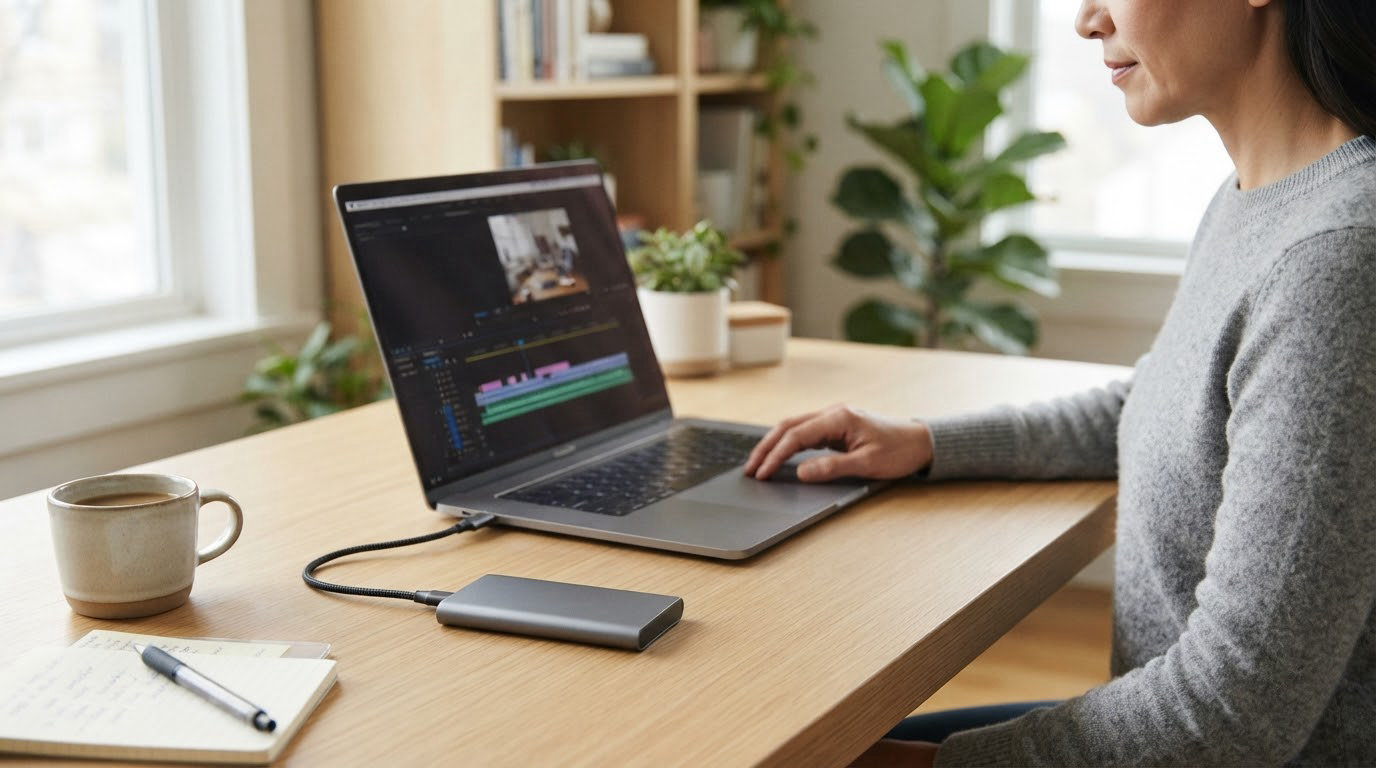
If you only want one external SSD to get you through the year, the SanDisk Extreme 2TB is the drive worth watching. Two terabytes, a 1050 MB/s read rating, an IP65 shell and a carabiner loop at 1.76 ounces, backed by more than 91k reviews that mostly describe the same boring reliability. The Samsung T7 1TB is the tidier choice for a laptop bag, and the Samsung T7 Shield 1TB is the one to pick when the drive gets knocked around on location.
Prime Big Deal Days runs October 6-7, 2026, and prices on all ten of these shift through the event. Every pick below is judged on its specs and owner history, not on a ticket; use the button on each card to see the current number for your capacity.
Table of Contents
Our Top 3 Picks for Best Amazon Prime Big Deal Days External SSD Deals


The SanDisk Extreme 2TB wins on the combination buyers actually feel: room for a full shoot plus a season of projects, a speed rating that holds up in real transfers, and a rating of 4.6 from the largest review base on this list. The Samsung T7 1TB takes the top-rated slot on owner satisfaction and a body you can lose in a pocket. The T7 Shield 1TB is the same speed in a shell that shrugs off rain and a 9.8 foot drop.
Best Amazon Prime Big Deal Days External SSD Deals Compared (2026)
| Product | Specifications | Action |
|---|---|---|
| SanDisk Extreme 2TB |
|
Check Deal Price |
 Samsung T7 1TB Samsung T7 1TB |
|
Check Deal Price |
| Samsung T7 Shield 1TB |
|
Check Deal Price |
 SanDisk 1TB 800MB/s SanDisk 1TB 800MB/s |
|
Check Deal Price |
 Crucial X9 1TB Crucial X9 1TB |
|
Check Deal Price |
 Kingston XS1000 1TB Kingston XS1000 1TB |
|
Check Deal Price |
 SSK 1TB 1050MB/s SSK 1TB 1050MB/s |
|
Check Deal Price |
 Samsung T9 1TB Samsung T9 1TB |
|
Check Deal Price |
 ORICO C10 512GB ORICO C10 512GB |
|
Check Deal Price |
 Crucial X10 Pro 1TB Crucial X10 Pro 1TB |
|
Check Deal Price |
Read the capacity column first, because it decides everything else. Most of the list sits at 1TB, two drives give you more room or more headroom, and one is deliberately small. The read column matters only if your machine has a matching USB port.
How We Chose
We compared the specs that actually decide an external SSD purchase: usable capacity, rated read and write speed, the USB interface version, warranty length, water and dust rating, weight and encryption. Owner ratings and review counts on the Amazon listings did the tie-breaking, since a spec sheet alone tells you nothing about reliability. Data checked in October 2026.
1. SanDisk Extreme 2TB: Editor’s Choice
SanDisk Extreme 2TB
Capacity: 2TB
Interface: USB 3.2 Gen 2
Read: 1050 MB/s
Warranty: 5 years
Pros
- Largest review base on this list at 91k+ reviews
- IP65 sealing with 3 meter drop protection
- Carabiner loop for belt or bag
- 256-bit AES hardware encryption
- Five year limited warranty
Cons
- Can be fussy about thin USB-C cables
- Runs slightly warm on long transfers
- Bundled SanDisk utilities confuse some buyers
The drive most worth watching during the sale.
Two terabytes is the reason this one leads. A 1TB drive fills up with a single season of 4K footage plus a project folder, and the fix people reach for is buying a second drive, which is exactly the juggling problem this list is meant to end.
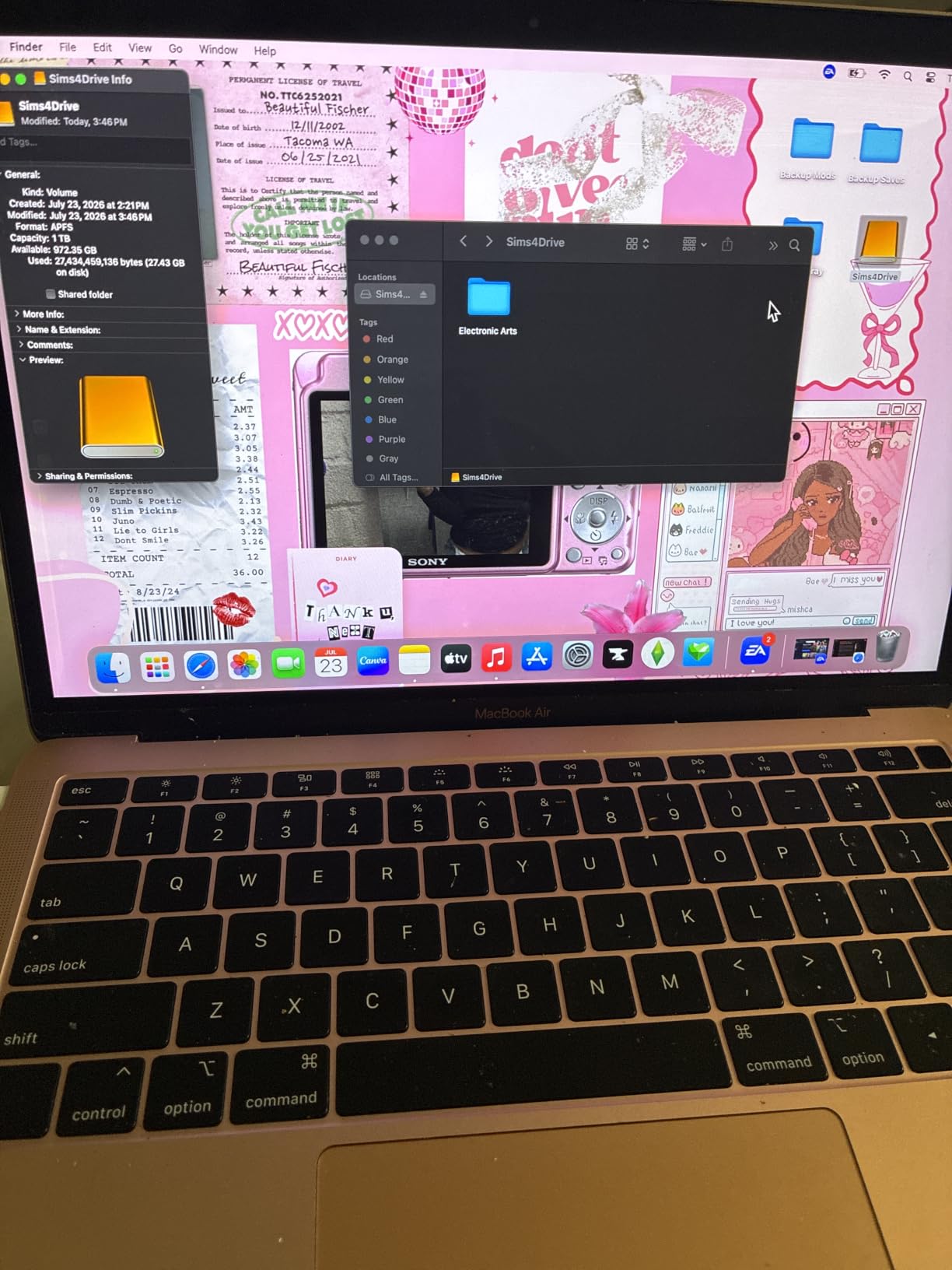
The specs back the choice. Up to 1050 MB/s read and 1000 MB/s write over USB 3.2 Gen 2, IP65 water and dust sealing, drop protection to 3 meters, 256-bit AES hardware encryption and a five year limited warranty. At 1.76 ounces it disappears into a camera bag, which matters more than the weight number suggests.
Owners consistently report real transfers near the rated figure, which is the part most listings cannot promise. The rating record backs that up too: 4.6 stars across more than 91k reviews is a much longer reliability history than anything else here.
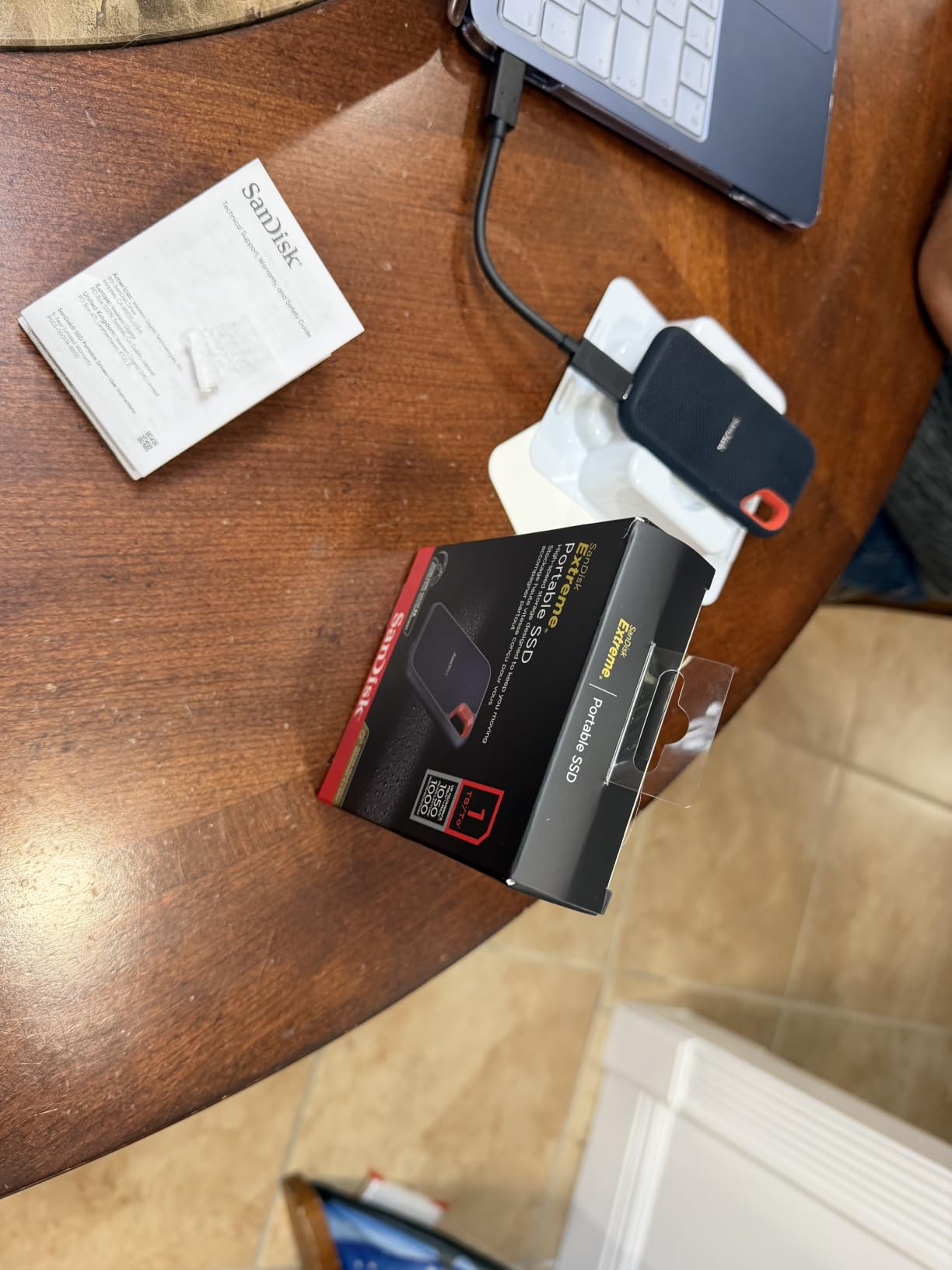
Compared with the Samsung T7 1TB, you give up a little polish for twice the room and two extra years of warranty, at the same headline speed. Compared with the Crucial X9 1TB, you lose the broad device list but gain the IP65 seal and the carabiner.
One practical detail before you rely on it: owners report intermittent unmounting with cheap third-party USB-C cables, so use the cable in the box. Setting the 256-bit hardware password also takes a couple of extra steps the first time.
2. Samsung T7 1TB: Top Rated
Samsung T7 1TB
Capacity: 1TB
Interface: USB 3.2 Gen 2
Read: 1050 MB/s
Warranty: 3 years
Pros
- 4.7 stars across more than 21k reviews
- Ships preformatted exFAT for Mac and PC
- Cool-running aluminum unibody
- Records 4K 60fps footage directly to the drive
- Drop protection up to 6 feet
Cons
- Three year warranty is shorter than some rivals
- No carrying pouch in the box
- Encryption setup takes extra software steps
The tidiest drive on the list, and the highest rated.
Where the SanDisk Extreme is built to be dropped, the T7 is built to be carried. The aluminum unibody has no moving parts and no spinning motor, so it stays cool in a bag and never rattles, and it runs at 1050 MB/s read over USB 3.2 Gen 2 with a 10 Gbps data rate.
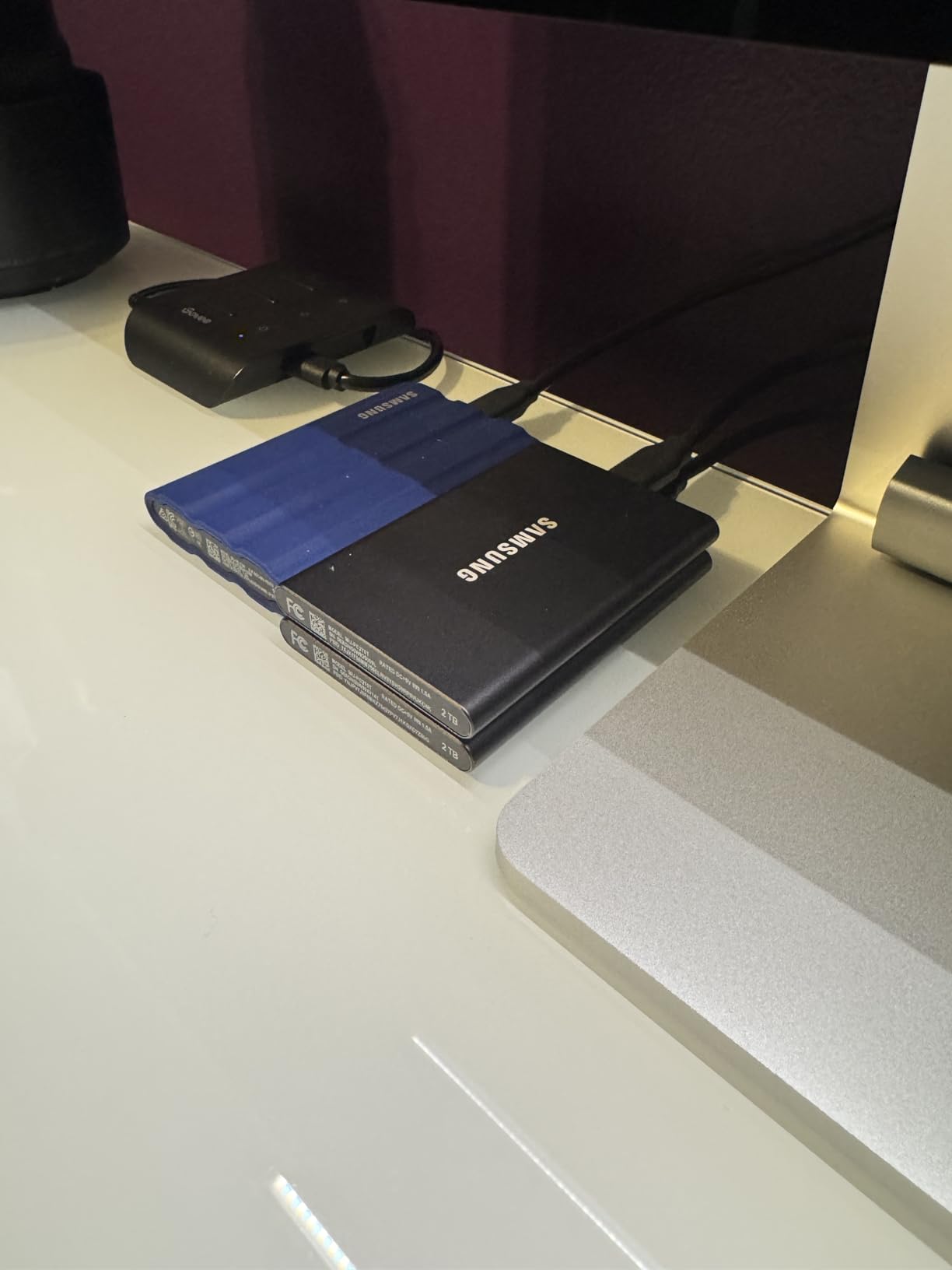
For editors, the useful detail is that it ships preformatted in exFAT, which is readable on both Mac and PC with no reformat step. It is also rated to record 4K 60fps Ultra High Resolution video straight to the drive, so it works as a capture target rather than only as a backup.
The owner record is the strongest on this list: 4.7 stars from more than 21k reviews, with editors and photographers describing the same dependable, uneventful behaviour. Samsung also makes both the DRAM and the NAND in house, which is unusual and worth something when a drive fails.
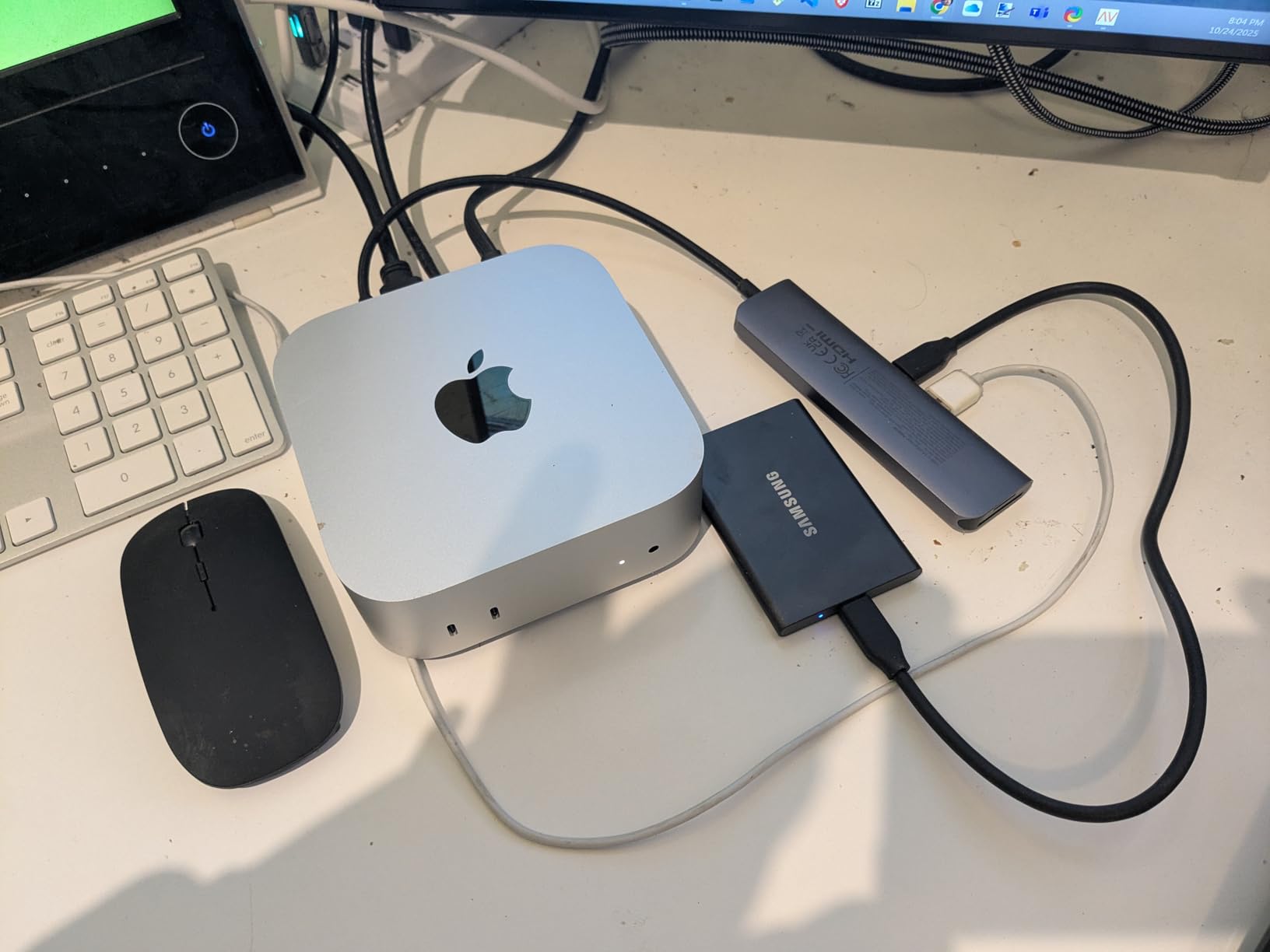
Where it falls short is paper, not use. The warranty is three years against the five years on the SanDisk Extreme, there is no protective pouch in the box, and encryption needs Samsung’s software rather than a prompt.
Skip it if you need more than 1TB. The rest of the T7 line steps up in capacity, and paying for 1TB when you already know you will fill it is the most common buyer regret in this category.
3. Samsung T7 Shield 1TB: Premium Pick
Samsung T7 Shield 1TB
Capacity: 1TB
Interface: USB 3.2 Gen 2
Read: 1050 MB/s
Warranty: 3 years
Pros
- IP65 sealing with 9.8 foot drop protection
- Works with PS5 Xbox Series and Switch
- Magician software for health and firmware
- Readable by iPhone 15 and 16
- 4.7 stars from more than 16k reviews
Cons
- Rubber sleeve collects lint in a bag
- Needs a 10 Gbps port for rated speed
- Rare reports of a Windows mount failure
The one to buy when the drive leaves the house.
The Shield is the same 1050 MB/s NVMe speed as the standard T7 in a body rated to IP65 and to survive a 9.8 foot drop. That rating is the reason it earns the premium slot here: sand, rain, a dropped bag and a tailgate are all realistic, and the drive shrugs at them.
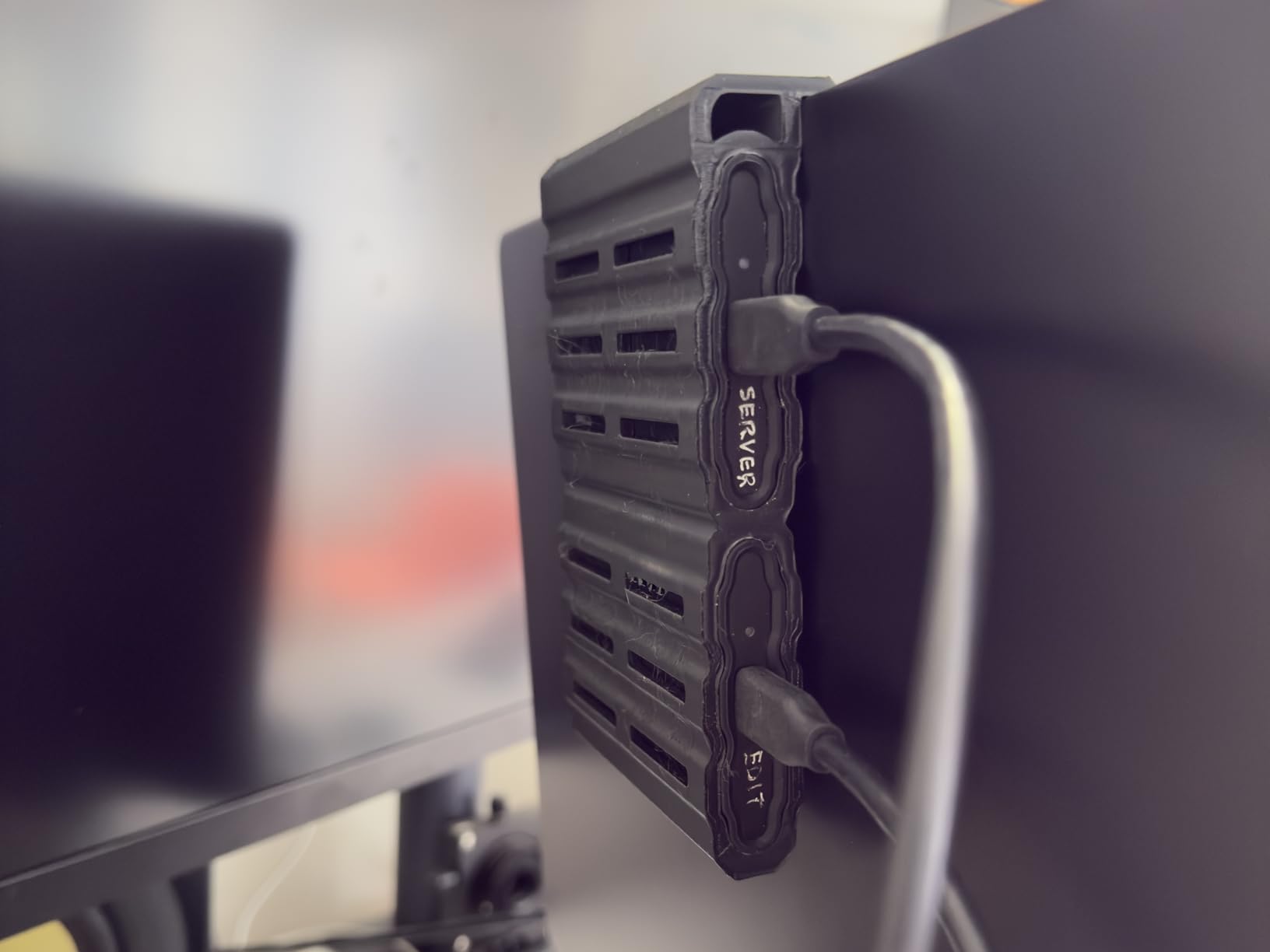
Compatibility is unusually wide for a rugged drive. The listing names gaming consoles including PlayStation 5, Xbox Series X and S, and Nintendo Switch, plus Mac, PC, Android tablets and iPhone 15 and 16 models. That matters more than it sounds if your storage moves between a console and a phone.
Owners rate it 4.7 stars across more than 16k reviews, and the recurring praise is simple: full rated speed on a proper port, cool sustained transfers, and no drama over years of use. If you want the console expansion angle worked out in full, our guide to NVMe SSDs for gaming covers how internal and external storage split on current consoles.
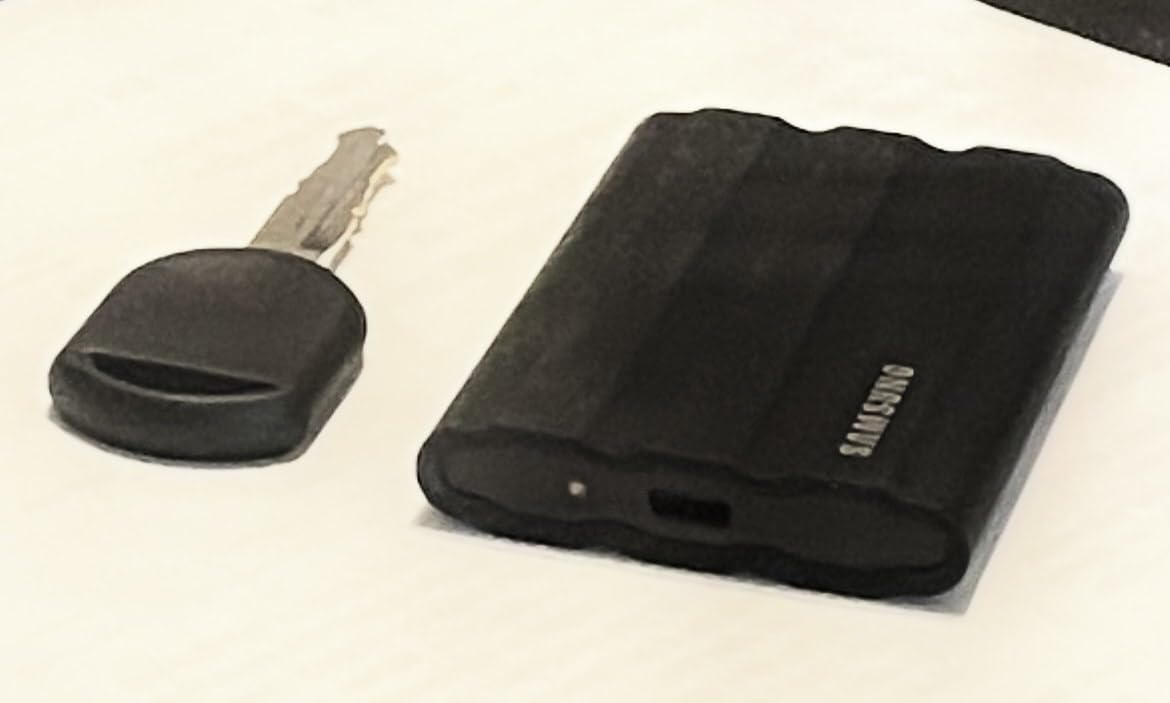
Two small annoyances: the rubberized exterior attracts lint and dust in a bag, and speeds fall away sharply if you plug into a USB 3.0 or slower port. Check which port you are using before you blame the drive.
Compared with the SanDisk Extreme 2TB: the Shield is the tougher and more compatible drive at 1TB, while the SanDisk gives you twice the capacity and two more years of warranty. Field work versus archive, roughly.
4. SanDisk 1TB 800MB/s: Best for Basic Backups
SanDisk 1TB 800MB/s
Capacity: 1TB
Interface: USB 3.2 Gen 2
Read: 800 MB/s
Warranty: 3 years
Pros
- Lightest option here at 1.44 ounces
- 800 MB/s is quick enough for photos and documents
- Rubber hook for belt or backpack
- Plug and play with no software needed
- 4.5 stars from more than 11k reviews
Cons
- Bundled SanDisk security software is hard to set up
- May need reformatting for macOS Time Machine
- Included cable is short
A drive that does the plain job without fuss.
Most external SSDs are sold to people copying large video files. This one is at 800 MB/s read, which still moves a full card of photos in a fraction of a minute, and at 1.44 ounces it is the lightest thing on the list. If your backup routine is documents, a photo archive and the occasional laptop image, speed past that point is wasted on you.
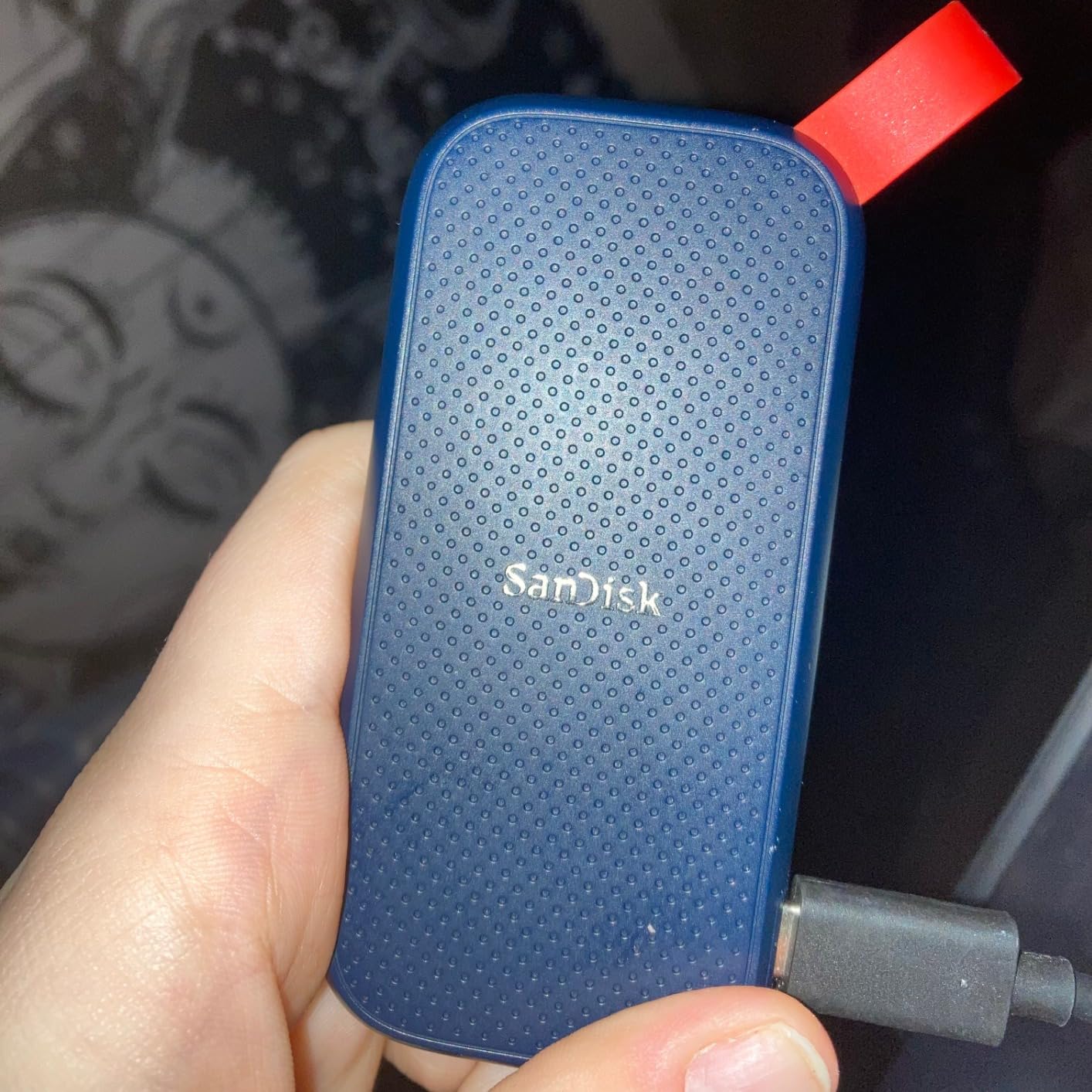
Durability is the older, simpler generation: a rubber hook for a belt loop, two meter drop protection, and a grippy soft shell. Owners rate it 4.5 across more than 11k reviews, and the description that comes up most is dependable rather than fast.
This listing is flagged as an older model, so it is worth checking the model number and the firmware version on the page before you buy during the sale, because an older generation tends to sit on a different discount schedule than the current line.
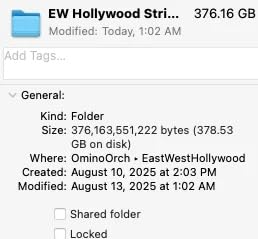
The recurring gripes are software rather than hardware. The bundled SanDisk Security utility confuses a lot of first-time owners, and macOS users generally have to reformat before Time Machine will accept the drive. Some laptops also need a USB-C adapter, since the included cable is on the short side.
Compared with the Crucial X9 1TB: that drive runs at 1050 MB/s and carries an IP55 rating at the same class of capacity, so it is the better buy unless you specifically want the lightest body.
5. Crucial X9 1TB: Best for Cross-Device Compatibility
Crucial X9 1TB
Capacity: 1TB
Interface: USB 3.2 Gen 2
Read: 1050 MB/s
Warranty: 3 years
Pros
- Lists Windows Mac iPad Chromebook Android Linux and consoles
- IP55 sealing with 7.5 foot drop protection
- Only 32 g
- Includes three months of Acronis True Image and Mylio Photos
- 4.5 stars from more than 8k reviews
Cons
- IP55 is a step below the IP65 drives
- Three year warranty
- No activity light or lanyard loop listed
The one that plugs into whatever is on the desk.
The X9 runs at 1050 MB/s over a 10 Gbps USB 3.2 Gen 2 link and weighs 32 g, which is the lightest full-featured drive here. The real argument for it is the compatibility list, which is unusually explicit: Windows, Mac, iPad Pro, Chromebooks, Android, Linux, PS4, PS5 and Xbox all appear on the listing.
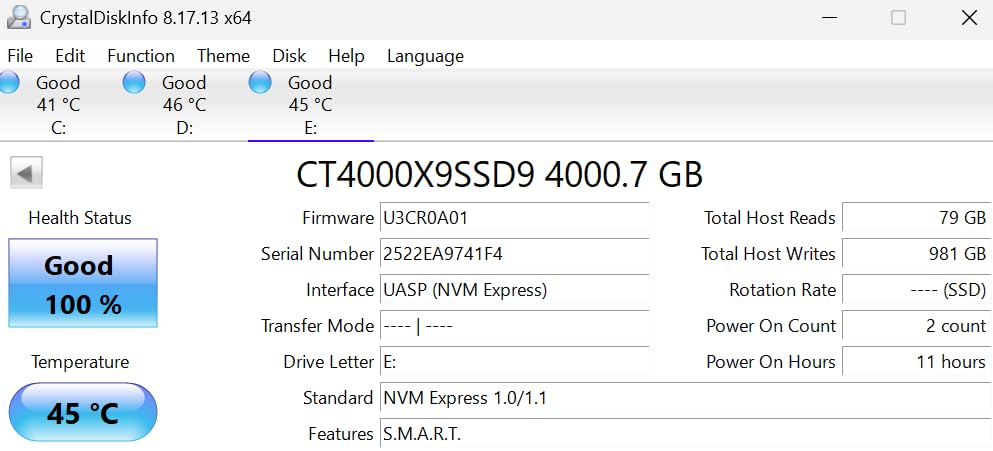
It also ships with three months of Acronis True Image and Mylio Photos+ included, so the first backup or photo import is a matter of installing what is in the box rather than hunting for software. Owners rate it 4.5 from more than 8k reviews and describe it as a capable everyday backup and game storage drive at this capacity tier.
Durability is one notch below the leaders: IP55 rather than IP65, with drop protection to 7.5 feet. That is still enough for a commute and a hotel room, just not a worksite.
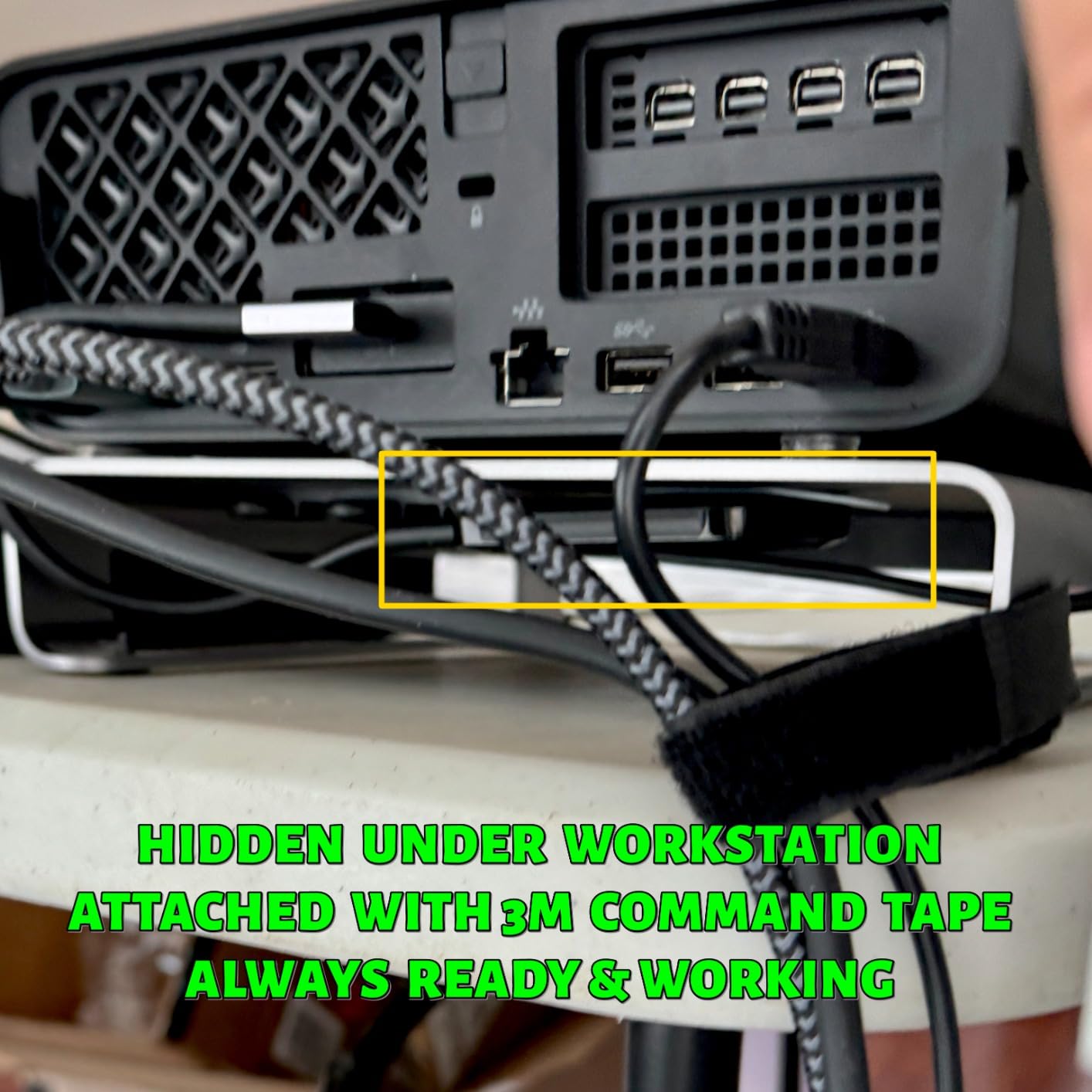
Owners do not raise failures or speed problems for this drive. What comes up instead is the missing extras: no lanyard loop and no activity light, and a three year warranty where the Kingston XS1000 and SanDisk Extreme both give five.
Compared with the Samsung T7 1TB: both are 1050 MB/s and both are rated 4.5 or better, but the Crucial lists far more device types and includes backup software, while the Samsung is smaller, cooler running and better reviewed.
6. Kingston XS1000 1TB: Best for Warranty Coverage
Kingston XS1000 1TB
Capacity: 1TB
Interface: USB 3.2 Gen 2
Read: 1050 MB/s
Warranty: 5 years
Pros
- Five year limited warranty at 1TB
- 4.7 stars from more than 4.6k reviews
- Smallest footprint on the list at 2.74 inches long
- USB-A and USB-C connectivity included
- Metal and plastic body
Cons
- No water or dust rating listed
- Capacity range tops out lower than some rivals
- Review base is smaller than the big three
Five years of cover on a one-terabyte drive.
Most of the 1TB drives here carry three year warranties. This one is covered for five, and it holds a 4.7 star average from more than 4.6k reviews, which puts it level with the Samsung drives on satisfaction while being far less talked about.
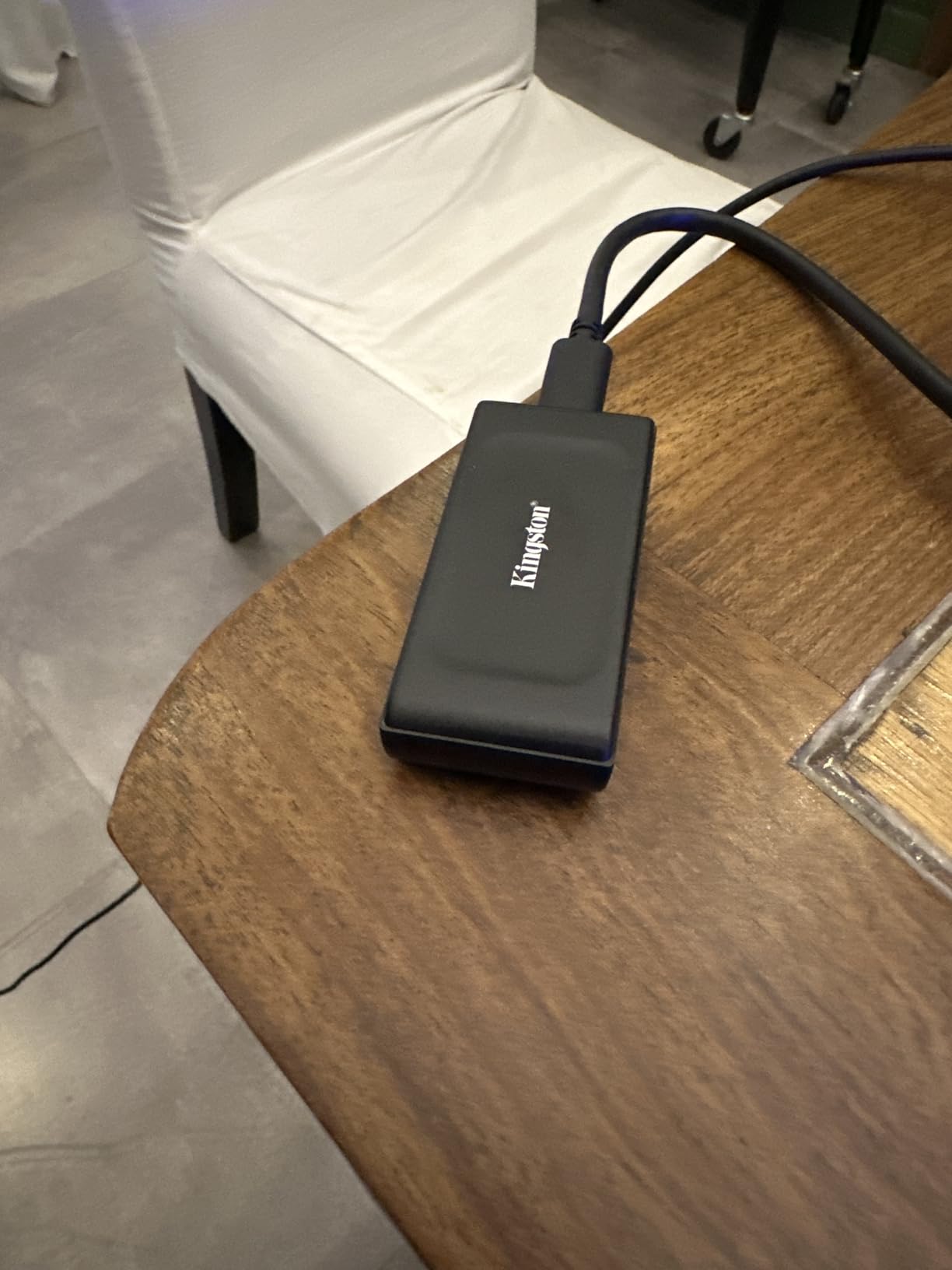
Speed is 1050 MB/s over USB 3.2 Gen 2, and the body is the smallest on the list at 2.74 inches long and 1.28 inches wide, with a metal and plastic shell. Both USB-A and USB-C connectivity are included, so it works on older desktops without hunting an adapter.
What you are not getting: there is no water or dust rating on the listing, so treat it as a drive for a desk or a bag rather than a site. The capacity range also tops out lower than some rivals, which only matters if you plan to expand later.
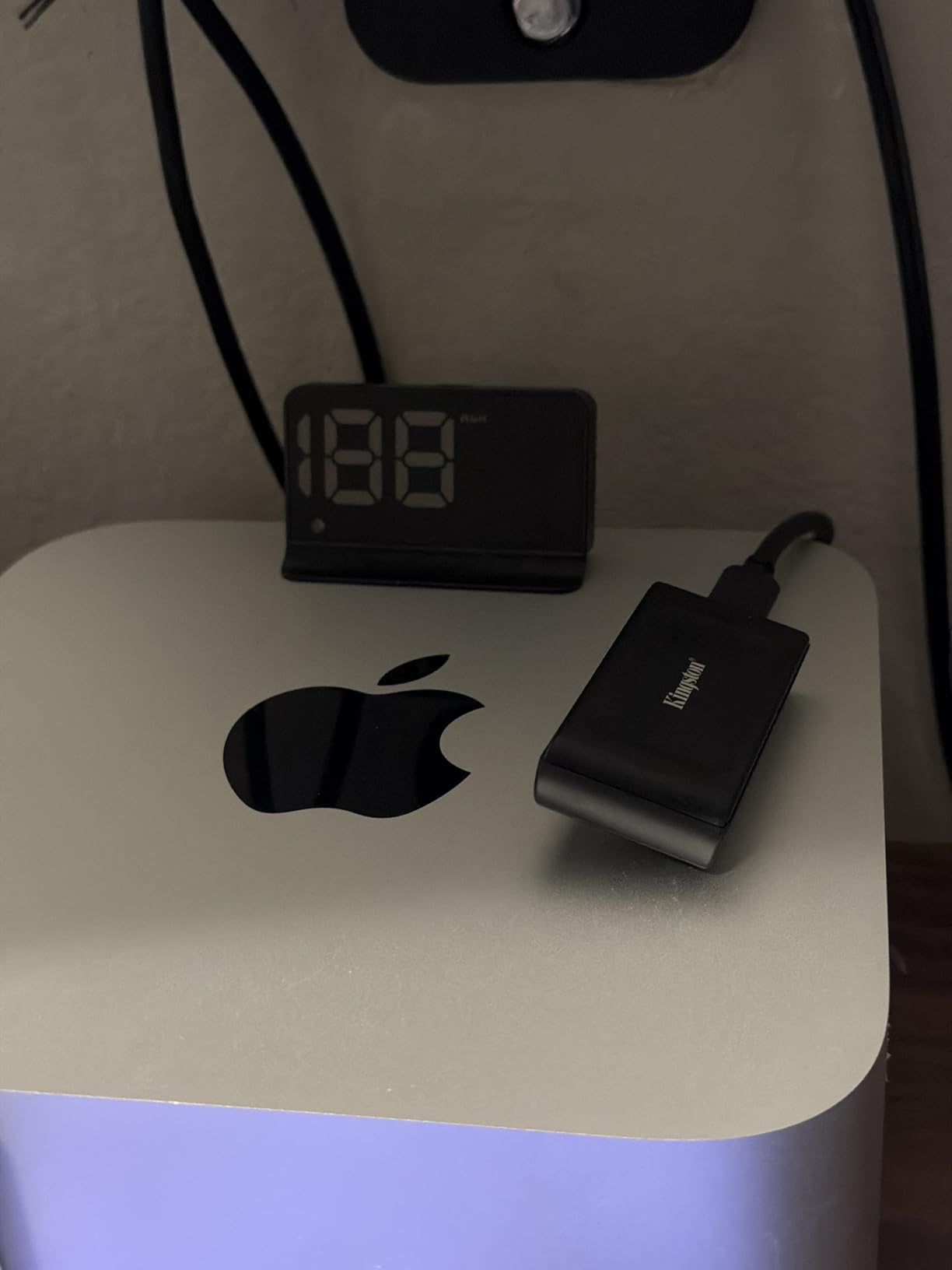
Warranty length is the number owners bring up most when an external drive is bought as archive space rather than as a spare, and it is the one spec here with no substitute. Longer cover means a failure in year four is somebody else’s problem, not a weekend of copying everything to a new drive.
Compared with the Crucial X9 1TB, you are trading the device compatibility list and the IP55 rating for two extra years of cover and a smaller footprint. If the drive lives indoors, that trade is usually worth taking.
7. SSK 1TB 1050MB/s: Best for iPhone Video
SSK 1TB 1050MB/s
Capacity: 1TB
Interface: USB 3.2 Gen 2
Read: 1050 MB/s
Warranty: 3 years
Pros
- Records 4K60 ProRes HDR from iPhone
- Both USB-C and USB-A cables in the box
- Only 36.6 g and 2 mm thin
- Aluminum case peaks around 105F under load
- S.M.A.R.T. health diagnostics and adaptive TRIM
Cons
- SLC cache covers only about 25% of capacity
- SMR write speed drops once the cache fills
- Three year warranty
The phone shooter drive.
If your footage comes off an iPhone rather than a camera, this is the one to watch. It supports 4K60fps ProRes HDR recording straight to the drive, and both USB-C and USB-A cables come in the box, so you are not buying an adapter to move files off the phone.
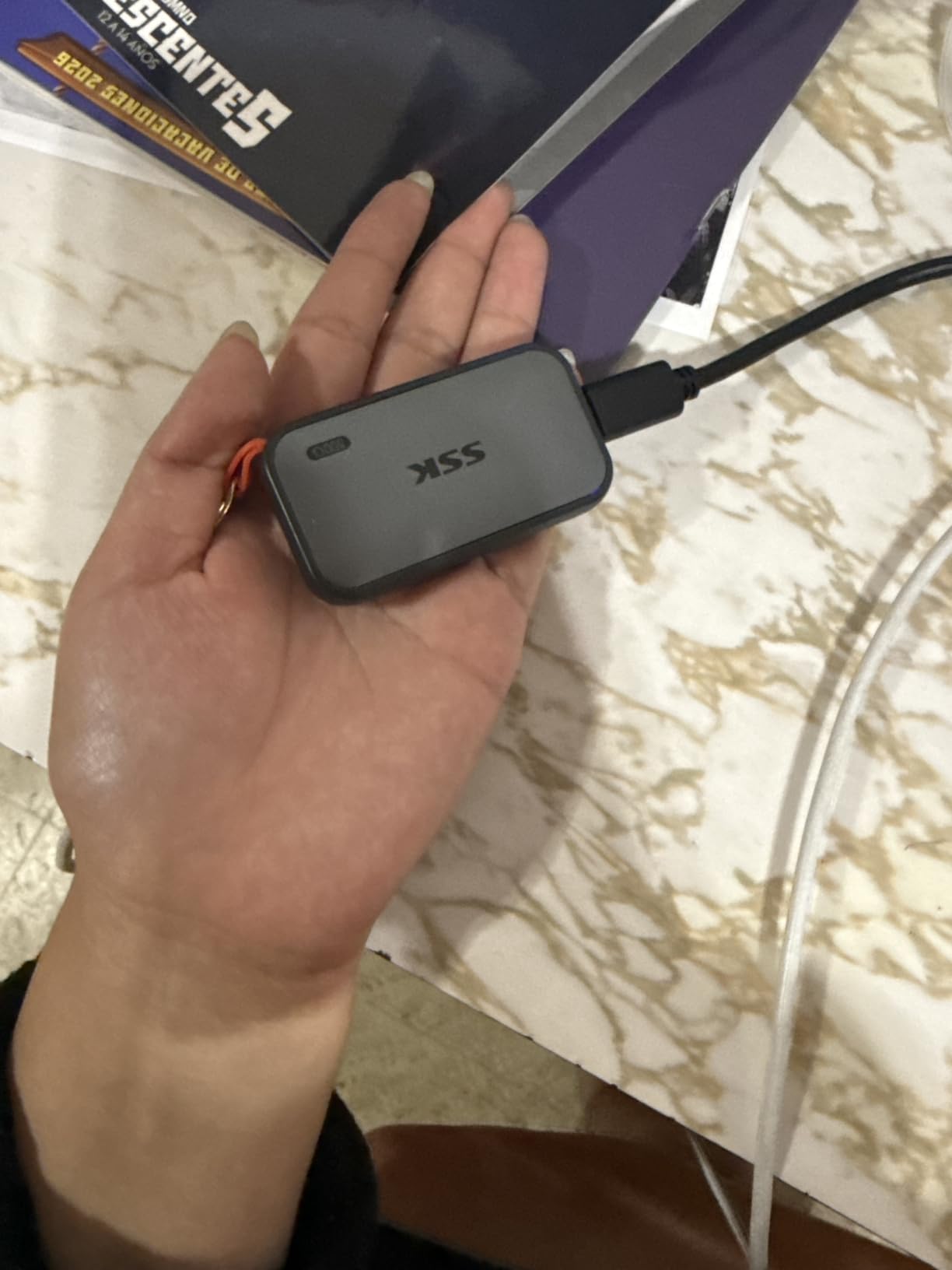
It is also the thinnest drive here at 2 mm, weighing 36.6 g, and the 2 mm aluminum alloy case is good at moving heat: owners report peak temperatures around 105F during heavy transfers, which is manageable in a pocket or a small bag.
Rated speed is 1050 MB/s read and 1000 MB/s write over a 10 Gbps USB 3.2 Gen 2 link, with S.M.A.R.T. health diagnostics and adaptive TRIM on the inside. Owners rate it 4.5 from more than 3.7k reviews.
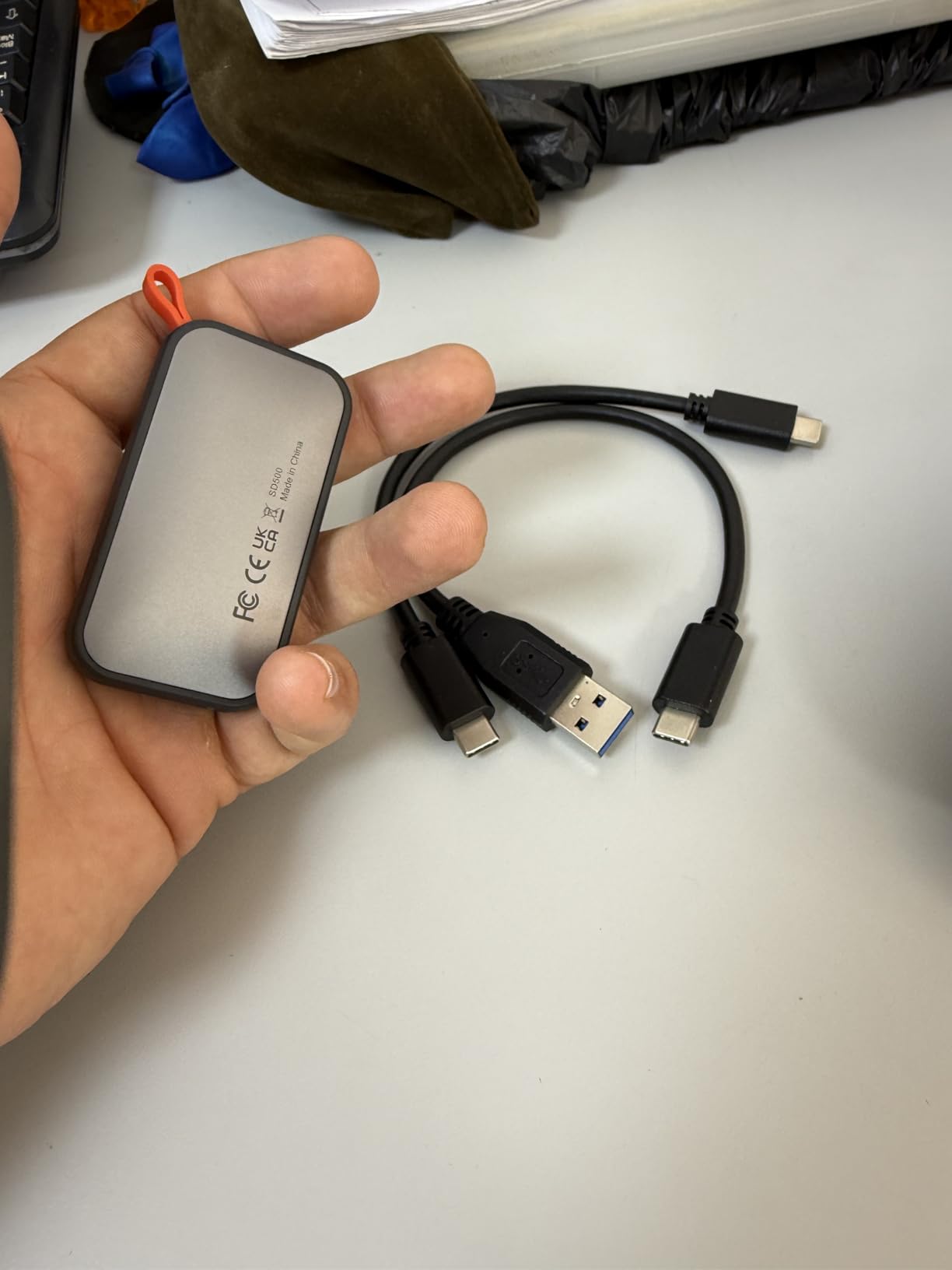
Two things catch buyers out with this drive. The SLC cache covers roughly a quarter of the capacity, and the drive uses SMR flash, so sustained write speed drops once that cache is full: fine for offloading cards in batches, slower for writing a continuous long take straight to the drive. Windows also shows a 1TB drive as about 931GB, which is normal binary maths rather than a fault.
Compared with the Samsung T7 Shield 1TB, you give up the IP65 seal and the nine foot drop rating for a thinner body and dual cable support. Versus the SanDisk Extreme 2TB, you are choosing one drive that fits in a phone workflow over one that fits an archive.
8. Samsung T9 1TB: Best for Creative Workflows
Samsung T9 1TB
Capacity: 1TB
Interface: USB 3.2 Gen 2x2
Read: 2000 MB/s
Warranty: 5 years
Pros
- Sustained 2000 MB/s read and write
- Dynamic Thermal Guard manages heat under load
- Drop resistant to 9.8 feet
- Supports iPhone 15 Pro 4K 60fps recording
- AES 256-bit hardware encryption with Magician
Cons
- Needs a Gen 2x2 port for rated speed
- No protective case included
- Higher capacity variants struggle on older hardware
The fastest drive here that behaves like it, once the port matches.
Where most of this list is a 10 Gbps drive, the T9 is a 20 Gbps one: up to 2000 MB/s read and write sustained, not just a burst number on the box. It holds that rate because of Samsung’s Dynamic Thermal Guard, which is the part that usually decides whether a fast portable SSD stays fast for the whole transfer.
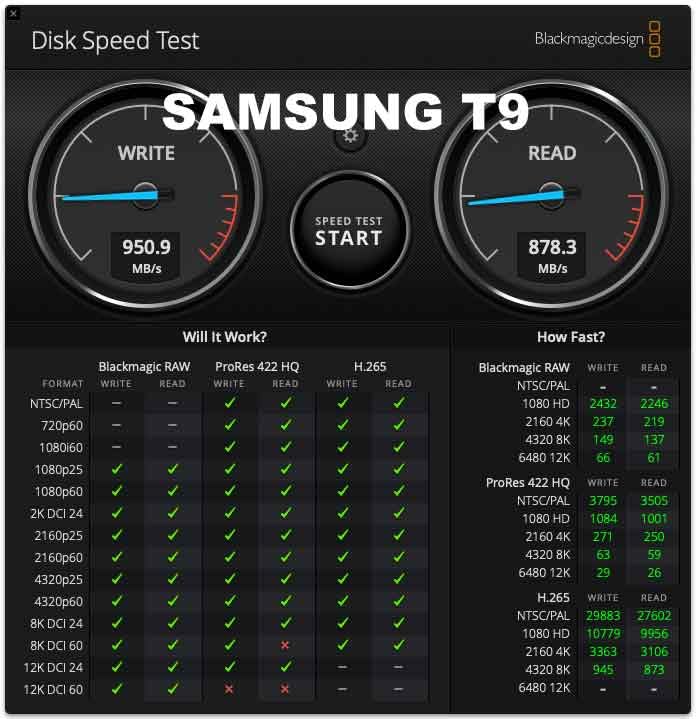
Our guide to external SSDs for video editing goes deeper on how speed changes an editing timeline, but the short version is that a 20 Gbps drive only earns its keep when you are moving whole cards of 4K or scrubbing a project timeline rather than copying a folder.
The body is a credit card sized rubberized shell rated to a 9.8 foot drop, and it works with Mac, Windows, Android, consoles and iPhone 15 and 16 models. AES 256-bit hardware encryption and Magician software for health and firmware updates are both included. Owners give it 4.6 stars from more than 2.9k reviews, describing real transfers near 2000 MB/s on modern ports.
Skip it if your laptop only has a USB 3.2 Gen 2 port. At 10 Gbps the T9 runs at roughly half its rating, and at that point a 1050 MB/s drive does the same job with less to think about. No case is included either, and larger capacities can struggle to initialise on older machines with weak power delivery.
9. ORICO C10 512GB: Budget Pick
ORICO C10 512GB
Capacity: 512GB
Interface: USB 3.2 Gen 2
Read: 1050 MB/s
Warranty: 18 months
Pros
- Lowest cost on the list
- 1050 MB/s on a Gen 2 port despite the price
- Aluminum alloy body resists dust and drops
- Hanging hole for a belt loop or bag
- Two-in-one USB-C and USB-A cable included
Cons
- 512GB fills quickly
- 18 month warranty is the shortest here
- Throughput drops hard on slower ports
The cheapest way to add a real SSD to a machine.
This is the one to buy when the budget is the deciding factor. Half a terabyte is enough for a laptop backup, a document archive or a small game install, and it still runs at 1050 MB/s over USB 3.2 Gen 2, which is not a spec you get at this end of the range very often.
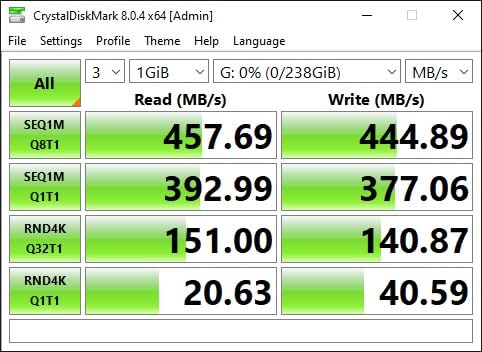
The body is a metal aluminum alloy shell that resists dust and drops, with a hanging hole for a belt loop or backpack strap. A two-in-one USB-C and USB-A cable is included, and it plugs straight into Android, iOS, macOS and Windows machines with no setup.
Owners rate it 4.4 stars from more than 1.1k reviews, and the reviews describe roughly the same thing every time: honest speed for the money, useful in a bag, limited by capacity. The rating is the lowest of the ten here, which fits a drive in this bracket.
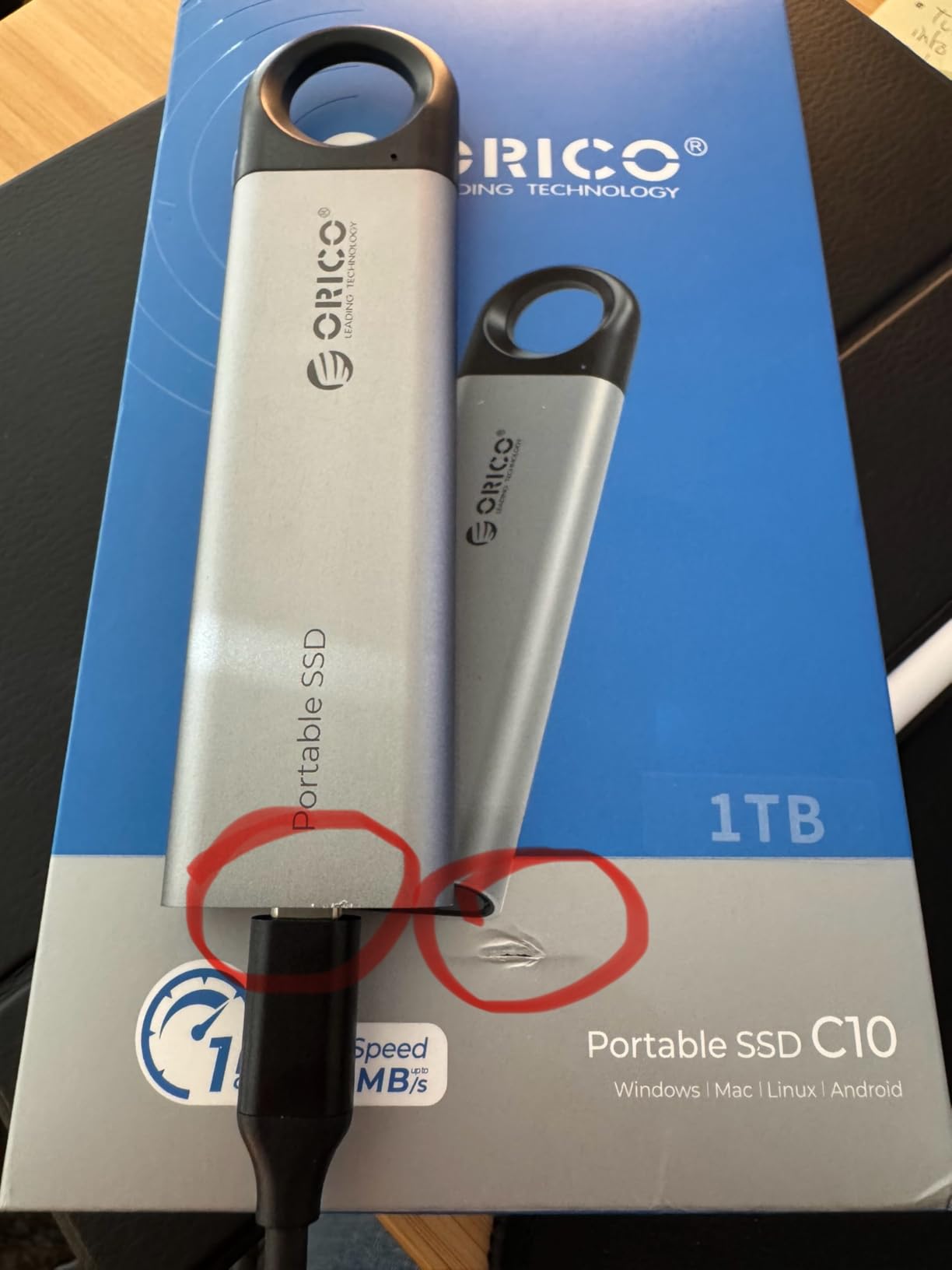
Two cautions come with the price. The warranty is 18 months, shorter than anything else on this list, so hold onto the receipt in case the drive needs replacing early. And the 1050 MB/s figure only appears on a Gen 2 port; on an older port throughput falls away sharply.
If your budget stretches a little further, our roundup of portable SSDs on a small budget covers where a bigger capacity fits once you can spend more than this. The step up from 512GB to 1TB is usually the single best value move in this category.
10. Crucial X10 Pro 1TB: Top Raw Speed
Crucial X10 Pro 1TB
Capacity: 1TB
Interface: USB 3.2 Gen 2x2
Read: 2100 MB/s
Warranty: 5 years
Pros
- Highest rated speeds here at 2100 MB/s read
- Anodized aluminum body at only 42 g
- IP55 sealing with 7.5 foot drop protection
- Lanyard loop and activity light for field use
- Five year limited warranty
Cons
- Lowest average rating on the list at 4.0 stars
- Needs a 20 Gbps port and cable for rated speeds
- Runs warm under sustained maximum transfer
The biggest number on the list, with a caveat attached.
The X10 Pro is rated at 2100 MB/s read and 2000 MB/s write over a 20 Gbps link, which makes it the fastest drive here on paper. It is also the only one carrying a 4.0 star average, and the reason is visible in the review breakdown: a 69 percent five-star share sitting alongside an 18 percent one-star share.
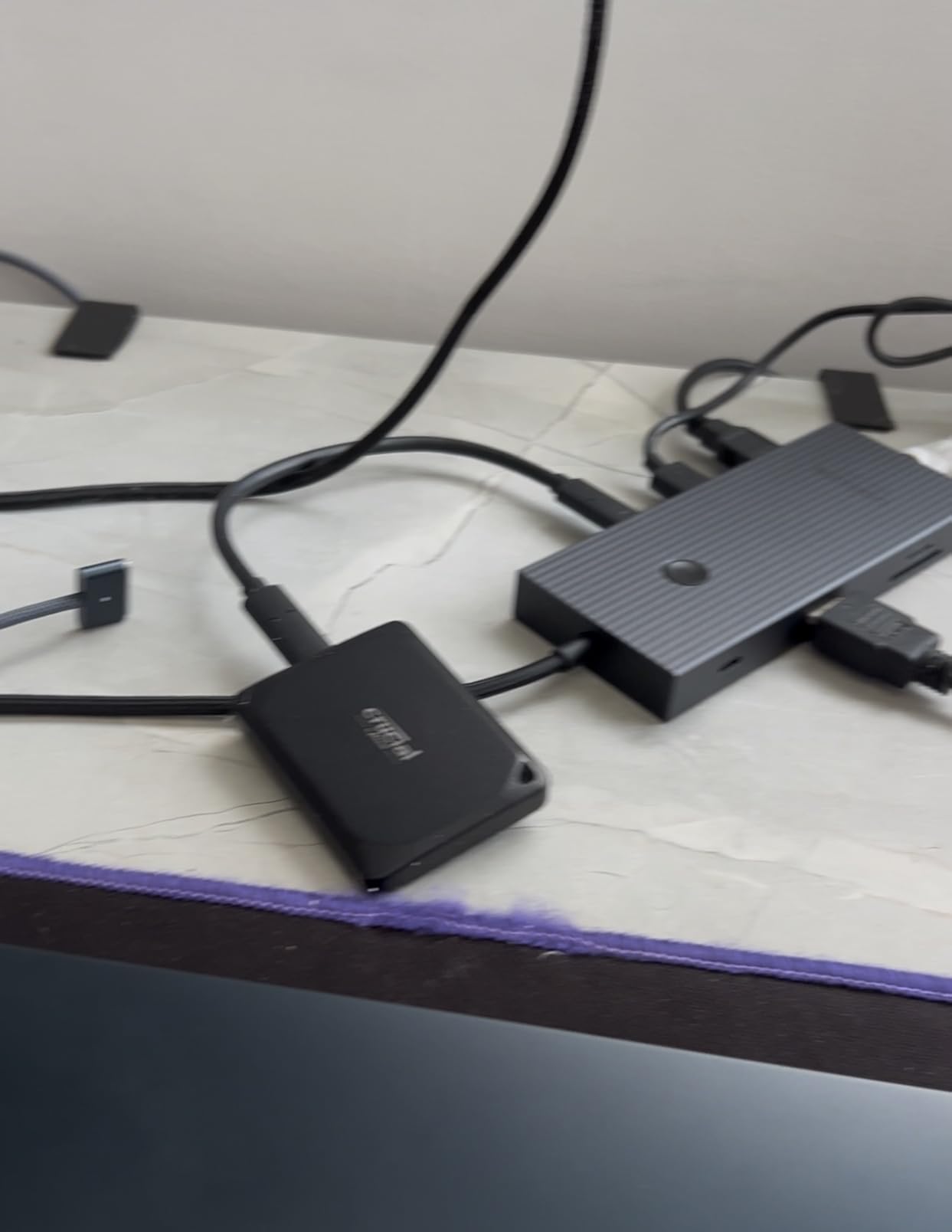
That split is worth reading before you buy. The complaints cluster around real-world speeds falling short of the spec, and the usual cause is the host machine rather than the drive: without a USB 3.2 Gen 2×2 port and a 20 Gbps cable, the headline figure never appears. It also runs warm under sustained maximum throughput.
On the plus side, the body is a 42 g anodized aluminum shell rated IP55 with 7.5 foot drop protection, and it carries the field touches that matter: a lanyard loop, an activity light and password protection. Owners also list broad compatibility, from Windows and Mac through to iPad Pro, Chromebooks, Android, Linux and both PlayStation and Xbox consoles.
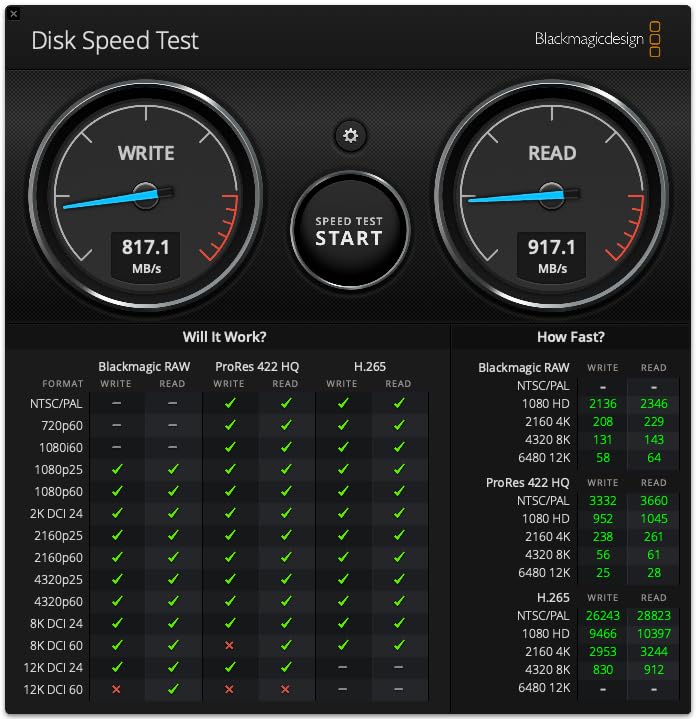
Compared with the Samsung T9 1TB: the T9 is rated 2000 MB/s and holds a 4.6 star average, so it is the safer buy at 20 Gbps. The X10 Pro only makes sense if you have verified the port and you want the extra headroom.
It also includes three months of Acronis True Image in the box on some capacities, which is a reasonable way to close out the value argument in its favour.
How to Choose External SSDs During Prime Big Deal Days
Capacity and Files You Need to Store
Buy for the next two years, not the next project. 1TB is the floor and holds documents, a photo archive and a moderate game library; 2TB is where most people should land, because it is the capacity that stops you juggling several drives; 4TB and up is for working video libraries. In this list, the SanDisk Extreme 2TB is the only 2TB pick, so it is the natural buy if you can stretch past 1TB.
Transfer Speed That Matches Your Devices
Match the drive to the fastest port your machine actually has. Most laptops and desktops run USB 3.2 Gen 2 at 10 Gbps, which tops out near 1000 MB/s no matter what the drive promises. The 2000 MB/s and 2100 MB/s drives on this list need a USB 3.2 Gen 2×2 port, and on anything older they will run at roughly half their rating.
SSD Interface and Device Compatibility
USB-C and USB-A are shapes, not speeds, and almost every drive here ships with a cable for both, so a shape mismatch rarely rules anything out. What does rule things out is a console: check the listed console models before buying for a PlayStation or Xbox, and remember that buying a separate SSD enclosure for an M.2 drive is a different way to add capacity if you already own a spare internal drive.
Portability and Physical Durability
Weight matters more than people expect: everything here is between 1.44 and 4.32 ounces, which is the difference between a drive you always carry and one that lives in a drawer. For anything that travels, look for an IP55 or IP65 rating and a stated drop figure. The T7 Shield, the SanDisk Extreme and the T9 quote 9.8 feet; the Crucial X9 and X10 Pro quote 7.5 feet; the Kingston XS1000 quotes no rating at all.
Warranty, Reliability and Backup Needs
Warranty length is the number owners actually rely on, and it splits cleanly here: five years on the SanDisk Extreme, Kingston XS1000, Samsung T9 and Crucial X10 Pro, three years on the rest, and 18 months on the ORICO C10. One more thing worth saying plainly: an external SSD is a destination, not a backup. A drive that dies takes your only copy with it, so keep a second copy somewhere else.
How to Shop External SSD Deals During the Sale
Check four things on the listing before you click through: the exact capacity, because 1TB and 2TB variants of the same model sit on separate pages; the interface, so you know which speed tier you are buying into; the model number, which distinguishes a current drive from an older generation like the 800 MB/s SanDisk; and who the seller and shipper are. Bundle contents vary too, and a listing can change mid-event. Most offers on these drives need an active Prime membership, with a free trial counting for its length, and prices can move through the event rather than lasting the full window.
- Fix the capacity first, then compare cost per gigabyte across the 1TB options
- Check the port version on your machine before paying for a 20 Gbps drive
- Look for the IP rating and drop figure if the drive travels
- Read the one-star reviews, not just the average
- Confirm the warranty term, and keep the receipt
- Remember the drive is one copy, not your only copy
Frequently Asked Questions
Are Amazon Prime Big Deal Days External SSD Deals worth watching?
Usually, for the mainstream 1TB and 2TB tiers, because those capacities get the deepest cuts during the October event. The October 6-7, 2026 window also changes prices through the event, so the same drive can be worth buying on day one and ordinary by day two. Judge each offer on its cost per gigabyte against the drive’s usual price rather than the percentage on the badge.
When does Amazon Prime Big Deal Days run?
Amazon confirmed the event for October 6-7, 2026, with early access for members opening ahead of the main window. External SSDs are a category the sale usually covers well, because the 1TB and 2TB models sit on high-turnover listings. The search page shows the live timer, and the buttons on this page show the current price for each drive.
Do I need a Prime membership to buy an external SSD during the sale?
Most offers need an active Prime membership, and a free trial counts for the length of that trial. Without Prime you can still buy a drive at its regular price, but the event price usually disappears. If you were going to join anyway, a trial is the cheapest way to reach the member price during October 6-7, 2026.
How much external SSD storage do I need for video editing?
One terabyte holds a working set of 1080p footage and fills quickly with 4K. Most editors settle on 2TB as the practical floor, and the Samsung T9 1TB is the drive here that keeps large transfers moving while you scrub. Buy the capacity you need for the year rather than the capacity you need for the current project, because capacity is the one thing you cannot add later.
Does an external SSD need USB-C to work with my laptop?
No. Most of these drives ship with USB-C and USB-A cables, and a USB-A drive works in a USB-C port through a simple adapter. What matters more is the port version than the shape. A 2000 MB/s drive plugged into a USB 3.2 Gen 1 port is capped near 1000 MB/s no matter what the listing claims.
Are faster external SSDs better for backups?
Not really. A backup drive is judged on reliability, capacity and warranty, and every pick on this list runs past what routine file copies need. Speed pays off when you move 4K footage, a large project library or a console game install in one go. For photos and documents, the sustained write figure and the warranty term matter more than the headline read speed.
Final Verdict: Best Amazon Prime Big Deal Days External SSD Deals
Buy the SanDisk Extreme 2TB if you want one drive that covers storage, speed and durability without a second purchase, and it is the pick most worth watching through the event. Buy the Samsung T7 1TB if you want the highest rated, smallest drive in a jacket pocket, and the Samsung T7 Shield 1TB if it lives in a backpack or goes to a shoot.
For a smaller outlay, the ORICO C10 512GB is the budget pick, and the Kingston XS1000 1TB is the one to take for its five year warranty. Creators on a 20 Gbps port should look at the Samsung T9 1TB, phone shooters at the SSK 1TB, and buyers who move files across Windows, Mac, tablet and console at the Crucial X9 1TB. The SanDisk 1TB 800MB/s covers plain backups, and the Crucial X10 Pro 1TB is worth it only if you have verified your port can feed it. Check the current price on each card before the window closes.