

If you already live inside the Amazon ecosystem, the Echo Dot is the one device on this list worth watching hardest once Amazon Prime Big Deal Days opens. It is the most reviewed Amazon device here by a wide margin, it adds mesh Wi-Fi to a bedroom or office for nothing extra, and it does the basic voice-control job better than anything else in the range.
Two other picks serve different households. The Fire TV Stick 4K Plus is the sensible way to give an older television streaming power without replacing the panel. The Fire TV Stick 4K Max costs more and earns it only if you install a lot of apps or want the ambient art display. Prime Big Deal Days runs October 6-7, 2026.
Table of Contents
Our Top 3 Picks for Best Amazon Prime Big Deal Days Amazon Device Deals

Echo Dot
- eero built-in mesh extender
- Up to 1000 sq ft of added Wi-Fi
- Microphone off button


The Echo Dot takes the top spot because it is the only pick here that improves two things at once. Owners keep the built-in eero extender in the room where the signal was weak, and it quietly pushes coverage up to 1,000 sq ft without another box on the shelf.
The Fire TV Stick 4K Plus takes second because almost nobody buying it needs the third stick. Wi-Fi 6, Dolby Vision and the refreshed Fire TV interface cover what a living room actually uses. The 4K Max makes sense when storage fills up or the ambient display earns its keep while the TV is off.
Best Amazon Prime Big Deal Days Amazon Device Deals Compared (2026)
| Product | Specifications | Action |
|---|---|---|
| Echo Dot |
|
Check Deal Price |
| Fire TV Stick 4K Plus |
|
Check Deal Price |
| Fire TV Stick 4K Max |
|
Check Deal Price |
 Echo Spot Echo Spot |
|
Check Deal Price |
 Fire HD 10 Fire HD 10 |
|
Check Deal Price |
 eero 6 eero 6 |
|
Check Deal Price |
 Kindle Paperwhite Kindle Paperwhite |
|
Check Deal Price |
 Echo Show 5 Echo Show 5 |
|
Check Deal Price |
 Ring Indoor Cam Ring Indoor Cam |
|
Check Deal Price |
 Blink Mini Pan-Tilt Blink Mini Pan-Tilt |
|
Check Deal Price |
 Fire HD 8 Fire HD 8 |
|
Check Deal Price |
 Kindle 16GB Kindle 16GB |
|
Check Deal Price |
How We Chose
We compared the specifications that decide these purchases: connectivity standards, display size and resolution, storage, battery claims, mounting and power options, and what each device needs to work beyond its box. Owner ratings and review counts on Amazon told us which claims hold up in real homes. Everything was checked against the listings in October 2026.
1. Echo Dot: Editor’s Choice for Everyday Voice Control
Amazon Echo Dot (newest model) – Vibrant sounding speaker, Designed for Alexa+, Great for bedrooms, dining rooms and offices, Glacier White
Type: smart speaker
Standout: eero built-in mesh extender
Rating: 4.7 out of 5
Pros
- Clear and surprisingly full sound for its size
- Fast Alexa setup and response
- Compact body suits a nightstand or counter
- Built-in eero adds up to 1000 sq ft of coverage
Cons
- Microphone can need a raised voice at times
- Weak choice as a primary alarm when Wi-Fi drops
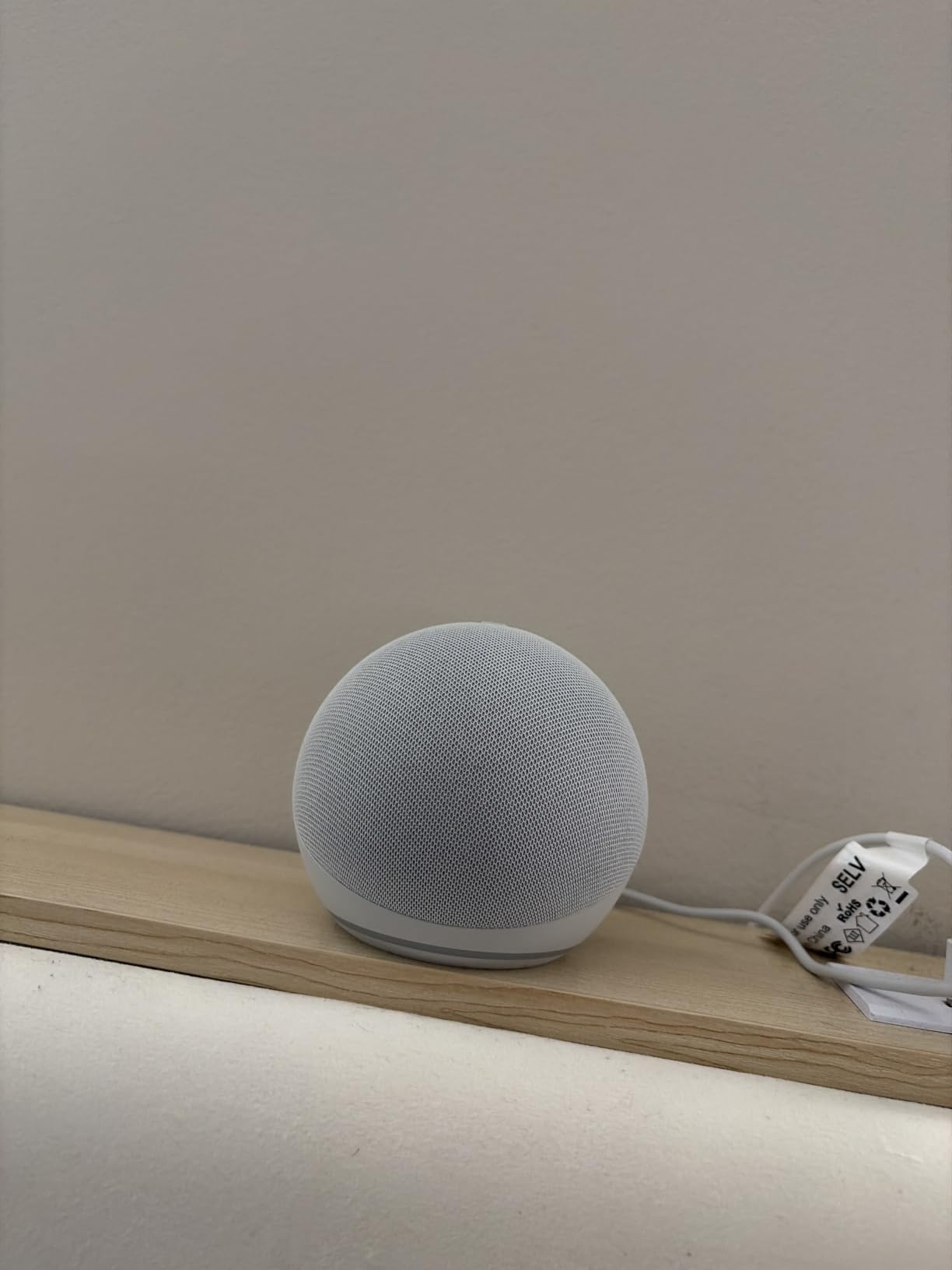
The Dot is the reason most people end up with more than one Amazon device. Owners put it in the bedroom, the kitchen or a home office and use it for three things: music, timers and questions. The sound out of a body this small surprises people who expected a filler speaker.
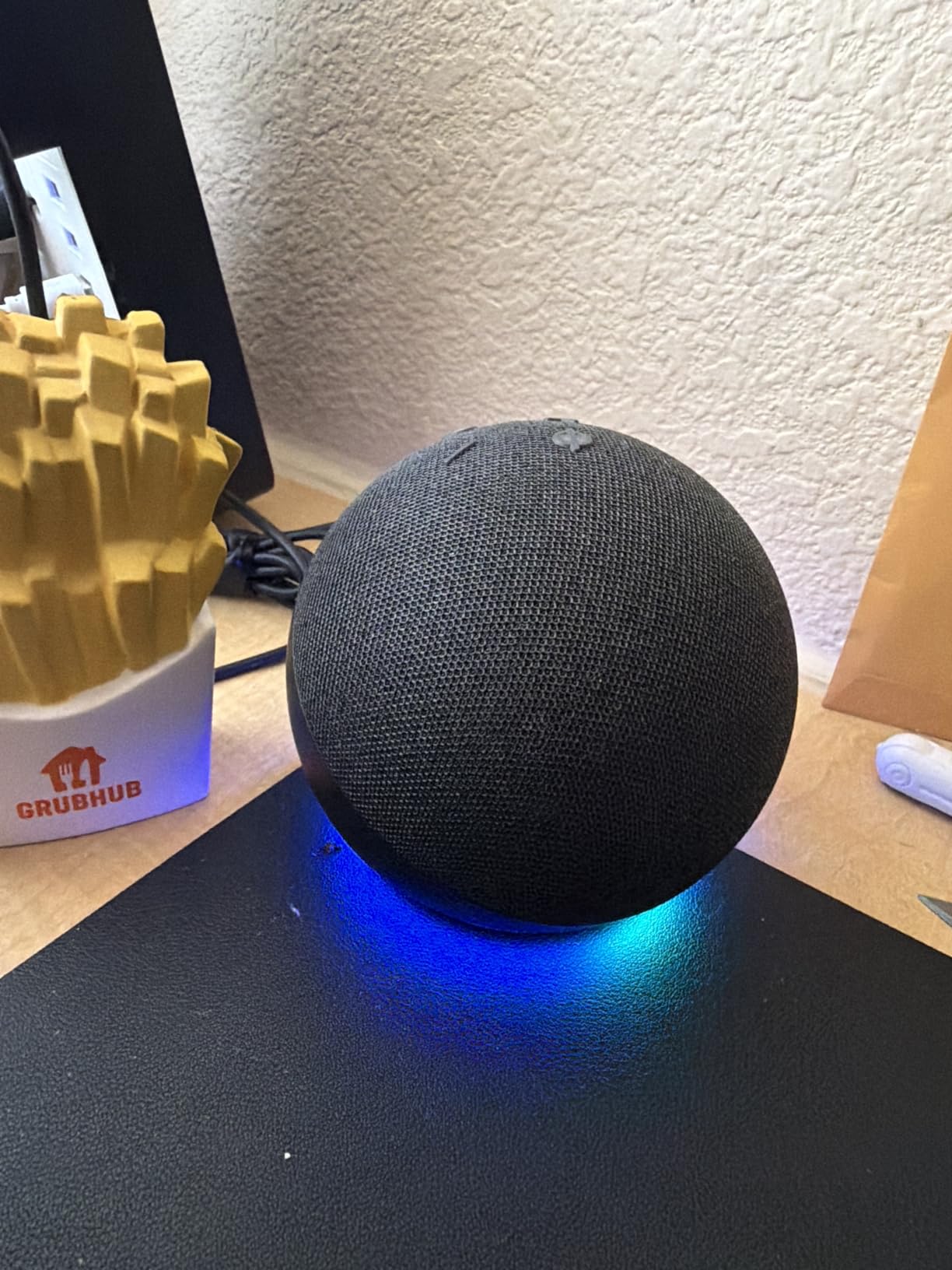
Where it earns its place in this list is the built-in eero extender. Rather than hunting for a dead spot in the house, owners report simply placing the Dot in the weak room and seeing buffering disappear on the other side.
Owners do report one consistent weakness: the far-field microphones need a louder voice than the larger Echo units. If you already speak across a kitchen, that trade is worth taking. If you whisper at a bedside table, the Echo Spot display is the better instrument.
Compared with the Fire TV Stick 4K Plus, which shares the same review-volume league, the Dot is the safer buy. One solves a house-wide Wi-Fi and voice problem; the other solves a single television.
2. Fire TV Stick 4K Plus: Best Value for an Older Television
Amazon Fire TV Stick 4K Plus with AI-powered Fire TV Search, Wi-Fi 6, stream hundreds of thousands of movies and shows, free & live TV, find shows faster with Alexa+
Type: streaming stick
Standout: Wi-Fi 6 with Dolby Vision
Rating: 4.6 out of 5
Pros
- Quick setup with fast app loading
- Sharp 4K picture with little buffering
- Search finds titles without scrolling menus
- Remote app buttons work in the dark
Cons
- Some units report remote power or volume buttons failing
- Occasional audio or streaming glitches
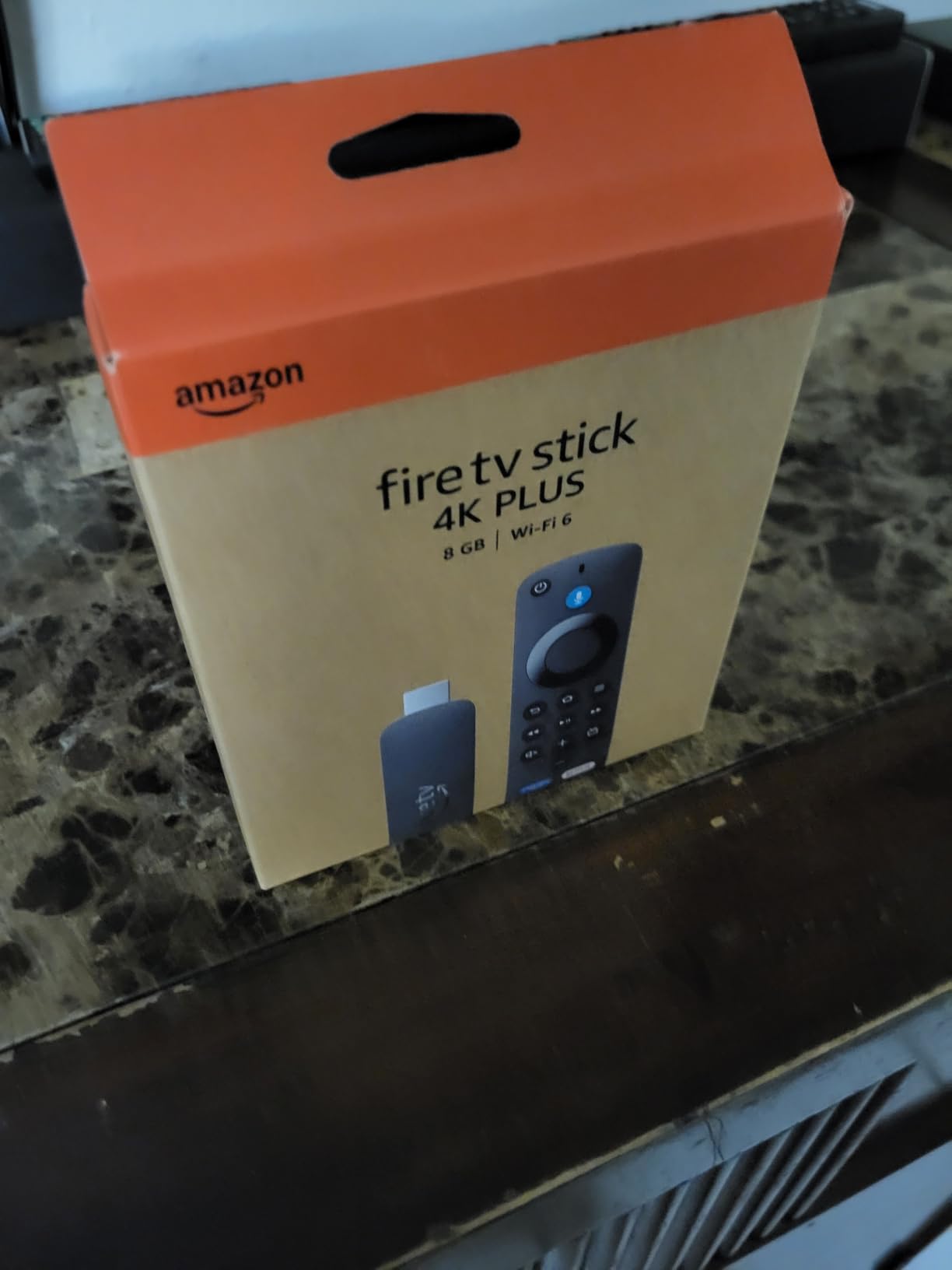
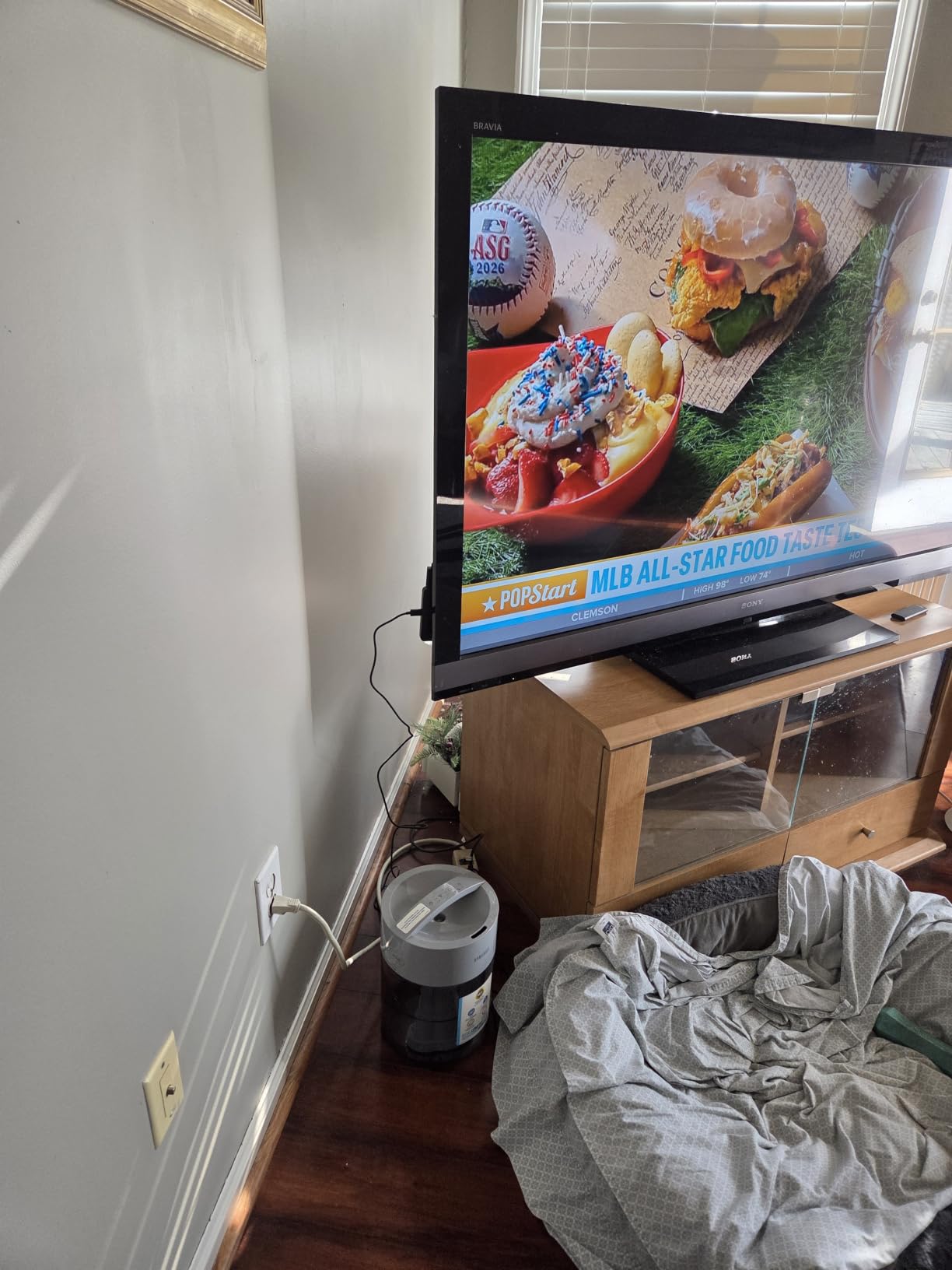
Most televisions in a typical living room are not worth replacing. Reviewers treat this stick as the cheapest way to make an older 4K panel behave like a new one, and the Wi-Fi 6 radio is the piece that matters most on a busy network.
The refreshed Fire TV interface adds pinned apps, which sounds minor until you have used the old row of icons. Search also takes natural language now, so asking for a title by description works as well as scrolling a menu ever did.
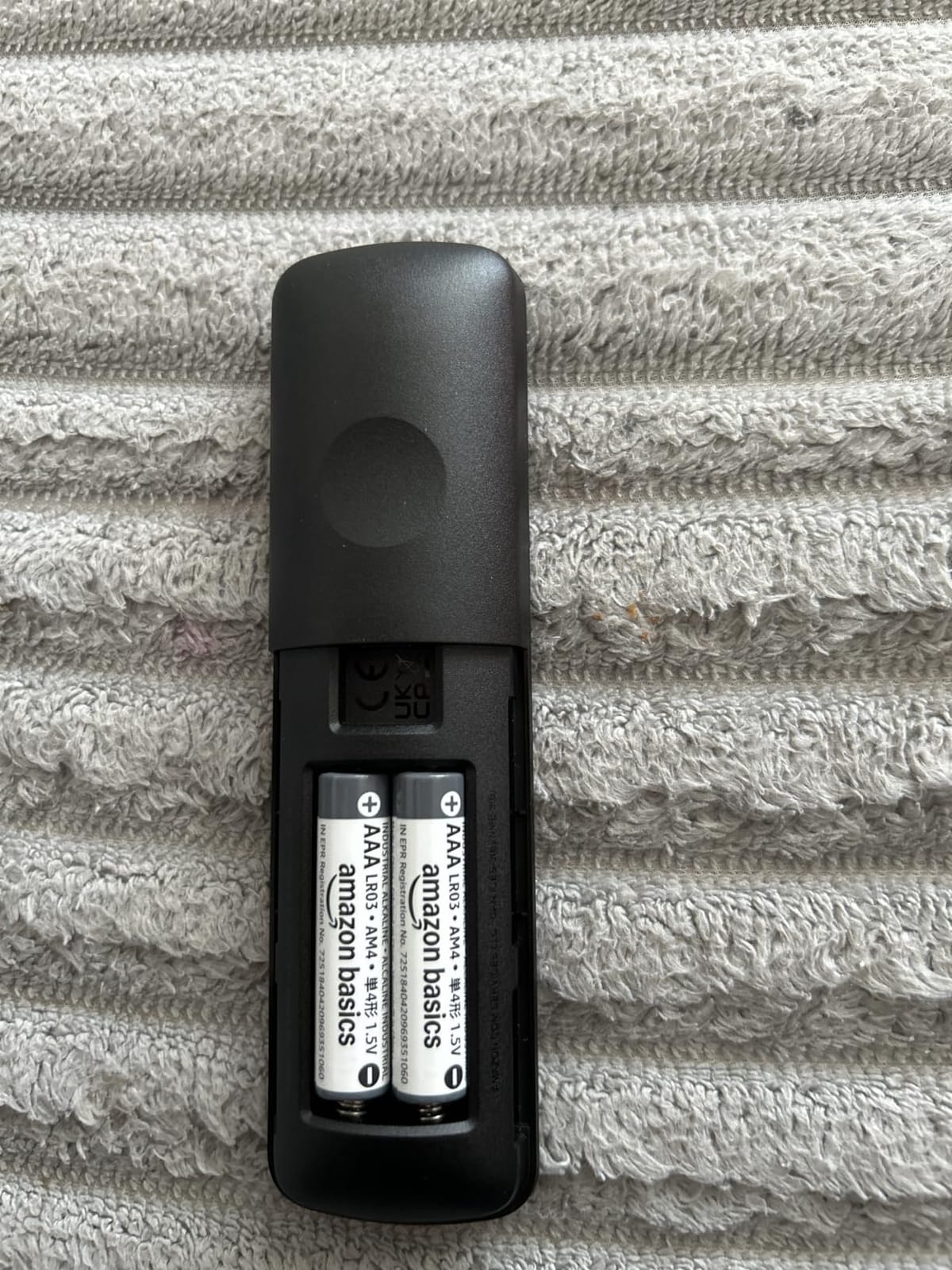
Good to know: a small number of owners report that the remote’s power or volume buttons stop responding on individual units, and a few saw a replacement within months. Those reports are a minority of a very large review base, but they are the reason to keep the television’s own remote nearby for the first week.
Skip this one if you never install more than three apps. In that case the Fire TV Stick 4K Max below gives you storage you will not use.
3. Fire TV Stick 4K Max: Best for Heavy App Use
Amazon Fire TV Stick 4K Max (newest model), streaming device, with AI-powered Fire TV Search, supports Wi-Fi 6E, free & live TV without cable or satellite, find shows faster with Alexa+
Type: streaming stick
Standout: 16GB storage with Wi-Fi 6E
Rating: 4.6 out of 5
Pros
- Faster app starts from a stronger processor
- 16GB is double the storage of the 4K Plus
- Wi-Fi 6E on congested networks
- Ambient display with 2000 plus artworks
Cons
- Extra spend mainly benefits heavy users
- Ambient art is a taste call
Storage is the honest reason to step up here. Sixteen gigabytes means a large library of downloaded apps, films and games with room left over, and owners who came from the standard 4K stick notice the headroom immediately.
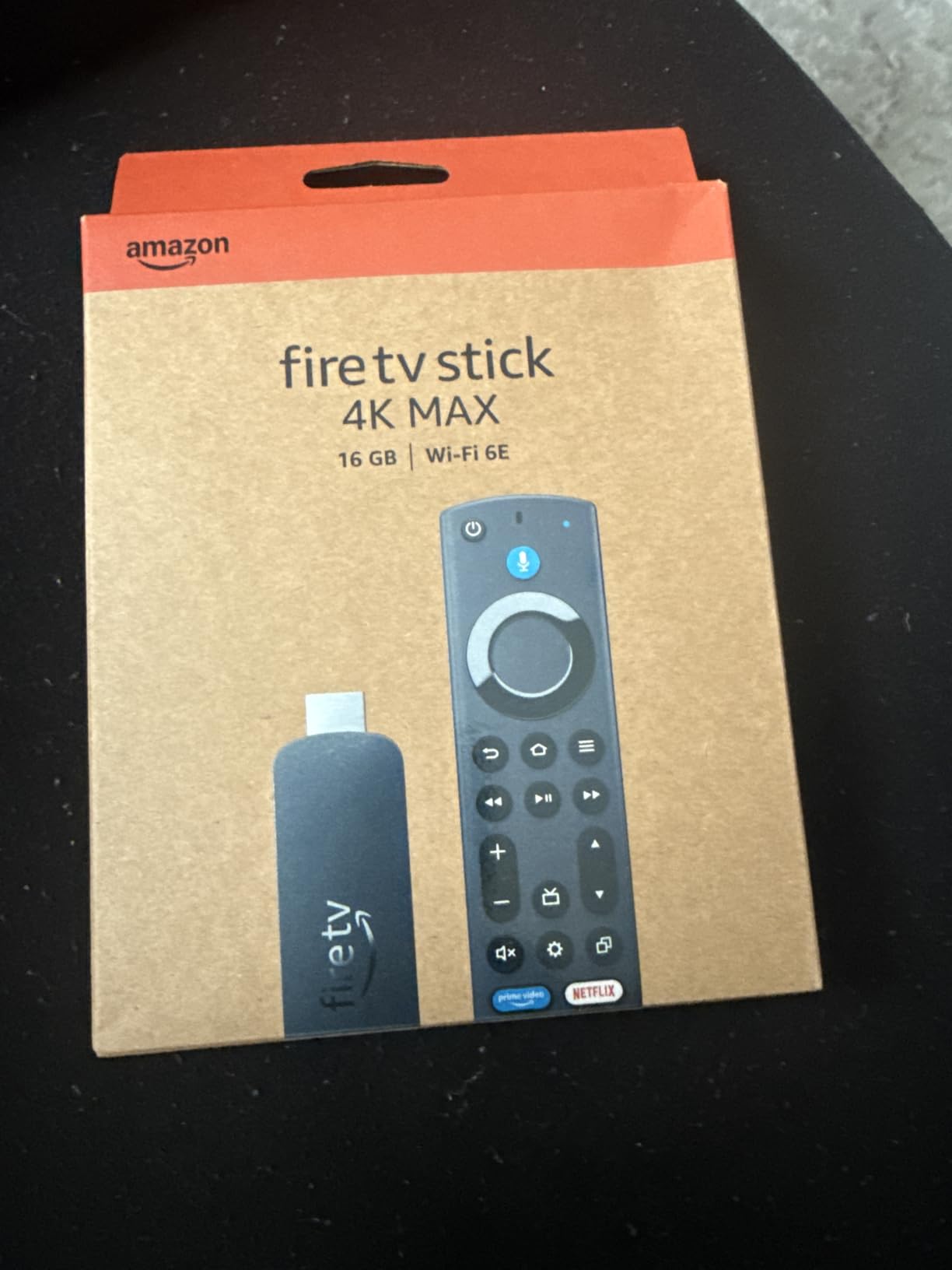
The Wi-Fi 6E radio matters in apartment buildings and crowded houses, where neighbouring networks crowd the 5 GHz band. The stronger processor shows up as faster app starts rather than a picture difference.
The Ambient Experience turns the panel into artwork when nothing is playing, with more than 2,000 pieces available. Reviewers treat it as the feature that justifies the premium or the feature they switch off in a week, depending entirely on the household.
Compared with the Fire TV Stick 4K Plus, the Max answers a narrower question: how full is your storage. If it is not close, buy the Plus and keep the difference.
4. Echo Spot: Best for a Nightstand
Amazon Echo Spot (newest model), Great for nightstands, offices and kitchens, Smart alarm clock, Designed for Alexa+, Black
Type: smart display speaker
Standout: customisable clock display
Rating: 4.5 out of 5
Pros
- Customisable clock face shows time and weather
- Quick plug-in setup
- Good volume for its size
Cons
- Small square screen shows little at once
- Less capable than larger smart displays
The Spot sits between the Dot and the Show. It gives you a glanceable screen for the time, weather and reminders while keeping the small footprint that makes a Dot easy to live with on a crowded bedside table.
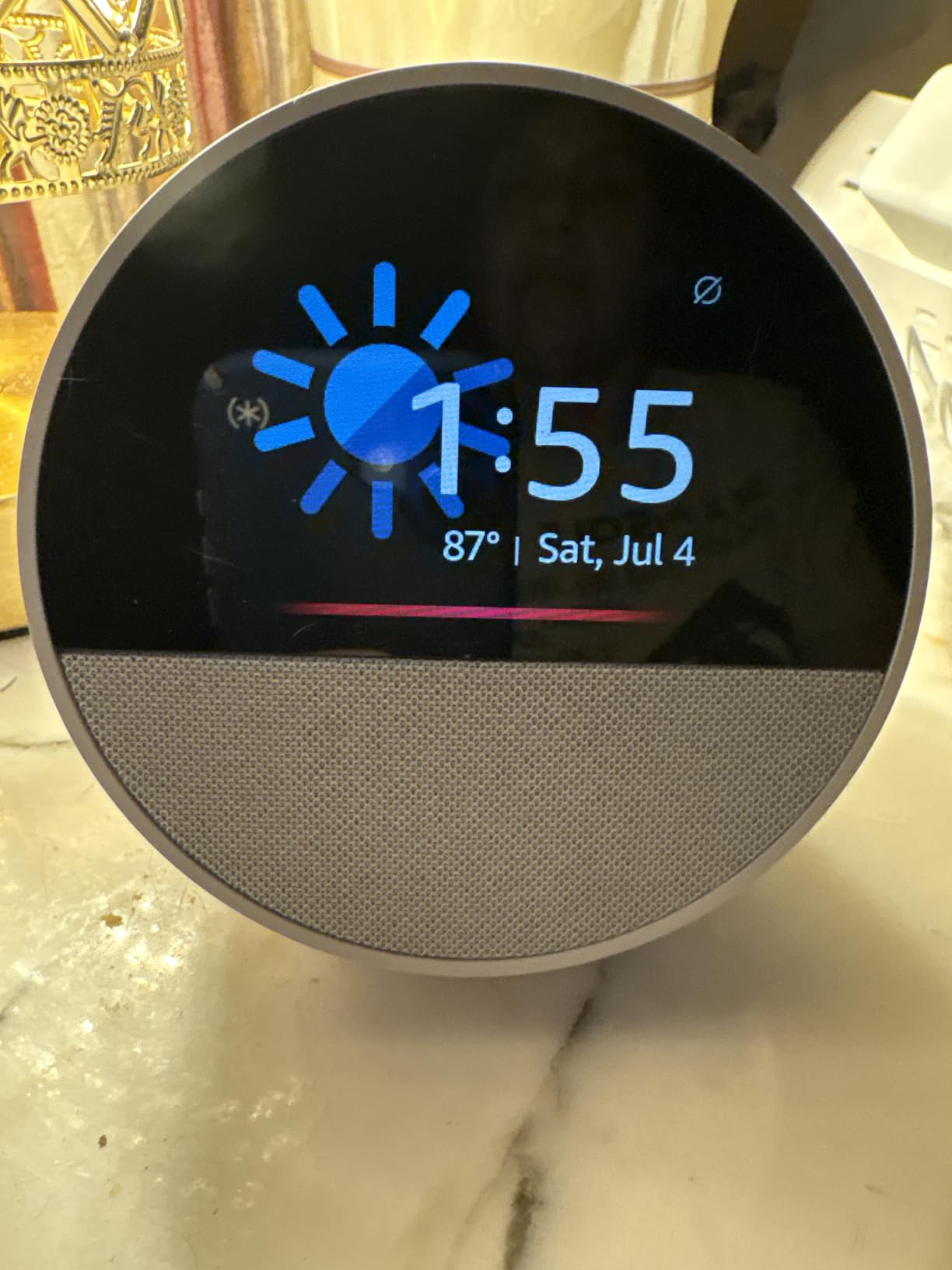
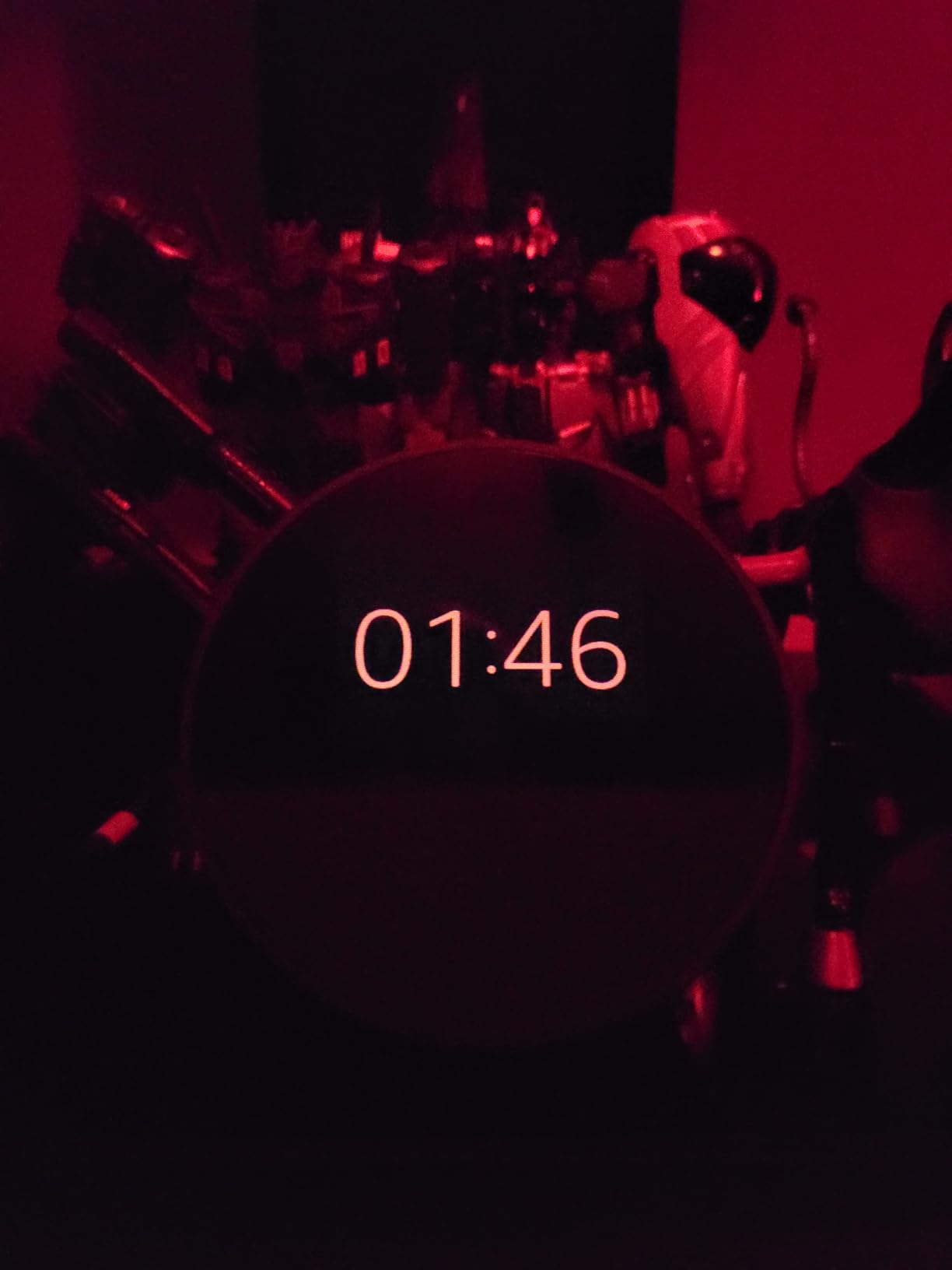
Owners regularly describe it as the first Echo they would put in a bedroom, because the idle screen shows a clock rather than a menu. Alexa routines that wake you with music and a gradual light are the other feature that gets mentioned.
The eero built-in extender is on this model too, adding up to 1,000 sq ft of coverage. That makes the Spot a two-in-one purchase for a hallway or a back bedroom where the signal struggles.
Skip it if you cook from recipes or make video calls. The screen is simply too small, and the Echo Show 5 exists for exactly that work.
5. Fire HD 10: Best for Families
Amazon Fire HD 10 tablet, built for relaxation, 10.1″ vibrant Full HD screen, octa-core processor, 4 GB RAM, 32 GB, Black
Type: tablet
Standout: 10.1 inch 1080p screen with 4GB RAM
Rating: 4.5 out of 5
Pros
- Bright 1080p screen for reading and video
- Octa-core chip feels smooth in daily use
- Setup usually under five minutes
- Works as a Kindle with split-screen
Cons
- Amazon app store only with no Google Play
- Lockscreen advertising unless removed
- Battery life falls short of the 13 hour claim
The Fire HD 10 is the pick for a household that hands a screen to children. Parental controls, a case-friendly 10.1 inch panel and enough power for video calls make it the most grown-up of the Fire tablets without reaching tablet prices elsewhere.
The screen is 1080p Full HD across 10.1 inches, and the octa-core chip is up to 25 percent faster than the previous generation. Storage starts at 32GB and expands by micro-SD up to 1TB, which matters more than usual when a family downloads shows before a trip.
Two owner complaints repeat. The app store is Amazon only, so apps that worked on older Fire tablets can disappear, and the lockscreen carries advertising until you pay to remove it. Real battery life also tends to land short of the 13-hour claim, and the included charging cable is brief, so plan on charging overnight rather than during a film.
Compared with the Fire HD 8, the larger panel wins for shared use and loses on portability.
6. eero 6: Best for Whole-Home Wi-Fi
Amazon eero 6 mesh wifi router – Supports internet plans up to 900 Mbps, Coverage up to 1,500 sq. ft., Connect 75+ devices, 1-pack
Type: mesh router
Standout: built-in Zigbee smart home hub
Rating: 4.4 out of 5
Pros
- Setup is close to plug-and-play
- Removes dead zones and buffering
- Handles 75 plus connected devices
- Zigbee hub replaces a separate bridge
Cons
- Only one Ethernet port
- Occasional freezing on video calls
Owners overwhelmingly buy the eero 6 to replace an ISP rental router, and they describe the setup in the app as near plug-and-play. Coverage runs up to 1,500 sq ft with 75 or more connected devices, which covers most flats and smaller houses outright.
The Zigbee hub built into the unit is the quiet bonus. It handles the sensor side of a smart home without a separate bridge, which pairs naturally with the motion and temperature sensors inside the Echo Dot and Echo Spot.
Buyers who already have cabling should note the single Ethernet port. Several wired setups need an external switch, and a minority of owners report video calls freezing on an otherwise strong signal. Adding units later is straightforward and the hardware stays compatible across the range.
The Echo Dot can extend a weak room on its own. Reach for the eero 6 instead when the whole floor struggles, not one corner.
7. Kindle Paperwhite: Best for Long Evening Reads
Amazon Kindle Paperwhite 16GB (newest model) – 20% faster, with new 7″ glare-free display and weeks of battery life – Black
Type: e-reader
Standout: 7 inch glare-free display with warm light
Rating: 4.6 out of 5
Pros
- Crisp high-contrast screen in sunlight and at night
- Weeks of battery between charges
- 25 percent faster page turns
- Waterproof and USB-C charged
Cons
- No app support so library apps run on a phone
- Black and white only
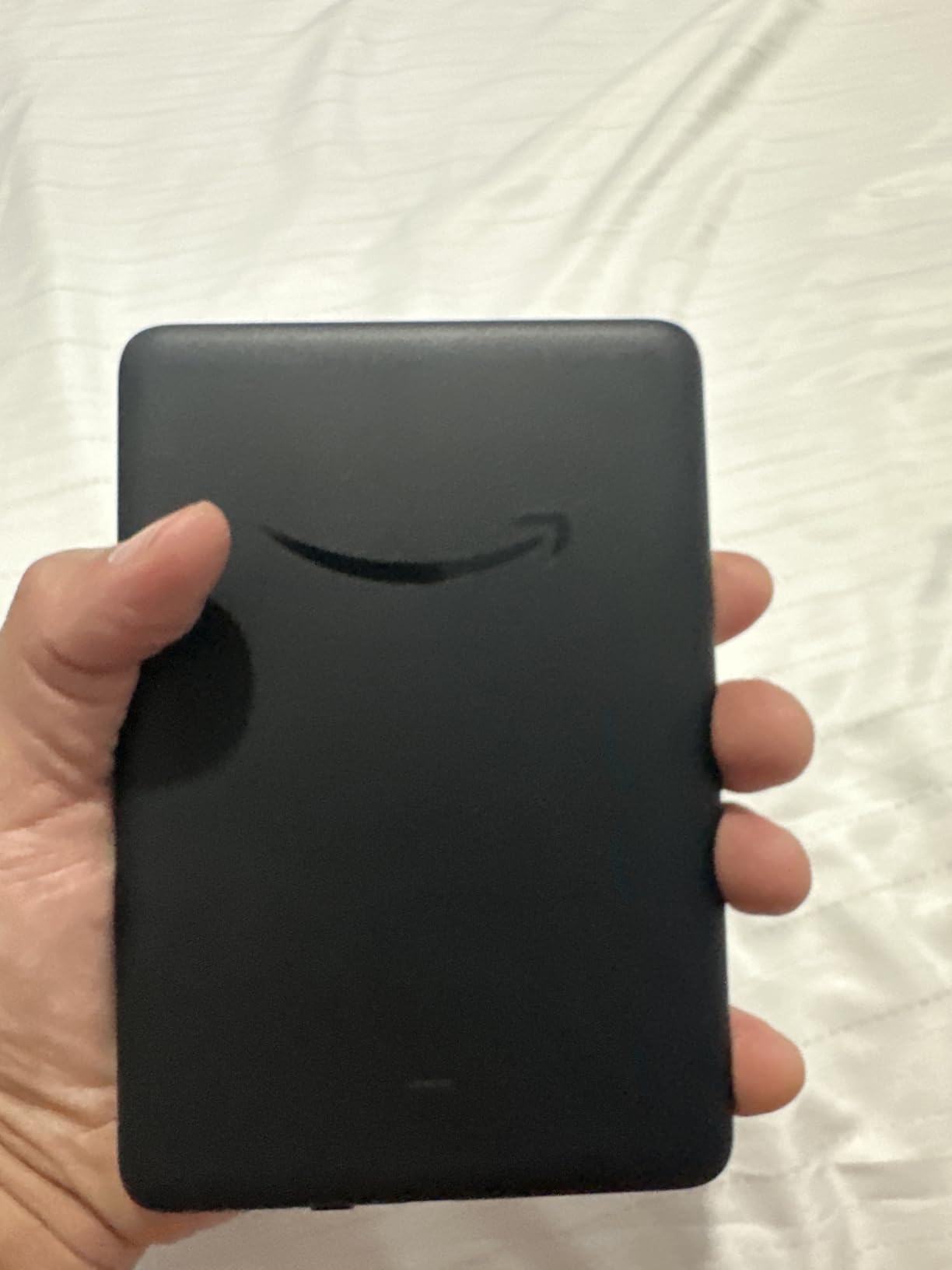
- Power button sits at the bottom edge
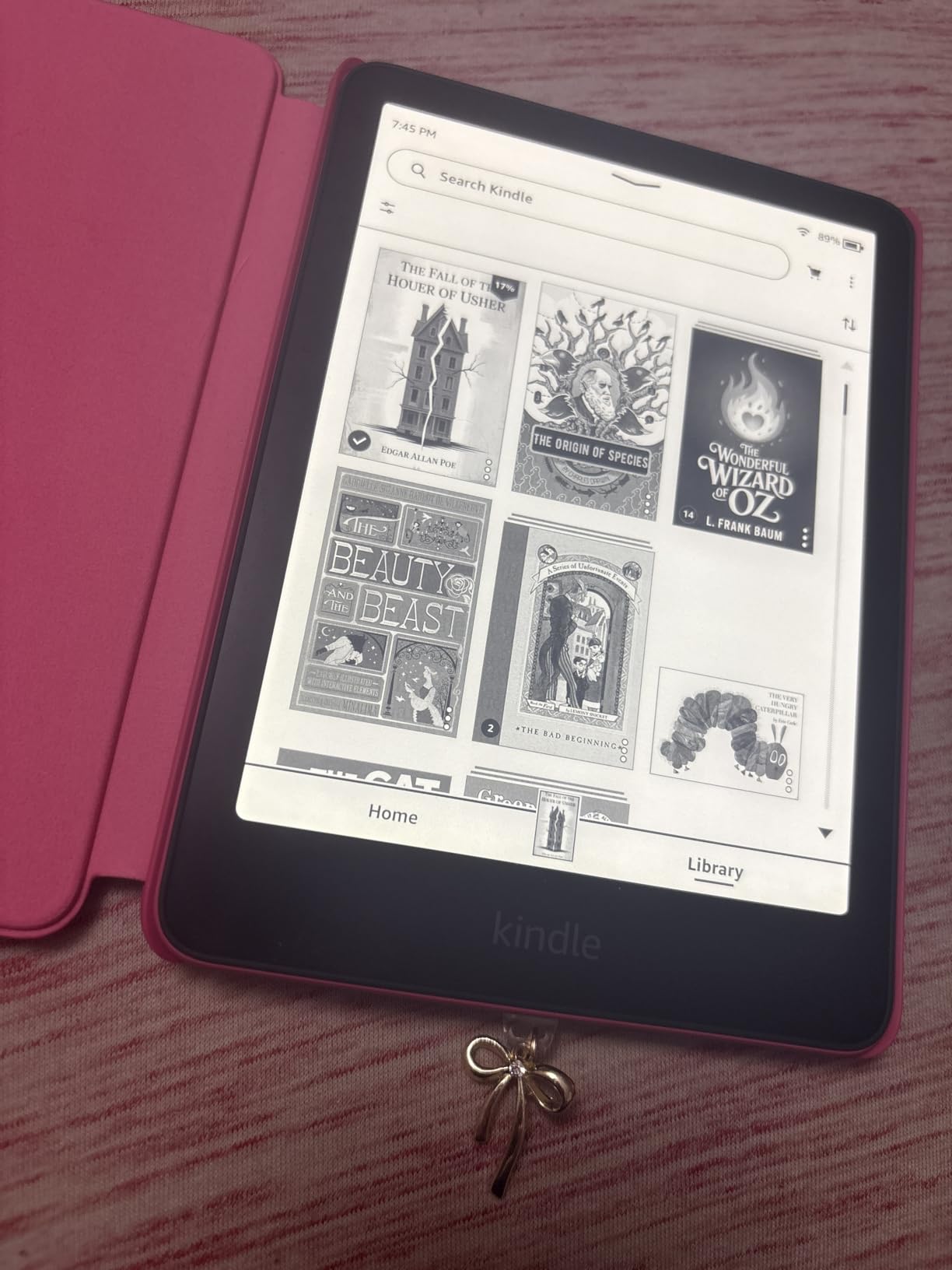
If you read more than a few books a month, the Paperwhite is the model most owners end up recommending. The 7-inch display adjusts from white to amber, which is the feature that turns an e-reader from a daytime device into a bedtime one.
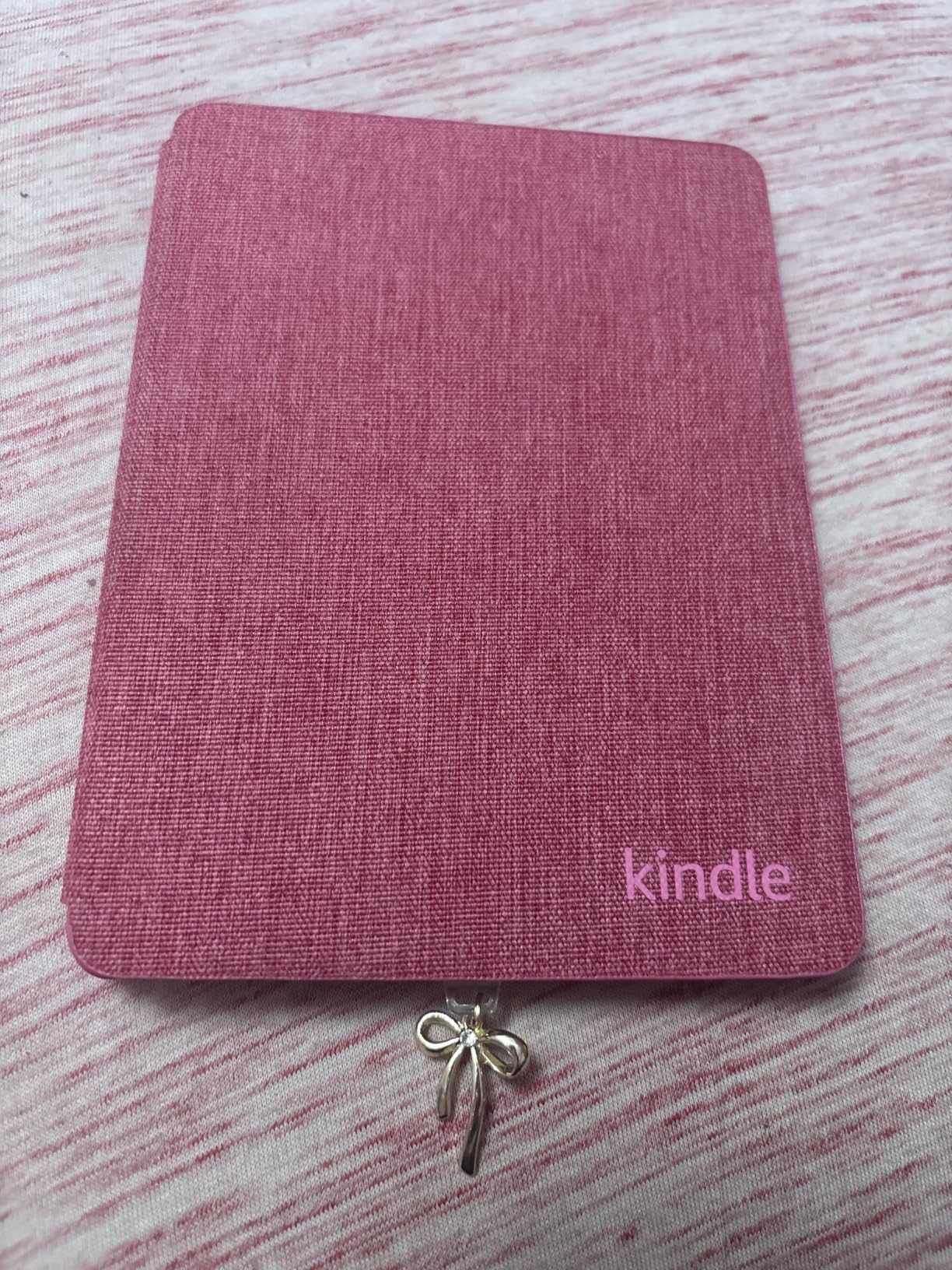
The panel here turns pages 25 percent faster than the previous Paperwhite, and the higher contrast ratio is visible on the same page next to an older model. Battery life is quoted at up to 12 weeks per USB-C charge, and 16GB holds a personal library without crowding.
Good to know: library apps have no home on the device, so borrowing still happens on your phone. The waterproof build is a real benefit in a bathroom or a kitchen, and the monochrome screen is the one thing a colour-sensitive reader will miss. Long-term owners mention the bottom-mounted power button getting pressed by accident while gripping the device.
The Kindle 16GB below goes the other way, lighter and smaller but without warm light or waterproofing.
8. Echo Show 5: Best for a Kitchen Counter
Amazon Echo Show 5 (newest model), Smart display, Designed for Alexa+, 2x the bass and clearer sound, Charcoal
Type: smart display
Standout: 5.5 inch touchscreen with 2 MP camera
Rating: 4.2 out of 5
Pros
- Loud and clear sound for a compact display
- Responsive touchscreen handles timers without voice
- Compact enough for a counter or nightstand
- Joins an existing Alexa household quickly
Cons
- Slower to answer than older Echo hardware
- Can show advertising on the idle screen
- Reports of Wi-Fi buffering and dropped timers
The Show 5 earns its place with cooks. Owners use the 5.5-inch touchscreen for timers, weather and recipe steps without asking Alexa anything, which is faster and quieter than a voice request at 6pm.
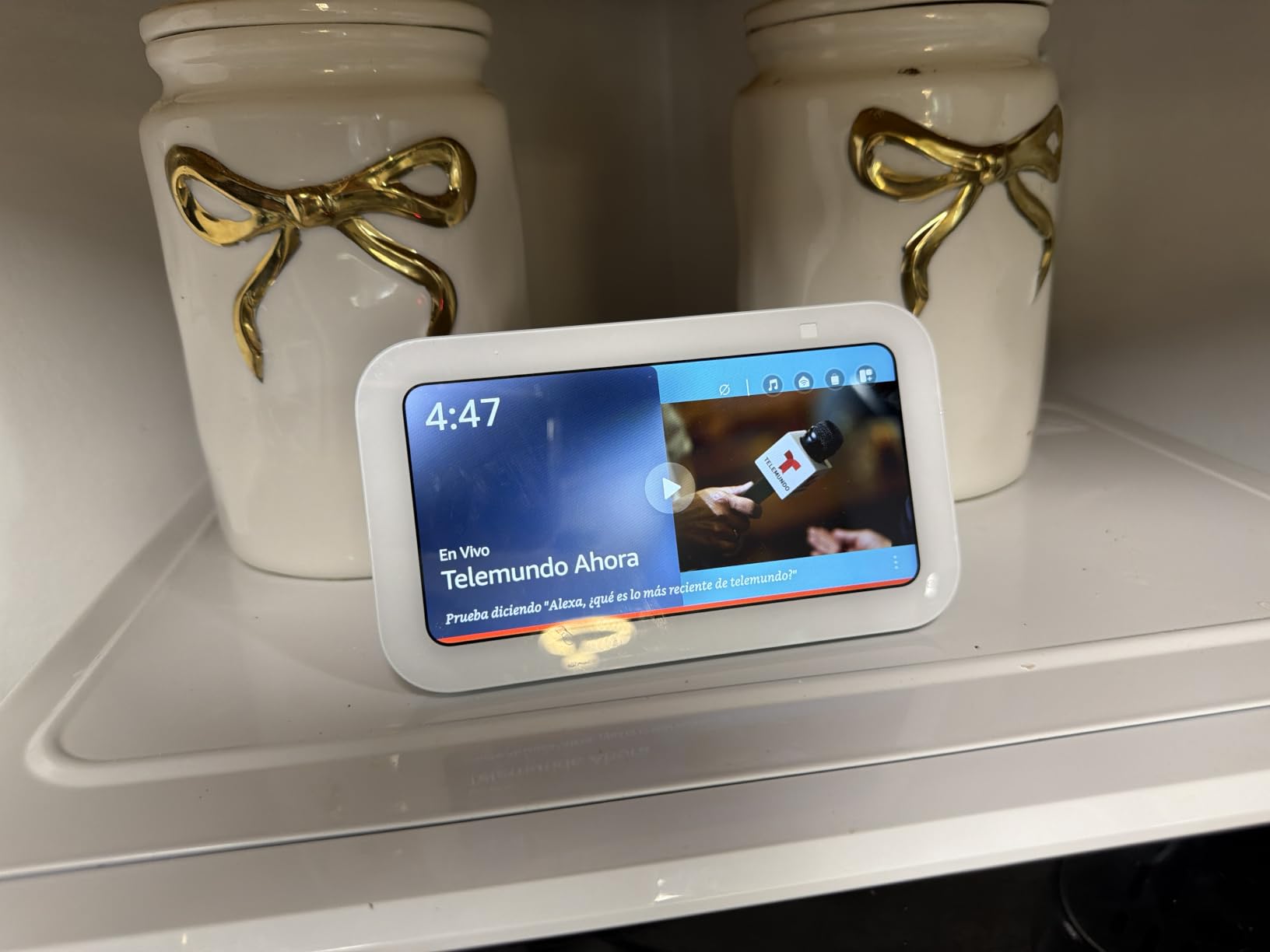
This is also the screen that makes Amazon security cameras useful. It streams Ring and Blink feeds, handles two-way video calls with a 2 MP front camera, and shows a photo slideshow when nothing is playing, with unlimited cloud storage for Prime members.
Its rating is the lowest on this list, and the reason is specific. A vocal minority report slower voice response than older Echo hardware, some units buffering or dropping timers over Wi-Fi, and advertising on the idle screen. The last one matters most if the device lives in a bedroom.
Choose the Echo Spot instead when the display is only there for the time and the room needs silence.

9. Ring Indoor Cam: Best for Indoor Check-Ins
Ring Indoor Cam (newest model) — Home or business security in 1080p HD video, Black
Type: indoor security camera
Standout: 1080p HD with Color Night Vision
Rating: 4.7 out of 5
Pros
- Clear 1080p picture with color night vision
- Live view running within minutes of setup
- Loud clear two-way talk audio
- Manual swivel privacy cover
Cons
- Plug-in power only with no battery option
- Clip history and AI alerts need a subscription
- Motion sensitivity needs adjusting
Owners use the Indoor Cam for the unglamorous jobs: a dog that should not be on the sofa, a baby monitor for a second room, a spot for a cleaner, and a view of the hallway at night. Its 4.7 rating is matched only by the Echo Dot at the top of this list.
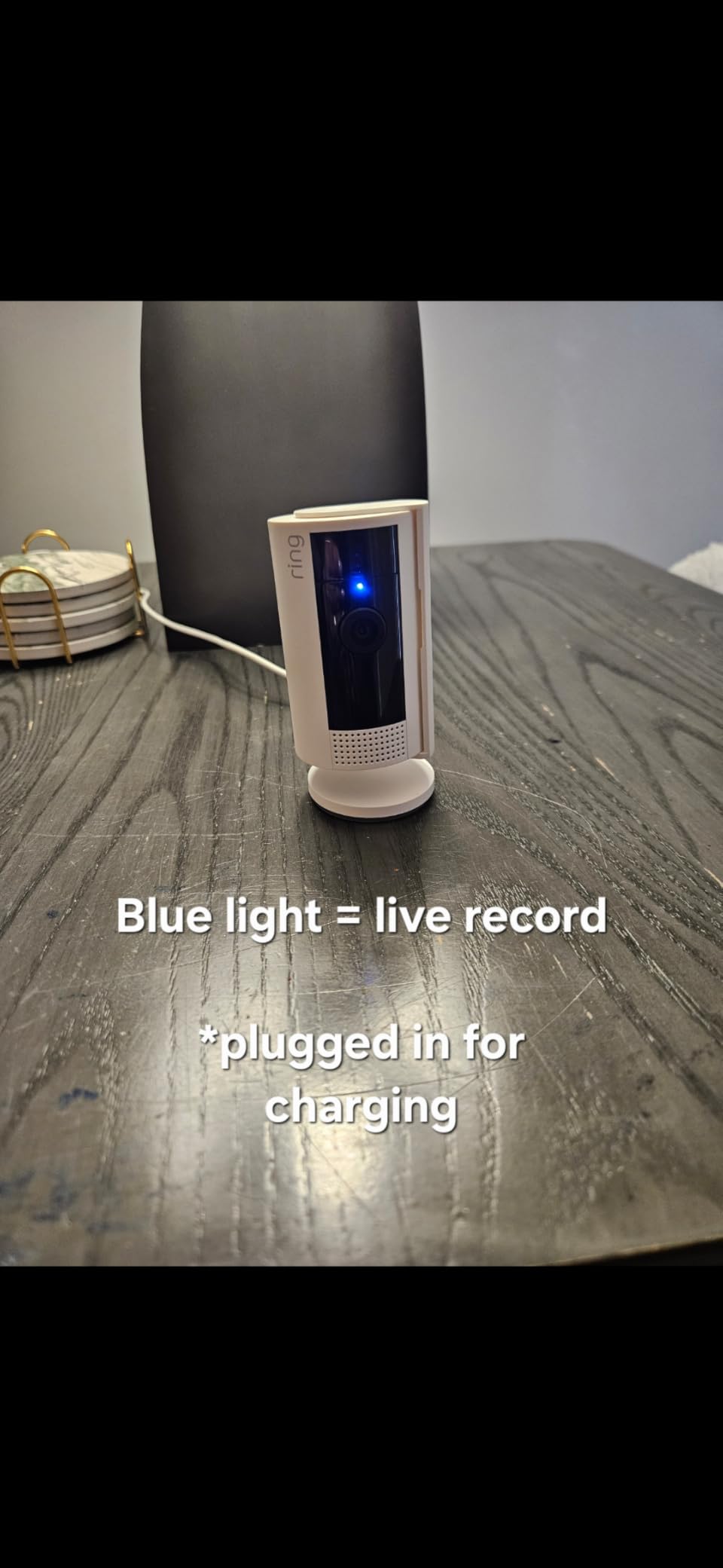
Setup takes minutes because it is mains powered: plug it in, join Wi-Fi, open the app. Advanced Pre-Roll records a few seconds before each motion event, which turns a vague notification into an actual clip.
The honest caveat is the subscription. Video history and AI alerts sit behind Ring Protect, so the hardware gets you live view and alerts while the plan gets you playback. The manual swivel privacy cover is the detail families like most, since it physically disables camera and microphone.
If you need to cover a porch or driveway, this is the wrong shape. The Blink Mini Pan-Tilt below rotates through a whole room but shares the plug-in limitation.
10. Blink Mini Pan-Tilt: Budget Pick for One Room
Blink Mini Pan-Tilt Camera (newest model), Rotating indoor plug-in smart security camera, two-way audio, HD video, motion detection, Works with Alexa (Black)
Type: pan-tilt camera
Standout: 360 degree rotation with two-way audio
Rating: 4.5 out of 5
Pros
- Full 360 degree coverage removes corner blind spots
- Fast self-install through the Blink app
- Compact unit covers a whole room
- Real-time alerts straight to a phone
Cons
- Clip storage needs a plan or a separate Sync Module
- Live streaming capped without a subscription
- Plug-in power needs an outlet nearby
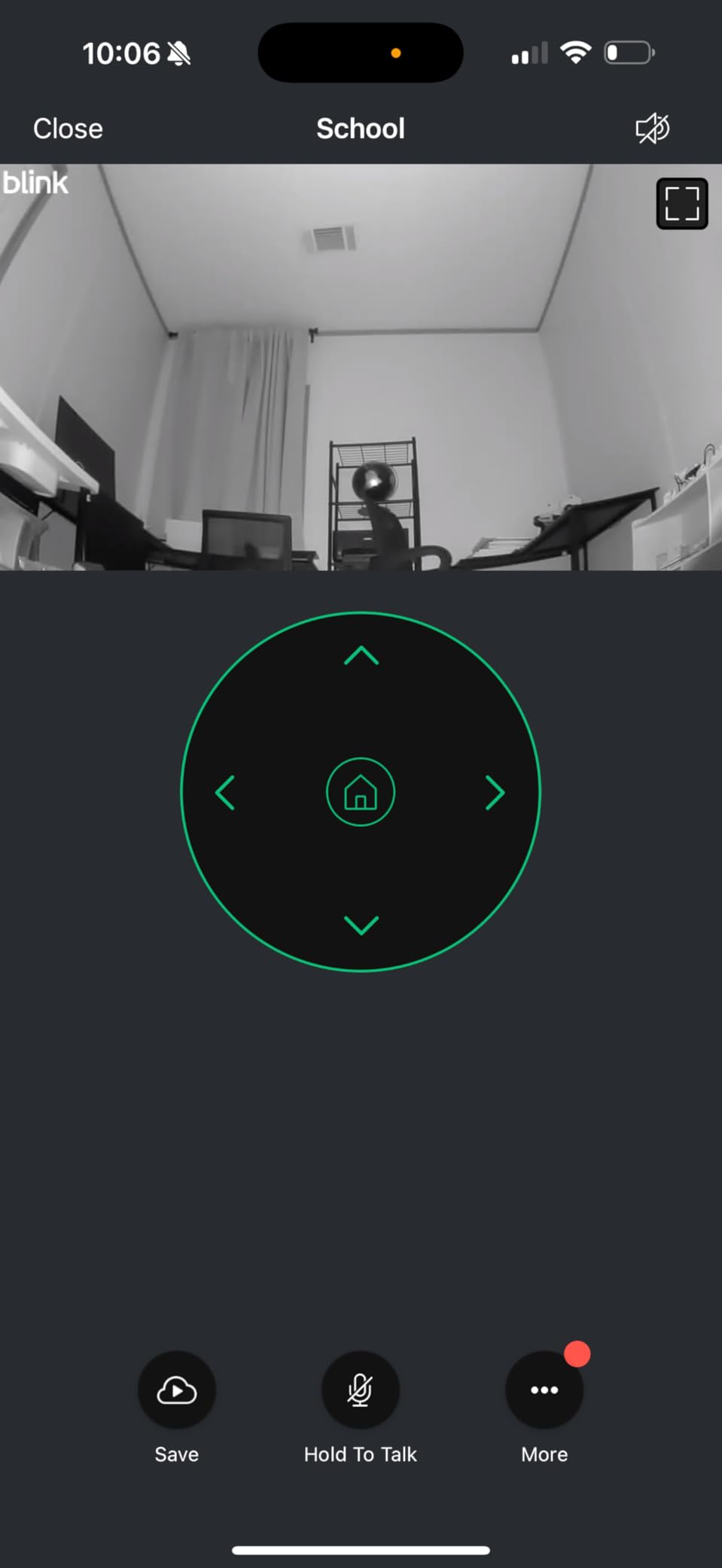
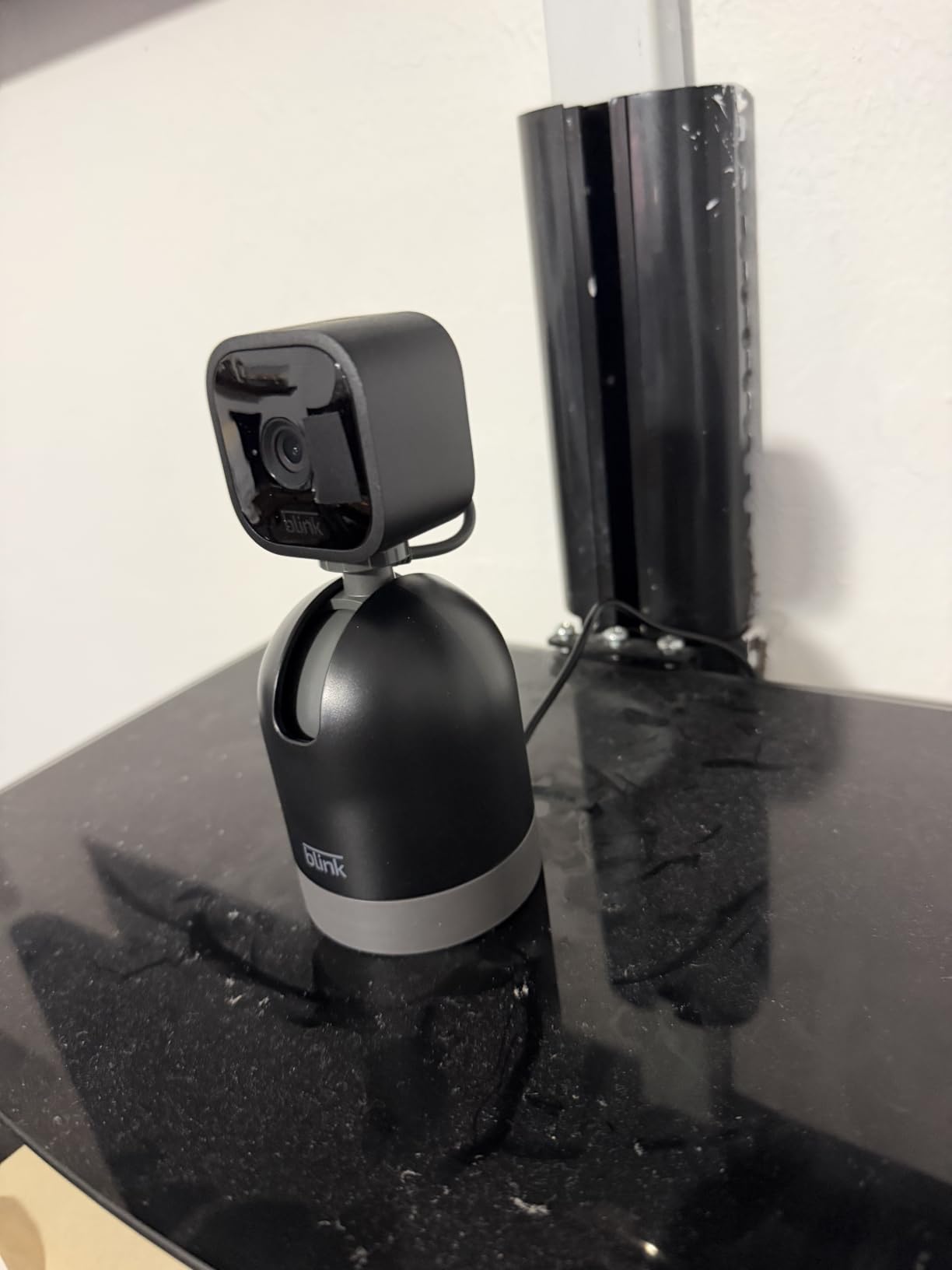
The Mini Pan-Tilt covers more of a room than a fixed camera at a similar cost, and it is the cheapest way to get a rotating view inside an already smart home. Owners like that it joins an existing Alexa household and streams to an Echo Show.
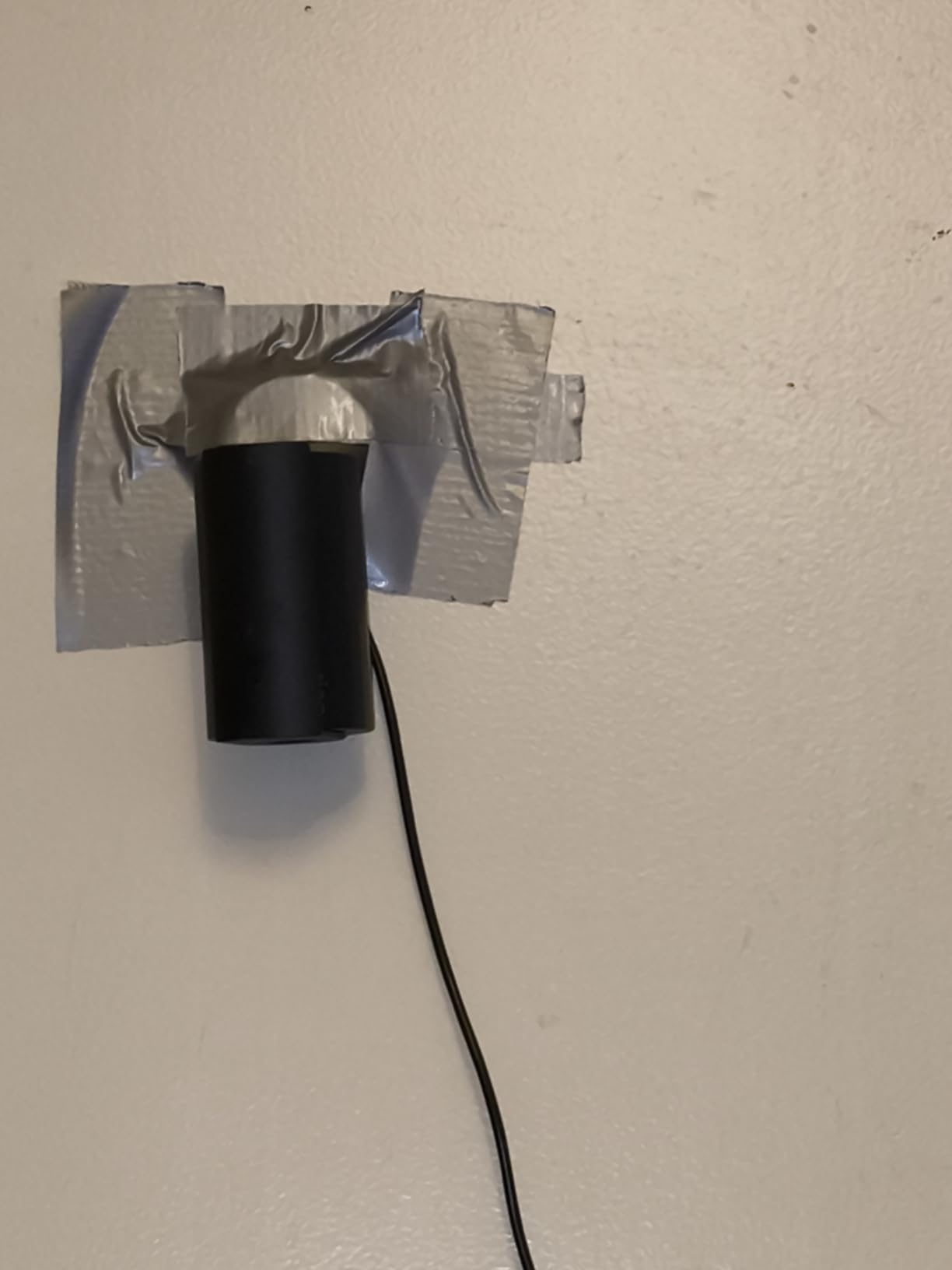
The box contains one camera, one pan-tilt mount, one USB cable and one power adapter, so nothing extra is needed for a table or shelf install. Infrared night view and two-way audio are both built in.
What you trade away is storage. Saving clips means either a Blink Subscription Plan, which comes with a 30-day trial, or a separately sold Sync Module 2 with a USB drive for local recording. Continuous live streaming runs up to 90 minutes with a plan.
Choose the Ring Indoor Cam instead if sharper 1080p colour night vision matters more than the rotating view, or if you want the physical privacy cover.
11. Fire HD 8: Best for Travel and Bedside Reading
Amazon Fire HD 8 tablet (newest model), 8” HD Display, 4GB memory, 64GB, responsive and vibrant, designed for portable entertainment, Black
Type: tablet
Standout: 8 inch HD screen with 64GB storage
Rating: 4.5 out of 5
Pros
- Thin and light enough for a bag or a tray table
- 64GB with expansion up to 1TB
- Up to 13 hours of mixed use
- 4GB RAM keeps apps quick
Cons
- Amazon app store only with no Google Play
- HD screen is lower resolution than rivals
- Struggles with demanding games
The Fire HD 8 is the portable one. Owners put it in a carry-on, a hospital bag or a bedside table, where the Fire HD 10 is simply too large to be pleasant, and the 8-inch HD panel handles reading and video comfortably at that size.

This generation doubled the memory to 4GB and ships with 64GB, expandable to 1TB, which is what keeps apps from stuttering after a few months of use. Battery life is quoted at up to 13 hours of mixed reading, browsing, video, gaming and music.
Amazon Kids parental controls make it a safe default for a child’s tablet, and a 5MP rear camera covers the photos most people actually take on a tablet. The trade-offs are consistent: no Google Play, software updates that can lag other tablets, and an HD panel that stops short of the sharper screen on the Fire HD 10.
Read in bed often? The Kindle 16GB below weighs 158 g and does one job far better.
12. Kindle 16GB: Best for the Lightest Carry
Amazon Kindle 16 GB (newest model) – Lightest and most compact Kindle, now with faster page turns, and higher contrast ratio, for an enhanced reading experience – Matcha
Type: e-reader
Standout: 158 g body with 6 inch display
Rating: 4.5 out of 5
Pros
- Lightest and most compact Kindle at 158 g
- Front light is 25 percent brighter at maximum
- Up to 6 weeks of battery per charge
- 16GB holds thousands of books
Cons
- No warm front light
- Not waterproof
- No physical page-turn buttons
At 158 g this is the one to put in a coat pocket. Several long-term owners describe it as the Kindle they kept after moving up from heavier devices, because one-handed reading for an hour does not strain the wrist.

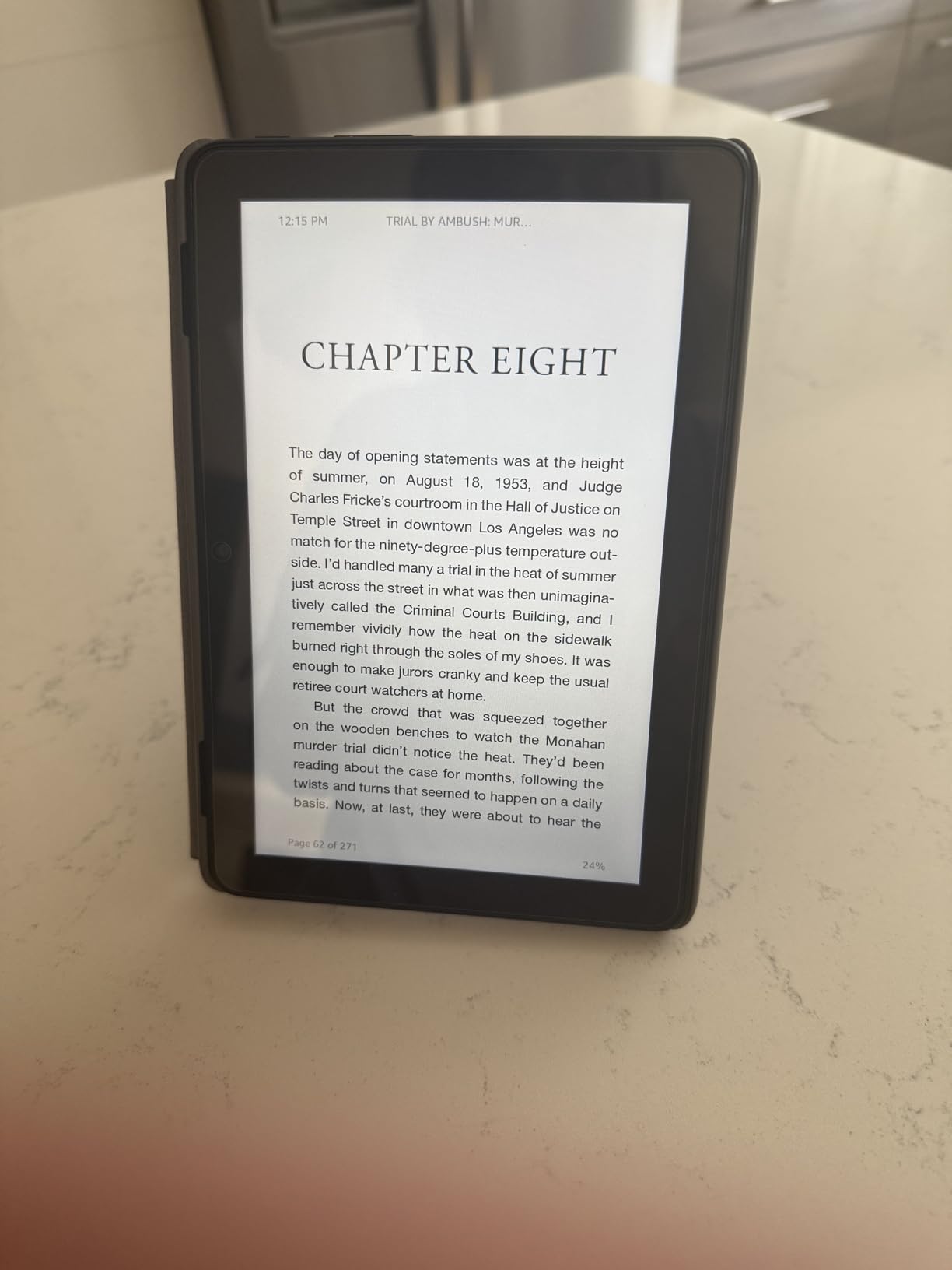
The 6-inch glare-free screen now runs 25 percent brighter at maximum and adds a dark mode, and page turns are faster on this generation than on the models it replaced. Battery life is quoted at up to six weeks per charge, and 16GB holds thousands of books.
Owners report three gripes worth knowing before you order. There is no warm amber front light, so night reading is white or dark. The device is not waterproof, which rules out baths and pools. And there are no page-turn buttons, so a tap can occasionally skip several pages at once. The soft plastic back also scratches, so a sleeve helps.
Compared with the Kindle Paperwhite, you give up the warm light and the waterproof build to save weight. Readers who travel with books in a bag usually decide that trade is worth it.
How to Choose Amazon Devices During Prime Big Deal Days
Device Type and Core Use
Start with the job, not the discount. A television in the living room needs a streaming stick such as the Fire TV Stick 4K Plus. A weak spot in the house needs the Echo Dot or the eero 6. A reader needs a Kindle. A kitchen that runs on spoken timers needs the Echo Show 5 or the Echo Spot. Matching the device to the job keeps you from buying a second television to solve a Wi-Fi problem.
Original Model and Generation
Amazon listings say newest model or name a year, such as the 2024 Paperwhite. Read the model code in the listing details before you commit, because a deal on an older Fire tablet can still be a good buy but it is not the same purchase as the current panel. Compare the generation markers: faster page turns, more memory, a newer interface or a different Wi-Fi standard.
Value Beyond the Discount
A smaller discount on a device that fits your household beats a larger one that does not. Judge each offer on what ships in the box, what the warranty covers and what it does after the sale. The eero 6 and the Echo Dot keep working for years; the Fire TV Stick 4K Max storage advantage only matters if you fill it.
Condition, Seller and Shipping
Distinguish new, renewed and third-party offers before you commit. The seller name, whether Amazon handles fulfilment and the return window all change what a deal is worth. Renewed hardware can carry a different warranty than new, so read the condition line rather than assuming the listing badge covers it.
Compatibility and Everyday Practicality
Check the boring things: outlets near where the camera goes, an Ethernet port for a wired network, whether your library apps run on the e-reader at all, and how much storage a family needs. Amazon-only app stores rule out some software on Fire tablets, and clip history on Ring and Blink sits behind a plan.
How to Shop Amazon Device Deals During the Sale
On each listing check the exact model code and generation, the size or colour variant, what the box contains, whether the offer is new or renewed, who sells and who sends it, and whether Prime is required. Look for an on-page coupon that has not been clipped, and compare against the recent price history rather than the struck-through figure. Most offers need an active Prime membership, and prices change through the event, so recheck before you pay.
A short checklist before you buy:
- Confirm the model number and generation match the description you read about.
- Check whether an on-page coupon has been clipped on the listing.
- Compare the offer against the recent price history, not the original list price.
- Read who the seller is and whether Amazon handles fulfilment.
- Work out the ongoing subscription cost for Ring and Blink before buying.
- Recheck the price on the final day of the sale before paying.
Frequently Asked Questions
When do Best Amazon Prime Big Deal Days Amazon Device Deals start, and is Prime membership required?
Amazon Prime Big Deal Days runs October 6-7, 2026, and most offers on Amazon’s own devices are limited to Prime members. A free 30-day trial counts if you are not already subscribed. Deals that appear on the wider site are sometimes available to everyone, so check the Prime badge on each listing before you plan your cart.
Do Amazon device offers change during Prime Big Deal Days?
Yes. Offer prices move through the event, Spotlight Deals run on limited quantity, and Lightning Deals expire after a set window. A product you looked at on the first morning may carry a different figure on the second. Recheck each listing before paying and keep the model code the same if the price shifts.
How can I tell whether an Amazon device listing is the latest model?
Look for the model code in the product details and read whether the title says newest model or names a year. Newer Fire tablets list more memory and storage, newer streaming sticks mention Wi-Fi 6 or 6E and a refreshed interface, and newer Kindles list faster page turns. Comparing those markers against the current generation is the fastest check.
Should I buy a renewed Amazon device during the sale?
Renewed units can be a good way into the Amazon ecosystem when the saving is meaningful and the warranty is clear. Read the condition description and the return window, since a renewed device does not carry the same cover as a new one. For a camera or a tablet you rely on daily, new with full support is usually the safer pick.
How do I confirm that a device deal includes the accessories shown in the comparison chart?
Check the what is in the box section and the package contents on the listing, because bundle contents change between variants. The Blink Mini Pan-Tilt ships with one camera, one pan-tilt mount, one USB cable and one power adapter. Stylus pens and subscriptions for Fire tablets are sold separately, so read before adding anything.
Can I buy these Amazon devices without a Prime membership?
Most offers during the event need an active Prime membership, and a free trial is enough for the length of the sale. A handful of offers run site-wide without it, so check the listing badge. If you already pay for delivery or streaming benefits, the membership is effectively covered by what you use.
Final Verdict: Best Amazon Prime Big Deal Days Amazon Device Deals
Buy the Echo Dot if you want one Amazon device that works hardest per unit of effort. Its built-in eero extender, its microphone off button and the largest review base on this list make it the safest watch of the sale.
Spend on the Fire TV Stick 4K Max only when storage or a very busy network is the real problem. On a budget, the Fire TV Stick 4K Plus covers almost every living room. The Blink Mini Pan-Tilt is the cheapest useful addition here, while the Fire HD 10 handles family and kid use and the Kindle Paperwhite handles readers who want a warm light.
The Echo Spot suits a bedside table, the Echo Show 5 a kitchen counter, the eero 6 a whole floor of dead spots, the Ring Indoor Cam a single room with an outlet, the Fire HD 8 a travel bag, and the Kindle 16GB a coat pocket. Check the current figure on each listing before you commit, and pick the one that solves the job you actually have.