

The ASUS TUF Dash 15 leads our Amazon Prime Big Deal Days ASUS deals shortlist because it does the rarest thing in a gaming laptop list: it keeps every part replaceable while pairing a 10-core Intel Core i7 with an RTX 3060 and a 144Hz screen. Two memory slots and a spare M.2 drive mean the machine you buy in the sale does not have to be the machine you keep in three years.
The ASUS Vivobook Go 15 is the pick if the budget is tight and the work is email, documents and video calls, and the ASUS ROG XG27AQDMG is the one for anyone who games at 1440p and wants a 240Hz OLED instead of another laptop. Prime Big Deal Days runs October 6-7, 2026, and most offers in it need a Prime membership, with a free trial counting.
Table of Contents
Our Top 3 Picks for Amazon Prime Big Deal Days ASUS Deals in 2026

ASUS TUF Dash 15
- Upgradable 16GB DDR5 with two memory slots
- Spare M.2 slot for a second drive
- RTX 3060 with DLSS and a MUX switch

ASUS Vivobook Go 15
- Fanless and 0.70 inch thin at 3.59 lb
- USB-C fast charging with a 45W adapter
- Webcam privacy shutter for shared desks

ASUS ROG XG27AQDMG
- 1440p WOLED at 240Hz with 0.03ms response
- 99 percent DCI-P3 colour coverage
- Three-year warranty with burn-in coverage
Amazon Prime Big Deal Days ASUS Deals Compared
Every entry below is a real ASUS configuration with the model number spelled out, because that is exactly where shoppers get caught out. Two listings that look identical in a search result can be a year and a graphics generation apart.
| Product | Specifications | Action |
|---|---|---|
| ASUS TUF Dash 15 |
|
Check Deal Price |
| ASUS Vivobook Go 15 |
|
Check Deal Price |
| ASUS ROG XG27AQDMG |
|
Check Deal Price |
 ASUS ROG PG32UCDM ASUS ROG PG32UCDM |
|
Check Deal Price |
 ASUS TUF Gaming F16 ASUS TUF Gaming F16 |
|
Check Deal Price |
 ASUS ROG Strix G16 ASUS ROG Strix G16 |
|
Check Deal Price |
 ASUS ROG PG27AQDP ASUS ROG PG27AQDP |
|
Check Deal Price |
 ASUS TUF Gaming A16 ASUS TUF Gaming A16 |
|
Check Deal Price |
 ASUS Chromebook CR11 ASUS Chromebook CR11 |
|
Check Deal Price |
 ASUS TUF F16 (2025) ASUS TUF F16 (2025) |
|
Check Deal Price |
How We Chose
We compared the specifications each listing actually states, then weighed them against owner ratings and review counts on Amazon. Data was checked in October 2026, before the sale opens, so treat every offer here as worth watching rather than confirmed.
1. ASUS TUF Dash 15: Best All-Round Gaming Laptop
ASUS TUF Dash 15 (2022) Gaming Laptop, 15.6″ 144Hz FHD Display, Intel Core i7-12650H, GeForce RTX 3060, 16GB DDR5, 512GB SSD, Thunderbolt 4, Windows 11 Home, Off Black, FX517ZM-AS73
Type: Gaming laptop
Screen: 15.6 inch 144Hz IPS
Standout: 16GB DDR5 plus a spare M.2 slot
Pros
- Nothing soldered so RAM and storage can be added later
- RTX 3060 6GB with DLSS and ray tracing
- MUX switch cuts latency to the 144Hz panel
- Light for a gaming laptop at 4.4 lb
- MIL-STD-810H tested chassis
Cons
- Armoury Crate software reports temperatures badly
- Backlight bleed shows on dark scenes
- Battery life drops fast under load
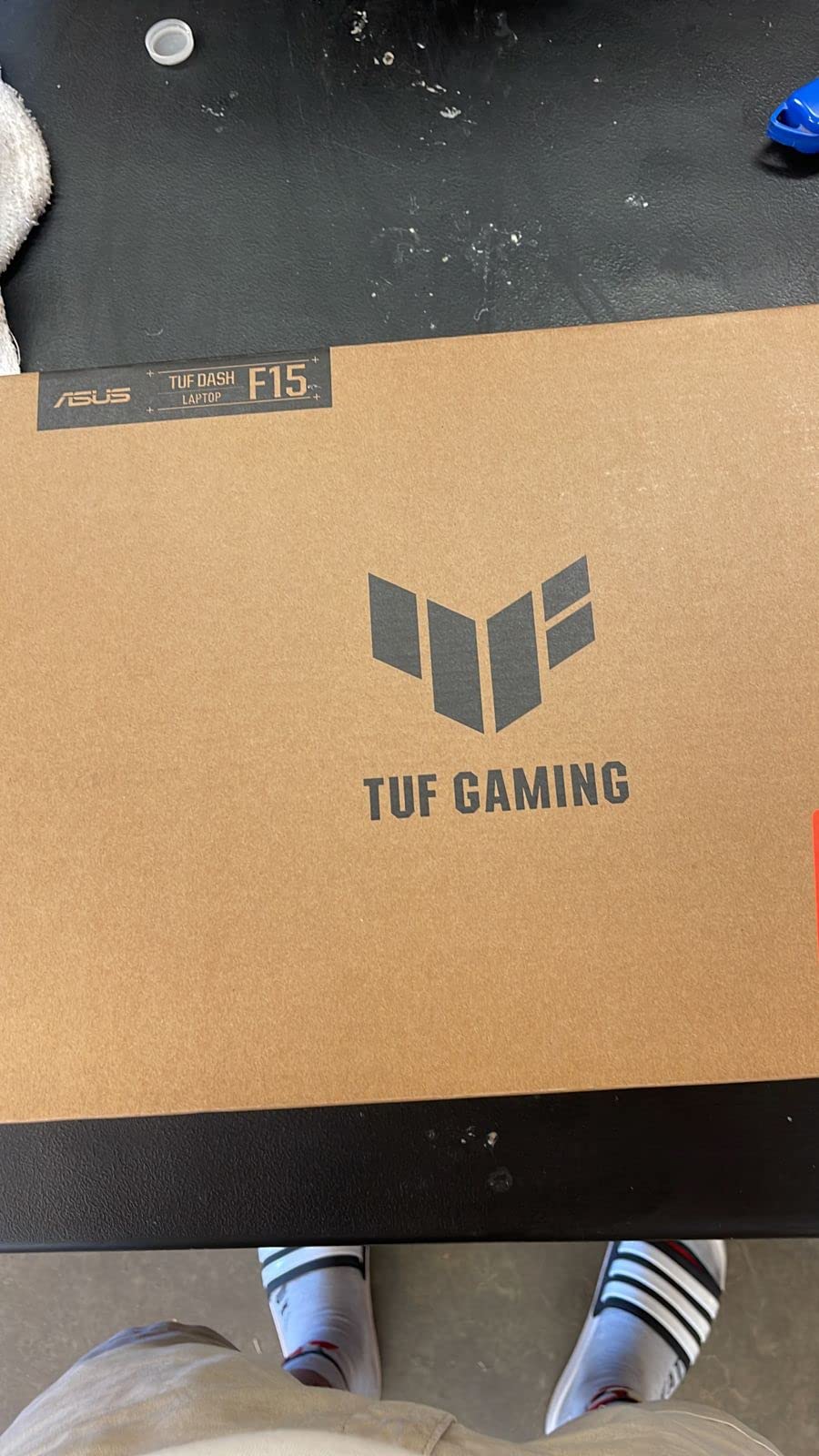
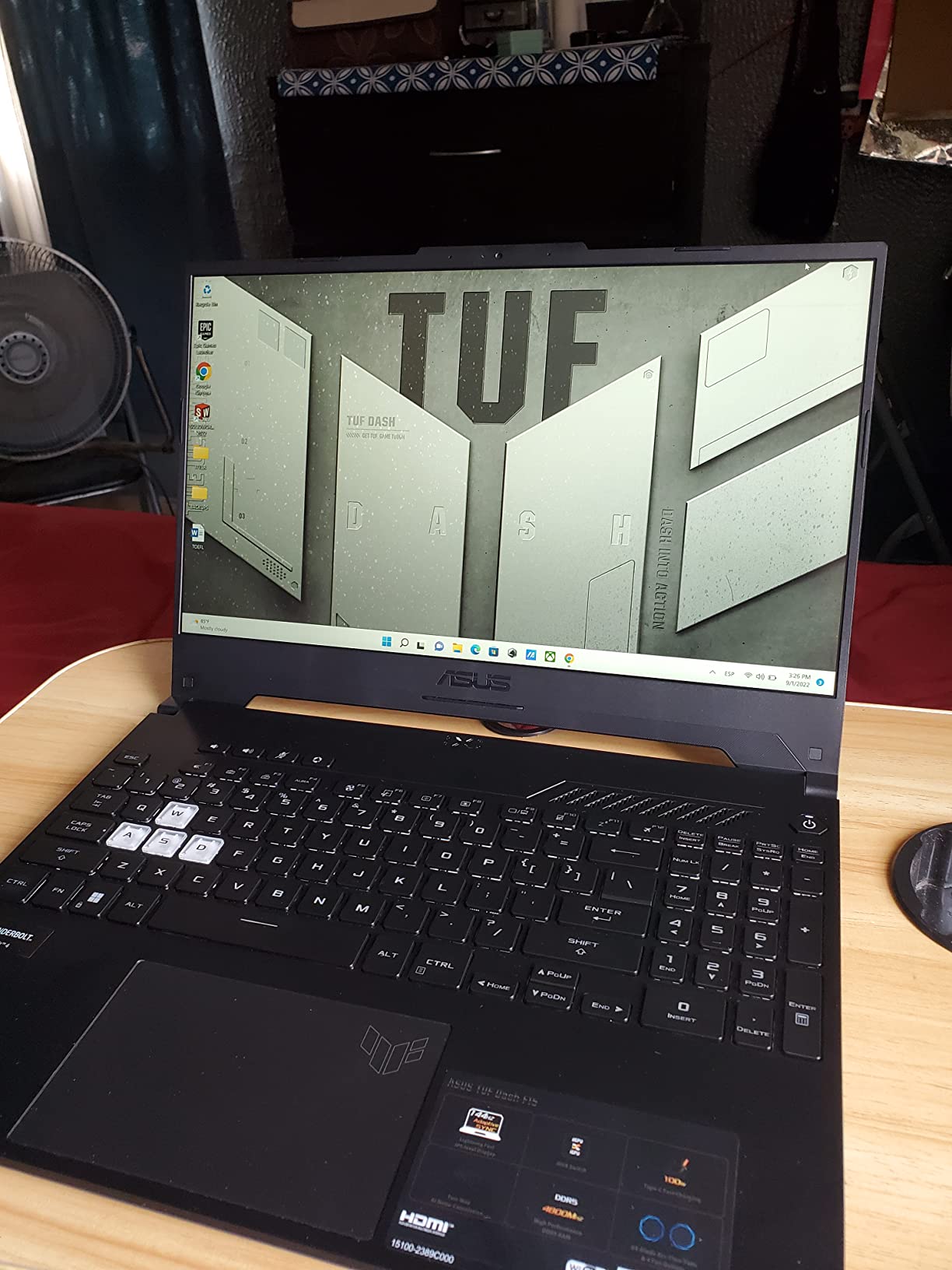
The buy: a 1080p gaming laptop you can still upgrade in four years, which almost nothing else at this tier offers.
The FX517ZM-AS73 pairs a 10-core Intel Core i7-12650H that boosts to 4.7GHz with a GeForce RTX 3060, so DLSS and ray tracing are available when a title gets heavy. The 144Hz IPS panel and the MUX switch work together: instead of routing frames through the integrated graphics, the switch sends them straight to the screen, which is where the visible smoothness comes from.
The reason it leads the list is the underside rather than the benchmark. Two memory slots mean the 16GB of DDR5 can go to 32GB, and a second M.2 slot is free. Owners report filling it with a 1TB drive and carrying on. Several multi-year owners also point out that USB-C charging works with third-party power banks, which matters more than it sounds when a gaming battery dies halfway through a session.
Owners are less positive about the software side. Armoury Crate, the utility that controls fan curves and performance modes, is described as buggy and inaccurate with temperature and utilisation readings, and it is the first thing most people disable after setup. Several reviews also note backlight bleed on dark scenes and a 144Hz panel that is not especially bright.
Skip it if you want a colour-accurate screen for photo work, because this is a fast IPS panel rather than an OLED one. For a 4K OLED desktop instead, the ASUS ROG PG32UCDM pairs with it better than another laptop would.
2. ASUS Vivobook Go 15: Best for Everyday Work
ASUS Vivobook Go 15.6” FHD Slim Laptop, AMD Ryzen 3 7320U Quad Core Processor, 8GB DDR5 RAM, 128GB SSD, Windows 11 Home, Fast Charging, Webcam Sheild, Military Grade Durability, Black, E1504FA-AS33
Type: Thin laptop
Screen: 15.6 inch 60Hz NanoEdge
Standout: Fanless and 0.70 inch thick
Pros
- Fanless design means near-silent running
- Light at 3.59 lb and 0.70 inch thick
- USB-C fast charging with a 45W adapter
- Webcam privacy shutter suits shared workspaces
- NanoEdge bezel keeps the frame clean
Cons
- 8GB LPDDR5 memory is soldered
- 128GB drive is tight for a system disk
- 250 nit 45 percent NTSC panel looks dim and washed out
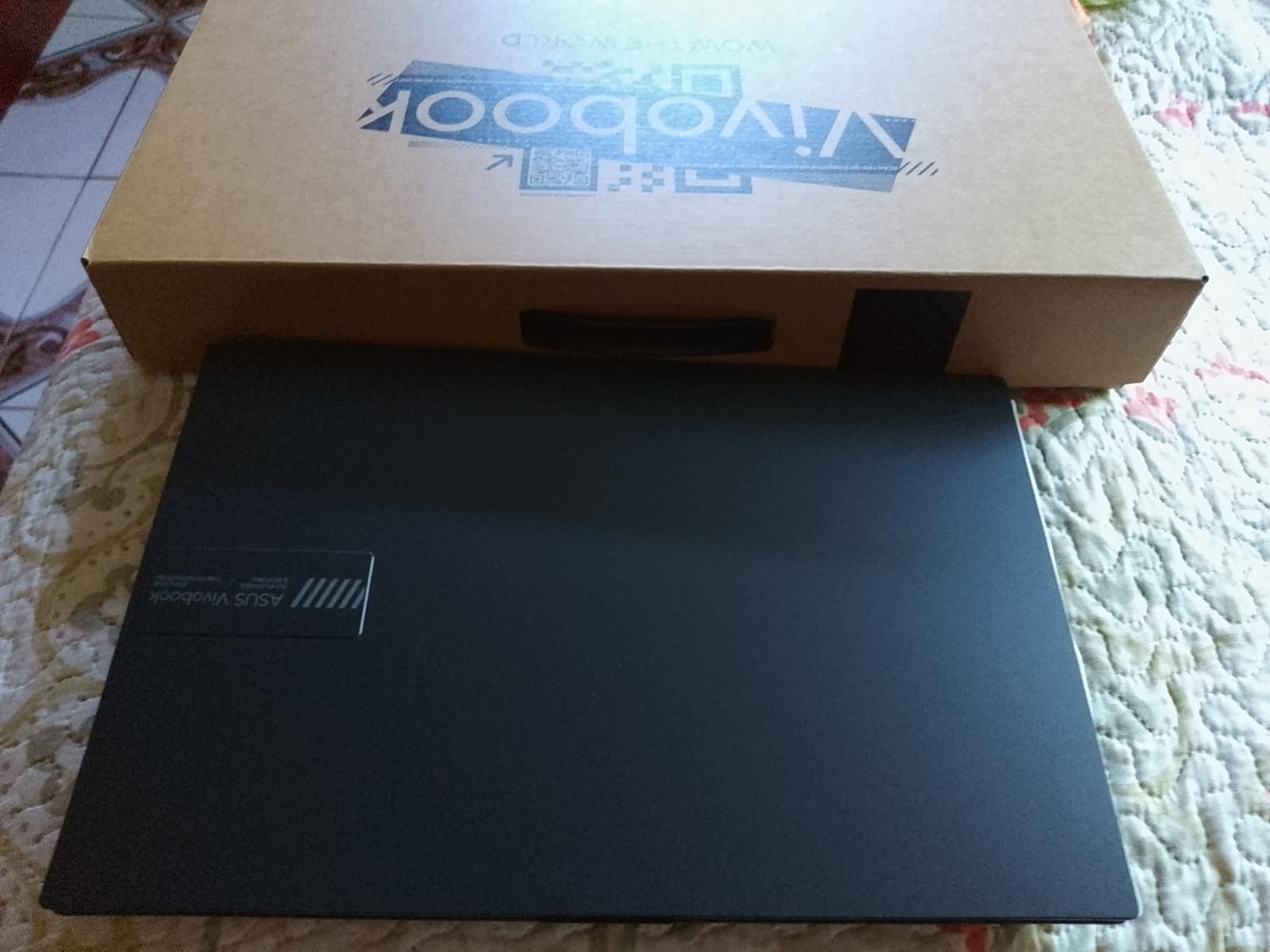
The E1504FA-AS33 is the pick for anyone whose laptop does documents, spreadsheets, browsing and video calls, and whose name is not on the box. A Ryzen 3 7320U quad-core is enough for that work, and there is no fan to spin up in a quiet room.
Owners single out the chassis. At 0.70 inch thick and 3.59 lb, it is genuinely easy to carry, and the NanoEdge bezel design keeps the 15.6-inch panel from making the machine look bigger than it is. Charging is over USB-C with a compact 45W adapter, so one charger covers the laptop and a phone.
The honest limit is the fixed configuration. The 8GB of LPDDR5 is soldered, and 128GB of storage is small for a system drive in 2026. There is also a webcam privacy shutter, which sounds trivial until you work from a shared office.

Good to know: the display is a 60Hz panel at 250 nits covering 45% of NTSC, which is the single biggest reason owners rate it at 4.3 rather than higher. If colour or scrolling smoothness matters, look at a higher-tier panel instead. For a machine built to be dropped in a school bag, the ASUS Chromebook CR11 is sturdier.
3. ASUS ROG XG27AQDMG: Best for 1440p Esports
ASUS ROG XG27AQDMG 27 Inch 1440p 240Hz Glossy OLED Gaming Monitor
Type: OLED monitor
Screen: 26.5 inch 1440p 240Hz
Standout: 0.03ms response time
Pros
- 0.03ms response leaves no visible ghosting
- 240Hz is a real match for competitive shooters
- Third-generation WOLED panel is clearer than earlier panels
- 99 percent DCI-P3 colour coverage
- Three-year warranty includes burn-in cover
Cons
- Glossy finish collects fingerprints and reflections
- OLED burn-in still applies over years of static content
- Bulkier than 27 inch IPS monitors
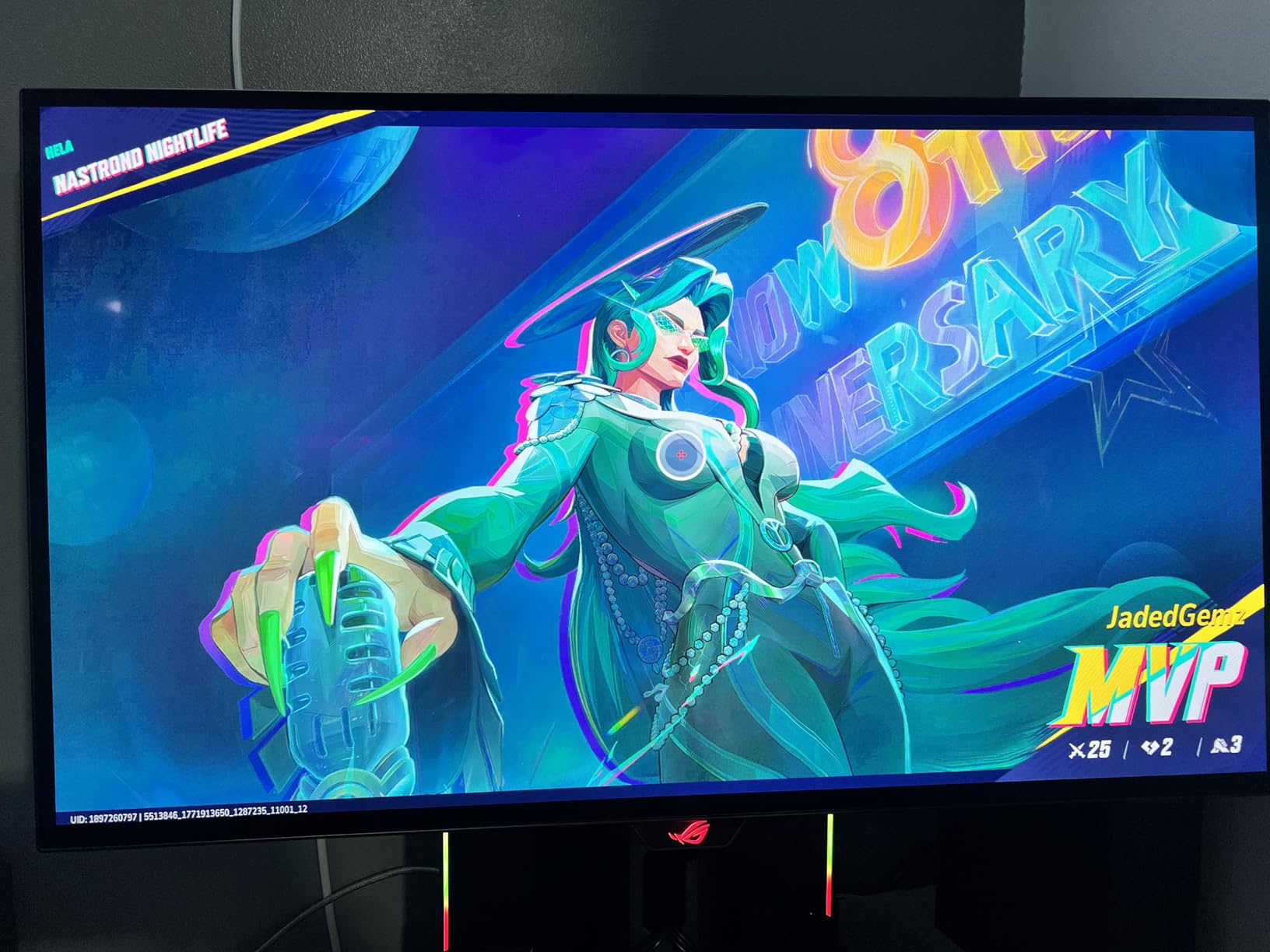
Buy the XG27AQDMG if your GPU can feed a 1440p signal and you play shooters where a millisecond of clarity shows up as a kill.
The pairing of 2560×1440 at 240Hz with a 0.03ms response time is what competitive players ask for and rarely get at the same time. Colour coverage of 99% DCI-P3 makes it useful for content work as well, and FreeSync Premium plus G-Sync Compatible support means it will run tear-free with whatever card is in the machine.
The third-generation WOLED panel is the reason the text looks better than on earlier OLEDs. ASUS adds a custom heatsink and airflow design to push burn-in risk down, ROG OLED Care for pixel maintenance, anti-flicker hardware and an optional uniform brightness setting that evens out the luminance across the panel.
The trade-off owners raise is the glossy finish. It smudges, it mirrors a window, and in a bright room it competes with the image. A matte coating would fix that at some cost to punch, which is the trade the ASUS ROG PG27AQDP makes differently.

Connectivity is two HDMI, two USB-A and DisplayPort, with no USB-C power delivery, so plan on a separate cable to a laptop. Owners also find it bulkier than a 27-inch IPS panel of the same size.
4. ASUS ROG PG32UCDM: Best-Rated Pick for 4K Gaming and HDR
ASUS ROG PG32UCDM 32 Inch 4K 240Hz OLED Gaming Monitor QD-OLED
Type: QD-OLED monitor
Screen: 32 inch 4K 240Hz
Standout: 90W USB-C and HDR400 True Black
Pros
- Highest average rating in this shortlist at 4.6 stars
- 4K resolution combined with 240Hz refresh
- True 10-bit colour with Delta E under 2
- DisplayHDR 400 True Black with Dolby Vision
- 90W USB-C handles a single-cable laptop setup
Cons
- 19.4 lb and a large desk footprint
- 4K at 240Hz outruns many GPUs
- OLED longevity still matters for static desktop use
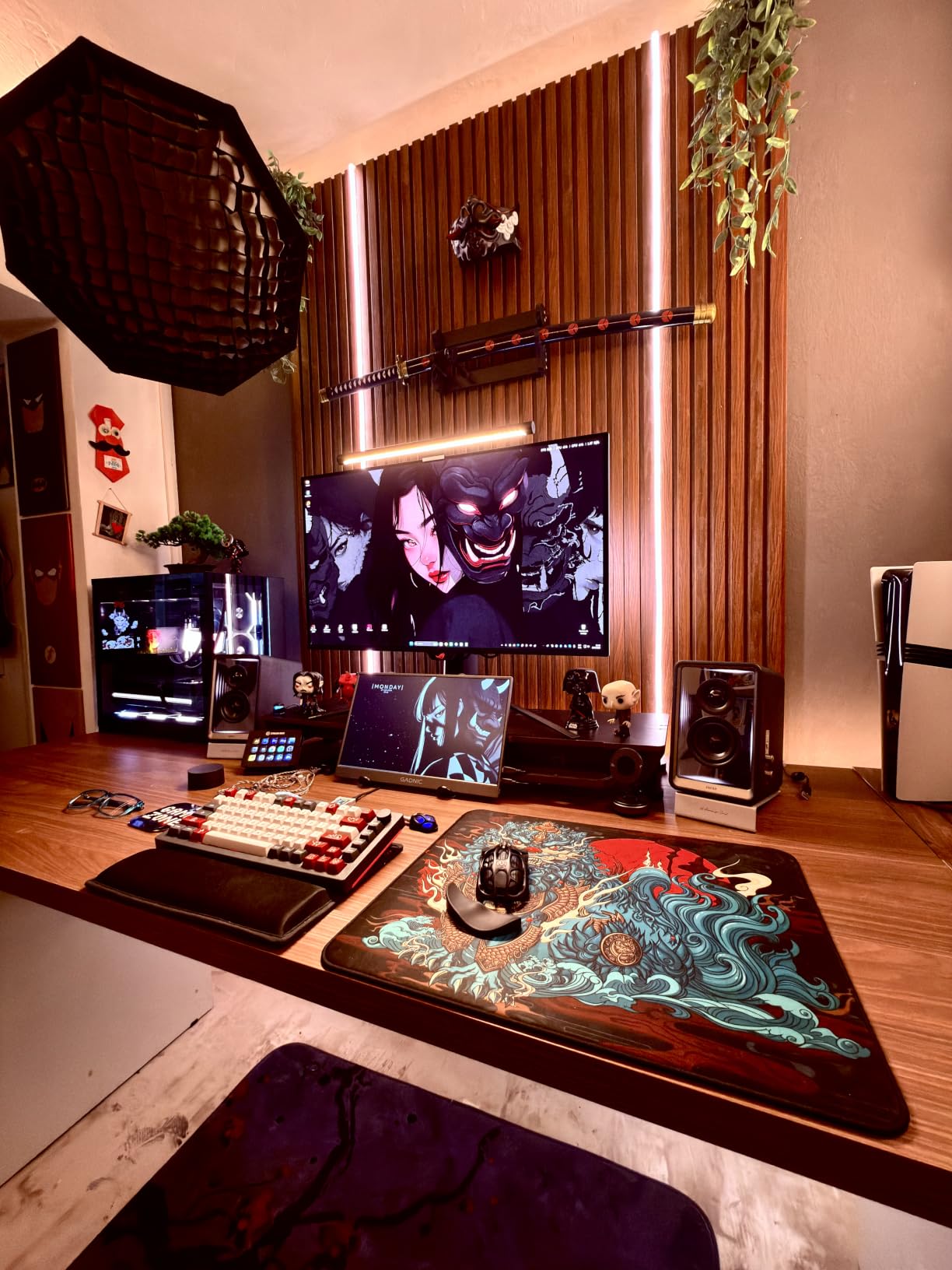
This is the one to pair with a machine like the ASUS ROG Strix G16: 32 inches of 4K at 240Hz, and the best owner rating of any product here at 4.6 stars across 603 reviews.
Peak brightness and a 1500000:1 contrast ratio give true blacks and real HDR through VESA DisplayHDR 400 True Black with Dolby Vision. Colour is true 10-bit with a Delta E under 2, which means photo and video grading on this screen holds up to scrutiny rather than merely looking colourful.
The practical win for anyone with a gaming laptop is 90W USB-C power delivery. One cable carries video, data and charging, so the desktop setup stops being a pile of adapters.
Owners are blunt about the physical side. At 19.4 lb with a 21 inch deep chassis, it wants a proper desk, and a monitor arm is worth planning for. Owners also note that pushing 4K at 240Hz can exceed what a mid-range GPU can output natively, which means upscaling is part of the experience.
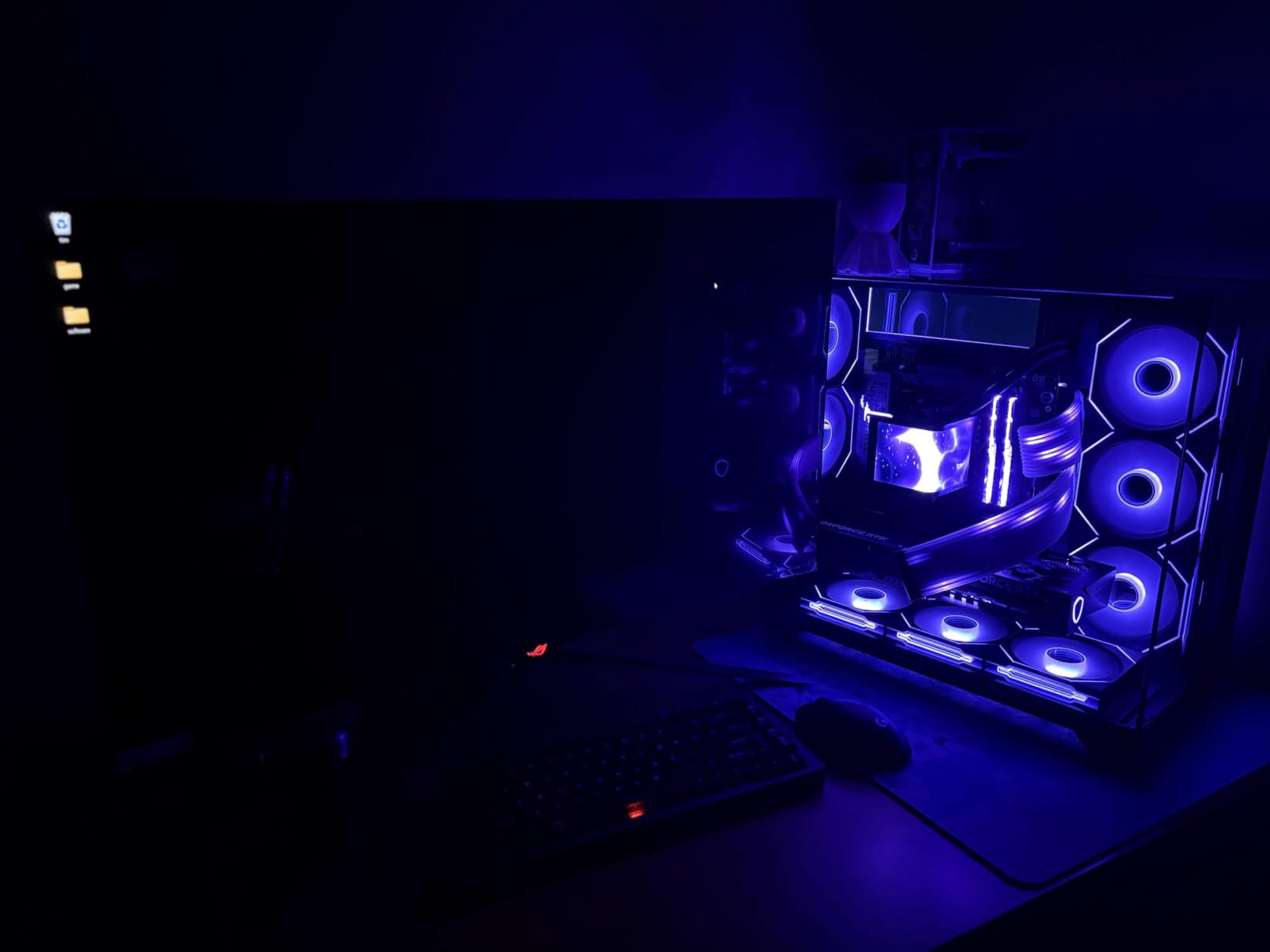
Compared with the XG27AQDMG, this is the creative and high-end choice: twice the resolution, true 10-bit colour and USB-C power delivery, at the cost of extra desk space and weight.
5. ASUS TUF Gaming F16: Best for Big-Screen 1080p Gaming
ASUS TUF Gaming F16 Gaming Laptop, 16” FHD+ 144Hz IPS-Level 16:10 Display, Intel® Core™ 5 210H, NVIDIA® GeForce RTX™ 4050, 16GB DDR5, 512GB PCIe Gen4 SSD, Wi-Fi 6, Win11 Home, FX607VU-SS53
Type: Gaming laptop
Screen: 16 inch 16:10 144Hz
Standout: RTX 4050 at 115W with Advanced Optimus
Pros
- 16:10 144Hz panel covers 100 percent sRGB
- RTX 4050 runs at a full 115W
- Advanced Optimus switches GPUs automatically
- Five heat pipes and four vents stay quiet
- MIL-STD-810H tested build
Cons
- 512GB drive is small for modern game libraries
- 16GB of RAM is the entry configuration and often soldered
- RTX 4050 is an entry tier for 1080p only
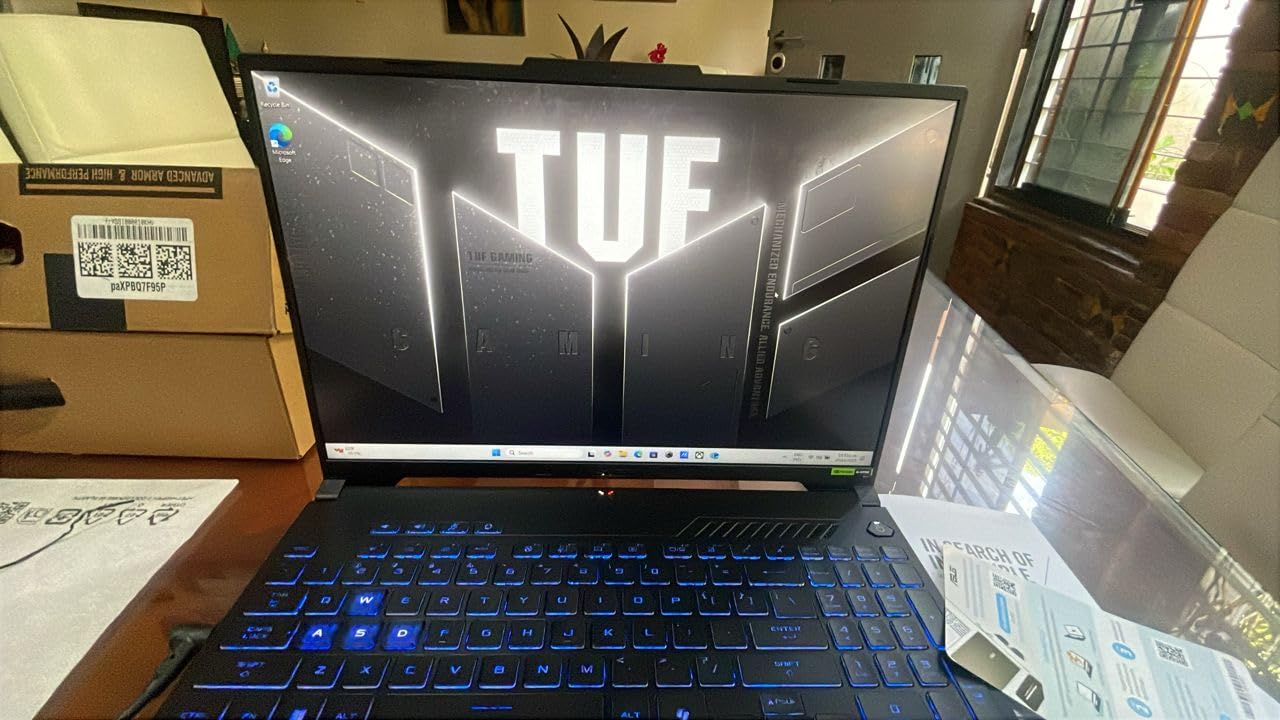
A 16-inch screen at 144Hz with 100% sRGB coverage is a different proposition from the 15.6-inch panel in the TUF Dash 15, and the taller 16:10 shape suits a machine that gets used for documents as well as games.
The FX607VU-SS53 runs an Intel Core 5 210H across eight cores and an RTX 4050 at 115W max TGP, which is the power limit that actually determines 1080p frame rates on this class of card. The 16:10 panel at 1920×1200 gives more vertical room for documents than a 16:9 screen, and the colour coverage makes it usable for photo sorting between gaming sessions.
Cooling is the quiet story here. Five dedicated heat pipes, four exhaust vents and an anti-dust filter keep sustained load without excessive noise according to owners, and NVIDIA Advanced Optimus switches between the integrated and discrete GPUs to protect battery when you are not gaming.
The limits are honest. 512GB of PCIe Gen4 storage is small once a few large installs land, and 16GB is the entry amount of DDR5 that is frequently soldered on this class of machine. The RTX 4050 is a 1080p card, and owners say as much.
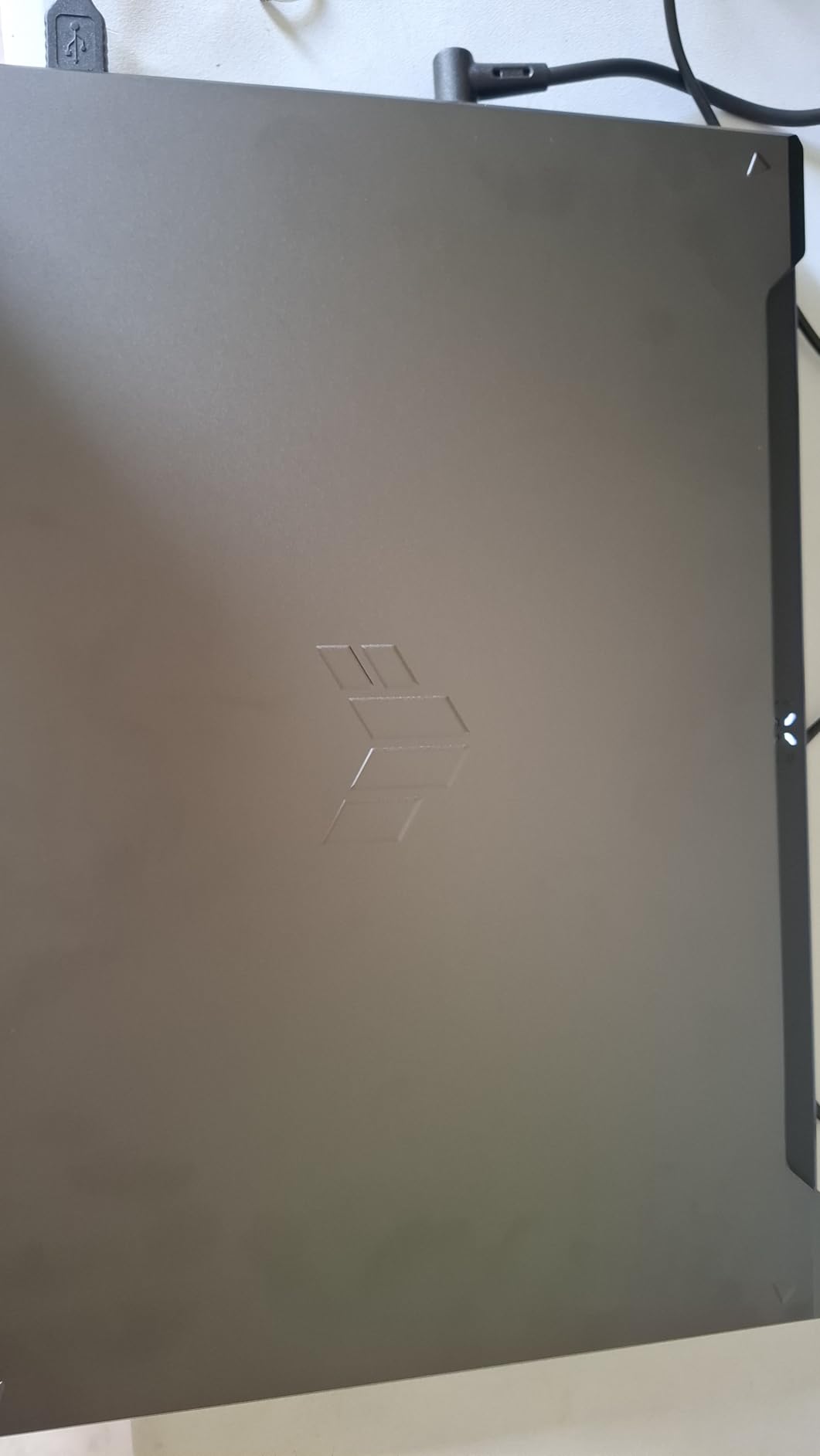
Compared with the TUF Gaming A16, the choice is simpler: Intel with a 16:10 panel and more cooling headroom, or AMD with more memory headroom. For long sessions on a desk, this one runs cooler.
6. ASUS ROG Strix G16: Best for 4K Gaming
ASUS ROG Strix G16 (2025) Gaming Laptop, 16” ROG Nebula 16:10 2.5K 240Hz/3ms, NVIDIA® GeForce RTX™ 5070 Ti, Intel® Core™ Ultra 9 Processor 275HX, 32GB DDR5, 1TB SSD, Wi-Fi 7, Win11 Home, G615LR-AS96
Type: Flagship gaming laptop
Screen: 16 inch 2.5K 240Hz
Standout: RTX 5070 Ti with 32GB DDR5
Pros
- RTX 5070 Ti on Blackwell with DLSS 4
- Nebula 2.5K 240Hz 3ms panel with anti-glare film
- 32GB DDR5-5600 and 1TB Gen4 SSD out of the box
- Vapour chamber and liquid metal hold clocks
- Wi-Fi 7 and a 90Wh battery
Cons
- Well above mainstream gaming systems on price
- 5.8 lb and 0.9 inch thick limits portability
- RGB lightbar only fully off in Stealth Mode
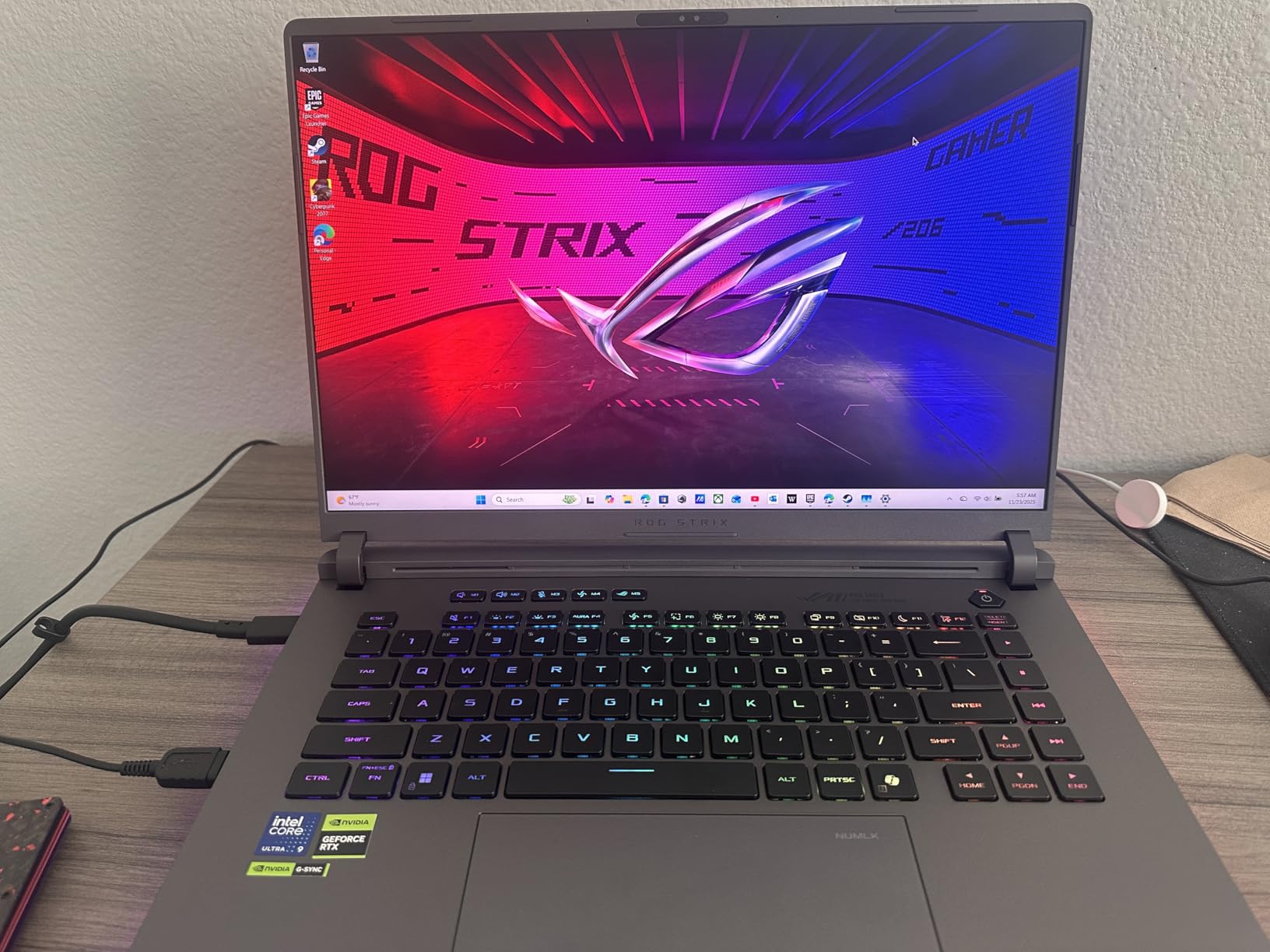
The G615LR-AS96 is the no-apologies option. An Intel Core Ultra 9 275HX across 24 cores, an RTX 5070 Ti laptop GPU on Blackwell architecture, 32GB of DDR5-5600 and a 1TB Gen4 drive is a specification list with nothing trimmed.
The Nebula display is 2560×1600 at 240Hz with a 3ms response and an anti-glare film that lifts contrast while cutting reflections. That panel plus a GPU of this class is what makes a 4K external display worth plugging in, which is where the ASUS ROG PG32UCDM becomes the natural companion.
Thermals are handled with an end-to-end vapour chamber, tri-fan cooling and Conductonaut Extreme liquid metal on the chipset, and owners report sustained clocks without throttling. A full-surround RGB lightbar runs around the chassis and syncs with the keyboard and other ROG peripherals, with a Stealth Mode that shuts it all down for work.
The reasons it sits at sixth rather than higher are size and the 4.3 star average from 230 reviews. At 5.8 lb it is a desktop machine that occasionally travels, and most owners still dial settings back from native to hold 240Hz.
If the budget stretches only to 1080p, the ASUS TUF F16 (2025) delivers a better balanced machine for far less, and the RTX 5050 there is closer to what most people actually use.
7. ASUS ROG PG27AQDP: Best for Extreme Refresh Rates
ASUS ROG PG27AQDP 27 Inch 1440p 480Hz OLED Gaming Monitor
Type: WOLED monitor
Screen: 26.5 inch 1440p 480Hz
Standout: ELMB motion blur reduction
Pros
- 480Hz is the highest refresh in this shortlist
- 0.03ms response with ELMB motion clarity
- Matte finish stays readable in bright rooms
- DisplayHDR 400 True Black with true 10-bit colour
- Pivot to portrait mode and firmware updates
Cons
- Most games do not yet push 480Hz
- DisplayWidget control software is reported as slow
- Some buyers report dead OSD buttons or early panel failure
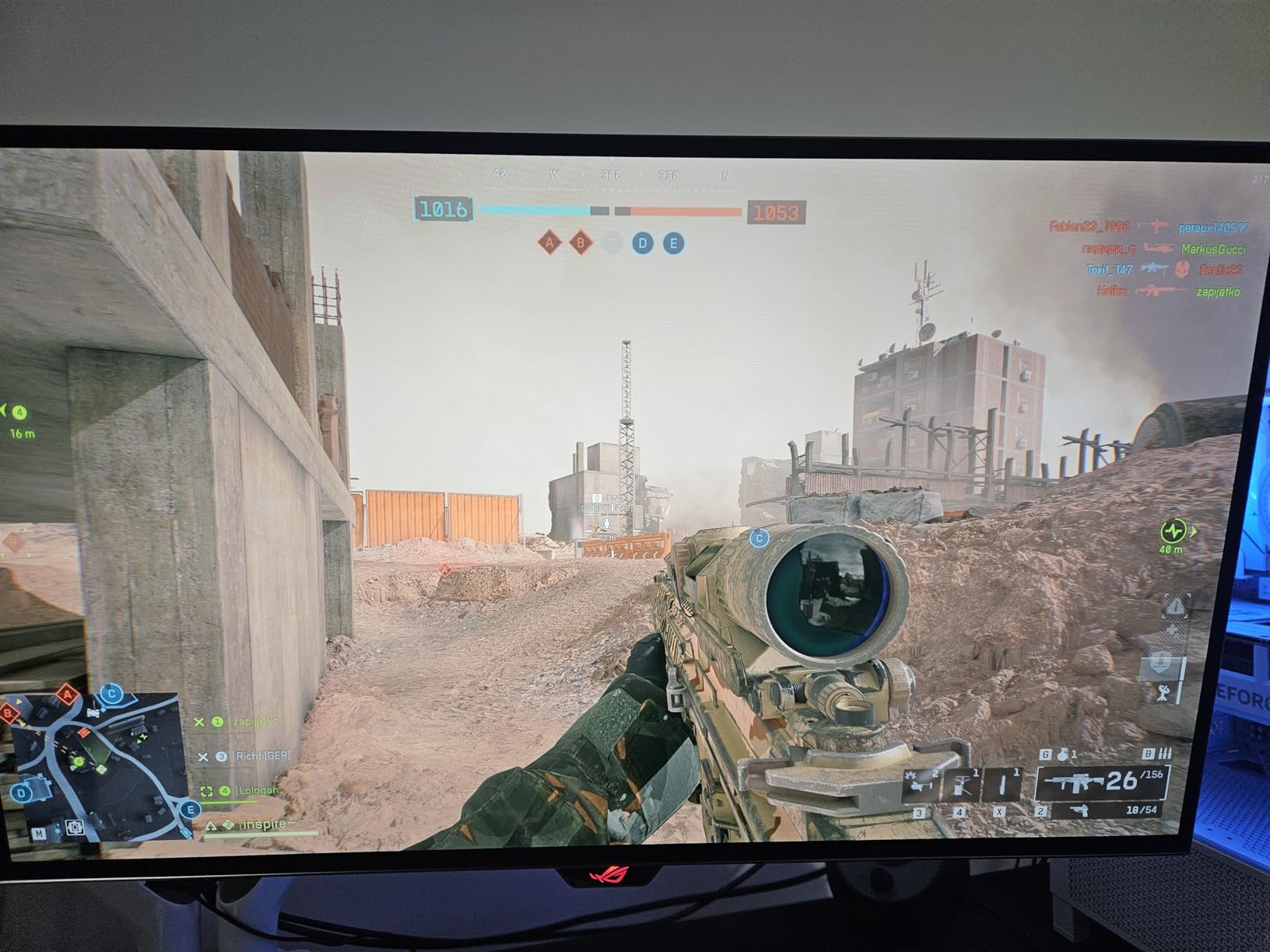
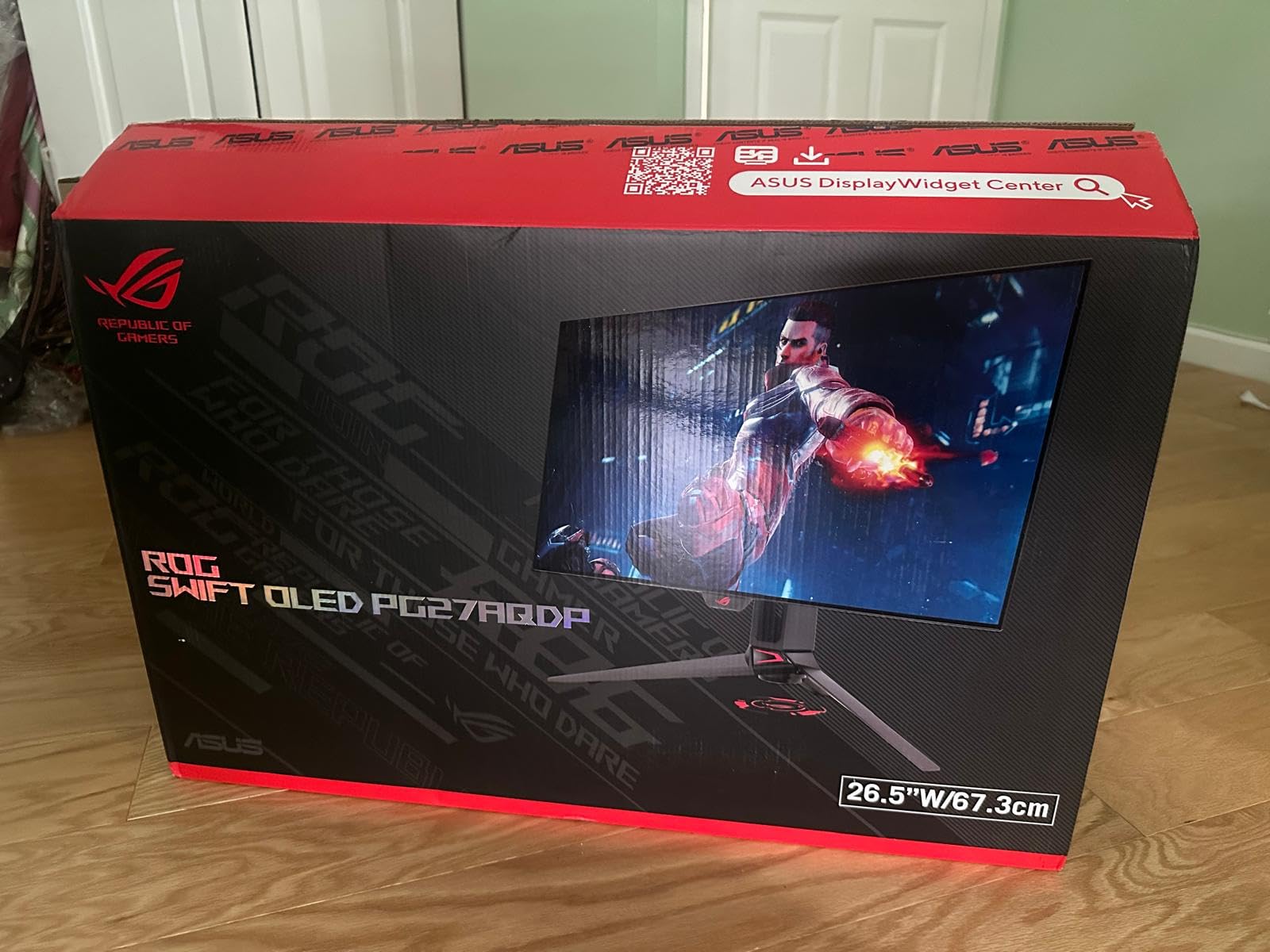
Nothing else on this list refreshes as fast. The PG27AQDP runs a 26.5-inch 1440p WOLED panel at 480Hz with a 0.03ms response, and ELMB motion blur reduction on top.
It is a colour-accurate panel as well as a fast one, with 99% DCI-P3 coverage alongside 135% sRGB and a 1000000:1 contrast ratio. A matte finish handles daylight better than the glossy XG27AQDMG, and a custom heatsink plus OLED Care+ handle pixel maintenance, with automatic cleaning on shutdown.
Owners in competitive shooters describe it as the biggest upgrade they have made in years. There is also an in-game Gaming AI Assistant and firmware updates over USB, so the panel is not sealed the day it arrives.
The most common reservation is that few games exploit 480Hz yet, and several owners point to a slow PC-side control utility, plus a small share reporting dead buttons or early panel failures. A matte 1440p choice at a far lower refresh is the ASUS ROG XG27AQDMG.
Buy this one if you play a specific competitive title you know runs at high frame rates. Otherwise the refresh number is mostly a spec-sheet win.
8. ASUS TUF Gaming A16: Best for AMD-Based 1080p Gaming
ASUS TUF Gaming A16 Laptop: AMD Ryzen 7 7445HS, 16″ Full HD+ 145Hz Display, NVIDIA GeForce RTX 4050, 16GB DDR5 RAM, 512GB SSD, Backlit Keyboard, Windows 11
Type: Gaming laptop
Screen: 16 inch FHD+ 144Hz
Standout: Ryzen 7 7445HS with 16GB DDR5
Pros
- 4.5 star average across 170 reviews
- Ryzen 7 7445HS handles 1080p gaming well
- 16:10 Full HD+ panel at 144Hz
- 16GB DDR5 expandable to 64GB
- Backlit spill-resistant anti-glare build
Cons
- 7 lb listed weight is heavy for a 16 inch laptop
- 512GB drive fills up with game installs
- Small review base gives thin long-term data
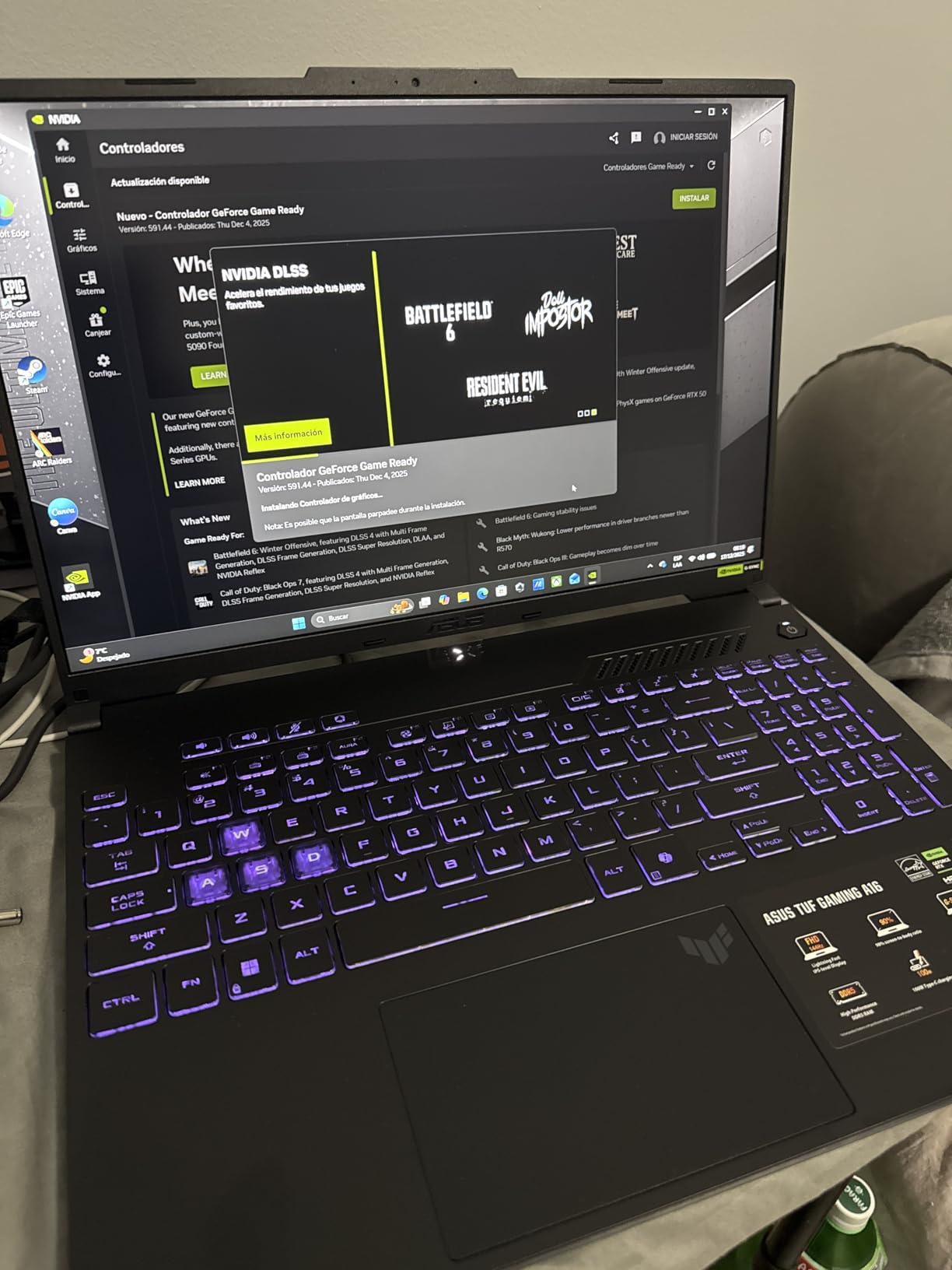
The AMD option in this list. A Ryzen 7 7445HS based at 3.2GHz with 6MB of cache drives an RTX 4050 with 6GB of VRAM, and the 16-inch Full HD+ anti-glare panel runs at 144Hz in a 16:10 shape.
Where it stands out from the other TUF laptops here is memory. Sixteen gigabytes of DDR5 can be expanded to 64GB, so a machine bought now has room to grow as the base gets heavier. Owners also like the backlit keyboard and the spill-resistant anti-glare build for daily use.
Ratings are strong at 4.5 stars, with a high share of five-star reviews pointing at the same Ryzen and RTX pairing doing 1080p work comfortably. It is a familiar formula: solid in games that target 1080p, unremarkable above that.
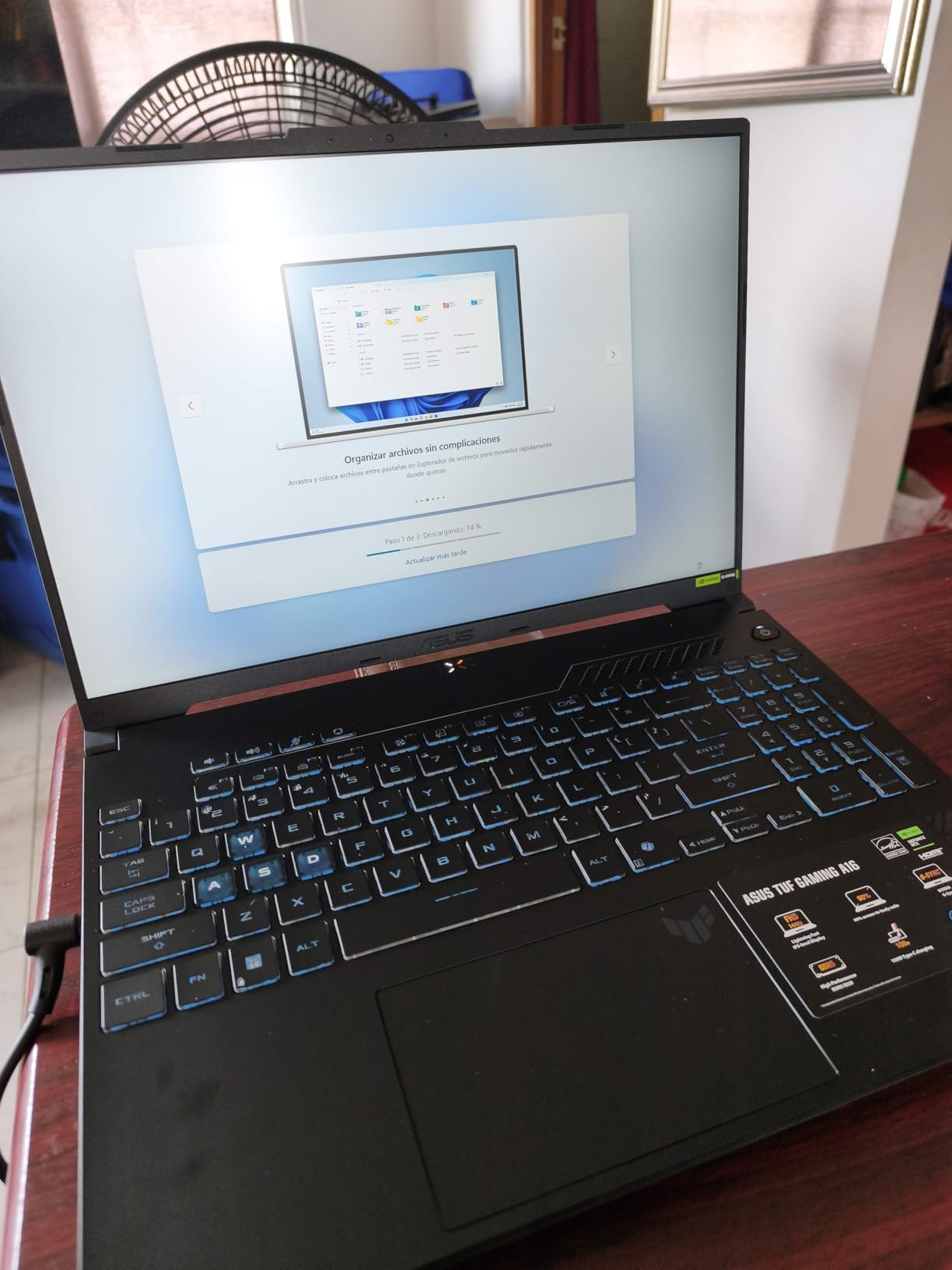
The catch is the listed 7 lb weight, which makes this one of the heavier 16-inch laptops here and worth weighing before a commute. The 512GB drive is also the most repeated complaint among owners, and the review base is small enough that long-term reliability data is thin.
9. ASUS Chromebook CR11: Best for Classrooms and Young Kids
ASUS Chromebook CR11 Ruggedized Laptop, 11.6” Display, Intel Processor N100 Processor, 4GB RAM, 64GB eMMC Storage, Antimicrobial Guard, Spill-Resistant Keyboard, Mineral Grey, CR1104CGA-AS44
Type: Chromebook
Screen: 11.6 inch anti-glare HD
Standout: Ruggedized spill-resistant body
Pros
- Rubber-edged military-grade chassis for classrooms
- Spill-resistant keyboard and antimicrobial coating
- 2.9 lb and 0.8 inch thick for small hands
- ChromeOS needs almost no maintenance
- Wi-Fi 6E and USB-C display output
Cons
- 4GB RAM and 64GB eMMC is minimal
- 1366 x 768 resolution is low today
- Intel N100 handles light productivity only
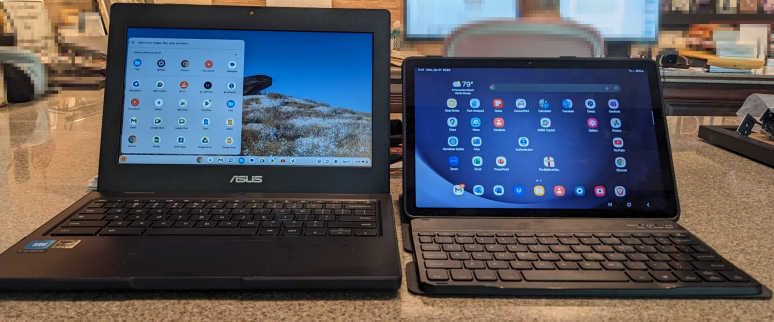
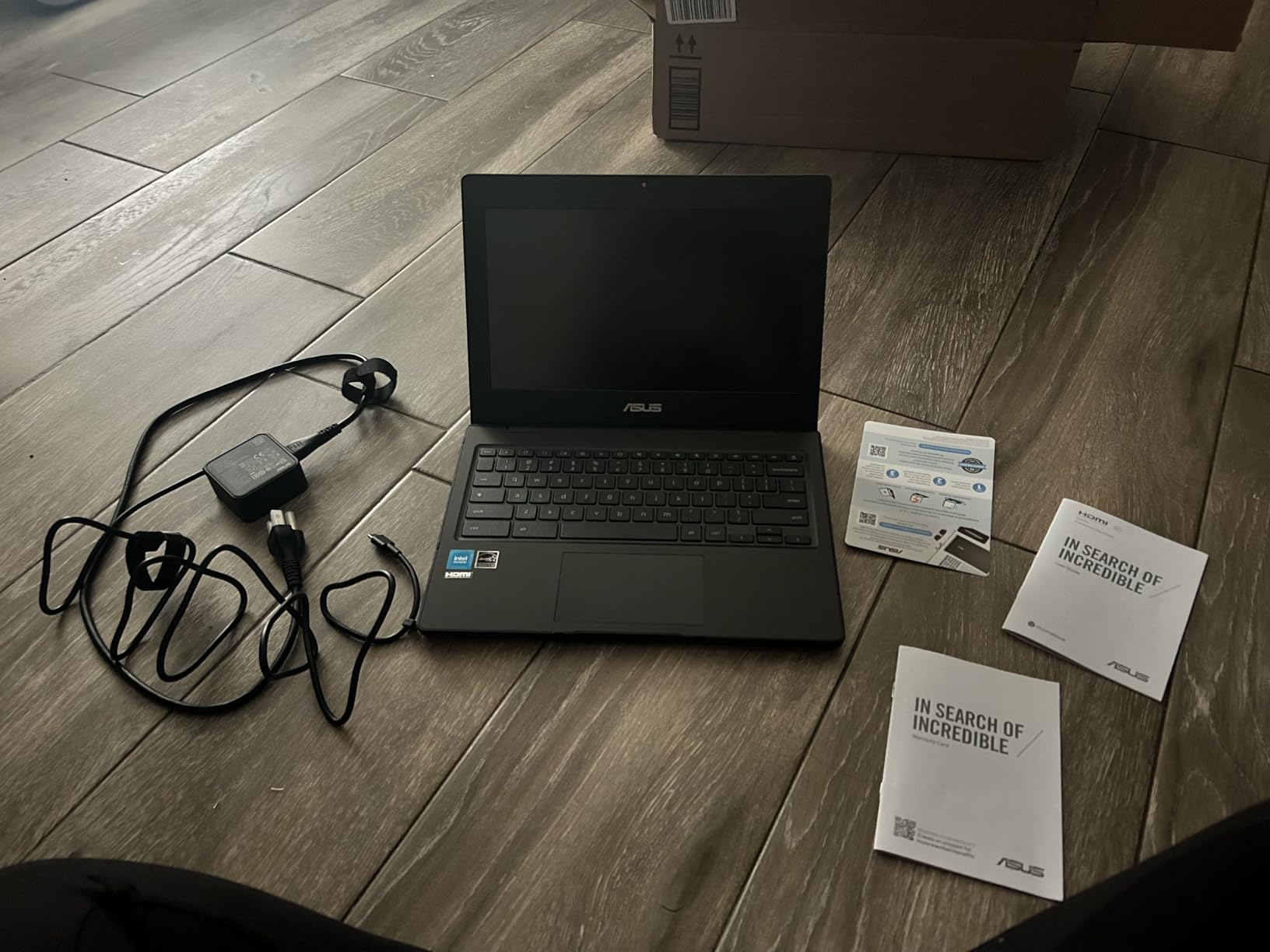
The cheapest way into this list and the one most often bought in bulk by schools. The CR1104CGA-AS44 is built around a 2.9 lb, 0.8 inch thick body with rubber edges and a spill-resistant keyboard, which is what actually matters when a machine lives in a bag full of pens and juice boxes.
ASUS Antimicrobial Guard is applied to inhibit bacterial growth over 24 hours, and the anti-glare 11.6-inch HD panel takes fingerprints and glare better than a glossy one. Wi-Fi 6E, two USB-C ports with display and power delivery, two USB-A and HDMI 1.4 are enough for a classroom or a shared family machine. Three months of Google One AI Premium with Gemini Advanced and 2TB of cloud storage come included.
The 4.2 star average is honest about what the class is. An Intel N100 quad-core with 4GB of LPDDR5 and 64GB of eMMC runs web apps, Google Workspace and streaming, and nothing heavier. The 1366 x 768 panel is visibly dated next to anything else here.
Skip it if software compatibility matters, because ChromeOS will not run Windows or Mac applications. If a full Windows machine is needed for coursework, the ASUS Vivobook Go 15 is the step up.
10. ASUS TUF F16 (2025): Best for Battery Life and Connectivity
ASUS TUF Gaming F16 (2025) Gaming Laptop, 16” FHD+ 165Hz 16:10 Display, Intel® Core™ i5 Processor 13450HX, NVIDIA® GeForce RTX™ 5050, 16GB DDR5, 512GB PCIe Gen4 SSD, Wi-Fi 6E, Win 11 Home
Type: Gaming laptop
Screen: 16 inch 16:10 165Hz
Standout: 90Wh battery and Wi-Fi 6E
Pros
- 90Wh battery gives roughly three to four hours of real use
- 165Hz 16:10 display stays readable in sunlight
- Second M.2 slot for storage expansion
- Wi-Fi 6E and four USB ports
- Owners report a quiet machine versus what they replaced
Cons
- 512GB drive is small for a full game library
- Battery drains quickly under gaming load when unplugged
- Backlit keyboard is single colour only
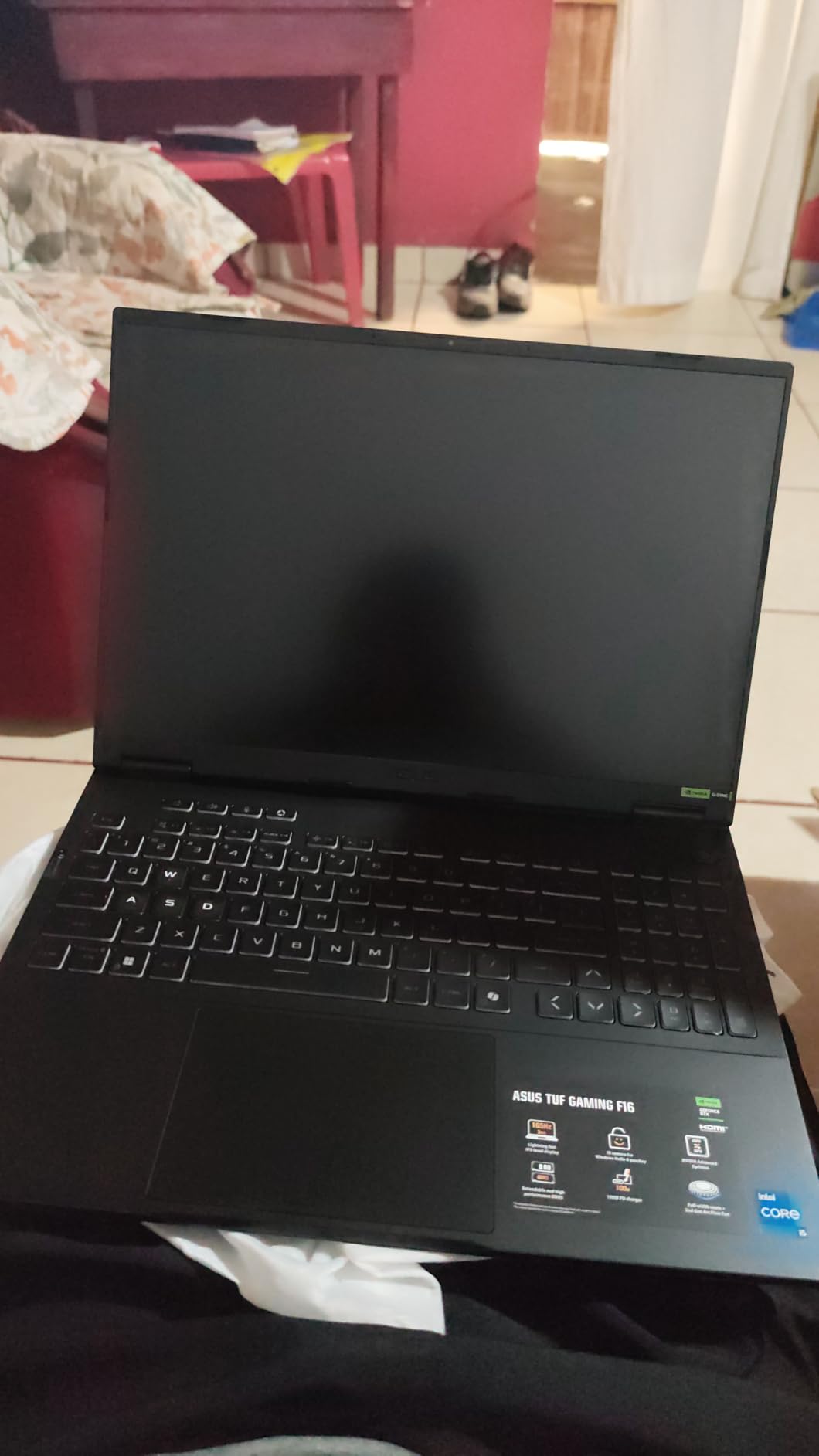
The TUF F16 for 2026 takes the FX608JH route: an i5-13450HX across 10 cores with an RTX 5050 laptop GPU at 115W, and a 90Wh battery that is unusually large for the class.
Owners put the practical figure at roughly three to four hours of real use, which is the point. Several describe it as quieter and longer-lasting than the heavier gaming laptops they replaced, and the 16:10 165Hz panel at 100% sRGB is reported as readable in direct sunlight, which matters when the machine lives on a kitchen table.
Ports are the other reason it earns its place. Four USB ports, HDMI, Wi-Fi 6E and a second M.2 slot for storage mean fewer dongles than the thinner machines above it, and the MIL-STD-810H tested chassis matches the rest of the TUF range.
What owners do not like is consistent. The 512GB drive runs out of room for a full library, battery drain under gaming load is fast when unplugged, and the backlit keyboard is a single colour with no per-key customisation. Several also mention a heavy layer of pre-installed software.

Against the ASUS TUF Gaming F16, this newer machine trades a 144Hz panel for 165Hz and a 4050 for a 5050, while adding the larger battery and Wi-Fi 6E. Against the ASUS TUF Dash 15, it is newer but far less upgradeable.
How to Choose ASUS Laptops and Monitors During Prime Big Deal Days
ASUS builds for very different buyers under very similar names, so the useful skill here is reading the model number rather than the product line. Here is what actually decides the purchase.
How to Choose an ASUS Laptop for Performance
Start with the GPU, not the processor. For 1080p gaming an RTX 4050 or 5050 class card is the practical floor, while ray tracing and higher resolutions need more, which is what separates the ASUS ROG Strix G16 from the TUF machines below it. On the processor side, look at core count and boost clock together, since the i7-12650H in the TUF Dash 15 runs 10 cores at up to 4.7GHz and the Ultra 9 275HX runs 24 cores at up to 5.4GHz. Cooling matters as much as the chip: five heat pipes and four vents in the TUF Gaming F16 keep sustained load quiet, while vapour chamber and liquid metal in the ROG Strix G16 handle desktop-level heat.
How to Choose an ASUS Display
Match refresh rate to what you actually play. 60Hz at 250 nits in the Vivobook Go 15 is fine for documents and dull for everything else. Competitive play wants 240Hz or more, which is the argument for the ROG XG27AQDMG, while the PG27AQDP takes that to 480Hz. For colour work, prioritise coverage and accuracy over refresh: the PG32UCDM is true 10-bit with Delta E under 2. Finish matters too, since a glossy panel mirrors a window and a matte one does not, and resolution should follow the GPU rather than lead it.
How to Choose ASUS Battery Life and Portability
Weight and battery capacity are the two numbers that decide whether a machine survives a commute. At 3.59 lb the Vivobook Go 15 carries without thought, the ASUS Chromebook CR11 is lighter still at 2.9 lb, and the ROG Strix G16 at 5.8 lb is a machine that mostly stays on a desk. Battery capacity is listed rather than promised, and the 2025 TUF F16 pairs a 90Wh cell with owners reporting roughly three to four hours of real use. Check the charger type too, since a USB-C machine with a 45W adapter is far easier to travel with.
How to Compare ASUS Memory and Storage
Upgradability is the least visible spec and the one that matters most after three years. Two memory slots and a spare M.2 slot in the TUF Dash 15 mean the machine can double its RAM and add a drive, and several owners describe doing exactly that. Elsewhere the story differs: the Vivobook Go 15 has soldered 8GB of LPDDR5 and 128GB of storage, the ASUS TUF Gaming A16 expands to 64GB of RAM but starts with a 512GB drive, and the ROG Strix G16 needs no changes at all with 32GB and 1TB as standard. Storage type matters too, since PCIe Gen4 drives appear in the TUF machines while the ASUS Chromebook CR11 uses 64GB of eMMC.
How to Shop ASUS Deals During the Sale
Open the listing and read the model number in the specifications block, not the title. FX517ZM-AS73 and FX608JH both end in a TUF family name but are two generations and a graphics tier apart. Then check the panel size and refresh rate, the RAM and storage figures rather than words like fast or ample, what is in the box including the adapter, whether the unit is new or refurbished, who the seller is and whether that seller also dispatches it. Most offers during this sale need a Prime membership, and pricing changes through the event, so compare the full configuration before you compare anything else.
- Match the exact model number in the specifications, not the listing title.
- Confirm screen size, refresh rate and colour coverage suit your main task.
- Check whether memory and storage can be upgraded later.
- Read the seller and dispatch details, not just the brand badge.
- Confirm the configuration you want is the configuration being offered.
- Assume a Prime membership is required for most offers and that pricing shifts during the event.
Frequently Asked Questions
Are Amazon Prime Big Deal Days ASUS deals guaranteed to last the whole sale?
No. Prime Big Deal Days runs October 6-7, 2026 and offers change through the event, so an offer you see this morning may be different by the afternoon. Most offers need a Prime membership, with a free trial counting. Check the current details on the listing before you commit.
How can I tell whether an ASUS laptop deal is the right model?
Read the model number in the specifications block and compare it with the exact configuration you want, because ASUS reuses similar names across generations. Confirm screen size, refresh rate, RAM and storage, then check the seller and dispatch details. An offer on the wrong configuration is not the deal you wanted.
Can I compare ASUS laptop specifications before buying during Prime Big Deal Days?
Yes, and you should. Each listing carries a specifications section with processor, graphics, memory, storage, display and weight, which is enough to compare two machines properly. Owner reviews add the detail specifications never cover, such as fan noise, screen brightness in daylight and how long the battery really lasts.
Which ASUS laptop is considered the best overall?
For most buyers the ASUS TUF Dash 15 is the strongest overall pick, because it combines RTX 3060 gaming performance with two memory slots and a spare M.2 slot. For colour accuracy and high-resolution work, no laptop here is the right tool, so a creator-class machine or an external display is the better route.
Is an ASUS deal during Prime Big Deal Days always worth buying?
Not automatically. Compare the exact model number and configuration on the listing with what you actually need, because one ASUS family name covers several generations and graphics tiers. Read owner reviews for that model too, then check the current price on the listing before you buy.
Final Verdict: Amazon Prime Big Deal Days ASUS Deals
Buy the ASUS TUF Dash 15 if you want one machine that games well now and can be upgraded later, since nothing else in this list offers two memory slots and a spare M.2 drive alongside an RTX 3060. Choose the ASUS Vivobook Go 15 when the budget covers schoolwork, documents and video calls rather than games, and accept the dim 60Hz panel for a fanless 3.59 lb body.
For screens, the ASUS ROG PG32UCDM is the strongest all-round pick with 4K at 240Hz, true 10-bit colour and USB-C power delivery, the ASUS ROG XG27AQDMG is the sharper competitive option at 1440p, and the ASUS ROG PG27AQDP is for players whose titles genuinely run at extreme frame rates. For a desk-bound flagship, the ASUS ROG Strix G16 pairs naturally with the PG32UCDM. The ASUS TUF Gaming F16 covers big-screen 1080p play, the ASUS TUF Gaming A16 is the AMD route with more memory headroom, the ASUS TUF F16 (2025) wins on battery and ports, and the ASUS Chromebook CR11 is the lowest-cost option for a classroom.
Check the current configuration and price on each listing during the sale, and confirm the model number before you buy.