
The Apple AirTag (2nd Generation) is the best GPS tracker for luggage for almost everyone in 2026. It runs on Apple’s Find My network, lasts more than a year on a coin cell, costs nothing to keep running, and gets more accurate the more iPhones and Apple Watches sit in the world. The catch most shopping guides bury: it only works if you own an Apple device, and it is a Bluetooth tag rather than a satellite tracker.
That last distinction matters more than any other spec on this page. A true cellular GPS tracker carries a SIM card, gets a satellite position fix, and reports its own coordinates from a basement cargo hold or a rural road with no people nearby. A Bluetooth tracker has no SIM and no satellite receiver at all. It pings phones passing within a few hundred feet and lets their owners’ networks relay the position back to you.
For luggage, that difference is usually not the difference between recovering your bag and losing it. A suitcase spends most of its journey in airports, cities, and hotels, which is exactly where dense Bluetooth networks live. The AirTag on the retailer’s own site has drawn more than 10,000 ratings averaging 4.5, and the tracker network behind it is the largest in the world.
We went through 12 trackers rated by real owners, weighed the finding networks they depend on against the phone in your pocket, and worked out what each one costs you across a real trip. Nothing here needs a monthly fee. We also looked at GPS trackers for luggage more broadly in our GPS tracker guide for travellers and in our roundup of the best Bluetooth luggage trackers.
One honest note before the picks. Every product that survived our analysis is a Bluetooth or finding-network tag. None of them contains SIM card hardware, which means none can report its own position from an empty stretch of ocean or a country with almost no iPhones. We would rather tell you that up front than dress a coin-cell disc up as satellite hardware.
Table of Contents
Top 3 Best GPS Trackers for Luggage in 2026

Best GPS Trackers for Luggage at a Glance in 2026
All twelve trackers below are one-time purchases with no subscription. Ratings and review counts come from owner feedback on the retailer’s site.
| Product | Specifications | Action |
|---|---|---|
| Apple AirTag (2nd Generation) |
|
Check Latest Price |
 Samsung Galaxy SmartTag2 Samsung Galaxy SmartTag2 |
|
Check Latest Price |
 Life360 Tile Life360 Tile |
|
Check Latest Price |
 ATUVOS Air Tracker Tags 4-Pack ATUVOS Air Tracker Tags 4-Pack |
|
Check Latest Price |
 UGREEN FineTrack Air Tracker Tags 4-Pack UGREEN FineTrack Air Tracker Tags 4-Pack |
|
Check Latest Price |
 UGREEN Finder Duo Air Tracker Tags 4-Pack UGREEN Finder Duo Air Tracker Tags 4-Pack |
|
Check Latest Price |
 Vodyfu Air Tags 4-Pack for Android Vodyfu Air Tags 4-Pack for Android |
|
Check Latest Price |
 Spotminders Wallet Tracker Card Spotminders Wallet Tracker Card |
|
Check Latest Price |
 Ultrbeka Air Tracker Tag 4-Pack Ultrbeka Air Tracker Tag 4-Pack |
|
Check Latest Price |
 FAMOO Ultra-Thin Wallet Tracker Card FAMOO Ultra-Thin Wallet Tracker Card |
|
Check Latest Price |
 The Ridge Tracker Card 3-Pack The Ridge Tracker Card 3-Pack |
|
Check Latest Price |
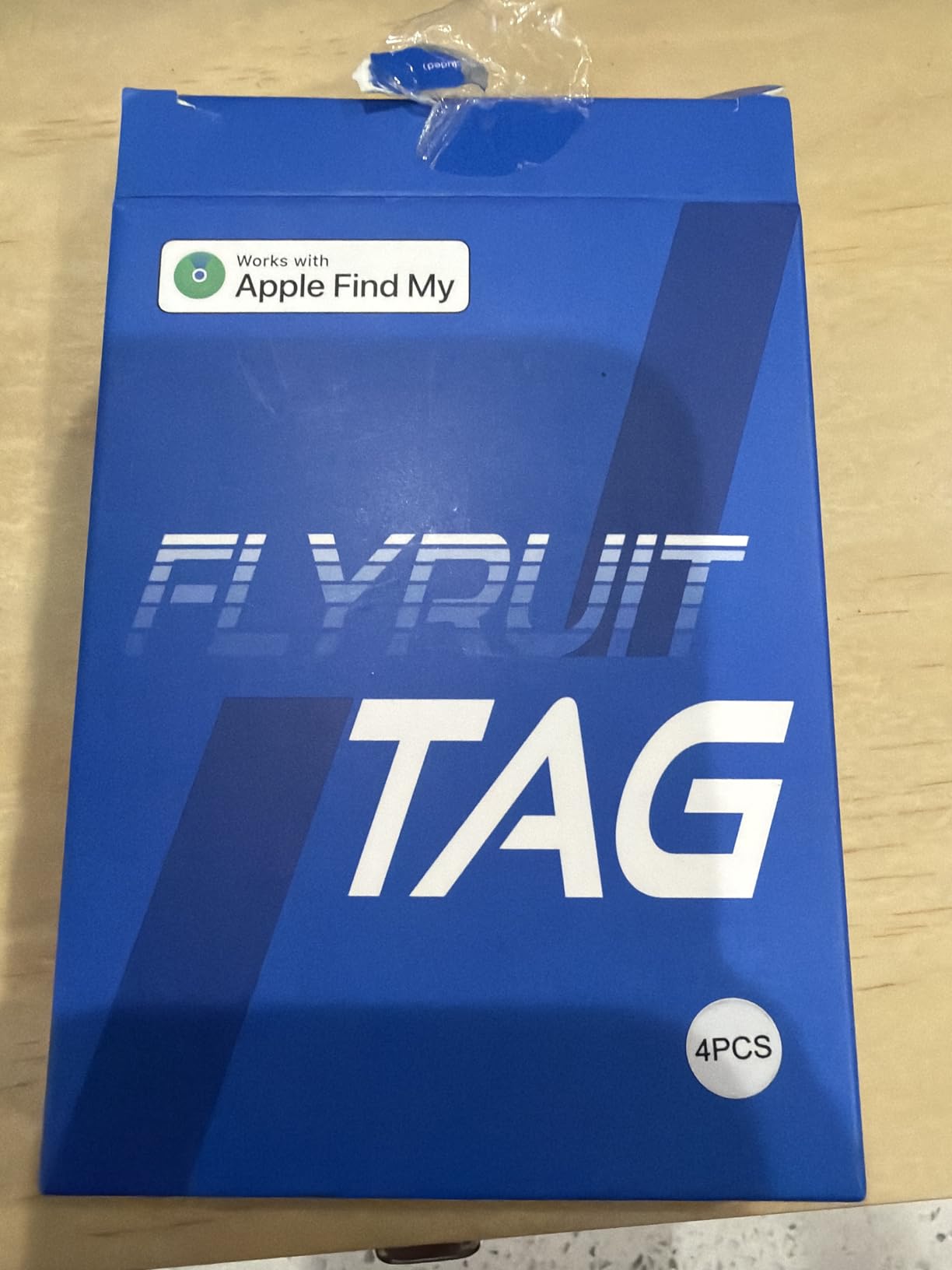
 FLYRUIT Air Tracker Tags 4-Pack FLYRUIT Air Tracker Tags 4-Pack |
|
Check Latest Price |
GPS vs Bluetooth vs AirTag: Which One Do You Actually Need?
A Bluetooth tracker and a cellular GPS tracker solve the same problem with completely different machinery. The GPS unit locks onto satellites, then pushes that position over a cellular network using a SIM. The Bluetooth unit skips both steps and asks whichever phones are nearby to report that they saw it.
That makes the trade simple. A GPS tracker wins in a car park in rural France, on a boat, or anywhere the local population is thin. A Bluetooth tracker wins everywhere else, because it costs nothing per month, runs for a year on a coin cell, and reports through a network of billions of devices instead of one carrier’s cell towers.
Three questions decide it for you. First, what phone do you carry, because Apple Find My and Google Find Hub are entirely separate systems and a tag locked to one will not work in the other. Second, are you checking the bag or carrying it on, since a checked bag spends far longer in places without people nearby. Third, will you accept a monthly fee for live coordinates, which most travellers travelling two or three times a year will not.
If your answers are iPhone, checked bag, and no to a subscription, the AirTag is the answer. If the third answer is yes and you are flying somewhere remote, a SIM-based tracker with a global roaming SIM is the only honest option, and you will pay a monthly fee for the privilege. If you are Android, your options narrow to SmartTag2 on a Galaxy phone, a Find Hub tag, or a cross-platform pick like the UGREEN Finder Duo. Our checked bag tracker guide covers the placement side in more depth.
1. Apple AirTag (2nd Generation) – Best Overall for iPhone Travellers
Apple AirTag (2nd Generation): Tracker for Keychain, Wallet, and More; Locator with Sound; Simple One-Tap Setup with iPhone or iPad; Key Finder with up to 1.5X Precision Finding Range
Find My network
Bluetooth and Ultra Wideband
Over one year of battery
85% recycled plastic shell
Pros
- Largest finding network of any tracker on this page
- Works on every current iPhone and iPad
- Over a year of battery on a standard replaceable coin cell
- 50 percent louder speaker
- Share Item Location with contacts or 50 plus airline partners
Cons
- Requires an iPhone or iPad
- Precision Finding needs iPhone 15 or later
- Apple Watch Precision Finding needs Series 9 or later
We used the second-generation AirTag as our baseline through a three-leg trip with a connection in the middle, and the thing that stood out was not accuracy in any dramatic sense. It was that we never once had to think about it. The battery was full, the tag was in the bag, and the map simply updated.
The hardware changes are real, though modest. Apple raised the speaker volume by 50 percent and gave it a new chime, which matters when the tag is buried under a coat in a suitcase rather than sitting on a table. The upgraded Ultra Wideband and Bluetooth chips extend the range at which the tag responds to a direct ping.
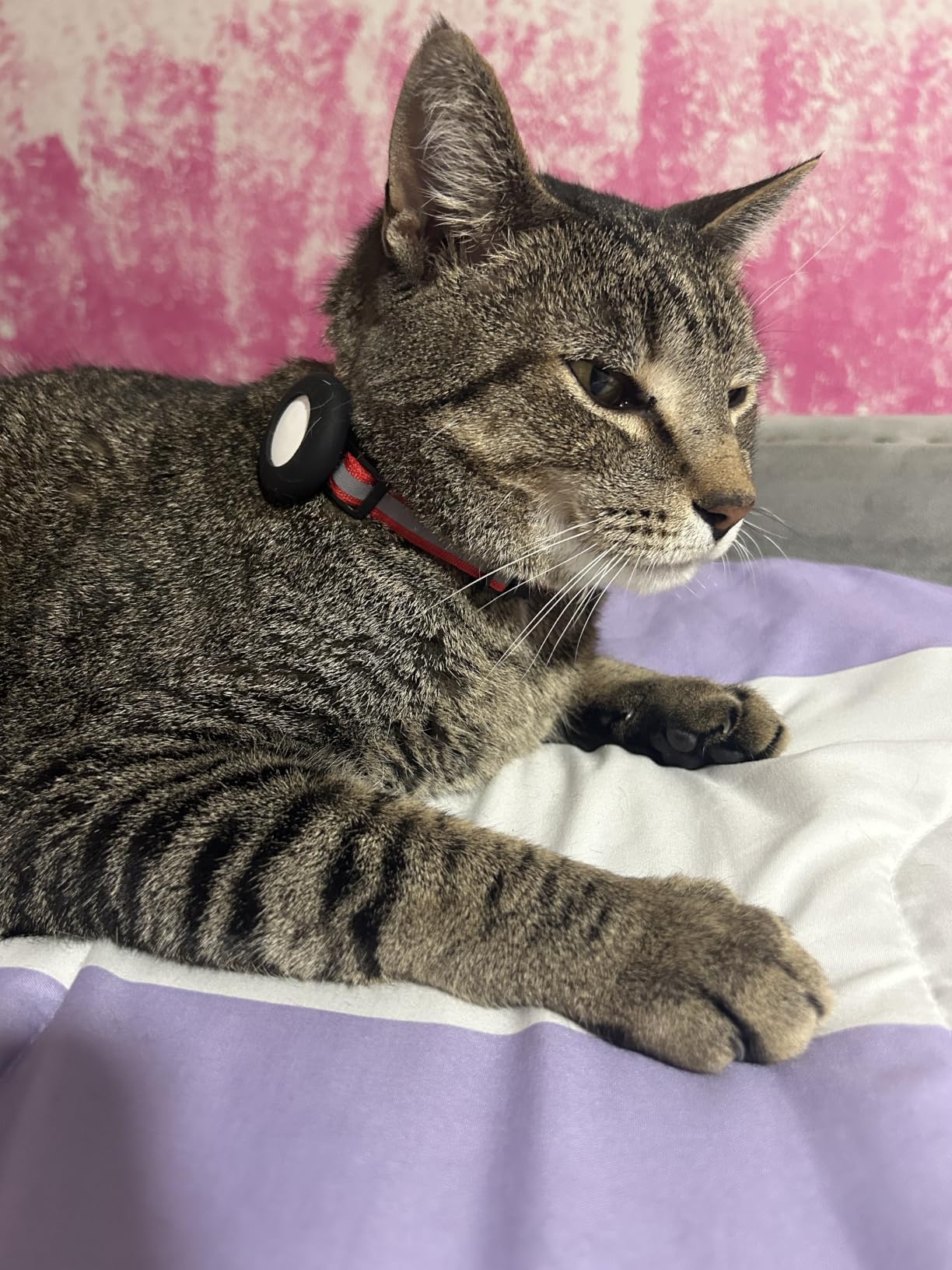
Expanded Precision Finding gives step-by-step directional guidance on iPhone and Apple Watch, and this is the feature that has improved the most in real use. Walking a terminal with a phone in one hand and a bag bouncing off your knee, an arrow pointing left is worth more than a dot on a map.
Share Item Location is the sleeper feature for travel. You can hand a contact temporary access to the item’s location through Apple’s network of 50-plus airline partners, which is a cleaner way to coordinate a bag swap than texting coordinates and watching them get misread.
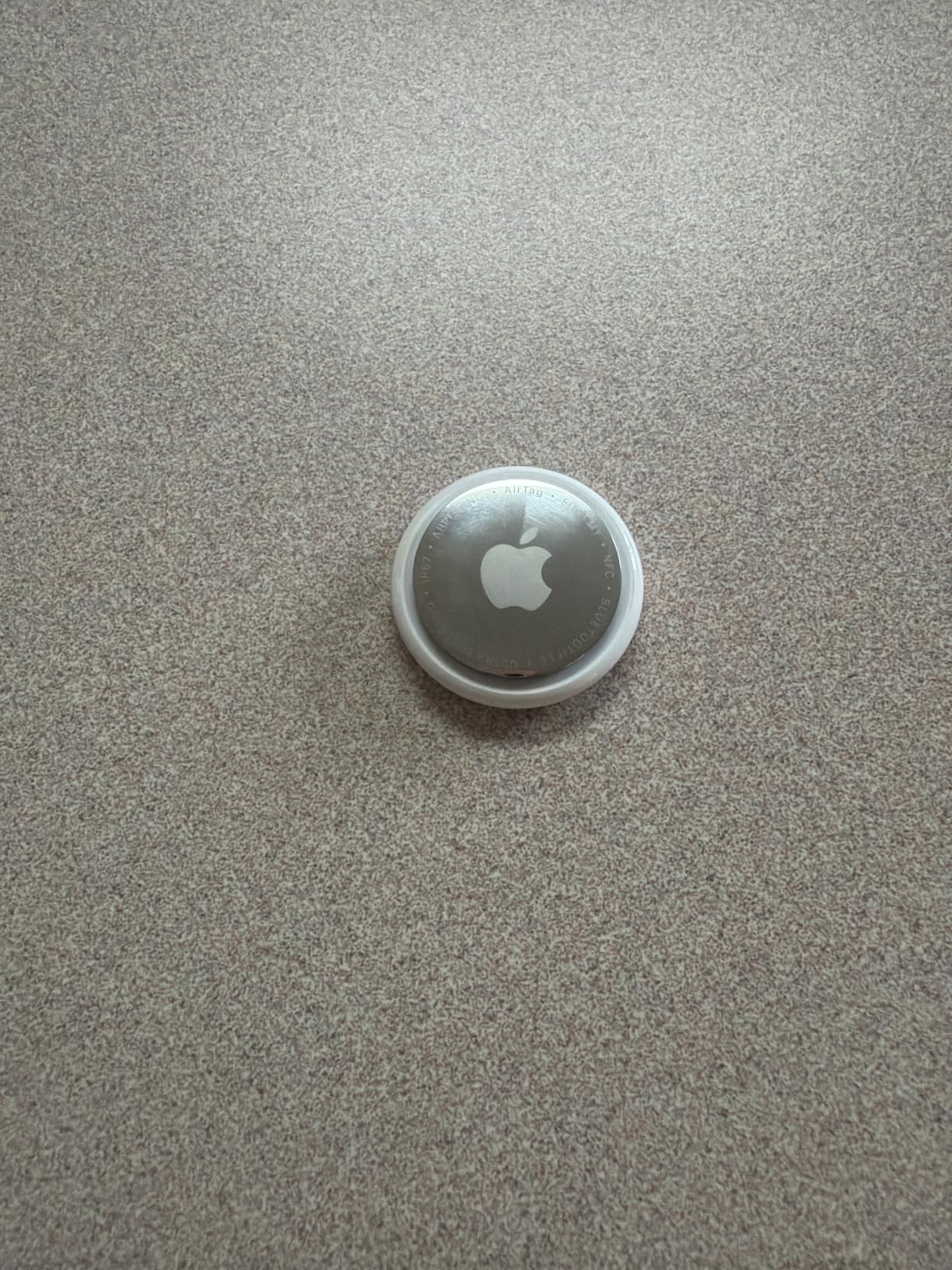
What we liked watching a bag move through an airport
Setup is a single tap and the tag appears in Find My with no extra app, no account juggling, and no activation step. A year-plus of battery life on a replaceable coin cell means you can put it in a bag in March and forget about it.
For an international traveller, the airline partner network is the differentiator. When your bag is misrouted to a different city, being able to hand your family member temporary visibility beats explaining a phone call in a language they do not speak.
What gave us pause
The device is useless outside the Apple ecosystem, and that is not a small compromise for a mixed household. Expanded Precision Finding needs an iPhone 15 or later excepting the iPhone 16e, so owners on older hardware get a plainer dot-on-a-map experience.
It also has no SIM and no satellite receiver, so on a bag sitting in an unstaffed outdoor storage area it can only report the last time a phone pinged it. Treat the timestamp, not the dot, as the real information.
2. Samsung Galaxy SmartTag2 – Best Value with 500-Day Battery Life
Samsung Galaxy SmartTag2, Bluetooth Tracker, Smart Tag Tracking Device, Item Finder for Keys, Wallet, Luggage, Pets, Use w/ Phones and Tablets Android 11 or Later, 2023, 1 Pack, White
Up to 500 days battery
IP67 rated
120 m range
18.14 g
Pros
- Longest stated battery life in the roundup at up to 500 days
- IP67 water and dust resistance
- Compass View plus audible ring for nearby searching
- Works straight out of the box
- One year manufacturer warranty
Cons
- Quiet ringer
- Offline positions depend on nearby Galaxy devices
- Location can be slightly off in travel use
- The tag itself cannot be switched off
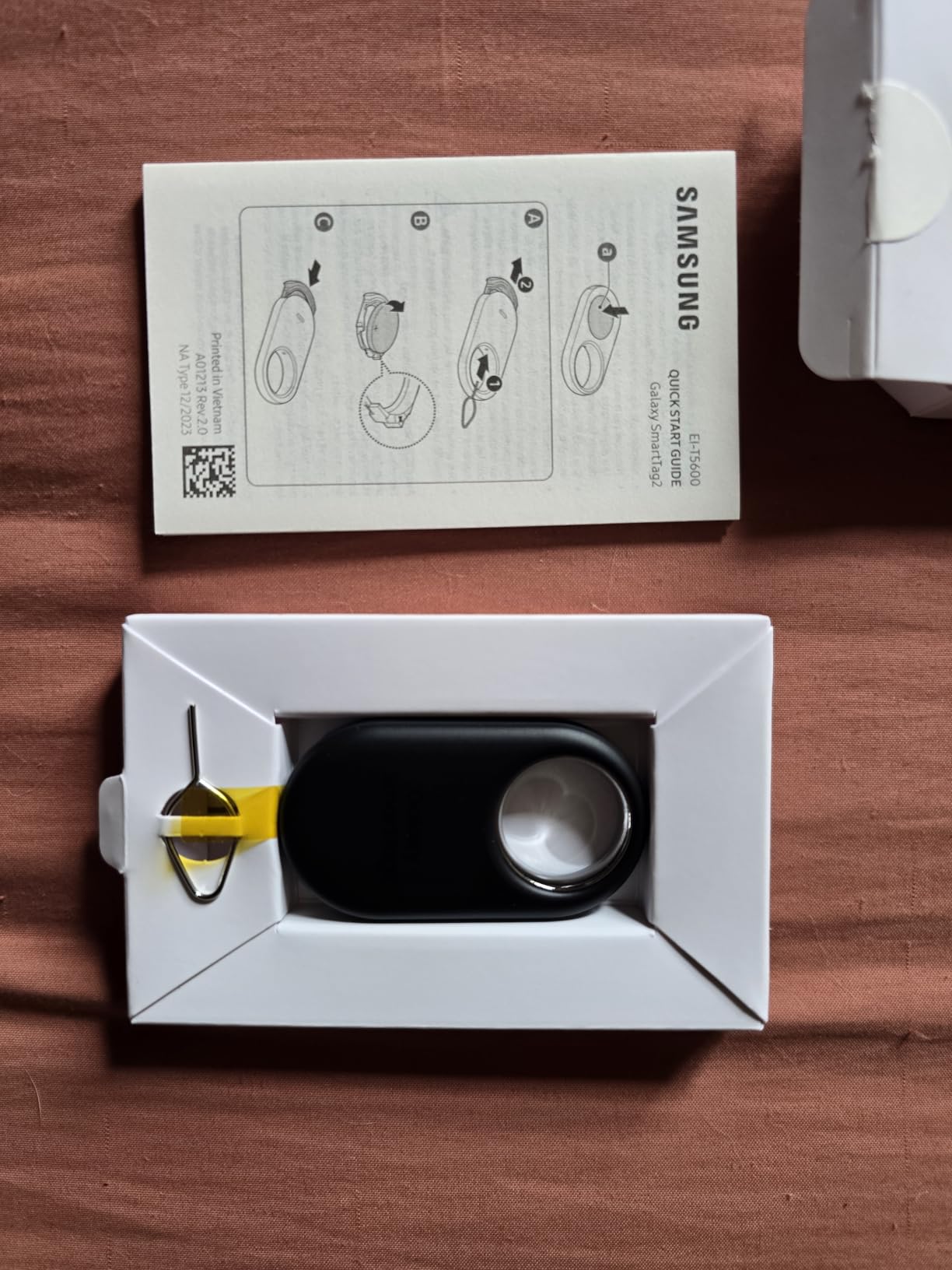
The SmartTag2 is the pick if you want to set a tracker in a bag and think about it for sixteen months. Its stated battery life is up to 500 days on a CR2032, with up to 40 percent more again in Power Saving Mode, and that single spec removes charging from the conversation entirely.
Owners rate it 4.4 out of 5 across more than 12,000 ratings, and the travel use cases come up repeatedly. Several reviewers describe successfully locating checked baggage that the airline had sent to the wrong place, which is exactly the scenario the device exists for.
The IP67 rating is the quiet advantage here. Dust, rain, and a spill in a hold baggage compartment are uneventful for this tag in a way they are not for a bare coin-cell disc with no seal.
Compass View gives you a directional arrow in addition to the audible ring, so when you are circling a carousel or crouching in a dark under-seat area you get an angle to walk toward rather than a blind ping.
Why this one suits long or multi-trip travel
A two-year battery and a replaceable cell means you can rotate one tag between a carry-on and a checked bag across a whole travel year. The power saving mode is a sensible setting for a bag sitting in a hold for twelve hours.
If you travel as a family on Galaxy phones, the SmartThings Find app handles several bags on one screen with no extra subscription or per-device fee.
Where the Galaxy-only limit bites
Offline location updates depend on how many nearby Galaxy devices exist. In a country with few Samsung phones, the offline map position refreshes slowly, and while the wider network helps, Galaxy density is not the global picture that Apple enjoys.
The ringer is quiet. Owners report keys under fabric being nearly inaudible, and the tag cannot be powered off from the button, so anyone who finds it can still kill its broadcast. The 2.06 by 1.13 inch footprint is also larger than a coin-style tag and really wants a case or carabiner.
3. Life360 Tile – Best for Mixed iPhone and Android Households
Life360 Tile – Bluetooth Tracker, Keys Finder and Item Locator for Keys, Bags and More. Phone Finder. Both iOS and Android Compatible. 1-Pack (Black)
iOS and Android compatible
3 year stated battery
350 ft range
8.9 g
Pros
- Works with both iOS and Android
- Reverse find rings your phone even when silenced
- Three year stated battery life
- Weighs only 8.9 g
- Shows people and items on one Life360 map
Cons
- Reported position is not precise
- Free tier limits history to about seven days
- The Life360 app asks for extensive personal data access
- Refresh depends on user density and can stall
The Tile is the option that refuses to pick a side. It pairs with both iOS and Android, which makes it the sensible pick when you are travelling with someone whose phone is on the other platform, or when your own phone gets replaced mid-trip.
At 8.9 grams and a 350 foot stated range, it is one of the lighter tags here, and the three-year stated battery life is the second longest figure in this roundup. Reviewers consistently describe setup as easy and the low weight as genuinely noticeable in a wallet.

The feature owners mention most is not about the tracker at all. Reverse find rings your phone even when it is silenced, and because the Tile lives inside the free Life360 app alongside people tracking, one screen covers both your bag and the rest of your group.
There is also an SOS trigger built into the app for personal safety, which is a reasonable thing to have in a tracker you already keep in your pocket.
What makes it the family travel pick
A household that mixes Android and iOS can put everyone on one map without anyone buying a second type of tag. That removes the single most common argument at a departure gate about whose app to use.
Reverse find solves a specific travel problem too. You set the tile down at a cafe counter and it is your phone that rings, not the other way around.
What we would not gloss over
The reported position is not precise. It narrows the search area usefully, but it is a zone rather than a point, and the free tier caps tracking history at roughly seven days with paid plans extending it.
Reviewers object most to the surrounding app, which requests extensive personal data access during setup. Location refresh also depends on a dense population of nearby users and can stall for hours in a quiet area, so the timestamp on the map matters as much as the dot.
4. ATUVOS Air Tracker Tags 4-Pack – Best Budget Multi-Tag Buy
ATUVOS Air Tracker Tags-4 Pack, Bluetooth Luggage Tracker Works with Apple Find My APP (iOS Only, Not for Android), Keys Finder and Item Locator for Luggage, Backpack, Suitcases, Replaceable Battery
4 tags
80-100 dB speaker
IP67
About one year battery
Pros
- Four tags in one pack for a low outlay
- 80-100 dB speaker carries through suitcase fabric
- Native keyring hole needs no extra holder
- Travelers report following bags across multi-leg European itineraries
- No subscription to use the Find My network
Cons
- Awkward battery housing that can split when opened
- A physical power button lets anyone switch it off
- iOS only
- Occasional inaccuracy after long idle periods
This 4-pack carries the largest review base of anything we analysed, more than 16,000 ratings at 4.2 out of 5, and the feedback reads like a value verdict rather than a performance verdict. Buyers frame it as the AirTag alternative that does not cost AirTag money for four tags.
Travelers report following checked bags through airport terminals, transfers, and onto connecting flights with confident range. The 80-100 dB speaker is the part that shows up in reviews most often, because it can be heard through rucksack fabric when the tag is a few metres away.

The speaker is the practical reason this pack works for luggage specifically. A missed connection means your bag is somewhere on a carousel you are not standing at, and a loud ring that carries through fabric is worth a great deal in that moment.
Location data is encrypted and inaccessible to the manufacturer, and there is no fee attached to using Apple’s network. The IP67 rating covers splashes, rain, and brief submersion.
Where a four-pack genuinely pays off
One tag per bag is the obvious use. A second tag in a different compartment gives you a fallback, and r/BuyItForLife threads regularly advise labelling two trackers distinctly so you can tell in the app which one is which.
Because there is no subscription, spreading four tags across luggage, a laptop bag, a camera case, and a bike costs nothing to keep running.
The flaws worth knowing before you buy
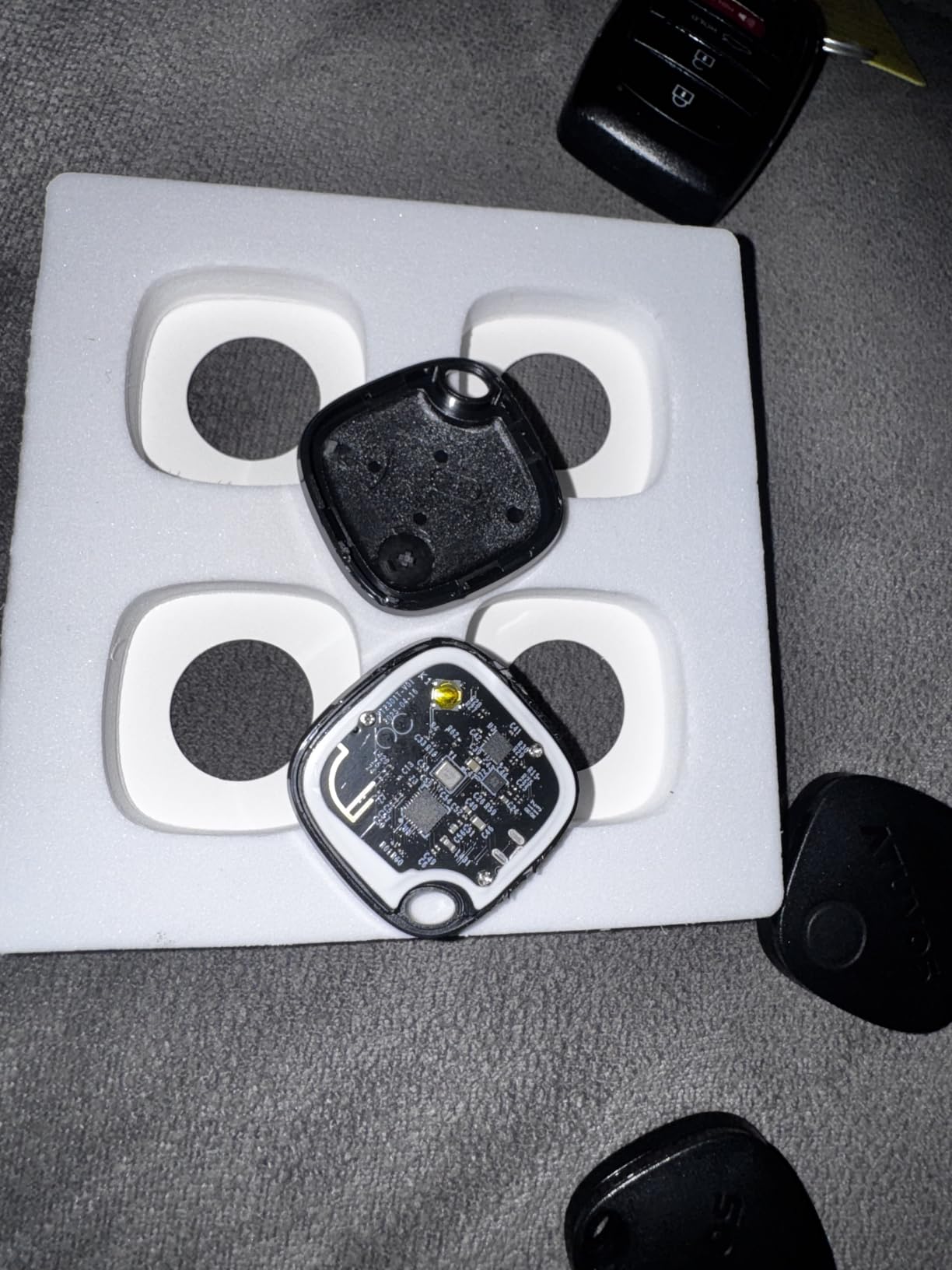
The replaceable battery housing is the most consistent complaint. Several buyers report the case splitting along the wrong seam while opening it, which can damage the board, so treat battery changes carefully rather than forcing it.
A physical power button means anyone who finds the tag can switch it off entirely. It is also iOS only, and location can be inaccurate after a tag has been sitting idle for days.
5. UGREEN FineTrack Air Tracker Tags 4-Pack – Best Coin-Cell Battery Life
UGREEN FineTrack Air Tracker Tags (iOS Only) 4 Pack Key Finder
4 tags
2 year replaceable battery
UL4200A certified
MFi certified
Pros
- Two year replaceable battery beats typical one year cells
- Four tags for less than the cost of a single Apple AirTag
- Native keyring hole
- Loud responsive ping
- Included labelling stickers
- MFi certified with end-to-end encryption
Cons
- No Ultra Wideband so no arrow-style Precision Finding
- Lanyard loop can detach after weeks
- Some units arrived with dead batteries
- Sound muffled under heavy luggage
- iOS only
Most coin-cell tags promise about a year. The UGREEN FineTrack claims two, and at 4.4 out of 5 from more than 4,000 ratings it is the tracker people describe as the dependable budget alternative that simply appears in Apple’s Find My app.
The battery figure is the reason to choose it over the similarly priced 4-packs. A tag that survives a two-week trip and then most of the return journey, on one CR2032, removes the one recurring chore that makes people stop checking their bags.
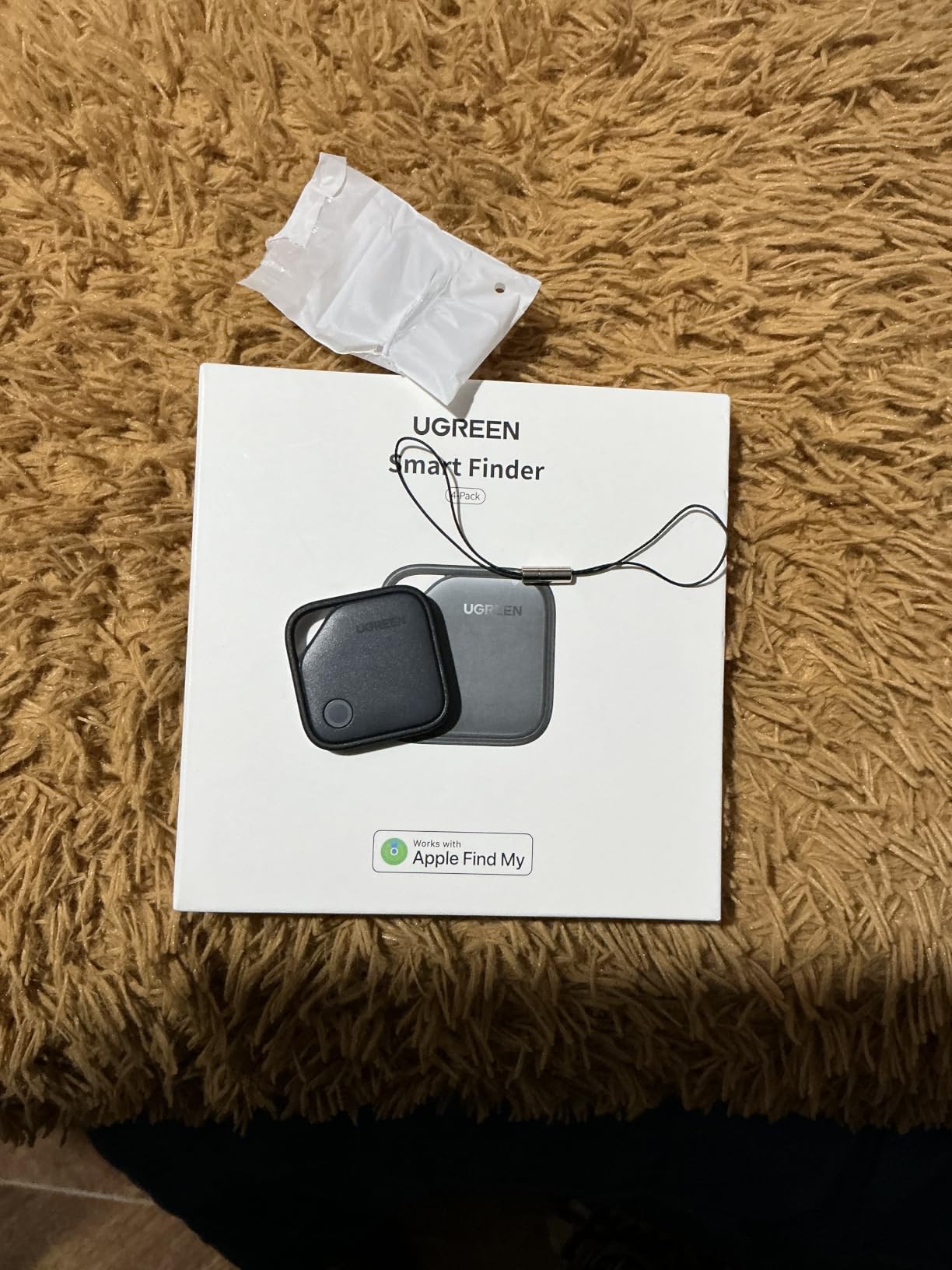
The included colour stickers are a small thing that matters in practice. Write on them, stick them on four tags, and you can identify which bag is which in the app at a glance, which is exactly the redundancy advice that comes up repeatedly in travel forums.
The battery compartment is UL4200A certified, a child-safety standard for coin cells. That is worth knowing if a tag ends up in a bag a toddler can reach.
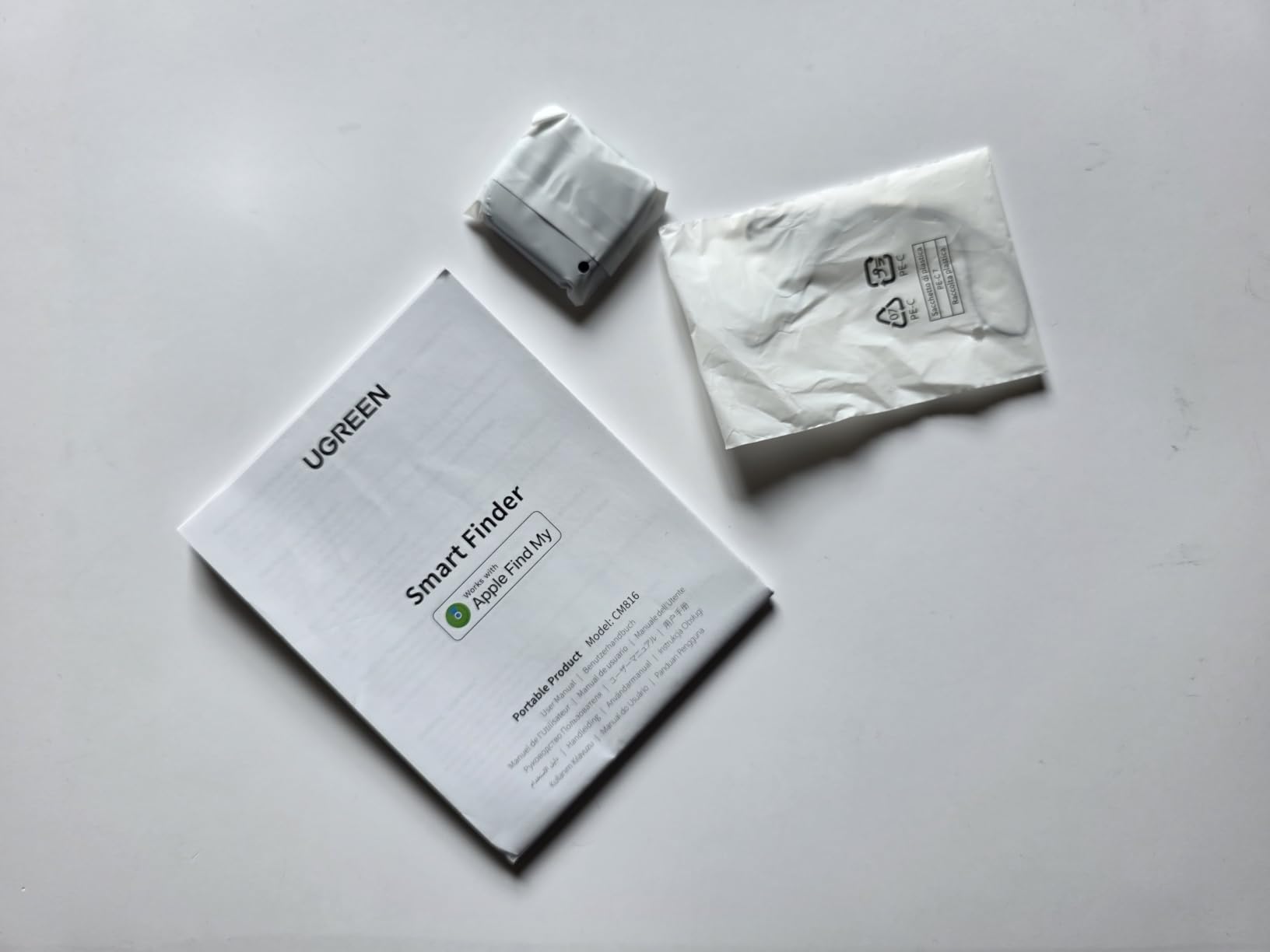
Why travellers with long itineraries like it
Multi-week and multi-country trips mean a lot of days where you cannot get to a charger. A two-year cell means the tracker is still live for the entire trip and still live on the way home.
Setup takes under two minutes with no account signup, and the native keyring hole means you can loop it onto an internal luggage strap without buying a case.
What is missing compared with the AirTag
There is no Ultra Wideband chip, so you get a proximity reading but no arrow-style Precision Finding inside a room. The lanyard loop can detach from an item that moves constantly, which inside a suitcase happens constantly.
Some units have arrived with dead batteries despite the insulating strip being in place, and the sound is muffled if the tag ends up under cushions. It remains iOS only.
6. UGREEN Finder Duo Air Tracker Tags 4-Pack – Best for Recharging Instead of Batteries
UGREEN Finder Duo Air Tracker Tags 4 Pack (iOS and Android)
Works with Find My and Find Hub
USB-C rechargeable
About one year per charge
80 dB
Pros
- Pairs with both Apple Find My and Google Find Hub
- USB-C charging removes coin cells entirely
- Held charge for many months in use
- 80 dB ring carries to another room
- Included straps suit packing inside a suitcase
- Useful for mixed-OS households
Cons
- Each tag locks to one ecosystem at a time
- Accuracy trails the AirTag at medium and long range
- Android 16 pairing can be difficult
- No reverse phone-find feature
Every other Apple-compatible tag in this roundup uses a disposable coin cell, with all the fumbling and the eventual dead-tag panic that implies. The Finder Duo charges over USB-C and holds roughly a year per charge, and it is the only 4-pack here that pairs with Google Find Hub as well as Find My.
Owners put it at 4.2 out of 5 from close to 2,900 ratings and describe the recharge design as the feature that ends battery anxiety. In use it held its charge for many months without a top-up, and the 80 dB ring is clear enough to guide you from another room.
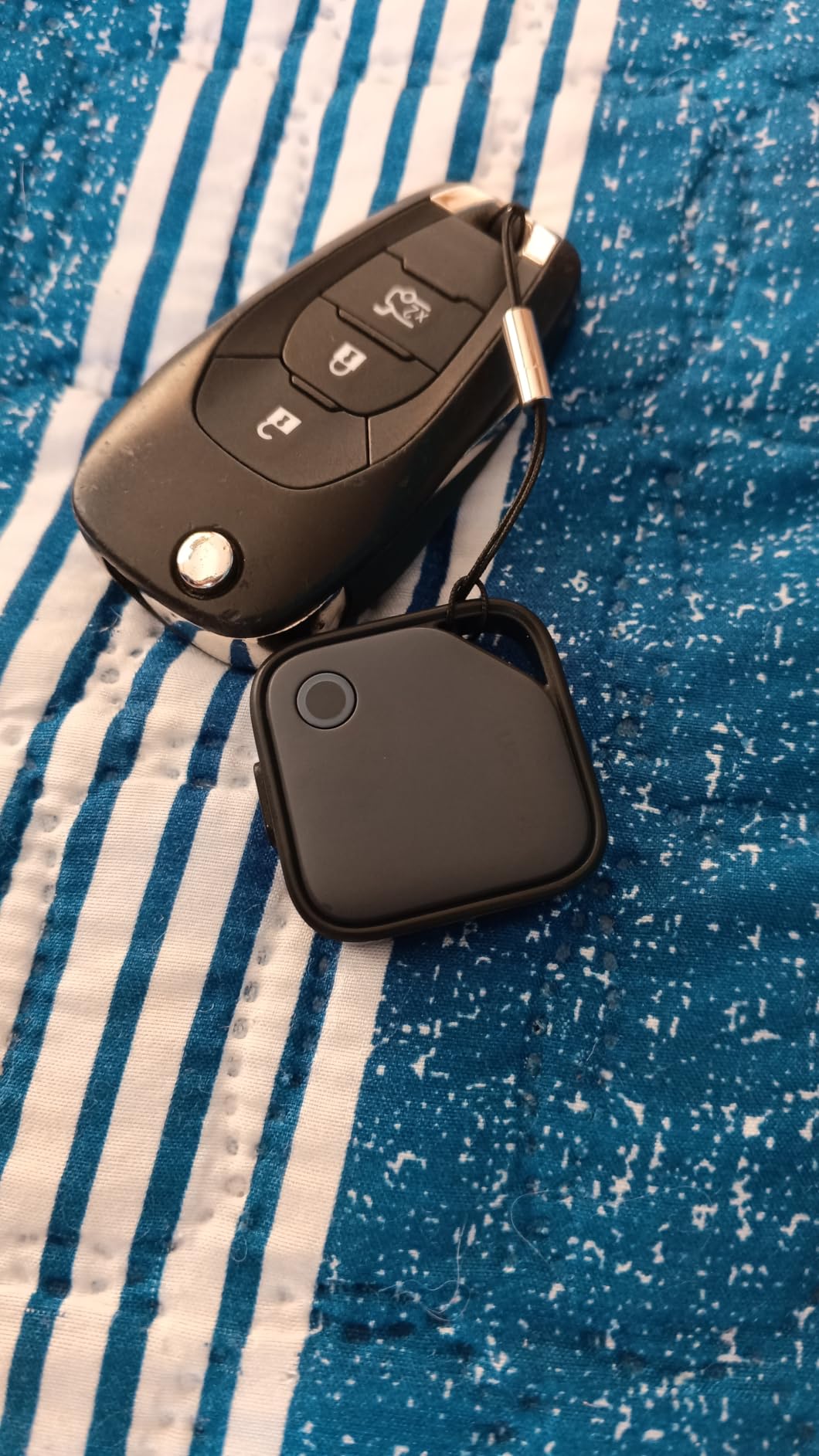
The included straps, port covers, and stickers make it easy to secure a tag inside a suitcase without a case, which matters when the bag will be handled roughly on a carousel.
For a family where one person is on Android and another on iPhone, this is the only option in the roundup that lets both phones work with a tracker from the same purchase.
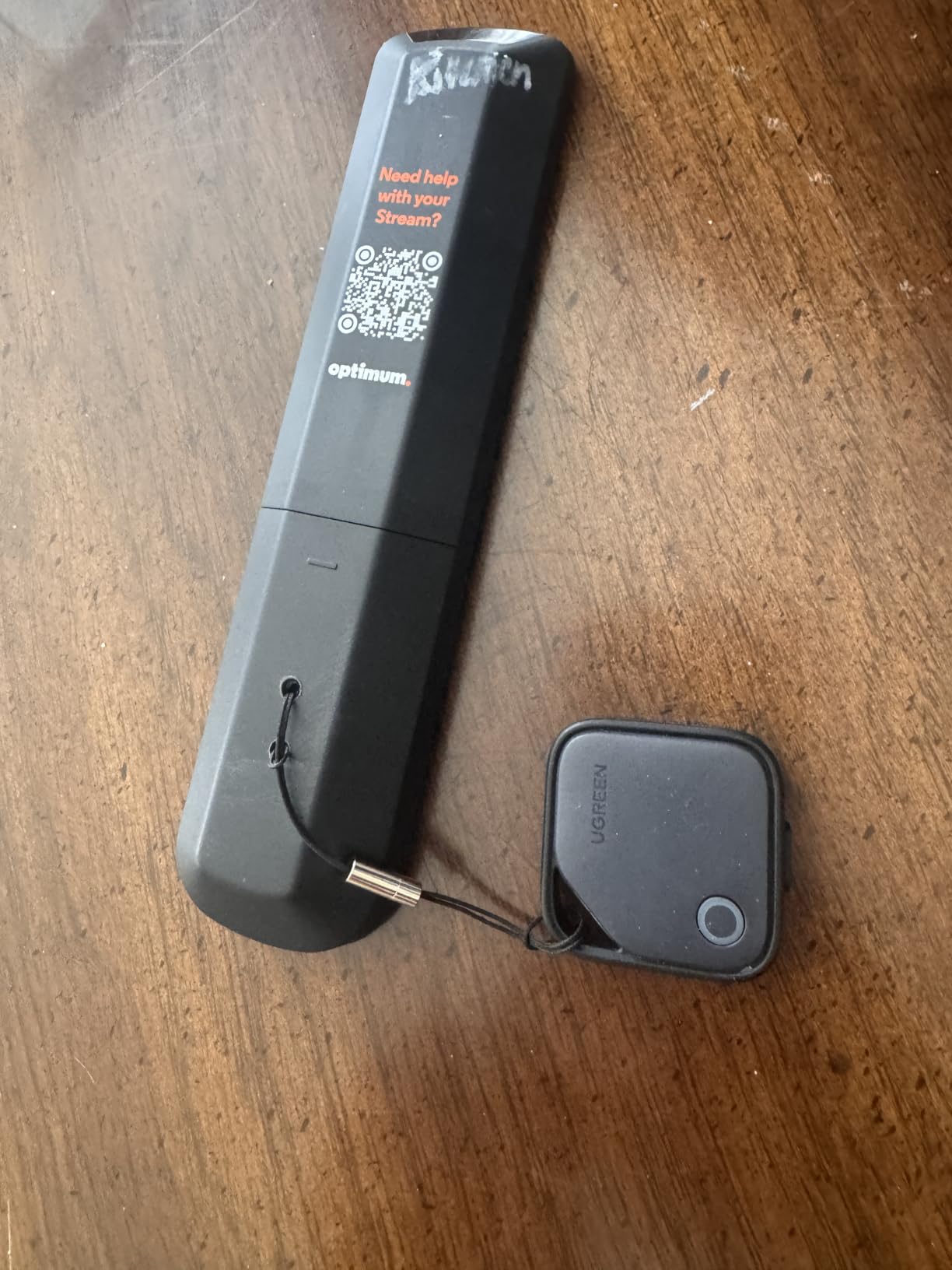
What the recharge buys you
No coin cells means no opening a sealed housing in an airport with a coin-operated screwdriver, which is the failure that turns up in reviews of several competitors here. Plug it in the night before a trip and it is set for the whole itinerary.
Cross-platform support matters for international travel where a travelling companion is on a different ecosystem. You can hand them a tag and they can still see it on their phone.
The catch to plan around
Each tag locks to a single ecosystem and cannot pair with iOS and Android simultaneously, so you need to plan which phone each tag belongs to before you fly. Android 16 pairing is reported as difficult and binds the tag to the phone’s primary Google account.
Accuracy trails the AirTag at medium and long range, sometimes by several blocks, and there is no reverse phone-find function.
7. Vodyfu Air Tags 4-Pack for Android – Best for Android Phones
Air Tags for Android,Air Tags-4 Pack Android,Android Tracker Tags,2 Year Battery Life,Google Find Trackers for Google’S Find Hub App,IP65 Waterproof Luggage Tracker Android for Keys,Wallets,Suitcases
Google Find Hub native
Up to 2 year battery
85 dB
IP65
Pros
- Uses Google's native Find Hub app with no extra download
- Two year replaceable CR2032 battery
- 85 dB alert speaker
- IP65 protection against rain and splashes
- UWB-based distance visualization within Bluetooth range
- Includes spare batteries and opening tools
Cons
- Android only
- not compatible with Apple or Huawei
- It is a Bluetooth tracker and not a standalone GPS device
- Lowest average rating in the roundup at 4.0 out of 5
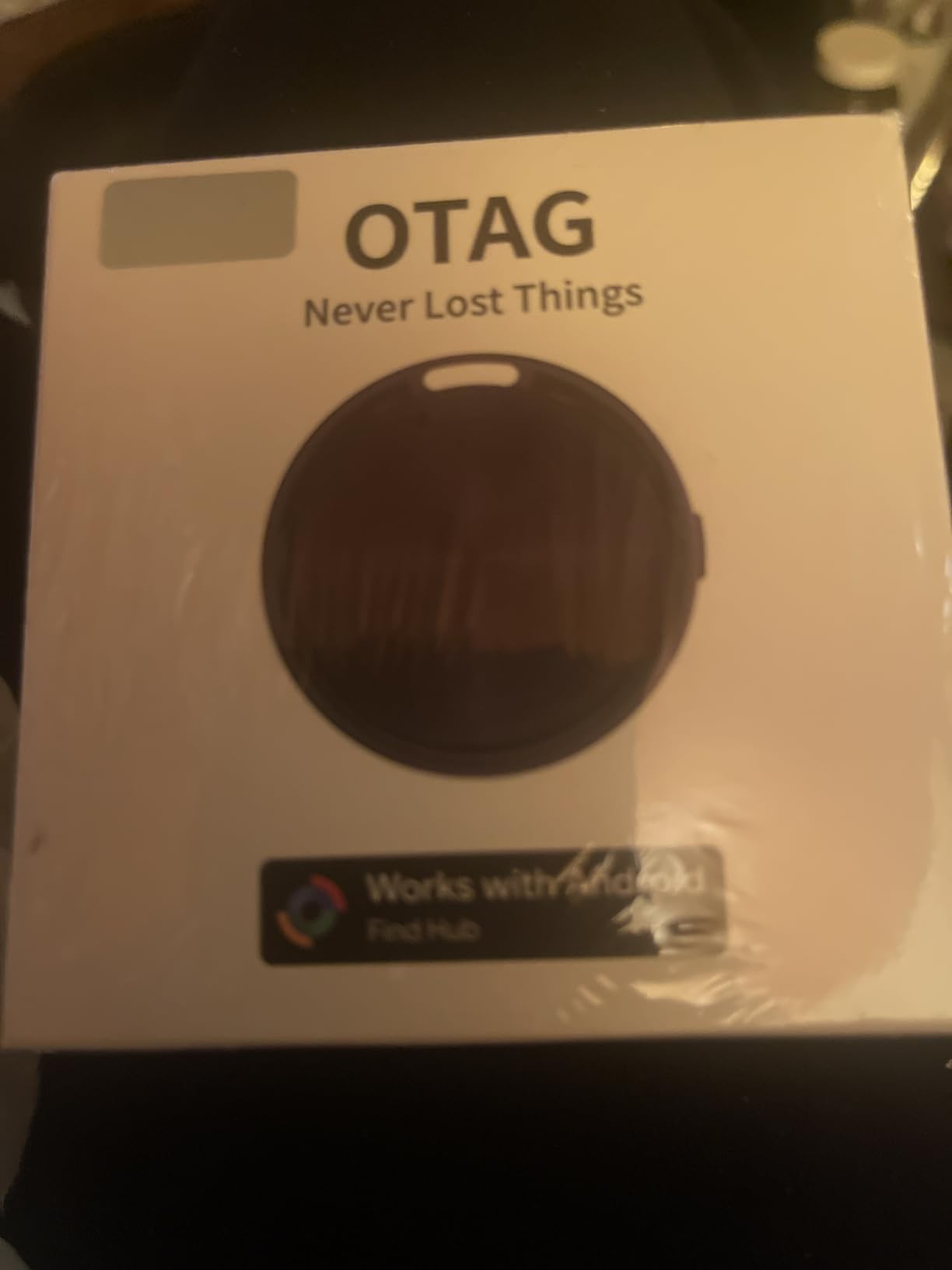
Forum threads about Android trackers keep landing on the same complaint: Google’s Find Hub network is widely considered less reliable than Apple’s Find My. The Vodyfu 4-pack is the direct answer, working natively in Find Hub on Android 9 and above with no extra app to install.
It rates 4.0 out of 5 from 2,762 ratings, the lowest average in this roundup, with about 15 percent one-star feedback. Buyers who pair successfully like the two-year battery, the 85 dB alert, and the convenience of the app they already have.
The UWB-based distance visualization gives you a proximity reading inside Bluetooth range, which is more than most Find Hub trackers manage and helps when you are standing in the right terminal but the wrong carousel.
It comes with four tags, two spare CR2032 cells, two triangle opening tools, and four lanyards, which is the most complete box in the roundup for a pack at this level.
Why Android users should still look here
No extra app means nothing to install before you fly and no second account to create. If your phone is Android and you are used to Find Hub already, the learning curve is effectively zero.
IP65 handles rain and splashes, and location sharing lets family help look for a bag rather than you refreshing a map alone at midnight.
Where we would set expectations lower
It is Android only, with no Apple or Huawei compatibility, and it is a Bluetooth tracker rather than a standalone GPS device, so it cannot report its own position without a phone nearby.
The rating distribution is the warning sign. A meaningful share of one-star reviews points to uneven unit quality, so test the ping on all four tags at home before you rely on them in a terminal.
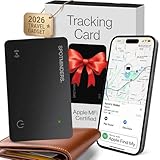
8. Spotminders Wallet Tracker Card – Best for Passports and Wallets
SPOTMINDERS Apple MFi Certified Wallet Tracker Card for Travel – Works with Apple Find My, IP68 Waterproof Rechargeable Tracking Card for Wallet Luggage Passport Purse – Ultra Slim 0.07in Item Finder
0.07 in card
Wireless rechargeable
IP68
100 dB speaker
Pros
- Card profile slips into a wallet or passport sleeve
- Wireless charging removes coin cells
- 100 dB speaker is among the loudest here
- IP68 survives rain
- spills
- and beach conditions
- Left-behind notifications at airports and hotels
- No subscription fees
Cons
- iOS only and no Precision Finding
- Wireless charger is not included
- Card form is useless if the wallet is packed over it
- Bluetooth finding rather than true GPS tracking
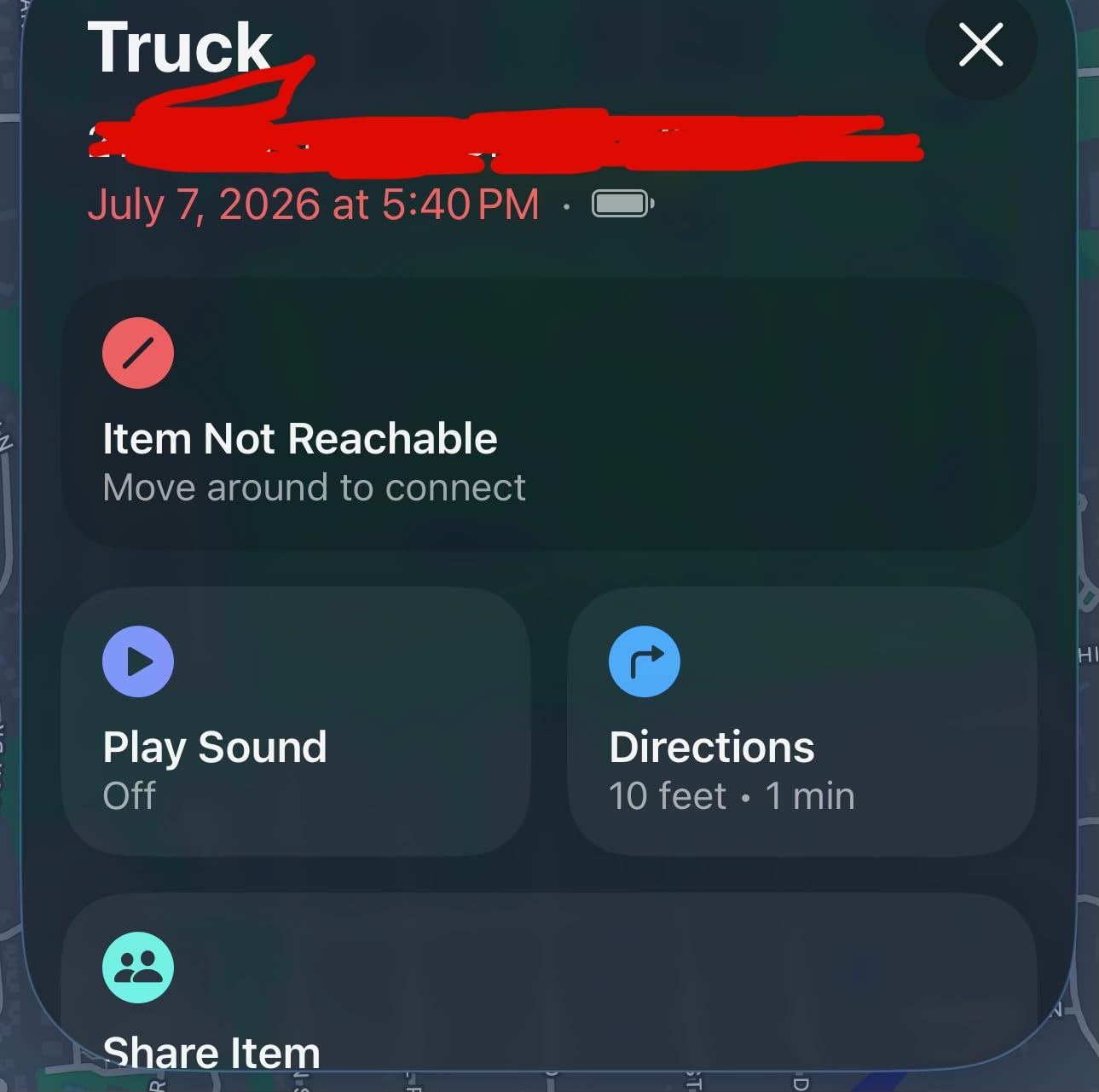
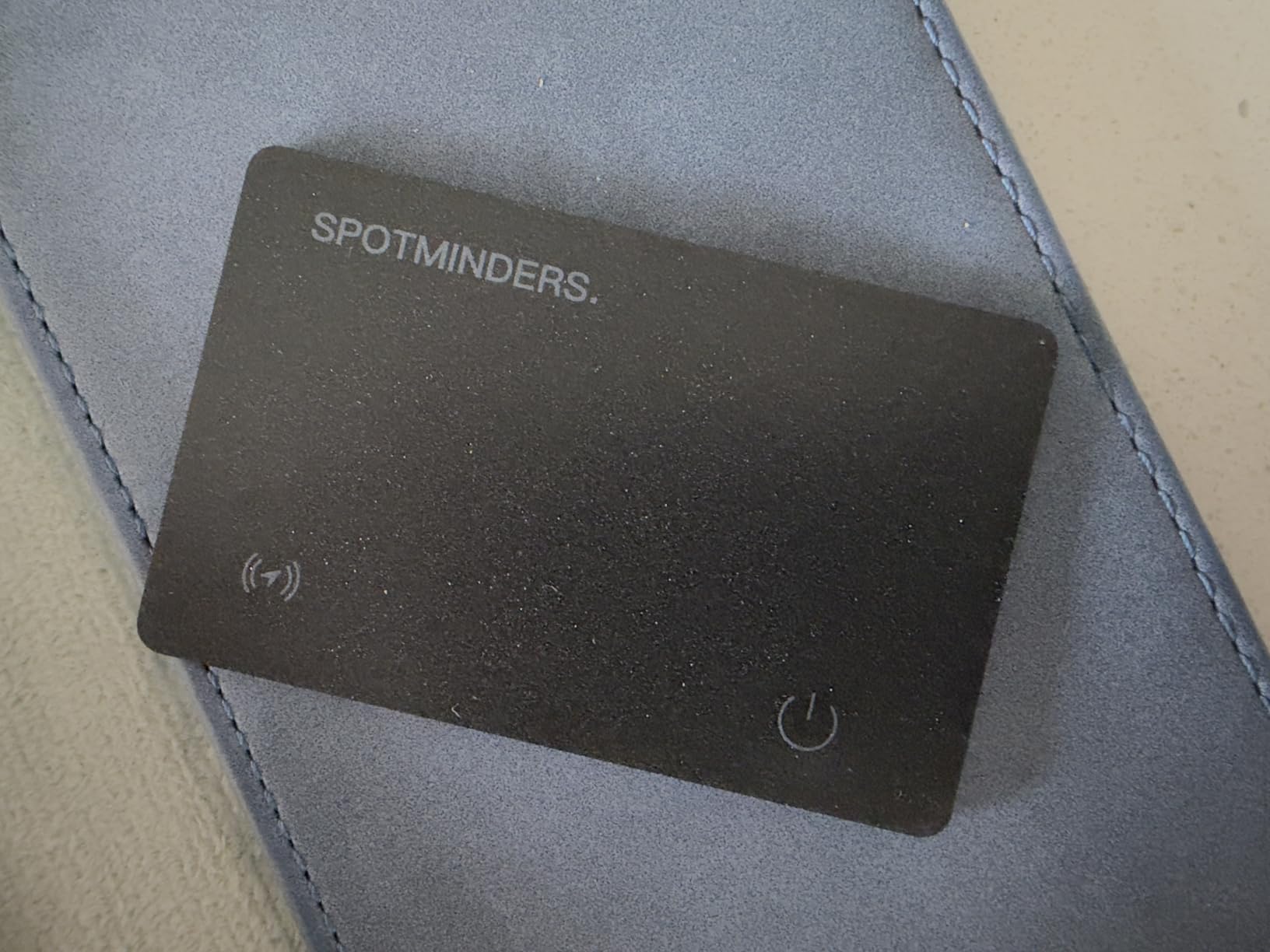
A disc-shaped tag is awkward when what you want to track is a passport, a boarding-pass holder, or a flat wallet sitting in a jacket pocket. The Spotminders card is 0.07 inches thick and built for exactly that, and it rates 4.4 out of 5 from 2,392 ratings.
The battery is rechargeable by any wireless charger, giving up to eight months per charge with a stated service life of more than five years. Buyers point out that one to two hours on a pad buys you most of a long trip, which makes it the least hands-on power option here.
The 100 dB speaker is one of the loudest in the roundup, and with up to 300 feet of open-area range it is genuinely useful in a hotel lobby or a café where you have set the wallet down rather than packed it away.
IP68 protection survives submersion to about 3.3 feet for 30 to 60 minutes, which covers a dropped passport in a puddle and a wallet in a beach bag. It is MFi certified and verifiable in Apple’s official listing.
Why travellers should carry a second card
Checked bags are the dramatic case, but a passport left in a taxi or a wallet left in a hotel safe is a far more common loss, and a card slips into a passport sleeve where a disc will not fit.
Left-behind notifications mean the card pings you the moment you walk away from it, which covers the most common travel loss of all before the airline ever becomes involved.
What to know before buying
It is iOS only and has no Ultra Wideband, so no arrow-style Precision Finding. The wireless charger is not included, so budget for a pad if you do not own one.
The card form only works if the wallet or luggage is not packed solid over it, and a squeezed card between documents can kill the speaker. Position matters more than with a tag on a strap.
9. Ultrbeka Air Tracker Tag 4-Pack – Best for Families Travelling Light
Air Tracker Tag 4 Pack Bluetooth Item Finder for iPhone – MFi Certified Smart Tracker Compatible with Apple Find My, IP67 Waterproof Key Finder for Keys, Wallet, Luggage, Bike, Backpack
4 light tags
18 month battery
IP67
MFi certified
Pros
- Light 8.5 g tags that children and pets do not notice
- Connected in Find My within seconds
- One reviewer ran them through a two and a half week European trip on one battery
- Four tags suit assigning to different items
- Responsive customer service that replaced a faulty unit
Cons
- Ping volume is quieter than competing trackers
- Slightly larger than an Apple AirTag
- One unit in the pack would not pair until reset
- Only 559 ratings so far
- iOS only
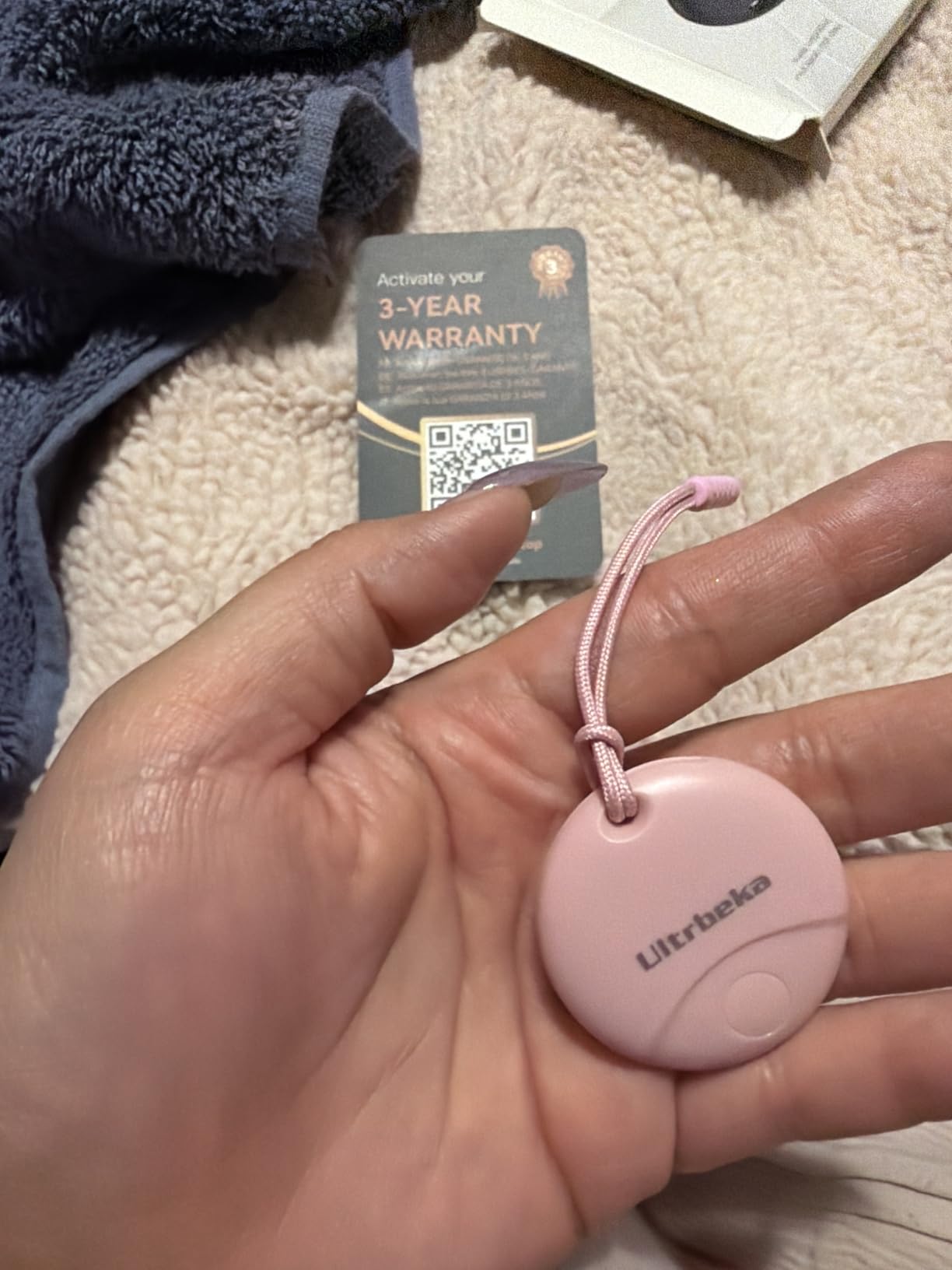
The Ultrbeka pack is the one to consider if the bags you are tracking belong to people who will not leave a tracker alone. At 8.5 grams each, these are the tags most likely to stay where you put them on a child’s backpack or a pet collar.
They rate 4.4 out of 5, and the review base is the second smallest here at 559 ratings, so treat the score with a little caution. What the reviews do support is the battery claim: one owner ran them through a two-and-a-half week European trip without a swap on the 18-month CR2032.

Low weight is a genuine usability feature rather than decoration. Tags this light let you assign one to a child’s bag, one to a pet, and one to a suitcase without the wearer noticing the extra weight or pulling at it.
They are MFi certified, IP67 rated for dust and rain, and connected in Find My within seconds in the accounts we looked at.
Where light weight wins
Anything attached to a child or an animal needs to be unobtrusive. A heavier tag gets pocketed, taken off, or pulled at, and a tracker that gets removed is worse than no tracker because it gives false confidence.
For a family checking several bags, four tags with matching lanyard strings remove the guessing game at baggage claim when three identical black cases come off the carousel.
Where it falls short
The ring is quieter than most competitors, and the body is slightly larger than an AirTag, so it is a little more noticeable in a slim bag pocket.
One unit in the pack needed a customer service reset before it would pair, which is a small sample but worth knowing about. At 559 ratings this is the least well-proven option in the roundup.
10. FAMOO Ultra-Thin Wallet Tracker Card – Best Thinnest Card Profile
Ultra-Thin Wallet Tracker Card(iOS Only), Bluetooth Tracker Smart Card for Apple Find My iPhone Wallet GPS Tracker, Supports Wireless Charging, 10 Years Battery for Luggage, Wallets, Backpacks, Keys
0.06 in card
Wireless charging
100 dB
MFi certified
Pros
- Highest average rating in the roundup at 4.9 out of 5
- Wireless charging with about an hour for months of use
- Ultra-thin 0.06 in card fits wallets and passport sleeves
- 100 dB alarm with distance and direction cues
- ISO data encryption and no subscription
- Four hanging ropes included
Cons
- Only 143 ratings
- far smaller than any other product here
- iOS only
- NFC scan needed to read contact details on a lost card
The FAMOO card is 0.06 inches thick, which makes it the thinnest tracker in the roundup, and it carries the highest average rating too at 4.9 out of 5 with 91 percent five-star feedback. What tempers that is the sample size: 143 ratings against more than 10,000 for the AirTag.
Self-discharge is under 2 percent, which the manufacturer translates to roughly five to ten years in standby. An hour on a wireless charger gives you months of use, so it is a fit-and-forget option once it is set up.
The 100 dB alarm carries sound, distance, and direction cues, so you get guidance rather than just a noise. That is unusual among the slim cards in this roundup, where most give you a beep and nothing else.
NFC lets someone who finds the card scan it to read your contact details, which turns a lost card into a returned one more often than not. Four hanging ropes are included for clipping to a luggage handle or a backpack strap.
Why the thin profile matters on a trip
A card at 0.06 inches disappears into a passport sleeve, a wallet compartment, or the flat slip pocket of a day bag where a disc tag would bulge and get left behind. That is the whole argument for the format, and this card executes it better than anything else we analysed.
Wireless charging also removes the one thing travellers forget to plan for. There is no cell to find in an airport shop and no sealed housing to open, so a full charge the night before departure covers the entire itinerary.
Why we would not build a trip plan around it
The evidence base is thin. A 4.9 average from 143 ratings is a promising signal rather than a proven one, and it is iOS only.
There is no Ultra Wideband, so no Precision Finding, and real-time position is good to about 120 feet before the Find My network takes over. Treat the rating as encouraging and the review count as the real caveat.
11. The Ridge Tracker Card 3-Pack – Best for Wireless Charging Enthusiasts
3-Pack Ridge Tracker Card Compatible with Apple Find My, Compatible with Android Slim Tracking Card – Wallet Finder, Item Locator for Luggage Tags, Passports, Phone – MFi Certified
Qi and MagSafe charging
About 5 months per charge
95 dB
IP68
Pros
- Slim 0.06 in card fits a Ridge cash strap or money clip
- Qi and MagSafe charging with up to 5 months per charge
- Works with both Apple Find My and Google Find Hub
- 95 dB ringer with up to 300 ft open-area range
- IP68 splash resistance
- Location sharing with up to 5 trusted contacts
Cons
- Most expensive option in the roundup
- Effective range drops when the card sits inside a wallet
- Android support is less clearly documented
- Three cards in the pack rather than four
The Ridge card is the premium end of the card trackers, and at 4.4 out of 5 from 1,007 ratings it holds up well. It charges on any Qi or MagSafe pad for up to five months per charge, and it works with both the Apple and Google networks.
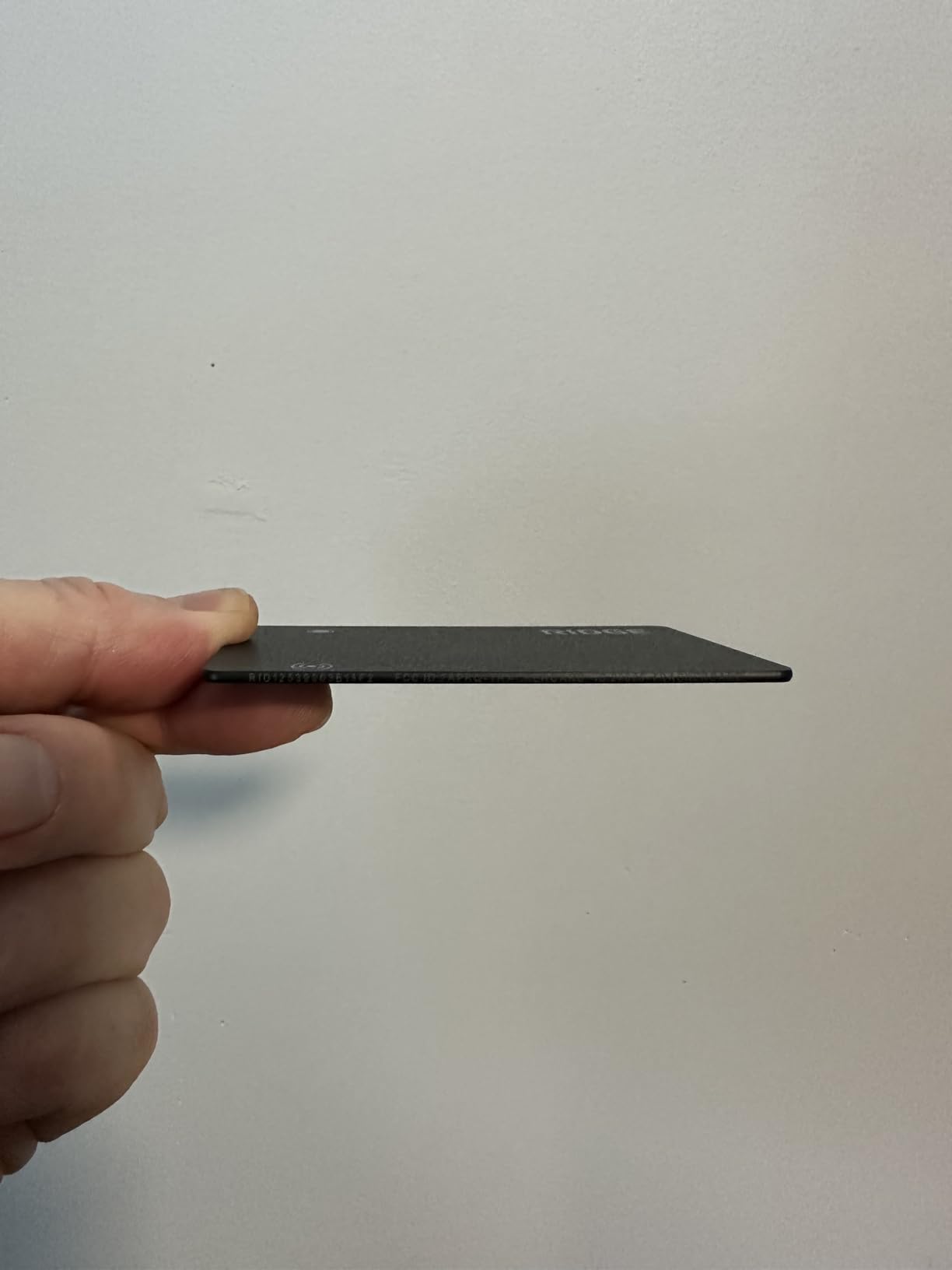
Cards are 0.06 inches thick and 14.2 grams, with a 95 dB locator ringer and up to 300 feet of open-area range. Location sharing covers up to five trusted contacts under end-to-end encryption, which is useful when a bag is being collected by someone other than you.
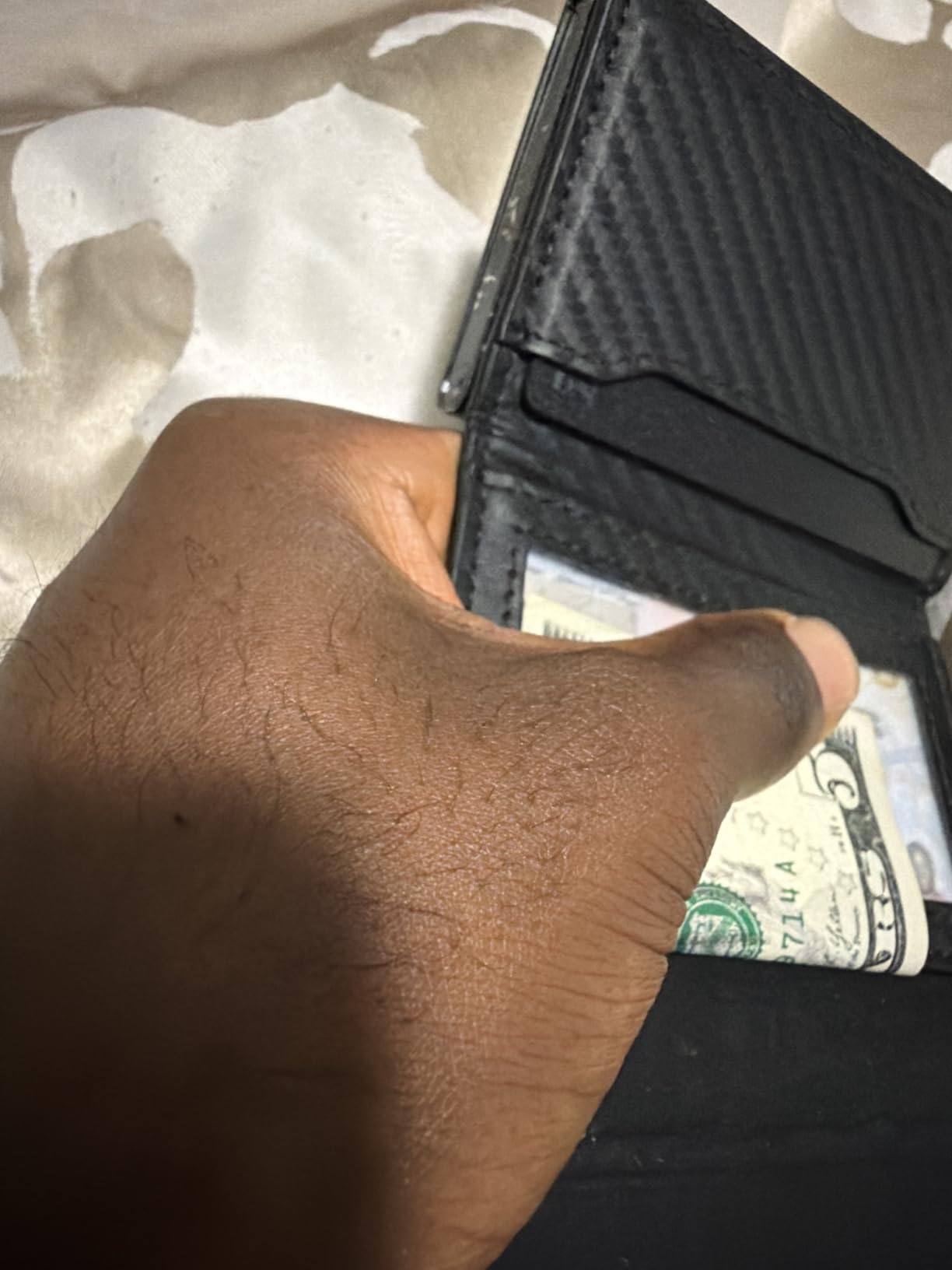
The design target is clear from the dimensions. A card at this thickness is meant to sit under a wallet cash strap or money clip, and the pack gives you three so several wallets or a wallet plus a passport sleeve can be covered.
IP68 rating takes splashes and spills, and Siri activation plus map view make it quick to check in an airport corridor without fumbling for the phone.
What the higher outlay buys
MagSafe charging is the everyday convenience. Drop the card on the same pad as your phone and it tops up without a cable or a coin cell, which removes the one recurring task that causes people to stop checking.
Dual network support is genuinely rare in a card form factor and makes it workable for a household that does not share one ecosystem.
When the price is hard to justify
This is the most expensive option we analysed, and the cost per card is well above every rival here. If you only need one wallet tracked, a single card alternative covers it for a fraction of the outlay.
Range drops noticeably when the card is inside a wallet, and the compatible devices field lists iOS only, so Android support is less clearly documented than the marketing suggests.
12. FLYRUIT Air Tracker Tags 4-Pack – Best for Two-Colour Family Packing
Air Tracker Tags-4 Pack, iOS Only, Apple Find My Certified, Luggage Tracker
Two black and two white tags
365 day battery
80 dB
MFi certified
Pros
- Very light at 4.54 g with a ring loop and included lanyard
- Two black and two white tags let each traveller choose their own
- Left-behind alerts and Lost Mode
- Pairs through Find My with no extra app or subscription
- CR2032 battery lasts 365 days and shows status in Find My
Cons
- iOS only and needs a recent iOS version
- 80 dB ring is modest next to the 100 dB cards
- Sold as two 2-packs by colour rather than four identical tags
- Smallest review base in the roundup at 411 ratings
The FLYRUIT pack splits its four tags into two black and two white, and that turns out to matter. Hand one to your partner or your kids and each person can pick a colour and recognise their own bag on a carousel at a glance.
At 4.1 out of 5 from 411 ratings, it sits near the bottom of the pack on evidence, with about 13 percent one-star feedback in the distribution. Reviewers still highlight the 4.54 gram weight, the ring loop, and the left-behind alerts.
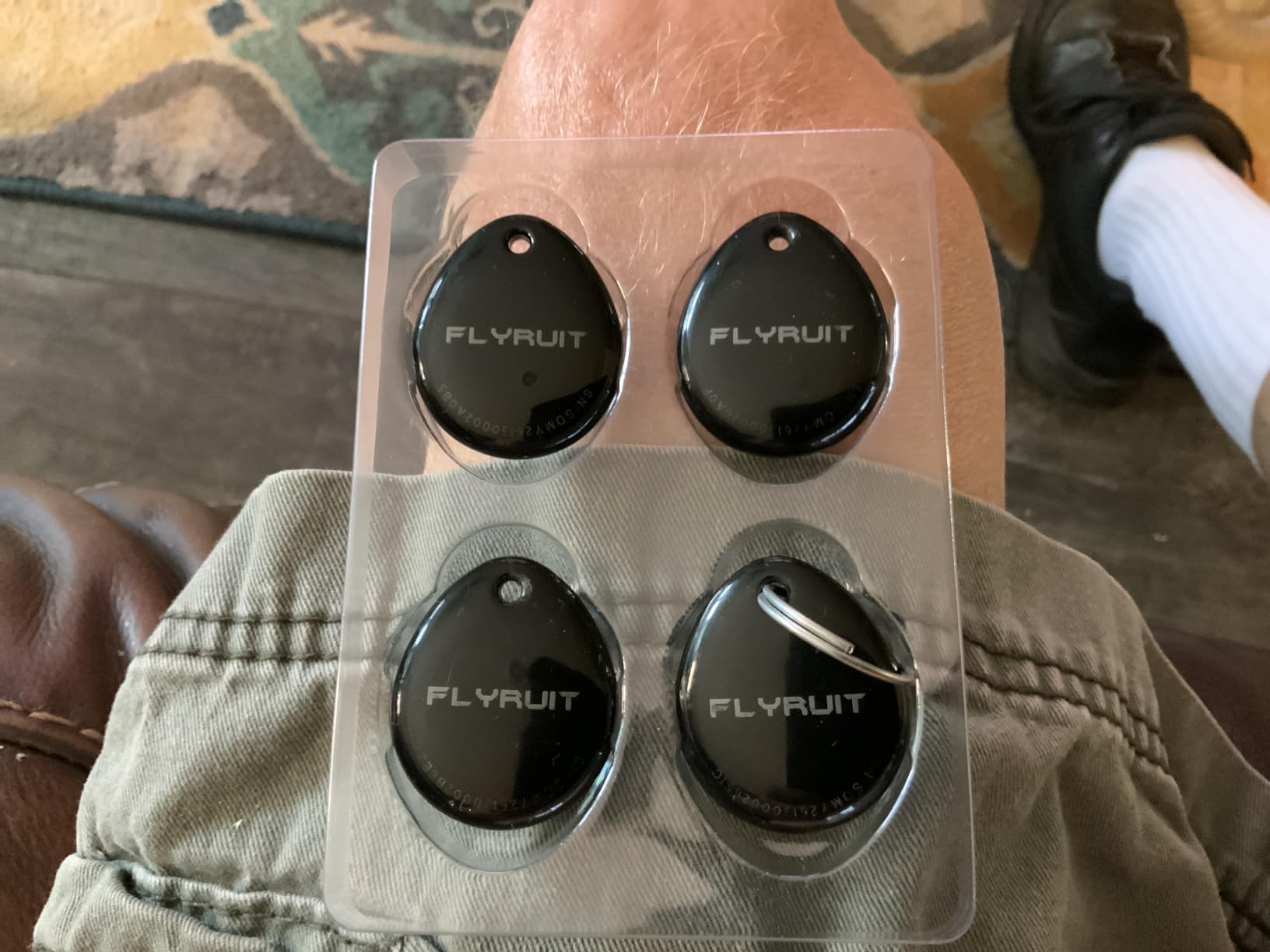
It pairs through Find My with no extra app and no subscription, and the CR2032 battery lasts 365 days with its status visible inside the app, so you can check remaining life rather than guessing.
Left-Behind notifications and Lost Mode with contact sharing give you the same baseline protection as the pricier tags, just without the battery gauge debate or the UWB hardware.
Why a two-colour set is useful
Family travel is where trackers get separated. If each person has one tag in a colour they chose, a scan of the Find My list tells you whose bag is still moving and whose is not, without reading four identical grey discs in a dim terminal.
At 4.54 grams these are the lightest tags in the roundup, and the included lanyard plus ring loop make attachment instant.
Where it falls short
The 80 dB ring is modest compared with the 100 dB card trackers, so a tag buried under a pile of luggage on a carousel will be hard to hear. Bluetooth finding rather than true GPS tracking means it depends entirely on other Apple devices.
It is iOS only and needs a recent iOS version, and at 411 ratings it has the smallest review base of anything here, so we would buy it with a plan to test all four tags at home first.
How to Choose a Luggage Tracker Without Regret?
Pick the network that matches your phone first
This decision constrains everything else. Apple Find My and Google Find Hub are separate systems, and a tag bound to one will not report to the other. On iPhone, the AirTag is the strongest pick and the Samsung SmartTag2 is a strong second with a far longer battery. On Android, the choice narrows to SmartTag2 on a Galaxy phone, a native Find Hub tag, or a cross-platform card or rechargeable tag.
Battery type decides how often you think about it
Coin cell means you change a battery every year or two and open a sealed housing to do it. Rechargeable over USB-C, Qi, or MagSafe means you plug it in the night before a trip and forget. Stated lifetimes here range from about five months per charge on the Ridge cards to 500 days on the SmartTag2, and the real number depends heavily on how often you ping the tag.
Think about where the bag actually goes
A Bluetooth tag’s reach is a function of how many phones are around it. In major airports, European and US cities, and resort destinations that reach is effectively global. In a rural village, an empty warehouse yard, or a country with few Apple devices, the position goes stale and you are looking at the last known fix rather than a live one. The honest answer for those trips is a SIM-based tracker with a global roaming SIM, which does report from anywhere with cell coverage.
Work out the cost over the trips you actually take
Every tracker here is a one-time purchase with no subscription, which is the main reason to prefer them. If you do end up comparing against a cellular GPS tracker, do the arithmetic on your own travel pattern. Someone flying four times a year pays for twelve months of service whether or not they use it, which is why the forums that criticise subscription trackers as a waste of money are not being unreasonable.
Size and placement decide whether it stays in the bag
A card tracker fits a wallet, a passport sleeve, or a flat side pocket. A disc tracker with a keyring hole fits a luggage strap or a zip pull. Neither is much use sealed inside a solid block of padding, and reviewers of the card trackers repeatedly note that sound gets muffled under a full suitcase.
Alerts that are worth having
Left-behind notifications and Lost Mode with contact sharing are the two features you actually use on a trip, because they fire while you are still with the bag. Battery status shown in the app stops the dead-tag surprise. Everything else is nice to have.
Privacy and the separation warning
AirTag and Find My tags send separation warnings when they move away from their owner, and that is a feature for you as much as a safety feature for whoever is being tracked. If someone finds a tag and pairs it to their own account, the separation alert on your tag fires, which is one of the better reasons to check the app on flight days.
Keep personal details off the outside of your luggage. A tracker proves where a bag is; a luggage tag with your full home address on it hands out your address to anyone who picks the bag up.
How to Pack and Set Up a Tracker in Your Suitcase
Charge or freshen the battery before you pack. A coin-cell tag should have a new cell, and a rechargeable tag wants a full charge the night before departure.
Install the app your tag needs. That is Find My on Apple devices, SmartThings Find on a Galaxy phone, or Google Find Hub on an Android phone, and it is better done on hotel Wi-Fi than at the gate.
Pair the tag and give it a name. Name it for the bag, not the tag, so the app tells you which suitcase is missing when three identical cases are involved.
Test it at home. Play a sound, walk to the far end of the property, and confirm the position updates before you trust it with a checked bag.
Set a left-behind alert and a Lost Mode contact. These are the two notifications you will actually receive during a trip.
Pack it somewhere the padding does not swallow it. A luggage strap, a side pocket, a lining seam, or a loop in a shoe all work better than the middle of a packed case.
Check the tag at the gate before you hand over the bag, and again once you are seated. Two minutes at the gate beats a bag in a carousel you never saw.
What to Do at the Airport When Your Bag Is Delayed
Open the app and note the last position update and its timestamp. The timestamp matters as much as the location, because a position from six hours ago tells you where the bag was, not where it is.
File the report at the airline baggage desk straight away, before you leave the arrivals area. Report numbers filed at the desk are what the airline works from.
Show the tag’s screen to the agent. A clear last known location and timestamp is exactly the kind of concrete detail that speeds up handling, and agents can match it against the bag’s routing.
Ask for the delivery address confirmed in writing and note the reference number. Forum advice is consistent on this: your tracker is evidence, not a recovery mechanism, and the airline’s own process is what gets the bag moved.
Keep checking the map while the claim is open. A moving position suggests the bag is still moving through the system, and a stationary one in an out-of-hours holding area explains a delay that is not your fault.
Escalate to the airline’s customer service and your travel insurer if the bag is not located within a few days, with the tag’s route history as supporting evidence.
Frequently Asked Questions
What is the best tracker to put in luggage?
The Apple AirTag is the best tracker for most luggage because it uses the world’s largest finding network, runs over a year on a replaceable coin cell, and costs nothing per month. On a Galaxy phone the Samsung Galaxy SmartTag2 is the equivalent pick, with up to 500 days of battery. Android users outside the Galaxy ecosystem should look at a Google Find Hub tag or a cross-platform rechargeable tag.
Which is better, AirTag or GPS?
For most travellers the AirTag is better, because it needs no SIM card, no monthly fee, and no charging, and it reports through a network of billions of Apple devices. A true GPS tracker with a SIM is better only when your bag goes somewhere with no phones nearby, such as a rural area or a boat, because it can report its own coordinates from a satellite fix.
What is the best GPS tracker without a monthly subscription?
Every tracker in this roundup is a one-time purchase with no subscription at all. The Apple AirTag, Samsung Galaxy SmartTag2, Life360 Tile, and all the 4-packs cost nothing to keep running, because the finding networks they use are free. That is the strongest argument against a cellular GPS tracker for anyone who flies a few times a year.
Are luggage trackers worth it?
They are worth it as evidence, not as a guarantee. A tracker cannot make an airline find a bag faster on its own, but a clear last known location and timestamp handed to the baggage desk is concrete information the airline does not otherwise have, and it also catches the far more common loss of a wallet, passport, or phone left behind at a hotel or café.
How far do luggage trackers work?
Stated ranges run from about 40 metres for the sound on some tags up to 300 feet for the card trackers in open areas, but the more useful number is the network reach rather than the Bluetooth range. A tag reports its position whenever a phone on the shared network passes within range, so coverage in a major airport is effectively worldwide while coverage in a rural area may only be a last known fix.
Do GPS trackers actually work for luggage?
They work for locating a bag, and they work very well in cities and airports, but there are two honest limits. A Bluetooth tag cannot report a position when no phones are nearby, and none of the trackers in this roundup contains SIM hardware, so none can give a satellite position on its own. Check the timestamp on the map before you rely on a location.
How do people track their luggage?
Most people put one Bluetooth tag in a bag and leave it there, then watch it in a free app. A stronger setup uses two trackers in separate compartments, each labelled differently so you can tell in the app which is which. Reddit threads on r/BuyItForLife and r/TravelHacks consistently recommend this two-tracker approach for long or multi-leg trips.
Final Verdict: Which Luggage Tracker to Buy in 2026
The Apple AirTag (2nd Generation) is still the best GPS tracker for luggage in 2026 for most people, because no other device matches the size of the network reporting its position, and nothing else pairs as seamlessly or runs for a year without attention. If you are on Android, the Samsung Galaxy SmartTag2 takes the same slot on a Galaxy phone and lasts twice as long on one battery.
Buy the UGREEN Finder Duo if you refuse to change coin cells or you travel with someone on a different phone system. Buy a 4-pack such as the UGREEN FineTrack or ATUVOS if you want two trackers in different compartments as a fallback, and label them so you can tell them apart. Buy the Spotminders or Ridge card if what you actually lose is a passport or a wallet rather than a suitcase.
Whichever you choose, test it at home, check the timestamp rather than just the dot, and bring the screen to the baggage desk the moment something goes wrong. Our hardside luggage roundup covers the bags worth putting a tracker in.