
The Shearwater Peregrine is the best dive computer for beginners in 2026 because it is the only watch on this list that a first-time diver can set up in a few minutes and still be using five years from now, with a full colour screen, a two-button menu that actually makes sense, and roughly 30 hours of dive time per charge. It is not the cheapest way into recreational scuba diving, and it is not the computer you will rent on your certification holiday. It is the one most beginners end up keeping.
That distinction matters more than it sounds. The dive computer market splits into a cheap tier of single-button watches that most learn-to-dive agencies hand you in the water, and a mid tier of colour-screened watches that you configure yourself, wear on shore, and stop thinking about. We compared all ten picks here across display size, button logic, dive modes, battery, algorithm, logging and wrist bulk, and the Shearwater sits at the point where the feature list stops growing and the confidence does.
If your budget is tighter, the Cressi Leonardo 2.0 is the single most-reviewed dive computer in this group and the easiest entry point, while the Mares Puck Pro EZ and Mares Puck Lite are the lightest things on your wrist. The Garmin Descent G1 is the pick if you want one device for diving and every other sport you do. We have written this for a newly certified diver rather than for a technical diver, and every pick below is one we would be comfortable handing to someone on their sixth lifetime dive.
Table of Contents
Top 3 Picks for Best Dive Computers for Beginners in 2026

Shearwater Peregrine
- Full colour 2.2 inch display
- Two-button state-aware menu
- About 30 hours per charge
- Bluetooth log upload

CRESSI Leonardo 2.0
- Single-button control
- Air Nitrox and Gauge modes
- 100 m rating
- USB and infrared log transfer
Garmin Descent G1
- Sapphire lens monochrome screen
- 25 hours in dive mode
- GPS surface entry and exit marking
- Over 30 sport apps
Best Dive Computers for Beginners (October 2026)
| Product | Specifications | Action |
|---|---|---|
| Shearwater Peregrine |
|
Check Latest Price |
| CRESSI Leonardo 2.0 |
|
Check Latest Price |
| Garmin Descent G1 |
|
Check Latest Price |
 Suunto D5 Suunto D5 |
|
Check Latest Price |
 Mares Puck 4 Mares Puck 4 |
|
Check Latest Price |
 Mares Puck Pro EZ Mares Puck Pro EZ |
|
Check Latest Price |
 Cressi Donatello Cressi Donatello |
|
Check Latest Price |
 Cressi Neon Cressi Neon |
|
Check Latest Price |
 Mares Puck Lite Mares Puck Lite |
|
Check Latest Price |
 Suunto D4i Novo Suunto D4i Novo |
|
Check Latest Price |
1. Shearwater Peregrine: Best Dive Computer Overall for Beginners
Shearwater Research Peregrine Dive Computer
2.2 inch colour screen
Two-button menu
30 h per charge
120 m
IPX8
Pros
- Genuinely easy to set up with a state-aware two-button menu
- Colour screen readable at depth without squinting
- One charge covers a full multi-day trip
- Stainless steel buttons and a 2-year warranty
Cons
- Display glass scratches easily so keep the protective sheet on
- No air integration and no digital compass
- Top of the beginner price band
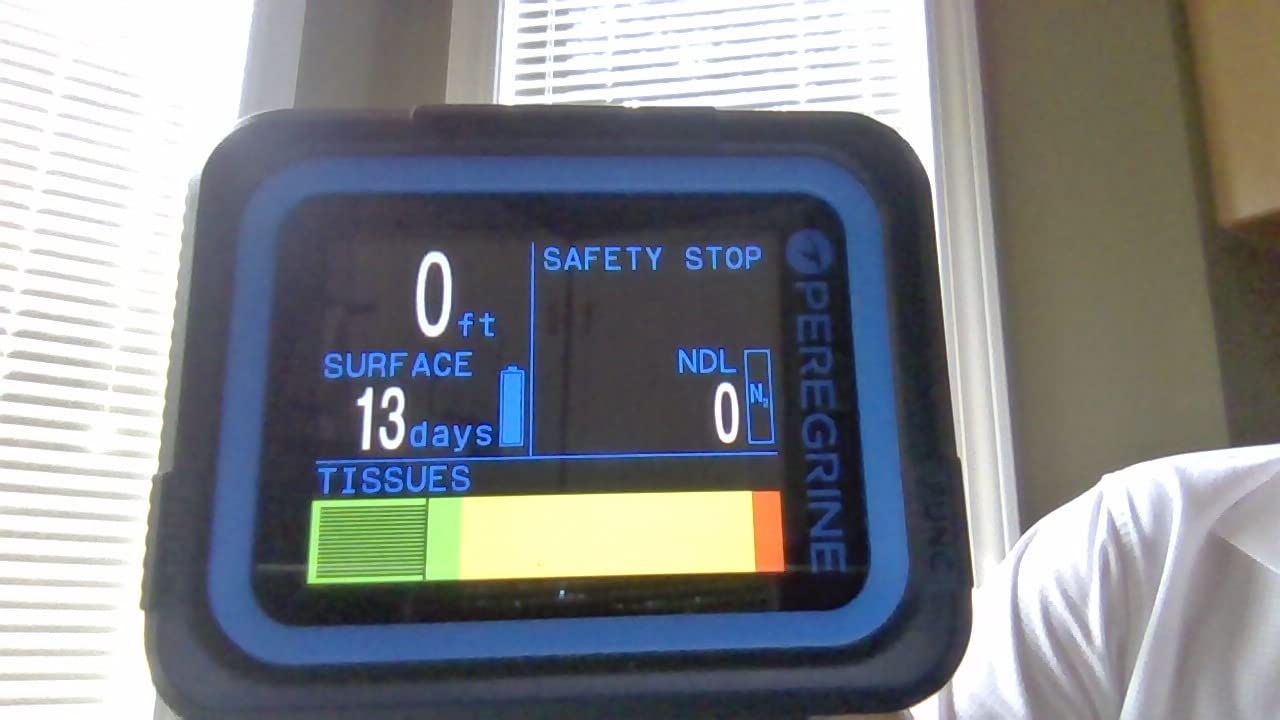
This is the computer I would hand a newly certified diver without hesitation. The Peregrine runs on two buttons and 316 stainless steel, and the menu is state-aware, meaning the buttons do the obvious thing on the screen you are currently looking at rather than sending you somewhere unexpected. That single design decision removes almost all of the frustration new divers report with menu-driven computers.
The 2.2 inch display at 320 by 240 resolution is full colour and backlit, and the layout is customisable so you can put depth, no-deco time, temperature and battery wherever your eye expects them. It reads clearly at 20 metres in green water without you having to hold your arm up like a periscope.
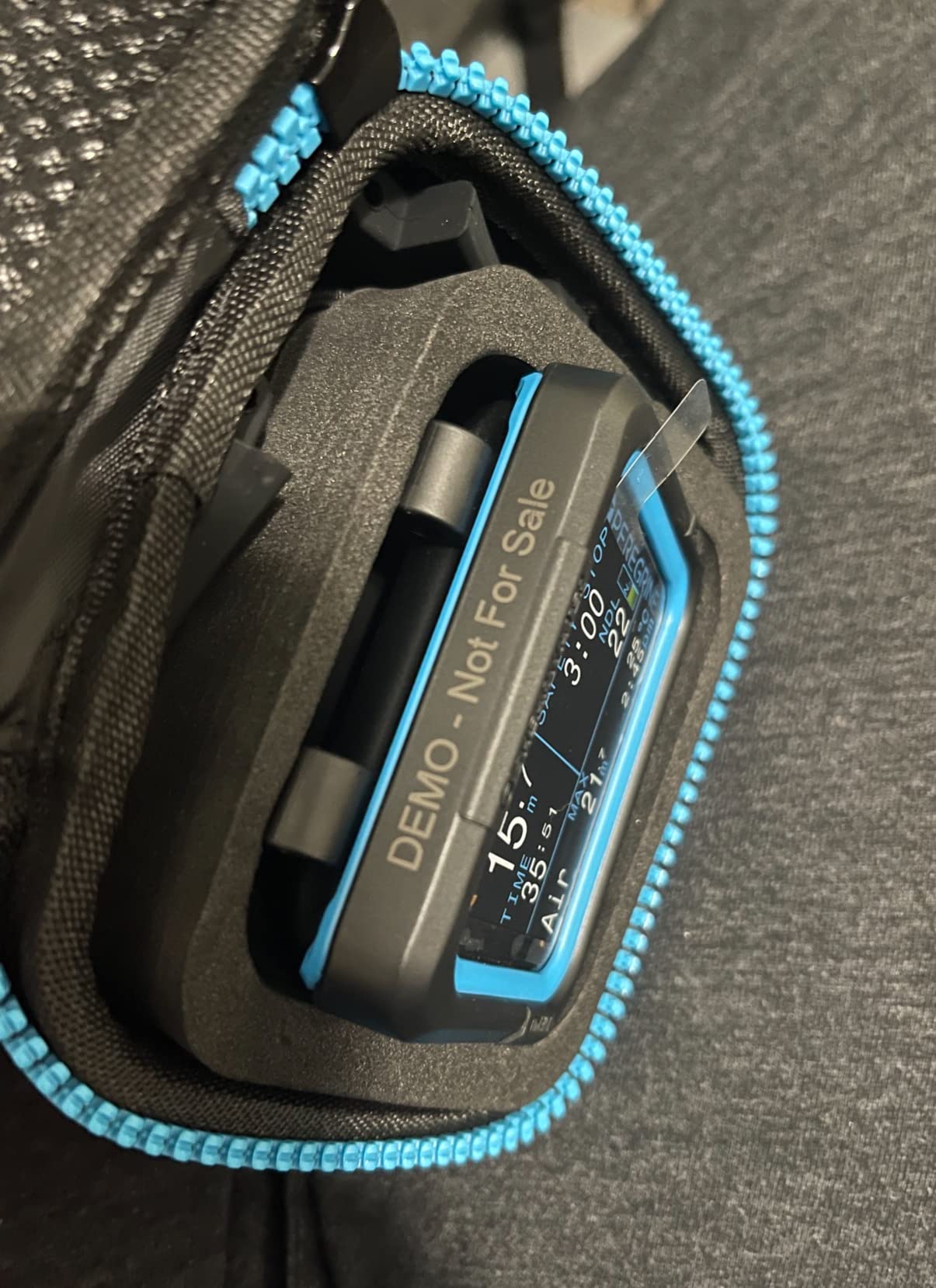
Battery life is quoted at up to about 30 hours per charge at medium brightness, and the USB wireless charging station is included in the box. A week of diving in the Red Sea on one charge is realistic, which removes the low-battery anxiety that hangs over rechargeable computers with small cells.
It logs via Bluetooth to the Dive Shearwater app and into cloud storage, with multi-gas support, an NDL planner and a deco planner on board. Depth rating is 120 metres, the housing carries an IPX8 rating, and the battery is a 900 mAh rechargeable pack.
What the rating hides from you
The 4.7 average across 483 reviews is the strongest satisfaction figure in this group, but it is skewed by owners who moved up from cheaper computers and were delighted by the jump. If you have never owned a colour-screen dive watch, the Peregrine will feel transformative. If you are coming from the rented Cressi puck you have been using all week, it will feel like a modest but very welcome improvement.
What to watch before you buy
Leave the factory protective sheet on the display. Owners report scratching the glass, and the screen is the single part of this watch you cannot replace. Also note the omissions: there is no digital compass and no air integration, so tank pressure needs a separate Suunto or Shearwater transmitter if you ever want remaining air time. Neither matters for your first fifty recreational dives.
2. CRESSI Leonardo 2.0: Budget Pick Dive Computer for New Divers
CRESSI Leonardo 2.0 Scuba Dive Watch, Single-Button Air Nitrox Gauge, Black
44 mm segment display
Single button
Air Nitrox Gauge
100 m
3 year cell
Pros
- Most reviewed dive computer in this group by a wide margin
- Single-button menu is the least confusing interface on a wrist
- Air Nitrox and Gauge modes cover all recreational diving
- Visual and audible critical alarms
Cons
- Basic segment display shows little text detail
- Menu takes practice in the first few dives
- No Bluetooth without a separately sold accessory
The Leonardo is the rental computer. If you did your Open Water course anywhere in the world, there is a good chance your instructor handed you one of these, which means you already know how to use it and the learning curve is zero. That is a genuinely underrated advantage for a first purchase.
It is a 44 mm resin case on a silicone band, rated to 100 metres, with a single button that does everything. Modes cover air, nitrox and gauge, and the computer offers both visual and audible critical alarms, which matters more than it sounds on a surface interval when your regulator is still in your mouth.
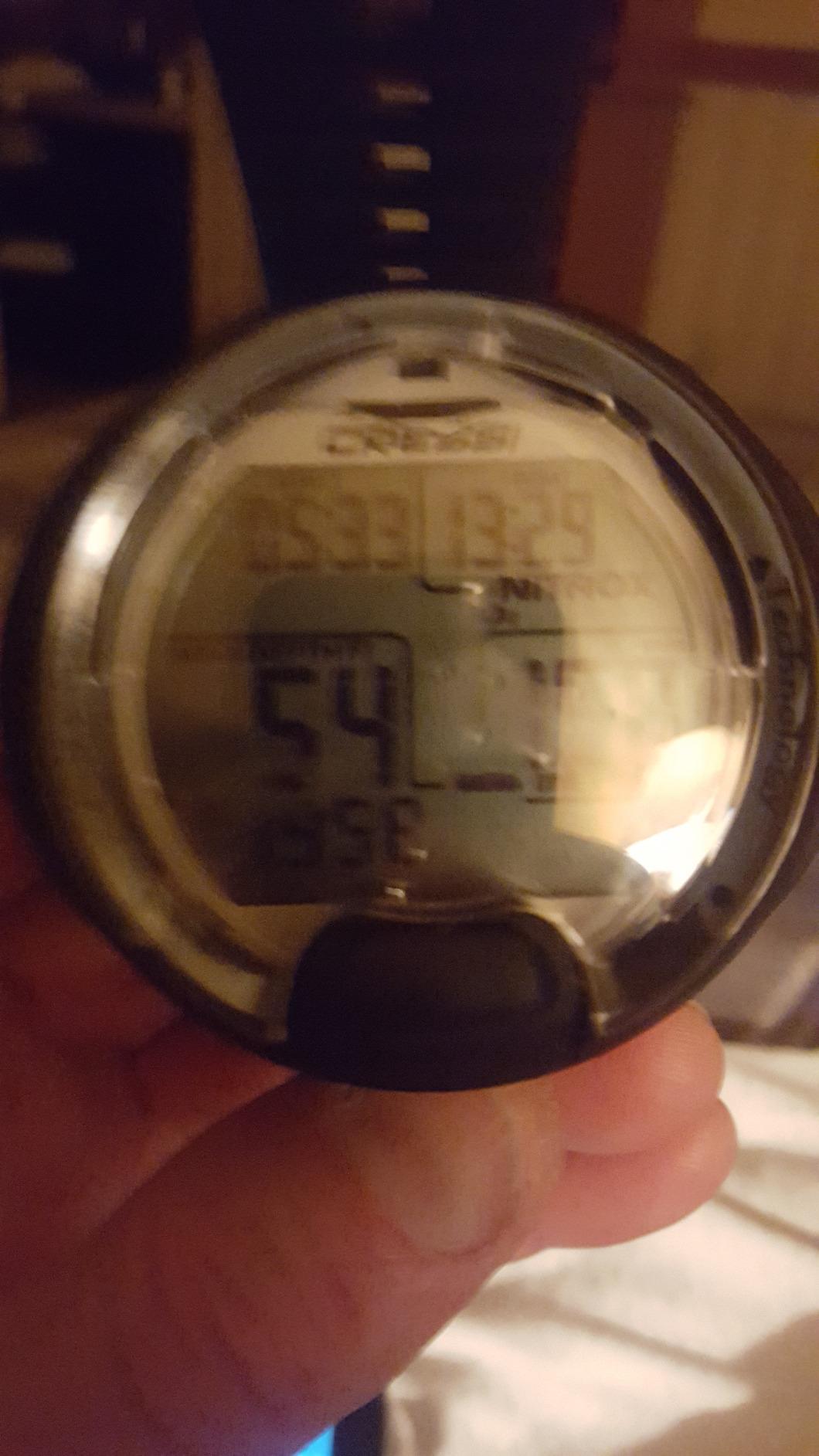
Log transfer is the weak point. There is no Bluetooth; you download with a USB cable or infrared, and the product listing also shows pairing with iOS and Android devices for dive tracking. Reviewers report that phone syncing without a separate accessory is not available, so plan on cable transfers and treat the logbook as a local record.
The 4.2 average across 3570 reviews is the widest review base here by some distance, and the distribution explains the number better than the number itself: 67 percent five-star and 9 percent one-star. Owners love the simplicity and the value; a persistent minority find the segmented screen and the menu fiddly.
The segment screen trade-off in real conditions
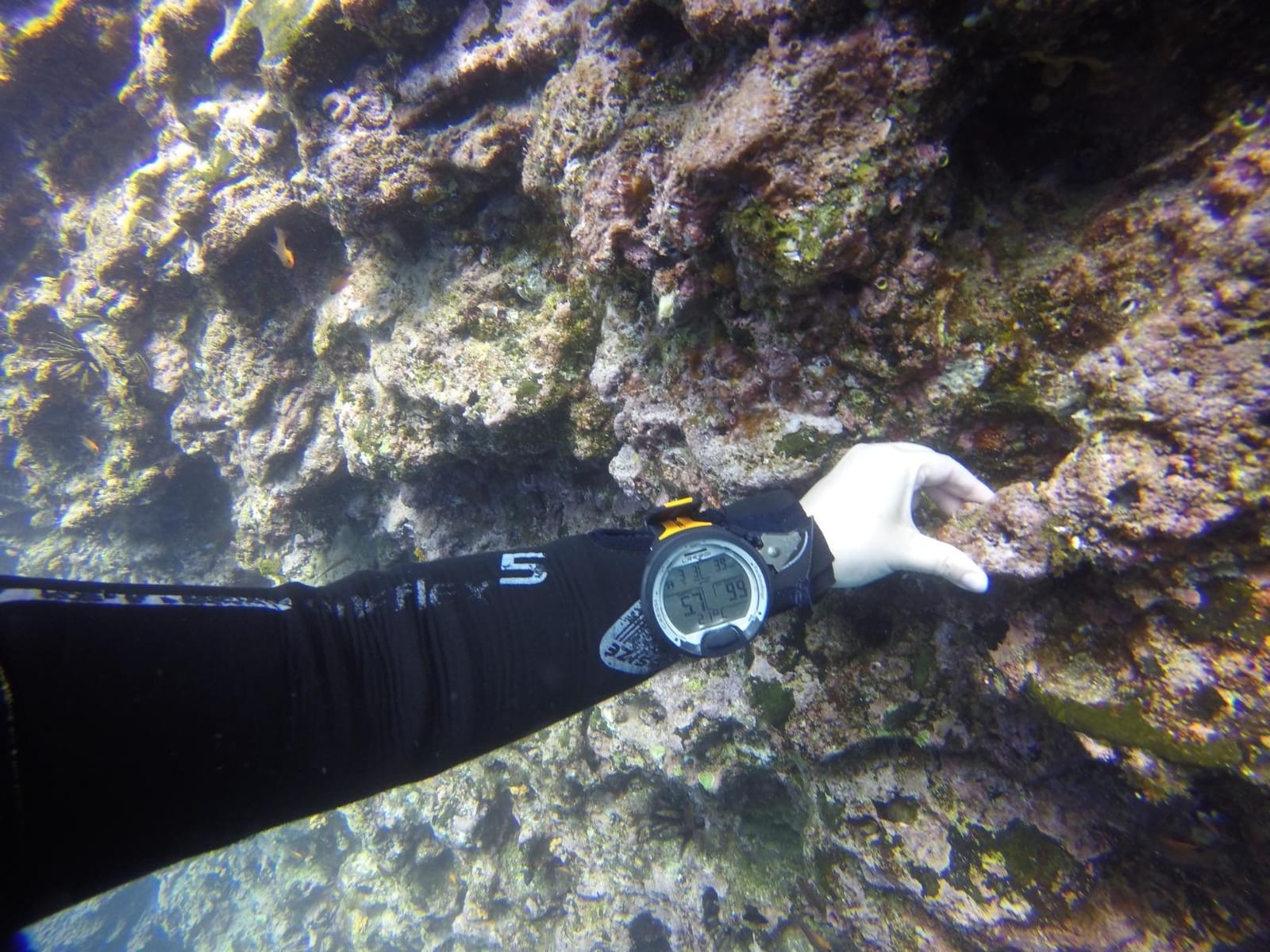
A segment LCD shows large, fixed fields rather than a dot-matrix grid. In return you get huge digits that stay readable when everything else on your wrist is a smudge. What you give up is text: no long stop names, no detailed ascent profile, no multi-line information about what the computer is doing. If your instructor runs shallow, square-profile recreational dives, you will never notice. If you later progress to multilevel or decompression dives, you will.
When to buy something else instead
Skip it if you dive in cold or murky water and want a genuinely bright backlight, or if you plan to move into nitrox-heavy or multi-gas diving within a couple of seasons. The single button also means every setting change is a sequence rather than a quick press, and that adds up when you are configuring a computer in a car park. For a twice-a-year holiday diver who wants the cheapest reliable instrument, it remains the sensible answer.
3. Garmin Descent G1: Best for Divers Who Want One Watch for Everything
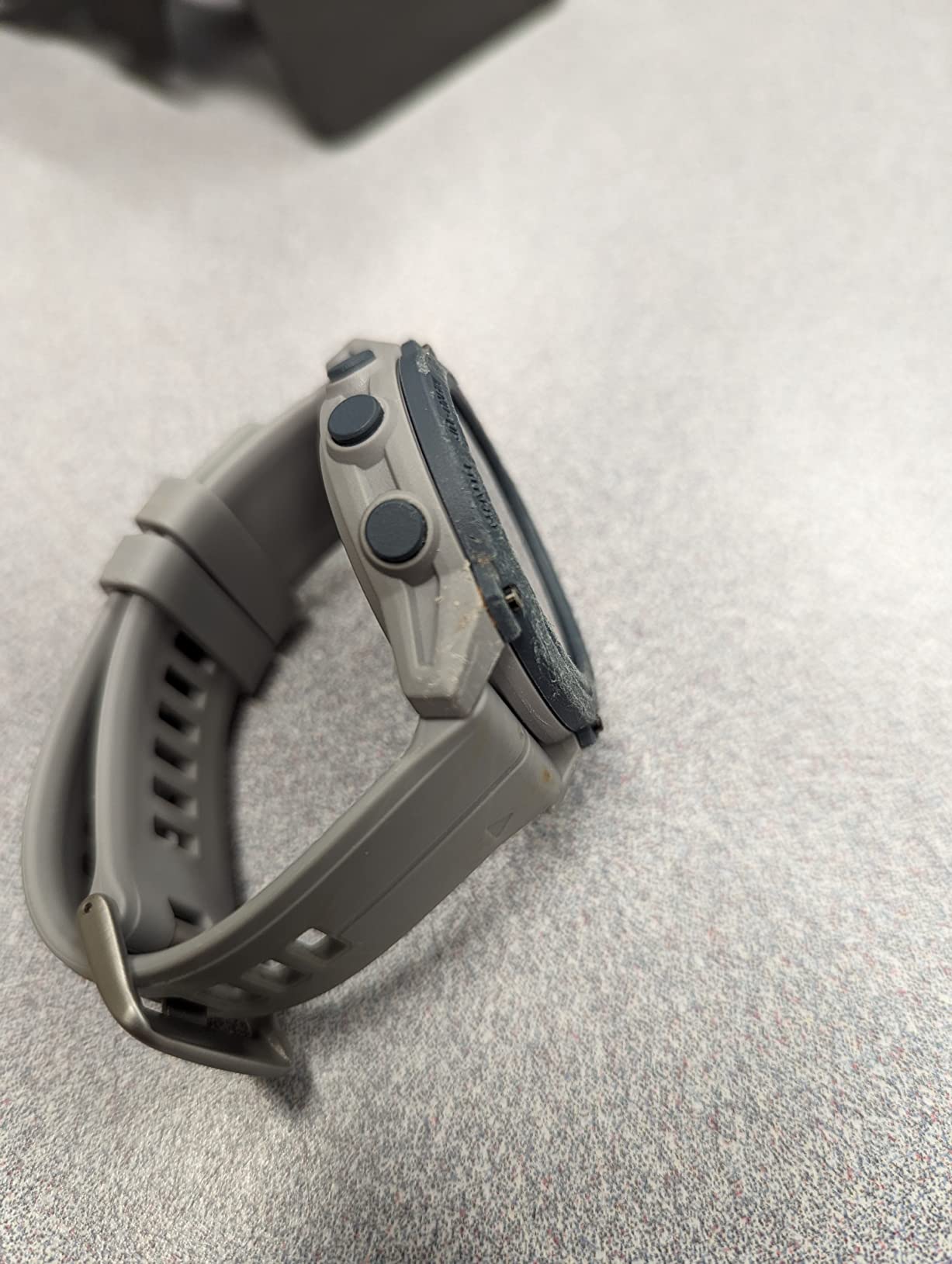
Descent™ G1, Rugged Dive Computer, Powder Gray
1.27 inch monochrome screen
25 h dive mode
GPS surface marking
61 g
Pros
- Genuinely rugged sapphire-lens construction
- Real dive computer plus a full smartwatch with 30 plus sport apps
- GPS marks where each dive started and ended
- Light at 61 g and stores 200 dives on the wrist
Cons
- Not air-integrated so tank pressure needs a separate transmitter
- Monochrome screen is less vivid than the colour alternatives
- Costs more than most entry-level wrist dive computers
The Descent G1 exists for people who do not want to take a second watch off their wrist before a dive. It is a proper dive computer with dive modes for recreational, advanced, technical, freediving and spearfishing, and it is also a fully functioning Garmin smartwatch with over 30 sport apps, training metrics including VO2 Max, and wrist-based heart rate, Pulse Ox and sleep tracking.
The feature that no other watch on this list has is GPS. With GPS, GLONASS and Galileo support you can mark the surface entry and exit points of a dive, which turns a swim back to the boat from a current into a short walk rather than a swim. On a shore or boat dive in unfamiliar water, that is a real safety gain.
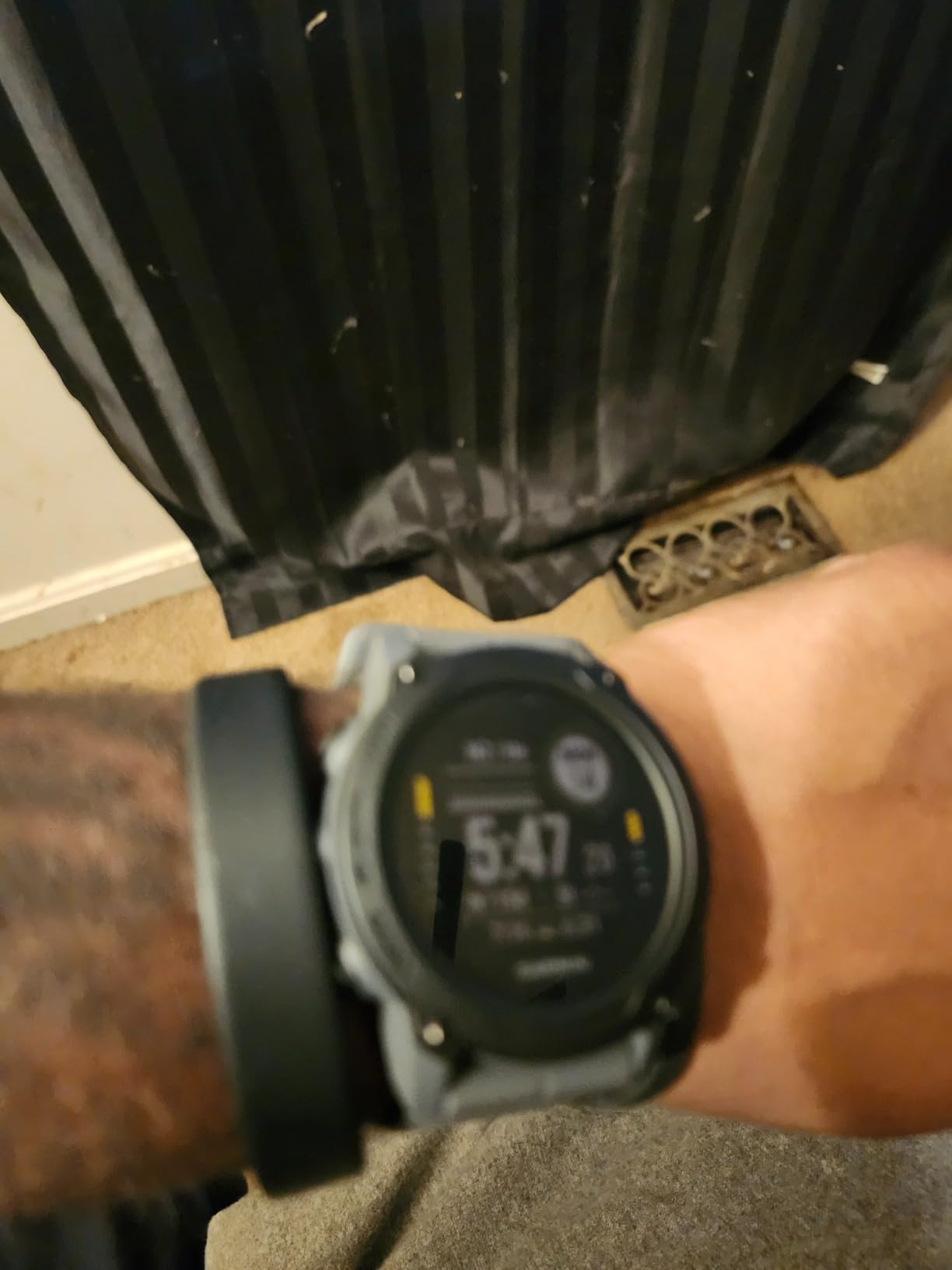
Battery figures are split by mode: up to 25 hours in dive mode, 21 days in smartwatch mode and 26 hours in GPS mode. Storage is 200 dives on the wrist, with upload through the Garmin Dive app and a global dive-site search. The case is 1.27 inch monochrome under a sapphire lens, and the whole watch is 61 g.
r/scuba owners single this watch out repeatedly for exactly that crossover appeal. One long-running forum post describes loving the Garmin Descent G1 because it handles diving and also tracks runs, hikes and paddleboarding, and that is the pitch: one device charged once a week instead of two.
Deciding if the crossover is worth paying for
The 4.6 average across 166 reviews comes with 82 percent five-star, so satisfaction is broad rather than polarised. The honest question is whether a monochrome 1.27 inch display is enough screen to be your primary dive display. It is sharp and legible, and it will never be as easy to read at depth as the Peregrine colour panel.
Two things to decide before checkout
Air integration is not built in, so remaining air time needs the separate Descent transmitter, and that is an extra purchase for a feature a first diver rarely uses. Second, the monochrome screen is the reason this watch is cheaper than a colour-screened Shearwater. If you are buying a dive computer first and a sports watch second, the Peregrine is the better primary instrument. If you are buying a sports watch and want diving included, the G1 is the better value.
4. Suunto D5: Best Colour Display in the Mid Tier
SUUNTO D5 Dive Computer, Color Display 100m Waterproof, All Black
Colour display
100 m rating
Wireless tank pressure
Digital compass
12 h
Pros
- Bright colour screen that stays visible in low light and clear water
- Compact and light so it disappears under exposure gear
- Wireless tank pressure support and mobile app syncing
- Vibration alarms are noticeable through a thick suit
Cons
- Rechargeable battery is short-lived and a low-battery banner can obscure the display
- Only two selectable watch faces
- Safety-stop depth setting is fiddly to change in the moment
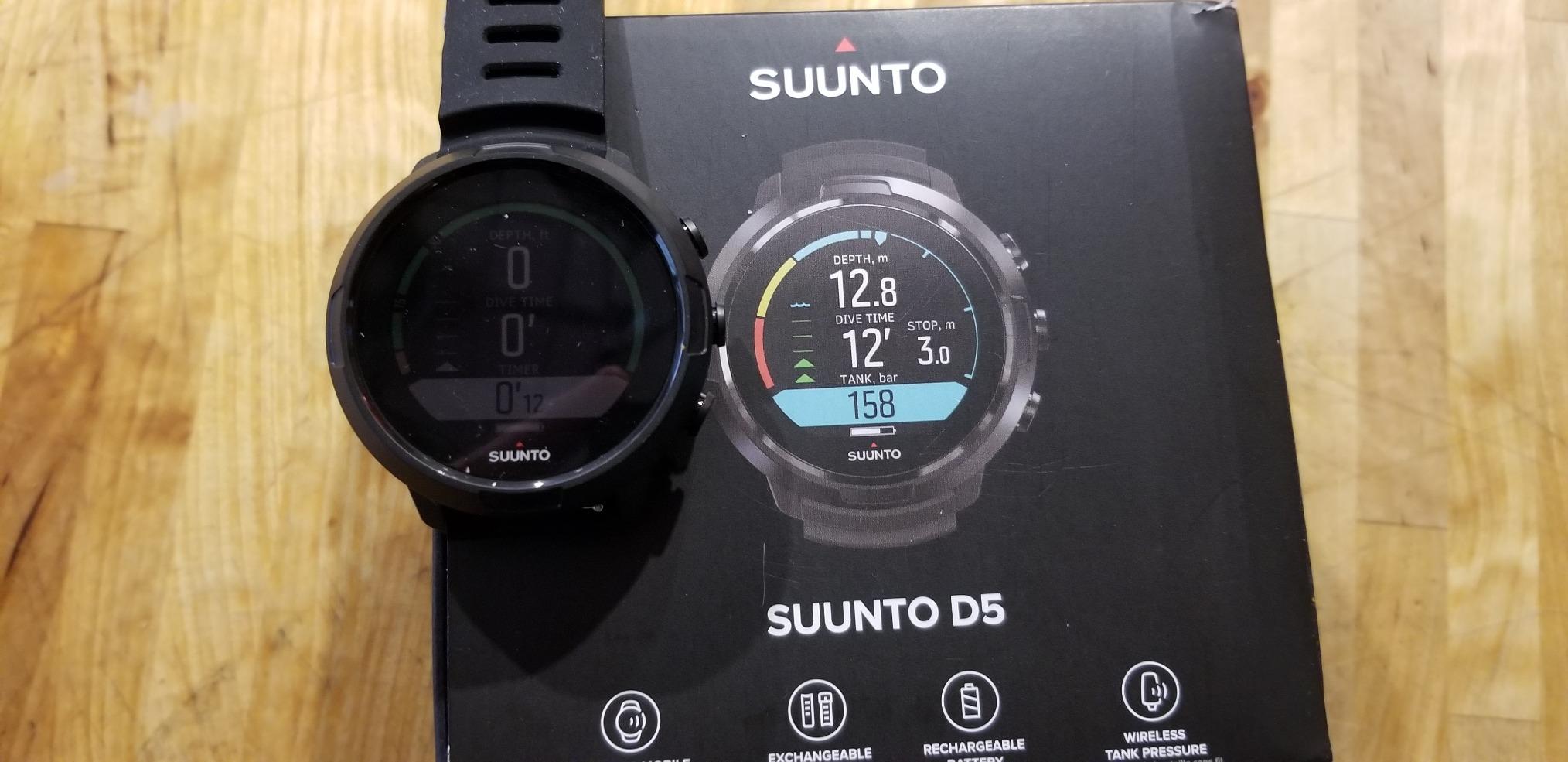
The D5 is the shortest route from a rented puck to a colour screen with wireless tank pressure, and it is the only watch in this group that gives you a working digital compass as well. For a diver who will eventually go to sea caves or reef navigation, having a compass on the wrist removes a piece of kit.
It is rated to 100 metres, lists up to 12 hours of dive time, supports wireless tank pressure through a Suunto transmitter, and connects wirelessly to a mobile app for log syncing. Vibration alarms are a nice touch in a full wetsuit when an audible tone is hard to hear.
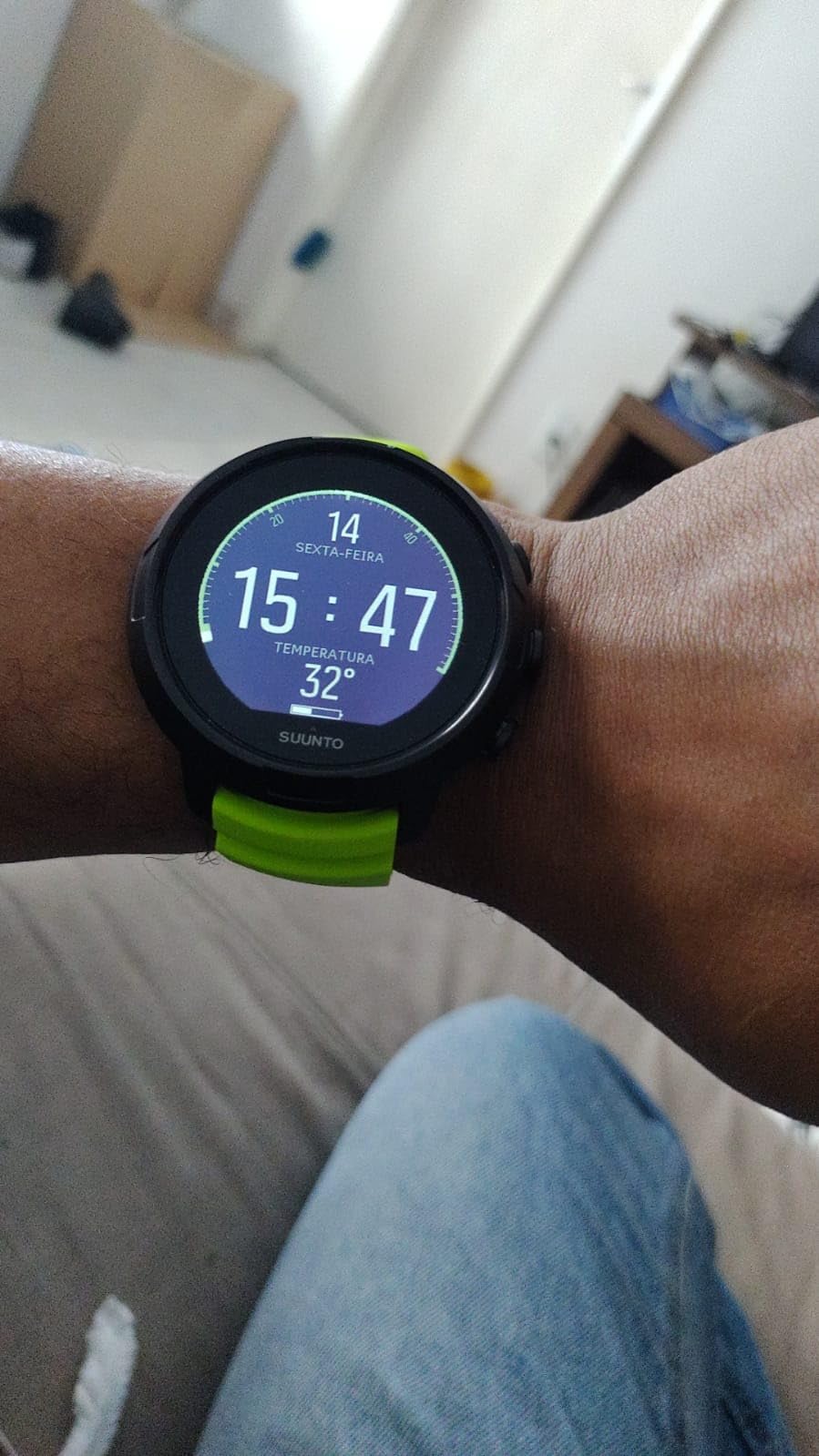
The three-button interface is described by owners as intuitive to learn, and the watch itself weighs about 0.15 kg including packaging weight claims, so on the wrist it is smaller and less intrusive than most of the puck-style computers here. Nobody we would recommend it to complains about bulk.
Review opinion splits on one point: the rechargeable cell. At 119 reviews and a 4.2 average, with 60 percent five-star, the positive half of the feedback praises readability and app integration while the critical half says the battery is short for back-to-back diving and that a low-battery warning can cover part of the display on a long dive day.
Battery planning on multi-day liveaboards
With up to 12 hours of stated dive time and a USB charging cable, the D5 handles a three-dive day comfortably. It gets tight on a five-dive day, and that is when the low-battery banner becomes an annoyance rather than trivia. If you are planning a week of three dives a day, either charge overnight or pick the Peregrine, whose 30 hours per charge changes the arithmetic.
Where the interface costs you
Two selectable watch faces is a small thing that owners mention repeatedly, and changing the safety-stop depth is described as fiddly to do in the moment. Both are settings you should configure once in a car park rather than between dives. There is also a recurring note that the display is hard work for people with poorer eyesight, so if your near vision has started to go, step up in screen size rather than negotiating with this one.
5. Mares Puck 4: Best Entry Computer With a Modern Algorithm
Mares Puck 4 Wrist Dive Computer | Entry-Level Watch-Style One Button Control Underwater Scuba Diving Computer, Black/Aqua
Buhlmann ZH-L16C with gradient factors
Up to three gases
Bluetooth
Chip-on-glass
Pros
- Gradient factors automatically add conservatism on repetitive dives
- Bluetooth built in for the Mares SSI and Subsurface apps
- Multigas support for up to three gases outclasses most entry computers
- Strap removes so it can sit in a Mares Mission console
Cons
- Not air-integrated so tank pressure needs a separate transmitter
- Gradient factor settings cap at 85 percent which limits backup-ascent use
- Multigas setup requires the second gas to hold a higher oxygen percentage than the first
The Puck 4 is the most interesting specification in this list for a price-conscious diver who might stay in the hobby. It runs Bühlmann ZH-L16C with adjustable gradient factors, which is the same algorithm family used by far more expensive recreational computers, and the gradient values can increase automatically on repetitive dives to add conservatism when your body is still carrying gas from yesterday.
It also handles up to three gases in a single immersion and logs over Bluetooth to the Mares, SSI and Subsurface apps with no cable. The chip-on-glass segment display is sealed to the glass rather than bonded behind it, which is a durability detail you notice on a watch that lives in salt water.
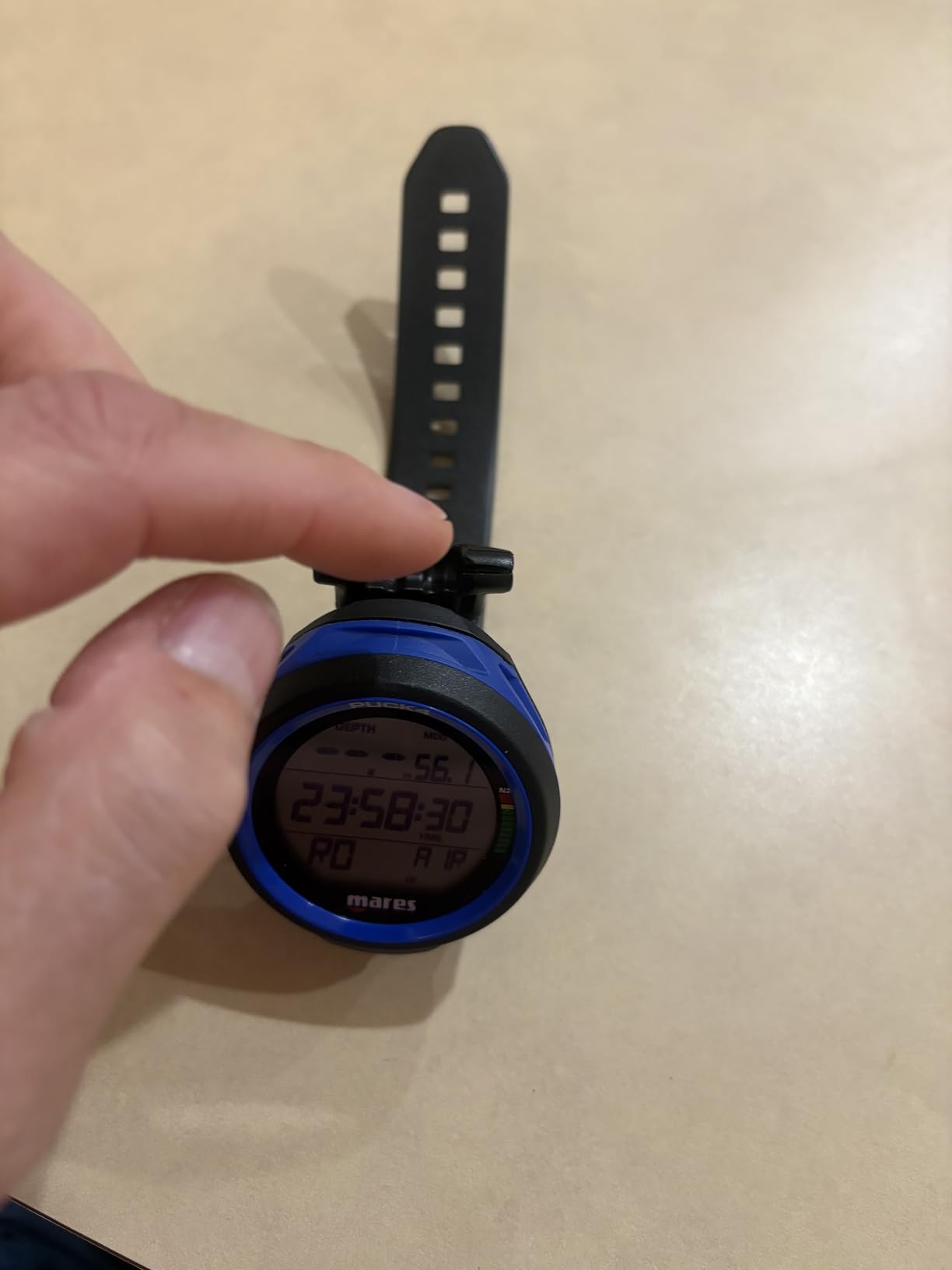
The single button works underwater with thick gloves, and the removable strap means the computer can be transferred into a Mares Mission console. At 67 reviews and a 4.2 average, with 75 percent five-star, the owners who leave detailed feedback are mostly already certified beyond Open Water and found it covers their needs without extra complexity.
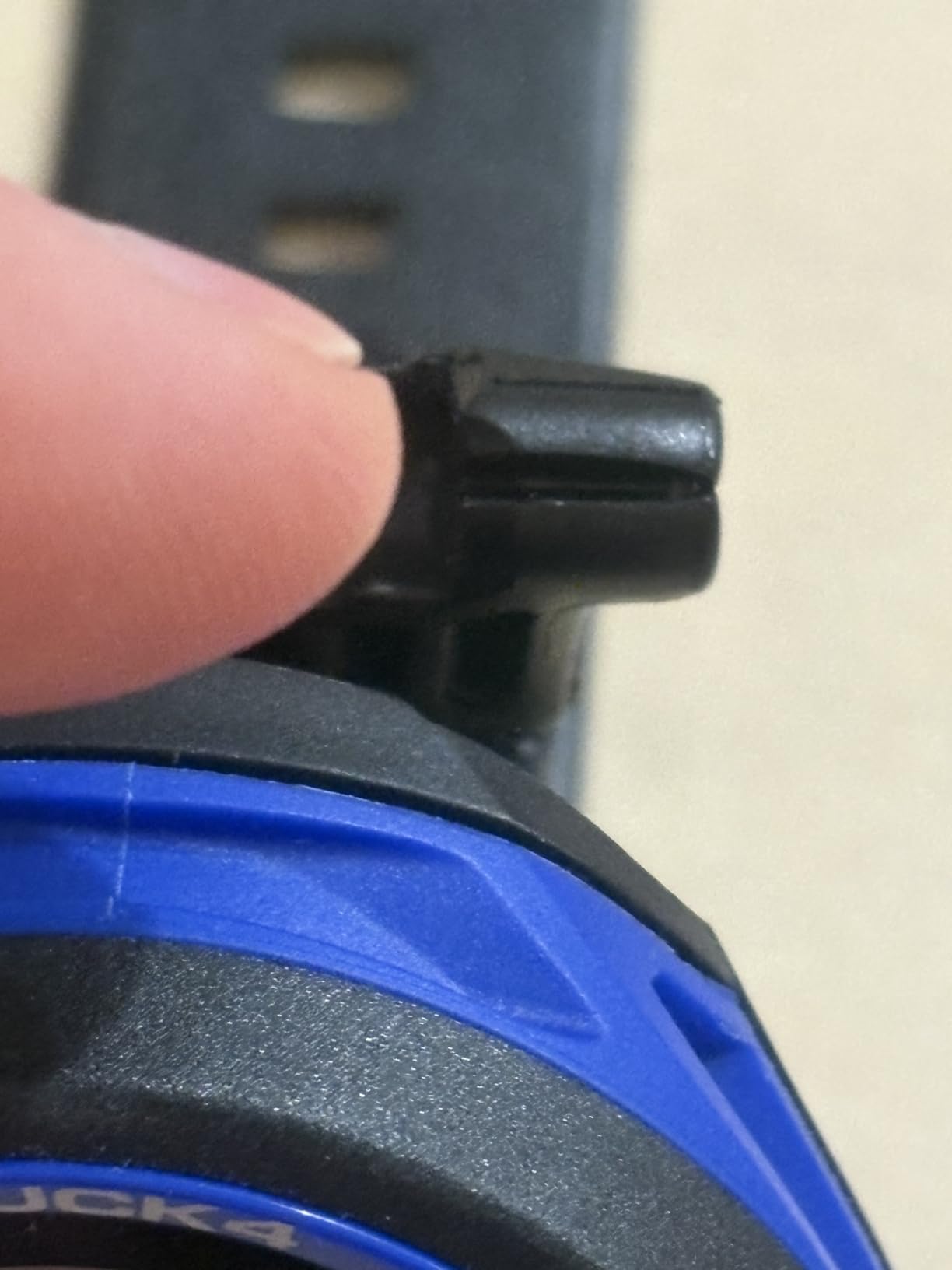
There are three specific limitations worth knowing before you buy, all of them documented in the reviews. Gradient factors are capped at 85 percent, which is fine for leading a dive and restricts using it as a backup ascent computer on a planned decompression dive. Multigas configuration insists the second gas has a higher oxygen percentage than the first, so an air pony bottle cannot be entered as gas 2.
Is a modern algorithm overkill for a beginner
Not at all. The practical benefit is not the mathematics, it is the option value: when you take a nitrox course, start logging multi-gas dives or move toward deeper recreational depths, nothing needs replacing. The gradient factor settings also let you back off conservatism if the computer feels stricter than your instructor’s plan.
The purchase details that catch people
This is an accessory-driven watch, so budget for the fact that a transmitter for tank pressure is a separate purchase. One owner also reports that the safety-stop completion alert did not work on their unit, and another received a holed strap with no straightforward replacement available, so check the seal and the strap on arrival. For anyone on a tight budget, that is worth a phone call to the seller before you rely on it.
6. Mares Puck Pro EZ: Lightest Dive Computer With a Buhlmann Algorithm
Mares Puck Pro EZ Wrist Underwater Scuba Dive Computer (414177) – Depth, Decompression, Temperature, Time Dive Data Display
Buhlmann dual gradient factors
Nitrox 21-50 percent
Single button
100 dive power
Pros
- Light and comfortable enough to wear all day
- Buhlmann ZH-L16C with dual gradient factors at an entry-level cost
- Bluetooth log upload straight to a phone
- Replaceable power source rated for up to 100 dives
Cons
- Stripped-down EZ feature set offers fewer electronics than earlier Puck models
- Ascent alarm triggers on small depth changes and cannot be adjusted alone
- No compass
At 12 ounces and a polycarbonate case, the Puck Pro EZ is the least intrusive watch in this roundup, and at 4.8 stars it has the highest average rating of the group. The catch is that it has 15 reviews, so treat that number as a thin signal rather than a verdict. The owners who did review it are mostly newly certified divers and people on their Advanced course, and they describe it as doing everything they needed simply and reliably.
Underneath the stripped-back shell it runs Bühlmann ZH-L16C with dual gradient factors, supports nitrox from 21 to 50 percent, has a high-contrast chip-on-glass display showing depth, time, temperature and no-deco limits, and uploads logs over Bluetooth.
The distinguishing mechanical point on the EZ model is the replaceable power source, rated for up to 100 dives, which means you can top it up rather than send the watch away. It also has no compass, which is worth knowing before you plan any navigation dive.
One substantive critique comes from a diver who does 100 nitrox dives a year: the ascent alarm is over-sensitive, triggering after very small depth changes, and it cannot be adjusted on its own. That same reviewer noted the EZ feature set is reduced compared with earlier Puck models and wished for a compass. If you are a high-frequency diver, read that as a warning.
Who should buy the EZ over the Puck 4
Choose the EZ if wrist comfort and Bluetooth logging matter more to you than multigas and the removable strap. Choose the Puck 4 if you might use more than one gas or want the console option. Both are Mares, both run the same algorithm family, and both are easier to live with than their spec sheets suggest.
What a 15-review average is worth
Very little on its own. The 4.8 is almost certainly flattering because early buyers of a new variant tend to be enthusiasts. Judge it on the features, which are ordinary and good, rather than on the star figure. Our wider dive computer coverage on 12 best dive computers covers the wider range if you want to compare the algorithm families side by side.
7. Cressi Donatello: Best Simple Cressi With a Deeper Depth Rating
Cressi Donatello Scuba Dive Computer, Single-Button Interface, Black/Blue
Single button
150 m rating
Lithium cell
Freediving gauge
123 g
Pros
- Single-button interface genuinely suited to a novice diver
- Switches between air and nitrox and adds a freediving gauge mode
- User-selectable deep stops for personalised ascent planning
- Weighs 123 g and feels light under a wetsuit cuff
Cons
- Non-rechargeable battery cell needs periodic replacement
- Data syncing needs a separately sold infrared interface
- Older-style monochrome LCD is less readable in low light than colour screens
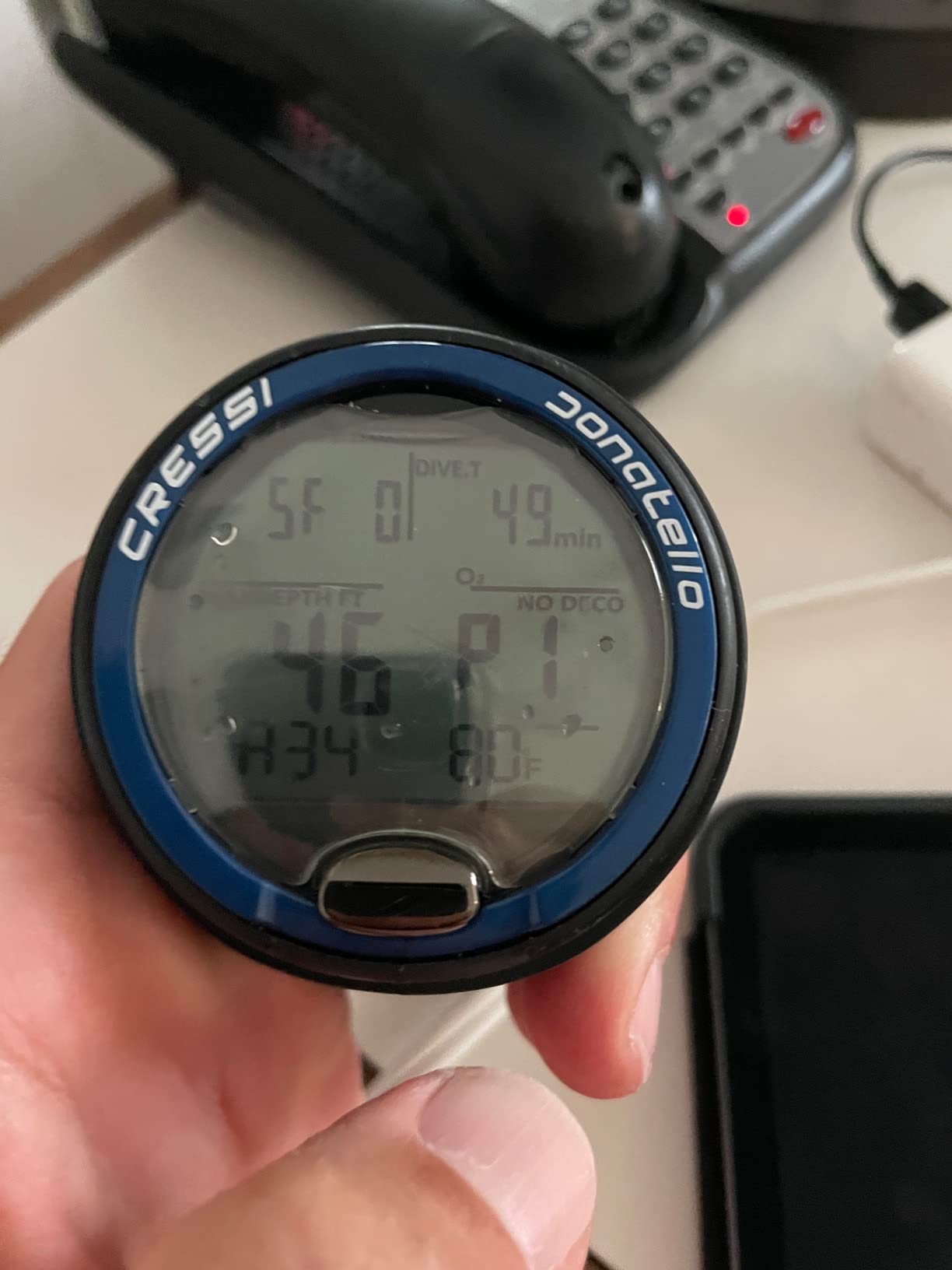
The Donatello is the Cressi to buy if you want more capability than the Leonardo without moving up to a colour screen. It holds a 4.4 average across 613 reviews, with 73 percent five-star and 85 percent four-star or better, and the feedback clusters cleanly around a short learning curve and a high-contrast display.
The difference that matters to a new diver is flexibility. It switches between air and nitrox, adds a freediving gauge mode for breath-hold sessions, and lets you select deep stops, which the Leonardo does not offer. Depth rating is 150 metres, the deepest on this list, and the case is a lighter 123 g.
Power comes from a replaceable lithium manganese dioxide cell rated at 320 mAh with a two-year warranty, and connectivity is infrared, with an optional interface that works on Windows and Mac. Setting that expectation matters: plan on replacing the cell and on a cradle purchase if you want logs on a computer.
Leonardo or Donatello, and why it comes down to this
The Leonardo has a 100 m rating, a 44 mm screen, a three-year average battery life claim, and USB plus infrared transfer. The Donatello has a 150 m rating, a freediving gauge mode, selectable deep stops, a lighter body and a 4.4 average against the Leonardo’s 4.2. The Leonardo wins on review volume and on being the unit you have probably already used on a rental. The Donatello wins on features, depth rating and how it reads in reviews.
The segment-screen ceiling
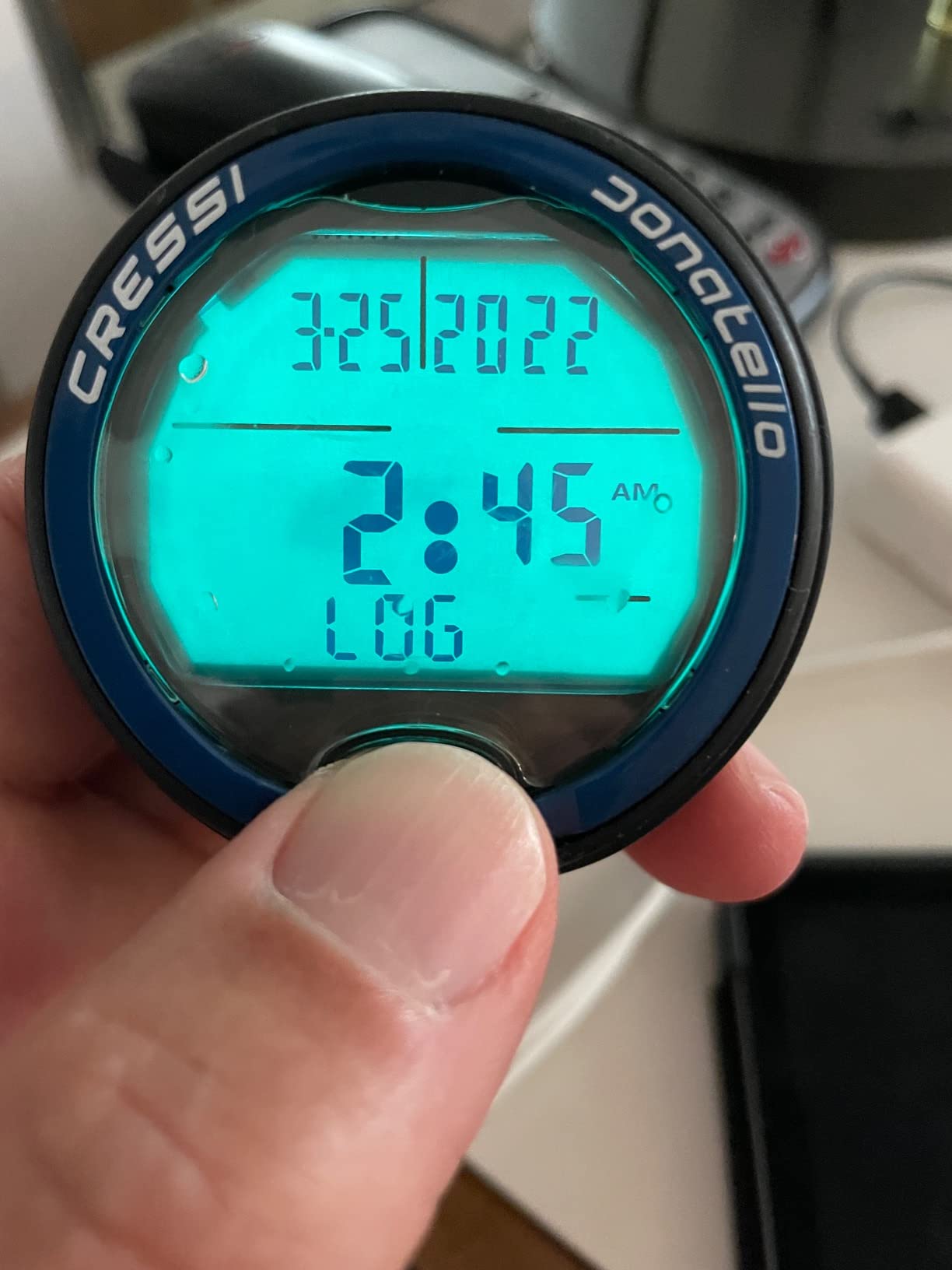
Both Cressi watches here use older-style monochrome LCD panels, and both are less readable in low light than a colour or dot-matrix display. If your diving includes night dives, undercuts or cold water where you need to look at the screen constantly, that is the argument for stepping up to a Shearwater instead. Otherwise the Donatello is a very sensible, very simple tool.
8. Cressi Neon: Best for the Brightest Backlight in the Roundup
Cressi Neon, Black/Black
48 mm case
4000 cd per sq m backlight
4 modes
50 dives per modality
Pros
- Very bright backlight for low-light and night dives
- Four modes in one watch including freediving
- Cressi RGBM Wienke 9 algorithm with a customisable safety factor
- 48 mm case works as an everyday watch
Cons
- No built-in Bluetooth so a separate interface is needed for log downloads
- Two-button layout differs from the single-button Cressi models
- 48 mm case is larger than the slimmest wrist computers
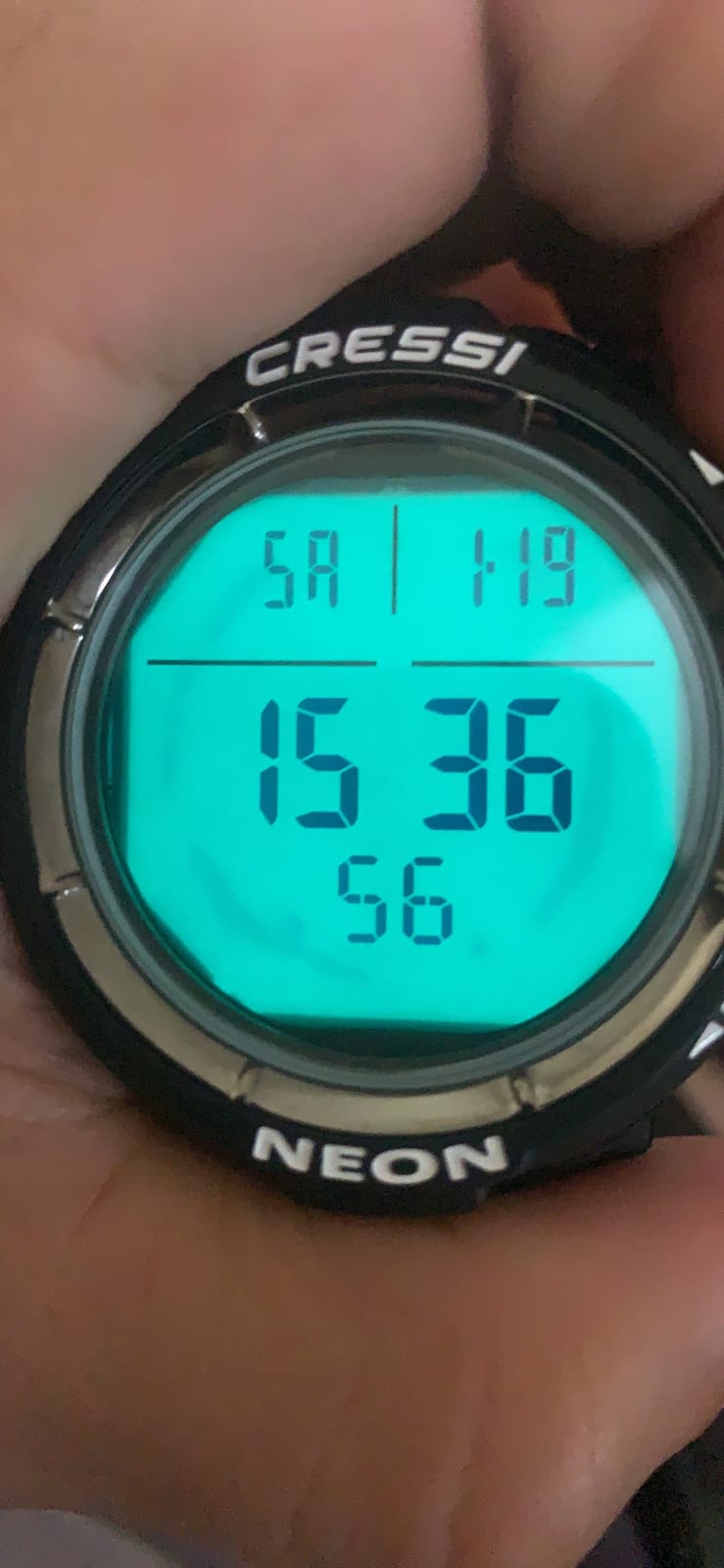
The Neon is the answer for a diver who cannot see their watch. Its maximum display brightness is listed at 4000 candela per square metre, which is dramatically brighter than a standard backlit segment panel, and reviewers consistently single that out as the reason they like it. If you dive at night, in a cave, or under an overhang, that single specification is worth more than every other feature combined.
It runs four modes, air, nitrox, gauge and freedive, on a two-button interface, and uses the Cressi RGBM Wienke 9 algorithm with a safety factor you can adjust. The logbook stores 50 dives per modality or 40 hours, and there is an ascent speed indicator with both visual and acoustic alarms.
It is also a watch you could plausibly wear ashore: a 48 mm plastic case on a silicone band, weighing 100 g. The listing shows a 320 by 320 LCD panel and multi-gas handling within a single immersion, which is a useful capability for a recreational computer.
The water-resistance reports to take seriously
Two reviews on this listing describe water ingress that put a computer out of service within a few dives. That is a small sample on 38 reviews, but it is the kind of report that changes behaviour: if you buy the Neon, test it in a shallow pool or a bathtub for an hour before you rely on it, and keep the sales record. Return windows exist for exactly this reason.
Choosing between the Neon and the Leonardo
They sit at opposite ends of the Cressi range. The Neon is a two-button, four-mode, very bright watch with a colour-capable resolution and a replaceable-in-theory ecosystem; the Leonardo is a single-button, three-mode watch with the biggest review base in the industry and a three-year battery life claim. New certified divers who already know the Leonardo will be faster with it. Divers who need to read the screen in the dark should look past it.
9. Mares Puck Lite: Best Travel Dive Computer
Mares Puck Lite Scuba Diving Computer | Watch-Style One Button Control Underwater Freediving Scuba Diving Computer – Aqua
800 segment display
Buhlmann gradient factors
Nitrox 21-50
100 dive logbook
Pros
- Light and compact body with minimal wrist bulk for travel
- Buhlmann ZH-L16C with customisable gradient factors at an entry-level cost
- 100-dive logbook with graphs and profiles plus Bluetooth syncing
- User-replaceable power source rated through 100 dives
Cons
- Initial setup is hard to learn and settings are difficult to change afterwards
- Main underwater screen prioritises time rather than depth
- No compass and no printed instructions in the box
The Puck Lite is built for someone who packs light. The case is compact, the whole watch is 12 ounces, and reviewers describe it as comfortable on the wrist with good underwater visibility on the 800-segment chip-on-glass display. European owners in particular call it a good holiday-diving unit, which is a specific and useful kind of endorsement.
Underneath it is a capable recreational computer: Bühlmann ZH-L16C with customisable gradient factors, nitrox from 21 to 50 percent, single-button navigation that works with gloves, a 100-dive logbook with graphs and profiles, and integrated Bluetooth for both firmware updates and log syncing to the Mares and SSI apps.
Configure it before you fly, not at the dock
The most consistent complaint across the 28 reviews is configuration: two buyers report difficulty changing settings such as metric and imperial, and the feedback notes that initial setup is hard to learn with no printed instructions in the box. Plan twenty minutes at a kitchen table before your trip rather than ten minutes in a car park. Download the app first, pair the watch, and set your units while you have Wi-Fi.
Why the display order matters underwater
The main underwater screen prioritises time rather than depth, which is a small decision with a real consequence. Depth is the number you read most often on a recreational dive, so make sure the alternative depth field is enabled and on a field you actually glance at. There is also no compass, so do not plan a navigation dive on this watch alone.
10. Suunto D4i Novo: Best Small Suunto Watch With Tank Pressure
SUUNTO D4i Novo Diving Watch, White
49 x 22 mm display
Air nitrox freedive gauge
Bluetooth app
50 m rating
Pros
- Accurate and compact
- smaller than most dive computers
- Air nitrox freedive and gauge modes plus timer and watch functions
- Wireless tank pressure reading with a separately sold transmitter
- Graphical dive logs and Bluetooth Suunto app connectivity
Cons
- Backlight is dim and the screen is hard to read at maximum contrast
- Rechargeable battery degrades and needs replacing sooner than expected
- 50 m water resistance and a separately sold USB cable
The D4i Novo is the smallest watch in this roundup, and recreational divers who own one describe it as accurate, easy to use and smaller than most dive computers. At 8 ounces on a silicone strap, it is the one here most likely to stay on your wrist between trips, which matters because a computer you take off and forget is a computer you will not have on the boat.
It covers air, nitrox, freedive and gauge modes alongside timer and watch functions, offers graphical dive logs, and connects by Bluetooth to the Suunto app. Tank pressure is available wirelessly with a separately sold Suunto transmitter, so the capability is there if you later add one.
Read the screen criticism carefully
The 4.1 average across 32 reviews carries two persistent problems. The backlight is described as dim and the screen as hard to read even at maximum contrast, which is the single most common criticism. The second is battery longevity, with several owners reporting replacement needed far more often than advertised. If either of those would frustrate you, the Suunto D5 is the same brand with a brighter colour screen and vibration alarms.
The depth rating is the detail to check
This model is listed at 50 m of water resistance, lower than the 100 m ratings on the Zoop-class and D5 watches and lower than the 120 m and 150 m figures elsewhere in this list. Thirty metres is all you need for recreational diving, so this is not a blocker, but it is the number to remember if you ever take the watch outside a dive. USB cable and extension strap are also separate purchases, which is annoying if you travel.
How to Choose Your First Dive Computer
Dive frequency is the question almost every buyer in our forum research got stuck on, and it is the one that should drive your decision. Divers who describe themselves as going out for two or three days a year need a reliable, simple, affordable watch. Divers logging 20 to 40 dives a year are carrying it on every trip and wearing it every day, so comfort and battery endurance start to matter. Our wider picks on dive watches worth a closer look are worth reading if everyday styling is the deciding factor.
Screen size is the second axis, and it is not as subjective as it sounds. Divers in their forties and fifties consistently describe upgrading for exactly this reason, with bigger screens becoming the standard recommendation as eyesight changes. If you are over 40, buy the larger screen now. The rectangle format, which is wider than it is tall, shows more text at a glance than any segment display and is the easiest to read at depth.
Button count is the third. A single button means one control for everything, which is foolproof but slow for configuration. Two or three buttons with a state-aware menu means faster setting changes and clearer screens. A puck that needs a long button sequence to change units will annoy you on a liveaboard in the dark, and that is a real quality-of-life difference rather than a spec-sheet difference.
Battery type decides how you travel. User-replaceable cells and replaceable power sources rated for around 100 dives mean you can carry a spare and forget about charging. Rechargeable units, including the Peregrine at about 30 hours per charge and the D5 at up to 12 hours of dive time, mean you charge every night. For cold-water and multi-day trips, the rechargeable option is now clearly good enough.
Air integration is the last one, and the answer for a beginner is almost always no. A wireless transmitter adds tank pressure, remaining air time and respiratory rate, but a new recreational diver has a gauge, a computer and a buddy team for gas planning. Buying a transmitter for your first twenty dives is money spent on a feature you will not use. Three of the picks here, the Peregrine, the Puck 4 and the Garmin, omit air integration entirely and lose nothing for it.
The filter most beginners actually search on, and the one that shows up repeatedly in first-computer threads, is simple: reliable, rugged, backlit and nitrox-capable. Every pick on this list meets the first three, and all but the Puck Lite, the Puck Pro EZ and the D4i Novo in a meaningful nitrox sense. Start there, then use screen size and wrist comfort to choose between them.
Setting Up a New Dive Computer: A Day-One Walkthrough
Every new diver stalls on the same thing, which is the first hour with the box. Do this before you get to the water, in this order, and the computer will behave itself.
First, set your units. Metric and imperial depth, temperature and altitude defaults differ by region and it is genuinely harder to read a dive profile in the wrong units. This is also the setting buyers most often report struggling with on the Mares watches, so give it patience.
Second, set the time, date and time zone. If you fly before you dive, set the altitude manually to the elevation of the dive site, because a computer that does not know you are at 2000 metres will calculate a less conservative schedule than you need.
Third, choose your gas. If you are on air, set the oxygen percentage to 21 percent. If your dive shop gave you an EAN32 or EAN36 nitrox mix, set that exact figure, because a computer set to 21 percent while you are breathing 32 percent will show you more no-deco time than you actually have.
Fourth, pick your dive mode. Air, nitrox, gauge and freedive all do different things, and gauge mode turns the watch into a depth and timer instrument for cave and overhead diving. You can ignore it for now, but know it is there.
Fifth, set your safety stop. Three metres for five minutes is the standard recreational default and most computers will prompt you. If your instructor plans differently, change it now rather than in the water.
Sixth, pair the app and download the firmware if the watch supports Bluetooth. The Mares Puck 4, the Puck Lite, the Puck Pro EZ, the Shearwater Peregrine, the Suunto D5 and the D4i Novo all transfer logs over Bluetooth. The Cressi Leonardo and Donatello and the Cressi Neon need a cable or a separately sold interface, so know that before you start.
Finally, run a shallow confidence dive inside your no-deco limits and watch what the numbers do as you descend and ascend. That single dive will do more for your understanding than an hour of reading the manual, and it is the moment the computer stops being a gadget and starts being an instrument.
Frequently Asked Questions
Which dive computer is the easiest for beginners to read?
Readability comes down to physical display size, digit height and backlight brightness, not brand. The Shearwater Peregrine has a 2.2 inch full colour screen and is the easiest to read in this group. The Cressi Leonardo and Mares Puck models use segment displays with very large digits, which stay legible in poor conditions but show little text. For night dives and undercuts, the Cressi Neon has the brightest backlight here at 4000 cd per sq m. If you are over 40, buy the larger screen rather than negotiating with a small one.
What is the best dive computer for a beginner?
The Shearwater Peregrine is the best all-round choice for a beginner because it combines a full colour display, a two-button state-aware menu that is easy to learn, roughly 30 hours of battery per charge and Bluetooth log transfer, so it stays useful as you progress. The Cressi Leonardo 2.0 is the best lower-cost option and the most-reviewed dive computer of its kind. Choose based on how often you dive and how large a screen you want on your wrist.
Is Cressi Leonardo or Donatello better?
The Donatello is the more capable of the two. It is rated to 150 m against the Leonardo’s 100 m, adds a freediving gauge mode, and offers user-selectable deep stops, and it holds a 4.4 average across 613 reviews versus 4.2 across 3570. The Leonardo wins on review volume, a three-year average battery life claim and USB transfer, and it is the unit most dive shops rent. Both use a single button and both need a separate accessory for phone syncing.
Which dive computer is best for daily wear?
The Garmin Descent G1 is the best single-device answer, combining dive modes for recreational, advanced, technical, freediving and spearfishing with over 30 sport apps, wrist heart rate, Pulse Ox and 21 days of battery in smartwatch mode. Among dedicated dive watches, the Shearwater Peregrine and the Cressi Neon at 48 mm are the most watch-like. The classic puck format is a dive instrument, not an everyday watch, and a slim rectangle suits shore wear far better.
Do beginners need air integration on a first dive computer?
Rarely. Air integration needs a separate wireless transmitter and adds tank pressure, remaining air time and respiratory rate, none of which a new recreational diver needs when they have a gauge, a computer and a buddy team for gas planning. Three picks here, the Shearwater Peregrine, the Mares Puck 4 and the Garmin Descent G1, do not include it and lose nothing for a first purchase. The Suunto D5 and Suunto D4i Novo support a separately sold transmitter if you add it later.
How many dives does a dive computer battery last?
It depends entirely on the power source. The Mares Puck Pro EZ and the Mares Puck Lite both use a user-replaceable power source rated for up to 100 dives, and the Cressi Leonardo lists an average battery life of three years. The Shearwater Peregrine runs about 30 hours per charge, which covers a full multi-day trip, while the Suunto D5 lists up to 12 hours of dive time. Owners report rechargeable cells in the Suunto watches degrading sooner than advertised, so plan to charge nightly rather than assume a full week.
Which Dive Computer Should You Buy in 2026
If you are buying your first computer and you want one you will not replace, take the Shearwater Peregrine. It is the highest-rated pick in this group, it is the only one with a full colour screen and a 30-hour charge, and its two-button menu is the least likely to frustrate you on a boat in the dark. Leave the factory sheet on the display and it should last years.
If the budget is the deciding factor, the Cressi Leonardo 2.0 is the answer that most beginners should actually make. It has the largest review base in the industry, it is the computer you have probably already used on a rental, and its three modes cover every recreational dive you are likely to do. Add the Cressi Donatello instead if you want a deeper depth rating, a freediving gauge and selectable deep stops for a modest step up.
If you dive two or three days a year and want the least weight on your wrist, the Mares Puck Lite or the Mares Puck Pro EZ both run a Bühlmann ZH-L16C algorithm with customisable gradient factors and log over Bluetooth, and both take a replaceable power source rated for around 100 dives. Step up to the Mares Puck 4 if you think multi-gas diving is on the horizon. If you want the brightest backlight available for night dives, the Cressi Neon is the one, and test it in fresh water before you rely on it.
If you want one device for diving and everything else you do, the Garmin Descent G1 is the clear pick, with GPS surface marking, 25 hours in dive mode and 21 days as a smartwatch. The Suunto D5 is the value route to a colour screen with a digital compass and wireless tank pressure support, and the Suunto D4i Novo is the smallest watch here if daily wear matters most and you can live with a dimmer backlight.
Whatever you choose, buy it over renting once you own your own equipment, and set it up properly before the water. Our automatic dive watch roundup covers the mechanical side of the market if you want a second instrument for surface use.