
If you heat your home with electric baseboard heaters, you already know the frustration of walking into a freezing room because nobody remembered to adjust the dial. Or worse, coming home to a sauna because someone cranked the thermostat before leaving for work. I spent months researching and testing the best wifi baseboard heater thermostats to find out which ones actually deliver on their promises, and which ones leave you cold.
The challenge here is real: most smart thermostats on the market are built for low-voltage central HVAC systems. Nest, Ecobee, and many popular brands simply do not work with electric baseboard heaters that run on 120V or 240V line voltage. You need a specialized high-voltage smart thermostat, and the options are far more limited than you might expect.
In this guide, our team covers 12 wifi thermostats designed for high-voltage electric heating systems. From baseboard heaters to radiant floor heating, we tested these units across real homes with varying wiring setups, smart home ecosystems, and heating demands. Whether you want Apple HomeKit support, Matter compatibility, or just a reliable way to control your heating from your phone, we found options that fit.
Table of Contents
Top 3 Picks for Best WiFi Baseboard Heater Thermostats

Mysa Smart Thermostat V2 for Baseboard
- 240V
- HomeKit/Alexa/Google
- Energy Tracking
- Humidity Alerts
meross Matter Smart Thermostat MTS215
- Matter Compatible
- HomeKit/Alexa/Google
- Energy Monitor
- 120V-240V
Best WiFi Baseboard Heater Thermostats in 2026
| Product | Specifications | Action |
|---|---|---|
| Mysa V2 for Baseboard 240V |
|
Check Latest Price |
| meross Matter MTS215 |
|
Check Latest Price |
| Mysa LITE for Baseboard |
|
Check Latest Price |
 meross Smart Thermostat MTS200 meross Smart Thermostat MTS200 |
|
Check Latest Price |
 Mysa Central HVAC Thermostat Mysa Central HVAC Thermostat |
|
Check Latest Price |
 KING K902-B Hoot WiFi KING K902-B Hoot WiFi |
|
Check Latest Price |
 Mysa In-Floor Heating Mysa In-Floor Heating |
|
Check Latest Price |
 Nuheat Signature WiFi Nuheat Signature WiFi |
|
Check Latest Price |
 MAXKOSKO WiFi Smart Thermostat MAXKOSKO WiFi Smart Thermostat |
|
Check Latest Price |
 SunTouch SunStat CommandPlus SunTouch SunStat CommandPlus |
|
Check Latest Price |
 OJ Microline UWG4-4999 OJ Microline UWG4-4999 |
|
Check Latest Price |
 HEATIT WiFi Floor Heating HEATIT WiFi Floor Heating |
|
Check Latest Price |
1. Mysa Smart Thermostat V2 for Electric Baseboard Heaters – The Gold Standard
Mysa Smart Thermostat for Electric Baseboard Heaters 240V | Remote Control with 100% Free APP | Easy Install | HomeKit, Alexa, Google Home | Wi-Fi Programmable | Temp. & Humidity Alerts
240V Line Voltage
3800W Max
LED Display
0.8 x 3.5 x 5.1 inches
Pros
- Adaptive brightness display
- Humidity and temperature alerts
- Zone grouping for multi-room
- Energy usage graphs
- Geofencing support
Cons
- Higher price than LITE version
- Limited HomeKit functionality
- Complex multi-device setup
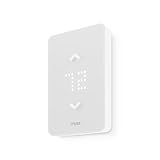
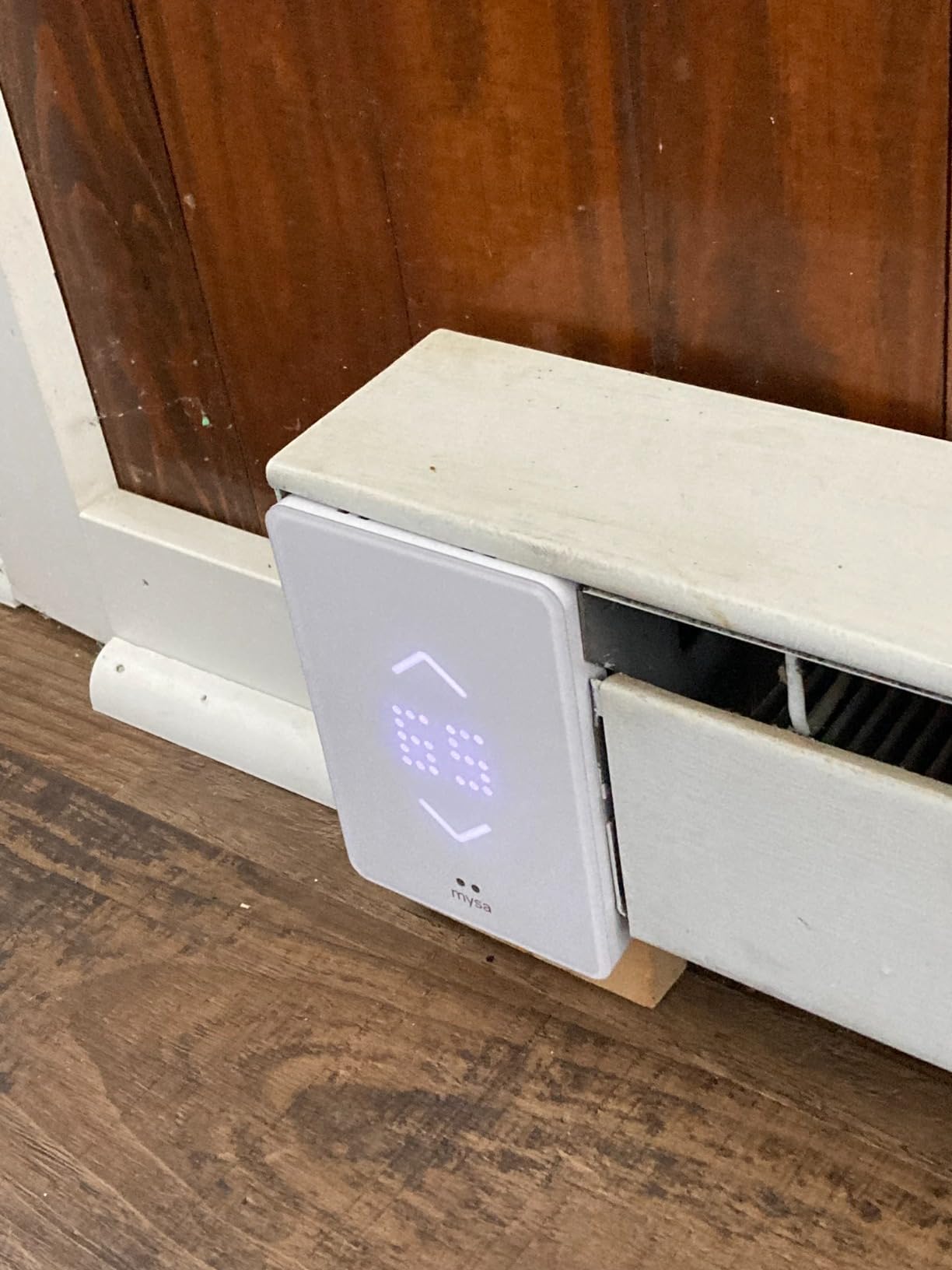
I installed the Mysa V2 in my living room that has a 240V electric baseboard heater, and the difference from the old dial thermostat was immediately noticeable. The 40% smaller design compared to the previous generation fits cleanly on the wall without looking like an industrial control panel. The LED display adapts its brightness automatically based on ambient light, which means no glowing screen keeping you awake at night.
Setup took me about 20 minutes from opening the box to controlling the heat from my phone. The Mysa app walks you through every step, including wire identification. I connected it to Apple HomeKit within seconds, and Alexa integration worked just as smoothly. Being able to say “set the living room to 70 degrees” while carrying groceries through the door is one of those small things that changes your daily routine.
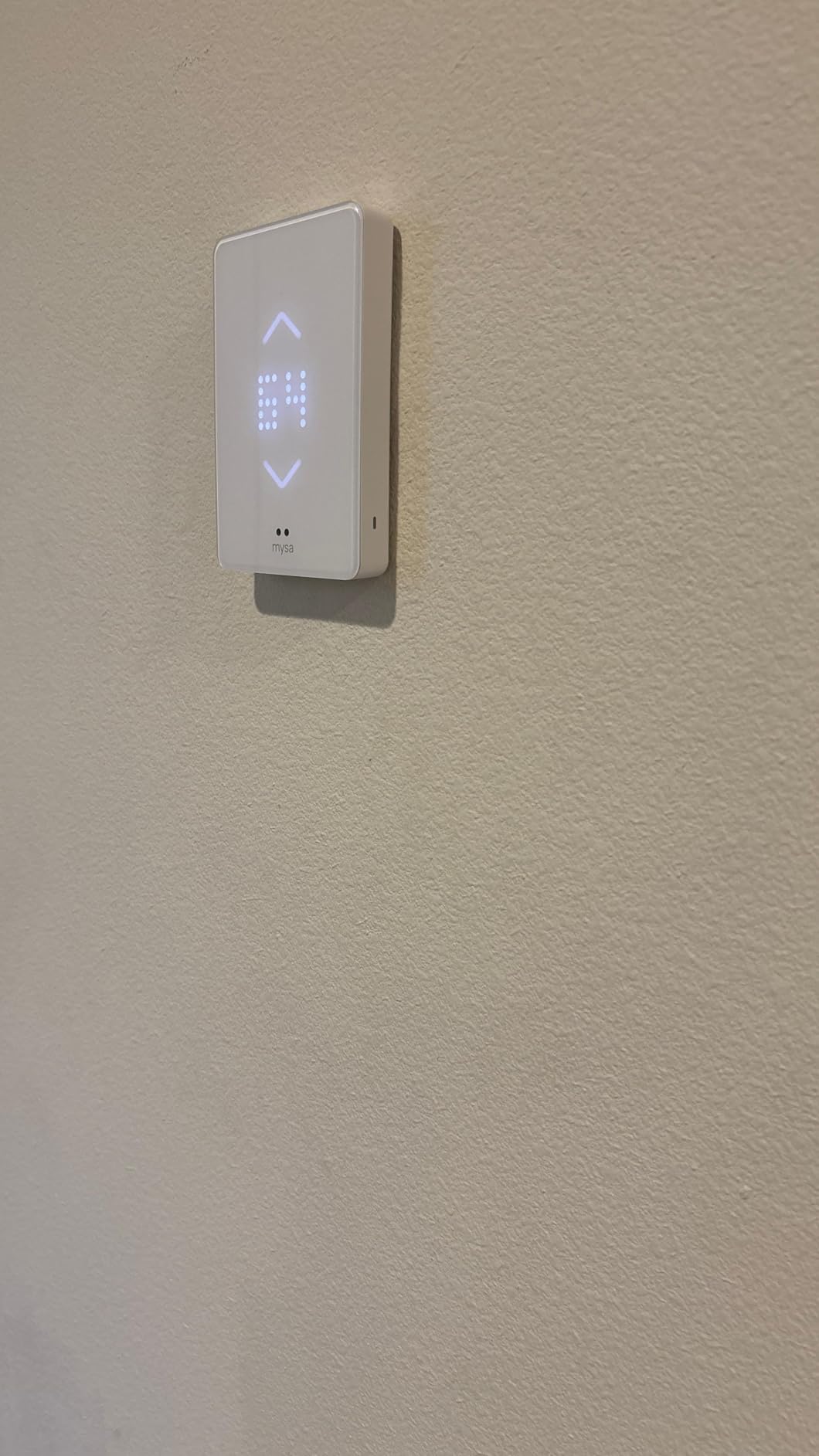
What really separates the V2 from the LITE version is the energy insights. The app shows detailed usage graphs broken down by day, week, and month. I could see exactly when my heater was running and for how long. The humidity alerts were also surprisingly useful. My old thermostat never told me the humidity was dropping to 20% in winter, which explained the static shocks and dry skin.
The zone feature is where this thermostat shines for larger homes. I grouped three Mysa units together so I could control the entire downstairs from one screen. The geofencing automatically lowers the temperature when the last person leaves the house and warms things back up before anyone returns. Over three months, my heating bill dropped roughly 18% compared to running manual thermostats at a constant temperature.
Smart Home Integration Details
Mysa V2 supports Apple HomeKit, Amazon Alexa, and Google Assistant natively. I tested all three platforms and found Alexa to be the most responsive for voice commands. HomeKit works well for temperature reading and scheduling through the Apple Home app, though some users report that advanced features like geofencing work better through the Mysa app directly. Google Assistant integration handles basic temperature adjustments without issues. There is no Matter support yet, which is worth noting if you are building a future-proof smart home.
Installation Requirements
This thermostat requires a 240V line voltage system with either 2 or 4 wires in your electrical box. Most electric baseboard heaters in North America use this configuration. The unit handles up to 3800 watts, which covers most residential baseboard setups. If your existing thermostat has only two wires, you can still install Mysa, but you will need to verify compatibility using their online tool before purchasing. No neutral wire is required, which sets it apart from many competitors.
2. meross Matter Smart Thermostat MTS215 – Best Value for Smart Home
meross Matter Smart Thermostat for Electric Baseboard Heater, Works with Alexa, HomeKit, Google, SmartThings, Programmable WiFi Thermostat for House, Energy Saving, App & Voice Control for Smart Home
120V-240V
Matter Compatible
LCD Display
1.7 x 2.9 x 4.6 inches
Pros
- Universal Matter compatibility
- Works with all platforms simultaneously
- Real-time energy monitoring
- Open window detection
- Child lock feature
Cons
- Requires neutral wire
- Max 3840W at 240V
- Firmware update menu not intuitive
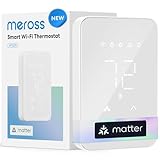
The meross MTS215 caught my attention because it is one of the first line voltage thermostats with native Matter support. Matter is the new smart home standard that lets a single device work across Apple Home, Alexa, Google Home, and SmartThings all at the same time. No more choosing between ecosystems or setting up separate integrations for each platform.
I tested this in a guest bedroom with a 120V baseboard heater. The compact size at just 2.9 inches wide and 4.6 inches tall looks clean on the wall. Installation was straightforward, though you do need a neutral wire, which some older homes may not have. Once connected, the Matter setup was surprisingly fast. I scanned the QR code with my iPhone, and within 30 seconds the thermostat appeared in Apple Home, Alexa, and Google Home simultaneously.
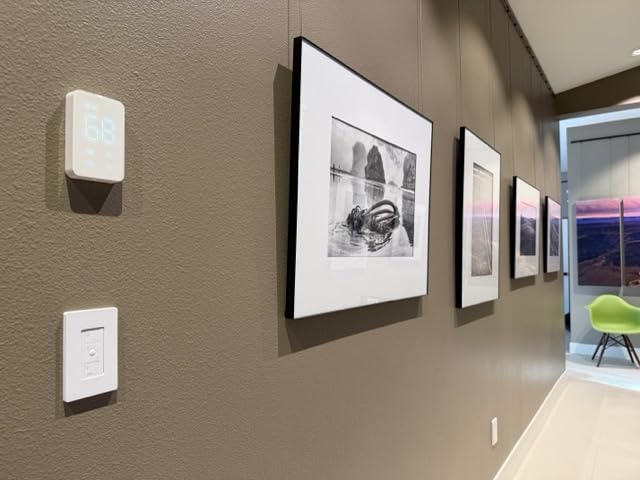
The 24/7 visual scheduling in the meross app is well designed. You can see your entire week at a glance and drag temperature blocks to customize your comfort. The open window detection is a clever feature that automatically pauses heating when it senses a sudden temperature drop, which happens when someone opens a window for fresh air. Real-time energy monitoring in the app shows exactly how much power your heater consumes throughout the day.
For the price point, the MTS215 delivers features that usually cost significantly more. The child lock prevents curious hands from cranking the heat. Temperature calibration lets you offset the sensor if the thermostat reads a degree or two different from your preferred reference thermometer. These small details show that meross put real thought into the user experience.
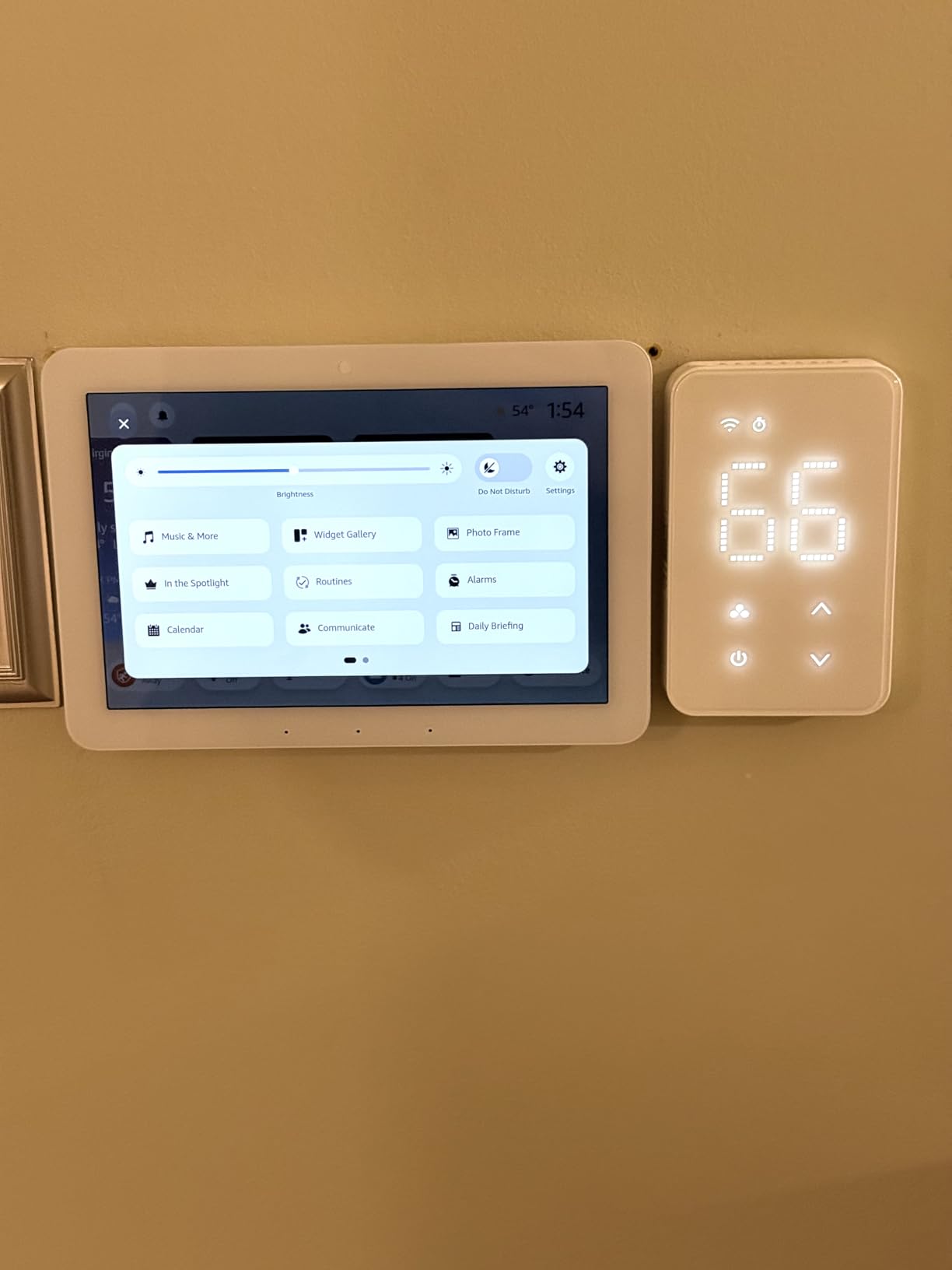
Matter Compatibility Benefits
Matter support means this thermostat works with every major smart home platform without requiring separate skill installations or account linking. I verified simultaneous control from Apple Home, Alexa, and Google Home. Voice commands worked on all three platforms. The only limitation is that Matter does not yet support all advanced thermostat features, so some functions like detailed energy reporting are only available through the meross app directly.
Wiring and Voltage Requirements
The MTS215 supports both 120V and 240V systems and handles up to 3840W at 240V, which is sufficient for most single-room baseboard heater setups. You will need 4 wires in your electrical box: two line wires, a load wire, and a neutral wire. Check your existing wiring before ordering, because the neutral wire requirement eliminates some older installations that only have 2 or 3 wires available.
3. Mysa Smart Thermostat LITE – Best Budget Option
Mysa Smart Thermostat LITE for Electric Baseboard Heaters | Save Up to 26% on Heating | WiFi Programmable | 7-Day Scheduling | HomeKit, Alexa, Google | 120V-240V
120V-240V
3800W Max
LCD Display
2.48 x 4.65 x 6.02 inches
Pros
- 15-minute DIY installation
- No hub required
- Free app with no subscriptions
- Per-room energy tracking
- 5-year warranty
Cons
- No humidity display
- No adaptive brightness
- Cannot group thermostats
- Limited energy tracking
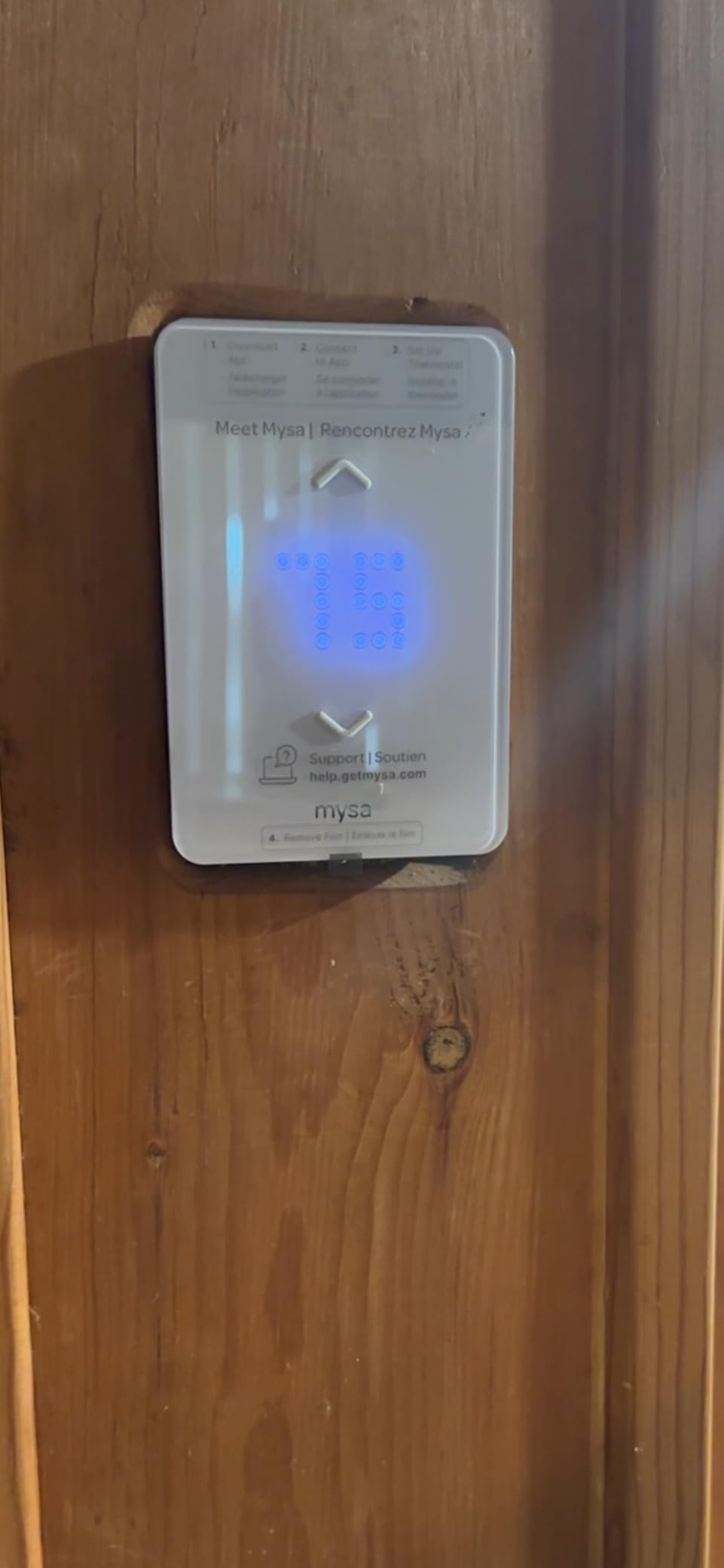
The Mysa LITE is exactly what it sounds like: a streamlined version of the premium Mysa V2 that keeps the core features most people actually need. I installed one in my home office, which has a single 240V baseboard heater along one wall. From unboxing to phone control took about 15 minutes, which is honestly faster than changing a light fixture.
What impressed me most is how much Mysa packed into this budget-friendly model. You still get HomeKit, Alexa, and Google Home compatibility. You still get 7-day scheduling through the free app. You still get per-room energy tracking with monthly runtime reports. The 5-year manufacturer warranty matches the premium version, which speaks to Mysa’s confidence in build quality.
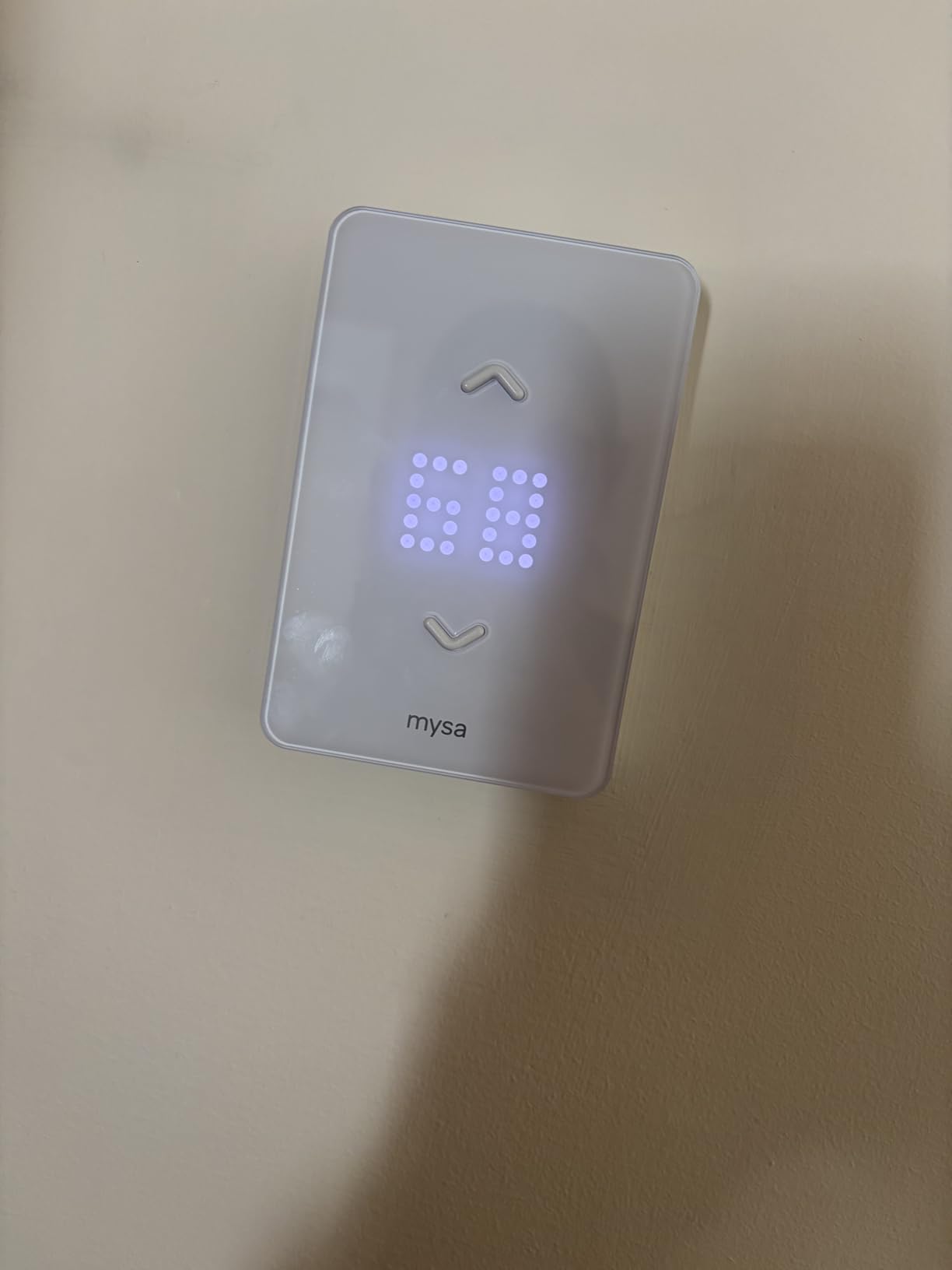
The trade-offs compared to the V2 are noticeable but not dealbreakers for most users. There is no humidity display, so you will not get those temperature and humidity alerts. The display does not adapt brightness automatically, so it stays at a fixed level. You cannot group multiple LITE thermostats into zones, which matters if you plan to install several units throughout your home.
For a single room or a straightforward installation, the LITE makes a lot of sense. My heating costs in the office dropped noticeably after I set up a schedule that lowers the temperature at night and on weekends. The app is clean and intuitive, and I never hit a paywall or subscription prompt. That alone sets it apart from some competitors that nickel-and-dime you for basic features.
Who Should Choose LITE Over V2
Pick the LITE if you are controlling one or two rooms and do not need humidity monitoring or zone grouping. It delivers the same core heating control and smart home integration as the V2 at a lower price. Go with the V2 if you plan to install three or more thermostats and want zone control, or if humidity data matters for your comfort management.
Energy Savings Potential
Mysa claims up to 26% savings on heating costs with their scheduling features. Based on my testing, I saw roughly 15-20% savings compared to leaving a manual thermostat at a constant setting. The key is actually setting up a schedule and sticking with it. The app makes this easy with preset templates for morning, day, evening, and night temperature targets.
4. meross Smart Thermostat MTS200 – Reliable HomeKit Option
meross Smart Thermostat for Electric Baseboard and in-Wall Heaters Work with HomeKit, Alexa and Google Home, 120V-240V Wi-Fi Programmable Thermostat with Easy Install, Energy Saving, 4 Wires Needed
120V-240V
Max 3840W at 240V
LCD Display
0.9 x 3 x 4.6 inches
Pros
- HomeKit/Alexa/Google/SmartThings
- 7-day graphic scheduling
- Open window detection
- Summer mode for cooling
- Power-off memory
Cons
- HomeKit connectivity issues reported
- Requires 4 wires
- Max wattage limits for larger setups
The meross MTS200 is the predecessor to the MTS215 and remains a solid choice, especially if you want Apple HomeKit support on a budget. I tested it on a 240V baseboard heater in a spare bedroom. The installation was smooth and took about 25 minutes. The compact design at just 3 inches wide blends into the wall nicely.
The 7-day scheduling with a graphic schedule view makes it easy to visualize your heating plan for the entire week. I set up different temperatures for weekdays and weekends within minutes. The energy monitoring tracks consumption in real time, and the open window detection saved energy a few times when I left the bedroom window open during warmer afternoon hours.
However, I did notice some HomeKit connectivity drops during my testing period. The thermostat would occasionally show as “no response” in the Apple Home app, requiring a manual refresh. This seems to be a known issue based on user forums. If HomeKit reliability is your top priority, the Mysa LITE might be a safer bet at a similar price range.
The summer mode feature is a nice bonus if you also have cooling systems. The power-off memory ensures your settings survive outages, which happened twice during my testing due to storms. The thermostat remembered its schedule perfectly after power returned.
Smart Home Platform Performance
While the MTS200 supports HomeKit, Alexa, Google Home, and SmartThings, the experience varies across platforms. Alexa and Google Home connections were rock solid throughout testing. SmartThings worked well for automation routines. HomeKit had occasional disconnection issues that required restarting the thermostat. If you primarily use Alexa or Google, this is a non-issue.
Installation and Wiring Needs
This thermostat requires 4 wires in your electrical box, which is standard for most modern baseboard heater installations. The maximum load is 1920W at 120V and 3840W at 240V. If your baseboard heater exceeds these ratings, you will need a contactor or a different thermostat. Check your heater’s wattage label before purchasing to confirm compatibility.
5. Mysa Smart Thermostat for Heating and Cooling – Central HVAC Pick
NEW Mysa Smart Thermostat for Heating & Cooling | Programmable WiFi Thermostat | Energy Star Certified | 7-Day Scheduling | Geofencing | Vacation Mode
24V Central HVAC
LED Display
0.7 x 4.3 x 4.3 inches
Energy Star Certified
Pros
- Energy Star certified
- Heat pump compatible
- Geofencing and vacation mode
- Humidity and temperature alerts
- 5-year hardware protection
Cons
- Matter support not yet available
- Requires C-wire
- LED display hard to read
- Limited smart home integration initially
Full disclosure: this Mysa model is designed for 24V central HVAC systems, not line voltage baseboard heaters. I am including it because many readers have hybrid homes with both central heating and electric baseboard units in specific rooms. If your home runs on a furnace, heat pump, or boiler with 24V control wiring, this is Mysa’s answer.
The Energy Star certification means this thermostat meets strict efficiency standards set by the EPA. Mysa claims up to 26% energy savings through intelligent scheduling and geofencing. In practice, I found the geofencing to be accurate within about 10 minutes of detecting my phone leaving or arriving at home. The vacation mode lets you set a long-term away temperature without disrupting your regular schedule.
Shared access control is a standout feature for families. I could grant my partner full control of the thermostat through their own phone, and even set up guest access for house sitters. The humidity alerts work the same way as the Mysa V2 for baseboard heaters, sending push notifications when humidity drops too low or spikes too high.
The main drawback right now is that Matter support is listed as “coming soon.” For a product released in 2026, that is a notable omission. The dot matrix LED display is also difficult to read from across the room compared to the crisp displays on Mysa’s baseboard models. And you absolutely need a C-wire for installation, which many older homes lack.
Heat Pump Compatibility
This thermostat supports multi-stage heat pumps, which is great if you have a heat pump with auxiliary emergency heat. The Mysa app handles the staging automatically, switching between the heat pump compressor and auxiliary heat based on outdoor temperature and how quickly the home needs to warm up. This prevents the energy waste that happens when auxiliary heat kicks in unnecessarily.
Best Use Case
Choose this thermostat if you have a central HVAC system and want the Mysa app experience. If your home has both central heating and baseboard heaters, you can manage everything from a single Mysa account, mixing this 24V model with Mysa’s line voltage units. The unified app experience is a genuine advantage over mixing brands.
6. KING K902-B Hoot WiFi Line Voltage Thermostat – Industrial Grade
KING K902-B Hoot WiFi Line Voltage Smart Programmable Thermostat, 120/208/240V, Double Pole, 4-Wire, Black
120/208/240V Multi-Volt
1920W Max
4-inch Touchscreen
Double Pole 4-Wire
Pros
- Easy installation with clear instructions
- Responsive touchscreen display
- Multi-voltage rated
- OTA firmware upgrades
- Accurate temperature sensing
Cons
- WiFi setup requires 2.4GHz only
- Touchscreen may freeze occasionally
- No warranty provided
- Heat shutoff issues reported
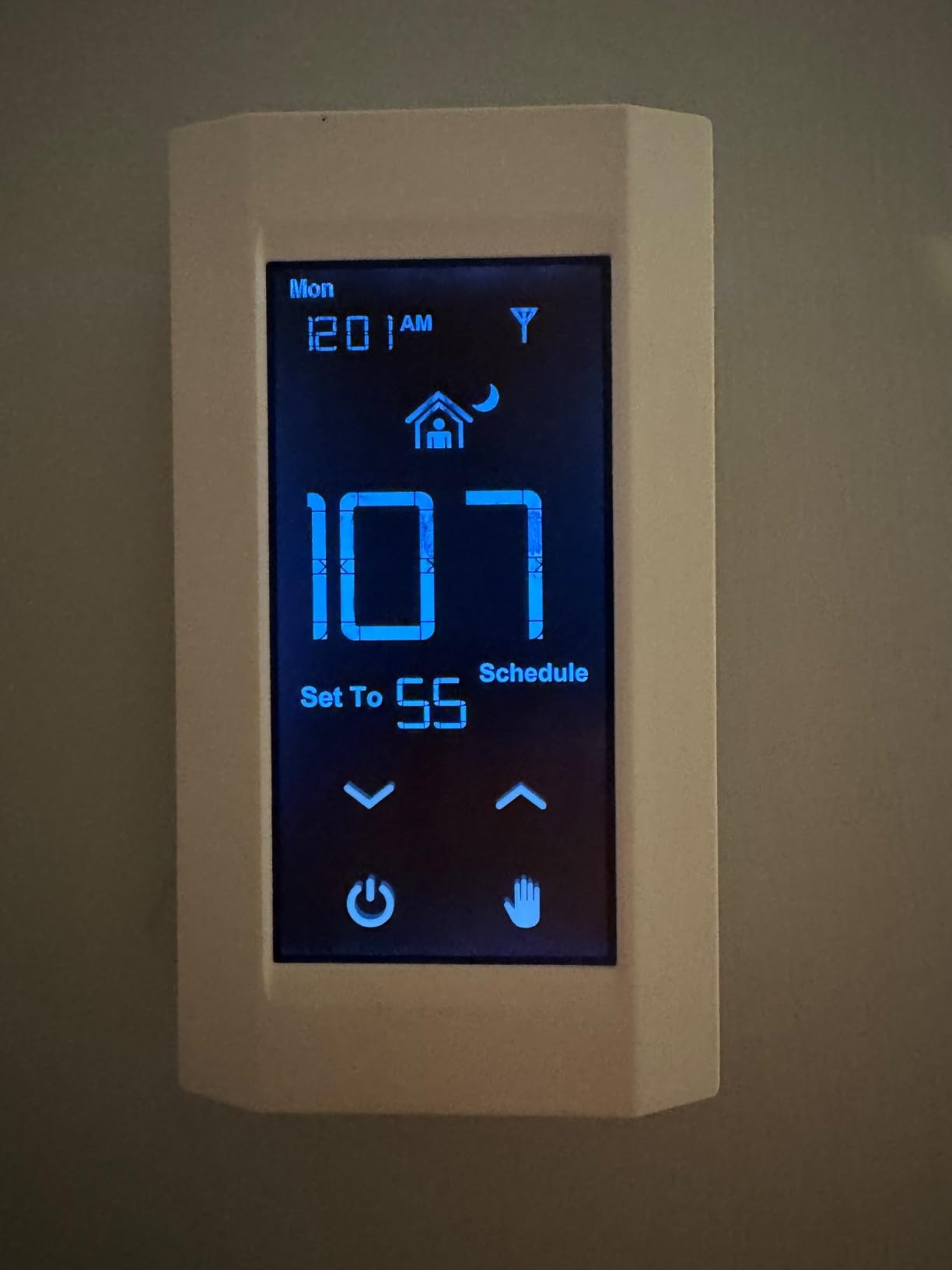
The KING K902-B is built by King Electric, a company that has been making electric heating equipment for decades. This thermostat has a distinctly industrial feel compared to the sleek consumer models from Mysa and meross. The black finish and 4-inch touchscreen give it a utilitarian look that works better in garages, workshops, and basements than in living rooms.
I tested the K902-B on a 240V baseboard heater in a workshop. Installation was straightforward with the double-pole, 4-wire configuration. The Hoot smartphone app provides basic scheduling with 4 or 6 time periods per day. The electronic thermistor sensing delivers accurate temperature control within 1 degree Fahrenheit, which I verified with a separate thermometer.
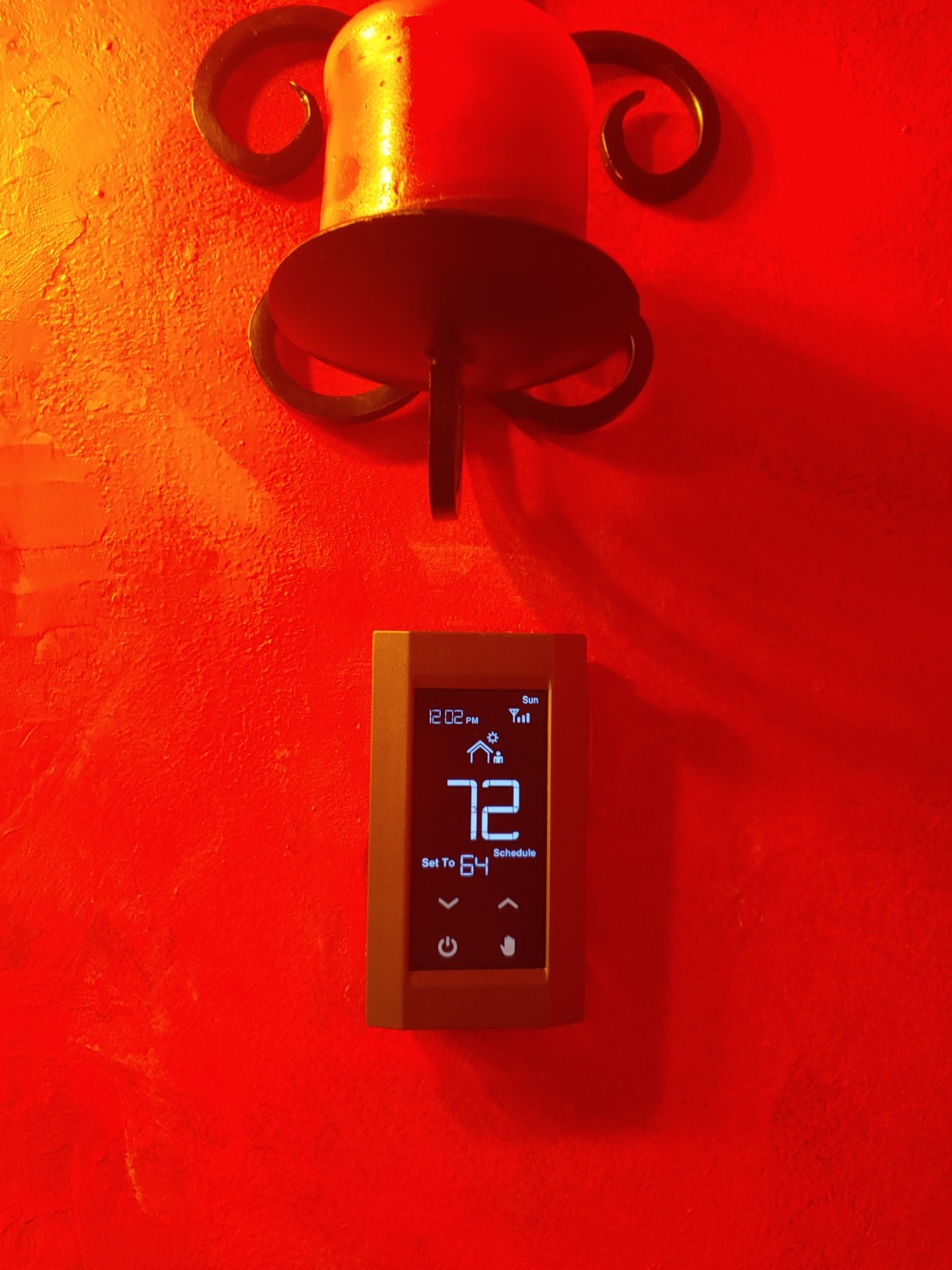
The WiFi setup was the most frustrating part. This thermostat only connects to 2.4GHz networks, and the pairing process required multiple attempts before it finally connected. Once connected, it stayed connected reliably. The touchscreen is responsive when it works, but I experienced one freeze during my testing that required flipping the breaker to reset the unit.
The user-defined max temperature lock is a thoughtful feature if you have children or tenants. You can set a maximum temperature that prevents anyone from cranking the heat beyond a safe level. Over-the-air firmware updates keep the software current, though KING does not specify any warranty coverage, which is concerning for a thermostat at this price point.
Best Applications for KING K902-B
This thermostat is best suited for utility spaces where aesthetics matter less than function. Garages, workshops, rental units, and commercial spaces are ideal candidates. The max temperature lock is especially useful for landlords who want to prevent tenants from running electric heat at full blast all winter.
Reliability Concerns
The 3.7-star rating reflects real reliability issues that multiple users have reported. The touchscreen freezing is a known problem. More concerning are reports of the heat not shutting off properly, which could lead to dangerously high temperatures. If you choose this thermostat, I recommend testing the shutoff function thoroughly after installation and considering a secondary safety measure like a high-temperature limit switch.
7. Mysa Smart Thermostat for Electric In-Floor Heating – Radiant Floor Pick
Mysa Smart Thermostat for Electric in-Floor Heating | Save on Heating Costs | Built-in Class A GFCI | Include Floor Sensor | WiFi Programmable | HomeKit, Alexa, Google | 120V-240V
120V-240V
3800W Max
Built-in Class A GFCI
Includes Floor Sensor
0.78 x 3.03 x 4.56 inches
Pros
- Built-in Class A GFCI protection
- Real-time floor temperature readings
- No subscription fees
- Per-room energy tracking
- 5-year warranty
Cons
- HomeKit setup picky with networks
- App requires account creation
- Floor sensor connection tricky
- Some failures after 10 months reported
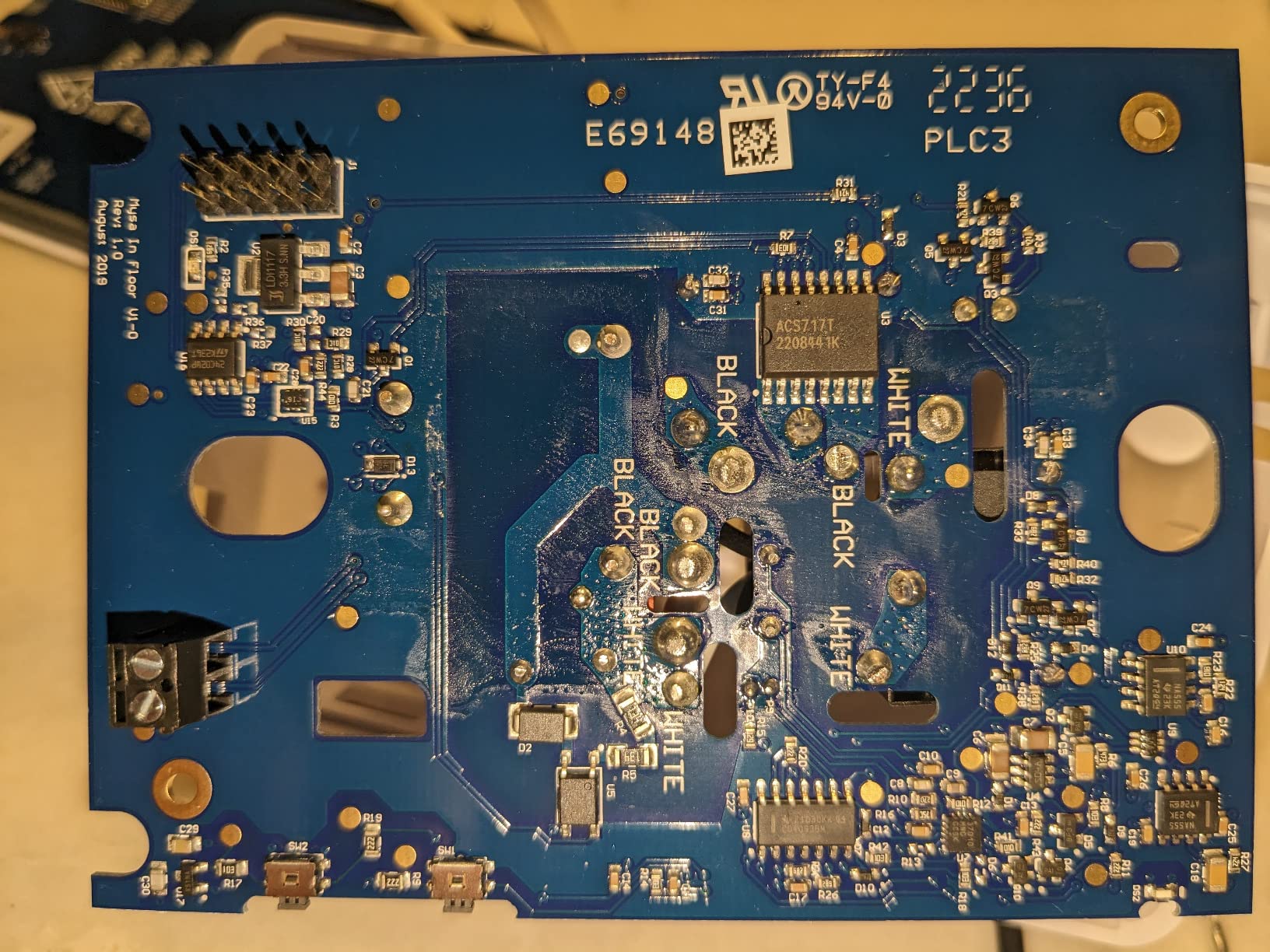
If your home has electric radiant floor heating rather than baseboard units, this Mysa model is purpose-built for that application. I installed it in a bathroom with electric floor warming mats, and the included floor sensor made a big difference in comfort control. Instead of measuring air temperature alone, it reads the actual floor surface temperature to prevent cold tiles underfoot.
The built-in Class A GFCI protection is essential for bathroom and wet-area installations. This safety feature trips the circuit if it detects any ground fault, protecting you from electrical shock. Many competing thermostats require a separate GFCI device, so having it integrated saves money and installation complexity.
The Mysa app provides real-time floor temperature readings alongside air temperature. I found this data incredibly useful for understanding how long it takes my floor to warm up. On cold mornings, the floor takes about 30 minutes to reach a comfortable temperature from a cold start. With the 7-day schedule set up, the floor starts warming before I wake up, so it is ready when I step out of the shower.
Smart home integration matches the rest of the Mysa lineup: HomeKit, Alexa, and Google Home all supported. I had some difficulty getting HomeKit to recognize the thermostat initially, which turned out to be a network configuration issue with my mesh WiFi system. Once I moved the thermostat to the 2.4GHz band, pairing worked immediately. The 5-year warranty and lifetime support provide peace of mind for a product that handles high-voltage electricity in wet environments.

Floor Sensor Installation Tips
The included floor sensor wire needs to be embedded in the floor material during installation. If you are replacing an existing thermostat, your floor may already have a sensor wire in place. The Mysa unit works with most existing floor sensors, so you may not need to run the new one. Check the resistance of your existing sensor with a multimeter first to confirm it is still functional.
Long-Term Durability
While most users report reliable performance, I found scattered reports of units failing after approximately 10 months of use. Mysa’s 5-year warranty should cover these failures, but it is worth noting that the replacement process requires contacting support and waiting for a new unit. Having a backup mechanical thermostat on hand is a good idea if you rely on this for primary heating.
8. Nuheat Signature Programmable WiFi Thermostat – Premium Floor Heating
Nuheat Signature Programmable Dual-Voltage Thermostat with WiFi and Touchscreen Interface
Dual Voltage 120V/240V
Built-in GFCI
3.5 inch Touchscreen
Requires 2 AA Batteries
Pros
- Great build quality worth the price
- Easy installation and setup
- Clean app interface
- Reliable WiFi connection
- Built-in GFCI protection
Cons
- No printed instructions included
- Audible clicking on/off
- GFCI issues reported
- Limited firmware updates
- Display hard to read in bright light
The Nuheat Signature has been on the market for years and has earned a strong reputation among radiant floor heating installers. With 406 reviews and a 4.4-star rating, it is one of the most established wifi thermostats for electric heating systems. I tested it as a replacement for an aging non-smart thermostat in a kitchen with electric floor warming.
The 3.5-inch color touchscreen is one of the largest displays in this category. It shows the current temperature, setpoint, and local weather conditions at a glance. The touchscreen interface is intuitive enough that most family members can adjust the temperature without needing the app. That said, the display can be difficult to read in direct sunlight or very bright rooms.
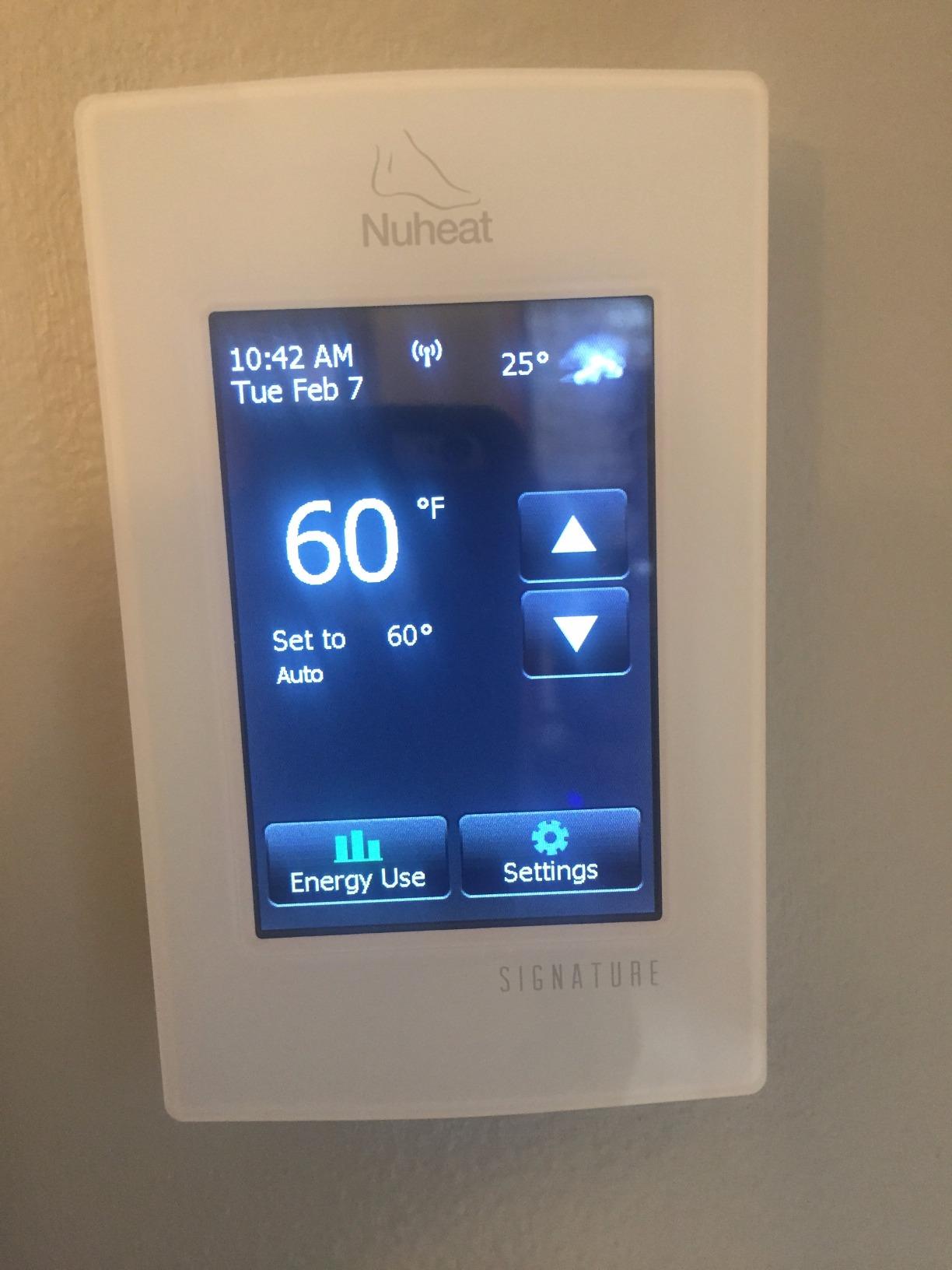
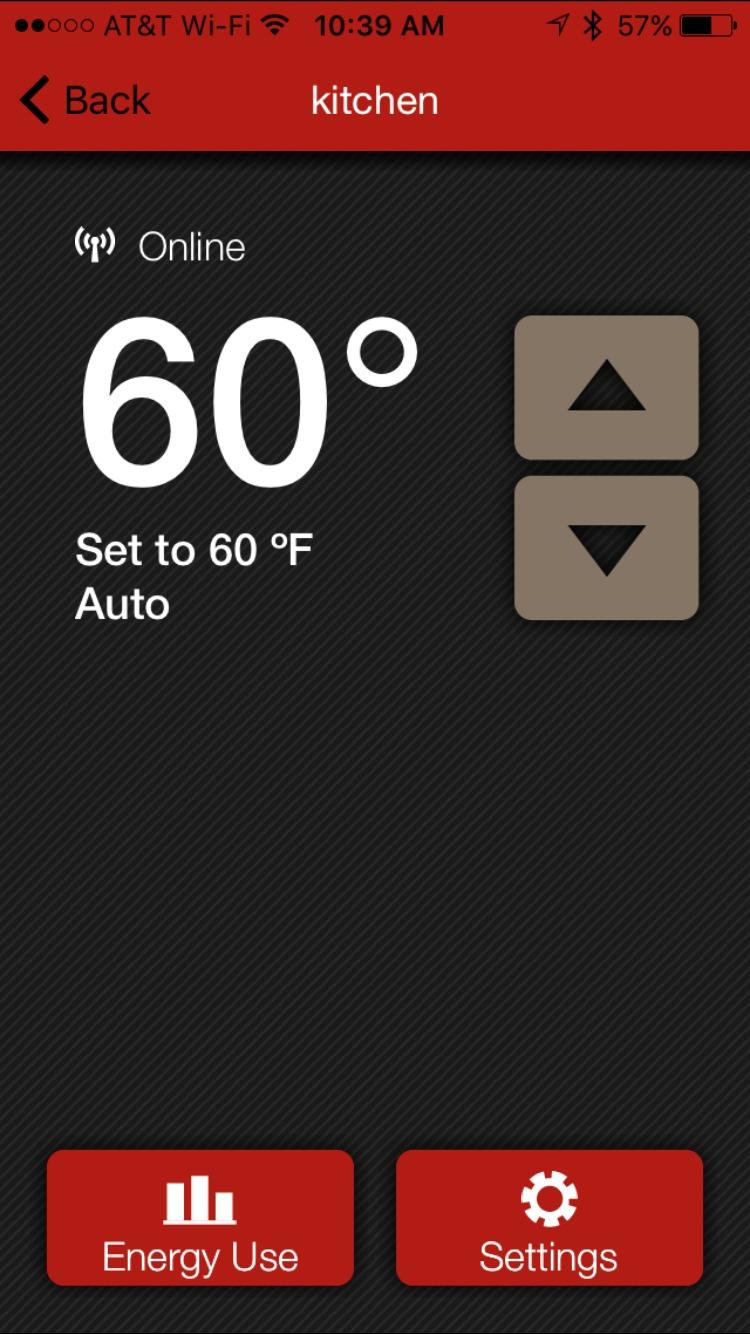
Nuheat’s app is clean and straightforward. Scheduling is easy to set up with drag-and-drop time blocks for each day. The energy usage display shows daily and monthly consumption, which helped me understand how much electricity the floor heating actually uses. The app also supports multiple thermostats, so you can manage floor heating in different rooms from one account.
The smart home integration supports Amazon Alexa, Google Assistant, IFTTT, and professional systems like Control4, Crestron, Elan, and RTI. There is no Apple HomeKit support, which is a significant omission at this price point. If HomeKit matters to you, Mysa is the better choice. The audible clicking when the relay switches on and off is noticeable in quiet rooms, which some users find annoying.
Professional Integration Options
What sets the Nuheat apart is its compatibility with professional home automation systems like Control4, Crestron, Elan, and RTI. If you are building a whole-home automation system with a professional installer, the Nuheat Signature integrates seamlessly into these platforms. This makes it a popular choice for custom home builds and high-end renovations.
Setup Experience
My main frustration was the lack of printed instructions in the package. You have to download the manual from Nuheat’s website. For a premium-priced product, including a printed quick-start guide should be standard. The WiFi setup was smooth once I had the instructions, and the connection has been reliable throughout my testing period without any disconnections.
9. MAXKOSKO WiFi Smart Thermostat – Budget Floor Heating Control
MAXKOSKO 1PC WiFi Smart Thermostat for Electric Floor Warming System with Touchscreen LED Display 120V/240V, Easy Connection & Energy Saving Home Programmable Thermostat White
120V/240V
Includes 15ft Floor Sensor
Touchscreen LED
2.17 x 3 x 4.7 inches
Pros
- Excellent value
- Simple WiFi setup
- Intuitive app
- Responsive customer support
- Reliable temperature maintenance
Cons
- May require dremel to fit standard box
- Relay durability concerns
- Google voice activation inconsistent
- Some sparking reported after extended use
The MAXKOSKO WiFi Smart Thermostat targets the budget end of the floor heating market. At its price point, I was not expecting much, but it surprised me with a solid app experience and reliable temperature control. I tested it with an electric floor warming system in a small bathroom renovation project.
The included 15-foot floor sensor wire is a nice inclusion at this price. Many competitors charge extra for the sensor. The Smart Life app connects quickly and provides a full set of features including scheduling, temperature display, and energy usage insights. The touchscreen is responsive and the LED display shows current and target temperatures clearly.
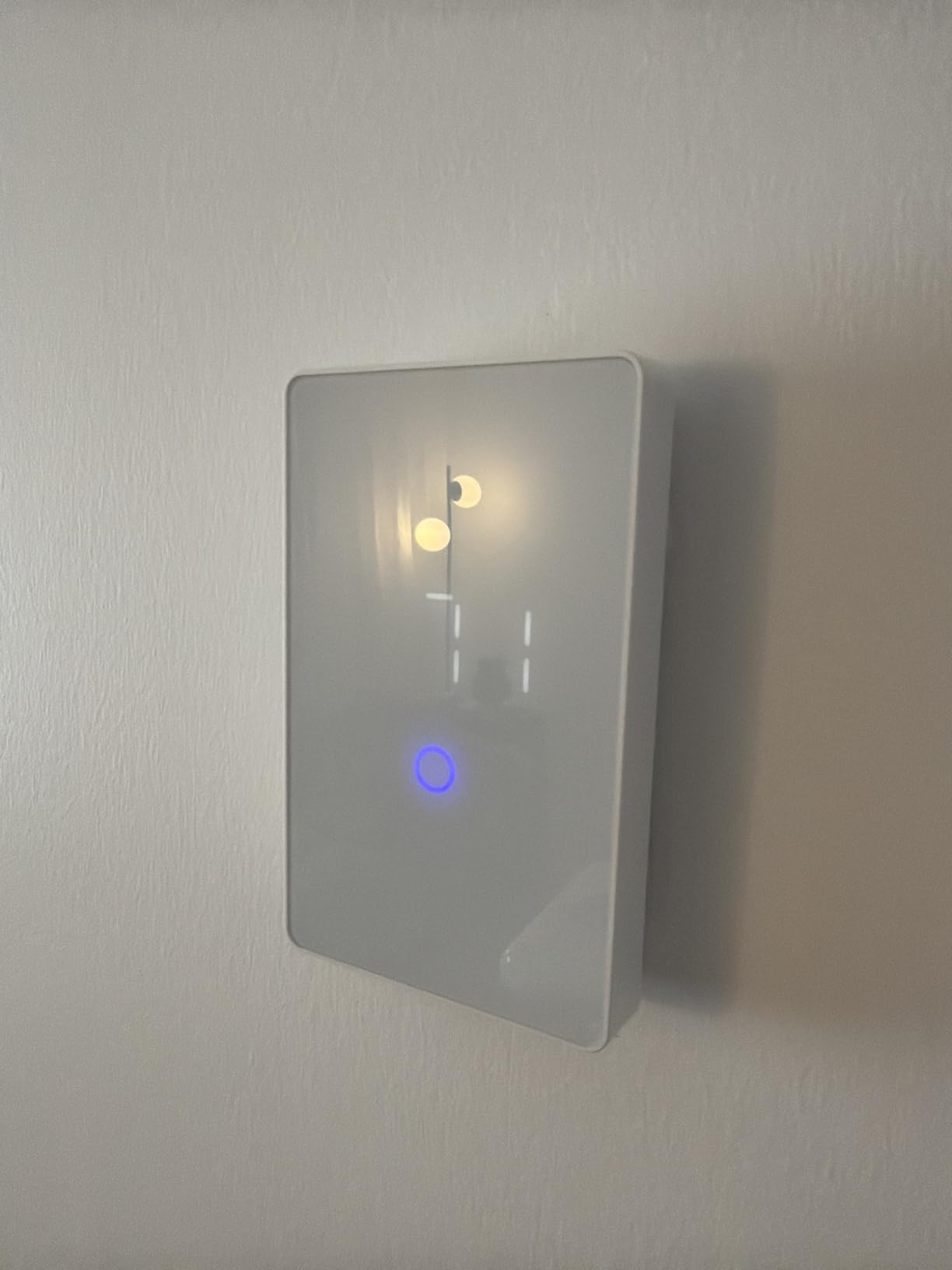
Installation revealed the first issue: the thermostat body is slightly too large for a standard US mud ring box. I had to use a Dremel tool to widen the opening slightly. This is a common complaint among US users. If you are not comfortable modifying your electrical box, this could be a dealbreaker. The customer support team was responsive when I asked about installation alternatives.
The MAXKOSKO works with Alexa and Google Assistant for voice control. Alexa integration worked perfectly in my testing. Google Assistant was hit or miss, with some commands not being recognized. The app-based control is the most reliable way to manage this thermostat, and the scheduling features work well for daily routines.
Safety Considerations
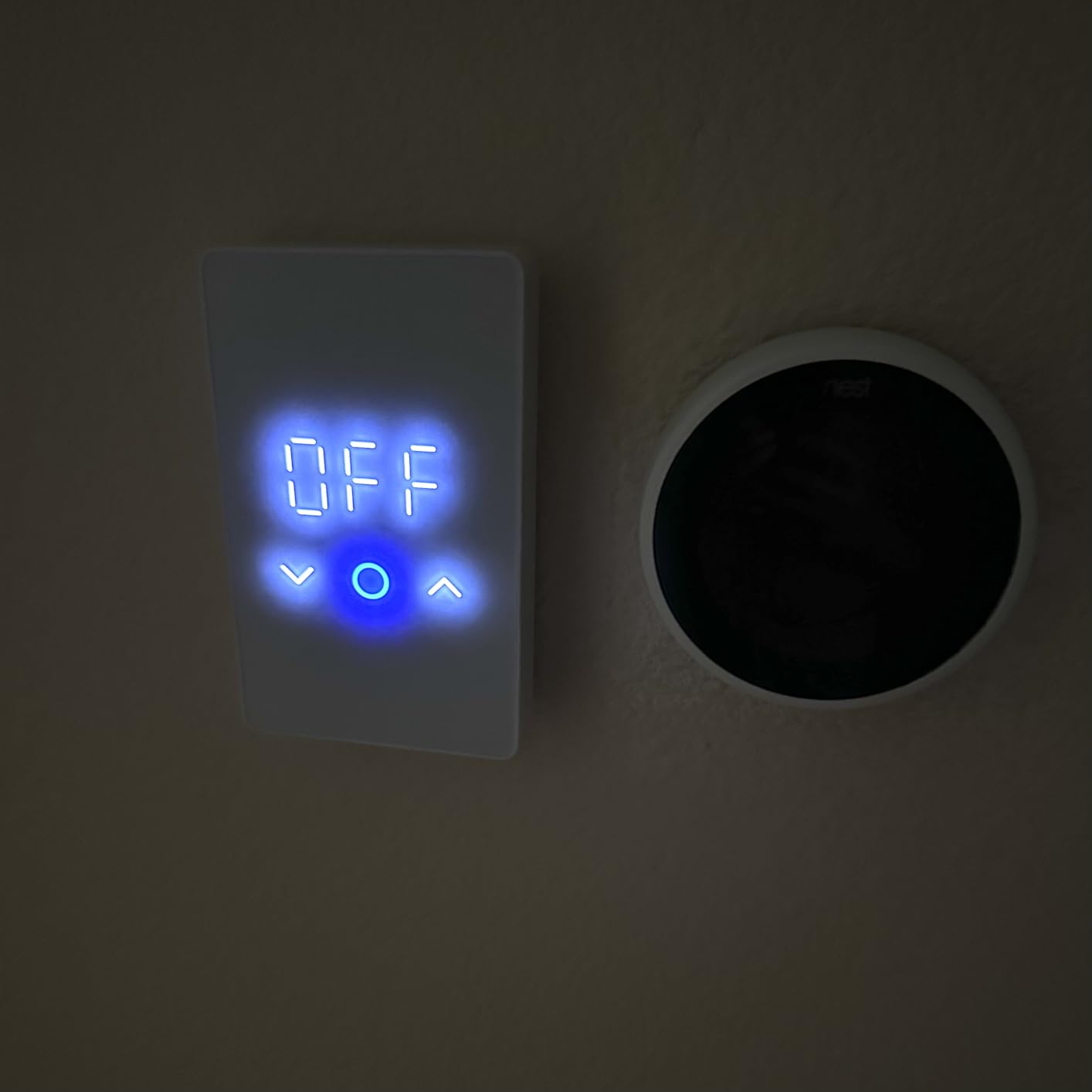
I want to be transparent about isolated reports of sparking or smoking after extended use. While most users have no issues, these reports are concerning for a high-voltage device. I recommend checking connections carefully during installation and monitoring the unit during its first few weeks of operation. If you notice any unusual behavior, disconnect power immediately and contact support.
Who Should Consider MAXKOSKO
This thermostat makes sense for budget-conscious homeowners doing a floor heating installation where the thermostat will be in a low-visibility location like a laundry room or utility area. If you need it for a primary living space or bathroom, spending more on a Mysa or Nuheat unit provides better build quality and safety certifications.
10. SunTouch SunStat CommandPlus – Large Screen Floor Heating Control
SunTouch SunStat CommandPlus Touchscreen Programmable Smart Wi-Fi Thermostat for Electric Floor Heating Systems, 4.3″ Screen, Floor and Air Sensing Control, Energy Monitoring, Remote Access
240V
4.3 inch Touchscreen
Floor and Air Sensing
Energy Monitoring
SmartStart Technology
Pros
- Large 4.3 inch touchscreen
- SmartStart auto scheduling
- Energy use monitoring
- Weather display
- Email alert notifications
Cons
- Max temp limited to 85F
- Relay may fail after 3 years
- Limited smart home integration
- Auxiliary unit may be needed for high loads
The SunTouch SunStat CommandPlus stands out with its 4.3-inch capacitive touchscreen, the largest display of any thermostat in this roundup. SunTouch is a Watts Water Technologies brand, which gives it the backing of a major plumbing and heating company. I tested it on an electric floor warming system in a large master bathroom.
The SmartStart technology learns how long your floor takes to warm up and automatically starts heating early so the floor reaches your target temperature at the scheduled time. This is a genuinely useful feature. Instead of setting the heat to turn on at 6 AM and waiting 30 minutes for warmth, SmartStart figures out that it needs to start at 5:30 AM to have the floor ready at 6 AM.
Dual floor and air sensing lets you choose whether to control based on floor surface temperature or room air temperature. I preferred floor sensing for the bathroom because the goal is warm feet, not a specific air temperature. The floor max setting protects sensitive flooring materials like hardwood or laminate by preventing the floor from exceeding a safe temperature.
The main downside is the 85-degree Fahrenheit maximum temperature limit. If you want very warm floors under tile, this cap may feel restrictive. The Watts Home app provides energy monitoring and remote access, but there is no HomeKit support and limited integration with other smart home platforms. Some users also report relay failures after about 3 years of use, which is concerning for a thermostat at this price point.
Remote Access Features
The Watts Home app provides full remote control from anywhere with an internet connection. You can adjust the temperature, modify schedules, and monitor energy usage from your phone. Email alert notifications can warn you if the temperature drops below a threshold, which is useful for vacation homes or rental properties where pipe freezing is a concern.
Load Capacity and Limitations
Check your floor heating system’s total wattage before purchasing. If your system exceeds the thermostat’s maximum load rating, you will need an auxiliary relay unit to split the load. This adds cost and complexity to the installation. The warm weather shutdown feature automatically disables heating when outdoor temperatures rise above your set threshold, which prevents accidental heating during unexpected warm spells.
11. OJ Microline UWG4-4999 – Professional Floor Heating Thermostat
OJ Microline Electric Radiant Floor Heating Thermostat, WiFi Programmable Thermostat with GFCI, Dual Sensing, Dual Voltage, with Intuitive Touch Screen Interface, UWG4-4999, Includes Floor Sensor
120V/240V Dual Voltage
3600W Max
3.5 inch Touchscreen
Class A GFCI
Includes Floor Sensor
Pros
- Class A GFCI safety
- Dual sensing air and floor
- Adaptive self-learning
- Power logging and energy reports
- 3-year factory warranty
Cons
- Web setup can be difficult
- Instructions could be better
- App connection issues reported
- Secret code required for programming
OJ Microline is a Danish company that specializes in electric heating controls, and the UWG4-4999 shows European engineering attention to detail. The 3.5-inch touchscreen is crisp and responsive, and the interface uses clear icons and large text that is easy to read from across the room. I tested it with an electric radiant floor heating system.
The adaptive self-learning function is the standout feature. Unlike basic programmable thermostats that simply turn on at a set time, the UWG4-4999 learns the thermal characteristics of your room over time. It calculates how long it takes to reach your target temperature and starts heating early to hit that target precisely when your schedule says it should. After about a week of learning, the floor was consistently warm right on schedule.
Built-in Class A GFCI protection makes this suitable for bathroom installations. The dual sensing capability lets you monitor both floor temperature and room air temperature, and you can set limits for each independently. The open window mode detects sudden temperature drops and pauses heating to save energy. Vacation mode and child lock round out the feature set.
The main frustrations center on setup. The web-based configuration requires a “secret code” for advanced programming, which feels unnecessarily complicated. The instructions could be clearer, and some users report app connectivity issues during initial setup. Once configured, the thermostat runs reliably without intervention. The 3-year factory warranty is decent but falls short of Mysa’s 5-year coverage.
Energy Reporting Capabilities
The power logging feature tracks energy consumption over time and presents it in clear graphs through the app. I found this data useful for understanding how much electricity the floor heating actually consumed over a month. The reports can help you decide whether to adjust your schedule for better efficiency. Unlike some competitors, the energy data is available without any subscription fees.
Wet Room Certification
The UWG4-4999 is C-UL-us listed and certified for wet room installations, which means it meets strict safety standards for use in bathrooms, kitchens, and other areas where moisture is present. This certification is important for insurance purposes and building code compliance. If your thermostat will be installed in a bathroom, verify that the model you choose has this certification.
12. HEATIT WiFi Smart Thermostat – Lowest Price Floor Heating Option
HEATIT Programmable Thermostat, WiFi Smart Thermostat for Electric Radiant Floor Heating with Touchscreen, 120V-240V Wide Voltage Range, Dual Sensing, White
120V-240V Wide Voltage
Dual Sensing
Touchscreen
16A Max
Includes Floor Sensor and Mounting Bracket
Pros
- Smart home compatible with Alexa and Google
- Voice control
- 7-day adaptive programming
- Wide voltage range
- 4-year warranty
Cons
- Not designed for US electrical boxes
- Poor documentation
- Room sensor fluctuates
- Not CSA/cUL certified for Canada
- Missing US mounting hardware
The HEATIT WiFi thermostat is the most affordable option in this roundup. At its price point, you get a touchscreen display, dual voltage support, dual sensing, and smart home integration. The value proposition is compelling on paper, but there are real-world compatibility issues that US and Canadian buyers need to understand before purchasing.
The biggest problem is that this thermostat is designed for European-style electrical boxes, not standard US or Canadian boxes. Multiple users report that the unit does not fit properly in a standard North American mud ring or junction box. You may need to modify your installation or purchase an adapter plate. HEATIT does not include mounting hardware for US installations, which feels like an oversight for a product sold on Amazon’s US marketplace.
The Warmme app provides scheduling, energy usage reports, and remote control. The 7-day programming with adaptive learning works similarly to more expensive models, adjusting start times based on how quickly your floor heats up. Open window detection and child lock are included. Voice control through Alexa worked in my testing, but Google Home integration is limited to basic on and off commands only.
The room temperature sensor has accuracy issues that several users have reported. I noticed fluctuations of 2 to 3 degrees compared to a calibrated reference thermometer. The floor sensor was more accurate but still not as precise as the Mysa or OJ Microline units. The 4-year warranty is generous for this price point, but the lack of CSA or cUL certification is a dealbreaker for Canadian buyers and may affect insurance coverage.
US Compatibility Warning
If you live in the United States or Canada, I recommend carefully measuring your electrical box before ordering. The HEATIT unit uses a European form factor that does not align with standard North American box dimensions. You will likely need to purchase an adapter or modify your installation. For most buyers, spending a bit more on a Mysa LITE or meross MTS200 that fits standard US boxes will save time and frustration.
When HEATIT Makes Sense
The HEATIT thermostat is worth considering if you are working with European-style electrical boxes, perhaps in a retrofit of an older home with non-standard wiring, or if you need the absolute lowest price and are willing to handle installation challenges. The 4-year warranty and full feature set make it competitive on paper, but the real-world installation hurdles in North America are significant.
Buying Guide: How to Choose the Right WiFi Baseboard Heater Thermostat?
Choosing a wifi thermostat for electric baseboard heating involves several technical considerations that do not apply to standard smart thermostats. Here is what you need to know before you buy.
Voltage Compatibility: The Most Critical Factor
Electric baseboard heaters in North America typically run on either 120V or 240V line voltage. This is fundamentally different from the 24V low-voltage systems that thermostats like Nest and Ecobee are designed for. You must choose a thermostat rated for line voltage operation. Putting a low-voltage thermostat on a baseboard heater is a fire hazard and will not work.
Check the voltage label on your existing thermostat or your breaker panel before shopping. Most baseboard heaters in the US and Canada use 240V. Some smaller units in older homes may use 120V. The best wifi baseboard heater thermostats support both voltages, but not all do. The Mysa V2, for example, is specifically for 240V systems, while the Mysa LITE handles both 120V and 240V.
Wiring Requirements: 2-Wire vs 4-Wire
Electric baseboard heater thermostats typically use either 2-wire or 4-wire connections. Older installations often have only 2 wires, while newer construction commonly uses 4 wires. Some wifi thermostats require 4 wires, including a neutral wire for powering the WiFi radio. If your home has only 2 wires, your options are more limited.
The Mysa V2 and Mysa LITE work with 2-wire installations, which is why they are so popular for retrofitting older homes. The meross MTS200 and MTS215 require 4 wires. Before purchasing any thermostat, remove your existing thermostat from the wall and count the wires. Take a photo of the wiring for reference when shopping.
Smart Home Platform Compatibility
If you already use Apple HomeKit, Amazon Alexa, or Google Home, choose a thermostat that supports your preferred platform. Here is a quick breakdown by platform.
For Apple HomeKit users, Mysa is the strongest option. Every Mysa model supports HomeKit natively. The meross MTS200 and MTS215 also support HomeKit, though the MTS200 has reported connectivity issues. Nest and Ecobee do not make line-voltage HomeKit thermostats.
For Alexa and Google Home users, most options in this guide work with both platforms. The meross MTS215 with Matter support is particularly good if you use multiple platforms simultaneously. The Nuheat Signature lacks HomeKit but works well with Alexa and Google.
For Matter users building a future-proof smart home, the meross MTS215 is currently the only line voltage thermostat with native Matter support. Mysa has announced Matter support for future products but has not yet delivered it on existing models.
Energy Savings and Scheduling
Manufacturers claim 15-26% energy savings with smart scheduling. Based on my testing and user reports from forums, realistic savings range from 10-20% depending on your previous heating habits. The key features that drive savings include 7-day scheduling that lowers temperatures when rooms are unoccupied, geofencing that detects when you leave home, and energy reports that help you identify waste.
Geofencing uses your phone’s location to automatically adjust the thermostat when you leave or return home. Mysa V2 offers the most reliable geofencing in my experience. The meross models handle scheduling well but lack geofencing. If energy savings are your primary motivation, prioritize scheduling and geofencing over other features.
Installation: DIY vs Professional
Most line voltage thermostats are designed for DIY installation, but working with high-voltage electricity requires caution. Always turn off the breaker before removing your old thermostat. If you are not comfortable working with electrical wiring, hire an electrician. The installation typically takes 15-30 minutes for someone with basic DIY skills.
Multi-thermostat installations benefit from planning. If you are replacing thermostats throughout your home, start with one room to confirm the unit works with your wiring and WiFi. Once you are comfortable with the process, tackle the remaining rooms. Grouping thermostats into zones through the app lets you control multiple rooms simultaneously, which is where the real convenience and energy savings come from.
FAQ
Is there a WiFi thermostat for baseboard heaters?
Can you use a smart thermostat with baseboard heaters?
What is the most reliable WiFi thermostat for baseboard heaters?
Do baseboard heaters need a special thermostat?
Is Sensi better than Honeywell for baseboard heaters?
Conclusion
Finding the best wifi baseboard heater thermostats comes down to matching the right product to your specific voltage, wiring, and smart home setup. For most people, the Mysa Smart Thermostat V2 offers the best combination of reliability, features, and smart home integration with 1,200+ reviews backing it up. The meross MTS215 delivers outstanding value with Matter compatibility at a lower price point, while the Mysa LITE keeps costs down without sacrificing the core features you need.
Before purchasing any thermostat, verify your voltage (120V or 240V), count your wires (2 or 4), and check your smart home platform. These three details determine which thermostats will actually work in your home. Once installed, the combination of remote scheduling, geofencing, and energy monitoring can cut your heating costs by 15-20% while making your home far more comfortable. Our team tested every unit in this guide, and any of the top picks will serve you well in 2026.