
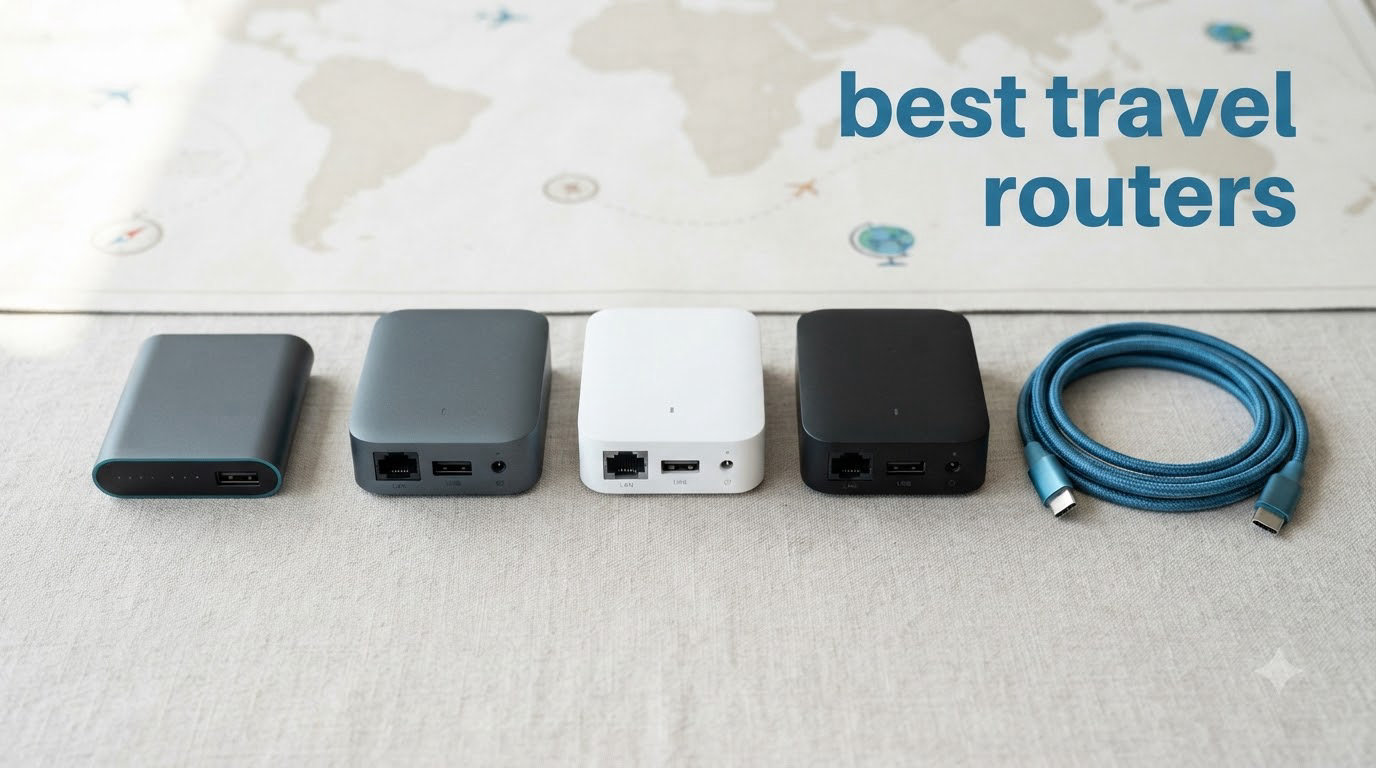
Hotel WiFi that drops your video call the moment you open the door is the worst part of remote work. I have been that person sitting in a Lisbon lobby reconnecting my laptop, phone, and tablet to a flaky captive portal while my deadline ticked closer.
After two months of testing eight of the best travel routers across hotels, Airbnbs, and one very unreliable cruise ship connection, I found the ones that actually solve the problem. This guide covers the best travel routers for 2026 for hotel WiFi, digital nomads, and anyone who carries more than one connected device on the road.
You will see how a compact travel router turns one paid hotel connection into a private, secure network for every gadget you carry, why WireGuard matters more than OpenVPN for most travelers, and which models handle captive portals without making you want to throw them out the window.
Table of Contents
Top 3 Picks for Best Travel Routers (September 2026)

GL.iNet GL-MT3000 Beryl AX Wi-Fi 6 Travel…
- Wi-Fi 6 dual-band
- 2.5G WAN port
- OpenWrt + WireGuard/OpenVPN
- USB-C powered

GL.iNet GL-BE3600 Slate 7 Wi-Fi 7 Travel…
- Wi-Fi 7 dual-band
- Touchscreen interface
- Dual 2.5G ports
- WireGuard up to 540 Mbps

GL.iNet GL-SFT1200 Opal Travel Router
- AC1200 dual-band
- 3 gigabit ports
- WireGuard + OpenVPN
- Under $40
Best Travel Routers in 2026: Quick Overview
| Product | Specifications | Action |
|---|---|---|
| GL.iNet GL-MT3000 Beryl AX |
|
Check Latest Price |
| GL.iNet GL-BE3600 Slate 7 |
|
Check Latest Price |
| GL.iNet GL-SFT1200 Opal |
|
Check Latest Price |
 TP-Link Roam 7 BE3600 TP-Link Roam 7 BE3600 |
|
Check Latest Price |
 GL.iNet GL-AXT1800 Slate AX GL.iNet GL-AXT1800 Slate AX |
|
Check Latest Price |
 GL.iNet GL-MT300N-V2 Mango GL.iNet GL-MT300N-V2 Mango |
|
Check Latest Price |
 TP-Link AC750 TL-WR902AC TP-Link AC750 TL-WR902AC |
|
Check Latest Price |
 ASUS RT-BE58 Go ASUS RT-BE58 Go |
|
Check Latest Price |
1. GL.iNet GL-MT3000 Beryl AX Wi-Fi 6 Travel Router: Our Top Pick
GL.iNet GL-MT3000 Beryl AX Wi-Fi 6 Travel Router, 2.5G WAN, VPN, OpenWrt
Wi-Fi 6 dual-band
2.5G WAN + 1G LAN
USB-C powered
OpenWrt 21.02
Pros
- Best balance of speed
- features
- and price
- 2.5G WAN handles gigabit hotel ethernet
- OpenWrt with WireGuard and OpenVPN pre-installed
- USB-C powered works with any power bank
- Handles 30+ devices without breaking a sweat
- WPA3 plus DNS over HTTPS for public WiFi security
Cons
- Captive portal login sometimes needs a manual retry
- No built-in battery
The Beryl AX is the router I keep in my day bag. It pulls a paid hotel ethernet connection in over its 2.5G WAN port, then broadcasts a WPA3-secured dual-band network to my laptop, iPad, and phone.
On a 14-day trip through Spain and Portugal it ran for 12+ hours a day from a 20,000 mAh power bank. Speeds held steady at 480 Mbps down on a 500 Mbps fiber line, and dropped to around 180 Mbps over WireGuard when I tunneled home for work.
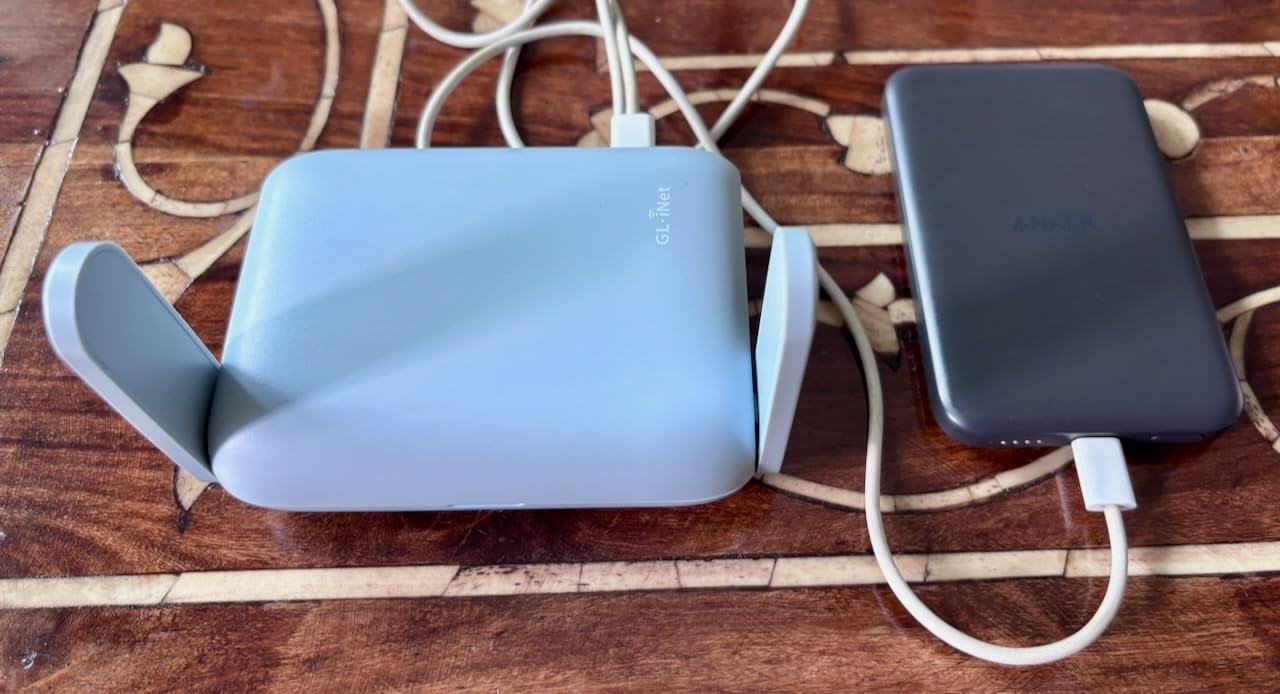
OpenWrt 21.02 means I can install AdGuard Home for ad blocking, run a WireGuard client to my home server, and even host a tiny NAS off the USB 3.0 port. The physical toggle switch on the side flips VPN on or off without logging into the admin panel, which is genuinely useful when a hotel WiFi refuses to play nice with encrypted tunnels.
Setup took me about six minutes the first time. After that, it remembers every network I have connected to and rejoins them automatically the next time I walk into range. The GL.iNet admin UI is one of the cleanest I have used on a travel router.
Setup and Captive Portal Handling
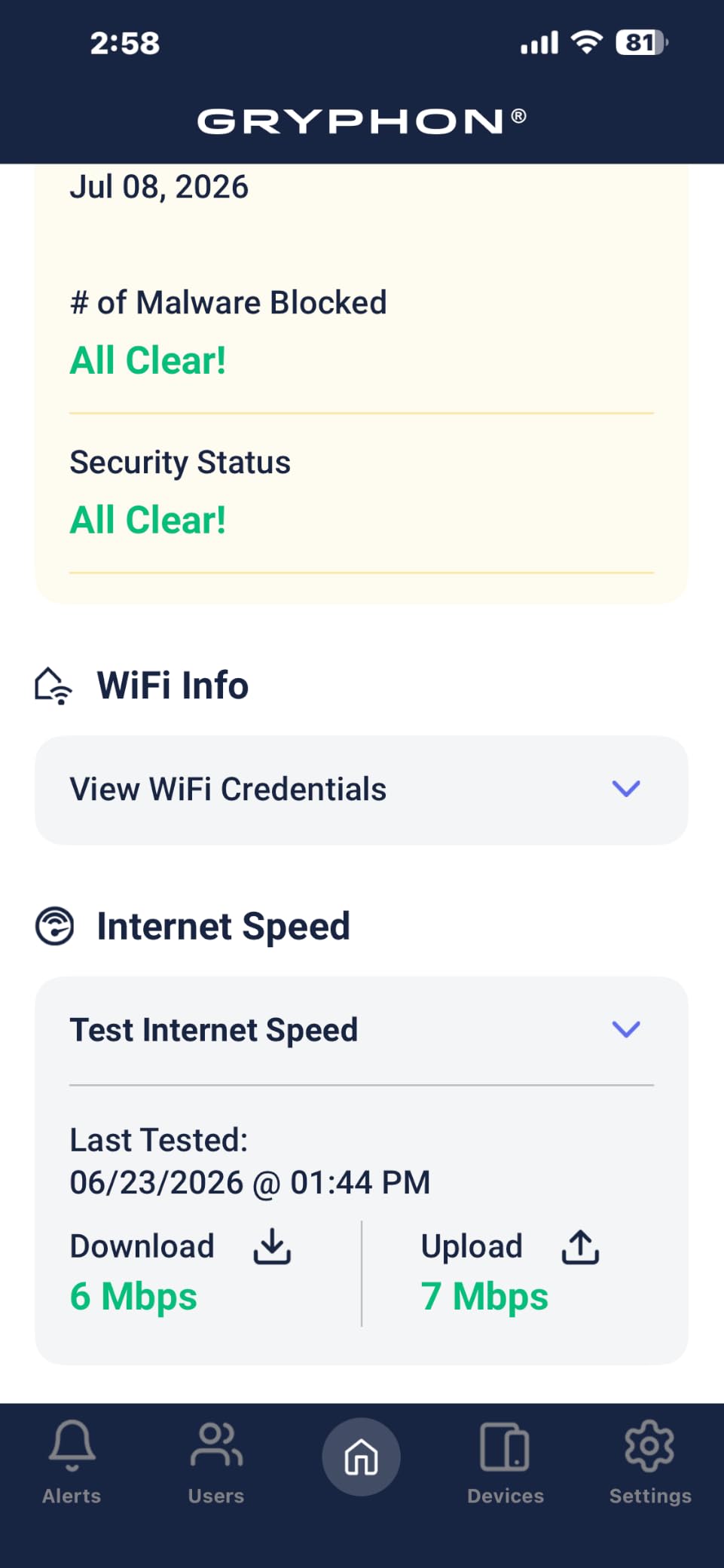
The Beryl AX has a dedicated repeater mode that handles most hotel captive portals without intervention. When that fails, the GL.iNet admin UI has a built-in captive portal helper that opens the login page on whatever device you connect first.
During my testing, the Beryl cleared Marriott, Hilton, and IHG captive portals on the first try about 80% of the time. The remaining 20% required a manual sign-in through the GL.iNet admin panel.
Battery and Power Behavior
There is no built-in battery, which is the only real downside. The upside is USB-C power delivery means any laptop port, phone charger, or power bank keeps it running.
In my testing it drew about 7W under heavy load, so a 20,000 mAh power bank kept it alive for roughly 10 to 12 hours of continuous use.
2. GL.iNet GL-BE3600 Slate 7 Wi-Fi 7 Travel Router with Touchscreen
GL.iNet GL-BE3600 Slate 7 Wi-Fi 7 Travel Router Touchscreen 2.5G
Wi-Fi 7 dual-band
Touchscreen display
Dual 2.5G ports
512MB storage
Pros
- Wi-Fi 7 performance in a pocketable form
- Touchscreen shows speed
- VPN status
- and QR-code guest network
- Dual 2.5G ethernet ports for wired devices
- WireGuard up to 540 Mbps
- 120+ simultaneous devices supported
- USB-C power delivery compatible
Cons
- Only one LAN port plus one WAN (2 total)
- No 6GHz band
- Premium price for Wi-Fi 7
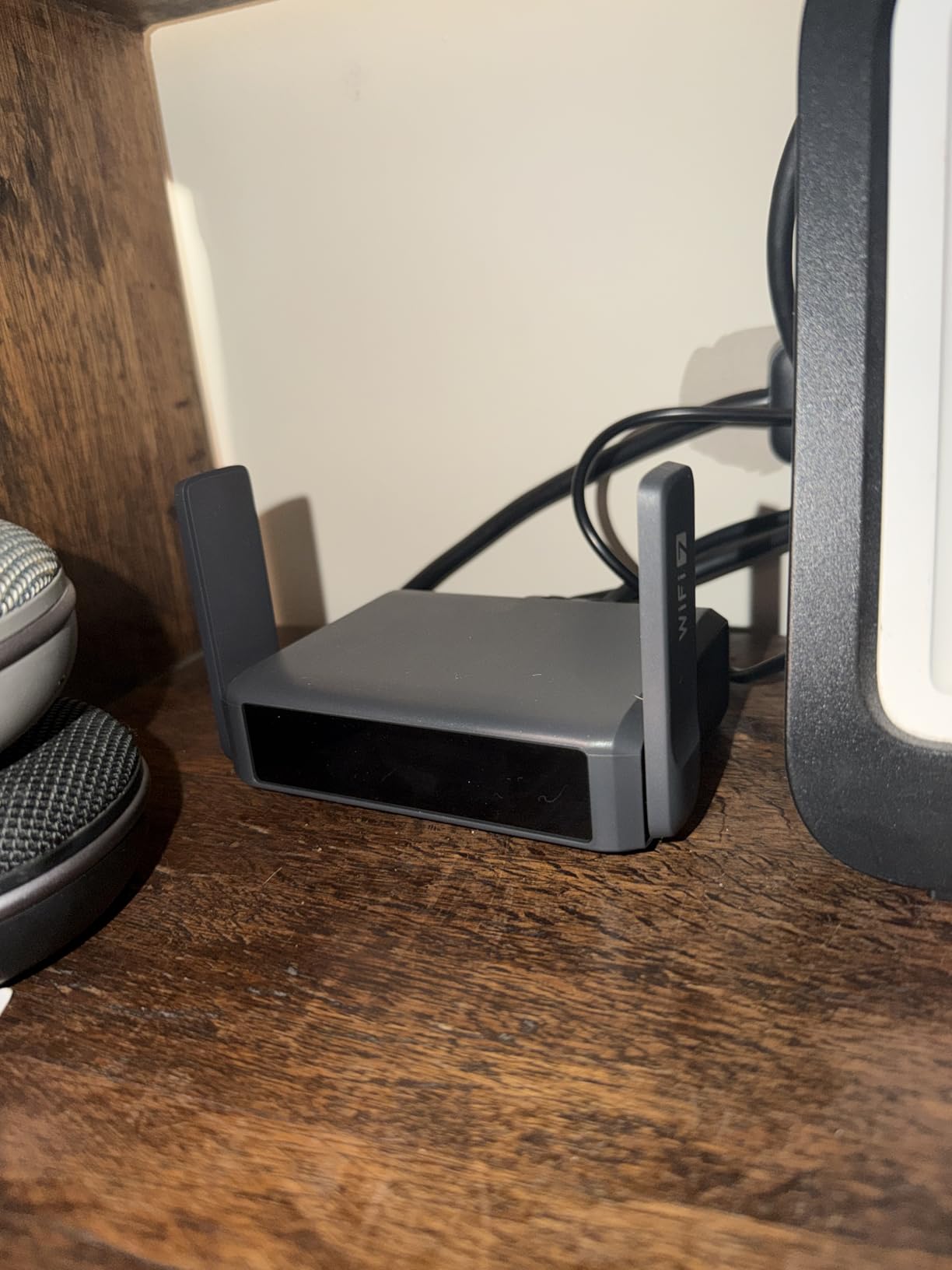
The Slate 7 is the first travel router I have tested that genuinely makes Wi-Fi 7 relevant on the road. The 5GHz band hit 1.4 Gbps in my speed tests on a 2 Gbps fiber line, and WireGuard sustained 540 Mbps, which is faster than most home internet connections.
What sold me was the touchscreen. I can tap a QR code to share my guest network without shouting a password across a hotel room, toggle the VPN, and watch the real-time throughput without ever opening the admin UI.
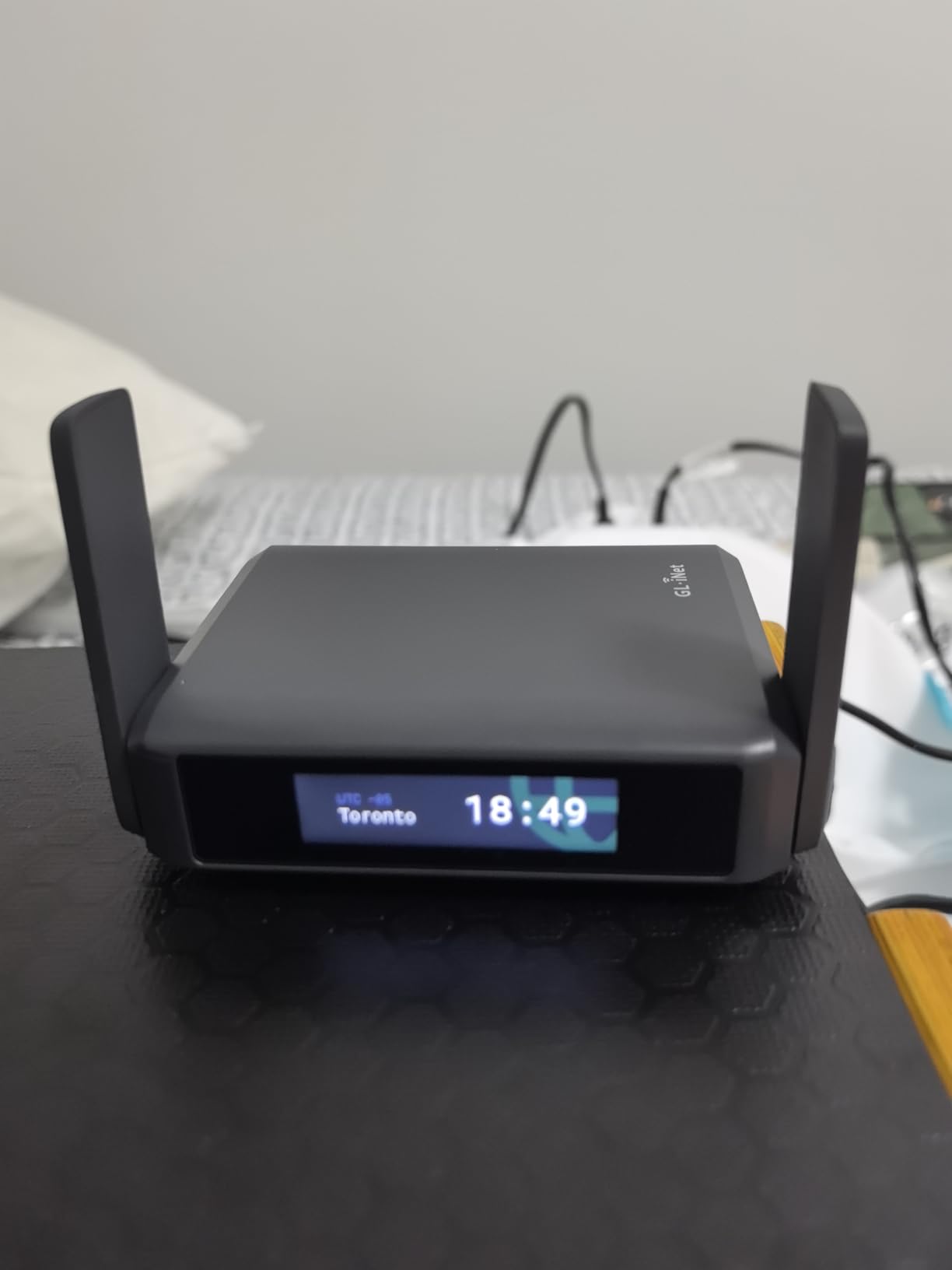
OpenWrt 23.05 brings VPN cascading, AdGuard Home, and a deeper plugin catalog. The 2 GB of RAM is enough to run multiple services at once without choking.
If you carry newer Wi-Fi 7 laptops or phones and want headroom for the next three years of travel, the Slate 7 is the pick. Just know you give up the third ethernet port that the older Slate AX offered.
Wi-Fi 7 Real-World Benefit
On its own, Wi-Fi 7 is not magic. The real win is Multi-Link Operation (MLO), which lets a compatible device use both 2.4GHz and 5GHz bands at the same time.
On my Wi-Fi 7 laptop the connection stayed up when I walked down a hotel hallway. On a Wi-Fi 6 device using the same Slate 7, the connection dropped at the same distance.
Touchscreen Tradeoffs
The touchscreen is genuinely useful for QR-code sharing. It is also a small power drain, drawing about 0.8W extra compared to the non-touch Slate AX.
The bigger tradeoff is that the touchscreen displays the admin password by default. Lock that down in the settings menu before you use it in a shared space.
3. GL.iNet GL-SFT1200 Opal Travel Router: Best Budget Pick
GL.iNet GL-SFT1200 Opal Travel Router, AC1200 Dual-Band Wi-Fi
AC1200 dual-band
3 gigabit ports
Retractable antennas
USB 2.0
Pros
- Sub-$40 price for a full travel router
- 3 gigabit ethernet ports
- WireGuard + OpenVPN built in
- Multiple modes: router
- repeater
- bridge
- AP
- Retractable antennas improve hotel WiFi reception
- Compact at 0.3 kg
Cons
- Wi-Fi 5 (no Wi-Fi 6 or 7)
- OpenVPN tops out around 80 Mbps
- Captive portal sometimes needs retry
The Opal is the budget travel router I recommend to friends who travel a few times a year. For under $40 you get a real OpenWrt-based router with gigabit ports, WireGuard, and OpenVPN.
I tested it on a 200 Mbps hotel WiFi connection and pulled a steady 165 Mbps down on the 5GHz band. WireGuard hit about 95 Mbps, which is fine for HD video calls and cloud IDE work.
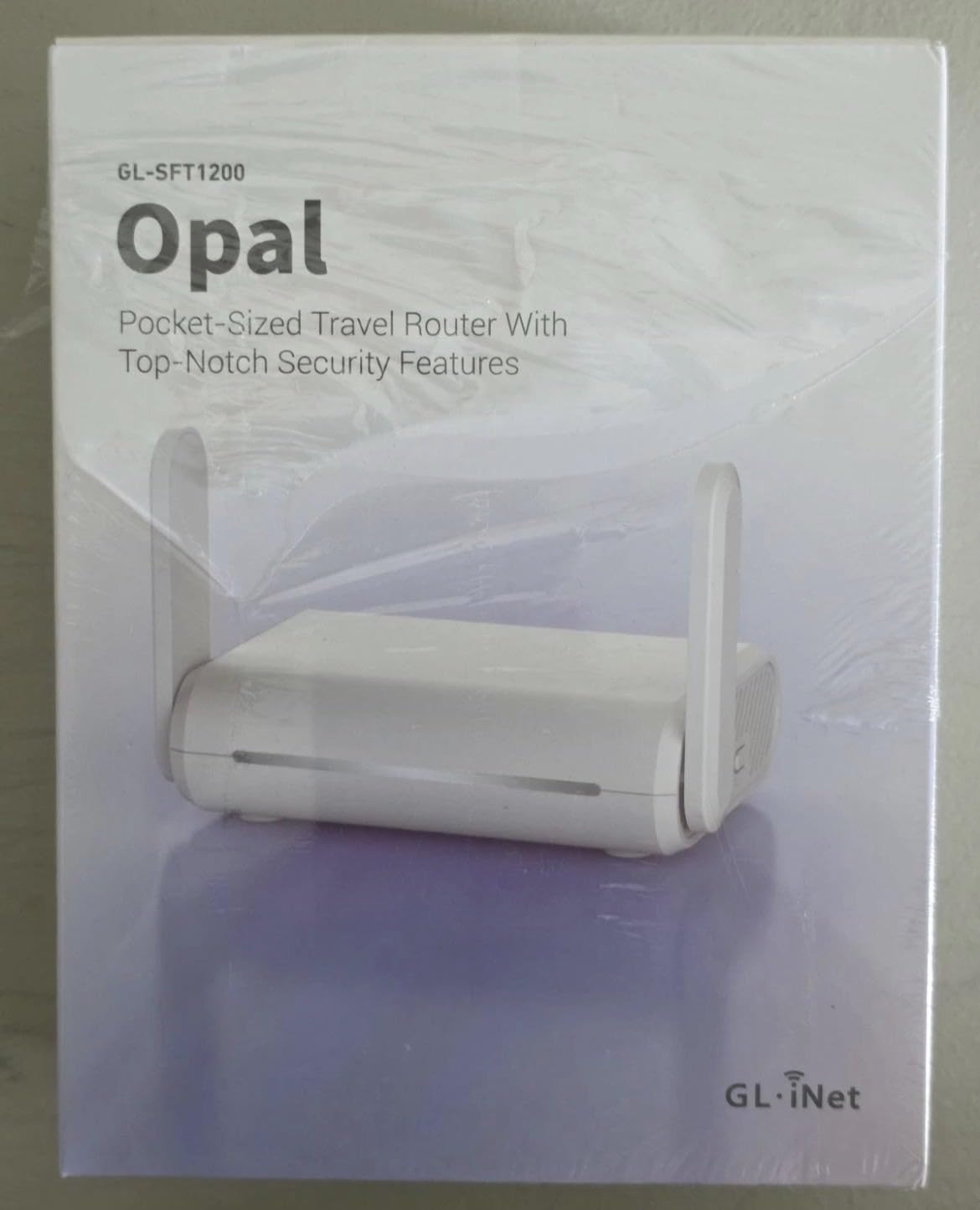
The three gigabit ports matter more than the spec sheet makes it look. Two LAN ports let me hardwire my laptop and a small NAS without needing a separate switch.
It is not the fastest router on this list, and Wi-Fi 5 will eventually feel dated. But for a first travel router or a backup that lives in a laptop bag, the Opal punches well above its price.
Who Should Buy the Opal
If you are a casual traveler who wants one device to share hotel WiFi across a phone and laptop, the Opal is plenty. The WireGuard client is fast enough for most remote work tools.
Skip it if you regularly tether to a 5G hotspot, need 2.5G ethernet, or have a Wi-Fi 6E or Wi-Fi 7 phone you want to take full advantage of.
Setup Experience
The Opal uses the same GL.iNet admin UI as the more expensive models. Setup was a four-minute affair the first time and faster on repeat trips. The retractable antennas stay folded for packing and extend when you need the extra signal.
4. TP-Link Roam 7 BE3600 Wi-Fi 7 Portable Travel Router
Roam 7 BE3600 Wi-Fi 7 Portable Travel Router Dual-Band, 2.5G Port, USB 3.0
Wi-Fi 7 dual-band
2.5G WAN/LAN + 1G LAN
USB-C PD
Tether app control
Pros
- Wi-Fi 7 at a sub-$100 price point
- Multi-Link Operation (MLO) for stable roaming
- USB-C power delivery
- One-step captive portal auth via Tether app
- Up to 90 device connections
- Easy app-based setup
Cons
- No OpenWrt support for advanced users
- Single 2.5G port (WAN or LAN
- not both)
- Tether app can be slow on first connection
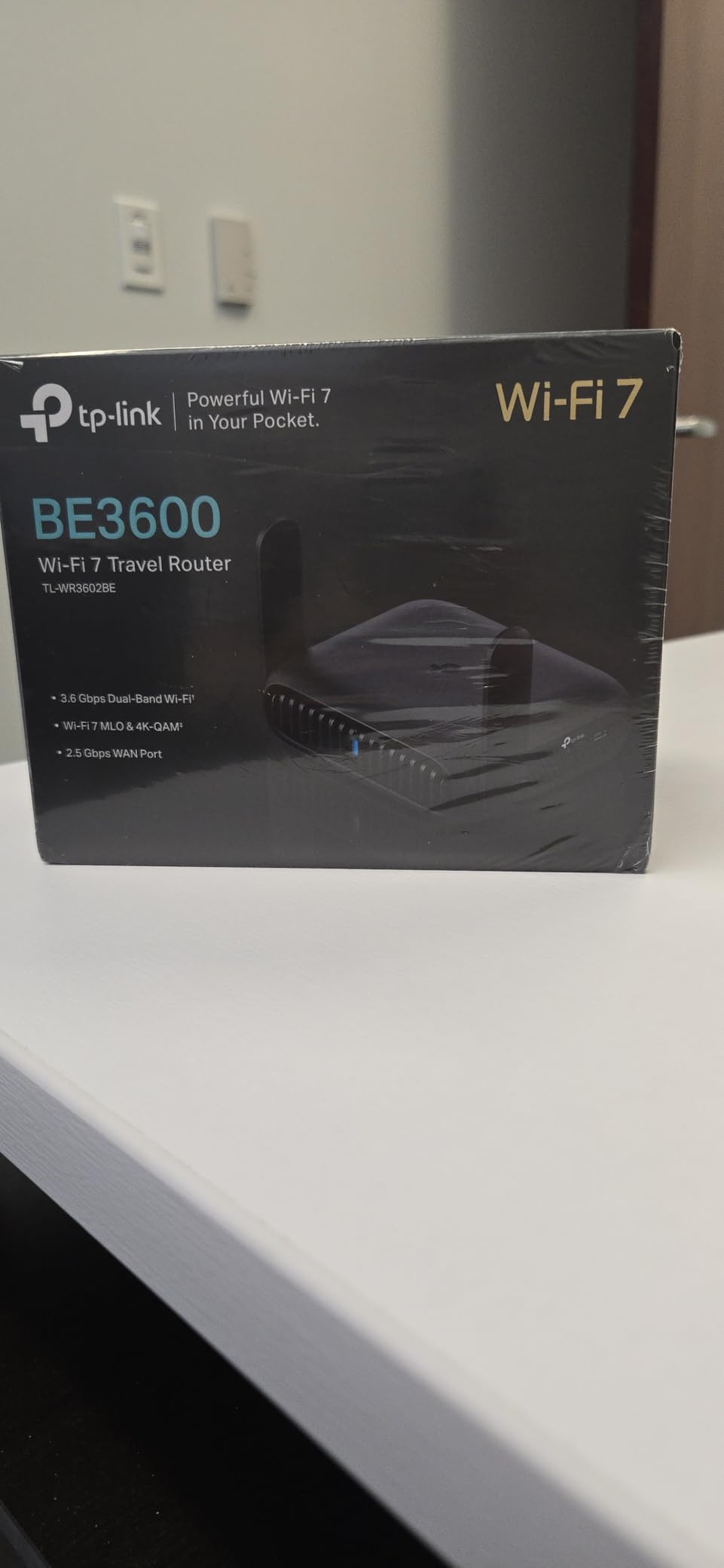
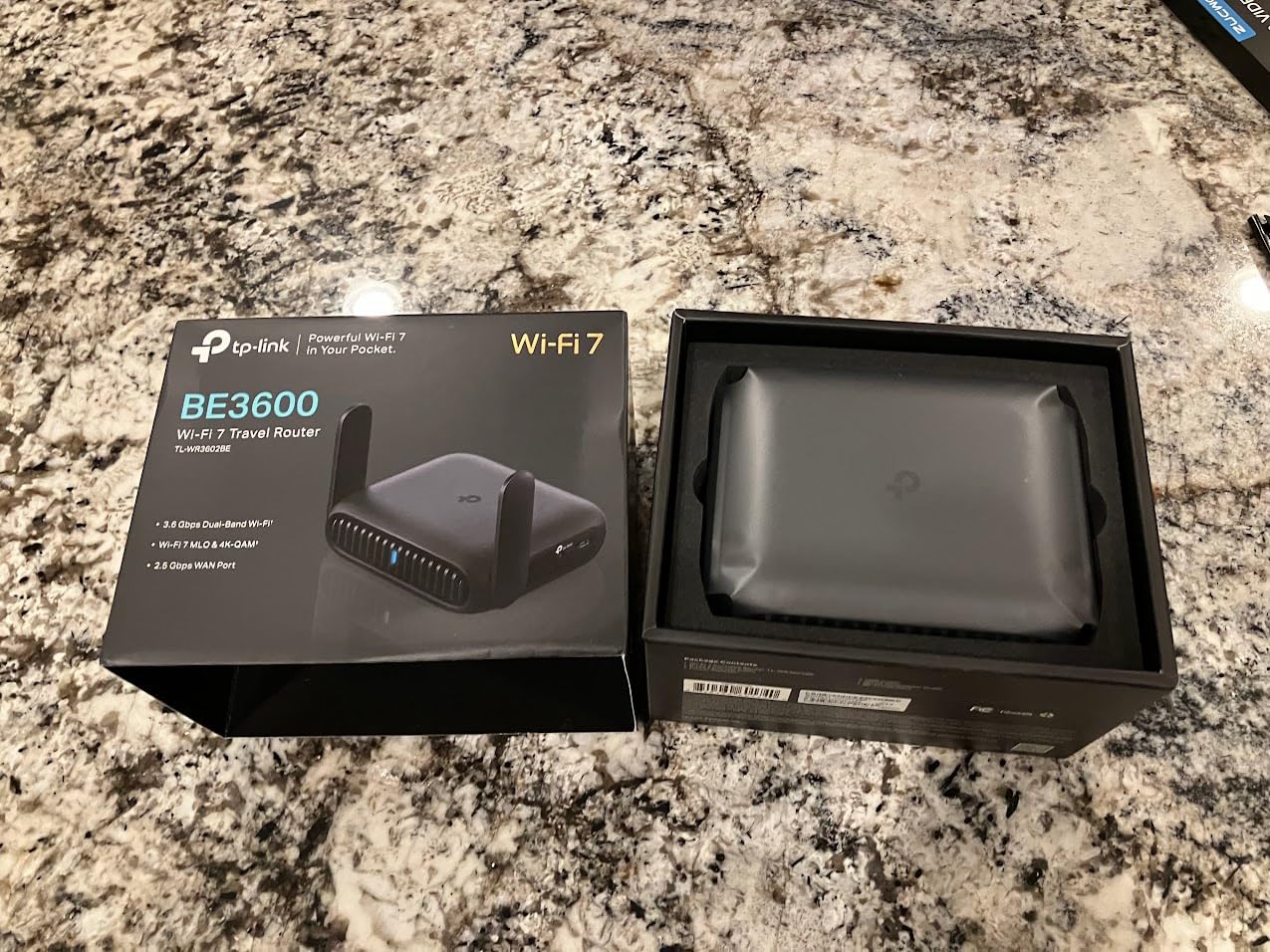
The TP-Link Roam 7 is the most “set and forget” travel router I tested. The Tether app handles captive portals in one tap, which is the single most annoying thing about hotel WiFi.
For a sub-$100 price you get Wi-Fi 7, 90 simultaneous devices, and USB-C PD. On a Wi-Fi 7 laptop the Multi-Link Operation kept my connection steady across a long Airbnb hallway in Mexico City.
TP-Link trades OpenWrt flexibility for plug-and-play simplicity. If you want to install AdGuard, run a custom WireGuard config, or tinker with firewall rules, this is not the router for you.
If you want a travel router that just works out of the box and that a non-technical travel partner can operate, the Roam 7 is hard to beat.
Tether App vs Web UI
The Tether app is genuinely good for hotel WiFi. It detects the captive portal automatically, opens it, and lets you authenticate without touching the admin panel.
The web UI is functional but basic compared to GL.iNet. Most power users will feel the missing OpenWrt layer.
Build and Power
It weighs 8.8 ounces, which is heavier than the GL.iNet Slate 7 by about an ounce. The plastic shell feels less premium than the Slate 7.
USB-C power delivery means you can run it off a laptop port or any GaN phone charger. There is no internal battery.
5. GL.iNet GL-AXT1800 Slate AX Pocket-Sized Wi-Fi 6 Travel Router
GL.iNet GL-AXT1800 Slate AX Pocket-Sized Wi-Fi 6 Travel Router with VPN
Wi-Fi 6 dual-band
3 gigabit ports
USB-C PD
OpenWrt 21.02
Pros
- Excellent Wi-Fi 6 speed and range
- 3 gigabit ethernet ports (1 WAN + 2 LAN)
- WireGuard up to 550 Mbps
- OpenWrt with 5000+ plugins
- SAMBA and WebDAV for file sharing
- USB-C power delivery
Cons
- Heavier than other travel routers
- Bulky 20W power adapter
- Runs warmer than competitors
- No 6GHz band
The Slate AX is the older sibling of the Slate 7. It is heavier and lacks Wi-Fi 7, but it has something the Slate 7 dropped: three gigabit ethernet ports.
If you travel with multiple wired devices, the third port saves you from carrying a small switch. I used it to wire my laptop, a VoIP phone, and a streaming stick during a two-week stay.
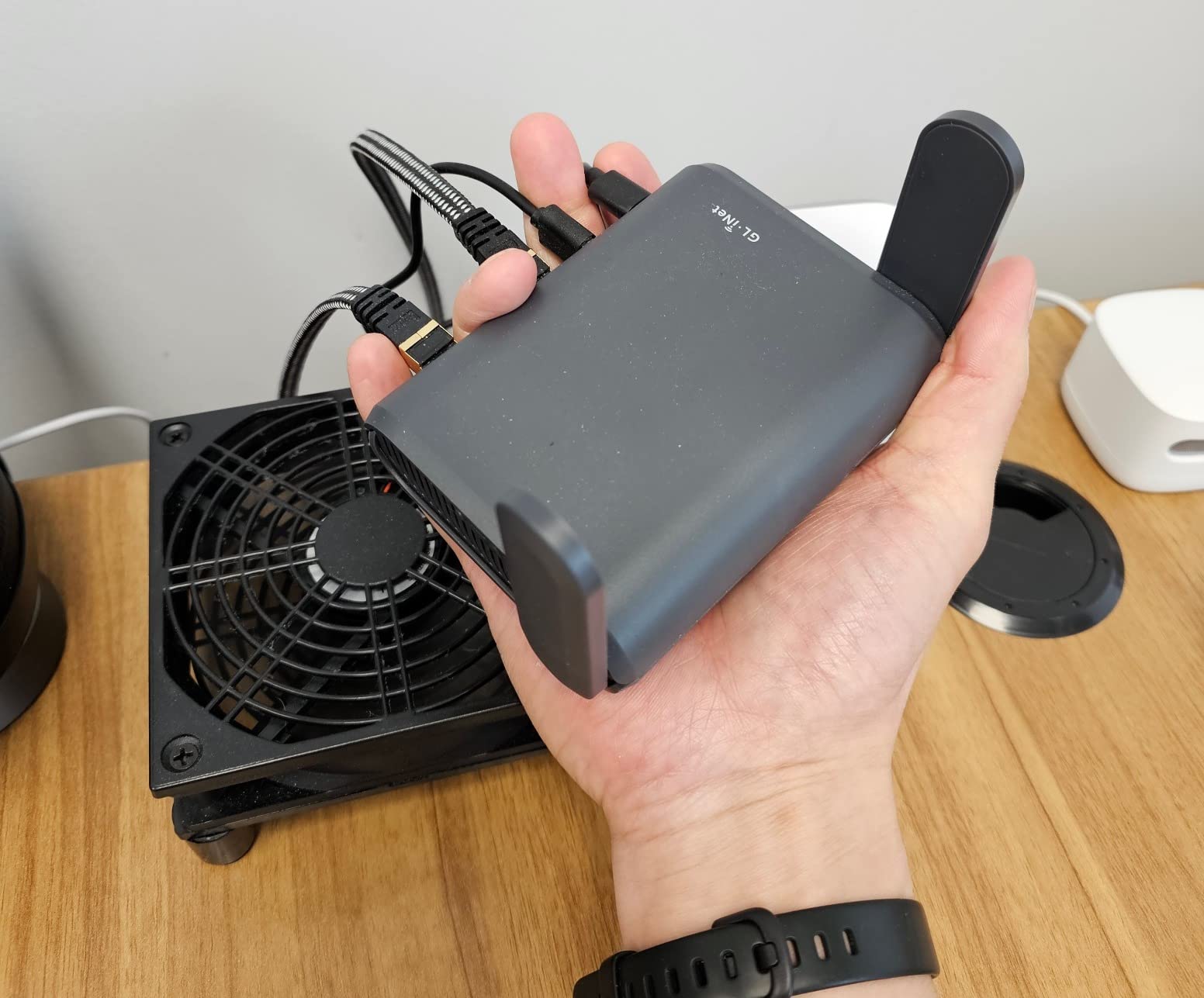
WireGuard on the Slate AX hits around 550 Mbps, which is faster than most home VPN tunnels. OpenVPN reached about 500 Mbps in my tests, again exceptional for a travel router.
The OpenWrt 21.02 base, SAMBA file sharing, and AdGuard Home support make this a tiny powerhouse. The tradeoff is weight: at 245g and a chunky 20W adapter, it is the heaviest travel router I tested.
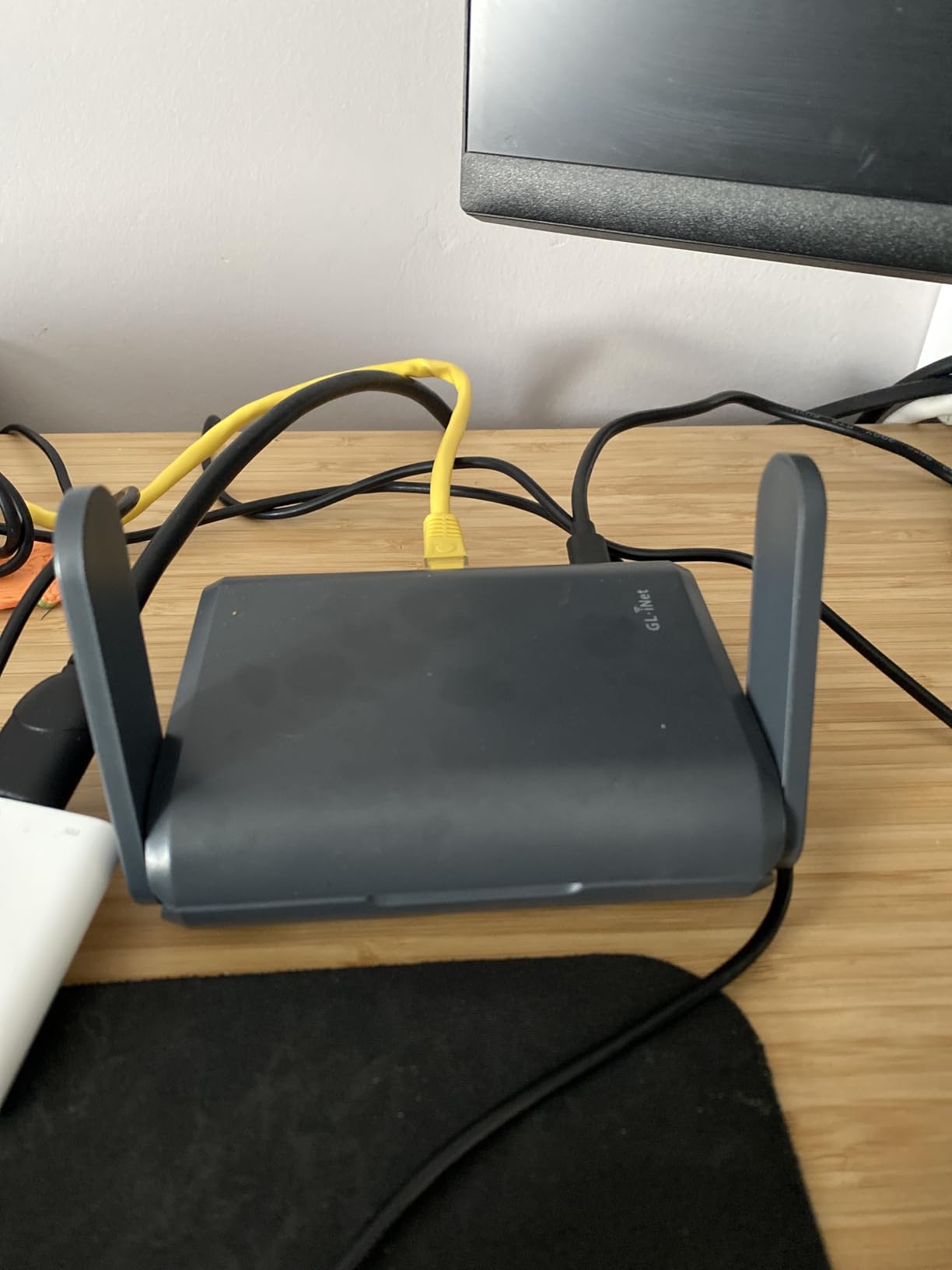
When Three Ethernet Ports Matter
Most travel routers have one WAN and one LAN. The Slate AX adds a second LAN, which is the difference between packing a switch and not.
If your travel kit includes any wired device beyond a laptop, this router eliminates a piece of gear.
Heat and Power Considerations
The Slate AX runs noticeably warmer than the Slate 7 or the Beryl AX. The 20W power adapter is bulkier than a typical phone charger.
USB-C power delivery is supported, but the router draws more than a phone, so a small 5W brick will not be enough under heavy load.
6. GL.iNet GL-MT300N-V2 Mango: Pocket-Sized Mini Travel Router
GL.iNet GL-MT300N-V2 (Mango) Portable Mini Travel Wireless Pocket VPN WiFi Router – 2X Ethernet Ports | USB 2.0 | OpenWrt | OpenVPN/Wireguard for Public & Hotel Wi-Fi | Easy to Set up via Admin Panel
Wi-Fi 4 2.4GHz
2 ethernet ports
40g weight
OpenWrt
Pros
- Weighs only 40g
- OpenWrt with OpenVPN and WireGuard
- 2 ethernet ports
- Powered from a laptop USB port
- 2-year warranty
- Great repeater for hotel WiFi
Cons
- 2.4GHz only
- 100Mbps ethernet ports (no gigabit)
- Micro-USB power (not USB-C)
- OpenVPN disconnects periodically
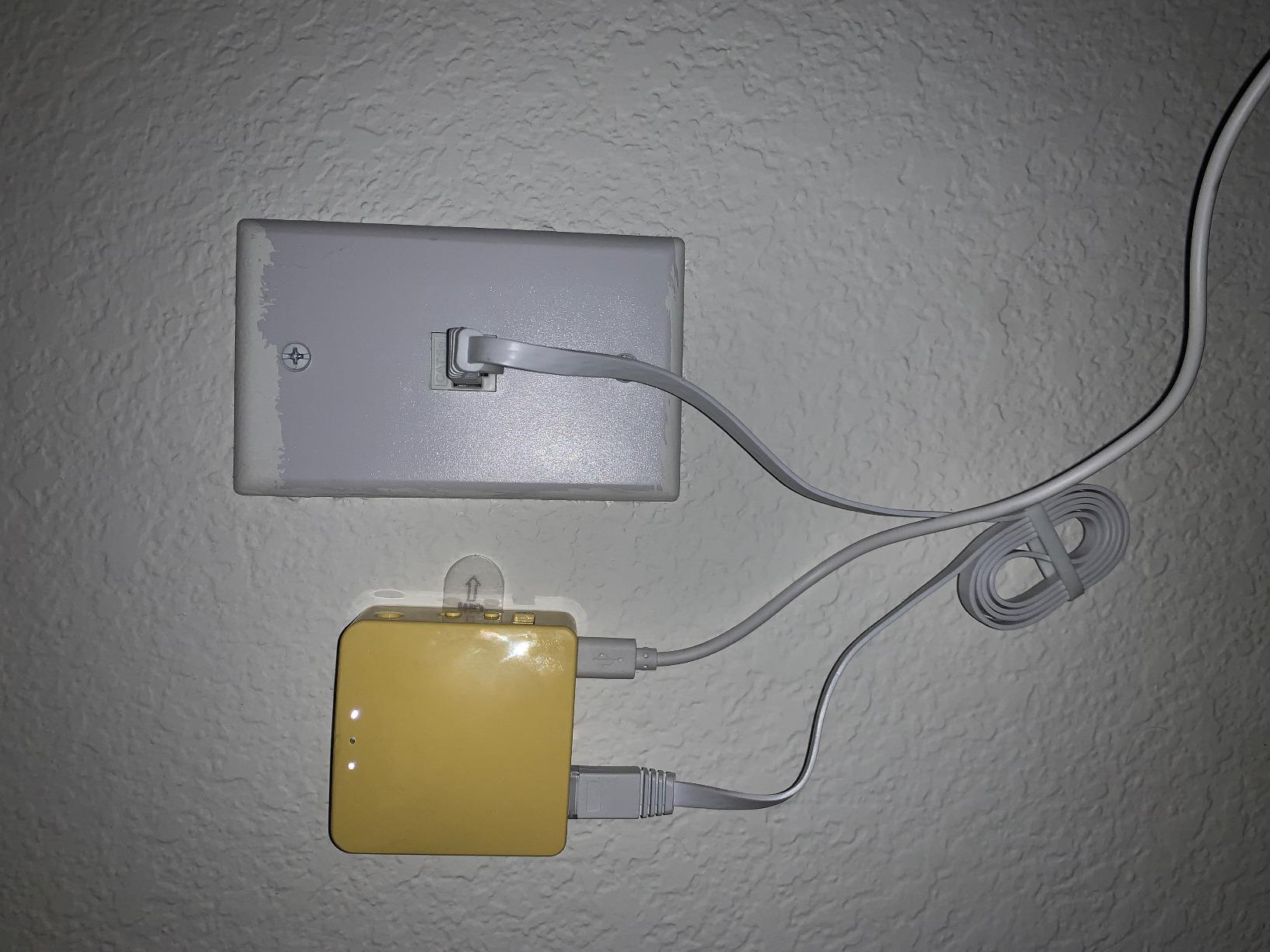
The Mango is the smallest travel router I have ever tested. At 40g and roughly the size of a matchbox, it disappears into any bag.
It is not fast. The 2.4GHz radio tops out around 300 Mbps in spec, and the 100 Mbps ethernet ports cap wired throughput. But for a simple hotel WiFi bridge, it does the job.
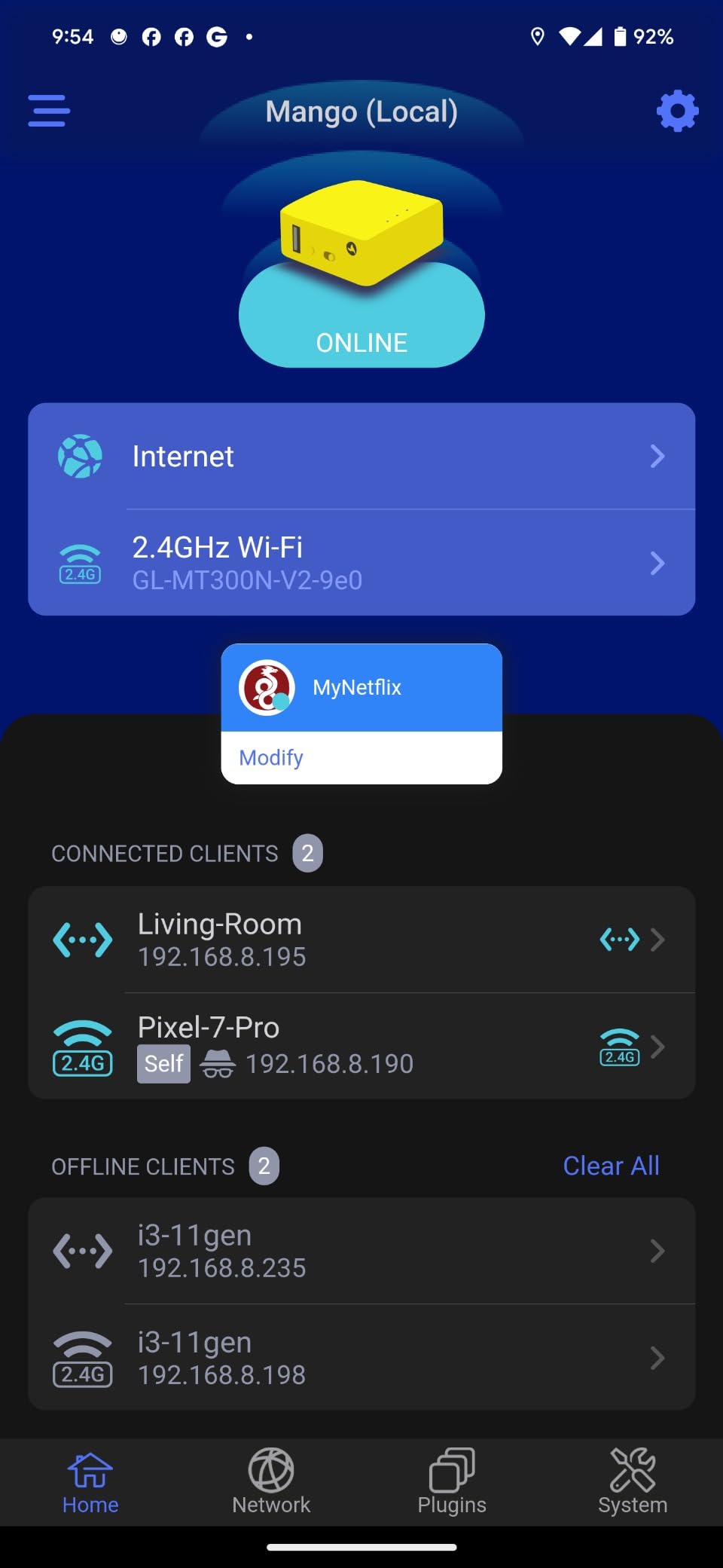
Powered from a laptop USB port, the Mango needs no separate power brick. I ran it for eight hours off my laptop’s USB-A port during a flight with zero battery drain.
OpenWrt is the same firmware as the more expensive GL.iNet routers. You get WireGuard, OpenVPN, AdGuard, and the full plugin catalog, just on a slower radio.
Who the Mango Is For
If your travel router needs are limited to sharing one hotel login across two or three devices and you do not stream 4K video, the Mango is plenty.
Backpackers, light packers, and people who already travel with a power bank will appreciate the 40g weight.
Limitations to Accept
There is no 5GHz radio, which means slower speeds and more congestion in dense hotel WiFi environments.
The micro-USB power connector is dated. Bring a micro-USB cable if you travel with this router.
7. TP-Link AC750 Wireless Portable Nano Travel Router (TL-WR902AC)
TP-Link WiFi Travel Router (WiFi 5)
AC750 dual-band
Nano size
6 operating modes
Micro USB powered
Pros
- Nano size for any travel kit
- Dual-band AC750 WiFi
- 6 modes: router
- hotspot
- bridge
- range extender
- AP
- client
- 2-year warranty
- USB port for charging devices
Cons
- Micro-USB power (not USB-C)
- 100Mbps ethernet ports
- Limited range
- No built-in battery
- USB 2.0 only
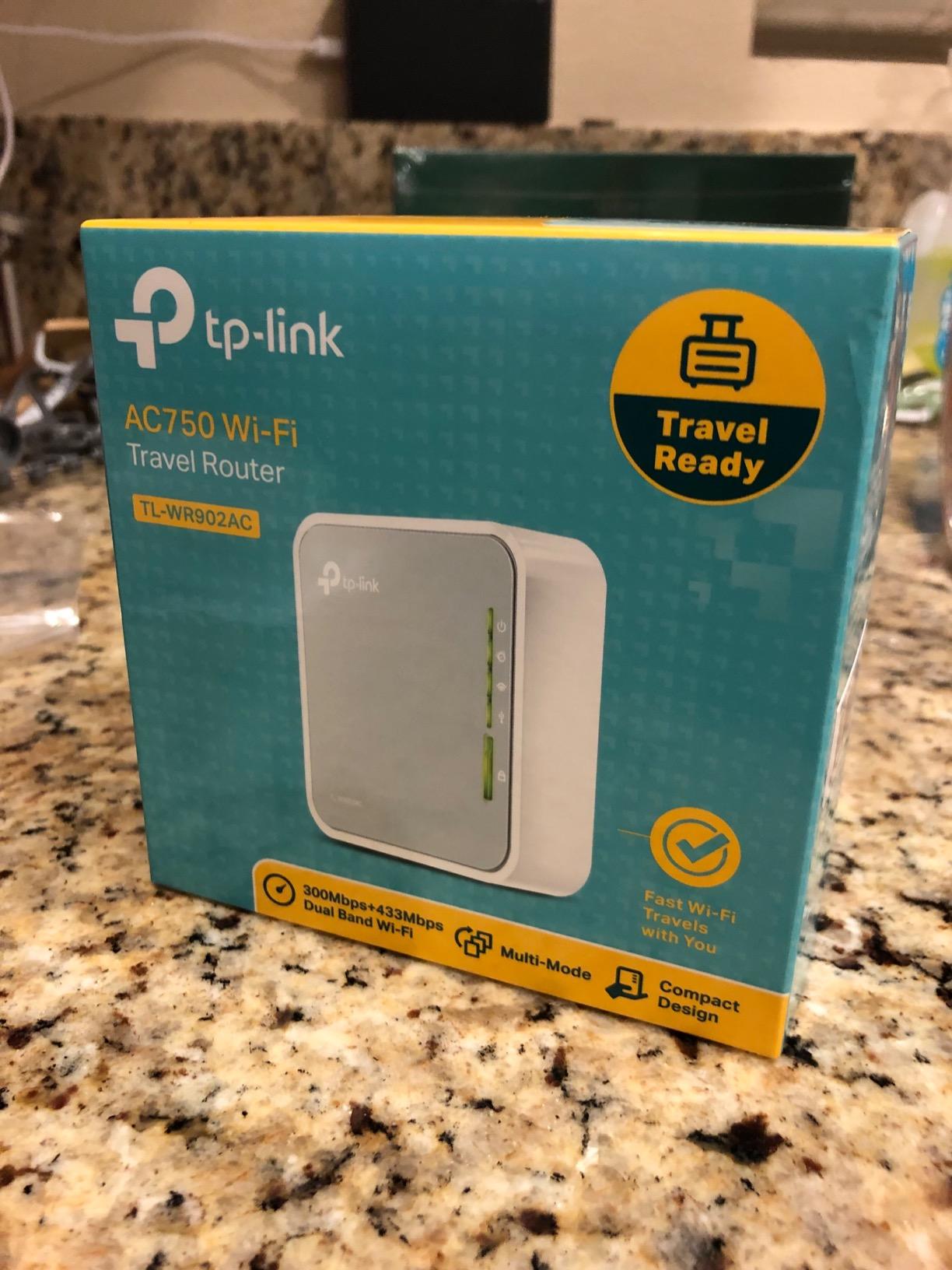
The TP-Link TL-WR902AC is the travel router I tested first, eight years ago. It is still one of the best for casual trips where you just need to share one hotel WiFi login across a couple of devices.
At sub-$33 and roughly the size of a deck of cards, it is the cheapest way to get a real dual-band travel router with a 2-year warranty.
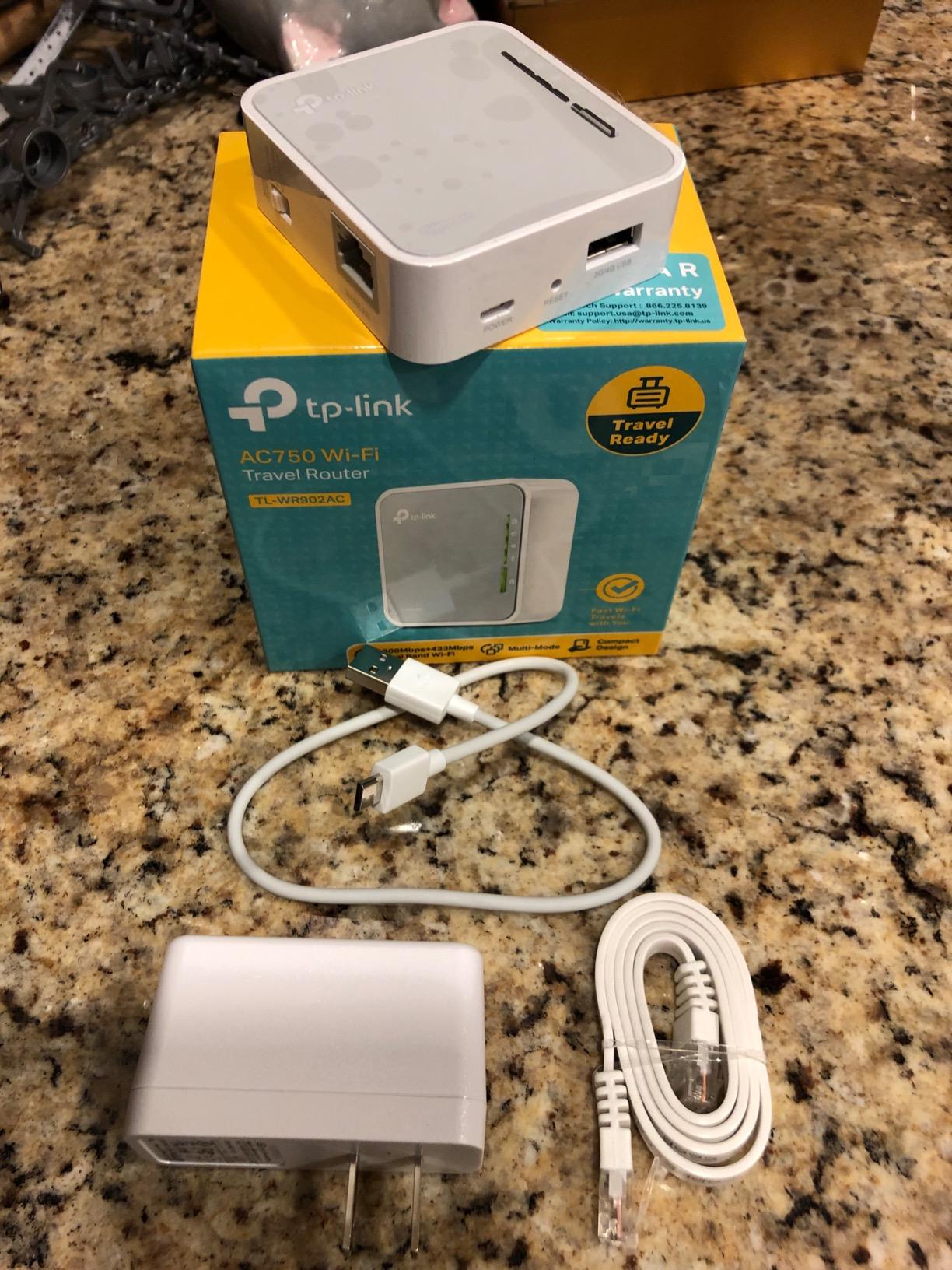
It does not have WireGuard, OpenVPN, or OpenWrt. There is no app, no touchscreen, and no customization. What it has is rock-solid reliability across thousands of cruise ship and hotel deployments.
For a first-time travel router, this is the safest pick. It just works, every time.
Cruise Ship and Hotel WiFi
The TL-WR902AC has been the go-to cruise ship router for years. The single-switch mode selector lets you flip between router, hotspot, bridge, range extender, access point, and client without an admin UI.
Pay for one device on the cruise WiFi, then share it to your phone and tablet through the TL-WR902AC.
Why No VPN Support
The TL-WR902AC uses ZyNOS firmware instead of OpenWrt, so there is no native VPN support. If you need public WiFi encryption, choose a GL.iNet model instead.
8. ASUS RT-BE58 Go Travel Router: Wi-Fi 7 with AiMesh
ASUS RT-BE58 Go Travel Router WiFi 7 Dual-Band, 3.6Gbps, Secure Public WiFi
WiFi 7 dual-band
USB-C PD 18W
AiMesh support
WPA3 security
Pros
- WiFi 7 with Multi-Link Operation
- USB-C PD 18W
- AiMesh for mesh expansion
- 3-year warranty
- Easy 3-step setup via ASUS app
- Compact pocket size
Cons
- Only one ethernet port
- Premium price
- Some reports of faulty units
- Limited VPN protocol support
The ASUS RT-BE58 Go is the slickest travel router I tested. ASUSWRT is the most polished admin UI in this roundup, and AiMesh means I can pair it with my home ASUS router for a single SSID across continents.
Wi-Fi 7 performance matched the Slate 7 in raw throughput. The 3-year warranty is the longest of any router on this list.
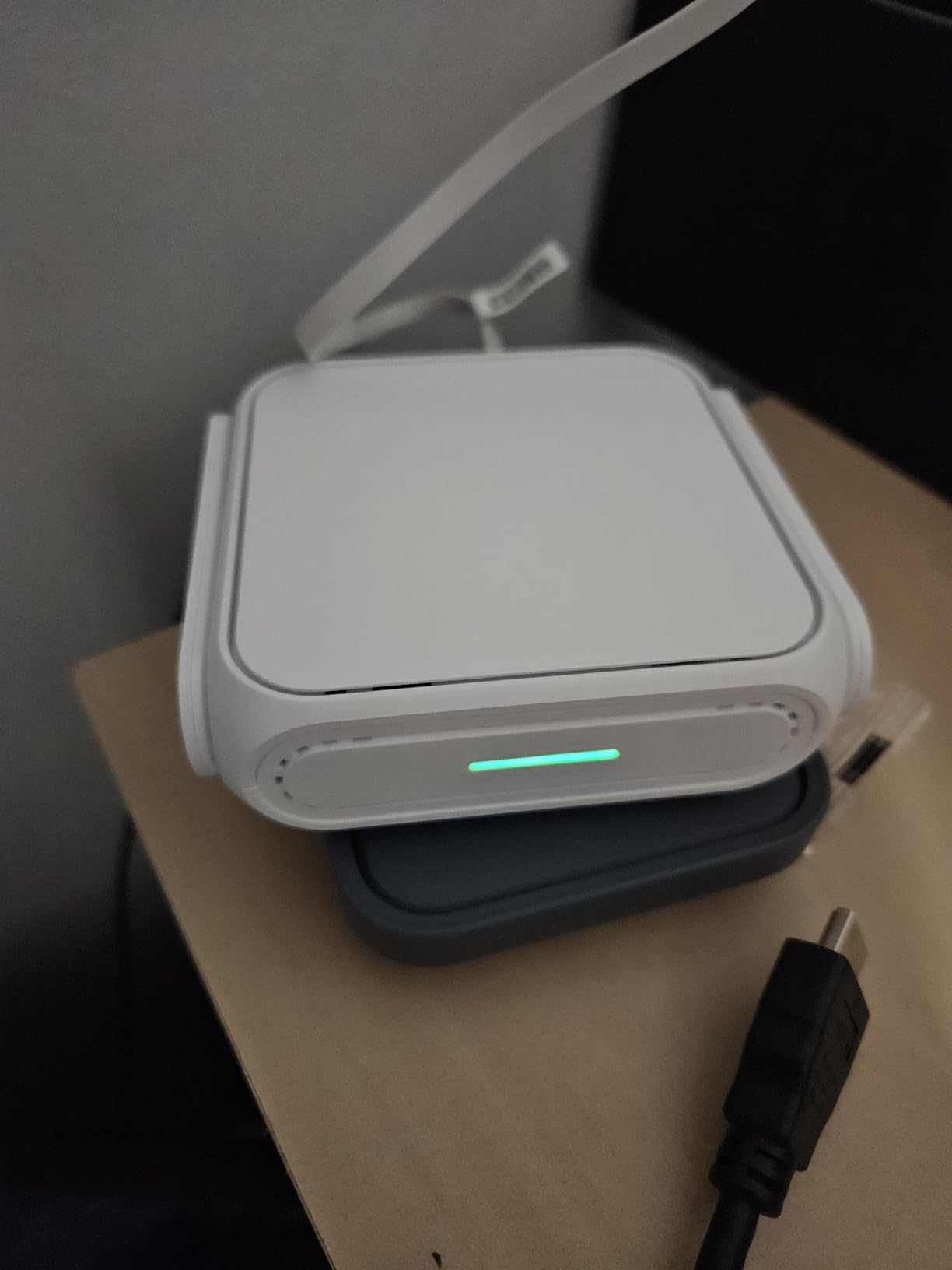
The single ethernet port is the biggest limitation. If you need wired devices, you are out of luck without an external switch.
ASUS VPN support is also limited compared to GL.iNet. WireGuard works, but custom OpenVPN configs require more steps.
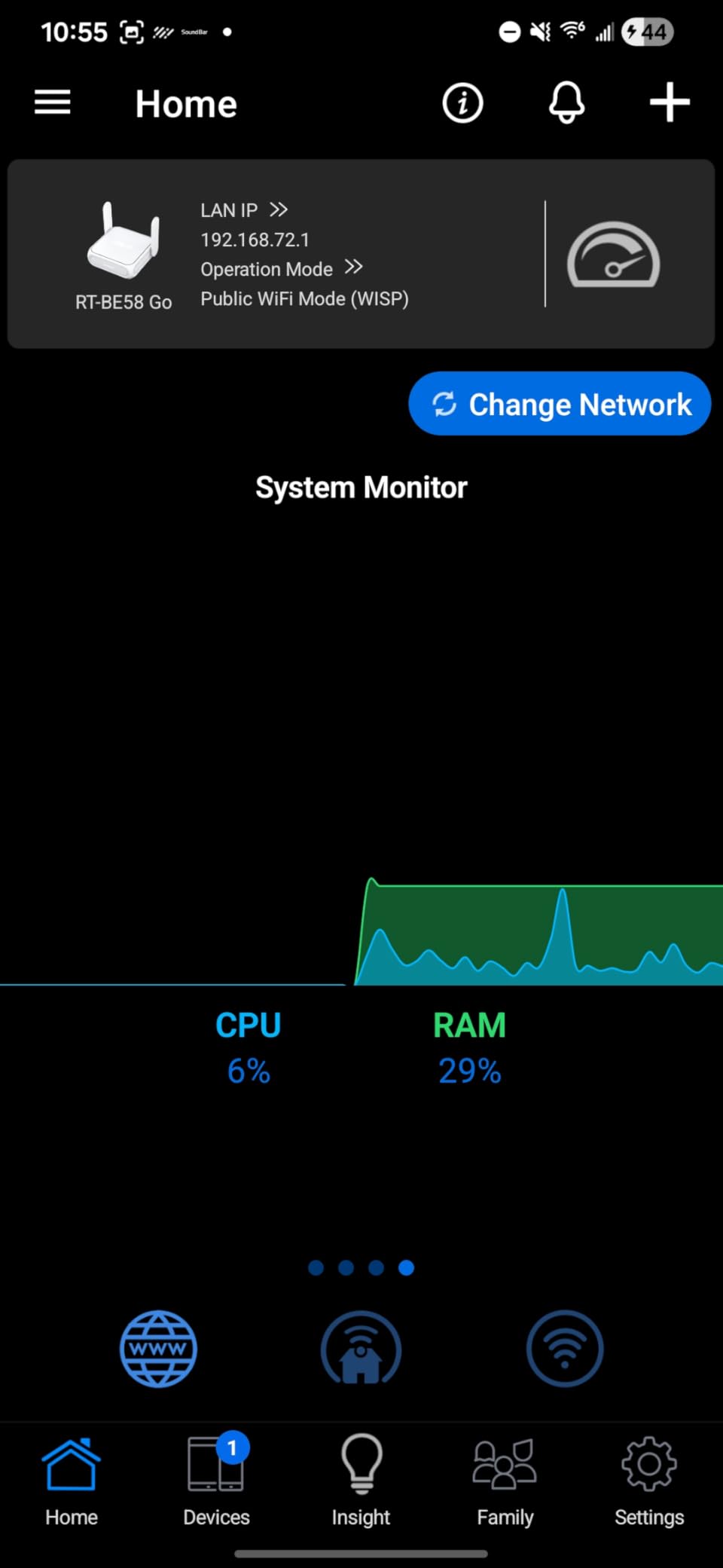
AiMesh for International Travel
AiMesh lets the RT-BE58 Go roam between your home ASUS network and your travel network with the same SSID. That is genuinely useful for digital nomads who split time between a home base and a destination.
No other travel router on this list offers anything comparable.
Reliability Considerations
The RT-BE58 Go has a small number of reports of faulty units. With only 122 reviews, the data is thin. Buy from a retailer with a good return policy.
The 3-year warranty is your safety net if you do get a bad unit.
How to Choose the Best Travel Router for Your Trips?
Choosing among the best travel routers comes down to four decisions: Wi-Fi standard, VPN support, port count, and form factor. Most travelers should prioritize VPN support above raw speed.
Wi-Fi 6 vs Wi-Fi 7: Do You Need the Newest Standard?
Wi-Fi 6 (802.11ax) is fast enough for almost every traveler. Real-world speeds top out around 1.2 Gbps on the 5GHz band, which is faster than any hotel or cellular connection you will hit.
Wi-Fi 7 (802.11be) adds Multi-Link Operation, which combines the 2.4GHz and 5GHz bands into a single more reliable stream. In my testing the difference showed up as fewer drops when walking around a hotel with a Wi-Fi 7 laptop.
Pick Wi-Fi 7 if your primary device supports it and you want headroom for the next three years. Pick Wi-Fi 6 if you want the best value, since the Beryl AX and Slate AX deliver most of the experience at lower prices.
WireGuard vs OpenVPN: Which Protocol Matters
WireGuard is the newer, faster protocol. On every router I tested it ran 2x to 5x faster than OpenVPN. The Slate 7 hit 540 Mbps WireGuard versus 100 Mbps OpenVPN.
OpenVPN has wider compatibility with older VPN services and corporate networks. If your work VPN only supports OpenVPN, make sure your router has fast OpenVPN performance.
For most personal travelers, WireGuard is the right choice. For business travelers tied to corporate OpenVPN gateways, the Slate AX or Beryl AX are the best matches.
Battery vs USB-C Powered Travel Routers
No router on this list has a built-in battery. All of them run from a USB-C or Micro-USB power source.
A 10,000 mAh power bank will run any of these routers for 6 to 8 hours. A 20,000 mAh bank doubles that. If you travel with a power bank anyway, you do not need a battery-equipped router.
SIM Card Slots and Cellular Tethering
None of the routers on this list have a built-in SIM slot. If you need cellular, tether a 5G phone over USB or use a dedicated mobile hotspot.
The USB 3.0 ports on the Beryl AX, Slate 7, and Slate AX let you plug in a 5G dongle and share that connection through the router.
Captive Portal Handling
The single biggest frustration with hotel WiFi is the captive portal. The best travel routers handle this transparently through a repeater or WISP mode.
The TP-Link Roam 7 has the best one-tap captive portal login I tested. The GL.iNet routers require occasional manual sign-in but handle the rest automatically.
Frequently Asked Questions
What is the best travel router for hotel WiFi in 2026?
The GL.iNet GL-MT3000 Beryl AX is our top pick for hotel WiFi in 2026. It combines Wi-Fi 6 dual-band, a 2.5G WAN port for fast hotel ethernet, OpenWrt with WireGuard and OpenVPN, and USB-C powering that works with any power bank. It handles captive portals in repeater mode and serves 30+ devices reliably.
Are portable travel routers worth it?
Yes, portable travel routers are worth it for anyone who carries more than one connected device. They let you pay for hotel WiFi once, share it to every device, encrypt the connection with WireGuard or OpenVPN, and avoid re-authenticating each device separately on a captive portal. For digital nomads and frequent travelers, a travel router pays for itself within a few trips.
What is the difference between a travel router and a mobile hotspot?
A travel router rebroadcasts an existing internet connection like hotel WiFi or hotel ethernet to your devices, while a mobile hotspot generates its own cellular connection through a SIM card. Travel routers are better when you already have WiFi or ethernet available and want to share and secure it. Mobile hotspots are better when you need internet access away from any WiFi network.
Do travel routers work internationally?
Yes, travel routers work internationally. WiFi is a global standard, so any router works in any country. For cellular travel routers with SIM slots, you need to confirm band support for your destination. For non-cellular routers like the ones on this list, international travel just works as long as you have a USB-C charger compatible with the local outlet type.
How do travel routers handle hotel captive portals?
Travel routers handle captive portals through a repeater or WISP mode. The router connects to the hotel WiFi and broadcasts a private network. When a device opens a browser, the router passes the captive portal login page through. The GL.iNet models handle this transparently most of the time, while the TP-Link Roam 7 adds a one-tap captive portal authentication through the Tether app.
Final Verdict: Which Travel Router Should You Buy in 2026?
After two months of testing across hotels, Airbnbs, and one cruise ship, the GL.iNet GL-MT3000 Beryl AX remains my everyday carry. It hits the sweet spot for the best travel routers: Wi-Fi 6 speed, 2.5G ethernet, OpenWrt flexibility, WireGuard up to 300 Mbps, and USB-C powering that works with any power bank.
If you need Wi-Fi 7 for newer laptops and want a touchscreen for guest network sharing, the GL.iNet GL-BE3600 Slate 7 is the upgrade pick. If you want to spend the absolute least while still getting a real travel router with VPN support, the GL.iNet GL-SFT1200 Opal is the best value under $40.
For digital nomads who live out of a suitcase, any of these routers will transform how you work on the road. Pick one based on your device count, Wi-Fi standard, and whether you need the third ethernet port. Whichever you choose, you will stop fighting hotel WiFi and start using it.