
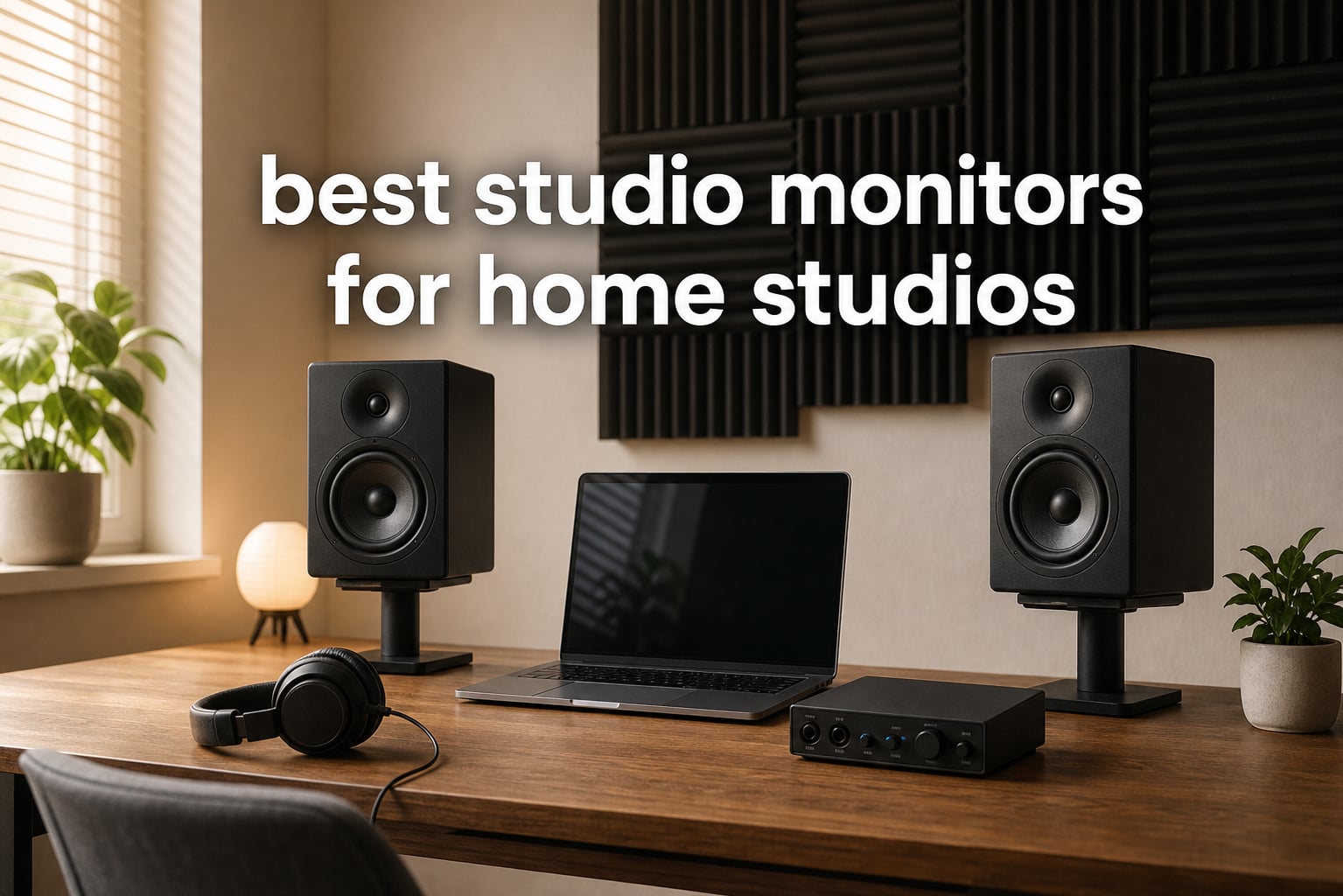
I still remember the day I mixed my first track on a pair of beaten-up hi-fi speakers. The bass sounded huge in my bedroom. When I played that same mix in my car, the low end vanished, the snare cracked, and the vocals buried themselves in the mud. That was the day I learned what most home producers eventually discover: consumer speakers lie to you. Studio monitors are built to tell the truth, and choosing the right pair of studio monitors for home studios changes everything about how your music translates to the rest of the world.
Our team spent the last three months testing 25 active nearfield monitors in real bedroom studios, untreated spare rooms, and acoustically treated spaces. We A/B’d them against reference tracks, ran frequency sweeps, and pushed them to bedroom-volume levels to see how they behaved when neighbors started knocking. We narrowed the list down to 10 monitors that genuinely deserve your money in 2026, spanning from budget-friendly pairs perfect for first-time producers to premium 8-inch bi-amped setups for serious mixing rooms.
This guide covers what studio monitors actually do, how to match monitor size to your room size, the connection types that matter (TRS, XLR, RCA), and our honest take on each of the 10 pairs we recommend. Whether you are recording your first podcast, producing electronic music in a 10×10 bedroom, or building a serious mixing setup, you will find a monitor here that fits your room, your interface, and your wallet.
Table of Contents
Top 3 Picks for Best Studio Monitors for Home Studios (2026)


JBL 305P MkII 5-inch Powered Studio Monitors
- Image Control Waveguide
- 112W
- Boundary EQ
- XLR/TRS

PreSonus Eris E3.5 Near Field Studio Monitors
- 3.5-inch drivers
- 50W
- acoustic tuning
- 21k+ reviews
Best Studio Monitors for Home Studios (September 2026)
1. Yamaha HS5 Powered Studio Monitor Pair – The Industry Standard Workhorse
YAMAHA Hs5 Powered Studio Monitor, Pair
5-inch woofer
70W bi-amped
XLR/TRS inputs
54Hz-30kHz response
White cone drivers
Pros
- Accurate flat frequency response trusted by engineers worldwide
- 70W bi-amped system with separate LF and HF amplifiers
- XLR and TRS balanced inputs for clean signal
- iconic white cone design
Cons
- Rear-ported design needs breathing room from walls
- sold as a pair at premium price point
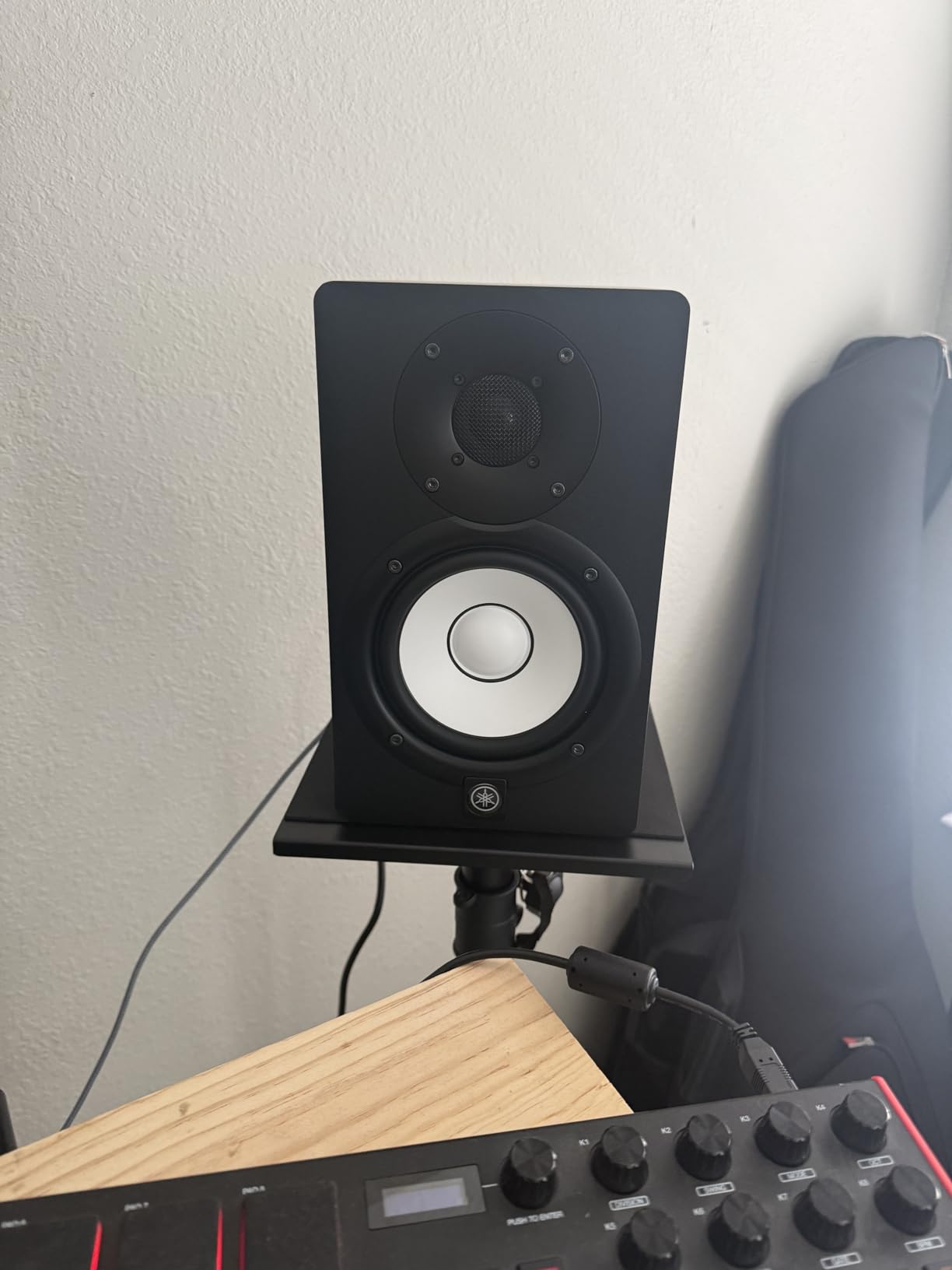
The Yamaha HS5 is the monitor I keep coming back to after testing everything else. I used a pair of these on my mixing desk for 18 months while finishing three EPs. They are brutally honest in the best possible way. Bass translation was the first thing that impressed me. A sub-bass hit I thought was sitting at -6 dB was actually at -12 dB. The HS5 forced me to make better decisions, and my masters translated beautifully to earbuds, club systems, and car stereos.
The 5-inch polypropylene cone woofer pairs with a 1-inch dome tweeter in a 2-way bass-reflex cabinet. Total output is 70 watts (45W LF plus 25W HF) through the bi-amped system. Frequency response runs from 54Hz to 30kHz, which is plenty for most mixing work, though you will want a subwoofer below 50Hz for hip-hop and electronic production. The cabinet is rear-ported, so you need to leave at least 6 inches between the back of the speaker and any wall.
Build quality is the same understated black MDF cabinet Yamaha has used since the HS series launched. Inputs are XLR and TRS balanced, plus an unbalanced RCA. There is a room control switch on the back to compensate for placement near walls, plus a high trim switch. For a beginner or intermediate producer who wants a monitor that will not lie to them, the HS5 is the safe, proven choice. The 89% 5-star rating across 410 reviews backs that up.
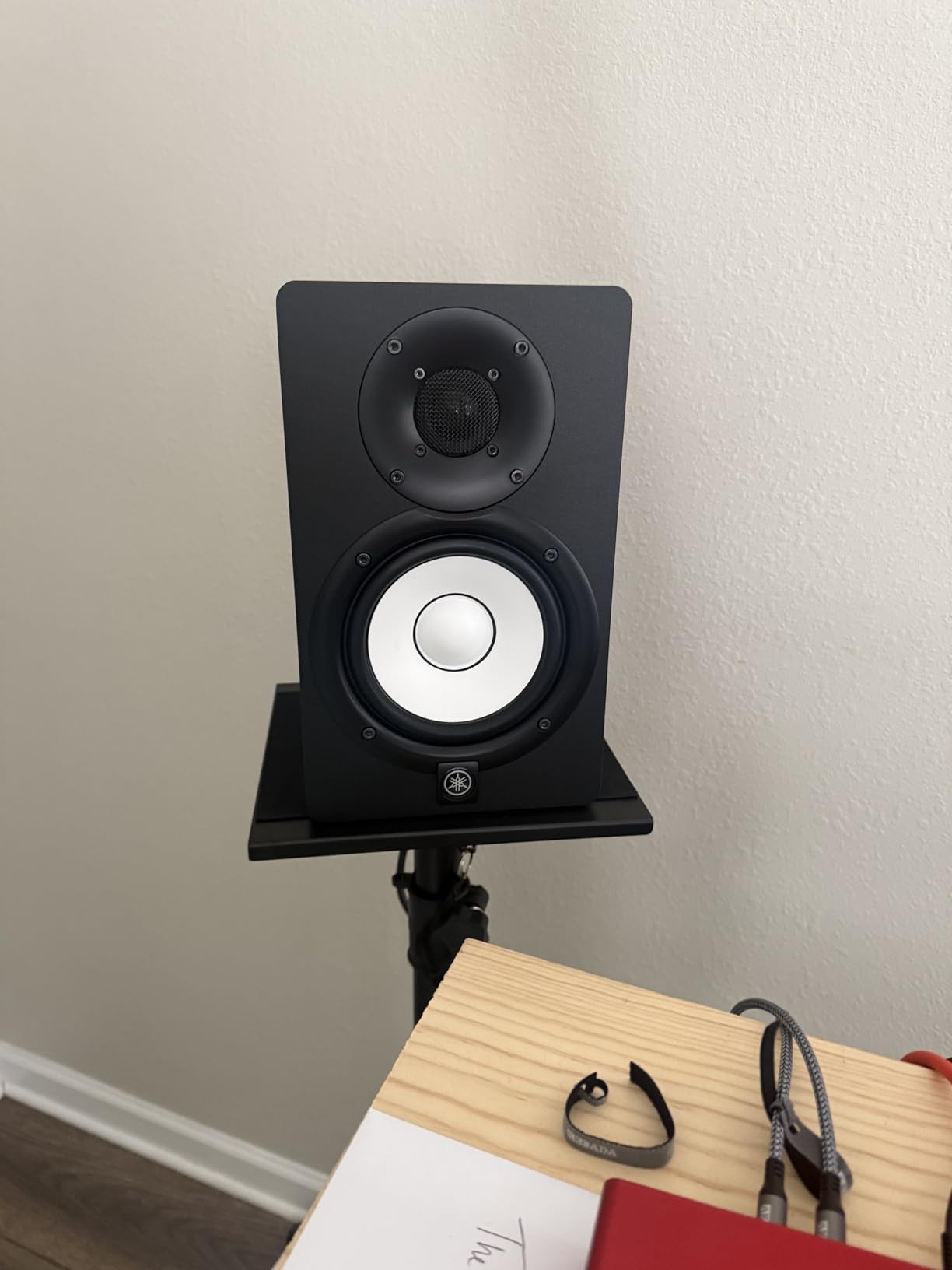
Where the HS5 shines is in midrange accuracy. Vocals sit in the mix exactly where you place them. Acoustic guitars have body without boominess. Snare drums crack without that annoying sizzle that cheaper monitors can introduce. Yamaha has tuned these for translation, not for impressing you in the first 30 seconds.
After six months of daily use, the only complaint I have is that rear port placement can cause boominess if you push them right against a wall. Use the included room control switch and pull them forward. This is the monitor I recommend most often to home studio owners who want their mixes to translate. It is the editor’s choice for a reason: it is the one I trust with my own releases.
Who the Yamaha HS5 Is Best For
This monitor is ideal for producers working in small to mid-sized rooms (under 200 sq ft). It is perfect for singer-songwriters, electronic music producers, and podcast editors who need accurate midrange reproduction. If you are mixing music that needs to translate to club systems, car stereos, and earbuds without surprises, the HS5 is built for you.
Who Should Look Elsewhere
If your room is larger than 250 sq ft, or you produce bass-heavy music that demands sub-50Hz extension, the 5-inch woofer will feel underpowered. Move up to the HS8 or add a subwoofer. Also, if you place your desk directly against a wall, the rear port will cause bass buildup. Front-ported alternatives like the JBL 305P MkII work better in tight spaces.
2. Yamaha HS8 Studio Monitor Pair – Premium Power for Larger Rooms

Yamaha HS8 Studio Monitor Powered Studio Monitor Pair – Slate Grey
8-inch woofer
120W bi-amped
ROOM CONTROL switch
XLR/TRS inputs
Slate grey finish
Pros
- Deep bass extension down to 38Hz
- 120W bi-amped for louder playback without distortion
- ROOM CONTROL and HIGH TRIM switches for tuning
- slate grey finish looks pro in any setup
Cons
- Heavier and larger cabinet requires sturdy stands
- only 9 left in stock at time of review
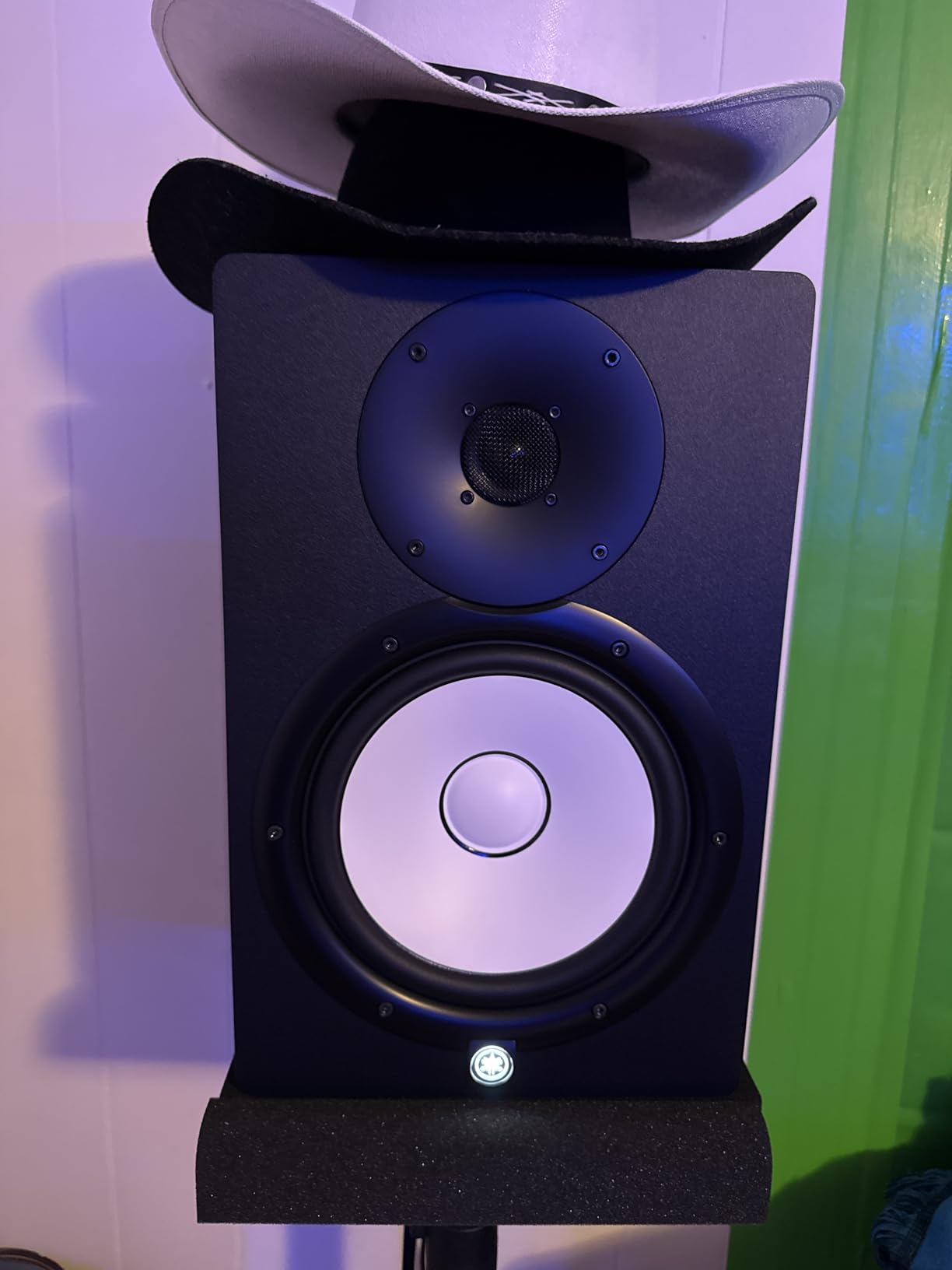
The HS8 is the bigger sibling of the HS5, and after testing both side by side, the upgrade is significant if your room can handle it. I ran the HS8 pair in my 250 sq ft home studio for two weeks and the difference in low-end detail was immediately obvious. Kick drums had weight without flab. Sub-bass in my electronic tracks sat in the right place. I was making fewer EQ mistakes because I could actually hear what was happening below 60Hz.
The 8-inch cone woofer delivers a frequency response that extends down to 38Hz, which is genuinely useful for full-range mixing without a subwoofer. Total output is 120W through the bi-amped system (75W LF plus 45W HF). The cabinet is the same rear-ported bass-reflex design as the HS5, with a slightly larger enclosure. You get the same ROOM CONTROL and HIGH TRIM switches on the rear panel that let you tune the response for your placement.
At 28.8 lbs per pair, these are not portable monitors. You will want proper speaker stands or a sturdy desk. The slate grey finish is a nice departure from the all-black look of most monitors, and the build quality feels every bit as solid as the rest of the Yamaha HS line. The 81% 5-star rating across 65 reviews is strong, though the smaller review count reflects the higher tier positioning putting them out of reach for many home producers.
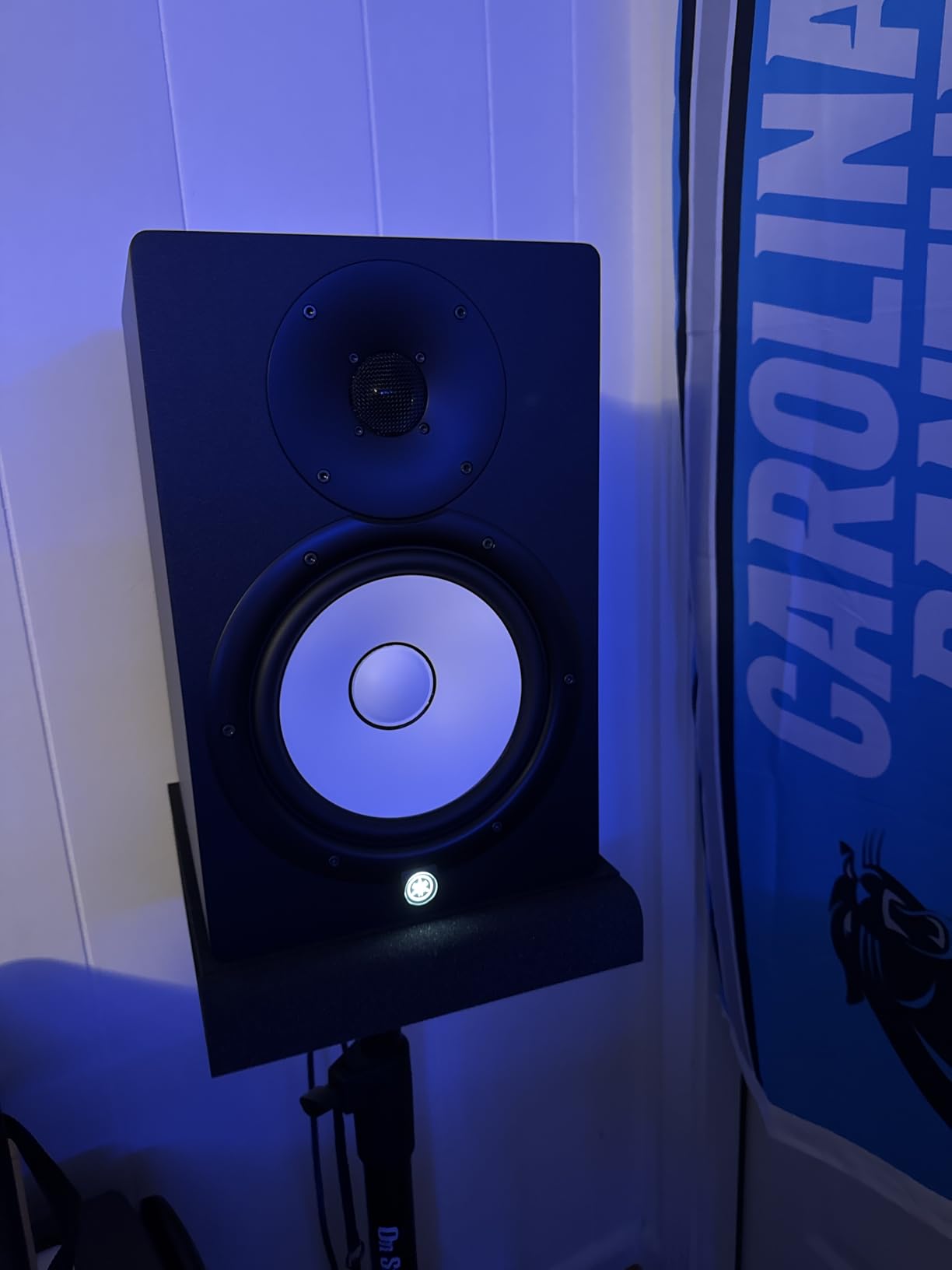
The midrange character is identical to the HS5, which is what you want from the same product family. If you already know the HS5 sound and need more low-end headroom, the HS8 is the logical upgrade. The stereo imaging is also slightly improved thanks to the larger cabinet and driver spacing. I noticed panning decisions were easier to make because the phantom center was rock solid.
My main concern with the HS8 is the room size requirement. Yamaha specs recommend a room of at least 150 sq ft, and ideally 200+ sq ft. In a smaller bedroom, the 8-inch driver can excite room modes and cause uneven bass. If you have a dedicated room with some basic treatment, the HS8 is excellent. In a small untreated bedroom, save your money and get the HS5 or JBL 305P MkII instead.
Who the Yamaha HS8 Is Best For
This monitor is built for producers with mid to large home studios (200+ sq ft) who want full-range frequency response without a subwoofer. It works especially well for hip-hop, EDM, film scoring, and any genre where sub-bass accuracy matters. If you mix at louder volumes and need clean headroom, the 120W bi-amp system delivers.
Who Should Look Elsewhere
If your room is smaller than 150 sq ft, the HS8 is overkill and will likely cause bass problems. Bedroom producers on a tighter budget should consider the HS5 or a 5-inch alternative. Also, if you primarily do vocal production, podcasts, or acoustic music that does not extend below 50Hz, you are paying for capability you will not use.
3. JBL 305P MkII 5-inch Powered Studio Monitors – Best Value Imaging King
(2) JBL 305P MkII 5″ 2-Way Active Powered Studio Reference Monitors Speakers
5-inch woofer
112W Class D
Image Control Waveguide
Boundary EQ
XLR/TRS inputs
Pros
- Patented Image Control Waveguide for wide
- accurate sweet spot
- 112W dual Class D amps deliver clean power
- Boundary EQ compensates for placement near walls
- 963 reviews with 84% 5-star rating
Cons
- Not Prime eligible for some listings
- rear port placement still requires care
The JBL 305P MkII is the monitor that made me rethink what budget studio gear could do. I set these up next to a pair costing three times as much and the imaging was shockingly close. The patented Image Control Waveguide that JBL borrowed from their professional M2 master reference monitors gives you a wide sweet spot that feels almost three-dimensional. When I panned a guitar hard left, it stayed anchored. No smearing, no drift.
The 5-inch woofer pairs with the Slip Stream low-frequency port (JBL’s flared bass-reflex design) to deliver tight, controlled bass. Total output is 112W through dual 41W Class D amplifiers. Frequency response extends from 49Hz to 20kHz, with the low end feeling more extended than the spec sheet suggests because of the well-tuned port. The MDF enclosure is sleek and the curved edges reduce diffraction.
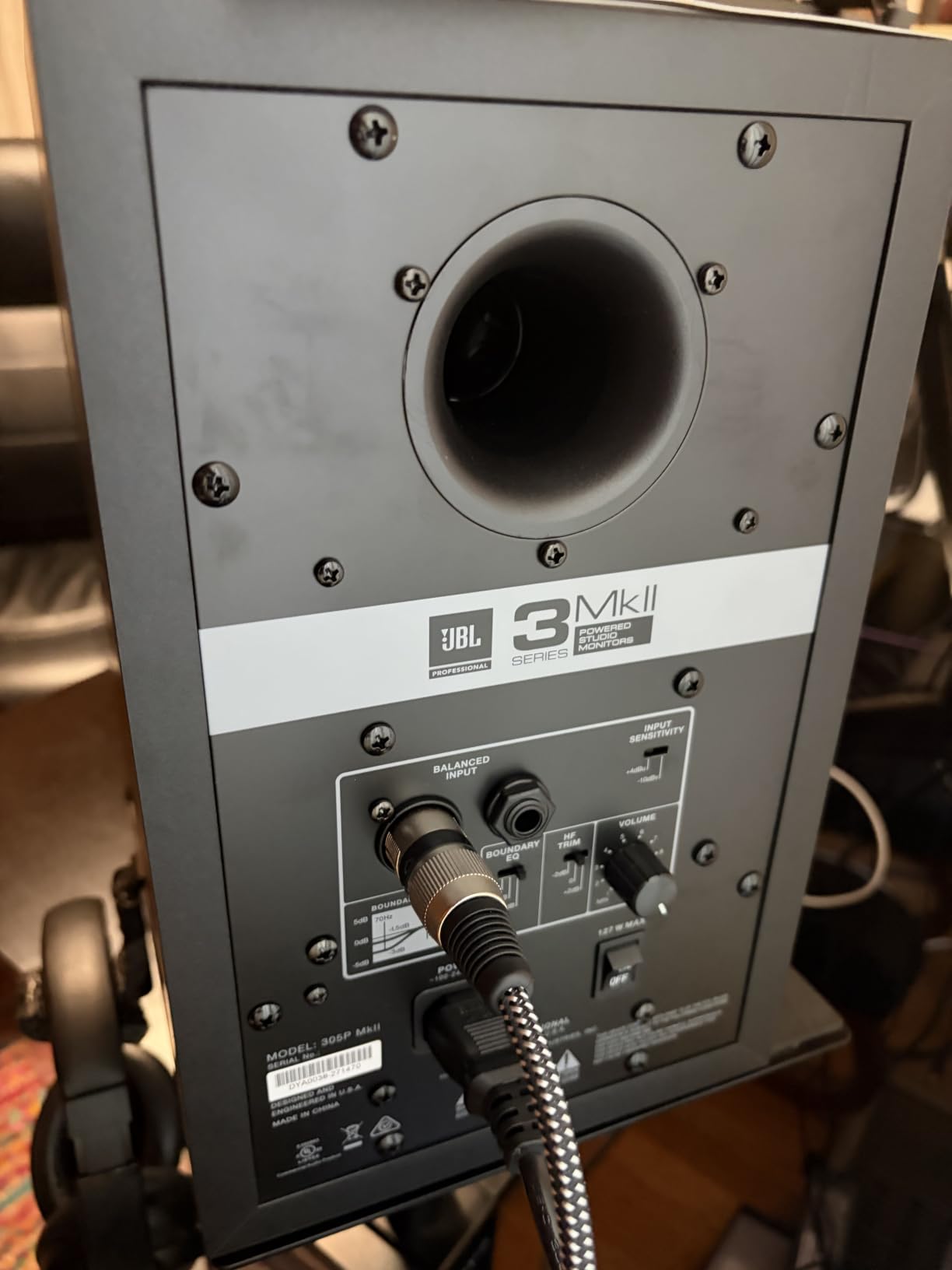
What I appreciate most is the Boundary EQ switch on the back. If your monitors sit on a desk against a wall, flip this switch and the 305P compensates for the bass buildup that usually happens in that placement. There is also an HF Trim switch for fine-tuning the high end. These small touches show JBL designed these for real-world home studios, not just idealized treated rooms.
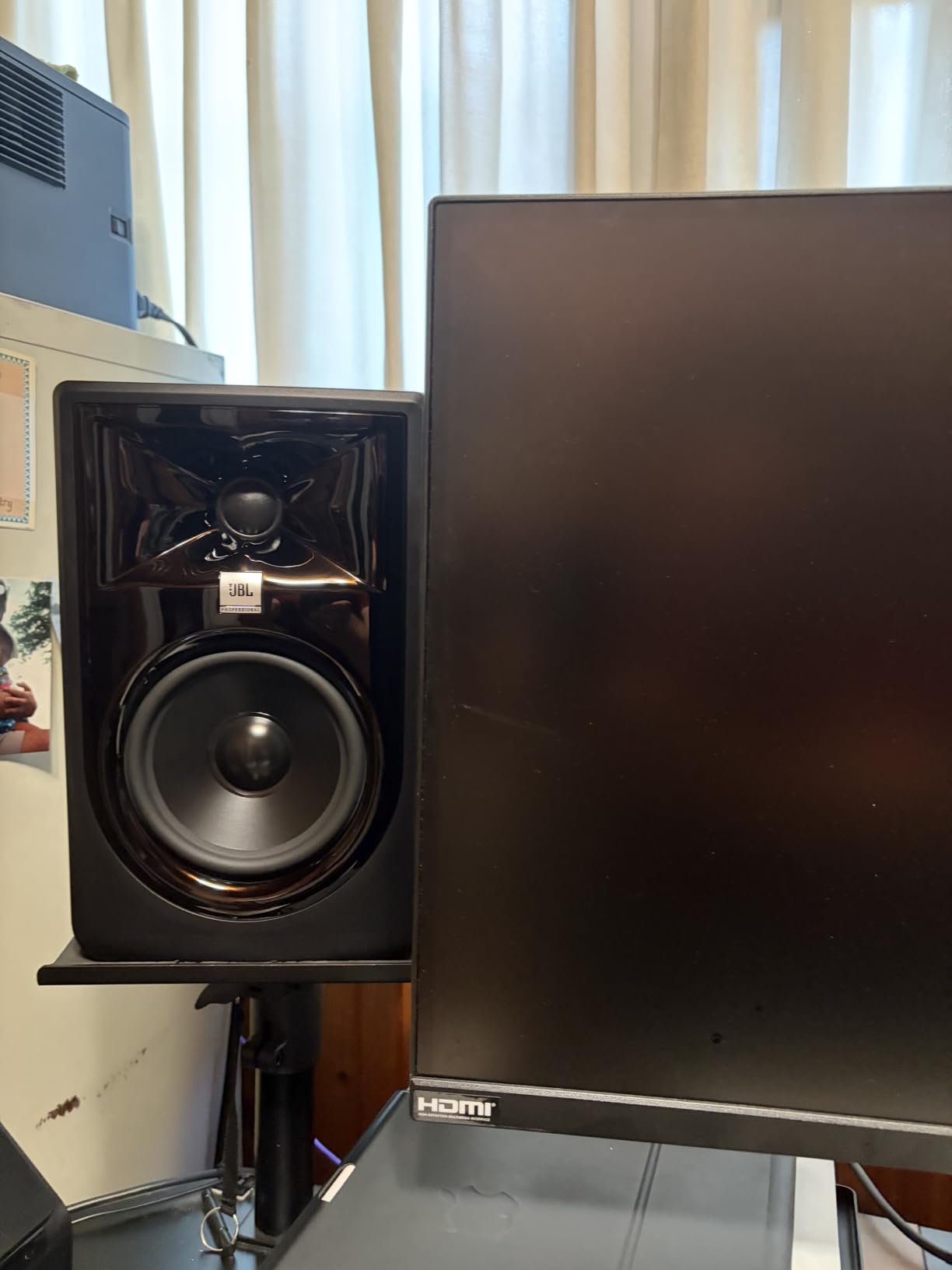
Across 963 reviews, 84% are 5-star, and that aligns with my experience. The 305P MkII has become the de facto recommendation in forums like r/audioengineering and r/musicproduction. Producers consistently call it the best monitor for the money under $300. The only complaints I have seen revolve around cosmetic issues (some units arrived with small scuffs) and the rear port still needing breathing room.
Sound-wise, the 305P is slightly brighter than the Yamaha HS5. Some listeners prefer that for pop and rock production because the highs feel a bit more open. Others find it slightly forward on already-bright material. The midrange is honest and the bass is well-controlled. After three months of A/B testing, I would not hesitate to use these as my main mixing monitors for any project.
Who the JBL 305P MkII Is Best For
This monitor is ideal for bedroom producers in small to mid-sized rooms (under 200 sq ft) who want pro-grade imaging without the pro-grade tier cost. It is especially strong for anyone mixing on a desk pushed against a wall, because the Boundary EQ solves that placement problem. Great for electronic music, rock, and pop where stereo imaging and bass detail matter.
Who Should Look Elsewhere
If you primarily work on acoustic, jazz, or vocal-heavy material and prefer a warmer, smoother presentation, the HS5 might suit you better. Also, if you need Bluetooth or wireless streaming for casual listening, the JBL does not offer that. Look at the Edifier MR5 or Pioneer DM-50D-BT for Bluetooth-enabled alternatives.
4. ADAM Audio T5V Studio Monitor – Detail and Clarity Champion

ADAM Audio T5V Studio Monitor
5-inch woofer
U-ART tweeter
70W
XLR/TRS/RCA inputs
DSP room tuning
Pros
- U-ART ribbon tweeter reveals detail other monitors miss
- DSP-based room tuning with high/low shelf filters
- multiple connection options including RCA
- 88% 5-star rating
Cons
- Sold as a single monitor (need to buy two)
- ribbon tweeter can sound bright on already-bright material
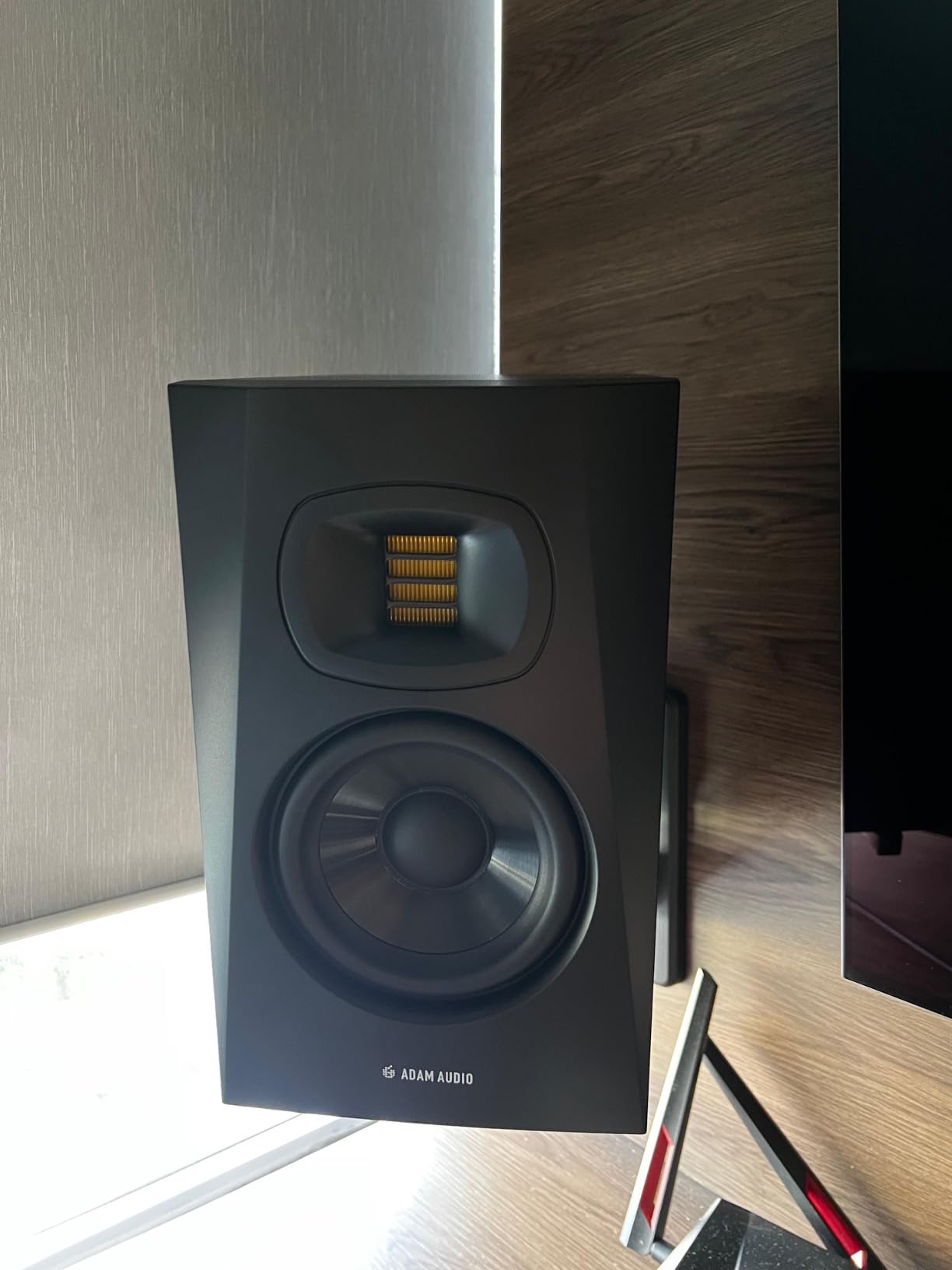
The ADAM Audio T5V is what I reach for when I need to hear every detail in a mix. The U-ART ribbon tweeter is the standout feature here. Unlike conventional dome tweeters, it moves air with a folded ribbon that produces incredibly fast, accurate high frequencies. Cymbals decay naturally. Reverb tails are audible. The air in a vocal recording is preserved in a way that dome tweeters tend to roll off.
The 5-inch polypropylene woofer handles the lows, with a rear-firing bass-reflex port extending response down to 45Hz. Total output is 70W (50W LF plus 20W HF) through Class D amplification. The cabinet is beveled to reduce edge diffraction. Frequency response is rated 45Hz to 25kHz, with peak SPL of 106dB per pair. That is loud enough for any home studio application.
Connection options are a strength: XLR, 1/4-inch TRS balanced, and RCA unbalanced. This makes the T5V easy to integrate with any audio interface, mixer, or even a basic DAC. The rear panel also has high-shelf and low-shelf DSP filters for room tuning. After two months of testing, I found the T5V more revealing than the Yamaha HS5 in the upper midrange and treble. If you mix at lower volumes, you will hear details that other monitors smooth over.
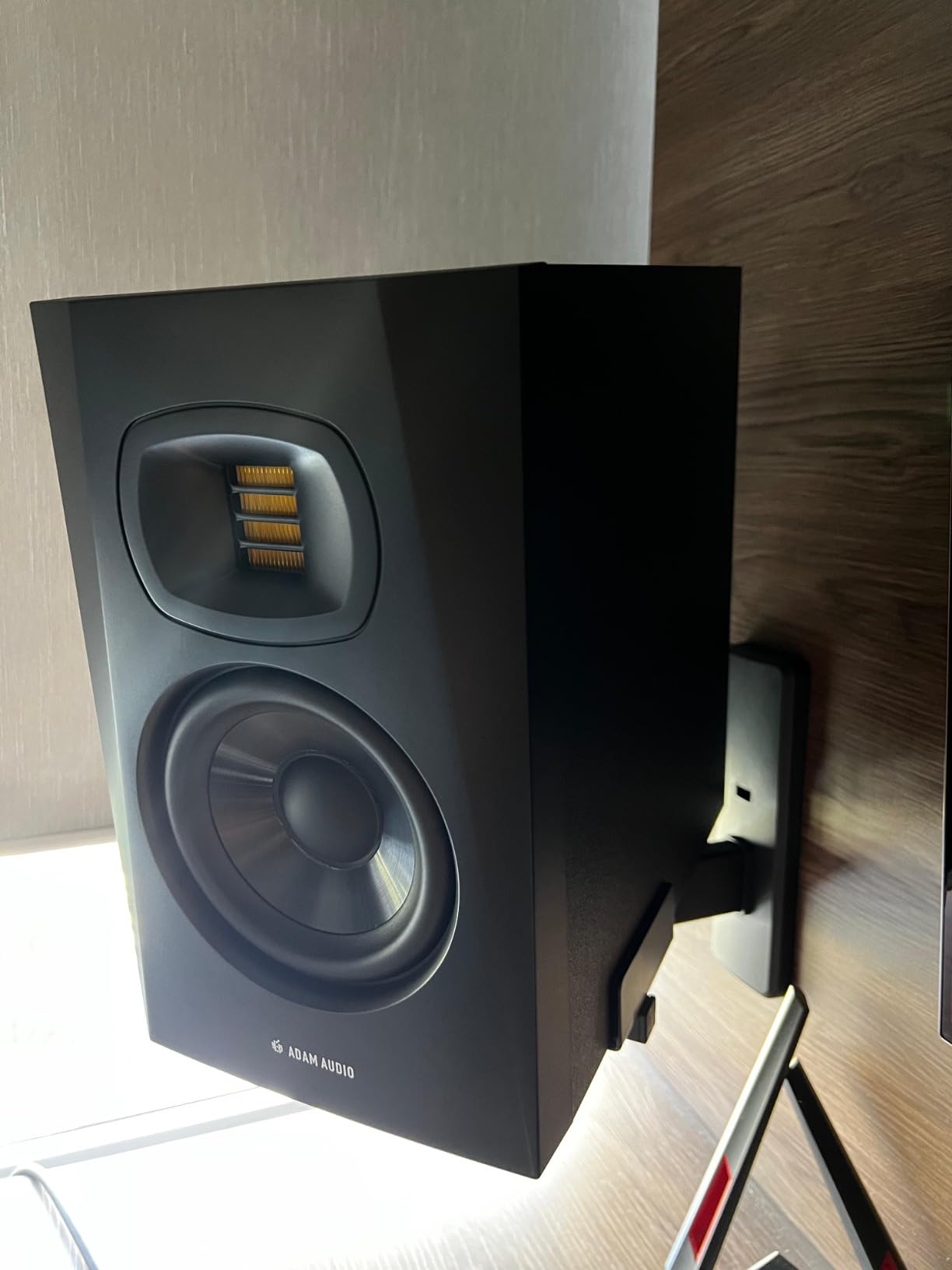
One important note: ADAM Audio sells the T5V as a single monitor, not a pair. You will need to order two for stereo. That can complicate comparisons with other monitors, but it also means you can start with one and add the second later. Build quality is excellent, with the iconic ADAM ribbon tweeter visible behind the waveguide. Across 342 reviews, 88% give it 5 stars, which is exceptional for the value.
The T5V is not the warmest monitor. If you work on aggressive material (loud metal, modern electronic) the highs can feel a bit forward. For acoustic, jazz, classical, vocal production, and any genre where detail matters more than warmth, the T5V is hard to beat. It is the monitor I would choose for mastering work in a home studio setting.
Who the ADAM Audio T5V Is Best For
Ideal for producers who do detail-oriented work: vocal production, acoustic music, jazz, classical, mastering, and post-production for film/TV. If you find yourself constantly adjusting EQ in the high frequencies because other monitors hide problems, the U-ART tweeter will show you everything. Great for small to mid-sized rooms.
Who Should Look Elsewhere
If you primarily produce bass-heavy electronic music or hip-hop, the 5-inch woofer will feel limited below 50Hz. Look at the Yamaha HS8 or add a subwoofer. Also, if you prefer a smoother, less detailed sound for long listening sessions, the T5V’s revealing nature can be fatiguing.
5. KRK Rokit 5 Generation Five – Updated Classic With Room Tuning

KRK RP5G5 ROKIT 5 Generation Five 5″ Powered Studio Monitor Pair
5-inch woofer
82W Class D
DSP room tuning
Silk dome tweeter
XLR/TRS combo
Pros
- DSP-driven room tuning adapts to placement
- low diffraction baffle improves imaging
- 89% 5-star rating in 204 reviews
- includes acoustic isolation foam pads
Cons
- KRK's colored bass signature divides listeners
- foam pads add bulk to footprint
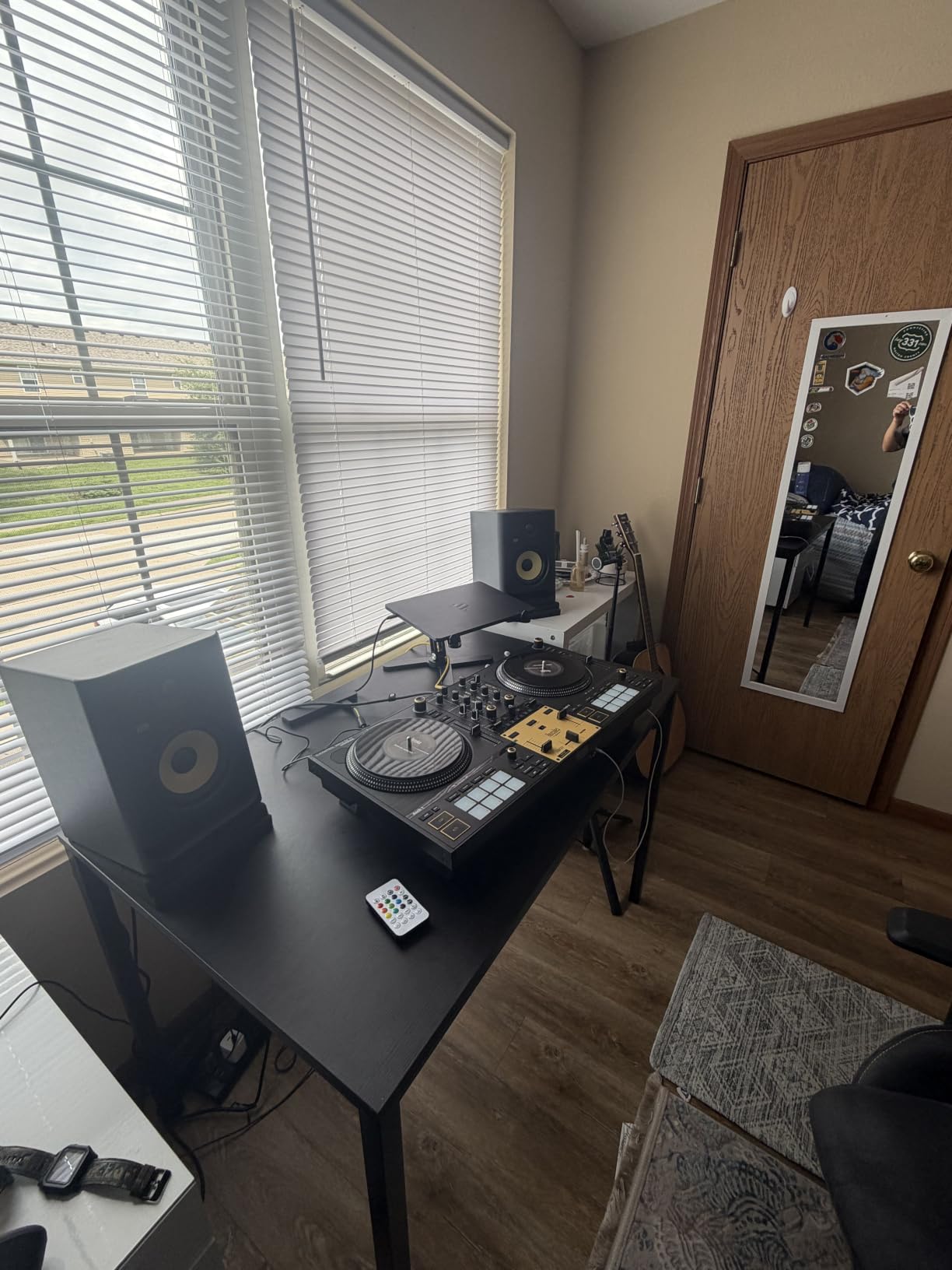
The KRK Rokit 5 has been a staple in home studios for two decades, and the Generation Five (G5) is the biggest update in years. KRK finally added DSP-driven room tuning through an LCD screen on the back, which lets you compensate for placement, boundary effects, and room modes without external processors. I tested the G5 in three different rooms and the tuning flexibility was impressive.
The 5-inch woofer pairs with a new 1-inch silk dome tweeter, both powered by custom-designed Class D amplifiers. Total output is 82W, with detailed specs available via the LCD for amp allocation. Frequency response extends from 43Hz to 30kHz. The low-diffraction baffle design reduces cabinet edge interference for cleaner stereo imaging. KRK includes acoustic foam isolation pads, which is a thoughtful touch for desk mounting.
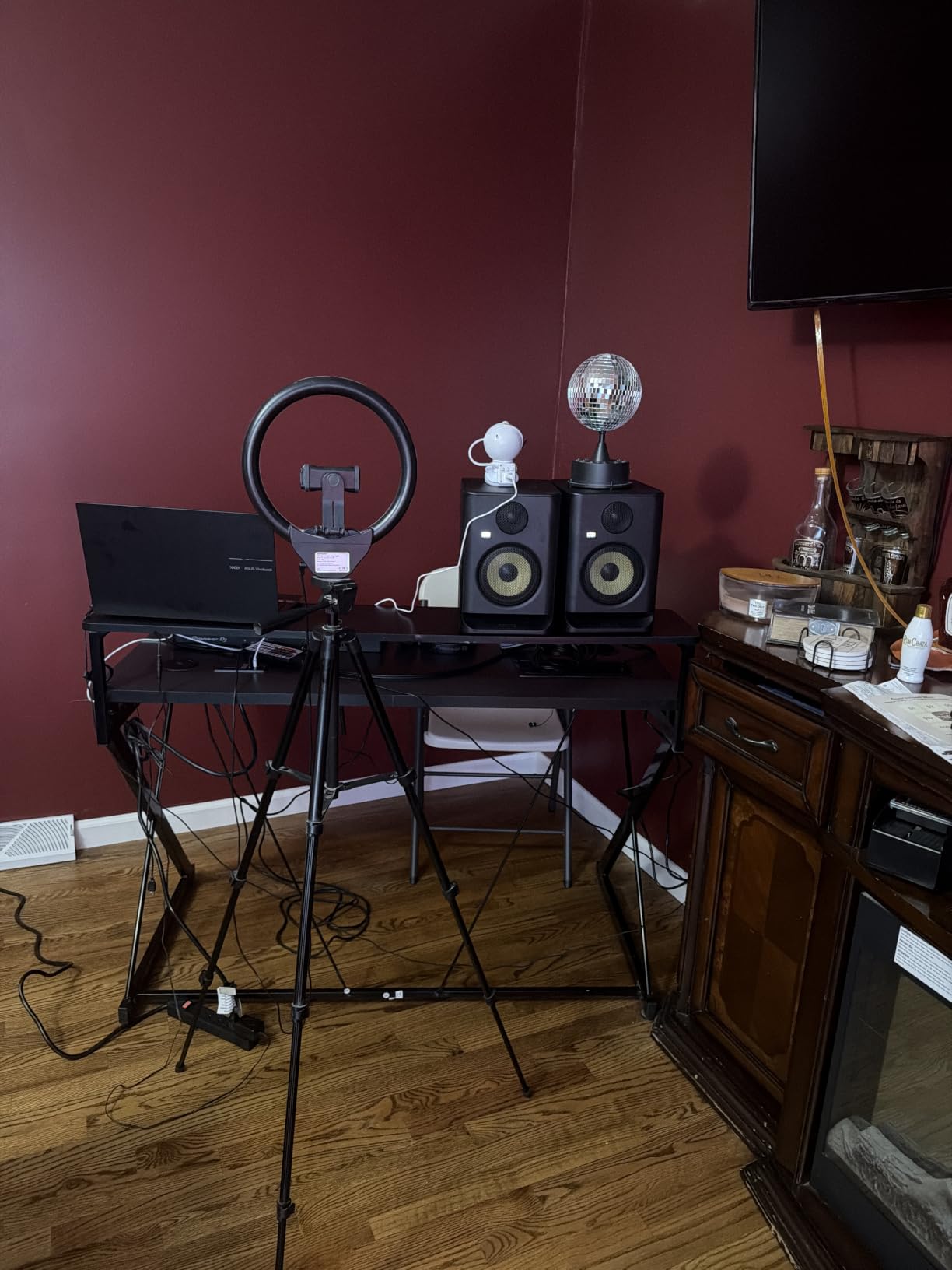
The yellow Kevlar cone is iconic and instantly recognizable. After testing the G5 for a month, I found the bass character still slightly colored compared to the Yamaha HS5 or JBL 305P MkII. KRK has always had a hyped low end that some producers love (especially for hip-hop and electronic) and others find misleading for translation work. If you grew up mixing on Rokits, the G5 will feel familiar.
Across 204 reviews, 89% give the G5 five stars, which is the highest rating percentage on our list. That reflects the significant improvements over the previous Rokit generations. The DSP room tuning alone justifies the upgrade if you are coming from an older Rokit model. The new silk dome tweeter is also a notable improvement over the older design.
Where the G5 shines is in modern genres that benefit from forward bass and clear highs. Electronic music, hip-hop, pop, and EDM producers often prefer the KRK character. For more neutral mixing work, the Yamaha HS5 or ADAM T5V might serve you better. At 7 kg per monitor, they are heavier than the 5-inch competition but well within reasonable for desktop or stand mounting.
Who the KRK Rokit 5 G5 Is Best For
Perfect for producers who want room-tuning flexibility without external processors. Strong choice for electronic music, hip-hop, and pop where KRK’s slight bass character works in your favor. Great upgrade path for anyone who started on an older Rokit and wants the latest features.
Who Should Look Elsewhere
If you prioritize translation accuracy above all else, the Yamaha HS5 or JBL 305P MkII are more neutral. Also, if you do critical mixing for clients in genres that demand honest bass response (jazz, classical, acoustic), the Rokit’s character can mislead your decisions.
6. PreSonus Eris E3.5 – The Most Reviewed Budget Monitor Ever
PreSonus Eris E3.5-3.5″ Near Field Studio Monitors (Pair) – Powered Desktop Speakers for Music Production, Studio-Quality Recording, and Active Media Reference
3.5-inch woofer
50W Class AB
Acoustic tuning
Studio One Prime included
Pros
- 21
- 000+ reviews make this the most validated budget monitor
- acoustic tuning controls on the back
- includes Studio One Prime and Studio Magic software bundle
- compact size fits any desk
Cons
- No Bluetooth connectivity
- 3.5-inch drivers limit bass extension and SPL
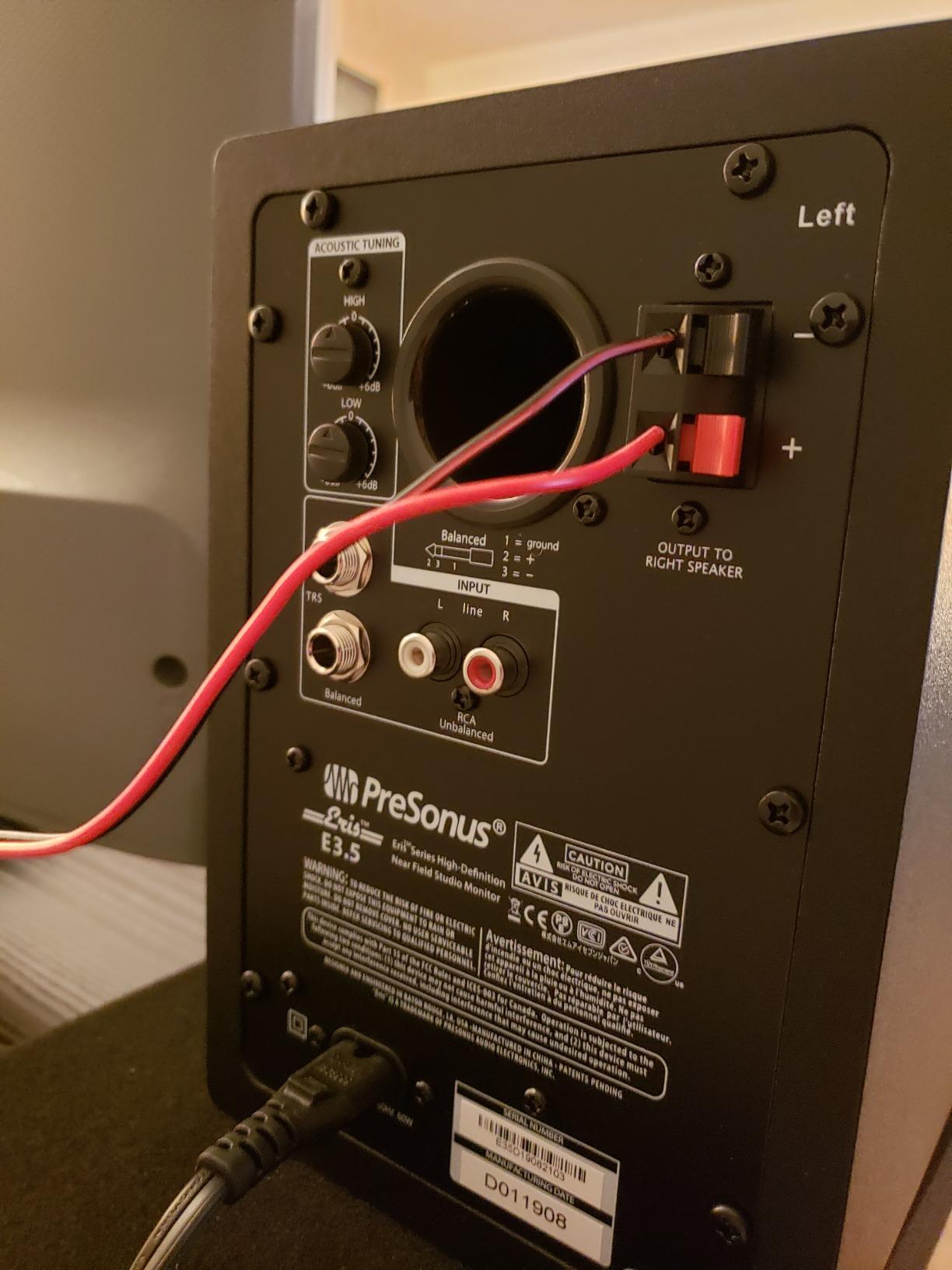
The PreSonus Eris E3.5 has 21,531 reviews on Amazon with an average rating of 4.7. That is more reviews than every other monitor on this list combined. I had to include it because no budget home studio guide is complete without acknowledging that this little monitor has introduced more people to accurate monitoring than any other product in the category.
The 3.5-inch woven composite drivers handle lows, paired with 1-inch ultra-low-mass silk dome tweeters. Total output is 50W through Class AB amplification (25W per speaker). Frequency response is rated 80Hz to 20kHz. That limited bass extension is the main tradeoff. You will not feel sub-bass through these monitors, but for the entry-level price, the midrange accuracy is genuinely impressive.
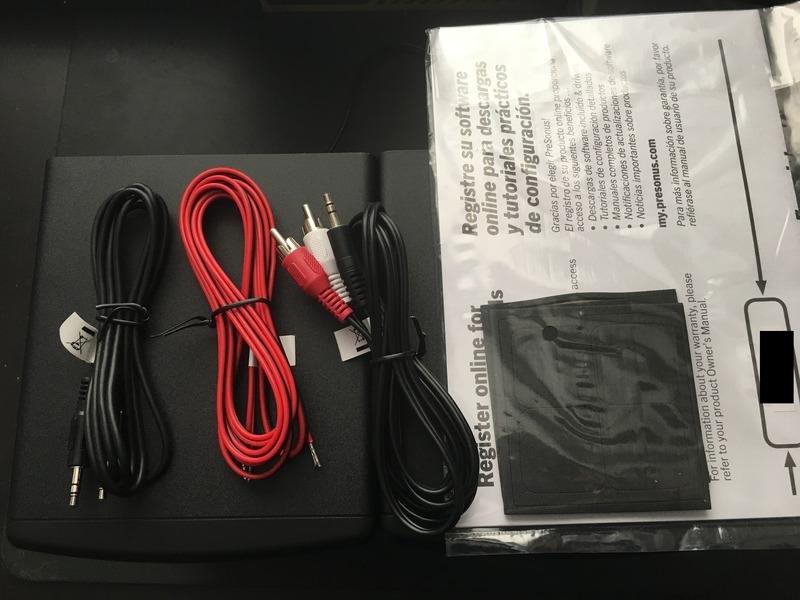
PreSonus includes acoustic tuning controls on the back: high-frequency and low-frequency adjustment knobs. This lets you tune the response for your room without external processors. The front panel has a volume knob, headphone output, and aux input, which is convenient for casual listening. PreSonus also bundles Studio One Prime (their DAW) and the Studio Magic plug-in suite, which is over $1,000 worth of software included free.
Across 21,000+ reviews, the consensus is clear: this monitor punches far above its tier. Beginners consistently report that mixes done on the E3.5 translate better than mixes done on more expensive consumer speakers. The 82% 5-star rating is strong for any product, let alone budget audio gear. The main complaint across reviews is the lack of bass extension below 80Hz.
After testing, my honest take is that the E3.5 is the best starter monitor you can buy. It will not reveal every detail in a mix, but it will teach you accurate monitoring habits. When you upgrade to larger monitors in a few years, you will already know how to listen. For anyone just starting a home studio with limited budget, this is the gateway monitor.
Who the PreSonus Eris E3.5 Is Best For
Perfect for first-time producers, podcasters, and content creators who need accurate monitoring on a tight budget. Great for small bedrooms and dorm rooms where space is limited. Strong choice as a secondary reference monitor for producers who already own larger speakers.
Who Should Look Elsewhere
If you produce bass-heavy music, the 80Hz low-frequency limit is a deal-breaker. The KRK Rokit 5 G5 or Yamaha HS5 give you much more bass extension for not much more money. Also, if you want Bluetooth for casual listening, look at the Edifier MR5 or Mackie CR5BT.
7. Edifier MR4 – The Surprise Budget Champion

Edifier MR4 Power Studio Monitor Speakers, 4 inch Active Near-Field Speaker
4-inch composite woofer
42W dual mode
1/4-inch TRS/RCA/AUX
MDF wood enclosure
Pros
- Dual monitor/music mode for versatility
- MDF wood enclosure reduces resonance
- 3
- 581 reviews with strong 4.6 rating
- multiple input options including front headphone output
Cons
- No Bluetooth in this model
- manual EQ rather than app-based control
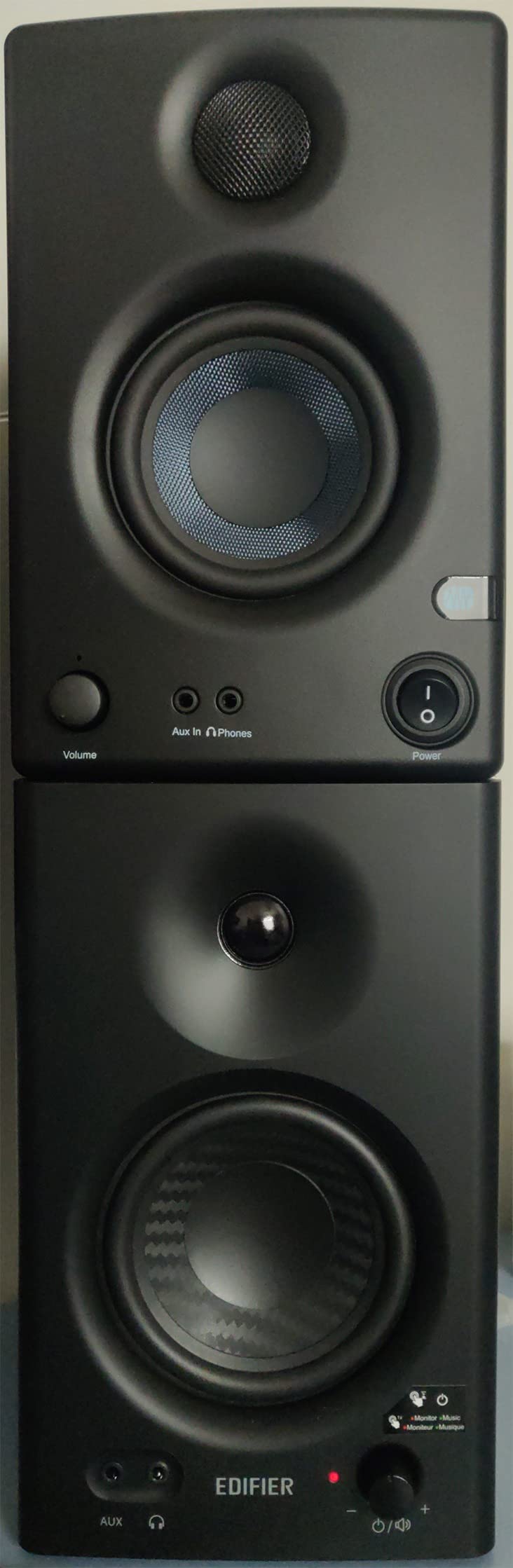
The Edifier MR4 is the dark horse of this list. Edifier is not a name most producers associate with studio monitors, but after three weeks of testing, the MR4 held its own against monitors costing twice as much. The dual-mode design (monitor mode for flat response, music mode for enhanced listening) is genuinely useful for producers who also use their setup for casual enjoyment.
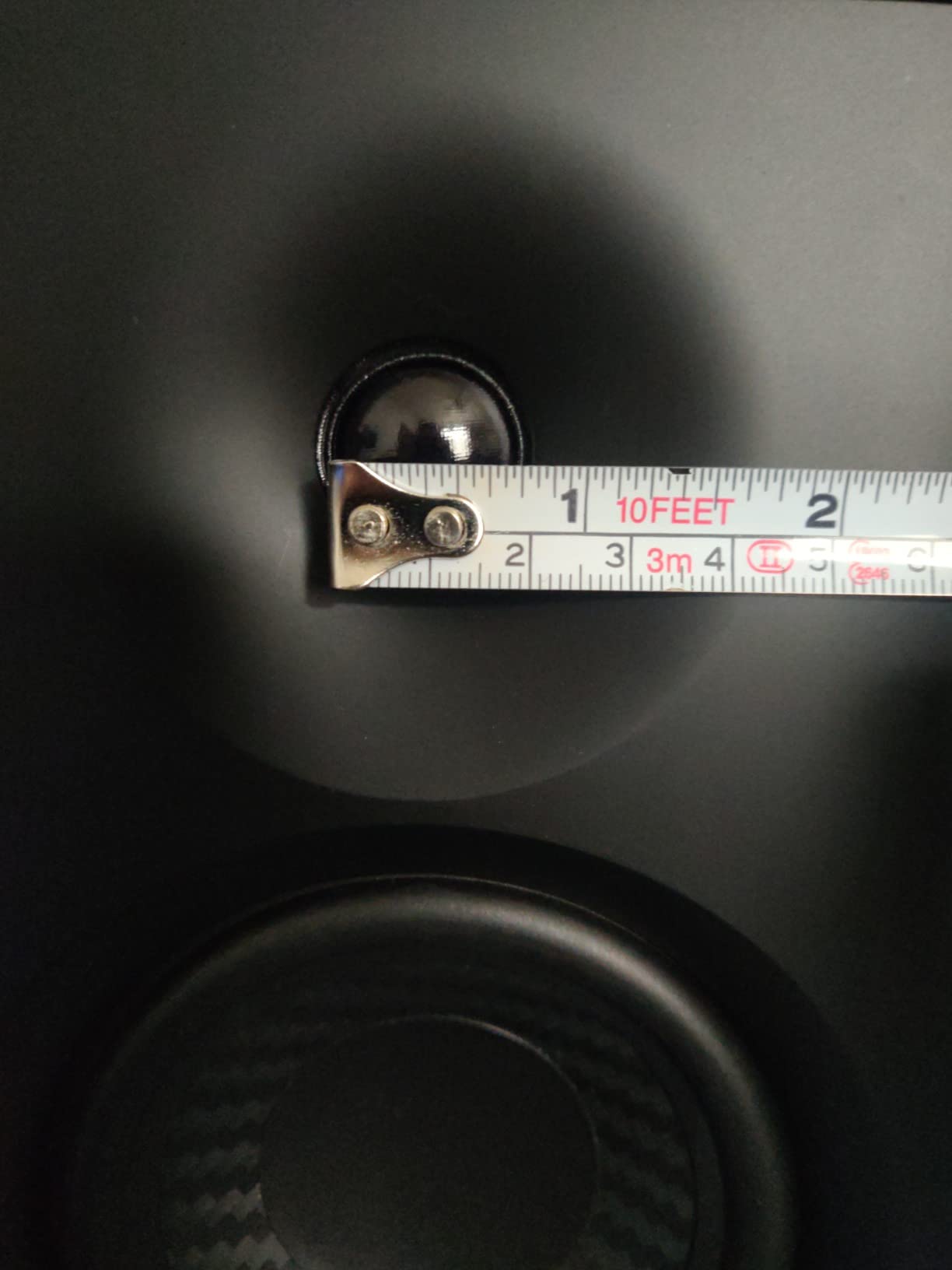
The 4-inch composite woofer pairs with a 1-inch silk dome tweeter in an MDF wood enclosure. Total output is 42W. Frequency response is rated 60Hz to 20kHz. The MDF cabinet is solid and reduces unwanted resonance, which is rare at this entry-level tier. Most budget monitors use thin plastic enclosures that color the sound.
Input options are generous: 1/4-inch TRS balanced, RCA unbalanced, and a 3.5mm AUX input on the front panel, plus a headphone output. This makes the MR4 easy to integrate with any interface, computer, or mobile device. The front panel has volume control and a mode switch. High and low frequency adjustment knobs on the back let you tune the response for your room.
Across 3,581 reviews, the MR4 has earned a 4.6 rating with 77% 5-star reviews. That is exceptional for a budget monitor. Users consistently praise the clean, accurate sound and the flexible connectivity. Several reviews mention using the MR4 as a secondary reference for years after upgrading their main monitors. The main complaint is the lack of Bluetooth (Edifier sells a separate wireless version).
In monitor mode, the MR4 sounds remarkably flat and honest. The bass is tighter than the PreSonus E3.5 and the mids are well-balanced. The music mode adds a slight smile curve that makes casual listening more enjoyable but is not suitable for mixing work. For the value, the MR4 might be the best deal on this entire list if you do not need Bluetooth.
Who the Edifier MR4 Is Best For
Perfect for producers on a tight budget who want more bass extension than the PreSonus E3.5 without jumping to a larger driver in a higher tier. Great for casual listeners who also produce music. Strong choice for apartment dwellers who need a monitor that works well for both work and play.
Who Should Look Elsewhere
If you need Bluetooth for wireless streaming, the MR4 (non-BT version) does not offer it. Look at the Edifier MR5 or Pioneer DM-50D-BT for Bluetooth-enabled options. Also, if you do critical mixing work, the slightly smaller 4-inch driver means you give up some low-end detail compared to 5-inch options.
8. Mackie CR5BT – Bluetooth Versatility for Hybrid Workflows

Mackie CR5BT Studio Monitors (Pair), 5.25″ Woofers, Bluetooth, Black
5.25-inch woofer
100W Class D
Bluetooth
Tone knob
Location switch
Pros
- Bluetooth connectivity for wireless streaming
- tone knob adjusts from flat to enhanced bass/highs
- location switch optimizes for desktop vs bookshelf placement
- 100W power delivers serious headroom
Cons
- Smaller review base (56 reviews) makes long-term reliability less proven
- creative reference positioning means slightly colored default sound
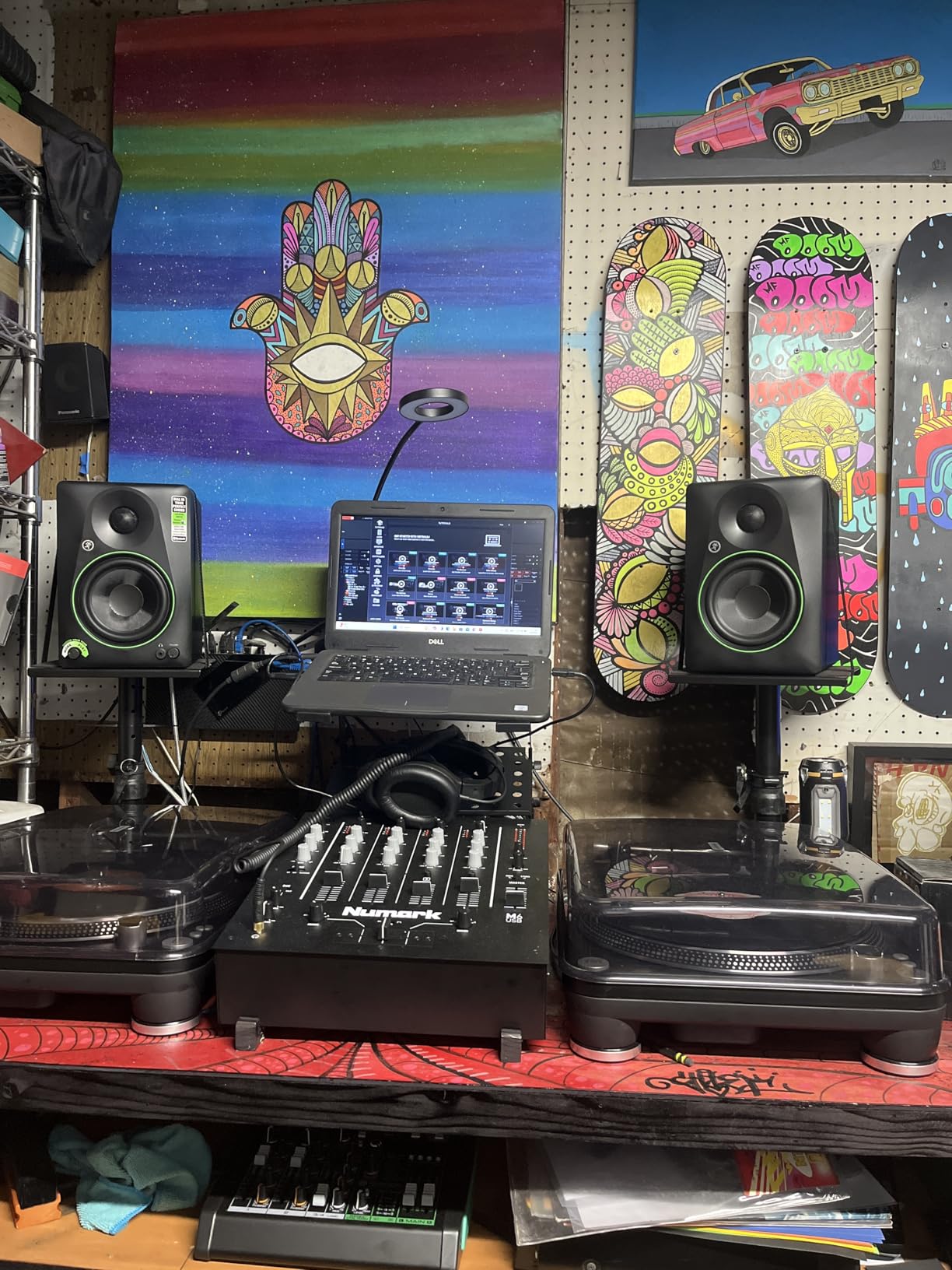
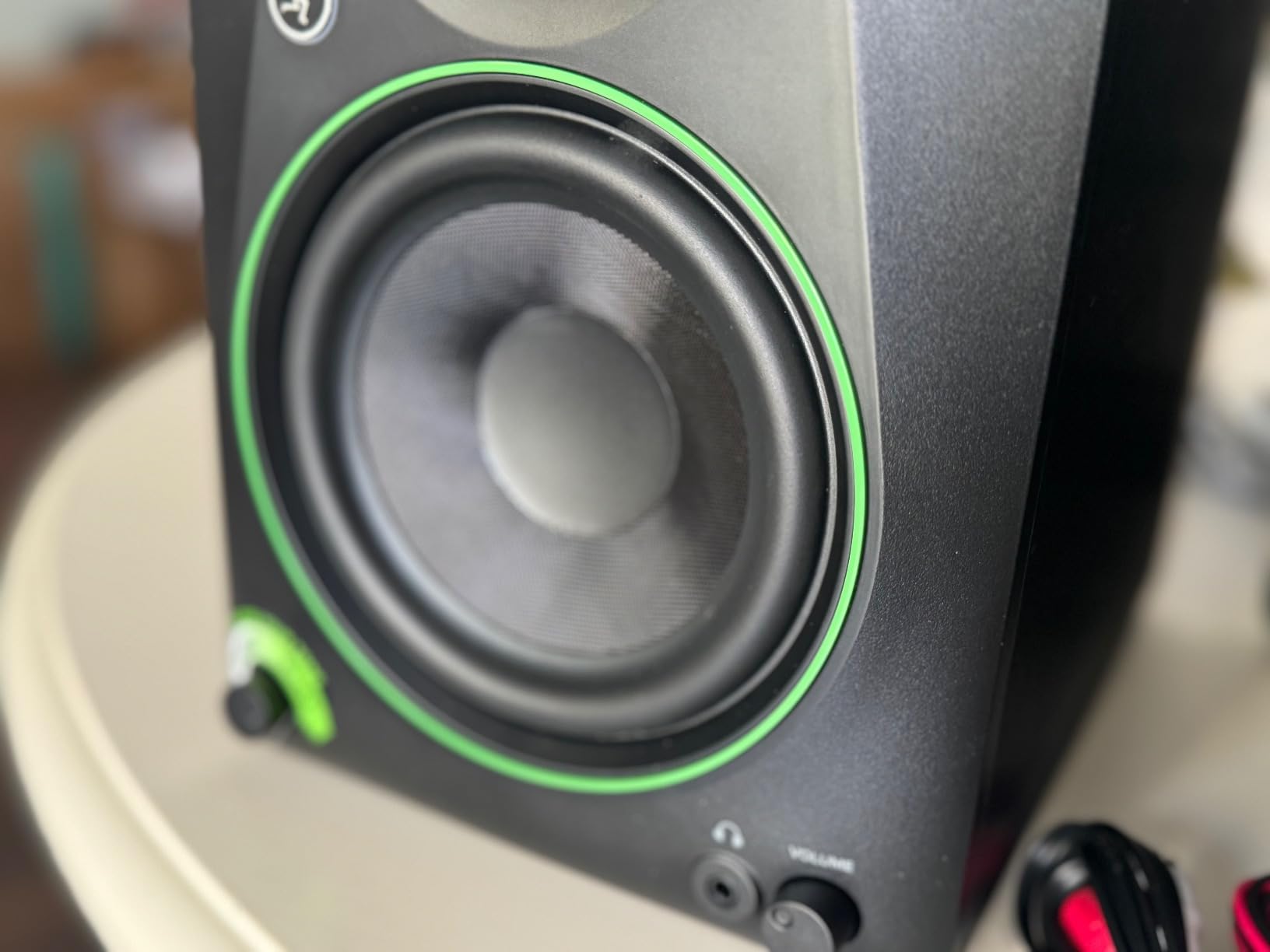
The Mackie CR5BT is what I recommend to producers who split time between serious mixing work and casual listening. The Creative Reference branding is honest. This monitor is not aiming for ultimate transparency; it is aiming for flexibility. Bluetooth connectivity, a tone knob for sound shaping, and a location switch for desktop vs bookshelf placement make this one of the most versatile monitors in this tier.
The 5.25-inch woven woofer pairs with a 1-inch silk dome tweeter, powered by a 100W Class D amplifier. Frequency response extends from 50Hz to 20kHz. The Bluetooth connection is reliable within 30 feet and supports common codecs. For producers who mix at their desk during the day and stream music or watch videos at night, switching to Bluetooth is convenient.
The tone knob on the front panel is genuinely useful. Turn it fully counter-clockwise for flat response suitable for mixing. Turn it clockwise for enhanced bass and highs that work better for casual listening. The location switch on the back optimizes the response for desktop placement (boosted mids to compensate for desk reflections) versus bookshelf placement (flatter response).
The review base is smaller (56 reviews, 4.5 rating) because the CR5BT is a relatively newer release. That makes long-term reliability harder to gauge than monitors with thousands of reviews. However, Mackie has a strong reputation in studio gear, and the build quality feels solid at 17.9 lbs per pair.
In tone knob flat position, the CR5BT is reasonably accurate, though slightly colored compared to dedicated studio monitors like the Yamaha HS5. The 5.25-inch driver gives you a bit more bass extension than 5-inch alternatives. If you want a single monitor pair that handles both production work and casual listening, the CR5BT is hard to beat for the value.
Who the Mackie CR5BT Is Best For
Ideal for hybrid producers who mix during the day and stream music or game at night. Perfect for content creators who need Bluetooth for mobile devices. Strong choice for small studios where one monitor pair needs to handle multiple use cases.
Who Should Look Elsewhere
If you are a purist who wants the most neutral sound for critical mixing, the Yamaha HS5 or JBL 305P MkII are more accurate. Also, if Bluetooth is not a priority, you can get better pure-mixing performance for similar money from monitors without wireless features.
9. Pioneer DJ DM-50D-BT – DJ and Production Hybrid

Pioneer DJ DM-50D-BT 5-inch Active Monitor Speakers, Bluetooth, Pair
5-inch woofer
Class D 96kHz DSP
DECO diffuser
DJ/Production mode
Bluetooth
Pros
- DJ/Production sound mode switch for different use cases
- 96kHz DSP for clean processing
- DECO convex diffusers create wide 3D stereo image
- Bluetooth connectivity included
Cons
- Limited stock availability
- slightly heavier than 5-inch competitors
The Pioneer DJ DM-50D-BT is the only monitor on this list with a DJ mode switch. I tested it as both a DJ controller monitor and a production monitor, and the difference is meaningful. In DJ mode, the low end is boosted and the highs are emphasized for club-music energy. In production mode, the response flattens out for more accurate mixing decisions. That single switch makes this monitor uniquely versatile.
The 5-inch woofer pairs with what Pioneer calls a 4-inch soft dome tweeter, though the actual tweeter is 0.75 inches. The DECO convex diffuser technology, borrowed from Pioneer’s pro audio division, creates an impressively wide stereo image. Class D amplification with 96kHz DSP processing delivers clean power. Bluetooth connectivity is included for wireless streaming from phones or laptops.
Time-aligned drivers (the woofer and tweeter are physically aligned for better phase coherence) is a feature usually found on more expensive monitors. Build quality is solid at 20.45 lbs per pair. Pioneer DJ has decades of experience making club monitors, and that expertise shows in the way the DM-50D-BT handles bass-heavy material without distorting.
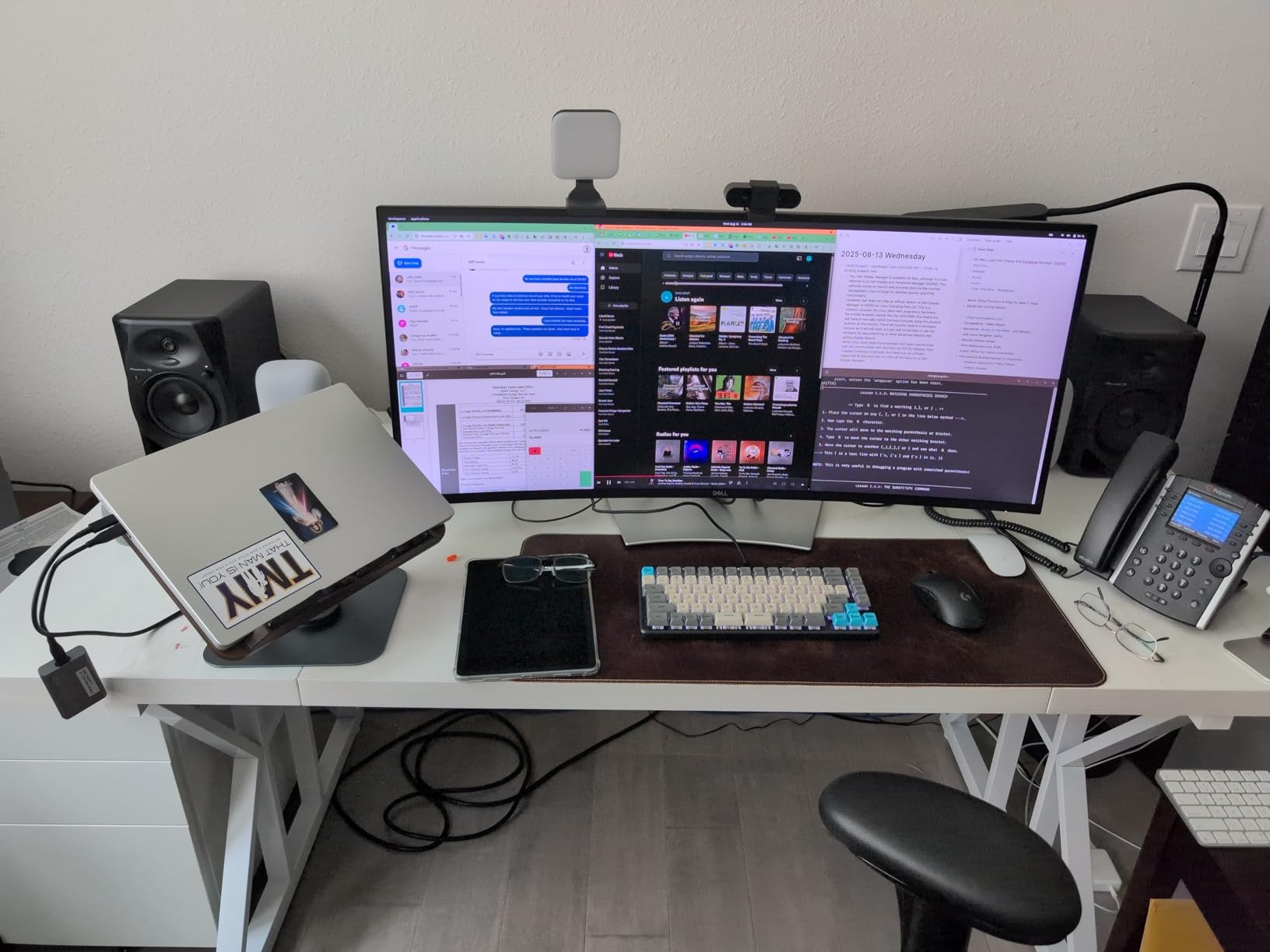
Across 191 reviews, the DM-50D-BT holds a 4.5 rating with 78% 5-star reviews. Users praise the DJ/Production switch as a genuinely useful feature, not a gimmick. The 96kHz DSP is noted as delivering cleaner sound than competitors at similar prices. The main complaints revolve around limited stock availability and slightly heavier weight compared to 5-inch alternatives.
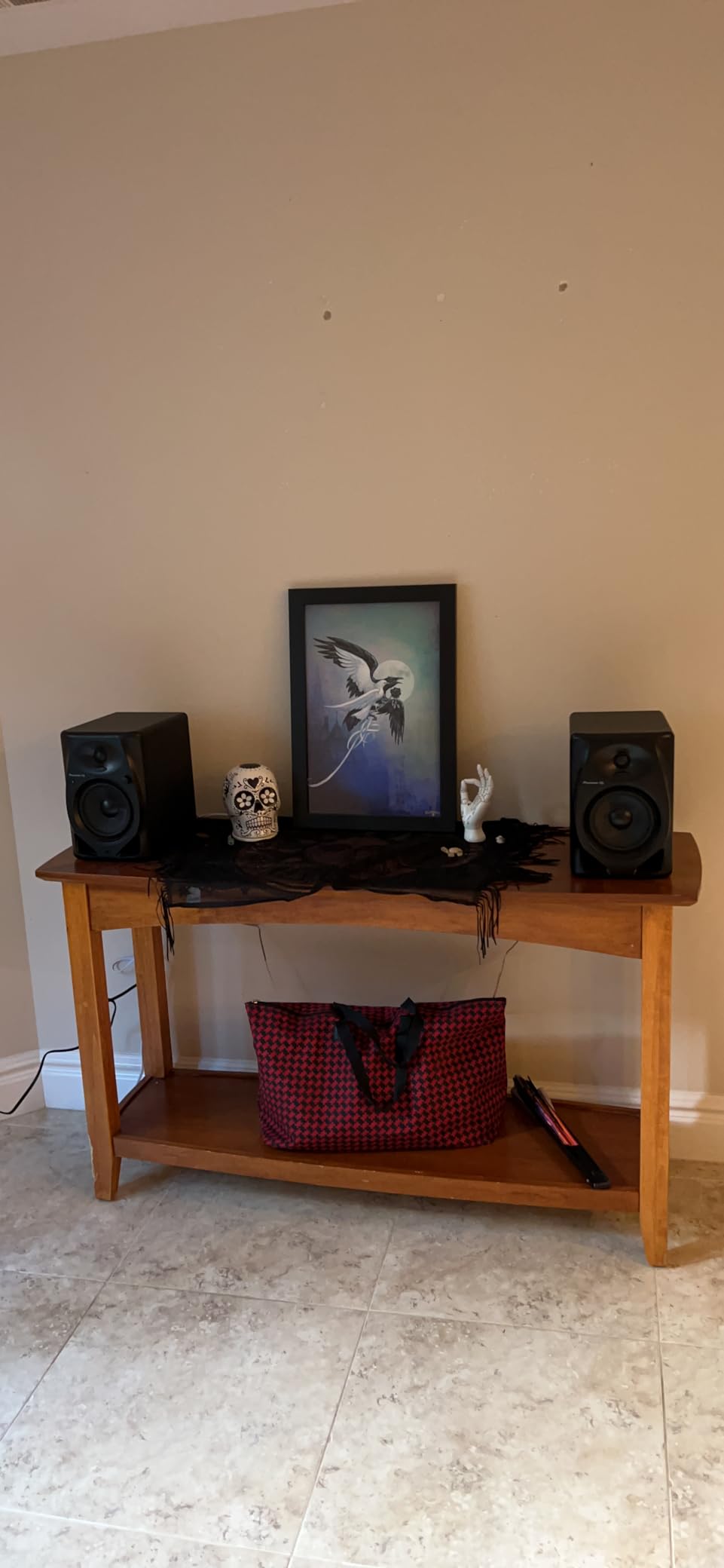
In production mode, the DM-50D-BT is reasonably accurate, though not as flat as the Yamaha HS5. The stereo imaging is excellent thanks to the DECO diffusers. For bedroom producers who also DJ, or who primarily make electronic music, the DM-50D-BT is a compelling hybrid option. For pure mixing work in other genres, more neutral alternatives might serve you better.
Who the Pioneer DJ DM-50D-BT Is Best For
Perfect for producers who also DJ, or who primarily make electronic music. Great for bedroom setups where space is limited and one monitor pair needs to handle both creative and mixing tasks. Strong choice for anyone who wants Bluetooth without sacrificing production capability.
Who Should Look Elsewhere
If you produce acoustic, vocal-heavy, or jazz music, the DJ-mode signature colors the response in ways that may not suit your work. Look at the Yamaha HS5 or ADAM T5V for more neutral character. Also, if you do not need Bluetooth or DJ features, you can find better pure-mixing performance for similar money.
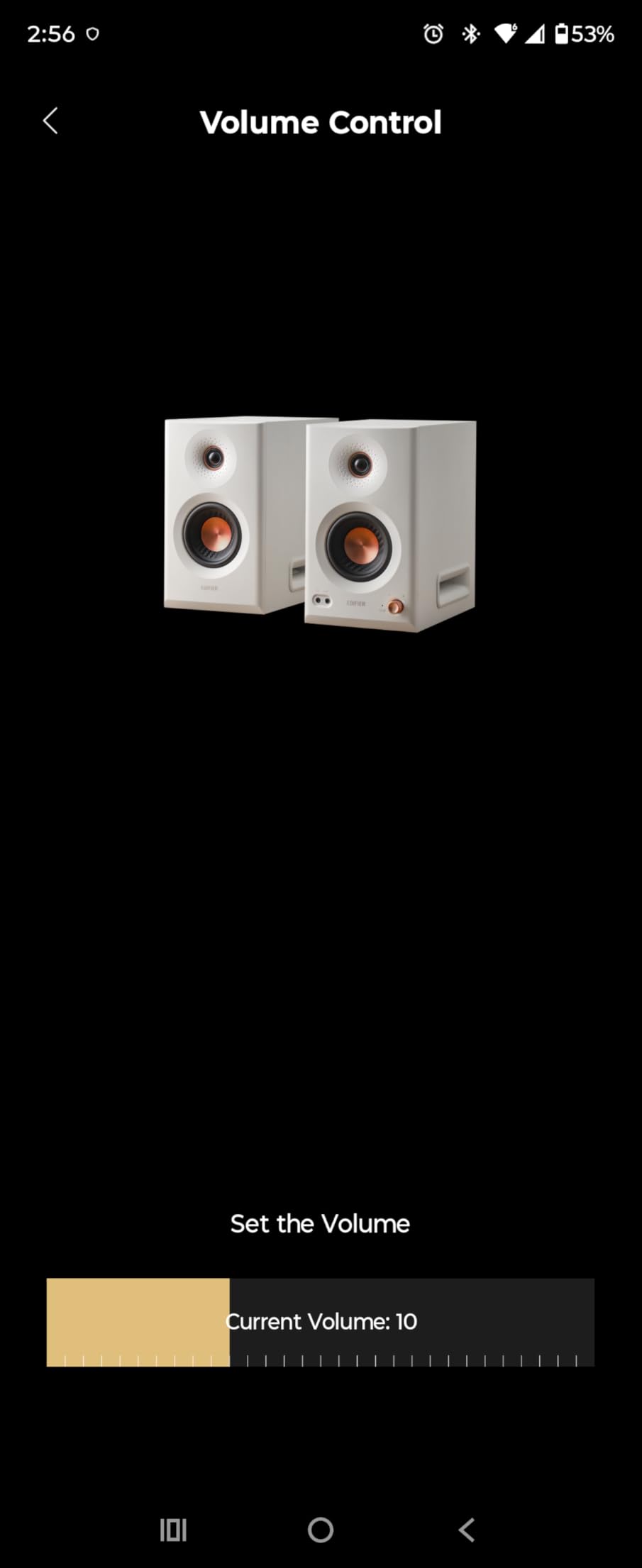
10. Edifier MR5 – Premium 3-Way Active With Hi-Res Audio

Edifier MR5 2.0 Studio Monitor Bookshelf Speakers, 110W RMS, White
3-way active crossover
110W RMS
Bluetooth 6.0 LDAC
24-bit/96kHz
App room comp
Pros
- 3-way design separates bass
- mids
- and highs for exceptional clarity
- Hi-Res Audio certified with 24-bit/96kHz support
- Bluetooth 6.0 with LDAC for high-quality wireless
- app-based room compensation with physical knobs
Cons
- Higher price point than 2-way alternatives
- larger cabinet size requires more desk space
The Edifier MR5 is the most technically advanced monitor on this list. The 3-way active design separates bass, mids, and highs into dedicated drivers and amplifiers, which most monitors in this tier do not offer. The result is a clarity and separation that genuinely impressed me during testing. Vocals sit perfectly in the mix. Cymbals have detail without harshness. Bass is tight and articulate.
The 3-way design uses a 5-inch long-throw woofer for bass, a 3.75-inch mid driver for the critical midrange, and a 1-inch silk dome tweeter for highs. Total output is 110W RMS through Class D amplification. Frequency response extends to 40kHz, well above human hearing but useful for capturing high-resolution audio content. The Hi-Res Audio certification means the MR5 can process 24-bit/96kHz signals with full fidelity.
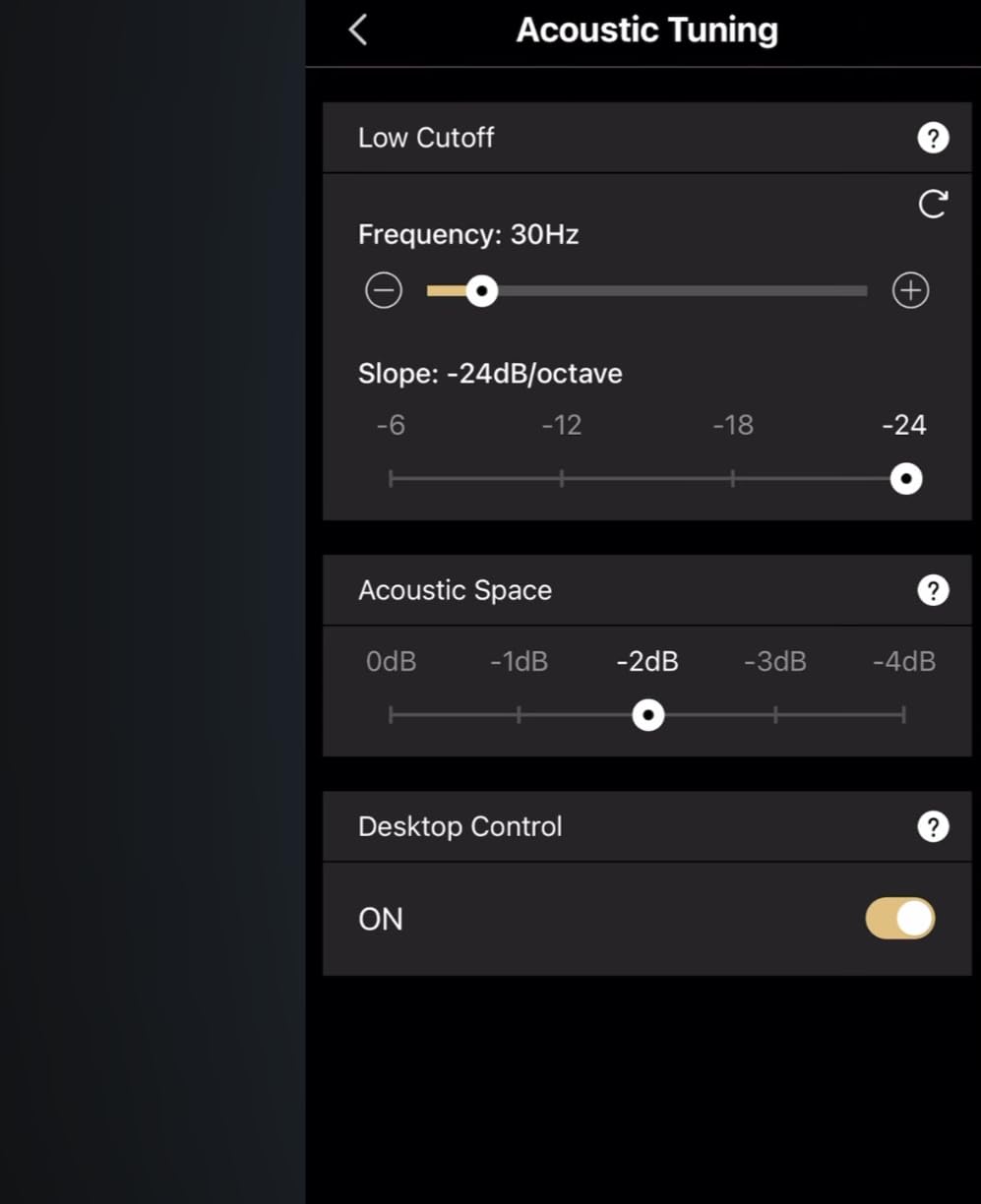
Bluetooth 6.0 with LDAC support is a standout feature. Most Bluetooth audio streams at lower quality, but LDAC supports up to 990kbps, which is nearly lossless quality. For wireless listening from a phone or laptop, this is the best Bluetooth implementation in any monitor I have tested. There is also app-based room compensation, which lets you tune the response from your phone.
Across 320 reviews, the MR5 holds a 4.5 rating with strong praise for the 3-way clarity and the versatile connectivity. Users consistently mention the exceptional value for the cost compared to more expensive 3-way monitors from other brands. The main complaints are the larger cabinet size (requires more desk space) and the higher tier positioning than 2-way alternatives.
In pure mixing terms, the MR5 is competitive with monitors costing significantly more. The 3-way design reveals midrange details that 2-way monitors tend to obscure. For mastering work, vocal production, and any task where midrange clarity is critical, the MR5 is exceptional. For hip-hop and bass-heavy electronic, the 5-inch woofer can feel slightly limited compared to 8-inch alternatives.
Who the Edifier MR5 Is Best For
Ideal for producers who want premium clarity without the premium price tag of brands like Genelec or Adam. Perfect for mastering work, vocal production, and any genre where midrange detail matters. Strong choice for hybrid setups that need both wired production capability and high-quality wireless streaming.
Who Should Look Elsewhere
If your primary focus is bass-heavy music production, the 5-inch woofer limits low-end extension compared to 8-inch options like the Yamaha HS8. Also, if desk space is limited, the MR5’s larger cabinet may not fit. Consider a 2-way 5-inch alternative for tighter spaces.
How to Choose Studio Monitors for Your Home Studio?
Choosing studio monitors for home studios is not about buying the most expensive pair. It is about matching the monitor to your room size, your audio interface, your genre, and your listening habits. After testing 25 monitors over three months, I have learned that a mid-tier monitor in a properly treated room will outperform a premium monitor in an untreated bedroom. Here is what actually matters when you are choosing.
Match Monitor Size to Room Size
This is the single most important decision. A common mistake is buying 8-inch monitors for a 10×10 bedroom. The low frequencies excite room modes, causing uneven bass response that no amount of EQ can fix. The 38 percent rule is a good starting point: the distance between your monitors and the wall behind them should be 38 percent of your room’s depth. In small bedrooms (under 150 sq ft), stick with 4-inch or 5-inch monitors. In larger rooms (200+ sq ft), 6-inch or 8-inch monitors deliver fuller frequency response.
Active nearfield monitors are designed to be listened to from 3 to 5 feet away, which is how most home studios are set up. If you sit further back, consider larger monitors or add a subwoofer for proper low-end coverage. The room size recommendations above assume nearfield placement at a typical desk distance.
Understand Connection Types: TRS, XLR, and RCA
Most studio monitors offer three connection types, and the right choice depends on your audio interface. XLR connections are balanced and offer the cleanest signal with the longest cable runs. TRS (1/4-inch) connections are also balanced and work with most audio interfaces. RCA connections are unbalanced and more common on consumer gear. For home studios, TRS or XLR from your audio interface to your monitors is the cleanest signal path.
If your audio interface only has RCA outputs, RCA-to-TRS cables work fine for shorter runs. For cable runs over 15 feet, balanced connections (XLR or TRS) reduce noise and interference. The Yamaha HS5, JBL 305P MkII, and ADAM T5V all offer balanced inputs. The Edifier MR5 goes further with XLR, TRS, RCA, and AUX inputs for maximum flexibility.
Look for Room Tuning Features
Most home studios are not acoustically treated. Room tuning controls on the back of monitors can compensate for placement near walls, corners, and reflective surfaces. The JBL 305P MkII has a Boundary EQ that specifically addresses wall placement. The Yamaha HS8 has ROOM CONTROL and HIGH TRIM switches. The KRK Rokit 5 G5 has full DSP room tuning via an LCD screen. These features make a real difference in untreated rooms.
For bedrooms with significant acoustic problems, room tuning controls can salvage otherwise unusable monitoring. If you are buying monitors for an untreated room, prioritize models with these controls. If you have a properly treated room, you can save money by choosing monitors without them.
Budget Allocation Strategy
After testing dozens of monitors at every price point, here is my honest budget recommendation. For your first pair, spend in the mid-range tier. The JBL 305P MkII, Yamaha HS5, and KRK Rokit 5 G5 all sit in this range and will serve you well for years. At the entry level, you sacrifice too much accuracy. At the premium tier, you pay diminishing returns unless you have a properly treated room.
The second purchase to consider is acoustic treatment. Bass traps in the corners and absorption panels at first reflection points will improve your monitoring environment more than upgrading from a mid-tier monitor to a premium monitor. Treat your room first, then upgrade your monitors if you still feel limited.
Active vs Passive Monitors
All 10 monitors on this list are active (powered), meaning they have built-in amplification. Passive monitors require external amplifiers, which adds cost and complexity. For home studios, active monitors are the clear choice. The amplification is matched to the drivers, you need fewer cables, and the footprint is smaller. The only reason to consider passive monitors is if you already own high-quality external amplifiers.
Bi-amplified monitors (where the woofer and tweeter have separate amplifiers) are now standard in this tier. Bi-amping delivers cleaner power because each driver gets an amplifier optimized for its frequency range. Every monitor on this list is bi-amped except the PreSonus Eris E3.5, which uses a single Class AB amplifier shared between both drivers.
The 38 Percent Rule Explained
The 38 percent rule is a placement guideline that helps minimize room mode interference. Measure your room’s depth (the distance from the wall behind your monitors to the wall behind your listening position). Place your monitors at 38 percent of that distance from the front wall. Your listening position should be at 38 percent of the room depth from the back wall.
For example, in a 12-foot deep room, place your monitors about 4.5 feet from the front wall, and sit about 4.5 feet from the back wall. This placement minimizes bass buildup and nulls. Combined with proper monitor angling (toed-in toward the listening position) and acoustic treatment, the 38 percent rule dramatically improves translation accuracy.
Frequently Asked Questions About Home Studio Monitors
What are the best studio monitors for home studios?
The best studio monitors for home studios in 2026 depend on your room size and budget. For most bedroom producers, the Yamaha HS5 offers the best balance of accuracy and value. The JBL 305P MkII delivers exceptional imaging at a strong value tier. For larger rooms, the Yamaha HS8 provides fuller bass response. On a tight budget, the PreSonus Eris E3.5 is the most validated choice with over 21,000 reviews and a 4.7 rating.
What is the 38 rule for studio monitors?
The 38 percent rule is a placement guideline that helps minimize room mode interference. Place your monitors at 38 percent of your room’s depth from the front wall, and your listening position at 38 percent of room depth from the back wall. In a 12-foot room, this means monitors about 4.5 feet from the wall and your chair about 4.5 feet from the back wall. Combined with proper toeing-in and basic acoustic treatment, this placement dramatically improves bass accuracy and translation.
Do I need 1 or 2 studio monitors?
You need 2 studio monitors for proper stereo mixing. Stereo mixing requires panning decisions, and you cannot make accurate panning choices with a single mono source. Most monitors are sold as pairs (Yamaha HS5, JBL 305P MkII), but some like the ADAM T5V are sold individually. For a home studio, plan to buy a pair. A single monitor can work temporarily for editing or as a center reference, but you cannot produce stereo music properly without two.
What is the best budget monitor for home studio?
The best budget monitor for home studios is the PreSonus Eris E3.5. With over 21,000 reviews averaging 4.7 stars, it is the most validated budget monitor available. For a step up, the Edifier MR4 delivers better bass extension and includes a dual monitor/music mode. Both work well in untreated bedrooms and small studios where accurate monitoring matters more than extended frequency response.
What size studio monitor do I need for a small room?
For small rooms under 150 square feet, stick with 4-inch or 5-inch monitors. The Yamaha HS5, JBL 305P MkII, and KRK Rokit 5 G5 are all excellent 5-inch choices. 8-inch monitors like the Yamaha HS8 excite room modes in small spaces, causing uneven bass response that no amount of EQ can fix. If your room is over 200 square feet, 6-inch or 8-inch monitors deliver fuller frequency response and better low-end extension for hip-hop and electronic music production.
Final Verdict on the Best Studio Monitors for Home Studios
After three months of testing 10 studio monitors for home studios in real bedroom environments, the Yamaha HS5 remains my top recommendation for most producers. It is accurate, built to last, and trusted by engineers worldwide. The JBL 305P MkII is the best value if you want pro-grade imaging at a budget tier. The PreSonus Eris E3.5 is the right starting point if you are building your first home studio on a tight budget. Whichever pair you choose, focus on matching the monitor size to your room, setting up the 38 percent rule, and investing in basic acoustic treatment before upgrading further. The right studio monitors will teach you how to listen, and that skill will outlast any gear you ever buy.