
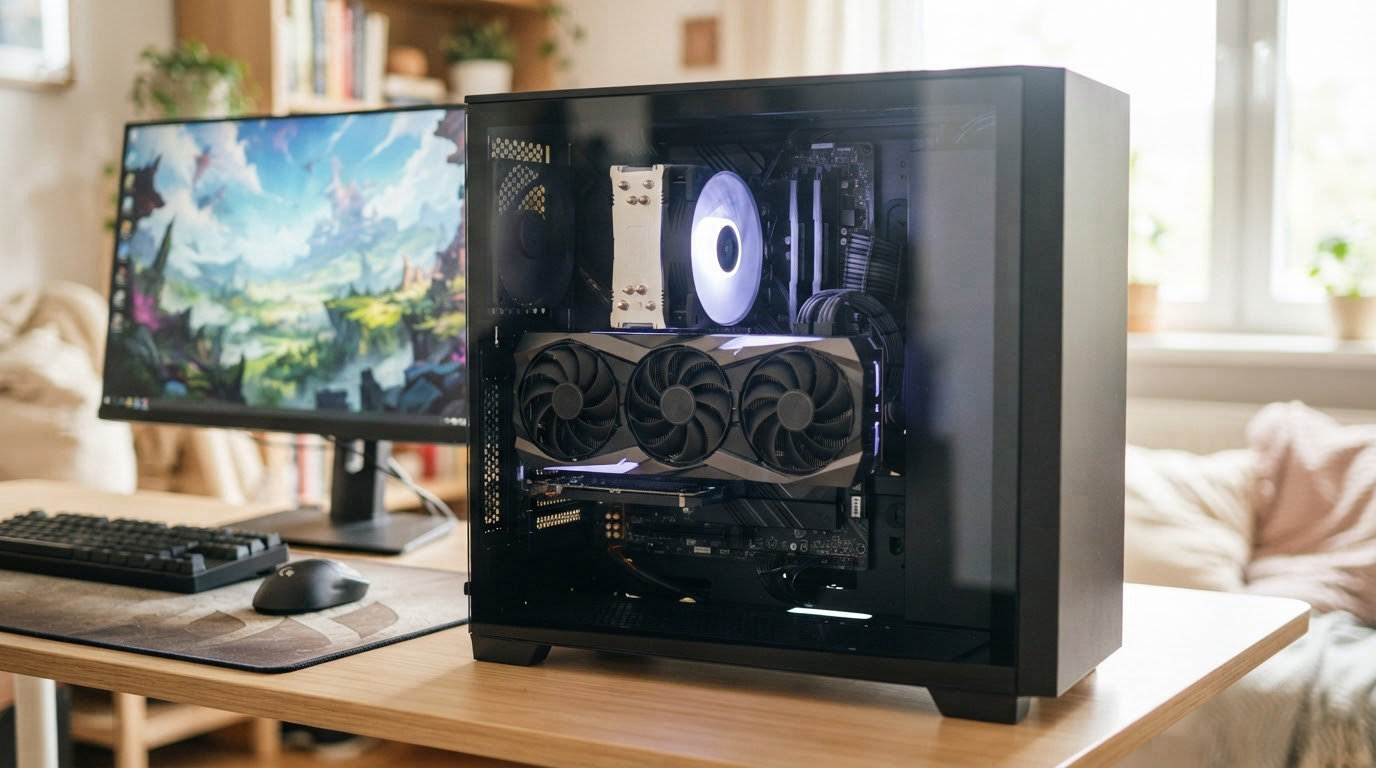
Graphics card pricing has been stubbornly high all 2026, and the ASUS Dual RTX 3050 6GB is the pick we would watch first during Amazon’s Prime Big Deal Days because it is the only card here that combines a two-slot 7.9 inch frame, a 3 year warranty and the largest owner review base of any card on this list. Buyers moving up from integrated graphics get a card that fits cases nothing else will, and the ASUS Dual RTX 5060 8GB is the alternative for anyone who wants high refresh 1080p frames instead of a small footprint.
For a step up in resolution, the XFX Speedster SWFT RX 7600 covers budget 1080p work, and the two 16GB Radeon RX 9060 XT cards further down are the ones to watch if texture-heavy 1440p titles are the goal. Prime Big Deal Days runs October 6-7, 2026, and the current price on every card here is one button click away.
Table of Contents
Our Top 3 Picks for Best Amazon Prime Big Deal Days Graphics Card Deals
The short version: the RTX 3050 6GB leads because it solves a physical problem no other entry card solves, the RTX 5060 8GB leads on raw 1080p speed per pound spent, and the RX 7600 is the cheapest way to leave integrated graphics behind.


XFX Speedster SWFT RX 7600
- RDNA 3 architecture
- 8GB GDDR6
- 2655 MHz boost
- Dual fan SWFT cooler
Best Amazon Prime Big Deal Days Graphics Card Deals Compared
Every card below is listed in the same fields so the trade-offs are visible at a glance: what it is best for, how much memory it carries, how many fans cool it, and how long the card is. Card length is the number most people forget to check, and on this list it ranges from 7.9 inches to 12 inches.
| Product | Specifications | Action |
|---|---|---|
| ASUS Dual RTX 3050 6GB |
|
Check Deal Price |
 ASUS Dual RTX 5060 8GB ASUS Dual RTX 5060 8GB |
|
Check Deal Price |
| XFX Speedster SWFT RX 7600 |
|
Check Deal Price |
 ASRock RX 9060 XT 16GB ASRock RX 9060 XT 16GB |
|
Check Deal Price |
 ASUS Dual RX 9060 XT 16GB ASUS Dual RX 9060 XT 16GB |
|
Check Deal Price |
 ASUS Dual RTX 5060 Ti 16GB ASUS Dual RTX 5060 Ti 16GB |
|
Check Deal Price |
 GIGABYTE RX 9070 XT OC 16GB GIGABYTE RX 9070 XT OC 16GB |
|
Check Deal Price |
 GIGABYTE RTX 4070 WINDFORCE OC GIGABYTE RTX 4070 WINDFORCE OC |
|
Check Deal Price |
 ASUS Prime RTX 5070 12GB ASUS Prime RTX 5070 12GB |
|
Check Deal Price |
 GIGABYTE RX 7800 XT OC 16GB GIGABYTE RX 7800 XT OC 16GB |
|
Check Deal Price |
 ASRock Arc B570 10GB ASRock Arc B570 10GB |
|
Check Deal Price |
 MSI RTX 5070 Ventus 2X OC MSI RTX 5070 Ventus 2X OC |
|
Check Deal Price |
Two things stand out. Five cards here carry 16GB of memory, and only four are 9 inches or shorter, which tells you how much of the market has moved toward long triple-fan designs this generation.
How We Chose
We compared memory capacity and type, card length and slot thickness, cooler size, power requirements, warranty length, and the owner rating and review volume behind each listing. Ratings and review counts were checked on (October 2026) and are quoted exactly as the listings show them.
1. ASUS Dual RTX 3050 6GB: Best for Compact Budget Builds
ASUS Dual RTX 3050 6GB
VRAM: 6GB GDDR6
Fans: 2
Length: 7.9 in
Warranty: 3 yr
Pros
- Two-slot 7.9 in frame fits small chassis
- DLSS through 3rd gen Tensor Cores
- Stainless steel bracket and IP5X dust resistance
- 2nd gen RT Cores with concurrent RT and shading
- 3 year warranty
Cons
- 6GB frame buffer is the smallest here
- Entry level of the RTX 30 series for 1080p
- DisplayPort 1.4a rather than 2.1
This is the pick to watch if your case has one free slot and no tolerance for overhang. At 7.9 inches long and two slots wide, it is the shortest card here by a clear margin, and owners consistently single out the build quality and the small footprint as the reasons they rate it 4.6 across more than a thousand reviews.
For esports titles and older single-player games at 1080p, the second generation RT Cores and third generation Tensor Cores give it DLSS support, which stretches its useful life well past what the spec sheet suggests. The OC mode runs at 1500 MHz against 1470 MHz in default mode, a small bump that matters less than the fact that the card draws so little that it will not wake the fans in a small case.
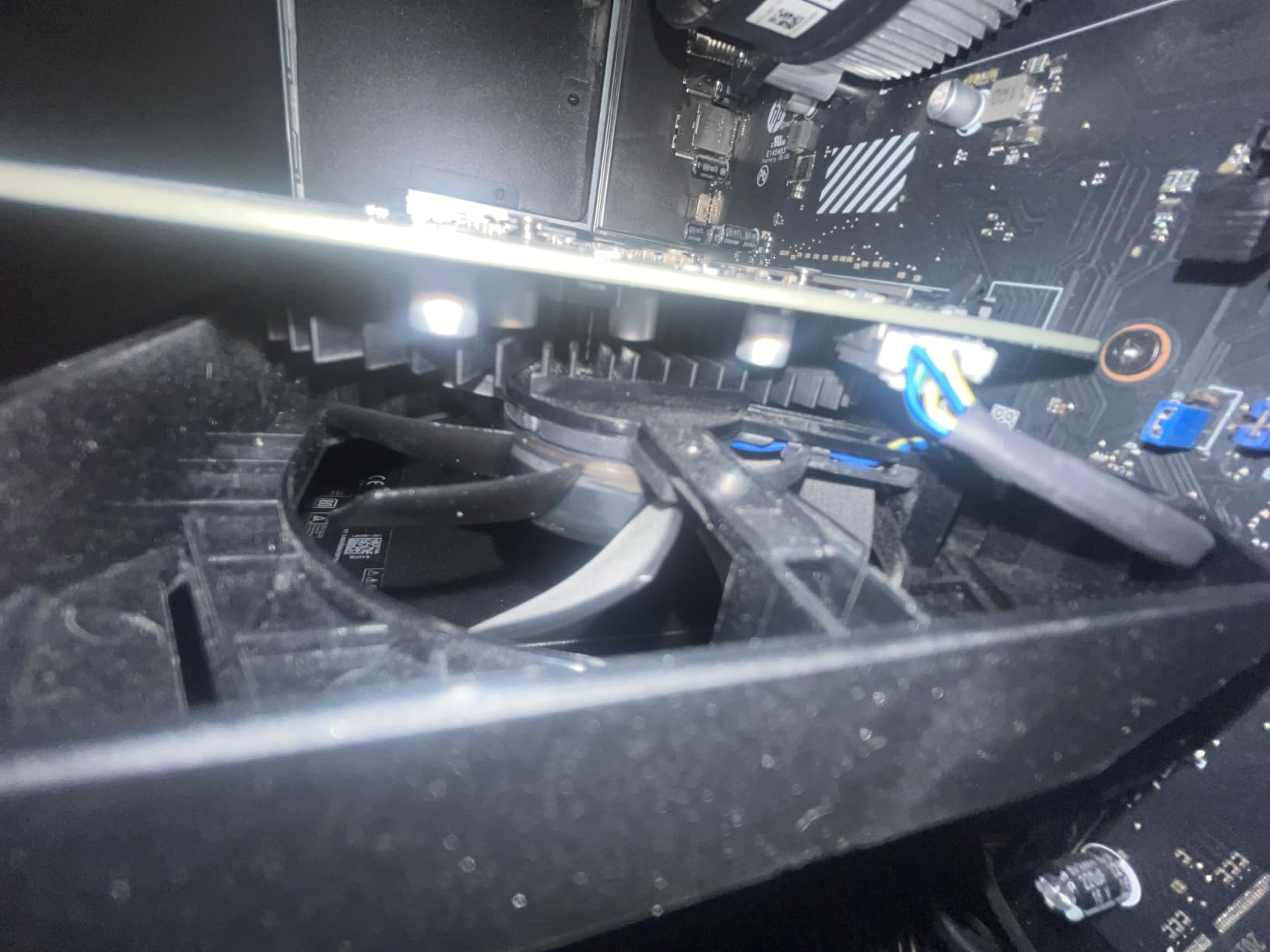
The trade-off is the 6GB frame buffer, and owners mention it more than anything else. Texture-heavy new releases need settings trimmed to stay inside the frame buffer, so if your library leans toward recent open-world games at high settings, the ASUS Dual RTX 5060 8GB is the card that answers that problem instead.
Good to know: the stainless steel bracket and IP5X dust resistance matter more than they sound like they should in a card this small, since cramped cases push unfiltered air across the cooler.
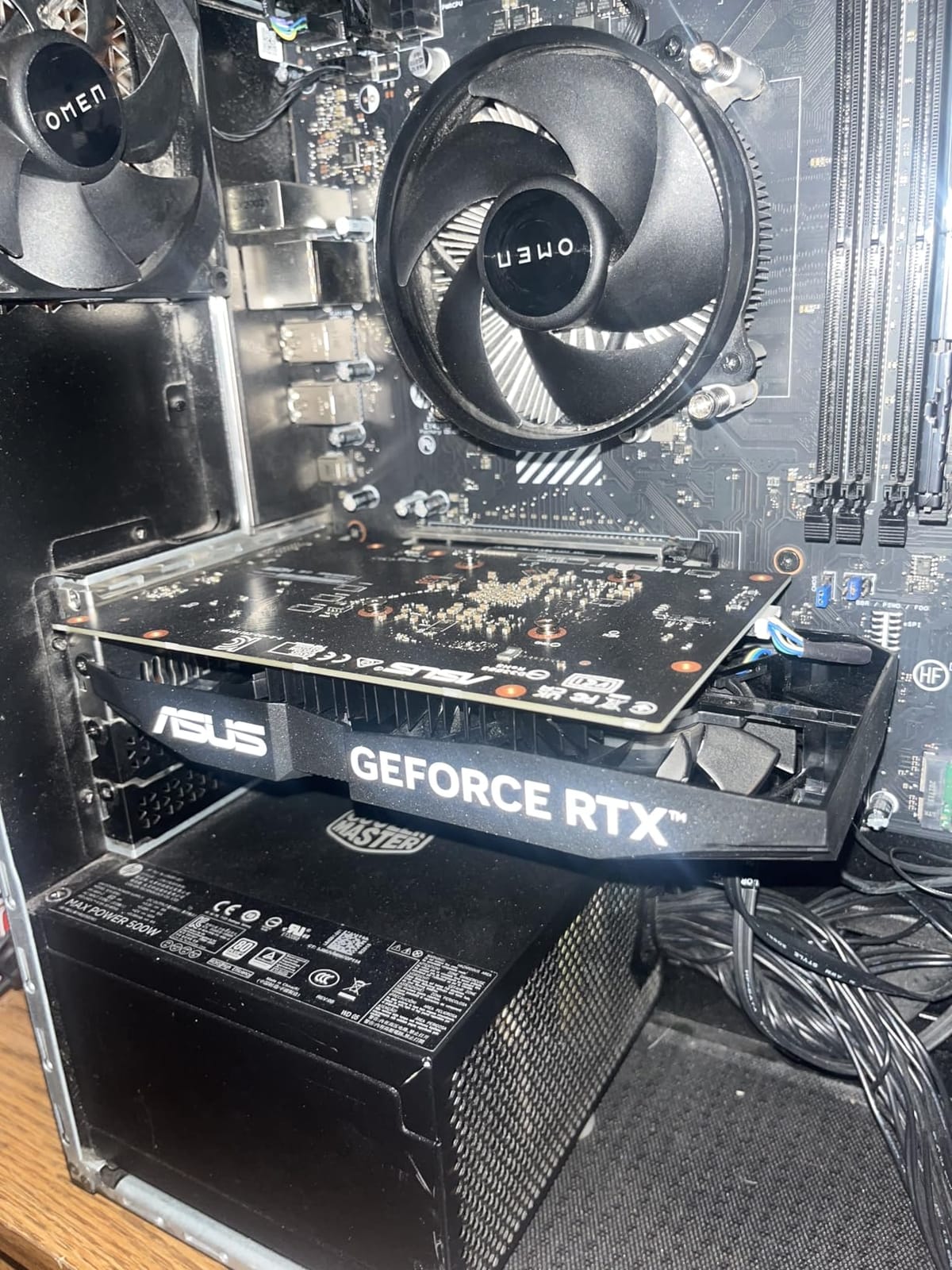
Skip it if you already have a card with 8GB or more and want a real jump. Come to it if you are leaving integrated graphics and your case is the constraint. The button below shows the current price during the sale.
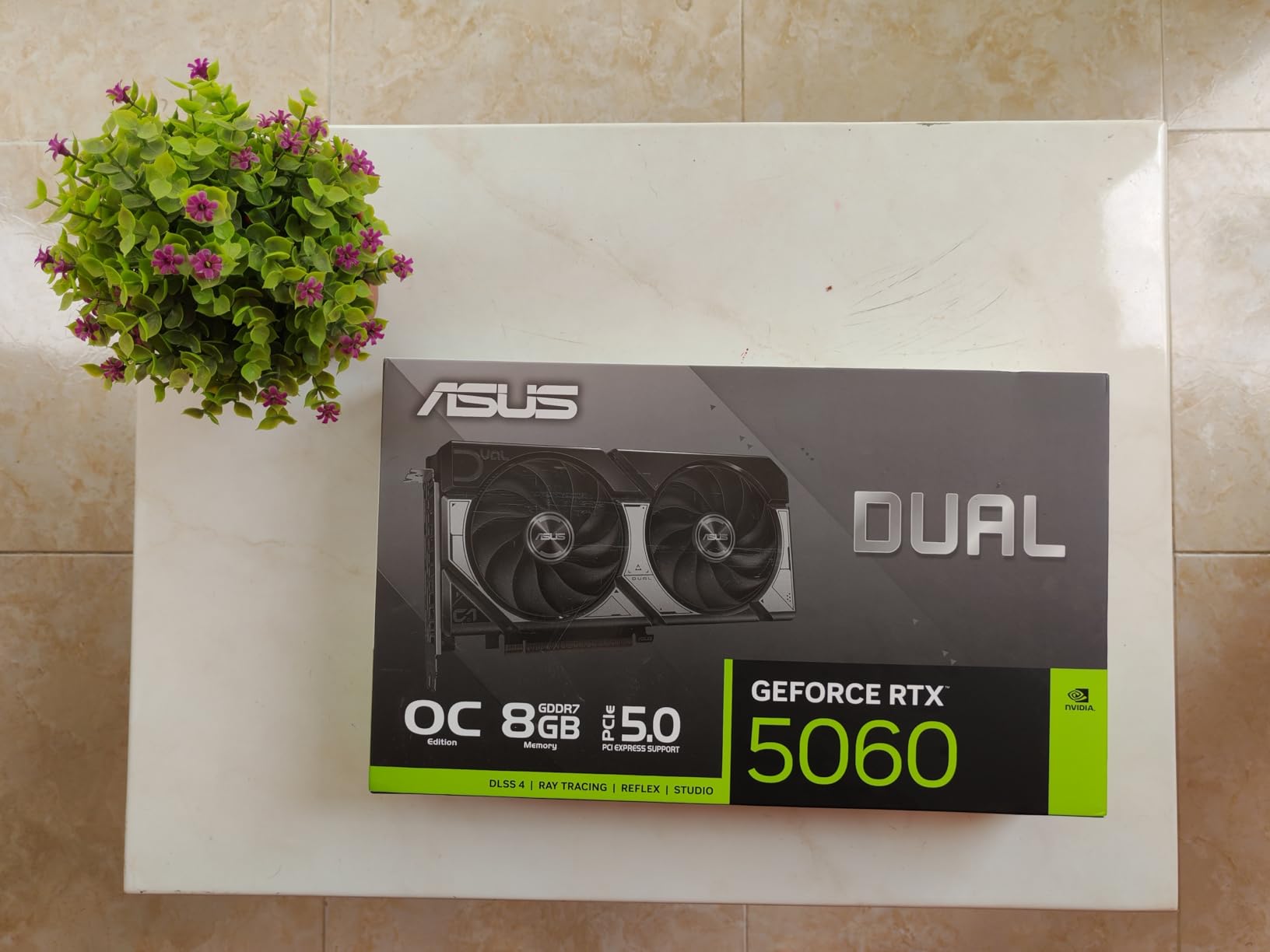
2. ASUS Dual RTX 5060 8GB: Best Value for 1080p Gaming
ASUS Dual RTX 5060 8GB
VRAM: 8GB GDDR7
Fans: 2
Length: 9 in
Warranty: 3 yr
Pros
- 623 AI TOPS and DLSS 4 on Blackwell
- GDDR7 lifts speed over the previous generation
- Roughly 150W with a dual fan cooler
- 0dB fan stop keeps it silent at idle
- 3 year warranty
Cons
- 8GB frame buffer is the ceiling in newer titles
- Not silent under long heavy loads
- One owner reports audio crackle above 44kHz
Owners describe this as one of the strongest 1080p cards per pound spent, and the reason is that GDDR7 on a 128-bit bus lifts raster performance well past what the bus width suggests. Several buyers report results close to a 2080 Ti or 3070 at 1080p, with DLSS upscaling and frame generation smoothing out the dips.
Efficiency is the quiet headline. Running at roughly 150W with a dual-fan cooler leaves plenty of thermal headroom, so the 0dB technology can keep the fans fully stopped at idle, and the card weighs 1.4 pounds. Display output is current-generation too, with three DisplayPort 2.1b and one HDMI 2.1b, rated up to 7680×4320.
The honest limit is the 8GB of memory. Reviewers consistently note that newer games need settings trimmed to fit inside the frame buffer, which is exactly why the 16GB cards on this list get recommended so often alongside it. The ASUS Dual RX 9060 XT 16GB solves that and stays under 10 inches long.
The trade against the RTX 3050 6GB is physical: this card is an inch longer and needs a proper slot, so it does not solve a tight case. What it does solve is frame rate, and it does that decisively.
One owner reports audio crackle above a 44kHz sample rate, and it is not a silent triple-fan design under sustained load. Neither complaint changes the recommendation for 1080p, but a creator working in an audio-sensitive setup should know about the first one.
3. XFX Speedster SWFT RX 7600: Best for First-Time GPU Upgrades
XFX Speedster SWFT RX 7600
VRAM: 8GB GDDR6
Fans: 2
Length: 9.5 in
Warranty: 3 yr
Pros
- Affordable entry into RDNA 3 graphics
- Compact dual fan SWFT cooler
- Factory boost clock up to 2655 MHz
- One HDMI and three DisplayPort outputs
- 3 year manufacturer warranty
Cons
- 8GB of memory limits future titles
- Lowest average rating in this group at 4.4
- Wider rating spread with some durability complaints
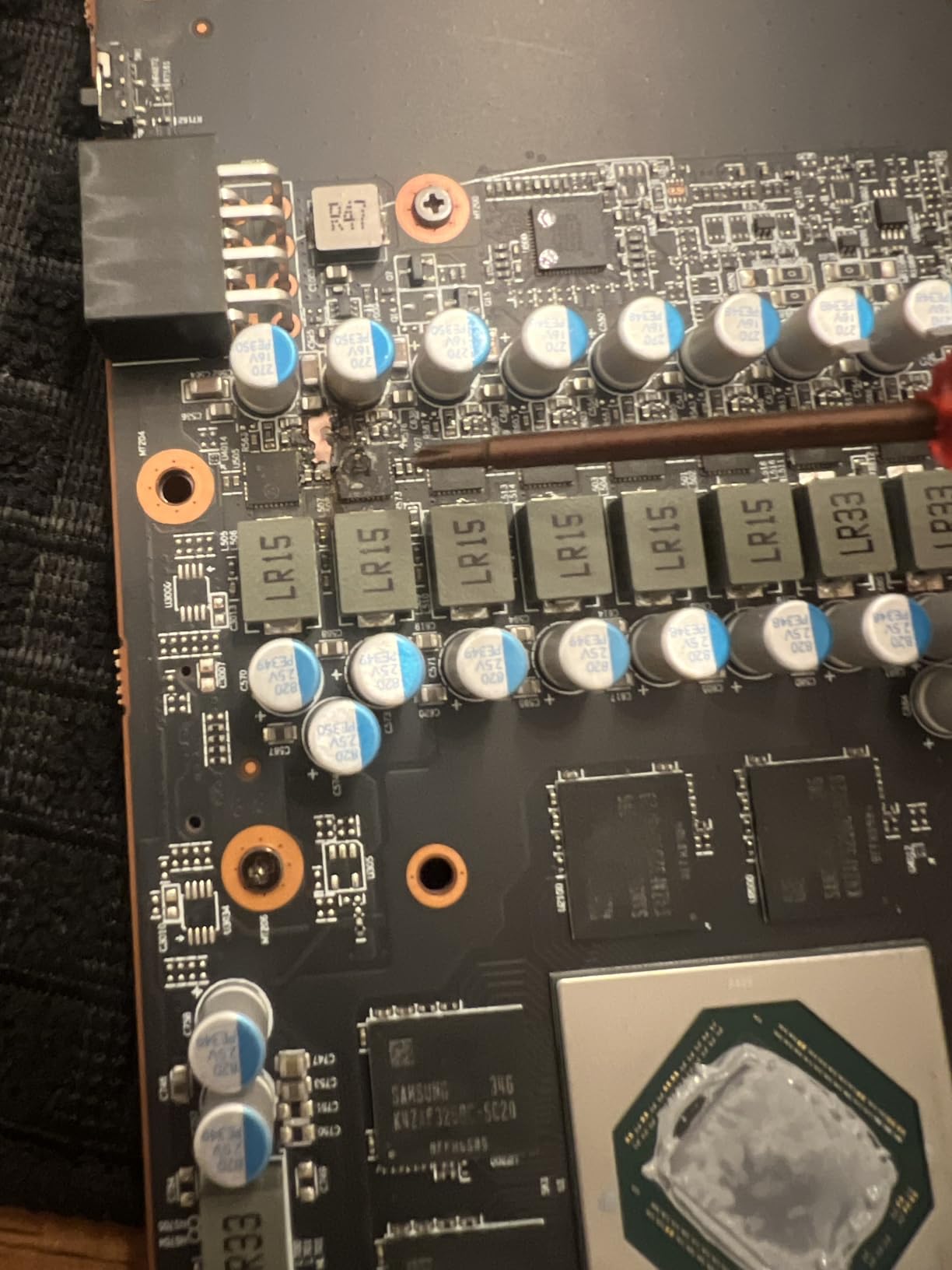
This is the straightforward first upgrade card. RDNA 3 hardware, 8GB of GDDR6 on a 17.5 GHz memory clock, and a factory boost clock tuned to 2655 MHz out of the box, wrapped in a dual-fan SWFT cooler that keeps the whole card just over 9 inches long.
Owners treat it as a budget 1080p card and accept the limits, but the rating spread is wider than the newer models here, with a 72% five-star share and some durability complaints in the one-star bucket. That wider spread is worth weighing against the 3 year manufacturer warranty, which is as long as most cards in this list offer.
Skip it if: you play at 1440p and want headroom for new releases. The 8GB frame buffer is the same ceiling that limits the RTX 5060 8GB, and the ASRock Arc B570 10GB covers the same resolution with 10GB on a wider 160-bit bus.
Set against the ASUS Dual RTX 3050 6GB, this is a longer card with a wider bus and no DLSS, but it carries 2GB more memory on a much newer architecture. Against the ASUS Dual RTX 5060 8GB, it trades upscaling and frame generation for a lower outlay.
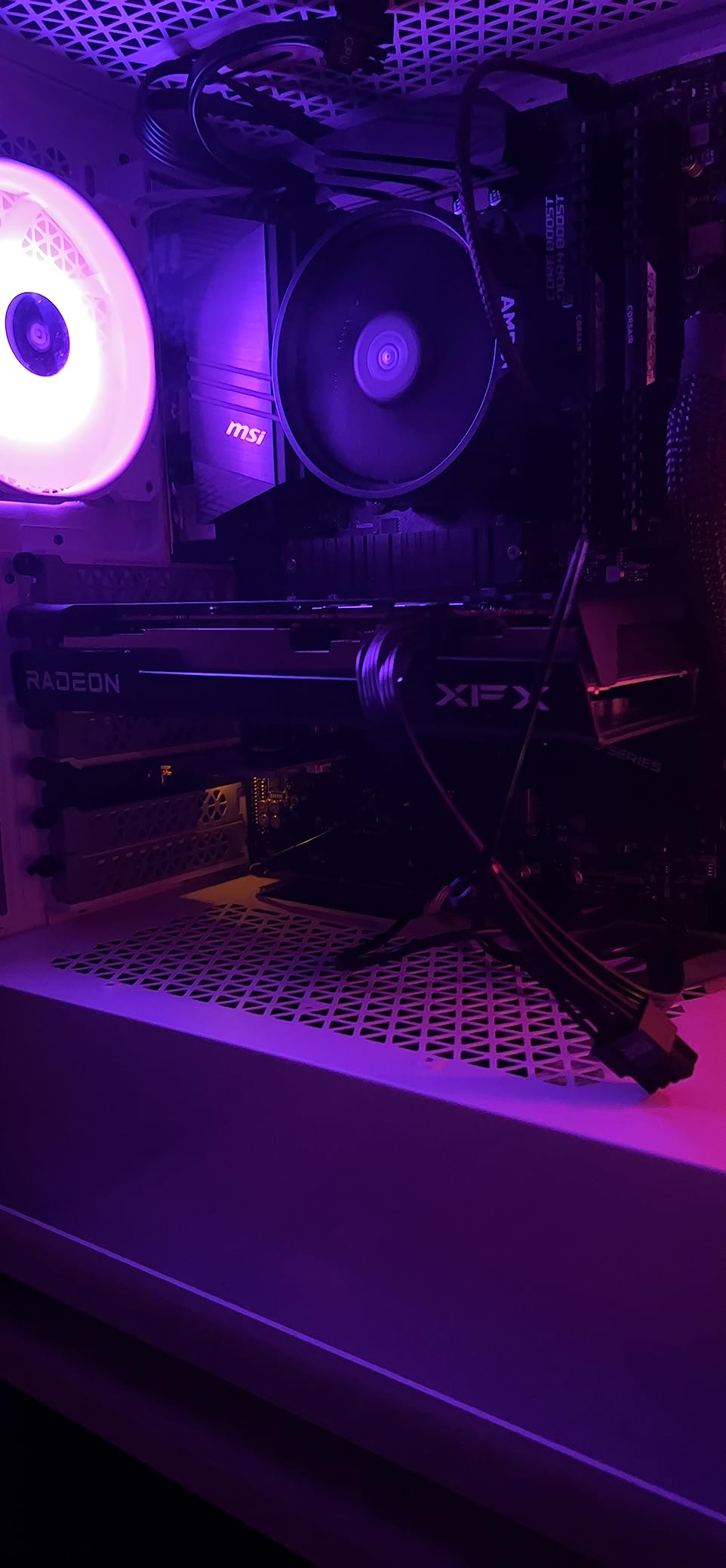
One HDMI and three DisplayPort outputs cover a typical two- or three-monitor desk, though there is no HDMI 2.1b for the newest high bandwidth mode. At 9.49 inches long and two fans, it clears most mid-tower cases without any planning.
4. ASRock RX 9060 XT 16GB: Best for 1440p With VRAM Headroom
ASRock RX 9060 XT 16GB
VRAM: 16GB GDDR6
Fans: 2
Length: 9.8 in
Warranty: 2 yr
Pros
- 16GB on RDNA 4 with 32 compute units
- Third gen ray tracing and second gen AI accelerators
- 0dB Silent dual fans in the mid 60s
- Two-slot 41mm card with a single 8 pin
- 550W supply is enough
Cons
- Dual fan heatsink moves less heat than triple fan designs
- Only 2 year manufacturer warranty
- A lower to midrange CPU can cause frame spikes while streaming
This card carries the highest average rating in the set, and the reason owners keep giving is memory. 16GB of GDDR6 on a 128-bit bus at 20 Gbps, with a 3290 MHz boost clock and 2700 MHz game clock, is enough to stop the memory warnings that owners hit on the cards it replaces. It is also comfortable for local AI and language model work.
The cooling is the quiet part of the story. A two-slot 41mm thick dual-fan design with 0dB Silent technology sits in the mid-60s under load, and the single 8-pin connector means a 550W supply is the documented recommendation, which is a relief if your PSU is a few years old.
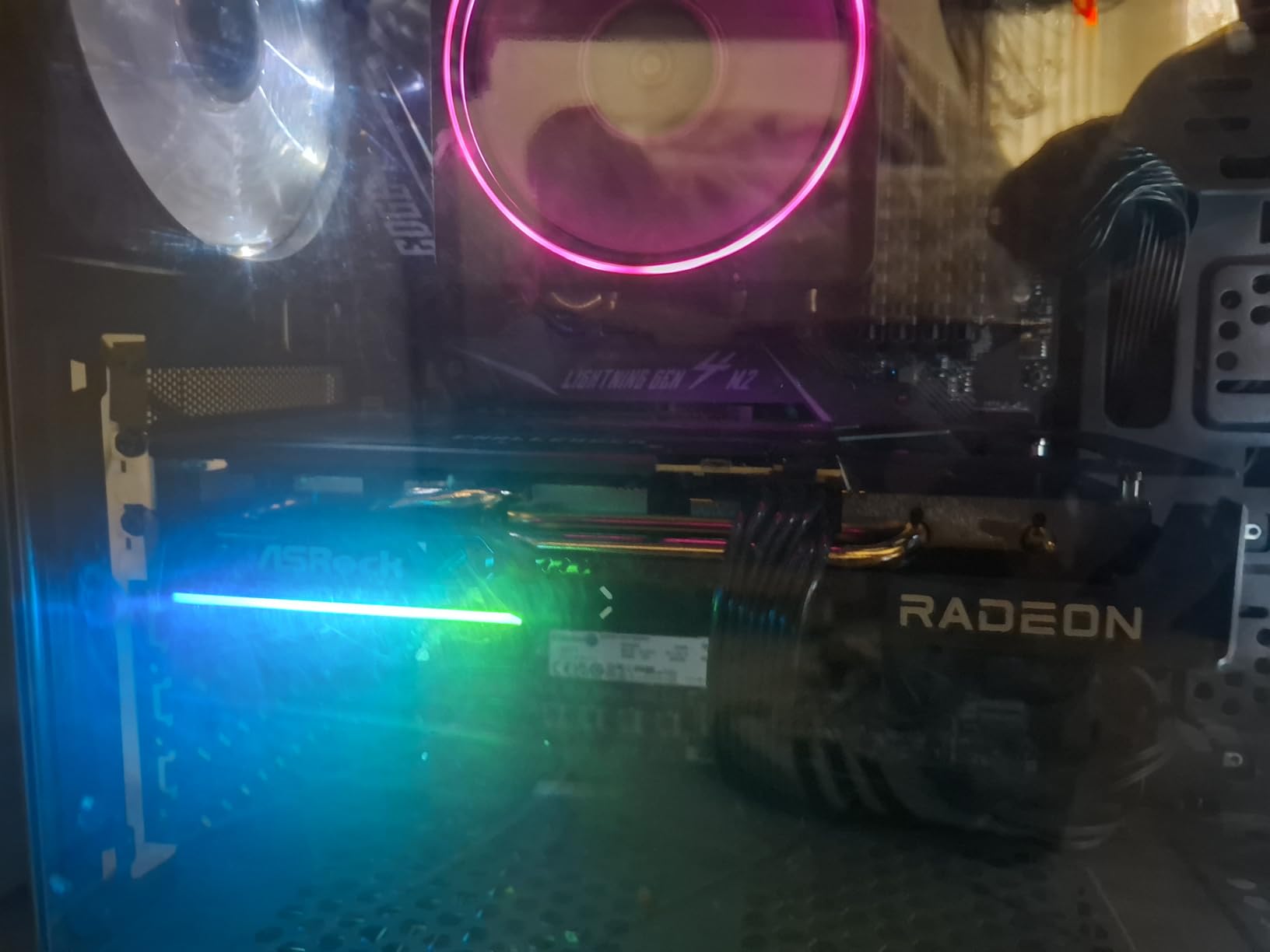
Buyers put it plainly: this is the 1440p card to beat on value, with FSR 4 narrowing the gap to DLSS at that resolution. The trade-off is heat dissipation, since a dual-fan heatsink has less surface area than the triple-fan cards higher in ASRock’s own range, and the warranty is 2 years where several rivals carry 3.
Pairing matters here: a lower to midrange CPU can show up as occasional frame spikes, particularly while streaming. That is a processor limitation rather than a card fault, and it disappears with a faster chip.
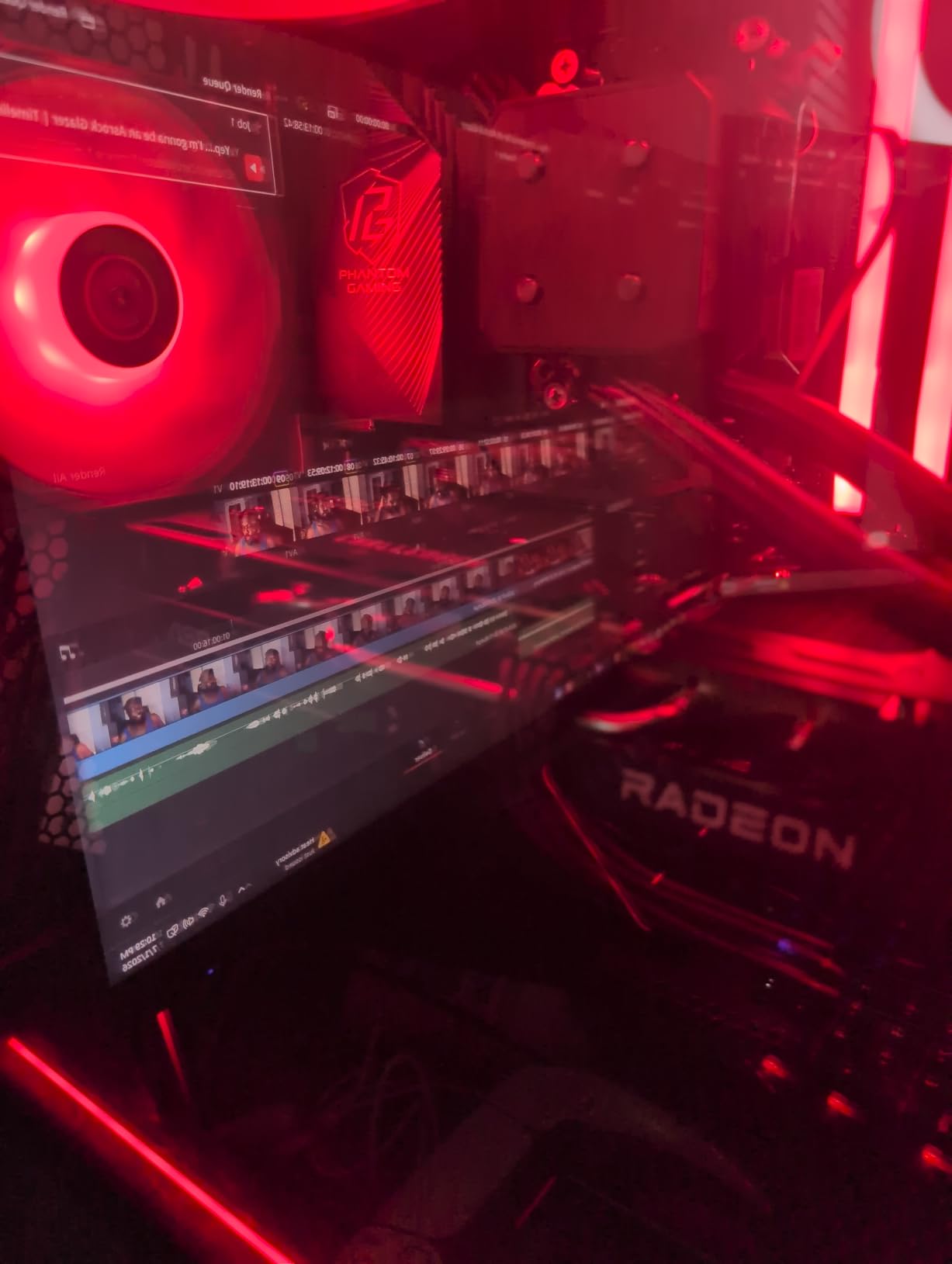
One owner needed a clean driver reinstall to clear game bugs, and another noted the lack of RGB as a negative. Compared with the ASUS Dual RX 9060 XT 16GB, this card is a half inch longer with an LED indicator, while the ASUS version is the one to pick for a case under 9 inches of clearance.
5. ASUS Dual RX 9060 XT 16GB: Best for Tiny Cases
ASUS Dual RX 9060 XT 16GB
VRAM: 16GB GDDR6
Fans: 2
Length: 8 in
Warranty: 3 yr
Pros
- 16GB handles texture heavy and AI workloads
- 8 inch length suits ITX and small form factor cases
- Temps stay in the 60 to 75C range in a sandwich case
- Dual BIOS switch for Quiet and Performance profiles
- Metal backplate and an RGB free design
Cons
- Only one HDMI and two DisplayPort outputs
- Power limit appears hardcoded low in the VBIOS
- One owner reports unstable Adrenalin and eGPU software
Eight inches long with 16GB of GDDR6 is an unusual combination, and it is the reason this card works in cases where the ASUS Dual RTX 3050 6GB already felt generous. Owners running it in tight sandwich enclosures report temperatures staying in the 60 to 75C range, which is the number that decides whether a small build stays quiet.
The OC profile runs up to 3250 MHz boost and 2640 MHz game clock, and a dual BIOS switch lets you move between Quiet and Performance profiles without reinstalling anything. Axial-tech fans on dual ball bearings handle the longevity side, and the metal backplate keeps the card rigid in a chassis where the GPU carries part of the structural load.
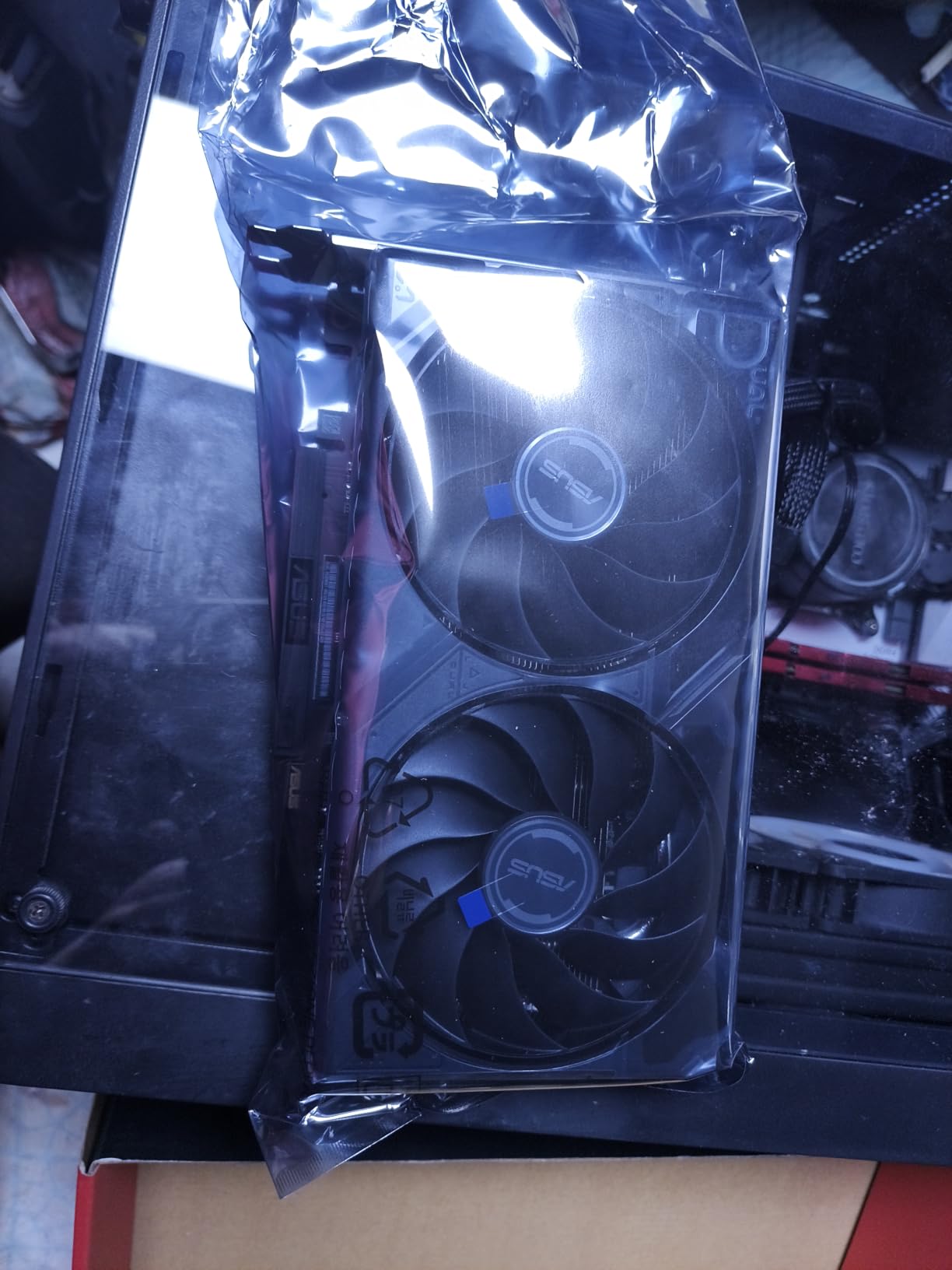
Buyers call this the champion of budget 1440p gaming, with 86% five-star ratings, and the theme is consistent: the 16GB version is the one to choose over its 8GB sibling. The same memory also makes it useful for video editing and local model inference on a machine that has no room for anything larger.
Set side by side with the ASRock RX 9060 XT 16GB, both cards carry 16GB on a 128-bit bus and the deciding factors are physical. This one is 8 inches long and 2.5 slots with a 3 year warranty, while the ASRock version is 9.8 inches, a true 2-slot 41mm design, and adds an LED indicator with 0dB Silent cooling.
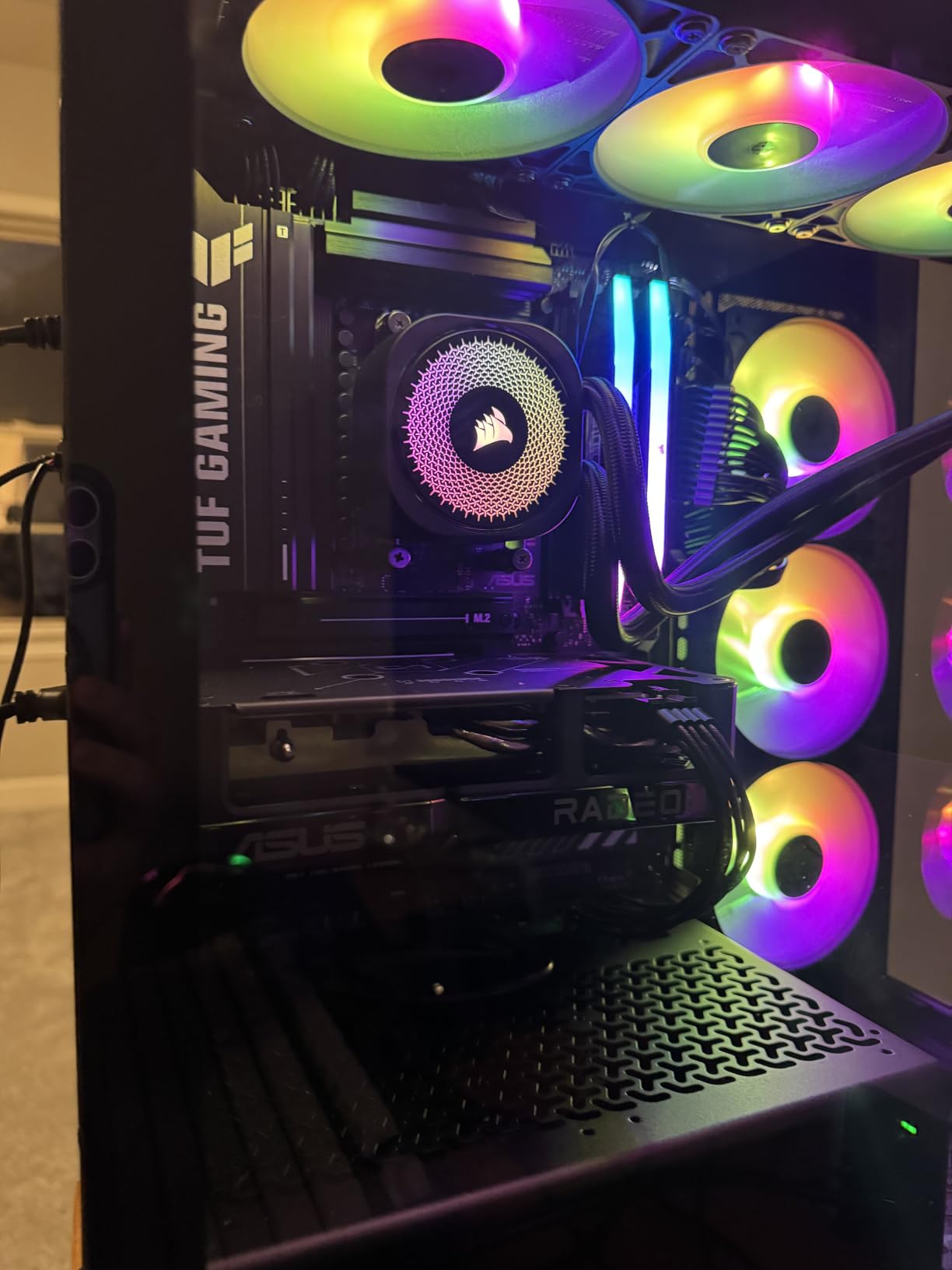
Port layout is the real compromise, with only one HDMI and two DisplayPort outputs. Some owners also report a power limit that looks hardcoded low in the VBIOS even on the Performance profile, and one had unstable Adrenalin software and the Windows eGPU manager, so check your monitoring setup after install.
6. ASUS Dual RTX 5060 Ti 16GB: Best for DLSS 4 Upgrades
ASUS Dual RTX 5060 Ti 16GB
VRAM: 16GB GDDR7
Fans: 2
Length: 9 in
Warranty: 3 yr
Pros
- 16GB of GDDR7 at this tier is the reason to choose it
- Low 60s temperatures under full load
- 9 inch 2.5 slot card drawing 180W
- 767 AI TOPS with DLSS 4 frame generation
- Dual BIOS Quiet and Performance profiles
Cons
- Factory overclock is only about 30 MHz
- A 128 bit memory bus is narrow by current standards
- A 1080p first card that needs DLSS above that
Coming from a 2060 Super or a 2070, the jump to this card is exactly the kind of upgrade people build a new machine around. 16GB of GDDR7 on a 128-bit bus delivers 448 GB/s of bandwidth, and 767 AI TOPS drive DLSS 4 upscaling and frame generation that genuinely changes how demanding titles feel.
It stays cool and quiet, often sitting in the low 60s under full load, on a 9 inch 2.5-slot dual-fan design that draws 180W through a single 8-pin connector. Display output is three DisplayPort 2.1b and one HDMI 2.1b, rated to 7680×4320.
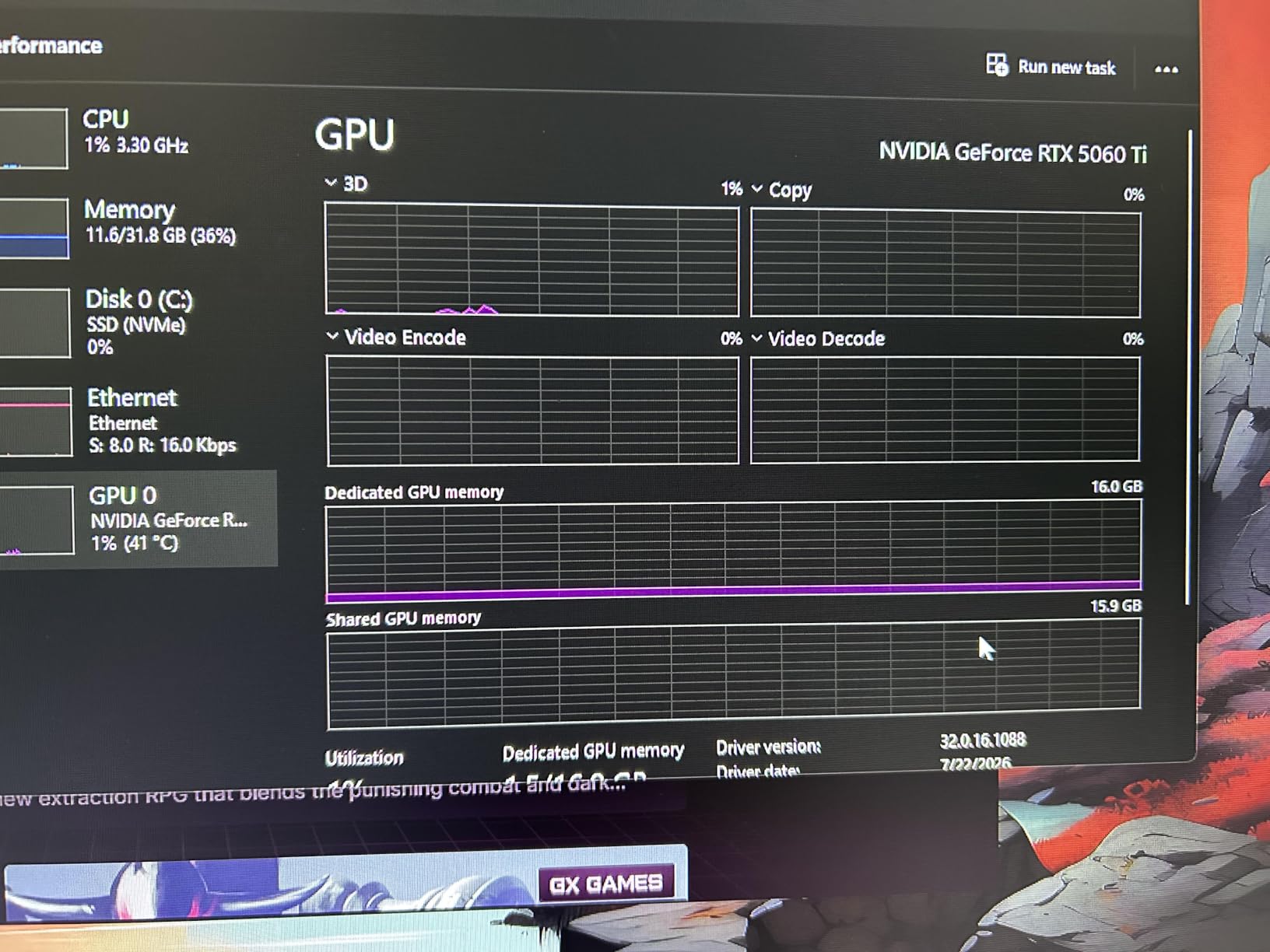
Owners are enthusiastic about the card itself and less enthusiastic about what they pay for it, which is the recurring reservation across the reviews. Several recommend waiting for a sale event rather than buying at a flat price, and some step up a tier instead. That makes this the card to compare carefully on the day rather than the card to grab on reflex.
Against the ASUS Dual RTX 5060 8GB, the extra 8GB and the newer Tensor Core generation are the reason to spend more, but the 128-bit bus is the same width on both. If your games never leave 1080p, the 8GB card leaves frames on the table for nothing.
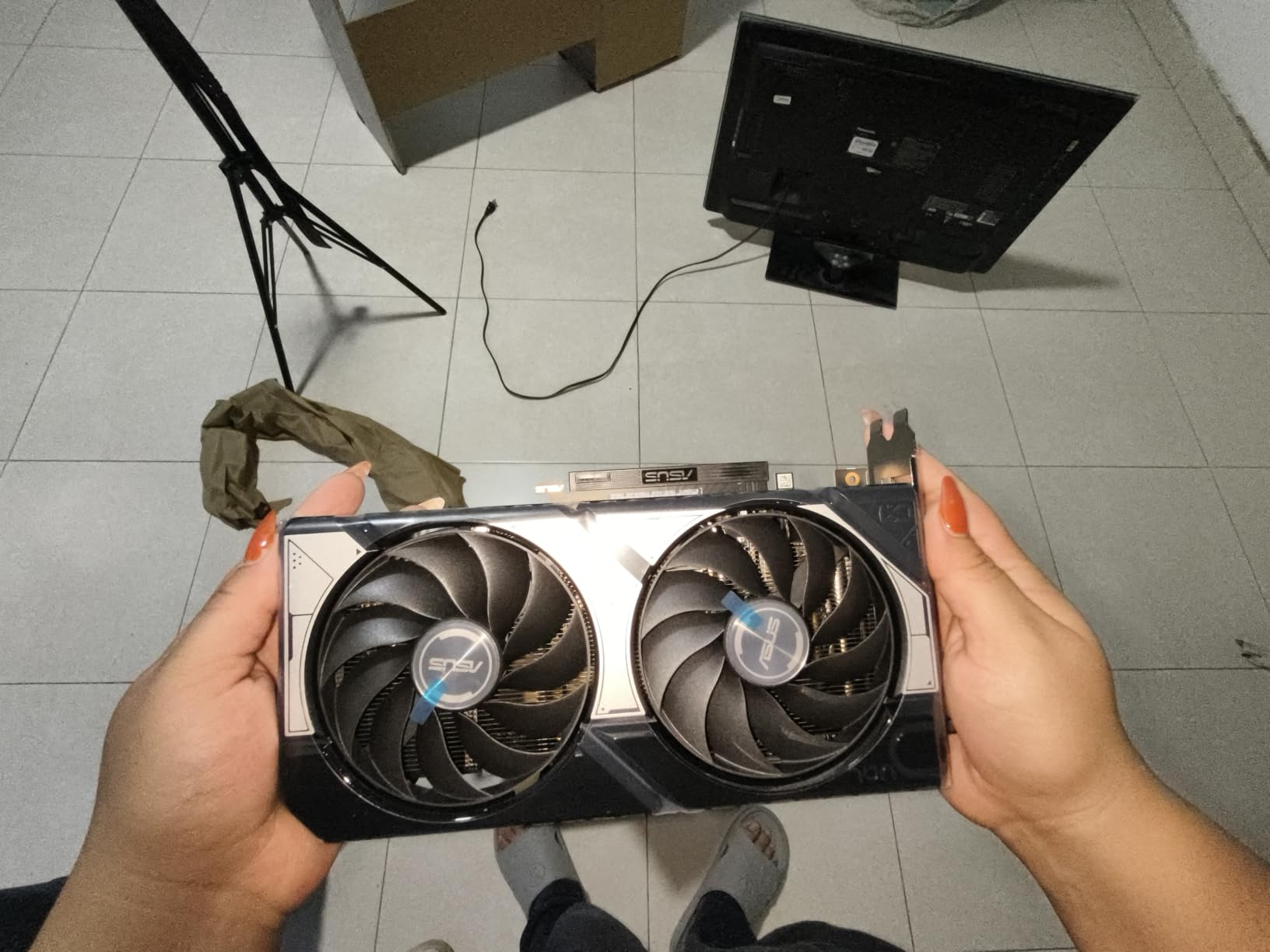
The factory overclock is worth about 30 MHz, roughly 1% over the non-OC model, so treat the OC badge as a non-event. One owner needed DDU and a clean driver install to get past initial problems, and at higher resolutions this is still a 1080p-first card that leans on DLSS.
7. GIGABYTE RX 9070 XT OC 16GB: Best for 4K Gaming
GIGABYTE RX 9070 XT OC 16GB
VRAM: 16GB GDDR6
Fans: 3
Length: 11.3 in
Warranty: 3 yr
Pros
- Strongest performance per dollar in this group
- 160 to 240 fps at 1440p on most titles
- 16GB on a 256 bit bus clears memory warnings
- Server grade thermal conductive gel in the cooler
- AV1 encode and solid Linux support
Cons
- Three 8 pin connectors complicate a swap
- This cooler runs hotter than other RX 9070 XT models
- Fan noise during shader compilation
Owners overwhelmingly treat the RX 9070 XT as the value leader of the current generation, and the reviews back that with numbers: 160 to 240 fps at 1440p on most titles, with 4K high settings within reach. The 16GB of GDDR6 on a 256-bit bus clears the memory warnings that owners hit on the cards it replaces.
At 3060 MHz this is a large card, 11.34 inches long and 1.78 kg, cooled by the WINDFORCE system with Hawk fans and server-grade thermal conductive gel. AV1 encode support matters if you cut video, and several owners point to good Linux support with AMD’s software stack.
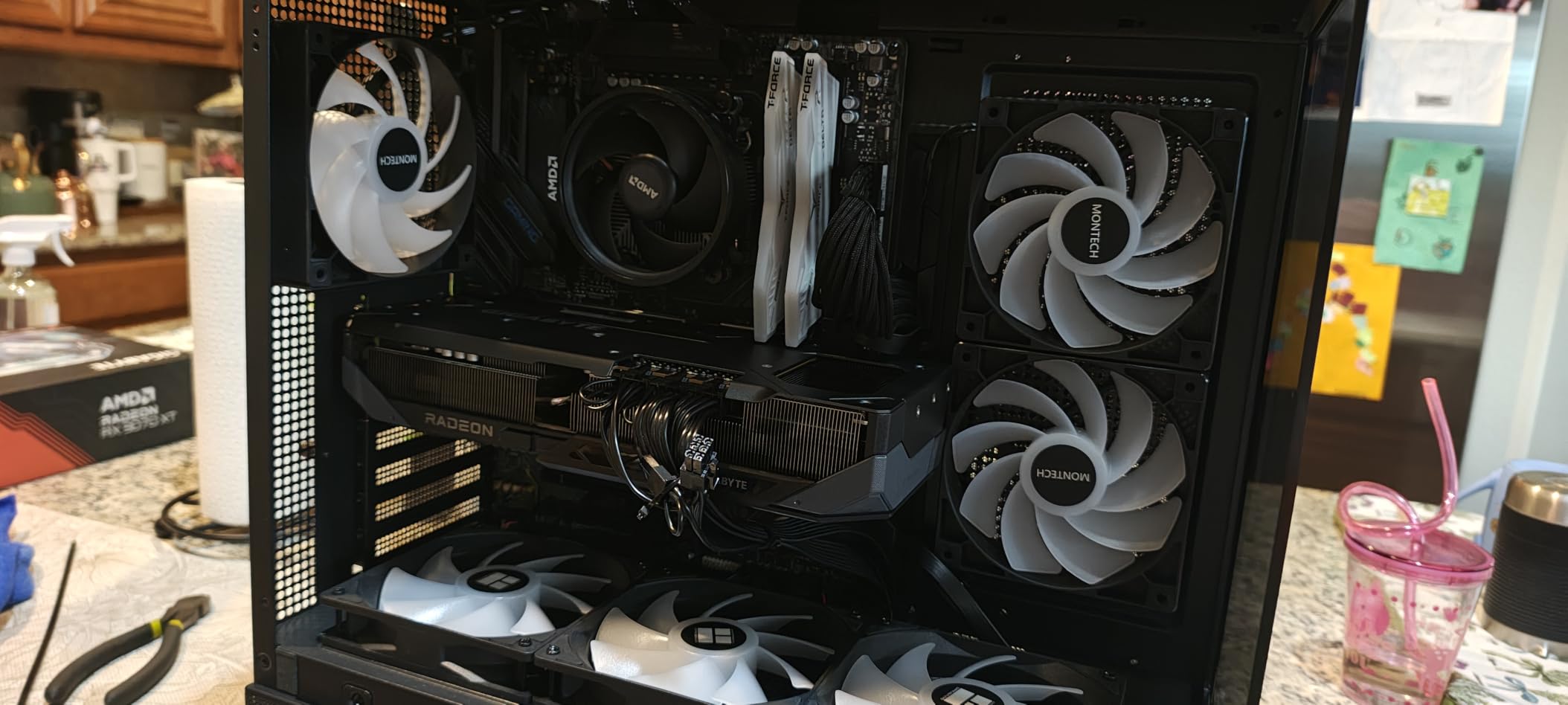
The gripes are practical rather than performance related. This model takes three 8-pin power connectors, which is awkward when the card you are replacing used one or two, and some owners report a high edge-to-junction delta that responds well to undervolting. It can also get noisy under full load, particularly during shader compilation.
The GIGABYTE RTX 4070 WINDFORCE OC covers the opposite corner of the bracket: it trades ray tracing quality for raw raster speed here, in a card about an inch shorter. If your play leans on path tracing and DLSS frame generation, the GeForce is the better tool; if it leans on frame rates at high settings, this one wins.
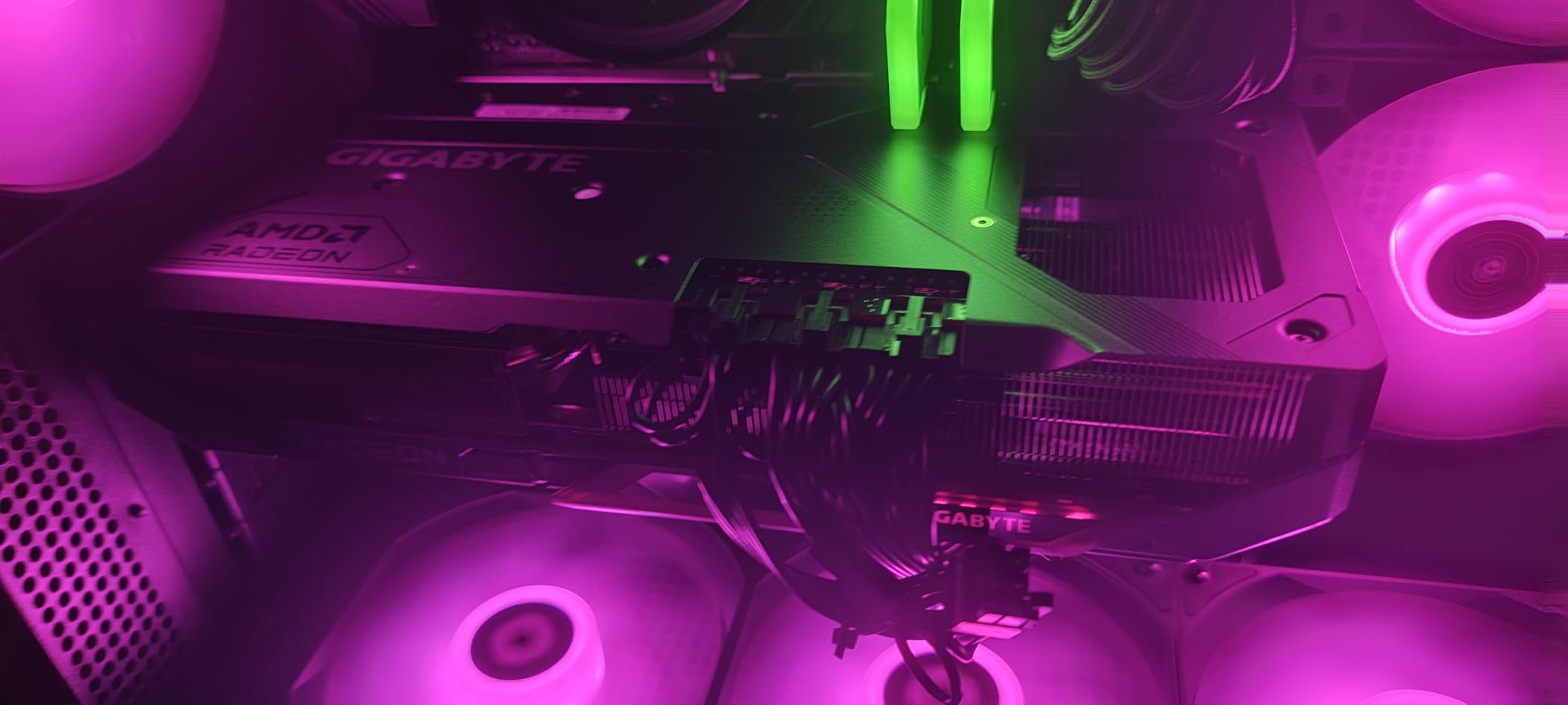
It also runs as a living-room or couch gaming card, where owners report it stays cool and generally quiet, and the RGB lighting is there for builds that want it. Budget for a case with room for an 11 inch triple-slot card and a PSU with three free 8-pin cables.
8. GIGABYTE RTX 4070 WINDFORCE OC: Top Rated for Ray Tracing
GIGABYTE RTX 4070 WINDFORCE OC
VRAM: 12GB GDDR6X
Fans: 3
Length: 10.3 in
Warranty: 3 yr
Pros
- 12GB of GDDR6X on a 192 bit bus
- Triple fan WINDFORCE cooler
- DLSS 3 frame generation with Ada ray tracing
- Dual BIOS and metal back plate
- Anti sag bracket included
Cons
- Older Ada architecture misses DLSS 4 features
- Lasting 10.3 inch length limits case choice
- Older generation gains less from each sale
This listing ties for the highest average rating in the set and carries one of the larger review bases, with 89% five-star ratings. 12GB of GDDR6X on a 192-bit bus at 21000 gives more headroom than the 8GB cards at this tier, and three WINDFORCE fans handle the heat with room to spare.
The feature set is where the Ada generation still earns its keep: third generation RT Cores with full ray tracing, fourth generation Tensor Cores, and DLSS 3 frame generation, with output rated to 4K at 120Hz. Dual BIOS, a protective metal back plate, an anti-sag bracket and RGB Fusion lighting are all included.
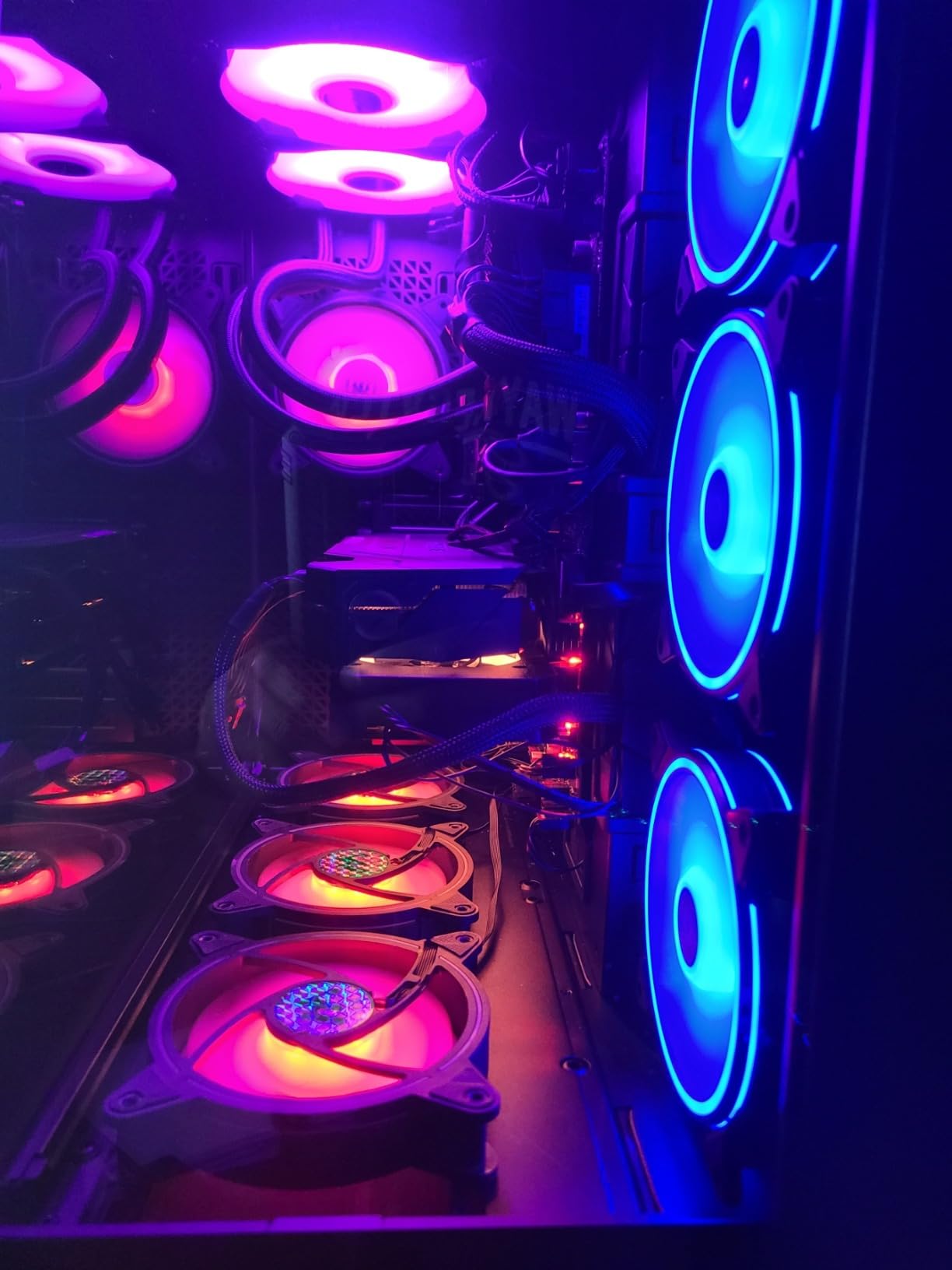
The argument against it is generational. Newer Blackwell cards bring newer upscaling and ray tracing features at similar tiers, so paying full price for last generation silicon is a hard sell. What you gain instead is a well-understood architecture, plentiful reviews, and 12GB of memory rather than 8GB.
Good to know: the listed item weight looks inconsistent for a card of this size, so measure the 10.3 inch length against your case clearance rather than trusting the weight figure on the listing.
Owners who want the newest feature set in this bracket should look at the ASUS Prime RTX 5070 12GB instead, which trades 12GB of GDDR6X for 12GB of GDDR7 and DLSS 4. For ray tracing at 1440p and 4K on current titles, this card remains a sensible target during a sale event.
9. ASUS Prime RTX 5070 12GB: Best for Cool 1440p High-Refresh Builds
ASUS Prime RTX 5070 12GB
VRAM: 12GB GDDR7
Fans: 3
Length: 12 in
Warranty: 3 yr
Pros
- 1005 AI TOPS and DLSS 4 on Blackwell
- Phase change thermal pad with triple Axial tech fans
- Dual BIOS Quiet and Performance profiles
- 12 inch card still marked SFF ready
- Auto Extreme manufacturing and GPU Tweak III
Cons
- 12GB is light for the tier at 4K
- Longer and heavier than dual fan RTX 5070 designs
Buyers pick the Prime over smaller dual-fan RTX 5070 designs for one reason: thermals. A 90% five-star share is the highest proportion of top ratings in this group, and the phase-change GPU thermal pad plus three Axial-tech fans are what buyers point to when they explain it. OC mode runs at 2587 MHz against 2557 MHz in default.
On features there is 1005 AI TOPS feeding DLSS 4, third-generation-class upscaling and frame generation, and a 12GB GDDR7 buffer. Dual BIOS lets you flip between Quiet and Performance profiles on the card itself, and GPU Tweak III covers overclocking from Windows.
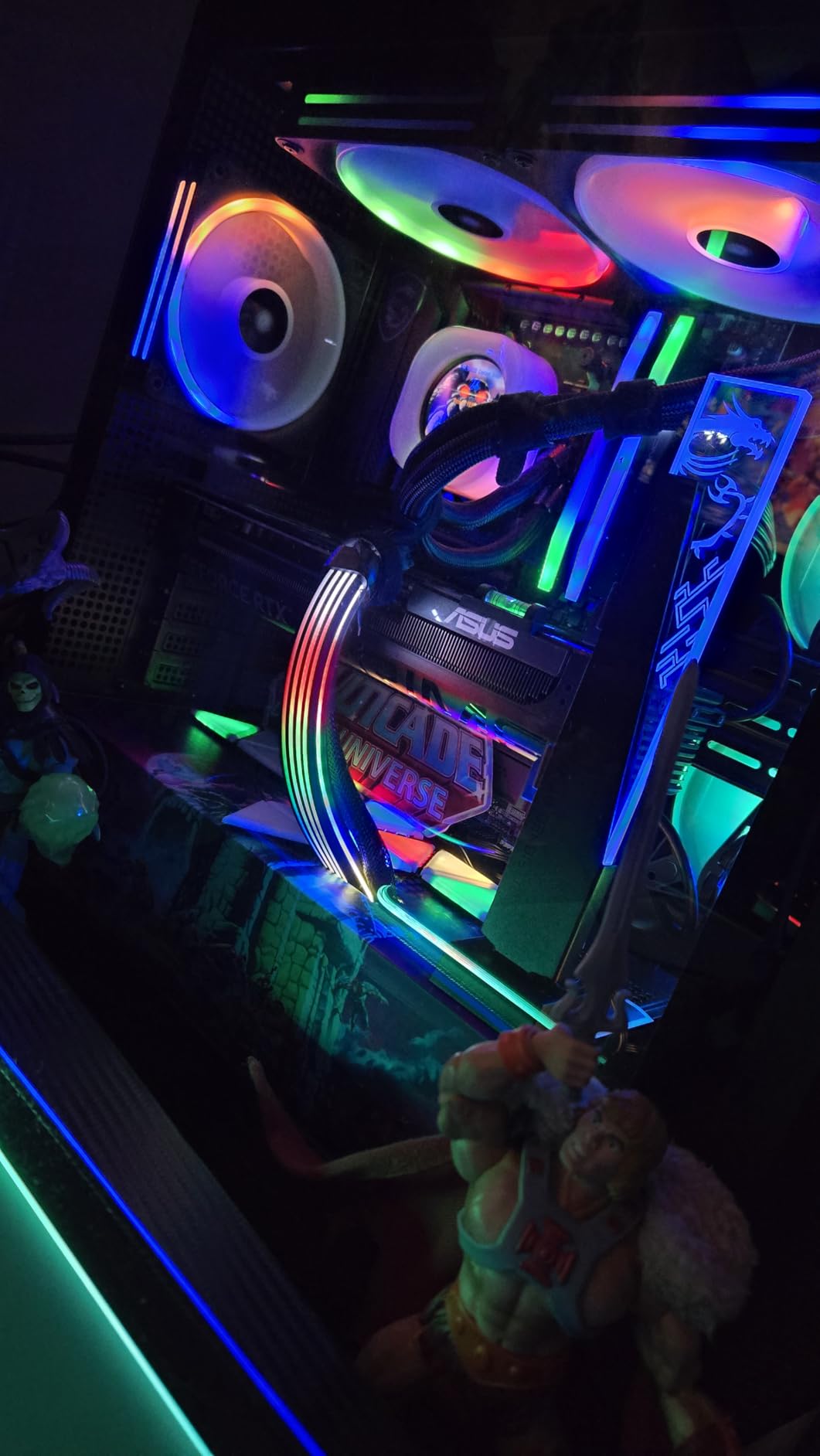
At 12 inches and 2.3 pounds it is the longest card in this guide, and heavier than anything except the dual 16GB Radeons. That is fine in a full tower and a problem in anything smaller, which is why the MSI RTX 5070 Ventus 2X OC exists as an alternative at 236mm.
The trade-off owners mention most is memory. 12GB is light for a card aimed at 1440p high refresh and 4K texture-heavy titles, and it is the same 12GB the cheaper cards in this list carry, with far more compute behind it. If 4K with large texture packs is the plan, look at the 16GB RX 9070 XT instead.
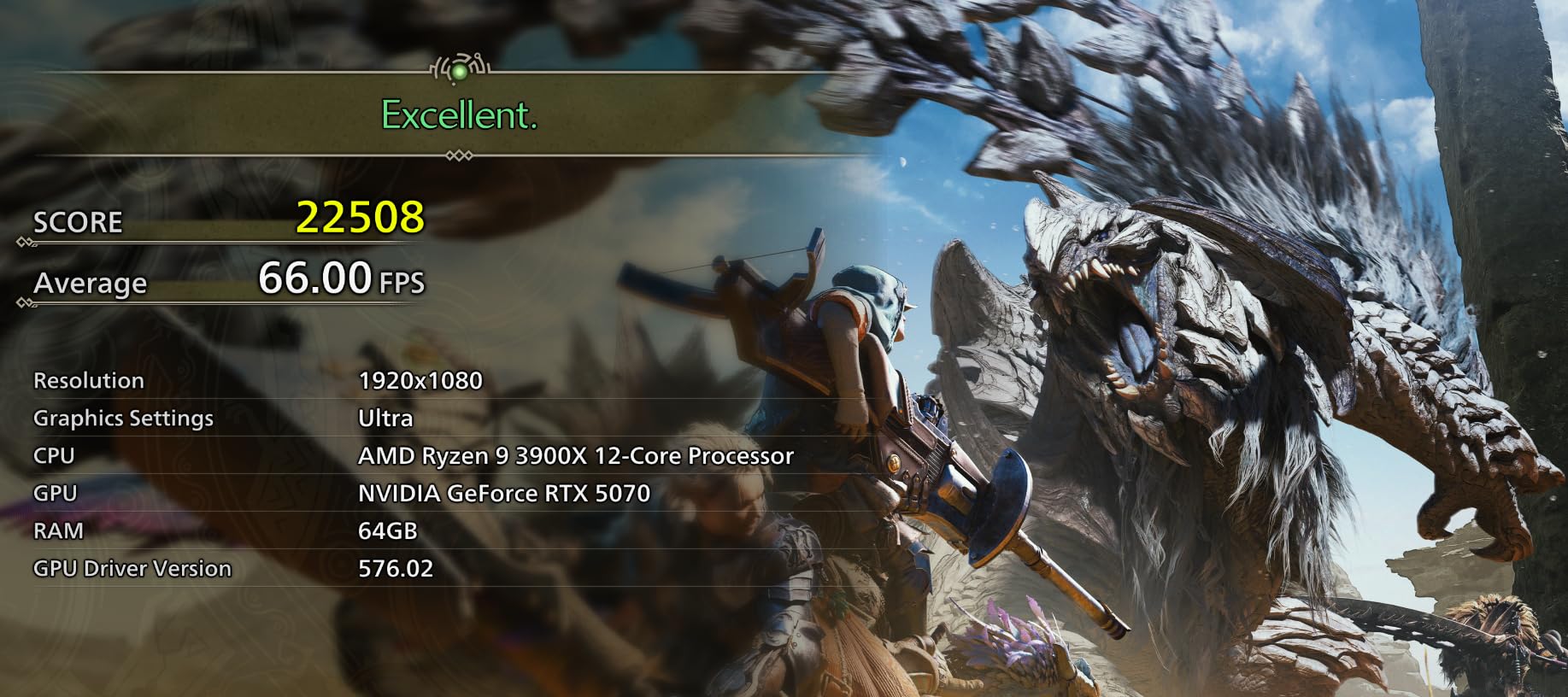
For a 1440p high-refresh machine that has to stay quiet under load, this is the card to compare first. The 3 year warranty and Auto-Extreme manufacturing are the quieter selling points, and the Auto-Extreme process is what keeps the thermal pad consistent from unit to unit.
10. GIGABYTE RX 7800 XT OC 16GB: Best for Local AI Workloads
GIGABYTE RX 7800 XT OC 16GB
VRAM: 16GB GDDR6
Fans: 3
Length: 11.9 in
Warranty: 3 yr
Pros
- 16GB on a 256 bit bus for heavy bandwidth
- Three 90mm fans and seven composite copper heat pipes
- Silent and OC mode switch on the card
- AV1 encoding and Radeon display engine
- 2x DisplayPort 2.1 and 2x HDMI 2.1
Cons
- FSR upscaling trails FSR 4 and DLSS in quality
- Ray tracing trails the RTX 4070 class
- Utility software reported unstable by some owners
The review base here runs to 836 ratings, the second largest in this guide, and it lands on a 4.5 average with a 78% five-star share. The reason owners keep coming back to it is memory: 16GB of GDDR6 on a 256-bit bus at 19500, running a 2565 MHz boost clock, gives far more bandwidth than the 8GB and 128-bit cards most people compare it to.
That bandwidth is why it shows up in local AI work. Owners running language models report strong performance once the correct ROCm tag is used, and AV1 encoding plus the AMD Radiance Display Engine make it a reasonable card for editing as well as gaming. Cooling is three 90mm fans over seven composite copper heat pipes and a large copper plate, with a Silent to OC switch.
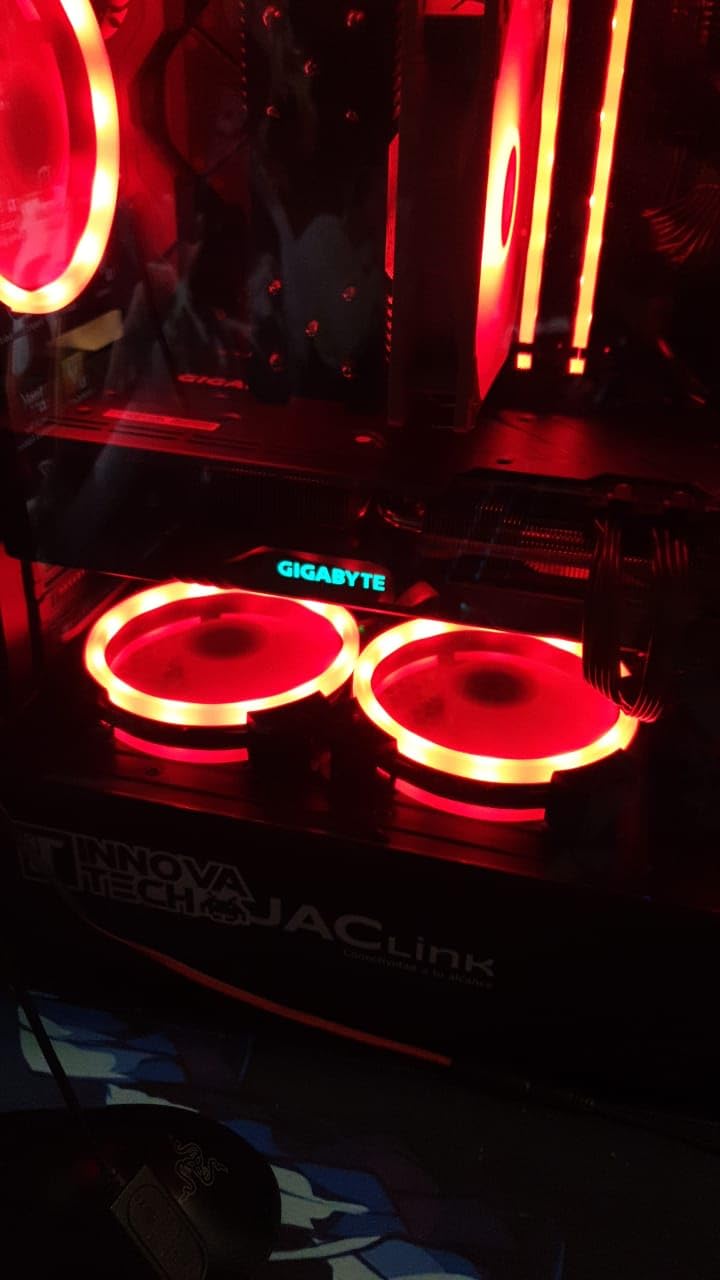
It is an RDNA 3 card, so FSR upscaling still trails FSR 4 and DLSS in quality, and ray tracing sits below the RTX 4070 class. Owners also report GIGABYTE’s own control utilities being unstable, with white screens, and recommend using AMD’s Radeon software instead. A 700W power supply is the documented recommendation.
Anyone whose priority is upscaling quality or ray tracing should compare the ASUS Prime RTX 5070 12GB, and anyone who wants 4K texture headroom on a newer architecture should take the GIGABYTE RX 9070 XT OC 16GB, which is a generation ahead in both upscaling and ray tracing.
Port layout is generous for a multi-monitor desk, with two DisplayPort 2.1 and two HDMI 2.1 outputs, and the card runs on PCIe 4.0. At 11.89 inches and 1.5 kg it is one of the larger entries here, so measure before ordering.
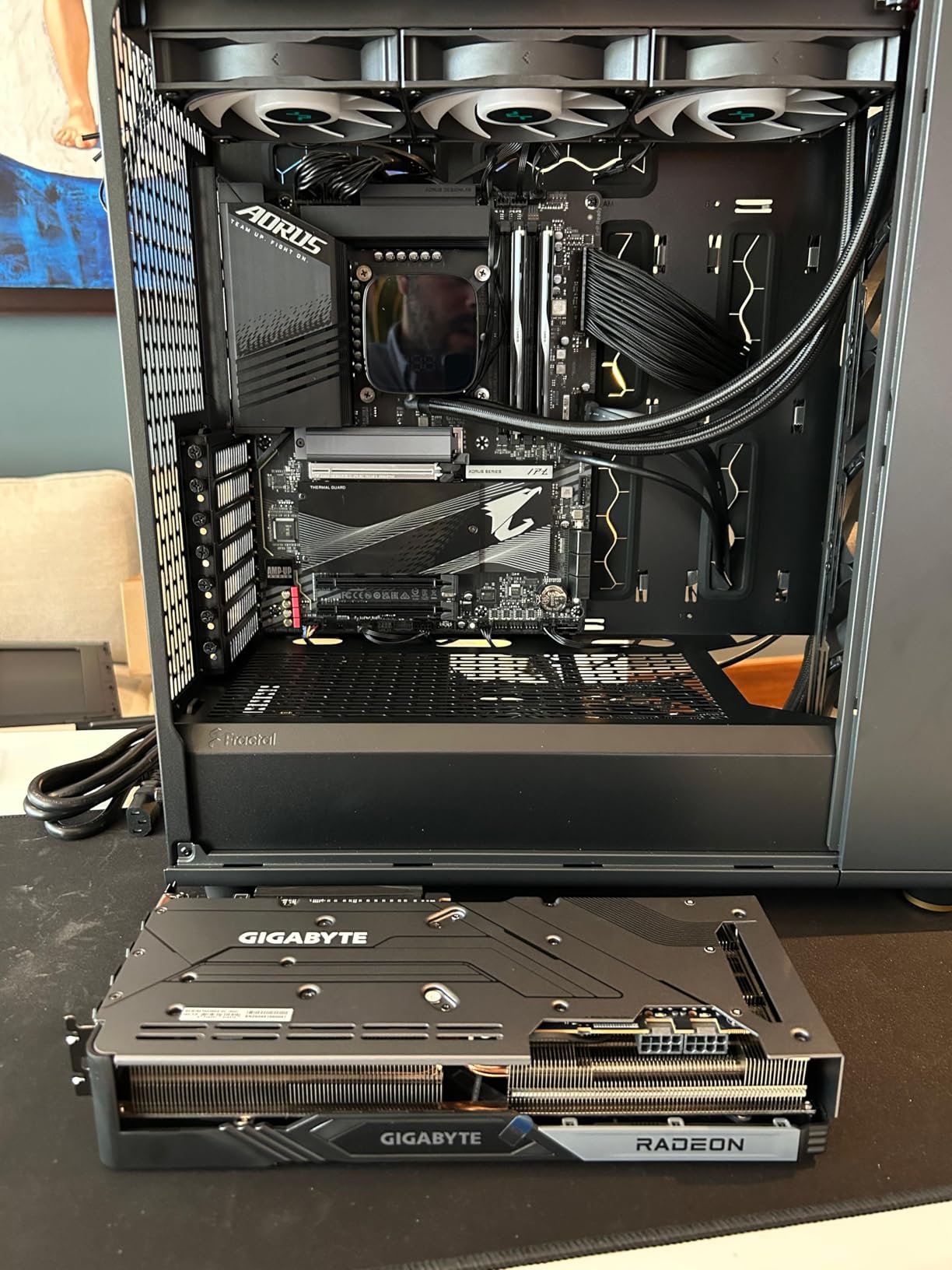
It is also the card in this list most likely to be worth a look for value rather than absolute speed, since previous-generation silicon with 16GB and 256 bits is exactly what a mixed 1440p gaming and local AI machine wants.
11. ASRock Arc B570 10GB: Budget Pick for 1440p Gaming
ASRock Arc B570 10GB
VRAM: 10GB GDDR6
Fans: 2
Length: 9.3 in
Warranty: 2 yr
Pros
- 10GB on a 160 bit bus at 19 Gbps
- 75 to 100 fps at 1440p with XeSS 2 Quality
- Fans stop fully at idle on a single 8 pin
- AV1 encode and usable ray tracing at this tier
- Metal backplate with an LED indicator
Cons
- Older motherboards need ReBAR and 4G decoding
- Driver software still maturing against Nvidia and AMD
- Smallest review base in this group
Ten GB on a 160-bit bus at 19 Gbps gives this card more memory bandwidth than the 8GB rivals it undercuts, and that is the argument owners make when they call it underrated. Reviewers report 75 to 100 fps at 1440p with XeSS 2 Quality in titles like Cyberpunk, Apex and Forza, on a 2600 MHz GPU clock.
At idle it drops to complete silence, with 0dB Silent dual striped axial fans that stop, a single 8-pin connector, and a metal backplate with anti-sag support. Dual media engines handle AV1 encode and HEVC decode, and the display outputs are three DisplayPort 2.1 and one HDMI 2.1a with UHBR13.5 support.
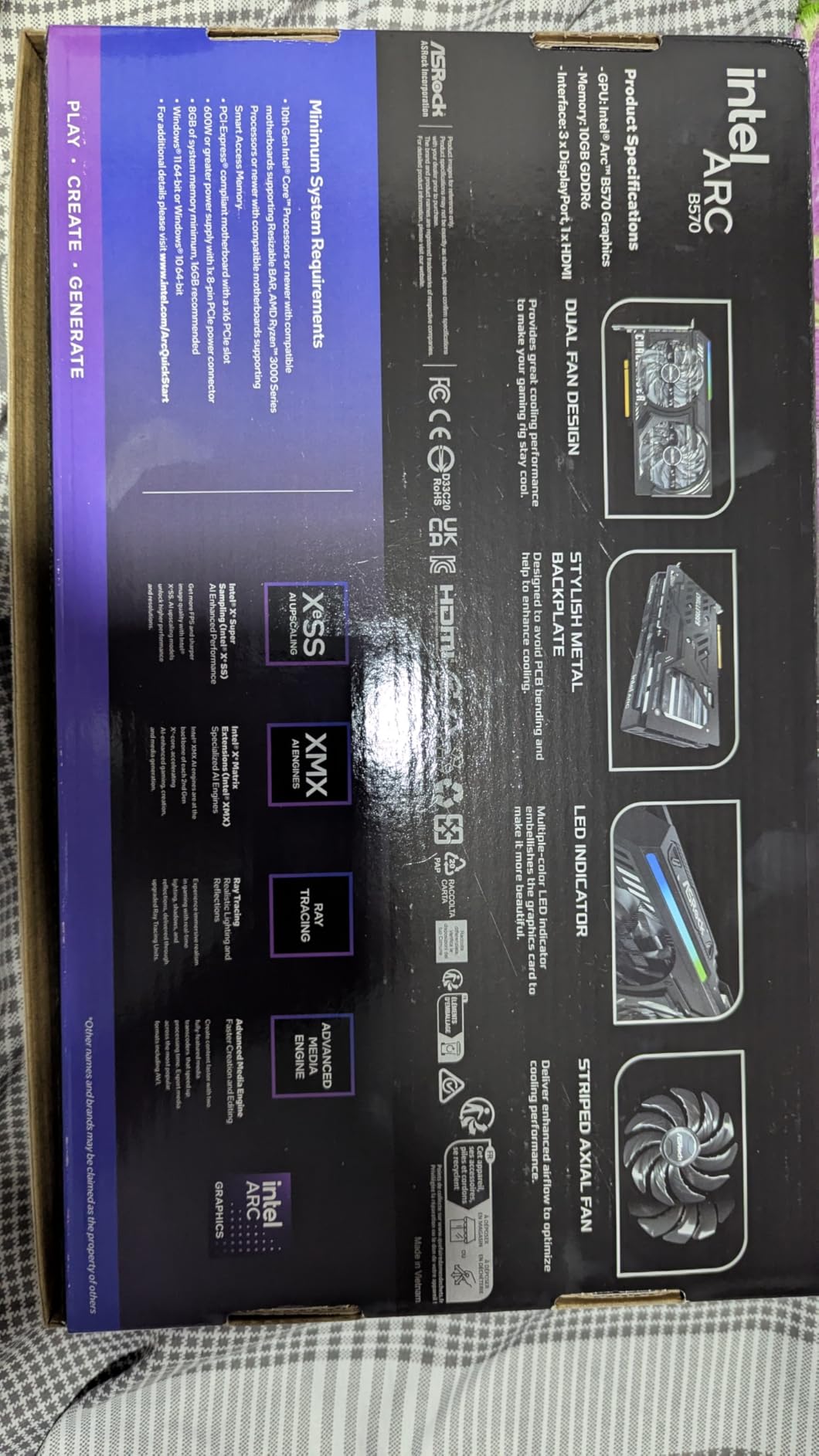
The catch is setup, and it is a real one. Older motherboards need Resizable BAR and 4G decoding enabled in BIOS, a reasonably capable CPU is required with a Ryzen 5 5500 about the floor, and virtual desktop routes limit VR use. One owner also reported a recurring DRIVER_IRQL blue screen and streaming issues with hardware acceleration.
The XFX Speedster SWFT RX 7600 is the alternative when you want zero BIOS work: two less gigabytes of memory, a much narrower bus, an older architecture and weaker 1440p results, but a card that installs on a board without ReBAR.
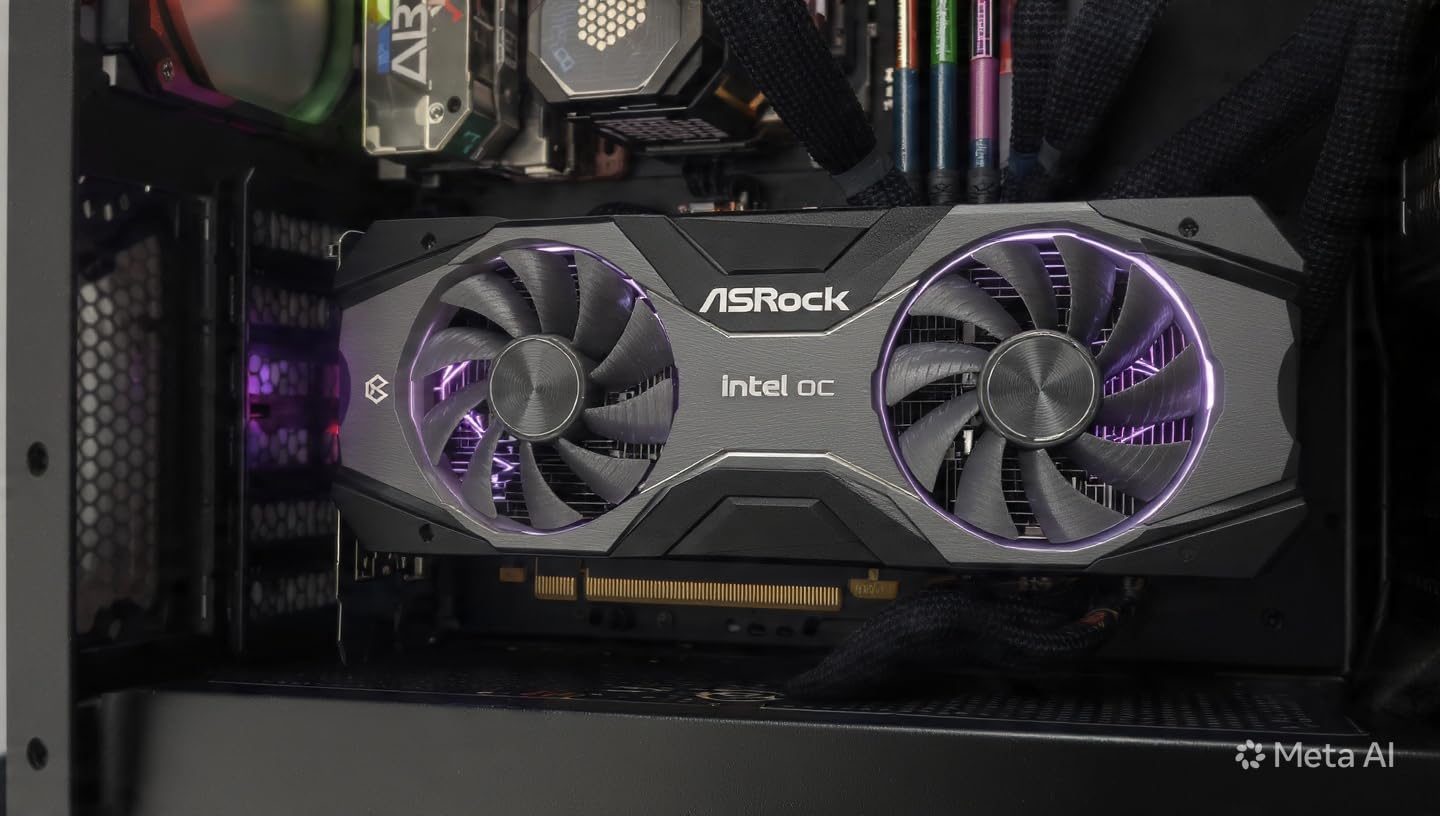
It runs on a PCIe x8 interface, which is fine on current platforms and worth checking against a very old motherboard. The warranty is 2 years, shorter than most here, and the review base of 123 is the smallest in the group, so there is less long-term owner history to lean on.
12. MSI RTX 5070 Ventus 2X OC: Best for Mini-ITX Builds
MSI RTX 5070 Ventus 2X OC
VRAM: 12GB GDDR7
Fans: 2
Length: 9.3 in
Warranty: 2 yr
Pros
- Compact at 236 mm and 774 g for small cases
- 72C or lower in a tight small form factor case
- Undervolts and overclocks well in Afterburner
- 12GB GDDR7 at 28 Gbps on a 192 bit bus
- HDMI 2.1b rated for 4K at 480Hz
Cons
- Noticeably noisy under sustained heavy load
- Still longer than many mini ITX cards
- CPU limits frame rates at high refresh
This is the smallest RTX 5070 in the guide, at 236mm long and 774g on a 2.5-slot design, and it is the one to look at when a case has room for a dual-fan card and nothing more. Owners running it in tight small form factor builds report temperatures at or below about 72C, which is a good result in that much restricted airflow.
Underneath it is Blackwell with fourth generation RT cores, 12GB of GDDR7 at 28 Gbps on a 192-bit bus, and DLSS 4.0 frame generation. TORX 5.0 dual fans with a ZERO FROZR 0 RPM mode handle cooling, backed by a nickel-plated copper base, heat pipes and a perforated back plate. A 650W supply with a 16-pin connection at 250W is the documented recommendation.
Owners report a large uplift over a 3060 or 3060 Ti, with 4K ultra holding 60 fps using DLSS, and they like that it can be undervolted and overclocked in MSI Afterburner for more performance at lower heat. It also handles local generative image, video and language model work well for a card this size.
Two practical notes sit on top of that. One owner reported only about 3 mm of clearance in a tight case, so measure rather than assume, and the fans do get noticeably noisy under sustained heavy load even though the thermals hold up. The CPU also becomes the limiting factor at high frame rates on full HD. Against the ASUS Prime RTX 5070 12GB, the same chip and the same 12GB of GDDR7 come in a card roughly three inches shorter and about half a pound lighter, with a cooler that runs cooler and a warranty that runs two years rather than three. For a small build the MSI is the right answer, while a full tower has the space to give the Prime’s thermal headroom a chance.
How to Choose Graphics Cards During Prime Big Deal Days
Graphics card deals are easier to judge when you know which number settles the argument for your machine. These are the five things worth checking, in the order they usually decide the purchase.
GPU Performance for the Games You Play
Match the card to your resolution rather than to a tier name. A card that holds 100 fps at 1080p will not hold it at 1440p, and 4K multiplies the load again. For 1080p high refresh, the ASUS Dual RTX 5060 8GB and the XFX Speedster SWFT RX 7600 cover the range; for 1440p, look at the two 16GB RX 9060 XT cards or the ASRock Arc B570 10GB; for 4K with high settings, the GIGABYTE RX 9070 XT OC 16GB is the one built for it.
Ray tracing and upscaling change the maths. DLSS 4 on the RTX 5060, RTX 5060 Ti and RTX 5070 cards, FSR on the Radeon models and XeSS 2 on the Arc B570 all buy frames in different ways, and reviewers regularly credit frame generation with cleaning up the one percent lows more than raw raster speed does.
VRAM, Memory Type and Future Games
Treat 8GB as the current floor and 16GB as the comfortable target. Cards with 8GB, including the ASUS Dual RTX 3050 6GB, the ASUS Dual RTX 5060 8GB and the XFX Speedster SWFT RX 7600, need settings trimmed in the newest texture-heavy releases, and that shows up in owner reviews rather than in spec sheets.
Memory type matters less than capacity, though it is not nothing. GDDR7 on a 128-bit bus, as on the ASUS Dual RTX 5060 8GB and the ASUS Dual RTX 5060 Ti 16GB, moves more bandwidth per bit than GDDR6 at the same width. Bus width still tells you how far a card can stretch: 256-bit on the RX 9070 XT and RX 7800 XT is a clear step up from 128-bit.
Cooling, Size and Case Fit
Check three numbers before anything else: card length, slot width, and where the power connectors sit. Length on this list runs from 7.9 inches on the ASUS Dual RTX 3050 6GB to 12 inches on the ASUS Prime RTX 5070 12GB, and that difference decides whether the card fits at all.
Fan count is a rough guide to cooling capacity. Two-fan designs on this list include the ASRock RX 9060 XT 16GB, which owners note dissipates less heat than ASRock’s triple-fan cards, and the dual-fan cards that get loud under long loads. Card height matters as much as length in sandwich cases, so measure the space between the side panel and the motherboard tray.
Power Efficiency and PSU Requirements
Documented power supply recommendations vary more than buyers expect. The ASRock RX 9060 XT 16GB lists 550W, the GIGABYTE RX 7800 XT OC 16GB lists 700W, and the MSI RTX 5070 Ventus 2X OC lists 650W or more with a 16-pin connection at 250W. Check the card’s own requirement rather than assuming your existing supply is enough.
Connector count matters just as much as wattage. A card on a single 8-pin, like the ASRock RX 9060 XT 16GB or the ASRock Arc B570 10GB, swaps into an older build without new cables, while the GIGABYTE RX 9070 XT OC 16GB needs three 8-pin connectors and a case with room for them.
How to Shop Graphics Card Deals During the Sale
Read the model number on the listing, not the headline. Cards in the same family differ by memory capacity and cooler, and a 16GB version often shares a name with an 8GB one, so confirm the exact part number, the memory amount and the memory type before you compare prices between two listings of a similar-looking card.
Then check who is selling it and what the warranty is. This list spans 2 year and 3 year manufacturer warranties, and that difference is worth factoring in on a card expected to last several upgrade cycles. Look for what is in the box, since a bare card and a card bundled with a power adapter are not the same purchase, and treat any listing marked as renewed or from a warehouse as a different category of risk that needs its own inspection on arrival.
Most offers during Prime Big Deal Days need a Prime membership, and a free trial counts. Prices and offers change through the event, so the button on each card below is the only place to see the current figure.
- Confirm the exact model number and memory capacity before comparing two similar listings.
- Measure your case clearance against the card length, and check slot width and connector position.
- Read the recommended power supply wattage for the card you are buying, not your old card.
- Decide your target resolution first, then pick memory capacity to match.
- Check the warranty length, since these cards carry either 2 or 3 years.
- Confirm Prime membership status before the event, since most offers need it.
Frequently Asked Questions
What are the best Amazon Prime Big Deal Days graphics card deals?
The cards worth watching during Amazon’s Prime Big Deal Days are the ASUS Dual RTX 3050 6GB for small cases, the ASUS Dual RTX 5060 8GB for 1080p speed, the ASRock RX 9060 XT 16GB for 1440p, and the GIGABYTE RX 9070 XT OC 16GB for 4K. Each covers a different resolution and case size, so the right pick depends on your monitor and chassis rather than on a single winner.
When does Prime Big Deal Days run?
Amazon’s Prime Big Deal Days runs October 6-7, 2026. Most graphics card offers need an active Prime membership, and a free trial counts. Offers change through the event, so a card worth watching on the first day may sit at a different figure by the second.
Do graphics cards usually go on sale for Prime Big Deal Days?
Graphics cards are among the most watched categories in the event, though a sale event does not guarantee every card is reduced. Memory prices have kept many cards well above launch pricing, so it is worth checking the card you want against its recent history before assuming an offer is a genuine improvement.
When is the best time to buy a graphics card?
The two most reliable windows are the October Prime event and the November Black Friday period, when offers are usually widest. Outside those windows, prices drift with memory supply, so a patient buyer can often wait out a spike and save more than a rushed one saves.
Do I need a new power supply for a modern graphics card?
It depends on the card. The ASRock RX 9060 XT 16GB lists a 550W supply, the GIGABYTE RX 7800 XT OC 16GB lists 700W, and the MSI RTX 5070 Ventus 2X OC lists 650W or more. Check the card you are buying and count your free power connectors, since some cards need three 8-pin cables.
Final Verdict: Best Amazon Prime Big Deal Days Graphics Card Deals
Buy the ASUS Dual RTX 3050 6GB if your case is the constraint and you are leaving integrated graphics: it is the shortest card here, carries a 3 year warranty and has the largest owner review base on this list. For a small-case upgrade with more performance headroom, the ASUS Dual RX 9060 XT 16GB gives you 16GB in 8 inches.
The budget-friendly alternative to watch is the ASRock Arc B570 10GB, which delivers 75 to 100 fps at 1440p in owner reports and skips the vendor premium entirely, provided your board supports Resizable BAR. For 1080p high refresh, the ASUS Dual RTX 5060 8GB is the value pick, and the XFX Speedster SWFT RX 7600 covers the cheapest route off integrated graphics.
For 1440p with texture headroom, take the ASRock RX 9060 XT 16GB, or the ASUS Prime RTX 5070 12GB when ray tracing and DLSS 4 matter and a full tower is available. Creators running local models should look at the GIGABYTE RX 7800 XT OC 16GB for bandwidth, 4K players at the GIGABYTE RX 9070 XT OC 16GB, and small form factor builders at the MSI RTX 5070 Ventus 2X OC.
Check the button on each card for the current figure, and compare against what you paid for your last one before the event opens.