
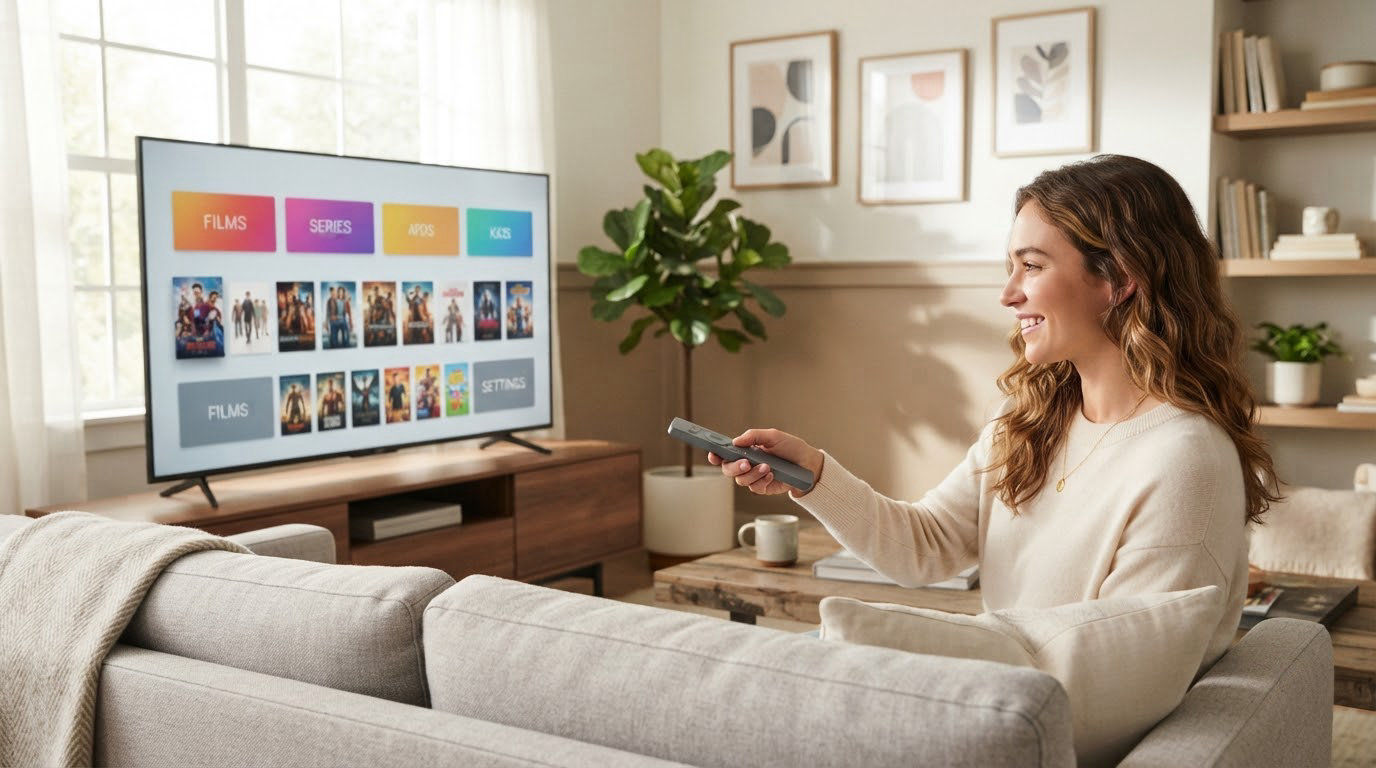
If you are sorting out which Fire TV hardware is worth watching during Amazon’s October Prime event, the Fire TV Stick 4K Plus leads the list: it is a 4K stick on Wi-Fi 6 with Dolby Vision, HDR10+ and Dolby Atmos, and it carries the largest owner base of any device here. The Fire TV Stick 4K Max is the step up for busy networks and heavier app libraries, while the Insignia 50-inch F50 is the pick when you are replacing the television itself. Prime Big Deal Days runs October 6-7, 2026, and most offers need a Prime membership.
Two days is not much time to research, so the list below covers the sticks, the streaming box and the Fire TV sets worth a look, with the trade-offs owners actually mention. Prices and offers move through the event, so check the current listing on each card.
Table of Contents
Our Top 3 Picks for Best Amazon Prime Big Deal Days Fire TV Deals

Fire TV Stick 4K Plus
- Wi-Fi 6 streaming
- Dolby Vision and Atmos
- HDR10+
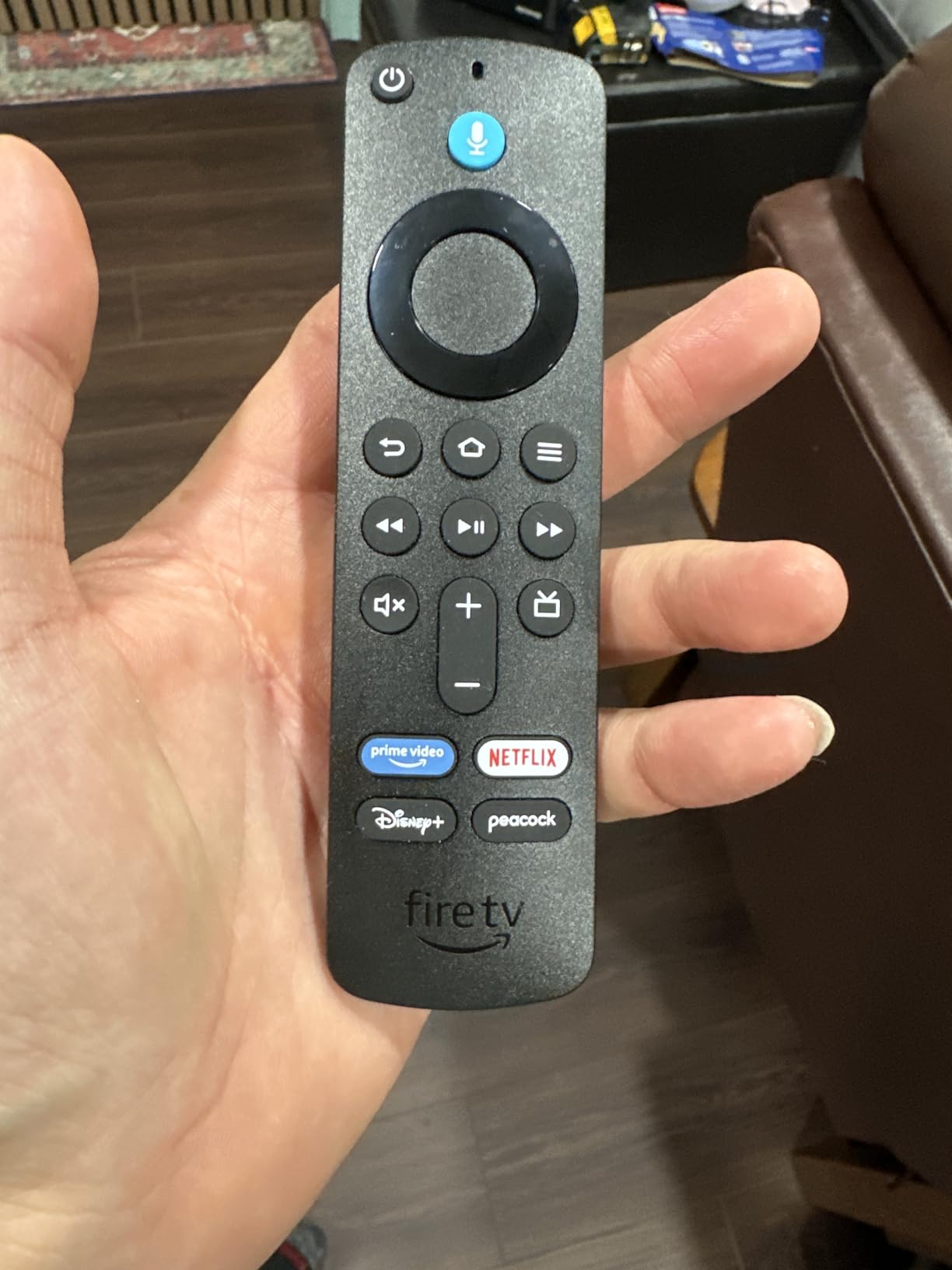
- Alexa Voice Remote


The 4K Plus is the one most households should look at first. It runs the newest Fire TV experience on Wi-Fi 6, and owners rate the picture and the speed of the menus well above what a basic stick manages.
The 4K Max earns its place for anyone with a crowded network or a growing app list: Wi-Fi 6E and 16GB of storage are the two upgrades that show up in the specs and in the reviews. The Insignia 50-inch F50 is a different purchase entirely, a 50-inch 4K set with more ports than any other television in this list.
Best Amazon Prime Big Deal Days Fire TV Deals Compared (October 2026)
| Product | Specifications | Action |
|---|---|---|
| Fire TV Stick 4K Plus |
|
Check Deal Price |
| Fire TV Stick 4K Max |
|
Check Deal Price |
| Insignia 50-inch F50 |
|
Check Deal Price |
 Amazon Fire TV Cube Amazon Fire TV Cube |
|
Check Deal Price |
 Ember 43-inch 4-Series Ember 43-inch 4-Series |
|
Check Deal Price |
 Fire TV Stick 4K Select Fire TV Stick 4K Select |
|
Check Deal Price |
 Insignia 32-inch F20 Insignia 32-inch F20 |
|
Check Deal Price |
 Fire TV Stick HD Fire TV Stick HD |
|
Check Deal Price |
 Insignia 40-inch F40 Insignia 40-inch F40 |
|
Check Deal Price |
 Fire TV Stick 4K Like-New Fire TV Stick 4K Like-New |
|
Check Deal Price |
Three different kinds of purchase sit in this table. The sticks plug into an existing television, the Cube is a box that sits on the shelf, and the Insignia and Ember sets are the whole television with Fire TV built in, so the buying logic is not the same for all of them.
How We Chose
Every pick was compared on the specs that decide this purchase: resolution, wireless standard, HDR and audio formats, storage, port count and price history in the listing. Ratings and owner reviews on Amazon carried as much weight as the spec sheet, and the details were checked in October 2026.
1. Fire TV Stick 4K Plus: Best Overall Pick
Amazon Fire TV Stick 4K Plus with AI-powered Fire TV Search, Wi-Fi 6, stream hundreds of thousands of movies and shows, free & live TV, find shows faster with Alexa+
Type: streaming stick
Resolution: 4K Ultra HD
Standout: Wi-Fi 6 and HDR10+
Pros
- Fast and simple setup on older televisions
- Sharp 4K picture with smooth playback
- Dolby Vision plus HDR10+ and Atmos
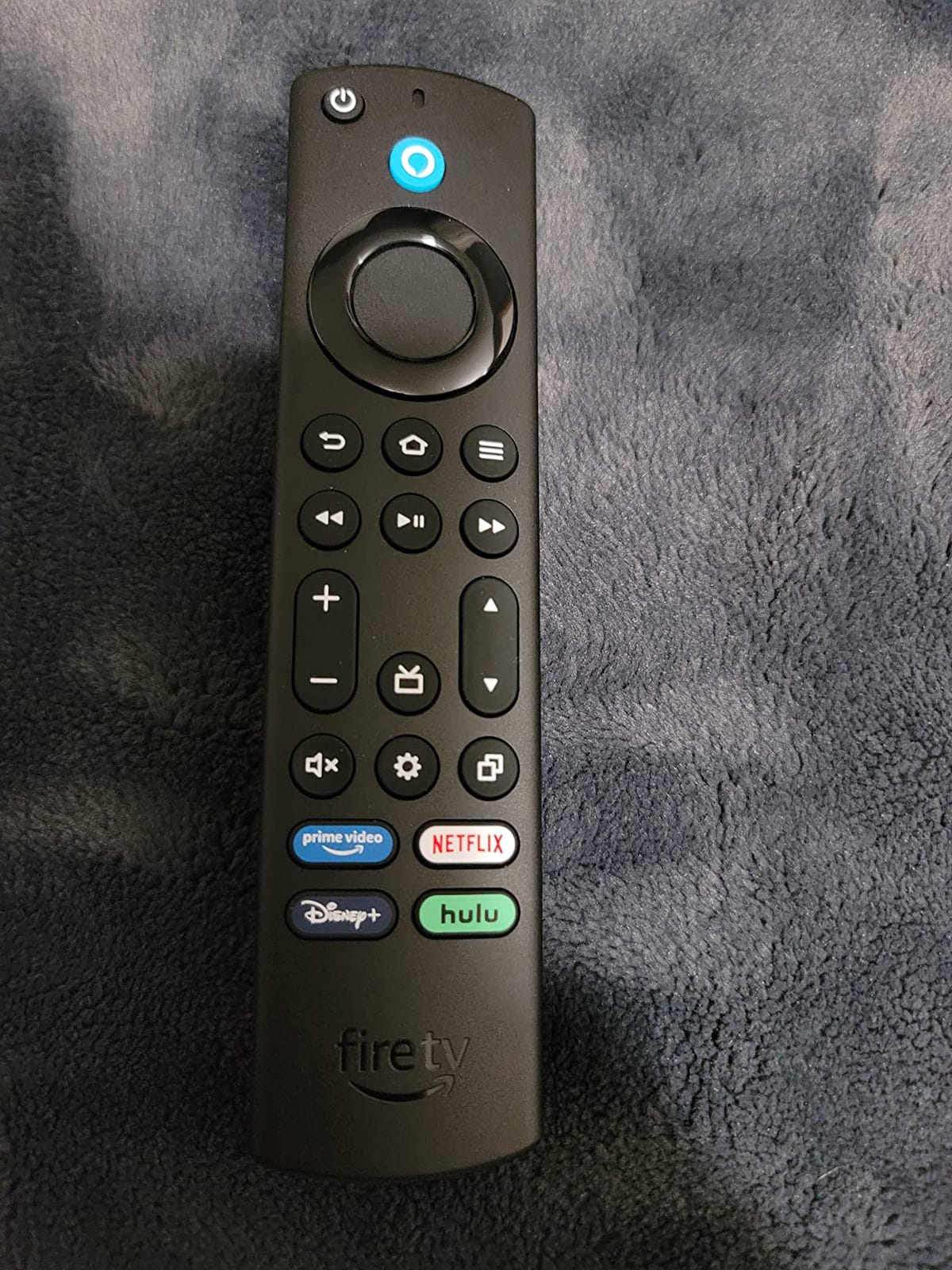
- Alexa Voice Remote with shortcut app buttons
Cons
- Some owners report remote volume and TV power buttons not working
- Occasional audio issues on certain movies
The one to watch first if you only watch one list. The 4K Plus sits at the point where the picture quality stops being the compromise and the price stops being the problem. Owners describe the setup as quick, the connection as fast, and the playback as smooth with buffering rarely mentioned.
What separates it from the cheaper sticks is the format list rather than the resolution. Dolby Vision, HDR10+ and Dolby Atmos are all supported, so on a television that can decode them, the stick is not quietly converting the picture down.
- Wi-Fi 6 for streaming on a busy household network
- Dolby Vision, HDR10+ and Dolby Atmos on a 4K panel
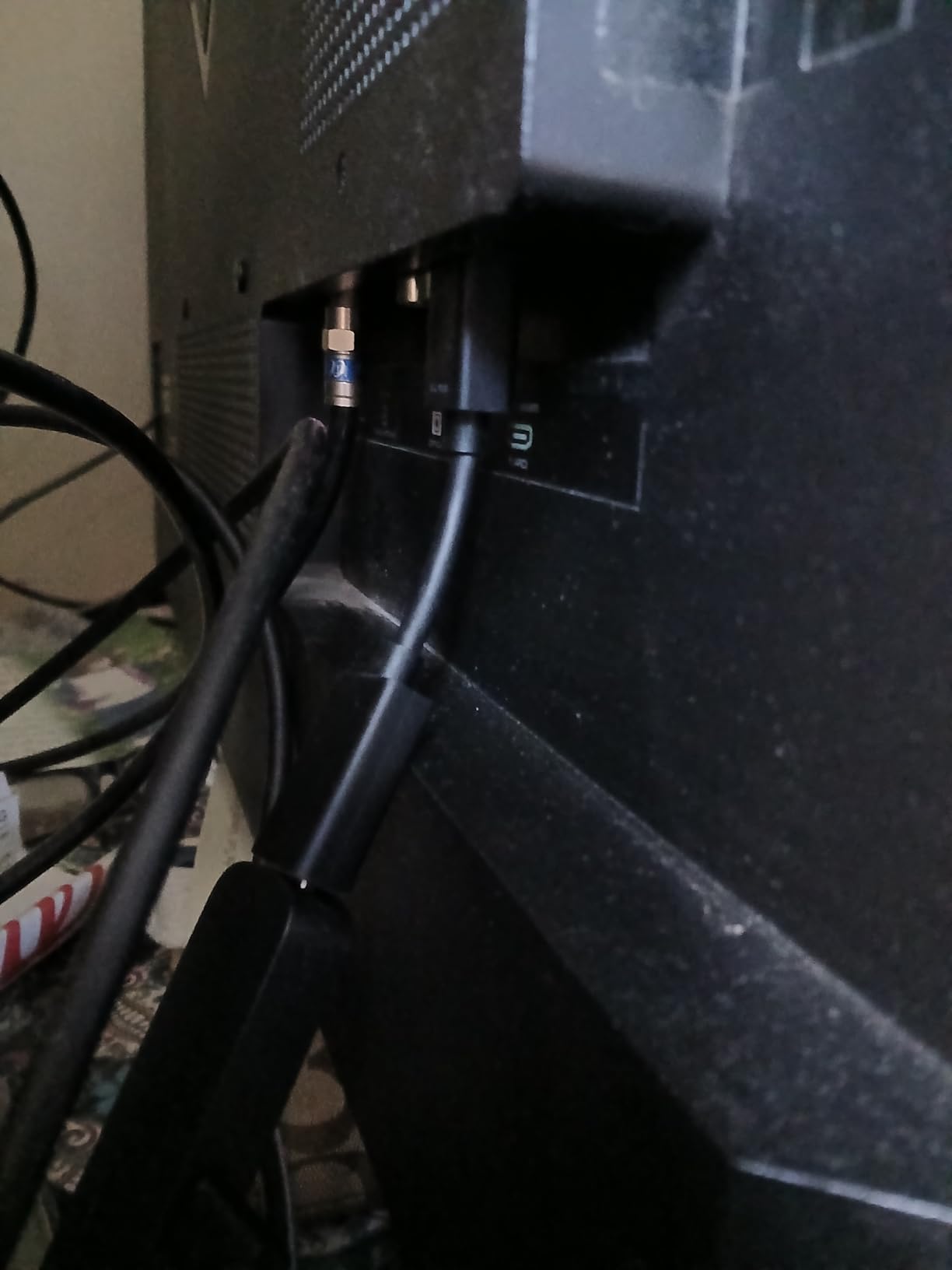
- HDMI extender cable in the box, useful behind a thin television stand
- Alexa Voice Remote with app shortcut buttons that are easy to find in the dark
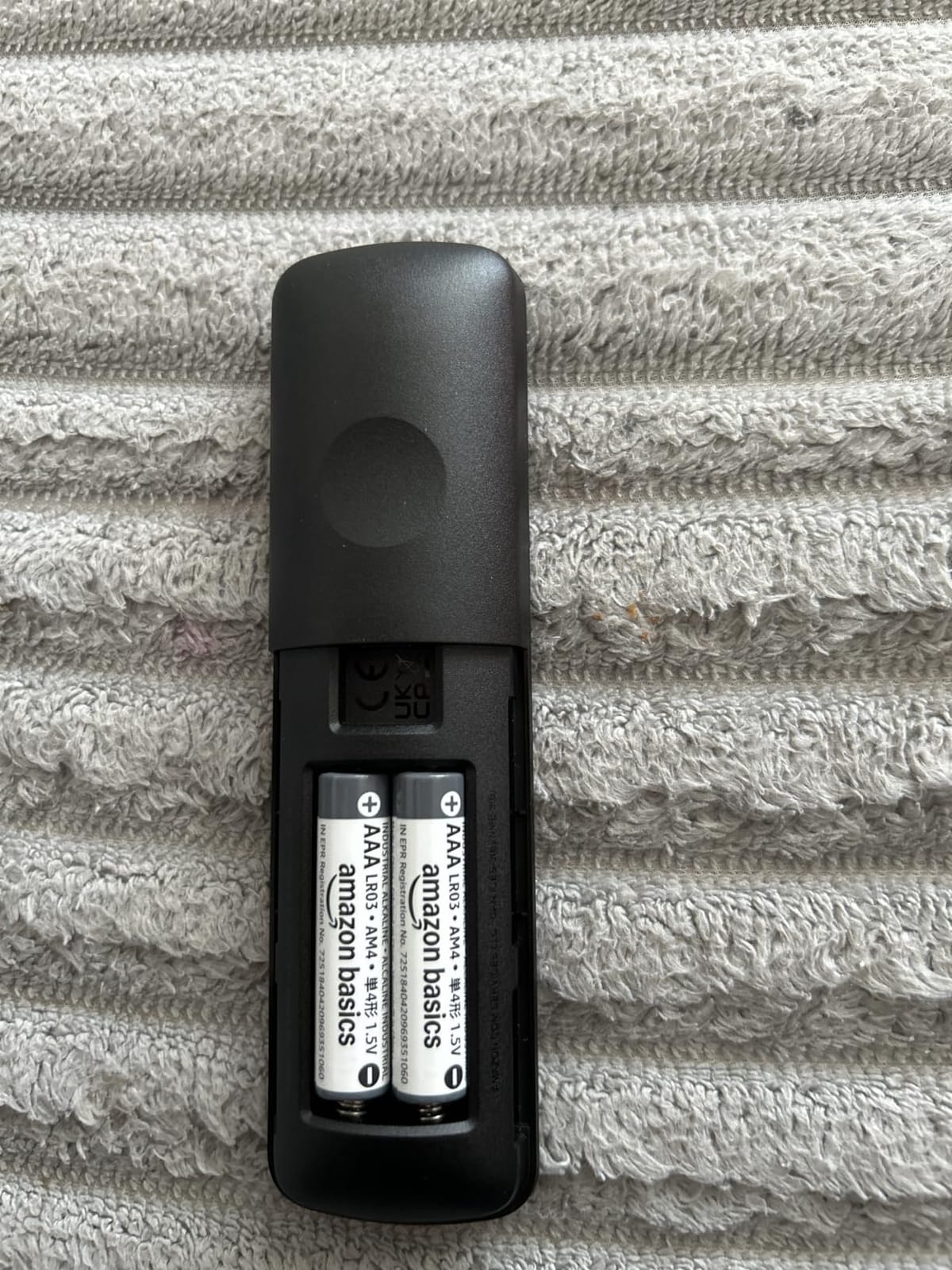
The most repeated complaint is the remote, not the streaming. Several owners say the volume and TV power buttons on the remote do not always register, which leaves them using the television’s own remote for those two functions.
Compared with the Fire TV Stick 4K Max, the 4K Plus trades Wi-Fi 6E and 16GB of storage for a lower tier position in the range. If your router is older and you install a lot of apps, the Max is the better target. Otherwise the Plus covers almost everything a Prime household does.
Worth knowing before you buy: the stick draws power from the television, so the HDMI port you use has to be one that supplies power. On very old sets that can mean digging out an extra cable.
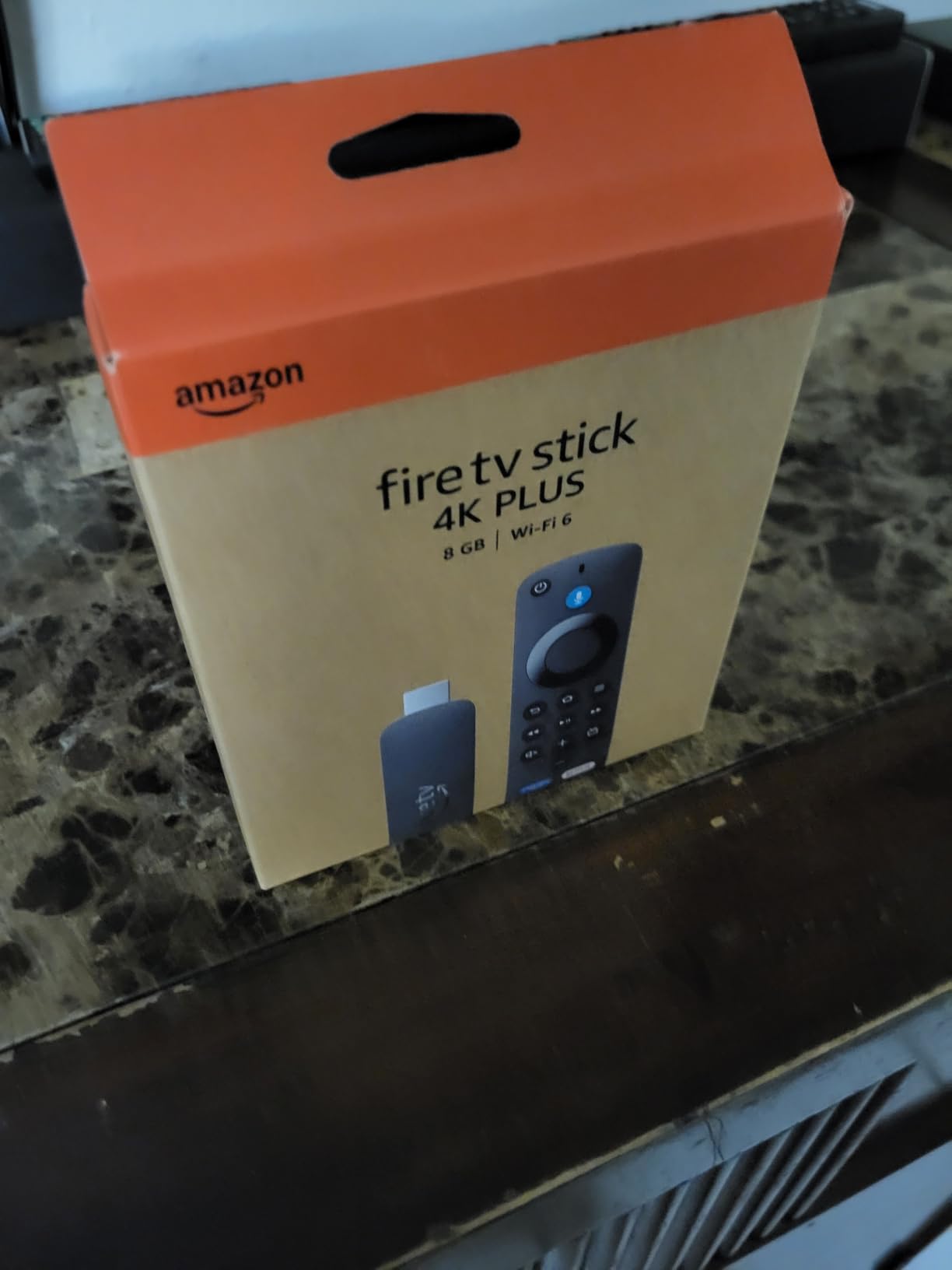
2. Fire TV Stick 4K Max: Best for Heavy App Use
Amazon Fire TV Stick 4K Max (newest model), streaming device, with AI-powered Fire TV Search, supports Wi-Fi 6E, free & live TV without cable or satellite, find shows faster with Alexa+
Type: streaming stick
Resolution: 4K Ultra HD
Standout: Wi-Fi 6E and 16GB
Pros
- Wi-Fi 6E on a busy network
- 16GB storage is double the other sticks
- Ambient Experience with 2000 artworks
- Upgraded remote with recents and channel buttons
Cons
- Costs more than the other sticks in the range
- 16GB can still fill up with cloud gaming installs
Owners of the 4K Max tend to frame the upgrade in two parts, and neither is about the picture. The first is Wi-Fi 6E, which matters in a house where phones, tablets and a game console are all on the same band. The second is 16GB of storage, twice what the other Fire TV sticks carry.
That storage figure is not a spec-sheet detail in practice. It is the difference between installing a few large streaming apps comfortably and running out of room during a long series of downloads.
The Ambient Experience is the feature owners mention that has nothing to do with streaming. When the device is idle the screen shows more than 2,000 pieces of art and photography, which turns a stick on a wall-mounted television into something less conspicuous.
The trade-off is straightforward. This is the more expensive stick in the range, and reviewers report paying that mainly for the network standard and the headroom rather than for visible picture gains over the Fire TV Stick 4K Plus.
Skip it if you are streaming on a 1080p television or on a single-person network. Choose the Insignia 40-inch F40 instead if the real problem is that the television itself is small.
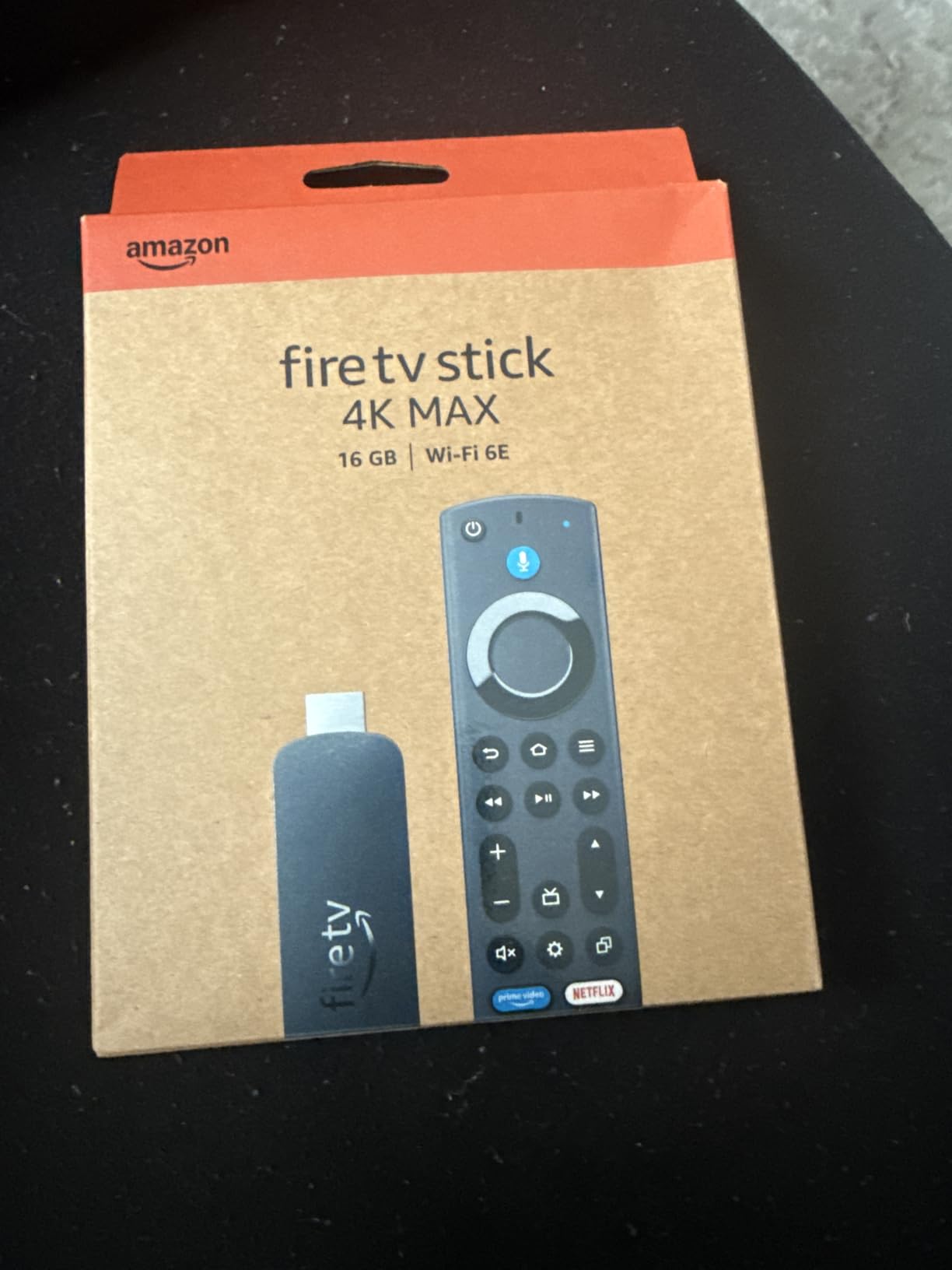
The remote on this one adds recents and channel buttons on top of the standard layout, which owners who came from the 4K Plus tend to notice within a day of switching over.
3. Insignia 50-inch F50: Best 4K Set for a Living Room
INSIGNIA 50″ Class F50 Series LED 4K UHD Smart Fire TV, Voice Remote with Alexa, Stream Live TV Without Cable
Type: 50-inch Fire TV set
Resolution: 4K Ultra HD
Standout: HDR10 and three HDMI
Pros
- 4K picture with HDR10 and 4K upscaling
- Three HDMI ports plus Ethernet and optical out
- Alexa Voice Remote the family can use
- Works as a photo frame with Amazon Photos
Cons
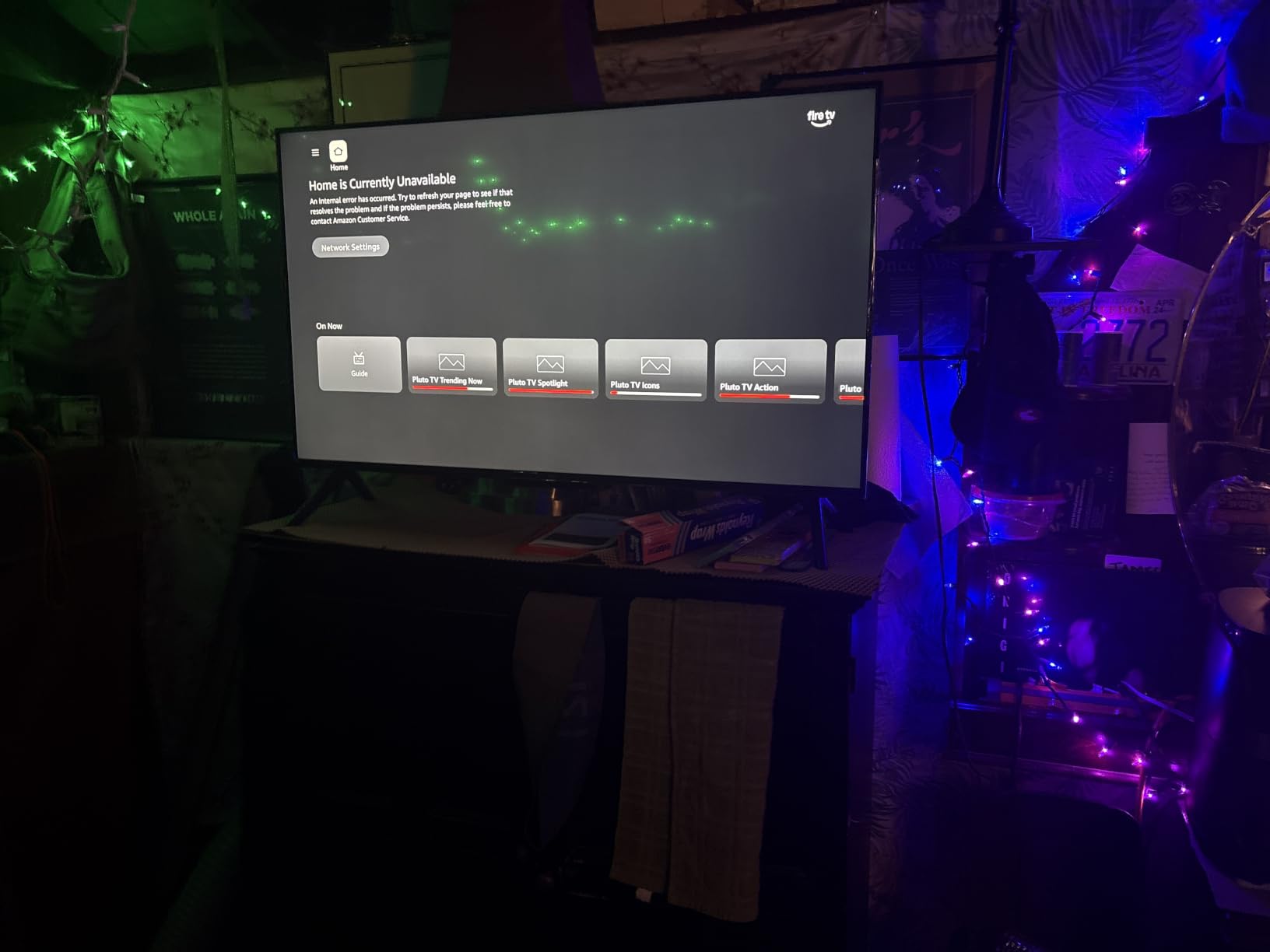
- Fire TV menus can feel slow and laggy
- Settings menu is hard to reach
- Some owners report audio dropping out after pausing
Fifty inches is the size most living rooms actually want, and the F50 is the set in this list that pairs that size with a 4K panel at a sensible tier. The picture is described by owners as sharp with vibrant colours and deep blacks, and the panel handles HDR10 and 4K upscaling for older content.
The port layout is the quiet advantage. Three HDMI ports, two USB ports, an Ethernet port, a digital optical output, a headphone jack and a coaxial jack means a soundbar, a game console and a streaming stick can all be connected without swapping cables.
Owners also like that setup is plug-and-play with clear on-screen prompts, and that the Alexa remote works reliably enough for children to use. The set doubles as a digital photo frame through Amazon Photos when it is idle.
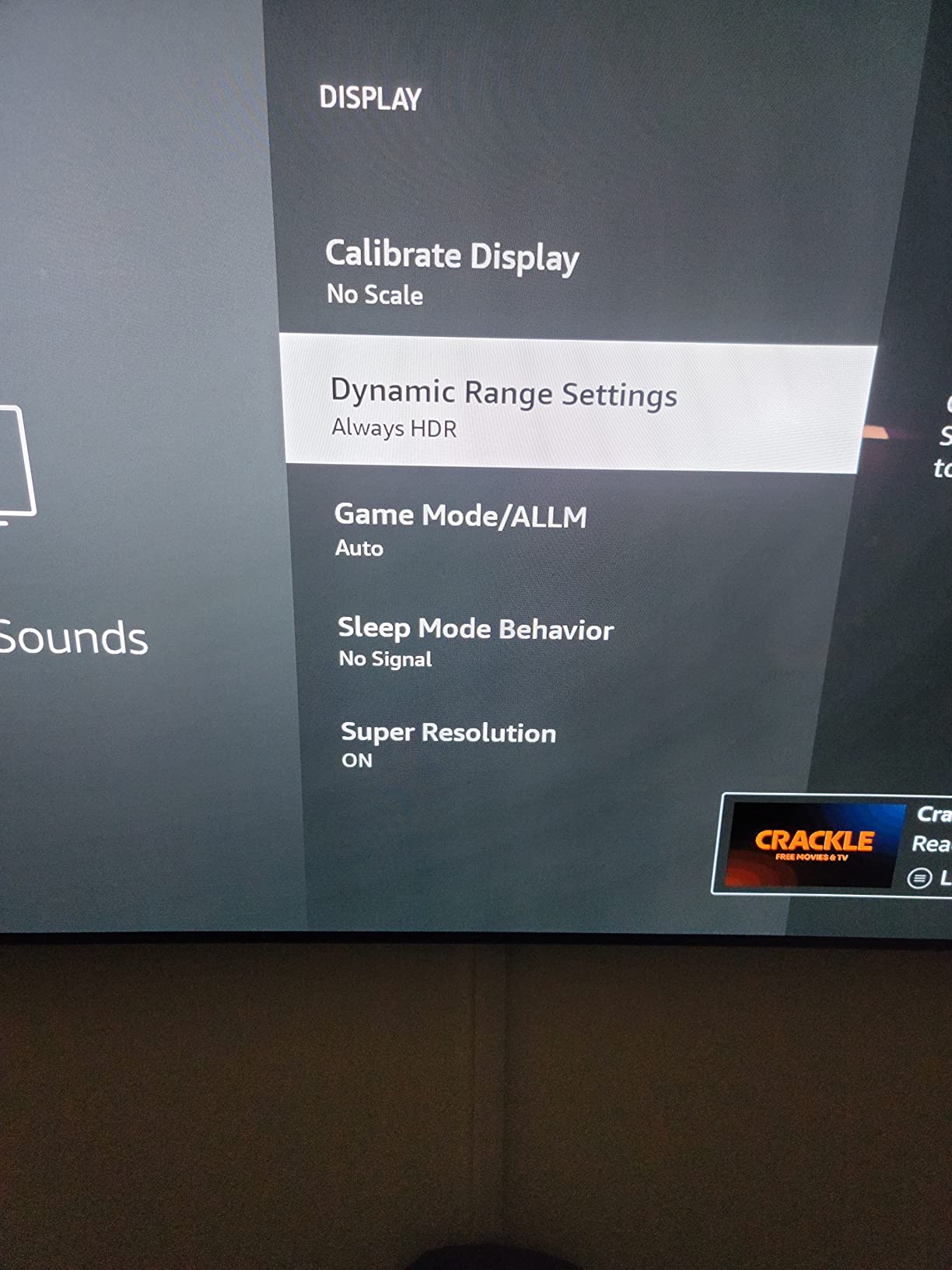
The recurring complaint is software, not hardware. Reviewers report Fire TV menus and app switching feeling slow, and describe the settings menu as hard to reach with few adjustments available. One thread worth knowing about: adjusting picture settings can interrupt playback with a bright advertisement.
It is a 60Hz panel with a 120Hz Motion Rate, which is fine for scripted television and streaming but will not satisfy anyone expecting a television built for high frame rate games. The Ember 43-inch 4-Series is the pick in this list with four HDMI inputs and Wi-Fi 6.
Good to know: the set is VESA 200 x 200 wall mountable and weighs 19.9 pounds, so have a second person for the bracket.
4. Amazon Fire TV Cube: Best for Hands-Free Voice
Amazon Fire TV Cube, with AI-powered Fire TV Search, Hands-free streaming device, find shows faster with Alexa+, Wi-Fi 6E, 4K Ultra HD
Type: streaming box
Resolution: 4K Ultra HD
Standout: octa-core chip and mic off button
Pros
- Octa-core processor is the fastest in the Fire TV range
- Hands-free Alexa with built-in speakers and mic
- Wi-Fi 6E support
- Physical microphone disconnect button
Cons
- Costs considerably more than the sticks
- Its shelf footprint needs somewhere visible to sit
The Cube is the only device here that sits on the shelf rather than hiding behind the television, and the reason is the microphone. It has built-in speakers and mics, so you can ask for something without picking anything up, and a physical switch disconnects the mic when you want privacy.
Underneath, the octa-core processor is listed as twice as powerful as the Fire TV Stick 4K Max, and owners agree that app starts and menu movement are the fastest in the range. It carries Dolby Vision, HDR and Dolby Atmos over Wi-Fi 6E.
There is also a smart home dashboard with live Ring camera views on the device itself, which is more useful than it sounds if the cameras are already part of the setup.
The reason most people skip it is the gap between a box and a stick. Owners cite the form factor and the price as the two drawbacks, and for anyone whose television is wall-mounted with a cable channel, a stick is simply the tidier answer.
Buy the Fire TV Stick 4K Max instead if you want the same fast processor class and Wi-Fi 6E but do not need to speak across a room. The Ambient Experience on that stick covers the idle-screen appeal the Cube partly matches.
5. Ember 43-inch 4-Series: Best First-Party Amazon Set
Amazon Ember 43″ 4-Series with Fire TV (newest model), 4K Ultra HD smart TV with Alexa Remote, HDR10+, fast processor, Dolby Audio, Ambient Experience, free and live TV, find shows faster with Alexa+
Type: 43-inch Fire TV set
Resolution: 4K Ultra HD
Standout: HDR10+ and Omnisense
Pros
- HDR10+ with good contrast in dark scenes
- Wi-Fi 6 and a quad-core processor
- Instantly On Omnisense display sensors
- Four HDMI inputs plus AirPlay
Cons
- Costs more than third-party Fire TV sets of a similar size
- The 43-inch size is small for a main living room
Everything here is Amazon hardware rather than a third-party set with Fire TV on it, which matters if you already live inside Alexa. The 43-inch 4-Series pairs a 4K Ultra HD panel with HDR10+, and owners single out the performance in dark scenes as the reason it looks good at night.
The Omnisense sensors wake the display when somebody walks past, so the Ambient Experience shows art instead of a black panel. Wi-Fi 6 and a quad-core processor keep apps and the picture smooth on the same network as everything else in the house.
Four HDMI inputs is generous for a 43-inch set and leaves room for a soundbar, a console and a stick without constant replugging. AirPlay is supported as well.
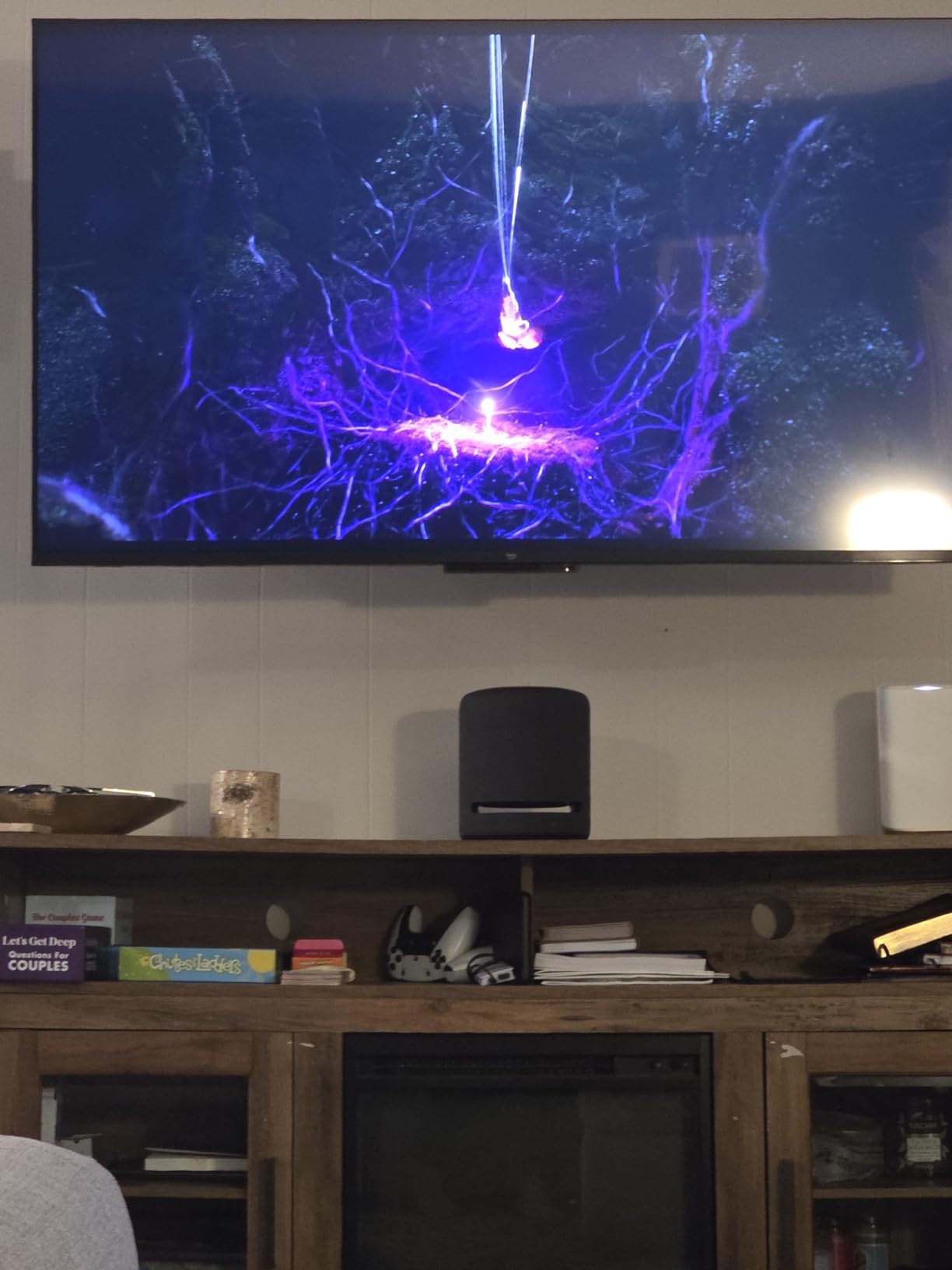
Owners name one recurring tradeoff, and it is the same one in every review of this set: it costs more than third-party Fire TV sets of a comparable screen size. In this list, the Insignia 50-inch F50 is larger and 4K as well, so the case for the Ember is the software, the sensors and the port count rather than the panel.
It also comes in 50-inch and 55-inch variants in the same series, which is worth checking on the listing if the room is bigger than the 43 inches here.
Cloud gaming through Amazon Luna and Xbox Game Pass is listed among the features, so the set also works as a console substitute for games that do not need a controller-heavy setup.
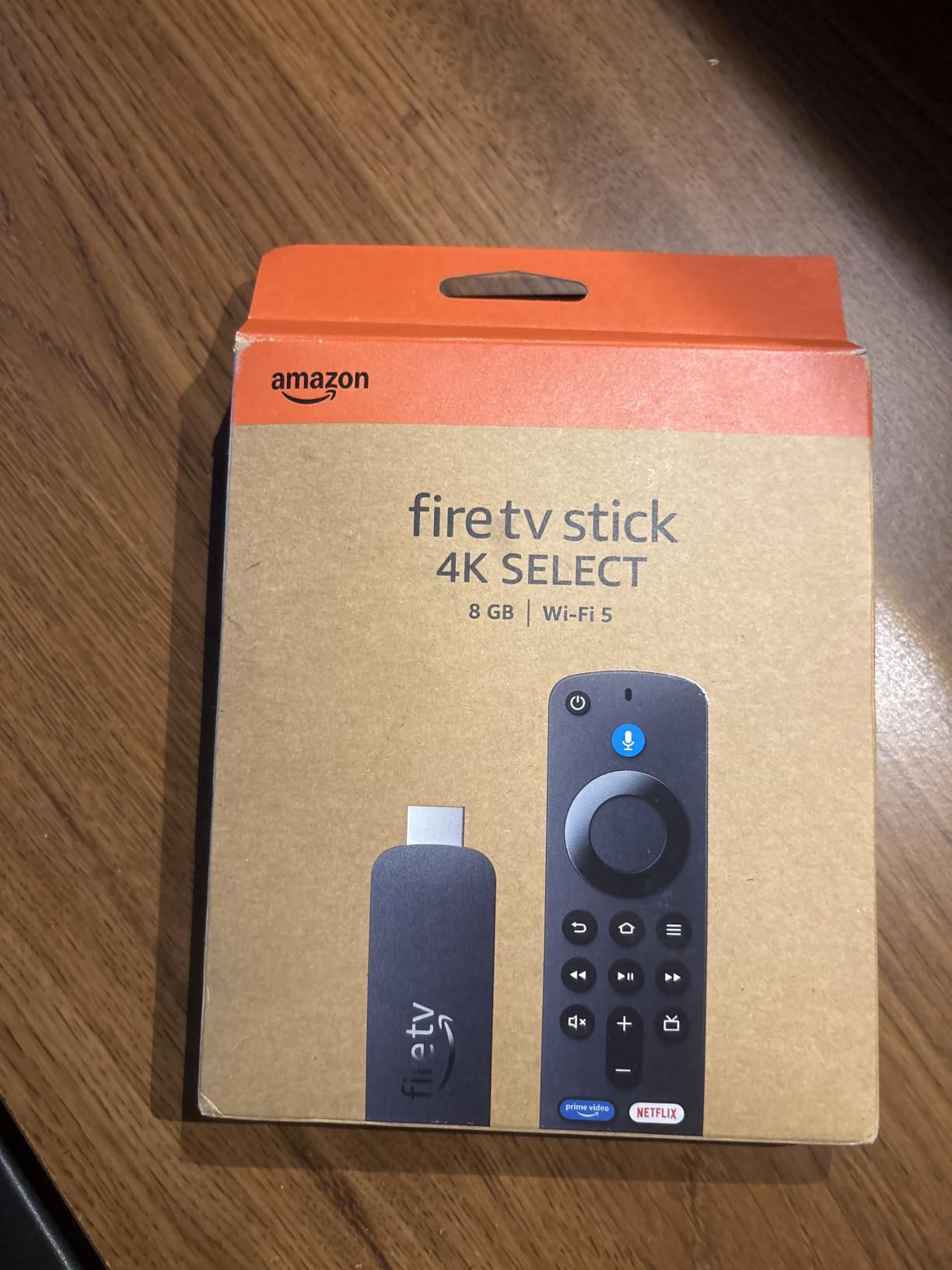
6. Fire TV Stick 4K Select: Best Budget 4K Stick
Amazon Fire TV Stick 4K Select, start streaming in 4K, AI-powered search, and free & live TV, find shows faster with Alexa+
Type: streaming stick
Resolution: 4K Ultra HD
Standout: HDR10+ on a Vega OS
Pros
- Lowest-priced 4K stick in the range
- 4K HDR10+ picture for the money
- AI search handles conversational prompts
- Setup takes under five minutes
Cons
- Vega OS blocks sideloading and developer options
- Wi-Fi 5 only and 8GB storage
- Some niche apps and VPNs are missing
The Select is the cheapest way into 4K streaming, and for a household that watches Netflix, Prime Video, YouTube, Disney+, Apple TV+, Hulu, Max, Peacock and Paramount+ from the standard store, it does the job quickly. Owners report setup in under five minutes and smooth navigation inside the major apps.
Now the part nobody mentions in a sales listing. The Select runs a Vega Linux-based operating system, and that system blocks sideloading and developer options completely. Small niche apps and some VPNs are not in its app store at all.
The other limits are physical rather than political: Wi-Fi 5 only, 8GB of storage, and a quad-core processor. Storage fills quickly after a few app downloads, and Wi-Fi 5 can struggle on a weak signal in a room far from the router.
Owner opinion splits cleanly. Casual viewers call it an exceptional budget option; more technical users describe it as a downgrade and warn others away. The 4.1 rating across more than 16,000 reviews sits at the bottom of this list for that reason, not because the picture is poor.
Buy the Fire TV Stick 4K Plus instead if anyone in the house expects to install anything outside the app store, or if the television room is more than one wall away from the router. For a second bedroom close to the access point, the Select is the sensible pick.
Good to know: it goes to sleep fairly quickly when playback is paused, so expect the screen to wake on a remote press rather than a voice call as you would with the Cube.
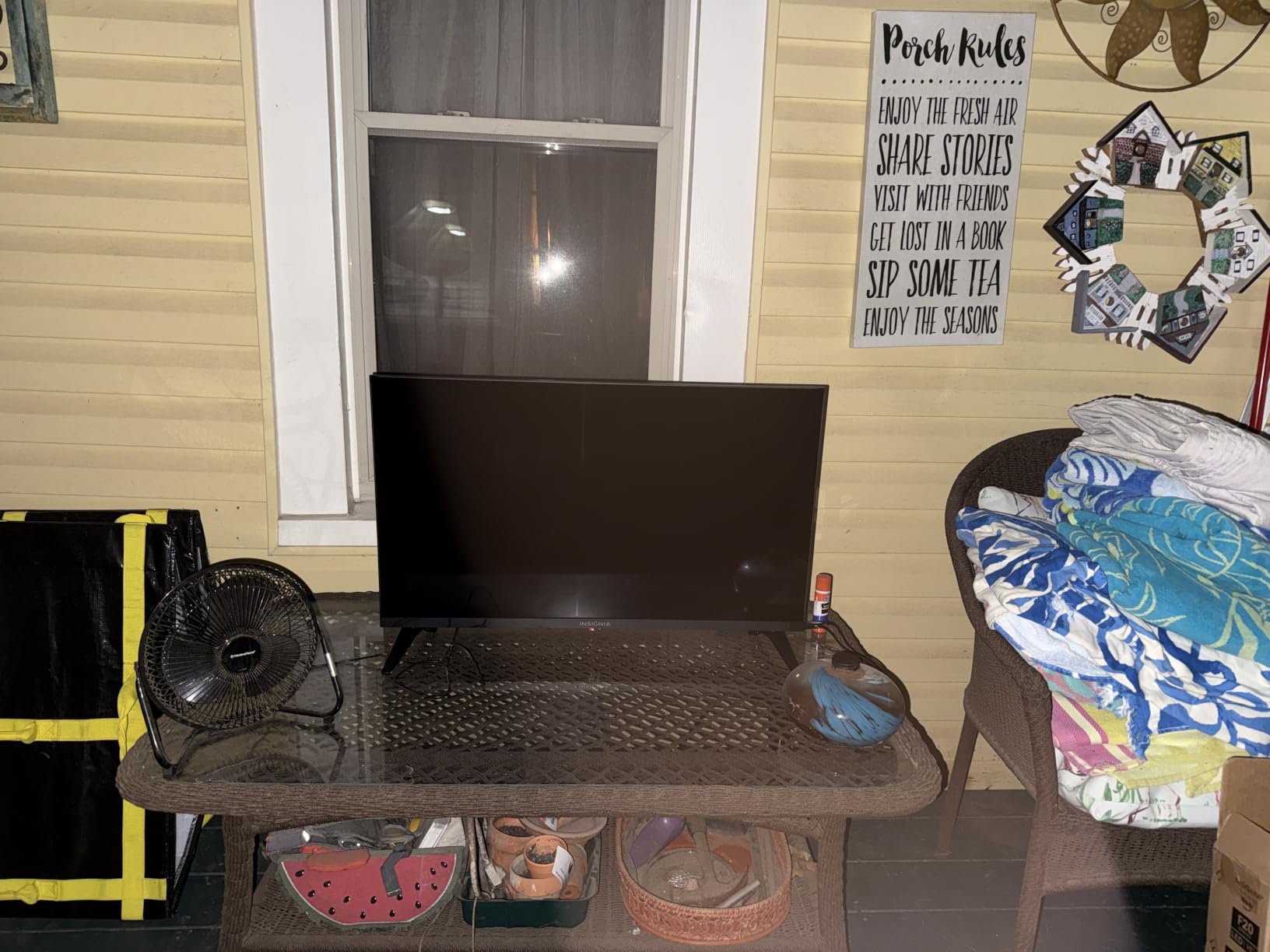
7. Insignia 32-inch F20: Best for Small Rooms
INSIGNIA 32″ Class F20 Series LED HD Smart Fire TV, Voice Remote with Alexa, Free & Live TV
Type: 32-inch Fire TV set
Resolution: 720p HD
Standout: HDMI ARC and DTS Virtual-X
Pros
- Compact size suits bedrooms and dorms
- Alexa remote for search and input switching
- Fire TV built in with major streaming services
- HDMI ARC for a simple soundbar setup
Cons
- 720p is the entry-level tier for HD content
- Only two HDMI ports
A 32-inch set is a bedroom, dorm or kitchen television, and at that size the panel type matters far less than getting Fire TV into a room that did not have a smart screen. The Alexa voice remote handles search across apps and switching inputs, which is most of what this set is asked to do.
Sound is handled by DTS Virtual-X, and HDMI ARC means a soundbar connects with one cable. There is also a USB port, composite jacks, a digital optical output, a headphone jack and a coaxial jack.

Owners are clear about the compromise. 720p is the entry level for high definition, and it looks it on anything larger than this screen, which is why the same set also comes in a 24-inch version. Two HDMI ports limit how much can be plugged in later.
If the room will be viewed from across the bed or a desk at more than arm’s length, step up to the Insignia 40-inch F40, which is 1080p. If the goal is streaming on a television you already own, the Fire TV Stick HD gives more resolution for the same room and costs nothing in furniture space.
Mounting this one takes a VESA 100 x 100 bracket, a smaller pattern than the 50-inch F50 needs, so check the pattern before ordering a wall mount.
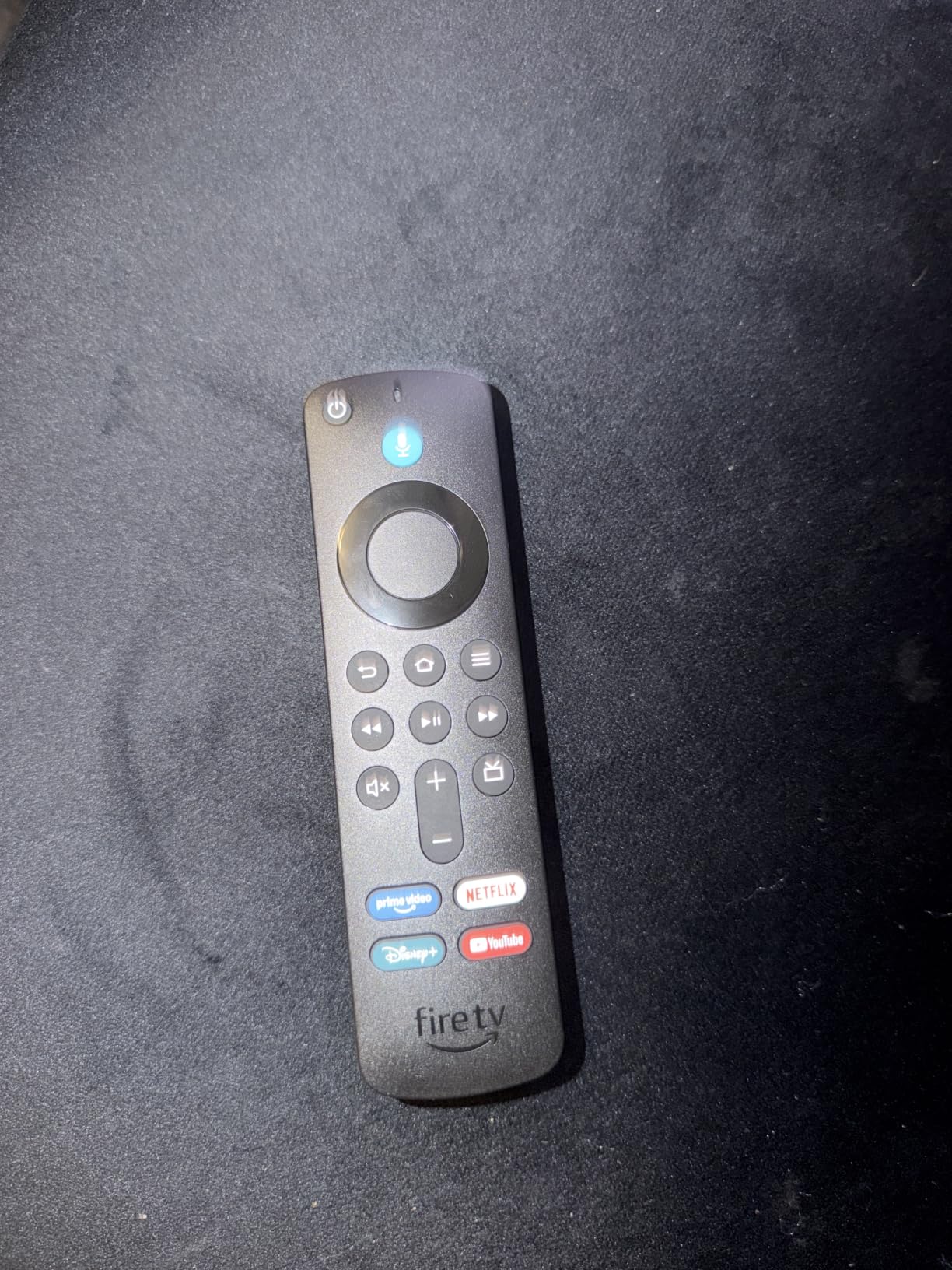
8. Fire TV Stick HD: Best for Travel and Small Screens
Amazon Fire TV Stick HD (newest model), free & live TV, Alexa Voice Remote, powered by the TV, effortless setup, find shows faster with Alexa+
Type: streaming stick
Resolution: 1080p Full HD
Standout: USB-C Direct Power
Pros
- Draws power from the television with no wall adapter
- Slim profile does not block adjacent HDMI ports
- Bluetooth headphone support for private viewing
- Wi-Fi 6 on a 1080p stick
Cons
- Full HD rather than 4K
- Lower rating and fewer reviews than the 4K sticks
This is the stick for a hotel television, a rental flat or a second room where there is no free socket near the screen. Direct Power draws current from the television over the included USB-C cable, so the box contains no wall adapter and nothing to plug into the wall.
The slim profile matters more than it sounds. Owners point out that it does not sit in the HDMI port next to it, which keeps the neighbouring port free on thin televisions that mount close to the wall.
Bluetooth listening support is the feature owners mention for late-night viewing in a shared room, and the streamlined interface jumps straight to apps and live television rather than through layers of menus.
What you give up is resolution. 1080p is clean on a 32-inch or 40-inch panel and soft on anything from 50 inches up, which is why the rating sits at the bottom of this list.
Against the Fire TV Stick 4K Select, the decision is simple. Both are entry sticks, but the HD gives 1080p and Wi-Fi 6 with a full app store, while the Select gives 4K on Wi-Fi 5 with a restricted one. For a bedroom close to the router, the HD is the safer buy; for a bedroom far from it, neither is.
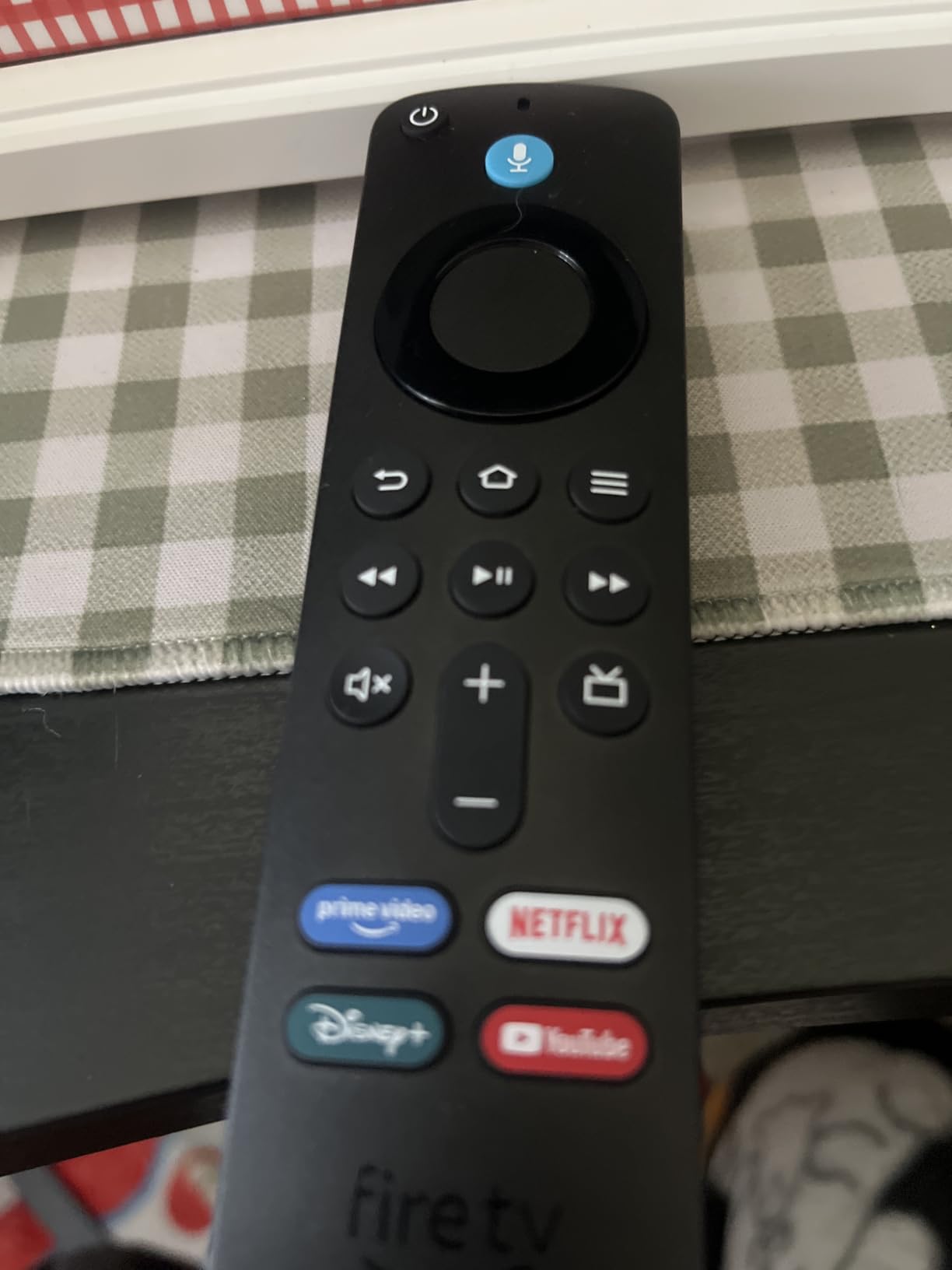
9. Insignia 40-inch F40: Best for Bedrooms
INSIGNIA 40″ Class F40 Series LED Full HD Smart Fire TV, Voice Remote with Alexa, Free & Live TV
Type: 40-inch Fire TV set
Resolution: 1080p Full HD
Standout: Bluetooth and Ethernet
Pros
- 40-inch Full HD screen fits mid-size rooms
- Alexa remote for search and app launching
- HDMI ARC and DTS Virtual-X audio
- Bluetooth and Ethernet alongside two HDMI ports
Cons
- 1080p rather than 4K so it suits closer viewing
- Only two HDMI ports
The F40 is the middle ground in this list, and for a bedroom it is the size that works. Forty inches of 1080p is a comfortable watch from a bed or a desk, and reviewers consistently treat size and the built-in platform as the reason to buy it rather than picture fidelity.
It can be mounted on a table or on a wall with a VESA 200 x 200 pattern. The connection options are more complete than most sets at this size: two HDMI ports, USB, composite, a digital optical output, HDMI ARC, plus Bluetooth and Ethernet.

Those two extras matter more than they sound. Ethernet fixes streaming stalls on a weak Wi-Fi network, and Bluetooth pairs headphones without a cable through the room. DTS Virtual-X handles the audio in the meantime.
Compared with the 32-inch F20, the only real step up is resolution, and it is a visible one. If you are watching from across a living room rather than a bed, look at the 50-inch F50 instead, which is 4K and adds a third HDMI port.
10. Fire TV Stick 4K Like-New: Best Refurbished 4K Option
Like-New Amazon Fire TV Stick 4K (newest model) with AI-powered Fire TV Search, Wi-Fi 6, stream over 1.8 million movies and shows, free & live TV, find shows faster with Alexa+
Type: refurbished stick
Resolution: 4K Ultra HD
Standout: new-device limited warranty
Pros
- Tested and certified to work and look like new
- Same limited warranty as a new device
- 4K with Dolby Vision and HDR10+ and Atmos
- Alexa search works by actor plot or quote
Cons
- May arrive in generic Amazon-branded packaging
- Refurbished supply is thinner than for new devices
Refurbished Fire TV hardware is worth a look when the discount on a new stick is small, and this listing is a Like-New unit that has been tested and certified, with the same limited warranty a new device carries. That warranty point is the reason this is a safe purchase rather than a gamble.
The hardware is otherwise a 4K Ultra HD stick on Wi-Fi 6 with Dolby Vision, HDR10+ and Dolby Atmos, and the Alexa search can find content by actor, plot or quote. Owners report performance that matches a new unit.
The 4.5 rating here is high, but it rests on roughly a thousand reviews rather than the tens of thousands behind the new sticks, so treat it as a smaller sample.
The packaging is generic Amazon-branded rather than the retail box, and refurbished supply is thinner than for new devices, so a two-day window can be tight on this one.
Compared with a new Fire TV Stick 4K Plus, the specifications are close but not identical: this one lists Dolby Vision and Atmos at 4K on Wi-Fi 6 without the newer Fire TV experience. For a spare room where nothing will be sideloaded, it is a sensible way to add a second screen.
How to Choose Fire TV Streaming Devices During Prime Big Deal Days
Decide whether you are buying a player for a television you already own or replacing the whole set. Everything after that follows from that one question, and it is the mistake most shoppers make when the sale covers both categories at once.
Picture Quality and Streaming Resolution
Match the resolution to the screen rather than to the device name. A 4K stick on a 40-inch television is wasted capability, and a 720p set in a living room looks soft from the sofa. HDR support matters more than raw resolution on larger panels, and the Fire TV Stick 4K Plus and the Insignia 50-inch F50 handle HDR formats where the 32-inch F20 and 40-inch F40 do not.
Before buying a bigger set, it is worth looking at what panel you are choosing between. Our picks on budget 65-inch TV picks cover the size and panel tiers above 50 inches, and Mini LED TVs for movies explain the difference backlight technology makes for dark scenes.
Performance for Everyday Streaming
The processor and the storage decide how the device feels after a year of use, not on the first afternoon. Anything with at least 8GB of storage will hold a handful of apps, and 16GB is comfortable for a house that keeps several large ones installed. The Fire TV Stick 4K Max is the only device here with 16GB.
Owners of the Fire TV sets most often report sluggish menus and slow app switching rather than buffering, so if you are buying a television whose main job is streaming, that is the flaw to expect. The Insignia 50-inch F50 has the most complaints of this type in its reviews, and it still rates well for picture and value.
Fire TV Features and Device Compatibility
There are three form factors here, and they are not interchangeable. A stick hides behind the television and needs a free HDMI port, a box sits on the shelf and speaks across the room, and a Fire TV set replaces the display entirely. Check the port count on the set: two HDMI ports is normal at this size, three or four is what you want with a soundbar and a console attached.
Port count and input type also decide what the room can support. Our TVs for gaming picks go into input latency and refresh rate, which matters if the stick or set is also feeding a console, and 4K TVs for sports fans covers the panels that hold up to fast motion in October.
Voice Controls, Audio and Connectivity
Hands-free control needs a microphone in the room, and only the Amazon Fire TV Cube has one with a physical disconnect switch. Every other device here needs the remote in your hand, even though all of them accept voice search. Wi-Fi 6E appears on the Cube and the 4K Max; Wi-Fi 5 on the Fire TV Stick 4K Select, which is the specification most likely to disappoint in a far room.
For audio, check what your television can decode before you care about the stick. Every 4K device here lists Dolby Atmos, and the Insignia sets pair DTS Virtual-X with HDMI ARC so a soundbar is a one-cable job. The Ethernet port on the Insignia 50-inch F50 and 40-inch F40 is worth having on a house where Wi-Fi struggles.
How to Shop Fire TV Streaming Devices During the Sale
Check the model code in the listing, not the marketing line. Insignia sets carry codes such as NS-50F501NA26 and NS-32F201NA26, and the series letter tells you the tier at a glance. Confirm the screen size and resolution match the room, read what is in the box, and look for a condition line: this list includes one Like-New refurbished stick, and the condition and the warranty are stated in the listing rather than assumed.
Look at who sells and who ships the item, and whether a bundle actually includes the remote or the HDMI extender in the box. Most offers during Prime Big Deal Days need an active Prime membership, and they change through the two days.
- Confirm the device is a player for an existing television or a complete set before you compare prices
- Check the resolution against the screen size and viewing distance
- Verify Wi-Fi 6 or better if the device sits far from the router
- Count HDMI ports if a soundbar or console is going in the same room
- Read the condition and warranty line on any refurbished listing
- Confirm your Prime membership is active before the event starts
Frequently Asked Questions
When do Amazon Prime Big Deal Days Fire TV deals start?
Amazon Prime Big Deal Days runs October 6-7, 2026, a 48-hour event for Prime members. Fire TV offers on sticks, sets and soundbars are part of that window, so the picks worth watching on this page are the ones to check on the first morning of the event.
Do you need a Prime membership for Fire TV deals during the sale?
Most Fire TV offers during Prime Big Deal Days need an active Prime membership, and a free trial counts. A handful of listings run for everyone, but the deeper pricing on Amazon hardware is generally reserved for members, so it is worth checking your membership before the event opens.
Are Fire TV devices usually discounted during Prime Big Deal Days?
Yes, Fire TV hardware is one of the categories Amazon cuts hardest during its October event, because the margins on its own devices are thinner than on third-party televisions. Offers also appear outside the two-day window, so a device that is not reduced on day one is not necessarily a bad buy.
Can a Fire TV streaming device improve an older television?
Yes, any Fire TV stick or box turns a television into a smart screen with streaming apps, voice search and free ad-supported channels. The picture is still the panel you already own, so an older 1080p set gains convenience rather than resolution.
Which Fire TV device should you choose for a 4K television?
For a 4K panel, choose a device that outputs 4K with HDR and Dolby Atmos. The Fire TV Stick 4K Plus and 4K Max cover Wi-Fi 6 and Wi-Fi 6E respectively, and the Insignia 50-inch F50 covers a 4K set that needs replacing outright.
How do I check whether a Fire TV listing is new or renewed?
Look for a condition line in the listing details. New items are sold by Amazon or an authorised seller, while renewed items are usually labelled as refurbished and state what condition they are in and which warranty applies, as the Like-New stick on this page does.
Final Verdict: Best Amazon Prime Big Deal Days Fire TV Deals
The Fire TV Stick 4K Plus is the pick worth watching most during the sale. It is the rare device here that is good at everything without asking you to think about Wi-Fi standards, storage or app limits, and it carries the strongest owner rating on the largest review base in this list.
Buy the Fire TV Stick 4K Max if your network is crowded or you install a lot of apps. Buy the Amazon Fire TV Cube if you want voice control from across the room, and the Ember 43-inch 4-Series if you want Amazon’s own television rather than a third-party set with Fire TV on it.
The budget alternative is the Fire TV Stick 4K Select, with the caveat that its Vega system blocks sideloading. For a television instead of a player, the Insignia 50-inch F50 is the 4K choice and the Insignia 40-inch F40 is the bedroom choice, while the 32-inch F20 covers a small room. Check the membership, then open the listing on the morning of October 6.