

The Acer Aspire 3 A315-24P is the laptop we would watch most closely during Prime Big Deal Days, because it pairs a sharp 15.6-inch 1080p IPS panel with 8GB of LPDDR5 memory, a backlit keyboard and an AMD Ryzen 3 7320U quad-core chip in a 3.9-pound body. That combination is harder to find at this price than it should be, and more than 4,600 owners have already rated it.
Two alternatives cover different needs. The HP 15.6 Touchscreen Laptop is the pick for anyone who wants a touchscreen and more storage, with a 256GB SSD and a numeric keypad. The HP Chromebook 14 is the one for people who live in a browser and care about battery life more than anything else, claiming up to 14 hours. Most offers on these machines need a Prime membership, and the sale itself runs October 6-7, 2026.
Table of Contents
Our Top 3 Picks for Best Amazon Prime Big Deal Days Laptop Deals Under $500 (October 2026)

Acer Aspire 3 A315-24P
- 1080p IPS screen
- 8GB LPDDR5 memory
- Ryzen 3 7320U quad-core
- Backlit keyboard

HP 15.6 Touchscreen Laptop
- 15.6 inch touchscreen
- 256GB NVMe SSD
- 8GB LPDDR5 memory
- Numeric keypad

HP Chromebook 14
- Chrome OS
- Up to 14 hours battery
- 3.2 pound chassis
- Micro-edge HD display
Best Amazon Prime Big Deal Days Laptop Deals Under $500 Compared
| Product | Specifications | Action |
|---|---|---|
| Acer Aspire 3 A315-24P |
|
Check Deal Price |
| HP 15.6 Touchscreen Laptop |
|
Check Deal Price |
| HP Chromebook 14 |
|
Check Deal Price |
 HP 14 Renewed HP 14 Renewed |
|
Check Deal Price |
 Lenovo Essential 15 Lenovo Essential 15 |
|
Check Deal Price |
 Lenovo Flagship Chromebook Lenovo Flagship Chromebook |
|
Check Deal Price |
 AKCHART 15.6 Laptop AKCHART 15.6 Laptop |
|
Check Deal Price |
 Lenovo IdeaPad 1 Lenovo IdeaPad 1 |
|
Check Deal Price |
 PADIX 15.6 Laptop PADIX 15.6 Laptop |
|
Check Deal Price |
 Dell Chromebook 11 Dell Chromebook 11 |
|
Check Deal Price |
How We Chose
Every machine here was compared on the specs that decide whether a budget laptop is usable: processor class, memory, storage type, screen resolution and panel, ports and battery claim. We also weighed owner ratings and the complaints owners repeat most often, and checked the listings on October 2026.
1. Acer Aspire 3 A315-24P: Editor’s Choice
acer Aspire 3 A315-24P-R7VH Slim Laptop | 15.6″ Full HD | AMD Ryzen 3 7320U Quad-Core | AMD Radeon Graphics | 8GB LPDDR5 | 128GB NVMe SSD | Wi-Fi 6 | Windows 11 Home
CPU: Ryzen 3 7320U
RAM: 8GB LPDDR5
Storage: 128GB NVMe
Display: 15.6 inch 1080p
OS: Windows 11 S
Pros
- Sharp 15.6 inch 1080p IPS display with narrow bezels
- Quad-core Ryzen 3 7320U handles everyday productivity
- Backlit keyboard and noise reduction for video calls
- Wi-Fi 6 and Bluetooth 5
Cons
- Only 128GB of storage
- 8GB memory is soldered and not upgradeable
- Integrated Radeon graphics are not suited to heavy gaming
The one to watch if you only open the listing once. Most sub-500 machines in this roundup cut the screen to make room elsewhere. The Aspire 3 does the opposite and keeps a 1080p IPS panel, which is the first thing you notice in a lecture hall or on a shared desk.
It also keeps the backlit keyboard, a feature that most competitors at this tier drop. For someone typing notes through a dark evening or working a late shift in a dim room, that is a real difference rather than a spec-sheet line.
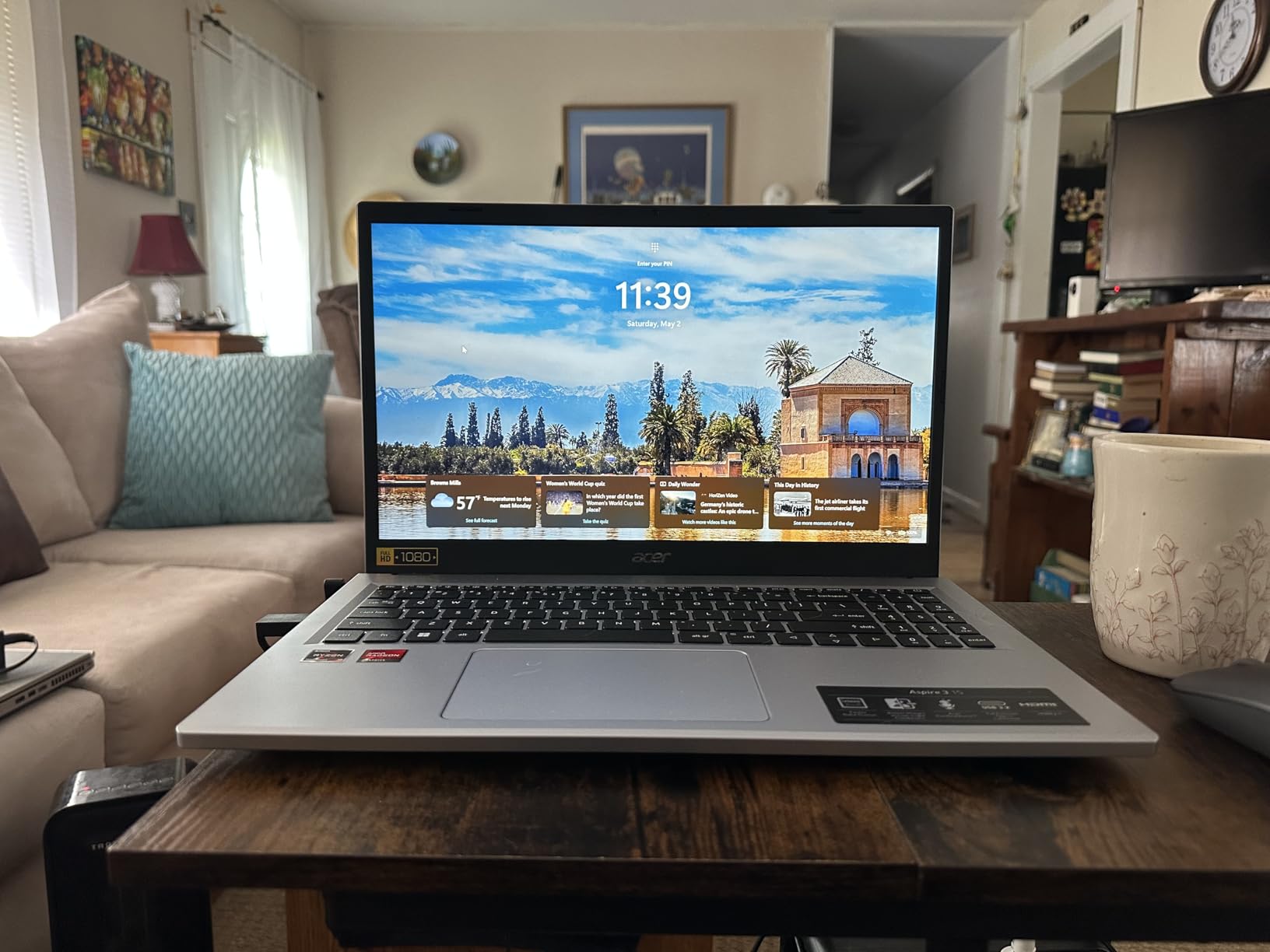
Performance comes from a quad-core Ryzen 3 7320U running up to 4.1 GHz, paired with 8GB of LPDDR5 memory. That is enough for browsing with a dozen tabs, documents, spreadsheets and video calls running alongside a chat app. It is not enough for video editing, and the integrated Radeon graphics reflect that.
Acer’s PurifiedVoice and TNR processing clean up microphone noise on calls, which matters more than it sounds when you are taking notes in a shared study room. A 48-watt-hour battery is listed at up to 11 hours, and the whole machine weighs 3.9 pounds.
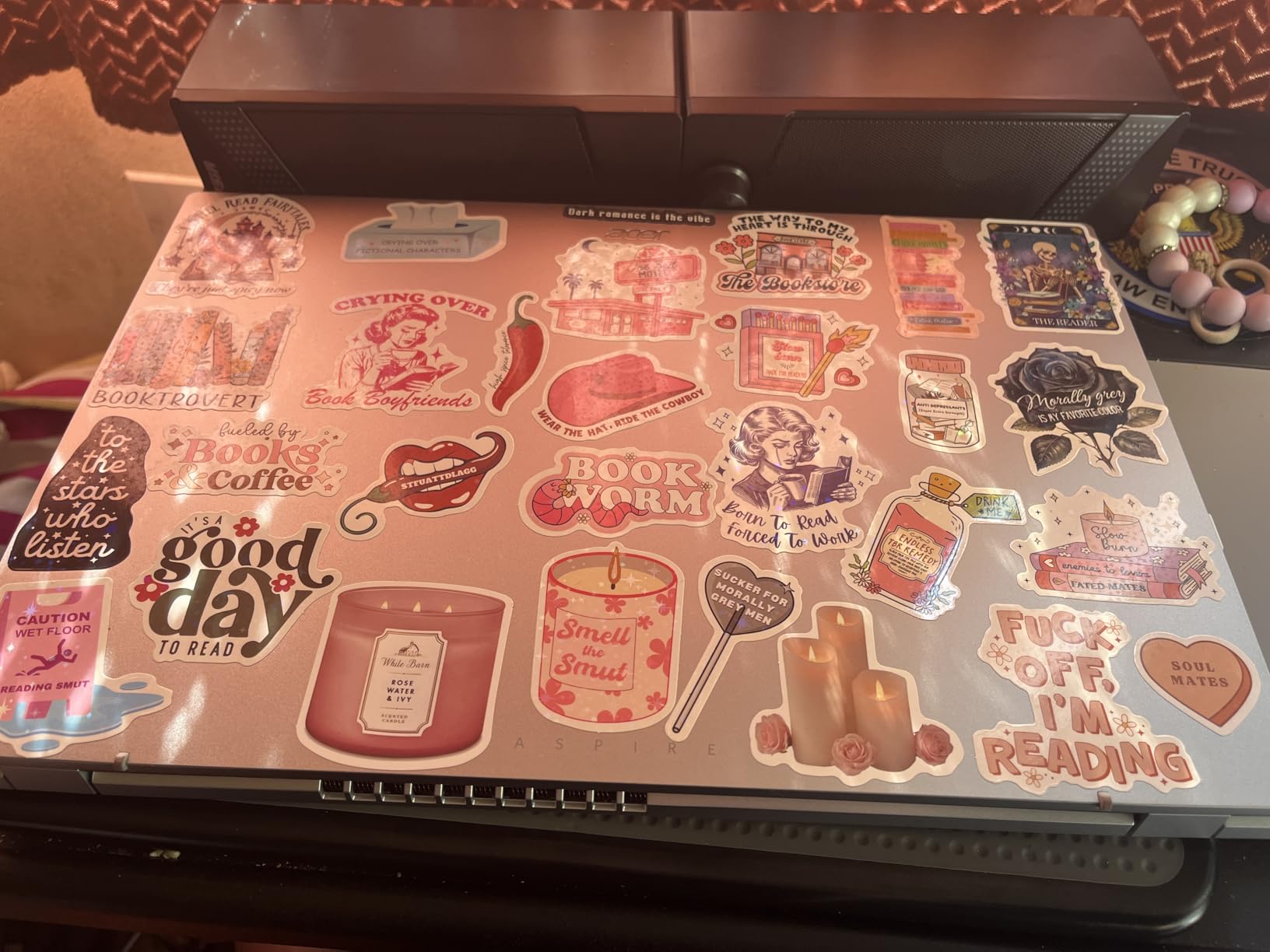
Buy it if you want the sharpest screen and the best keyboard in this group. Skip it if storage matters more than screen quality, because 128GB fills quickly and the memory is soldered in place. The AKCHART 15.6 Laptop doubles the memory and storage; the Lenovo Essential 15 is lighter at 3.42 pounds.
One detail worth checking before checkout: this machine arrives with Windows 11 S mode, which only runs apps from the Microsoft Store until you switch to the full edition. The switch is free, but it is an extra step on day one.
2. HP 15.6 Touchscreen Laptop: Best for Touchscreens
HP 15.6 inch Laptop, HD Touchscreen Display, AMD Ryzen 3 7320U, 8 GB RAM, 256 GB SSD, AMD Radeon Graphics, Windows 11 Home, Natural Silver, 15-fc0399nr
CPU: Ryzen 3 7320U
RAM: 8GB LPDDR5
Storage: 256GB SSD
Display: 15.6 inch HD touch
OS: Windows 11 Home
Pros
- Responsive 15.6 inch HD touchscreen
- Ryzen 3 7320U with 8GB LPDDR5 for smooth everyday multitasking
- 256GB NVMe SSD for school projects
- Light 3.5 pound body with a numeric keypad
Cons
- 1366x768 rather than Full HD
- USB-C port is data only and cannot charge
- Not built for heavy gaming or video editing
Buy the HP 15.6 Touchscreen Laptop if you touch the screen more than you type on it. It is one of only two machines here with a capacitive touchscreen, and at 4.4 stars from around 1,600 reviews it is also the highest-rated Windows laptop in the group.
The Ryzen 3 7320U is the same silicon as our top pick, so everyday performance lands in the same place. The differences are elsewhere: 256GB of PCIe NVMe storage instead of 128GB, full Windows 11 Home rather than S mode, and a full-size keyboard with a numeric keypad.
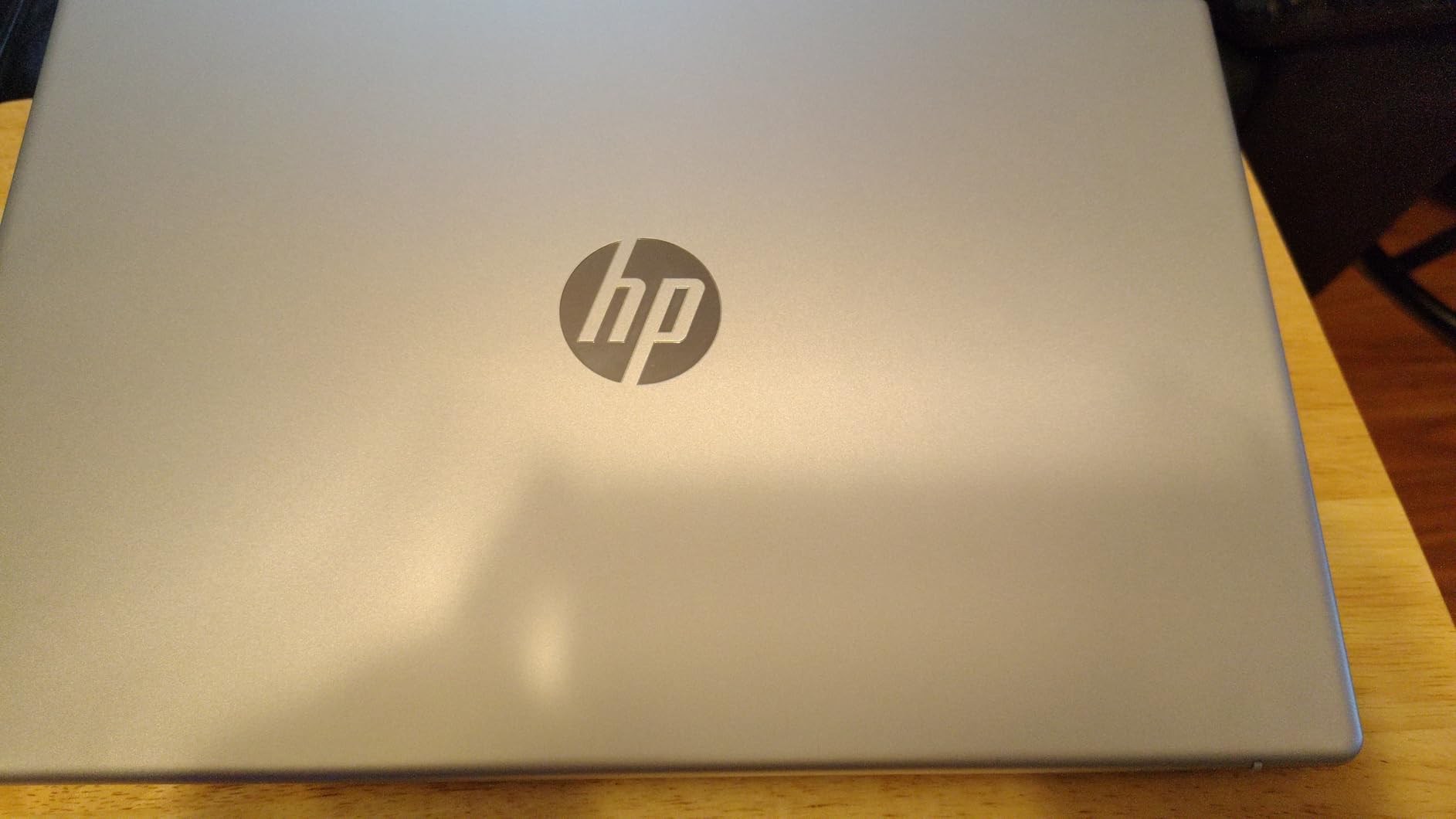
At 3.5 pounds it is the lightest full-size Windows machine here, and HP lists up to 12 hours of battery. The webcam is a 720p True Vision unit with temporal noise reduction, which is a small upgrade over the bare cameras on cheaper Chromebooks.
The trade-off is the panel. This is a 1366×768 micro-edge LCD at 250 nits and 62.5 percent sRGB, not the 1080p IPS display the Acer Aspire 3 carries. That difference is obvious side by side and mostly invisible on a phone-sized window.
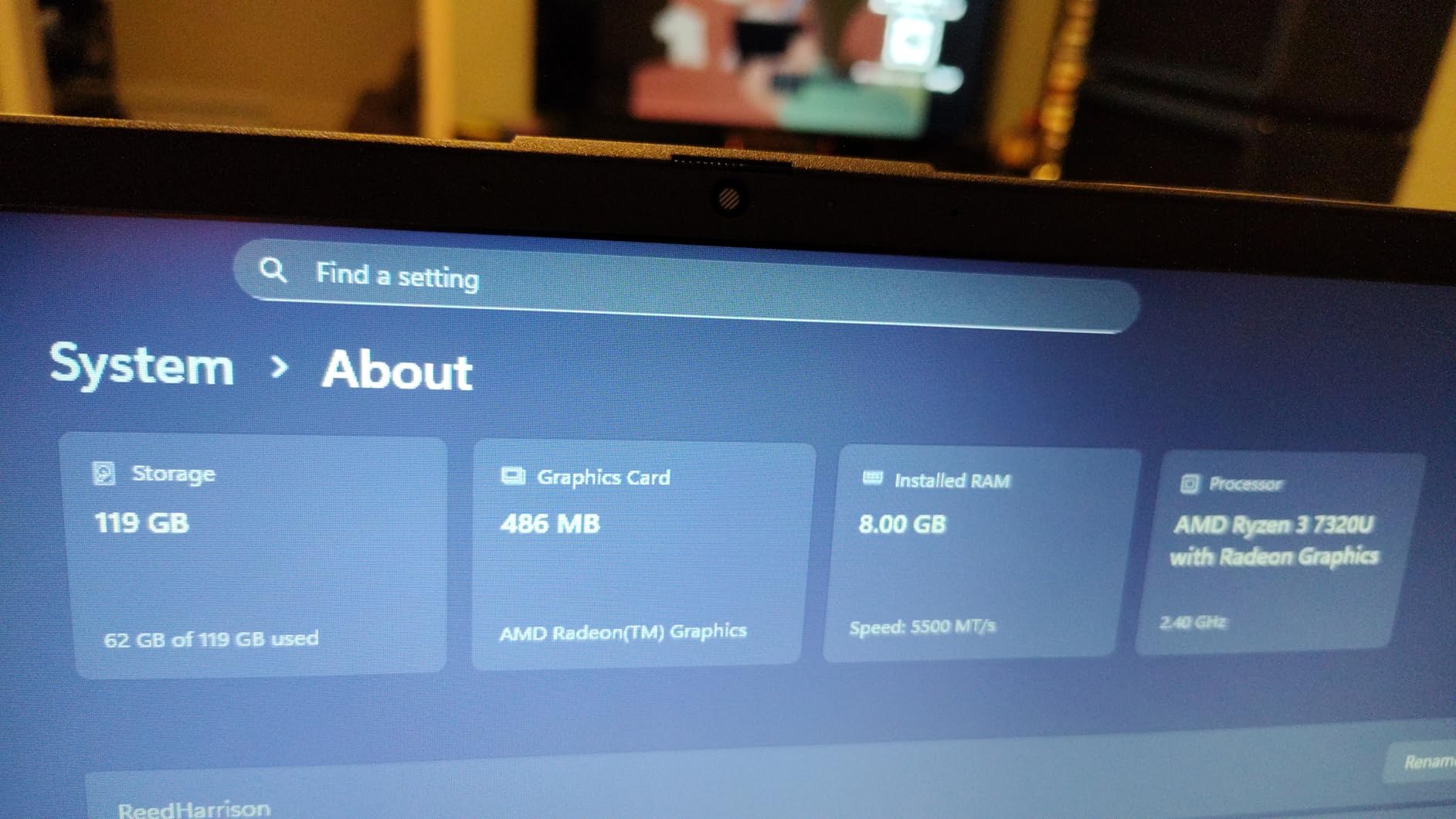
Good to know: the USB-C port handles data only. It will not charge the laptop and it will not drive an external display, so budget for the included charger and an HDMI cable if you connect to a projector. Some buyers also report touchpad cursor jumping on units that have been updated.
Choose this over the Acer Aspire 3 when storage or the keypad matters. Choose the Acer when the screen does.
3. HP Chromebook 14: Best for Everyday ChromeOS
HP Chromebook 14 Laptop, Intel Celeron N4120, 4 GB RAM, 64 GB eMMC, 14″ HD Display, Chrome OS, Thin Design, 4K Graphics, Long Battery Life, Ash Gray Keyboard (14a-na0226nr, 2022, Mineral Silver)
CPU: Celeron N4120
RAM: 4GB DDR4
Storage: 64GB eMMC
Display: 14 inch 1366x768
OS: Chrome OS
Pros
- Up to 14 hours of listed battery life
- 3.2 pound chassis is easy to carry all day
- Custom-tuned stereo speakers and Intel UHD 600 graphics
- ENERGY STAR certified and EPEAT Silver registered
Cons
- Only 4GB RAM and 64GB eMMC storage
- 1366x768 screen is low resolution
- Wi-Fi is 802.11ac rather than Wi-Fi 6
The cheapest way into a reliable Chrome OS machine is still this Chromebook, and nothing about the sale changes that. It is built for one job: keeping a browser, a document and a video call running from breakfast to bedtime without an outlet.
Battery is the headline. HP lists up to 14 hours, backed by a 47-watt-hour cell, and HP Fast Charge takes it from zero to roughly half in about 45 minutes. Owners single that out more than any other feature in their reviews.
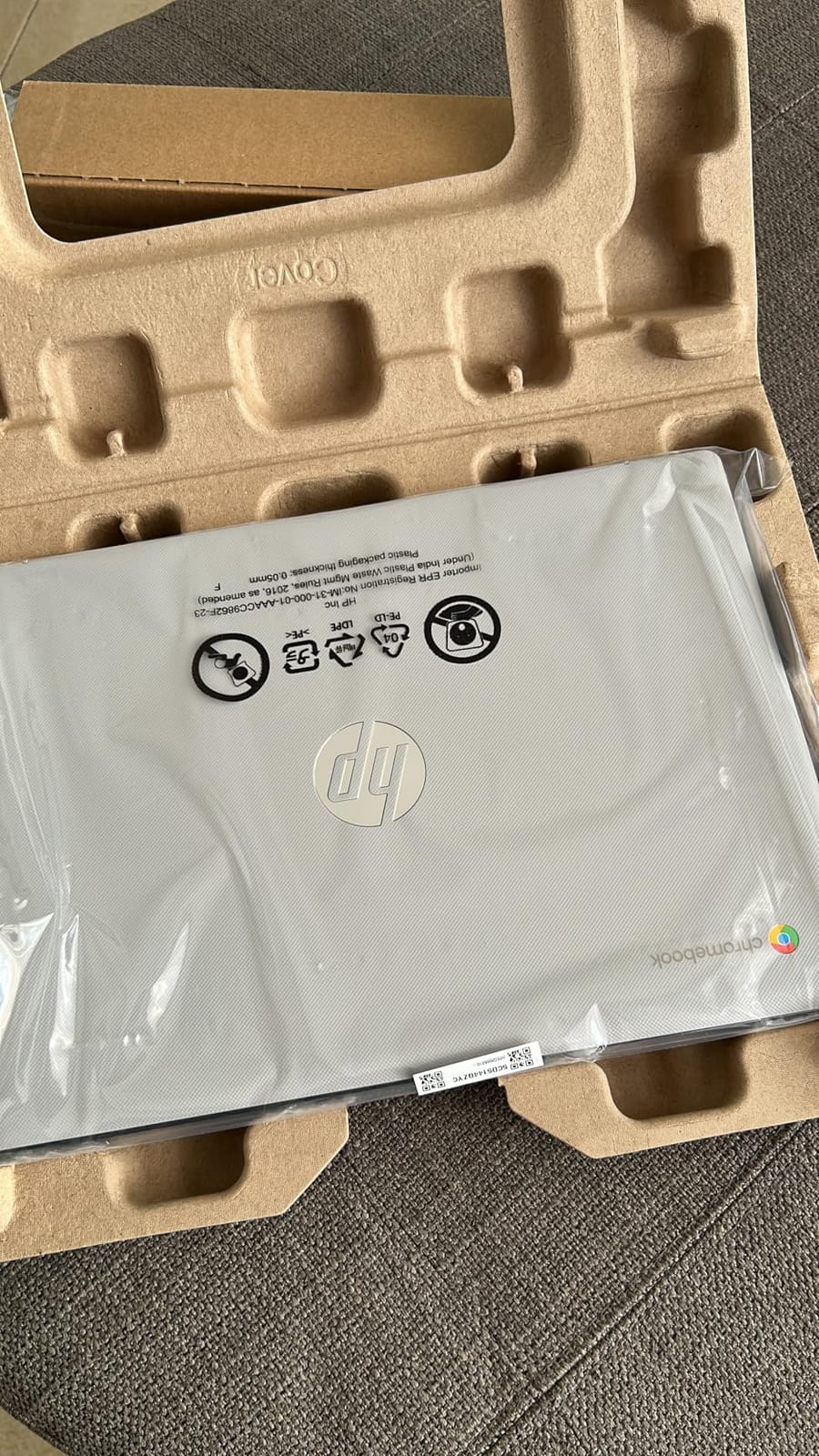
The Celeron N4120 is a quad-core chip that runs Chrome OS without complaint, and the Google Play library means Android apps are available for anything the web app does not cover. A 14-inch micro-edge anti-glare display handles glare better than the glossy panels some cheaper models use.
Where it falls short is memory. 4GB of RAM and 64GB of eMMC is the tightest configuration in this roundup that we would still recommend, and it puts a ceiling on how many tabs you keep open before things get sluggish.
Compared with the Lenovo Flagship Chromebook, this machine trades screen sharpness for battery and brand support. The Lenovo has a 1080p touchscreen and weighs less at 2.9 pounds, but its touchpad draws repeated complaints. The HP carries a one-year limited hardware warranty and a multi-touch touchpad with four-finger gestures.
Look elsewhere if you need desktop software. This is a web machine, and the Celeron N4120 will not run Windows applications or demanding games.
4. HP 14 Renewed: Best Renewed Windows Machine
HP 14″ HD Laptop, Windows 11, Intel Celeron Dual-Core Processor Up to 2.60GHz, 4GB RAM, 64GB SSD, Webcam, Dale Blue (Renewed)
CPU: Celeron dual-core
RAM: 4GB DDR4
Storage: 64GB SSD
Display: 14 inch 1366x768
OS: Windows 11
Pros
- Inexpensive route to a working Windows 11 machine
- Buyers report clean and well-packaged units
- SD card reader and three USB-A ports
- An available M.2 slot allows storage upgrades
Cons
- 4GB RAM is thin once Windows is running
- 64GB storage leaves little usable space
- Some renewed units arrive with a non-English keyboard layout
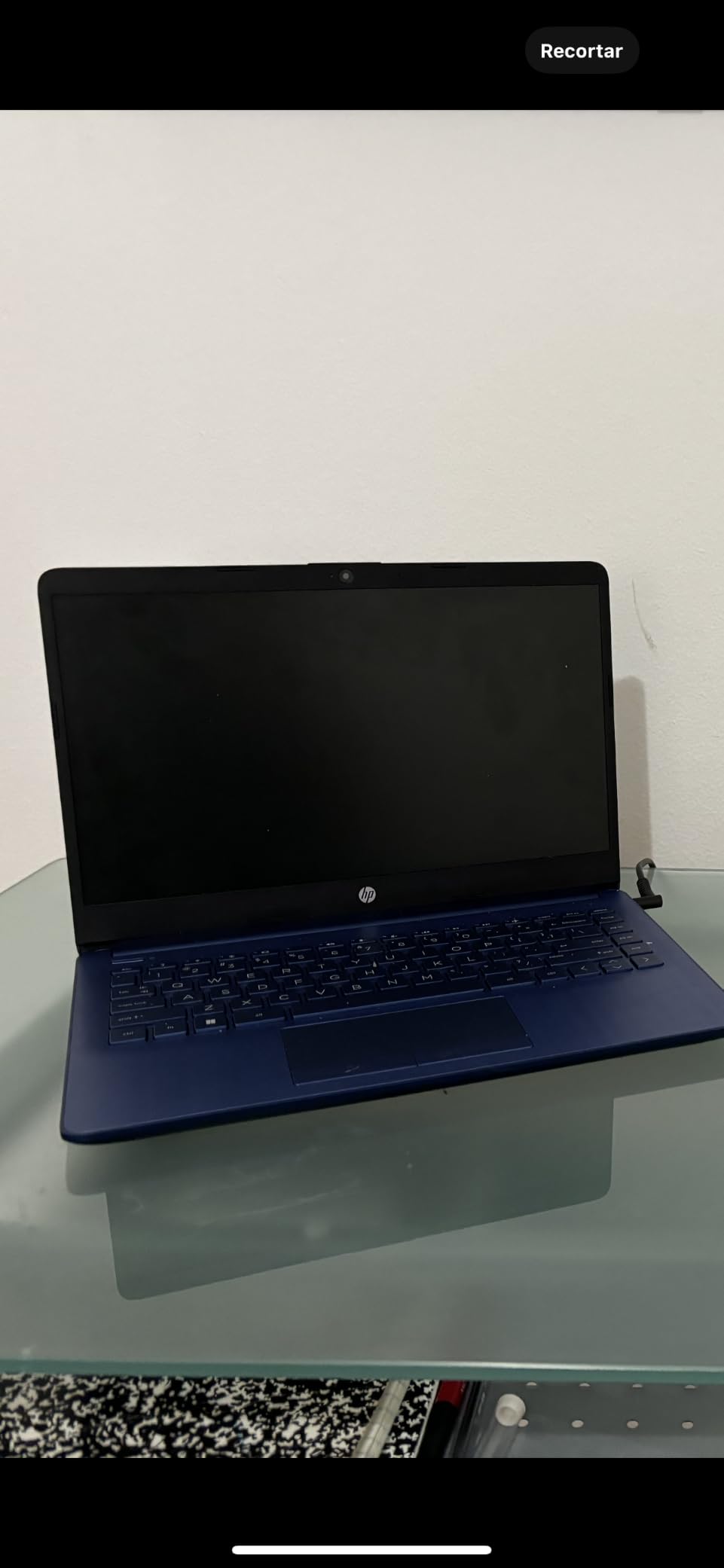
This is the pick to consider when the goal is a working Windows machine at the lowest possible outlay, and the phrase “Amazon Renewed” is something you have already looked into. Owners report units that arrive clean, well packaged and functional out of the box.
The hardware is modest by design. A Celeron dual-core running up to 2.60 GHz, 4GB of DDR4 and a 64GB SSD on a 14-inch BrightView display. HP covers it with a 90-day warranty, which is the honest part of the trade-off: you are accepting less cover in exchange for a much lower entry point.
The one genuinely useful detail is the free M.2 slot. Owners have added storage after purchase, which changes this from a 64GB machine into a workable one, and a 45-watt-hour battery is listed at up to 9 hours.
Ports are unusually good for a machine this cheap: three USB-A ports, an SD card reader and a headphone and microphone combo jack, plus HDMI for an external display. That is more flexibility than several brand-new machines here offer.
Skip it if you want to run more than one application at a time. Owners are blunt about this: once Windows is installed and a browser is open, the 4GB is largely consumed, and Chrome tabs or Office documents in the background cause lag and crashes. A used business laptop or a newer Windows machine are the alternatives worth weighing at this level.
For a second device, a keyboard dock and a big screen, the Dell Chromebook 11 costs less and takes up less room.
5. Lenovo Essential 15: Best for Durability
Lenovo Essential 15.6″ FHD Laptop, Intel Processor, 8GB DDR5, 128GB Storage
CPU: Intel N150
RAM: 8GB LPDDR5
Storage: 128GB UFS
Display: 15.6 inch 1080p IPS
OS: Windows 11 S
Pros
- 1080p anti-glare IPS display with an 88 percent screen-to-body ratio
- 3.42 pound chassis in a 0.70 inch profile
- MIL-STD-810H military-grade tested
- Camera has a built-in privacy shutter and USB-C supports power delivery
Cons
- Only 128GB of onboard storage
- Intel N150 is an entry-level processor
- One reviewer received 4GB instead of the advertised 8GB
Owners who have had this machine for a while keep pointing to one thing: it still looks new. The chassis has passed MIL-STD-810H testing, which is a durability standard normally reserved for business machines, and at 3.42 pounds it is the second-lightest Windows laptop here.
The display is the other standout. A 15.6-inch 1920×1080 anti-glare IPS panel at 250 nits fills 88 percent of the lid, so you get a full-size image in a slim 0.70-inch body. That combination of sharpness and thinness is unusual at this price.
Memory is 8GB of LPDDR5-4800, which is enough for documents, browsing and calls. Storage is 128GB of UFS 3.1, faster than the eMMC in the Chromebooks here but not user-upgradable, so pair it with a portable drive or cloud storage from the start.
The port selection is generous for the tier: two USB-A ports, a USB-C with power delivery and DisplayPort, HDMI 1.4, a headphone jack and an SD card reader. The 720p camera includes a physical privacy shutter, which is a nice touch if you work in shared space.
The gap to the Acer Aspire 3 is processing power. The Intel N150 is an entry-level part against the Ryzen 3 7320U’s four faster cores. In practice both handle documents and browsing; the Ryzen pulls ahead once you stack video calls with several apps.
One review reports receiving a machine with 4GB instead of the advertised 8GB, so check the memory listing in the product details when your unit arrives. Microsoft 365 Personal is included, and the machine is ENERGY STAR 9.0 certified.
6. Lenovo Flagship Chromebook: Best for a Full HD Chromebook
Lenovo Flagship Chromebook, 14” FHD Touchscreen Slim Thin Light Laptop Computer, 8-Core MediaTek Kompanio 520 Processor, 4GB RAM, 64GB eMMC, WiFi 6,Chrome OS, Abyss Blue
CPU: Kompanio 520 octa-core
RAM: 4GB DDR4
Storage: 64GB eMMC
Display: 14 inch 1080p touch
OS: Chrome OS
Pros
- Sharp 14 inch 1080p IPS touchscreen with wide viewing angles
- Very light at 2.9 pounds for a full-size screen
- Octa-core Kompanio 520 boots fast and streams smoothly
- Backlit keyboard with privacy shutter and Wi-Fi 6
Cons
- 4GB RAM struggles with several apps open
- 64GB eMMC fills up quickly
- Touchpad is unreliable with delayed or missed movements
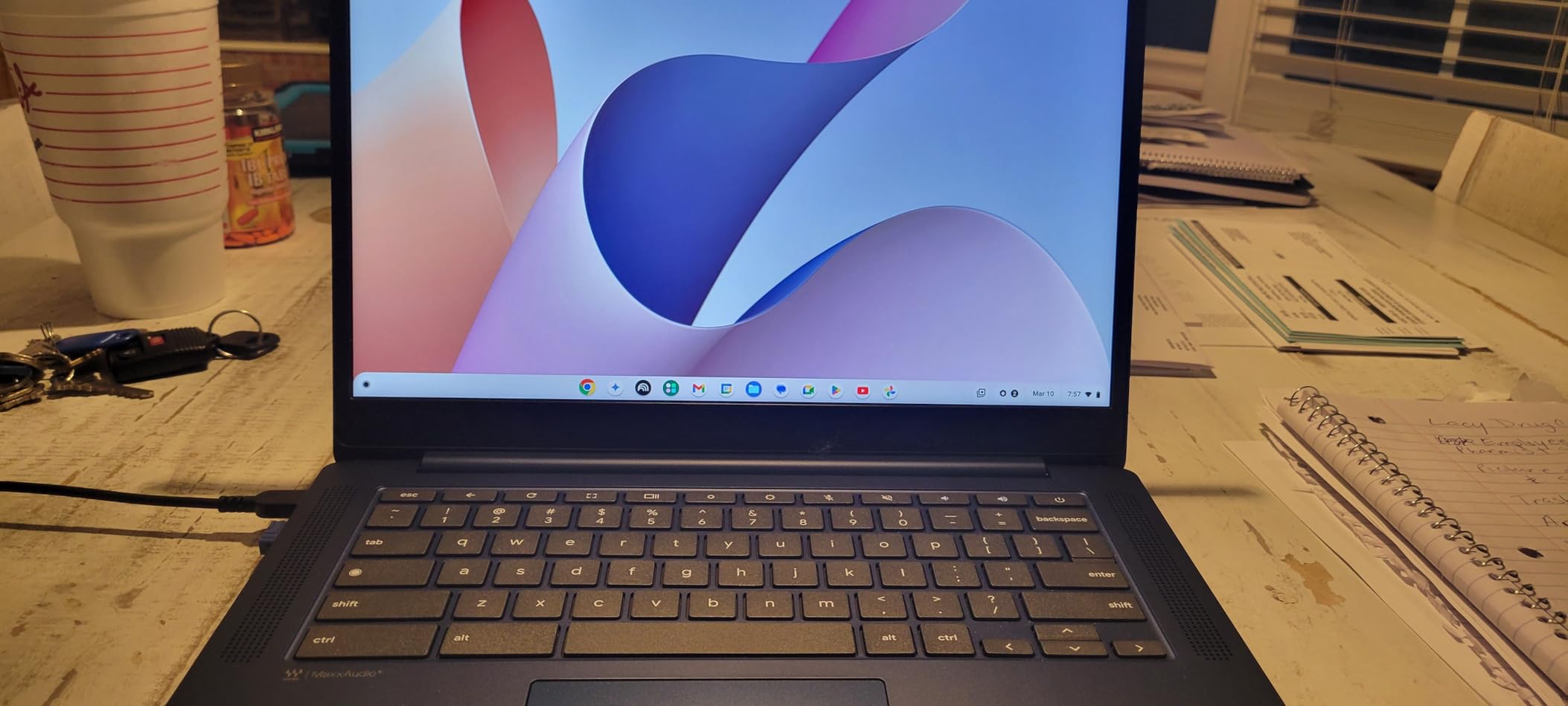
Two years after the HP Chromebook 14 arrived, a 1080p touchscreen at this price still stands out. The Kompanio 520 is an eight-core ARM chip, and the 14-inch IPS panel gives you something the cheaper Chromebooks cannot: a screen you can read in a bright room or share across a table.
At 2.9 pounds this is the lightest full-size machine in the roundup, and HP’s is only marginally heavier at 3.2. Battery is listed at up to 13.5 hours, which puts it right alongside the HP Chromebook 14 in the same category.
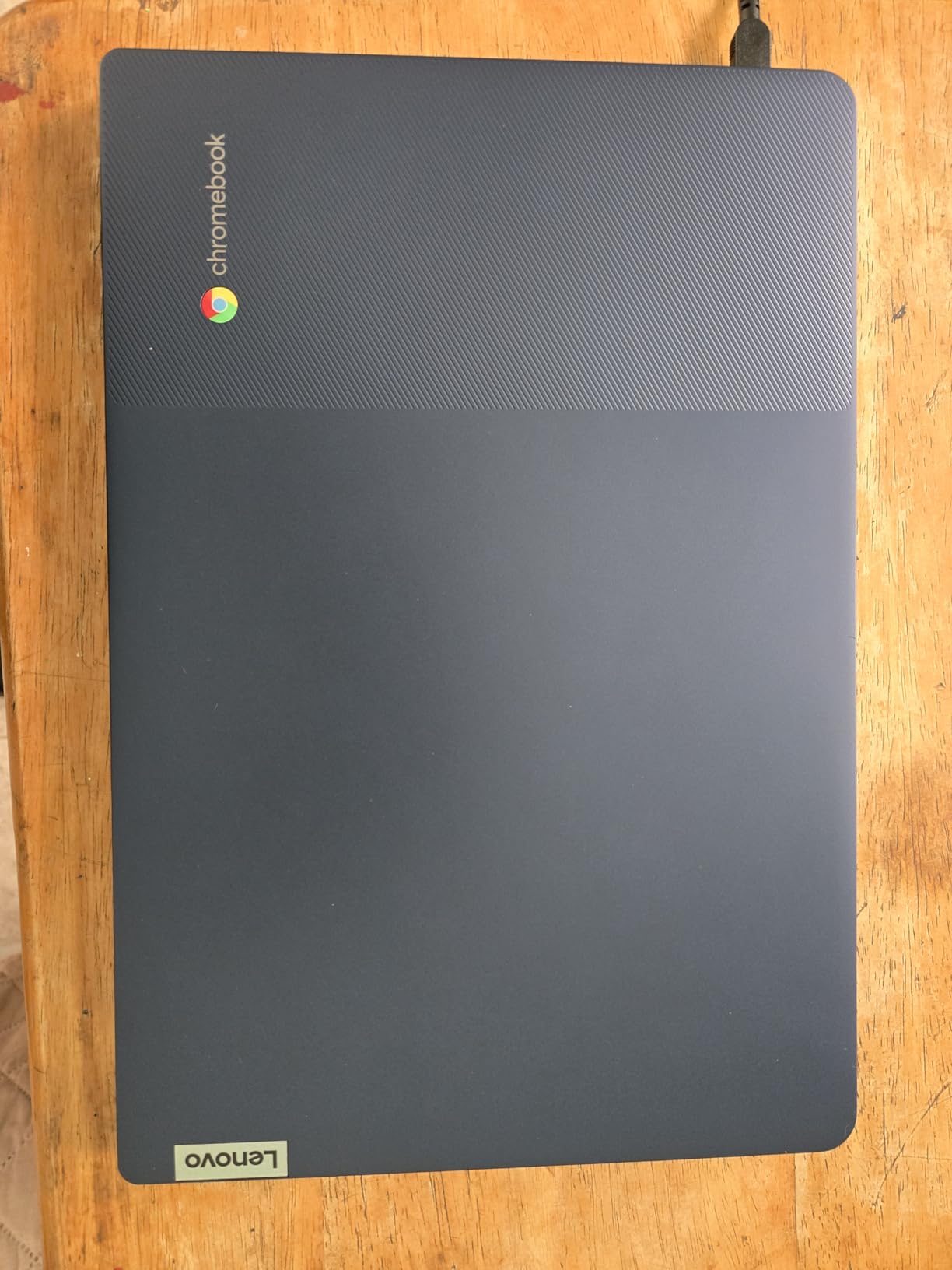
The backlit keyboard is unusual at this budget, as is the physical privacy shutter on the 720p webcam. Wi-Fi 6 and Bluetooth 5.1 are current standards, and a microSD reader means you can add storage without opening the machine.
What owners do not like is the touchpad. Reviews describe delayed or missed finger movements often enough that it is worth knowing before you commit, and the keyboard itself is described as wide with a plastic feel and a non-standard Caps Lock key.
The Lenovo Essential 15 makes the opposite trade. Here you are choosing a sharper screen and lighter carry in exchange for Windows software. If your work lives in a browser, this is the better machine. If a course requires a desktop application, go with a Windows pick instead.
One reviewer reported a unit that stopped charging after 15 months, and the warranty is listed at 90 days, so this is a short-term device rather than a long-term one. The lighter you can live with a panel, the happier the commute.
7. AKCHART 15.6 Laptop: Best for Memory and Storage
AKCHART 15.6” AI Laptop with Office 365 12GB RAM 256GB SSD Win 11 Laptops
CPU: Celeron J4105
RAM: 12GB DDR4
Storage: 256GB M.2 SSD
Display: 15.6 inch 1080p
OS: Windows 11 Home
Pros
- 12GB DDR4 memory is generous for the price class
- 256GB M.2 SSD expandable to 2TB plus a TF card slot
- 7000mAh battery supports long classes and meetings
- 180 degree hinge makes screen sharing easy
Cons
- Celeron J4105 is an entry-level processor
- Only Wi-Fi 5 and Bluetooth 4.2
- 12GB RAM still lags under heavy multitasking
Nobody expects the brand name to mean much at this price, but the configuration is the argument. 12GB of DDR4 memory and a 256GB M.2 SSD is more of both than any other laptop in this roundup, and it is the reason this listing holds a 4.4 rating across more than 2,300 reviews.
Storage is the standout feature and it is expandable twice over. The M.2 drive can go up to 2TB, and there is a TF card slot that accepts up to 1TB, so running out of room is a future problem rather than a present one.
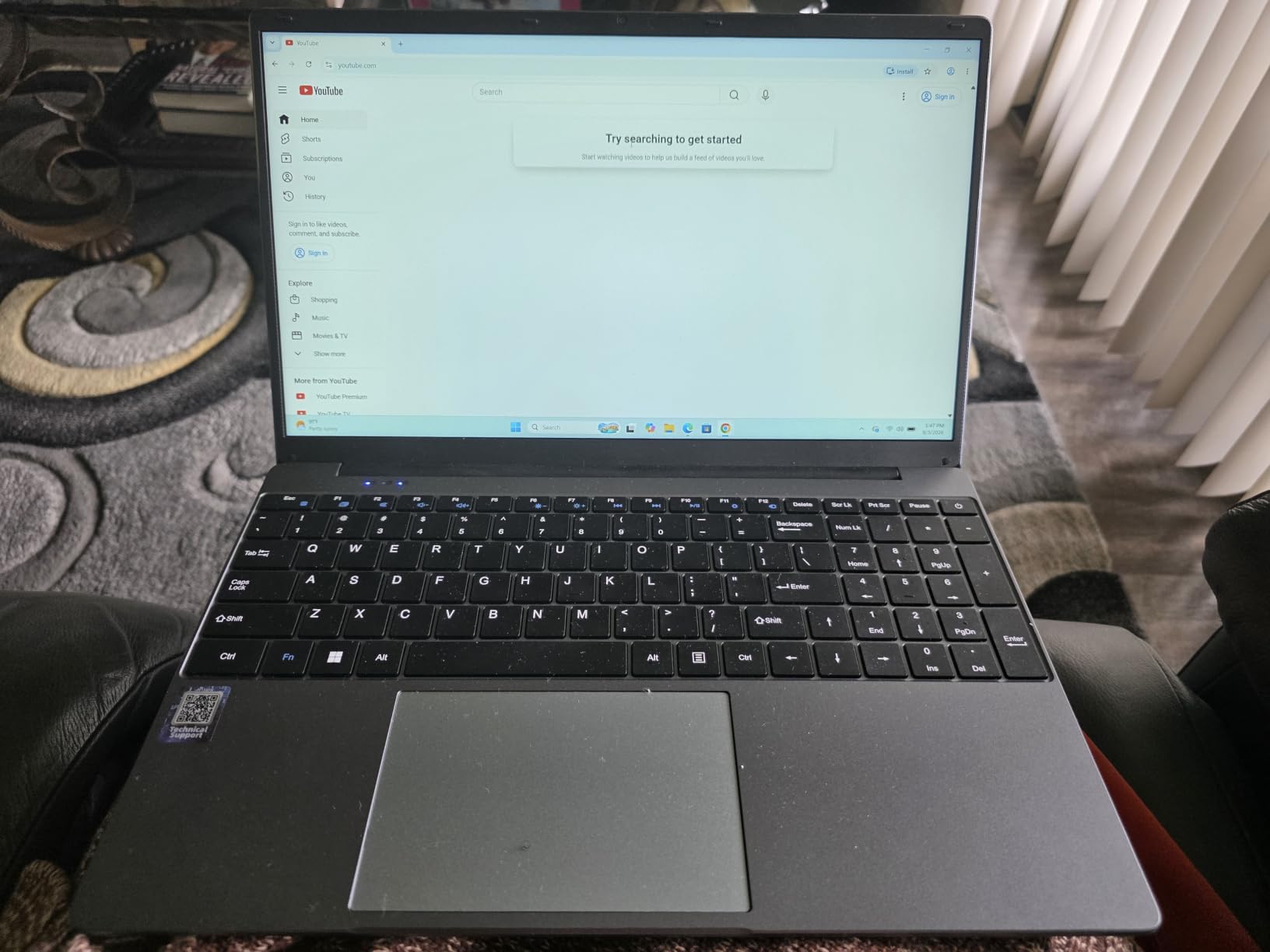
The 15.6-inch 1920×1080 IPS panel at 300 nits is the brightest screen here, and the 7000mAh battery is the largest cell. Owners mention carrying it through a full day of classes and meetings without looking for an outlet, and the 180-degree hinge makes sharing the screen with someone at your table a single motion.
Connectivity is the weak point. Wi-Fi 5 and Bluetooth 4.2 are two generations behind everything else in this list, and on a crowded campus network that difference can show up as a slower page load.
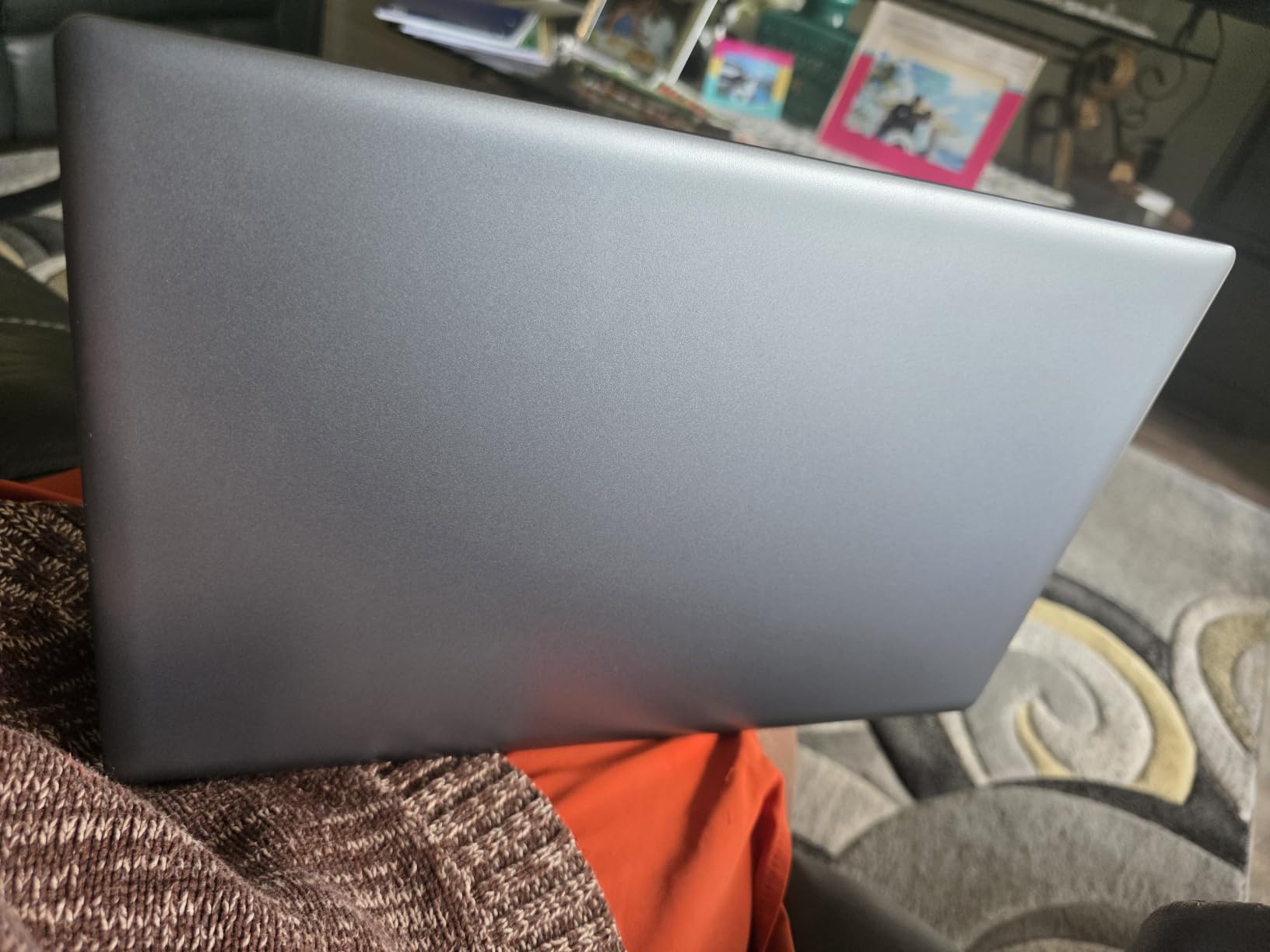
The Celeron J4105 is a modest quad-core chip, and 12GB of memory does not turn it into a fast machine. Owners are clear that it holds up for document editing, email, classes and browsing, and just as clear that heavy multitasking still stutters. Office 365 is included and the warranty is one year.
Pick this over the Acer Aspire 3 if you juggle a lot of open applications or want storage you can grow. Pick the Acer if the processor speed and the backlit keyboard matter more. The memory here is what keeps a dozen tabs and a document open at once without the machine stuttering.
8. Lenovo IdeaPad 1: Best for Storage Upgrades
Lenovo IdeaPad Laptop Computer, 15.6″ Anti-Glare, Intel Core CPU, 8GB RAM
CPU: Celeron N4500
RAM: 8GB DDR4
Storage: 256GB total
Display: 15.6 inch HD
OS: Windows 11 S
Pros
- 8GB DDR4 memory with upgrade potential
- 256GB total storage for apps and files
- Bevel-free anti-glare display with a privacy shutter camera
- Dual Dolby Audio speakers and a year of Office 365 Personal
Cons
- Dual-core Celeron N4500 is slow for multitasking
- HD TN panel is dim at 220 nits with weak viewing angles
- Some buyers report battery draining faster than advertised
The idea behind this machine is simple: buy a 128GB SSD that is too small, replace it yourself, and keep the memory you already paid for. Lenovo reseals the unit after upgrading the drive and covers that drive with a three-year warranty, which is unusually honest for the category.
Out of the box you get 8GB of DDR4 and 256GB total, split between a 128GB SSD and 128GB of eMMC. That combination is the reason this listing appears on this list rather than a 128GB-only machine.
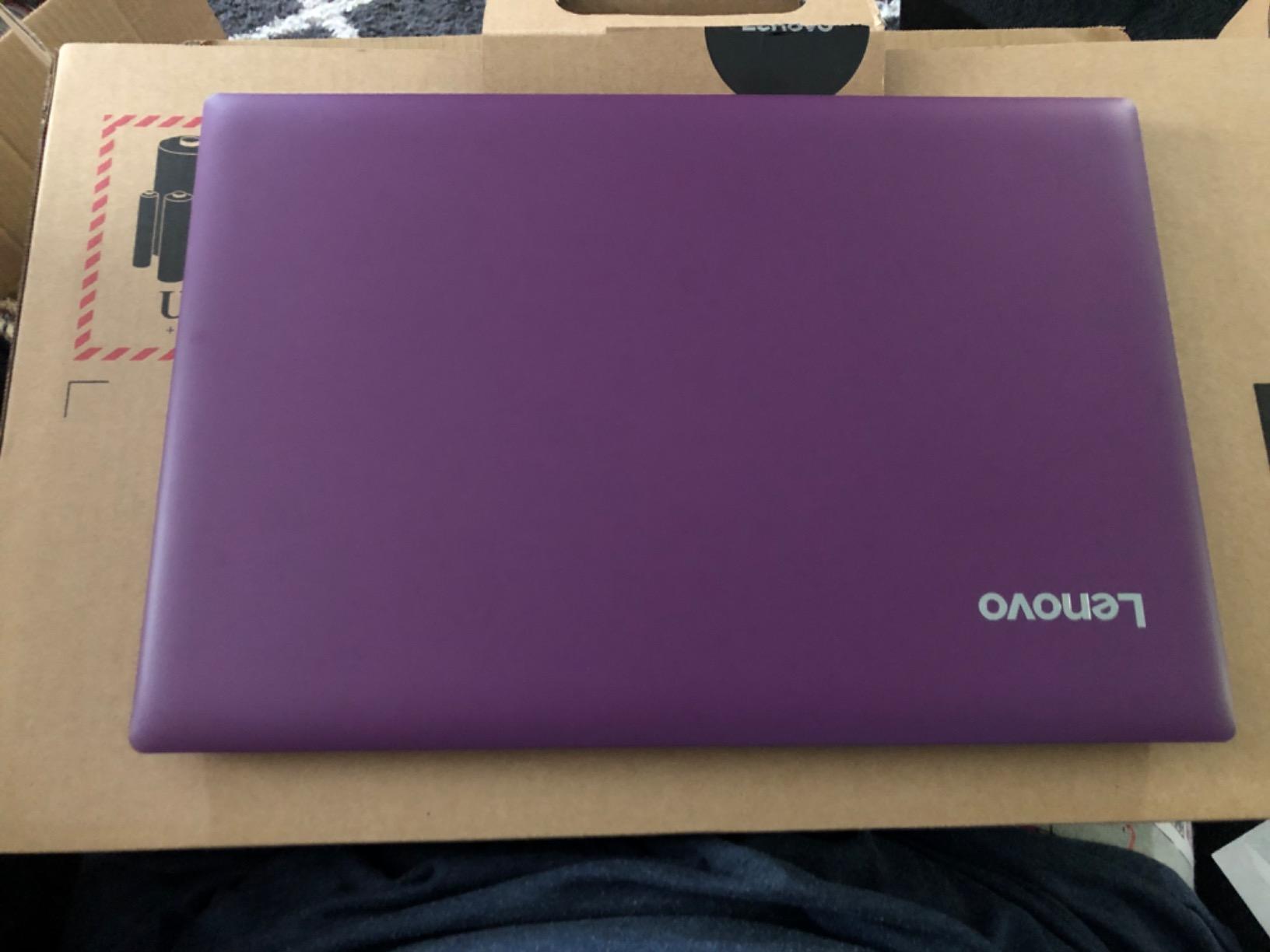
Ports are the other reason to like it. USB-C, USB-A, HDMI 1.4b, a USB 2.0 port and an SD card reader, with HDMI able to drive one external monitor at 4K. The 720p webcam has a privacy shutter, and Smart Noise Cancelling helps on calls.
The two compromises are both significant. A dual-core Celeron N4500 running up to 2.8 GHz is the slowest processor in this roundup, and the 15.6-inch TN panel at 220 nits is the dimmest screen here, with viewing angles that wash out when you are not looking straight on.
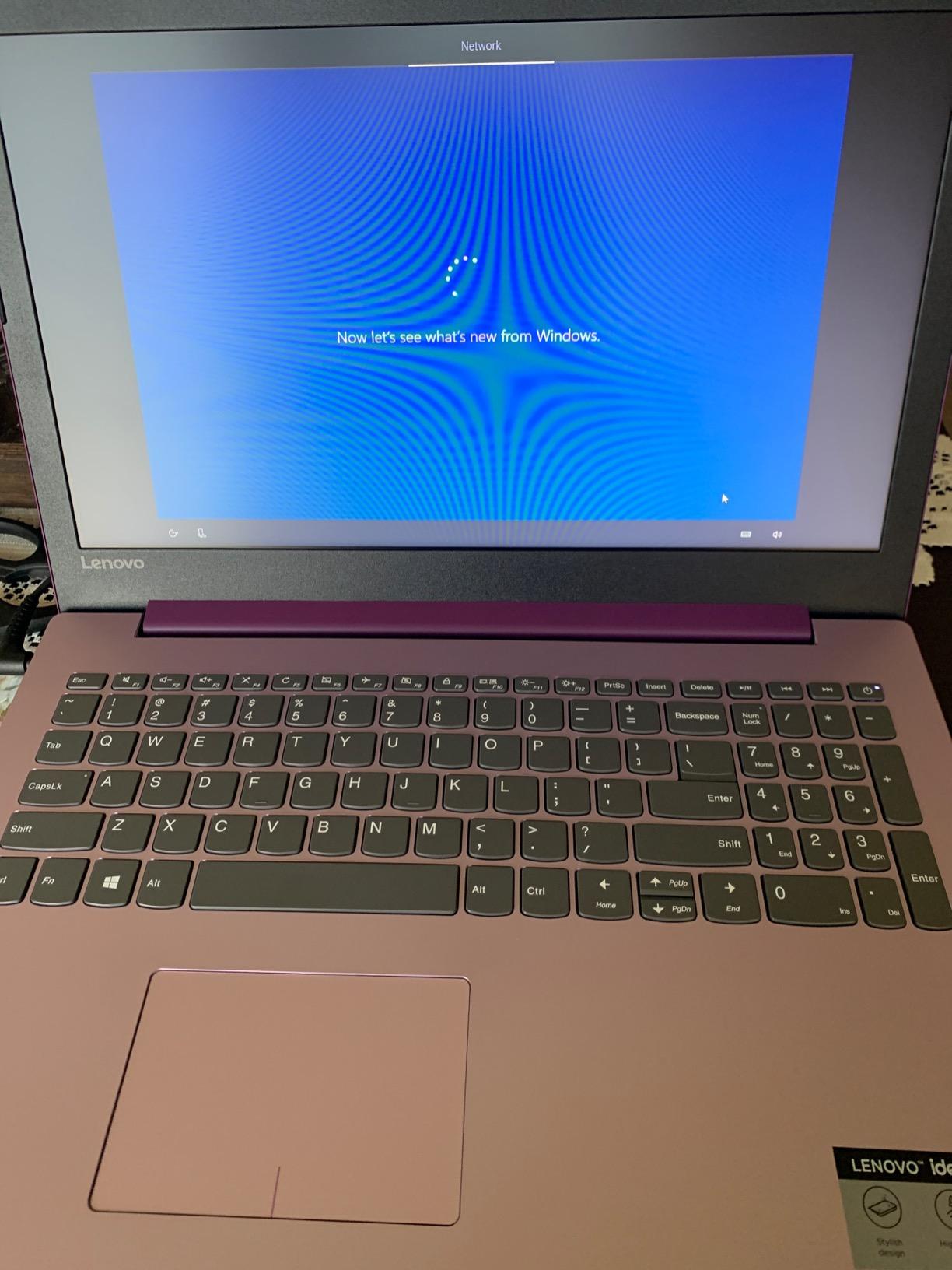
Several reviewers mention the battery draining faster than advertised, and others note fan noise and slow page scrolling. At 3.4 pounds the body is light, but 0.70 inches thick.
Compared with the Lenovo Essential 15, you are trading a 1080p IPS panel and a faster processor for more ports and an upgrade path. If you can live with a dim screen and want the ports, this is the machine. If you want a screen you can look at, take the Essential 15. A convertible with a folding hinge is a different route entirely if you plan to write by hand.
9. PADIX 15.6 Laptop: Top Rated
15.6 Inch Laptop Computer, N4020, 4GB DDR4 RAM, 128GB eMMC,with Windows 11
CPU: Celeron N4020
RAM: 4GB LPDDR4
Storage: 128GB eMMC
Display: 15.6 inch 1080p
OS: Windows 11 Home
Pros
- Highest rating in the roundup at 4.8 stars from over 2000 reviews
- 15.6 inch 1920x1080 anti-glare display
- Fanless design runs completely silent
- Two full-featured USB-C ports for data and charging
Cons
- 4GB LPDDR4 limits multitasking
- 128GB eMMC is minimal and needs a TF card
- Generic brand with limited support ecosystem
This is the highest-rated laptop in the roundup, and the reason is not raw power. Owners give it 4.8 stars with an 85 percent five-star share, and the praise lands on a Full HD screen and a completely silent fanless body at a price where those two things rarely meet.
A 1920×1080 anti-glare panel with micro-edge bezels is the main event. For a machine that costs less than most budget accessories, a sharp screen changes how long you can comfortably work on it.
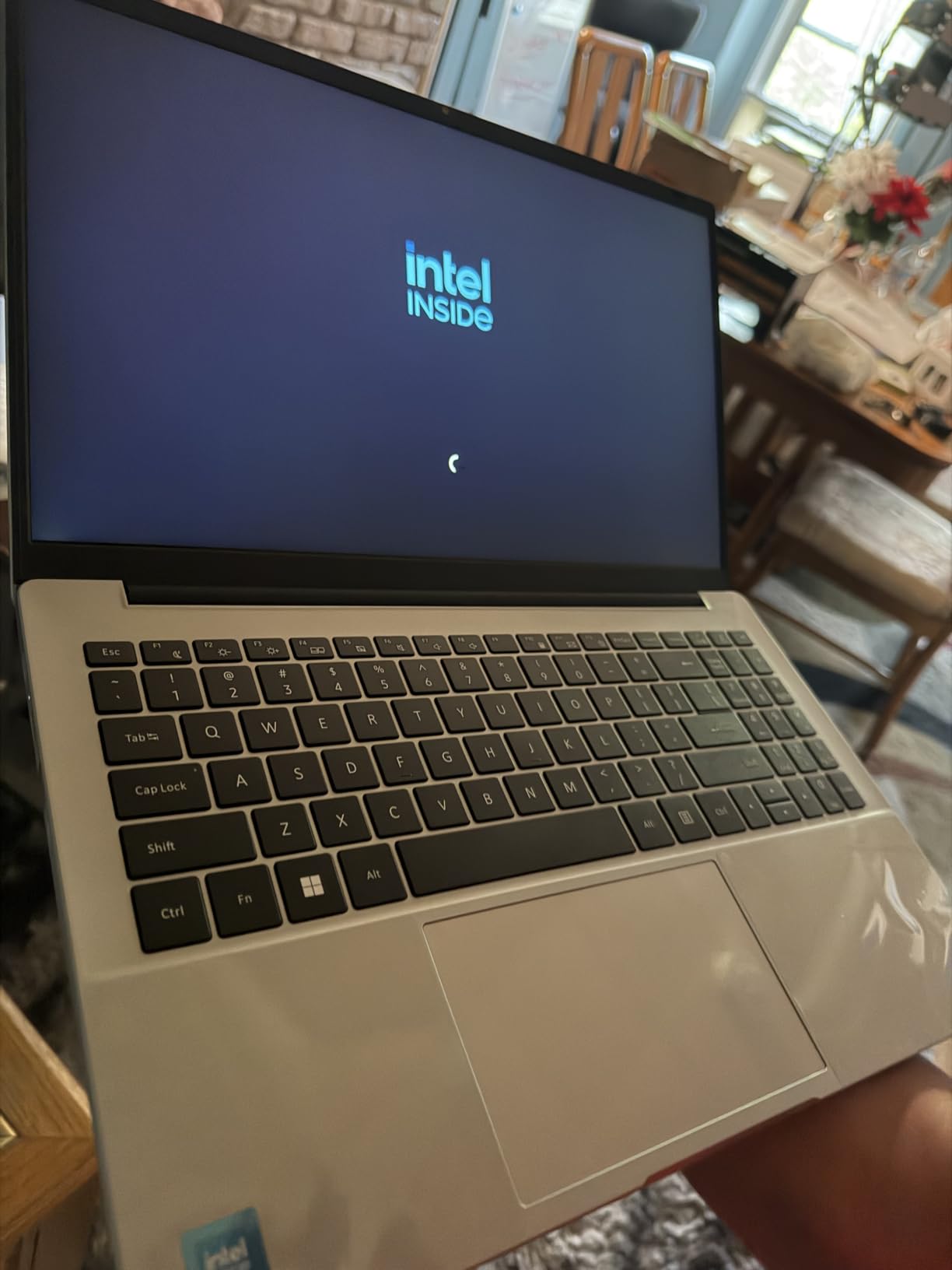
Silent operation matters more than it sounds. With no fan, there is no noise in a study room, a library or a shared office, and a 38-watt-hour battery with 45-watt Type-C fast charging keeps it moving through a day of classes.
The two USB-C ports are full-featured rather than data-only. Both handle data, fast charging and dual-monitor output, alongside two USB 3.2 Gen 1 ports and a 3.5mm jack. That is better connectivity than several brand-name machines here manage.
The limits are honest ones. 4GB of LPDDR4 memory and 128GB of eMMC storage is the smallest configuration in this roundup, and a TF card slot is the intended way to add space. The Celeron N4020 dual-core handles documents, email, classes and browsing reliably and little else.
The AKCHART 15.6 has three times the memory and a faster drive but a noisy, slower chip. If you type and browse, buy the PADIX. If you keep many applications open, buy the AKCHART. Support is the other thing to weigh: this is a lesser-known brand, so a one-year warranty and 24/7 contact are thinner than a major manufacturer’s network. Check how the keys feel before committing, because that is the part you will use every day.
10. Dell Chromebook 11: Budget Pick
Dell Chromebook 11 3100 11.6″ Chromebook – 1366 x 768 – Celeron N4020-4 GB RAM – 16 GB Flash Memory – Chrome OS – Intel HD Graphics – English (US) Keyboard – Bluetooth (Renewed)
CPU: Celeron N4020
RAM: 4GB
Storage: 16GB flash
Display: 11.6 inch HD
OS: Chrome OS
Pros
- Lowest cost Chromebook in the roundup
- Dell keyboard is praised as a standout on this model
- 2.9 pound chassis that feels sturdy for its size
- Units often arrive in like-new condition
Cons
- Very slow with pages frequently timing out
- Only 16GB of storage and less usable space in practice
- 11.6 inch screen is cramped for scrolling
- Inconsistent quality control across units
Buy this one for a purpose, not as a main computer. A training station, a loaner for guests, a machine for a child learning to type, a second screen for forms and email. At the lowest cost of anything in this roundup, the maths works for a device with a short, defined job.
What owners like is the hardware for its size. The Dell keyboard draws repeated praise, the 2.9-pound chassis feels solid, and renewed units frequently arrive without scratches. Battery is listed at up to 14 hours from a 31-watt-hour cell.
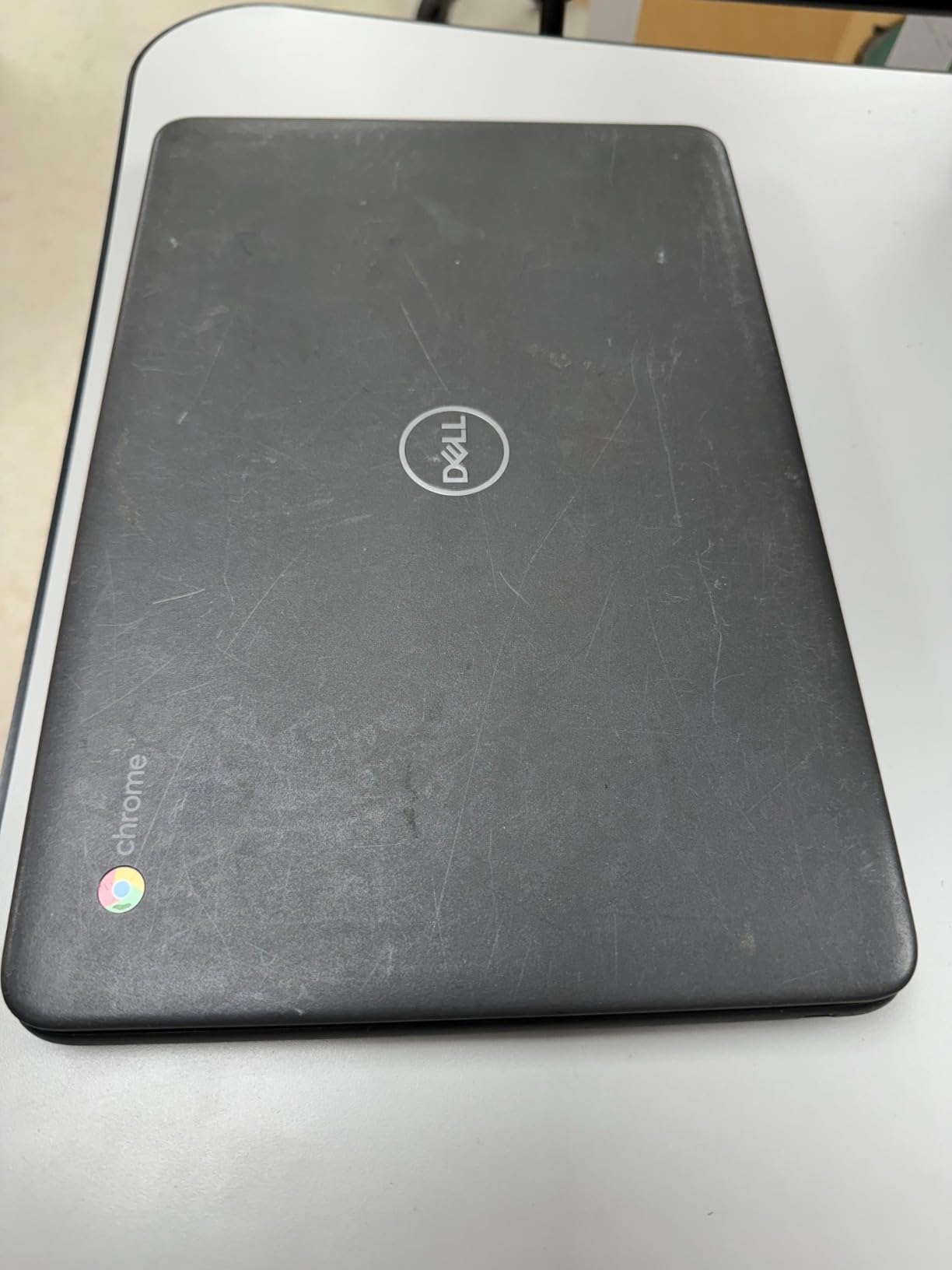
What owners do not like is speed, and they are not shy about it. Reviews describe pages timing out before they load, and 16GB of flash storage leaves very little usable room once Chrome OS is installed. Some buyers report far less space than the listing implies.
Quality control is the other variable. Because these are renewed machines, expectations differ from a new purchase, and there are reports of machines that would not charge or had keys that did not register. The warranty is 90 days limited.
The 11.6-inch screen is the smallest here, which makes it fine for a form or an email and uncomfortable for anything involving long documents. Two memory slots are listed, which gives some upgrade potential, though the storage is fixed flash.
The HP Chromebook 14 costs more and adds 4GB of RAM, 64GB of storage and a 14-inch display. If that gap is affordable for you, take it. This Dell is the pick only when the lowest possible outlay matters more than everything else.
How to Choose Laptops During Prime Big Deal Days
Performance for Everyday Tasks
Look for 8GB of memory as the floor and 4GB as the reason to walk away. Below 8GB, Windows starts using storage as memory and everything slows down once a browser and an office suite are open. A current entry-level quad-core chip, whether a Ryzen 3 7320U, an Intel N150 or a Celeron N4020, handles documents, browsing and calls without trouble.
Storage type matters as much as capacity. An NVMe SSD is several times faster than eMMC and far faster than UFS, so a 128GB NVMe drive usually feels quicker than a larger eMMC one. If you regularly keep many applications open, our laptops for college students guide covers how much memory different study patterns really need.
Battery Life and Portability
Weight decides more than people expect. Anything under 3.5 pounds disappears into a backpack, and anything over 4 pounds starts to be noticed on a long walk across campus. Battery claims at this tier are usually measured under light use, so treat an advertised 12 hours as a comfortable eight in practice.
For travel, the two Chromebooks here are the lightest full-size options, and our guide to lightweight laptops for travel covers what to look for in an airport or a hotel room. Check the charger type too, because a data-only USB-C port means you carry the brick that came in the box.
Display and Webcam Quality
Resolution is the number you can verify at a glance, and 1920×1080 is the one worth holding out for. A 1366×768 panel looks soft on a 15-inch screen once you start reading dense text, and it is the single most common compromise in this price band.
Panel type tells you more. IPS panels hold their colour and brightness off-centre; TN panels, like the one on the Lenovo IdeaPad 1, wash out at an angle. A 720p webcam with a physical privacy shutter is now common and worth preferring for calls. If you want a flexible screen, read our 2-in-1 laptops for note taking guide before settling on a clamshell.
Build Quality and Keyboard Comfort
Give the keyboard a real test if you can: open a document and type a paragraph. A backlit keyboard is a genuine bonus at this price, and the Acer Aspire 3 and Lenovo Flagship Chromebook both have one. A numeric keypad helps if you enter data often, which is why the HP 15.6 Touchscreen Laptop stands out.
For feel, the Dell Chromebook 11’s keyboard is the one owners praise most, even on a renewed unit. Chassis rigidity matters more on larger 15.6-inch machines that get carried around; the Lenovo Essential 15 is the only one here with a military-grade durability standard. Our picks for low-profile laptop keyboards go deeper on travel and typing feel.
New Versus Refurbished and Seller Details
Renewed machines are a legitimate strategy at this budget, not a compromise to be embarrassed about. The two renewed picks here cover different needs: the HP 14 Renewed runs Windows 11 with a 90-day warranty and an open M.2 slot, while the Dell Chromebook 11 is a Chrome OS device with 16GB of storage. Check the condition grade, the warranty length and who handles returns before you pay.
Seller identity matters as much as condition. Look for whether the machine is sold by Amazon directly or by a marketplace partner, and who physically ships it. Our roundup of laptops under $500 sets out the new alternatives for anyone who would rather avoid the variables.
How to Shop Laptop Deals During the Sale
Check the model number in the listing rather than the marketing title, because the same laptop name covers several configurations. Confirm the memory and storage capacity, the screen size and resolution, whether the machine is new or renewed, what is in the box, and whether a keyboard cover or stylus is included with a detachable or convertible design. Read the seller and shipper lines before checkout, since a renewed listing from a third-party seller carries a different return path than one fulfilled by Amazon.
Most offers on these machines require a Prime membership, and a free trial counts. Offers change through the event, so the button below each pick shows the current figure rather than anything written here.
- Confirm the model number and exact configuration before you buy.
- Check whether the machine is new, renewed or part of a bundle.
- Read the seller and shipper names on the listing.
- Verify the warranty length, especially on renewed machines.
- Compare the screen resolution and panel type, not just the size.
- Look for an M.2 slot or card reader if you plan to add storage later.
Frequently Asked Questions
When do the best Amazon Prime Big Deal Days laptop deals under $500 happen?
Prime Big Deal Days runs October 6-7, 2026, according to Amazon, and the laptop offers tied to it appear during that window. The sub-500 laptops in this roundup are the ones most often reduced during October events. Offers change through the event, so check each listing rather than relying on a price written anywhere in an article.
Do I need Amazon Prime to buy a laptop during Prime Big Deal Days?
Most offers during the sale require a Prime membership, and a free trial counts for the length of the trial. A few deals run for everyone, but laptop pricing during Prime events is usually reserved for members. If you already pay for Prime you lose nothing by waiting for the sale, and if you do not, the trial is worth starting before October 6.
Are laptops under $500 good enough for college students?
Yes, for documents, browsing, video calls, slides and streaming, which is most of what a course needs. Aim for 8GB of memory and a 1080p screen, and avoid 4GB machines unless the device is a spare. Software matters more than hardware: a Chromebook handles web-based coursework well, while a Windows machine is needed for specialist desktop applications.
Should I choose a new or refurbished laptop during the sale?
A new machine gives you a longer warranty and predictable condition, which suits anyone with files to protect. A renewed machine can cost far less and can be the better buy for a second device, a training station or a light user. Renewed laptops usually carry a 90-day warranty, so the risk sits with you for longer than a new purchase would.
How much RAM and storage should I look for in an affordable laptop?
Treat 8GB of memory as the minimum and 16GB as comfortable. For storage, 128GB works if you keep files in the cloud and add a portable drive later, while 256GB is better for coursework and photo storage. Check the storage type too, because an NVMe SSD is considerably faster than eMMC or UFS at the same capacity.
Can laptop offers change during Prime Big Deal Days?
Yes. Offers and prices shift by the hour during the sale, and some run out before the second day ends. Check the listing shortly before you buy, and confirm the exact model number and configuration rather than trusting a deal headline. An offer that looks excellent on the first day may not be the one you find the next morning.
Final Verdict: Best Amazon Prime Big Deal Days Laptop Deals Under $500
Watch the Acer Aspire 3 A315-24P first. A 1080p IPS panel, a backlit keyboard, 8GB of LPDDR5 and the highest review count in this roundup make it the one we would put at the top of a shortlist for almost anyone reading this.
For the lowest sensible outlay, the HP Chromebook 14 gives you a browser machine with up to 14 hours of battery and a 3.2-pound body. Buy the HP 15.6 Touchscreen Laptop if you want a touchscreen, 256GB of storage and a numeric keypad, and the AKCHART 15.6 Laptop if memory and expandable storage matter more to you than brand support.
The rest of the list divides cleanly. Take the Lenovo Essential 15 for durability and a sharp thin screen, the Lenovo Flagship Chromebook for a 1080p touchscreen running Chrome OS, the PADIX 15.6 Laptop for a silent fanless Full HD machine that owners rate higher than anything else here, the Lenovo IdeaPad 1 for ports and a storage upgrade path, the HP 14 Renewed for a working Windows machine at the lowest new-equivalent cost, and the Dell Chromebook 11 for a spare or training device.
Whichever you pick, open the listing during the event, confirm the exact configuration, and use the button on the pick to see the current figure.