
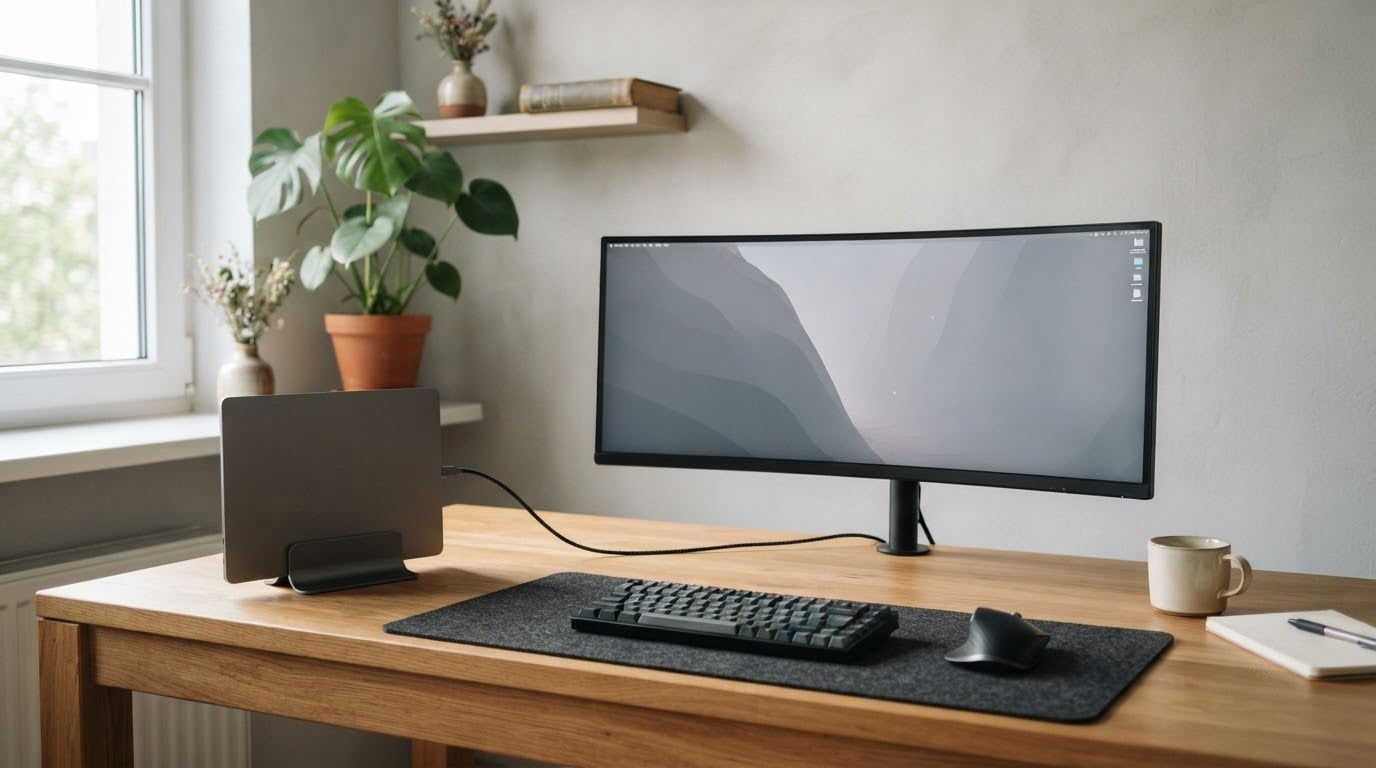
The SANSUI ES-G34C5 200Hz is the ultrawide monitor worth watching first during Amazon’s Prime Big Deal Days sale, because a 34-inch 3440×1440 panel at 200Hz with FreeSync is a spec combination most buyers only find far above the entry tier. Amazon’s Prime Big Deal Days sale runs October 6-7, and offer levels shift through those two days, so the button on each section shows the live figure rather than a number we froze in a draft.
Two alternatives sit behind it. The Amzfast AMZG49C7U is the pick for anyone who wants one 49-inch 32:9 screen to replace two monitors, and the Samsung ViewFinity S50GC is the calmer choice for office work where eye comfort and a clean three-sided bezel matter more than frame rate.
Table of Contents
Our Top 3 Picks for Best Amazon Prime Big Deal Days Ultrawide Monitor Deals


Samsung ViewFinity S50GC
- 34-inch 3440x1440
- 100Hz refresh
- eye care features
- PIP and PBP
Best Amazon Prime Big Deal Days Ultrawide Monitor Deals Compared (October 2026)
| Product | Specifications | Action |
|---|---|---|
| SANSUI ES-G34C5 |
|
Check Deal Price |
| Amzfast AMZG49C7U |
|
Check Deal Price |
| Samsung ViewFinity S50GC |
|
Check Deal Price |
 Alienware AW3425DWM Alienware AW3425DWM |
|
Check Deal Price |
 Dell S3425DW Dell S3425DW |
|
Check Deal Price |
 LG 34SR60QC-W LG 34SR60QC-W |
|
Check Deal Price |
 Samsung 49 Business Samsung 49 Business |
|
Check Deal Price |
 LG 34WR55QK-B LG 34WR55QK-B |
|
Check Deal Price |
 Samsung Odyssey OLED G9 Samsung Odyssey OLED G9 |
|
Check Deal Price |
 INNOCN 49Q1R INNOCN 49Q1R |
|
Check Deal Price |
How We Chose
Every monitor here was compared on the specs that decide this purchase: panel size and resolution, refresh rate and rated response, brightness and contrast, adaptive sync, stand adjustment and port selection. We also weighted owner ratings and review volume on Amazon, since panel variation and support quality only show up in reviews. Data was checked in October 2026.
1. SANSUI ES-G34C5: Best for High-Refresh Gaming on a Budget
SANSUI 34-Inch Curved Gaming Monitor UWQHD 3440 x 1440P 200Hz Ultrawide
Refresh: 200Hz
Response: 1ms
Panel: VA LED
Sync: FreeSync
Pros
- Highest refresh rate in this group
- 3440x1440 at 21:9 for one wide screen
- FreeSync with HDMI 2.1 inputs
- Useful shooter assists like crosshair and scope
- VESA 100x100 mount with tilt from -5 to 15 degrees
Cons
- Tilt-only stand with no height adjustment
- Sharpness needs tuning out of the box
- Some owners report dim corners
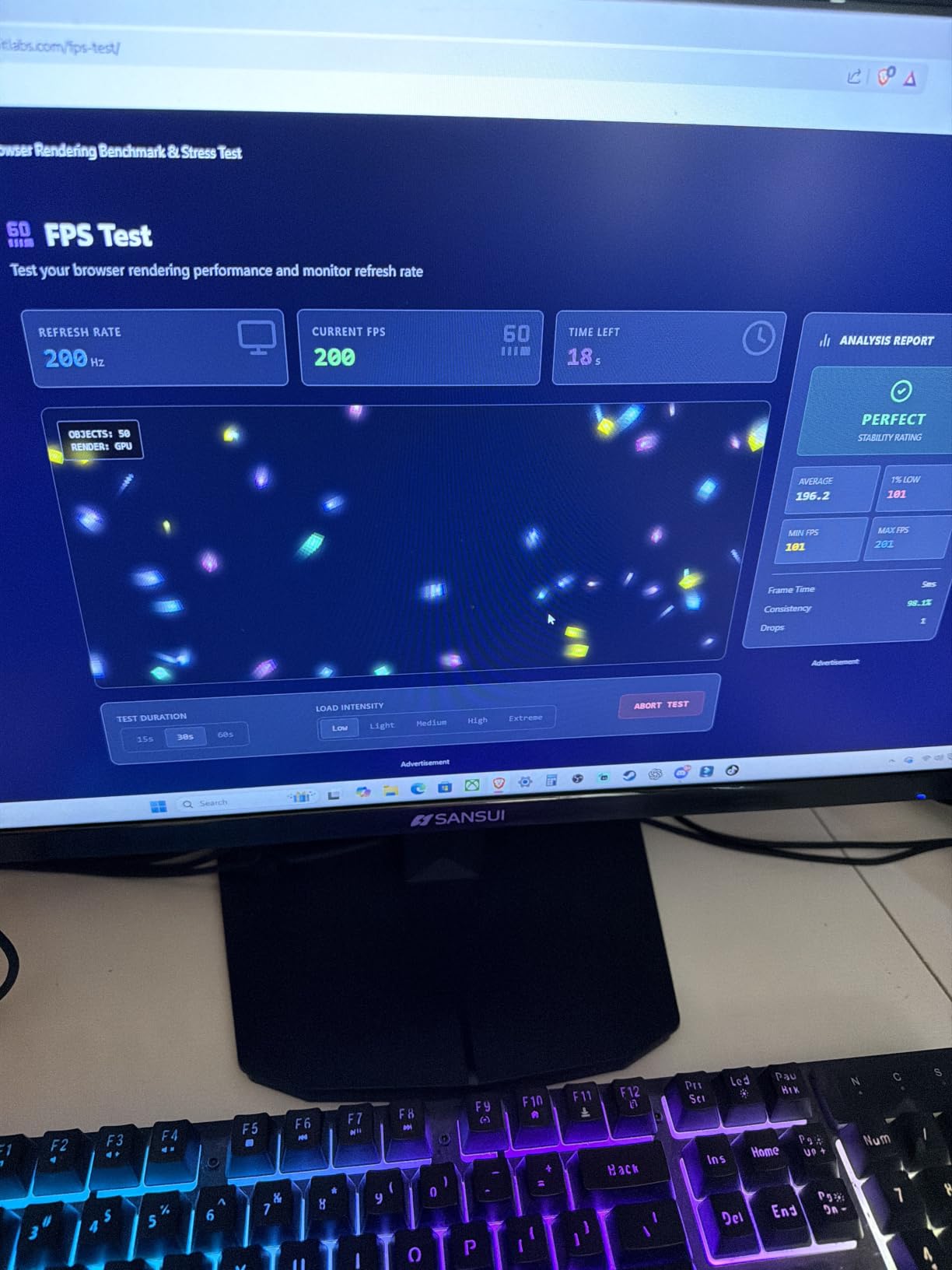
The refresh rate here is the whole argument. A 200Hz ceiling is the highest in this group, and owners report that the jump from a 60Hz or 100Hz screen to this one is immediately obvious in shooters and racing games.
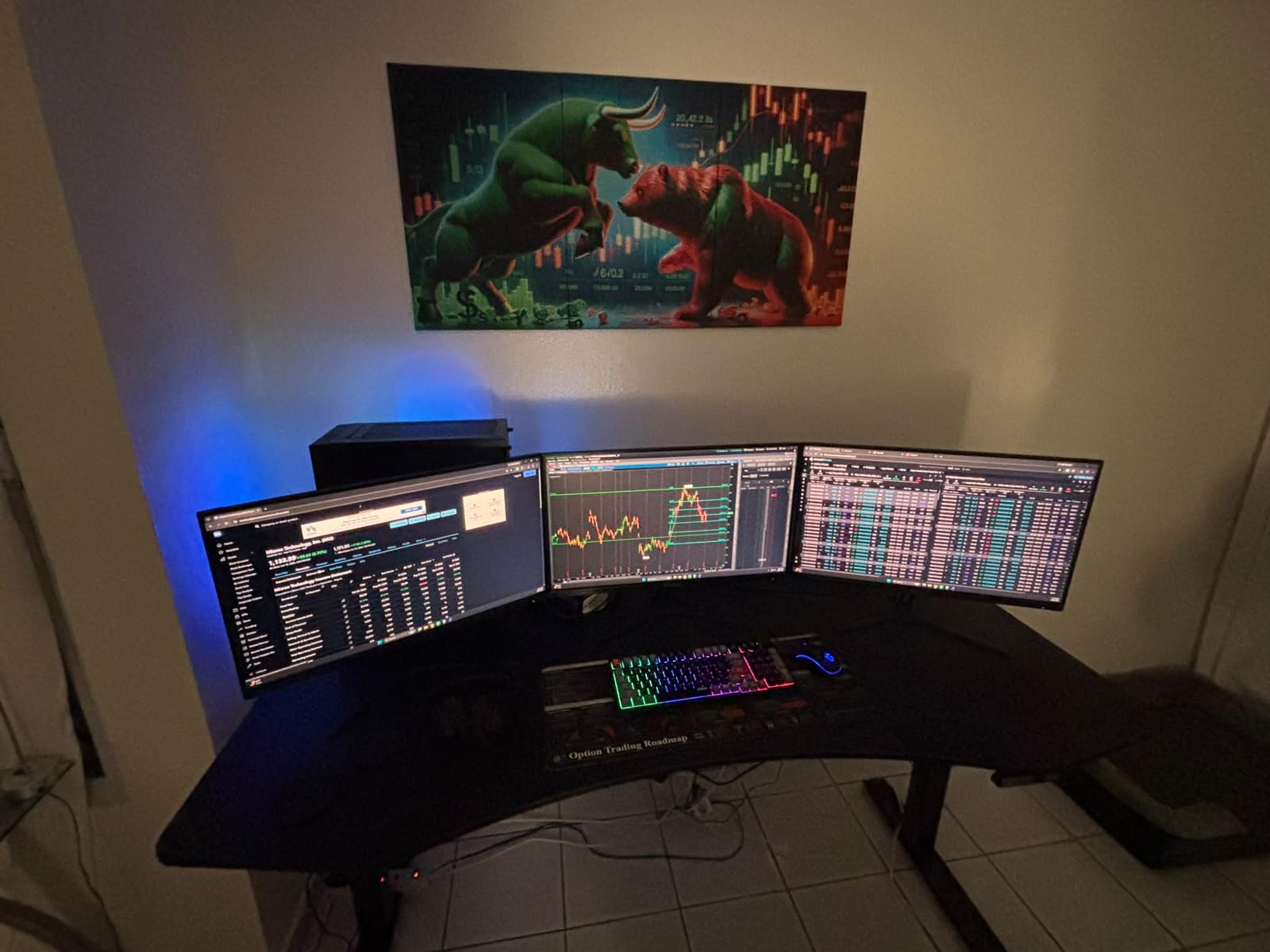
FreeSync runs alongside 3440×1440 output, and both DisplayPort 1.4 and two HDMI 2.1 ports carry the full 200Hz, so a console or a second machine is not forced onto a slower path. The built-in gaming assists are unusual at this tier: an adjustable crosshair, a sniper scope and a night vision mode, all handled by the panel rather than by an overlay app.
Owners do report needing ten minutes with the on-screen controls before the picture is right. Sharpness and contrast both need adjusting from the factory defaults, and a recurring mention is dimmer light toward the corners of the curve. The stand tilts but does not raise or swivel, which is the main reason to consider a monitor arm instead.
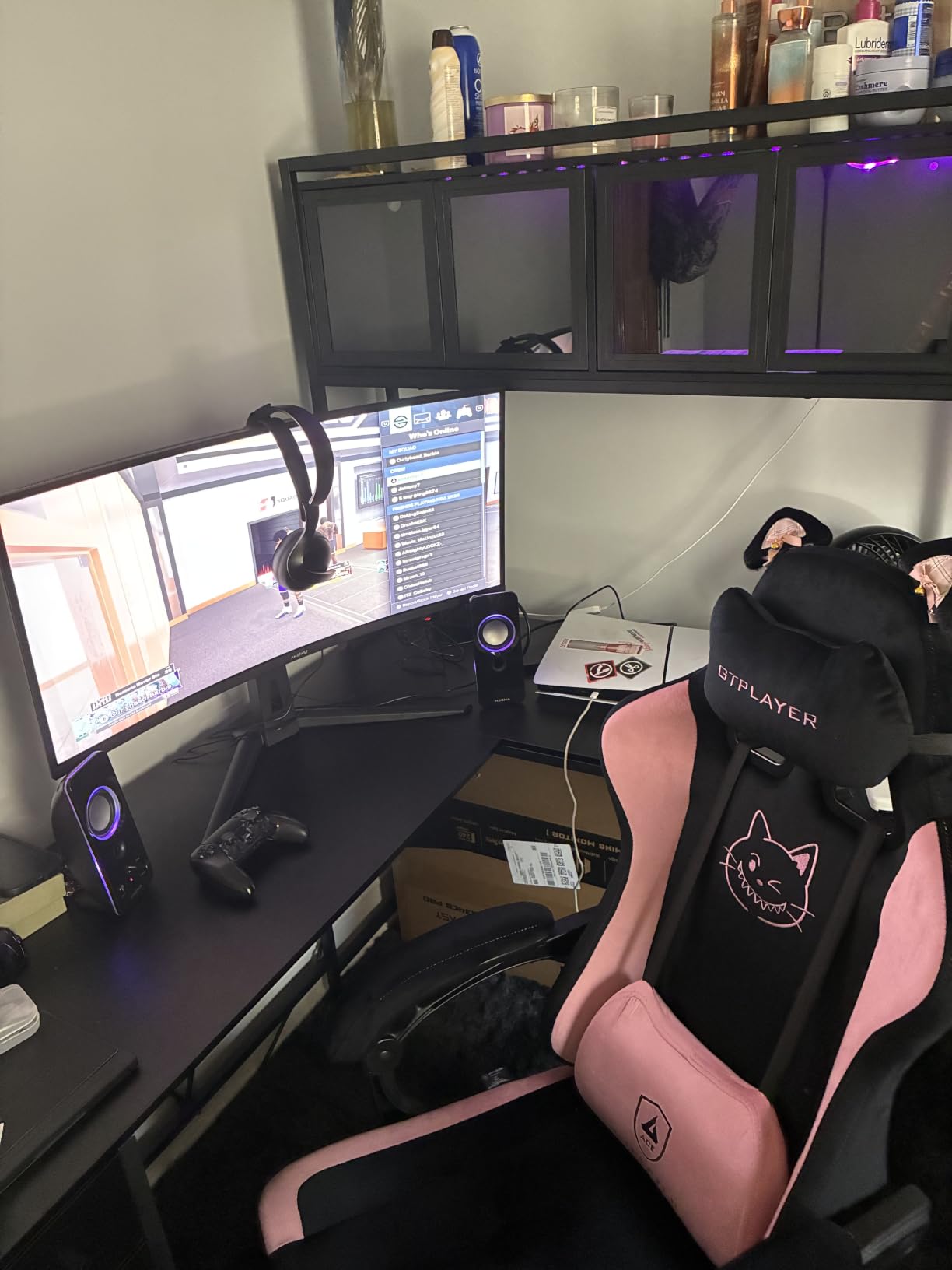
Against the Alienware AW3425DWM, the SANSUI trades brightness and a three-year warranty for a much higher refresh ceiling and a longer owner history at 4.4 stars across 4745 reviews. Against the Samsung ViewFinity S50GC, it is the pick for motion rather than for spreadsheets. Those wanting a 32:9 canvas instead should look at the Amzfast AMZG49C7U.
One thing to check before you commit: the warranty is a 30-day money-back window with free replacement, shorter than the multi-year coverage on the Dell S3425DW and the Samsung 49 Business.
2. Amzfast AMZG49C7U: Best for 32:9 Multitasking on a Wide Desk
Amzfast 49 Inch Curved Monitor 120Hz DQHD (5120×1440) Ultrawide Gaming Monitor, 120% sRGB, 1500R, 1ms MPRT, HDR, Adaptive Sync, PIP/PBP, Height Adjustable, HDMI 2.0/DP 1.4, VESA 75×75, AMZG49C7U
Refresh: 120Hz
Response: 1ms
Panel: VA
Sync: FreeSync and G-Sync
Pros
- True 5120x1440 32:9 canvas
- PIP and PBP split two sources
- Height adjustment and swivel
- Generous port selection for the tier
Cons
- 120Hz only over DisplayPort
- 350 nits is modest for HDR content
- No built-in speakers
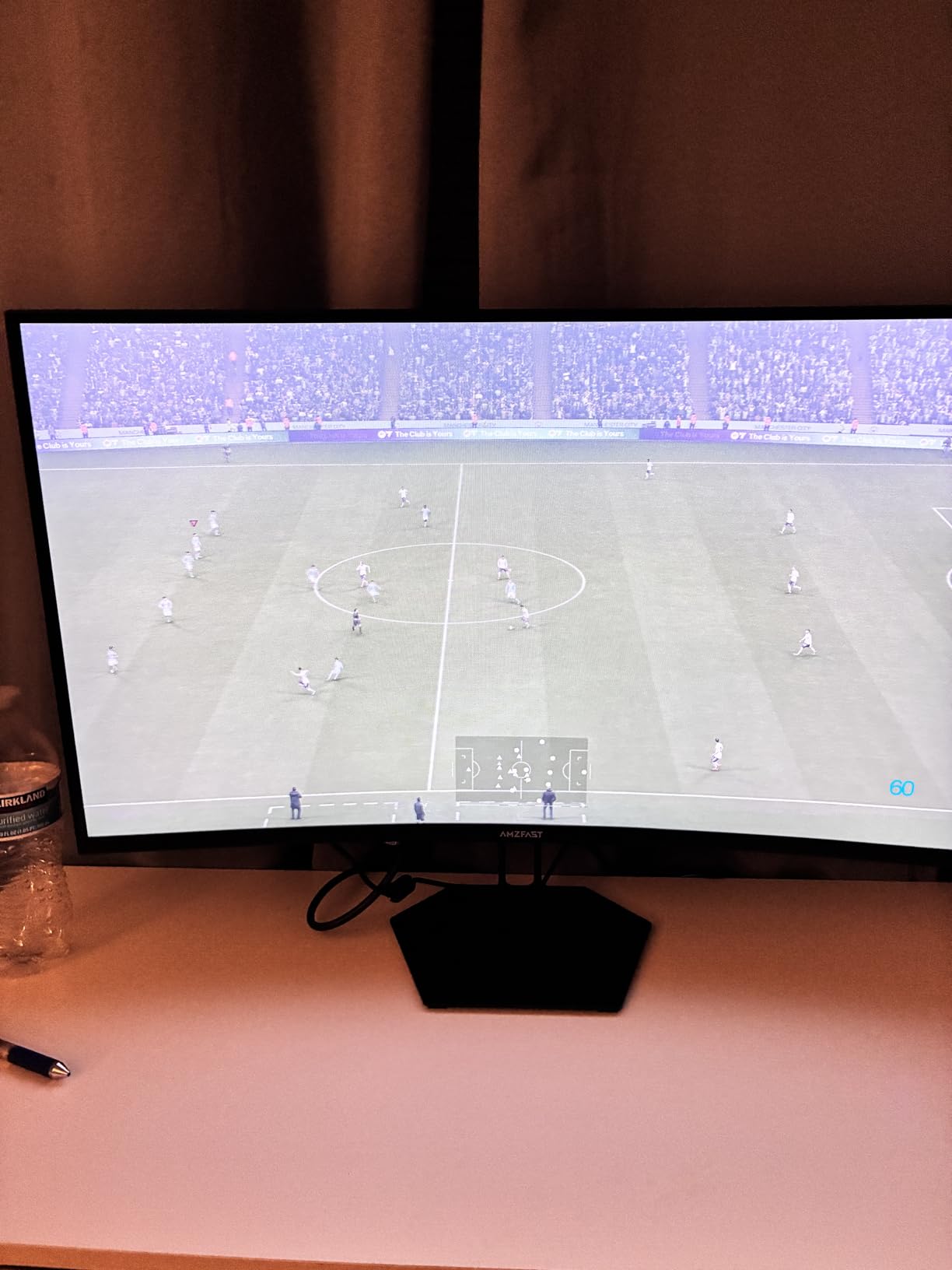
Owners who switch from two 27-inch panels to this one tend to describe it as removing the bezel seam rather than adding a monitor. The 5120×1440 panel divides into two full 1440p windows through PIP and PBP, which is the practical reason to size up to 49 inches rather than 34.
The stand is the surprise on a panel this size: height adjustment across 110mm, 20 degrees of swivel each way and tilt from -5 to +20 degrees. Mounting is VESA 75×75, and the box measures 11.61 inches front to back, so a 46.7-inch wide footprint and a deep desk are both prerequisites rather than nice-to-haves.
The trade-off owners report most is that the full 120Hz refresh arrives over DisplayPort only, so an HDMI source drops back. Brightness of 350 nits also caps how much the HDR mode adds on a bright desk, and there are no integrated speakers despite the gaming positioning.
Compared with the Samsung Odyssey OLED G9, the Amzfast gives up the QD-OLED contrast and the 144Hz ceiling but keeps the same 32:9 resolution at a much lower tier, which makes it the value route into super-ultrawide. The Samsung 49 Business is the pick instead when 90W USB-C charging and a three-year business warranty drive the decision.
Two numbers to measure against your desk before the box arrives: 46.7 inches of width and 11.61 inches of depth, on a chassis that weighs 10.95 kg.
3. Samsung ViewFinity S50GC: Best for Long Office Days
SAMSUNG 34″ ViewFinity S50GC Series Ultra-WQHD Monitor, 100Hz, 5ms, HDR10, AMD FreeSync, Eye Care, Borderless Design, PIP, PBP, LS34C502GANXZA, 2023, Black
Refresh: 100Hz
Response: 5ms
Panel: LCD
Sync: FreeSync
Pros
- Ambient light sensor with eye care modes
- Three-sided near-bezel-less design
- PIP and PBP at native resolution
- Two HDMI and one DisplayPort input
Cons
- Tilt-only stand
- VA viewing angles are narrow
- HDR10 performance is basic
Programmers, accountants and audio mixers keep coming back to this one for the same reason: two full windows side by side at 3440×1440 without the inner bezel of a dual-monitor rig. At 100Hz the scrolling is smooth enough that most work applications never expose the ceiling.
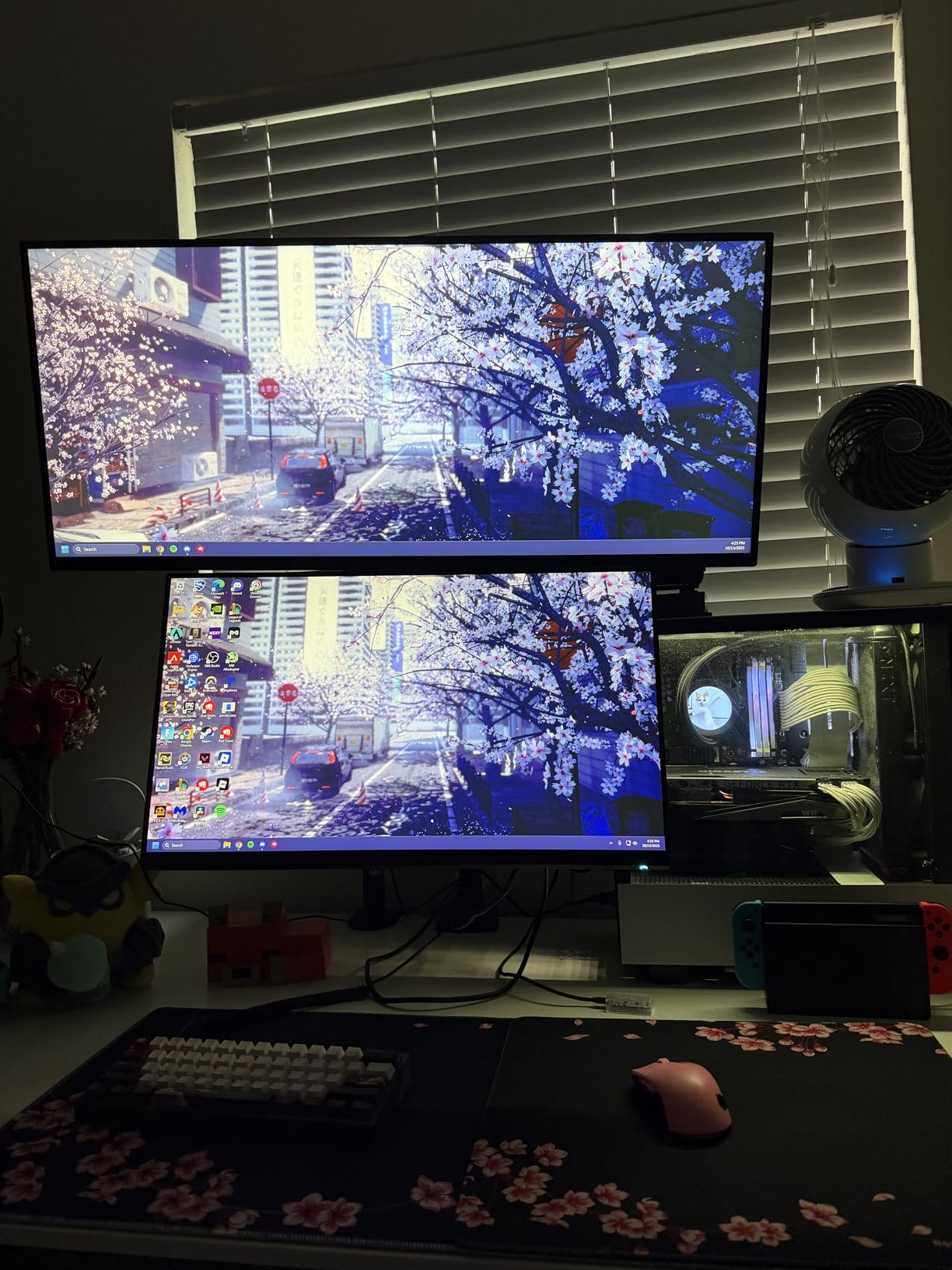
The eye care features are the differentiator versus the other budget 34-inch options. An ambient light sensor adjusts brightness automatically, Eye Saver Mode cuts blue light and Flicker Free handles the pulse dimming, and together they matter over a nine-hour day in a way that no gaming feature does.
Owners report two real limits. The stand tilts only, so many of them move it onto a VESA arm to get the panel at eye level, and the VA viewing angles are narrow enough that you want to sit square to the screen rather than angle it. HDR10 is present but entry-level, and switching inputs through the control toggle takes several clicks.
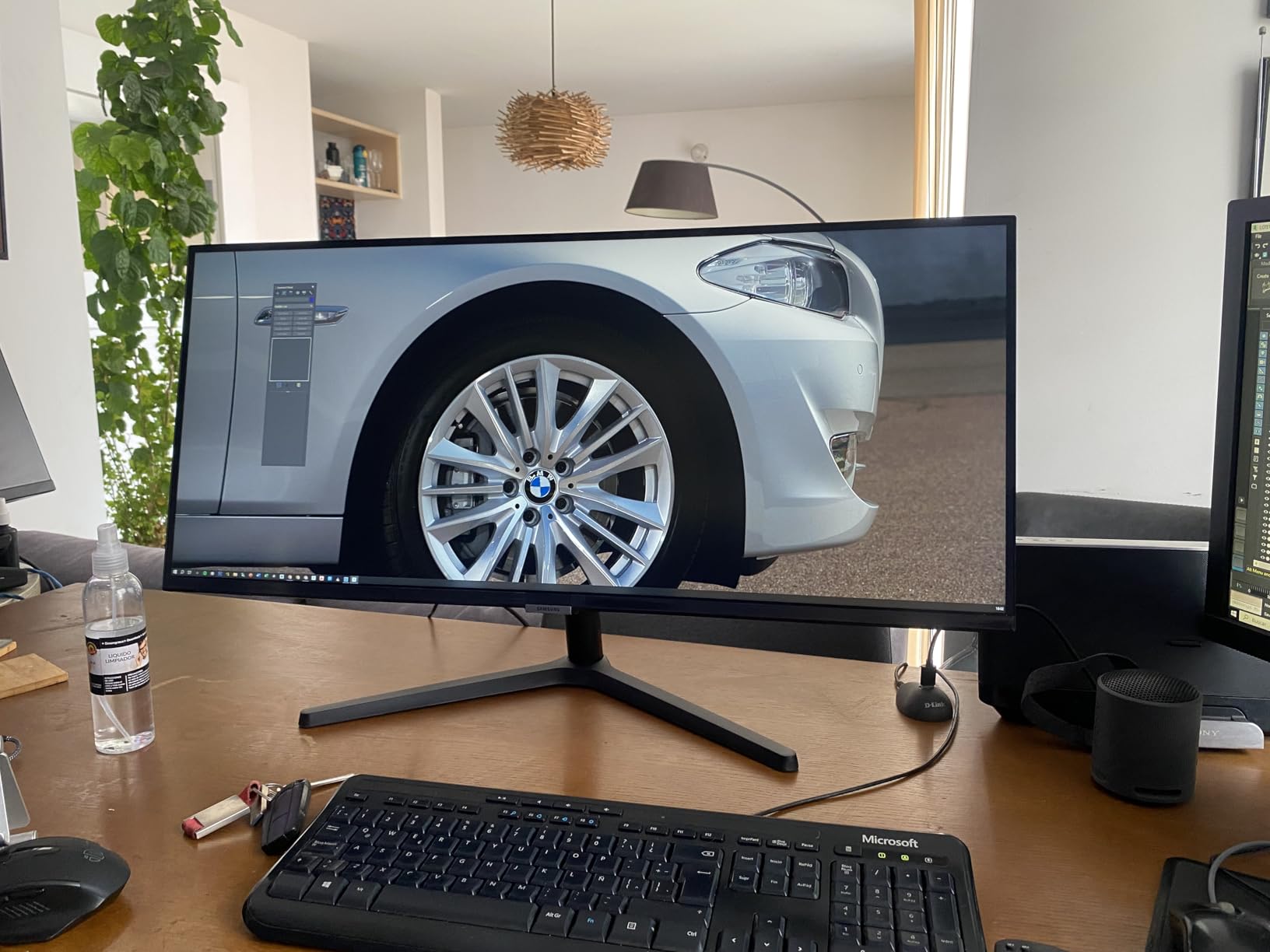
Where the SANSUI ES-G34C5 wins on motion, the ViewFinity wins on sustained office comfort and a cleaner three-sided frame in a wraparound setup. If your laptop does the work and you want a single cable, the Dell S3425DW takes that role with 65W USB-C power delivery.
At 10.8 lb the panel is manageable for one person, but the stand sits fairly high out of the box, so plan on a riser or an arm for typing comfort.
4. Alienware AW3425DWM: Best for Competitive Shooters
Alienware 34 Curved Gaming Monitor – AW3425DWM – 34-inch WQHD 180Hz 1ms Display, 1500R, AMD FreeSync Premium, VESA AdaptiveSync.
Refresh: 180Hz
Response: 1ms
Panel: LED
Sync: FreeSync Premium
Pros
- 180Hz with 1ms gray-to-gray
- 400 nits and DisplayHDR 400
- 95% DCI-P3 coverage
- Height and tilt adjustment
- Three-year warranty
Cons
- Premium tier for these specs
- No built-in speakers
- 85W is the highest draw among 34-inch options
Skip this if you only need a big picture. The AW3425DWM exists for people who want the lowest response they can get at 3440×1440, and 180Hz with 1ms gray-to-gray plus FreeSync Premium is the sharpest gaming specification in this list short of the two QD-OLED panels.
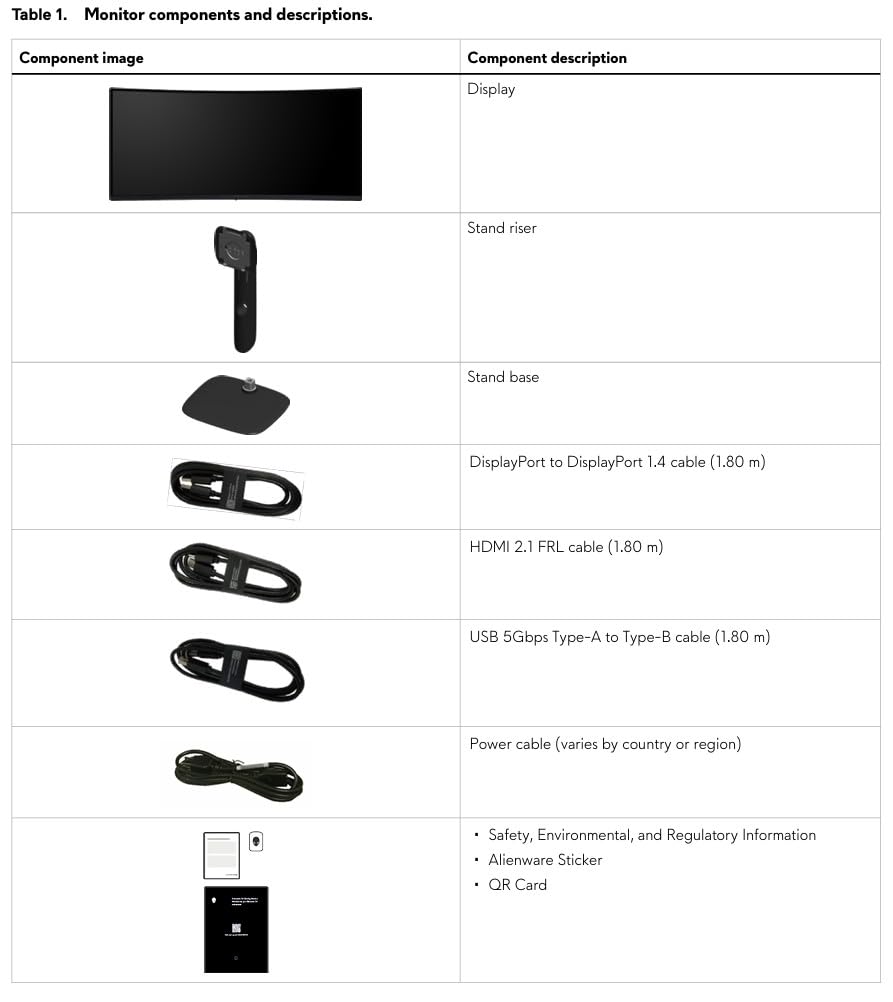
It is also the brightest 34-inch option here at 400 nits, which gives the DisplayHDR 400 badge something real to work with, and DCI-P3 coverage of 95% keeps colors accurate in open-world games. A hardware low blue light solution handles long sessions without the washed-out look of a software filter.
Owners accept two things in exchange. The 1500R curve wants a head-on seat, since smearing shows up at sharp off-center angles, and there are no integrated speakers even though an audio output path exists. Power draw sits at 85W, above the other 34-inch panels by a wide margin.
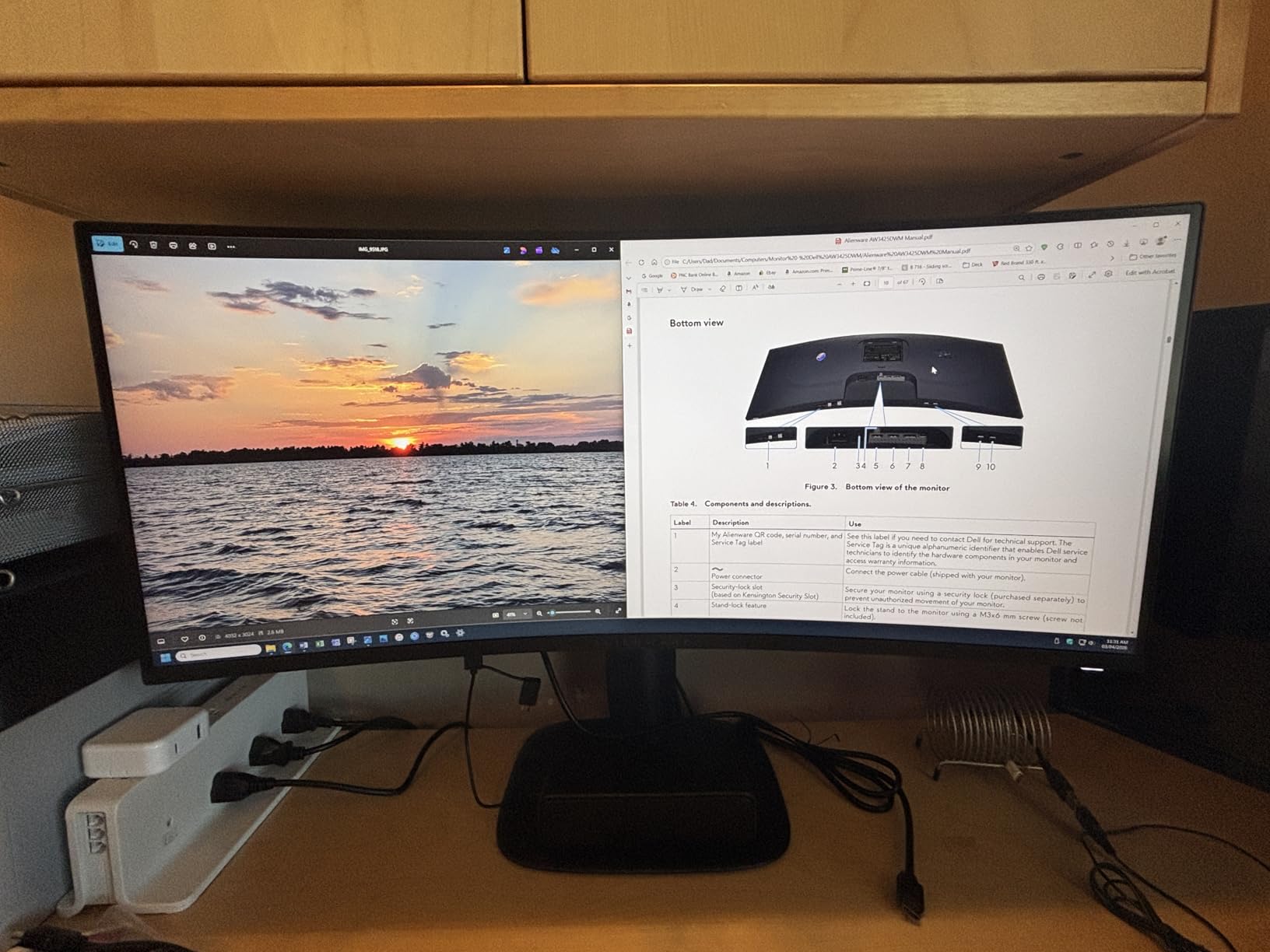
Against the SANSUI ES-G34C5, the Alienware buys brightness, a stand that raises and a three-year warranty, while the SANSUI keeps the higher refresh ceiling and the much longer owner record. For 32:9 racing setups the two QD-OLED options are still the step up.
At 21 lb, treat the stand assembly as a two-person job, and check the mount pattern before ordering an arm.
5. Dell S3425DW: Best for Laptop Docking
Dell 34 Monitor S3425DW, WQHD VA, 120Hz, FreeSync Premium, Eye Comfort
Refresh: 120Hz
Response: 0.03ms
Panel: VA
Sync: FreeSync Premium
Pros
- Single USB-C cable with 65W charging
- Tool-free stand assembly
- 99% sRGB and 95% DCI-P3
- ComfortView Plus blue light filter
- Only 31W power draw
Cons
- No DisplayPort and sparse ports
- Recessed VESA mount needs spacers
- Weak built-in speakers
MacBook and Windows laptop owners describe the same relief: one cable that carries video, data and charging, and a desk with a single monitor on it. At 65W the USB-C port runs a typical ultraportable for a full workday, though a heavy workstation machine would want the charger too.
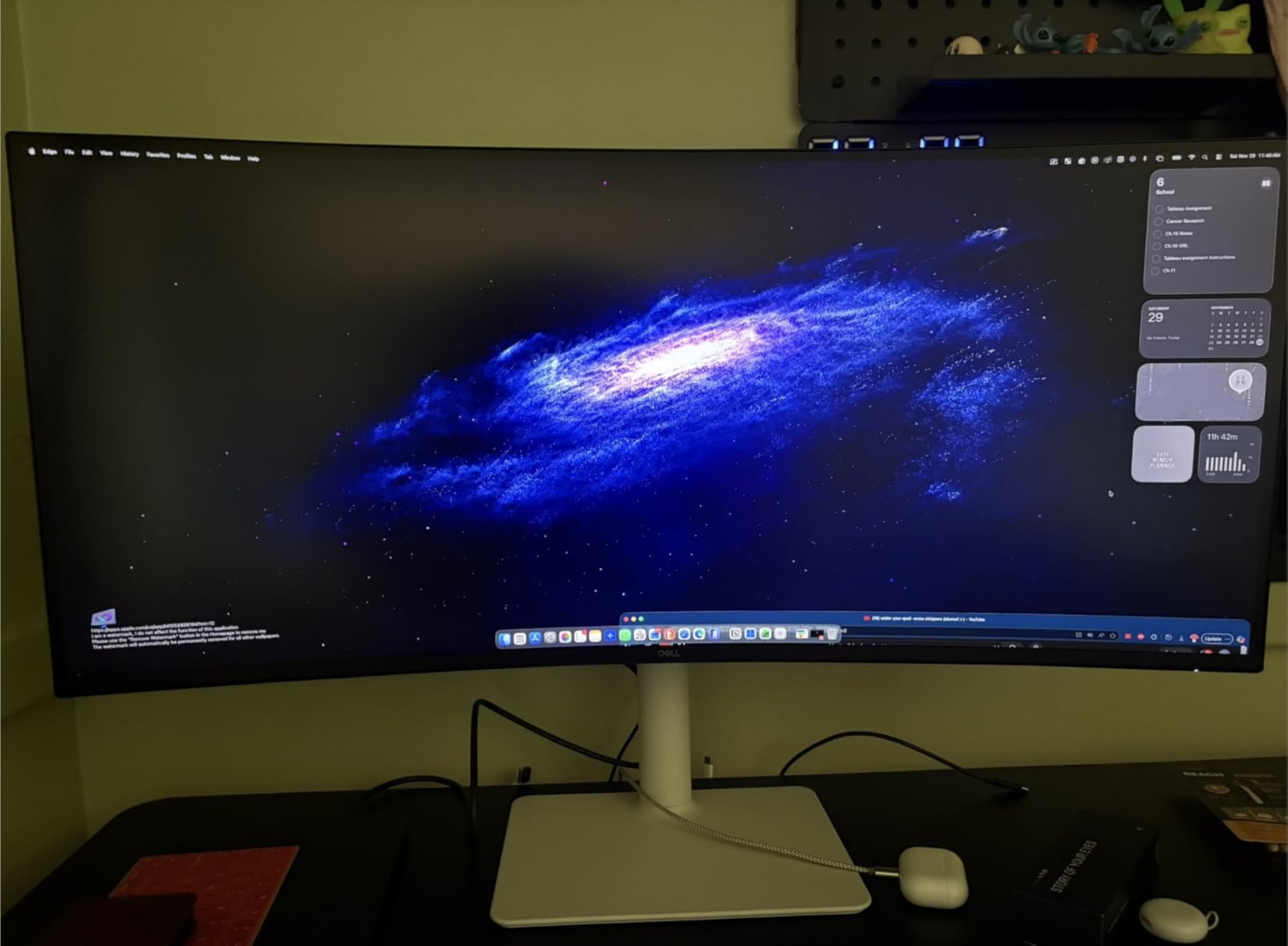
For actual work, the 21:9 canvas is unusually useful. Reviewers single out editing timelines in DaVinci Resolve and Final Cut and wide spreadsheets as the cases where a single ultrawide replaces two or three panels. The stand assembles in about a minute with no tools, and ComfortView Plus cuts blue light emissions to 35% or below without shifting the colors.
The complaints are consistent and specific. The port selection is thinner than on older Dell 34-inch models: HDMI, USB-C and two USB-A, with no DisplayPort at all. The VESA bracket recess is sunk in, so an arm needs spacers to attach. And the re-engineered speakers distort voices at higher levels, which is a common reason to add external audio.
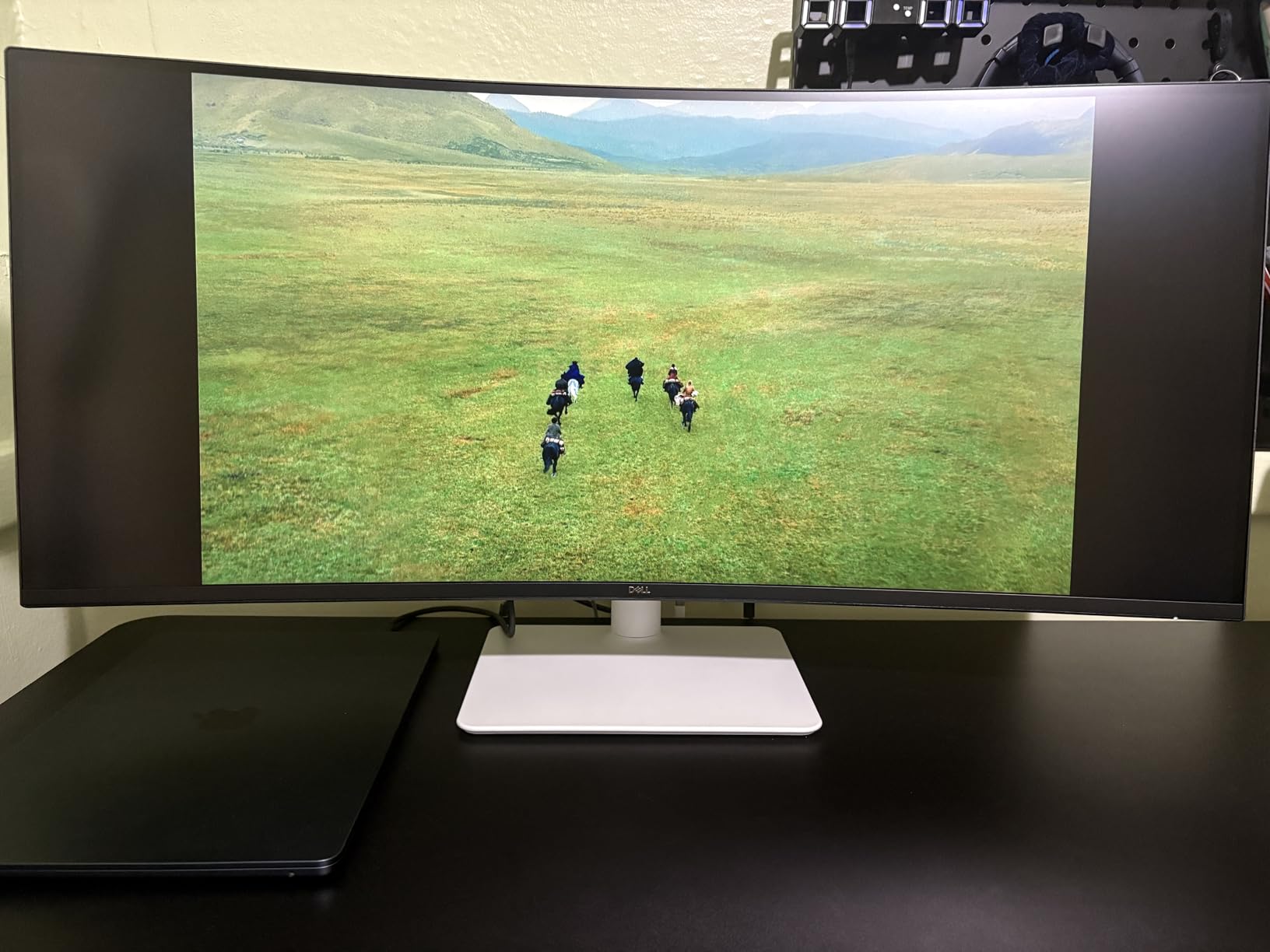
Where the Dell leads is cable management, not picture quality. The Alienware AW3425DWM is brighter and faster, the Samsung ViewFinity S50GC has better eye care modes, and the LG 34WR55QK-B offers a similar USB-C workflow with a wider port list including DisplayPort. Our guide to monitors for MacBook Pro covers the sizing side of that choice.
Two things to know before this reaches your desk: 16:9 cinema leaves black bars at both sides, and the VA panel is a poor choice for color-critical graphics work.
6. LG 34SR60QC-W: Best for Streaming Without a PC
LG 34SR60QC-W 34-inch QHD (3440×1440) Curved Smart Monitor with Streaming, UltraWide Screen, webOS, HDR10, 100Hz, Built-in Speaker, AirPlay2, Screen Share, Bluetooth, ThinQ App, White
Refresh: 100Hz
Response: 5ms
Panel: VA
Sync: G-Sync Compatible
Pros
- webOS with Netflix and Prime Video built in
- Cloud PC access to Microsoft 365
- AirPlay 2 and HomeKit support
- Three-side frameless white design
Cons
- 100Hz ceiling and 5ms response
- Tilt-only stand with no height or swivel
- No USB-C power delivery for laptops
This is the one pick that works as a display with nothing plugged into it. webOS 23 brings Netflix, Prime Video, Disney+, the Apple TV app, HBO Max and several hundred free channels, so a second TV in a bedroom or a spare room desk needs no streaming stick or console.
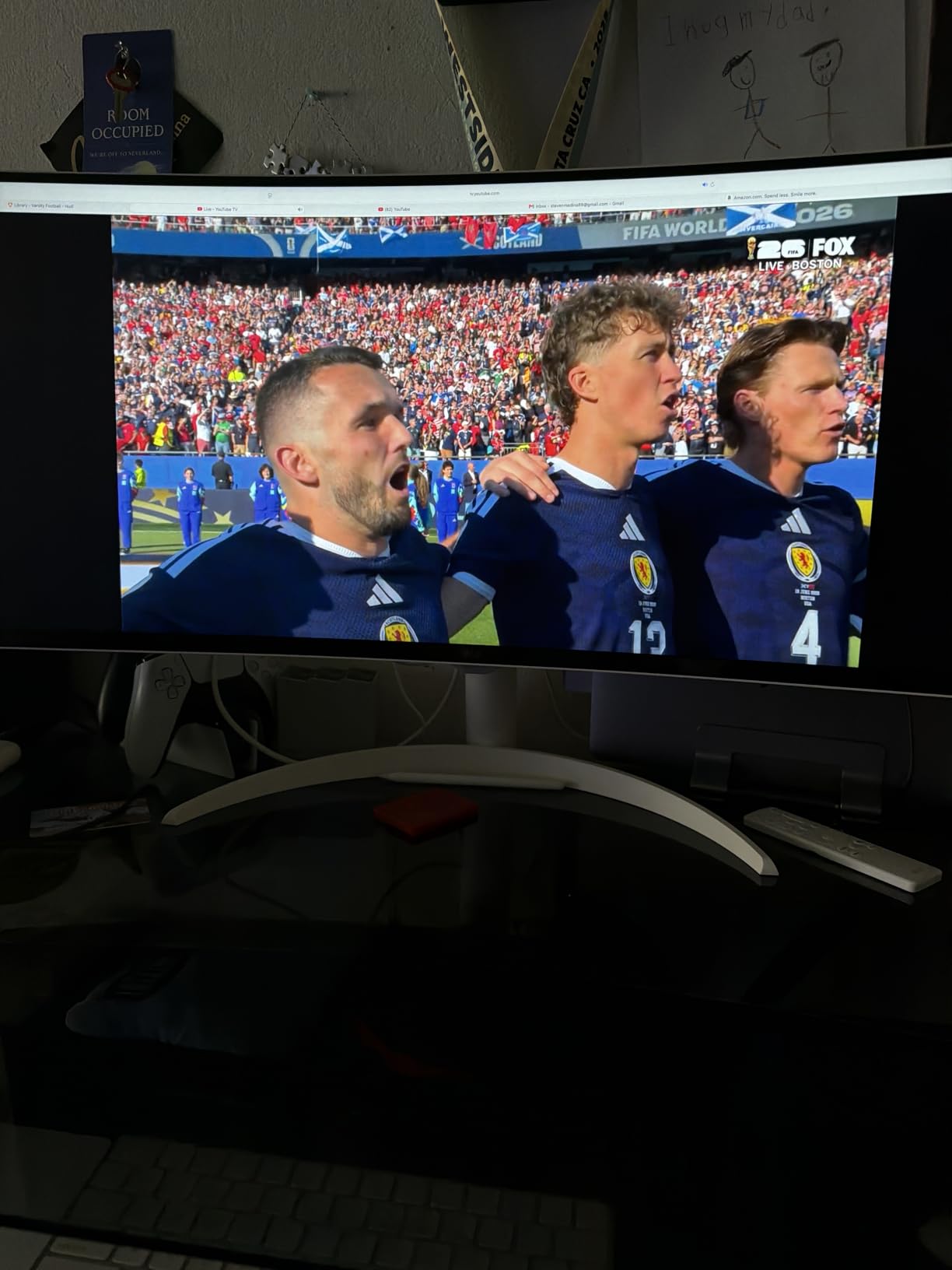
Cloud PC access to Microsoft 365 and Google applications covers the work case too, and AirPlay 2 plus HomeKit means Apple users can cast and mirror without an Apple TV. The 1800R curve is the gentlest here, the three-side frameless white finish suits a clean desk, and two HDMI plus three USB ports leave room for a console and a drive.
Owners who also game report that 100Hz and 5ms are modest against the 180Hz Alienware AW3425DWM, and the stand tilts without raising or swiveling. There is no USB-C power delivery, so a laptop user needs a charger or an HDMI and USB hub, and the Magic Remote is a separate purchase.
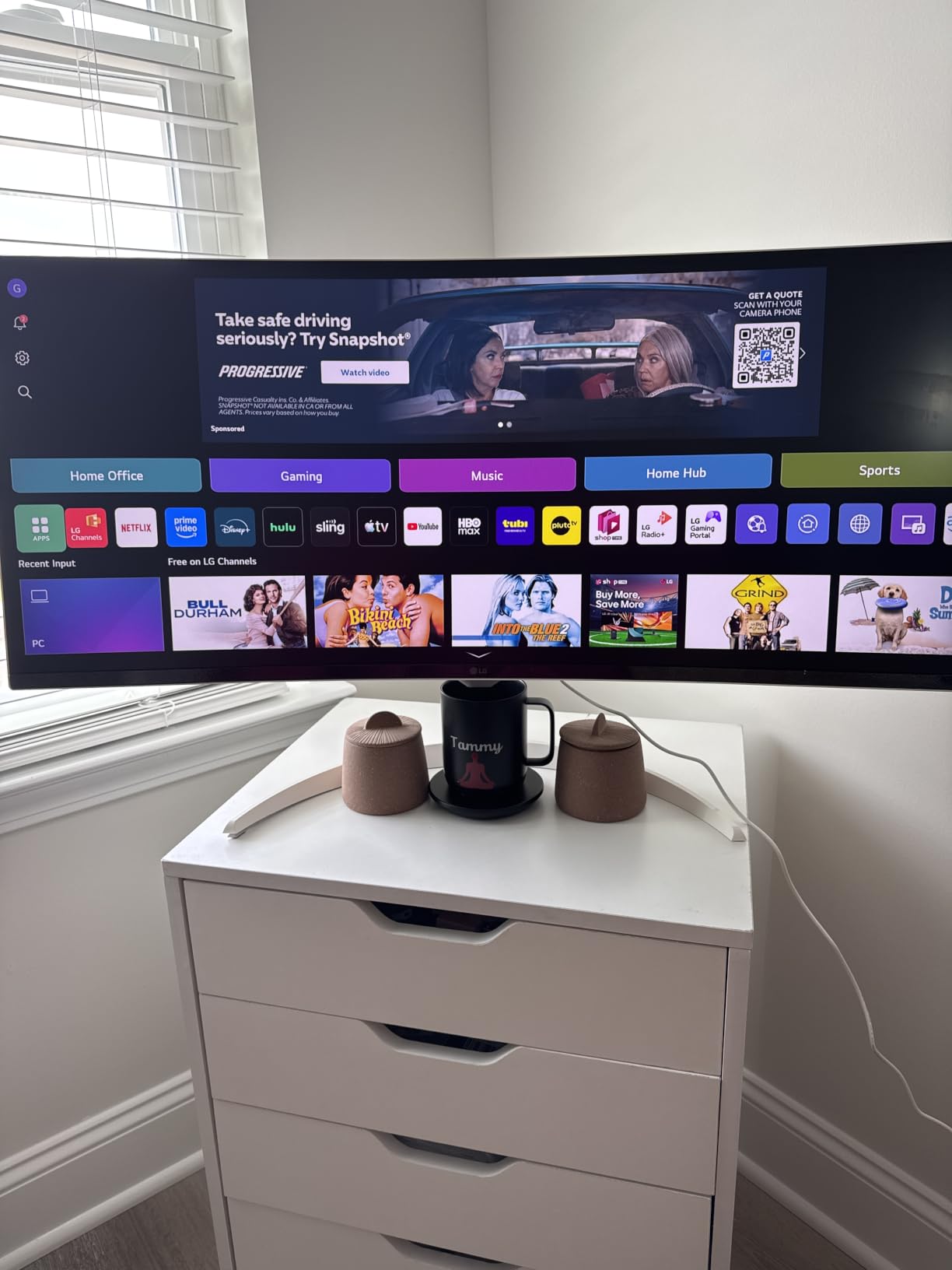
Compared with the Samsung ViewFinity S50GC, the LG trades some eye care automation for a full smart platform. Compared with the Dell S3425DW, it gives up single-cable laptop docking entirely. Choose it for the software, not the panel.
Films are the weak spot: 16:9 movies show black bars at the sides on a 21:9 panel, which is normal but worth seeing in person first.
7. Samsung 49 Business: Best for Office Docking at Scale
Samsung 49” Business Curved Ultrawide Dual QHD Computer Monitor, USB-C, DisplayPort, HDMI, 120Hz, VESA DisplayHDR 400, Built-in Speakers, Height Adjustable Stand, Eye Care, LS49C954UANXZA, 2024
Refresh: 120Hz
Response: 5ms
Panel: LED
Sync: FreeSync
Pros
- 90W USB-C charging with built-in hub
- DisplayHDR 400 at 400 nits
- Built-in speakers
- Three-year business warranty
- Height adjustable stand
Cons
- Heaviest option in this group at 32.2 lb
- 5ms response is slow for shooters
- 72% sRGB is low for photo work
Buy this one when the desk is the office rather than the bedroom. The 1000R 32:9 panel is closer to your natural field of view than a 34-inch, and enterprise buyers rate the 90W USB-C docking with DisplayPort, two HDMI and USB hub highly because a hot-desk setup becomes one cable.
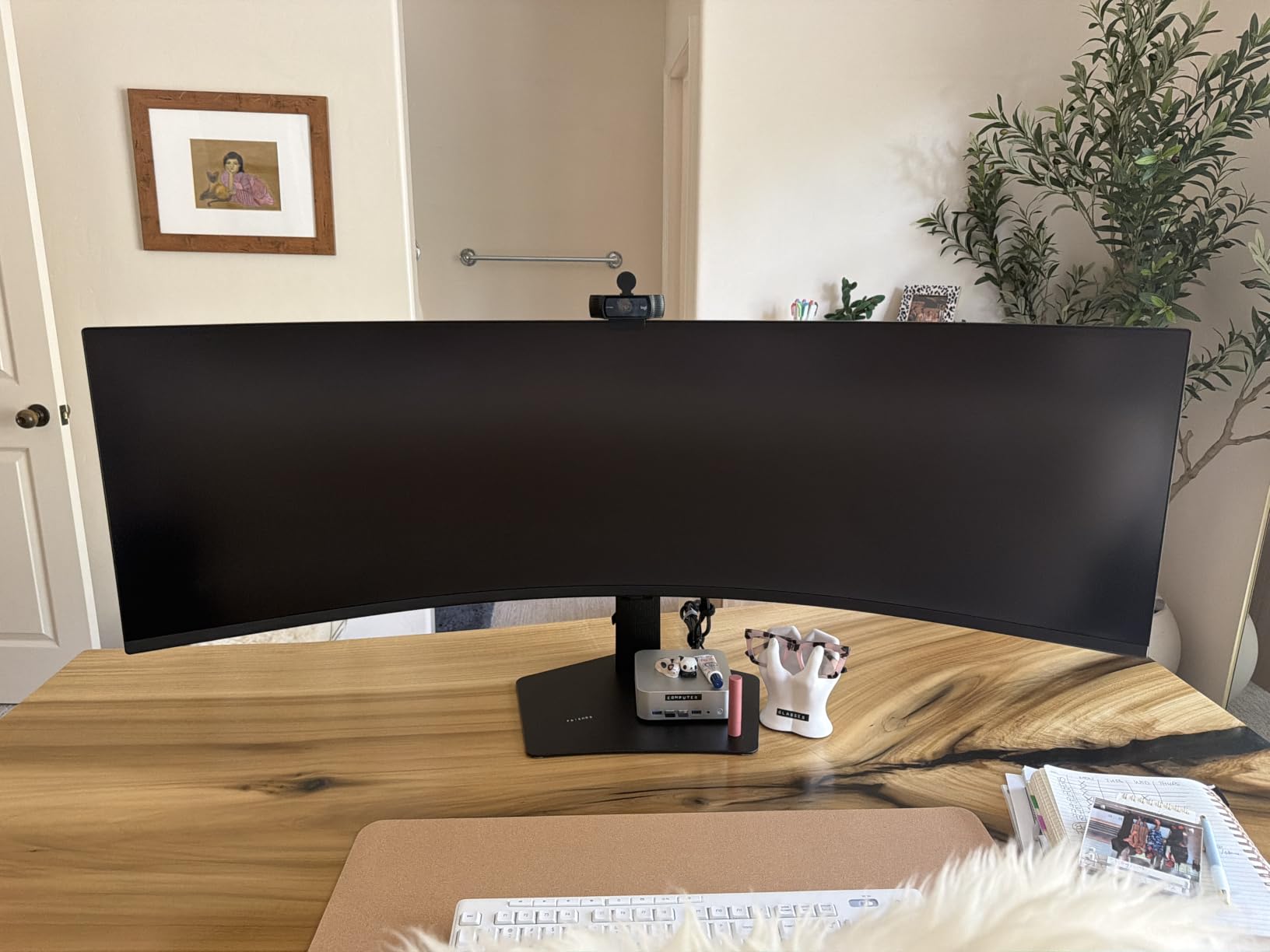
DisplayHDR 400 at 400 nits gives video and design work more usable highlight range than any LED panel in this list, and the built-in speakers free desk space that external units would occupy. The warranty is the longest here: three years with ship-in service and a dedicated business call center.
The costs are real. At 32.2 lb it is the heaviest monitor here and needs a sturdy desk and a two-person lift, and 5ms response leaves competitive shooters behind even at 120Hz. The 72% sRGB coverage is fine for dashboards and documents and a genuine limitation for photo and video grading.
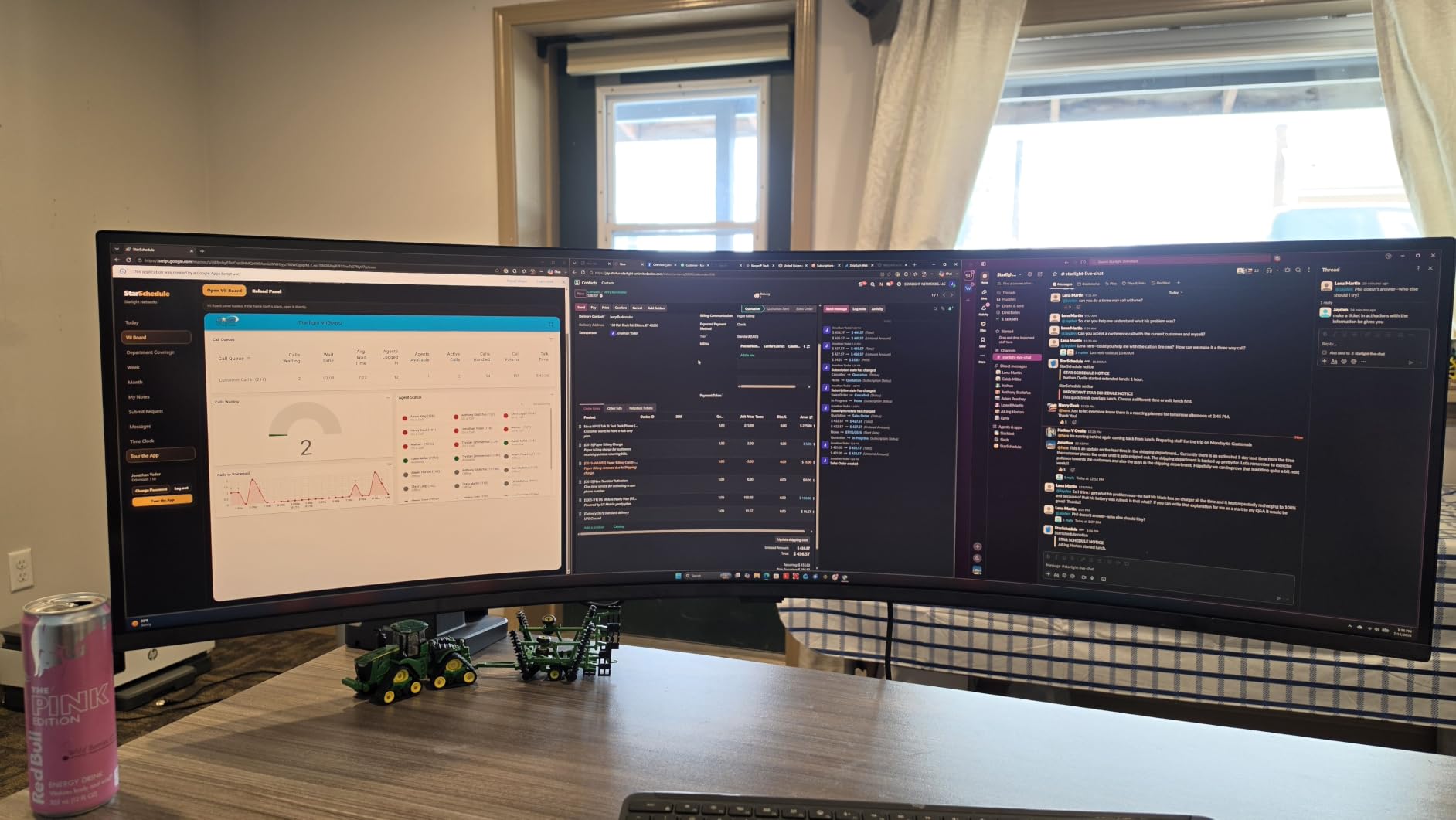
Against the Amzfast AMZG49C7U, the Samsung adds HDR brightness, speakers, 90W charging and a long warranty at a higher tier, while the Amzfast delivers the same 5120×1440 canvas for less. For 32:9 gaming with real contrast, the Odyssey OLED G9 is the alternative.
Measure the desk first, because the box is 22.38 inches deep.
8. LG 34WR55QK-B: Best for Split-Screen Coding
LG 34WR55QK-B 34-inch UltraWide WQHD (3440 x 1440) Curved Computer Monitor, 100Hz, 5ms, HDR10, Reader Mode, HDMI, DisplayPort, USB Type-C, Tilt/Height Adjustable Stand, Black
Refresh: 100Hz
Response: 5ms
Panel: VA
Sync: FreeSync
Pros
- OnScreen Control workspace splitting
- 65W USB-C with DisplayPort
- Reader Mode for long reading
- Height and tilt adjustable stand
Cons
- 100Hz and 5ms are dated
- No built-in speakers
- 300 nits is modest for HDR10
The 21:9 canvas with a 3440×1440 panel is the standard developer layout: an editor on one side, a terminal or preview on the other, both at full vertical height. LG adds OnScreen Control workspace splitting and Picture-by-Picture for two sources, which is the feature set this audience actually uses.
Port selection is the quiet strength. Two HDMI, DisplayPort, USB-C with 65W power delivery, two USB ports and a headphone jack mean a laptop, a desktop and a controller all connect without an adapter, and 99% sRGB keeps code editors and reference images honest. Reader Mode trims blue light for long documentation sessions.
The specification sheet is where it falls behind. 100Hz and 5ms response look dated next to the 180Hz Alienware AW3425DWM and the 200Hz SANSUI ES-G34C5, and 300 nits gives HDR10 very little room to work. There are no speakers, and some regional builds of this model arrive with a fixed stand rather than the height-adjustable one, so check the box contents before ordering an arm.
9. Samsung Odyssey OLED G9: Best for OLED Picture Quality at 49 Inches
Samsung 49″ Odyssey OLED G9 (G91SD) Dual QHD QD-OLED Curved Gaming Monitor
Refresh: 144Hz
Response: 0.03ms
Panel: QD-OLED
Sync: FreeSync Pro and G-Sync
Pros
- True blacks at 1000000:1 contrast
- 110 PPI keeps text crisp
- Burn-in mitigation suite
- 144Hz with 0.03ms response
- Picture-in-Picture sub-screen
Cons
- 250 cd peak brightness is dim
- Burn-in risk remains with static HUDs
- 220W power draw and a 28.4 lb chassis
Nothing else in this list matches the contrast. The QD-OLED panel puts true blacks next to bright highlights, and at 110 pixels per inch the 5120×1440 canvas keeps text readable across a 49-inch width, which is the usual complaint about big super-ultrawides.
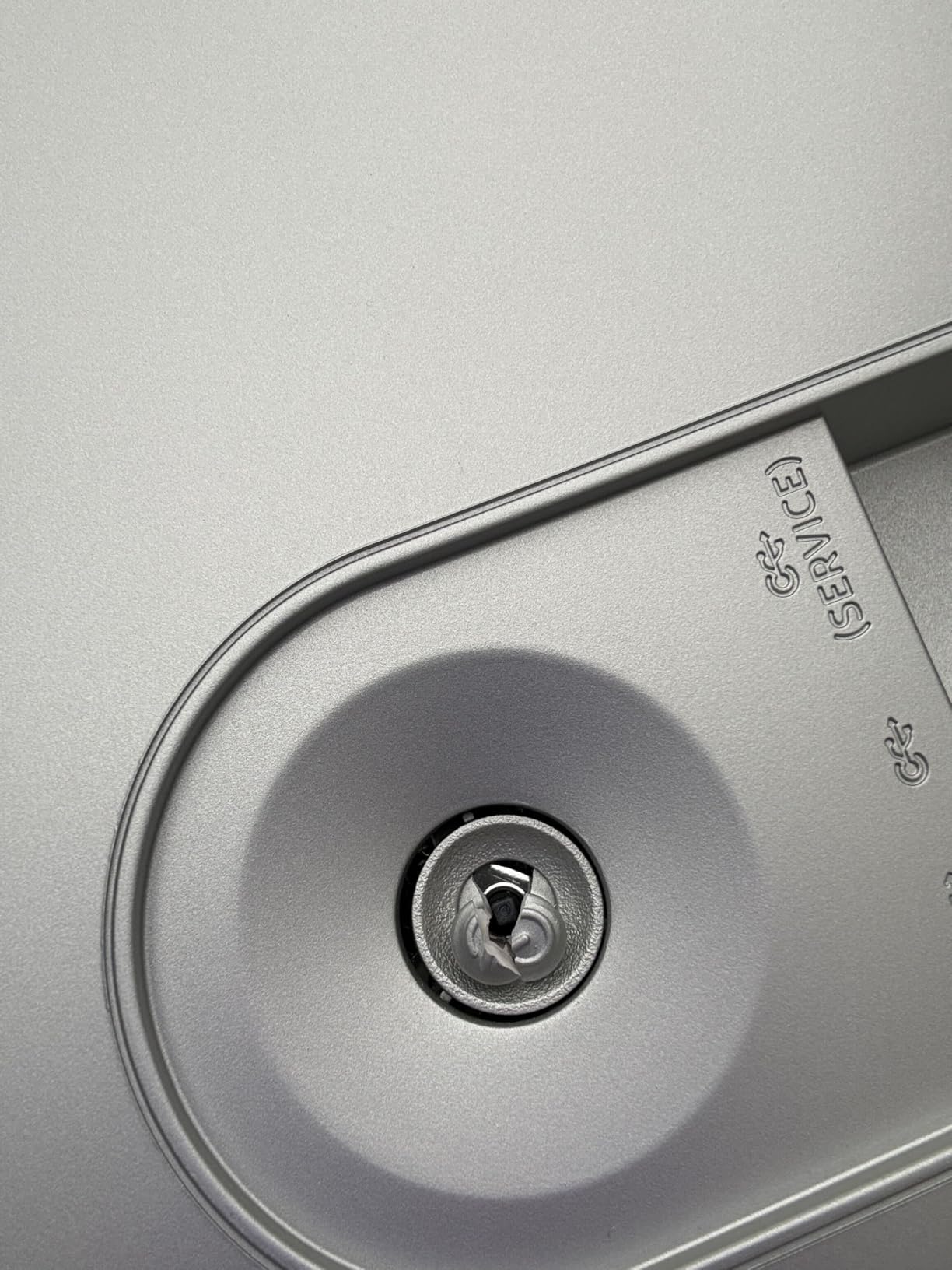
Motion handling is competitive too at 144Hz and 0.03ms with G-Sync compatibility alongside FreeSync Premium Pro, and the burn-in suite is thorough for an OLED: thermal modulation, logo and taskbar detection, and a ten-minute screen saver guard. Picture-in-Picture keeps chat or a guide visible without leaving the game.
Owners are candid about the panel’s limits. Peak brightness of 250 cd is dim for HDR content and for daylight rooms, the 220W draw is the highest in this group by a wide margin, and permanent burn-in risk stays with any OLED that shows static HUD elements. There is one HDMI port next to DisplayPort, so plan the console hookup accordingly.
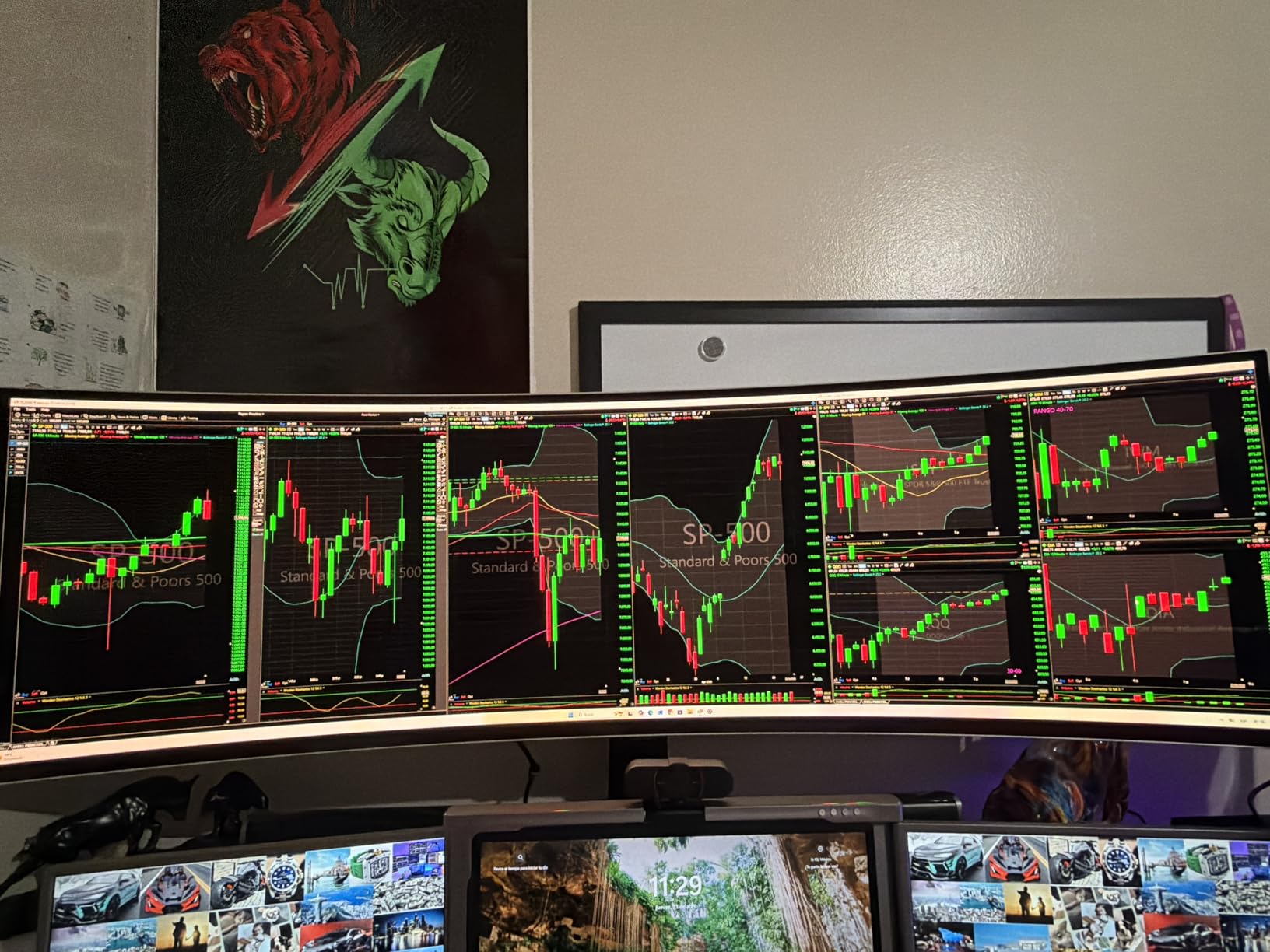
The INNOCN 49Q1R uses the same class of panel at a lower tier and adds 90W USB-C with Ethernet, which makes it the better value route if your ports matter more than the exact tuning. The Samsung 49 Business keeps an LED panel and avoids burn-in entirely.
The stand adjusts height and tilt, but 28.4 lb and 11.19 inches of depth mean a large, sturdy desk and a careful setup.
10. INNOCN 49Q1R: Best for Sim Racing Setups
INNOCN 49″ QD-OLED 5K2K 5120 x 1440P 144Hz Ultrawide Curved Monitor – 49Q1R
Refresh: 144Hz
Response: 0.03ms
Panel: QD-OLED
Sync: Adaptive Sync
Pros
- 49-inch QD-OLED at 144Hz
- 90W USB-C with built-in USB hub
- RJ45 Ethernet port on the display
- Two HDMI 2.1 plus DisplayPort 1.4
- Tilt and swivel adjustable stand
Cons
- Some owners report blank panels
- Short included power cord
- Mediocre built-in speakers
Sim racing and flight simulation is where a 32:9 panel earns its footprint, because peripheral vision at the edges of the cockpit is part of the simulation. This one pairs that width with a QD-OLED panel at 144Hz and 0.03ms, and owners who cross-shopped the Samsung equivalent repeatedly call it the better value route into the class.
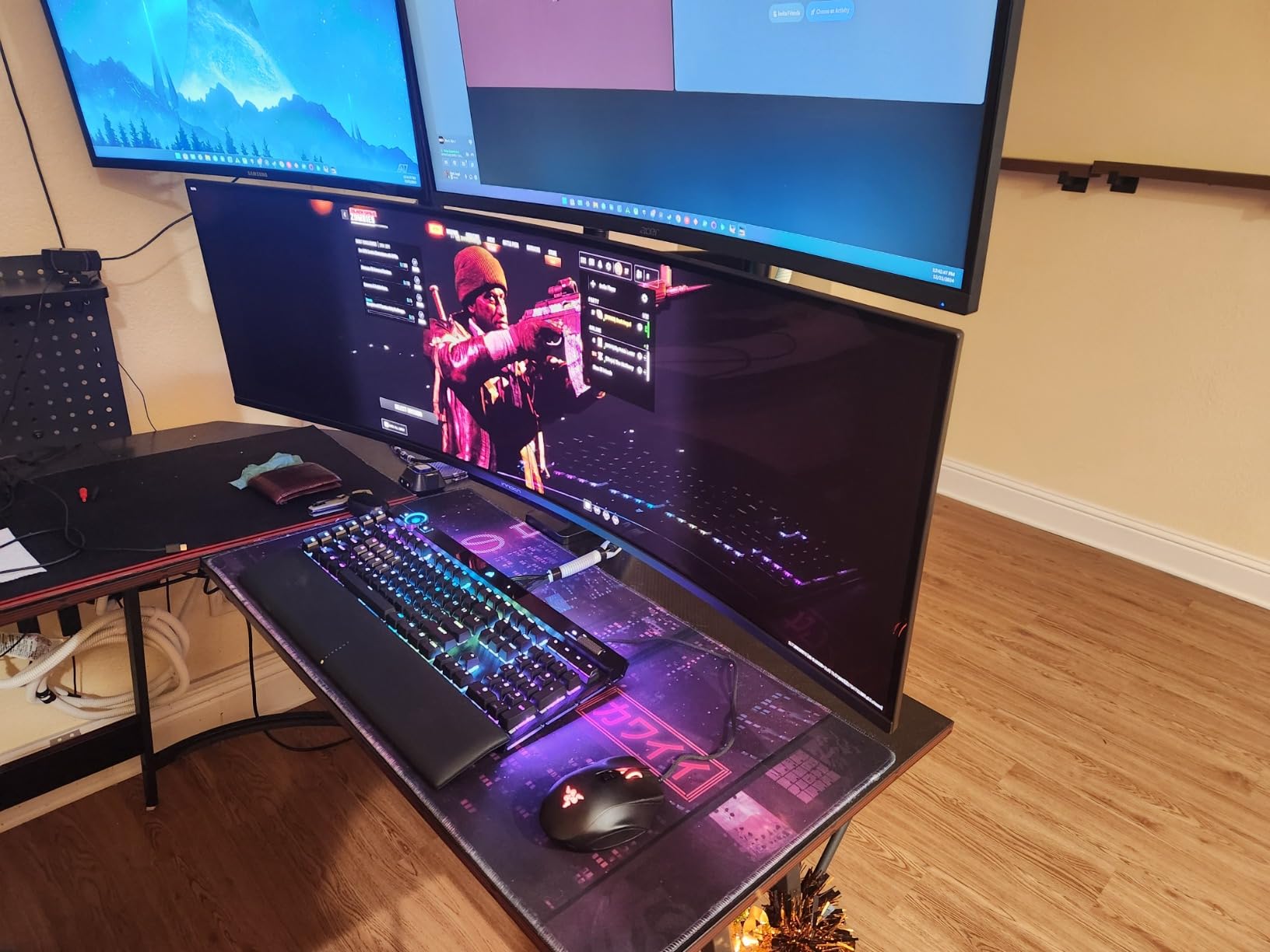
The port list is unusual and useful here. A 90W USB-C port with a built-in USB hub and an RJ45 Ethernet jack turns the display into a one-cable dock, so a racing rig laptop can send video, power, network and peripherals through one lead. There are two HDMI 2.1 ports, DisplayPort 1.4, USB-A, USB-B and 3.5mm audio, and PIP/PBP handles two apps side by side at native resolution.
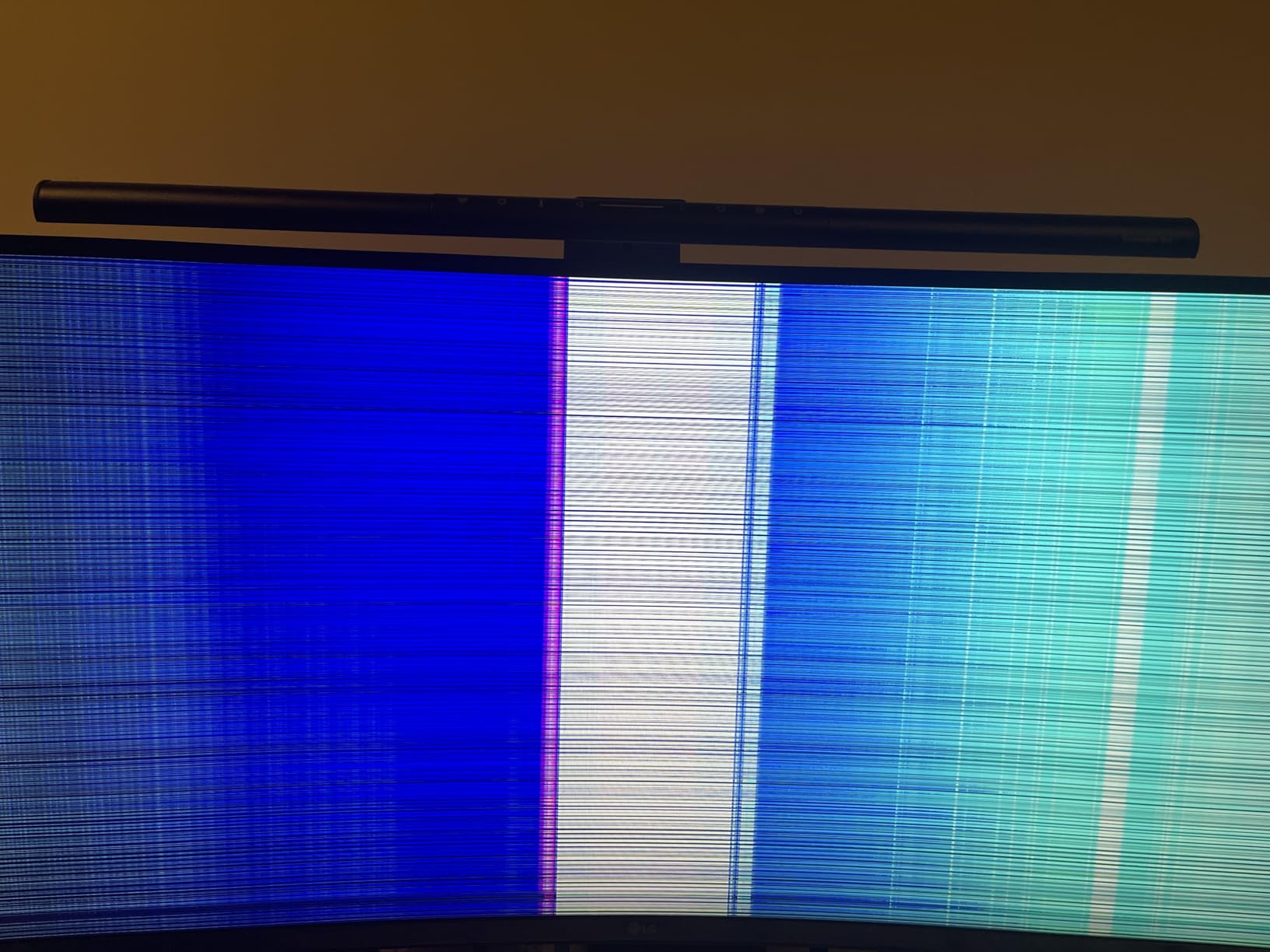
Owners also report the honest complaints. One buyer had the panel go blank about a month after purchase with slow support, the included power cord is short at roughly four feet, and the integrated speakers are mediocre. The pixel-shift burn-in prevention cannot be triggered on demand, and the base-mounted input switch resets brightness when sources change.
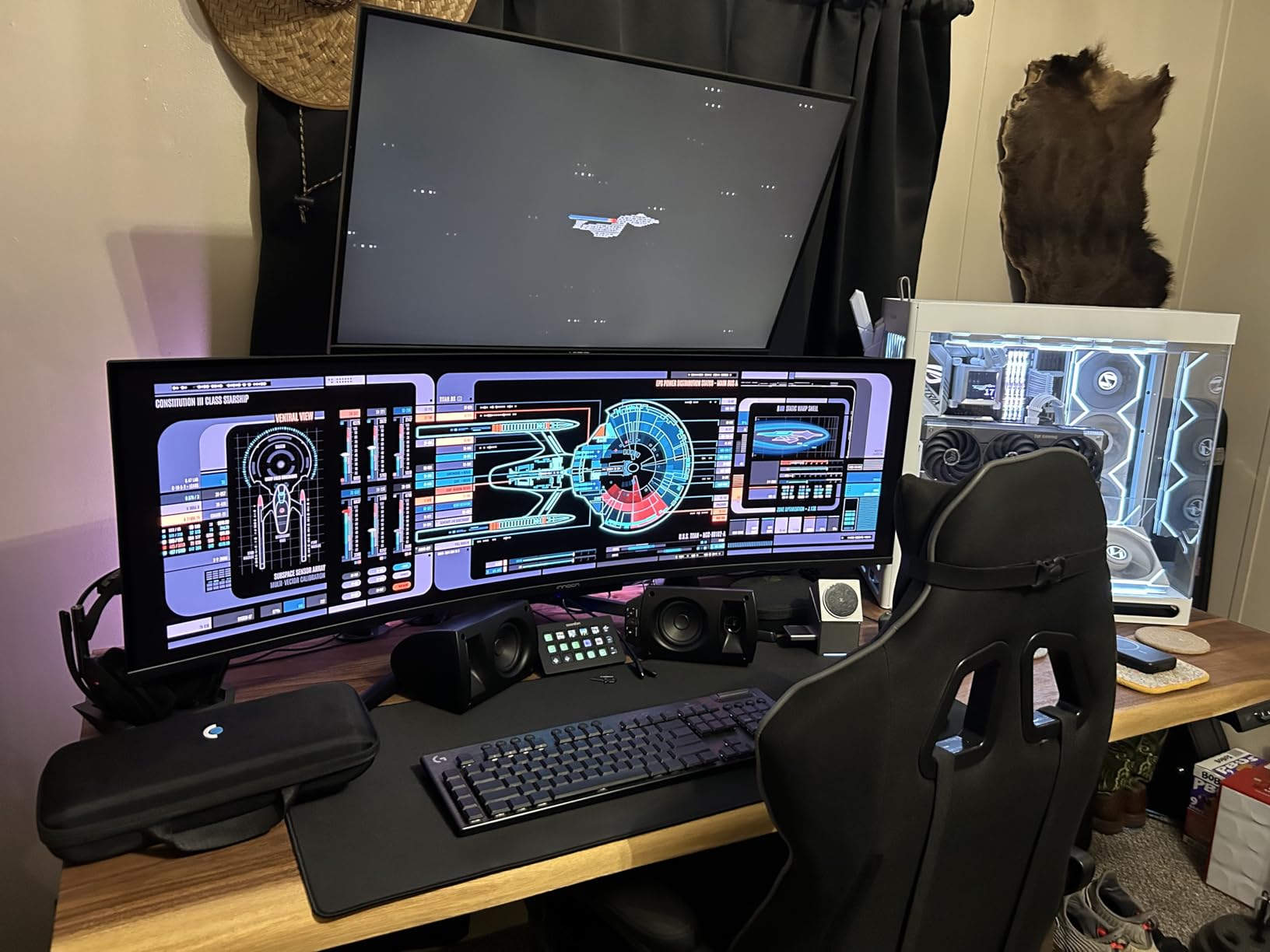
Compared with the Samsung Odyssey OLED G9, you give up some brightness headroom and a three-year warranty but gain the Ethernet port and a cleaner docking story. The Samsung 49 Business is the pick instead when 1000R curvature and a long business warranty matter more than panel technology. If desk depth is the problem, the 34-inch options avoid it entirely.
Set it on a deep surface, since the bundled stand places the panel close to the desk edge and the rear foot makes the base easy to tip.
How to Choose Ultrawide Monitors During Prime Big Deal Days
Screen Size and Curvature
A 34-inch 21:9 panel fits a normal desk and needs about 30 inches of width; a 49-inch 32:9 panel is roughly 47 inches wide and can measure 11 inches deep, so it rules out shallow desks and many monitor arms. Curvature runs from 1000R on the 49-inch models to 1800R on the LG 34SR60QC-W, and a gentler curve is easier to view off-center. If eye comfort over long sessions is the priority, our roundup of monitors designed to reduce eye strain covers the settings that matter. For a wide desk, monitor stands for wider desks are worth checking before the panel arrives.
Panel Type and Resolution
Every 34-inch option here runs 3440×1440 at about 109-110 pixels per inch, which is softer than a 27-inch 1440p screen for desktop text. The two QD-OLED models push 5120×1440 across 49 inches at 110 PPI, so the extra width costs nothing in sharpness. VA panels give deeper blacks and higher rated contrast; OLED panels give true blacks and a permanent burn-in risk with static on-screen elements. Photo work should look at color gamut rather than panel type, since the Samsung 49 Business at 72% sRGB is not a grading monitor.
Refresh Rate and Response Time
120Hz is the sensible floor in 2026, 144Hz is comfortable for competitive shooters, and anything above 165Hz only matters if your GPU can feed it. Judge rated response carefully: a 1ms MPRT figure measures backlight strobing, not pixel transition, while a listed 1ms gray-to-gray is the more honest number. A 5ms panel like the Samsung 49 Business feels fine for scrolling and falls behind in fast shooters.
Connectivity and USB-C Support
For a laptop setup, USB-C with 65W to 90W power delivery collapses video, data and charging into one cable, and three picks here do it: the Dell S3425DW, the LG 34WR55QK-B and the Samsung 49 Business. The INNOCN 49Q1R goes further with a built-in hub and RJ45 Ethernet. Check DisplayPort too, since the Amzfast AMZG49C7U only reaches its full 120Hz over DP, and the Dell S3425DW has no DisplayPort at all.
Gaming Features and HDR
Adaptive sync is standard across this list, with FreeSync on most, FreeSync Premium on the Alienware and Dell, and G-Sync compatibility on the LG 34SR60QC-W and the Odyssey OLED G9. HDR is where the tiers separate: 250 cd on the QD-OLED panels delivers contrast rather than brightness, 300 nits on the Samsung and LG options is modest, and 400 nits with DisplayHDR 400 on the Alienware AW3425DWM and the Samsung 49 Business has the most visible effect. Console players should read our gaming monitors for PS5 guide, because 16:9 output leaves pillarbox bars on any ultrawide.
How to Shop Ultrawide Monitor Deals During the Sale
Match the model number in the listing to the one in our box, not just the screen size, since several of these families have near-identical siblings with different stands and ports. Confirm the curve, the refresh ceiling and whether the stand included is the adjustable one or a tilt-only base. Look at who the seller and shipper are, and treat any open-box condition as a different purchase with different return terms. Most offers during the event need a Prime membership, and prices move hour by hour, so the buttons below always show the current figure rather than a number we recorded earlier.
- Match the exact model number before you compare two listings for the same size
- Check that the panel is VA or OLED and note the rated brightness before judging HDR
- Confirm the stand you receive, since tilt-only and height-adjustable versions are sold side by side
- Measure desk width and depth for 49-inch panels before ordering
- Verify which inputs carry the full refresh rate, since HDMI paths often run slower
- Check the seller, shipper and warranty length on business models
Frequently Asked Questions
What is the best ultrawide monitor for gaming?
The SANSUI ES-G34C5 leads this list for gaming, with a 200Hz refresh ceiling, 1ms rated response and FreeSync across a 34-inch 3440×1440 panel. For faster motion and a brighter picture, the Alienware AW3425DWM runs 180Hz at 400 nits. At 49 inches, the Samsung Odyssey OLED G9 and the INNOCN 49Q1R bring 144Hz QD-OLED panels.
Is a 34-inch ultrawide monitor good for productivity?
Yes, and it is the format most people buy for work. A 34-inch 3440×1440 panel fits two full applications side by side at full vertical height, which is enough for a code editor plus terminal or a wide spreadsheet. The Samsung ViewFinity S50GC adds eye care modes for long days, and the Dell S3425DW adds single-cable laptop charging.
Should I buy a curved or flat ultrawide monitor?
Curved panels are the norm here, running from 1000R on the 49-inch models to 1800R on the LG 34SR60QC-W. A curve keeps the edges at a similar distance from your eyes, which helps on wide displays, but you do need to sit roughly square to the screen. If you view from sharp angles or share the screen often, a gentler curve or a flat panel suits better.
Do I need HDMI 2.1 or DisplayPort for an ultrawide monitor?
DisplayPort is the safer default, and on several models it is the only way to reach the full refresh rate. The Amzfast AMZG49C7U runs its full 120Hz over DisplayPort 1.4 only, while the SANSUI ES-G34C5 carries 200Hz over both DisplayPort and its HDMI 2.1 inputs. Check the port list before buying, since the Dell S3425DW has no DisplayPort at all.
Where should I shop for the best Amazon Prime Big Deal Days Ultrawide Monitor Deals?
Amazon during its Prime Big Deal Days event is where most of these models move, running October 6-7, 2026, and most offers need a Prime membership, with a free trial counting. Offers change by the hour during those two days, so compare the model number and panel rather than trusting a headline, and confirm the seller and shipper on any listing that looks unfamiliar.
What is the difference between IPS and VA ultrawide monitors?
VA panels are the most common in this category and give deeper blacks with higher rated contrast, but their viewing angles are narrower and text smearing can show on dark backgrounds at speed. IPS panels give wider viewing angles and more consistent text, at the cost of lower contrast. Nearly every ultrawide in this roundup uses VA or OLED, so treat IPS as the choice for shared screens and colour-critical work.
Final Verdict: Best Amazon Prime Big Deal Days Ultrawide Monitor Deals
Buy the SANSUI ES-G34C5 if you want the highest refresh rate in the group and a 34-inch 21:9 canvas without stepping up a tier, and accept the tilt-only stand plus a tuning session out of the box. The Amzfast AMZG49C7U is the budget-friendly alternative when you want a 49-inch 32:9 workspace for multitasking rather than speed.
For competitive shooters, the Alienware AW3425DWM is the pick with 180Hz and 400 nits. For laptop work, the Dell S3425DW handles a single USB-C cable, and the LG 34WR55QK-B adds DisplayPort and split-screen coding tools. The LG 34SR60QC-W covers streaming without a PC, the Samsung ViewFinity S50GC covers long office days, and the Samsung 49 Business covers 90W docking on a wide desk. The Samsung Odyssey OLED G9 and the INNOCN 49Q1R take the 49-inch route to QD-OLED contrast and 144Hz.
Check the model number on the listing, compare the panel and refresh rate, and use the buttons above to see the current figure as the sale moves through October 6-7.