
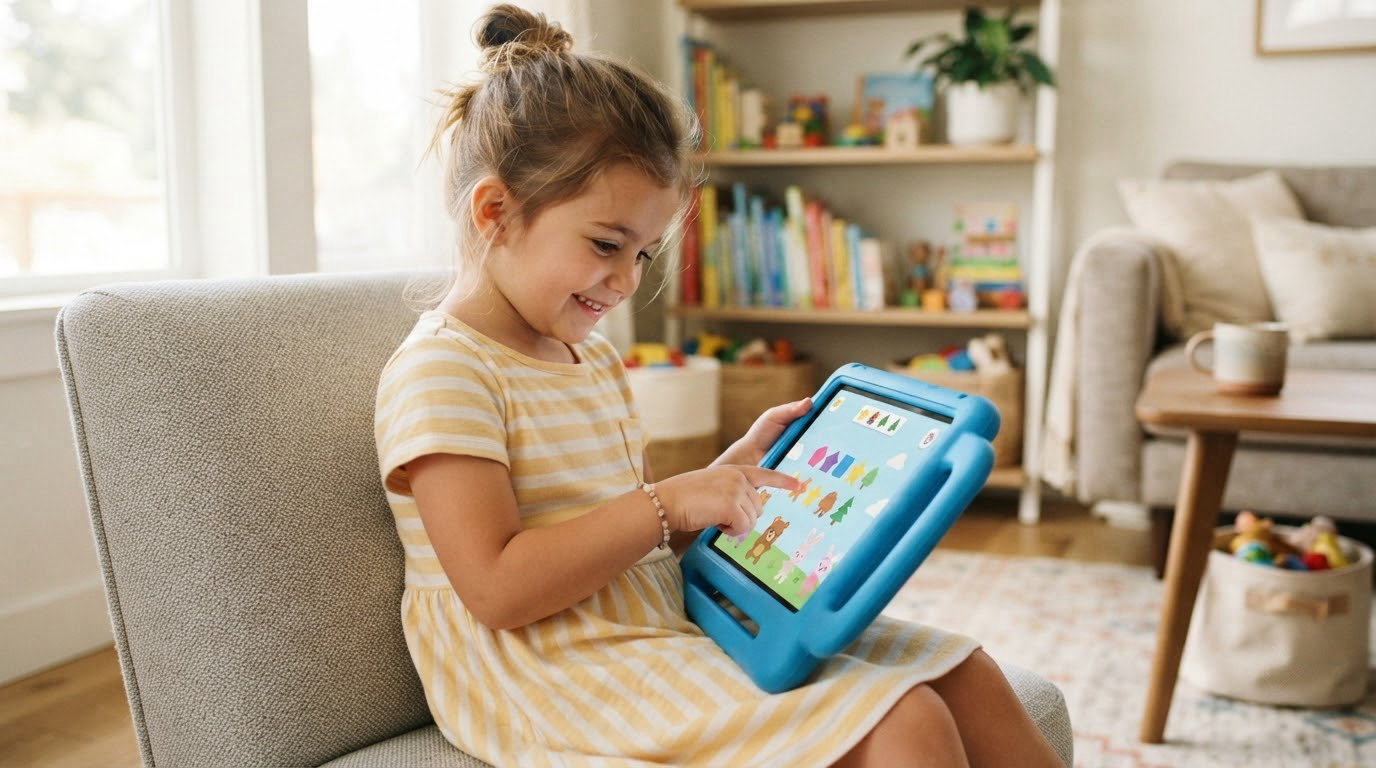
Among the best kids tablet picks during Amazon’s Prime Big Deal Days sale, the Fire 7 Kids leads because more than 20,000 owners rate it 4.3 stars and the included kid-proof case survives real toddler handling. The Fire HD 10 Kids is the one to watch if a bigger screen matters most, and the Fire HD 8 Kids Pro covers the 6-12 age bracket. Prime Big Deal Days runs October 6-7, 2026, and most offers need a Prime membership.
Four of the ten tablets here run Amazon Fire OS with a locked-down kids profile. The other six are ordinary Android tablets with a kids space layered on top, which means the app store stays open. That single distinction decides more purchases than screen size does.
Table of Contents
Our Top 3 Picks for Best Amazon Prime Big Deal Days Kids Tablet Deals in 2026


Ranked for family use rather than raw spec sheets: the Fire 7 Kids is the safest first tablet, the Fire HD 10 Kids is the one for long car rides and shared viewing, and the Fire HD 8 Kids Pro is the only pick here aimed squarely at a school-age child.
Best Amazon Prime Big Deal Days Kids Tablet Deals Compared
| Product | Specifications | Action |
|---|---|---|
 Fire 7 Kids Fire 7 Kids |
|
Check Deal Price |
| Fire HD 10 Kids |
|
Check Deal Price |
| Fire HD 8 Kids Pro |
|
Check Deal Price |
 Fire HD 8 Kids Fire HD 8 Kids |
|
Check Deal Price |
 COLORROOM 10-inch COLORROOM 10-inch |
|
Check Deal Price |
 EDDBNi 10-inch EDDBNi 10-inch |
|
Check Deal Price |
 Contixo 7-inch Contixo 7-inch |
|
Check Deal Price |
 plimpton 10-inch plimpton 10-inch |
|
Check Deal Price |
 Evermyth 10-inch Evermyth 10-inch |
|
Check Deal Price |
 aiprotablet 10-inch aiprotablet 10-inch |
|
Check Deal Price |
Every row uses the same four fields so you can scan down the screen instead of reading ten different tables. The current offer for each one sits behind its button.
How We Chose
We compared screen size, memory, storage, battery claims, included case, age bracket, parental-control features and warranty terms from the listing details, then weighed the owner reviews and star ratings parents left behind. Everything was checked on October 2026.
1. Fire 7 Kids: Editor’s Choice for Ages 3-7
Fire 7 Kids
Screen: 7-inch HD
Storage: 16 GB
Case: Kid-Proof
Warranty: 2-year
Pros
- Right-sized for small hands with a bright display
- Kid-Proof case survives repeated drops
- Simple age-based parental filters
- Up to 10 hours for road trips
- One year of Amazon Kids+ included
Cons
- 16 GB leaves little usable space after the OS
- Daily limits and education filters can be inconsistent
- Kids+ renews automatically after the trial
- Some owners report occasional lag
The pick most families should buy first. With 20189 reviews averaging 4.3 stars, this is the most proven kids tablet on the list by a wide margin, and parents keep naming the same thing: it survives being dropped.
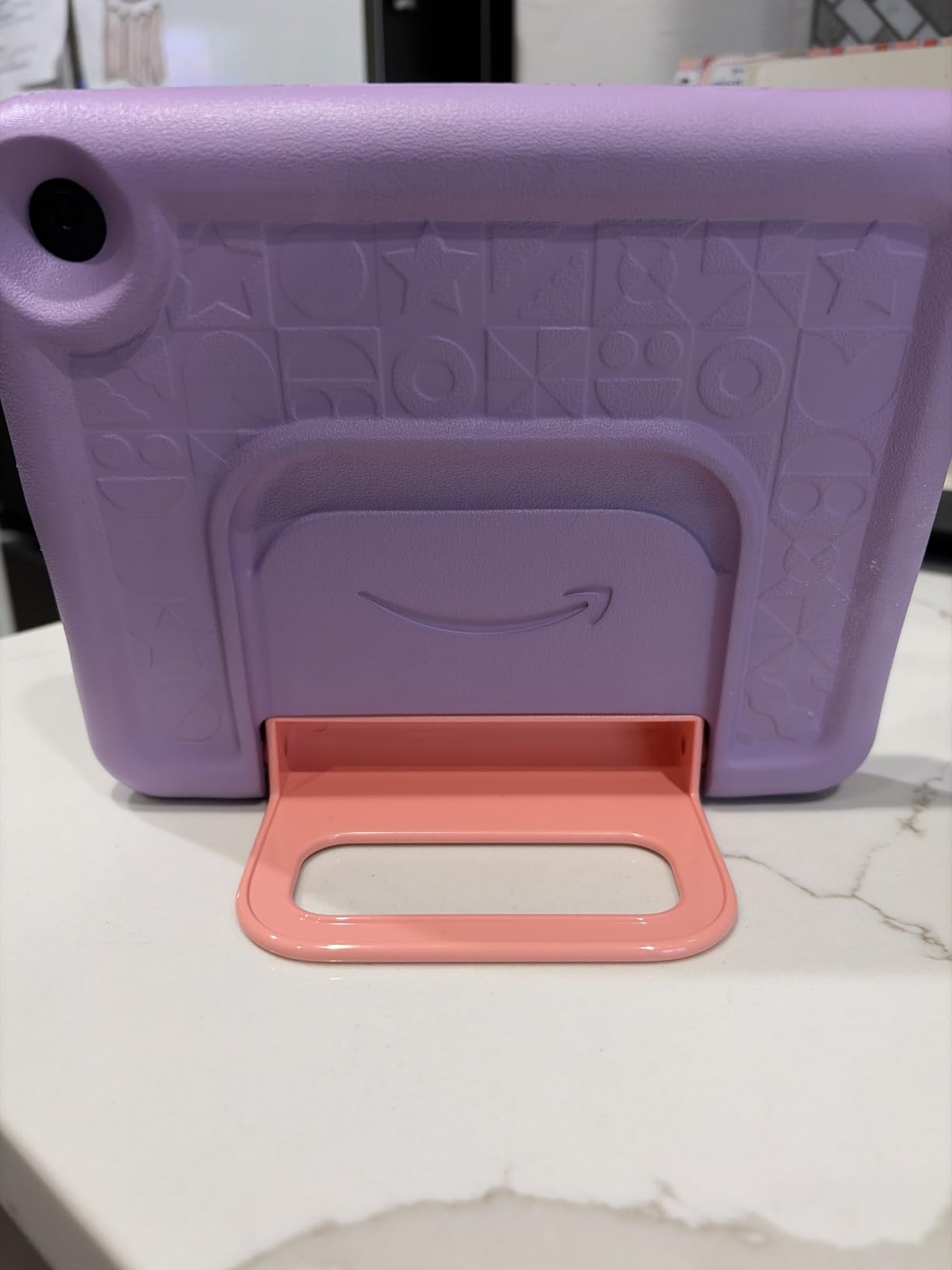
The kid-proof case is the reason it outlasts its own price tier. Owners describe tablets absorbing drop after drop from toddlers who have already decided the tablet is theirs to control. That matters more than any spec line, because a cracked screen ends the purchase regardless of what was under the offer.
Storage is the honest weak spot. The advertised 16 GB is largely eaten by the operating system, so you are working with room for a handful of apps until a microSD card goes in. The card slot takes cards up to 1TB, which is the single fix parents recommend.
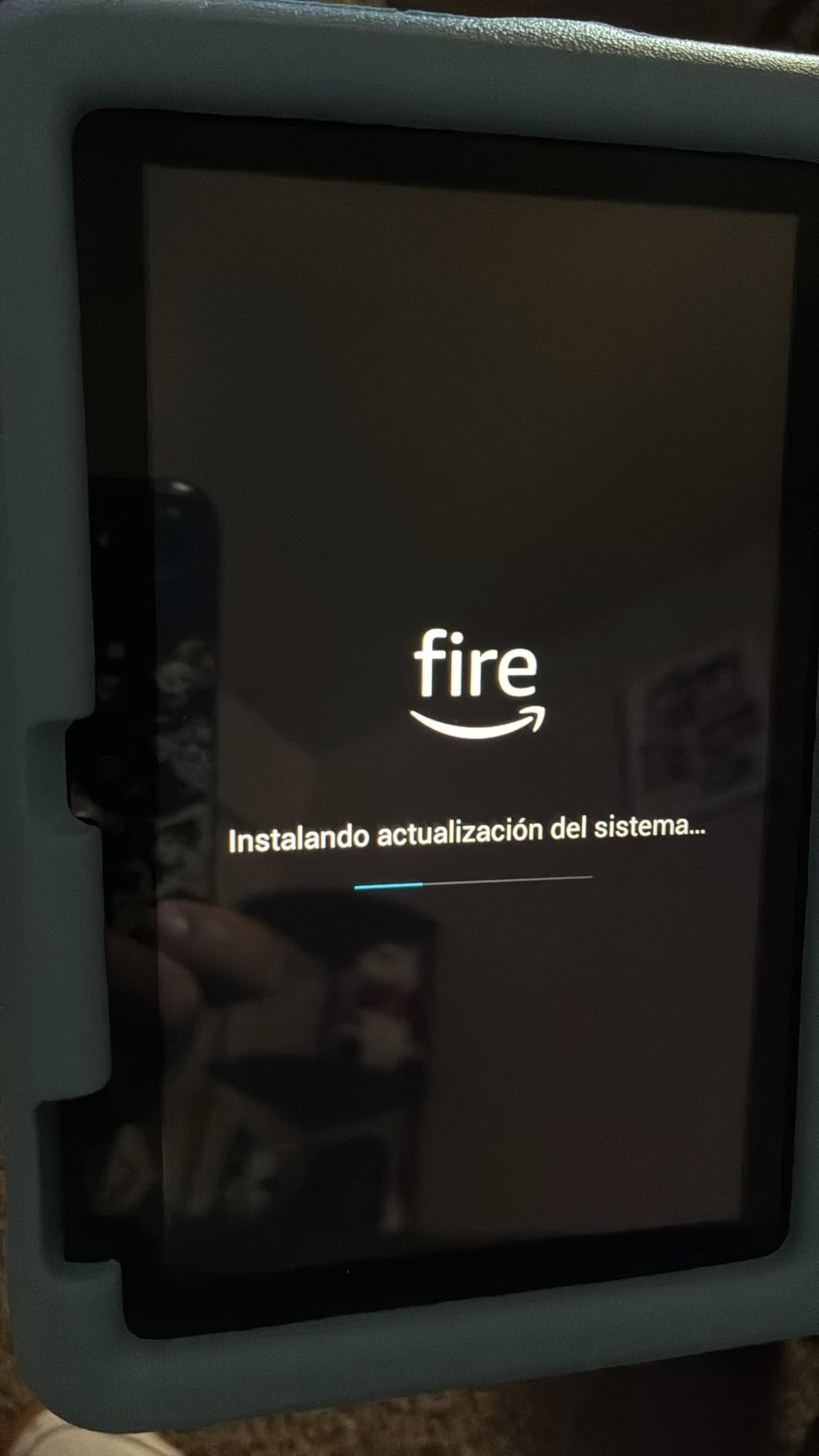
Good to know: Amazon Kids+ runs for a year and then renews on its own. Set a reminder for month eleven or turn it off before it bills.
Skip it if storage headroom is the priority. The Fire HD 8 Kids carries the same 13-hour battery idea with 64 GB and still targets the same age band.
2. Fire HD 10 Kids: Best for Big-Screen Streaming
Fire HD 10 Kids
Screen: 10.1-inch 1080p
Storage: 32 GB
Case: With stand
Warranty: 2-year
Pros
- Large bright 1080p screen easy for young kids to tap
- Case has survived high-impact drops
- Parental controls manageable from a phone
- Up to 13 hours handles long car trips
- Built-in stand for hands-free viewing
Cons
- Kids interface can feel busy and cluttered
- 32 GB is modest for a tablet this size
- Kids+ renews after the included year
Buy this one if the tablet mostly gets watched rather than tapped. The 10.1-inch 1080p panel is the largest in the Fire kids range, and its brightness and colour hold up better in a bright room than the 7-inch and 8-inch models.
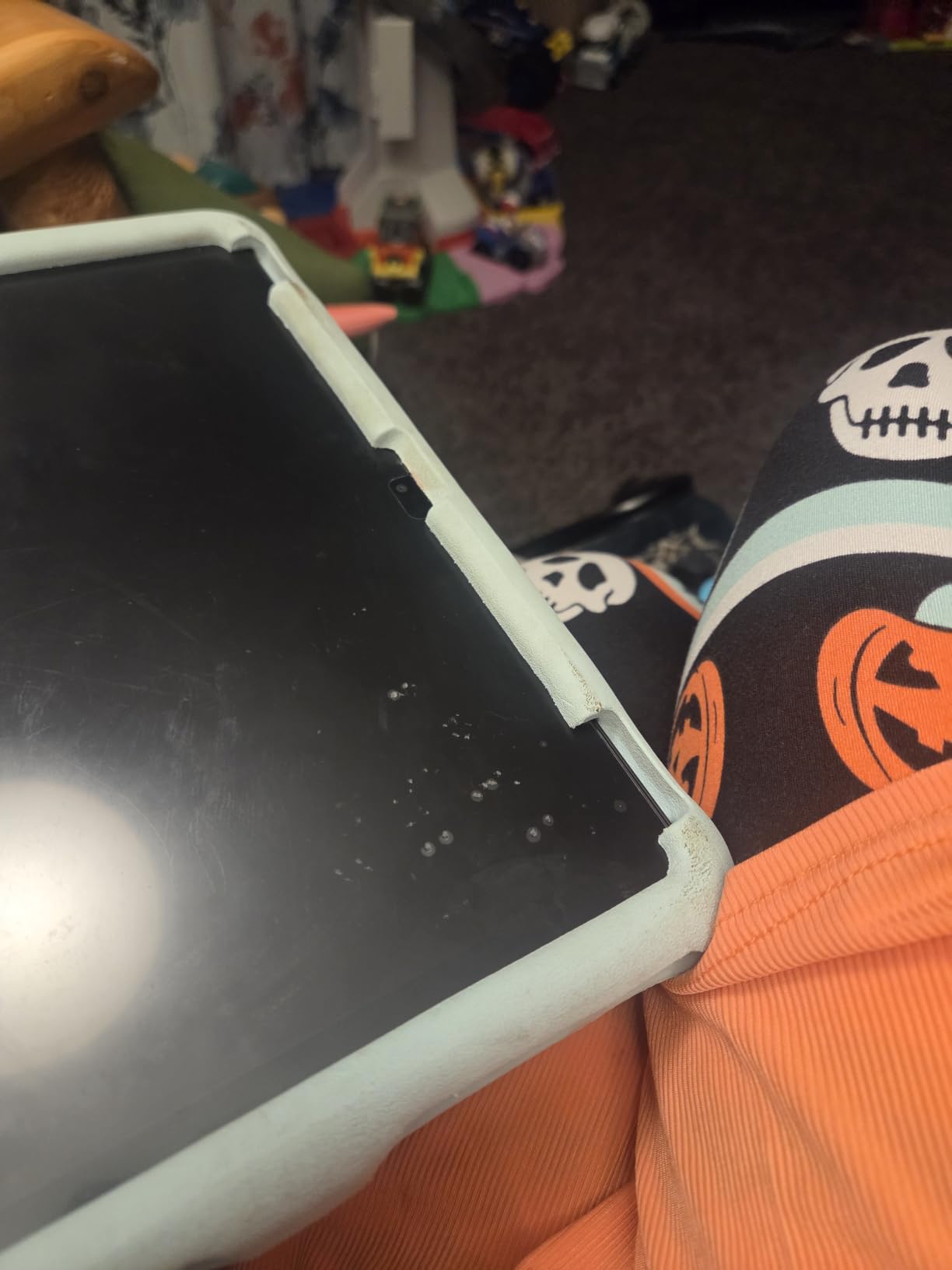
Owners report the case taking real abuse, including a tablet being run over by a car. The stand built into the case is the quiet feature parents appreciate most, because it turns the tablet into a hands-free viewer for a long trip or a recipe video.
At 8792 reviews and 4.5 stars, this is the second most proven pick here. Parental management runs from a phone, so you can pause the tablet, resume it, or approve an app request from another room.
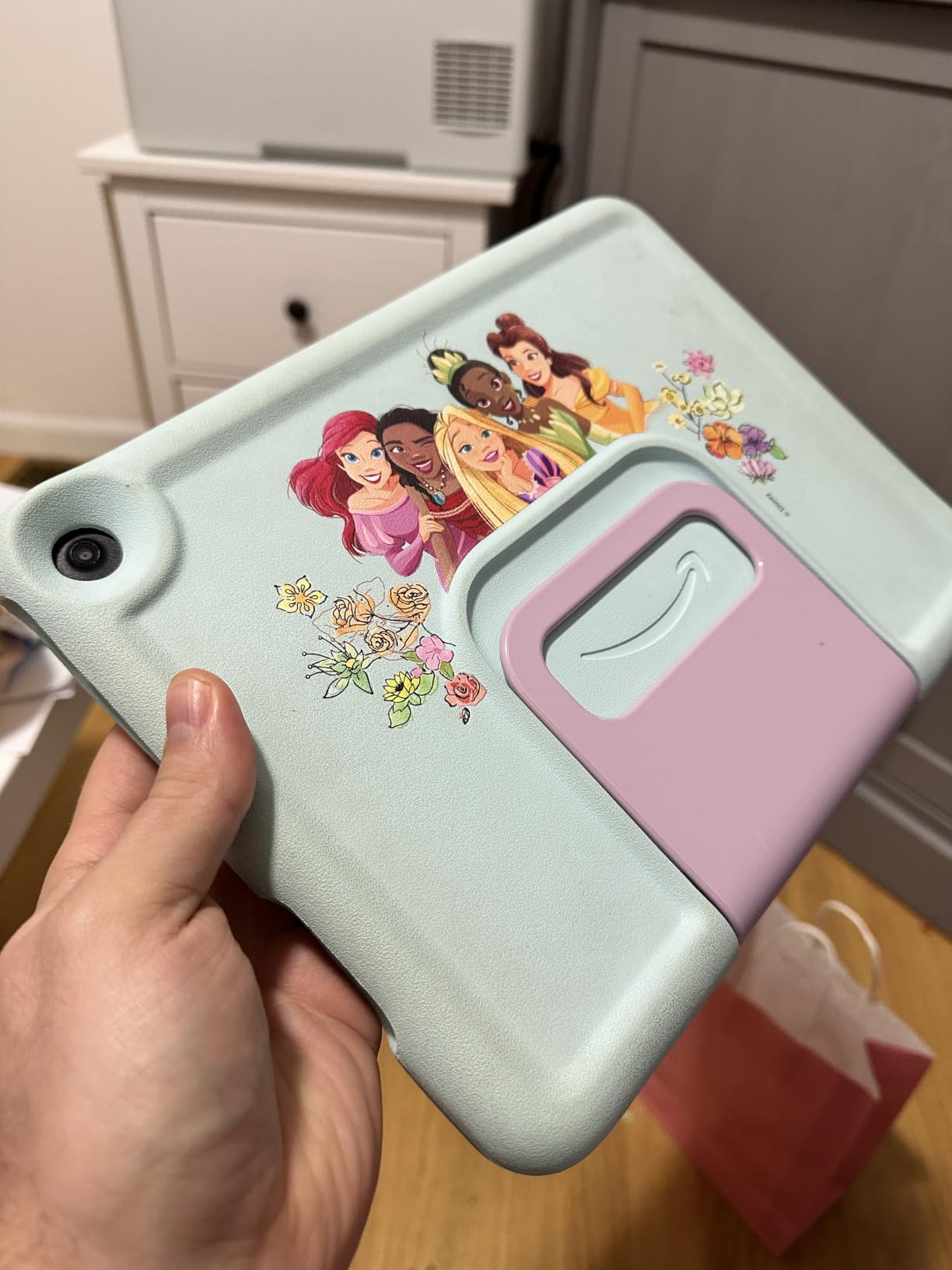
Compared with the Fire 7 Kids, you gain 3 GB of RAM and a sharper screen but lose over half the usable storage. The Fire HD 8 Kids Pro is the better comparison if your child is past the preschool stage.
3. Fire HD 8 Kids Pro: Best for Ages 6-12
Fire HD 8 Kids Pro
Screen: 8-inch HD
Storage: 64 GB
Case: Slim
Warranty: 2-year
Pros
- Built for big kids 6-12 while keeping a rugged case
- Bright crisp 8-inch display
- Fine-grained controls through the parent app
- Up to 13 hours under daily heavy use
- Smooth across multiple open apps
Cons
- YouTube Kids cannot be downloaded to the tablet
- Kids+ auto-renews after six months
This is the age bracket most families miss. Amazon splits its kids tablets at 3-7 and 6-12, and this is the first one designed for a child who reads, video calls friends and wants a slimmer case that does not look like a baby toy.
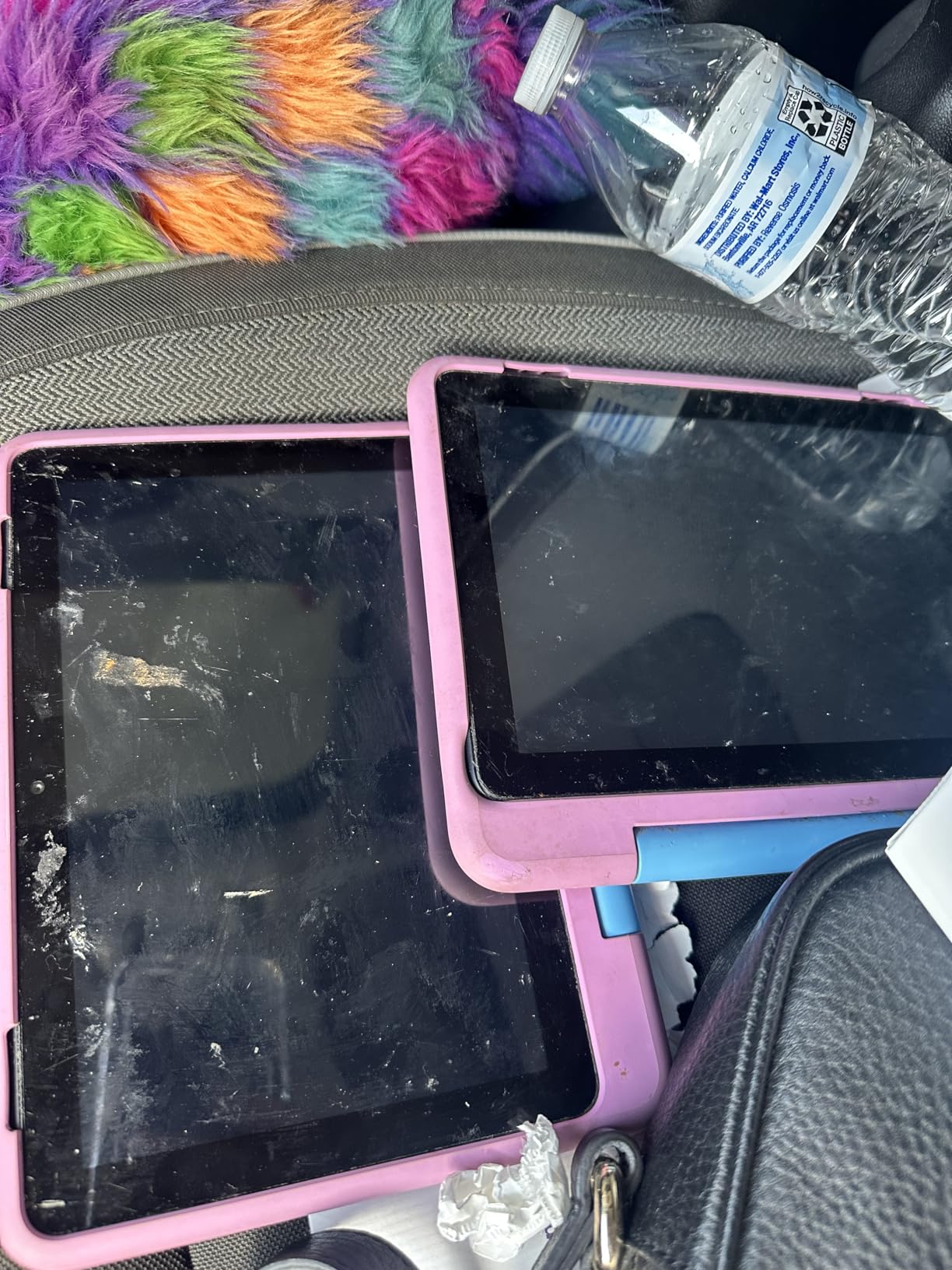
The technical details back that positioning. It runs on a hexa-core processor with up to 4 GB of RAM and 64 GB of storage, which is double the memory of the 2022 release, and owners report no lag across multiple apps.
Controls are the strongest reason to step up. Safe web browsing returns filtered results, you can block specific sites, and voice and video calls over Wi-Fi only go to contacts you have approved. Several owners also note better battery reliability than earlier Fire generations.
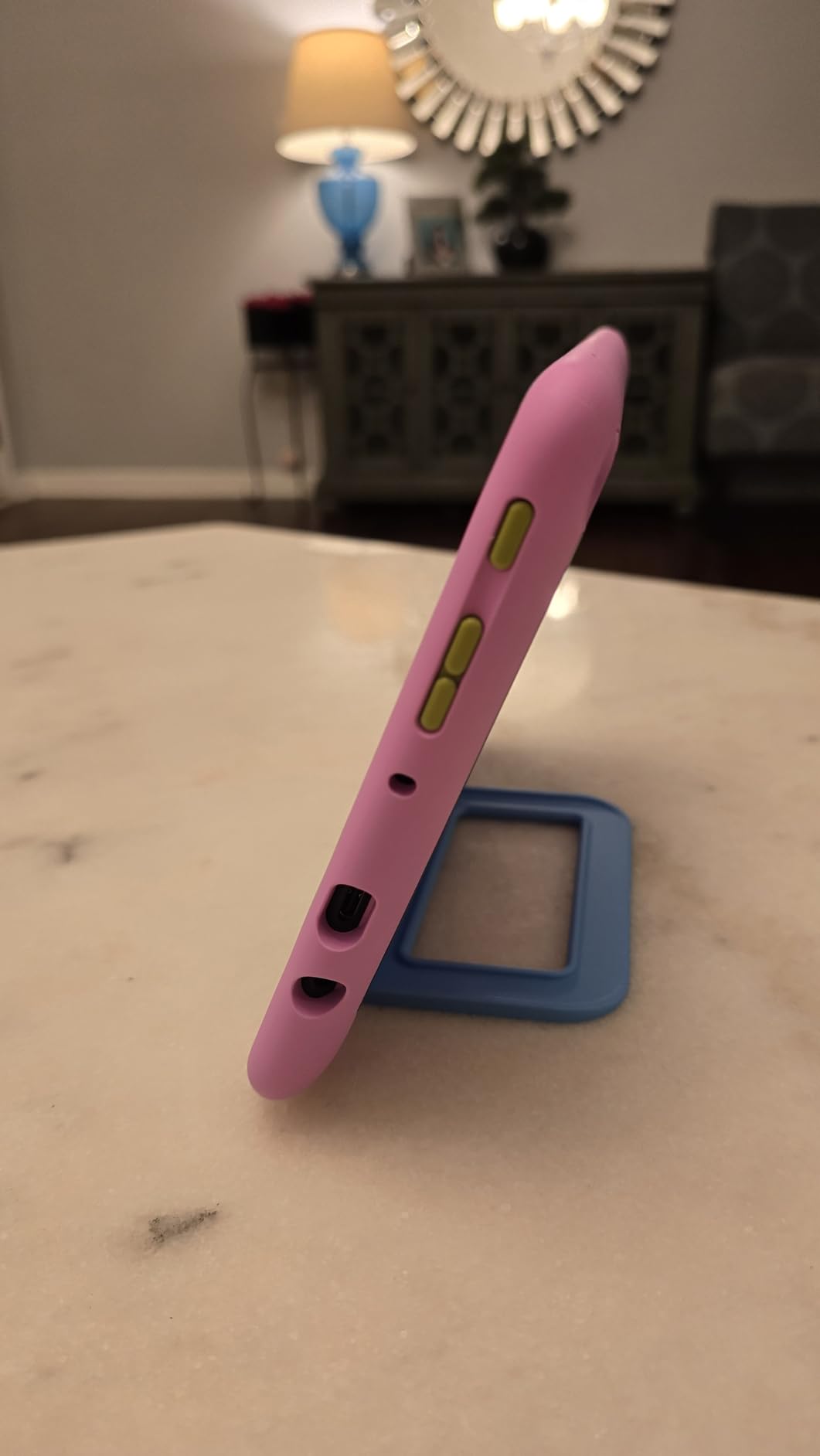
Good to know: the included Amazon Kids+ trial runs six months rather than a full year, and it renews automatically afterwards. The most common request in the reviews is YouTube Kids, which cannot be downloaded to this tablet.
Pick a different one if your child is under six. The Fire HD 8 Kids below has the same screen size and a thicker case with a handle for small hands.
4. Fire HD 8 Kids: Best Value for Ages 3-7
Fire HD 8 Kids
Screen: 8-inch HD
Storage: 64 GB
Case: With handle
Warranty: 2-year
Pros
- Lightweight with a handle small children can carry
- 64 GB avoids the storage complaints
- Clear screen with games preloaded
- Durable case takes toddler drops
- Strengthened aluminosilicate glass
Cons
- No access to the Google Play Store
- Parental dashboard takes time to learn
- One report of faster battery drain after months
The sensible middle ground. It gives a 3-7 year old a bigger screen than the Fire 7 Kids and four times the storage, which is the complaint that shows up again and again on the smaller model.
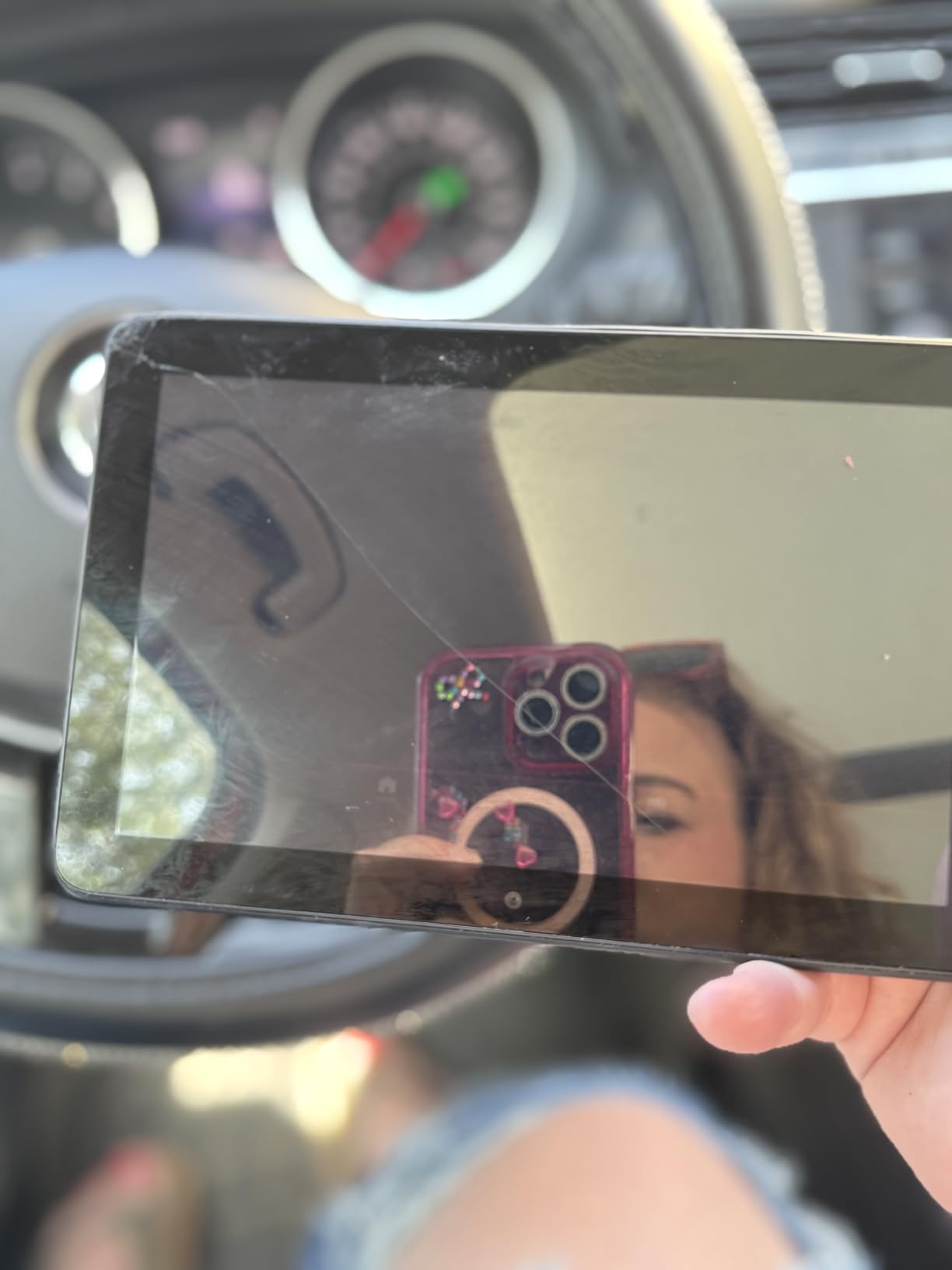
Buyers frequently recommend this one for children with special needs, and the reason is physical rather than software. It is light, the handle makes it easy to carry, and the stand props it up at an angle a child can actually watch from.
It is a 2024 release with 4 GB of RAM and 64 GB of storage, expandable to 1TB, plus a hexa-core processor. Parental controls prioritise books and learning apps ahead of entertainment, and you review child activity and approve downloads remotely.
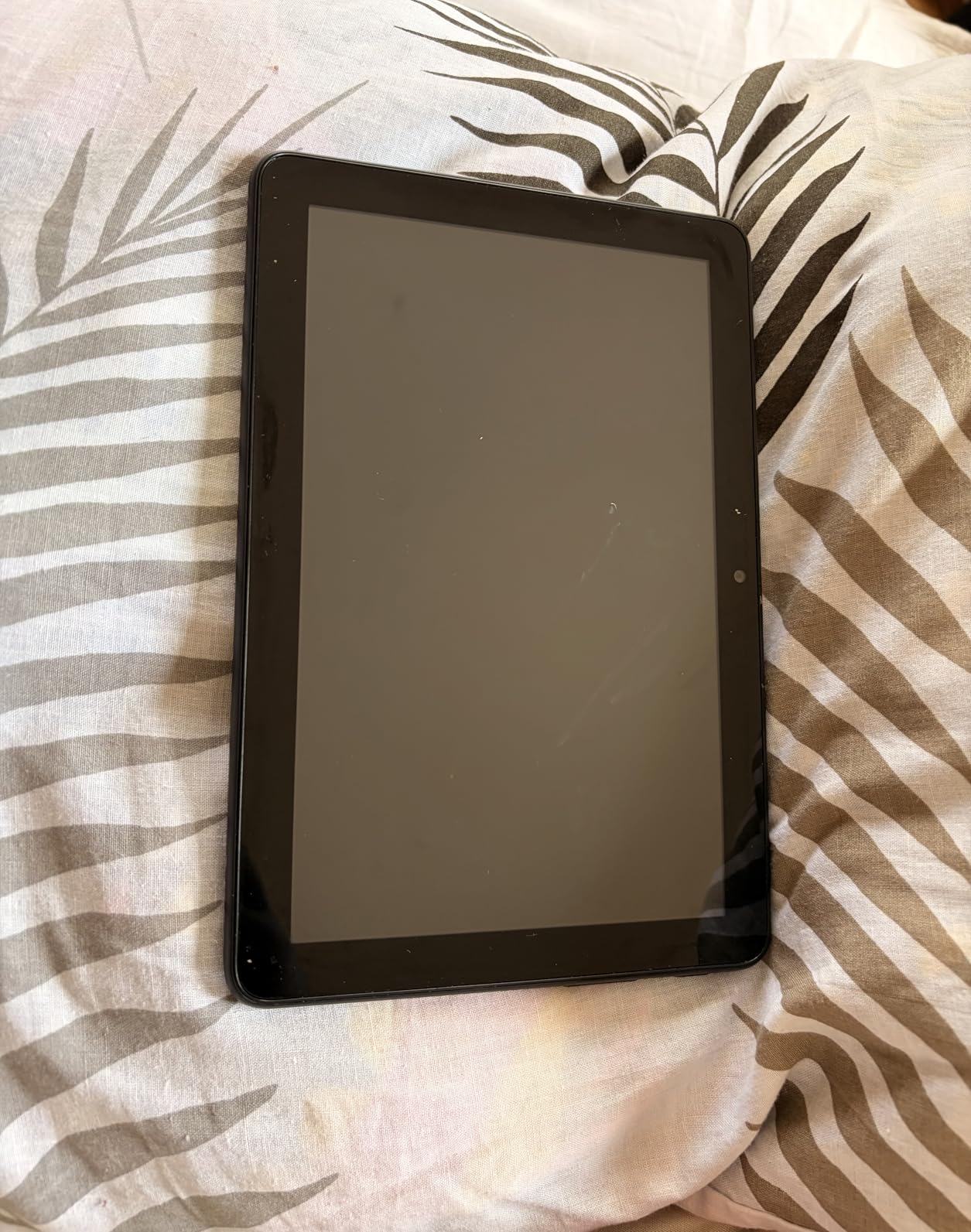
Two things to weigh. There is no Google Play Store, so if your child’s must-have app is a Google app, check before you buy. And the dashboard takes a few days to learn, which owners mention as a learning curve rather than a fault.
5. COLORROOM 10-inch: Best for Full Android
COLORROOM 10-inch
Screen: 10.1-inch IPS
Storage: 64 GB
Case: EVA
Warranty: 5-year plan
Pros
- Full Android 15 with Kids Space and Play Store
- 10 GB RAM and 64 GB give real headroom
- Anti-blue-light 10.1-inch IPS display
- Sturdy EVA case with a carry handle
- Wi-Fi 6 and dual stereo speakers
Cons
- Battery life is the most common complaint
- Can lag slightly after extended use
- Blue-light controls could be stronger
- Needs a 3-hour charge before first use
Choose this when the Google Play Store is non-negotiable. It runs Android 15 with Google Kids Space pre-installed, so you get the normal app catalogue and a filtered mode for your child rather than choosing one or the other.
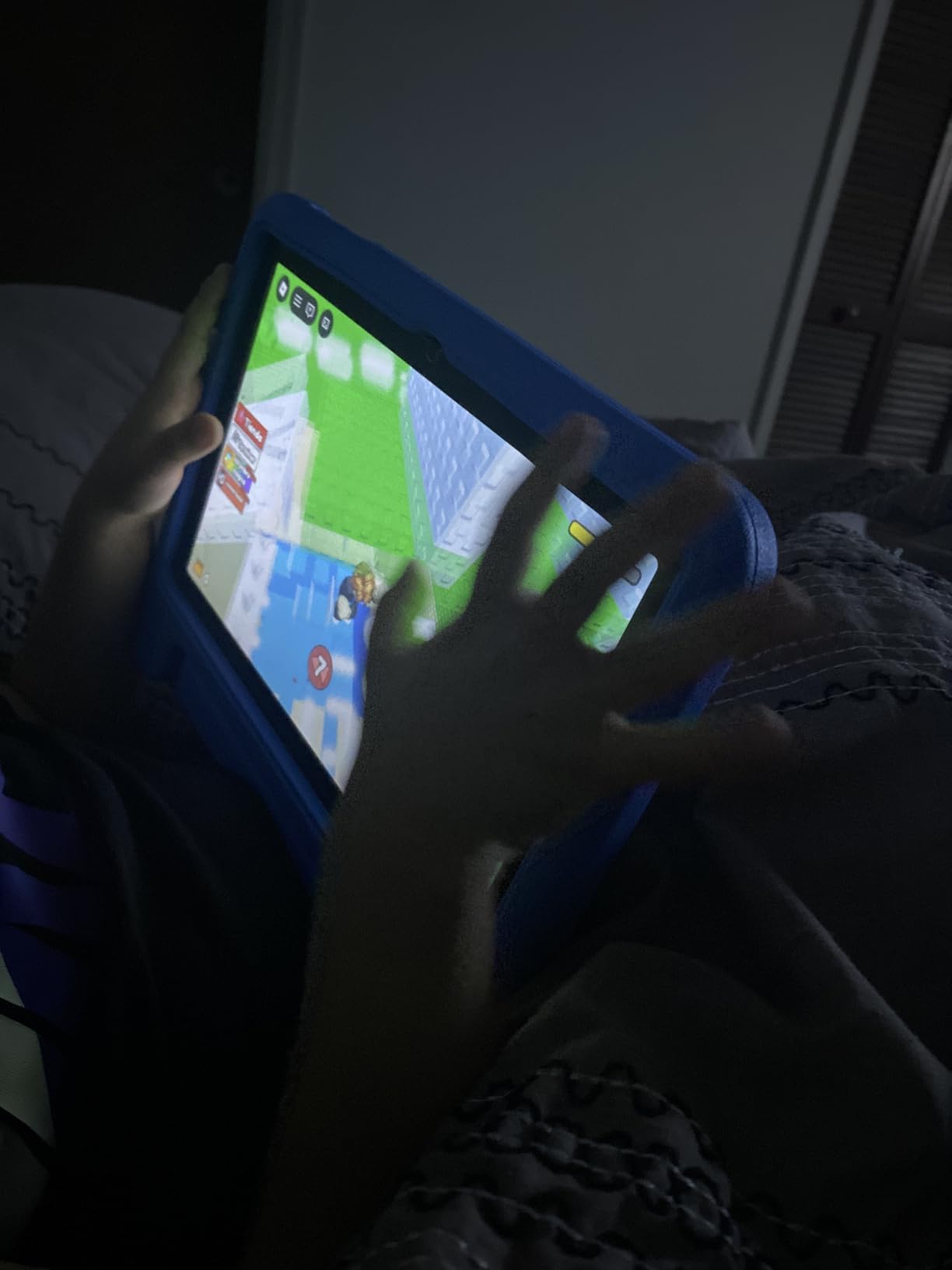
The specifications are unusual at this level. An octa-core Unisoc T606 at 2 GHz, 10 GB of RAM counting an extended allocation, 64 GB expandable to 1TB, dual stereo speakers, and a 10.1-inch 1280×800 IPS panel with anti-blue-light design and automatic brightness adjustment.
Reviewers rate it 4.2 stars across 2646 reviews and repeatedly mention the value and the included EVA case. The warranty is unusual too: 180 days of money-back cover plus five years of protection.
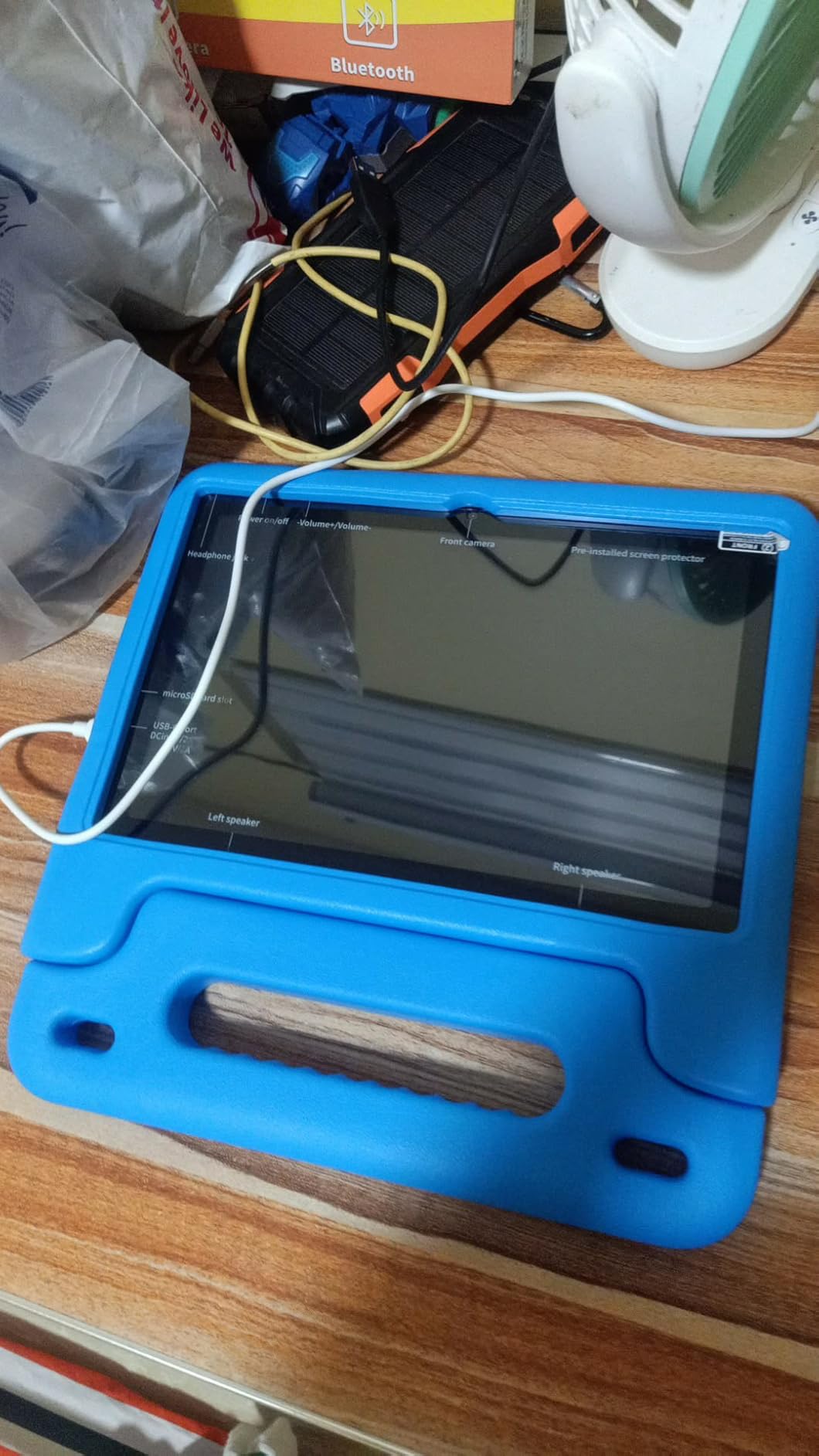
The trade-off owners report most is battery endurance. The 6000mAh cell is listed at up to 8 hours on average, but several reviews describe a couple of hours of real use, and it wants a three-hour initial charge before the first session.
Compared with the Fire HD 10 Kids, you gain the full app store and more memory but lose the kid-proof case design and the Amazon content library. If apps come first, this is the stronger buy.
6. EDDBNi 10-inch: Best for Ages 2-4
EDDBNi 10-inch
Screen: 10.1-inch HD
Storage: 64 GB
Case: EVA with stand
Warranty: 2-year
Pros
- Large 10.1-inch screen with a clear picture
- Google Kids Space works well for a 2-4 year old
- Case with stand adds drop protection
- 64 GB with microSD expansion
- Two-year warranty included
Cons
- Slow performance during setup and boot
- Uneven touchscreen response out of the box
- Some buyers report charging failures
- Included case is very tight
- 2.4GHz-only Wi-Fi
A large screen for a very small child is the whole idea here. Owners of 2-4 year olds say Google Kids Space combined with the parental filters does the work, and the 10.1-inch display gives short attention spans something worth looking at.
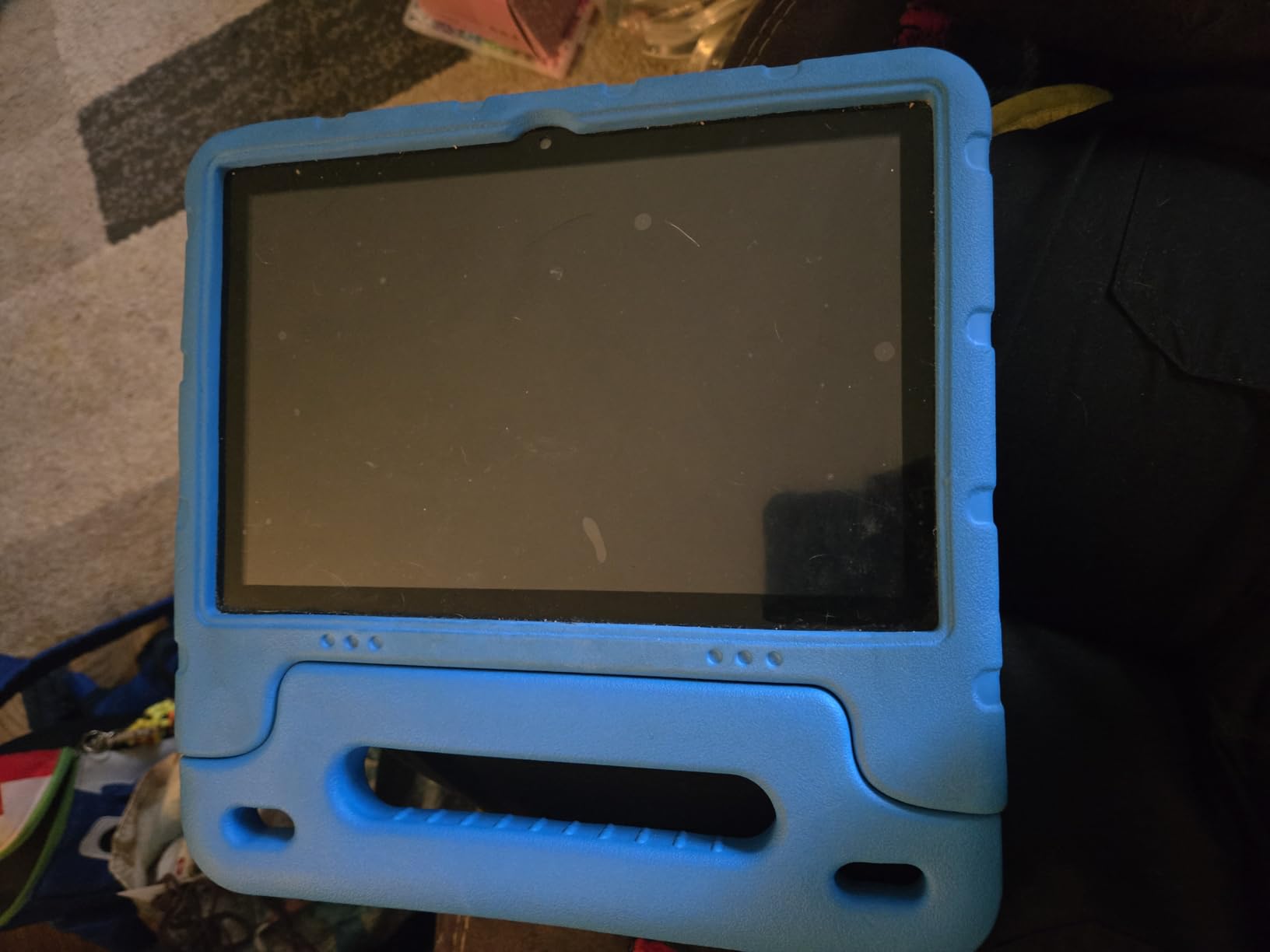
It runs Android 15 with a quad-core processor, 6 GB of RAM, 64 GB of storage expandable to 1TB, and Gemini AI for guided questions. Low-blue-light and eye-protection modes adjust brightness automatically, which matters more on a big panel.
Skip it if reliability matters more than screen size. At 4 stars across 1087 reviews, this one carries the highest share of one-star feedback in the group, and the complaints are specific: slow boots, uneven touch response, and some tablets that stopped charging within months.
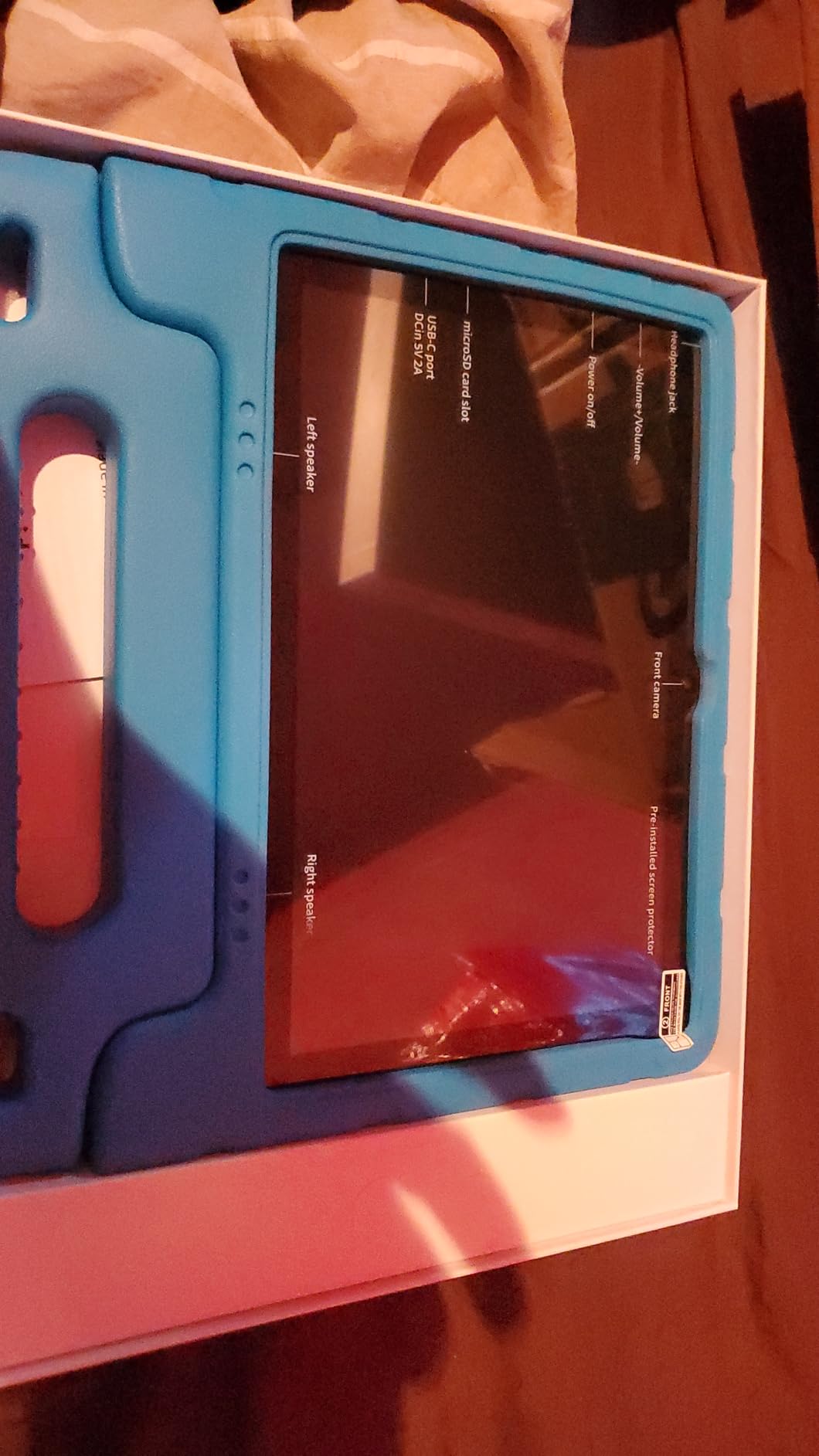
One practical warning: the included EVA case fits very tight and can bow the tablet enough to cause touch failures. Several reviews connect screen problems directly to that case.
7. Contixo 7-inch: Best for Small Hands
Contixo 7-inch
Screen: 7-inch HD
Storage: 32 GB
Case: Kickstand
Warranty: 1-year
Pros
- Compact 7-inch size is easy for small children
- Kid-proof case and kickstand bundled in
- Three-layer screen protector included
- Parental profiles let you hand-pick content
- Supports 189 language settings
Cons
- Battery can drain within about two hours of video
- Build feels cheap and screens crack easily
- Sluggish with poor touch feedback
- Washed-out colours and distorted viewing angles
For a two-year-old who only needs a few favourite shows, this is the shortest path to a working tablet. The 7-inch size is genuinely portable for small hands, and owners say setup is simple enough that a toddler can navigate to a favourite programme alone.
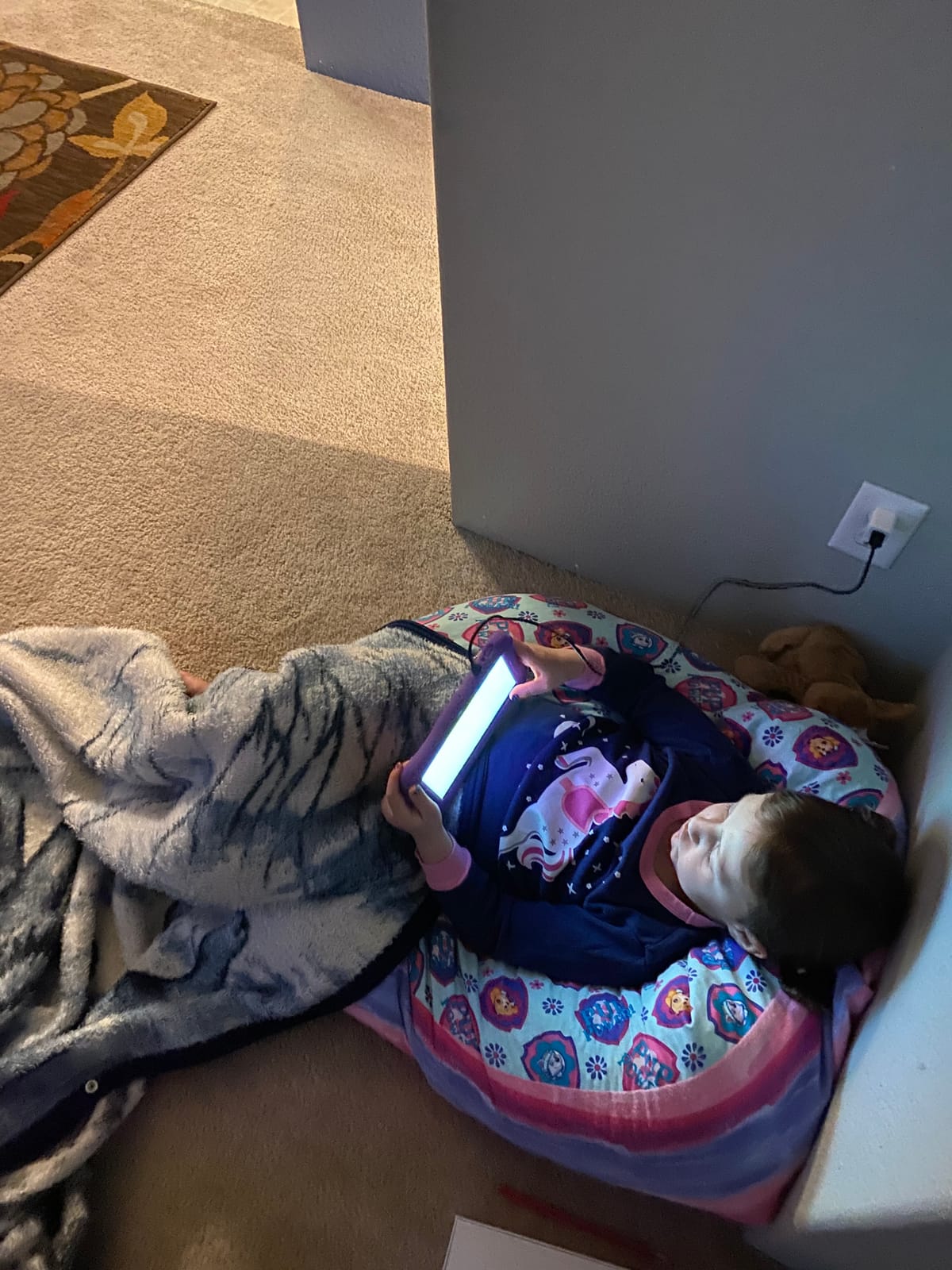
The bundle is unusually complete for the money. You get a kid-proof case, a kickstand that folds behind the tablet, and a three-layer screen protector, which removes the accessory shopping step most parents do after buying a tablet.
Parental profiles are custom rather than preset. You hand-pick the content, block unsafe sites, and set screen-time limits, across 189 language settings including Spanish if that applies to your family.
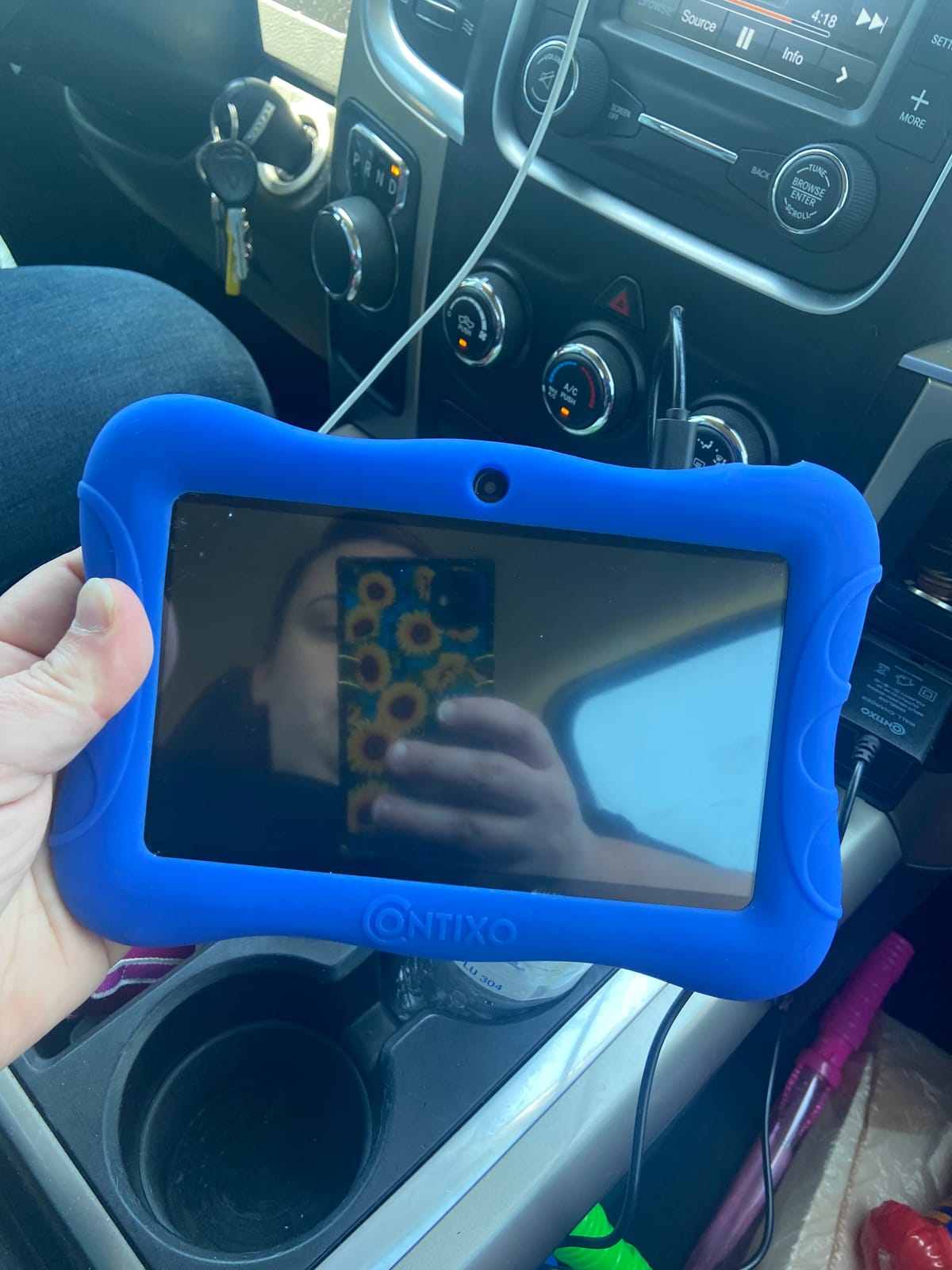
Trade-offs: at 4 stars across 967 reviews, the recurring negatives are battery drain, sluggish performance, and durability, including screens cracking after a month or two. The 3100mAh battery is listed at up to 6 hours of mixed use, which is optimistic for video.
8. plimpton 10-inch: Best for Tweens and Teens
plimpton 10-inch
Screen: 10.1-inch IPS
Storage: 64 GB
Case: Rotating EVA
Warranty: 2-year
Pros
- Google-certified Android 15 with a Gemini assistant
- Google Kids Space and Family Link are straightforward
- 360-degree case bracket doubles as a stand
- Rugged EVA case takes knocks
- Two-year manufacturer warranty
Cons
- A few tablets boot slowly or lag
- Charging contact issues reported by a few buyers
- One report of a tablet not holding its charge
- Heavier and bulkier than smaller tablets
This is the one to look at when the child is outgrowing a kids profile. It is Google GMS certified, so the Play Store is there for a school app or a drawing tool, and Kids Space is still pre-installed for the younger sibling.
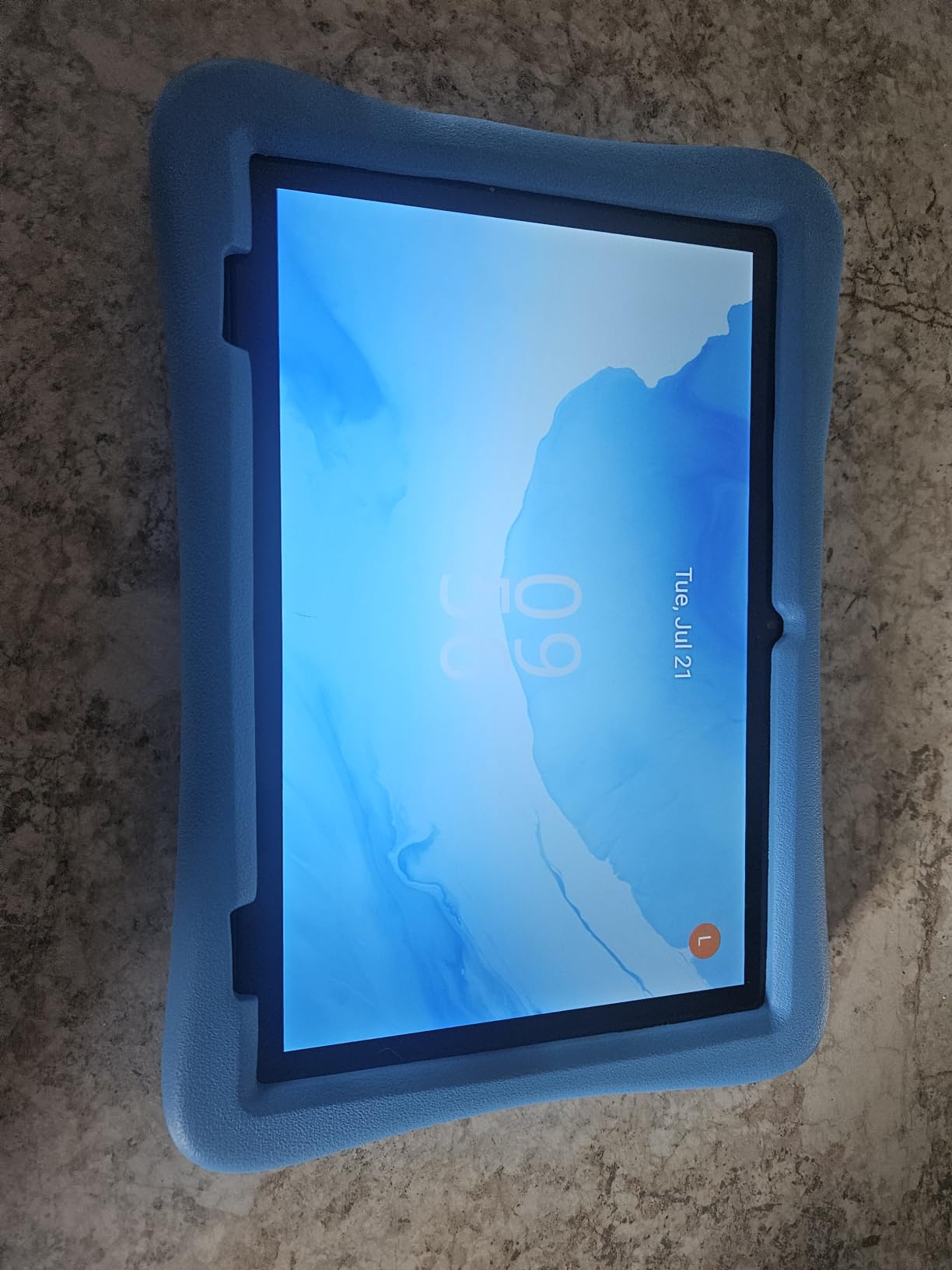
Setup is the quiet strength. Owners who had never used a Kindle before say the setup flow is intuitive, and the rotating 360-degree bracket in the case makes it a usable hands-free stand rather than just a bumper.
The Gemini AI assistant handles homework-style questions and concept explanations, which is the feature that keeps it useful past the elementary years. Low blue light technology, an eye-protection mode, and automatic brightness adjustment cover long evening sessions.
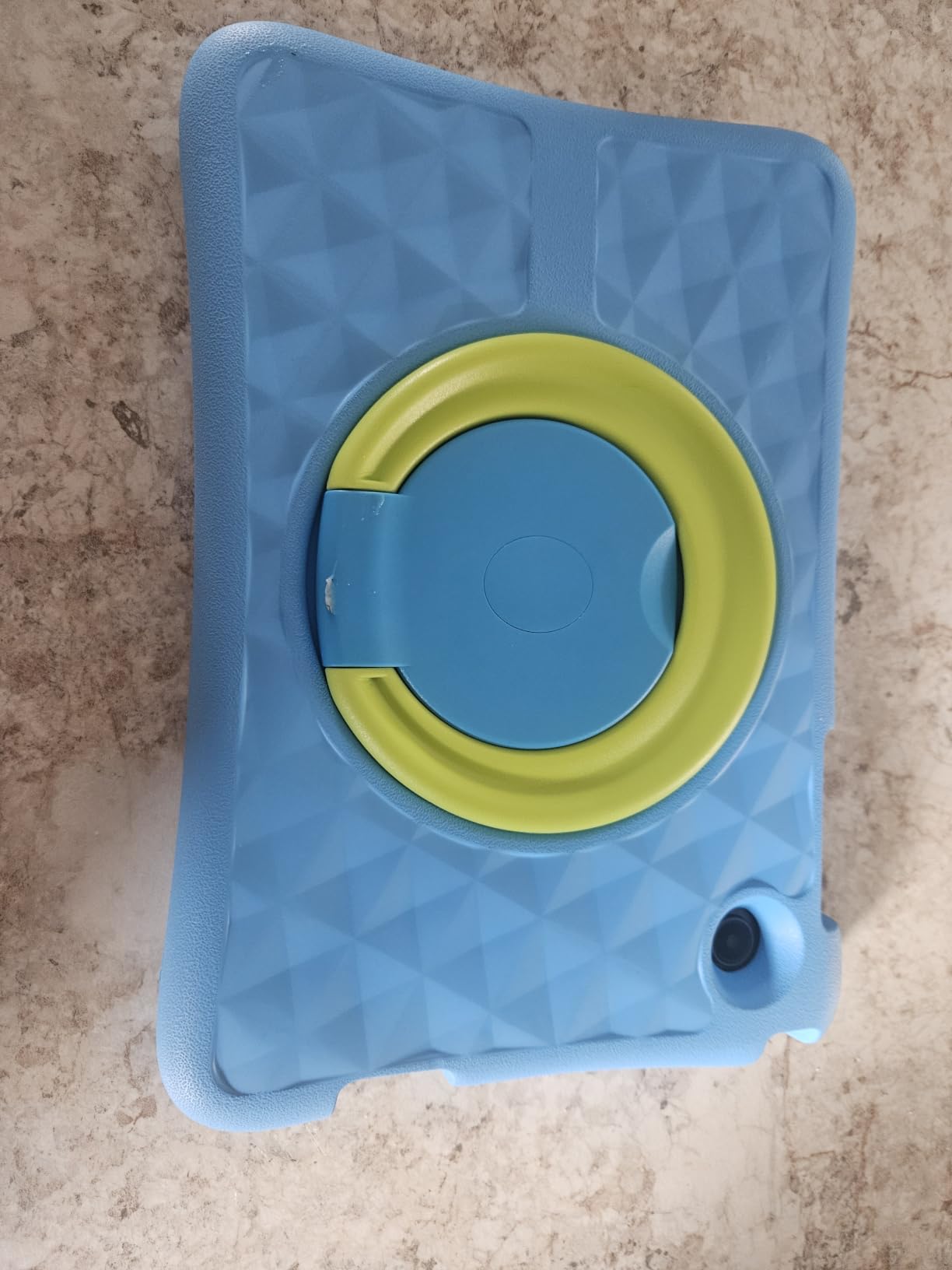
At 4.2 stars across 442 reviews, the minority complaints are lag, slow boot times and charging contact issues. Several of those reviewers say the seller’s customer service handled the replacement well, and the warranty runs two years.
9. Evermyth 10-inch: Best for Drawing With a Stylus Included
Evermyth 10-inch
Screen: 10.1-inch IPS
Storage: 64 GB
Case: 180-deg stand
Warranty: 1-year
Pros
- Highest average rating in the list at 4.8 stars
- 24 GB RAM on Android 16 gives snappy launches
- Stylus included at no extra cost
- Case with a 180-degree adjustable stand
- 6000mAh battery and dual cameras
Cons
- Only 126 reviews, so long-term reliability is thinner
- TF card for storage expansion is not included
A stylus in the box is unusual at this level, and it opens up drawing and handwriting immediately rather than after a separate purchase. The 10.1-inch IPS display is bright, and UKIDOZ Kids Space comes preloaded with picture books.
The numbers explain the rating. It runs Android 16 with 24 GB of RAM, a 6000mAh battery, Wi-Fi 6 and Bluetooth 5.4, with 64 GB of storage expandable to 1TB and a case that folds to a 180-degree stand.
The honest caveat is the review count. At 126 reviews and 4.8 stars, the rating is the strongest here, but it rests on far fewer owners than anything else on this list. Buyers call it good value for streaming and everyday kids use.
Look at our picks for tablets for drawing if a stylus is the main thing you are buying, since pen support on other models costs extra.
10. aiprotablet 10-inch: Best for Fast Charging
aiprotablet 10-inch
Screen: 10-inch IPS
Storage: 64 GB
Case: Included
Warranty: 1-year
Pros
- Runs Android 16 with full Google Play certification
- 24 GB RAM and 64 GB of storage
- 18W PD fast charging is the fastest here
- 10-inch 1280x800 IPS screen with eye protection
- Protective case and dual speakers included
Cons
- Battery averages around six hours in real use
- Budget Unisoc T606 chip struggles under heavy load
- microSD card for expansion sold separately
Buy this if recharging time is the deciding factor. It is the only tablet here with 18W PD fast charging, which matters when a child uses the last of the battery mid-car-ride.
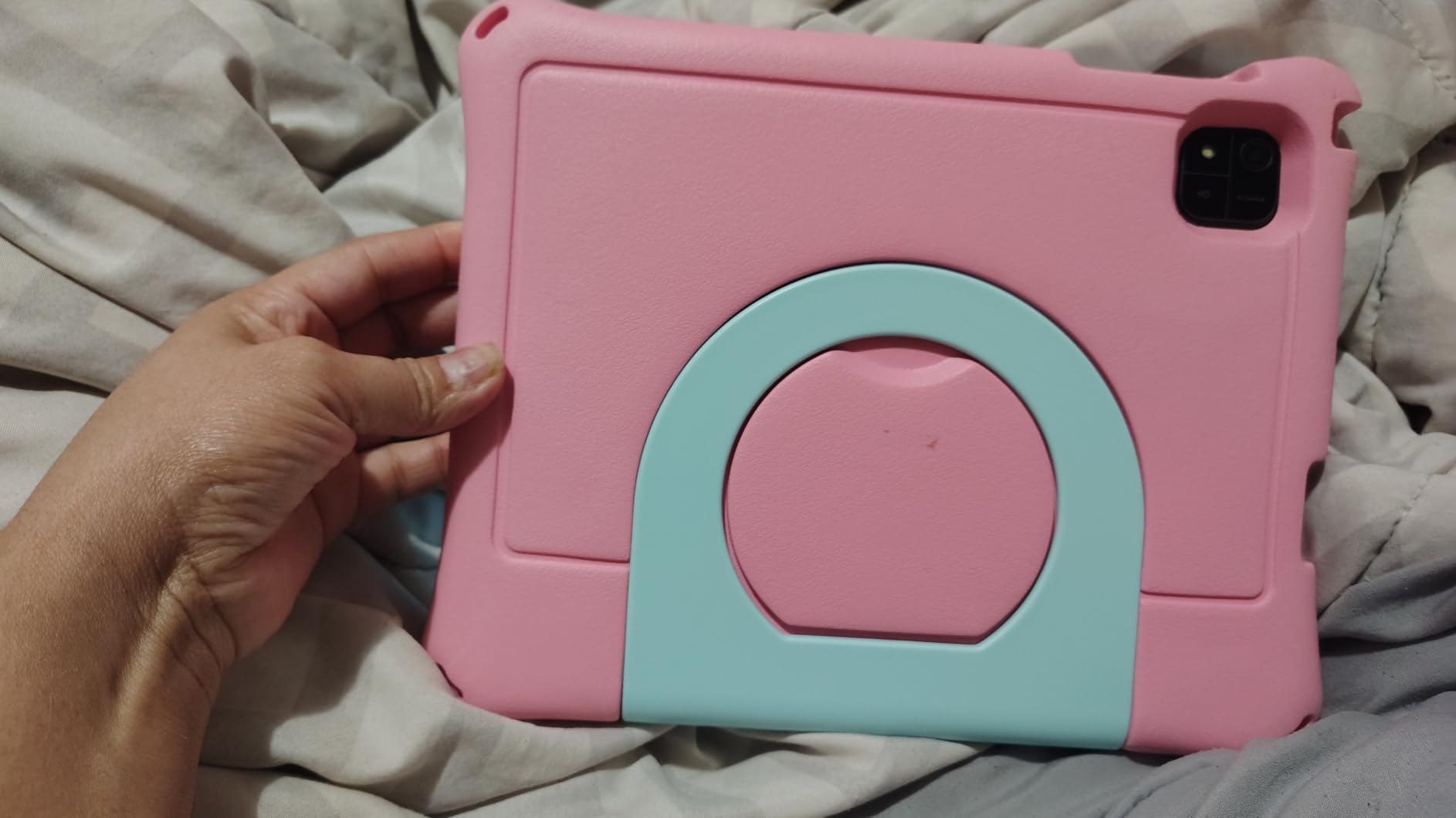
Everything else about it is modern: Android 16 with Google Play support, an octa-core Unisoc T606, 24 GB of RAM, and a 10-inch 1280×800 IPS display. Face recognition, automatic wake-up, and low-battery reminders are unusual touches at this price.
Owners rate it 4.1 stars across 227 reviews, and the praise for running current Android with full Google certification comes up more than anything else.
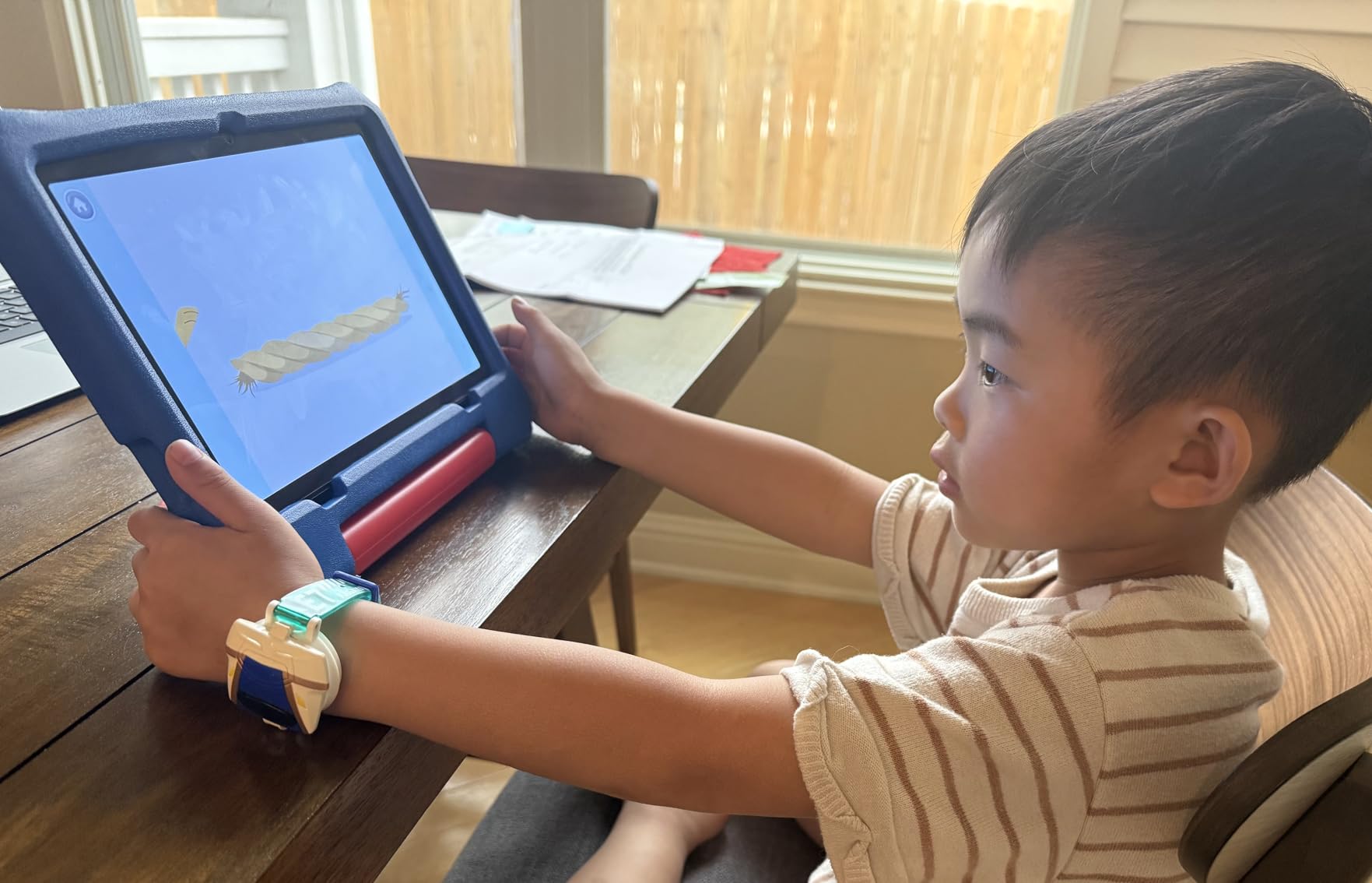
Against that: the 6000mAh battery lands closer to six hours of average use, and the budget chip is not fast under a heavy load with several apps open. The expansion card is sold separately.
How to Choose Kids Tablets During Prime Big Deal Days
Match the age bracket before anything else
Age is the cleanest filter because the software is built around it. Amazon’s kids tablets split at 3-7 and 6-12, so a 6 year old sits in the overlap: the Fire 7 Kids and Fire HD 8 Kids suit them, while the Fire HD 8 Kids Pro is designed for the upper half of that range. Under four, a larger screen usually beats more memory.
Decide between Fire OS and full Android
This is the fork that costs families the most frustration later. Fire tablets run a curated app store with Amazon Kids+ content and no Google Play Store, which means no Gmail, no Drive and no Google Classroom out of the box. The Android picks here — the COLORROOM 10-inch, the plimpton 10-inch and the aiprotablet 10-inch — keep the Play Store and add a kids space on top. Write down your child’s must-have apps and check they exist on the platform before you commit.
If you want a wider view of what the Android route buys you, our picks for budget Android tablets go deeper on performance per dollar.
Screen size for streaming, calls and drawing
Below 8 inches, expect squinting in a car seat. At 8 inches you get a comfortable single-child viewing size, and 10.1 inches is where two children can share a screen or a school video call becomes readable. Resolution matters too: the Fire HD 10 Kids is the only 1080p panel on this list, and it is visibly sharper than the 1280×800 Android screens. Our guide to tablets for watching movies covers the brightness and colour differences that show up during a long film.
Storage, memory and battery
Target 32 GB as the floor for a 3-7 year old and 64 GB for anything older, then add a microSD card as insurance — every Fire model here accepts up to 1TB. For battery, treat the listed figure as a video-playback ceiling rather than a promise: a 13-hour claim on a Fire tablet typically lands lower with gaming and full brightness. The Android models list 6000mAh cells, which in practice has meant roughly six to eight hours.
Parental controls and what follows the trial
Look for three things: content filtering by age, a hard app-request approval flow, and a time limit you can change remotely. All ten picks have them in some form. Then check the subscription. The Fire 7 Kids, Fire HD 10 Kids and Fire HD 8 Kids bundle a year of Amazon Kids+, the Fire HD 8 Kids Pro bundles six months, and all of them renew on their own. Set a calendar reminder rather than assuming the trial ends.
If an adult will also use the tablet, ease of setup matters as much as the child controls. Our picks for tablets for seniors cover the accessibility side of that.
How to shop kids tablet deals during the sale
On these listings, check the generation code before anything else: a 2024 Fire HD 8 Kids and the older model share a name, and the spec block is where the difference shows. Confirm the variant colour and what sits in the box, since a Kids+ trial length and an included case both vary by model. Check who sells and fulfills the listing, and whether the offer is new or renewed. Most offers need a Prime membership, and they change through the event, so compare the page once and use each button to see the current price.
- Age bracket first, then screen size, then storage — the order saves the most returns
- Verify your child’s must-have apps exist on that platform before buying
- Add a microSD card to the budget for any tablet at 32 GB or below
- Set a reminder before any included Amazon Kids+ trial converts
- Confirm the case is included and how thick it is for small hands
- Re-check the page before checkout, because offers shift during the event
Frequently Asked Questions
When does Amazon Prime Big Deal Days run in 2026?
Amazon Prime Big Deal Days runs October 6-7, 2026, as a 48-hour deal period. Most of the offers we cover need a Prime membership, and a free trial counts. New deals appear through the event, so the ones worth watching on kids tablets can change within hours.
What age is a kids tablet suitable for?
Most families start between three and seven, which is the bracket Amazon’s Fire 7 Kids, Fire HD 10 Kids and Fire HD 8 Kids are built for. Between six and twelve, the Fire HD 8 Kids Pro and the plimpton 10-inch make more sense because they allow school apps and a wider app store. Under four, prioritise a simple profile over specifications.
Which parental controls should I look for in a kids tablet?
Look for age-based content filtering, an app request flow you approve remotely, and screen time limits you can change from your phone. Every tablet here has all three, including the Android models through Google Family Link and Kids Space. Set the limits before you hand the tablet over, and keep payment methods off the device entirely.
How much storage does a kids tablet need for apps and games?
Plan on 32 GB as a minimum for a child under seven and 64 GB for an older child or a teen. Apps and video eat space quickly, and system software claims a large slice before you install anything. Every Fire model here accepts a microSD card up to 1TB, and most Android models do too, so a card is cheap insurance.
Can I use a kids tablet for school and video calls?
Yes, with the right pick. The Fire HD 8 Kids Pro supports voice and video calls over Wi-Fi to contacts you have approved, and filtered web browsing suits school research. For school portals and Google Classroom, choose a full Android tablet such as the COLORROOM 10-inch or the plimpton 10-inch, since Fire tablets have no Google Play Store.
Do I need Prime membership to get the best Amazon Prime Big Deal Days kids tablet deals?
Most offers during the sale are reserved for Prime members, and a free trial counts toward that, so signing up before the event is worth doing. A minority of offers run for everyone, but they change as the event progresses. Open each listing to see whether that specific offer carries the Prime requirement.
Final Verdict: Best Amazon Prime Big Deal Days Kids Tablet Deals
Buy the Fire 7 Kids if your child is three to five and you want the most proven design money can buy; the Fire HD 8 Kids is the better version of the same idea if storage annoys you. Move to the Fire HD 8 Kids Pro once your child hits six or seven, and add the Fire HD 10 Kids when a 10.1-inch 1080p screen for films and shared viewing matters more than storage.
Go the Android route with the COLORROOM 10-inch for the best balance of Play Store access and specification, the plimpton 10-inch for tweens and teens who need school apps, or the aiprotablet 10-inch if fast charging is the priority. Pick the Evermyth 10-inch for the included stylus, the EDDBNi 10-inch for a very young child on a big screen, and the Contixo 7-inch for a toddler who needs very little. Open the buttons above during the event to see the current offer on each.