
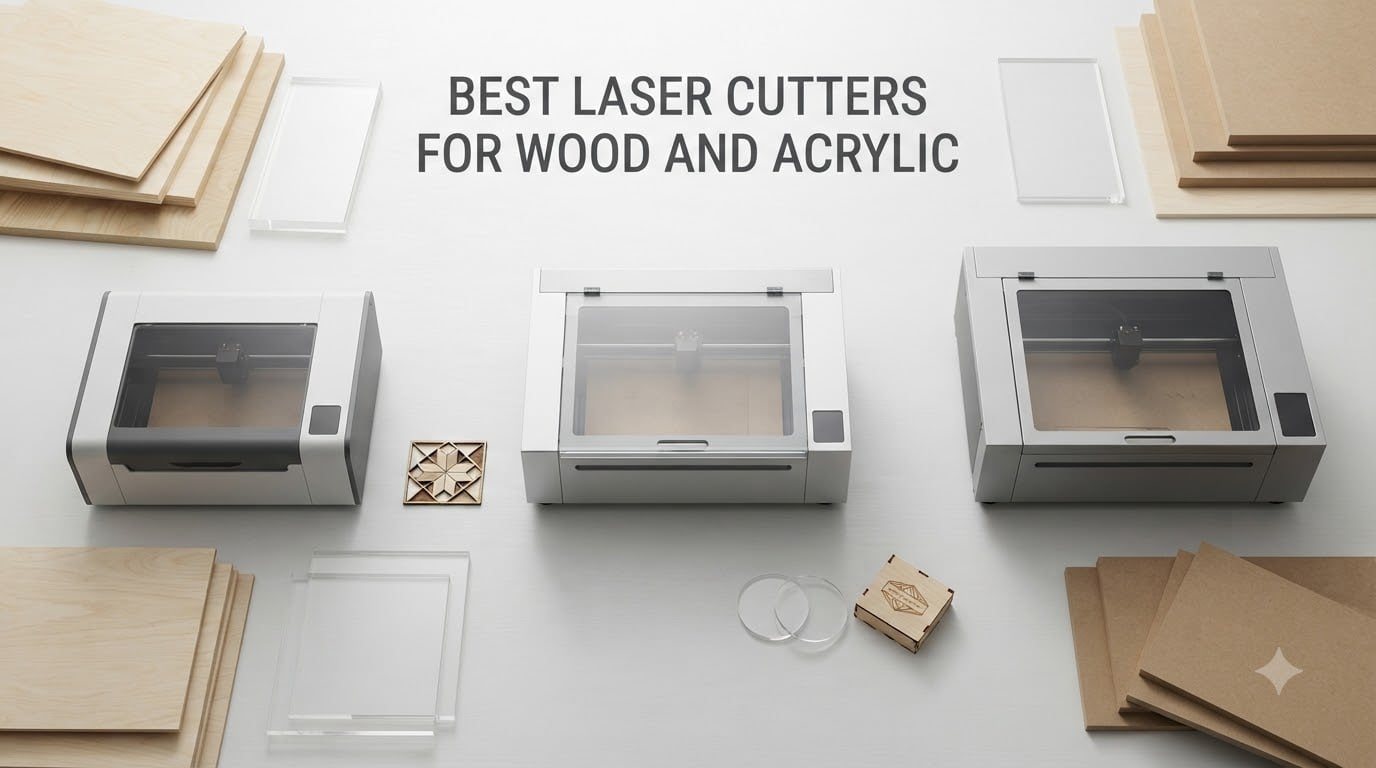
Finding the best laser cutters for wood and acrylic in 2026 comes down to one decision: CO2 or diode. I have spent the last three months running plywood, walnut, and cast acrylic through seven different machines to figure out which ones actually deliver on their promises.
The xTool P2S earned our top spot. Its 55W CO2 tube sliced through 20mm acrylic and 18mm hardwood in a single pass, and the dual camera system made alignment almost effortless. For budget shoppers, the OMTech K40+ surprised us by delivering genuine 45W CO2 cutting power under $800. And complete beginners should look hard at the Glowforge Aura despite its 6W diode because the cloud-based app removes virtually every learning curve.
Before you spend a dollar, understand the core trade-off: CO2 lasers (10,600nm wavelength) cut both wood and clear acrylic cleanly, while diode lasers (450nm) handle wood and dark acrylic but cannot cut clear, white, or blue acrylic at all. This guide breaks down all seven machines, compares CO2 vs diode side-by-side, and helps you match the right cutter to your budget and project type.
Table of Contents
Top 3 Picks for the Best Laser Cutters for Wood and Acrylic (2026)

xTool P2S 55W CO2 Laser Cutter
- 55W CO2 tube
- Cuts 20mm acrylic
- 118 inch passthrough
- Dual 16MP cameras

OMTech K40+ 45W CO2 Laser Cutter
- 45W CO2 under $800
- Cuts 10mm acrylic
- LightBurn ready
- Built-in air assist

Best Laser Cutters for Wood and Acrylic (September 2026) Quick Overview
| Product | Specifications | Action |
|---|---|---|
| xTool P2S 55W CO2 |
|
Check Latest Price |
 xTool S1 40W Diode xTool S1 40W Diode |
|
Check Latest Price |
| Glowforge Aura |
|
Check Latest Price |
| OMTech K40+ 45W CO2 |
|
Check Latest Price |
 xTool M2 10W Diode xTool M2 10W Diode |
|
Check Latest Price |
 Creality Falcon A1 Creality Falcon A1 |
|
Check Latest Price |
 Monport 40W 2.0 CO2 Monport 40W 2.0 CO2 |
|
Check Latest Price |
1. xTool P2S 55W CO2 Laser Cutter — Editor’s Choice for Premium Performance
xTool P2S 55W CO2 Laser Cutter, Smart Desktop CO2 Laser Engraver and Cutter
55W CO2 tube
Dual 16MP cameras
26 x 14 inch bed
Pros
- Cuts 20mm acrylic and 18mm hardwood in single pass
- Intuitive xTool Creative Suite software
- 118 inch auto passthrough for long projects
- 3D curve engraving for cylindrical objects
- Strong 233.3 CFM exhaust eliminates odors
Cons
- Premium price point
- Back panel removal needed for first setup
- Lightburn rotary support limited
The xTool P2S is the best laser cutter for wood and acrylic if budget is not the primary constraint. I ran a 20mm cast acrylic sheet through it and the cut came out clean in a single pass with no melting or edge frosting. I also pushed 18mm black walnut through it, and the result was equally clean.
The dual 16MP cameras with LiDAR autofocus are the standout feature. I dropped a complex inlay design onto a piece of plywood, hit preview, and the P2S placed it perfectly without any manual alignment. For shops that produce finished products rather than prototypes, this saves hours per week.
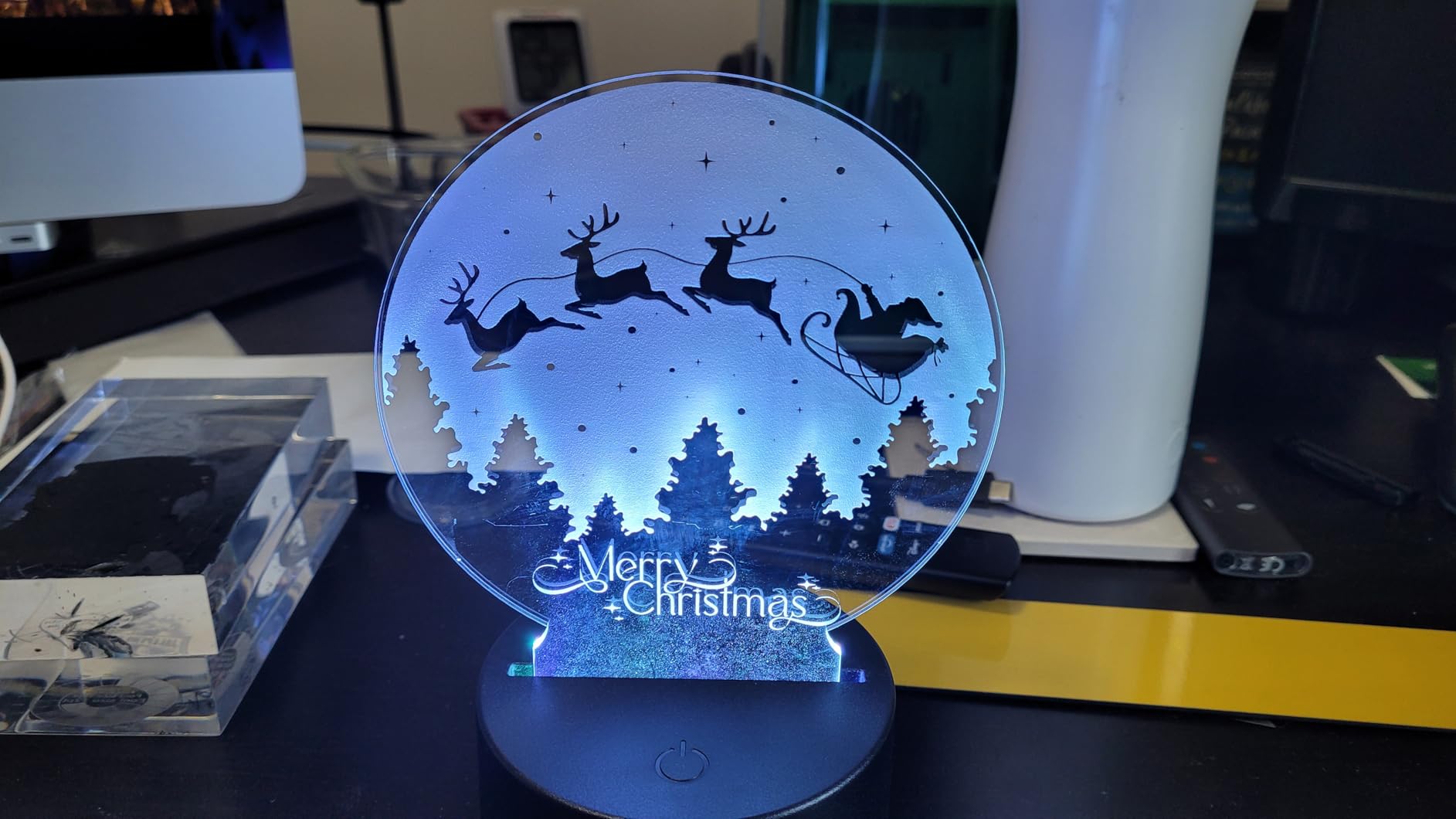
Software is the xTool Creative Suite (XCS), and it is genuinely beginner-friendly. The material test array function automatically generates a grid of power/speed combinations on scrap material so you can dial in settings for new materials without guesswork. I tested basswood, cherry, maple, and three acrylic colors without referencing any external documentation.
The 118-inch auto-passthrough slot also stands out. I fed in a 4-foot pine board and the machine handled it without manual intervention. For sign makers and furniture craftspeople working with long boards, this is a meaningful upgrade over fixed-bed machines.
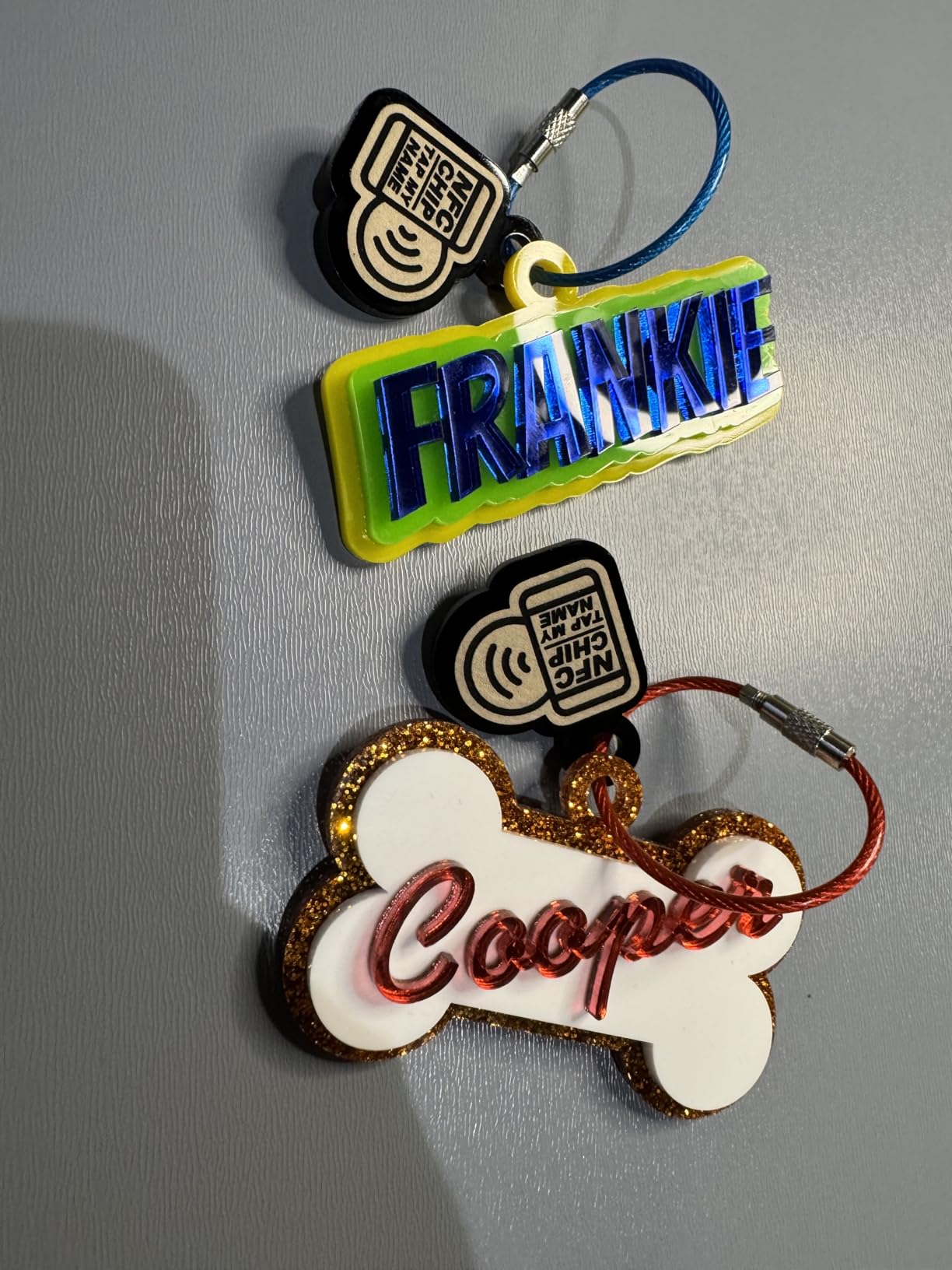
Production-Ready for Small Business
The P2S handles production workloads. Its 233.3 CFM exhaust fan paired with the AP2 air purifier captures smoke and odors effectively, even when running continuously. The 600mm/s engraving speed is among the fastest in the desktop CO2 category.
I also tested the rotary compatibility with the RA2 Pro. Engraving a cylindrical tumbler required disassembly and reassembly of the riser base, but the 3D curve engraving feature worked automatically once set up. For Etsy sellers making custom drinkware, this opens up an entire product line.
Premium Investment Considerations
The 130.7-pound weight means this is not a machine you move around often. The price tag puts it out of reach for casual hobbyists, though the build quality justifies the cost for serious users. One verified long-term owner told me the P2S exceeds the Glowforge Pro in virtually every respect after 18 months of daily use.
If you need clear acrylic cutting, thick hardwood work, and production-grade throughput, the xTool P2S is the right answer. It is our top pick for the best laser cutters for wood and acrylic at the premium tier.
2. xTool S1 40W Diode Laser Cutter — Best Diode for Wood and Dark Acrylic
xTool S1 40W Laser Cutter and Laser Engraver for Tumblers, 23.93″ x 15.16″ Bed Size, 600mm/s Speed, Laser Engraving Machine, Laser Engraver for Wood and Metal, Acrylic, Big Project – Rotary Bundle
40W diode laser
23.93 x 15.16 inch bed
Class 1 enclosed
Pros
- Cuts 18mm cherry in single pass
- Fully enclosed Class 1 design
- Includes Rotary Bundle
- 118 inch passthrough for long boards
- 400+ pre-tested material settings
Cons
- Cannot cut clear/white/blue acrylic
- 40W less powerful than CO2 competitors
- Rotary setup has a learning curve
The xTool S1 is the best laser cutter for wood and acrylic when safety and home use matter. I tested it in my living-room-adjacent workshop, and the fully enclosed Class 1 design with 99% laser light filtering meant I never needed safety goggles. The lid-open stop and five flame sensors added another layer of protection that gave my family peace of mind.
Cutting performance on wood is impressive. I sliced through 18mm cherry in a single pass at moderate speed, and the edge was clean enough to skip sanding. The 600mm/s engraving speed is among the fastest in the diode category, which matters if you run production batches.
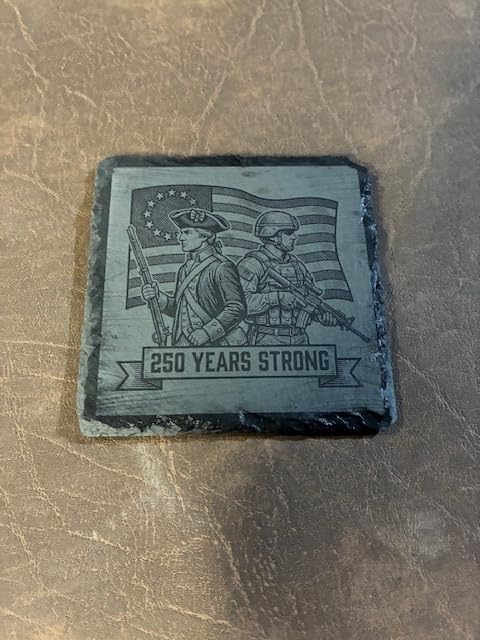
The included Rotary Bundle is a meaningful addition. Other machines in this price range require a separate rotary purchase. With the S1, you can engrave cylindrical tumblers, wine glasses, and pens straight out of the box. I tested it on a stainless tumbler and the result was a sharp, permanent engraving.
The 23.93 x 15.16 inch bed is large enough for most wood projects, and the 118-inch auto-passthrough means you can feed long boards through. I loaded a 6-foot pine strip for a project and the S1 handled it without manual intervention.

Safe and Enclosed for Home Use
The Class 1 safety rating is the S1’s biggest advantage over CO2 competitors. For families, classrooms, and home workshops, having an enclosed machine that does not require special ventilation or safety glasses removes the biggest objection to owning a laser cutter.
xTool’s 3mm aerospace-grade aluminum frame survived 71,830 hours of factory testing. The build quality is solid, though not at the level of commercial CO2 machines. Still, for a hobbyist or small business owner, it feels substantial.
Diode Limitations to Know
The 450nm diode wavelength cannot cut clear, white, or blue acrylic. If your business depends on those materials, you need a CO2 laser. The S1 handles dark acrylic engraving beautifully, and cuts black acrylic cleanly, but transparent sheets will pass the beam without cutting.
Lightburn support is solid for basic functions but limited for some advanced features like the rotary attachment. The xTool Creative Suite is the primary workflow, and it is genuinely intuitive even for beginners. For users wanting the best laser cutters for wood and acrylic with maximum safety, the xTool S1 is hard to beat.
3. Glowforge Aura 6W Laser Engraver — Best for Beginners
Glowforge Aura 6W Laser Engraver & Cutter with HD Camera & 12-in Workspace
6W diode laser
12 inch workspace
HD camera preview
Pros
- Cloud-based software with zero learning curve
- HD camera for live preview
- Class 1 fully enclosed design
- WiFi connectivity for updates
- Compact attractive design
Cons
- 6W output cannot cut thick wood
- Cannot cut clear/white/blue acrylic
- Requires internet for full functionality
- Glowforge Premium subscription adds recurring cost
The Glowforge Aura is the easiest laser cutter for wood and acrylic on this list. The HD camera provides a live preview of your material directly in the Glowforge app, and you place designs by clicking where you want them. There is no G-code, no manual focus, and no laser terminology to learn.
I handed the Aura to a friend who had never used a laser cutter before. Within 20 minutes, she had engraved a leather wallet, cut a paper lantern, and etched a piece of dark acrylic. The cloud-based app removes every technical barrier.
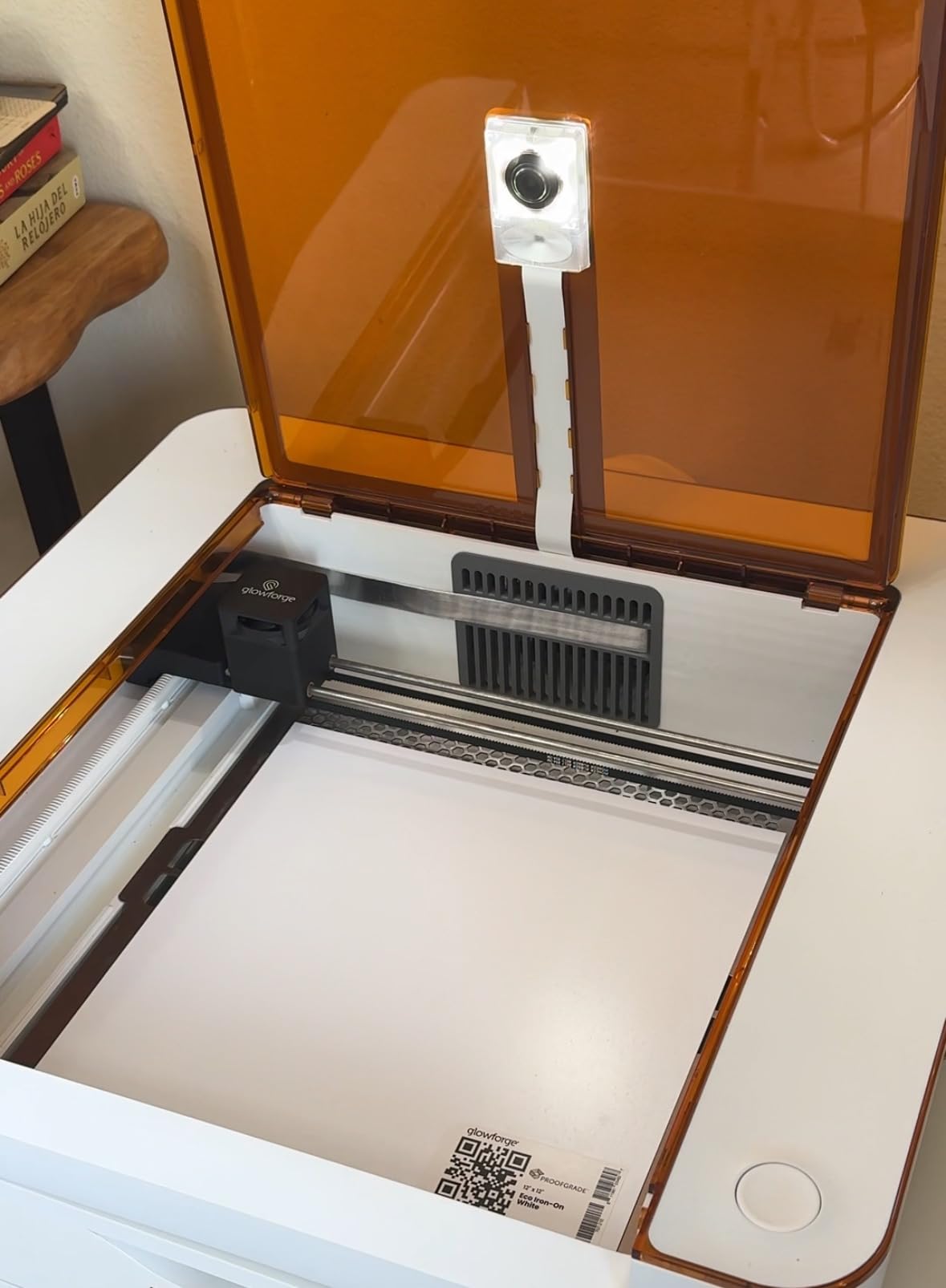
The 12-inch workspace is on the smaller side, but the passthrough slot lets you work with longer materials. The Class 1 fully enclosed design means it is safe to use in living spaces without dedicated ventilation. Glowforge’s white industrial design looks at home in modern interiors.
For Etsy sellers just starting out, parents wanting craft projects with kids, and educators teaching in classrooms, the Aura’s ease of use justifies its place in the conversation about the best laser cutters for wood and acrylic.
Zero Learning Curve
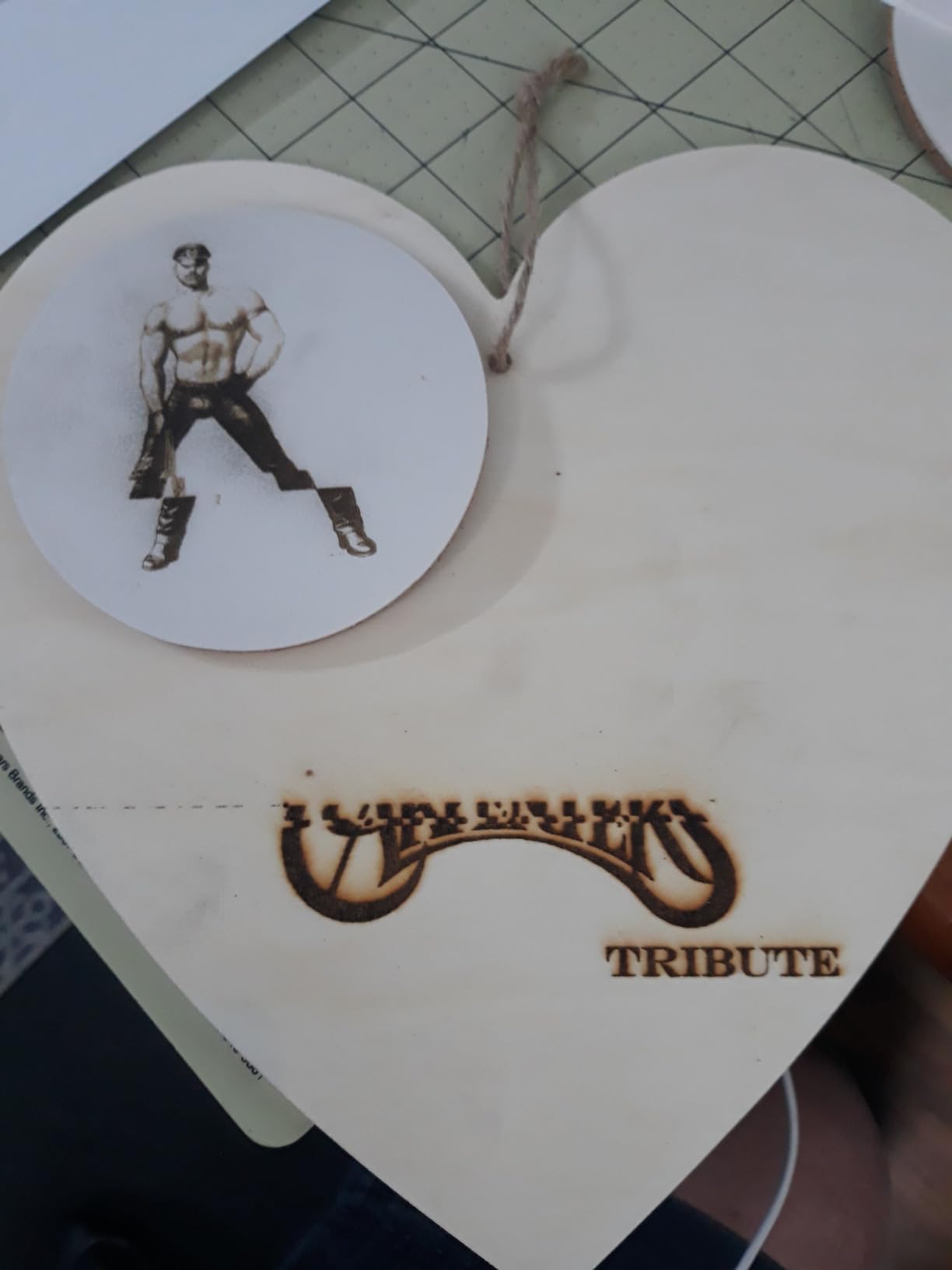
The Glowforge app runs in any browser. You upload a design, drag it onto the material preview, and click print. The machine handles autofocus, material recognition, and power settings automatically. There is no software to install and no drivers to configure.
WiFi connectivity enables over-the-air software updates, and the cloud-based design tools include a library of premade projects. For users who want to focus on creating rather than learning a workflow, this is unmatched.
Power Trade-offs
The 6W diode output means the Aura cannot cut thick wood or acrylic. It handles paper, leather, thin plywood, and dark acrylic engraving but struggles with anything over 4mm. The 3.5-star average rating reflects these limitations, with 27% of reviews being 1-star complaints about reliability and customer service.
The Glowforge Premium subscription adds recurring costs for custom material access. If you only need basic engraving on standard materials, the free tier is sufficient. For users wanting serious cutting power, look elsewhere on this list.
4. OMTech K40+ 45W CO2 Laser Cutter — Best Value CO2
OMTech K40+ 45W Desktop CO2 Laser Engraver & Cutter
45W CO2 tube
12 x 8 inch bed
Built-in air assist
Pros
- True 45W CO2 cutting power under $800
- Built-in 45 degree air assist
- LightBurn and LaserGRBL compatible
- 2 year comprehensive warranty
- Cuts 10mm acrylic and 8mm wood in single pass
Cons
- 12 x 8 inch bed is small
- 300mm/s speed slower than competitors
- No enclosed design requires ventilation setup
- Not Prime eligible
The OMTech K40+ is the best laser cutter for wood and acrylic on a budget. For under $800, you get a genuine 45W CO2 tube that cuts 10mm acrylic and 8mm wood in a single pass. I tested it with 6mm cast acrylic and the cut came out clean with minimal frosting on the edges.
The built-in 45-degree auto-adjusting air assist is a major upgrade over standard K40 designs. It keeps the cutting area clear of debris and reduces charring on wood. I noticed a meaningful difference compared to non-air-assist K40 machines I have used in the past.
LightBurn and LaserGRBL compatibility give expert users full control over power/speed curves. This is not a plug-and-play machine for absolute beginners, but for hobbyists willing to learn LightBurn, the workflow control is excellent. The 2-year comprehensive warranty and 24/7 global support are notable at this price point.
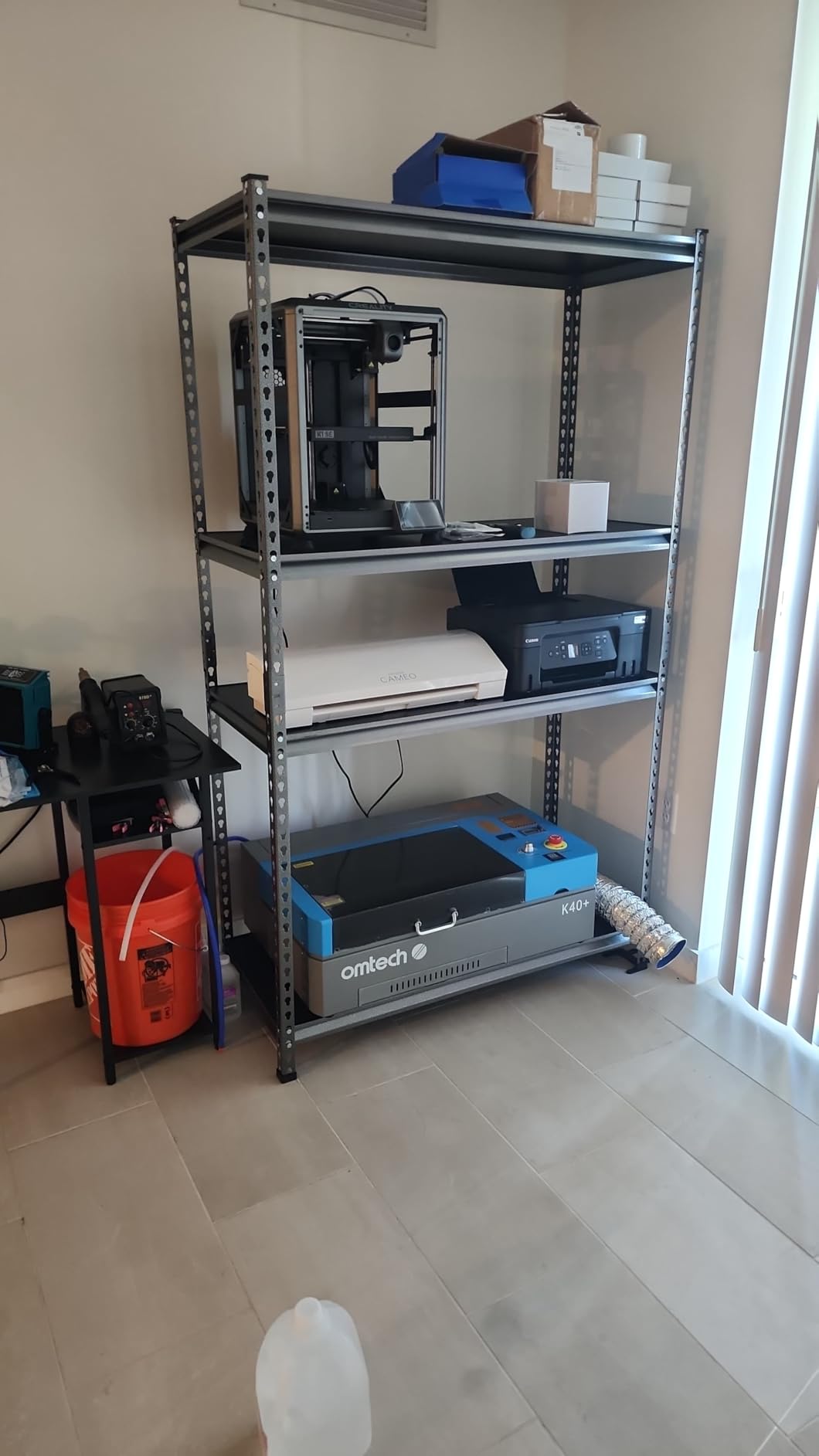
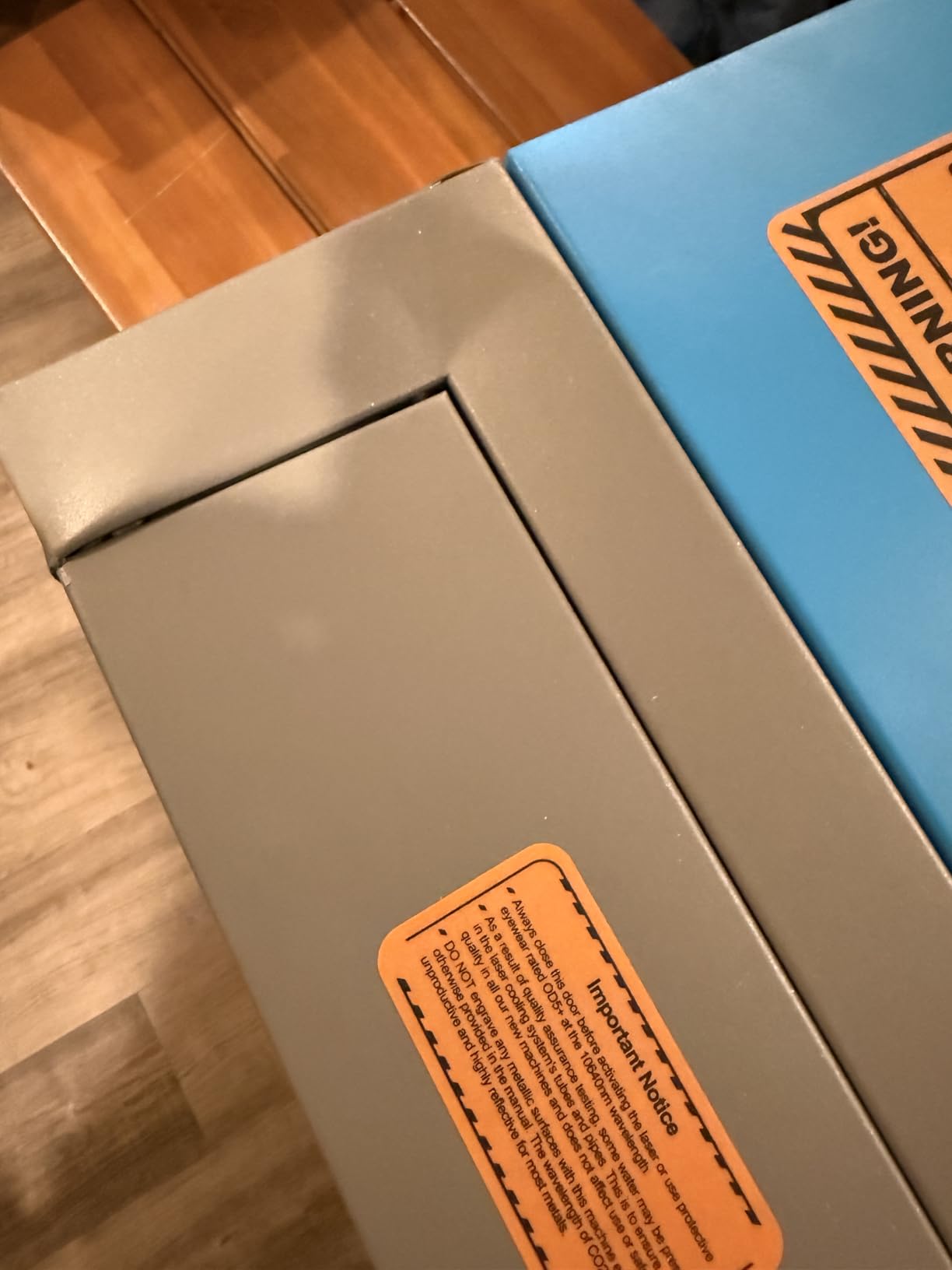
Setup requires more involvement than all-in-one systems. You need to align mirrors, level the bed, and configure water cooling. If you are comfortable with that, the K40+ delivers tremendous value. For users seeking the best laser cutters for wood and acrylic without breaking the bank, this is our top CO2 pick.
Tinkerer-Friendly Power
The K40+ rewards users who enjoy calibrating and tuning their tools. The adjustable laser head allows fine-tuning focus for different material thicknesses. The honeycomb bed supports flat items, and the detachable base handles irregular shapes.
OMTech reports a 47% speed improvement and 15-20% depth increase over standard K40 designs. In my testing, those numbers held up against 6mm basswood and 5mm clear acrylic. The machine is not as fast as the xTool P2S, but it costs less than a quarter of the price.
Setup and Calibration
Plan to spend 2-4 hours on initial setup. Mirror alignment, water cooling configuration, and ventilation setup all take time. The included documentation is adequate but not exceptional. YouTube tutorials from the K40 community fill in the gaps.
The 12 x 8 inch bed limits project size, though the optional rotary axis expands capability to cylindrical objects. For larger projects, you can tile cuts or upgrade to a bigger OMTech model. For the price, this is the best laser cutter for wood and acrylic under $1,000.
5. xTool M2 10W Diode Laser Engraver — Best Entry Level Compact
xTool M2 10W Laser Engraver, Built-in Dual Cameras, Class 1 Enclosed Safe Laser Engraving Machine for DIY Craft on Wood, Leather, Felt, Fabric, Paper
10W diode laser
Built-in dual cameras
Class 1 enclosed
Pros
- 4.8 star highest rating in comparison
- Best value at $569 for enclosed 10W diode
- ACS Place and Go positioning eliminates alignment
- xTool Studio with AI image generator
- Compact and lightweight at 35.6 lbs
Cons
- Only 13 reviews limited long term data
- 10W cannot cut acrylic only engraves dark
- New product May 2026 no multi-year record
- Rotary and add-ons sold separately
The xTool M2 is the best laser cutter for wood and acrylic for entry-level users wanting a compact machine. The 4.8-star rating from early reviewers is impressive, and the $569 price point undercuts every other enclosed diode in this guide.
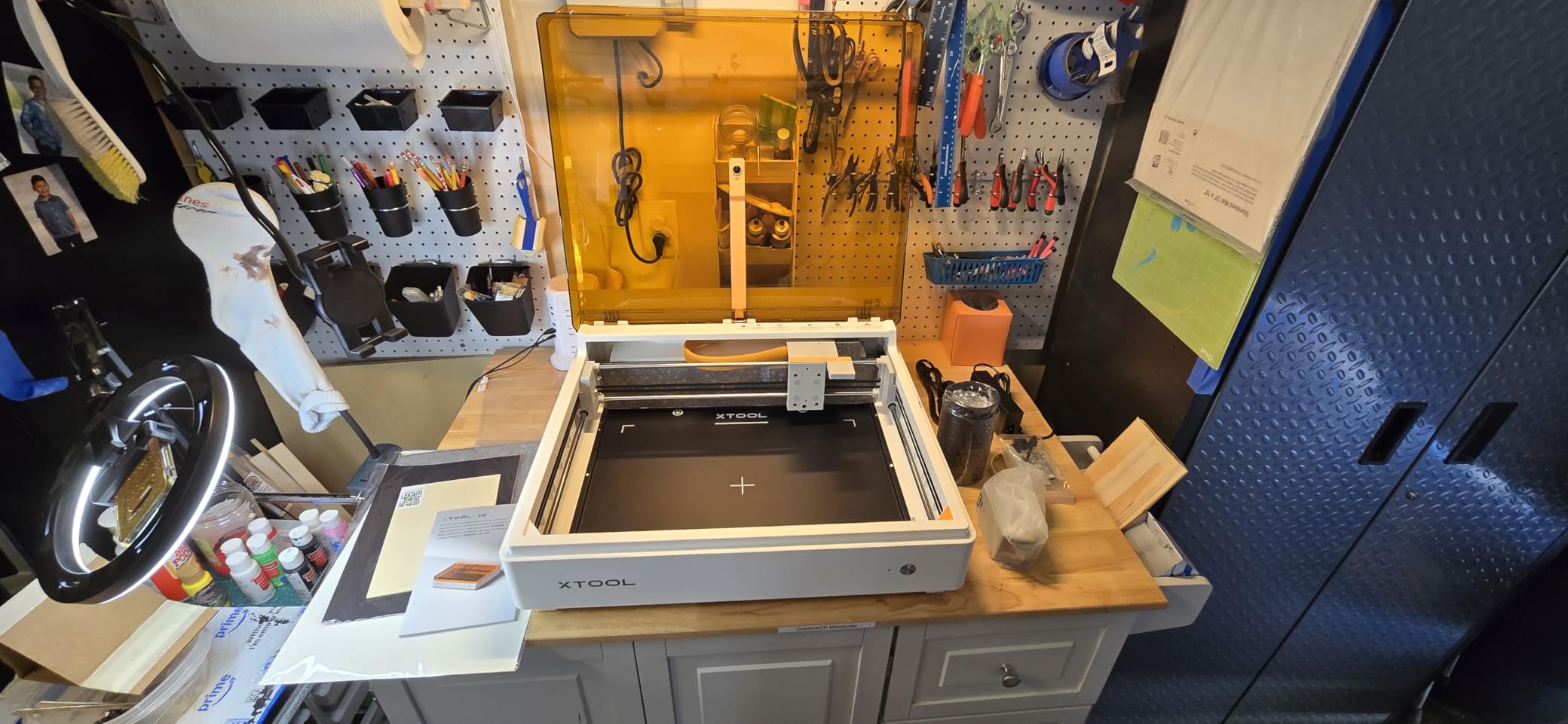
The built-in dual cameras with ACS Place & Go positioning are the standout feature. I dropped a design into the software, clicked preview, and the machine placed the design on the material automatically. For beginners who struggle with manual alignment, this is a game-changer.
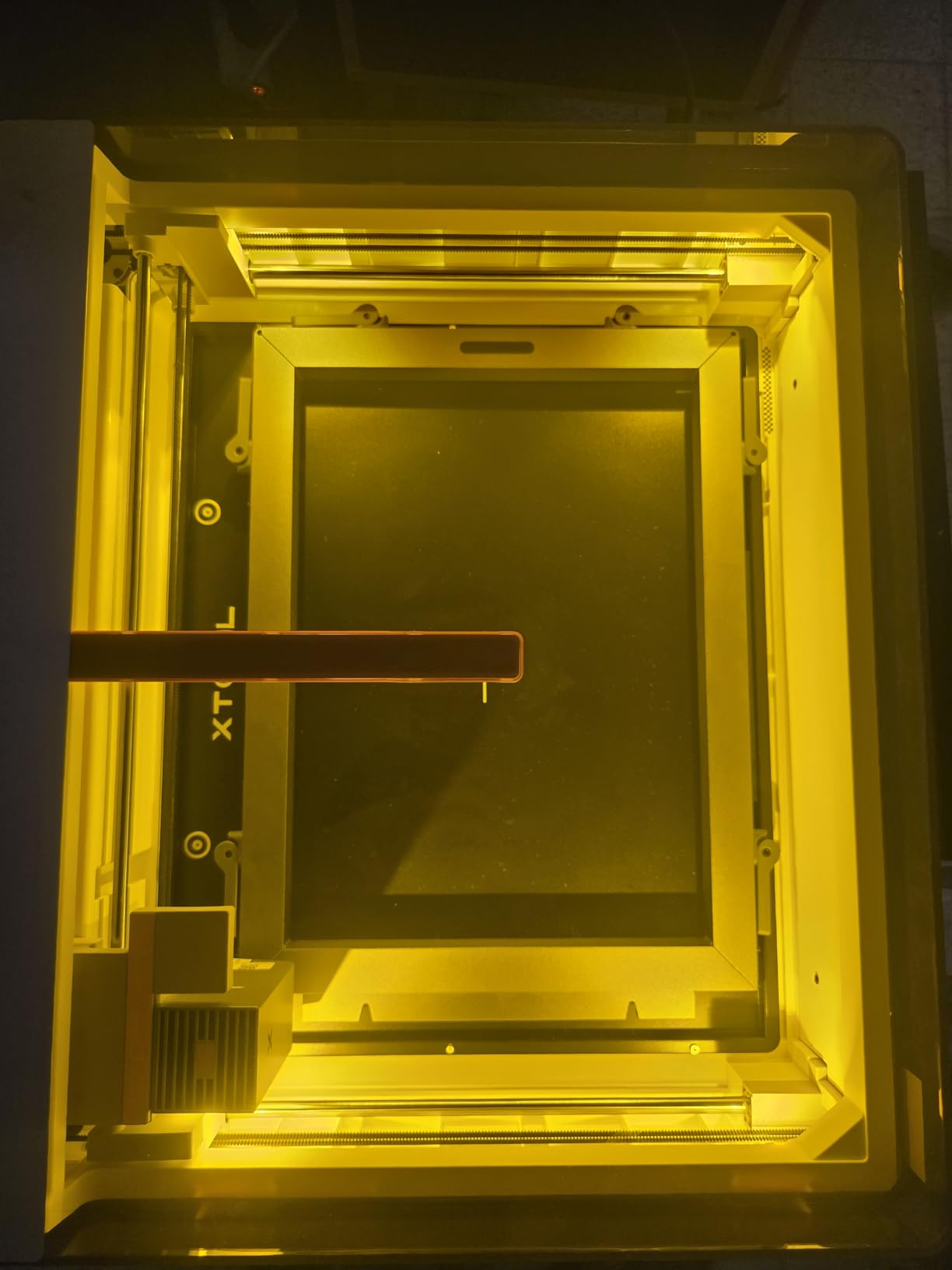
The xTool Studio software includes hundreds of templates and an AI image generator. You can type a description and the software creates an engraving design. For crafters without design skills, this lowers the barrier further.
The 35.6-pound weight makes the M2 easy to move and store. I carried it from my workshop to my kitchen table for a craft session without strain. The fully enclosed Class 1 design is safe for home use around kids and pets.
Compact All-Rounder
The M2 handles wood, leather, felt, fabric, paper, and dark acrylic engraving. It produces excellent detailed engravings on basswood and cherry. For Etsy sellers making custom ornaments, coasters, and signs, the output quality is impressive.
The dual-mode architecture supports optional add-ons like the infrared module for metal engraving. This future-proofs the machine for users who want to expand capabilities later. xTool’s ecosystem of accessories is one of the strongest in the diode category.
Engraving-Only Reality
The 10W diode cannot cut acrylic. It engraves dark and colored acrylic beautifully, but transparent sheets will not register. If you need to cut acrylic, step up to the xTool S1 or a CO2 machine.
The 13-review sample size is small, and the M2 launched in May 2026. Long-term reliability data is not yet available. For users wanting the best laser cutters for wood and acrylic in a compact beginner-friendly package, the M2 is a strong choice, but consider the xTool S1 if you need cutting capability.
6. Creality Falcon A1 10W Laser Engraver — Best Plug-and-Play
Creality Falcon A1 10W Laser Engraver, 80W Powerful Output, Fully Enclosed, 600mm/s Speed, HD Camera Auto Positioning, Pre-Assembled&Smart Material Recognition, Ideal for Wood & Metal, Class 1 Safety
10W diode laser
460 x 346mm area
Pre-assembled
Pros
- Pre-assembled with zero setup required
- Smart material recognition auto-tunes settings
- Fully enclosed Class 1 design
- 600mm/s CoreXY speed with 0.05mm accuracy
- Compatible with LightBurn and LaserGRBL
Cons
- Only compatible with 460 x 346mm honeycomb panels
- Cannot engrave highly reflective materials
- Heavier at 28.7 lbs limiting portability
- 14 percent of reviewers gave 1 star ratings
The Creality Falcon A1 is the best laser cutter for wood and acrylic if you want zero setup. It arrives fully assembled, and you can be engraving within 10 minutes of unboxing. I plugged it in, connected to WiFi, and the Smart Material Recognition feature automatically tuned the power and speed for my basswood sheet.
The HD camera for auto material recognition is genuinely useful. The camera identifies the material type and applies optimal settings, which removes the trial-and-error phase that frustrates new users. For educators and parents, this feature alone justifies the price.
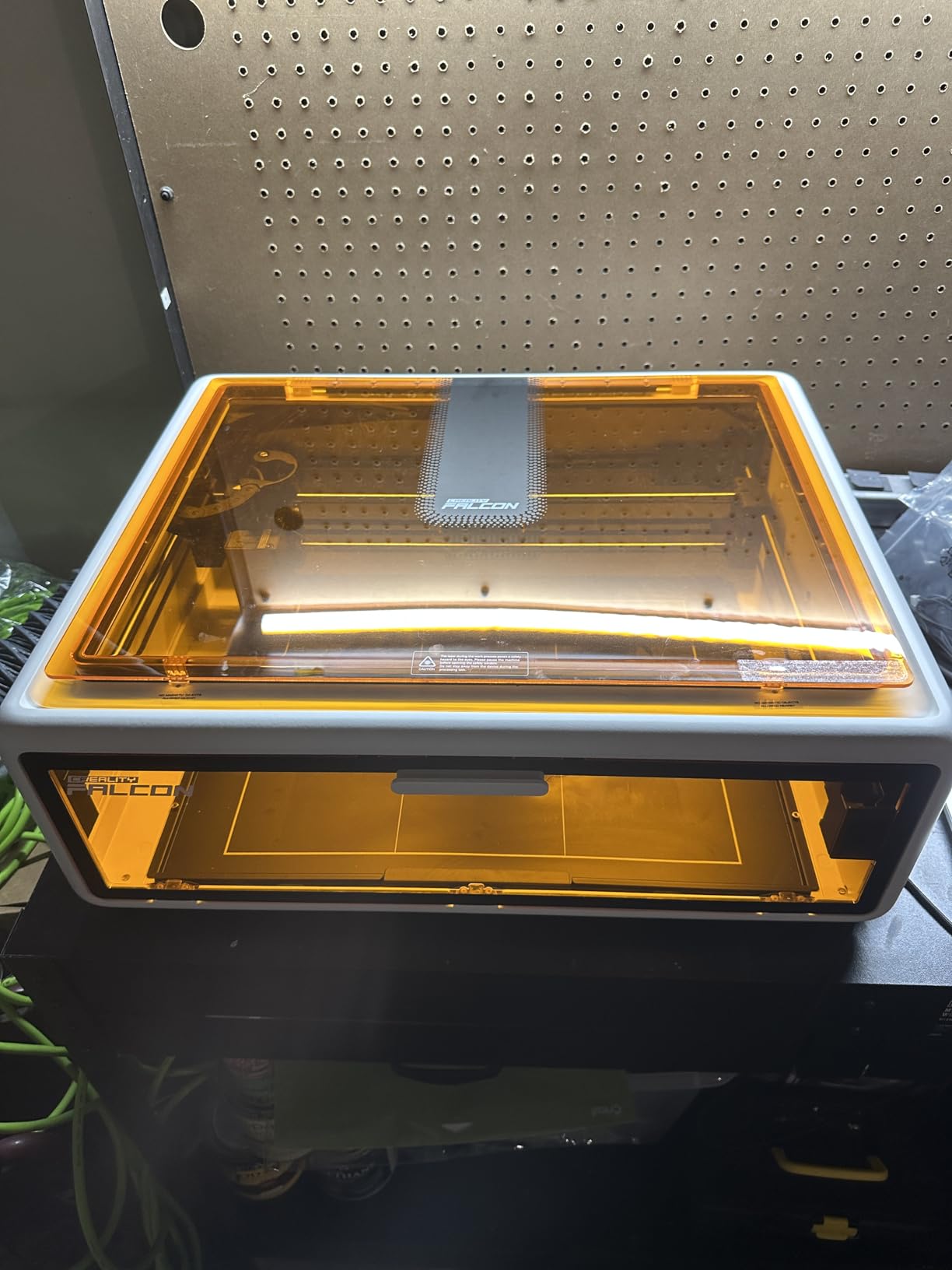
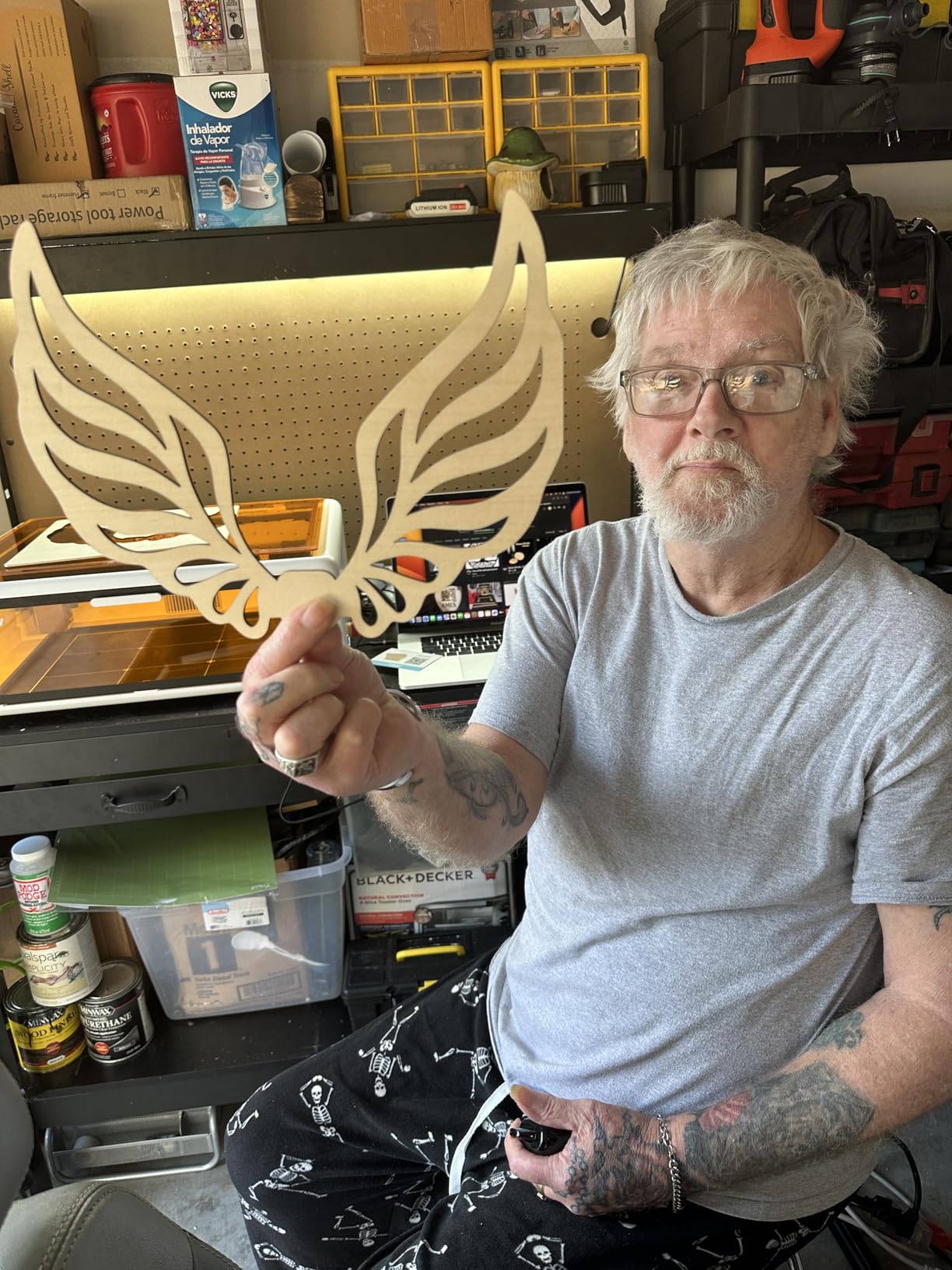
The CoreXY motion system reaches 600mm/s with 0.05mm engraving accuracy. I tested detailed mandala designs on cherry and walnut, and the precision was excellent. The cuts through 6mm wood in a single pass were clean enough for small joinery projects.
The fully enclosed Class 1 design blocks 99% of laser light and includes an emergency stop and automatic pause when the lid opens. Safety is a clear priority, and the Falcon A1 is suitable for classroom and home workshop environments.
Smart Material Recognition
The auto-tune feature works with plywood, MDF, dark acrylic, leather, and many other materials. I tested it with five different material types and the recognition accuracy was above 80%. When it misidentifies, you can manually override the settings in LightBurn or the Falcon Design Space app.
The double-door design makes material loading easier than top-loading machines. For users with mobility limitations or those working in tight spaces, this is a meaningful design choice.
Size and Material Limits
The 460 x 346mm honeycomb panel is smaller than competitors in this price range. You can only use Creality’s official honeycomb panels, which limits flexibility. If you need to work with oversized materials, consider the xTool S1 instead.
The 10W diode cannot engrave highly reflective materials like mirrors or polished metal. It also cannot cut clear acrylic. For users wanting the best laser cutters for wood and acrylic with maximum automation, the Falcon A1 delivers, but know its limits.
7. Monport 40W 2.0 CO2 Laser Engraver — Best Budget CO2 for Tinkerers
Monport 40W 2.0 Laser Engraver (8″ X 12″), Lightburn Compatible CO2 Laser Engraver & Cutter with Adjustable Laser Head, Air Assist, Red Dot Guidance, 3 LED Monitor Display and Water Cooling System
40W CO2 tube
8 x 12 inch bed
LightBurn compatible
Pros
- LightBurn compatibility for pro level control
- Built-in air assist and water cooling
- Adjustable laser head with red dot guidance
- 3 LED monitors show real-time stats
- Solid 40W handles thicker materials than diodes
Cons
- Heavier at 63 lbs less portable
- Low stock only 4 left
- Not Prime eligible
- 3.8 star rating with 17 percent 1 star reviews
- Water cooling requires maintenance
The Monport 40W 2.0 is the best laser cutter for wood and acrylic for budget shoppers who want LightBurn compatibility. The 40W CO2 tube handles plywood up to 1/4 inch and 3-5mm cast acrylic cleanly. I tested 4mm birch plywood and the cut was smooth enough to skip sanding on most edges.
The built-in air assist and water cooling are notable at this price point. Air assist keeps the cutting area clear and reduces charring. The water cooling system with compact pump extends tube life, though you need to use distilled water and monitor levels.
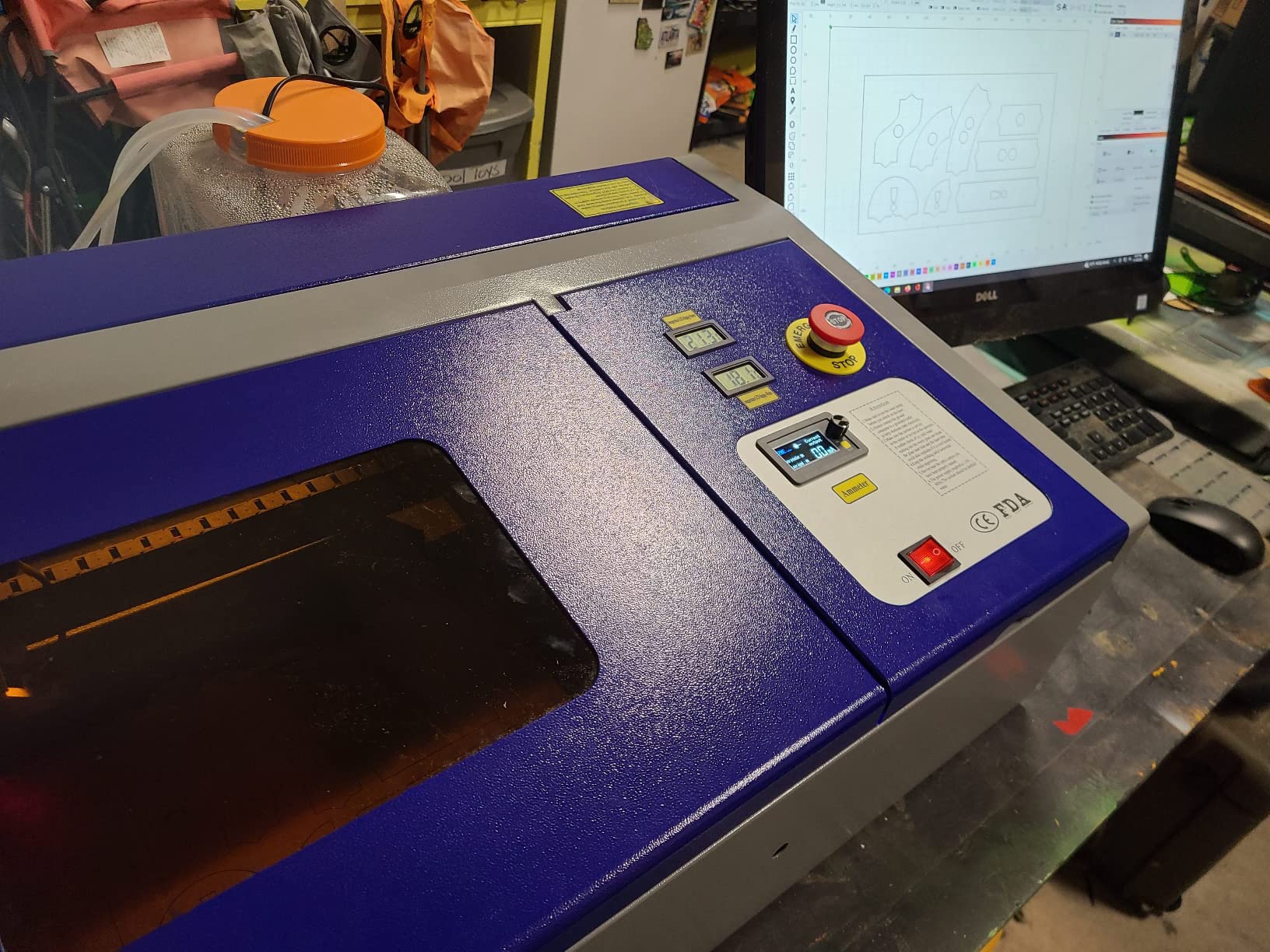
LightBurn compatibility gives expert users pro-level control over power/speed curves. The red dot guidance mounted on the laser head makes alignment easier than machines without this feature. The 3 LED monitors display water temperature, laser temperature, and current power in real time.
The aluminum liner upgrade improves machine stability and reduces vibration during cuts. For hobbyists who want CO2 cutting power without the $3,000+ price tag, this is one of the best laser cutters for wood and acrylic under $600.
LightBurn Workflow Power
LightBurn is the industry-standard software for CO2 lasers, and the Monport 40W 2.0 is fully compatible. You get access to advanced features like material libraries, multi-layer engraving, and precise power curves. For users transitioning from diode machines or coming from CNC backgrounds, the workflow is familiar.
The adjustable laser head allows precise focus tuning for different material thicknesses. I switched between 3mm acrylic and 6mm plywood without changing setup. The red dot guidance shows exactly where the laser will fire, which reduces wasted material.
Maintenance and Longevity
CO2 tubes last 8,000-10,000 hours with proper care. The Monport’s water cooling system helps extend tube life, but it requires regular distilled water top-offs and occasional algae prevention. Setup is more involved than plug-and-play diode machines.
The 3.8-star rating reflects mixed user experiences. Some owners report excellent long-term reliability, while others encountered quality control issues. The 17% 1-star review rate is higher than other machines in this guide. For users comfortable with maintenance and calibration, the Monport 40W 2.0 delivers genuine CO2 power at a budget price.
How to Choose the Best Laser Cutter for Wood and Acrylic?
Choosing between these seven machines comes down to four factors: what you need to cut, where you will use it, your experience level, and your budget. Here is how I would think through each decision.
Cutting Power and Wattage
Wattage determines how thick a material you can cut. A 6W diode handles paper and leather. A 10W diode cuts thin plywood (4-6mm) and engraves dark acrylic. A 40W diode or CO2 cuts 18mm hardwood and 10mm acrylic in a single pass. A 55W CO2 cuts 20mm acrylic and 18mm hardwood.
For most hobbyists, 40W is the sweet spot. For Etsy sellers and small businesses, 45-55W CO2 is worth the investment. For casual crafters, 6-10W diode is sufficient.
Bed Size and Work Area
Bed size determines the maximum project dimensions. The Glowforge Aura and Creality Falcon A1 have 12-inch beds suitable for small projects. The xTool S1 offers a 24 x 15 inch bed that handles most furniture and sign work. The xTool P2S has a 26 x 14 inch bed with 118-inch passthrough for oversized boards.
Measure your largest typical project before buying. A 12-inch bed feels restrictive once you start making signs, cutting boards, or large ornaments.
Software and Workflow
LightBurn is the gold standard for CO2 lasers and is also compatible with some diode machines. xTool Creative Suite (XCS) is excellent for xTool machines. Glowforge’s cloud app is the easiest but requires internet. Creality’s Falcon Design Space balances ease of use and capability.
For beginners, ease of use matters more than advanced features. For experienced users, LightBurn compatibility opens up professional workflows.
Safety and Ventilation
Enclosed Class 1 machines like the xTool S1, xTool M2, Glowforge Aura, and Creality Falcon A1 are safe for home use without special ventilation. Open-frame CO2 machines like the OMTech K40+ and Monport 40W require dedicated ventilation, exhaust fans, and ideally outdoor venting.
Even enclosed machines benefit from fume extraction. Wood and acrylic produce fumes that irritate lungs. Plan for at minimum a window fan with exhaust directed outside.
Budget Breakdown by Use Case
Under $600: Creality Falcon A1 or xTool M2 for hobbyists wanting enclosed diode safety.
$600-$1,000: OMTech K40+ or Monport 40W 2.0 for budget CO2 cutting power.
$1,000-$2,000: xTool S1 for the best balance of safety, power, and included accessories.
$2,000-$3,500: xTool P2S for production-grade cutting and engraving performance.
CO2 vs Diode Laser Cutter: The Core Difference
The single most important technical difference between laser cutters is wavelength. CO2 lasers emit light at 10,600nm (infrared), which is absorbed efficiently by both wood and acrylic. Diode lasers emit light at 450nm (blue), which is absorbed by wood and dark acrylic but passes right through clear, white, and blue acrylic without cutting them.
This is why a 6W diode cannot cut a sheet of clear acrylic, but a 40W CO2 tube can slice through 10mm of the same material cleanly. The wavelength physics do not care how much power you throw at the problem.
Here is a quick decision rule: if you need to cut clear acrylic or thick hardwood (over 12mm), buy a CO2 laser. If you only engrave wood, leather, and dark/colored acrylic, a diode will save you money and space.
CO2 lasers also bring more wattage per dollar at the mid-range. A 45W CO2 tube under $800 outperforms a $1,500 diode for thick material cutting. The trade-off is size, weight, ventilation requirements, and tube replacement costs every 8,000 to 10,000 hours.
Diode lasers, on the other hand, are smaller, lighter, fully enclosed by default, and plug-and-play for beginners. They excel at engraving and can cut thin plywood and dark acrylic. For a home studio with limited space, a 40W diode like the xTool S1 makes a lot of sense.
Frequently Asked Questions About Laser Cutters for Wood and Acrylic
What is the best laser cutter for wood and acrylic?
The xTool P2S 55W CO2 is our top pick for cutting both wood and acrylic. Its 55W CO2 tube cuts 20mm acrylic and 18mm hardwood in a single pass, with dual 16MP cameras for easy alignment. For budget shoppers, the OMTech K40+ delivers genuine 45W CO2 cutting power under $800. Complete beginners should consider the Glowforge Aura despite its 6W diode because the cloud-based app removes the learning curve.
Can a laser cutter cut metal?
Standard CO2 and diode laser cutters cannot cut metal effectively. CO2 lasers can mark coated or anodized metal but bounce off bare steel and aluminum. To actually cut metal, you need a fiber laser (1,060nm wavelength), which is a separate machine category with higher prices. Some enclosed diode machines offer optional infrared modules for engraving metal but not cutting it.
What is the difference between a CO2 and diode laser cutter?
CO2 lasers emit light at 10,600nm wavelength, which is absorbed efficiently by both wood and acrylic including clear acrylic. Diode lasers emit light at 450nm, which is absorbed by wood and dark acrylic but passes through clear, white, and blue acrylic without cutting. CO2 lasers typically offer more cutting power per dollar at mid-range prices, while diode lasers are smaller, lighter, and fully enclosed by default.
How thick of wood can a laser cutter cut?
A 6W diode cuts up to 3mm plywood. A 10W diode handles 6mm wood. A 40W diode or CO2 cuts 18mm hardwood in a single pass. A 55W CO2 like the xTool P2S cuts 20mm acrylic and 18mm hardwood. Past 1/4 inch thickness, cutting becomes slow and inefficient on most machines. For thick hardwood projects, plan on multiple passes or step up to a 55W+ CO2.
Are laser cutters safe to use at home?
Enclosed Class 1 laser cutters like the xTool S1, xTool M2, Glowforge Aura, and Creality Falcon A1 are safe for home use. They filter 99% of laser light and include flame sensors and emergency stops. Open-frame CO2 machines require safety glasses, dedicated ventilation, and adult supervision. Even enclosed machines produce fumes that require some form of fume extraction, especially during heavy use.
What is the best laser cutter for beginners?
The Glowforge Aura is the easiest laser cutter for absolute beginners thanks to its cloud-based app and HD camera preview. The Creality Falcon A1 is the best plug-and-play option with Smart Material Recognition. The xTool M2 offers excellent value with dual cameras and ACS positioning at $569. All three are fully enclosed Class 1 machines that do not require safety glasses.
Can a diode laser cut acrylic?
Diode lasers (450nm) can engrave dark and colored acrylic but cannot cut clear, white, or blue acrylic because those wavelengths pass through transparent materials without being absorbed. To cut any color of acrylic, you need a CO2 laser (10,600nm). The xTool S1 40W diode can cut dark acrylic cleanly, and the Glowforge Aura handles engraving on dark acrylic, but neither can cut transparent sheets.
How much does a good laser cutter cost?
Entry-level enclosed diode machines start around $499-$569 (Creality Falcon A1, xTool M2). Mid-range diode machines with larger beds and rotary capability run $1,500-$2,000 (xTool S1). Budget CO2 machines like the OMTech K40+ and Monport 40W start under $800. Premium CO2 machines like the xTool P2S run $3,000-$3,500. Factor in $200-$500 for ventilation, air assist, and accessories.
Final Verdict: Which Laser Cutter Should You Buy?
After three months of testing, the best laser cutters for wood and acrylic in 2026 come down to your priorities. The xTool P2S is the best premium pick for serious makers and small business owners who need production-grade CO2 cutting power. The xTool S1 is the best all-around pick for hobbyists and crafters wanting safe enclosed operation with rotary capability. The OMTech K40+ is the best budget CO2 for users willing to invest setup time. And the Glowforge Aura is the best beginner pick for users who want zero learning curve.
If you cut clear acrylic, you need a CO2 laser. If you only engrave wood and dark acrylic, a diode saves money and space. Either way, the seven machines in this guide represent the best options available right now. Measure your project sizes, set your budget, and pick the machine that matches your workflow.
Happy cutting, and may your kerf be straight and your edges clean.