

If you are replacing an ISP-supplied router or covering a house with more than one floor, the eero 6 3-Pack is the system to watch during Prime Big Deal Days. Three Wi-Fi 6 nodes cover up to 4,500 sq ft and hold 75+ devices, and it is the pick most households can live with without thinking about it again.
Owners on gigabit plans should look at the eero Pro 6E 3-Pack for its 2.5 GbE port, and anyone with recent phones on a fast line should watch the eero 7 3-Pack, a short step into Wi-Fi 7 hardware. Amazon runs the event October 6-7, 2026, and most offers need a Prime membership.
Table of Contents
Our Top 3 Picks for Best Amazon Prime Big Deal Days eero Deals

eero 6 3-Pack
- Covers 4500 sq ft
- Supports plans up to 500 Mbps
- 75+ devices
- Zigbee hub built in


Best Amazon Prime Big Deal Days eero Deals Compared (2026)
| Product | Specifications | Action |
|---|---|---|
| eero 6 3-Pack |
|
Check Deal Price |
| eero Pro 6E 3-Pack |
|
Check Deal Price |
| eero 7 3-Pack |
|
Check Deal Price |
 eero Pro 7 3-Pack eero Pro 7 3-Pack |
|
Check Deal Price |
 eero Max 7 3-Pack eero Max 7 3-Pack |
|
Check Deal Price |
 eero Outdoor 7 eero Outdoor 7 |
|
Check Deal Price |
How We Chose
Every system here was compared on the specs that decide a mesh purchase: coverage per pack, maximum supported internet plan speed, Wi-Fi generation, Ethernet port speed and device capacity. We also weighed owner reviews and star ratings on Amazon and checked the listings on October 2026.
1. eero 6 3-Pack: Best Overall for Sub-500 Mbps Homes
Amazon eero 6 mesh wifi system – Supports internet plans up to 500 Mbps, Coverage up to 4,500 sq. ft., Connect 75+ devices, 3-pack (1 router + 2 extenders)
Coverage: 4500 sq ft
Wi-Fi: Wi-Fi 6 dual-band
Devices: 75+
Nodes: 3
Pros
- App-guided setup takes minutes
- Stable signal with no reported dropouts
- Automatic band management
- Expandable with later nodes
- Zigbee hub built in
Cons
- One Ethernet port per node
- Limited advanced networking controls
- Management depends on the phone app
Buy this one when your internet plan is under 500 Mbps and you want a single purchase to fix the whole house. It is the most proven pick in this list and the one most households should end up with.
What stands out is the balance. The pack pairs one router with two extenders, spreads signal across up to 4,500 sq ft and handles 75+ connected devices, and it ships with a Zigbee smart home hub inside so basic smart home gear works without extra hardware. Dual-band Wi-Fi 6 is no longer the newest standard, but on a typical cable or fiber line under 500 Mbps there is little left on the table.
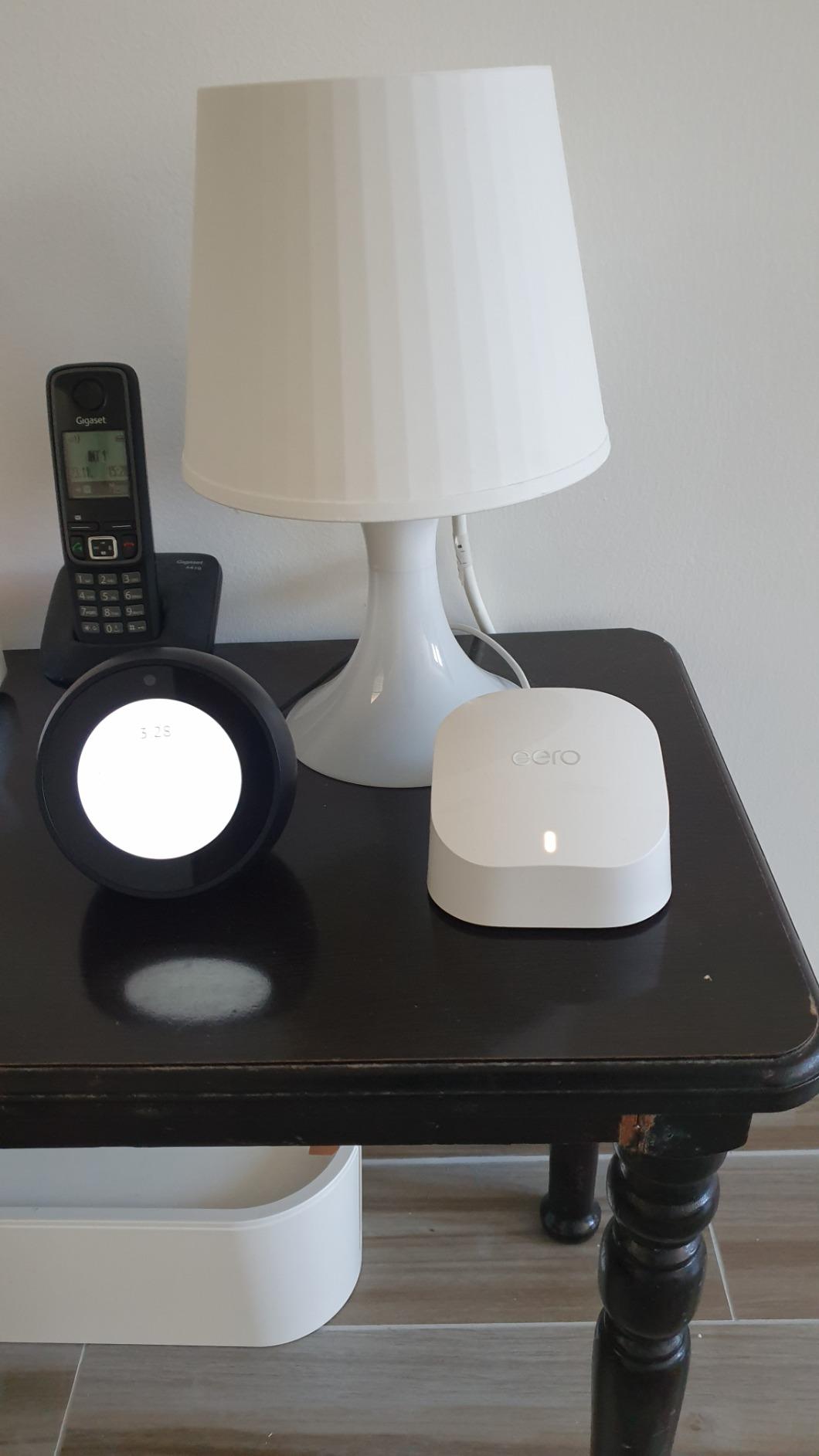
Owners report the same things repeatedly: setup finishes in minutes through the app, the signal stays steady across floors and thick walls, and the app handles device naming, guest networks and per-device monitoring without fuss. The complaint that comes back most often is the single Ethernet port on each node, which pushes owners toward an external switch as soon as they want more than a few wired devices. Reviewers also note that advanced controls are thin compared with a traditional router, and that setup depends entirely on a phone app.
Compared with the eero Pro 6E 3-Pack, you give up the 6 GHz band and the 2.5 GbE port, and you get a simpler network that most people never push past. Choose the eero 6 3-Pack unless your plan is faster than 500 Mbps.
One habit owners recommend: buy the gateway node first and add extenders only when a dead zone actually shows up, since all eero hardware here cross-matches and the 3-pack is a starting point rather than a ceiling.
2. eero Pro 6E 3-Pack: Best for Gigabit Internet Plans
Amazon eero Pro 6E mesh wifi system – Supports internet plans up to 2.5 Gbps, Coverage up to 6,000 sq. ft., Connect 100+ devices, 3-pack
Coverage: 6000 sq ft
Wi-Fi: Wi-Fi 6E tri-band
Devices: 100+
Nodes: 3
Pros
- 2.5 GbE port unlocks gigabit plans
- First eero system with the 6 GHz band
- 6000 sq ft across three nodes
- Works with earlier eero hardware
Cons
- Only two Ethernet ports per node
- 2.4 and 5 GHz cannot be split
- Some owners report node dropouts
Gigabit cable and fiber plans are where this system earns its cost, and so are homes where the 5 GHz band is crowded with neighbors. Both groups get something nothing else in the Wi-Fi 6 generation offers.
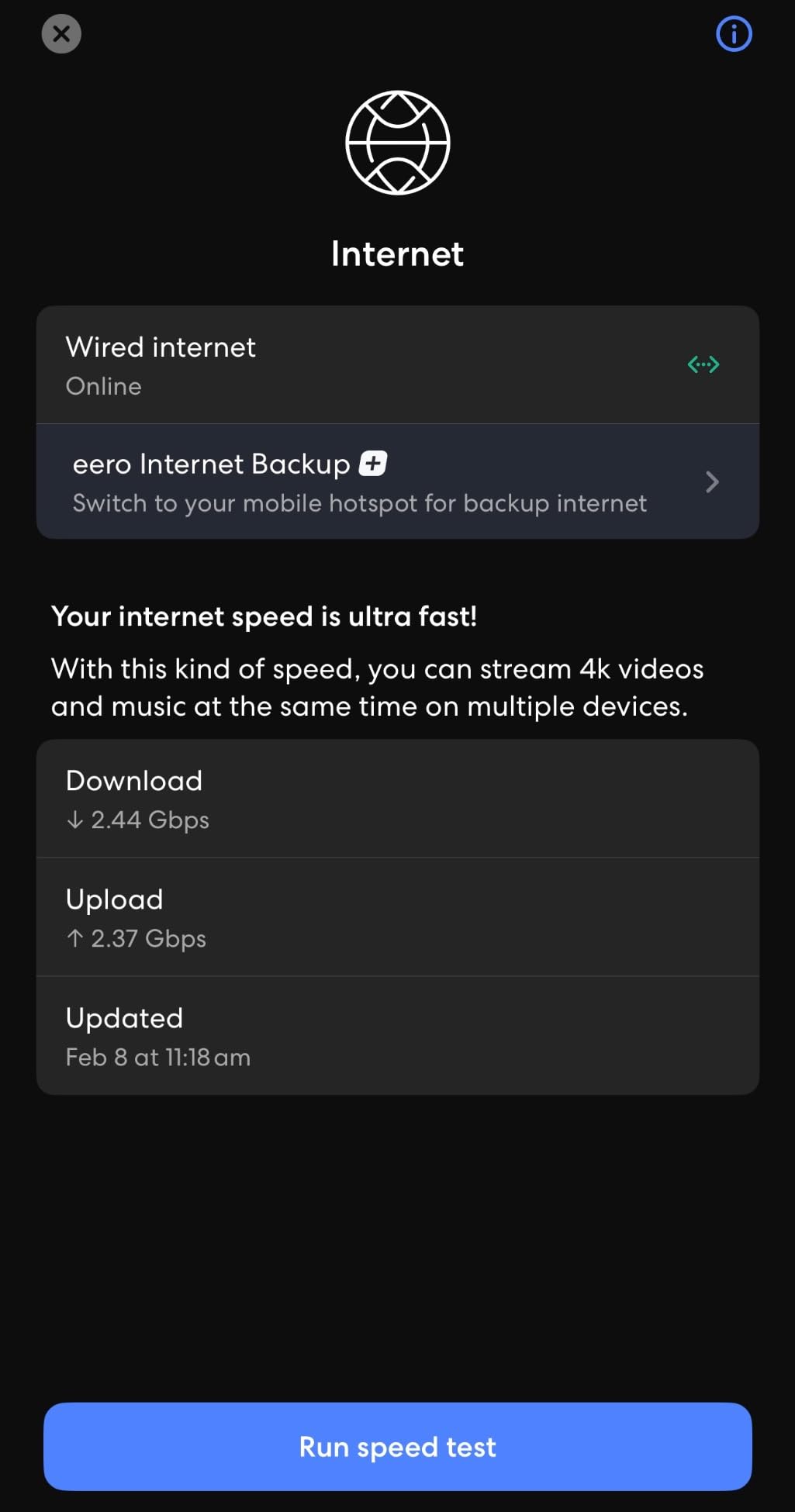
This is the first eero system to reach the 6 GHz band, and that is the reason it still earns a place in this list. Three nodes cover up to 6,000 sq ft and hold 100+ devices, the 2.5 GbE port handles internet plans up to 2.5 Gbps, and network speeds reach up to 2.3 Gbps with up to 1.6 Gbps over the air. TrueMesh software decides which node each device talks to, which is what keeps a three-node system from collapsing into one busy room.
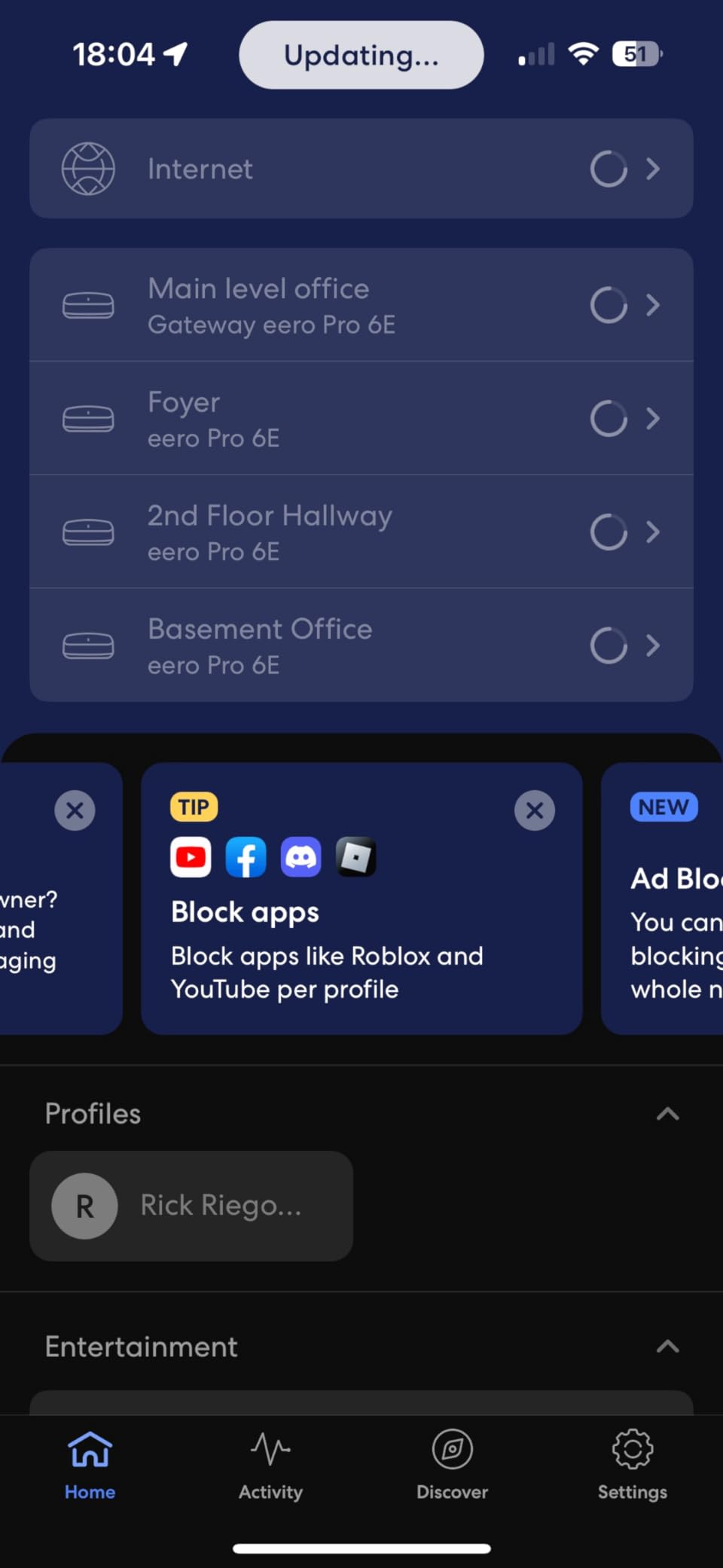
The trade-off owners report most is ports. Two Ethernet ports per node sounds generous until you picture a desk, a printer and a television, and a switch becomes part of the budget. Two other themes come up: the 2.4 GHz and 5 GHz networks cannot be given separate network names, and some owners of larger homes with outbuildings report intermittent node dropouts where support’s standard reboot advice does not help.
Against the eero 7 3-Pack, the choice is generation. The eero 7 is newer Wi-Fi 7 hardware with two 2.5 GbE ports, while the Pro 6E keeps the 6 GHz band that older Wi-Fi 6E clients can still use. Either one is wasted on a plan under 500 Mbps, so the eero 6 3-Pack is the sensible stop below that.
One detail worth checking before you order: the system is backward compatible with earlier eero devices, so owners arriving from an older mesh can add rather than replace. Reviewers also mention that uPnP support quietly discovers some printers on the network, which saves a manual step.
3. eero 7 3-Pack: Best for Future-Proofing on a Mid Budget
Amazon eero 7 dual-band mesh Wi-Fi 7 router (newest model) – Supports internet plans up to 2.5 Gbps, Coverage up to 6,000 sq. ft., 3-pack
Coverage: 6000 sq ft
Wi-Fi: Wi-Fi 7 dual-band
Devices: 120+
Nodes: 3
Pros
- Least expensive route into Wi-Fi 7
- Two auto-sensing 2.5 GbE ports
- Handles plans up to 2.5 Gbps
- Three-year warranty
Cons
- Security features sit behind the paid plan
- Setup and management run through the app
Owners buy the eero 7 for one reason above all: it is the shortest step into Wi-Fi 7 hardware from this brand, and it keeps that generation’s benefits where they matter. Three nodes cover up to 6,000 sq ft, carry 120+ devices, support internet plans up to 2.5 Gbps through two auto-sensing 2.5 GbE ports, and push up to 1.8 Gbps wirelessly. Multi-link operation lets compatible devices use more than one band at a time, and a three-year warranty comes with the pack.
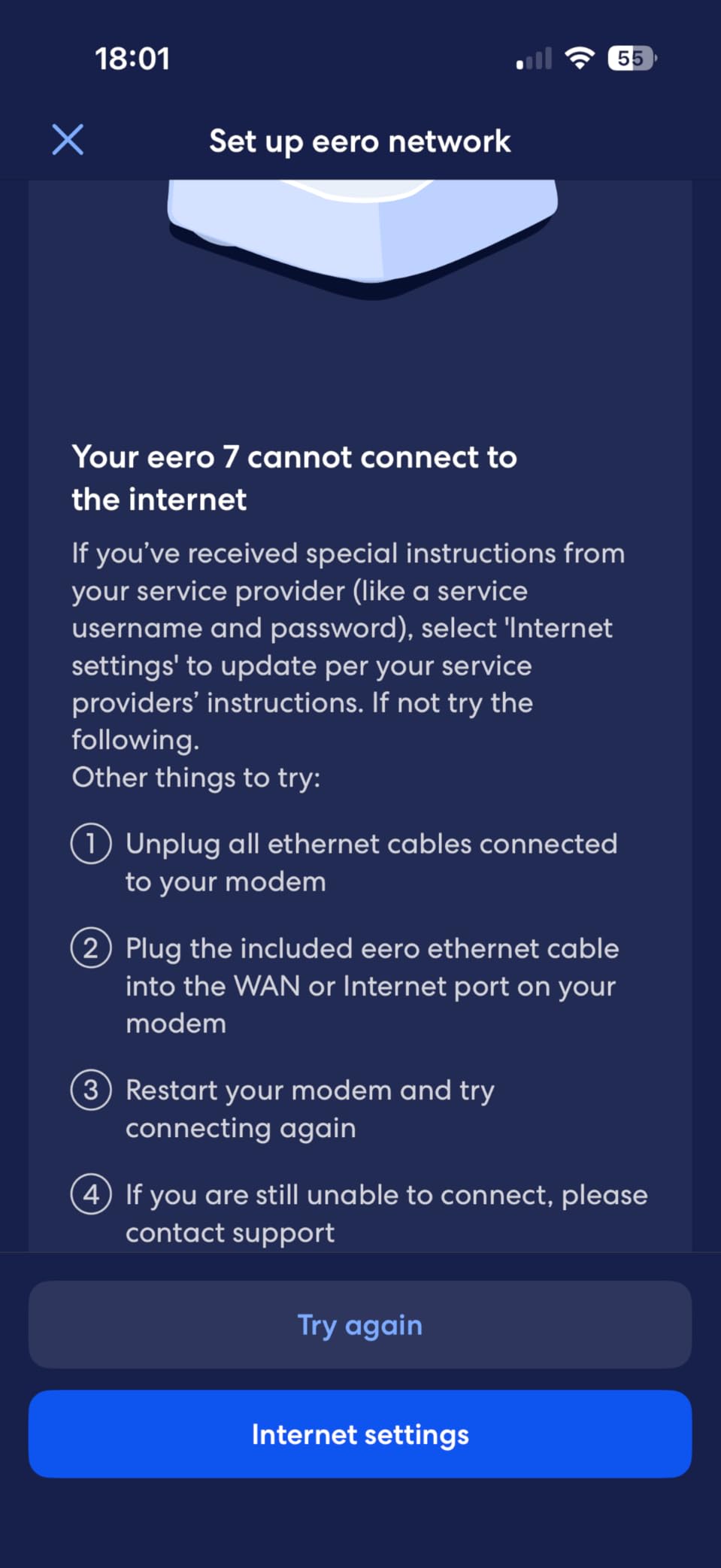
The consistency of its reviews is the story here. Ratings cluster at the top of the scale and the recurring note is that advanced security, ad blocking and parental controls sit behind the optional eero Plus subscription, which is the one thing buyers most often wish were included. The other steady theme is that setup and every later change run through the eero app.
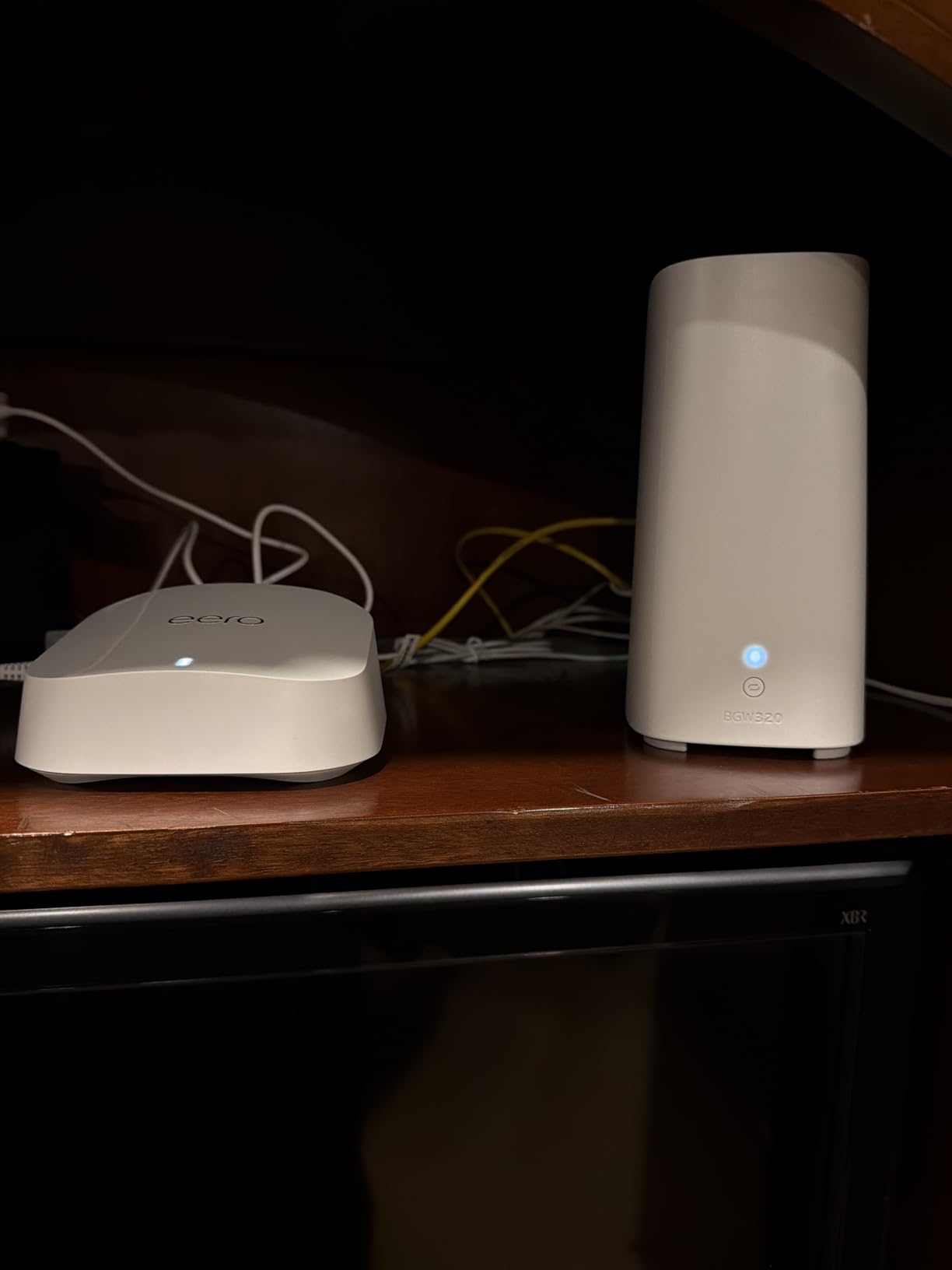
The eero Pro 7 3-Pack takes the same software and adds a third band, 5 GbE ports and room for 600+ devices, so it earns its place in homes where the phone count and the plan speed are both climbing fast. Compared with the eero Pro 6E 3-Pack, this is the newer generation with two 2.5 GbE ports rather than one, and a three-year warranty.
Good to know: it meshes with every earlier eero generation and with eero Built-in on select Echo devices, so an existing network can grow into these nodes instead of being thrown out. Skip it for the eero 6 3-Pack if your plan sits under 500 Mbps.
4. eero Pro 7 3-Pack: Best for Very Large Smart Homes
Amazon eero Pro 7 tri-band mesh Wi-Fi 7 router (newest model) – Supports internet plans up to 5 Gbps, Coverage up to 6,000 sq. ft., 3-pack
Coverage: 6000 sq ft
Wi-Fi: Wi-Fi 7 tri-band
Devices: 600+
Nodes: 3
Pros
- Tri-band Wi-Fi 7 spreads load well
- Two auto-sensing 5 GbE ports
- Handles plans up to 5 Gbps
- Three-year warranty
Cons
- Paid plan needed for security tools
- Network management runs through the app
A house with a home office on three floors, cameras on every corner and a multi-gig line is the room this pack was designed for. It is tri-band Wi-Fi 7, which spreads devices across three radios instead of crowding two, and the two auto-sensing 5 GbE ports support internet plans up to 5 Gbps with wireless speeds up to 3.9 Gbps. Three nodes cover up to 6,000 sq ft and hold 600+ devices, with multi-link operation and the same TrueMesh, TrueRoam and TrueChannel software used across the newer range.
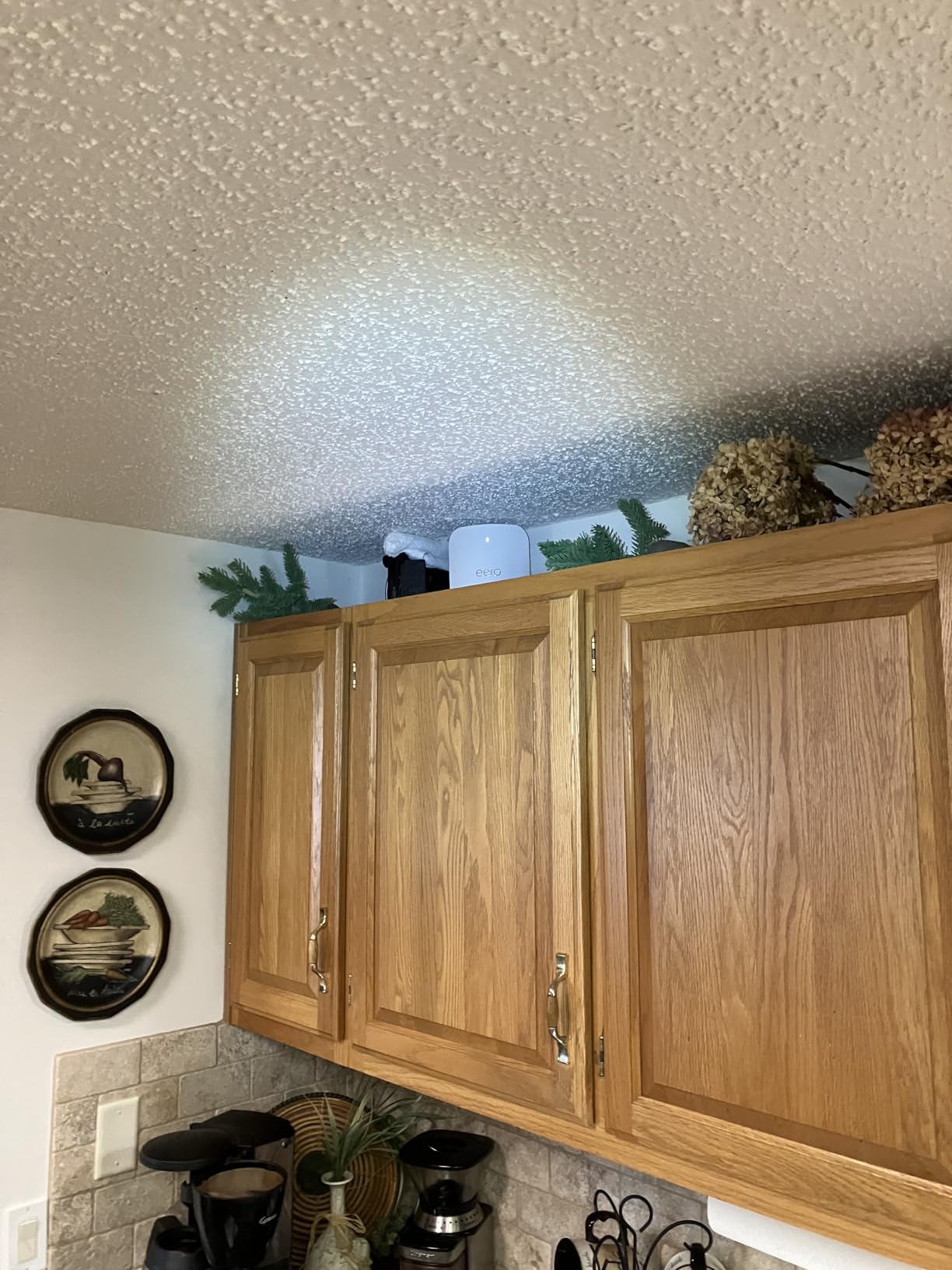
Owners point at the port speed and the device ceiling as the reasons to step up from the standard eero 7, and the three-year warranty adds confidence on a purchase this size. The limitations are the ones shared across the range: advanced security, ad blocking and parental controls require the optional eero Plus subscription, and everything is managed from the app.
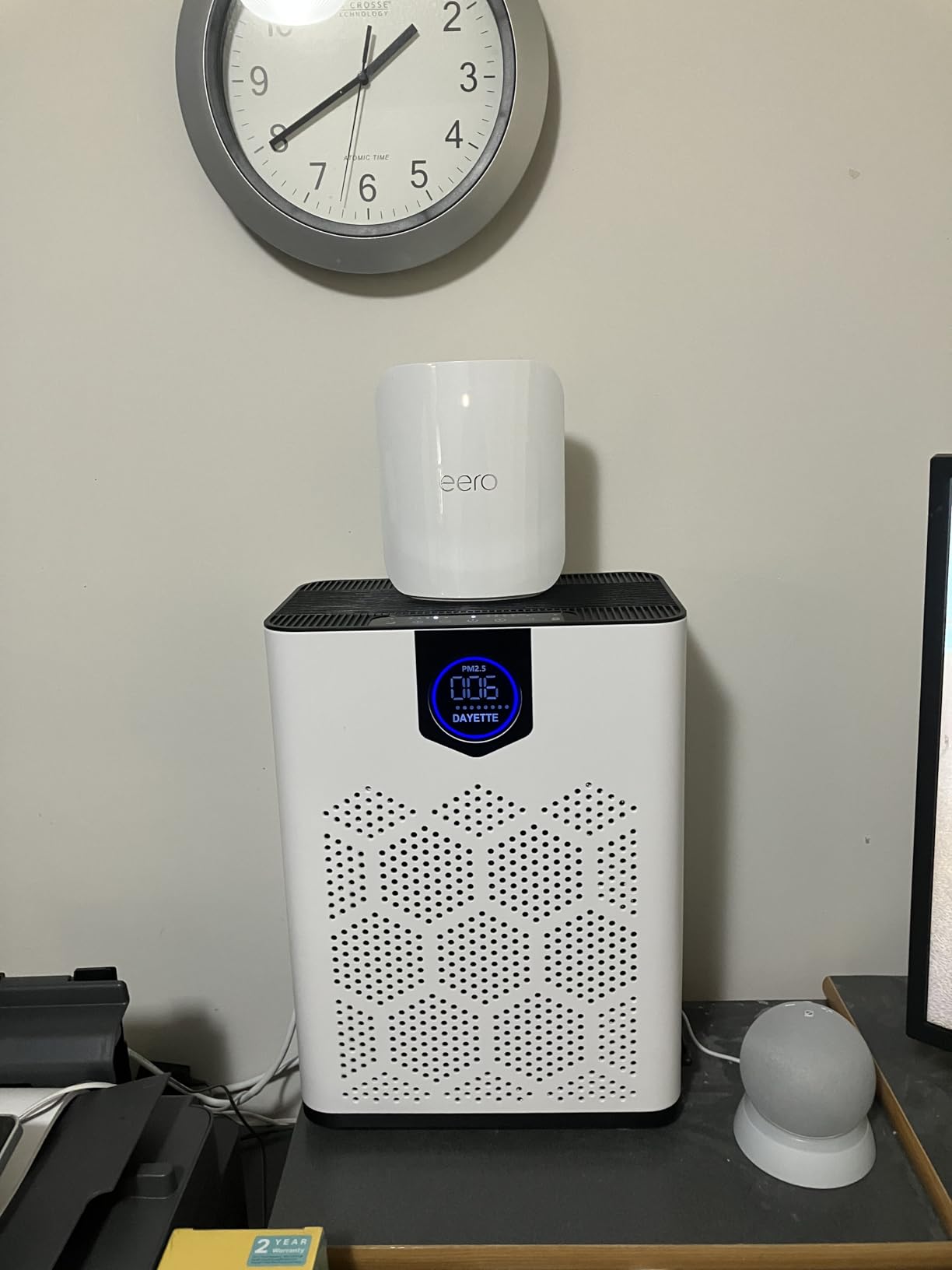
Where it differs from the eero Max 7 3-Pack is the top end. The Max 7 adds two 10 Gigabit Ethernet ports, coverage up to 7,500 sq ft, room for 750+ devices and a built-in hub for Thread, Matter and Zigbee gear, at a step up in cost. Between the two, the Pro 7 3-Pack is the calmer buy for a busy but not multi-gig home.
A word on those capacity figures, because they are easy to over-read: a house streaming 4K on several screens at once is where the third band starts to matter, and a house full of cheap 2.4 GHz sensors will not strain any of these systems.
5. eero Max 7 3-Pack: Best for Multi-Gig Fiber Homes
Amazon eero Max 7 mesh wifi system (newest model) – Supports internet plans up to 10 Gbps, Coverage up to 7,500 sq. ft., Connect 750+ devices, 3-pack
Coverage: 7500 sq ft
Wi-Fi: Wi-Fi 7
Devices: 750+
Nodes: 3
Pros
- Two 10 GbE ports with multi-gig backhaul
- Wired speeds up to 9.4 Gbps
- Thread Matter and Zigbee hub
- Reuses an existing eero network name
Cons
- Only two Ethernet ports per node
- Access point mode can misbehave
- VPN connections can fail to connect
Skip it if your plan is under 1 Gbps, because nothing in the specification will show up in everyday use.
This is the hardware that finally matches a multi-gig bill. Two 10 Gigabit Ethernet ports deliver wired speeds up to 9.4 Gbps with multi-gig backhaul, wireless speeds reach up to 4.3 Gbps on Wi-Fi 7, and the three nodes cover up to 7,500 sq ft with 750+ devices. It also carries a built-in smart home hub for Thread, Matter and Zigbee devices, and it is tuned for the kind of workloads that punish ordinary routers: augmented and virtual reality, cloud gaming and local media.
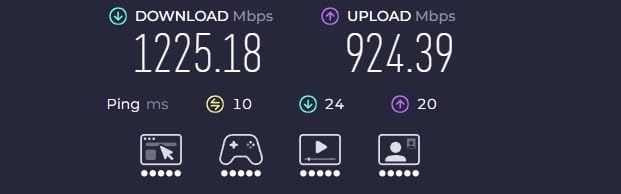
The critical reviews come from a specific group of buyers, and they are worth reading before you commit. Owners whose internet provider lacks true bridge mode report that access point mode on a non-eero upstream router produces packet loss and unstable behaviour. Owners running large ecosystems from another vendor describe the migration as difficult, and some report VPN connections that will not establish on the network. Two Ethernet ports per node still means a switch for most desks. This model carries the lowest average rating in the lineup, and the largest share of one-star reviews, so the fit has to be right.
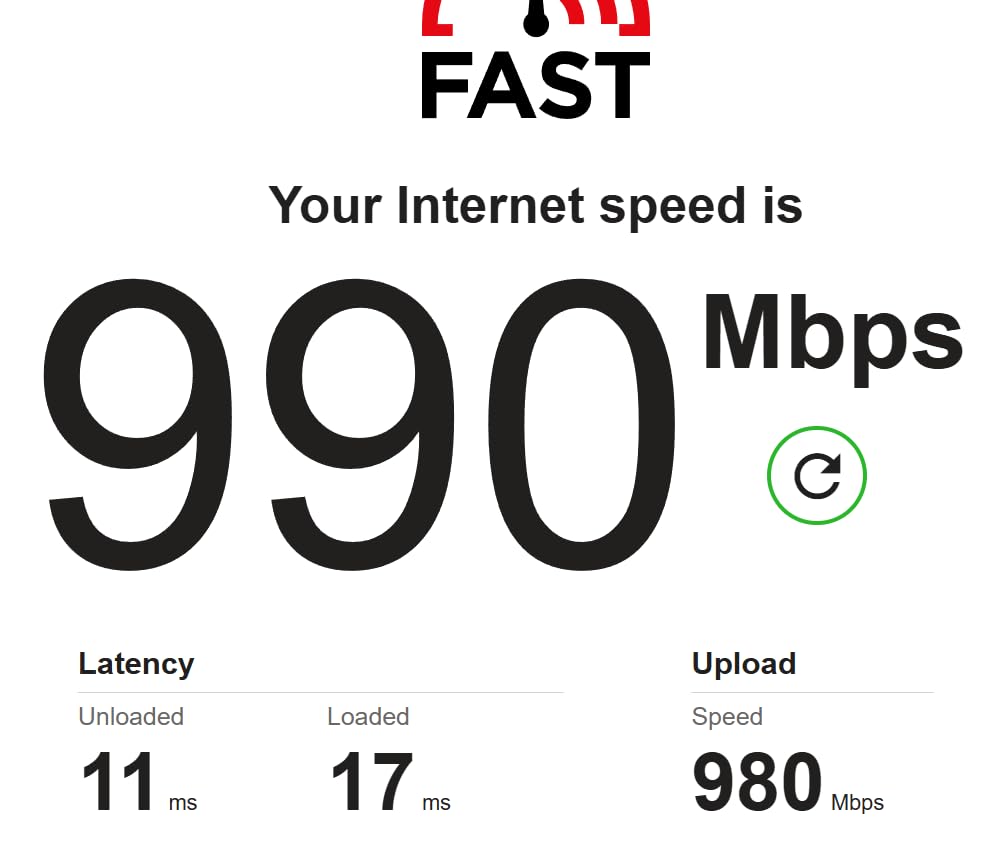
Against the eero Pro 7 3-Pack, the decision is simple. Multi-gig fiber or cable at the 2.5 to 10 Gbps level, or more than 600 devices, and the Max 7 earns its cost. Anything below that and the Pro 7 covers the same home with less to spend.
When upgrading from an older eero system, owners report that the existing network name and password can be reused, so laptops and phones reconnect on their own. The app is also the strongest of the group for device inventory, per-node status, guest networks and data usage. Pick the eero Pro 7 3-Pack instead if your line stops below 1 Gbps.
6. eero Outdoor 7: Best for Outdoor Coverage
Amazon eero Outdoor 7 dual-band mesh wifi router (newest model), Weatherproof rating of IP66, Coverage up to 15,000 sq. ft. outdoors, 1-pack, Includes 30W PoE+ adapter
Coverage: 15000 sq ft outdoors
Wi-Fi: Wi-Fi 7 dual-band
Devices: 100+
Nodes: 1
Pros
- IP66 rated for year-round placement
- 70 foot outdoor radius
- Wireless speeds up to 2.1 Gbps
- AC or PoE+ power options
Cons
- Paid plan needed for security tools
- Setup runs through the eero app
One sealed node on a wall outside is the whole idea, and nothing else in this list does it.
The Outdoor 7 is rated IP66 for dust, rain and snow and tested to operate between -40°F and 131°F, which is what makes permanent outdoor placement possible rather than seasonal. It covers up to 15,000 sq ft outdoors within a 70 foot radius, connects 100+ devices, runs Wi-Fi 7 at up to 2.1 Gbps, and takes power from AC or Power over Ethernet with a 30W PoE+ adapter in the box. Reviews describe owners adding it to reach a yard, patio, pool area or outbuilding that indoor nodes never covered.
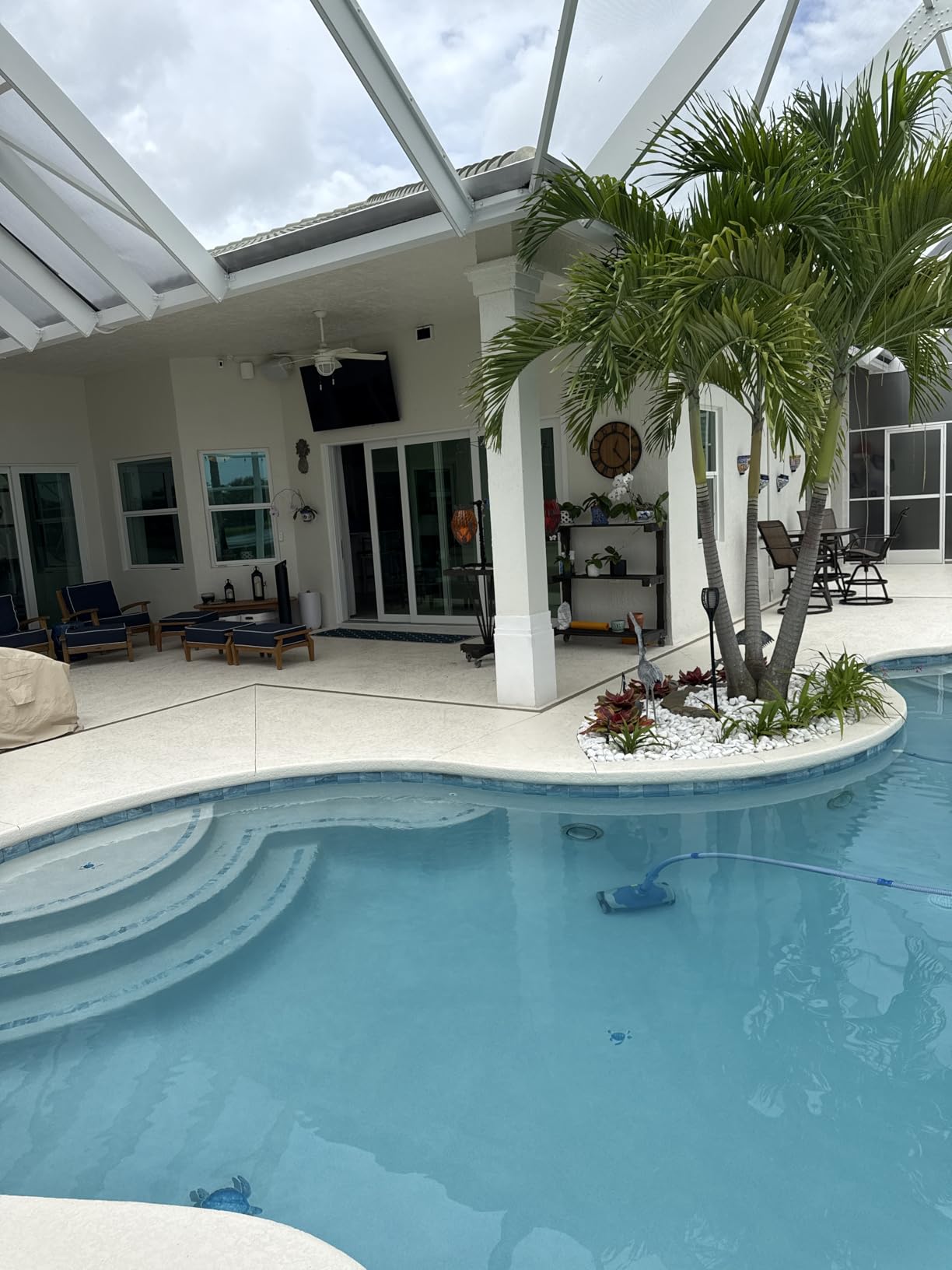
This is the highest rated system in the group, and the hardware and weatherproofing draw almost no complaints. What it does not change is the rest of the range’s tradeoff: advanced security, VPN and similar protections sit behind the optional eero Plus subscription, and setup runs through the eero app.
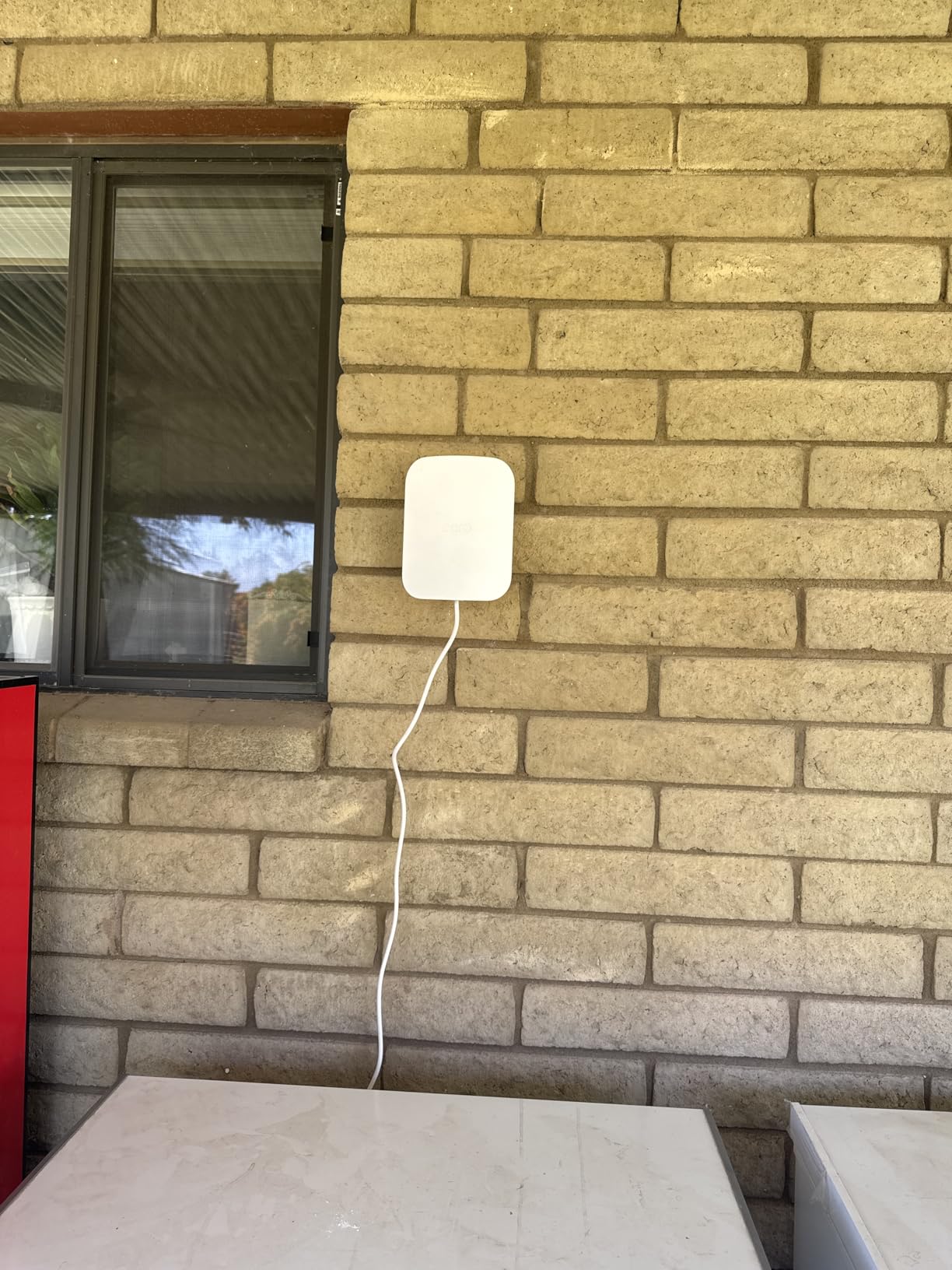
For indoor-only homes, the eero 7 3-Pack is the closer comparison and a better use of money, since this unit extends a network rather than running one alone. Where the Outdoor 7 earns its place is a property where the back door, the garage and the garden all need signal.
Install difficulty usually comes down to power rather than the unit itself. PoE+ lets you run one Ethernet cable from an indoor switch instead of needing an outdoor outlet nearby, which is what decides between an afternoon job and a small building project.
How to Choose eero Wi-Fi Systems During Prime Big Deal Days
Match the System to Your Home Size
Budget roughly 1,500 sq ft per node before walls, appliances and stairwells get in the way, then add a floor. A 3-pack fits most two and three storey homes, and above 4,000 sq ft plan on four nodes or move up to a pack rated for 6,000 sq ft or more. For coverage alone on a plan under 500 Mbps, the eero 6 3-Pack is enough; for more than 600 devices, start at the eero Pro 7 3-Pack.
Understand Mesh versus Wi-Fi 7 Systems
Mesh describes how nodes share one network, not how fast they are. Wi-Fi 6, Wi-Fi 6E and Wi-Fi 7 describe the radios themselves, and the jump matters only when the internet plan is fast and several high-speed devices compete. Under 500 Mbps you are buying coverage with the eero 6 3-Pack; above 1 Gbps, Wi-Fi 7 from the eero 7 3-Pack upward has room to work.
Check Wired Backhaul and Expansion Options
Running Ethernet between nodes removes the weakest link in a wireless mesh, which matters most in large homes, offices and properties with an outbuilding. Every node in this list takes wired backhaul, though port speed differs sharply: 1 GbE on the eero 6, 2.5 GbE on the eero Pro 6E and eero 7, 5 GbE on the eero Pro 7 and 10 GbE on the eero Max 7. Adding nodes later is straightforward because all of these cross-match with earlier eero hardware.
Compare the Features You Will Actually Use
Basic mesh networking, guest networks, device profiles and remote management work without paying anything extra. The optional eero Plus subscription adds advanced security, ad blocking, VPN features, Malwarebytes and 1Password integration, and the same split applies across the lineup. Check two other things: the Zigbee hub in the eero 6, and the Thread, Matter and Zigbee hub in the eero Max 7 if your smart home is already built.
Check the Exact Model and Listing
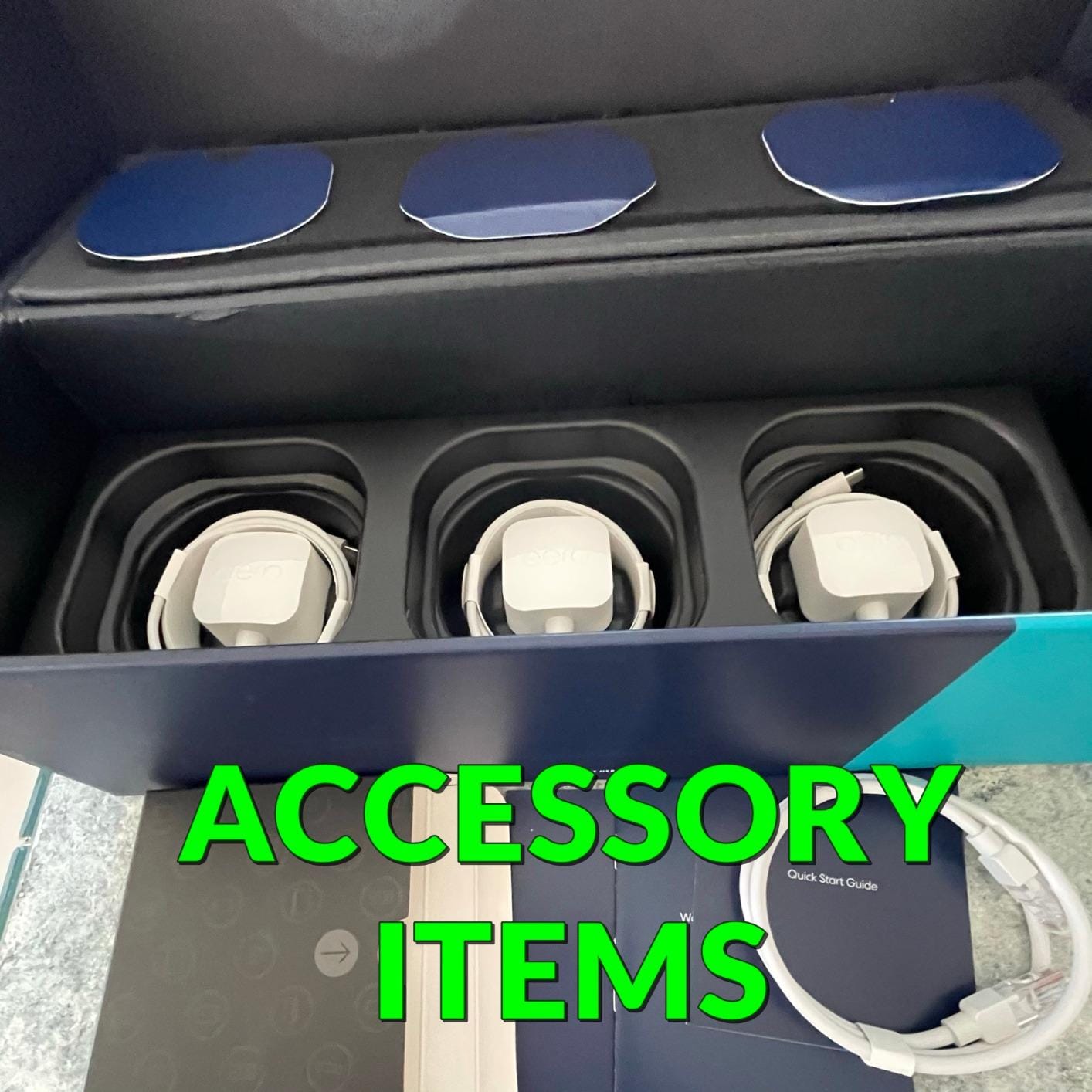
Model numbers matter more than marketing names here, because eero 6, eero 6+, Pro 6E and eero 7 sit close together on a shelf. Confirm the model number and node count in the listing, read what is in the box, since some packs ship one router with two extenders while others are three matched nodes, and check whether the seller is Amazon or a marketplace partner.
How to Shop eero Wi-Fi System Deals During the Sale
Look at the listing rather than the headline. Verify the model number, the pack contents and whether the unit is new or renewed, then check who sells and ships it, because a marketplace partner handles support differently. Compare generations before you commit: an older model cut further can suit a slower plan better than a flagship held at a modest saving. Most offers on eero hardware need a Prime membership, and levels shift through the event, so re-check the listing before paying.
- Match the pack to your floor count and square footage first
- Check the maximum plan speed against the speed you actually pay for
- Confirm node count and what ships in the box
- Check the seller and whether the hardware is new or renewed
- Decide whether the extra security tools justify a paid plan
- Re-check the listing before you pay, since offers shift during the event
Frequently Asked Questions
When does Amazon Prime Big Deal Days run this year?
Amazon Prime Big Deal Days runs October 6-7, 2026. That is the window these eero picks were checked against, and offer levels can move during the two days. Most offers on the event need an active Prime membership, and a free trial counts as one. If you cannot join Prime, watch the same models for a few days after the event closes.
Is Prime membership required to buy an eero deal during Amazon Prime Big Deal Days?
For most offers, yes. Prime membership covers the event pricing and the extra router trade-in credit, and a free trial counts. Some bundles open up to everyone once the event ends, so check the listing details before you commit. The hardware behaves identically either way, and every model here works without the subscription for core Wi-Fi features.
How many eero nodes do I need for a large home?
One node per floor is the practical minimum, and each node covers roughly 1,500 sq ft before walls and other obstacles get in the way. A 3-pack suits most two and three storey homes. Above 4,000 sq ft, plan on four nodes or move to a system rated for 6,000 sq ft or more, such as the eero Pro 6E or the eero 7 3-Pack.
Do I need a Wi-Fi 7 eero system for my home during Amazon Prime Big Deal Days?
Only if your devices can use it. Wi-Fi 7 helps most on a connection faster than 1 Gbps with several high speed clients active at once. On a plan under 500 Mbps, the eero 6 3-Pack covers the same ground and money spent on faster radios goes unused. Buy Wi-Fi 7 for headroom rather than for speed you cannot buy.
Can I add eero nodes later if I move to a larger home?
Yes, and this is one of the easier systems to grow. Every node in this list cross-matches with earlier eero hardware, so you can start with one and add extenders as the house grows. Keep in mind that the newest model usually makes the better gateway, since it carries the faster Ethernet ports, and no extra cabling is needed unless you want wired backhaul.
Do eero systems require a paid subscription for essential Wi-Fi features?
No. Mesh networking, guest networks, device profiles and remote management all work without paying. The optional eero Plus plan adds advanced security, ad blocking, VPN features, Malwarebytes and 1Password integration. Owners who skip it still get the coverage and speed they bought, so treat the subscription as an extra rather than a requirement.
Final Verdict: Best Amazon Prime Big Deal Days eero Deals
Buy the eero 6 3-Pack if your plan is under 500 Mbps and you want one box that covers the house: it is the most proven pick here and the one most households should watch.
- Under 500 Mbps and want simple coverage: eero 6 3-Pack, our Editor’s Choice
- Gigabit plan and you want the 6 GHz band: eero Pro 6E 3-Pack
- Fast plan and newer phones: eero 7 3-Pack, a short step into Wi-Fi 7
- More than 600 connected devices: eero Pro 7 3-Pack
- Multi-gig fiber up to 10 Gbps: eero Max 7 3-Pack, with the port speed to prove it
- Yard, pool area or outbuilding: eero Outdoor 7
Whichever one you settle on, open the listing during Prime Big Deal Days, confirm the model number and pack contents, and check the current price before you pay.