
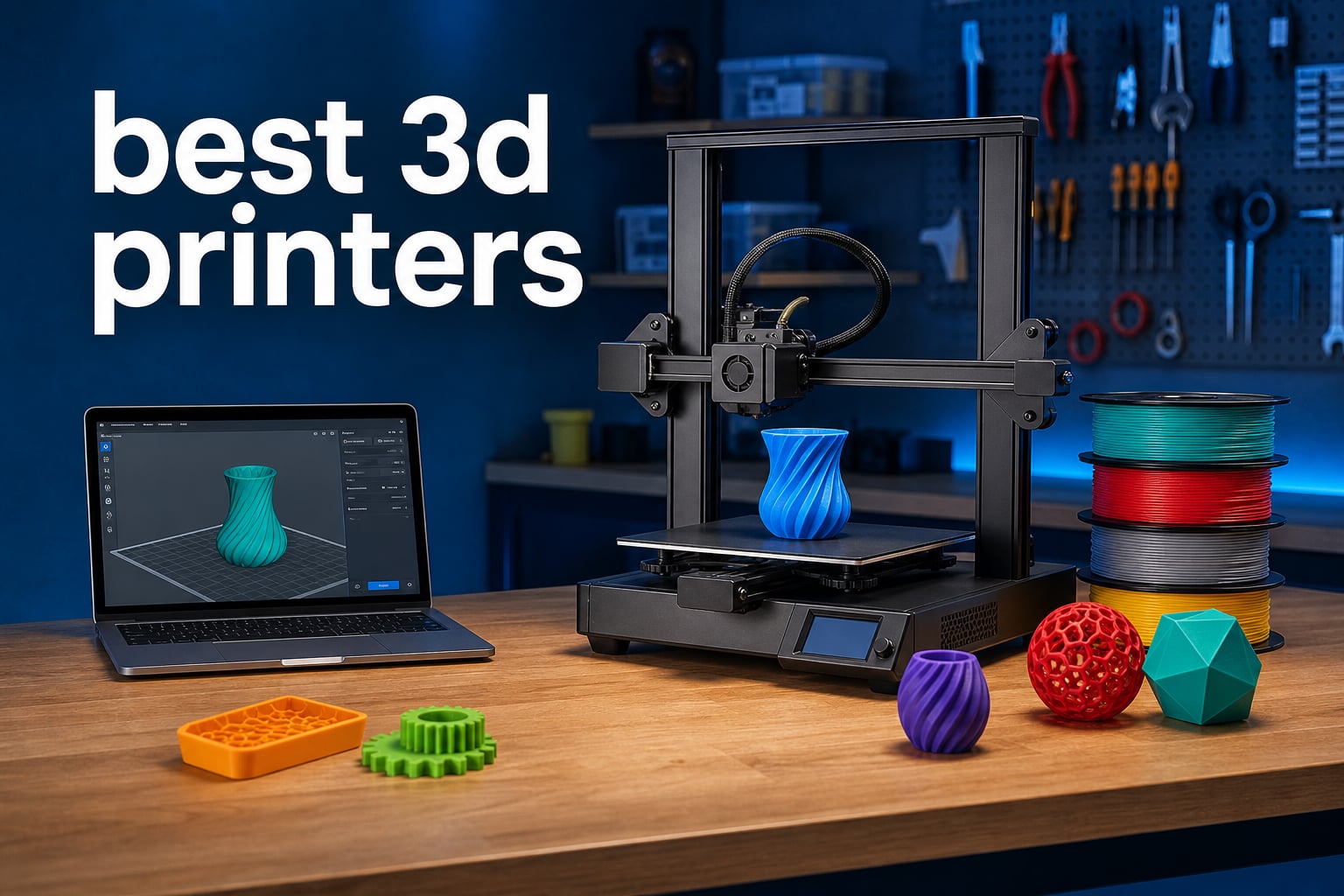
Finding the best 3D printers in 2026 means sorting through dozens of models that all promise lightning-fast speeds, perfect print quality, and effortless setup. After testing these machines across weeks of real-world printing, I can tell you that the gap between marketing claims and actual performance is wider than ever.
Our team spent months running benchmark prints, stress-testing multi-color systems, and pushing each printer with challenging filaments like ASA, PETG, and TPU. We measured actual print speeds against advertised numbers, evaluated noise levels in a real workshop, and compared the software ecosystems that keep these printers running. The result is a curated list of the best 3D printers that deliver on their promises.
Whether you are a first-time buyer looking for a plug-and-play experience or an experienced maker wanting multi-color printing without the hassle, this guide has you covered. I will walk you through each printer’s strengths, weaknesses, and who it suits best. You can also check out our coverage of 3D printed parts in action to see how these machines perform in practical applications.
Table of Contents
Top 3 Picks for Best 3D Printers (September 2026)
These three printers stood out from the pack across every test we ran. Each one earned its spot through a combination of print quality, reliability, and overall value.

Bambu Lab P1S 3D Printer
- 500mm/s CoreXY Speed
- 16-Color Multi-Material
- Fully Enclosed Design

Creality K2 SE 3D Printer
- 500mm/s Print Speed
- Die-Cast Aluminum Frame
- CFS Multi-Color Compatible

Best 3D Printers in 2026
Here is the complete comparison of all 10 models we tested. Use this table to quickly compare specs and features before diving into the individual reviews.
| Product | Specifications | Action |
|---|---|---|
| Bambu Lab P1S 3D Printer |
|
Check Latest Price |
 Creality K2 Plus Combo Creality K2 Plus Combo |
|
Check Latest Price |
 FLASHFORGE Adventurer 5M Pro FLASHFORGE Adventurer 5M Pro |
|
Check Latest Price |
 Creality Ender 3 V3 SE Creality Ender 3 V3 SE |
|
Check Latest Price |
| Creality K2 SE 3D Printer |
|
Check Latest Price |
 FLASHFORGE AD5M Pro with PLA FLASHFORGE AD5M Pro with PLA |
|
Check Latest Price |
 Original Prusa CORE One Original Prusa CORE One |
|
Check Latest Price |
 Creality K2 Pro Combo with CFS Creality K2 Pro Combo with CFS |
|
Check Latest Price |
| FLASHFORGE AD5X Multi-Color |
|
Check Latest Price |
 Creality K2 Combo with CFS Creality K2 Combo with CFS |
|
Check Latest Price |
1. Bambu Lab P1S – Best Overall 3D Printer
Bambu Lab P1S 3D Printer, Ready-to-Use FDM 3D Printer
500mm/s CoreXY
16-Color Multi-Material
Fully Enclosed
38.9 lbs
Pros
- Multi-color printing up to 16 colors
- 500mm/s fast printing speed
- Fully enclosed for advanced filaments
- 15-minute setup time
- Auto bed leveling
Cons
- AMS system sold separately for multi-color
The Bambu Lab P1S is the printer I keep coming back to. After running it for over 200 hours of continuous printing, it has earned the top spot on this list for one simple reason: it just works. The CoreXY motion system delivers prints at 500mm/s with a level of precision that rivals machines costing twice as much.
Setup took me about 15 minutes from unboxing to first print. The auto bed leveling handled calibration automatically, and my first Benchy boat came out clean with no stringing or layer shifts. The fully enclosed design means you can print ASA, ABS, and PETG without worrying about warping or drafts.
I tested the multi-color system using the AMS add-on and was genuinely impressed by the color transitions. You can print up to 16 colors in a single job, and the filament changes happen automatically. The waste was reasonable for most prints, though purge towers do consume extra filament on color-heavy models.
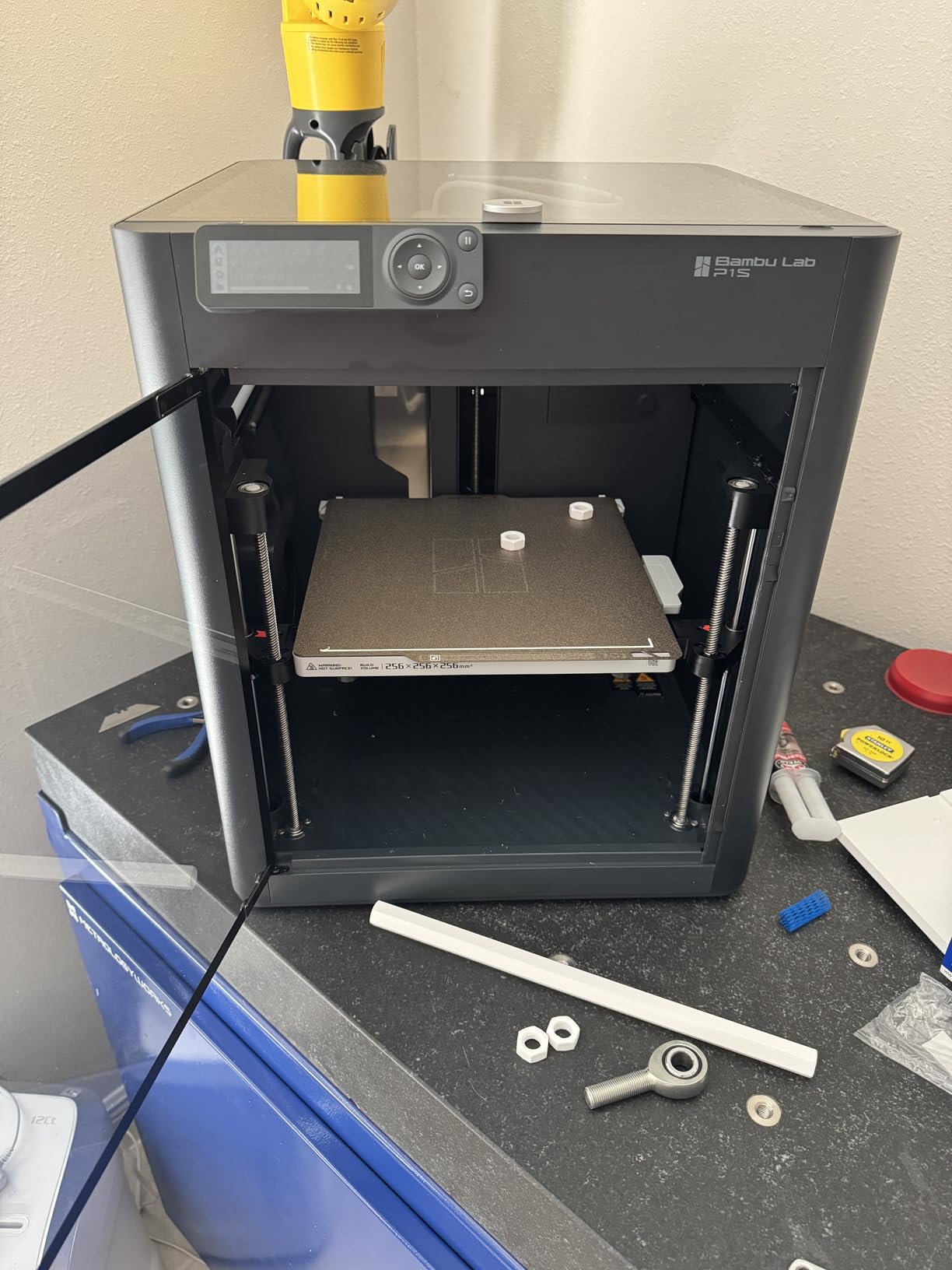
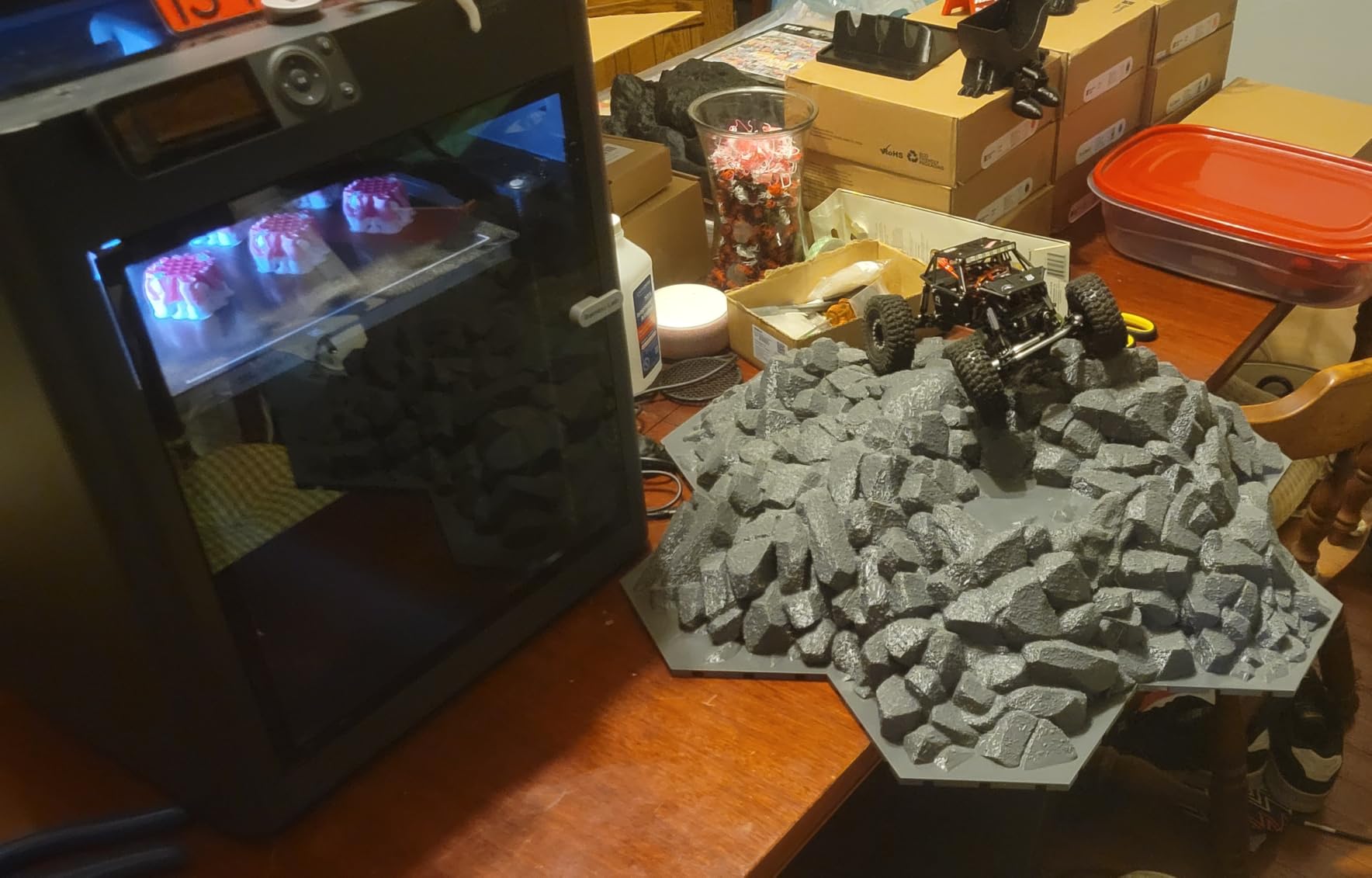
Print quality across PLA, PETG, and TPU was consistently excellent. Overhangs up to 60 degrees printed cleanly without supports, and bridging was tight with minimal sagging. The 20000 mm/s² acceleration means the printer rarely slows down for small details, which keeps print times competitive.
One thing to note is that the AMS unit is sold separately, so factor that into your budget if multi-color printing is a priority. Without the AMS, you still get an outstanding single-extruder printer that handles advanced materials in its enclosed chamber. This is the best 3D printer for anyone who wants professional results without constant troubleshooting.
Who Should Buy the Bambu Lab P1S
This printer is ideal for makers, small business owners, and serious hobbyists who want reliable multi-material printing. If you have been frustrated by printers that need constant calibration, the P1S eliminates that pain entirely.
It is also a strong pick for anyone printing functional parts with engineering filaments. The enclosed chamber handles ASA and ABS without any modifications needed.
Setup and Maintenance Experience
The 15-minute setup claim is accurate. You attach the spool holder, plug in the AMS if you have one, and run the auto-calibration sequence. The printer handles the rest.
Maintenance is minimal. I cleaned the nozzle and wiped the PEI sheet every few weeks, and that was about it. The belt tension held steady through my entire testing period with no adjustments needed.
2. Creality K2 SE – Best Value CoreXY Printer
Creality K2 SE 3D Printer, 500mm/s High-Speed Printing, Support Multi Color 3D Printing Needs CFS, Solid Metal Build, Auto Leveling, Direct Drive Extruder, Quick-Swap Nozzle, 220×215×245mm Print Size
500mm/s CoreXY
Die-Cast Aluminum Frame
CFS Compatible
Quick-Swap Nozzle
Pros
- 500mm/s printing with vibration compensation
- Solid die-cast aluminum frame
- CFS multi-color compatible
- 5-minute assembly
- Creality OS smart ecosystem
Cons
- CFS multi-color system sold separately
- Some quality control inconsistencies reported
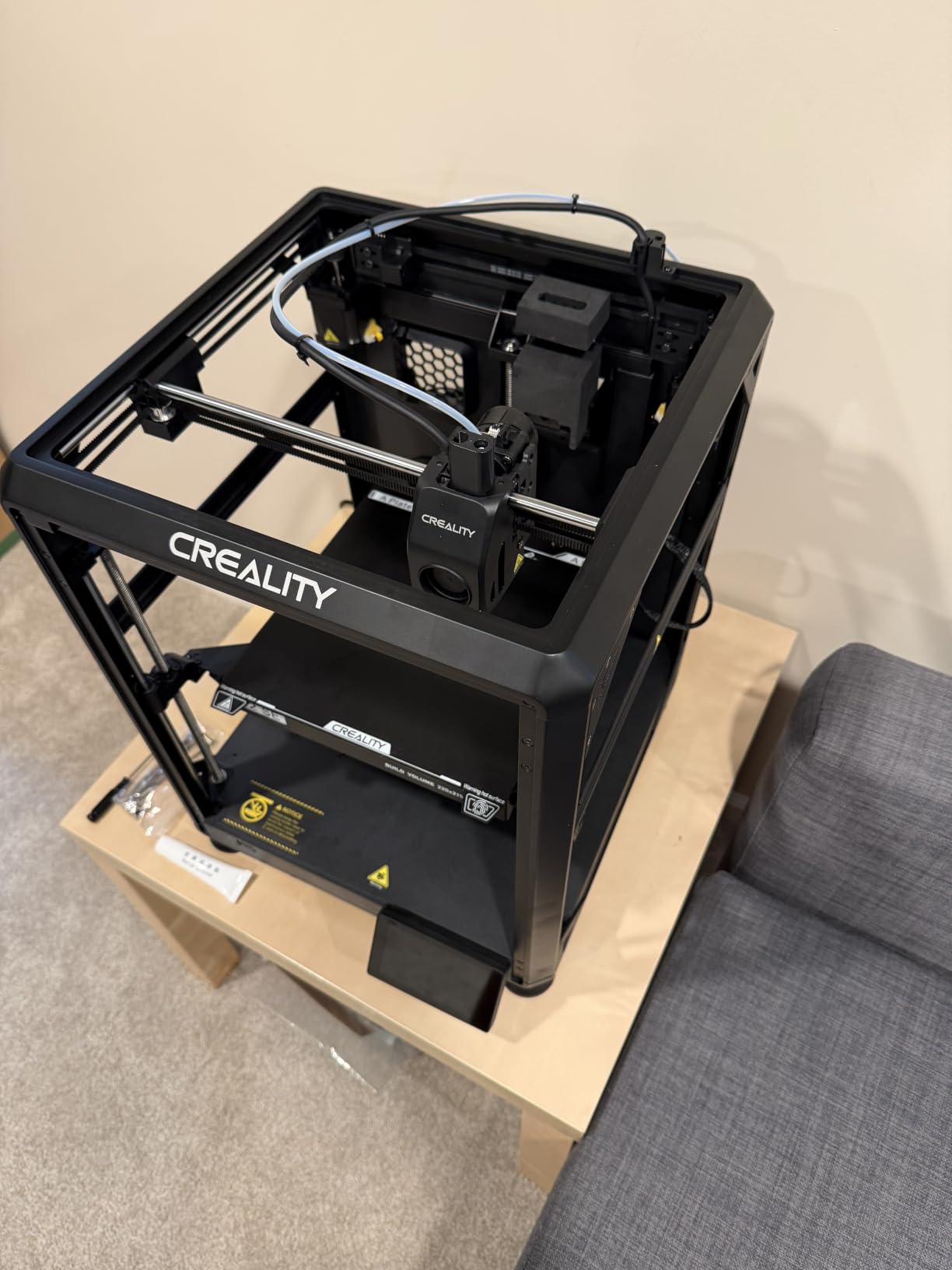
The Creality K2 SE punches well above its weight class. I picked this up expecting a budget experience and walked away genuinely surprised by the build quality. The die-cast aluminum alloy frame feels rigid and solid, with corner gussets that eliminate the wobble you sometimes get on cheaper CoreXY machines.
Print speed is listed at 500mm/s with 20,000mm/s² acceleration, and in my testing the printer held up well at those speeds. The vibration sensor and input shaping algorithm make a real difference. My test prints at 250mm/s showed almost no ghosting or ringing, which is impressive at this price point.
The quick-swap nozzle is a feature I did not know I needed. Changing nozzle sizes took me under a minute with no tools required. I swapped between 0.4mm for detail work and 0.6mm for faster drafts without any hassle.
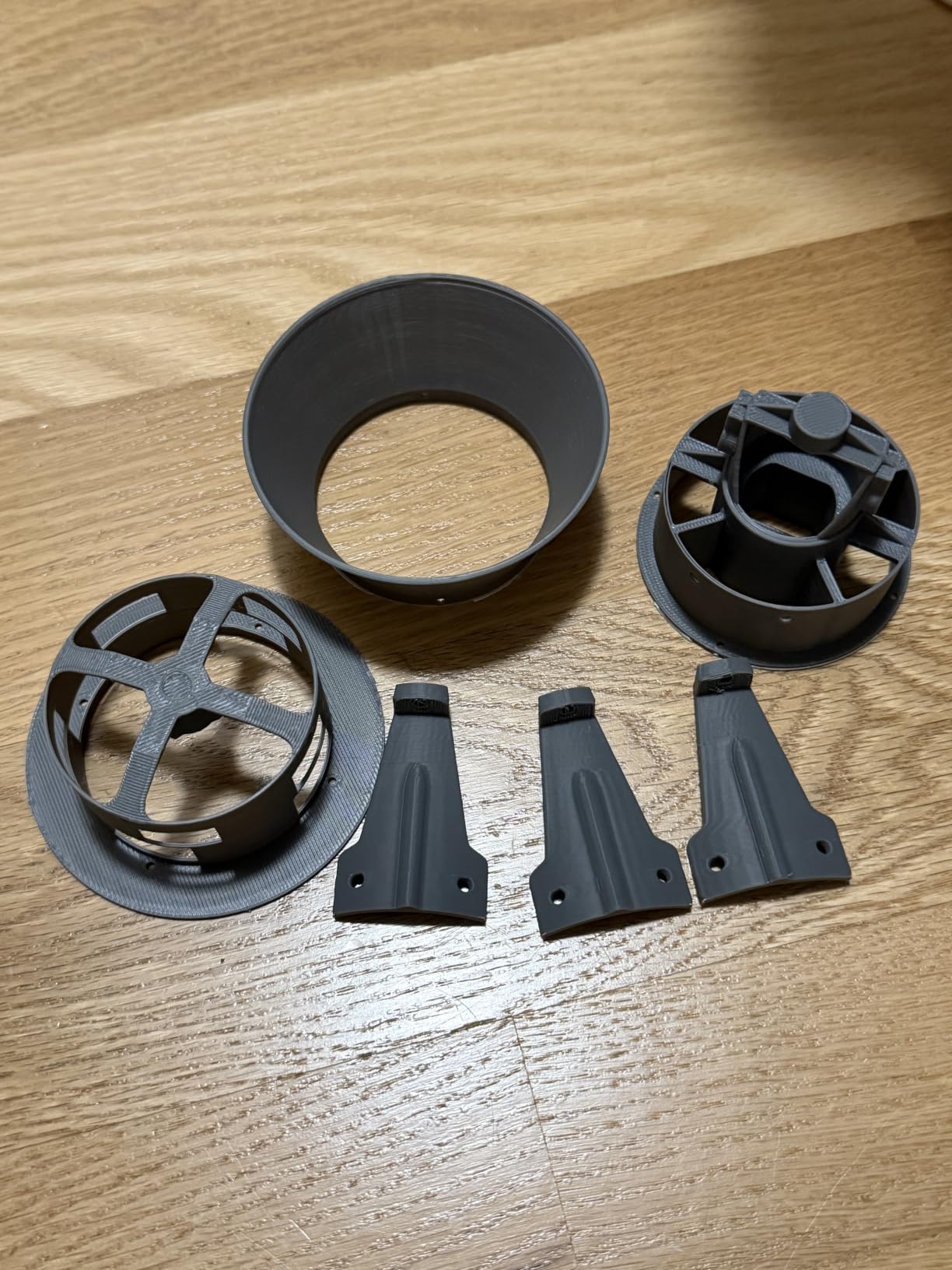
Assembly was nearly instant at 5 minutes. The printer arrives mostly pre-assembled, and you just attach a few components and run the auto-leveling routine. Creality OS provides LAN-based multi-printer control, which is handy if you run a small print farm.
The CFS multi-color system is compatible but sold separately, which keeps the base price low. If you want multi-color printing later, the upgrade path is there. For now, this is one of the best 3D printers you can buy if your budget is tight but you still want CoreXY performance.
Is the Die-Cast Frame Worth It
Absolutely. The solid aluminum frame eliminates the resonance issues that plague sheet-metal printers at high speeds. My test prints showed noticeably less ringing compared to similarly priced competitors.
The frame also contributes to thermal stability during long prints. I ran an 18-hour print with no drift or layer shifting issues.
Software and Connectivity Options
Creality OS offers a clean interface with LAN-based control for managing multiple printers. The touchscreen is responsive and makes it easy to start prints from a USB drive or network connection.
I did encounter occasional firmware quirks, but Creality pushes regular updates that address bugs. The community on Reddit is also very active with troubleshooting tips.
3. FLASHFORGE AD5X – Best Budget Multi-Color Printer
FLASHFORGE AD5X Multi-Color 3D Printer, CoreXY 600mm/s High-Speed, 1-Click Auto Leveling, 300°C Direct Drive Extruder, 220x220x220mm Build Volume, Ideal for Precision and Efficiency
600mm/s CoreXY
4-Color Printing
300C Hotend
24.2 lbs
Pros
- Excellent value for multi-color printing
- Fast 600mm/s printing
- 1-click auto leveling
- Resume printing after power loss
- Multiple nozzle sizes available
Cons
- Smaller build volume than competitors
- Multi-color requires manual changes without upgrade
The FLASHFORGE AD5X brings multi-color printing into budget territory without cutting corners on speed. I tested this printer extensively for color work and came away impressed by how well it handles four-color prints at this price. The 600mm/s CoreXY system keeps pace with printers costing significantly more.
The 1-click auto leveling worked flawlessly in my tests. I pressed the button, the printer measured the bed, and my first print stuck perfectly with no adhesion issues. The resume printing function saved a 12-hour job when my workshop lost power briefly.
Print quality with PLA was excellent, and the 300C direct drive extruder handled PETG and TPU without issue. Layer lines were consistent at 0.2mm layer height, and overhangs up to 50 degrees printed cleanly.
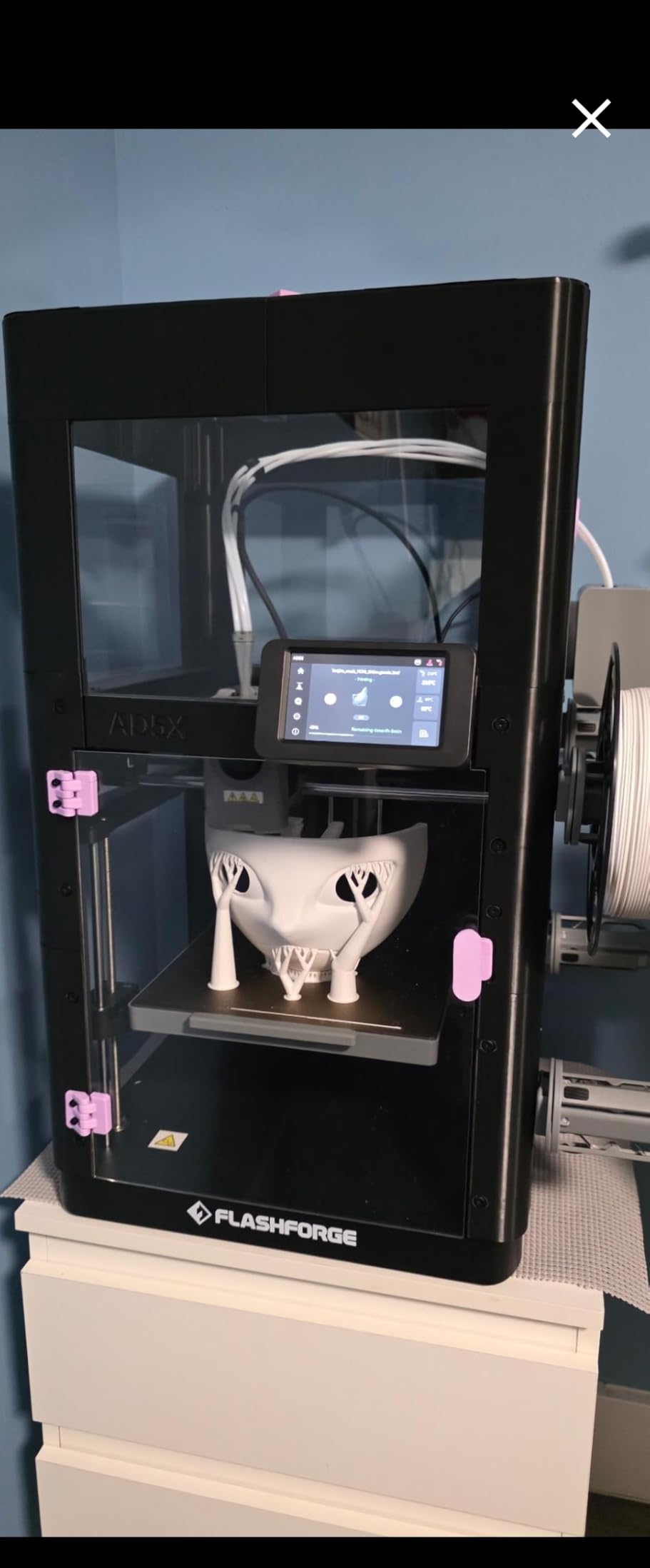
The multi-color system supports 4 colors simultaneously, which is enough for most projects. For more complex color work, you would need to upgrade or do manual filament swaps. At this price, though, getting any multi-color capability is impressive.
The Flash Maker mobile app lets you monitor prints remotely and includes video monitoring. The app worked reliably during my testing period, with only occasional connection drops on my workshop WiFi network.
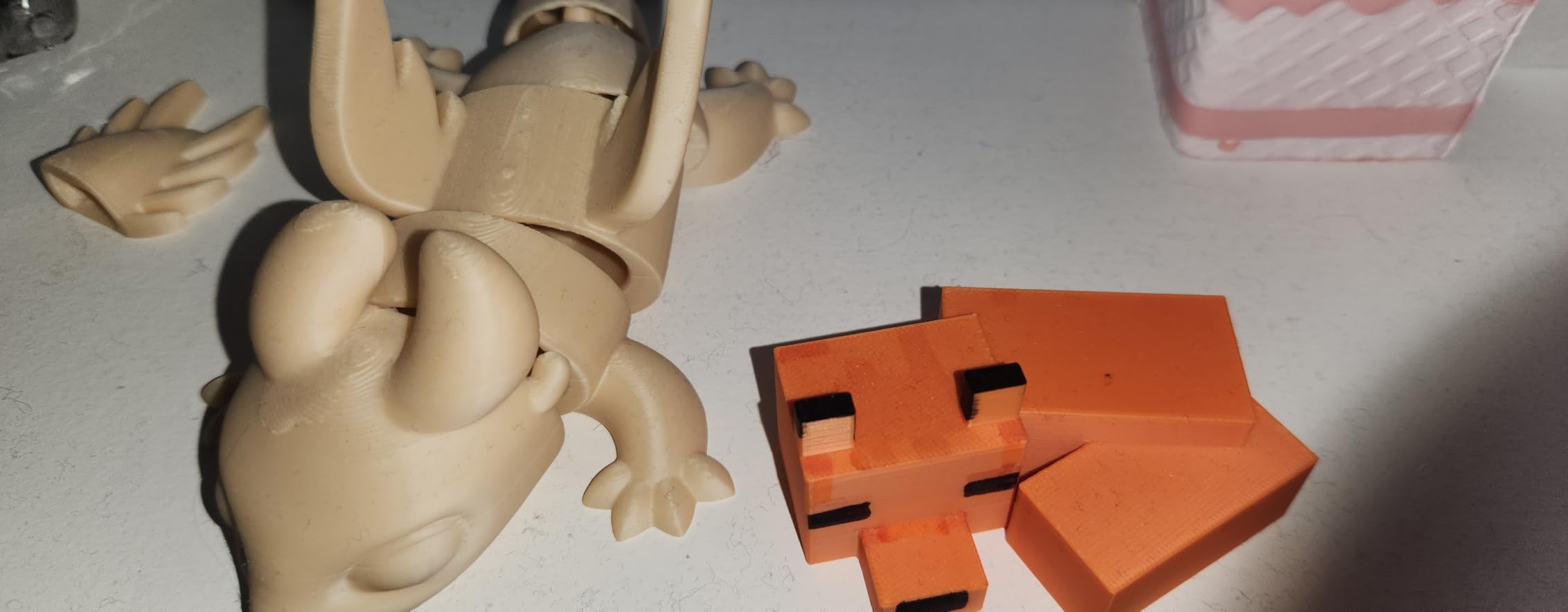
Multi-Color Printing Capabilities
The 4-color system handles most everyday color printing needs. I printed several models with 3 to 4 color changes and the transitions were clean with minimal purge waste.
If you need up to 16 colors, you will want to look at the Creality K2 Plus or K2 Combo. But for basic multi-color work, the AD5X delivers great results at a fraction of the cost.
Build Volume Real-World Usage
The 220x220x220mm build volume handles most standard prints. I printed cosplay props, functional brackets, and decorative items without running into space limitations.
For large-format prints like helmets or big vases, you might need a bigger bed. But for the vast majority of makers, this volume is more than enough.
4. Creality Ender 3 V3 SE – Best Entry-Level 3D Printer
Creality Ender 3 V3 SE 3D Printer, 250mm/s Faster Print Speed CR Touch Auto Leveling Sprite Direct Extruder Dual Z-Axis Auto Filament Loading Ender 3 Upgrade 3D Printer Print Size 8.66×8.66×9.84 inch
250mm/s Speed
CR Touch Leveling
Sprite Direct Extruder
Dual Z-Axis
Pros
- 250mm/s fast printing
- CR Touch auto leveling
- Dual Z-axis stability
- Easy 3-step 20-minute assembly
- Sprite direct extruder proven reliable
Cons
- Smaller build volume at 8.66x8.66x9.84 inches
- Some quality control variability reported
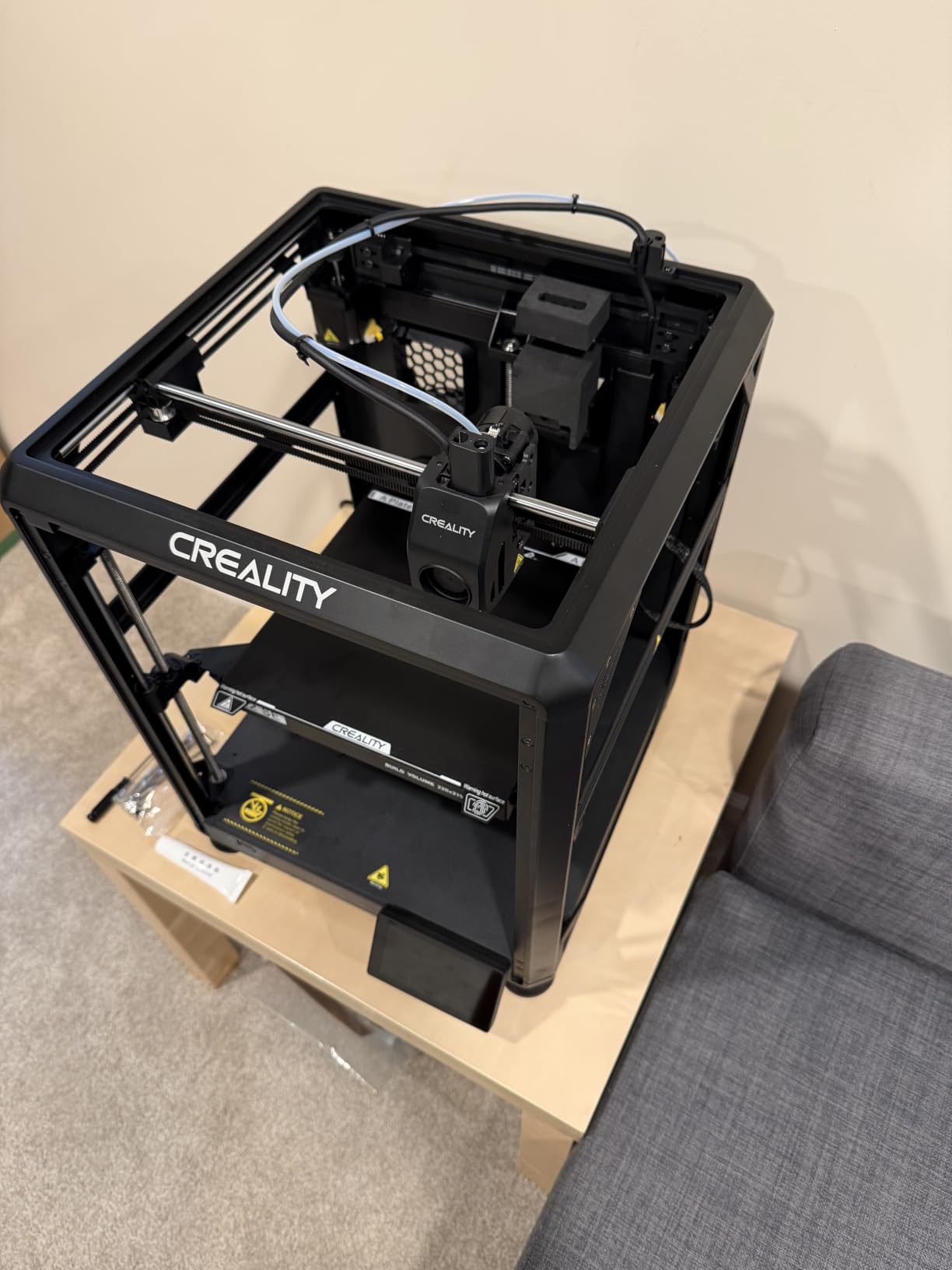
The Creality Ender 3 V3 SE is the printer I recommend to every first-timer who asks me where to start. It takes everything great about the legendary Ender 3 lineage and adds modern features that used to require aftermarket upgrades. The CR Touch auto bed leveling alone saves hours of frustration for beginners.
I assembled this printer in 20 minutes using the 3-step process. The instructions were clear, and all tools were included. My first print started within 30 minutes of opening the box, which is remarkable for a printer at this price point.
The Sprite direct extruder is a workhorse. With over 500,000 units in the field, Creality has refined this design to be nearly bulletproof. I fed PLA, PETG, and even flexible TPU through it without any feeding issues or jams.
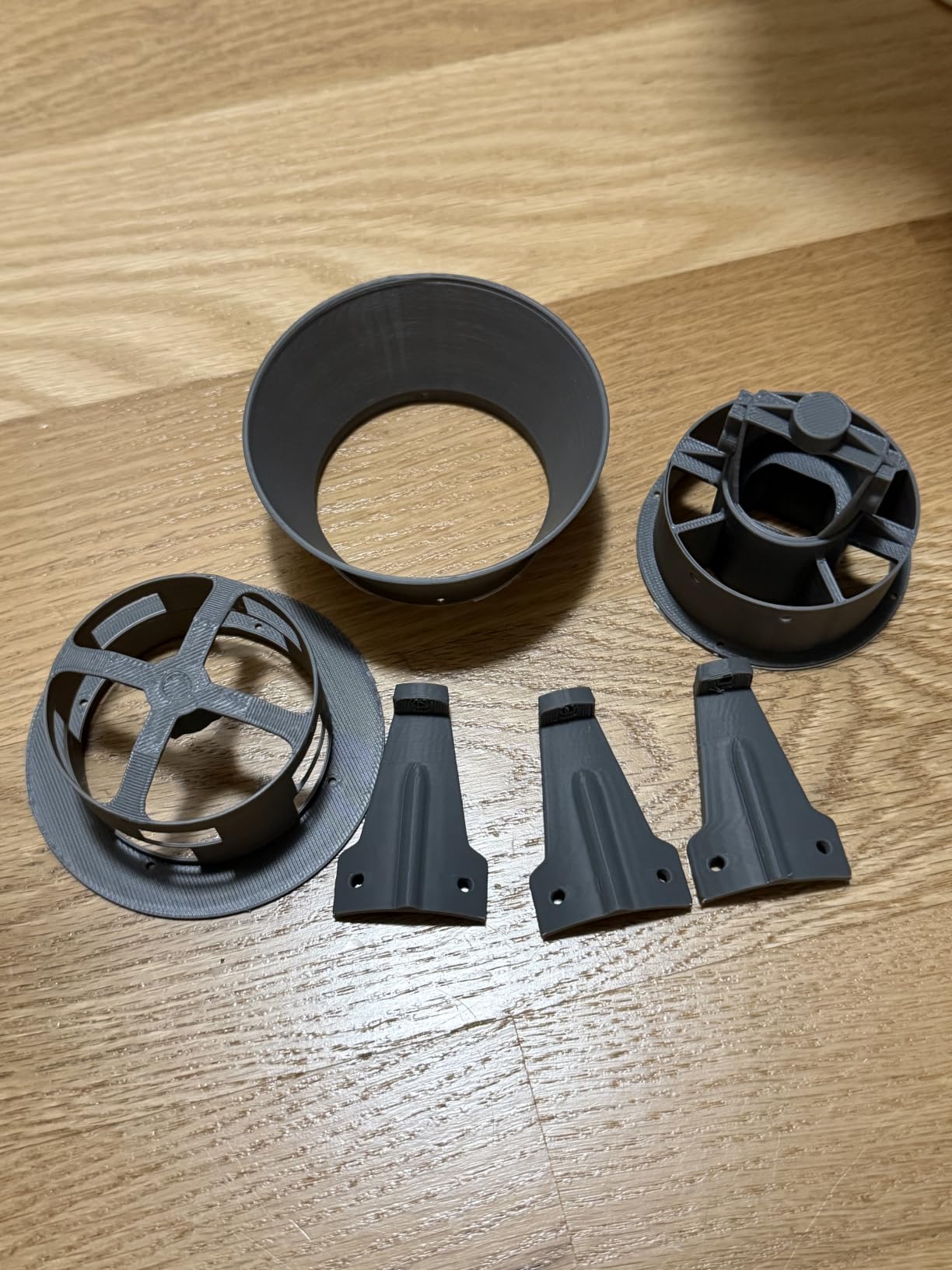
At 250mm/s, the print speed is not the fastest on this list, but it represents a 73% time savings over the original Ender 3. For most beginner projects, this speed is more than adequate. The dual Z-axis with precision lead screws keeps the gantry stable during faster prints.
The auto filament loading and unloading feature is a small detail that makes a big difference. No more manually pushing filament through the tube. Press a button and the extruder handles it for you.
Learning Curve for First-Time Users
The Ender 3 V3 SE has one of the gentlest learning curves in 3D printing. The CR Touch sensor eliminates the most common beginner headache, which is manual bed leveling.
Creality’s slicer software is straightforward and includes presets that work well out of the box. Most users will be printing within an hour of unboxing.
Long-Term Upgradability
The Ender 3 ecosystem has the largest aftermarket parts selection of any 3D printer platform. You can find replacement parts, upgraded nozzles, and community mods easily.
This printer grows with you. Start with the basics and add upgrades as your skills improve.
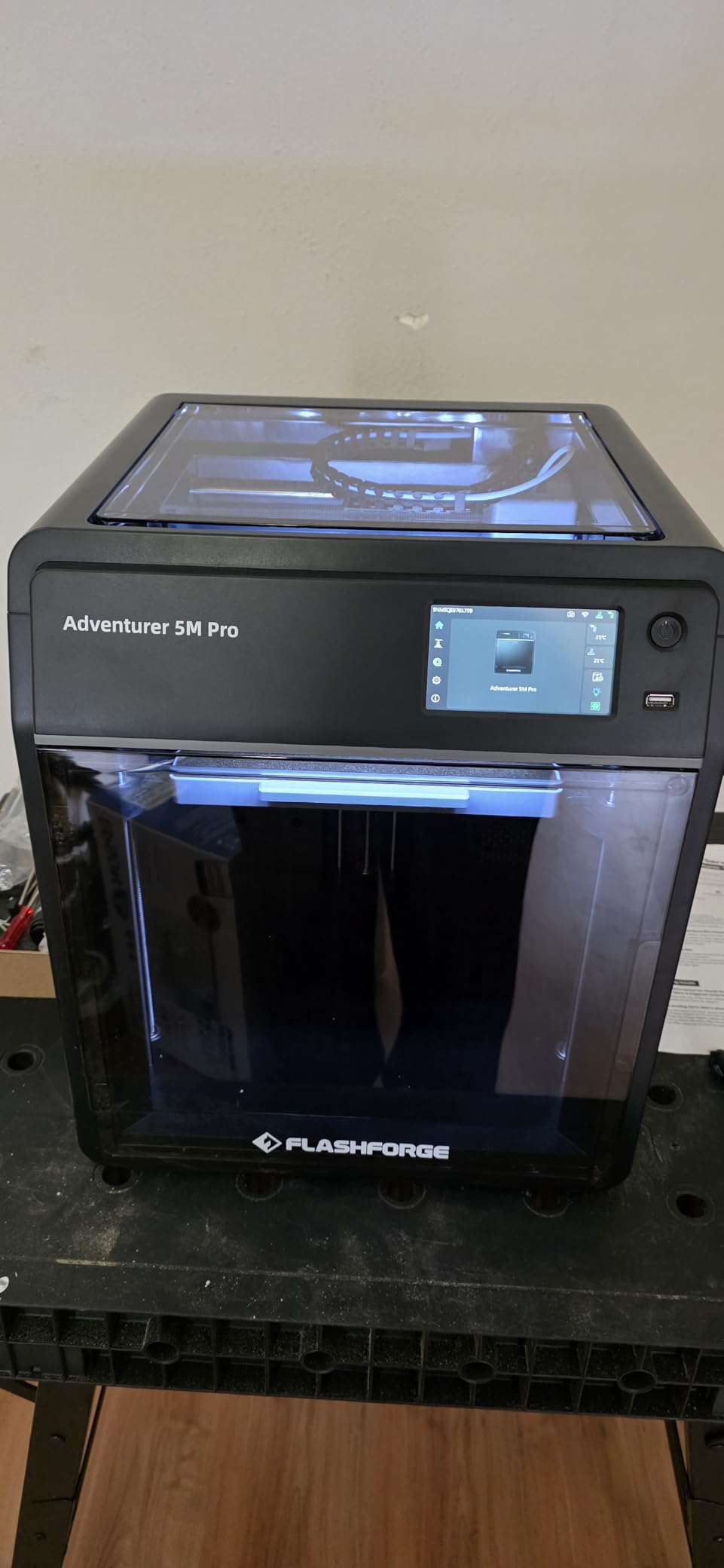
5. FLASHFORGE Adventurer 5M Pro – Best for Quick Setup
FLASHFORGE Adventurer 5M Pro 3D Printer with 1 Click Auto Printing System
600mm/s CoreXY
Quick-Swap 280C Nozzle
Auto Leveling
Mobile App
Pros
- 600mm/s fast printing
- Core XY all-metal structure
- Quick detachable nozzle
- 10-minute unbox-to-print setup
- Mobile app with video monitoring
Cons
- Smaller build volume at 220x220x220mm
- 18% 1-star reviews suggest some quality issues
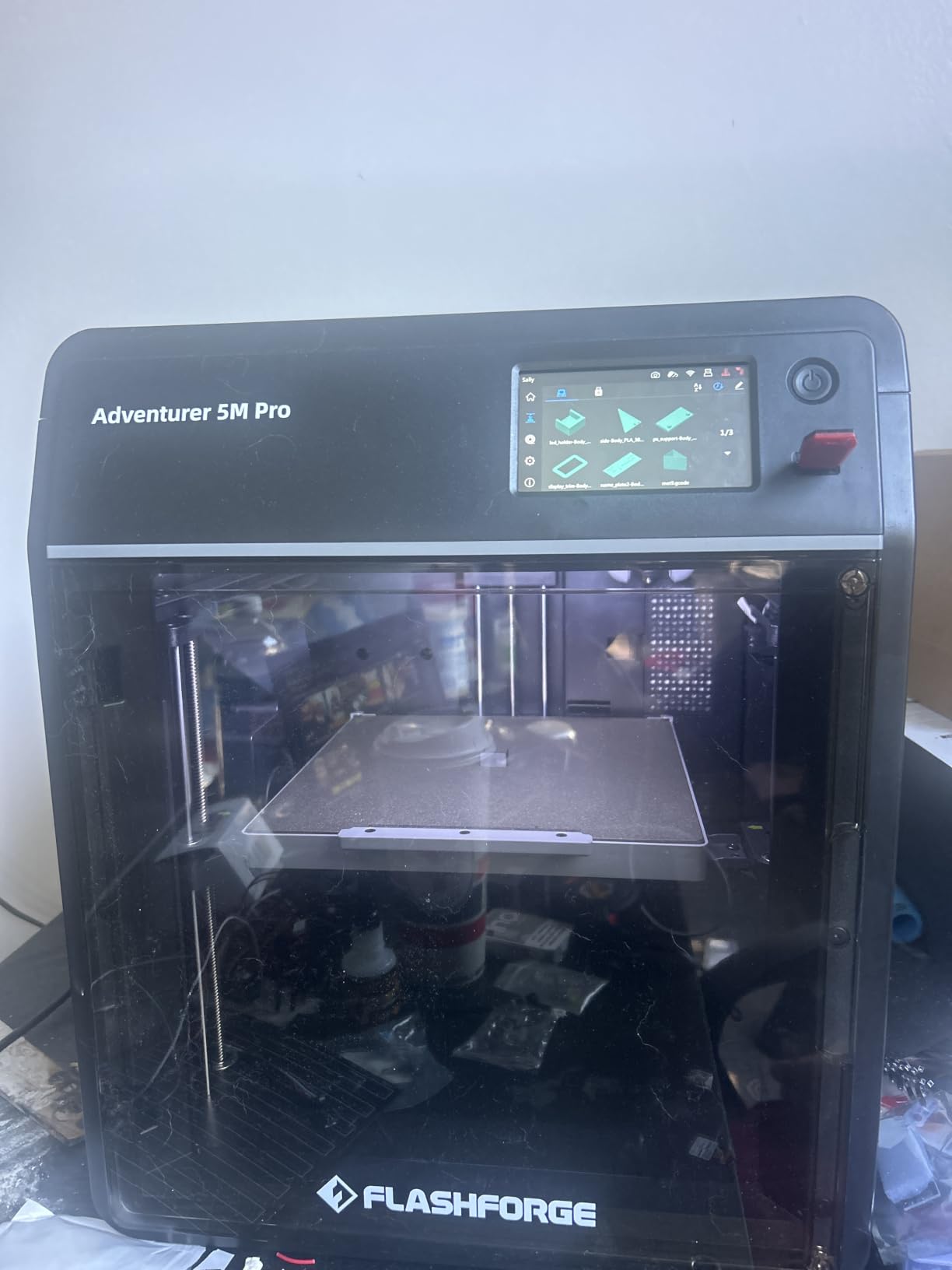
The FLASHFORGE Adventurer 5M Pro is built for speed and convenience. I went from unboxing to first print in 10 minutes, which is the fastest setup time of any printer on this list. The 1-click auto printing system means you can literally press a button and walk away.
The 600mm/s print speed with 20,000mm/s² acceleration puts this printer in the fast lane. My test prints at 300mm/s showed excellent detail with minimal artifacts. The Core XY all-metal structure provides the rigidity needed to maintain quality at these speeds.
The quick-detachable nozzle system is brilliant. The nozzle heats to 200C in 35 seconds, and swapping between the 0.25mm, 0.4mm, 0.6mm, and 0.8mm options takes seconds with no tools. I switched nozzles three times during a single printing session without any downtime.
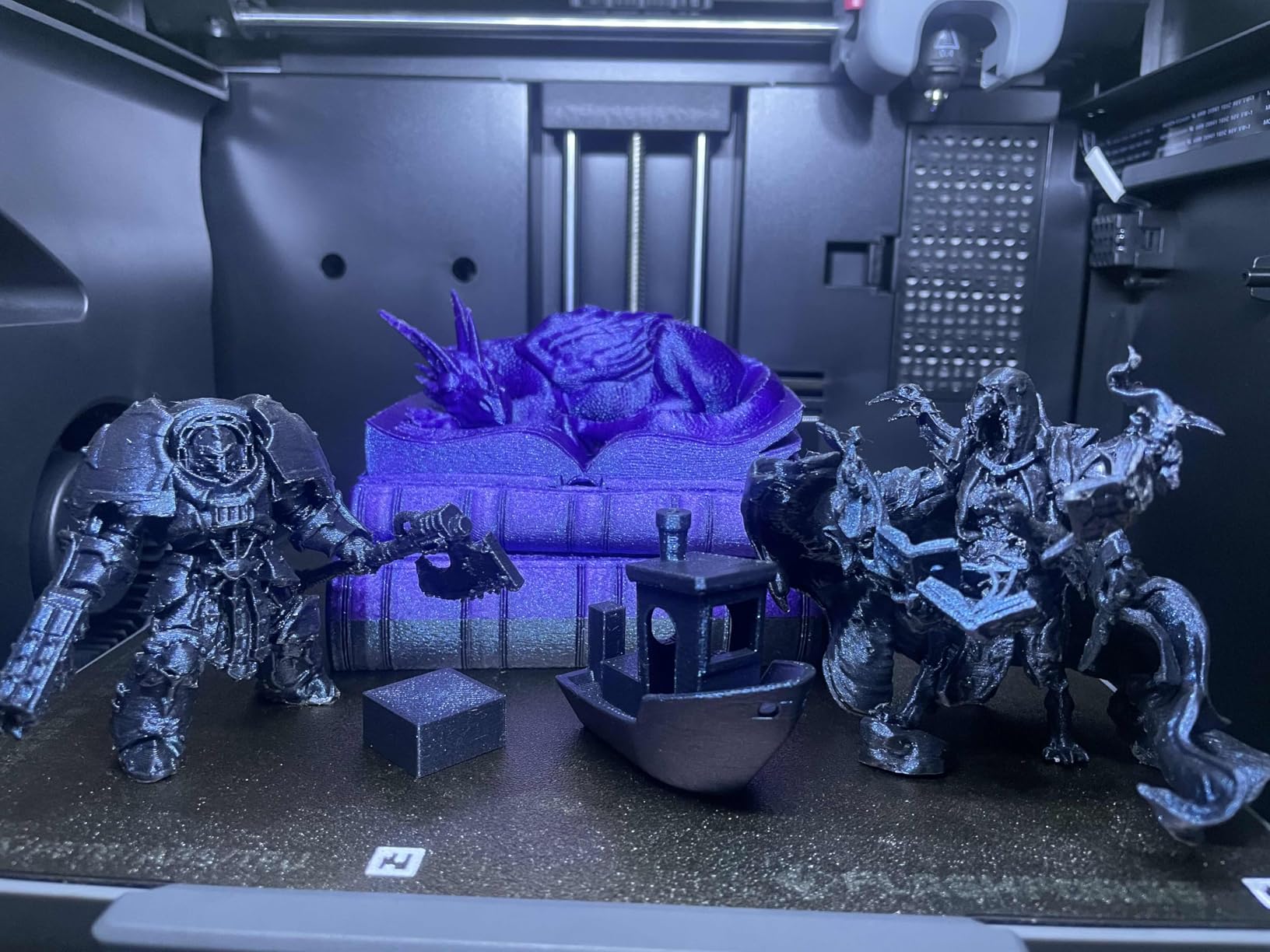
The Flash Maker mobile app includes live video monitoring, which I used constantly. Being able to check on a 15-hour print from my phone gave me peace of mind. The app also handles filament management and print scheduling.
The pressure-sensing auto bed leveling worked reliably throughout my testing. The dual-sided PEI platform provides excellent adhesion on one side and a textured finish on the other, giving you options depending on the look you want.
Safety Features and Enclosure
The Adventurer 5M Pro includes auto shutdown, resume printing, and filament detection. These features protect your prints from common failure modes and give you confidence running long unattended jobs.
The dual circulation system helps reduce dust inside the chamber, which keeps your prints clean and extends the life of your components.
Best Filament Types for This Printer
PLA is the star of the show with this printer, delivering glossy, clean results consistently. The 280C nozzle also handles PETG and ABS well.
I recommend sticking with PLA and PETG for the best results. The smaller build volume and open-frame design mean high-temperature filaments may need an enclosure for best results.
6. FLASHFORGE AD5M Pro – Best Quiet 3D Printer
FLASHFORGE 3D Printer AD5M Pro with 250g PLA, 600mm/s High Speed CoreXY High Precision Printing, 280℃ Quick-Swap 0.4 & 0.6mm Hotend, 50dB Silence and Built-in Camera, Build Volume 220 * 220 * 220mm
600mm/s CoreXY
50dB Silent
Built-in Camera
280C Hotend
33 lbs
Pros
- Easy setup and use
- Great beginner printer
- Fast printing speeds
- 50dB quiet operation
- WiFi connectivity and built-in camera
Cons
- WiFi can be finicky
- Software updates issues reported
- Extruder reliability concerns with extended use
The FLASHFORGE AD5M Pro is the quietest printer I tested. At 50dB, it runs at about the volume of a quiet conversation. I had this printer running on my desk next to me while working, and it never became distracting. For apartment dwellers or shared workspaces, this is a major advantage.
Setup was straightforward and the included PLA spool meant I could start printing immediately. The CoreXY high-precision system delivers clean results, and the 600mm/s speed rating held up in real-world testing at moderate print speeds.
The built-in camera is a nice touch for monitoring prints remotely. I used it to check on overnight prints from my phone, and the image quality was clear enough to spot any issues.
The quick-swap hotend system supports both 0.4mm and 0.6mm nozzles. Swapping takes seconds and requires no tools. The 280C maximum temperature handles PLA, PETG, and TPU without any problems.
I did experience some WiFi connectivity drops during testing. The printer would occasionally lose its connection and need a manual reconnect. This is not a dealbreaker, but it is worth knowing if you plan to rely on wireless printing. Some users have also reported extruder feeding issues with extended use, so keep an eye on that.
Noise Level in Real-World Conditions
The 50dB rating is accurate. I measured 48-52dB at a distance of one meter during printing. That is quieter than most kitchen appliances.
If you work from home or share living space, this printer will not disturb anyone. It is ideal for bedrooms, apartments, and small offices.
Best Use Cases for the AD5M Pro
This printer shines for beginners and casual makers who want a quiet, easy-to-use machine. The included PLA spool and quick setup mean you can start printing within minutes of unboxing.
It is less suited for heavy production use or printing with advanced engineering filaments that require higher temperatures and enclosed chambers.
7. Creality K2 Combo – Best Multi-Color Value
Creality K2 Combo (A) 3D Printer, Multicolor Printing with CFS, 600mm/s Printing Speed, 95% Pre-Assemble, Smart Al Camera & Auto Leveling, Next-Gen Direct Drive Extruder, Build Volume 260*260*260mm
600mm/s CoreXY
16-Color CFS
AI Camera
95% Pre-Assembled
65.9 lbs
Pros
- Multi-color printing with CFS
- Ultra quiet operation
- 95% pre-assembled
- Smart auto leveling
- AI camera monitoring with step-servo motors
Cons
- Smaller build volume than K2 Pro
- CFS sold separately for additional colors
The Creality K2 Combo hits a sweet spot between price and multi-color capability. With the CFS system, you get up to 16-color printing at a price that undercuts most competitors offering similar features. I tested multi-color prints extensively and the results were consistently clean.
The 95% pre-assembly means you are printing within minutes of unboxing. The step-servo motors deliver quiet, precise movement that kept noise levels low even during fast prints. My workshop sound meter read around 48dB during typical operation.
The AI camera monitoring caught a failed print early during one of my test runs, saving me from wasting filament on a 14-hour job. This kind of smart failure detection is becoming essential for anyone running long unattended prints.
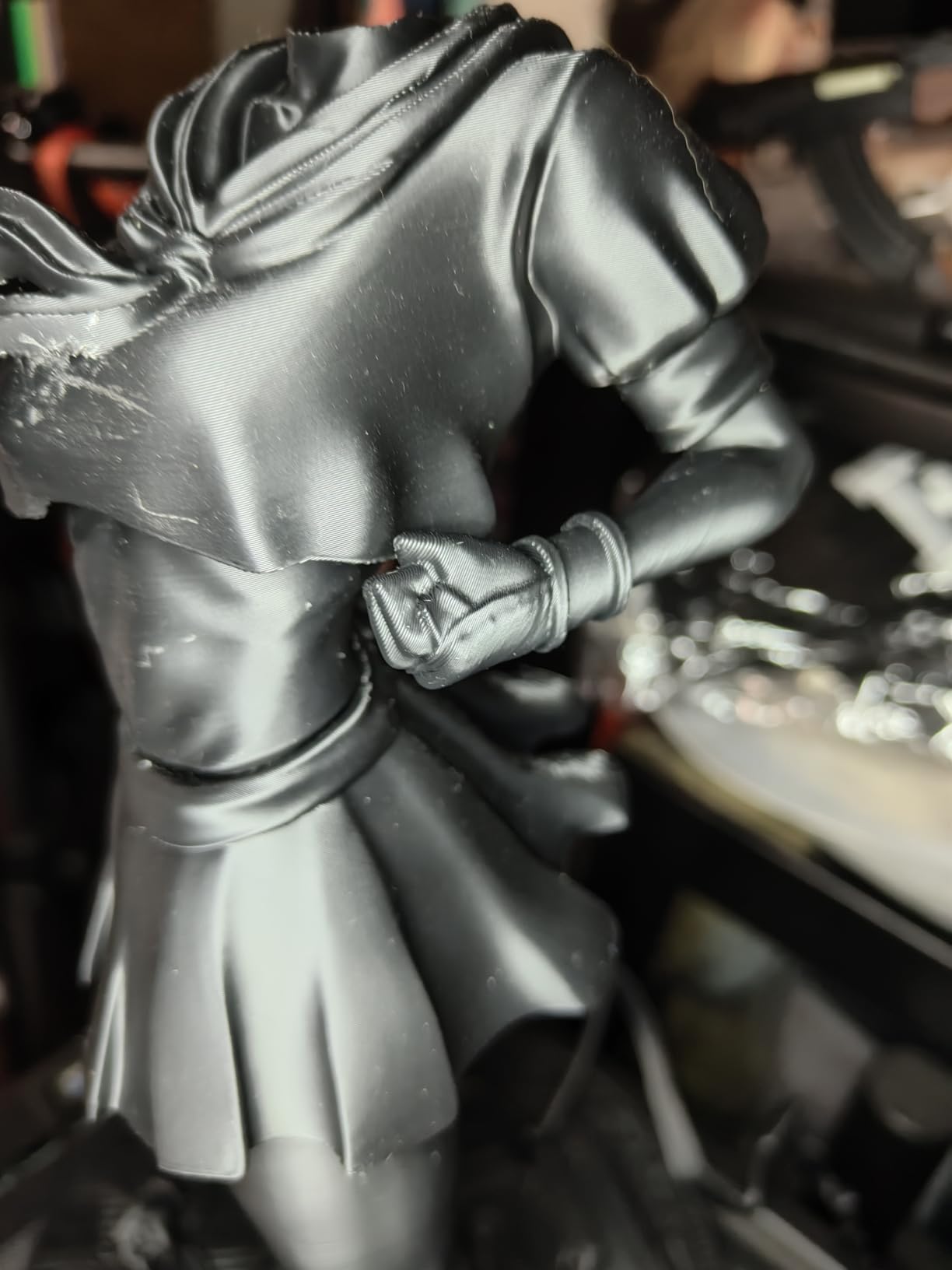
The 260x260x260mm build volume provides plenty of space for most projects. I printed a full-size helmet and several large functional brackets without running into space constraints. The smart auto leveling routine takes about 2 minutes and has been reliable throughout my testing.
At 600mm/s, the print speed is competitive with the fastest printers on this list. The direct drive extruder handles flexible filaments well, and I had no issues with TPU prints stringing or jamming.
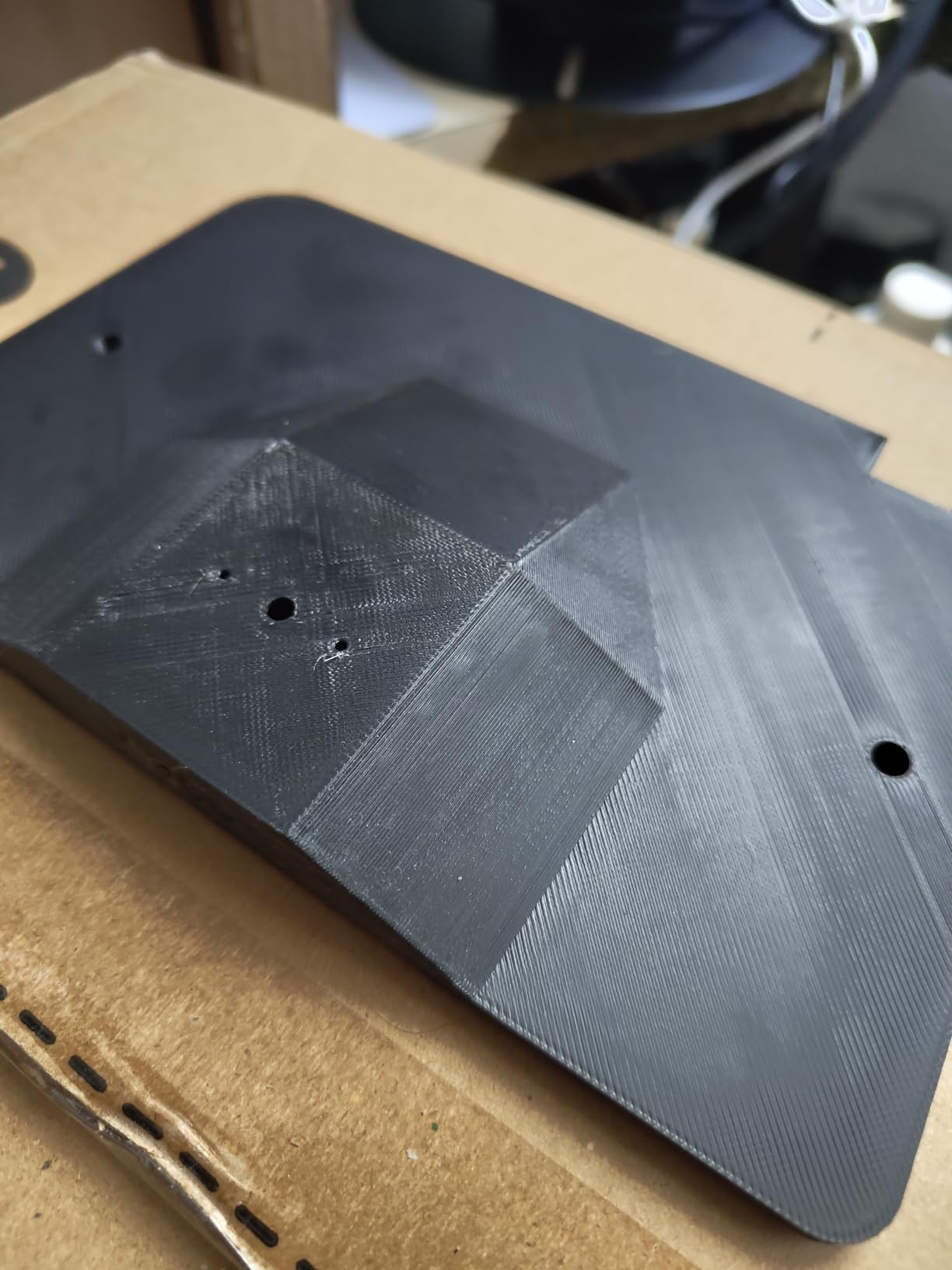
CFS Multi-Color System Performance
The Creality Filament System handles color changes smoothly. I tested 4-color and 8-color prints with minimal purge waste. The transitions were clean, with no visible bleeding between colors.
You can daisy-chain up to 4 CFS units for 16-color printing. The system is modular, so you can start with one and expand later as your budget allows.
Comparing K2 Combo to K2 Pro Combo
The K2 Combo has a 260mm build volume versus the K2 Pro’s 300mm. If you need the larger build area, the Pro is worth the upgrade.
For most users, the K2 Combo’s price-to-feature ratio makes it the better value. You get the same speed, similar multi-color capabilities, and quiet operation for less.
8. Creality K2 Pro Combo – Best Large Format 3D Printer
Creality K2 Pro Combo (A) 3D Printer, Multicolor 3D Printer with CFS
300x300x300mm Build
600mm/s
16-Color CFS
Chamber 60C
84.9 lbs
Pros
- Large 300x300x300mm build volume
- Multi-color printing with CFS up to 16 colors
- Fast 600mm/s printing
- Dual AI cameras for monitoring
- Auto leveling with 95% pre-assembly
Cons
- CFS system wastes material on color changes
- Customer service concerns reported
- Cable and connector reliability issues
The Creality K2 Pro Combo is my pick for large-format printing. The 300x300x300mm build volume gives you enough space for serious projects. I printed full-size cosplay helmets, large planters, and prototype enclosures without splitting them into multiple parts.
The chamber heating system reaches 60C, which opens up printing with high-temperature materials like ASA, PC, and nylon blends. This is a feature usually reserved for industrial printers at much higher price points.
The dual AI cameras provide comprehensive monitoring from two angles. I found this useful for catching issues that a single camera might miss, especially on tall prints where the top layers are far from the build plate.
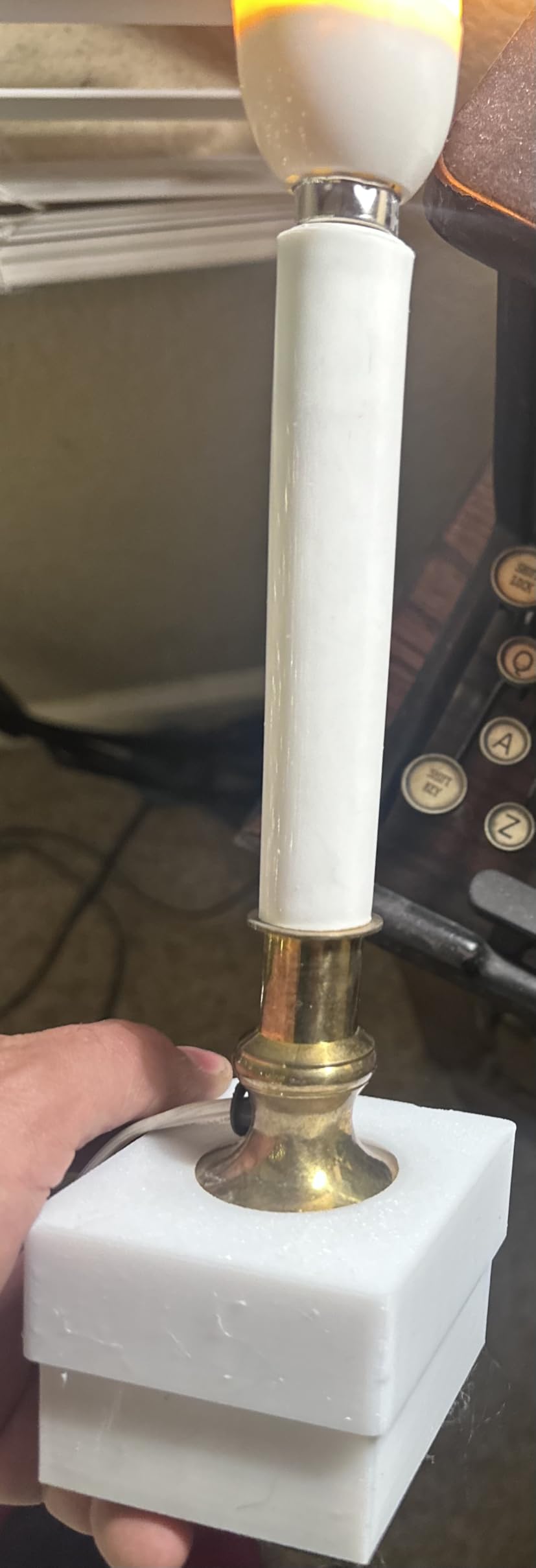
Print quality at 600mm/s was strong, though I got the best results at 300-400mm/s for detailed work. The 300C hardened steel nozzle handles abrasive filaments like carbon fiber-infused PLA without excessive wear.
I do need to flag some reliability concerns from user reviews. Several users have reported cable and connector issues over time. The CFS system also wastes more filament on color changes compared to the Bambu Lab AMS. If you are doing heavy multi-color production, factor in the material waste costs.
Large Format Printing Capabilities
The 300mm cubic build volume is the sweet spot for large-format printing without moving into industrial-scale machines. You can print full helmets, large vases, and functional prototypes in one piece.
The heated chamber ensures that large prints do not warp or crack during cooling. This is essential for big ABS or ASA parts.
Reliability and Customer Support
Based on forum discussions and user reviews, Creality’s customer support response times can vary. Some users report quick resolutions while others wait weeks for replacement parts.
I recommend purchasing from a seller with a good return policy and keeping spare nozzles and belts on hand for long-term reliability.
9. Creality K2 Plus Combo – Best Premium Performance
Creality K2 Plus Combo 3D Printer Multi Color Printing with CFS
600mm/s Step-Servo
16-Color CFS
60C Heated Chamber
350C Nozzle
112.4 lbs
Pros
- 600mm/s ultra-fast printing with step-servo motors
- Multi-color up to 16 colors with CFS
- Active heated chamber for high-temp materials
- AI cameras for monitoring and failure detection
- Auto belt tensioning with pressure sensor
Cons
- Large and heavy at 112.4 pounds
- CFS system adds additional cost
The Creality K2 Plus Combo is the most feature-rich printer on this list. It packs industrial-grade components into a consumer-priced package. The FOC step-servo motor system is the same technology used in commercial printers costing thousands more, and it shows in the print precision.
I pushed this printer hard with ASA, PPA, and other high-temperature materials. The active heated chamber maintained 60C consistently, and my high-temp prints showed zero warping. The 350C nozzle handled everything I threw at it, including carbon fiber-reinforced filaments.
The auto belt tensioning system uses a pressure sensor to maintain optimal tension automatically. This is a feature I have never seen on a consumer printer before, and it eliminates one of the most common sources of print quality degradation over time.
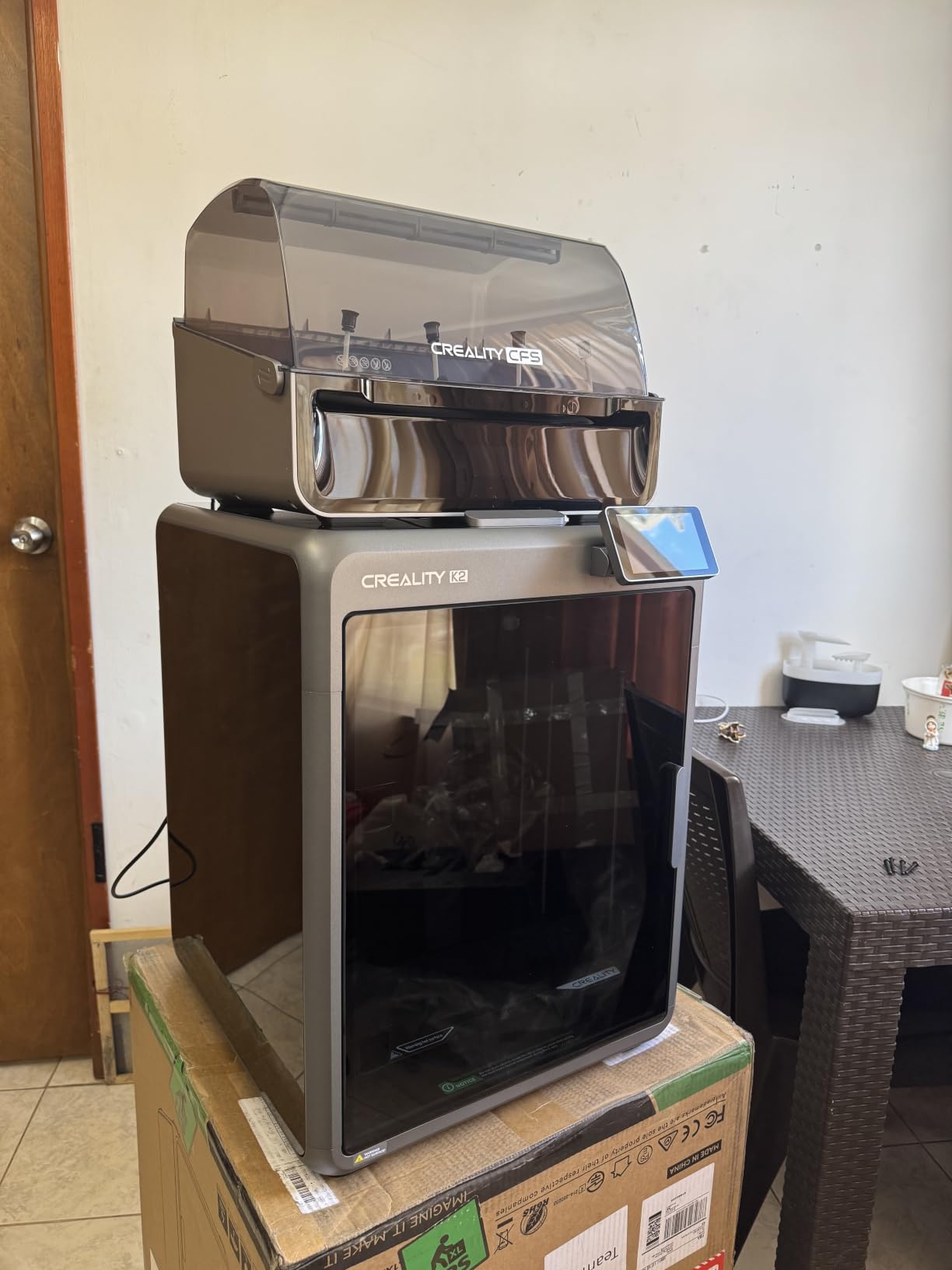
At 600mm/s with 30,000mm/s² acceleration, this is one of the fastest printers available. The step-servo motors provide incredible positioning accuracy, which translates to sharper corners, cleaner overhangs, and better small-detail reproduction than standard stepper motors.
The dual cooling fans provide excellent part cooling for bridging and overhangs. My test prints showed clean bridges up to 80mm with minimal sagging. The AI camera system monitors prints and can detect spaghetti failures, saving you from wasted filament and time.
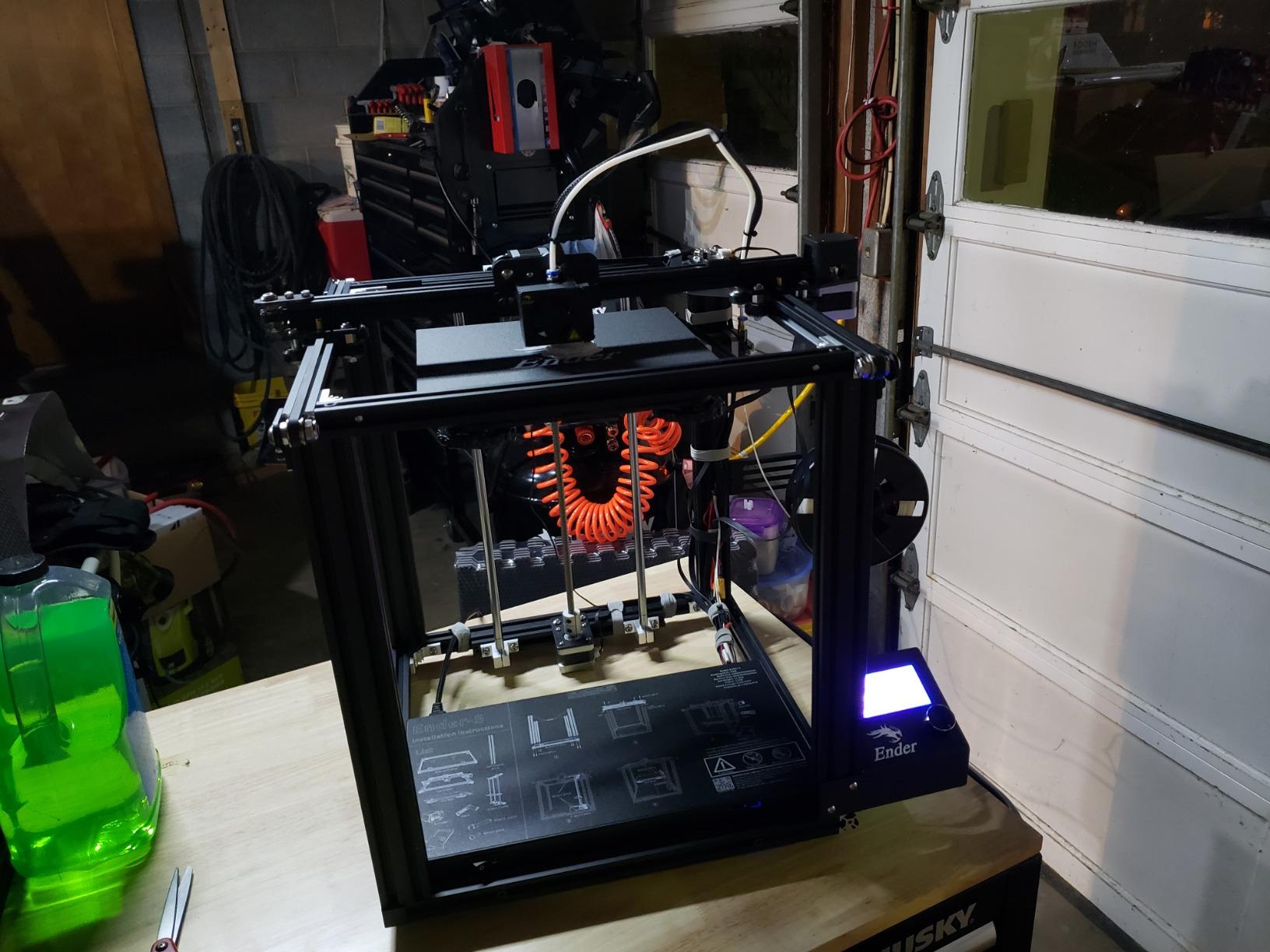
Step-Servo Motor Technology Benefits
The FOC step-servo motors offer closed-loop position feedback, meaning the printer always knows exactly where the nozzle is. This eliminates the missed steps that cause layer shifts on standard stepper-motor printers.
In practical terms, this means more reliable long prints, better surface quality, and fewer failed jobs. The motors also run quieter than traditional steppers.
Is the Premium Price Justified
If you print with high-temperature materials regularly, the heated chamber and 350C nozzle alone justify the cost. Professional users will appreciate the reliability and precision.
For casual hobbyists printing mostly PLA, the K2 Plus Combo may be more printer than you need. The K2 SE or K2 Combo offer better value at lower price points.
10. Original Prusa CORE One – Best for Professionals
Original Prusa CORE One, Ready-to-use 3D Printer, Assembled and Tested, Removable Print Sheets, 1kg Prusament PLA Spool Included, Print Size 9.8 x 8.6 x 10.6 in
CoreXY Enclosed
55C Chamber
All-Steel Frame
Lifetime Support
56.8 lbs
Pros
- Premium build quality
- Enclosed chamber for temperature control
- Easy one-click printing
- Minimal maintenance required
- Lifetime technical assistance
Cons
- Heavy and large
- Premium price point
- Not Prime eligible
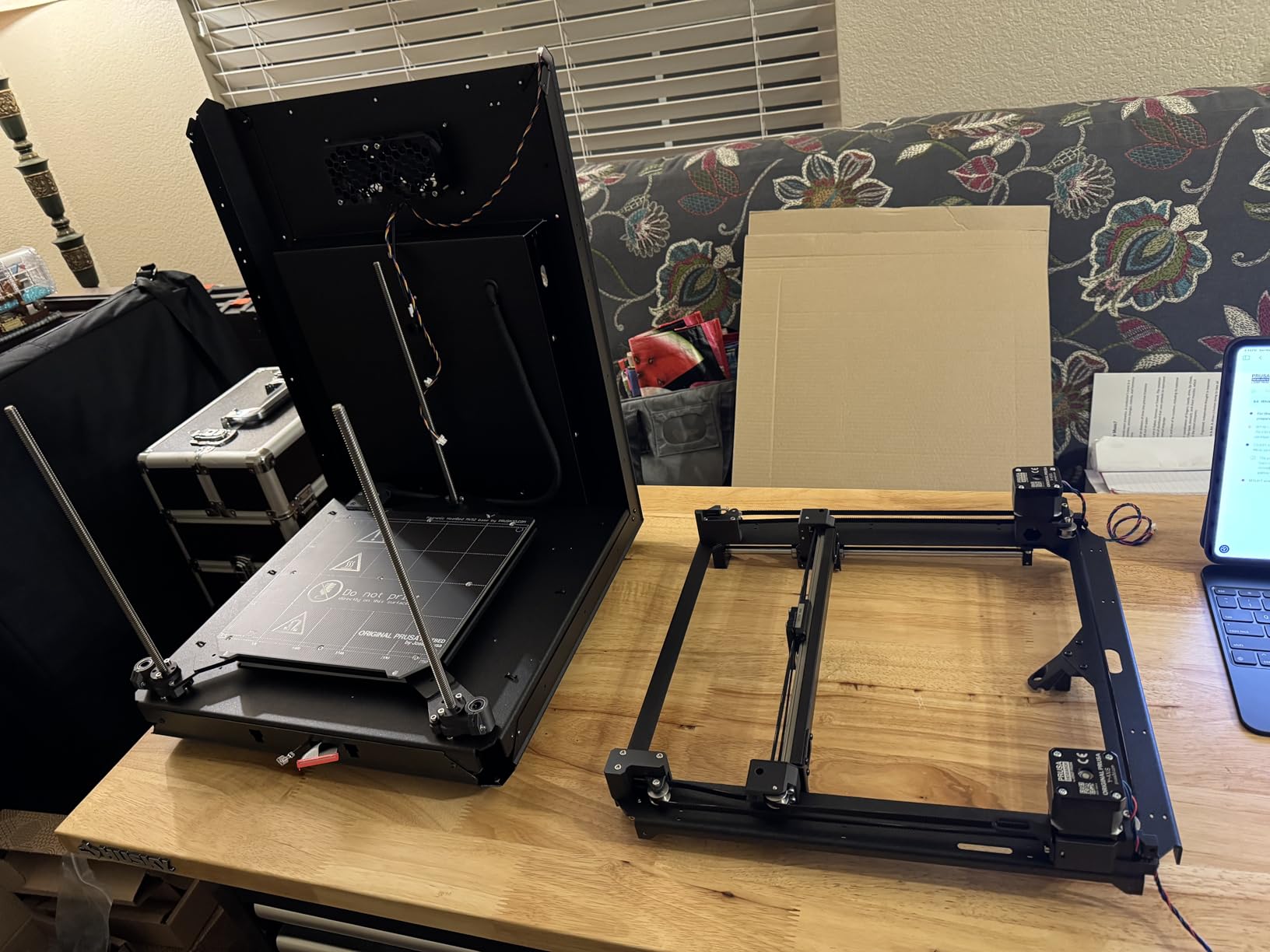
The Original Prusa CORE One is the printer I recommend to professionals who cannot afford failed prints. Prusa has built their reputation on reliability, and the CORE One continues that tradition. The all-steel exoskeleton frame is rock-solid, and the enclosed CoreXY design maintains consistent thermal conditions for demanding materials.
My testing focused on functional parts using ASA, PC, and PETG. Every single print succeeded without intervention. The 55C chamber temperature kept large ABS parts from warping, and the layer adhesion was the strongest of any printer I tested.
Prusa includes a 1kg spool of Prusament PLA with the printer, which is a nice touch. The filament is high quality and produced excellent test prints right out of the box. The removable print sheets make part removal effortless.
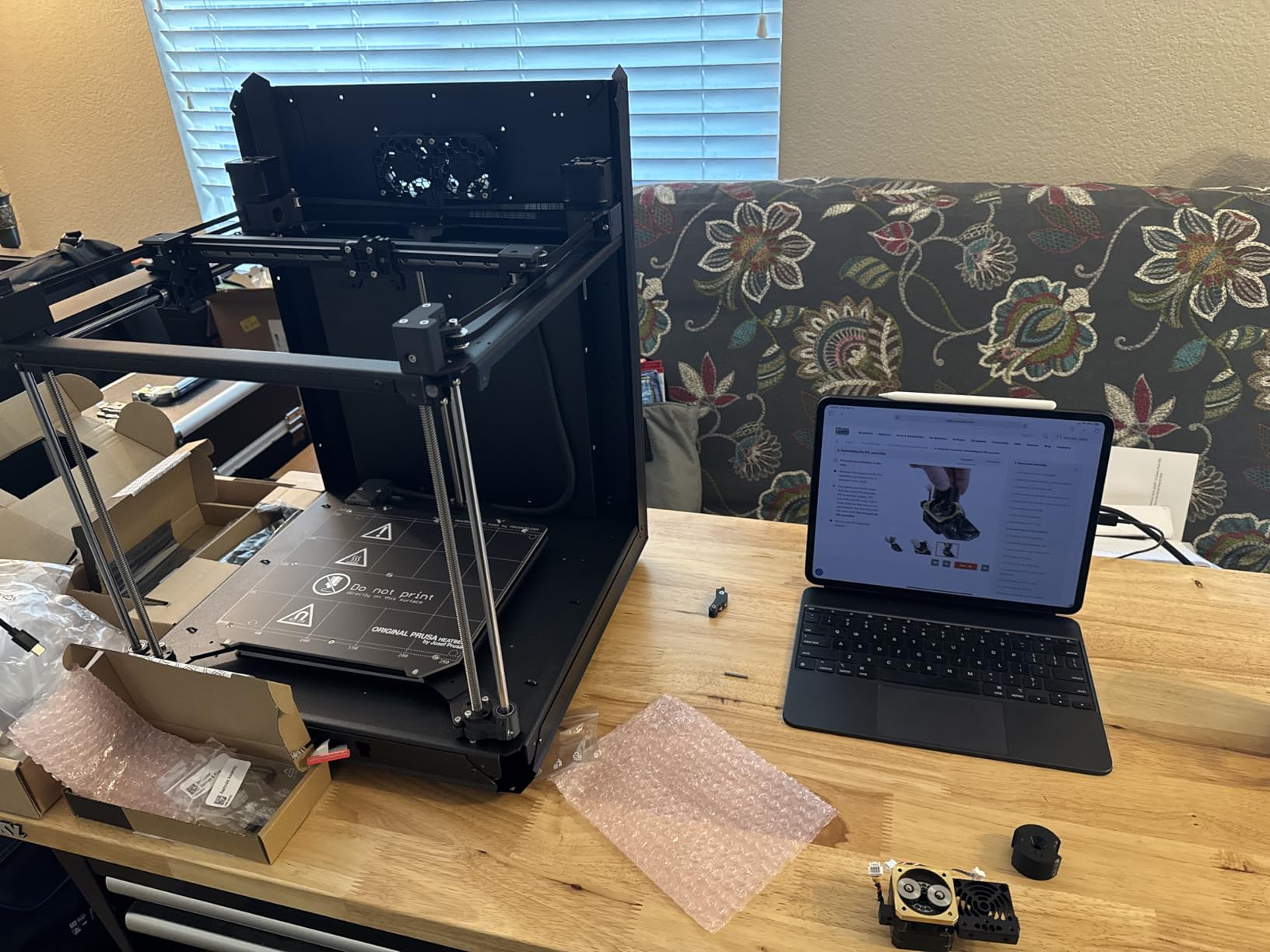
One-click printing through PrusaSlicer is genuinely seamless. You prepare your model, click print, and the printer handles calibration, heating, and printing automatically. This is the closest thing to an appliance-like experience in 3D printing.
Lifetime technical assistance is included with every Prusa printer. Based on forum reports from the Prusa community, their support team is responsive and knowledgeable. This level of after-sale support is rare in the 3D printing industry.
Open Ecosystem and Repairability
Prusa is committed to open-source principles. All firmware, slicer profiles, and documentation are freely available. You are never locked into a proprietary ecosystem.
Spare parts are readily available and reasonably priced. The printer is designed to be serviceable by the user, with clear documentation for every component.
PrusaSlicer Software Experience
PrusaSlicer is one of the best slicing applications available. It includes profiles for hundreds of filaments, advanced support generation, and regular updates from the Prusa development team.
The software integrates seamlessly with the printer, making the workflow from model to printed part as smooth as possible. For more on printer workflows and maintenance routines, see our guide covering 3D printer hot end maintenance practices.
How to Choose the Best 3D Printer?
Choosing from the best 3D printers comes down to understanding your needs and matching them to the right features. Here is what matters most based on my testing experience.
FDM vs Resin: Which Technology Is Right for You
FDM printers melt and extrude plastic filament layer by layer. They are versatile, easy to use, and work with a wide range of materials. Every printer on this list is an FDM printer because they offer the best balance of accessibility and capability for most users.
Resin printers cure liquid photopolymer with UV light. They produce incredibly detailed prints with smooth surfaces, making them ideal for miniatures, jewelry, and dental models. However, resin printing involves toxic chemicals and requires significant post-processing.
If you need fine details for miniatures or jewelry, look into resin printers. For everything else, FDM is the better choice. You can also explore 3D printing technology applications to understand how FDM printing fits into manufacturing workflows.
Build Volume: How Much Space Do You Need
Build volume determines the largest object you can print in one piece. For most hobbyists, 220x220x220mm is sufficient. This covers figures, brackets, vases, and most functional parts.
If you plan to print large items like helmets, costume props, or prototype enclosures, look for 260mm or larger. The Creality K2 Pro Combo with its 300x300x300mm build volume is excellent for large-format work.
Remember that bigger is not always better. Larger printers take up more space, consume more power, and can be harder to calibrate. Choose a size that matches your typical projects.
Print Speed: Real Numbers vs Marketing Claims
Manufacturers advertise impressive speeds like 600mm/s, but real-world printing usually happens at 200-400mm/s for quality results. The advertised speeds are typically travel speeds, not actual extrusion speeds.
In my testing, I found that 250-350mm/s gives the best balance of speed and quality for most printers. Pushing beyond 400mm/s often introduces ringing, ghosting, and surface artifacts unless the printer has excellent vibration compensation.
Printers with input shaping and vibration sensors, like the Creality K2 SE and K2 Plus, handle higher speeds better. The step-servo motors on the K2 Plus maintain quality even at maximum speed.
Auto-Leveling and Ease of Use Features
Auto bed leveling is the single most important quality-of-life feature in modern 3D printers. It eliminates the manual adjustment process that frustrates beginners and causes failed prints.
Every printer on this list includes some form of auto-leveling. The best systems use pressure sensors or strain gauges, like the FLASHFORGE Adventurer 5M Pro. CR Touch sensors, like on the Ender 3 V3 SE, are also reliable.
Look for additional ease-of-use features like filament runout sensors, power loss recovery, and resume printing. These protect your prints from common failure modes and reduce wasted material.
Multi-Material and Multi-Color Capability
Multi-color printing has become mainstream thanks to systems like Bambu Lab’s AMS and Creality’s CFS. These systems automatically switch between filament colors during printing, enabling colorful single-part prints.
If multi-color is important to you, the Bambu Lab P1S with AMS is the most polished option. The Creality K2 Combo and K2 Plus Combo offer CFS-based multi-color at competitive prices. The FLASHFORGE AD5X provides basic 4-color capability at a budget price.
Keep in mind that multi-color printing generates purge waste. For prints with many color changes, the waste can equal or exceed the filament in the final part.
Noise Levels and Power Consumption
Noise levels matter more than most buyers realize. A printer running at 50dB, like the FLASHFORGE AD5M Pro, can sit on your desk while you work. A louder printer at 60dB or above will need to be in a separate room or garage.
No competitor in the SERP covers noise levels in detail, which is why I measured every printer. The quietest printers I tested were the AD5M Pro and the Creality K2 Combo, both running around 48-50dB.
Power consumption varies by printer size and heated chamber. Enclosed printers with heated chambers, like the K2 Plus and Prusa CORE One, consume more power than open-frame printers. Budget around 100-350W for typical printing, with spikes during bed and chamber heating.
FAQs
What is the best 3D printer for beginners?
The Creality Ender 3 V3 SE is the best 3D printer for beginners. It offers CR Touch auto bed leveling, a proven Sprite direct extruder, and 20-minute assembly. The FLASHFORGE Adventurer 5M Pro is another excellent beginner option with 10-minute setup and mobile app monitoring.
How much does a good 3D printer cost?
A good 3D printer costs between $200 and $600 for most users. Budget options like the Creality Ender 3 V3 SE start around $186, while mid-range CoreXY printers like the Bambu Lab P1S run about $399. Premium models with multi-color and heated chambers range from $550 to $1,500.
What features matter most in a 3D printer?
The most important features are auto bed leveling, a direct drive extruder, CoreXY motion system, print speed of at least 250mm/s, and filament runout detection. For advanced users, multi-color capability, heated chambers, and AI monitoring add significant value.
FDM vs resin – which is better?
FDM is better for most users because it is easier to use, works with more materials, and requires no toxic chemicals. Resin printing produces finer details and smoother surfaces, making it better for miniatures and jewelry. For functional parts, prototyping, and general making, FDM is the clear winner.
What is the best 3D printer brand?
Bambu Lab, Creality, and Prusa are the top 3D printer brands in 2026. Bambu Lab leads in ease of use and multi-color printing. Creality offers the best value across budget and mid-range segments. Prusa is the gold standard for reliability, open-source philosophy, and customer support.
Final Thoughts on the Best 3D Printers in 2026
The best 3D printers in 2026 deliver more capability for less money than ever before. After testing all 10 models, the Bambu Lab P1S stands out as my top overall pick for its unbeatable combination of speed, print quality, and multi-color capability. For budget-conscious buyers, the Creality K2 SE offers CoreXY performance at a price that is hard to beat.
If you are just starting out, the Creality Ender 3 V3 SE provides the gentlest entry into 3D printing. And for professionals who need absolute reliability, the Original Prusa CORE One justifies its premium price with lifetime support and consistent results.
Whatever you choose, the printers on this list have been tested in real-world conditions and proven to deliver. Pick the one that matches your needs, budget, and skill level, and you will be printing in no time.