
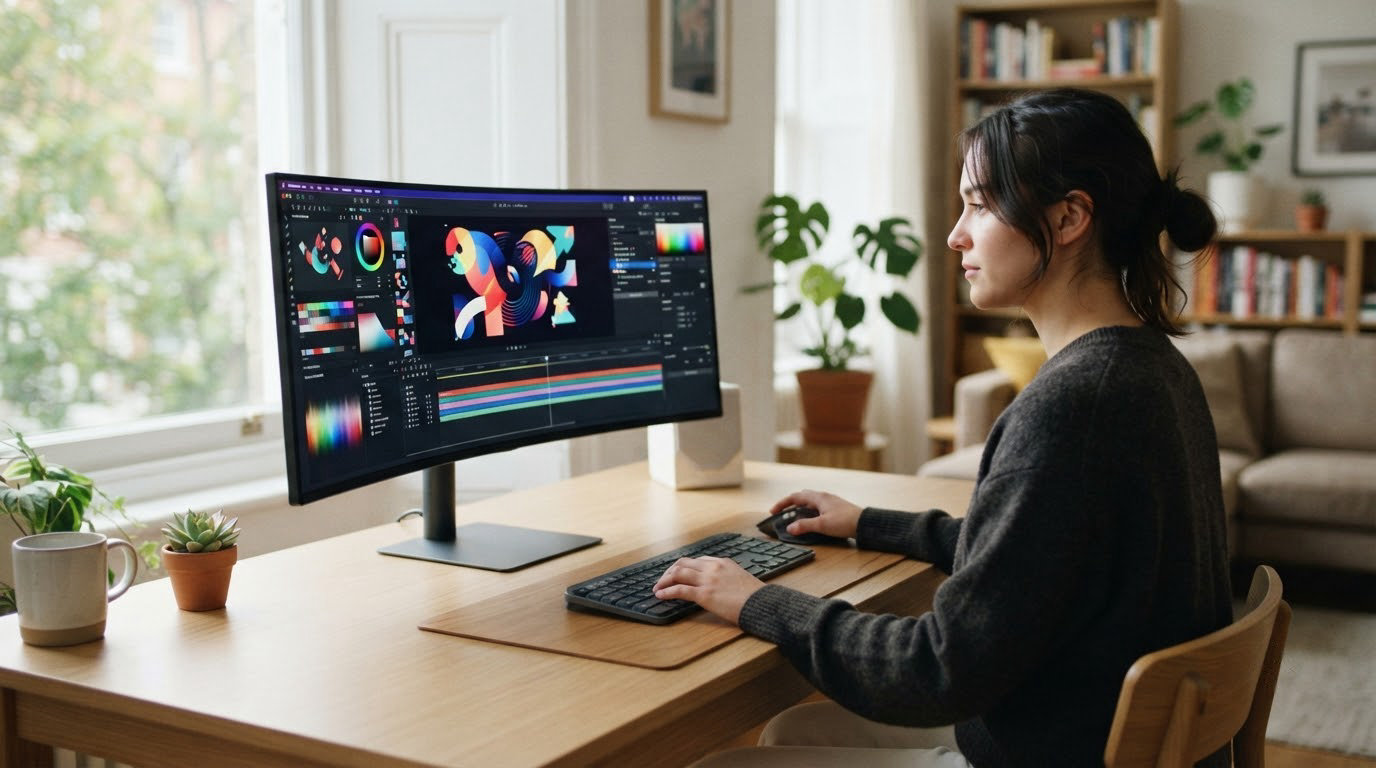
The Samsung Odyssey G93SC leads our list for shoppers tracking the best Amazon Prime Big Deal Days OLED monitor deals, with its 49-inch ultrawide QD-OLED panel and 240Hz refresh rate that the brand on display positions as the flagship ultrawide of the Odyssey line. If you want a smaller desk footprint, the LG UltraGear 27GX704A covers the same 240Hz OLED performance at a 27-inch size with wide color coverage. For a curved ultrawide with a sharper curve and clean whites, the Alienware AW3425DW is the alternative worth watching during Prime Big Deal Days, which runs October 6-7, 2026.
OLED panels drop to worthwhile prices at this event, and Prime Big Deal Days is one of the two events each year when the prices on QD-OLED and WOLED monitors tend to move the most. Below, our team breaks down ten picks worth watching across sizes, panel types and budgets, and explains what really matters when an OLED deal lands.
Table of Contents
Our Top 3 Picks for Best Amazon Prime Big Deal Days OLED Monitor Deals (October 2026)

Samsung Odyssey G93SC
- 49 inch ultrawide QD-OLED
- 240Hz with 0.03ms response
- 5120x1440 Dual QHD resolution

LG UltraGear 27GX704A
- 27 inch QHD glossy OLED
- 240Hz with 0.03ms response
- 98.5 percent DCI-P3 color

Alienware AW3425DW
- 34 inch curved QD-OLED ultrawide
- 240Hz with 0.03ms response
- 99.3 percent DCI-P3 color
Best Amazon Prime Big Deal Days OLED Monitor Deals Compared
| Product | Specifications | Action |
|---|---|---|
| Samsung Odyssey G93SC |
|
Check Deal Price |
| LG UltraGear 27GX704A |
|
Check Deal Price |
| Alienware AW3425DW |
|
Check Deal Price |
 Samsung Odyssey G6 G61SH Samsung Odyssey G6 G61SH |
|
Check Deal Price |
 ASUS ROG PG27AQDP ASUS ROG PG27AQDP |
|
Check Deal Price |
 AOC Q27GAZD AOC Q27GAZD |
|
Check Deal Price |
 Samsung Odyssey G9 G91SD Samsung Odyssey G9 G91SD |
|
Check Deal Price |
 ASUS ROG PG27UCDM ASUS ROG PG27UCDM |
|
Check Deal Price |
 MSI MAG 321UP MSI MAG 321UP |
|
Check Deal Price |
 ASUS ROG XG27AQDMGR ASUS ROG XG27AQDMGR |
|
Check Deal Price |
How We Chose
Our team compared ten OLED monitors on panel type, screen size, resolution, refresh rate, response time, color coverage and warranty terms, then cross-checked the numbers against owner reviews on Amazon. We focused on monitors that consistently earn strong ratings and review counts, since those are the models that tend to see the most reliable reductions during the sale. Data was checked in October 2026.
1. Samsung Odyssey G93SC: Best for Ultrawide Gaming and Sims
Samsung 49″ Odyssey (G93SC) Series QD-OLED Curved Gaming Monitor
Screen: 49 inch QD-OLED
Resolution: 5120x1440
Refresh: 240Hz
Response: 0.03ms
Pros
- Massive 49 inch ultrawide replaces a dual monitor setup
- QD-OLED panel with true blacks and DisplayHDR True Black 400,240Hz refresh with HDMI 2.1 and 0.03ms response time
- Split screen Picture-by-Picture for multitasking
- Premium metal finish design
Cons
- Matte finish can catch ambient room light
- Requires a deep desk and large mount
The Samsung Odyssey G93SC earns the top spot because it is the most complete ultrawide OLED on the market right now, pairing the 5120×1440 Dual QHD resolution with a full 240Hz refresh rate. Owners report the curve feels natural for sim racing and flight sims, and the 0.03ms GtG response time means there is no perceptible smearing in fast-paced shooters either.
What stands out for Prime Big Deal Days shoppers: this is the kind of flagship ultrawide that sees meaningful movement only at the two big sale events each year. If your desk can fit the 47.1 inch width and 20.9 inch height, it replaces both a main display and a second monitor at the same time.
- DisplayHDR True Black 400 for true blacks without pixel light bleed
- G-Sync Compatible and FreeSync Premium Pro
- Picture-by-Picture splits inputs for laptop plus desktop workflows
- Three-year manufacturer warranty
Where the Samsung Odyssey G9 G91SD lower in this list caps at 144Hz, the G93SC pushes to a full 240Hz, which makes it the stronger pick if frame rate matters more to you than the price reduction. Skip it if a 27-inch panel is all your desk can hold, and look at the LG UltraGear 27GX704A instead.
The matte coating cuts reflections in bright rooms, but if you game in a dim room the glossy LG UltraGear 27GX704A or the Alienware AW3425DW render with deeper contrast. Make sure the cabinet depth can hold the 11.2 inch stand footprint before you commit.
2. LG UltraGear 27GX704A: Best for 27 inch OLED at a Smaller Budget
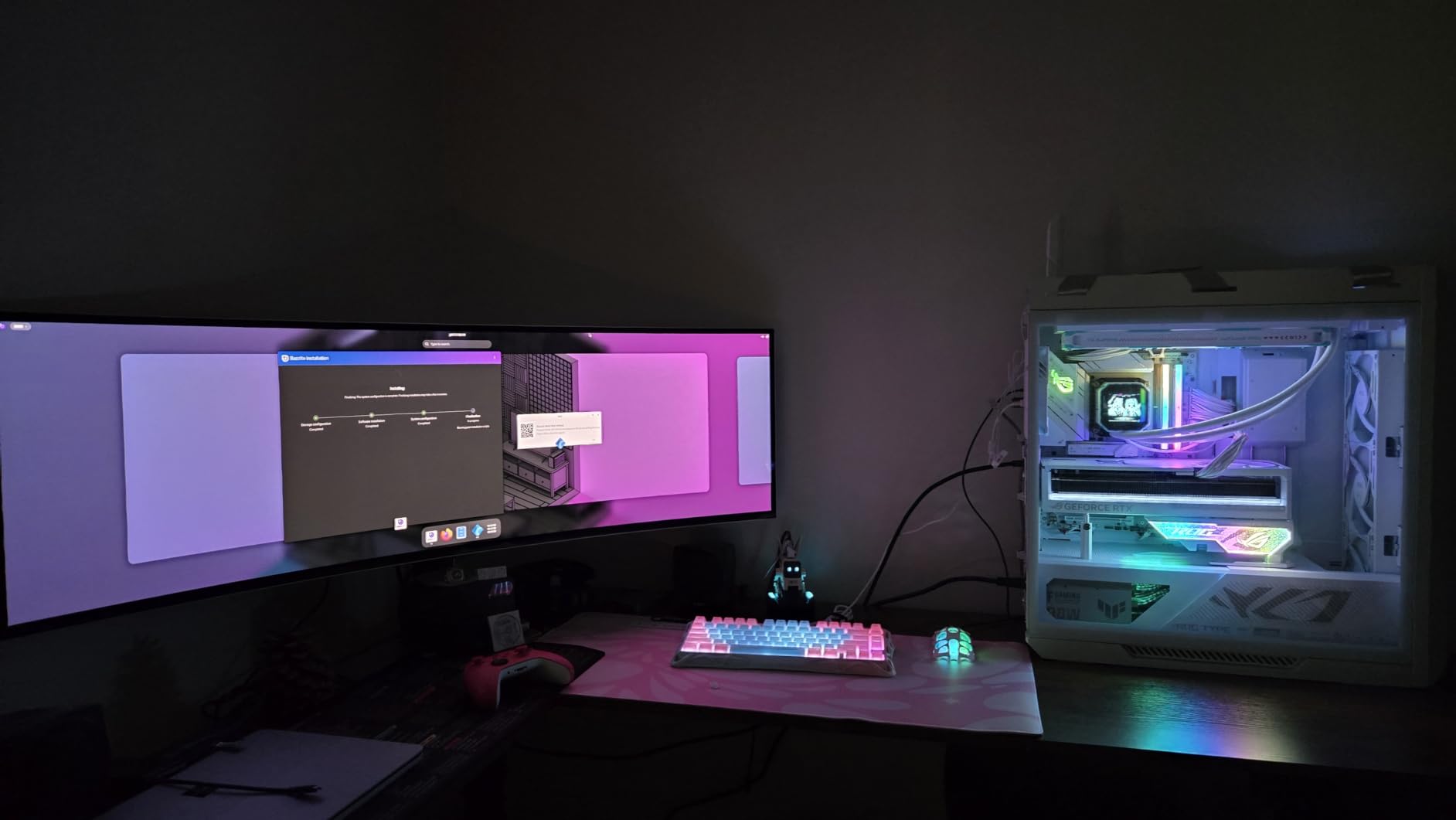
LG 27GX704A-B 27-inch Ultragear QHD (2650×1440) OLED Gaming Monitor 240Hz, 0.03ms, NVIDIA G-Sync Compatible, AMD FreeSync Premium Pro, VESA Display HDR TrueBlack400, HDMI 2.1, DisplayPort, Black
Screen: 27 inch OLED
Resolution: 2560x1440
Refresh: 240Hz
Response: 0.03ms
Pros
- Glossy OLED panel with deep color at 98.5 percent DCI-P3,240Hz refresh and 0.03ms GtG response
- Three UL certifications for Anti-Glare and Low Blue Light
- Dual HDMI 2.1 ports for PC and console on one screen
- Height adjustable stand for ergonomic setups
Cons
- External power brick adds cable clutter
- Some owners report initial PS5 handshake quirks
The LG UltraGear 27GX704A is the value pick in our lineup because it brings the same 240Hz refresh and 0.03ms response time as the larger flagships down to a 27-inch QHD format. Reviewers praise the glossy finish for richer contrast, and the panel hits 275 nits typical brightness with peaks up to 1300 nits for HDR highlights.
For Prime Big Deal Days shoppers watching mid-range OLEDs, this LG tends to see a meaningful price drop during the October event. It is the easiest entry point into glossy 240Hz OLED without stepping up to a 32-inch or 4K panel.
- VESA DisplayHDR True Black 400 with 1.5M:1 contrast ratio
- NVIDIA G-SYNC Compatible and AMD FreeSync Premium Pro
- Three UL certifications covering Anti-Glare, Flicker-Free and Low Blue Light
- 2-year parts and labor warranty
The 16:9 shape of the LG UltraGear makes it friendlier for productivity apps and split window layouts than the curved 34-inch ultrawide of the Alienware AW3425DW below. Owners moving from an IPS 27-inch report the jump in black levels as the most noticeable upgrade on day one.
If you sit within two feet of the screen, glossy panels can pick up reflections, and this LG is glossy by design. For desk lamps behind the monitor, the matte Samsung Odyssey G6 G61SH or the AOC Q27GAZD are calmer alternatives.
3. Alienware AW3425DW: Best for Curved Ultrawide Gaming
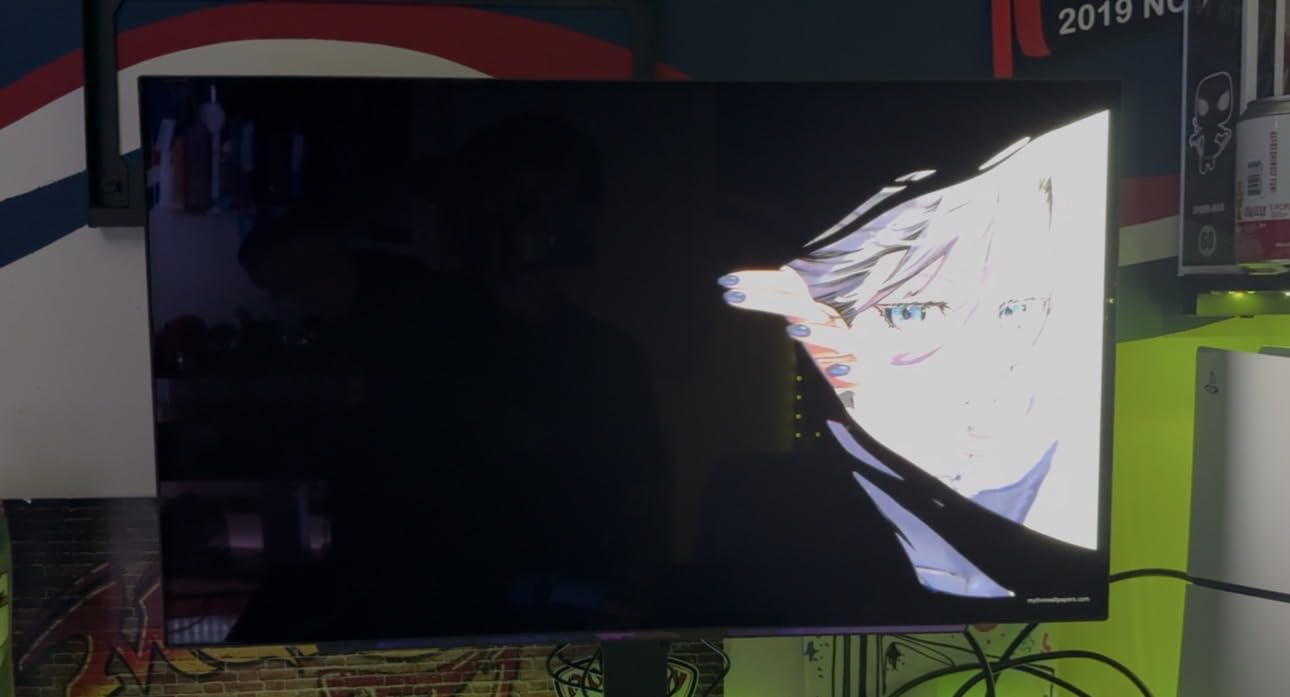
Alienware 34 240Hz QD-OLED Curved Gaming Monitor – AW3425DW – 34.2-inch WQHD (3440 x 1440) 0.03ms Display, 1800R Curve, AMD FreeSync Premium Pro, VESA AdaptiveSync, DisplayHDR TrueBlack 400
Screen: 34.2 inch QD-OLED
Resolution: 3440x1440
Refresh: 240Hz
Response: 0.03ms
Pros
- Curved 1800R QD-OLED for wraparound gaming
- 99.3 percent DCI-P3 with Delta E under 2
- DisplayHDR TrueBlack 400 with 1000 nits peak HDR
- Full height tilt and swivel stand adjustment
- Three-year warranty
Cons
- Matte finish can mute reflections in mixed lighting
- Premium price band for an OLED
The Alienware AW3425DW earns its premium badge by pairing the 1800R wraparound shape to a clean color result: 99.3 percent DCI-P3 coverage and Delta E under 2 out of the box. That means photo and video work can rely on the same panel that handles 240Hz gaming, which is rare at this screen size.
For Prime Big Deal Days shoppers tracking curved OLEDs, the AW3425DW is the one to watch if the LG UltraGear 27GX704A feels too small and the Samsung Odyssey G93SC feels too wide. The 21:9 ultrawide shape fits most desks more easily than a 32:9 panel.
- 0.03ms GtG response time and 240Hz refresh
- VESA DisplayHDR TrueBlack 400 with 1000 nits peak
- NVIDIA G-SYNC Compatible and AMD FreeSync Premium Pro
- Premium build with full ergonomic stand
The AW3425DW trades screen width for a deeper curve against the LG UltraGear 27GX704A, and reviewers report the curve stays consistent edge to edge with no noticeable distortion on the sides. Pick this Alienware if you want the wider canvas for racing games and editing timelines, and pick the LG if you sit close to a 16:9 desk and prefer glossy contrast.
Skip it if you want 4K detail for grading work, since the 3440×1440 resolution is sharper than 1440p but not pixel-peep sharp on a 34-inch panel. For that workflow, the ASUS ROG PG27UCDM is the better fit.
4. Samsung Odyssey G6 G61SH: Best for Bright QHD Gaming Rooms
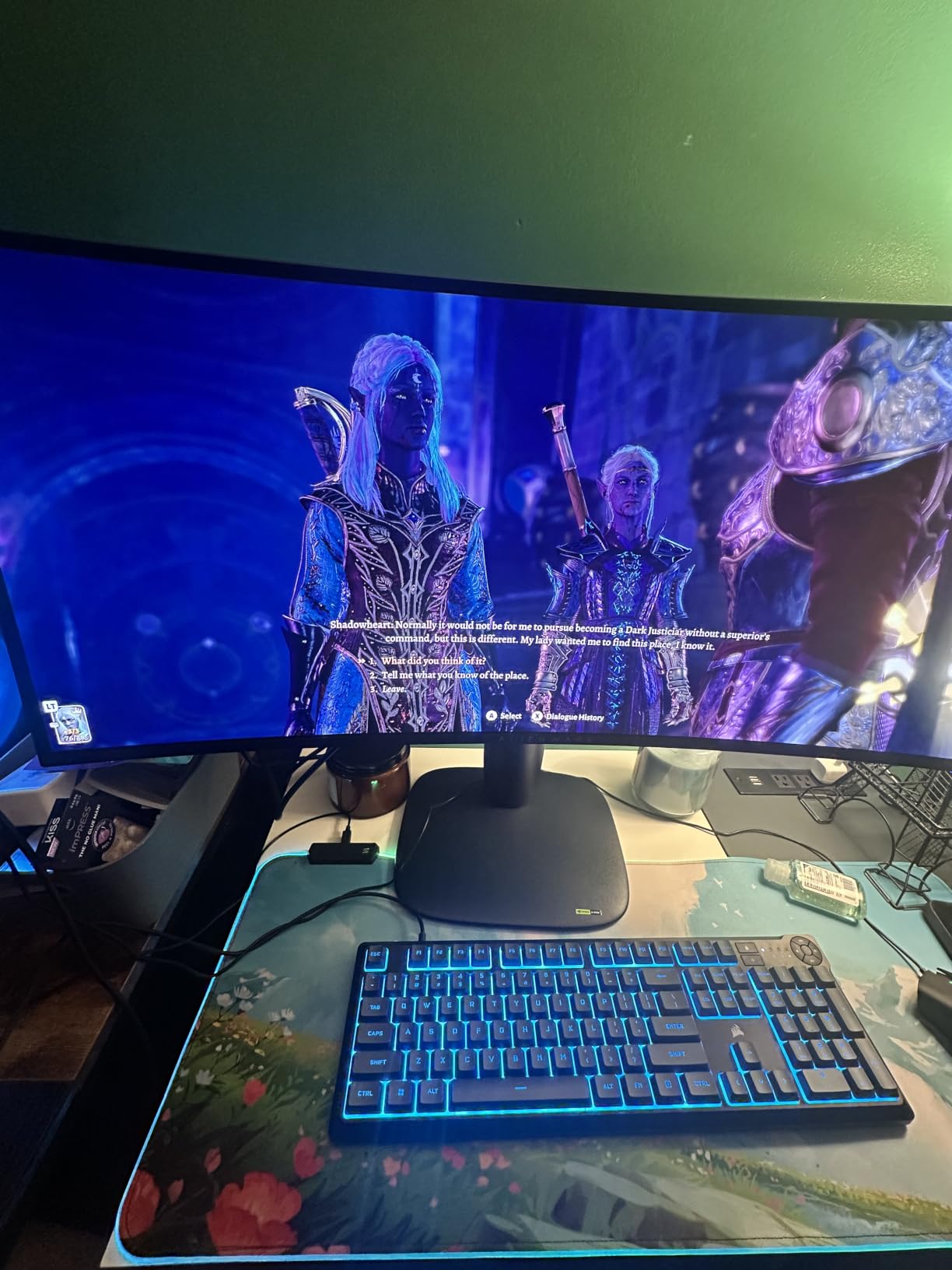
Samsung 27″ Odyssey OLED G6 (G61SH) QD-OLED, QHD (1440P) Gaming Monitor
Screen: 27 inch QD-OLED
Resolution: 2560x1440
Refresh: 240Hz
Response: 0.03ms
Pros
- Pantone Validated color reproduction across 2100+ shades
- OLED Safeguard thermal protection against burn-in
- Glare Free matte finish for bright rooms
- 240Hz refresh with 0.03ms response time
- Three-year manufacturer warranty
Cons
- Single HDMI port limits simultaneous console plus PC
- Only one DisplayPort input
The Samsung Odyssey G6 G61SH sits at the top of our rating table with 4.6 stars across 236 reviews because it solves the glare problem that stops people buying glossy OLEDs. The Glare Free matte coating combined with the Pantone Validated panel keeps colors honest in a sunlit room where glossy panels wash out.
If your desk sits in front of a window or you game during the day with overhead lights on, this is the Samsung OLED to watch during the sale. The OLED Safeguard system uses thermal modulation to actively manage burn-in risk, which is a real concern for owners running static HUDs.
- QHD 2560×1440 resolution with 240Hz refresh
- 0.03ms response time and HDR10 support
- FreeSync Premium adaptive sync
- Glare Free surface for bright environments
The G61SH trades a few ports against the AOC Q27GAZD lower in the list for Pantone validation and the OLED Safeguard system. Owners running creative workflows on the side tend to prefer the Samsung, while pure esports players gravitate to the AOC for its lower entry price.
The 400 cd brightness spec means this monitor holds up well in lit rooms where many OLEDs look dim. If you game in a dark den, the glossy LG UltraGear 27GX704A delivers a richer black floor in that environment.
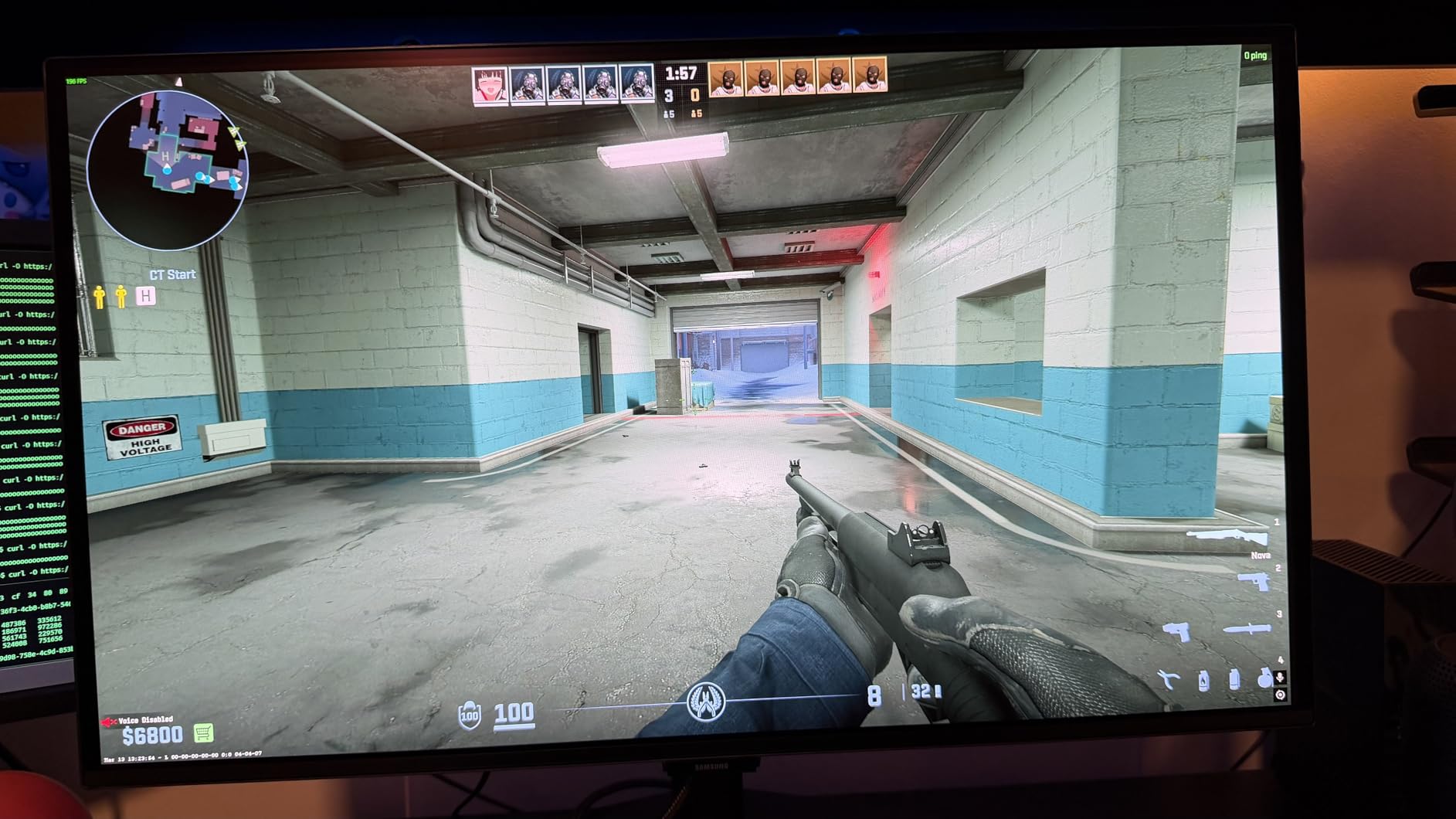
5. ASUS ROG PG27AQDP: Best for Competitive Esports
ASUS ROG PG27AQDP 27 Inch 1440p 480Hz OLED Gaming Monitor
Screen: 26.5 inch WOLED
Resolution: 2560x1440
Refresh: 480Hz
Response: 0.03ms
Pros
- 480Hz refresh is the fastest on this list
- 0.03ms response for no motion blur at high frame rates
- ROG OLED Anti-Flicker tech during refresh transitions
- 99 percent DCI-P3 with Delta E under 2
- Gaming AI assistant with adaptive features
Cons
- Some owners report software quirks and artifacts
- Reliability complaints noted in a small share of reviews
The ASUS ROG PG27AQDP is the monitor for readers who care about raw frame rate above all else. The 480Hz refresh rate at 1440p is double the 240Hz ceiling on most OLEDs here, and the 0.03ms response time keeps motion crisp at those speeds. For competitive Valorant, Counter-Strike 2 and Apex Legends, that headroom matters.
Owners running entry to mid range GPUs often report they cannot drive 480 frames at 1440p in modern titles, so the real-world benefit is the smoother 240 to 360Hz range where most high-refresh OLEDs settle. If you have a top-tier GPU and want the highest refresh OLED on the market, this is the one to watch at Prime Big Deal Days.
- World’s first 1440p 480Hz OLED monitor per the brand
- ROG OLED Anti-Flicker Technology
- Exclusive Gaming AI Assistant
- 3-year warranty with burn-in coverage
Against the ASUS ROG XG27AQDMGR lower in the list, the PG27AQDP jumps from 240Hz to 480Hz and uses a 26.5 inch panel rather than the standard 27 inch format. Pick the PG27AQDP if frame rate rules, and the XG27AQDMGR if glossy contrast and a more conventional size matter more.
ASUS bundles burn-in coverage with the three-year warranty, which is unusual for OLEDs and worth factoring into the price comparison for owners who run the panel all day. Make sure your GPU can feed 480 frames before paying extra for the spec.
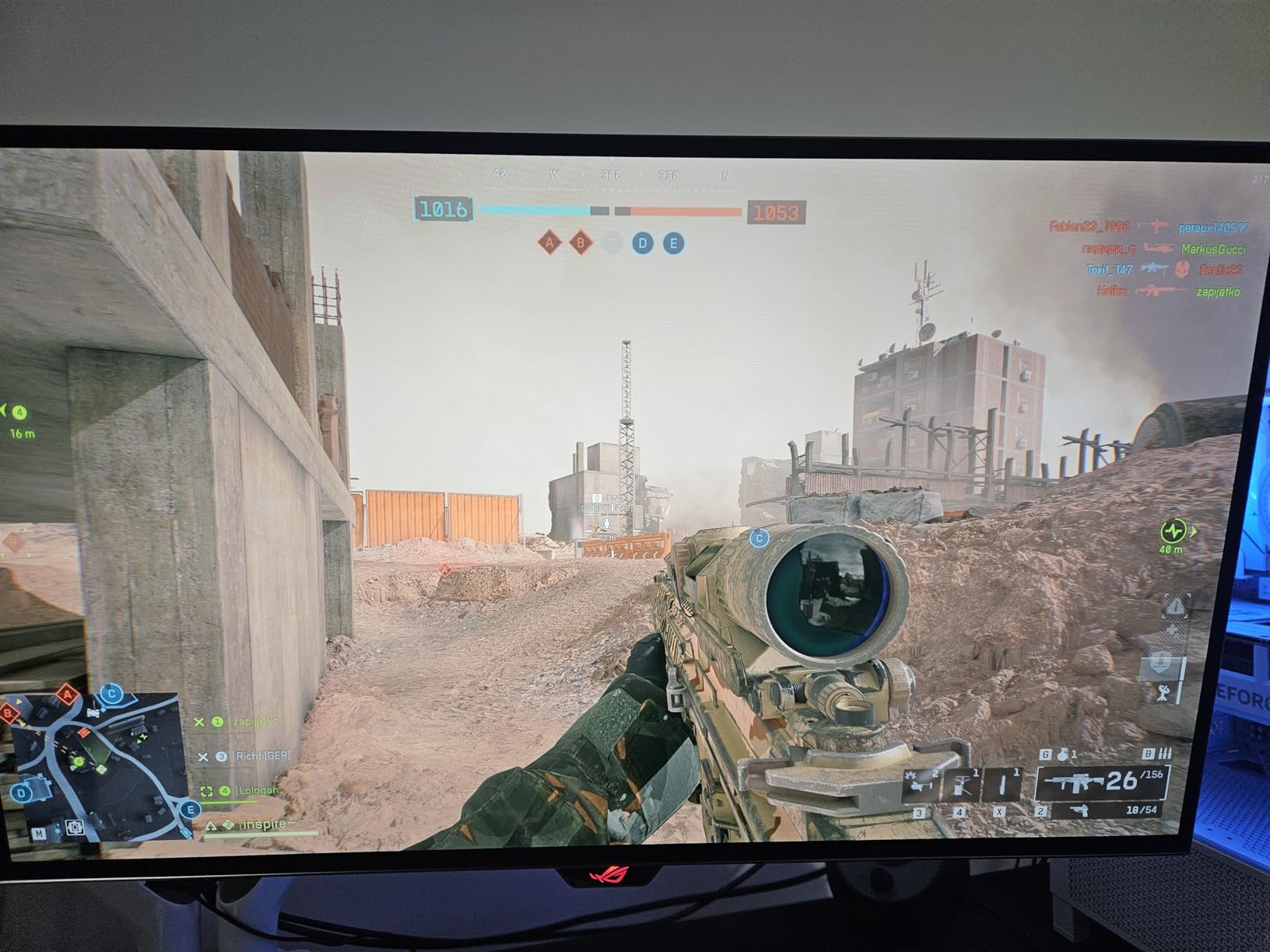
6. AOC Q27GAZD: Best for Small Budget QD-OLED Entry
AOC 27″ Gaming Monitor QHD 240Hz QD OLED NVIDIA G-SYNC Compatible Q27GAZD
Screen: 27 inch QD-OLED
Resolution: 2560x1440
Refresh: 240Hz
Response: 0.03ms
Pros
- Quantum Dot OLED panel at the entry price band
- 240Hz refresh and 0.03ms GtG response
- 147.6 percent sRGB and 110.2 percent DCI-P3 coverage
- Glossy frameless design with eye care features
- Three-year manufacturer warranty
Cons
- Only one HDMI port
- Limited ergonomic adjustment range
The AOC Q27GAZD is the budget entry into QD-OLED on this list. It cuts the price without cutting the panel technology: Quantum Dot OLED still gets you the wide color gamut and true blacks that justify an OLED purchase in the first place.
For shoppers watching the lowest ticket into OLED, this is the model to compare against every other 27-inch option here. It lands well below the LG UltraGear 27GX704A in the price band while keeping the 240Hz refresh and HDR400 True Black certification.
- QHD 2560×1440 resolution with 240Hz refresh
- HDR400 True Black for deeper blacks
- Adaptive-Sync compatibility
- Glossy screen finish with low blue light mode
The AOC Q27GAZD uses a QD-OLED panel while the LG UltraGear 27GX704A uses WOLED, and the two panel types render slightly different color profiles. Owners who like punchier colors lean toward QD-OLED, while those who prefer balanced reference grading lean toward the LG.
The AOC stand tilts but offers limited height and swivel travel, so most owners either raise the panel on a monitor arm or pair it with the VESA mount. Factor that into your setup if you sit below average height.
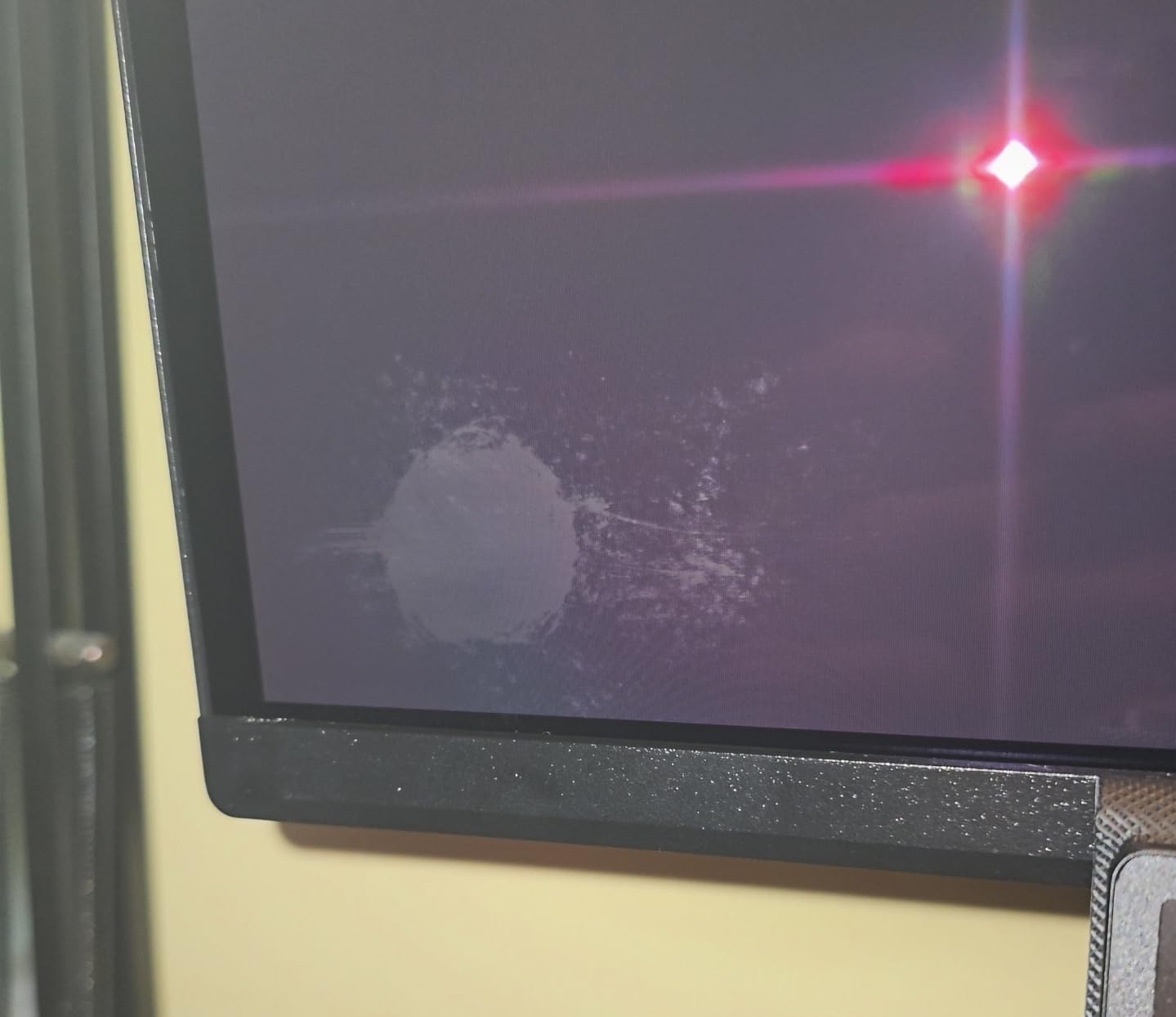
7. Samsung Odyssey G9 G91SD: Best for Massive Ultrawide Productivity
Samsung 49″ Odyssey OLED G9 (G91SD) Dual QHD QD-OLED Curved Gaming Monitor
Screen: 49 inch QD-OLED
Resolution: 5120x1440
Refresh: 144Hz
Response: 0.03ms
Pros
- Massive 49 inch Dual QHD ultrawide canvas
- QD-OLED with true blacks and 99 percent color coverage
- Thermal Modulation plus Logo and Taskbar Detection for burn-in
- Picture-in-Picture and Picture-by-Picture for multitasking
- Three-year manufacturer warranty
Cons
- 144Hz refresh lower than newer 240Hz flagships
- Requires significant desk depth and width
The Samsung Odyssey G9 G91SD is the productivity ultrawide pick. With Picture-in-Picture and Picture-by-Picture on a single 49 inch panel, it can run two full-size windows side by side without the bezel gap of a dual monitor setup. Owners with split workflows, like trading plus chat, or timeline editing plus preview, often pick it for that reason alone.
For Prime Big Deal Days shoppers who want the widest single-screen OLED that fits a standard desk, this is the model that historically sees the deepest reduction. The 144Hz refresh rate is lower than the Samsung Odyssey G93SC, but for non-competitive gaming and productivity the smoothness is still well above what most apps need.
- Thermal Modulation System plus Logo and Taskbar Detection
- QD-OLED with 99 percent color coverage
- 0.03ms response time
- Picture-in-Picture and Picture-by-Picture
Set against the Samsung Odyssey G93SC at the top of this list, the G91SD uses the same panel size and resolution but drops to 144Hz. Pick the G91SD if price matters more than frame rate, and the G93SC if you want the highest refresh ultrawide Samsung sells.
Skip it if your desk is under 28 inches deep, since the 11.19 inch stand depth eats that space fast. A 100×100 VESA mount on a deep arm is the more practical install for most readers.
8. ASUS ROG PG27UCDM: Best for 4K Creative Workstations
ASUS ROG PG27UCDM 27 Inch 4K 240Hz OLED Gaming Monitor QD-OLED
Screen: 26.5 inch QD-OLED
Resolution: 3840x2160
Refresh: 240Hz
Response: 0.03ms
Pros
- 4K QD-OLED with fourth generation panel tech
- USB-C 90W power delivery for laptop single cable
- DisplayPort 2.1a plus HDMI 2.1
- OLED Anti-Flicker 2.0 cuts flicker by 20 percent
- Three-year warranty with burn-in coverage
Cons
- Premium price band for any 27 inch monitor
- No built-in speakers
- Text fringing on small fonts due to QD-OLED subpixel layout
The ASUS ROG PG27UCDM is the only 4K OLED on this list with DisplayPort 2.1a and USB-C 90W power delivery in one chassis. For owners running a MacBook Pro or USB-C laptop as their workstation, that single cable powers the display, charges the laptop and carries the video signal at full 4K 240Hz. Editors and colorists get a true reference panel without dongles.
For Prime Big Deal Days shoppers who work on the laptop and play on the desktop, this is the monitor that collapses the cable mess. The built-in KVM switch is the bonus that lets you share a single keyboard and mouse across two computers on the same desk.
- 4K 3840×2160 with 240Hz refresh
- USB-C 90W power delivery
- OLED Anti-Flicker 2.0 reduces flicker 20 percent
- 3-year warranty with burn-in coverage
Set against the MSI MAG 321UP below, the ASUS ROG PG27UCDM trades a larger 32-inch screen for higher pixel density at 26.5 inches. Editors working with text-heavy timelines prefer the ASUS for sharper type, while console gamers prefer the MSI for the bigger image at a slightly lower price.
QD-OLED uses a triangular subpixel layout, so Windows ClearType users notice slight color fringing on small white text. macOS users running scaled Retina modes report fewer issues. If text clarity is your first priority, the WOLED-based LG UltraGear 27GX704A or ASUS ROG XG27AQDMGR render fonts more cleanly.
9. MSI MAG 321UP: Best for 4K Console Gaming
msi MAG 321UP QD-OLED 32-inch QD-OLED 3840 x 2160 (UHD) Computer Monitor, 165Hz, AMD FreeSync Premium Pro, HDMI 2.1, Display Port 1.4a, VESA Mountable, Tilt, Height Adjustable,0.03ms, Black
Screen: 32 inch QD-OLED
Resolution: 3840x2160
Refresh: 165Hz
Response: 0.03ms
Pros
- 32 inch 4K QD-OLED with large desk presence
- Console Mode with HDMI 2.1 at 4K 165Hz
- MSI OLED Care 2.0 reduces burn-in risk
- VESA DisplayHDR True Black 400
- Three-year manufacturer warranty
Cons
- 165Hz refresh lower than other 4K OLEDs
- Single HDMI port
- Glossy finish can reflect room light
The MSI MAG 321UP is the monitor for readers hooking up a PlayStation 5 or Xbox Series X at 4K. With HDMI 2.1 supporting 4K at 165Hz, the panel accepts the full console bandwidth, and the 32-inch screen makes couch play at a desk more comfortable than a 27-inch panel.
Console gamers often report that 4K at 120Hz is the ceiling the current generation consoles hit in most AAA games, so the 165Hz spec leaves headroom for PC use and future console updates. For shoppers tracking OLEDs worth watching at this sale, the MAG 321UP is the model that pairs the largest 4K OLED format with the lowest 4K QD-OLED ticket on this list.
- Third generation QD-OLED panel
- VESA DisplayHDR True Black 400
- MSI OLED Care 2.0 burn-in mitigation
- 3-year manufacturer warranty
The MSI MAG 321UP uses a larger 32-inch 16:9 panel than the 26.5 inch ASUS ROG PG27UCDM, so it gives up some pixel density for screen size. If you sit at a desk more than 30 inches from the screen, the MSI renders text and HUDs at a more comfortable scale.
The single HDMI port means owners using both a console and a PC on this monitor need a KVM switch or to swap cables. The VESA mount lets you put it on an arm if the included stand footprint is too wide for your desk.
10. ASUS ROG XG27AQDMGR: Best for Glossy QHD Gamers
ASUS ROG XG27AQDMGR 27 Inch 1440p 240Hz Glossy OLED HDR Gaming Monitor
Screen: 27 inch WOLED
Resolution: 2560x1440
Refresh: 240Hz
Response: 0.03ms
Pros
- Glossy WOLED panel with 99 percent DCI-P3
- ASUS OLED Care Pro with Neo Proximity Sensor
- VESA DisplayHDR 400 True Black with 10 bit color
- 240Hz refresh with 0.03ms response
- 3-year warranty with burn-in coverage
Cons
- Text fringing on small fonts at close viewing distance
- Some reviewers report minor gray banding on flat backgrounds
The ASUS ROG XG27AQDMGR is the glossy QHD pick for readers who want the deepest blacks a 240Hz OLED can deliver in a dim room. The WOLED panel renders text more cleanly than QD-OLED panels at the same resolution, which makes it a friendlier choice for owners who read on the same monitor they game on.
Owners running dark-themed productivity apps, immersive single player games and HDR movies tend to prefer the WOLED panel for its handling of near-black gradients. The Neo Proximity Sensor dims the panel when you walk away, which is a real benefit for owners worried about static HUD burn-in.
- Glossy TrueBlack WOLED panel
- 240Hz refresh and 0.03ms response
- VESA DisplayHDR 400 True Black
- AI-enhanced gaming features via ROG Gaming AI
Set against the LG UltraGear 27GX704A above, the XG27AQDMGR uses the same WOLED panel type and adds the Neo Proximity Sensor plus ASUS OLED Care Pro. Pick the ASUS if burn-in mitigation matters to you, and pick the LG if a lower price point is the deciding factor.
Skip it if you want maximum refresh for esports, and look at the ASUS ROG PG27AQDP above for the 480Hz option. For pure contrast in a dim room, this glossy ASUS and the LG UltraGear are the two cleanest choices on the list.

How to Choose OLED Monitors During Prime Big Deal Days
Panel Technology and OLED Benefits
OLED panels deliver true blacks because each pixel turns off individually, so dark scenes have no light bleed and HDR highlights pop without a halo. There are two main flavors in this list: QD-OLED (Samsung and Alienware panels), which uses a quantum dot layer for wider color at higher brightness, and WOLED (LG and ASUS panels), which uses a white OLED subpixel for cleaner text rendering. Both panels respond in 0.03ms, so motion clarity is identical. If you want the widest color coverage for HDR movies and games, lean QD-OLED. If you read text on the same panel, lean WOLED for the cleaner fonts.
Screen Size and Resolution
Match the panel size to your desk depth. A 27-inch QHD monitor fits on most 24-inch desks and sits comfortably at 2 to 3 feet of viewing distance. A 34-inch ultrawide needs at least 28 inches of depth to keep the edges in your field of view without distortion. A 49-inch super ultrawide replaces a dual monitor setup but needs 30 plus inches of desk depth and a stand rated for at least 25 pounds, which the Samsung Odyssey G93SC, G91SD and similar models meet. If you work in a smaller space, curved monitors for office work tend to fit tighter layouts than flat panels of the same diagonal.
Refresh Rate and Gaming Response
240Hz is the new normal for OLED and is fast enough for every game genre including competitive shooters on most GPUs. The ASUS ROG PG27AQDP at 480Hz is the only panel here that pushes above that ceiling, and most readers running mid-range GPUs will not see the difference. Response time is uniformly 0.03ms across this list, which is the GtG response that eliminates motion smearing. If you plan to hook up a PlayStation 5 or Xbox Series X at the full 120Hz, look for HDMI 2.1 support and confirm the monitor advertises console compatibility, since not every OLED ships with VRR enabled by default. For console-focused guidance, our picks for gaming monitors for PS5 cover the specifics.
Brightness, Color Accuracy and Connectivity
OLED brightness is typically quoted in two numbers: typical brightness for SDR content (often 250 to 400 nits in this list) and peak brightness for HDR highlights (often 1000 to 1300 nits). For SDR daytime use in a bright room, the Samsung Odyssey G6 G61SH at 400 nits typical is the easiest on the eyes. For HDR movies and games, peak brightness matters more, and the LG UltraGear 27GX704A, ASUS ROG PG27AQDP and ASUS ROG XG27AQDMGR all peak near 1300 nits. Color accuracy is best measured in DCI-P3 coverage: the Alienware AW3425DW at 99.3 percent and the AOC Q27GAZD at 110.2 percent sit near the top. Connectivity varies: most include HDMI 2.1 plus DisplayPort, and the ASUS ROG PG27UCDM adds USB-C 90W power delivery for laptop single cable workflows. If you edit HDR video or photo grading work, monitors for video editing walk through the reference specs in more detail.
How to Shop OLED Monitor Deals During the Sale
Check the exact model number on the listing before you check out. Samsung ships the Odyssey OLED line under G93SC, G91SD and G61SH model numbers, and the QHD, Dual QHD and 4K variants are different products at different price points. Verify the panel size and refresh rate in the spec table, since listings sometimes mix product photos across sizes. Look at who sells and ships the monitor: items shipped and sold by Amazon tend to have the cleanest return windows during the sale. Confirm whether the offer is new or renewed, and read the return terms in the listing before adding the panel to your cart. Most offers during Prime Big Deal Days require a Prime membership, and a free trial counts.
Shopping checklist:
- Confirm model number, panel size and refresh rate match the specs in the table
- Check seller, shipper and return window
- Verify new versus renewed condition
- Compare against the regular price on the brand site, not the crossed-out Amazon price
- Make sure your desk depth fits the stand or plan a VESA mount
- Confirm Prime membership is active before the sale window closes
Frequently Asked Questions
When does Amazon Prime Big Deal Days run in 2026?
Amazon Prime Big Deal Days runs October 6-7, 2026. The event is two days long and the deeper reductions tend to land within the first 24 hours, though some offers last the full window.
Do you need Prime to buy an OLED monitor during Prime Big Deal Days?
Most OLED monitor offers during Prime Big Deal Days require an active Amazon Prime membership. A free trial counts, so signing up the day before the sale gives you access to the OLED pricing without a paid annual plan.
What are the best Amazon Prime Big Deal Days OLED Monitor Deals?
Our top three picks are the Samsung Odyssey G93SC for ultrawide gaming, the LG UltraGear 27GX704A for 27-inch OLED value, and the Alienware AW3425DW for curved ultrawide. Each panel is worth watching during the sale and replaces a different size and use case.
Do OLED monitors usually have worthwhile discounts during Prime Big Deal Days?
Yes. OLED monitors tend to see some of their largest price reductions during the two main Amazon sale events each year. Mid-range 27-inch QHD OLEDs usually see the deepest cuts, while flagship 49-inch ultrawides see smaller but still meaningful drops.
How can I tell whether an OLED monitor listing is a different model or size?
Check the model number in the spec table on the listing. Samsung uses suffixes like G93SC, G91SD and G61SH for different sizes and resolutions in the same Odyssey family. Match the model number, panel size and refresh rate before you check out.
Should I buy an OLED monitor for everyday office use?
OLED works well for office use if you vary your content and enable any built-in pixel refresh or shift features. For pure text-heavy spreadsheets and static HUDs all day, owners report that a WOLED panel like the LG UltraGear 27GX704A handles static content more cleanly than QD-OLED. If eye strain is a concern, our picks for monitors designed to reduce eye strain walk through flicker control and text clarity in more detail.
Final Verdict: Best Amazon Prime Big Deal Days OLED Monitor Deals
Buy the Samsung Odyssey G93SC if you want the most complete ultrawide OLED on the market and your desk can hold the 49-inch panel. Buy the AOC Q27GAZD if you want the lowest ticket into QD-OLED at 27 inches and 240Hz, and you do not need the extra ports or Pantone validation of the Samsung Odyssey G6 G61SH. Buy the Alienware AW3425DW if a curved 34-inch ultrawide fits your workflow and you want the cleanest color result at that size. Buy the LG UltraGear 27GX704A if you want glossy contrast on a 27-inch panel at a smaller budget than the ASUS ROG XG27AQDMGR, and buy the ASUS ROG PG27AQDP if you want the fastest OLED refresh rate at 480Hz for competitive esports. Watch the lowest price on each model during Prime Big Deal Days, confirm the model number matches the table above, and check the listing before the sale window closes.
For more on choosing the right panel for a tighter budget, our picks for monitors under $300 round up entry-level options worth a look.