
More than 12k owners have rated the Insignia 55-inch F50 Series 4.3 stars, and during Prime Big Deal Days it is the television here that goes to the top of a shortlist first: a 4K panel with HDR10, three HDMI ports, an Alexa remote and a Fire TV interface that most people stop complaining about within a week. If what you actually want is a brighter panel with real local dimming and fast motion, the TCL 55-inch QM6K is the one to watch, and if the set has to disappear into a bedroom or a study, the Hisense 43-inch E6 Cinema does more with Dolby Vision than a screen that size has any right to.
Prime Big Deal Days runs October 6-7, 2026, and television offers shift through both days, so this is a shortlist of sets worth watching rather than a snapshot of prices. Every pick below was chosen on the specification sheet and on what owners say about living with the set, not on how large a number sits next to it.
Table of Contents
Our Top 3 Picks for Best Amazon Prime Big Deal Days TV Deals

Insignia 55-inch F50 Series
- 4K LED with HDR10
- Fire TV with Alexa remote
- Three HDMI ports and HDMI eARC

TCL 55-inch QM6K
- Mini LED local dimming
- 144Hz native refresh
- Dolby Vision and Onkyo 2.1 audio

Hisense 43-inch E6 Cinema
- 43-inch Hi-QLED panel
- Dolby Vision and Dolby Atmos
- AI Light Sensor and AI 4K Upscaler
The F50 is the safest buy of the group, the QM6K is the better television if your budget stretches a little further, and the E6 Cinema is the one for a room where a 55-inch set would feel like a billboard.
Best Amazon Prime Big Deal Days TV Deals Compared (2026)
| Product | Specifications | Action |
|---|---|---|
| Insignia 55-inch F50 Series |
|
Check Deal Price |
| TCL 55-inch QM6K |
|
Check Deal Price |
| Hisense 43-inch E6 Cinema |
|
Check Deal Price |
 Amazon Ember 55-inch 4-Series Amazon Ember 55-inch 4-Series |
|
Check Deal Price |
 Roku 50-inch Select Series Roku 50-inch Select Series |
|
Check Deal Price |
 Insignia 55-inch QF Series Insignia 55-inch QF Series |
|
Check Deal Price |
 Samsung 65-inch U8000H Samsung 65-inch U8000H |
|
Check Deal Price |
 Samsung 32-inch Q8F Samsung 32-inch Q8F |
|
Check Deal Price |
 Samsung 65-inch M70H Samsung 65-inch M70H |
|
Check Deal Price |
 TCL 55-inch T7 TCL 55-inch T7 |
|
Check Deal Price |
 Roku 65-inch Plus Series Roku 65-inch Plus Series |
|
Check Deal Price |
 Hisense 65-inch E7 Cinema Hisense 65-inch E7 Cinema |
|
Check Deal Price |
The table lists every set in this roundup, and the shortest reading of it is that three of these are 65-inch Mini LED or QLED panels, four sit at 55 inches, and the rest cover the two smaller sizes people put in bedrooms and kitchens.
How We Chose
Every television here was compared on the specifications that decide how a set feels to live with: panel type, backlight and local dimming, HDR formats, native refresh rate, speaker configuration, port count and the smart TV platform. Alongside that we read the owner reviews and the rating distribution, because a 4.3 average with a heavy one-star share tells a different story from a 4.3 with almost no negatives. Data was checked on October 2026, before the event starts.
1. Insignia 55-inch F50 Series: Best for Value-First 4K
INSIGNIA 55-inch Class F50 Series LED 4K UHD Smart Fire TV with Alexa Voice Remote (NS-55F501NA26)
Size: 55 in
Panel: LED HDR10
Platform: Fire OS
Audio: DTS Virtual-X
Pros
- 4K picture with good upscaling and solid contrast for the tier
- Setup walks you through Bluetooth and app sign-in
- Alexa voice remote works reliably
- Sound beats what 10W speakers should manage
- VESA 200 x 200 wall mounting
Cons
- Fire OS menus and app loading are noticeably sluggish
- Picture settings are buried deep in the menus
- Only 300 nit peak brightness in a sunny room
Most people end up buying the Insignia 55-inch F50 Series, and the reason is simple: it is a 55-inch 4K panel with HDR10 that sets up in minutes and does not punish you for touching the wrong menu twice. Owners single out the upscaling as better than the price suggests, particularly on older material, and the Alexa remote gets called out by people who expected to hate it and did not.
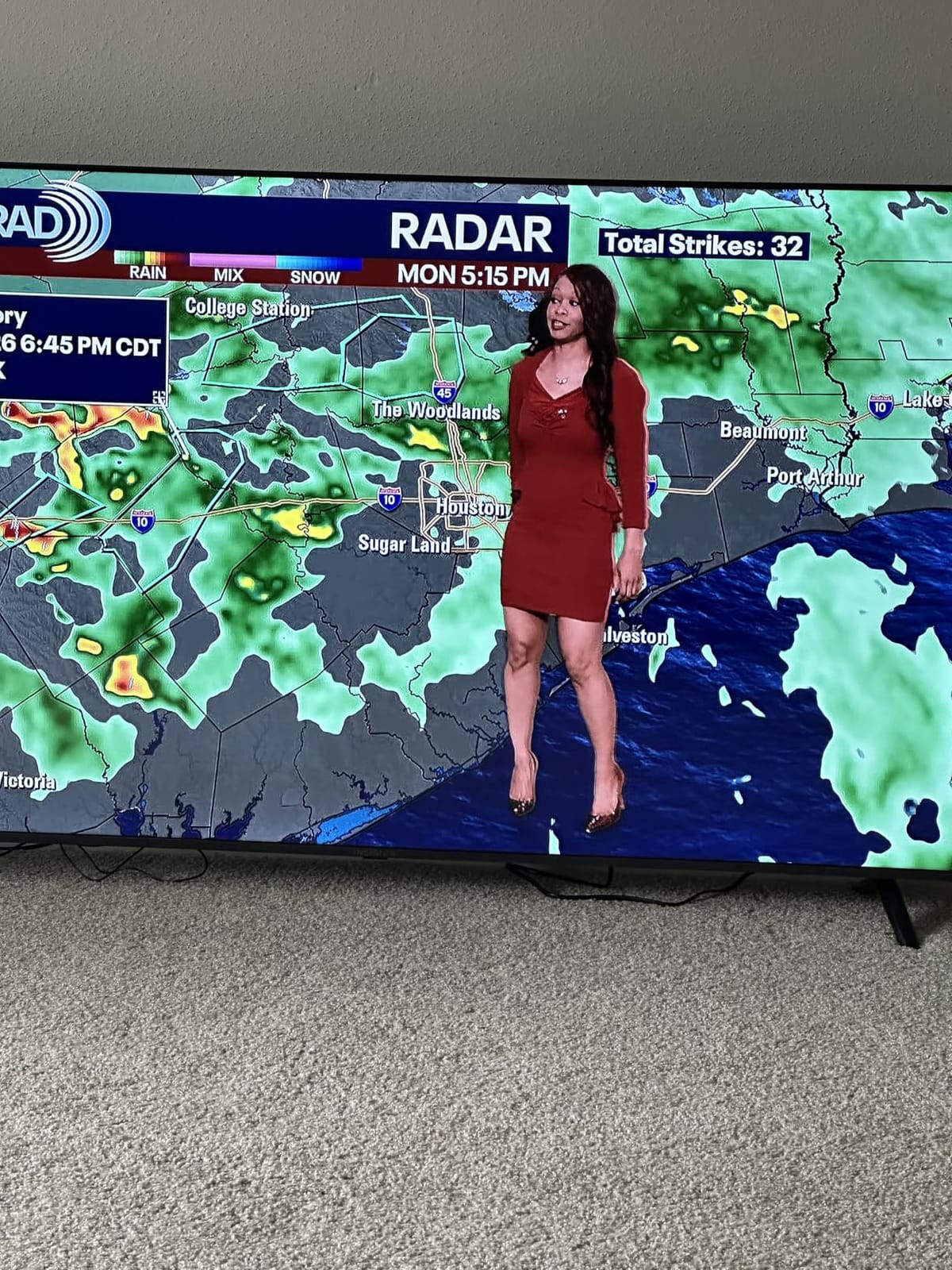
What you give up is speed and brightness. Fire OS is the slowest of the platforms in this roundup, the picture settings live several menus deep, and changing them pauses whatever you are watching. Owners report the 300 nit peak brightness is genuinely dim if the set sits opposite a window, so it belongs in a room you can darken or one lit by lamps rather than by daylight.
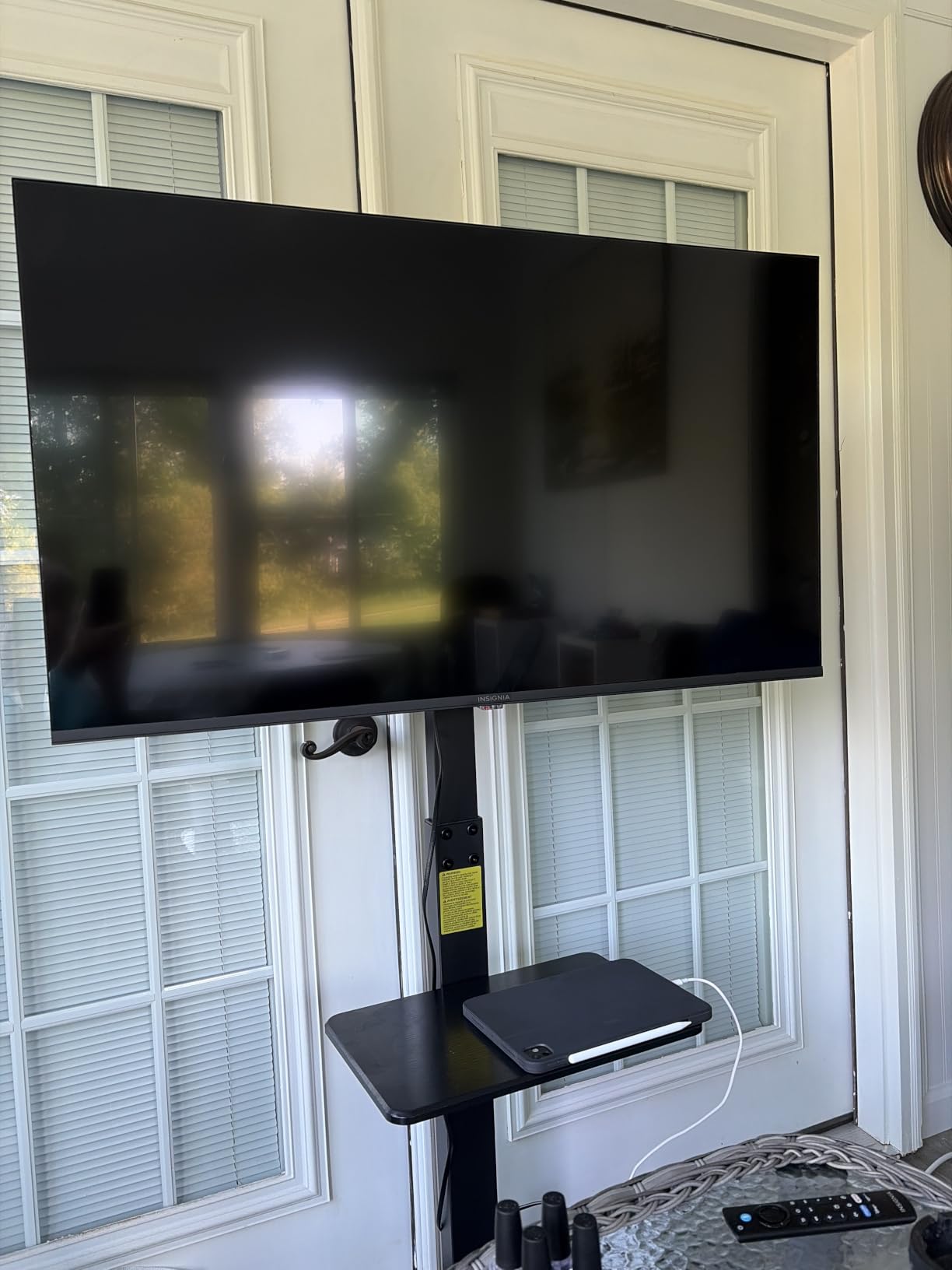
Two smaller things worth knowing. Built-in audio can drop in level after you pause and resume a show, and there is some motion ghosting on low-frame-rate content, which is the price of a 60Hz native panel with a 120Hz Motion Rate on paper. Neither matters much for a bedroom or a den; both are visible on a fast football match.
Compared with the Insignia 55-inch QF Series, you are giving up Dolby Vision and Dolby Atmos here and getting a simpler panel in return. Compared with the Roku 50-inch Select Series, you get a bigger screen and a slower interface.
2. TCL 55-inch QM6K: Best for Mini LED Contrast
TCL 55 Inch Class QM6K Series | Mini LED QLED 4K HDR | 55QM6K, Latest Model | 120HZ-144HZ High Brightness Smart Google TV Dolby Atmos Onkyo Audio | Voice Remote Alexa Gaming Streaming Television
Size: 55 in
Panel: Mini LED QLED
Platform: Google TV
Audio: Onkyo 2.1
Pros
- QD-Mini LED backlight gives strong brightness and contrast for the tier
- 144Hz native refresh with Motion Rate 480
- Dolby Vision plus HDR10+ across the major formats
- Onkyo 2.1 audio with a real subwoofer
- Four HDMI ports
Cons
- Local dimming can still bloom around bright objects on dark scenes
- Google TV app load times vary by app
- Bluetooth headphone mode is not listed in the spec sheet
Step up one tier from a plain LED set and you land here: a full array Mini LED backlight under a quantum dot layer, which is the single biggest visible difference in this list. Dark scenes stay dark while bright highlights still punch, and the 144Hz native panel handles fast sports and console games in a way a 60Hz budget set cannot.
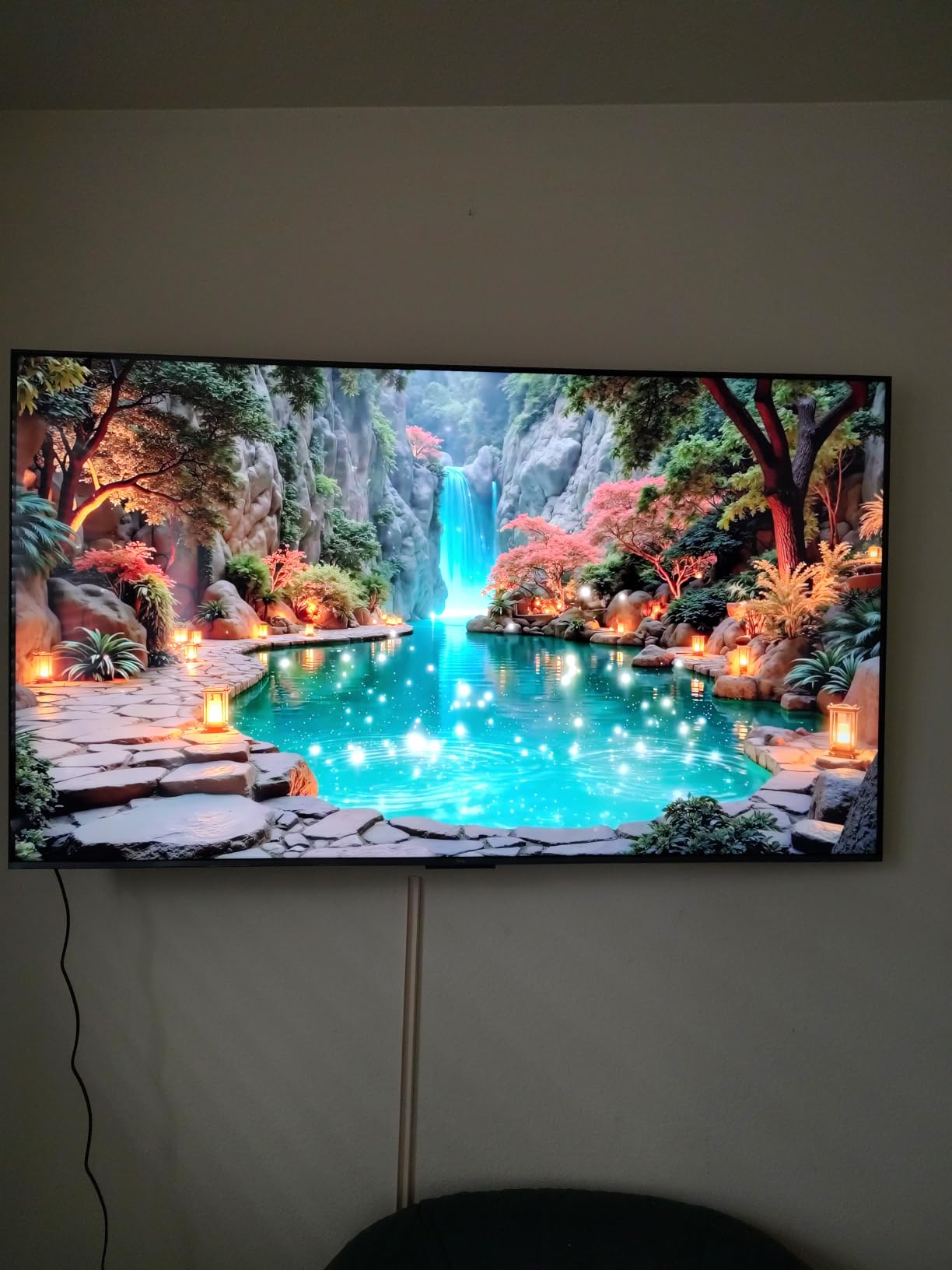
The Halo Control System exists to keep bright objects from producing a visible halo on dark backgrounds, and owners say it mostly succeeds, though several reviews still note blooming around very bright elements. That is a fair criticism of any Mini LED at this level and not a reason to walk away, but it is worth knowing if you watch a lot of high contrast night scenes.
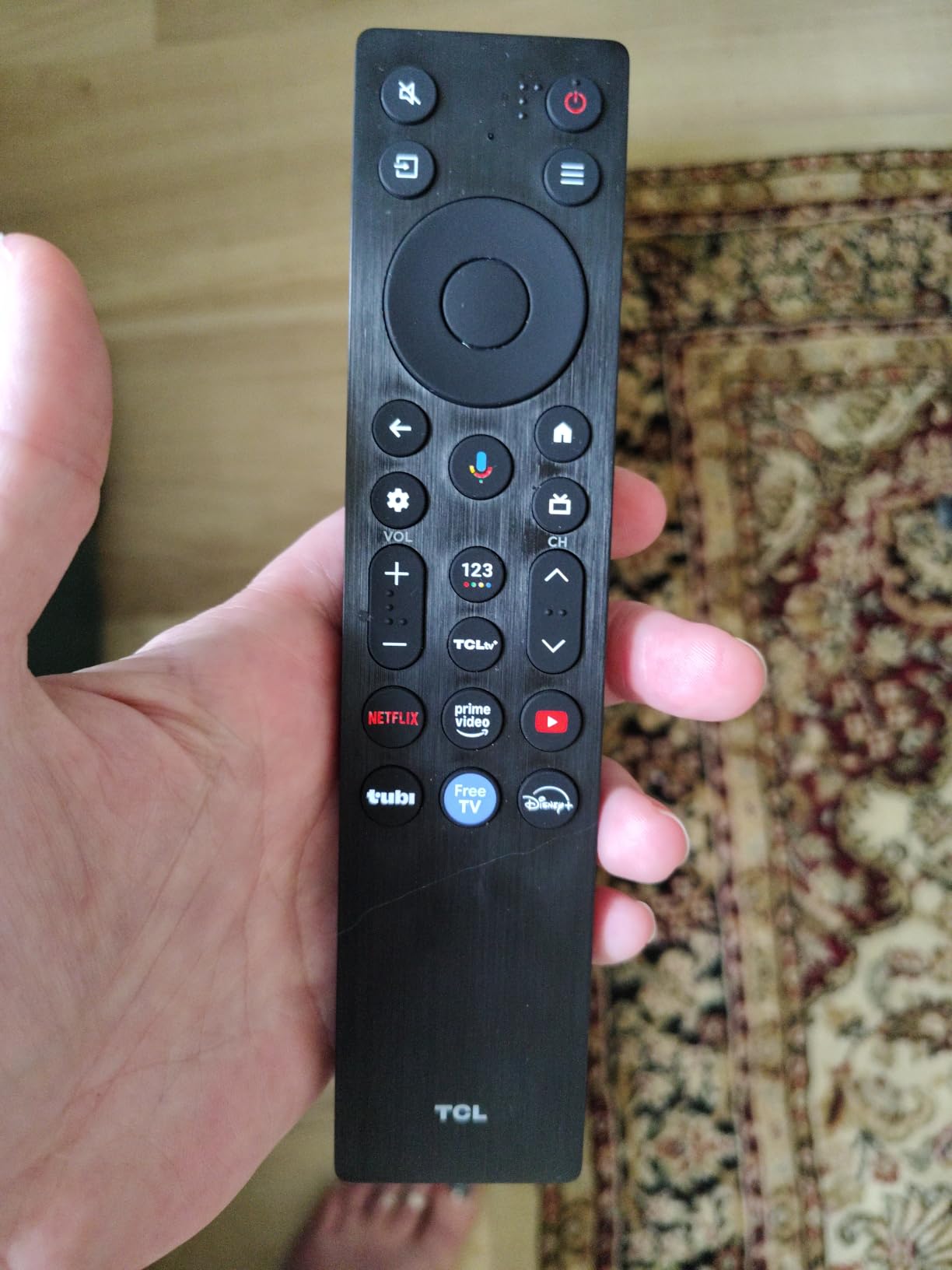
The Onkyo 2.1 system with a built-in subwoofer is the other thing people mention first, because it is unusual to get real low end from a television at all. Four HDMI ports mean a soundbar and two consoles fit without a switcher. What you do not get is a Bluetooth headphone mode, so pairing cans means going through the TV app or using a transmitter.
Worth it if you are stepping up from an entry set and want the picture difference to be obvious. If you want Dolby Vision IQ and a native 144Hz in a larger frame, the Hisense 65-inch E7 Cinema is the next step, and it costs more to run.
3. Hisense 43-inch E6 Cinema: Best for Small Spaces
Hisense 43″ E6 Cinema Series Hi-QLED 4K UHD Smart Fire TV (43E6QF) – AI Light Sensor, Dolby Vision · Atmos, Voice Remote with Alexa, Motion Rate 120, HDR 10+ Adaptive, Game Mode Plus
Size: 43 in
Panel: Hi-QLED
Platform: Fire OS
Audio: Dolby Atmos 2.0
Pros
- Hi-QLED wide color gamut with vibrant and accurate color
- Dolby Vision plus Dolby Atmos in this tier
- AI Light Sensor adjusts brightness through the day
- AI 4K Upscaler cleans up lower-resolution sources
- Filmmaker Mode keeps the original framing
Cons
- 60Hz native panel with no VRR so gaming is not the focus
- 2.0 channel speakers with modest 14W output
- 43-inch frame limits the cinematic benefit of 4K
A 43-inch screen is the right answer more often than people expect, in a bedroom, a home office or a kitchen where a 55-inch set would fill the wall. What makes this one interesting at that size is the feature list: Dolby Vision, Dolby Atmos, HDR10+ Adaptive and a wide color gamut are not things you normally see on a compact set.
The AI Light Sensor adjusts brightness automatically through the day, which is genuinely useful in a room that gets morning light, and the AI 4K Upscaler cleans up broadcast and lower-resolution streams more than you would expect from a set this size. Filmmaker Mode is there when you want the picture left alone.
The trade-offs are equally clear. The panel is 60Hz with no VRR, so it is not a television to buy for competitive gaming, and the 2.0 speakers put out a modest 14W, which is fine for news and talk and thin for films. Its 4.0 average is also the widest spread in the roundup: 64 percent of owners gave five stars but 16 percent gave one, so read a few reviews rather than the headline number.
Against the Samsung 32-inch Q8F you get more HDR formats and a bigger screen here; against it you get a wider viewing angle and less account dependence over there. For a small room on a stand rather than a wall, this is the pick.
4. Amazon Ember 55-inch 4-Series: Best for Cloud Gaming and Alexa
Amazon Ember 55″ 4-Series with Fire TV (newest model), 4K Ultra HD smart TV with Alexa Remote, HDR10+, fast processor, Dolby Audio, Ambient Experience, free and live TV, find shows faster with Alexa+
Size: 55 in
Panel: 4K LED HDR10+
Platform: Fire TV
Audio: Dolby Audio
Pros
- Newest Fire TV interface with pinned apps and faster app loading
- Quad-core processor with Wi-Fi 6
- Omnisense sensors wake the display as you walk past
- Four HDMI inputs for a soundbar and multiple consoles
- Luna and Xbox Game Pass cloud gaming without a console
Cons
- HDR10+ only with no Dolby Vision listed for this model
- Much of the experience depends on an Amazon account
- Built-in speakers are fine but not a soundbar replacement
When the whole family uses the television, the platform matters more than the panel. Nothing here matches the current Fire TV experience: a quad-core processor, Wi-Fi 6 and an interface that opens apps without the pause-and-wait behaviour that makes older Fire TV sets frustrating.
The Omnisense sensors are the feature owners mention with most enthusiasm. Walk past the set and the display wakes showing artwork rather than a black rectangle, which turns the television into something that belongs in a living room instead of a black slab. The remote also has dedicated app buttons now, so less time is spent scrolling.
For gaming, Luna and Xbox Game Pass streaming mean you can play without a console at all, and four HDMI inputs leave room for a soundbar plus two machines. Against that, this model lists HDR10+ only, with no Dolby Vision, and the improved picture features are tied to an Amazon account. Buyers who already live in that ecosystem get the most out of it; anyone who does not may find the Insignia 55-inch QF Series a better picture for the same kind of money.
It is also the only set here that is itself a current 2026 model, so there is no previous generation to cross-check against. That cuts both ways: no discount from a model year, but no ambiguity about what you are getting.
5. Roku 50-inch Select Series: Best for a Fast Simple Smart TV
Roku 50-Inch Select Series Smart TV 2026-4K (2160p) QLED TV TV
Size: 50 in
Panel: QLED
Platform: Roku OS
Audio: 20W 2-channel
Pros
- QLED color and genuinely dark blacks for the money
- Roku OS is fast and free of nested menus
- Setup takes under ten minutes and defaults look good out of the box
- Lightweight thin frame is easy to wall mount
- Bluetooth Headphone Mode for private listening
Cons
- 60Hz panel so it is not aimed at high-refresh gaming
- 20W 2-channel speakers are adequate rather than impressive
- Only one USB port
Roku OS is the argument here. Owners who came from a Google TV that was unreliable describe this as the set that fixed it: one flat home screen, one search box, no app duplicating itself in two places. Setup takes under ten minutes and the picture defaults are good enough that most people never open the settings.
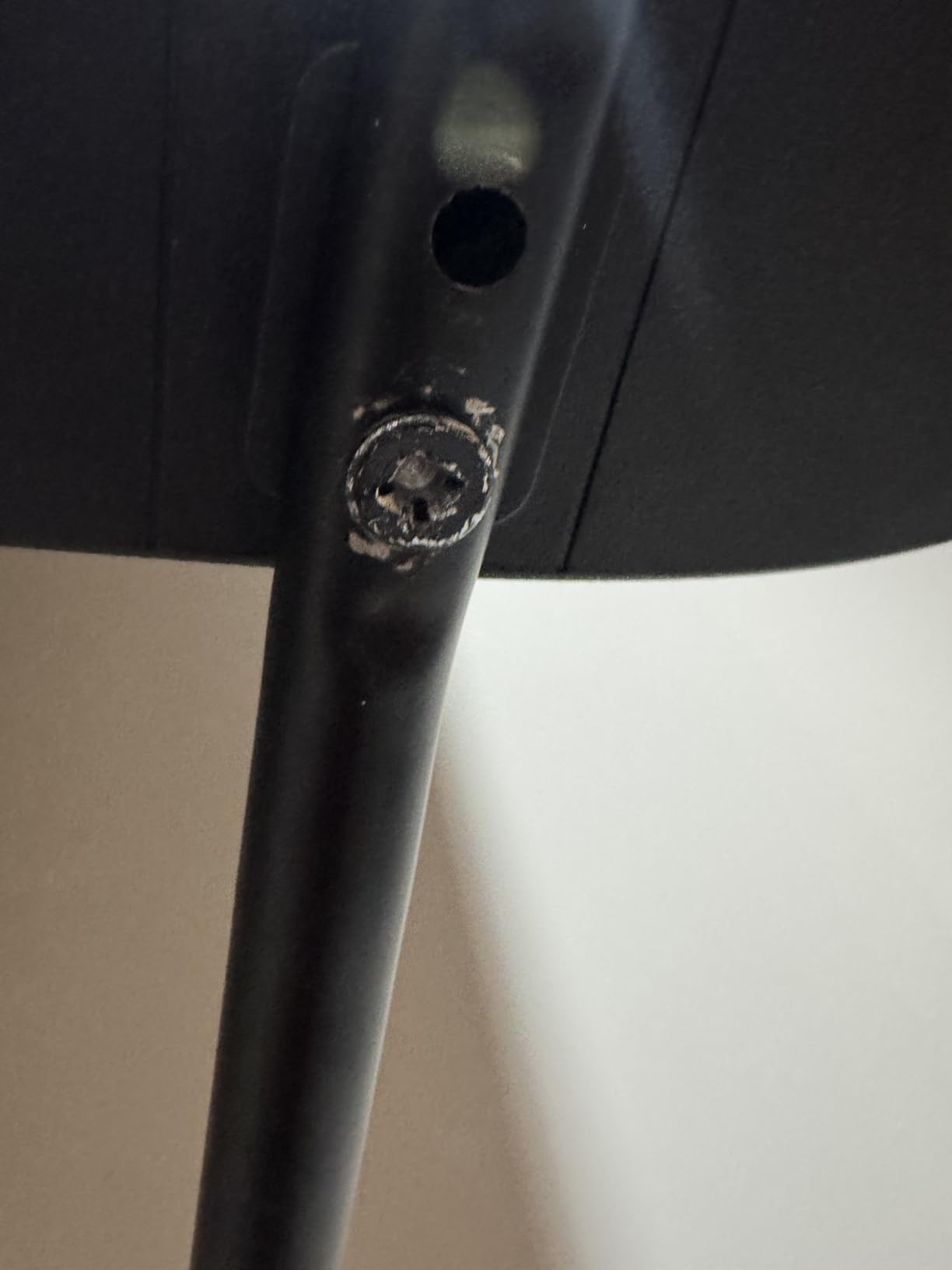
A QLED panel at this size gives deeper blacks and cleaner color than the standard LED sets it costs less than, and Roku Smart Picture picks the right mode for you automatically. The frameless design weighs 16.8 pounds, which makes wall mounting a one-person job, and the VESA 200 x 100 pattern fits common backplates.
Bluetooth Headphone Mode is a small touch that matters more than it sounds if someone in the house is on a call. AirPlay 2 and Miracast are both supported, and the enhanced voice remote has app shortcuts plus a lost remote finder. What you give up is a 60Hz panel, 20W speakers and a single USB port, and some long-time Roku users dislike the AI-driven quick access layout.
Choose this over the Amazon Ember 55-inch 4-Series if interface speed matters more to you than the newest processor and the cloud gaming bundle. Choose the Roku 65-inch Plus Series instead if you want the same platform with Mini LED contrast and much better built-in sound.
6. Insignia 55-inch QF Series: Best for Budget Dolby Vision
INSIGNIA 55-inch Class QF Series LED 4K UHD QLED Smart Fire TV with Alexa Voice Remote (NS55-UQFL26)
Size: 55 in
Panel: QLED
Platform: Fire OS
Audio: Dolby Atmos 5.1
Pros
- Quantum Dot color with vibrant and lifelike picture
- Dolby Vision and Dolby Atmos rarely seen at this level
- Direct LED backlight for uniform brightness and contrast
- Metal bezel-less edge-to-edge glass design
- Three HDMI inputs including one with eARC
Cons
- 60Hz refresh rate limits motion and gaming
- No local dimming zones so contrast is edge-lit
- Only three HDMI inputs and one handles eARC audio
Look at the physical object first. The metal bezel-less design with glass running edge to edge makes this look more expensive than its specification sheet suggests, and several owners bought it for exactly that reason. It is the one to put on an open shelf in a living room where the set is visible from more than one direction.
The picture is a QLED panel lit by direct LED backlight, and Dolby Vision with Dolby Atmos shows up on sets in this bracket far less often than it should. Owners consistently name the color and the contrast as the deciding factors, and the 78 percent five-star share is one of the steadiest in the roundup.
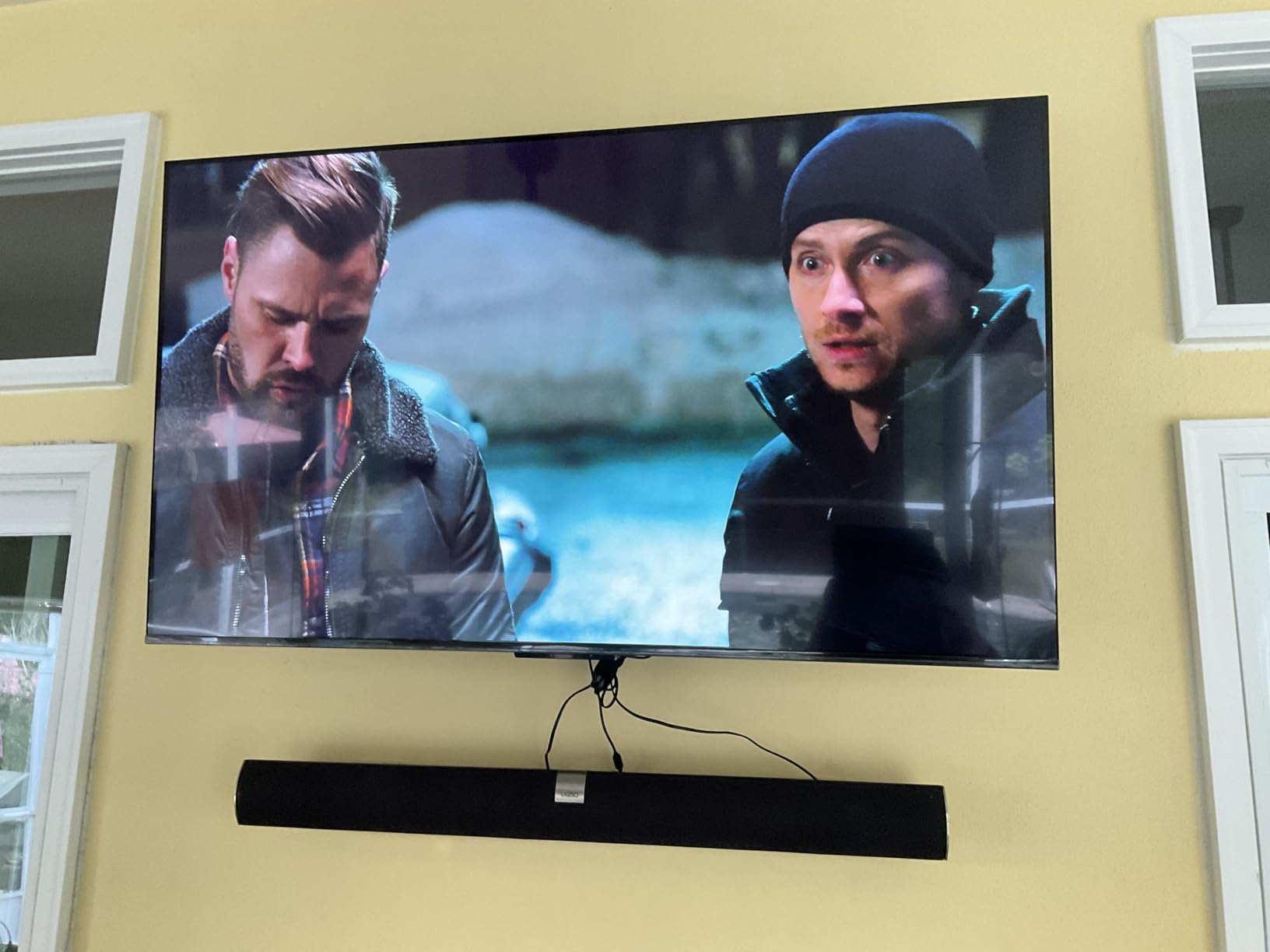
Understand what you are not getting. There are no local dimming zones listed, so the QLED contrast comes from edge lighting rather than a full array, which is exactly the gap the TCL 55-inch QM6K closes. The 60Hz panel is the same story as the other budget sets, and with three HDMI ports, one of which is the eARC audio return, a soundbar plus a console plus a streaming box fills them fast.
Against the Insignia 55-inch F50 Series this is the same size and the same platform with a better panel and a better-looking frame, which usually makes it the easier pick of the two. Against the Roku 50-inch Select Series, you get Dolby Vision and a metal body in exchange for a slower interface.
7. Samsung 65-inch U8000H: Best for Antenna TV and Free Channels
Samsung 65-Inch Class Crystal UHD U8000H Series Samsung Vision AI Smart TV (2026 Model, 65U8000H) Processor 4K, Endless Free Content, Motion Xcelerator, Color Booster, Alexa Built-in
Size: 65 in
Panel: Crystal UHD
Platform: Tizen
Audio: Dolby Atmos
Pros
- 65-inch 4K screen with good over-the-air antenna reception
- Fast Tizen interface and a Samsung account can be skipped
- Works well with HDMI CEC and eARC for a soundbar and streamer
- Ambient light sensor adjusts brightness in practice
- 2700 free streaming options including 750 subscription-free channels
Cons
- App lineup is thinner than Roku and Fire TV
- Input switching goes through the home menu instead of a remote button
- Included remote is slow and awkward
Sixty-five inches is the size most people actually want, and it is where value comparisons get hard, because a bigger panel is easier to sell than a better one. The U8000H gets bought as a large screen for the money, and the Crystal Processor plus Color Booster do enough upscaling work that owners are rarely disappointed with how it handles a mix of broadcast and streaming.
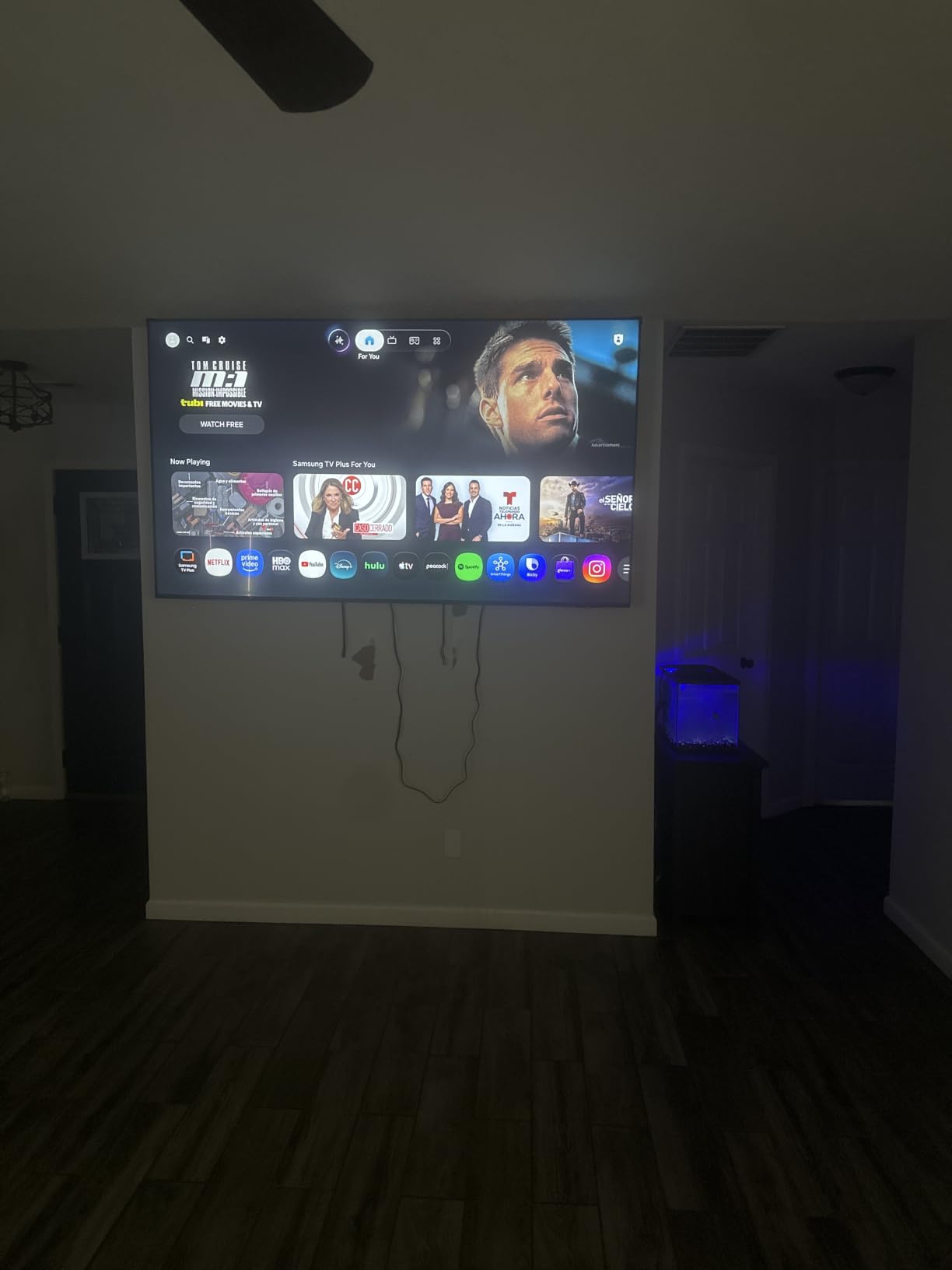
Two features carry the most weight in the reviews. HDMI CEC and eARC together mean an attached streamer and soundbar can be controlled from one remote, which is not always true on budget sets, and the ambient light sensor adjusts brightness in practice rather than on paper. Owners also report good over-the-air antenna reception and 2,700 free streaming options including 750 subscription-free channels, so cutting the cable is a real possibility.
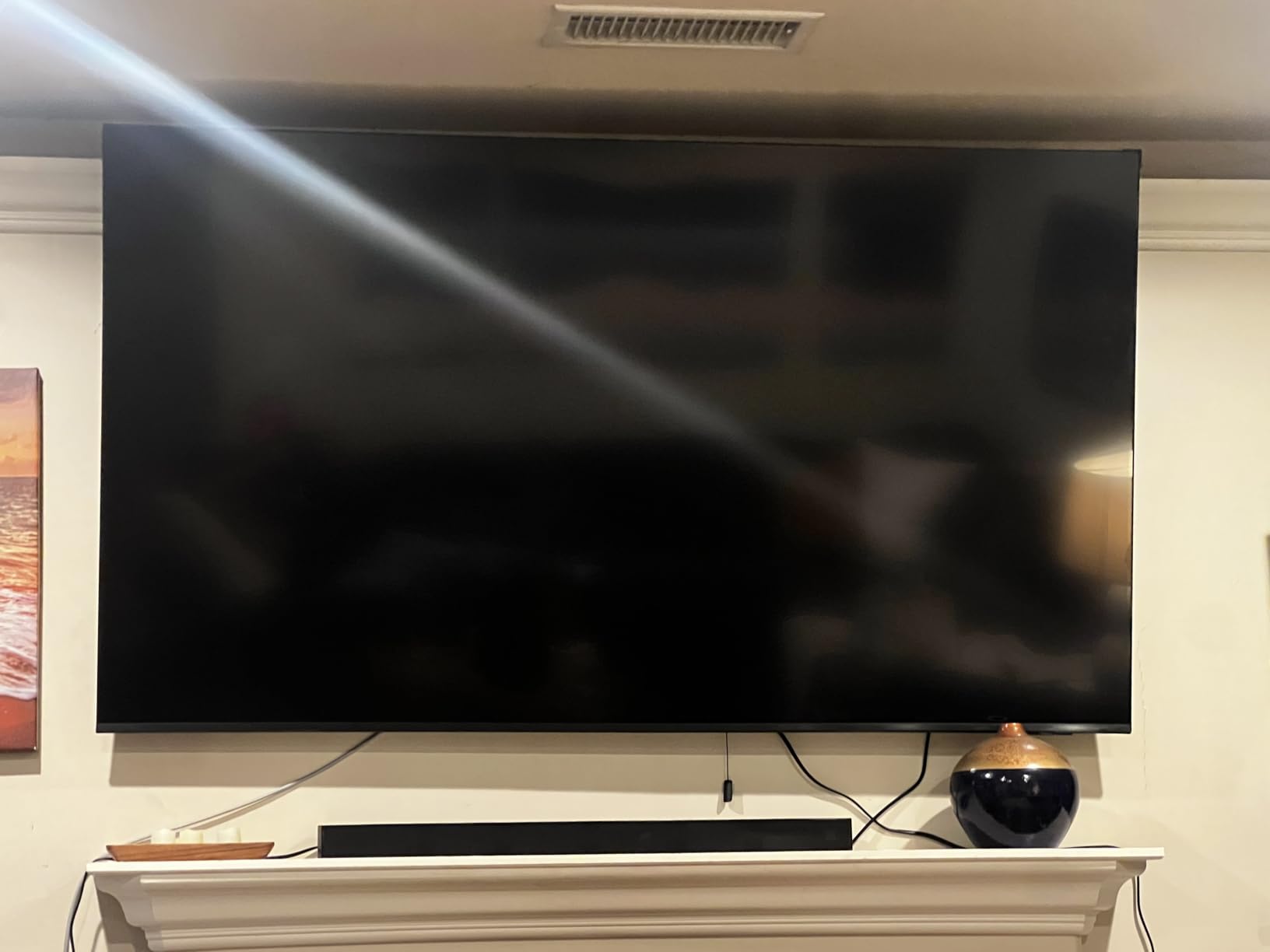
The friction is in the interface details. Input switching goes through the home menu rather than a dedicated remote button, the included remote draws repeated criticism for being slow and badly laid out, and the app lineup is thinner than Roku or Fire TV. The picture holds up in a dim room and washes out in bright daylight with reds flattening, so this is a set for a room you can control, and the default settings look cartoonish until you change them.
Buy the Samsung 65-inch M70H instead if dark-room contrast is the priority, since Mini LED dimming beats a standard LED backlight in exactly the scenes this set is weakest in.
8. Samsung 32-inch Q8F: Best for Bedrooms and Kitchens
Samsung 32-Inch Class QLED Q8F 4K UHD Smart TV (2025 Model) Q4 AI Processor, 100% Color Volume with Quantum Dot, AirSlim Design, Endless Free Content, Samsung Vision AI, Alexa Built-in
Size: 32 in
Panel: QLED
Platform: Tizen
Audio: 4.1 channel
Pros
- Sharp and colorful 4K with accurate colors out of the box
- Compact size suits bedrooms and kitchens
- Q4 AI Processor cleans up older and lower-resolution content
- Bright enough for a naturally lit room without heavy glare
- AirSlim profile looks premium and VRR is supported
Cons
- Narrow viewing angles with color washout past about 45 degrees
- VESA holes sit high on the back and need longer screws
- Solar remote has small buttons and no previous-channel key
Small televisions are usually where the compromises pile up, and this one does not stack them very high. 100 percent Color Volume quantum dot color and a Q4 AI Processor that cleans up older content make a 32-inch 4K set that owners are happy to leave on all day in a kitchen.
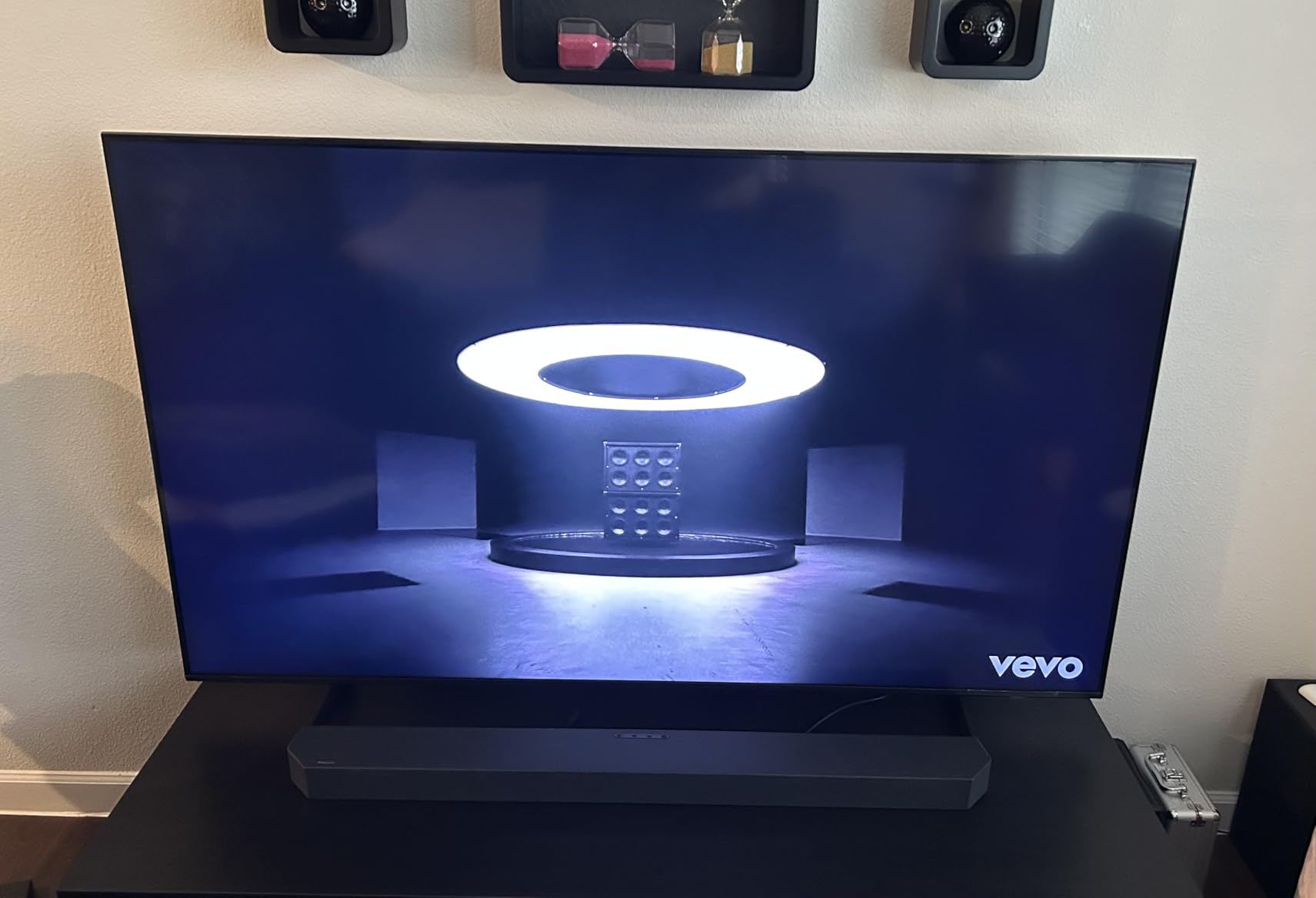
At 11.9 pounds and less than 3 inches deep it is easy to handle, and owners use it in bedrooms where it does not dominate the room. VRR gaming support up to 4K 144Hz is on a spec sheet that otherwise reads like a bedroom television, which tells you the panel can hold up when a console is involved.
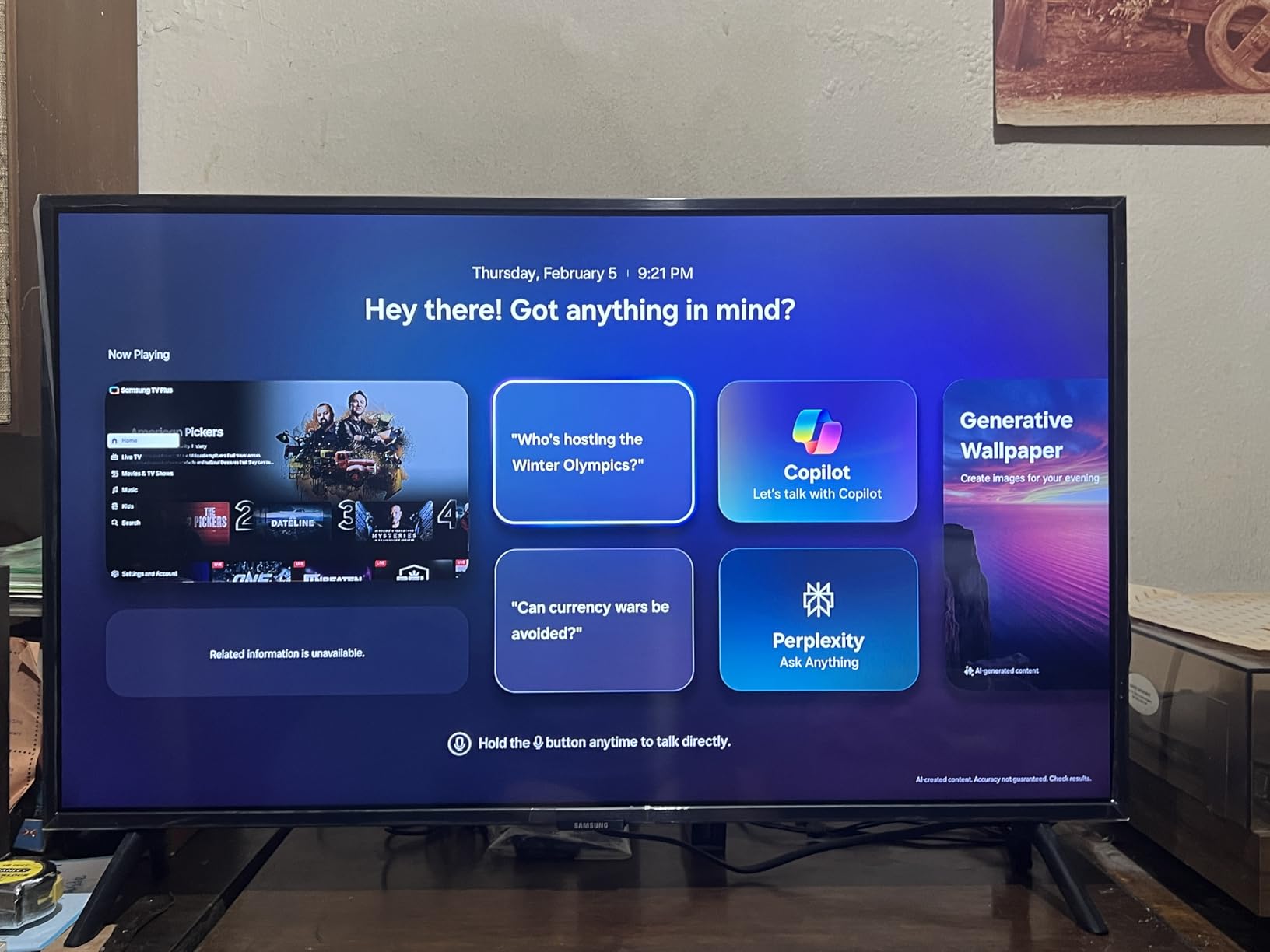
There are real quirks, and they are mounting and geometry issues rather than picture issues. Viewing angles are narrow, with colors washing out off-centre beyond roughly 45 degrees, so it should sit where people look at it directly. The VESA holes are mounted high on the back and want longer screws than most brackets assume, and the minimalist solar remote has small buttons with no previous-channel key. A minority of buyers also report frustration with panel and warranty service, so check the return window carefully.
The Hisense 43-inch E6 Cinema is the alternative if the set will be viewed off-centre or at an angle, since it buys a larger screen and wider tolerance for placement at the cost of gaming refresh rate.
9. Samsung 65-inch M70H: Best for Mini LED Contrast at 65 Inches
Samsung 65-Inch Class M70H Series, Mini LED, 4K, Smart TV, 2026 Model
Size: 65 in
Panel: Mini LED
Platform: Tizen
Audio: 2-channel
Pros
- Mini LED backlight gives brighter highlights and deeper blacks
- Pure Spectrum one-billion-color palette
- Soccer Mode is a genuine upgrade for sports
- Gaming Hub pulls console cloud and app games together
- 65-inch 4K class with 2700 free channels
Cons
- HDR10+ only with no Dolby Vision listed
- Listed at 60Hz despite 120Hz motion processing
- 2-channel built-in speakers are basic for a 65-inch
If your priority is a 65-inch that looks expensive in a dark room, the backlight matters more than almost anything else on the sheet. Mini LED delivers brighter highlights and deeper blacks than a standard LED backlight, and owners consistently describe the difference in dark scenes as the reason they are happy with the set.
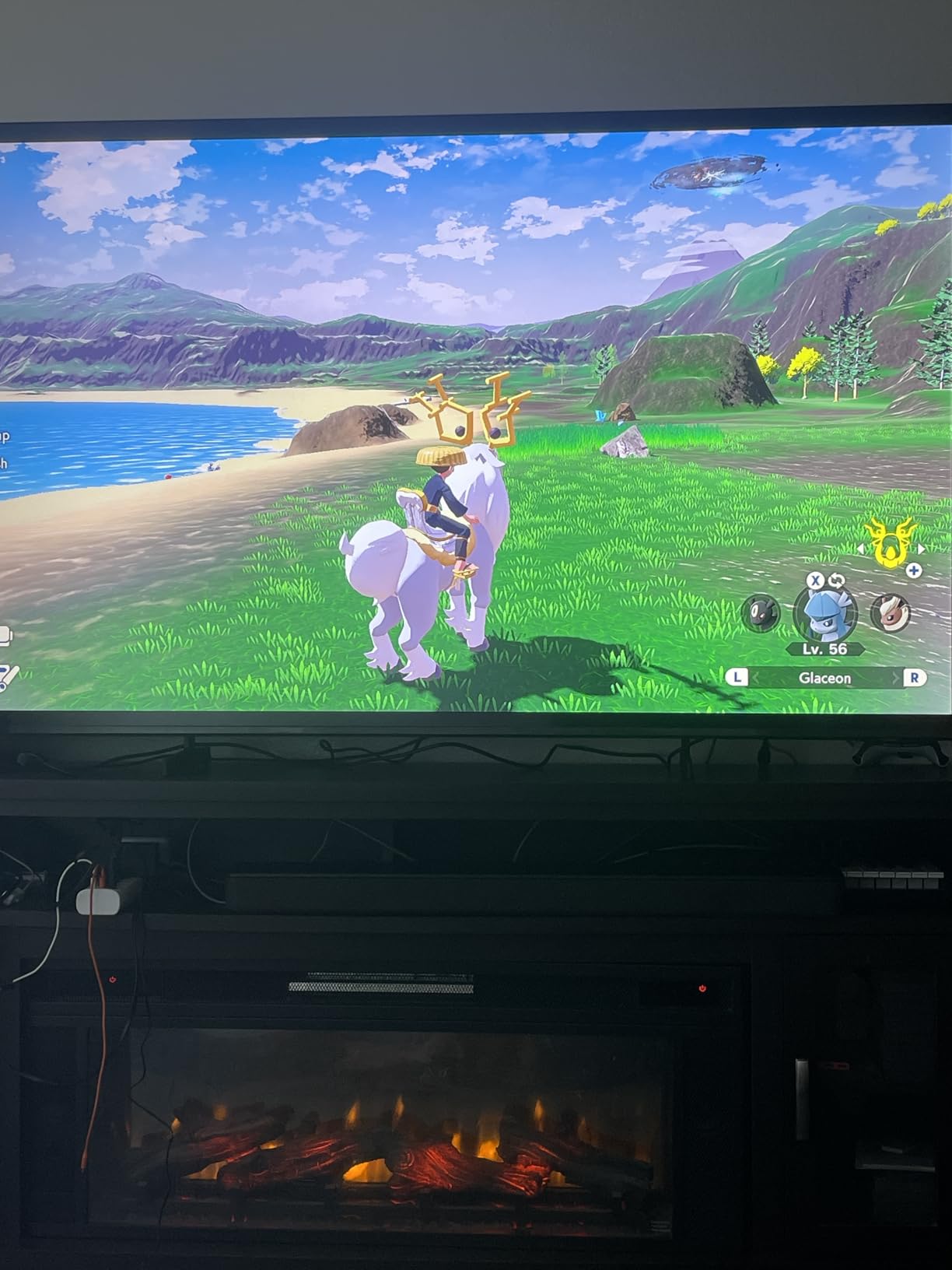
The sports features are the odd part of this list in a good way. Soccer Mode sharpens motion and adjusts turf colour, and the Gaming Hub gathers console, cloud and app games into one place with recommendations. For a set this size in a family room where football happens twice a week, that is more relevant than another picture preset.
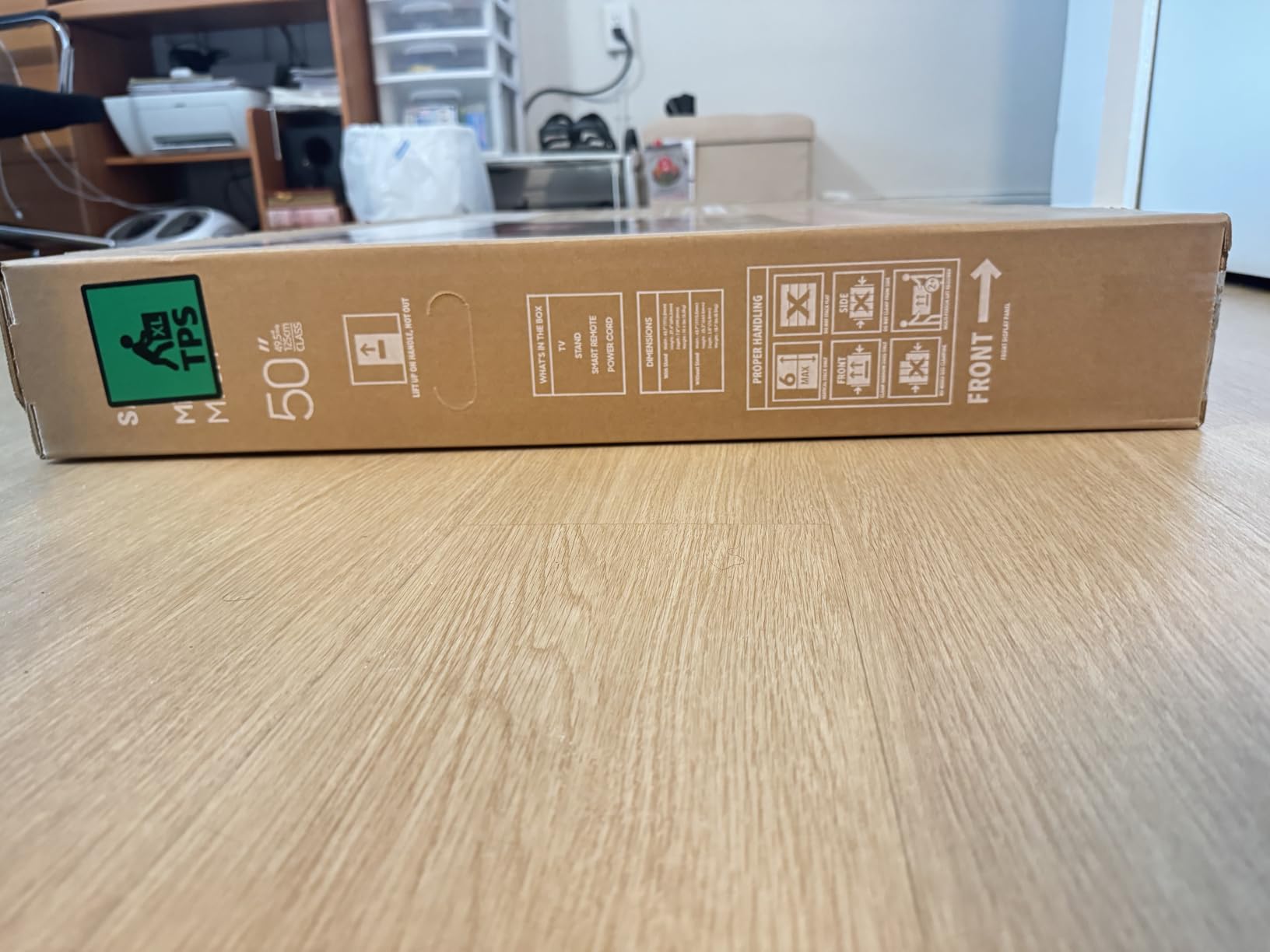
Now the specification caveat that several reviews raise. The panel is listed at 60Hz even though Motion Xcelerator Turbo+ advertises 120Hz motion processing, so the marketing number and the panel number are not the same thing. It is HDR10+ only with no Dolby Vision, the built-in 2-channel speakers are thin for a 65-inch, and no dimming zone count is published. Buy it for contrast and size, not for high-refresh gaming, and pick the TCL 55-inch QM6K or Hisense 65-inch E7 Cinema if refresh rate is your thing.
10. TCL 55-inch T7: Best for Gaming and Sports
TCL 55″ T7 4K QLED Google TV with 144Hz Gaming (55T7)
Size: 55 in
Panel: QLED
Platform: Google TV
Audio: Dolby Atmos
Pros
- QLED color covering nearly the full DCI-P3 gamut
- 120Hz panel with 240Hz variable refresh rate
- Very responsive Google TV interface with apps opening instantly
- Four HDMI inputs including eARC
- Backlit remote buttons are easy to find in the dark
Cons
- Some glare in daylit rooms
- Google TV is not the fastest smart TV platform
- Motion Rate 480 MEMC does not fully keep up with very fast action
Buy this one if a console is plugged into it most days. A 120Hz native panel with 240Hz variable refresh rate is a step change from the 60Hz sets elsewhere in this roundup, and the QLED quantum dot layer covers nearly the entire DCI-P3 colour space, which shows in the range of the picture rather than in any spec you can measure from the sofa.

Owners also like the practical bits. At 24.3 pounds it is light for a 55-inch and assembles in about two minutes, four HDMI inputs cover a soundbar and multiple consoles, and the backlit remote buttons are a small mercy when you cannot see what you are pressing. The built-in sound is reported as surprisingly solid for clear dialogue and separated music.
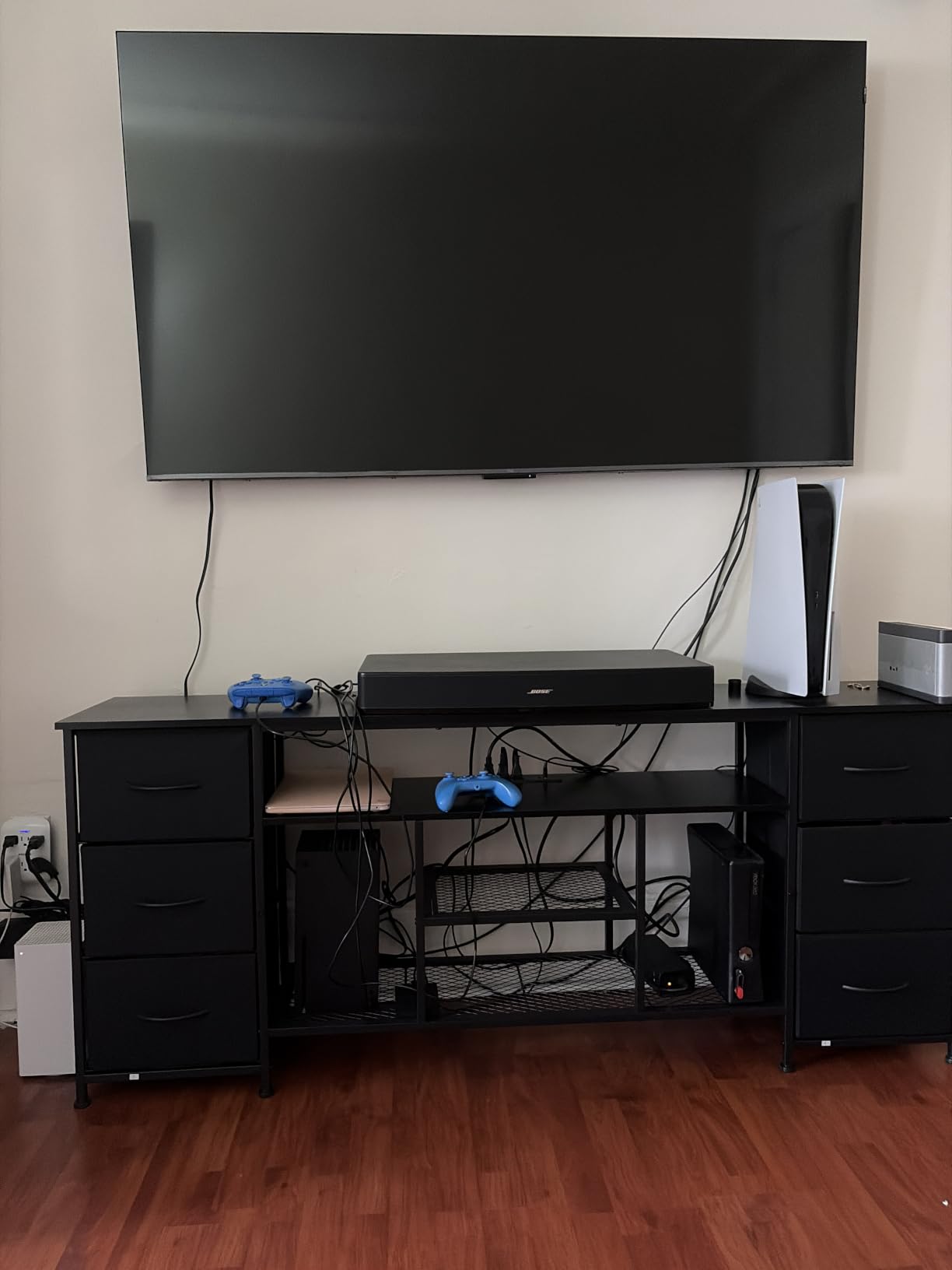
Motion Rate 480 uses frame insertion to make very fast action look smoother, and several reviews say it does not fully keep up with the fastest sports, so treat it as a bonus rather than a feature. Some glare shows in bright rooms with a lot of window light, Google TV is still not the fastest platform, and volume differences between streaming apps mean you will be reaching for the remote. The Samsung 65-inch M70H is the alternative for motion, with Soccer Mode, on a much larger panel.
11. Roku 65-inch Plus Series: Best for Home Cinema Sound
Roku 65-Inch Plus Series Smart TV – 4K QLED Mini-LED TV – RokuTV
Size: 65 in
Panel: Mini LED QLED
Platform: Roku OS
Audio: Dolby Atmos 4.1
Pros
- Mini LED local dimming with rich detail and vivid highlights
- Dolby Vision support
- Dolby Atmos with a built-in subwoofer and 50W output
- One account manages 70-plus subscriptions
Cons
- 60Hz native refresh limits competitive gaming
- Art Mode and VRR do not overcome the 60Hz panel
- Built-in subwoofer is a bonus rather than a replacement for a soundbar
This is the highest-rated set in the group, and the audio is the reason it stands out. A 4.1 channel Dolby Atmos system with a built-in subwoofer and 50W of output is unusual on a 65-inch at any price, and owners call it out repeatedly as better than expected, which usually means no soundbar is needed for a first setup.
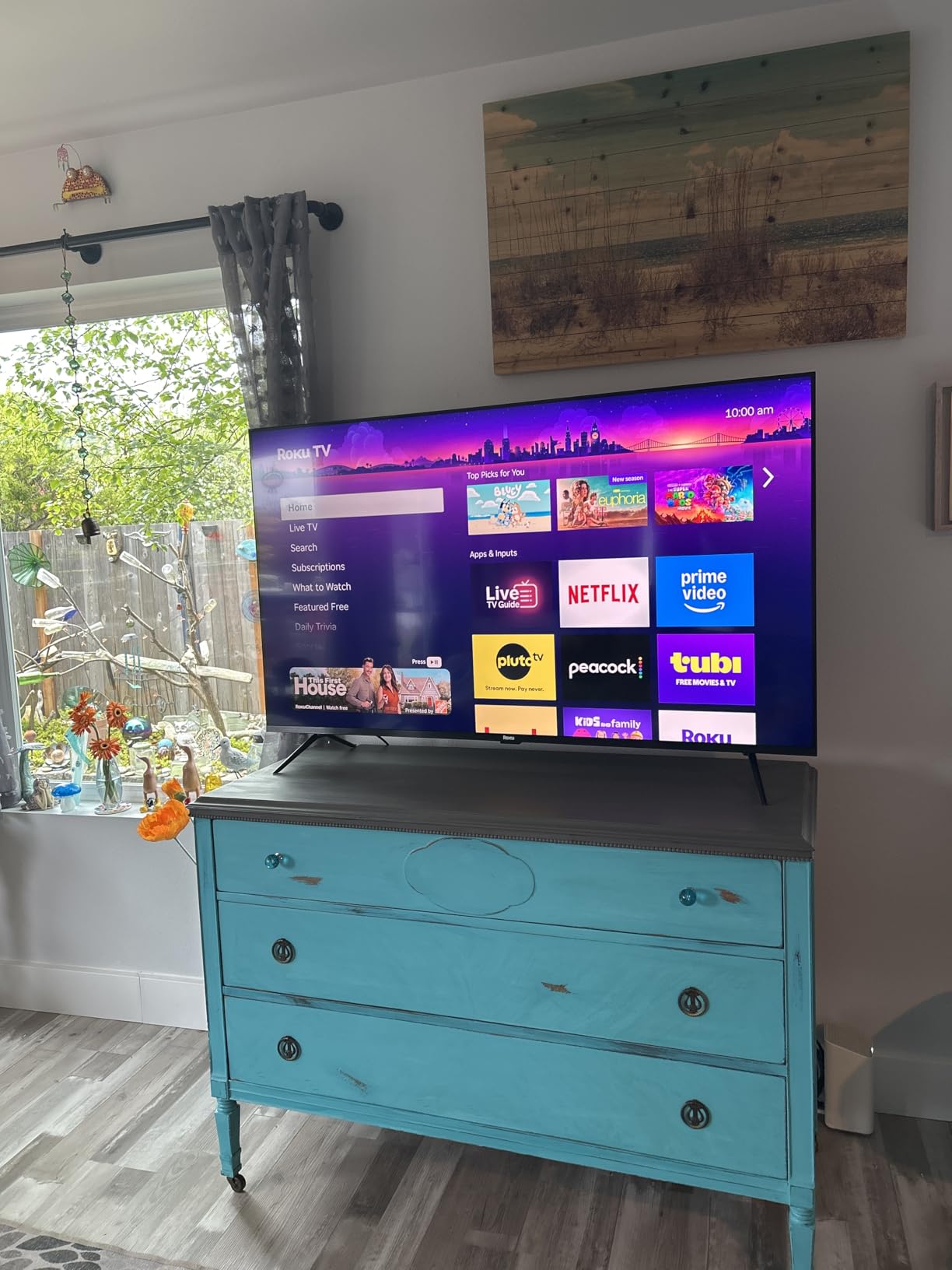
On the picture side you get Mini LED full array local dimming under a QLED panel, plus Dolby Vision, HDR10+ and HLG, with Roku Smart Picture Max doing the processing. The combination of deeper blacks and a fast operating system is why so many owners describe this as the set they stopped shopping around for. One Roku account signs up and manages more than 70 streaming services in one place.
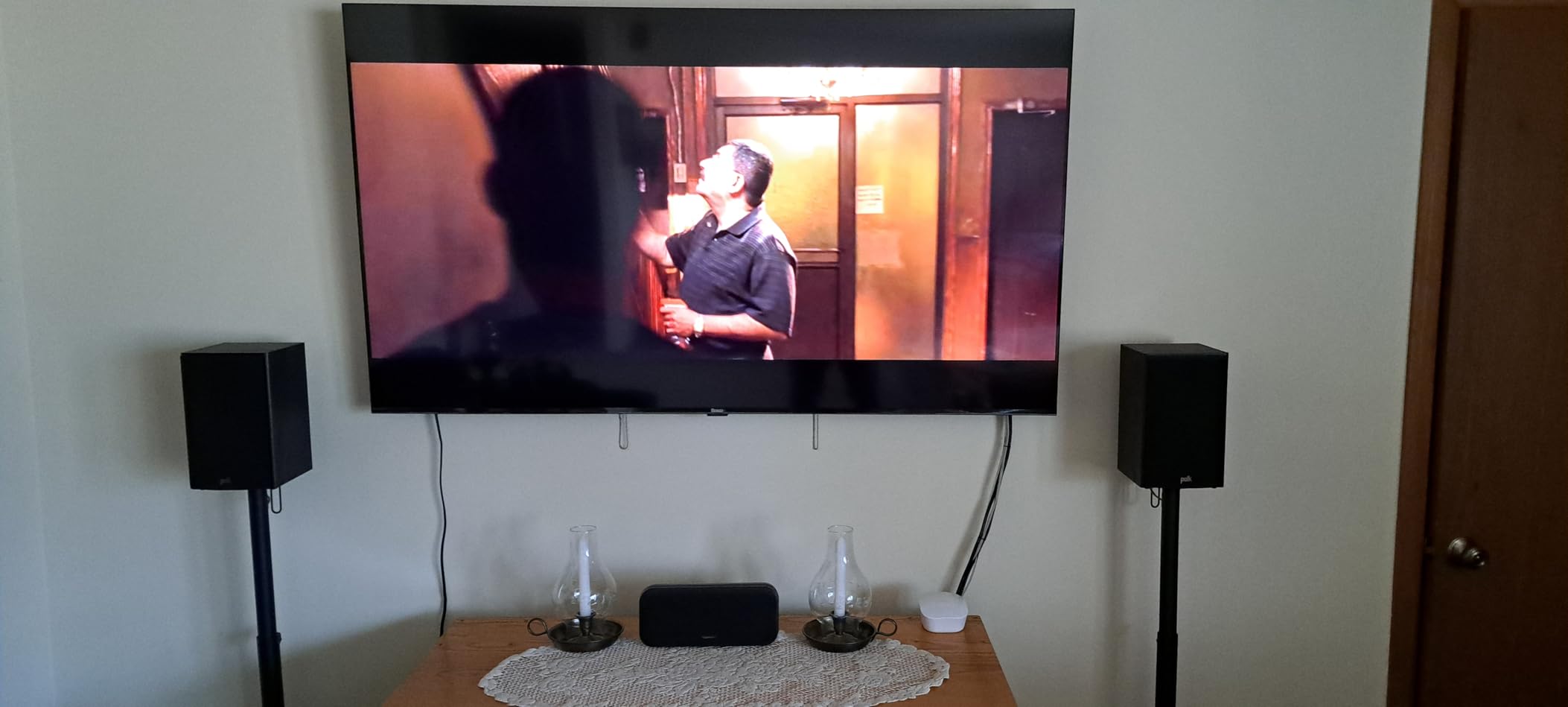
Two honest notes. The panel is 60Hz, so Art Mode and Game Mode VRR are pleasant extras that do not make it a competitive gaming display; if you want that, look at the TCL 55-inch T7 or the Hisense 65-inch E7 Cinema. And at 39.7 pounds it is a two-person job to move and a deep unit to plan a shelf for, so measure the stand and the doorways before you order.
Among the three 65-inch sets, this is the one for sound and simplicity, the Samsung 65-inch M70H for Mini LED contrast on a bigger budget, and the Samsung 65-inch U8000H for antenna and free channels.
12. Hisense 65-inch E7 Cinema: Best for Dolby Vision IQ and 144Hz
Hisense 65″ E7 Cinema Series Hi-QLED Mini-LED 4K UHD Smart Fire TV (65E7SF, 2026 NEW) – Native 144Hz, AI Picture, Dolby Vision IQ · Atmos, FALD, HDR10+ Adaptive, MEMC, Alexa+
Size: 65 in
Panel: Hi-QLED Mini LED
Platform: Fire OS
Audio: Dolby Atmos
Pros
- Mini LED backlight makes a visible difference in dark scenes
- Native 144Hz Game Mode with very low latency
- Dolby Vision IQ and Dolby Atmos for cinematic HDR
- AI Picture and AI Light Sensor tune the image automatically
- Two stand-width positions for narrower furniture
Cons
- Some blooming around very bright HDR highlights
- Built-in sound is adequate and many owners add a soundbar
- Some buyers report Wi-Fi dropouts and black-screen hangs
No other set here carries a specification sheet this capable: a Hi-QLED Mini LED panel with full array local dimming, native 144Hz, Dolby Vision IQ and a suite of AI modes that tune picture and brightness scene by scene. Owners describe the dark scenes as the reason they stopped looking elsewhere, and the 144Hz Game Mode as the reason it also works as a gaming display.
The AI Light Sensor and AI Sports Mode are small features with real effects. Brightness adjusts as the room changes through the day, and crowd audio gets boosted in sports mode, which is a nicer touch than it sounds in a room with a lot of people talking. Two stand-width positions also mean it can sit on narrower furniture.
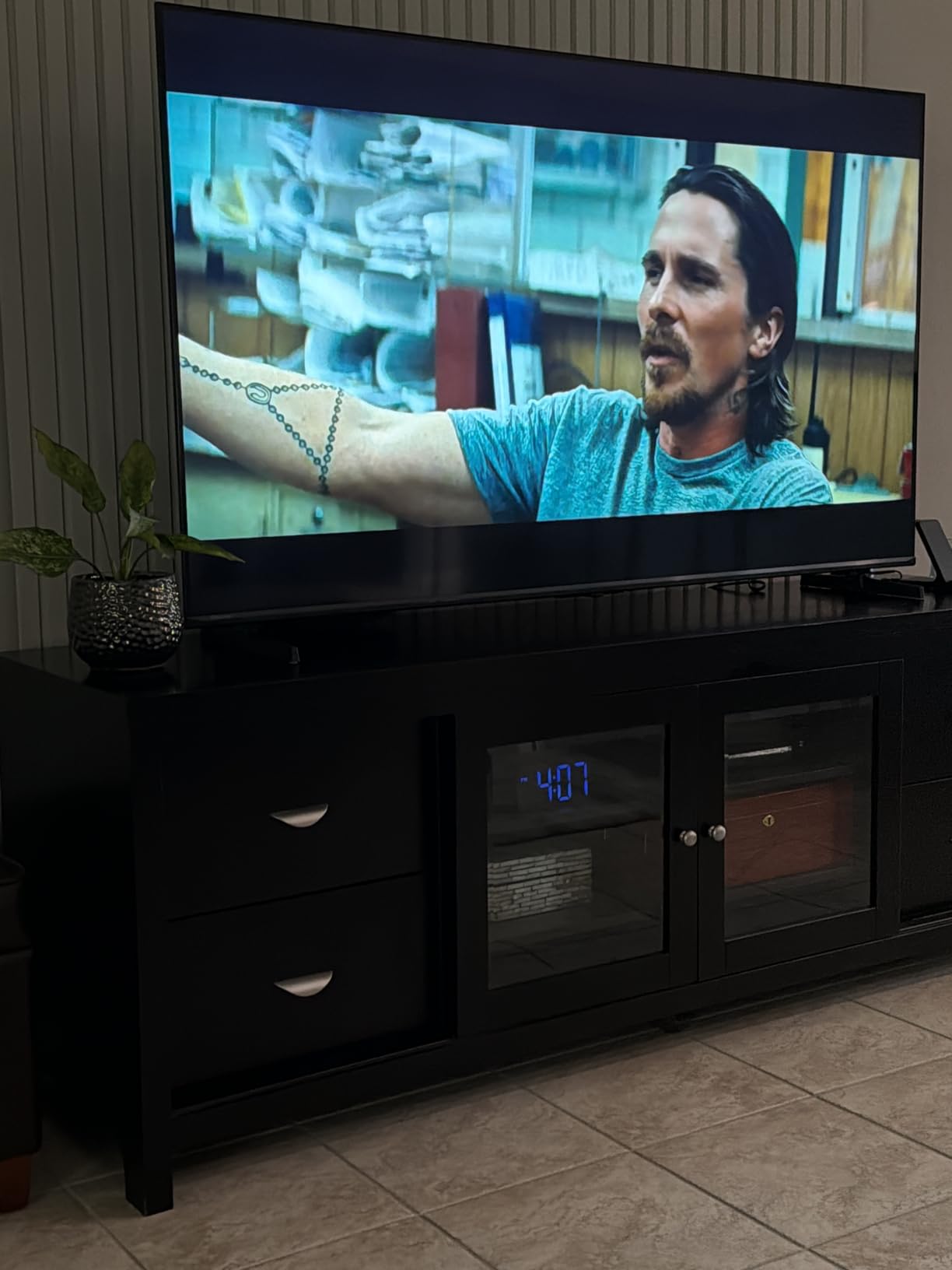
The reservations in the reviews are about the electronics around the panel rather than the panel. Some blooming is visible around very bright HDR highlights, built-in sound is adequate and several owners already plan to add a soundbar, and a minority report Wi-Fi dropouts, black-screen hangs and remote pairing problems that needed a factory reset. It weighs 38.4 pounds, needs two people to move, and no wall mount is included, so budget for the bracket and a second pair of hands.
If you only need Dolby Vision without the IQ processing and can live at 55 inches, the TCL 55-inch QM6K is the cheaper route to a Mini LED picture. If you want the sound too, the Roku 65-inch Plus Series is the set to beat on built-in audio.
How to Choose TVs During Prime Big Deal Days
How to Choose the Right TV Size
Size is the one decision you cannot revise without buying a second television, so measure the wall and the furniture before you look at anything else. A rough rule that holds up well: for 4K content, sit about 4 feet away per 10 inches of screen, which puts a 55-inch at roughly 7 feet and a 65-inch at about 8.5 feet. Beyond that distance the extra inches stop reading as detail and start reading as a bigger bill and a harder wall mount.
Where the set sits matters as much as how far away you sit. A panel opposite a window will fight reflections all day, and a 55-inch above a fireplace needs more clearance than a 55-inch on a stand. Two of the sets here, the Samsung 32-inch Q8F and the Hisense 43-inch E6 Cinema, are the right shape for bedrooms and studies precisely because a living-room-sized screen would look wrong in those rooms.
Compare QLED, Mini LED and Standard LED Picture Quality
Standard LED sets like the Insignia 55-inch F50 Series put a single white backlight behind the whole panel, so bright scenes raise the black level everywhere. QLED adds a quantum dot colour layer, which widens the gamut without fixing that backlight problem. Mini LED replaces the backlight with hundreds or thousands of small zones that dim independently, and that is the step that makes dark scenes look dark while highlights stay bright.
You can see the ladder in this list. The Insignia 55-inch F50 Series is the plain LED starting point, the Insignia 55-inch QF Series and Roku 50-inch Select Series add quantum dot colour at the same backlight, the TCL 55-inch QM6K and Samsung 65-inch M70H move to full array Mini LED, and the Hisense 65-inch E7 Cinema adds native 144Hz on top. Blooming, where a bright object leaves a halo on a dark background, is the trade-off you get in exchange and it shows most on night scenes.
Check Gaming Features and Refresh Rate
Native refresh rate is the number that decides how a game feels, and anything sold as a higher figure through motion processing or frame insertion is not the same thing. Four sets here run a 60Hz panel: the Insignia 55-inch F50 Series, the Hisense 43-inch E6 Cinema, the Roku 50-inch Select Series and the Roku 65-inch Plus Series. They are fine for console games and sports, and wrong for competitive shooters where the difference between 60Hz and 144Hz is visible.
For faster motion, the TCL 55-inch T7 gives you a 120Hz panel with 240Hz variable refresh rate, the TCL 55-inch QM6K runs 144Hz native with 240Hz VRR, and the Hisense 65-inch E7 Cinema is native 144Hz. Check HDMI port count too: a soundbar plus a console plus a streaming box needs three, and the two sets with only three HDMI ports give one of them up to eARC audio.
Assess Smart-TV Performance
The platform decides how much you will enjoy the set outside of watching things on it. Roku OS is the fastest and simplest, with one search box and no duplicated apps. Fire TV has the deepest app support and the most Amazon integration, but the older Fire TV sets here are noticeably slower than the current Amazon Ember 55-inch 4-Series. Google TV has the best casting integration and the widest app catalogue, and its speed varies by app.
Account requirements are the part people forget. The Samsung 32-inch Q8F and the Amazon Ember 55-inch 4-Series tie much of their feature set to a manufacturer login, and the Tizen set on the Samsung 65-inch U8000H has a noticeably thinner app lineup than Roku or Fire TV. If you cut the cord, check that the app you actually watch is supported before you commit.
Verify the Exact Model and Seller
Television model numbers are long and near-identical between series, so read the number in the listing and not the marketing name. Three things to check: the exact size, because a 55-inch and a 50-inch listing can share a series name, the model year, since a 2026 model and its predecessor are priced very differently, and whether the picture claims match the panel, which is where a 120Hz motion rate on a 60Hz panel causes the most confusion.
Then look at who fulfils the order, whether the box contains the stand feet and remote you expect, and whether a wall mount is included. None of the twelve sets here include one, and the Hisense 65-inch E7 Cinema in particular needs two people to lift. Check the return window before you order a large screen, since a 65-inch that turns out to be too big for the room is the most common expensive mistake in this category.
How to Shop TV Deals During Prime Big Deal Days
Start with the model number, not the deal badge. Look up the series and size you want, note the last two characters of the model number, then check the same model on the manufacturer’s own site so you know what the set normally costs. From there, read the offer against the listing rather than against a banner, because a percentage off a price that was itself inflated tells you nothing.
Check what is in the box, whether the set is new or a returned or renewed unit, and who ships it. Then decide on a number and work back from it. Most television offers during the sale need a Prime membership, and a free trial counts, so it is worth checking whether you already have one before you weigh the membership against the savings.
- Know the model number and size before the sale starts, not during it
- Compare the offer price with the manufacturer’s own listing for the same model
- Confirm new or renewed condition and who ships the unit
- Check the return window before a large set arrives
- Remember that a wall mount is rarely included
- Have a second number in mind so an oversold variant does not stop you
Frequently Asked Questions
When are the Best Amazon Prime Big Deal Days TV Deals available?
Prime Big Deal Days runs October 6-7, 2026, with some television offers appearing in the days before the event starts. Offers change through the two days, so the model and size you want can move on or out at any point. Watching the list through both days is more useful than trying to buy in the first hour.
Do I need Prime membership to buy these TV deals?
Most television offers during Prime Big Deal Days require a Prime membership, and a free trial counts for the length of the event. A small number of offers are open to everyone, but they are not the ones worth planning around. If you already pay for Prime, the membership question is settled and only the model matters.
Do Prime Big Deal Days televisions usually include a wall mount?
No. None of the twelve sets in this roundup includes a wall mount in the box, and brackets are sold separately. Note the VESA pattern in the specification sheet before you buy, since mounting holes on the Samsung 32-inch Q8F sit high on the back and need longer screws than most brackets assume.
Can I return a television after Prime Big Deal Days if it does not fit my room?
Returns follow Amazon’s standard policy rather than a special event rule, and the window is usually shorter for large appliances and televisions than for most other products. Check the return terms on the exact listing before you order, and measure the wall and the furniture first. A 65-inch that arrives and does not work in the room is the most expensive mistake in this category.
How long is the warranty on a television bought during the sale?
Manufacturer warranties apply during the sale exactly as they do at any other time, and most sets in this roundup carry a one-year limited warranty. That is separate from the retailer return window, which is what actually covers a set that is simply the wrong size for the room. Keep the packaging until you are sure you are keeping it.
Should I wait for a Prime Big Deal Days TV offer to buy a discontinued model?
It depends on whether you have already settled on a specific set. End-of-life models usually lose firmware updates and app support over time, so the panel, the port count and the platform matter more than the event itself. If you have no model in mind, the current range offers more HDMI ports and faster platforms for the same money.
Final Verdict: Best Amazon Prime Big Deal Days TV Deals
Buy the Insignia 55-inch F50 Series if you want the safest 55-inch 4K set of the lot and can live with a slow interface and a screen that prefers a dim room; it carries more owner reviews than anything else here. Buy the TCL 55-inch QM6K if picture quality is the point, since the Mini LED backlight and 144Hz panel are the biggest genuine step up on the list. Buy the Roku 65-inch Plus Series if you want the best sound and the simplest platform in a large frame, and the Hisense 65-inch E7 Cinema if you want Dolby Vision IQ and native 144Hz in one set.
The Hisense 43-inch E6 Cinema is the small-room answer, the Samsung 32-inch Q8F is the bedroom and kitchen answer, the Samsung 65-inch U8000H is the one for antenna users who want to cut the cable, and the TCL 55-inch T7 is the console pick. Whatever you choose, check the model number, the VESA pattern and the return window before you order, then use the button to see the current offer.