
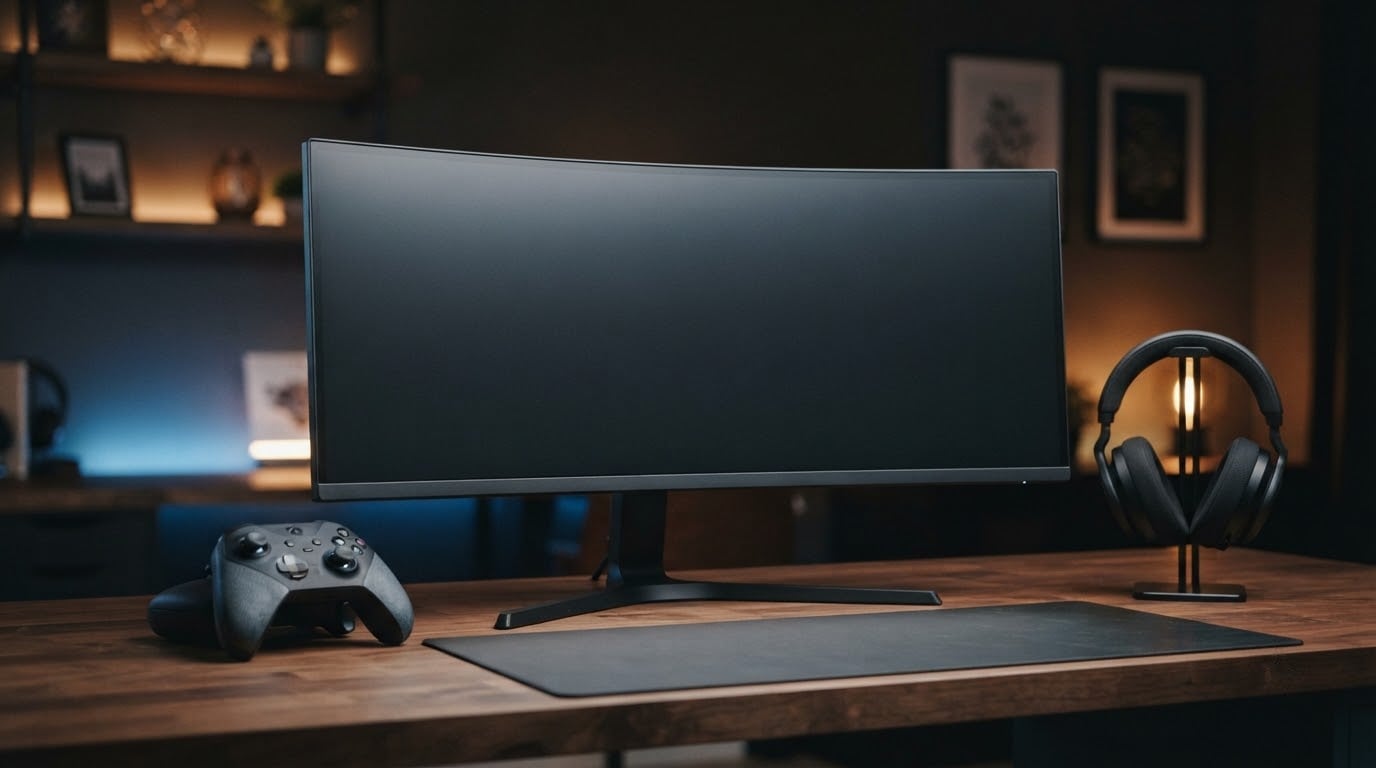
The SANSUI 27 Curved 200Hz leads this list because it puts a 2560×1440 panel and a 200Hz refresh rate on a curved screen, and 7696 owner reviews have it sitting at 4.5 stars. Very few gaming monitors in this bracket give you both resolution and headroom above 180Hz.
Two other panels earn their place. The Samsung Odyssey G3 suits smaller desks with an adjustable stand and a flat 27-inch body, and the Samsung Odyssey G55C is the pick if you want a bigger 32-inch canvas with a 1000R curve. Amazon Prime Big Deal Days runs October 6-7, 2026, and most offers need a Prime membership, a free trial counts.
Table of Contents
Our Top 3 Picks for Best Amazon Prime Big Deal Days Gaming Monitor Deals in 2026

SANSUI 27 Curved 200Hz
- 2560x1440 on a curved panel
- 200Hz refresh rate
- 1ms MPRT response

Samsung Odyssey G3
- 180Hz refresh rate
- Height swivel pivot and tilt stand
- Black Equalizer and Virtual Aim Point

Samsung Odyssey G55C
- 32-inch 2560x1440 screen
- 1000R curve with HDR10,165Hz refresh rate
The SANSUI wins on the balance of resolution and refresh rate. The Odyssey G3 wins on the stand, and the G55C wins on screen size. Everything below covers the rest of the field.
Specs and owner ratings for every pick were re-read on October 2026 before this list went out, so treat the refresh rates and port counts as the current state of each model.
Best Amazon Prime Big Deal Days Gaming Monitor Deals Compared
| Product | Specifications | Action |
|---|---|---|
| SANSUI 27 Curved 200Hz |
|
Check Deal Price |
| Samsung Odyssey G3 |
|
Check Deal Price |
| Samsung Odyssey G55C |
|
Check Deal Price |
 Acer KB272 G0bi Acer KB272 G0bi |
|
Check Deal Price |
 Samsung Odyssey G5 Samsung Odyssey G5 |
|
Check Deal Price |
 Acer Nitro EDA270U Acer Nitro EDA270U |
|
Check Deal Price |
 AOC Q27G41ZE AOC Q27G41ZE |
|
Check Deal Price |
 ASUS TUF VG27AQ3A ASUS TUF VG27AQ3A |
|
Check Deal Price |
 LG UltraGear 27GS60QC LG UltraGear 27GS60QC |
|
Check Deal Price |
 LG UltraGear 27GR83Q LG UltraGear 27GR83Q |
|
Check Deal Price |
 LG UltraGear 27GX704A LG UltraGear 27GX704A |
|
Check Deal Price |
 AOC Agon Pro AG276QZD2 AOC Agon Pro AG276QZD2 |
|
Check Deal Price |
Every entry is 27 or 32 inches and runs 16:9, so the real decisions are refresh rate, panel type and stand hardware. Ten of the twelve are 2560×1440.
How We Chose
We compared the specifications that decide a gaming monitor purchase: panel type, native resolution, refresh rate, response time, adaptive sync support, port selection and stand adjustment. We also read the owner review themes Amazon carries for each listing. Specifications and ratings were checked on October 2026, and prices move through the sale, so the buttons below show the current figure rather than a number we froze in a headline.
1. SANSUI 27 Curved 200Hz: Editor’s Choice for 1440p Speed
SANSUI 27 Inch WQHD 2560X1440 Curved Gaming Monitor 200Hz MPRT 1ms
Size: 27 in
Resolution: 2560x1440
Refresh: 200Hz
Panel: LED
Sync: FreeSync
Pros
- 200Hz refresh rate with 1ms MPRT response time
- 2560x1440 on a 1500R curved panel
- Two HDMI 2.0 and two DisplayPort 1.4 ports
- 90% DCI-P3 and 120% sRGB color coverage
- Kensington lock and VESA 100x100 mounting
Cons
- Tilt-only stand with no height or pivot adjustment
- 300 nit brightness is modest for HDR
- No built-in speakers
The one to watch during the sale if your GPU can keep up. A 200Hz panel at 2560×1440 is unusual outside the price tier most people assume, and 7696 reviews at 4.5 stars is the largest sample behind any pick here.
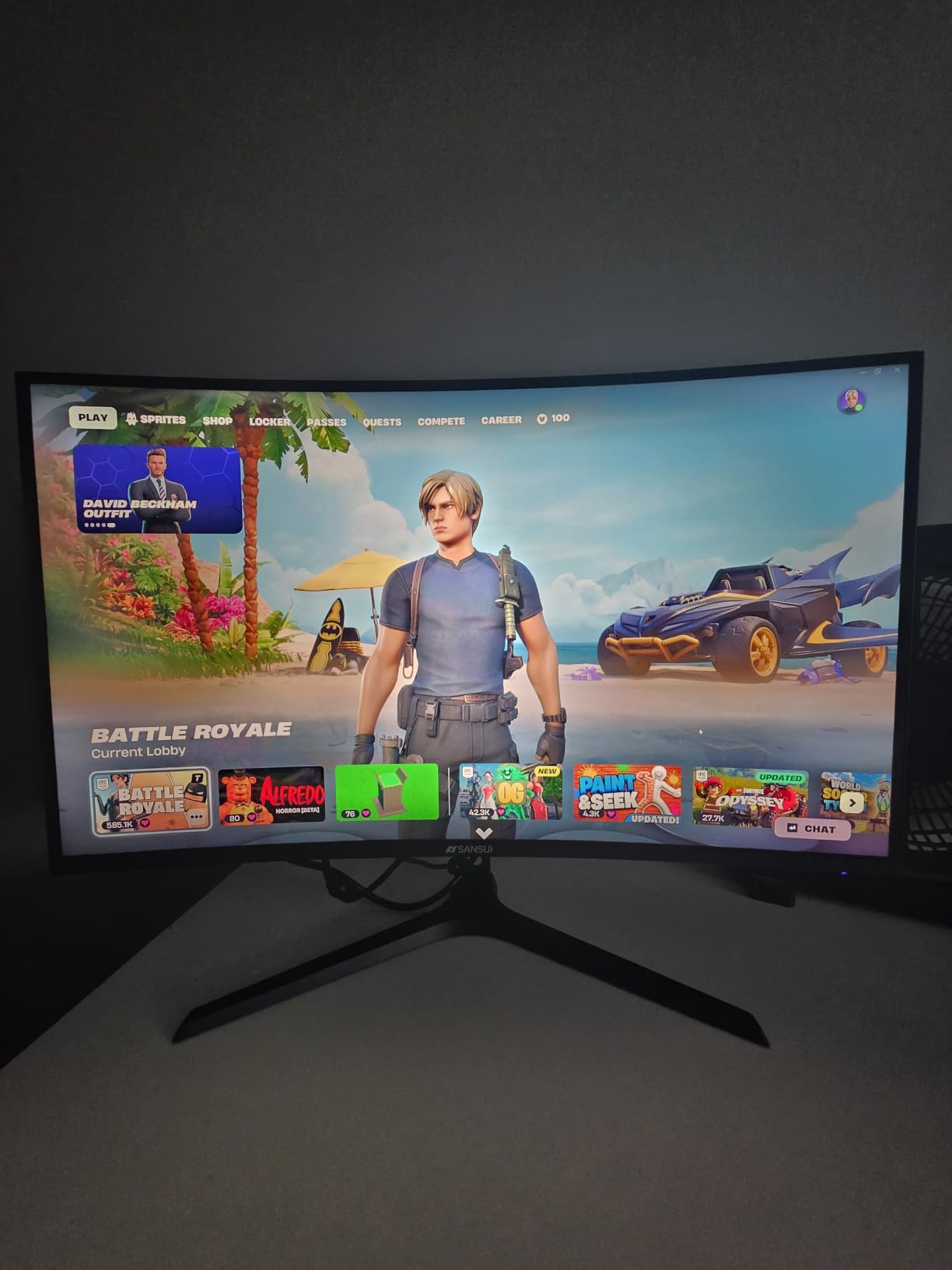
Owners single out the port selection more than anything else. Two HDMI 2.0 ports top out at 144Hz and two DisplayPort 1.4 ports carry the full 200Hz, so a PC and a console can share the screen without an adapter in the loop.
Two things work against it. The stand tilts from -5 to 15 degrees and does nothing else, so you are eyeballing the height every session. Brightness sits at 300 nits, which is fine for a lit room and flat in a dark one.
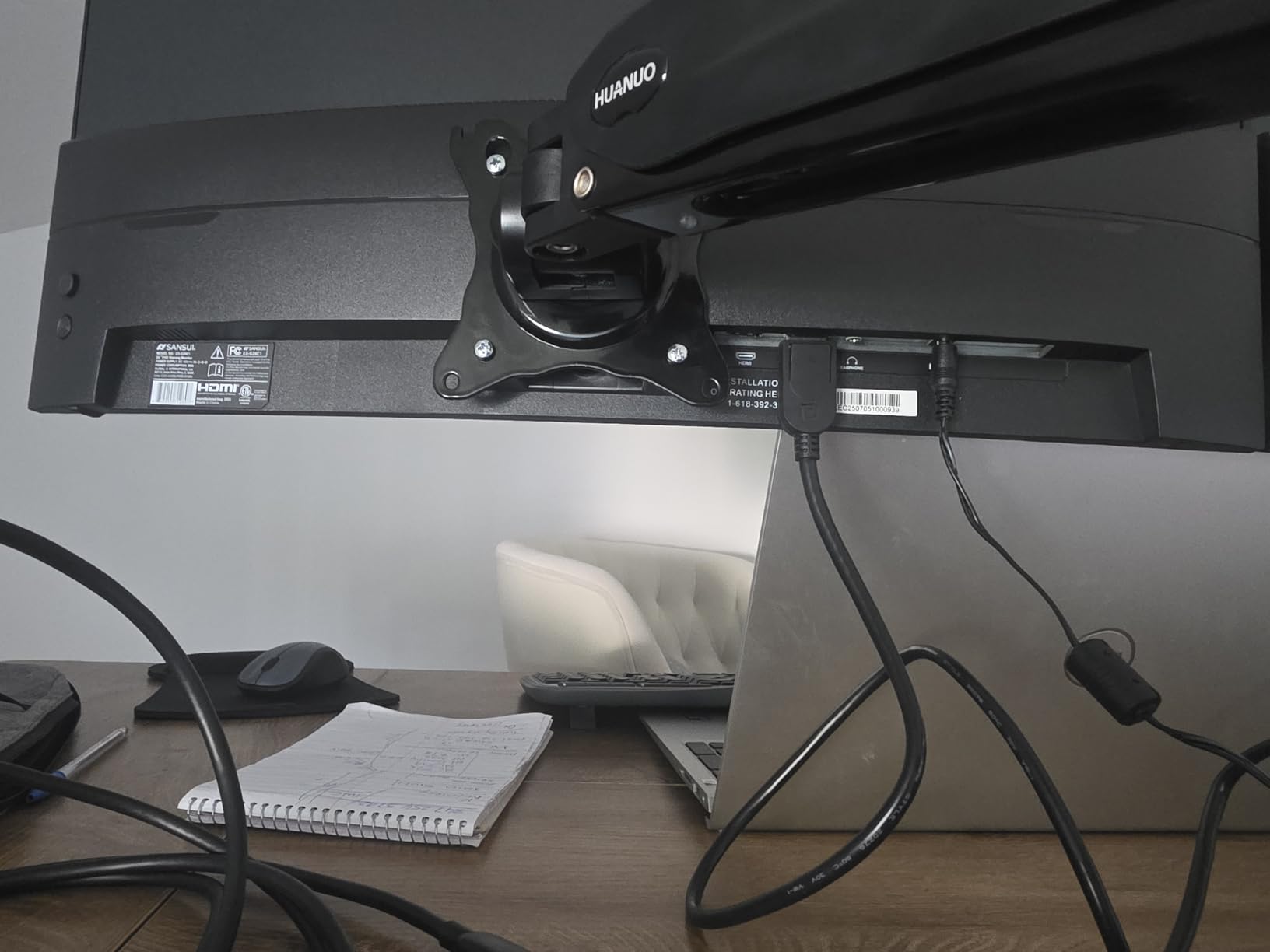
Compared with the Samsung Odyssey G5, you trade the adjustable stand and 180Hz for 20Hz more speed and a curve. Compared with the Acer Nitro EDA270U, you trade two small built-in speakers for that higher refresh rate.
2. Samsung Odyssey G3: Best for Small Desks
Samsung 27″ Odyssey G3 (G30D) Series FHD Gaming Monitor
Size: 27 in
Resolution: 1920x1080
Refresh: 180Hz
Panel: LED
Sync: FreeSync
Pros
- Fully adjustable stand with height swivel pivot and tilt
- 180Hz refresh rate with 1ms MPRT response
- Black Equalizer lifts dark scene detail
- Virtual Aim Point crosshair overlay
- Three-sided borderless design for dual monitor setups
Cons
- 1080p resolution is less future proof than 1440p
- 250 cd/m2 brightness is dim for HDR content
- Single HDMI port limits console plus PC hookups
Best when desk depth matters more than pixel density. This flat 27-inch panel has a stand that raises, swivels and pivots, and at 9.2 inches deep it leaves more desk in front of you than the 32-inch option.
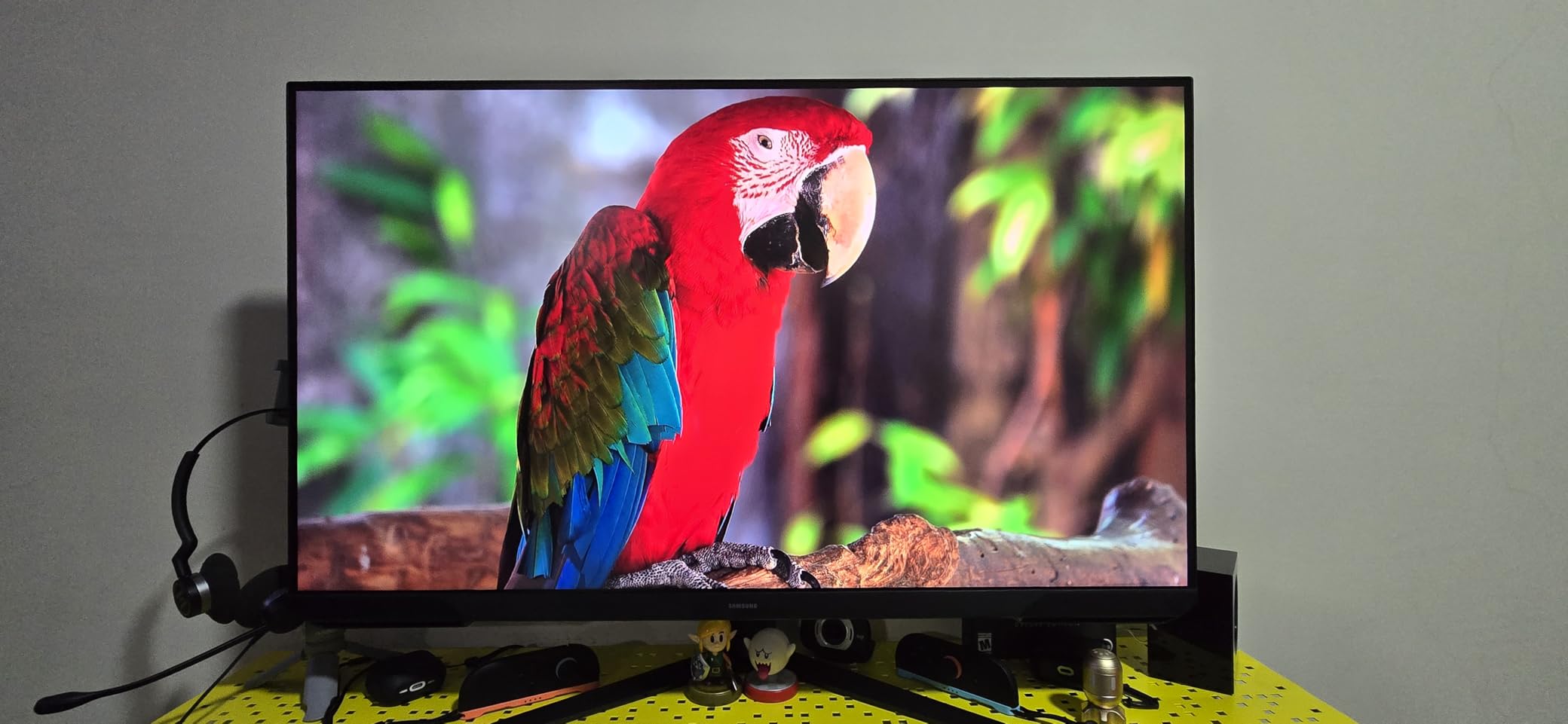
Two Samsung gaming features carry over from the panels above it in the range. Black Equalizer pushes up shadow detail in dark games and Virtual Aim Point drops a crosshair in the centre of the screen, which matters in shooters where enemies blend into a wall.
Owners also point out Eye Saver mode, which trims blue light and flicker on long sessions. The single HDMI port is the one owners mention most often as a nuisance when a PC and a console share the desk.
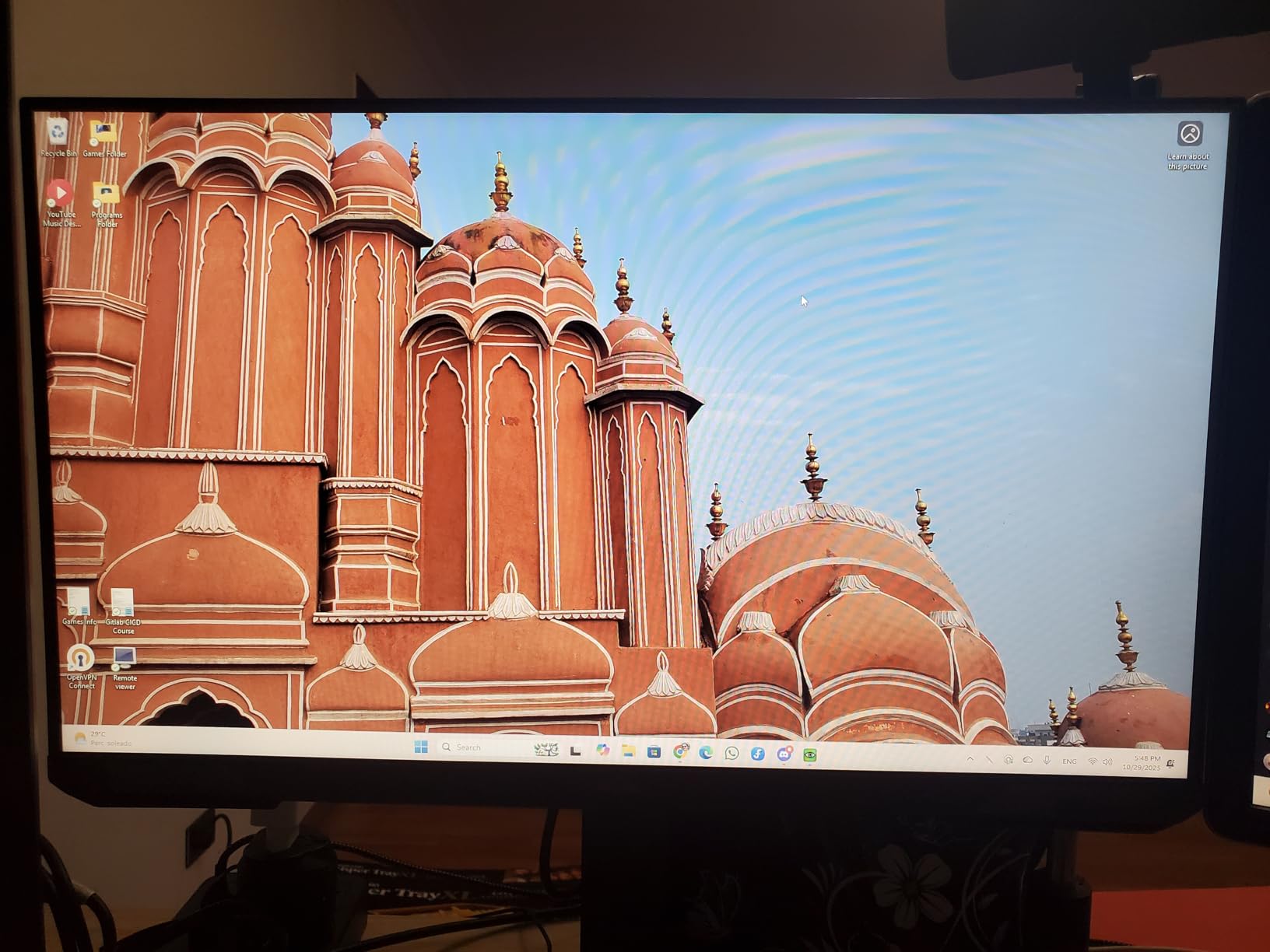
The resolution is the compromise. At 1920×1080 you get 0.31mm pixels, so text and distant objects are softer than on any of the 1440p panels here. Console players should read our gaming monitors for PS5 guide before settling on a 1080p panel.
3. Samsung Odyssey G55C: Best for 32-Inch Desks
Samsung 32″ Odyssey (G55C) Series QHD 1000R Curved Gaming Monitor,
Size: 32 in
Resolution: 2560x1440
Refresh: 165Hz
Panel: LED
Sync: FreeSync
Pros
- Only 32-inch 1440p option in this group
- 1000R curve fills peripheral vision
- 1.7x the pixel density of Full HD
- HDR10 support with Black Equalizer
- Eye Saver mode reduces flicker
Cons
- Tilt only stand with no height or pivot
- 165Hz trails newer 180Hz panels
- 50 watt power draw is the highest here
The only large-screen option here, and the deepest curve at 32 inches and under. At 28 inches wide and 10.7 inches deep, this is the panel that makes a desk measurement worth taking before you order.
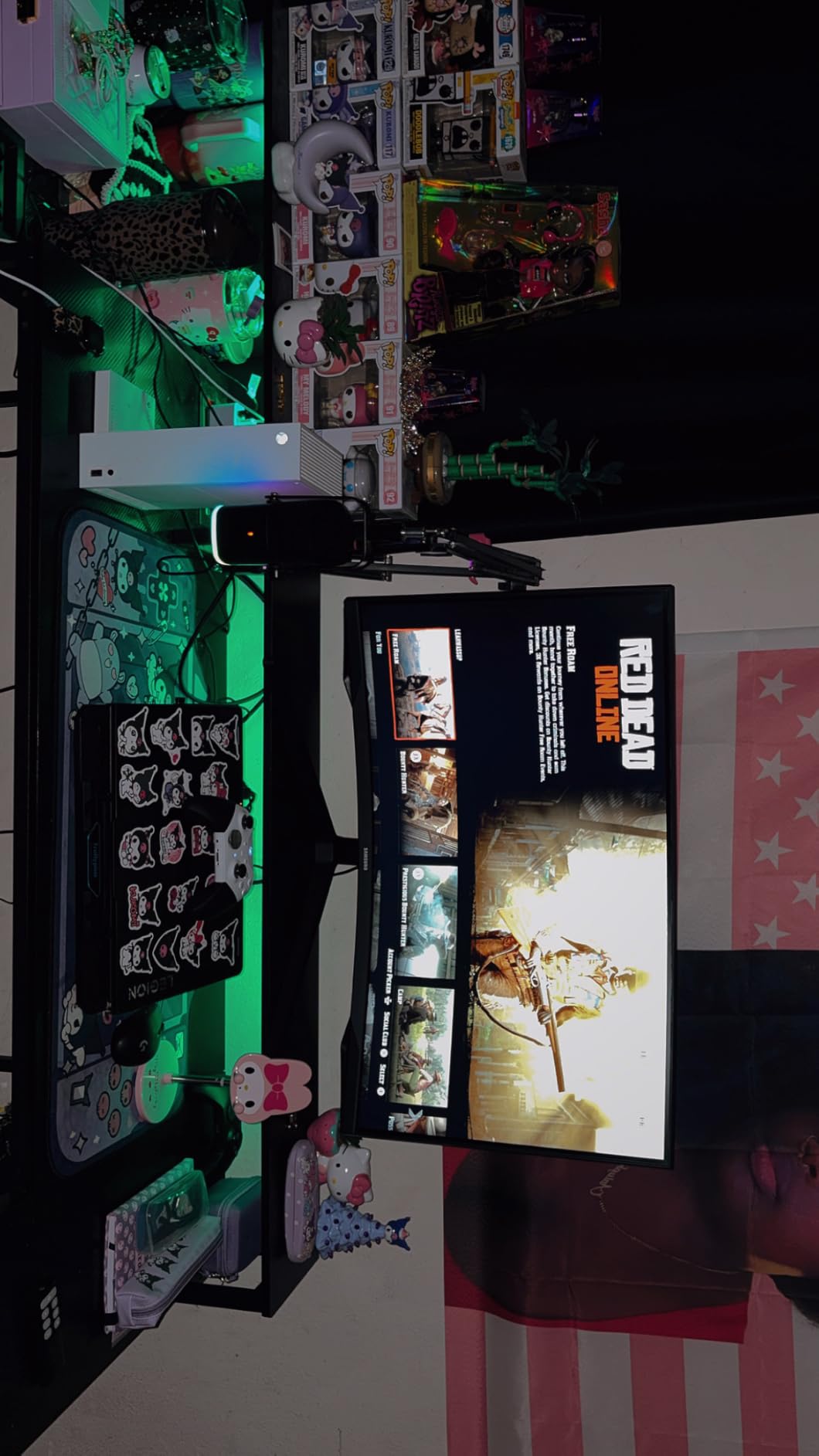
Owners like the combination of 1440p sharpness and a 1000R curve, which fills more of your peripheral vision than the gentler 1500R curves on the SANSUI and the Nitro. If you game in a tight space and want a wider field of view, that difference shows.
Buyers report two limits. The stand tilts and nothing else, and 165Hz now sits below the 180Hz standard most of the 1440p panels in this list reach. Our 32-inch gaming monitors guide covers the rest of that size class.
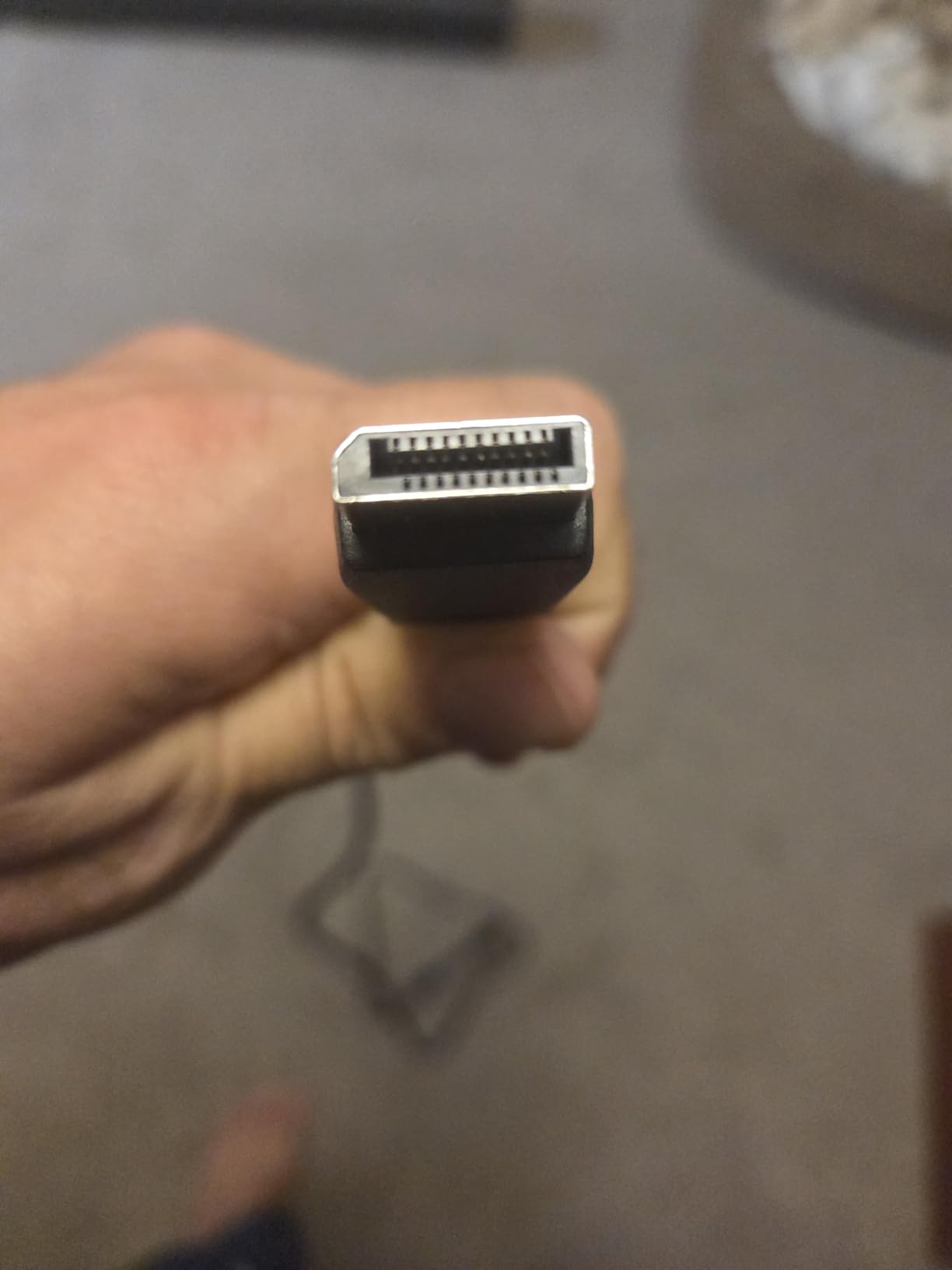
Power draw is 50 watts, higher than most of the LED panels in this group, which adds up over long evening sessions. Brightness of 300 candela per square meter keeps HDR highlights modest rather than punchy.
4. Acer KB272 G0bi: Budget Pick for a First Gaming PC
Acer 27in FHD 1920×1080 IPS 120Hz Gaming Monitor | Office KB272 G0bi
Size: 27 in
Resolution: 1920x1080
Refresh: 120Hz
Panel: IPS
Sync: FreeSync
Pros
- IPS panel with wide viewing angles and accurate color
- Three year parts and labor warranty at the entry level
- 18 watt power draw is the lowest in the group
- Adaptive Sync support reduces tearing
- Wall mount supported
Cons
- 1080p only with no QHD option in this model
- 120Hz is entry level for competitive gaming
- HDMI and VGA inputs with no DisplayPort
The cheapest way into a proper gaming display, and one of the few here with a three-year warranty. If you are building a first PC and the budget is going on the graphics card, this is the sensible place to stop.
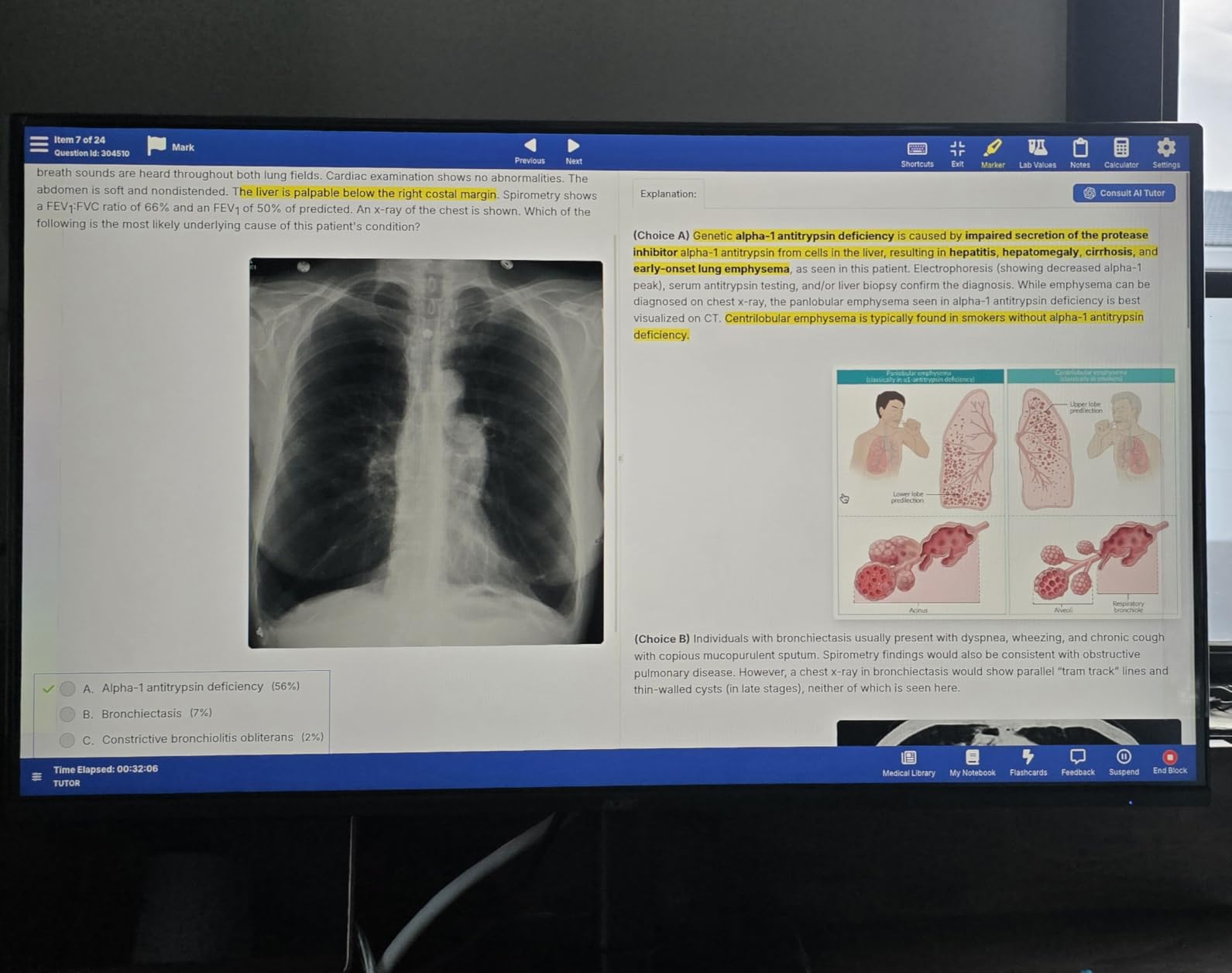
Owners consistently accept the trade: an IPS panel at 250 nits with 120Hz and 1ms VRB response, which is smooth enough for competitive and co-op play without chasing the 180Hz and 240Hz crowd.
Skip it if you also want to edit video or code on the same screen. IPS colour accuracy is good, but 1920×1080 at 27 inches gives you a 0.311mm pixel pitch and no QHD upgrade path inside this model.
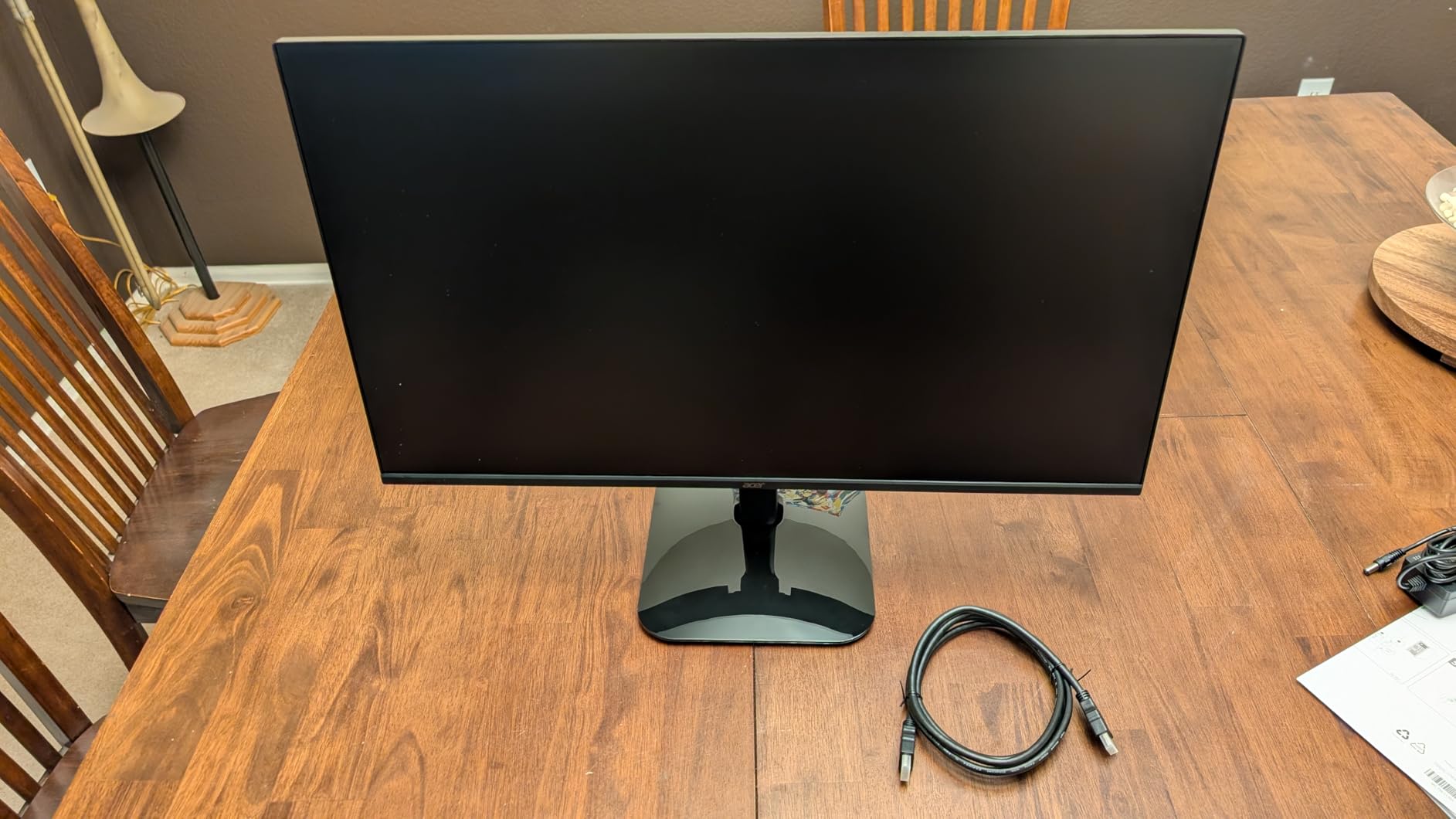
The port selection is the part to check before buying. You get HDMI and VGA and no DisplayPort, so a high refresh rate setup is capped by what your card can push over HDMI, and an adaptive sync range that stays modest.
5. Samsung Odyssey G5: Best for 1440p Everyday Gaming
Samsung 27″ Odyssey G5 (G51F) Series QHD (1440P) Gaming Monitor
Size: 27 in
Resolution: 2560x1440
Refresh: 180Hz
Panel: VA
Sync: FreeSync
Pros
- Highest rated panel in this group at 4.7 stars
- Sharp 1440p VA panel at 300 nits and 3000:1 contrast
- 180Hz refresh with 1ms response time
- Stand adjusts tilt pivot and height
- Black Equalizer and Virtual Aim Point included
Cons
- VA panels show minor black smearing on dark transitions
- On screen guidance for changing refresh rate is thin
- Bright power LED in standby
The highest rated pick in the list, and the one most people will be happiest with. A 180Hz VA panel at 2560×1440 with an adjustable stand covers almost every use case without the curve or the OLED trade-offs.
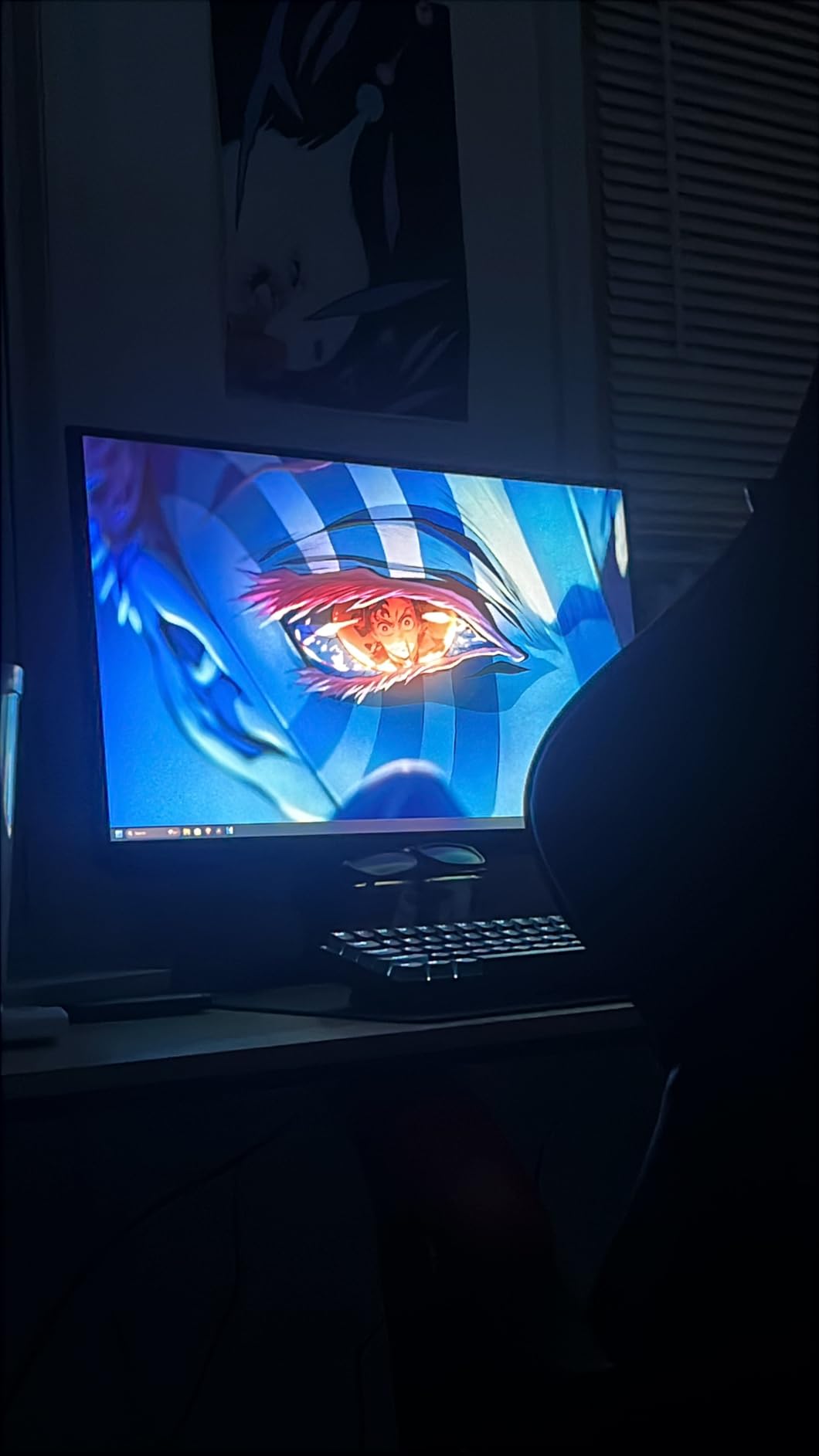
Owners describe a sharp, bright picture and a step-change from a 1080p television. Setup is tool-free, and the stand moves on tilt, pivot and height, which puts it ahead of the SANSUI and the AOC on desk fit.
VA is the panel type to know about here. It gives you 3000:1 contrast and deeper blacks than IPS, at the cost of minor smearing on dark transitions that owners usually only notice when they look for it.
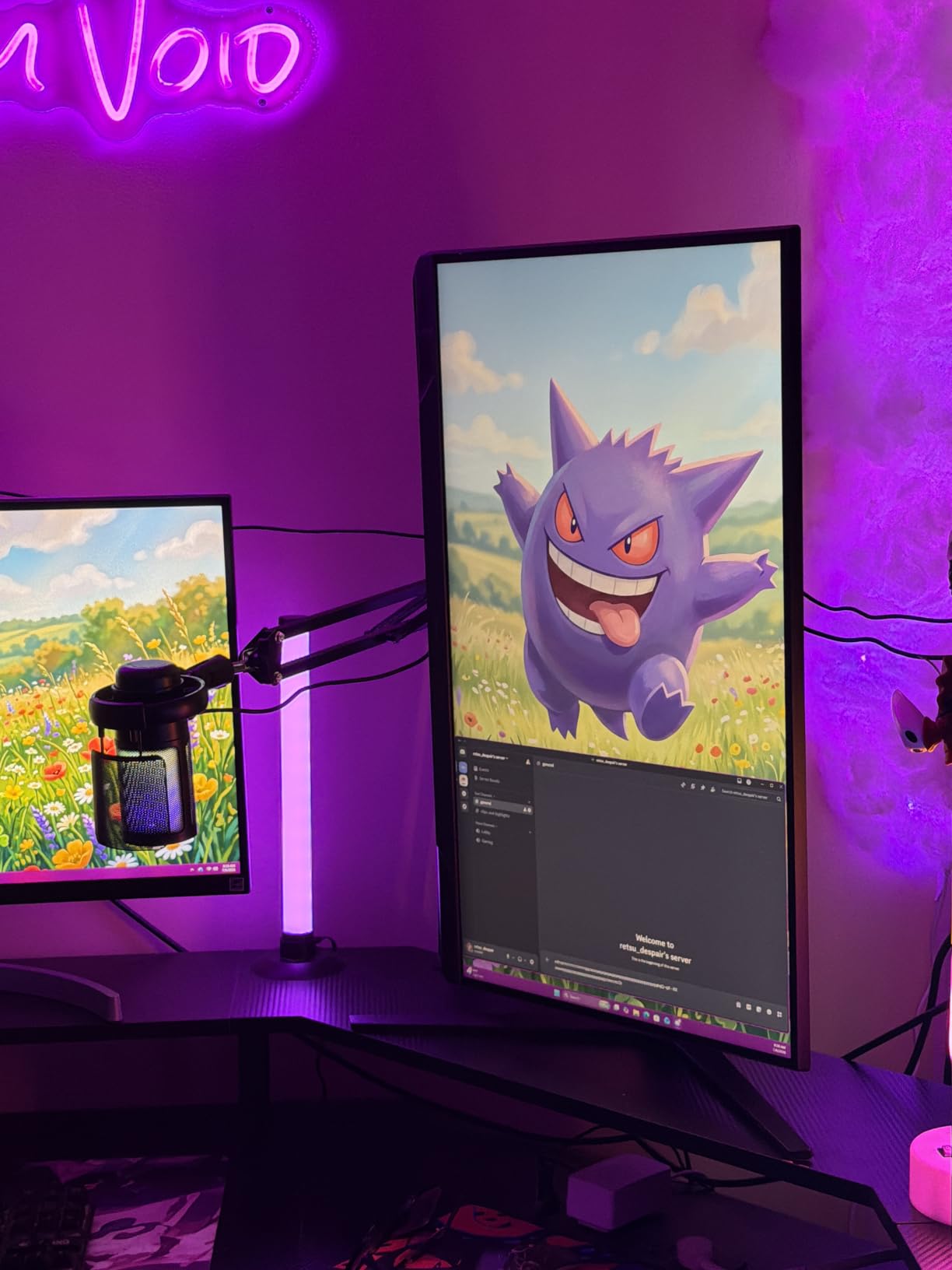
Two smaller points come up repeatedly: the on screen menu says little about how to change refresh rate, and the standby power LED is bright enough to notice in a dark room. Neither is a deal breaker, but both are real.
6. Acer Nitro EDA270U: Best With Built-In Speakers
Acer Nitro 27in QHD 2560×1440 Curved 180Hz Gaming Monitor EDA270U Pbmiipx
Size: 27 in
Resolution: 2560x1440
Refresh: 180Hz
Panel: LCD
Sync: FreeSync Premium
Pros
- Two 2 watt built-in speakers and both cables in the box
- DisplayPort and HDMI cables included with the monitor
- 1500R curve adds immersion without a hard wrap
- Three year parts and labor warranty
- FreeSync Premium with HDR ready support
Cons
- 250 nit brightness is dim for HDR content
- Tilt only stand with no height or swivel
- HDR ready is not the same as certified HDR
The one to pick if you refuse to run a cable to your speakers. Two 2 watt built-in speakers are unusual on a 1440p panel, and the box includes both a DisplayPort and an HDMI cable.
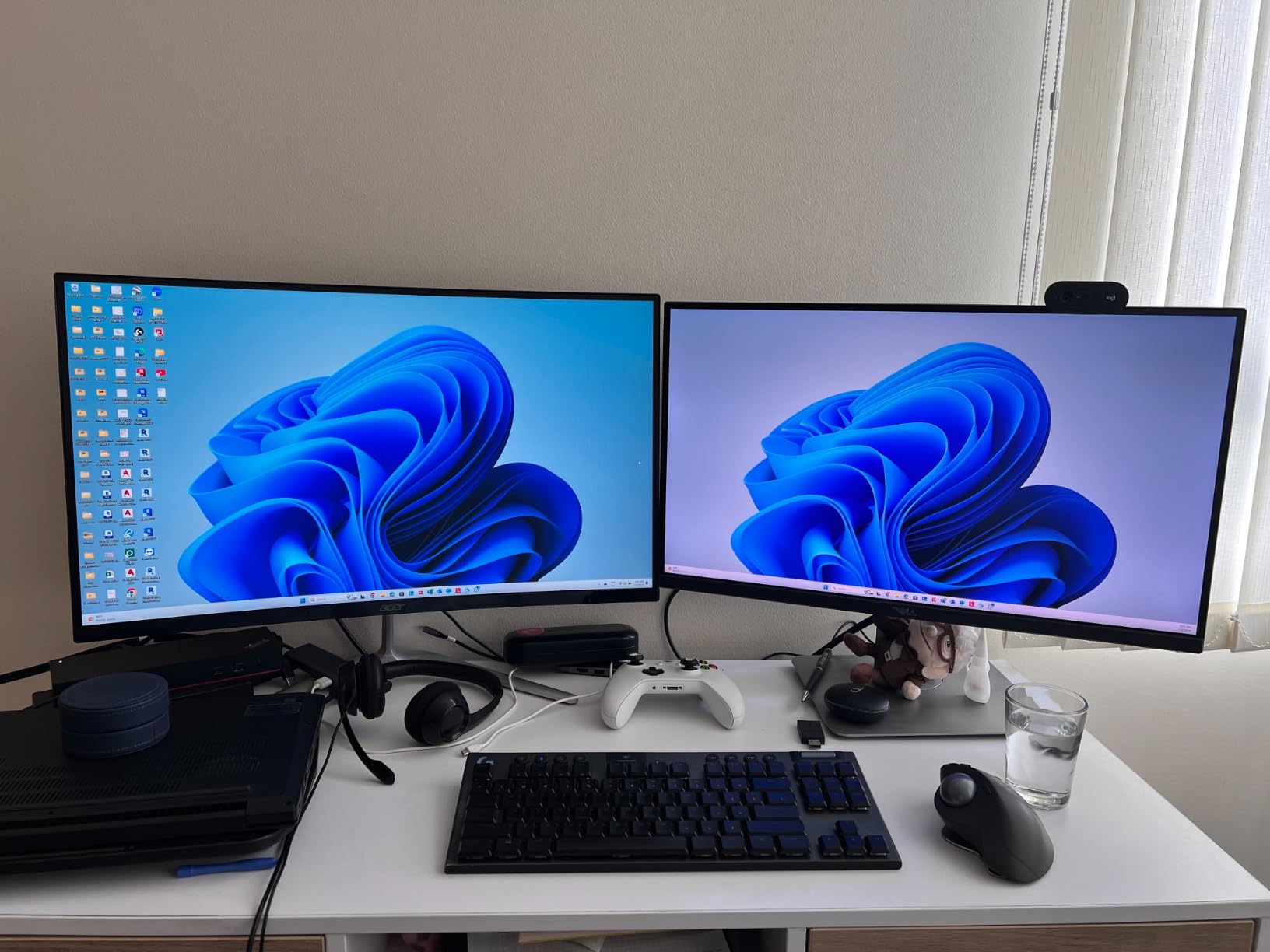
The 1500R curve is the gentlest on this list, so it reads as a subtle wrap rather than a surround setup. That also makes it an easier screen to share with work, and our curved monitors for work guide covers that angle if you want a single screen for both.
Owners rate it 4.4 stars and mostly accept the same limits. Brightness is 250 nits, the stand tilts from -5 to 20 degrees, and the HDR label means ready rather than certified.
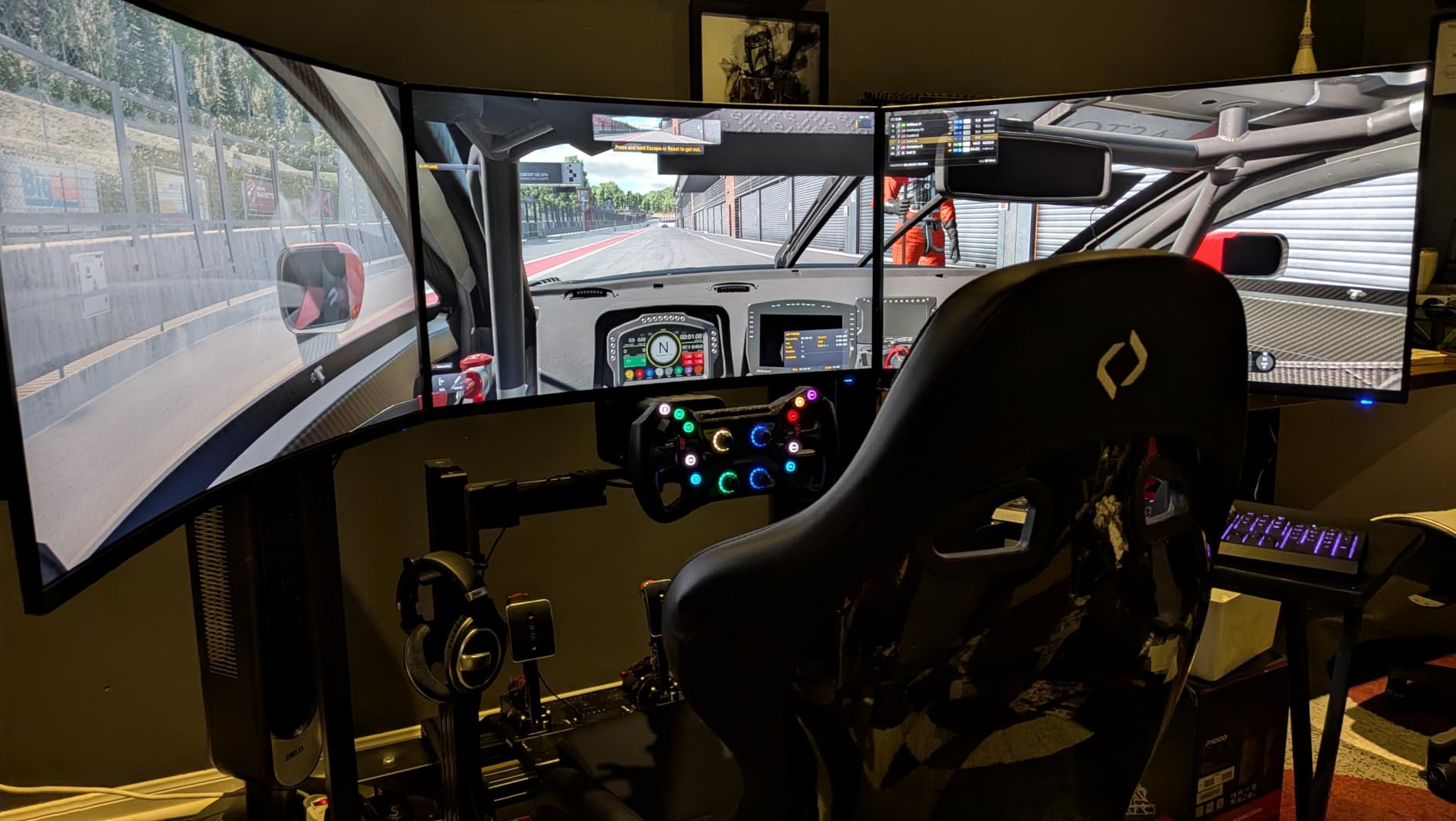
Against the ASUS TUF VG27AQ3A, which adds ELMB Sync motion clarity, wide colour and a three year warranty, you trade two small but usable speakers for that motion handling. Against the SANSUI, you trade 20Hz of refresh rate for audio you do not have to add.
7. AOC Q27G41ZE: Best for Competitive Play
AOC 27″ Gaming Monitor QHD 260Hz Overclocked IPS NVIDIA G-SYNC Q27G41ZE
Size: 27 in
Resolution: 2560x1440
Refresh: 240Hz
Panel: IPS
Sync: FreeSync and G-Sync
Pros
- 240Hz over DisplayPort with 0.3ms MPRT response
- Adaptive Sync works with AMD and NVIDIA cards alike
- IPS panel with wide viewing angles and sharp text
- Shadow Control and Game Mode presets with a clear menu
- 300 nits brightness at 1000:1 contrast
Cons
- Tilt only stand with no height swivel or pivot
- Glossy finish catches reflections in a bright room
- No built-in speakers and audio out needs extra hardware
The fastest IPS panel here, and the shortest gap between the price and the frame rate. It reaches 240Hz over DisplayPort with a 0.3ms MPRT figure, and it carries both sync labels, so it pairs with an AMD or an NVIDIA card without hunting through menus.
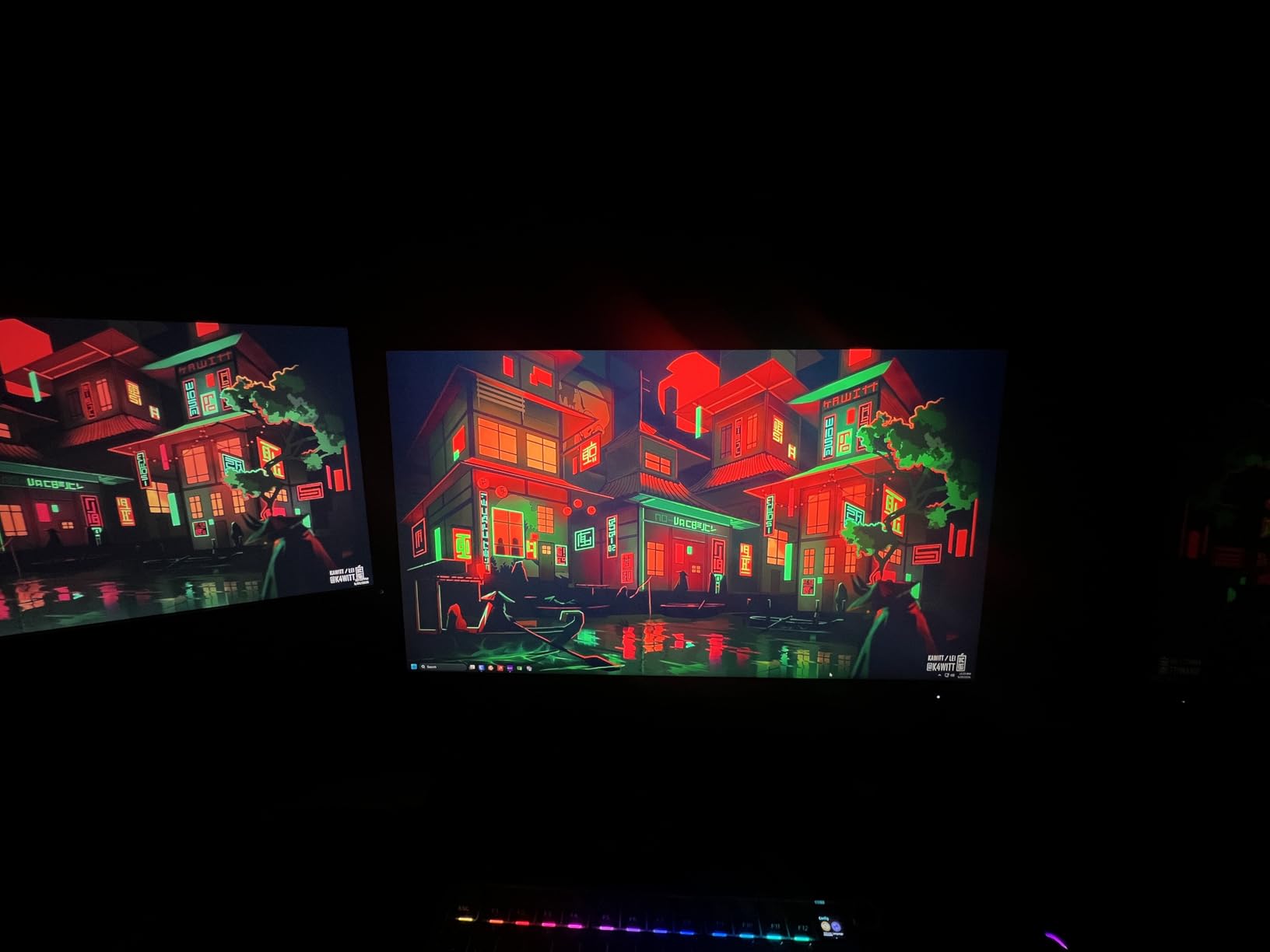
Reviewers draw the comparison with flagship panels and find it hard to tell apart in motion. 300 nits and 1000:1 contrast give a vivid image, and the graphical on screen menu with Shadow Control and Game Mode presets is easier to navigate than most in this group.
240Hz only arrives over DisplayPort. The two HDMI 2.0 ports and audio out cover a console, but a console will not drive the top refresh rate, so match the cable to the machine you care about.
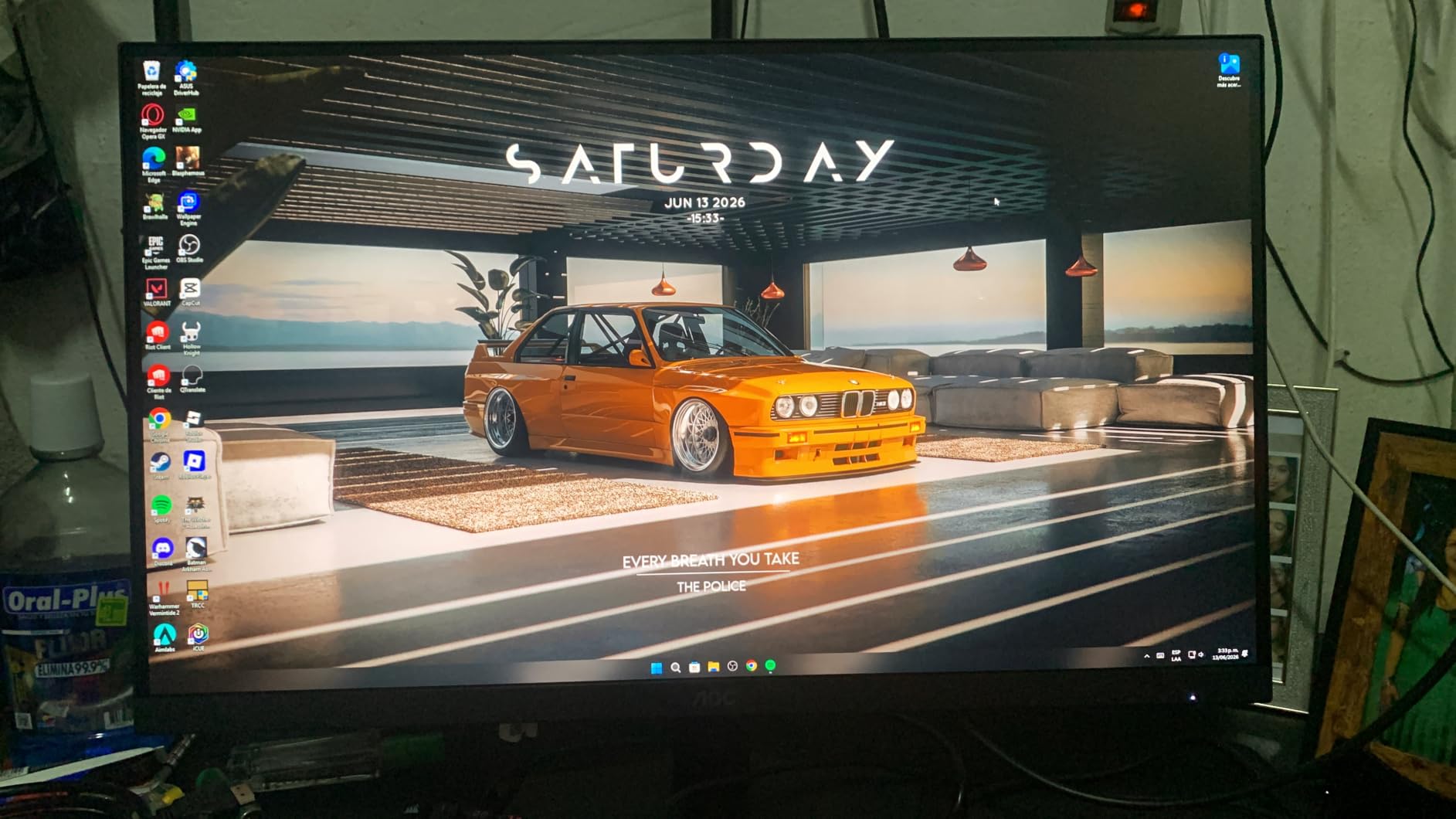
The glossy finish is the drawback in a bright room, and the stand tilts from -3 to +21 degrees with no height or swivel. If desk ergonomics are the priority, look at the LG UltraGear 27GR83Q instead.
8. ASUS TUF VG27AQ3A: Best for Motion Clarity
ASUS TUF Gaming VG27AQ3A 27 Inch 1440p 180Hz G-SYNC Gaming Monitor
Size: 27 in
Resolution: 2560x1440
Refresh: 180Hz
Panel: Fast IPS
Sync: G-Sync and FreeSync
Pros
- ELMB Sync combines motion blur reduction with variable refresh
- FreeSync Premium and G-Sync compatible out of the box
- Fast IPS at 1ms with 130% sRGB coverage
- Flat matte panel with VESA 100x100 mounting
- Three year warranty with advance replacement
Cons
- Built-in speakers are quiet and thin even at full volume
- Stand has no height adjustment or portrait rotation
- Brightness and colour often need tuning out of the box
The pick when moving objects look smeared to you. ELMB Sync blends ASUS motion blur reduction with variable refresh, so you keep tear-free playback instead of trading one artefact for another.
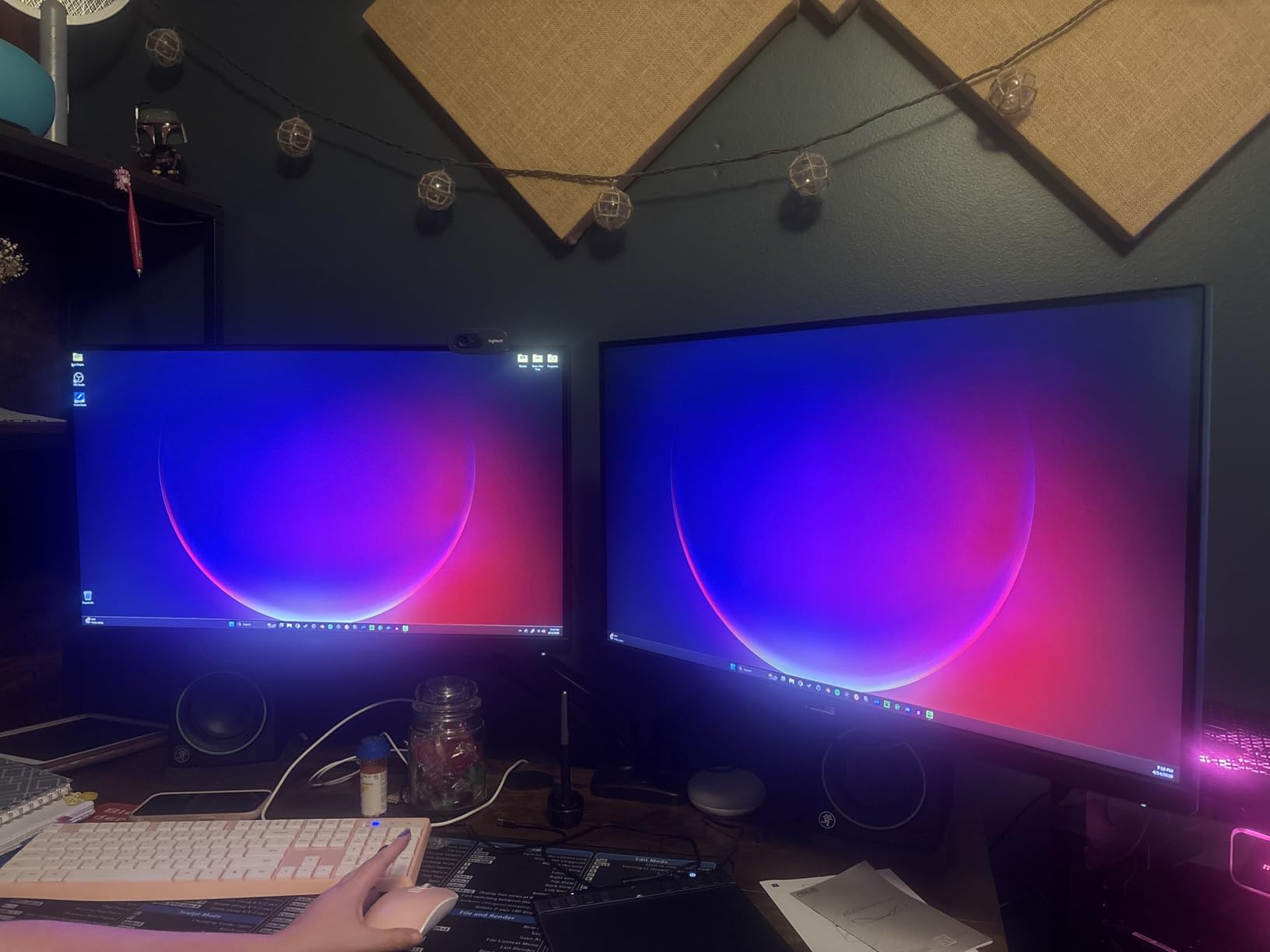
The Fast IPS panel runs 2560×1440 at 180Hz with a 1ms response time and 130% sRGB coverage. Racing, FPS, sRGB and MOBA presets in the on screen display are genuinely useful rather than decorative, and a DisplayPort cable arrives in the box.
Owners report near-universal agreement on the one weak point: the built-in speakers are quiet and thin even at full volume, so treat them as a convenience rather than a sound system.
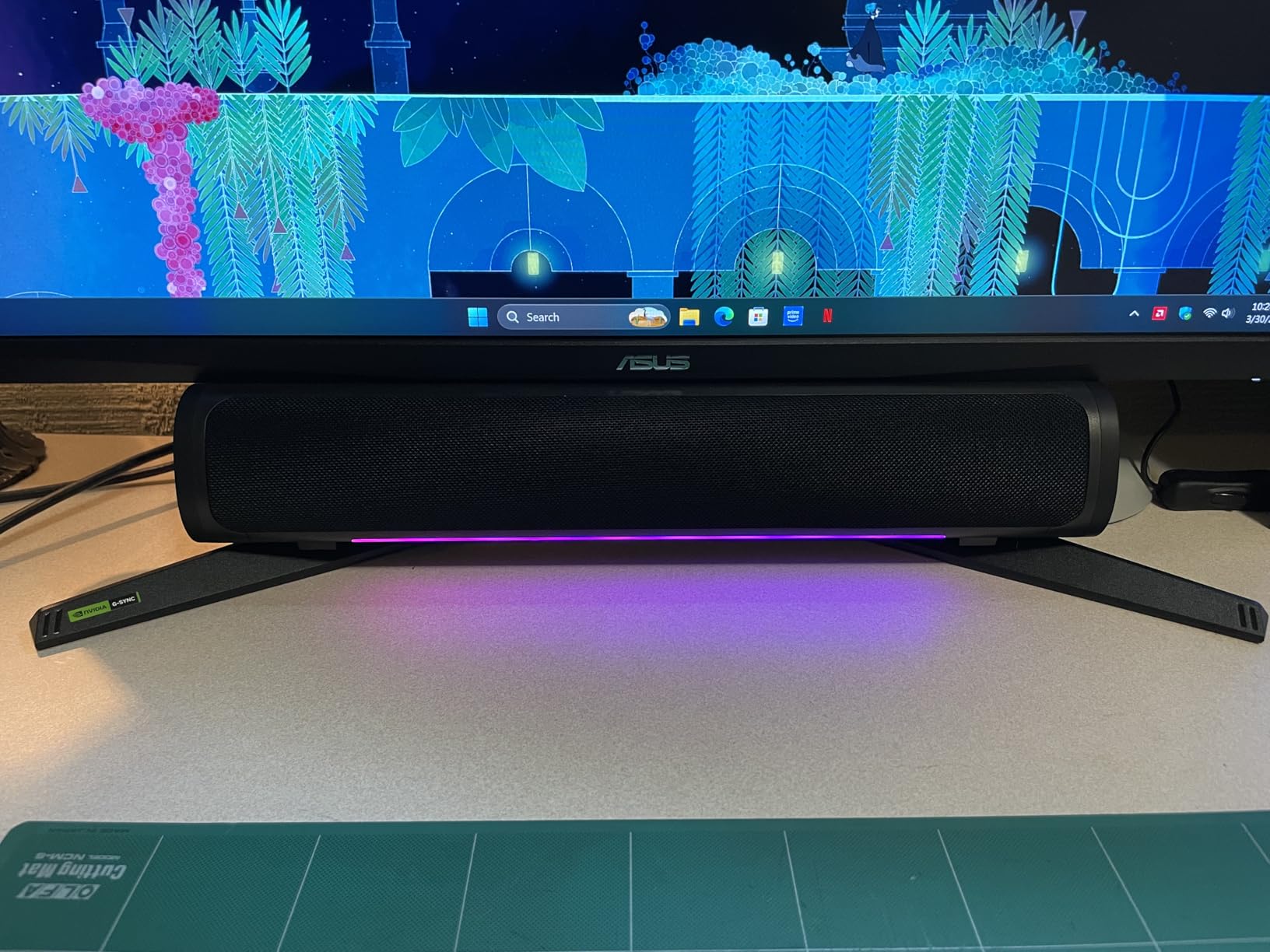
Compared with the AOC Q27G41ZE you give up 60Hz of refresh rate and gain motion clarity, wide colour and a three year warranty. Against the LG UltraGear 27GR83Q you gain motion clarity and lose the stand adjustment, since this one tilts only and does not rotate to portrait.
9. LG UltraGear 27GS60QC: Best for Curved Immersion
LG 27GS60QC-B Ultragear 27-inch Curved Gaming Monitor QHD (2560×1440) 180Hz 1ms 1000R AMD FreeSync HDR10 HDMIx2 DisplayPort Borderless Design Black Stabilizer DAS Crosshair FPS Counter – Black
Size: 27 in
Resolution: 2560x1440
Refresh: 180Hz
Panel: LCD
Sync: FreeSync
Pros
- 1000R curve at 27 inches for a noticeably wider field of view
- 180Hz refresh with 1ms GtG response
- Two HDMI ports plus DisplayPort for easy PC and console switching
- Black Stabilizer Crosshair and FPS counter
- Low 19 watt power draw
Cons
- Auto brightness cannot be disabled which disrupts desktop work
- HDMI input sometimes drops resolution or goes black
- 1000R curve is very visible head on at 27 inches
A 1000R curve at 27 inches is unusual and it is the whole point. Most curved panels in this group use a gentler 1500R, and owners who like the wrap are the ones who rate this one highly.
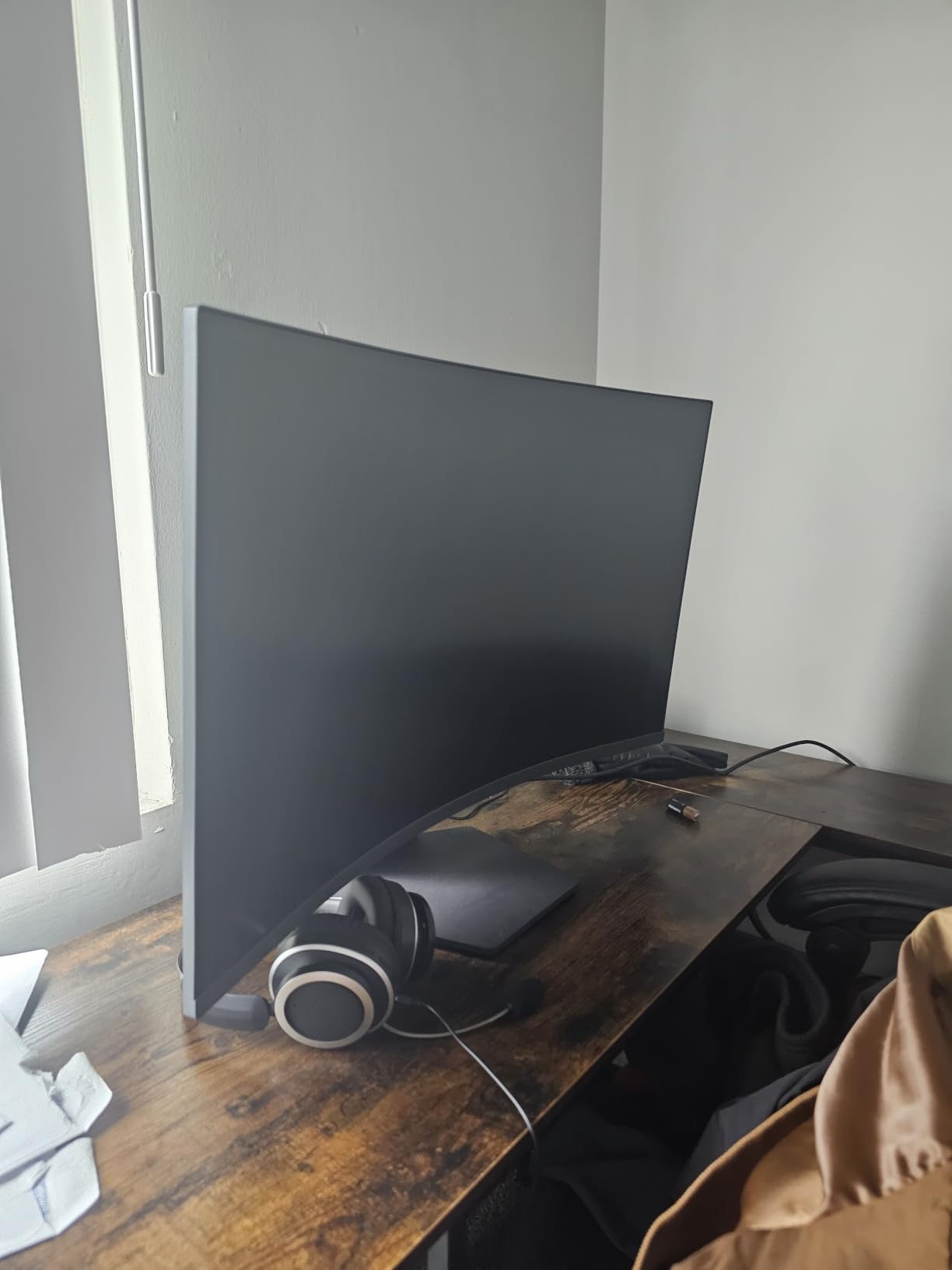
The gaming tools are well chosen. Black Stabilizer lifts dark scenes, the crosshair and FPS counter sit in a dedicated gaming menu, and Dynamic Action Sync targets input lag on a 180Hz panel with 1ms GtG response.
Reviewers raise two practical issues more than the picture quality. The automatic brightness adjustment cannot be switched off, which is disruptive when you move from a game to desktop work.
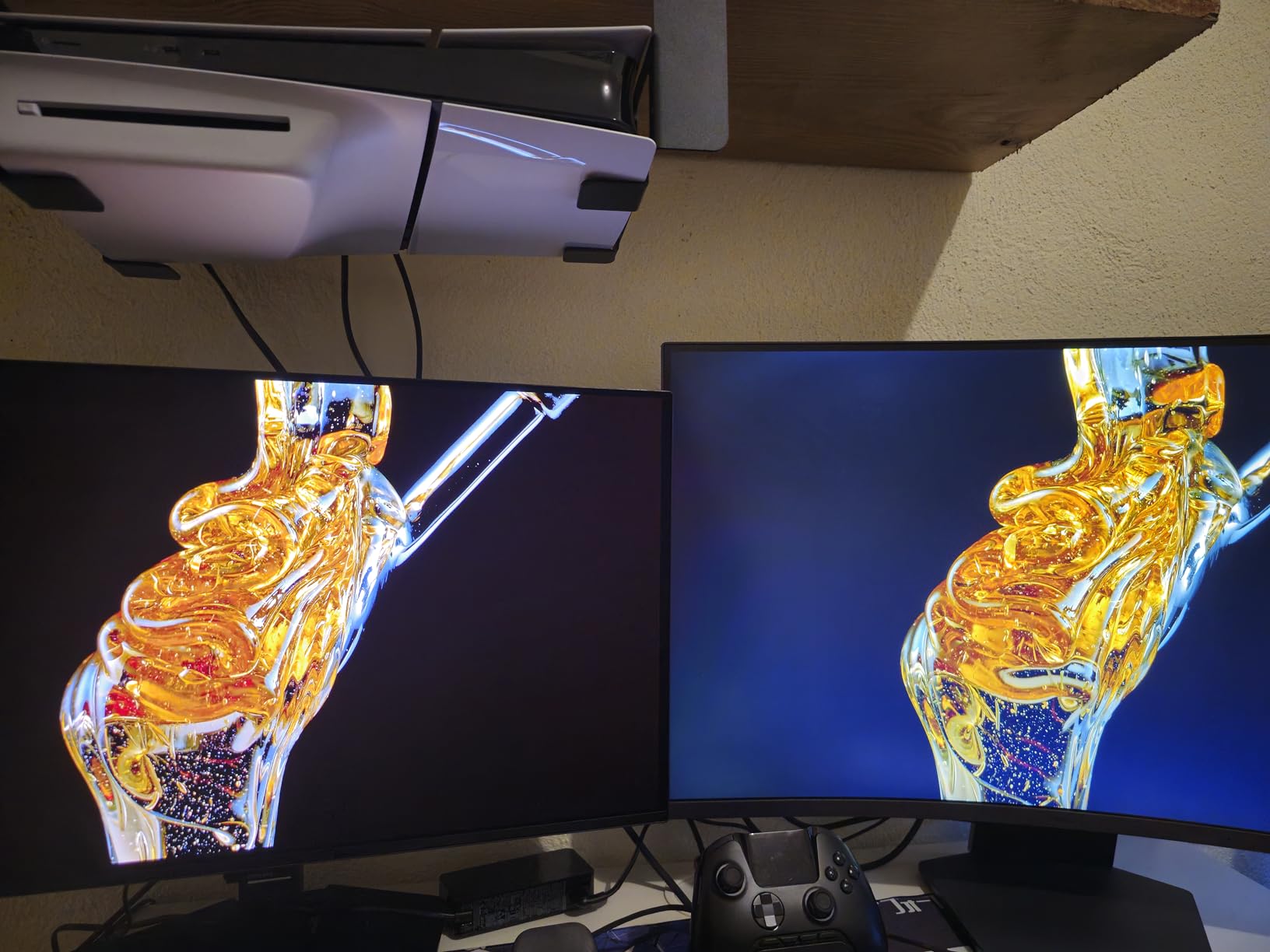
Second, some owners see HDMI drop to a black screen or fail to hold the right resolution, and DisplayPort is more reliable. If you plan to plug in a console, test both inputs first. The 19 watt draw is the second lowest here.
10. LG UltraGear 27GR83Q: Best for Headset Gaming
LG 27GR83Q-B 27-inch Ultragear QHD (2560×1440) IPS Gaming Monitor, 240Hz, 1ms, DisplayHDR 400, G-Sync AMD FreeSync Premium, HDMI 2.1 DisplayPort, 4-Pole HP Out DTS GP:X, Tilt/Height/Pivot Stand, Black
Size: 27 in
Resolution: 2560x1440
Refresh: 240Hz
Panel: IPS
Sync: G-Sync and FreeSync
Pros
- 1440p at 240Hz over HDMI 2.1 and DisplayPort 1.4400 nits brightness with 95% DCI-P3 coverage
- DisplayHDR 400 certification
- G-SYNC compatible and FreeSync Premium together
- Stand adjusts tilt height and pivot
Cons
- DisplayHDR 400 is an entry tier HDR tier
- Some panels arrive with stuck pixels or dust inside the screen
- Weighs 13.7 pounds so arm mounts must be rated for it
240Hz IPS with the stand hardware most competitors at this speed skip. Tilt, height and pivot adjustment plus a control knob, at 400 nits and 95% DCI-P3 coverage, is a complete package for competitive play.
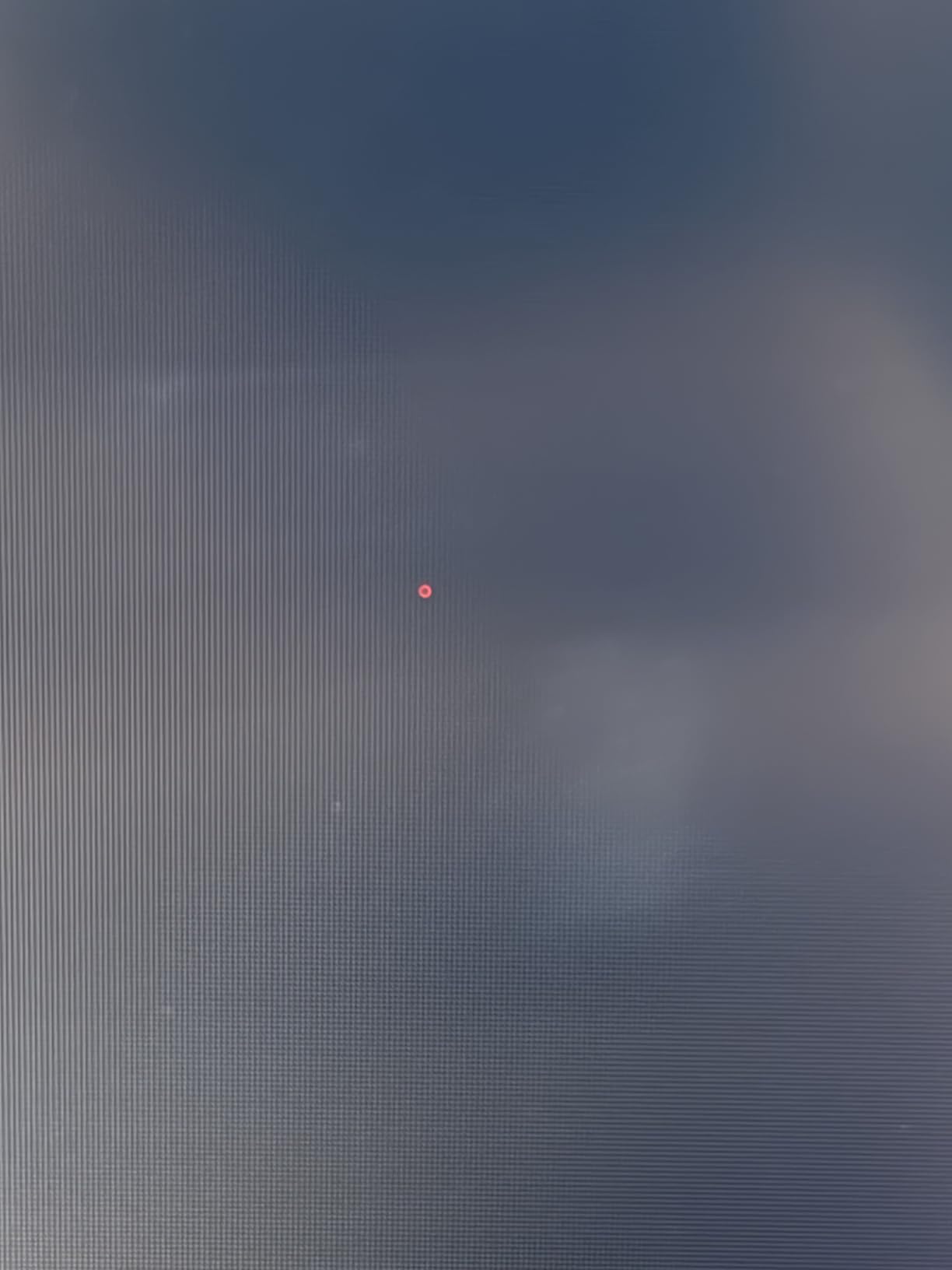
The feature that sets it apart is DTS Headphone:X over the four-pole headphone jack. Virtual surround from a wired headset, no external sound bar, and a DisplayPort cable and HDMI cable in the box.
Both sync labels are present, so FreeSync Premium and G-SYNC compatibility cover either card. Owners report zero dead pixels on arrival and easy setup, and dual-monitor buyers like pairing two.
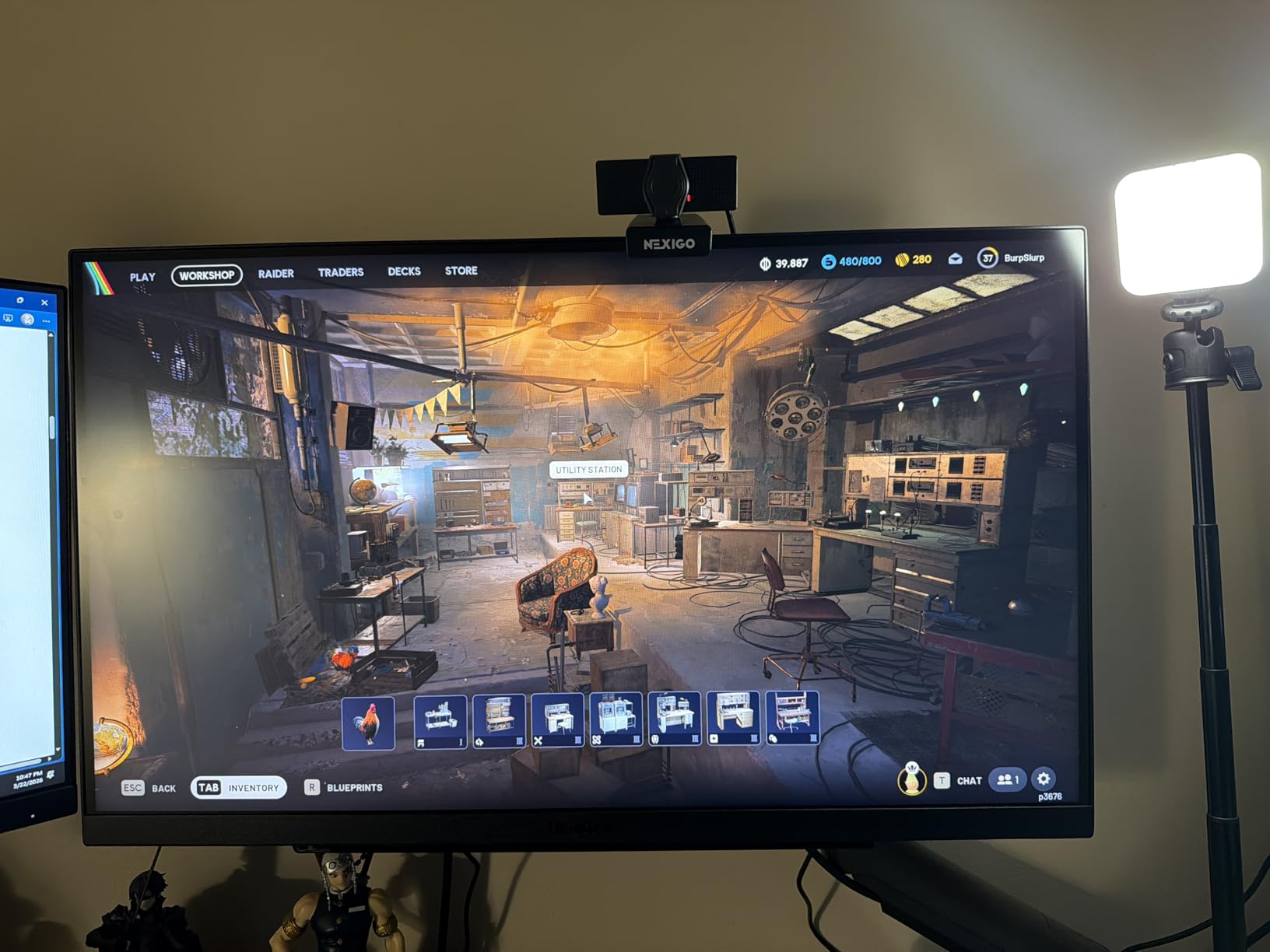
Two caveats. DisplayHDR 400 is an entry tier, so HDR looks modest next to the OLED options. And at 13.7 pounds, check that your arm mount is rated for the weight before you buy, or use the stand.
11. LG UltraGear 27GX704A: Best for OLED Picture
LG 27GX704A-B 27-inch Ultragear QHD (2650×1440) OLED Gaming Monitor 240Hz, 0.03ms, NVIDIA G-Sync Compatible, AMD FreeSync Premium Pro, VESA Display HDR TrueBlack400, HDMI 2.1, DisplayPort, Black
Size: 27 in
Resolution: 2560x1440
Refresh: 240Hz
Panel: OLED
Sync: G-Sync and FreeSync
Pros
- 240Hz with 0.03ms response on a glossy OLED panel
- 98.5% DCI-P3 coverage with 1.5M:1 contrast
- Peaks at 1300 nits for HDR highlights
- Height tilt swivel and pivot adjustment
- OLED Care runs automatic pixel refresh cycles
Cons
- Glossy finish shows reflections and slight text fringing
- HDR performance is moderate rather than class leading
- Large external power brick with a short attached cable
The pick if picture quality outranks response time in your priorities. A 27-inch OLED at 2560×1440 and 240Hz with 0.03ms response gives you true blacks and 98.5% DCI-P3 coverage in a flat panel that adjusts on height, tilt, swivel and pivot.
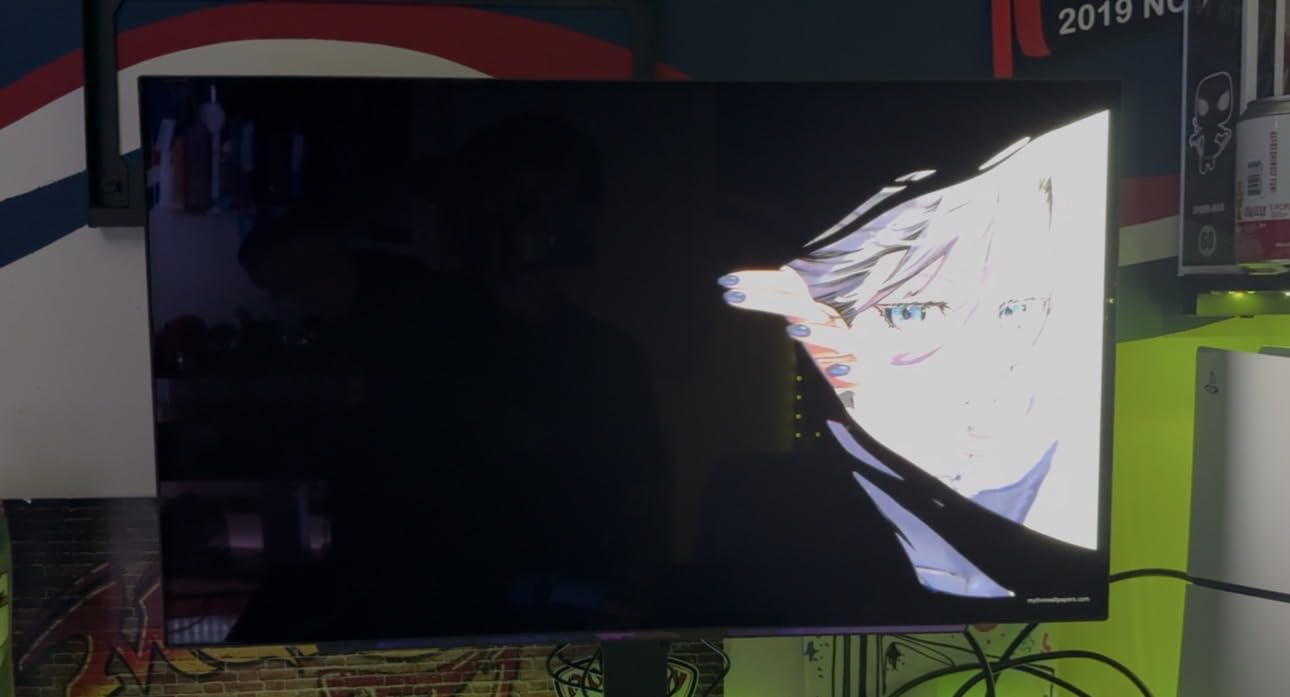
Buyers call it the strongest value in glossy OLED and describe a straightforward setup with a well damped stand. Connectivity is serious for a display at this size: dual HDMI 2.1, DisplayPort 1.4, USB 3.2 upstream and two downstream ports.
OLED Care matters more than buyers expect. It adjusts brightness and runs automatic pixel refresh cycles on a schedule, which takes a few minutes of screen time each run and needs planning around a gaming session.
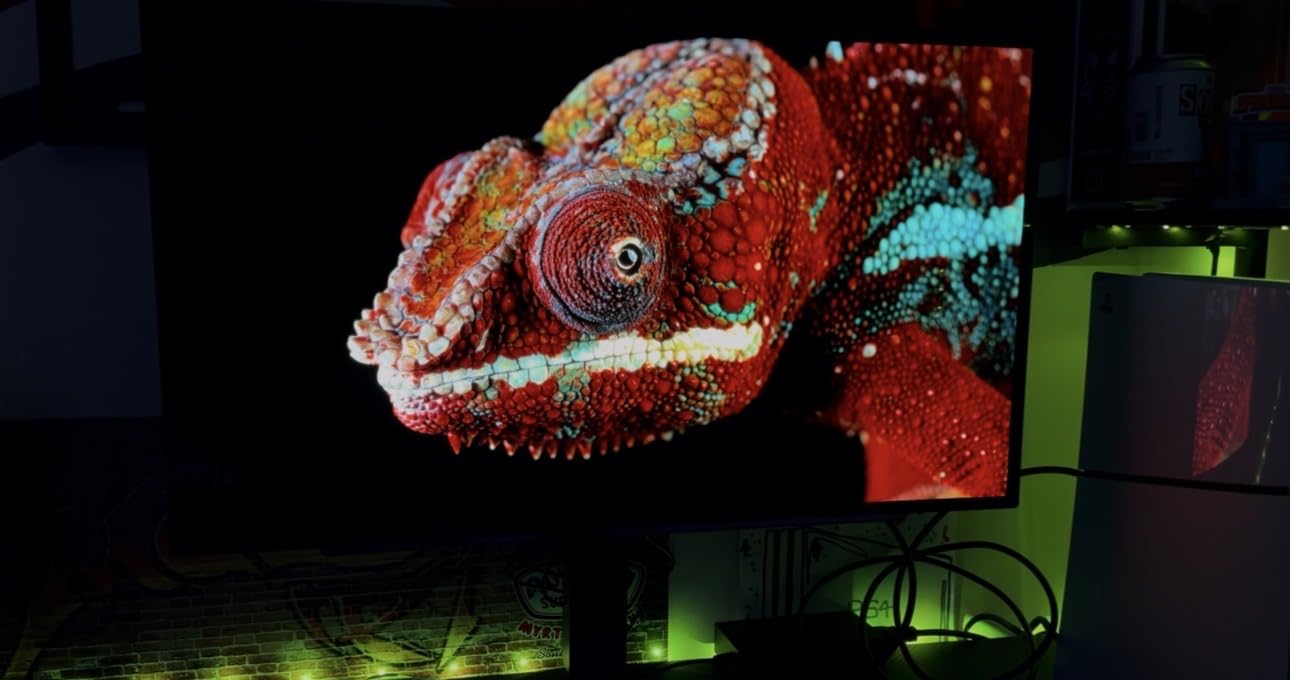
The glossy finish is the first thing owners flag in a room with window light, and it puts faint fringing on small text. Console players should note the reported out of range message at 1440p with a PS5 Pro, and the large external power brick is easy to tuck away.
12. AOC Agon Pro AG276QZD2: Best for Color Accuracy
AOC Agon Pro 27 Inch Gaming Monitor QD OLED 240Hz 0.03ms, AG276QZD2
Size: 27 in
Resolution: 2560x1440
Refresh: 240Hz
Panel: OLED
Sync: G-Sync
Pros
- 240Hz native with an overclocked mode up to 280Hz
- Calibration report included in the box
- 101% DCI-P3 and 136.7% sRGB coverage
- Built-in speakers and subtle rear lighting
- Three year manufacturer warranty
Cons
- HDR is mediocre and some units need heavy colour adjustment
- Pixel refresh routine runs every few hours
- Only one HDMI port and 280Hz needs DisplayPort
The only pick here that ships with a calibration report. For colour work, or for anyone who has been disappointed by an out of the box picture, that piece of paper in the box is worth more than another 20Hz.
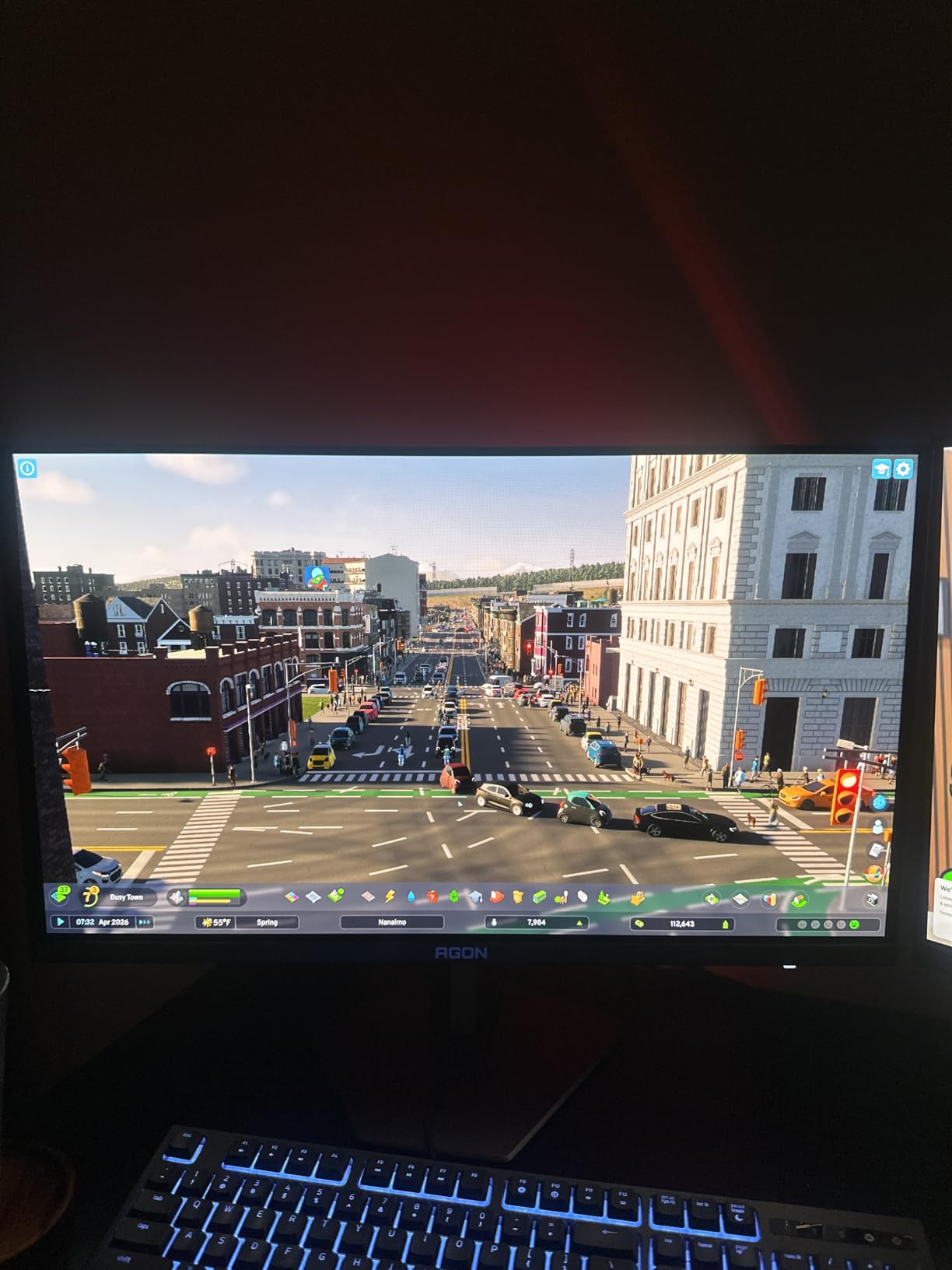
Speed is the headline: 240Hz native, up to 280Hz over DisplayPort, 0.03ms GTG and native G-Sync. Owners describe a dramatic jump coming from an IPS panel, with true blacks and 1.5M:1 contrast at 1440p.
Console play works up to 120Hz with low latency, though there is only one HDMI port, so switching between a PC and a console means rearranging cables or reaching for an adapter.
The recurring criticism is HDR. Several reviewers describe it as washed out and say the out of box colour settings need real adjustment, which sits oddly beside the calibration report. Buyers also flag the mandatory pixel refresh cycle and a stand that wobbles more than it should.
How to Choose Gaming Monitors During Prime Big Deal Days
Every monitor here is 16:9 and sits between 27 and 32 inches, so the filter is simpler than it looks. Match the panel to what your graphics card can actually push, and check the physical fit before you fall for a refresh rate.
Choose the Right Resolution and Screen Size
2560×1440 gives you 1.7 times the pixel density of 1920×1080 and is the sweet spot for the panels in this list. 27 inches is the safe default at that resolution because you can see the whole screen without turning your head.
Measure your desk depth before ordering the 32-inch Samsung Odyssey G55C, which is 10.7 inches deep. If stand adjustment matters, the models here with height, tilt and pivot movement are the Samsung Odyssey G3, the Samsung Odyssey G5, the LG UltraGear 27GR83Q and the LG UltraGear 27GX704A.
Accessories matter more than most buyers expect. Our gaming monitor stands guide covers risers and arms, and it is worth reading before you order a panel that only tilts.
Check Panel Type and Response Time
IPS gives you the widest viewing angles and the best text rendering, which is why the ASUS TUF, the AOC Q27G41ZE and the LG UltraGear 27GR83Q use it. VA delivers deeper blacks and higher contrast, as on the Samsung Odyssey G5, at the cost of minor smearing on dark transitions.
Two response time numbers appear on these listings and they mean different things. GtG measures the gap between pixel states, while MPRT measures backlight response, so a 0.3ms MPRT figure on the AOC is not directly comparable to a 0.03ms GtG figure on the two OLED panels.
Prioritize Refresh Rate and Adaptive Sync
180Hz is the practical middle of this group and needs a mid-range card to feed it in most games at 1440p. 240Hz on the AOC Q27G41ZE, the LG UltraGear 27GR83Q and the LG UltraGear 27GX704A only pays off if your card reaches those frame rates at 2560×1440.
Check the sync label against your hardware. The ASUS TUF VG27AQ3A, the LG UltraGear 27GR83Q and the LG UltraGear 27GX704A carry both FreeSync and G-SYNC compatibility, while the AOC Agon Pro AG276QZD2 lists native G-Sync.
Consider Color Coverage, HDR and Connectivity
Colour coverage matters if you edit or play in HDR. The AOC Agon Pro AG276QZD2 covers 101% DCI-P3, the LG UltraGear 27GX704A reaches 98.5%, and the LG UltraGear 27GR83Q covers 95% with DisplayHDR 400 certification.
Ports decide how many devices you can connect. Several panels here carry two HDMI ports, including the SANSUI, the LG UltraGear 27GS60QC and the LG UltraGear 27GX704A, while the AOC Q27G41ZE reaches its 240Hz over DisplayPort only, and the Acer KB272 G0bi has HDMI and VGA with no DisplayPort.
How to Shop Gaming Monitor Deals During the Sale
Monitor listings shift model numbers and sizes between generations, so confirm the panel size, the native resolution, the refresh rate and the exact model code on the listing before you compare. Check whether the offer is new or renewed, who the seller and shipper are, and whether the warranty is the full manufacturer length.
Most offers need a Prime membership, a free trial counts, and pricing moves through the event rather than settling on one number. Use the buttons below to see the current figure on each model.
- Confirm the exact model code, screen size and refresh rate on the listing
- Check whether the offer is new or renewed and who the seller is
- Look for a verified 30 day low rather than trusting the headline percentage
- Match the refresh rate to the frame rates your graphics card can reach
- Check the port layout for the devices you plan to connect
- Measure your desk depth before ordering a 32 inch panel
Frequently Asked Questions
When does Amazon Prime Big Deal Days start in 2026, and do I need Prime?
Amazon Prime Big Deal Days runs October 6-7, 2026. Most offers need a Prime membership, and a free trial counts. Gaming monitor pricing often moves through the event rather than settling on one number, so check the listing again on the day you plan to buy.
Which of the Best Amazon Prime Big Deal Days Gaming Monitor Deals is the best all-round pick?
The SANSUI 27 Curved 200Hz leads our list because it pairs 2560×1440 with a 200Hz refresh rate and holds a 4.5 star rating across 7696 owner reviews, the largest sample here. If your card cannot reach 200 frames per second, the Samsung Odyssey G5 gives you 1440p at 180Hz with a stand that adjusts.
Is 240Hz overkill for gaming?
For most players, yes. A 1440p panel at 180Hz is enough unless you play competitive shooters where frame time matters more than resolution. The AOC Q27G41ZE reaches 240Hz over DisplayPort, and the LG UltraGear 27GR83Q and 27GX704A reach 240Hz too. A higher rate you cannot feed is wasted money.
What graphics card do I need for a 240Hz gaming monitor?
You need a card that can hold near 240 frames per second at the resolution you have turned on. At 2560×1440 that takes a current mid-range or better card in competitive titles, and less in older ones. Set the resolution and refresh rate in your graphics software before judging the panel.
Does adaptive sync work with both NVIDIA and AMD graphics cards?
It depends on the label. Adaptive Sync and FreeSync work with AMD cards, while G-SYNC compatibility works with NVIDIA cards, and several panels here carry both. The ASUS TUF VG27AQ3A, the LG UltraGear 27GR83Q and the LG UltraGear 27GX704A list FreeSync and G-SYNC together, so either card will pair.
Final Verdict: Best Amazon Prime Big Deal Days Gaming Monitor Deals
Buy the SANSUI 27 Curved 200Hz if you want the most resolution and refresh rate in one package and your card can drive it. Buy the Samsung Odyssey G5 if you want the same 1440p speed with a stand that raises, and the Samsung Odyssey G3 if desk depth is the constraint.
Budget shoppers should look at the Acer KB272 G0bi, which carries a three year warranty at the entry level. Competitive players want the AOC Q27G41ZE for 240Hz with both sync labels, and anyone moving up to OLED should compare the LG UltraGear 27GX704A for picture quality against the AOC Agon Pro AG276QZD2 for the factory calibration report.
Whichever panel you settle on, verify the model code, size and refresh rate on the listing, then use the button to check the current price on the day you buy.