
The best gaming mouse deals in Amazon’s Prime Big Deal Days sale start with a mouse that tracks cleanly, holds its buttons and stays comfortable for hours. The Logitech G502 Hero leads this list: an optical sensor rated to 25600 DPI, eleven programmable buttons, a weight-tuning system and more owner reviews than any other pick here. For players who want wireless freedom at a lighter weight, the Logitech G305 is the value answer, and for anyone who plays MMO or MOBA games, the Redragon M908 puts eighteen programmable buttons under one hand. Prime Big Deal Days runs October 6-7, 2026, and most offers on these mice need a Prime membership.
Nothing in this list is a confirmed price cut. These are the mice worth watching during the sale, based on their specifications and the thousands of owner reviews behind them. Use the buttons below to see the current price on each one.
Table of Contents
Our Top 3 Picks for Best Amazon Prime Big Deal Days Gaming Mouse Deals in 2026

Logitech G502 Hero
- 25600 DPI HERO sensor
- 11 programmable buttons
- Tunable weight up to five 3.6 g pieces


Razer DeathAdder Essential
- Classic right-hand ergonomic shape
- Reprogrammable 6400 DPI buttons
- Switches rated to 10 million clicks
Best Amazon Prime Big Deal Days Gaming Mouse Deals Compared
| Product | Specifications | Action |
|---|---|---|
| Logitech G502 Hero |
|
Check Deal Price |
| Logitech G305 |
|
Check Deal Price |
| Razer DeathAdder Essential |
|
Check Deal Price |
 Logitech G203 Logitech G203 |
|
Check Deal Price |
 BENGOO Wired RGB BENGOO Wired RGB |
|
Check Deal Price |
 Redragon M908 Redragon M908 |
|
Check Deal Price |
 Redragon M612 Redragon M612 |
|
Check Deal Price |
 Razer Basilisk V3 Razer Basilisk V3 |
|
Check Deal Price |
 Razer Cobra Razer Cobra |
|
Check Deal Price |
How We Chose
We compared the specifications that decide a gaming mouse: sensor resolution, button count and programmability, shell weight, connection type, switch rating and warranty. We also weighed the volume and consistency of owner reviews on Amazon, since a long review history is the best available signal on how a mouse holds up. Specs and ratings were checked in October 2026.
1. Logitech G502 Hero: Best Overall for Versatile Play
Logitech G502 Hero
DPI: 25600
Buttons: 11
Connection: Wired
Sensor: Optical
Pros
- 25600 DPI HERO sensor with no smoothing or acceleration
- 11 programmable buttons and a dual-mode hyper-fast scroll wheel
- Up to five 3.6 g tuning weights for balance
- Metal-spring button tensioning and metal pivot hinges
Cons
- Wired cable adds drag at the desk edge
- Lighting customisation needs Logitech Gaming Software
Buy the G502 Hero if you want one mouse that covers shooters, strategy games and MMO side keys without a second purchase. It is the only pick here with a weight-tuning system: up to five 3.6 g pieces slide into a compartment under the shell, so you can start heavy for steadier aim or strip it down when you want quick flicks.
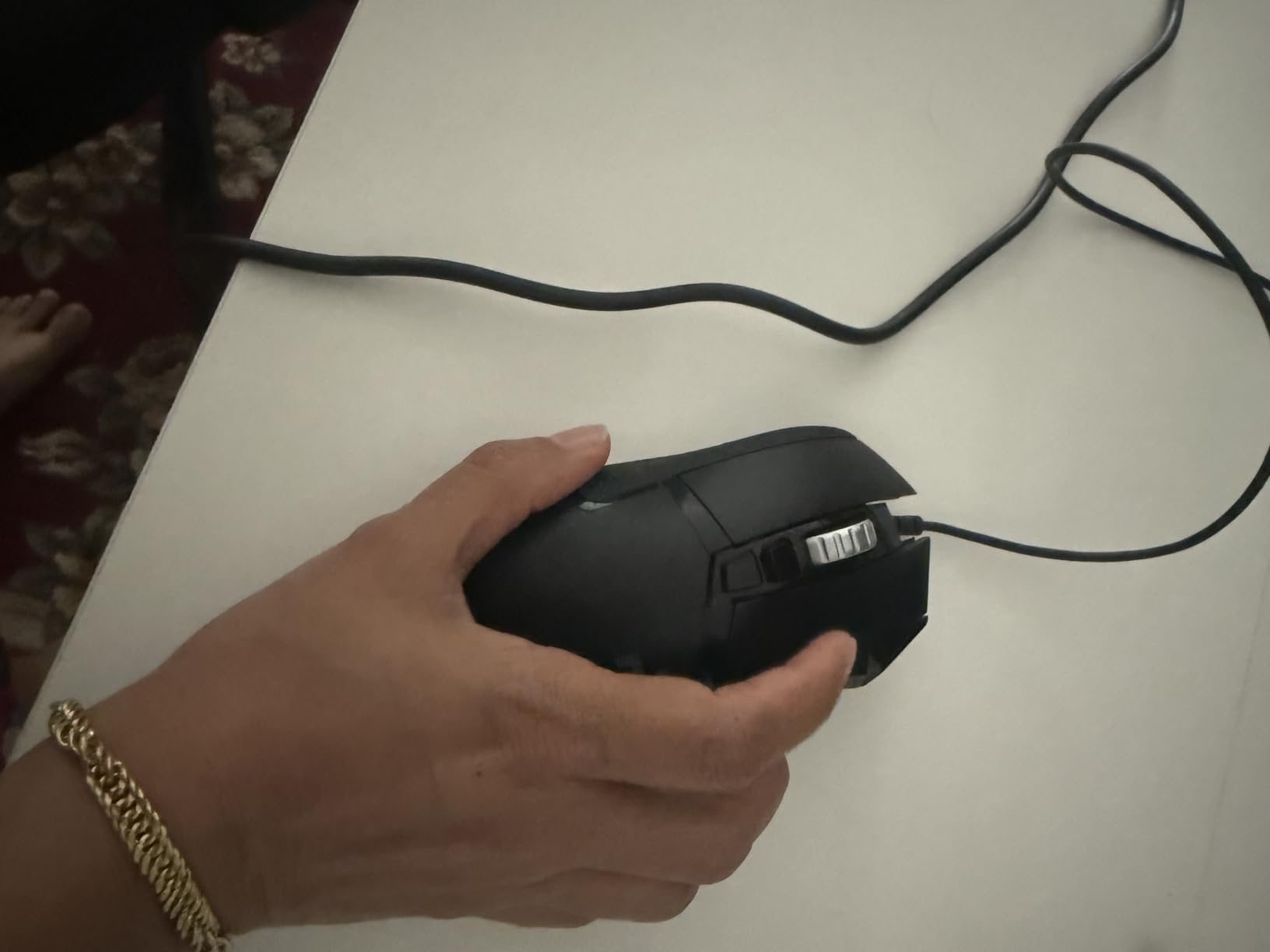
At 4.6 stars across more than 58000 reviews, it is also the most thoroughly tested mouse in this list, which matters when you are weighing an older model against a newer one. Owners single out the sensor accuracy, the button customisation and the build quality in roughly equal measure. The 25600 DPI ceiling sits at the top of what this lineup offers, and the metal-spring tensioning under the primary buttons gives the clicks a mechanical, deliberate feel.
- 11 programmable buttons, including a thumb rest that doubles as a button
- Dual-mode scroll wheel for fast flicking or fine notching
- LIGHTSYNC RGB that syncs with other Logitech gear
- Compact 2.95 inch length that suits a medium grip
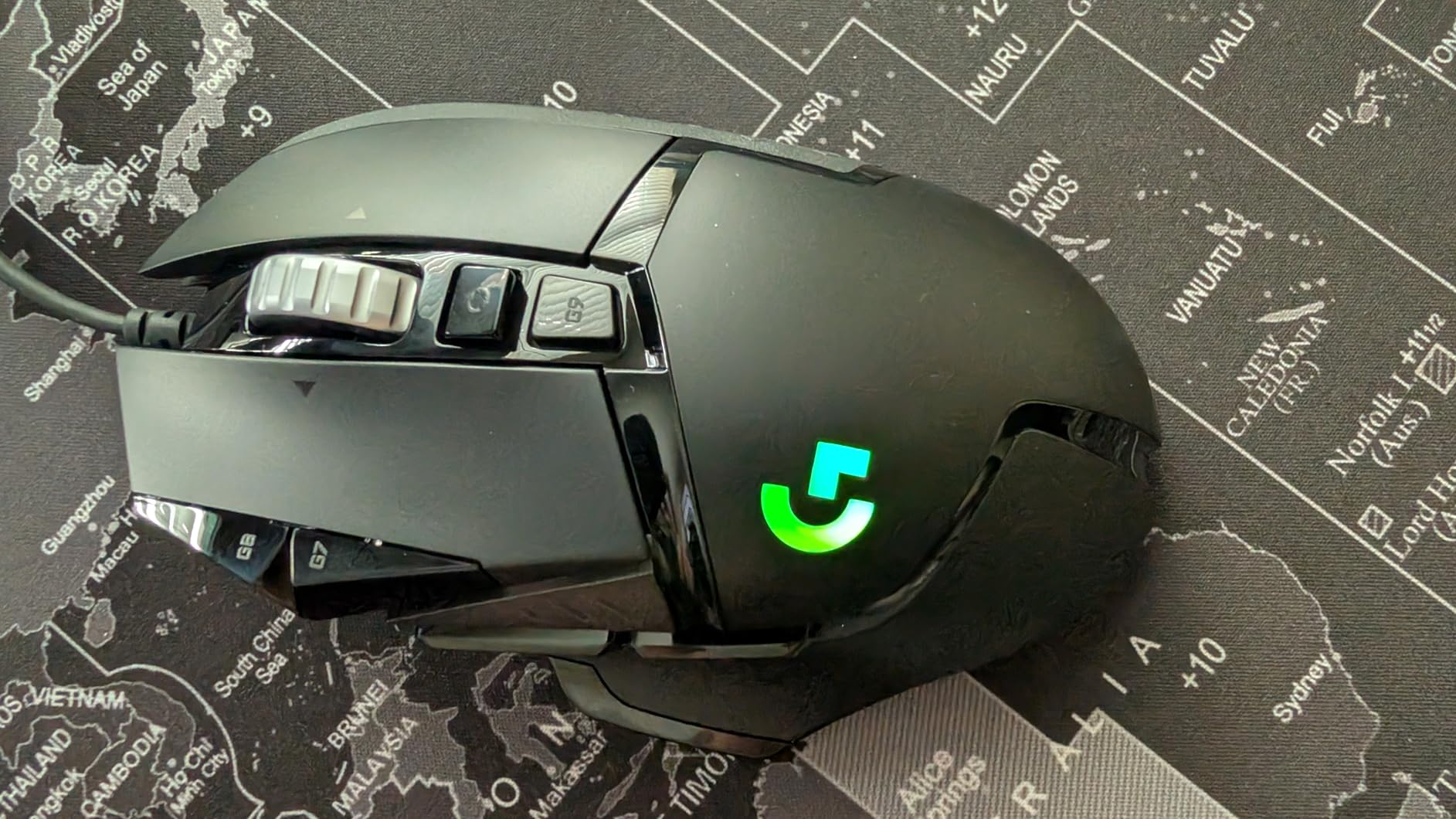
Compared with the Razer Basilisk V3, the G502 is smaller and grippier through the middle, while the Basilisk V3 spreads your hand across a thumb rest. Compared with the Logitech G305, the G502 trades a 4.32 oz wired body for eleven buttons and a higher sensor ceiling, so it fits players who bind more than three side keys.
Skip it if you play on a couch or move your mouse across a very large pad, where a cable in the way becomes a real annoyance. Our broader notes on the brand are in the roundup of Logitech mice for gaming.
2. Logitech G305: Best Value Wireless Pick
Logitech G305
DPI: 12000
Buttons: 6
Connection: Wireless
Sensor: Optical
Pros
- LIGHTSPEED wireless at a 1 ms report rate
- Up to 250 hours of play on one AA battery
- Light 3.4 oz shell
- Built-in nano receiver storage
- Works on Mac as well as Windows
Cons
- No RGB lighting on the shell
- Only three buttons beyond the standard clicks
- Small shape suits smaller hands
The G305 is the pick if you want wireless play without paying a premium for it, and it stays the easiest recommendation in this list for a first gaming PC. The HERO optical sensor tracks at up to 12000 DPI with 400 IPS precision, which is more than most players ever use in a shooter, and the 1 ms LIGHTSPEED report rate removes the lag question that puts people off wireless mice.
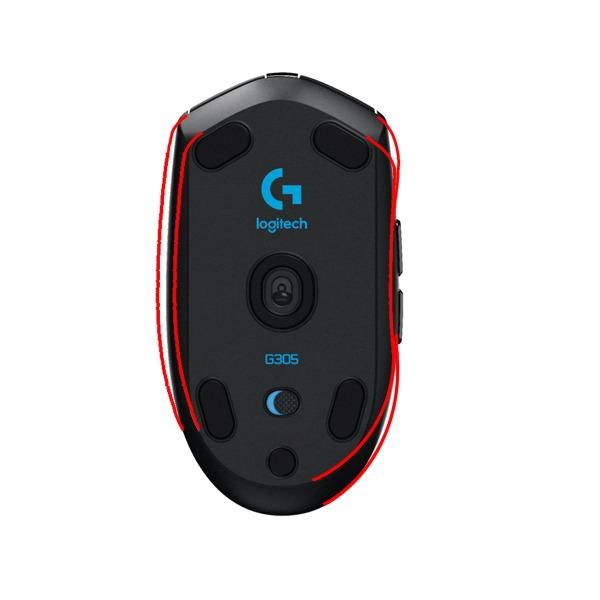
Battery life is the part that changes daily habits: owners report roughly 250 hours of continuous play from a single AA cell, and the mouse stretches that to about nine months in Endurance mode. Owners also point out that the nano receiver stores inside the shell, so the mouse travels without a loose dongle in a bag.
Good to know: this is an ambidextrous plastic mouse with a compact footprint, and several reviews note that the shape works best for claw grip and smaller hands. The three side buttons are small, and some owners find they need a deeper press than expected. If your hand fills the shell and you want something roomier, look at the Razer Basilisk V3 instead.
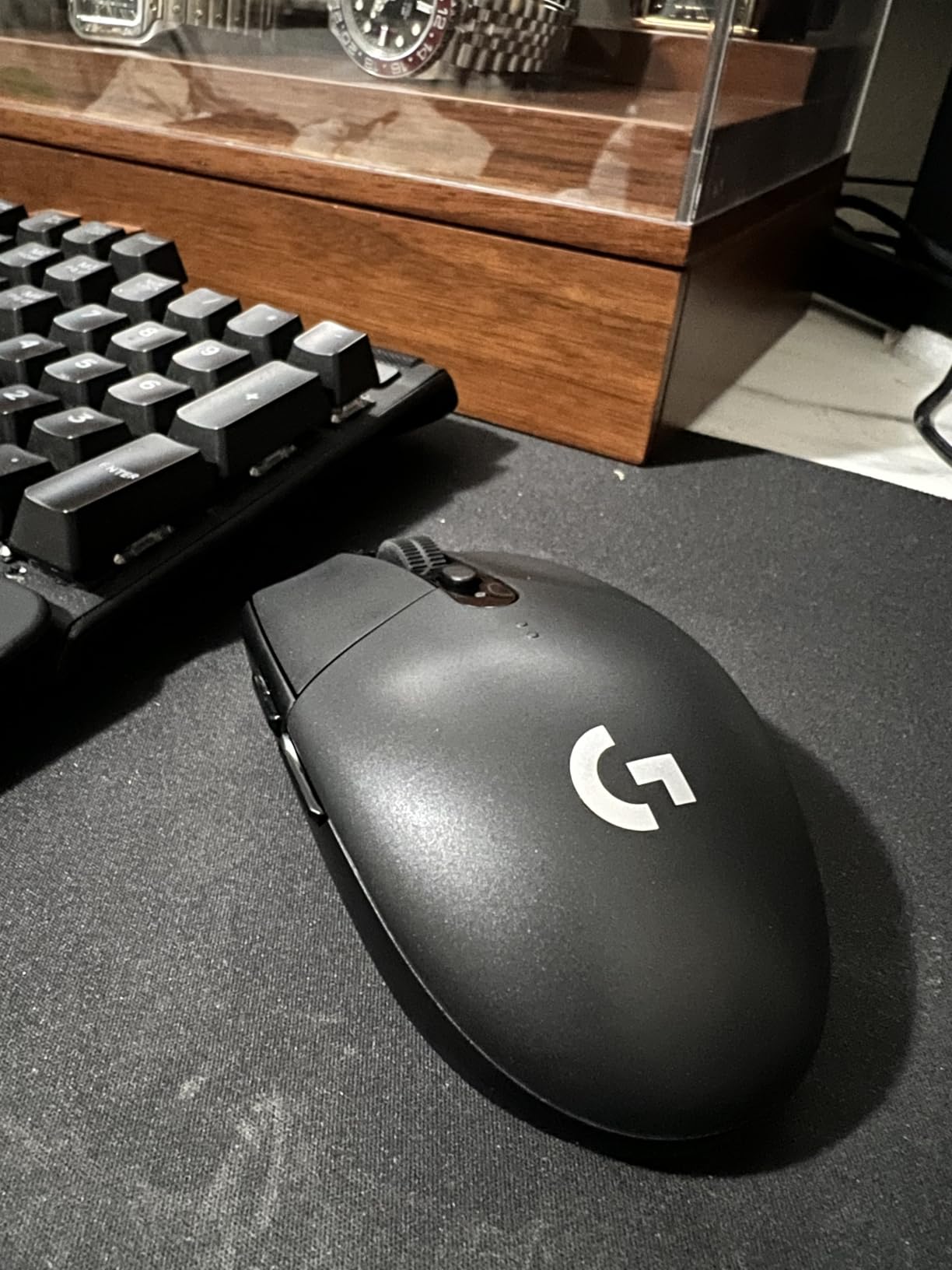
It also does double duty as a quiet workday mouse, which is why we keep coming back to it. In a mixed desk setup, something that works on Mac and Windows without a driver gets noticed, and it doubles as a 3D art pointer when the games stop.
3. Razer DeathAdder Essential: Best for Palm Grip Comfort
Razer DeathAdder Essential
DPI: 6400
Buttons: 5
Connection: Wired
Sensor: Optical
Pros
- Sculpted right-hand shape built for palm grip
- Reprogrammable DPI buttons
- Textured rubber scroll wheel
- Switches rated to 10 million clicks
- Two year manufacturer warranty
Cons
- 6400 DPI is low against newer sensors
- Five buttons is thin for MMO layouts
- Wired only
Owners who buy the DeathAdder Essential usually do it for one reason: the shape. It is a large, sculpted, right-handed form that fills a whole palm, and it is the most forgiving option here for a player whose hand cramps on smaller mice. At 5 inches long and roughly 0.13 kg, it is the biggest shell in the list by design, not by accident.
The ridged rubber scroll wheel is a small detail that owners repeatedly praise, since it gives more purchase than a smooth plastic wheel. Two DPI buttons under the wheel let you change sensitivity on the fly without opening Razer Synapse, and the five programmable buttons take macros through the same software.
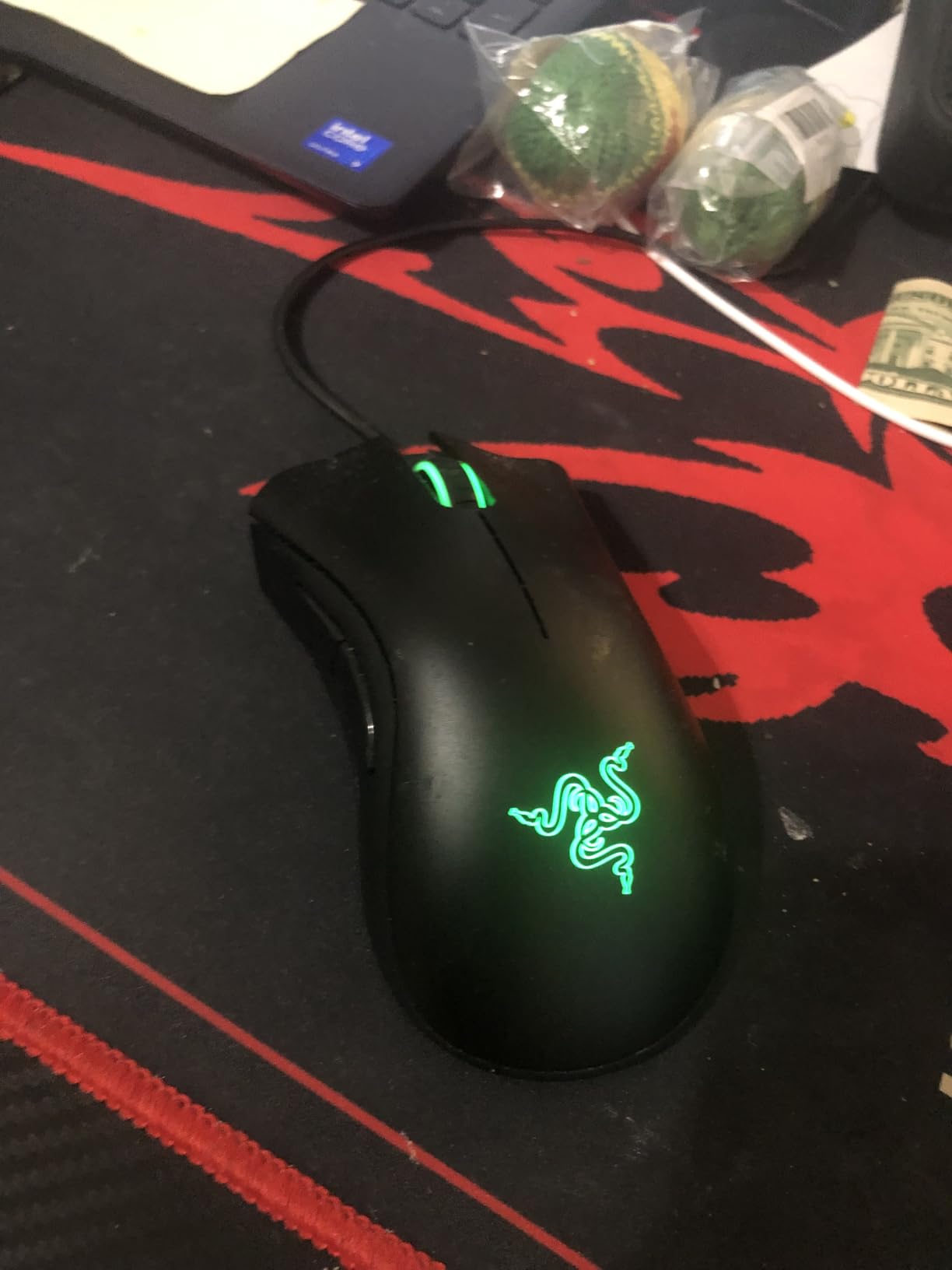
Where it holds people back is the sensor. A 6400 DPI ceiling is roughly a quarter of what the G502 Hero offers, which matters if you play a shooter where you want to spin at high sensitivity. Five buttons also rules it out for MMO and MOBA players who bind a dozen abilities; the Redragon M908 exists for exactly that reason.
The two year manufacturer warranty is longer than most mice in this roundup carry, which softens the durability question at this tier.
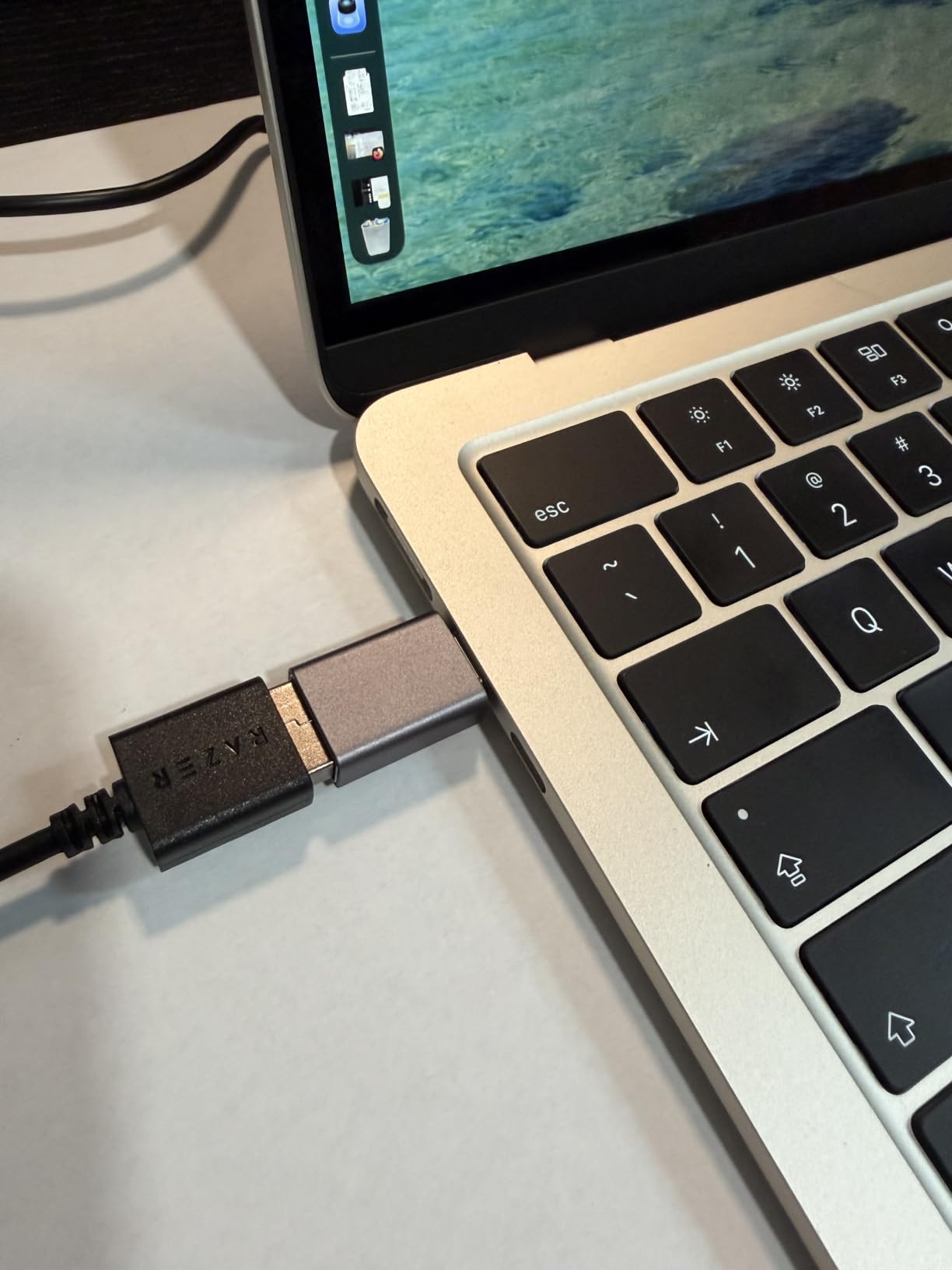
Compared with the Logitech G305, the DeathAdder is the opposite proposition: slower to flick, but far more settled for long sessions. If you claw grip instead, the Razer Cobra is the shape you want.
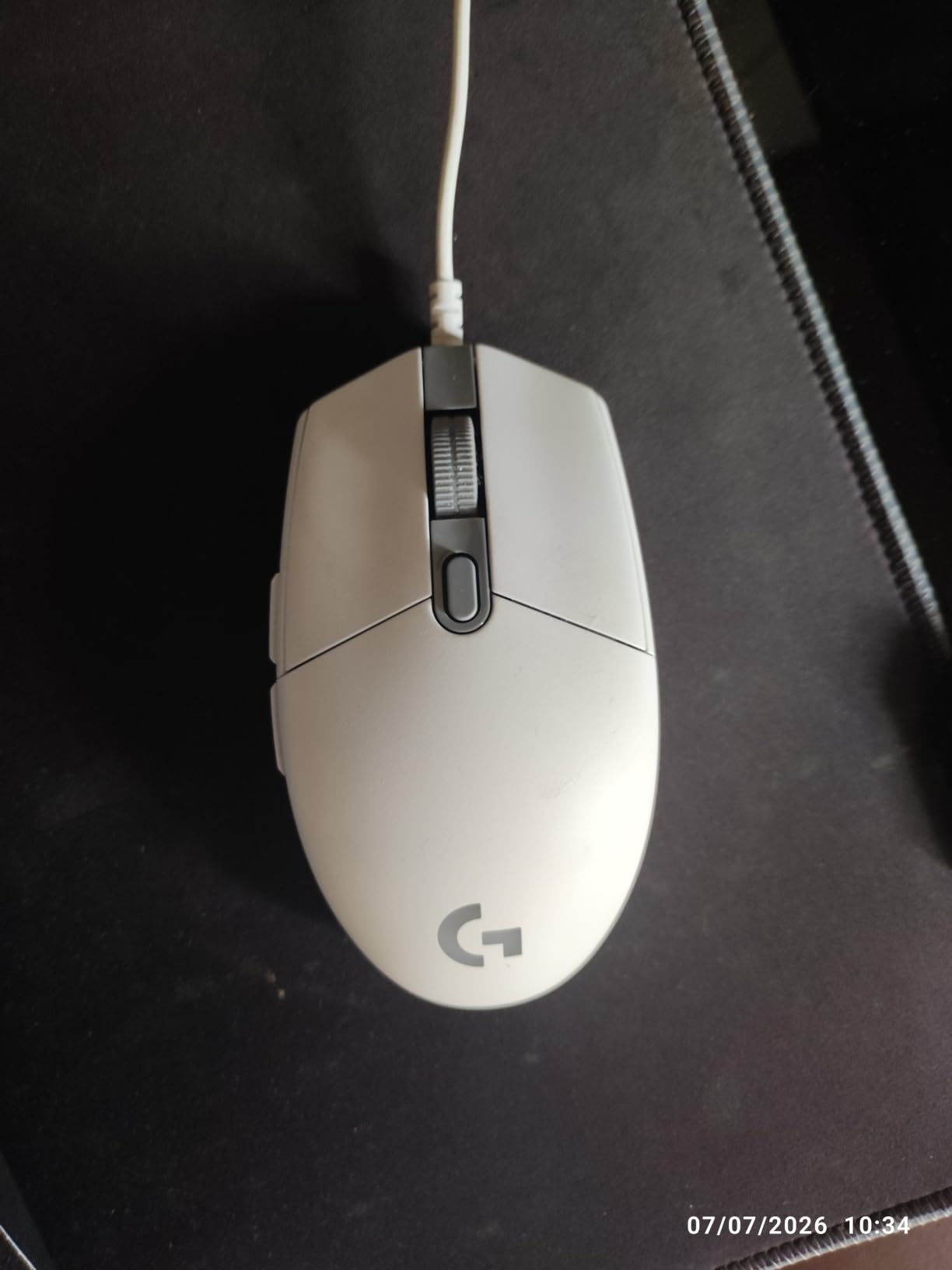
4. Logitech G203: Best for Lighting on a Budget
Logitech G203
DPI: 8000
Buttons: 6
Connection: Wired
Sensor: Optical
Pros
- LIGHTSYNC RGB customisable through Logitech G HUB
- 8000 DPI optical sensor with no filtering
- Metal-spring tensioned primary buttons
- Glides without scratching a fabric pad
- Two year limited hardware warranty
Cons
- Heavier than ultralight competitors
- Side buttons are small
- No tilt wheel for horizontal scroll
The G203 is the pick when a desk setup needs colour and the sensor ceiling can stay modest. LIGHTSYNC lighting is configurable through Logitech G HUB, and reviewers regularly use this mouse for 3D art and everyday office work as well as gaming, which is why it holds 4.6 stars across nearly 19500 reviews.
It cycles between up to five DPI settings with the middle button, and the primary clicks use metal-spring tensioning that feels crisp and loud rather than soft. The underside glides cleanly, so it will not fray a fabric-covered pad the way some cheap shells can.
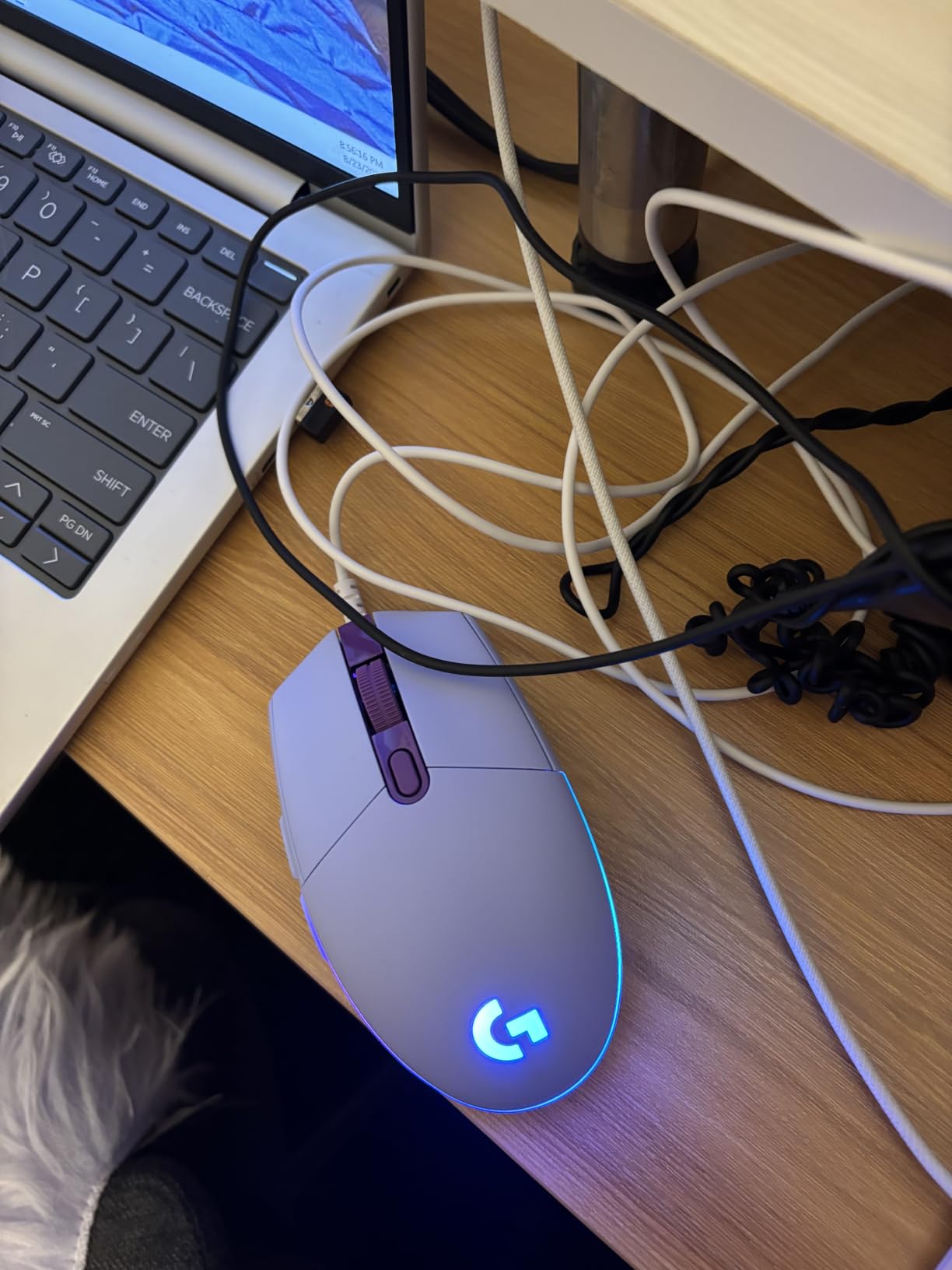
Trade-offs to know before buying: the forward and back side buttons are small enough that players with large thumbs sometimes miss them, and there is no tilt wheel for horizontal scrolling in productivity apps. The lighting also sits under the palm rather than along the sides, so it reads clearly on a desk but less so in a side-on camera shot.
Compared with the BENGOO mouse, the G203 asks a little more of your setup and gets a metal frame, a two year warranty and a software app. Compared with the G502 Hero, you give up the weight-tuning system and half the sensor resolution. If lighting is not the priority, the DeathAdder Essential is the better fit for a big palm.
5. BENGOO Wired RGB: The Cheapest Way Into a Gaming Mouse
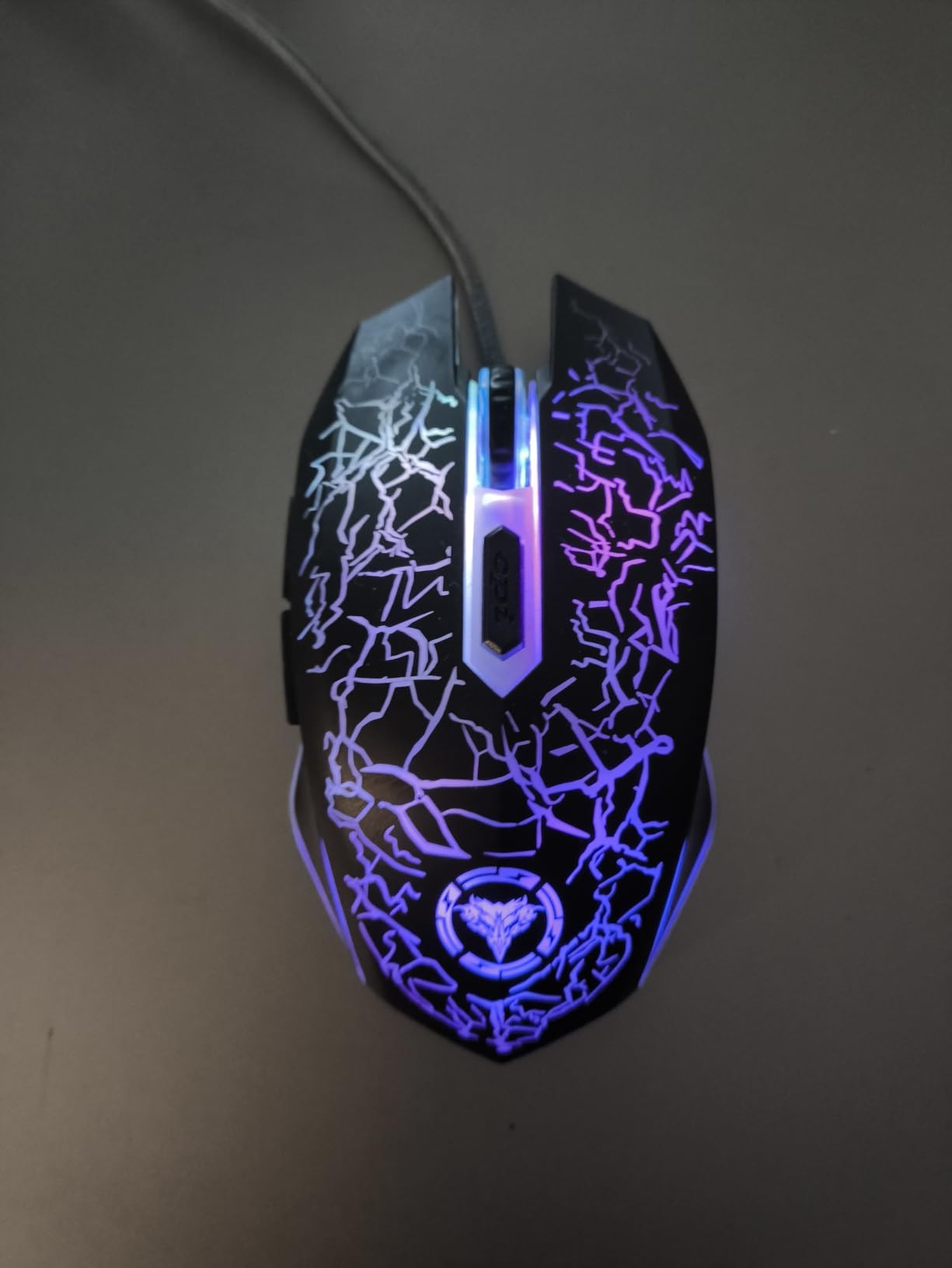
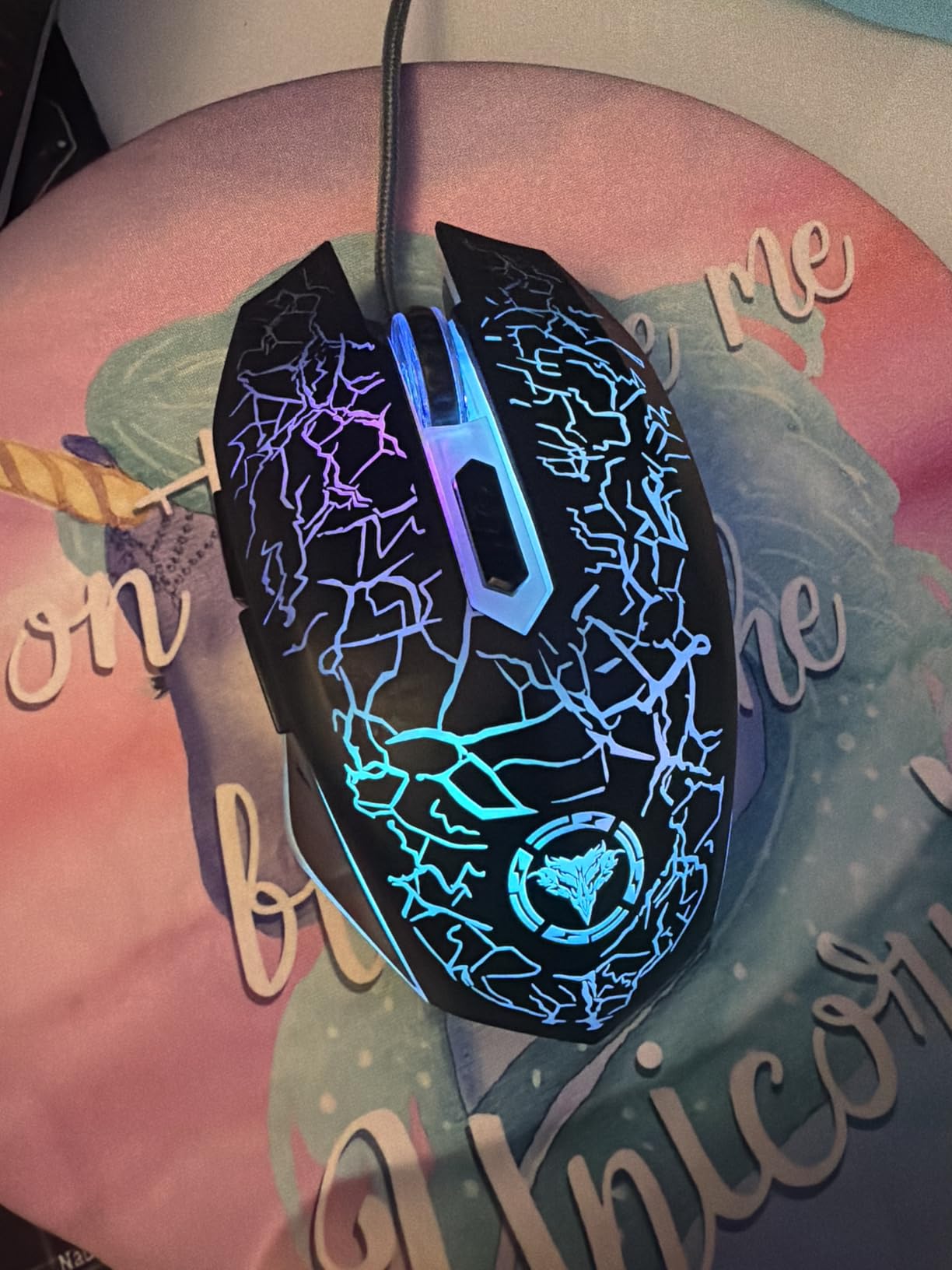
BENGOO Wired RGB
DPI: 3600
Buttons: 6
Connection: Wired
Sensor: Optical
Pros
- Lowest cost entry into a lit gaming mouse
- Four DPI levels switchable without drivers
- Multi-colour RGB backlighting
- Works on Windows and Mac with no software
- 120 g shell with an ambidextrous shape
Cons
- 3600 DPI ceiling is low for shooters
- Plain plastic build
- No manufacturer warranty listed
This is the sensible pick for a shared family PC, a laptop bag or a first build where the goal is simply to have a mouse that looks like a gaming mouse and works immediately. It plugs in and plays, with no drivers, no software and no account. Four DPI levels switch from the dedicated button on the shell.
At 4.6 stars across more than 14000 reviews, the ratings hold up better than the specification sheet would predict for a mouse at this end of the market. The ambidextrous body at 120 g suits either hand, and the multi-colour backlight is the whole reason to pick it over a plain office mouse.
The limit is the sensor. A 3600 DPI maximum will feel slow in a competitive shooter, and the shell is basic plastic with a grippy surface that suits shorter sessions rather than marathon play. No manufacturer warranty is listed on the listing, which is the main reason several reviewers describe this as a replacement-level purchase.
Owners who want to step up one tier usually end up at the Logitech G203, which adds a warranty, a metal frame and a sensor with more than twice the resolution. Skipping lighting altogether and wanting a better sensor? The Redragon M612 sits in a similar bracket and gives you 8000 DPI plus eleven buttons.
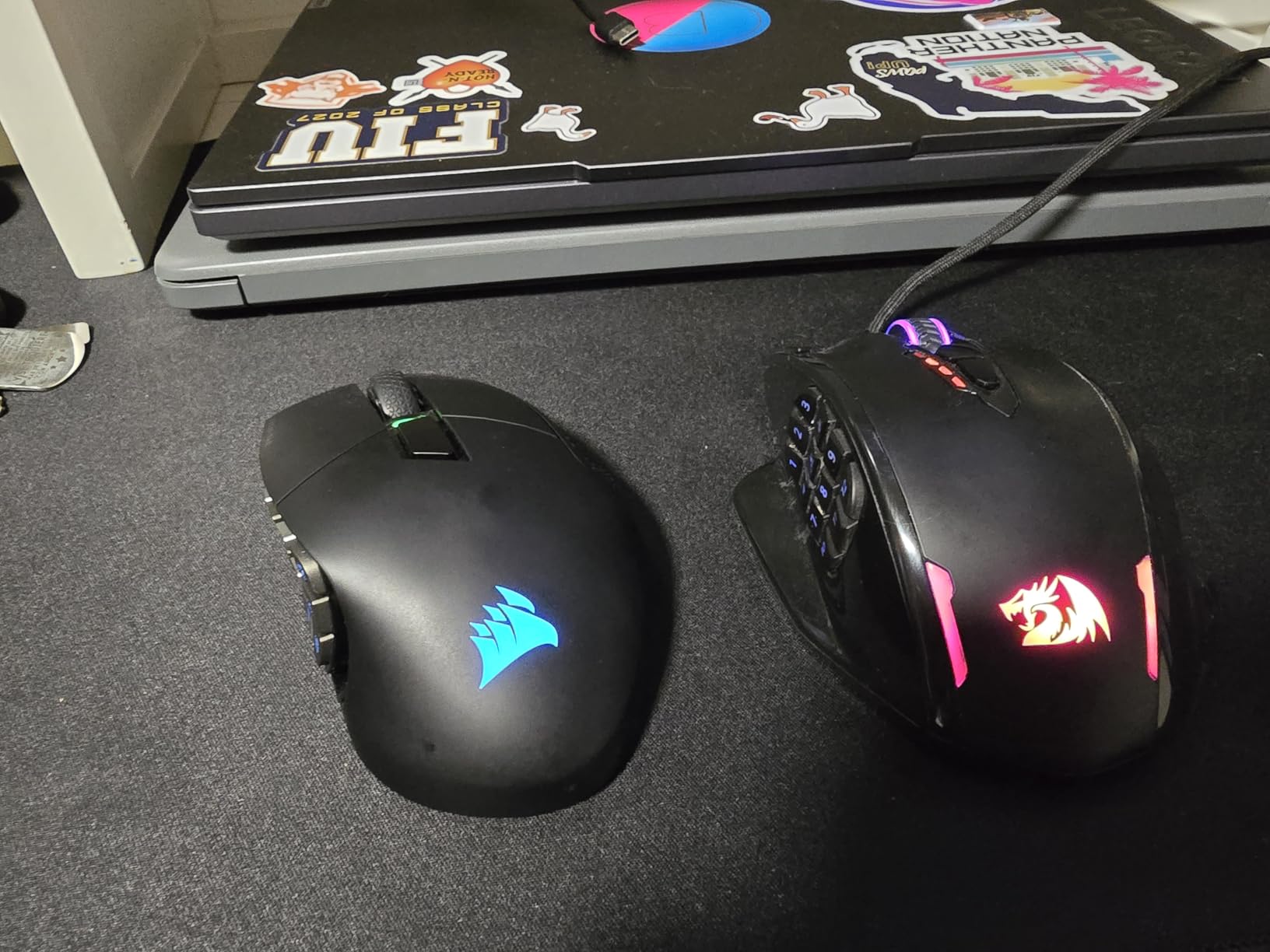
6. Redragon M908: Best for MMO and MOBA Players
Redragon M908
DPI: 12400
Buttons: 18
Connection: Wired
Sensor: Optical
Pros
- 18 programmable buttons including 12 MMO side keys
- Five onboard DPI levels with fine 100-step adjustment
- Eight 2.4 g weight pieces included
- Five onboard memory profiles
- 1000 Hz polling with a Pixart PAW3327 sensor
Cons
- 175 g body is heavy and bulky
- Shape can feel cramped for smaller hands
- Remapping needs the software
Nothing else in this list comes close on buttons. Eighteen programmable inputs, twelve of them along the thumb side, is the layout an MMO player needs to keep a raid toolkit on the mouse rather than memorising a hotbar. Final Fantasy, World of Warcraft and RuneScape players are the intended audience, and the five onboard memory profiles let you carry a build without the software running.
The Pixart PAW3327 sensor reaches 12400 DPI and reports at 1000 Hz, a 1 ms polling rate that keeps a wired mouse competitive on paper. Eight 2.4 g weight pieces let you tune the heft, which matters on a chassis this large, and the 6 foot braided cable with Teflon feet is a durability-minded setup.
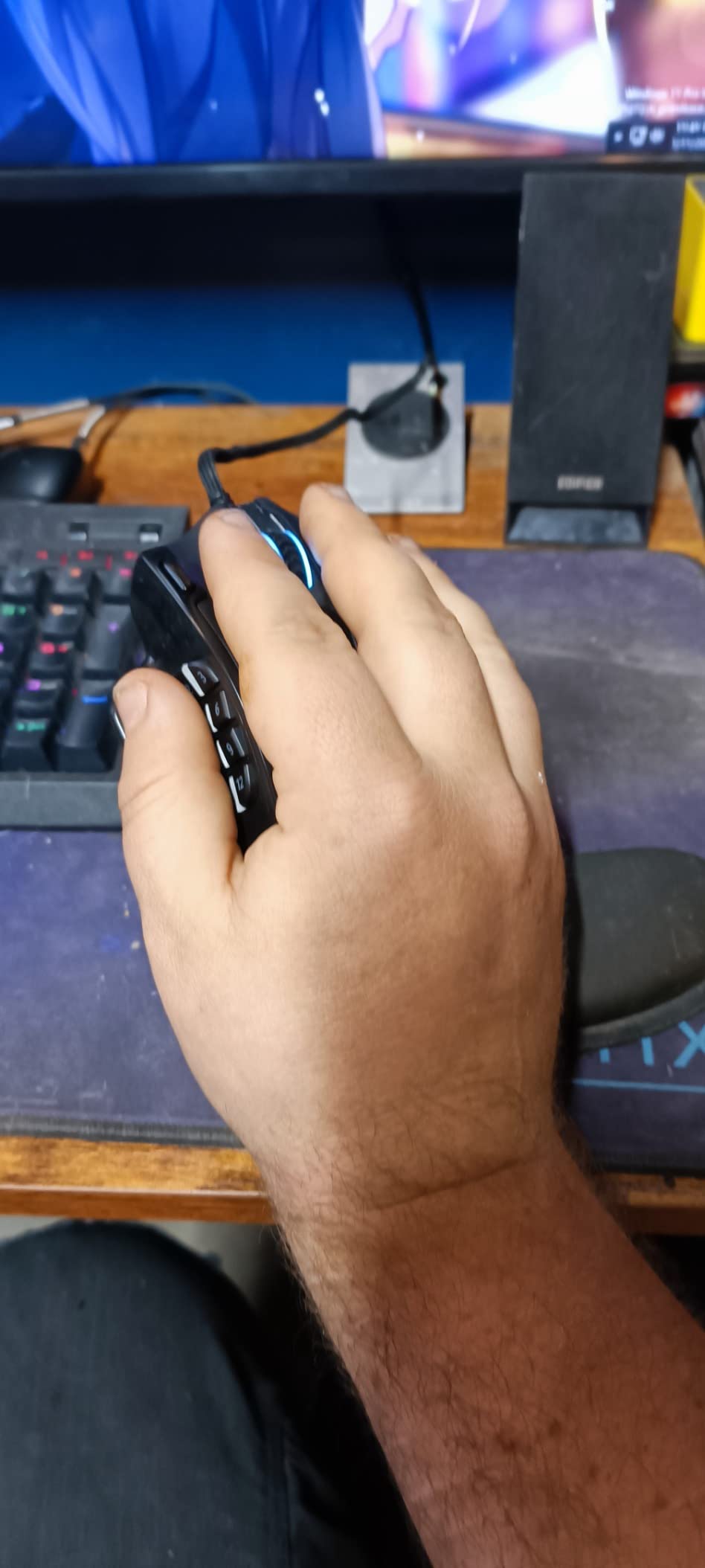
The 4.4 star average across 11812 reviews is the lowest in this roundup, and the reason is consistent: at 175 g with a 4.81 by 3.62 inch footprint, this is a heavy, busy mouse. Owners of smaller hands report the aggressive shape feels cramped, and the number of remappable keys carries a learning curve even for the people who wanted them.
Good to know: full remapping needs the Redragon software, so budget a few minutes on day one. If you play shooters and want a small, fast shell instead, the Razer Cobra is the opposite build at 58 g and six buttons. For the button count alone, nothing here competes.
7. Redragon M612: Best for Long-Term Daily Use
Redragon M612
DPI: 8000
Buttons: 11
Connection: Wired
Sensor: Optical
Pros
- Durability reported across 3.5 to 5 years of daily play
- Eleven programmable buttons with a rapid-fire key
- Five DPI levels expandable to 8000 in software
- Textured rubber side pad for grip
- Five RGB lighting modes
Cons
- Middle mouse button can fail within months
- Scroll wheel encoder may skip over time
- Large shell suits bigger hands
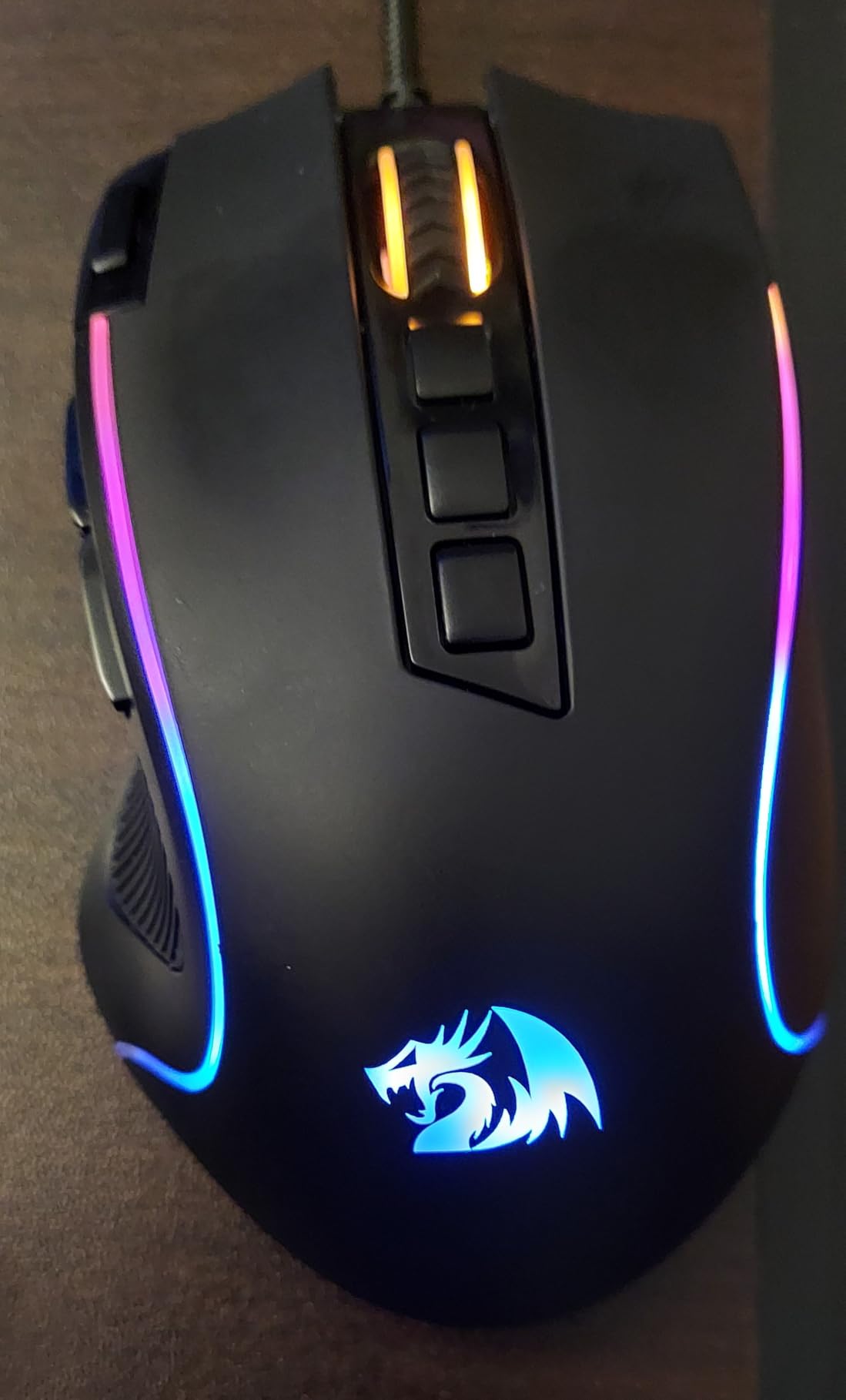
The M612 earns its place by being the mouse in this list that owners describe as still working years later. Reviews on the listing report service across three and a half to five years of heavy daily use, and many owners mention buying a second one for a different machine. At 4.6 stars across more than 11500 reviews, that consistency is unusual at this end of the market.
Eleven programmable buttons cover the common MOBA and shooter binds, including a rapid-fire key and two side macro buttons. The DPI button cycles five levels from 500 to 4000 out of the box and expands to 8000 through the software, and the frosted shell with a rubber-textured side keeps a decent grip through long sessions.
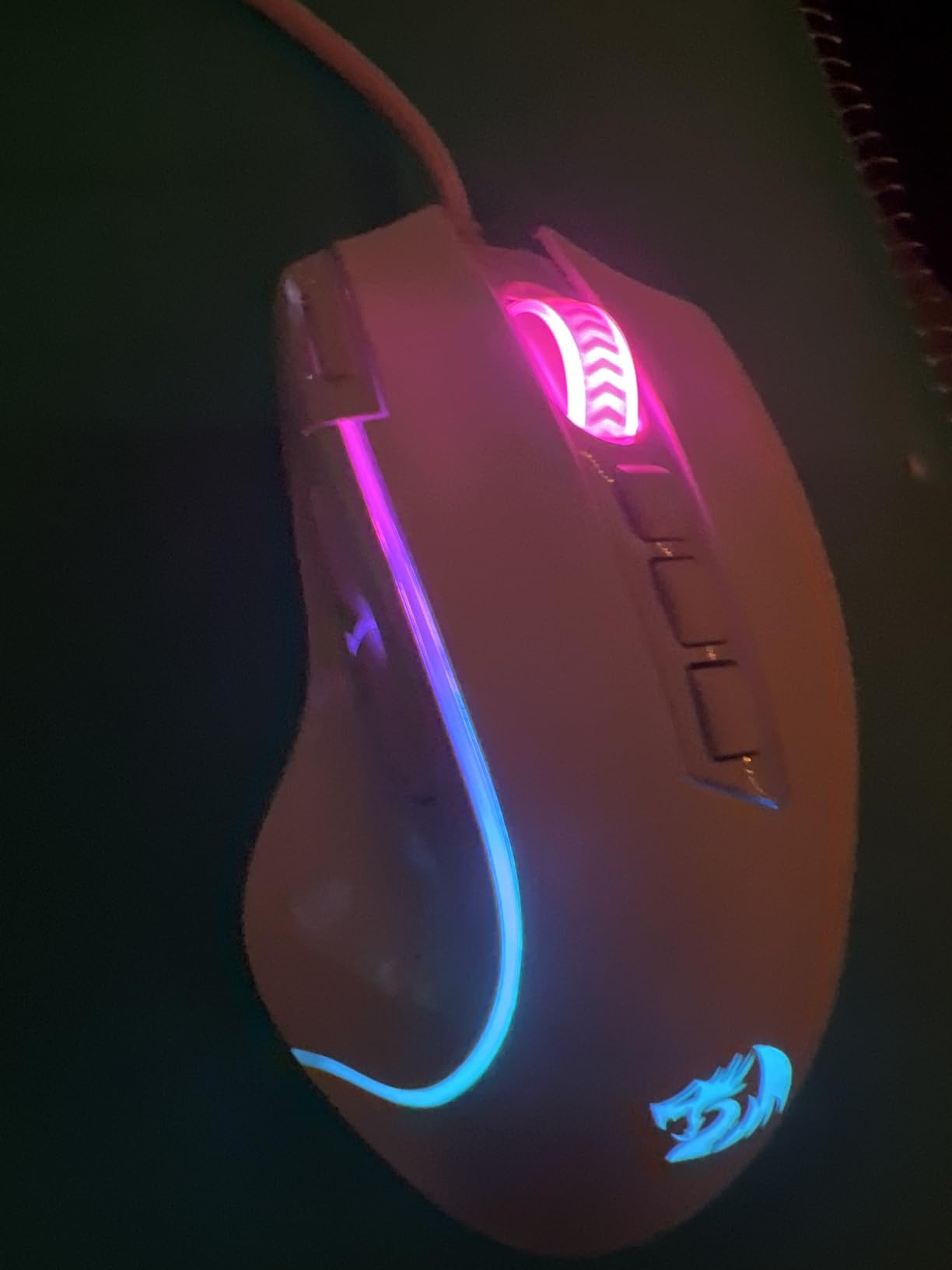
Owners also flag where this one eventually fails, and the reports are consistent enough to plan around. The middle mouse button is the most commonly reported failure, and the scroll wheel encoder can begin skipping or jumping after extended use. Both are wear points rather than defects at purchase, but if you rely on either heavily, the G502 Hero’s metal-spring buttons are the safer bet.
Size is the deciding factor here. At 126 g and 5.43 inches long it sits well above the Logitech G203, so bigger hands get a better fit rather than a cramped one. Against the Redragon M908 it gives up twelve side buttons in exchange for a chassis light enough to move in a claw grip, which is a good trade if your games are shooters rather than MMOs.
8. Razer Basilisk V3: Best for Long Comfort-First Sessions
Razer Basilisk V3
DPI: 26000
Buttons: 11
Connection: Wired
Sensor: Optical
Pros
- Thumb rest and rubberized grips for long sessions
- HyperScroll wheel switches between free-spin and tactile
- Optical Gen 2 switches rated to 70 million clicks
- 26000 DPI Focus+ sensor
- Eleven Chroma lighting zones
Cons
- Bulky for small hands
- Synapse splits lighting and mouse settings
- Matte surface can feel sweaty in long sessions
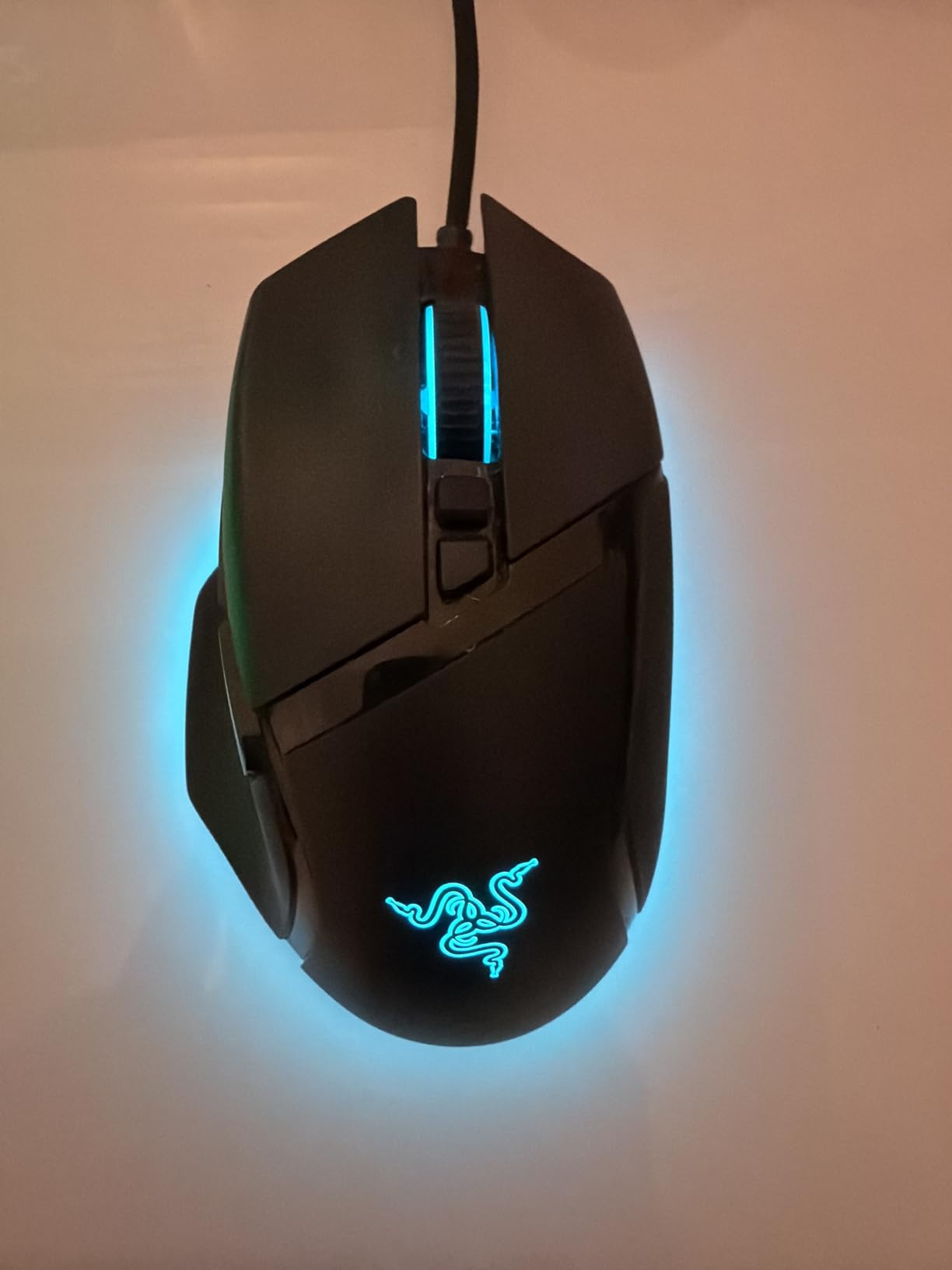
The Basilisk V3 is the comfort pick, and it is a step up from the G502 Hero for a specific reason: the thumb rest. At 3.56 ounces and 5.12 inches long, it spreads the hand across a wide ergonomic shape with rubberised grips, which is what you want if you play long sessions without taking breaks.
The HyperScroll wheel is the feature owners mention first. One button press switches it between a free-spinning mode for long scrolling and a notched mode for precise steps, which is unusual on a wired gaming mouse. The optical Gen 2 switches are rated to 70 million clicks with 0.2 ms actuation, and eleven Chroma lighting zones cover the shell.
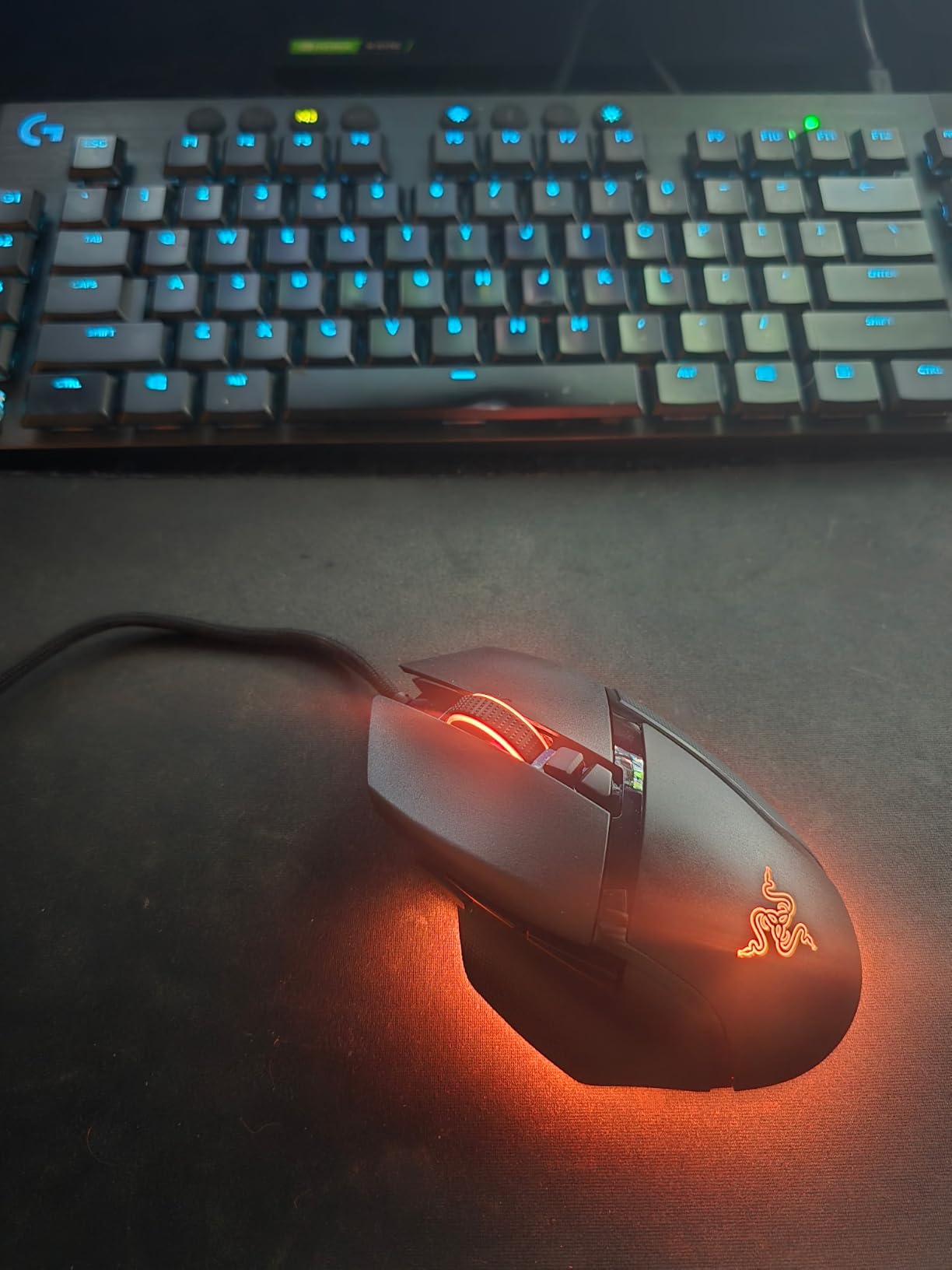
Two things temper the recommendation. Owners with small hands report the shell is too large, which is the same complaint that comes up most often when shape is the deciding factor. And the matte surface draws a specific complaint from people who play with sweaty hands, who often prefer the grippy texture on the DeathAdder Essential.
Good to know: Razer Synapse splits lighting and mouse configuration across separate programs, so expect two apps to open on first setup. The sensor ceiling of 26000 DPI is the highest in this list, and a soft braided cable stays flexible at the edge of a large desk. A mouse this size also earns its space next to a wide pad, so give it room rather than crowding the edge of the mat.
9. Razer Cobra: Best for Claw Grip and Lightweight Swipes
Pros
- 58 g shell for fast flicks
- Gen-3 optical switches rated to 90 million clicks
- 100 percent PTFE glide feet out of the box
- Speedflex cable with minimal drag
- 8500 DPI sensor with 50 DPI increments
Cons
- Small shape suits claw grip and smaller hands
- Clicks are loud across the Razer range
- Shell plastic and feet wear with heavy use
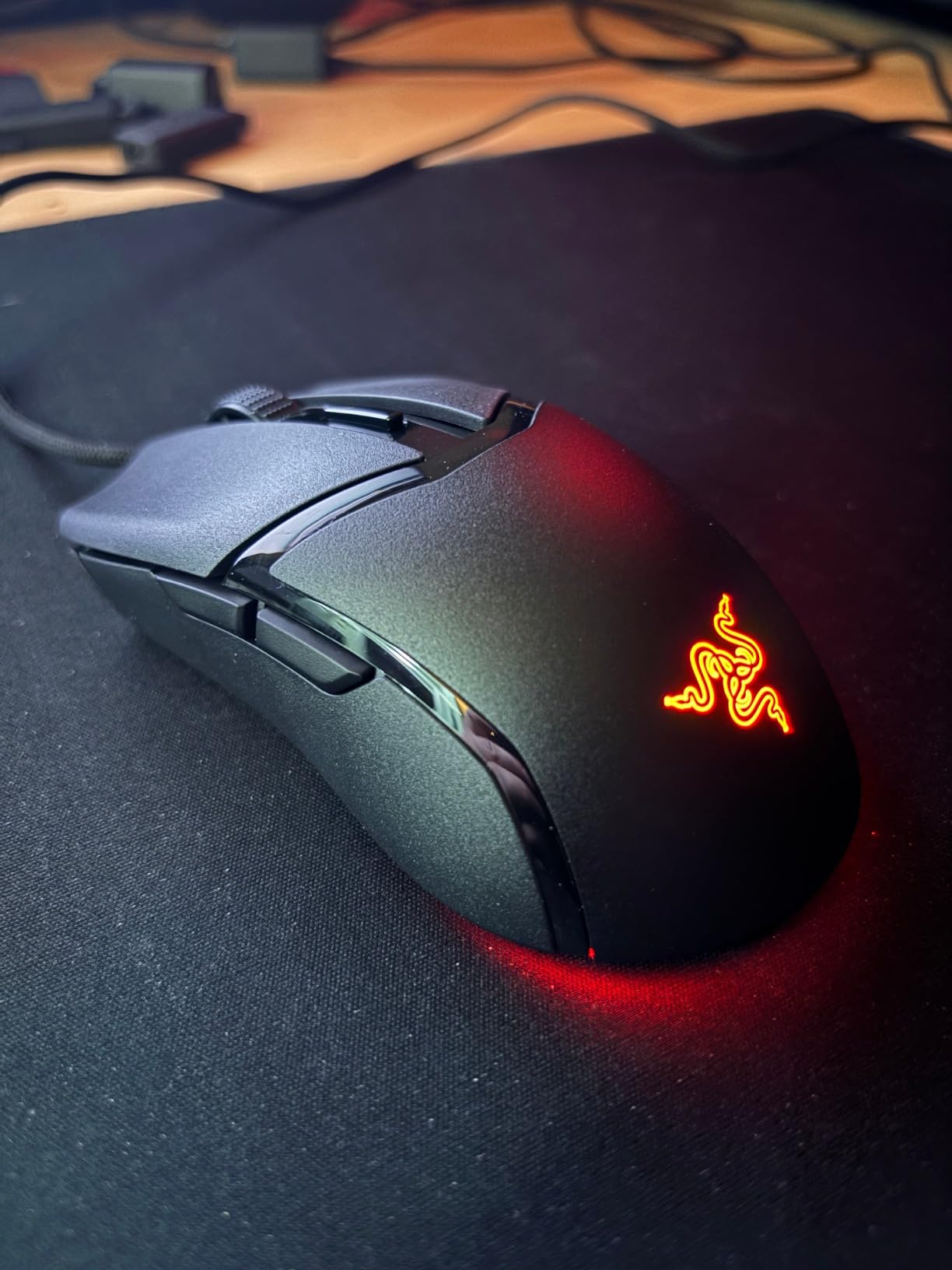
At 58 g, the Cobra is the lightest mouse in this list and the one built for players who move their hand rather than slide it. The small, low-profile shell suits claw grip, where the palm hovers above the buttons and each movement is a short flick. Everything else about it follows from that weight: a Speedflex cable with minimal drag and 100 percent PTFE glide feet on the front, rear and sensor ring.
The Gen-3 optical switches are rated to 90 million clicks with 0.2 ms actuation, and owners specifically like that optical switches remove the double-click problem some mechanical budgets develop. The 8500 DPI sensor adjusts in 50 DPI increments, which is finer control than most mice at this size offer.
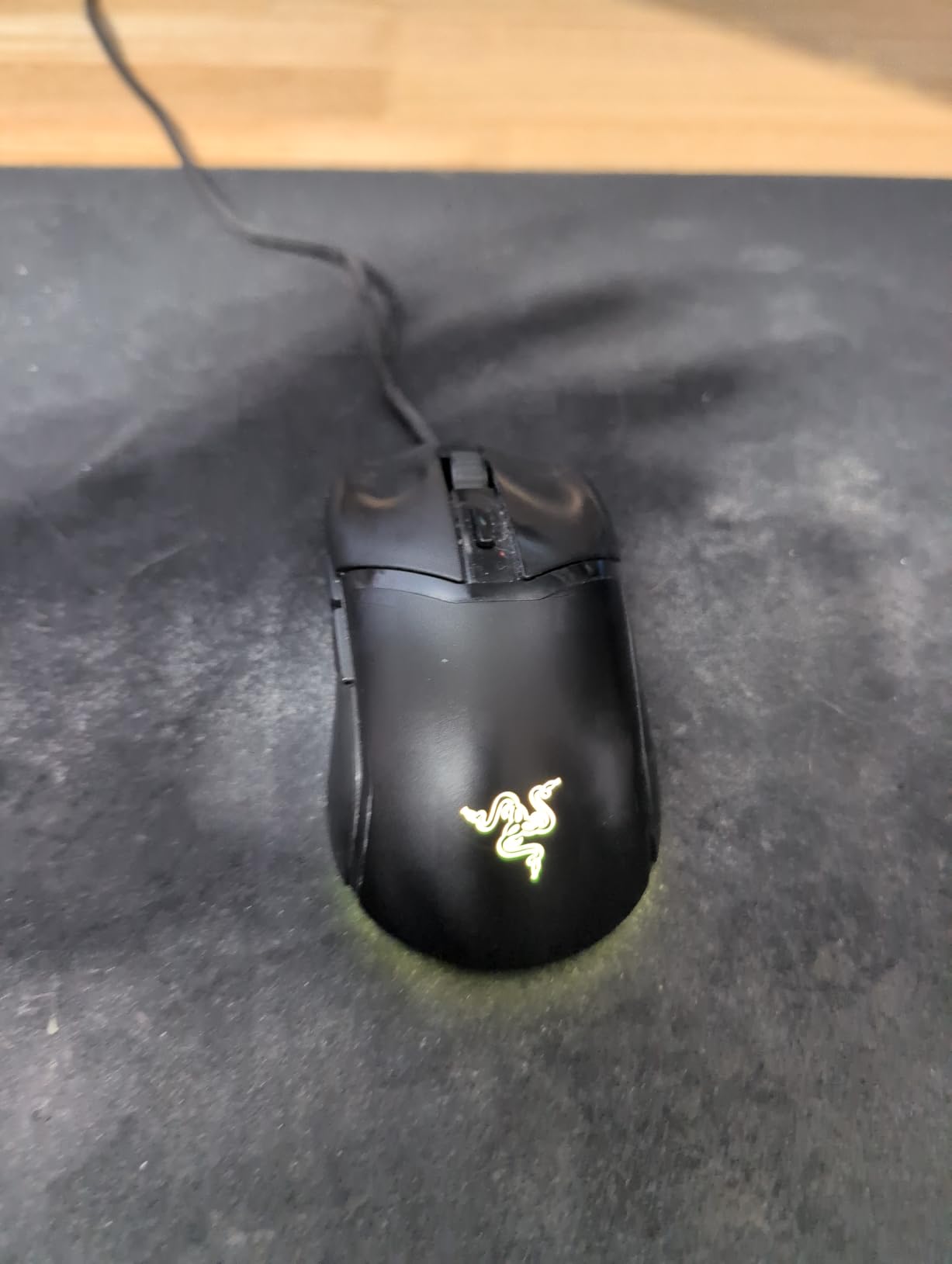
The trade-off is shape and noise. The footprint suits small hands and claw grip rather than a large palm, so if you already like the fuller feel of the Basilisk V3, stay there. Owners also note the clicks are noticeably loud across Razer’s range, which matters in a shared room, and there is some uncertainty about shell plastic and foot wear under heavy daily use given the review count.
At 4.6 stars from 2235 reviews, the Cobra has the thinnest history in this roundup, so treat the long-term durability claims as open rather than settled. The G305 covers the opposite brief: wireless, replaceable AA battery, and a shape that most reviewers describe as closer to claw grip again but with far more reviews behind it.
How to Choose Gaming Mice During Prime Big Deal Days
Match the shape to your grip and hand size
Shape decides comfort more than any spec, and claw grip players should start there. A small, low shell like the Razer Cobra or the Logitech G305 suits fingers and claws; a large sculpted form like the Razer DeathAdder Essential fills a palm. Measure your hand from wrist crease to fingertip: around 19 cm suits the compact mice, and 21 cm or more usually means testing a full-size ergonomic shape such as the Basilisk V3 before committing.
Surface matters as much as the mouse. A big shell on a small pad fights the player the whole session, so if your desk is deep, our picks for gaming mouse pads for large desks are worth a look before you pick the mouse.
Pick a sensor resolution that matches your games
Anything at or above 8000 DPI handles competitive shooters, MMO and strategy games without limits. Below 8000, you are capping your in-game sensitivity and playing with a slower cursor than the game allows, which is why the DeathAdder Essential at 6400 DPI and the BENGOO at 3600 DPI fit casual and office use better than ranked play.
Understand what polling rate actually changes
Polling rate is how often the mouse reports its position to your PC each second. 125 Hz reports eight times a millisecond, 1000 Hz reports once, and the Redragon M908 is the one pick here with a documented 1000 Hz rate. Higher is not always visible: above 1000 Hz the gain is subtle for most players, so treat it as a tiebreaker rather than a deciding spec.
Decide whether wireless is worth it
Wireless is no longer a compromise: the G305 reports at 1 ms, which matches a wired 1000 Hz mouse. What wireless costs you is battery management, and what it gains you is freedom of movement on a couch or a large pad. The Logitech G305’s single AA cell is the lowest-maintenance option here, since replaceable cells do not degrade the way built-in rechargeable packs do over a few years.
Count buttons before you buy
Six buttons is enough for shooters and single-player games. Eleven covers most MOBA and shooter binds. Eighteen, as on the Redragon M908, is an MMO tool. Also check whether remapping needs software: the Redragon pair require it for full button control, and the BENGOO and Logitech models do not.
How to shop gaming mouse deals during the sale
Check the model number in the listing, not just the product name, because near-identical shells are sold with different sensor generations. Confirm whether the box is new or renewed, what is included in the package, and who sells and ships the order. Most offers during Prime Big Deal Days need a Prime membership, and prices change through the event, so check the listing again before you commit.
- Match the shell shape to your grip before comparing sensors
- Aim for at least 8000 DPI for competitive shooters
- Count side buttons against the number of abilities you bind
- Prefer replaceable AA cells over built-in rechargeable batteries for longevity
- Verify the model number and package contents on the listing
- Compare the current price on the button, since sale pricing shifts daily
Frequently Asked Questions
When do Amazon Prime Big Deal Days gaming mouse deals run?
Amazon Prime Big Deal Days runs October 6-7, 2026, the October Prime event. Peripherals are a category shoppers keep an eye on through the window, so it is worth watching listings in the days before and during the event. Most offers need a Prime membership, and a free trial counts.
Do I need Prime to buy gaming mice during Amazon Prime Big Deal Days?
Most offers during the event are limited to Prime members, and a free trial counts for the length of the trial. A small number of deals run for everyone, so check the deal badge on the listing. If you are only buying one mouse, compare the membership cost against the offers you would actually use before signing up.
Is a wireless gaming mouse better for competitive play?
Wireless is no longer slower in a way most players can detect. The Logitech G305 in this list reports at a 1 ms rate over LIGHTSPEED, matching a 1000 Hz wired mouse, and runs up to 250 hours on a single AA cell. The trade-off is charging or battery changes, plus a small risk of receiver interference in crowded USB setups.
How do I check whether a gaming mouse listing is the right model?
Check the model number in the specifications block rather than the listing title, because several brands sell shells that look identical with different sensor generations. For a desk that also handles work, our roundup of u003ca href=u0022https://www.pwice.com/best-keyboard-and-mouse-combos-for-office/u0022u003ekeyboard and mouse combos for officeu003c/au003e covers which models pair cleanly with a work setup.
What mouse weight is comfortable for long gaming sessions?
Around 55 to 70 g is the range most players settle on for long sessions, because a lighter shell is easier to move without fatigue. Below 55 g suits players who use their whole arm, while heavier mice above 100 g are calmer and better for palm grip. The Razer Cobra at 58 g and the Logitech G305 at 3.4 oz sit at the light end.
Final Verdict: Best Amazon Prime Big Deal Days Gaming Mouse Deals
Buy the Logitech G502 Hero if you want one mouse that covers every genre: 25600 DPI, eleven programmable buttons, a weight-tuning system and the deepest review history in this roundup. The Logitech G305 is the budget-friendly alternative to watch, giving you wireless play at a 1 ms report rate and a single AA battery that lasts about 250 hours. For MMO and MOBA players, the Redragon M908 is the only pick with eighteen programmable buttons. Large hands that prefer a palm-first shape should look at the Razer DeathAdder Essential, while players who want the roomiest ergonomic fit get the Razer Basilisk V3. Claw grip players who want the lightest shell here get the Razer Cobra at 58 g, and anyone who plans to keep one mouse for years should read the owner reports on the Redragon M612. Check the current price on each listing during Prime Big Deal Days, and pick the one whose shape and button count match how you actually play.