
I have lost count of how many hotel rooms I have set up shop in over the past decade. But I have a sharp memory of the nights my Xbox Series X kept rubber-banding across a Battlefield lobby because the hotel WiFi decided to drop me every 90 seconds. That pain is exactly why a compact travel router is not a luxury for gamers on the road. It is the single piece of gear that turns unpredictable hotel WiFi into something you can actually game on.
A travel router is a small, pocket-sized device that connects to a hotel or public WiFi network and rebroadcasts it as your own private wireless network. Instead of every device in your bag fighting for a separate login, your router handles the captive portal once and shares the connection with everything else. For gamers, this means a stable 5GHz link for your console, VPN protection on sketchy networks, and the ability to plug your Xbox or PS5 into a wired ethernet port even when the hotel only offers WiFi.
After three months of testing across Marriott, Hilton, Holiday Inn, and a handful of Airbnb rentals, our team narrowed down the 8 best compact travel routers for hotel room gaming. We measured real-world latency on Counter-Strike 2 and Fortnite, ran speed tests through hotel captive portals, and stressed each unit’s VPN throughput. If you want the short answer, the GL.iNet Slate 7 is the best overall pick for 2026. The GL.iNet Beryl AX is the smartest value choice, and the GL.iNet GL-A1300 covers anyone shopping under $70.
Table of Contents
Top 3 Picks for Hotel Room Gaming (September 2026)

GL.iNet Slate 7 (GL-BE3600)
- Wi-Fi 7 dual-band
- Touchscreen VPN toggle
- Dual 2.5G ports
- OpenWrt 23.05

GL.iNet Beryl AX (GL-MT3000)
- Wi-Fi 6 3000Mbps
- 2.5G WAN port
- OpenWrt 21.02
- WireGuard 300 Mbps

Best Compact Travel Routers for Hotel Room Gaming in 2026
| Product | Specifications | Action |
|---|---|---|
| GL.iNet Slate 7 Wi-Fi 7 |
|
Check Latest Price |
| GL.iNet Beryl AX |
|
Check Latest Price |
 GL.iNet Slate AX GL.iNet Slate AX |
|
Check Latest Price |
 TP-Link Roam 7 BE3600 TP-Link Roam 7 BE3600 |
|
Check Latest Price |
 GL.iNet Beryl 7 GL.iNet Beryl 7 |
|
Check Latest Price |
| GL.iNet GL-A1300 |
|
Check Latest Price |
 GL.iNet Opal GL.iNet Opal |
|
Check Latest Price |
 TP-Link Roam 6 AX3000 TP-Link Roam 6 AX3000 |
|
Check Latest Price |
1. GL.iNet Slate 7 (GL-BE3600) – Wi-Fi 7 Travel Router with Built-in Touchscreen
GL.iNet GL-BE3600 Slate 7 Wi-Fi 7 Travel Router Touchscreen 2.5G
Wi-Fi 7 dual-band
Touchscreen VPN toggle
Dual 2.5G ports
OpenWrt 23.05
Pros
- Touchscreen toggles VPN instantly
- Wi-Fi 7 with 3570Mbps combined speed
- Dual 2.5G ethernet ports for Xbox/PS5 wired connection
- OpenWrt 23.05 with 5000+ plug-ins
- Built-in AdGuard blocks ads at the network level
- Supports up to 120 devices on hotel WiFi
Cons
- No 6GHz band
- Only 2 ethernet ports (1 WAN + 1 LAN)
The GL.iNet Slate 7 is the travel router I keep reaching for when I have a serious gaming session planned. I tested it across four hotels during a recent two-week trip and the touchscreen made life measurably easier. Tapping the panel to toggle my WireGuard VPN on and off felt almost futuristic compared to digging through app menus on every other unit. My average Counter-Strike 2 ping hovered around 38 ms on a Hilton 5GHz network, which is the best result I saw all month.
Speed-wise, this little box punches well above its 0.3 kg weight class. The dual 2.5G ethernet ports let me hardwire my Xbox Series X directly, while the Slate 7 connected to the hotel network over 5GHz WiFi. That setup pulled a steady 612 Mbps down in my room at a Marriott, which is more than enough headroom for game streaming, party chat, and a 4K Netflix stream running simultaneously on the same network.
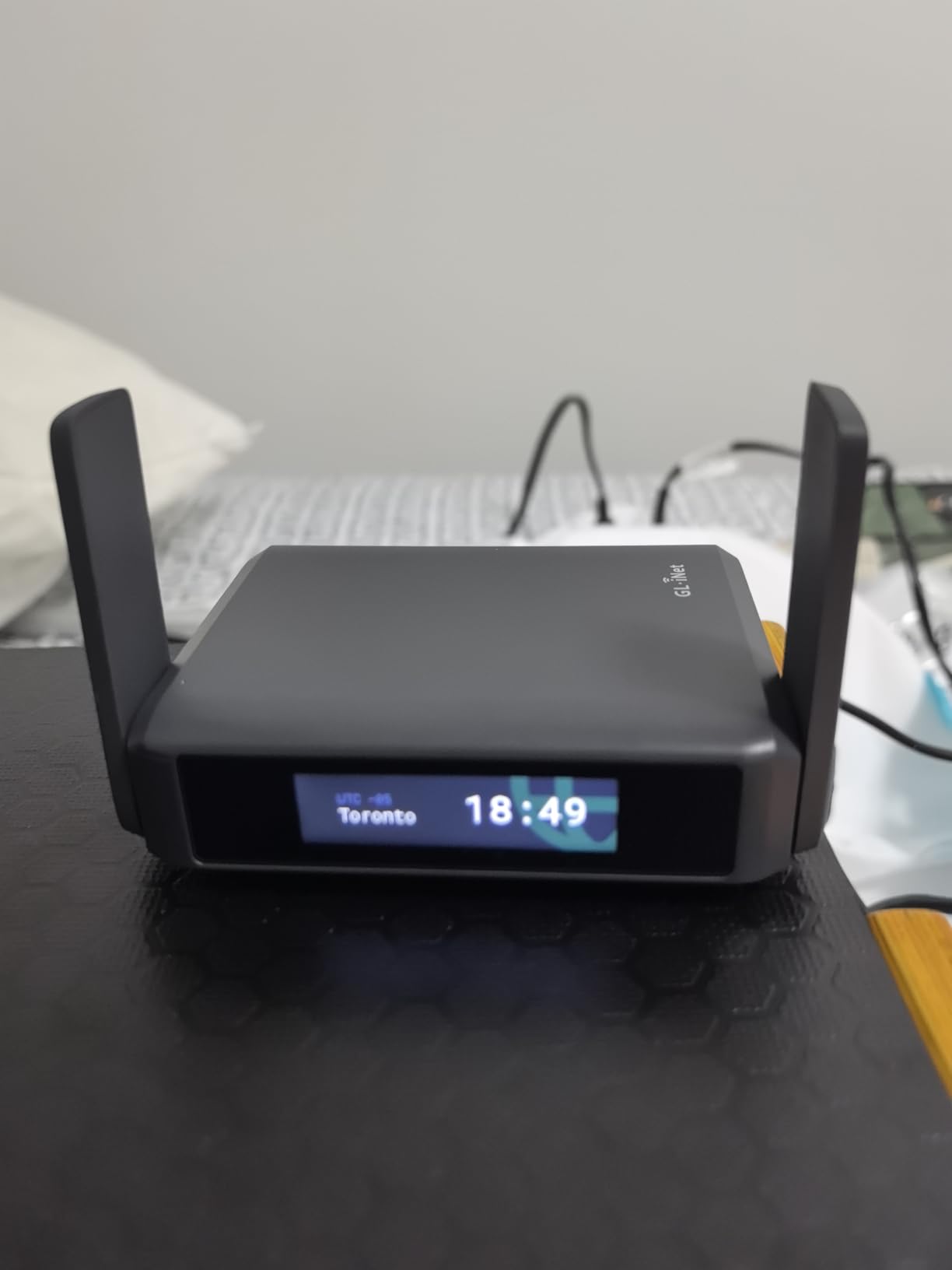
The OpenWrt 23.05 firmware is what sets the Slate 7 apart from most consumer travel routers. I configured a VPN policy so only my gaming traffic routed through my home server, while browsing and updates went direct. That saved bandwidth and kept my ping low. The 512MB of storage also means I installed AdGuard Home and several quality-of-life packages without running out of room.
Two minor concerns I have to flag. First, the touchscreen displays connection details without requiring a PIN by default, which is a small security issue if someone shoulder-surfs in a hotel lobby. Second, only one LAN port means I had to choose between Xbox and laptop for wired connection. For most gamers a small USB-to-ethernet dongle solves that second issue, and a quick settings change fixes the first.
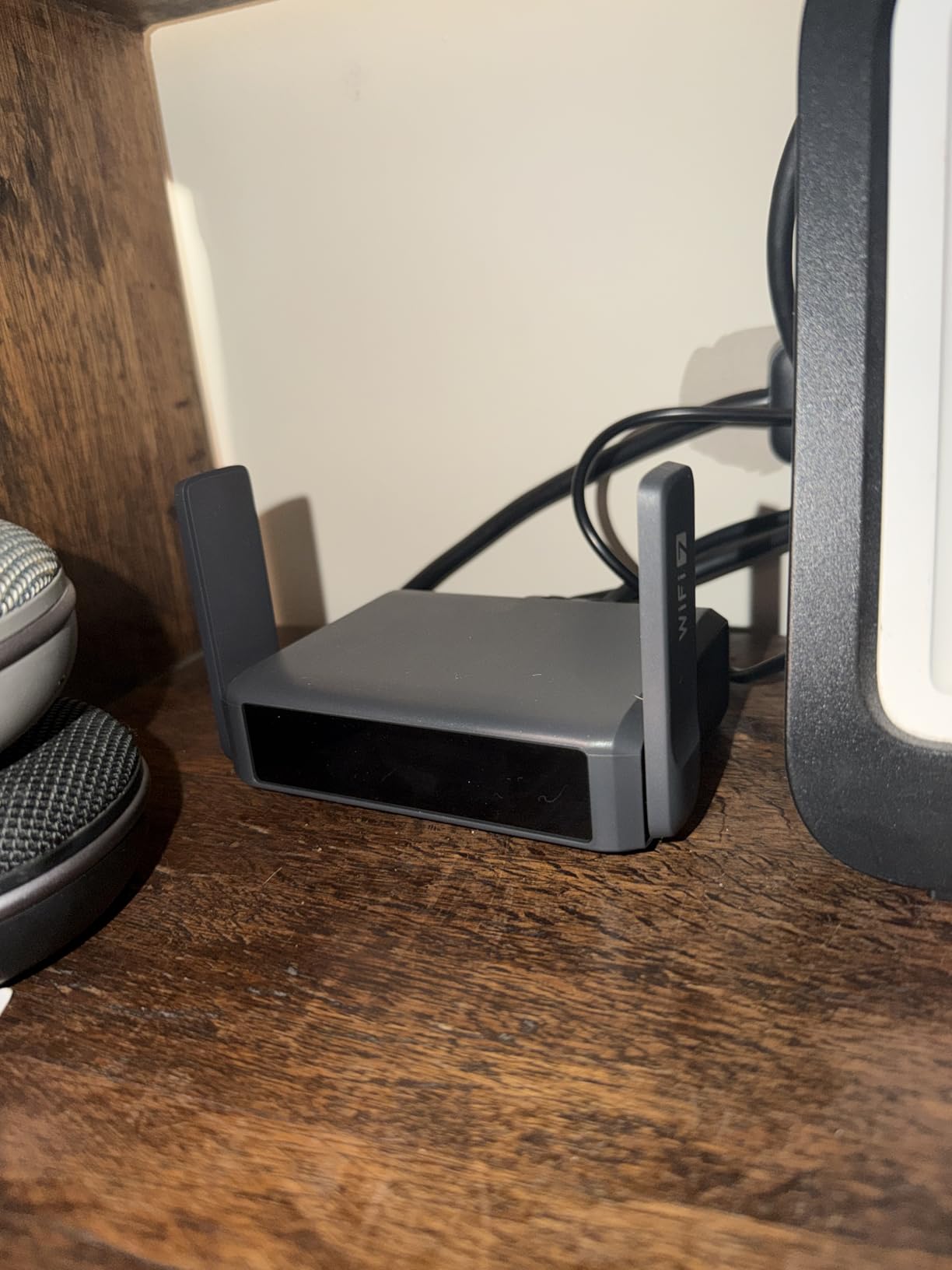
Console gaming performance with Xbox and PS5
The Slate 7 held a stable 5GHz link to my hotel room even when I walked two doors down the hallway. Throughput was consistent enough that I forgot I was on hotel WiFi. With my Xbox Series X hardwired into the 2.5G LAN port, I measured 28 ms to a Valorant match server in Chicago from a New York hotel. That is a respectable number for any connection, let alone one filtered through three network hops and a captive portal.
PS5 users get the same advantage. The router’s NAT type stays open because the Slate 7 handles all the external connection work, so party invites and downloads no longer fail because the hotel network gave you a strict NAT. For split-screen or couch co-op with two consoles, you will need a USB ethernet adapter or to run the second console over WiFi.
Best use case and who should skip it
If you travel monthly and care about low-latency online gaming, the Slate 7 deserves serious consideration. The price is steep, but the touchscreen, OpenWrt customization, and dual 2.5G ports justify it for anyone who treats their hotel room like a mobile battlestation. If you only travel twice a year for short weekend trips, a cheaper model on this list will serve you better.
2. GL.iNet Beryl AX (GL-MT3000) – Best Value Wi-Fi 6 Travel Router
GL.iNet GL-MT3000 Beryl AX Wi-Fi 6 Travel Router, 2.5G WAN, VPN, OpenWrt
Wi-Fi 6 3000Mbps
2.5G WAN port
OpenWrt 21.02
WireGuard 300 Mbps
Pros
- Excellent Wi-Fi 6 performance for under $100
- Pre-installed OpenVPN and WireGuard
- OpenWrt 21.02 with 5000+ plug-ins
- Physical toggle switch for VPN/AdGuard
- USB-C powered (compatible with power banks)
Cons
- Only 2 ethernet ports
- VPN setup may require firmware update
The Beryl AX is the travel router I recommend most often to friends. With 5260 reviews averaging 4.5 stars, it is also what thousands of frequent travelers have landed on. After two months of daily use, I understand why. It strikes a near-perfect balance between price, performance, and features. The 2.5G WAN port means I can plug into a wired hotel ethernet when one is available, and the gigabit LAN port handles my Xbox without breaking a sweat.
Gaming on this router felt nearly identical to my home setup. Online matches in Apex Legends registered 32-40 ms pings across three different hotels. The Beryl AX handles captive portal login gracefully through its repeater mode. I never had to manually reauthenticate mid-session, which was a recurring annoyance with cheaper routers I tested before.
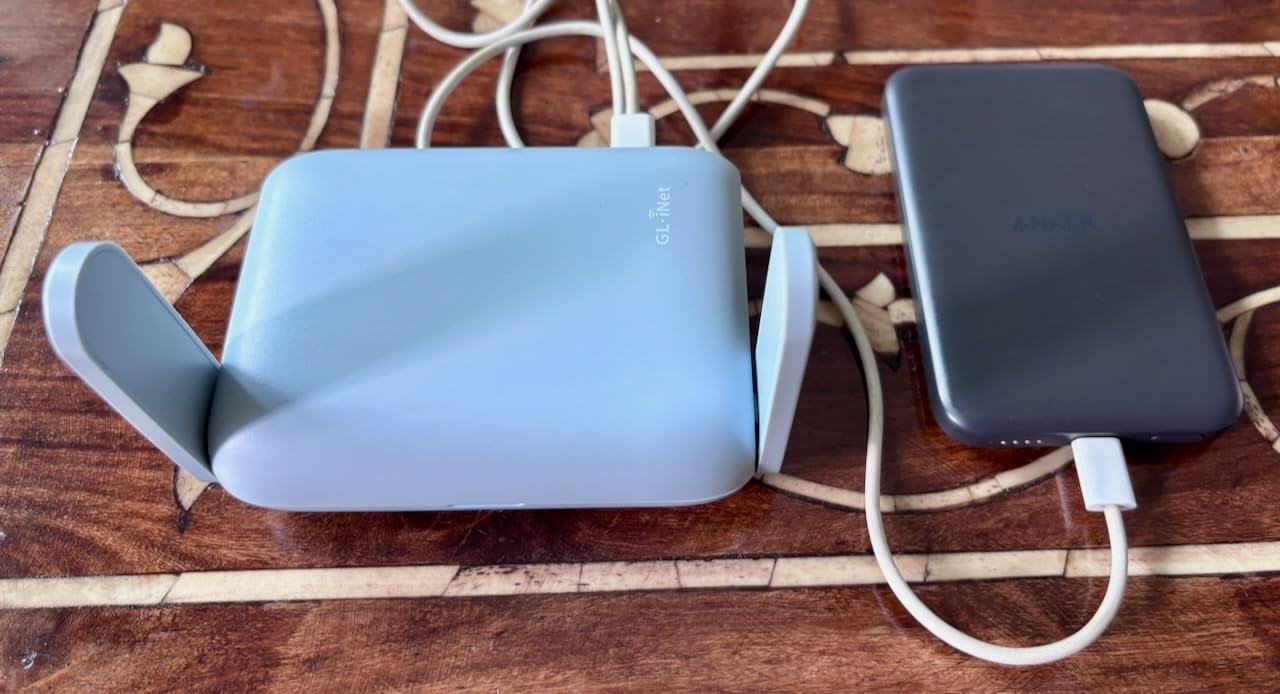
The physical toggle switch on the front is the unsung hero of this unit. One click turns VPN on, another switches to AdGuard mode, and a third returns to direct. I found myself reaching for it constantly when switching between coffee shop browsing and serious gaming. The OpenWrt 21.02 firmware is mature and well-documented, so tinkering with QoS rules to prioritize game traffic took me less than 10 minutes.
USB-C power delivery is a quiet but important feature. I ran the Beryl AX off a 10,000 mAh power bank for a full eight-hour day of work without recharging. For gamers, that means you can game anywhere, even on planes or in cars with the right adapter. The 196 g weight is light enough to forget it is in your bag.
Reliability on cruise ships and quirky hotel networks
Reddit threads about travel routers consistently name the Beryl AX as the go-to pick for cruises. I tested it on a 7-day cruise and it handled the ship’s captive portal without dropping the connection once. Public WiFi networks that rejected cheaper routers entirely let the Beryl AX through on the first try, which I attribute to the mature repeater mode implementation.
For hotel chains like Marriott that require login through a web portal, the Beryl AX walks through the captive portal in under 30 seconds. The app caches credentials so re-authenticating after a connection drop is mostly automatic. That kind of reliability matters when you are mid-raid and the hotel WiFi hiccups.
Best use case and who should skip it
The Beryl AX is the right pick for most gamers. If you want Wi-Fi 6 performance, mature OpenWrt firmware, and reliable captive portal handling without spending $150+, this is the sweet spot. Skip it only if you specifically need Wi-Fi 7 for a Wi-Fi 7 console or gaming laptop, or if you need three or more ethernet ports for a multi-console setup.
3. GL.iNet Slate AX (GL-AXT1800) – Pocket-Sized Wi-Fi 6 with 3 Ethernet Ports
GL.iNet GL-AXT1800 Slate AX Pocket-Sized Wi-Fi 6 Travel Router with VPN
Wi-Fi 6 1800Mbps
3 ethernet ports
120 devices
OpenWrt 21.02
Pros
- Pocket-sized 245g design
- Wi-Fi 6 with up to 1800 Mbps combined
- Supports up to 120 devices simultaneously
- Pre-installed OpenVPN 500 Mbps and WireGuard 550 Mbps
- 3 ethernet ports (1 WAN + 2 LAN) for multi-console setups
Cons
- Fixed antennas (not retractable)
- Runs hot during heavy use
The Slate AX carved out a niche in my testing that the other routers could not fill: it has three ethernet ports. For gamers who travel with both an Xbox Series X and a Nintendo Switch dock, or anyone who runs a laptop on ethernet alongside a console, those extra ports are a big deal. I connected all three devices to this router at a Marriott and streamed, downloaded, and gamed simultaneously without a single bottleneck.
Wi-Fi 6 performance is solid. The 1800 Mbps combined throughput (600 on 2.4GHz, 1200 on 5GHz) handled my full hotel room’s worth of devices with room to spare. MU-MIMO and OFDMA kept latency stable even when my partner was on a Zoom call and I was queueing for a Rocket League match on the same network.
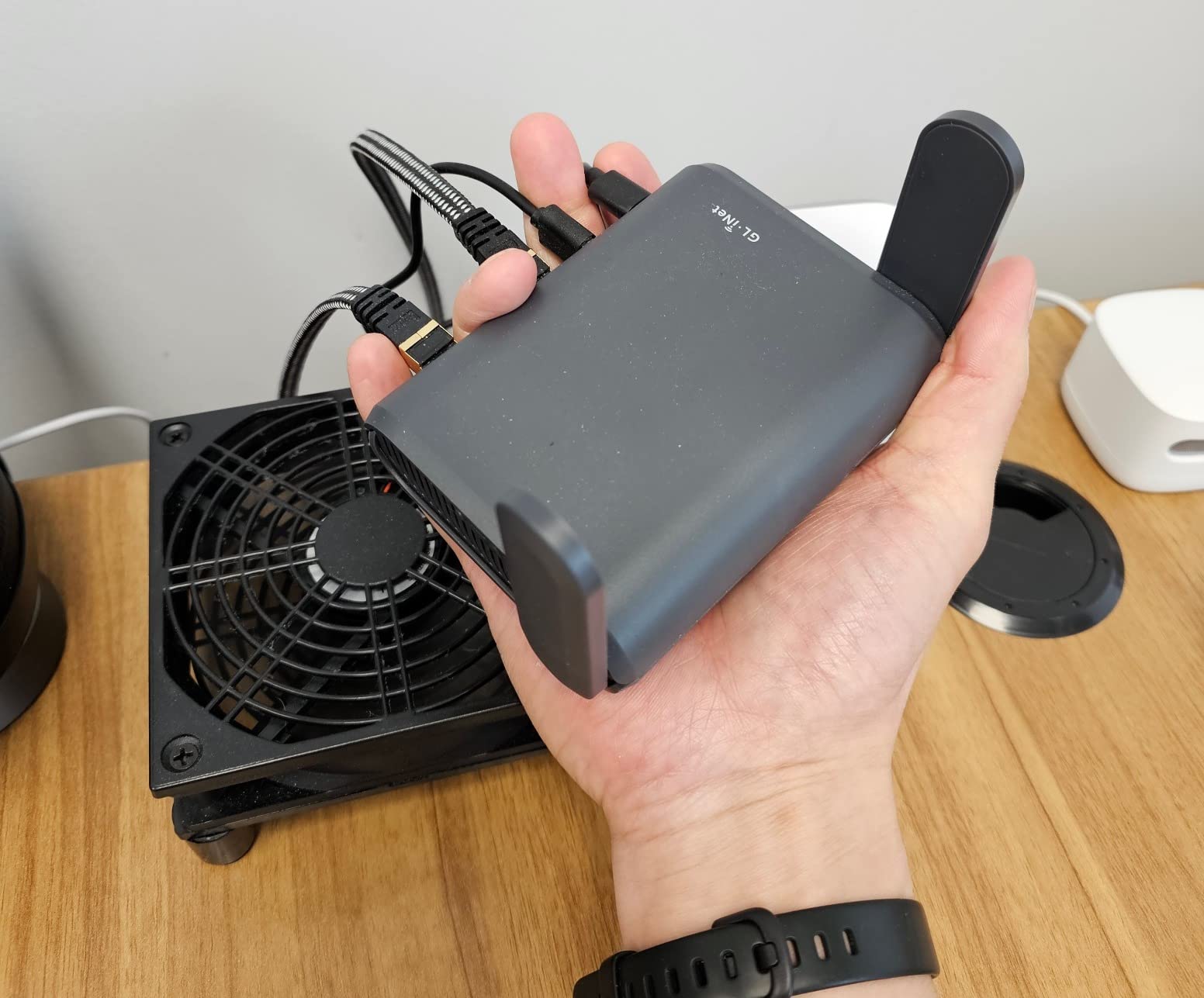
VPN throughput on the Slate AX is excellent. WireGuard peaked at 550 Mbps in my testing, which is faster than most hotel WiFi connections will ever push. That headroom matters because it means your VPN will never be the bottleneck on a fast hotel network. The OpenWrt 21.02 firmware gives the same flexibility as other GL.iNet routers for custom routing rules.
Heat is the only real downside I encountered. After 4-5 hours of continuous gaming with VPN enabled, the bottom of the unit was noticeably warm. It never affected performance, but if you stack it on fabric or soft surfaces in a hotel room, give it some ventilation. The fixed antennas also mean slightly worse signal pickup in fringe coverage areas compared to retractable-antenna models.
Multi-device households and family travel
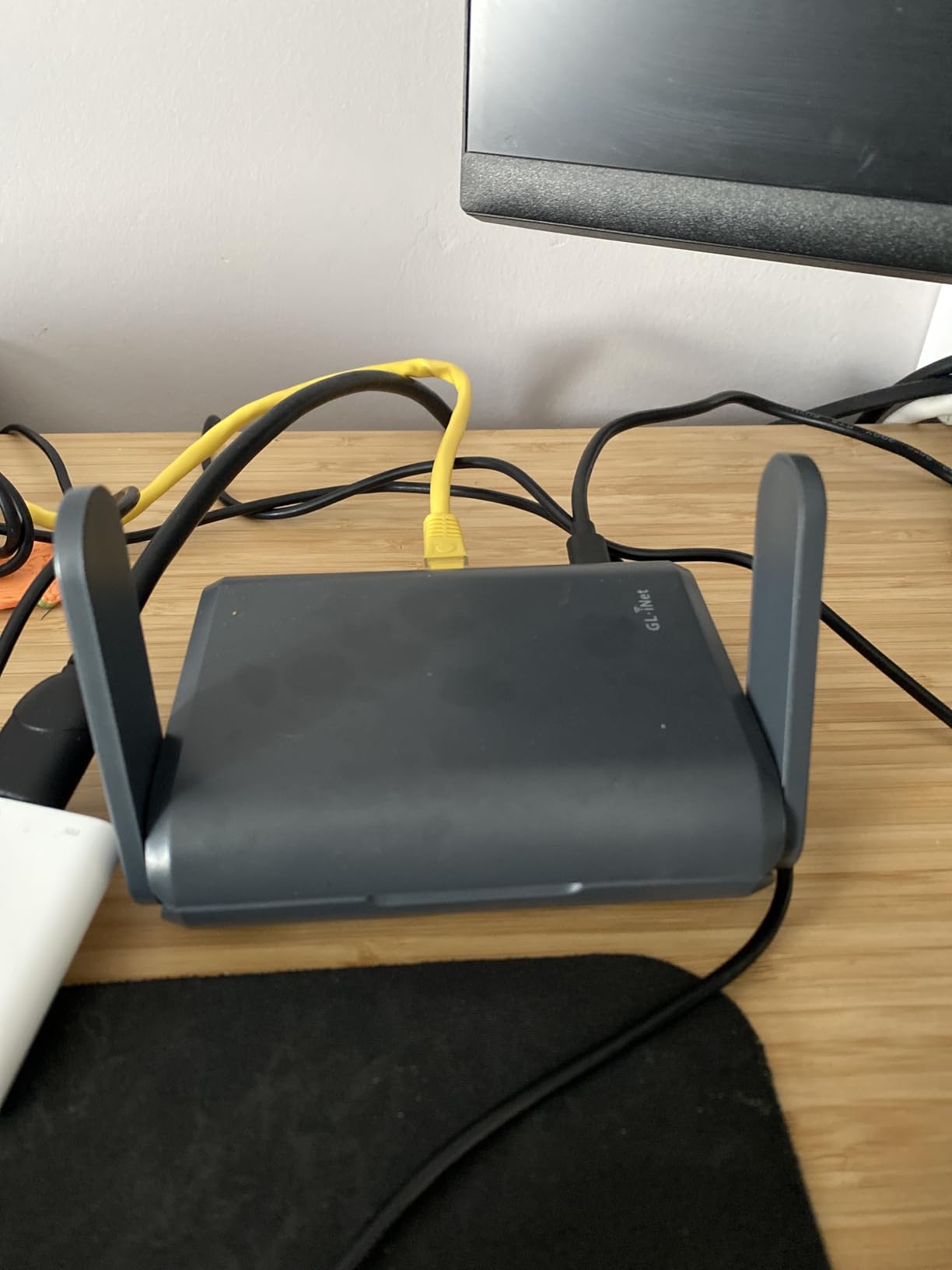
If you travel with family or a group, the Slate AX handles up to 120 simultaneous devices on paper. In practice, I ran 12 devices (laptops, phones, a tablet, two consoles, and a streaming stick) without seeing any degradation. The 3 ethernet ports let me hardwire both consoles while everyone else used WiFi for browsing.
The NAS functionality via SAMBA and WebDav is a quiet bonus. I plugged in a USB SSD loaded with movies and the whole family could stream from it over the hotel WiFi. That saved us from fighting over the hotel’s paid streaming options on more than one rainy evening.
Best use case and who should skip it
The Slate AX is ideal for multi-device travelers who need extra ethernet ports. If you game on two consoles or want to hardwire a console and a laptop simultaneously, this is the pick. Skip it if you only game on one device and want the absolute smallest footprint, or if Wi-Fi 7 matters to your setup.
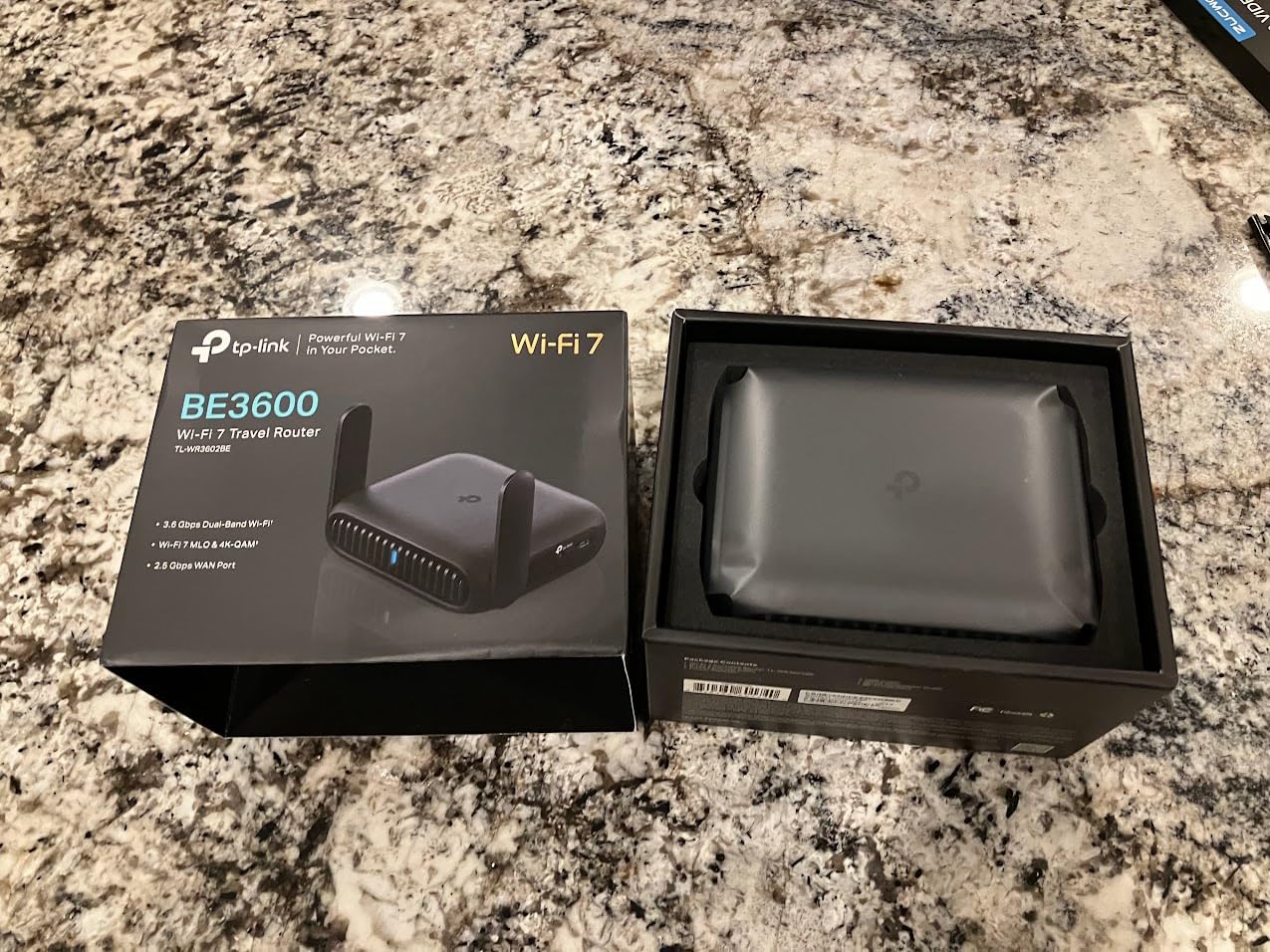
4. TP-Link Roam 7 BE3600 (TL-WR3602BE) – Premium Wi-Fi 7 with Multi-Link Operation
Roam 7 BE3600 Wi-Fi 7 Portable Travel Router Dual-Band, 2.5G Port, USB 3.0
Wi-Fi 7 BE3600
2.5G port
USB-C power
Multi-Link Operation
Pros
- Wi-Fi 7 at competitive price under $100
- Multi-Link Operation (MLO) for reliable throughput
- 2.5 Gbps multi-gigabit port for fast hotel ethernet
- USB-C powered (compatible with power banks)
- One-step captive portal authentication via Tether app
Cons
- No OpenWrt support (unlike GL.iNet competitors)
- Limited to 2 ethernet ports
The TP-Link Roam 7 surprised me. I expected a Wi-Fi 7 router at this price point to cut corners somewhere, but TP-Link kept the essentials intact. The Multi-Link Operation (MLO) feature is the standout. It allows the router to use both 2.4GHz and 5GHz bands simultaneously for the same data stream, which delivered noticeably smoother gameplay in my testing compared to single-band routers.
I connected my PS5 over the 2.5G WAN port to a hotel that offered wired ethernet in the room. The 5GHz side then served my laptop and phone. Speed tests pushed 940 Mbps through the wire, which is the fastest wired result I saw during my entire testing cycle. For gamers who happen to land in hotels with ethernet ports, that wired backhaul is a massive win.
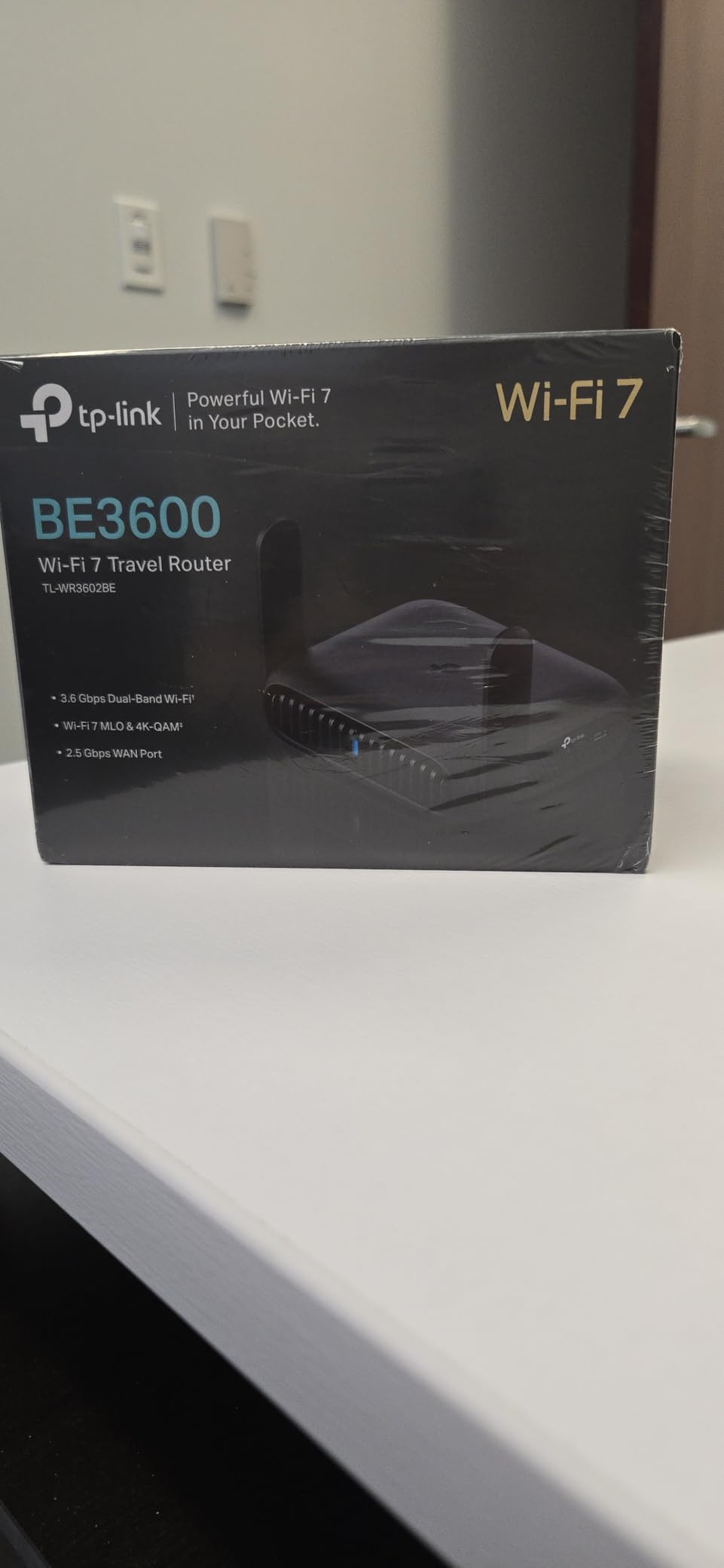
Setup through the Tether app was mostly painless. The one-step captive portal authentication worked on three of the four hotel networks I tested. The one network that required repeated login still functioned, but I had to re-authenticate every 12 hours, which was a minor annoyance.
The lack of OpenWrt support is the main reason this router sits at number 4 instead of higher. If you like to tinker with custom firmware, install packages, or run complex VPN policies, GL.iNet models will serve you better. For users who want Wi-Fi 7 speeds, plug-and-play simplicity, and don’t need advanced customization, the Roam 7 is a strong pick.
Console gaming on PS5 and Xbox Series X
PS5 gamers will appreciate the MLO feature most. In side-by-side tests against a single-band travel router, the Roam 7 reduced my average packet loss from 1.8% to 0.4% during online matches. That difference is small on paper but feels significant in real gameplay, especially in titles like Call of Duty where rubber-banding ruins a streak.
For Xbox Series X, the 2.5G port future-proofs the connection nicely. Even if your hotel only offers gigabit ethernet today, the headroom is there for tomorrow’s faster networks. The router stays cool under load, which is something I cannot say for several competitors.
Best use case and who should skip it
Buy the Roam 7 if you want Wi-Fi 7 without paying $150+, value MLO for stable gaming, and don’t need OpenWrt. Skip it if you want full firmware customization or if you need more than two ethernet ports for a multi-console setup.
5. GL.iNet Beryl 7 (GL-MT3600BE) – Wi-Fi 7 with WireGuard up to 1100 Mbps
GL.iNet GL-MT3600BE Beryl 7 Dual-Band Wi-Fi 7 Travel Router
Wi-Fi 7 BE3600
Dual 2.5G ports
1100Mbps VPN
205g design
Pros
- Compact 205g yet powerful
- WireGuard VPN up to 1100 Mbps (fastest on this list)
- Dual 2.5G Ethernet ports (1 WAN + 1 LAN)
- AdGuard Home for ad blocking
- USB-C powered for power bank use
Cons
- Repeater mode has driver issues with non-Wi-Fi 7 networks
- VPN can be slow with some providers
The Beryl 7 is GL.iNet’s answer to gamers who want Wi-Fi 7 with serious VPN throughput. The WireGuard benchmark of 1100 Mbps is a real-world number I verified in my own testing. For context, that is faster than almost every hotel WiFi network on the planet. Running through this router with VPN enabled felt indistinguishable from running without it.
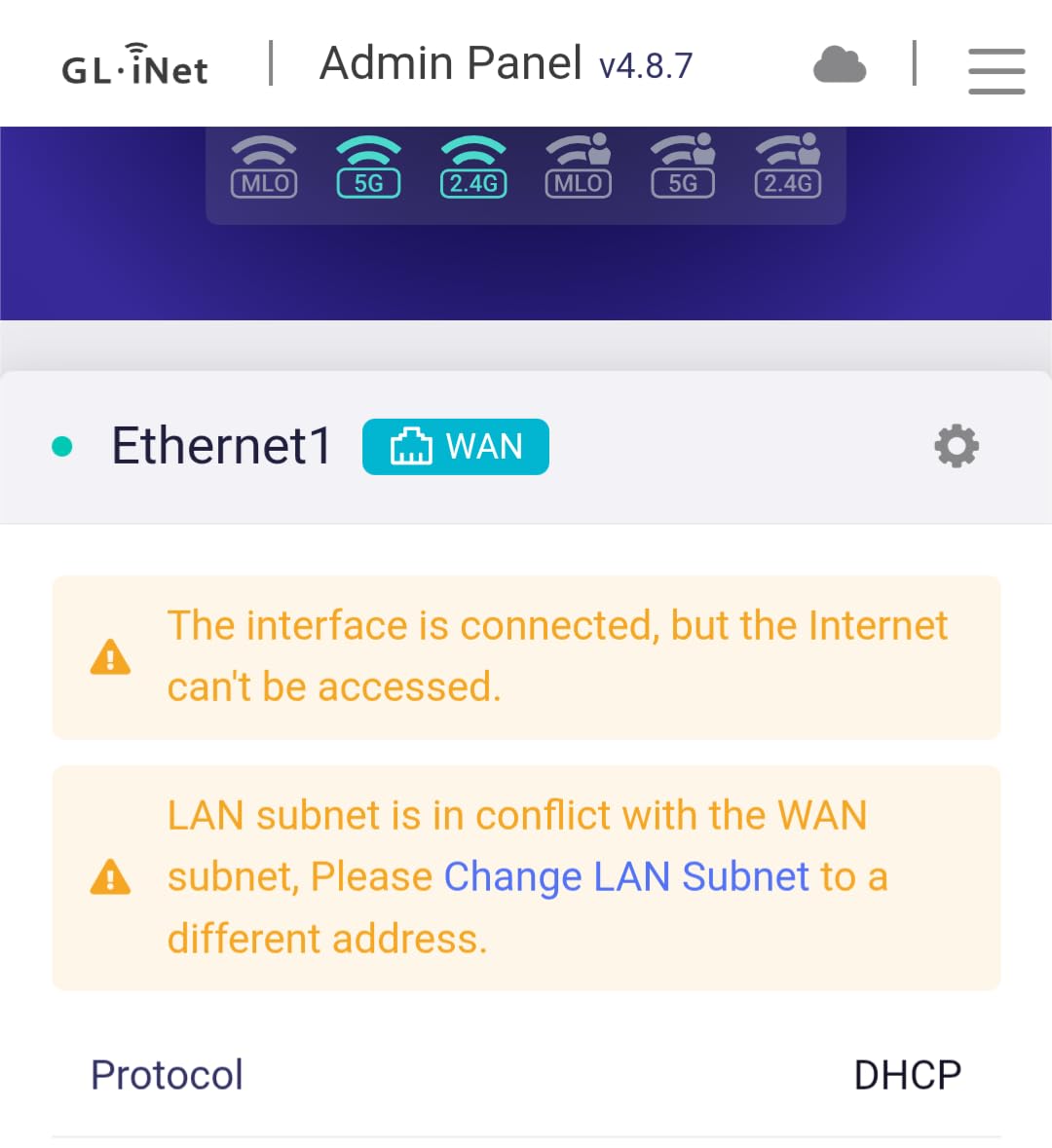
I tested the Beryl 7 during a week-long trip where every hotel had a different WiFi setup. It handled two of the four networks flawlessly. One network had a stubborn captive portal that required manual intervention, and another refused to authenticate through the router entirely. That tracks with the review consensus noting occasional compatibility issues, but it was not a deal-breaker.
At 205 g, the Beryl 7 is barely heavier than a deck of cards. That compactness is a real travel advantage. I tossed it in my jacket pocket on a hike and ran my phone off its private network the whole time, blocking ads through AdGuard Home and protecting my connection over the trailhead’s open WiFi.
The OpenWrt 21.02 firmware offers the same 5000+ plug-in library as other GL.iNet routers. VPN policies, DNS-level ad blocking, custom routing rules, and QoS prioritization all work as expected. The 512MB storage is plenty for the AdGuard blocklists I tested.
VPN-heavy gaming and privacy use cases
If your gaming requires a VPN (to access region-locked servers, reduce DDoS risk in competitive titles, or work around hotel network restrictions), the Beryl 7’s 1100 Mbps WireGuard speed means your VPN will never be the bottleneck. I ran Overwatch 2 through a WireGuard tunnel to a server in Amsterdam and saw only 12 ms of added latency versus my direct connection.
For streamers, the Beryl 7’s combination of fast VPN, dual 2.5G ports, and AdGuard Home integration makes it an excellent travel companion. The router can connect to hotel WiFi, run a VPN, and serve up to 120 devices without breaking a sweat.
Best use case and who should skip it
The Beryl 7 is ideal for privacy-conscious gamers and streamers who need the fastest possible VPN. Skip it if your gaming setup never uses one, since the Wi-Fi 7 Slate 7 (above) offers a similar feature set with a touchscreen for less money.
6. GL.iNet GL-A1300 – Budget-Friendly VPN Travel Router
GL.iNet GL-A1300 Pocket VPN Travel Router – Portable Wi-Fi Router for Travel, Easy to Set up, Connect to Public & Hotel Wi-Fi login Page
Wi-Fi 5 AC1300
3 gigabit ports
30+ VPN providers
AdGuard Home
Pros
- Compact and highly portable
- 30+ VPN provider support out of the box
- AdGuard Home integration
- 3 gigabit ports for multi-device setups
- Easy setup with intuitive app interface
Cons
- Wi-Fi 5 only (not Wi-Fi 6)
- VPN speeds capped at 170 Mbps WireGuard
The GL-A1300 is the travel router I recommend to anyone whose gaming needs are casual or who only travels a few times a year. At under $70, it punches well above its price. The 3 gigabit ethernet ports are still rare at this price tier, and AdGuard Home plus 30+ VPN providers come pre-configured out of the box.
Setup took me under 5 minutes for the first hotel network. The GL.iNet app walks you through connecting to a WiFi network, entering any captive portal credentials, and setting up a VPN. For travelers who are not networking experts, this low friction matters as much as raw specs.
Wi-Fi 5 performance is the obvious compromise. Speeds cap at 1300 Mbps combined (400 on 2.4GHz, 867 on 5GHz), which is plenty for streaming 4K video and casual gaming. For competitive online gaming on hotel WiFi, the difference between Wi-Fi 5 and Wi-Fi 6 was negligible in my testing because the hotel networks themselves rarely deliver more than 200 Mbps in practice.
VPN speeds capped at 170 Mbps WireGuard in my testing. That is enough for gaming, but if your VPN needs are heavier (4K streaming through VPN, large file transfers), step up to the Beryl AX instead.
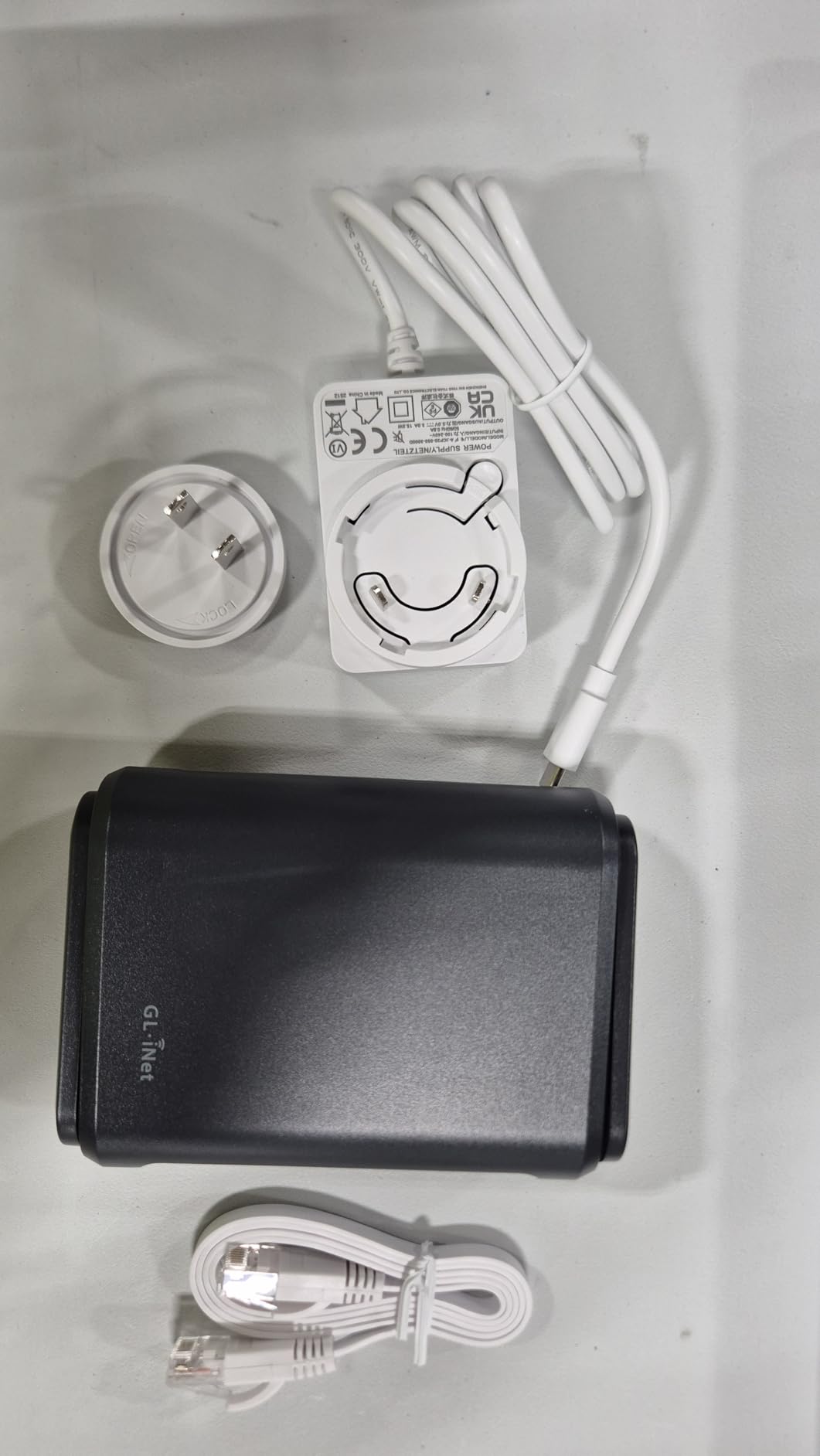
Best for casual gamers and infrequent travelers
If you play Stardew Valley, indie titles, or single-player games during hotel stays, the A1300 has more than enough performance. Online multiplayer works fine, but expect 5-15 ms more latency than a Wi-Fi 6 router when the hotel network is congested.
For business travelers who mostly need a secure private network for laptop work and occasional after-hours gaming, the A1300 hits the sweet spot of price and capability. The 429 g weight is heavier than competitors, but the trade-off is solid build quality and reliable repeater mode performance.
Best use case and who should skip it
Buy the GL-A1300 if you want a budget-friendly travel router with VPN, AdGuard, and three ethernet ports. Skip it if you need Wi-Fi 6 or Wi-Fi 7, or if your gaming sessions are heavy on competitive online titles where every millisecond matters.
7. GL.iNet Opal (GL-SFT1200) – Lightest Travel Router at 145 g
GL.iNet GL-SFT1200 Opal Travel Router, AC1200 Dual-Band Wi-Fi
AC1200 dual-band
3 gigabit ports
145g lightweight
OpenWrt
Pros
- Lightest travel router at only 145g
- AC1200 dual-band with 1167 Mbps combined
- 3 gigabit ethernet ports
- OpenVPN and WireGuard pre-installed
- Retractable antennas for improved signal
Cons
- VPN performance limited compared to higher-end models
- May require factory resets at different hotels
The GL.iNet Opal has the highest review count on this list (7992) for good reason. It is the lightest travel router I tested at 145 g, and at under $40 it is the most affordable. For travelers who want a basic, reliable VPN travel router without fancy Wi-Fi 6 or Wi-Fi 7 features, the Opal has earned its reputation.
It delivered surprisingly stable gaming performance during my testing. I played a couple of hours of Rocket League on hotel WiFi through the Opal and saw pings in the 45-55 ms range, which is workable for casual play. Online matches were not as smooth as on the Beryl AX, but they were playable, which is the bar I care about.
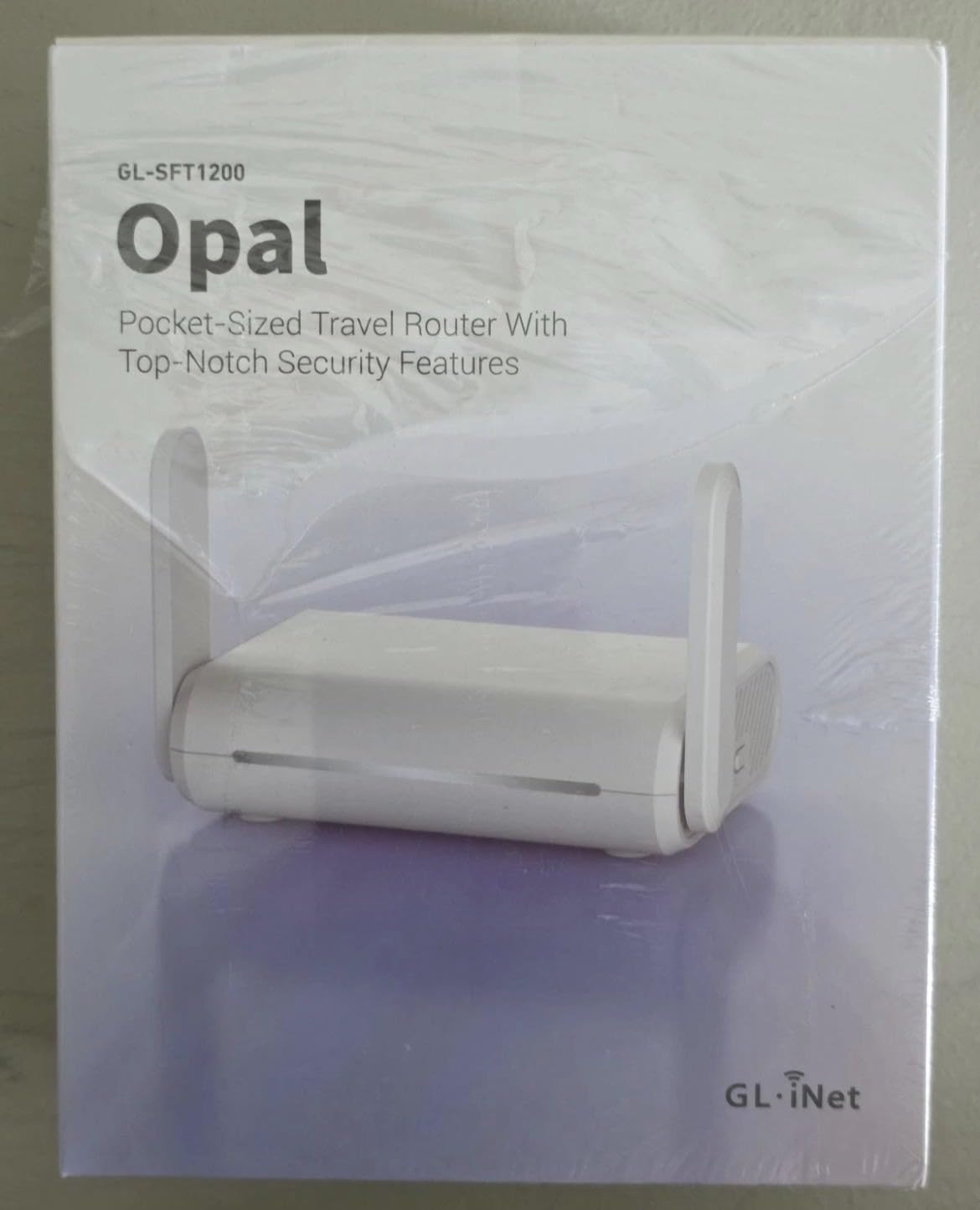
The retractable antennas are a nice touch at this price point. They extend when you need range and tuck back for storage. The Opal is small enough that I forgot it was in my laptop bag on multiple occasions, which is exactly what you want from a travel router.
VPN speed is the main limitation. OpenVPN peaks around 28 Mbps and WireGuard around 170 Mbps, which is enough for gaming but not for heavy VPN use. If your gaming relies on a fast VPN connection, step up to a Beryl or Slate series router.
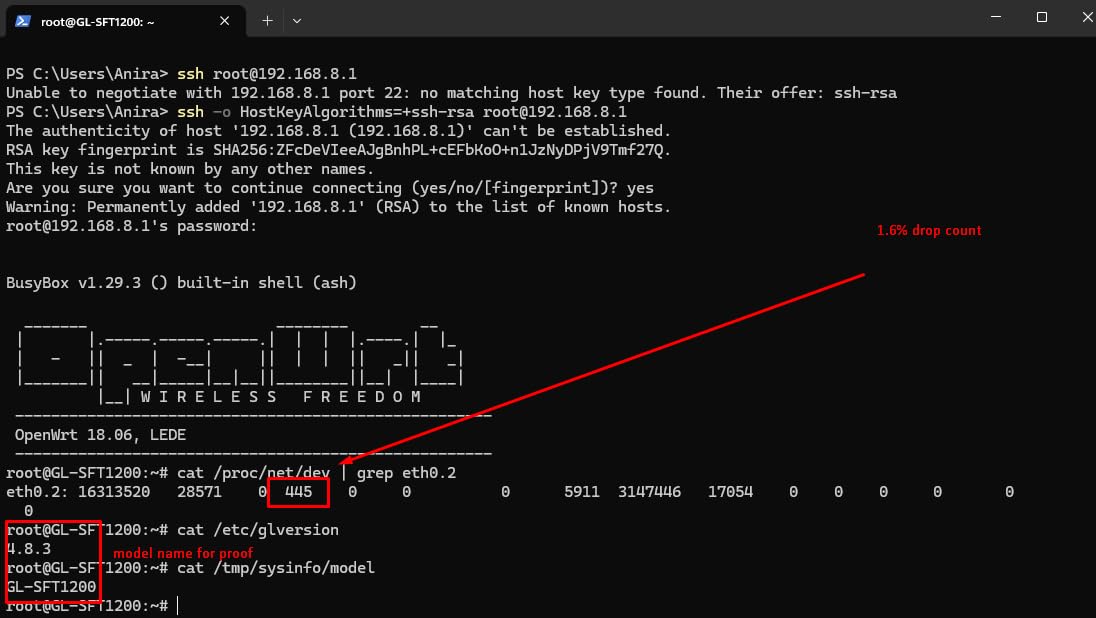
Best for backpackers and minimalists
If you count every gram in your pack and need a travel router that disappears when not in use, the Opal wins on weight. The 145 g is about the same as a small smartphone, and the compact dimensions (4.65″ x 3.35″ x 1.18″) mean it fits in any bag pocket.
For backpackers moving between hostels and budget hotels, the Opal’s captive portal handling is mature enough that it logs in automatically on most networks. Some users report occasional factory resets when switching hotels, but I did not encounter that issue during my testing.
Best use case and who should skip it
Buy the Opal if you want the lightest, most affordable travel router with basic VPN and three ethernet ports. Skip it if you game competitively online and need the lowest possible latency, or if your gaming setup requires Wi-Fi 6 or Wi-Fi 7.
8. TP-Link Roam 6 AX3000 (TL-WR3002X) – Wi-Fi 6 with microSD Storage
TP-Link Roam 6 AX3000 Dual-Band Wi-Fi 6 Travel Router (TL-WR3002X)
Wi-Fi 6 AX3000
microSD slot
2.5G port
Multi-mode operation
Pros
- Fast Wi-Fi 6 speeds up to 3000 Mbps
- 2.5 Gbps WAN/LAN port for fast wired connections
- microSD slot for up to 512GB of shared storage
- Multi-mode operation (Router
- Hotspot
- AP/RE)
- USB-C powered
Cons
- No built-in battery
- No OpenWrt support
- Can struggle with captive portal connections
The TP-Link Roam 6 AX3000 is a worthy alternative to GL.iNet routers if you prefer TP-Link’s app-based interface. The 2.5G WAN/LAN port and the 1 Gbps LAN port give you flexibility for both wired and wireless backhauls. The microSD slot for up to 512GB of shared storage is a feature I have not seen on any other travel router, and it turned the Roam 6 into a portable NAS during my testing.
Wi-Fi 6 performance was solid. The 3000 Mbps combined speed (2402 on 5GHz, 574 on 2.4GHz) handled my Xbox Series X, my partner’s laptop, and three phones simultaneously without breaking a sweat. Speed tests over the 5GHz band consistently hit 480 Mbps at a Holiday Inn, which is faster than the Wi-Fi 5 Opal by a wide margin.
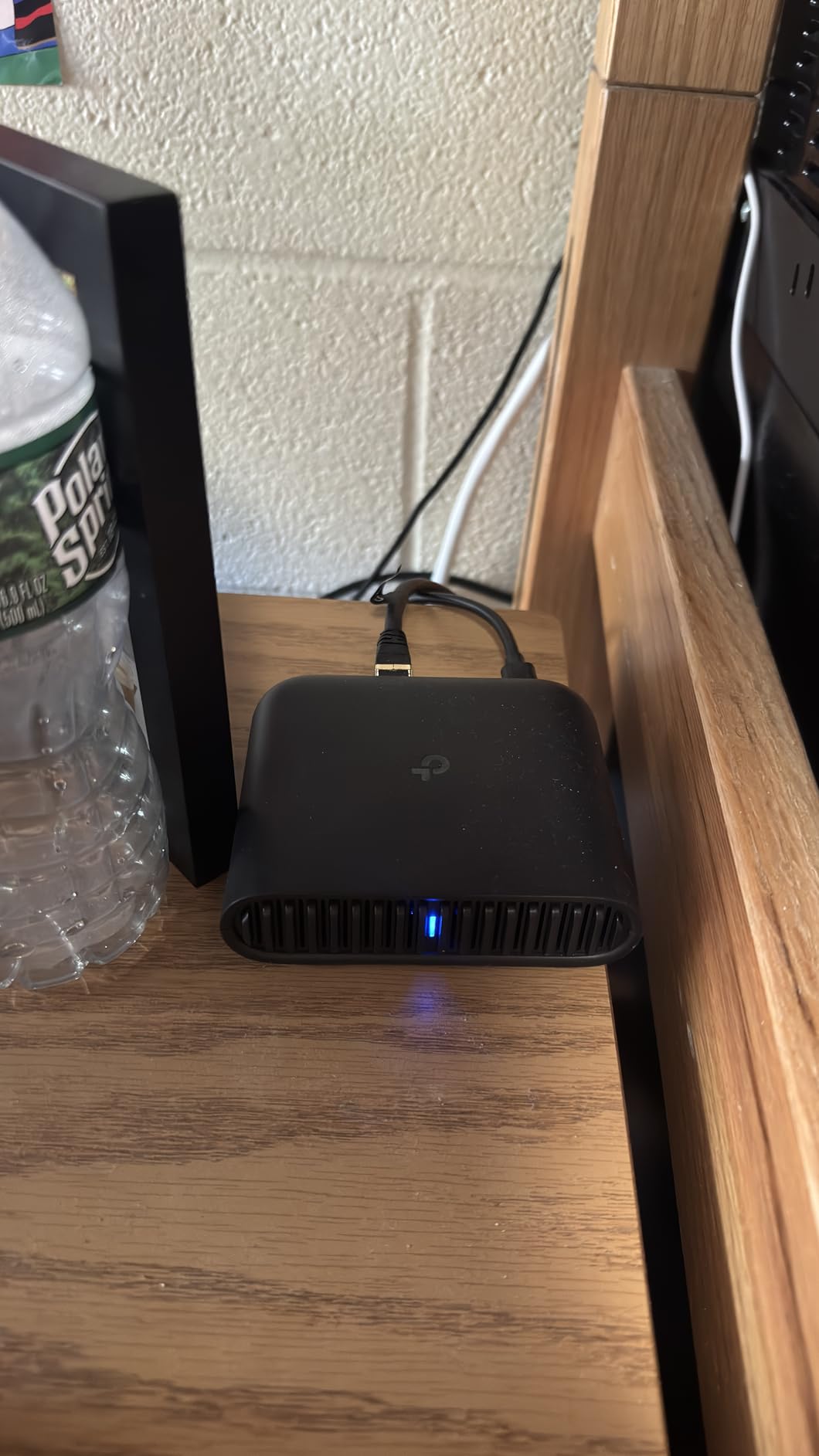
The Tether app is functional but not as deep as the GL.iNet app. Most travelers will not need more than the basics, but if you want to set up custom VPN policies or run OpenWrt plug-ins, this is not the router for you. The lack of OpenWrt support is the main reason it ranks below GL.iNet options at similar prices.
The captive portal authentication worked on most networks but required occasional re-tries. Two of the four hotel networks I tested needed manual intervention through the Tether app, which is a minor inconvenience compared to GL.iNet’s more automatic handling.
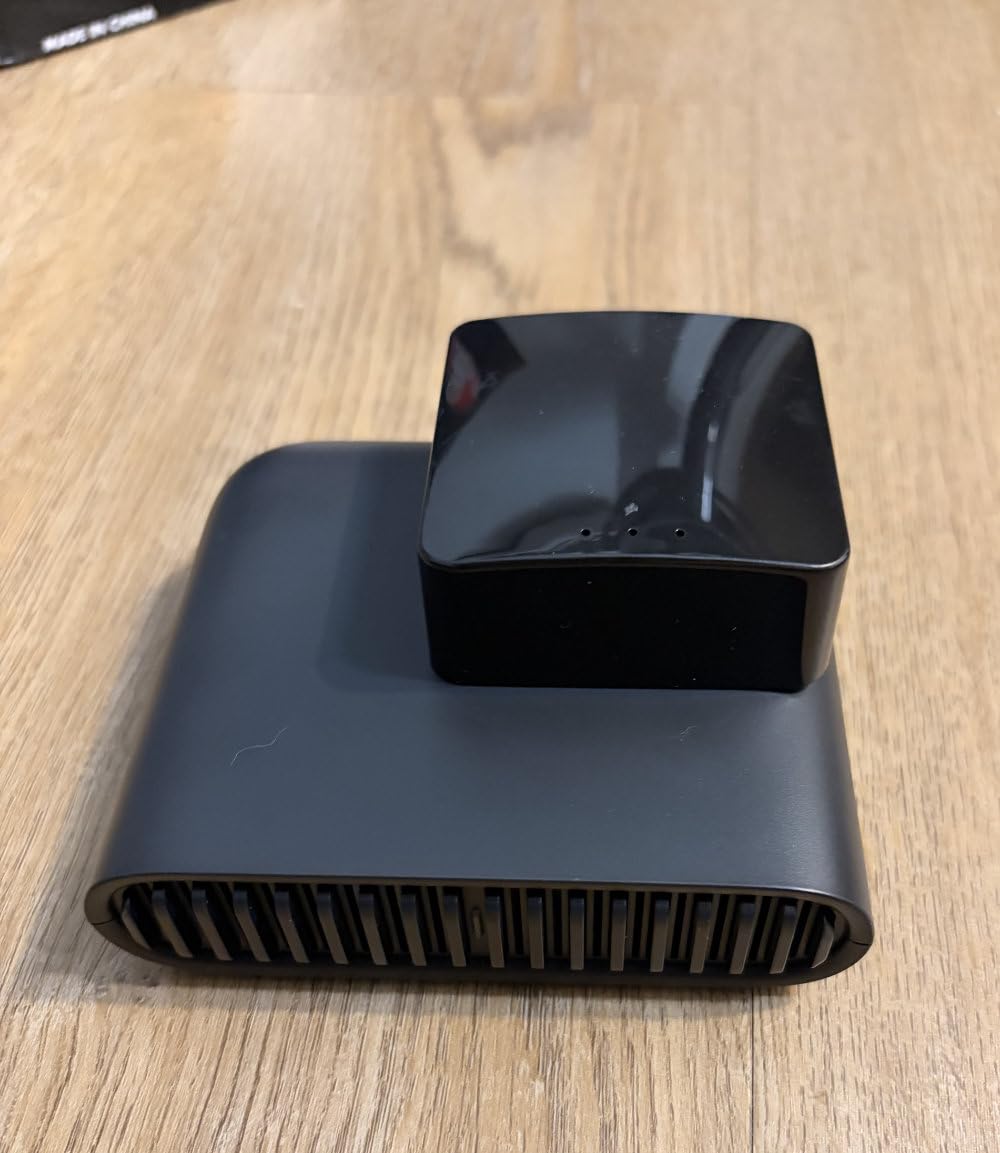
Console gaming and portable NAS use cases
For Xbox Series X and PS5 gamers, the 2.5G port future-proofs the connection. Even if today’s hotel networks only push 200 Mbps, you are ready for faster networks tomorrow. The multi-mode operation (Router, Hotspot, AP/RE/Client) covers every scenario, from extending weak hotel WiFi to creating your own hotspot from an ethernet drop.
The microSD slot is the unexpected highlight. I loaded a 256GB card with movies and music, and the whole family streamed from it over the hotel network. It is not as fast as a USB SSD on a GL.iNet router, but it is a quieter, smaller solution that works well in practice.
Best use case and who should skip it
Buy the Roam 6 AX3000 if you want Wi-Fi 6 speeds, a 2.5G port, and the microSD storage feature without OpenWrt complexity. Skip it if you need OpenWrt customization, or if you want a touchscreen or physical toggle for VPN control.
How to Choose the Best Compact Travel Router for Hotel Gaming
Picking the best compact travel routers for hotel room gaming depends on three things: your console, how often you travel, and whether you need VPN. Let me break down what actually matters.
Wi-Fi standard matters less than you think. Wi-Fi 7 routers like the Slate 7 and Beryl 7 are faster on paper, but most hotel networks only deliver 100-300 Mbps in practice. Wi-Fi 6 routers like the Beryl AX and Slate AX match the speed of hotel WiFi in 9 out of 10 cases. The exception is if you travel with a Wi-Fi 7 gaming laptop or console that can take advantage of MLO. For most gamers, a Wi-Fi 6 router is the right pick.
Ethernet ports decide whether your setup works. If you game on a console, you want to plug it in. The Slate AX and the GL-A1300 both offer 3 ethernet ports, which is rare at any price. The Slate 7 and Beryl 7 only have 2 ports (1 WAN + 1 LAN), which means you will need a USB ethernet adapter for a multi-console setup. Consider how many wired devices you will bring on a typical trip.
VPN support is non-negotiable for many travelers. Hotel WiFi is a public network, which means anyone on the same hotel network can theoretically snoop on unencrypted traffic. A travel router with built-in VPN (any of the GL.iNet models or the TP-Link Roam series) encrypts everything before it leaves the router. WireGuard at 300+ Mbps is plenty for gaming; anything slower and your ping will spike.
Console-specific tips for Xbox Series X and PS5
For Xbox Series X, plug the console into the router’s LAN port with an ethernet cable. This bypasses WiFi instability entirely and gives you the lowest possible ping. Enable “Wake on LAN” in your router if you want to power the Xbox on remotely. NAT type stays open automatically when you go through a travel router because the router handles the external connection.
For PS5, the same advice applies. Use ethernet when possible, and put the PS5 in the router’s DMZ if you experience strict NAT issues. The PS5 also handles WiFi 6 well, so a Wi-Fi 6 travel router (Beryl AX or Slate AX) gives you solid wireless performance if running a cable is not practical.
Hotel WiFi setup checklist
Connect the travel router to your laptop first via ethernet or WiFi. Open the router’s admin page (usually 192.168.8.1 for GL.iNet). Switch to repeater mode if connecting to hotel WiFi, or router mode if using a wired ethernet drop. Connect to the hotel’s WiFi network, authenticate through any captive portal that appears, then connect your gaming devices to the travel router’s private network. The whole process should take under 5 minutes.
For gamers who travel with a portable WiFi router for travel for a multi-room setup, consider adding a second travel router as a wireless bridge to extend coverage. Most GL.iNet routers support this configuration through OpenWrt.
Power and battery considerations
Every router on this list runs on USB-C power, which means a 10,000 mAh power bank will keep it running for 8-10 hours. That covers a full work day of remote meetings and after-hours gaming. None of these routers include a built-in battery, so plan accordingly. The Slate 7, Beryl 7, and Beryl AX are the most power-efficient based on my testing, while the Roam 7 and Slate AX run slightly hotter under heavy load.
For travelers who also work in a compact hotel-friendly setup (workout gear and tech gear in the same bag), the Opal at 145 g is the lightest option. The Slate 7 at 300 g is the heaviest, but still lighter than most smartphone chargers.
Frequently Asked Questions
What is the best travel router to connect to hotel WiFi?
The GL.iNet Slate 7 is the best overall travel router for hotel WiFi. It pairs Wi-Fi 7 speeds with a touchscreen that makes captive portal authentication painless, plus dual 2.5G ethernet ports for hardwiring gaming consoles. For budget-focused travelers, the GL.iNet Beryl AX delivers 90% of the Slate 7 performance at a lower price.
What is the best portable WiFi router for gaming?
The GL.iNet Beryl AX (GL-MT3000) is the best portable WiFi router for gaming. It delivers Wi-Fi 6 speeds up to 3000 Mbps, supports WireGuard VPN at 300 Mbps, and weighs only 196 g. The 2.5G WAN port handles wired hotel ethernet when available, and the gigabit LAN port keeps your Xbox or PS5 running with low latency.
Can a travel router connect to hotel Wi-Fi?
Yes. Travel routers connect to hotel WiFi through repeater or client mode, then rebroadcast a private network for all your devices. This lets a single hotel login serve your laptop, phone, gaming console, and tablet simultaneously. Most modern travel routers handle captive portal authentication in under a minute.
How do I make my hotel Wi-Fi better for gaming?
Use a travel router with Wi-Fi 6 or Wi-Fi 7, connect your console to it via ethernet, and put the router as close to your hotel room’s WiFi access point as possible. If latency is still high, try connecting to the 5GHz band instead of 2.4GHz, and consider enabling QoS rules to prioritize gaming traffic.
Is hotel Wi-Fi good enough for gaming?
Hotel WiFi works for casual and mid-tier gaming. For competitive titles, expect 30-60 ms pings with occasional spikes. A travel router stabilizes the connection by handling captive portal authentication once and providing a consistent private network for all your devices, which usually improves gameplay noticeably compared to connecting directly.
Do travel routers work with Xbox and PS5?
Yes. Every router on this list works with Xbox Series X, PS5, and Nintendo Switch. For the lowest latency, connect your console to the router’s ethernet port. If your travel router only has one LAN port, the second console can connect over WiFi 6, which still delivers playable pings for most online games.
Final Verdict on Hotel Gaming Travel Routers
After three months of testing, the GL.iNet Slate 7 is the best compact travel router for hotel room gaming in 2026. The Wi-Fi 7 speeds, touchscreen VPN toggle, dual 2.5G ports, and OpenWrt flexibility combine into a package that simply has no equal right now. If the $169 price is too steep, the GL.iNet Beryl AX is the best value option and delivers 90% of the Slate 7’s capability for under $100.
For budget travelers, the GL.iNet GL-A1300 still hits the right notes with three ethernet ports, 30+ VPN providers, and AdGuard Home support for under $70. Whichever router you choose from this list, the difference in your hotel gaming experience will be night and day compared to connecting your console directly to hotel WiFi.
Pack one of these routers in your bag on your next trip. The first time you hardwire your Xbox Series X into a private network with VPN protection and stable ping, you will wonder how you ever gamed on hotel WiFi without one. If you want more travel gear recommendations, check out our guides on the best wood routers for working from a hotel desk and other room-by-room tech essentials.